Explore
Thoughtful finds for your Mac and beyond.


Thoughtful finds for your Mac and beyond.

Search clipboard history and paste faster
Minimal Paste is a local clipboard manager for Mac. Search copied text, images, links, files, and colors from a shelf, then paste them back into the app you were using. - Open the shelf with Shift-Command-V and navigate using the keyboard. - Pin frequently used clips so retention does not remove them. - Organize related clips into named, colored groups. - Add folders and subfolders for quick access to their files. - Select and paste several clips together. - Position the shelf along a screen edge or in a separate window. Clipboard history stays on your Mac, and password managers are ignored. Requires macOS 14 or later. A $9.99 one-time license covers three Macs and includes free updates, with a seven-day trial available.

Capture, edit, organize, and share in one
Shotbase is a comprehensive tool designed to capture and manage all your screen-based content effortlessly. With features like stunning screenshot capabilities, recording options that include cinematic effects, and an intuitive organizational structure powered by local AI, you can easily keep your multimedia assets organized and accessible. Shotbase not only allows you to capture specific areas, windows, or full screens on your Mac but also enables you to edit and enhance your captures with backgrounds, frames, and annotations. The integrated AI ensures your captures are automatically named and tagged for easy searching, making it an excellent choice for anyone looking to enhance their productivity and creativity in one seamless workspace.

The file manager your Mac deserves
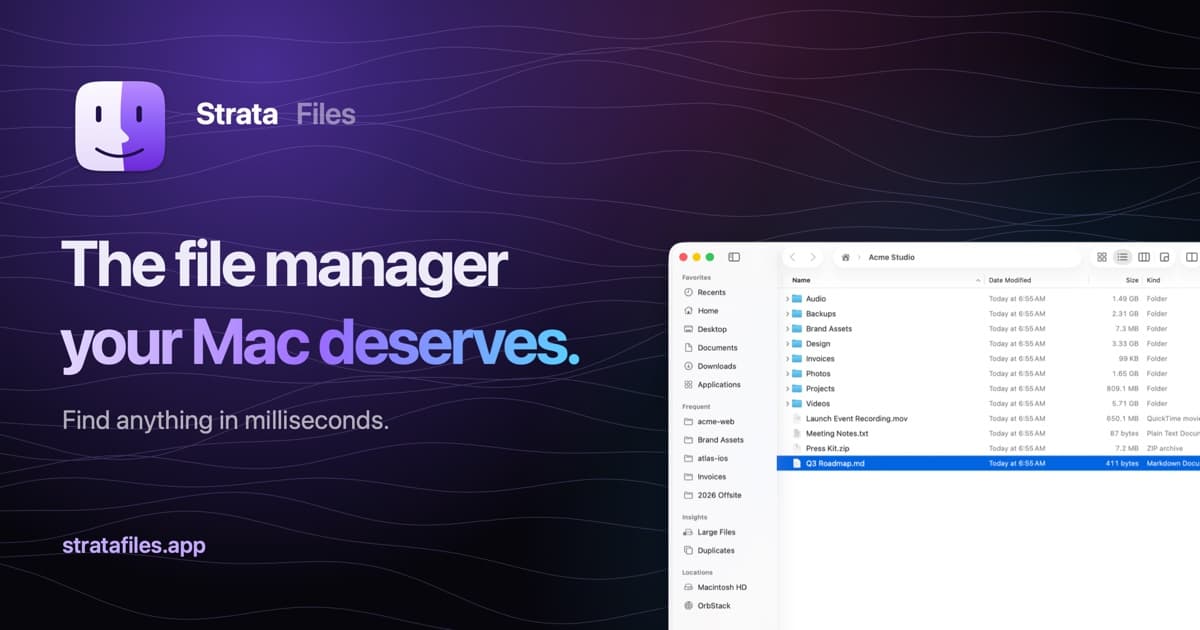
Strata Files is a free, open-source file manager for macOS. It combines indexed file search, live folder sizes, and keyboard navigation with tools for organizing files and inspecting projects. - Search files as you type or use plain-English queries. - Browse in dual panes and save tabs as workspaces. - Inspect disk usage, Git status, code, and document previews. - Pause and resume copies, review conflicts, and undo file operations after restarting. - Batch rename files with a live preview and browse archives as folders. - Generate document summaries and plan bulk changes locally. Requires macOS 26 Tahoe on Apple silicon. Apple Intelligence is optional, with built-in fallbacks for summaries and bulk-change requests. Strata is MIT licensed, and its search index and history stay encrypted on your Mac.

Edit videos with your own AI
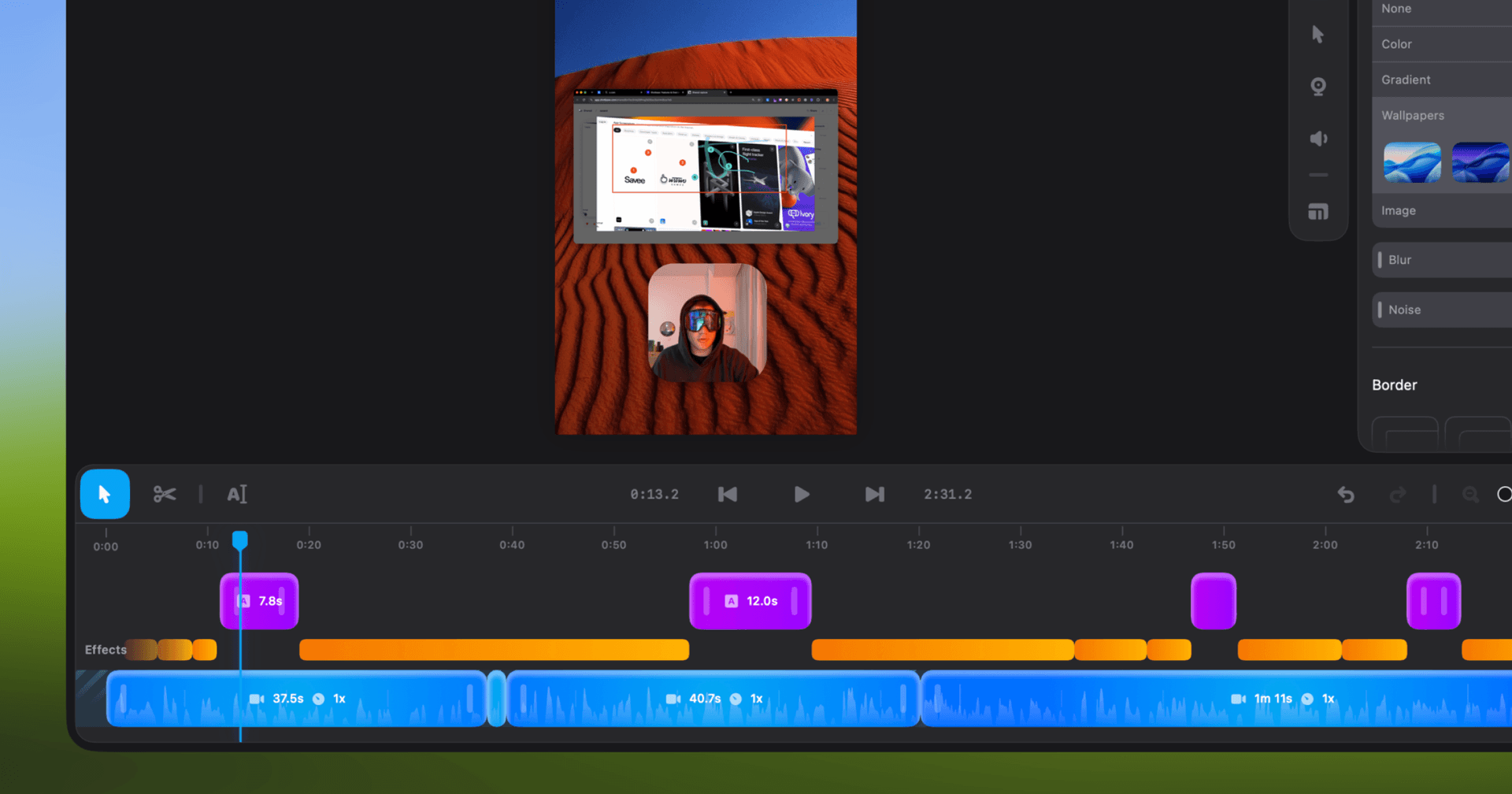
Rushilo is a desktop video editor for Mac and Windows that connects to your own AI tools. Describe changes to Claude Code, Codex, or another MCP client, then review the edits on a visible timeline. - Trim and split clips, add captions, and undo an entire agent turn. - Generate captions locally with Whisper and edit transcripts to remove filler words or pauses. - Organize clips, notes, and agent conversations on a planning board. - Record your Mac screen with camera, microphone, system audio, and automatic zoom. - Reframe videos for different aspect ratios and export to disk or YouTube. One-time licenses start at $19, with options for one, three, or five computers. AI subscriptions and API usage are paid separately. Projects and media are stored locally; connected AI providers receive the inputs needed for your requests.

 Best Codex Micro Alternatives for Mac (It's Sold Out)November 11, 2026



 Best Screenshot Tool for Mac (CleanShot X Alternatives)November 11, 2026

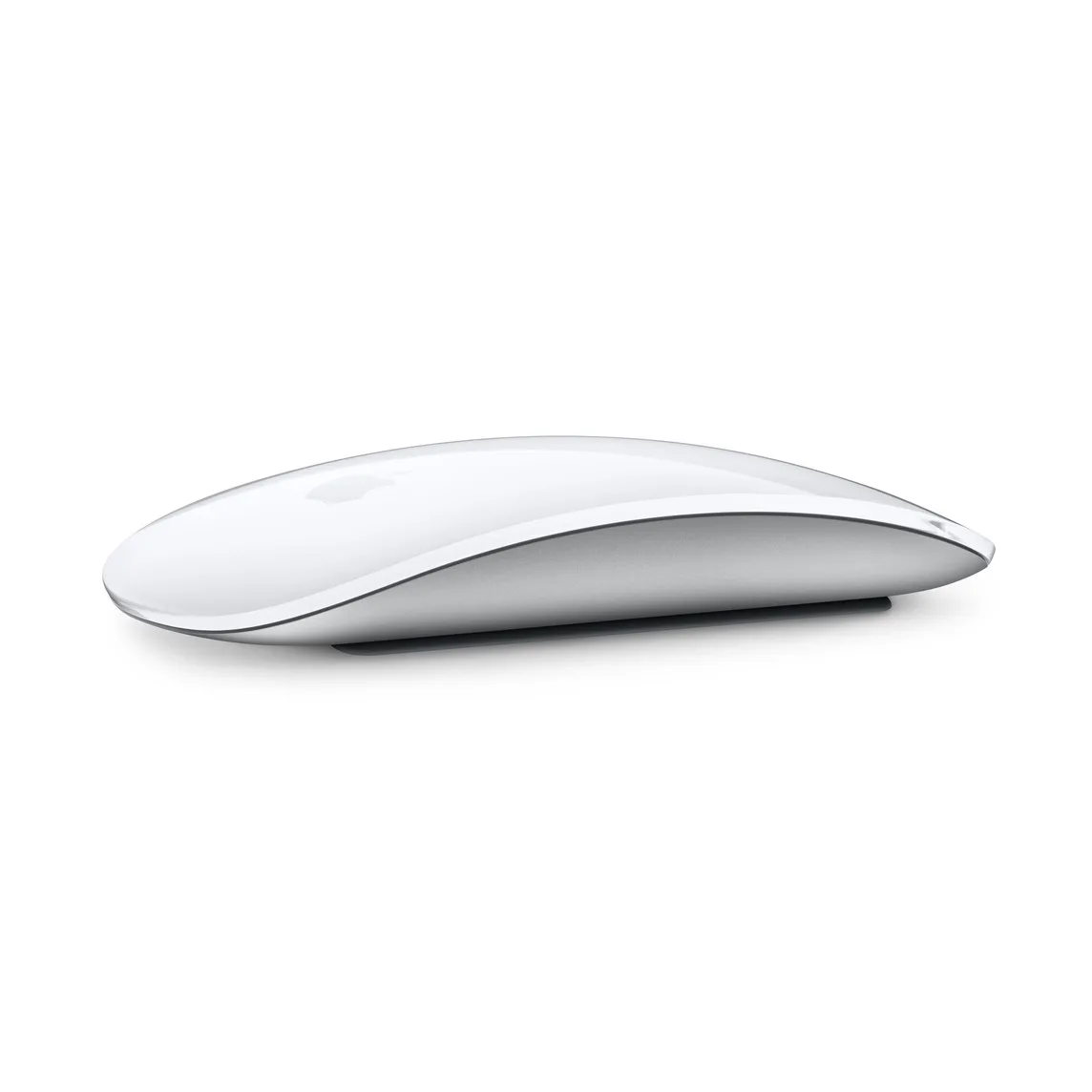
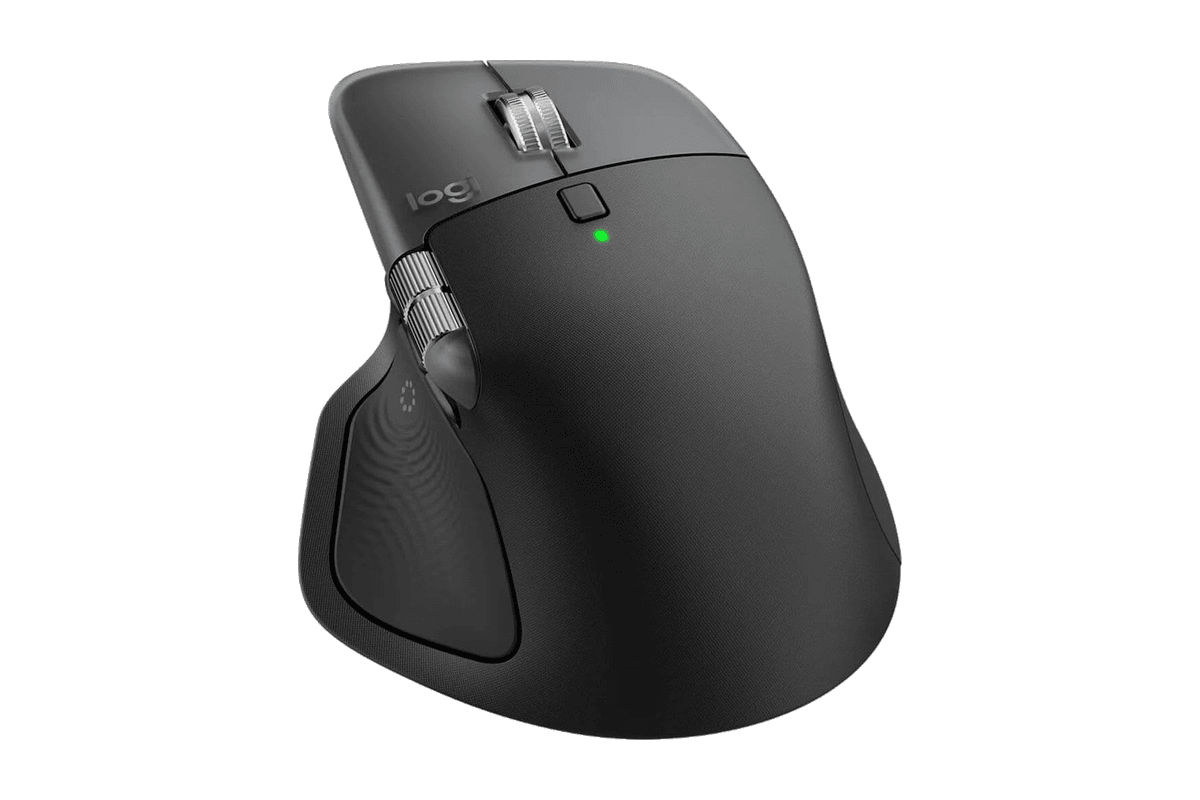
 Best Mouse for Mac in 2026: MacBook, MacBook Pro and Mac MiniNovember 10, 2026



 Best Screen Studio Alternatives for MacNovember 10, 2026
 Best Keyboard for Mac in 2026November 8, 2026



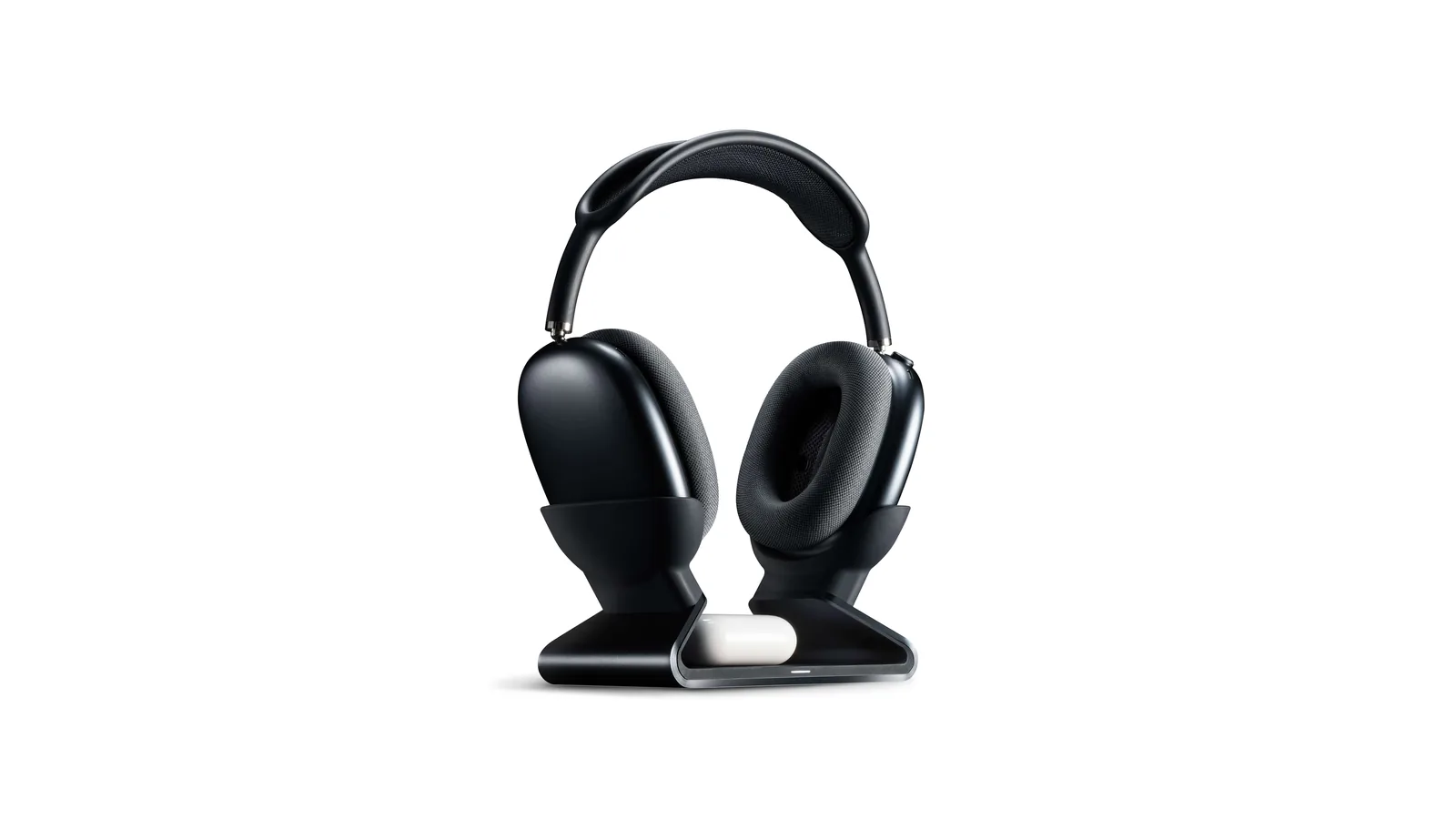
 Best AirPods Max Stand in 2026November 6, 2026

Local forecasts, radar, and live widgets
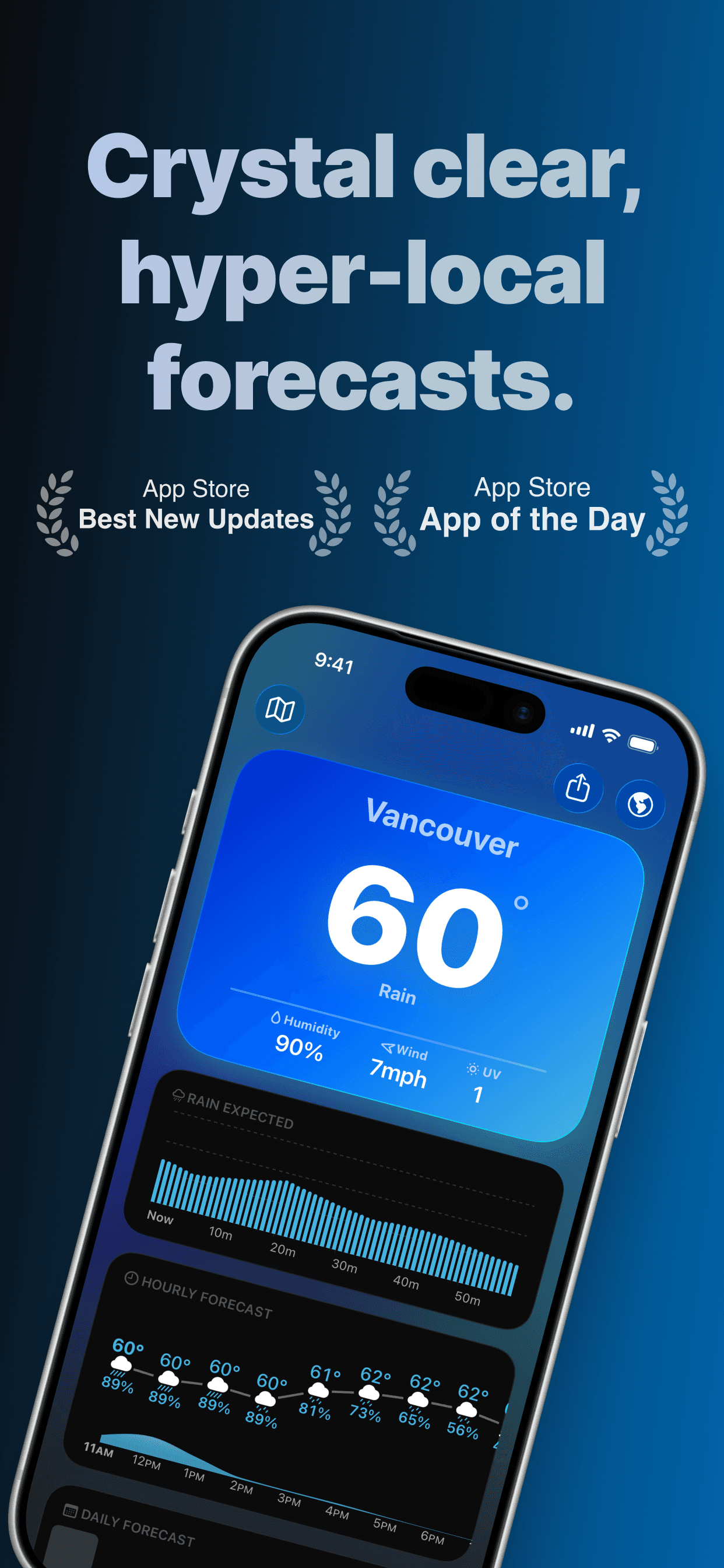
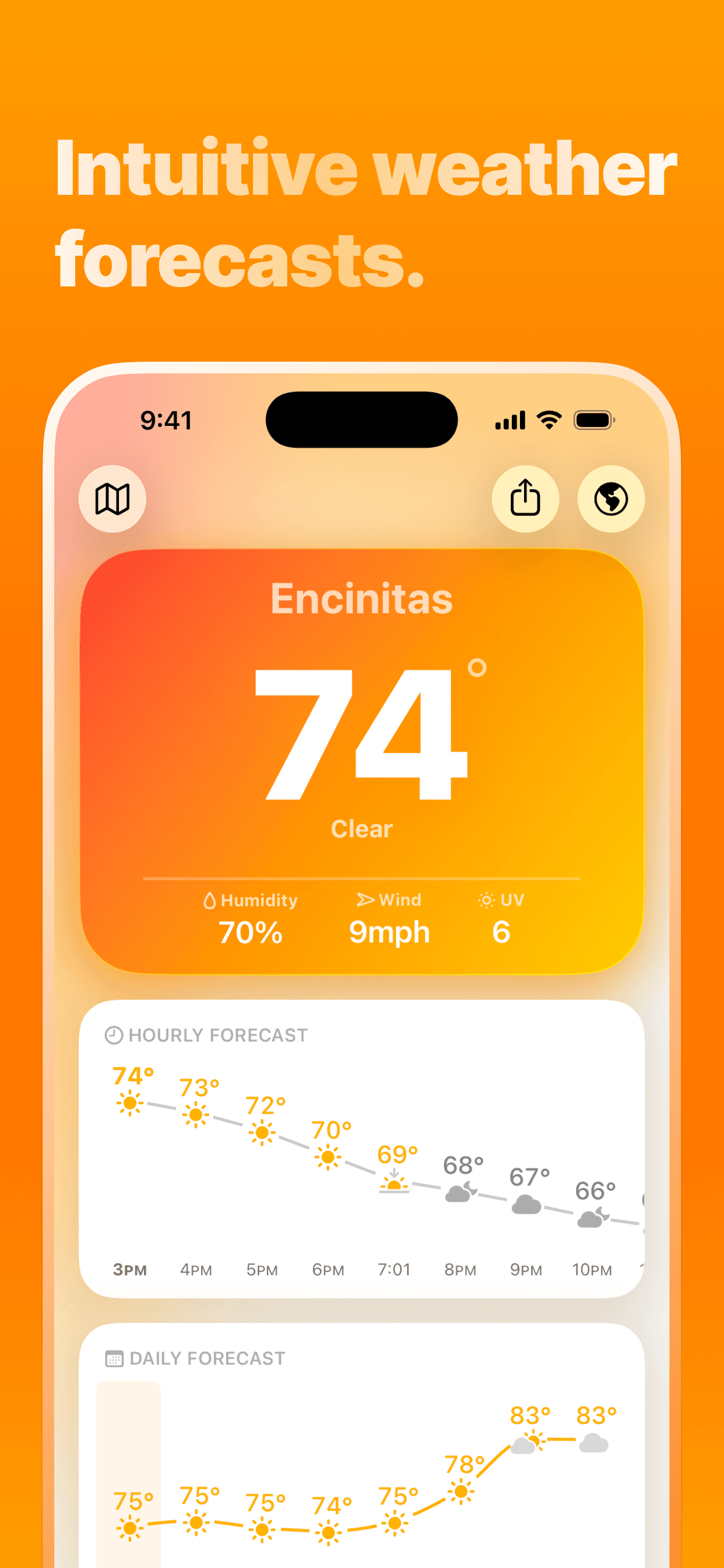
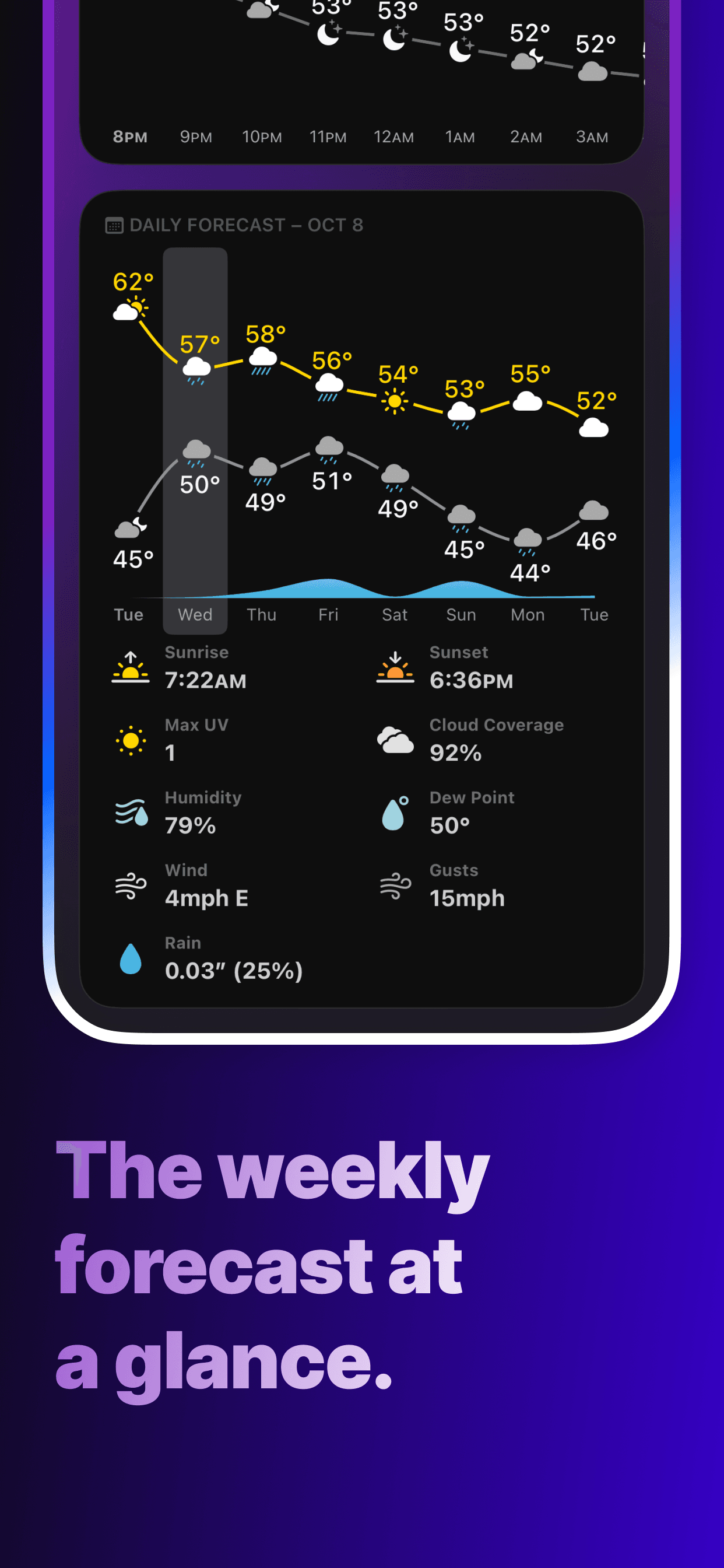
Mercury Weather is a weather application providing local forecasts, live widgets, radar maps, and notifications. It offers detailed visualizations, daily and trip forecasts, and is available on iPhone, iPad, Mac, and Apple Watch. - Provides beautiful weather charts and visualizations - Includes detailed daily and trip forecasts - Offers accurate rain forecasts and weather notifications - Features hurricane and storm tracking tools - Displays tide forecasts and radar maps - Supports Apple Watch app and home or lock screen widgets Mercury Weather is free to download with in-app purchases available. It requires devices running iOS 16.0 or later for Apple platforms.

Mac Markdown editor with AI co-writers
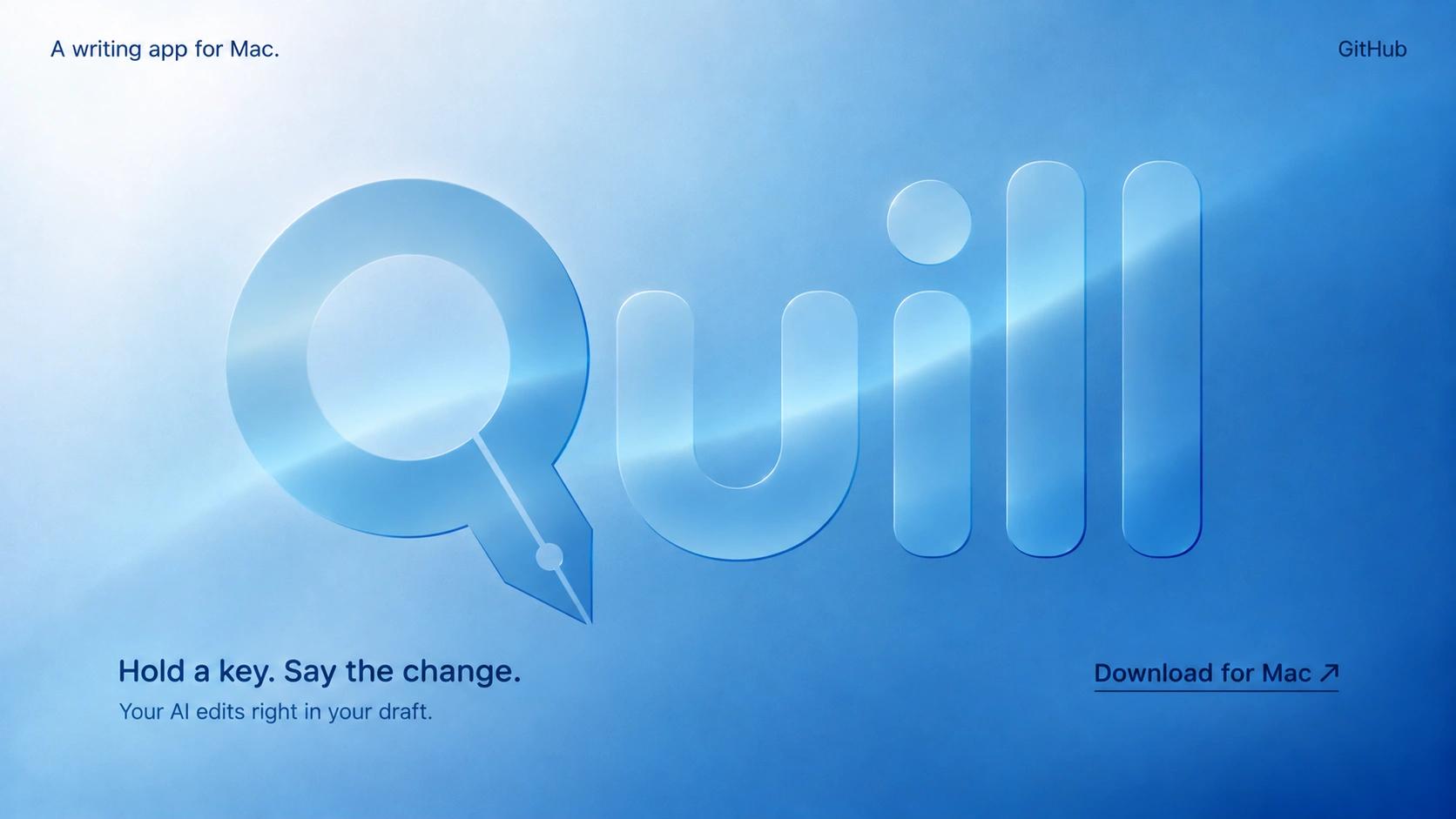
Quill is a free and open-source writing application for macOS 26 or later, combining a Markdown editor with built-in AI editing from multiple model co-writers. It lets users edit drafts by voice or text, with revisions made directly in place. - Edits drafts in place using selected AI co-writers, such as Claude Code or Codex - Supports voice or typed editing requests using keyboard shortcuts - Offers multi-model editing by stacking responses from multiple AI agents for comparison - Stores notes as plain .md files compatible with Obsidian - Reads and applies user style rules from a Voice.md file before every edit - Connect supported agent sign-ins or your own compatible API endpoint; provider charges and subscriptions are separate Quill is available at no cost, distributed under the Apache 2.0 license, and requires macOS 26 or later. Users must have or set up supported AI agent accounts to enable co-writer editing capabilities.

Product planning and issue tracking companion
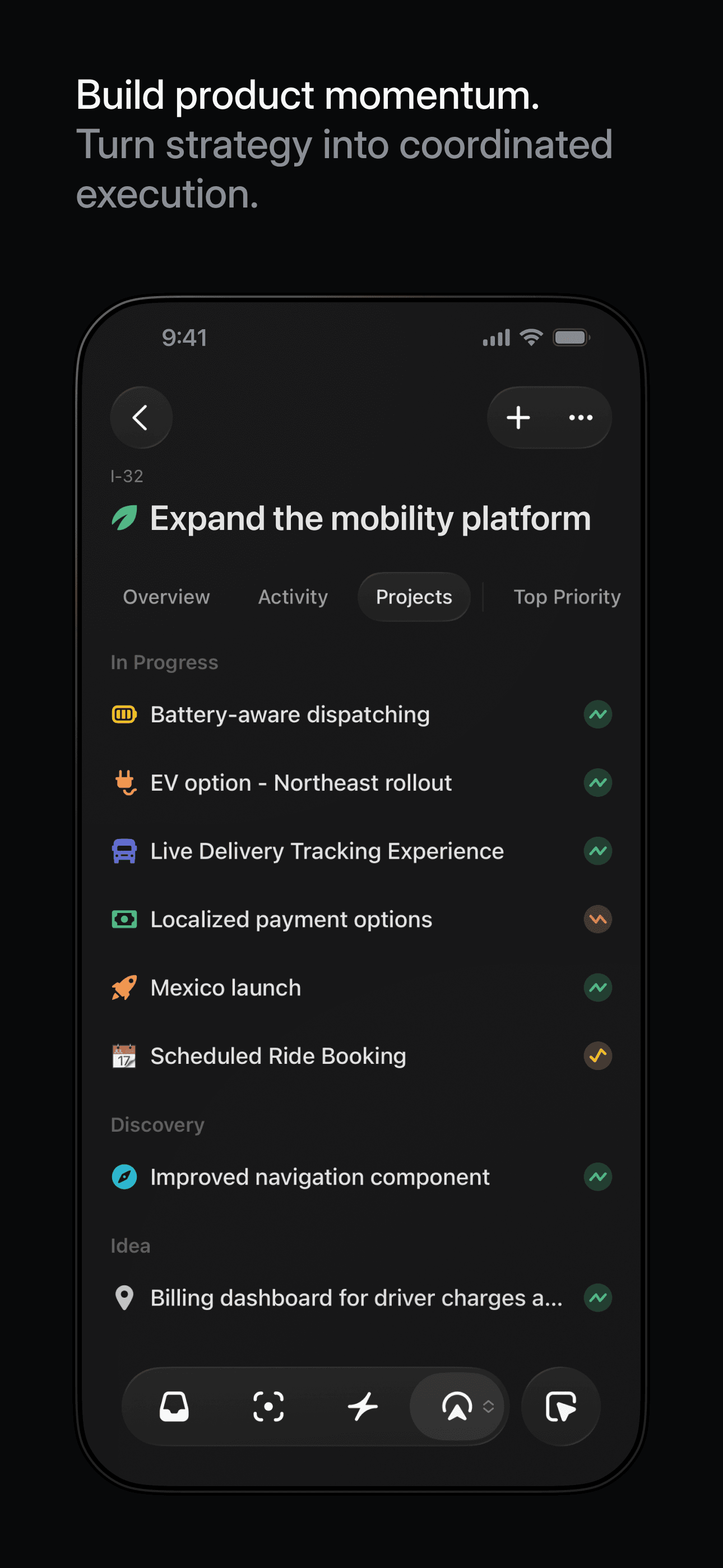
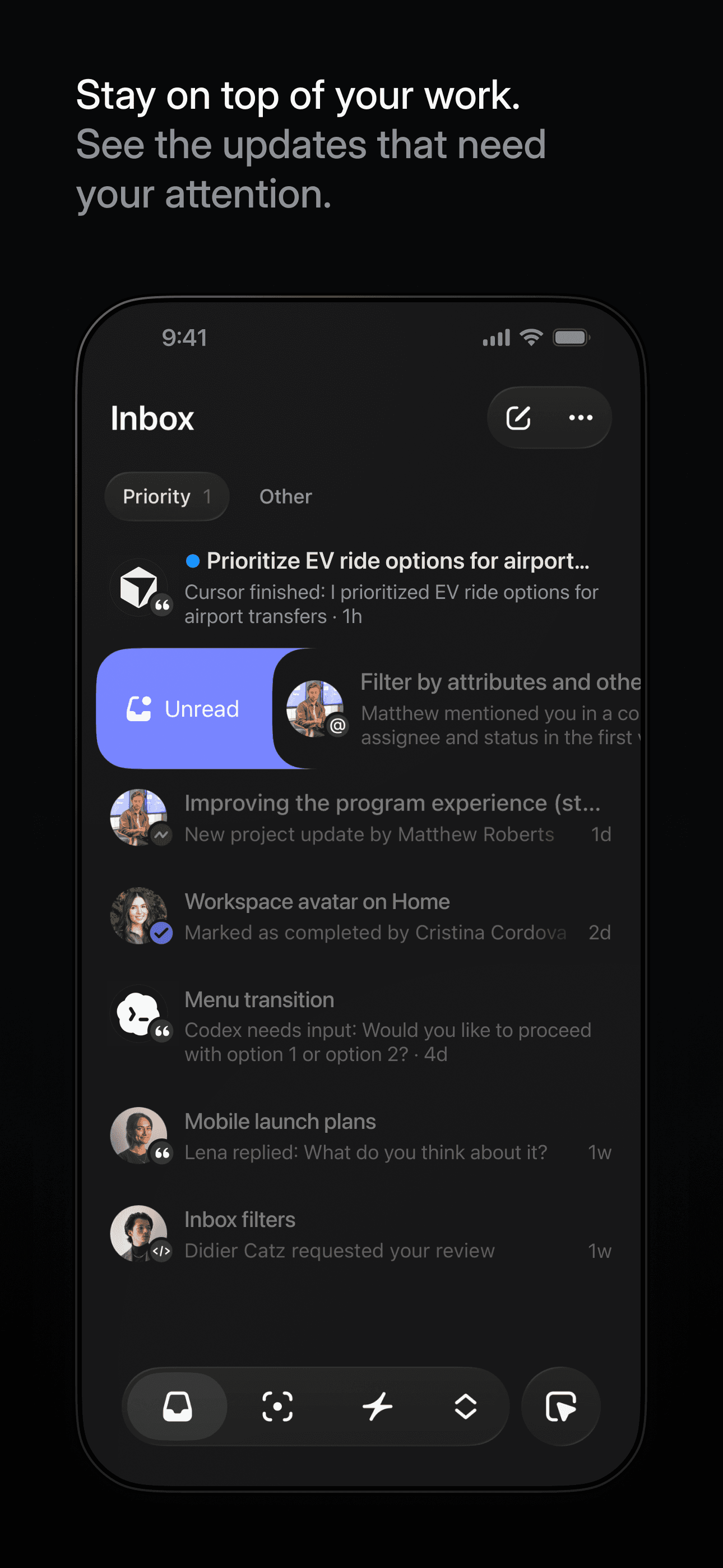
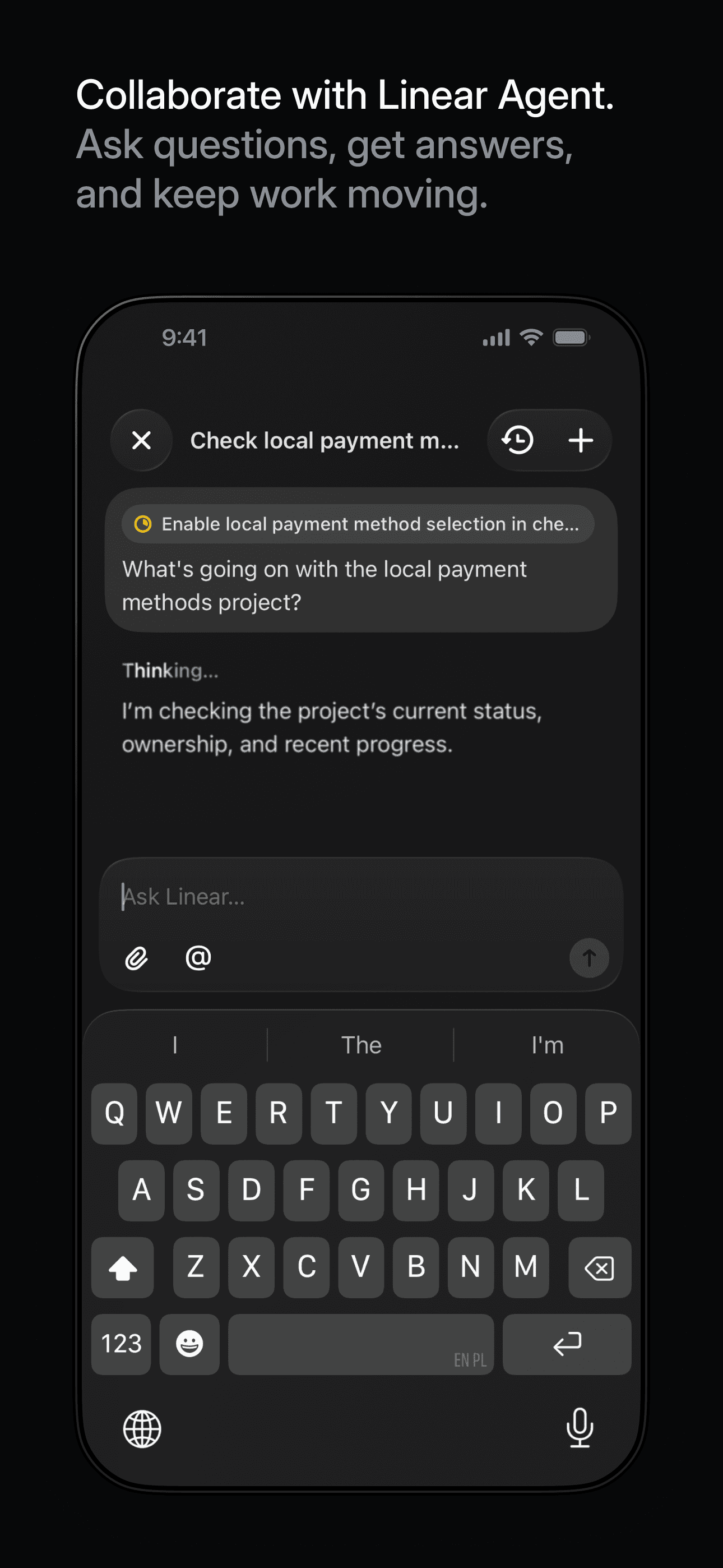
Linear Mobile is a purpose-built iOS app for planning and building products. It complements the Linear desktop app and enables users to streamline issues, projects, and product roadmaps when away from their main workstation. - File product issues while on-the-go - Stay updated on important work streams - Receive instant notifications for key updates - Update issues, projects, and documents remotely Linear Mobile requires an existing Linear account to use. The app is available free of charge and supports iOS devices with at least iOS 18.0.

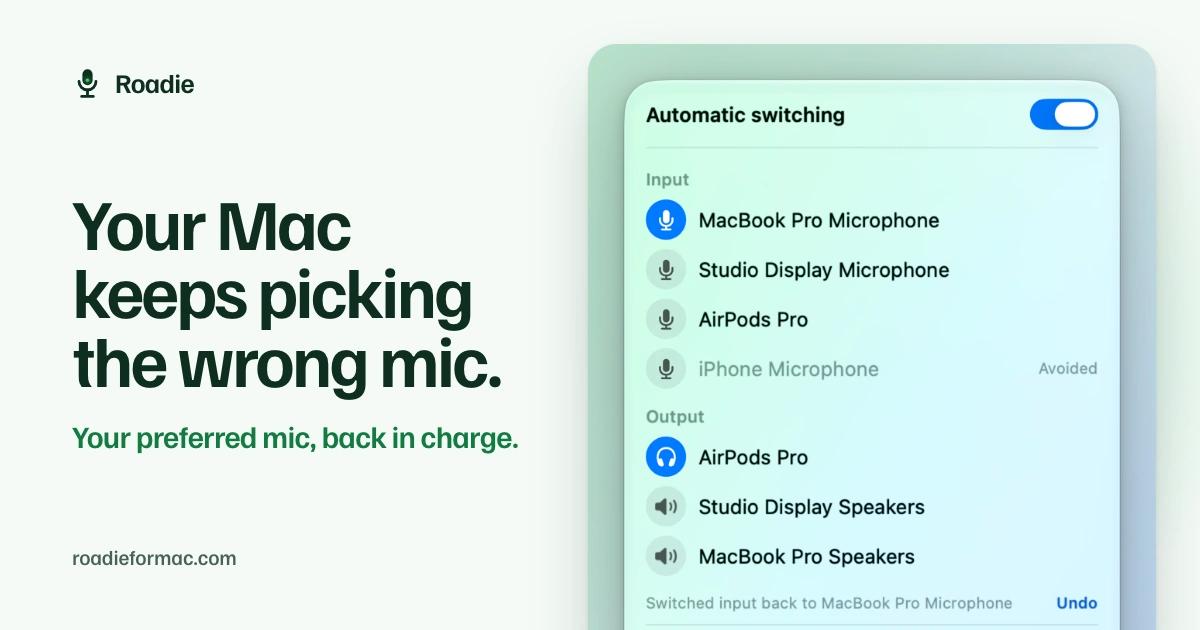
Automatic audio device switcher for Mac
Roadie is an automatic audio device switcher for macOS that selects your preferred microphone and speaker according to a ranked list. It maintains your chosen devices through reconnects and wake events. - Automatically switches default input and output audio devices based on user-defined priority - Maintains separate priority lists for microphones and speakers/headphones - Supports Bluetooth, USB, and built-in audio devices recognized by macOS - Operates without audio recording, processing, or microphone permission requirements - Allows manual override and temporary pause of automatic switching - Stores routing rules and device names locally, requiring no account creation Roadie requires macOS 13 or later and runs on both Apple silicon and Intel Macs. A free 7-day trial is available; continued use requires a $9.99 one-time license, valid for up to three Macs, with lifetime updates.

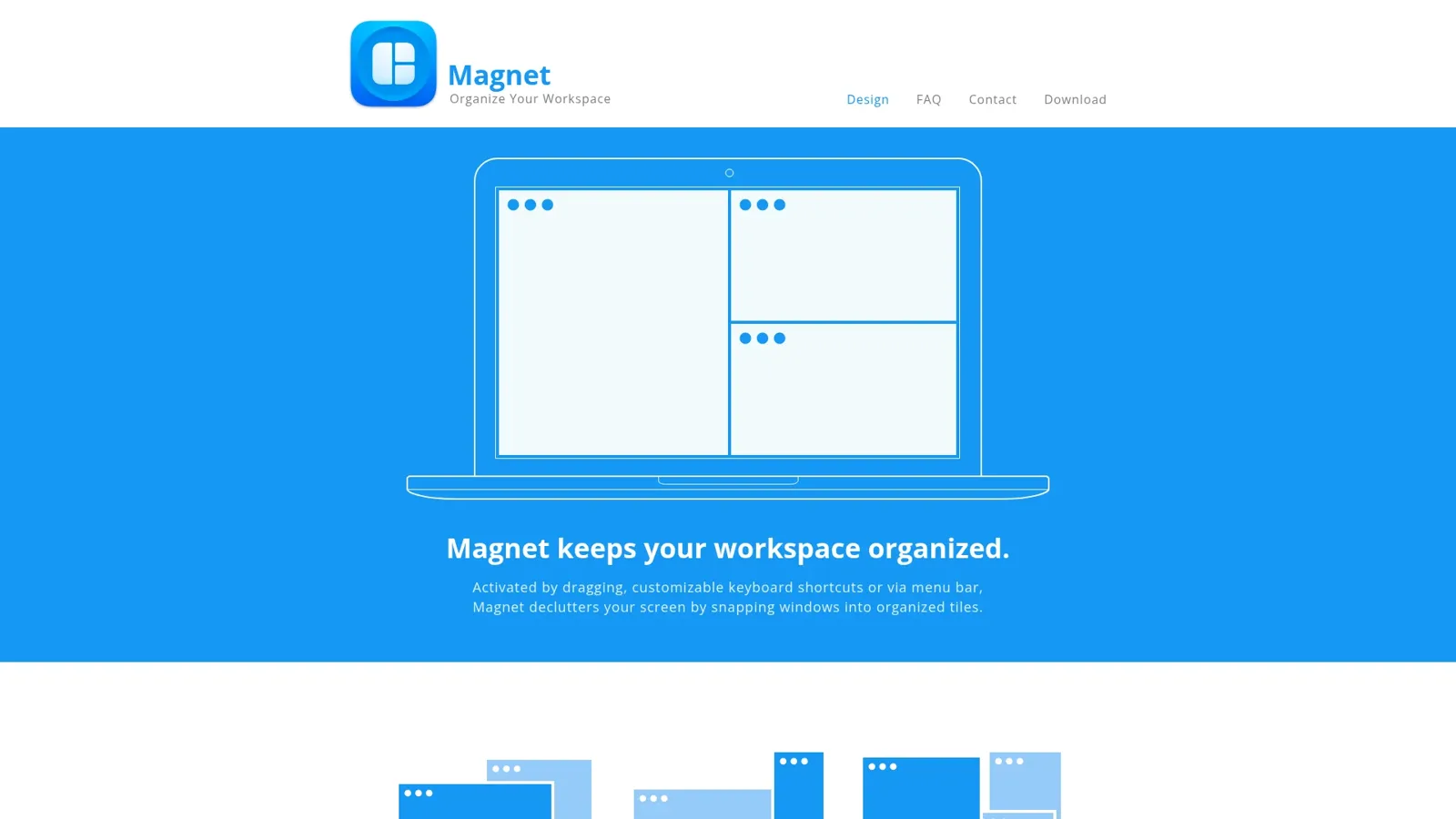
Snap Mac windows into halves, thirds, and quarters.
Magnet is a long-running window manager for Mac that snaps windows into organized tiles. You drag a window to a screen edge or corner, use a keyboard shortcut, or pick a layout from the menu bar. - Halves, thirds, quarters, and full screen layouts. - Drag to edges and corners, or use customizable keyboard shortcuts. - Custom commands and configurable layouts. - Supports up to six external displays and vertical screens. - Optional iCloud sync of settings. Magnet is a one-time purchase on the Mac App Store with a perpetual license and no subscription.

Podcast player with queue and inbox

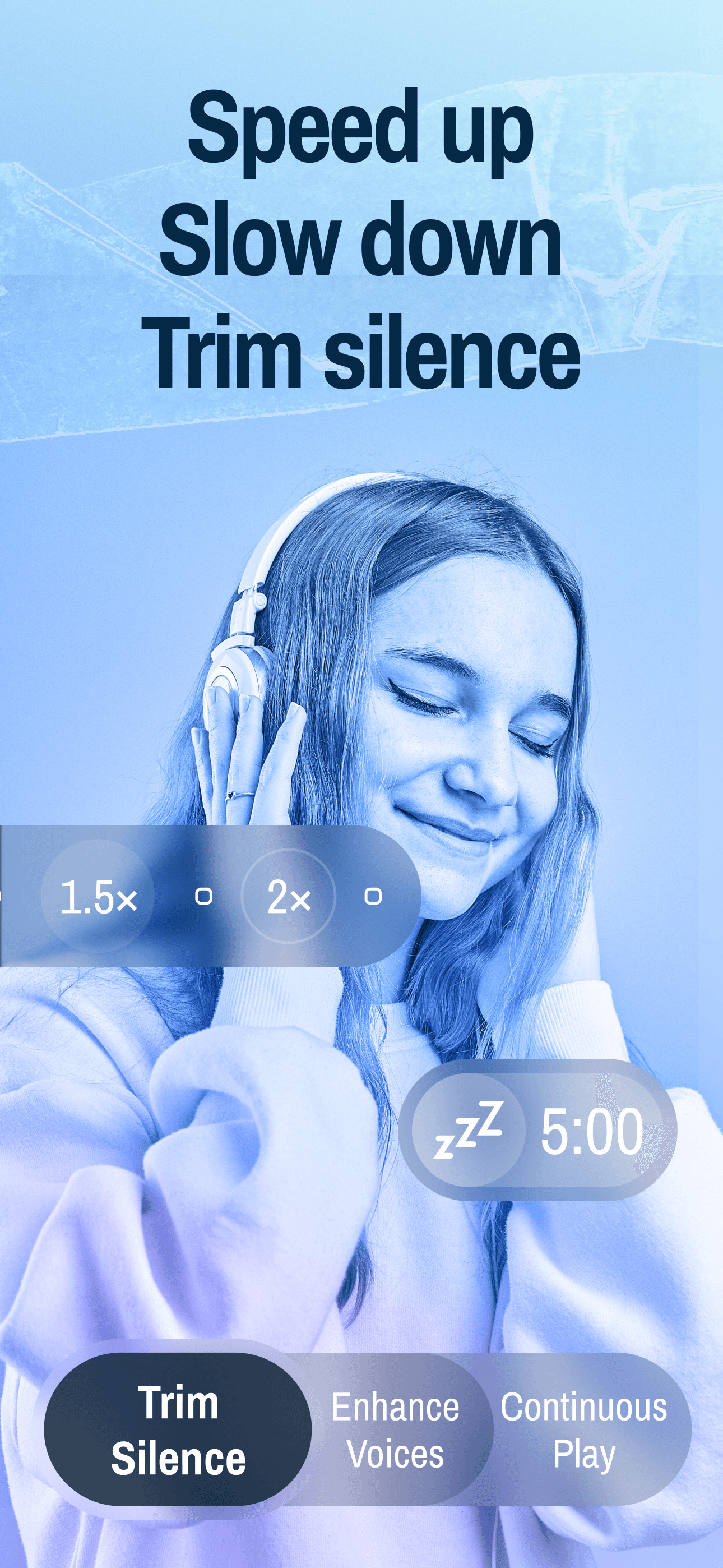
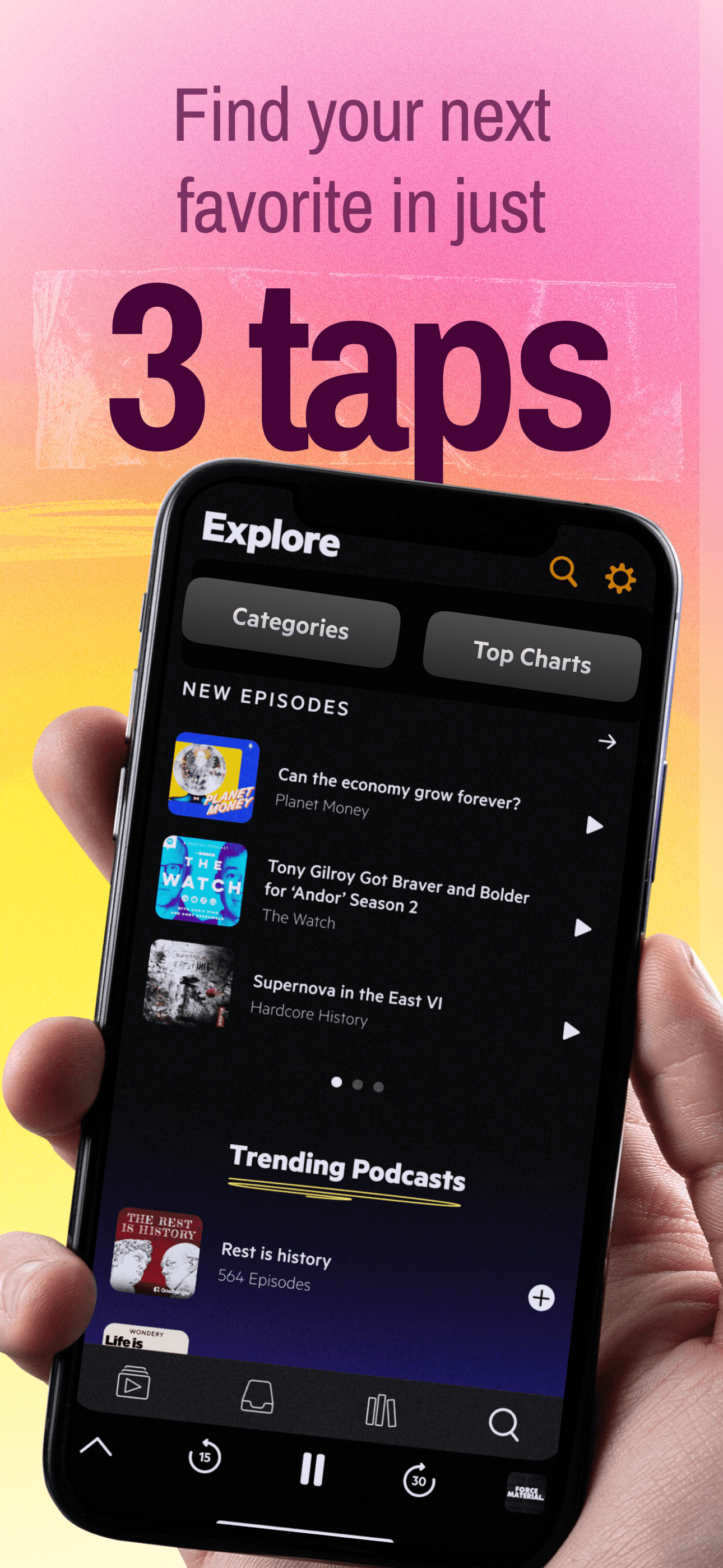
Castro is a podcast player app for iPhone, iPad, and Apple Watch featuring inbox and queue management. It supports curated podcast listening and multiple device sync. - Unique Inbox feature to review and queue episodes, skipping unwanted ones - Automatic downloading and playback from a customizable queue - CarPlay and Apple Watch app support for on-the-go listening and playback control - Episode notifications with summaries for deciding interest - Optional paid subscription (Castro Plus) adds features: Trim Silence, Enhance Voices, chapter support, sideloading, mono-mix, per-podcast custom settings, and some family sharing options Castro is free to download, with advanced features available via a Castro Plus subscription. Requires iOS 16.0 or later.

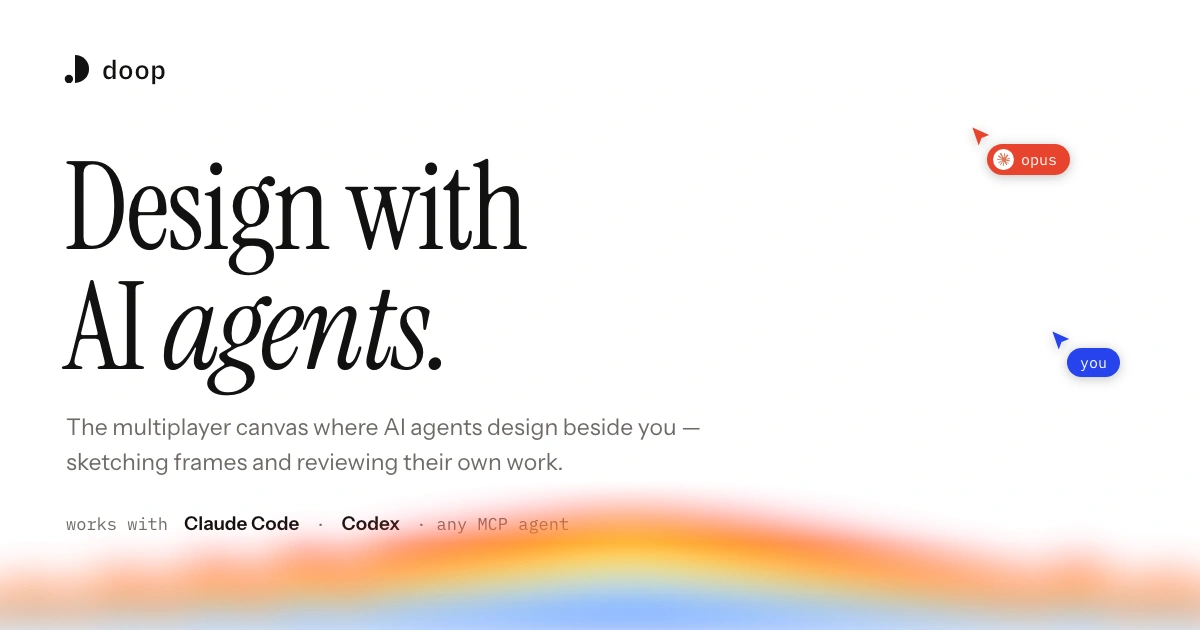
Design interfaces with AI agents on a shared canvas
Doop is a shared design canvas where people and AI agents edit the same frames. Connect an MCP client such as Claude Code, Codex, or Cursor to work with an agent you already use. - Import a website, Figma file, Canva design, or Photoshop document as an editable starting point. - Turn a comment on a frame into a task and watch the agent revise the design in place. - Trigger design variants after an approval or schedule recurring work, such as weekly ad refreshes. - Export a frame as PNG, PDF, or HTML, or send its HTML and CSS to a connected GitHub repository as a pull request. - Review frames and approve work from the iPhone app while teammates continue on desktop. Doop runs on Mac, Windows, Linux, and the web. The free cloud plan includes unlimited canvases and frames; Organization costs $20 per editor per month. A free self-hosted edition is also available. Agent subscriptions are separate.
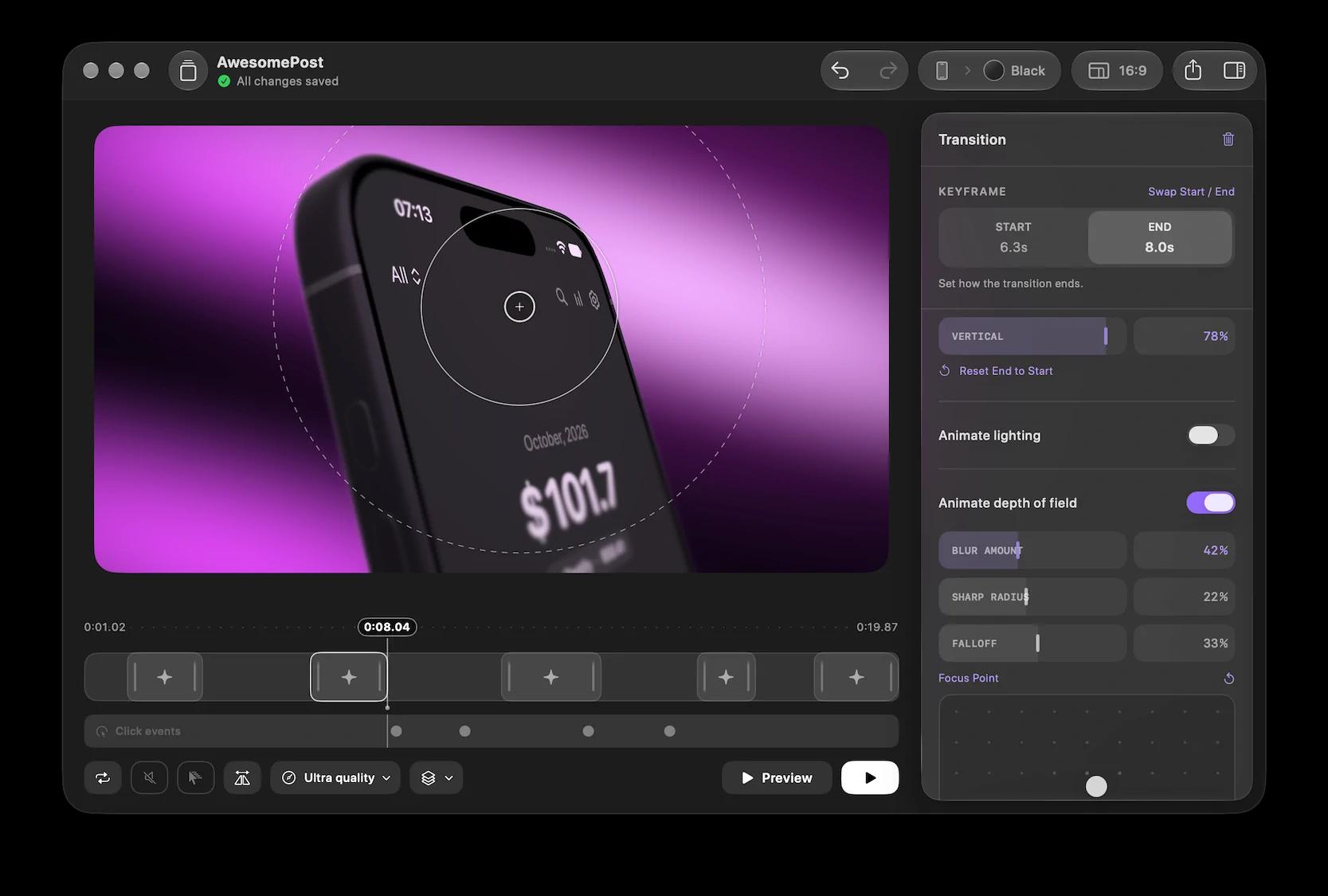
Create animated product demos for social media
AwesomePost is a Mac app for turning images and recordings into product mockups and animated demos for social media. Drag in media, arrange up to three devices, and export a still image or video. Choose device models and colors, then add a solid, gradient, custom-image, or Unsplash background. Automatic palette extraction helps match the background to your content. Blur and blend modes offer additional styling. A timeline provides zoom and position effects, clip trimming, and transition adjustments. Video exports support 4K resolution, 60 fps, and web-optimized output for services such as Threads, Instagram, and Twitter. Requires macOS 14.6 or later. Currently available as a free TestFlight beta with no account required to use the app. An iOS version is planned but is not yet available.

Personal finance and AI budget planner


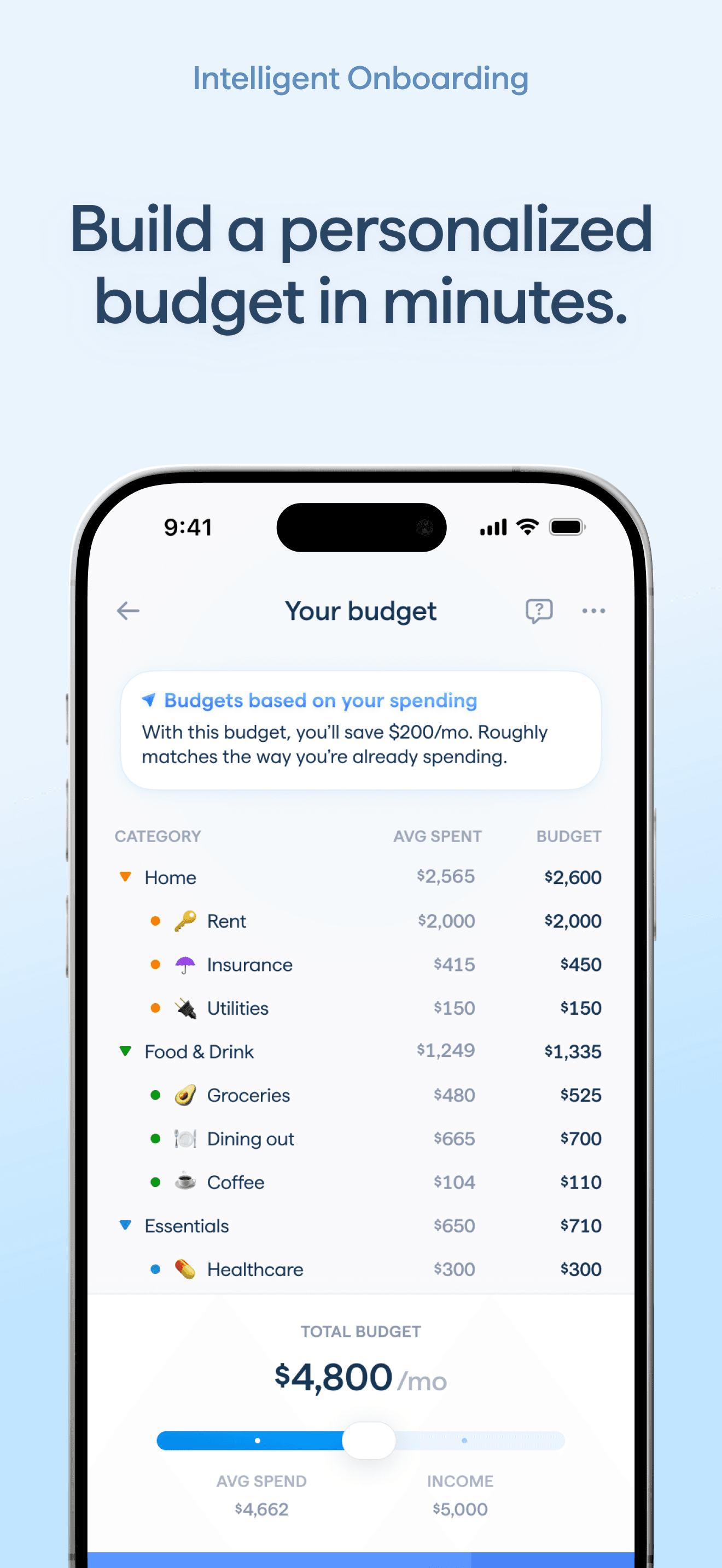
Copilot Money is a personal finance app and budget planner for US users, available on iOS, macOS, iPadOS, and web. It provides tools for tracking spending, budgeting, investment monitoring, and managing net worth. - AI Money Assistant offers spending analysis, budgeting suggestions, and can perform approved actions (iPhone only) - Automatic transaction categorization and subscription/bill tracking - Connects to over 16,000 US financial institutions, including direct links to Venmo, Apple Card, and Coinbase - Tracks savings goals, cash flow, and investment performance with intra-day updates - Cross-device syncing across iPhone, iPad, Mac, and web - Receive alerts for unusual spending, recurring charges, overdrafts, and paydays Copilot Money requires a paid subscription after a 1-month free trial. Available for US financial institutions only and requires iOS 17.0 or later on iPhone.

Keep every app up to date
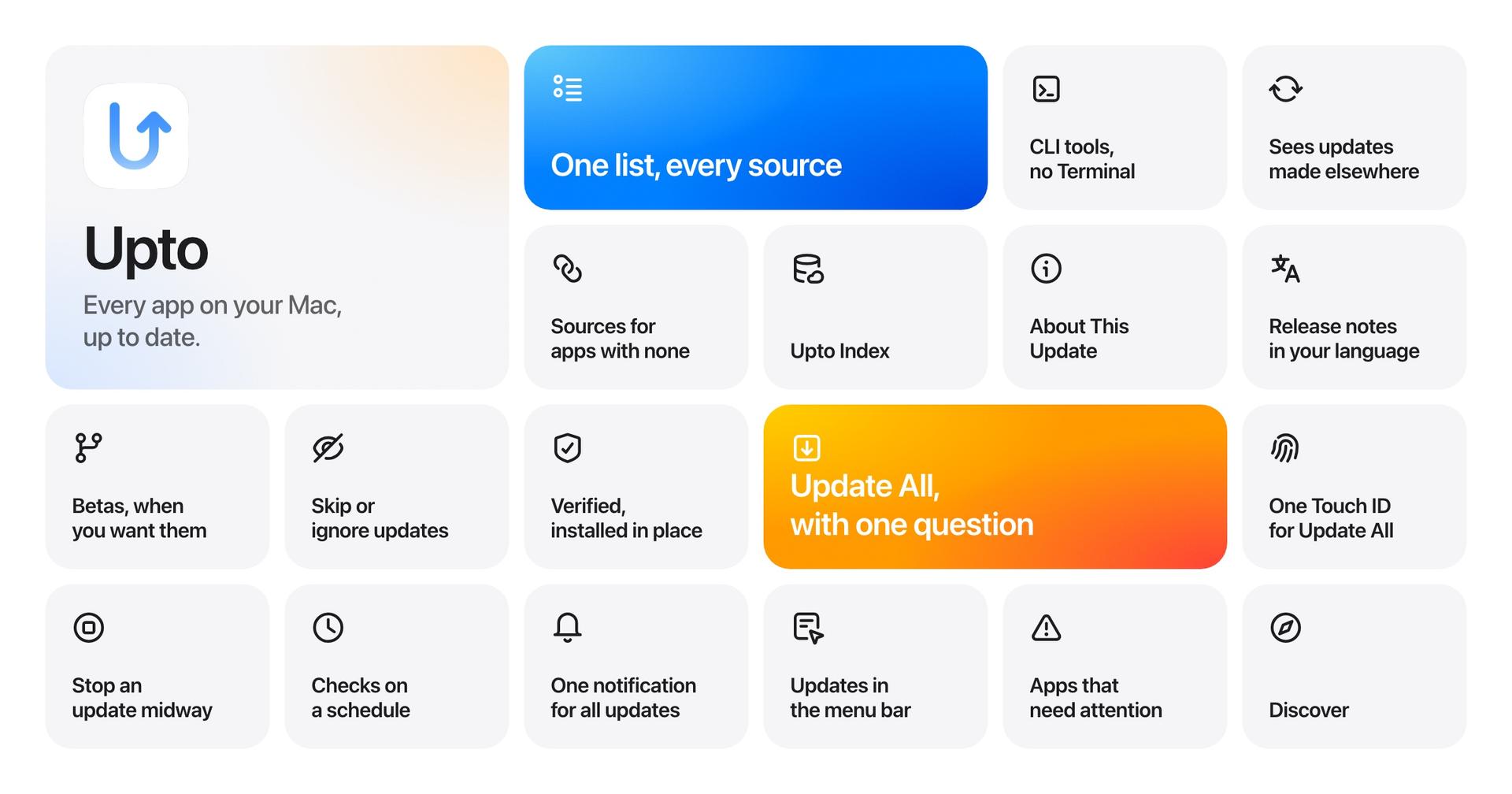
Upto is a Mac app updater that brings installed applications and available updates into one window. It helps manage software from the App Store, Sparkle, Homebrew, TestFlight, Setapp, and direct downloads. - Review available updates and translated release notes. - Install supported updates in batches, with separate confirmation for major versions. - Schedule checks, skip versions, ignore apps, and choose stable or beta releases. - Track command-line tools installed through Homebrew, npm, pipx, and uv. - Verify developer signatures and available Homebrew checksums before installation. Upto requires macOS 15 or later and offers a full-feature trial. Launch pricing is $14.99/year for five Macs or $39 once for three Macs; the one-time license excludes the next major upgrade. Some updates open their source app. Upto Index shares app identifiers and versions to find updates.

AI-powered soundscapes for work and rest
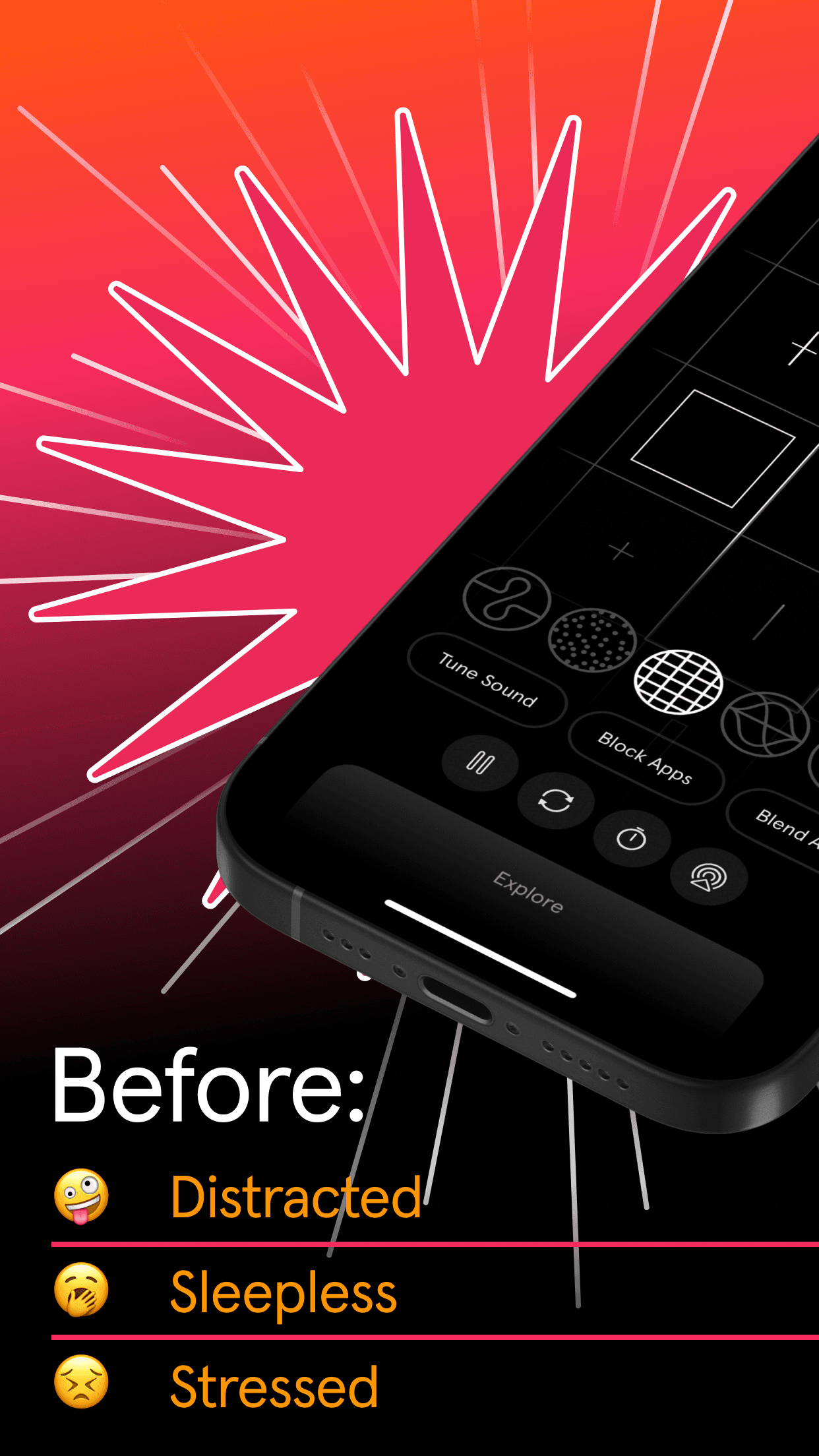
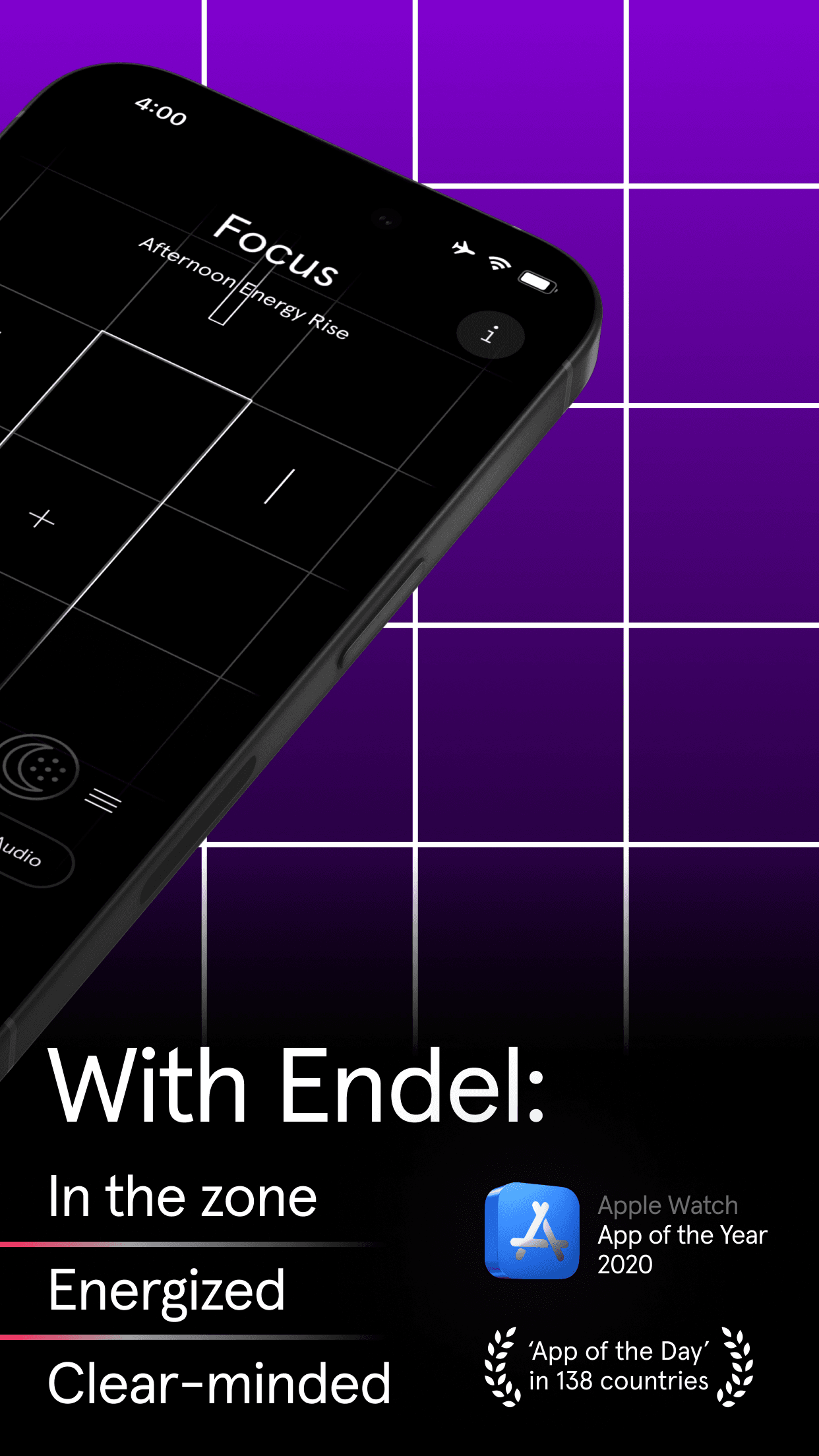
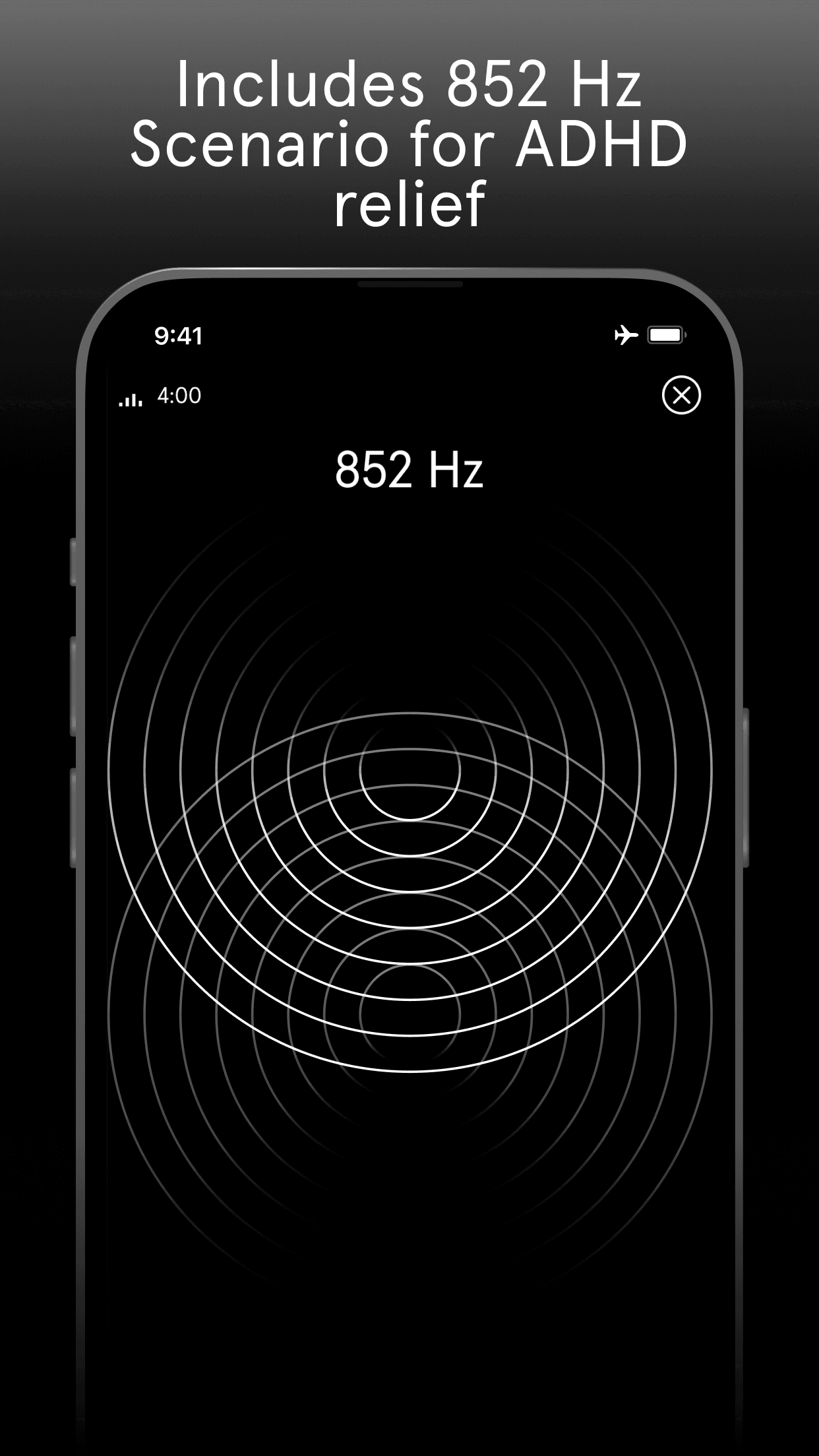
Endel is an app that generates AI-powered soundscapes designed to help users focus, relax, move, and sleep. It adapts sound in real time using inputs such as location, environment, and heart rate. - Creates personalized soundscapes for focus, relaxation, movement, and sleep - Offers classic modes and additional soundscapes including colored noise, nature sounds, and rain - Includes specialized modes like Study, Dynamic Focus, Recovery, Hibernation, and Focus Timer - Collaborative soundscapes with artists and thinkers are available for Premium users - All soundscapes are available offline - Exclusive Apple Podcast shows for Premium subscribers Endel provides a free edition and offers a Premium subscription (recurring or one-time lifetime) for expanded features and exclusive content. Requires iOS 26.0 or later.

Digital journaling with privacy features
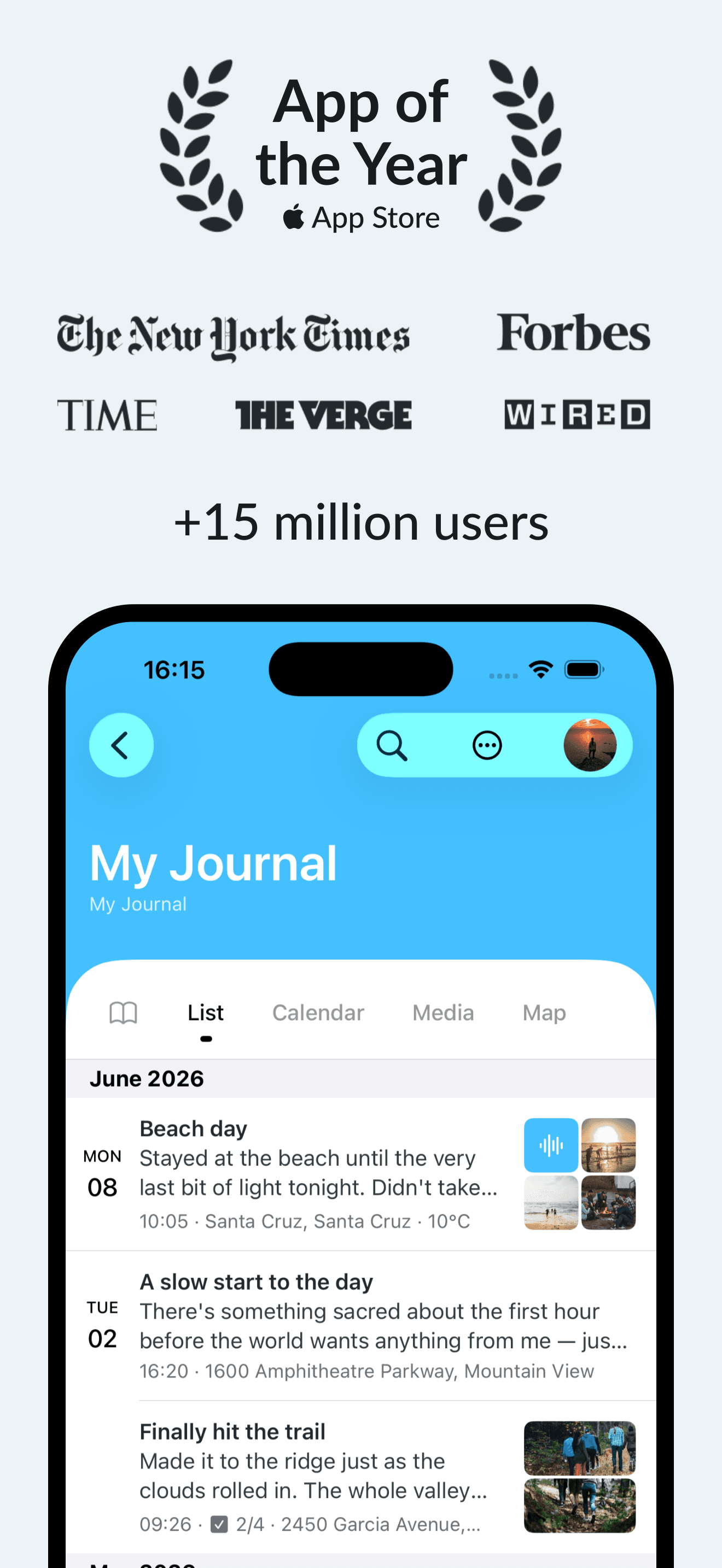
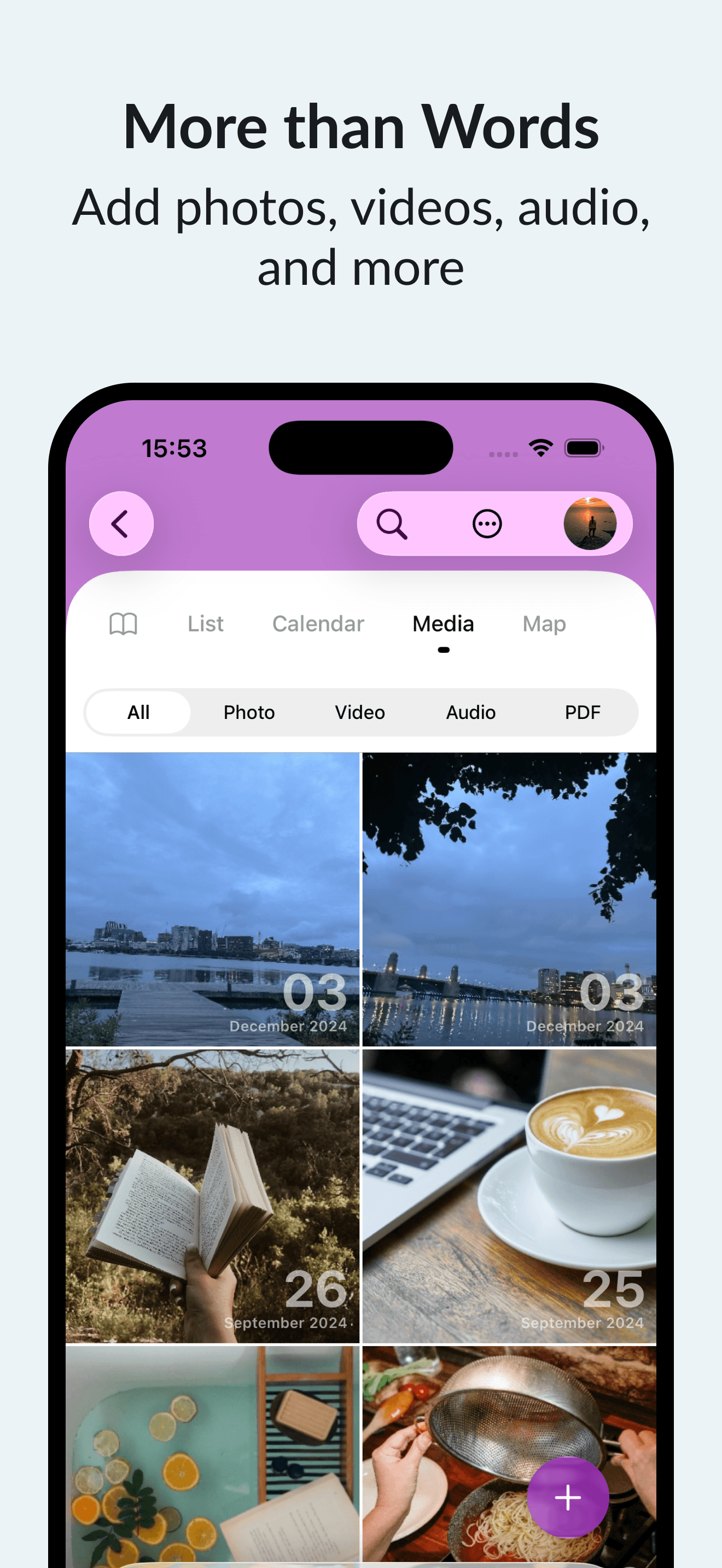
Day One is a digital journal app allowing you to record text entries, photos, audio, and more. It supports secure personal journaling and cross-device access. - Unlimited text journal entries with rich text formatting - Automatic backups and end-to-end encryption for privacy - Supports photos, audio, and video with Premium subscription - Daily prompts, reminders, and calendar view to encourage journaling - Integration with Apple Health for mindfulness minutes tracking - Export options include PDF and plain text formats Day One is free for unlimited text entries. Additional features, such as unlimited photo, video, and audio uploads, require a paid Premium membership. Requires iOS 18.0.

Coordinate coding agents on a shared canvas
MAO is a desktop workspace for developers who use more than one coding agent. Connect agents on a canvas to hand work from a planner to a builder or reviewer. Each agent uses its own CLI and your existing provider login. - Give parallel tasks separate Git worktrees so agents can edit different branches of the same project. - Send one prompt to selected agents and see which sessions need input or approval. - Connect a browser to an agent so it can test a form and capture the result. - Schedule recurring prompts, or save a team’s roles and connections for another project. - Open a remote workspace over SSH to run agents on a Linux server from your desktop. Runs on Apple silicon and Intel Macs, Windows, and Linux. The seven-day trial covers one project. A one-time license costs $20 in most countries and unlocks unlimited projects, saved teams, and remote workspaces.

Pick screen colors and turn them into Figma palettes
Dabbit is a Mac color picker for designers and developers. Sample a pixel on any display, save it to a palette, and use the same colors in your code and Figma files. - Copy a color as hex, RGB, OKLCH, or SwiftUI. Set a preferred format for each app. - Revisit earlier picks by time and source app, or keep a floating palette above your work. - Build an 11-step OKLCH shade scale from one color and check text contrast with WCAG and APCA. - Import colors from an image, website CSS, or a tokens file. Export palettes for Tailwind or SwiftUI. - Send a palette to Figma as variables, color styles, or a labeled swatch sheet using the included plugin. Requires an Apple silicon Mac running macOS 14 or later. A $19 single-Mac license includes 12 months of updates; the purchased version keeps working afterward. A five-day trial includes all features.