

List · 6 items
Capture something worth sharing
Screenshots, screen recordings, and demos ready to share.

Shotbase
Capture, edit, organize, and share in one
Shotbase is a comprehensive tool designed to capture and manage all your screen-based content effortlessly. With features like stunning screenshot capabilities, recording options that include cinematic effects, and an intuitive organizational structure powered by local AI, you can easily keep your multimedia assets organized and accessible. Shotbase not only allows you to capture specific areas, windows, or full screens on your Mac but also enables you to edit and enhance your captures with backgrounds, frames, and annotations. The integrated AI ensures your captures are automatically named and tagged for easy searching, making it an excellent choice for anyone looking to enhance their productivity and creativity in one seamless workspace.

CleanShot X
Comprehensive screen capture and annotation tool

CleanShot X is a comprehensive screen capturing software designed for Mac users. It offers over 50 features, including screenshot and screen recording capabilities, making it suitable for professionals and casual users alike. With tools for quick sharing, annotation, and GIF creation, it enhances productivity by streamlining the process of capturing and editing visual content. Its intuitive interf - Our overlay makes sharing a breeze. - Instantly save, copy or drag & drop screenshots or screen recordings to other apps. - You can annotate your screenshots quickly and easily, making it beloved by users who seek efficient and effective communication. - It’s an essential swiss army knife for health and education professionals as well as content creators—anyone looking for an optimized way to capture and share their screen. - Additional features like scrolling capture, screen recording, and clean backgrounds make it versatile for all your needs. CleanShot X offers a comprehensive suite of over 50 features for screen capturing and recording on Mac. Its intuitive interface and versatile tools, including scrolling captures, annotations, and cloud integration, make it a valuable asset for users needing efficient screenshot management and sharing capabilities.

Screen Studio
Polished screen recordings with automatic zoom
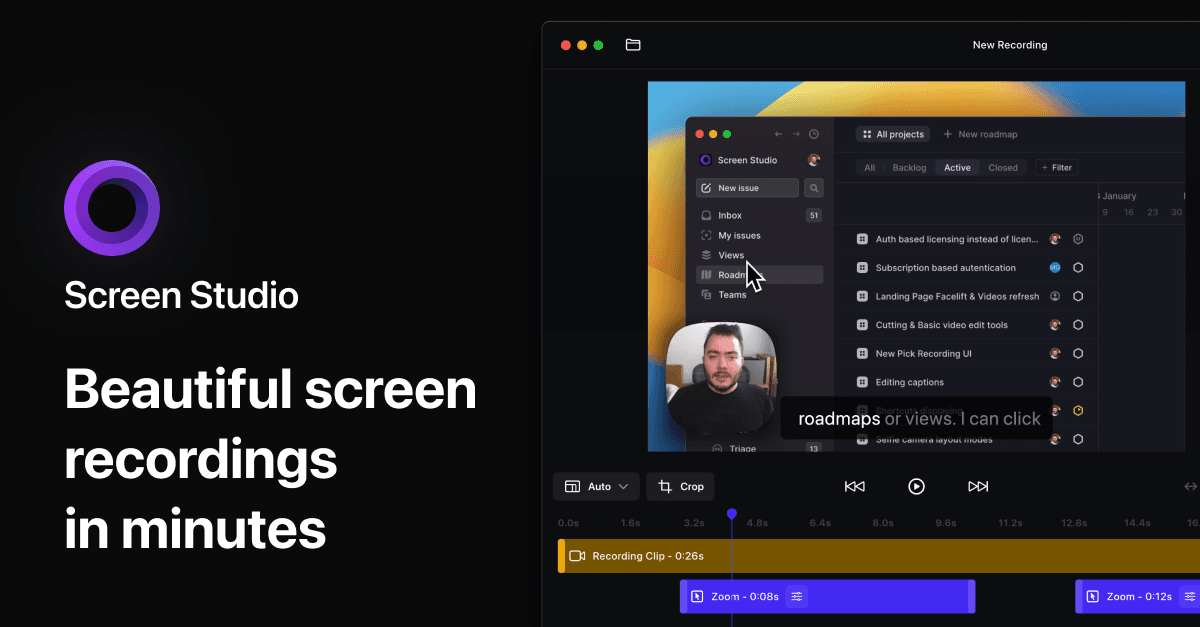
Screen Studio is a Mac screen recorder and editor for product demos, tutorials, courses, and social videos. It automatically adds zooms and smooth cursor motion to make recordings easier to follow. - Zoom in on actions automatically, then adjust zooms on the timeline. - Smooth cursor movement and change cursor size after recording. - Record your screen, webcam, microphone, and system audio together. - Capture a connected iPhone or iPad over USB and add device frames. - Customize backgrounds, spacing, shadows, and horizontal or vertical layouts. - Trim clips, generate local transcripts and subtitles, and export video or GIFs. Available for macOS through monthly or annual paid subscriptions. Exports support up to 4K at 60 fps, with shareable links for sending recordings.

Screen Charm
Polished screen recordings for Mac
Screen Charm is a screen recording software for Mac that enables users to create clear and polished videos. It features smart zoom, camera and microphone capture, system audio recording, 4K export, and the ability to generate sharable links. This tool is designed for founders, developers, course creators, and SaaS teams who need to produce demos and instructional content efficiently. - Records high-quality screen videos with 4K export capability. - Captures system audio, microphone input, and webcam footage simultaneously. - Features smart zoom for focused video presentations. - Generates sharable links for easy distribution of recorded content. - Streamlines video creation for demos, tutorials, and presentations. Screen Charm provides a comprehensive solution for users needing to create high-quality screen recordings on Mac. Its features cater specifically to professionals in various fields, allowing for efficient production of instructional and promotional content.

Tella
The all-in-one screen recorder.
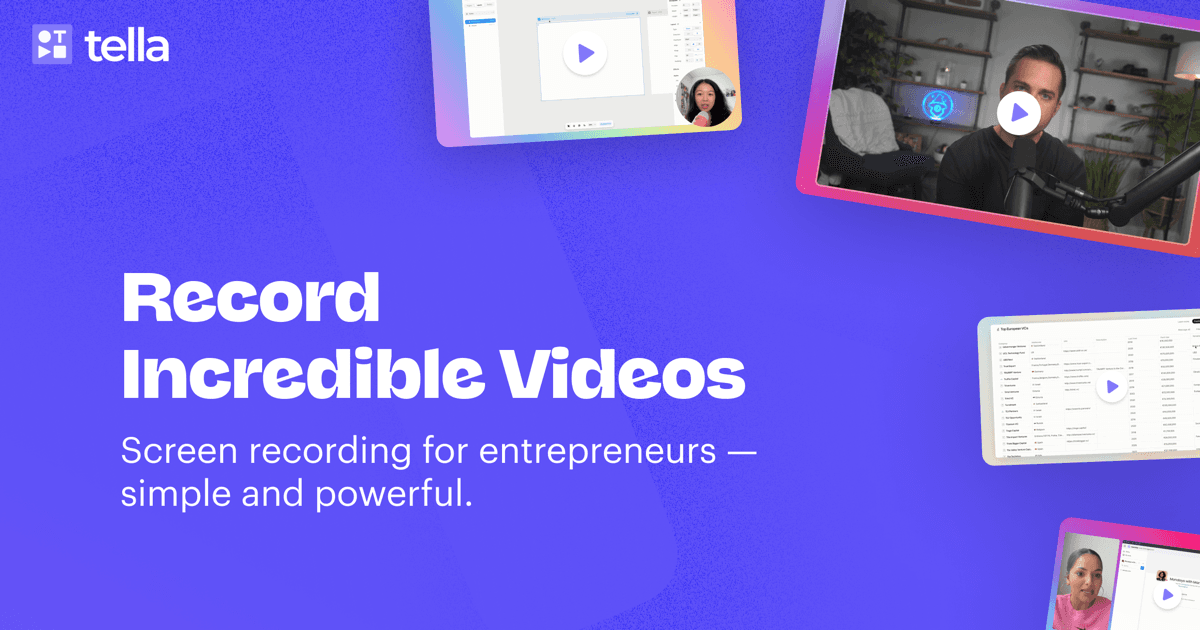
Tella is the ultimate solution for recording, editing, and sharing videos for your business. It enables seamless creation of video messages, demos, and tutorials. With intuitive editing tools designed for everyone, not just video experts, you can easily manage audio enhancements, remove filler words, and even utilize an embedded teleprompter for script support. Tella also offers instant uploads so your video is ready immediately after recording. Designed to work on macOS, web, and with a Chrome extension, Tella simplifies video creation, making it accessible for teams looking to collaborate and innovate using video content.

TinyRec
Cinematic screen recordings in minutes
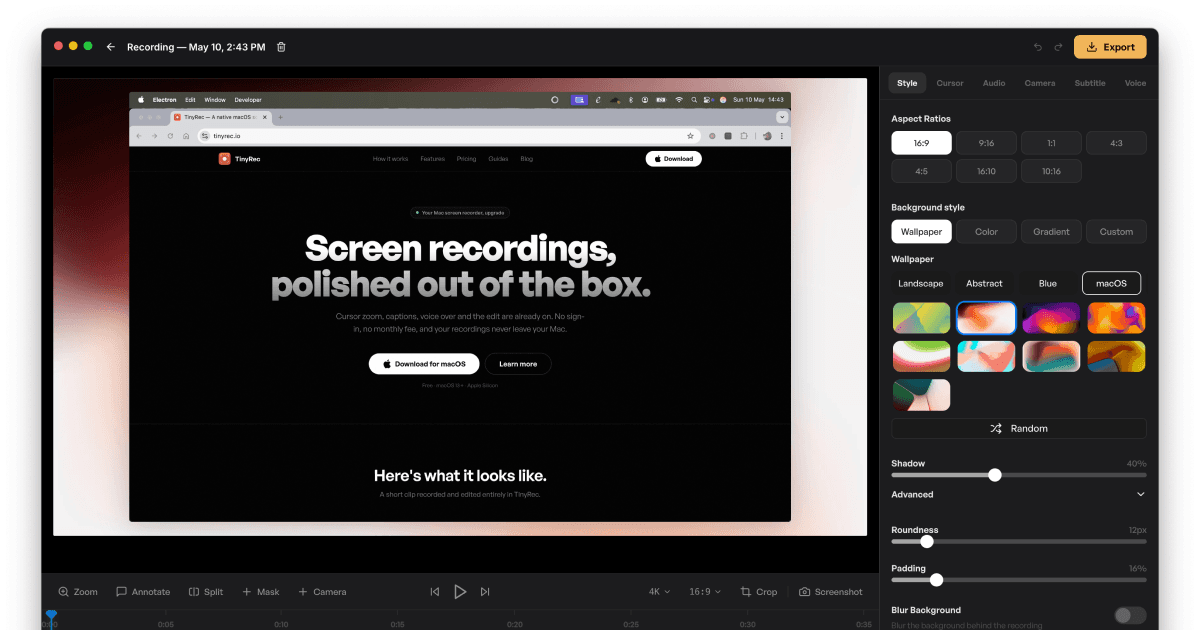
TinyRec is a screen recording software for macOS that enables users to capture high-quality video at 60 frames per second. It is designed for individuals and professionals who need a straightforward tool for creating polished recordings without the need for cloud storage or subscriptions. - Records desktop, application windows, and iPhone screens via USB in high-quality 60fps. - Features auto-zoom for cursor tracking, local transcription for captions, and AI voice-over capabilities. - Provides editing tools for annotations, masks, and custom styling before exporting videos in up to 4K resolution. - Operates entirely on the user's machine without requiring sign-up or cloud storage. - Supports unlimited recordings and durations with a small watermark in the free version. TinyRec is compatible with macOS 13 and later, supporting both Apple Silicon and Intel Macs. The application allows users to record, edit, and export high-quality videos locally without any sign-up or monthly fees. All recordings remain on the user's device, ensuring privacy and control over content.