Aesty
AI outfit styling and wardrobe planning



Aesty is an AI styling app that helps you organize your wardrobe, try on outfit ideas, and plan what to wear. Build looks from clothes you own or use a photo as inspiration. - Add clothing photos to a digital closet with automatic categorization and background removal. - Try outfits on a personalized avatar and mix them with your own wardrobe. - Generate outfit suggestions for different occasions and your style preferences. - Plan looks on a weekly calendar and assemble visual moodboards. - Identify garments in outfit photos and find shopping links for missing pieces. Free to download with paid in-app purchases and subscriptions. Designed for iPhone with iOS 18 or later. Apple lists compatibility with macOS 15 or later on M1-or-newer Macs, but the app is not verified for macOS.

SupaSidebar
One sidebar for all browsers
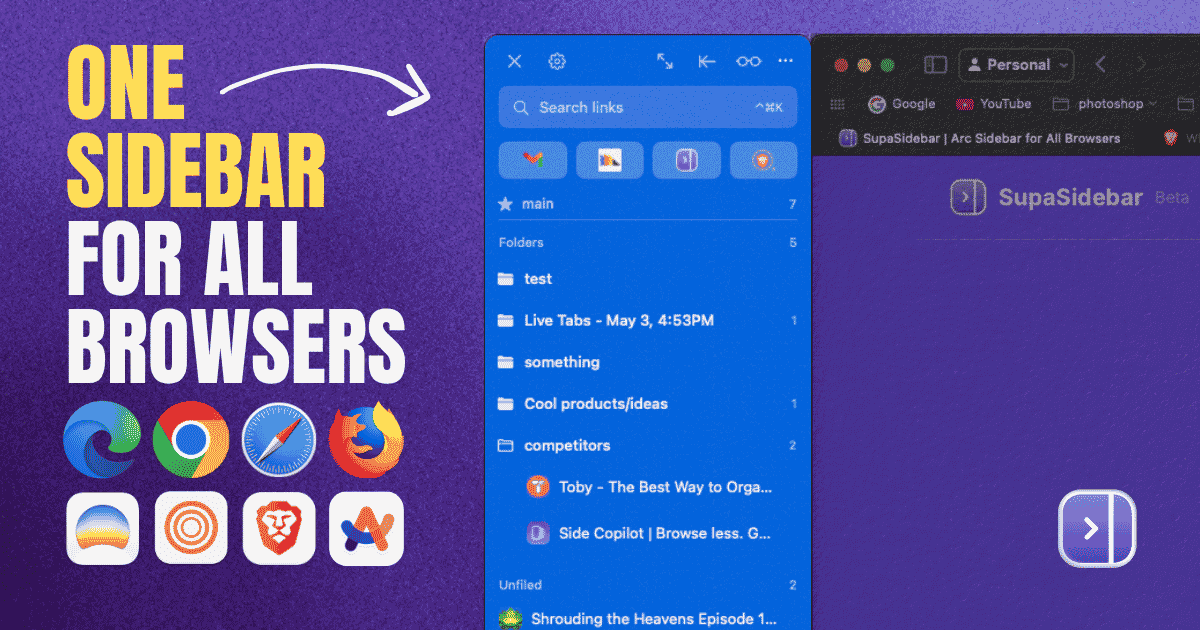
SupaSidebar is a macOS application that consolidates and organizes tabs, bookmarks, and applications across multiple web browsers, including Safari, Chrome, and Brave. It provides a unified sidebar interface for managing open tabs and bookmarks, allowing users to streamline their browsing experience and enhance productivity. - Displays all open tabs from multiple browsers in a single vertical sidebar for streamlined navigation. - Offers fuzzy search functionality to quickly access tabs, bookmarks, and browsing history. - Allows users to create and manage spaces and folders for organizing online activities. - Integrates with Finder to access files and folders directly from the sidebar. - Supports iCloud synchronization for consistent access across devices. SupaSidebar provides a unified sidebar interface for managing tabs, bookmarks, and files across multiple browsers on macOS. It supports popular browsers such as Safari, Chrome, and Brave, allowing users to organize their online resources efficiently.

DiskBuddy
Visualize disk space and clean up files
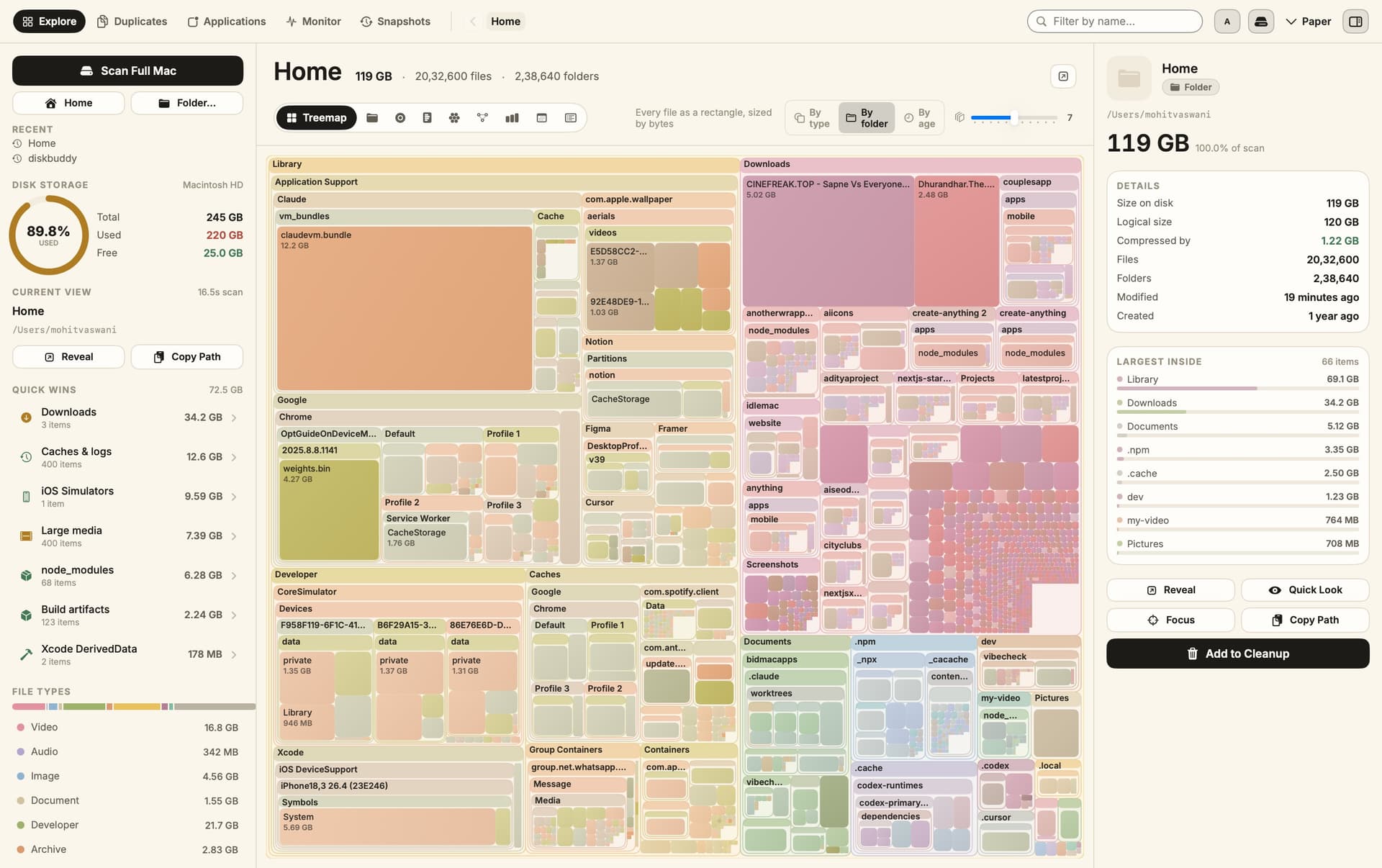
DiskBuddy helps you find what is taking up space on your Mac, then review files before removing them. Scan a folder or drive and explore the results through eight visualizations. - Browse storage with folder grids, treemaps, sunburst charts, and other views. - Find duplicate files by content and identify large, old files. - See app footprints including associated caches, preferences, and logs. - Compare scan snapshots to see which folders have grown. - Stage cleanup candidates in a review queue before deleting anything. Supports macOS 14 or later on Apple silicon and Intel, with external and network drives supported. A one-time license includes all 1.x updates and works on one Mac or Windows machine at a time. File analysis happens locally; activation and periodic license checks require an internet connection.

Grok Bot
AI teammates that work across your apps

Grok Bot provides AI teammates that work inside apps and websites using a shared cloud computer. Give bots tasks from desktop or iOS, and follow their progress as they complete work. - Delegate research, reporting, operations, and other multi-step tasks. - Run multiple bots in parallel and let them coordinate in shared conversations. - Teach a workflow by demonstrating it, then reuse it as a routine. - Keep context across conversations and continue work while your laptop is closed. - Connect bots to the tools you use, with approval requested when needed. Available in beta on desktop, including macOS, and iOS through eligible paid Cursor, SuperGrok, and Teams plans. Usage allowances depend on the plan.

DynamicLake
Dynamic Island controls and activities for Mac
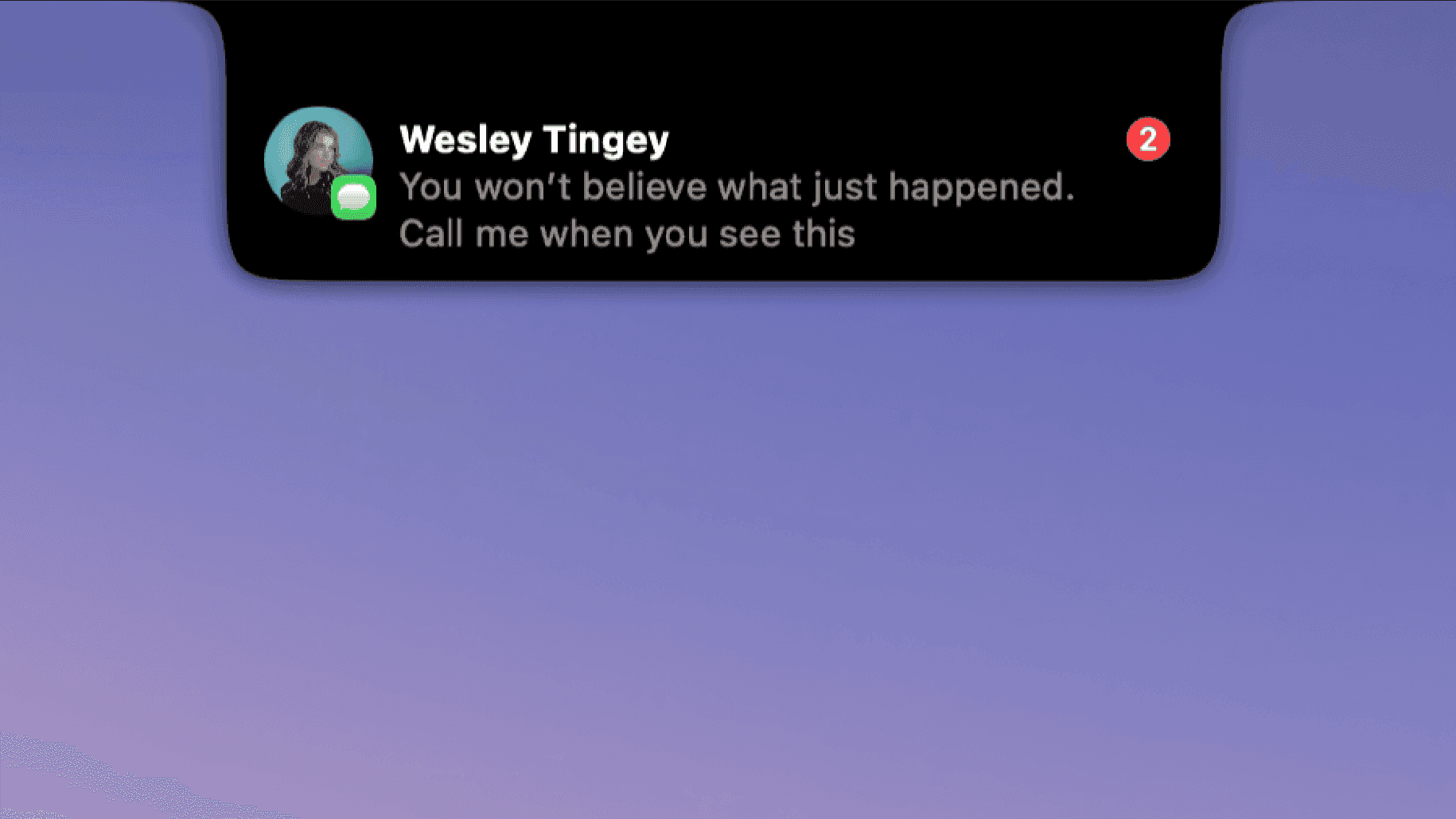
DynamicLake adds a Dynamic Island interface to your Mac for music, system controls, notifications, and file actions. - Adjust volume, brightness, and keyboard backlighting from an integrated panel. - Control music and keep calendar events and weather within view. - Drag and drop files to preview, compress, share, AirDrop, or convert them. - See supported messaging notifications, calls, Bluetooth events, and live activities. - Customize the notch appearance or choose a compact miniLake layout. Supports macOS 14 or later on Intel and Apple silicon, including Macs with and without a notch. A one-time license covers up to three devices and includes lifetime updates.

Orbs
A radial launcher for apps and tools
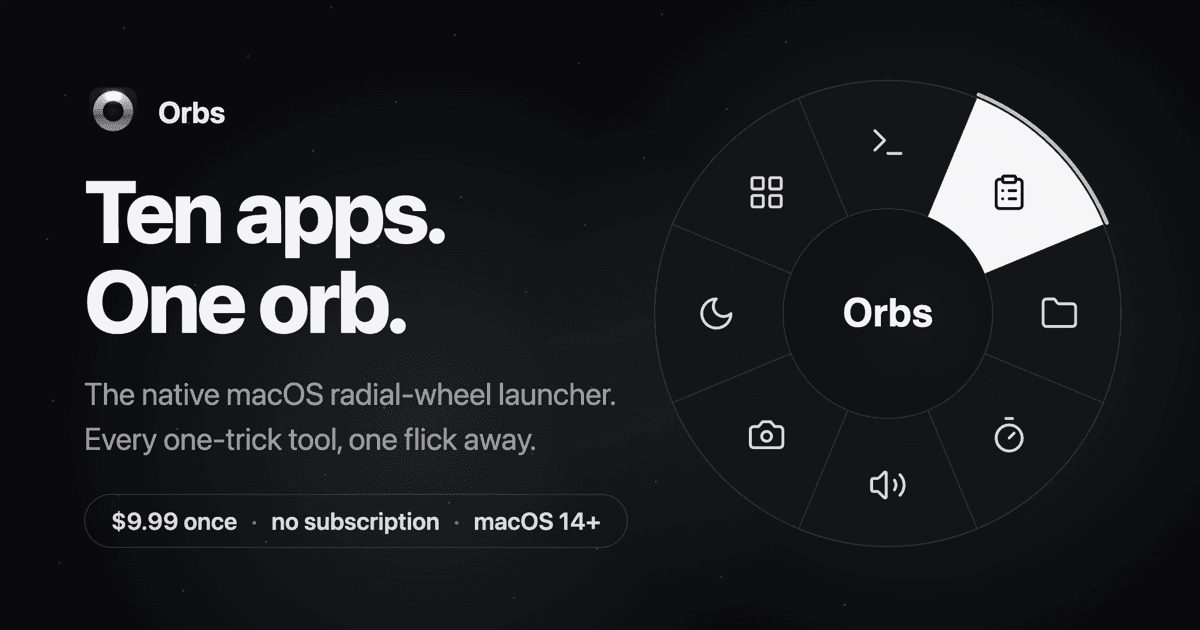
Orbs is a native Mac launcher that puts apps, shortcuts, and small utilities on a radial wheel beneath your cursor. Hold a key, move to an action, and release to run it. - Launch apps, run shell commands and macOS Shortcuts, or insert text snippets. - Build nested menus and separate profiles for different workflows. - Switch profiles automatically based on the frontmost app. - Use built-in tools including a timer, calculator, clipboard, color picker, and camera mirror. - Pin tool popovers above other windows when you need them to stay visible. Requires macOS 14 or later on Apple silicon or Intel. Its one-time lifetime license includes future updates, with local-only operation and no account required.

Sip
Pick, organize, and share colors on Mac

Sip is a Mac color picker for capturing screen colors, organizing palettes, and sharing them with your team. - Pick multiple colors and send them directly to your design tools. - Organize colors in palettes and sub-palettes, with descriptions for context. - Access favorite colors from the menu bar, app window, or an on-screen color dock. - Check contrast and simulate different types of color vision. - Apply smart color profiles and formats to keep colors consistent across apps. A license includes one year of updates, and you can keep using the downloaded version afterward. A 15-day free trial is available.

Droppy
Dynamic Island and file tools for Mac
Droppy brings a Dynamic Island interface to your Mac with live activities, file handling, clipboard history, and customizable extensions. - Keep files ready to move in a file tray or floating drag-and-drop basket. - Search clipboard history and share files through Droppy Cloud. - Access music controls, calendars, reminders, timers, and notifications from the notch. - Enable optional extensions for screen capture, window snapping, notes, and other everyday tasks. - Use a floating island on displays without a notch. Requires macOS 14 Sonoma or later. A one-time purchase includes lifetime updates, with a free trial available.

Dockset
Custom docks and widgets for Mac
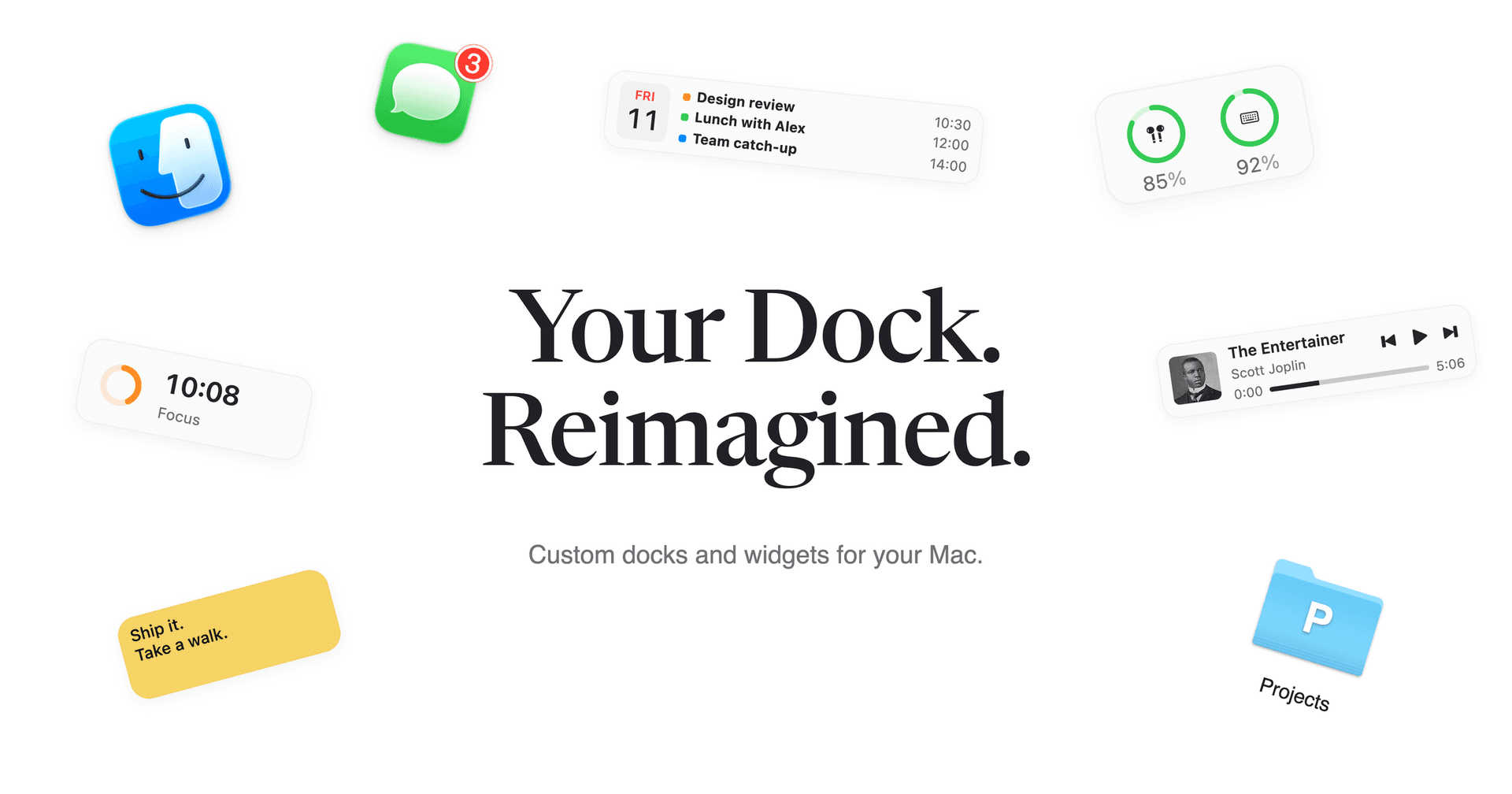
Dockset lets you build custom docks for your Mac and save different layouts for work, personal projects, or everyday use. Add apps and widgets to a custom dock, or save and switch the pinned apps in your existing macOS Dock. - Switch setups with keyboard shortcuts, the menu bar, two-finger swipes, or automatically through macOS Focus. - Add 20 built-in widgets, including music controls, calendars, reminders, focus timers, weather, and system activity. - Keep folders, files, links, macOS Shortcuts, and AirDrop within reach. - Track Stripe and Paddle revenue from dedicated widgets. - Adjust dock placement, appearance, and auto-hide behavior, and export or import your setups. Dockset requires macOS 13 Ventura or later and costs from $14.99 as a one-time purchase, with a 14-day money-back guarantee. Your layouts stay on your Mac, and no Dockset account is required.

Vinaa
All your AI chats. One Mac app.
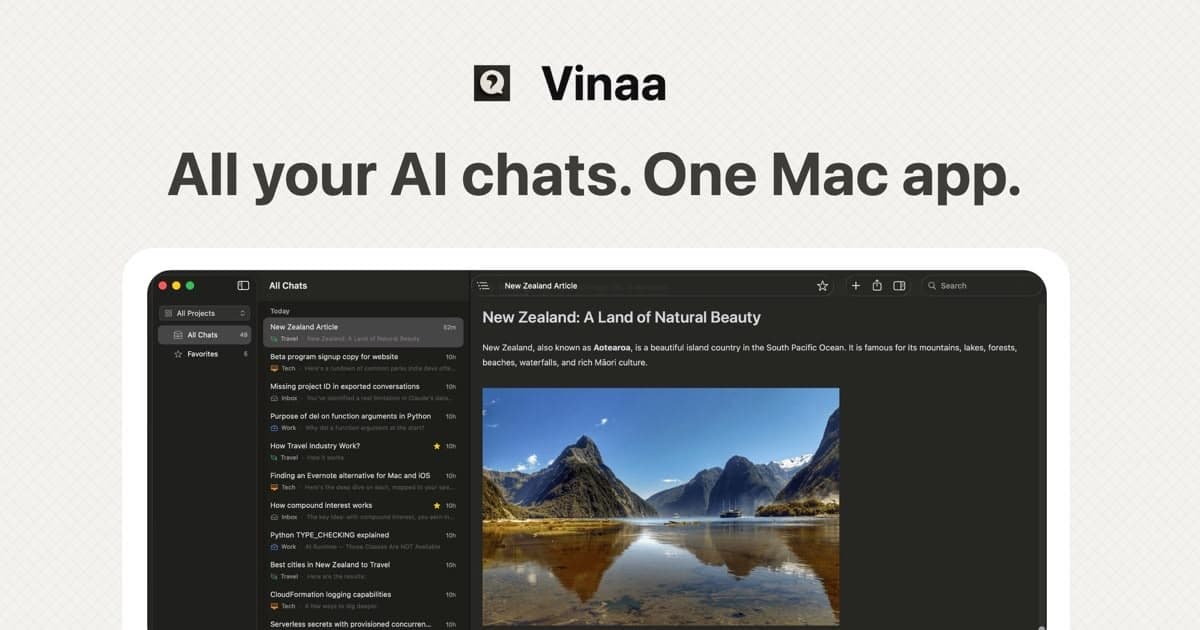
Vinaa is a native Mac app for chatting with cloud and local AI models. - Native Mac app for seamless interaction with both cloud and local AI models. - Supports integration with OpenAI, Anthropic, and Google using user-provided API keys. - Organizes chats into projects and folders for efficient workflow management. - Allows switching between AI models mid-conversation without losing context. - Stores conversations locally, ensuring privacy and control over data. Bring your own API keys, organize conversations into projects and folders, switch models without starting over, import ChatGPT and Claude history, and keep every chat stored locally on your Mac.

Steps
Pedometer and workout tracker for iPhone

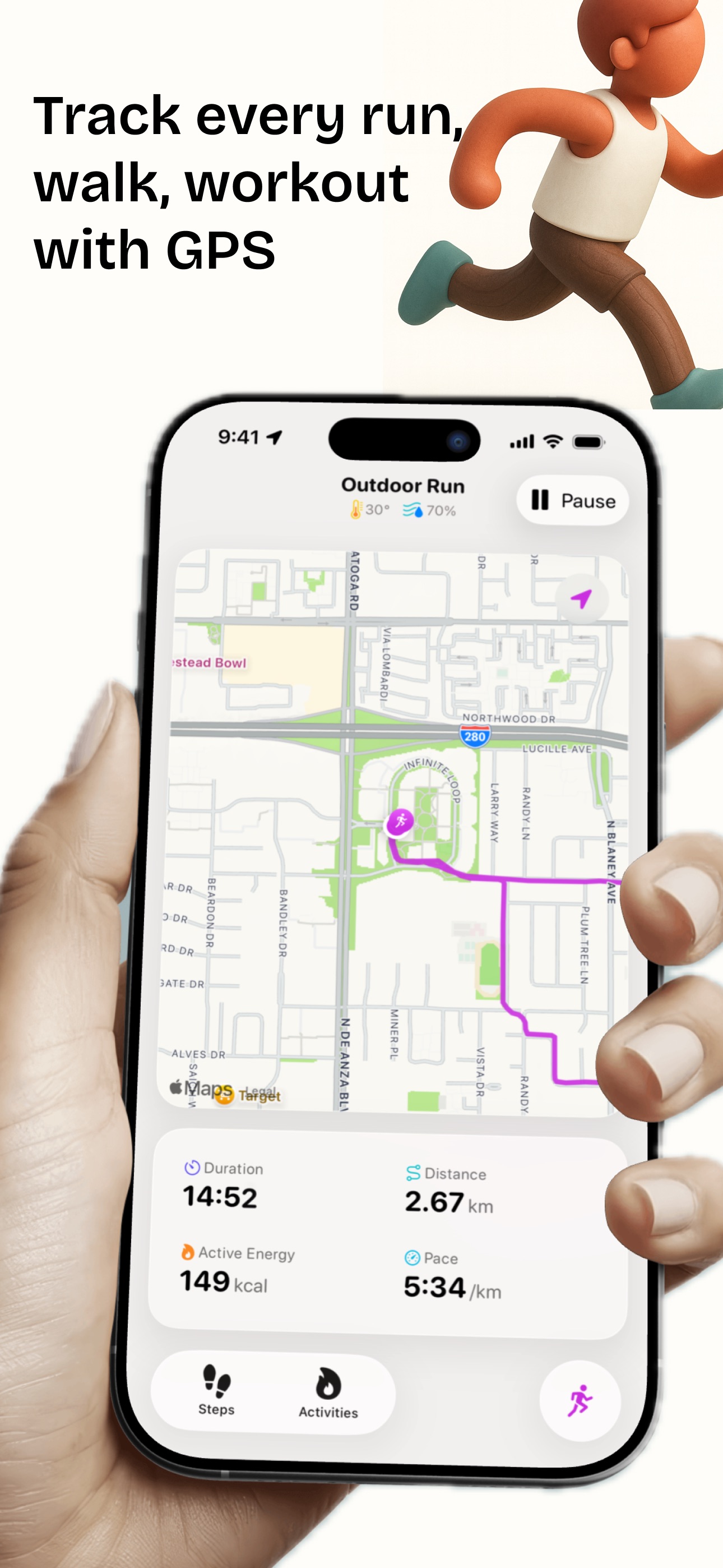

Steps is a pedometer and workout tracker software for iPhone and Apple Watch, integrated with Apple Health. It allows users to monitor daily steps, set fitness goals, and track various workout types with real-time metrics. The app features leaderboards, app locking for focus, and an AI Coach for personalized feedback. - Tracks daily steps and fitness goals with customizable streaks and rest days. - Competes on Stepboard leaderboards to encourage user engagement. - Locks distracting apps until fitness goals are achieved. - Logs over 23 workout types with real-time metrics and GPS tracking. - Provides personalized workout feedback through on-device AI Coach. - Offers Home Screen widgets, Apple Watch complications, and GPX export functionality. Steps offers a comprehensive solution for users looking to monitor their physical activity and achieve fitness goals. With features like personalized feedback from an on-device AI Coach, integration with Apple Health, and the ability to track various workout types, it caters to both casual users and fitness enthusiasts.

Shotbase
Capture, edit, organize, and share in one
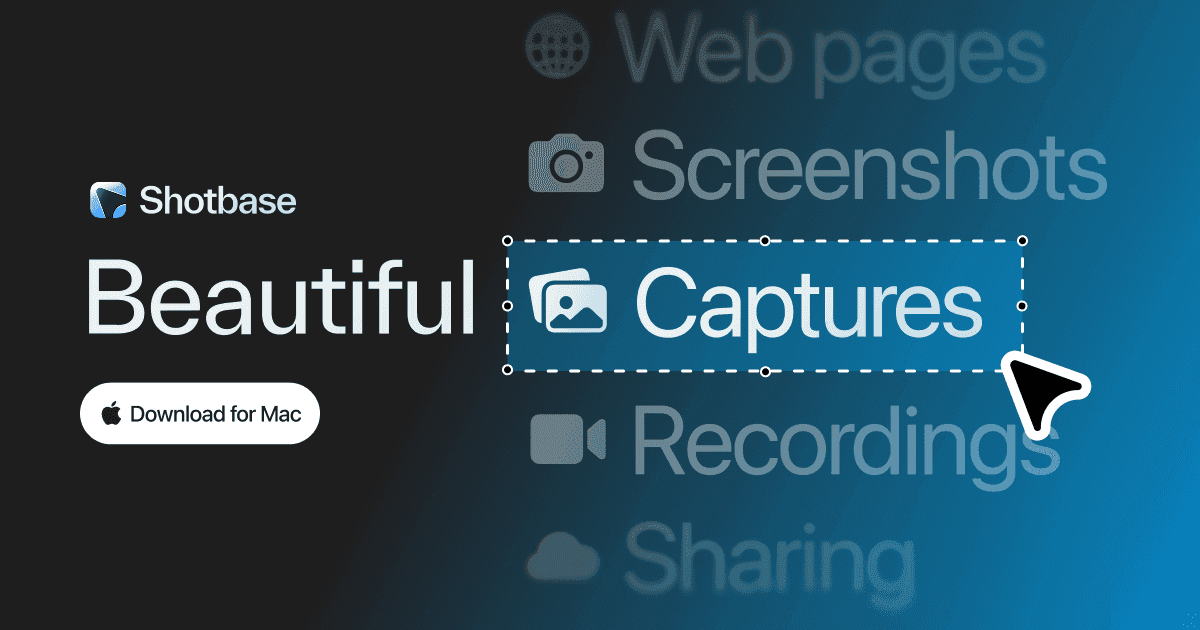
Shotbase is a comprehensive tool designed to capture and manage all your screen-based content effortlessly. With features like stunning screenshot capabilities, recording options that include cinematic effects, and an intuitive organizational structure powered by local AI, you can easily keep your multimedia assets organized and accessible. Shotbase not only allows you to capture specific areas, windows, or full screens on your Mac but also enables you to edit and enhance your captures with backgrounds, frames, and annotations. The integrated AI ensures your captures are automatically named and tagged for easy searching, making it an excellent choice for anyone looking to enhance their productivity and creativity in one seamless workspace.

Sugar
Chat beyond the bubble
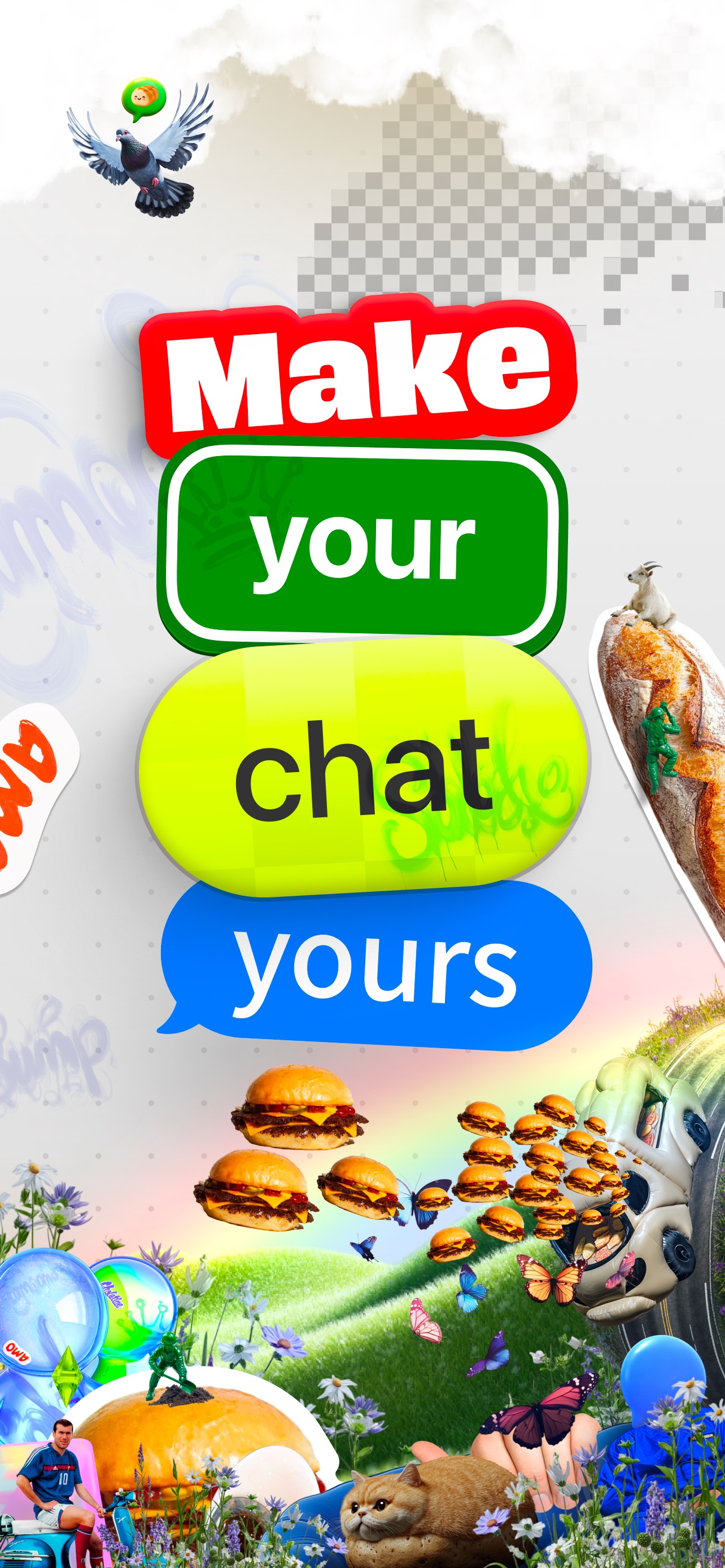
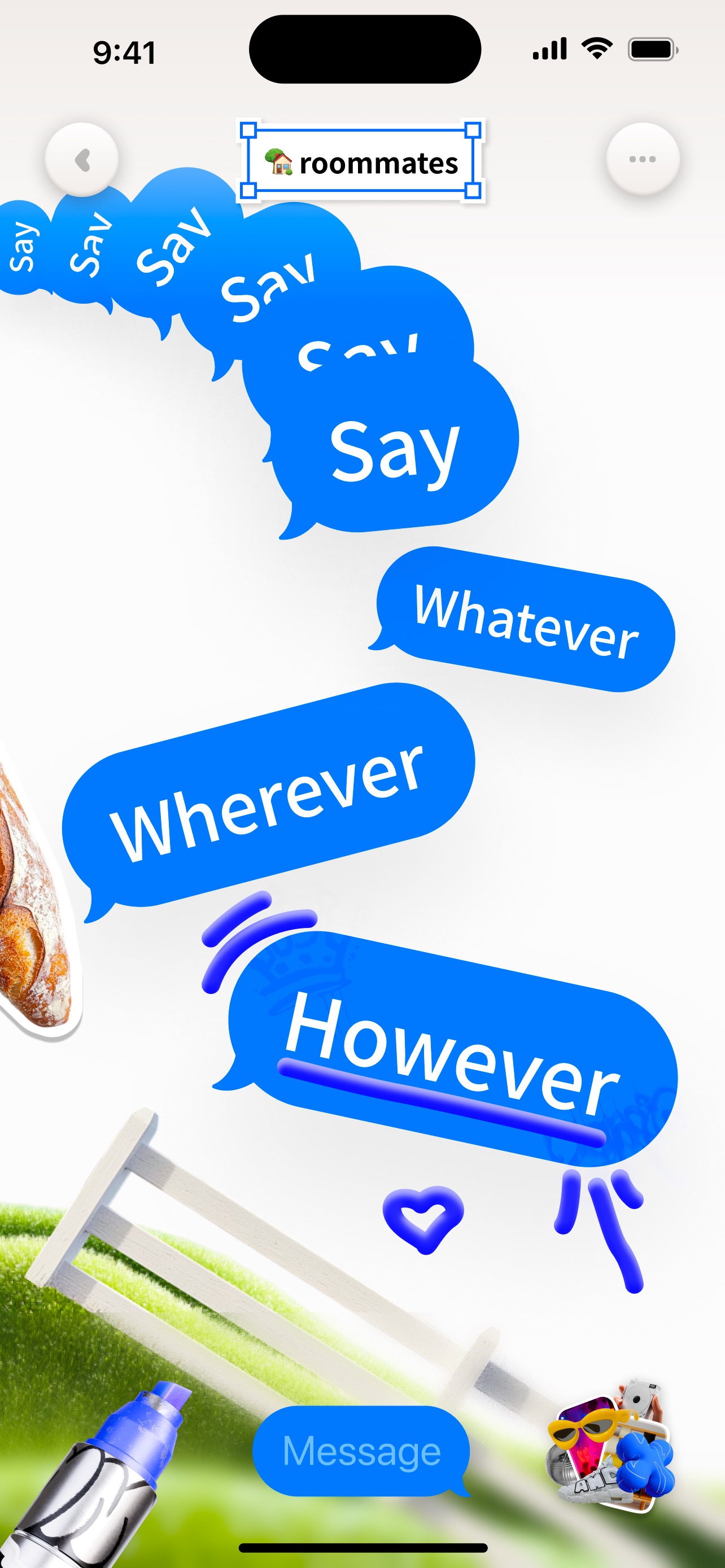
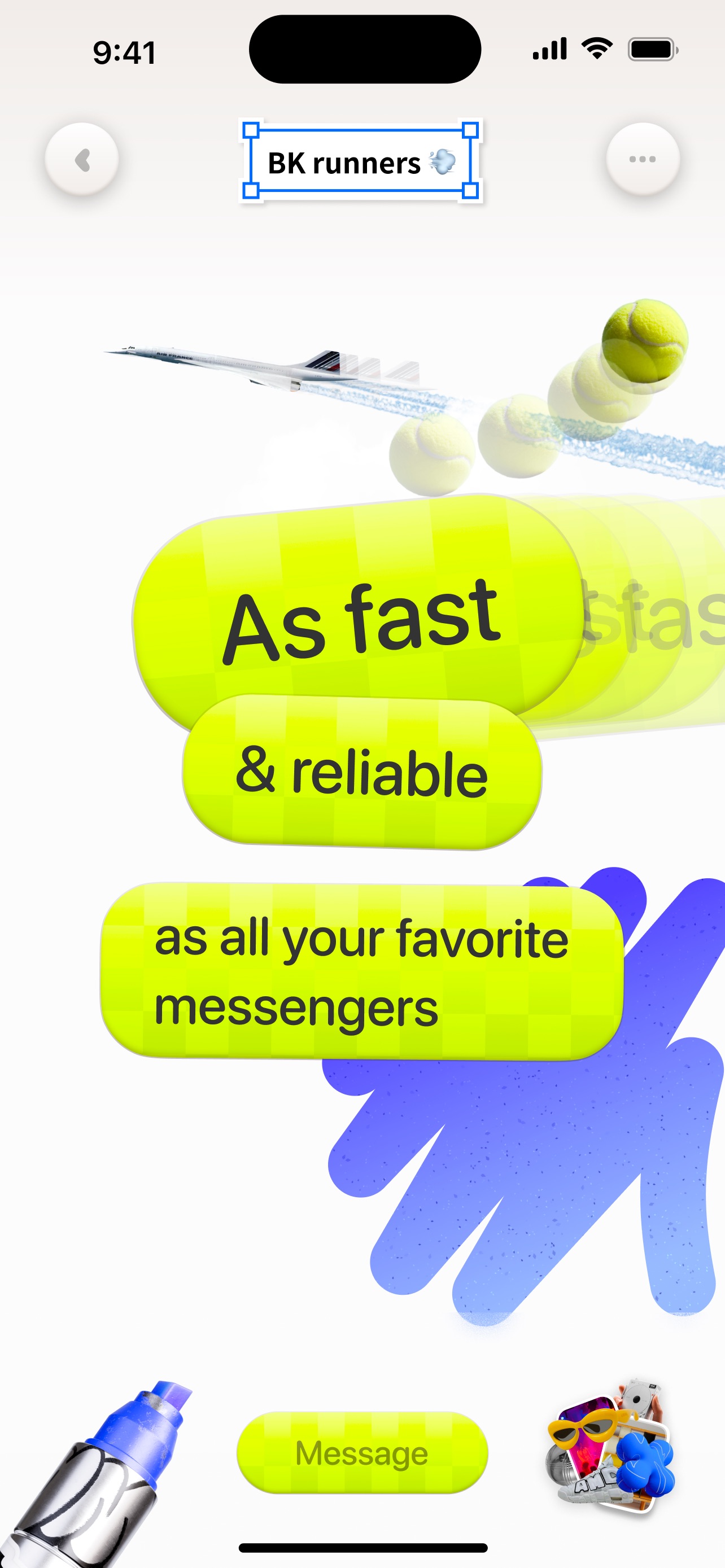
Sugar is a freeform chat app for friends — drop text, images, GIFs, videos, and drawings anywhere on an unlimited canvas instead of stacking generic green and blue bubbles. - Unlimited canvas for messages, media, and drawings - Place content anywhere — conversation as a spatial layout - Text styles as unique as your voice, or classic bubble looks - Images, GIFs, videos, and freehand drawings in the thread - Built for colorful, chaotic chats with people you actually know Free on the App Store. On Sugar, conversation is art.

Mat
Photo cutouts & widgets for your memories
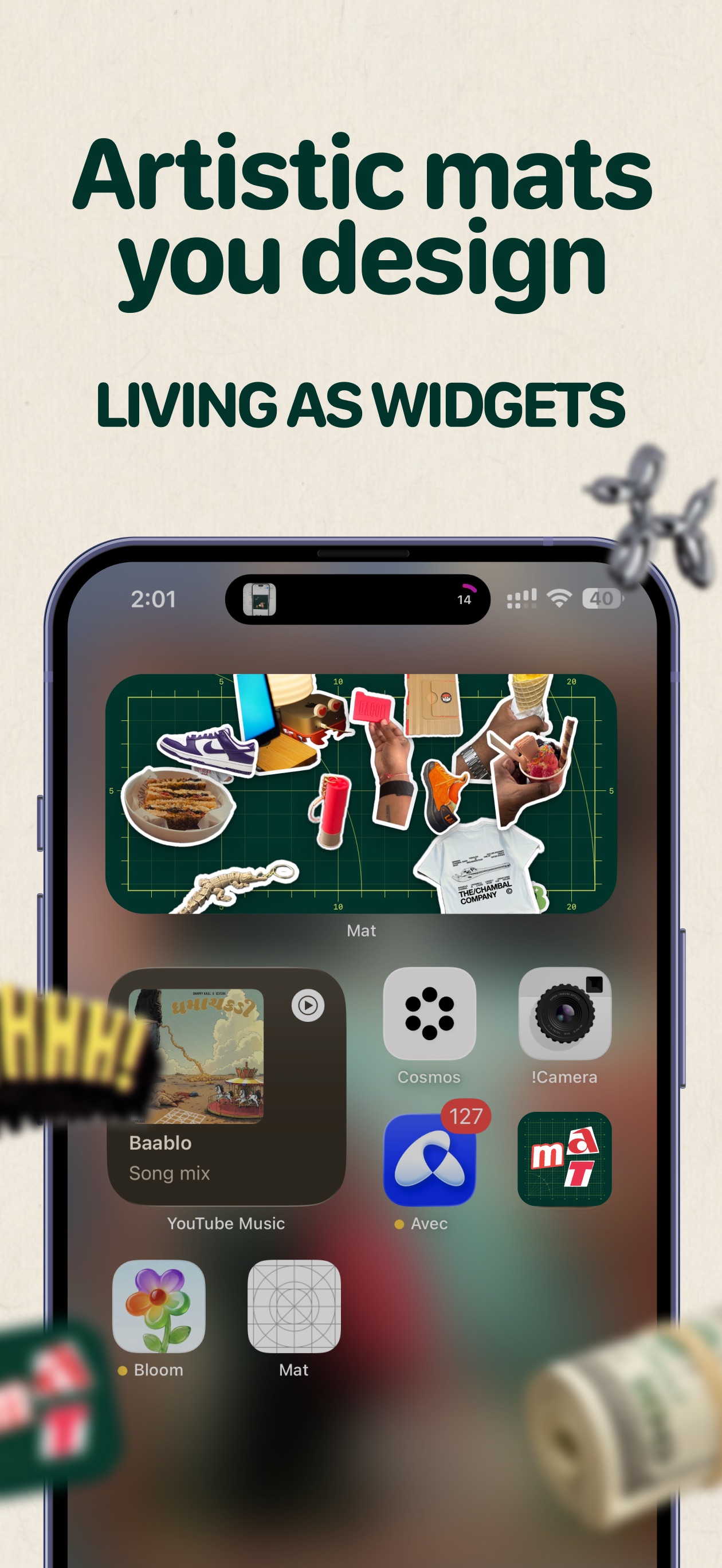
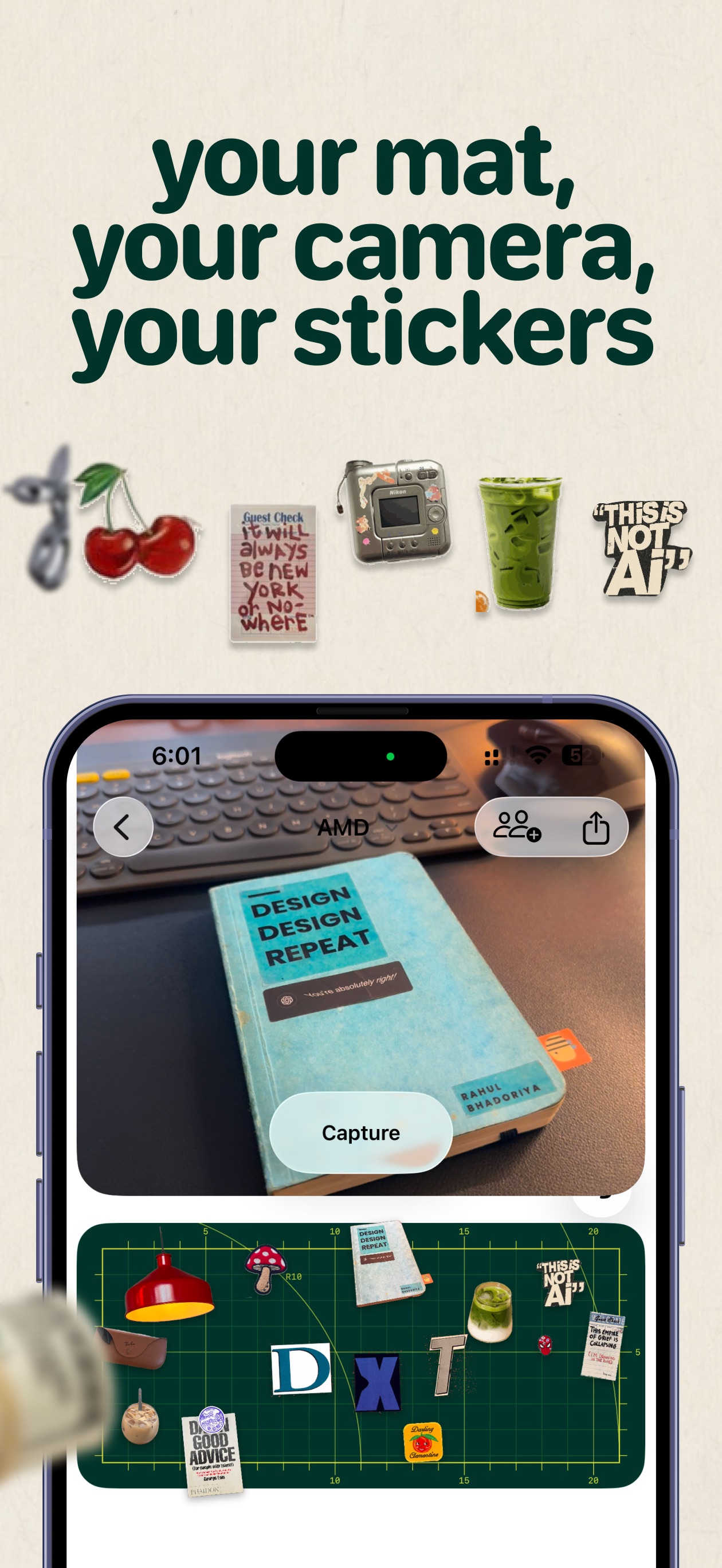

Mat is a little space for your memories — cut out people, pets, and moments from your photos, arrange them on a mat, and keep it on your Home Screen. - Live camera cutouts that remove the background in one step - Import from your photo library, plus letters and emoji - Arrange, resize, and layer cutouts freely on mats - Daily mat with a calendar of your days, plus Postits - Friend mats you can build together - Share to Instagram or export as wallpaper Free to download. Mat Pro is a one-time unlock for unlimited mats, cutouts, and decorations — clocks, polaroids, stamps, and paper letters. Family Sharing supported. No subscription.

Clucky
Loud alarm clock with wake-up missions
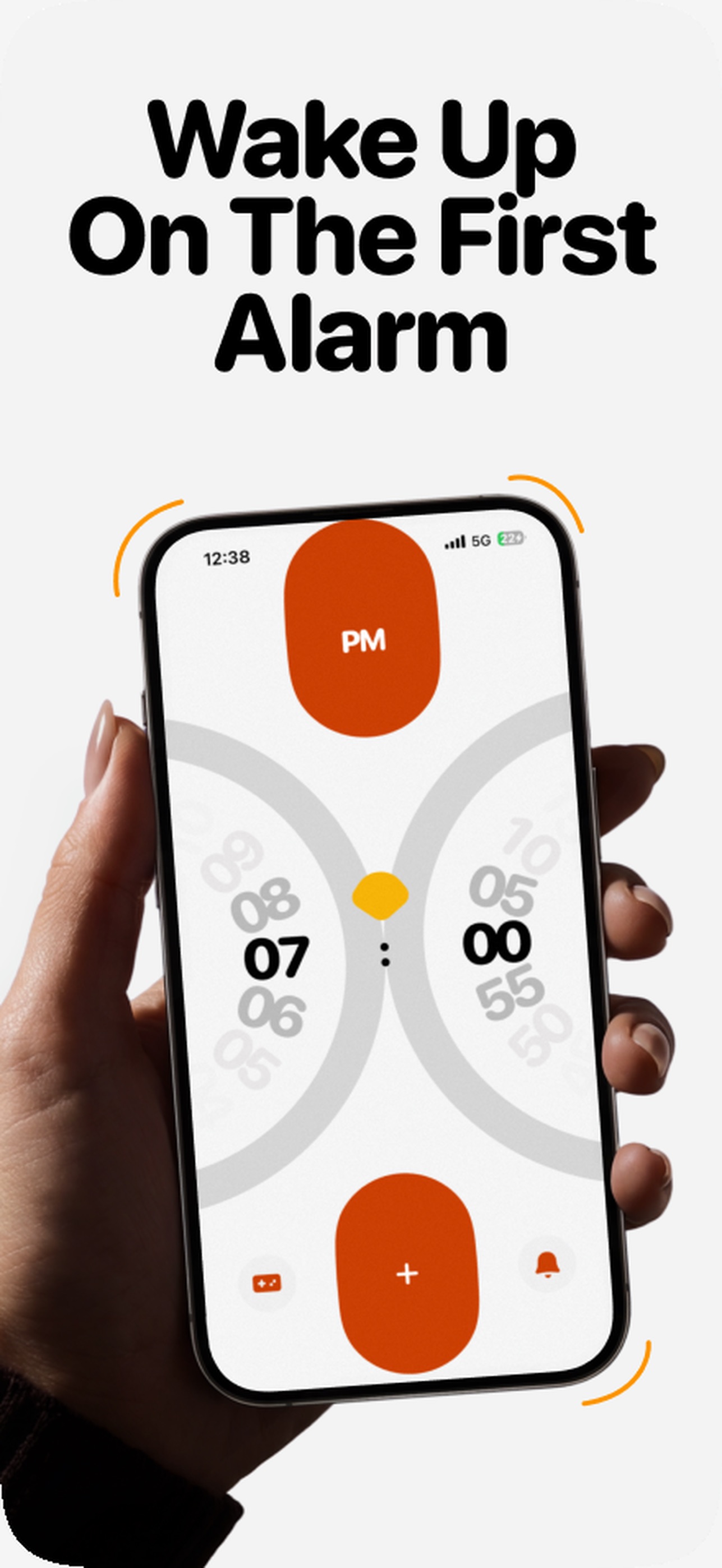

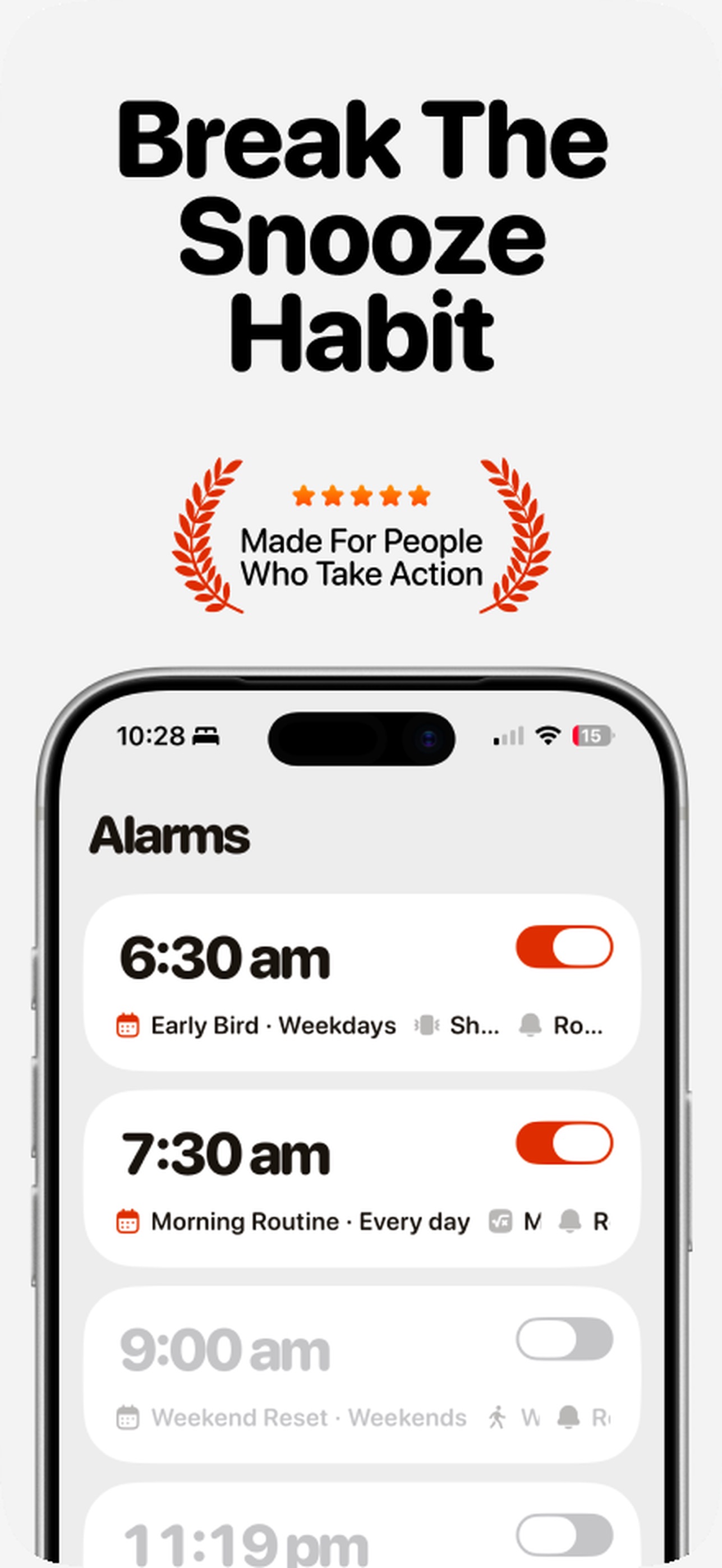
Clucky is a snarky rooster alarm for iPhone that makes waking up a small victory — complete wake-up missions that get your brain and body moving, then build a morning streak. - Wake-up missions: math, shake, steps, push-ups, memory, phrases, colors, maze, photo, and object hunt - Stack up to three missions per alarm with adjustable difficulty - Extra Loud mode that keeps crowing until missions are done - Flock: share a crow time with friends, nudges, and a weekly Roost Board - Morning Stats, widgets, Live Activities, and Dynamic Island - Custom Clucky sounds or import your own Free to download with Clucky Pro subscription required for the features above (optional free trial). Solo alarms need no account; Flock uses optional Sign in with Apple.

Amble
Step racing with your friends
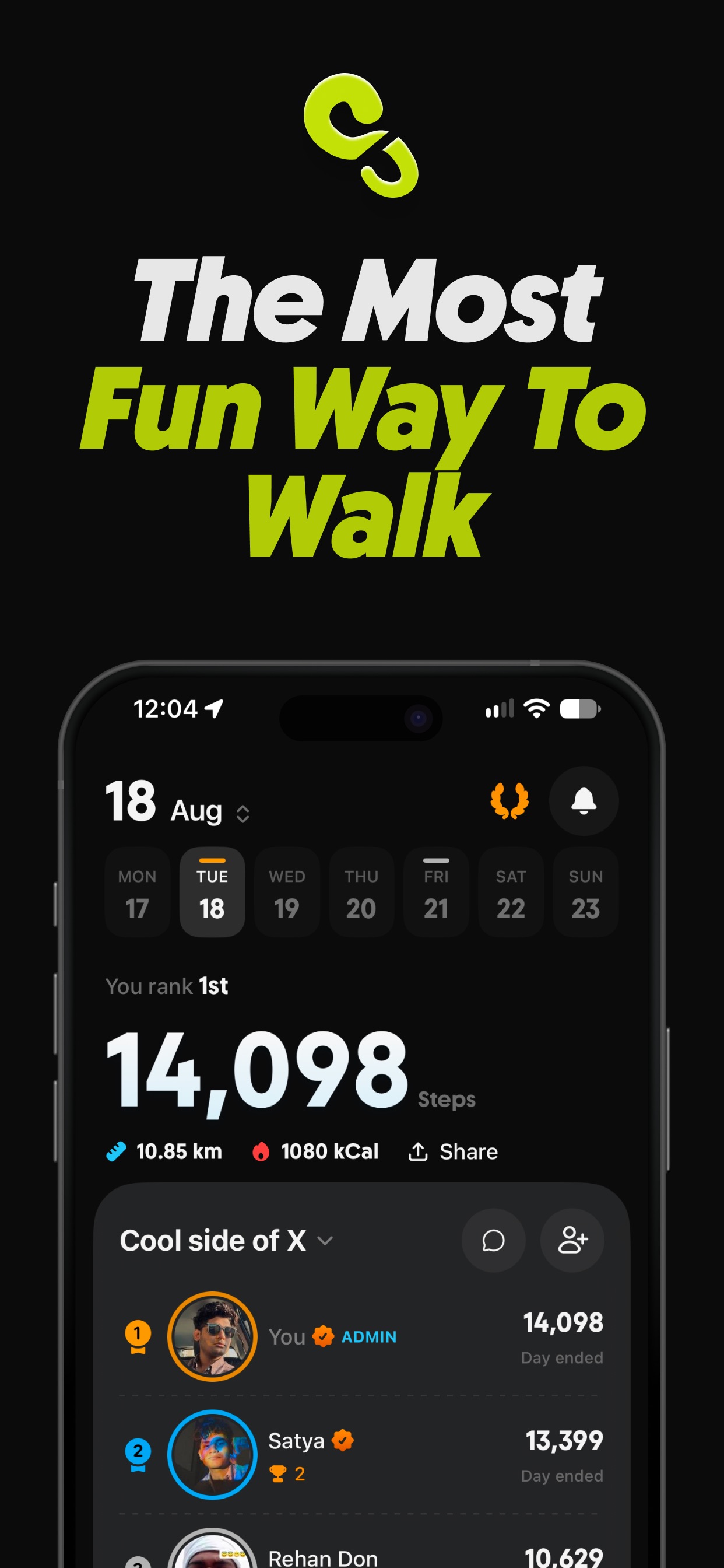

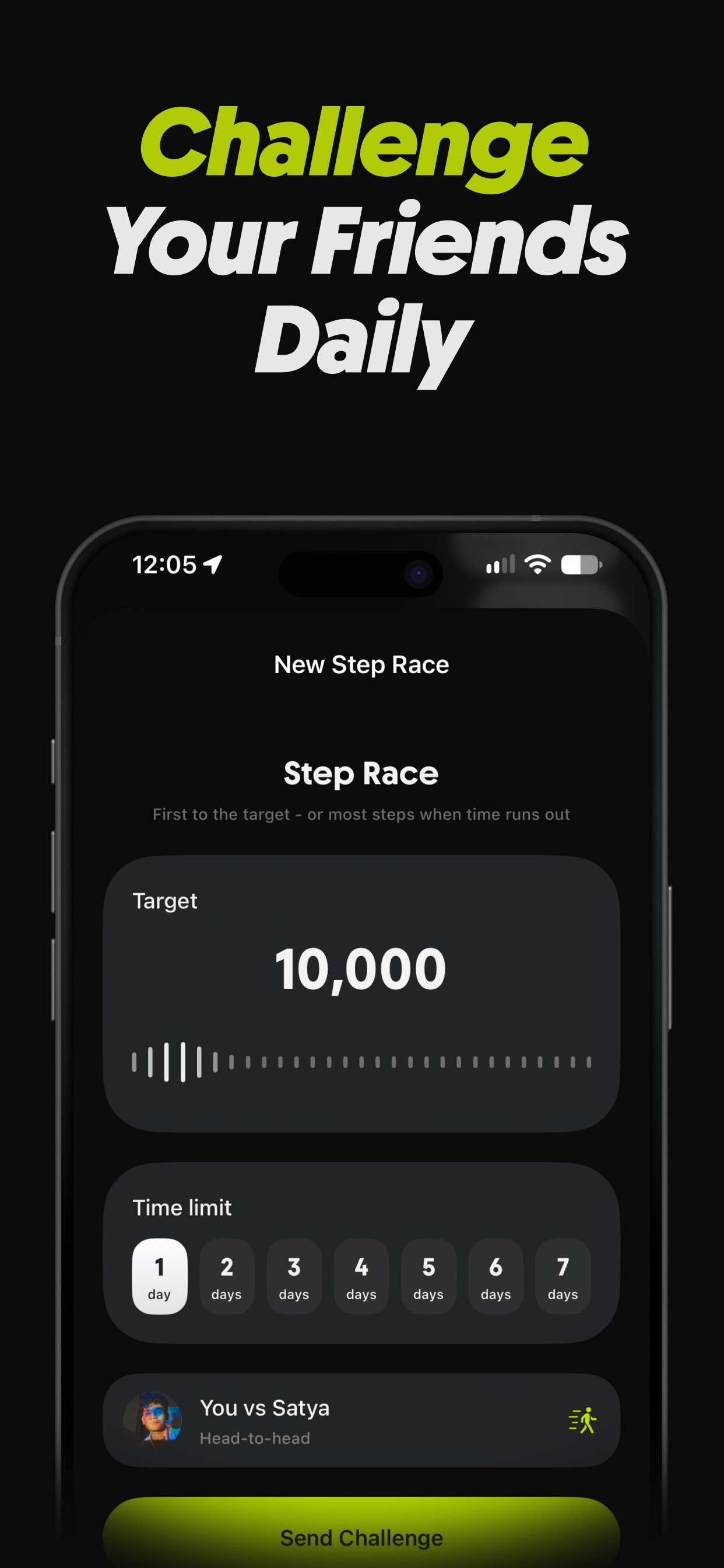
Amble turns your daily steps into a live race with the people you actually know — friends, family, or workmates on one leaderboard that resets at midnight. - Create an Amble group and invite with a link or QR code - Steps sync from Apple Health all day — no manual logging - Head-to-head step races over a day or a week - Daily goal streaks, plus a Step Wallet that can protect them - Group chat with photos, reactions, and race challenges - Record or import walks, runs, rides, and hikes with routes Free to use with optional Amble Pro (subscription, 7-day trial) for unlimited Ambles, the Step Wallet, and full workout history import. Requires Apple Health.

ThisDay
Tasks, habits and reminders on one day
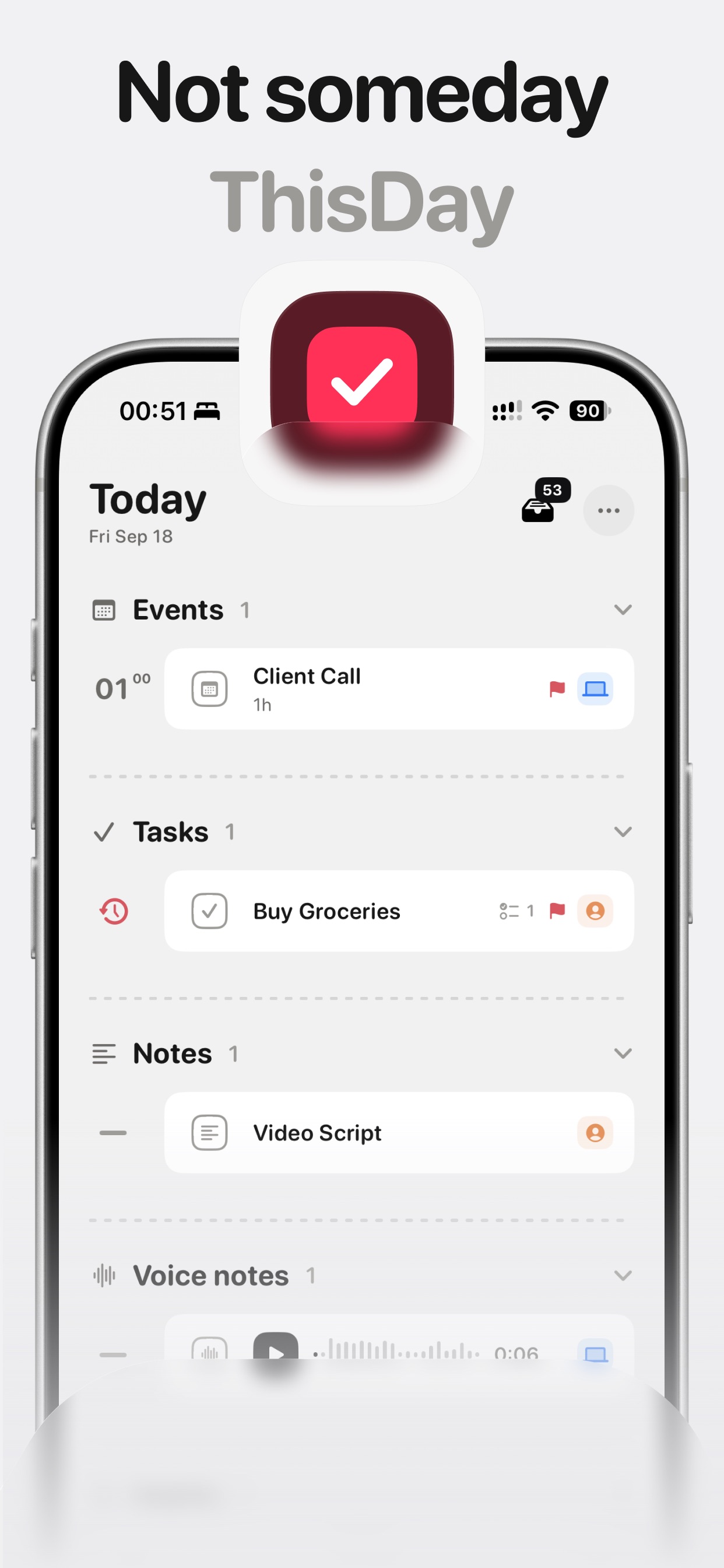
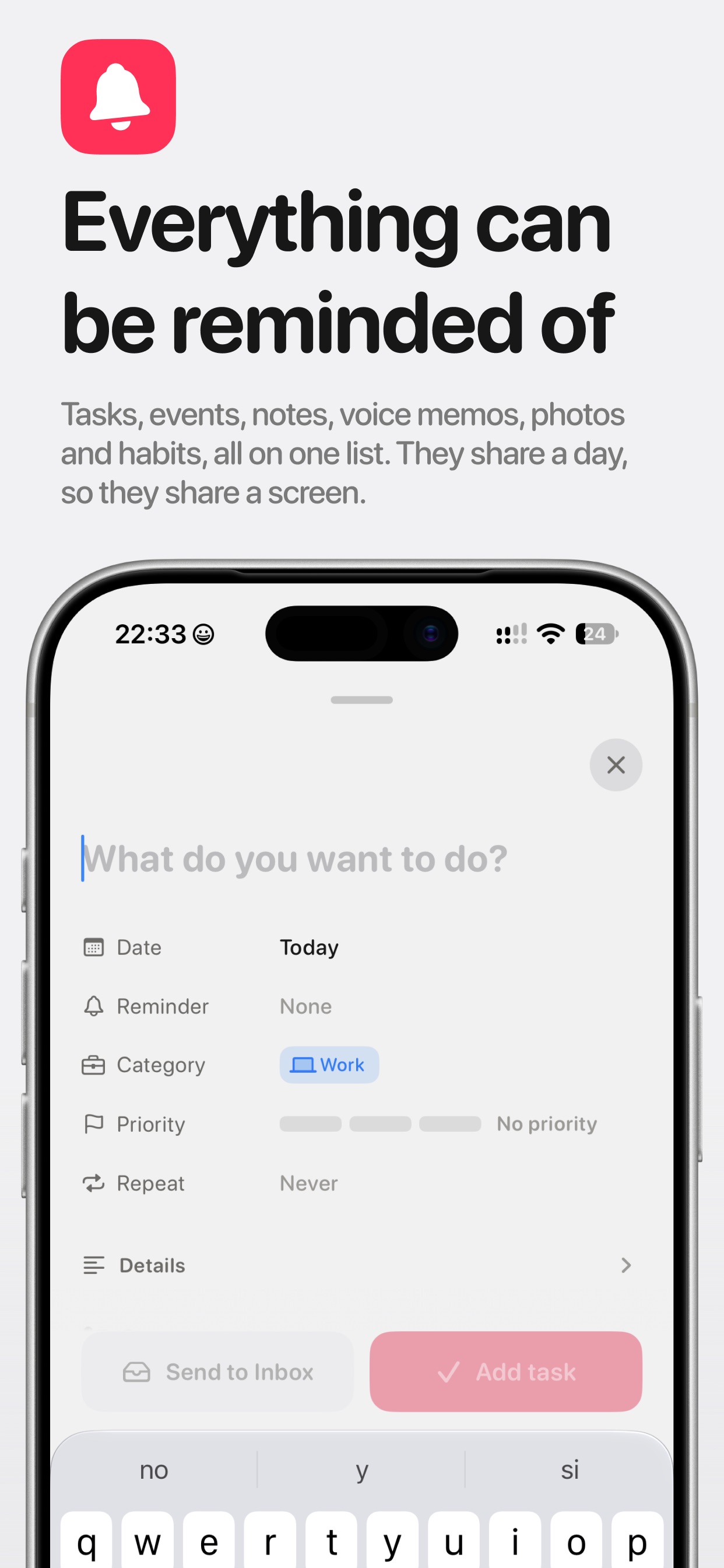
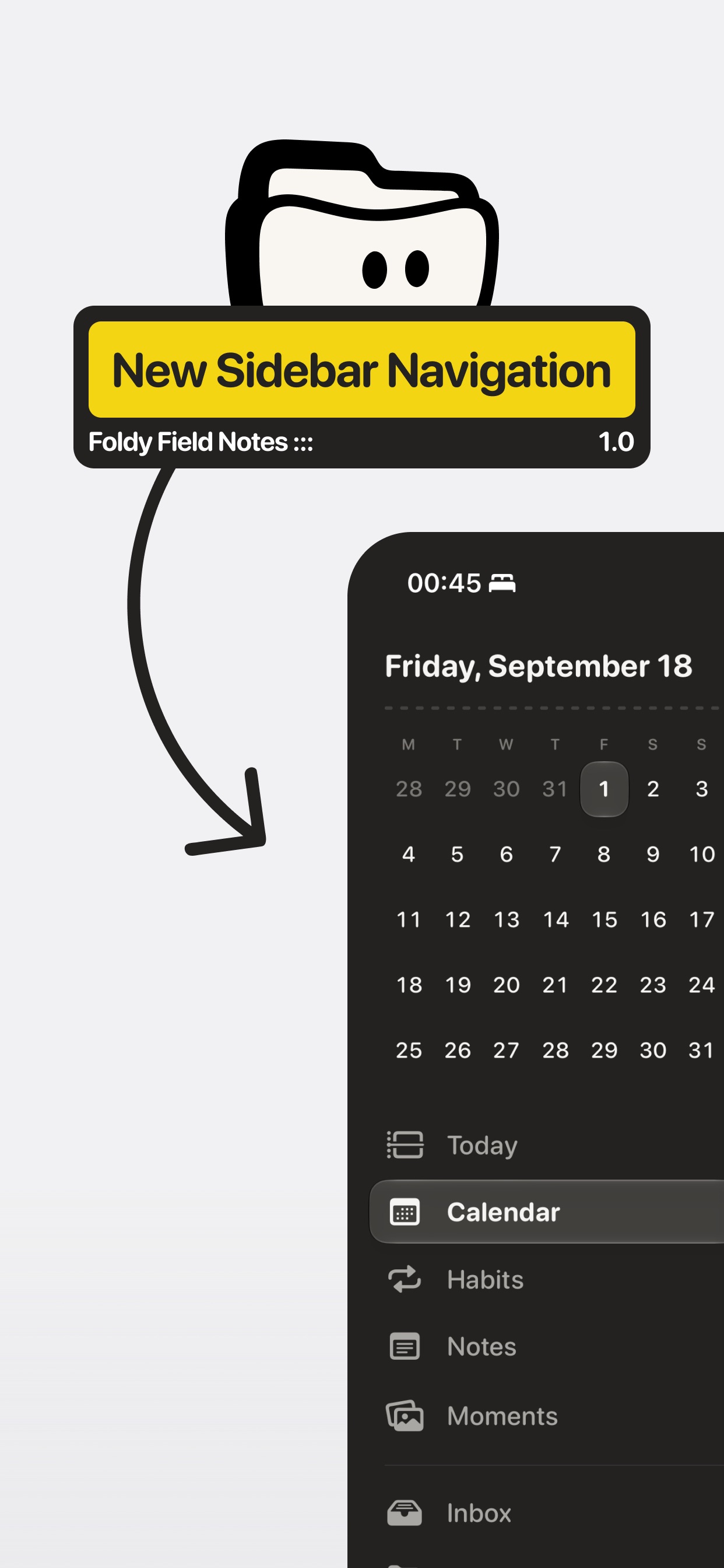
ThisDay is a day-first planner for iPhone where tasks, events, notes, voice memos, photos, and habits share one timeline — today, in the order things happen. - Tasks, events, notes, voice memos, photos, and habits in one day list - Reminders on anything, including voice memos and notes - Habits that can tick from Apple Health (read-only, on-device) - Unfinished work rolls forward so nothing quietly ages away - Day bar for quick capture, day jumping, and what's running - Widgets, Live Activities, Shortcuts, and Siri — no account required Free for 21 days with everything unlocked, then a one-time purchase. Private by design: data stays on your device and syncs over your own iCloud.

Text Catalyst
Clipboard manager meets text expander.
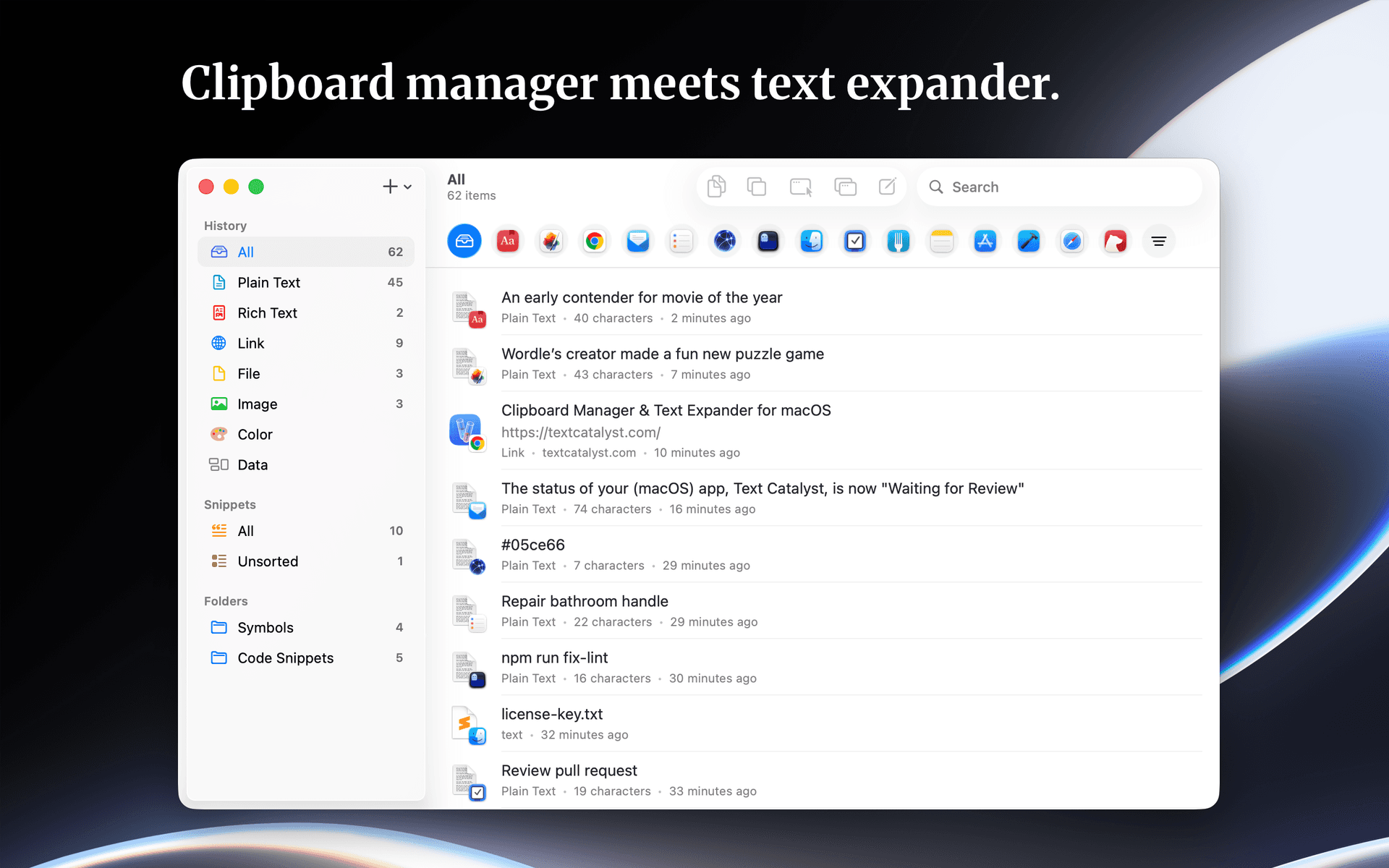
Text Catalyst is a clipboard manager and text expander software designed for macOS. It enhances clipboard functionality by combining clipboard history with text expansion features, allowing users to efficiently manage copied content and frequently used text snippets. - Stores and manages clipboard history for easy retrieval of copied text. - Allows users to search and filter clipboard entries by the originating application. - Enables creation of text shortcuts for quick insertion of frequently used snippets. - Supports pasting multiple copied items simultaneously to streamline workflows. - Provides a preview of content before pasting to ensure accuracy. Text Catalyst is a macOS application that enhances clipboard functionality by combining clipboard history and text expansion features. Users can manage copied items, search through their clipboard history, and preview content before pasting. The app supports quick access to frequently used text snippets and allows for pasting multiple items efficiently.

Balance
Time tracking and Pomodoro, beautifully simple

Balance is a Mac time tracking and Pomodoro app designed to enhance focus and promote work-life balance. It allows users to log work sessions intentionally, receive reminders for breaks, and maintain session records. This tool is suitable for freelancers, students, and professionals. Balance is available for free on the Mac App Store, with optional in-app purchases, and requires macOS 14 or later. - Tracks time using the Pomodoro technique to enhance focus and productivity. - Provides customizable break reminders to prevent work fatigue. - Maintains detailed session logs for tracking work patterns and productivity. - Offers a user-friendly interface suitable for freelancers, students, and professionals. - Available for free on the Mac App Store with optional in-app purchases. - Requires macOS 14 or later for optimal performance. Balance is designed for users seeking to enhance their productivity through structured time management. Its features cater to freelancers, students, and professionals who benefit from focused work sessions and regular breaks. By maintaining session logs, users can track their progress and optimize their workflow.
TinyFolder
A native app launcher for your Dock
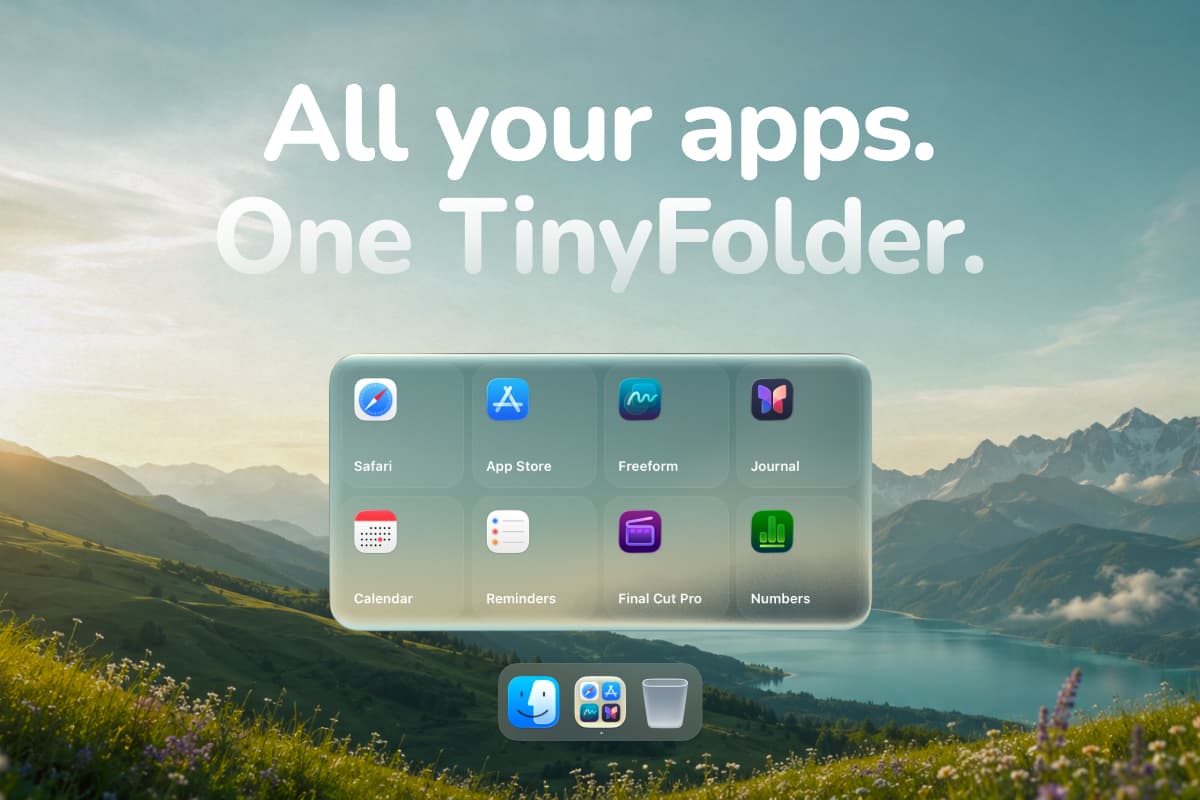
TinyFolder is a macOS application designed for organizing frequently used applications by creating custom folders in the Dock. This software simplifies access to apps, allowing users to group them for quicker launching. It is particularly useful for individuals looking to reduce clutter and enhance productivity by keeping their most-used applications easily accessible. - Groups frequently used applications into customizable folders for easy access from the Dock. - Offers various layout options, including icons, lists, and tiles, to suit user preferences. - Supports global keyboard shortcuts for quick launching of applications. - Allows for extensive customization of folder appearance, including backgrounds and effects. - Available as a one-time purchase with a 14-day satisfaction guarantee. TinyFolder is a native app launcher designed for macOS 13 and later, compatible with both Apple Silicon and Intel Macs. It allows users to create custom folders in the Dock for frequently used applications, enhancing organization and accessibility. The application is code-signed and notarized by Apple, ensuring a secure installation.

Spotted in Prod
The very best of iOS

Spotted in Prod is a web platform that curates standout iOS apps and interactions. It features short clips showcasing real product user interfaces from both indie developers and major tech companies. The platform aims to support designers and builders by providing insights into the people behind the work and offering a library of downloadable apps. - Access a curated library of standout iOS app interactions and user interfaces. - View short video clips showcasing real product UI from various developers. - Discover profiles of indie makers and established tech companies behind the apps. - Download featured apps directly from the platform for hands-on experience. - Membership unlocks the full library of clips for comprehensive exploration. Spotted in Prod serves as a resource for designers and developers seeking inspiration from a diverse range of iOS applications. By showcasing real product UI through curated clips, it facilitates learning and exploration of effective design practices.

FloatyDo
A tiny floating todo list for Mac
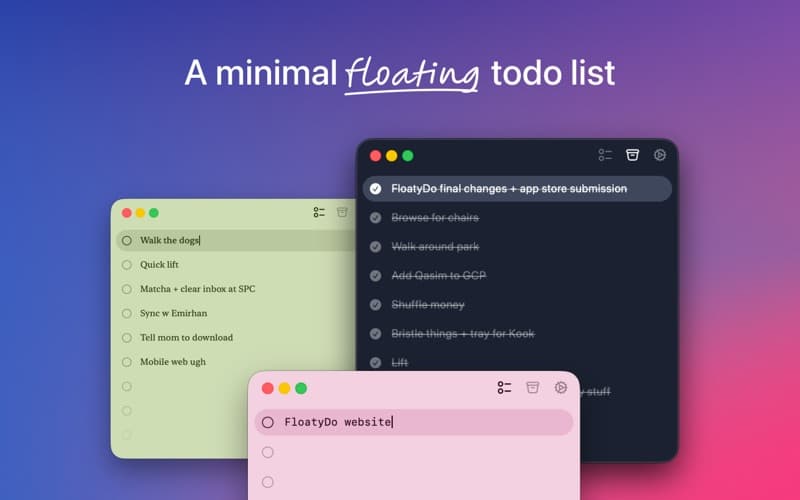
FloatyDo is a floating todo widget designed for macOS. It allows users to manage tasks while working across different applications, providing quick capture and keyboard controls for easy access to daily priorities. The widget can be customized with various themes and fonts. FloatyDo is available for free on the Mac App Store, with an optional Lifetime unlock, and requires macOS Sequoia 15. - Floating widget remains visible across applications for easy access to tasks. - Quick capture feature allows for rapid entry of tasks using keyboard shortcuts. - Customizable themes and fonts to personalize the user interface. - Designed for minimal distraction, focusing on daily priorities rather than extensive project management. - Available for free on the Mac App Store, with an option for a Lifetime unlock. - Requires macOS Sequoia 15.0 or later for optimal functionality. FloatyDo is designed for users who need a simple and accessible way to manage tasks without disrupting their workflow. Its floating interface allows for easy visibility across applications, making it suitable for those who prefer quick task entry and minimal distractions. The customization options enhance user experience, while its compatibility with macOS Sequoia 15.

Juicy
Custom Mac battery alerts & health
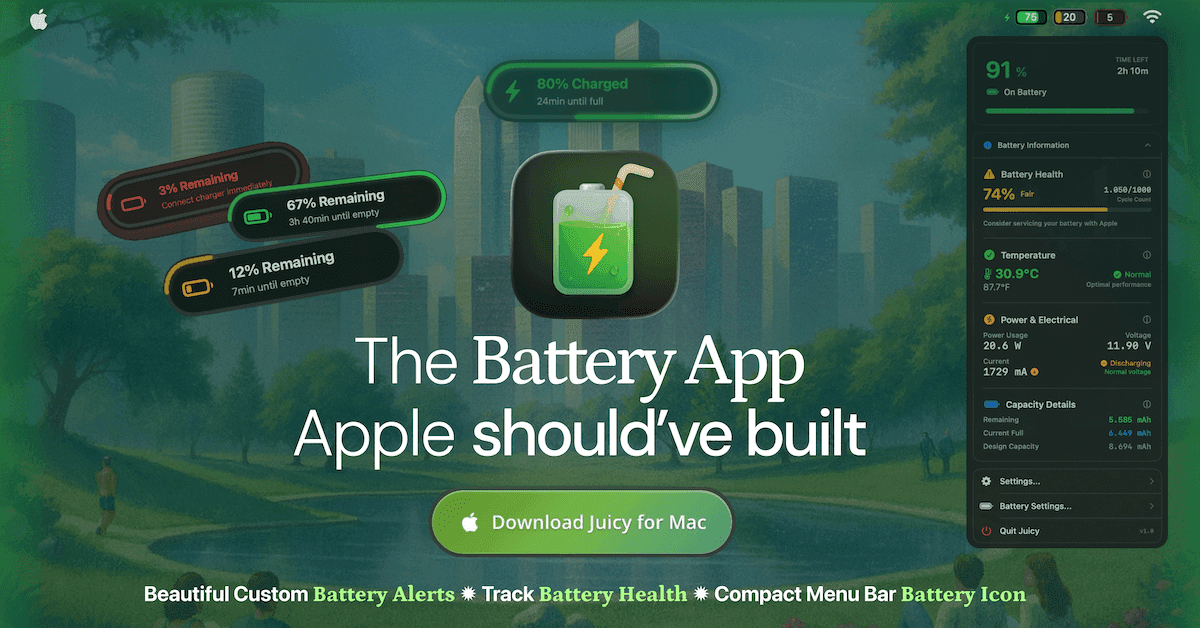
Juicy is a native Mac menu bar application designed for battery management. It allows users to set custom alerts for battery levels, monitor battery health, cycle count, and temperature, and receive lifecycle notifications for charging. Additionally, it provides insights into connected device batteries, dismisses macOS battery notifications, and tracks per-app energy usage over various timeframes. - Set custom battery alerts at any specified level. - Monitor battery health, cycle count, and temperature. - Receive lifecycle alerts for charging and the 80% charge limit. - View battery status of connected devices. - Automatically dismiss macOS battery notifications. - Analyze per-app energy usage over 24 hours, 7 days, and 30 days. Juicy provides users with comprehensive battery management tools tailored for Mac. By offering customizable alerts, health tracking, and detailed energy usage insights, it enhances battery longevity and performance. This app is particularly useful for those who want to optimize their device's energy efficiency and minimize interruptions from system notifications. Compatible with macOS Sequoia 15.

Wick
A proper Clock app for Mac
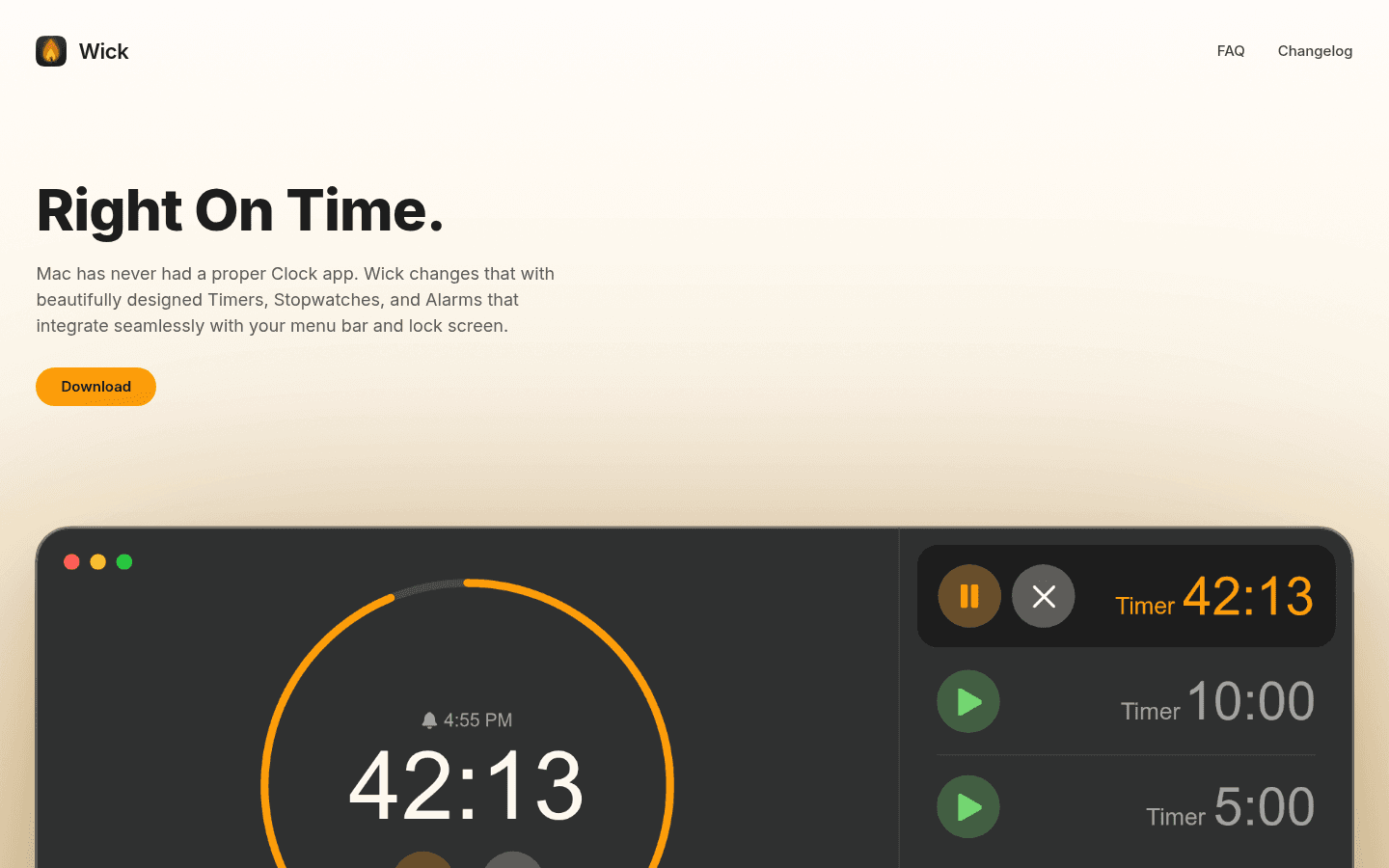
Wick is a free native Mac application designed to enhance the clock functionality on macOS. It consolidates Timers, Stopwatches, and Alarms into a single interface, offering integration with the menu bar and lock screen. This app is suitable for users seeking a streamlined way to manage time-related tasks and is compatible with macOS Sequoia (15) and later. - Provides timers, stopwatches, and alarms in a single application. - Integrates with the macOS menu bar for easy access. - Displays active timers on the Lock Screen via Alcove. - Compatible with macOS Sequoia (15) and later versions. - Free to download and use without any subscription fees. Wick offers a comprehensive clock solution for macOS users, integrating timers, stopwatches, and alarms in a user-friendly interface. Its menu bar and lock screen features enhance accessibility, making it suitable for those who require efficient time management tools.

HeyClicky
AI buddy that lives on your Mac
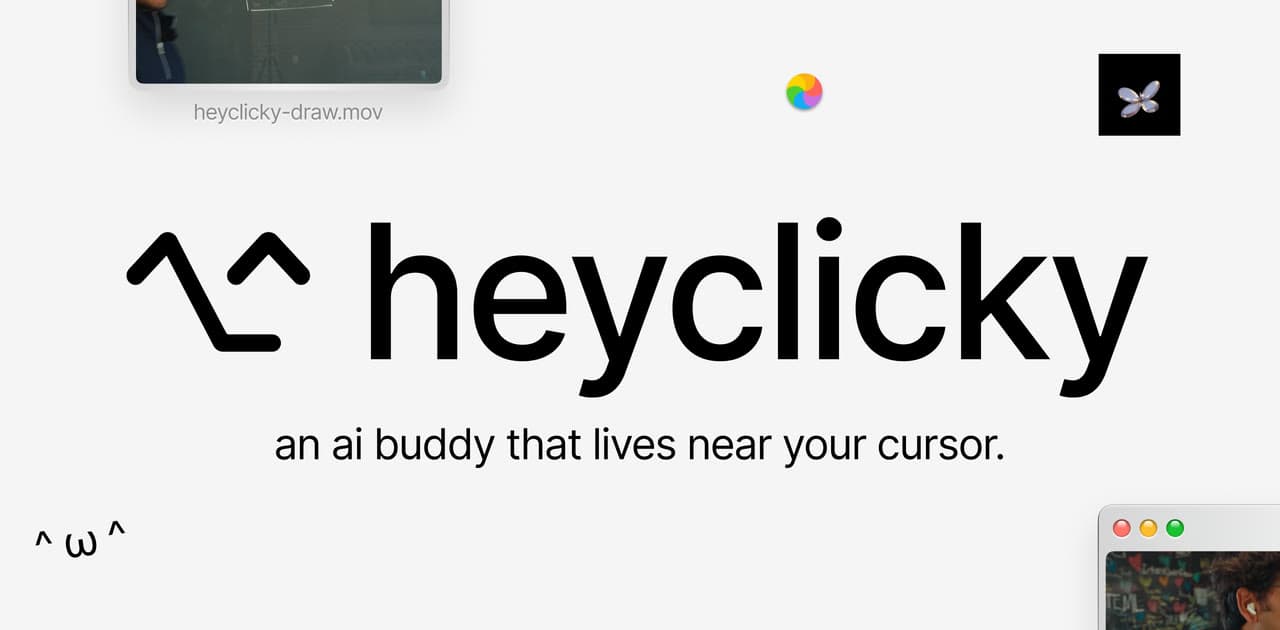
HeyClicky is a software application designed for macOS that functions as an AI assistant. It allows users to interact with their screen content by answering questions audibly, providing on-screen guidance, and executing voice-activated tasks across various applications. It integrates with services like Gmail and Notion, offering support for creative tools, code editors, and spreadsheets. - Provides voice responses based on on-screen content when activated by a hotkey. - Offers on-screen drawing tools to visually guide users through tasks. - Integrates with Gmail and Notion for streamlined task management. - Allows users to create and run voice-triggered agents without using a terminal. - Delivers step-by-step assistance across various applications, including creative tools and code editors. - Available in a free tier, with additional features in Pro and Max plans. HeyClicky enhances productivity by providing real-time assistance tailored to your workflow. Its integration with applications like Gmail and Notion allows for seamless task management, while voice-triggered agents simplify interactions across various software. With a free tier and options for advanced features, it caters to users seeking efficient support in creative and technical environments.

Wallspace
Live wallpapers for your Mac
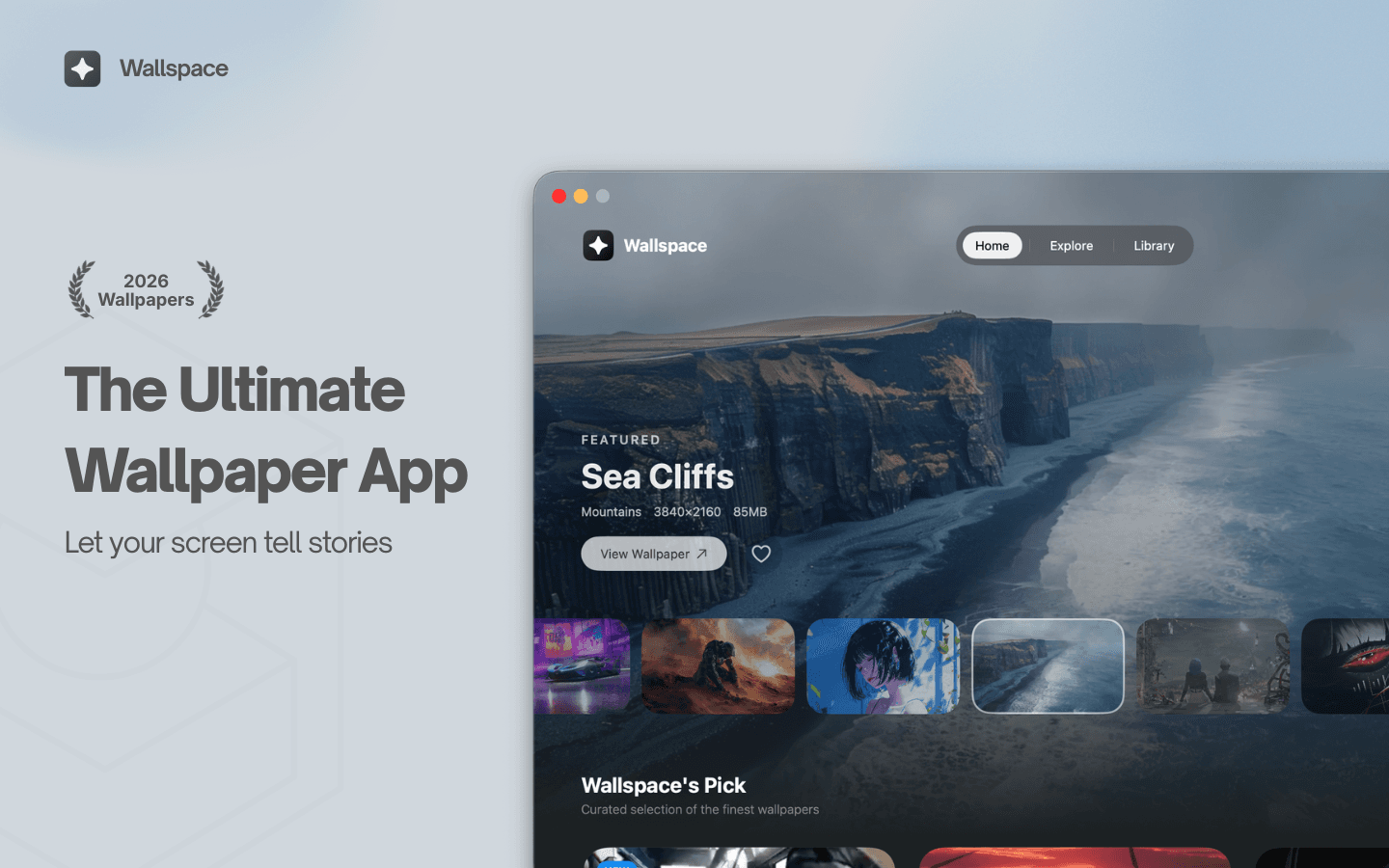
Wallspace is a Mac application that provides live and dynamic desktop wallpapers. Users can browse a selection of animated backgrounds and apply them to their desktops, enhancing their workspace with motion and visual themes. This tool is designed for individuals seeking to replace traditional static wallpapers with more engaging and visually appealing options. - Browse a library of animated wallpapers to customize your desktop. - Apply live wallpapers that update dynamically based on time or events. - Easily switch between different visual themes to refresh your workspace. - Supports multiple monitor setups for a cohesive visual experience. - Simple installation and user-friendly interface for quick setup. Wallspace offers a practical solution for users looking to enhance their Mac desktop experience with dynamic wallpapers. By providing a variety of animated backgrounds that can change based on time or events, it allows for a personalized and visually stimulating workspace.
VoiceOS
Voice assistant to control your Mac
VoiceOS is an AI voice assistant software designed for Mac and Windows. It enables users to dictate text, send messages, search the web, and automate application actions using voice commands. This tool is particularly beneficial for individuals seeking hands-free control and improved efficiency in their daily desktop tasks. - Dictate text and documents using voice commands for hands-free writing. - Send messages and emails through voice activation without manual input. - Perform web searches and retrieve information using voice queries. - Automate repetitive tasks and app actions with customizable voice commands. - Compatible with both Mac and Windows operating systems for versatile use. VoiceOS provides a practical solution for users looking to enhance productivity through voice commands. By facilitating hands-free text dictation, message sending, and web searches, it streamlines daily tasks. Its ability to automate repetitive actions further supports efficiency, making it a valuable tool for both Mac and Windows users seeking to optimize their workflow.

Sketch
Design and prototype user interfaces
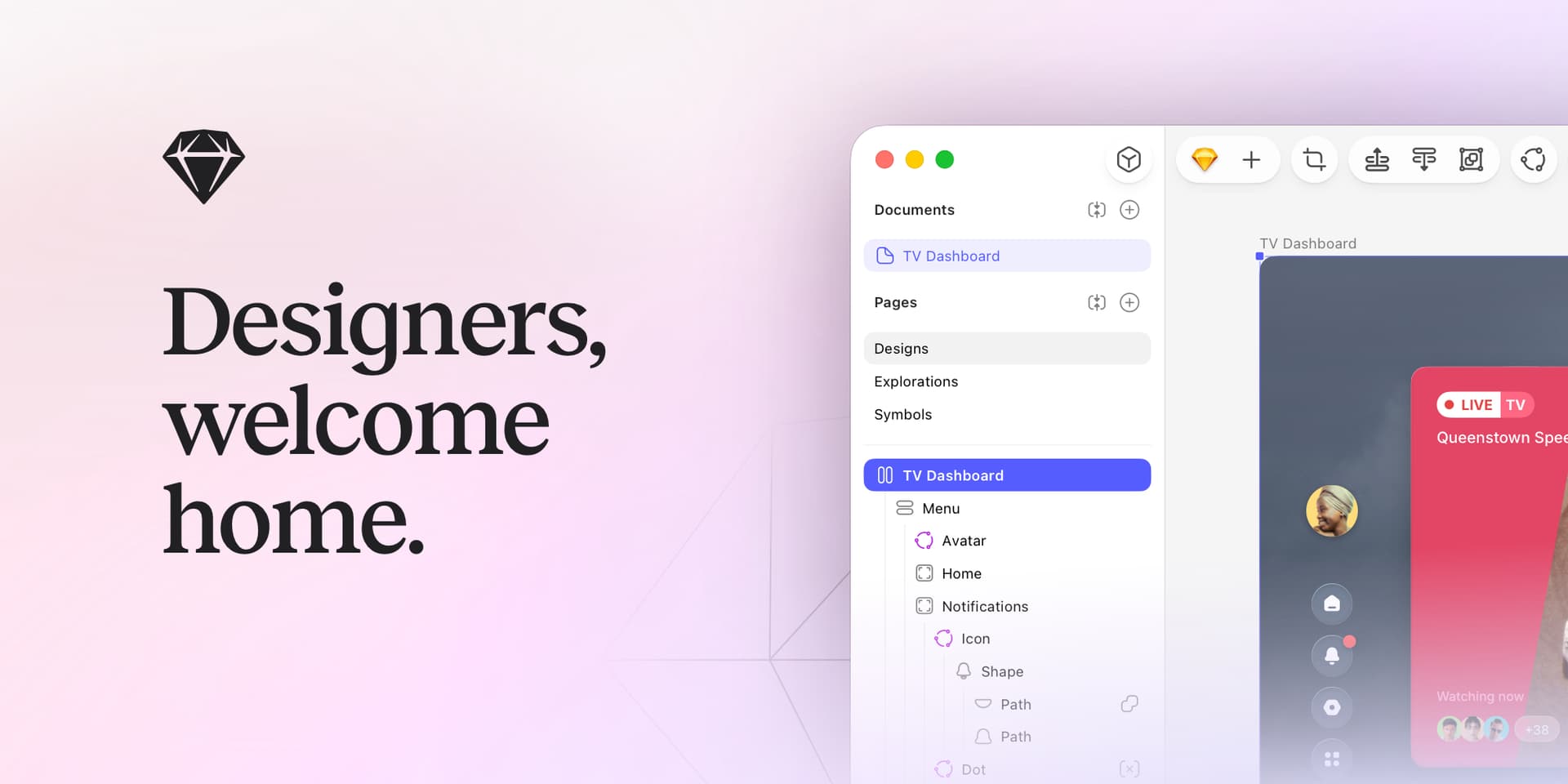
Sketch is a design platform for Mac that focuses on creating vector user interfaces. It enables designers to build interactive prototypes, collaborate with team members, and efficiently hand off assets to developers. With features like symbols, libraries, and a robust plugin ecosystem, Sketch supports the entire design process from initial exploration to production-ready specifications. - Create vector-based user interfaces with precision using a comprehensive set of design tools. - Build interactive prototypes to visualize user flows and gather feedback early in the design process. - Collaborate in real-time with team members through shared documents and version control. - Utilize symbols and libraries for consistent design elements across projects, enhancing efficiency. - Export assets in various formats for seamless handoff to developers, streamlining the production workflow. - Integrate with a wide range of plugins to extend functionality and customize the design process. Sketch is designed for Mac users who need a comprehensive tool for vector-based user interface design. Its features facilitate collaboration and streamline the workflow from concept to production.

Screen Charm
Polished screen recordings for Mac
Screen Charm is a screen recording software for Mac that enables users to create clear and polished videos. It features smart zoom, camera and microphone capture, system audio recording, 4K export, and the ability to generate sharable links. This tool is designed for founders, developers, course creators, and SaaS teams who need to produce demos and instructional content efficiently. - Records high-quality screen videos with 4K export capability. - Captures system audio, microphone input, and webcam footage simultaneously. - Features smart zoom for focused video presentations. - Generates sharable links for easy distribution of recorded content. - Streamlines video creation for demos, tutorials, and presentations. Screen Charm provides a comprehensive solution for users needing to create high-quality screen recordings on Mac. Its features cater specifically to professionals in various fields, allowing for efficient production of instructional and promotional content.
Obsidian
Private markdown notes and knowledge
Obsidian is a markdown note-taking software designed for creating a private knowledge base on Mac. It stores notes as local plain-text files, allows users to visualize connections through a graph view, and supports various plugins and themes. This tool is beneficial for writers, researchers, and students who need to organize and connect their ideas without relying on cloud storage. - Stores notes locally as plain-text files for easy access and backup. - Allows linking of notes to visualize relationships in a graph view. - Supports a variety of plugins to extend functionality and customize workflows. - Offers theming options for personalized note-taking environments. - Facilitates markdown formatting for structured and organized content creation. Obsidian provides a robust platform for users seeking to manage their notes and ideas effectively. Its local storage ensures data privacy, while features like graph visualization and plugin support enhance the organization and connectivity of information. This makes it a suitable choice for individuals who prioritize structured note-taking and customization in their workflow.
Notion
All-in-one workspace for notes
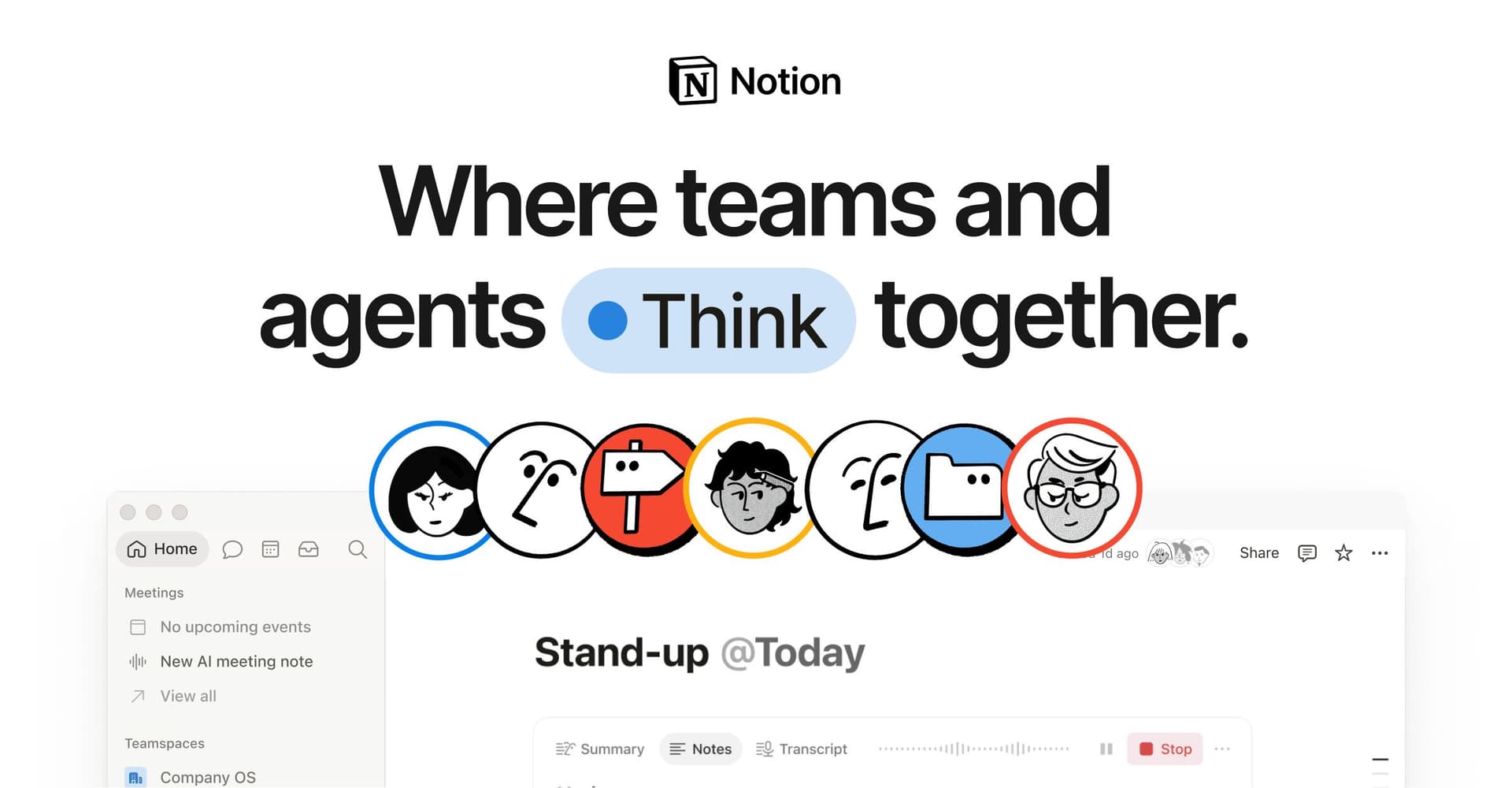
Notion is a software platform that serves as an all-in-one workspace for notes, documents, tasks, and databases. It is designed for both teams and individuals, enabling them to write, plan projects, build wikis, and track work using tables and boards. Users can collaborate in real time with customizable pages and templates, streamlining their workflow and enhancing productivity. - Create and organize notes, documents, and tasks in a single workspace. - Utilize customizable templates for project planning and documentation. - Collaborate in real time with team members on shared pages. - Track work progress using tables, boards, and kanban views. - Integrate with other tools and services for streamlined workflows. Notion provides a versatile solution for individuals and teams looking to enhance their productivity and organization. By centralizing notes, tasks, and project management, it facilitates effective collaboration and workflow management. Users can tailor their workspace to meet specific needs, making it suitable for various applications, from personal planning to team projects.
Mux
Automatic priority network switching
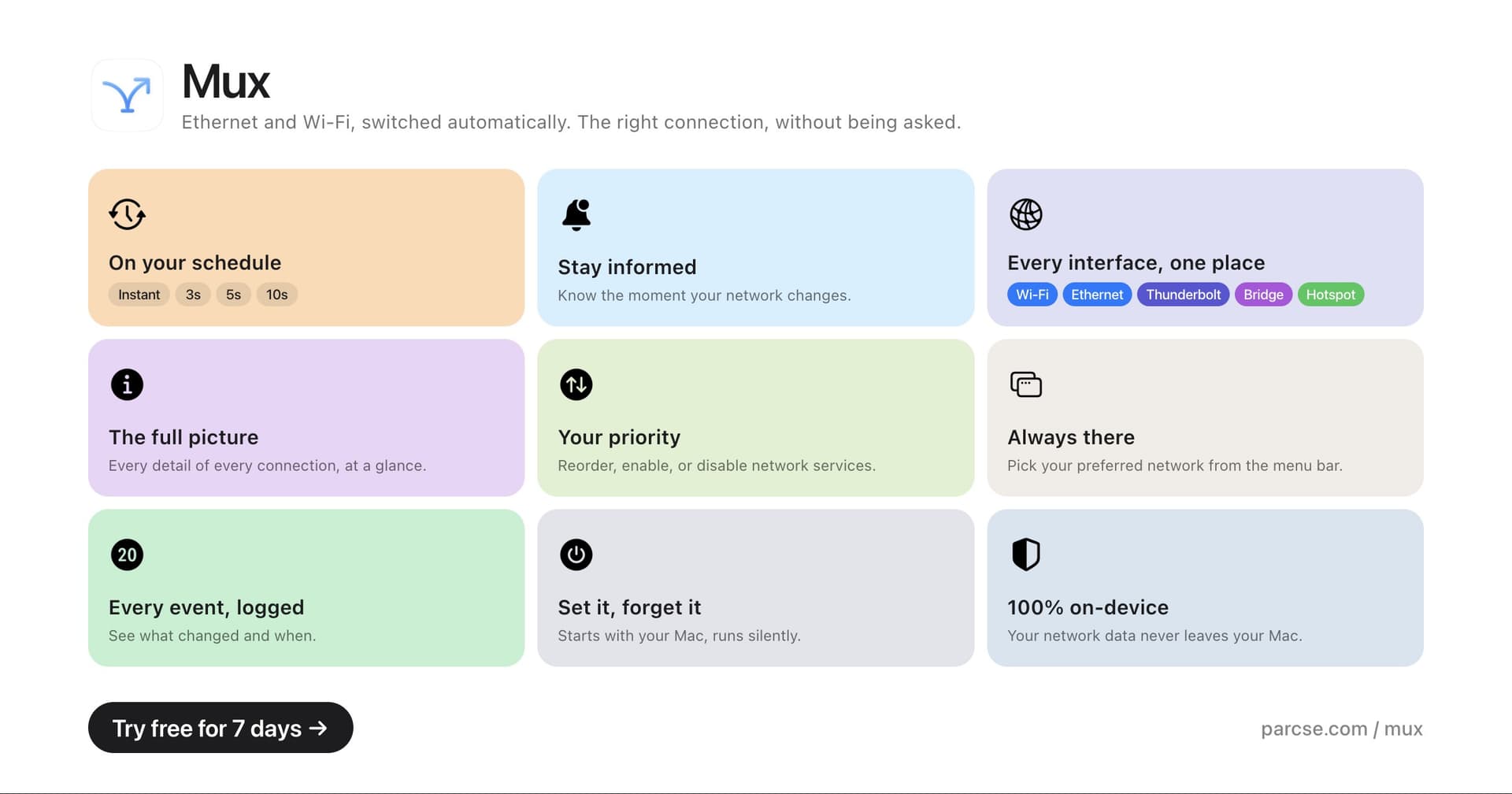
Mux is a macOS utility that manages network connections by automatically selecting the highest-priority option available. It allows users to customize priority settings for Ethernet, Thunderbolt Bridge, USB tethering, and Wi-Fi. - Monitors and switches between Ethernet, Thunderbolt Bridge, USB tethering, and Wi-Fi based on priority. - Allows users to set custom priority orders for network connections. - Provides options to add delays for unstable network links. - Enables temporary overrides from the menu bar for immediate network changes. - Displays detailed information for each network service for better management. Mux is designed for users who require efficient network management on macOS. By automating the selection of the highest-priority network connection and allowing for customizable settings, it enhances connectivity reliability.

Mole
Storage cleanup and optimization utility
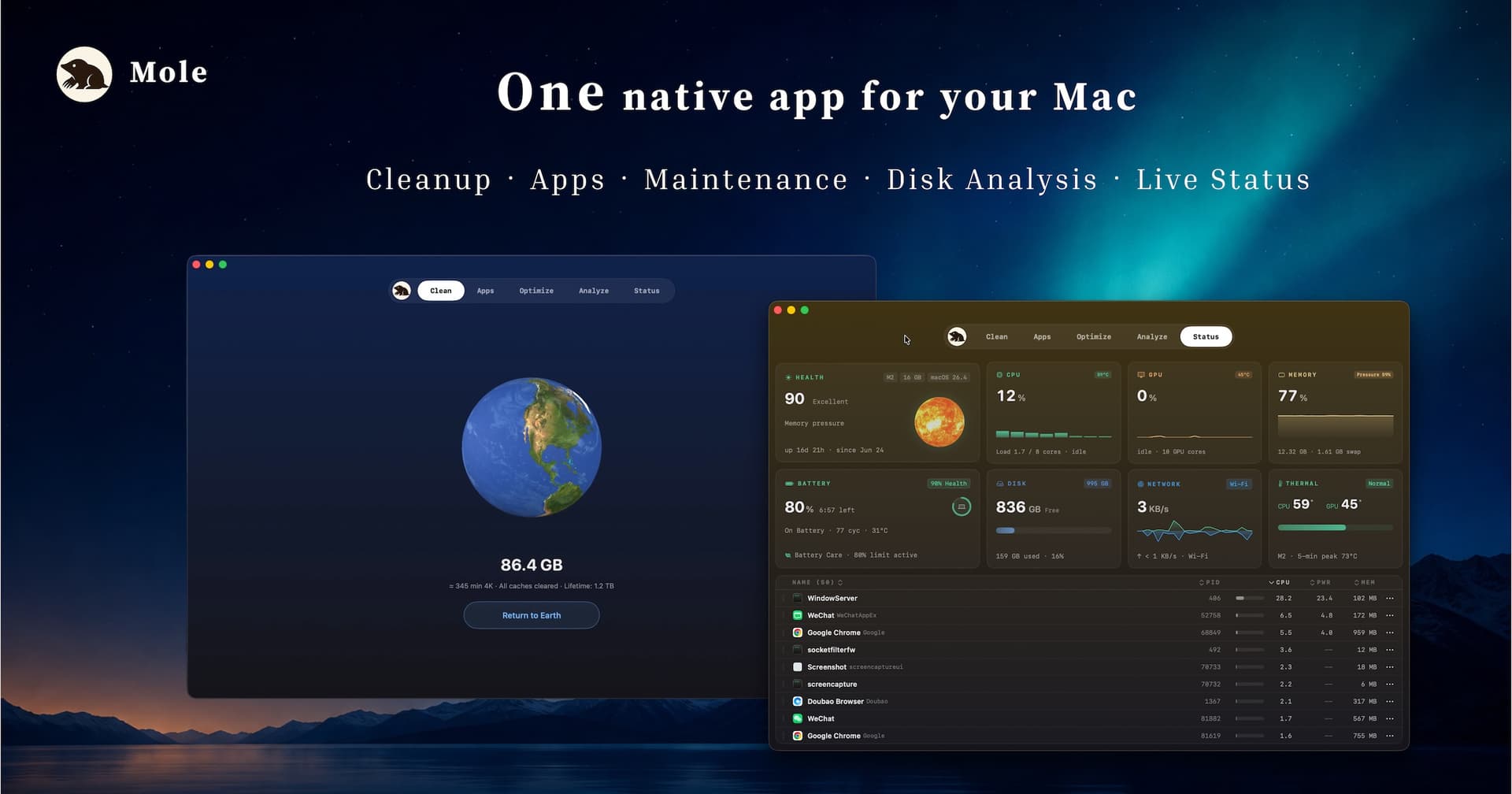
Mole is a native macOS storage management utility designed to analyze, clean, and optimize disk space. It consolidates essential tools for managing storage, allowing users to analyze disk usage, remove junk files, completely uninstall applications, find duplicates, and organize their storage efficiently. - Analyze disk usage to identify large files and folders consuming space. - Remove junk files to free up storage and improve system performance. - Completely uninstall applications, including all associated files and data. - Find and eliminate duplicate files to streamline storage. - Organize files and folders for easier access and management. Mole provides a comprehensive solution for macOS users looking to manage their storage effectively. By utilizing its features, users can gain insights into disk usage, eliminate unnecessary files, and maintain an organized file system. This utility is particularly beneficial for those seeking to optimize their device's performance and ensure efficient use of available disk space.
Glaze
Build personal Mac apps with AI

Glaze is a software tool that enables users to create personal Mac applications through AI interaction. It allows apps to run locally on the user's machine, integrating with files and system tools. These applications can be shared with teams or made publicly available, catering to individuals looking to develop customized software that aligns with their specific workflows. - Create custom Mac applications through an AI chat interface. - Run applications locally on your Mac without requiring an internet connection. - Integrate seamlessly with local files and system tools for enhanced functionality. - Share applications with team members or publish them for public use. - Tailor software to fit specific workflows and preferences. Glaze provides a practical solution for users seeking to develop personalized Mac applications tailored to their unique needs. By leveraging AI, it simplifies the app creation process while ensuring that applications can operate offline and integrate with existing system tools.
GatherOS
Mac app for design inspiration
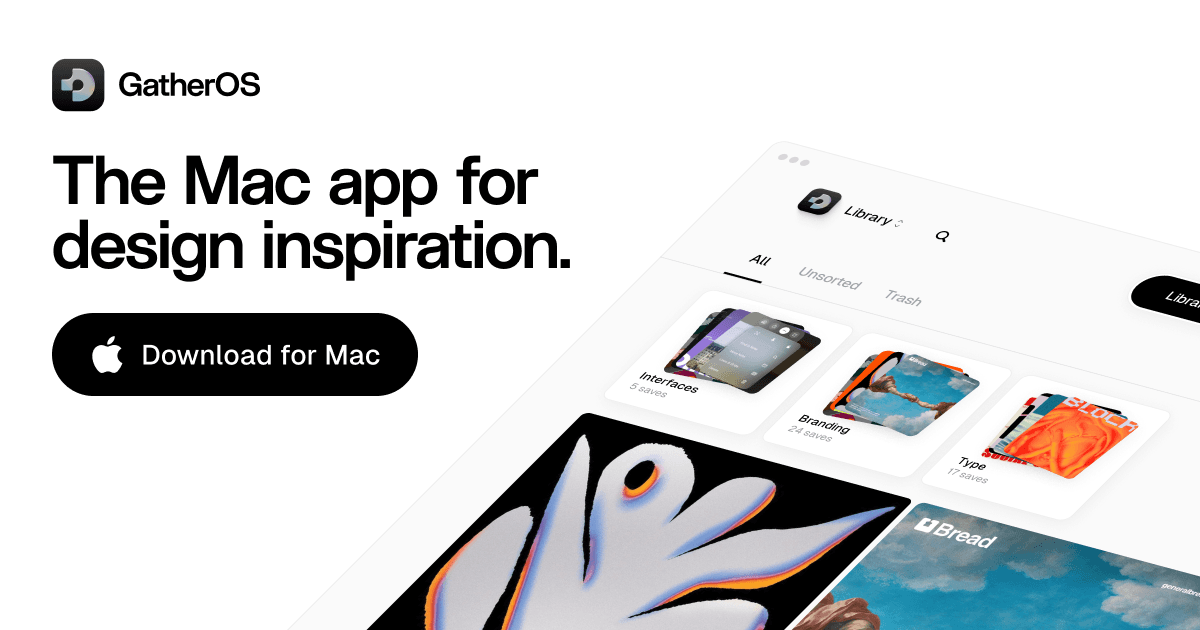
GatherOS is a Mac app for collecting and organizing design inspiration. Save references from the web, group visual ideas, and keep moodboards close while you work. - Save design references and screenshots from around the web. - Organize visual ideas into moodboards and collections. - Keep inspiration accessible while working on active design projects. - Built as a native Mac app for designers and creatives. - Helps build projects from a curated library of visual references. GatherOS provides a structured approach for designers and creatives to efficiently manage their visual references. By facilitating the organization of inspiration into moodboards and collections, it enhances workflow and accessibility during design projects.

Finbar
Powerful menu bar search for Mac
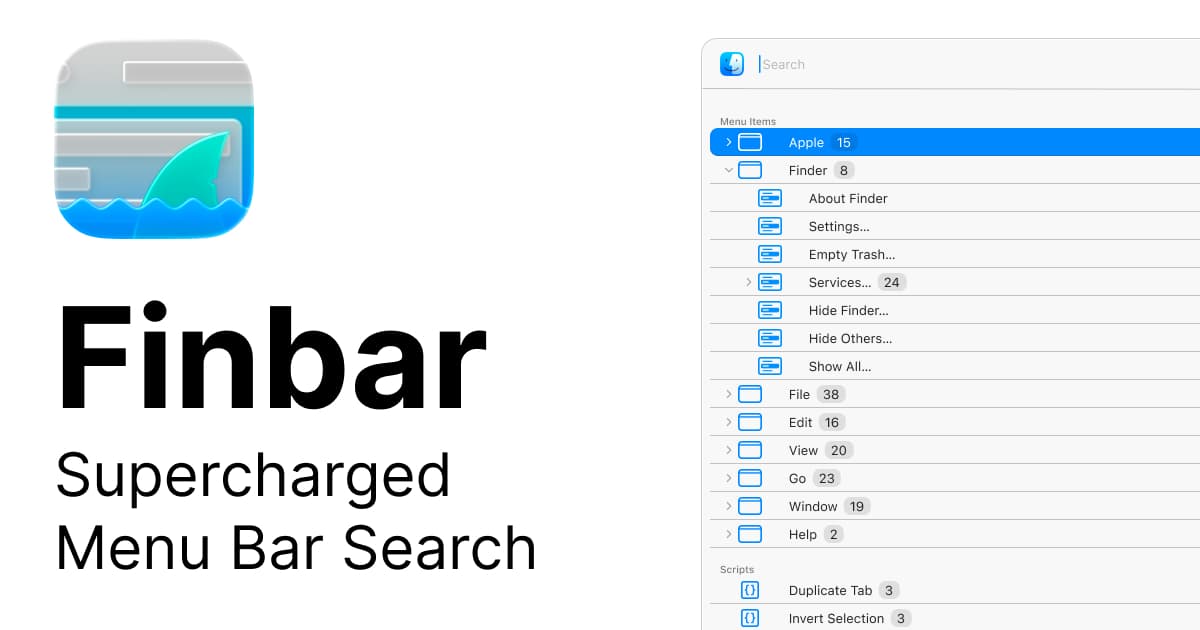
Finbar is a Mac application designed for power users seeking enhanced functionality from the menu bar search. It provides features such as fuzzy search, recent items tracking, custom scripts, and hierarchical browsing, which improve the efficiency of accessing files, applications, and workflows compared to the standard macOS launcher. - Fuzzy search capabilities for improved query matching. - Recents tracking to quickly access frequently used files and applications. - Custom script integration for personalized workflows. - Hierarchical browsing for organized navigation through files and apps. - Enhanced speed for launching files, applications, and workflows directly from the menu bar. Finbar is suitable for Mac power users who require advanced search capabilities and streamlined access to their files and applications. Its features, including fuzzy search and custom script integration, facilitate personalized workflows and efficient navigation.

Fantastical
Calendar with natural language input
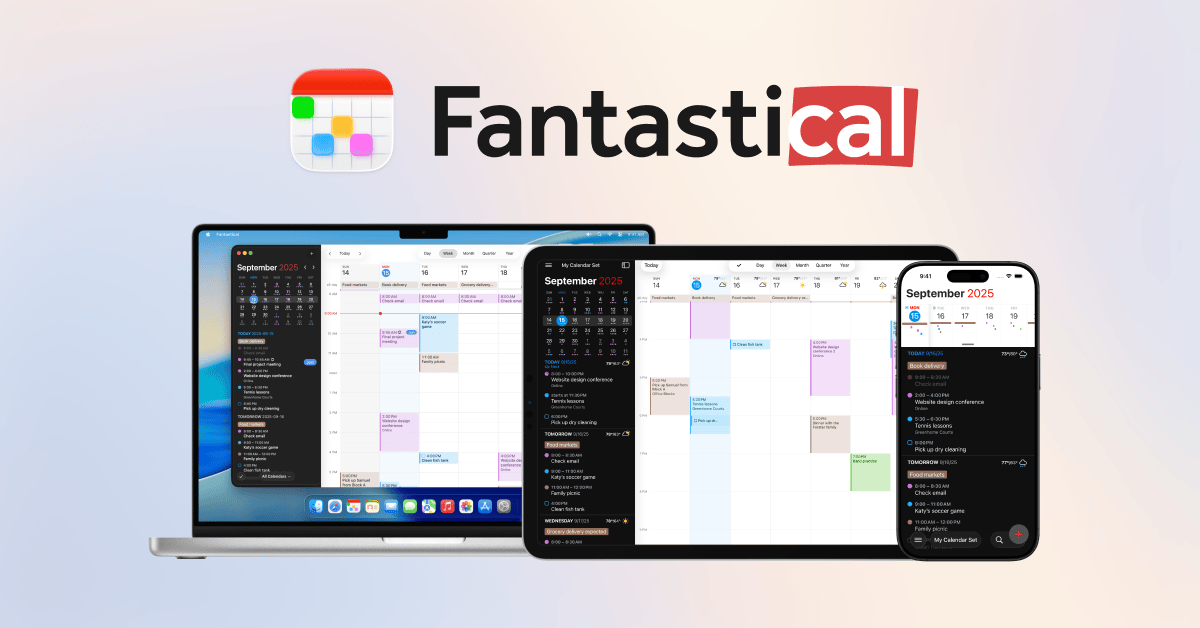
Fantastical is a calendar software for Mac that integrates events, tasks, and reminders into a single interface. It allows users to create schedules using natural language input and offers various viewing options, including day, week, month, and year layouts. - Create events and tasks using natural language input for quick scheduling. - View schedules in day, week, month, and year formats for flexible planning. - Sync seamlessly with Google, Apple, and other calendar services for unified access. - Access real-time weather updates and travel time estimates alongside your calendar. - Manage reminders and tasks within the same interface for streamlined organization. Fantastical is designed for users seeking an efficient way to manage their schedules, tasks, and reminders in one place. Its natural language input simplifies event creation, while multiple viewing options cater to different planning needs.

Dia
Browser built for focused work

Dia is a Mac browser from The Browser Company built for focused, productive work. It organizes browsing around tasks instead of endless tabs and keeps context visible while you research and create. - Organizes browsing around tasks instead of traditional tab sprawl. - Keeps research and writing context visible while you work. - Designed for a calmer, more intentional day-to-day browsing flow. - Built for knowledge work like writing, planning, and deep research. - A native Mac browser focused on getting your best work done. Dia is tailored for users engaged in knowledge work, such as writing and research. By prioritizing task organization and maintaining contextual visibility, it aims to enhance productivity and reduce distractions.

Cursor
AI coding agent for developers

Cursor is an AI-native code editor for Mac designed for developers. It provides features such as built-in agents and inline suggestions to assist in writing, editing, and navigating code. The editor understands the codebase, facilitates multi-file edits, answers context-specific questions, and integrates model-assisted workflows to enhance development efficiency. - Provides inline code suggestions and context-aware assistance to enhance coding efficiency. - Supports multi-file editing to streamline changes across multiple documents simultaneously. - Integrates with existing workflows to facilitate model-assisted development directly within the editor. - Offers real-time answers to coding questions based on the current codebase context. - Features built-in agents that assist with navigation and code management tasks. Cursor is tailored for developers seeking an efficient coding environment on Mac. Its features, such as inline suggestions and multi-file editing, support streamlined workflows and enhance productivity.

Creavit
Turn recordings into polished videos
Creavit Studio is a macOS software tool for screen recording and editing. It allows users to capture their screen and enhance the recordings with features such as zooms, camera layouts, backgrounds, and cursor effects. - Record your screen and edit in a single application for streamlined workflow. - Add smooth zooms, camera layouts, and backgrounds to enhance video quality. - Apply cursor effects for clearer demonstrations and tutorials. - Export videos in high quality for professional presentations and social media. - Designed for product demos, tutorials, and customer support videos. Creavit Studio provides a comprehensive solution for users needing to create and edit screen recordings on macOS. Its integrated features facilitate the production of high-quality videos suitable for various applications, including tutorials and product demonstrations. By streamlining the recording and editing process, it enhances user efficiency and supports clear communication in visual content.

Compresto
Compress media files without quality loss
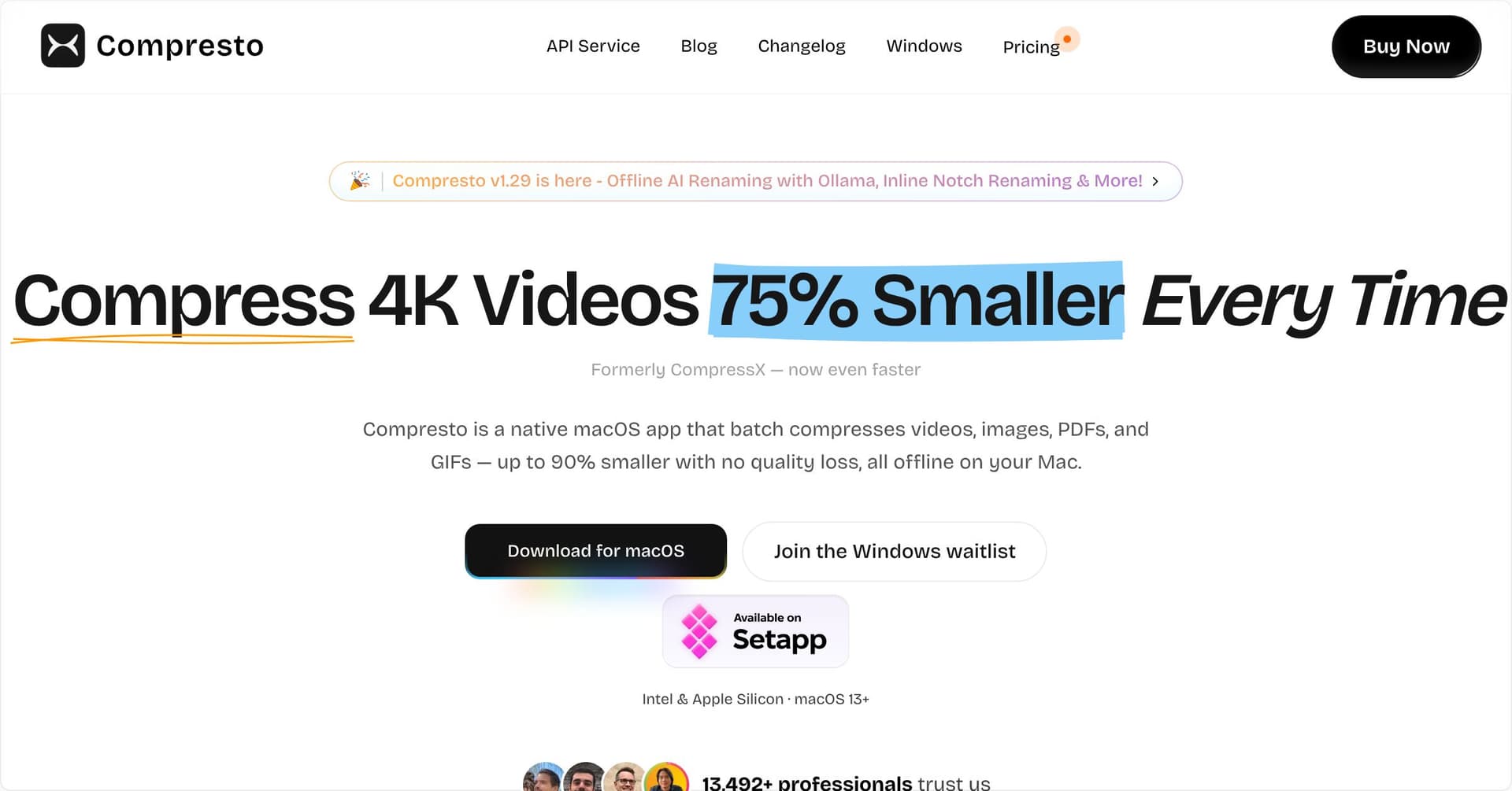
Compresto is a native macOS application designed for compressing videos, images, GIFs, and PDFs while maintaining visual quality. It allows users to drag and drop files, select compression levels, and batch process multiple files. - Compress videos, images, GIFs, and PDFs while maintaining visual quality. - Batch process multiple files simultaneously for efficient optimization. - Monitor designated folders for automatic compression of new files. - Customize compression settings to suit specific workflow needs. - Preserve metadata and ensure file compatibility during compression. - Operate entirely on macOS for enhanced speed and privacy. Compresto is suitable for users needing efficient media compression without sacrificing quality. Its batch processing capabilities and customizable settings make it practical for both individual and professional workflows. The application's ability to monitor folders for new files ensures ongoing optimization, while its native macOS operation enhances performance and privacy.
Codex
AI coding agent for shipping software

Codex is a software tool developed by OpenAI that assists developers in building, debugging, and shipping software using AI. It operates across multiple repositories, executes commands, reviews code changes, and automates complex development tasks based on natural-language instructions, making it beneficial for prototyping, refactoring, and routine engineering activities. - Supports multi-repository workflows for seamless code management. - Executes commands and automates tasks based on natural language instructions. - Reviews code changes to assist in debugging and quality assurance. - Facilitates rapid prototyping and refactoring of software projects. - Integrates with existing development environments to enhance productivity. Codex is designed for developers seeking to streamline their software development processes. By automating tasks and enhancing code management across multiple repositories, it enables more efficient debugging and quality assurance.

CleanMyMac
Mac cleaner and maintenance utility
CleanMyMac is a software application designed for Mac maintenance. It helps users clean system junk, manage storage, and uninstall applications completely. The app scans for caches, logs, and large files, while also providing Smart Care workflows, malware monitoring, and privacy tools to enhance overall system performance and efficiency. - Cleans system junk by scanning for caches, logs, and large files. - Manages storage by identifying and removing unnecessary files. - Uninstalls applications completely, including associated files. - Optimizes system performance through automated maintenance tasks. - Provides malware monitoring to detect and remove threats. - Includes privacy tools to manage sensitive data and online tracking. CleanMyMac offers practical solutions for maintaining Mac systems by effectively removing unnecessary files, managing storage, and ensuring optimal performance. Its features cater to users seeking to enhance their device's efficiency while safeguarding against malware and managing privacy concerns.

Alcove
Dynamic Island experience for your Mac
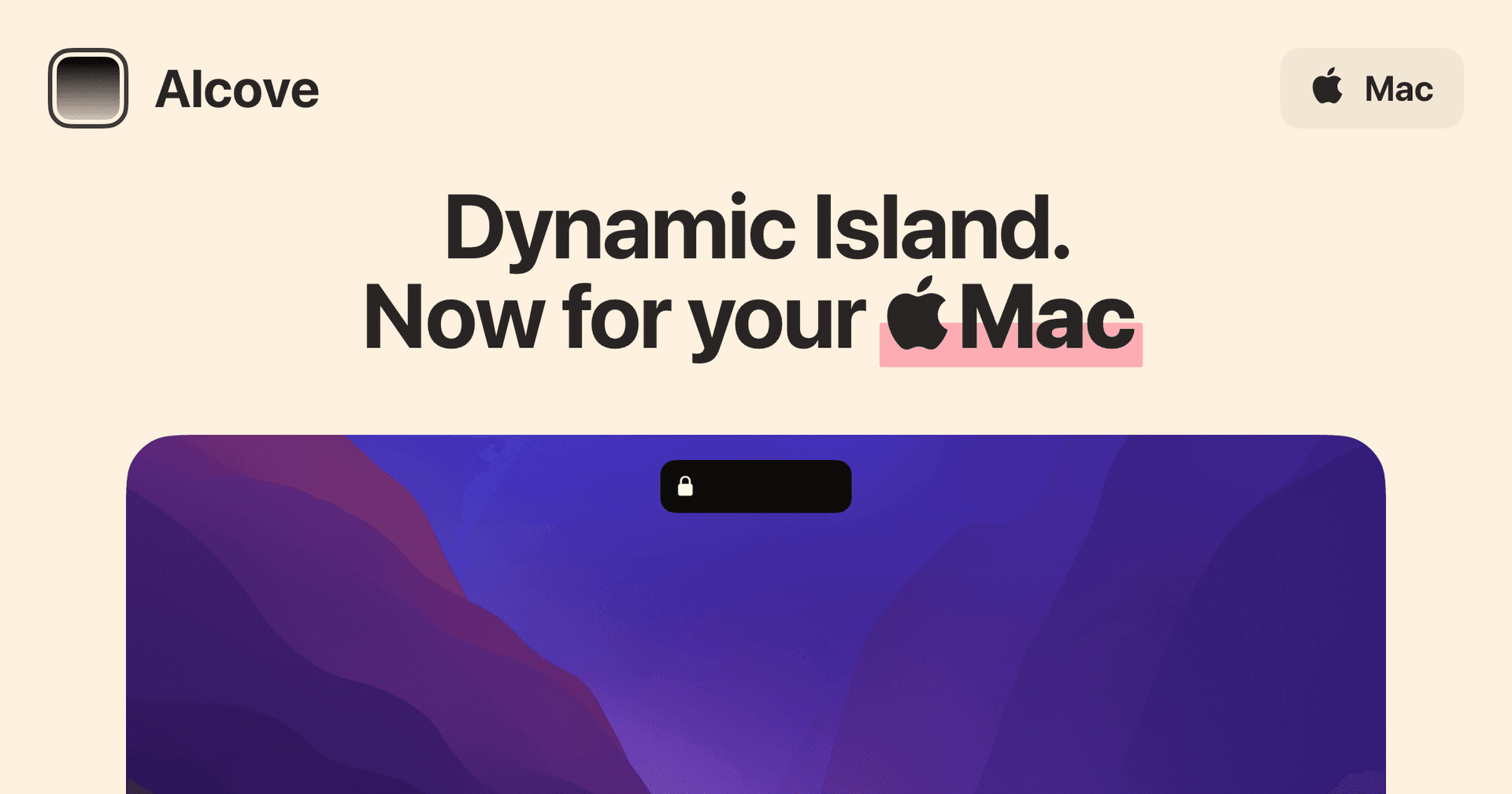
Alcove is a native macOS application designed to enhance the user experience on Macs with a notch. It provides features such as fluid transitions, instant notifications, live activities, swipe gestures, customizable HUDs, and lock screen widgets. These functionalities aim to make media controls, alerts, and system status more accessible and interactive for users. - Provides a Dynamic Island-style interface for the Mac notch, enhancing user interaction. - Supports fluid transitions for a seamless visual experience during notifications and activities. - Integrates live activities to display real-time updates and information. - Enables swipe gestures for quick access to media controls and alerts. - Offers customizable HUDs for personalized display of system status and notifications. - Includes lock screen widgets for immediate access to alerts and media controls. Alcove is tailored for users with Macs featuring a notch, offering a range of functionalities that improve accessibility and interaction with media controls and notifications. Its features, including customizable HUDs and live activities, provide a practical solution for managing alerts and system status efficiently.
Ajar
Lid angle sync and keep-awake rules

Ajar is a macOS utility designed to enhance user interaction with Mac devices. It features Lid Angle Sync, which automatically adjusts screen brightness, keyboard backlight, and volume based on the MacBook lid's position, accommodating external monitors with individual settings. - Adjusts screen brightness, keyboard backlight, and volume based on MacBook lid angle. - Supports per-display offsets for external monitors during lid adjustments. - Prevents Mac from sleeping during active work with customizable rules. - Built-in rules for specific applications like Claude Code, Codex, and Gemini CLI. - Allows user-defined conditions based on apps, networks, external drives, and power sources. Ajar provides practical solutions for users seeking to optimize their Mac experience. By automating adjustments based on the MacBook lid's position and allowing for customizable settings, it enhances productivity and user comfort.

1Password
Password manager for Mac and teams
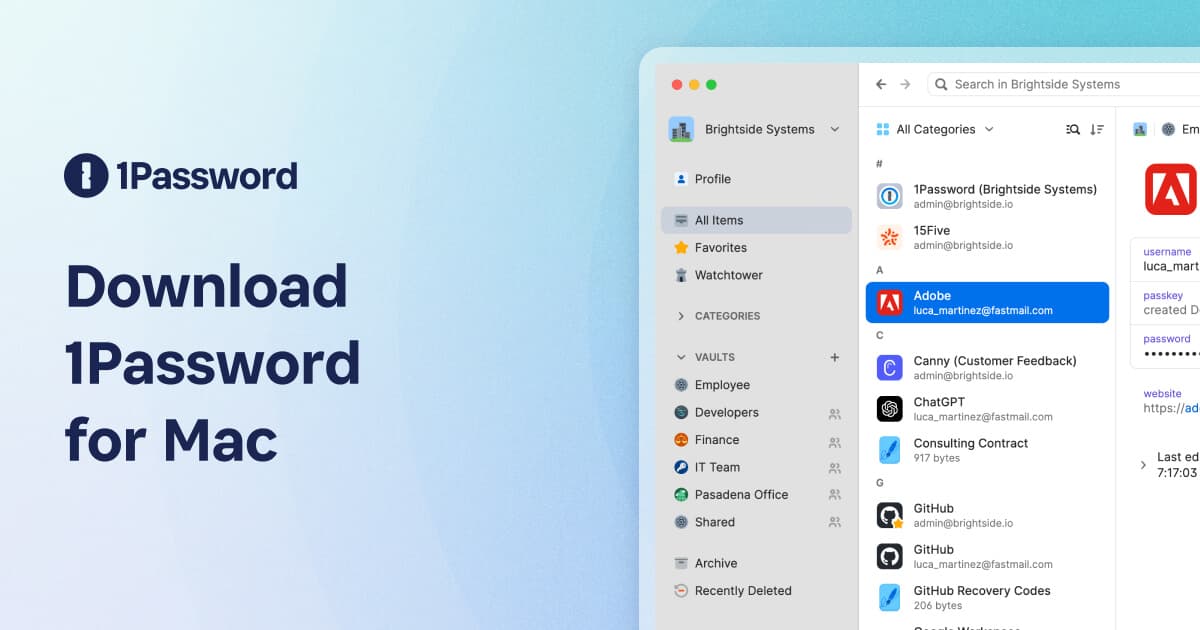
1Password is a password manager software for Mac. It securely stores logins, passkeys, credit cards, and notes in an encrypted vault. The application autofills credentials in browsers and apps, generates strong passwords, and offers sharing options for families and teams. - Stores logins, passkeys, credit cards, and secure notes in an encrypted vault. - Autofills credentials in web browsers and applications for seamless access. - Generates strong, unique passwords to enhance security. - Supports sharing of passwords and vault items with family and team members. - Syncs data across Mac, iPhone, and other devices for consistent access. 1Password provides a secure solution for managing sensitive information on Mac devices. Its features, including encrypted storage, autofill capabilities, and password generation, cater to both individual users and teams. By facilitating secure sharing and syncing across multiple devices, it enhances user convenience while maintaining a high level of security for personal and collaborative use.

Cooldock
A useful Dock for live widgets.
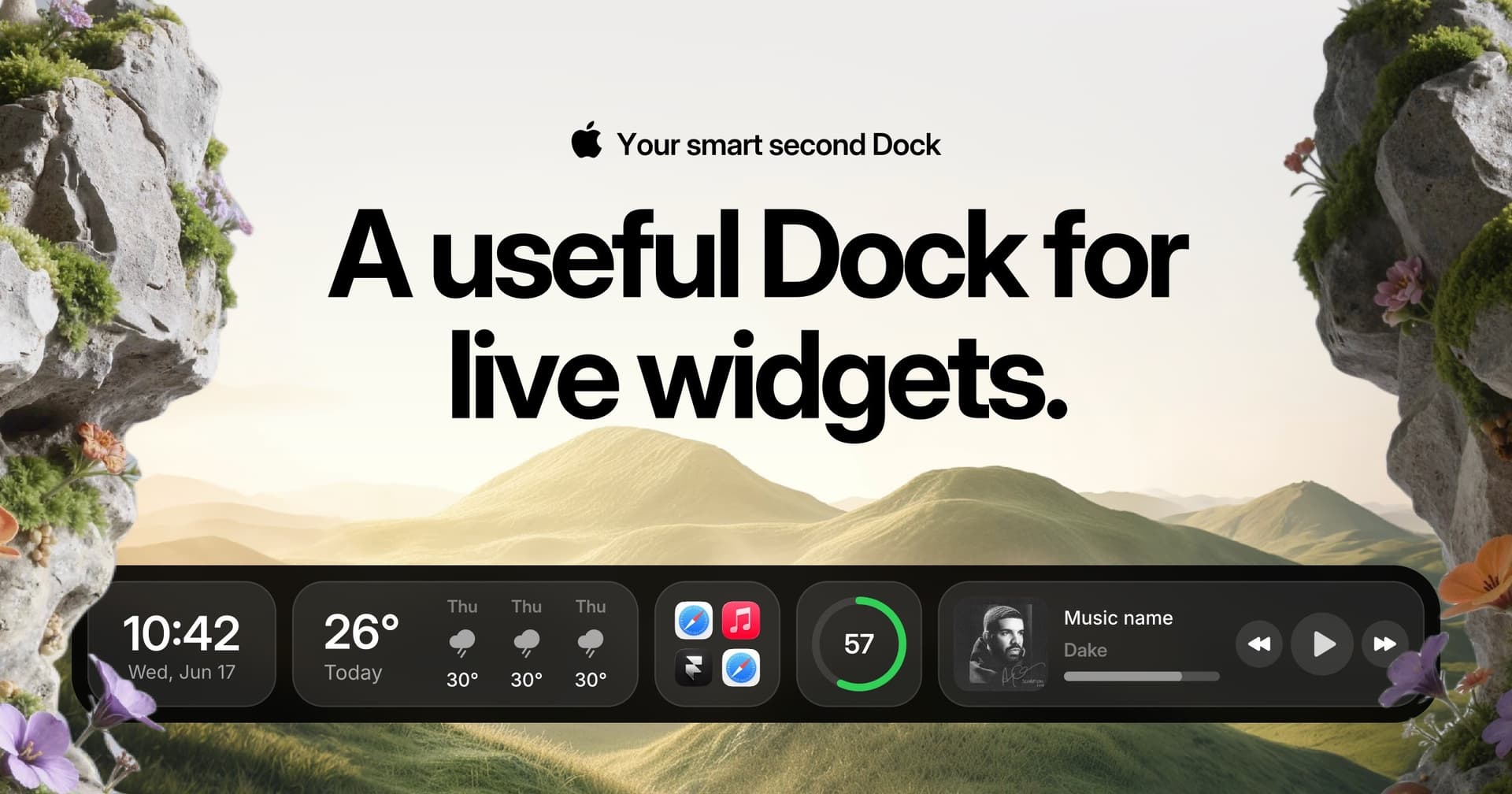
Cooldock brings music, todos, events, weather, search, stats, quick actions, and more useful widgets into one beautiful live dock beside your original Mac Dock. - Integrates live widgets for music, weather, todos, and events into a customizable second Dock. - Provides quick access to favorite apps, folders, and system stats from a compact interface. - Supports reminders and calendar events for efficient task management. - Allows for real-time monitoring of system performance, including CPU and RAM usage. - Features quick actions for toggling settings like Wi-Fi and Bluetooth directly from the Dock. Add live widgets, quick actions, apps, folders, search, stats, weather, calendars, reminders, and more into a beautiful second Dock beside your original Mac Dock. This app provides a seamless way to enhance your productivity and streamline everyday tasks with easily accessible widgets.

Screen Studio
Polished screen recordings with automatic zoom
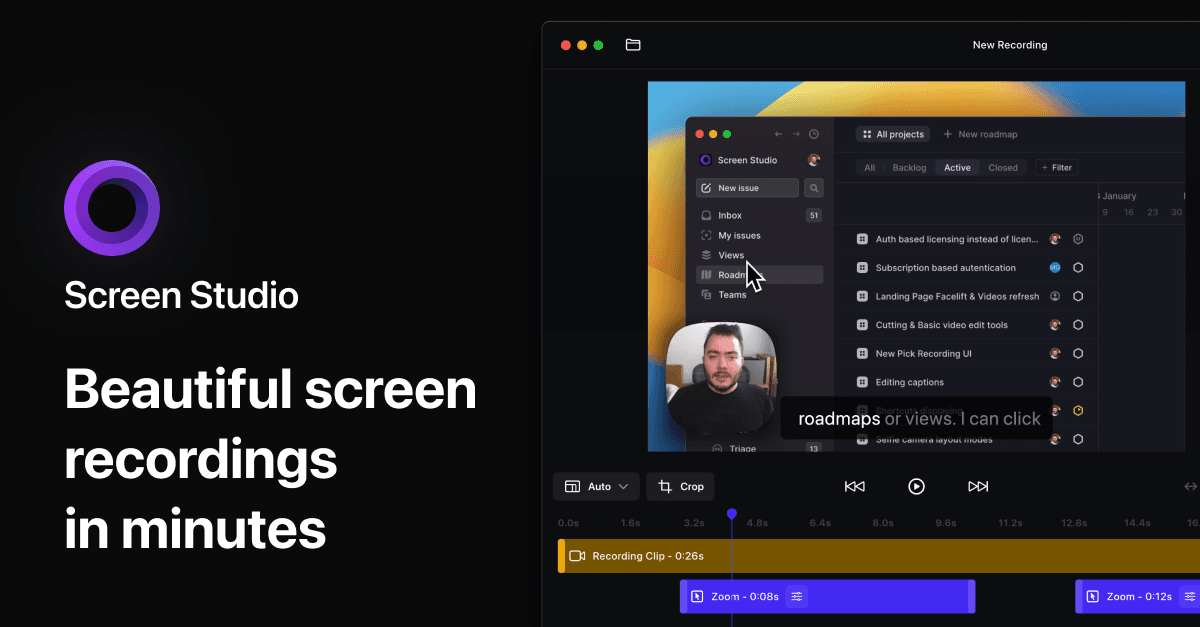
Screen Studio is a Mac screen recorder and editor for product demos, tutorials, courses, and social videos. It automatically adds zooms and smooth cursor motion to make recordings easier to follow. - Zoom in on actions automatically, then adjust zooms on the timeline. - Smooth cursor movement and change cursor size after recording. - Record your screen, webcam, microphone, and system audio together. - Capture a connected iPhone or iPad over USB and add device frames. - Customize backgrounds, spacing, shadows, and horizontal or vertical layouts. - Trim clips, generate local transcripts and subtitles, and export video or GIFs. Available for macOS through monthly or annual paid subscriptions. Exports support up to 4K at 60 fps, with shareable links for sending recordings.

Hold My Lid
Close your MacBook. Your agents keep running.
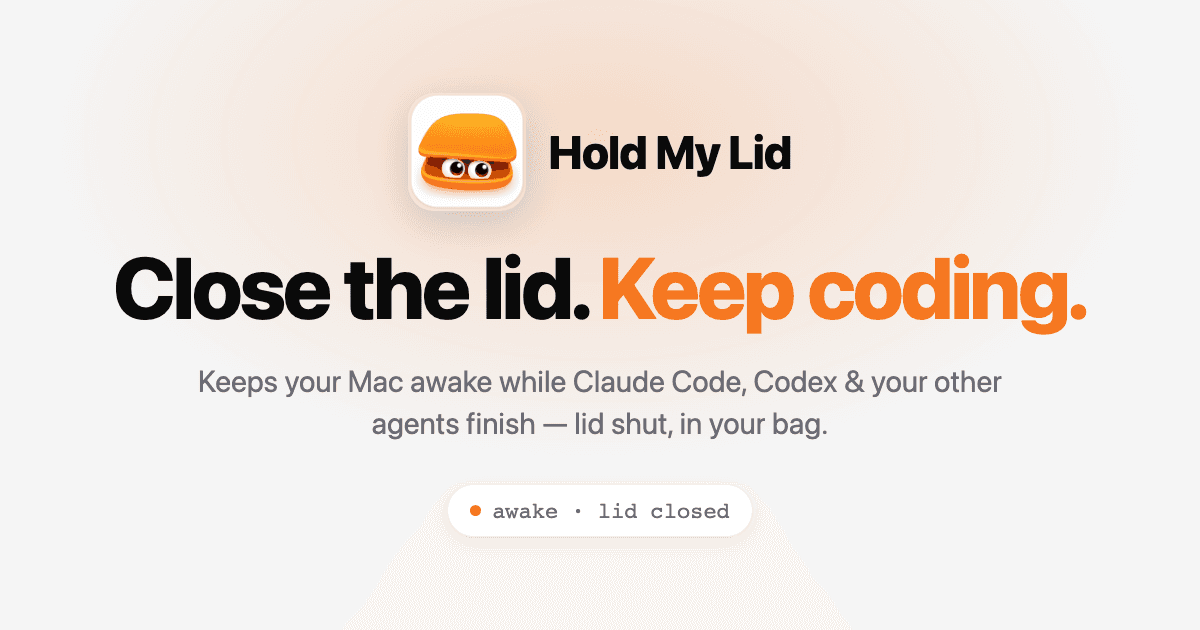
Hold My Lid is a macOS application designed to keep your Mac awake while coding agents like Claude Code and OpenAI Codex are active, even with the lid closed. This tool helps developers manage their workflow by allowing their laptops to remain operational while stored in a bag, ensuring that tasks are completed without interruption. - Keeps your Mac awake while coding agents are active, even with the lid closed. - Utilizes lifecycle hooks to accurately monitor agent activity and manage wake states. - Configurable settings allow users to set battery thresholds and power modes. - Provides notifications and sound alerts when agents complete tasks or battery limits are reached. - Offers a menu-bar dropdown for quick access to status, agent sessions, and control options. - Supports global shortcuts for toggling the app on or off from any application. Hold My Lid is a macOS application designed to keep your Mac awake while coding agents operate, even with the lid closed. It offers a one-time purchase model, allowing use on up to three Macs without the need for subscriptions.
Type
Take notes without interrupting your flow
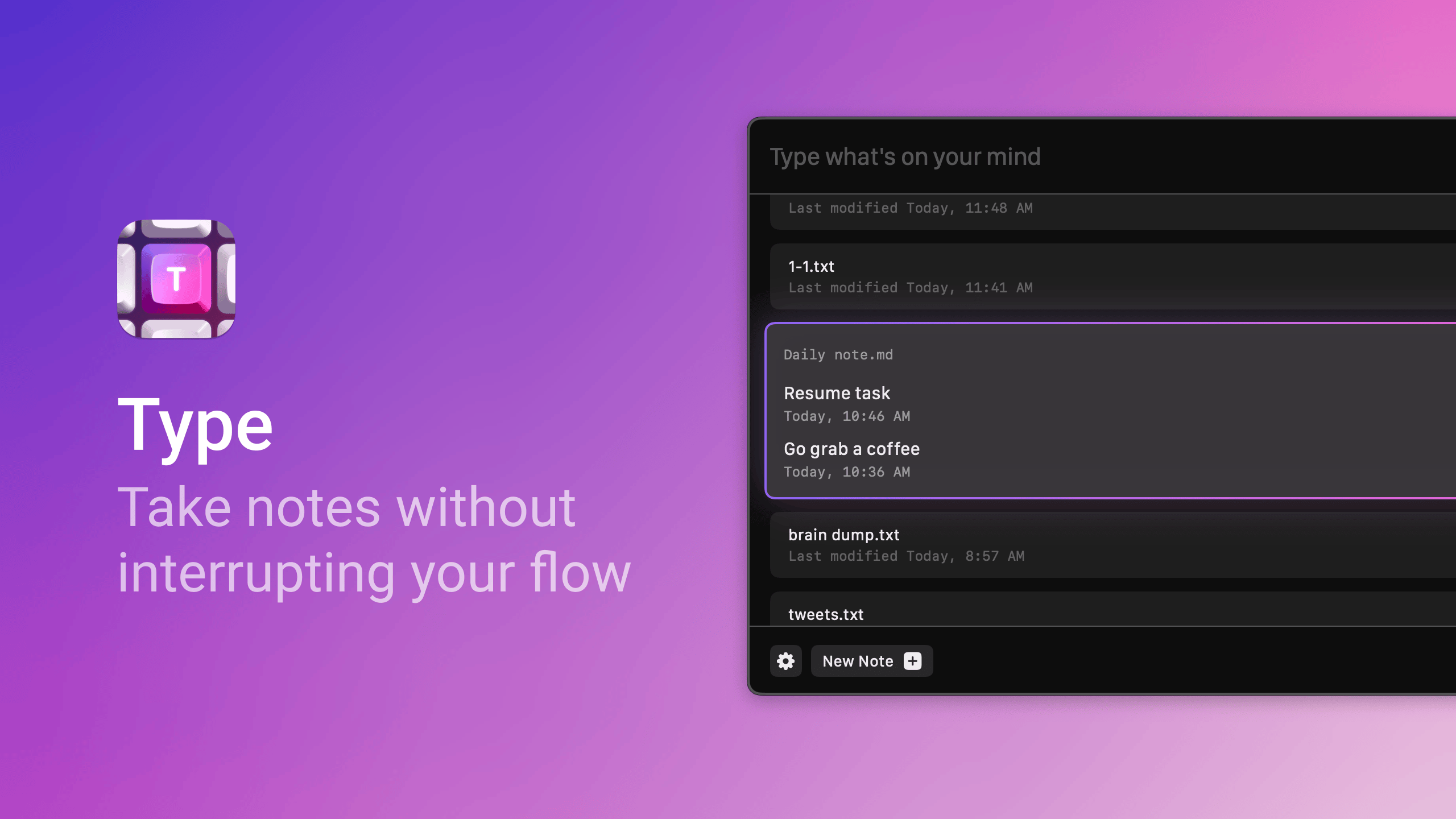
Type is a macOS application designed for quick note-taking. Ideal for individuals who need to jot down ideas without disrupting their workflow, Type offers features such as hotkey access, customizable date formats, and Markdown support. - It is designed for people who want to jot down ideas and thoughts without losing their flow. - The app is simple yet powerful, enabling fast entry of notes that are stored locally on your device, ensuring offline access. - With features like hotkey access, customizable date formats, and Markdown support, Type makes it easy to integrate quick note-taking into your daily workflow. Perfect for users of Obsidian and others who want a lightweight, distraction-free environment for capturing notes, Type continuously evolves with user feedback and planned features for enhanced functionality.

Bitrig
The best way to build native Swift
Bitrig allows you to describe what you want to build, and it transforms your ideas into real Swift code that you can ship to the App Store. The platform generates actual Swift and SwiftUI code, providing an integrated simulator that runs alongside your code, enabling you to see exactly what your users will experience. Using natural language, you can instruct Bitrig to make changes, updating the code on the spot. It's the perfect tool for anyone who has an app idea but lacks coding skills, making the development process accessible and efficient.

Supaste
Your clipboard, wherever you need it.
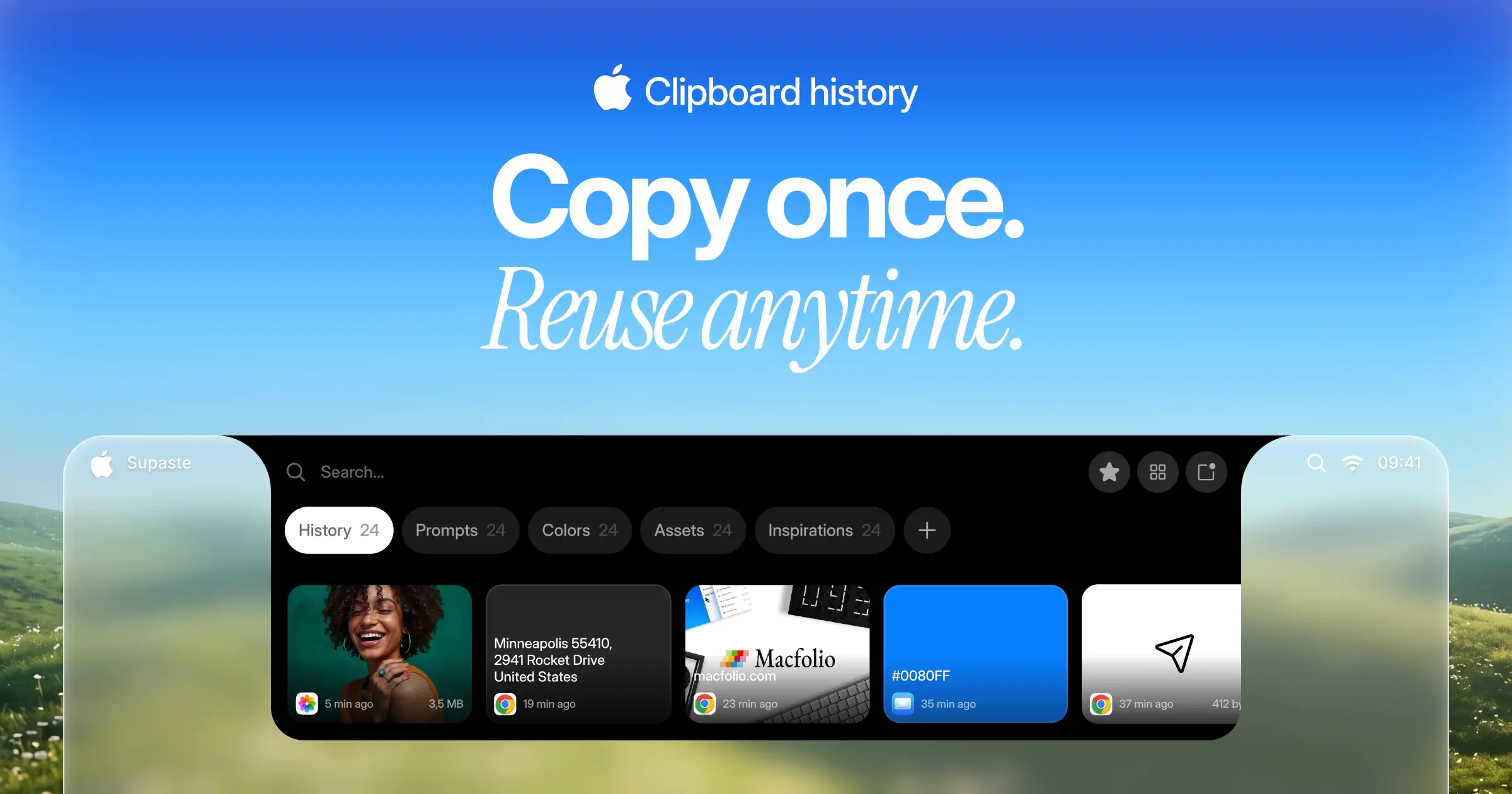
Supaste saves your clipboard and screenshots in a beautiful visual history, automatically grouped by type, app, and custom categories, so you can search, find, and paste anything back in seconds. This comprehensive tool allows you to use the notch shelf, quick search, inline paste, drag and drop, and the full Library view to efficiently manage and organize everything you copied. Whether you're a designer, developer, content creator, or just someone who needs a personal clipboard organizer, Supaste provides a clean visual timeline for easy access to your data. With features like sensitive content detection, custom categories, and the ability to filter your history by app or type, Supaste helps keep your clipboard tidy and accessible. Best of all, it's a one-time purchase with lifetime access, ensuring you have everything you need for your clipboard management without ongoing fees.

Milestones
Native, Private Project Management App
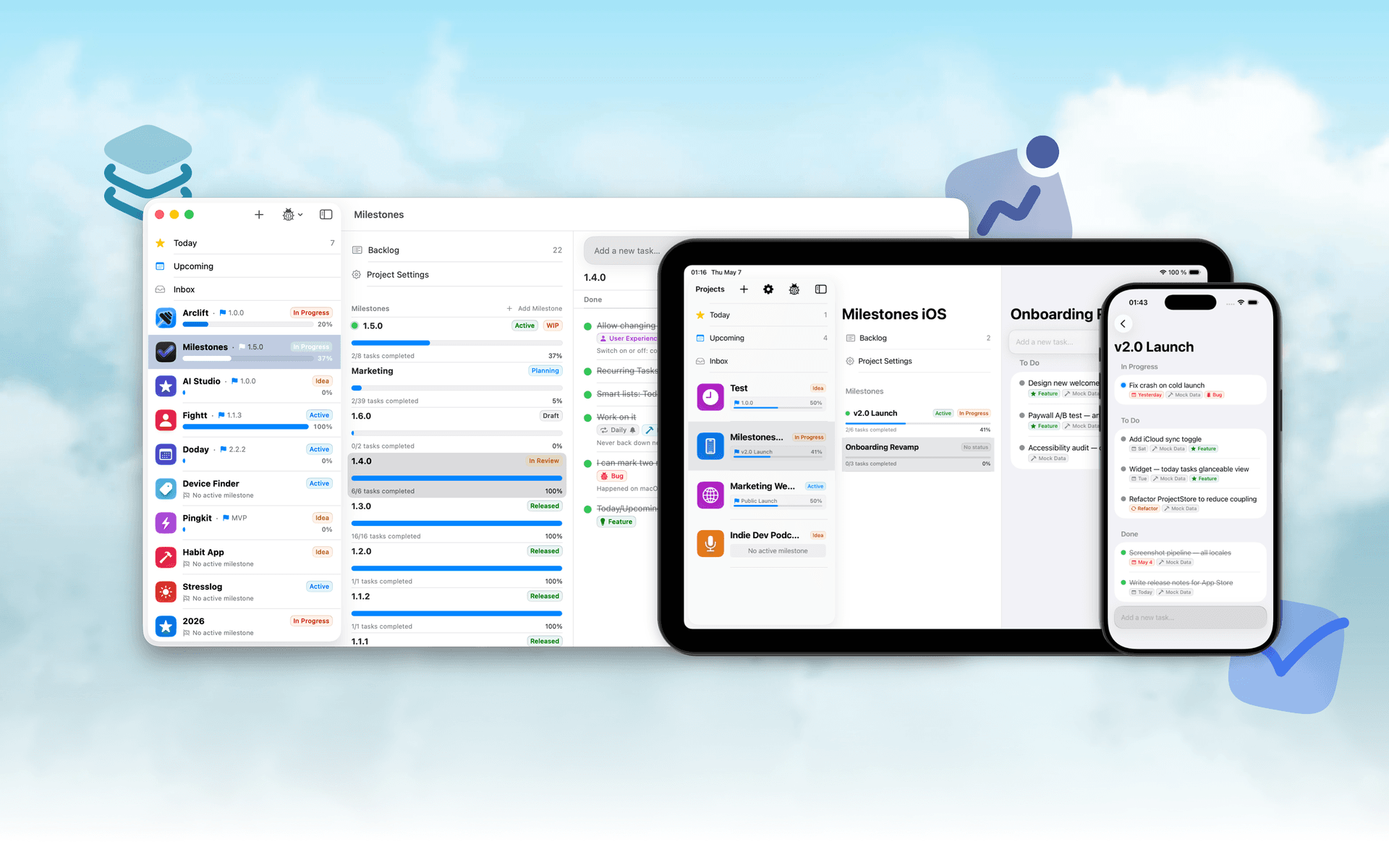
Milestones is a project planning software designed to help users manage tasks across multiple projects. It organizes projects into a three-tier hierarchy of Projects, Milestones, and Tasks, allowing users to break down larger goals into manageable phases. - Organizes projects into a three-tier hierarchy: Projects, Milestones, and Tasks. - Allows users to visually track progress with live progress bars for each milestone. - Enables marking one milestone as Active to prioritize current tasks while keeping others visible. - Supports task statuses including To Do, In Progress, and Done for clear organization. - Provides tagging options for tasks to facilitate better grouping and management. - Syncs seamlessly across iPhone, iPad, and macOS using iCloud. Milestones is a project management application that allows users to organize their work into a structured hierarchy of Projects, Milestones, and Tasks. It features visual progress tracking, customizable project icons, and seamless syncing across iPhone, iPad, and macOS.

Folders
A file manager for Windows switchers
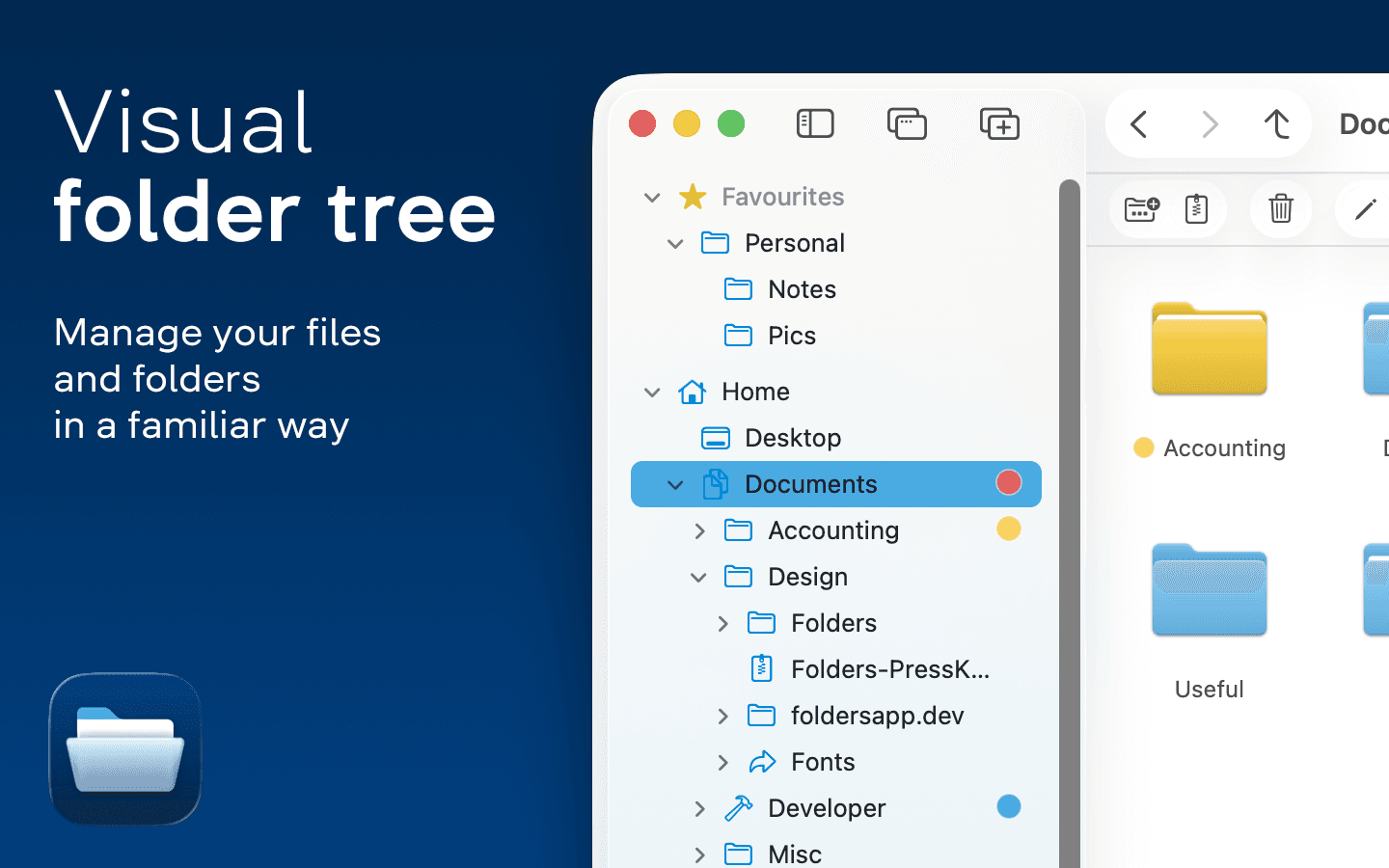
Folders is a file manager application for macOS that provides a folder tree layout, catering specifically to users transitioning from Windows. It offers a range of features including easy navigation, comprehensive file operations, and integration with cloud storage services. Designed for both new and experienced users, Folders aims to enhance file management efficiency on Mac systems. - Provides a folder tree layout for intuitive navigation, similar to Windows Explorer. - Supports batch renaming and file conflict resolution for efficient file management. - Integrates with iCloud Drive and other cloud storage services for centralized access. - Offers multiple viewing options: Table, List, Icons, and Gallery. - Includes a powerful search function with Spotlight integration and saved searches. - Allows customization of themes and folder icons for personalized organization. Folders is a file manager for macOS that emulates the folder tree structure familiar to Windows users. It offers a range of features including comprehensive file operations, customizable themes, and powerful search capabilities. Users can manage files across various cloud services and utilize batch renaming and conflict resolution tools.

Whisper
Talk to your computer like a human
Whisper is an offline speech-to-text software compatible with macOS (Apple Silicon), Windows 10/11, and Linux (Ubuntu 22.04+). It enables users to transcribe spoken words into text quickly and securely, processing all data locally on the device without relying on cloud services. - Transcribes speech to text entirely offline, ensuring data privacy and security. - Supports over 99 languages, allowing seamless switching between languages mid-sentence. - Automatically removes filler words and repetitions for cleaner, more professional text output. - Provides instant transcription with GPU acceleration, displaying words as they are spoken. - Integrates with any application where text input is possible, enhancing workflow flexibility. Whisper is a voice-to-text application designed for offline use, ensuring that your data remains private and secure. It transcribes speech into text quickly and accurately, supporting over 99 languages. The application is suitable for various tasks, including writing, coding, and communication, and operates seamlessly without the need for internet connectivity.

Bauhaus Clock
Turn waiting into watching.
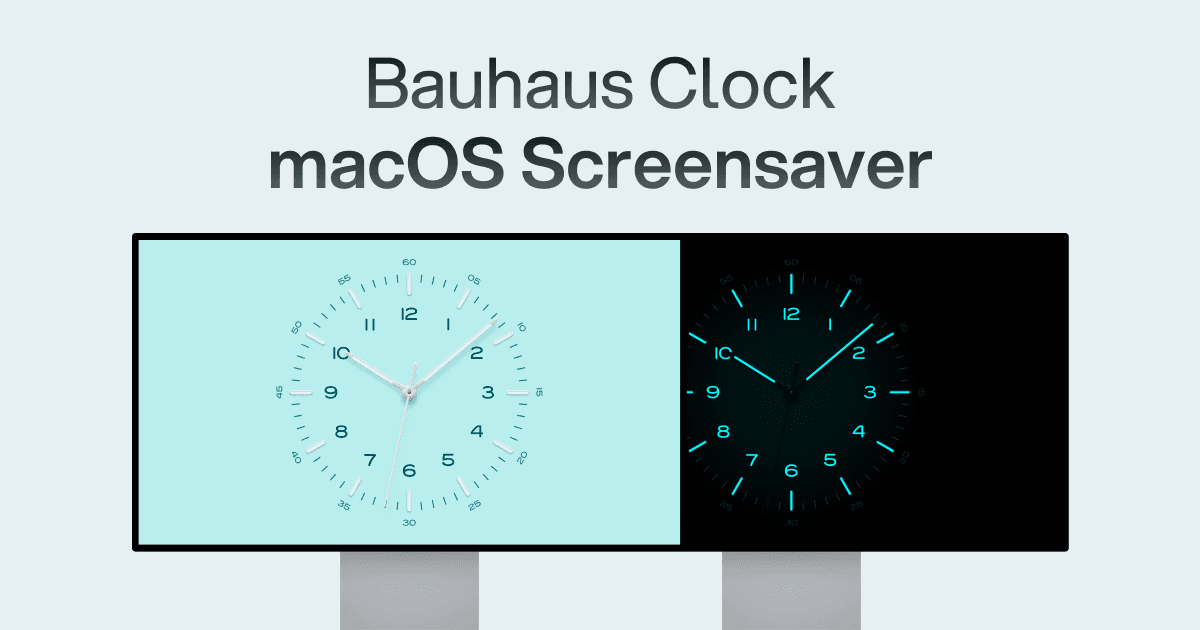
The Bauhaus Clock is an elegant screensaver designed for Mac that transforms idle screens into captivating visuals. With meticulous attention to detail, this screensaver combines precision engineering with stunning design, featuring customizable clock dials and multiple movement types. Users can enjoy features like day/night themes, and intelligent algorithms that prevent burn-in. Designed to complement any room, it’s more than just a screensaver—it’s a piece of art that brings joy every time it appears on your screen.

Loop
Window management made elegant.
Loop is a Open source macOS app that simplifies window management for you. - You can effortlessly choose your window direction using a radial menu triggered by a simple key press, and customize it according to your preferences with personalized colors and settings. - Easily move, resize, and arrange your windows with just a few clicks, saving you valuable time and energy. Loop is constantly evolving, with new features and improvements added regularly to enhance your window management experience on macOS.

Screenforge
From capture to clean video
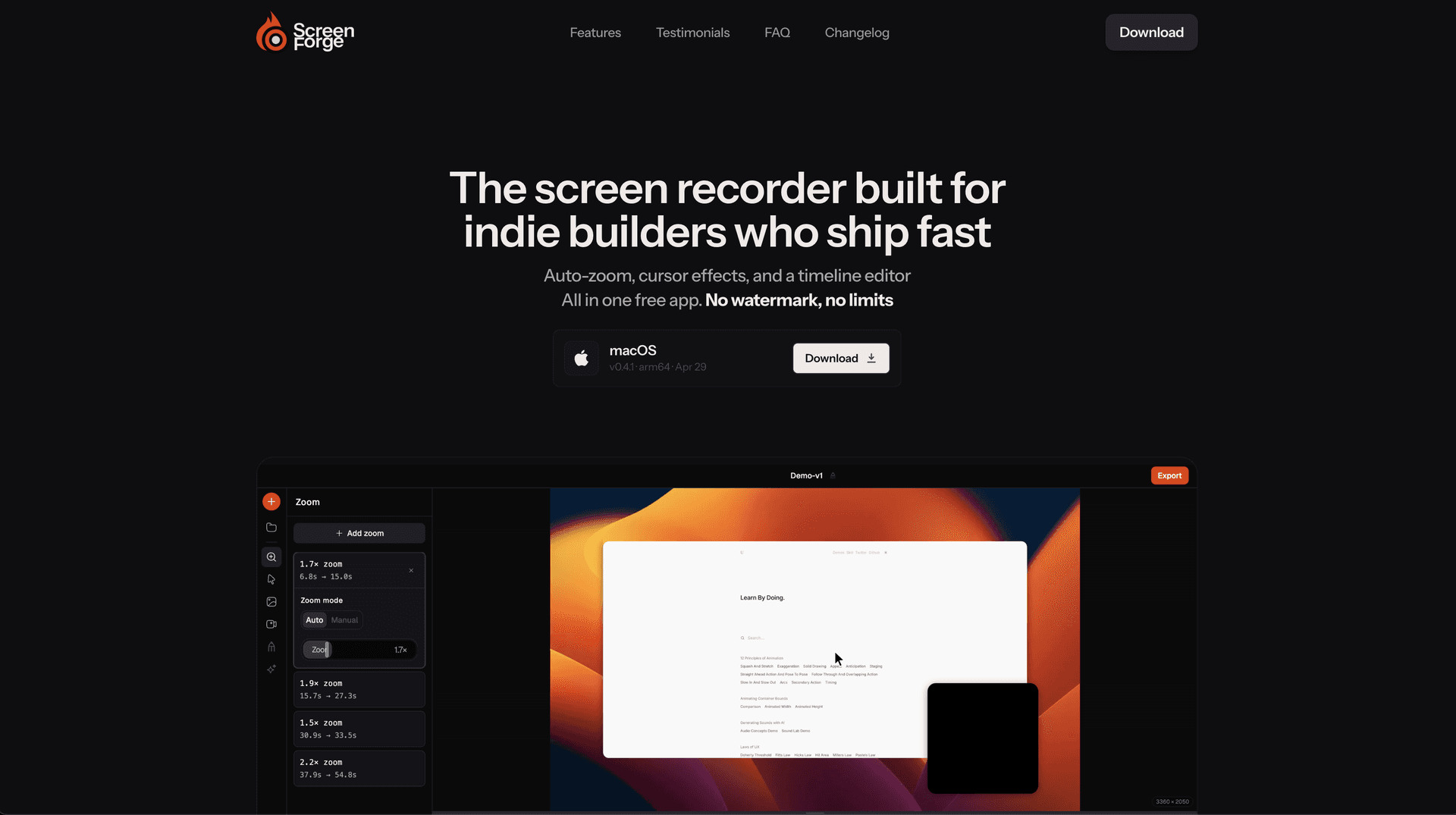
Screenforge is a free screen recording software for macOS. It enables users to capture their screens, webcams, and audio while providing features like auto-zoom, cursor effects, and a timeline editor. - Automatically detects cursor movement to apply zoom effects where needed. - Records screen, webcam, and audio simultaneously without watermarks. - Features a built-in timeline editor for non-destructive clip editing. - Offers customizable backgrounds and cursor animations for professional presentations. - Exports recordings in multiple formats, including MP4, MOV, and WebM. Screenforge is a free screen recording software designed for macOS, offering features such as automatic zoom detection, cursor effects, and a built-in timeline editor. Users can record screens, webcams, and audio without watermarks or limitations.

TinyRec
Cinematic screen recordings in minutes
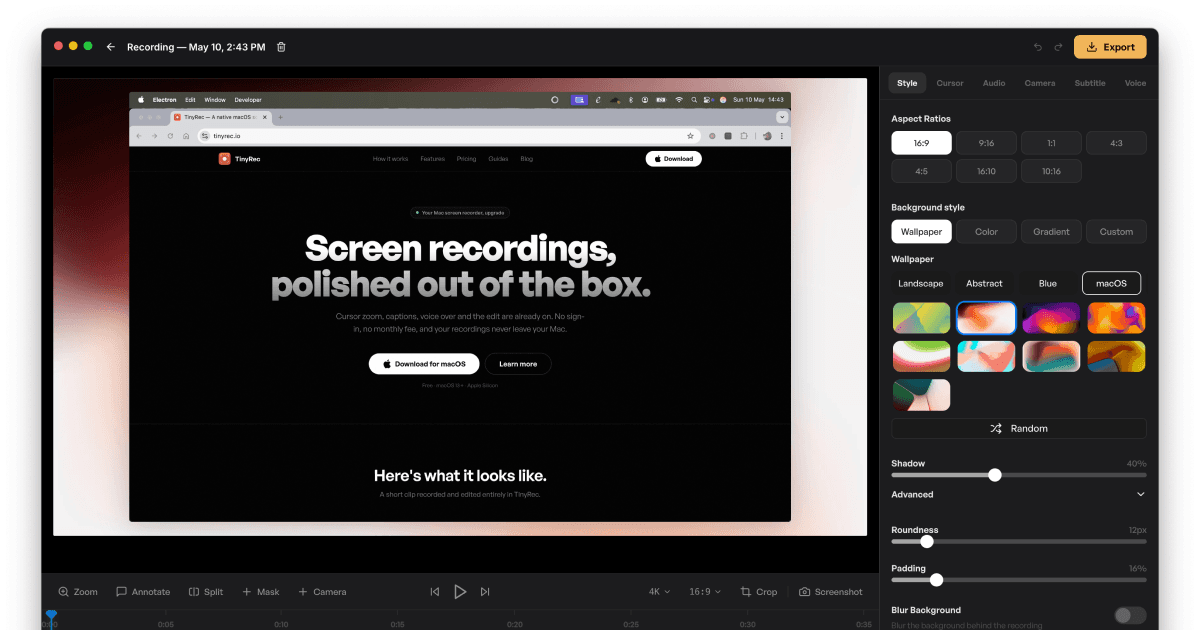
TinyRec is a screen recording software for macOS that enables users to capture high-quality video at 60 frames per second. It is designed for individuals and professionals who need a straightforward tool for creating polished recordings without the need for cloud storage or subscriptions. - Records desktop, application windows, and iPhone screens via USB in high-quality 60fps. - Features auto-zoom for cursor tracking, local transcription for captions, and AI voice-over capabilities. - Provides editing tools for annotations, masks, and custom styling before exporting videos in up to 4K resolution. - Operates entirely on the user's machine without requiring sign-up or cloud storage. - Supports unlimited recordings and durations with a small watermark in the free version. TinyRec is compatible with macOS 13 and later, supporting both Apple Silicon and Intel Macs. The application allows users to record, edit, and export high-quality videos locally without any sign-up or monthly fees. All recordings remain on the user's device, ensuring privacy and control over content.

Liqoria
Widget player for Apple Music, Spotify, YouTube and more
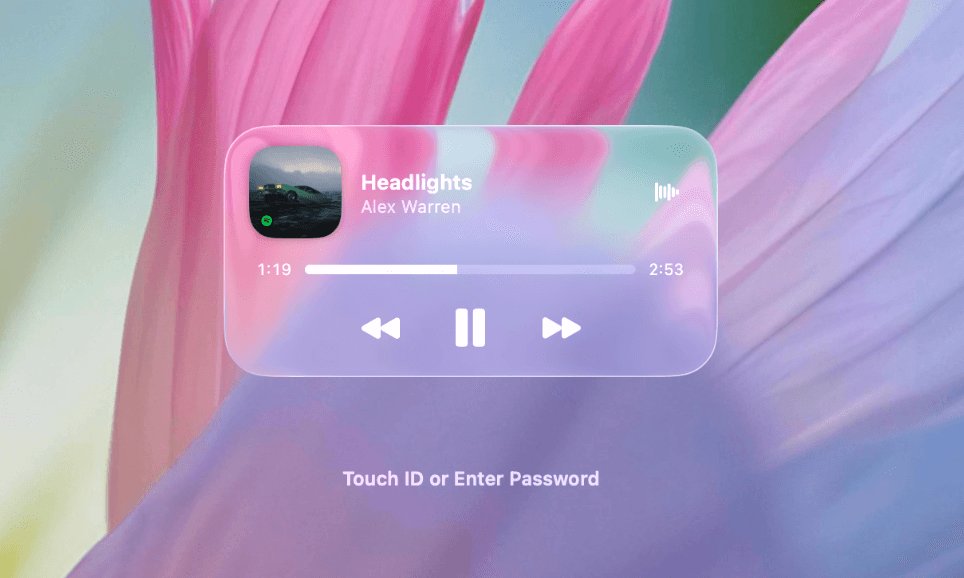
Liqoria is a music player application designed for macOS. It consolidates various music services, including Apple Music, Spotify, and YouTube, into a single interface. This application is aimed at users who want a seamless listening experience without the need to switch between different apps. With features like real-time waveforms, customizable player styles, and a music widget, Liqoria enhances - Supports multiple music platforms including Apple Music, Spotify, and YouTube. - Offers various player options: dock player, floating menu bar player, and lock screen player. - Provides real-time waveforms for visualizing music playback. - Includes a customizable music widget for quick access on macOS. - Features search functionality across supported music apps. - Allows for animated artwork display during playback. Liqoria offers a free trial period of up to 72 hours, allowing users to assess its features and compatibility with various music services before making a purchase decision. This trial facilitates an informed choice regarding the app's suitability for individual music listening needs.

ScreenSnap Pro
Enhanced screenshots with backgrounds and annotations
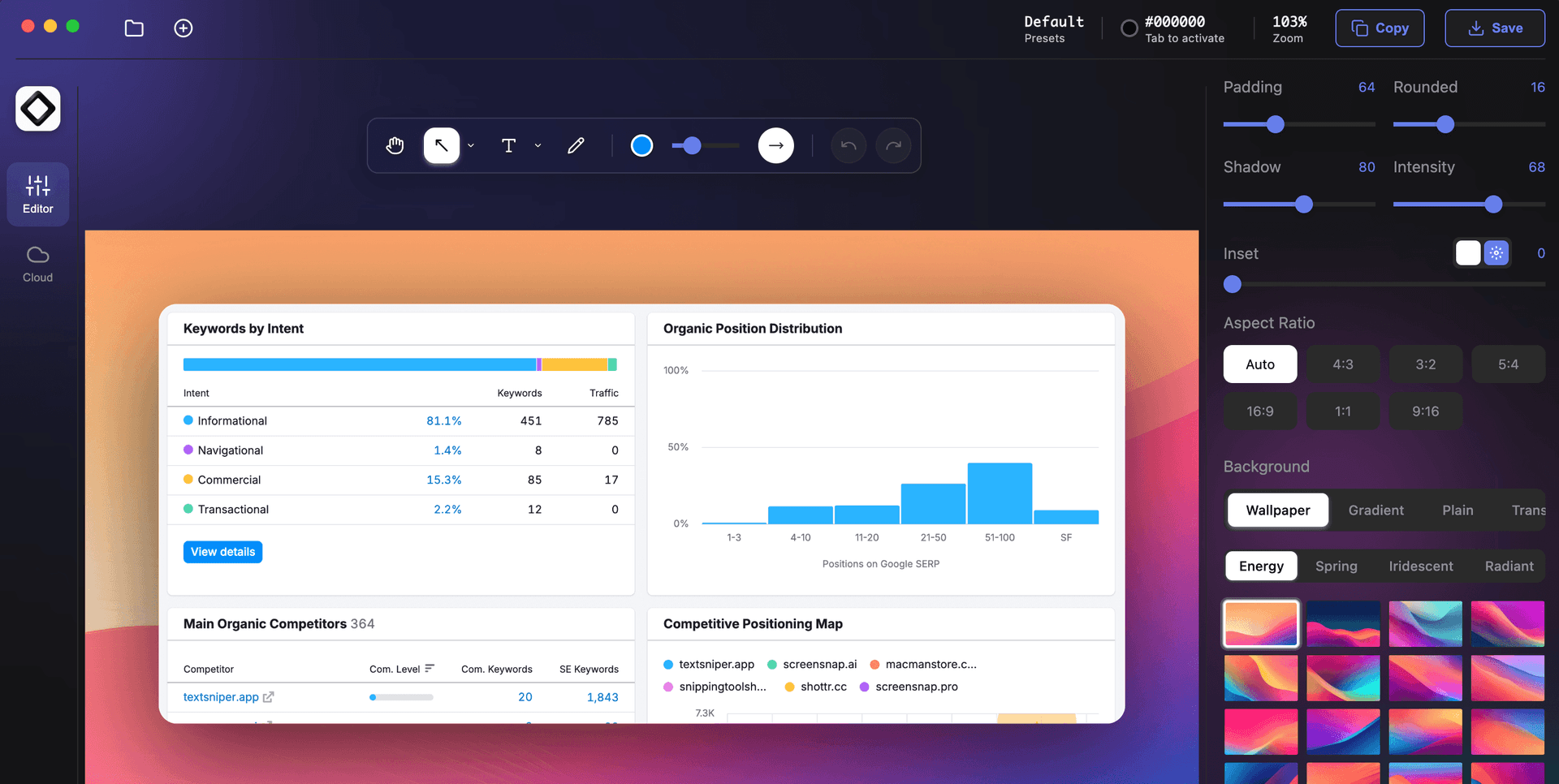
ScreenSnap Pro is a screenshot enhancement software designed for macOS. It allows users to capture, edit, and share screenshots with ease. The application features over 15 annotation tools and more than 160 customizable backgrounds, making it suitable for developers, designers, and creatives who need to produce visually appealing screenshots quickly. Users can also share their captures via instant - Provides over 15 annotation tools, including arrows, shapes, and text for precise customization of screenshots. - Offers more than 160 gradient backgrounds to enhance the visual quality of captured images. - Enables instant cloud sharing with short links for quick distribution via email or messaging platforms. - Supports screen recording with options for webcam, system audio, and microphone audio, exporting as video or GIF. - Features a quick access overlay for immediate editing and sharing without interrupting workflow. ScreenSnap Pro offers a comprehensive solution for capturing and enhancing screenshots. With features like customizable annotations, a variety of backgrounds, and instant cloud sharing, it caters to the needs of developers, designers, and creatives.

Tella
The all-in-one screen recorder.
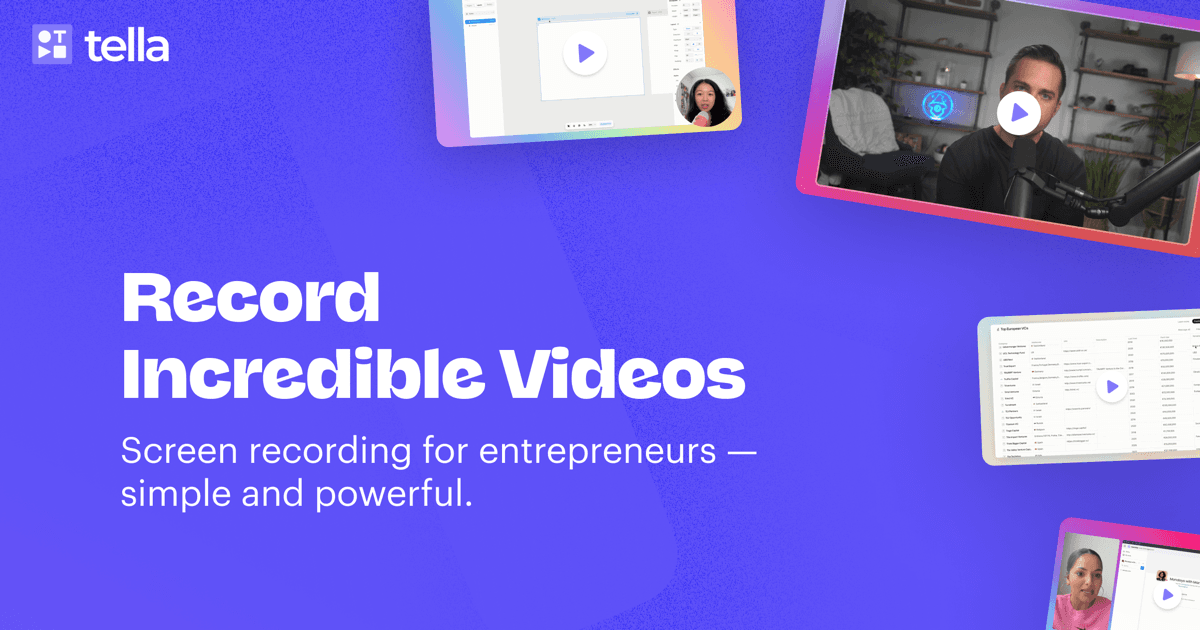
Tella is the ultimate solution for recording, editing, and sharing videos for your business. It enables seamless creation of video messages, demos, and tutorials. With intuitive editing tools designed for everyone, not just video experts, you can easily manage audio enhancements, remove filler words, and even utilize an embedded teleprompter for script support. Tella also offers instant uploads so your video is ready immediately after recording. Designed to work on macOS, web, and with a Chrome extension, Tella simplifies video creation, making it accessible for teams looking to collaborate and innovate using video content.

Reference Board
Let your inspiration ripple.
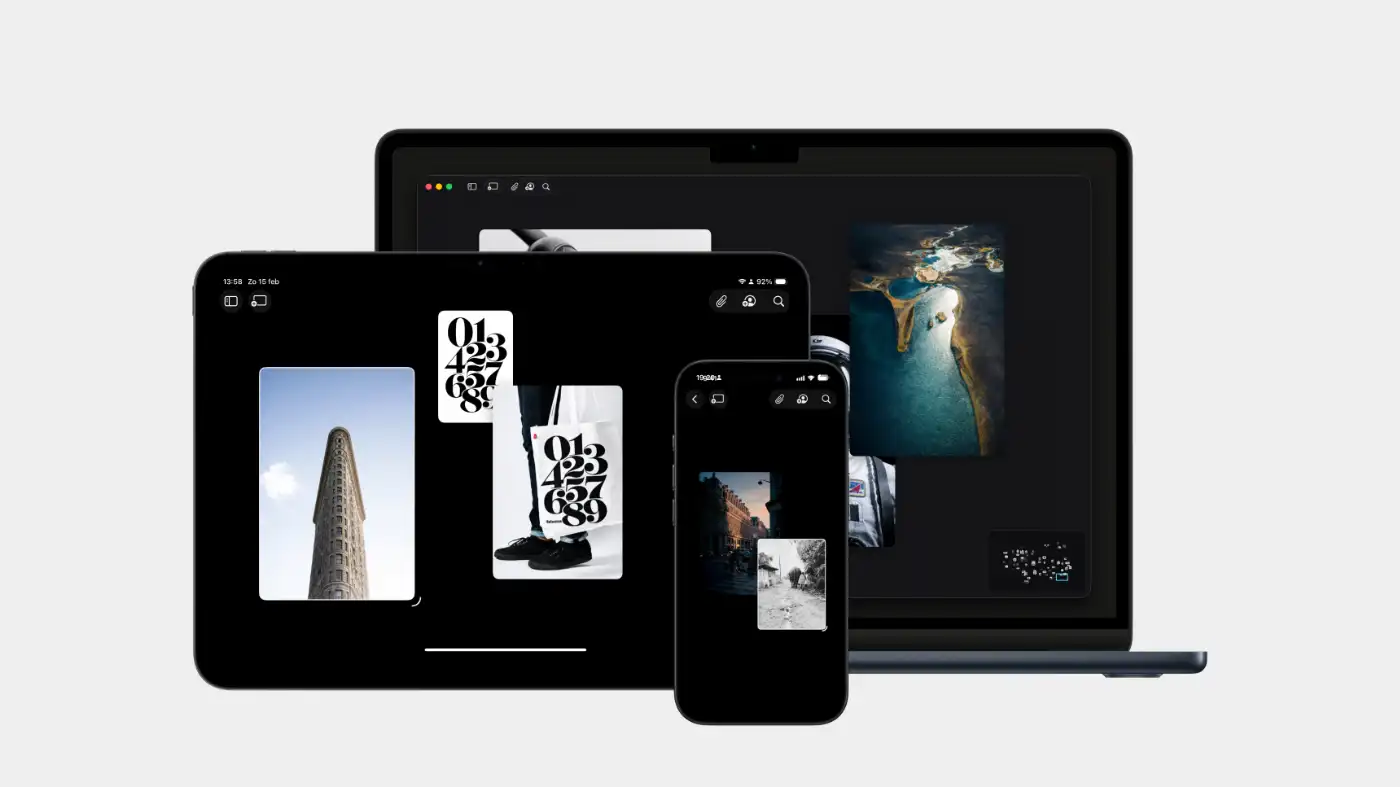
Reference Board is a moodboard application available for iPhone, iPad, and Mac. It allows users to collect, organize, and sync visual inspiration across their devices. With features like automatic organization, powerful search capabilities, and support for various media types, Reference Board helps creatives streamline their workflow and maintain a cohesive collection of ideas. - Create multiple moodboards on an infinite canvas, allowing for unrestricted creativity and exploration. - Utilize powerful search capabilities, including color, style, scene, and text, with optical character recognition (OCR) for text within images. - Automatically generate tags and descriptions for saved references, ensuring organized and structured libraries. - Support various media types, including images, videos, quotes, and sticky notes, to consolidate all forms of inspiration in one space. - Sync moodboards seamlessly across iPhone, iPad, and Mac using iCloud for a cohesive experience. Reference syncs user data across Apple devices via iCloud, ensuring privacy by not tracking user activity or selling data. This approach allows for a seamless and secure experience while managing and organizing creative inspirations across iPhone, iPad, and Mac.

BoltAI
AI Client for Mac with 300+ Models
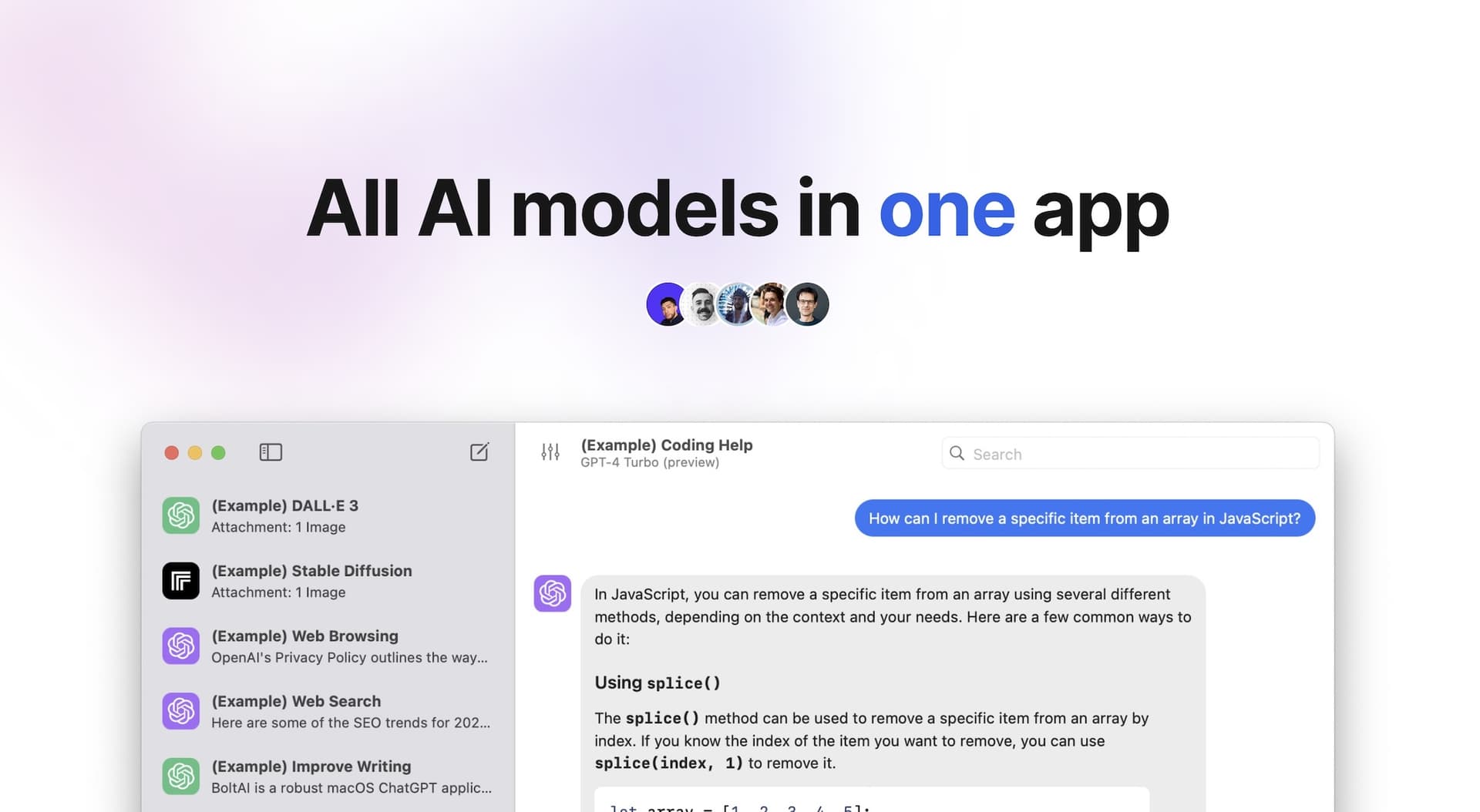
BoltAI is a native macOS application that provides users with the ability to switch seamlessly between over 300 AI models within a single workspace. It is designed for professionals and power users who require efficient management of AI tasks, enabling them to analyze documents, automate workflows, and maintain privacy with local chat storage. The app integrates with major AI providers, streamlini - Switch seamlessly between over 300 AI models from providers like OpenAI, Anthropic, and Google within a single interface. - Analyze documents, manage projects, and automate tasks without needing to switch applications. - Store chats locally and encrypt API keys to ensure user privacy and data security. - Customize AI interactions with fine-tuned controls for response generation, including temperature and token limits. - Utilize multimodal capabilities to analyze PDFs, screenshots, and other documents for structured insights. BoltAI is compatible with Intel and Apple Silicon Macs, requiring macOS 13 or later. This ensures a broad range of users can access its features, which include seamless integration with over 300 AI models and a focus on performance and privacy.

Resurf
A personal library and quick capture tool
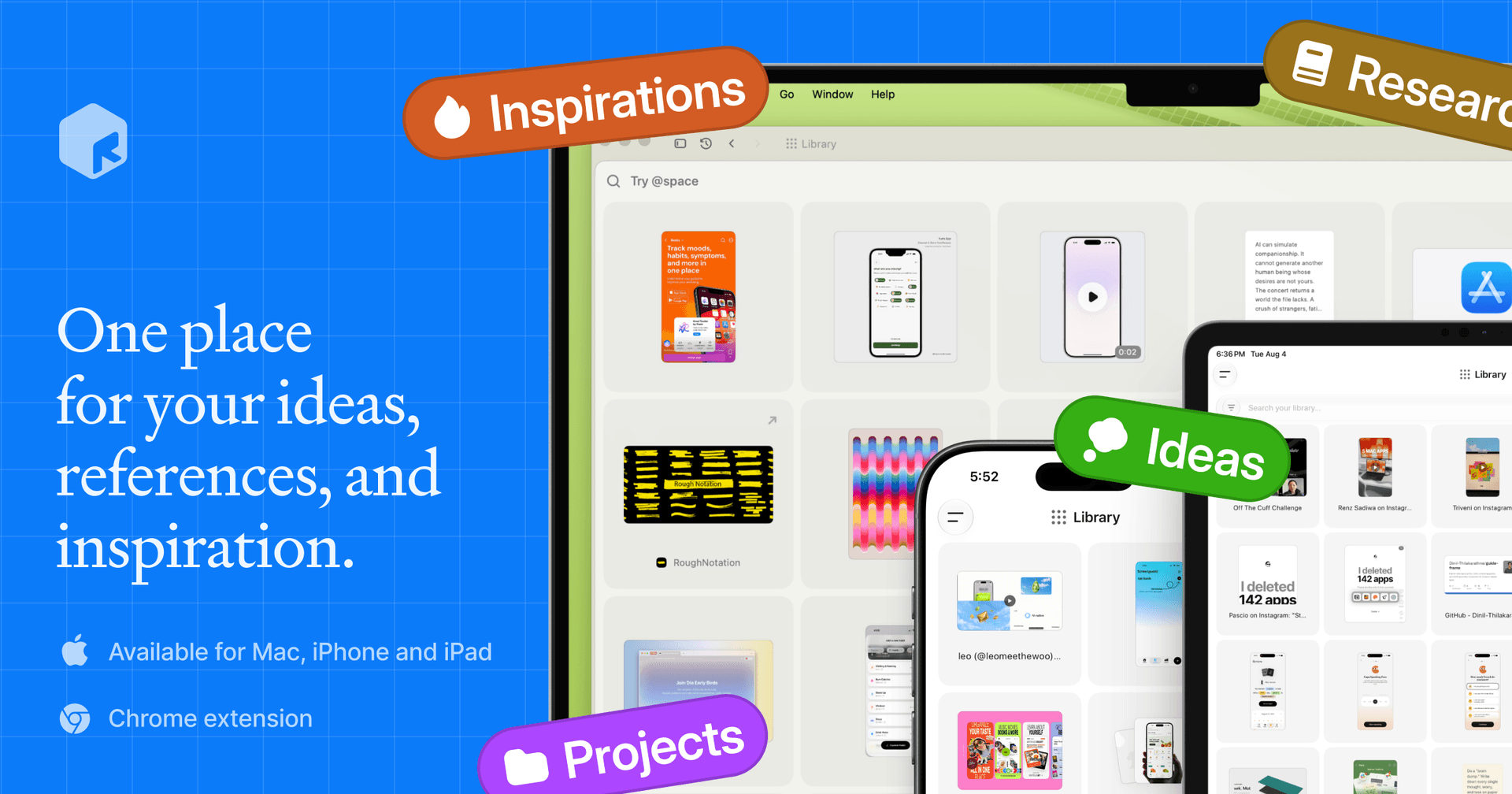
Resurf is a local-first macOS application designed for capturing and organizing diverse content types, including thoughts, ideas, links, PDFs, images, and audio. It prioritizes user privacy and offline functionality, allowing individuals such as students and researchers to efficiently manage their information in one unified library. - Capture content from Mac, Chrome, and iPhone into a single library for streamlined organization. - Utilize instant search to quickly locate notes, links, PDFs, and images. - Record voice memos to capture thoughts on-the-go without typing. - Highlight and annotate directly on saved content for better context retention. - Generate AI summaries for faster review of articles and documents. - Keep all data local on your Mac, ensuring privacy and offline access without account requirements. Resurf is a local-first macOS application that enables users to capture and organize various types of information efficiently. With a focus on privacy, it stores data on the device and functions offline, eliminating the need for accounts. This makes it suitable for anyone looking to manage their thoughts and resources.

Superwhisper
Turn your voice into polished text.
Superwhisper is a versatile voice-to-text application designed to enhance communication across various platforms like Slack and Gmail. It simplifies the process of transcribing your thoughts into professional writing, making it ideal for startups and industry leaders alike. With seamless integration into your favorite apps, Superwhisper works offline, remembers your unique vocabulary, and supports over 100 languages. It features predefined modes to optimize tone and structure, ensuring your messages are always clear and appropriate. Additionally, the app offers powerful meeting assistance by recording and automatically summarizing discussions, making it a must-have for anyone looking to improve their efficiency in both personal and professional communication.

Slashit
AI Text Expansion and Rewriting Tool

Slashit App is designed to empower freelancers, agency founders, managers, and salespeople, enabling them to save time on repetitive typing. With features like customizable templates, dynamic placeholders, and instant shortcuts, users can streamline their workflow significantly. Instead of rewriting the same messages repeatedly, professionals can save their best replies as smart templates and personalize them quickly. The app is tailored to adapt to the user's style, automating tasks like tone adjustments and text personalization with just a hotkey. Whether for managing client communications or creating documents, Slashit transforms how you work by enabling faster, smarter writing, allowing you to focus on what matters most.

Keeby
Your keyboard, but better.
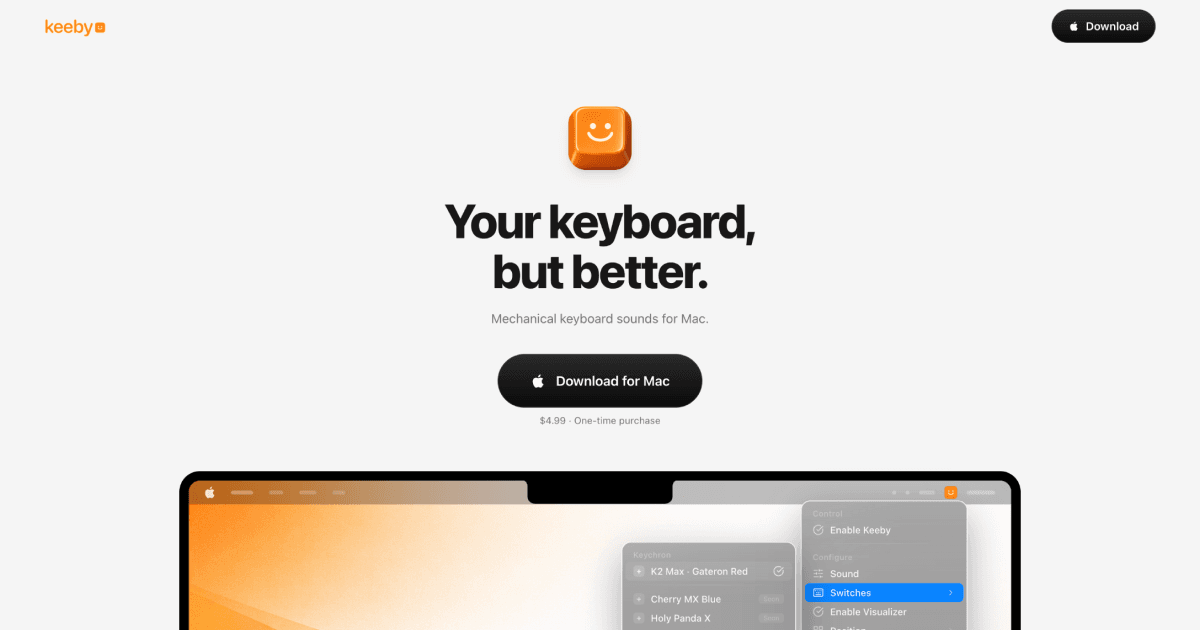
Keeby offers mechanical keyboard sounds designed specifically for Mac users, enhancing typing experiences with real sound recordings of mechanical key presses. The app allows users to easily switch profiles, tweak tones, and control visualizers directly from the menu bar. With features like spatial audio, randomized pitching, and a low latency audio engine, Keeby ensures every keystroke sounds authentic and satisfying. It's completely offline, meaning no data is collected. Keeby is available for a one-time purchase of $4.99 and requires macOS 13 or later.
Speakmac
Dictation tool macOS should have had
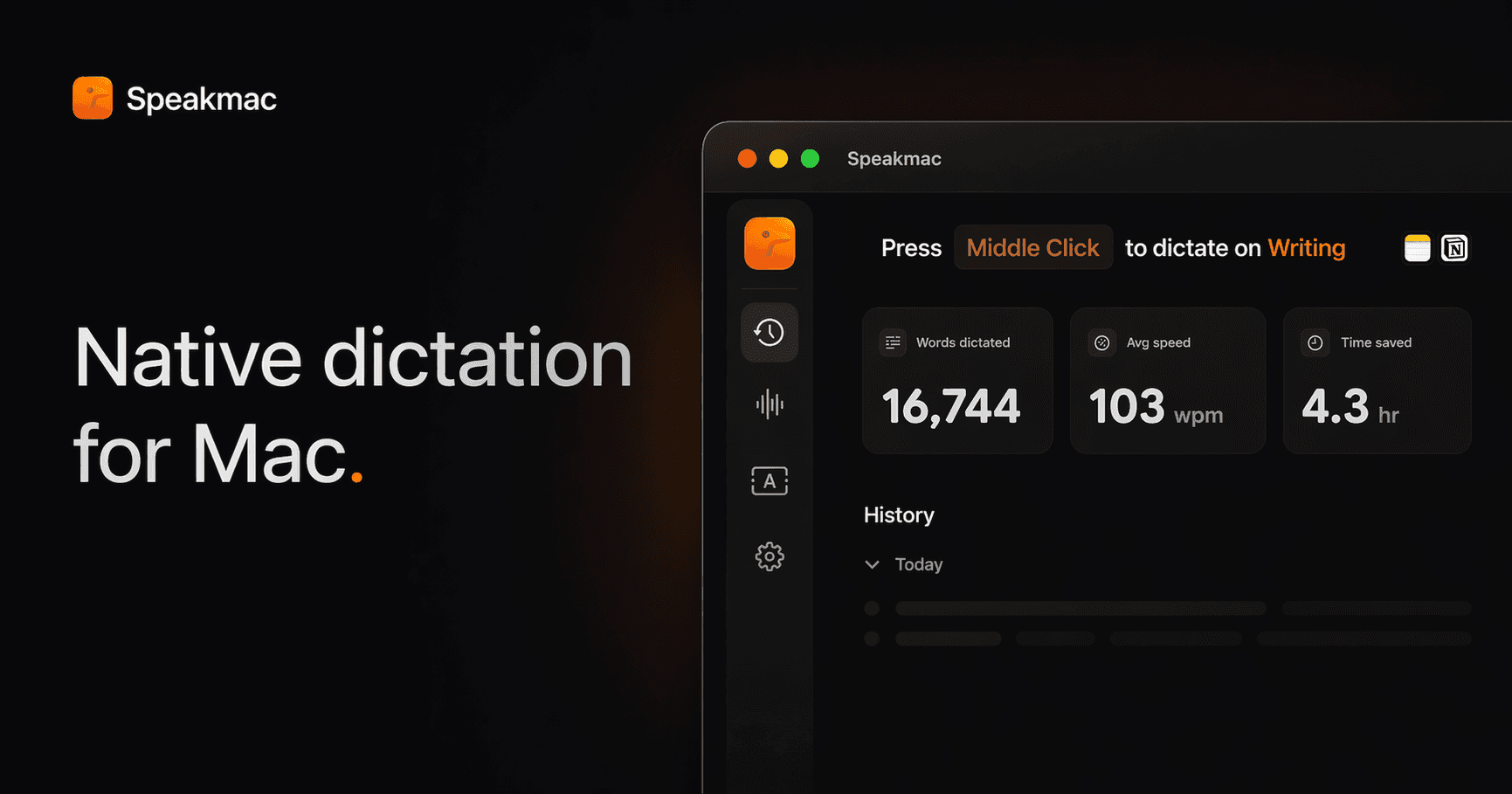
Speakmac is an offline dictation software for macOS, specifically optimized for Apple Silicon. It enables users to convert speech to text instantly and securely, processing everything on-device to maintain privacy. Designed for individuals who frequently type, Speakmac enhances productivity by allowing seamless dictation in over 25 languages, making it suitable for various writing tasks without th - Converts spoken words to text in real-time, processing everything locally for enhanced privacy. - Supports over 25 languages, automatically managing grammar and punctuation as you speak. - Text appears in your active window in under half a second, optimizing workflow efficiency. - Allows customization of vocabulary by teaching the app specific names and terms. - Compatible with any application that accepts text input, including word processors and coding environments. - One-time purchase with no subscription fees, providing a lifetime license for use on designated Macs. Speakmac offers a one-time purchase option for a lifetime license, eliminating the need for subscriptions or recurring fees. This straightforward pricing model allows users to maintain access to the software without ongoing costs, ensuring that voice dictation remains a cost-effective solution for Mac users.

TextSniper
Capture non-selectable text instantly from various sources.
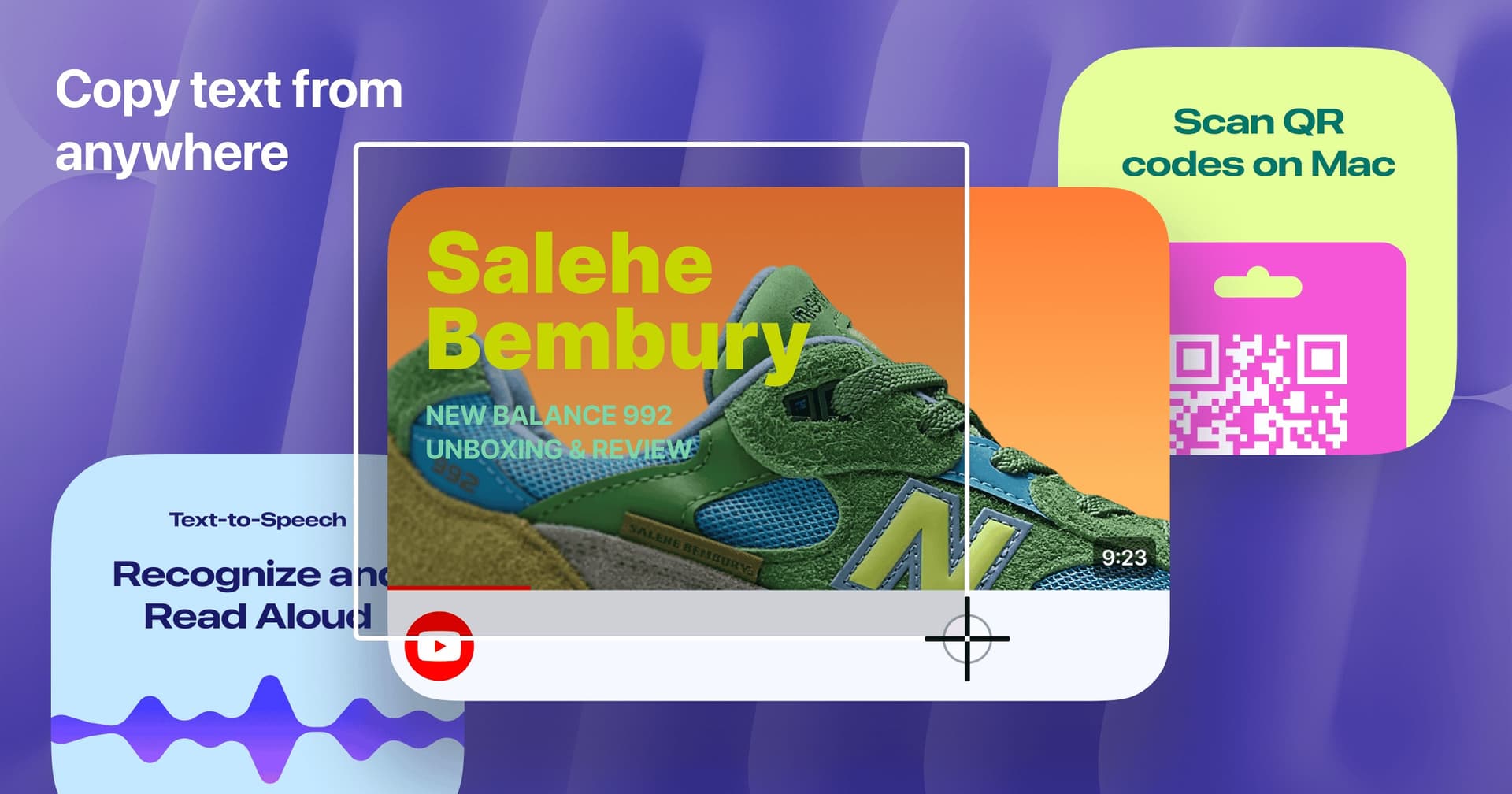
TextSniper allows users to quickly and easily capture text from YouTube videos, PDFs, images, screencasts, presentations, and more. With a simple built-in snipping tool for Mac, recognizing and copying text has never been easier. Simply start TextSniper, select the area you want to capture, and paste the text where you need it. It also includes advanced features like QR code and barcode reading, as well as a text-to-speech option making it a versatile tool for both productivity and learning. Whether you're a student, professional, or just a casual user, TextSniper streamlines the process of working with text. Enjoy the speed, simplicity, and efficiency of extracting text at your fingertips!

Looq
Enhanced file preview for diverse formats
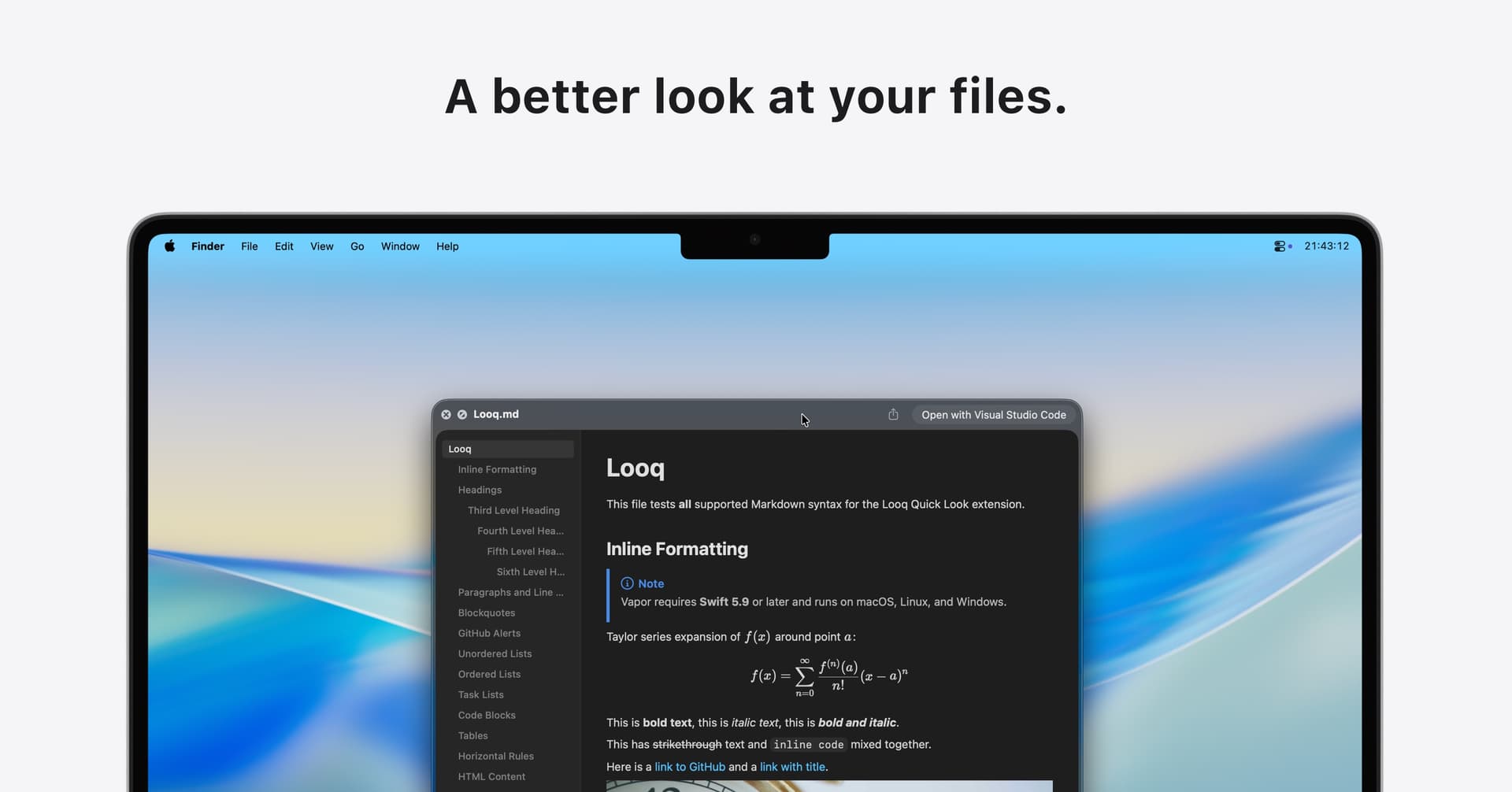
Looq is a Quick Look extension for macOS that enhances file preview capabilities. It supports various formats, including Markdown, CSV, and SQLite, providing features such as syntax highlighting for over 190 programming languages, live rendering, and structured data viewing. This tool is particularly useful for developers and data analysts who require a rich, interactive experience when exploring. - Supports live rendering of Markdown files with KaTeX for mathematical expressions and Mermaid for diagrams. - Provides syntax highlighting for over 190 programming languages to enhance code readability. - Allows viewing of structured data in native table formats for CSV and SQLite files. - Enables browsing of compressed files in ZIP and TAR formats with a directory tree view. - Offers customizable themes and font settings for personalized file previews. - Operates entirely on-device without analytics or tracking for enhanced privacy. Looq provides a secure file preview experience by operating entirely offline, ensuring no analytics or tracking is involved. Users can explore various file types, including Markdown, code, and structured data, while maintaining full control over their privacy and data security.

Brainrot
App Blocker & Focus Timer
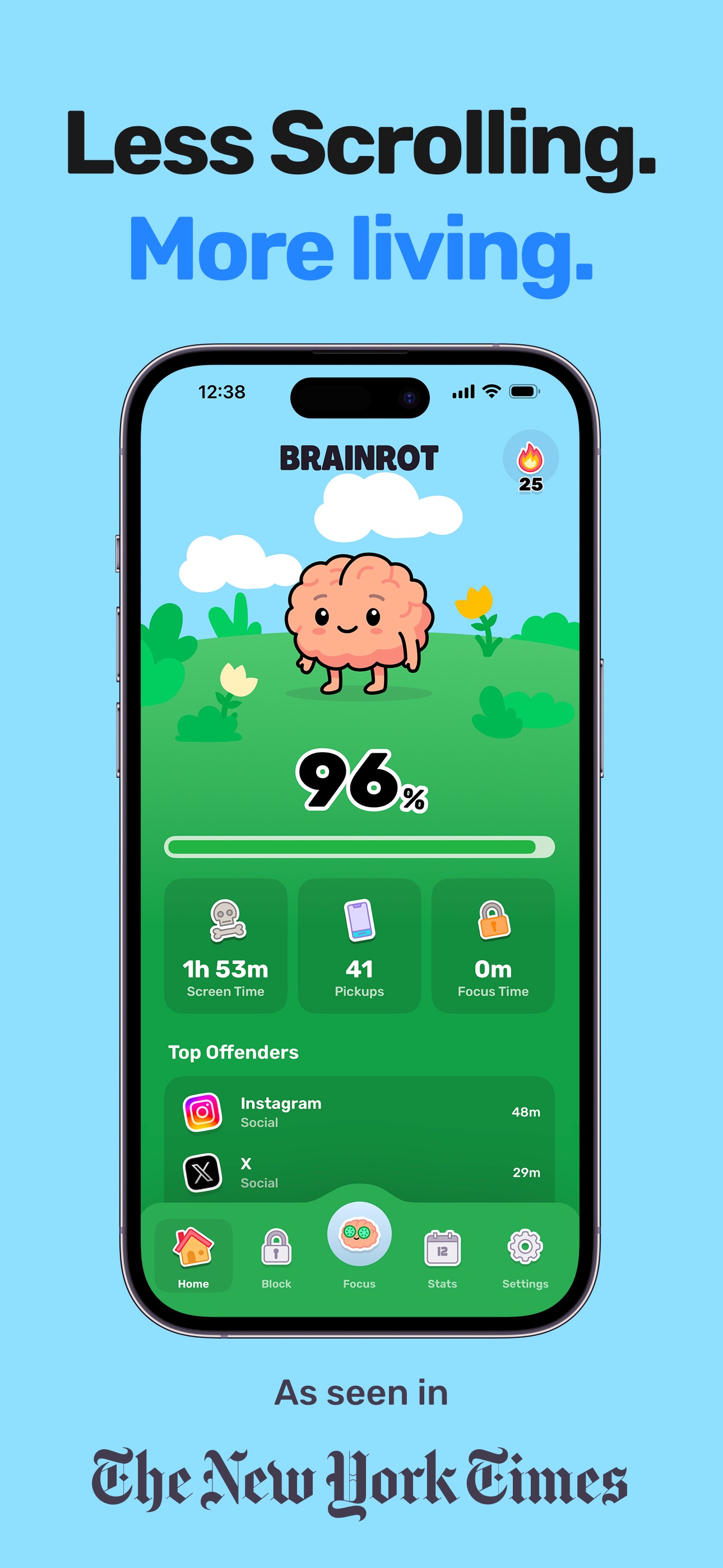
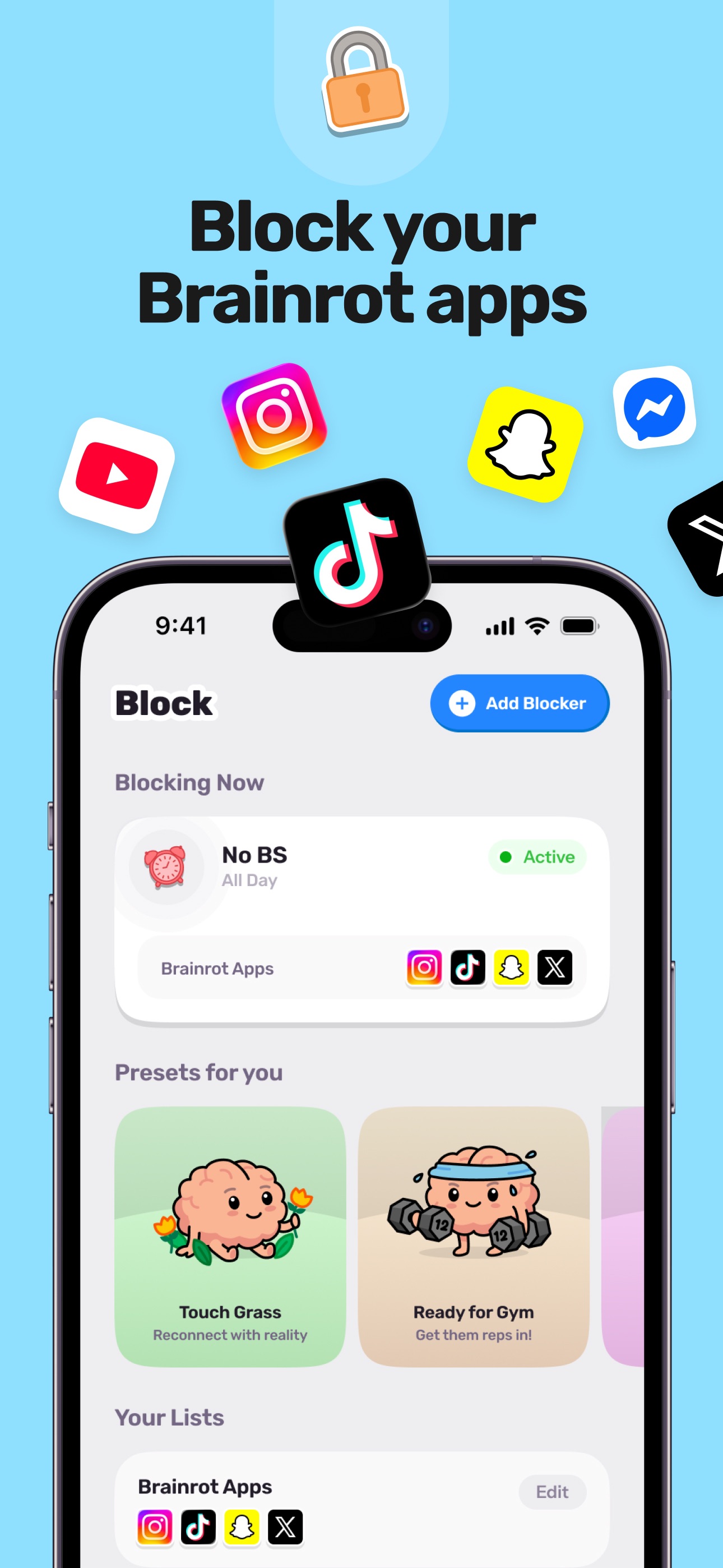
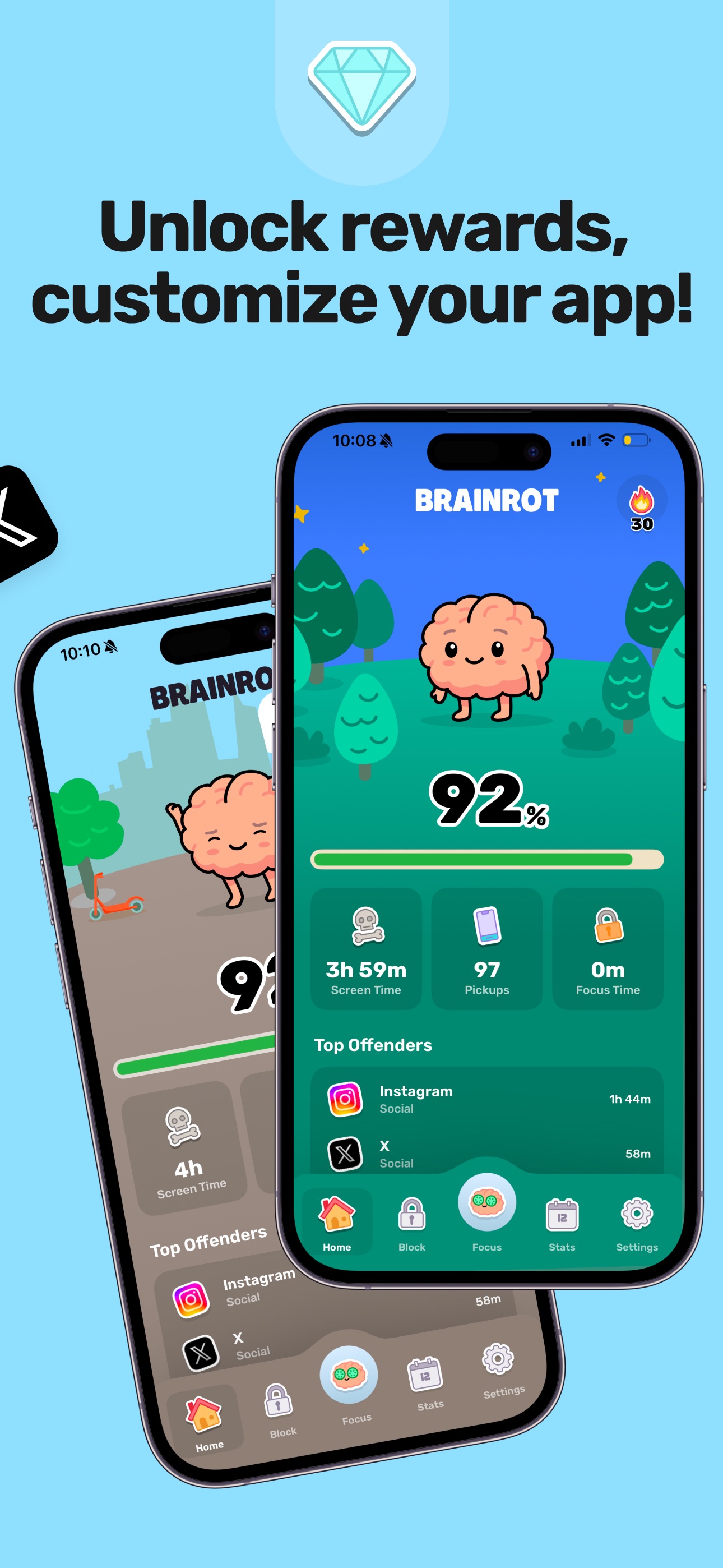
Reclaim your day with Brainrot, a playful screen time control, app blocker, and focus coach. Pick the apps and sites to block, set schedules, and watch your cute brain avatar decay as you doom scroll. This app helps you save about 2 hours per day, feel less distracted, sleep better, and get more done. Features include instant blocking for apps and websites, a focus timer for deep work, smart schedules for key times, mindful breaks, and clear insights to identify distracting apps quickly. Notably, all monitoring and blocking run entirely on your device, ensuring your privacy.

Pica
Better font management for MacOS
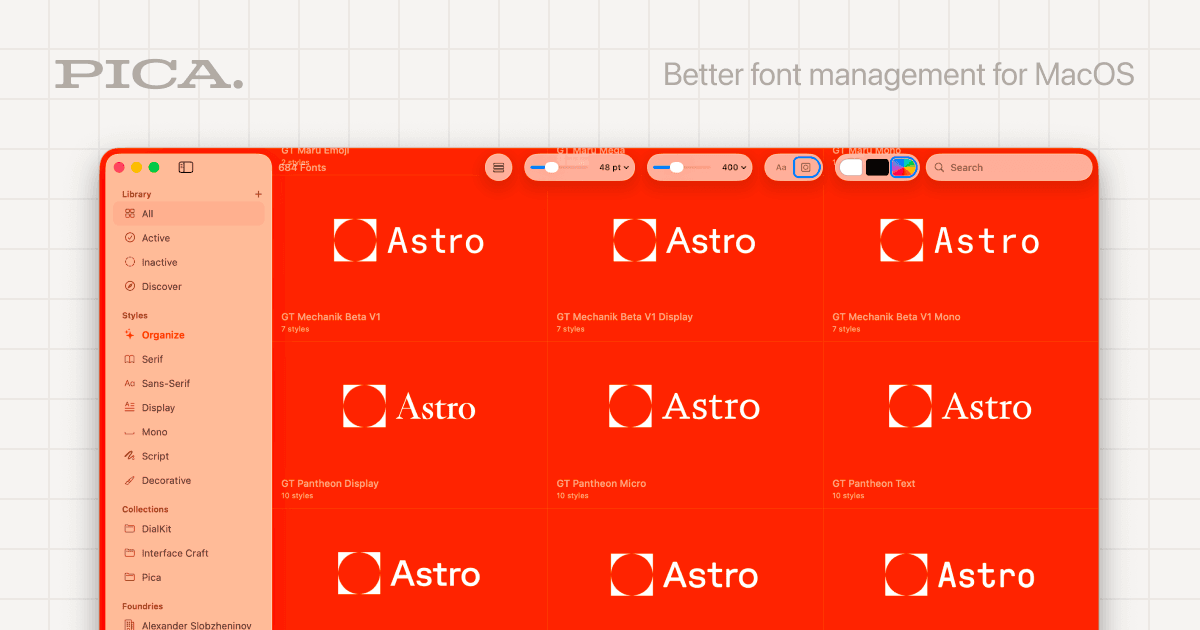
Better Font Management is a user-friendly tool designed to streamline and enhance font management on MacOS systems. It offers a variety of features, including logo previews, color themes, full OpenType support, and custom collections, making it easier for users to organize their fonts effectively. The application includes one-click activation and watch folder capabilities, allowing for quick adjustments and updates to font libraries without hassle. Additionally, it is native and free, providing a seamless experience for those looking to elevate their design workflow. Perfect for creatives and professionals alike, Better Font Management ensures that your font organization is as refined as your designs.

Usage
System Activity Monitor for Apple platforms
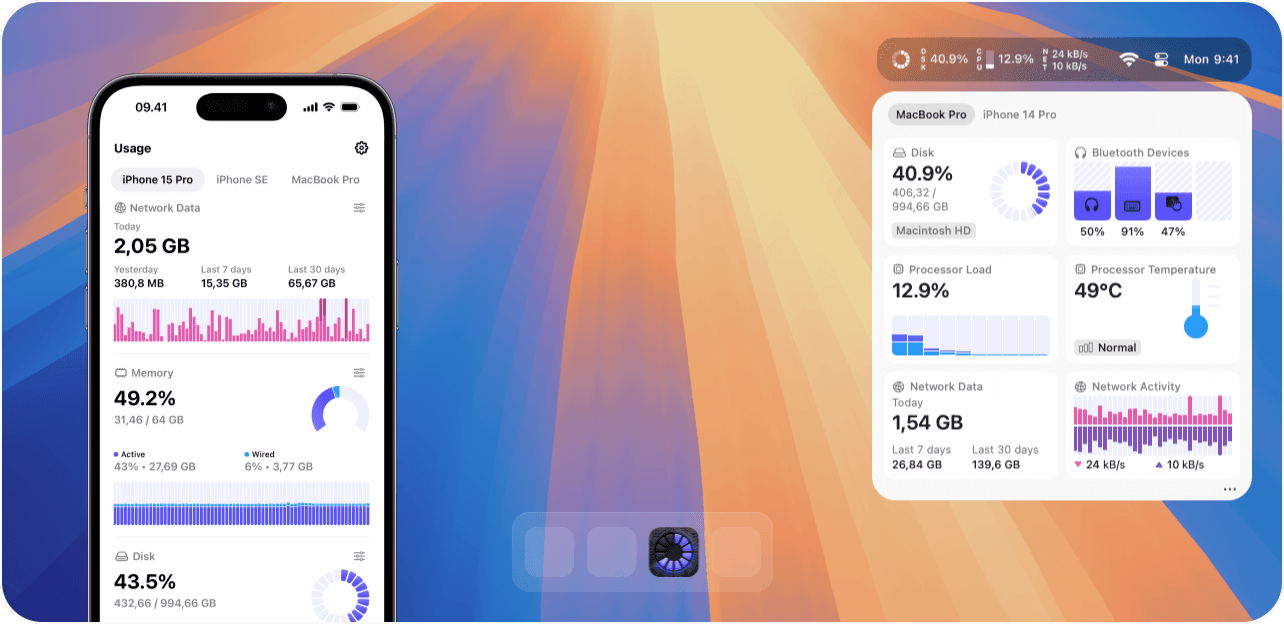
Usage is a system activity monitor for macOS and iOS that provides real-time insights into device performance. - Real-time monitoring of CPU, memory, battery health, and network activity. - Customizable menu bar with over 40 components for personalized tracking. - iCloud sync for seamless data access across multiple devices. - Detailed insights into processor temperature, fan speeds, and disk usage. - Privacy-focused design that does not track or share user activity data. It allows users to track network activity, data usage, CPU utilization, and memory status.

Backdrop
Live wallpapers for your Mac desktop
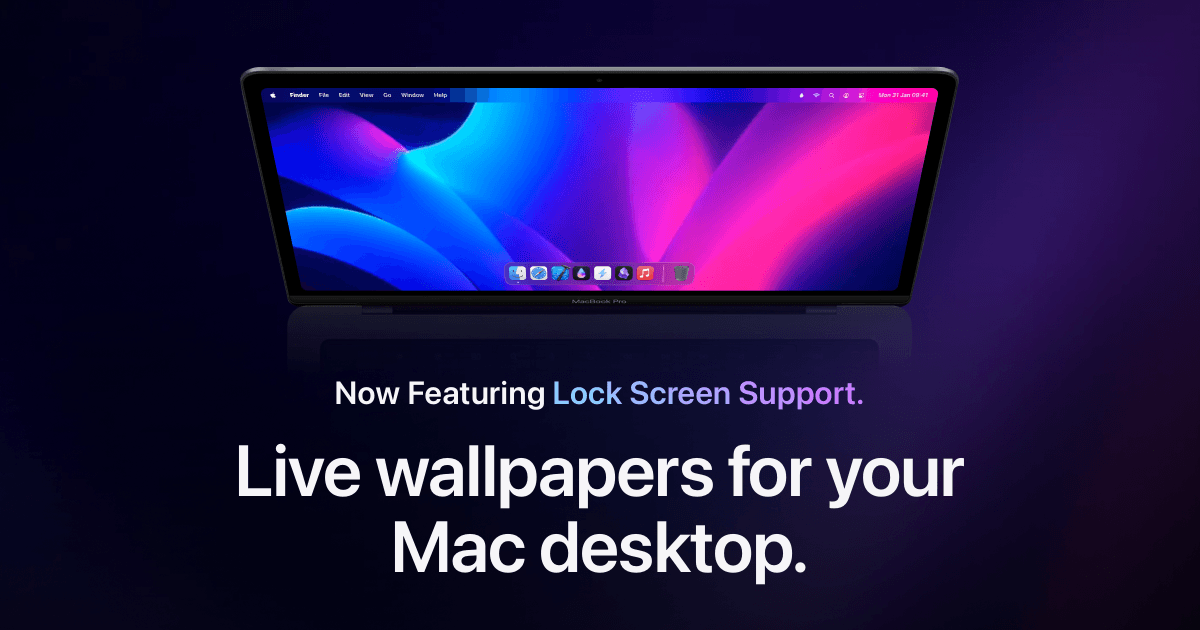
Backdrop is a macOS application designed to enhance desktop and Lock Screen aesthetics with animated live wallpapers. It allows users to select from thousands of community-created 4K video backdrops, offering a range of calming nature scenes and dynamic animations. The app supports multi-display setups and includes features for creating custom playlists and personalizing visuals, making it suitabl - Provides a library of thousands of 4K video backdrops for desktop customization. - Supports smooth playback across multiple displays with low CPU usage. - Allows users to curate playlists of wallpapers and create custom videos. - Includes Lock Screen support for dynamic backgrounds. - Features community-created wallpapers for diverse visual options. Backdrop offers a range of customizable live wallpapers for macOS, enhancing desktop aesthetics with high-quality video and animated scenes. Users can select from thousands of community-created options or upload personal videos, making it a versatile tool for personalizing workspace visuals.

Pieoneer
Let your apps fly—in a pie

Pieoneer is a productivity software for macOS that features a pie menu interface designed to streamline application management and shortcut access. It allows users to quickly launch apps, switch between running applications, and trigger shortcuts, enhancing multitasking efficiency. Ideal for individuals who frequently juggle multiple tasks, Pieoneer also supports music control through a dedicated - Quickly switch between running applications using a customizable pie menu. - Launch favorite apps, folders, and documents instantly from the menu. - Trigger actions in other applications via customizable keyboard shortcuts. - Control music playback in Apple Music, Spotify, and Doppler with a dedicated Music Remote feature. - Fully compatible with macOS accessibility features for enhanced navigation. Feedback regarding accessibility enhancements is welcomed to ensure the app meets diverse user needs. Users are encouraged to share their experiences and suggestions for improvements, which can help enhance the overall usability and inclusivity of Pieoneer.

Orbit
Subscription management and expense tracking tool
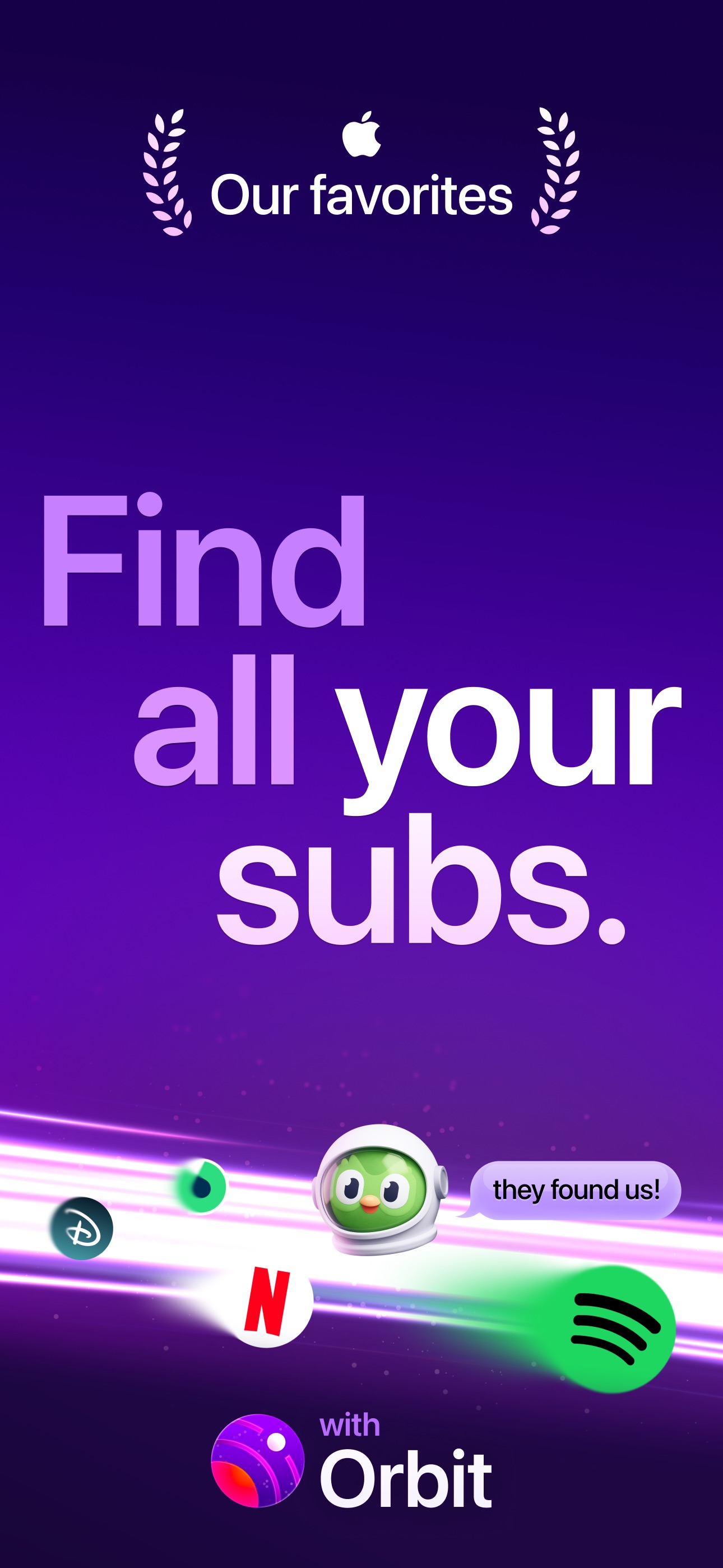
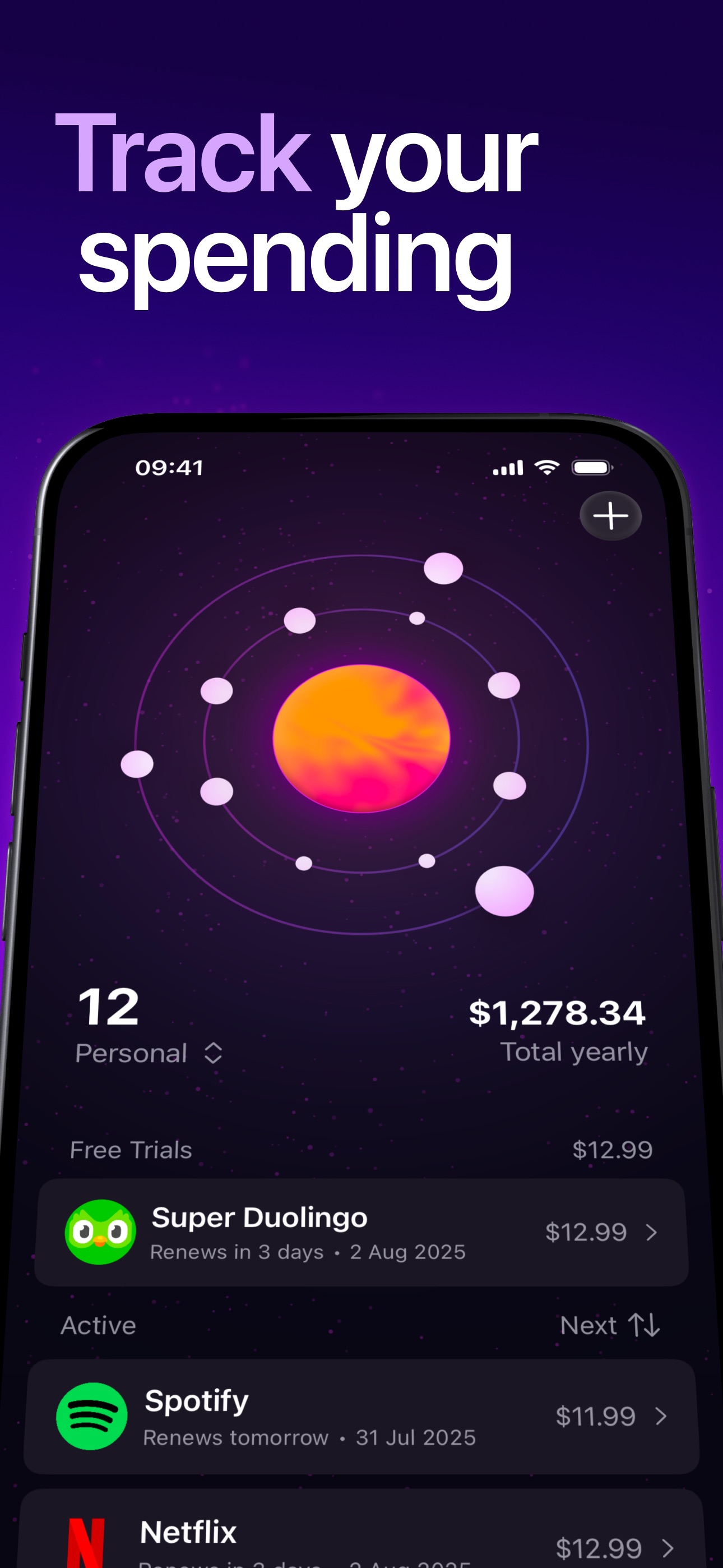

Orbit is a subscription management software that assists users in tracking and managing their recurring bills and subscriptions. It helps individuals identify and organize their subscription expenses, providing features such as payment reminders, customizable sorting options, and alerts for trial expirations. By offering a comprehensive overview of financial commitments, Orbit aims to reduce unexp - Identifies all active subscriptions and sends pre-charge reminders. - Offers customizable sorting options for better organization of subscriptions. - Provides alerts for free trial expirations to prevent unexpected charges. - Features a payment timeline for tracking upcoming expenses. - Includes a Magic Import function to extract subscription data from screenshots, bank statements, and various file formats. - Supports multiple currencies and languages for global accessibility. Orbit is designed to help users manage their subscription expenses effectively. By providing features such as payment reminders, customizable sorting, and a comprehensive overview of financial commitments, it aids in tracking spending habits and reducing unexpected charges.

DeskMinder
For Easily Distracted Minds
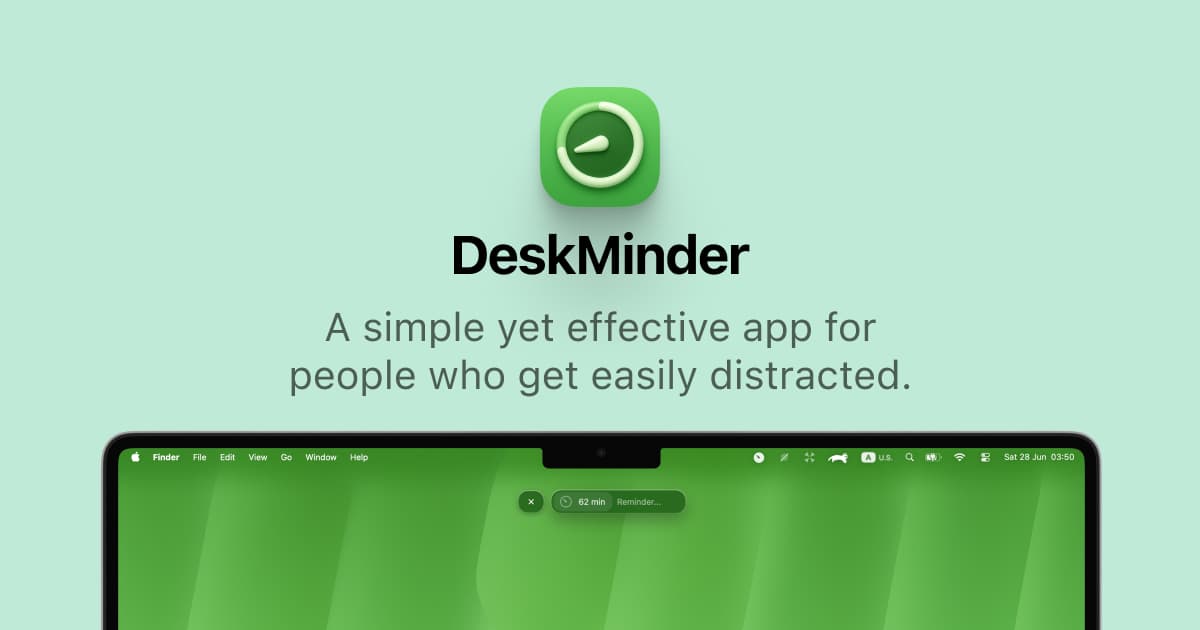
DeskMinder is a productivity software application designed for Mac users who struggle with distractions. It provides a straightforward interface for creating desktop pop-up reminders and tasks, helping users manage urgent to-dos, short breaks, and fleeting ideas. With features like full-screen notifications and Apple Reminders integration, DeskMinder aims to enhance focus and time management for i - With features like easy-to-create desktop pop-ups for reminders and tasks, it simplifies the process of staying on top of urgent to-dos, short breaks, or fleeting ideas. - Users can benefit from full-screen notifications, Apple Reminders integration, and flexible widget placement, making it ideal for anyone requiring a little extra help to maintain focus. - The app includes additional shortcuts for quick reminder setups and customizable widget options, along with a history tracking feature to monitor daily progress. Designed specifically for Mac users, DeskMinder aims to facilitate better time management and productivity for those with attention challenges, providing a seamless user experience without unnecessary complexity.

Klack
Satisfying sound with every keystroke
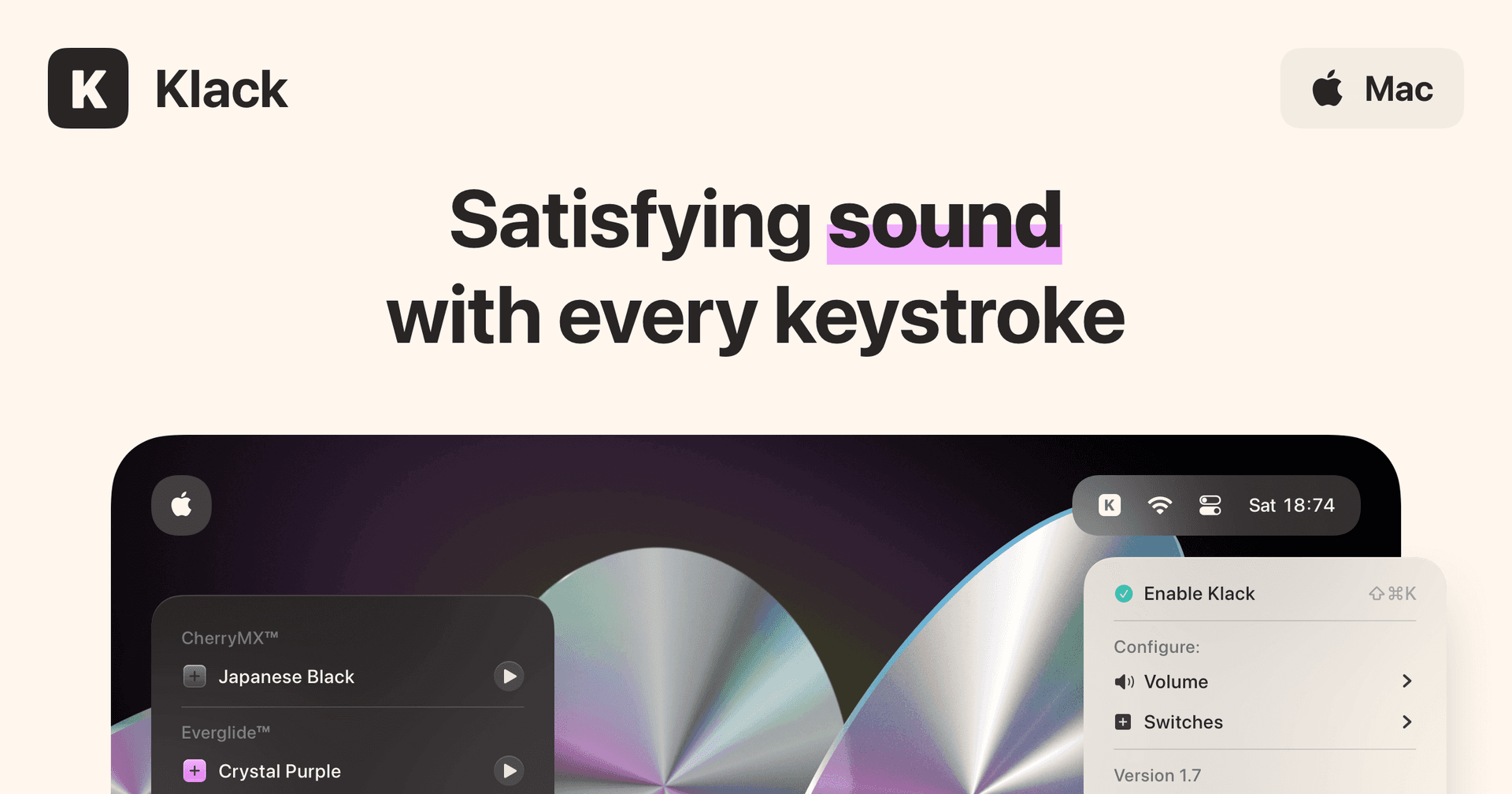
Klack is a macOS application designed to enhance the typing experience through high-fidelity sound for each keystroke. It provides features such as immersive spatial audio, instant feedback, and customizable sound options, making it suitable for writers, developers, and anyone who values an engaging typing environment. The app is easily accessible from the menubar and offers extensive configuratio - Provides immersive spatial audio for enhanced typing feedback. - Allows customization of keystroke sounds, pitch variations, and volume settings. - Features a menubar interface for quick access to configuration options. - Supports instant feedback with each keystroke for a more engaging experience. - Designed for writers and developers seeking auditory feedback while typing. Klack enhances the typing experience on Mac by providing high-fidelity sound for each keystroke.

Presentify
Take your presentations to the next level
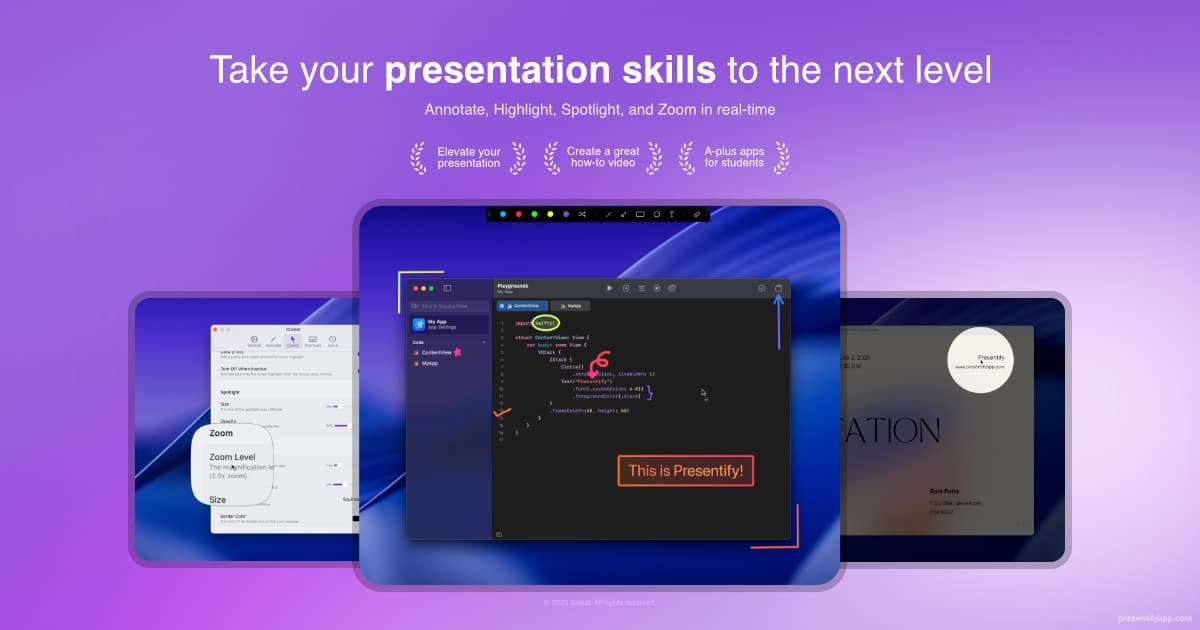
Presentify is a macOS application designed for screen annotation during presentations. It enables users to highlight cursors, spotlight specific areas, and zoom in on details, making it suitable for educators and professionals who need to engage their audience effectively. With features like real-time drawing and a digital whiteboard, it enhances communication and clarity in various presentation c - Real-time screen annotation with pens, highlighters, and shapes for effective presentations. - Digital whiteboard feature for brainstorming and explaining complex concepts. - Customizable cursor highlights to draw attention during presentations. - Integration with Zoom, Google Meet, PowerPoint, and other applications for seamless use. - Lightweight design with a 1MB download size and low resource usage for optimal performance. Presentify is a Mac application that facilitates screen annotation, cursor highlighting, and zooming in on important details. It is optimized for performance and integrates with various platforms, making it suitable for educators and professionals who need to enhance their presentations and improve audience engagement.

TypoTab
TypoTab, the ultimate AI writing assistant for
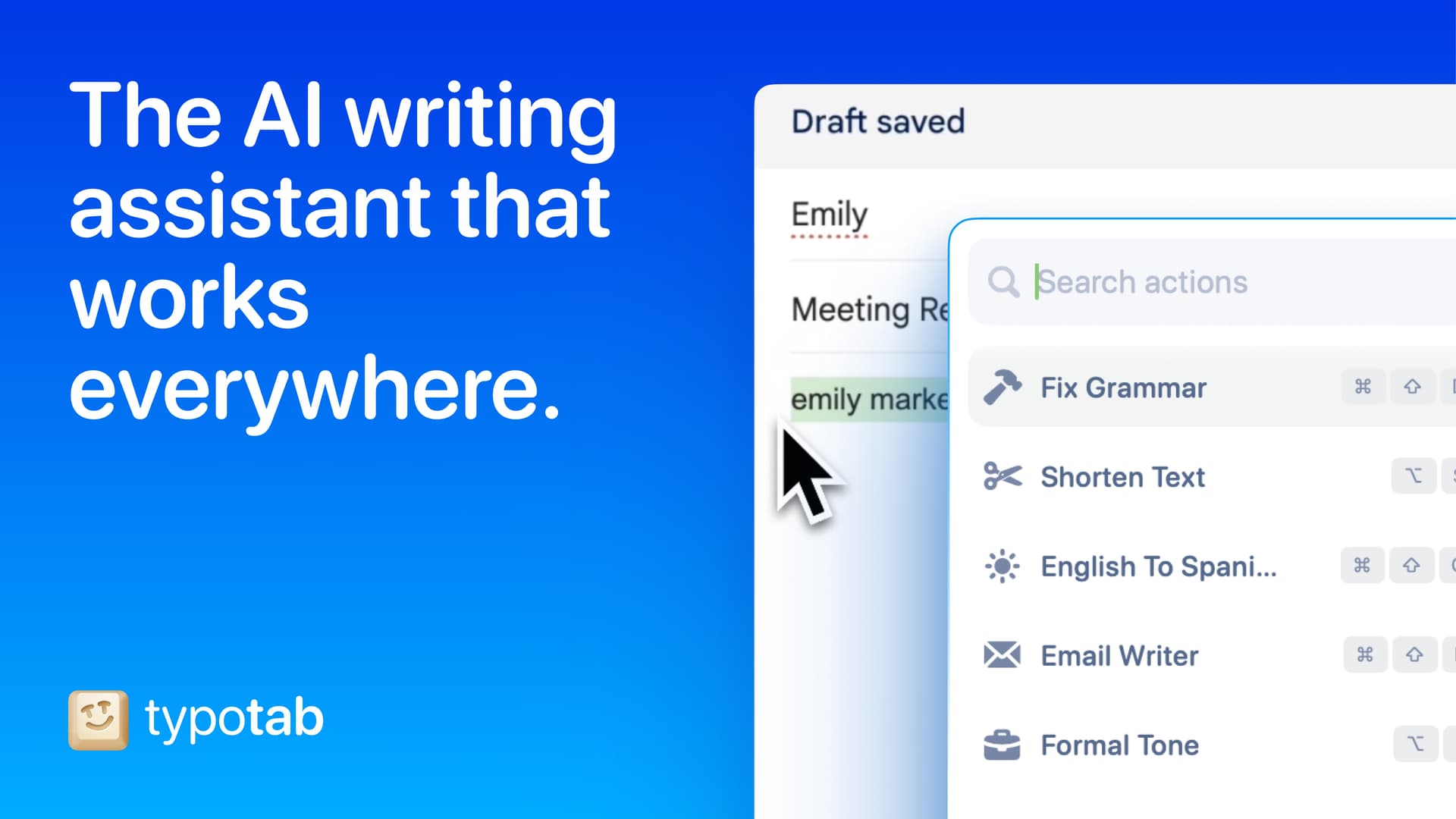
TypoTab is a macOS application that functions as an AI-driven writing assistant. It enhances writing efficiency by providing tools for grammar correction, text rephrasing, and content generation, all accessible from the menu bar without needing to switch applications. This tool is designed for writers, students, and professionals looking to streamline their writing process and improve productivity - Provides grammar correction and text rephrasing directly from the menu bar. - Allows text refinement in any application without switching contexts. - Offers customizable actions to meet individual writing needs. - Streamlines repetitive writing tasks for improved efficiency. - Supports a wide range of applications, enhancing workflow across platforms. TypoTab is a macOS application that enhances writing efficiency by providing grammar correction, text rephrasing, and content generation directly from the menu bar. It allows users to refine text in any application without switching contexts, offering customizable actions to suit individual writing needs.

LookAway
Smart screen break, blink, and posture reminders
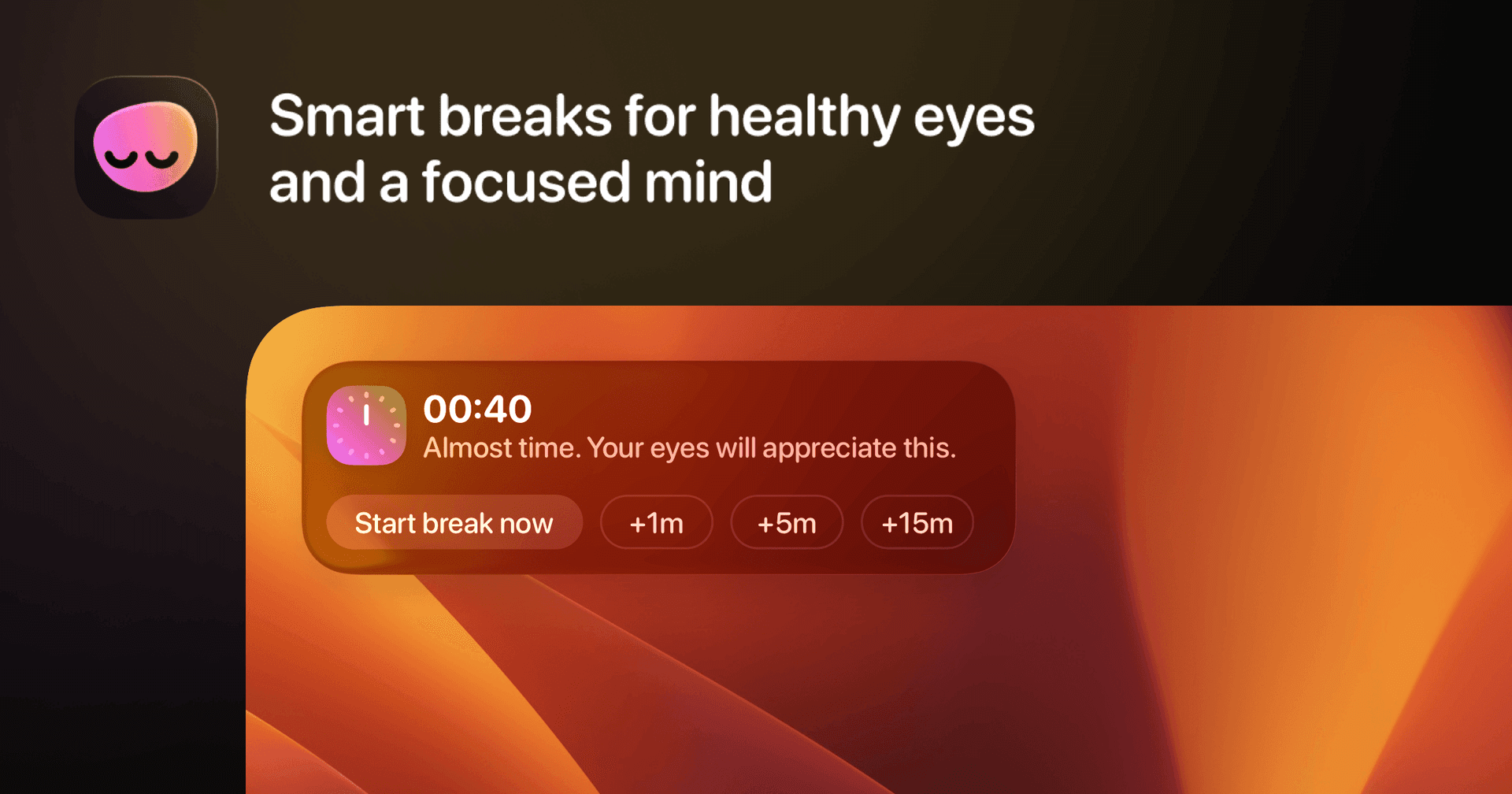
LookAway is a macOS application designed to promote healthier screen habits by providing reminders for screen breaks, blinking, and posture. - It adapts to your workflow, offering non-intrusive notifications that encourage users to take regular breaks, which can help reduce eye strain and improve overall well-being. - The app is suitable for anyone who spends extended periods in front of a computer, including professionals, students, and remote workers. - LookAway integrates seamlessly with your Mac, allowing for customizable settings to fit individual preferences while ensuring that breaks do not disrupt productivity. LookAway is a macOS application that provides reminders for screen breaks, blinking, and posture to help users maintain healthier screen habits. It offers customizable notifications that integrate with your workflow, making it suitable for anyone who spends long hours in front of a computer.

mymind
A creatives best kept secret.

mymind is YOUR PRIVATE place to keep everything you want to remember. Think of it as your digital garden, a peaceful place away from the noise to cultivate your inspiration, research and ideas. We’re a small & independent team that originally built mymind for ourselves. We were tired of feeling constantly distracted and overwhelmed with overly complicated tools that promised to help us stay organized. We just wanted something simple: one place to put everything, and one place to find it. We didn’t want to curate anything, manage folders or learn yet another system we would ultimately abandon. Which is why mymind asks nothing from you: NO social features NO vanity metrics NO algorithms NO social pressure NO collaboration NO manual organization NO noise - Save anything with a single click: a bookmark, note, image, screenshot, website, article, video, highlight, quote, meme, product, song. Before, these little pieces of inspiration were forgotten or buried somewhere in your bookmarks or desktop or some complex platform. Now they're all in one place, where they may eventually connect and become useful later. - All your inspiration and ideas are organized for you. Folders are dead. We believe manual organization is another distraction, a decoy for productivity that pulls you from what you want to do. You may not even know why you're saving something in the moment, meaning it could fit in many folders or no folder at all. Your mind understands this, revealing meaning and allowing you to make connections between what you've saved. You don't have to stop to analyze or organize anything you save. Your new mind magically categorizes, analyzes, summarizes and tags it for you, so you can just search whatever you remember to find it later. No going back to clear a queue or manage your folders. You're constantly moving forward. - Most importantly, your mind is 100% private. No one can see what you've saved. There's no social feed or collaboration features to distract you. No ads interrupting your focus. When you have an audience watching, you operate differently. You restrain yourself in an attempt to curate a vibe, stay on trend or be accepted. Who are you when no one's watching? When can you save anything or explore any idea without fear of how it's being perceived? - It’s your secret creative repertoire and private garden of inspiration. Every great mind has one, a central place to collect all the little things that make you stop and think or feel something. Think of it like a garden: You're enriching the soil, planting and watering seeds you trust will bloom into something bigger later. Your mind is meant to grow through all your interests and creative phases. It continues to evolve with you. - We believe beauty is a function. We do everything we can to make your mind as beautiful and distraction-free as possible, stripping out the clunky features and filters you find in typical organization tools. If it works well, you don't think about it. It's a tool in the true sense of the word: there when you need it, and out of the way when you don't. We call it personal software.- Save everything that matters to you effortlessly. For too long, we've been serving algorithms and tools, passively scrolling and reacting and engaging and performing and curating and brain rotting. Unlike most of the internet, mymind gives back to you rather than draining you. It's an external way to feed the beauty and depth and meaning we need internally. Your mental bank of inspiration to feed your real mind.

(Not Boring) Camera
Make photography fun again easily

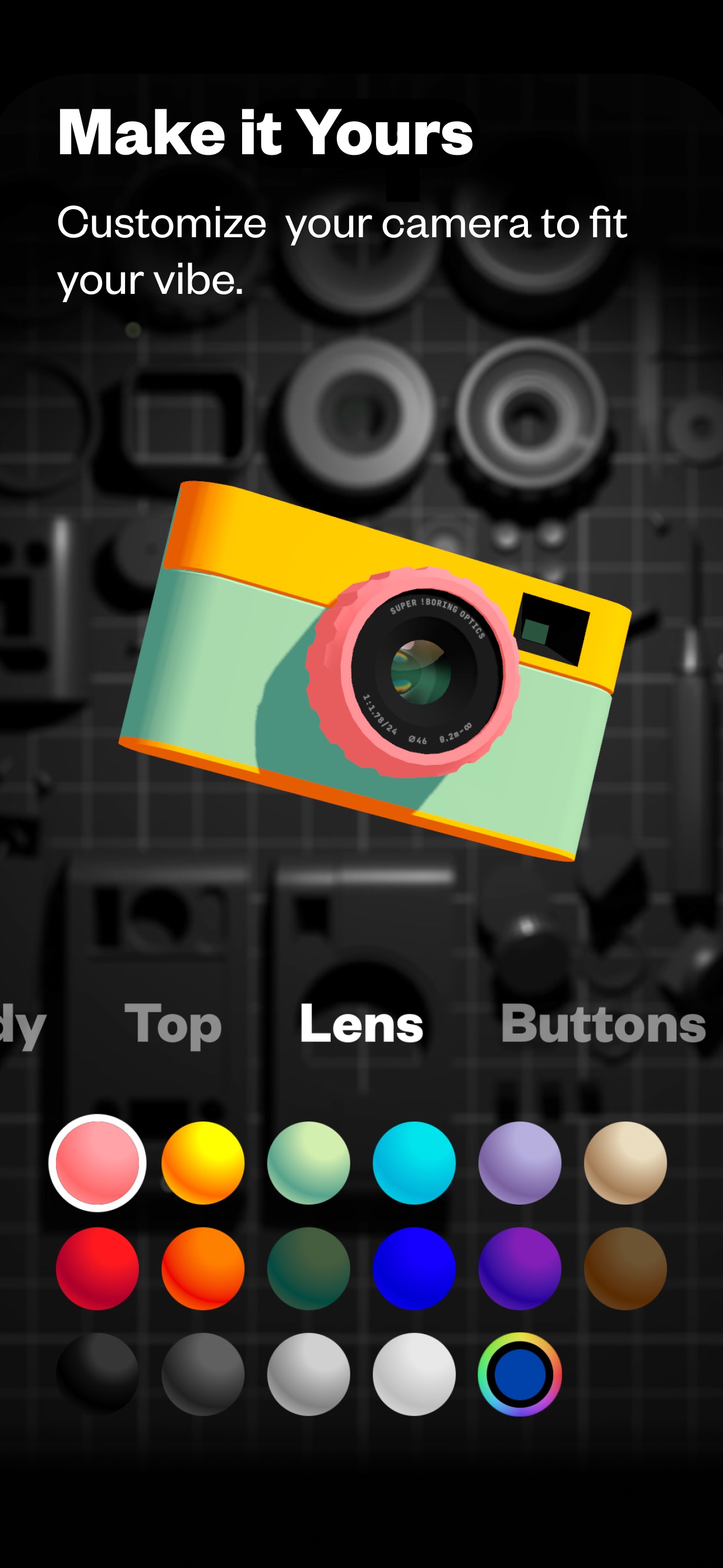
Capture unique, honest, inspiring photos like the Pros in a fun, playful camera. (Not Boring) Camera incorporates SUPER RAW™ for natural images without AI interference, numerous customization options with professional color grading, and a fully 3D interface that simulates the feeling of a real camera with dynamic lighting and haptic feedback. Users can easily switch between Auto and Manual modes, ensuring both accessibility for beginners and control for seasoned photographers. Add LUTs for enhanced visuals, and utilize HDR to save more highlight details. This app redefines mobile photography by making it intuitive and fun, designed to trigger creativity with every click.

Setapp
The one place for trusted apps
Setapp is a subscription-based platform that offers a curated library of applications for Mac and iOS. It provides users access to hundreds of high-quality apps designed to meet various needs, from productivity to creativity. With features like automatic updates and user reviews, Setapp simplifies the process of discovering and managing software, making it a valuable resource for individuals and p - Users can subscribe to individual apps or opt for a Setapp membership, gaining access to a wide range of applications tailored to specific needs. - Enjoy features like automatic updates, user reviews, and no ads, making it easy to discover reliable tools quickly. - With Setapp, you can streamline your workflow while saving money, as a monthly subscription covers multiple top-rated applications. - Try it free for 7 days and experience the convenience of having all the apps you need in one place. Setapp offers a comprehensive library of curated apps for Mac and iOS, allowing users to access a wide range of tools through a subscription model. With features like automatic updates, user reviews, and a focus on quality, it simplifies the process of finding and using reliable applications for various needs.

Kite
Make Stunning Demo Videos Easily
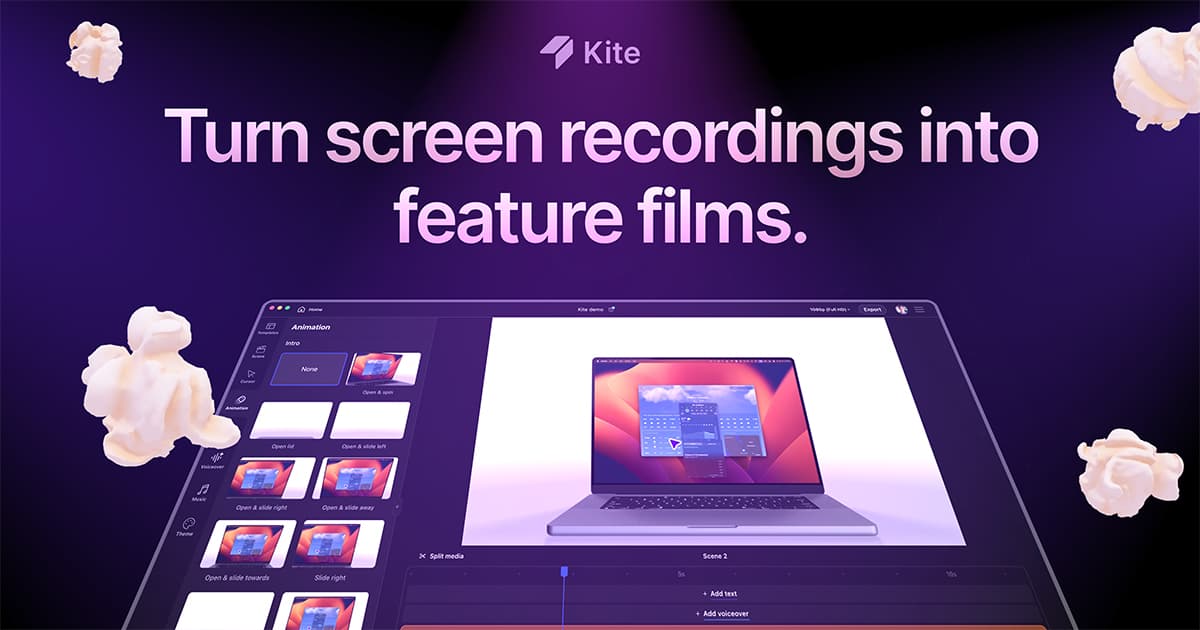
Kite is a powerful screen recorder designed to elevate your demo videos, making them look professional in a matter of minutes. - With features like auto zoom, 3D animations, clip editing, and AI voiceovers, Kite allows you to create polished videos that captivate your audience. - Whether you're launching a product, creating tutorials, or developing marketing ads, Kite provides all the necessary tools to make your videos stand out. - The app is currently available for Mac, with a Windows version in development. - With a user-friendly interface and expansive features, Kite is the perfect companion for anyone looking to enhance their video content quickly and effortlessly. Kite is a screen recording application for Mac that enables users to create professional-quality demo videos. It offers features such as auto zoom, 3D animations, and AI voiceovers, making it suitable for product launches, tutorials, and marketing content.

Wispr Flow
Effortless voice-to-text for faster writing.

Wispr Flow is the voice-to-text AI that transforms your speech into clear, polished writing across all your apps. It allows you to dictate notes, emails, and text instantly, streamlining your communication process. With features like AI auto-edits and personalized dictionaries, Wispr adapts to your unique voice and style, ensuring that your thoughts are captured accurately and efficiently. Proven to be used by professionals in various fields, Wispr enhances productivity, enabling users to focus on their ideas rather than typing them out. Available on Mac, Windows, iPhone, and Android, it seamlessly integrates into your workflow, making it the ultimate tool for anyone looking to enhance their efficiency in both personal and professional settings.

Blitzit
Boost Your Productivity with Blitzit
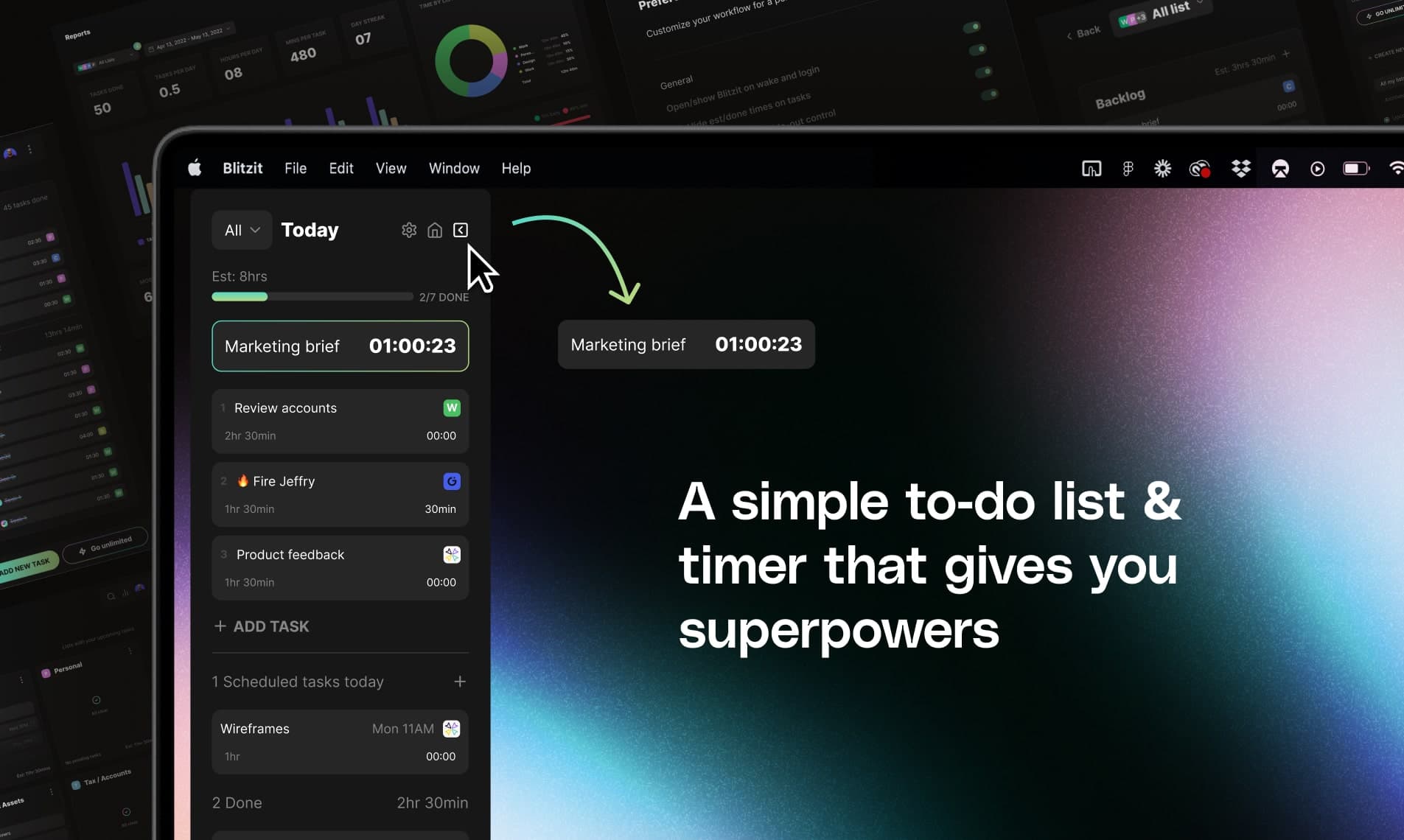
Blitzit is a productivity app designed to help you manage your tasks effectively while keeping you focused. - With its intuitive interface, you can estimate and track task times, create satisfying checklists, and easily switch to focus mode. - The app combines elements of time management with a checklist format, allowing you to attach notes and reminders to tasks. - You can also schedule one-time or recurring tasks and receive instant alerts for upcoming deadlines. - In addition, Blitzit offers a unique pomodoro timer feature, providing a structured approach to working in focused intervals. - For individuals seeking to enhance their productivity, Blitzit serves as an essential tool that assists in prioritizing and organizing daily tasks efficiently. - Whether used for professional or personal purposes, users have found Blitzit instrumental in maintaining productivity. - The app integrates well with Google Calendar, allowing you to sync your tasks effectively, making it a versatile choice for anyone Blitzit is a productivity app that combines task management with time tracking features. It allows users to create checklists, schedule tasks, and utilize a pomodoro timer for focused work sessions.

Craft
Your space for notes, tasks, and big ideas

Craft is a software platform designed for organizing notes, tasks, and documents. It enables users to capture and connect their ideas seamlessly across devices, transforming quick notes into well-structured documents. With features like templates, writing tools, and API integrations, Craft supports a variety of users, including creators, educators, and professionals, enhancing their productivity a - Whether it's documents, tasks, calendars, or daily notes, Craft allows you to organize and enhance your work with the power of interconnected spaces. - Capture ideas instantly across all your devices and transform quick notes into beautifully crafted documents. - With a variety of templates, writing tools, and API integrations, Craft adapts to how you think and work, making it an ideal tool for creators, educators, and professionals alike. Craft provides a versatile platform for organizing notes, tasks, and documents across devices. With features like templates, writing tools, and API integrations, it supports various workflows for creators, educators, and professionals. Its interconnected spaces enhance productivity and idea management.

CleanShot X
Comprehensive screen capture and annotation tool
CleanShot X is a comprehensive screen capturing software designed for Mac users. It offers over 50 features, including screenshot and screen recording capabilities, making it suitable for professionals and casual users alike. With tools for quick sharing, annotation, and GIF creation, it enhances productivity by streamlining the process of capturing and editing visual content. Its intuitive interf - Our overlay makes sharing a breeze. - Instantly save, copy or drag & drop screenshots or screen recordings to other apps. - You can annotate your screenshots quickly and easily, making it beloved by users who seek efficient and effective communication. - It’s an essential swiss army knife for health and education professionals as well as content creators—anyone looking for an optimized way to capture and share their screen. - Additional features like scrolling capture, screen recording, and clean backgrounds make it versatile for all your needs. CleanShot X offers a comprehensive suite of over 50 features for screen capturing and recording on Mac. Its intuitive interface and versatile tools, including scrolling captures, annotations, and cloud integration, make it a valuable asset for users needing efficient screenshot management and sharing capabilities.

HoldSpeak
Dictate with precision on your Mac, offline.
HoldSpeak is an AI-driven dictation software for Mac that functions entirely offline. It allows users to convert speech to text with high accuracy, supporting over 100 languages. Designed for both casual users and professionals, HoldSpeak enhances productivity by enabling seamless dictation across various applications without compromising user privacy or requiring an internet connection. - Supports over 100 languages with automatic language detection. - Achieves a transcription accuracy rate of 99% on-device. - Allows seamless dictation in any application where text input is possible. - Features customizable hotkeys for quick access and integration into workflows. - Offers multiple on-device models tailored for different transcription needs. - Ensures privacy by keeping all audio and transcriptions on the device without internet dependency. HoldSpeak offers an offline dictation solution for Mac users, enabling voice-to-text functionality with high accuracy across 100+ languages. Its features include customizable hotkeys and seamless integration with any application, ensuring privacy and reliability by processing all data locally.

Duolingo
Language learning through engaging, bite-sized lessons.


Duolingo is a free language learning platform available on iOS, Android, and the web. It offers lessons in over 40 languages through interactive, bite-sized exercises that focus on speaking, reading, listening, and writing skills. Designed for learners of all ages, Duolingo aims to make language acquisition accessible and engaging, helping users prepare for real-life conversations in various langu - Offers courses in over 40 languages, including Spanish, French, German, and Japanese. - Provides bite-sized lessons focusing on speaking, reading, listening, and writing skills. - Includes additional subjects such as Math, Music, and Chess. - Features a progress tracking system with achievements and leaderboards. - Suitable for learners of all ages and backgrounds, enhancing language skills for various purposes. Duolingo offers a comprehensive platform for learning over 40 languages, along with courses in Math, Music, and Chess. Its bite-sized lessons are designed to enhance vocabulary and grammar skills through interactive exercises. The app is free to use, making it accessible for learners of all ages.

Raycast
Productivity tool for quick app access
Raycast is a productivity software for macOS designed to streamline access to applications, commands, and tools through an extendable launcher. It enables users to quickly find and execute tasks, enhancing workflow efficiency. Ideal for professionals, Raycast helps automate repetitive actions and manage various tasks, reducing the time spent navigating through menus and improving overall productiv - Automates repetitive tasks to enhance workflow efficiency. - Provides quick access to applications and commands through a single launcher. - Supports integrations with popular tools like Slack, Zoom, and Notion for seamless task management. - Allows users to manage clipboard history for easy retrieval of copied items. - Offers customizable extensions to tailor the tool to specific professional needs. Raycast is a productivity tool designed for macOS that streamlines access to applications, commands, and essential tools. Its extendable launcher enhances workflow efficiency, enabling users to automate tasks and manage their activities effectively. Ideal for professionals seeking to optimize their time management.
Shotbase vs CleanShot X vs Screen Studio: Which Mac Capture App Fits Your Workflow?
Sep 21, 2026
Shotbase vs CleanShot X vs Screen Studio: Which Mac Capture App Fits Your Workflow?
Compare Shotbase, CleanShot X, and Screen Studio across screenshots, recordings, editing, organization, and sharing to find the right Mac capture app.
Glaze by Raycast: The Mac AI App Builder That Ships Apps, Not Repositories
Jul 21, 2026
Glaze by Raycast: The Mac AI App Builder That Ships Apps, Not Repositories
Glaze is Raycast's Mac app for turning everyday ideas into apps you can actually use and share. Here is what it does, who it is for, and why it stands apart from other AI builders.
HeyClicky: The Y Combinator Mac AI Assistant That Lives on Your Screen
Jul 20, 2026
HeyClicky: The Y Combinator Mac AI Assistant That Lives on Your Screen
HeyClicky is a screen-aware Mac AI assistant backed by Y Combinator. Here is who it is for, how it works, and why founders and creators are paying attention.