

List · 6 items
Find your focus
Give your day some structure and your attention a little room.

Balance
Time tracking and Pomodoro, beautifully simple

Balance is a Mac time tracking and Pomodoro app designed to enhance focus and promote work-life balance. It allows users to log work sessions intentionally, receive reminders for breaks, and maintain session records. This tool is suitable for freelancers, students, and professionals. Balance is available for free on the Mac App Store, with optional in-app purchases, and requires macOS 14 or later. - Tracks time using the Pomodoro technique to enhance focus and productivity. - Provides customizable break reminders to prevent work fatigue. - Maintains detailed session logs for tracking work patterns and productivity. - Offers a user-friendly interface suitable for freelancers, students, and professionals. - Available for free on the Mac App Store with optional in-app purchases. - Requires macOS 14 or later for optimal performance. Balance is designed for users seeking to enhance their productivity through structured time management. Its features cater to freelancers, students, and professionals who benefit from focused work sessions and regular breaks. By maintaining session logs, users can track their progress and optimize their workflow.

Blitzit
Boost Your Productivity with Blitzit
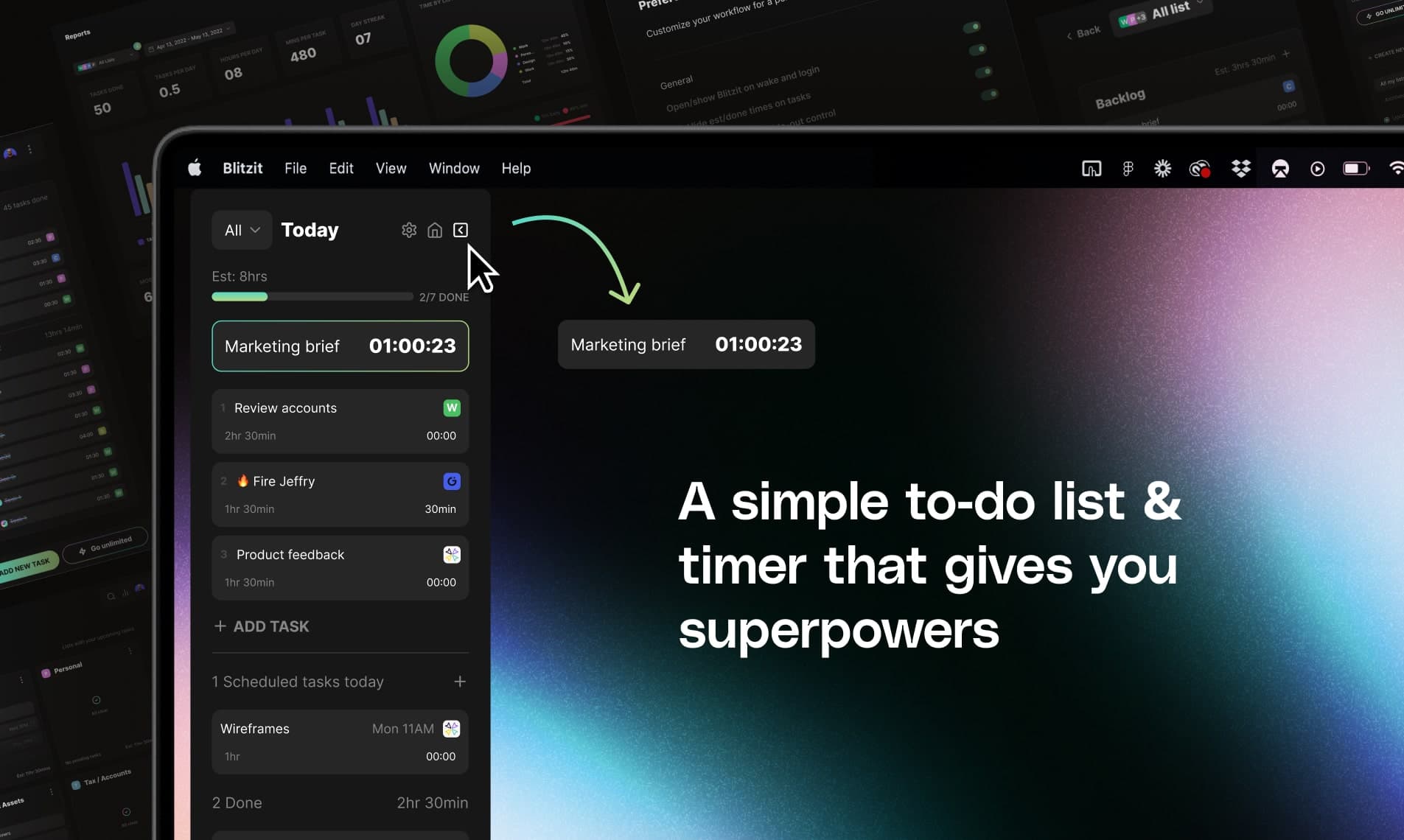
Blitzit is a productivity app designed to help you manage your tasks effectively while keeping you focused. - With its intuitive interface, you can estimate and track task times, create satisfying checklists, and easily switch to focus mode. - The app combines elements of time management with a checklist format, allowing you to attach notes and reminders to tasks. - You can also schedule one-time or recurring tasks and receive instant alerts for upcoming deadlines. - In addition, Blitzit offers a unique pomodoro timer feature, providing a structured approach to working in focused intervals. - For individuals seeking to enhance their productivity, Blitzit serves as an essential tool that assists in prioritizing and organizing daily tasks efficiently. - Whether used for professional or personal purposes, users have found Blitzit instrumental in maintaining productivity. - The app integrates well with Google Calendar, allowing you to sync your tasks effectively, making it a versatile choice for anyone Blitzit is a productivity app that combines task management with time tracking features. It allows users to create checklists, schedule tasks, and utilize a pomodoro timer for focused work sessions.

Brainrot
App Blocker & Focus Timer
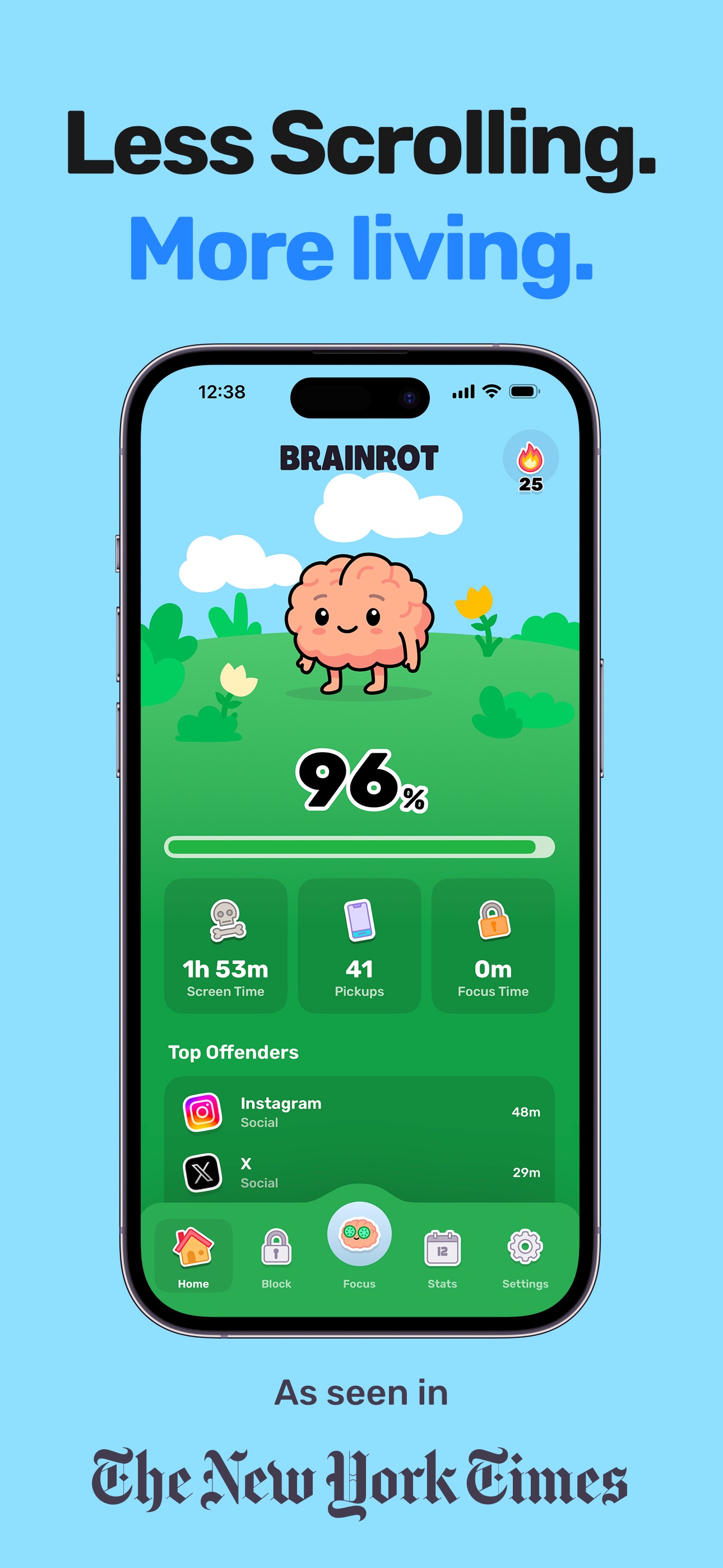
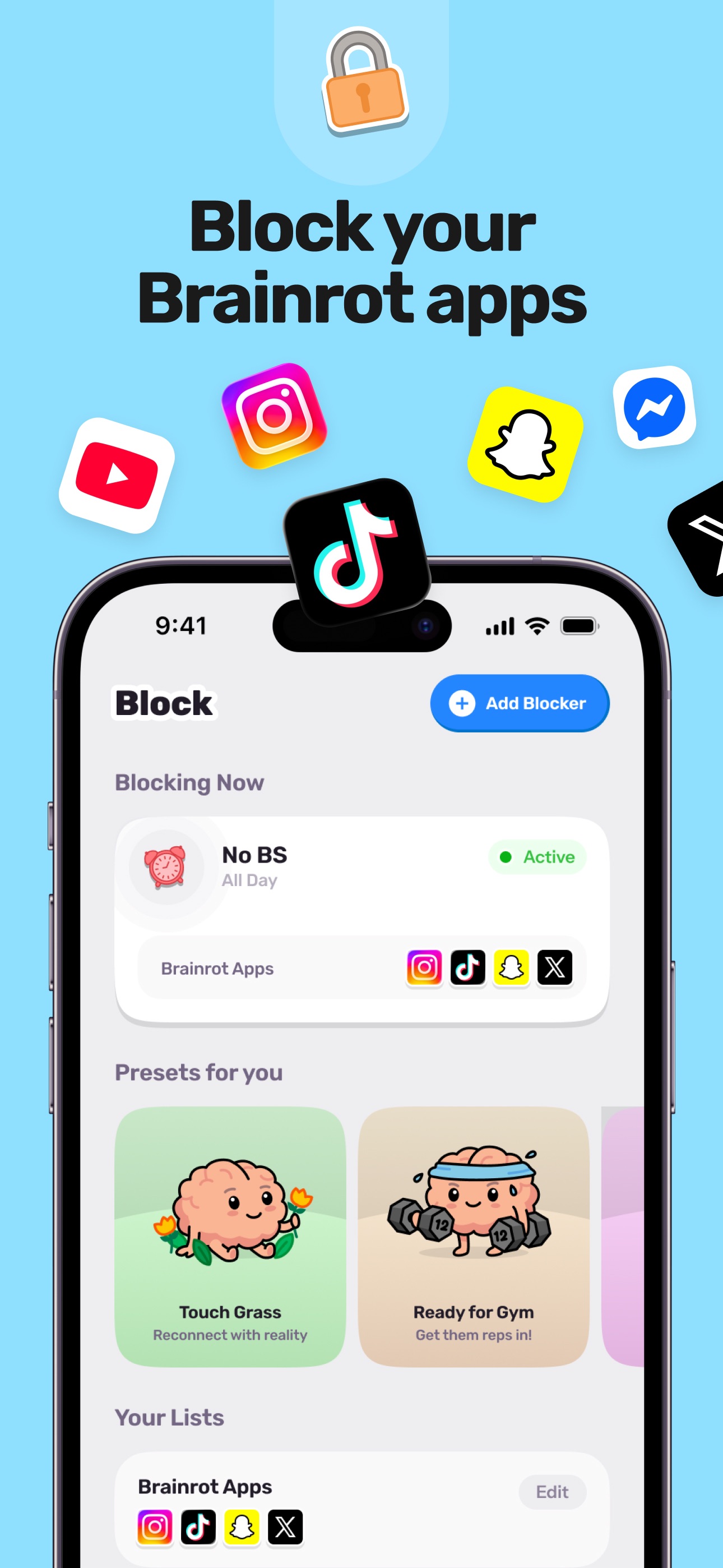
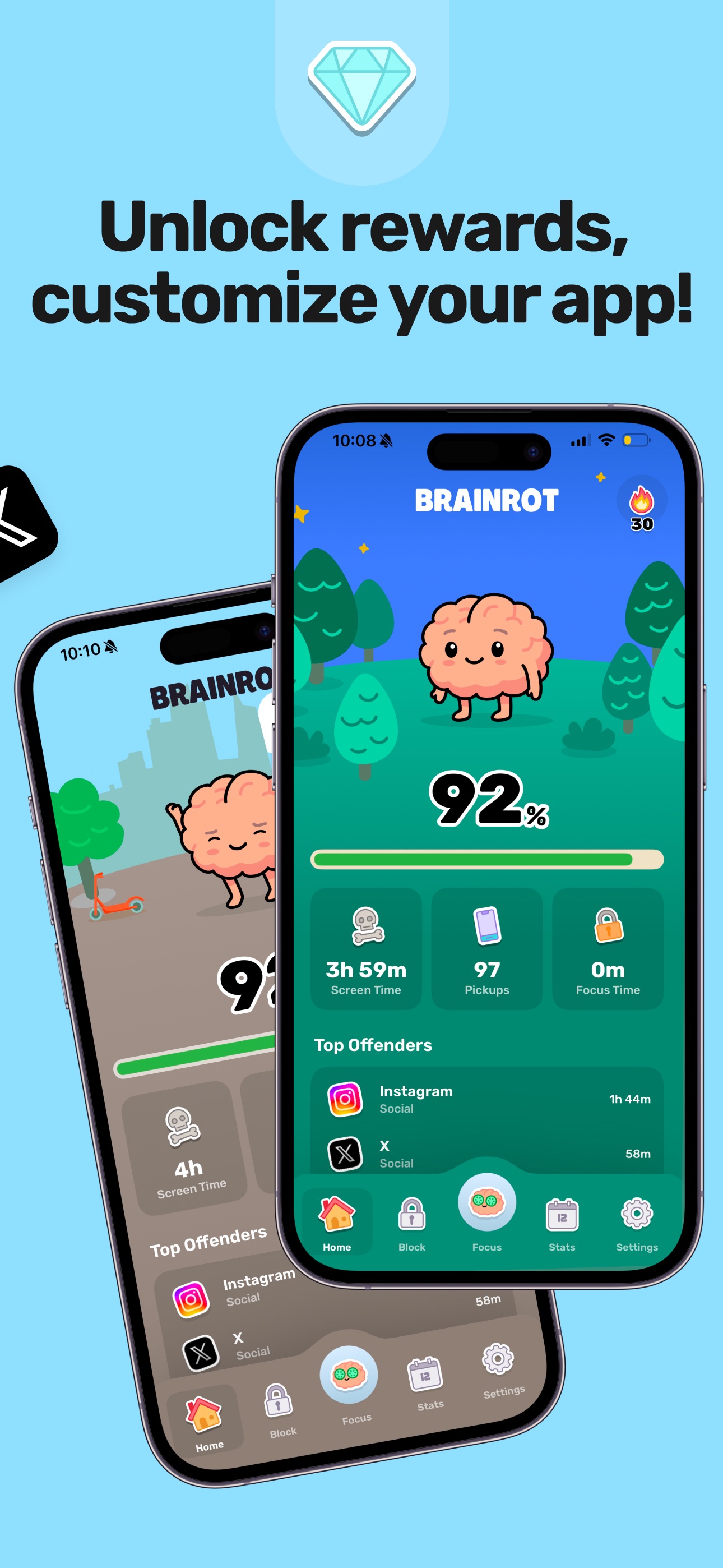
Reclaim your day with Brainrot, a playful screen time control, app blocker, and focus coach. Pick the apps and sites to block, set schedules, and watch your cute brain avatar decay as you doom scroll. This app helps you save about 2 hours per day, feel less distracted, sleep better, and get more done. Features include instant blocking for apps and websites, a focus timer for deep work, smart schedules for key times, mindful breaks, and clear insights to identify distracting apps quickly. Notably, all monitoring and blocking run entirely on your device, ensuring your privacy.

DeskMinder
For Easily Distracted Minds

DeskMinder is a productivity software application designed for Mac users who struggle with distractions. It provides a straightforward interface for creating desktop pop-up reminders and tasks, helping users manage urgent to-dos, short breaks, and fleeting ideas. With features like full-screen notifications and Apple Reminders integration, DeskMinder aims to enhance focus and time management for i - With features like easy-to-create desktop pop-ups for reminders and tasks, it simplifies the process of staying on top of urgent to-dos, short breaks, or fleeting ideas. - Users can benefit from full-screen notifications, Apple Reminders integration, and flexible widget placement, making it ideal for anyone requiring a little extra help to maintain focus. - The app includes additional shortcuts for quick reminder setups and customizable widget options, along with a history tracking feature to monitor daily progress. Designed specifically for Mac users, DeskMinder aims to facilitate better time management and productivity for those with attention challenges, providing a seamless user experience without unnecessary complexity.

FloatyDo
A tiny floating todo list for Mac
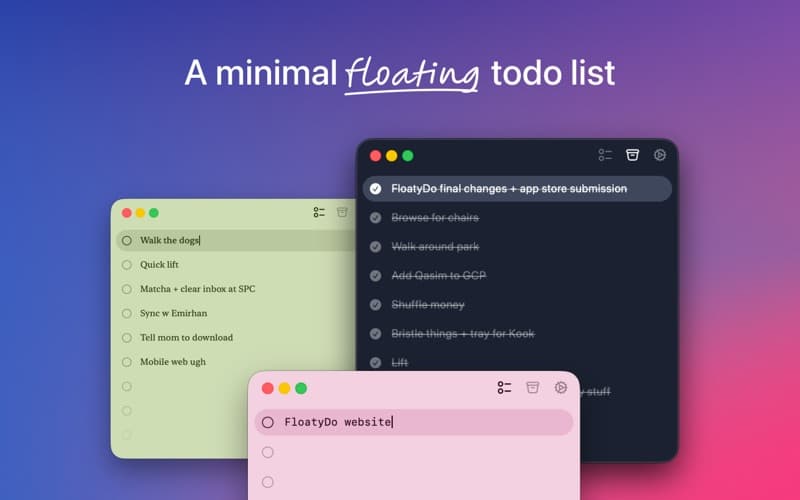
FloatyDo is a floating todo widget designed for macOS. It allows users to manage tasks while working across different applications, providing quick capture and keyboard controls for easy access to daily priorities. The widget can be customized with various themes and fonts. FloatyDo is available for free on the Mac App Store, with an optional Lifetime unlock, and requires macOS Sequoia 15. - Floating widget remains visible across applications for easy access to tasks. - Quick capture feature allows for rapid entry of tasks using keyboard shortcuts. - Customizable themes and fonts to personalize the user interface. - Designed for minimal distraction, focusing on daily priorities rather than extensive project management. - Available for free on the Mac App Store, with an option for a Lifetime unlock. - Requires macOS Sequoia 15.0 or later for optimal functionality. FloatyDo is designed for users who need a simple and accessible way to manage tasks without disrupting their workflow. Its floating interface allows for easy visibility across applications, making it suitable for those who prefer quick task entry and minimal distractions. The customization options enhance user experience, while its compatibility with macOS Sequoia 15.

ThisDay
Tasks, habits and reminders on one day
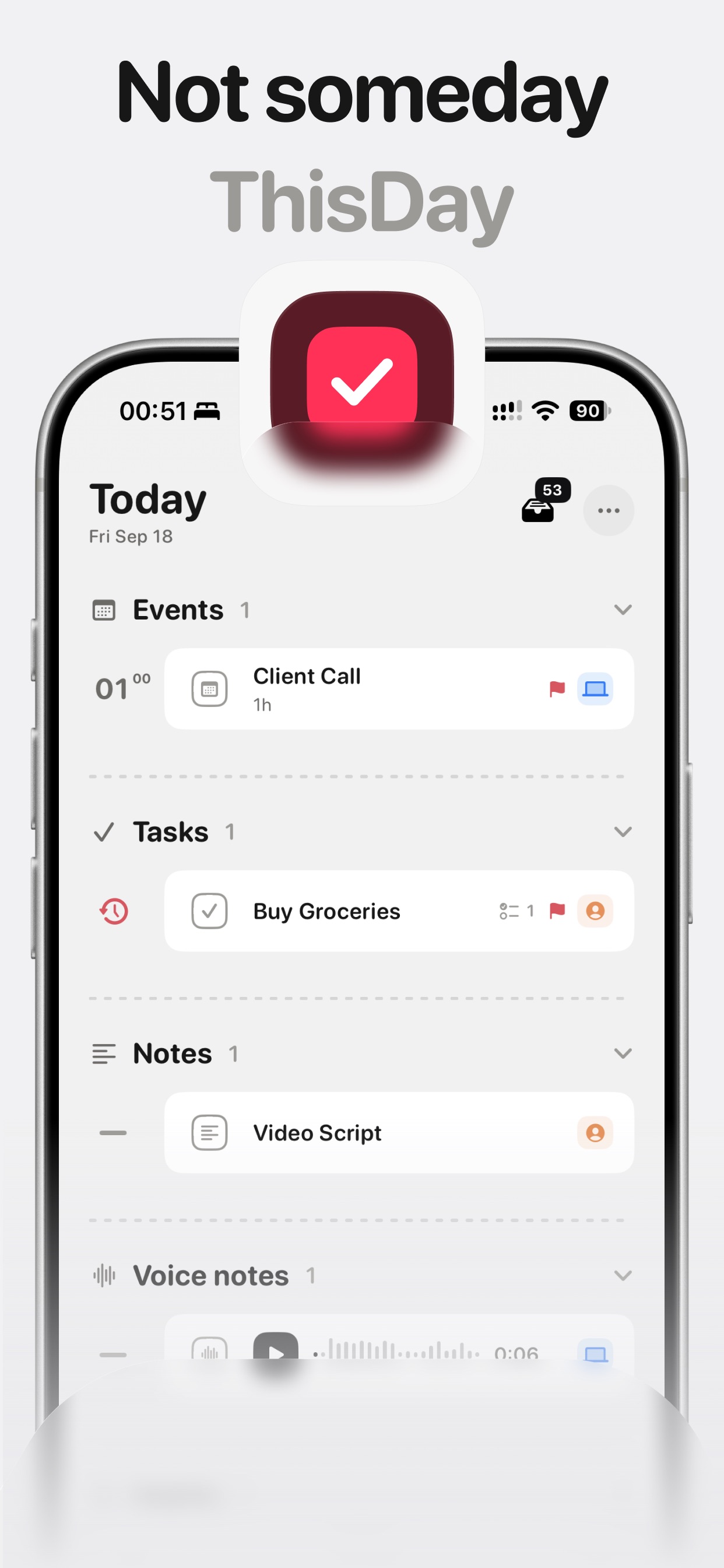
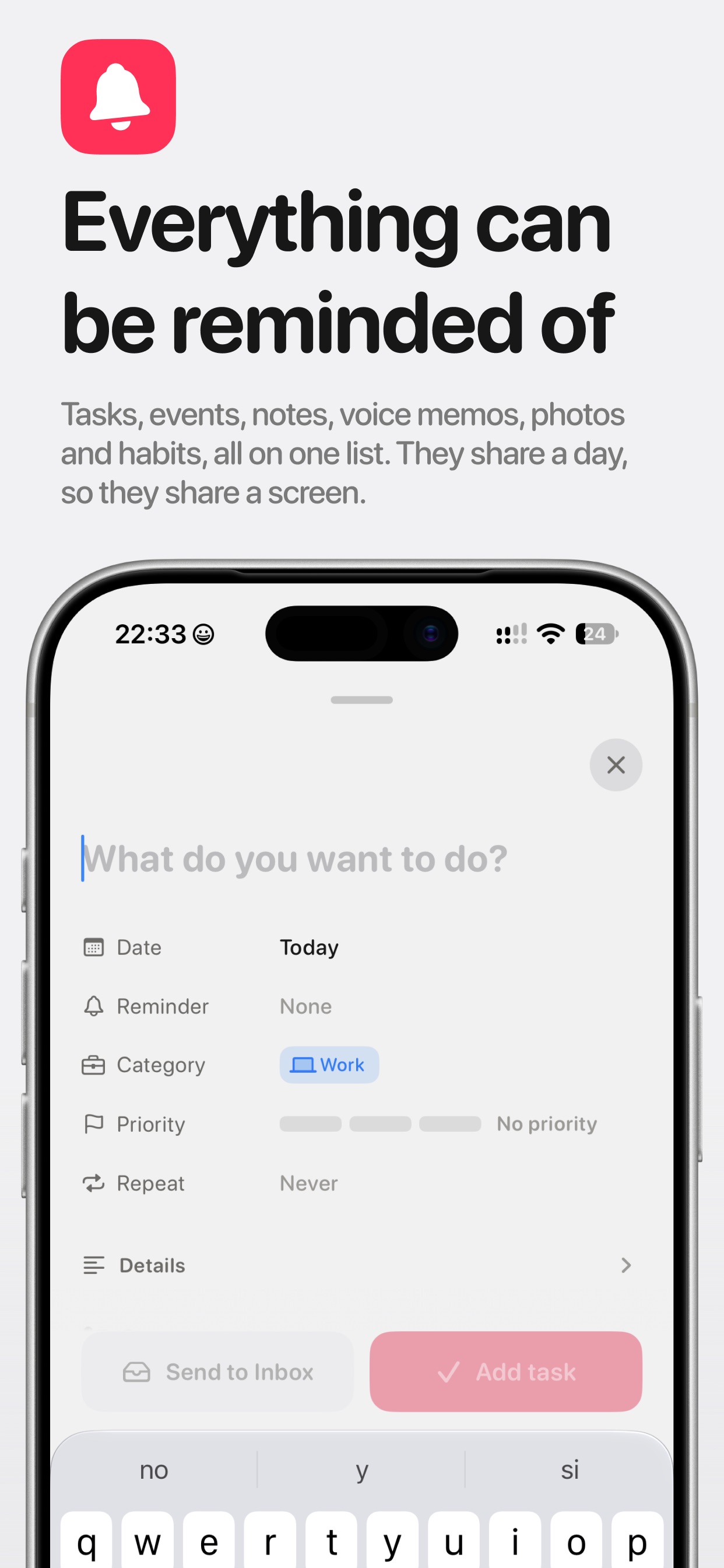
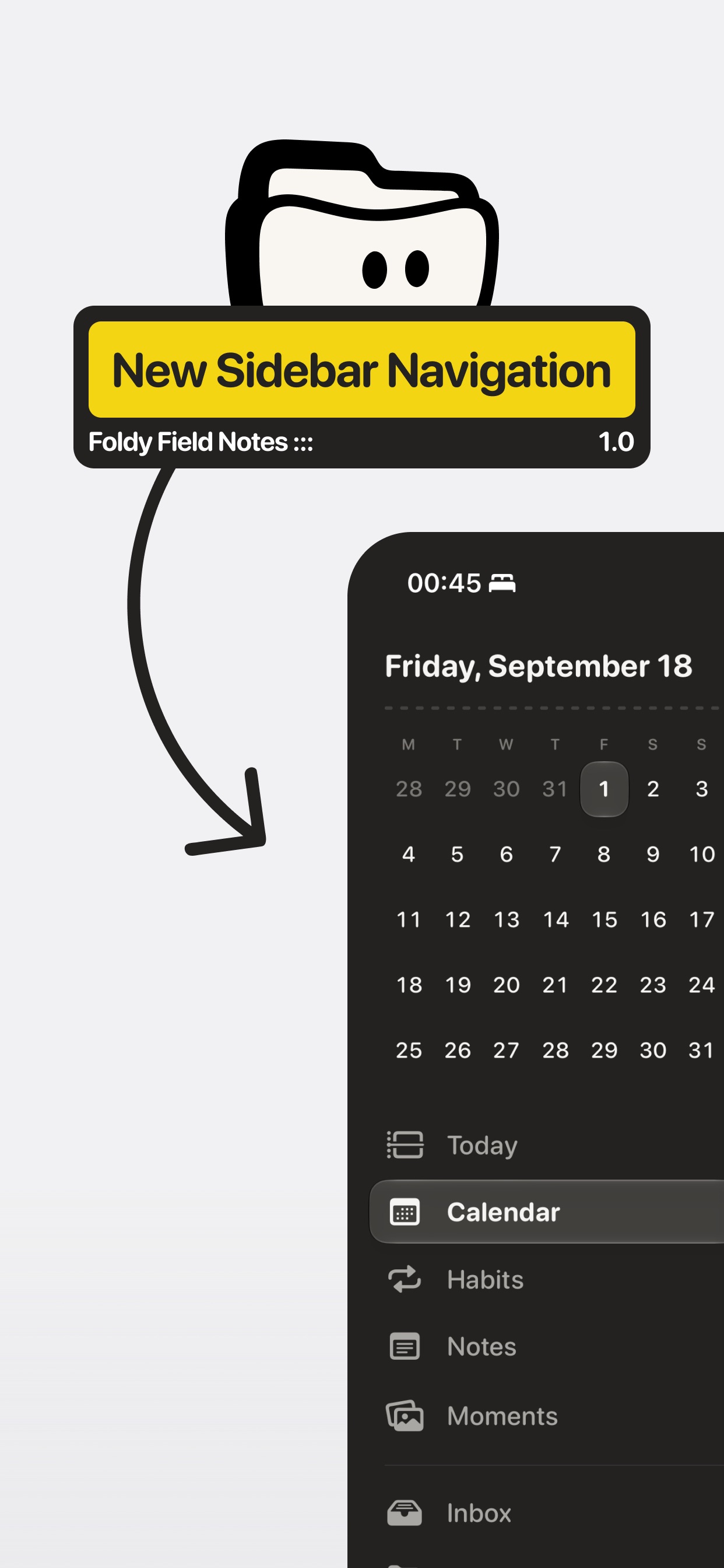
ThisDay is a day-first planner for iPhone where tasks, events, notes, voice memos, photos, and habits share one timeline — today, in the order things happen. - Tasks, events, notes, voice memos, photos, and habits in one day list - Reminders on anything, including voice memos and notes - Habits that can tick from Apple Health (read-only, on-device) - Unfinished work rolls forward so nothing quietly ages away - Day bar for quick capture, day jumping, and what's running - Widgets, Live Activities, Shortcuts, and Siri — no account required Free for 21 days with everything unlocked, then a one-time purchase. Private by design: data stays on your device and syncs over your own iCloud.