

List · 6 items
Less clicking, more doing
Launchers, shortcuts, and clipboard tools for everyday Mac work.

Raycast
Productivity tool for quick app access
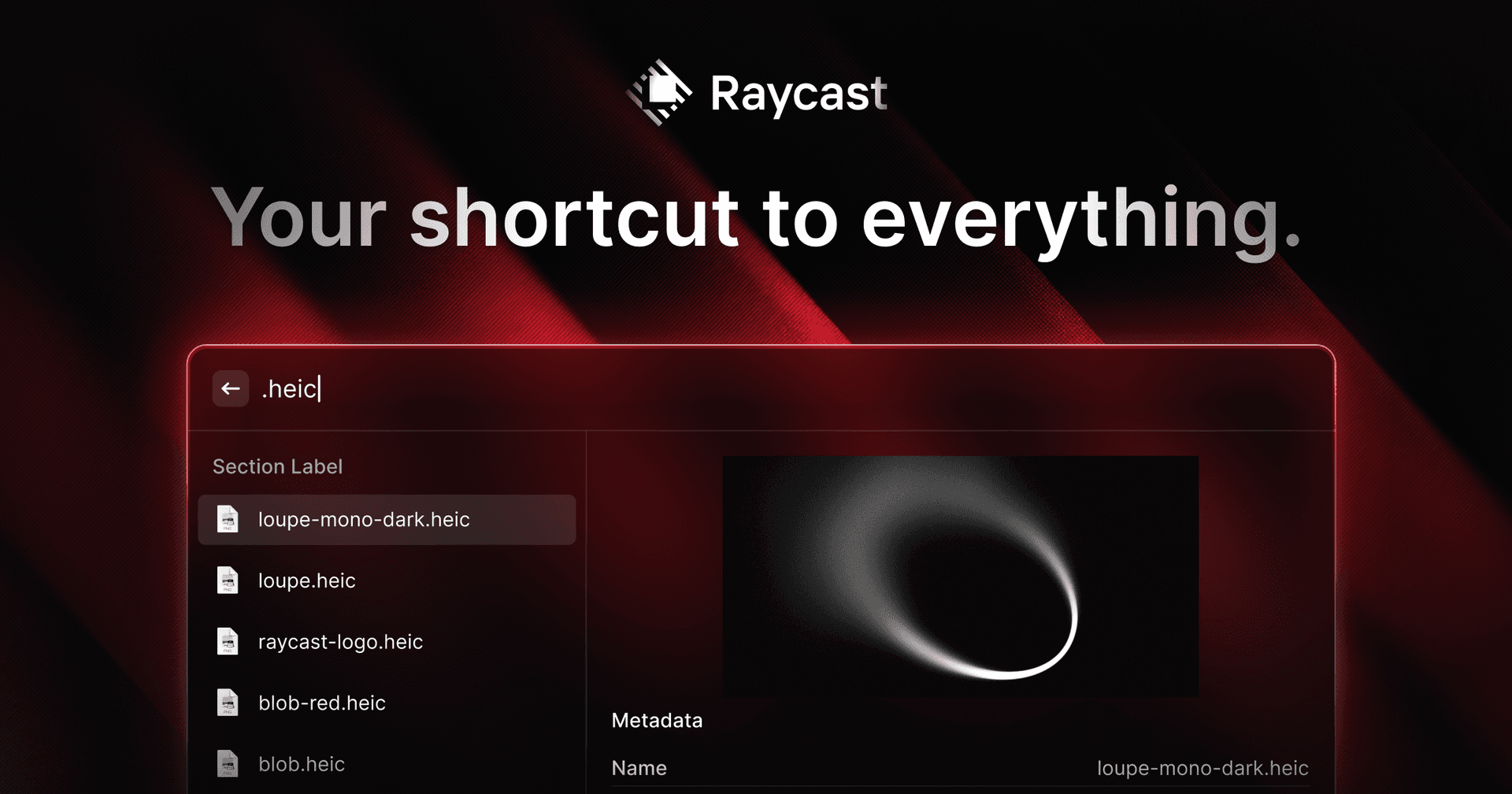
Raycast is a productivity software for macOS designed to streamline access to applications, commands, and tools through an extendable launcher. It enables users to quickly find and execute tasks, enhancing workflow efficiency. Ideal for professionals, Raycast helps automate repetitive actions and manage various tasks, reducing the time spent navigating through menus and improving overall productiv - Automates repetitive tasks to enhance workflow efficiency. - Provides quick access to applications and commands through a single launcher. - Supports integrations with popular tools like Slack, Zoom, and Notion for seamless task management. - Allows users to manage clipboard history for easy retrieval of copied items. - Offers customizable extensions to tailor the tool to specific professional needs. Raycast is a productivity tool designed for macOS that streamlines access to applications, commands, and essential tools. Its extendable launcher enhances workflow efficiency, enabling users to automate tasks and manage their activities effectively. Ideal for professionals seeking to optimize their time management.

Finbar
Powerful menu bar search for Mac
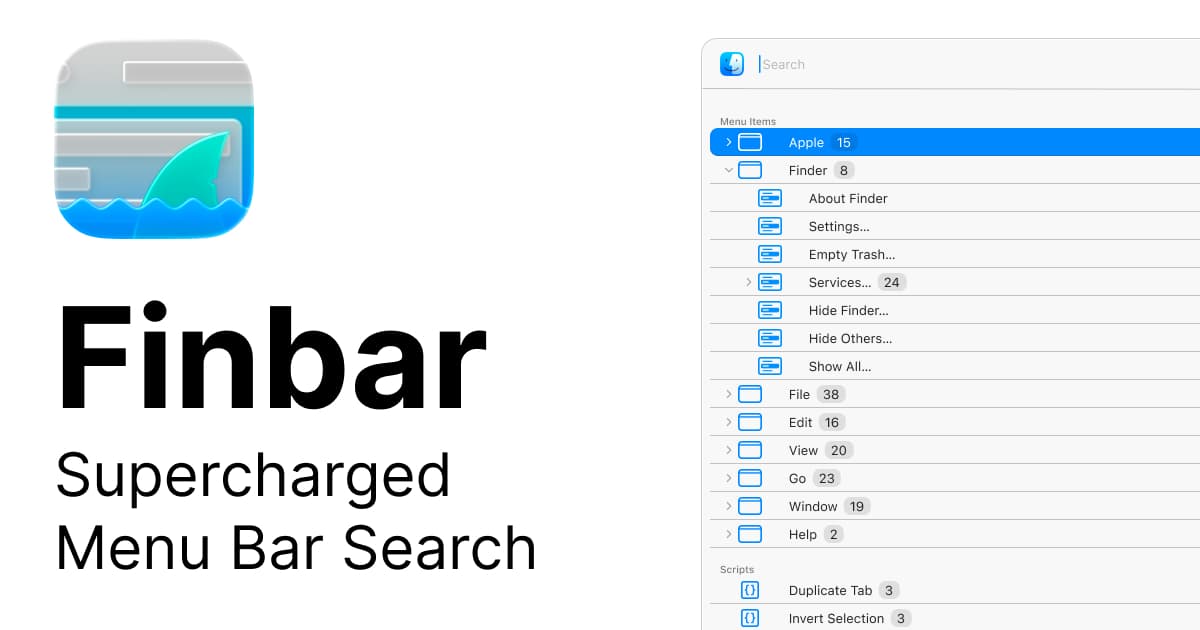
Finbar is a Mac application designed for power users seeking enhanced functionality from the menu bar search. It provides features such as fuzzy search, recent items tracking, custom scripts, and hierarchical browsing, which improve the efficiency of accessing files, applications, and workflows compared to the standard macOS launcher. - Fuzzy search capabilities for improved query matching. - Recents tracking to quickly access frequently used files and applications. - Custom script integration for personalized workflows. - Hierarchical browsing for organized navigation through files and apps. - Enhanced speed for launching files, applications, and workflows directly from the menu bar. Finbar is suitable for Mac power users who require advanced search capabilities and streamlined access to their files and applications. Its features, including fuzzy search and custom script integration, facilitate personalized workflows and efficient navigation.

Orbs
A radial launcher for apps and tools
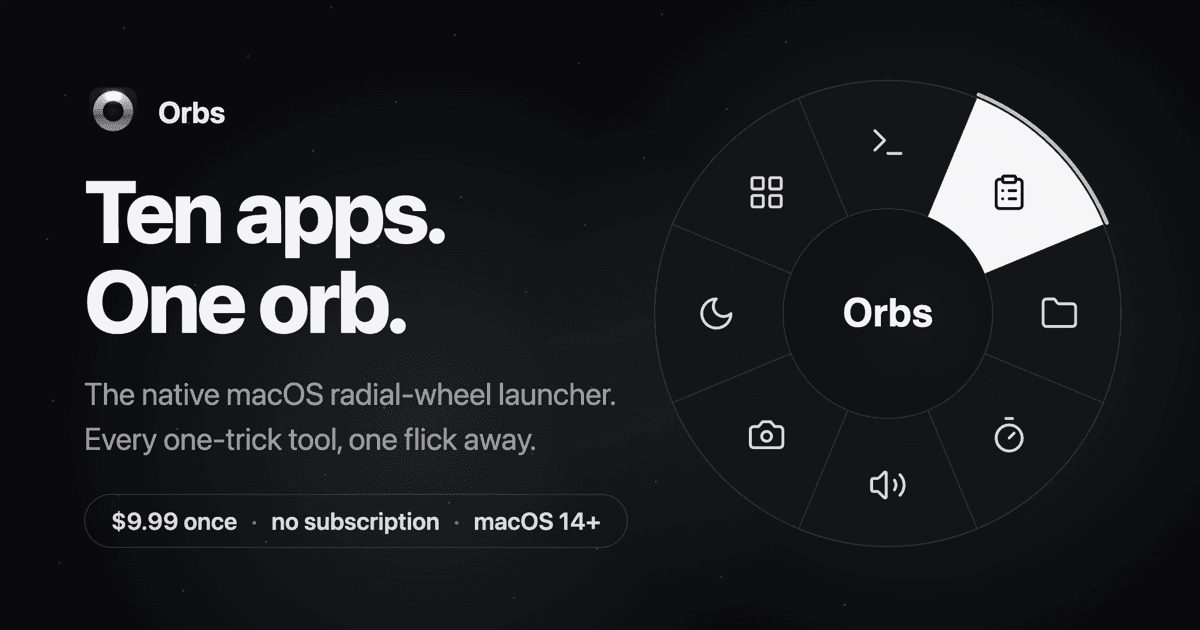
Orbs is a native Mac launcher that puts apps, shortcuts, and small utilities on a radial wheel beneath your cursor. Hold a key, move to an action, and release to run it. - Launch apps, run shell commands and macOS Shortcuts, or insert text snippets. - Build nested menus and separate profiles for different workflows. - Switch profiles automatically based on the frontmost app. - Use built-in tools including a timer, calculator, clipboard, color picker, and camera mirror. - Pin tool popovers above other windows when you need them to stay visible. Requires macOS 14 or later on Apple silicon or Intel. Its one-time lifetime license includes future updates, with local-only operation and no account required.

Pieoneer
Let your apps fly—in a pie

Pieoneer is a productivity software for macOS that features a pie menu interface designed to streamline application management and shortcut access. It allows users to quickly launch apps, switch between running applications, and trigger shortcuts, enhancing multitasking efficiency. Ideal for individuals who frequently juggle multiple tasks, Pieoneer also supports music control through a dedicated - Quickly switch between running applications using a customizable pie menu. - Launch favorite apps, folders, and documents instantly from the menu. - Trigger actions in other applications via customizable keyboard shortcuts. - Control music playback in Apple Music, Spotify, and Doppler with a dedicated Music Remote feature. - Fully compatible with macOS accessibility features for enhanced navigation. Feedback regarding accessibility enhancements is welcomed to ensure the app meets diverse user needs. Users are encouraged to share their experiences and suggestions for improvements, which can help enhance the overall usability and inclusivity of Pieoneer.

Supaste
Your clipboard, wherever you need it.
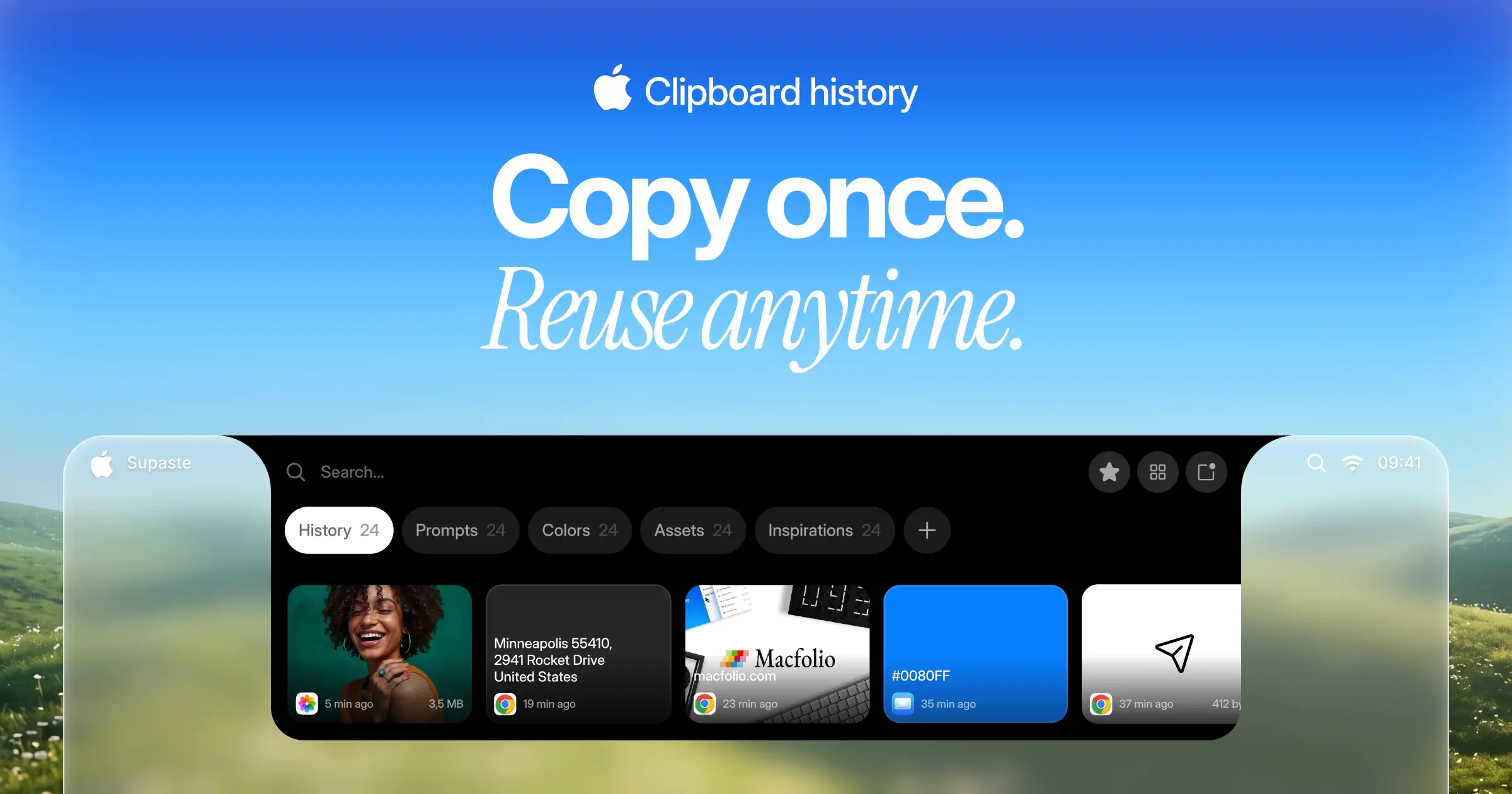
Supaste saves your clipboard and screenshots in a beautiful visual history, automatically grouped by type, app, and custom categories, so you can search, find, and paste anything back in seconds. This comprehensive tool allows you to use the notch shelf, quick search, inline paste, drag and drop, and the full Library view to efficiently manage and organize everything you copied. Whether you're a designer, developer, content creator, or just someone who needs a personal clipboard organizer, Supaste provides a clean visual timeline for easy access to your data. With features like sensitive content detection, custom categories, and the ability to filter your history by app or type, Supaste helps keep your clipboard tidy and accessible. Best of all, it's a one-time purchase with lifetime access, ensuring you have everything you need for your clipboard management without ongoing fees.

Text Catalyst
Clipboard manager meets text expander.
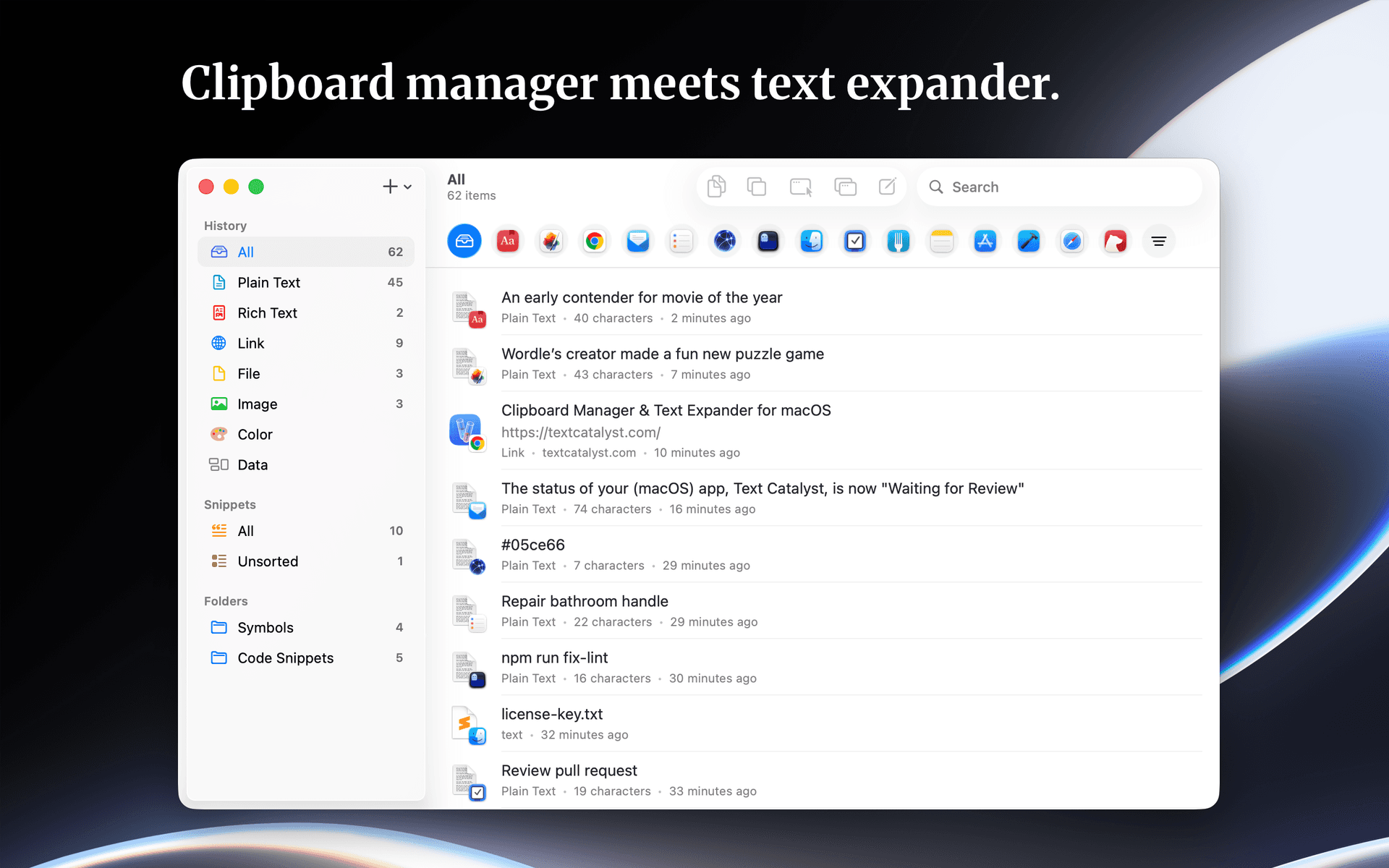
Text Catalyst is a clipboard manager and text expander software designed for macOS. It enhances clipboard functionality by combining clipboard history with text expansion features, allowing users to efficiently manage copied content and frequently used text snippets. - Stores and manages clipboard history for easy retrieval of copied text. - Allows users to search and filter clipboard entries by the originating application. - Enables creation of text shortcuts for quick insertion of frequently used snippets. - Supports pasting multiple copied items simultaneously to streamline workflows. - Provides a preview of content before pasting to ensure accuracy. Text Catalyst is a macOS application that enhances clipboard functionality by combining clipboard history and text expansion features. Users can manage copied items, search through their clipboard history, and preview content before pasting. The app supports quick access to frequently used text snippets and allows for pasting multiple items efficiently.