

List · 6 items
Make your Mac yours
Small changes that make your Mac feel more personal.

Alcove
Dynamic Island experience for your Mac
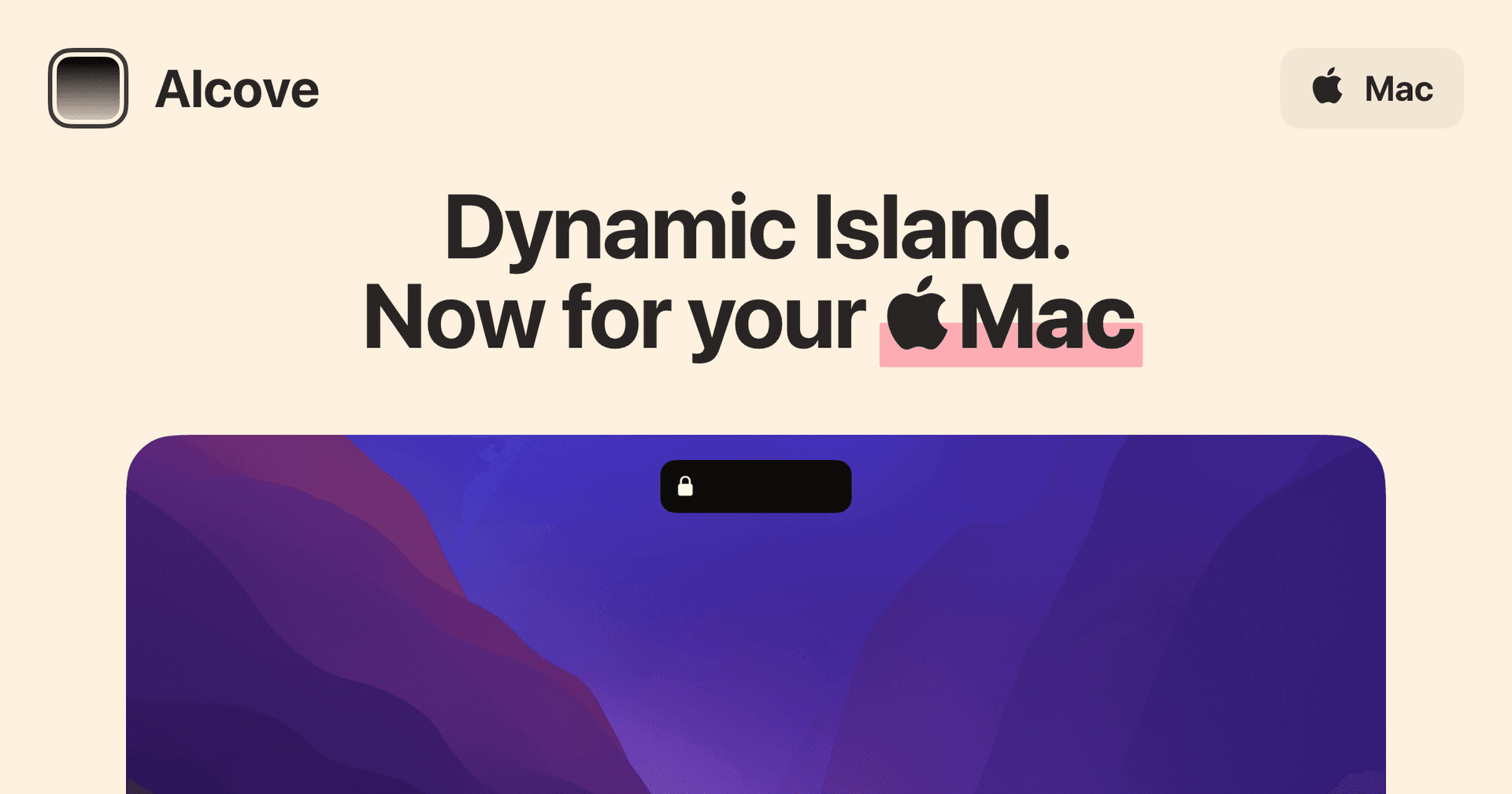
Alcove is a native macOS application designed to enhance the user experience on Macs with a notch. It provides features such as fluid transitions, instant notifications, live activities, swipe gestures, customizable HUDs, and lock screen widgets. These functionalities aim to make media controls, alerts, and system status more accessible and interactive for users. - Provides a Dynamic Island-style interface for the Mac notch, enhancing user interaction. - Supports fluid transitions for a seamless visual experience during notifications and activities. - Integrates live activities to display real-time updates and information. - Enables swipe gestures for quick access to media controls and alerts. - Offers customizable HUDs for personalized display of system status and notifications. - Includes lock screen widgets for immediate access to alerts and media controls. Alcove is tailored for users with Macs featuring a notch, offering a range of functionalities that improve accessibility and interaction with media controls and notifications. Its features, including customizable HUDs and live activities, provide a practical solution for managing alerts and system status efficiently.

Cooldock
A useful Dock for live widgets.
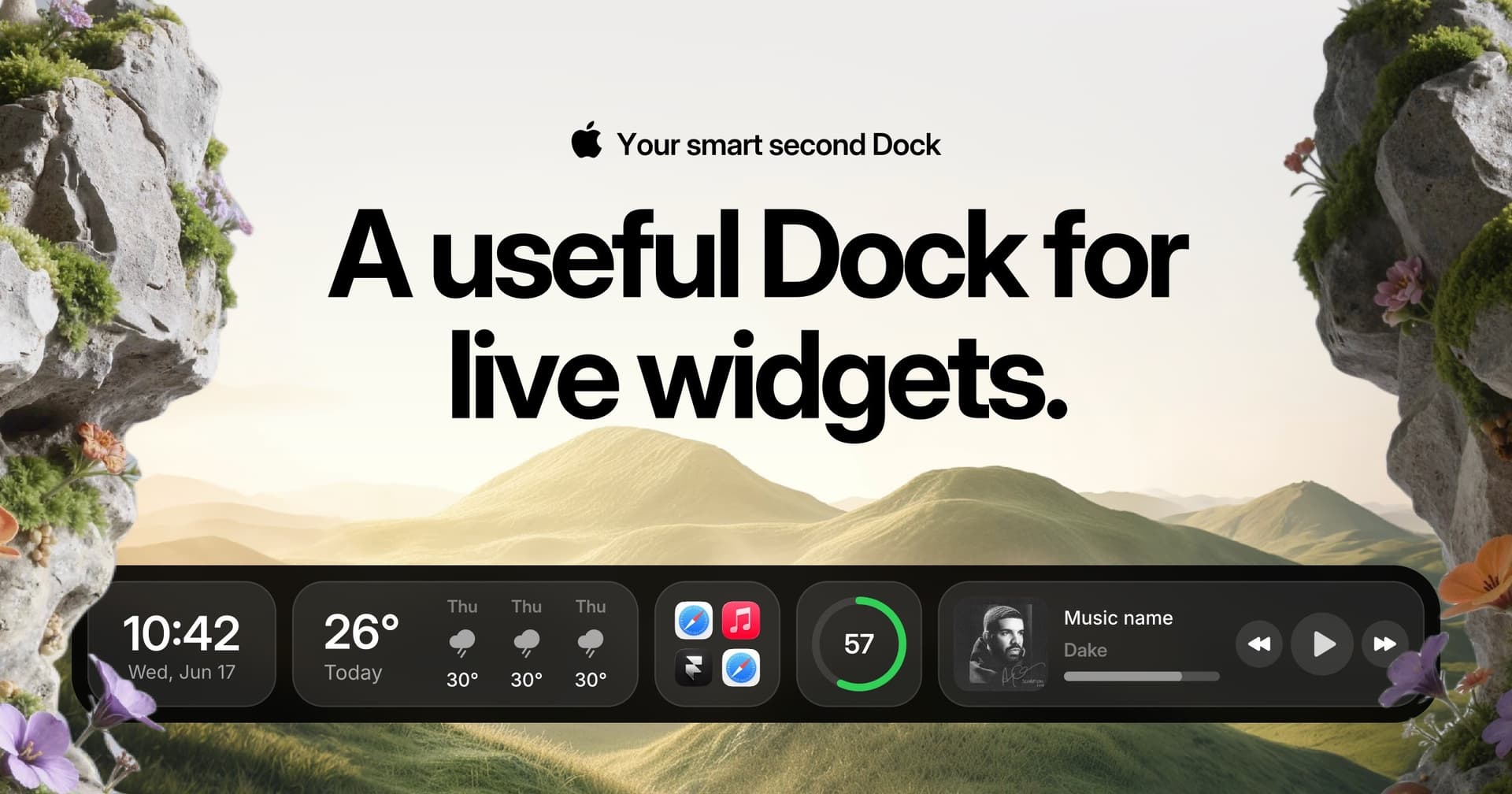
Cooldock brings music, todos, events, weather, search, stats, quick actions, and more useful widgets into one beautiful live dock beside your original Mac Dock. - Integrates live widgets for music, weather, todos, and events into a customizable second Dock. - Provides quick access to favorite apps, folders, and system stats from a compact interface. - Supports reminders and calendar events for efficient task management. - Allows for real-time monitoring of system performance, including CPU and RAM usage. - Features quick actions for toggling settings like Wi-Fi and Bluetooth directly from the Dock. Add live widgets, quick actions, apps, folders, search, stats, weather, calendars, reminders, and more into a beautiful second Dock beside your original Mac Dock. This app provides a seamless way to enhance your productivity and streamline everyday tasks with easily accessible widgets.

Dockset
Custom docks and widgets for Mac
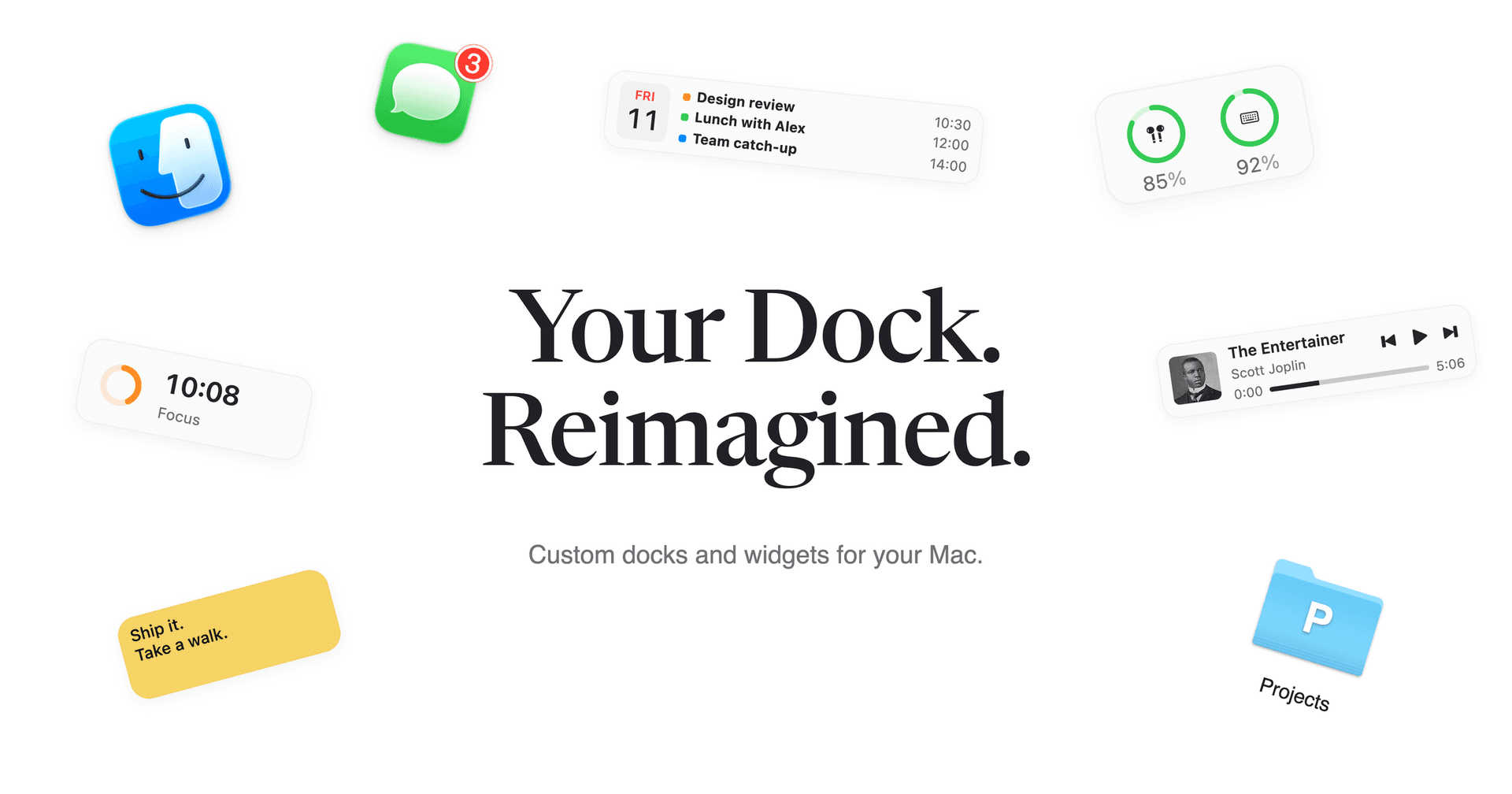
Dockset lets you build custom docks for your Mac and save different layouts for work, personal projects, or everyday use. Add apps and widgets to a custom dock, or save and switch the pinned apps in your existing macOS Dock. - Switch setups with keyboard shortcuts, the menu bar, two-finger swipes, or automatically through macOS Focus. - Add 20 built-in widgets, including music controls, calendars, reminders, focus timers, weather, and system activity. - Keep folders, files, links, macOS Shortcuts, and AirDrop within reach. - Track Stripe and Paddle revenue from dedicated widgets. - Adjust dock placement, appearance, and auto-hide behavior, and export or import your setups. Dockset requires macOS 13 Ventura or later and costs from $14.99 as a one-time purchase, with a 14-day money-back guarantee. Your layouts stay on your Mac, and no Dockset account is required.

Backdrop
Live wallpapers for your Mac desktop
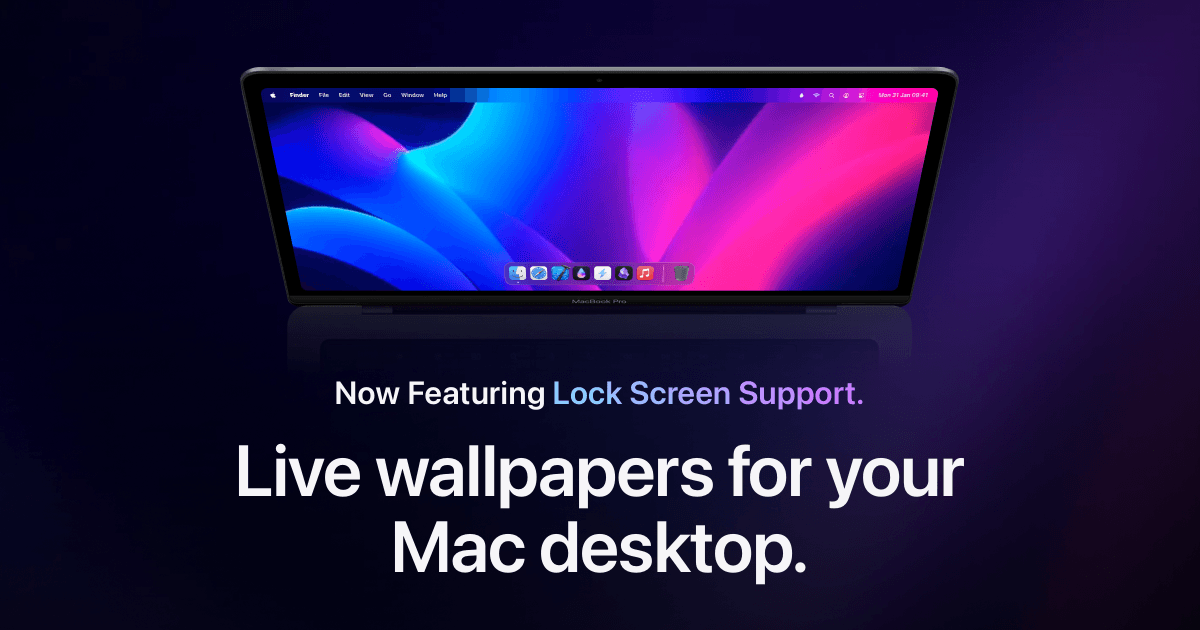
Backdrop is a macOS application designed to enhance desktop and Lock Screen aesthetics with animated live wallpapers. It allows users to select from thousands of community-created 4K video backdrops, offering a range of calming nature scenes and dynamic animations. The app supports multi-display setups and includes features for creating custom playlists and personalizing visuals, making it suitabl - Provides a library of thousands of 4K video backdrops for desktop customization. - Supports smooth playback across multiple displays with low CPU usage. - Allows users to curate playlists of wallpapers and create custom videos. - Includes Lock Screen support for dynamic backgrounds. - Features community-created wallpapers for diverse visual options. Backdrop offers a range of customizable live wallpapers for macOS, enhancing desktop aesthetics with high-quality video and animated scenes. Users can select from thousands of community-created options or upload personal videos, making it a versatile tool for personalizing workspace visuals.

Wallspace
Live wallpapers for your Mac
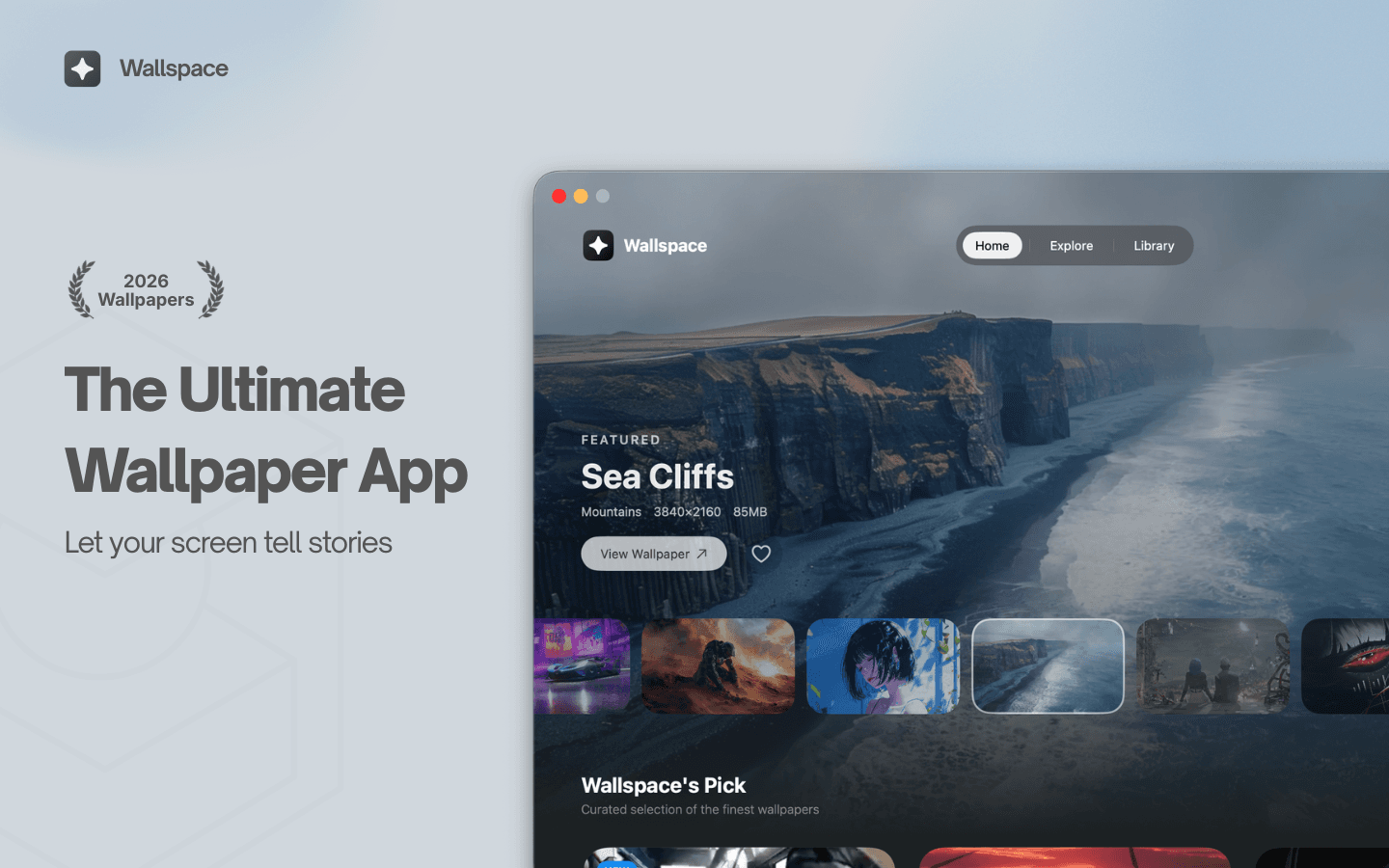
Wallspace is a Mac application that provides live and dynamic desktop wallpapers. Users can browse a selection of animated backgrounds and apply them to their desktops, enhancing their workspace with motion and visual themes. This tool is designed for individuals seeking to replace traditional static wallpapers with more engaging and visually appealing options. - Browse a library of animated wallpapers to customize your desktop. - Apply live wallpapers that update dynamically based on time or events. - Easily switch between different visual themes to refresh your workspace. - Supports multiple monitor setups for a cohesive visual experience. - Simple installation and user-friendly interface for quick setup. Wallspace offers a practical solution for users looking to enhance their Mac desktop experience with dynamic wallpapers. By providing a variety of animated backgrounds that can change based on time or events, it allows for a personalized and visually stimulating workspace.

Klack
Satisfying sound with every keystroke

Klack is a macOS application designed to enhance the typing experience through high-fidelity sound for each keystroke. It provides features such as immersive spatial audio, instant feedback, and customizable sound options, making it suitable for writers, developers, and anyone who values an engaging typing environment. The app is easily accessible from the menubar and offers extensive configuratio - Provides immersive spatial audio for enhanced typing feedback. - Allows customization of keystroke sounds, pitch variations, and volume settings. - Features a menubar interface for quick access to configuration options. - Supports instant feedback with each keystroke for a more engaging experience. - Designed for writers and developers seeking auditory feedback while typing. Klack enhances the typing experience on Mac by providing high-fidelity sound for each keystroke.