Distributor · 3 items
Our picks available through Parcse.
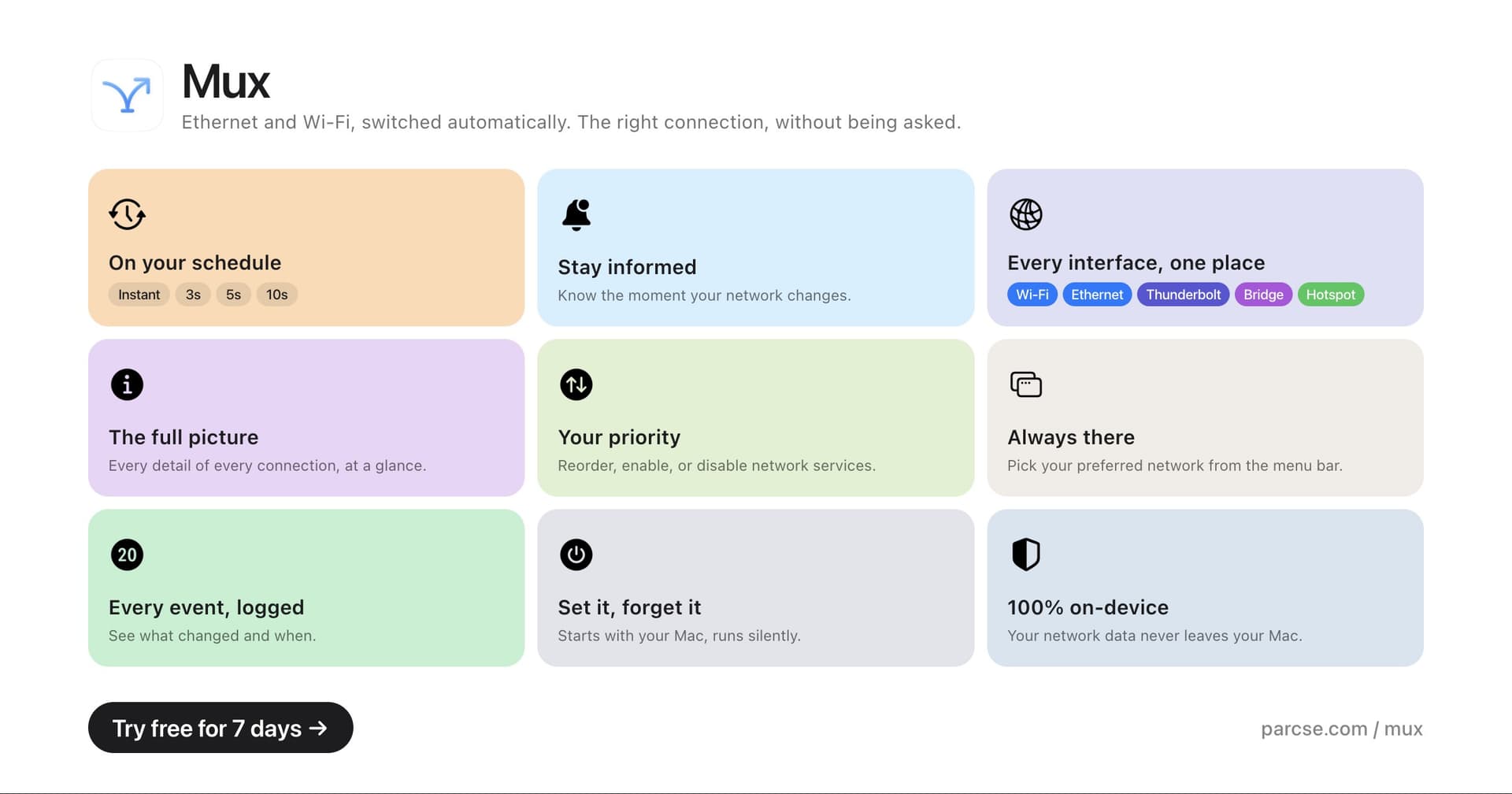
Automatic priority network switching
Mux is a macOS utility that manages network connections by automatically selecting the highest-priority option available. It allows users to customize priority settings for Ethernet, Thunderbolt Bridge, USB tethering, and Wi-Fi. - Monitors and switches between Ethernet, Thunderbolt Bridge, USB tethering, and Wi-Fi based on priority. - Allows users to set custom priority orders for network connections. - Provides options to add delays for unstable network links. - Enables temporary overrides from the menu bar for immediate network changes. - Displays detailed information for each network service for better management. Mux is designed for users who require efficient network management on macOS. By automating the selection of the highest-priority network connection and allowing for customizable settings, it enhances connectivity reliability.
Lid angle sync and keep-awake rules
Ajar is a macOS utility designed to enhance user interaction with Mac devices. It features Lid Angle Sync, which automatically adjusts screen brightness, keyboard backlight, and volume based on the MacBook lid's position, accommodating external monitors with individual settings. - Adjusts screen brightness, keyboard backlight, and volume based on MacBook lid angle. - Supports per-display offsets for external monitors during lid adjustments. - Prevents Mac from sleeping during active work with customizable rules. - Built-in rules for specific applications like Claude Code, Codex, and Gemini CLI. - Allows user-defined conditions based on apps, networks, external drives, and power sources. Ajar provides practical solutions for users seeking to optimize their Mac experience. By automating adjustments based on the MacBook lid's position and allowing for customizable settings, it enhances productivity and user comfort.

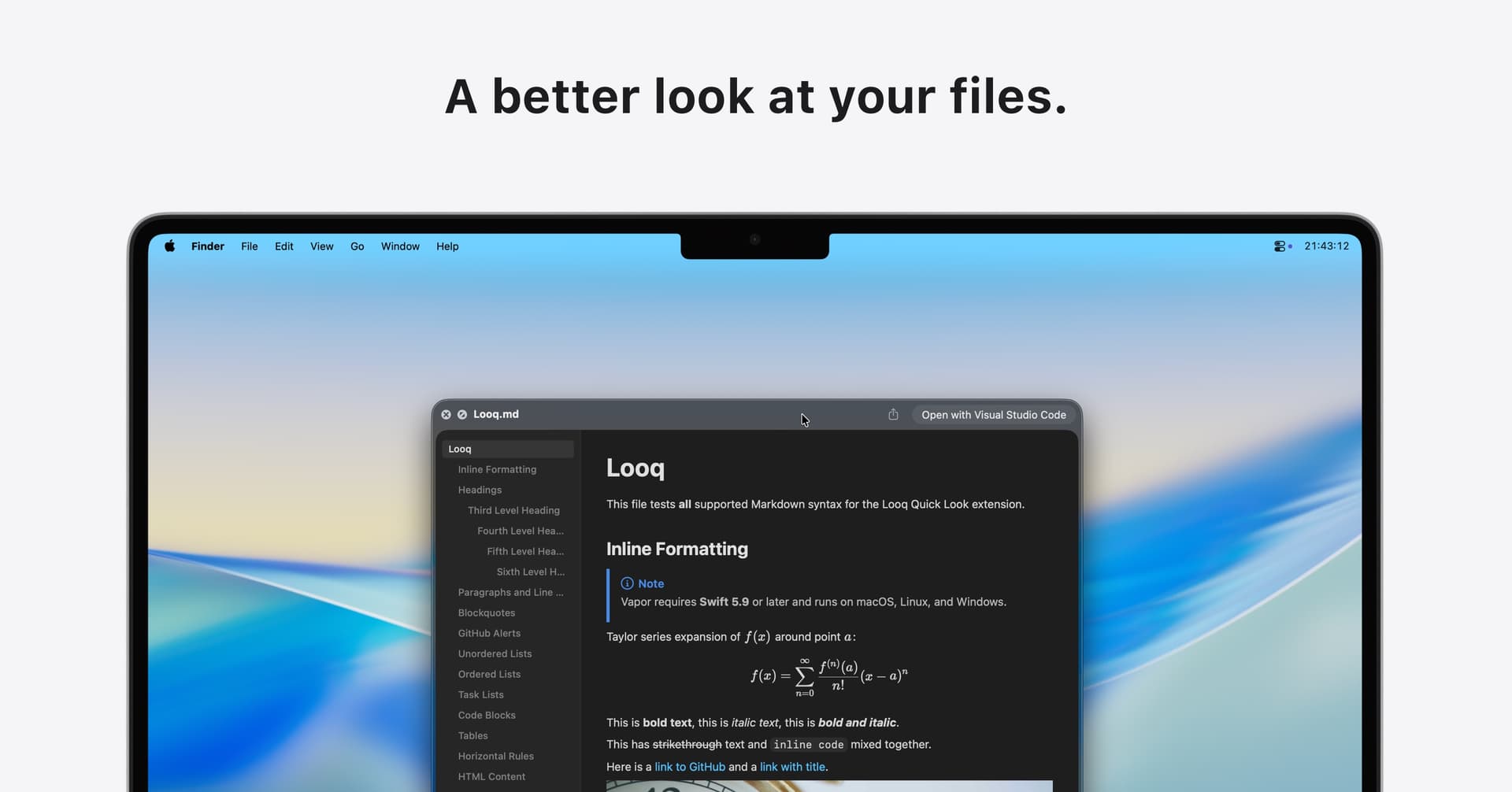
Enhanced file preview for diverse formats
Looq is a Quick Look extension for macOS that enhances file preview capabilities. It supports various formats, including Markdown, CSV, and SQLite, providing features such as syntax highlighting for over 190 programming languages, live rendering, and structured data viewing. This tool is particularly useful for developers and data analysts who require a rich, interactive experience when exploring. - Supports live rendering of Markdown files with KaTeX for mathematical expressions and Mermaid for diagrams. - Provides syntax highlighting for over 190 programming languages to enhance code readability. - Allows viewing of structured data in native table formats for CSV and SQLite files. - Enables browsing of compressed files in ZIP and TAR formats with a directory tree view. - Offers customizable themes and font settings for personalized file previews. - Operates entirely on-device without analytics or tracking for enhanced privacy. Looq provides a secure file preview experience by operating entirely offline, ensuring no analytics or tracking is involved. Users can explore various file types, including Markdown, code, and structured data, while maintaining full control over their privacy and data security.