Distributor · 20 items
Our picks available through App Store.

Set timers and reminders with a single drag
Gestimer 2 is a Mac menu bar app for setting timers and reminders with a single drag. Drag down from its menu bar icon, and the further you drag, the longer the duration or the later the reminder. - Add a title to a timer or reminder before you let go. - See the time remaining as a countdown in the menu bar. - Keep multiple timers and reminders running at once. - Sync with Apple Reminders to take them to your other devices. - Write multi-line titles, with optional haptic feedback when creating timers. One-time purchase on the Mac App Store, with a free trial from the developer's website and an upgrade path for Gestimer 1 owners. Requires macOS 14 or later.

Chat beyond the bubble
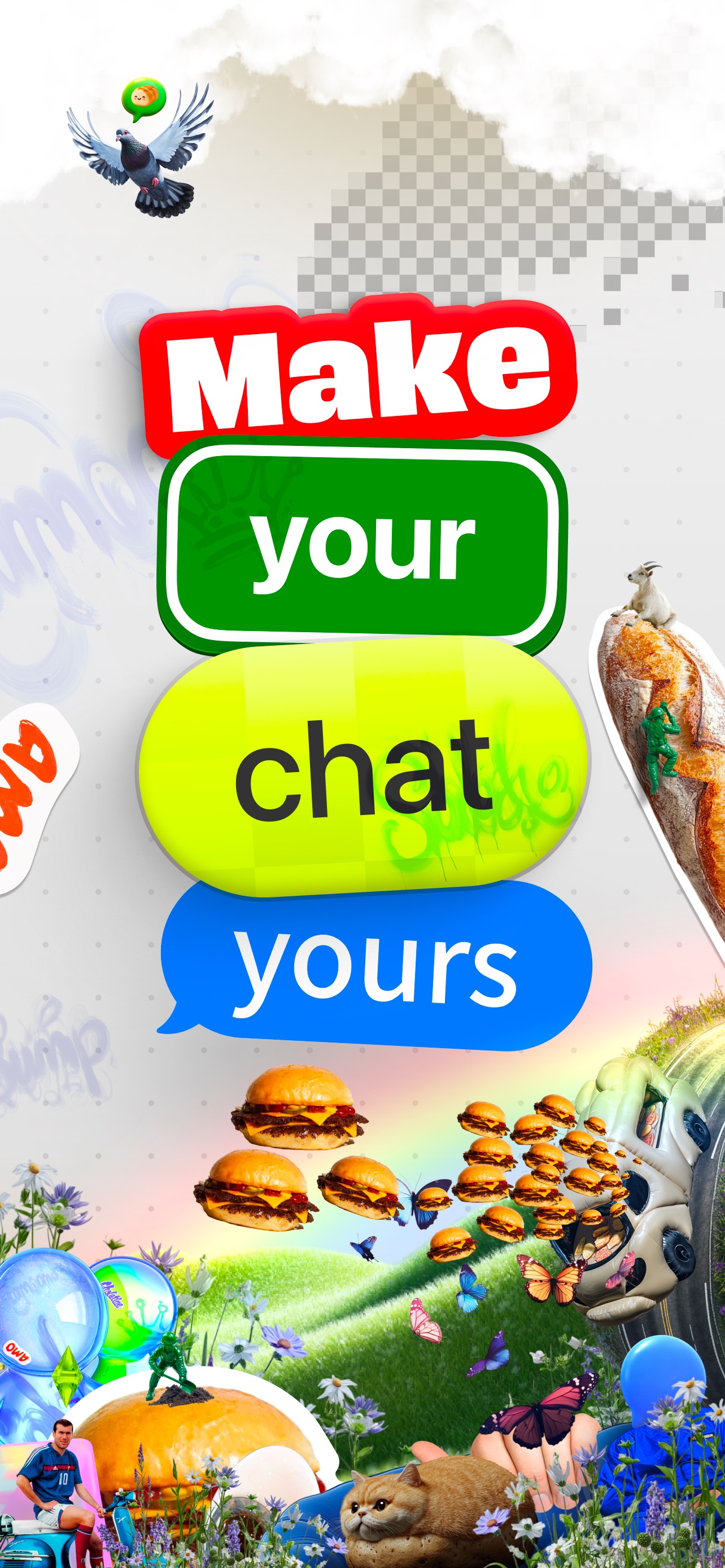
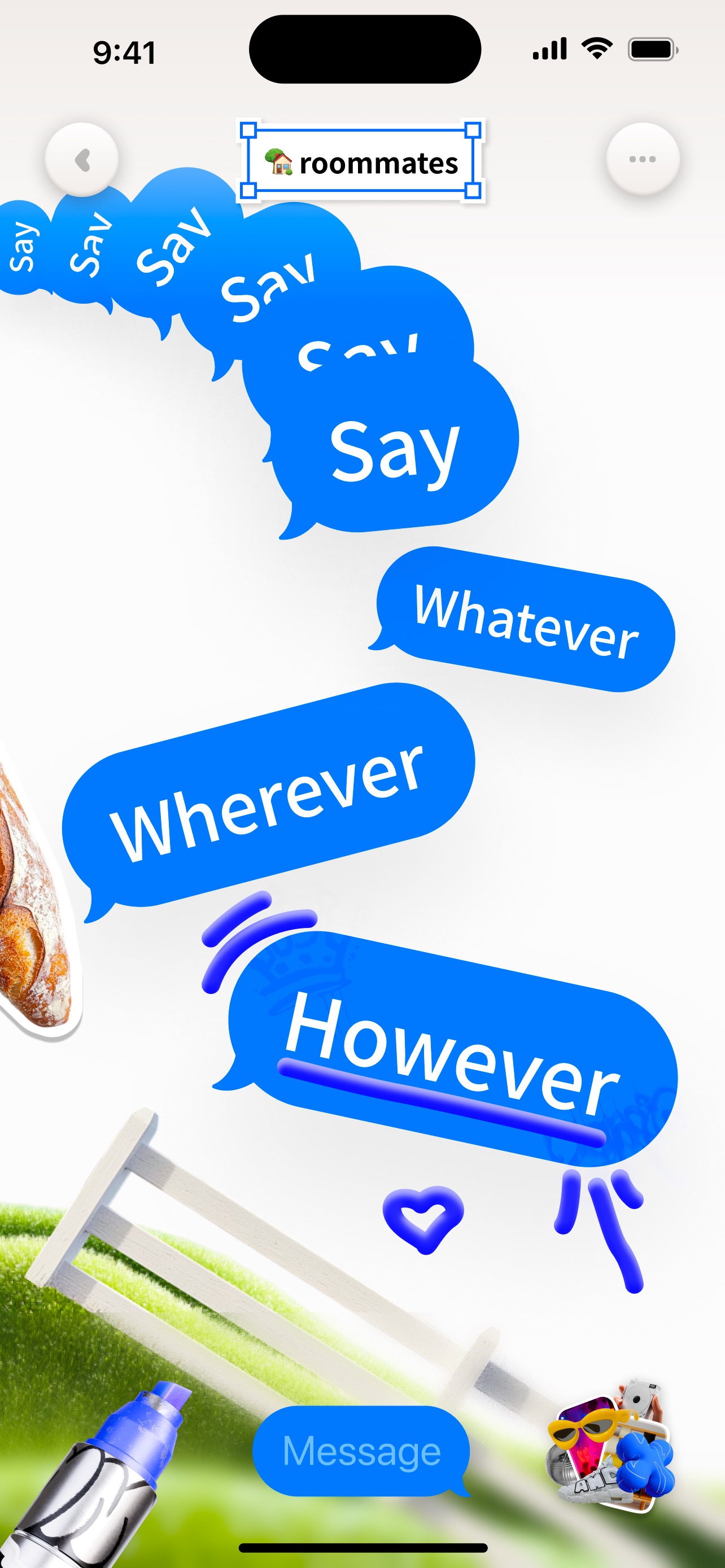
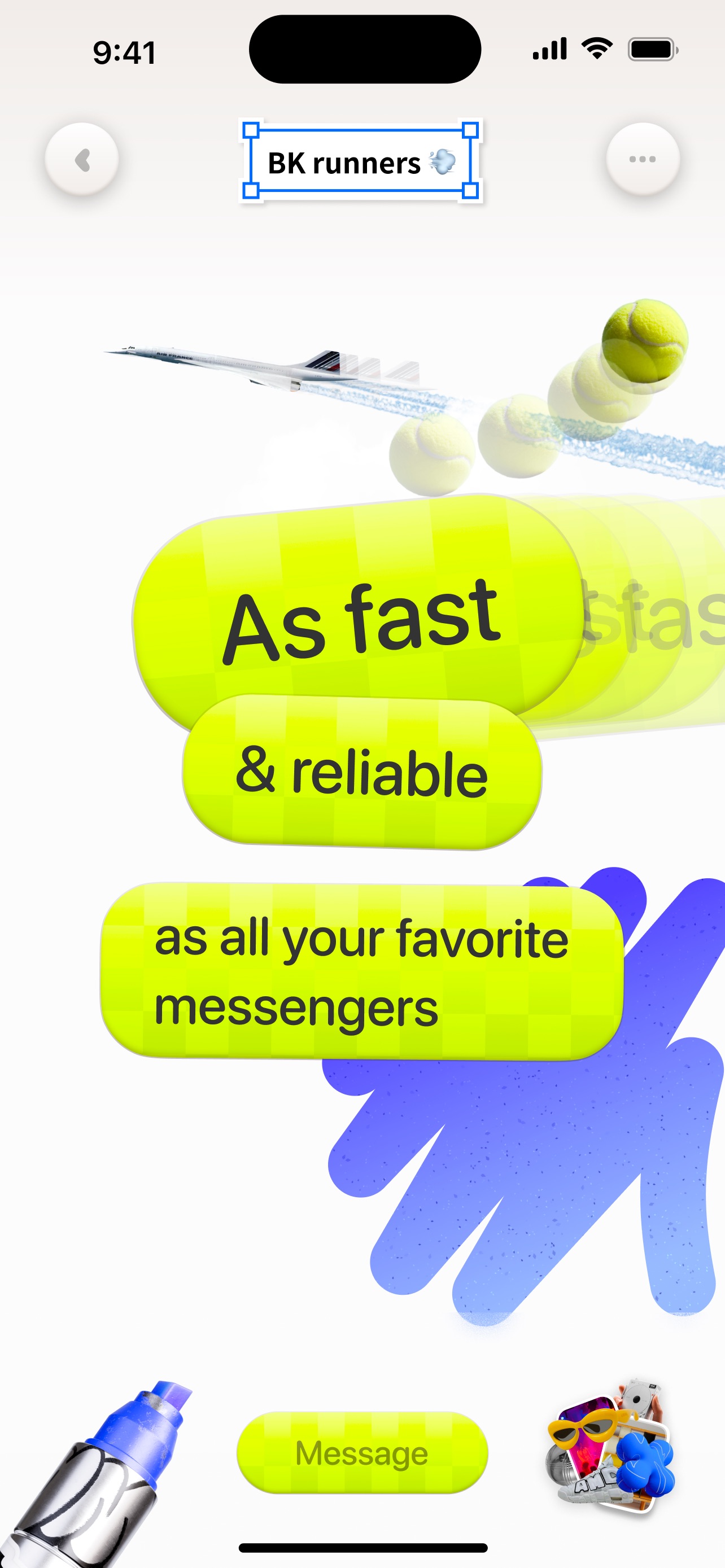
Sugar is a freeform chat app for friends — drop text, images, GIFs, videos, and drawings anywhere on an unlimited canvas instead of stacking generic green and blue bubbles. - Unlimited canvas for messages, media, and drawings - Place content anywhere — conversation as a spatial layout - Text styles as unique as your voice, or classic bubble looks - Images, GIFs, videos, and freehand drawings in the thread - Built for colorful, chaotic chats with people you actually know Free on the App Store. On Sugar, conversation is art.

Photo cutouts & widgets for your memories
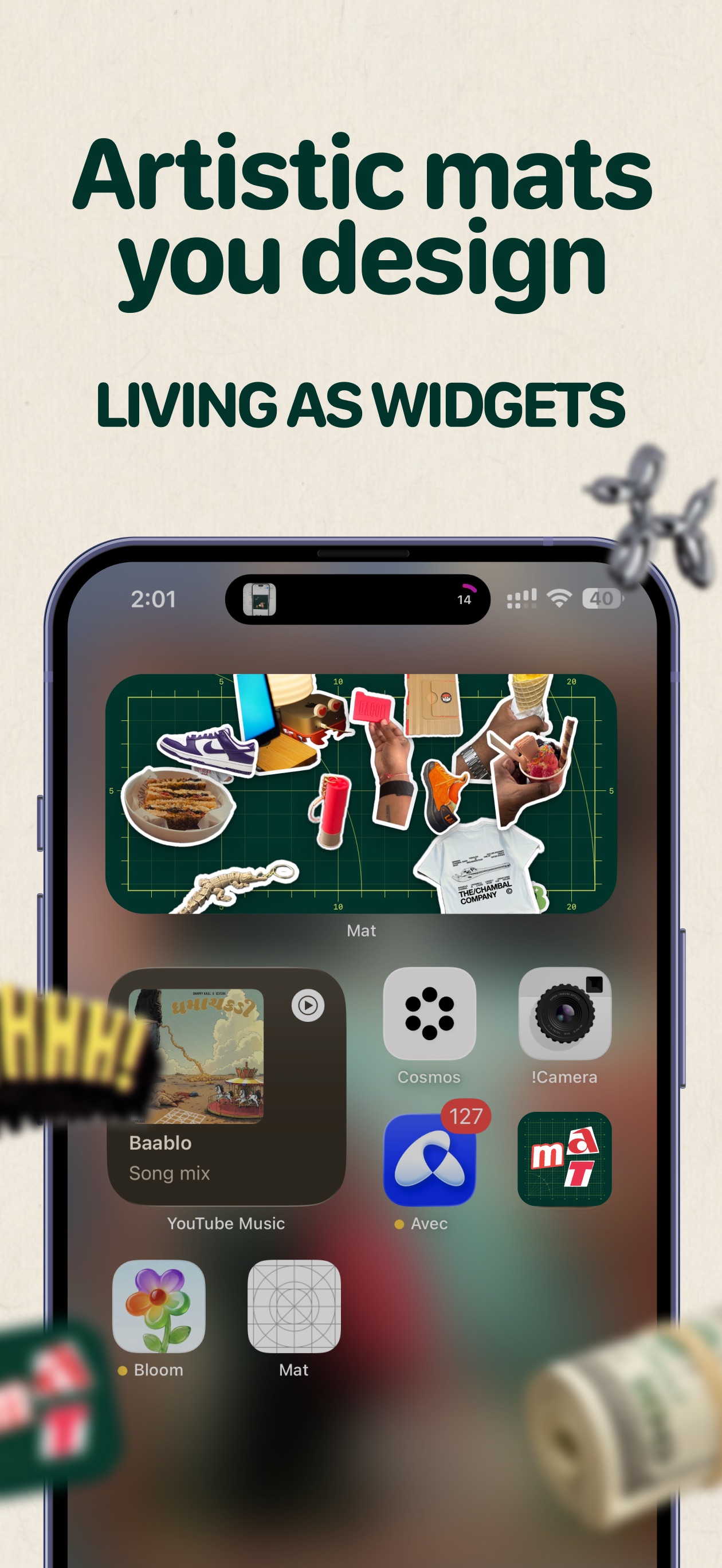
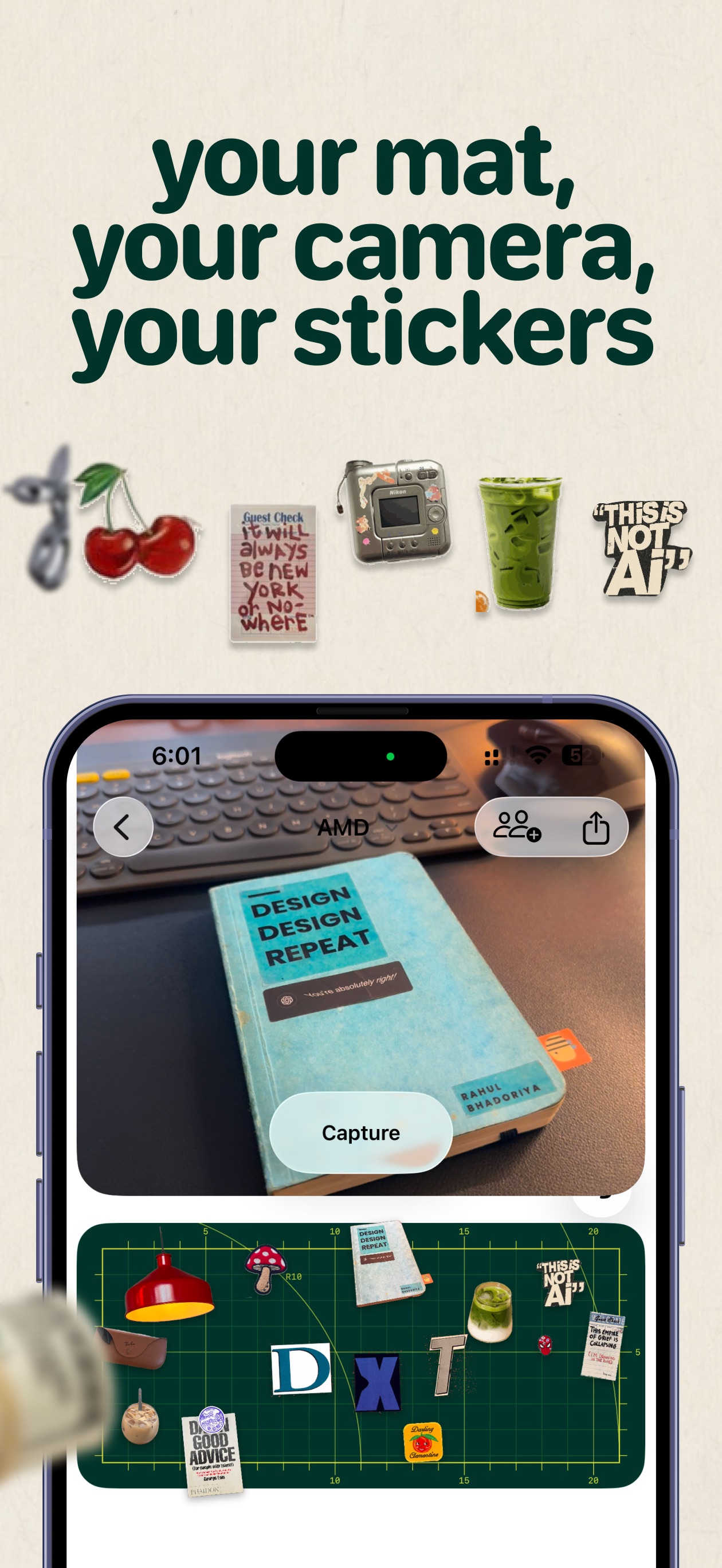
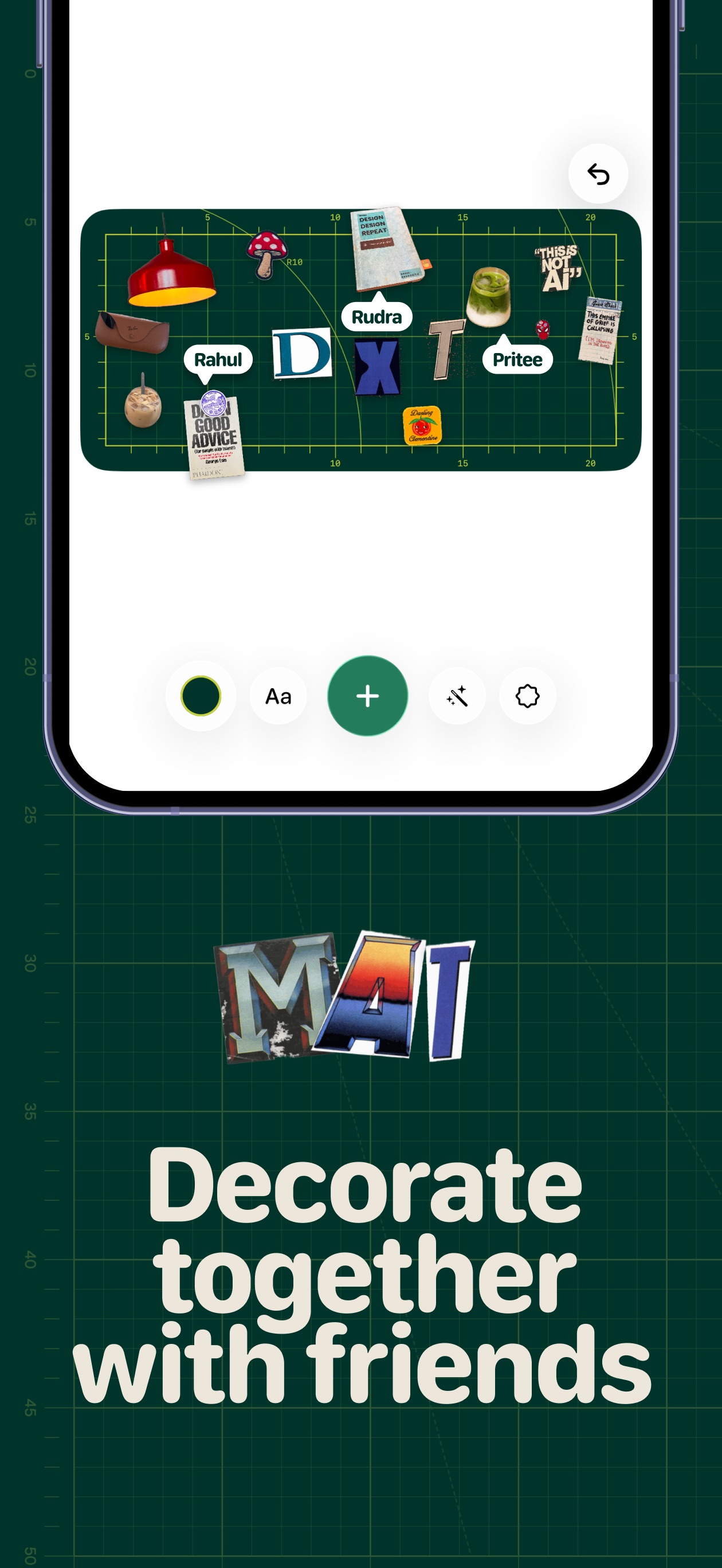
Mat is a little space for your memories — cut out people, pets, and moments from your photos, arrange them on a mat, and keep it on your Home Screen. - Live camera cutouts that remove the background in one step - Import from your photo library, plus letters and emoji - Arrange, resize, and layer cutouts freely on mats - Daily mat with a calendar of your days, plus Postits - Friend mats you can build together - Share to Instagram or export as wallpaper Free to download. Mat Pro is a one-time unlock for unlimited mats, cutouts, and decorations — clocks, polaroids, stamps, and paper letters. Family Sharing supported. No subscription.

Loud alarm clock with wake-up missions
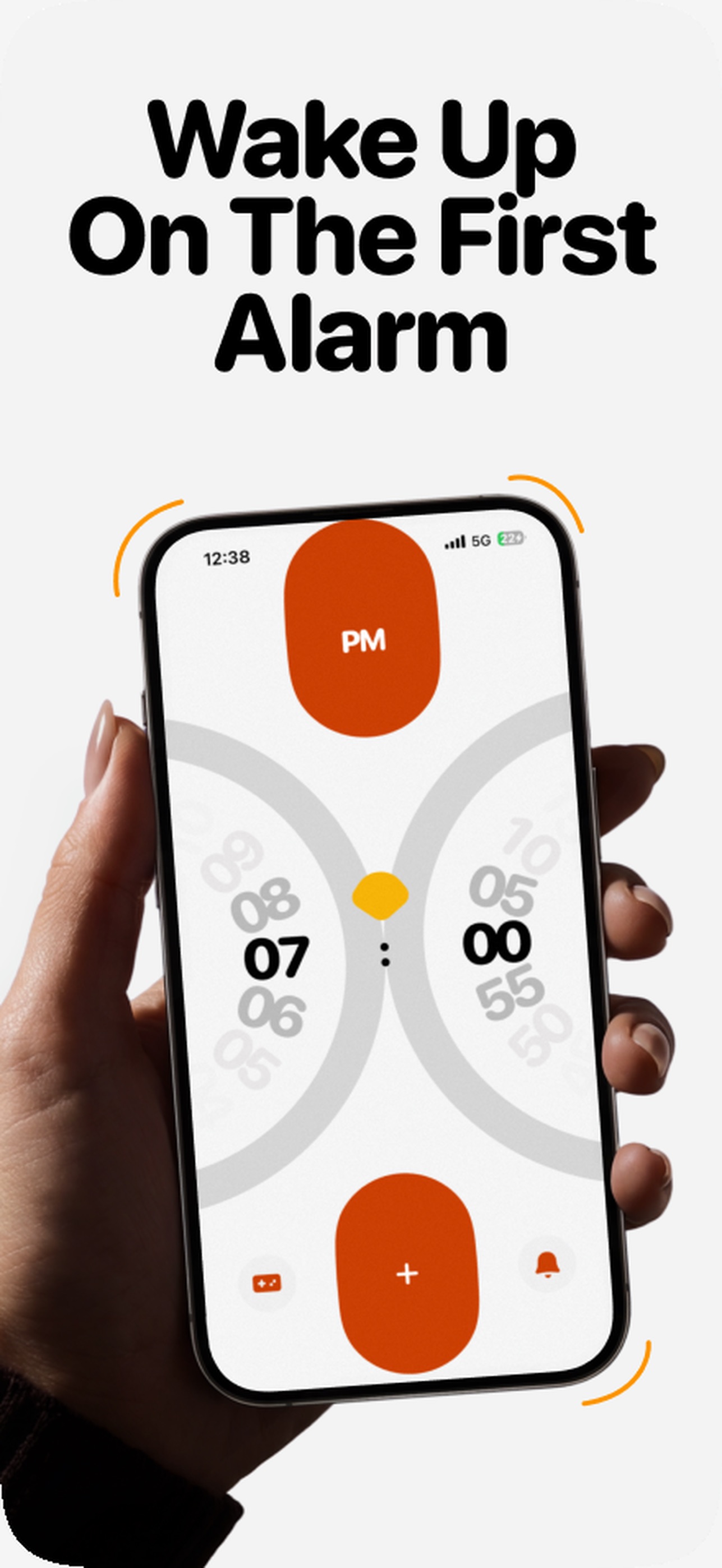
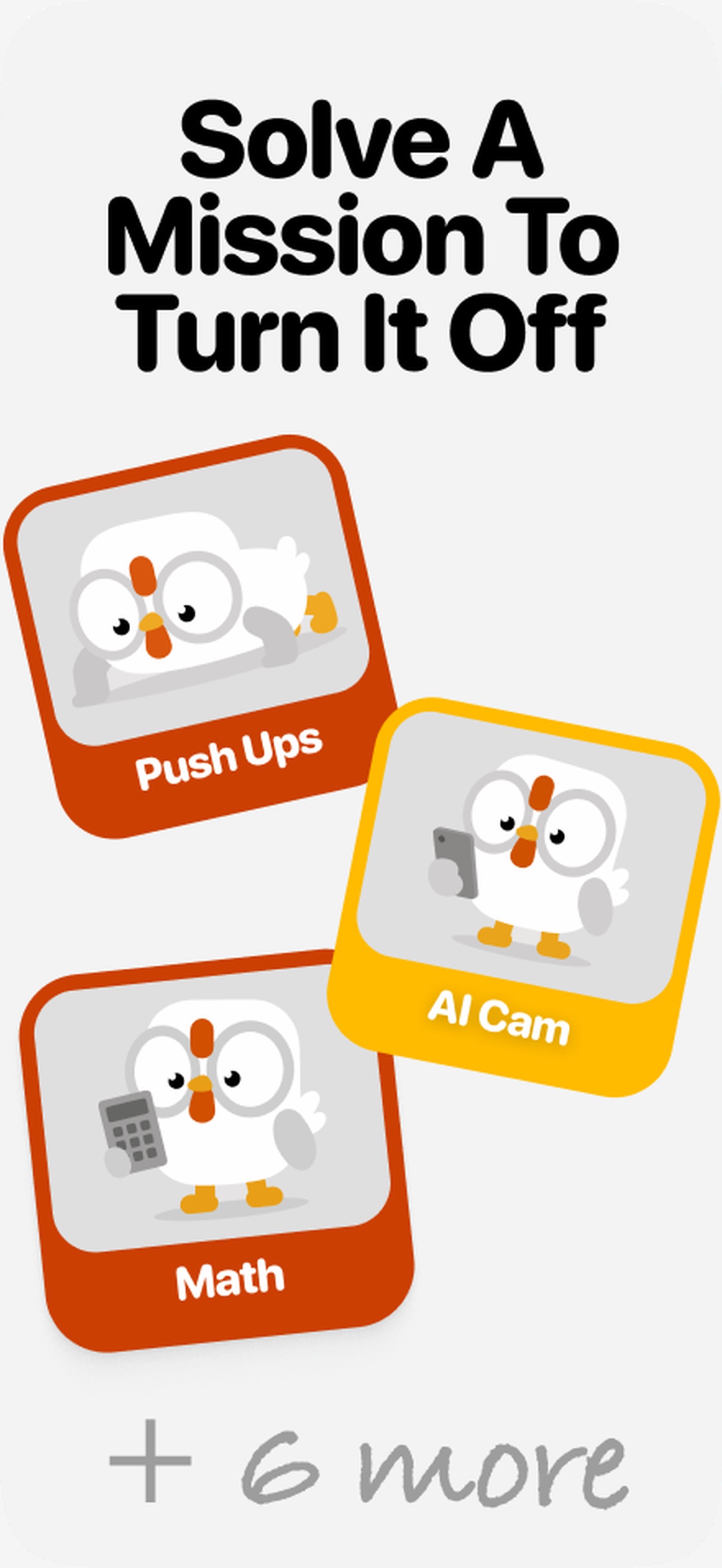
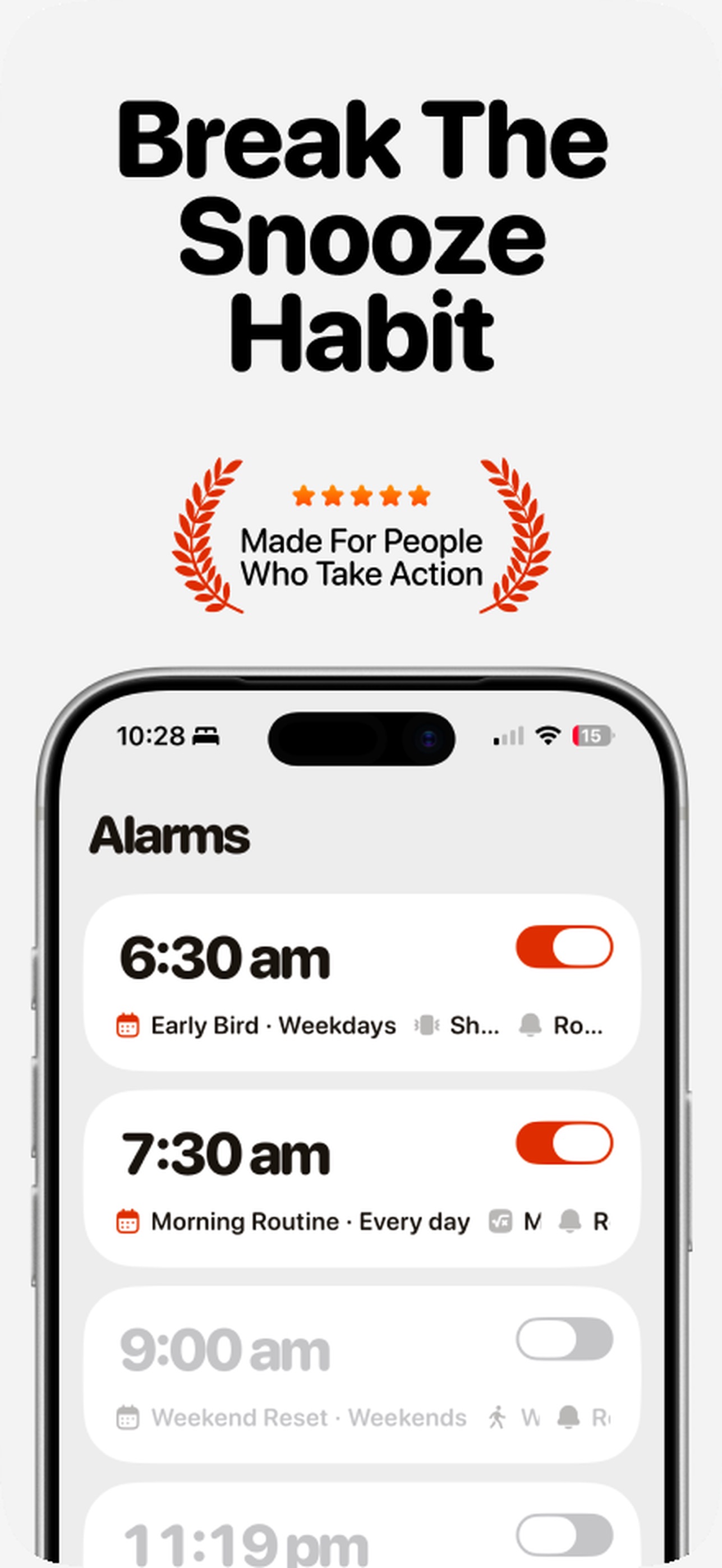
Clucky is a snarky rooster alarm for iPhone that makes waking up a small victory — complete wake-up missions that get your brain and body moving, then build a morning streak. - Wake-up missions: math, shake, steps, push-ups, memory, phrases, colors, maze, photo, and object hunt - Stack up to three missions per alarm with adjustable difficulty - Extra Loud mode that keeps crowing until missions are done - Flock: share a crow time with friends, nudges, and a weekly Roost Board - Morning Stats, widgets, Live Activities, and Dynamic Island - Custom Clucky sounds or import your own Free to download with Clucky Pro subscription required for the features above (optional free trial). Solo alarms need no account; Flock uses optional Sign in with Apple.

Step racing with your friends
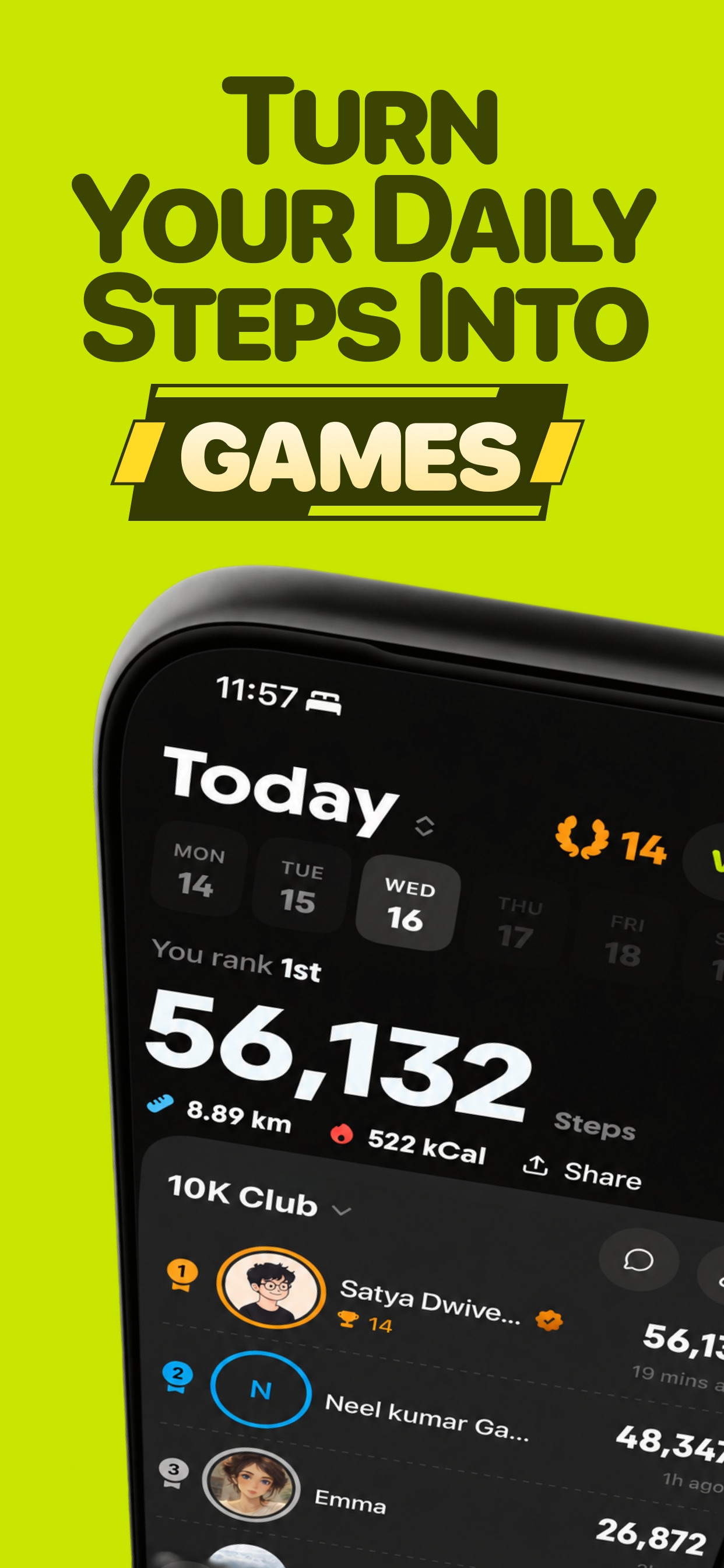

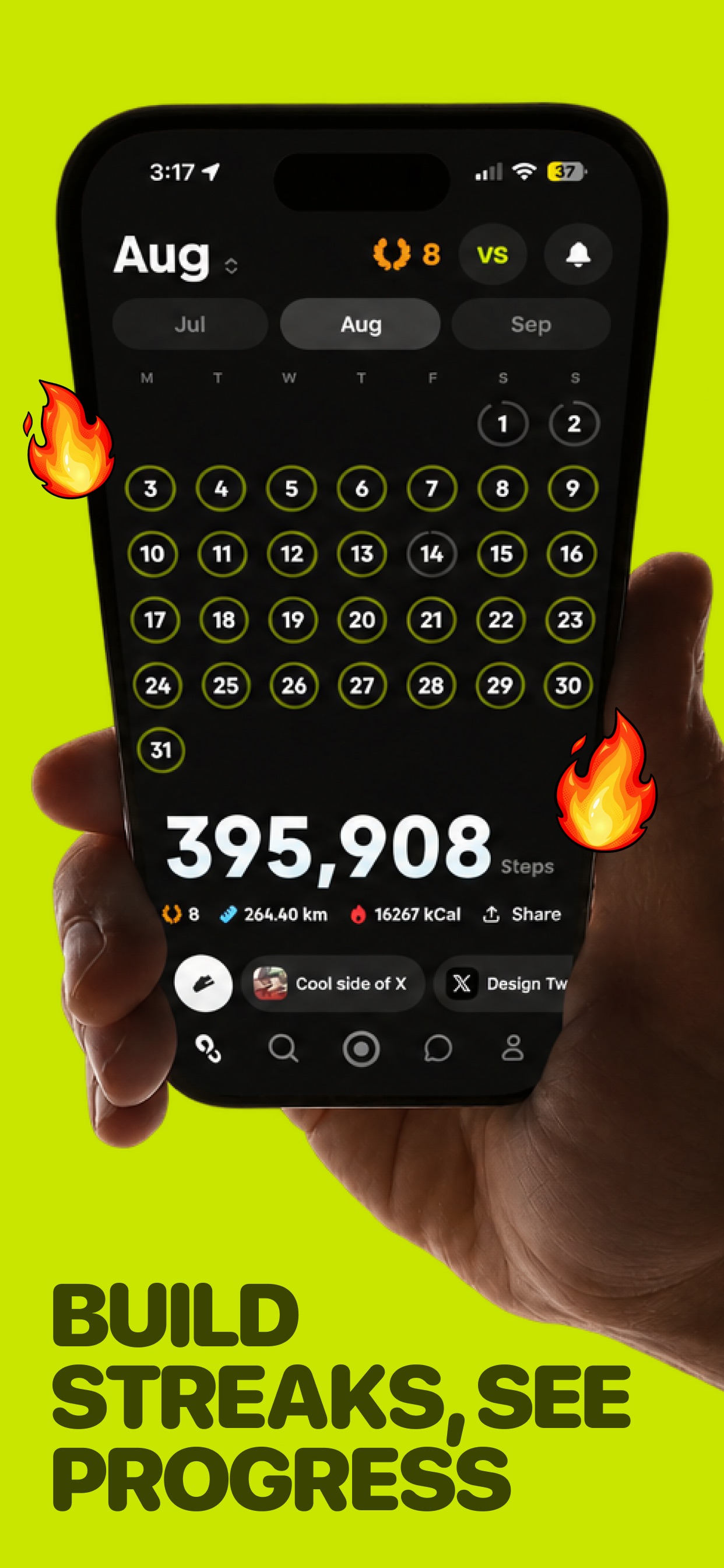
Amble turns your daily steps into a live race with the people you actually know — friends, family, or workmates on one leaderboard that resets at midnight. - Create an Amble group and invite with a link or QR code - Steps sync from Apple Health all day — no manual logging - Head-to-head step races over a day or a week - Daily goal streaks, plus a Step Wallet that can protect them - Group chat with photos, reactions, and race challenges - Record or import walks, runs, rides, and hikes with routes Free to use with optional Amble Pro (subscription, 7-day trial) for unlimited Ambles, the Step Wallet, and full workout history import. Requires Apple Health.

Tasks, habits and reminders on one day
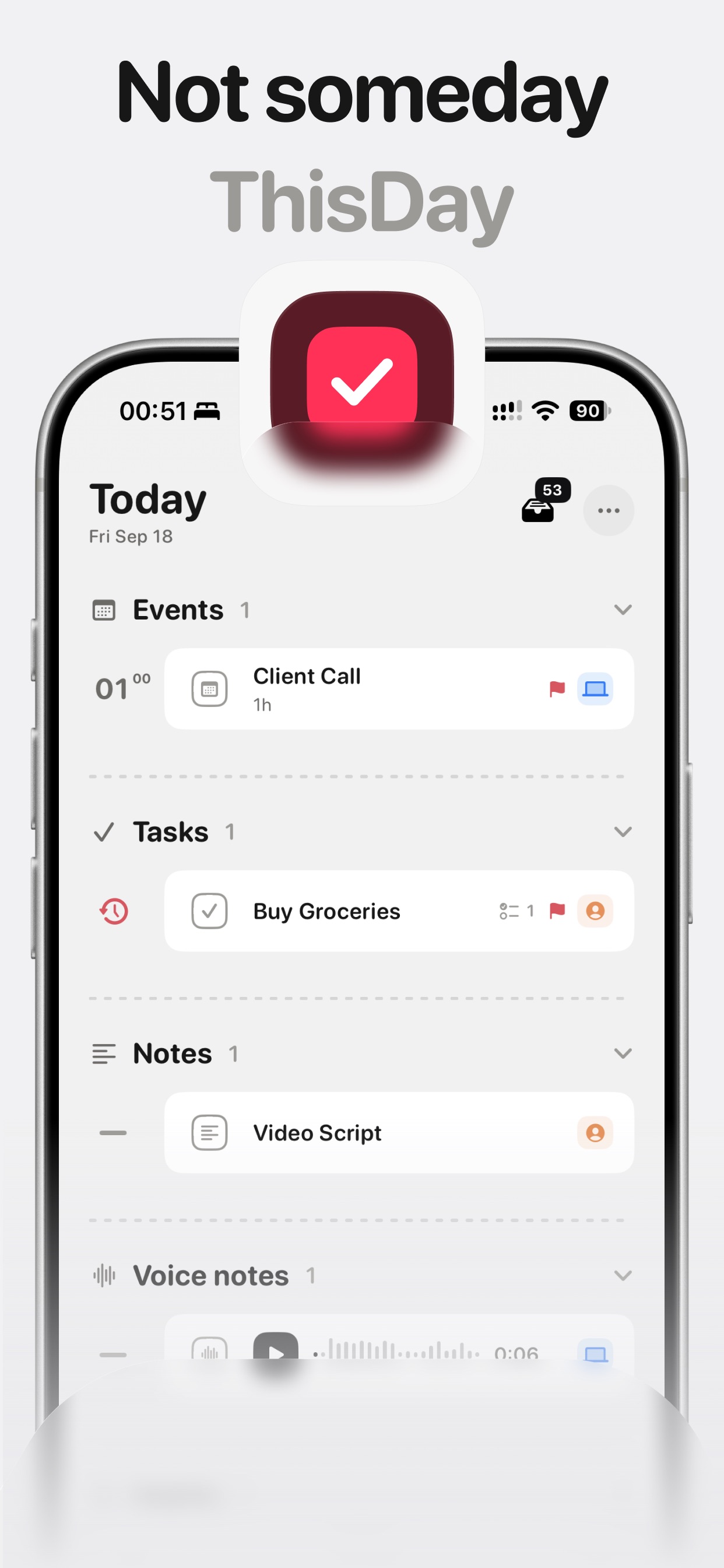
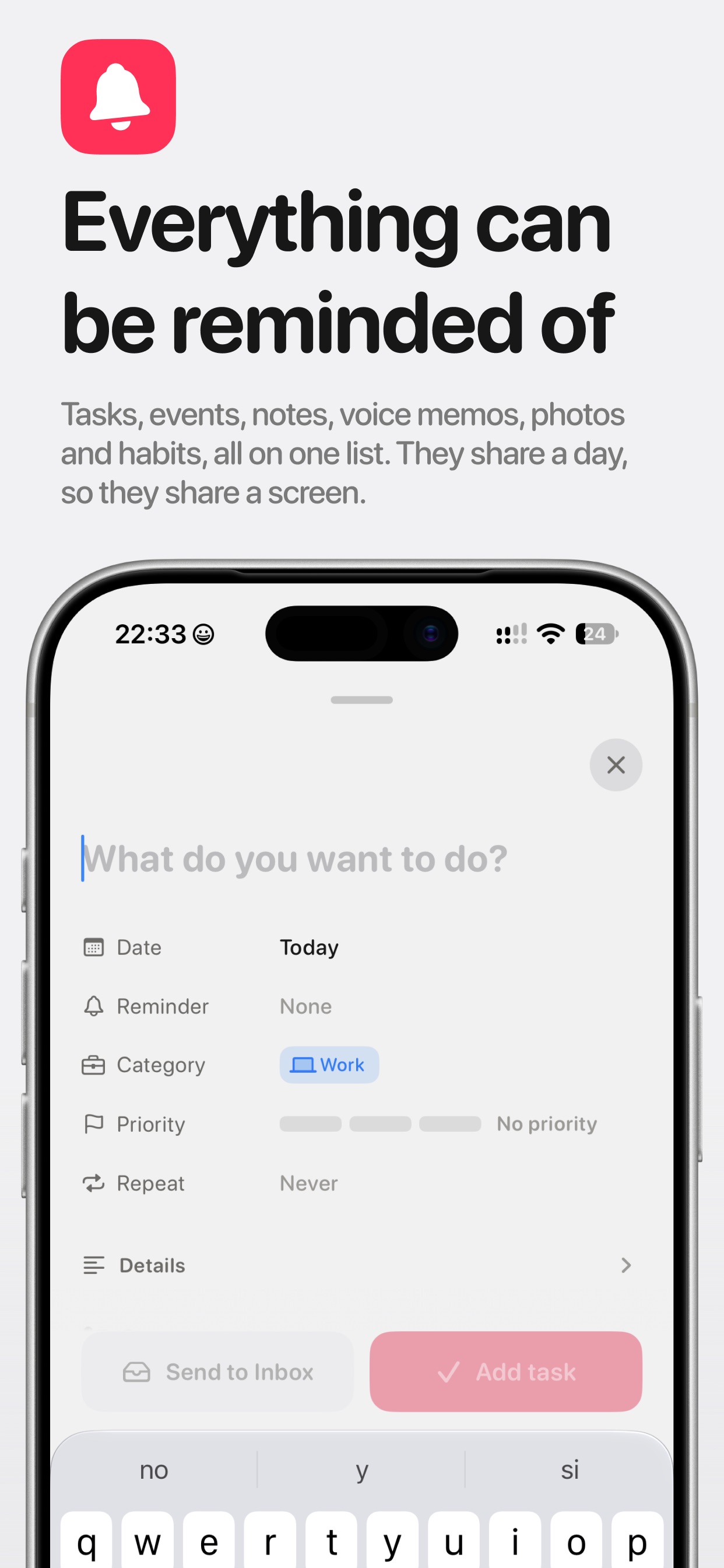
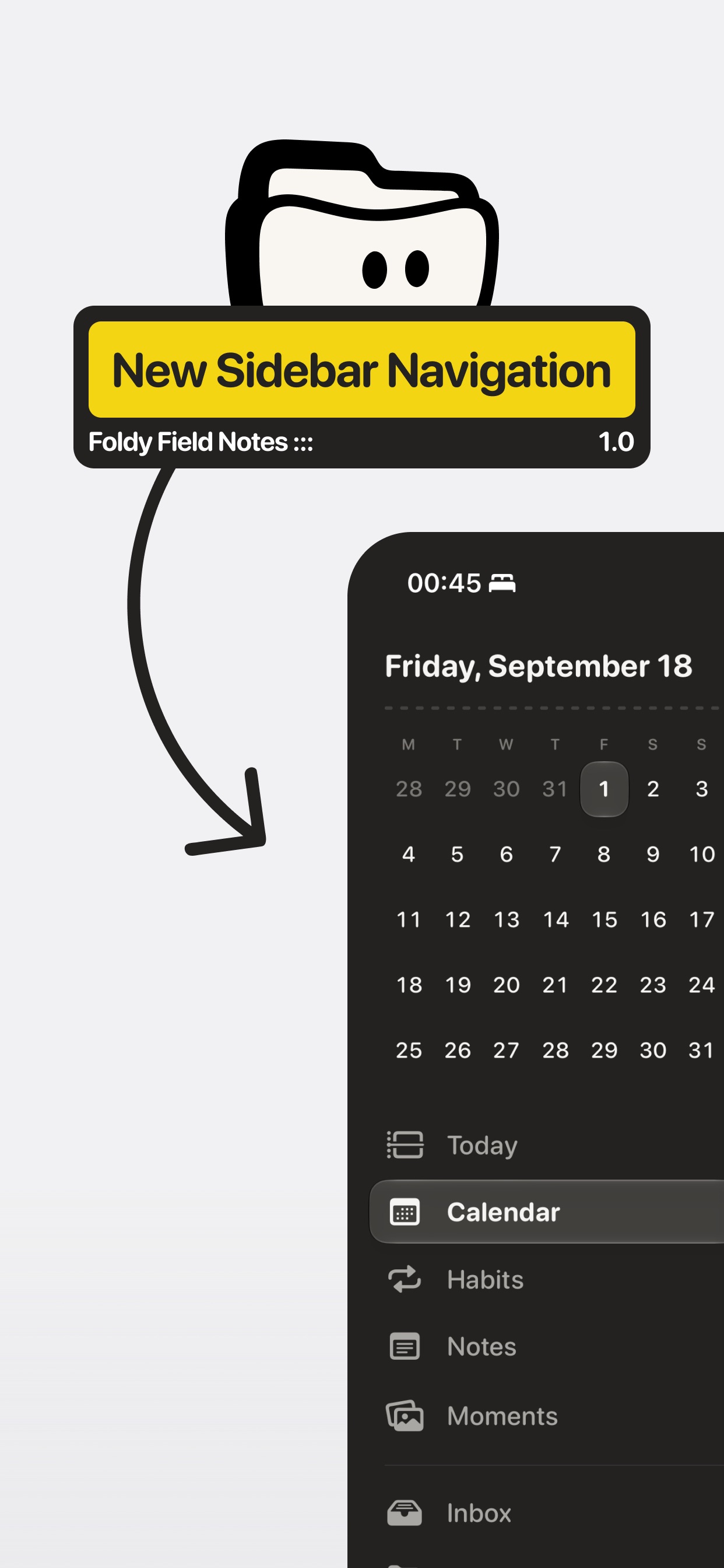
ThisDay is a day-first planner for iPhone where tasks, events, notes, voice memos, photos, and habits share one timeline — today, in the order things happen. - Tasks, events, notes, voice memos, photos, and habits in one day list - Reminders on anything, including voice memos and notes - Habits that can tick from Apple Health (read-only, on-device) - Unfinished work rolls forward so nothing quietly ages away - Day bar for quick capture, day jumping, and what's running - Widgets, Live Activities, Shortcuts, and Siri — no account required Free for 21 days with everything unlocked, then a one-time purchase. Private by design: data stays on your device and syncs over your own iCloud.

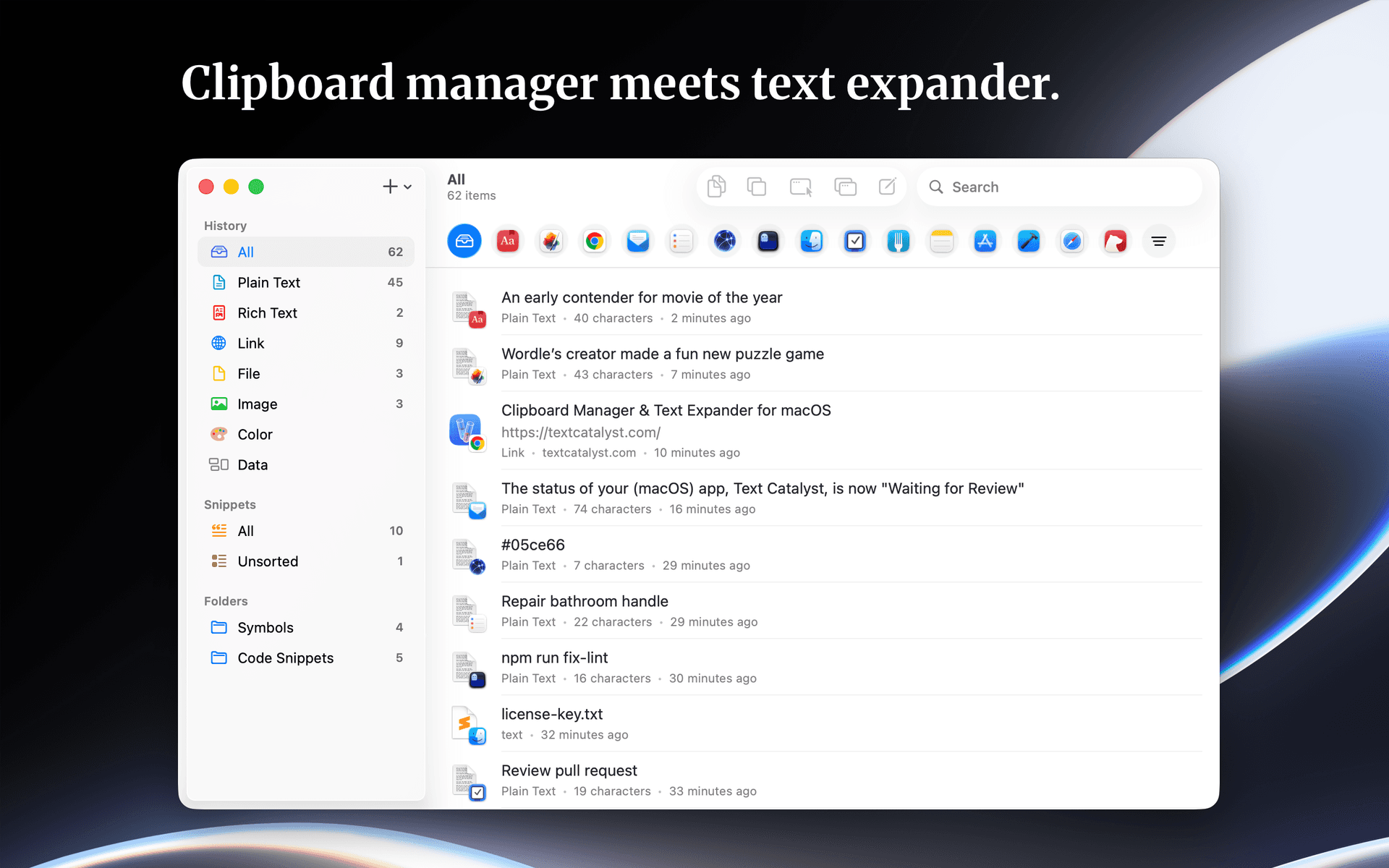
Clipboard manager meets text expander.
Text Catalyst is a clipboard manager and text expander software designed for macOS. It enhances clipboard functionality by combining clipboard history with text expansion features, allowing users to efficiently manage copied content and frequently used text snippets. - Stores and manages clipboard history for easy retrieval of copied text. - Allows users to search and filter clipboard entries by the originating application. - Enables creation of text shortcuts for quick insertion of frequently used snippets. - Supports pasting multiple copied items simultaneously to streamline workflows. - Provides a preview of content before pasting to ensure accuracy. Text Catalyst is a macOS application that enhances clipboard functionality by combining clipboard history and text expansion features. Users can manage copied items, search through their clipboard history, and preview content before pasting. The app supports quick access to frequently used text snippets and allows for pasting multiple items efficiently.

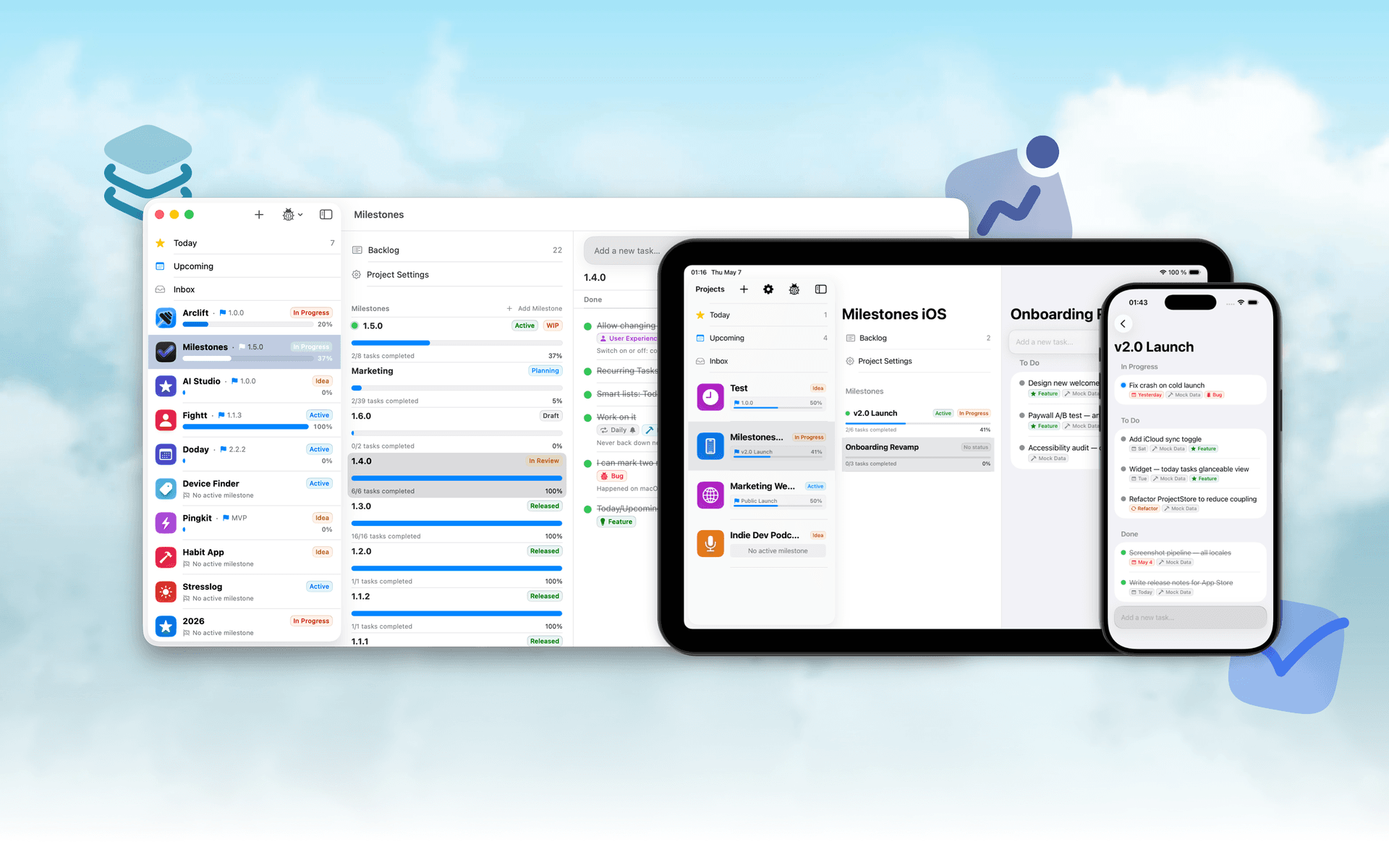
Native, Private Project Management App
Milestones is a project planning software designed to help users manage tasks across multiple projects. It organizes projects into a three-tier hierarchy of Projects, Milestones, and Tasks, allowing users to break down larger goals into manageable phases. - Organizes projects into a three-tier hierarchy: Projects, Milestones, and Tasks. - Allows users to visually track progress with live progress bars for each milestone. - Enables marking one milestone as Active to prioritize current tasks while keeping others visible. - Supports task statuses including To Do, In Progress, and Done for clear organization. - Provides tagging options for tasks to facilitate better grouping and management. - Syncs seamlessly across iPhone, iPad, and macOS using iCloud. Milestones is a project management application that allows users to organize their work into a structured hierarchy of Projects, Milestones, and Tasks. It features visual progress tracking, customizable project icons, and seamless syncing across iPhone, iPad, and macOS.

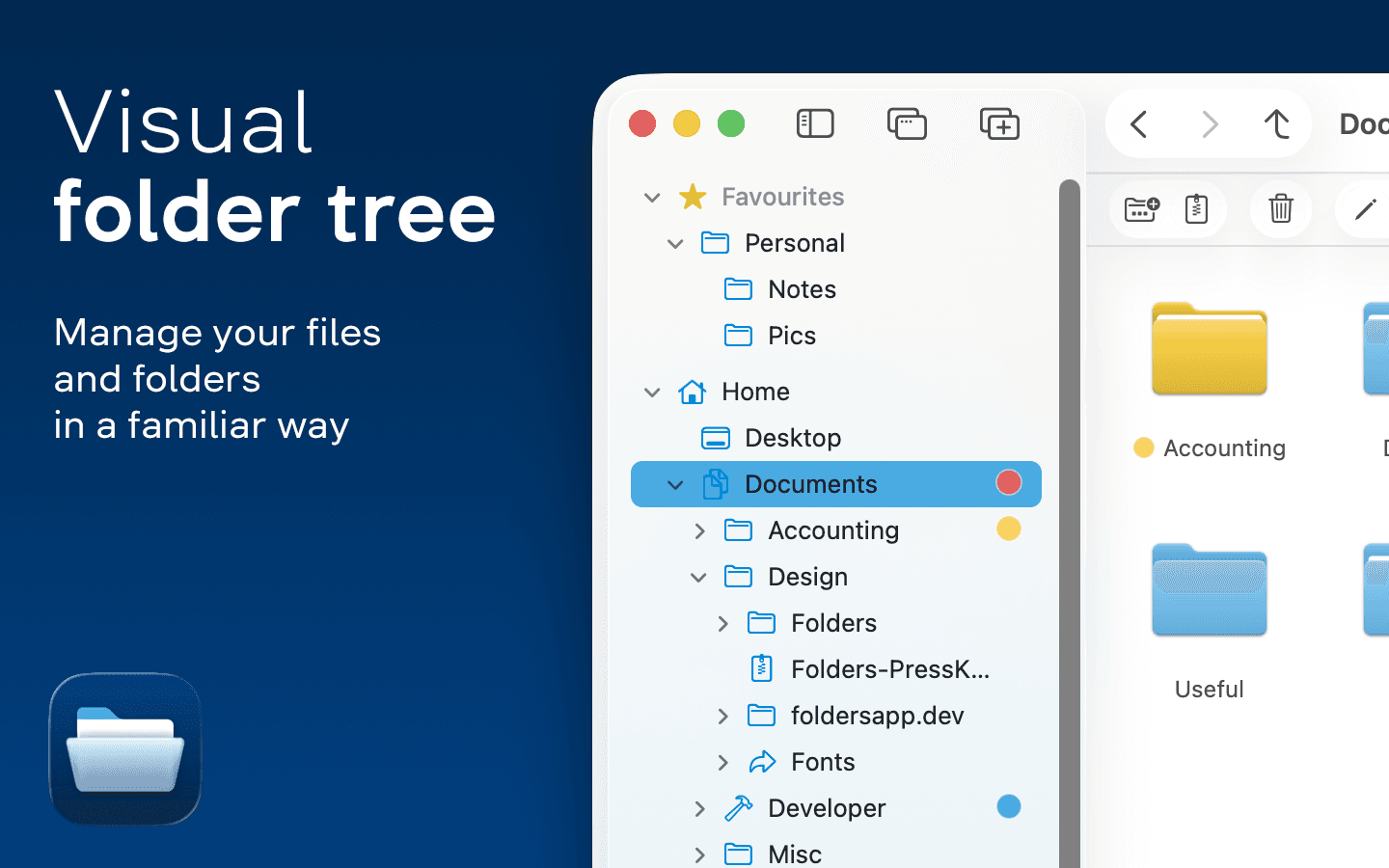
A file manager for Windows switchers
Folders is a file manager application for macOS that provides a folder tree layout, catering specifically to users transitioning from Windows. It offers a range of features including easy navigation, comprehensive file operations, and integration with cloud storage services. Designed for both new and experienced users, Folders aims to enhance file management efficiency on Mac systems. - Provides a folder tree layout for intuitive navigation, similar to Windows Explorer. - Supports batch renaming and file conflict resolution for efficient file management. - Integrates with iCloud Drive and other cloud storage services for centralized access. - Offers multiple viewing options: Table, List, Icons, and Gallery. - Includes a powerful search function with Spotlight integration and saved searches. - Allows customization of themes and folder icons for personalized organization. Folders is a file manager for macOS that emulates the folder tree structure familiar to Windows users. It offers a range of features including comprehensive file operations, customizable themes, and powerful search capabilities. Users can manage files across various cloud services and utilize batch renaming and conflict resolution tools.

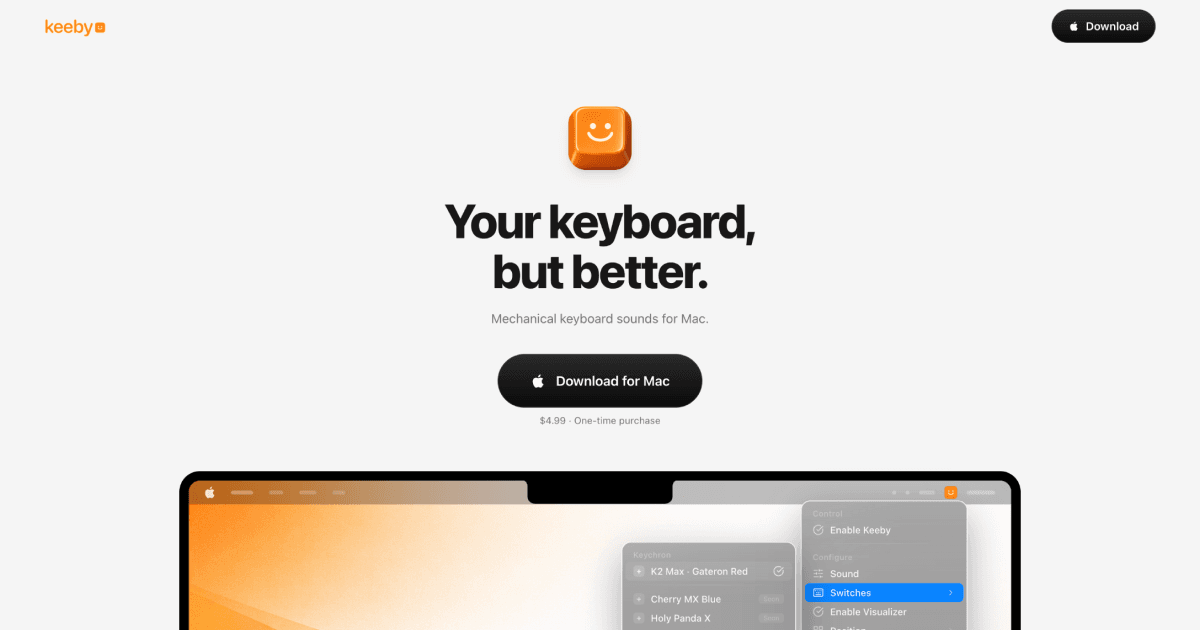
Your keyboard, but better.
Keeby offers mechanical keyboard sounds designed specifically for Mac users, enhancing typing experiences with real sound recordings of mechanical key presses. The app allows users to easily switch profiles, tweak tones, and control visualizers directly from the menu bar. With features like spatial audio, randomized pitching, and a low latency audio engine, Keeby ensures every keystroke sounds authentic and satisfying. It's completely offline, meaning no data is collected. Keeby is available for a one-time purchase of $4.99 and requires macOS 13 or later.

Capture non-selectable text instantly from various sources.
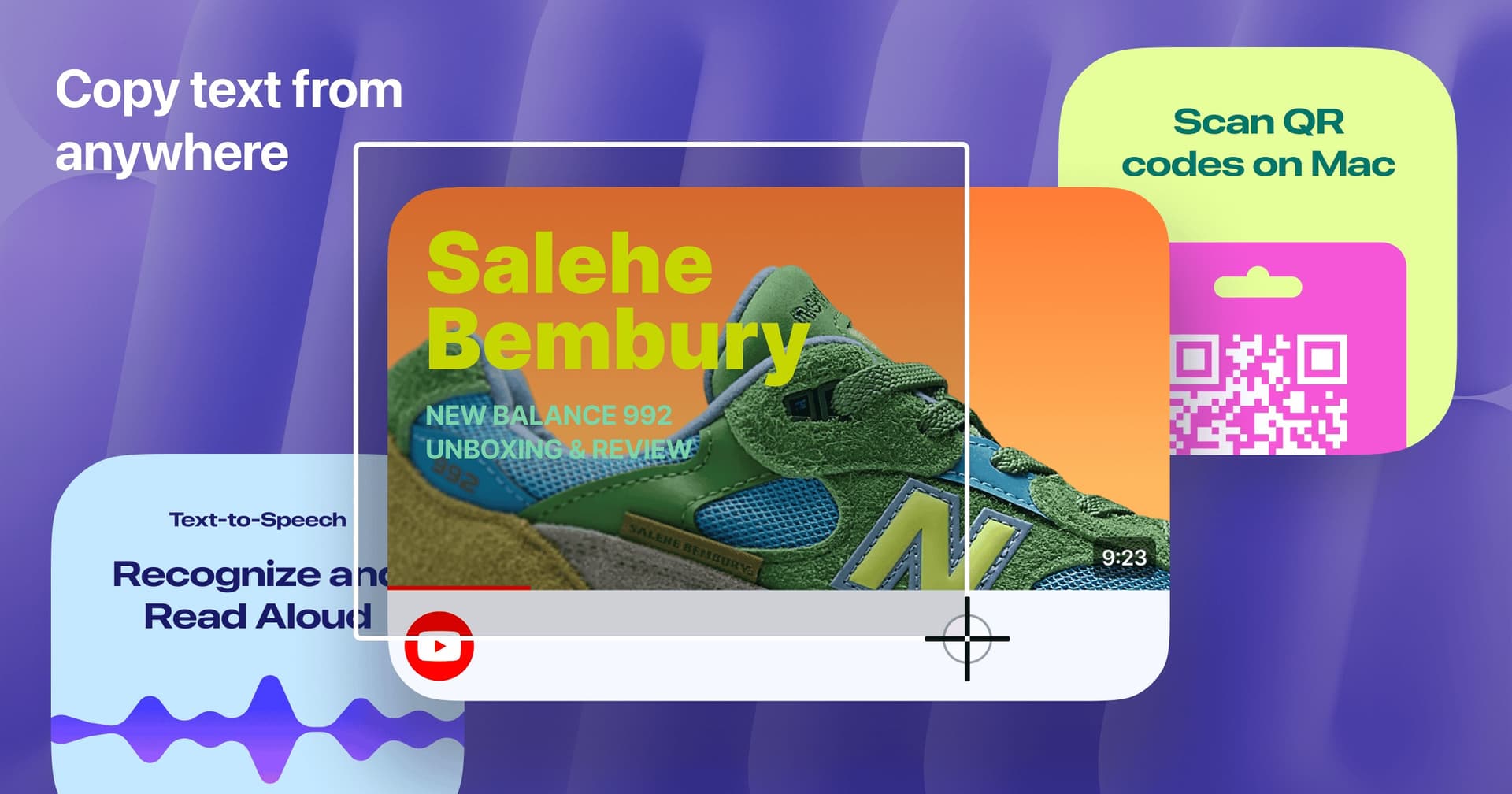
TextSniper allows users to quickly and easily capture text from YouTube videos, PDFs, images, screencasts, presentations, and more. With a simple built-in snipping tool for Mac, recognizing and copying text has never been easier. Simply start TextSniper, select the area you want to capture, and paste the text where you need it. It also includes advanced features like QR code and barcode reading, as well as a text-to-speech option making it a versatile tool for both productivity and learning. Whether you're a student, professional, or just a casual user, TextSniper streamlines the process of working with text. Enjoy the speed, simplicity, and efficiency of extracting text at your fingertips!

App Blocker & Focus Timer
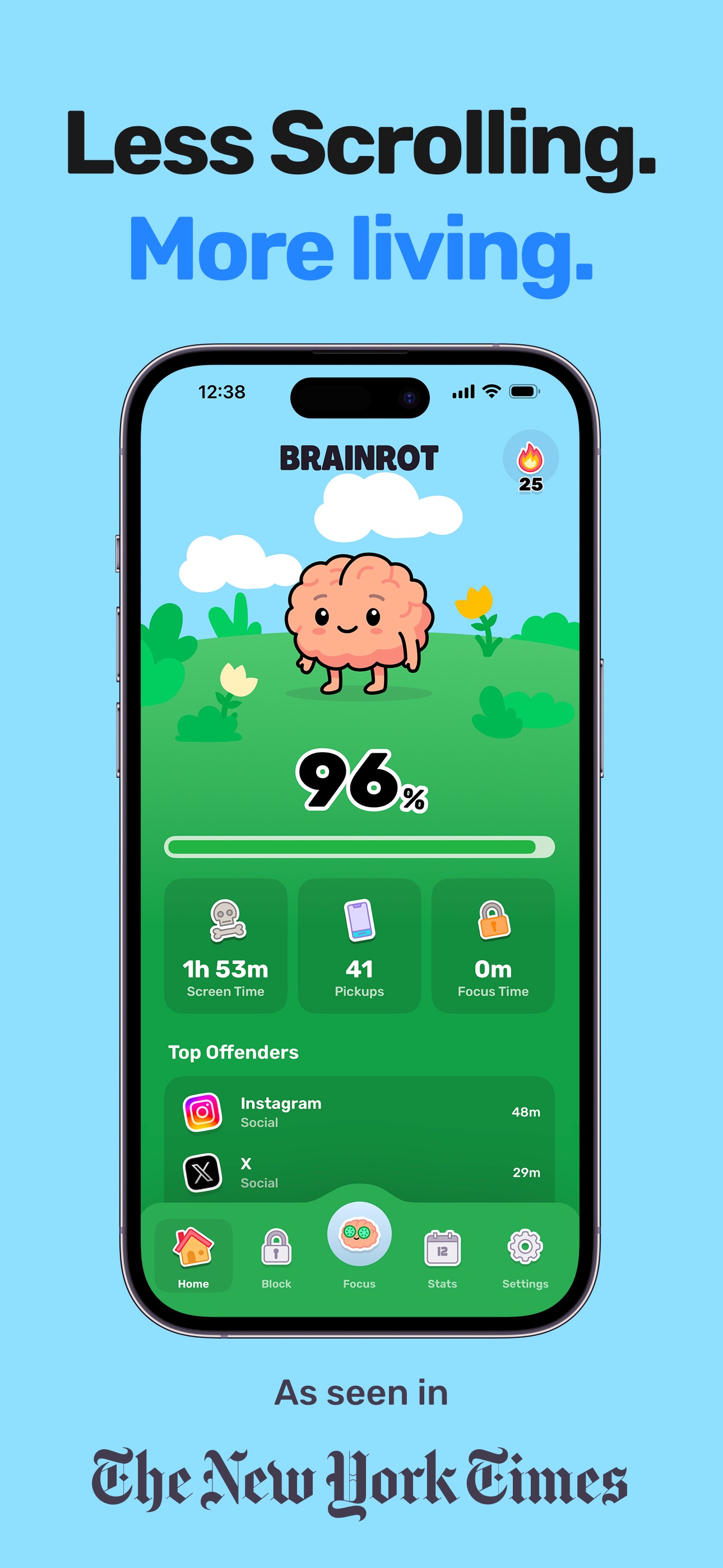
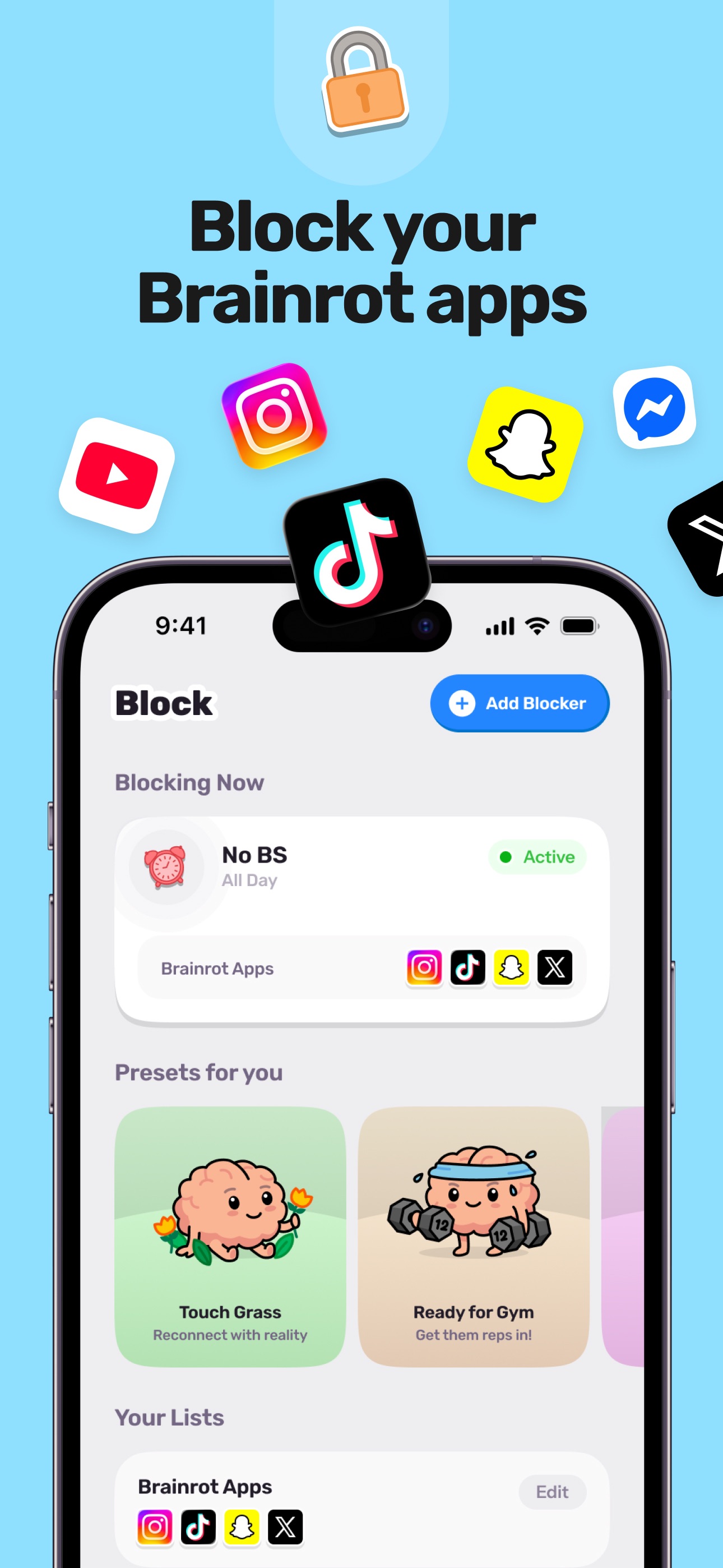
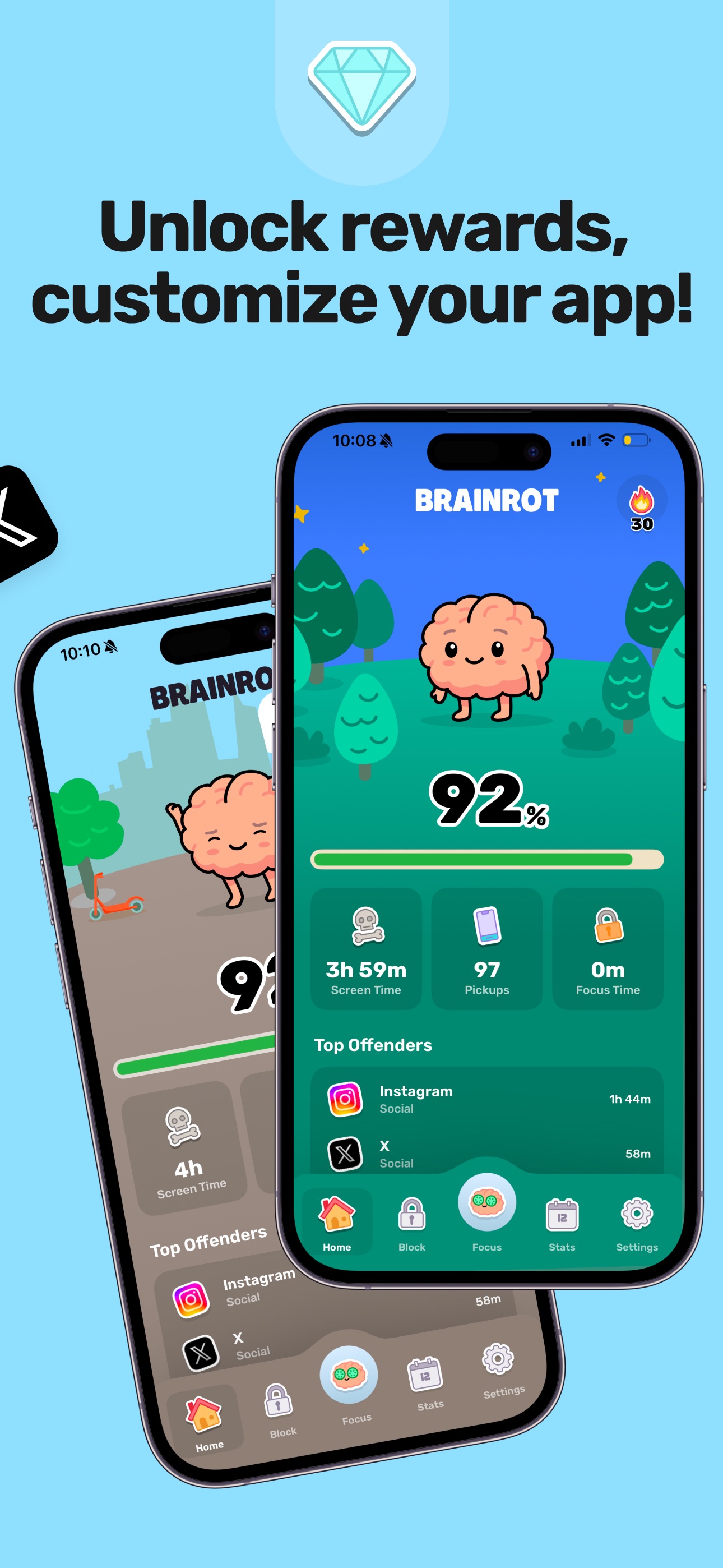
Reclaim your day with Brainrot, a playful screen time control, app blocker, and focus coach. Pick the apps and sites to block, set schedules, and watch your cute brain avatar decay as you doom scroll. This app helps you save about 2 hours per day, feel less distracted, sleep better, and get more done. Features include instant blocking for apps and websites, a focus timer for deep work, smart schedules for key times, mindful breaks, and clear insights to identify distracting apps quickly. Notably, all monitoring and blocking run entirely on your device, ensuring your privacy.

System Activity Monitor for Apple platforms
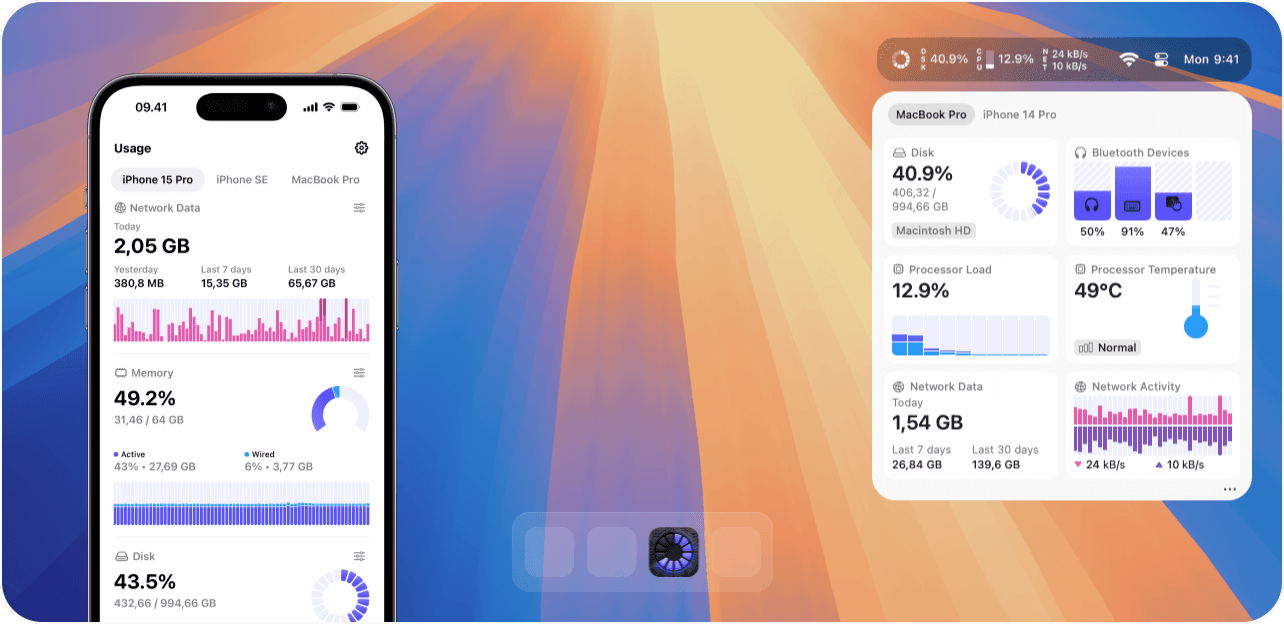
Usage is a system activity monitor for macOS and iOS that provides real-time insights into device performance. - Real-time monitoring of CPU, memory, battery health, and network activity. - Customizable menu bar with over 40 components for personalized tracking. - iCloud sync for seamless data access across multiple devices. - Detailed insights into processor temperature, fan speeds, and disk usage. - Privacy-focused design that does not track or share user activity data. It allows users to track network activity, data usage, CPU utilization, and memory status.

Let your apps fly—in a pie
Pieoneer is a productivity software for macOS that features a pie menu interface designed to streamline application management and shortcut access. It allows users to quickly launch apps, switch between running applications, and trigger shortcuts, enhancing multitasking efficiency. Ideal for individuals who frequently juggle multiple tasks, Pieoneer also supports music control through a dedicated - Quickly switch between running applications using a customizable pie menu. - Launch favorite apps, folders, and documents instantly from the menu. - Trigger actions in other applications via customizable keyboard shortcuts. - Control music playback in Apple Music, Spotify, and Doppler with a dedicated Music Remote feature. - Fully compatible with macOS accessibility features for enhanced navigation. Feedback regarding accessibility enhancements is welcomed to ensure the app meets diverse user needs. Users are encouraged to share their experiences and suggestions for improvements, which can help enhance the overall usability and inclusivity of Pieoneer.

Subscription management and expense tracking tool
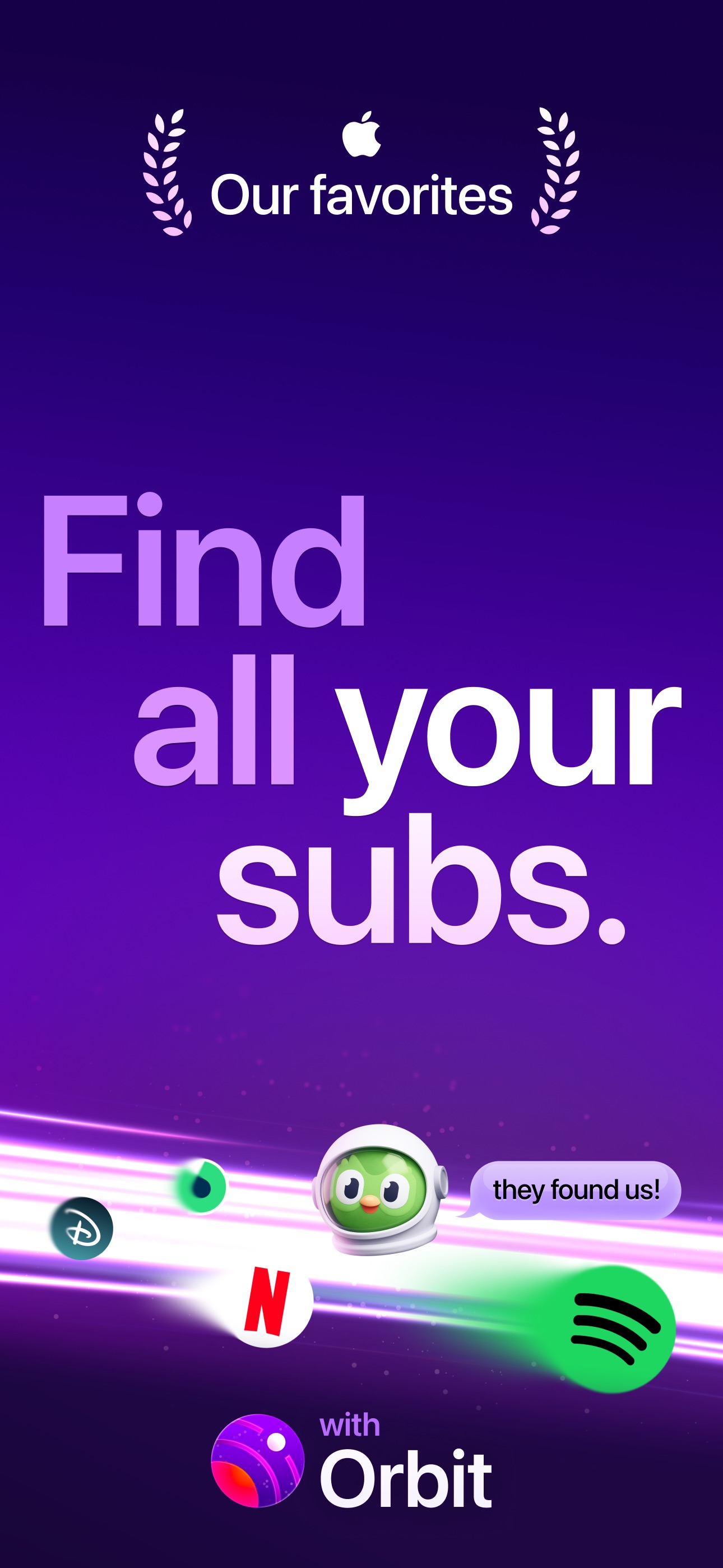
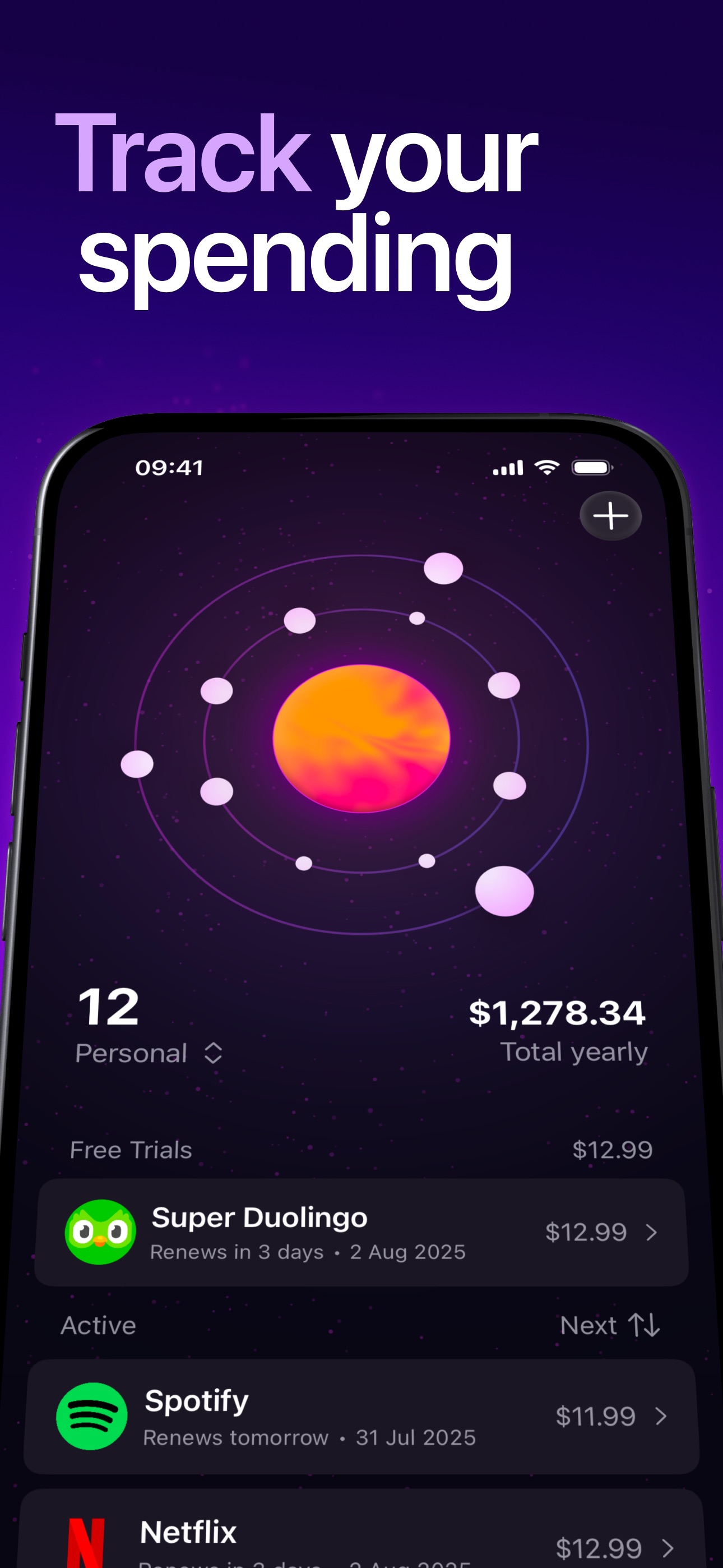

Orbit is a subscription management software that assists users in tracking and managing their recurring bills and subscriptions. It helps individuals identify and organize their subscription expenses, providing features such as payment reminders, customizable sorting options, and alerts for trial expirations. By offering a comprehensive overview of financial commitments, Orbit aims to reduce unexp - Identifies all active subscriptions and sends pre-charge reminders. - Offers customizable sorting options for better organization of subscriptions. - Provides alerts for free trial expirations to prevent unexpected charges. - Features a payment timeline for tracking upcoming expenses. - Includes a Magic Import function to extract subscription data from screenshots, bank statements, and various file formats. - Supports multiple currencies and languages for global accessibility. Orbit is designed to help users manage their subscription expenses effectively. By providing features such as payment reminders, customizable sorting, and a comprehensive overview of financial commitments, it aids in tracking spending habits and reducing unexpected charges.

For Easily Distracted Minds
DeskMinder is a productivity software application designed for Mac users who struggle with distractions. It provides a straightforward interface for creating desktop pop-up reminders and tasks, helping users manage urgent to-dos, short breaks, and fleeting ideas. With features like full-screen notifications and Apple Reminders integration, DeskMinder aims to enhance focus and time management for i - With features like easy-to-create desktop pop-ups for reminders and tasks, it simplifies the process of staying on top of urgent to-dos, short breaks, or fleeting ideas. - Users can benefit from full-screen notifications, Apple Reminders integration, and flexible widget placement, making it ideal for anyone requiring a little extra help to maintain focus. - The app includes additional shortcuts for quick reminder setups and customizable widget options, along with a history tracking feature to monitor daily progress. Designed specifically for Mac users, DeskMinder aims to facilitate better time management and productivity for those with attention challenges, providing a seamless user experience without unnecessary complexity.

Satisfying sound with every keystroke
Klack is a macOS application designed to enhance the typing experience through high-fidelity sound for each keystroke. It provides features such as immersive spatial audio, instant feedback, and customizable sound options, making it suitable for writers, developers, and anyone who values an engaging typing environment. The app is easily accessible from the menubar and offers extensive configuratio - Provides immersive spatial audio for enhanced typing feedback. - Allows customization of keystroke sounds, pitch variations, and volume settings. - Features a menubar interface for quick access to configuration options. - Supports instant feedback with each keystroke for a more engaging experience. - Designed for writers and developers seeking auditory feedback while typing. Klack enhances the typing experience on Mac by providing high-fidelity sound for each keystroke.

Take your presentations to the next level
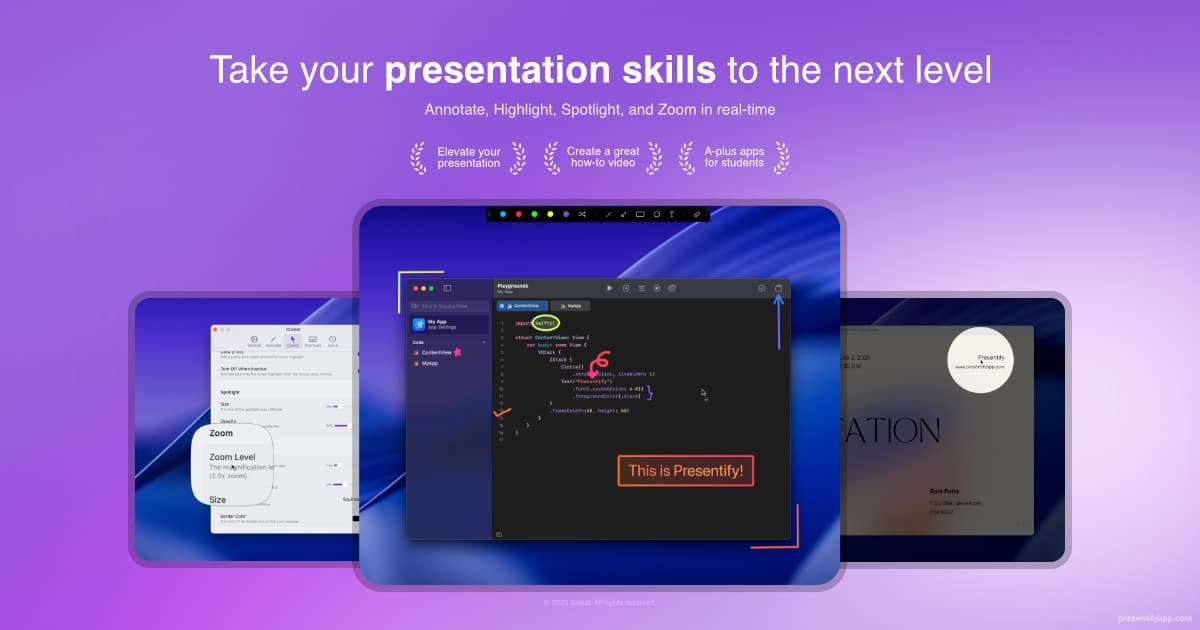
Presentify is a macOS application designed for screen annotation during presentations. It enables users to highlight cursors, spotlight specific areas, and zoom in on details, making it suitable for educators and professionals who need to engage their audience effectively. With features like real-time drawing and a digital whiteboard, it enhances communication and clarity in various presentation c - Real-time screen annotation with pens, highlighters, and shapes for effective presentations. - Digital whiteboard feature for brainstorming and explaining complex concepts. - Customizable cursor highlights to draw attention during presentations. - Integration with Zoom, Google Meet, PowerPoint, and other applications for seamless use. - Lightweight design with a 1MB download size and low resource usage for optimal performance. Presentify is a Mac application that facilitates screen annotation, cursor highlighting, and zooming in on important details. It is optimized for performance and integrates with various platforms, making it suitable for educators and professionals who need to enhance their presentations and improve audience engagement.

Make photography fun again easily
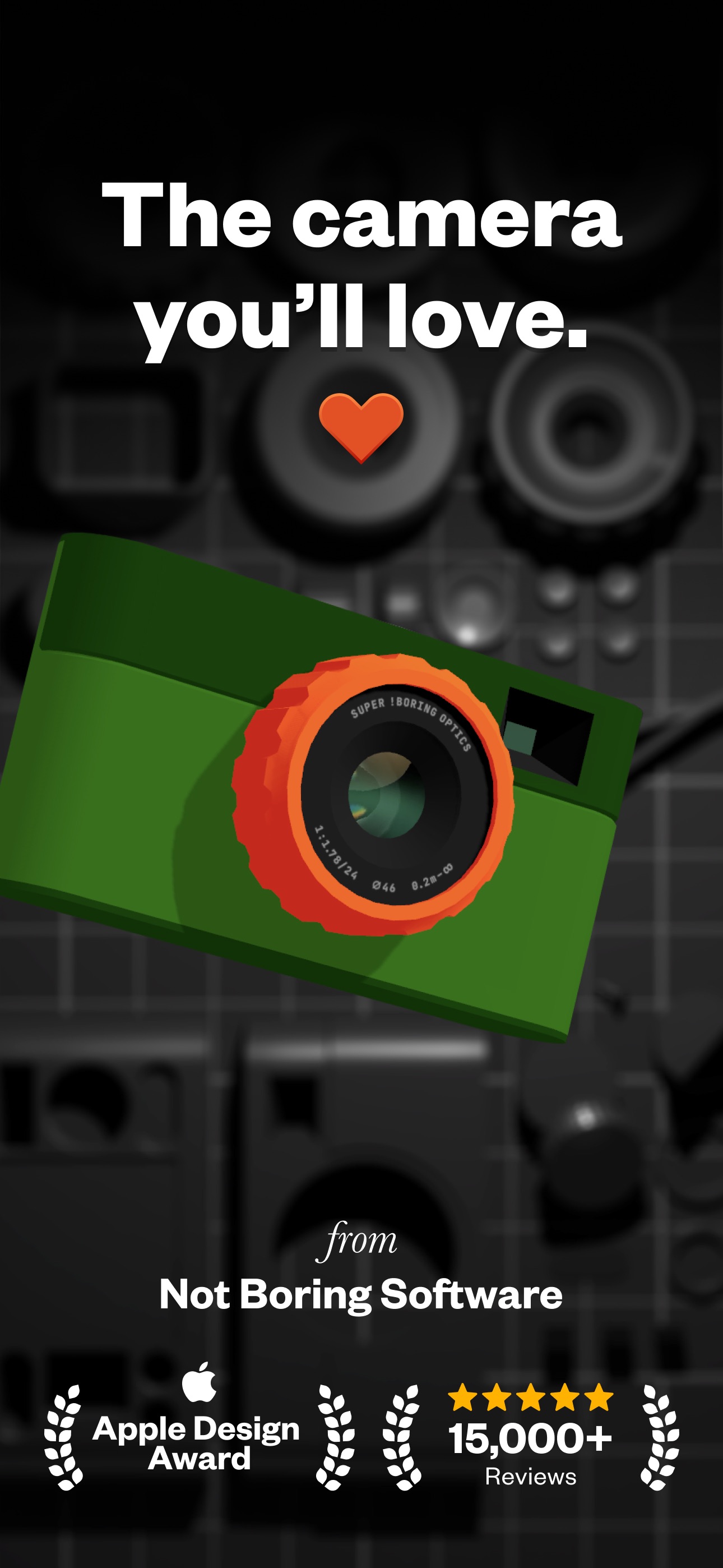

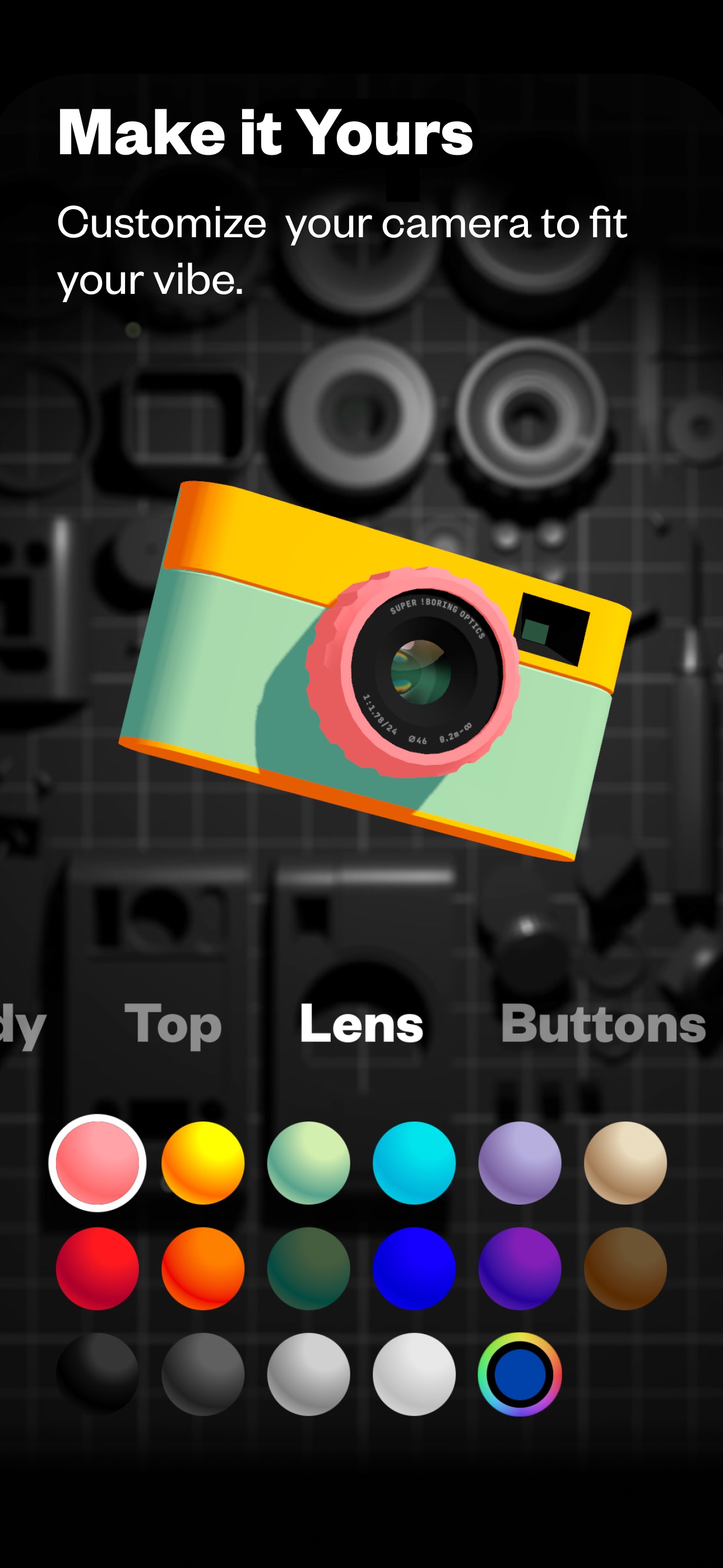
Capture unique, honest, inspiring photos like the Pros in a fun, playful camera. (Not Boring) Camera incorporates SUPER RAW™ for natural images without AI interference, numerous customization options with professional color grading, and a fully 3D interface that simulates the feeling of a real camera with dynamic lighting and haptic feedback. Users can easily switch between Auto and Manual modes, ensuring both accessibility for beginners and control for seasoned photographers. Add LUTs for enhanced visuals, and utilize HDR to save more highlight details. This app redefines mobile photography by making it intuitive and fun, designed to trigger creativity with every click.

Language learning through engaging, bite-sized lessons.
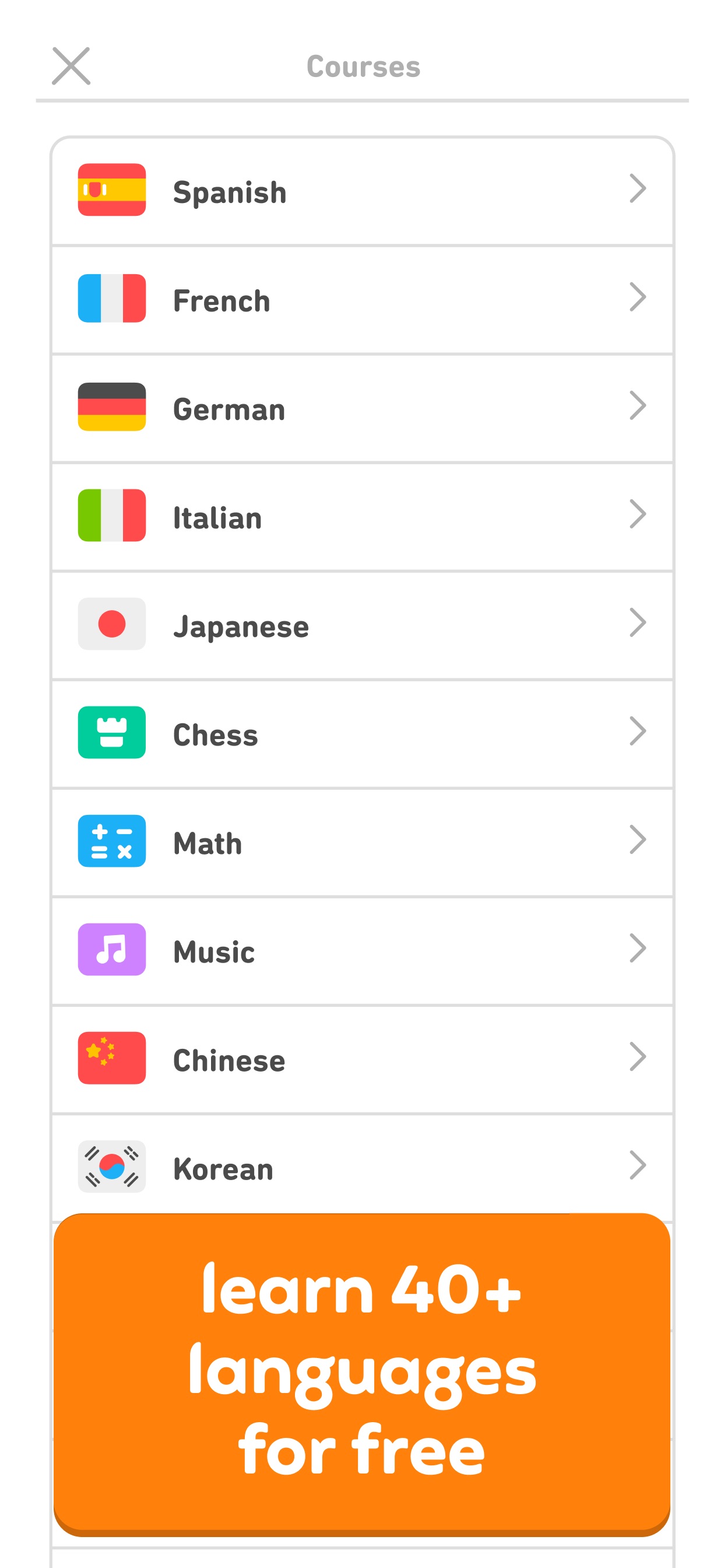
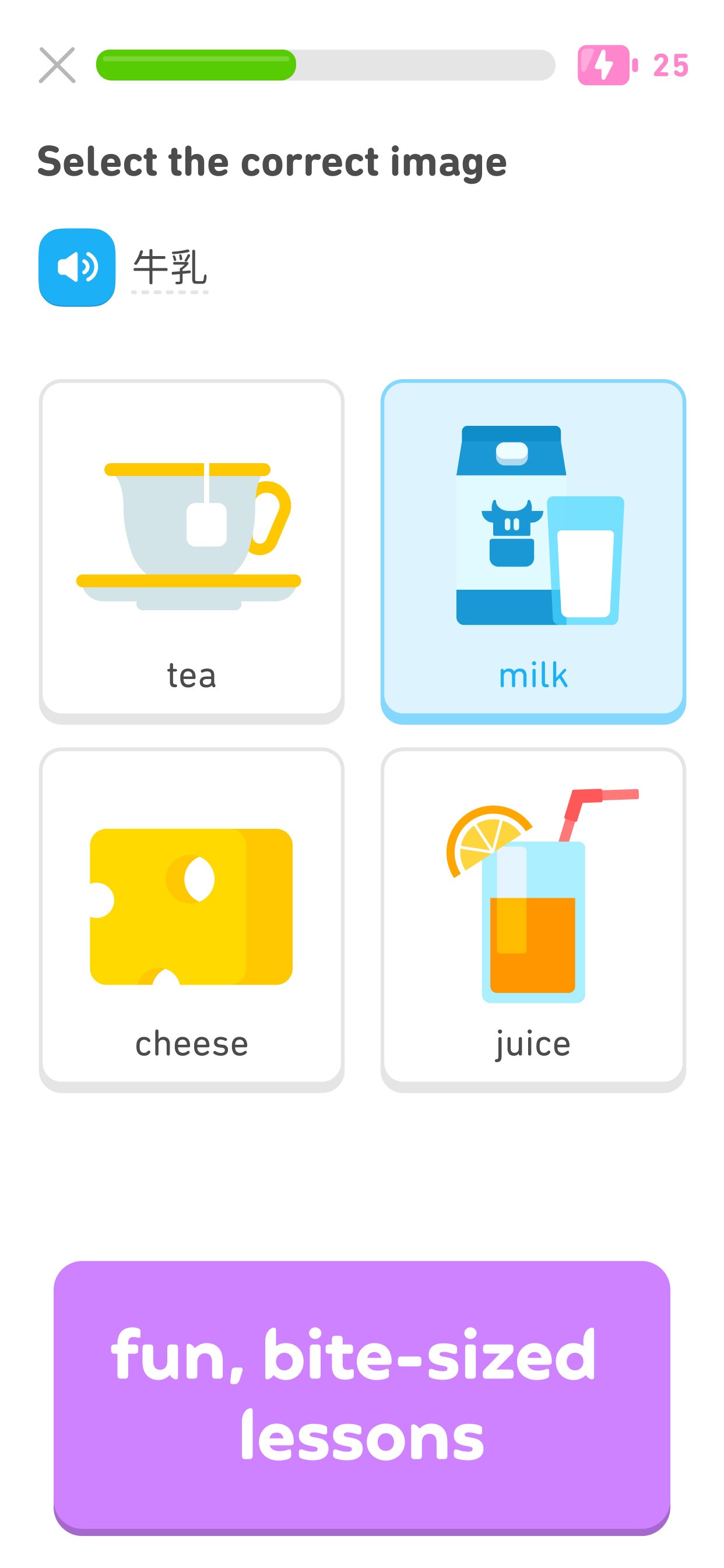

Duolingo is a free language learning platform available on iOS, Android, and the web. It offers lessons in over 40 languages through interactive, bite-sized exercises that focus on speaking, reading, listening, and writing skills. Designed for learners of all ages, Duolingo aims to make language acquisition accessible and engaging, helping users prepare for real-life conversations in various langu - Offers courses in over 40 languages, including Spanish, French, German, and Japanese. - Provides bite-sized lessons focusing on speaking, reading, listening, and writing skills. - Includes additional subjects such as Math, Music, and Chess. - Features a progress tracking system with achievements and leaderboards. - Suitable for learners of all ages and backgrounds, enhancing language skills for various purposes. Duolingo offers a comprehensive platform for learning over 40 languages, along with courses in Math, Music, and Chess. Its bite-sized lessons are designed to enhance vocabulary and grammar skills through interactive exercises. The app is free to use, making it accessible for learners of all ages.