Raycast's iPhone keyboard now dictates in place, sidestepping an iOS limit
Raycast 1.5.5 lets its iPhone keyboard take dictation without jumping to the app, which Apple's rules long blocked.
Apps · Macfolio · 23 November 2026
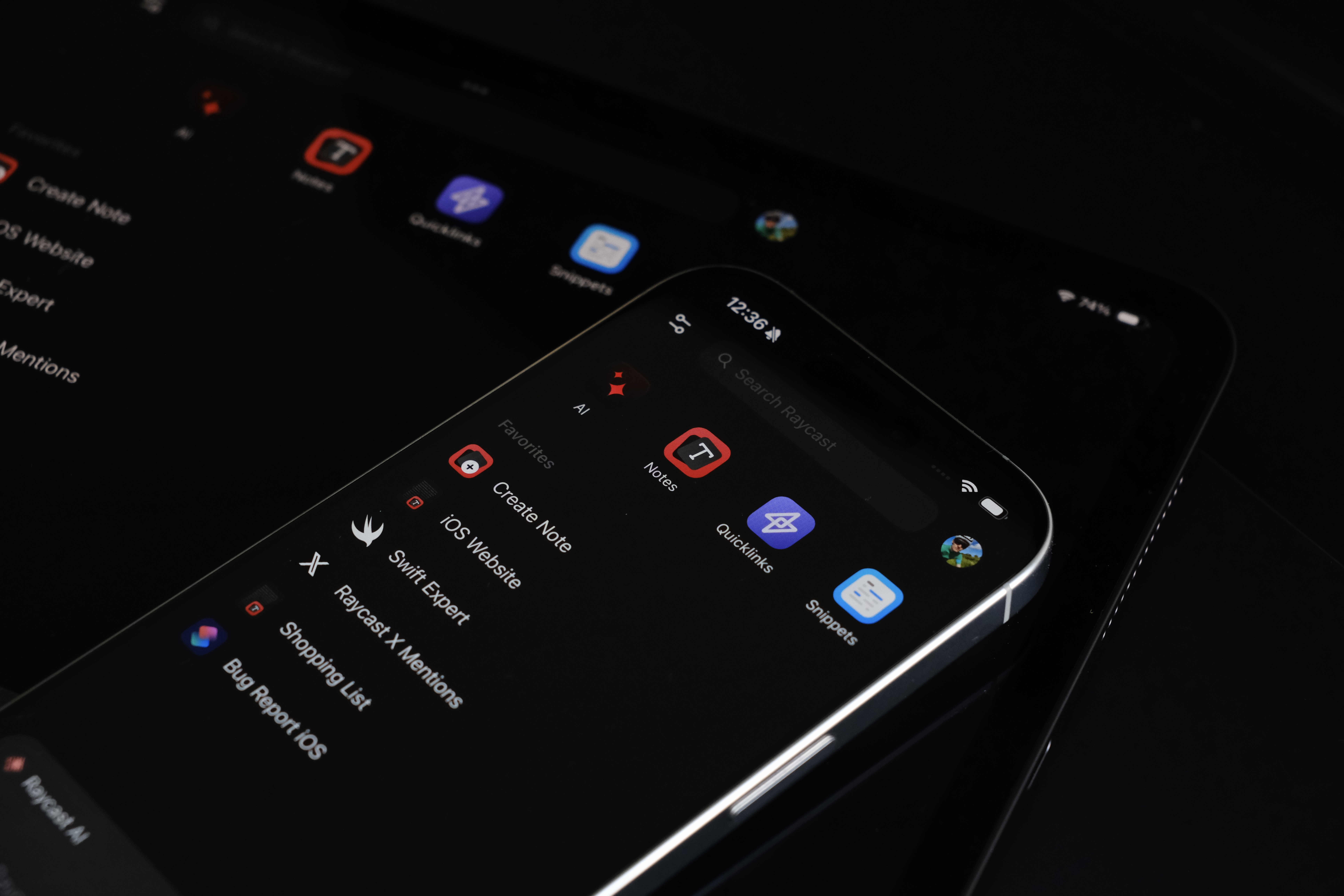
Raycast released version 1.5.5 of its iPhone app on November 19, 2026, and its custom keyboard can now take dictation directly. Tap the microphone and start talking, and the text lands in the field you are typing in, with no trip to the Raycast app and back.
Why this was hard
Apple's developer guide for custom keyboards states that keyboard extensions have no access to the device microphone, so dictation input is not possible. Third-party voice keyboards have worked around this by opening their main app to record, then sending you back to where you were typing. That round trip is the most common complaint about them on iPhone.
Raycast has not explained how its keyboard now records. An independent developer has suggested publicly that it uses a small embedded web view and WebKit's microphone access, which runs in a separate process. That is an outside theory, not something Raycast or Apple has confirmed.
What else is in 1.5.5
- Six more keyboard languages: Spanish, French, Italian, Dutch, Danish, and Portuguese (Portugal and Brazil)
- A rebuilt AI Chat with faster, smoother streaming
- Contact names as typing suggestions, plus AI Chat fixes on iPhone Duo
The App Store listing for 1.5.5 only says "Bug fixes & Improvements"; the details come from Raycast's changelog. Raycast's iOS page marks some AI features as requiring Raycast Pro, so check your plan. Custom keyboards that send text to online services also need Full Access turned on in Settings, so know what you are granting before you switch.
This does not mean Apple has opened the microphone to keyboard extensions. No new API has been announced, and Apple could close the path in a future iOS update.
Our take: In-place dictation is what makes a voice keyboard practical for work on iPhone, so this is a real improvement. But a feature built on an undocumented path is a shaky thing to depend on. Use it, and keep the system dictation key as a fallback.
Caveats: reports say other dictation keyboards shipped similar updates, but their App Store release notes do not mention it, so we have not confirmed them.