Ardia Browser Review: Is It Safe? Pricing, Sidebar, vs Dia | Macfolio
Ardia Browser Review (2026): Pricing, Sidebar and Dia vs Ardia
Ardia is a free, open-source Mac browser with Arc's sidebar and no AI. We cover pricing, the sidebar, Arc import, safety, and Ardia vs Dia, Crest and Zen.
Created November 16, 2026Updated November 23, 2026
Ardia is a free, open-source Mac browser that copies Arc's sidebar on top of Chromium. We looked at its pricing, sidebar, Arc import, privacy, and platforms, and compared it with Dia, Crest, and Zen.
Verdict: Ardia is the closest free copy of Arc's sidebar right now, and it is a good choice if you want Arc without AI. It is a young, fast-moving project, it needs an Apple silicon Mac, and its Windows, Linux, and iPhone builds are still early.
Ardia at a glance (checked November 16, 2026):
Ardia
Price
Free. No paid tier
License
Open source, GPL-3.0
Engine
Chromium (157.0.8103.50 in Ardia's own benchmarks), with uBlock Origin built in
Mac
Apple silicon, macOS 14 Sonoma or later, notarized by Apple
Shotbase is a comprehensive tool designed to capture and manage all your screen-based content effortlessly. With features like stunning screenshot capabilities, recording options that include cinematic effects, and an intuitive organizational structure powered by local AI, you can easily keep your multimedia assets organized and accessible. Shotbase not only allows you to capture specific areas, windows, or full screens on your Mac but also enables you to edit and enhance your captures with backgrounds, frames, and annotations. The integrated AI ensures your captures are automatically named and tagged for easy searching, making it an excellent choice for anyone looking to enhance their productivity and creativity in one seamless workspace.
SoftwareCreativemacOS
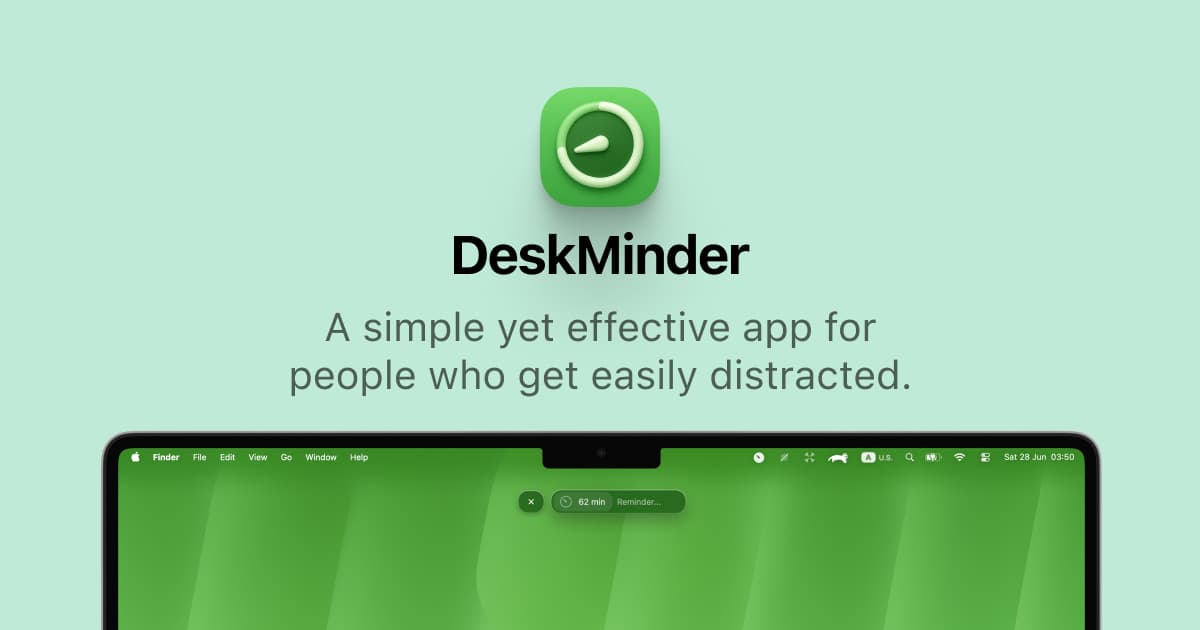
DeskMinder
For Easily Distracted Minds
Freemium
DeskMinder is a productivity software application designed for Mac users who struggle with distractions. It provides a straightforward interface for creating desktop pop-up reminders and tasks, helping users manage urgent to-dos, short breaks, and fleeting ideas. With features like full-screen notifications and Apple Reminders integration, DeskMinder aims to enhance focus and time management for i
- With features like easy-to-create desktop pop-ups for reminders and tasks, it simplifies the process of staying on top of urgent to-dos, short breaks, or fleeting ideas.
- Users can benefit from full-screen notifications, Apple Reminders integration, and flexible widget placement, making it ideal for anyone requiring a little extra help to maintain focus.
- The app includes additional shortcuts for quick reminder setups and customizable widget options, along with a history tracking feature to monitor daily progress.
Designed specifically for Mac users, DeskMinder aims to facilitate better time management and productivity for those with attention challenges, providing a seamless user experience without unnecessary complexity.
SoftwareProductivitymacOS
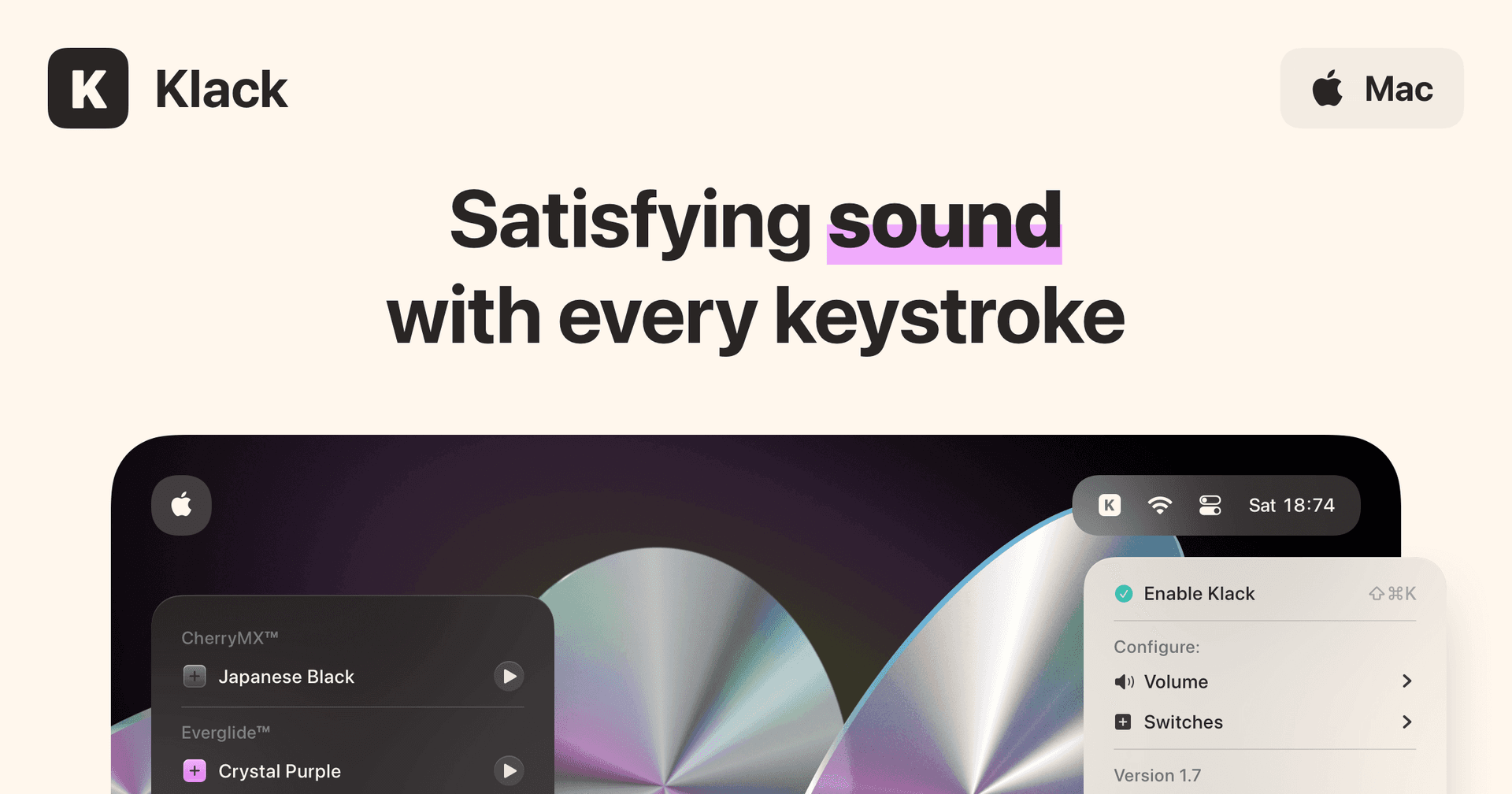
Klack
Satisfying sound with every keystroke
Paid
Klack is a macOS application designed to enhance the typing experience through high-fidelity sound for each keystroke. It provides features such as immersive spatial audio, instant feedback, and customizable sound options, making it suitable for writers, developers, and anyone who values an engaging typing environment. The app is easily accessible from the menubar and offers extensive configuratio
- Provides immersive spatial audio for enhanced typing feedback.
- Allows customization of keystroke sounds, pitch variations, and volume settings.
- Features a menubar interface for quick access to configuration options.
- Supports instant feedback with each keystroke for a more engaging experience.
- Designed for writers and developers seeking auditory feedback while typing.
Klack enhances the typing experience on Mac by providing high-fidelity sound for each keystroke.
SoftwaremacOS
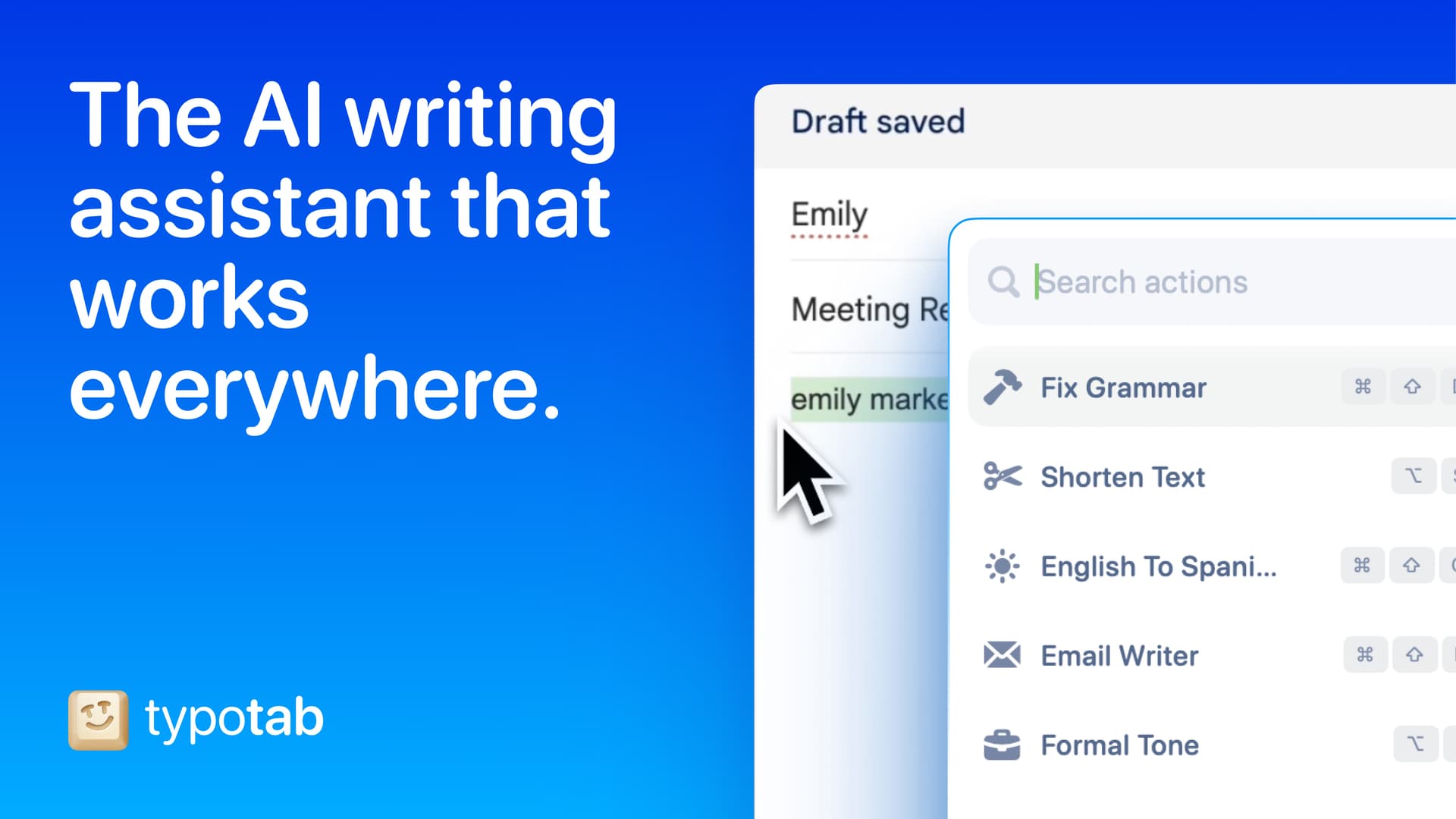
TypoTab
TypoTab, the ultimate AI writing assistant for
Paid
TypoTab is a macOS application that functions as an AI-driven writing assistant. It enhances writing efficiency by providing tools for grammar correction, text rephrasing, and content generation, all accessible from the menu bar without needing to switch applications. This tool is designed for writers, students, and professionals looking to streamline their writing process and improve productivity
- Provides grammar correction and text rephrasing directly from the menu bar.
- Allows text refinement in any application without switching contexts.
- Offers customizable actions to meet individual writing needs.
- Streamlines repetitive writing tasks for improved efficiency.
- Supports a wide range of applications, enhancing workflow across platforms.
TypoTab is a macOS application that enhances writing efficiency by providing grammar correction, text rephrasing, and content generation directly from the menu bar. It allows users to refine text in any application without switching contexts, offering customizable actions to suit individual writing needs.
SoftwareProductivitymacOS
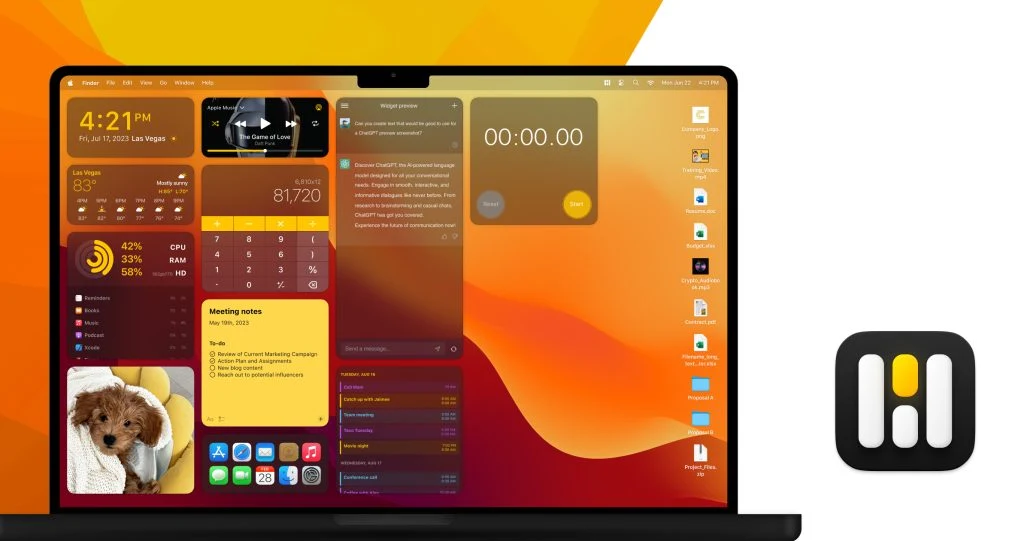
WidgetWall
Desktop widgets for Mac, from clocks and calendars to photos, music and a Pomodoro timer.
Freemium
WidgetWall puts customizable widgets on your Mac desktop, behind your windows.
- Free widgets plus premium widgets such as a MacBook battery widget, browser, photo and video widgets.
- Liquid Glass material, widget corners and shadow options.
- Full support for macOS 27, per its App Store release notes.
- Available on the Mac App Store and Setapp.
WidgetWall is free with in-app purchases: $1.99 a month, $19.99 a year, or a lifetime unlock listed at $39.99 to $49.99.
SoftwareUtilitiesmacOS
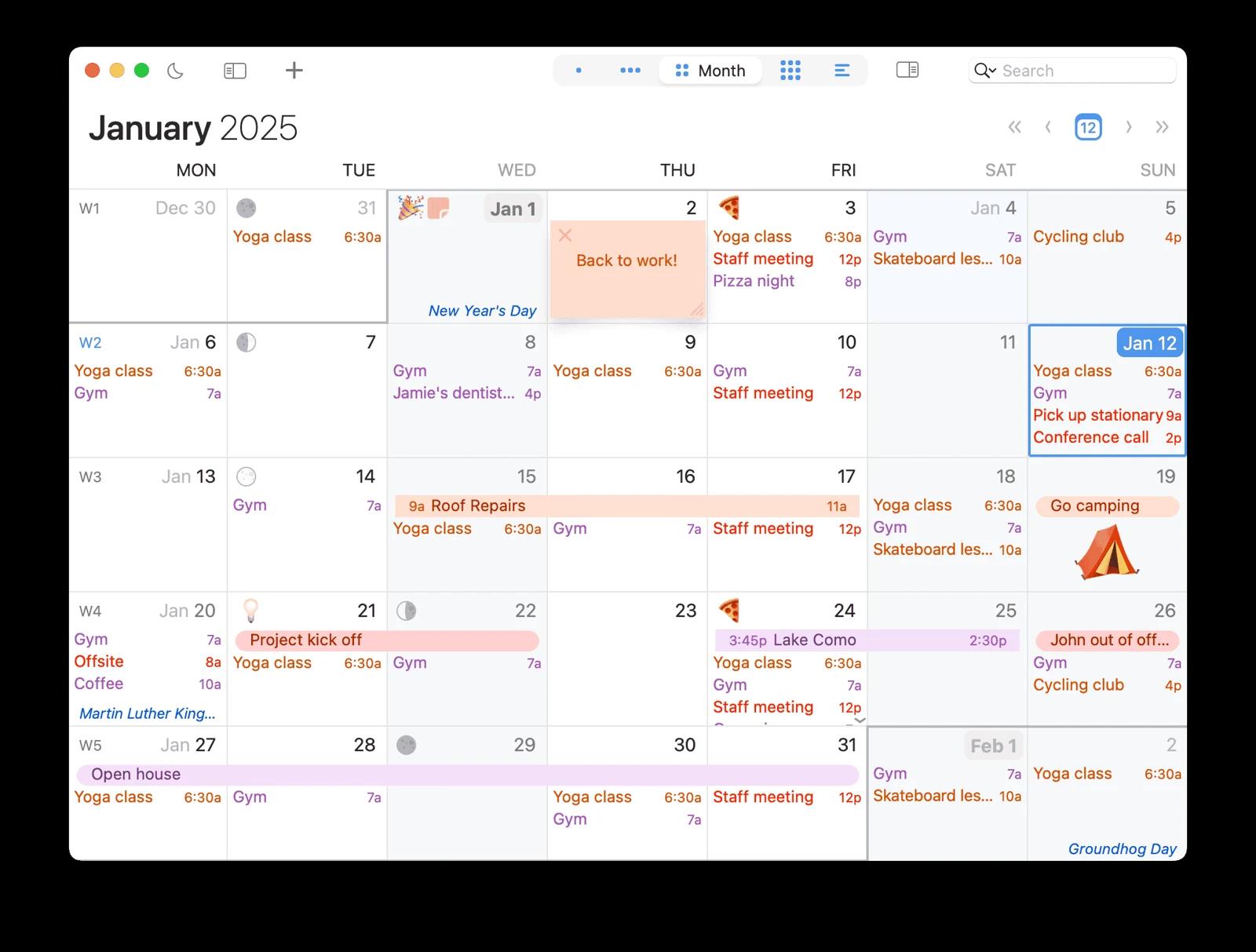
BusyCal
A powerful Mac calendar with tasks, a year planner, sticky notes and booking pages.
Paid
BusyCal is a calendar app for Mac and iPhone by BusyMac.
- Day, Week, Month, Year Planner and List views, with adjustable fonts, colors and density.
- Tasks, sticky notes and a menu bar mini calendar.
- Booking pages for meetings, and smart suggestions from past events.
- Works with iCloud, Google, Exchange and CalDAV calendars.
- Available on Setapp.
BusyCal is $49.99, with a 14-day free trial.
SoftwareProductivityiOS & macOS
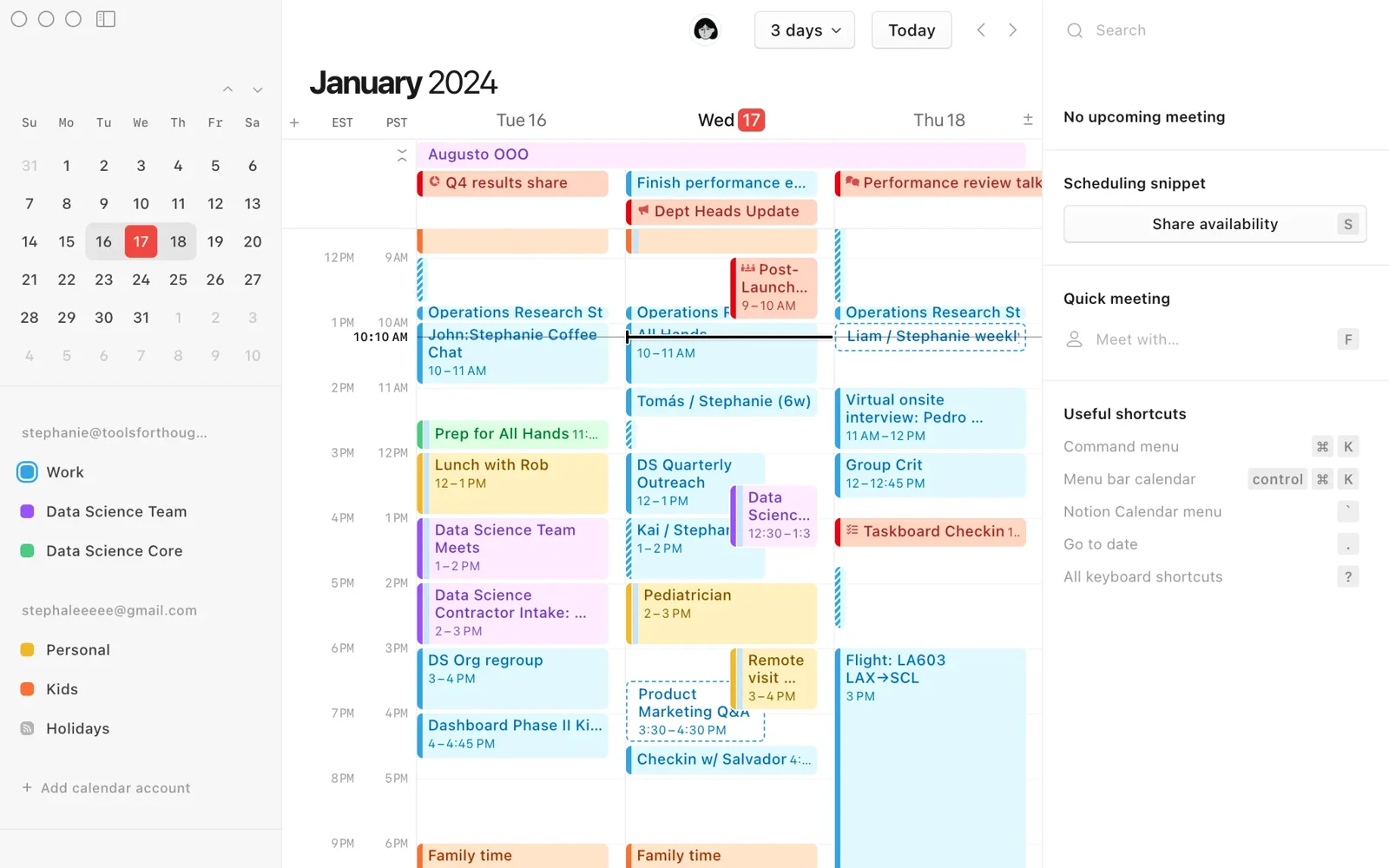
Notion Calendar
A free calendar for Mac that connects Google Calendar to your Notion workspace.
Free
Notion Calendar (formerly Cron) is a free calendar app for Mac, Windows, iPhone and Android.
- Works with Google Calendar accounts, with Notion databases and docs linked to events.
- A command menu, keyboard shortcuts and a menu bar view of upcoming meetings.
- Time zones, scheduling links and availability sharing.
- One-click join for video calls.
Notion Calendar is free.
SoftwareProductivityiOS & macOS
Amie
A calendar, to-do and meeting notes app that records meetings without a bot.
Paid
Amie combines a calendar, to-dos and AI meeting notes in one app for Mac and iPhone.
- Calendar and tasks in one view.
- Bot-free meeting recordings with AI notes.
- Works with Google Calendar.
- A 7-day free trial.
Amie's paid plans were listed at $20 and $40 per user a month in November 2026, with 20% off yearly billing.
SoftwareProductivityiOS & macOS
Grammarly
The best-known grammar checker and AI writing assistant, with a Mac app that works across apps.
Freemium
Grammarly checks spelling, grammar, tone and clarity as you write, in a desktop app for Mac, a browser extension and apps for iPhone and iPad.
- Free plan with spelling and grammar fixes, tone detection and 100 AI prompts a month.
- Pro adds full-sentence rewrites, tone adjustments, plagiarism and AI text detection, and 2,000 AI prompts a month.
- Works in most Mac apps through the Grammarly desktop app.
- Writing is processed in Grammarly's cloud, so it needs an internet connection.
Grammarly Pro is listed at $12 a month billed yearly ($144 a year). Grammarly is part of Superhuman.
SoftwareProductivitymacOS & iOS & iPadOS
Arc import
Spaces, pinned tabs, folders, favorites, themes, bookmarks, history, passwords, cookies
AI
None, on purpose
How much does Ardia cost?
Nothing. Ardia's site says it is open source under GPL-3.0, with "No paid tier, no catch." There is no account and no subscription.
That is the biggest difference from Dia. Dia's browser is free, but its AI plans cost $10 a month (Better Answers) or $100 a month (Better Days).
What is Ardia?
Ardia describes itself as "Arc's sidebar and Dia's polish on real Chromium." It is made for people who liked Arc's vertical sidebar and do not want an AI browser.
Arc stops opening on December 22, 2026, so Ardia also has a dedicated Moving from Arc page. The source code is on GitHub, where the main ardia-browser/ardia repository had about 2,400 stars when we checked.
ArdiaArc-style sidebar browser on real ChromiumVisit WebsiteArdia is a free, open-source Mac browser that recreates Arc's sidebar on current Chromium. It imports Arc spaces, pinned tabs, and themes, and builds in the full uBlock Origin.
- Vertical sidebar with pinned tabs, folders, and swipeable profiles.
- One-click import from Arc, Dia, Chrome, Safari, Firefox, and more.
- Split view with up to three panes.
- Little Ardia quick window and picture-in-picture video.
- Full uBlock Origin built in, with iCloud-based encrypted sync.
Ardia suits Arc users who want the same layout without AI, on an actively updated browser.Visit Website
What does the Ardia sidebar look like?
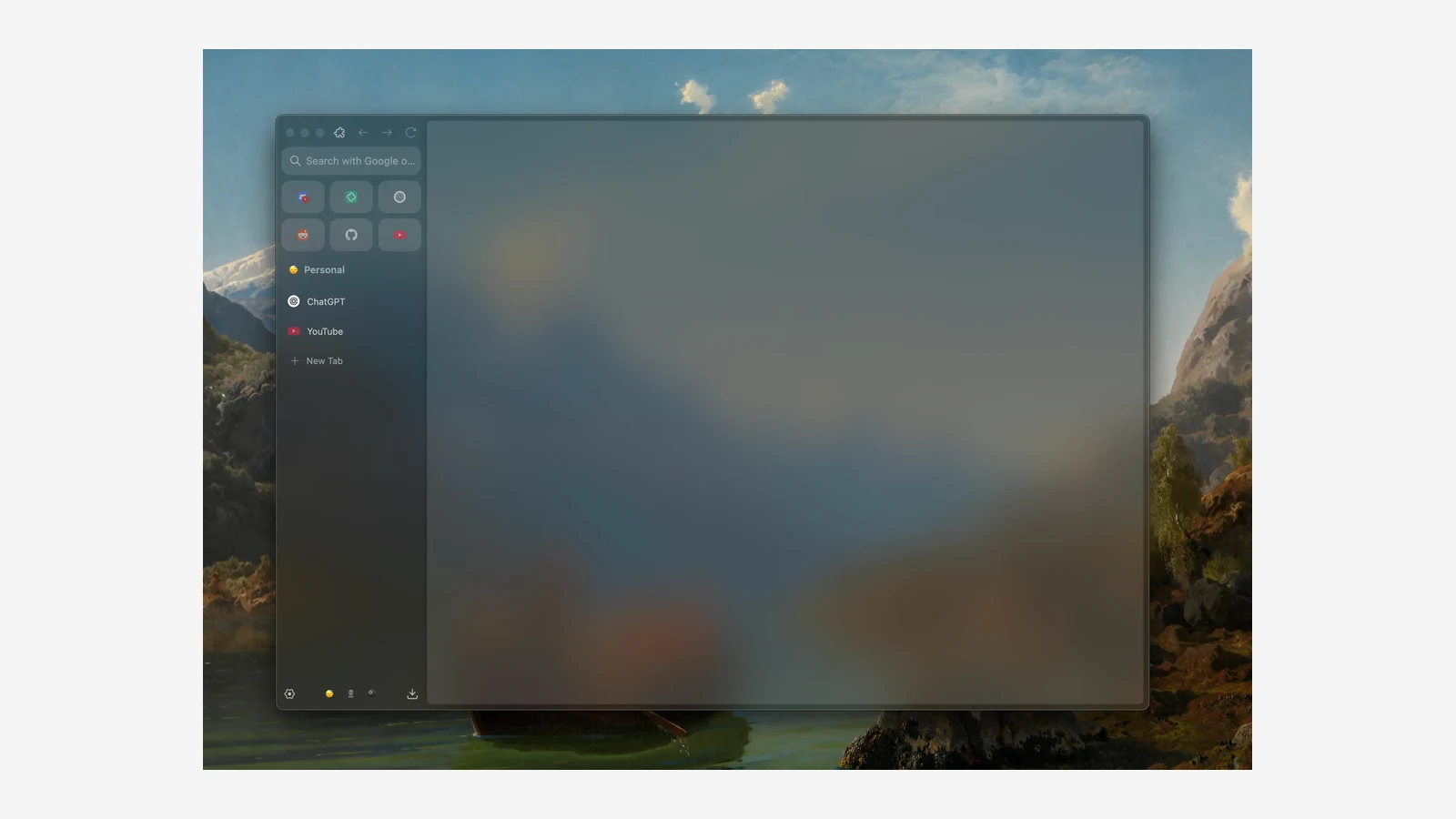
Ardia's sidebar mirrors Arc, with favorites as tiles, pinned tabs, and today's tabs below. Image: Ardia
The sidebar follows Arc's layout. Favorites sit as tiles at the top, pinned tabs and groups come next, and today's tabs sit below. You can hide the sidebar when you want the whole screen.
Arc Spaces become Ardia profiles, and each profile keeps its own theme. Arc's gradient themes, grain included, come across too.
What features does Ardia have?
Split view: up to three pages side by side.
Peek: Shift-click a link to preview it without leaving the page.
Little Ardia: Option-Command-N opens a small window, like Little Arc.
Command bar: Command-T and Command-L open one box for tabs, history, settings, and search.
Themes: Arc-style gradient themes, and you can import a single theme from Arc.
Chrome extensions: sites and extensions work like they do in Chrome.
Ad blocking: uBlock Origin is built in.
CLI for agents: your own Claude Code or Codex can drive Ardia with an ardia browse command. Ardia says nothing in the app calls an AI model.
Ardia's site says it ships most weeks, and its release notes list what changed.
How do you import from Arc to Ardia?
1. Download Ardia and drag it into Applications. 2. Keep Arc installed. In Ardia, choose Ardia > Import from Another Browser and pick Arc. 3. Pick the spaces to bring over. macOS asks once to unlock Arc's saved passwords. 4. Make Ardia your default browser in Settings > General.
What comes over: Spaces (each becomes a profile), pinned tabs with their names, pinned folders (nested folders stay nested), favorites, open tabs in an "Imported" group, and bookmarks, history, passwords, and cookies in the first profile.
What does not: extensions are listed after the import so you can add them again from the Chrome Web Store. There are no Boosts or Easels.
Import before December 22. After that, Arc stops opening and there is nothing left to import from.
Is Ardia browser safe?
Ardia is open source under GPL-3.0, so anyone can read its code. The Mac app is notarized by Apple, and it is built on Chromium with uBlock Origin.
On privacy, Ardia says the app sends one anonymous "opened today" count a day, with its version and the macOS version and no persistent ID. Update checks are counted by version and day. Crash reports and other counts are only sent if you tick the box, and Ardia says it never sends your sites or searches.
The caveat is age. Ardia is a young project at version 0.2, and it does not claim an independent security audit. The Windows build is a nightly that is not signed yet.
Is Ardia available on Windows, Linux, and iPhone?
Mac: yes, on Apple silicon with macOS 14 Sonoma or later. Intel Macs are not supported.
Windows: a nightly build for x64 and Arm. It is not signed yet, so Windows asks before it runs.
Linux: a nightly for x86-64, on Wayland or X11.
iPhone: a beta on TestFlight.
Is Ardia fast?
Ardia publishes its own benchmarks against Dia and Helium. In them, Ardia's cold launch to a window on screen is 278 ms, against 1,811 ms for Dia and 450 ms for Helium. These are the developer's numbers, measured on its own setup, so treat them as a guide.
Ardia vs Dia: which should you use?
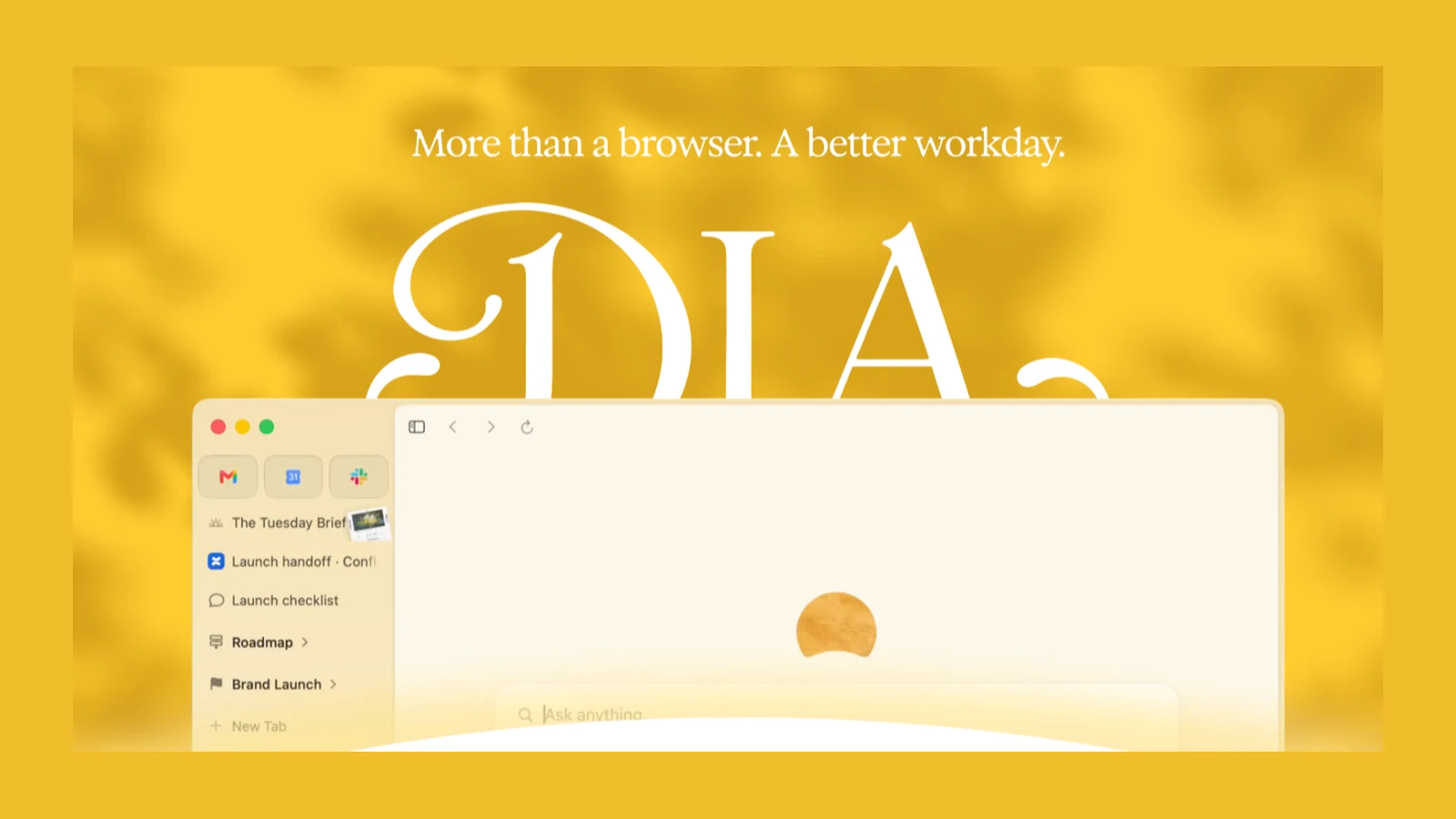
Dia is the official Arc successor, built around AI. Image: The Browser Company
Ardia
Dia
Price
Free
Free, AI plans $10 or $100 a month
AI
None
Built in
Open source
Yes, GPL-3.0
No
Platforms
Mac (Apple silicon), Windows and Linux nightlies, iPhone beta
Mac and Windows
Arc import
Yes
Yes
Free trial
Not needed
14-day Better Days trial, no card
Dia is made by The Browser Company, the team behind Arc. Its free plan includes profiles, tab groups, split view, picture in picture, an ad and tracking blocker, and sync. The paid plans add the Morning Brief and an assistant that can find, summarize, and draft for you.
Ardia's own page puts it simply: Dia is built around AI and runs on Windows too, while Ardia keeps Arc's sidebar and leaves the AI out.
Pick Ardia if you want Arc's sidebar with no AI and no company account. Pick Dia if you want AI in your browser or need a stable Windows app. Read our full Dia browser review.
DiaBrowser built for focused workVisit WebsiteDia is a Mac browser from The Browser Company built for focused, productive work. It organizes browsing around tasks instead of endless tabs and keeps context visible while you research and create.
- Organizes browsing around tasks instead of traditional tab sprawl.
- Keeps research and writing context visible while you work.
- Designed for a calmer, more intentional day-to-day browsing flow.
- Built for knowledge work like writing, planning, and deep research.
- A native Mac browser focused on getting your best work done.
Dia is tailored for users engaged in knowledge work, such as writing and research. By prioritizing task organization and maintaining contextual visibility, it aims to enhance productivity and reduce distractions.Visit Website
Ardia vs Crest
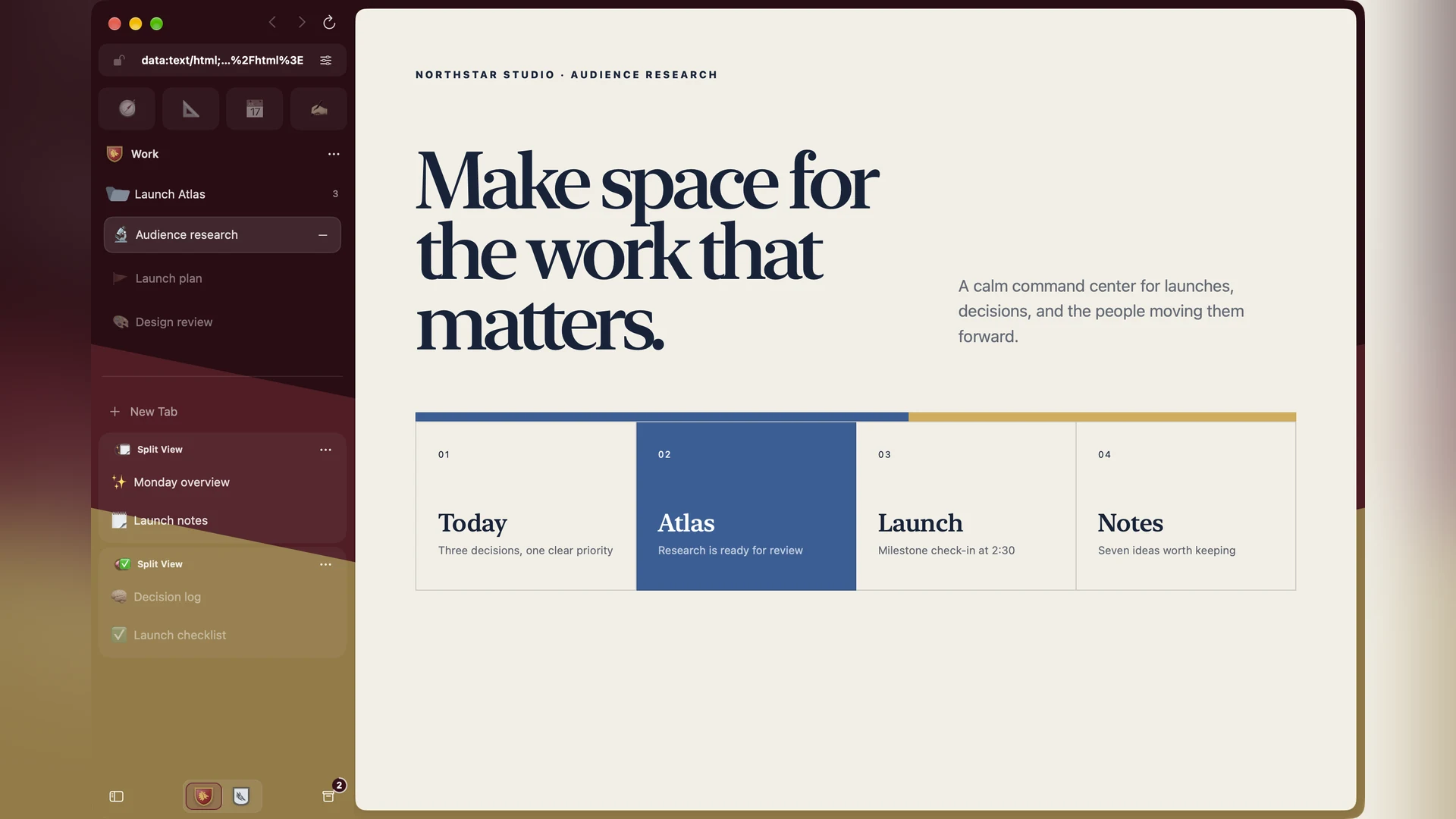
Crest keeps Arc's Spaces and adds a Space picker. Image: Crest
Crest is another free, open-source Arc alternative, under MPL 2.0. It runs Chromium with WebKit per site, syncs Spaces through iCloud, and has iPhone and iPad apps. It imports from Arc, Zen, Chrome, Safari, and Firefox.
Pick Ardia if you want the closest copy of Arc's look. Pick Crest if you want Spaces with separate cookies and passwords, iCloud sync, and finished iPhone and iPad apps.
CrestFree Arc-style browser with Spaces and Split ViewVisit WebsiteCrest is a free, open-source browser built for people leaving Arc. It brings Spaces, a vertical sidebar, Peek, and Split View to Apple silicon Macs, with iPad and iPhone apps too.
- Vertical sidebar with pinned sites, nested folders, saved tabs, and Spaces you can dock left or right.
- One-step import of Arc Spaces, tabs, folders, colors, icons, and passwords, plus Zen, Chrome, Safari, and Firefox.
- Peek previews, Split View with 2 to 4 panes, and a Quick Window like Little Arc.
- Chromium by default with WebKit per site, content blocking, and iCloud sync.
- Early access and not independently security audited.
Crest suits Arc users who want the same workflow on a free, open-source browser, and can live without Boosts.Visit Website
Ardia vs Zen
Zen is a Firefox-based browser with Arc-style Workspaces. Image: Zen Browser
Zen Browser is a free, open-source browser built on Firefox, for macOS, Windows, and Linux. It has Workspaces, Compact Mode, Glance link previews, Split View, and Zen Mods.
Pick Ardia if you need Chrome extensions and a one-step Arc import. Pick Zen if you prefer Firefox's engine, want a stable Windows or Linux app, or want deep customization.
Zen BrowserCalm, open-source browser with vertical tabsVisit WebsiteZen is a free, open-source browser based on Firefox, built around a vertical tab sidebar, workspaces, and split view. It is the closest open-source match to Arc's layout.
- Vertical tabs with pinned Essentials and Workspaces.
- Split view for up to four tabs side by side.
- Compact mode hides the toolbar for a clean window.
- Glance opens links in a quick preview.
- Supports Firefox add-ons and Mozilla privacy features.
Zen suits people who loved Arc's sidebar and want an open-source, community-built browser.Visit Website
Ardia pros and cons
Pros:
Free and open source, with no paid tier.
The closest copy of Arc's sidebar, themes, Peek, and Little Arc.
Imports Arc spaces, pins, folders, passwords, and cookies.
No AI, and a short, clear privacy statement.
Cons:
A young project at version 0.2.
Mac app needs Apple silicon and macOS 14 or later.
Windows, Linux, and iPhone versions are still nightlies or a beta.
No Boosts or Easels.
Who should use Ardia?
Use Ardia if you are leaving Arc, you are on an Apple silicon Mac, and you want the same sidebar without AI. If you want more choices, see our full list of the best Arc browser alternatives, including Yab, Crest, Dia, and Zen.
FAQ
Is Ardia browser free?
Yes. Ardia is free and open source under GPL-3.0, with no paid tier.
Is Ardia browser safe to use?
It is open source, notarized by Apple on Mac, and built on Chromium with uBlock Origin. It sends an anonymous daily "opened today" count and nothing else unless you opt in. It is also young and has no published independent audit.
Is Ardia made by The Browser Company?
No. Ardia says it is not affiliated with Google or The Browser Company.
Does Ardia work on Windows?
There is a nightly Windows build for x64 and Arm. It is not signed yet, so expect rough edges.
Is there an Ardia app for iPhone?
Yes, as a beta on TestFlight.
Can Ardia import my Arc Spaces?
Yes. Each Arc Space becomes an Ardia profile with its name, color, and theme. Pinned tabs, folders, and favorites come too.
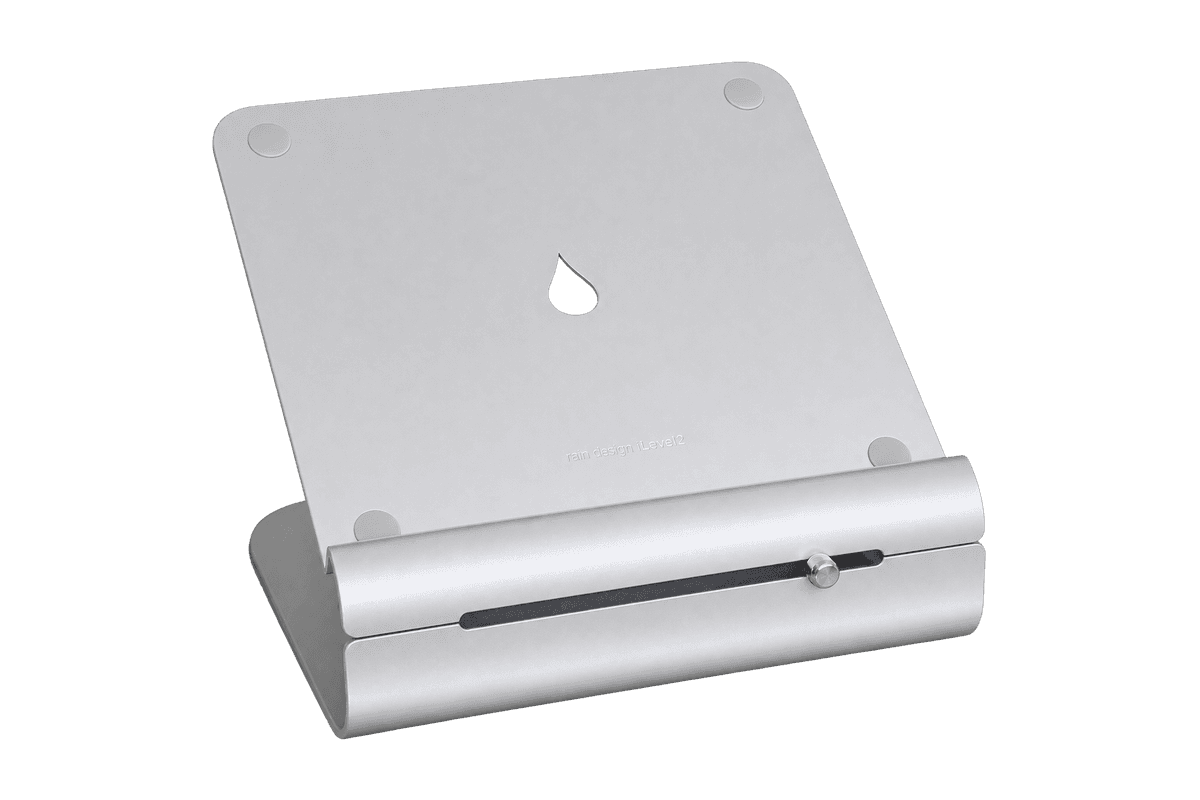
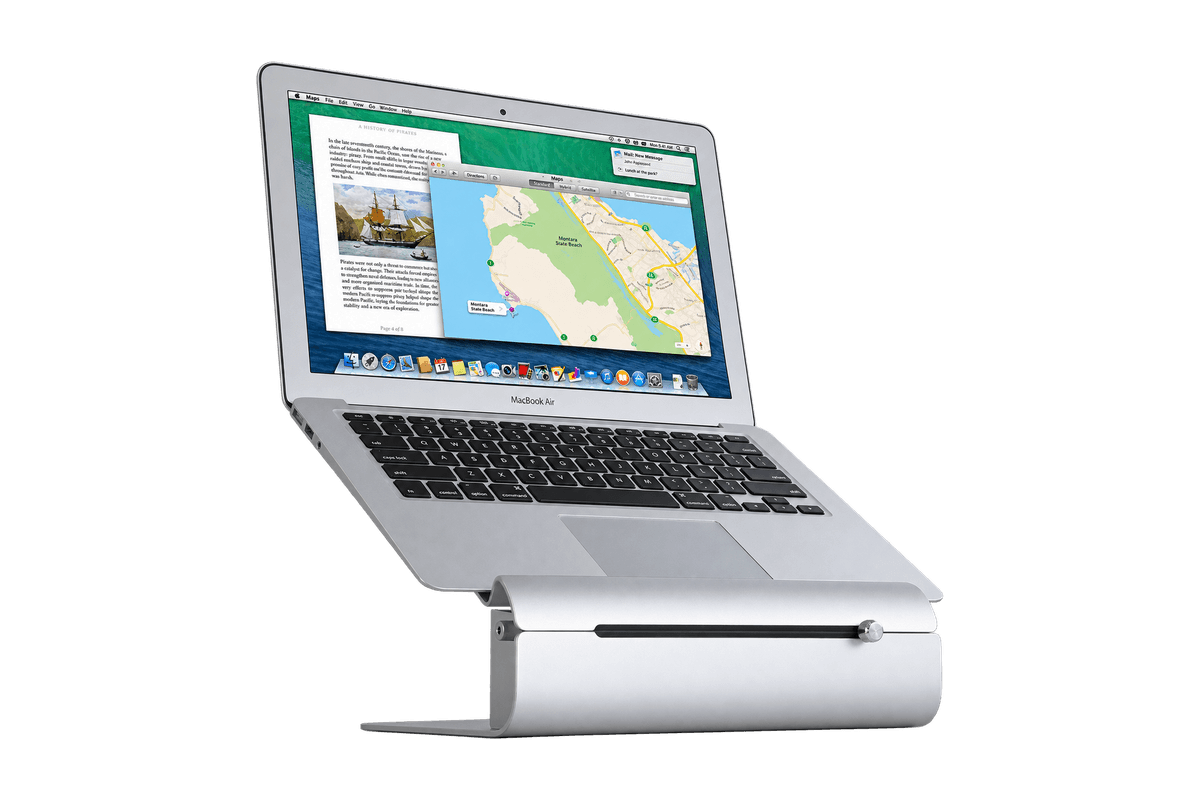
A silver aluminum MacBook stand with a front slider for adjusting screen height.
WorkspaceDesk Setup
Voyage 2-in-1 Magnetic Wireless Charger
A folding Qi2 travel charger for an iPhone and Apple Watch, with a pocket-sized closed form.
HardwarePoweriOS
WidgetWall
Desktop widgets for Mac, from clocks and calendars to photos, music and a Pomodoro timer.
Freemium
WidgetWall puts customizable widgets on your Mac desktop, behind your windows.
- Free widgets plus premium widgets such as a MacBook battery widget, browser, photo and video widgets.
- Liquid Glass material, widget corners and shadow options.
- Full support for macOS 27, per its App Store release notes.
- Available on the Mac App Store and Setapp.
WidgetWall is free with in-app purchases: $1.99 a month, $19.99 a year, or a lifetime unlock listed at $39.99 to $49.99.
SoftwareUtilitiesmacOS
BusyCal
A powerful Mac calendar with tasks, a year planner, sticky notes and booking pages.
Paid
BusyCal is a calendar app for Mac and iPhone by BusyMac.
- Day, Week, Month, Year Planner and List views, with adjustable fonts, colors and density.
- Tasks, sticky notes and a menu bar mini calendar.
- Booking pages for meetings, and smart suggestions from past events.
- Works with iCloud, Google, Exchange and CalDAV calendars.
- Available on Setapp.
BusyCal is $49.99, with a 14-day free trial.
SoftwareProductivityiOS & macOS
Notion Calendar
A free calendar for Mac that connects Google Calendar to your Notion workspace.
Free
Notion Calendar (formerly Cron) is a free calendar app for Mac, Windows, iPhone and Android.
- Works with Google Calendar accounts, with Notion databases and docs linked to events.
- A command menu, keyboard shortcuts and a menu bar view of upcoming meetings.
- Time zones, scheduling links and availability sharing.
- One-click join for video calls.
Notion Calendar is free.
SoftwareProductivityiOS & macOS
Amie
A calendar, to-do and meeting notes app that records meetings without a bot.
Paid
Amie combines a calendar, to-dos and AI meeting notes in one app for Mac and iPhone.
- Calendar and tasks in one view.
- Bot-free meeting recordings with AI notes.
- Works with Google Calendar.
- A 7-day free trial.
Amie's paid plans were listed at $20 and $40 per user a month in November 2026, with 20% off yearly billing.
SoftwareProductivityiOS & macOS
Roost V3 Laptop Stand
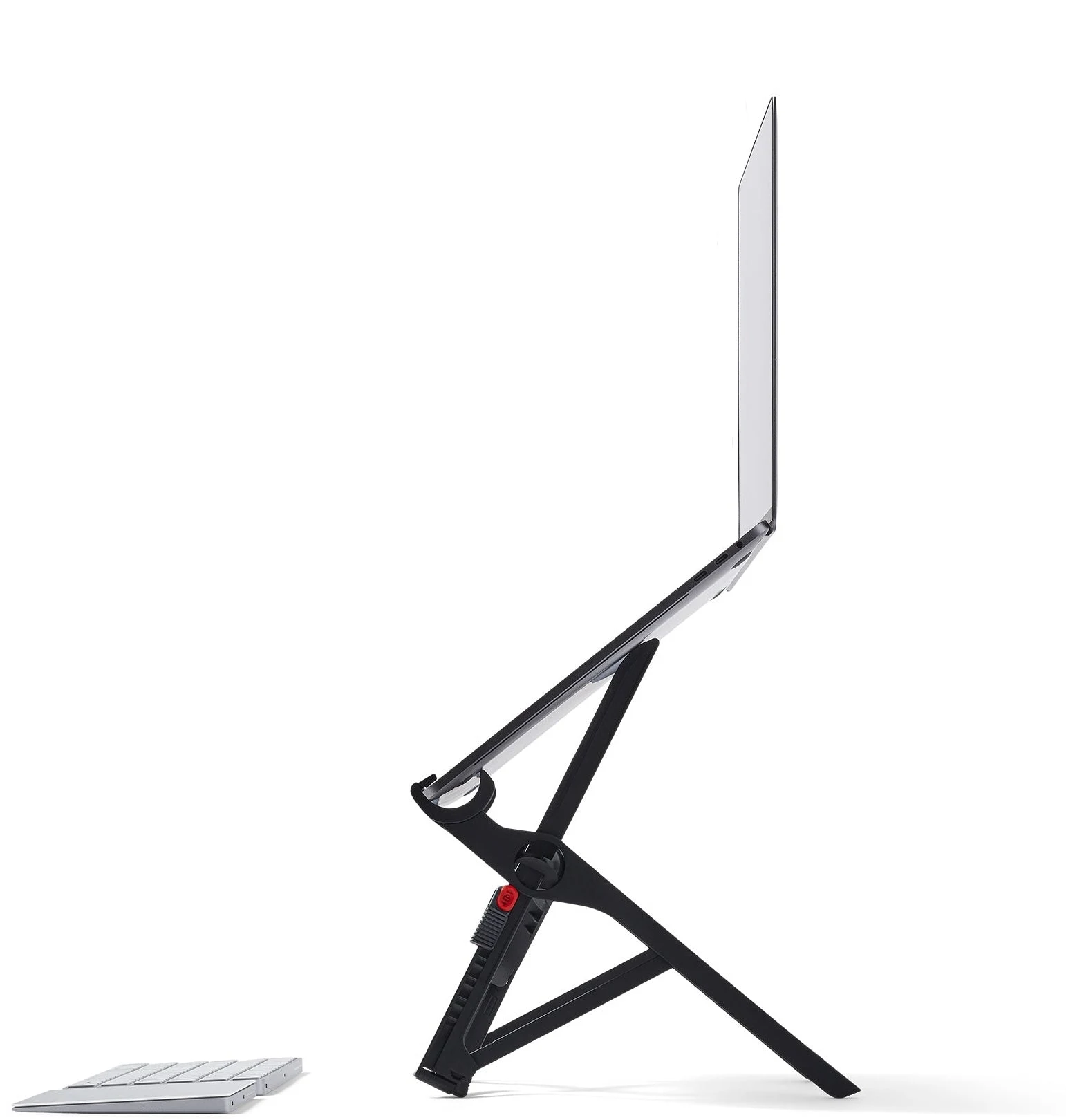
A 6 oz folding laptop stand that raises a MacBook to eye level anywhere.
WorkspaceDesk Setup
Nexstand K2 Laptop Stand
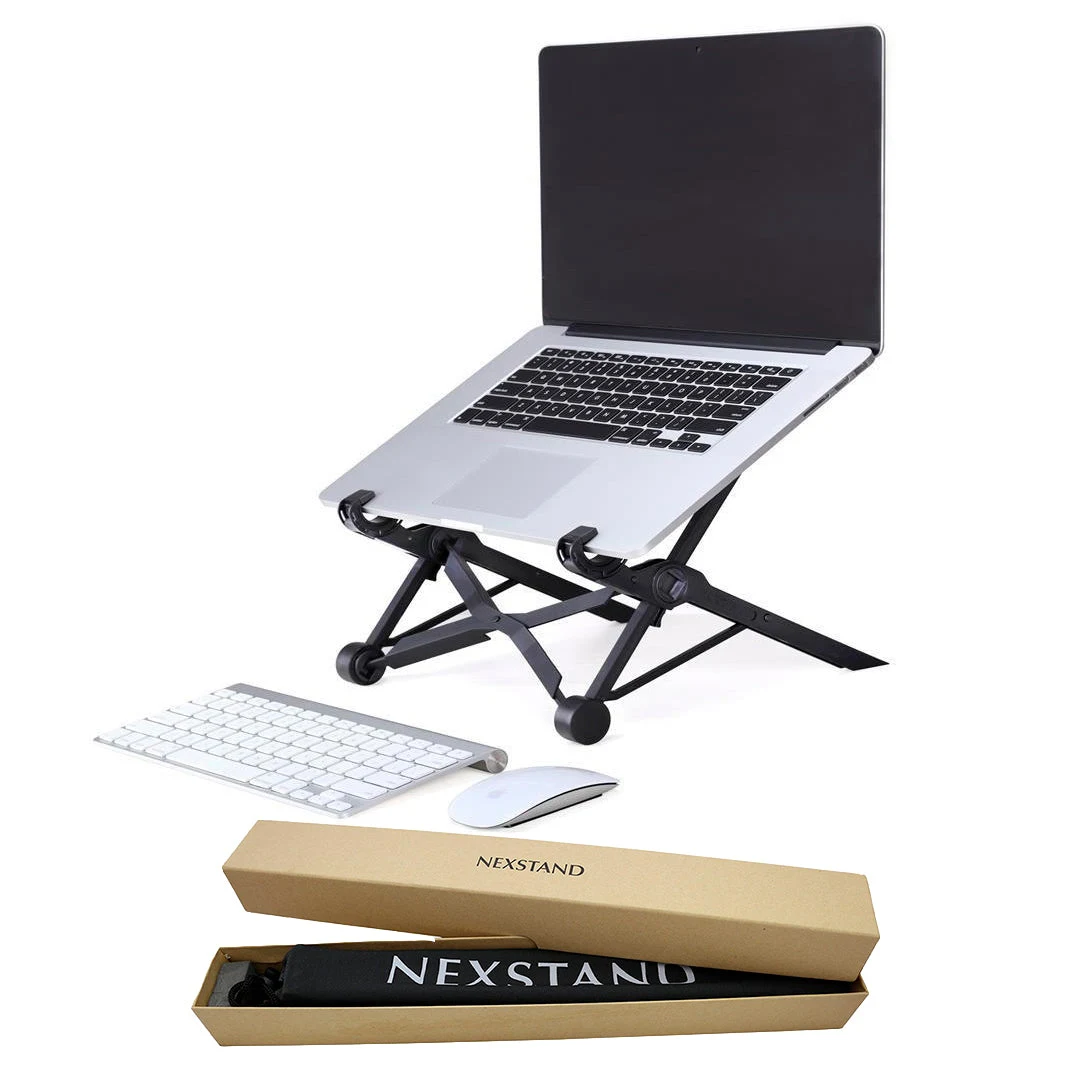
A cheap, folding laptop stand with 8 heights for 10 to 17 inch laptops.
WorkspaceDesk Setup
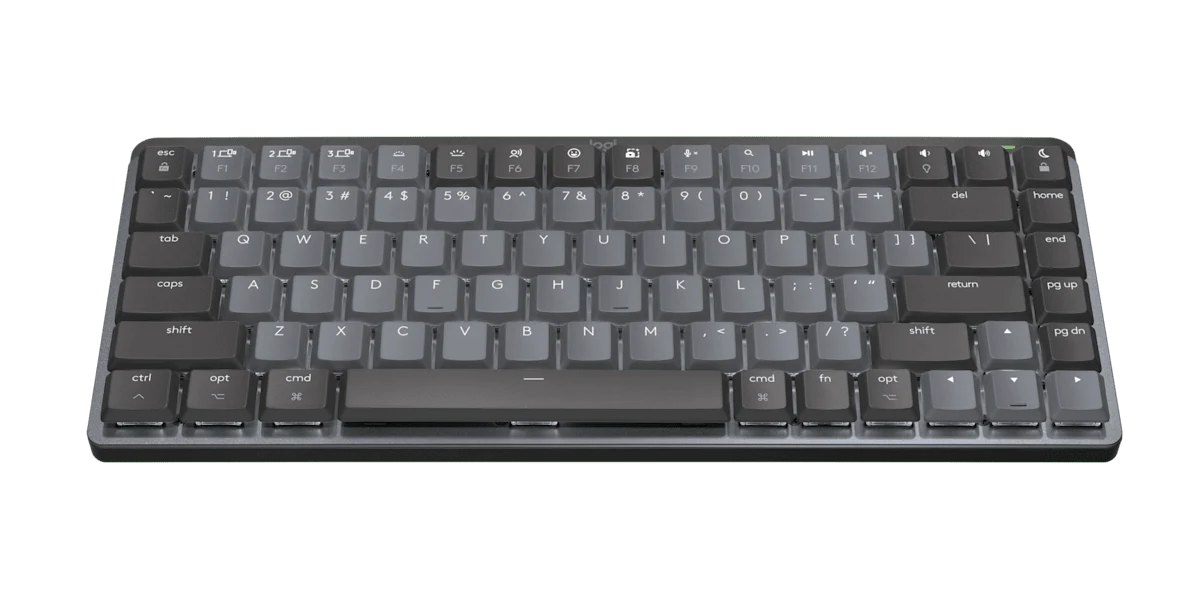
MX Mechanical Mini for Mac
A compact low-profile mechanical keyboard with a Mac layout and Tactile Quiet switches.