Best Arc Browser Alternatives for Mac (Arc Ends Dec 22, 2026) | Macfolio
Best Arc Browser Alternatives for Mac
Arc shuts down on December 22, 2026. Here are the best Arc alternatives for Mac, from Dia, Zen, and Ardia to Orion, Vivaldi, and Brave, plus how to move your tabs.
Arc is shutting down. The Browser Company will sunset Arc on December 22, 2026, and after that date it will stop working on Mac and Windows. If you rely on its sidebar and Spaces, you need a new browser in the next two months.
This guide covers what Arc does, the exact shutdown dates, the six best Arc alternatives for Mac, and how to move your tabs and Spaces. The short answer: Dia is the easiest switch because it imports everything from Arc, and Zen is the best pick if you want an open-source browser that still looks and feels like Arc.
What Arc does and when it shuts down
Arc is a free Chromium-based browser for Mac and Windows. It replaced the tab bar with a vertical sidebar and added ideas that many people now cannot live without.
Sidebar: pinned tabs, folders, and today's tabs live in one vertical column, and unpinned tabs archive themselves automatically.
Spaces: separate sidebars for work, personal, or projects, each with its own theme and optional profile.
Little Arc: a small, temporary window for quick links that you can open into your main window or close.
Boosts: custom CSS and JavaScript tweaks that restyle or change any website.
Split View: two or more tabs side by side or stacked in one window, saved as a single tab in the sidebar.
Shotbase is a comprehensive tool designed to capture and manage all your screen-based content effortlessly. With features like stunning screenshot capabilities, recording options that include cinematic effects, and an intuitive organizational structure powered by local AI, you can easily keep your multimedia assets organized and accessible. Shotbase not only allows you to capture specific areas, windows, or full screens on your Mac but also enables you to edit and enhance your captures with backgrounds, frames, and annotations. The integrated AI ensures your captures are automatically named and tagged for easy searching, making it an excellent choice for anyone looking to enhance their productivity and creativity in one seamless workspace.
SoftwareCreativemacOS
DeskMinder
For Easily Distracted Minds
Freemium
DeskMinder is a productivity software application designed for Mac users who struggle with distractions. It provides a straightforward interface for creating desktop pop-up reminders and tasks, helping users manage urgent to-dos, short breaks, and fleeting ideas. With features like full-screen notifications and Apple Reminders integration, DeskMinder aims to enhance focus and time management for i
- With features like easy-to-create desktop pop-ups for reminders and tasks, it simplifies the process of staying on top of urgent to-dos, short breaks, or fleeting ideas.
- Users can benefit from full-screen notifications, Apple Reminders integration, and flexible widget placement, making it ideal for anyone requiring a little extra help to maintain focus.
- The app includes additional shortcuts for quick reminder setups and customizable widget options, along with a history tracking feature to monitor daily progress.
Designed specifically for Mac users, DeskMinder aims to facilitate better time management and productivity for those with attention challenges, providing a seamless user experience without unnecessary complexity.
SoftwareProductivitymacOS
Klack
Satisfying sound with every keystroke
Paid
Klack is a macOS application designed to enhance the typing experience through high-fidelity sound for each keystroke. It provides features such as immersive spatial audio, instant feedback, and customizable sound options, making it suitable for writers, developers, and anyone who values an engaging typing environment. The app is easily accessible from the menubar and offers extensive configuratio
- Provides immersive spatial audio for enhanced typing feedback.
- Allows customization of keystroke sounds, pitch variations, and volume settings.
- Features a menubar interface for quick access to configuration options.
- Supports instant feedback with each keystroke for a more engaging experience.
- Designed for writers and developers seeking auditory feedback while typing.
Klack enhances the typing experience on Mac by providing high-fidelity sound for each keystroke.
SoftwaremacOS
TypoTab
TypoTab, the ultimate AI writing assistant for
Paid
TypoTab is a macOS application that functions as an AI-driven writing assistant. It enhances writing efficiency by providing tools for grammar correction, text rephrasing, and content generation, all accessible from the menu bar without needing to switch applications. This tool is designed for writers, students, and professionals looking to streamline their writing process and improve productivity
- Provides grammar correction and text rephrasing directly from the menu bar.
- Allows text refinement in any application without switching contexts.
- Offers customizable actions to meet individual writing needs.
- Streamlines repetitive writing tasks for improved efficiency.
- Supports a wide range of applications, enhancing workflow across platforms.
TypoTab is a macOS application that enhances writing efficiency by providing grammar correction, text rephrasing, and content generation directly from the menu bar. It allows users to refine text in any application without switching contexts, offering customizable actions to suit individual writing needs.
SoftwareProductivitymacOS
Redact Guard
Hide sensitive details before sharing screenshots
One-time
A Mac utility that detects and obscures sensitive information in screenshots and copied images, processing them on device.
- Redact passwords, API keys, and personal details
- Process screenshots and copied images
- Keep image processing on your Mac
SoftwareUtilitiesmacOS
Polarsteps
Plan trips and capture your journey
Freemium
A travel companion combining itinerary planning, route tracking, and a visual trip journal.
- Plan destinations and transport
- Record routes and share travel updates
- Turn trip memories into a printed photo book
SoftwareUtilitiesiOS & iPadOS
Purrify
Clean screenshots and downloads from the notch
One-time
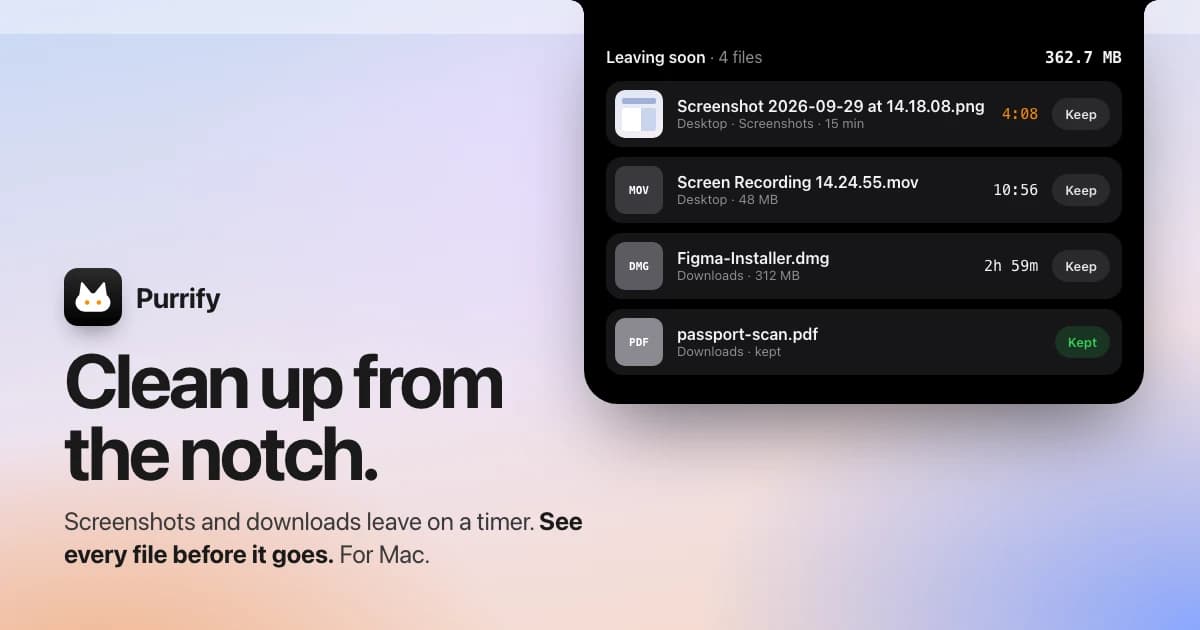
A timed cleanup utility for screenshots and downloads, accessible from the Mac notch.
- Set files to leave on a timer
- Review files before cleanup
- Restore files when needed
SoftwareUtilitiesmacOS
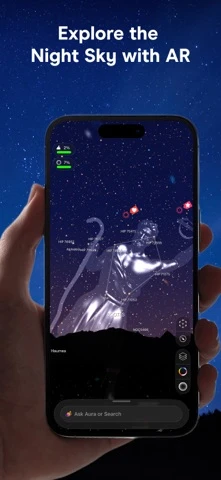
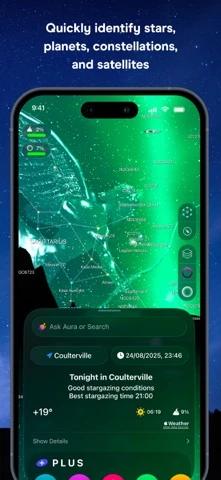
Night Sky
Explore stars and planets through augmented reality
Freemium
A personal planetarium for identifying objects in the sky from Apple devices.
- Identify stars, planets, constellations, and satellites
- Explore sky objects with augmented reality
- Save and share locations using Sky Tags
SoftwareUtilitiesiOS & iPadOS & macOS
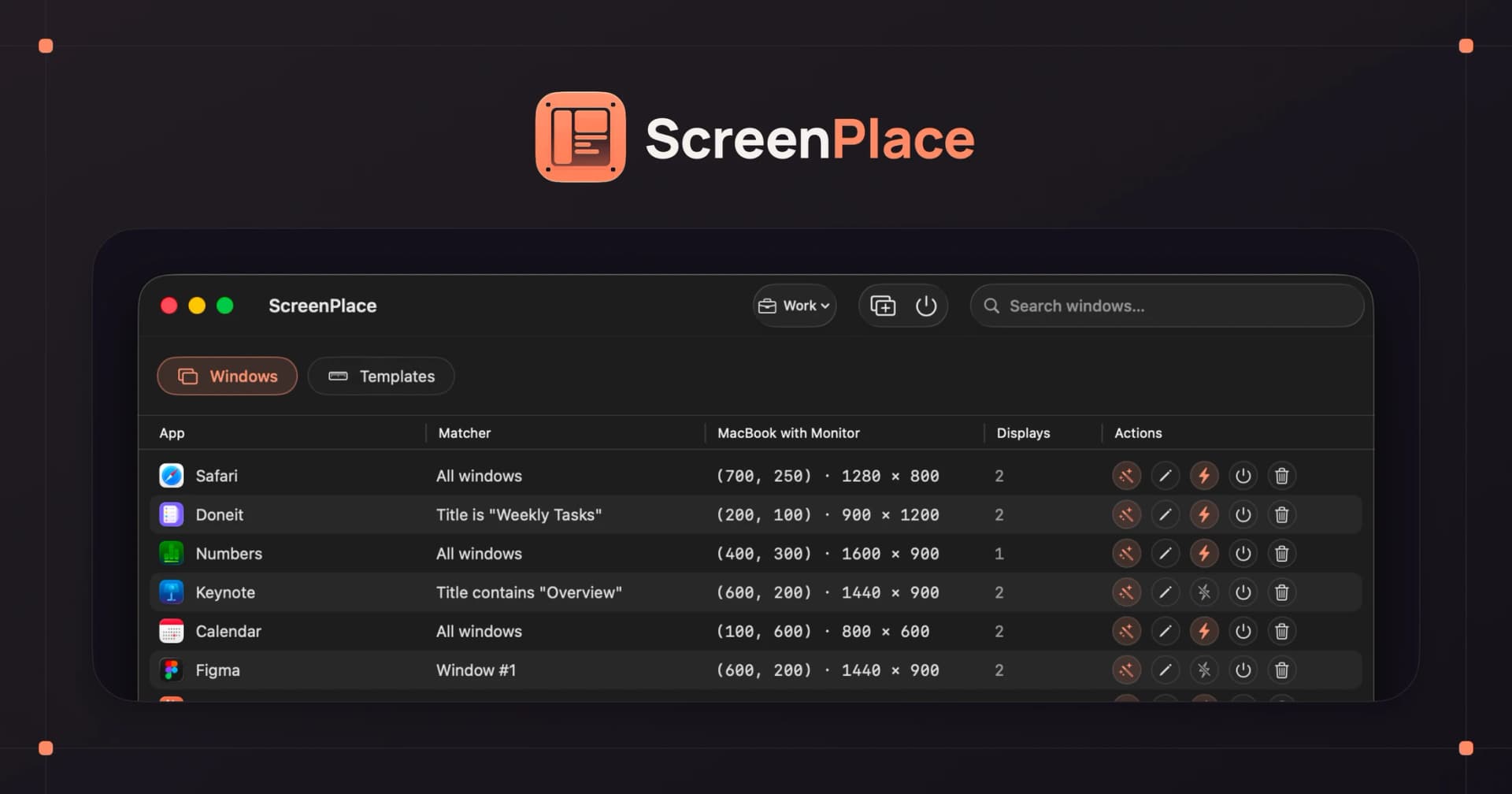
ScreenPlace
Restore windows to their remembered positions
Freemium
A window manager that remembers where app windows belong and restores their positions.
- Save window arrangements
- Restore windows to their places
- Keep a consistent workspace across sessions
Arc has always been free. The Browser Company stopped active feature development in 2025 and was acquired by Atlassian that same year.
On October 22, 2026, the company announced the full sunset. New Arc accounts can no longer be created. On November 23, Arc Search on iOS and Android loses its AI features, sign-in, and tab sync. On December 22, Arc for macOS and Windows stops working, accounts are deactivated, and personal data is deleted within 30 days.
The company says keeping a browser secure "takes constant, dedicated work that is only increasing in the age of AI," so its engineers will focus on Dia instead.
Dia: the official Arc replacement
Dia is the new browser from the team that built Arc, and it is the one The Browser Company recommends. It is free for Mac and Windows and runs on Chromium, so your extensions keep working.
Dia keeps the Arc basics: a vertical sidebar, pinned tabs, folders, Split View, and the Tab Switcher. Arc Spaces become Dia Profiles, which you can swipe between. It also includes a built-in ad and tracking blocker.
Dia shown with its sidebar collapsed. Open it for Arc-style pinned tabs and folders. Image: The Browser Company
Pricing: the browser is free. Optional AI plans are listed at $10 a month for Better Answers and $100 a month for Better Days. The AI is optional.
Better than Arc: it is actively developed, gets security updates, and imports your Spaces, pinned tabs, folders, passwords, history, and extensions in a few clicks.
Worse than Arc: the product leans heavily on AI, and some Arc favorites like Boosts and Little Arc do not carry over the same way. Vertical tabs are an optional layout rather than the default.
DiaBrowser built for focused workVisit WebsiteDia is a Mac browser from The Browser Company built for focused, productive work. It organizes browsing around tasks instead of endless tabs and keeps context visible while you research and create.
- Organizes browsing around tasks instead of traditional tab sprawl.
- Keeps research and writing context visible while you work.
- Designed for a calmer, more intentional day-to-day browsing flow.
- Built for knowledge work like writing, planning, and deep research.
- A native Mac browser focused on getting your best work done.
Dia is tailored for users engaged in knowledge work, such as writing and research. By prioritizing task organization and maintaining contextual visibility, it aims to enhance productivity and reduce distractions.Visit Website
Zen Browser: the best open-source Arc alternative
Zen Browser is a free, open-source browser based on Firefox, and it is the alternative Arc fans mention most often. It copies the parts of Arc people loved most without the AI push.
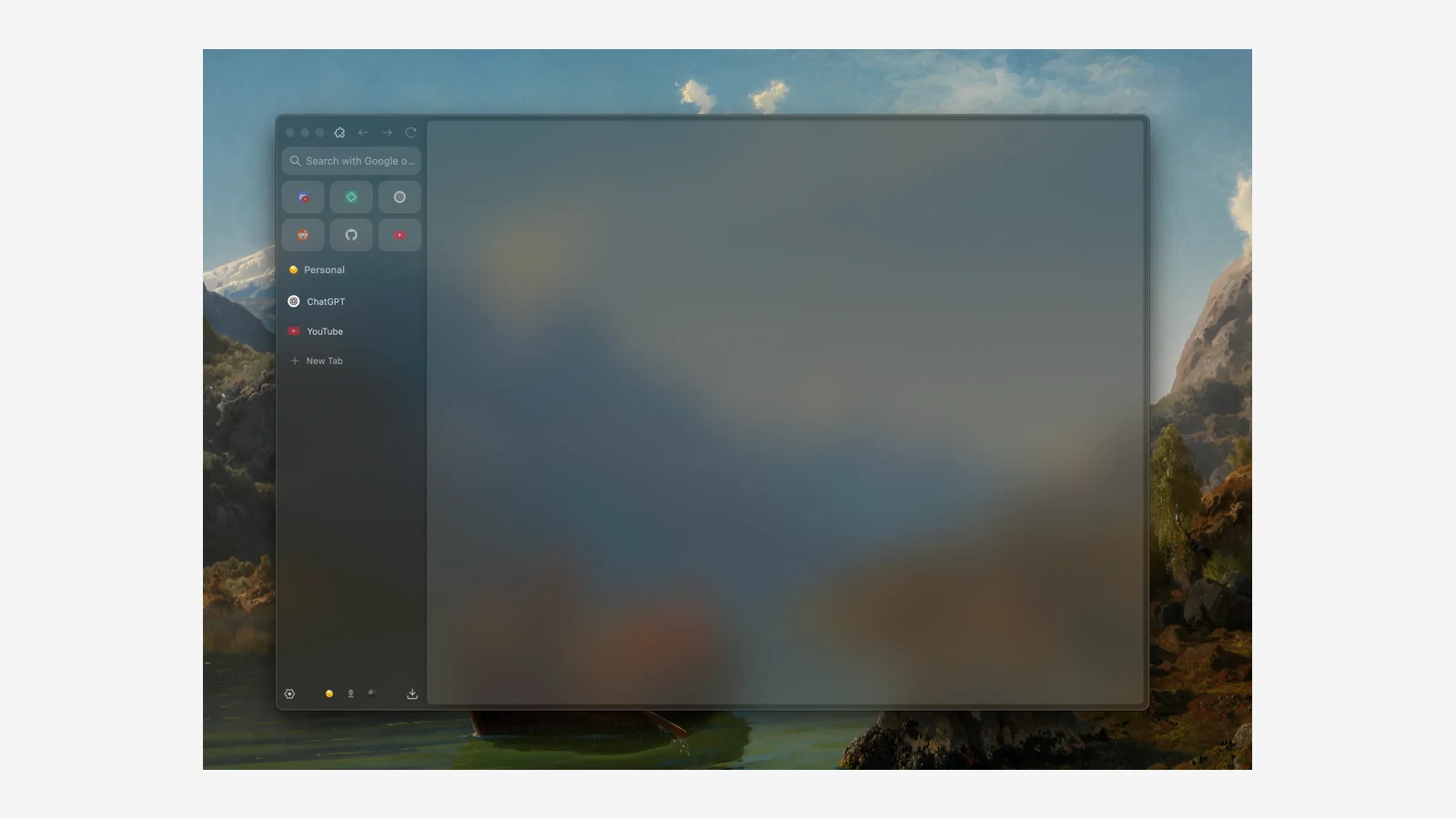
Key features include a vertical sidebar with pinned Essentials, Workspaces that work like Arc Spaces, Split View, Compact Mode that hides the toolbar, and Glance for previewing links without leaving the page. It supports Firefox add-ons.
Zen's sidebar shows Essentials at the top and workspace tabs below. Image: Zen Browser
Pricing: free and open source.
Better than Arc: the code is public, so it cannot vanish with a company. It is customizable, and it uses Firefox's Gecko engine, which helps keep the web less dependent on Chromium.
Worse than Arc: there is no one-click Arc import, and some users find it heavier than Chromium browsers. Chrome-only extensions will not install.
One user who switched months ago wrote on X: "Vertical Tabs, quick profile switching, pin tabs vs essentials, just designs that i find intuitive to work with all around." Another warned that Zen felt "slow as balls" for them, though they "did love it for the month I used it."
Zen BrowserCalm, open-source browser with vertical tabsVisit WebsiteZen is a free, open-source browser based on Firefox, built around a vertical tab sidebar, workspaces, and split view. It is the closest open-source match to Arc's layout.
- Vertical tabs with pinned Essentials and Workspaces.
- Split view for up to four tabs side by side.
- Compact mode hides the toolbar for a clean window.
- Glance opens links in a quick preview.
- Supports Firefox add-ons and Mozilla privacy features.
Zen suits people who loved Arc's sidebar and want an open-source, community-built browser.Visit Website
Ardia: the closest free Arc clone
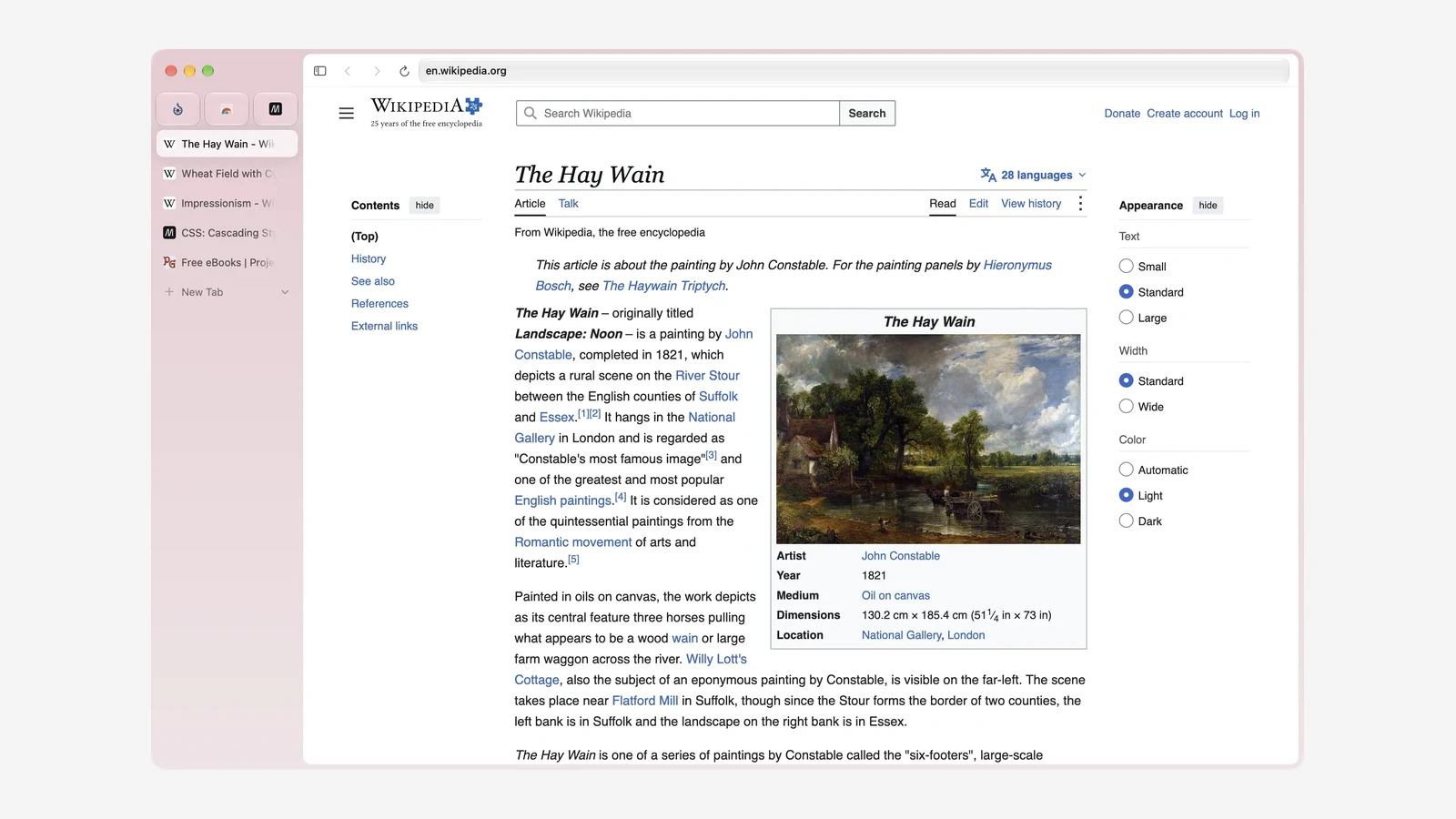
Ardia is a new, free, open-source Mac browser that recreates Arc's sidebar on current Chromium. It is built by independent developer @barre_of_lube. Its own tagline sums it up: "Arc's sidebar and Dia's polish on real Chromium."
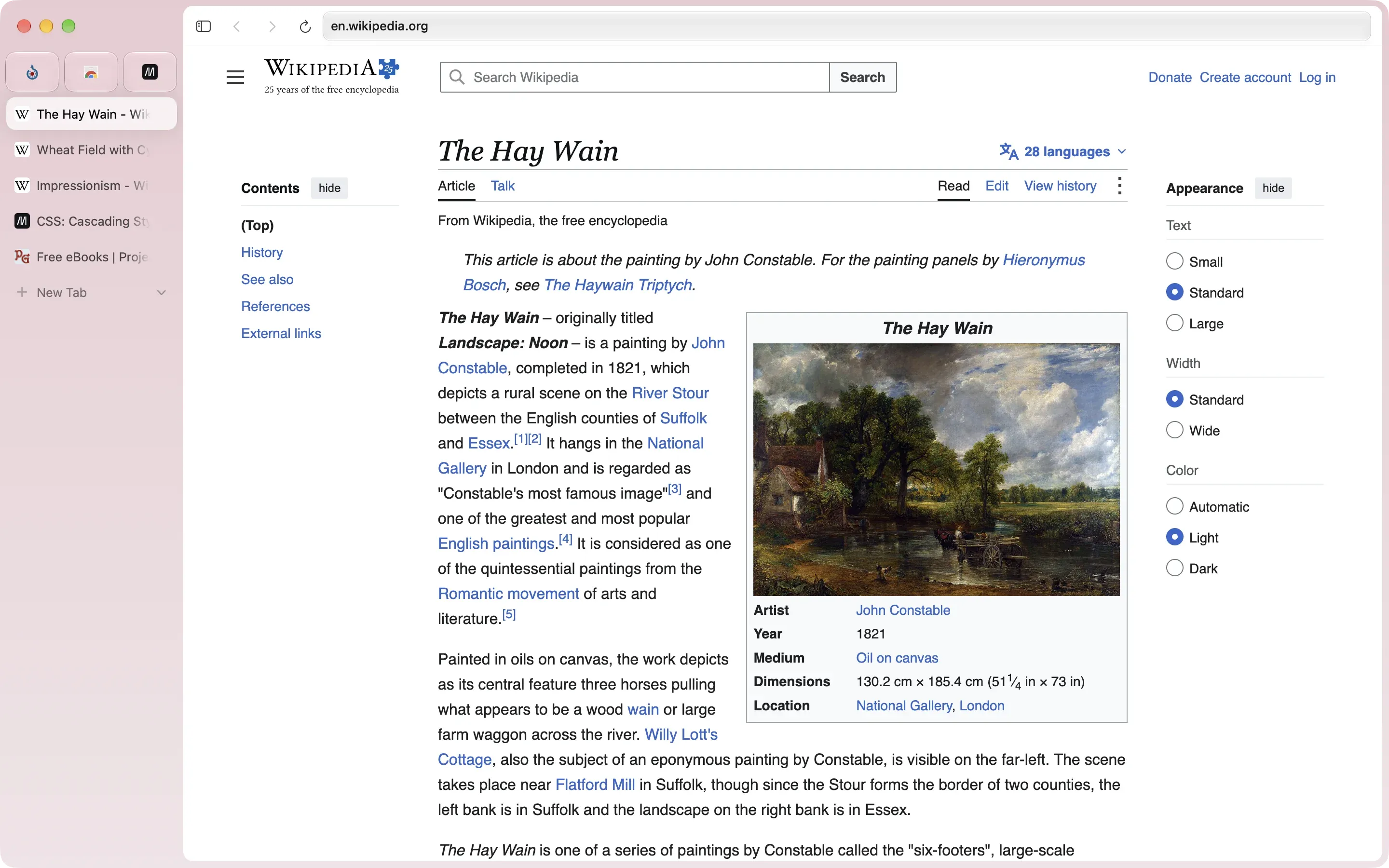
Ardia's sidebar mirrors Arc, with pinned favorites above a vertical tab list. Image: Ardia
It imports Arc spaces, pinned tabs, and themes in one step, along with bookmarks, passwords, and history from Chrome, Safari, Dia, and others. Profiles are swipeable, Little Ardia opens a quick window like Little Arc, and split view handles up to three panes. The full uBlock Origin is built in, and sync runs end-to-end encrypted through your own iCloud Drive.
Pricing: free and open source. It needs an Apple silicon Mac on macOS 14 or later.
Better than Arc: it is actively updated, has no AI layer, and carries over Arc's look closely. One Arc user wrote on X that they "really love that one click imports the sessions, extensions, pinned tabs, etc from Arc seamlessly."
Worse than Arc: it is a young project from a solo developer, Mac only, and without Arc's long history or a company behind it. Boosts are not part of it.
ArdiaArc-style sidebar browser on real ChromiumVisit WebsiteArdia is a free, open-source Mac browser that recreates Arc's sidebar on current Chromium. It imports Arc spaces, pinned tabs, and themes, and builds in the full uBlock Origin.
- Vertical sidebar with pinned tabs, folders, and swipeable profiles.
- One-click import from Arc, Dia, Chrome, Safari, Firefox, and more.
- Split view with up to three panes.
- Little Ardia quick window and picture-in-picture video.
- Full uBlock Origin built in, with iCloud-based encrypted sync.
Ardia suits Arc users who want the same layout without AI, on an actively updated browser.Visit Website
Vivaldi: the most customizable Arc alternative
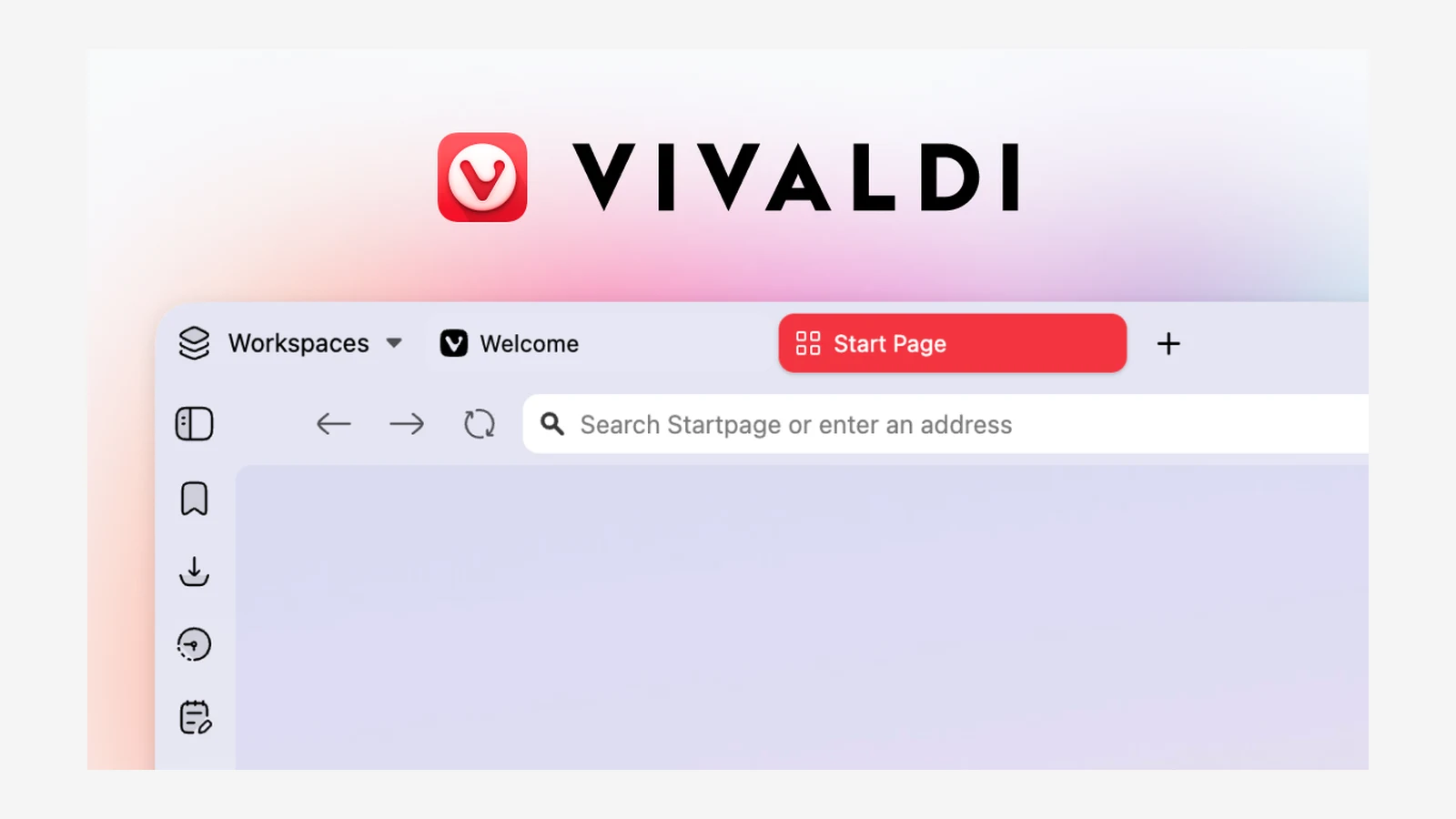
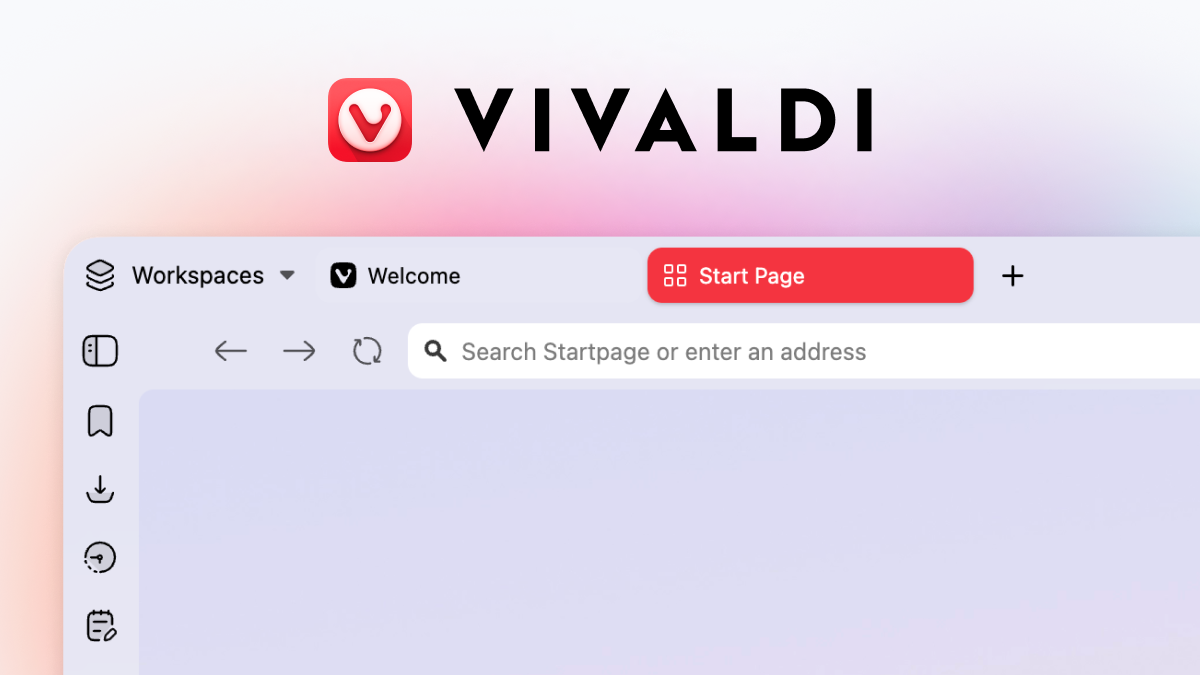
Vivaldi is a free Chromium-based browser for people who want to configure everything. It has vertical tabs, tab stacks, Workspaces, and tab tiling for viewing several pages at once.
It also builds in tools Arc never had: mail, calendar, a feed reader, notes, and an ad blocker. Chrome Web Store extensions work.
Vivaldi pairs Workspaces with a side panel, and its tab bar can move to the side. Image: Vivaldi
Pricing: free.
Better than Arc: far more settings, built-in productivity tools, and a long track record as an independent browser.
Worse than Arc: the interface is busier, and getting an Arc-like setup takes time in the settings.
VivaldiHighly customizable browser with built-in toolsVisit WebsiteVivaldi is a free Chromium-based browser focused on customization. It includes tab stacks, vertical tabs, tab tiling, workspaces, and built-in mail, calendar, and notes.
- Vertical tabs, tab stacks, and workspaces.
- Tab tiling to view several pages at once.
- Built-in ad and tracker blocker.
- Mail, calendar, feed reader, and notes included.
- Works with Chrome Web Store extensions.
Vivaldi suits power users who want to tune every part of their browser.Visit Website
Brave: the best private Chromium alternative
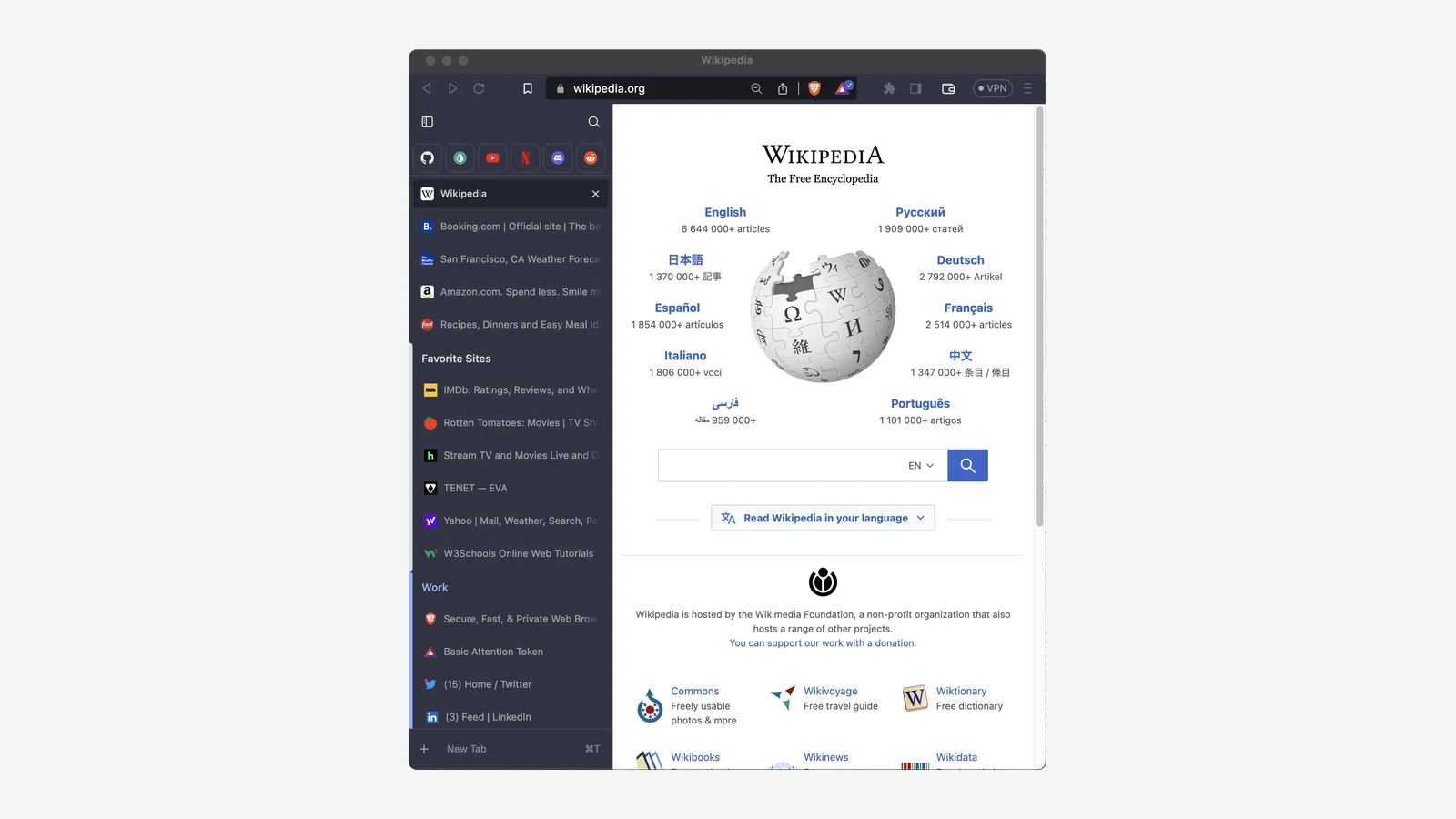
Brave is a free, open-source Chromium browser that blocks ads, trackers, and fingerprinting out of the box with Brave Shields. It supports vertical tabs, tab groups, and Chrome extensions.
It includes Leo, a private AI assistant. Leo is free with rate limits, and Leo Premium costs $14.99 a month.
Brave's vertical tabs put pinned sites, tabs, and groups in a sidebar. Image: Brave
Pricing: free, with optional Leo Premium.
Better than Arc: stronger privacy defaults, sync on every platform including iOS and Android, and a large, well-funded team behind it.
Worse than Arc: it feels like a regular browser with vertical tabs. There is no Little Arc, no Boosts, and less visual polish.
BravePrivate Chromium browser that blocks ads by defaultVisit WebsiteBrave is a free, open-source Chromium-based browser that blocks ads and trackers out of the box. It supports Chrome extensions and includes Leo, a private AI assistant.
- Brave Shields block ads, trackers, and fingerprinting.
- Vertical tabs and tab groups.
- Chrome Web Store extension support.
- Leo AI assistant, free with an optional Premium plan.
- Sync across Mac, Windows, Linux, iOS, and Android.
Brave suits people who want Chrome compatibility with stronger privacy defaults.Visit Website
Orion: the best Arc alternative for battery life
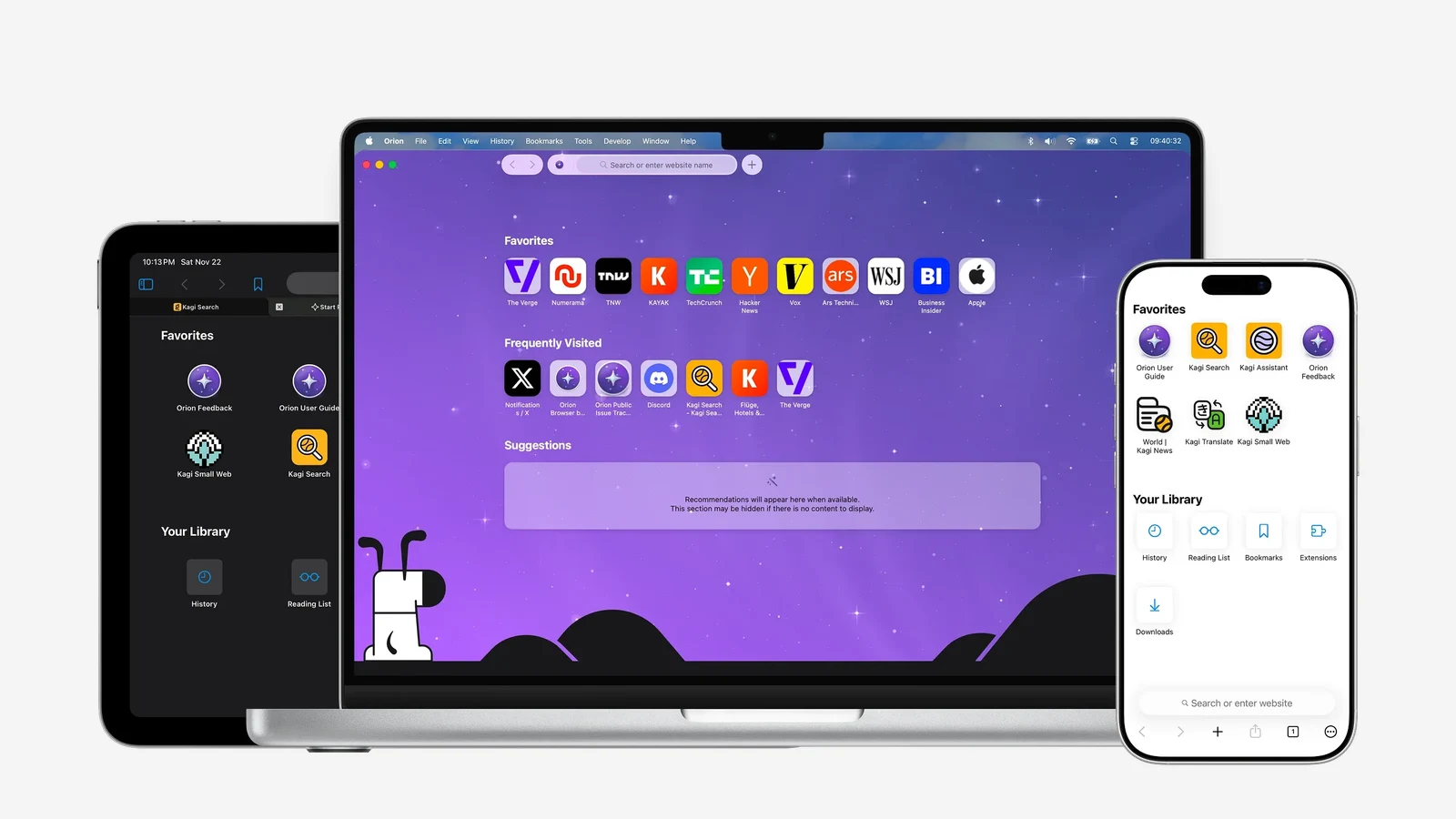
Orion Browser is a Mac browser from Kagi built on WebKit, the same engine as Safari. That makes it light on memory and battery, which Chromium browsers like Arc never were.
It blocks ads and trackers by default, collects zero telemetry, and can run many Chrome and Firefox extensions. It offers vertical tabs, profiles, and plenty of layout options.
Orion on Mac, iPad, and iPhone. Its sidebar and vertical tabs are optional. Image: Kagi
Pricing: free. Orion+ is an optional supporter plan at $5 a month, $50 a year, or $150 for a lifetime license, and it adds early builds rather than core features.
Better than Arc: better battery life, strict privacy, and a native Mac feel.
Worse than Arc: its sidebar is less polished than Arc's, extension support is not complete, and there are no Spaces in the Arc sense.
Orion BrowserFast WebKit browser with zero telemetryVisit WebsiteOrion is a free Mac browser from Kagi built on WebKit, the engine behind Safari. It blocks ads and trackers, collects no telemetry, and can run many Chrome and Firefox extensions.
- Native WebKit speed and battery life.
- Built-in ad and tracker blocking with zero telemetry.
- Supports many Chrome and Firefox extensions.
- Vertical tabs, profiles, and deep customization.
- Optional Orion+ supporter plan for early builds.
Orion suits Mac users who want Safari-level efficiency with more control.Visit Website
How to move from Arc
Start before December 22. After that date Arc stops opening, so its local data is much harder to reach.
Moving to Dia: install Dia, choose Arc when it asks which browser to import from, and pick the extensions to bring. Keep Arc installed until the import finishes. Already on Dia? Use Dia > Import from Another Browser.
Moving to Ardia: its importer brings over Arc spaces, pinned tabs, and themes.
Moving anywhere else: update Arc first. The latest version adds an option to export all of your data out of Arc.
Rebuild Spaces as profiles or workspaces: Zen Workspaces, Vivaldi Workspaces, and Brave or Orion profiles are the closest match.
Save your pinned tabs as bookmarks so you can recreate them in any browser.
Keep a second browser for edge cases. One Zen user said on X they are "keeping a Chrome for dev work and it is working so far."
If you worry about this happening again, open source helps. As one user put it while trying Zen, Brave, and Helium: "all 3 are open source, so at least the code doesn't disappear with the company."
FAQ
When does Arc stop working?
Arc for Mac and Windows stops working on December 22, 2026. Accounts are deactivated that day and personal data is deleted within 30 days.
What is the closest browser to Arc?
Dia comes from the same team and imports everything. Ardia copies Arc's look most closely, and Zen is the most mature independent option.
Can I import my Arc Spaces?
Yes, into Dia, where each Space becomes a Profile, and into Ardia, which imports Arc spaces and pinned tabs. Most other browsers need a manual rebuild.
Is Dia free?
Yes. The browser and the Arc-style features are free. Only the optional AI plans cost money.
What happens to Arc Search on iPhone?
It loses AI features, sign-in, and sync on November 23 but keeps working as a basic browser on iOS. On Android, it is removed on December 22.
A Mac utility that detects and obscures sensitive information in screenshots and copied images, processing them on device.
- Redact passwords, API keys, and personal details
- Process screenshots and copied images
- Keep image processing on your Mac
SoftwareUtilitiesmacOS
Polarsteps
Plan trips and capture your journey
Freemium
A travel companion combining itinerary planning, route tracking, and a visual trip journal.
- Plan destinations and transport
- Record routes and share travel updates
- Turn trip memories into a printed photo book
SoftwareUtilitiesiOS & iPadOS
Purrify
Clean screenshots and downloads from the notch
One-time
A timed cleanup utility for screenshots and downloads, accessible from the Mac notch.
- Set files to leave on a timer
- Review files before cleanup
- Restore files when needed
SoftwareUtilitiesmacOS
Night Sky
Explore stars and planets through augmented reality
Freemium
A personal planetarium for identifying objects in the sky from Apple devices.
- Identify stars, planets, constellations, and satellites
- Explore sky objects with augmented reality
- Save and share locations using Sky Tags
SoftwareUtilitiesiOS & iPadOS & macOS
ScreenPlace
Restore windows to their remembered positions
Freemium
A window manager that remembers where app windows belong and restores their positions.
- Save window arrangements
- Restore windows to their places
- Keep a consistent workspace across sessions
SoftwareProductivitymacOS
Keyty
Show keystrokes and clicks during demos
Free
A free, open-source keyboard and mouse visualizer for recordings, presentations, and livestreams.
- Display shortcuts and typed input
- Highlight mouse clicks
- Customize overlay styles, colors, and placement
SoftwareUtilitiesmacOS
NowPlaying
Discover records and explore their stories
Freemium
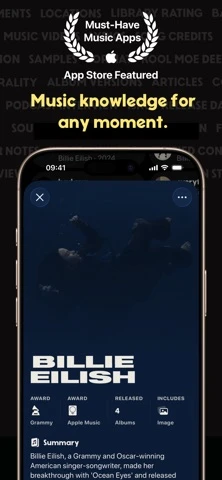
A music discovery app that adds recording details and visual context to listening.
- Explore albums and recording credits
- Display artwork and song information
- Discover records beyond familiar playlists
SoftwareCreativeiOS & iPadOS
Slopes
Track ski days and explore resort maps
Freemium
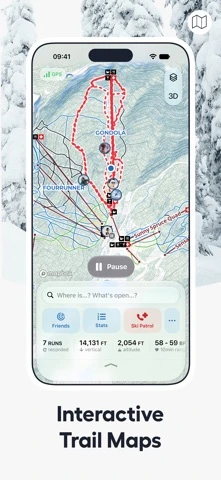
A skiing and snowboarding tracker for iPhone and Apple Watch, with activity statistics and trip memories.
- Record runs and lift rides
- Share live locations with friends
- Explore interactive resort maps with Premium
SoftwareUtilitiesiOS & iPadOS
Superlist
Keep tasks notes and teamwork together
Freemium
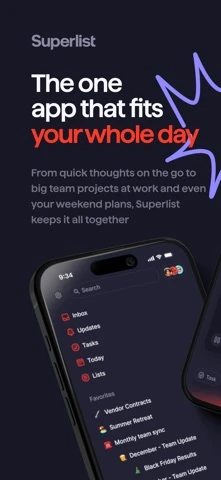
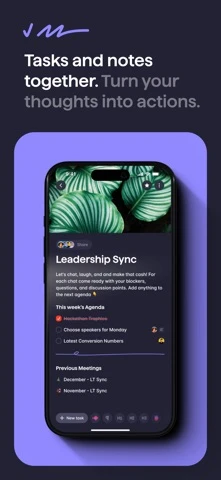
A shared workspace for tasks and notes, with tools for turning meetings and ideas into action.
- Create and organize task lists
- Collaborate on shared notes and projects
- Use meeting summaries and voice input to capture tasks
 Dudu
Dudu