How to Screen Record on Mac With Audio (Internal and Mic) | Macfolio
How to Screen Record on Mac With Audio (Internal and Mic)
macOS 27 can finally record system audio in the Screenshot app. Here is how to screen record on Mac with internal audio and your mic, plus the best apps.
Created November 16, 2026Updated November 23, 2026
You can screen record on a Mac with audio in two ways. The built-in Screenshot app records your microphone, and on macOS 27 Golden Gate it can also record system audio. A dedicated recorder like Shotbase gives you separate control over your mic and your Mac's sound, plus editing and sharing.
This guide shows both, step by step, and compares the best apps for recording your screen with internal audio.
Quick picks:
Best overall:Shotbase, with separate mic, system audio, and background audio tracks.
Best free app:Cap, which records your voice and your computer's sound together.
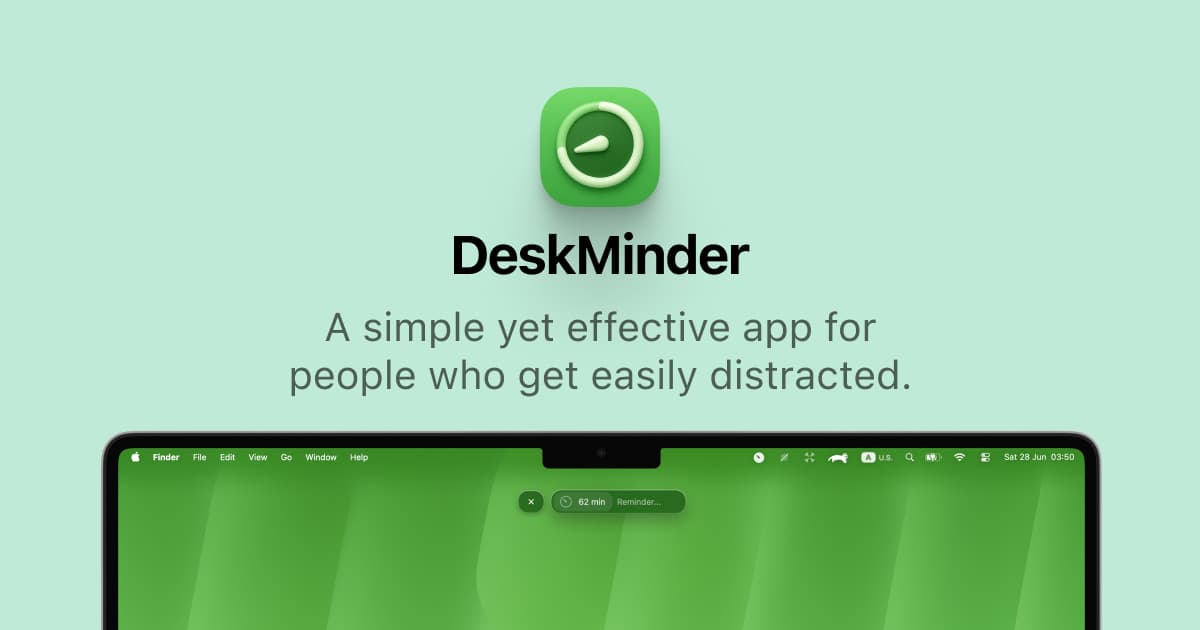
DeskMinder is a productivity software application designed for Mac users who struggle with distractions. It provides a straightforward interface for creating desktop pop-up reminders and tasks, helping users manage urgent to-dos, short breaks, and fleeting ideas. With features like full-screen notifications and Apple Reminders integration, DeskMinder aims to enhance focus and time management for i
- With features like easy-to-create desktop pop-ups for reminders and tasks, it simplifies the process of staying on top of urgent to-dos, short breaks, or fleeting ideas.
- Users can benefit from full-screen notifications, Apple Reminders integration, and flexible widget placement, making it ideal for anyone requiring a little extra help to maintain focus.
- The app includes additional shortcuts for quick reminder setups and customizable widget options, along with a history tracking feature to monitor daily progress.
Designed specifically for Mac users, DeskMinder aims to facilitate better time management and productivity for those with attention challenges, providing a seamless user experience without unnecessary complexity.
SoftwareProductivitymacOS
Klack
Satisfying sound with every keystroke
Paid
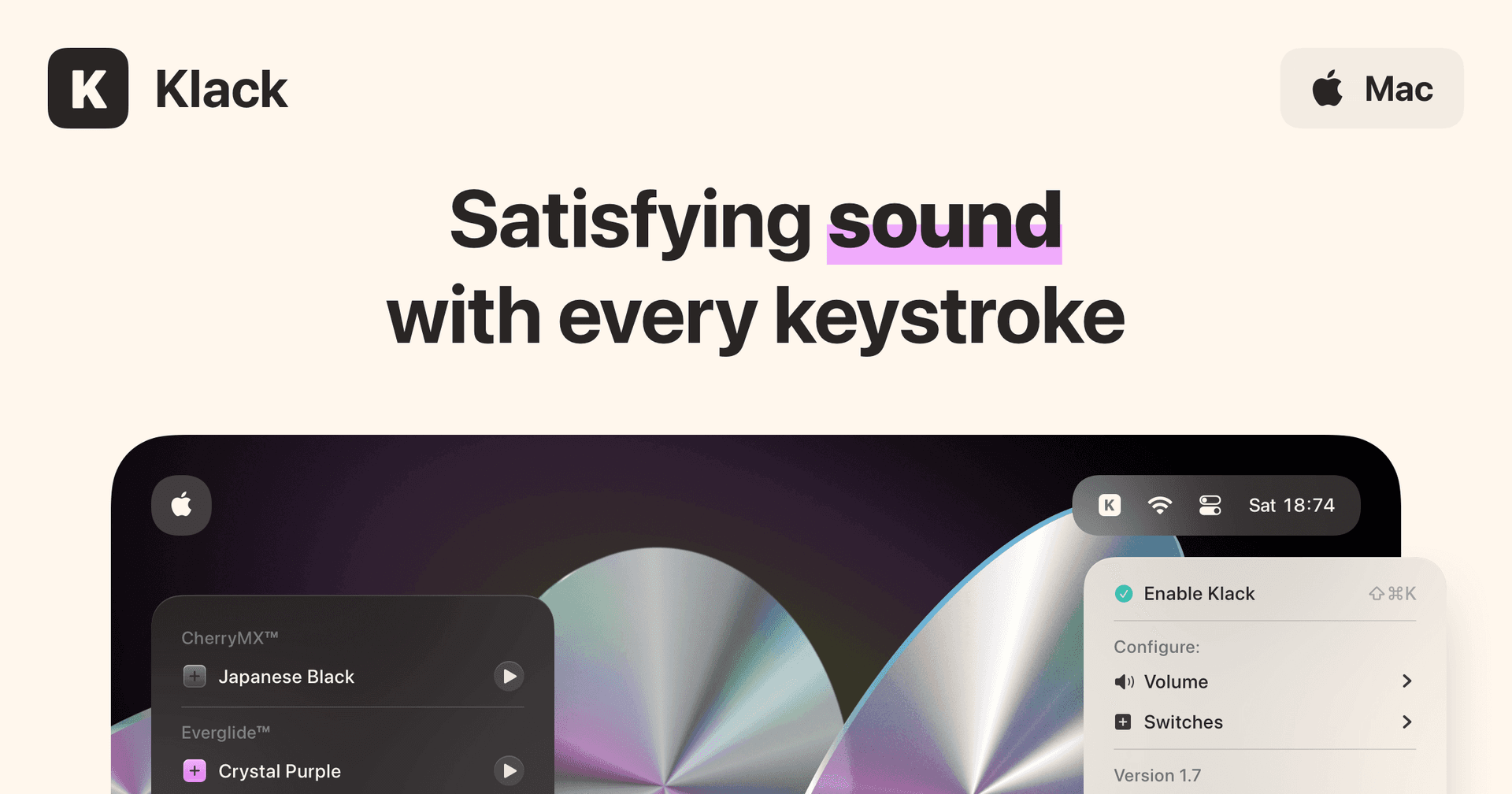
Klack is a macOS application designed to enhance the typing experience through high-fidelity sound for each keystroke. It provides features such as immersive spatial audio, instant feedback, and customizable sound options, making it suitable for writers, developers, and anyone who values an engaging typing environment. The app is easily accessible from the menubar and offers extensive configuratio
- Provides immersive spatial audio for enhanced typing feedback.
- Allows customization of keystroke sounds, pitch variations, and volume settings.
- Features a menubar interface for quick access to configuration options.
- Supports instant feedback with each keystroke for a more engaging experience.
- Designed for writers and developers seeking auditory feedback while typing.
Klack enhances the typing experience on Mac by providing high-fidelity sound for each keystroke.
SoftwaremacOS
TypoTab
TypoTab, the ultimate AI writing assistant for
Paid
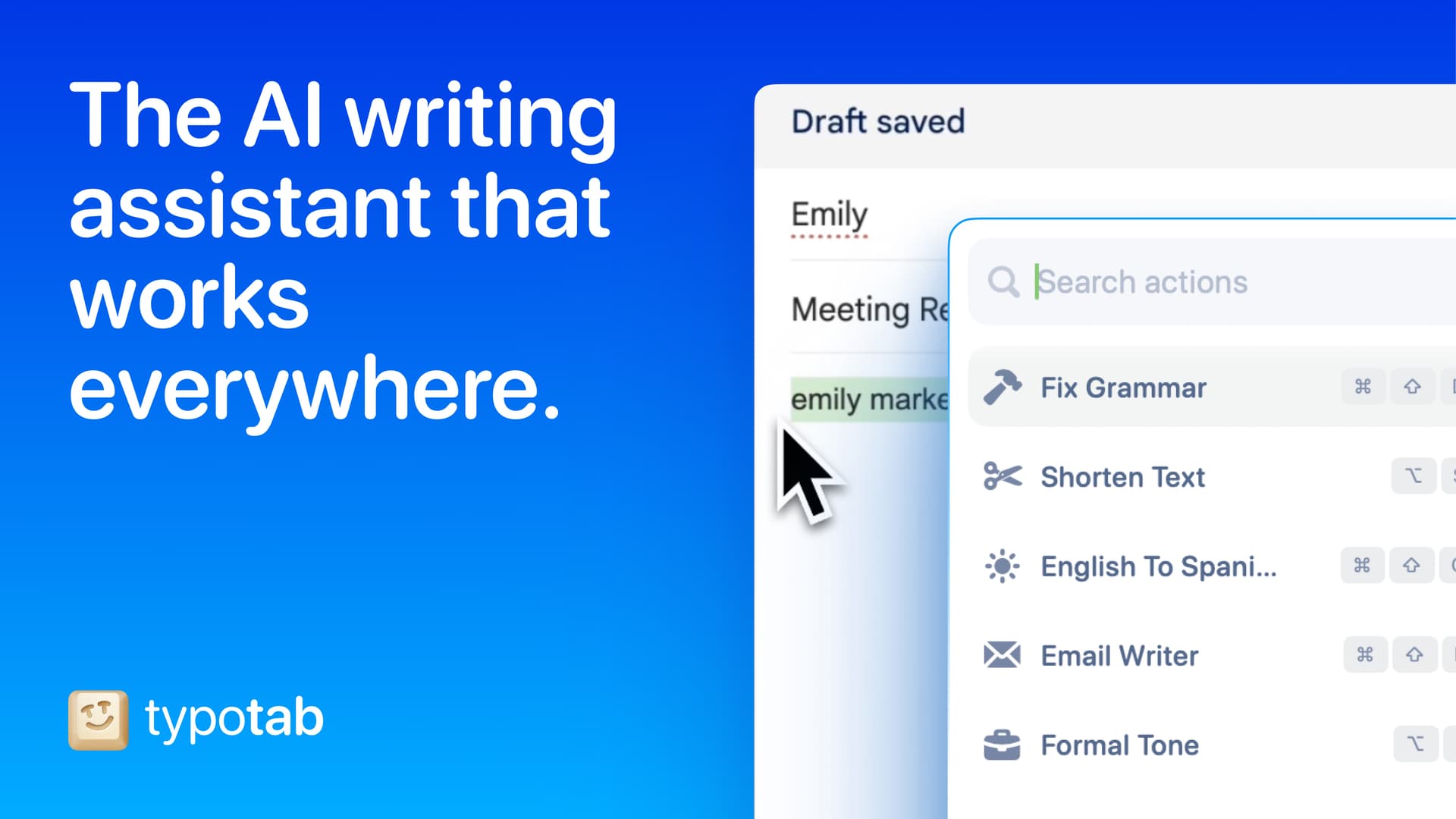
TypoTab is a macOS application that functions as an AI-driven writing assistant. It enhances writing efficiency by providing tools for grammar correction, text rephrasing, and content generation, all accessible from the menu bar without needing to switch applications. This tool is designed for writers, students, and professionals looking to streamline their writing process and improve productivity
- Provides grammar correction and text rephrasing directly from the menu bar.
- Allows text refinement in any application without switching contexts.
- Offers customizable actions to meet individual writing needs.
- Streamlines repetitive writing tasks for improved efficiency.
- Supports a wide range of applications, enhancing workflow across platforms.
TypoTab is a macOS application that enhances writing efficiency by providing grammar correction, text rephrasing, and content generation directly from the menu bar. It allows users to refine text in any application without switching contexts, offering customizable actions to suit individual writing needs.
SoftwareProductivitymacOS
Neuecast
Modern podcast player for iOS devices
Freemium
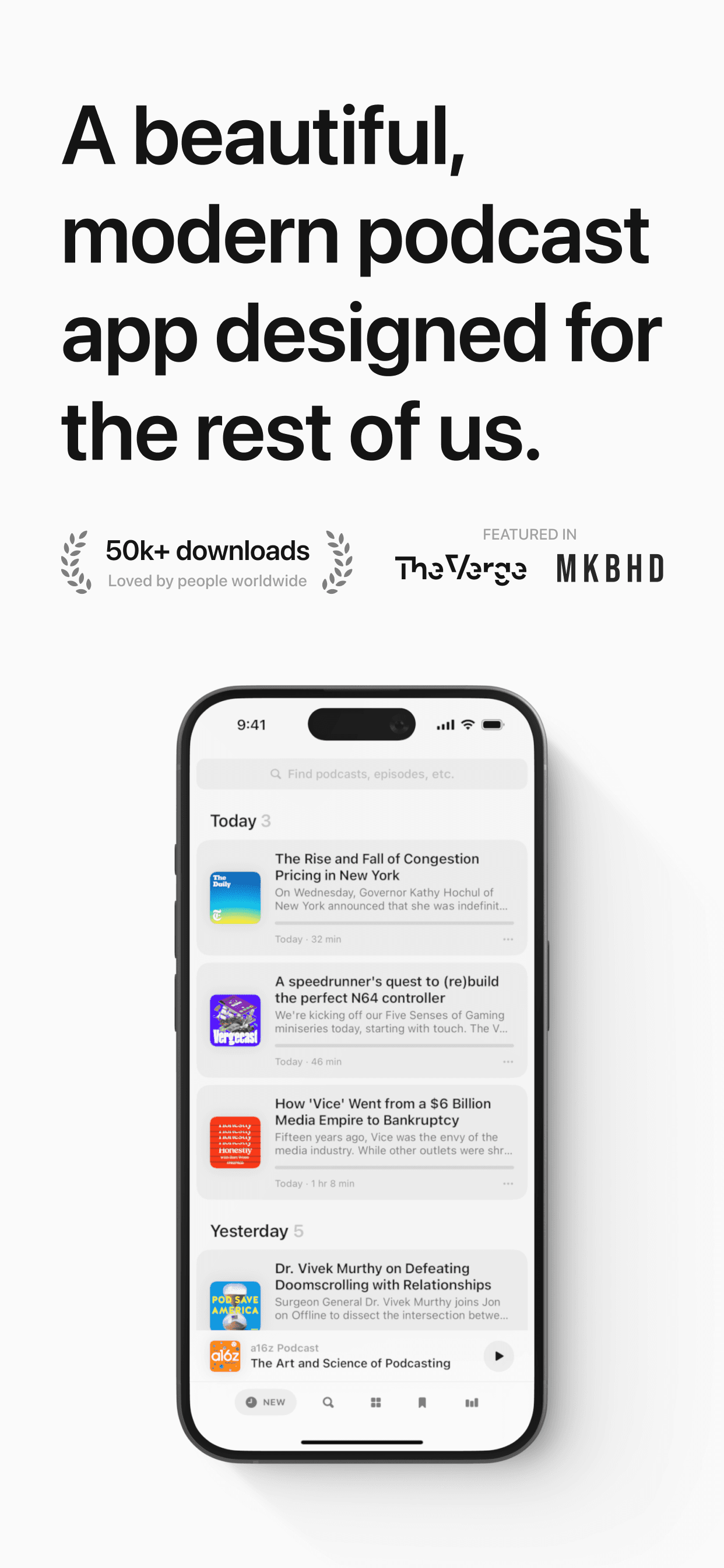
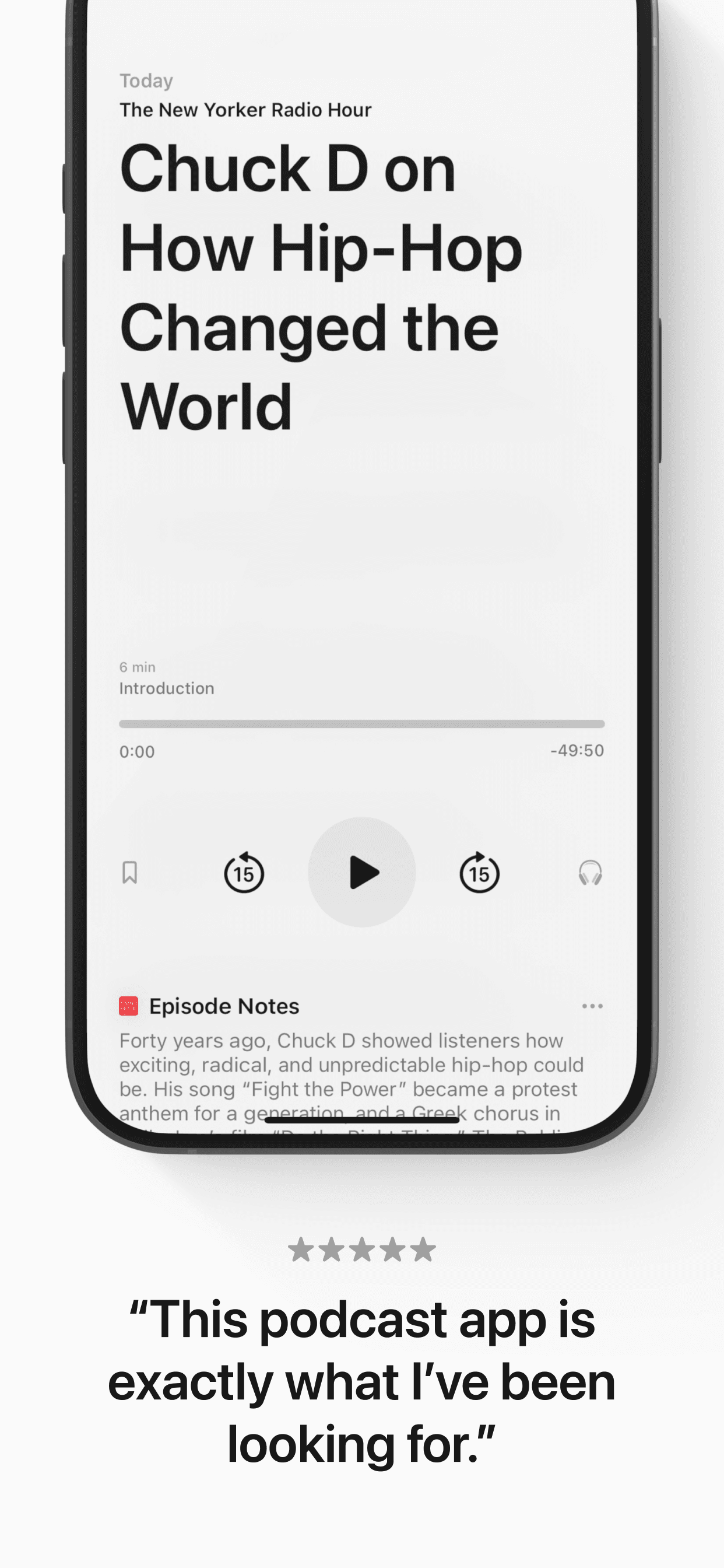
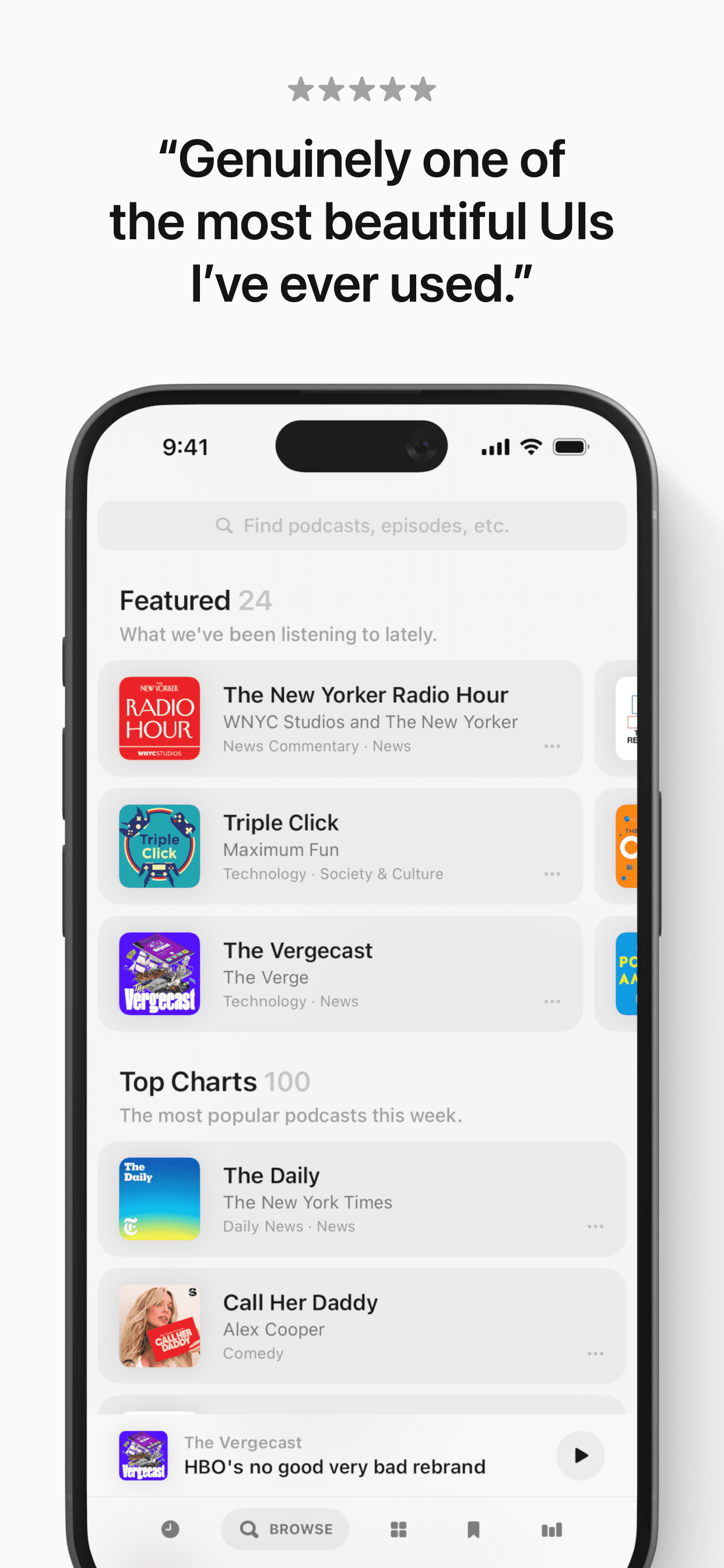
Neuecast is a podcast player app for iPhone that provides a simple, clean interface for discovering, organizing, and listening to millions of podcasts. It combines advanced controls and personalization options tailored for everyday use.
- Browse and listen to millions of podcasts.
- Explore featured shows and top podcast charts.
- Organize and manage podcast episodes easily.
- Adjust playback speed and use sleep timers.
- Personalize interface settings to your preference.
- Download episodes for offline playback.
Neuecast is free to download for iPhone with optional in-app purchases. It requires iOS 18.0 or later for installation. All features are accessed through the app's main interface.
SoftwareAudioiOS & iPadOS
Postquel
Native PostgreSQL client with AI assistant
Free
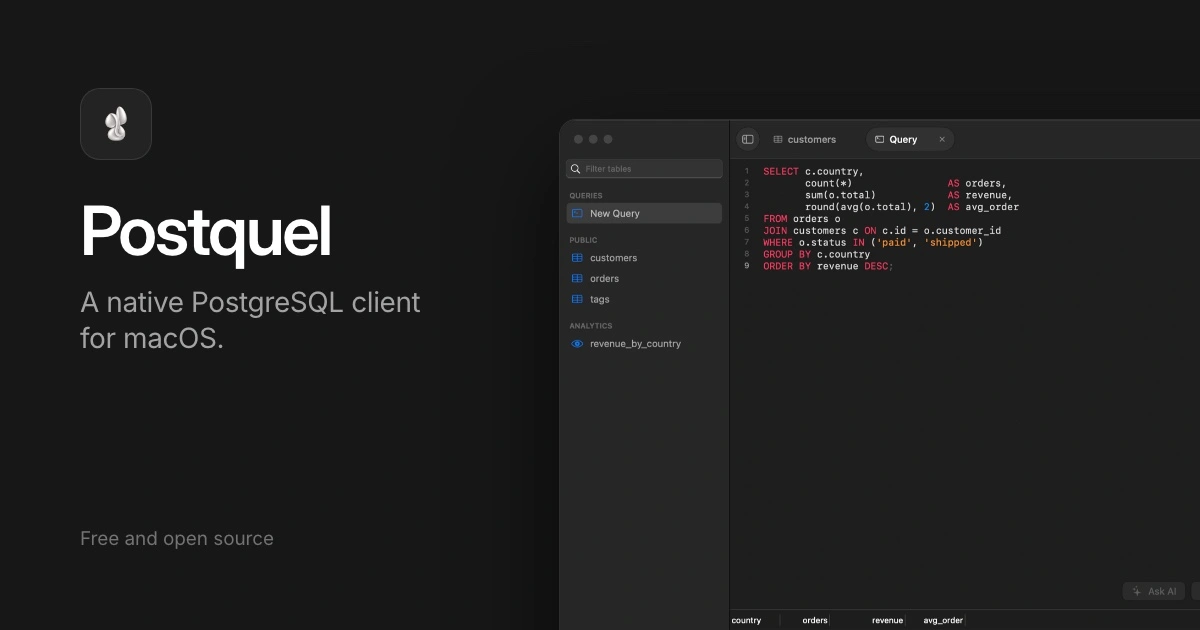
Postquel is a native PostgreSQL client for macOS with an integrated AI assistant. It supports both Apple silicon and Intel Macs running macOS 15 or later.
- Browse and edit database rows, with transactional structure changes and SQL preview.
- Follow foreign keys and switch between content, structure, and DDL views.
- Run and manage multiple queries, with execution timing and sortable results.
- Save frequently used queries to a sidebar for quick access.
- AI assistant generates SQL based on requests, reads schema, and proposes changes for review.
- Supports SSH tunneling and stores passwords using the macOS Keychain.
Postquel is free and open source. The AI assistant feature requires a separate installation and sign-in to Claude Code, Codex, or Cursor Agent.
SoftwareDevelopmentmacOS
Any Distance
Track over 90 types of workouts
Freemium
Any Distance is a workout tracker for running, walking, hiking, biking, and more, available for iPhone and Apple Watch. It offers visual maps, real-time activity views, and fitness data tracking.
- Tracks over 90 workout types, including running, walking, biking, hiking, and gym workouts
- Monitors pace, calories, distance, heart rate, and more
- Displays workout routes on 2D and 3D maps
- Shows live activities in real time on the lock screen
- Enables customizable sharing with Instagram story templates in 3D and AR
- Syncs data with Apple Health, Garmin, and Wahoo
Any Distance is free to download with in-app purchases and requires iOS 16.1 or later. No features are specifically guaranteed free beyond app download.
SoftwareHealthiOS & iPadOS
Rasterloom
Edit images, type, and vectors together
Free
Rasterloom is a native Mac design application that allows users to work with images, typography, and vector artwork. It combines design tools, asset management, and moodboards in a single app for Apple silicon Macs.
- Edit images, type, and vector graphics within one layered native Mac app
- Compose with adjustable layers, masks, blend modes, opacity, and color adjustments
- Set type using installed fonts and adjust kerning, tracking, and line spacing
- Draw shapes and paths with editable fills and strokes on the canvas
- Integrate ChatGPT, Claude, or compatible AI assistants on the canvas through MCP
- Organize and search references and assets in moodboards and a reusable library
Rasterloom 0.4.1 alpha is free to download and use for Apple silicon Macs with macOS 15 or later. Optional on-device image analysis requires a separate model download and at least 8 GB of memory.
SoftwareDesignmacOS
Lumy
Modern sun and moon activity planner
One-time
Lumy is a sun and moon tracker and outdoor activity planner for iPhone, iPad, Apple Watch, Apple TV, and HomePod. It provides accurate solar and lunar data, modes for routine-specific needs, and weather forecasts for up to seven days.
- Switch between modes such as Daily, Photography, and Meditation profiles
- Provides sun and moon data: golden hour, blue hour, twilight, phases, and more
- Offers weather forecasts for up to seven days for planning outdoor activities
- Supports Apple Watch complications, widgets, iOS State of Mind integration, and notifications
- Calculates all sun and moon data on-device; only weather uses the internet
- Accessible features include VoiceOver, Dynamic Type, and localization in several languages
Lumy is a one-time purchase app priced at $7.99, granting full family access. It requires iOS 18.0 or later and does not provide a free tier.
SoftwareProductivityiOS & iPadOS
RNI Films
Analog film filters for digital photos
Freemium
RNI Films is a mobile app that simulates the look of real analogue film in digital photography. It offers film-inspired filters, grain effects, photo adjustments, and basic video grading for iOS devices.
- Applies film filters based on real analog stocks like negative, slide, instant, black & white, and vintage.
- Includes an introductory package of free filters, with more available via in-app purchase.
- Simulates authentic film grain, bloom, and halation for realistic effects.
- Provides tools for cropping, rotating, and adjusting brightness, contrast, color, shadows, and highlights.
- Supports editing RAW files from mobile or third-party cameras, subject to iOS RAW format compatibility.
- Enables direct sharing of photos to Instagram, Facebook, and Twitter.
RNI Films is free to download and use with optional in-app purchases for additional filter packs. The app requires iOS 15.0 or later for compatibility with supported devices.
SoftwareCreativeiOS & iPadOS
Which Mac screen recorders record system audio?
Prices and audio support below were checked on November 16, 2026, on each app's official site.
How to screen record on Mac with audio using Shotbase
Shotbase records, edits, organizes, and shares from one library. Image: Shotbase
Price (checked November 16, 2026): $13 a month billed yearly ($156), or $25 month to month. There is a 7-day free trial.
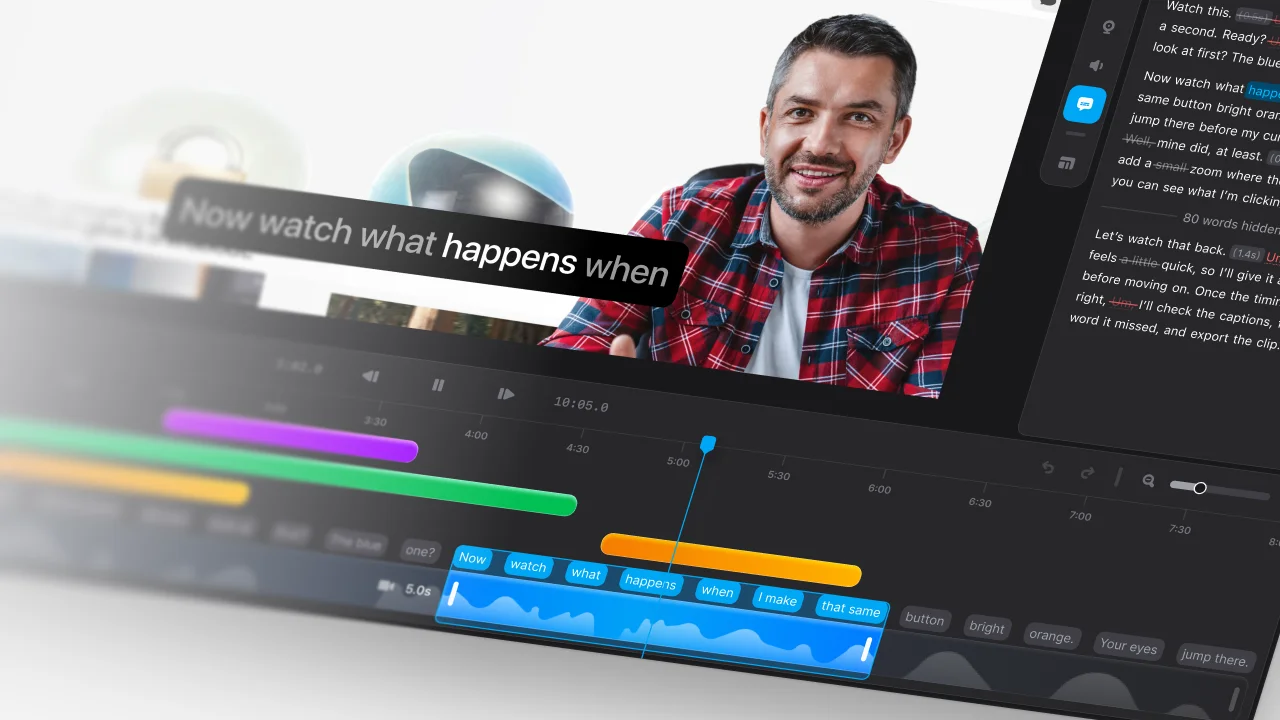
Shotbase is the easiest way to record your screen with both your voice and your Mac's sound, then fix the mix afterwards. It replaces a screen recorder, a screenshot tool, a mockup tool, and a webpage capture tool in one app.
Shotbase 1.8.0, released on November 12, 2026, added full control over a recording's sound. You can adjust the microphone, system audio, and background audio separately, each with its own volume and mute control, plus a master volume.
How to record with audio in Shotbase:
1. Open Shotbase and start a new screen recording. 2. Turn on your microphone and system audio before you hit record. 3. Record your screen, then stop the recording. 4. In the editor, set the volume of the mic, system audio, and any background audio, or mute one of them. 5. Pick a microphone preset (Standard, Loud, Warm, Noise reduction, or Podcast), or choose Off to keep the original sound. 6. Export the video, or create a shareable link.
Shotbase 1.8.0 turns your mic audio into an editable transcript and captions. Image: Shotbase
What else Shotbase does:
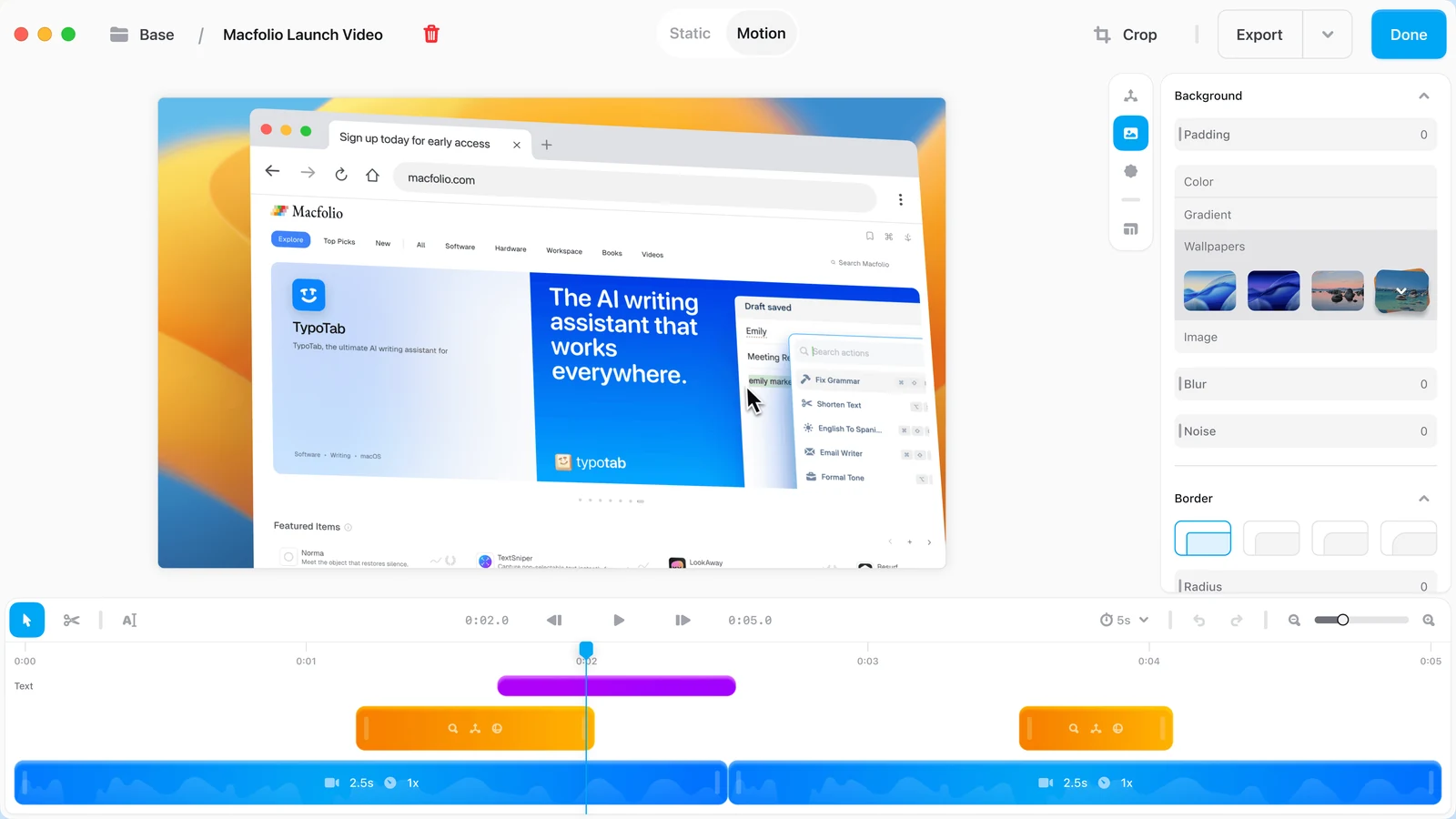
Screen recording with zoom and tilt: automatic zooms bring important moments closer, and the motion editor adds movement and 3D tilt.
Transcripts and captions: it makes an on-device transcript from your mic audio (this needs macOS 26 or later), and you can cut footage by deleting words or remove filler words.
Screenshot to video: the same editor works for still and motion, so a screenshot can become an animated clip.
Annotation and mockups: arrows, text, highlights, shapes, backgrounds, frames, and shadows.
URL to screenshot: paste a web address and capture the page as a full page or the viewport.
Shareable links: share a recording as a link that opens in any browser.
Local AI library: an on-device model names, tags, and summarizes your captures. This needs Apple silicon.
The motion editor adds automatic zooms and 3D tilt. Image: Shotbase
Better or worse than the built-in tools? Better if you want to balance your voice against your Mac's sound, add captions, or share a link. The built-in tools are free, but they record one mixed track with no editor.
ShotbaseCapture, edit, organize, and share in oneVisit WebsiteShotbase is a comprehensive tool designed to capture and manage all your screen-based content effortlessly. With features like stunning screenshot capabilities, recording options that include cinematic effects, and an intuitive organizational structure powered by local AI, you can easily keep your multimedia assets organized and accessible. Shotbase not only allows you to capture specific areas, windows, or full screens on your Mac but also enables you to edit and enhance your captures with backgrounds, frames, and annotations. The integrated AI ensures your captures are automatically named and tagged for easy searching, making it an excellent choice for anyone looking to enhance their productivity and creativity in one seamless workspace.Visit Website
How to screen record on Mac with audio using the Screenshot app
The Screenshot toolbar opens with Shift-Command-5. Image: Apple
The Screenshot app is built into macOS and costs nothing. Here is how to use it with sound, based on Apple's guide:
1. Press Shift-Command-5 to open the Screenshot toolbar. 2. Choose Record Entire Screen or Record Selected Portion. On macOS Tahoe 26 or later you can also choose Record Selected Window. 3. Click Options, then choose a microphone under Microphone to record your voice. 4. To record your Mac's sound, choose Include System Audio. Apple says this needs macOS 27 Golden Gate or later. 5. Click Record. 6. To stop, click the stop button in the menu bar, or press Command-Control-Esc.
A thumbnail of the video appears in the corner of the screen. Click it to trim or share the recording, or wait and it saves to your desktop.
Why does my Mac screen recording have no sound?
On macOS 26 Tahoe and earlier, the Screenshot app does not list a system audio option, so it only records a microphone. Check that you picked a microphone under Options. To capture your Mac's own sound on an older macOS, use an app like Shotbase, Cap, or CleanShot X.
How to screen record on Mac with audio using QuickTime Player
1. Open QuickTime Player from your Applications folder. 2. Choose File > New Screen Recording, or press Control-Command-N. 3. Click Options and choose a microphone. 4. Start recording, then stop it from the menu bar.
QuickTime opens the same screen recording controls as the Screenshot app. Apple's guide only lists a microphone choice for QuickTime, so use the Screenshot app on macOS 27 or a dedicated app when you need system audio.
Cap: best free screen recorder with system audio
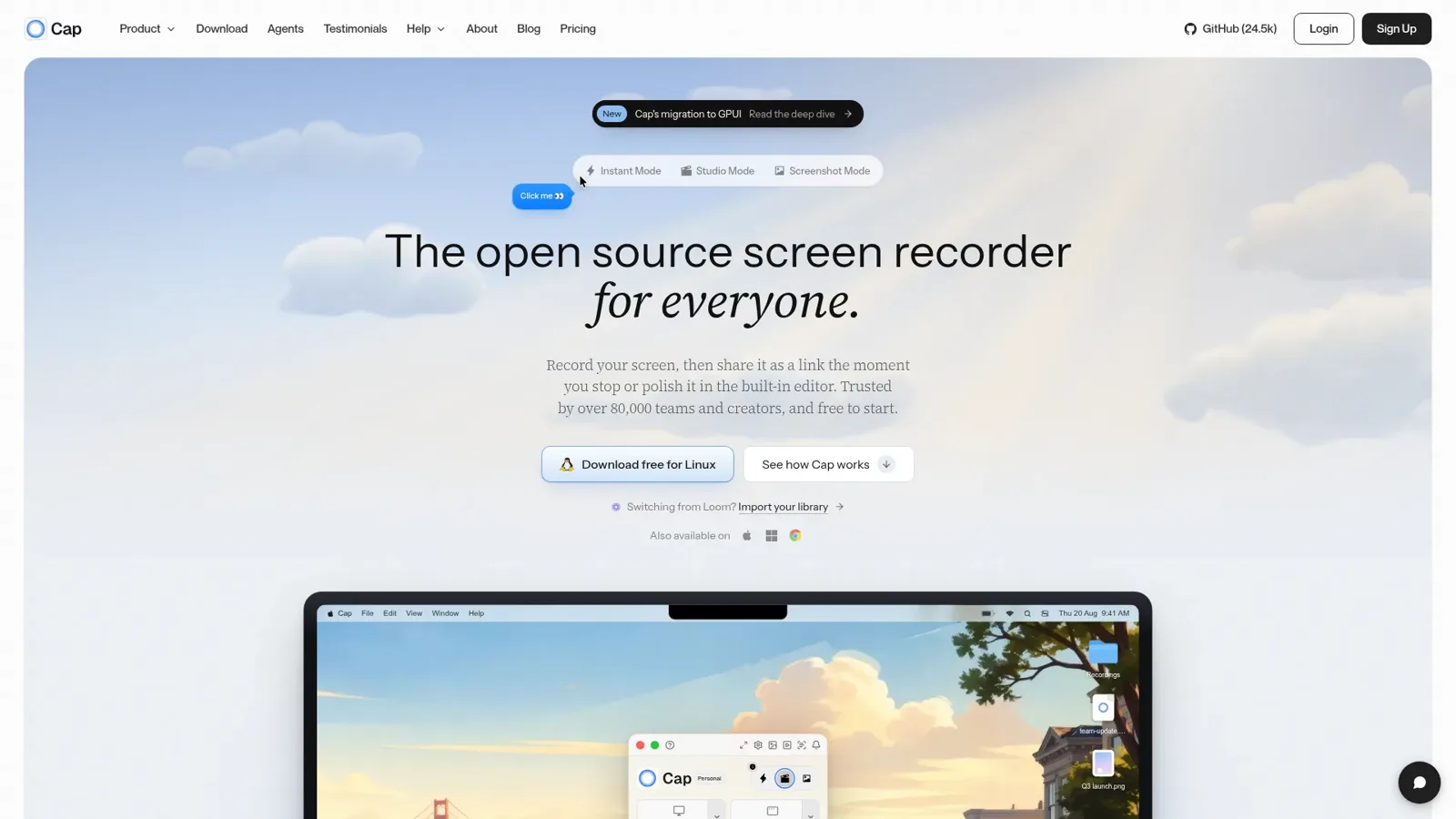
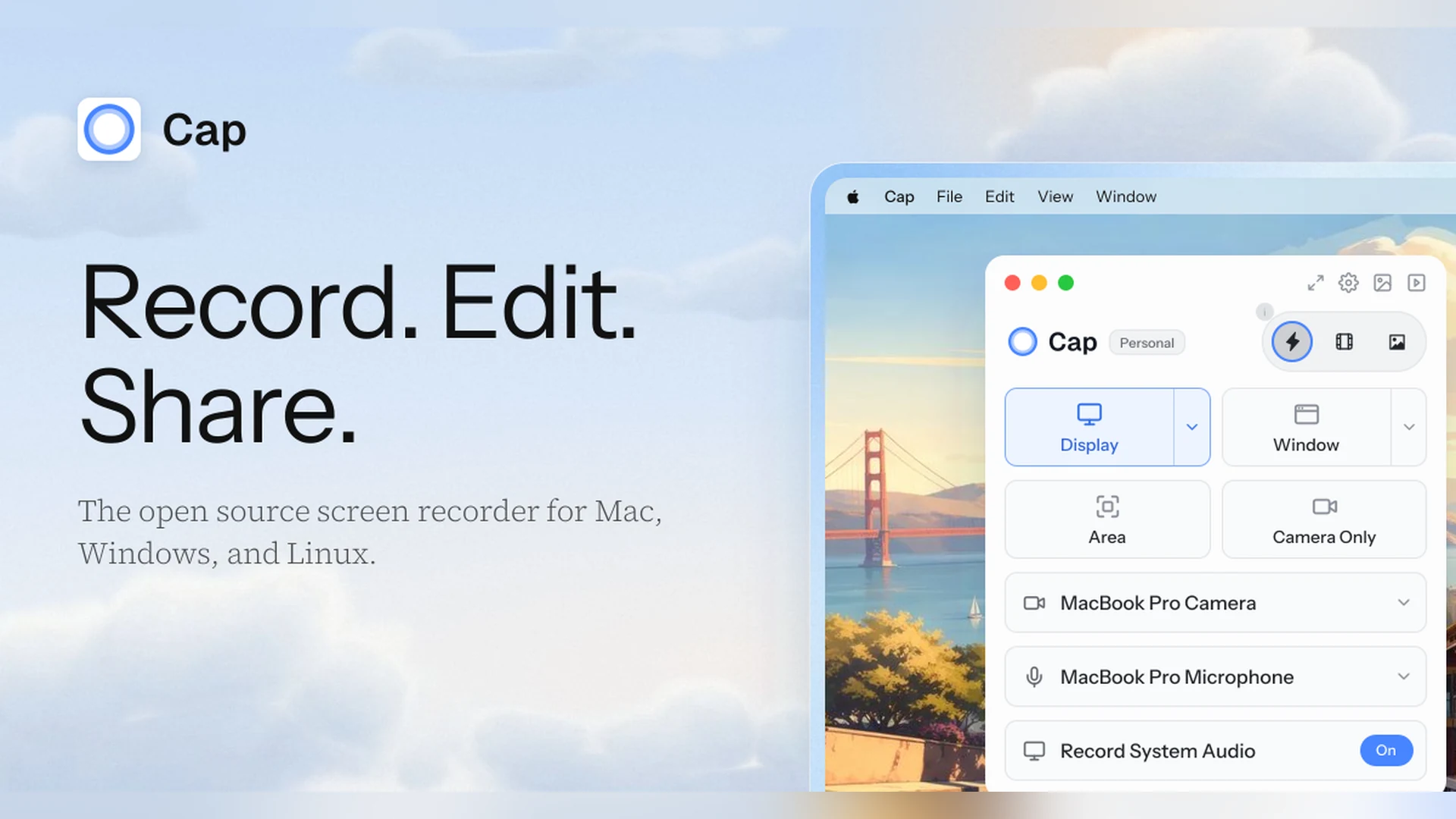
Cap is an open-source recorder for Mac and Windows. Image: Cap
Price: free to use. The Desktop License is $29 a year or $58 once, and Cap Pro is $12 per user a month, or $8.16 billed annually. It needs macOS 13.1 or later.
Cap is an open-source alternative to Loom. Cap says it records "your voice and the sound from your computer together", so your recording keeps both.
Key features:
Instant mode for quick shareable links, and Studio mode for higher-quality local recordings.
Mic and system audio together.
Open source, with optional self-hosting.
Better or worse than Shotbase? Better if you want a free, open-source recorder. Worse if you want to mix your mic and system audio separately, or need a screenshot and mockup tool in the same app.
CapThe open source screen recorderVisit WebsiteCap is an open-source screen recorder for Mac, Windows, and Linux that works as a Loom alternative, with instant share links and a local Studio Mode.
- Instant Mode records and uploads at once so you get a shareable link as you stop.
- Studio Mode records locally with a full editor and exports up to 4K at 60 fps.
- Free for personal use. A Desktop License ($29 a year, or $58 once) adds commercial rights, and Cap Pro ($12 per user a month) adds unlimited cloud sharing.
- Open source, with a self-hosting option.
Cap suits people who want a Loom-style workflow without being locked into one vendor.Visit Website
Price: $19 a month or $89 a year. macOS 14 or later is recommended.
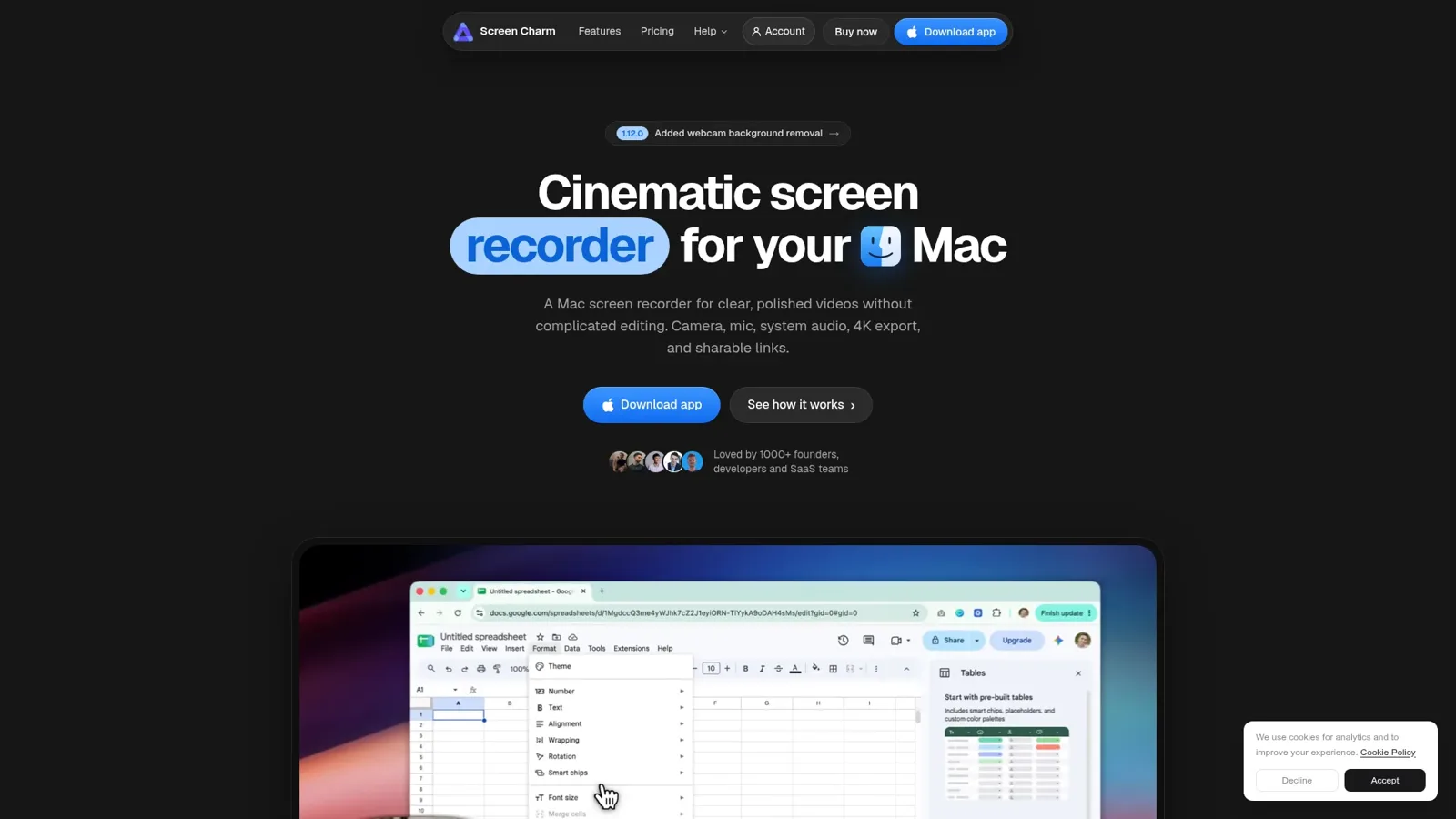
Screen Charm records your screen, system audio, microphone, and webcam, then adds automatic zooms for polished demos.
Better or worse than Shotbase? Close for demo videos. Shotbase adds screenshots, webpage capture, a local AI library, and separate audio tracks for less than Screen Charm's monthly price.
Screen CharmPolished screen recordings for MacVisit WebsiteScreen Charm is a screen recording software for Mac that enables users to create clear and polished videos. It features smart zoom, camera and microphone capture, system audio recording, 4K export, and the ability to generate sharable links. This tool is designed for founders, developers, course creators, and SaaS teams who need to produce demos and instructional content efficiently.
- Records high-quality screen videos with 4K export capability.
- Captures system audio, microphone input, and webcam footage simultaneously.
- Features smart zoom for focused video presentations.
- Generates sharable links for easy distribution of recorded content.
- Streamlines video creation for demos, tutorials, and presentations.
Screen Charm provides a comprehensive solution for users needing to create high-quality screen recordings on Mac. Its features cater specifically to professionals in various fields, allowing for efficient production of instructional and promotional content.Visit Website
CleanShot X: best one-time app for screen recording with computer audio
CleanShot X does screenshots and screen recording. Image: CleanShot
Price: CleanShot Basic is $35 once, with a year of updates (then $19 a year). Pro is $10 per user a month billed annually. There is no free trial, but there is a 30-day refund. It needs macOS 13 or later.
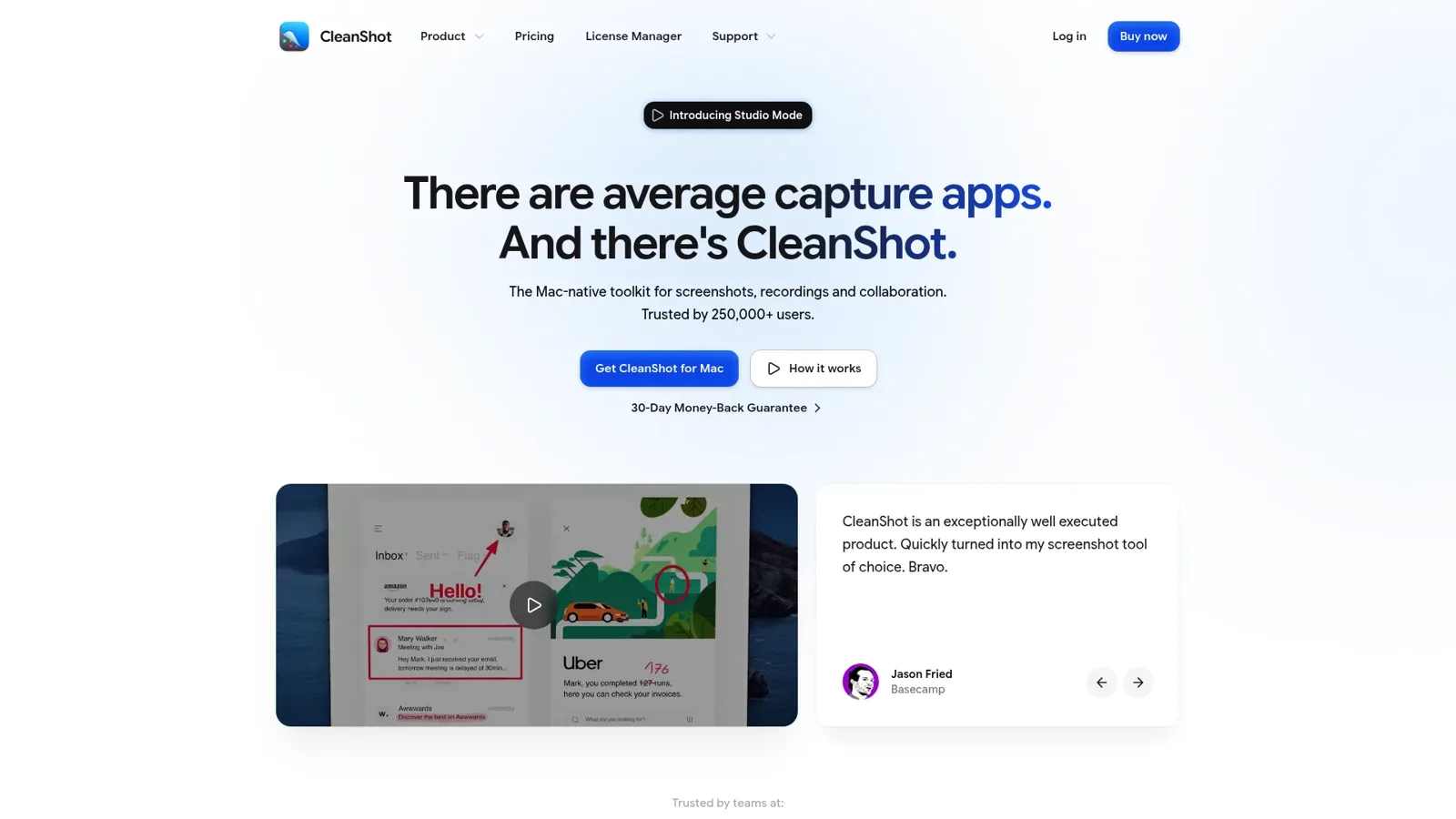
CleanShot X records your microphone and "Computer Audio" with its screen recordings, and has a simple video editor.
Better or worse than Shotbase? Cheaper over time because Basic is a one-time price. Shotbase is better for edited videos, with auto zoom, 3D tilt, transcripts, captions, and separate audio controls.
CleanShot XComprehensive screen capture and annotation toolVisit WebsiteCleanShot X is a comprehensive screen capturing software designed for Mac users. It offers over 50 features, including screenshot and screen recording capabilities, making it suitable for professionals and casual users alike. With tools for quick sharing, annotation, and GIF creation, it enhances productivity by streamlining the process of capturing and editing visual content. Its intuitive interf
- Our overlay makes sharing a breeze.
- Instantly save, copy or drag & drop screenshots or screen recordings to other apps.
- You can annotate your screenshots quickly and easily, making it beloved by users who seek efficient and effective communication.
- It’s an essential swiss army knife for health and education professionals as well as content creators—anyone looking for an optimized way to capture and share their screen.
- Additional features like scrolling capture, screen recording, and clean backgrounds make it versatile for all your needs.
CleanShot X offers a comprehensive suite of over 50 features for screen capturing and recording on Mac. Its intuitive interface and versatile tools, including scrolling captures, annotations, and cloud integration, make it a valuable asset for users needing efficient screenshot management and sharing capabilities.Visit Website
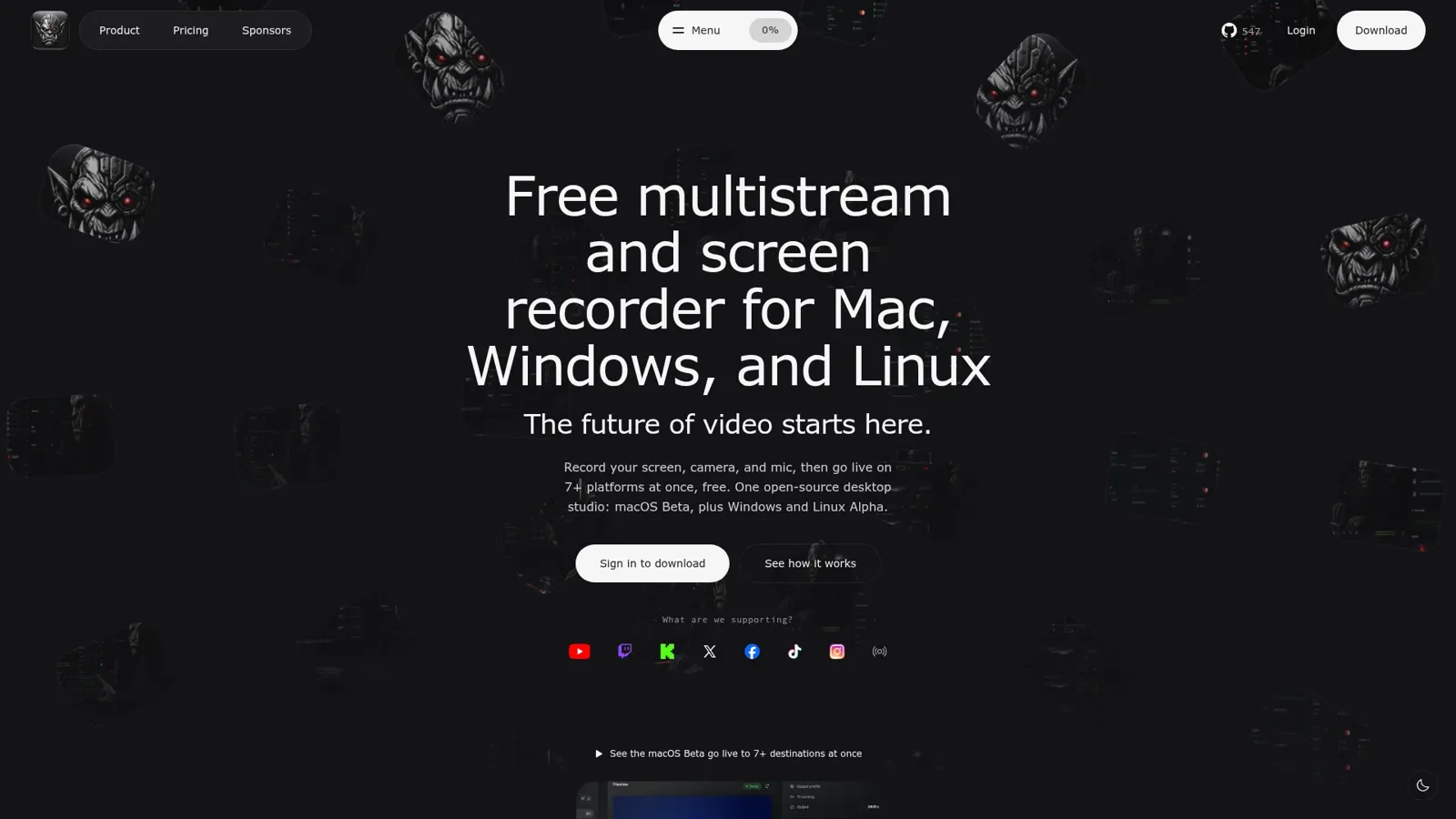
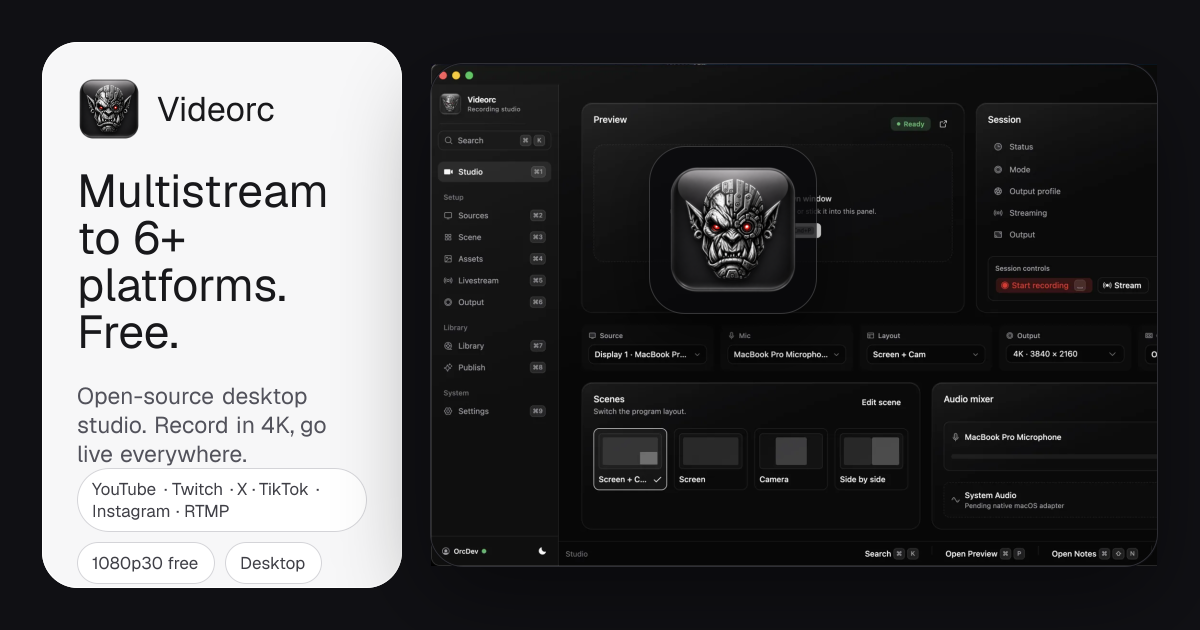
Videorc: best for recording and streaming
Videorc records and streams from one app. Image: Videorc
Price: free and open source. Premium is $39 a month, or $32.50 a month billed yearly. The Mac app is in beta.
Videorc lists system audio on macOS, so it can record or stream your screen with sound.
Better or worse than Shotbase? Better if you stream live. Worse for quick, edited screen recordings, and the Mac version is still a beta.
VideorcRecord screens and stream across platformsVisit WebsiteVideorc is an open-source desktop studio for screen, camera, and microphone recording and live streaming. The Mac version is currently in beta.
- Record locally at up to 4K on supported Mac builds.
- Arrange capture sources and preview your broadcast.
- Stream to multiple destinations at 1080p30 on the free plan.
- Keep recordings in a local library.
- Upgrade for higher-quality single-destination streaming and AI publishing tools.
Free studio with a paid Premium subscription. Live captions and the Orcle chat assistant are early-stage features; support varies by build and platform.Visit Website
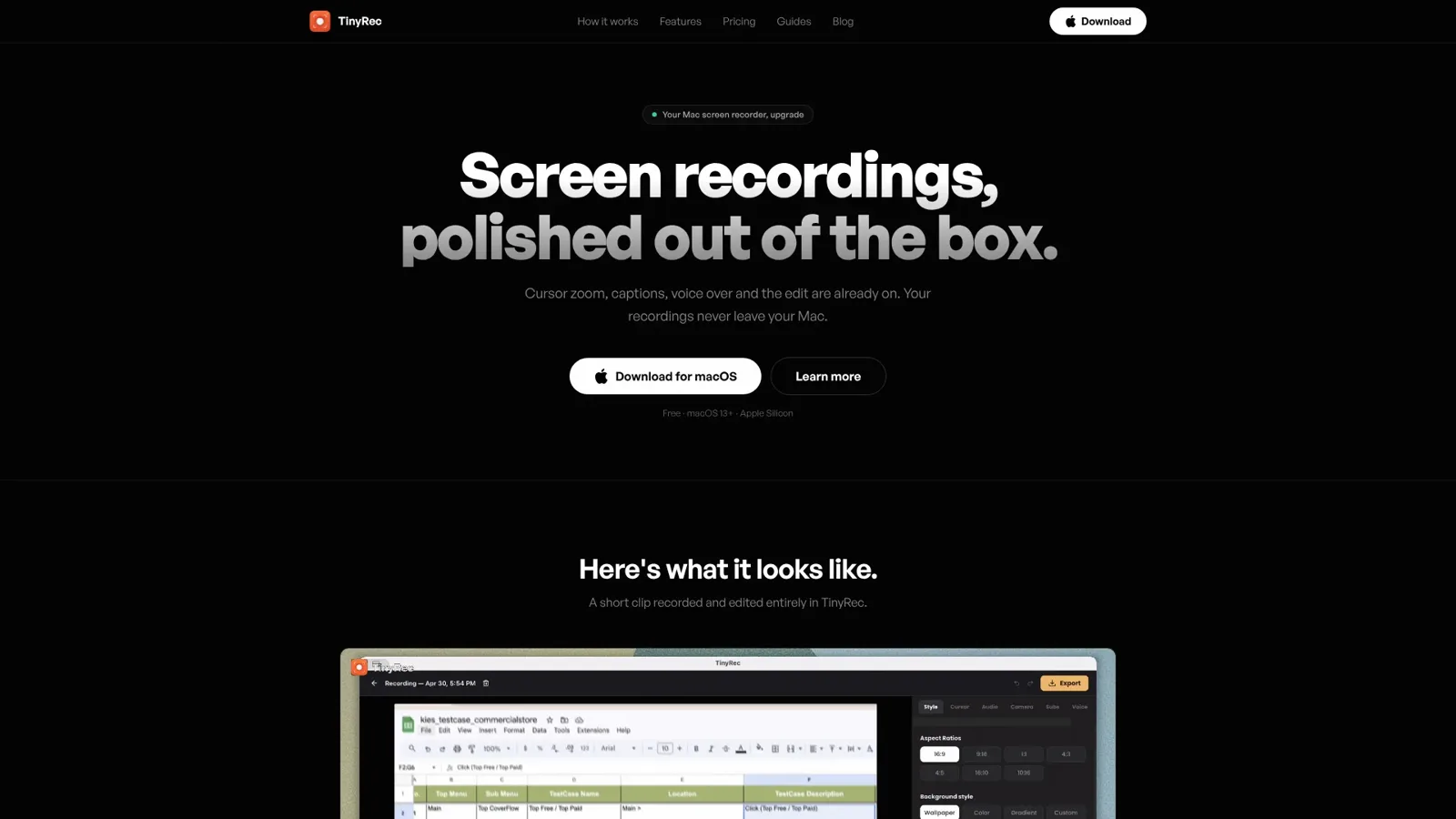
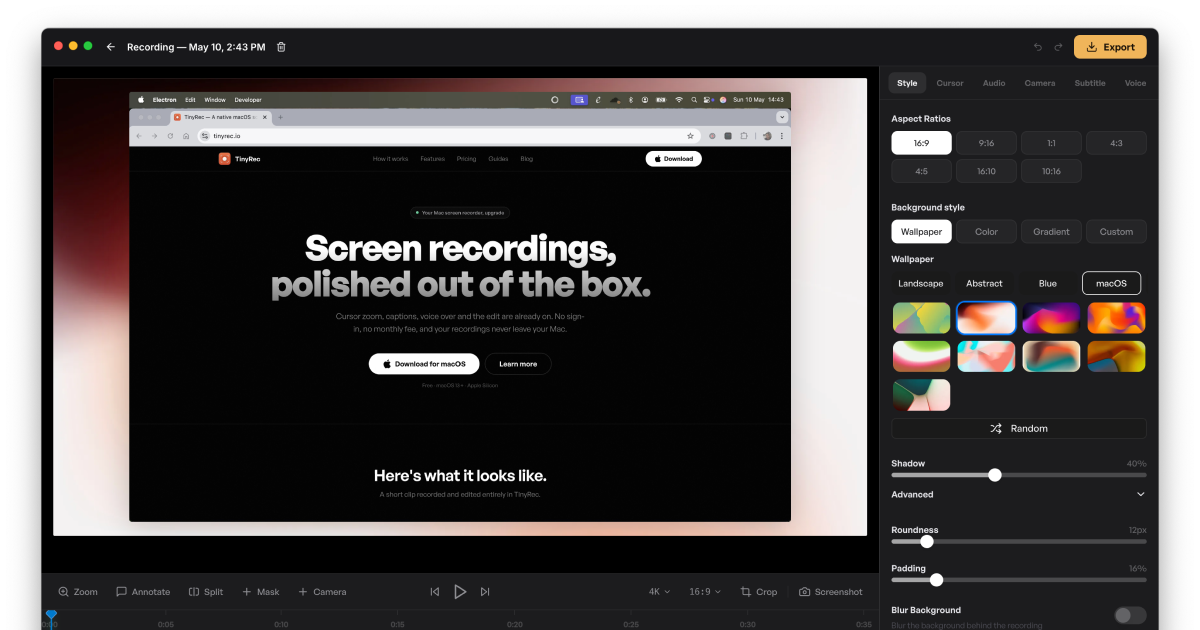
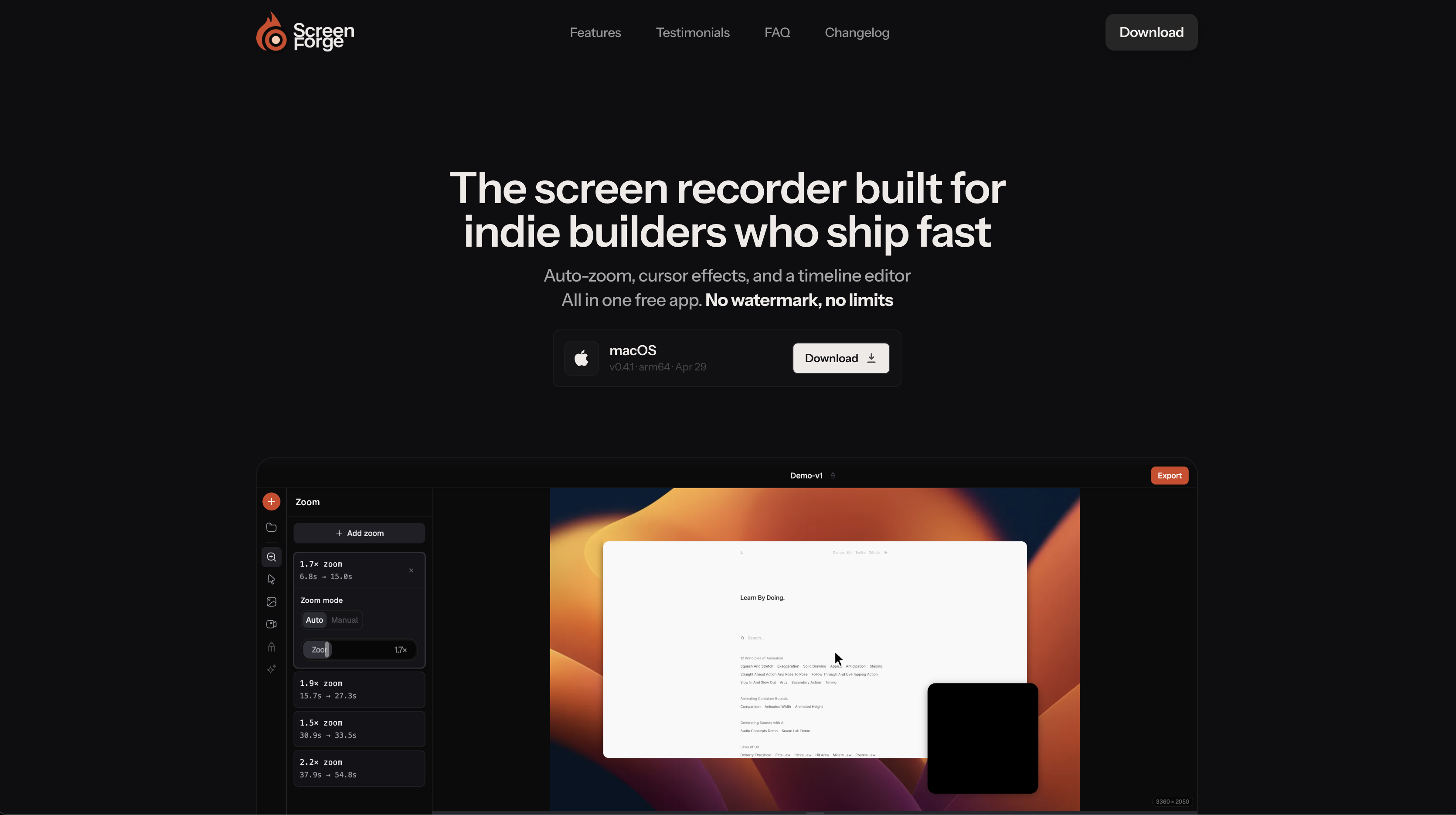
TinyRec and Screenforge: free recorders for your voice
TinyRec adds cinematic effects to recordings. Image: TinyRec
TinyRec is free with a watermark, and Pro is $7.99 a month. Screenforge is free with no watermark and adds automatic zoom clips.
Both record your microphone. Neither site states system audio support, so test with the free version before you rely on them for your Mac's sound.
Better or worse than Shotbase? Cheaper, but neither offers separate audio tracks, screenshots, or webpage capture.
TinyRecCinematic screen recordings in minutesVisit WebsiteTinyRec is a screen recording software for macOS that enables users to capture high-quality video at 60 frames per second. It is designed for individuals and professionals who need a straightforward tool for creating polished recordings without the need for cloud storage or subscriptions.
- Records desktop, application windows, and iPhone screens via USB in high-quality 60fps.
- Features auto-zoom for cursor tracking, local transcription for captions, and AI voice-over capabilities.
- Provides editing tools for annotations, masks, and custom styling before exporting videos in up to 4K resolution.
- Operates entirely on the user's machine without requiring sign-up or cloud storage.
- Supports unlimited recordings and durations with a small watermark in the free version.
TinyRec is compatible with macOS 13 and later, supporting both Apple Silicon and Intel Macs. The application allows users to record, edit, and export high-quality videos locally without any sign-up or monthly fees. All recordings remain on the user's device, ensuring privacy and control over content.Visit Website
ScreenforgeFrom capture to clean videoVisit WebsiteScreenforge is a free screen recording software for macOS. It enables users to capture their screens, webcams, and audio while providing features like auto-zoom, cursor effects, and a timeline editor.
- Automatically detects cursor movement to apply zoom effects where needed.
- Records screen, webcam, and audio simultaneously without watermarks.
- Features a built-in timeline editor for non-destructive clip editing.
- Offers customizable backgrounds and cursor animations for professional presentations.
- Exports recordings in multiple formats, including MP4, MOV, and WebM.
Screenforge is a free screen recording software designed for macOS, offering features such as automatic zoom detection, cursor effects, and a built-in timeline editor. Users can record screens, webcams, and audio without watermarks or limitations.Visit Website
Which way to screen record with audio should you use?
Use the Screenshot app for a quick recording with your voice, and for system audio if you are on macOS 27. Use Shotbase if you want to balance your mic and your Mac's sound, add captions, and share a link. Use Cap if you want a free app that records both.
How do I screen record on Mac with internal audio?
On macOS 27 Golden Gate or later, press Shift-Command-5, click Options, and choose Include System Audio. On older versions of macOS, use an app that records system audio, such as Shotbase, Cap, Screen Charm, or CleanShot X.
How do I record my screen and voice at the same time on a Mac?
Press Shift-Command-5, click Options, and choose your microphone under Microphone. Then click Record. QuickTime Player and Shotbase also let you pick a microphone.
Can QuickTime record system audio?
Apple's guide only lists a microphone option for QuickTime screen recordings. On macOS 27, the Screenshot app has the Include System Audio option.
How do I stop a screen recording on Mac?
Click the stop button in the menu bar, or press Command-Control-Esc.
What is the best free screen recorder for Mac with audio?
Cap is free, open source, and records your voice and your computer's sound together. The built-in Screenshot app is also free and records system audio on macOS 27.
#### Sources
Prices and features were checked on November 16, 2026.
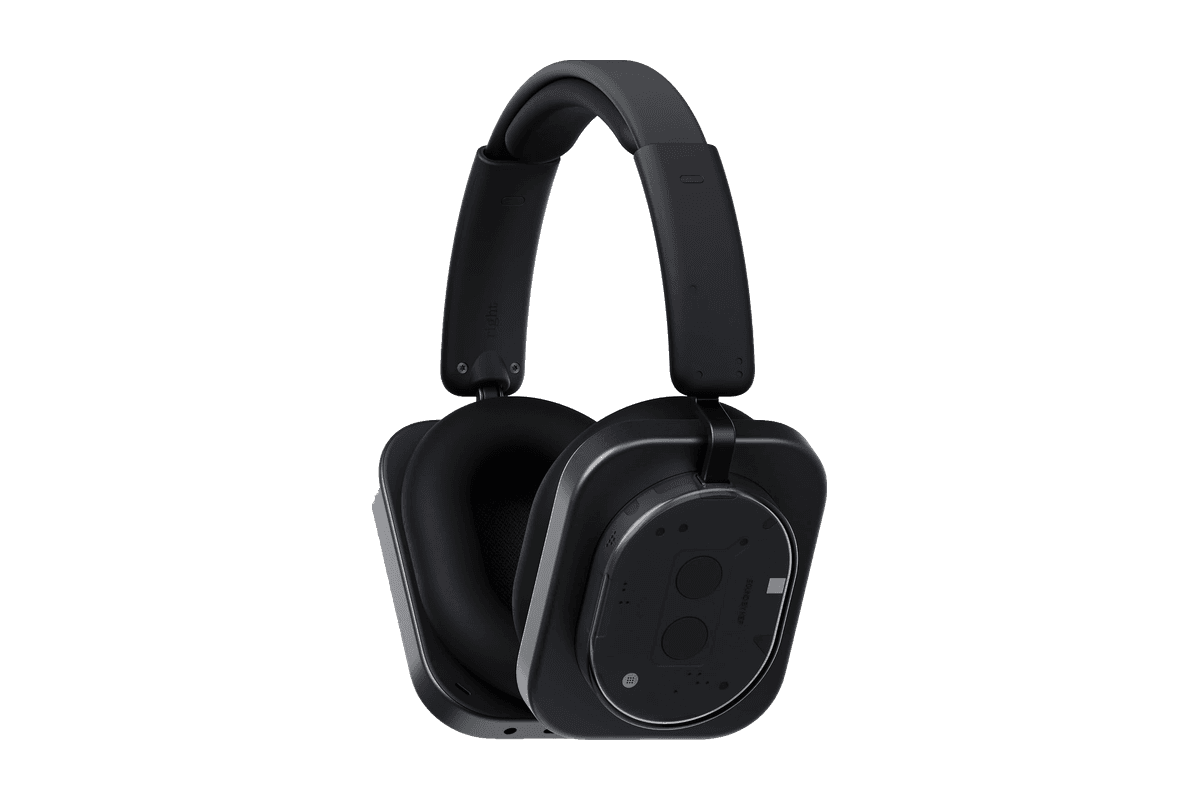
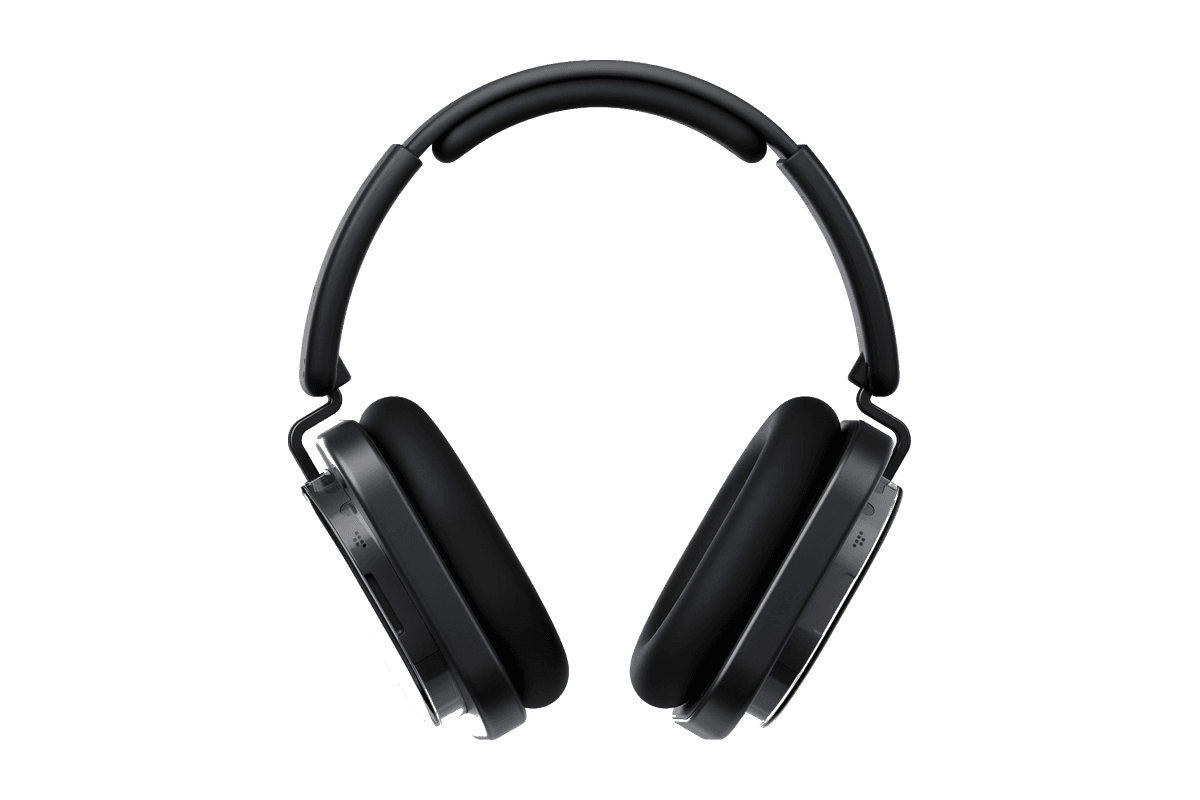
Over-ear headphones with physical controls, noise cancellation, and USB-C audio.
HardwareAudiomacOS & iOS & iPadOS
Neuecast
Modern podcast player for iOS devices
Freemium
Neuecast is a podcast player app for iPhone that provides a simple, clean interface for discovering, organizing, and listening to millions of podcasts. It combines advanced controls and personalization options tailored for everyday use.
- Browse and listen to millions of podcasts.
- Explore featured shows and top podcast charts.
- Organize and manage podcast episodes easily.
- Adjust playback speed and use sleep timers.
- Personalize interface settings to your preference.
- Download episodes for offline playback.
Neuecast is free to download for iPhone with optional in-app purchases. It requires iOS 18.0 or later for installation. All features are accessed through the app's main interface.
SoftwareAudioiOS & iPadOS
Postquel
Native PostgreSQL client with AI assistant
Free
Postquel is a native PostgreSQL client for macOS with an integrated AI assistant. It supports both Apple silicon and Intel Macs running macOS 15 or later.
- Browse and edit database rows, with transactional structure changes and SQL preview.
- Follow foreign keys and switch between content, structure, and DDL views.
- Run and manage multiple queries, with execution timing and sortable results.
- Save frequently used queries to a sidebar for quick access.
- AI assistant generates SQL based on requests, reads schema, and proposes changes for review.
- Supports SSH tunneling and stores passwords using the macOS Keychain.
Postquel is free and open source. The AI assistant feature requires a separate installation and sign-in to Claude Code, Codex, or Cursor Agent.
SoftwareDevelopmentmacOS
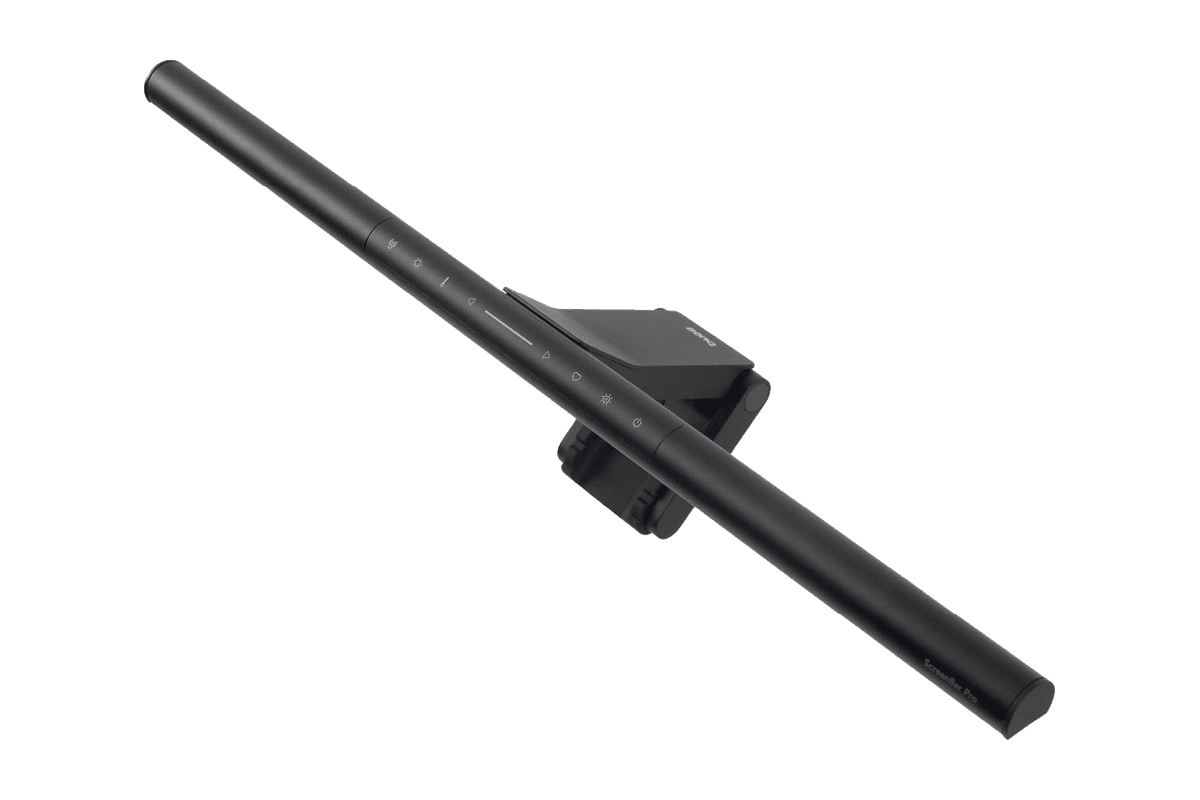
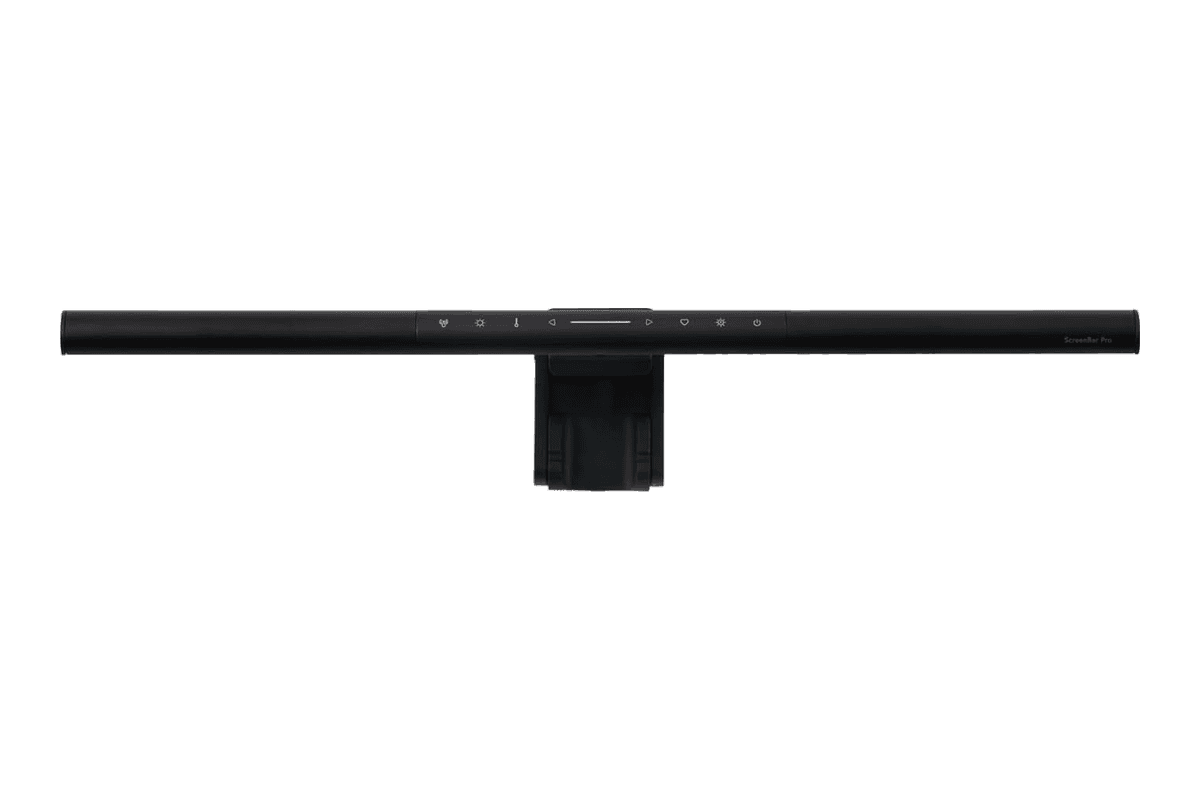
ScreenBar Pro
A USB-C monitor light with automatic dimming and presence detection for a Mac desk.
WorkspaceLighting
Any Distance
Track over 90 types of workouts
Freemium
Any Distance is a workout tracker for running, walking, hiking, biking, and more, available for iPhone and Apple Watch. It offers visual maps, real-time activity views, and fitness data tracking.
- Tracks over 90 workout types, including running, walking, biking, hiking, and gym workouts
- Monitors pace, calories, distance, heart rate, and more
- Displays workout routes on 2D and 3D maps
- Shows live activities in real time on the lock screen
- Enables customizable sharing with Instagram story templates in 3D and AR
- Syncs data with Apple Health, Garmin, and Wahoo
Any Distance is free to download with in-app purchases and requires iOS 16.1 or later. No features are specifically guaranteed free beyond app download.
SoftwareHealthiOS & iPadOS
Rasterloom
Edit images, type, and vectors together
Free
Rasterloom is a native Mac design application that allows users to work with images, typography, and vector artwork. It combines design tools, asset management, and moodboards in a single app for Apple silicon Macs.
- Edit images, type, and vector graphics within one layered native Mac app
- Compose with adjustable layers, masks, blend modes, opacity, and color adjustments
- Set type using installed fonts and adjust kerning, tracking, and line spacing
- Draw shapes and paths with editable fills and strokes on the canvas
- Integrate ChatGPT, Claude, or compatible AI assistants on the canvas through MCP
- Organize and search references and assets in moodboards and a reusable library
Rasterloom 0.4.1 alpha is free to download and use for Apple silicon Macs with macOS 15 or later. Optional on-device image analysis requires a separate model download and at least 8 GB of memory.
SoftwareDesignmacOS
Lumy
Modern sun and moon activity planner
One-time
Lumy is a sun and moon tracker and outdoor activity planner for iPhone, iPad, Apple Watch, Apple TV, and HomePod. It provides accurate solar and lunar data, modes for routine-specific needs, and weather forecasts for up to seven days.
- Switch between modes such as Daily, Photography, and Meditation profiles
- Provides sun and moon data: golden hour, blue hour, twilight, phases, and more
- Offers weather forecasts for up to seven days for planning outdoor activities
- Supports Apple Watch complications, widgets, iOS State of Mind integration, and notifications
- Calculates all sun and moon data on-device; only weather uses the internet
- Accessible features include VoiceOver, Dynamic Type, and localization in several languages
Lumy is a one-time purchase app priced at $7.99, granting full family access. It requires iOS 18.0 or later and does not provide a free tier.
SoftwareProductivityiOS & iPadOS
RNI Films
Analog film filters for digital photos
Freemium
RNI Films is a mobile app that simulates the look of real analogue film in digital photography. It offers film-inspired filters, grain effects, photo adjustments, and basic video grading for iOS devices.
- Applies film filters based on real analog stocks like negative, slide, instant, black & white, and vintage.
- Includes an introductory package of free filters, with more available via in-app purchase.
- Simulates authentic film grain, bloom, and halation for realistic effects.
- Provides tools for cropping, rotating, and adjusting brightness, contrast, color, shadows, and highlights.
- Supports editing RAW files from mobile or third-party cameras, subject to iOS RAW format compatibility.
- Enables direct sharing of photos to Instagram, Facebook, and Twitter.
RNI Films is free to download and use with optional in-app purchases for additional filter packs. The app requires iOS 15.0 or later for compatibility with supported devices.
SoftwareCreativeiOS & iPadOS
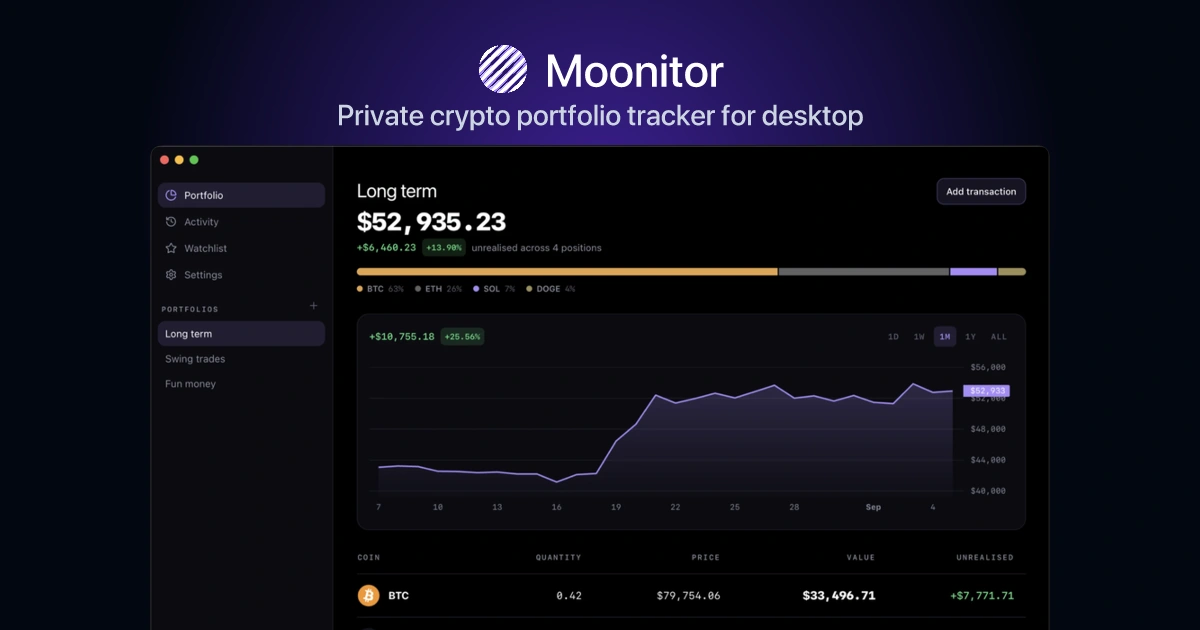
Moonitor
Local crypto portfolio tracking app
Freemium
Moonitor is a crypto portfolio tracker for Mac, Windows, and Linux that stores all portfolio data locally on your computer. No account, sign-up, or API keys are required to track up to 5 coins and 1 portfolio for free.
- No account or API key required; all data stored locally
- Live price tracking from 16 supported exchanges
- Supports custom base currencies including USD, BTC, ETH, and others
- Set price alerts that trigger on your own device
- Export/import portfolio data and choose sync methods like iCloud or cloud folders
- Pro version lifts limits on coins, portfolios, watchlist markets, and alerts
Moonitor is free to use with core features and some limits. The Pro version, which unlocks unlimited coins, portfolios, watchlist markets, and alerts, is available as a one-time $9.99 purchase. Requires macOS 12 or later for Apple computers.