Best AirPods Max Stand in 2026: Sleep Mode and Charging Picks | Macfolio
Best AirPods Max Stand in 2026
We compare six AirPods Max stands, from $33 magnet stands with sleep mode to charging stands from Floating Pixels and mophie, and explain how AirPods Max sleep mode really works.
AirPods Max have no off switch, so where you put them down matters. This guide compares the best AirPods Max stands in 2026, explains how sleep mode really works on the Lightning, USB-C and AirPods Max 2 models, and shows which stands also charge your headphones, your iPhone or your earbuds.
What is the best AirPods Max stand?
Six stands cover almost every desk. Two charge the headphones directly, two hold the headphones and charge something else, and two are simple display stands. Prices below were checked on Nov 2, 2026.
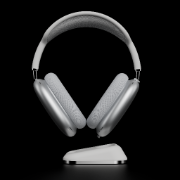
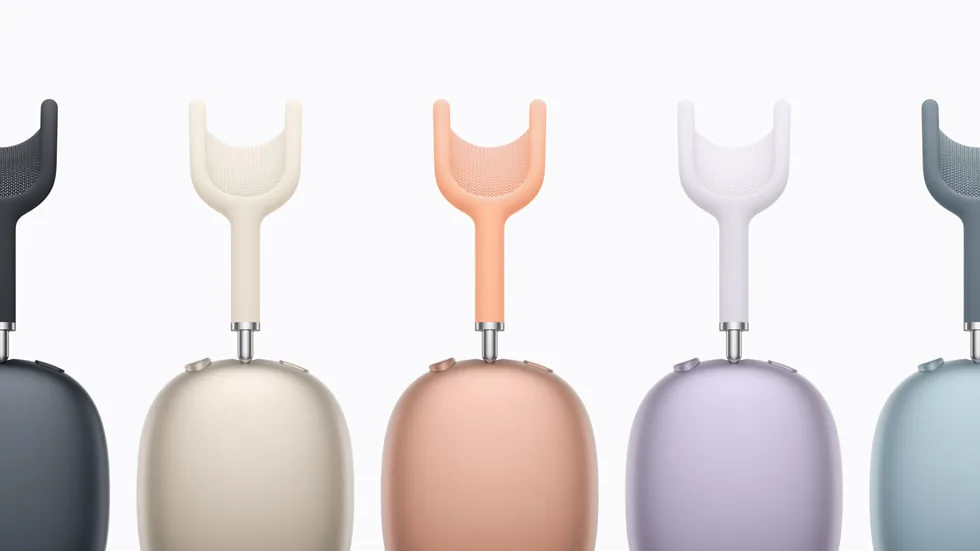
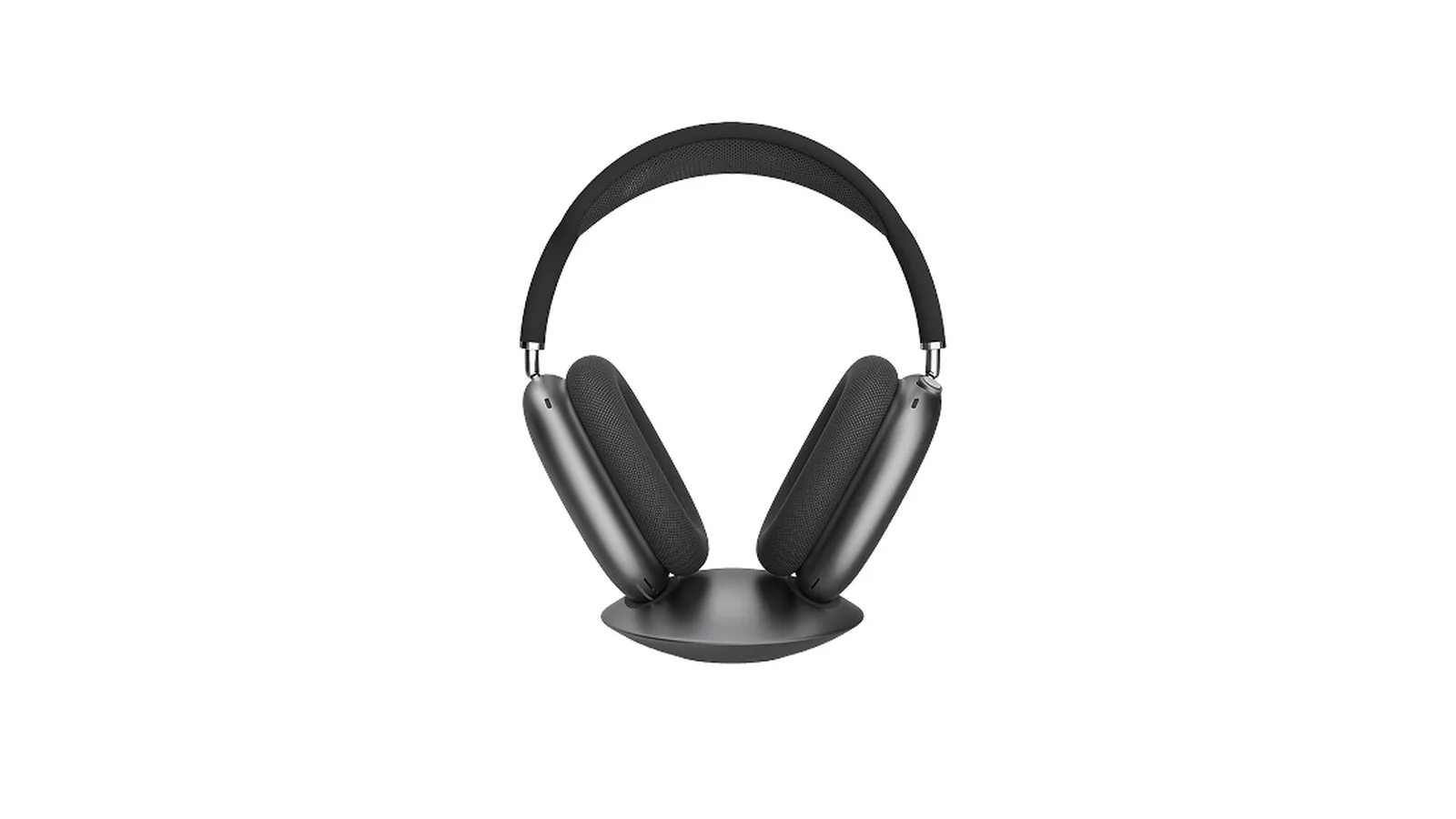
AirPods Max 2 keep the same shape as the original, so the stands below fit all three generations. Image: Apple
Do AirPods Max need a stand with sleep mode?
AirPods Max turn off their own power use in stages, and the Smart Case is the trigger Apple designed for it. Apple's current support page says that putting AirPods Max in the Smart Case puts them into an ultralow power mode to preserve battery charge.
When the headphones first launched in 2020, Apple's support document gave more detail, as reported by MacRumors:
Out of the case: after 5 minutes sitting still, they go into low power mode. After 72 hours still, they drop to ultralow power mode, which turns off Bluetooth and Find My.
In the Smart Case: low power mode starts right away, and ultralow power mode starts after 18 hours.
Apple's current page no longer lists those timings, so treat them as the original guidance rather than a promise for every firmware version.
The Smart Case works because it has magnets that the headphones detect. Apple's AirPods Max 2 specs list a case-detect sensor in each ear cup. That is why some stands hide magnets in the cradle: they imitate the case so the headphones disconnect and save power while they sit on your desk.
So a stand without magnets is not bad for the battery, but your AirPods Max will sip power more slowly through the low power stages instead of going straight to the case behavior. If you leave them out for days, sleep mode or charging matters.
Does the USB-C AirPods Max work differently?
There are three AirPods Max to think about:
AirPods Max (2020): Lightning port.
AirPods Max (2024): USB-C port, same design.
AirPods Max 2 (2026): USB-C port and an H2 chip, from $549.
All three use the Smart Case and the same magnet-based sleep behavior, and Apple says you charge any of them by connecting the cable to the port on the bottom of the right ear cup. The port is what changes. Stands that charge through a magnetic plug need the right connector, so check that a charging stand includes a Lightning or USB-C tip for your model.
How do the best AirPods Max stands compare?
Stand
Price (checked Nov 2, 2026)
Charges AirPods Max
Sleep mode
Extra charging
Floating Pixels Max Stand
€99
Yes, magnetic plug
Not advertised
No
mophie Max Charging Stand
$149.95
Yes, USB-C models only
Yes
Qi pad for earbuds
FARWAYVIEW AirPods Max Stand
$33.49 on Amazon
No
Yes, magnets
No
Satechi 2-in-1 Headphone Stand
$55.99 (was $79.99)
No
Not advertised
Wireless pad for iPhone or AirPods Pro
Spigen Nanotac Stand (MagFit)
$79.99 list
No
Not advertised
Holds a MagSafe Charger (not included)
ELECOGO All-Aluminum Stand
$59.99
No
Not advertised
No
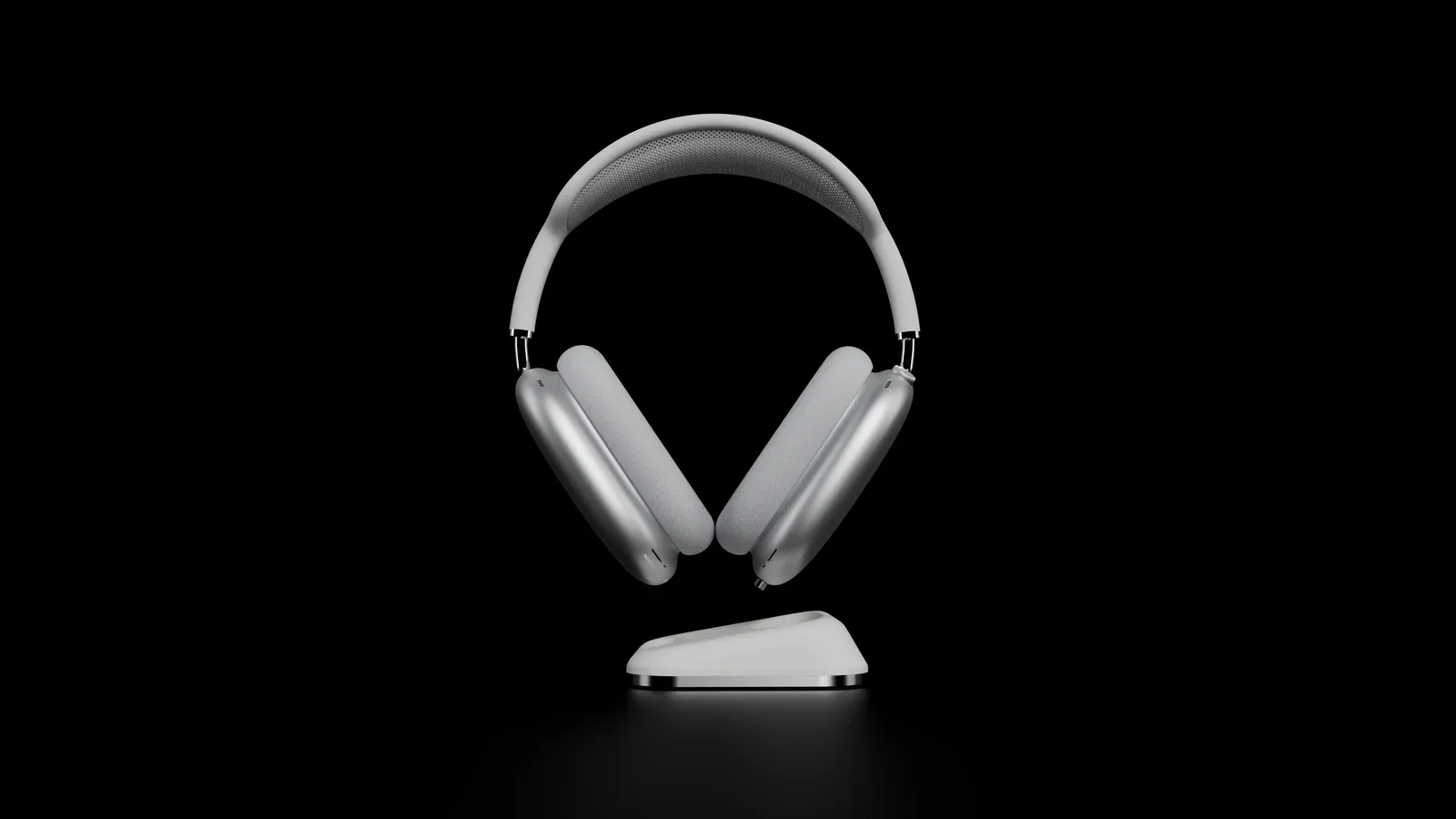
Floating Pixels Max Stand: best AirPods Max charging stand
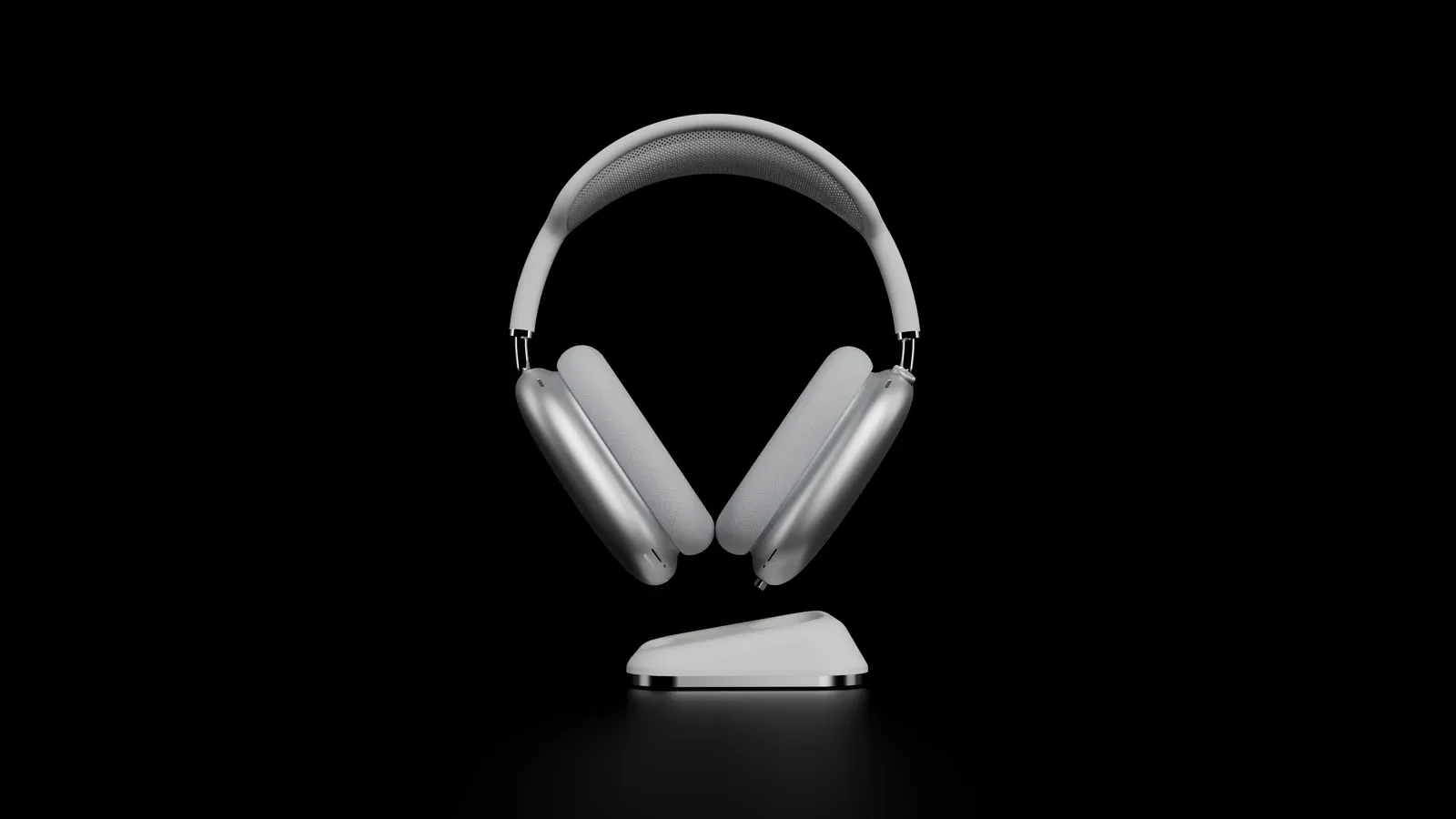
The headphones hang from a magnetic connector, so they look like they are floating. Image: Floating Pixels
Price: €99 on the official store, which ships to the US.
The Max Stand takes a different approach from every other stand here. You plug a tiny magnetic connector into the AirPods Max charging port once and leave it there. Set the headphones on the stand and the connector snaps on and charges them. Pick them up and they come away.
Key features:
Works with AirPods Max 1 (Lightning and USB-C) and AirPods Max 2. Both connector types are in the box.
Solid stainless steel base of about 240 g, or 8 ounces.
Comes with a magnetic to USB-C charging cable for charging away from the stand, plus a USB-C to USB-C cable.
Space Gray and White finishes.
The headphones still fit in the Smart Case with the connector attached, according to Floating Pixels.
Floating Pixels does not advertise a sleep mode, and in its hands-on test heise noted that the headphones do not stay connected to a Mac or iPhone while they sit on the stand. Because they are always charging there, battery drain matters less.
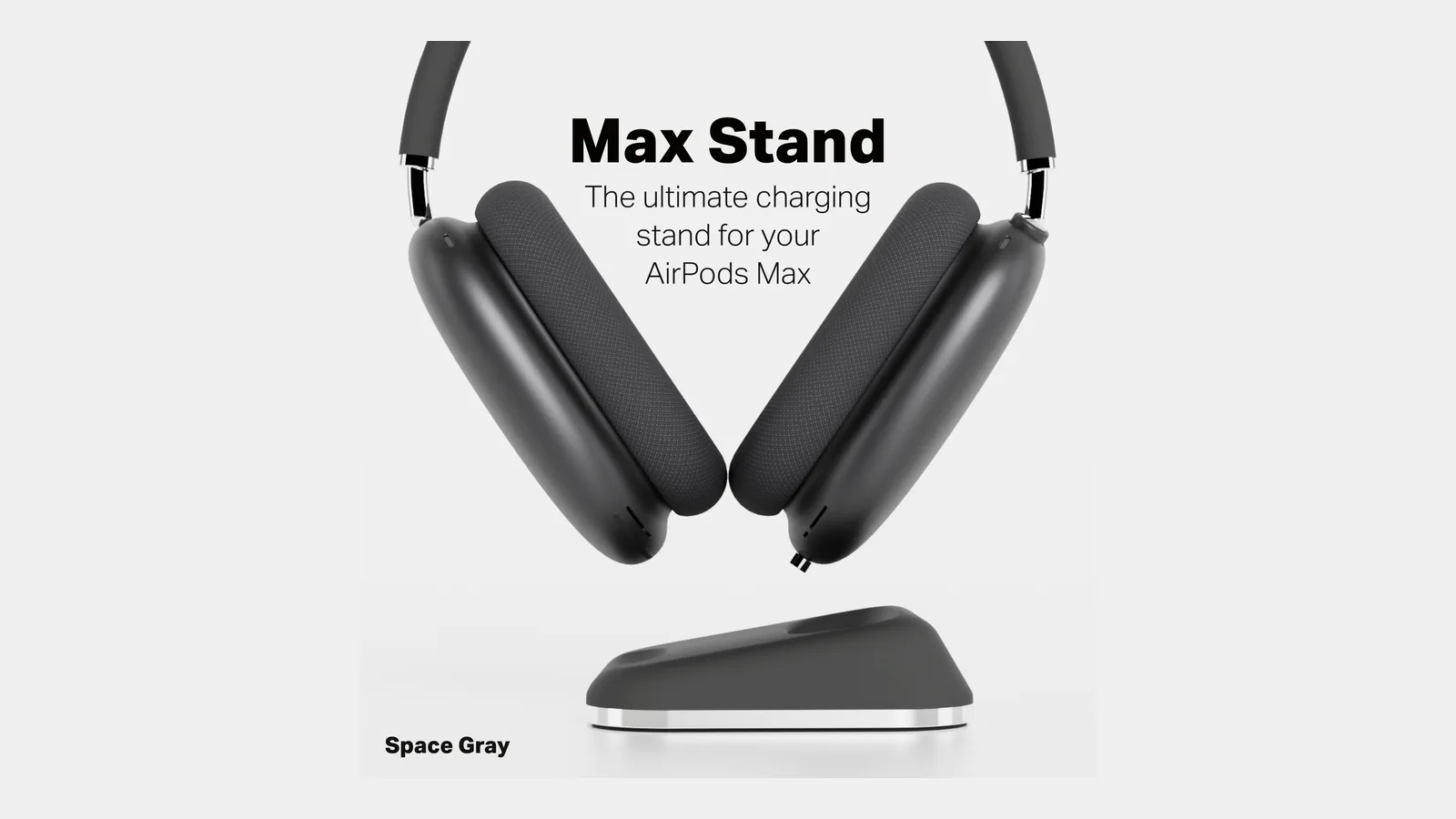
Space Gray matches the darker AirPods Max finishes. Image: Floating Pixels
Max StandA floating AirPods Max stand that charges through a magnetic port connector.Visit WebsiteMax Stand by Floating Pixels holds AirPods Max by a small magnetic connector that stays in the headphones' charging port, so the headphones appear to float above a stainless steel base and charge whenever you set them down.
- Works with the original Lightning AirPods Max, the 2024 USB-C model, and AirPods Max 2.
- Ships with Lightning and USB-C magnetic connectors plus a magnetic-to-USB-C charging cable.
- Stainless steel base, available in Space Gray and White.
- Replacement magnetic connector two-packs are sold separately.
- Floating Pixels is based in Heidelberg, Germany, and ships to the US.
It suits AirPods Max owners who want the stand itself to be the charger, with no cable to plug in each time.Visit Website
Who it is for: anyone who wants the stand to be the charger, so the headphones are full every time they pick them up.
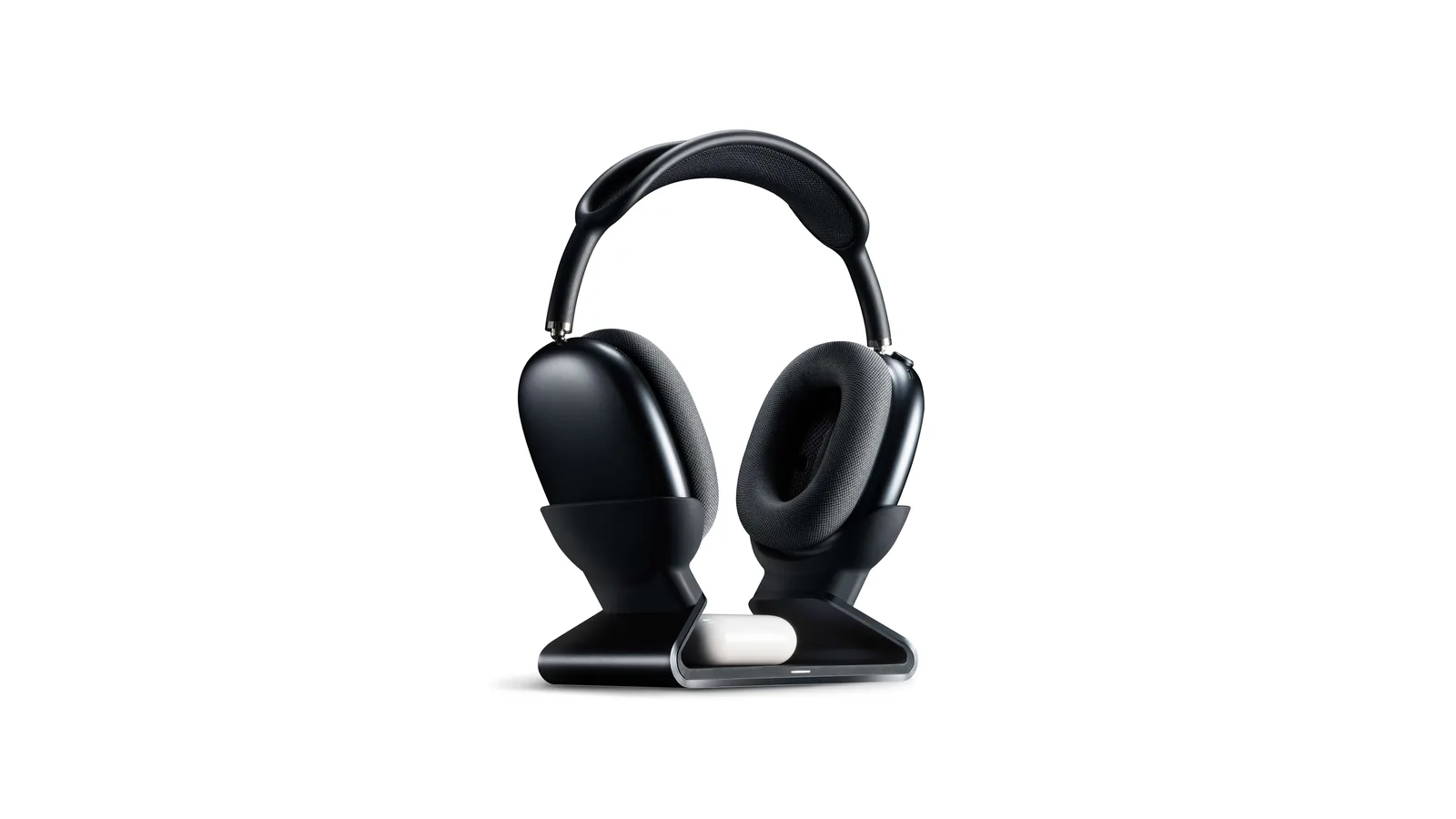
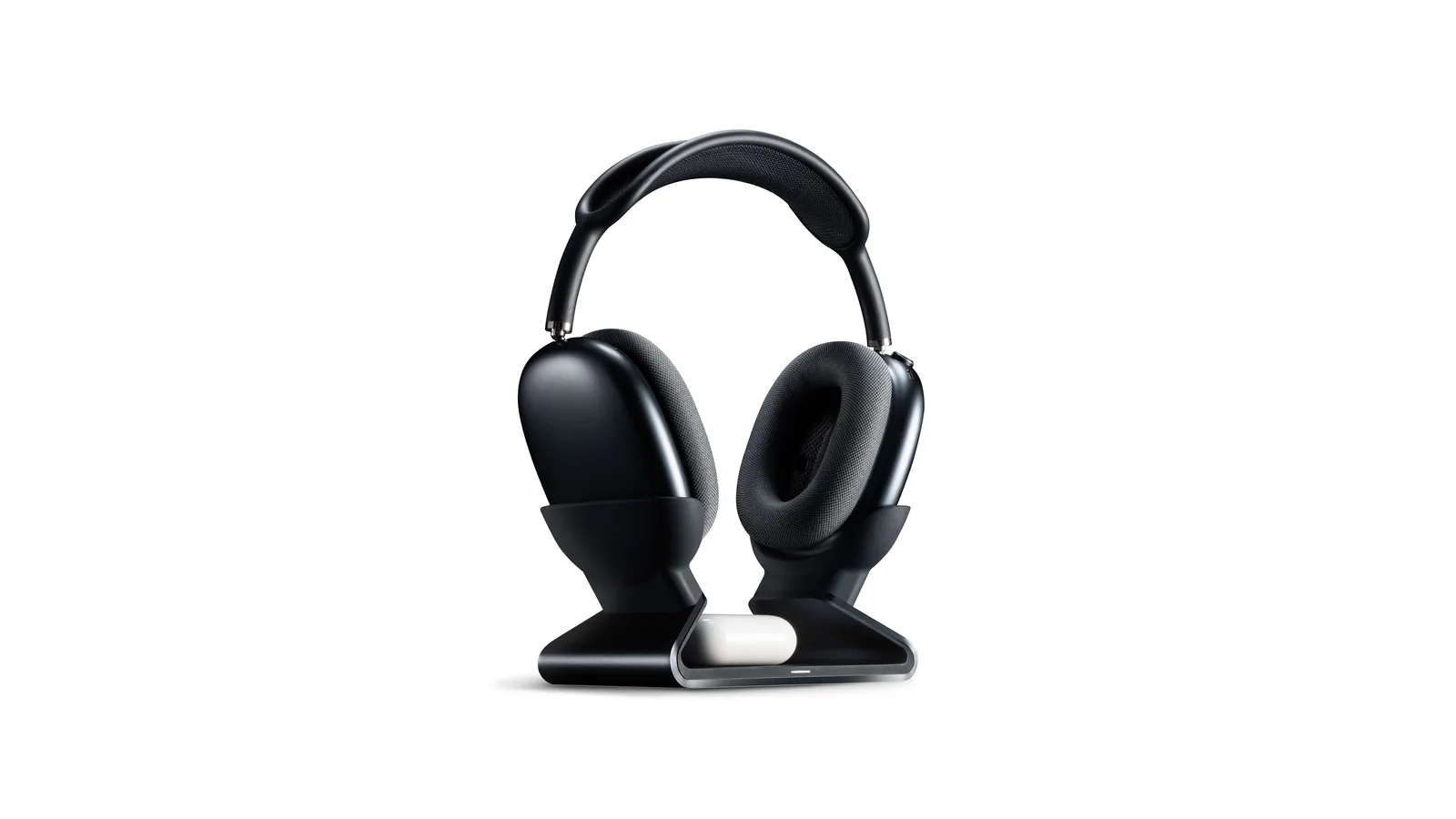
mophie Max Charging Stand: best AirPods Max stand with sleep mode and a charger
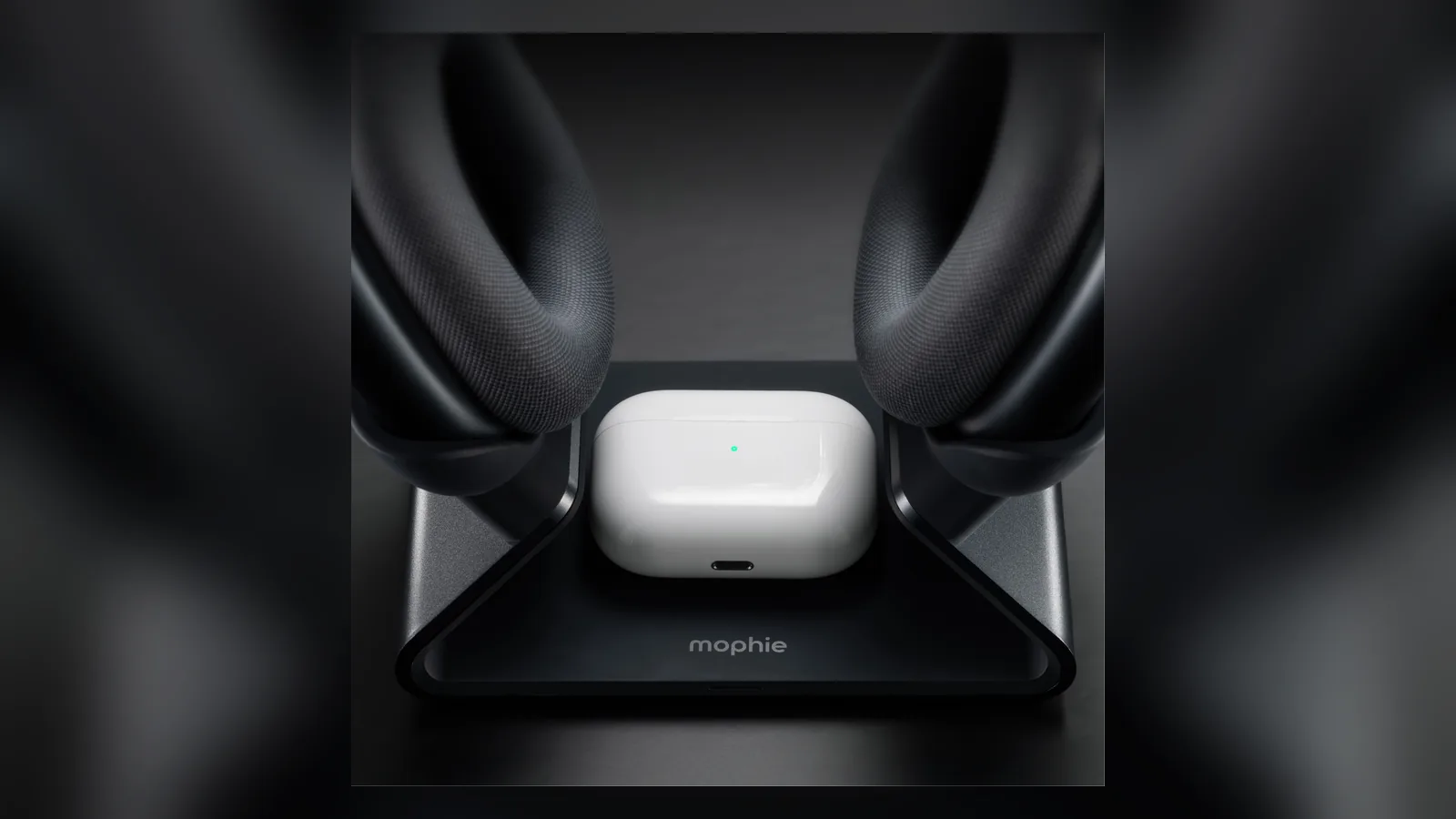
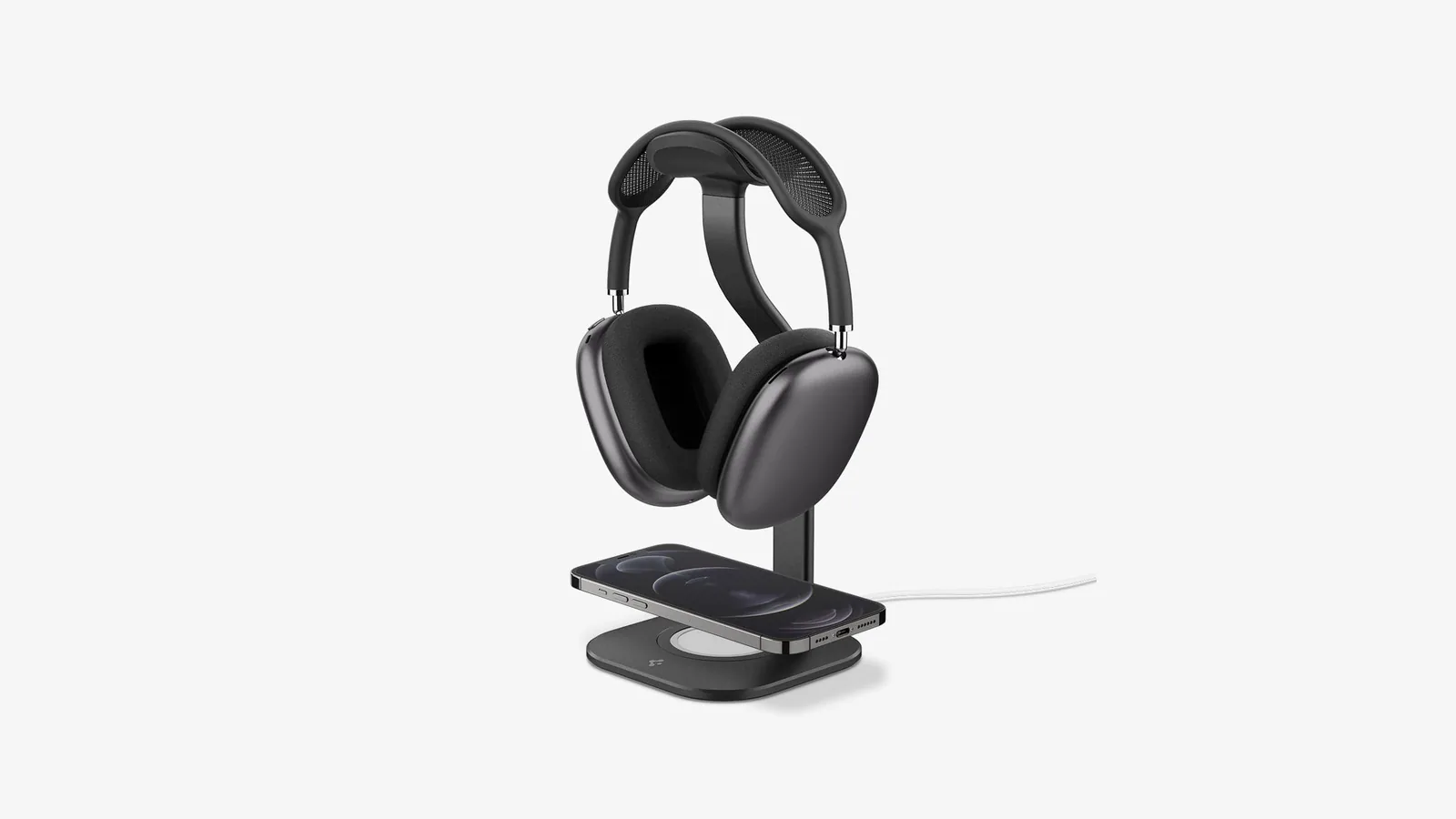
mophie's stand charges USB-C AirPods Max and has a Qi pad in the base. Image: mophie
Price: $149.95 on mophie.com.
The Max Charging Stand is the only stand here that does all three jobs: it charges the headphones, triggers sleep mode, and charges a second device. Like the Max Stand it uses a magnetic USB-C dongle that stays in the port.
Key features:
Built-in sleep mode that mophie says triggers automatically.
Magnetic USB-C dongle, a spare dongle, and a travel dongle in the box.
Qi wireless pad in the base for AirPods, AirPods Pro or other Qi devices.
Aluminum base with soft silicone cups to protect the ear cups.
Two-year warranty.
The big limit is compatibility. mophie lists the USB-C AirPods Max and says the stand is not compatible with the Lightning version. AirPods Max 2 also use USB-C, but mophie's page does not name them yet, so confirm before you buy.
The Qi pad in the base charges earbuds while the headphones rest above. Image: mophie
Max Charging StandAn AirPods Max charging stand with sleep mode and a Qi pad for earbuds.Visit Websitemophie's Max Charging Stand charges USB-C AirPods Max through a magnetic USB-C dongle and adds a Qi wireless pad in the base for AirPods, AirPods Pro, or another Qi device.
- Built-in sleep mode is triggered automatically when the headphones are on the stand, according to mophie.
- Magnetic USB-C dongle, plus a spare and a travel dongle in the box.
- Integrated Qi wireless charging pad with 5V output.
- Aluminum base with soft-touch silicone cups that protect the ear cups.
- Two-year warranty; about 1.1 pounds and 7.1 x 4.8 x 4.4 inches.
It suits owners of USB-C AirPods Max who want sleep mode, headphone charging, and an earbud charger in one stand. mophie says it is not compatible with the Lightning AirPods Max.Visit Website
Who it is for: owners of USB-C AirPods Max who also carry AirPods or AirPods Pro and want one stand for both.
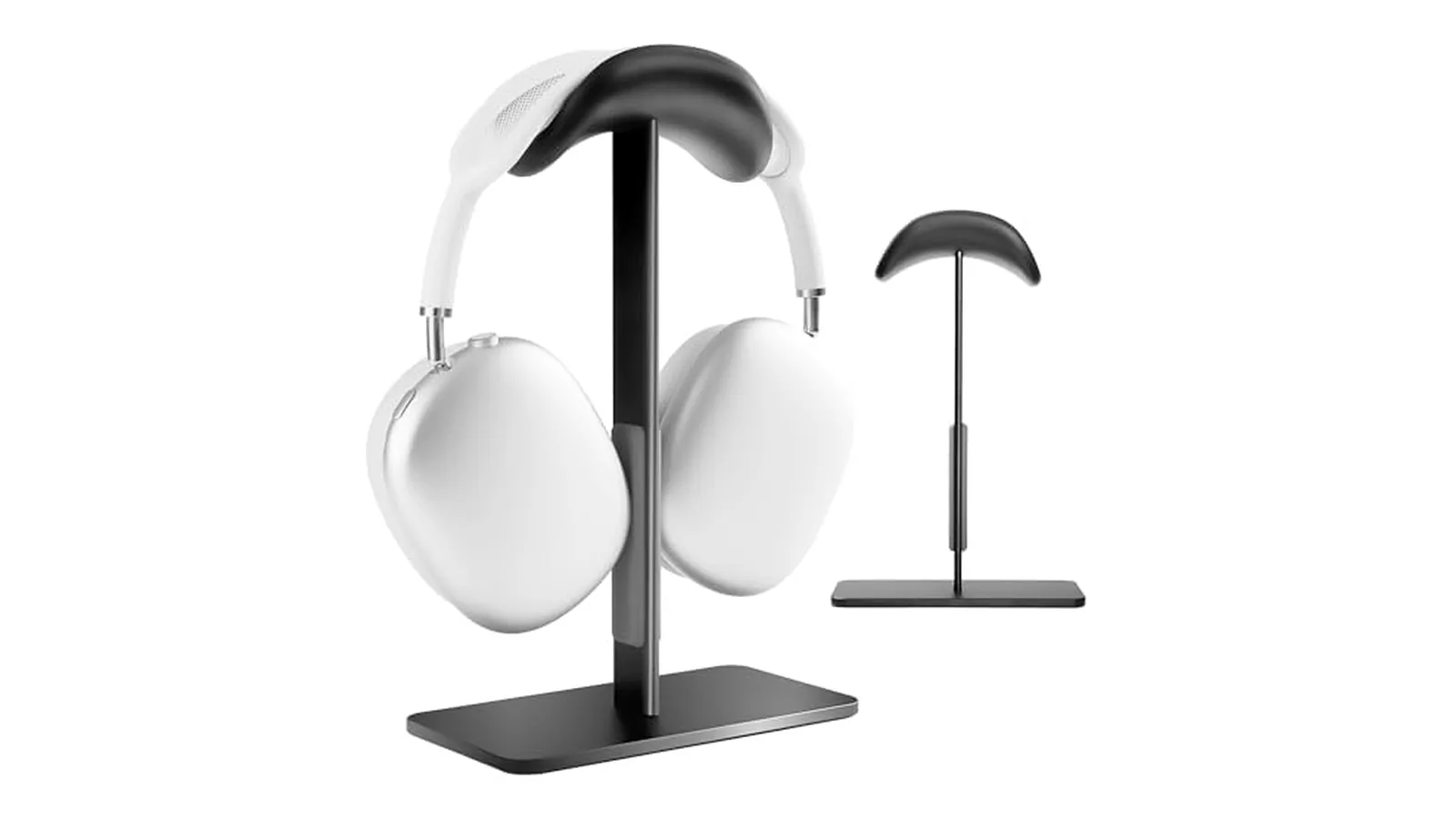
FARWAYVIEW AirPods Max Stand: best budget stand with sleep mode
Magnets in the cradle copy the Smart Case. Image: FARWAYVIEW
Price: $33.49 on Amazon when we checked.
The AAirPods max Stand is the cheapest way to get sleep mode on a stand. The listing says hidden magnets disconnect the headphones from Bluetooth and put them in low power mode, and that picking them up reconnects them.
Key features:
Hidden magnets for auto sleep. FARWAYVIEW says to turn the ear cups inward and adjust the headband so the magnets line up.
Listed for AirPods Max 2 and the original AirPods Max.
Aluminum pole and a stable base with anti-slip silicone pads.
Soft ABS contact surface to protect the canopy.
FARWAYVIEW warns that extra-thick cases can block the magnets. It does not charge anything.
AAirPods max StandStylish and functional headphone stand designed forVisit WebsiteThe FARWAYVIEW Headphone Stand for AirPods Max is designed to be both stylish and functional, offering a stable base that is crafted from solid aluminum alloy. Its low center of gravity and anti-slip pad ensure utmost stability, keeping your headphones safe from accidental falls. The high-quality ABS touch surface protects your AirPods Max's canopy and headband from scratches and warping. An innovative hibernation mode automatically disconnects your headphones from Bluetooth when placed on the stand, effectively extending battery life. This stand not only provides a secure place for your headphones but is also compatible with various headphone sizes, making it a versatile addition to your desk or entertainment space, while maintaining a sleek and modern aesthetic.Visit Website
Who it is for: people who want the battery benefit of the Smart Case without the case, for little money.
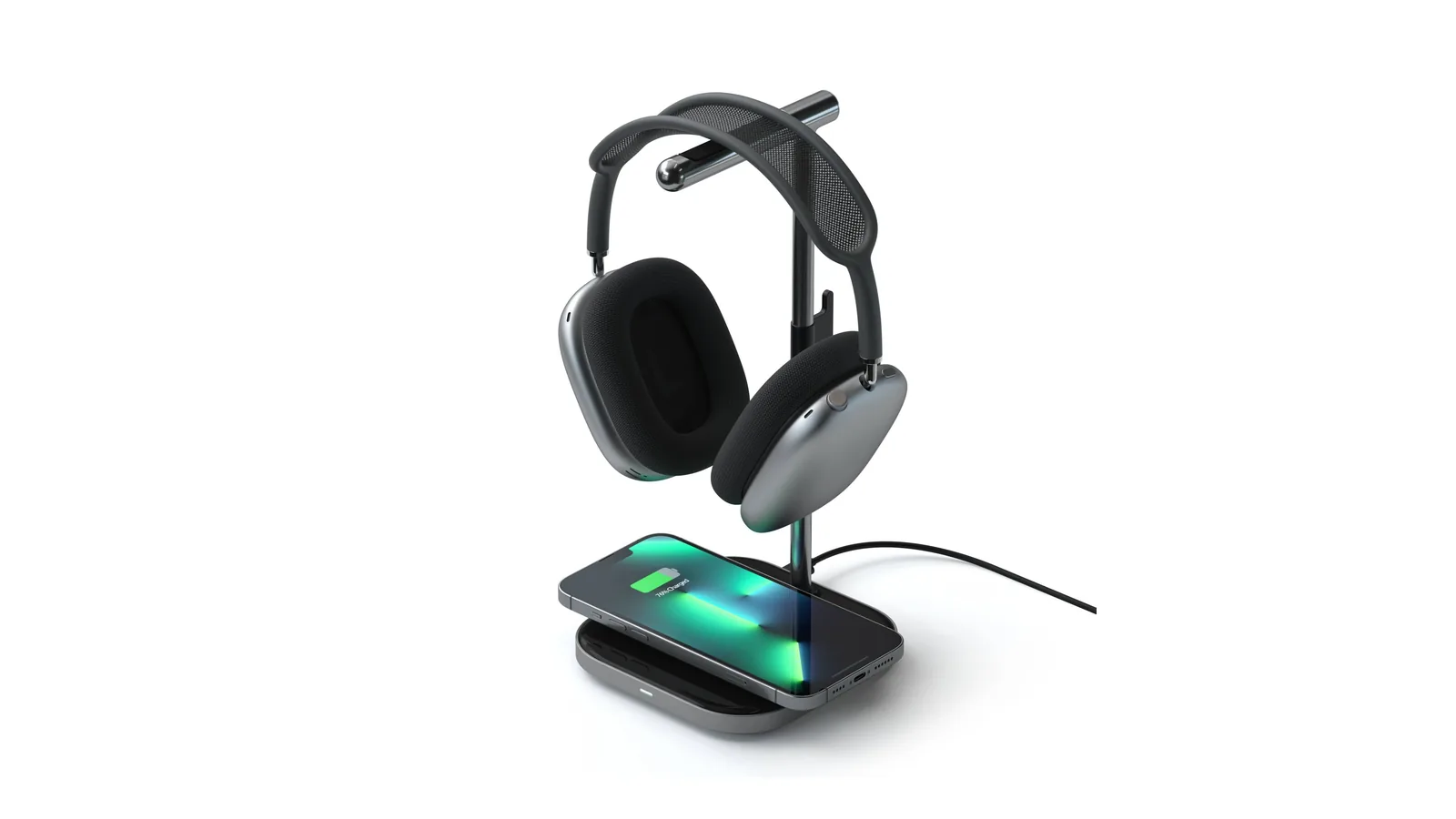
Satechi 2-in-1 Headphone Stand: best for charging an iPhone too
The base doubles as a wireless charger. Image: Satechi
Price: $55.99 on satechi.com, marked down from $79.99. It showed as sold out when we checked, so look at other retailers too.
Wireless charging pad for an iPhone or AirPods Pro, with an LED charging light.
Stainless steel arm with padded grips.
A USB-C port and a cable hook to tidy the headphone cable.
Needs a 20W power adapter, sold separately.
It does not charge the AirPods Max on its own, and Satechi does not advertise a sleep mode.
2-in-1 Headphone Stand with Wireless ChargerEffortlessly organize and charge your devices withVisit WebsiteThe Satechi 2-in-1 Headphone Stand with Wireless Charger features a sleek design that not only keeps your headphones at hand but also charges compatible devices wirelessly. This versatile stand includes a USB-C PD input with a maximum power of 5W for other devices and a magnetic wireless charger, ensuring that your iPhone 12 to 17 series and AirPods Pro are always ready to use. Designed with a rubberized grip for stability, the stand also features a cable organization hook to keep your workspace tidy. Perfect for anyone looking to streamline their desk setup, the stand supports all over-ear headphones and can handle multiple devices, making it a must-have accessory for tech enthusiasts and professionals alike.Visit Website
Who it is for: a desk where the phone and the headphones should live in one spot.
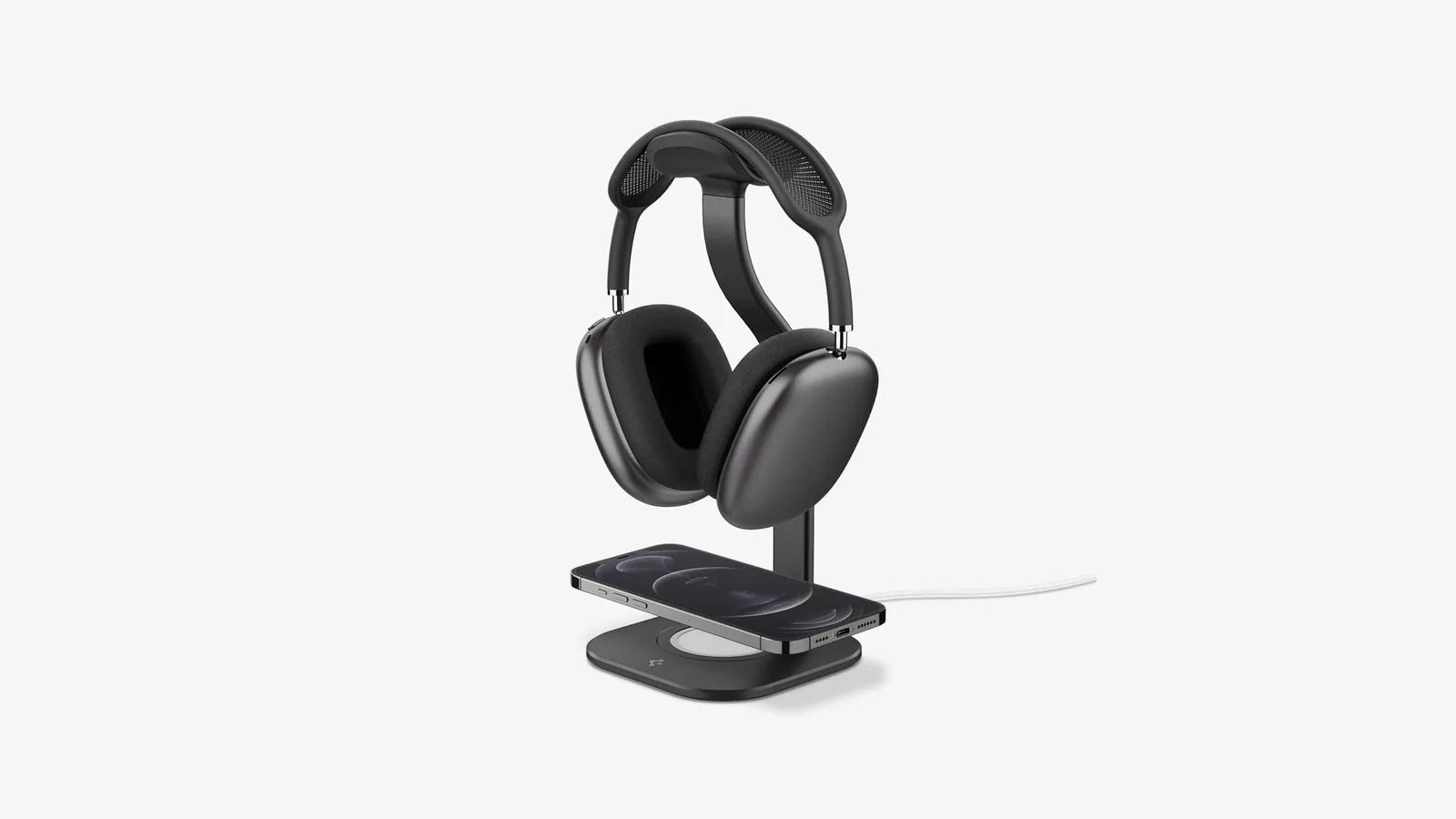
Spigen Nanotac AirPods Max Stand (MagFit): best for a MagSafe charger you already own
The grooved top protects the mesh canopy. Image: Spigen
Price: $79.99 list on spigen.com. We also saw it at $39.99 on Amazon, which is a sale price and may not last.
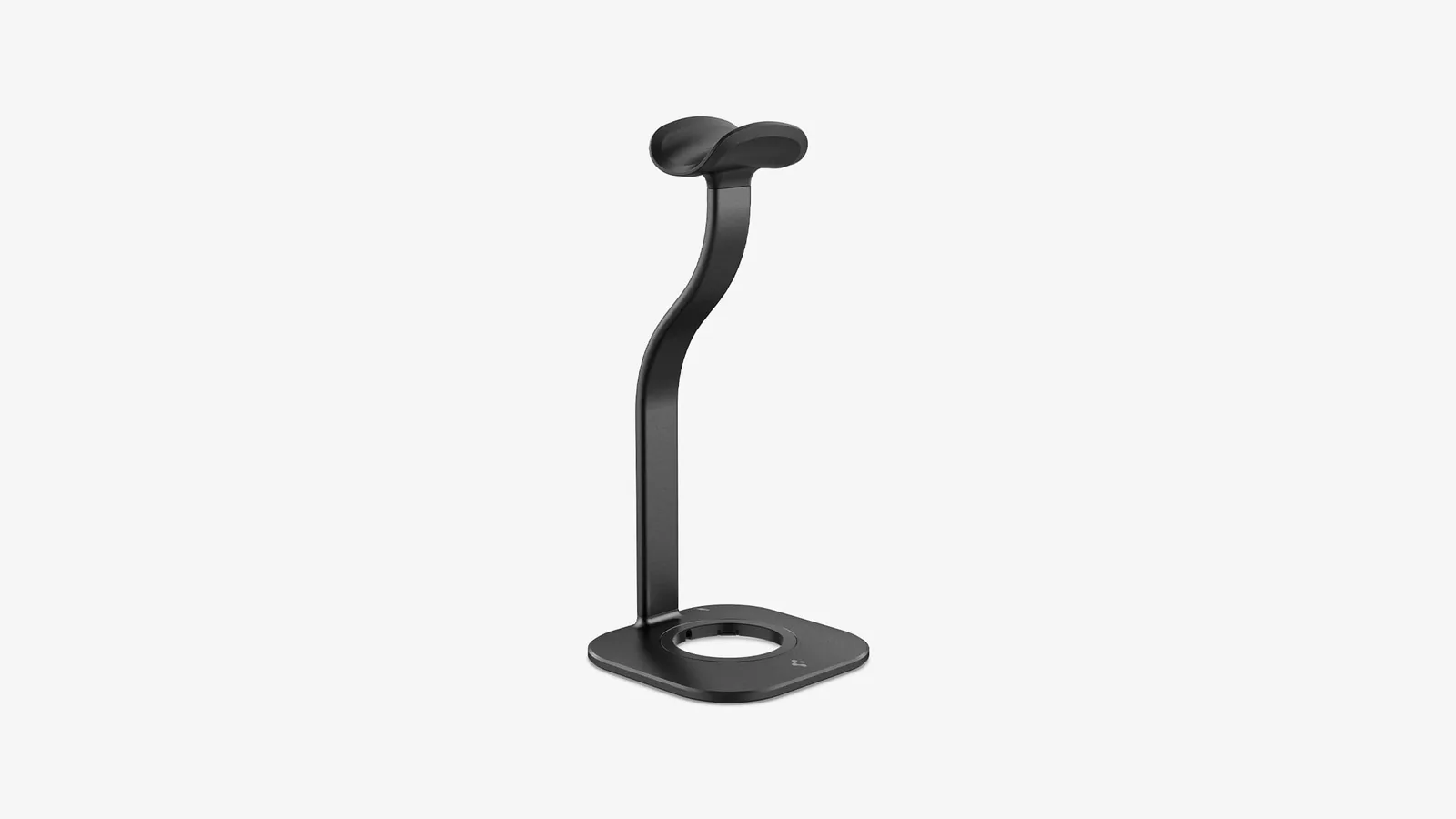
The Nanotac AirPods Max Stand (MagFit) is an aluminum stand with a slot in the base for Apple's MagSafe Charger, so your iPhone docks in front of the headphones.
Key features:
Grooved mount shaped to keep pressure off the AirPods Max mesh.
MagSafe dock at the base. The MagSafe Charger is not included.
Spigen says it fits the original Apple MagSafe Charger, not the 2024 MagSafe Charger.
Nanotac pad for grip on flat surfaces.
About 10.4 inches tall and 8.47 oz.
The stand is a single aluminum piece. Image: Spigen
Nanotac AirPods Max Stand (MagFit)An aluminum AirPods Max stand with a MagSafe charger slot for an iPhone.Visit WebsiteSpigen's Nanotac AirPods Max Stand (MagFit) is an aluminum headphone stand with a grooved rest that protects the AirPods Max mesh canopy and a dock in the base that holds an Apple MagSafe Charger for an iPhone.
- Grooved headphone mount keeps pressure off the mesh canopy.
- Built-in MagSafe dock at the base; the MagSafe Charger is not included.
- Spigen lists it as compatible with the original Apple MagSafe Charger, not the 2024 MagSafe Charger.
- Nanotac pad keeps it stable on a flat surface.
- About 4.64 x 4.64 x 10.4 inches and 8.47 oz, in Black or Silver.
It suits people who already own an older Apple MagSafe Charger and want one spot for headphones and an iPhone. It does not charge the AirPods Max themselves.Visit Website
Who it is for: people with an older MagSafe puck in a drawer who want a tidy headphone and iPhone spot.
ELECOGO All-Aluminum Headphone Stand: best display stand
A ring-shaped base made from CNC machined aluminum. Image: ELECOGO
Price: $59.99 on Amazon.
The AAll-Aluminum Headphone Stand is about looks and stability. It is a full aluminum piece with a soft silicone pad where the ear cup rests.
Key features:
CNC machined aluminum unibody, about 410 g.
Soft silicone contact pad to stop slips and marks.
Dark Gray or Silver.
The listing does not advertise sleep magnets or charging.
AAll-Aluminum Headphone StandStylish and sturdy headphone stand for yourVisit WebsiteThe ELECOGO All-Aluminum Headphone Stand is a hardware accessory specifically designed for AirPods Max headphones. It features a CNC-machined aluminum construction that provides stability and a modern aesthetic. This stand helps users keep their headphones organized and protected from scratches, making it suitable for both home and office environments. Its design enhances workspace organization wh
- CNC-machined metal base made from high-purity aluminum alloy for enhanced stability.
- Soft silicone contact pad prevents scratches while securely holding headphones.
- Weighs approximately 410 grams, elevating headphones off the desk to reduce clutter.
- Designed specifically for AirPods Max, providing a dedicated storage solution.
- Modern aesthetic complements contemporary workspace setups.
The ELECOGO All-Aluminum Headphone Stand is specifically designed for AirPods Max, featuring a CNC-machined metal base and a silicone contact pad for stability and protection. Its robust aluminum construction ensures durability while enhancing desk aesthetics, making it a practical addition to any workspace.Visit Website
Who it is for: a desk setup where the stand should look as good as the headphones, and the headphones go in the case when you are away.
How to choose an AirPods Max stand
Start with the question you are trying to solve.
"I forget to charge them." Get a charging stand: the Max Stand for any model, or the mophie for USB-C models.
"The battery is dead when I pick them up." Get sleep mode: the mophie or the FARWAYVIEW.
"I want one spot for my phone too." The Satechi charges an iPhone or AirPods Pro. The Spigen holds a MagSafe Charger you already own.
"I just want them off the desk." The ELECOGO is the sturdiest simple stand.
Then check three details:
Port: Lightning or USB-C. Charging stands need the matching connector.
Case: a thick cover on the ear cups can stop magnets from triggering sleep.
Power adapter: wireless charging bases usually need a separate USB-C adapter.
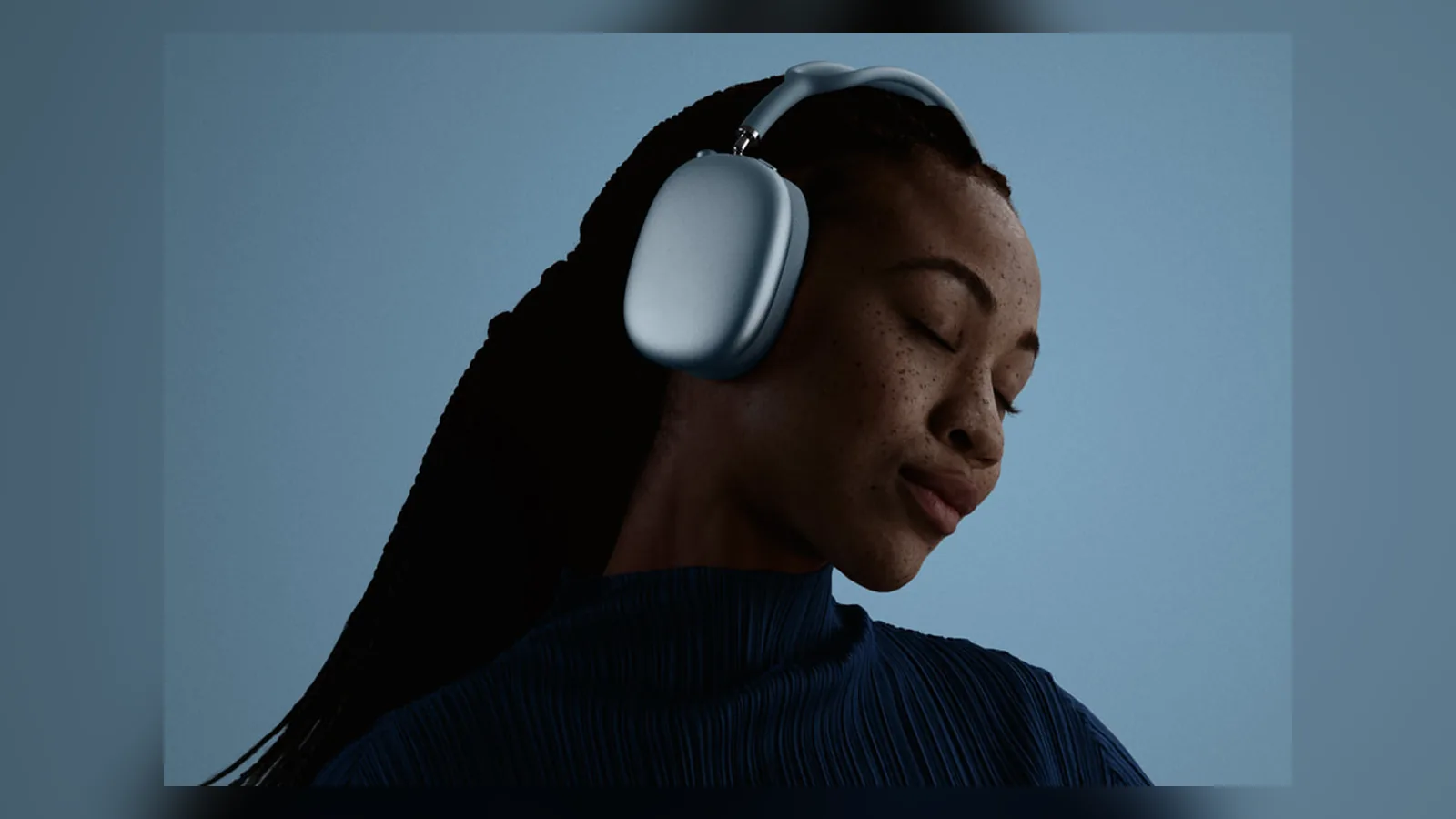
Whichever stand you pick, AirPods Max 2 and the earlier models fit the same way. Image: Apple
FAQ
Do AirPods Max turn off on a stand?
Not by themselves. Without the Smart Case, AirPods Max go into low power mode after sitting still. Apple's 2020 guidance said that takes 5 minutes, with ultralow power after 72 hours. A stand with magnets, such as the mophie or FARWAYVIEW, can trigger the case behavior sooner.
Is it bad to leave AirPods Max on a charger?
Apple's charging guide does not warn against it. Charging stands like the Max Stand and the mophie are designed for the headphones to rest on them between uses.
Do AirPods Max stands work with AirPods Max 2?
Plain stands do, because the shape is the same. Max Stand includes a USB-C connector for AirPods Max 2, and FARWAYVIEW lists AirPods Max 2. mophie lists the USB-C AirPods Max without naming AirPods Max 2.
Can you charge AirPods Max wirelessly?
No. AirPods Max charge through the port on the right ear cup. Charging stands use a magnetic plug in that port, which feels wireless but is a wired connection.
What is the best AirPods Max stand with a charger?
The Floating Pixels Max Stand if you want any model to charge on the stand. The mophie Max Charging Stand if you have a USB-C model and want sleep mode and a Qi pad too.
Verdict
The Max Stand is the best AirPods Max stand for most people, because charging on the stand solves the battery problem for every model. The mophie is the most complete pick for USB-C owners. If you only want sleep mode for little money, the FARWAYVIEW does the job.
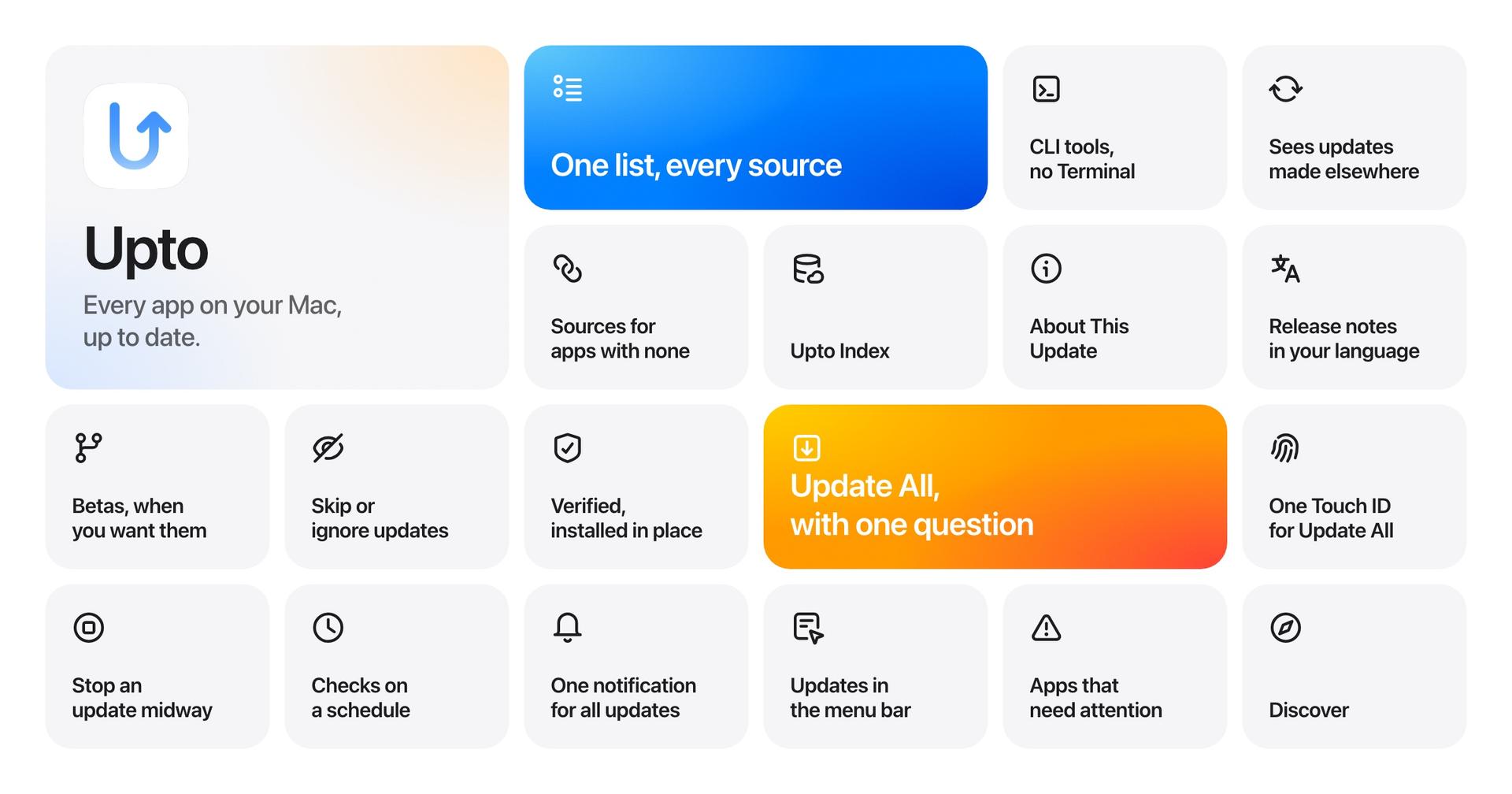
Upto is a Mac app updater that brings installed applications and available updates into one window. It helps manage software from the App Store, Sparkle, Homebrew, TestFlight, Setapp, and direct downloads.
- Review available updates and translated release notes.
- Install supported updates in batches, with separate confirmation for major versions.
- Schedule checks, skip versions, ignore apps, and choose stable or beta releases.
- Track command-line tools installed through Homebrew, npm, pipx, and uv.
- Verify developer signatures and available Homebrew checksums before installation.
Upto requires macOS 15 or later and offers a full-feature trial. Launch pricing is $14.99/year for five Macs or $39 once for three Macs; the one-time license excludes the next major upgrade. Some updates open their source app. Upto Index shares app identifiers and versions to find updates.
SoftwareUtilitiesmacOS
Polypane
Browser for responsive web development testing
Paid
Polypane is a Chromium-based browser built for web developers and designers to build, test, and debug websites across multiple viewports and devices.
- Simultaneous multi-viewport rendering and synchronized interactions for all breakpoints
- Built-in accessibility auditing and instant feedback on issues
- Emulates devices, browsers, user agents, locales, touch events, safe area insets, and network conditions
- Screen capture, annotation, and video recording within the app
- Meta panel for pixel-perfect social media share card previews in light and dark modes
- Supports sharing local development environment for real-time testing on remote devices and browsers
Polypane offers a 14-day free trial with full feature access and requires a paid subscription after the trial. It supports Windows, Mac, and Linux with licenses for individuals, teams, and enterprises.
SoftwareDevelopmentmacOS
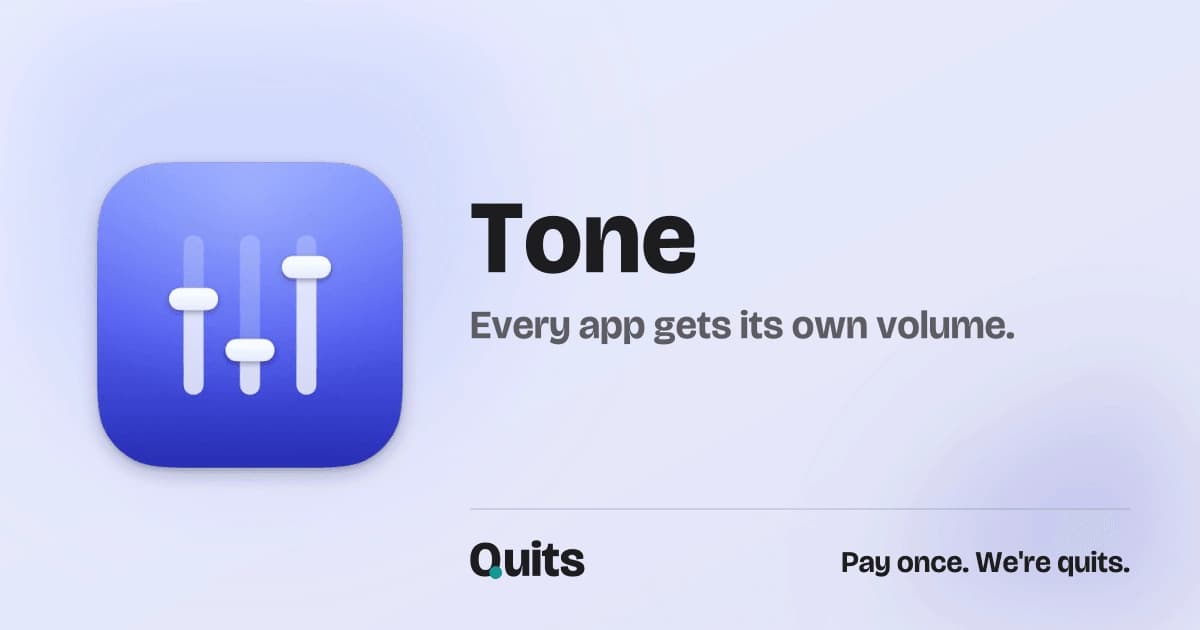
Tone
Per-app volume mixer for Mac
One-time
Tone is a macOS utility that enables individual audio control for each app from the menu bar. It provides separate volume, mute, and output settings for every application playing sound.
- Adjust volume and mute settings for each app independently
- Assign specific audio outputs per application
- Remembers individual app volume levels across sessions
- No drivers or system extensions needed; uses Core Audio process taps
- Supports up to 5 active Macs with a single license
Tone requires macOS 14.4 or later and is available for a one-time purchase of $4.99 plus tax. All updates are included for free, with a 30-day refund policy.
SoftwareAudiomacOS
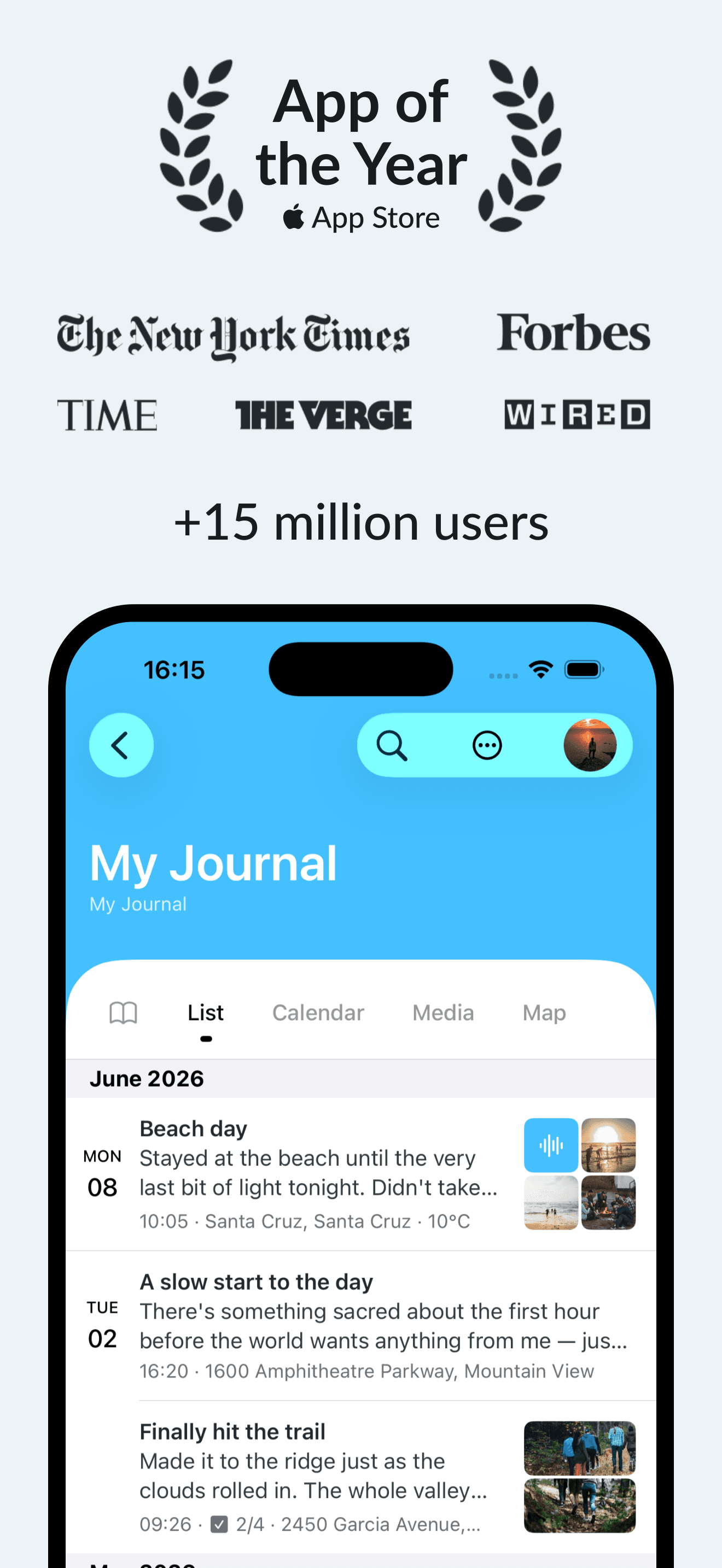
Day One
Digital journaling with privacy features
Freemium
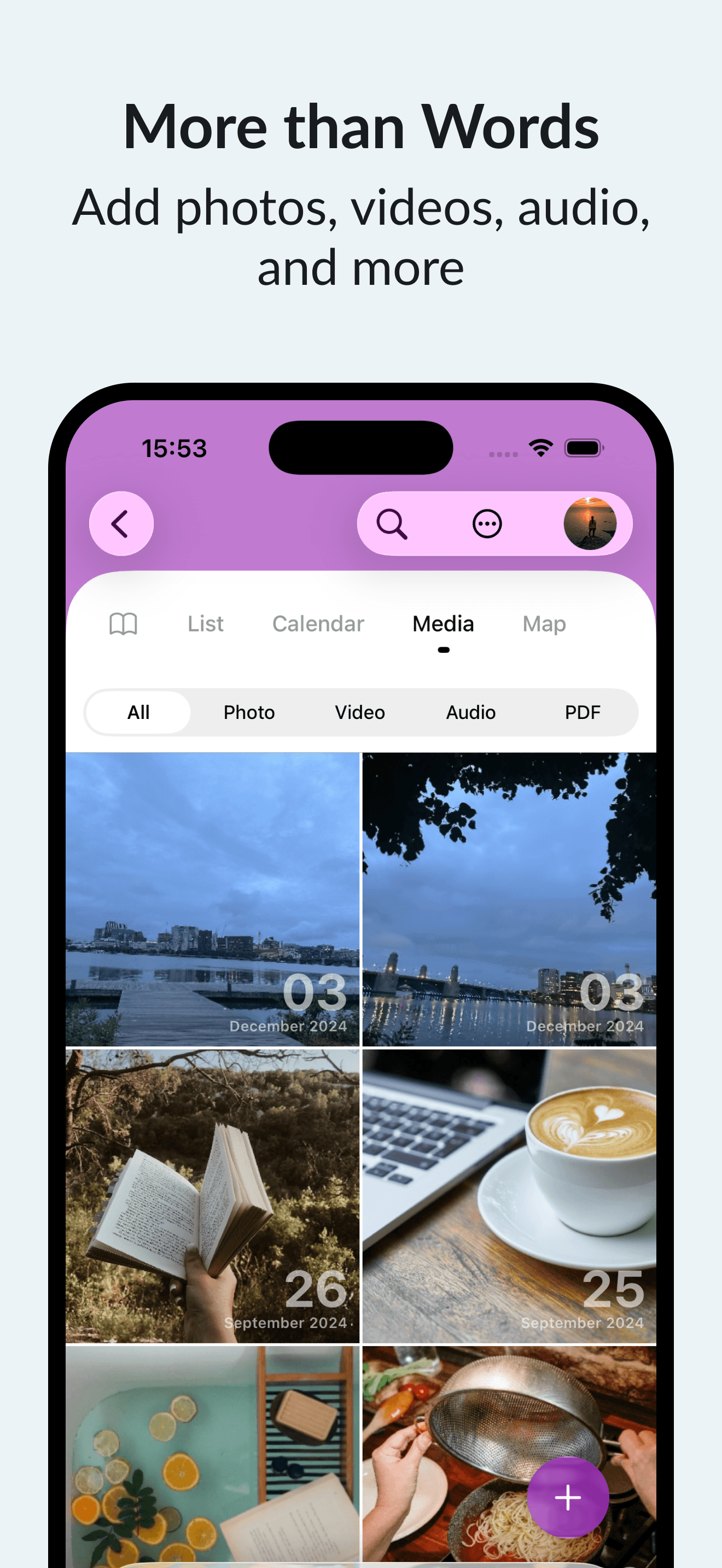
Day One is a digital journal app allowing you to record text entries, photos, audio, and more. It supports secure personal journaling and cross-device access.
- Unlimited text journal entries with rich text formatting
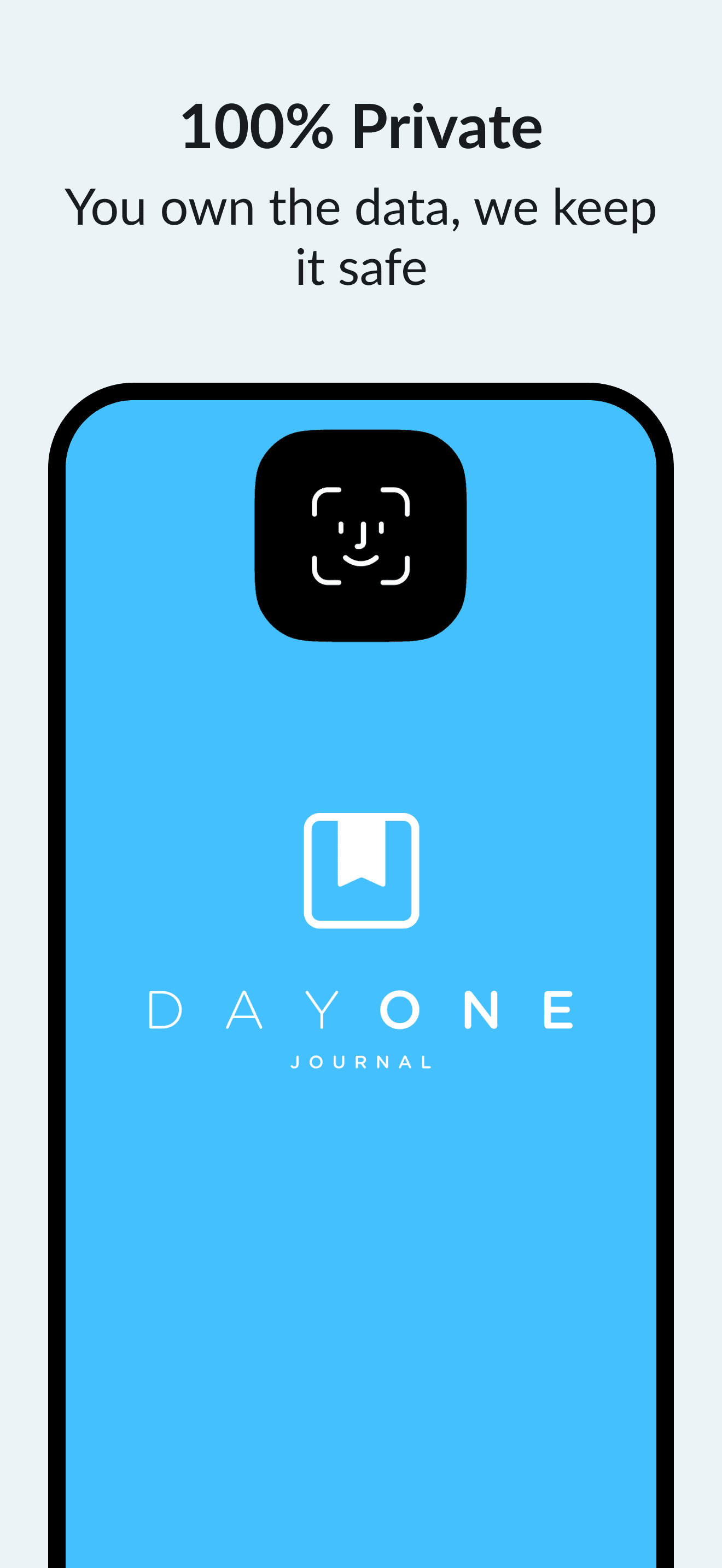
- Automatic backups and end-to-end encryption for privacy
- Supports photos, audio, and video with Premium subscription
- Daily prompts, reminders, and calendar view to encourage journaling
- Integration with Apple Health for mindfulness minutes tracking
- Export options include PDF and plain text formats
Day One is free for unlimited text entries. Additional features, such as unlimited photo, video, and audio uploads, require a paid Premium membership. Requires iOS 18.0.
SoftwareWritingiOS & iPadOS
Castro
Podcast player with queue and inbox
Freemium
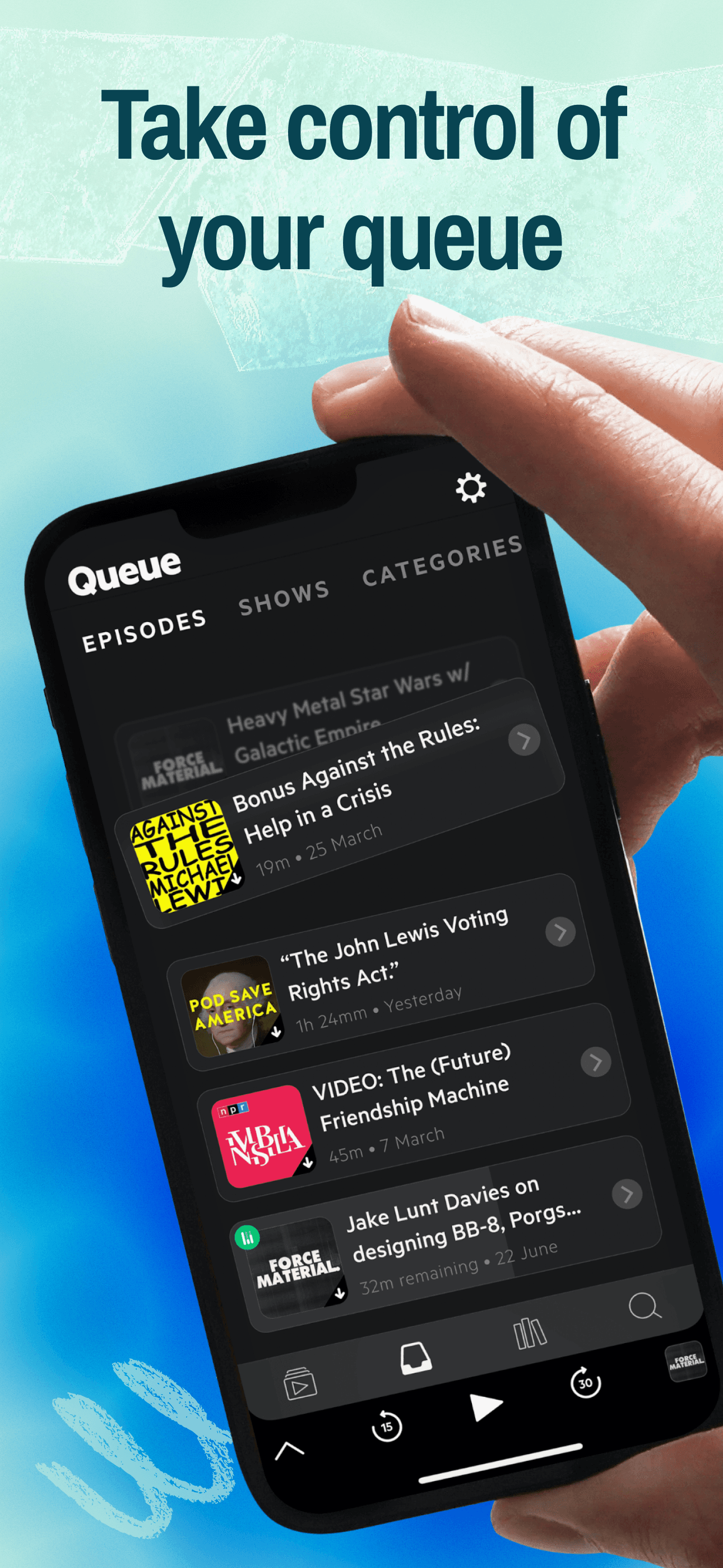
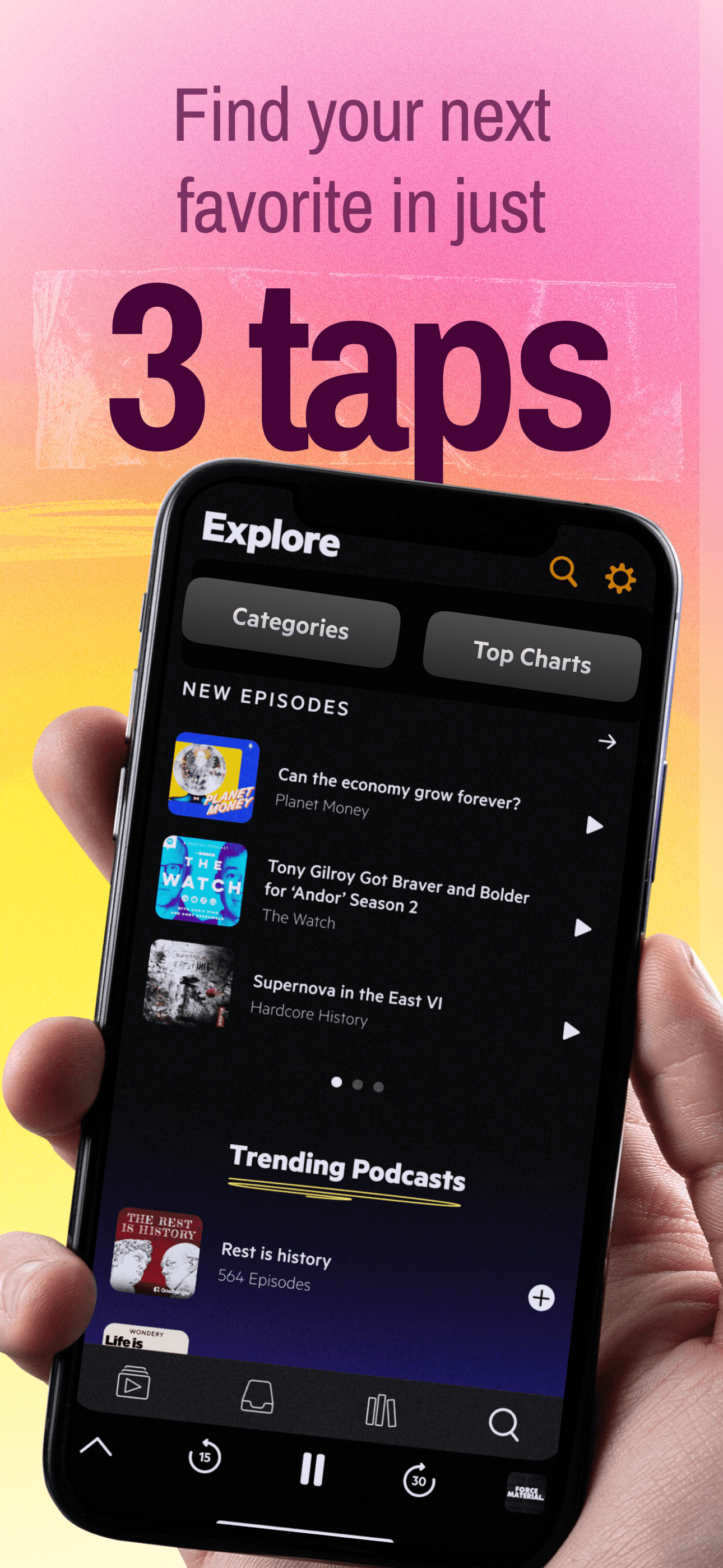
Castro is a podcast player app for iPhone, iPad, and Apple Watch featuring inbox and queue management. It supports curated podcast listening and multiple device sync.
- Unique Inbox feature to review and queue episodes, skipping unwanted ones
- Automatic downloading and playback from a customizable queue
- CarPlay and Apple Watch app support for on-the-go listening and playback control
- Episode notifications with summaries for deciding interest
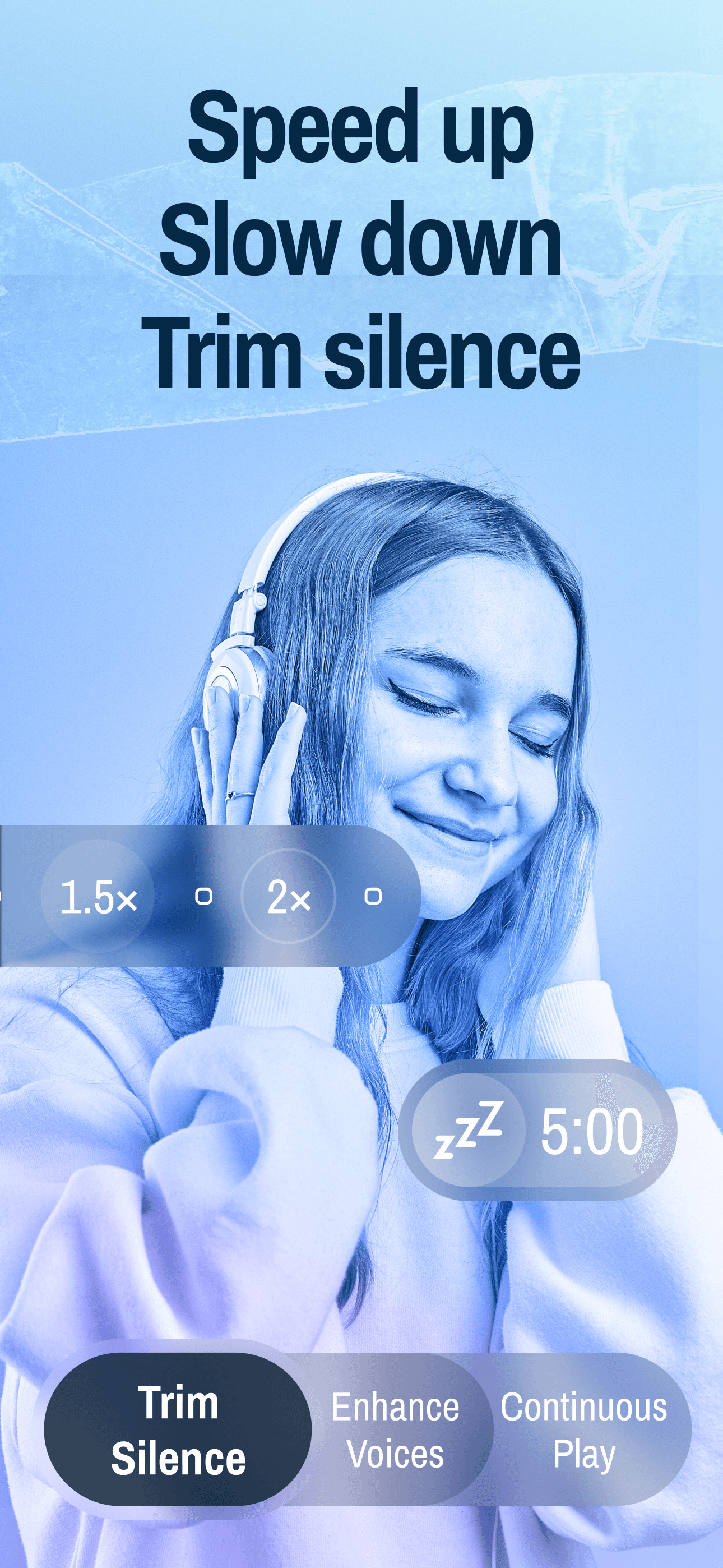
- Optional paid subscription (Castro Plus) adds features: Trim Silence, Enhance Voices, chapter support, sideloading, mono-mix, per-podcast custom settings, and some family sharing options
Castro is free to download, with advanced features available via a Castro Plus subscription. Requires iOS 16.0 or later.
SoftwareAudioiOS & iPadOS
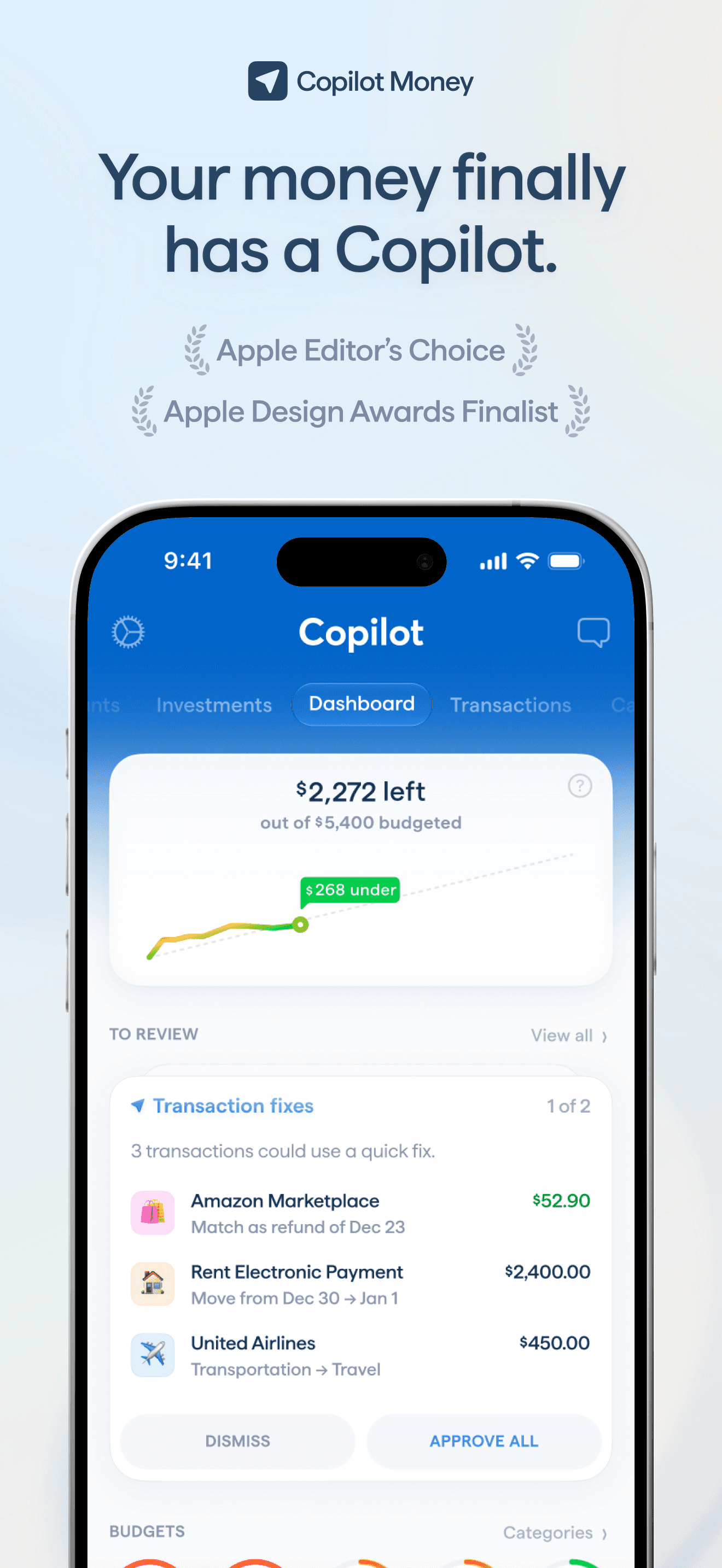
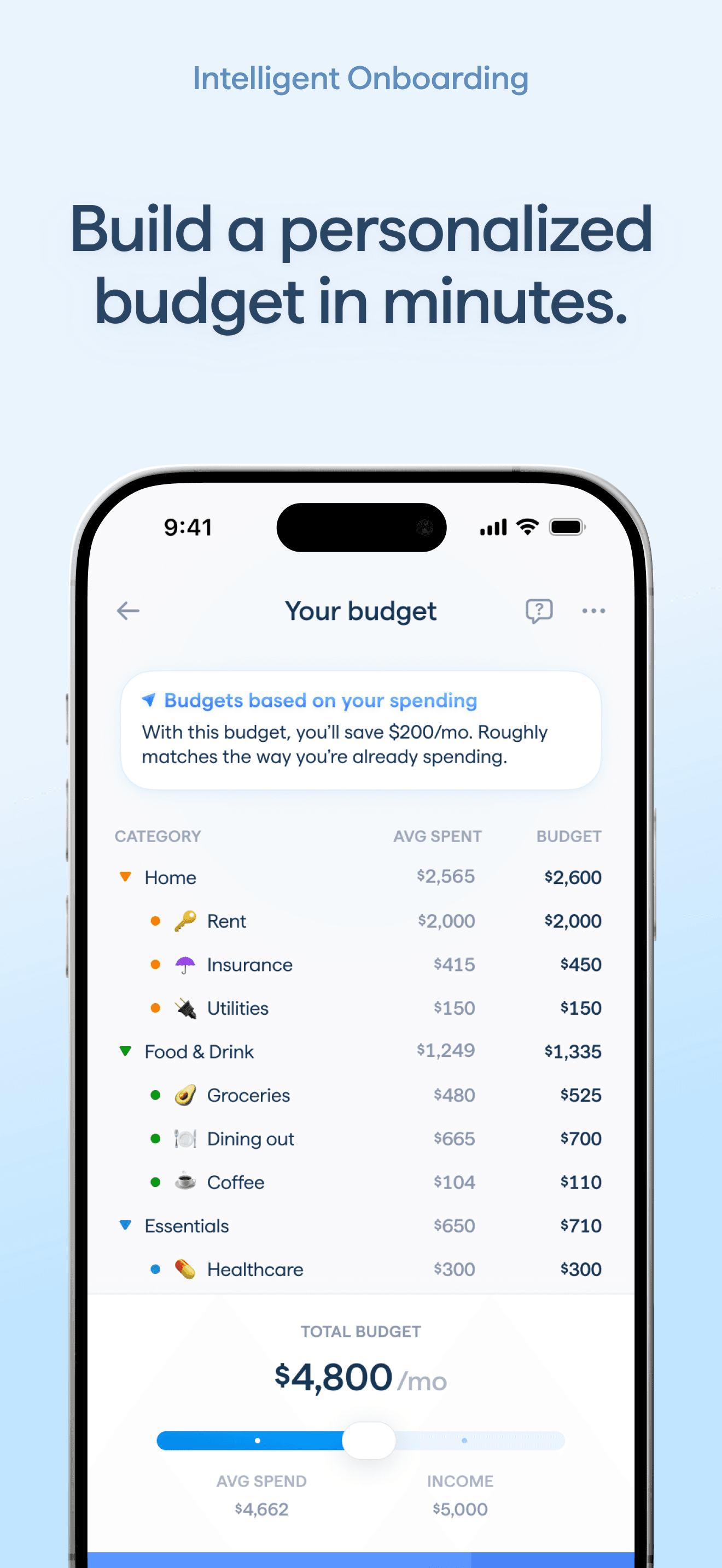
Copilot Money
Personal finance and AI budget planner
Paid
Copilot Money is a personal finance app and budget planner for US users, available on iOS, macOS, iPadOS, and web. It provides tools for tracking spending, budgeting, investment monitoring, and managing net worth.
- AI Money Assistant offers spending analysis, budgeting suggestions, and can perform approved actions (iPhone only)
- Automatic transaction categorization and subscription/bill tracking
- Connects to over 16,000 US financial institutions, including direct links to Venmo, Apple Card, and Coinbase
- Tracks savings goals, cash flow, and investment performance with intra-day updates
- Cross-device syncing across iPhone, iPad, Mac, and web
- Receive alerts for unusual spending, recurring charges, overdrafts, and paydays
Copilot Money requires a paid subscription after a 1-month free trial. Available for US financial institutions only and requires iOS 17.0 or later on iPhone.
SoftwareFinanceiOS & iPadOS
Endel
AI-powered soundscapes for work and rest
Freemium
Endel is an app that generates AI-powered soundscapes designed to help users focus, relax, move, and sleep. It adapts sound in real time using inputs such as location, environment, and heart rate.
- Creates personalized soundscapes for focus, relaxation, movement, and sleep
- Offers classic modes and additional soundscapes including colored noise, nature sounds, and rain
- Includes specialized modes like Study, Dynamic Focus, Recovery, Hibernation, and Focus Timer
- Collaborative soundscapes with artists and thinkers are available for Premium users
- All soundscapes are available offline
- Exclusive Apple Podcast shows for Premium subscribers
Endel provides a free edition and offers a Premium subscription (recurring or one-time lifetime) for expanded features and exclusive content. Requires iOS 26.0 or later.
SoftwareAudioiOS & iPadOS
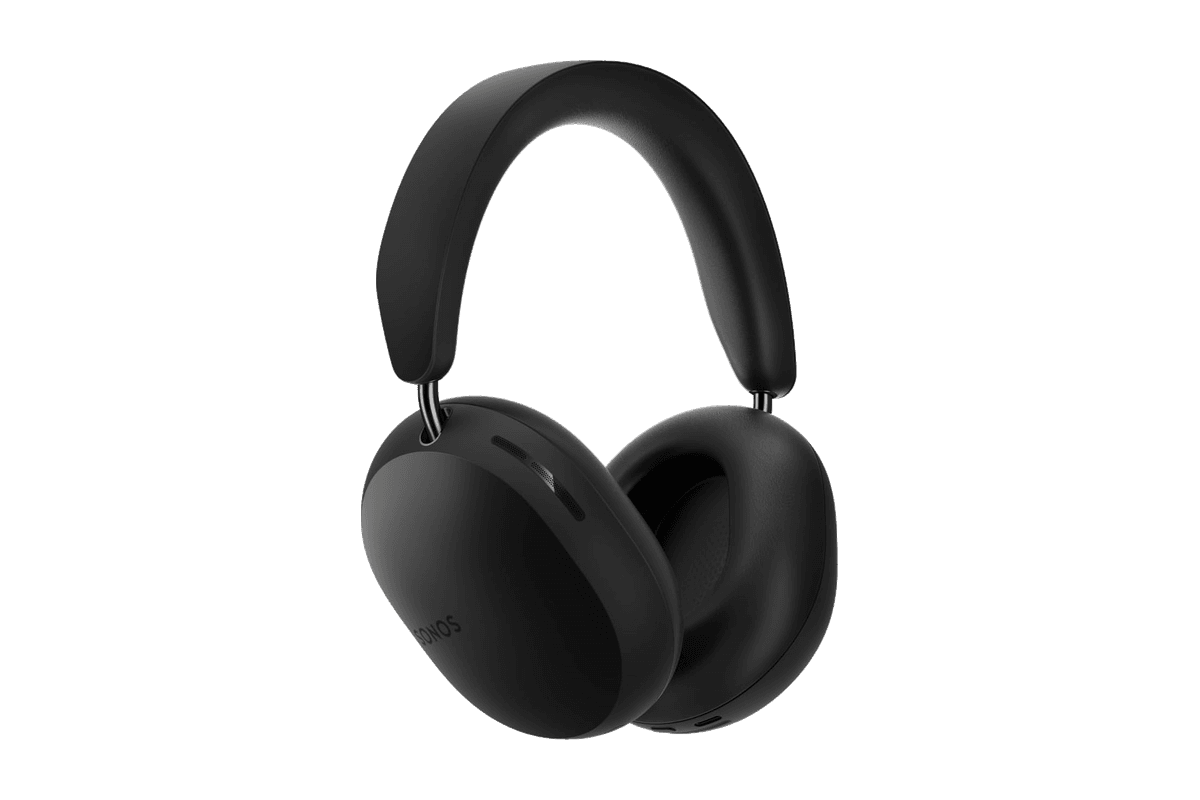
Ace
Wireless over-ear headphones with active noise cancellation and up to 30 hours of listening.
HardwareAudiomacOS & iOS & iPadOS
HoverBar Duo (2nd Gen)
An adjustable iPad arm with a weighted desk base and a quick-switch shelf clamp.