Best Keyboard for Mac in 2026: MacBook, Mac mini and Mechanical | Macfolio
Best Keyboard for Mac in 2026
The best keyboards for Mac, MacBook and Mac mini in 2026, including Apple's Magic Keyboard with Touch ID, the Logitech MX Keys S and the best mechanical boards from Keychron, NuPhy and Lofree.
The right keyboard for your Mac depends on how you type, where you type and which Mac it is plugged into. This guide covers the best keyboards for Mac in 2026, from Apple's own Magic Keyboard to wireless mechanical boards with Mac keycaps, and shows which ones suit a MacBook, a Mac mini or a desk built around heavy typing.
What is the best keyboard for Mac?
Prices below were checked on Nov 2, 2026, on each maker's own store.
Best overall: Apple Magic Keyboard with Touch ID, $149.
Best for multiple devices: Logitech MX Keys S, $129.99.
Best mechanical keyboard for Mac: Keychron Q1 Max, $229.99 fully assembled.
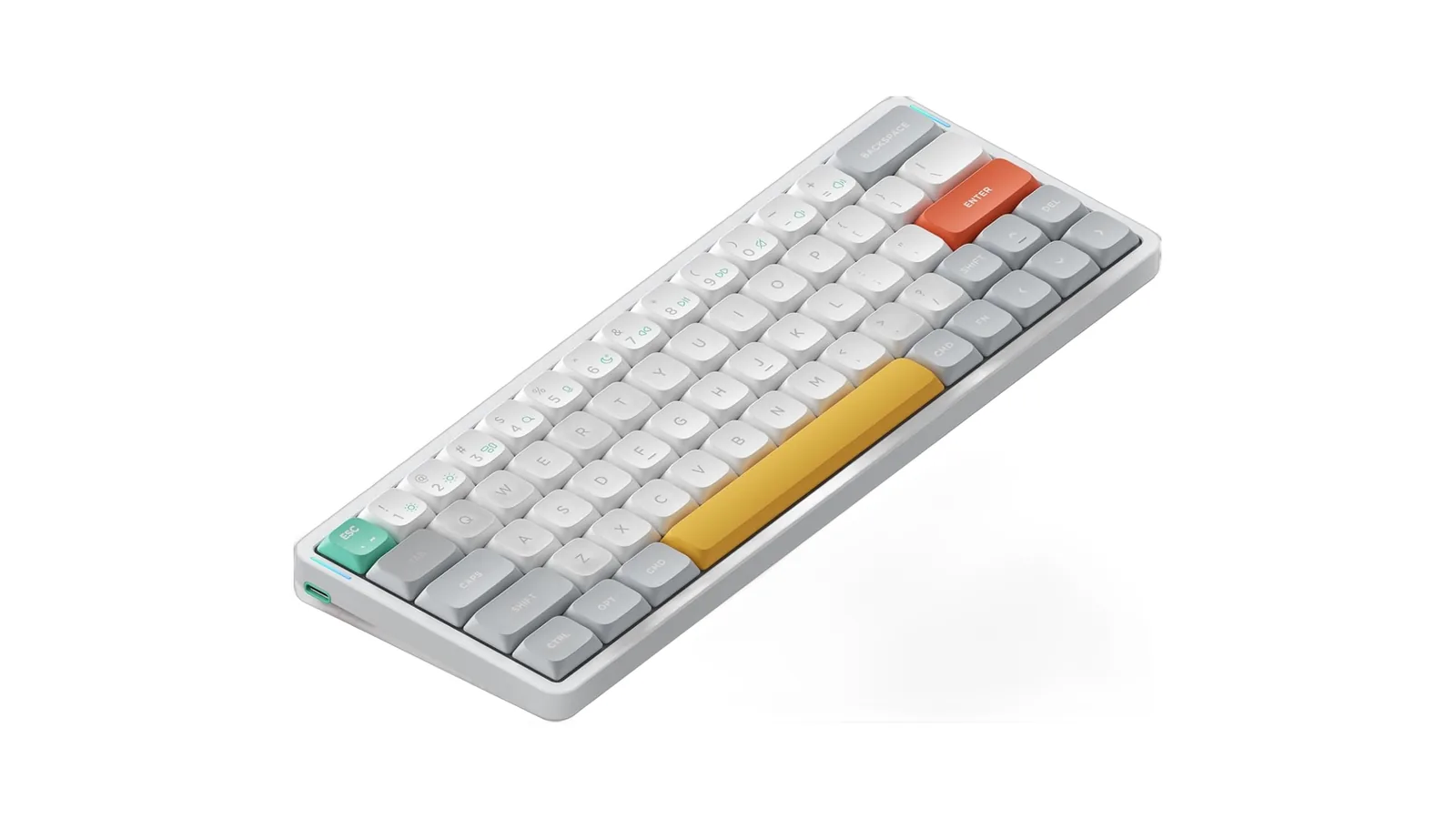
Best low-profile mechanical: NuPhy Air75 V3, $139.95.
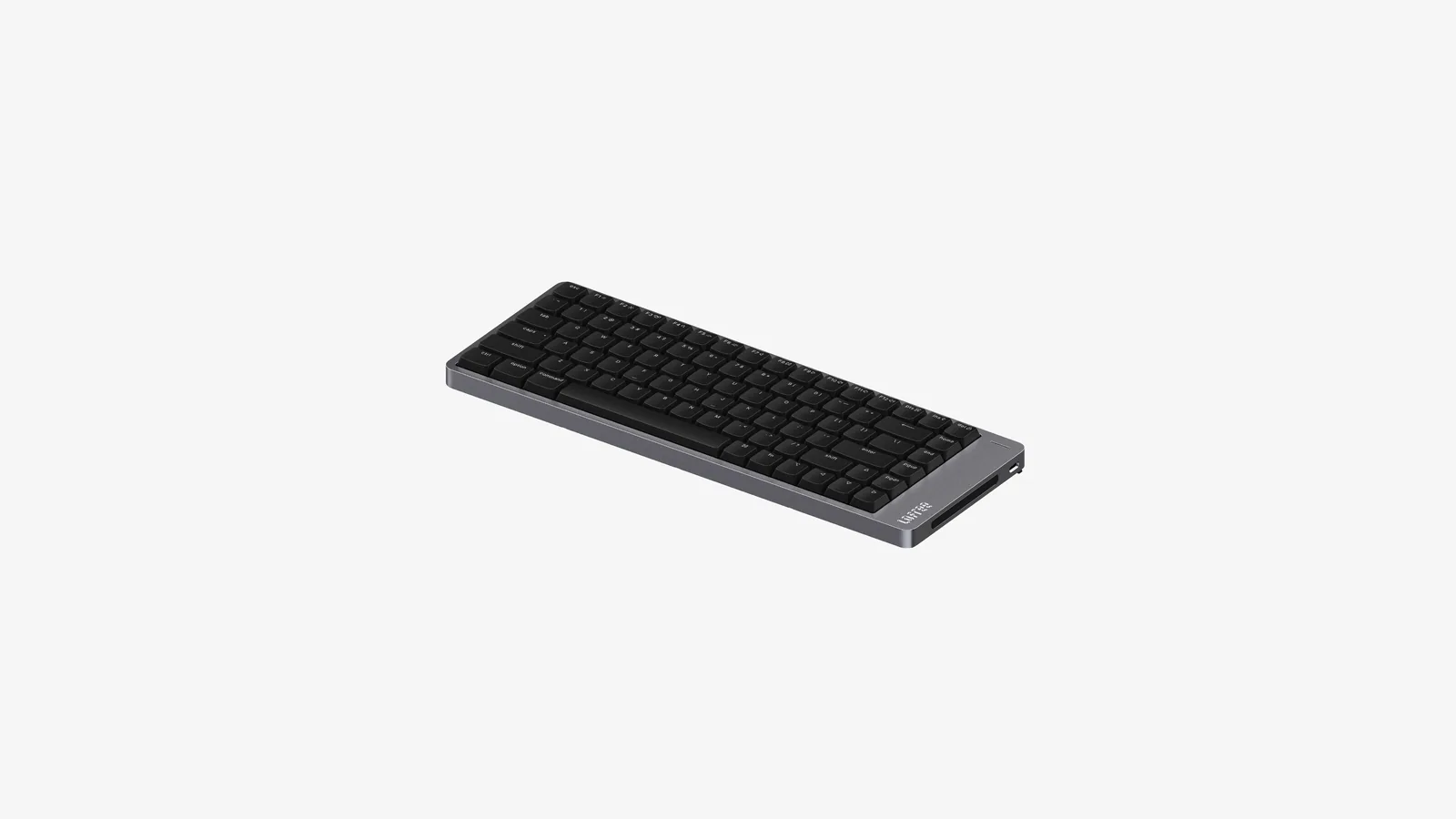
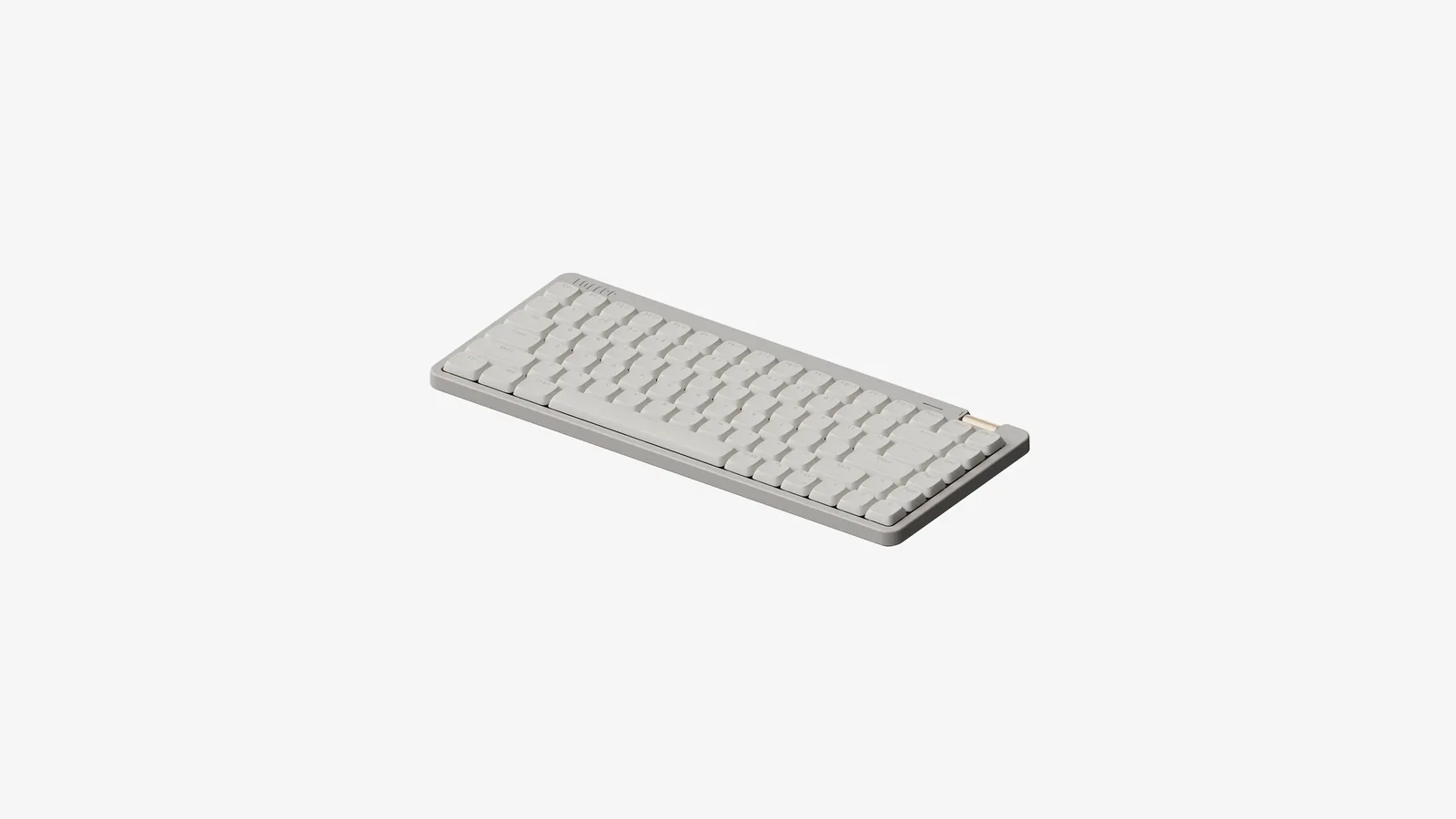
Best looking low-profile board: Lofree Flow 2, from $159.
Best budget mechanical: Lofree Flow Lite84, from $99.
Best for gamers who also work: Keychron K2 HE, $129.99.
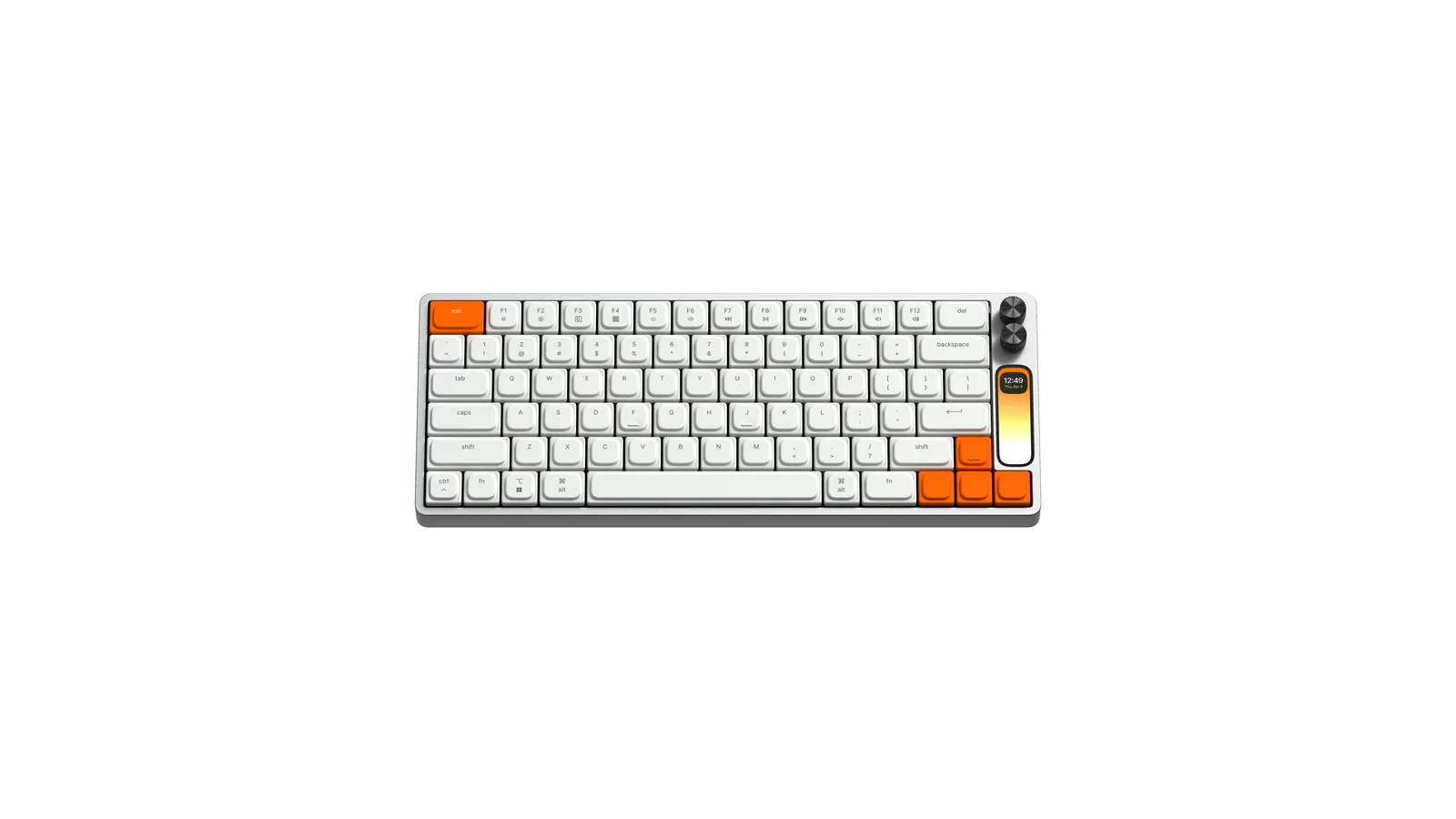
Best statement keyboard: Work Louder k.no.b.1, $439.
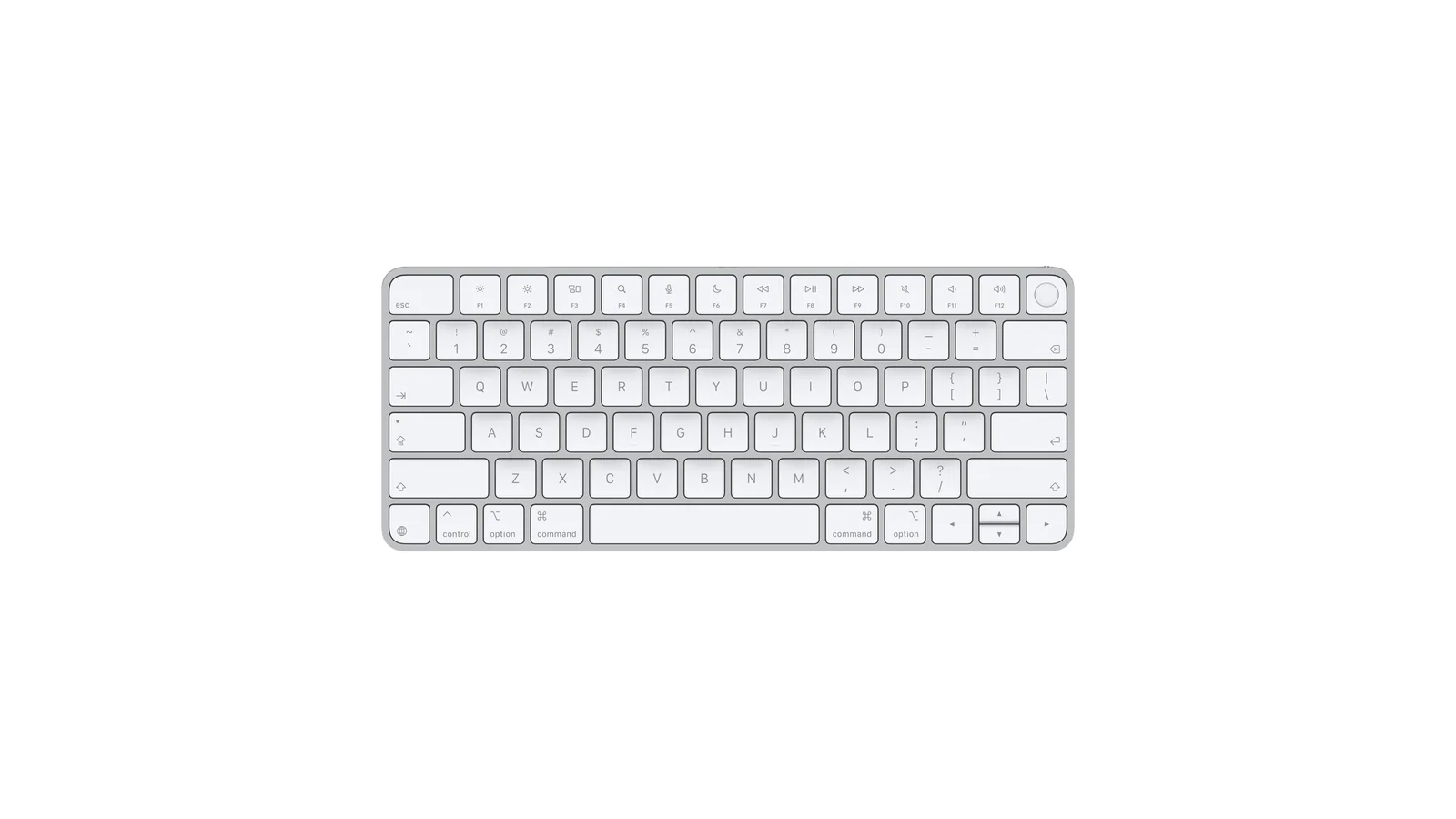
Apple's Magic Keyboard is still the simplest choice for most Macs. Image: Apple
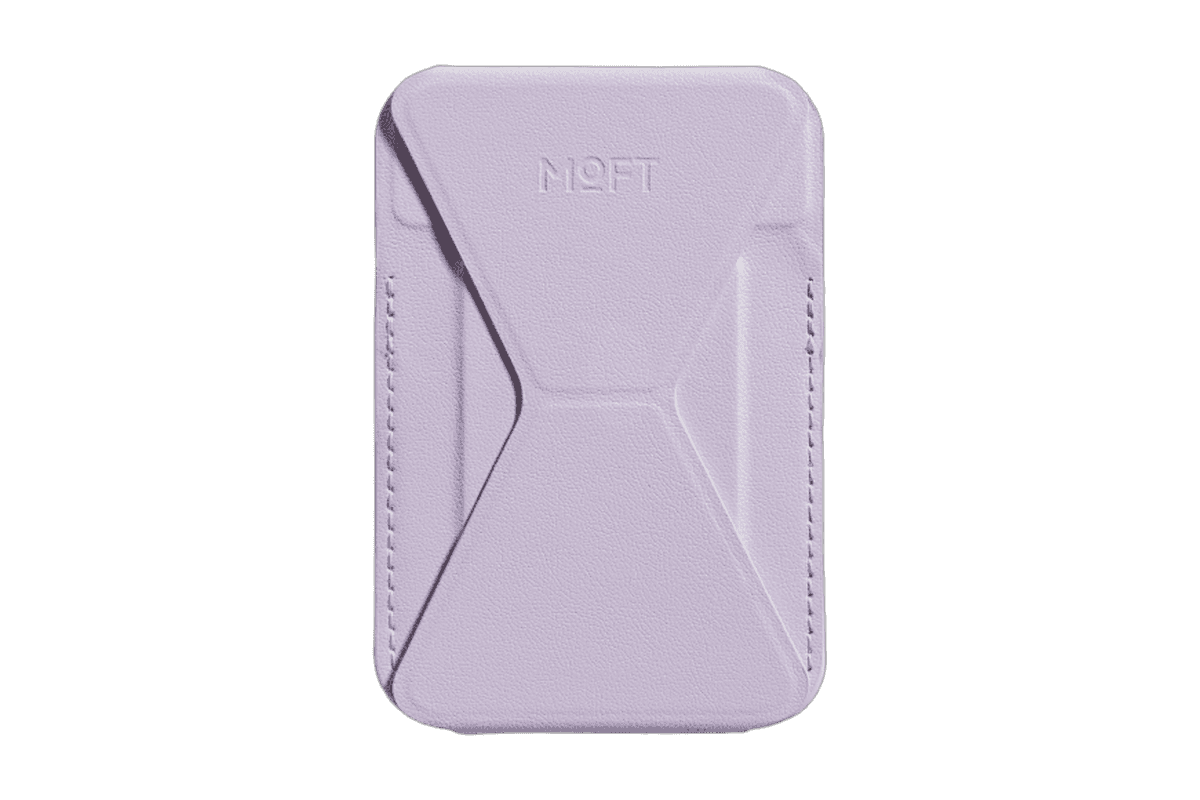
A slim MagSafe wallet that folds into a stand and grip.
HardwareAccessoriesiOS
Opal C1 Camera
DSLR quality on a webcam for the
HardwareCamerasmacOS
Ace
Wireless over-ear headphones with active noise cancellation and up to 30 hours of listening.
HardwareAudiomacOS & iOS & iPadOS
Roam 2
A compact rechargeable Sonos speaker with AirPlay 2, Bluetooth, and IP67 protection.
HardwareAudiomacOS & iOS & iPadOS
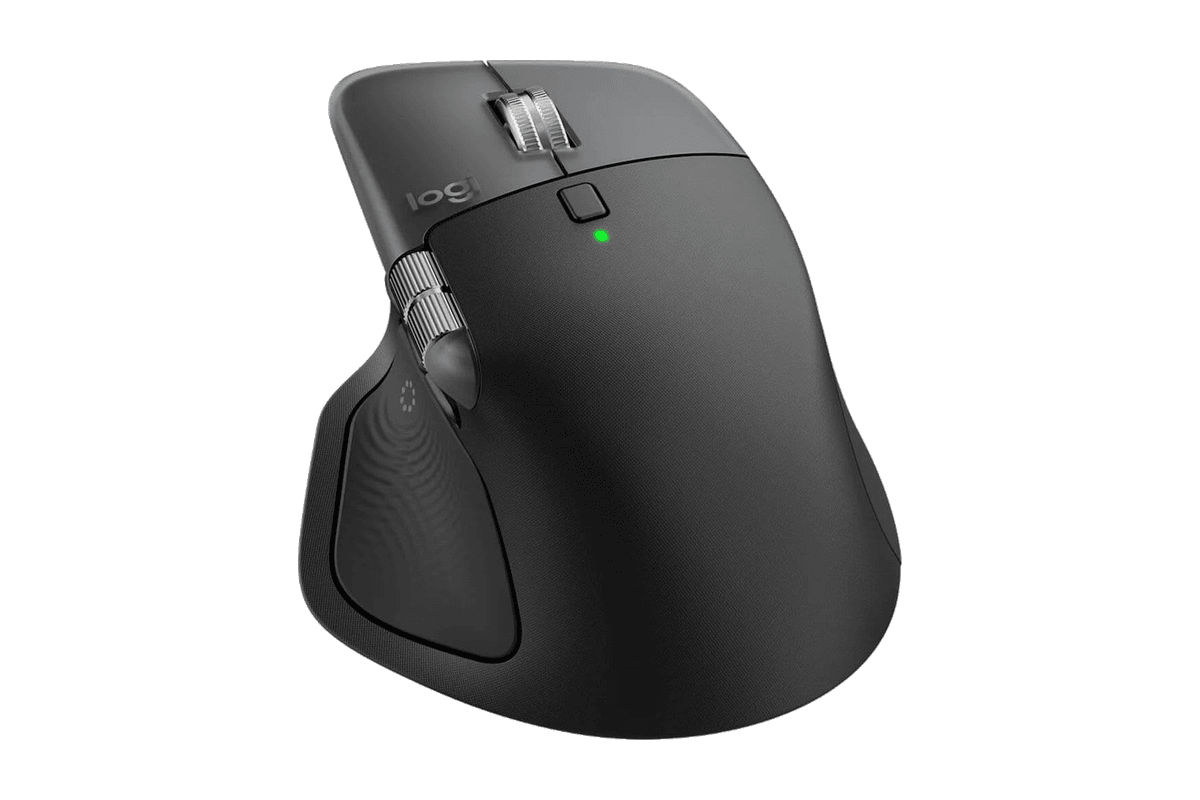
MX Master 4 for Mac
A wireless Mac mouse with haptic shortcuts, two scroll wheels, and USB-C charging.
HardwareKeyboards & MicemacOS & iPadOS
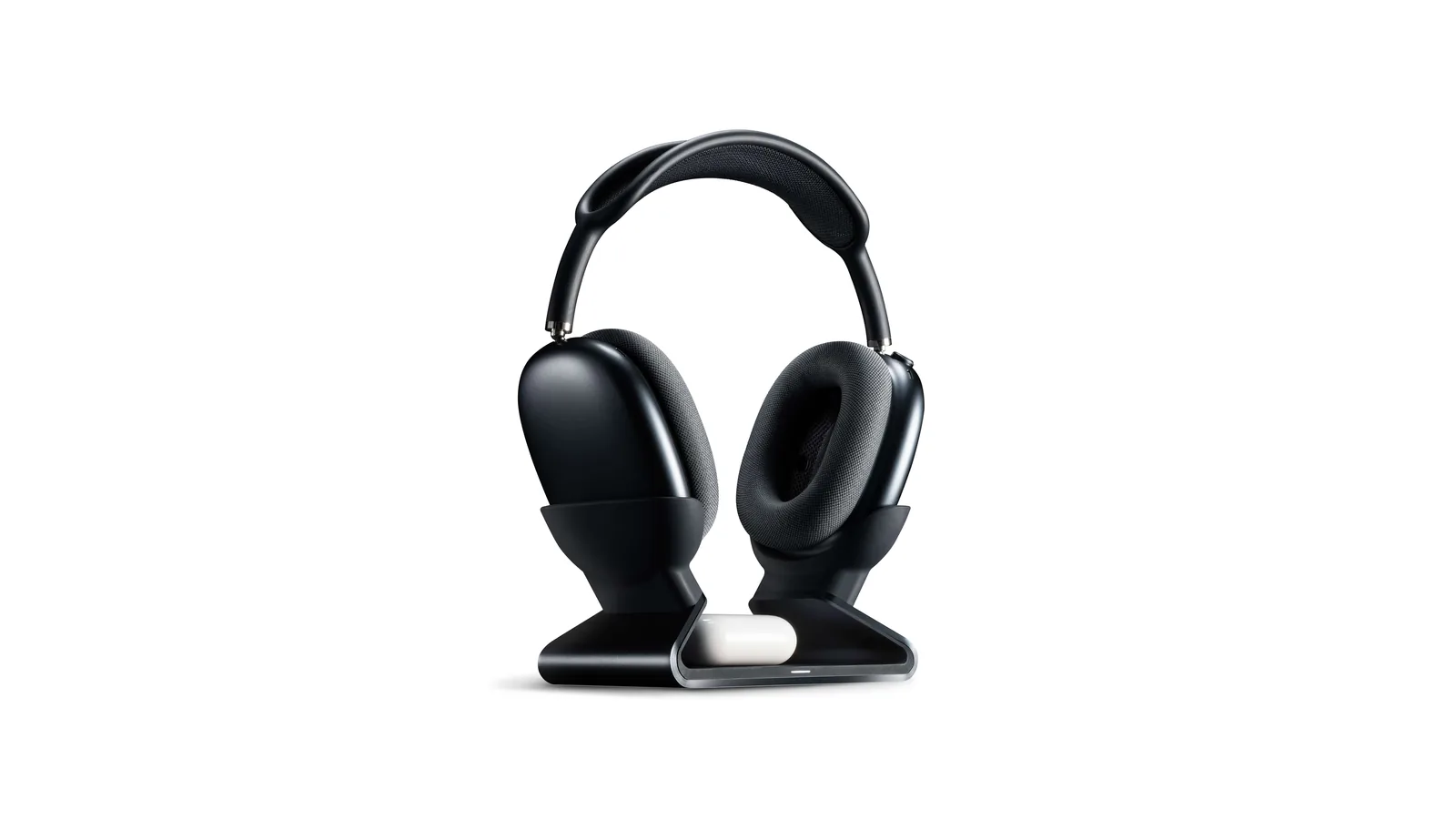
Max Stand
A floating AirPods Max stand that charges through a magnetic port connector.
HardwareDesk SetupmacOS
Max Charging Stand
An AirPods Max charging stand with sleep mode and a Qi pad for earbuds.
HardwareDesk SetupmacOS
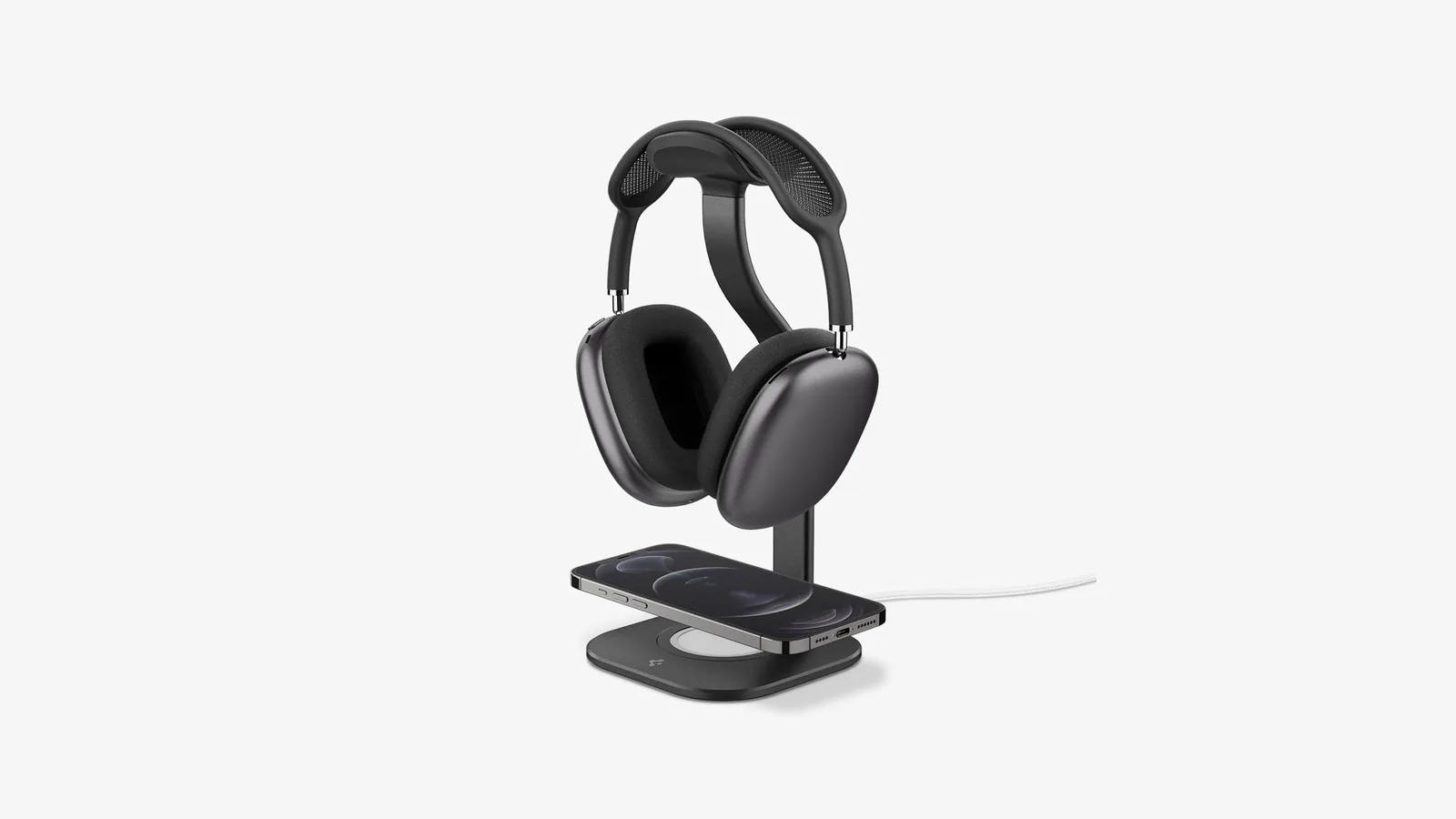
Nanotac AirPods Max Stand (MagFit)
An aluminum AirPods Max stand with a MagSafe charger slot for an iPhone.
HardwareDesk SetupmacOS
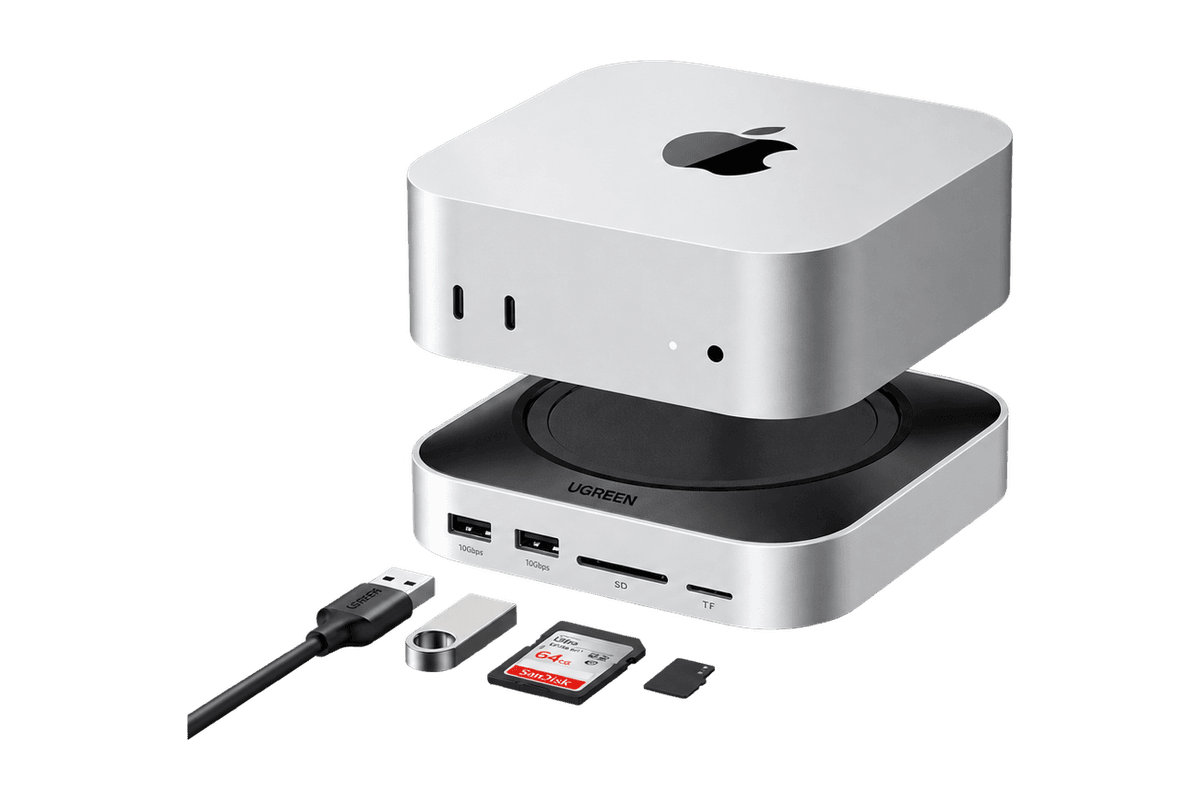
Mac mini 11-in-1 Docking Station
A Mac mini M4 dock with an 8TB-capable NVMe slot and card readers.
HardwareConnectivitymacOS
How do the best keyboards for Mac compare?
Keyboard
Price (checked Nov 2, 2026)
Type
Connection
Best for
Apple Magic Keyboard with Touch ID
$149
Scissor switch
Bluetooth, USB-C
Touch ID on a desk Mac
Logitech MX Keys S
$129.99
Scissor switch, full size
Bluetooth, Logi Bolt
Switching between 3 devices
Keychron Q1 Max
$229.99 ($209.99 barebone)
Mechanical, 75%
2.4 GHz, Bluetooth, wired
Heavy typing
Keychron K3 Ultra-slim (Version 2)
$84.99 to $99.99
Low-profile mechanical
Bluetooth, wired
Travel
Keychron K2 HE
$129.99
Magnetic switches, 75%
2.4 GHz, Bluetooth, wired
Gaming and work
Keychron Q15 Max
$199.99 barebone, $229.99 assembled
Ortholinear mechanical
2.4 GHz, Bluetooth
Enthusiasts
NuPhy Air75 V3
$139.95
Low-profile mechanical
2.4 GHz, Bluetooth, wired
MacBook users
NuPhy Air60 V2
$119.95
Low-profile, 64 keys
2.4 GHz, Bluetooth, wired
Small desks and iPad
NuPhy Air96 V2
$139.95
Low-profile, 100 keys
2.4 GHz, Bluetooth, wired
Number pad users
NuPhy Kick75
$119.99
Hybrid high and low profile
2.4 GHz, Bluetooth, wired
Trying both heights
Lofree Flow 2 (84 keys)
$159 to $169
Low-profile mechanical
2.4 GHz, Bluetooth, wired
Design and feel
Lofree Flow Lite84
$99 to $105
Low-profile mechanical
2.4 GHz, Bluetooth, wired
Budget
Work Louder k.no.b.1
$439
Low-profile mechanical, screen and knobs
Bluetooth, USB-C
Creative work
What is the best keyboard for a MacBook?
If you use a MacBook on a stand or closed with a monitor, the best keyboard is one that feels close to the built-in one. Low height matters most, because a tall keyboard with no wrist rest feels very different from a laptop deck.
That is why the Magic Keyboard, MX Keys S, NuPhy Air series and Lofree Flow boards are the safest picks for MacBook owners. They are all low and they all switch between wired and wireless.
What is the best keyboard for a Mac mini?
The Mac mini ships with no keyboard, so this is the one case where Apple's own keyboard earns its price. Apple sells the Magic Keyboard with Touch ID "for Mac models with Apple silicon", and every current Mac mini uses Apple silicon. With it, you get fingerprint unlock, Apple Pay and password autofill on a desktop Mac.
No third-party keyboard here has Touch ID. If you pick a mechanical keyboard for your Mac mini, you will type your password or use an Apple Watch to unlock instead.
Apple Magic Keyboard with Touch ID: best keyboard for Mac overall
Price: $149 from Apple, or $179 with a numeric keypad.
The Magic Keyboard with Touch ID (USB-C) is thin, quiet, and set up the moment you connect it with the USB-C cable. It pairs over Bluetooth after that.
Key features:
Touch ID for unlocking, Apple Pay and app passwords on Macs with Apple silicon.
Mac keys and media keys exactly where macOS expects them.
USB-C charging on the current model.
It is not adjustable, there is no backlight, and it connects to one Mac at a time.
Magic Keyboard with Touch ID (USB-C)A compact wireless Mac keyboard with Touch ID and USB-C charging.Visit WebsiteMagic Keyboard with Touch ID adds fingerprint authentication to a compact desktop keyboard for Apple silicon Macs. This white, US English USB-C version combines the Mac function-key layout with wireless typing and a rechargeable battery for a desk built around a MacBook, Mac mini, or iMac.
- Touch ID supports secure authentication, including unlocking a compatible Mac.
- The compact US English layout retains Mac multimedia and function-key controls.
- Bluetooth wireless operation reduces the number of cables needed during everyday typing.
- The internal battery is rated for about a month or more between charges, depending on use.
- A USB-C port and included woven USB-C cable support charging and pairing with your Mac.
This version is useful when a docked MacBook’s own Touch ID sensor is out of reach, or when a desktop Mac needs fingerprint access. Apple specifies an Apple silicon Mac running macOS 15.1 or later. The compact layout does not include a numeric keypad.Visit Website
Who it is for: Mac mini and iMac owners who want Touch ID, and anyone who likes the MacBook keyboard feel.
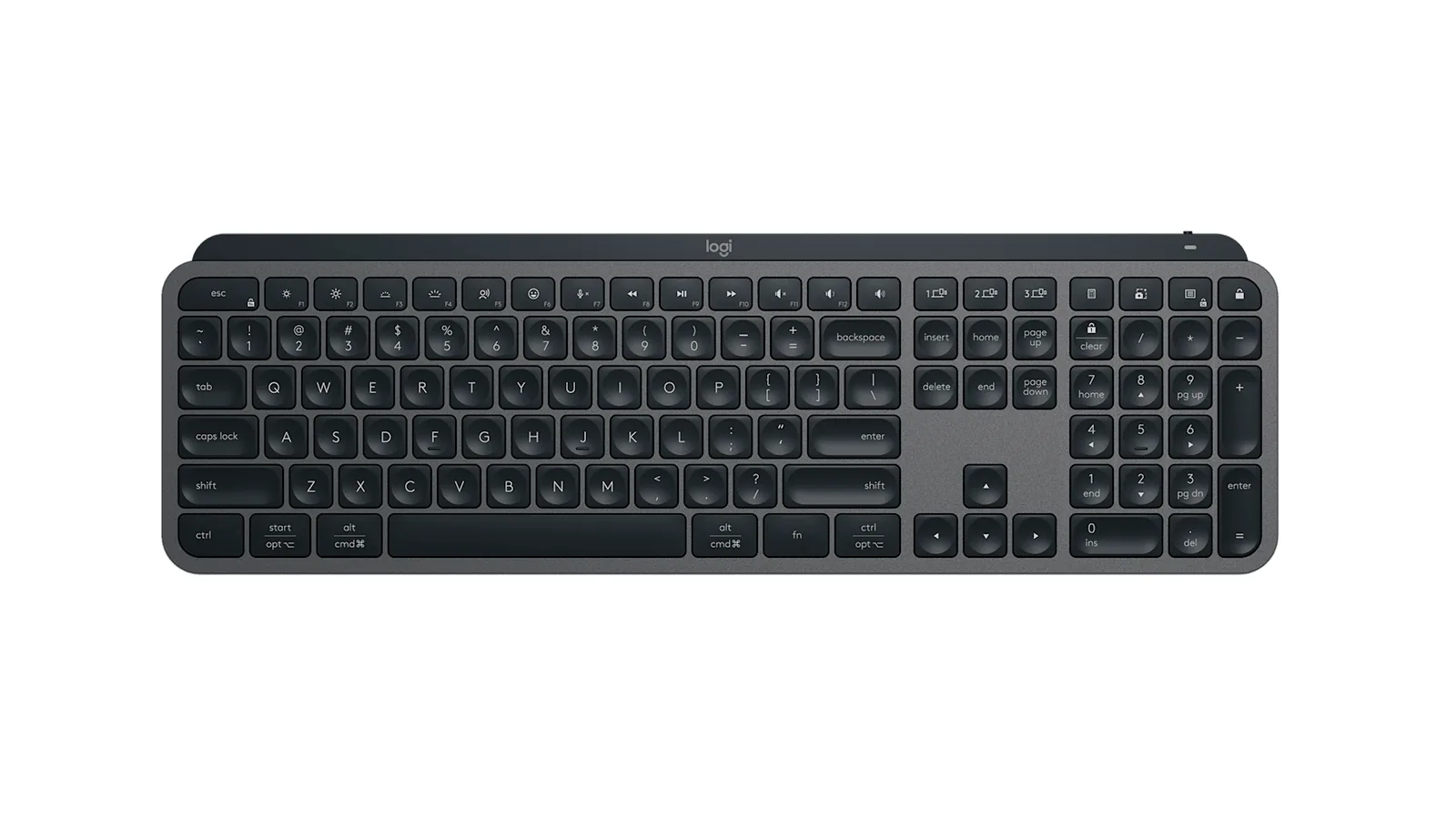
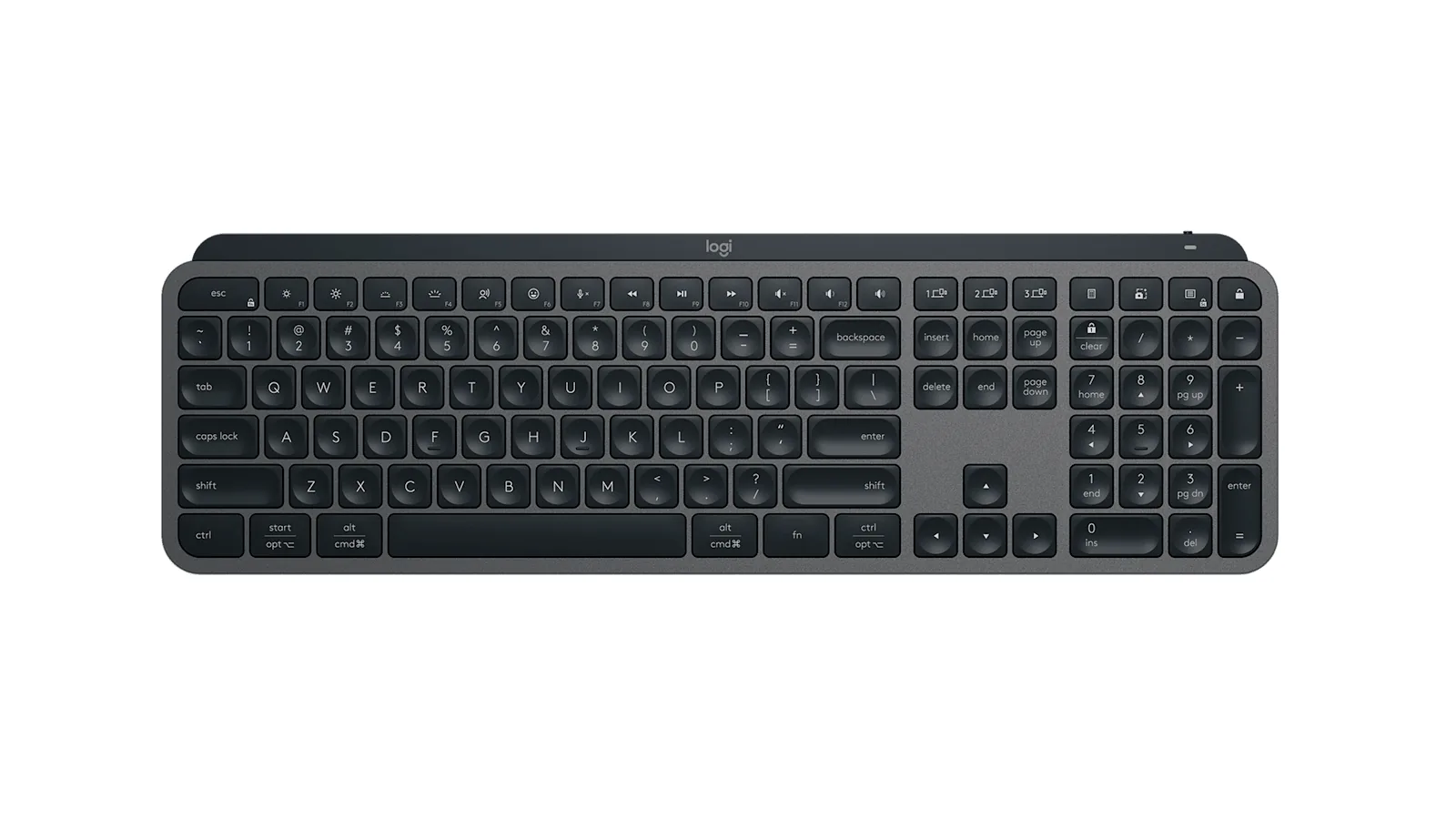
Logitech MX Keys S: best keyboard for Mac and other devices
A full-size layout with a number pad and Easy-Switch keys. Image: Logitech
Price: $129.99 on logitech.com.
The MX Keys S is for people who move between a Mac, a work PC and a tablet. Easy-Switch keys jump between three paired devices.
Key features:
Bluetooth Low Energy or the Logi Bolt USB receiver.
Backlit keys. Logitech quotes up to 10 days per full charge with the backlight on, or up to 5 months with it off.
USB-C charging and a 1,500 mAh battery.
Smart Actions in the Logi Options+ app for multi-step shortcuts.
Works with macOS 10.15 or later.
At 810 g it is a big keyboard, and the scissor keys feel closer to a laptop than a mechanical board.
The MX Keys S pairs well with Logitech's MX mice. Image: Logitech
MX Keys SA full-size wireless keyboard with smart backlighting and three-device switching.Visit WebsiteMX Keys S is Logitech's full-size low-profile wireless keyboard with spherically dished keys, a number pad, and backlighting that turns on as your hands approach. It works with macOS, Windows, Linux, ChromeOS, and iPadOS.
- Connects over Bluetooth Low Energy or a Logi Bolt USB receiver.
- Easy-Switch keys move between up to three paired devices.
- Up to 10 days per charge with backlighting, or up to 5 months with it off, charged over USB-C.
- Smart Actions in Logi Options+ automate multi-step tasks with one key.
- Weighs about 810 g with a 1,500 mAh battery.
It suits Mac users who want a quiet full-size keyboard with a number pad and who switch between a Mac and another computer.Visit Website
Who it is for: anyone who types on more than one computer every day.
What is the best mechanical keyboard for Mac?
Mechanical keyboards give you more travel, more sound and more choice. Look for three things before you buy one for a Mac: Mac keycaps in the box, a Mac and Windows mode switch, and remapping software that works on macOS. Every board below has those. For a deeper look at three of them, read our guide to the best mechanical keyboards for Mac.
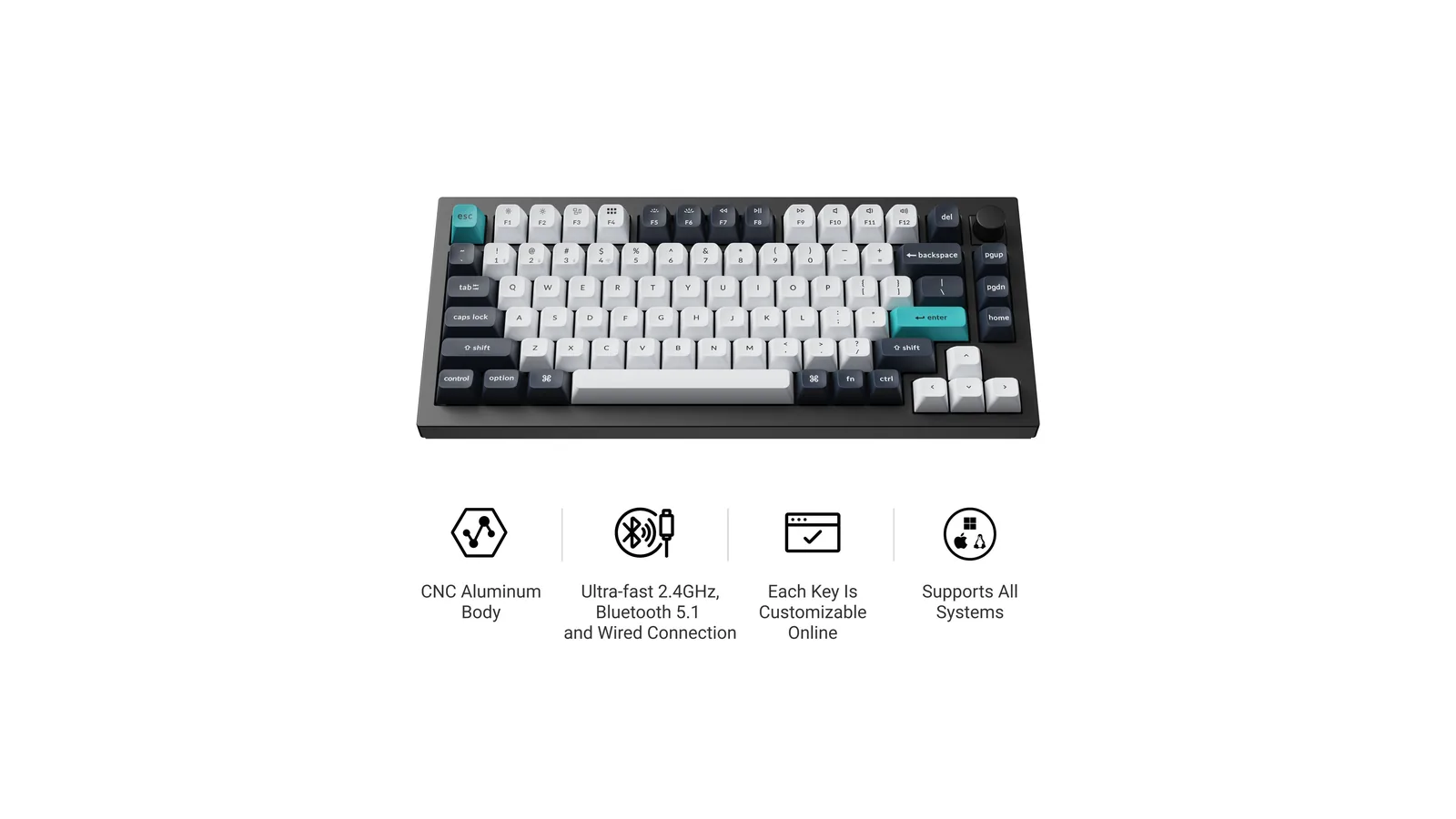
Keychron Q1 Max: best mechanical keyboard for Mac
A full aluminum 75% board with a volume knob. Image: Keychron
Price: $229.99 fully assembled. The $209.99 barebone version was out of stock when we checked.
The Q1 Max is a heavy, solid keyboard that sounds and feels expensive.
Key features:
75% layout with a knob, Mac and Windows keycaps included.
2.4 GHz, Bluetooth for up to 3 devices, or wired, with 1000 Hz polling.
Hot-swappable Gateron Jupiter switches and a gasket mount.
QMK firmware with the Keychron Launcher web app.
4,000 mAh battery, up to 180 hours by Keychron's figure.
It weighs about 1.7 kg, so it stays on the desk.
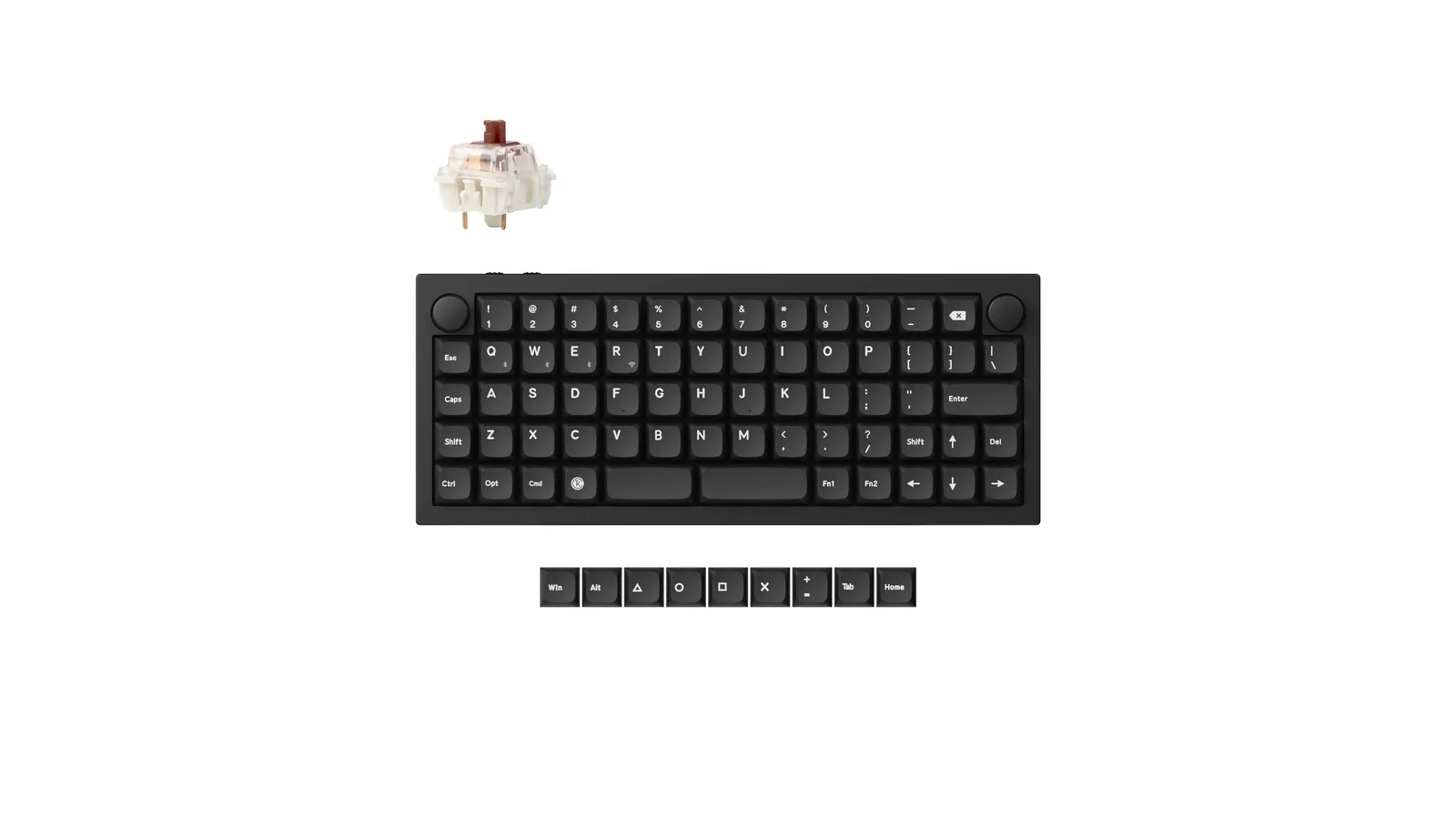
Q1 MaxA full-aluminum 75% mechanical keyboard with wireless modes and a control knob.Visit WebsiteQ1 Max brings a substantial aluminum mechanical keyboard to a Mac desk without the footprint of a full-size layout. This assembled carbon-black configuration includes a knob and Gateron Jupiter Brown tactile switches, combining familiar Mac controls with programmable keys and several connection options.
- The 75% layout keeps a function row, arrow keys, and a rotary control in a compact footprint.
- Connect using 2.4GHz wireless, Bluetooth, or USB-C wired mode to suit your workspace.
- Bluetooth pairing with up to three devices makes switching between computers more convenient.
- Hot-swappable switch sockets allow compatible mechanical switches to be changed without soldering.
- QMK/VIA customization, Mac and Windows keycaps, and double-gasket construction support tuning.
It suits a Mac user who wants a customizable desktop keyboard and a tactile switch feel. This ASIN is the assembled Jupiter Brown version, not a barebones kit or the magnetic-switch Q1 HE. Its metal case favors a stable desk position over lightweight travel.Visit Website
Who it is for: writers and developers who type all day at one desk.
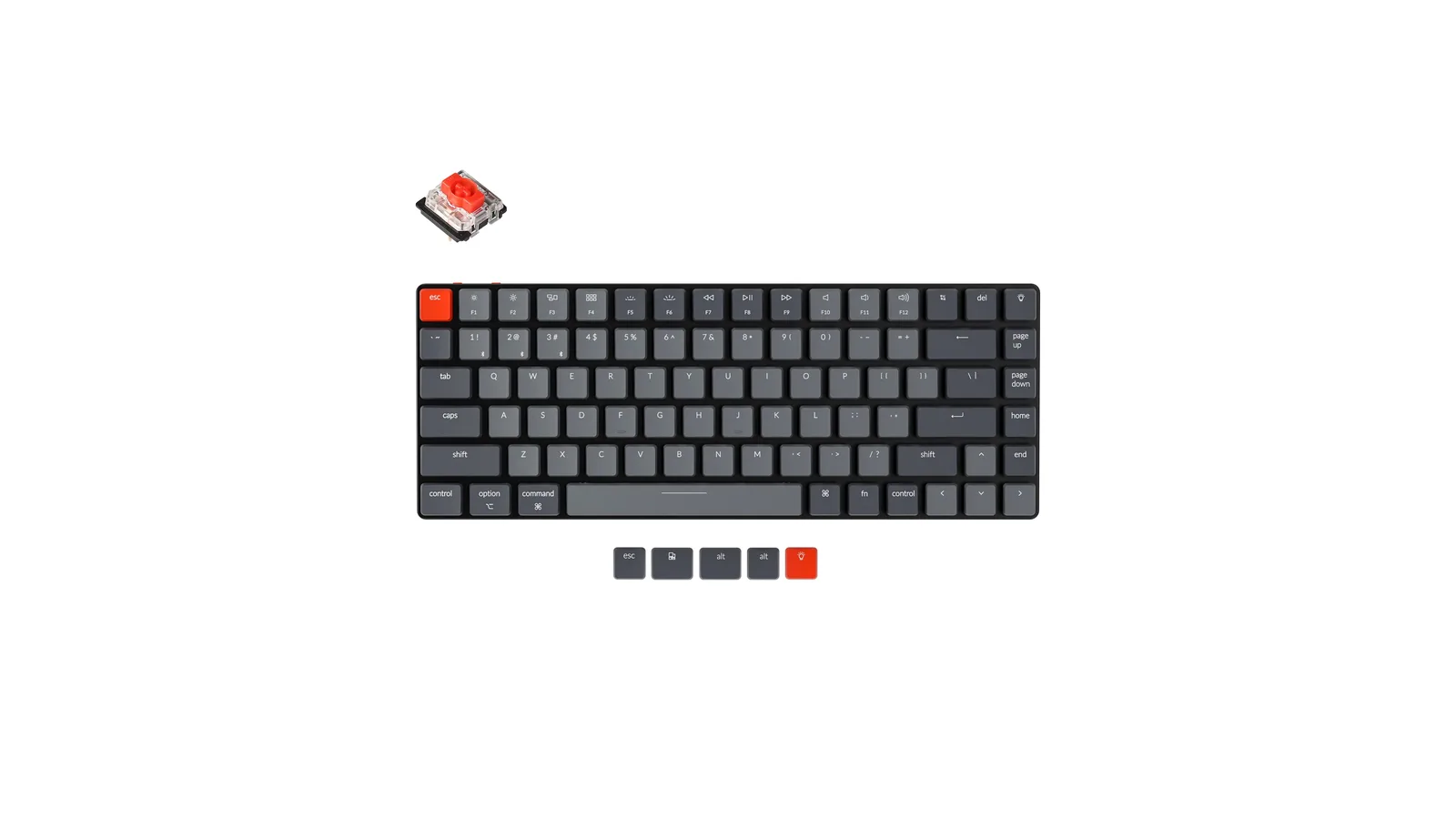
Keychron K3 Ultra-slim: best slim mechanical keyboard for travel
The K3 is about as thin as mechanical keyboards get. Image: Keychron
Price: $84.99 to $99.99 for Version 2. Every variant was sold out on keychron.com, and Keychron now sells a K3 Version 3 from $84.99.
The K3 Ultra-slim is a 75% low-profile board weighing about 483 g. It connects over Bluetooth to up to 3 devices or by cable, with hot-swappable low-profile switches. Keychron rates the 1,550 mAh battery at up to 34 hours.
K3 Ultra-slimAn ultra-slim 75% mechanical keyboard built for Mac.Visit WebsiteThe Keychron K3 Version 2 packs an 84-key 75% layout into an ultra-slim wireless mechanical keyboard designed for Mac and Windows. This Amazon configuration uses RGB backlighting and hot-swappable low-profile Keychron optical red switches.
- Connects through Bluetooth 5.1 or a USB-C cable.
- Pairs with up to three Bluetooth devices.
- Includes Mac media keys plus Windows keycaps.
- Hot-swappable optical sockets let you change compatible low-profile Keychron optical switches without soldering.
- Adjustable feet provide two typing angles.
This is the K3 Version 2 optical-red configuration, not the K3 Pro or K3 Max.Visit Website
Who it is for: MacBook owners who want a mechanical keyboard in a laptop bag.
Keychron K2 HE: best keyboard for Mac gaming
Magnetic switches let you set how deep a press has to go. Image: Keychron
Price: $129.99. The standard version was out of stock when we checked, and the $139.99 Special Edition was available.
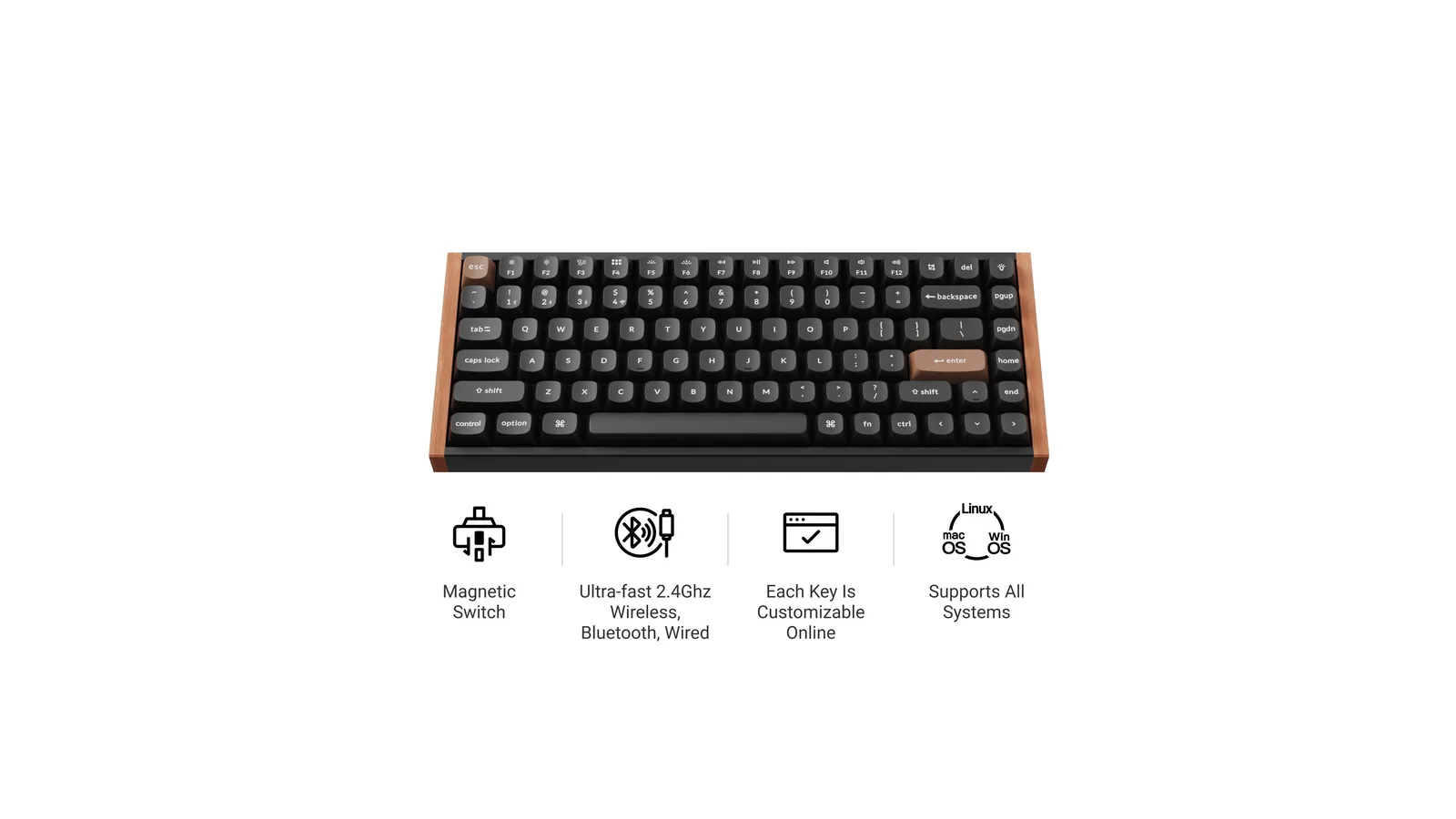
The K2 HE uses Gateron double-rail magnetic switches with Rapid Trigger and an adjustable actuation point from 0.2 to 3.8 mm. It is a 75% board with 2.4 GHz, Bluetooth and wired modes and a 4,000 mAh battery.
K2 HEA 75% wireless keyboard with adjustable Hall Effect switches and wood side panels.Visit WebsiteK2 HE combines a compact Mac-compatible keyboard layout with magnetic switches whose actuation can be adjusted. This black wood-sided configuration is intended for a desk that handles both typing and gaming, with wired and wireless modes plus software controls for tailoring key response.
- The 75% layout retains function keys and arrows while leaving more room beside the keyboard.
- Gateron Double-Rail Magnetic switches support adjustable actuation and Rapid Trigger behavior.
- Choose 2.4GHz wireless, Bluetooth, or USB-C wired connectivity for different devices.
- Keychron Launcher provides key remapping, macros, and magnetic-switch settings in a web interface.
- Mac and Windows keycaps, double-shot PBT caps, and wood side panels complete the configuration.
K2 HE is useful if you want to tune key response alongside ordinary Mac typing shortcuts. Its magnetic-switch system is different from a conventional hot-swap mechanical board: confirm switch compatibility before purchasing replacements. This listing is the black configuration.Visit Website
Who it is for: people who play games on the Mac and want one keyboard for work too.
Keychron Q15 Max: best ortholinear keyboard for Mac
Keys sit in straight columns instead of staggered rows. Image: Keychron
Price: $199.99 barebone or $229.99 fully assembled.
The Q15 Max puts its keys in a grid, with two knobs, a full metal case and a double gasket design. It connects over 2.4 GHz or Bluetooth 5.1 to up to 3 devices. Expect a learning curve.
Q15 MaxA premium wireless ortholinear keyboard for Mac.Visit WebsiteThe Keychron Q15 Max brings an ortholinear 64-key layout to a solid CNC-aluminum wireless keyboard. This white Amazon configuration includes XDA-profile PBT keycaps, dual rotary knobs, and Gateron Jupiter Red switches.
- Connects over 2.4 GHz, Bluetooth 5.1, or USB-C.
- Supports QMK customization through the Keychron Launcher.
- Hot-swappable sockets accept compatible 3-pin and 5-pin MX switches.
- Acoustic foam and gasket construction soften the typing sound and feel.
- Includes Mac and Windows support.
This listing is for the white Q15 Max with Gateron Jupiter Red switches.Visit Website
Who it is for: enthusiasts who want to try an ortholinear layout without building one.
NuPhy Air75 V3: best low-profile mechanical keyboard for MacBook
At 13.2 mm, the Air75 V3 sits close to a MacBook's height. Image: NuPhy
Price: $139.95.
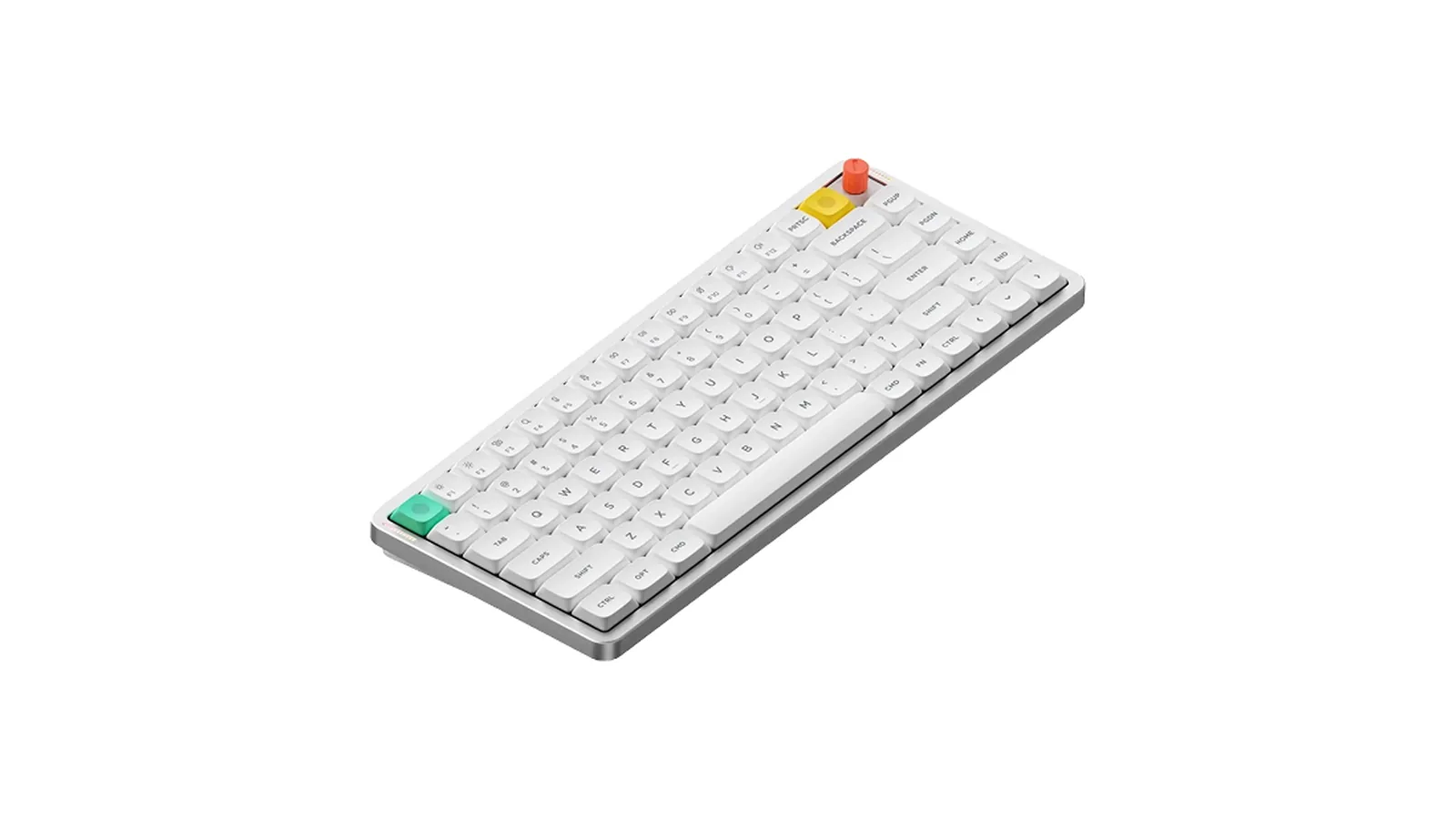
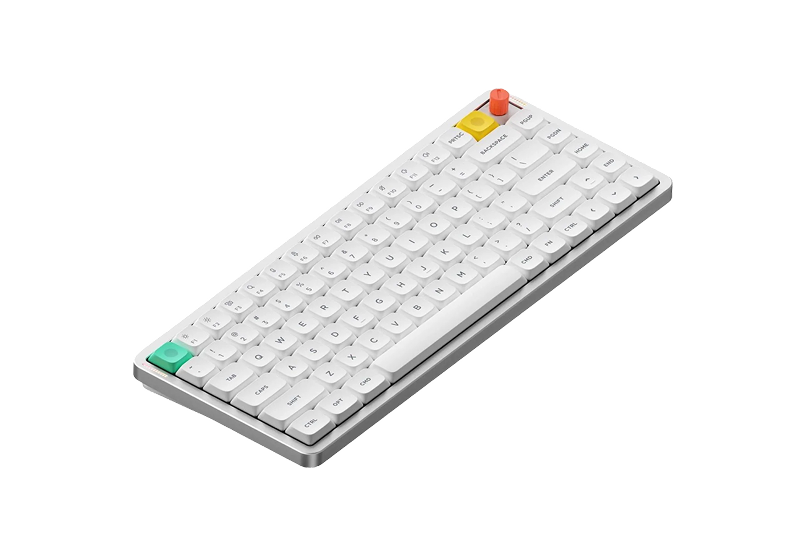
The Air75 V3 is the board we would pair with a MacBook. It is 13.2 mm thin with hot-swappable low-profile switches, 2.4 GHz, Bluetooth 5.0 and USB-C wired modes, and NuPhy's NuPhyIO software for remapping. NuPhy lists a 4,000 mAh battery for the Air75 V3.
Air75 V3Wireless Mechanical Keyboard Made for Visit WebsiteThe NuPhy Air75 V3 is a slim, wireless mechanical keyboard designed for both Mac and Windows users. Featuring a sleek aesthetic, it combines the functionality of mechanical switches with low-profile design, ensuring a comfortable typing experience. The keyboard is equipped with customizable RGB backlighting and offers multiple connectivity options including Bluetooth 5.0 and USB-C. With a battery life of up to 1200 hours, it's perfect for on-the-go users. The keyboard's adjustable kickstand guarantees an ergonomic typing angle, making it suitable for various work environments. Ideal for creative professionals or casual use, the Air75 V3 is the perfect blend of style and substance.Visit Website
Who it is for: MacBook owners who want mechanical feel at laptop height. We compare it with the Lofree Flow 2 in Lofree Flow 2 vs NuPhy Air75 V3.
NuPhy Air60 V2 and Air96 V2: smallest and largest NuPhy options
The Air60 V2 drops the function row to save space. Image: NuPhy
The Air60 V2 is a 64-key board at $119.95 with a 2,500 mAh battery. It is small enough to carry with an iPad as well as a Mac.
Air60 V2A compact 64-key low-profile mechanical keyboard with three connection modes.Visit WebsiteAir60 V2 brings low-profile mechanical typing to a compact travel-friendly layout. This Ionic White configuration uses Gateron Cowberry switches and 64 keys, with Mac mode, programmable layers, and wireless connections for moving between a MacBook workspace and other devices.
- The 60% layout preserves arrow keys while placing function-row actions on secondary layers.
- Bluetooth 5.1, 2.4GHz wireless, and USB-C wired modes provide flexible connections.
- QMK/VIA support allows keys, layers, and macros to be adapted to your own workflow.
- A Mac/Windows mode switch and Mac-oriented shortcuts support use with Apple computers.
- RGB backlighting, side status lights, and a 2,500mAh battery round out the portable design.
It suits a smaller desk or a bag where a full function row is less important than compact size. This ASIN is the Ionic White Cowberry-switch V2, not Air60 HE or the original Air60. Expect to learn layer shortcuts for functions omitted from the physical layout.Visit Website
The Air96 V2 adds a number pad in a 100-key layout. Image: NuPhy
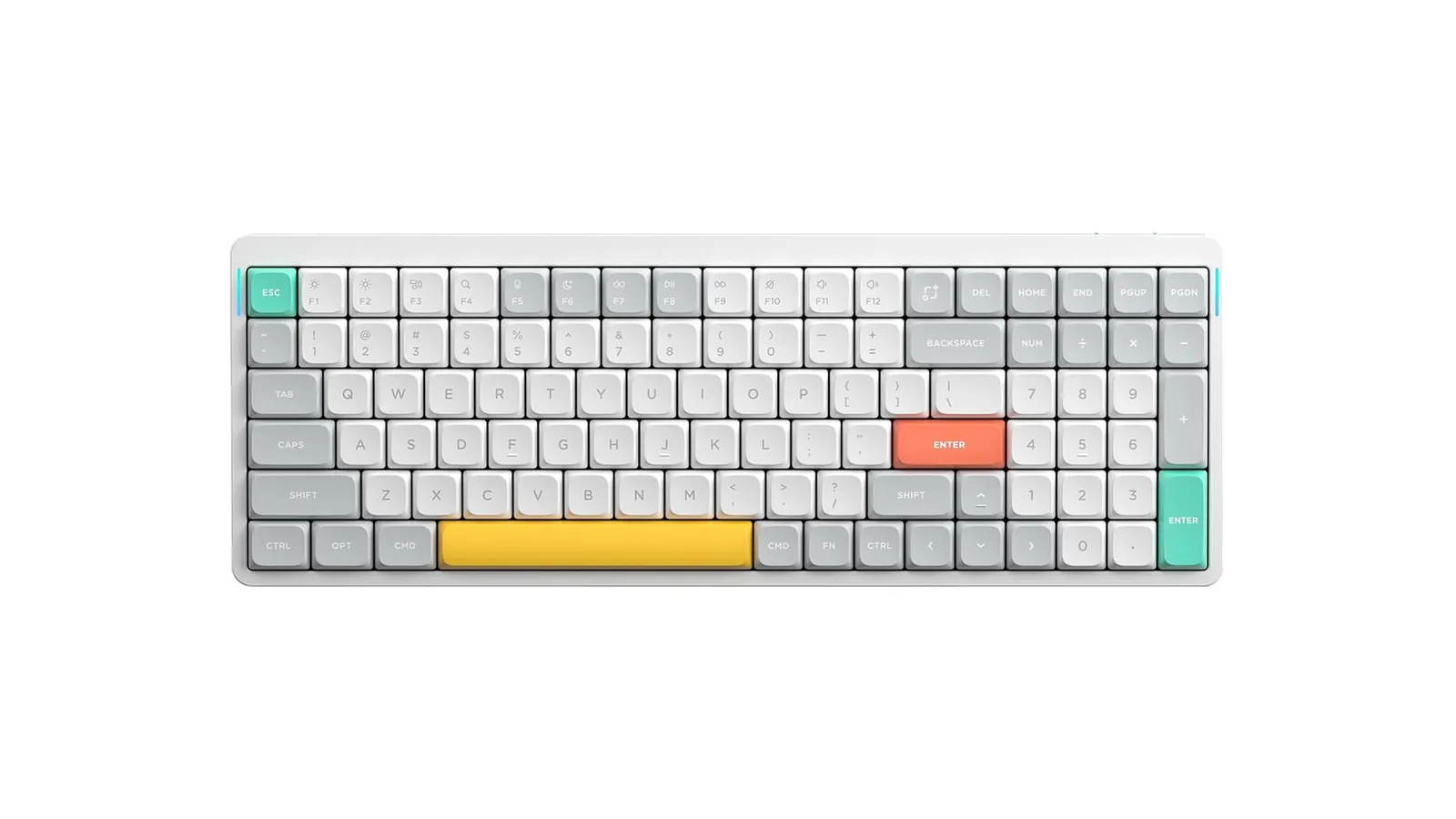
The Air96 V2 is the 100-key version at $139.95, with a 4,000 mAh battery. Both are hot-swappable and offer 2.4 GHz, Bluetooth and wired modes. We saw some versions of both listed lower on nuphy.com.
Air96 V2A low-profile wireless mechanical keyboard with a compact numeric keypad.Visit WebsiteAir96 V2 keeps a numeric keypad in a compact low-profile mechanical keyboard for a Mac desk. The white Gateron Aloe-switch configuration combines a 100-key layout with wireless connections and QMK/VIA customization, making it useful for number entry without a separate keypad.
- A 100-key layout combines typing keys, a function row, arrows, and a numeric keypad.
- Choose Bluetooth 5.1, 2.4GHz wireless, or USB-C wired mode according to the workspace.
- QMK/VIA support enables custom key mappings, macros, and layouts for desktop workflows.
- Mac mode and support for macOS, Windows, and Linux accommodate mixed computer setups.
- A 4,000mAh rechargeable battery, RGB backlight, and side status lighting support daily use.
Air96 V2 suits spreadsheet work and other number-heavy tasks when you still want a low-profile keyboard. This listing is the white Aloe-switch V2 configuration. It retains more keys than Air60 V2, so allow additional desk and bag space for the numeric keypad.Visit Website
Who they are for: the Air60 V2 for small desks and travel, the Air96 V2 for anyone who needs a number pad.
NuPhy Kick75: best keyboard to try high and low profile
The Kick75 can take low-profile or taller switches. Image: NuPhy
Price: $119.99.
The Kick75 is a gasket-mounted 75% board that works with NuPhy's low-profile nano switches and its taller Max switches, both developed with Gateron. It has 1000 Hz polling in 2.4G mode, Bluetooth and USB-C, a Mac OS switch, and works with QMK/VIA or NuPhyIO.
Kick75Ultimate Typing Experience: Sleek, Lightweight, and Chic.Visit WebsiteThe NuPhy Kick75 is a hybrid-profile mechanical keyboard designed for both functionality and style. Its low-profile design and lightweight build make it ideal for users seeking a chic typing experience without sacrificing performance. Equipped with Cherry MX switches, tri-mode connectivity, and a high-capacity battery, it caters to gamers, programmers, and everyday typists alike, enhancing product
- Unique 8-bit art design for a retro aesthetic
- High-capacity battery for up to 360 hours of use
- Supports tri-mode connectivity: Bluetooth, 2.4G, and USB-C
- 1000Hz polling rate for ultra-fast response
- Compatible with Windows, macOS, and Linux
- Hot-swappable switches for customizable typing experience
The NuPhy Kick75 is the perfect blend of style and functionality, featuring a low-profile design, customizable switches, and tri-mode connectivity. With its impressive battery life and 1000Hz polling rate, it caters to both gamers and professionals alike. Elevate your typing experience today with this chic mechanical keyboard.Visit Website
Who it is for: people unsure whether they want a slim or a full height keyboard.
Lofree Flow 2 and Flow Lite84: best looking keyboards for Mac
The Flow 2 is machined from one block of aluminum. Image: Lofree
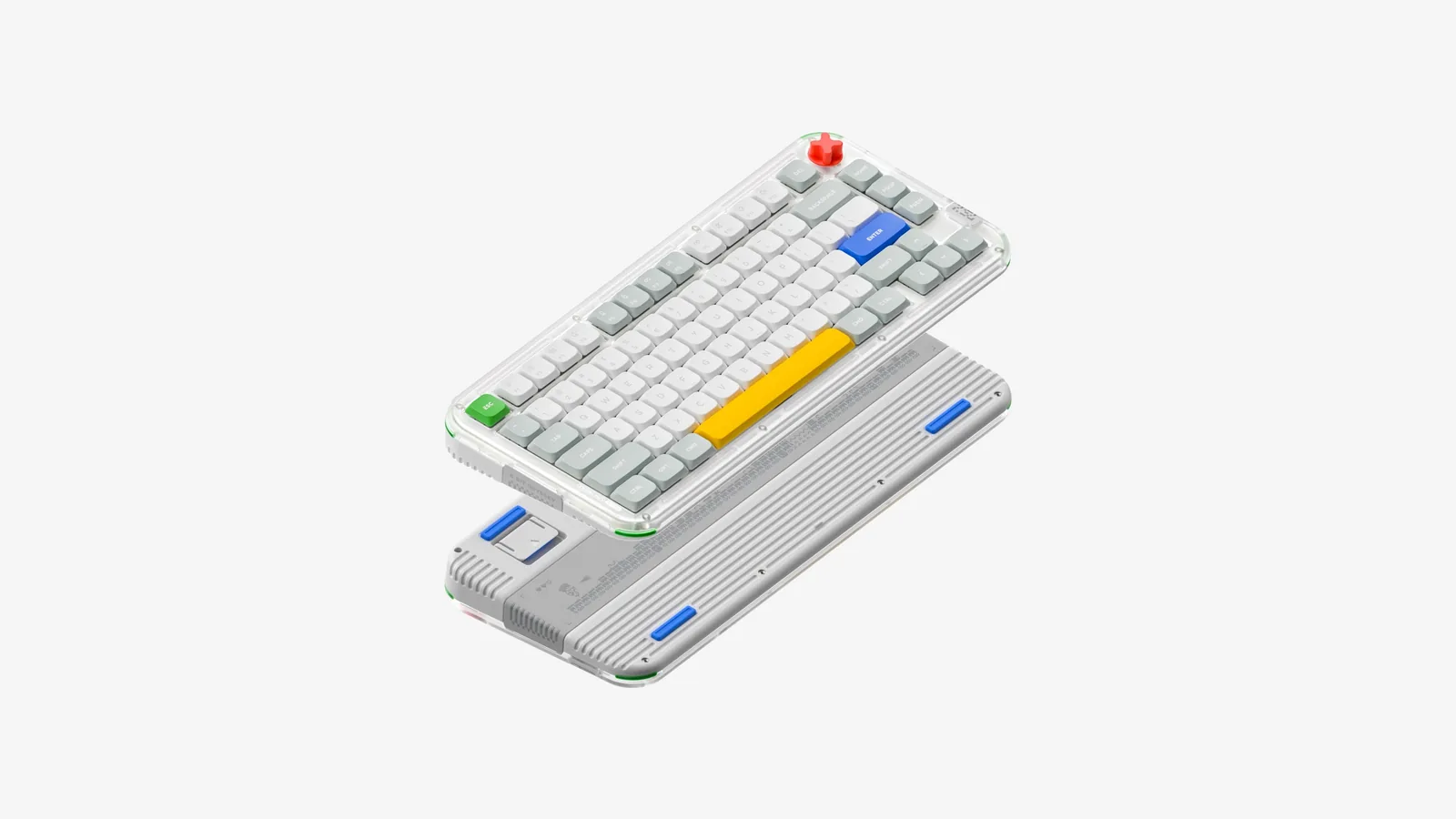
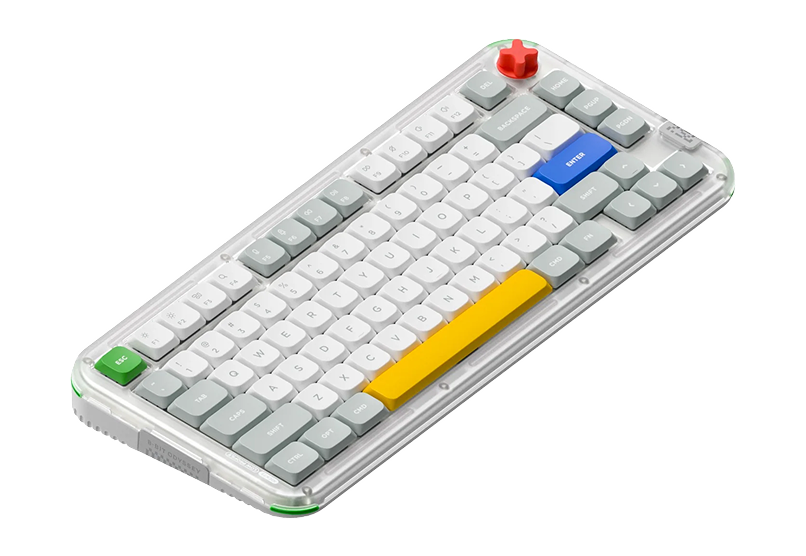
The Flow 2 costs $159 to $169 for the 84-key version, or $139 for the 68-key model. It has an aluminum body, gasket mount, low-profile switches, a touch bar, VIA support and a 3,000 mAh battery. Lofree also sells a Mac colorway at $159.
The Flow Lite84 keeps the shape at a lower price. Image: Lofree
The Flow Lite84 costs $99 to $105, down from a $129 list price. It is a tri-mode low-profile board with linear switches, and Lofree quotes up to 80 hours with the lighting off.
Who they are for: the Flow 2 for a premium desk, the Flow Lite84 for the same look on a budget.
Work Louder k.no.b.1: best statement keyboard for Mac
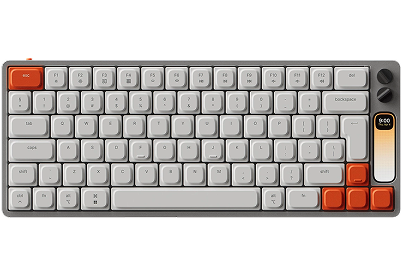
A full color screen and two dials sit above the keys. Image: Work Louder
Price: $439, in stock when we checked.
The k•no•b•1 is a low-profile mechanical keyboard designed by Ben Fryc with Work Louder. It has a 100 x 310 px color screen, two multi-function knobs, a CNC aluminum shell, hot-swap switches, and USB-C or Bluetooth for Mac, PC, Linux and iOS. The Input tool maps shortcuts to any key or dial.
k•no•b•1Low profile, high productivity keyboardVisit WebsiteThe k•no•b•1 is a low-profile mechanical keyboard designed by Ben Fryc, a talented 3D Artist and Motion Designer, and developed by Work Louder. It combines classic and contemporary aesthetics, making it a visually appealing yet functional addition to your daily workflow. With a 100x310px color screen that offers customizable features such as timers and wallpapers, the keyboard prioritizes both style and utility. Built with a durable aluminum shell, it features uniquely designed keycaps and custom-tuned hotswap switches. The connectivity options include Type-C and Bluetooth, making it versatile for Mac, PC, Linux, and iOS devices. The keyboard is fully customizable, allowing users to intuitively map shortcuts to any key or dial, enhancing productivity. Whether for work or gaming, the k•no•b•1 is not just a keyboard; it's an upgrade to your input experience.Visit Website
Who it is for: designers and editors who want app controls on the keyboard.
How to choose a keyboard for Mac
Want Touch ID? Only Apple's Magic Keyboard with Touch ID has it.
Use more than one computer? Pick a board with multi-device pairing, like the MX Keys S or a Keychron.
Type on a MacBook? Stay low profile: NuPhy Air75 V3, Lofree Flow 2 or the Magic Keyboard.
Want the best typing feel? Go mechanical with a gasket mount, like the Q1 Max.
Check the layout. A 75% board keeps arrow keys and a function row. Choose a full-size board if you use a number pad.
Check Mac support. Mac keycaps and a Mac mode switch save you from remapping Command and Option.
FAQ
Do mechanical keyboards work with Mac?
Yes. All the mechanical keyboards in this guide list macOS support and include Mac keycaps or a Mac mode.
Which keyboard has Touch ID for Mac?
Only Apple's Magic Keyboard with Touch ID, and it needs a Mac with Apple silicon.
What is the best keyboard for a Mac mini?
The Magic Keyboard with Touch ID, because the Mac mini has no built-in fingerprint reader. If you want mechanical keys instead, the Keychron Q1 Max is our pick.
Is a low-profile keyboard better for a MacBook?
For most people, yes. It keeps your hands at a similar height to the laptop deck, so switching between the two feels natural.
Can I use a Windows keyboard on a Mac?
Yes, but you may need to swap Command and Option in System Settings. Keyboards with a Mac mode switch avoid that.
Verdict
Buy the Magic Keyboard with Touch ID if you have a Mac mini or iMac and want the simplest setup. Choose the MX Keys S if you switch between computers. For a mechanical keyboard, the Keychron Q1 Max is the best desk board, and the NuPhy Air75 V3 is the best partner for a MacBook.
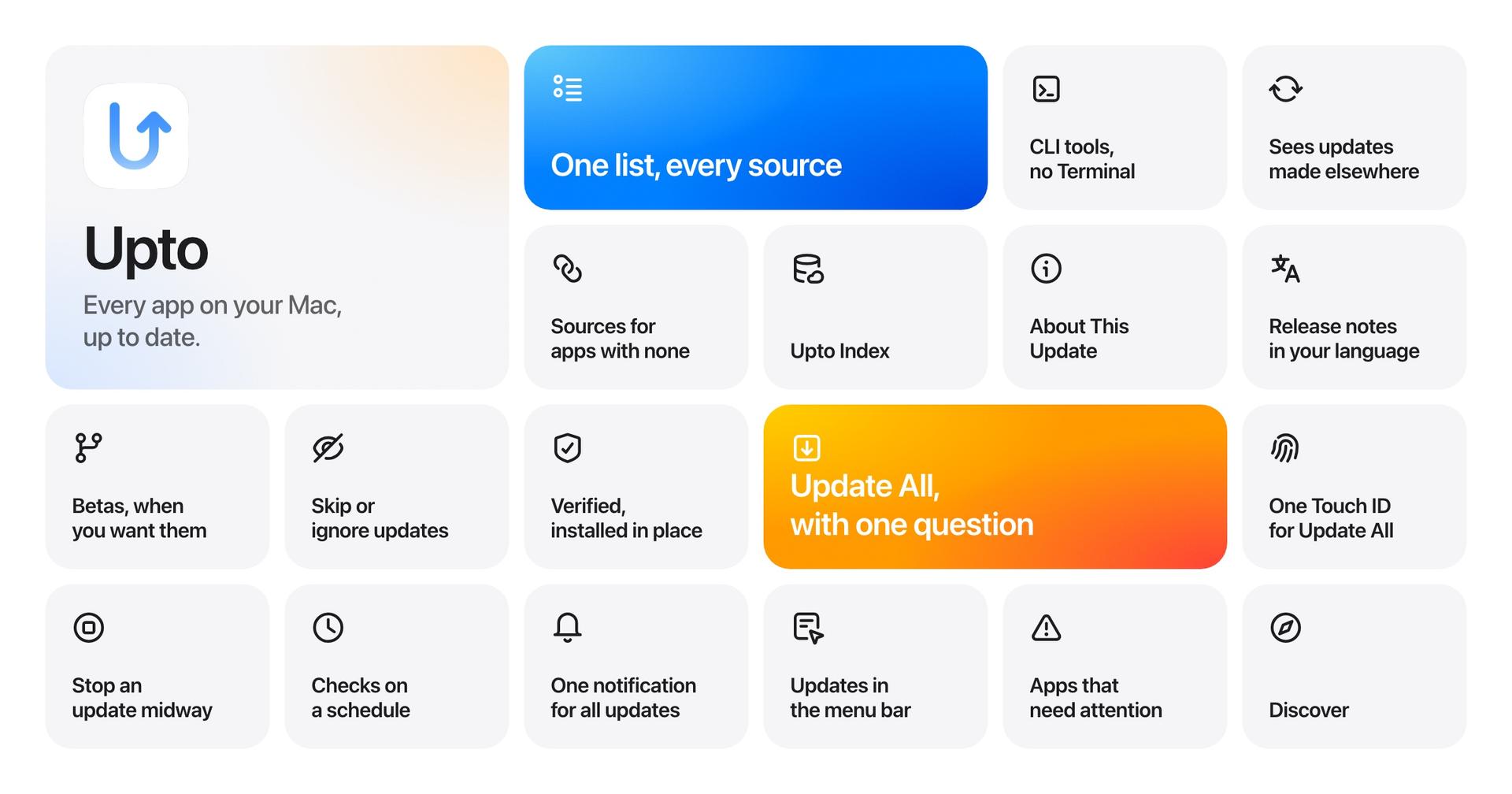
Upto is a Mac app updater that brings installed applications and available updates into one window. It helps manage software from the App Store, Sparkle, Homebrew, TestFlight, Setapp, and direct downloads.
- Review available updates and translated release notes.
- Install supported updates in batches, with separate confirmation for major versions.
- Schedule checks, skip versions, ignore apps, and choose stable or beta releases.
- Track command-line tools installed through Homebrew, npm, pipx, and uv.
- Verify developer signatures and available Homebrew checksums before installation.
Upto requires macOS 15 or later and offers a full-feature trial. Launch pricing is $14.99/year for five Macs or $39 once for three Macs; the one-time license excludes the next major upgrade. Some updates open their source app. Upto Index shares app identifiers and versions to find updates.
SoftwareUtilitiesmacOS
Polypane
Browser for responsive web development testing
Paid
Polypane is a Chromium-based browser built for web developers and designers to build, test, and debug websites across multiple viewports and devices.
- Simultaneous multi-viewport rendering and synchronized interactions for all breakpoints
- Built-in accessibility auditing and instant feedback on issues
- Emulates devices, browsers, user agents, locales, touch events, safe area insets, and network conditions
- Screen capture, annotation, and video recording within the app
- Meta panel for pixel-perfect social media share card previews in light and dark modes
- Supports sharing local development environment for real-time testing on remote devices and browsers
Polypane offers a 14-day free trial with full feature access and requires a paid subscription after the trial. It supports Windows, Mac, and Linux with licenses for individuals, teams, and enterprises.
SoftwareDevelopmentmacOS
Tone
Per-app volume mixer for Mac
One-time
Tone is a macOS utility that enables individual audio control for each app from the menu bar. It provides separate volume, mute, and output settings for every application playing sound.
- Adjust volume and mute settings for each app independently
- Assign specific audio outputs per application
- Remembers individual app volume levels across sessions
- No drivers or system extensions needed; uses Core Audio process taps
- Supports up to 5 active Macs with a single license
Tone requires macOS 14.4 or later and is available for a one-time purchase of $4.99 plus tax. All updates are included for free, with a 30-day refund policy.
SoftwareAudiomacOS
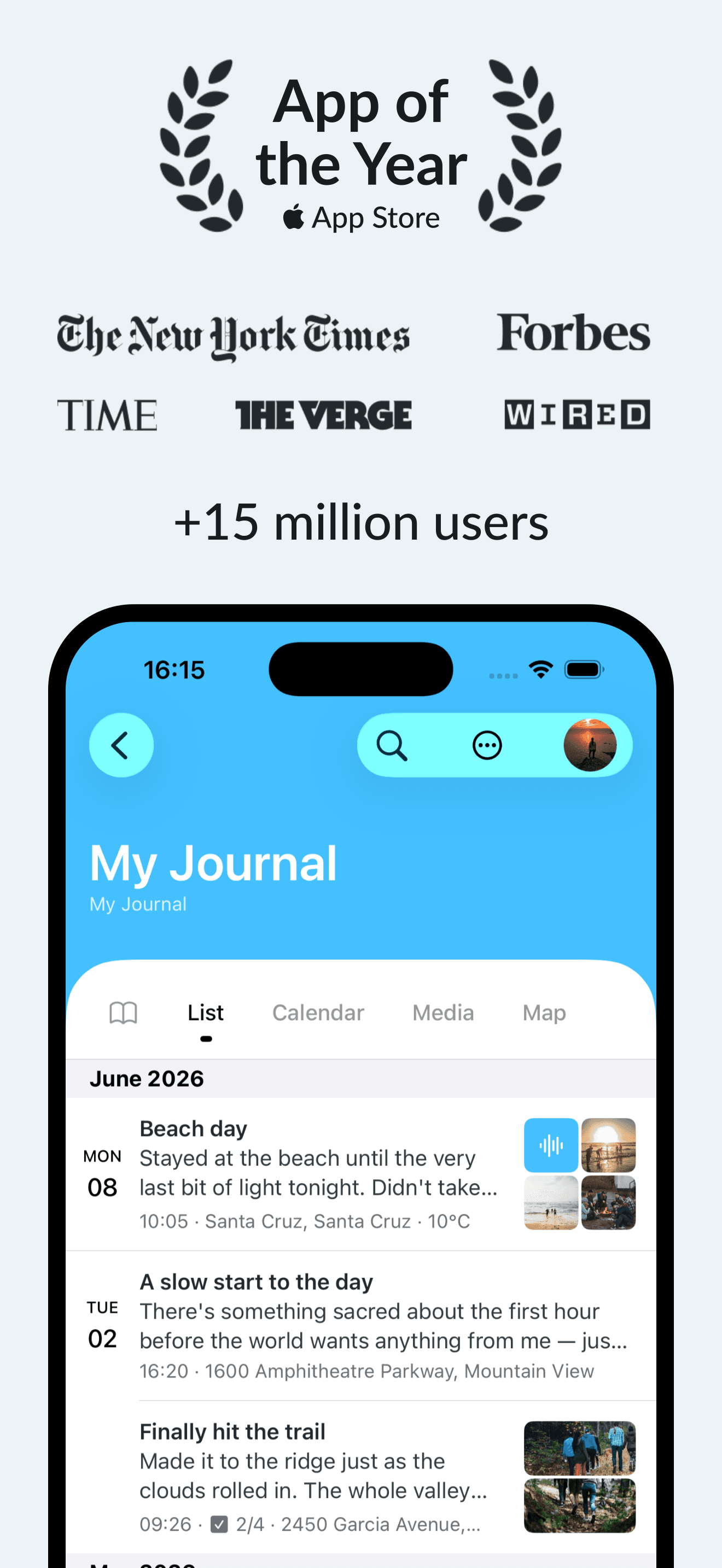
Day One
Digital journaling with privacy features
Freemium
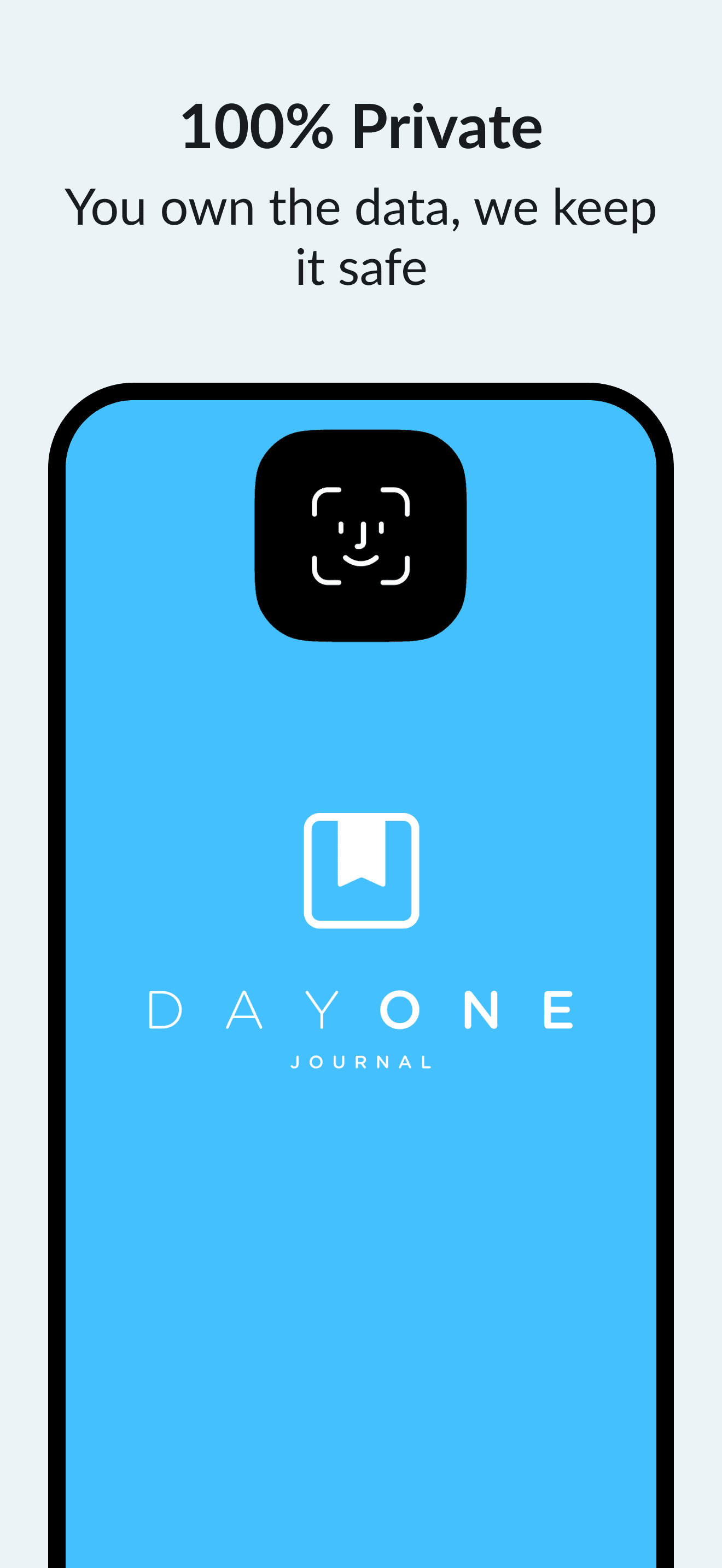
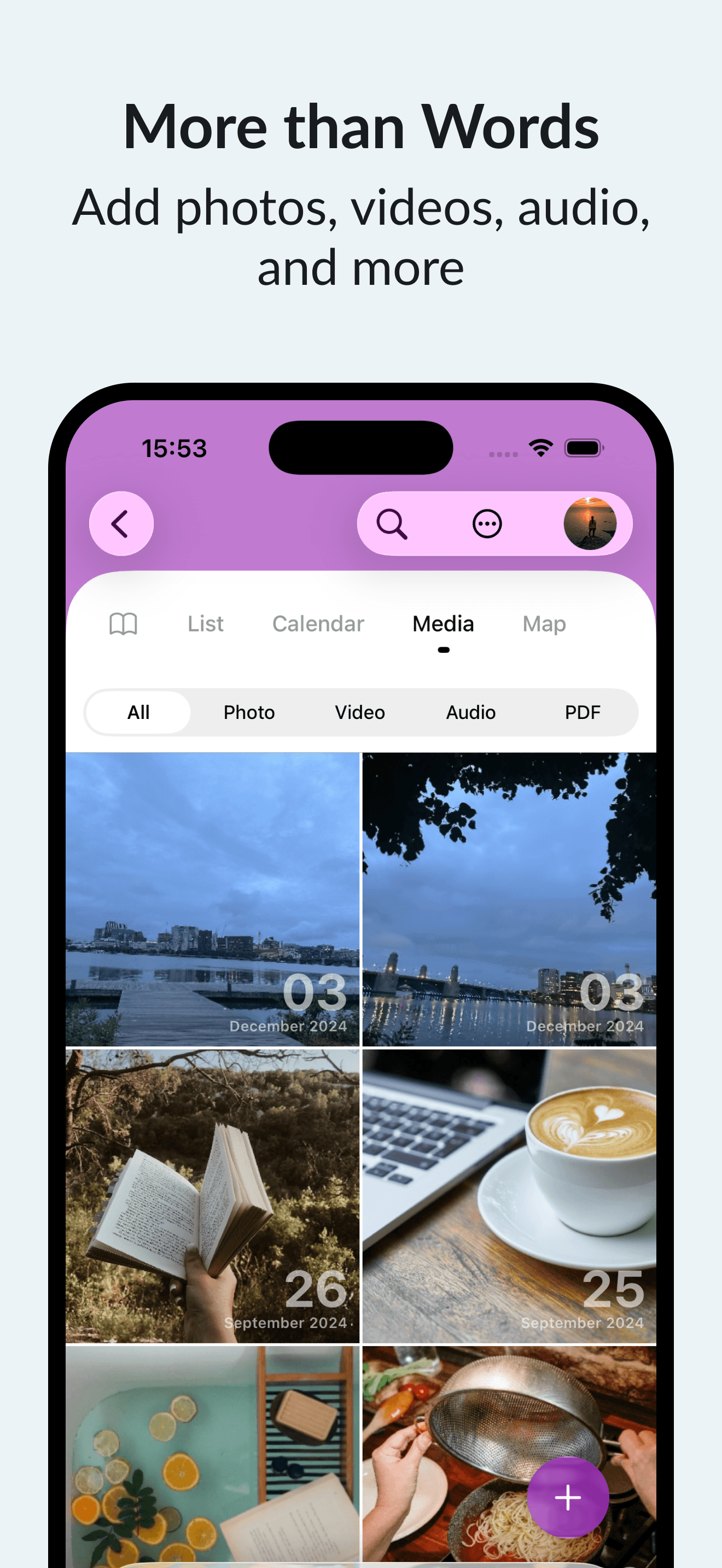
Day One is a digital journal app allowing you to record text entries, photos, audio, and more. It supports secure personal journaling and cross-device access.
- Unlimited text journal entries with rich text formatting
- Automatic backups and end-to-end encryption for privacy
- Supports photos, audio, and video with Premium subscription
- Daily prompts, reminders, and calendar view to encourage journaling
- Integration with Apple Health for mindfulness minutes tracking
- Export options include PDF and plain text formats
Day One is free for unlimited text entries. Additional features, such as unlimited photo, video, and audio uploads, require a paid Premium membership. Requires iOS 18.0.
SoftwareWritingiOS & iPadOS
Castro
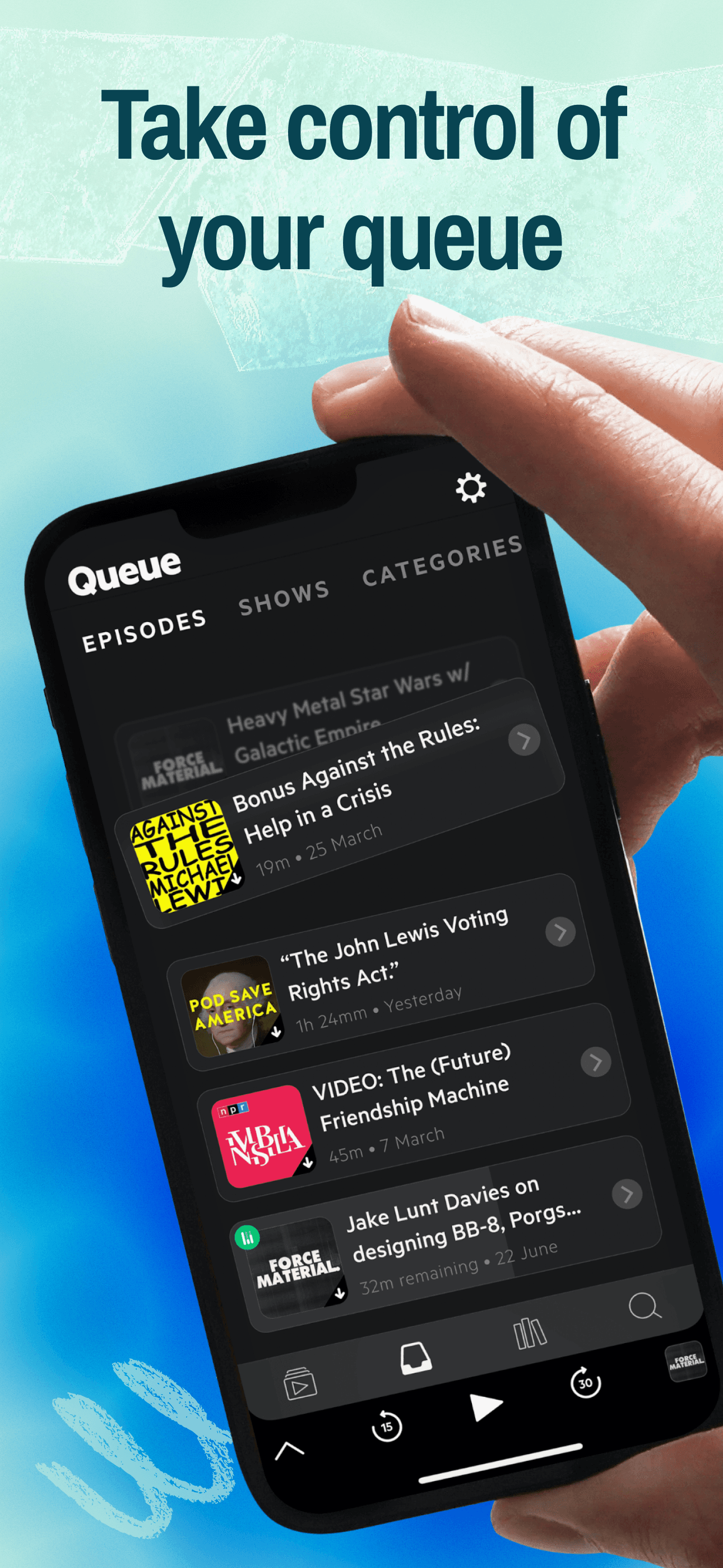
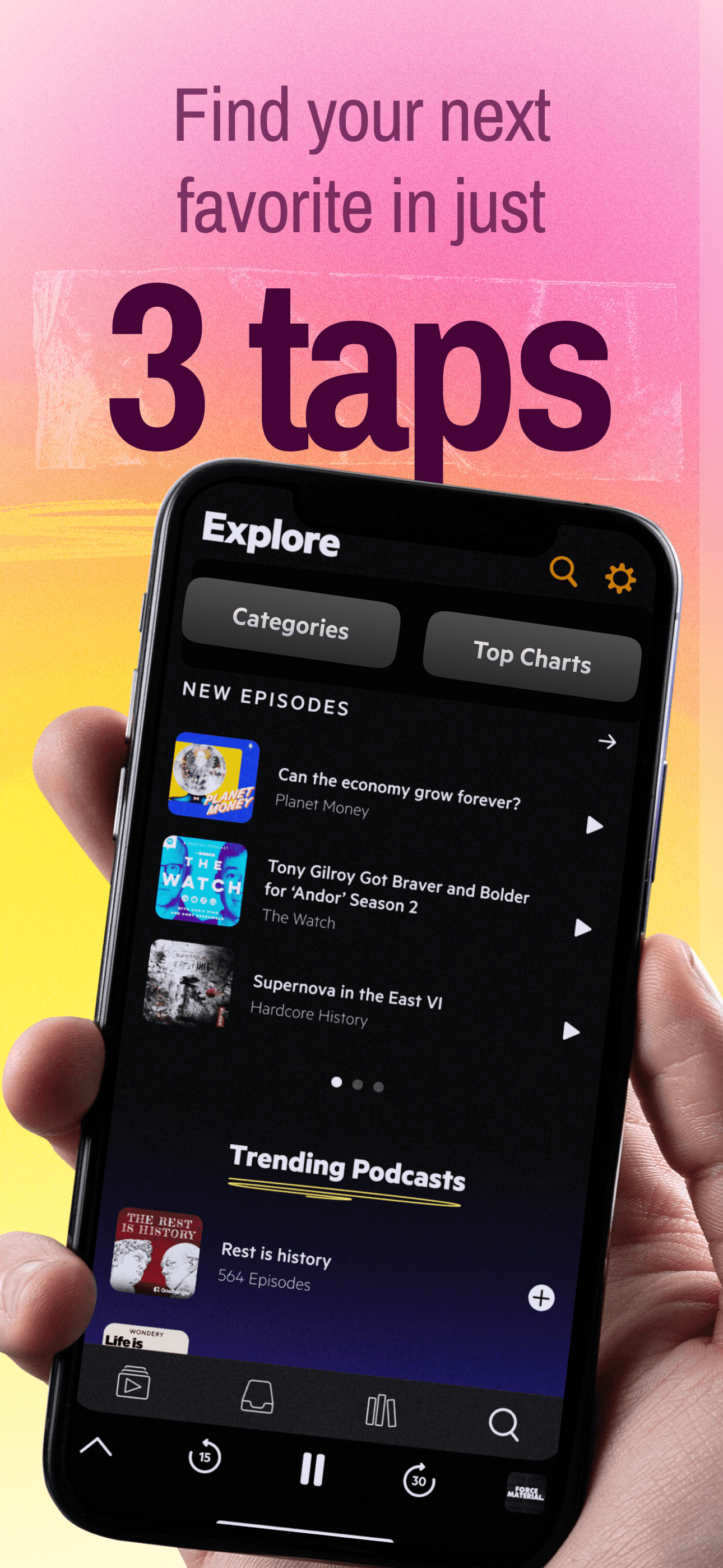
Podcast player with queue and inbox
Freemium
Castro is a podcast player app for iPhone, iPad, and Apple Watch featuring inbox and queue management. It supports curated podcast listening and multiple device sync.
- Unique Inbox feature to review and queue episodes, skipping unwanted ones
- Automatic downloading and playback from a customizable queue
- CarPlay and Apple Watch app support for on-the-go listening and playback control
- Episode notifications with summaries for deciding interest
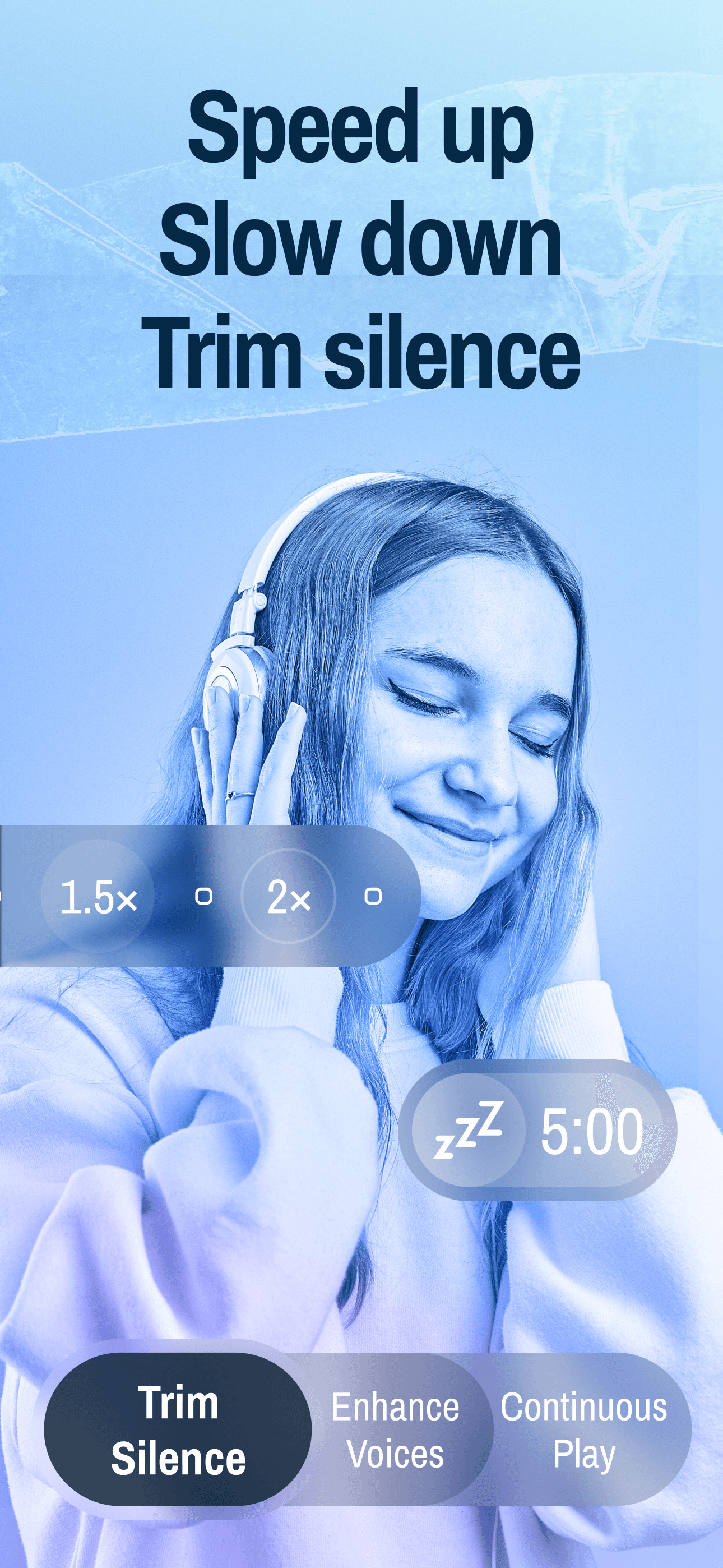
- Optional paid subscription (Castro Plus) adds features: Trim Silence, Enhance Voices, chapter support, sideloading, mono-mix, per-podcast custom settings, and some family sharing options
Castro is free to download, with advanced features available via a Castro Plus subscription. Requires iOS 16.0 or later.
SoftwareAudioiOS & iPadOS
Copilot Money
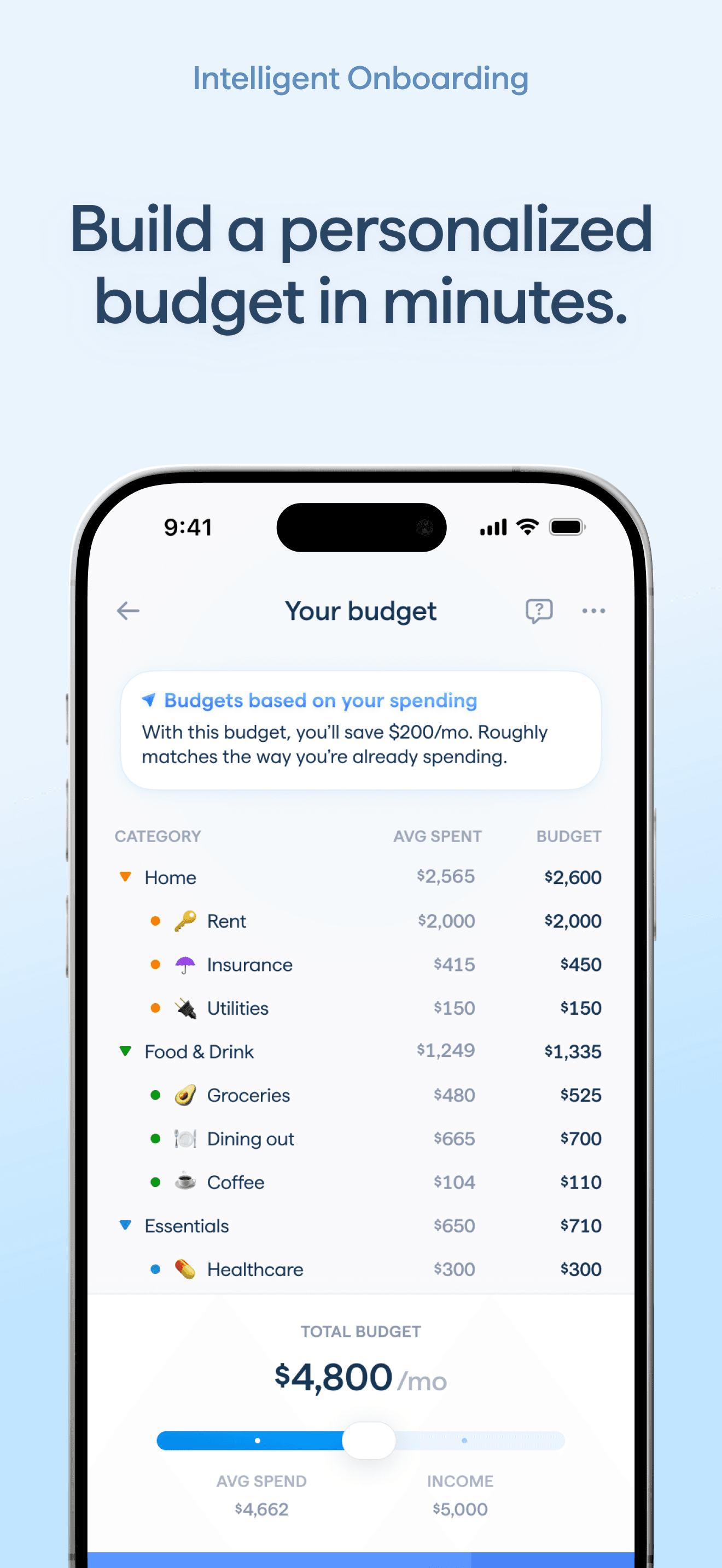
Personal finance and AI budget planner
Paid
Copilot Money is a personal finance app and budget planner for US users, available on iOS, macOS, iPadOS, and web. It provides tools for tracking spending, budgeting, investment monitoring, and managing net worth.
- AI Money Assistant offers spending analysis, budgeting suggestions, and can perform approved actions (iPhone only)
- Automatic transaction categorization and subscription/bill tracking
- Connects to over 16,000 US financial institutions, including direct links to Venmo, Apple Card, and Coinbase
- Tracks savings goals, cash flow, and investment performance with intra-day updates
- Cross-device syncing across iPhone, iPad, Mac, and web
- Receive alerts for unusual spending, recurring charges, overdrafts, and paydays
Copilot Money requires a paid subscription after a 1-month free trial. Available for US financial institutions only and requires iOS 17.0 or later on iPhone.
SoftwareFinanceiOS & iPadOS
Endel
AI-powered soundscapes for work and rest
Freemium
Endel is an app that generates AI-powered soundscapes designed to help users focus, relax, move, and sleep. It adapts sound in real time using inputs such as location, environment, and heart rate.
- Creates personalized soundscapes for focus, relaxation, movement, and sleep
- Offers classic modes and additional soundscapes including colored noise, nature sounds, and rain
- Includes specialized modes like Study, Dynamic Focus, Recovery, Hibernation, and Focus Timer
- Collaborative soundscapes with artists and thinkers are available for Premium users
- All soundscapes are available offline
- Exclusive Apple Podcast shows for Premium subscribers
Endel provides a free edition and offers a Premium subscription (recurring or one-time lifetime) for expanded features and exclusive content. Requires iOS 26.0 or later.
SoftwareAudioiOS & iPadOS
Ace
Wireless over-ear headphones with active noise cancellation and up to 30 hours of listening.
HardwareAudiomacOS & iOS & iPadOS
HoverBar Duo (2nd Gen)
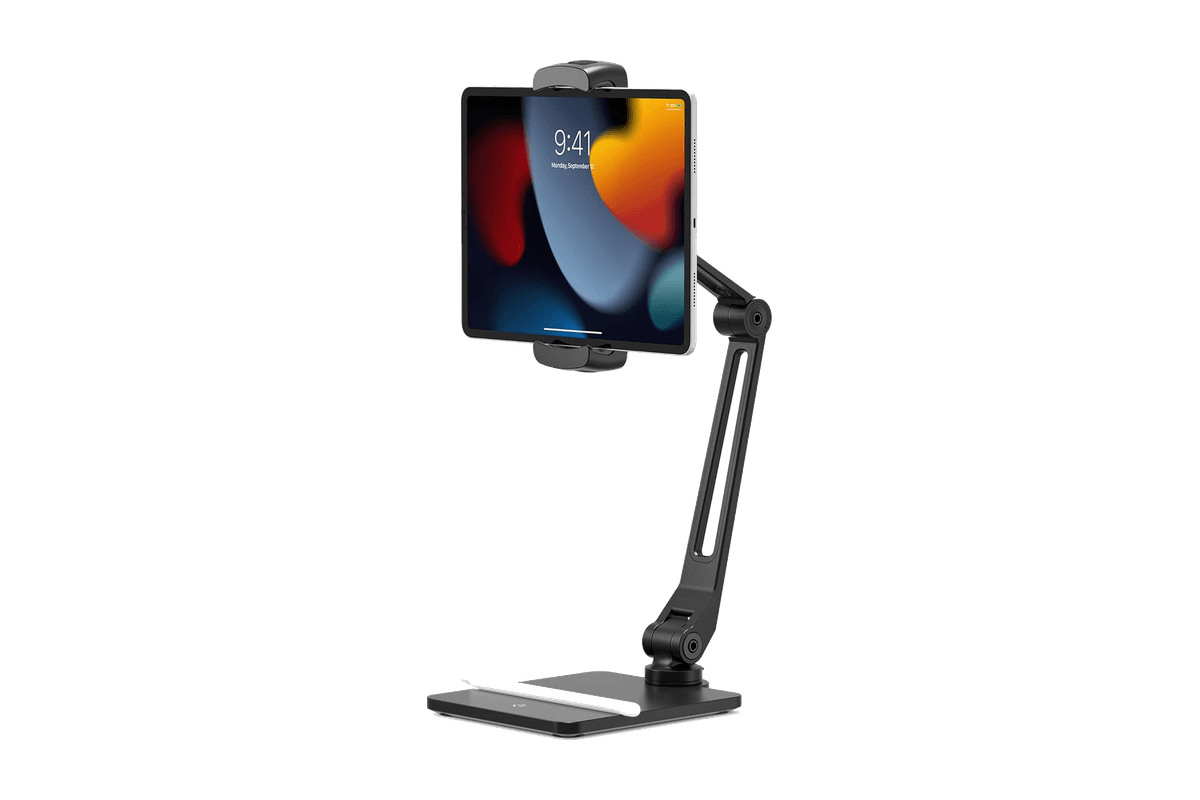
An adjustable iPad arm with a weighted desk base and a quick-switch shelf clamp.