Codex Micro Sold Out? Best Codex Micro Alternatives for Mac | Macfolio
Best Codex Micro Alternatives for Mac (It's Sold Out)
The $230 Codex Micro sold out in about 12 hours and resells for far more. The Creator Micro 2 works with Codex and is in stock, plus three other alternatives.
The Codex Micro sold out in about half a day, and it is not coming back. If you wanted a tactile controller for your Codex agents on Mac, you need an alternative.
The good news: the best one is made by the same company, uses the same hardware layout, and is in stock. Here is what the Codex Micro is, why it is gone, and the best Codex Micro alternatives for Mac.
What is the Codex Micro?
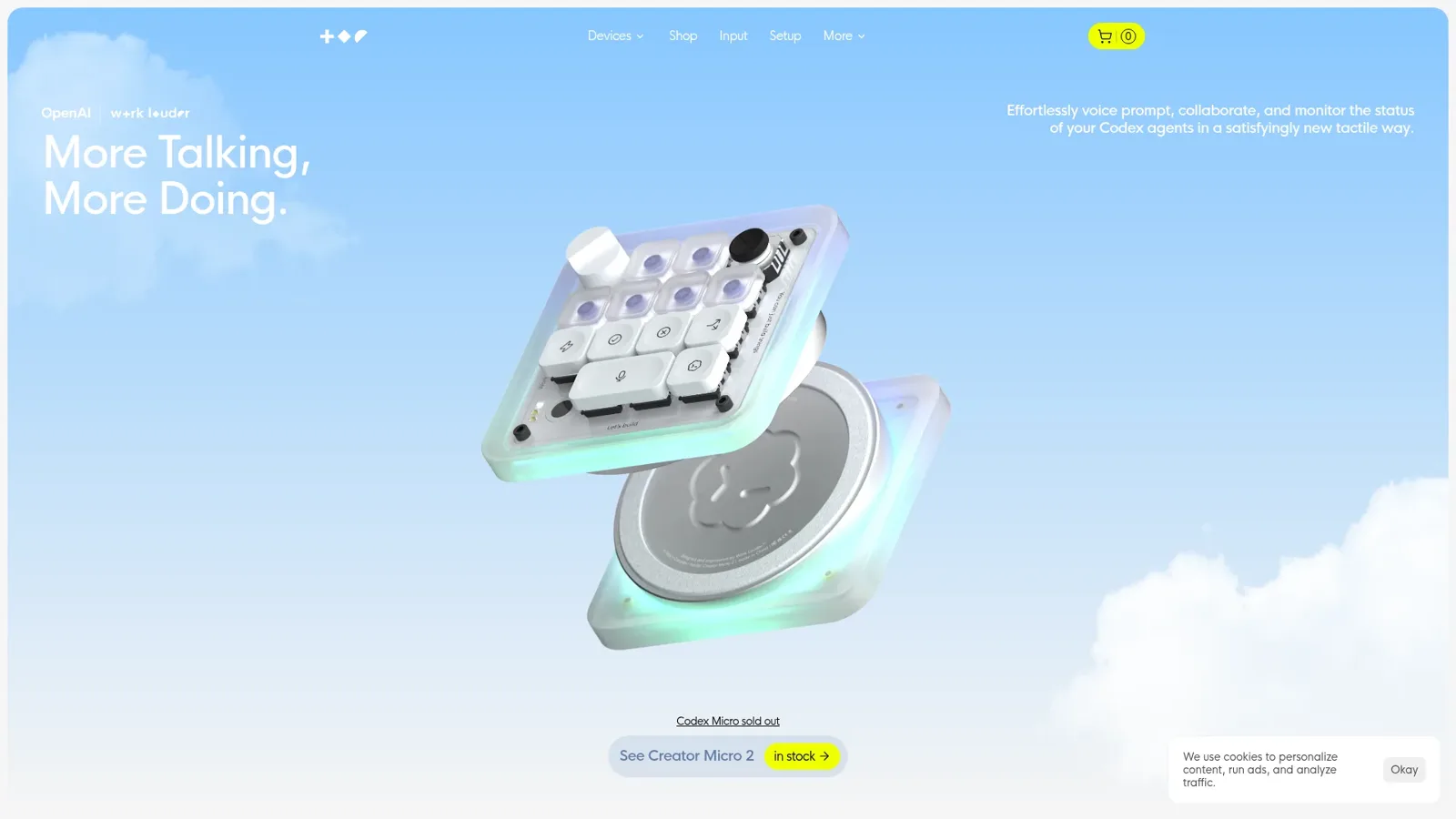
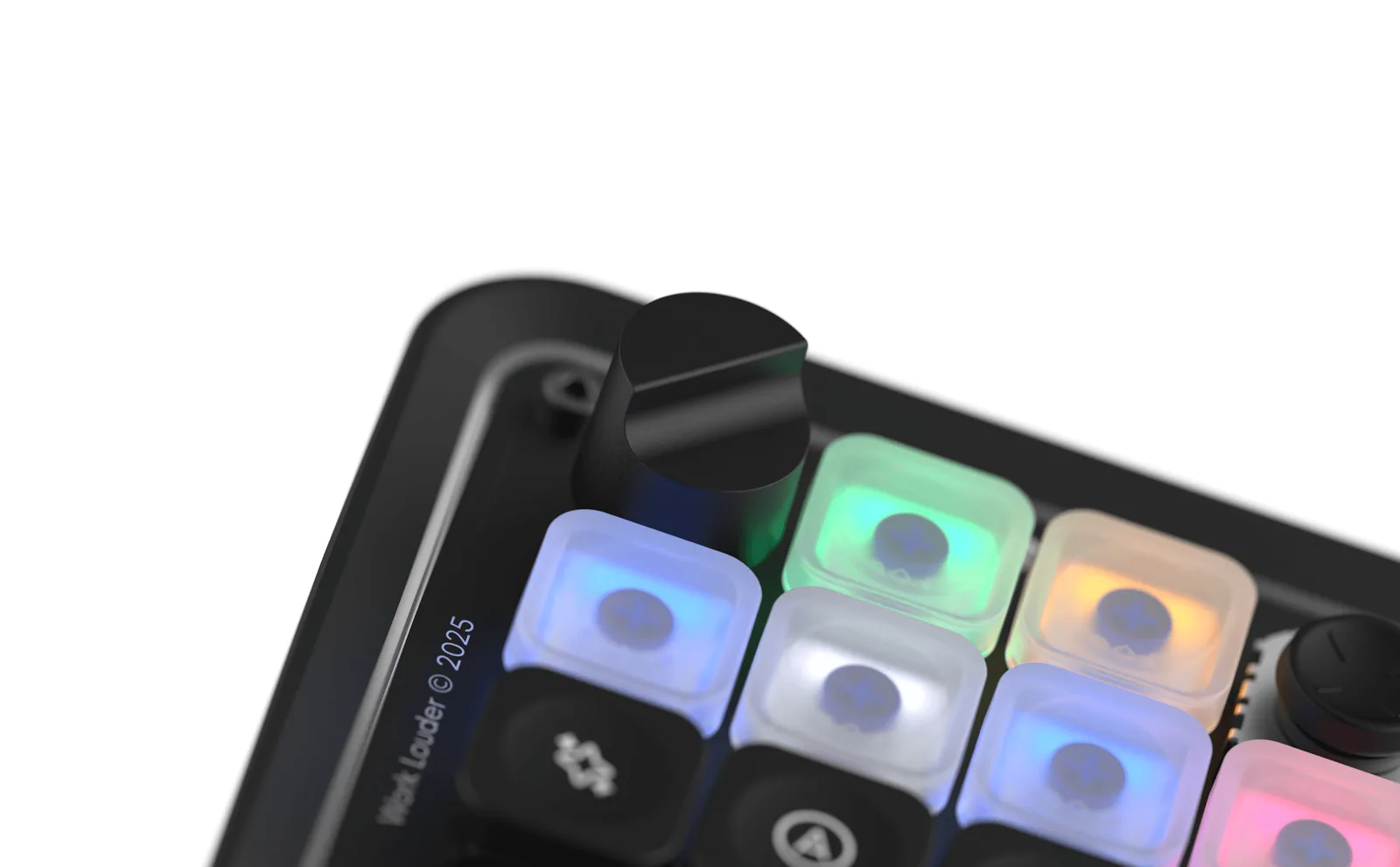
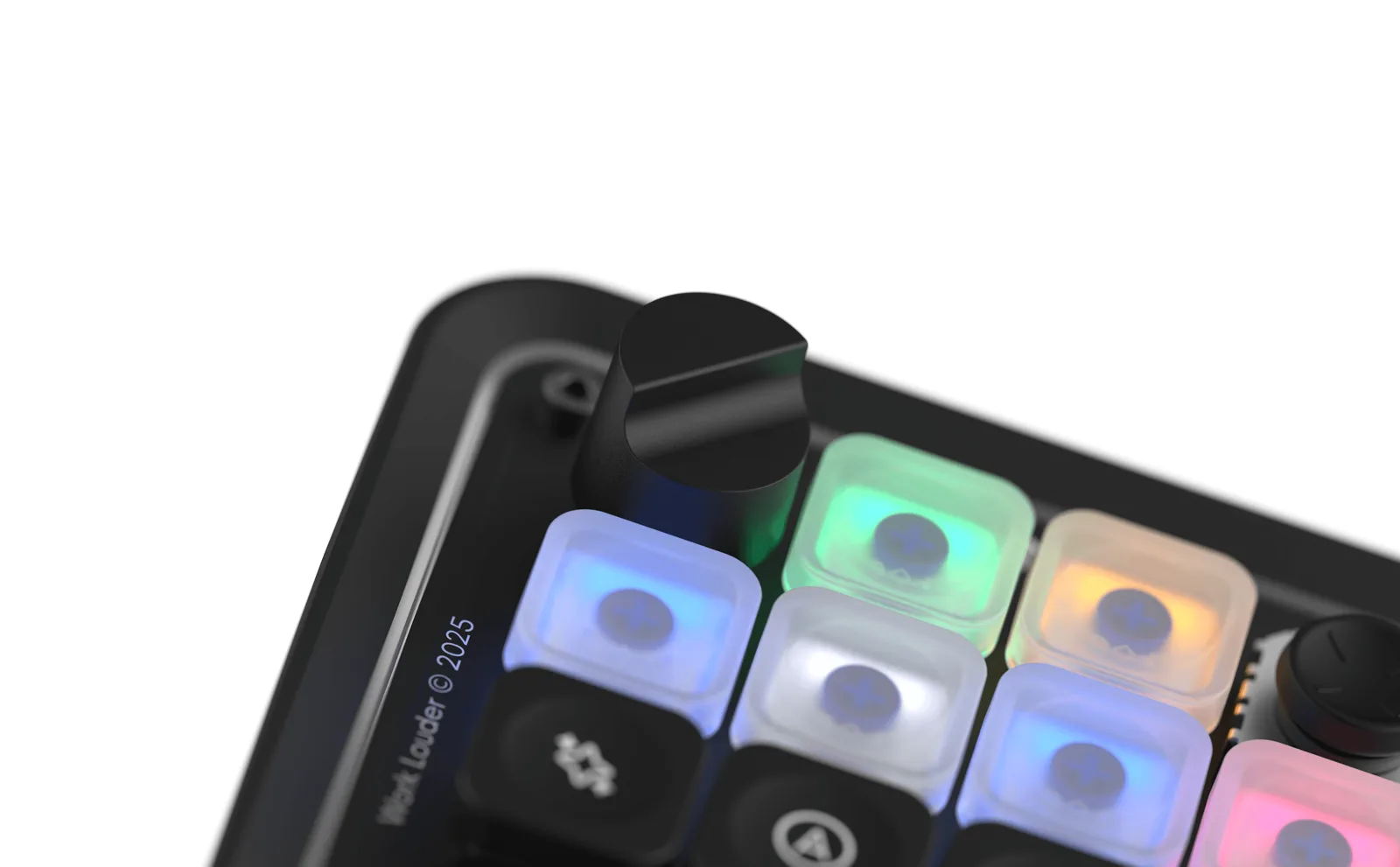
The Codex Micro is a small controller for Codex agents, built by Work Louder with OpenAI. Image: Work Louder
The Codex Micro is a compact controller built by Work Louder with OpenAI for the Codex app. It launched on July 15, 2026, at $230.
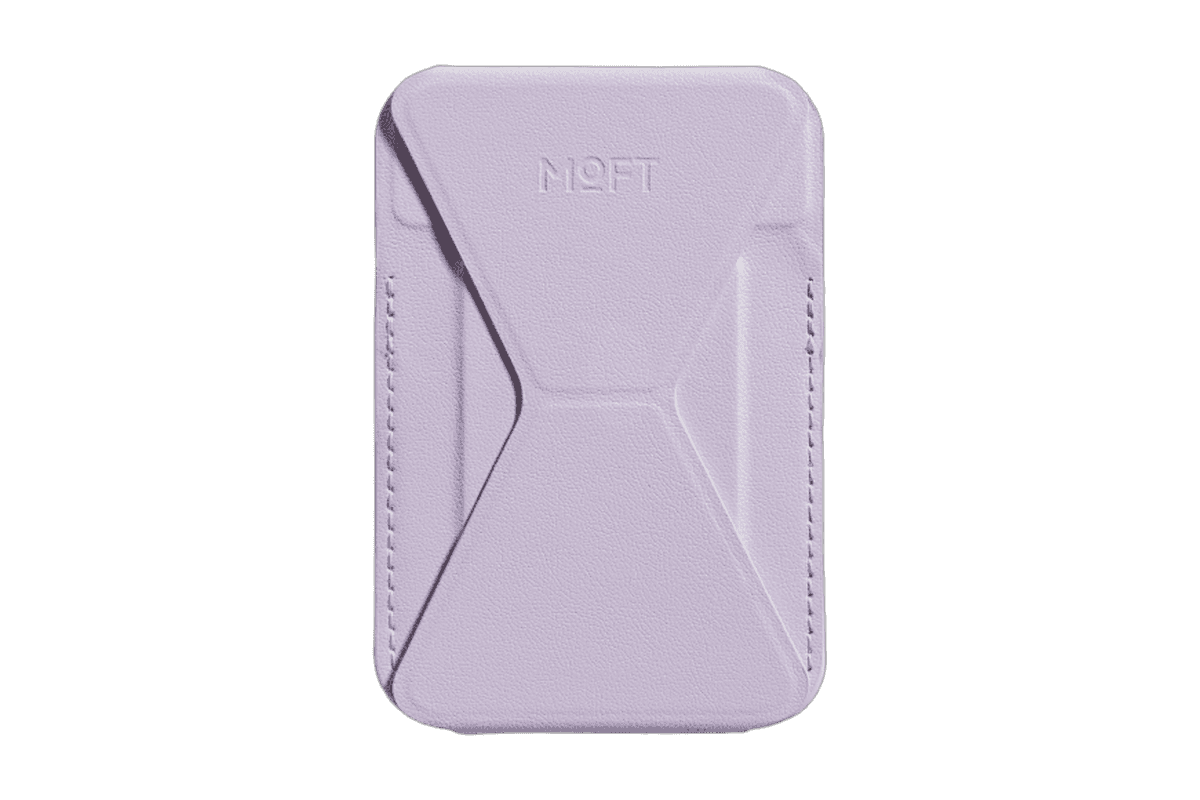
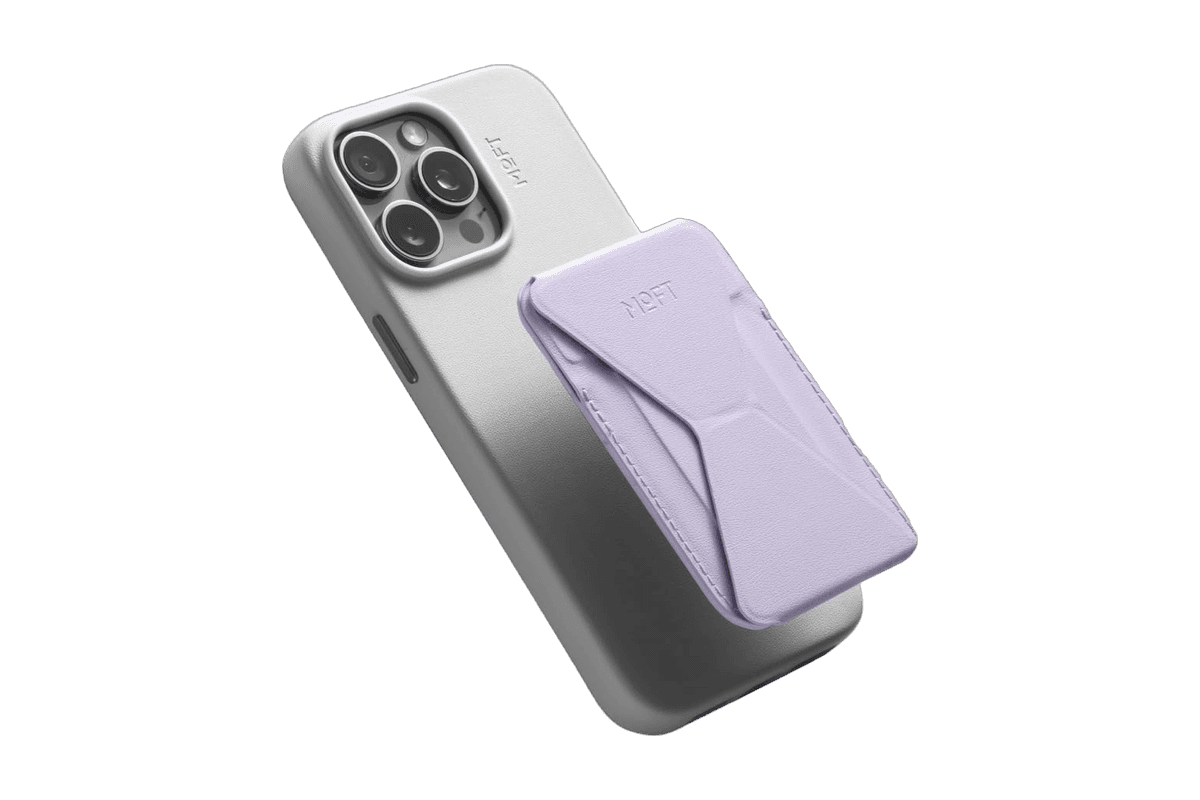
A slim MagSafe wallet that folds into a stand and grip.
HardwareAccessoriesiOS
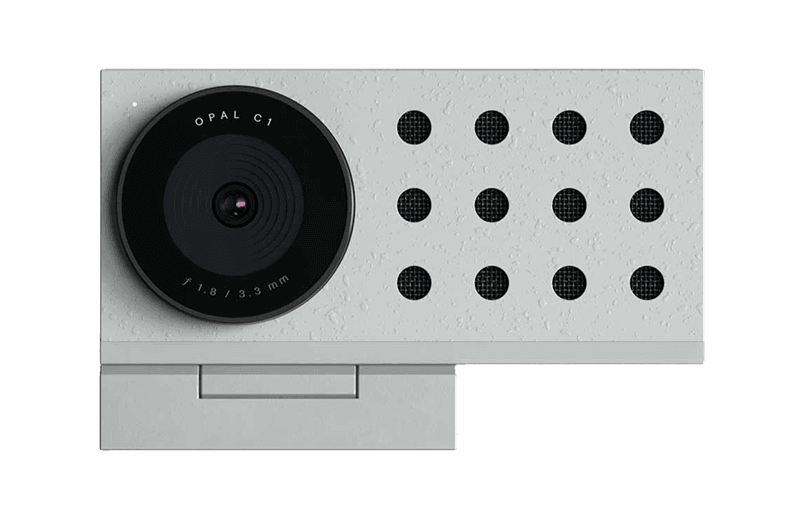
Opal C1 Camera
DSLR quality on a webcam for the
HardwareCamerasmacOS
AirPods Max 2
Apple's over-ear headphones with the H2 chip, USB-C, and up to 20 hours of listening.
HardwareAudiomacOS & iOS & iPadOS
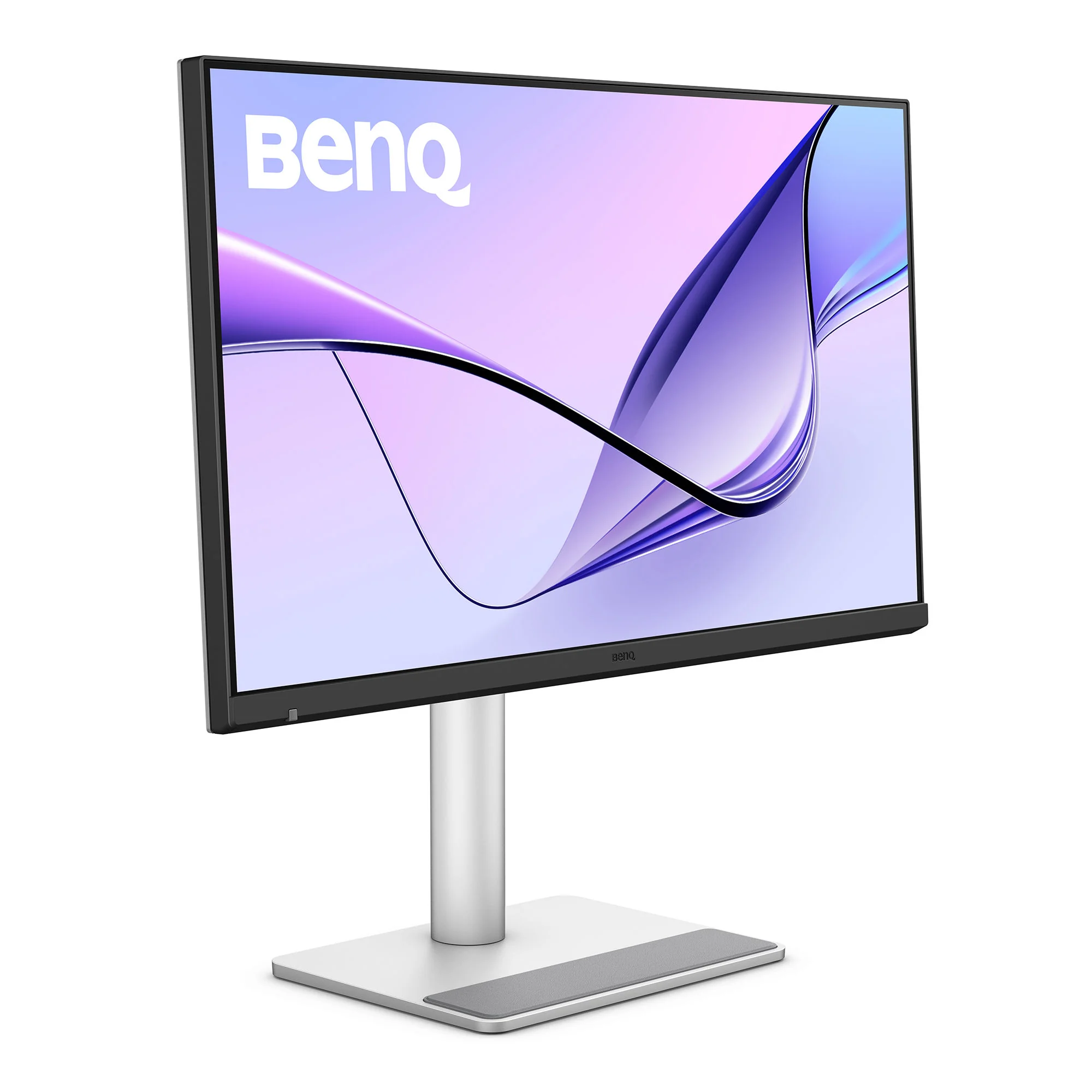
BenQ MA270S
A 27-inch 5K Nano Gloss monitor with Thunderbolt 4, built for Mac.
HardwareDisplaysmacOS
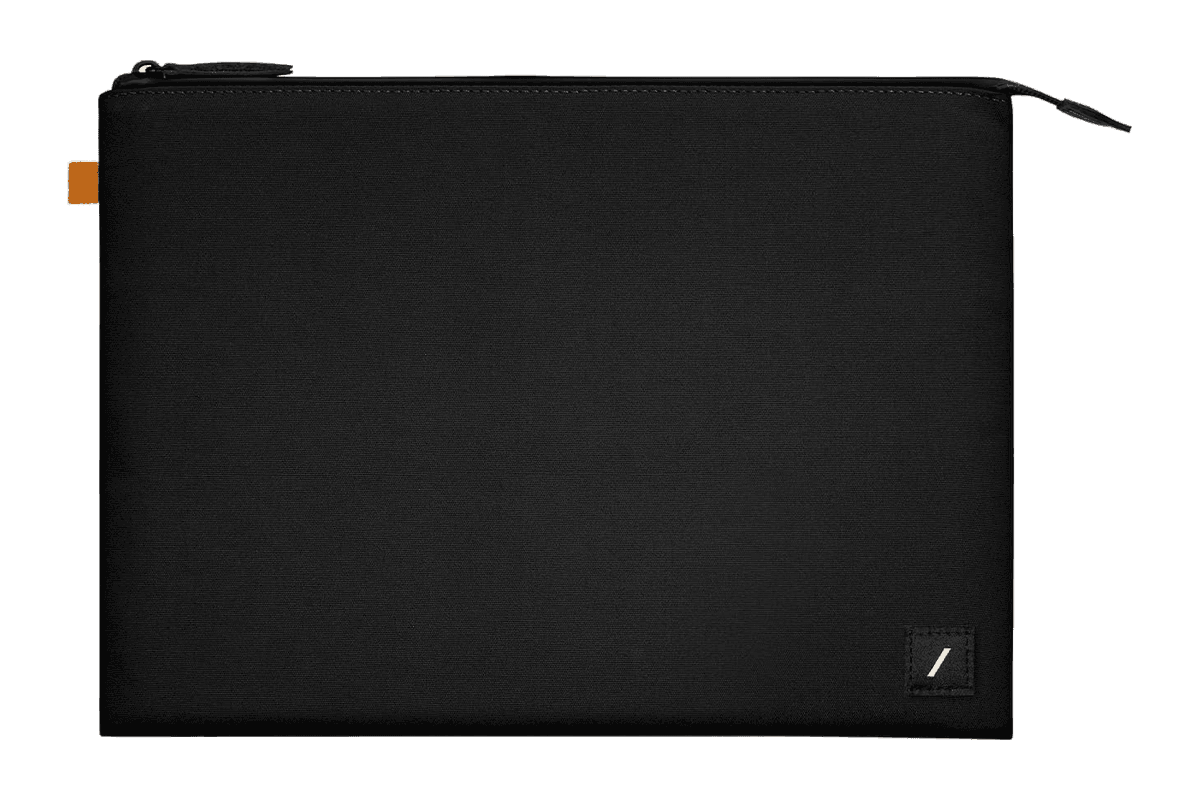
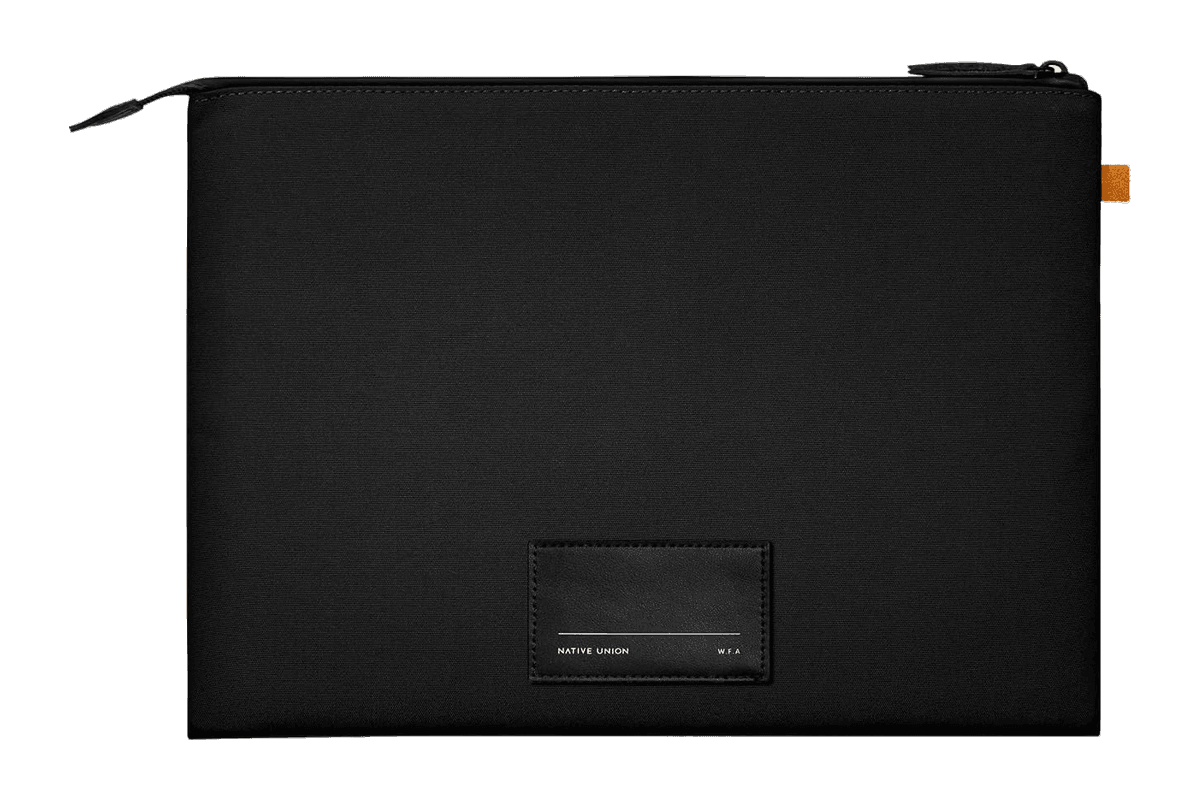
W.F.A Sleeve for MacBook (14″)
A slim black sleeve with a padded lining for the 14-inch MacBook Pro.
HardwareAccessoriesmacOS
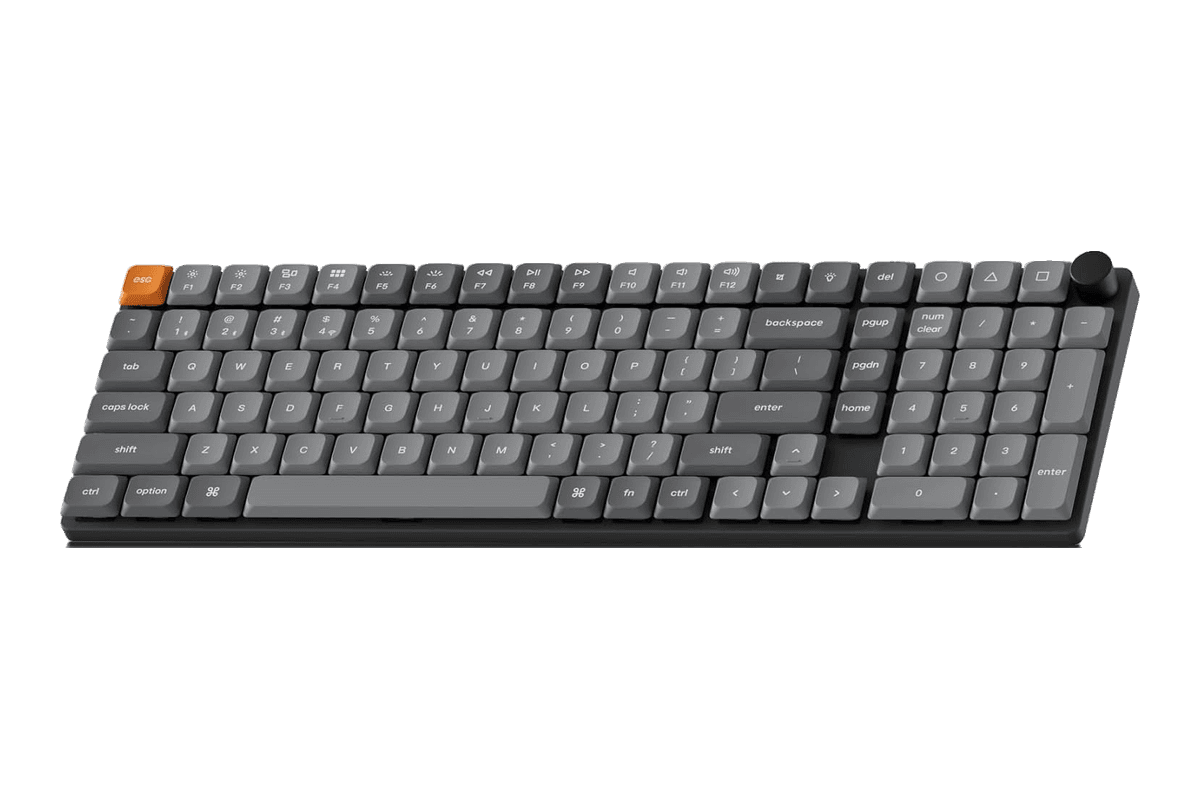
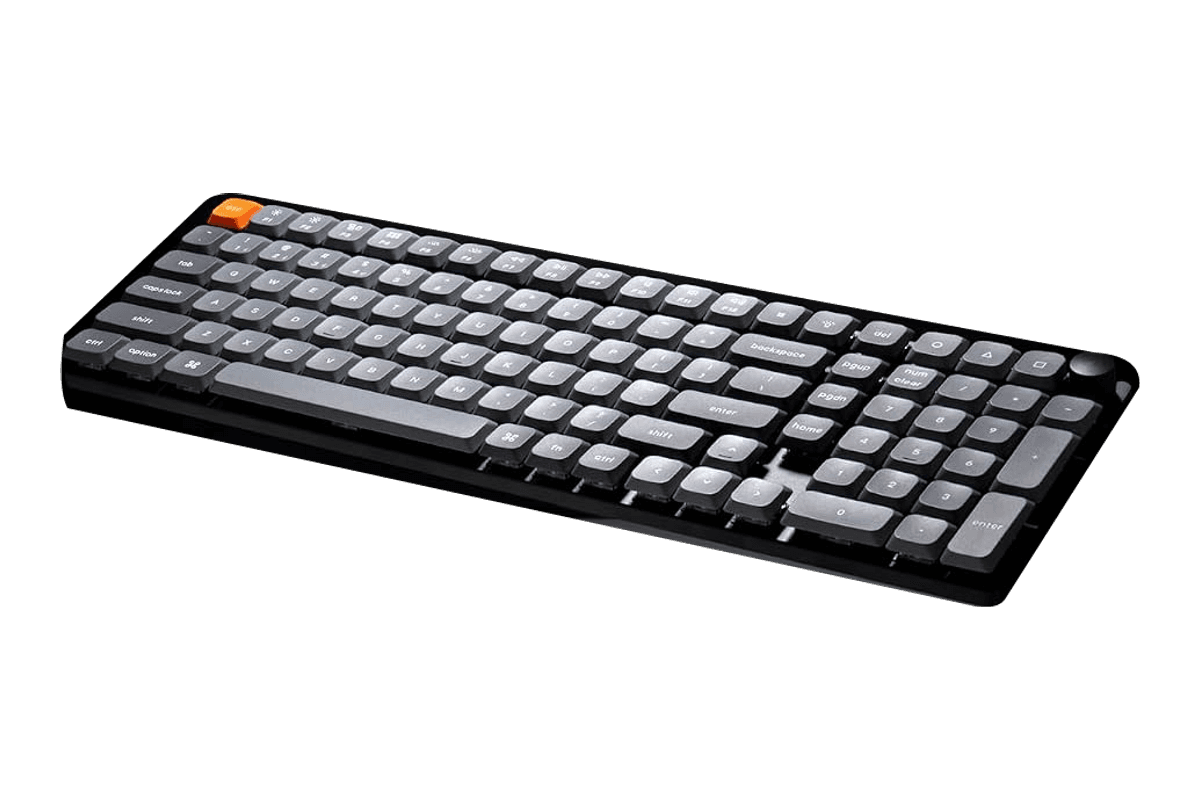
K17 Max
A low-profile 96% mechanical keyboard with a number pad and three connection options.
HardwareKeyboards & MicemacOS
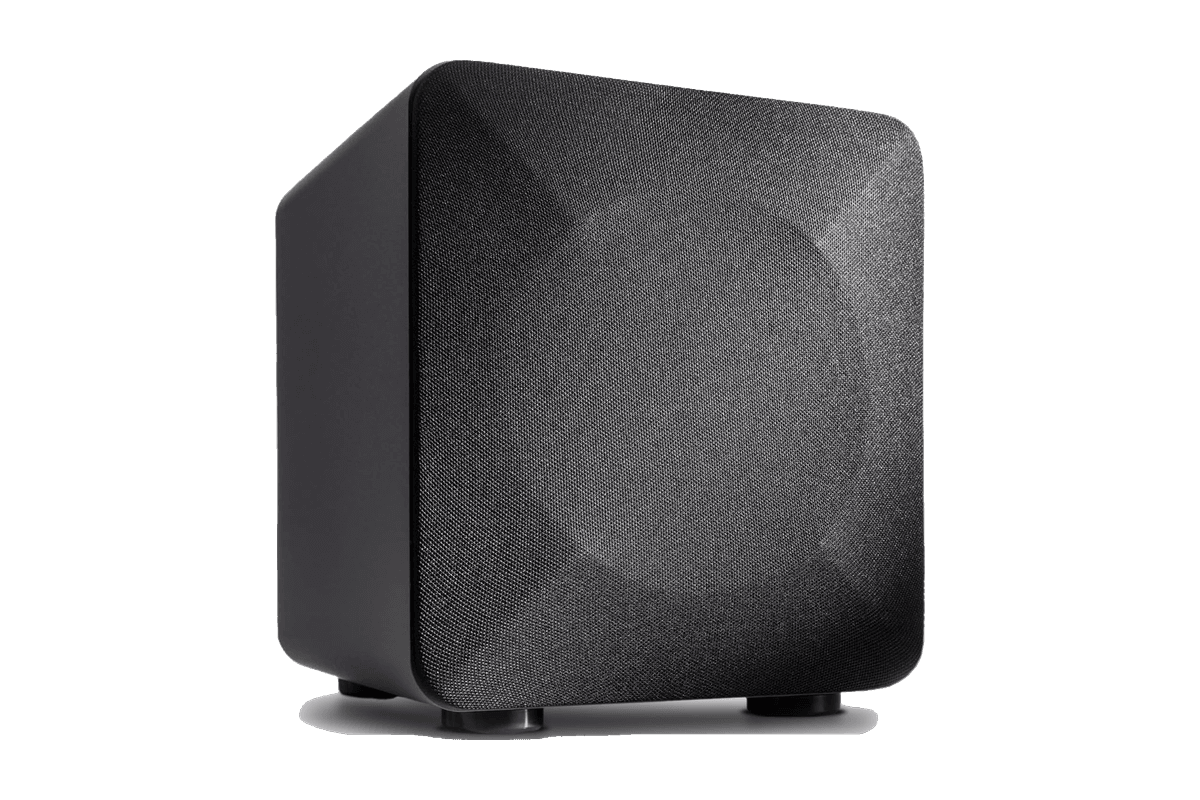
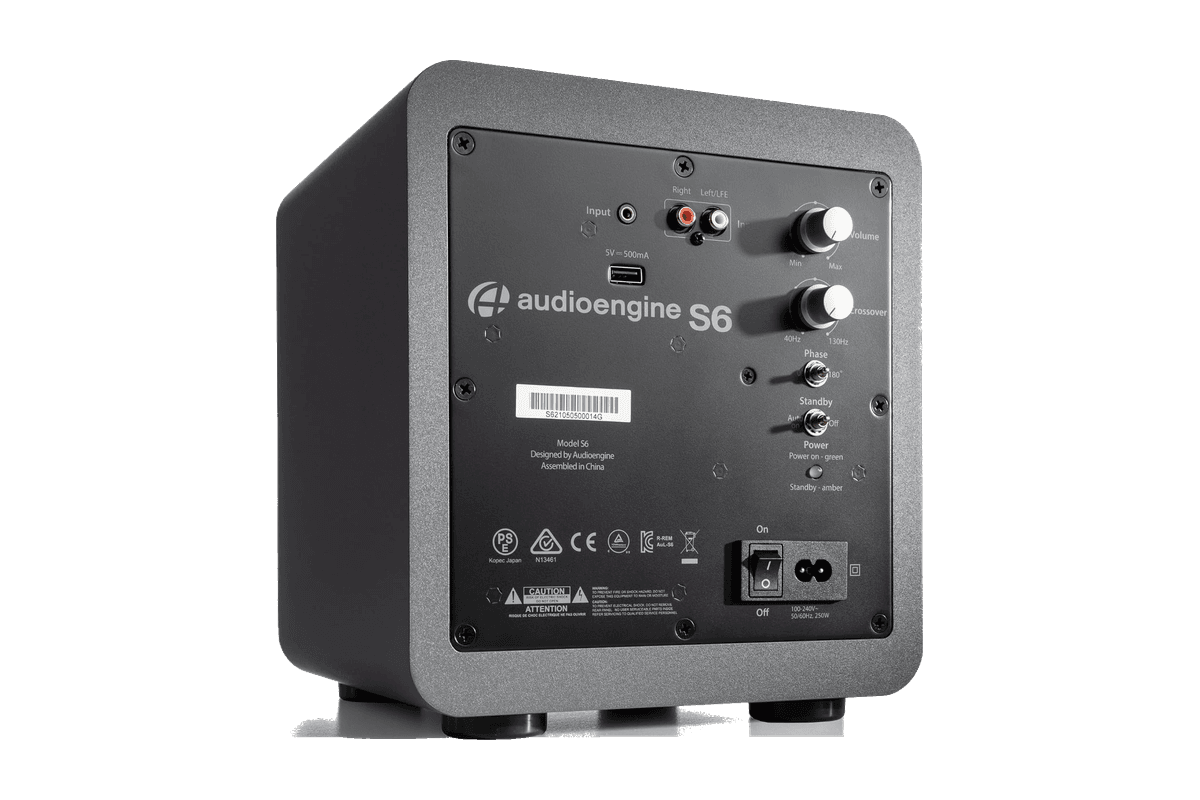
S6 Mini Subwoofer
A compact powered subwoofer for adding bass to a Mac speaker setup.
HardwareAudiomacOS
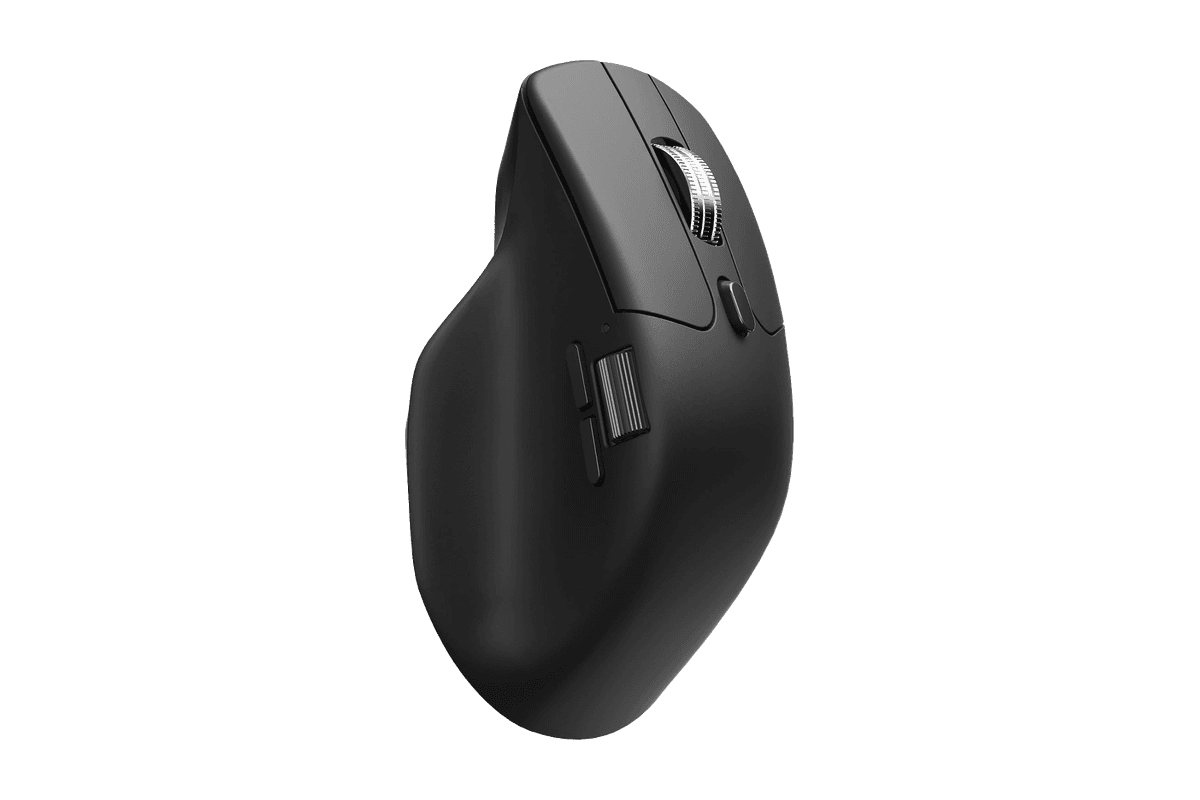
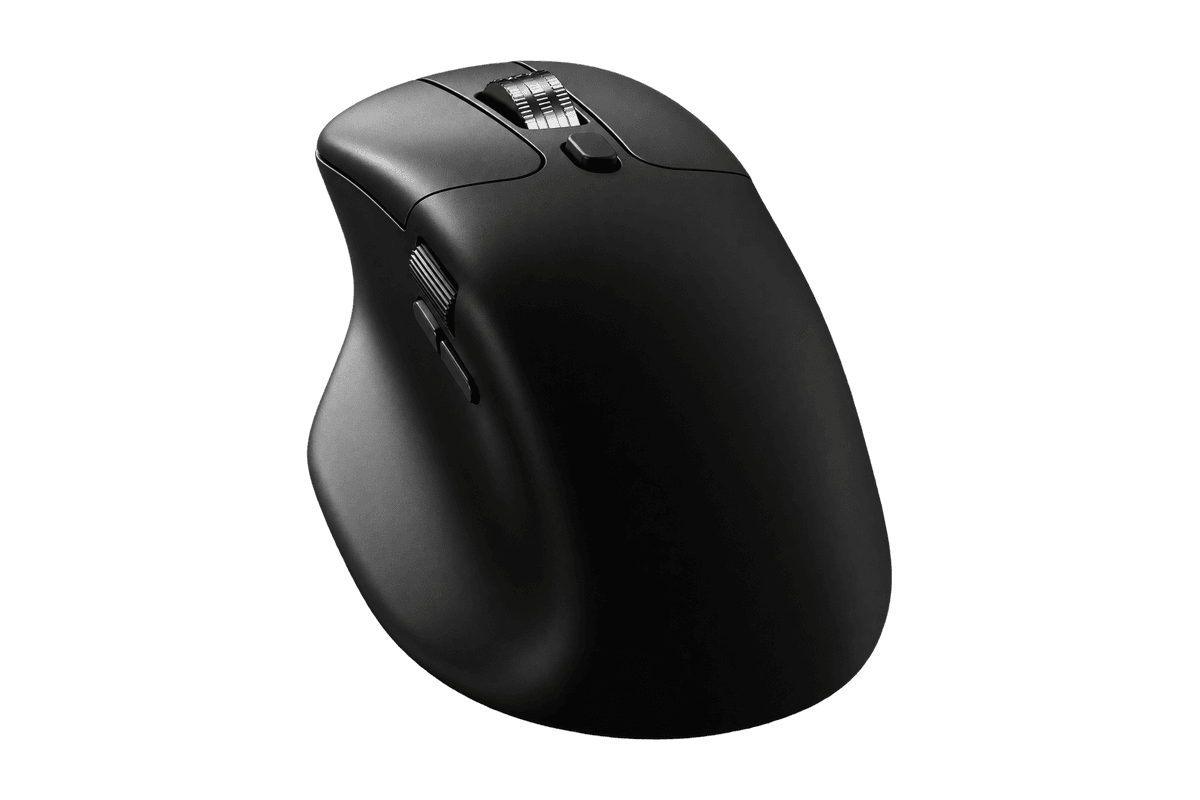
M6 Silent
A quiet wireless mouse with a metal scroll wheel and customizable Mac controls.
HardwareKeyboards & MicemacOS
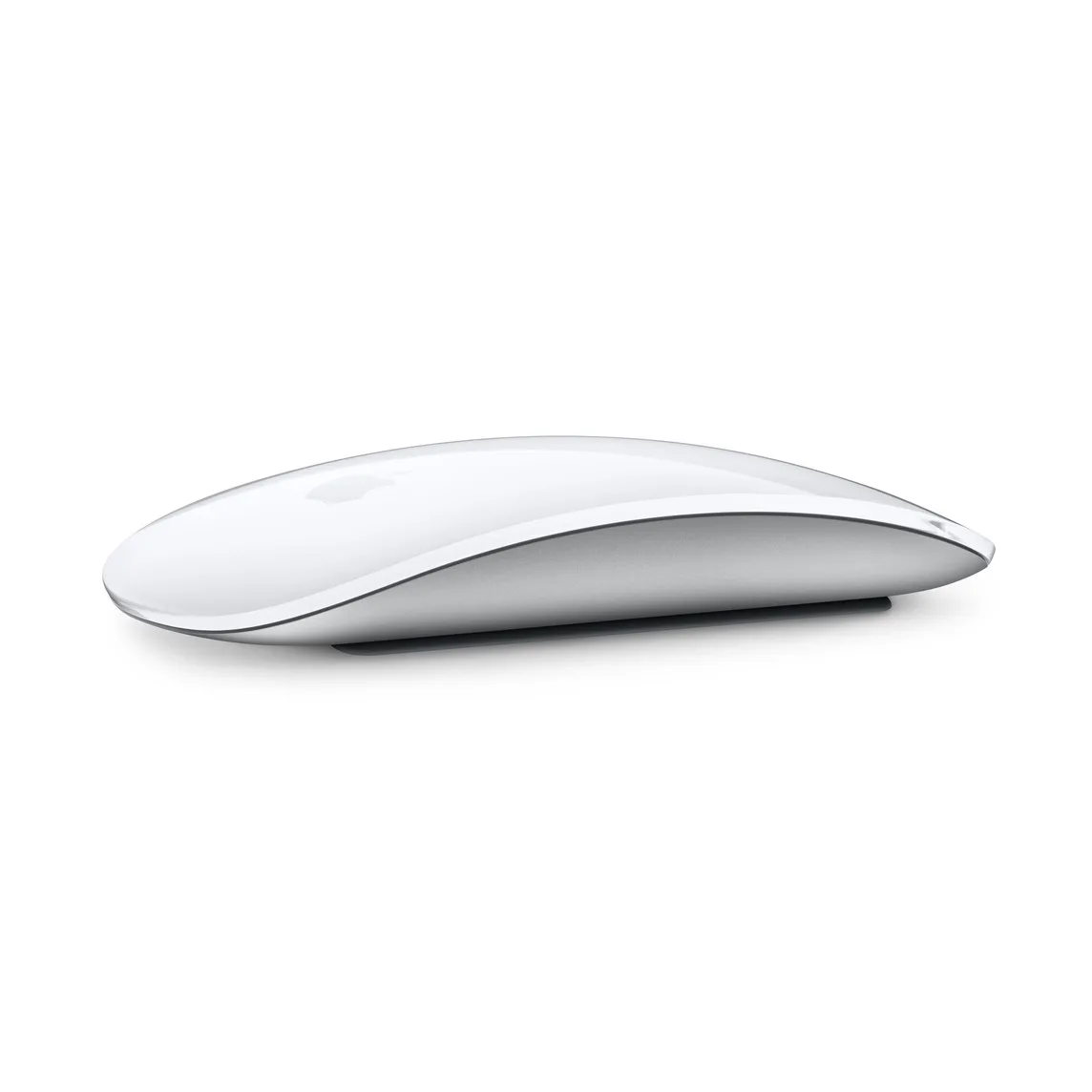
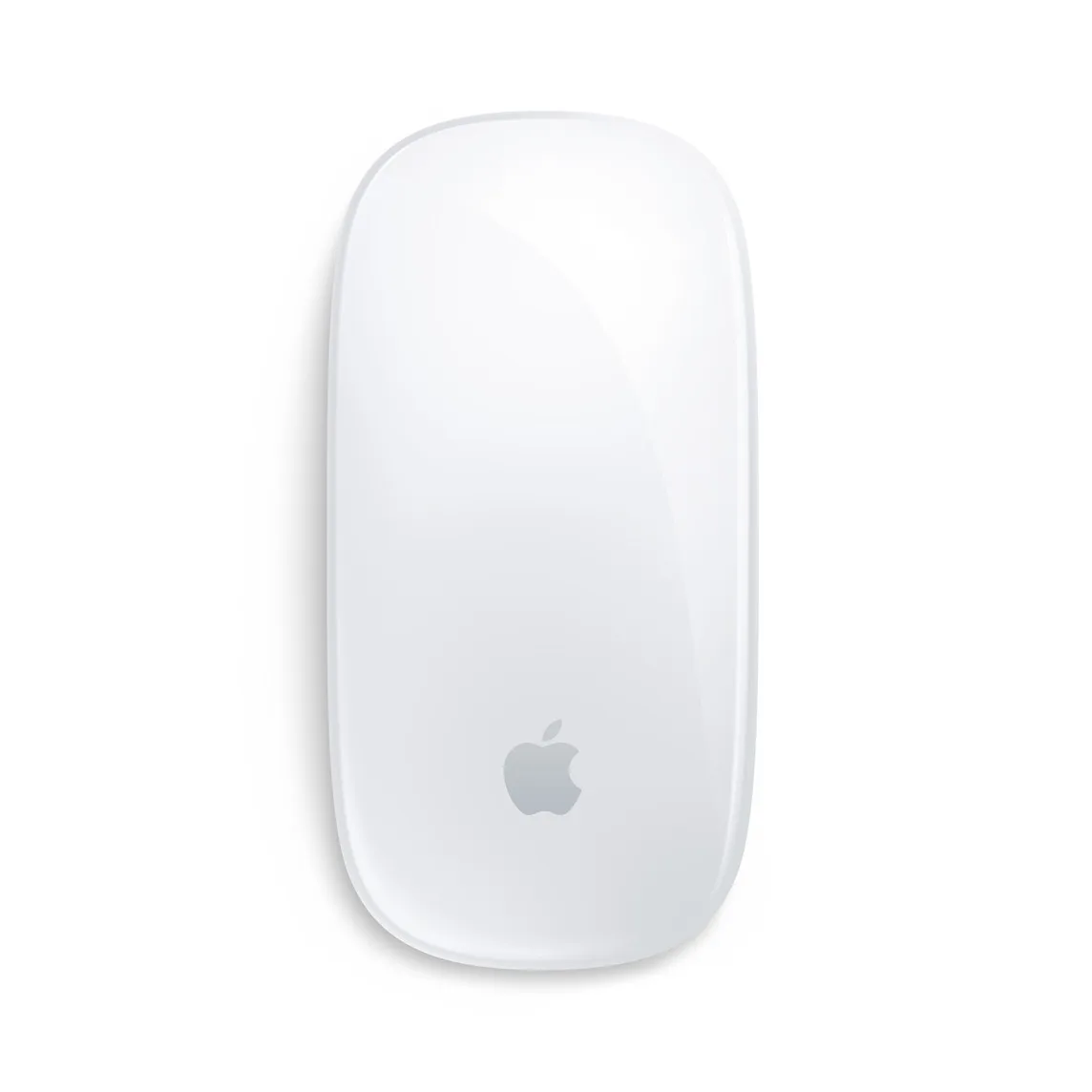
Magic Mouse (USB-C)
Apple's wireless Multi-Touch mouse with USB-C charging.
HardwareKeyboards & MicemacOS
What it does:
Agent Keys light up to show each agent's state: idle, thinking, complete, needs input, or error.
Command Keys accept changes, reject outputs, push-to-talk for voice prompts, and start new chats.
The Dial sets how deeply your agent thinks.
The Joystick puts four preset or custom skills under one finger.
Native Codex integration, so you remap keys inside Codex with no extra software.
Specs: 13 programmable keys, a clickable dial, a touch sensor, a joystick, RGB lighting, Bluetooth or USB-C, a 2,100 mAh battery, and 32 icon keycaps in the box.
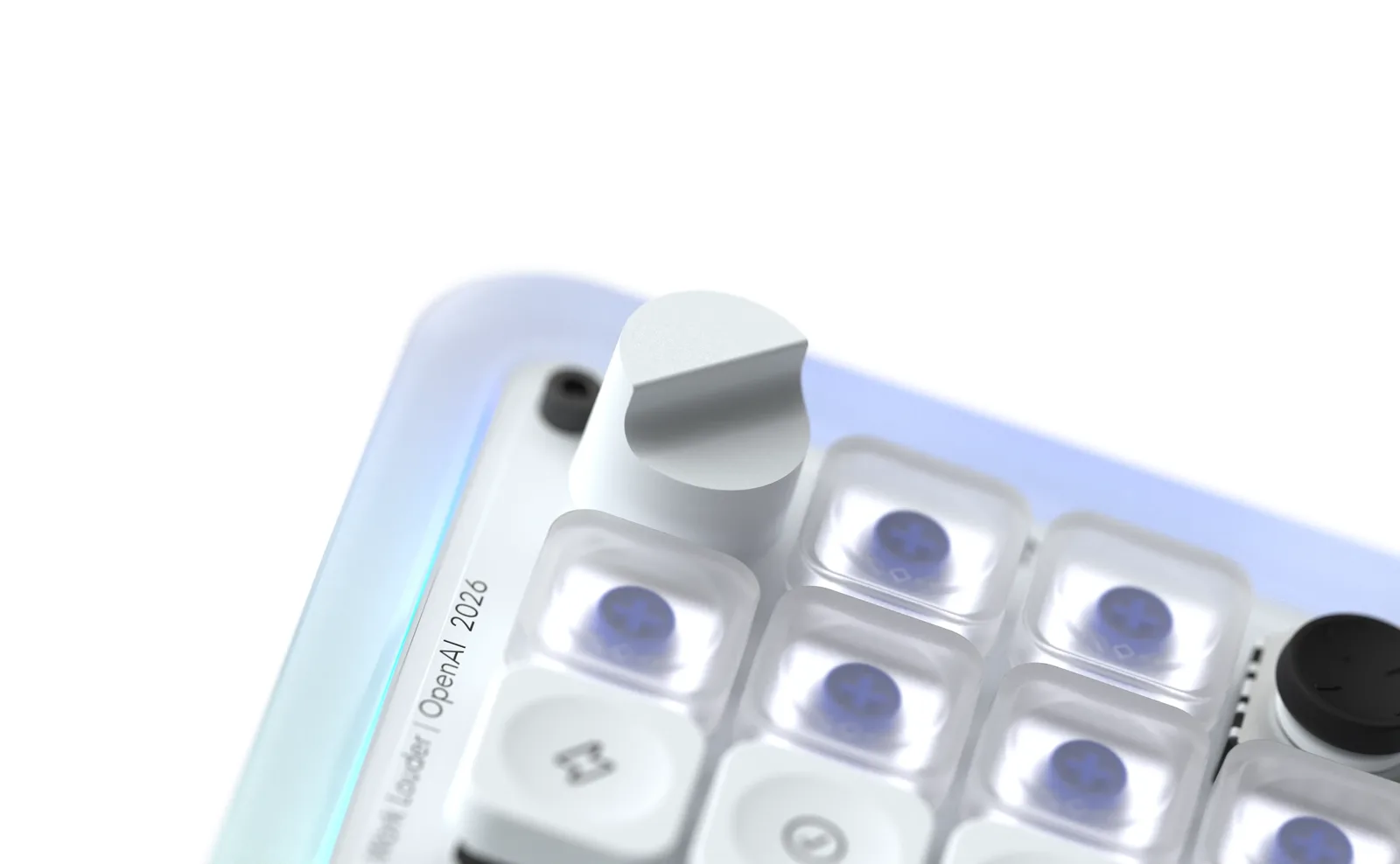
The dial controls how hard the agent thinks. Image: Work Louder
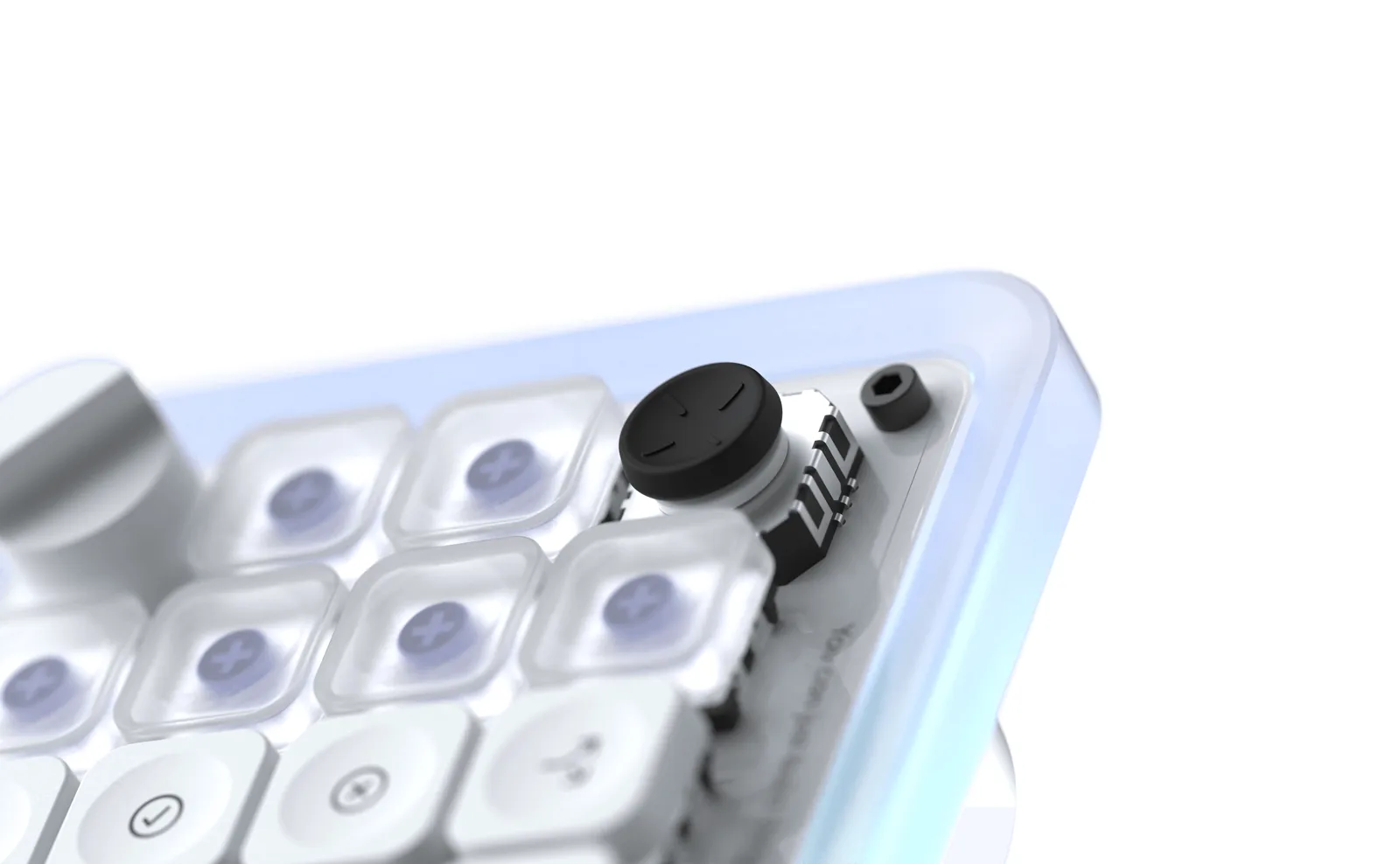
The joystick maps four skills to one finger. Image: Work Louder
Codex MicroA tactile AI agent controller for OpenAI Codex, made with Work Louder.Visit WebsiteCodex Micro is a compact controller that OpenAI designed with Work Louder for people who run coding agents in Codex. Agent Keys light up with each agent's status, and dedicated keys accept, reject, start chats, or trigger push-to-talk.
- 13 mechanical keys, a clickable dial, a touch sensor, and a planar joystick.
- Live RGB status for idle, thinking, needs input, complete, and error.
- Native integration with Codex, plus Work Louder's Input app for custom shortcuts.
- Bluetooth or USB-C, with a 2,100 mAh battery and an aluminum base.
- Ships with the Codex Icon keyset and works with Mac and Windows.
It launched at $230 in July 2026 and sold out the same day. Work Louder's Creator Micro 2 offers the same Codex integration without OpenAI branding.Visit Website
Is the Codex Micro sold out?
Yes. It sold out in about 12 hours after launch, and Work Louder's page still says "Codex Micro sold out" as of Nov 9, 2026. Fortune reported on July 27, 2026, that OpenAI had no plans to restock it.
Resale prices jumped. Listings on eBay reached as high as $1,850 soon after launch, and later sales were around $450. That is roughly double the original price for a controller you can mostly replace for less.
What are the best Codex Micro alternatives for Mac?
Prices below were checked on Nov 9, 2026.
Controller
Price
Codex integration
Controls
Wireless
Stock
Work Louder Creator Micro 2
From $168 wired, $198 wireless
Yes, built in
13 keys, dial, joystick
Pro model
In stock
Elgato Stream Deck MK.2
$149.99
Via shortcuts
15 LCD keys
No
In stock
Elgato Stream Deck Mini
$59.99
Via shortcuts
6 LCD keys
No
In stock
Framer Creator Micro
From $168
Same hardware, made for Framer
13 keys, dial, joystick
Pro model
Some versions sold out
Work Louder Knob1
$439
Via shortcuts
Full keyboard, 2 knobs, screen
See listing
See listing
Work Louder Creator Micro 2: best Codex Micro alternative
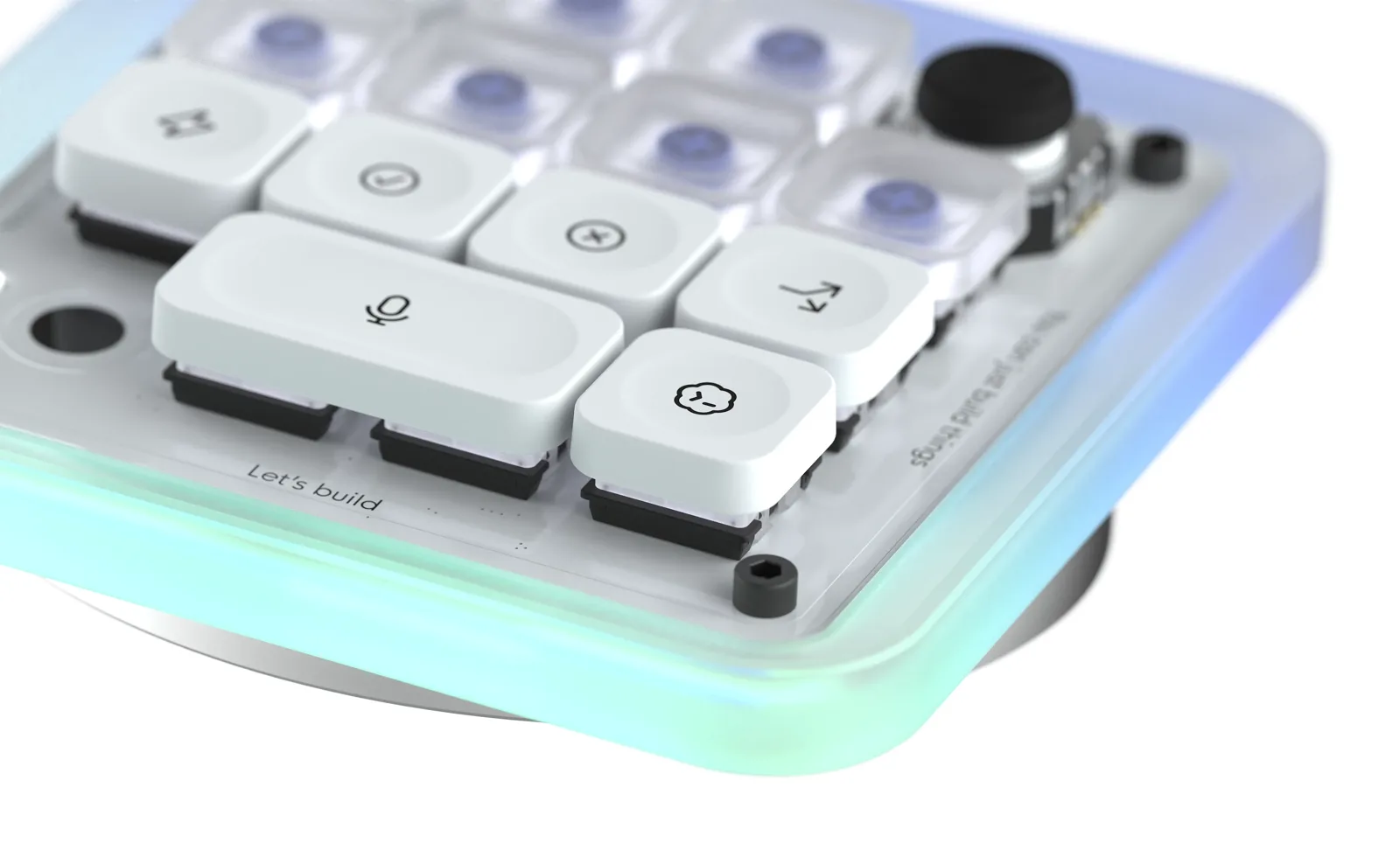
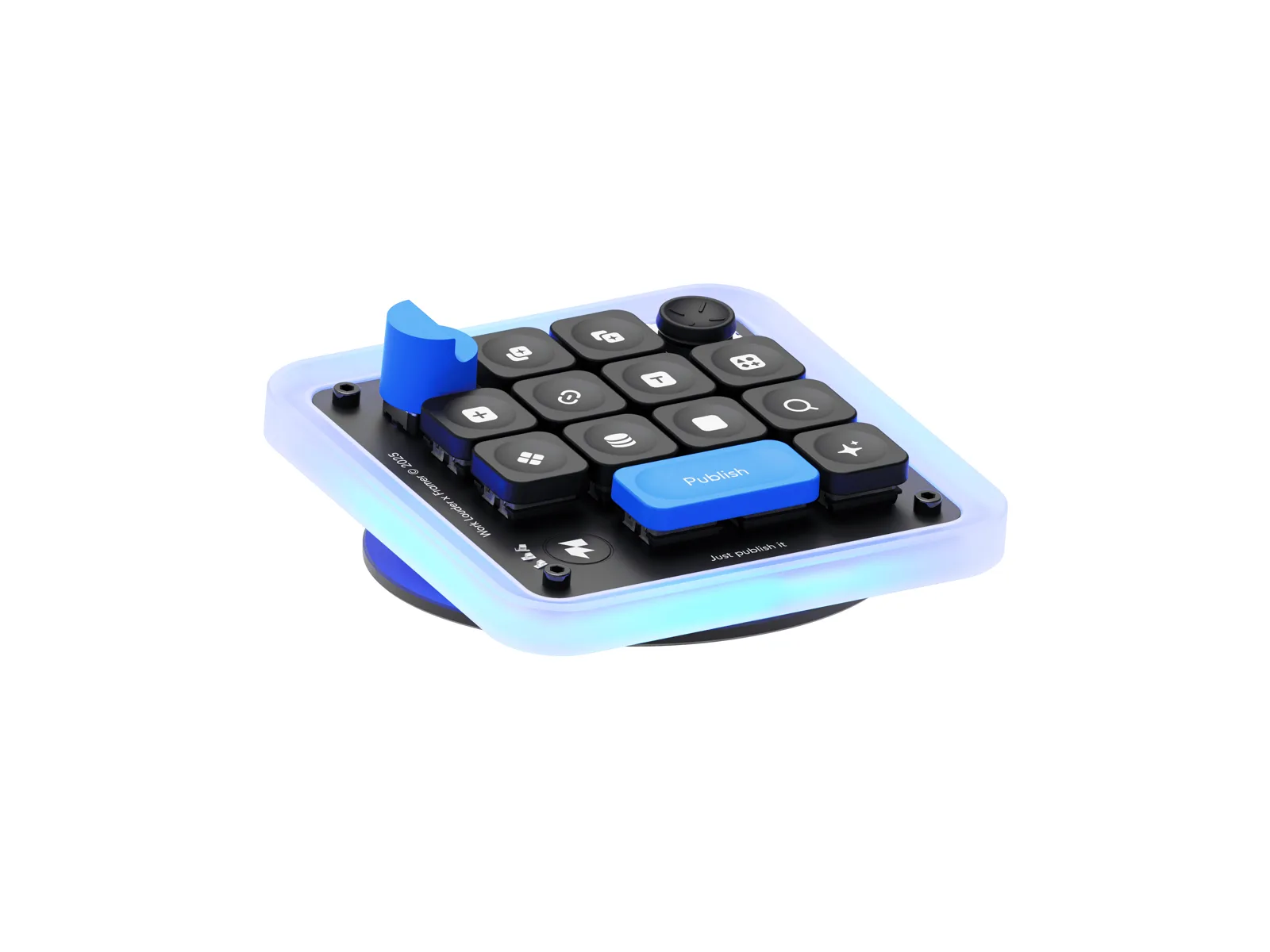
The Creator Micro 2 shares the Codex Micro's layout and Codex integration. Image: Work Louder
Price: from $168 for the wired Base model and $198 for the wireless Pro model. In stock, shipping in 1 to 3 business days.
The Creator Micro 2 is the Codex Micro without the Codex branding. Work Louder links to it directly from the sold-out Codex Micro page.
Key features:
Directly integrated into Codex, with the same Agent Keys, Command Keys, dial, and joystick.
13 programmable keys, a rotary encoder, and a joystick for a radial menu.
6 programmable layers through Work Louder's Input app, for other apps too.
Bluetooth and USB-C with a 2,100 mAh battery on Pro. Base is USB-C only.
Works with Mac.
The Creator Micro 2 works in Codex and in creative apps through Input. Image: Work Louder
Better or worse than the Codex Micro? It does the same job for less money. You lose the Codex-themed look and the included icon keycaps, which are sold separately from the 64-key MX Icon set.
Creator Micro 2A compact AI agent and shortcut controller with native Codex integration.Visit WebsiteCreator Micro 2 is Work Louder's compact controller for AI agents and creative apps. It has the same layout as the Codex Micro and the same built-in Codex integration, with Work Louder branding and an Agent mode and Creator mode.
- 13 mechanical keys, a rotary dial, a touch sensor, and a planar joystick.
- Agent Keys show each Codex agent's status with RGB lighting.
- Six layers, each with 13 keys, a 7-slot radial menu, and a dial mapping, through the Input app.
- Pro model with Bluetooth, USB-C, a 2,100 mAh battery, and a CNC aluminum frame.
- Base model that is wired only over USB-C with a PC frame.
It suits Mac users who want a Codex Micro style controller that is in stock. Icon keycaps are sold separately.Visit Website
Elgato Stream Deck: best Codex Micro alternative with screen keys
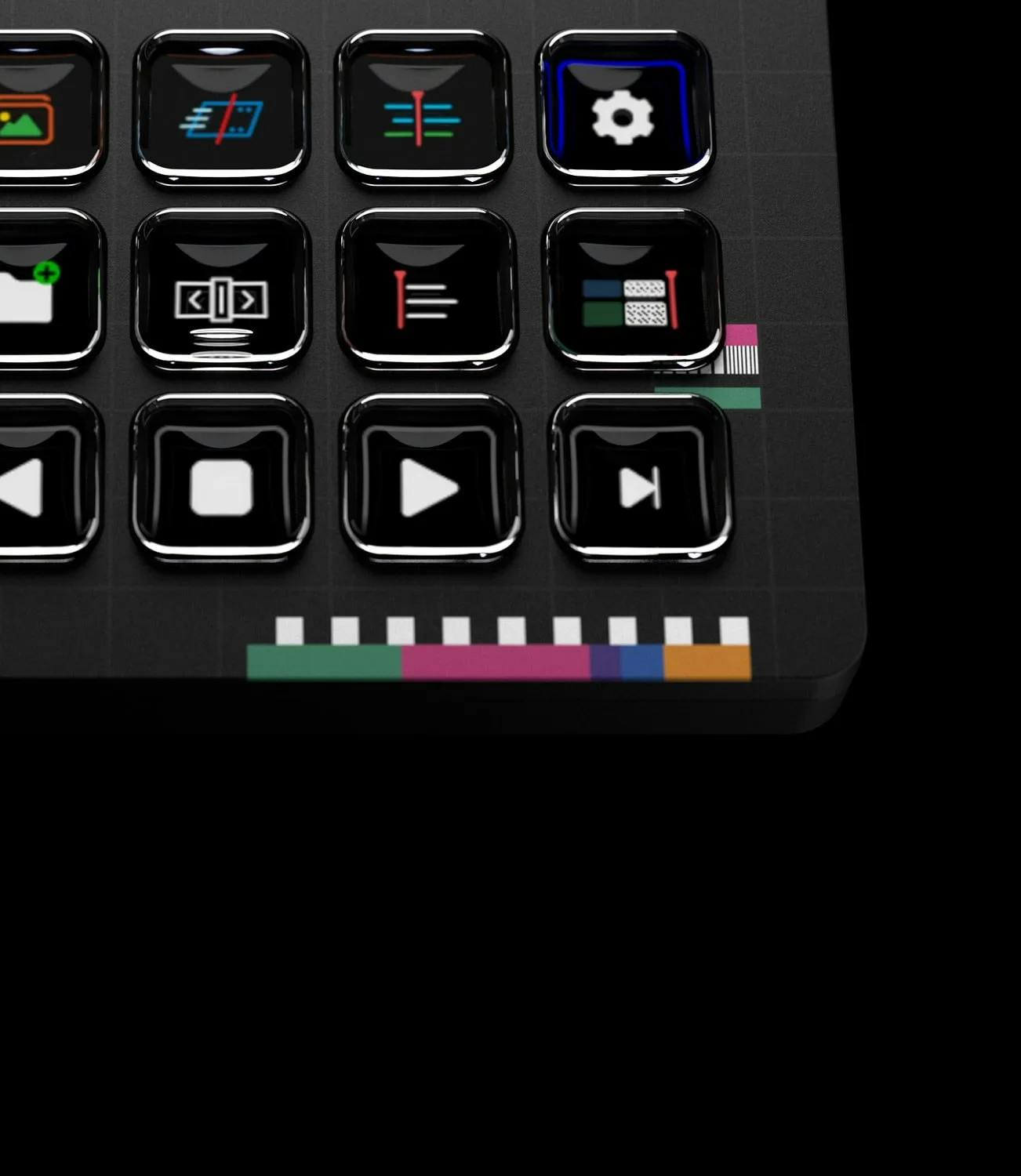
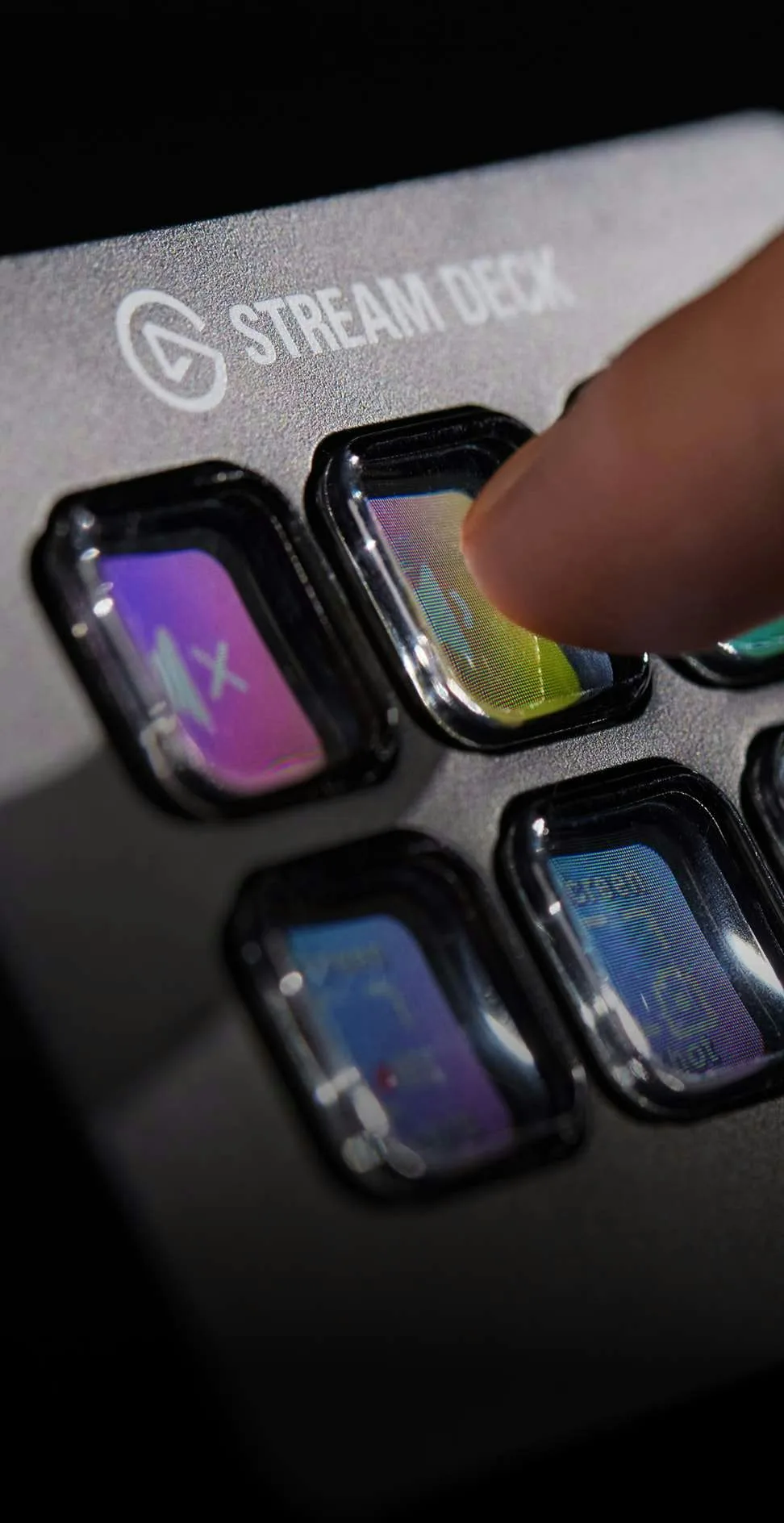
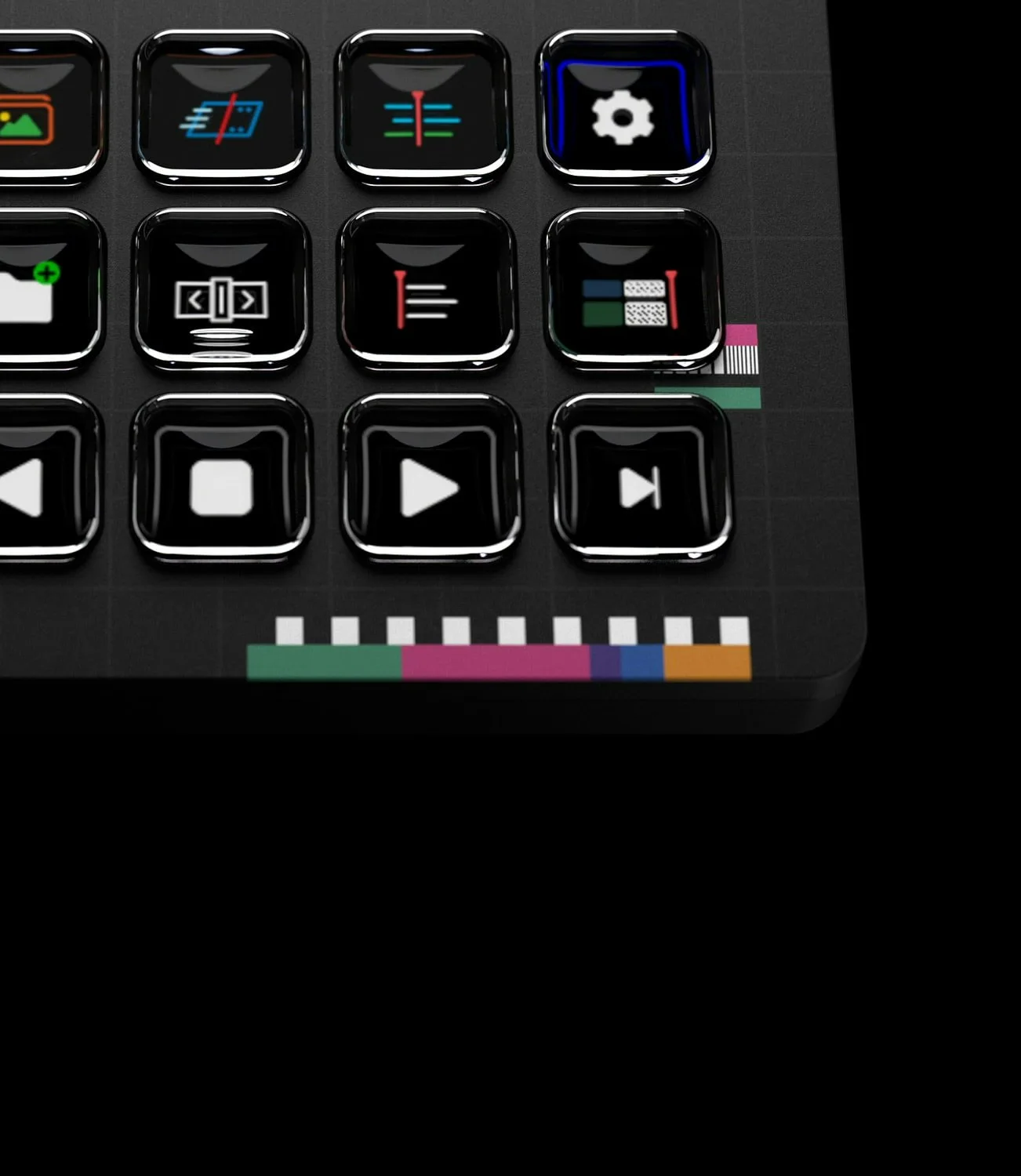
Every Stream Deck key is a tiny LCD screen. Image: Elgato
Price: $149.99 for the 15-key Stream Deck MK.2, or $59.99 for the 6-key Stream Deck Mini. The XL has 32 keys.
The Stream Deck MK.2 is the most popular macro pad on Mac. It has no native Codex integration, but each key can fire a hotkey, open an app, or run a multi-step action.
Key features:
15 customizable LCD keys that show your own icons.
Stream Deck app for macOS with plugins for many apps.
Multi Actions to chain several steps on one key.
The Stream Deck Mini is the cheapest way to try a macro pad. Image: Elgato
Better or worse than the Codex Micro? The screen keys can show any icon you want, and it works in every app. It has no dial, no joystick, and no live agent status lights, and it is wired only.
Stream Deck MK.2A 15-key LCD controller for shortcuts, apps, and automations.Visit WebsiteStream Deck MK.2 is Elgato's 15-key controller, where every key is a small LCD screen that shows the action it triggers. It runs apps, keyboard shortcuts, and plugin actions on a Mac or PC.
- 15 customizable LCD keys with pages and folders for more actions.
- Drag-and-drop setup in the Stream Deck app for Mac and Windows.
- Plugins for apps, smart home devices, and streaming tools.
- Detachable stand and interchangeable faceplates.
- Also sold in 6-key Mini and 32-key XL versions.
It suits anyone who wants visual, one-press shortcuts on a Mac desk, from video editing to developer tools.Visit Website
Framer Creator Micro: Codex Micro alternative for designers
The Framer edition uses the same Creator Micro hardware. Image: Work Louder
Price: from $168 on Work Louder's shop. Some versions were sold out on Nov 9, 2026.
The Framer Creator Micro is a Creator Micro made with Framer, with a Framer icon set in the box. It has the same 13 keys, rotary encoder, and joystick.
Better or worse than the Codex Micro? The hardware matches, so you can remap it with Work Louder's Input app. Work Louder promotes the Creator Micro 2 as the Codex Micro replacement, so pick that one if Codex is your main app. Pick the Framer edition if you design in Framer and also run Codex.
Framer Creator MicroThe micro makes it happenVisit WebsiteThe Framer Micro is everything you asked for. It's wireless, playfully tactile, and just as capable as you need it to be. With customizable shortcuts and intuitive controls, the Micro enhances your efficiency and creativity with its unique design and functionalities, including RGB color cues and a customizable radial menu for instant access to your favorite tools. Whether you're a gamer or a creator, the Micro provides the tools you need to elevate your performance.Visit Website
Work Louder Knob1: Codex Micro alternative as a full keyboard
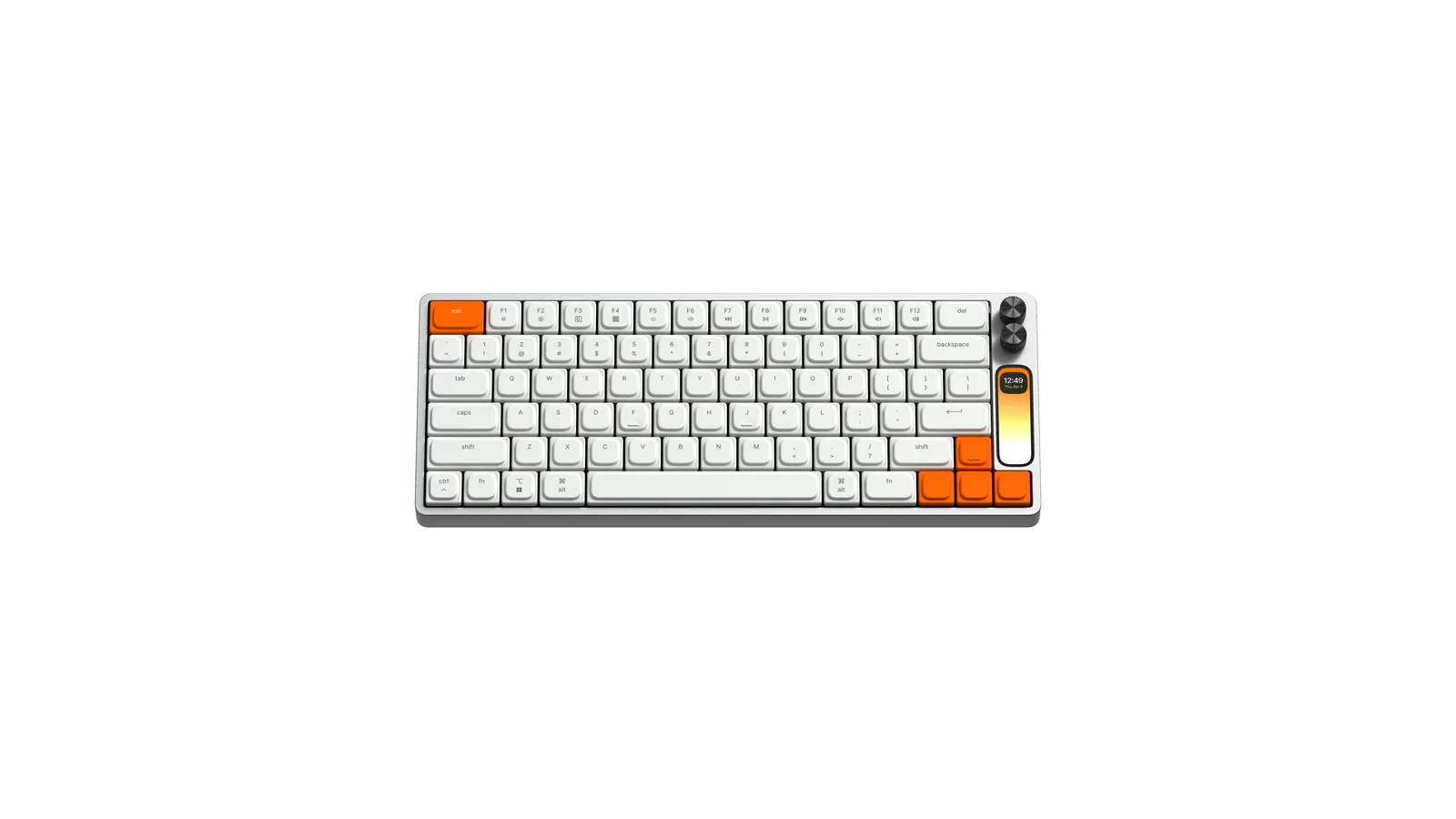
The Knob1 builds knobs and a screen into a keyboard. Image: Work Louder
Price: $439.
The k•no•b•1 is a low-profile mechanical keyboard from Work Louder, designed by 3D artist Ben Fryc. It has a full-color screen and two multi-function knobs.
Better or worse than the Codex Micro? It replaces your keyboard rather than sitting next to it, so you get dials without adding another device to the desk. It costs nearly twice as much and has no agent status keys. See more options in our best keyboard for Mac guide.
k•no•b•1Low profile, high productivity keyboardVisit WebsiteThe k•no•b•1 is a low-profile mechanical keyboard designed by Ben Fryc, a talented 3D Artist and Motion Designer, and developed by Work Louder. It combines classic and contemporary aesthetics, making it a visually appealing yet functional addition to your daily workflow. With a 100x310px color screen that offers customizable features such as timers and wallpapers, the keyboard prioritizes both style and utility. Built with a durable aluminum shell, it features uniquely designed keycaps and custom-tuned hotswap switches. The connectivity options include Type-C and Bluetooth, making it versatile for Mac, PC, Linux, and iOS devices. The keyboard is fully customizable, allowing users to intuitively map shortcuts to any key or dial, enhancing productivity. Whether for work or gaming, the k•no•b•1 is not just a keyboard; it's an upgrade to your input experience.Visit Website
FAQ
Will the Codex Micro be restocked?
As of Nov 9, 2026, there is no sign of it. Work Louder's page shows it as sold out, and Fortune reported that OpenAI had no restock plans.
What is the difference between the Codex Micro and the Creator Micro 2?
They share the same layout of 13 keys, a dial, and a joystick, and both integrate with Codex. The Codex Micro had Codex branding and 32 icon keycaps in the box at $230. The Creator Micro 2 starts at $168.
Does the Creator Micro 2 work with Codex?
Yes. Work Louder says it is directly integrated into Codex, so you can remap commands and layouts inside the Codex app.
Can I use a Stream Deck with Codex?
Yes, by mapping keys to Codex keyboard shortcuts or Multi Actions. It will not show your agents' status the way the Codex Micro does.
Is the Codex Micro worth buying on eBay?
At resale prices around $450 or higher, the Creator Micro 2 is better value. It does the same job and you get a warranty from the maker.
Verdict
Buy the Creator Micro 2. It is the Codex Micro's twin, it works directly with Codex, and it is in stock from $168. Choose a Stream Deck if you want screen keys for every app, the Framer Creator Micro if you live in Framer, or the Knob1 if you would rather build the controls into your keyboard.
Apple's over-ear headphones with the H2 chip, USB-C, and up to 20 hours of listening.
HardwareAudiomacOS & iOS & iPadOS
DaisyDisk
A visual disk space analyzer for Mac, with a lifetime license.
One-time
DaisyDisk is a Mac disk space analyzer that shows your drive as an interactive sunburst map, so you can find the largest files and folders and drag them to the Trash.
- Scans the startup disk in seconds and works with internal, external, and network volumes, plus cloud folders in the full version.
- An interactive map with Quick Look for file previews, and in-app deletion.
- Detects hidden and purgeable space. The stand-alone edition can reveal that space, purge it, and scan as an administrator.
- A one-time lifetime license for up to 5 personal Macs, with minor updates included and a 30-day money-back guarantee.
- A free trial can scan and browse the map. Deleting files, admin scans, and cloud scans need a license.
DaisyDisk is sold on daisydiskapp.com for $9.99, and also on the Mac App Store. The stand-alone edition has a few features the App Store edition cannot include.
SoftwareUtilitiesmacOS
Sol
A free, open source Mac launcher focused on speed and simple tools.
Free
Sol is a free, open source app launcher for macOS. It is made for speed, with little setup, and it is released under the MIT License.
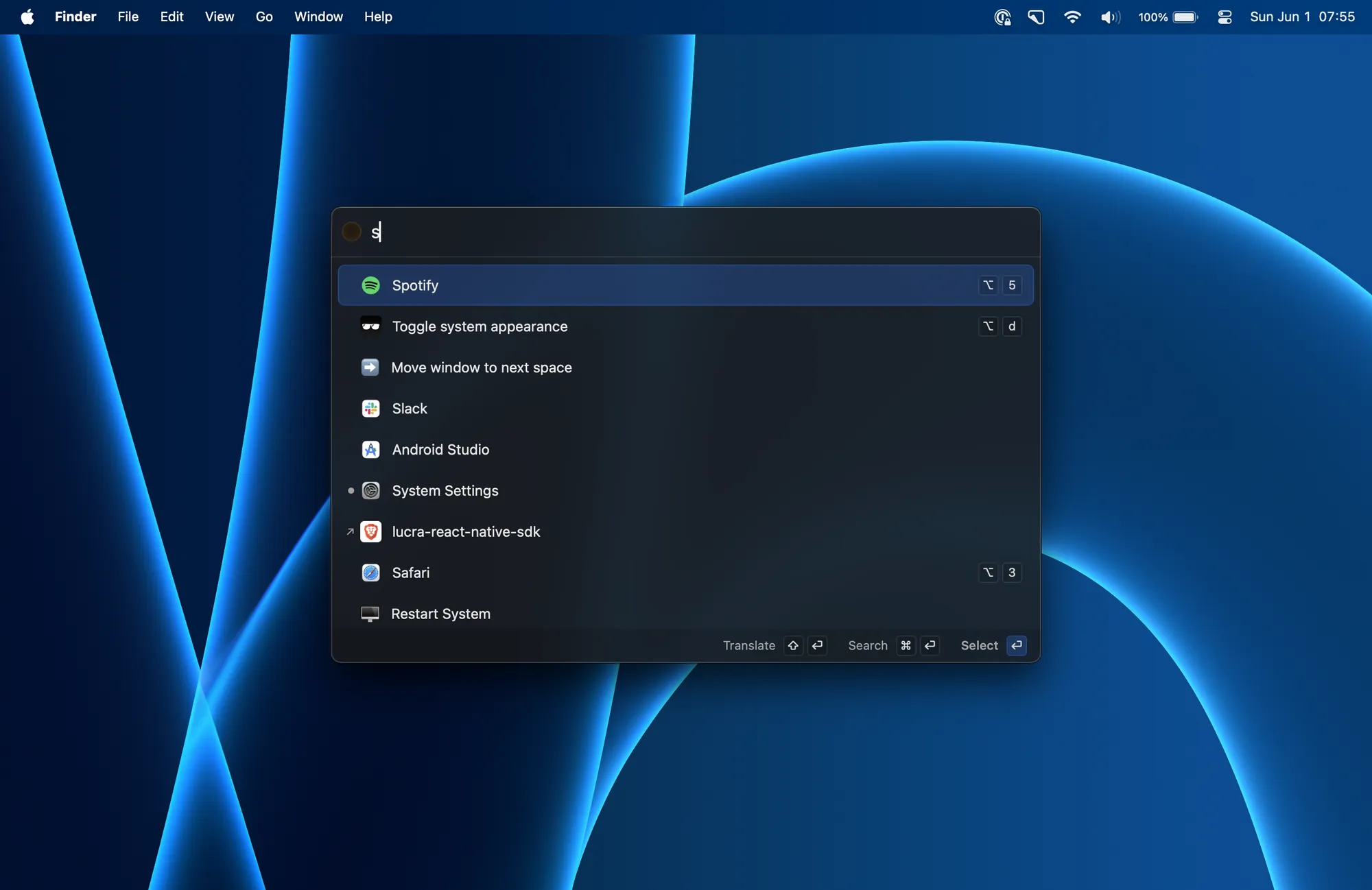
- Launch apps, run calculations, pick emoji, and bind global shortcuts from one palette.
- A clipboard manager, a keyboard-driven window manager, calendar integration, and quick notes.
- Translation, a process manager, media key forwarding, a MacBook notch hider, and developer commands such as cleaning derived data.
- Install with Homebrew using brew install --cask sol, or download a release from the official site.
Sol has no paid plan or subscription. It is a good fit if you want a Raycast-style launcher without paying for a Powerpack or a Pro plan.
SoftwareProductivitymacOS
LaunchBar
A keyboard launcher for Mac that finds apps, files, and actions from short abbreviations.
Freemium
LaunchBar 6 is a long-running Mac launcher from Objective Development. You press a shortcut, type an abbreviation, and use it to open apps, browse files, run actions, and more, without taking your hands off the keyboard.
- Abbreviation search for applications, documents, bookmarks, contacts, and system items.
- Clipboard history, snippets, a calculator, a file manager, web search with live suggestions, and script-based actions.
- Built-in indexing rules for Finder tags, emoji, Shortcuts, Reminders, Safari lists, and more.
- A 30-day trial. After that, LaunchBar can still be used for free, with occasional short breaks that invite you to buy a license.
- A Single License is $35 or €35, depending on the store region. A Family License is €59 and covers up to 5 computers in one household, for personal use.
LaunchBar suits people who already like typing short abbreviations, and anyone who wants a one-time license instead of a subscription.
SoftwareProductivitymacOS
NotchNook
Turn the MacBook notch into a hub for music, files, calendar, and live activities.
Paid
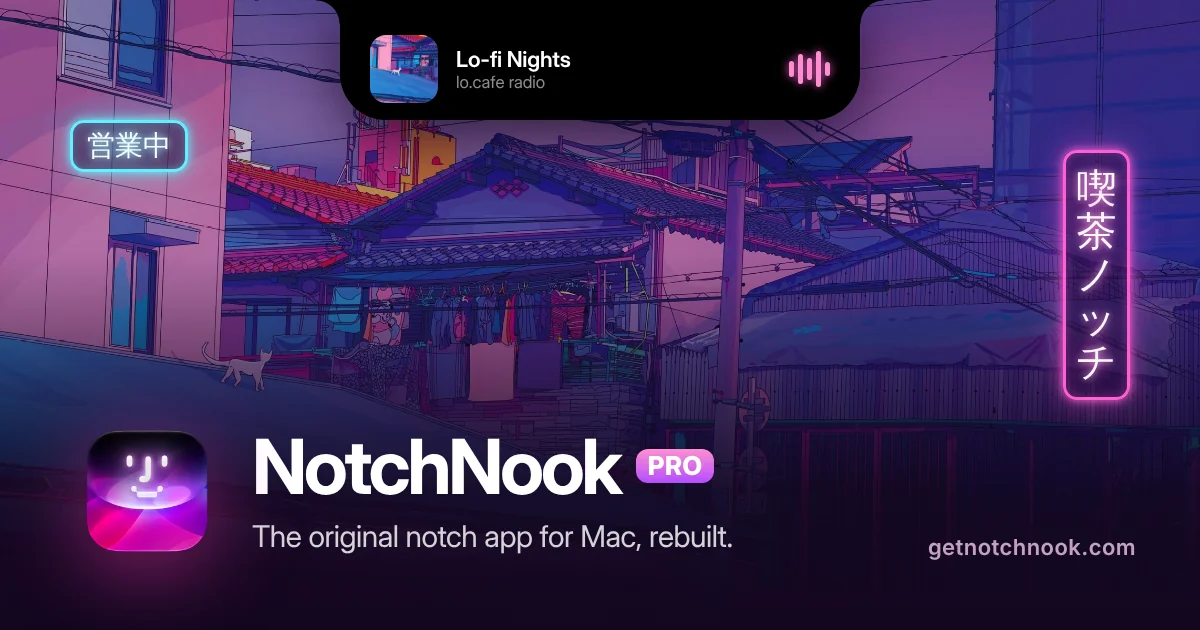
NotchNook turns the MacBook notch into a panel (the Nook) for music, calendar, files, widgets, and live activities. On Macs without a notch, a slim handle at the top of the screen opens the same Nook.
- NotchNook Pro is the rebuilt edition, with a Liquid Glass or classic black notch, lyrics, a file converter, clipboard and Pocket, a teleprompter, a terminal, and approvals for AI agents such as Claude Code and Codex.
- NotchNook Classic is the original app: media controls, calendar, Nook widgets, and a file Tray, and it still runs on Intel Macs.
- Both editions have a 48-hour free trial (no card), cover up to 2 Macs, and include updates while the license is active.
- Pro is $19 for a lifetime license or $3 a month. Classic is $15 for a lifetime license or $2 a month.
- Pro needs Apple silicon and macOS 14.6 or later. Classic also runs on Intel Macs with macOS 14.6 or later.
NotchNook is a good fit if you want the notch to hold everyday controls, not just music, in one paid app.
SoftwareUtilitiesmacOS
BenQ MA270S
A 27-inch 5K Nano Gloss monitor with Thunderbolt 4, built for Mac.
HardwareDisplaysmacOS
W.F.A Sleeve for MacBook (14″)
A slim black sleeve with a padded lining for the 14-inch MacBook Pro.
HardwareAccessoriesmacOS
Monument Valley
Surreal puzzle adventure with optical illusions
One-time
Monument Valley is a puzzle game where players manipulate fantastical architecture to guide the silent princess Ida through mysterious monuments.
- Hand-crafted worlds inspired by minimalist 3D design and optical illusions
- Reshape environments by twisting and dragging to uncover hidden paths
- Audio adapts to in-game actions to create a surreal soundscape
- iCloud support allows gameplay synchronization across devices
- Animated iMessage sticker pack included for iOS 10 and above
- Optional separate purchase of eight additional chapters in Forgotten Shores
Monument Valley requires iOS 15.0 or later and is priced at $3.99 with optional in-app purchases for extra chapters. A compatible iOS device is required.
SoftwareCreativeiOS & iPadOS
Discrity
Monitor and control camera and mic access
One-time
Discrity is a menu bar app for Mac that detects and reports which applications are using your camera and microphone. It provides instant alerts and allows you to stop access in one click.
- Displays which app is using the camera/microphone, and lets you stop it immediately
- Notifies you within two seconds when camera or microphone access is activated
- Keeps a local, filterable history of all camera and microphone usage by app, time, and duration
- Monitors and reports activity during lock screen, including keyboard and trackpad input and device changes
- Speaker guard automatically mutes speakers when headphones disconnect
- No account required; history and data stay on your Mac
Discrity is available as a direct download with a 7-day free trial. Continued use requires a one-time purchase of €7.99 per Mac. Requires macOS 14 or later.