Wispr Flow made voice dictation on Mac feel fast and natural. But it runs in the cloud, it is a subscription, and the free plan limits how much you can dictate.
If you want offline dictation, a one-time price, or a voice assistant that does more than type, there are good Wispr Flow alternatives for Mac. Here they are, starting with Wispr Flow itself.
What is Wispr Flow and how much does it cost?
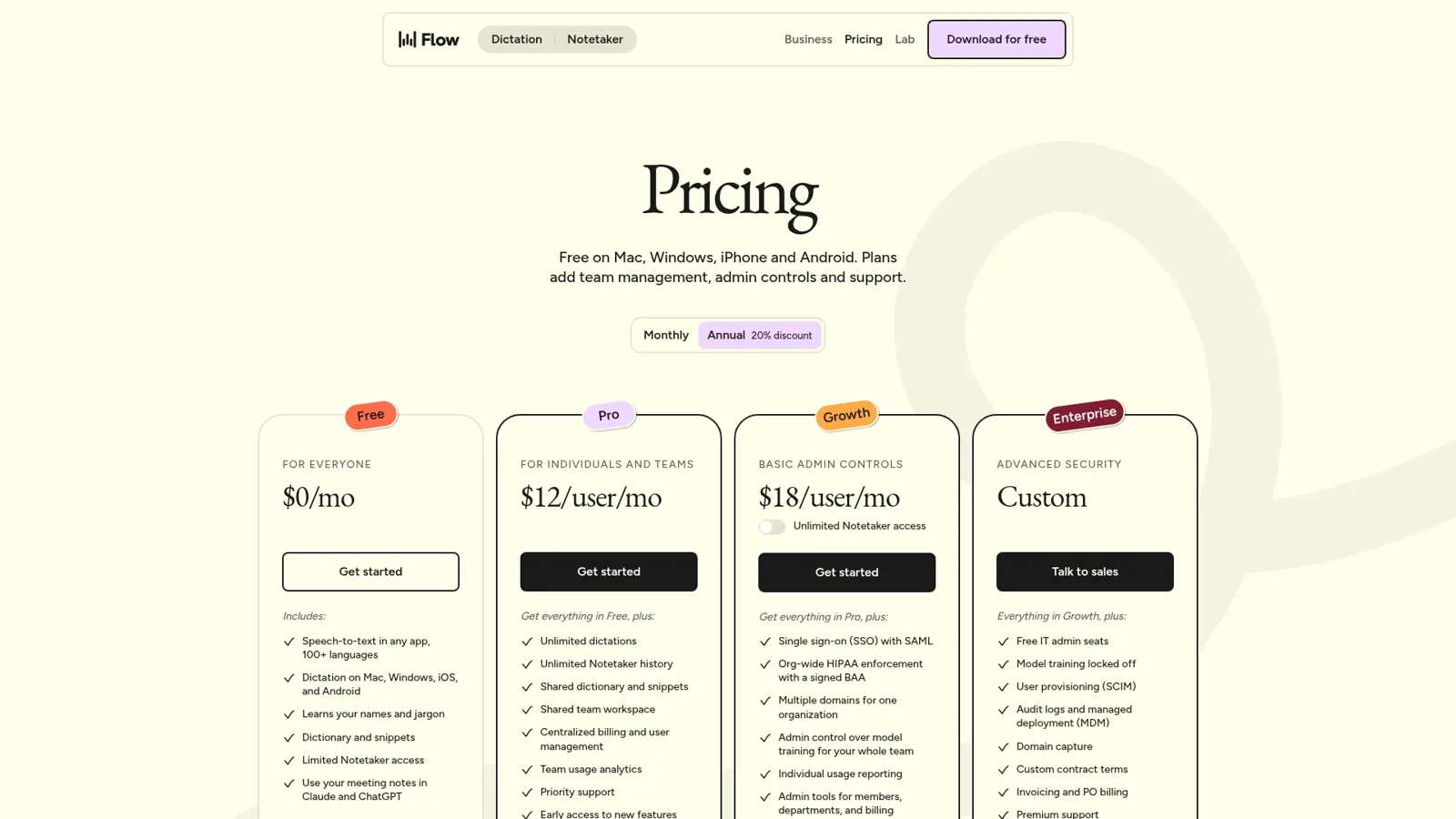
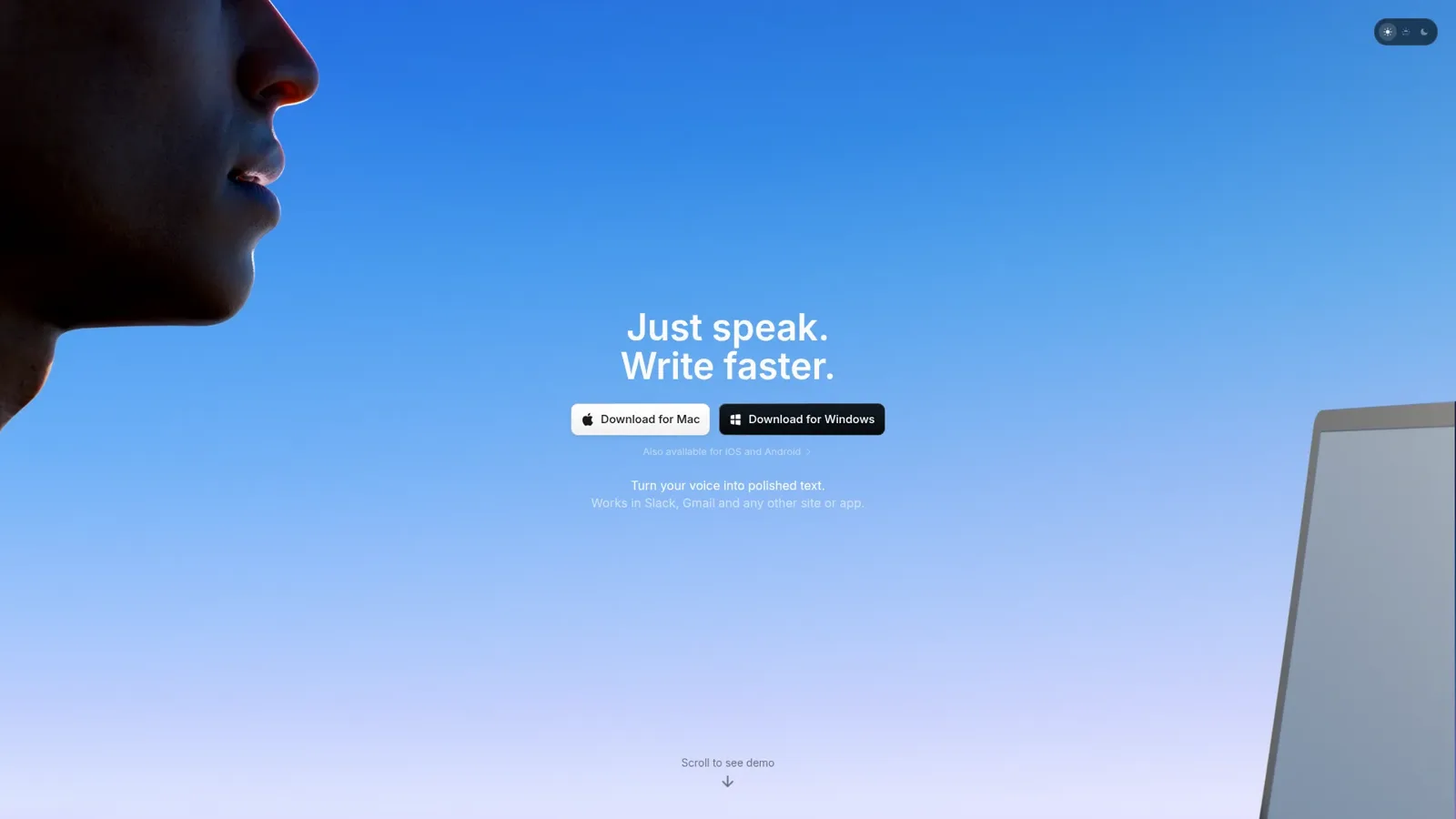
Wispr Flow is free to start, with paid plans for unlimited dictation. Image: Wispr Flow
Wispr Flow is a voice-to-text app that types cleaned-up text into any app on Mac, Windows, iPhone, and Android.
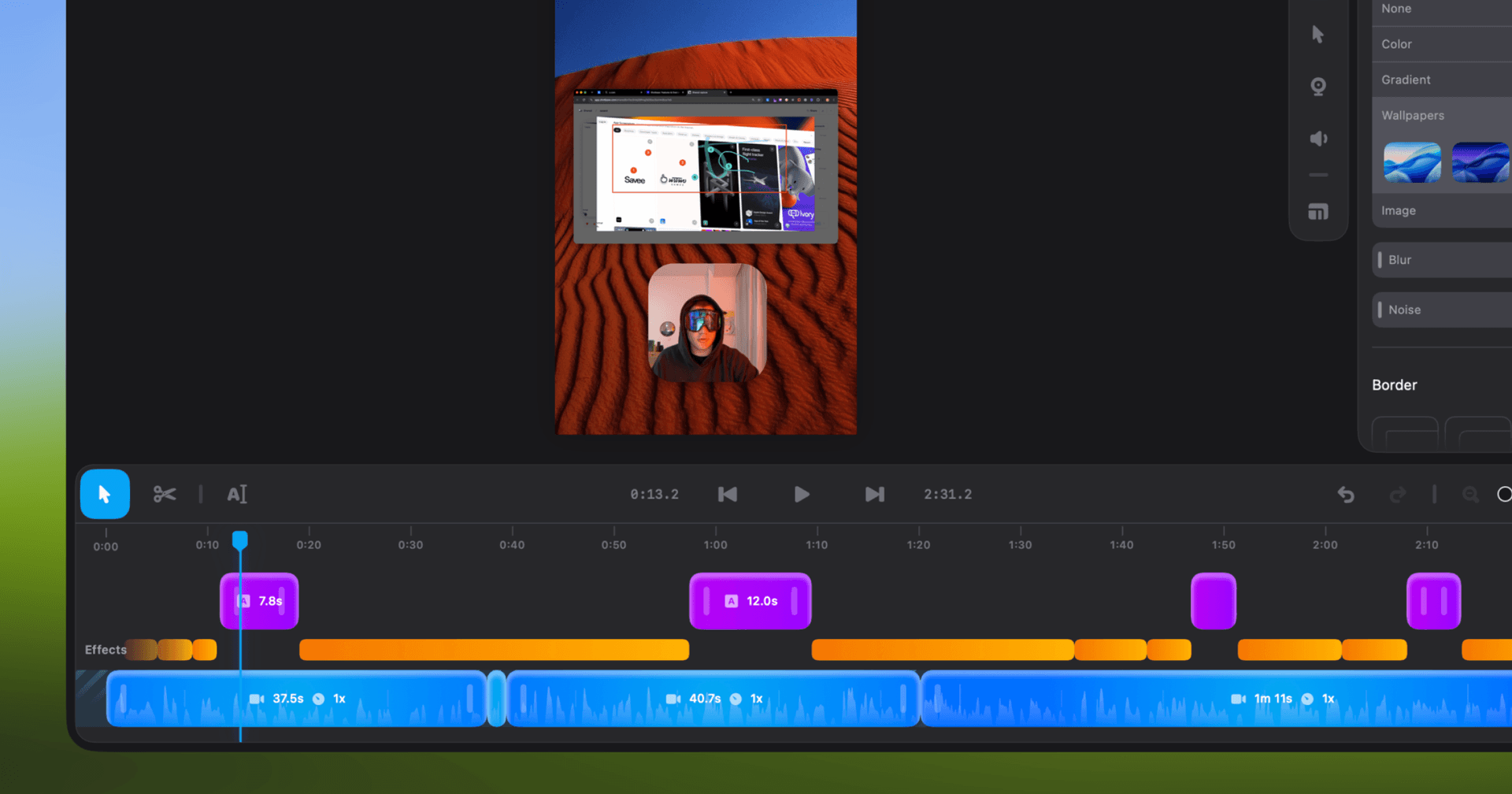
Shotbase is a comprehensive tool designed to capture and manage all your screen-based content effortlessly. With features like stunning screenshot capabilities, recording options that include cinematic effects, and an intuitive organizational structure powered by local AI, you can easily keep your multimedia assets organized and accessible. Shotbase not only allows you to capture specific areas, windows, or full screens on your Mac but also enables you to edit and enhance your captures with backgrounds, frames, and annotations. The integrated AI ensures your captures are automatically named and tagged for easy searching, making it an excellent choice for anyone looking to enhance their productivity and creativity in one seamless workspace.
SoftwareCreativemacOS
DeskMinder
For Easily Distracted Minds
Freemium
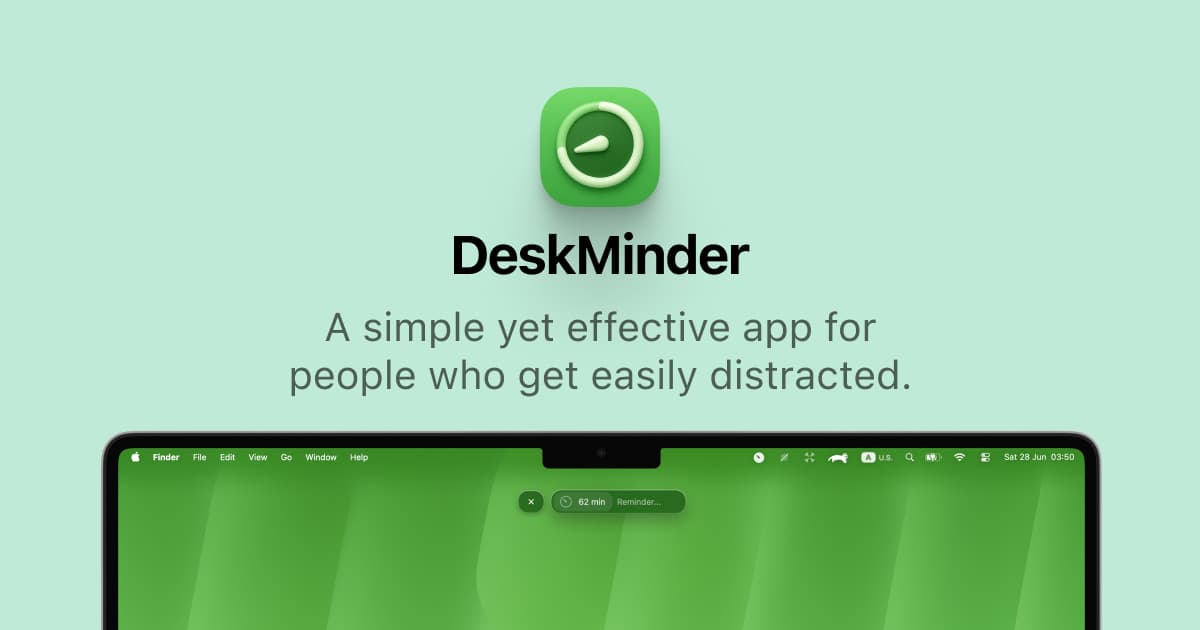
DeskMinder is a productivity software application designed for Mac users who struggle with distractions. It provides a straightforward interface for creating desktop pop-up reminders and tasks, helping users manage urgent to-dos, short breaks, and fleeting ideas. With features like full-screen notifications and Apple Reminders integration, DeskMinder aims to enhance focus and time management for i
- With features like easy-to-create desktop pop-ups for reminders and tasks, it simplifies the process of staying on top of urgent to-dos, short breaks, or fleeting ideas.
- Users can benefit from full-screen notifications, Apple Reminders integration, and flexible widget placement, making it ideal for anyone requiring a little extra help to maintain focus.
- The app includes additional shortcuts for quick reminder setups and customizable widget options, along with a history tracking feature to monitor daily progress.
Designed specifically for Mac users, DeskMinder aims to facilitate better time management and productivity for those with attention challenges, providing a seamless user experience without unnecessary complexity.
SoftwareProductivitymacOS
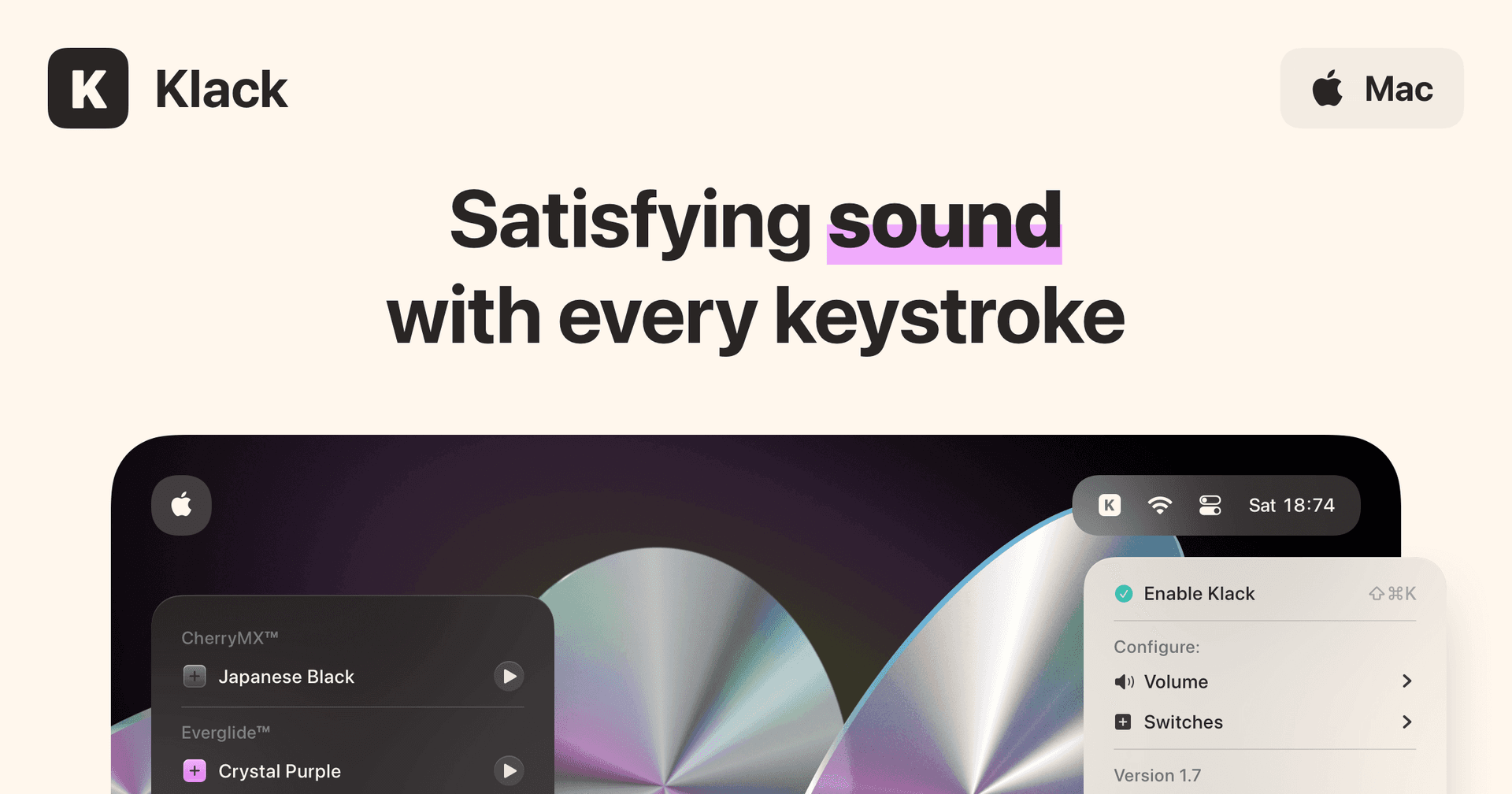
Klack
Satisfying sound with every keystroke
Paid
Klack is a macOS application designed to enhance the typing experience through high-fidelity sound for each keystroke. It provides features such as immersive spatial audio, instant feedback, and customizable sound options, making it suitable for writers, developers, and anyone who values an engaging typing environment. The app is easily accessible from the menubar and offers extensive configuratio
- Provides immersive spatial audio for enhanced typing feedback.
- Allows customization of keystroke sounds, pitch variations, and volume settings.
- Features a menubar interface for quick access to configuration options.
- Supports instant feedback with each keystroke for a more engaging experience.
- Designed for writers and developers seeking auditory feedback while typing.
Klack enhances the typing experience on Mac by providing high-fidelity sound for each keystroke.
SoftwaremacOS
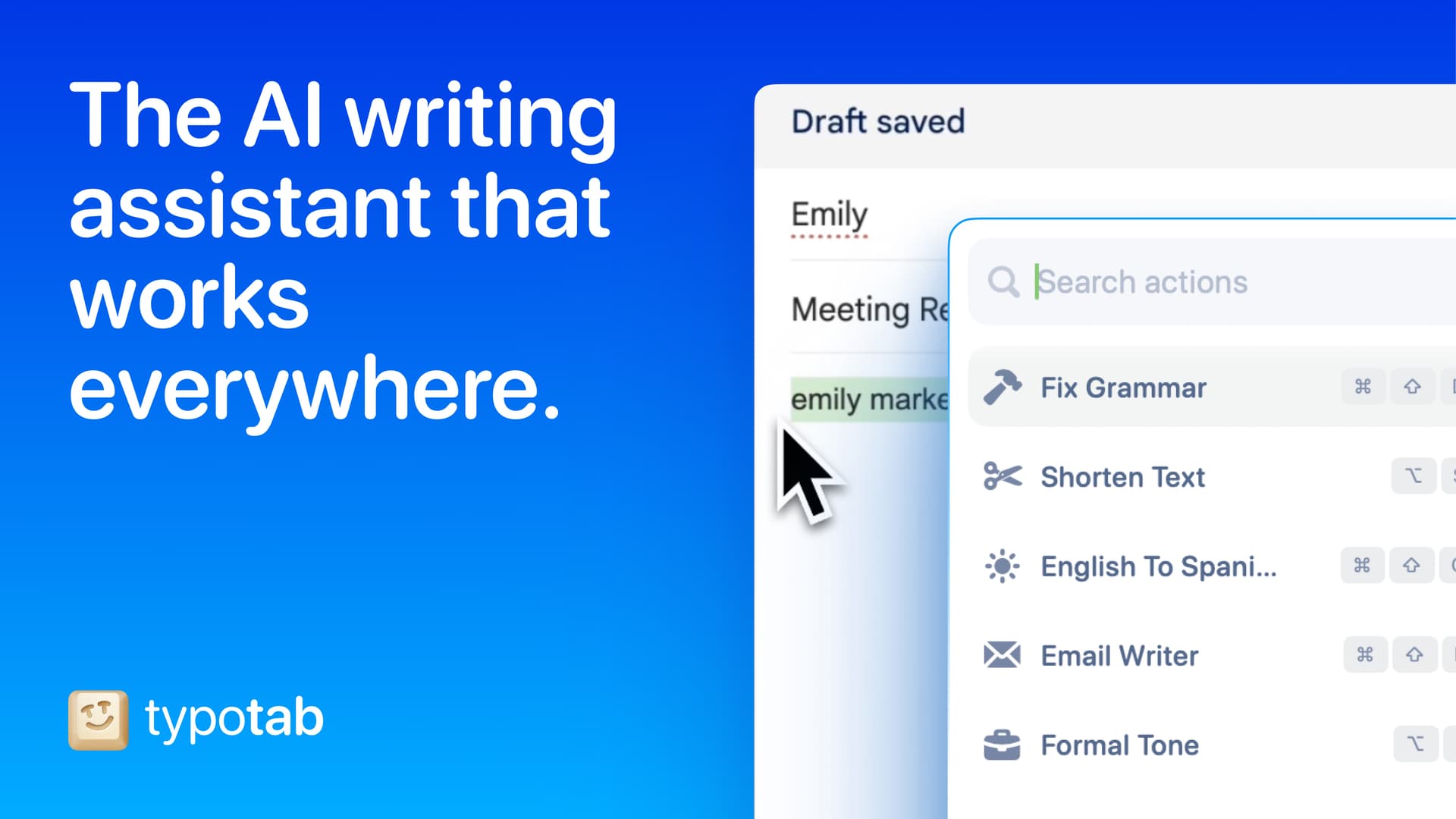
TypoTab
TypoTab, the ultimate AI writing assistant for
Paid
TypoTab is a macOS application that functions as an AI-driven writing assistant. It enhances writing efficiency by providing tools for grammar correction, text rephrasing, and content generation, all accessible from the menu bar without needing to switch applications. This tool is designed for writers, students, and professionals looking to streamline their writing process and improve productivity
- Provides grammar correction and text rephrasing directly from the menu bar.
- Allows text refinement in any application without switching contexts.
- Offers customizable actions to meet individual writing needs.
- Streamlines repetitive writing tasks for improved efficiency.
- Supports a wide range of applications, enhancing workflow across platforms.
TypoTab is a macOS application that enhances writing efficiency by providing grammar correction, text rephrasing, and content generation directly from the menu bar. It allows users to refine text in any application without switching contexts, offering customizable actions to suit individual writing needs.
SoftwareProductivitymacOS
DaisyDisk
A visual disk space analyzer for Mac, with a lifetime license.
One-time
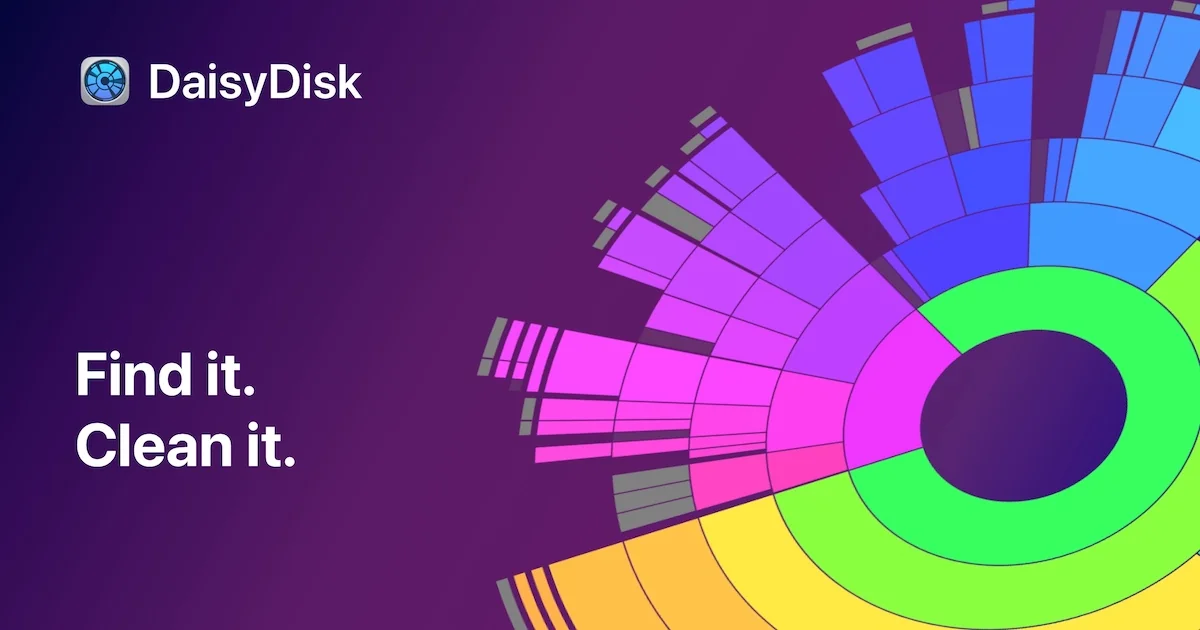
DaisyDisk is a Mac disk space analyzer that shows your drive as an interactive sunburst map, so you can find the largest files and folders and drag them to the Trash.
- Scans the startup disk in seconds and works with internal, external, and network volumes, plus cloud folders in the full version.
- An interactive map with Quick Look for file previews, and in-app deletion.
- Detects hidden and purgeable space. The stand-alone edition can reveal that space, purge it, and scan as an administrator.
- A one-time lifetime license for up to 5 personal Macs, with minor updates included and a 30-day money-back guarantee.
- A free trial can scan and browse the map. Deleting files, admin scans, and cloud scans need a license.
DaisyDisk is sold on daisydiskapp.com for $9.99, and also on the Mac App Store. The stand-alone edition has a few features the App Store edition cannot include.
SoftwareUtilitiesmacOS
Sol
A free, open source Mac launcher focused on speed and simple tools.
Free
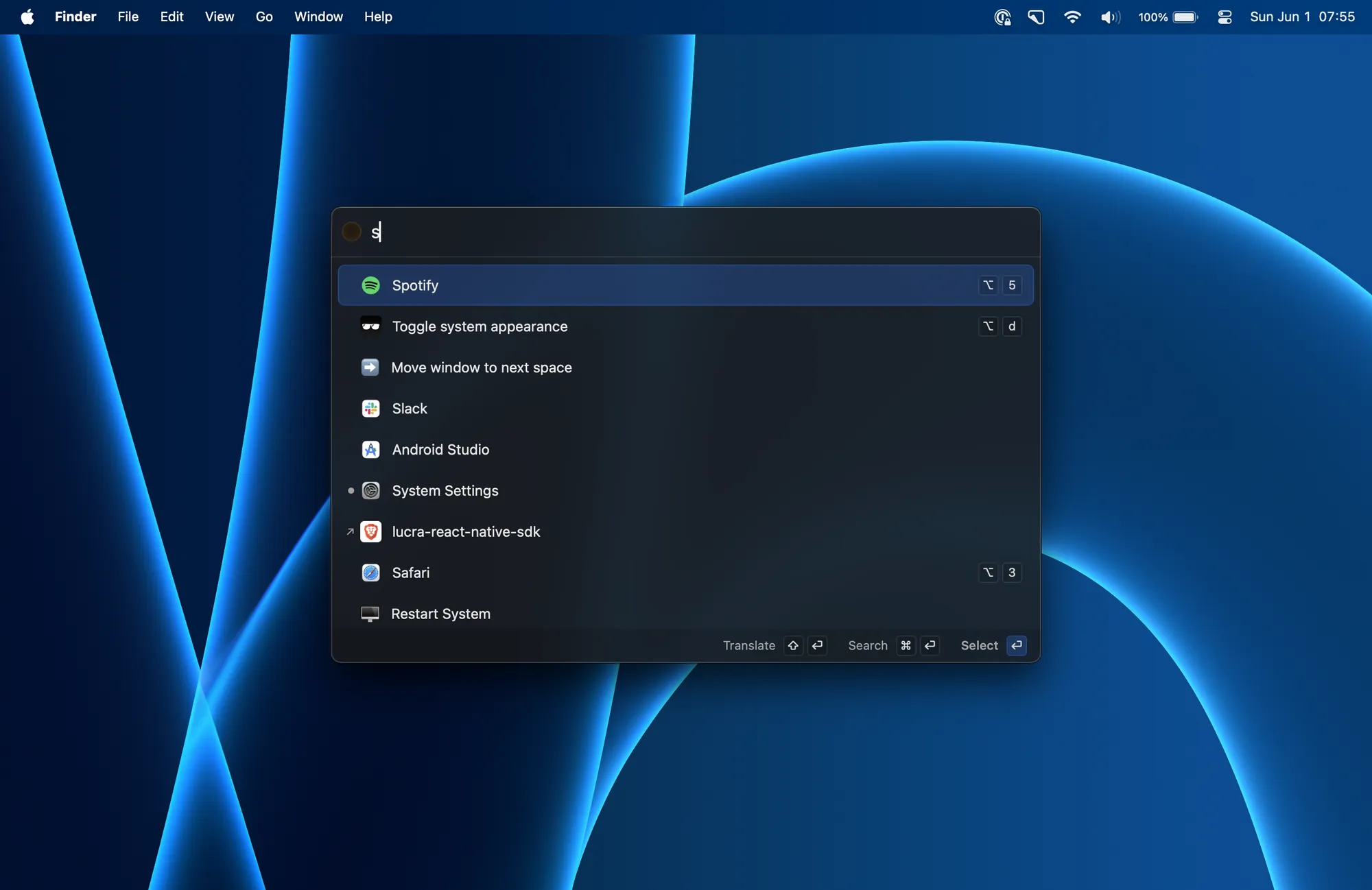
Sol is a free, open source app launcher for macOS. It is made for speed, with little setup, and it is released under the MIT License.
- Launch apps, run calculations, pick emoji, and bind global shortcuts from one palette.
- A clipboard manager, a keyboard-driven window manager, calendar integration, and quick notes.
- Translation, a process manager, media key forwarding, a MacBook notch hider, and developer commands such as cleaning derived data.
- Install with Homebrew using brew install --cask sol, or download a release from the official site.
Sol has no paid plan or subscription. It is a good fit if you want a Raycast-style launcher without paying for a Powerpack or a Pro plan.
SoftwareProductivitymacOS
LaunchBar
A keyboard launcher for Mac that finds apps, files, and actions from short abbreviations.
Freemium
LaunchBar 6 is a long-running Mac launcher from Objective Development. You press a shortcut, type an abbreviation, and use it to open apps, browse files, run actions, and more, without taking your hands off the keyboard.
- Abbreviation search for applications, documents, bookmarks, contacts, and system items.
- Clipboard history, snippets, a calculator, a file manager, web search with live suggestions, and script-based actions.
- Built-in indexing rules for Finder tags, emoji, Shortcuts, Reminders, Safari lists, and more.
- A 30-day trial. After that, LaunchBar can still be used for free, with occasional short breaks that invite you to buy a license.
- A Single License is $35 or €35, depending on the store region. A Family License is €59 and covers up to 5 computers in one household, for personal use.
LaunchBar suits people who already like typing short abbreviations, and anyone who wants a one-time license instead of a subscription.
SoftwareProductivitymacOS
NotchNook
Turn the MacBook notch into a hub for music, files, calendar, and live activities.
Paid
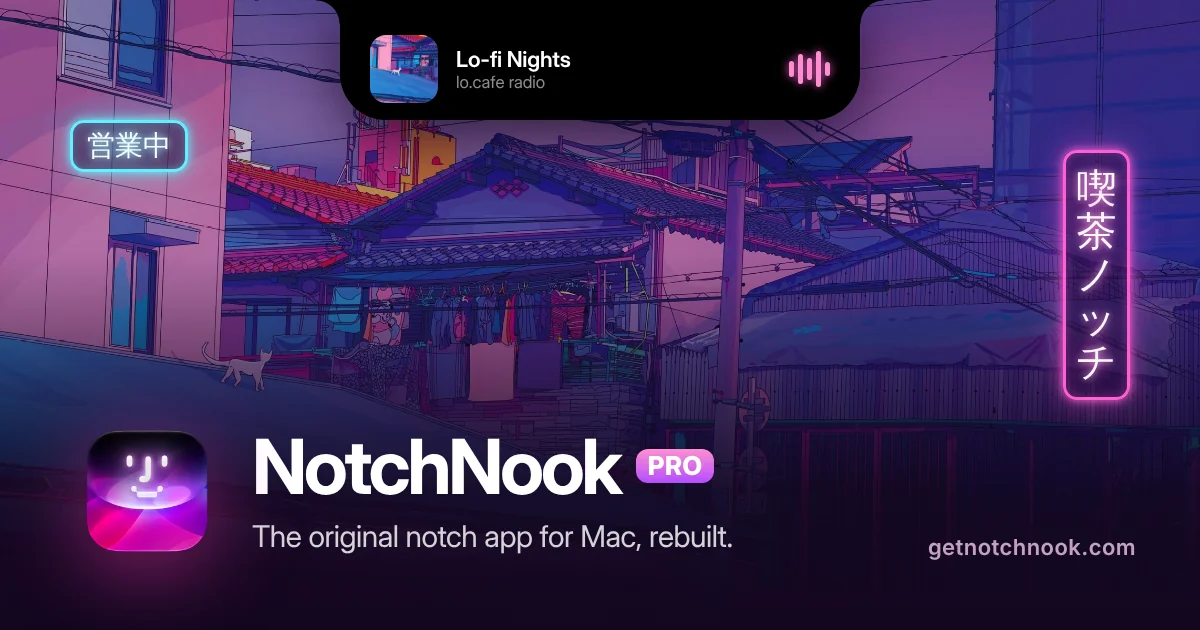
NotchNook turns the MacBook notch into a panel (the Nook) for music, calendar, files, widgets, and live activities. On Macs without a notch, a slim handle at the top of the screen opens the same Nook.
- NotchNook Pro is the rebuilt edition, with a Liquid Glass or classic black notch, lyrics, a file converter, clipboard and Pocket, a teleprompter, a terminal, and approvals for AI agents such as Claude Code and Codex.
- NotchNook Classic is the original app: media controls, calendar, Nook widgets, and a file Tray, and it still runs on Intel Macs.
- Both editions have a 48-hour free trial (no card), cover up to 2 Macs, and include updates while the license is active.
- Pro is $19 for a lifetime license or $3 a month. Classic is $15 for a lifetime license or $2 a month.
- Pro needs Apple silicon and macOS 14.6 or later. Classic also runs on Intel Macs with macOS 14.6 or later.
NotchNook is a good fit if you want the notch to hold everyday controls, not just music, in one paid app.
SoftwareUtilitiesmacOS
Monument Valley
Surreal puzzle adventure with optical illusions
One-time
Monument Valley is a puzzle game where players manipulate fantastical architecture to guide the silent princess Ida through mysterious monuments.
- Hand-crafted worlds inspired by minimalist 3D design and optical illusions
- Reshape environments by twisting and dragging to uncover hidden paths
- Audio adapts to in-game actions to create a surreal soundscape
- iCloud support allows gameplay synchronization across devices
- Animated iMessage sticker pack included for iOS 10 and above
- Optional separate purchase of eight additional chapters in Forgotten Shores
Monument Valley requires iOS 15.0 or later and is priced at $3.99 with optional in-app purchases for extra chapters. A compatible iOS device is required.
SoftwareCreativeiOS & iPadOS
Price (checked Nov 9, 2026):
Free: speech-to-text in any app, in 100+ languages, with limited dictation and limited Notetaker access.
Pro: $15 per user a month, or $12 billed annually. It adds unlimited dictation, unlimited Notetaker history, and shared team features.
Growth and Enterprise: team plans with admin controls, SSO, and HIPAA options.
Key features:
Dictation in any app with a shortcut.
Learns your names and jargon, with a dictionary and snippets.
A Notetaker for meetings, which you can use in Claude and ChatGPT.
Wispr FlowEffortless voice-to-text for faster writing.Visit WebsiteWispr Flow is the voice-to-text AI that transforms your speech into clear, polished writing across all your apps. It allows you to dictate notes, emails, and text instantly, streamlining your communication process. With features like AI auto-edits and personalized dictionaries, Wispr adapts to your unique voice and style, ensuring that your thoughts are captured accurately and efficiently. Proven to be used by professionals in various fields, Wispr enhances productivity, enabling users to focus on their ideas rather than typing them out. Available on Mac, Windows, iPhone, and Android, it seamlessly integrates into your workflow, making it the ultimate tool for anyone looking to enhance their efficiency in both personal and professional settings.Visit Website
How do the best Wispr Flow alternatives compare?
Prices below were checked on Nov 9, 2026.
App
Price
Offline
Platforms
Best for
Wispr Flow
Free, or Pro $12 to $15/user/mo
No
Mac, Windows, iOS, Android
Cloud dictation everywhere
Superwhisper
Free, or Pro $8.49/mo, $84.99/yr, $249.99 lifetime
Yes
Mac, Windows, iOS, Android
Power users
HoldSpeak
$19 once
Yes
Mac (Apple silicon)
Cheapest one-time price
Speakmac
$29 once
Not listed
Mac
Dictation plus meeting notes
LocalBolo
$49 once
Yes
Mac (Apple silicon)
Private dictation with cleanup
Whisper
$39 a year
Yes
Mac, Windows, Linux
Offline cleanup across computers
VoiceOS
$11.99/mo billed annually
No
Mac, Windows
Voice actions, not just typing
Superwhisper: best Wispr Flow alternative overall
Superwhisper works in Slack, Gmail, and any other app. Image: Superwhisper
Price: free, with unlimited use of local Whisper models. Pro is $8.49 a month, $84.99 a year, or $249.99 for a lifetime license. New users get a 3,000-word Pro trial.
Superwhisper is the closest match to Wispr Flow, with more control.
Key features:
Works offline with local models, or online with cloud models.
Custom modes that rewrite your words for emails, notes, or code.
100+ languages and dialects.
Pastes the edited transcript into the app you are using.
A meeting assistant.
Better or worse than Wispr Flow? Better if you want offline dictation, custom modes, or a lifetime license. Wispr Flow is simpler to set up. We compare them in detail in Wispr Flow vs Superwhisper.
SuperwhisperTurn your voice into polished text.Visit WebsiteSuperwhisper is a versatile voice-to-text application designed to enhance communication across various platforms like Slack and Gmail. It simplifies the process of transcribing your thoughts into professional writing, making it ideal for startups and industry leaders alike. With seamless integration into your favorite apps, Superwhisper works offline, remembers your unique vocabulary, and supports over 100 languages. It features predefined modes to optimize tone and structure, ensuring your messages are always clear and appropriate. Additionally, the app offers powerful meeting assistance by recording and automatically summarizing discussions, making it a must-have for anyone looking to improve their efficiency in both personal and professional communication.Visit Website
HoldSpeak: best cheap offline Wispr Flow alternative
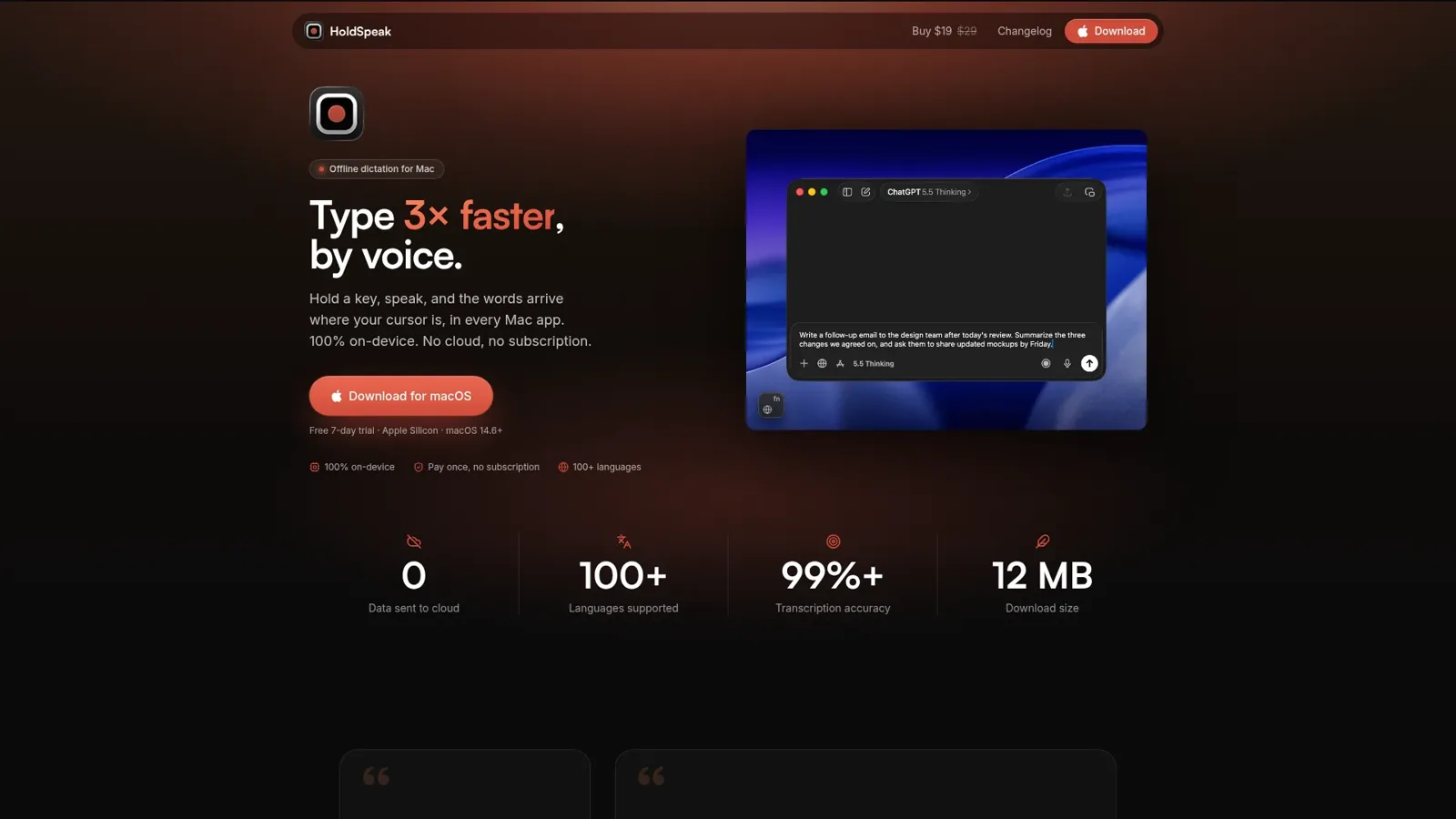
Hold a key, speak, and the words land at your cursor. Image: HoldSpeak
Price: $19 once for 1 Mac, or $29 for 2 Macs, with a 7-day trial. It needs Apple silicon and macOS 14.6 or later.
HoldSpeak is a simple hold-to-talk dictation app that runs 100% on your Mac.
Key features:
Recording and transcription on-device. Your voice is never uploaded.
Works offline, with no account needed.
100+ languages.
Better or worse than Wispr Flow? Much cheaper over time and fully private. It does not have Wispr Flow's cross-platform apps or meeting notetaker.
HoldSpeakDictate with precision on your Mac, offline.Visit WebsiteHoldSpeak is an AI-driven dictation software for Mac that functions entirely offline. It allows users to convert speech to text with high accuracy, supporting over 100 languages. Designed for both casual users and professionals, HoldSpeak enhances productivity by enabling seamless dictation across various applications without compromising user privacy or requiring an internet connection.
- Supports over 100 languages with automatic language detection.
- Achieves a transcription accuracy rate of 99% on-device.
- Allows seamless dictation in any application where text input is possible.
- Features customizable hotkeys for quick access and integration into workflows.
- Offers multiple on-device models tailored for different transcription needs.
- Ensures privacy by keeping all audio and transcriptions on the device without internet dependency.
HoldSpeak offers an offline dictation solution for Mac users, enabling voice-to-text functionality with high accuracy across 100+ languages. Its features include customizable hotkeys and seamless integration with any application, ensuring privacy and reliability by processing all data locally.Visit Website
Speakmac: best Wispr Flow alternative with meeting notes
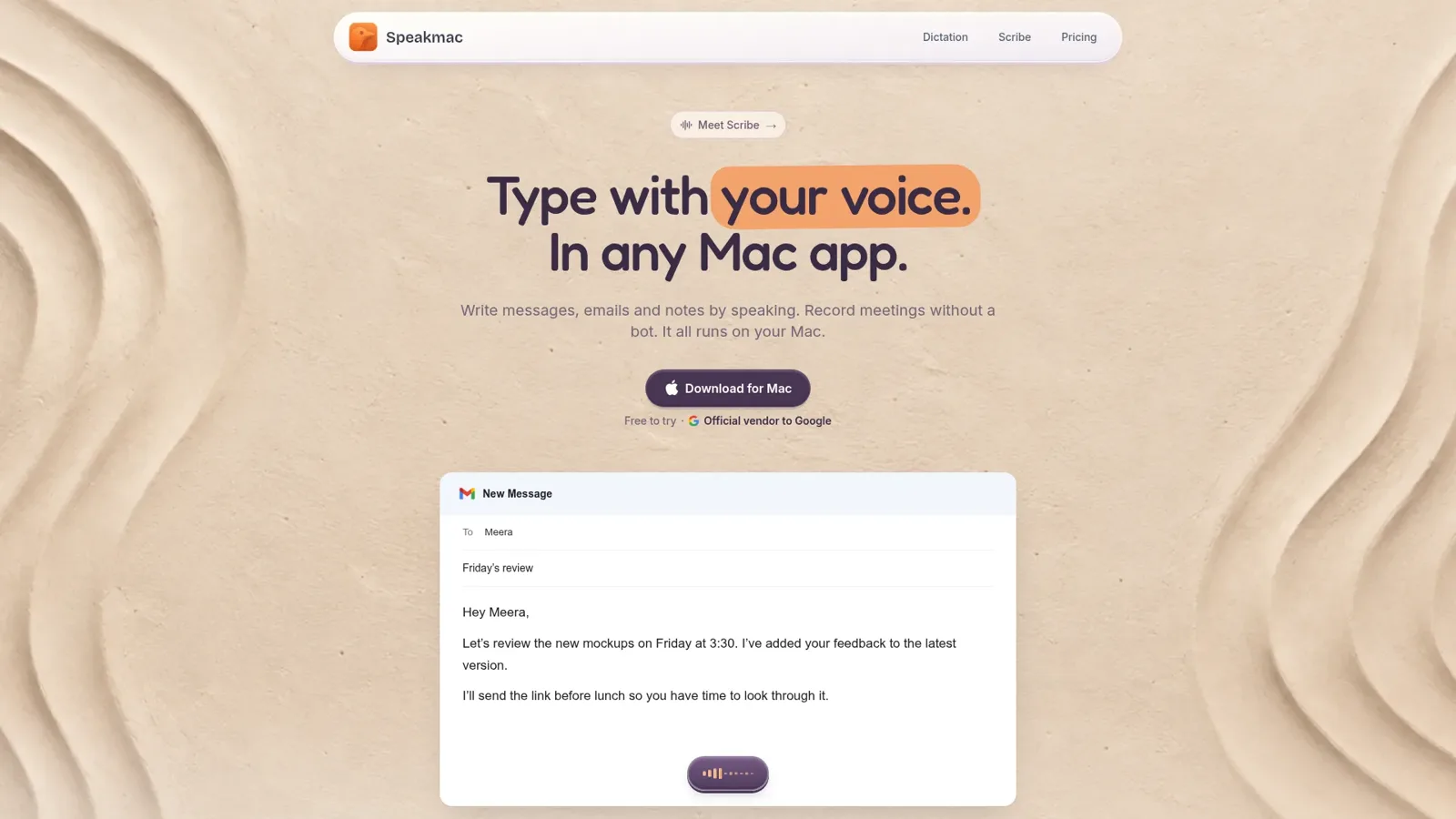
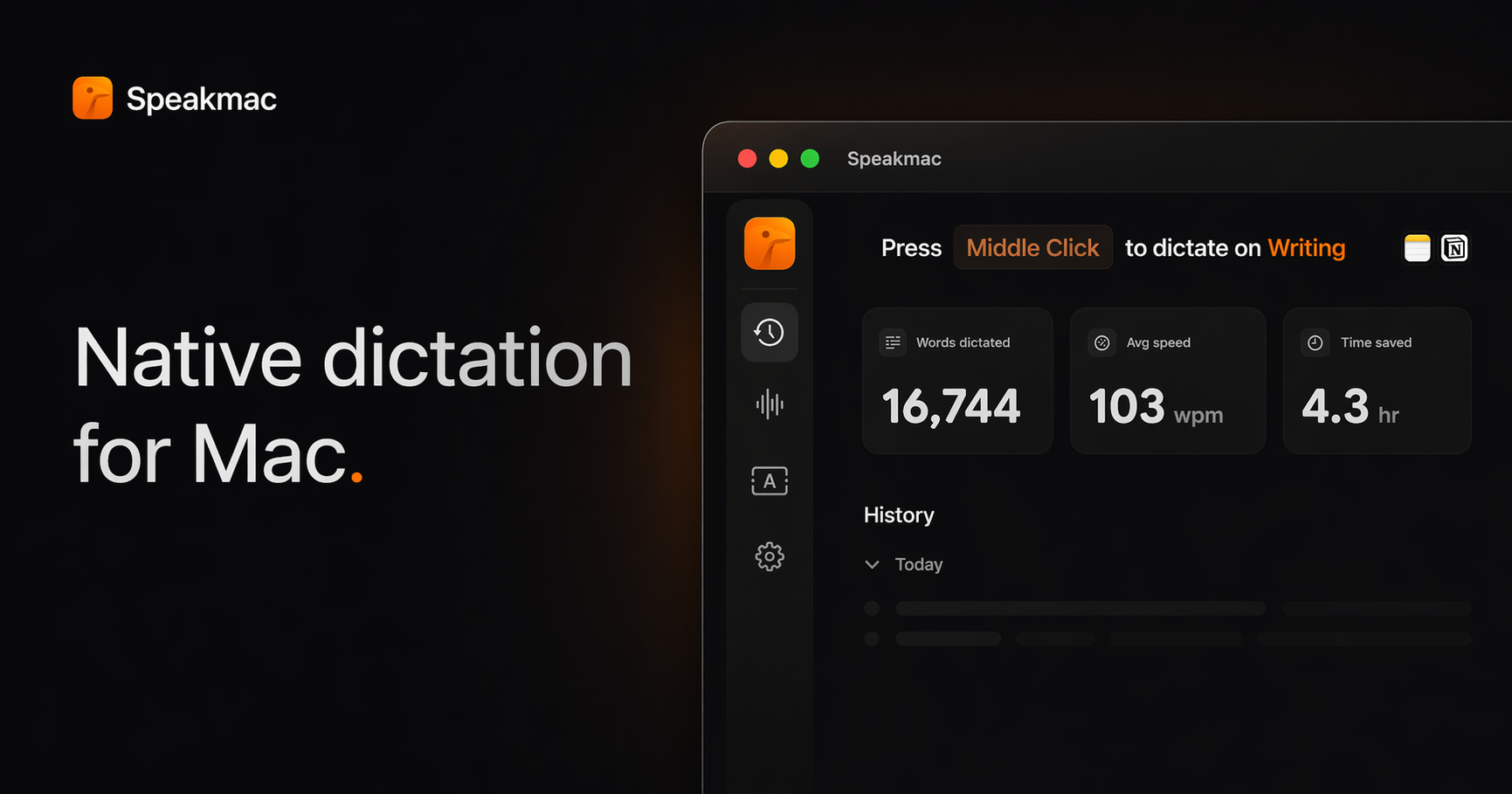
Speakmac types with your voice in any Mac app. Image: Speakmac
Price: $29 once for 1 Mac, or $39 for 2 Macs, with a free trial and a 14-day refund. It runs on macOS 14 or later, on Apple silicon or Intel.
Speakmac is a one-time-purchase dictation app with cleanup and a meeting mode.
Key features:
Cleans up messy speech into finished text.
Teach it names and terms.
Writing styles for different kinds of text.
Hold your shortcut, or use Hands Free for longer dictation.
Meeting recording and transcription without a bot joining the call.
Better or worse than Wispr Flow? It covers dictation and meeting notes without a subscription, and it works on Intel Macs. It is Mac only.
SpeakmacDictation tool macOS should have hadVisit WebsiteSpeakmac is an offline dictation software for macOS, specifically optimized for Apple Silicon. It enables users to convert speech to text instantly and securely, processing everything on-device to maintain privacy. Designed for individuals who frequently type, Speakmac enhances productivity by allowing seamless dictation in over 25 languages, making it suitable for various writing tasks without th
- Converts spoken words to text in real-time, processing everything locally for enhanced privacy.
- Supports over 25 languages, automatically managing grammar and punctuation as you speak.
- Text appears in your active window in under half a second, optimizing workflow efficiency.
- Allows customization of vocabulary by teaching the app specific names and terms.
- Compatible with any application that accepts text input, including word processors and coding environments.
- One-time purchase with no subscription fees, providing a lifetime license for use on designated Macs.
Speakmac offers a one-time purchase option for a lifetime license, eliminating the need for subscriptions or recurring fees. This straightforward pricing model allows users to maintain access to the software without ongoing costs, ensuring that voice dictation remains a cost-effective solution for Mac users.Visit Website
LocalBolo: best private Wispr Flow alternative
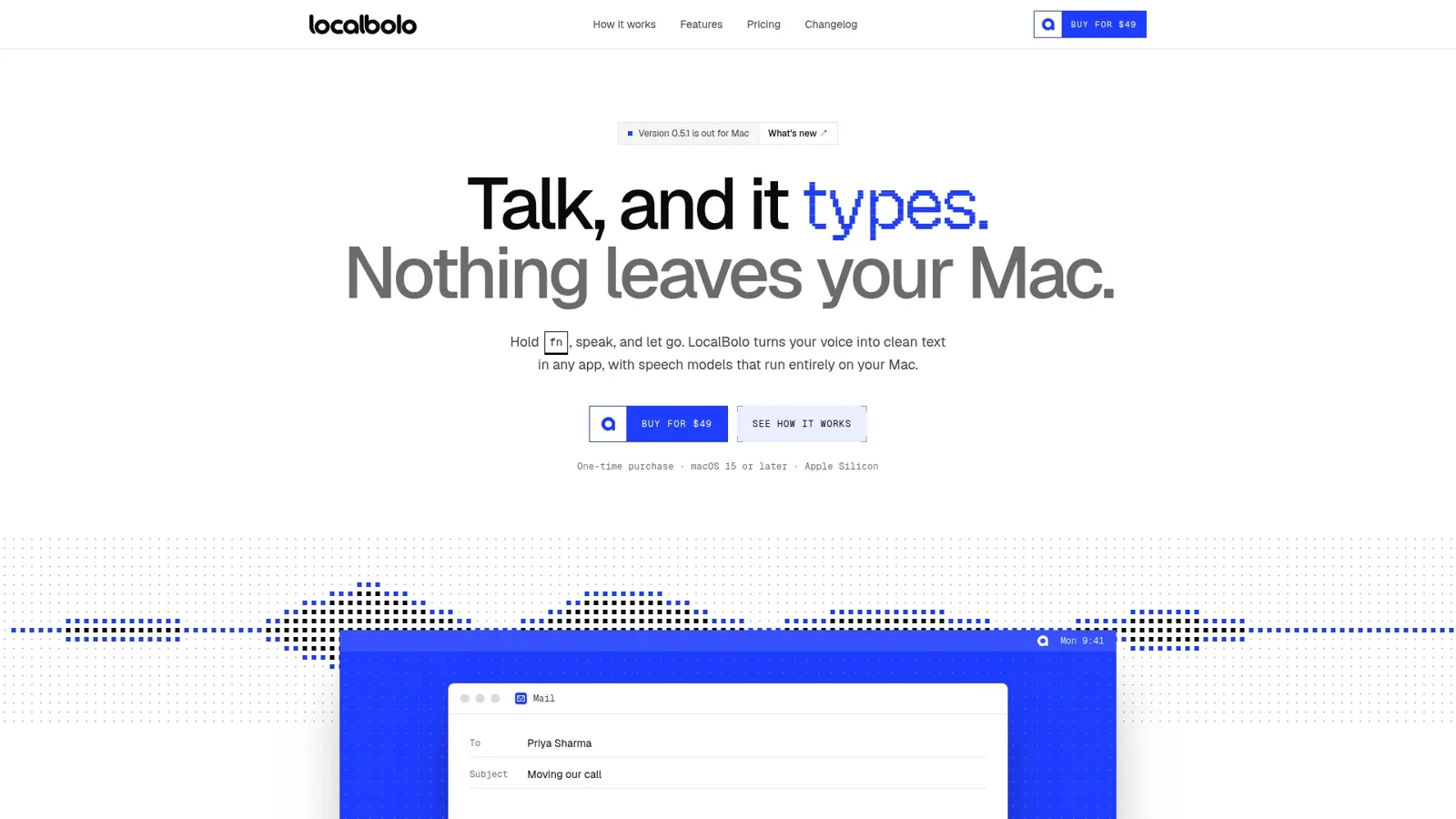
Hold fn, speak, and let go. Image: LocalBolo
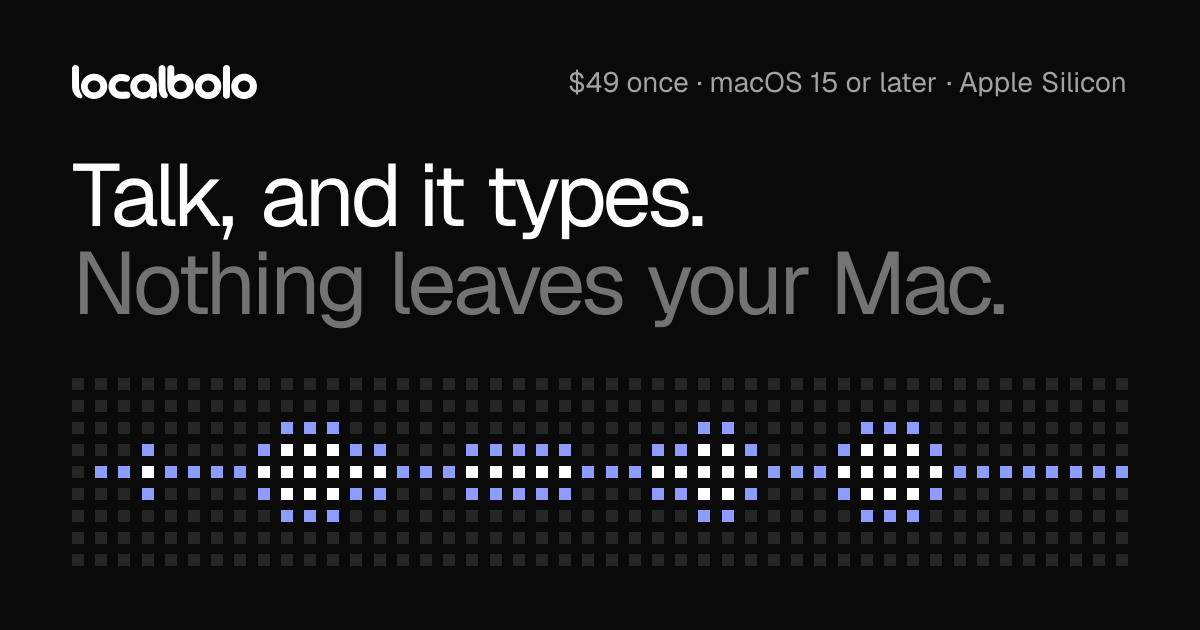
Price: $49 for a single license (shown down from $69 on Nov 9, 2026), $99 for Duo, or $299 for a team. It needs macOS 15 and Apple silicon.
LocalBolo runs speech models entirely on your Mac.
Key features:
Hold fn to dictate into any app with a text field.
An on-device language model removes filler words and applies your self-corrections.
A pill shows which app your words will land in.
Better or worse than Wispr Flow? Better for privacy, since nothing leaves your Mac. It costs more up front than HoldSpeak and has no phone apps.
LocalBoloPrivate on-device dictation across Mac appsVisit WebsiteLocalBolo is a Mac dictation app that transcribes English speech using models running on your device. Hold fn to speak and release it to insert text at the cursor.
- Dictate into text fields across Mac apps.
- Choose Parakeet or Whisper speech models.
- Optionally remove filler words and apply spoken corrections locally.
- Restore clipboard contents after inserting a transcript.
- Process recordings in memory without retaining them.
One-time purchase for Apple silicon Macs running macOS 15 or later. Dictation works offline after setup, but activation, model downloads, and periodic license checks require internet access.Visit Website
Whisper: best offline Wispr Flow alternative across Mac and PC
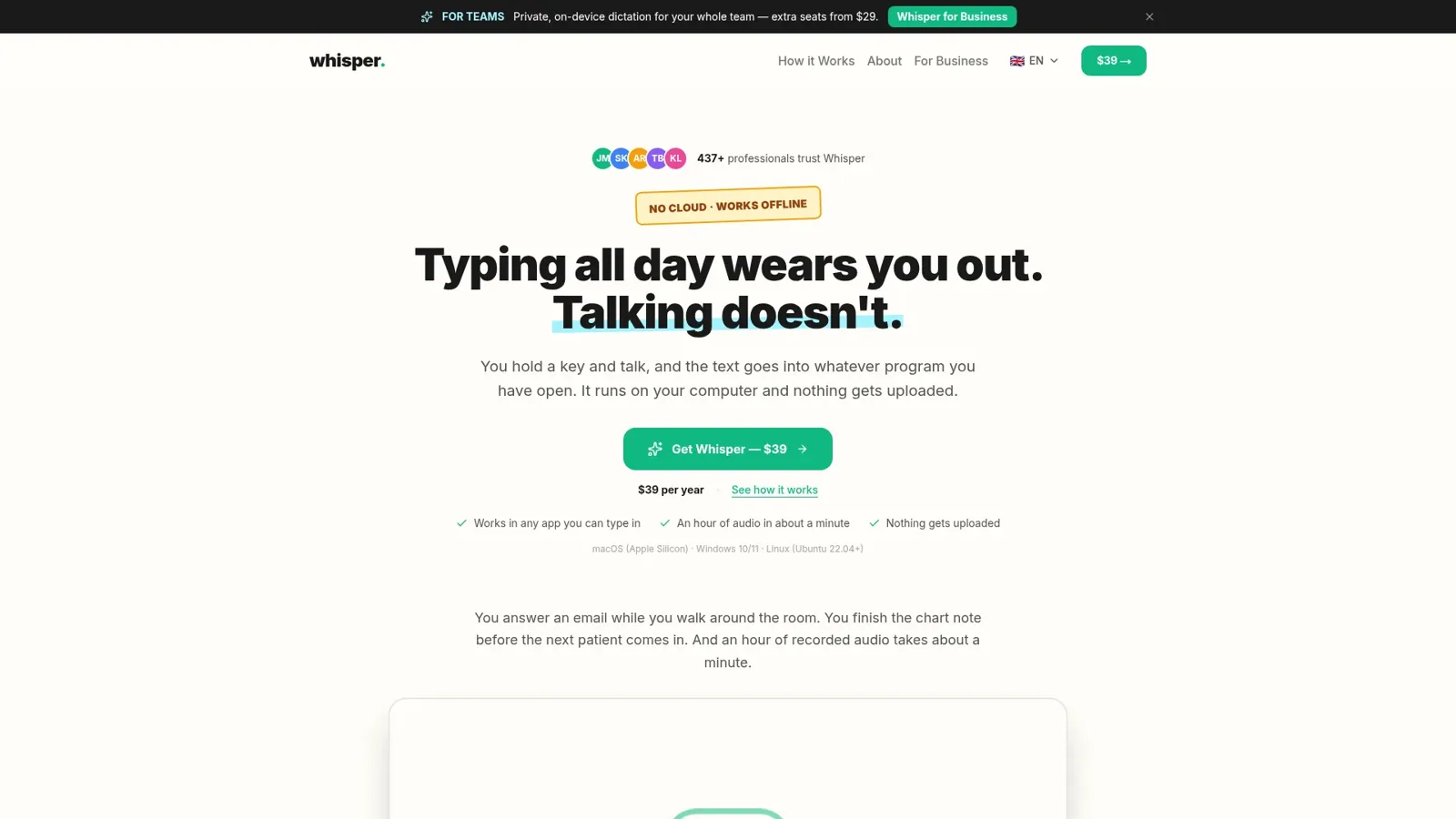
Whisper cleans up your dictation with a built-in offline AI. Image: Whisper
Price: $39 a year per device, plus $29 a year for each extra device. It runs on Apple silicon Macs, Windows, and Linux.
Whisper is an offline dictation app with AI cleanup built in.
Key features:
Removes filler words and repetition, and auto-formats your text.
100% on-device AI, with no account, API key, or internet needed.
99+ languages.
Works in any app you can type in.
Better or worse than Wispr Flow? Better if you want offline cleanup on both Mac and a Windows or Linux PC. It is still a yearly payment, and it has no meeting notetaker.
WhisperTalk to your computer like a humanVisit WebsiteWhisper is an offline speech-to-text software compatible with macOS (Apple Silicon), Windows 10/11, and Linux (Ubuntu 22.04+). It enables users to transcribe spoken words into text quickly and securely, processing all data locally on the device without relying on cloud services.
- Transcribes speech to text entirely offline, ensuring data privacy and security.
- Supports over 99 languages, allowing seamless switching between languages mid-sentence.
- Automatically removes filler words and repetitions for cleaner, more professional text output.
- Provides instant transcription with GPU acceleration, displaying words as they are spoken.
- Integrates with any application where text input is possible, enhancing workflow flexibility.
Whisper is a voice-to-text application designed for offline use, ensuring that your data remains private and secure. It transcribes speech into text quickly and accurately, supporting over 99 languages. The application is suitable for various tasks, including writing, coding, and communication, and operates seamlessly without the need for internet connectivity.Visit Website
VoiceOS: best Wispr Flow alternative for voice actions
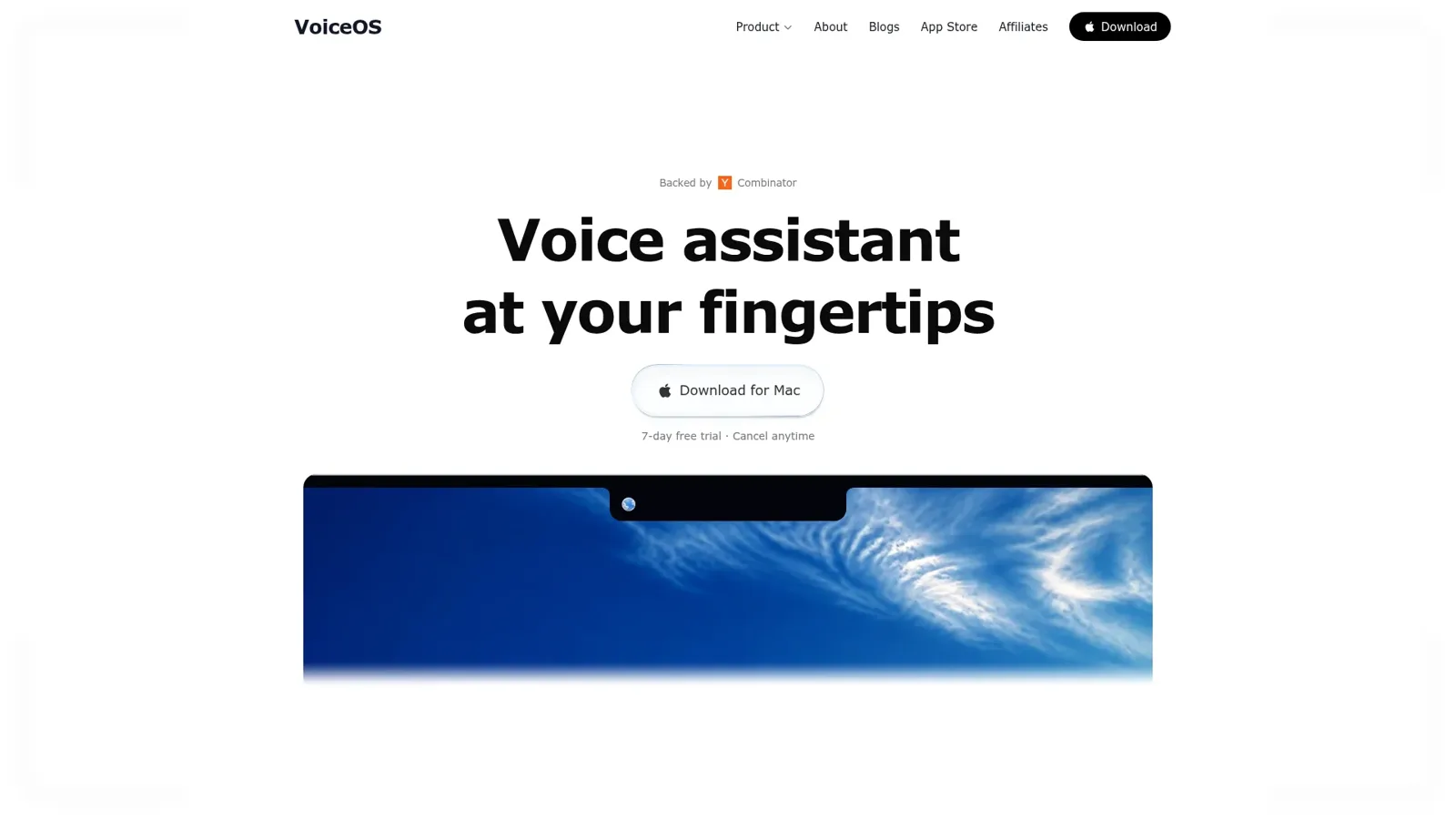
VoiceOS turns speech into actions, not just text. Image: VoiceOS
Price: Pro is $11.99 a month billed annually, with a 7-day free trial. Students get 50% off.
VoiceOS goes past dictation. You can tell it to send the email, file the ticket, or schedule the meeting, and it does it in the right app.
Key features:
Dictation in every app, in 100 languages.
Agent mode for actions across apps.
Point anywhere on your screen and talk about it.
Audio is never stored on its servers or used to train models.
Better or worse than Wispr Flow? Better if you want a voice assistant that acts for you. If you only want fast typing, Wispr Flow or Superwhisper are simpler.
VoiceOSVoice assistant to control your MacVisit WebsiteVoiceOS is an AI voice assistant software designed for Mac and Windows. It enables users to dictate text, send messages, search the web, and automate application actions using voice commands. This tool is particularly beneficial for individuals seeking hands-free control and improved efficiency in their daily desktop tasks.
- Dictate text and documents using voice commands for hands-free writing.
- Send messages and emails through voice activation without manual input.
- Perform web searches and retrieve information using voice queries.
- Automate repetitive tasks and app actions with customizable voice commands.
- Compatible with both Mac and Windows operating systems for versatile use.
VoiceOS provides a practical solution for users looking to enhance productivity through voice commands. By facilitating hands-free text dictation, message sending, and web searches, it streamlines daily tasks. Its ability to automate repetitive actions further supports efficiency, making it a valuable tool for both Mac and Windows users seeking to optimize their workflow.Visit Website
Is the built-in Mac dictation good enough?
macOS has free dictation. Press the dictation key or turn it on in System Settings, then Keyboard. It works in any text field.
It does not clean up filler words, learn your writing style, or rewrite your speech into a polished email. That is what the apps above add.
FAQ
Is there a free Wispr Flow alternative?
Superwhisper's free tier includes unlimited use of local Whisper models. macOS dictation is also free.
What is the best offline Wispr Flow alternative for Mac?
Superwhisper, HoldSpeak, LocalBolo, and Whisper all run on your Mac without the internet. HoldSpeak is the cheapest at $19 once.
Is there a Wispr Flow alternative with a one-time price?
Yes. HoldSpeak ($19), Speakmac ($29), and LocalBolo ($49) are one-time purchases. Superwhisper also sells a $249.99 lifetime license.
Is Superwhisper better than Wispr Flow?
For offline use, custom modes, and a lifetime option, yes. Wispr Flow is easier to set up. See Wispr Flow vs Superwhisper.
Does Wispr Flow work offline?
No. Wispr Flow needs an internet connection. Use Superwhisper with a local model, HoldSpeak, LocalBolo, or Whisper for offline dictation.
Verdict
Pick Superwhisper for the best all-round Wispr Flow alternative. Choose HoldSpeak for cheap private dictation, Speakmac for dictation with meeting notes, LocalBolo for on-device cleanup, Whisper for offline use on Mac and PC, and VoiceOS if you want your voice to take actions.
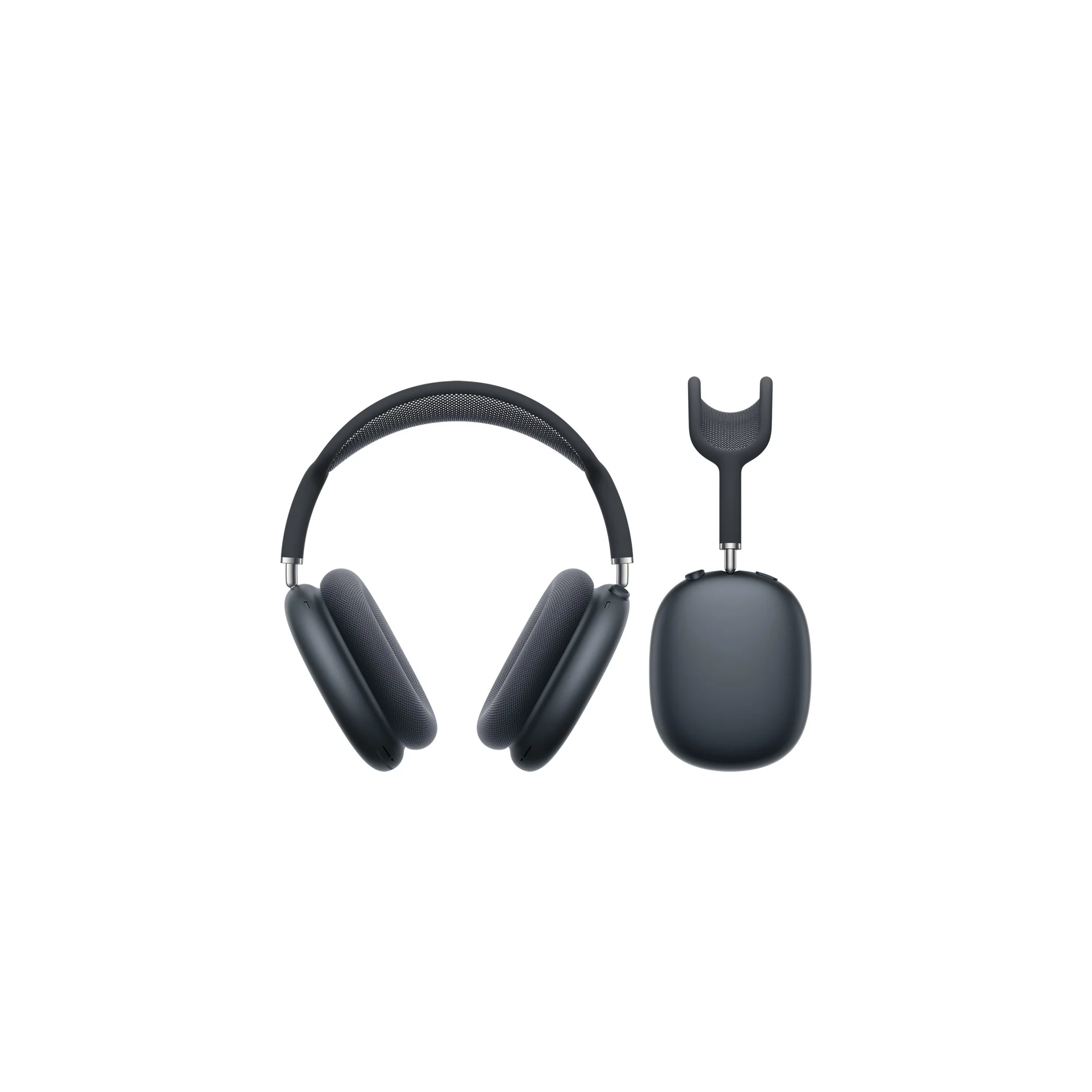
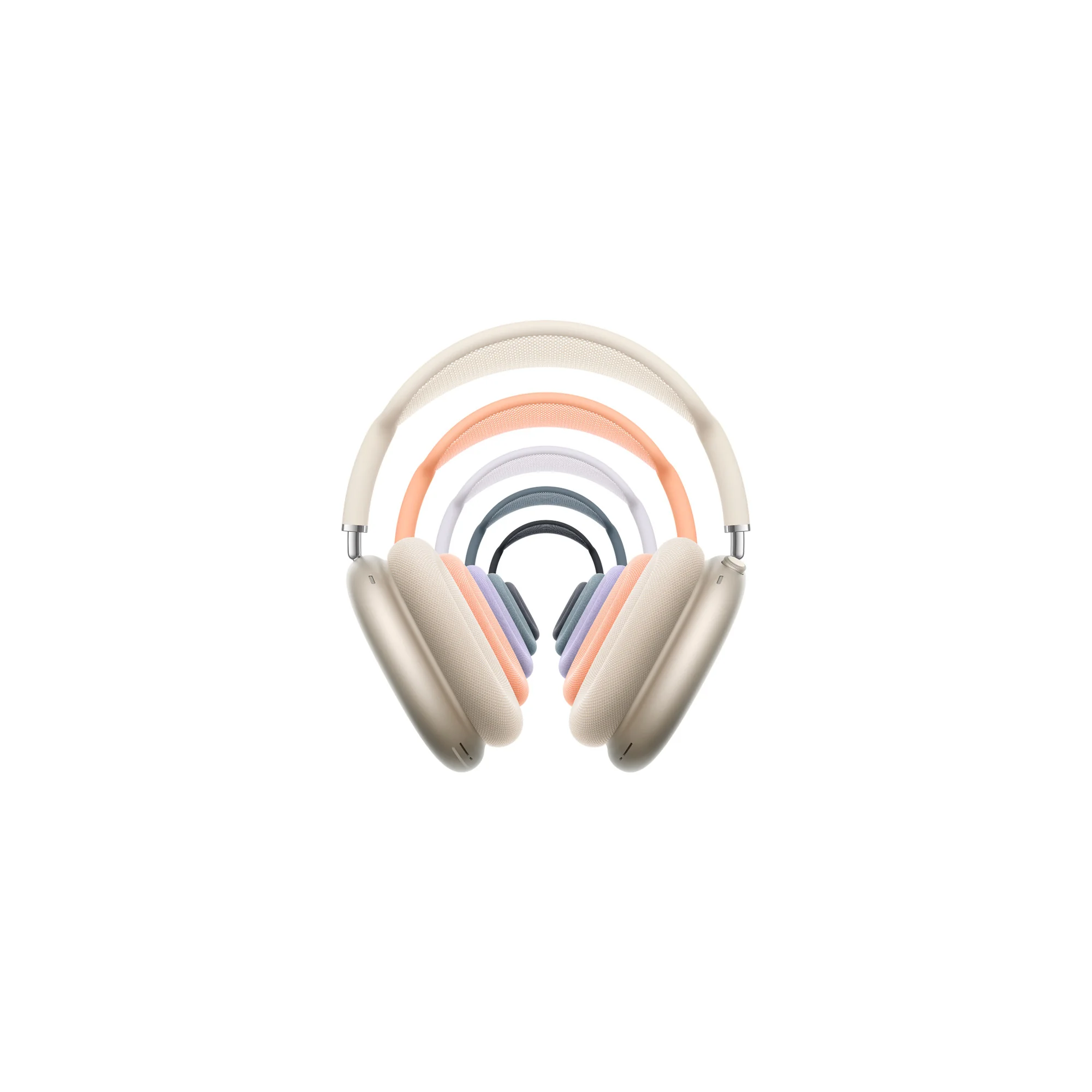
Apple's over-ear headphones with the H2 chip, USB-C, and up to 20 hours of listening.
HardwareAudiomacOS & iOS & iPadOS
DaisyDisk
A visual disk space analyzer for Mac, with a lifetime license.
One-time
DaisyDisk is a Mac disk space analyzer that shows your drive as an interactive sunburst map, so you can find the largest files and folders and drag them to the Trash.
- Scans the startup disk in seconds and works with internal, external, and network volumes, plus cloud folders in the full version.
- An interactive map with Quick Look for file previews, and in-app deletion.
- Detects hidden and purgeable space. The stand-alone edition can reveal that space, purge it, and scan as an administrator.
- A one-time lifetime license for up to 5 personal Macs, with minor updates included and a 30-day money-back guarantee.
- A free trial can scan and browse the map. Deleting files, admin scans, and cloud scans need a license.
DaisyDisk is sold on daisydiskapp.com for $9.99, and also on the Mac App Store. The stand-alone edition has a few features the App Store edition cannot include.
SoftwareUtilitiesmacOS
Sol
A free, open source Mac launcher focused on speed and simple tools.
Free
Sol is a free, open source app launcher for macOS. It is made for speed, with little setup, and it is released under the MIT License.
- Launch apps, run calculations, pick emoji, and bind global shortcuts from one palette.
- A clipboard manager, a keyboard-driven window manager, calendar integration, and quick notes.
- Translation, a process manager, media key forwarding, a MacBook notch hider, and developer commands such as cleaning derived data.
- Install with Homebrew using brew install --cask sol, or download a release from the official site.
Sol has no paid plan or subscription. It is a good fit if you want a Raycast-style launcher without paying for a Powerpack or a Pro plan.
SoftwareProductivitymacOS
LaunchBar
A keyboard launcher for Mac that finds apps, files, and actions from short abbreviations.
Freemium
LaunchBar 6 is a long-running Mac launcher from Objective Development. You press a shortcut, type an abbreviation, and use it to open apps, browse files, run actions, and more, without taking your hands off the keyboard.
- Abbreviation search for applications, documents, bookmarks, contacts, and system items.
- Clipboard history, snippets, a calculator, a file manager, web search with live suggestions, and script-based actions.
- Built-in indexing rules for Finder tags, emoji, Shortcuts, Reminders, Safari lists, and more.
- A 30-day trial. After that, LaunchBar can still be used for free, with occasional short breaks that invite you to buy a license.
- A Single License is $35 or €35, depending on the store region. A Family License is €59 and covers up to 5 computers in one household, for personal use.
LaunchBar suits people who already like typing short abbreviations, and anyone who wants a one-time license instead of a subscription.
SoftwareProductivitymacOS
NotchNook
Turn the MacBook notch into a hub for music, files, calendar, and live activities.
Paid
NotchNook turns the MacBook notch into a panel (the Nook) for music, calendar, files, widgets, and live activities. On Macs without a notch, a slim handle at the top of the screen opens the same Nook.
- NotchNook Pro is the rebuilt edition, with a Liquid Glass or classic black notch, lyrics, a file converter, clipboard and Pocket, a teleprompter, a terminal, and approvals for AI agents such as Claude Code and Codex.
- NotchNook Classic is the original app: media controls, calendar, Nook widgets, and a file Tray, and it still runs on Intel Macs.
- Both editions have a 48-hour free trial (no card), cover up to 2 Macs, and include updates while the license is active.
- Pro is $19 for a lifetime license or $3 a month. Classic is $15 for a lifetime license or $2 a month.
- Pro needs Apple silicon and macOS 14.6 or later. Classic also runs on Intel Macs with macOS 14.6 or later.
NotchNook is a good fit if you want the notch to hold everyday controls, not just music, in one paid app.
SoftwareUtilitiesmacOS
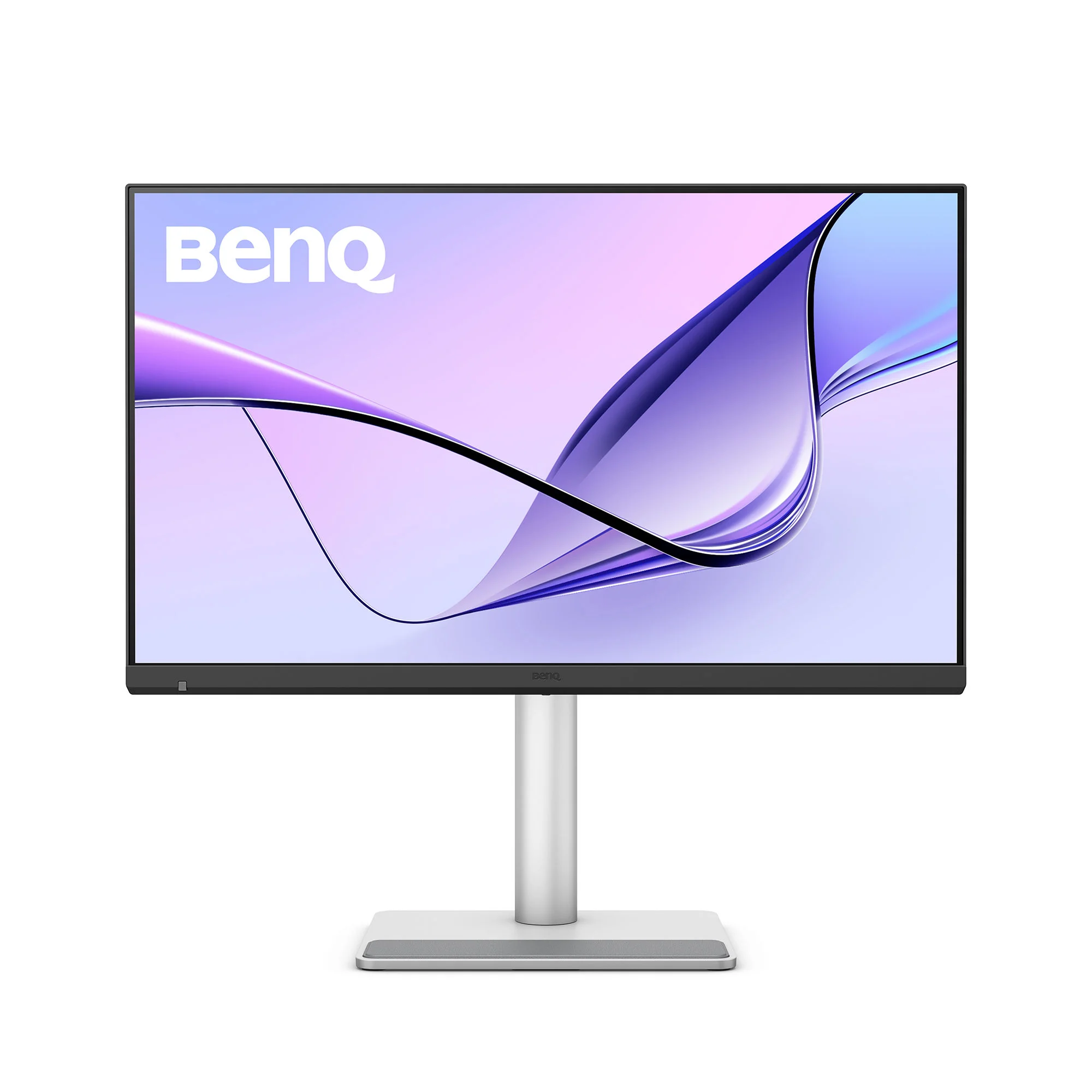
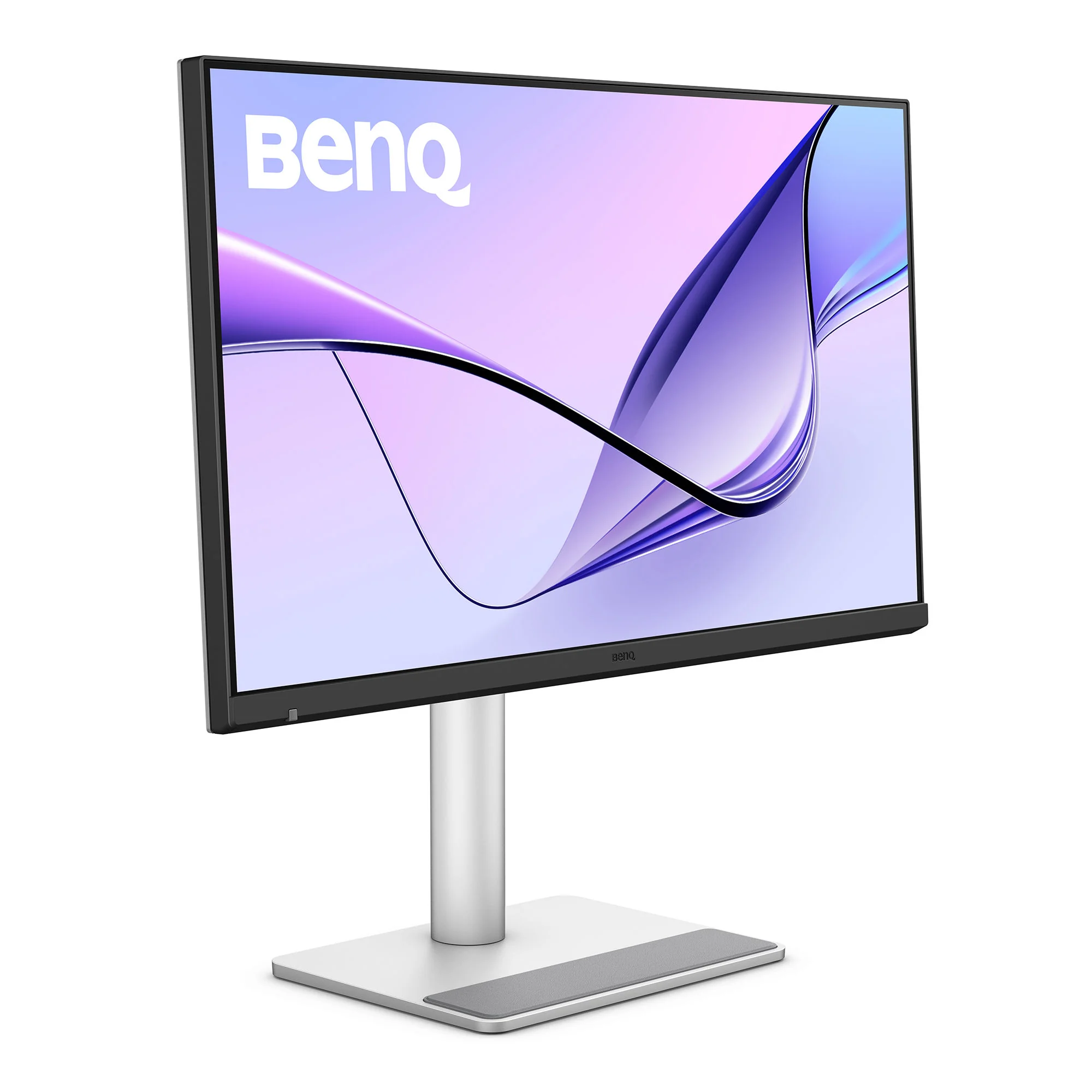
BenQ MA270S
A 27-inch 5K Nano Gloss monitor with Thunderbolt 4, built for Mac.
HardwareDisplaysmacOS
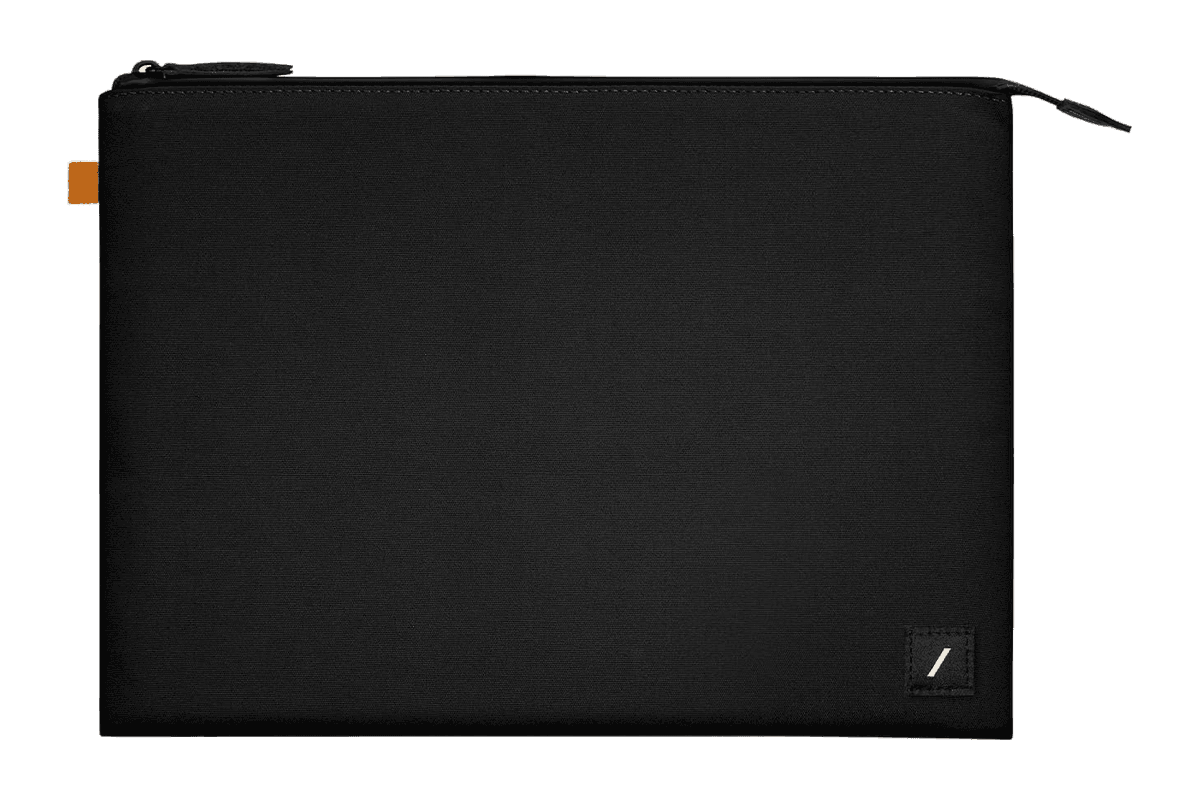
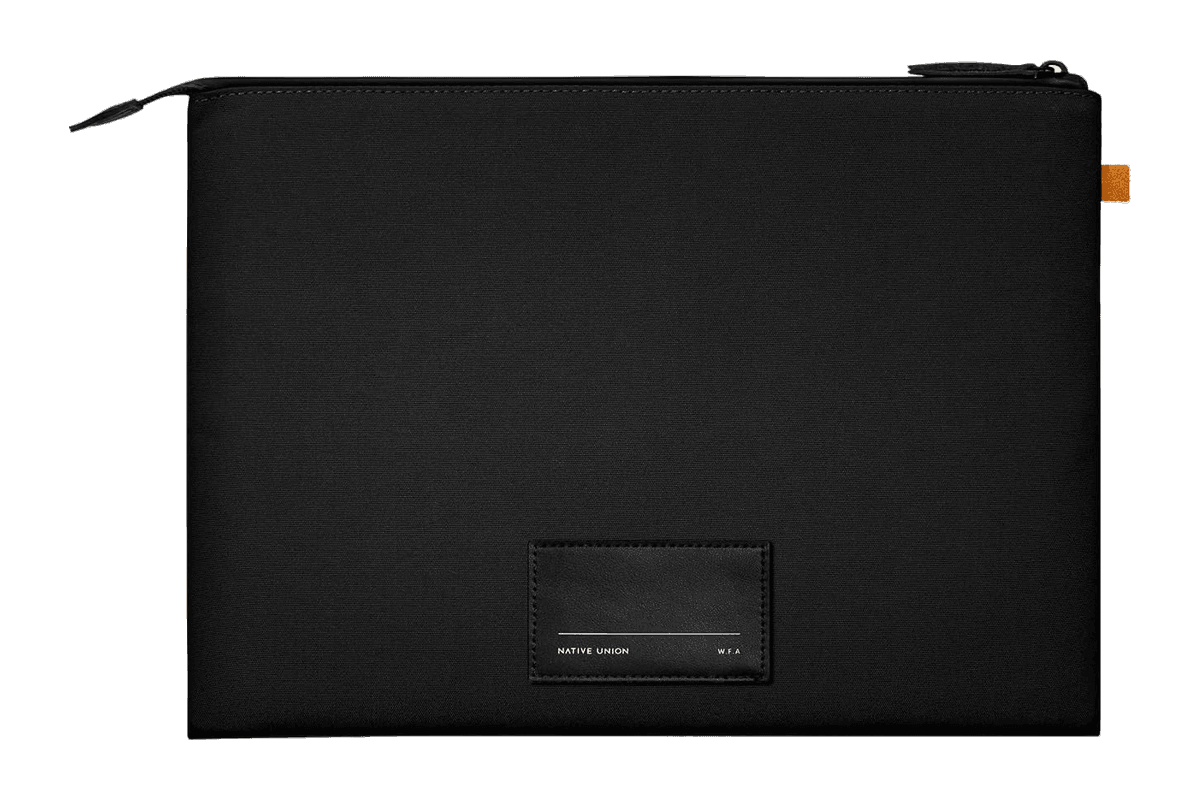
W.F.A Sleeve for MacBook (14″)
A slim black sleeve with a padded lining for the 14-inch MacBook Pro.
HardwareAccessoriesmacOS
Monument Valley
Surreal puzzle adventure with optical illusions
One-time
Monument Valley is a puzzle game where players manipulate fantastical architecture to guide the silent princess Ida through mysterious monuments.
- Hand-crafted worlds inspired by minimalist 3D design and optical illusions
- Reshape environments by twisting and dragging to uncover hidden paths
- Audio adapts to in-game actions to create a surreal soundscape
- iCloud support allows gameplay synchronization across devices
- Animated iMessage sticker pack included for iOS 10 and above
- Optional separate purchase of eight additional chapters in Forgotten Shores
Monument Valley requires iOS 15.0 or later and is priced at $3.99 with optional in-app purchases for extra chapters. A compatible iOS device is required.
SoftwareCreativeiOS & iPadOS
Discrity
Monitor and control camera and mic access
One-time
Discrity is a menu bar app for Mac that detects and reports which applications are using your camera and microphone. It provides instant alerts and allows you to stop access in one click.
- Displays which app is using the camera/microphone, and lets you stop it immediately
- Notifies you within two seconds when camera or microphone access is activated
- Keeps a local, filterable history of all camera and microphone usage by app, time, and duration
- Monitors and reports activity during lock screen, including keyboard and trackpad input and device changes
- Speaker guard automatically mutes speakers when headphones disconnect
- No account required; history and data stay on your Mac
Discrity is available as a direct download with a 7-day free trial. Continued use requires a one-time purchase of €7.99 per Mac. Requires macOS 14 or later.