Created November 12, 2026Updated November 12, 2026
DaisyDisk is the well-known Mac app that turns your disk into a colorful sunburst map, so you can see which folders are eating the space. It costs $9.99 once for a lifetime license.
If you want a different map, a broader cleaner, or a free visualizer, these are the best DaisyDisk alternatives for Mac.
What is DaisyDisk and how much does it cost?
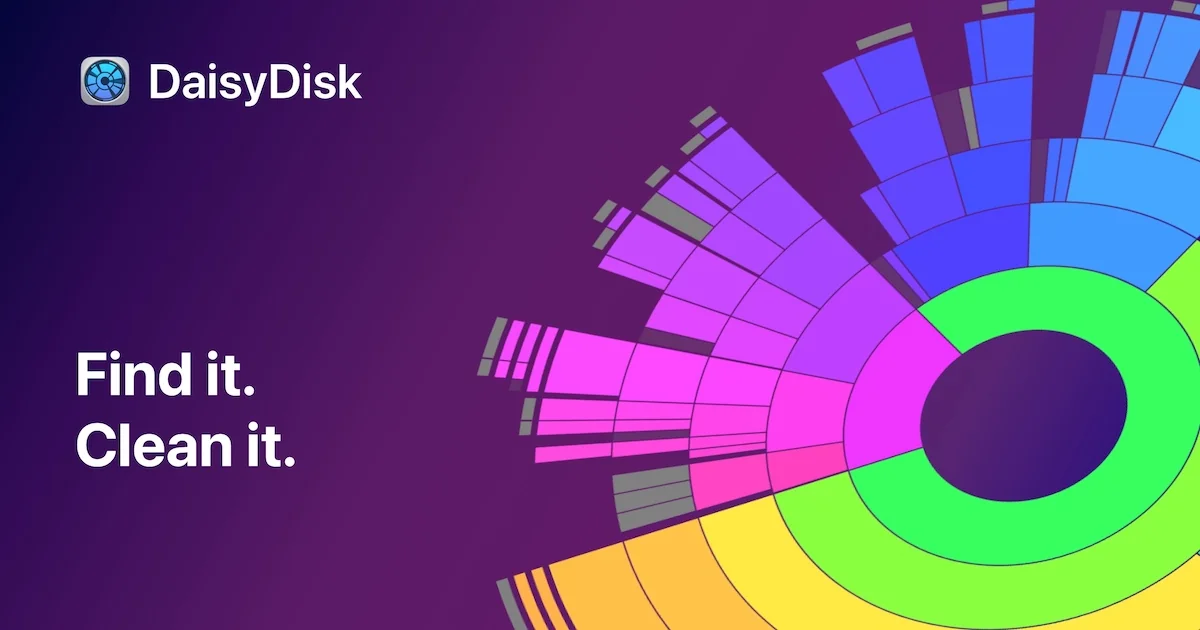
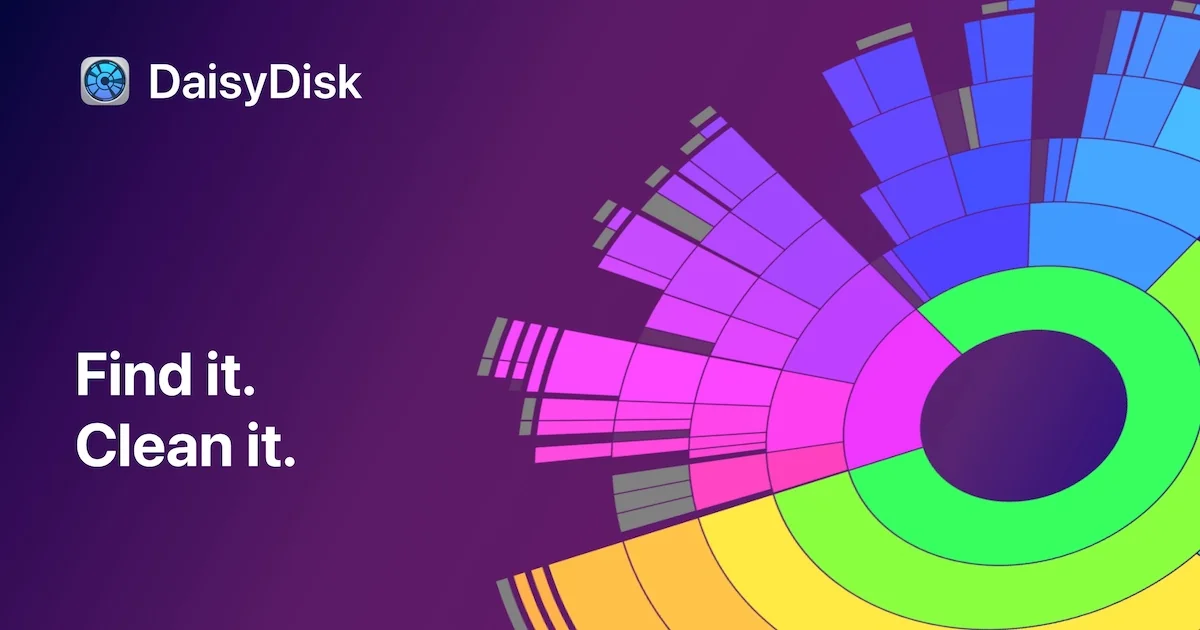
DaisyDisk shows your disk as an interactive sunburst map. Image: DaisyDisk
DaisyDisk scans a Mac volume and shows the result as an interactive map. You click into a large slice, preview files with Quick Look, and drag what you do not need to the Trash.
Shotbase is a comprehensive tool designed to capture and manage all your screen-based content effortlessly. With features like stunning screenshot capabilities, recording options that include cinematic effects, and an intuitive organizational structure powered by local AI, you can easily keep your multimedia assets organized and accessible. Shotbase not only allows you to capture specific areas, windows, or full screens on your Mac but also enables you to edit and enhance your captures with backgrounds, frames, and annotations. The integrated AI ensures your captures are automatically named and tagged for easy searching, making it an excellent choice for anyone looking to enhance their productivity and creativity in one seamless workspace.
SoftwareCreativemacOS
DeskMinder
For Easily Distracted Minds
Freemium
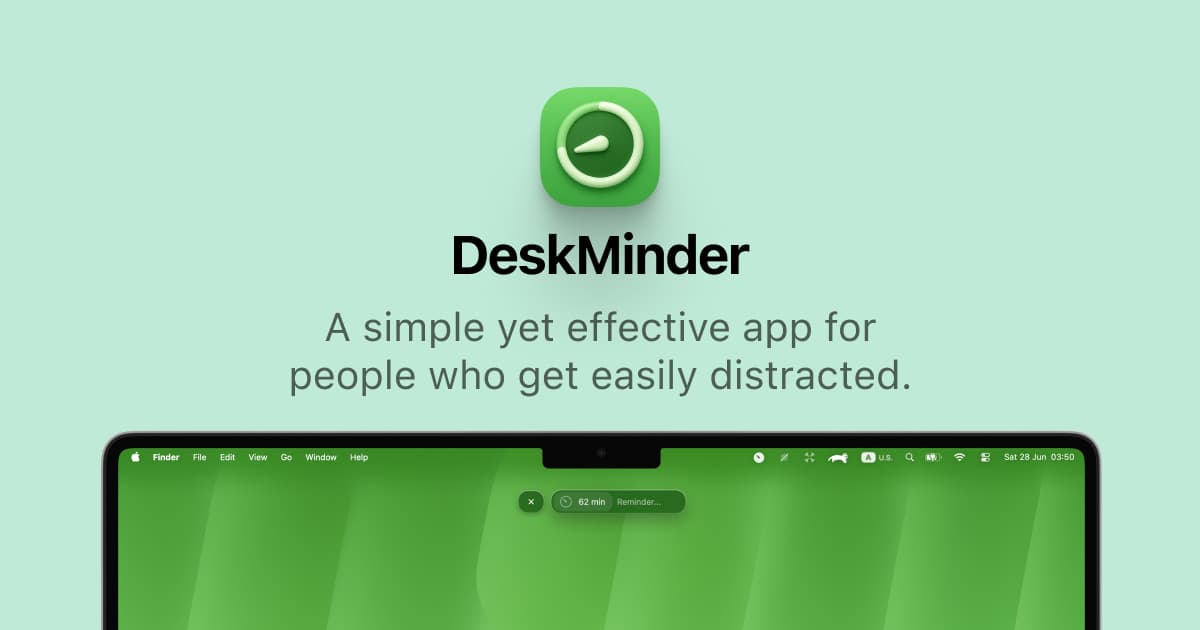
DeskMinder is a productivity software application designed for Mac users who struggle with distractions. It provides a straightforward interface for creating desktop pop-up reminders and tasks, helping users manage urgent to-dos, short breaks, and fleeting ideas. With features like full-screen notifications and Apple Reminders integration, DeskMinder aims to enhance focus and time management for i
- With features like easy-to-create desktop pop-ups for reminders and tasks, it simplifies the process of staying on top of urgent to-dos, short breaks, or fleeting ideas.
- Users can benefit from full-screen notifications, Apple Reminders integration, and flexible widget placement, making it ideal for anyone requiring a little extra help to maintain focus.
- The app includes additional shortcuts for quick reminder setups and customizable widget options, along with a history tracking feature to monitor daily progress.
Designed specifically for Mac users, DeskMinder aims to facilitate better time management and productivity for those with attention challenges, providing a seamless user experience without unnecessary complexity.
SoftwareProductivitymacOS
Klack
Satisfying sound with every keystroke
Paid
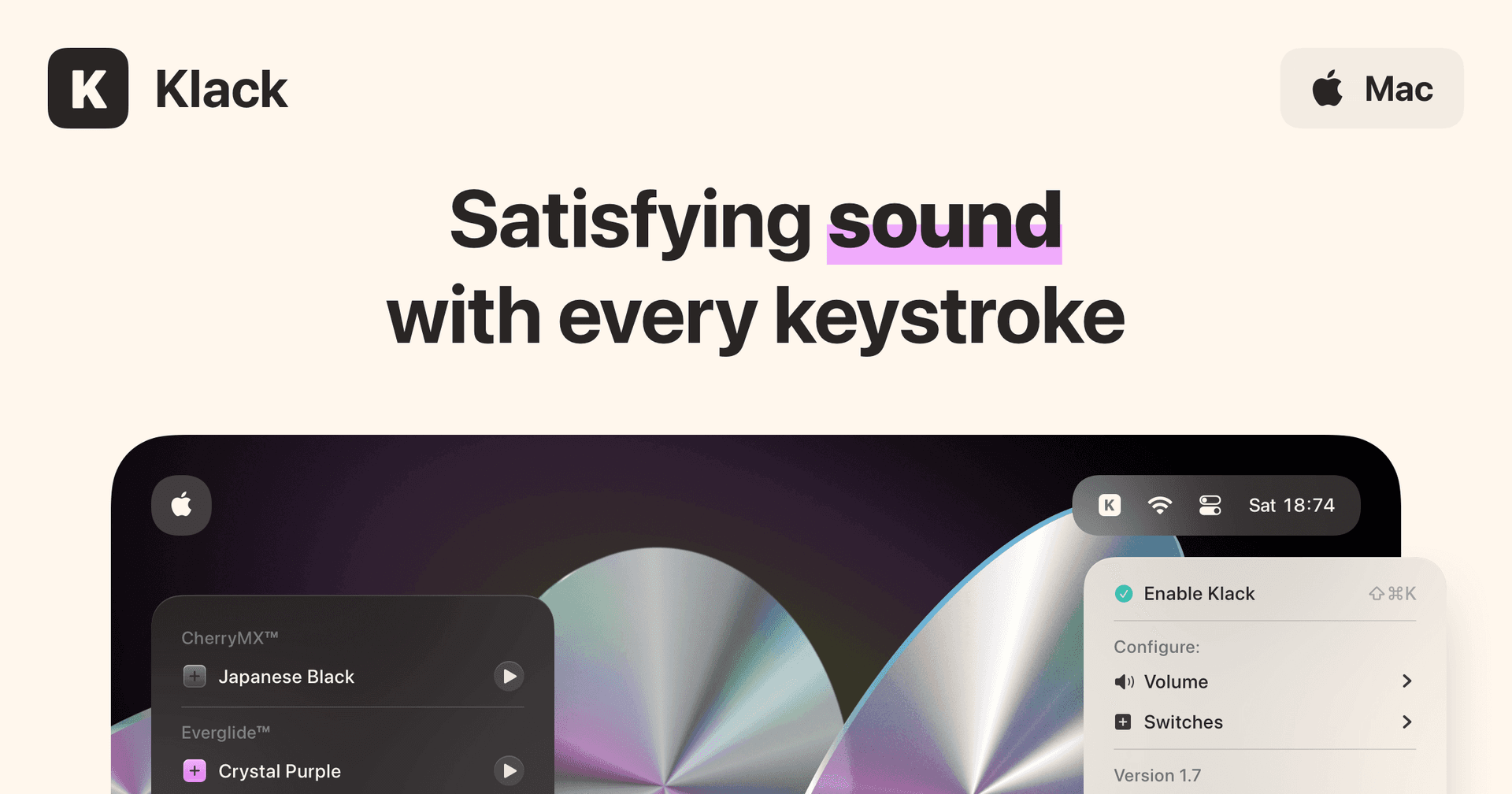
Klack is a macOS application designed to enhance the typing experience through high-fidelity sound for each keystroke. It provides features such as immersive spatial audio, instant feedback, and customizable sound options, making it suitable for writers, developers, and anyone who values an engaging typing environment. The app is easily accessible from the menubar and offers extensive configuratio
- Provides immersive spatial audio for enhanced typing feedback.
- Allows customization of keystroke sounds, pitch variations, and volume settings.
- Features a menubar interface for quick access to configuration options.
- Supports instant feedback with each keystroke for a more engaging experience.
- Designed for writers and developers seeking auditory feedback while typing.
Klack enhances the typing experience on Mac by providing high-fidelity sound for each keystroke.
SoftwaremacOS
TypoTab
TypoTab, the ultimate AI writing assistant for
Paid
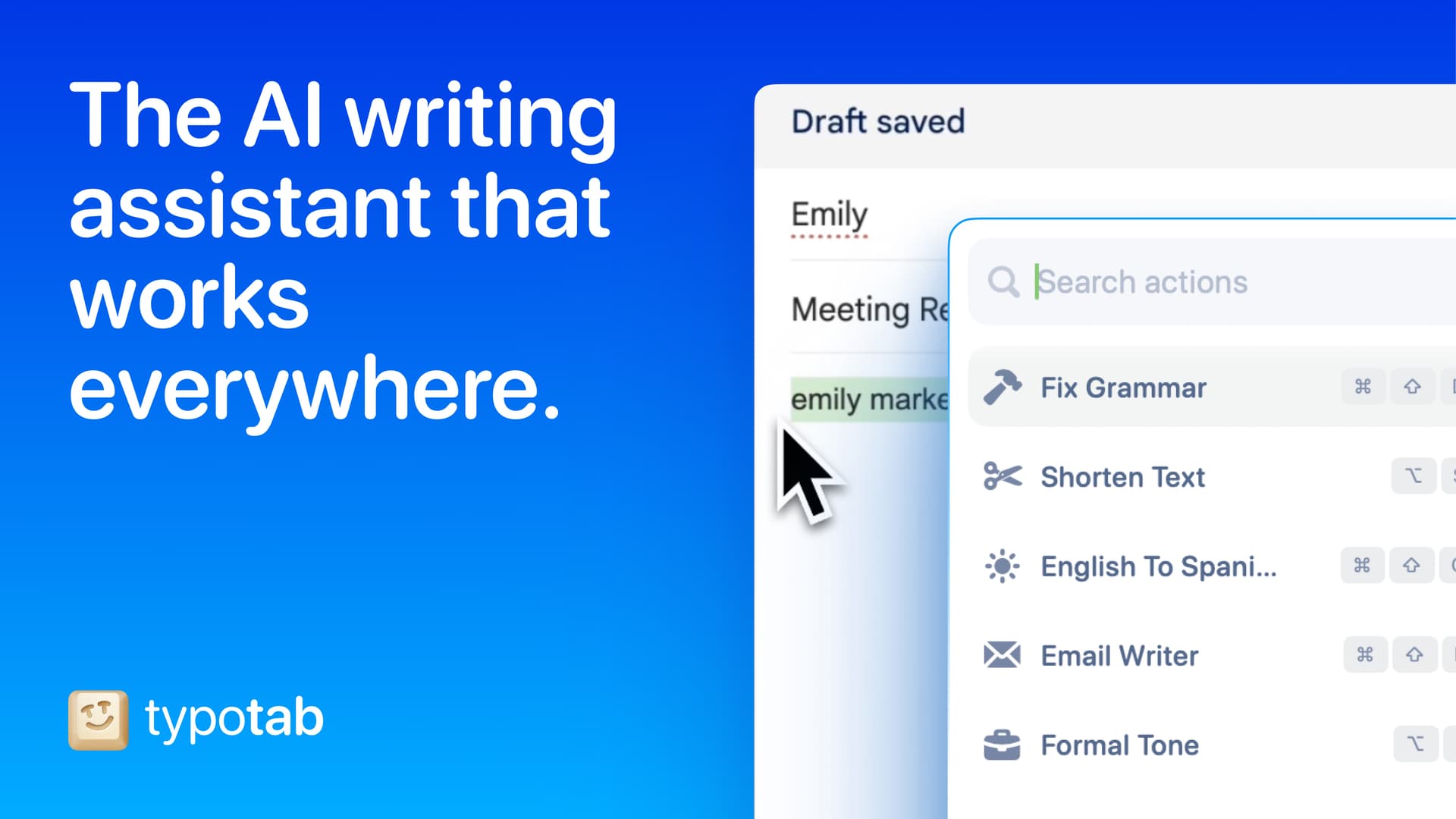
TypoTab is a macOS application that functions as an AI-driven writing assistant. It enhances writing efficiency by providing tools for grammar correction, text rephrasing, and content generation, all accessible from the menu bar without needing to switch applications. This tool is designed for writers, students, and professionals looking to streamline their writing process and improve productivity
- Provides grammar correction and text rephrasing directly from the menu bar.
- Allows text refinement in any application without switching contexts.
- Offers customizable actions to meet individual writing needs.
- Streamlines repetitive writing tasks for improved efficiency.
- Supports a wide range of applications, enhancing workflow across platforms.
TypoTab is a macOS application that enhances writing efficiency by providing grammar correction, text rephrasing, and content generation directly from the menu bar. It allows users to refine text in any application without switching contexts, offering customizable actions to suit individual writing needs.
SoftwareProductivitymacOS
Tapestry
Chronological timeline for all your feeds
Freemium
Tapestry unifies your favorite blogs, social media, and other feeds into a single, chronological timeline. It supports posting and interactions on Bluesky and Mastodon directly from the app.
- Combines Bluesky, Mastodon, Tumblr, RSS feeds, podcasts, YouTube channels, and more into one timeline
- Displays all content in chronological order with no algorithmic curation
- Compose, reply, and read discussions on Bluesky and Mastodon within the app
- Supports custom timelines, rules to mute or muffle content, and advanced search across all feeds
- Syncs reading position across iOS, iPadOS, and macOS using iCloud
- Features accessibility support, customizable app layout, icons, and reading modes
Tapestry is free to download, with paid upgrades for features such as ad removal and custom timelines. It requires iOS 17.4 or later.
SoftwareNewsiOS & iPadOS
AVE
Local-first AI video editing for Mac
Freemium
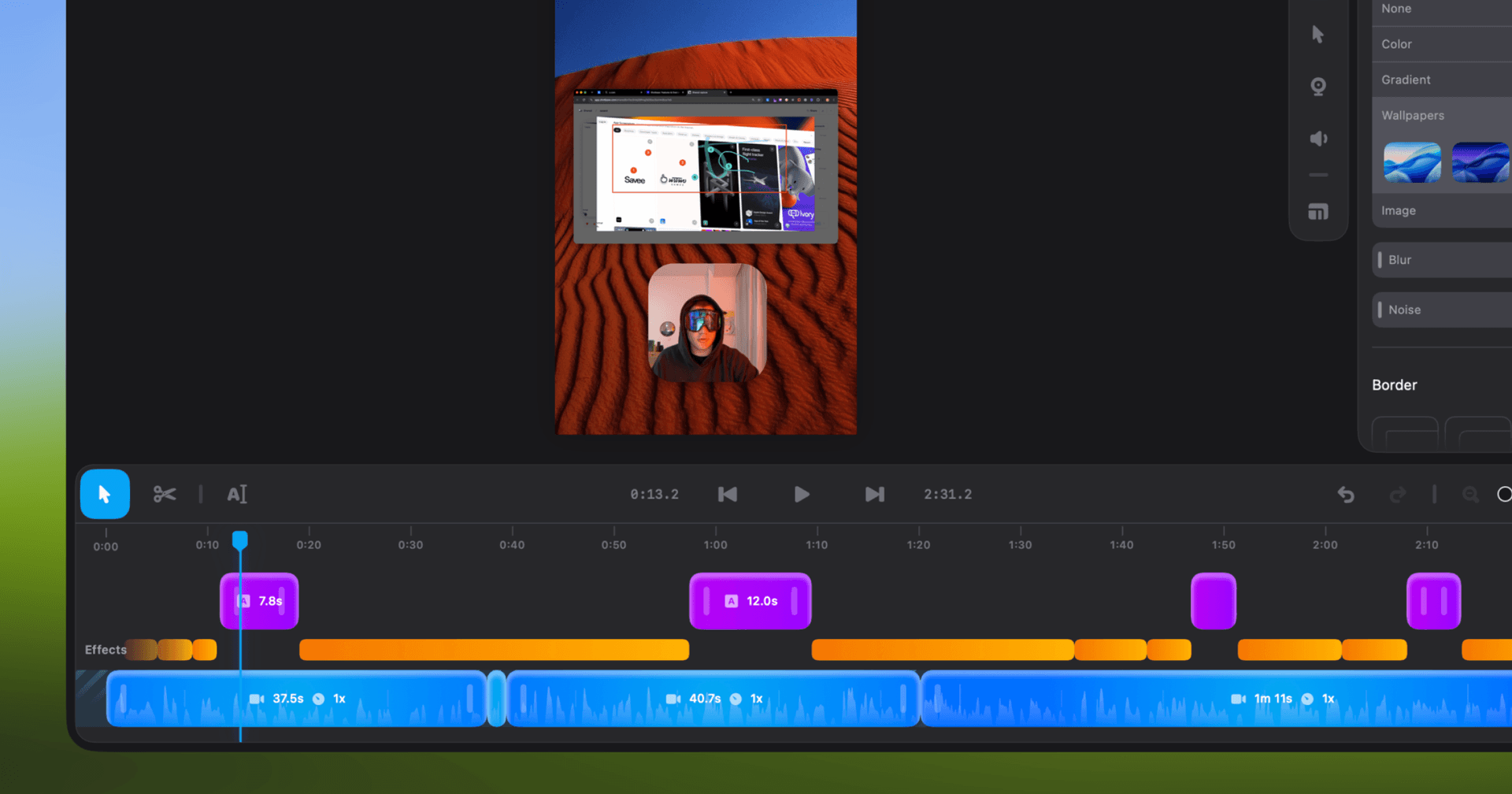
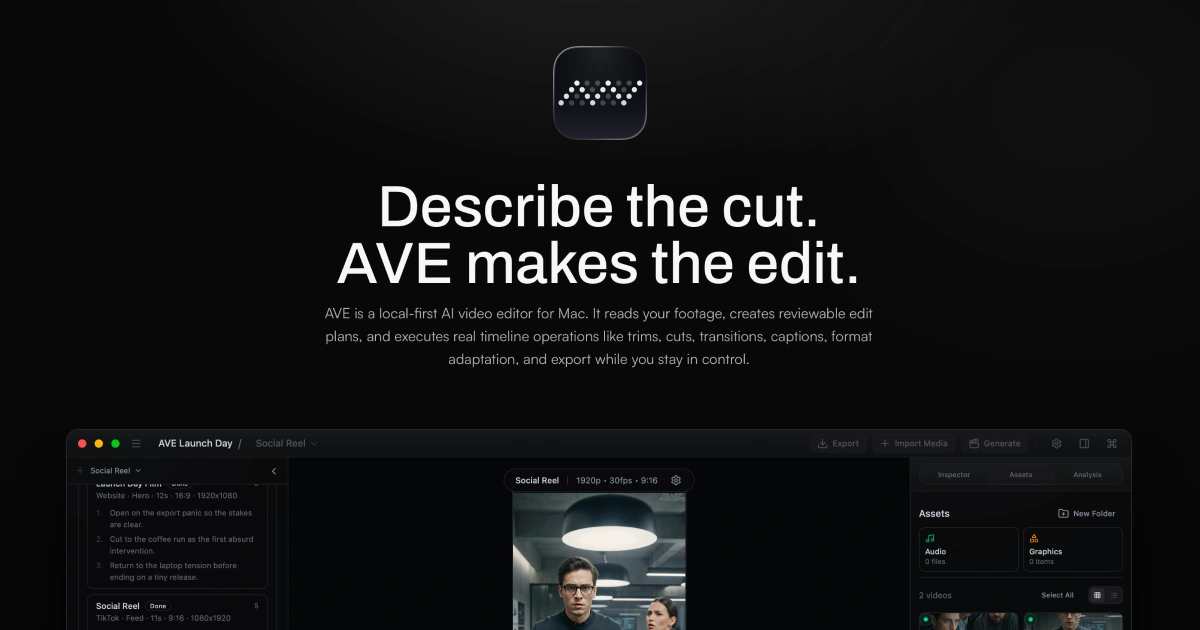
AVE is a local-first agentic video editor for Apple Silicon Macs, integrating AI-assisted editing, screen recording, and motion graphic creation within a non-linear timeline.
- Records screen, window, or area with camera and audio (macOS 15+ required for recording)
- AI-assisted editing with Ask and Plan modes, including transcript and visual clip search
- Custom motion graphics with on-device rendering or external AI provider integration
- Multi-track timeline with real edits—trim, retime, transitions, captions, graphics, color, audio automation
- Exports up to 4K UHD in multiple aspect ratios and file formats (MP4, MOV, WebM, SRT, WebVTT, FCPXML)
- Local-first project storage and analysis; external AI connections are optional
AVE requires an Apple silicon Mac with macOS 14 or later; screen recording needs macOS 15. Manual editing and export remain free after the seven-day Pro trial. Pro adds transcript and AI tools, with subscription or lifetime payment options.
SoftwareCreativemacOS
SkyBreak
Break reminder and focus timer for Mac
Freemium
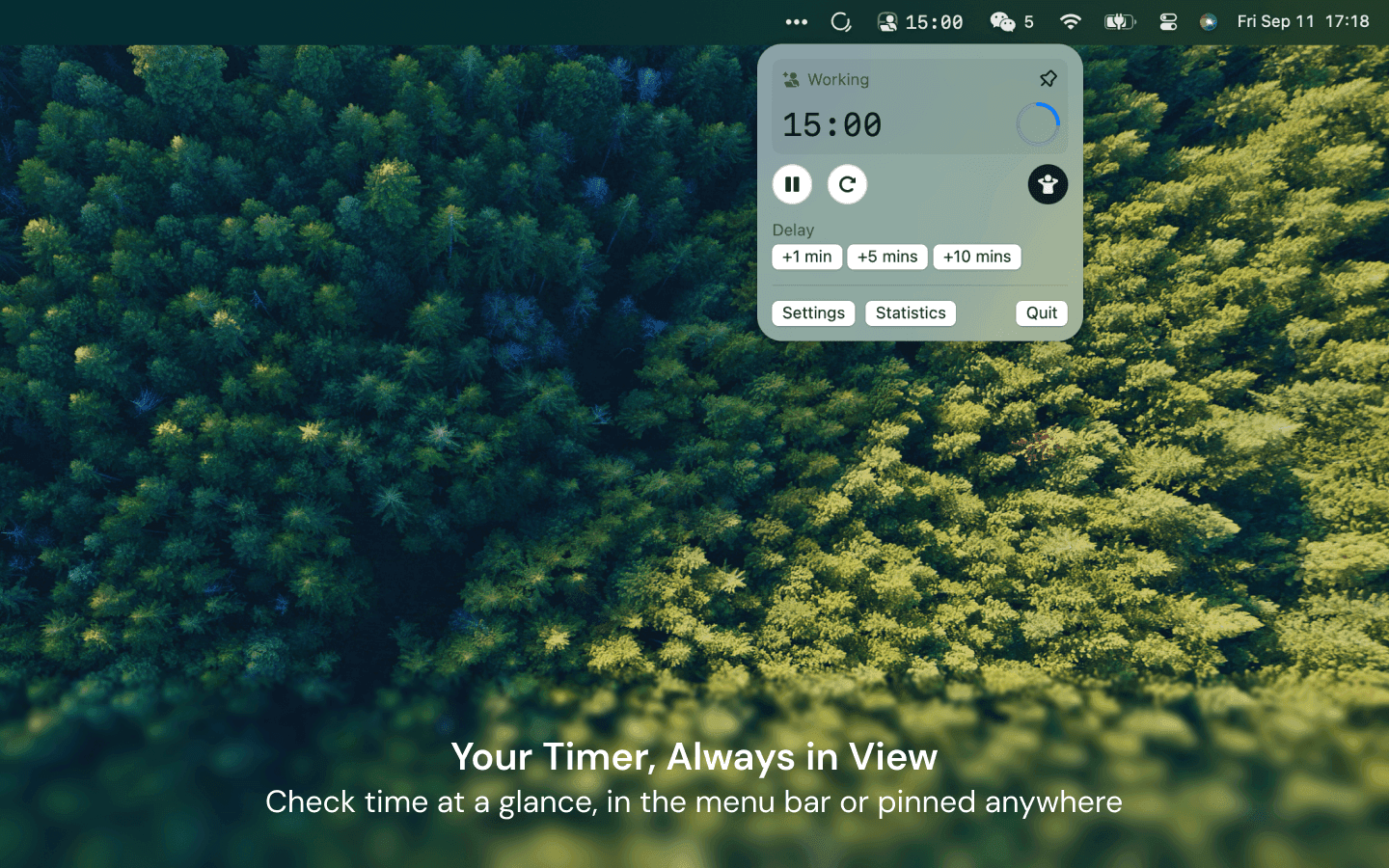
SkyBreak is a Mac app for users who spend significant time at a screen. It provides a break reminder and focus timer to help establish a sustainable work rhythm with scheduled breaks and focus sessions.
- Menu bar timer that can be detached and pinned anywhere
- Preset durations for focus, short breaks, and long breaks
- Preset number of focus sessions required before a long break
- Gentle prompts before each break with the option to extend the current session
- Support for custom scenery folders to display user photos during breaks
- Daily focus and break statistics visualized with charts
SkyBreak is free on Mac with optional in-app purchases for Pro features, such as custom durations and enhanced automation. It requires macOS 14.0 or later to install and use.
SoftwareHealthmacOS
Monument Valley 2
A story of beauty and illusion
One-time
Monument Valley 2 is a sequel to the original game, guiding a mother and her child through magical architecture filled with illusionary pathways and puzzles. It features a new standalone story and intricately designed levels for iPhone and iPad.
- Features a completely new story set in the Monument Valley universe
- Contains individually crafted, meditative puzzles with new interactions
- Showcases visuals inspired by diverse architectural and artistic influences
- Offers interactive, melodic audio soundscapes tailored to the journey
Monument Valley 2 is a paid app priced at $3.99 with no free tier available. Compatible with devices running iOS 15.0 or later; purchase is required to access the full experience.
SoftwareCreativeiOS & iPadOS
WeMotion
AI-powered Mac app for motion graphics
Free
WeMotion is a Mac app that uses AI to help users create motion graphics, including films, product videos, social clips, and title sequences. The software builds films from user descriptions, allowing both automatic and manual control.
- Generates films from plain language descriptions
- Live playback with pause and instant edits on any film element
- Supports AI-directed and full manual Pro modes for advanced users
- Includes built-in and customizable motion effects
- Supports up to 4K at 60 fps with local hardware encoding
- Stores project files locally; users retain all ownership rights
WeMotion is free to download for Macs with Apple silicon running macOS 13 or later. Requires a free WeMotion account and a paid Anthropic Claude Pro, Max, or API key (no usable free Claude plan).
SoftwareCreativemacOS
Price (checked November 12, 2026): $9.99 once on daisydiskapp.com. The license is lifetime, with minor updates included, and it can be used on up to 5 personal Macs. There is a 30-day money-back guarantee. A free trial can scan and browse the map. Deleting files, scanning as an administrator, and scanning cloud storage need a paid license.
The stand-alone edition, sold on the official site, can reveal hidden and purgeable space and scan as an administrator. The Mac App Store edition is also $9.99, with a few of those advanced features limited by sandboxing. The official site lists macOS 10.13 or newer, on Apple silicon and Intel.
Key features:
A fast scan of the startup disk, plus internal, external, and network volumes.
An interactive sunburst map with in-app deletion and Quick Look.
Detection of hidden and purgeable space.
DaisyDiskA visual disk space analyzer for Mac, with a lifetime license.Visit WebsiteDaisyDisk is a Mac disk space analyzer that shows your drive as an interactive sunburst map, so you can find the largest files and folders and drag them to the Trash.
- Scans the startup disk in seconds and works with internal, external, and network volumes, plus cloud folders in the full version.
- An interactive map with Quick Look for file previews, and in-app deletion.
- Detects hidden and purgeable space. The stand-alone edition can reveal that space, purge it, and scan as an administrator.
- A one-time lifetime license for up to 5 personal Macs, with minor updates included and a 30-day money-back guarantee.
- A free trial can scan and browse the map. Deleting files, admin scans, and cloud scans need a license.
DaisyDisk is sold on daisydiskapp.com for $9.99, and also on the Mac App Store. The stand-alone edition has a few features the App Store edition cannot include.Visit Website
DiskBuddy: best DaisyDisk alternative for a full-disk overview
Price: $9 once on diskbuddy.com, checked November 12, 2026. The site says this is a launch price, and that it will rise to $49 after 400 copies are sold. There is no subscription. One key covers Mac and Windows, and you activate it on one Mac at a time (you can deactivate it to move). It needs macOS 14 or later.
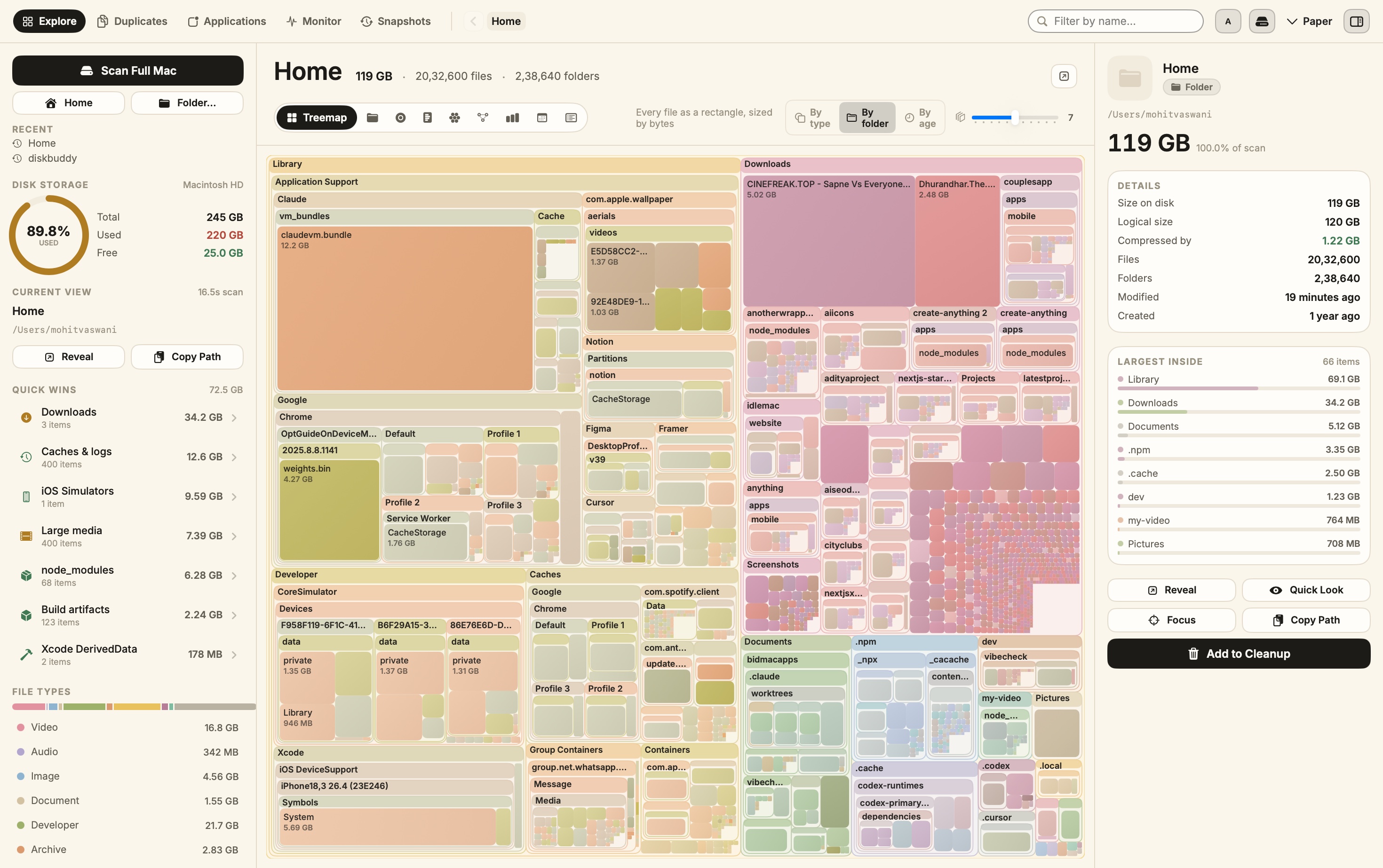
DiskBuddy is a native Mac app that maps the whole disk in one scan. It explains the familiar storage bar from System Settings, names every slice, and groups things you can clear: caches, duplicates, leftovers, old downloads, and apps. Nothing is deleted outright. Everything goes to the Trash.
Key features:
Nine rooms, including Overview, Find, Space, Cleanup, Duplicates, Applications, and Compress.
Local scanning only. No account, and no filenames uploaded.
A review step before anything is staged for the Trash.
Better or worse than DaisyDisk? Better if you want named cleanup categories and a System Settings-style overview, not only a sunburst. DaisyDisk is still prettier as a map, and its $9.99 license covers up to 5 personal Macs instead of one at a time.
DiskBuddyVisualize disk space and clean up filesVisit WebsiteDiskBuddy helps you find what is taking up space on your Mac, then review files before removing them. Scan a folder or drive and explore the results through eight visualizations.
- Browse storage with folder grids, treemaps, sunburst charts, and other views.
- Find duplicate files by content and identify large, old files.
- See app footprints including associated caches, preferences, and logs.
- Compare scan snapshots to see which folders have grown.
- Stage cleanup candidates in a review queue before deleting anything.
Supports macOS 14 or later on Apple silicon and Intel, with external and network drives supported. A one-time license includes all 1.x updates and works on one Mac or Windows machine at a time. File analysis happens locally; activation and periodic license checks require an internet connection.Visit Website
Homy: best DaisyDisk alternative if you also need a Finder replacement
Price: $19 as a special offer (34 of 50 copies remaining when we checked on November 12, 2026), then $29, on tryhomy.app. It is a one-time license, with optional 1, 3, or 5 Mac packs. It needs macOS 14 or later, and it runs on Apple silicon and Intel.
Homy is a visual Finder alternative. It shows your files as large thumbnails, understands plain-English search, finds duplicates, and uses Clean Up cards for old installers, forgotten downloads, and unused apps. Files go to the Trash, not into permanent deletion, and they stay on your Mac.
Key features:
Search such as "pdfs from last week over 5 mb," with visible filters.
On-device text recognition for screenshots, plus a "From" filter for downloads.
A Quick Search panel (Shift-Command-Space) and a menu bar list of recent downloads.
Better or worse than DaisyDisk? Better if your problem is finding files, not only seeing a space map. DaisyDisk is simpler and cheaper if you only want to hunt large folders.
HomyFind files visually and clear clutterVisit WebsiteHomy is a native file browser for Mac that works alongside Finder. Browse files as visual thumbnails, search in plain English, and review clutter without uploading your files.
- Search by file type, date, size, source, and text inside screenshots.
- Open Quick Search from any app and access recent downloads from the menu bar.
- Browse downloads grouped by their original website or app.
- Find identical files and similar photos, then move unwanted copies to the Trash.
- Save searches and optionally automate cleanup of installers and screenshots.
- Use Quick Look, Shortcuts actions, and Playful or Minimal themes.
Requires macOS 14 Sonoma or later on Apple silicon or Intel. A one-time license includes all features and free updates, with options for one, three, or five Macs. File processing runs locally; license and update checks use the network.Visit Website
Mole: best DaisyDisk alternative for cleanup and app management
Price: $19 once for 2 Macs on mole.fit, checked November 12, 2026. No subscription, with free updates and a 14-day refund. Scanning is always free. Each tool works twice for free, then a license is required. It needs macOS 14 or later.
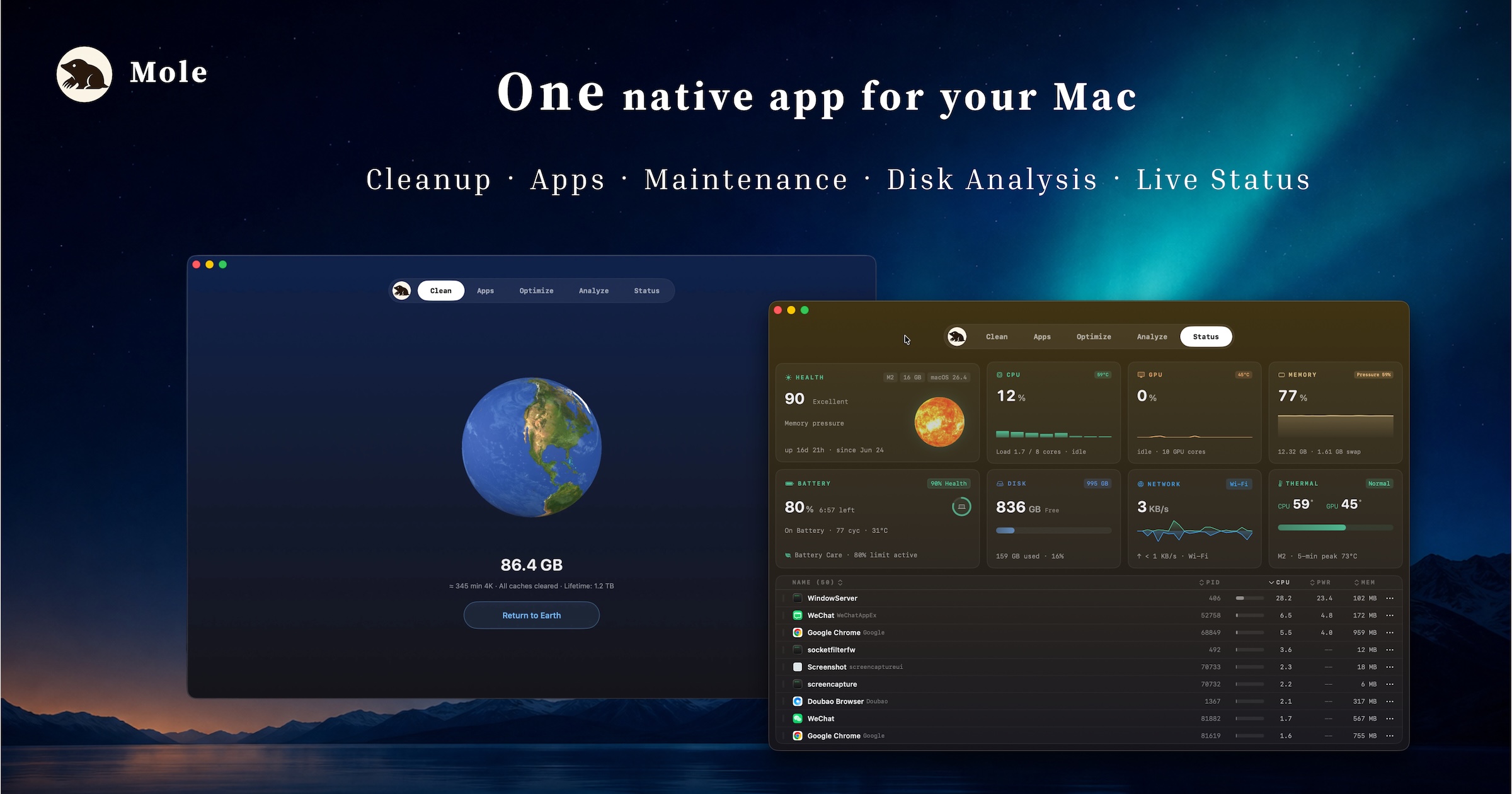
Mole is a native Mac utility for cleanup, software, and status. It can reclaim disk space, uninstall apps with leftovers, update apps from several sources, watch live system status, and run maintenance tasks.
Key features:
Clean and Analyze views so you can see files before they are removed.
Software management for leftovers, startup items, and updates.
A Status view for CPU, memory, disk, and more.
Better or worse than DaisyDisk? Better if you want a cleaner and an uninstaller, not only a map. DaisyDisk is the clearer choice for browsing a disk visually. If you are comparing full cleaners, see our guide to CleanMyMac alternatives for Mac.
MoleStorage cleanup and optimization utilityVisit WebsiteMole is a native macOS storage management utility designed to analyze, clean, and optimize disk space. It consolidates essential tools for managing storage, allowing users to analyze disk usage, remove junk files, completely uninstall applications, find duplicates, and organize their storage efficiently.
- Analyze disk usage to identify large files and folders consuming space.
- Remove junk files to free up storage and improve system performance.
- Completely uninstall applications, including all associated files and data.
- Find and eliminate duplicate files to streamline storage.
- Organize files and folders for easier access and management.
Mole provides a comprehensive solution for macOS users looking to manage their storage effectively. By utilizing its features, users can gain insights into disk usage, eliminate unnecessary files, and maintain an organized file system. This utility is particularly beneficial for those seeking to optimize their device's performance and ensure efficient use of available disk space.Visit Website
GrandPerspective: best free DaisyDisk alternative
Price: free to download from the official GrandPerspective site, checked November 12, 2026. The same developer also offers an App Store edition, which helps cover distribution costs. The current official releases target macOS 14.
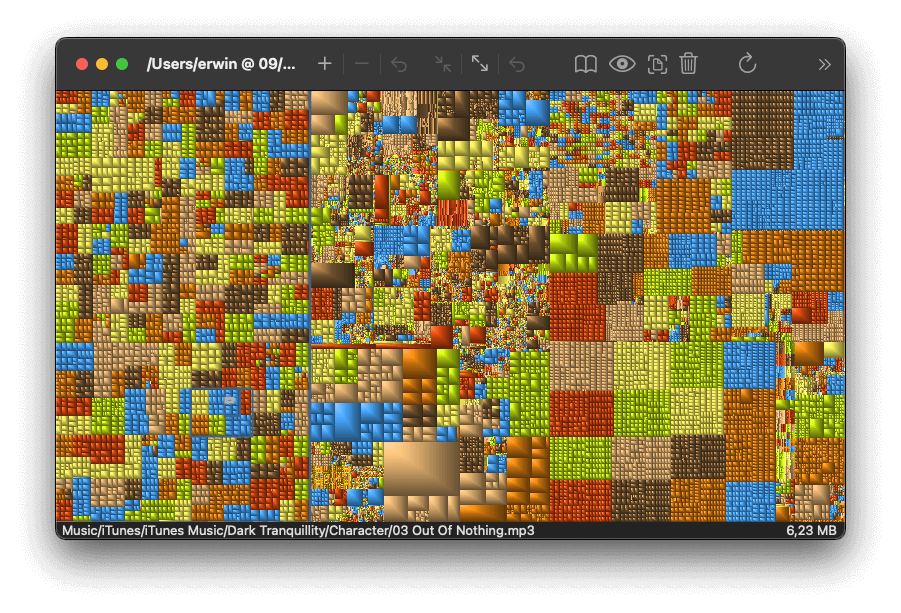
GrandPerspective is a small utility that shows disk usage as a treemap. Each file is a rectangle whose area matches its size, so large files jump out immediately.
Key features:
A classic treemap of a folder or volume.
A long-running, lightweight app that does one job well.
Better or worse than DaisyDisk? Worse as a polished product, and better as a price (it is free). If you only need to spot huge files, GrandPerspective is enough. DaisyDisk is faster to navigate and nicer to look at.
GrandPerspectiveFree, open-source treemap view of what fills your Mac disk.Visit WebsiteGrandPerspective is a free, open-source disk usage app that draws a folder or drive as a treemap, where each file is a rectangle sized by the space it uses. It makes large and forgotten files easy to spot.
- Colors files by folder, extension, type, size, or age.
- Filters, searches, and navigates folders with the mouse or keyboard.
- Reveals files in Finder, previews them with Quick Look, and deletes them from the view.
- Analyzes Time Machine backups and cloud storage files.
- Saves and exports scan results as an image or text.
Version 3.8.1 requires macOS 14 or later on Apple silicon or Intel. It is free from SourceForge or Homebrew, and $2.99 on the Mac App Store to support development.Visit Website
CleanMyMac: best DaisyDisk alternative if you want a full maintenance suite
Price: $39.95 a year for 1 Mac, billed annually (shown as $3.33 a month), or $9.95 a month, on MacPaw's official store, checked November 12, 2026. Plans for 2 and 5 Macs are also listed. It needs macOS 11 or later.
CleanMyMac is a full Mac maintenance app. It cleans junk, manages large files, uninstalls apps, and includes malware and privacy tools. It is not a sunburst disk map in the DaisyDisk sense. It is the option people pick when they want the app to do more of the cleanup for them.
Better or worse than DaisyDisk? Worse if you only want a $9.99 visual map you pay for once. Better if you want ongoing Smart Care-style maintenance. CleanMyMac is a subscription, so it costs more over time.
CleanMyMacMac cleaner and maintenance utilityVisit WebsiteCleanMyMac is a software application designed for Mac maintenance. It helps users clean system junk, manage storage, and uninstall applications completely. The app scans for caches, logs, and large files, while also providing Smart Care workflows, malware monitoring, and privacy tools to enhance overall system performance and efficiency.
- Cleans system junk by scanning for caches, logs, and large files.
- Manages storage by identifying and removing unnecessary files.
- Uninstalls applications completely, including associated files.
- Optimizes system performance through automated maintenance tasks.
- Provides malware monitoring to detect and remove threats.
- Includes privacy tools to manage sensitive data and online tracking.
CleanMyMac offers practical solutions for maintaining Mac systems by effectively removing unnecessary files, managing storage, and ensuring optimal performance. Its features cater to users seeking to enhance their device's efficiency while safeguarding against malware and managing privacy concerns.Visit Website
Which DaisyDisk alternative should you buy?
Buy DaisyDisk if you want the original sunburst map for $9.99. Buy DiskBuddy if you want a one-screen overview with cleanup rooms at the same $9 launch price. Buy GrandPerspective if you want a free map. Buy Mole or Homy if you need more than a visualizer.
Is there a free DaisyDisk alternative for Mac?
Yes. GrandPerspective is free on the official site and shows disk usage as a treemap. Mole also lets you scan for free, with a license needed after a short trial of its other tools.
Is DaisyDisk a one-time purchase?
Yes. The official license is $9.99 once, not a subscription, and it covers up to 5 personal Macs.
Does DaisyDisk work on Apple silicon?
Yes. The official site lists support for Apple silicon and Intel.
Is DiskBuddy cheaper than DaisyDisk?
It is $9 once during the launch, which is about the same as DaisyDisk's $9.99. DiskBuddy's site says the price will rise to $49 after 400 copies, and its key is for one Mac at a time.
#### Sources
Prices and features were checked on November 12, 2026.
Tapestry unifies your favorite blogs, social media, and other feeds into a single, chronological timeline. It supports posting and interactions on Bluesky and Mastodon directly from the app.
- Combines Bluesky, Mastodon, Tumblr, RSS feeds, podcasts, YouTube channels, and more into one timeline
- Displays all content in chronological order with no algorithmic curation
- Compose, reply, and read discussions on Bluesky and Mastodon within the app
- Supports custom timelines, rules to mute or muffle content, and advanced search across all feeds
- Syncs reading position across iOS, iPadOS, and macOS using iCloud
- Features accessibility support, customizable app layout, icons, and reading modes
Tapestry is free to download, with paid upgrades for features such as ad removal and custom timelines. It requires iOS 17.4 or later.
SoftwareNewsiOS & iPadOS
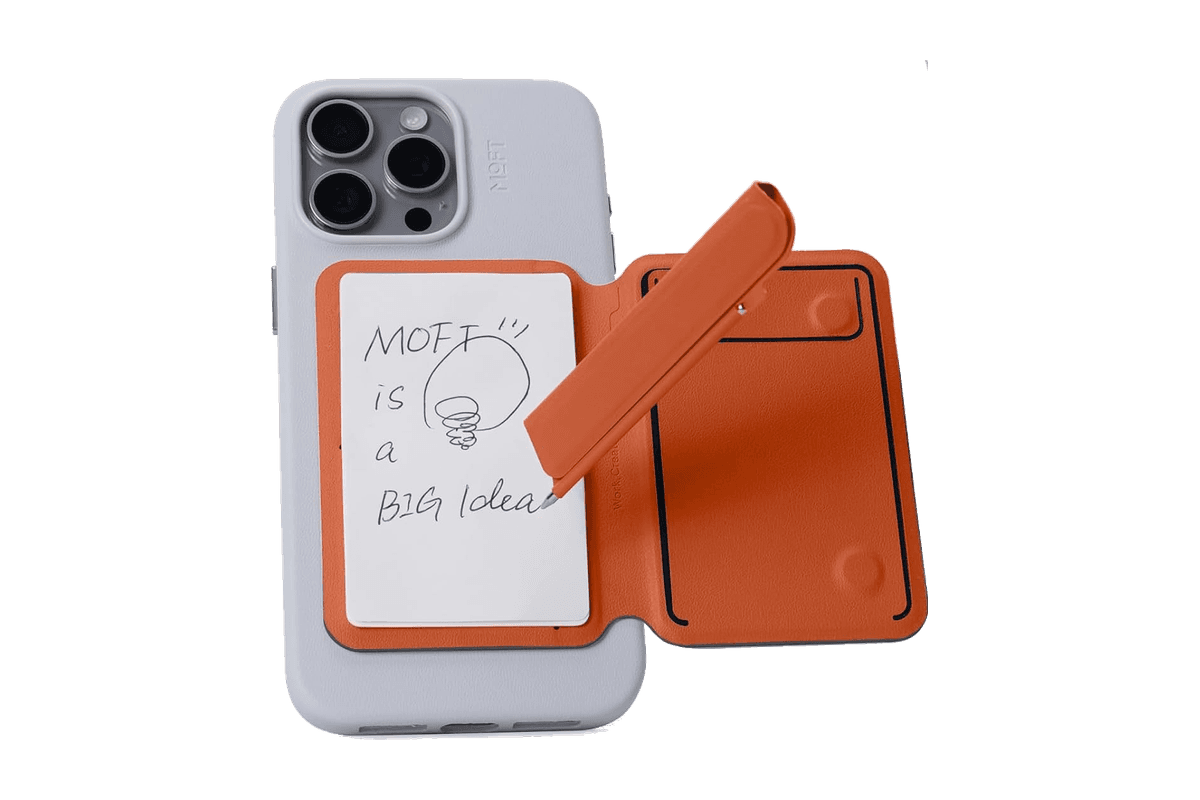
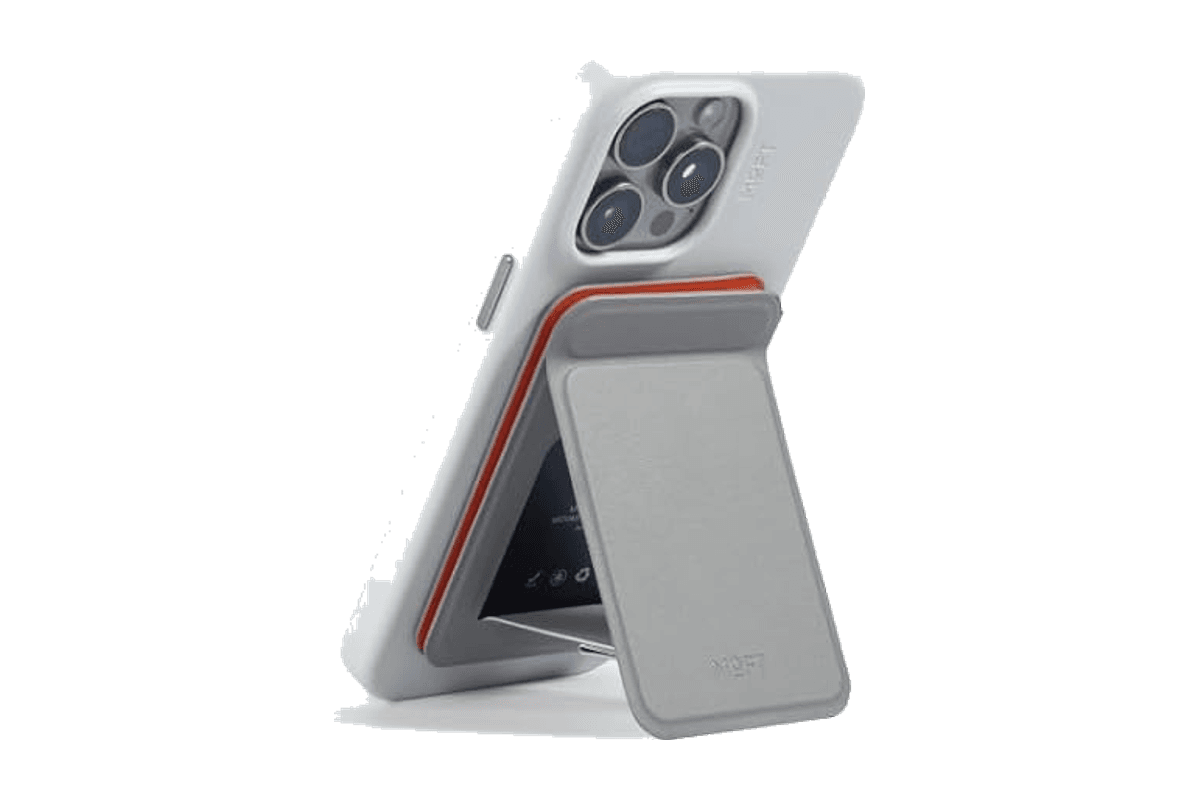
Snap Flow Phone Notepad Stand
A magnetic iPhone stand with a paper notepad and a folding pen.
HardwareAccessoriesiOS
AVE
Local-first AI video editing for Mac
Freemium
AVE is a local-first agentic video editor for Apple Silicon Macs, integrating AI-assisted editing, screen recording, and motion graphic creation within a non-linear timeline.
- Records screen, window, or area with camera and audio (macOS 15+ required for recording)
- AI-assisted editing with Ask and Plan modes, including transcript and visual clip search
- Custom motion graphics with on-device rendering or external AI provider integration
- Multi-track timeline with real edits—trim, retime, transitions, captions, graphics, color, audio automation
- Exports up to 4K UHD in multiple aspect ratios and file formats (MP4, MOV, WebM, SRT, WebVTT, FCPXML)
- Local-first project storage and analysis; external AI connections are optional
AVE requires an Apple silicon Mac with macOS 14 or later; screen recording needs macOS 15. Manual editing and export remain free after the seven-day Pro trial. Pro adds transcript and AI tools, with subscription or lifetime payment options.
SoftwareCreativemacOS
SkyBreak
Break reminder and focus timer for Mac
Freemium
SkyBreak is a Mac app for users who spend significant time at a screen. It provides a break reminder and focus timer to help establish a sustainable work rhythm with scheduled breaks and focus sessions.
- Menu bar timer that can be detached and pinned anywhere
- Preset durations for focus, short breaks, and long breaks
- Preset number of focus sessions required before a long break
- Gentle prompts before each break with the option to extend the current session
- Support for custom scenery folders to display user photos during breaks
- Daily focus and break statistics visualized with charts
SkyBreak is free on Mac with optional in-app purchases for Pro features, such as custom durations and enhanced automation. It requires macOS 14.0 or later to install and use.
SoftwareHealthmacOS
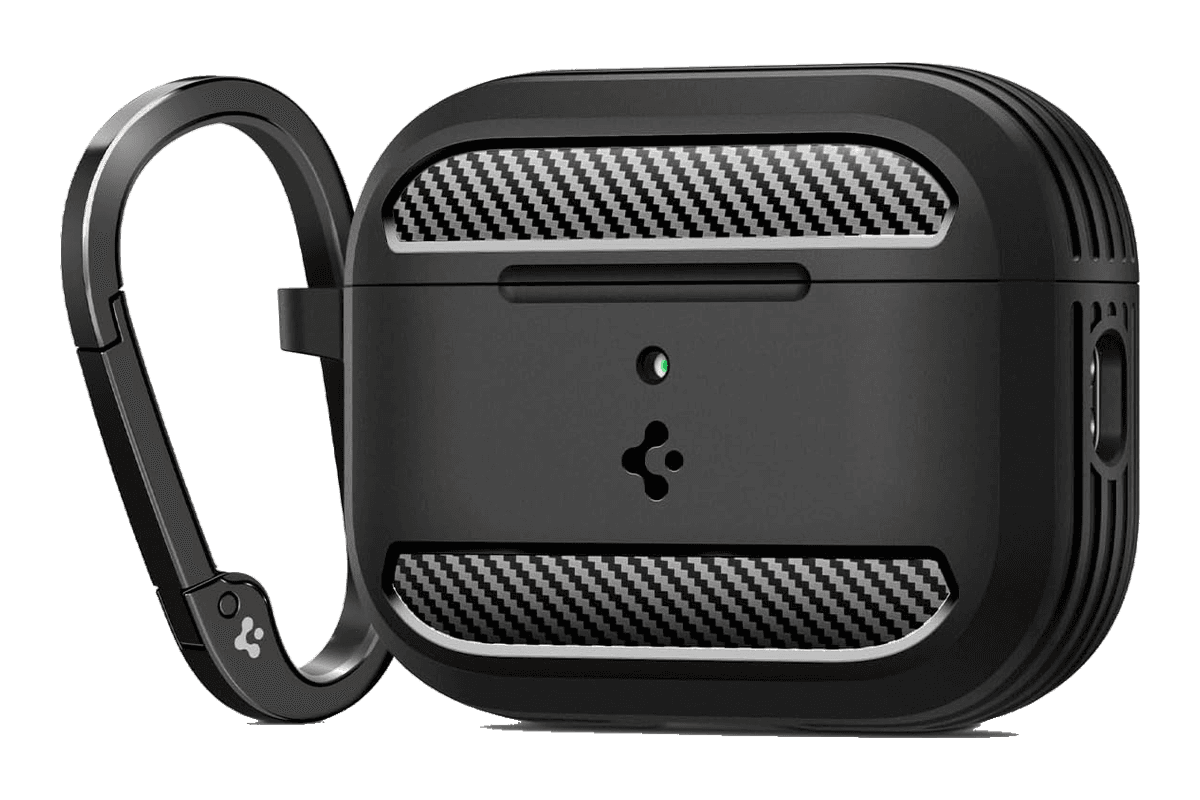
Rugged Armor for AirPods Pro 3
A matte black protective shell with a clip for the AirPods Pro 3 charging case.
HardwareAccessoriesiOS
Monument Valley 2
A story of beauty and illusion
One-time
Monument Valley 2 is a sequel to the original game, guiding a mother and her child through magical architecture filled with illusionary pathways and puzzles. It features a new standalone story and intricately designed levels for iPhone and iPad.
- Features a completely new story set in the Monument Valley universe
- Contains individually crafted, meditative puzzles with new interactions
- Showcases visuals inspired by diverse architectural and artistic influences
- Offers interactive, melodic audio soundscapes tailored to the journey
Monument Valley 2 is a paid app priced at $3.99 with no free tier available. Compatible with devices running iOS 15.0 or later; purchase is required to access the full experience.
SoftwareCreativeiOS & iPadOS
WeMotion
AI-powered Mac app for motion graphics
Free
WeMotion is a Mac app that uses AI to help users create motion graphics, including films, product videos, social clips, and title sequences. The software builds films from user descriptions, allowing both automatic and manual control.
- Generates films from plain language descriptions
- Live playback with pause and instant edits on any film element
- Supports AI-directed and full manual Pro modes for advanced users
- Includes built-in and customizable motion effects
- Supports up to 4K at 60 fps with local hardware encoding
- Stores project files locally; users retain all ownership rights
WeMotion is free to download for Macs with Apple silicon running macOS 13 or later. Requires a free WeMotion account and a paid Anthropic Claude Pro, Max, or API key (no usable free Claude plan).
SoftwareCreativemacOS
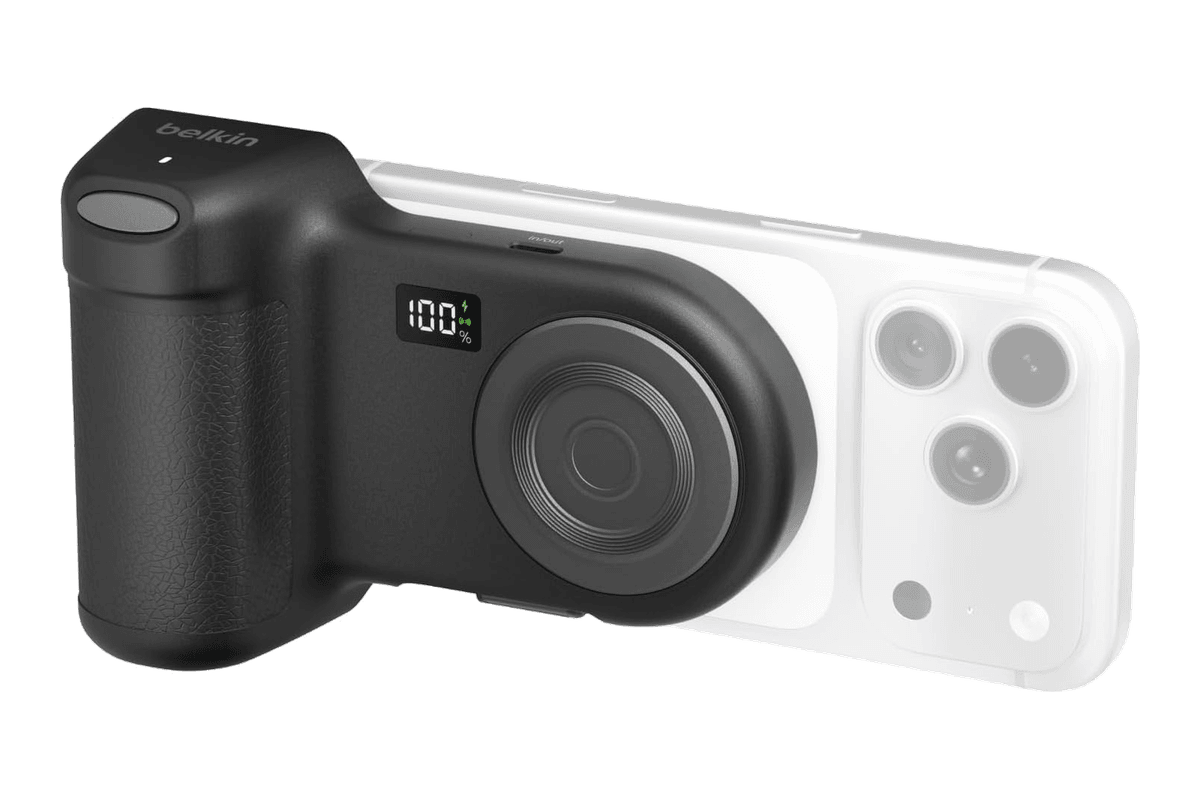
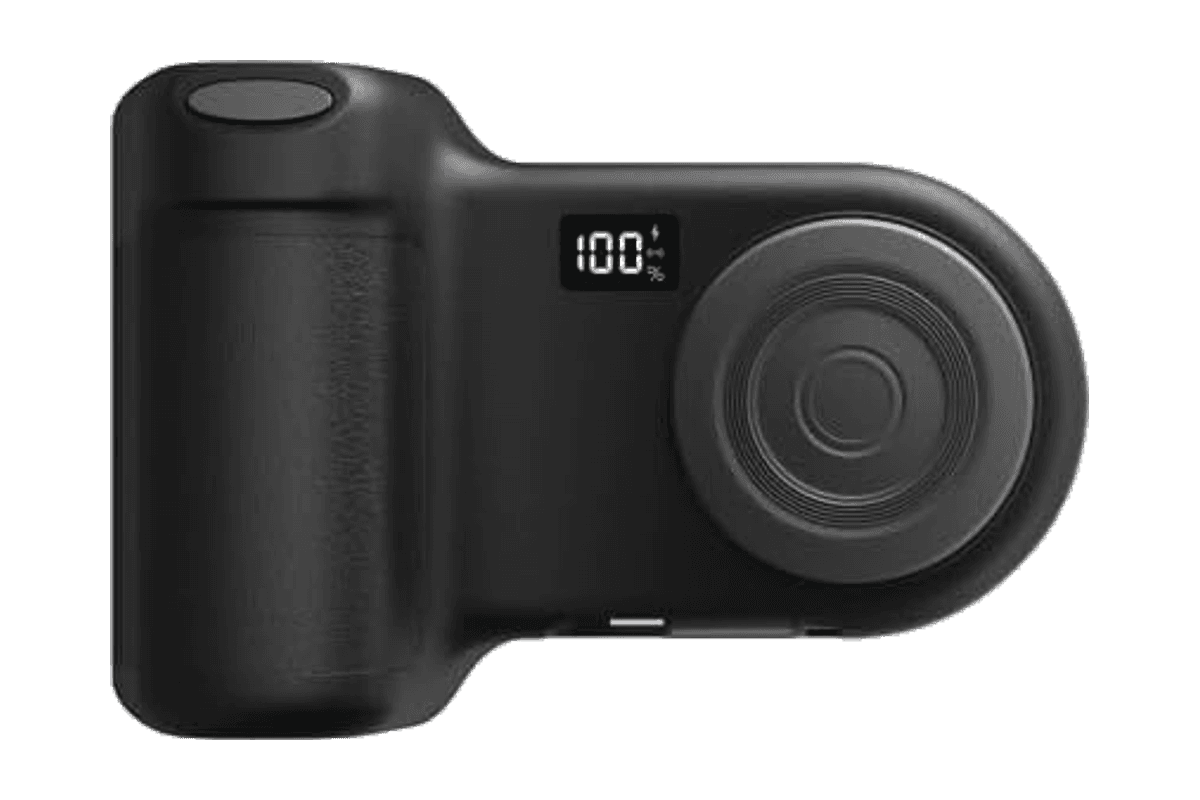
Stage PowerGrip
A magnetic iPhone camera grip with a Bluetooth shutter and a 9,300 mAh power bank.
HardwarePoweriOS
Afterlight
Camera, film presets, and advanced photo editing
Freemium
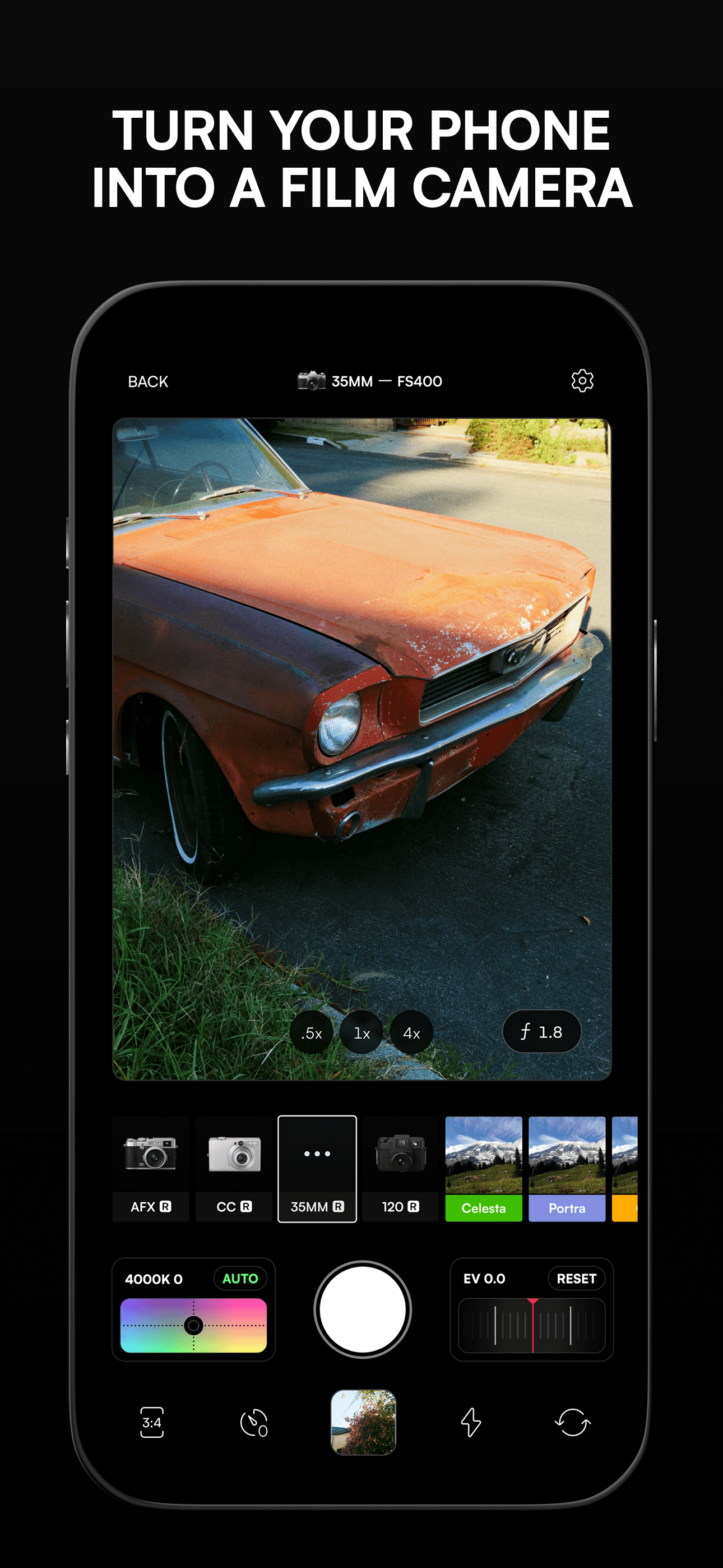
Afterlight is a photo and video editing app for iPhone and iPad that features a camera mode with live filters, 300+ film-inspired presets, real overlays, and a suite of advanced editing tools. Its design is tailored by creatives for photographers seeking film emulation and manual adjustment.
- Camera mode with live filters and seamless editing transition
- Offers more than 300 film photography-inspired presets
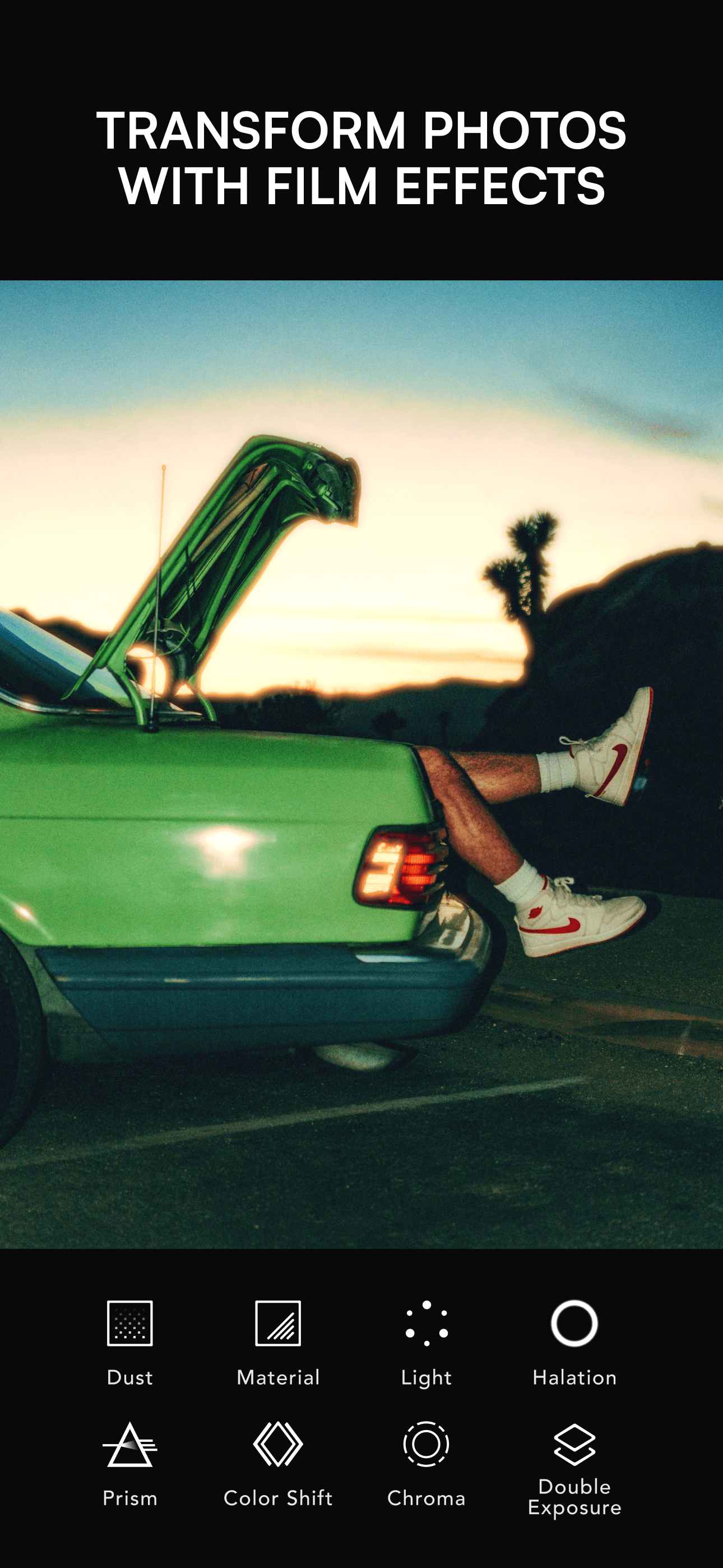
- Enables custom film emulation effects including double exposure and halation
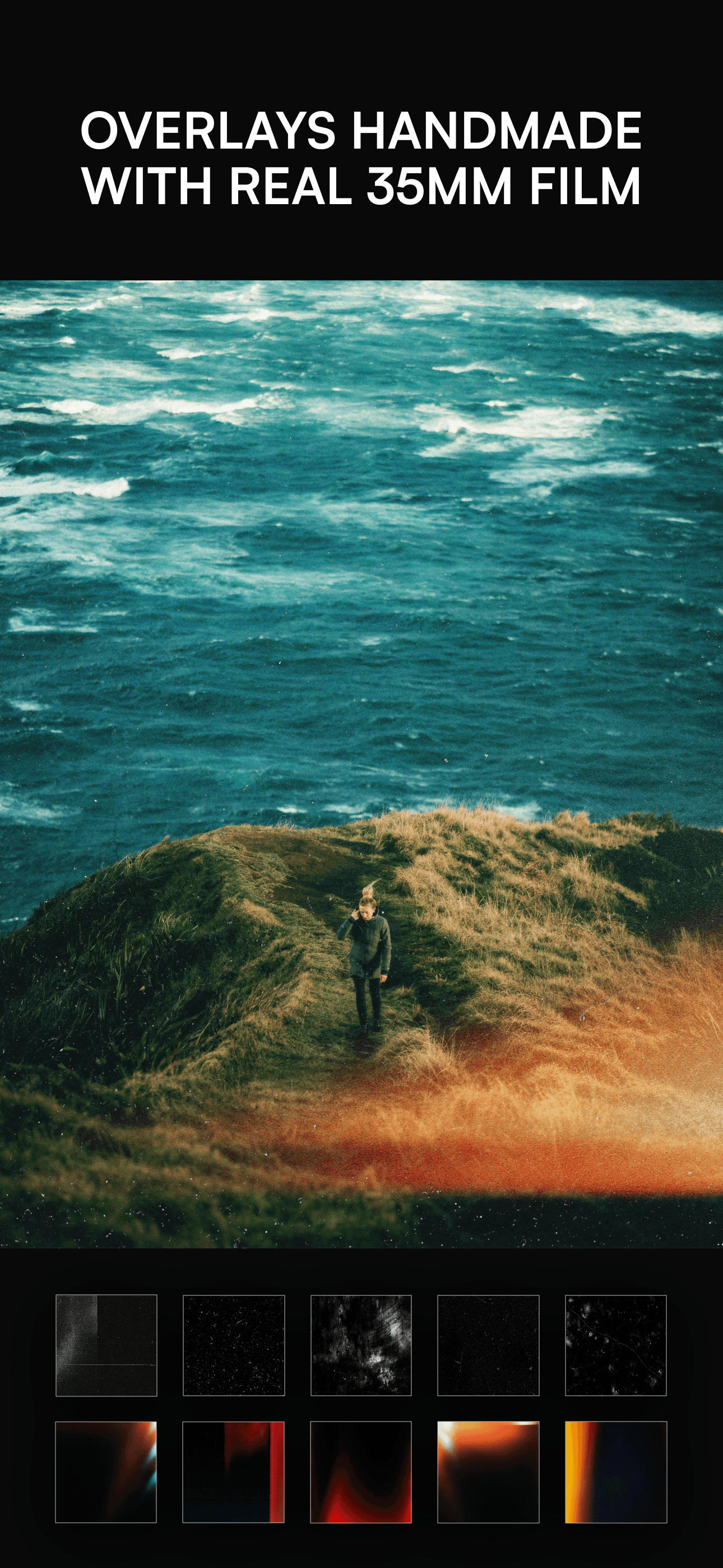
- Provides over 100 real overlay textures such as dust, light leaks, and VHS effects
- Includes 30+ advanced tools for adjusting brightness, curves, vibrance, sharpening, and more
- Option to add frames, borders, or instant film frames before exporting images
Afterlight is free to download for iPhone and iPad (requires iOS 16.6 or later), with in-app purchases available for additional features and content. No user account or external data storage is required.