Created November 12, 2026Updated November 12, 2026
NotchNook was one of the first apps to make the MacBook notch useful, and it has been rebuilt as NotchNook Pro. It turns the camera area into a panel for music, files, calendar, and live activities.
If you want a different notch app, a free option, or a fuller Dynamic Island, these are the best NotchNook alternatives for Mac. We also compared the wider field in our guide to the best Dynamic Island apps for Mac.
What is NotchNook and how much does it cost?
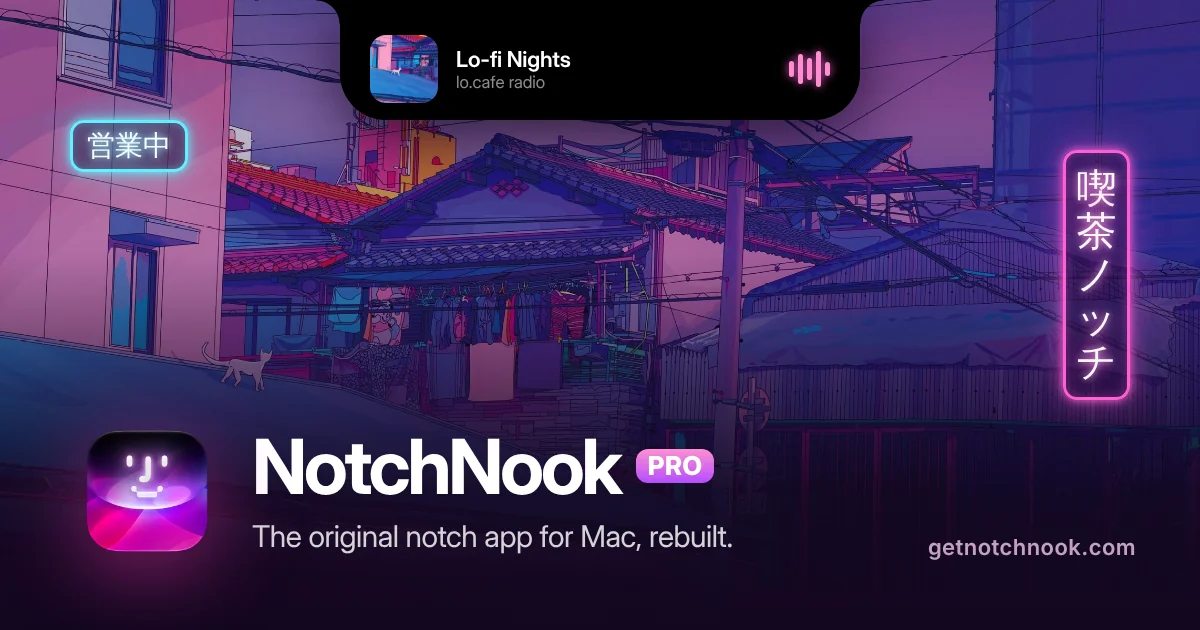
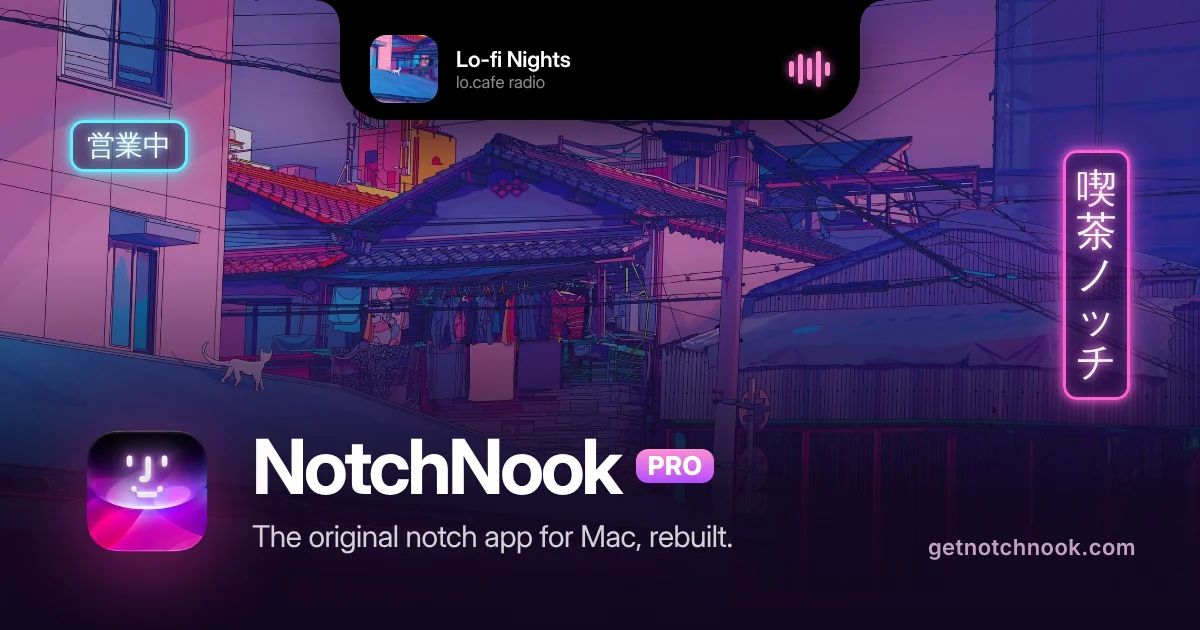
NotchNook Pro rebuilds the original notch app with a Liquid Glass look, files, and live activities. Image: NotchNook
NotchNook opens a Nook under the camera when you point at the notch. On Macs without a notch, a slim handle at the top of the screen opens the same panel. There are two editions: Pro and Classic.
Shotbase is a comprehensive tool designed to capture and manage all your screen-based content effortlessly. With features like stunning screenshot capabilities, recording options that include cinematic effects, and an intuitive organizational structure powered by local AI, you can easily keep your multimedia assets organized and accessible. Shotbase not only allows you to capture specific areas, windows, or full screens on your Mac but also enables you to edit and enhance your captures with backgrounds, frames, and annotations. The integrated AI ensures your captures are automatically named and tagged for easy searching, making it an excellent choice for anyone looking to enhance their productivity and creativity in one seamless workspace.
SoftwareCreativemacOS
DeskMinder
For Easily Distracted Minds
Freemium
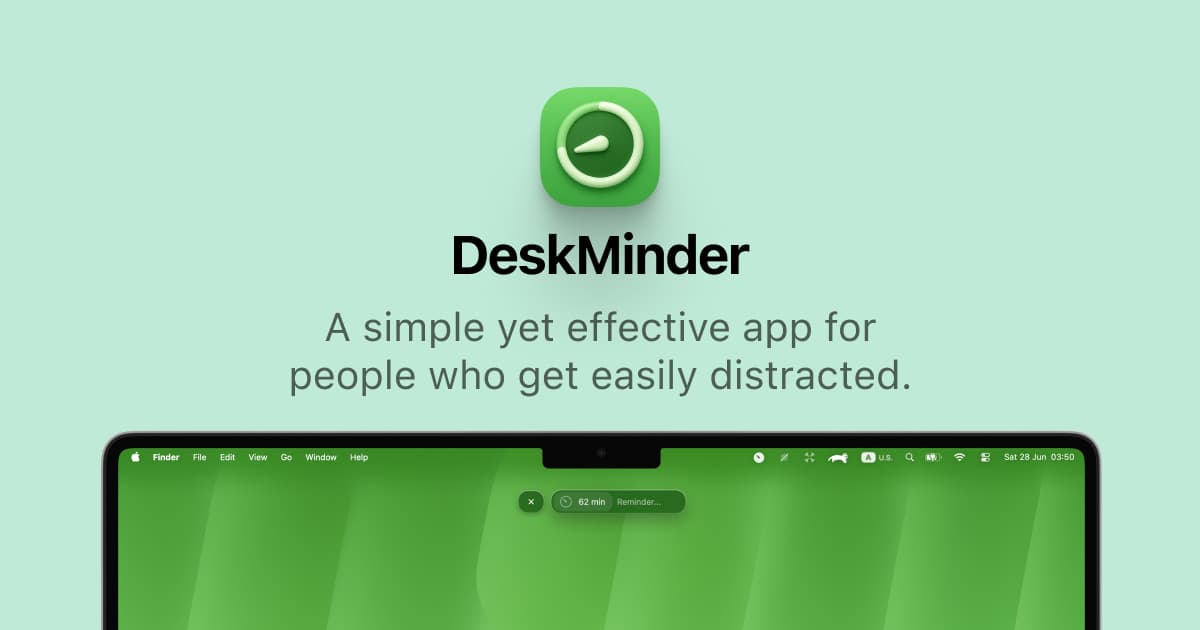
DeskMinder is a productivity software application designed for Mac users who struggle with distractions. It provides a straightforward interface for creating desktop pop-up reminders and tasks, helping users manage urgent to-dos, short breaks, and fleeting ideas. With features like full-screen notifications and Apple Reminders integration, DeskMinder aims to enhance focus and time management for i
- With features like easy-to-create desktop pop-ups for reminders and tasks, it simplifies the process of staying on top of urgent to-dos, short breaks, or fleeting ideas.
- Users can benefit from full-screen notifications, Apple Reminders integration, and flexible widget placement, making it ideal for anyone requiring a little extra help to maintain focus.
- The app includes additional shortcuts for quick reminder setups and customizable widget options, along with a history tracking feature to monitor daily progress.
Designed specifically for Mac users, DeskMinder aims to facilitate better time management and productivity for those with attention challenges, providing a seamless user experience without unnecessary complexity.
SoftwareProductivitymacOS
Klack
Satisfying sound with every keystroke
Paid
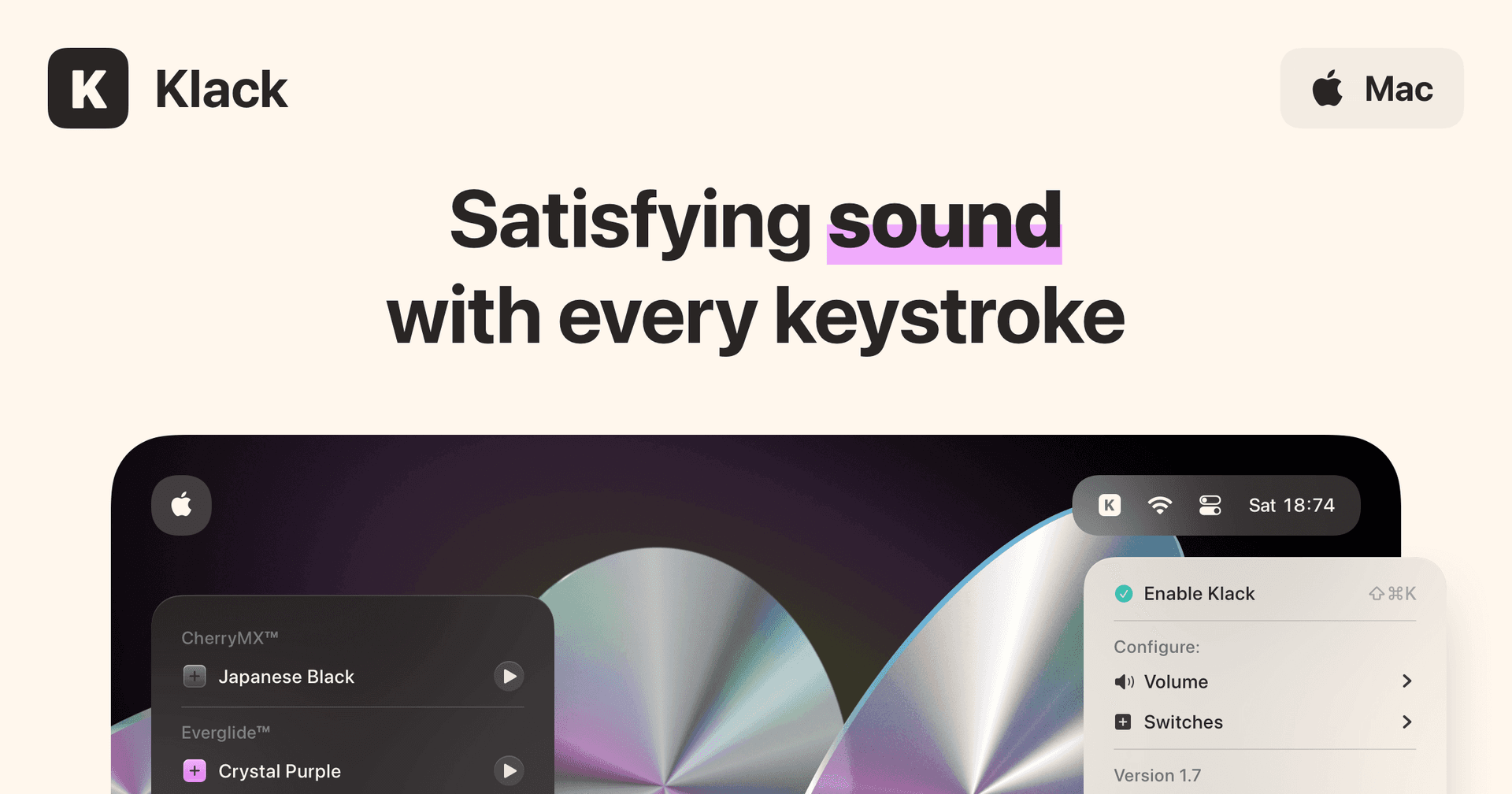
Klack is a macOS application designed to enhance the typing experience through high-fidelity sound for each keystroke. It provides features such as immersive spatial audio, instant feedback, and customizable sound options, making it suitable for writers, developers, and anyone who values an engaging typing environment. The app is easily accessible from the menubar and offers extensive configuratio
- Provides immersive spatial audio for enhanced typing feedback.
- Allows customization of keystroke sounds, pitch variations, and volume settings.
- Features a menubar interface for quick access to configuration options.
- Supports instant feedback with each keystroke for a more engaging experience.
- Designed for writers and developers seeking auditory feedback while typing.
Klack enhances the typing experience on Mac by providing high-fidelity sound for each keystroke.
SoftwaremacOS
TypoTab
TypoTab, the ultimate AI writing assistant for
Paid
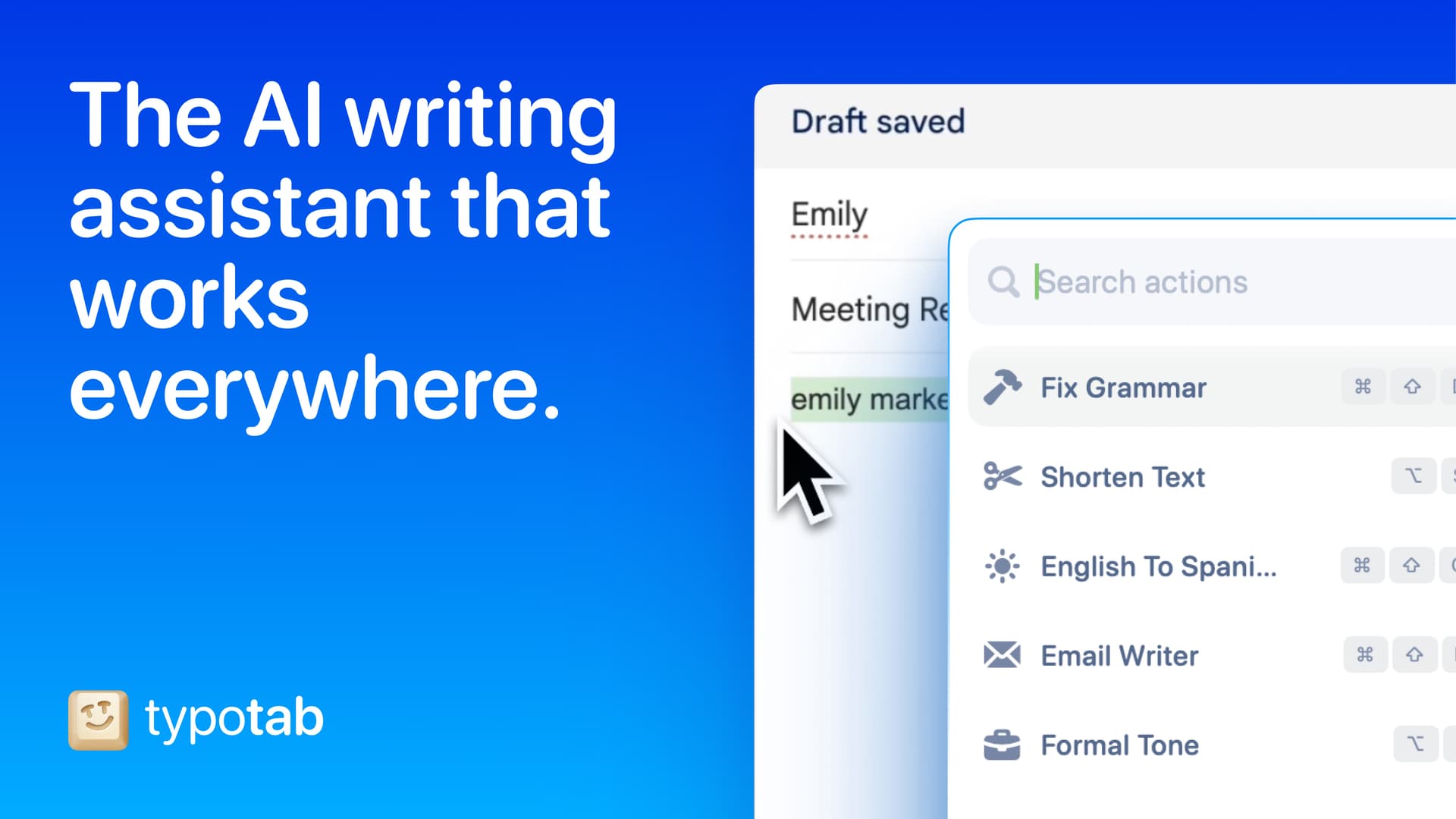
TypoTab is a macOS application that functions as an AI-driven writing assistant. It enhances writing efficiency by providing tools for grammar correction, text rephrasing, and content generation, all accessible from the menu bar without needing to switch applications. This tool is designed for writers, students, and professionals looking to streamline their writing process and improve productivity
- Provides grammar correction and text rephrasing directly from the menu bar.
- Allows text refinement in any application without switching contexts.
- Offers customizable actions to meet individual writing needs.
- Streamlines repetitive writing tasks for improved efficiency.
- Supports a wide range of applications, enhancing workflow across platforms.
TypoTab is a macOS application that enhances writing efficiency by providing grammar correction, text rephrasing, and content generation directly from the menu bar. It allows users to refine text in any application without switching contexts, offering customizable actions to suit individual writing needs.
SoftwareProductivitymacOS
Tapestry
Chronological timeline for all your feeds
Freemium
Tapestry unifies your favorite blogs, social media, and other feeds into a single, chronological timeline. It supports posting and interactions on Bluesky and Mastodon directly from the app.
- Combines Bluesky, Mastodon, Tumblr, RSS feeds, podcasts, YouTube channels, and more into one timeline
- Displays all content in chronological order with no algorithmic curation
- Compose, reply, and read discussions on Bluesky and Mastodon within the app
- Supports custom timelines, rules to mute or muffle content, and advanced search across all feeds
- Syncs reading position across iOS, iPadOS, and macOS using iCloud
- Features accessibility support, customizable app layout, icons, and reading modes
Tapestry is free to download, with paid upgrades for features such as ad removal and custom timelines. It requires iOS 17.4 or later.
SoftwareNewsiOS & iPadOS
AVE
Local-first AI video editing for Mac
Freemium
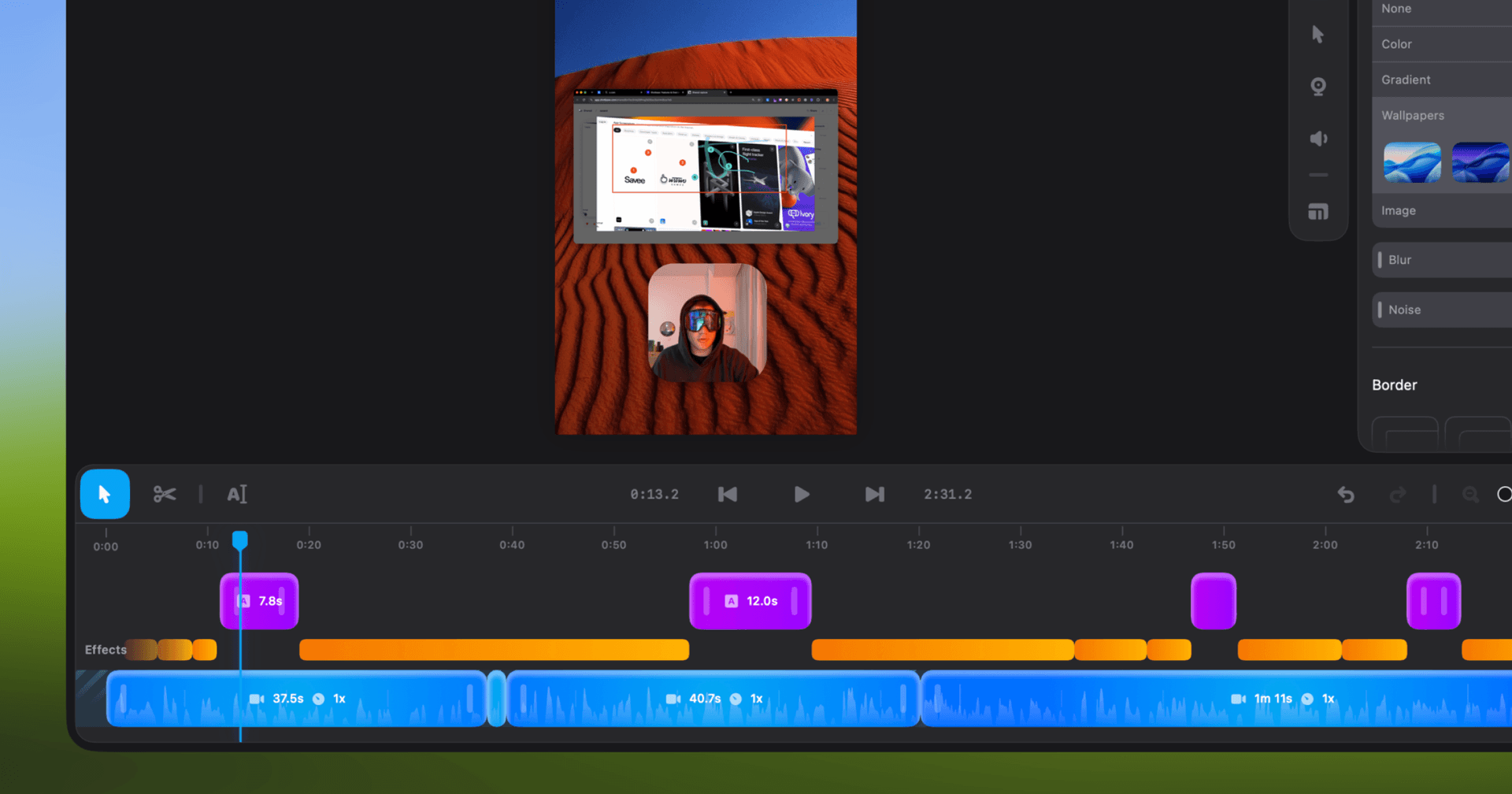
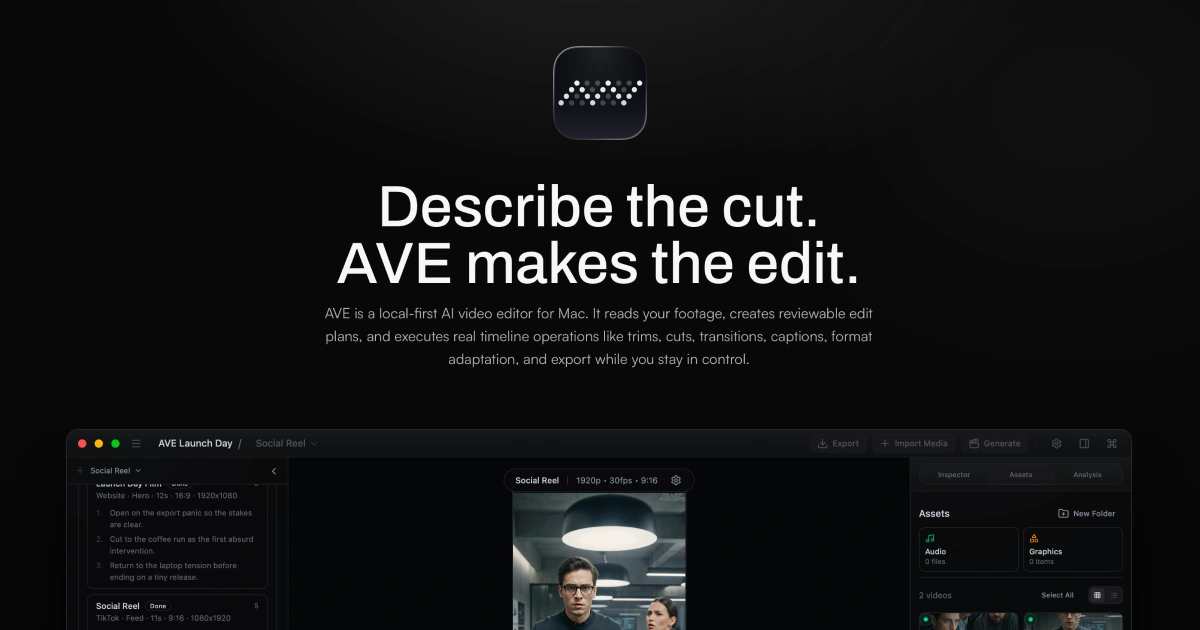
AVE is a local-first agentic video editor for Apple Silicon Macs, integrating AI-assisted editing, screen recording, and motion graphic creation within a non-linear timeline.
- Records screen, window, or area with camera and audio (macOS 15+ required for recording)
- AI-assisted editing with Ask and Plan modes, including transcript and visual clip search
- Custom motion graphics with on-device rendering or external AI provider integration
- Multi-track timeline with real edits—trim, retime, transitions, captions, graphics, color, audio automation
- Exports up to 4K UHD in multiple aspect ratios and file formats (MP4, MOV, WebM, SRT, WebVTT, FCPXML)
- Local-first project storage and analysis; external AI connections are optional
AVE requires an Apple silicon Mac with macOS 14 or later; screen recording needs macOS 15. Manual editing and export remain free after the seven-day Pro trial. Pro adds transcript and AI tools, with subscription or lifetime payment options.
SoftwareCreativemacOS
SkyBreak
Break reminder and focus timer for Mac
Freemium
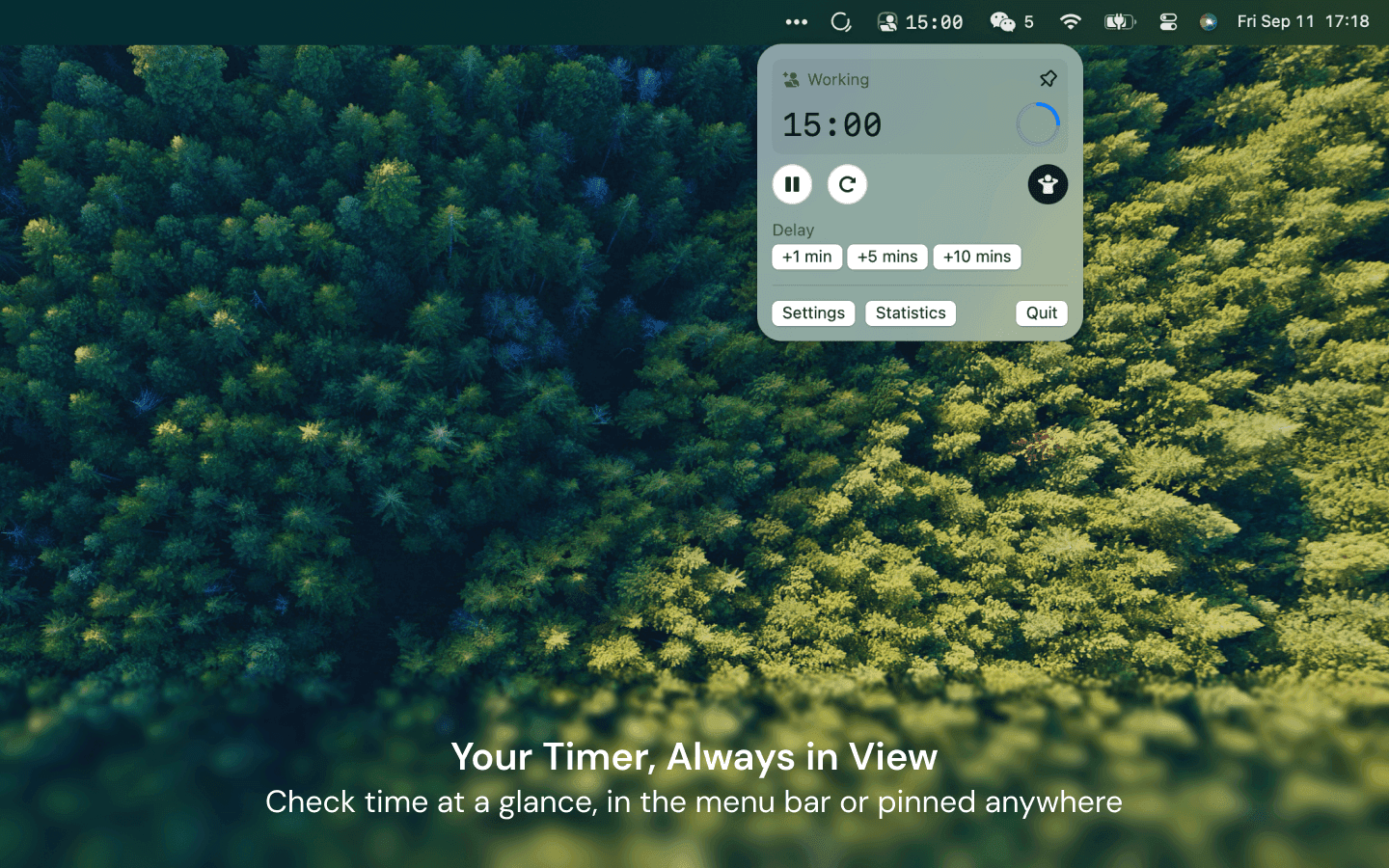
SkyBreak is a Mac app for users who spend significant time at a screen. It provides a break reminder and focus timer to help establish a sustainable work rhythm with scheduled breaks and focus sessions.
- Menu bar timer that can be detached and pinned anywhere
- Preset durations for focus, short breaks, and long breaks
- Preset number of focus sessions required before a long break
- Gentle prompts before each break with the option to extend the current session
- Support for custom scenery folders to display user photos during breaks
- Daily focus and break statistics visualized with charts
SkyBreak is free on Mac with optional in-app purchases for Pro features, such as custom durations and enhanced automation. It requires macOS 14.0 or later to install and use.
SoftwareHealthmacOS
Monument Valley 2
A story of beauty and illusion
One-time
Monument Valley 2 is a sequel to the original game, guiding a mother and her child through magical architecture filled with illusionary pathways and puzzles. It features a new standalone story and intricately designed levels for iPhone and iPad.
- Features a completely new story set in the Monument Valley universe
- Contains individually crafted, meditative puzzles with new interactions
- Showcases visuals inspired by diverse architectural and artistic influences
- Offers interactive, melodic audio soundscapes tailored to the journey
Monument Valley 2 is a paid app priced at $3.99 with no free tier available. Compatible with devices running iOS 15.0 or later; purchase is required to access the full experience.
SoftwareCreativeiOS & iPadOS
WeMotion
AI-powered Mac app for motion graphics
Free
WeMotion is a Mac app that uses AI to help users create motion graphics, including films, product videos, social clips, and title sequences. The software builds films from user descriptions, allowing both automatic and manual control.
- Generates films from plain language descriptions
- Live playback with pause and instant edits on any film element
- Supports AI-directed and full manual Pro modes for advanced users
- Includes built-in and customizable motion effects
- Supports up to 4K at 60 fps with local hardware encoding
- Stores project files locally; users retain all ownership rights
WeMotion is free to download for Macs with Apple silicon running macOS 13 or later. Requires a free WeMotion account and a paid Anthropic Claude Pro, Max, or API key (no usable free Claude plan).
SoftwareCreativemacOS
Price (checked November 12, 2026, on [getnotchnook.com](https://getnotchnook.com/)):
NotchNook Pro: $19 once for a lifetime license, or $3 a month. This is the rebuilt app, with Liquid Glass (or the classic black notch), lyrics, clipboard and Pocket, a file converter, a teleprompter, a terminal, and approvals for AI agents such as Claude Code and Codex.
NotchNook Classic: $15 once, or $2 a month. This is the original app: media controls, calendar, Nook widgets, and a file Tray. It still runs on Intel Macs.
Both editions include a 48-hour free trial with no card, cover up to 2 Macs, and include updates while the license is active. New purchases have a 7-day refund window on direct Stripe orders.
Pro needs Apple silicon and macOS 14.6 or later. Classic also supports Intel, with the same macOS 14.6 requirement.
NotchNookTurn the MacBook notch into a hub for music, files, calendar, and live activities.Visit WebsiteNotchNook turns the MacBook notch into a panel (the Nook) for music, calendar, files, widgets, and live activities. On Macs without a notch, a slim handle at the top of the screen opens the same Nook.
- NotchNook Pro is the rebuilt edition, with a Liquid Glass or classic black notch, lyrics, a file converter, clipboard and Pocket, a teleprompter, a terminal, and approvals for AI agents such as Claude Code and Codex.
- NotchNook Classic is the original app: media controls, calendar, Nook widgets, and a file Tray, and it still runs on Intel Macs.
- Both editions have a 48-hour free trial (no card), cover up to 2 Macs, and include updates while the license is active.
- Pro is $19 for a lifetime license or $3 a month. Classic is $15 for a lifetime license or $2 a month.
- Pro needs Apple silicon and macOS 14.6 or later. Classic also runs on Intel Macs with macOS 14.6 or later.
NotchNook is a good fit if you want the notch to hold everyday controls, not just music, in one paid app.Visit Website
€5 founding price (first 100 buyers), then €12, one-time
Uses the notch as a cleanup spot
Auto-clearing screenshots and downloads
Droppy: best NotchNook alternative overall
Price: $9.99 once for a lifetime license that covers 2 Macs, on getdroppy.app, checked November 12, 2026. There is a 3-day trial. The iPhone companion is free. It needs macOS 14 or later.
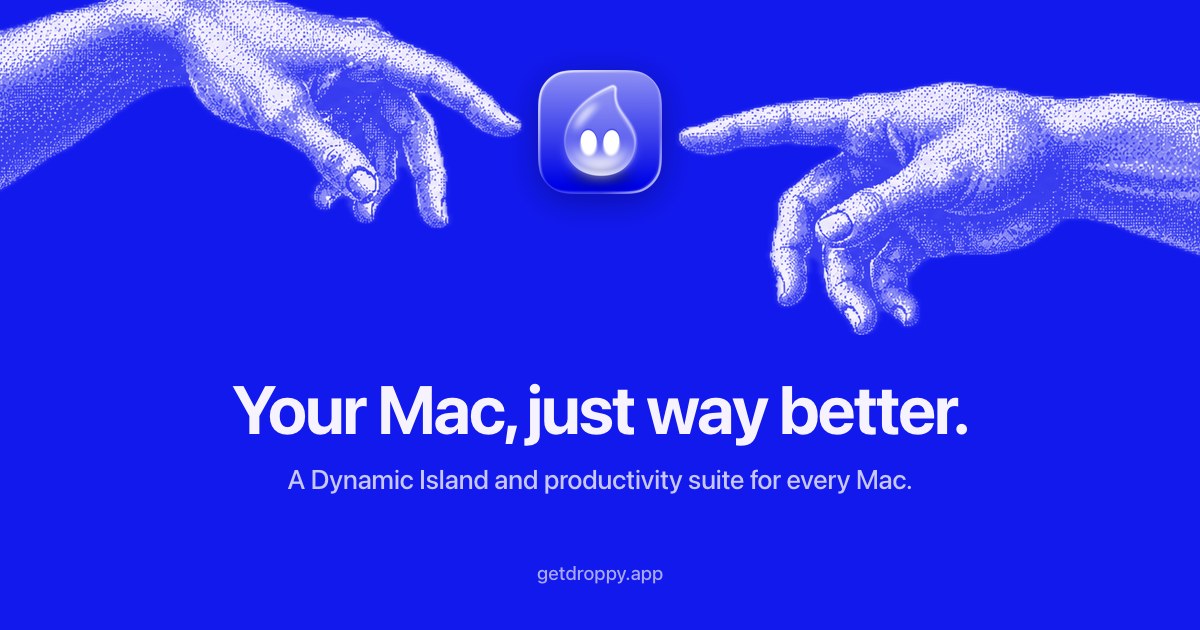
Droppy is a Dynamic Island for Mac, with or without a notch. It combines a file tray, clipboard history, live activities, music controls, meeting controls, and 41 built-in extensions (Droplets), including window snapping, OCR, and system stats.
Key features:
A file tray for drag-and-drop, with local convert and compress tools.
Live activities for music, meetings, AirPods, downloads, and coding agents.
Works on a Mac mini or an external display by floating an island, not only on a notched MacBook.
Better or worse than NotchNook? Better if you want more tools in one purchase, and a lower one-time price than NotchNook Pro. NotchNook is more focused on the Nook widgets, and Classic is cheaper if you only want the original notch panel. We look at Droppy and Alcove side by side in Best Dynamic Island Apps for Mac.
DroppyBring files and live activities to your notchVisit WebsiteDroppy is a modular productivity app that turns the Mac notch into a Dynamic Island for live activities, file handling, clipboard history, and music controls. On Macs and displays without a notch, it provides a floating island instead.
- Keep files in a tray or floating drag-and-drop basket, then convert images, compress videos, or combine files into a PDF locally.
- Access clipboard history and share files through Droppy Cloud links that expire after three days.
- Follow downloads, connected devices, upcoming meetings, and supported coding-agent activity beside the notch.
- Control music, view lyrics and album artwork, and access playback from the Lock Screen.
- Keep meeting controls within reach and reply to supported messaging apps without switching windows.
- Enable individual Droplets for screenshots, window snapping, OCR, voice transcription, system statistics, per-app audio controls, and other tasks.
- Customize the island's appearance, widgets, and layout for each display.
Requires macOS 14 Sonoma or later. A one-time license covers two Macs and includes future updates and Droplets. A three-day trial unlocks every feature, with a 14-day refund period after purchase. The free iPhone companion is currently available through TestFlight for Mac license holders, with encrypted clipboard, file, and note syncing.Visit Website
Alcove: best polished NotchNook alternative
Price: Alcove is a paid app, sold on tryalcove.com. The official site says it needs macOS 15 or later.
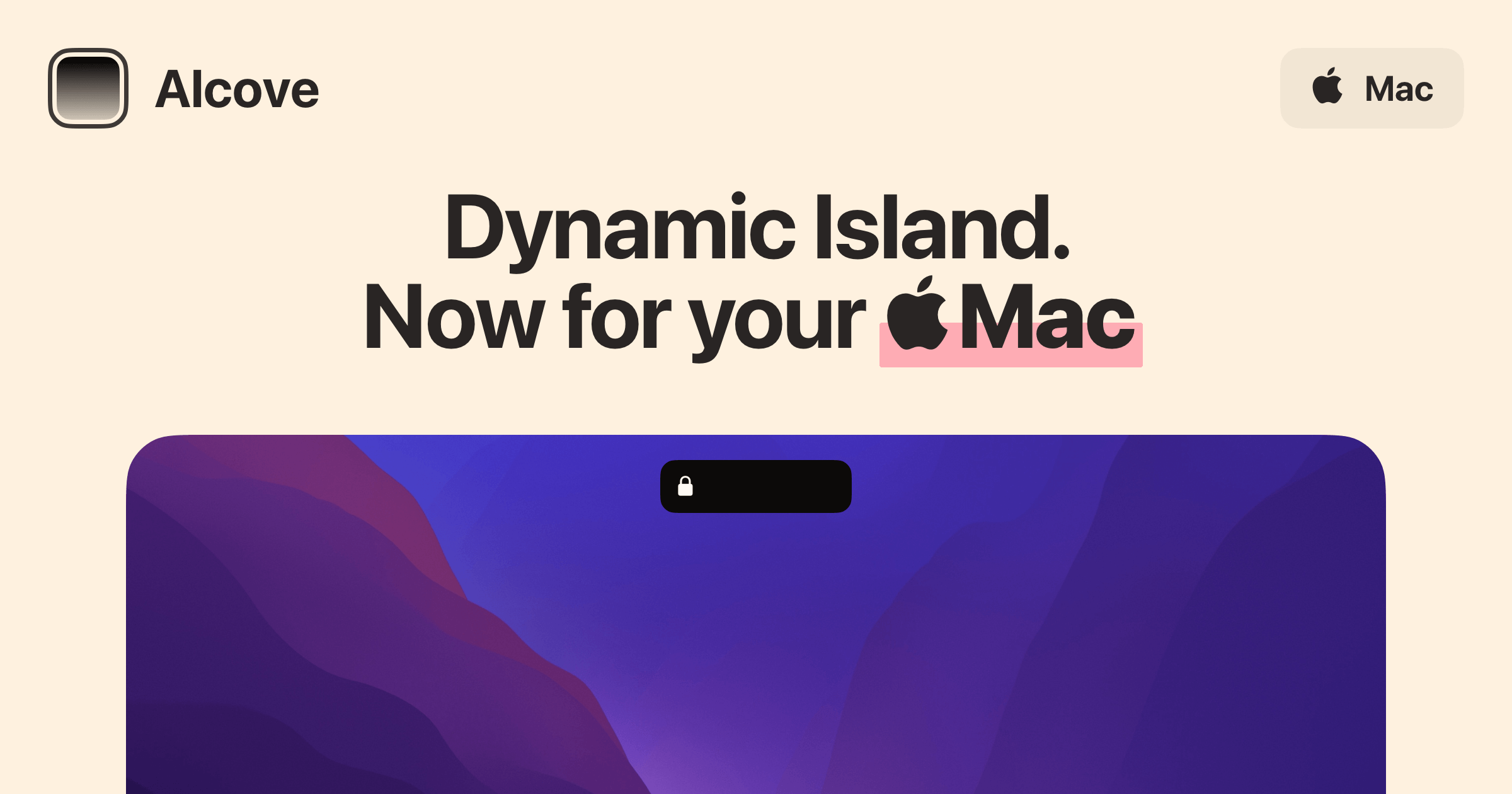
Alcove gives notched Macs a Dynamic Island-style interface, with live activities, notifications, swipe gestures, and customizable HUDs.
Better or worse than NotchNook? Alcove is a strong pick if you want a polished island and already run macOS 15 or later. NotchNook Pro runs on macOS 14.6 and also works on screens without a notch, through its handle.
AlcoveDynamic Island experience for your MacVisit WebsiteAlcove is a native macOS application designed to enhance the user experience on Macs with a notch. It provides features such as fluid transitions, instant notifications, live activities, swipe gestures, customizable HUDs, and lock screen widgets. These functionalities aim to make media controls, alerts, and system status more accessible and interactive for users.
- Provides a Dynamic Island-style interface for the Mac notch, enhancing user interaction.
- Supports fluid transitions for a seamless visual experience during notifications and activities.
- Integrates live activities to display real-time updates and information.
- Enables swipe gestures for quick access to media controls and alerts.
- Offers customizable HUDs for personalized display of system status and notifications.
- Includes lock screen widgets for immediate access to alerts and media controls.
Alcove is tailored for users with Macs featuring a notch, offering a range of functionalities that improve accessibility and interaction with media controls and notifications. Its features, including customizable HUDs and live activities, provide a practical solution for managing alerts and system status efficiently.Visit Website
Boring Notch: best free NotchNook alternative
Price: free, on theboring.name, checked November 12, 2026.
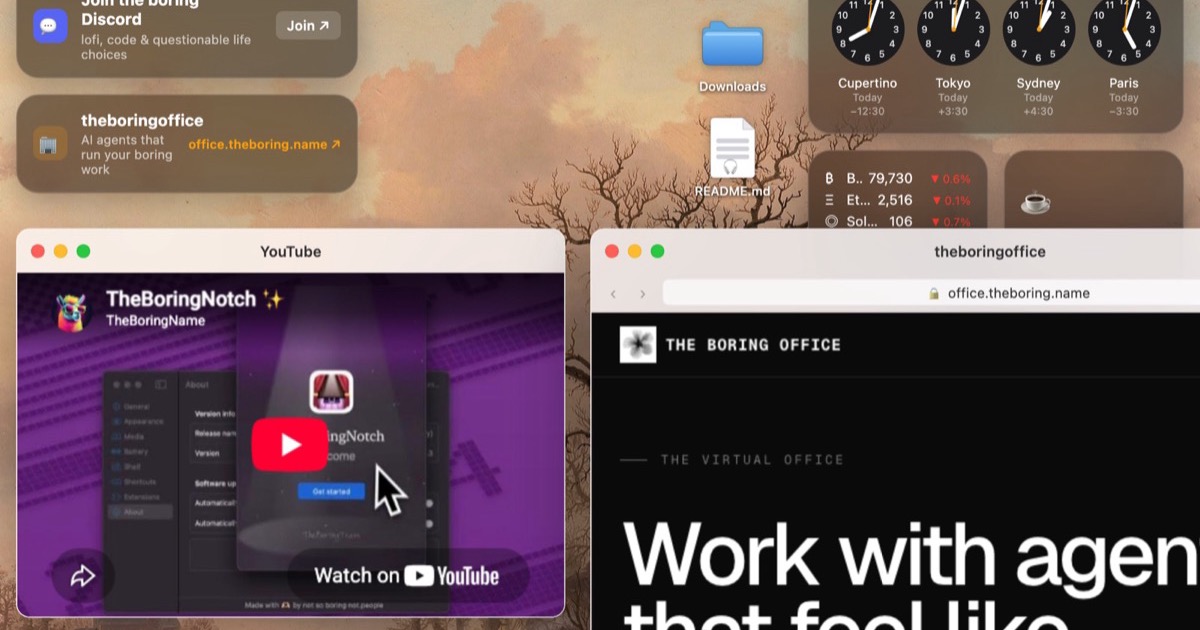
Boring Notch is a free app that turns the MacBook notch into a music player and live-activity area. It is the one to try first if you do not want to pay.
Better or worse than NotchNook? Worse in breadth (it is not a full Nook with a file tray, calendar, and AI approvals). Better in price, because it is free.
Boring NotchFree, open-source Dynamic Island for the MacBook notch.Visit WebsiteBoring Notch is a free, open-source macOS app that turns the MacBook notch into a Dynamic Island style media and productivity hub.
- Shows now playing music controls with a live audio visualizer.
- Includes a calendar and reminders view.
- Offers a file shelf with AirDrop support.
- Replaces system HUDs for volume and brightness.
- Installs from GitHub or with Homebrew on macOS 14 Sonoma or later.
Boring Notch is a good starting point for anyone who wants notch features without paying for a license.Visit Website
Notchy: paid native notch alternative
Price: $24.99 once, after a 7-day trial of every feature, according to the official site notchy.dev, checked November 12, 2026.
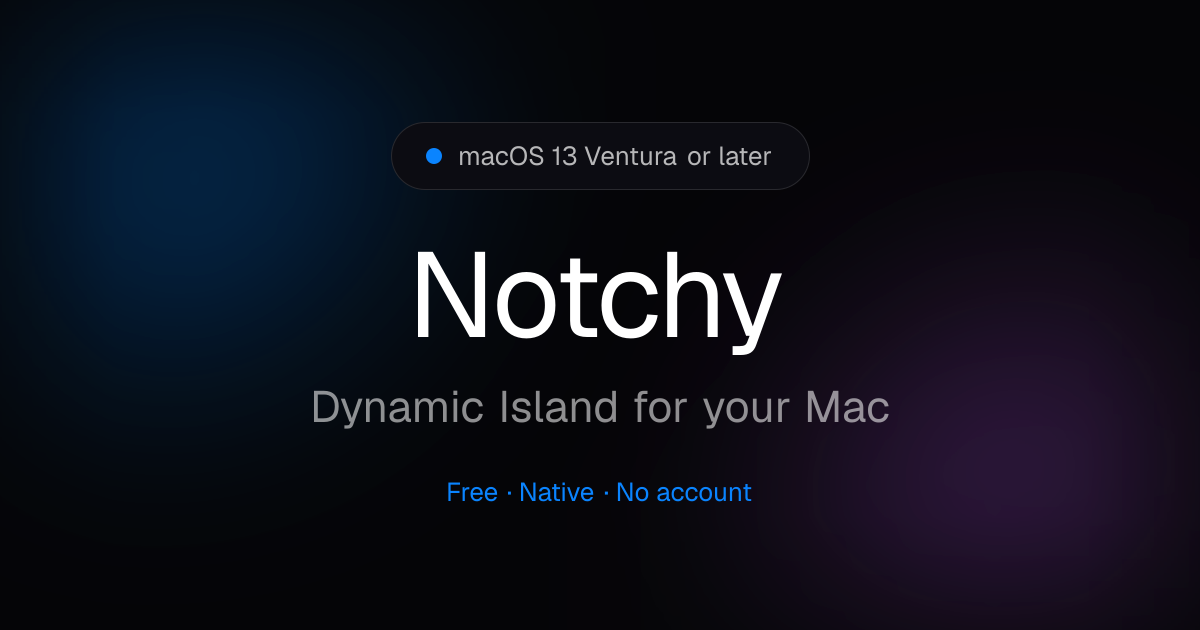
Notchy is a native notch app for MacBook. Despite the older "free" wording in some directories, the official site now lists a $24.99 one-time price after the trial.
Better or worse than NotchNook? More expensive than NotchNook Pro's $19 lifetime license. Choose it only if you prefer Notchy's own interface after the trial. For a free starting point, use Boring Notch instead.
NotchyA free, native Dynamic Island for your Mac.Visit WebsiteNotchy is a free, native macOS app that turns the MacBook notch into an interactive Dynamic Island.
- Provides music controls, timers, and clipboard history from the notch.
- Supports file drops and replaces system HUDs.
- Shows a floating pill on Macs and displays without a notch.
- Requires no account and installs from the website or Homebrew.
- Supports macOS 13 Ventura or later on Apple silicon and Intel Macs.
Notchy suits users who want a lightweight notch utility with no trial or paywall.Visit Website
Purrify: best notch app for cleaning screenshots and downloads
Price: €5 for the first 100 buyers (the founding price, still available when we checked, with 1 of 100 sold), then €12, on purrify.app, checked November 12, 2026. It is a one-time purchase, with no subscription and no free tier.
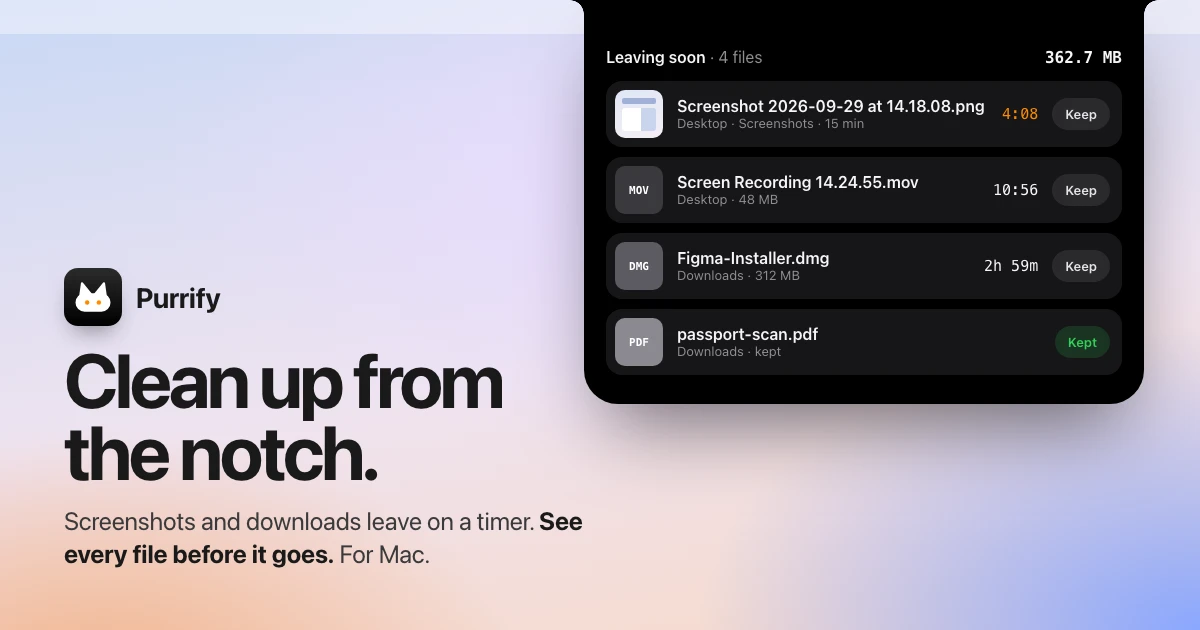
Purrify sits in the notch and helps you clear screenshots and downloads automatically, instead of turning the notch into a full control center.
Better or worse than NotchNook? It is not a full alternative. It is a narrower tool for a messy Desktop or Downloads folder. Keep NotchNook or Droppy if you want music, calendar, and files in the notch.
Buy NotchNook Pro if you want the rebuilt original, or Classic if you need Intel support at a lower price. Buy Droppy if you want the most complete island for $9.99. Try Boring Notch if you want a free app first.
Is NotchNook free?
You can try every feature for 48 hours, with no card. After that, Pro is $19 once or $3 a month, and Classic is $15 once or $2 a month.
Does NotchNook work on a Mac mini or Studio Display?
Yes. On screens without a notch, a slim handle at the top opens the same Nook, and each display can have its own.
What is the best free NotchNook alternative?
Boring Notch is the best fully free option we verified. Droppy and NotchNook both have short unpaid trials.
Is Droppy cheaper than NotchNook?
Yes, as a one-time purchase. Droppy is $9.99 once for 2 Macs. NotchNook Pro is $19 once, or $3 a month if you choose the subscription.
#### Sources
Prices and features were checked on November 12, 2026.
Tapestry unifies your favorite blogs, social media, and other feeds into a single, chronological timeline. It supports posting and interactions on Bluesky and Mastodon directly from the app.
- Combines Bluesky, Mastodon, Tumblr, RSS feeds, podcasts, YouTube channels, and more into one timeline
- Displays all content in chronological order with no algorithmic curation
- Compose, reply, and read discussions on Bluesky and Mastodon within the app
- Supports custom timelines, rules to mute or muffle content, and advanced search across all feeds
- Syncs reading position across iOS, iPadOS, and macOS using iCloud
- Features accessibility support, customizable app layout, icons, and reading modes
Tapestry is free to download, with paid upgrades for features such as ad removal and custom timelines. It requires iOS 17.4 or later.
SoftwareNewsiOS & iPadOS
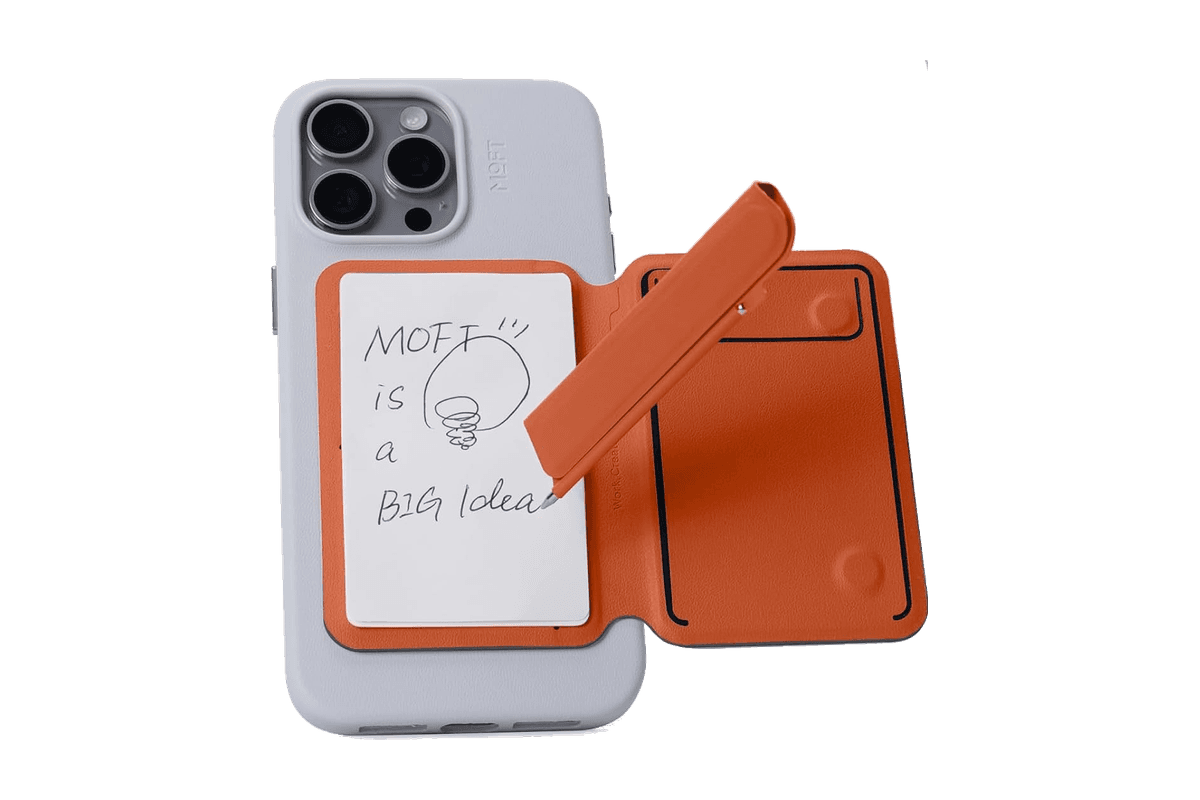
Snap Flow Phone Notepad Stand
A magnetic iPhone stand with a paper notepad and a folding pen.
HardwareAccessoriesiOS
AVE
Local-first AI video editing for Mac
Freemium
AVE is a local-first agentic video editor for Apple Silicon Macs, integrating AI-assisted editing, screen recording, and motion graphic creation within a non-linear timeline.
- Records screen, window, or area with camera and audio (macOS 15+ required for recording)
- AI-assisted editing with Ask and Plan modes, including transcript and visual clip search
- Custom motion graphics with on-device rendering or external AI provider integration
- Multi-track timeline with real edits—trim, retime, transitions, captions, graphics, color, audio automation
- Exports up to 4K UHD in multiple aspect ratios and file formats (MP4, MOV, WebM, SRT, WebVTT, FCPXML)
- Local-first project storage and analysis; external AI connections are optional
AVE requires an Apple silicon Mac with macOS 14 or later; screen recording needs macOS 15. Manual editing and export remain free after the seven-day Pro trial. Pro adds transcript and AI tools, with subscription or lifetime payment options.
SoftwareCreativemacOS
SkyBreak
Break reminder and focus timer for Mac
Freemium
SkyBreak is a Mac app for users who spend significant time at a screen. It provides a break reminder and focus timer to help establish a sustainable work rhythm with scheduled breaks and focus sessions.
- Menu bar timer that can be detached and pinned anywhere
- Preset durations for focus, short breaks, and long breaks
- Preset number of focus sessions required before a long break
- Gentle prompts before each break with the option to extend the current session
- Support for custom scenery folders to display user photos during breaks
- Daily focus and break statistics visualized with charts
SkyBreak is free on Mac with optional in-app purchases for Pro features, such as custom durations and enhanced automation. It requires macOS 14.0 or later to install and use.
SoftwareHealthmacOS
Rugged Armor for AirPods Pro 3
A matte black protective shell with a clip for the AirPods Pro 3 charging case.
HardwareAccessoriesiOS
Monument Valley 2
A story of beauty and illusion
One-time
Monument Valley 2 is a sequel to the original game, guiding a mother and her child through magical architecture filled with illusionary pathways and puzzles. It features a new standalone story and intricately designed levels for iPhone and iPad.
- Features a completely new story set in the Monument Valley universe
- Contains individually crafted, meditative puzzles with new interactions
- Showcases visuals inspired by diverse architectural and artistic influences
- Offers interactive, melodic audio soundscapes tailored to the journey
Monument Valley 2 is a paid app priced at $3.99 with no free tier available. Compatible with devices running iOS 15.0 or later; purchase is required to access the full experience.
SoftwareCreativeiOS & iPadOS
WeMotion
AI-powered Mac app for motion graphics
Free
WeMotion is a Mac app that uses AI to help users create motion graphics, including films, product videos, social clips, and title sequences. The software builds films from user descriptions, allowing both automatic and manual control.
- Generates films from plain language descriptions
- Live playback with pause and instant edits on any film element
- Supports AI-directed and full manual Pro modes for advanced users
- Includes built-in and customizable motion effects
- Supports up to 4K at 60 fps with local hardware encoding
- Stores project files locally; users retain all ownership rights
WeMotion is free to download for Macs with Apple silicon running macOS 13 or later. Requires a free WeMotion account and a paid Anthropic Claude Pro, Max, or API key (no usable free Claude plan).
SoftwareCreativemacOS
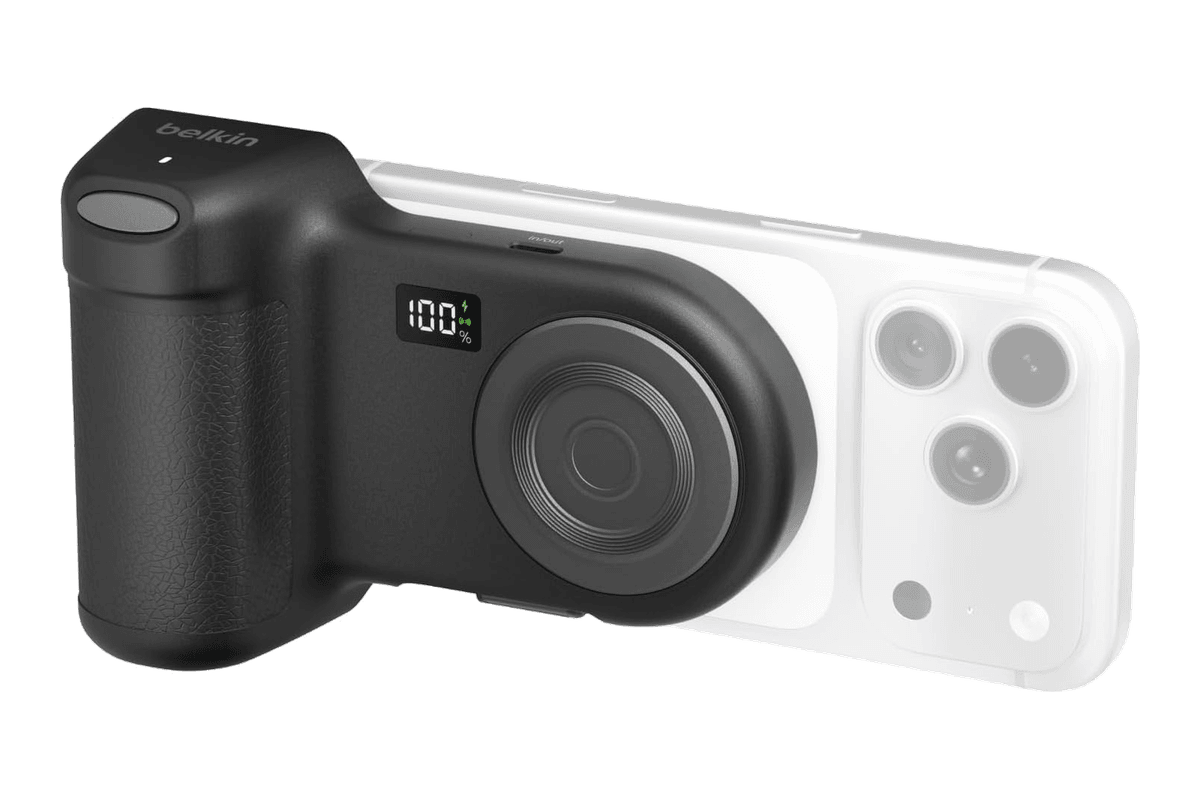
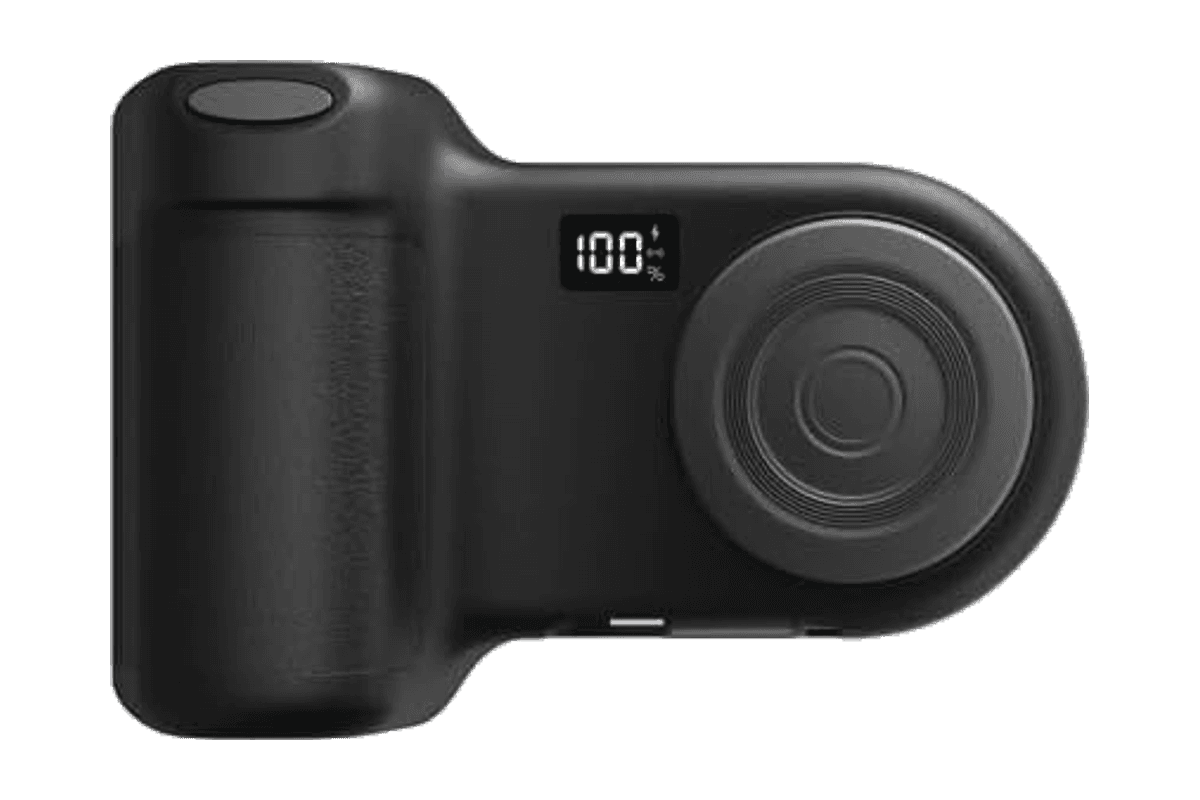
Stage PowerGrip
A magnetic iPhone camera grip with a Bluetooth shutter and a 9,300 mAh power bank.
HardwarePoweriOS
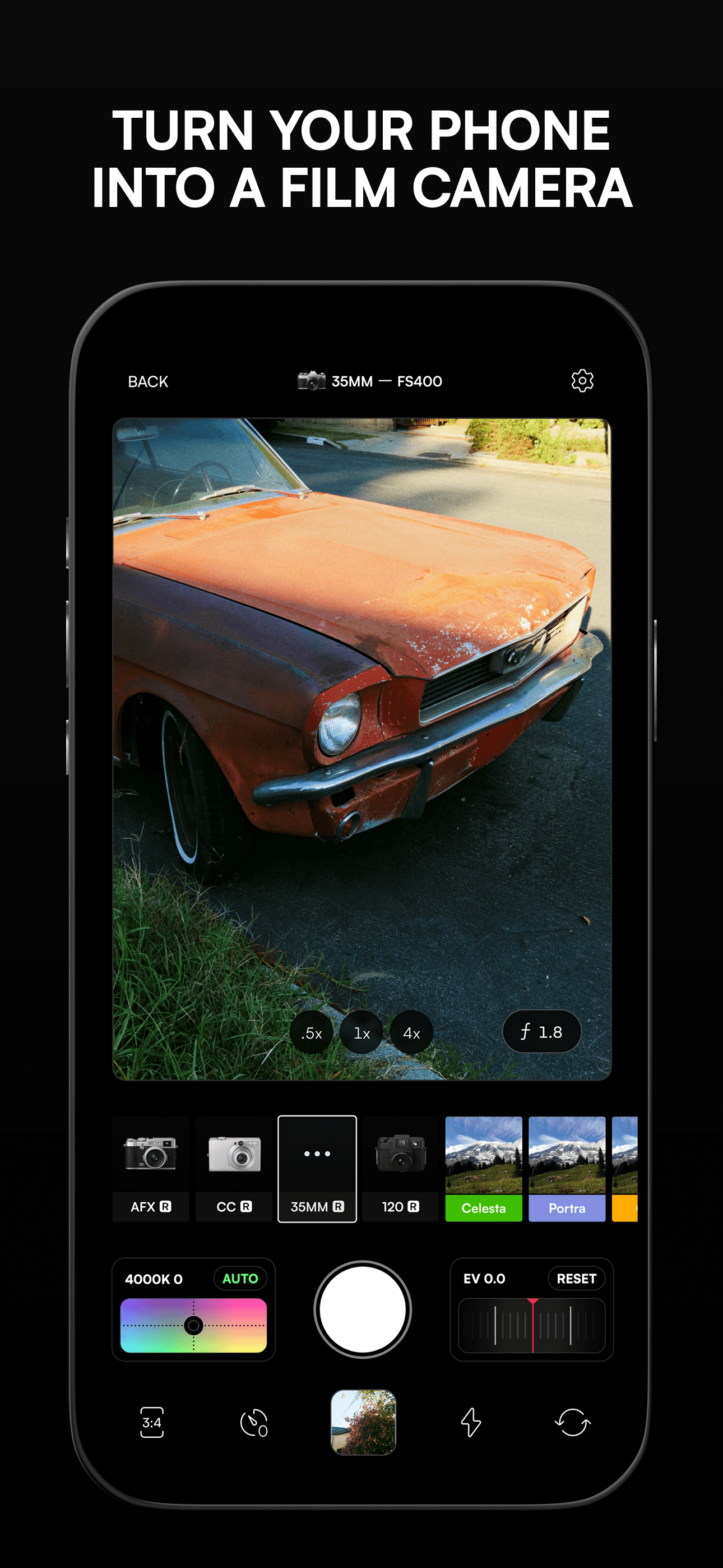
Afterlight
Camera, film presets, and advanced photo editing
Freemium
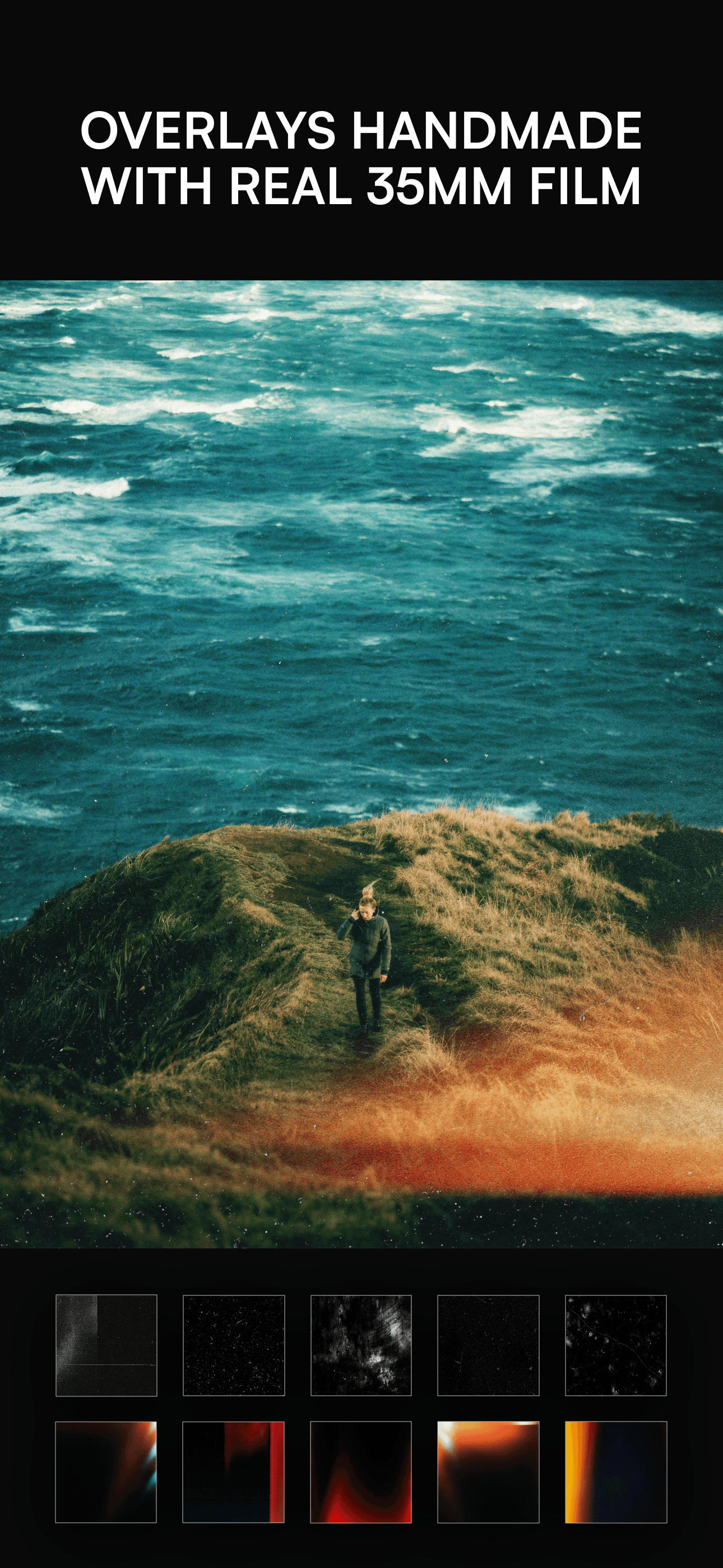
Afterlight is a photo and video editing app for iPhone and iPad that features a camera mode with live filters, 300+ film-inspired presets, real overlays, and a suite of advanced editing tools. Its design is tailored by creatives for photographers seeking film emulation and manual adjustment.
- Camera mode with live filters and seamless editing transition
- Offers more than 300 film photography-inspired presets
- Enables custom film emulation effects including double exposure and halation
- Provides over 100 real overlay textures such as dust, light leaks, and VHS effects
- Includes 30+ advanced tools for adjusting brightness, curves, vibrance, sharpening, and more
- Option to add frames, borders, or instant film frames before exporting images
Afterlight is free to download for iPhone and iPad (requires iOS 16.6 or later), with in-app purchases available for additional features and content. No user account or external data storage is required.