The notch on a MacBook is a strip of screen that, by default, does nothing. On iPhone, Apple turned the same cutout into the Dynamic Island, a live surface for music, timers, calls, and alerts. Apple has not done that on the Mac, so a group of independent developers did. Dynamic Island apps turn the notch (or a floating pill, if your Mac has no notch) into a hub for now playing, file drops, HUDs, calendar events, and even live status from your AI coding agents.
We compared the paid leaders in the Macfolio directory, Droppy, , and , plus two free options worth trying first: Boring Notch and Notchy.
Shotbase is a comprehensive tool designed to capture and manage all your screen-based content effortlessly. With features like stunning screenshot capabilities, recording options that include cinematic effects, and an intuitive organizational structure powered by local AI, you can easily keep your multimedia assets organized and accessible. Shotbase not only allows you to capture specific areas, windows, or full screens on your Mac but also enables you to edit and enhance your captures with backgrounds, frames, and annotations. The integrated AI ensures your captures are automatically named and tagged for easy searching, making it an excellent choice for anyone looking to enhance their productivity and creativity in one seamless workspace.
SoftwareCreativemacOS
DeskMinder
For Easily Distracted Minds
Freemium
DeskMinder is a productivity software application designed for Mac users who struggle with distractions. It provides a straightforward interface for creating desktop pop-up reminders and tasks, helping users manage urgent to-dos, short breaks, and fleeting ideas. With features like full-screen notifications and Apple Reminders integration, DeskMinder aims to enhance focus and time management for i
- With features like easy-to-create desktop pop-ups for reminders and tasks, it simplifies the process of staying on top of urgent to-dos, short breaks, or fleeting ideas.
- Users can benefit from full-screen notifications, Apple Reminders integration, and flexible widget placement, making it ideal for anyone requiring a little extra help to maintain focus.
- The app includes additional shortcuts for quick reminder setups and customizable widget options, along with a history tracking feature to monitor daily progress.
Designed specifically for Mac users, DeskMinder aims to facilitate better time management and productivity for those with attention challenges, providing a seamless user experience without unnecessary complexity.
SoftwareProductivitymacOS
Klack
Satisfying sound with every keystroke
Paid
Klack is a macOS application designed to enhance the typing experience through high-fidelity sound for each keystroke. It provides features such as immersive spatial audio, instant feedback, and customizable sound options, making it suitable for writers, developers, and anyone who values an engaging typing environment. The app is easily accessible from the menubar and offers extensive configuratio
- Provides immersive spatial audio for enhanced typing feedback.
- Allows customization of keystroke sounds, pitch variations, and volume settings.
- Features a menubar interface for quick access to configuration options.
- Supports instant feedback with each keystroke for a more engaging experience.
- Designed for writers and developers seeking auditory feedback while typing.
Klack enhances the typing experience on Mac by providing high-fidelity sound for each keystroke.
SoftwaremacOS
TypoTab
TypoTab, the ultimate AI writing assistant for
Paid
TypoTab is a macOS application that functions as an AI-driven writing assistant. It enhances writing efficiency by providing tools for grammar correction, text rephrasing, and content generation, all accessible from the menu bar without needing to switch applications. This tool is designed for writers, students, and professionals looking to streamline their writing process and improve productivity
- Provides grammar correction and text rephrasing directly from the menu bar.
- Allows text refinement in any application without switching contexts.
- Offers customizable actions to meet individual writing needs.
- Streamlines repetitive writing tasks for improved efficiency.
- Supports a wide range of applications, enhancing workflow across platforms.
TypoTab is a macOS application that enhances writing efficiency by providing grammar correction, text rephrasing, and content generation directly from the menu bar. It allows users to refine text in any application without switching contexts, offering customizable actions to suit individual writing needs.
SoftwareProductivitymacOS
Strata Files
The file manager your Mac deserves
Freemium
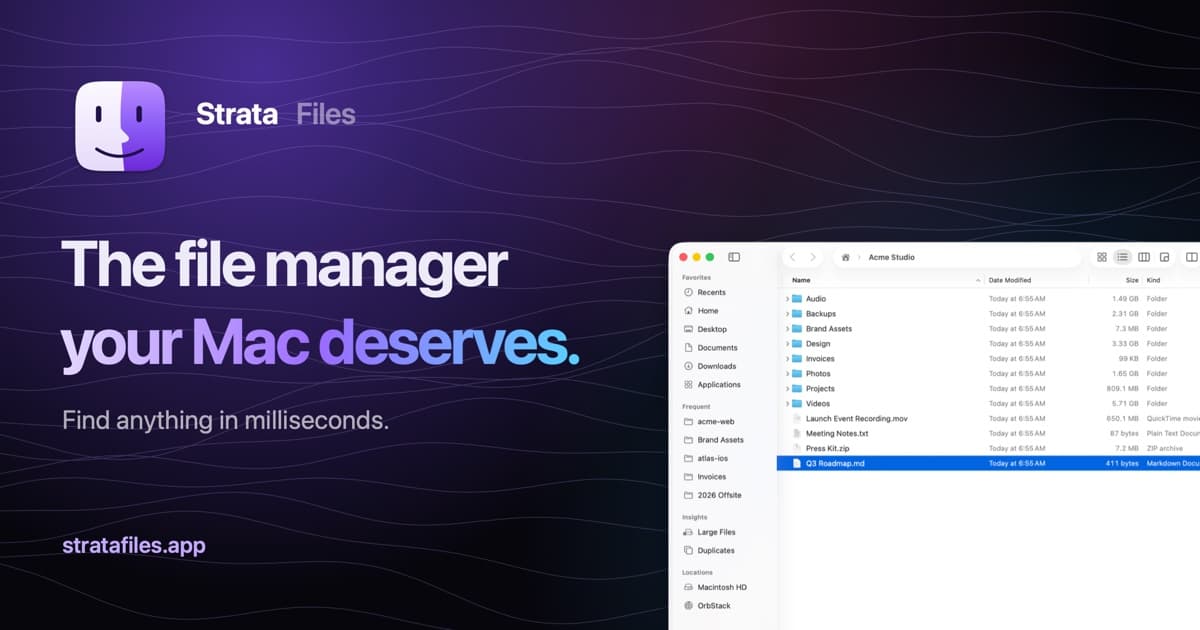
Strata Files is a free, open-source file manager for macOS. It combines indexed file search, live folder sizes, and keyboard navigation with tools for organizing files and inspecting projects.
- Search files as you type or use plain-English queries.
- Browse in dual panes and save tabs as workspaces.
- Inspect disk usage, Git status, code, and document previews.
- Pause and resume copies, review conflicts, and undo file operations after restarting.
- Batch rename files with a live preview and browse archives as folders.
- Generate document summaries and plan bulk changes locally.
Requires macOS 26 Tahoe on Apple silicon. Apple Intelligence is optional, with built-in fallbacks for summaries and bulk-change requests. Strata is MIT licensed, and its search index and history stay encrypted on your Mac.
SoftwareUtilitiesmacOS
MeltKit
Create animated gradients and seamless loops
One-time
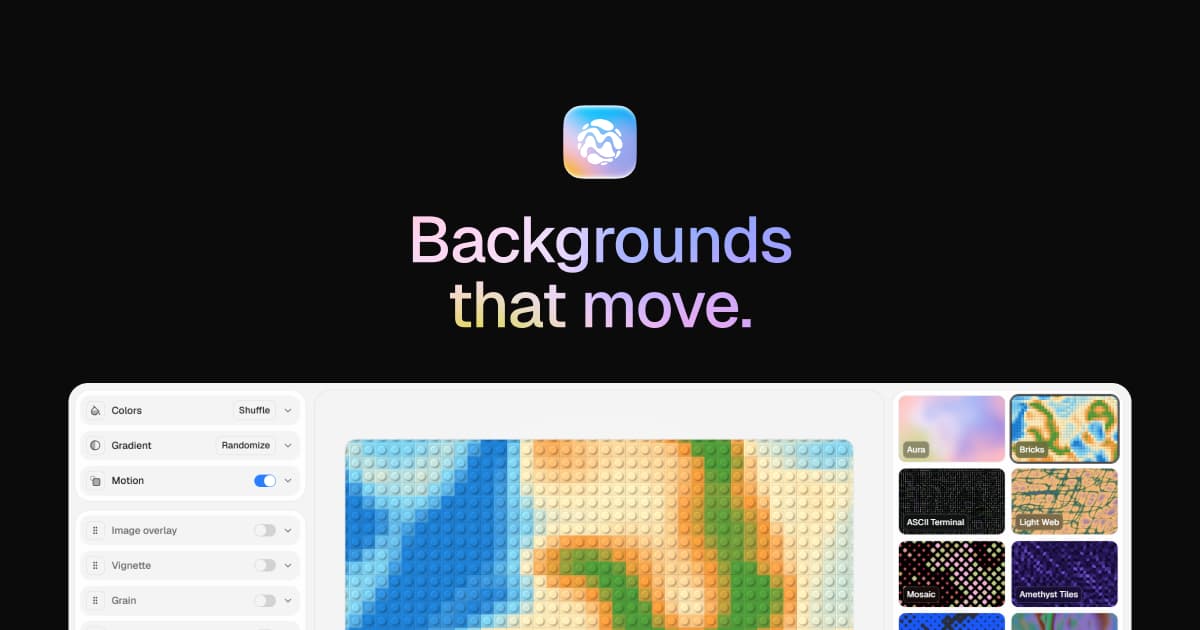
MeltKit is a desktop studio for creating animated gradient backgrounds on Mac and Windows. Choose a look, customize its colors, and export it for websites, presentations, or videos.
- Explore flow, marble, mesh, aura, ribbons, rings, and other shapes.
- Generate six variations in a click.
- Layer effects such as grain, glass, and halftone.
- Export seamless loops as MP4 or WebM up to 4K.
- Save PNG stills up to 8K, JPEG images, self-contained HTML, or React components.
A one-time license covers up to three computers and includes version 1 updates. Internet is needed for activation; the app then works offline. Exports can be used commercially.
SoftwareDesignmacOS
ChainYourMac
Arrange windows on a scrolling strip
One-time
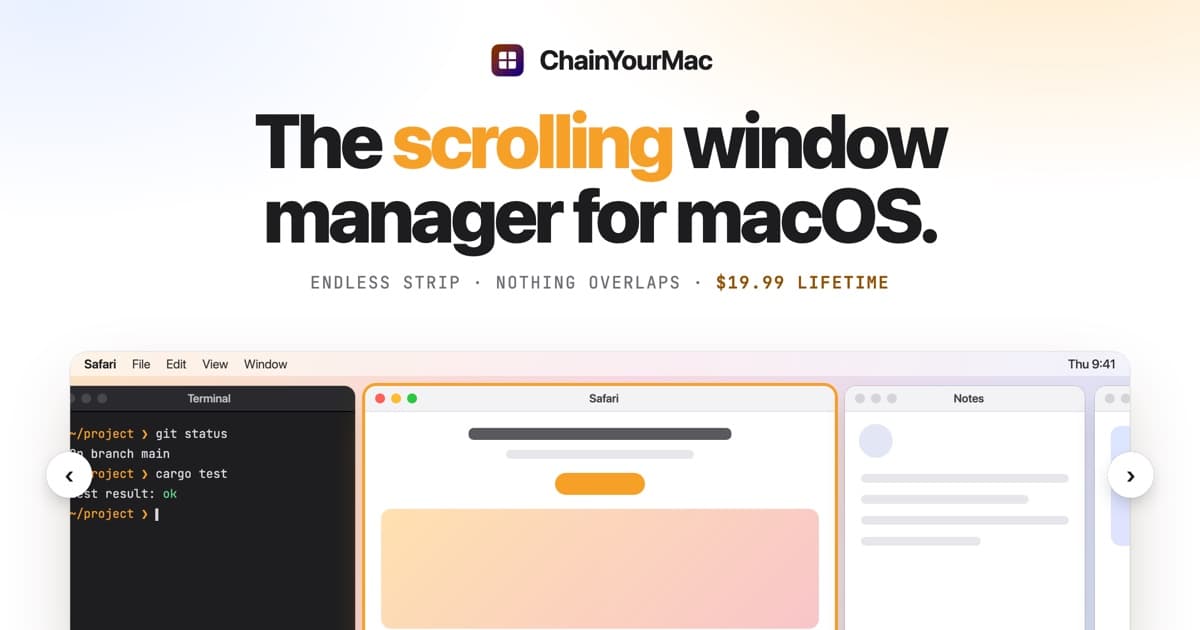
ChainYourMac arranges windows on a horizontal strip that scrolls beyond the edges of your display, keeping each window at its chosen width.
- Navigate with keyboard shortcuts or three- and four-finger trackpad swipes.
- Group windows into stacks or tabbed columns.
- Set preset widths, gaps, and per-app floating rules.
- Keep separate layouts for each display and Space.
- Restore window order and stacks after restarting.
Requires macOS 13 Ventura or later on Apple silicon. A lifetime license for one Mac costs $19.99 and includes future updates; multi-Mac licenses are available.
SoftwareUtilitiesmacOS
Agent Caffeine
Keep your Mac awake for agents
One-time
Agent Caffeine is a Mac menu bar utility that prevents sleep while AI coding agents are working, then allows the Mac to sleep when work stops.
- Track activity from agents including Claude Code, Codex, and Cursor.
- Keep the Mac awake with the lid closed during active work.
- Allow a configurable grace period when an agent waits for input.
- Send notifications when agents need attention or finish.
- Pause sleep prevention or stay reachable for a set duration.
Closed-lid operation on battery requires an approved helper. Battery and temperature safeguards can release sleep prevention. Includes a seven-day trial, followed by a one-time purchase with lifetime updates.
SoftwareUtilitiesmacOS
VMPal
Run virtual machines on Apple silicon
One-time
VMPal is a virtual machine manager for Apple silicon Macs. Run macOS, Windows 11, and Linux environments alongside your Mac apps, with tools for development and AI agent workflows.
- Download and install supported operating systems.
- Share folders, clipboard contents, and files with guests.
- Save snapshots and restore earlier machine states.
- Forward ports for guest web servers and SSH.
- Connect AI agents through built-in MCP controls.
- Import virtual machines from Parallels.
Requires an Apple silicon Mac running macOS 26 or later. Perpetual licenses include one year of updates and support; renewal is optional for further updates. A trial is available.
Best overall: Droppy (€8.94 once, localized pricing). The most features for the money: a file shelf, clipboard, AirDrop, calendar, 41 free extensions, and live Claude and Codex status in the notch.
Best for customization: DynamicLake Pro. Plugins, a Liquid Glass design option, miniLake, and support for non-notch Macs and external displays.
Most polished and Apple-like: Alcove ($14.99). Fluid animations, live activities, lock screen widgets, and customizable HUDs. Requires macOS 15.
Best free open-source: Boring Notch. Music controls, a shelf with AirDrop, calendar, a webcam mirror, and HUD replacements, GPL-3.0 licensed.
Best free option for Macs without a notch: Notchy. Free forever, runs on macOS 13 Ventura and later, and floats as a pill on a MacBook Air, iMac, Mac mini, or external display.
Comparison table
Droppy
DynamicLake
Alcove
Boring Notch
Notchy
Price
€8.94 once (localized)
Pro from $13.99
$14.99
Free
Free
License
2 Macs, 14-day refund
Pro license via Gumroad
One-time purchase
GPL-3.0 open source
Free forever
macOS
14 or later
14 Sonoma or later
15 or later
14 Sonoma or later
13 Ventura or later
Macs without a notch
Yes
Yes
Notch-focused
Notch-focused
Yes, as a floating pill
Music controls
Yes
Yes (DynaMusix)
Yes
Yes
Yes, with lyrics
File shelf / AirDrop
Yes
AirDrop
No
Yes
Yes
Extras
41 droplets, AI agent status, iPhone app
Plugins, Liquid Glass, miniLake
Lock screen widgets, HUDs
Mirror, calendar, HUDs
124 feature guides, Face Unlock
Install
Download or Homebrew
Download
Download
Download or Homebrew
Download or Homebrew
What a Dynamic Island app actually does
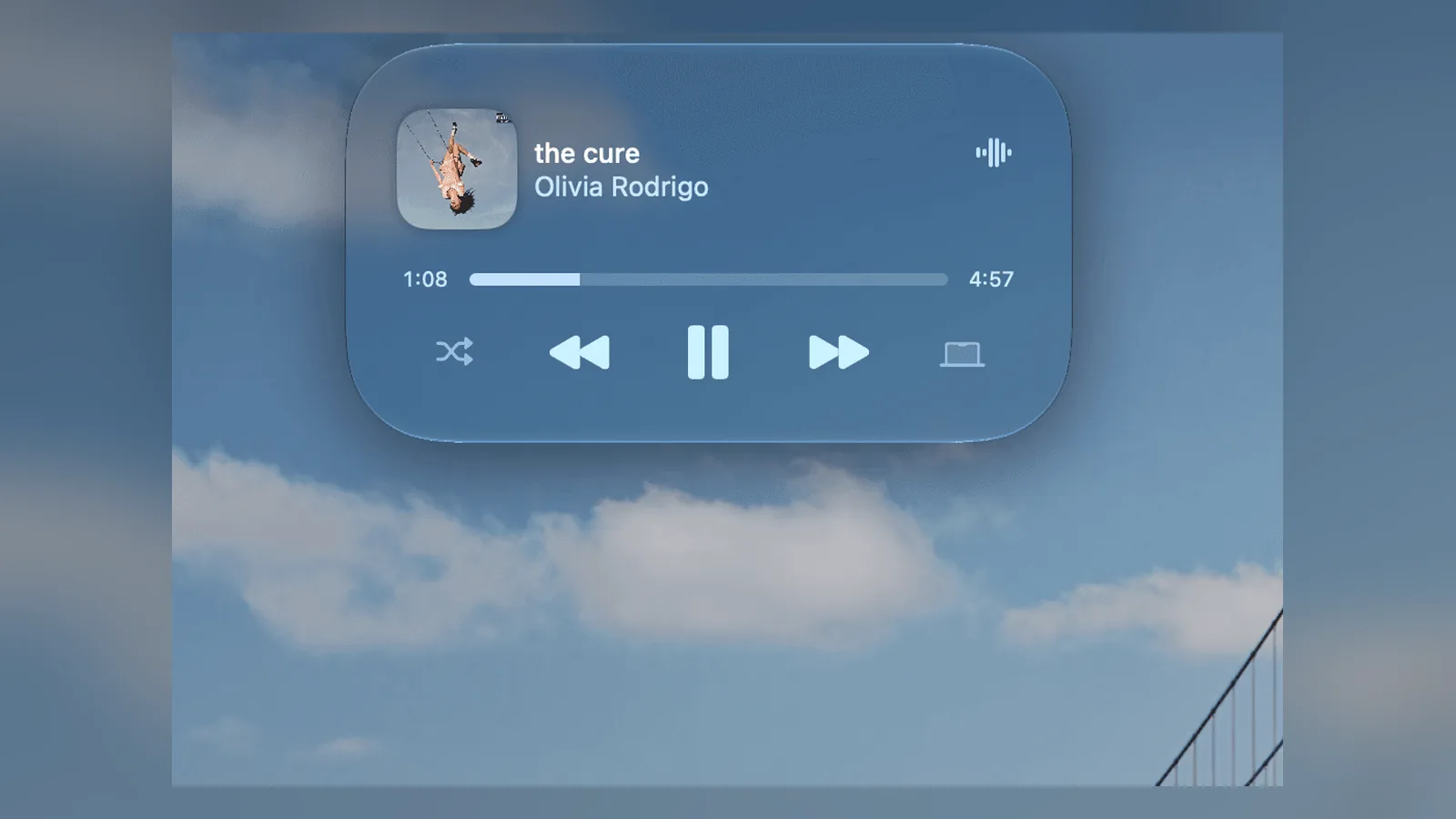
Every app on this list starts with the same core: when music plays, the notch expands into a mini player with artwork and controls. When you change volume or brightness, a custom HUD appears in the notch instead of the macOS overlay. Hover or click, and the island opens into a panel with more tools.
Where they differ is everything else. Some lean into productivity (file shelves, clipboard history, calendar). Others lean into design (animations, themes, glass materials). The right one depends on whether you want a utility drawer or a beautiful status display.
Droppy: the best overall Dynamic Island app
Droppy calls itself a supercharged Dynamic Island, and it earns the description. Beyond music and HUDs, it adds a file shelf for drag and drop, universal search and clipboard history behind one shortcut, AirDrop to any device without the cloud, calendar and reminders with natural-language entry, and 41 free extensions it calls Droplets. You turn on the ones you want and leave the rest off.
Droppy expands the notch into a full media player. Image: Droppy
For developers, the standout feature is live coding agent status. Droppy can show Claude working from the notch, then flip to a Usage view with every plan limit at a glance. If you run agents all day, pair it with one of the apps in our guide to keeping your Mac awake for Claude Code and AI agents.
Pricing is refreshingly simple: €8.94 once in the euro zone, with lower localized prices in 126 countries set at checkout. Every droplet and every future version is included, a license covers two Macs, and there is a 14-day refund. A free Droppy for iPhone app syncs clipboard, files, and notes with your Mac. It runs on Apple silicon and Intel Macs, and installs with Homebrew (`brew install --cask droppy`).
DroppyDynamic Island and file tools for MacVisit WebsiteDroppy brings a Dynamic Island interface to your Mac with live activities, file handling, clipboard history, and customizable extensions.
- Keep files ready to move in a file tray or floating drag-and-drop basket.
- Search clipboard history and share files through Droppy Cloud.
- Access music controls, calendars, reminders, timers, and notifications from the notch.
- Enable optional extensions for screen capture, window snapping, notes, and other everyday tasks.
- Use a floating island on displays without a notch.
Requires macOS 14 Sonoma or later. A one-time purchase includes lifetime updates, with a free trial available.Visit Website
DynamicLake: the most customizable
DynamicLake from Aviorrok focuses on making the island your own. DynaMusix handles music, DynaGlance shows your schedule and weather, and a newer plugin system extends it further. Small touches include AirDrop, battery alerts, calendar and meeting alerts, and audio and video conversion.
DynamicLake's DynaMusix player in the notch. Image: Aviorrok
Two design features set it apart. A Liquid Glass option restyles the island with an Apple-inspired glass material, with a setting to use it on external displays only. miniLake offers a smaller island for people who want less on screen. DynamicLake also supports Macs without a notch and external displays, which makes it a good fit for a Mac mini or iMac desk.
DynamicLake Pro is sold through Gumroad, starting at $13.99 when we checked, and requires macOS Sonoma or later.
DynamicLakeDynamic Island controls and activities for MacVisit WebsiteDynamicLake adds a Dynamic Island interface to your Mac for music, system controls, notifications, and file actions.
- Adjust volume, brightness, and keyboard backlighting from an integrated panel.
- Control music and keep calendar events and weather within view.
- Drag and drop files to preview, compress, share, AirDrop, or convert them.
- See supported messaging notifications, calls, Bluetooth events, and live activities.
- Customize the notch appearance or choose a compact miniLake layout.
Supports macOS 14 or later on Intel and Apple silicon, including Macs with and without a notch. A one-time license covers up to three devices and includes lifetime updates.Visit Website
Alcove: the most Apple-like
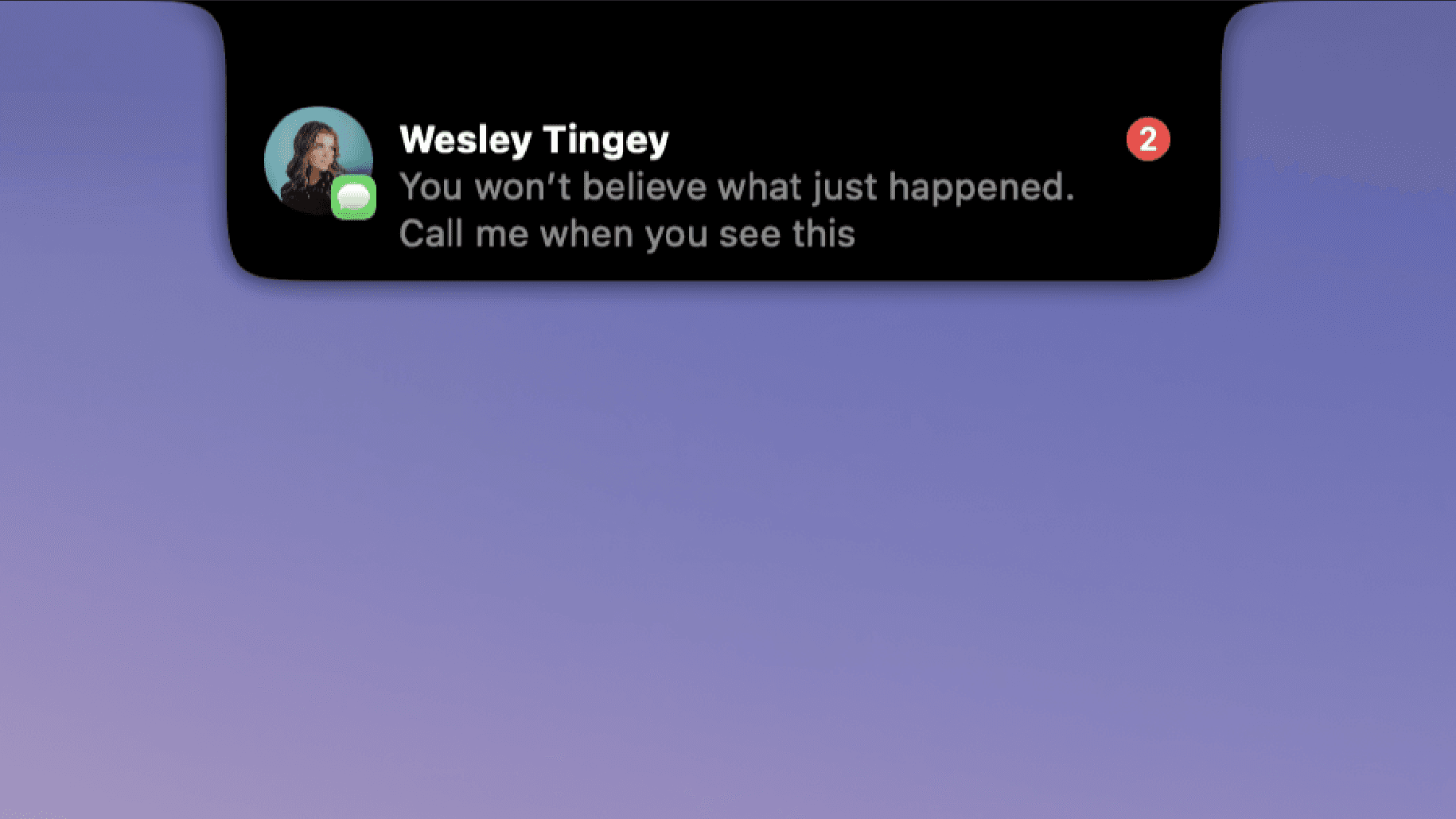
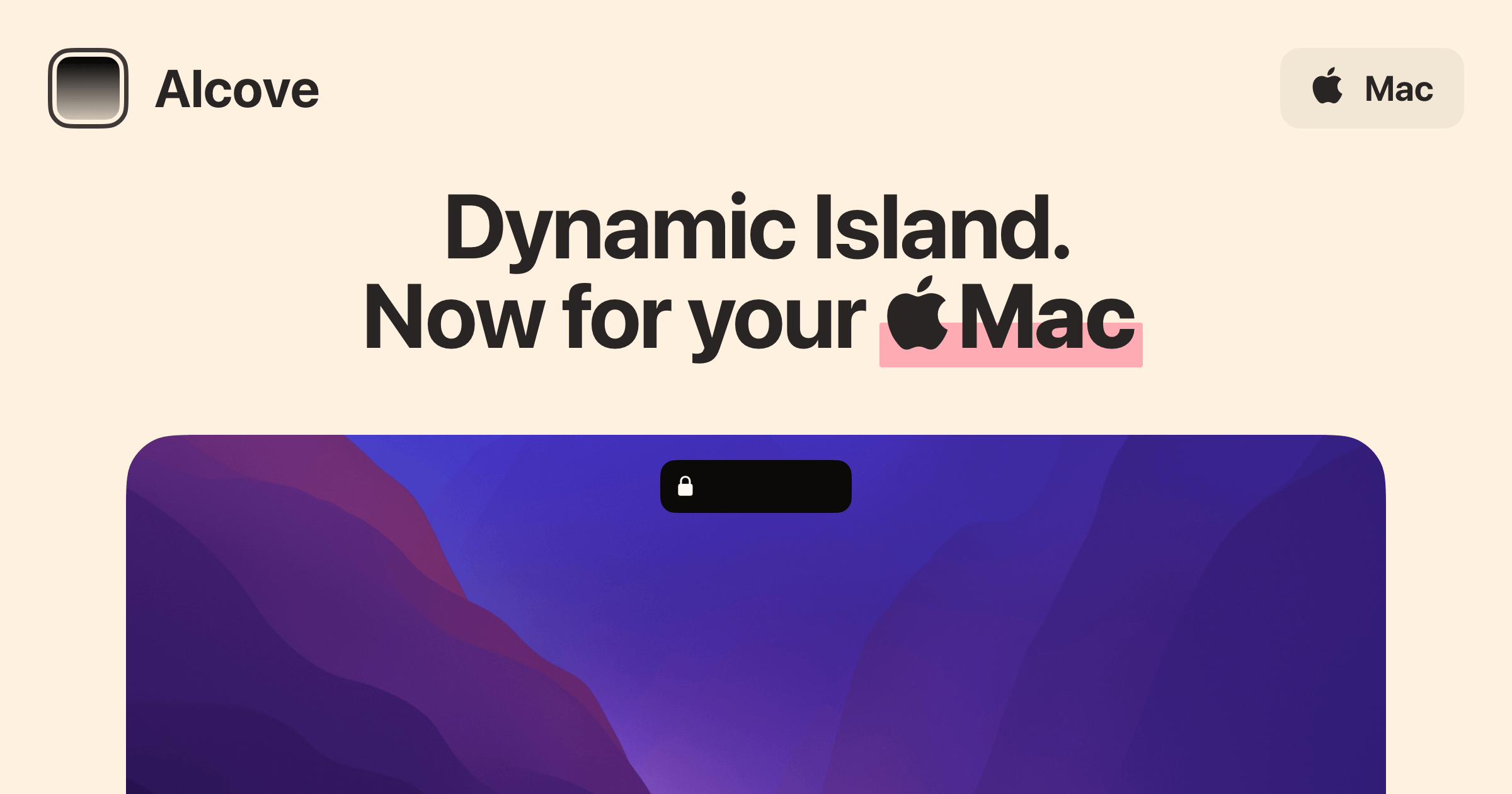
If you want the Mac version of the iPhone Dynamic Island and nothing extra, Alcove is the one. Its pitch is polish: fluid transitions, instant notifications, live activities, swipe gestures, customizable HUDs, and lock screen widgets, all in a fast native app. It does not try to be a file manager or a clipboard tool.
Alcove costs $14.99 and requires macOS 15 or later. The current version is 1.7.
AlcoveDynamic Island experience for your MacVisit WebsiteAlcove is a native macOS application designed to enhance the user experience on Macs with a notch. It provides features such as fluid transitions, instant notifications, live activities, swipe gestures, customizable HUDs, and lock screen widgets. These functionalities aim to make media controls, alerts, and system status more accessible and interactive for users.
- Provides a Dynamic Island-style interface for the Mac notch, enhancing user interaction.
- Supports fluid transitions for a seamless visual experience during notifications and activities.
- Integrates live activities to display real-time updates and information.
- Enables swipe gestures for quick access to media controls and alerts.
- Offers customizable HUDs for personalized display of system status and notifications.
- Includes lock screen widgets for immediate access to alerts and media controls.
Alcove is tailored for users with Macs featuring a notch, offering a range of functionalities that improve accessibility and interaction with media controls and notifications. Its features, including customizable HUDs and live activities, provide a practical solution for managing alerts and system status efficiently.Visit Website
Free option: Boring Notch
Boring Notch is an open-source Dynamic Island for the Mac, licensed under GPL-3.0 and developed in public on GitHub. It covers the essentials: music controls, calendar integration, a webcam mirror, a shelf for files with AirDrop, and replacements for the volume, brightness, and keyboard backlight HUDs. Weather, lock screen widgets, and an extension system are on the roadmap.
It requires macOS 14 Sonoma or later. The developers do not have an Apple Developer account yet, so macOS warns that the app is from an unidentified developer on first launch. The Homebrew install bypasses that warning:
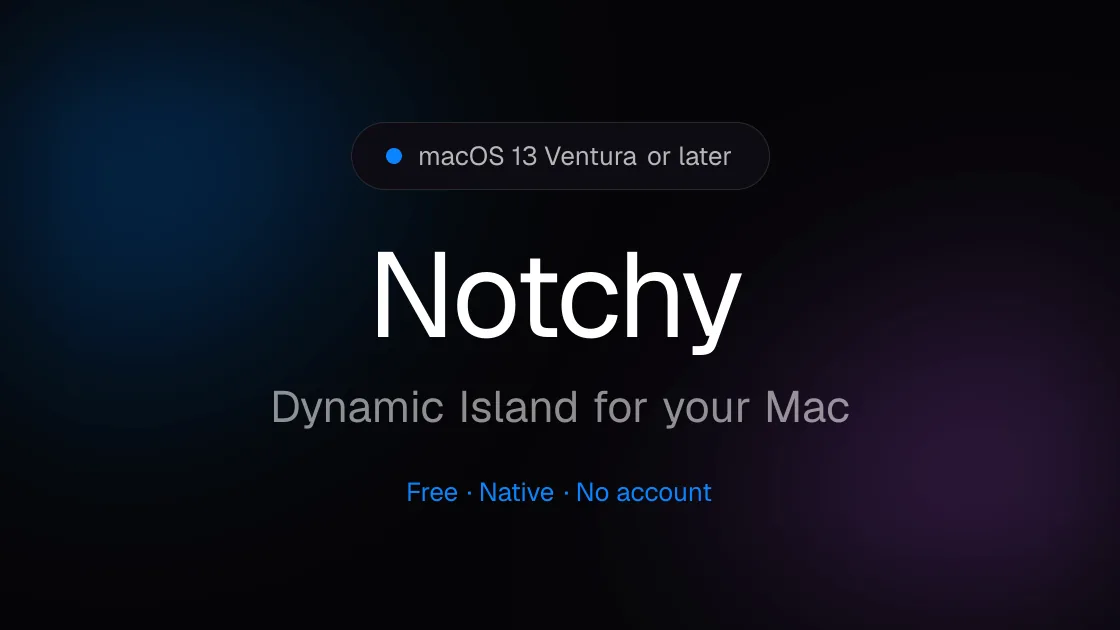
Notchy is free forever and runs on macOS 13 Ventura or later. It turns the notch into a fluid island for music, clipboard, timers, AI usage, and HUDs, and if your Mac has no notch, it floats the same island as a pill. That makes it the easiest way to try a Dynamic Island on a MacBook Air without a notch, an iMac, a Mac mini, a Mac Studio, or an external display.
Notchy's island can take a notch shape or a floating pill shape. Image: Notchy
Its feature list is long for a free app: time-synced lyrics, song ID, per-app audio output, AirPods battery, a Pomodoro timer with ambient sounds, clipboard history, a file drop shelf with AirDrop, text extraction from images, and system stats such as CPU temperature.
Which one should you choose?
You want the most useful notch for work: Droppy.
You want to tune every detail, or you use a Mac without a notch: DynamicLake.
You want it to look and feel like Apple made it: Alcove.
You want free and open source: Boring Notch.
You want free with no notch required: Notchy.
Start with a free app for a week. If you find yourself using the notch every day, the paid apps are a small one-time purchase.
FAQ
Is there an official Dynamic Island for Mac?
No. Apple has not brought the Dynamic Island to macOS. The apps in this guide are third-party utilities that use the space around the notch.
Do Dynamic Island apps work on Macs without a notch?
Some do. Droppy, DynamicLake, and Notchy all support Macs without a notch, including external displays. Alcove and Boring Notch are built around the MacBook notch and do not advertise non-notch support.
What is the best free Dynamic Island app for Mac?
Boring Notch if you want open source with a file shelf and HUD replacements. Notchy if you want a longer feature list or your Mac has no notch.
Do these apps slow down my Mac?
They are small native apps that sit idle most of the time. Alcove highlights that it is a blazing-fast native app, and Notchy describes itself as light as air.
Can a Dynamic Island app show Claude Code or Codex status?
Droppy can show Claude working live in the notch and display plan usage limits. Notchy also lists AI usage among its features.
Verdict
Droppy is the best Dynamic Island app for most Mac users: it does the most, costs the least among the paid apps, and covers two Macs. Alcove is the choice if design matters more than features, and DynamicLake wins on customization and non-notch support. If you are not sure you want an island at all, start with Boring Notch or Notchy, both free.
Strata Files is a free, open-source file manager for macOS. It combines indexed file search, live folder sizes, and keyboard navigation with tools for organizing files and inspecting projects.
- Search files as you type or use plain-English queries.
- Browse in dual panes and save tabs as workspaces.
- Inspect disk usage, Git status, code, and document previews.
- Pause and resume copies, review conflicts, and undo file operations after restarting.
- Batch rename files with a live preview and browse archives as folders.
- Generate document summaries and plan bulk changes locally.
Requires macOS 26 Tahoe on Apple silicon. Apple Intelligence is optional, with built-in fallbacks for summaries and bulk-change requests. Strata is MIT licensed, and its search index and history stay encrypted on your Mac.
SoftwareUtilitiesmacOS
MeltKit
Create animated gradients and seamless loops
One-time
MeltKit is a desktop studio for creating animated gradient backgrounds on Mac and Windows. Choose a look, customize its colors, and export it for websites, presentations, or videos.
- Explore flow, marble, mesh, aura, ribbons, rings, and other shapes.
- Generate six variations in a click.
- Layer effects such as grain, glass, and halftone.
- Export seamless loops as MP4 or WebM up to 4K.
- Save PNG stills up to 8K, JPEG images, self-contained HTML, or React components.
A one-time license covers up to three computers and includes version 1 updates. Internet is needed for activation; the app then works offline. Exports can be used commercially.
SoftwareDesignmacOS
ChainYourMac
Arrange windows on a scrolling strip
One-time
ChainYourMac arranges windows on a horizontal strip that scrolls beyond the edges of your display, keeping each window at its chosen width.
- Navigate with keyboard shortcuts or three- and four-finger trackpad swipes.
- Group windows into stacks or tabbed columns.
- Set preset widths, gaps, and per-app floating rules.
- Keep separate layouts for each display and Space.
- Restore window order and stacks after restarting.
Requires macOS 13 Ventura or later on Apple silicon. A lifetime license for one Mac costs $19.99 and includes future updates; multi-Mac licenses are available.
SoftwareUtilitiesmacOS
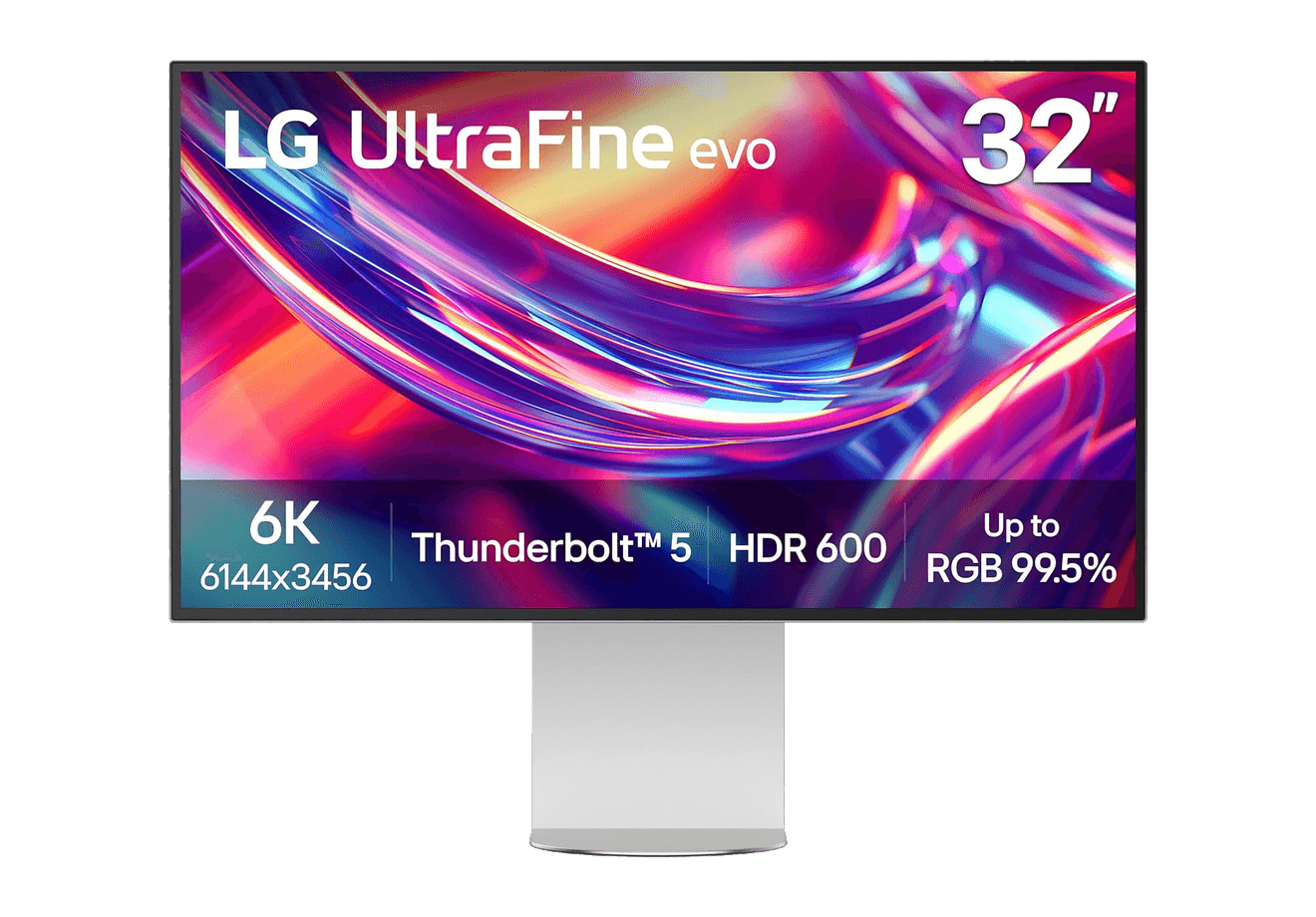
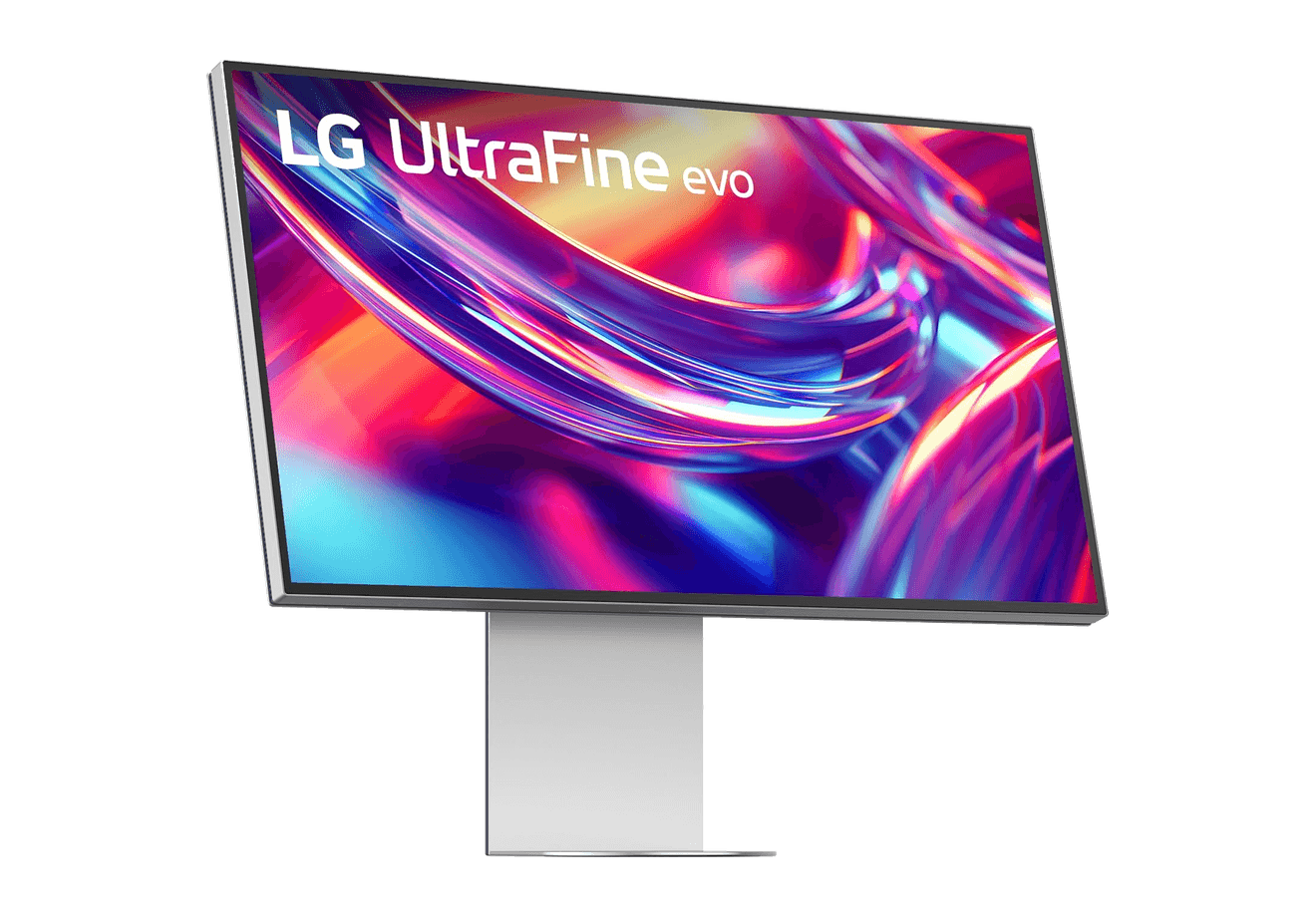
LG UltraFine evo 6K
A 32-inch 6K Thunderbolt 5 display built for Mac creators.
WorkspaceDisplays
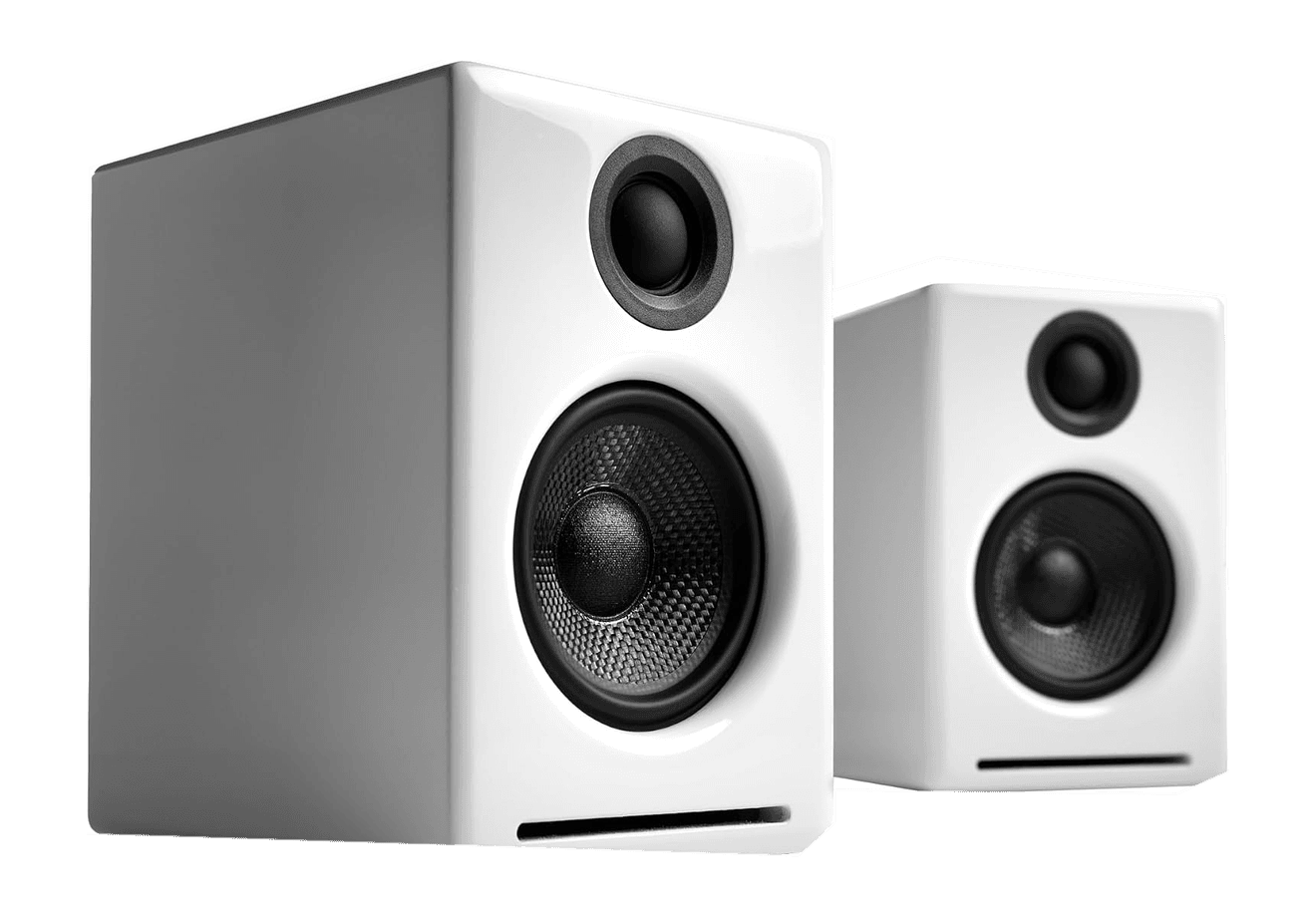
A2+ Wireless Speakers
Compact wireless desktop speakers with 24-bit audio for Mac.
HardwareAudioiOS & macOS
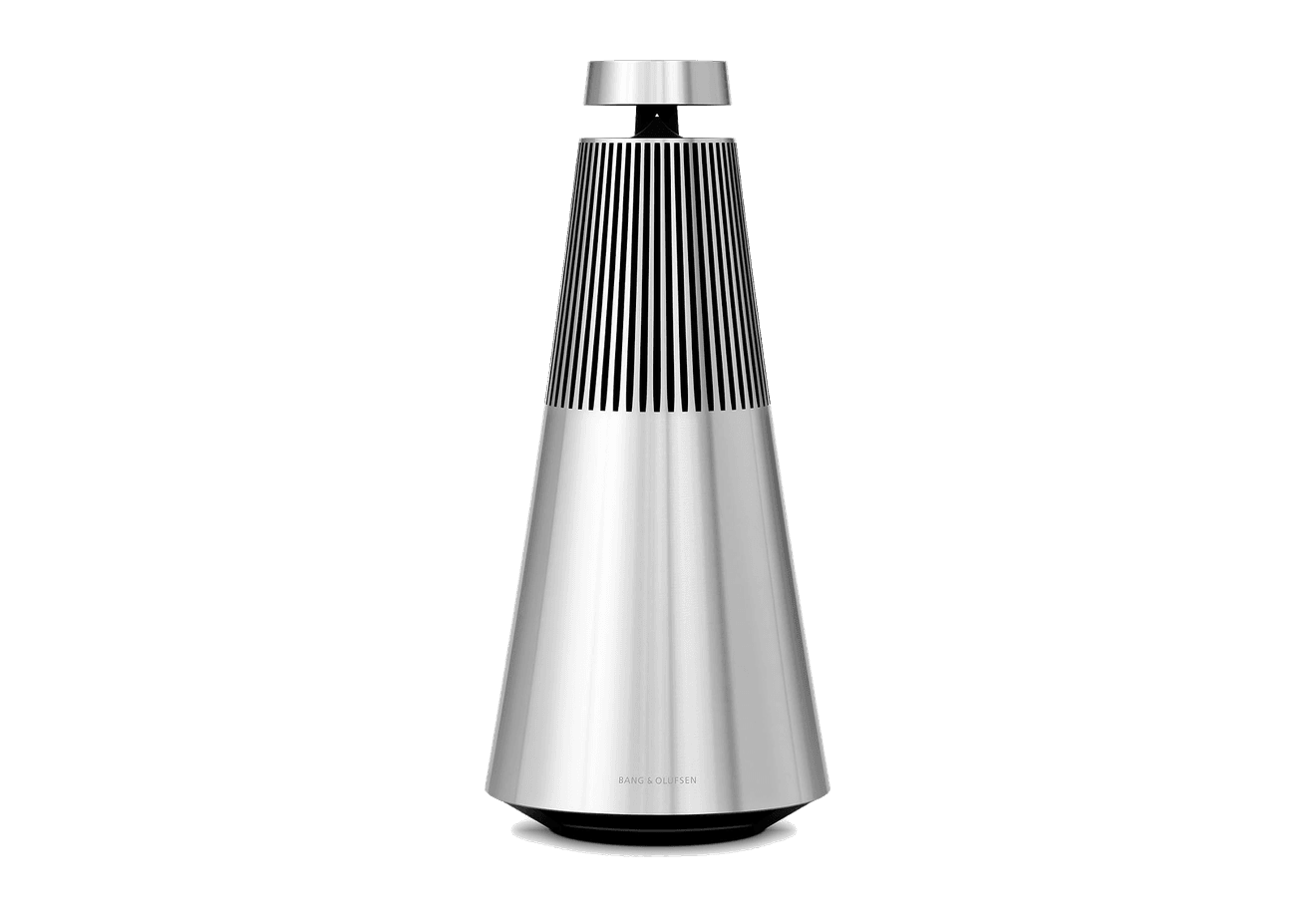
Beosound 2
A sculptural 360-degree wireless speaker with AirPlay 2.
HardwareAudioiOS & macOS
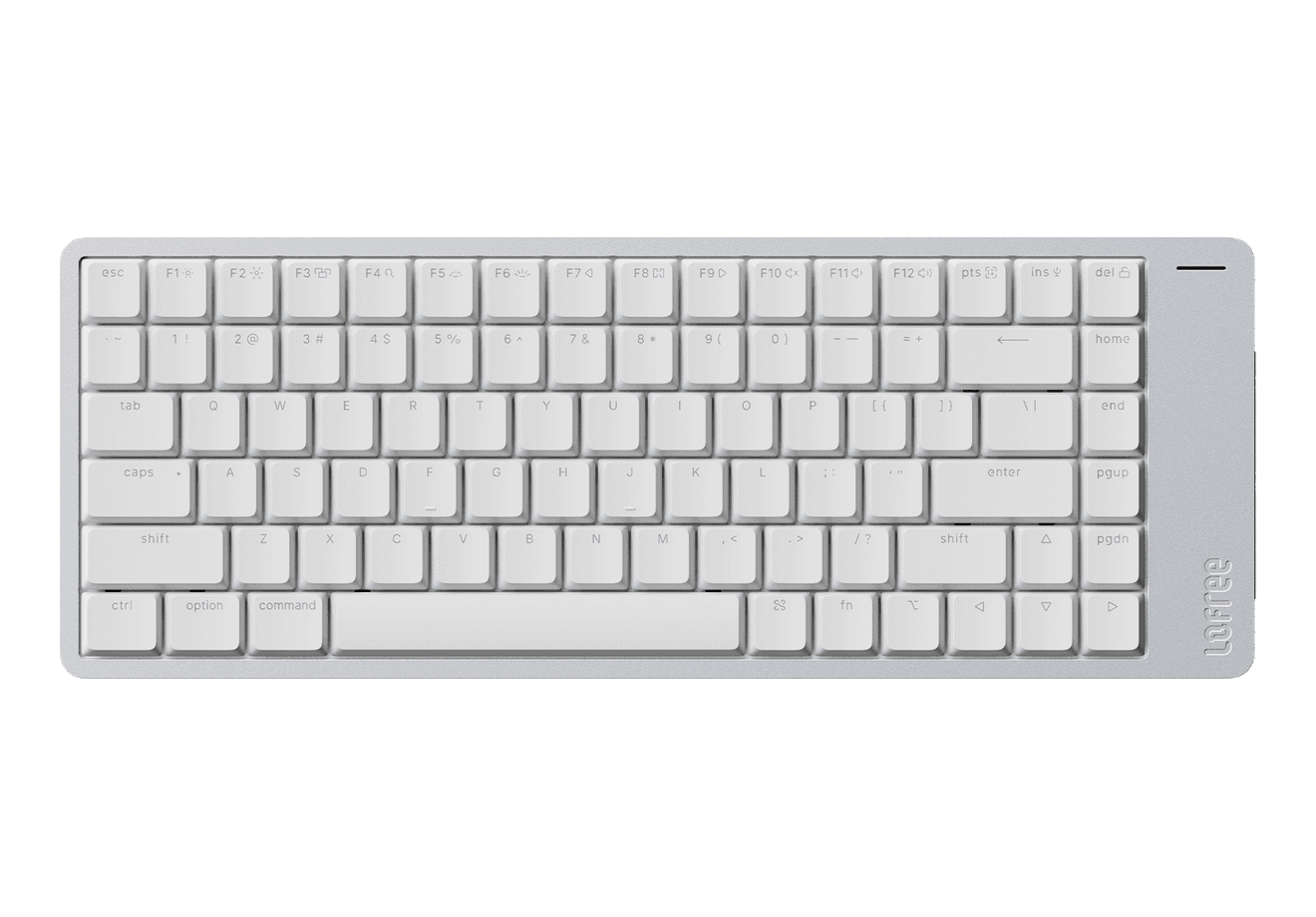
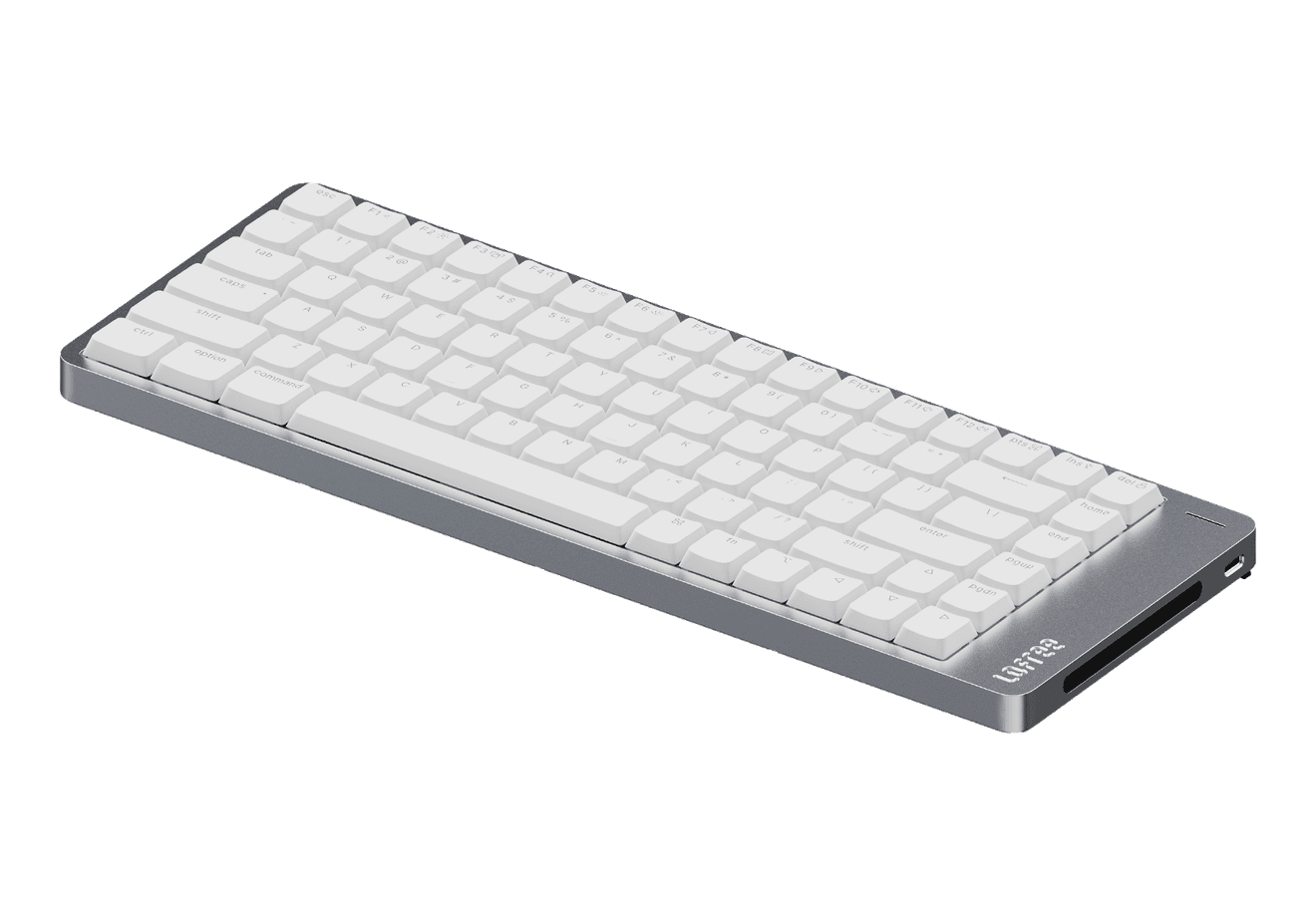
Flow 2
A CNC aluminum low-profile keyboard with cloud-soft switches and VIA.
HardwareKeyboards & MiceiOS & macOS
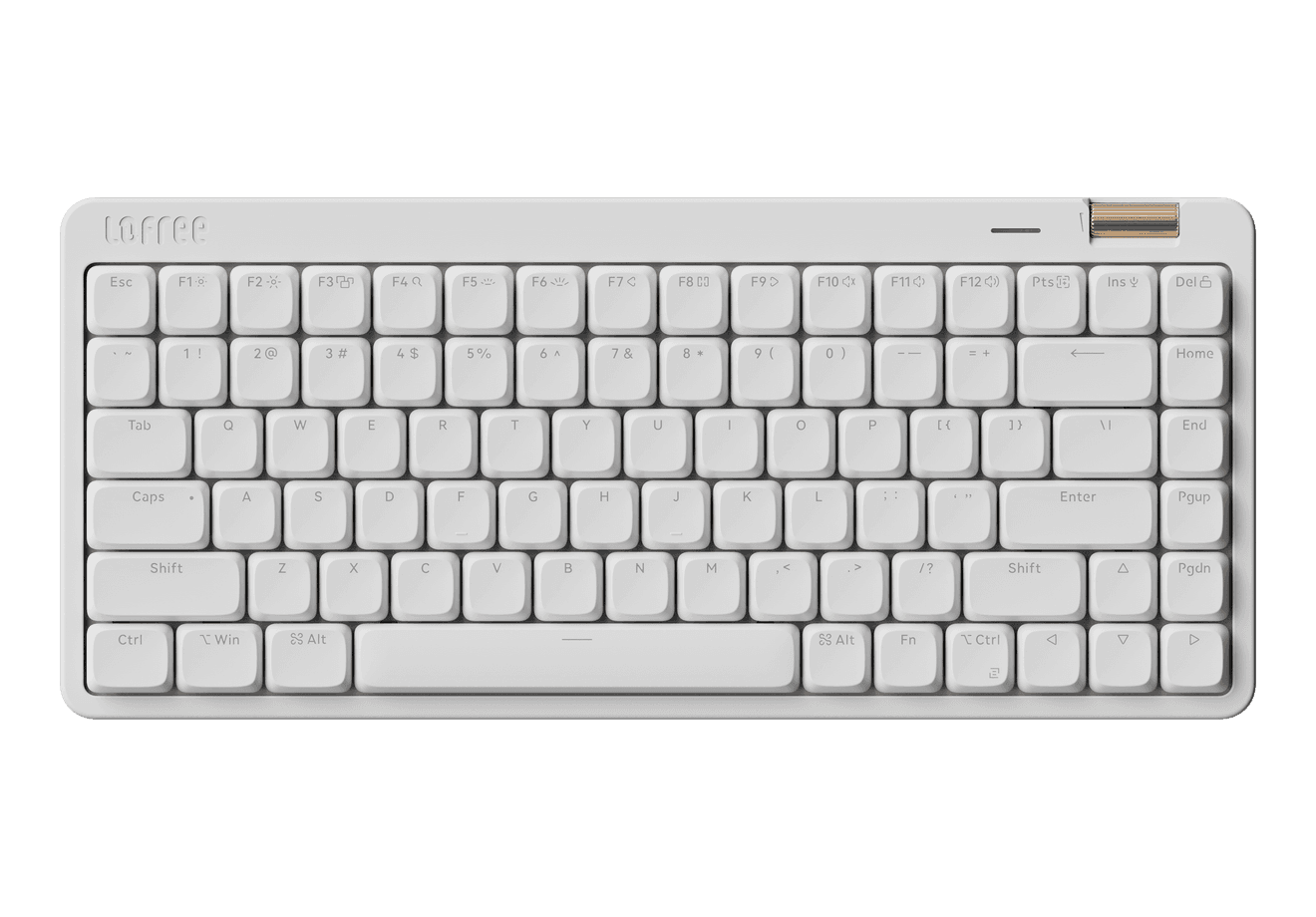
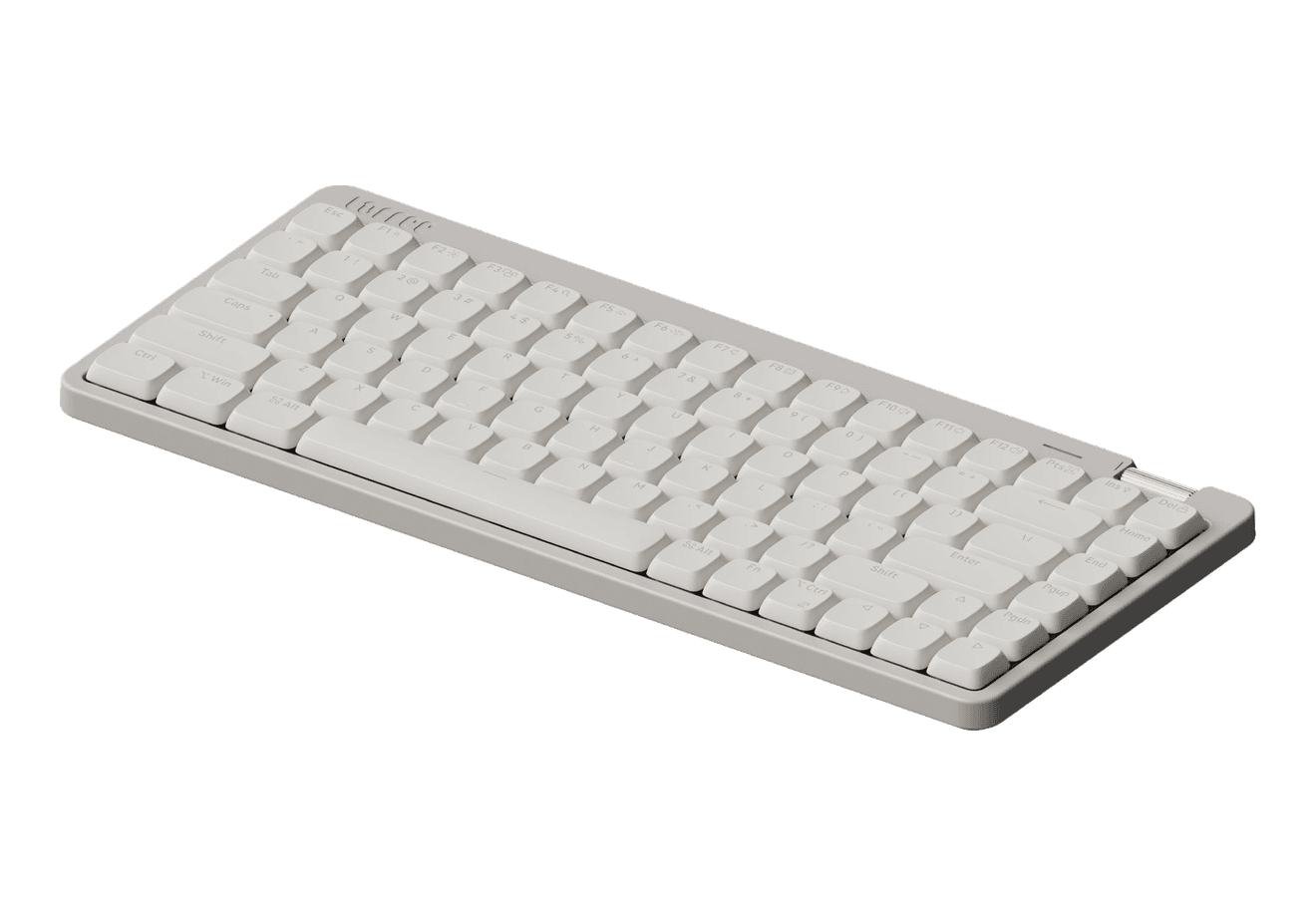
Flow Lite84
A slim tri-mode mechanical keyboard built for comfortable Mac typing.
HardwareKeyboards & MiceiOS & macOS
Agent Caffeine
Keep your Mac awake for agents
One-time
Agent Caffeine is a Mac menu bar utility that prevents sleep while AI coding agents are working, then allows the Mac to sleep when work stops.
- Track activity from agents including Claude Code, Codex, and Cursor.
- Keep the Mac awake with the lid closed during active work.
- Allow a configurable grace period when an agent waits for input.
- Send notifications when agents need attention or finish.
- Pause sleep prevention or stay reachable for a set duration.
Closed-lid operation on battery requires an approved helper. Battery and temperature safeguards can release sleep prevention. Includes a seven-day trial, followed by a one-time purchase with lifetime updates.
 Dudu
Dudu