Wispr Flow and Superwhisper are the two dictation apps most Mac users end up comparing. Both let you hold a key, talk, and get clean, formatted text in any app. Both run on Mac, Windows, iOS, and Android. But they are built on different ideas: Wispr Flow is a cloud service designed to just work, and Superwhisper is a toolkit that runs models on your Mac and lets you control everything.
This guide compares Wispr Flow and Superwhisper on pricing, privacy, and features, then covers three offline alternatives with no subscription: , , and .
Shotbase is a comprehensive tool designed to capture and manage all your screen-based content effortlessly. With features like stunning screenshot capabilities, recording options that include cinematic effects, and an intuitive organizational structure powered by local AI, you can easily keep your multimedia assets organized and accessible. Shotbase not only allows you to capture specific areas, windows, or full screens on your Mac but also enables you to edit and enhance your captures with backgrounds, frames, and annotations. The integrated AI ensures your captures are automatically named and tagged for easy searching, making it an excellent choice for anyone looking to enhance their productivity and creativity in one seamless workspace.
SoftwareCreativemacOS
DeskMinder
For Easily Distracted Minds
Freemium
DeskMinder is a productivity software application designed for Mac users who struggle with distractions. It provides a straightforward interface for creating desktop pop-up reminders and tasks, helping users manage urgent to-dos, short breaks, and fleeting ideas. With features like full-screen notifications and Apple Reminders integration, DeskMinder aims to enhance focus and time management for i
- With features like easy-to-create desktop pop-ups for reminders and tasks, it simplifies the process of staying on top of urgent to-dos, short breaks, or fleeting ideas.
- Users can benefit from full-screen notifications, Apple Reminders integration, and flexible widget placement, making it ideal for anyone requiring a little extra help to maintain focus.
- The app includes additional shortcuts for quick reminder setups and customizable widget options, along with a history tracking feature to monitor daily progress.
Designed specifically for Mac users, DeskMinder aims to facilitate better time management and productivity for those with attention challenges, providing a seamless user experience without unnecessary complexity.
SoftwareProductivitymacOS
Klack
Satisfying sound with every keystroke
Paid
Klack is a macOS application designed to enhance the typing experience through high-fidelity sound for each keystroke. It provides features such as immersive spatial audio, instant feedback, and customizable sound options, making it suitable for writers, developers, and anyone who values an engaging typing environment. The app is easily accessible from the menubar and offers extensive configuratio
- Provides immersive spatial audio for enhanced typing feedback.
- Allows customization of keystroke sounds, pitch variations, and volume settings.
- Features a menubar interface for quick access to configuration options.
- Supports instant feedback with each keystroke for a more engaging experience.
- Designed for writers and developers seeking auditory feedback while typing.
Klack enhances the typing experience on Mac by providing high-fidelity sound for each keystroke.
SoftwaremacOS
TypoTab
TypoTab, the ultimate AI writing assistant for
Paid
TypoTab is a macOS application that functions as an AI-driven writing assistant. It enhances writing efficiency by providing tools for grammar correction, text rephrasing, and content generation, all accessible from the menu bar without needing to switch applications. This tool is designed for writers, students, and professionals looking to streamline their writing process and improve productivity
- Provides grammar correction and text rephrasing directly from the menu bar.
- Allows text refinement in any application without switching contexts.
- Offers customizable actions to meet individual writing needs.
- Streamlines repetitive writing tasks for improved efficiency.
- Supports a wide range of applications, enhancing workflow across platforms.
TypoTab is a macOS application that enhances writing efficiency by providing grammar correction, text rephrasing, and content generation directly from the menu bar. It allows users to refine text in any application without switching contexts, offering customizable actions to suit individual writing needs.
SoftwareProductivitymacOS
Strata Files
The file manager your Mac deserves
Freemium
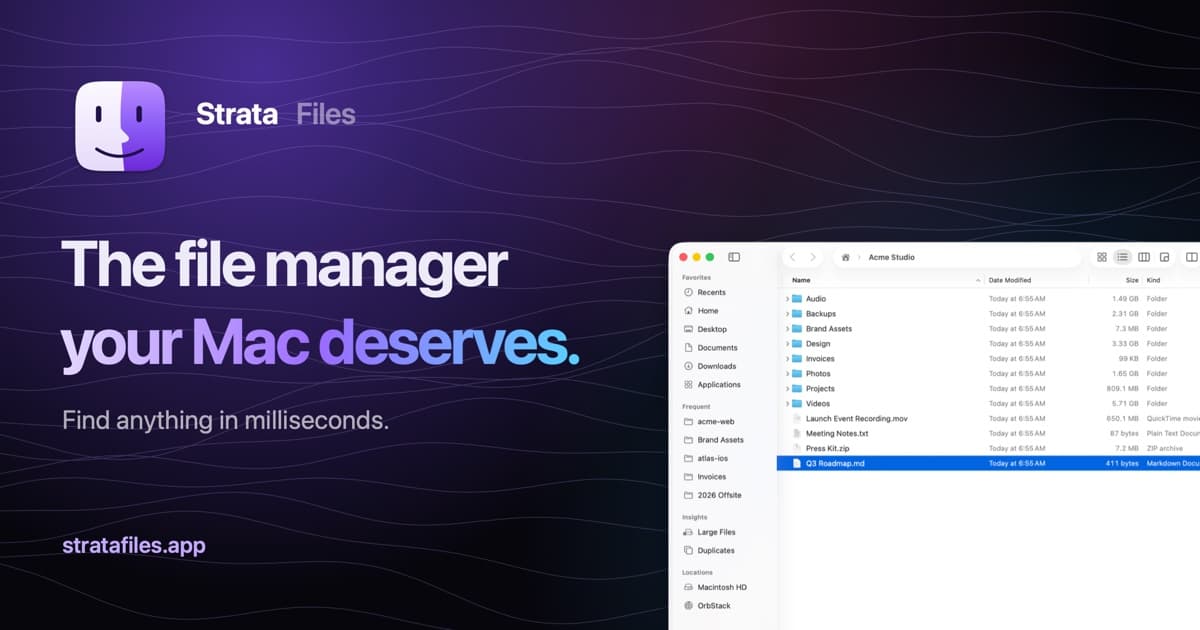
Strata Files is a free, open-source file manager for macOS. It combines indexed file search, live folder sizes, and keyboard navigation with tools for organizing files and inspecting projects.
- Search files as you type or use plain-English queries.
- Browse in dual panes and save tabs as workspaces.
- Inspect disk usage, Git status, code, and document previews.
- Pause and resume copies, review conflicts, and undo file operations after restarting.
- Batch rename files with a live preview and browse archives as folders.
- Generate document summaries and plan bulk changes locally.
Requires macOS 26 Tahoe on Apple silicon. Apple Intelligence is optional, with built-in fallbacks for summaries and bulk-change requests. Strata is MIT licensed, and its search index and history stay encrypted on your Mac.
SoftwareUtilitiesmacOS
MeltKit
Create animated gradients and seamless loops
One-time
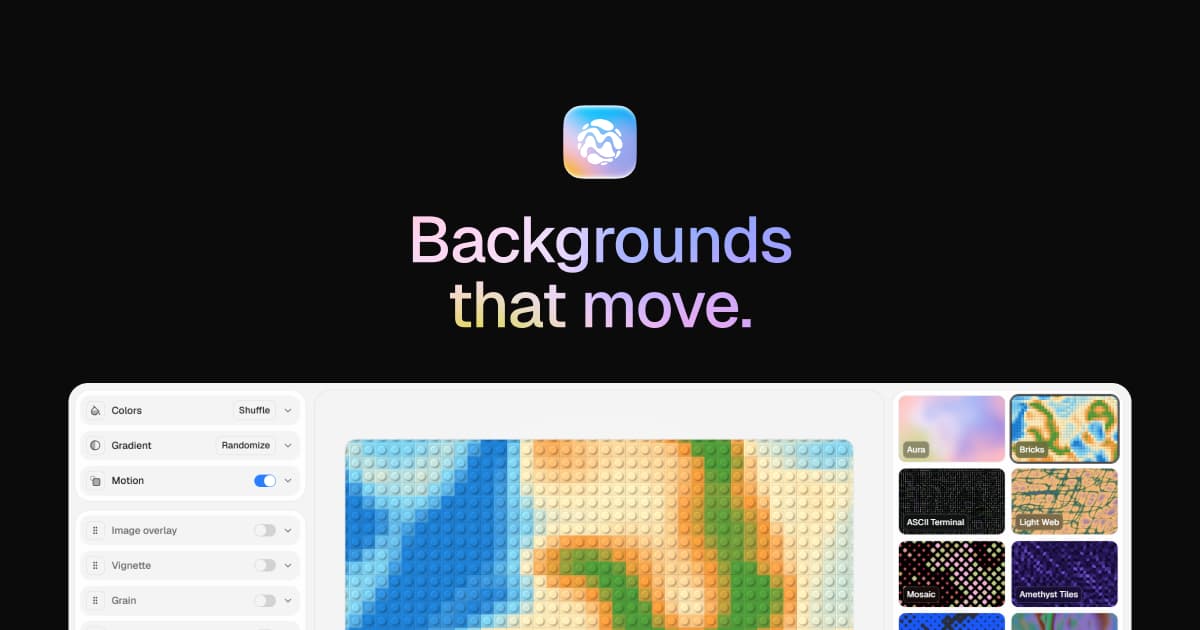
MeltKit is a desktop studio for creating animated gradient backgrounds on Mac and Windows. Choose a look, customize its colors, and export it for websites, presentations, or videos.
- Explore flow, marble, mesh, aura, ribbons, rings, and other shapes.
- Generate six variations in a click.
- Layer effects such as grain, glass, and halftone.
- Export seamless loops as MP4 or WebM up to 4K.
- Save PNG stills up to 8K, JPEG images, self-contained HTML, or React components.
A one-time license covers up to three computers and includes version 1 updates. Internet is needed for activation; the app then works offline. Exports can be used commercially.
SoftwareDesignmacOS
ChainYourMac
Arrange windows on a scrolling strip
One-time
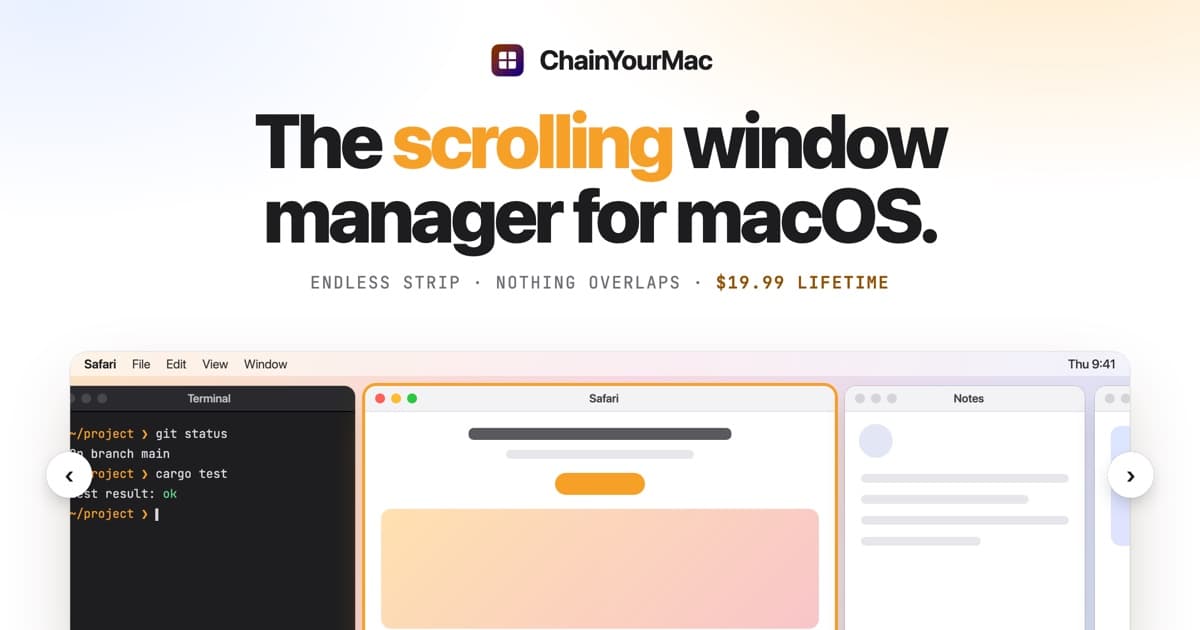
ChainYourMac arranges windows on a horizontal strip that scrolls beyond the edges of your display, keeping each window at its chosen width.
- Navigate with keyboard shortcuts or three- and four-finger trackpad swipes.
- Group windows into stacks or tabbed columns.
- Set preset widths, gaps, and per-app floating rules.
- Keep separate layouts for each display and Space.
- Restore window order and stacks after restarting.
Requires macOS 13 Ventura or later on Apple silicon. A lifetime license for one Mac costs $19.99 and includes future updates; multi-Mac licenses are available.
SoftwareUtilitiesmacOS
Agent Caffeine
Keep your Mac awake for agents
One-time
Agent Caffeine is a Mac menu bar utility that prevents sleep while AI coding agents are working, then allows the Mac to sleep when work stops.
- Track activity from agents including Claude Code, Codex, and Cursor.
- Keep the Mac awake with the lid closed during active work.
- Allow a configurable grace period when an agent waits for input.
- Send notifications when agents need attention or finish.
- Pause sleep prevention or stay reachable for a set duration.
Closed-lid operation on battery requires an approved helper. Battery and temperature safeguards can release sleep prevention. Includes a seven-day trial, followed by a one-time purchase with lifetime updates.
SoftwareUtilitiesmacOS
VMPal
Run virtual machines on Apple silicon
One-time
VMPal is a virtual machine manager for Apple silicon Macs. Run macOS, Windows 11, and Linux environments alongside your Mac apps, with tools for development and AI agent workflows.
- Download and install supported operating systems.
- Share folders, clipboard contents, and files with guests.
- Save snapshots and restore earlier machine states.
- Forward ports for guest web servers and SSH.
- Connect AI agents through built-in MCP controls.
- Import virtual machines from Parallels.
Requires an Apple silicon Mac running macOS 26 or later. Perpetual licenses include one year of updates and support; renewal is optional for further updates. A trial is available.
Pick Wispr Flow if you want the most effortless dictation and do not mind the cloud. Free with 2,000 words per week on desktop, Pro is $15 per month or $12 per month billed yearly.
Pick Superwhisper if you want offline transcription, custom modes, and a choice of AI models. The free tier includes unlimited local Whisper models. Pro is $8.49 per month, $84.99 per year, or $249.99 lifetime.
Pick an offline alternative if you want to pay once and keep audio on your Mac: HoldSpeak ($19), Speakmac ($29), or LocalBolo ($49).
Wispr Flow vs Superwhisper at a glance
Wispr Flow
Superwhisper
Free plan
2,000 words per week on desktop
Unlimited local Whisper models
Paid plan
Pro $15/user/mo, $12 billed yearly
Pro $8.49/mo, $84.99/yr, $249.99 lifetime
Trial
Free plan
3,000 words of Pro features
Where it transcribes
Cloud
On your Mac, or cloud models on Pro
Works offline
No
Yes
Platforms
Mac, Windows, iOS, Android
Mac, Windows, iOS, Android
Languages
100+
100+
Custom modes and prompts
Dictionary and snippets
Custom modes, prompts, choice of models
Meetings
Notetaker
Meeting recording and transcription
Your own API keys
No
Pro
Compliance
SOC 2 Type II, ISO 27001, HIPAA with BAA
SOC 2 Type II on Enterprise
Refund
Not stated
30 days
Student pricing
50% off Pro with an education email
40% off Pro
Wispr Flow: the easiest dictation you can get
Wispr Flow focuses on a single experience: talk in any app and get text that reads like you typed it carefully. It learns your names and jargon, keeps a personal dictionary and snippets, and supports more than 100 languages. The Notetaker adds meeting notes you can use in Claude and ChatGPT.
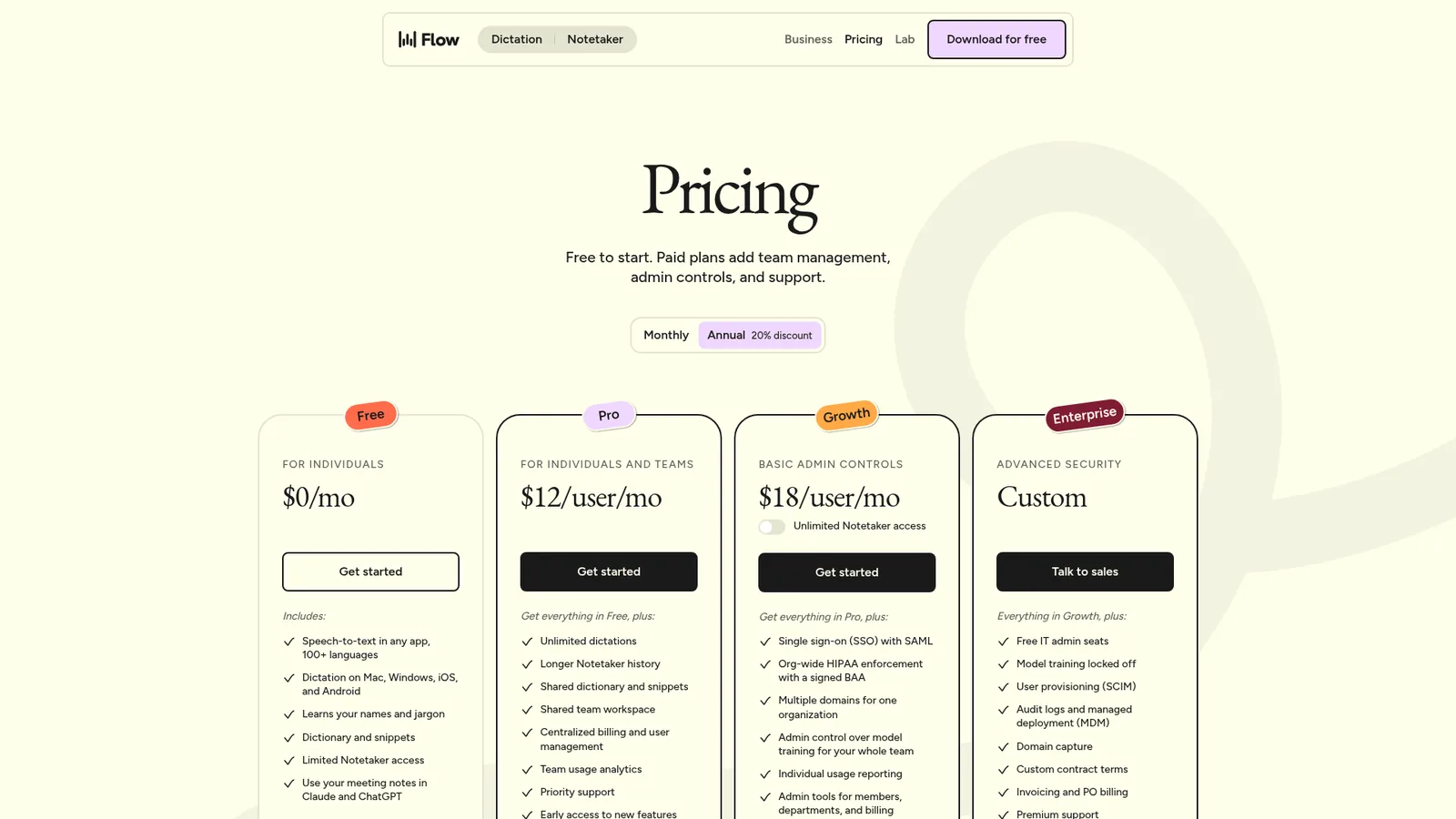
Wispr Flow's plans, from Free to Enterprise. Image: Wispr Flow
Pricing has four tiers:
Free: $0, with dictation capped at 2,000 words per week on desktop, plus limited Notetaker access.
Pro: $15 per user per month, or $12 billed yearly. Unlimited dictation, longer Notetaker history, shared dictionary and snippets, and team management.
Growth: $23 per user per month billed yearly ($33 monthly), with SSO, org-wide HIPAA enforcement, and admin control over model training.
Enterprise: custom pricing, with SCIM, audit logs, and MDM deployment.
The trade-off is that transcription happens in the cloud, so Flow needs an internet connection. Wispr says it is SOC 2 Type II and ISO 27001 certified, offers HIPAA-ready dictation with a signed BAA, and lets you opt out of model training at any time.
Wispr FlowEffortless voice-to-text for faster writing.Visit WebsiteWispr Flow is the voice-to-text AI that transforms your speech into clear, polished writing across all your apps. It allows you to dictate notes, emails, and text instantly, streamlining your communication process. With features like AI auto-edits and personalized dictionaries, Wispr adapts to your unique voice and style, ensuring that your thoughts are captured accurately and efficiently. Proven to be used by professionals in various fields, Wispr enhances productivity, enabling users to focus on their ideas rather than typing them out. Available on Mac, Windows, iPhone, and Android, it seamlessly integrates into your workflow, making it the ultimate tool for anyone looking to enhance their efficiency in both personal and professional settings.Visit Website
Superwhisper: power and privacy
Superwhisper runs transcription models on your Mac, so it works offline. On top of that, its Modes decide what happens to your words: predefined modes for messages, emails, and notes, a Super Mode that adapts to what is on your screen, and Custom Mode, where you set formatting rules, structure, and prompts. Pro lets you pick models like GPT, Claude, or Llama, or bring your own API keys.
The free plan is unusually generous: voice to text in any app, meeting recording and transcription, 100+ languages, unlimited use of Whisper models, and custom prompt control. Pro adds unlimited cloud and local AI models, translation into English, audio and video file transcription, your own API keys, and priority support. Pro costs $8.49 per month, $84.99 per year, or $249.99 for a lifetime license, students get 40% off, and every plan has a 30-day refund. You can try Pro features for 3,000 words first.
SuperwhisperTurn your voice into polished text.Visit WebsiteSuperwhisper is a versatile voice-to-text application designed to enhance communication across various platforms like Slack and Gmail. It simplifies the process of transcribing your thoughts into professional writing, making it ideal for startups and industry leaders alike. With seamless integration into your favorite apps, Superwhisper works offline, remembers your unique vocabulary, and supports over 100 languages. It features predefined modes to optimize tone and structure, ensuring your messages are always clear and appropriate. Additionally, the app offers powerful meeting assistance by recording and automatically summarizing discussions, making it a must-have for anyone looking to improve their efficiency in both personal and professional communication.Visit Website
Which should you choose?
Choose Wispr Flow if you dictate all day, mostly write in English, are online, and value zero setup. It is the most natural-feeling option and the one most likely to work for non-technical teammates.
Choose Superwhisper if privacy or offline use matters, you want to shape output differently for code, email, and notes, or you want a lifetime license. It asks for more setup, but it rewards it. Developers who dictate prompts to coding agents will appreciate the custom modes.
These three apps run entirely on your Mac and cost a one-time fee.
HoldSpeak: the best value
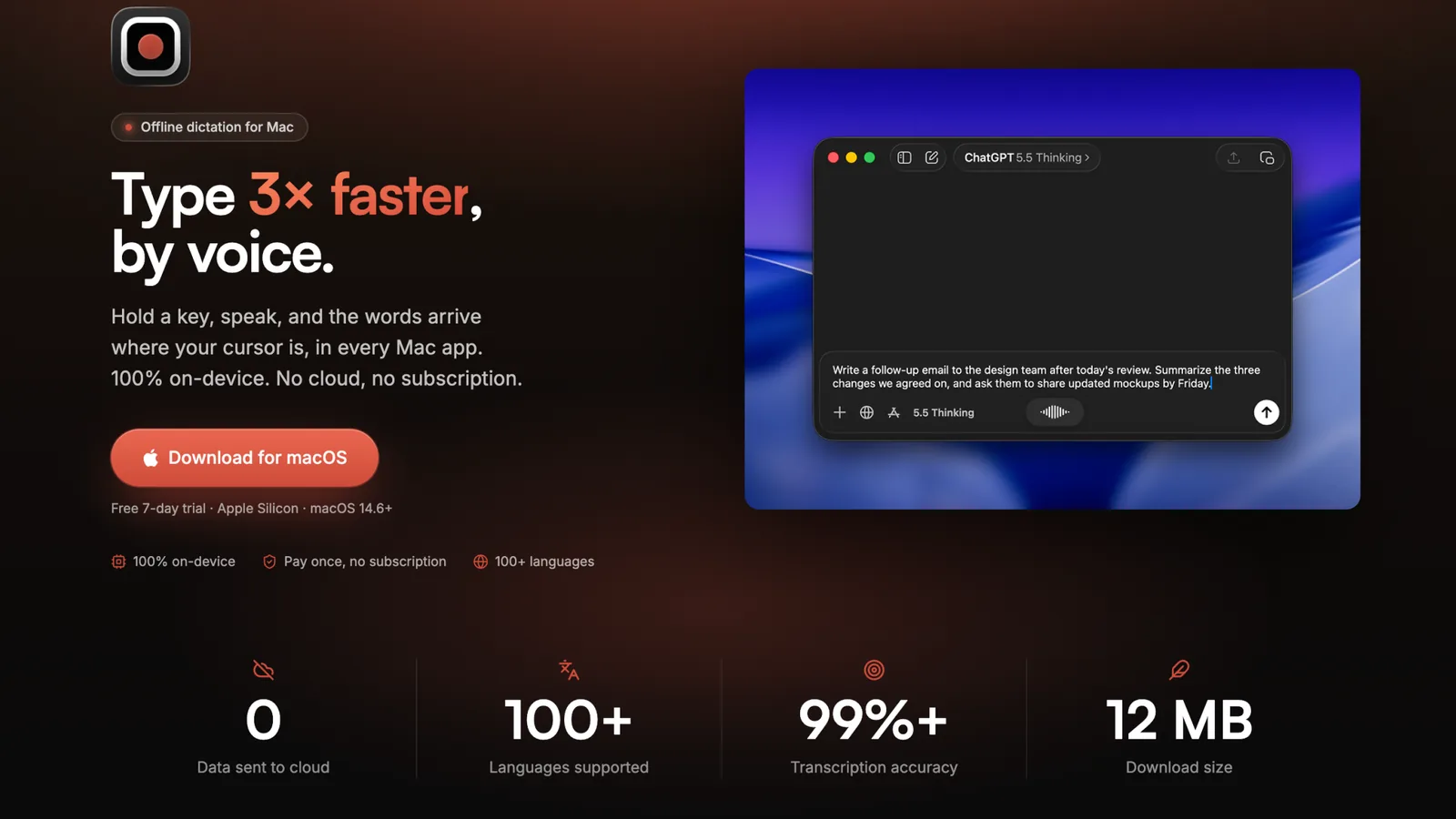
HoldSpeak is a native menu bar app that records and transcribes on-device. It detects which of 100+ languages you speak automatically, works with a global hotkey you choose, and is tiny: a 12MB download using about 50MB of memory.
HoldSpeak runs 100% on-device with no subscription. Image: HoldSpeak
It costs $19 once for one Mac (down from $29), $29 for two, or $39 for three, with a year of updates and a free 7-day trial. It requires an Apple silicon Mac with macOS 14.6 or later.
HoldSpeakDictate with precision on your Mac, offline.Visit WebsiteHoldSpeak is an AI-driven dictation software for Mac that functions entirely offline. It allows users to convert speech to text with high accuracy, supporting over 100 languages. Designed for both casual users and professionals, HoldSpeak enhances productivity by enabling seamless dictation across various applications without compromising user privacy or requiring an internet connection.
- Supports over 100 languages with automatic language detection.
- Achieves a transcription accuracy rate of 99% on-device.
- Allows seamless dictation in any application where text input is possible.
- Features customizable hotkeys for quick access and integration into workflows.
- Offers multiple on-device models tailored for different transcription needs.
- Ensures privacy by keeping all audio and transcriptions on the device without internet dependency.
HoldSpeak offers an offline dictation solution for Mac users, enabling voice-to-text functionality with high accuracy across 100+ languages. Its features include customizable hotkeys and seamless integration with any application, ensuring privacy and reliability by processing all data locally.Visit Website
Speakmac: dictation plus meetings
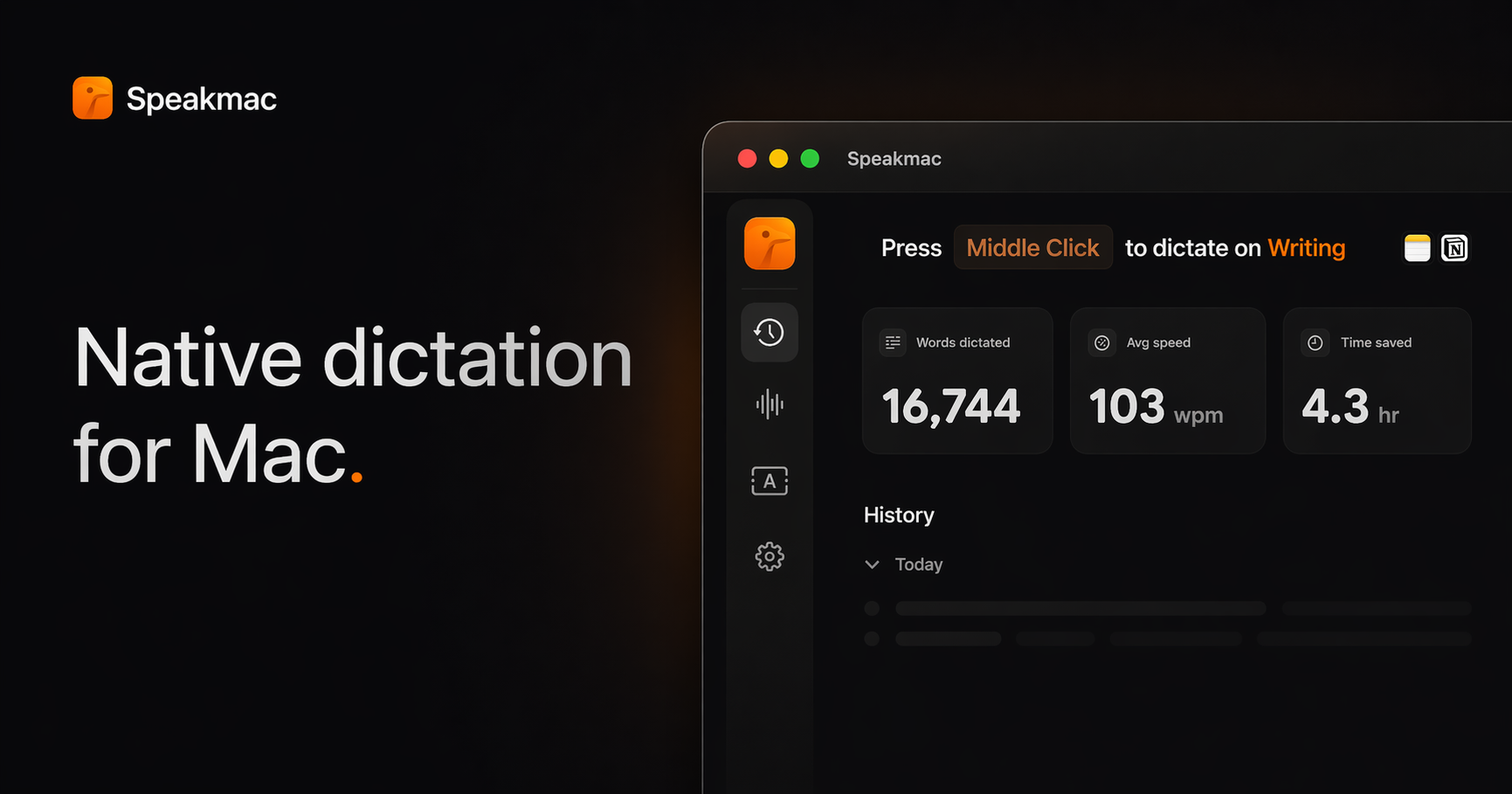
Speakmac adds meeting recording without a bot joining your call. Dictation supports 25 languages by default plus optional local packs, needs no account or API key, and keeps audio and transcripts on your Mac.
Speakmac dictation in any app. Image: Speakmac
It costs $29 once for one Mac or $39 for two, with 12 months of updates and a 14-day money-back guarantee. Dictation works on Apple silicon and Intel Macs running macOS 14 or later, and Meeting Mode, in beta, requires macOS 15.
SpeakmacDictation tool macOS should have hadVisit WebsiteSpeakmac is an offline dictation software for macOS, specifically optimized for Apple Silicon. It enables users to convert speech to text instantly and securely, processing everything on-device to maintain privacy. Designed for individuals who frequently type, Speakmac enhances productivity by allowing seamless dictation in over 25 languages, making it suitable for various writing tasks without th
- Converts spoken words to text in real-time, processing everything locally for enhanced privacy.
- Supports over 25 languages, automatically managing grammar and punctuation as you speak.
- Text appears in your active window in under half a second, optimizing workflow efficiency.
- Allows customization of vocabulary by teaching the app specific names and terms.
- Compatible with any application that accepts text input, including word processors and coding environments.
- One-time purchase with no subscription fees, providing a lifetime license for use on designated Macs.
Speakmac offers a one-time purchase option for a lifetime license, eliminating the need for subscriptions or recurring fees. This straightforward pricing model allows users to maintain access to the software without ongoing costs, ensuring that voice dictation remains a cost-effective solution for Mac users.Visit Website
LocalBolo: the fastest on-device models
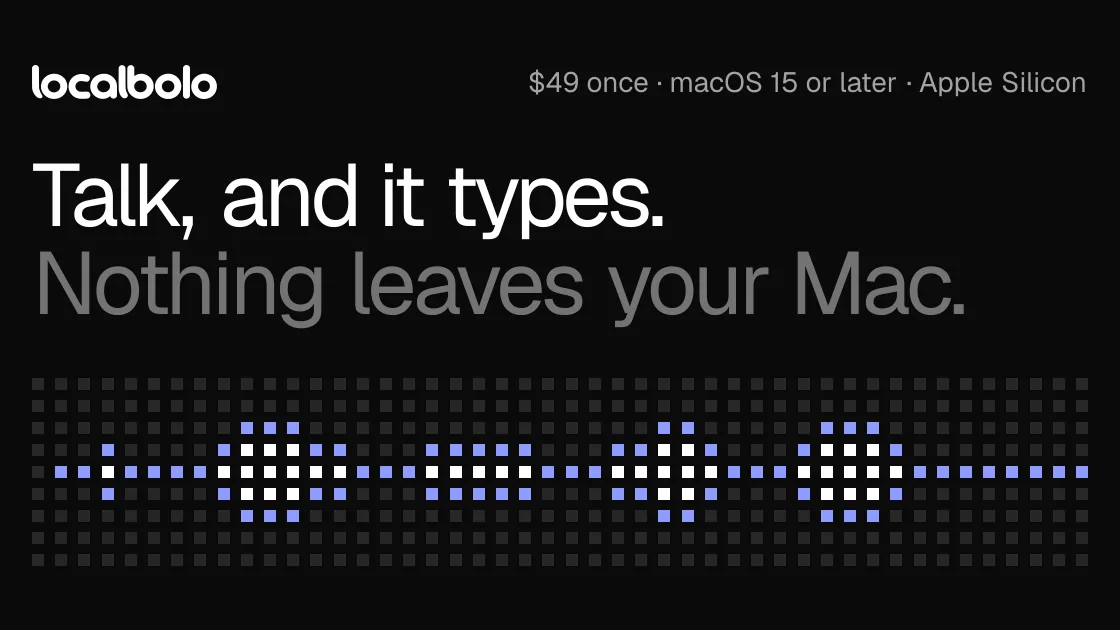
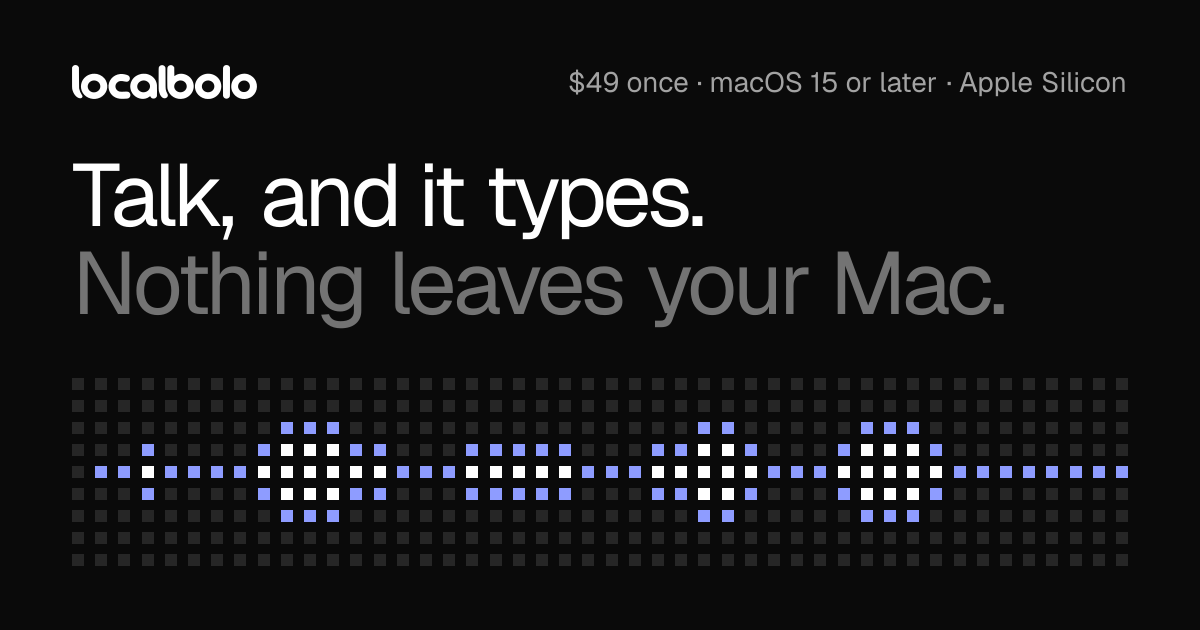
LocalBolo is built for speed on Apple silicon. Hold fn, speak, and let go: your words appear at the cursor, usually in about a second. Models run on the Neural Engine, including NVIDIA Parakeet v2 (470MB, recommended) and OpenAI Whisper. An optional cleanup step with a small on-device language model (Qwen 2.5 1.5B, 880MB) removes ums and applies your self-corrections. The microphone only listens while you hold fn.
LocalBolo shows which app your words will land in. Image: LocalBolo
It costs $49 once and requires an Apple silicon Mac running macOS 15 or later.
LocalBoloPrivate on-device dictation across Mac appsVisit WebsiteLocalBolo is a Mac dictation app that transcribes English speech using models running on your device. Hold fn to speak and release it to insert text at the cursor.
- Dictate into text fields across Mac apps.
- Choose Parakeet or Whisper speech models.
- Optionally remove filler words and apply spoken corrections locally.
- Restore clipboard contents after inserting a transcript.
- Process recordings in memory without retaining them.
One-time purchase for Apple silicon Macs running macOS 15 or later. Dictation works offline after setup, but activation, model downloads, and periodic license checks require internet access.Visit Website
Offline alternatives compared
HoldSpeak
Speakmac
LocalBolo
Price
$19 once (1 Mac)
$29 once (1 Mac)
$49 once
Multi-Mac
$29 for 2, $39 for 3
$39 for 2
Not listed
Updates
1 year
12 months
Not stated
Trial or refund
7-day trial
14-day money-back
Not stated
Languages
100+, auto-detected
25 plus local packs
Depends on model
Meetings
No
Yes, beta
No
macOS
14.6+, Apple silicon
14+, Apple silicon or Intel
15+, Apple silicon
FAQ
Is Wispr Flow better than Superwhisper?
For pure ease of use, yes. For privacy, offline use, and customization, Superwhisper is better. Superwhisper is also cheaper on paid plans and offers a lifetime license.
Does Wispr Flow work offline?
No. Wispr Flow transcribes in the cloud. Superwhisper, HoldSpeak, Speakmac, and LocalBolo all work offline.
Is Superwhisper free?
Yes. The free plan includes unlimited use of local Whisper models, meeting recording, and voice to text in any app. Pro adds cloud and advanced local models, file transcription, and your own API keys.
What is the best free dictation app for Mac?
Superwhisper's free plan, since it has no word cap for local models. Wispr Flow's free plan is also good but limited to 2,000 words per week on desktop. Apple's built-in Dictation is free too, with fewer formatting features.
Can I use these apps to dictate prompts to Claude Code or Cursor?
Yes. They all type into any app, including the terminal and code editors. Superwhisper's custom modes are useful for shaping spoken instructions into clear prompts.
Verdict
Wispr Flow is the dictation app to recommend to anyone who wants it to just work and is happy with the cloud. Superwhisper is the better pick for most power users: it works offline, has a generous free plan, and offers a lifetime license. If you want to skip subscriptions completely, HoldSpeak is the best value at $19, Speakmac adds meeting recording, and LocalBolo has the fastest on-device models.
Strata Files is a free, open-source file manager for macOS. It combines indexed file search, live folder sizes, and keyboard navigation with tools for organizing files and inspecting projects.
- Search files as you type or use plain-English queries.
- Browse in dual panes and save tabs as workspaces.
- Inspect disk usage, Git status, code, and document previews.
- Pause and resume copies, review conflicts, and undo file operations after restarting.
- Batch rename files with a live preview and browse archives as folders.
- Generate document summaries and plan bulk changes locally.
Requires macOS 26 Tahoe on Apple silicon. Apple Intelligence is optional, with built-in fallbacks for summaries and bulk-change requests. Strata is MIT licensed, and its search index and history stay encrypted on your Mac.
SoftwareUtilitiesmacOS
MeltKit
Create animated gradients and seamless loops
One-time
MeltKit is a desktop studio for creating animated gradient backgrounds on Mac and Windows. Choose a look, customize its colors, and export it for websites, presentations, or videos.
- Explore flow, marble, mesh, aura, ribbons, rings, and other shapes.
- Generate six variations in a click.
- Layer effects such as grain, glass, and halftone.
- Export seamless loops as MP4 or WebM up to 4K.
- Save PNG stills up to 8K, JPEG images, self-contained HTML, or React components.
A one-time license covers up to three computers and includes version 1 updates. Internet is needed for activation; the app then works offline. Exports can be used commercially.
SoftwareDesignmacOS
ChainYourMac
Arrange windows on a scrolling strip
One-time
ChainYourMac arranges windows on a horizontal strip that scrolls beyond the edges of your display, keeping each window at its chosen width.
- Navigate with keyboard shortcuts or three- and four-finger trackpad swipes.
- Group windows into stacks or tabbed columns.
- Set preset widths, gaps, and per-app floating rules.
- Keep separate layouts for each display and Space.
- Restore window order and stacks after restarting.
Requires macOS 13 Ventura or later on Apple silicon. A lifetime license for one Mac costs $19.99 and includes future updates; multi-Mac licenses are available.
SoftwareUtilitiesmacOS
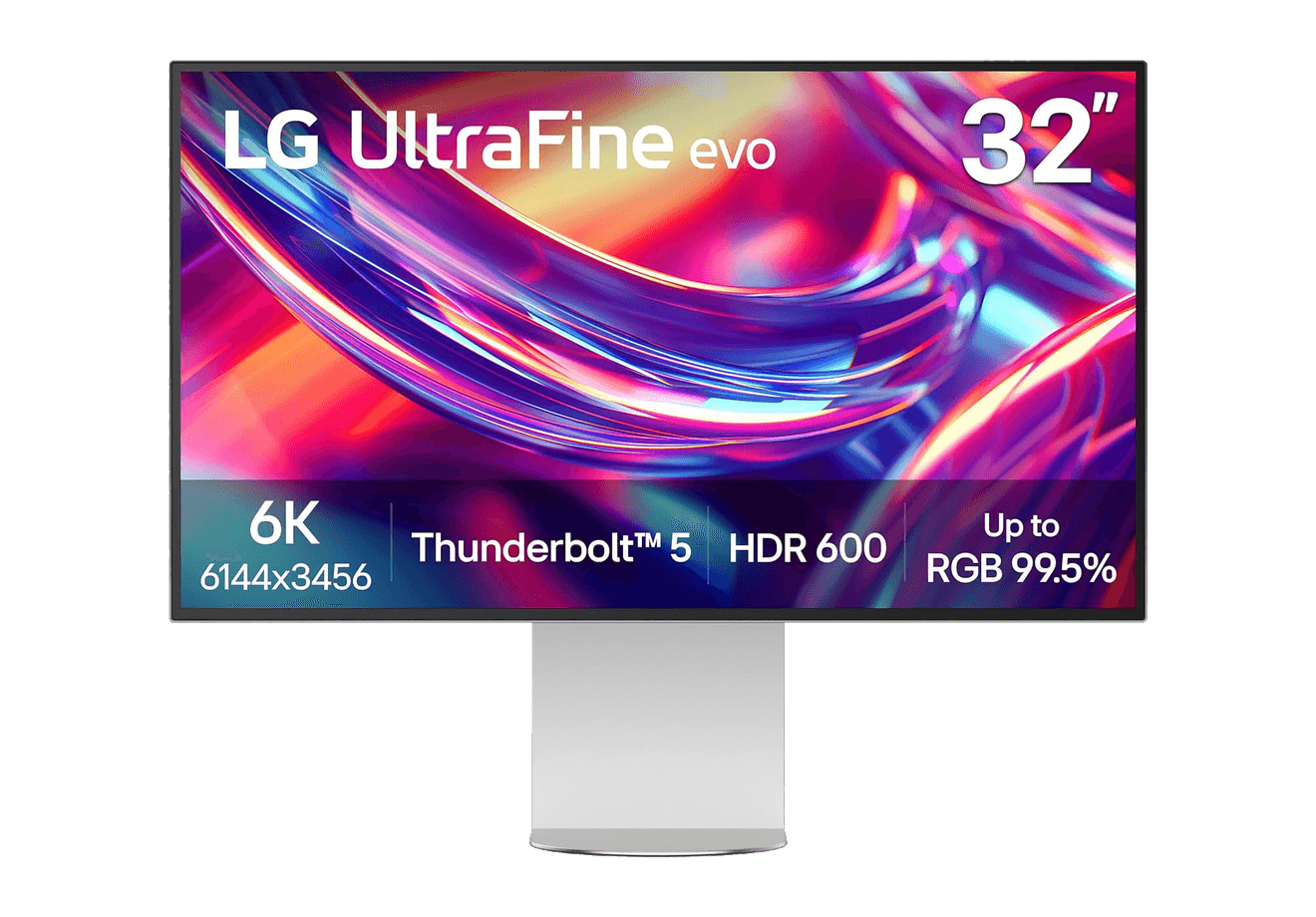
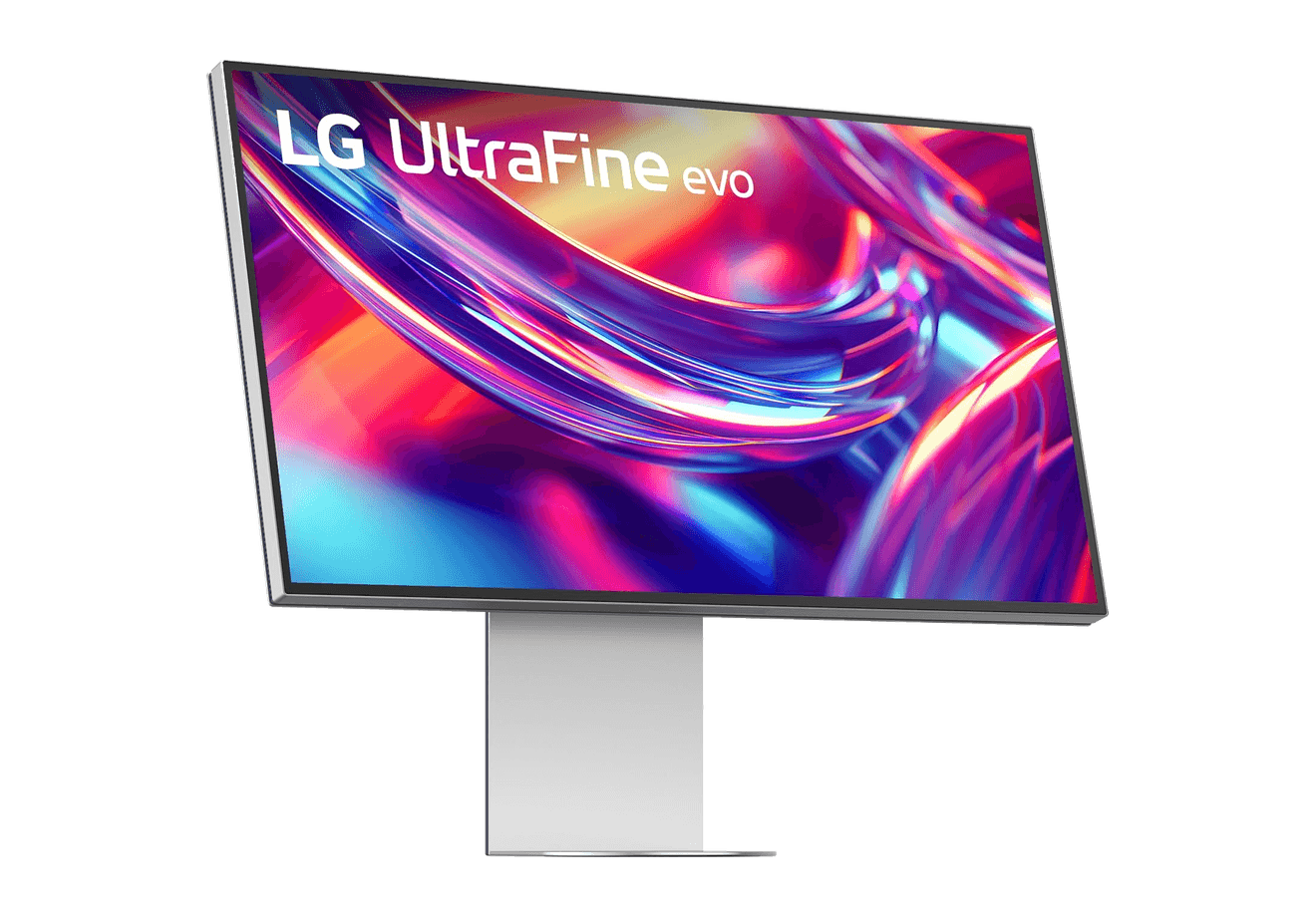
LG UltraFine evo 6K
A 32-inch 6K Thunderbolt 5 display built for Mac creators.
WorkspaceDisplays
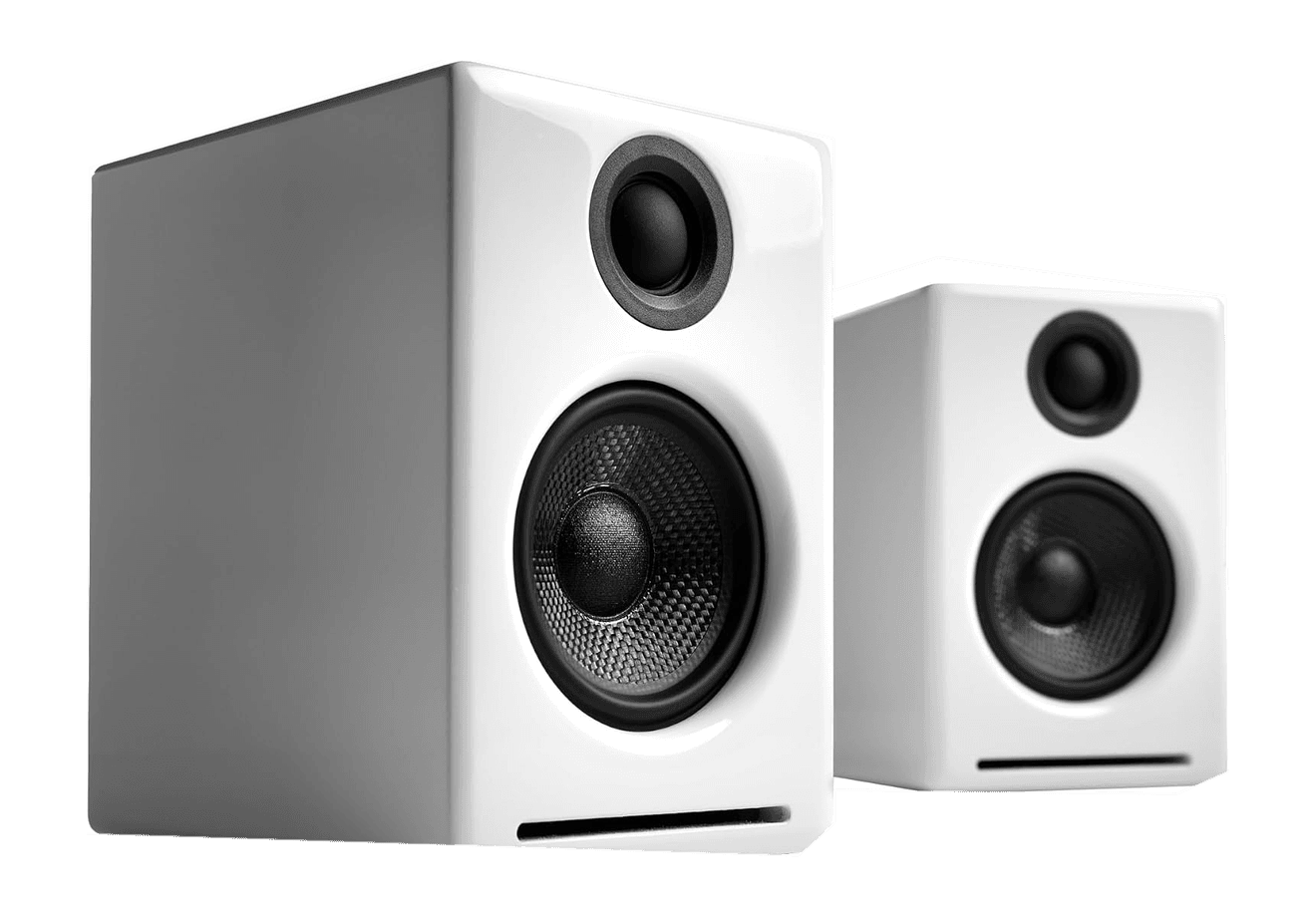
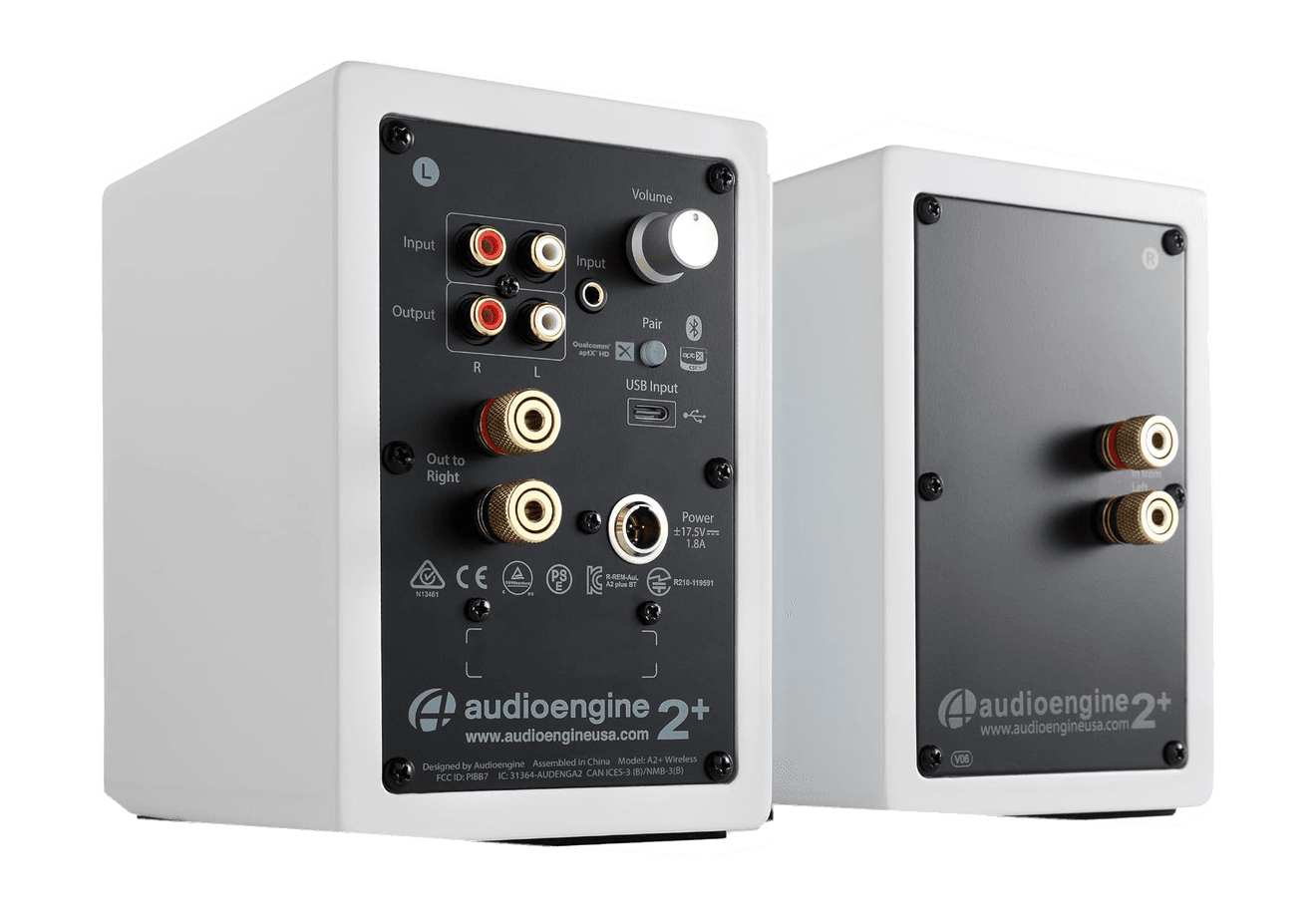
A2+ Wireless Speakers
Compact wireless desktop speakers with 24-bit audio for Mac.
HardwareAudioiOS & macOS
Beosound 2
A sculptural 360-degree wireless speaker with AirPlay 2.
HardwareAudioiOS & macOS
Flow 2
A CNC aluminum low-profile keyboard with cloud-soft switches and VIA.
HardwareKeyboards & MiceiOS & macOS
Flow Lite84
A slim tri-mode mechanical keyboard built for comfortable Mac typing.
HardwareKeyboards & MiceiOS & macOS
Agent Caffeine
Keep your Mac awake for agents
One-time
Agent Caffeine is a Mac menu bar utility that prevents sleep while AI coding agents are working, then allows the Mac to sleep when work stops.
- Track activity from agents including Claude Code, Codex, and Cursor.
- Keep the Mac awake with the lid closed during active work.
- Allow a configurable grace period when an agent waits for input.
- Send notifications when agents need attention or finish.
- Pause sleep prevention or stay reachable for a set duration.
Closed-lid operation on battery requires an approved helper. Battery and temperature safeguards can release sleep prevention. Includes a seven-day trial, followed by a one-time purchase with lifetime updates.
 Dudu
Dudu