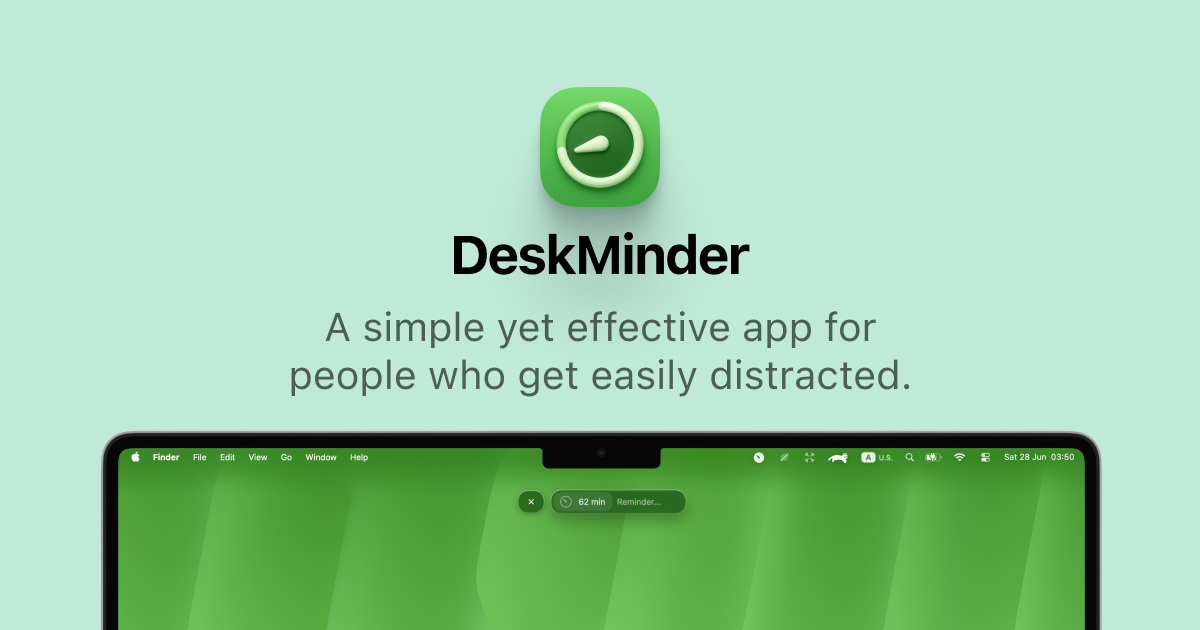
Most reminder apps fail in the same way. The notification slides in, you are deep in something, and three seconds later it is gone. DeskMinder is built around a blunt fix for that problem: set a short reminder in a couple of seconds, and when time is up, it takes over your whole screen.
Shotbase is a comprehensive tool designed to capture and manage all your screen-based content effortlessly. With features like stunning screenshot capabilities, recording options that include cinematic effects, and an intuitive organizational structure powered by local AI, you can easily keep your multimedia assets organized and accessible. Shotbase not only allows you to capture specific areas, windows, or full screens on your Mac but also enables you to edit and enhance your captures with backgrounds, frames, and annotations. The integrated AI ensures your captures are automatically named and tagged for easy searching, making it an excellent choice for anyone looking to enhance their productivity and creativity in one seamless workspace.
SoftwareCreativemacOS
Klack
Satisfying sound with every keystroke
Paid
Klack is a macOS application designed to enhance the typing experience through high-fidelity sound for each keystroke. It provides features such as immersive spatial audio, instant feedback, and customizable sound options, making it suitable for writers, developers, and anyone who values an engaging typing environment. The app is easily accessible from the menubar and offers extensive configuratio
- Provides immersive spatial audio for enhanced typing feedback.
- Allows customization of keystroke sounds, pitch variations, and volume settings.
- Features a menubar interface for quick access to configuration options.
- Supports instant feedback with each keystroke for a more engaging experience.
- Designed for writers and developers seeking auditory feedback while typing.
Klack enhances the typing experience on Mac by providing high-fidelity sound for each keystroke.
SoftwaremacOS
TypoTab
TypoTab, the ultimate AI writing assistant for
Paid
TypoTab is a macOS application that functions as an AI-driven writing assistant. It enhances writing efficiency by providing tools for grammar correction, text rephrasing, and content generation, all accessible from the menu bar without needing to switch applications. This tool is designed for writers, students, and professionals looking to streamline their writing process and improve productivity
- Provides grammar correction and text rephrasing directly from the menu bar.
- Allows text refinement in any application without switching contexts.
- Offers customizable actions to meet individual writing needs.
- Streamlines repetitive writing tasks for improved efficiency.
- Supports a wide range of applications, enhancing workflow across platforms.
TypoTab is a macOS application that enhances writing efficiency by providing grammar correction, text rephrasing, and content generation directly from the menu bar. It allows users to refine text in any application without switching contexts, offering customizable actions to suit individual writing needs.
SoftwareProductivitymacOS
Agent Caffeine
Keep your Mac awake for agents
One-time
Agent Caffeine is a Mac menu bar utility that prevents sleep while AI coding agents are working, then allows the Mac to sleep when work stops.
- Track activity from agents including Claude Code, Codex, and Cursor.
- Keep the Mac awake with the lid closed during active work.
- Allow a configurable grace period when an agent waits for input.
- Send notifications when agents need attention or finish.
- Pause sleep prevention or stay reachable for a set duration.
Closed-lid operation on battery requires an approved helper. Battery and temperature safeguards can release sleep prevention. Includes a seven-day trial, followed by a one-time purchase with lifetime updates.
SoftwareUtilitiesmacOS
VMPal
Run virtual machines on Apple silicon
One-time
VMPal is a virtual machine manager for Apple silicon Macs. Run macOS, Windows 11, and Linux environments alongside your Mac apps, with tools for development and AI agent workflows.
- Download and install supported operating systems.
- Share folders, clipboard contents, and files with guests.
- Save snapshots and restore earlier machine states.
- Forward ports for guest web servers and SSH.
- Connect AI agents through built-in MCP controls.
- Import virtual machines from Parallels.
Requires an Apple silicon Mac running macOS 26 or later. Perpetual licenses include one year of updates and support; renewal is optional for further updates. A trial is available.
SoftwareDevelopmentmacOS
Dockorate
Decorate your Dock with seasonal scenes
One-time
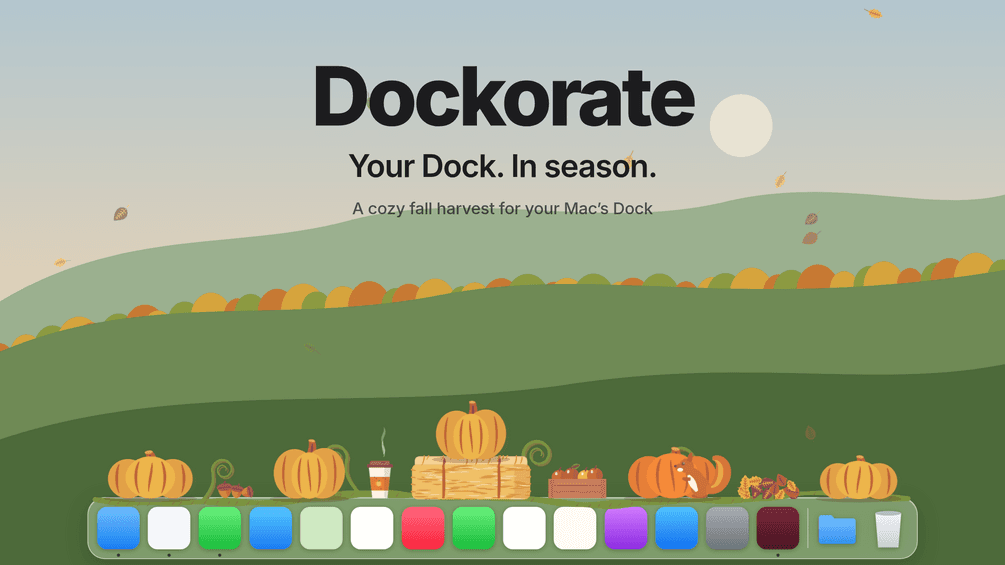
Dockorate is a Mac menu bar app that adds interactive decorations along the top of your Dock. Its first edition features a fall harvest with pumpkins, leaves, and small animated details.
- Click pumpkins to smash them and watch them regrow.
- Choose decoration density and toggle individual extras.
- Follow Dock magnification, resizing, and auto-hide.
- Match light or dark appearance and respect Reduce Motion.
- Pause decorations for presentations and screen sharing.
Requires macOS 13 or later and a Dock positioned at the bottom of the screen. Optional Accessibility access improves the fit. One-time purchase with version 1 updates.
SoftwareUtilitiesmacOS
OneMacApp
Video audio image and PDF tools
One-time
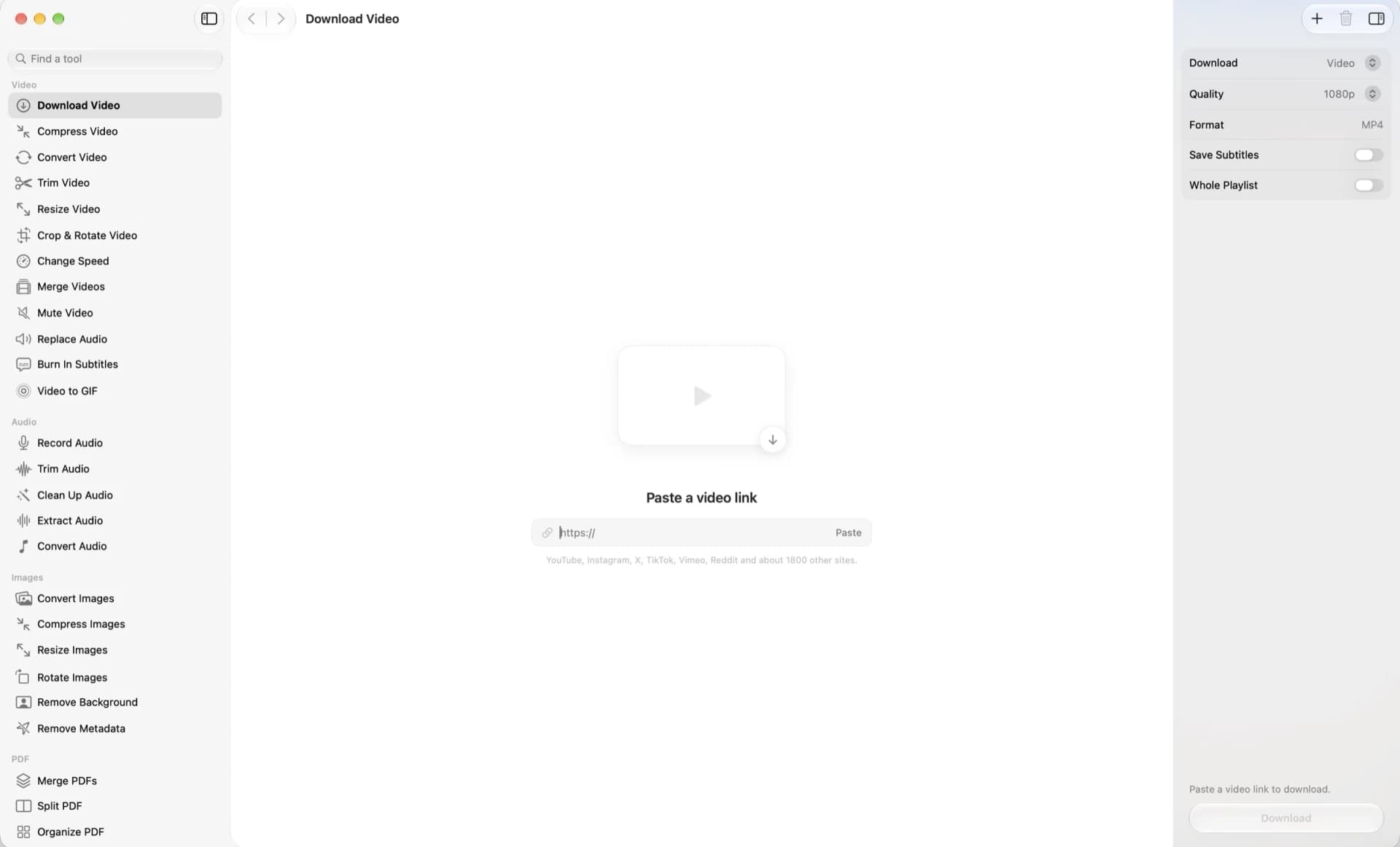
OneMacApp is a native Mac utility suite for working with video, audio, images, PDFs, and text in one interface. File processing runs locally on your Mac.
- Convert, compress, trim, and merge videos.
- Record, clean up, extract, and convert audio.
- Resize images, remove backgrounds, and strip metadata.
- Merge, split, sign, and protect PDFs.
- Transcribe, extract text, summarize, and translate with on-device Apple frameworks.
- Rename files in batches with a live preview.
A one-time purchase for macOS 26 or later. Video and audio tools require a separate FFmpeg installation; the app offers Homebrew setup. AI features depend on the required Apple models being available.
SoftwareUtilitiesmacOS
Convt
Convert files with a right-click
One-time
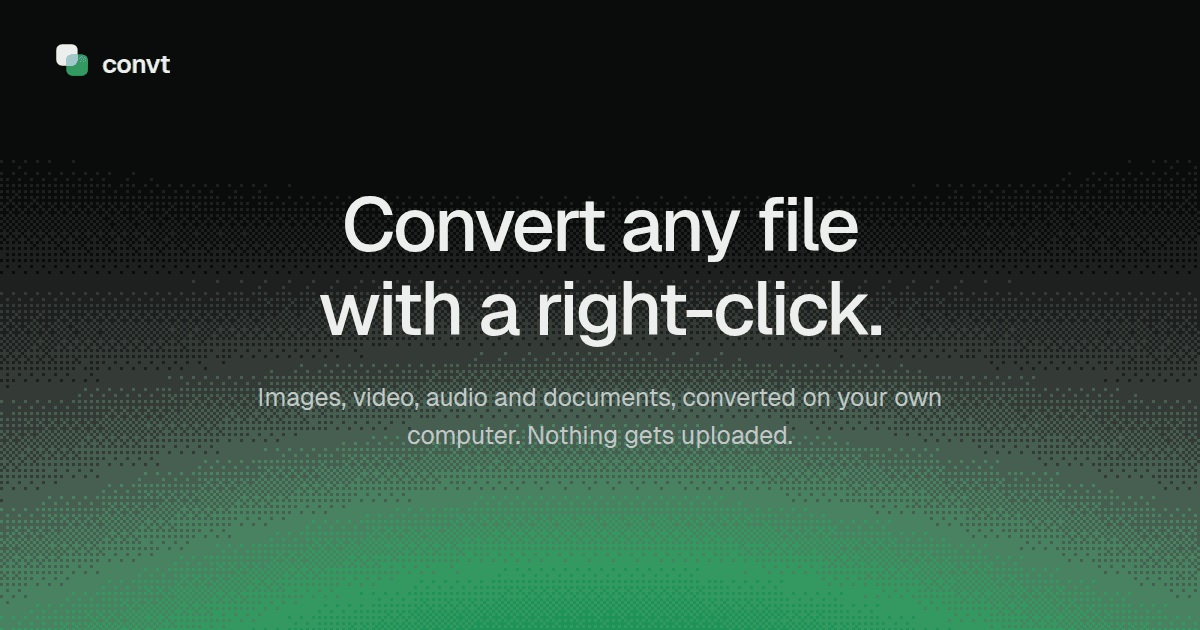
Convt is a desktop file converter for images, video, audio, and documents. Convert files on your computer through a right-click menu without uploading them.
- Convert common image formats, including HEIC, WebP, PNG, and JPEG.
- Change video and audio formats using FFmpeg.
- Convert office documents to PDF with LibreOffice.
- Export PDF pages as PNG or JPEG images.
- Process folders in batches and reuse conversion presets.
Available for macOS, Windows, and Linux with a seven-day trial. The one-time Desktop license includes 12 months of updates and continued use of that version. Pro adds optional cloud conversions and ongoing updates through a subscription.
SoftwareUtilitiesmacOS
Flyout
Notes for Mac, always within reach
One-time
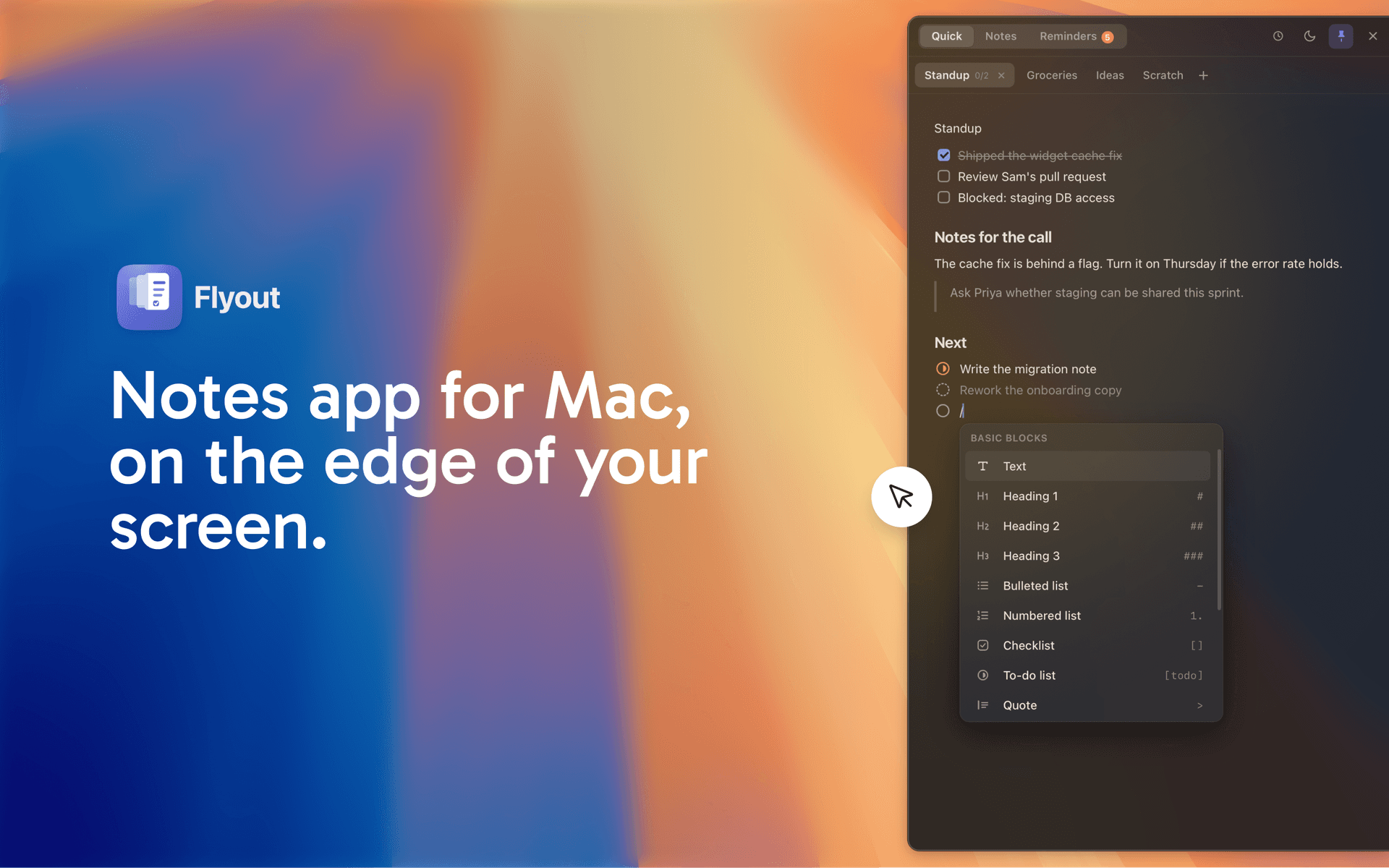
Flyout is a notes application for macOS designed to help users capture thoughts, tasks, and reminders efficiently. It allows notes to slide in from the edge of the screen, enabling quick access without interrupting the user's workflow. This tool is suitable for individuals looking to organize their ideas and tasks seamlessly while working on other applications.
- Notes slide in from the edge of the screen for quick access without disrupting your workflow.
- Supports Markdown formatting, allowing for structured notes with task lists, reminders, and code blocks.
- iCloud synchronization enables access to notes across Mac, iPhone, and iPad, with offline writing capabilities.
- Notes can be locked with a password for added security, encrypting their content.
- One-time purchase model with no subscription required, covering all devices.
Compatible with macOS 14 Sonoma and later, Flyout offers a streamlined note-taking experience directly from the edge of your screen. It allows users to capture thoughts, tasks, and reminders without disrupting their workflow. The app supports iCloud sync across devices, ensuring notes are accessible on both Mac and iPhone.
SoftwareProductivitymacOS
That makes it one of the more interesting small Mac utilities for people who hyperfocus, drift, or simply ignore banners. This DeskMinder review covers what the app actually does, what it costs, where it falls short, and five Mac alternatives worth considering if you need something slightly different.
TL;DR
What it is: a Mac-only app for short-term reminders and quick tasks, with a desktop widget, a menu bar mode, and full-screen notifications you cannot miss.
Price: free to download on the Mac App Store, with a one-time DeskMinder PRO (Lifetime) in-app purchase listed at $5.99 in the US store. It is also included with Setapp.
Best for: people who need "in 20 minutes, call the client back" style nudges that actually interrupt them, especially anyone with ADHD who finds regular notifications too easy to ignore.
Skip it if: you want reminders days or weeks ahead, recurring schedules, or a full task manager. That is not what it is for.
Our take: a focused, well-maintained utility that does one job better than the big apps. For the price of a coffee, it is an easy recommendation for its intended audience.
What DeskMinder actually does
DeskMinder, sometimes searched as Desk Minder, is made by independent developer Dmytro Chuta and is pitched "for easily distracted minds." The idea is that a reminder should take seconds to create and should be impossible to overlook when it fires.
You create a reminder from a small widget on your desktop or from the menu bar. Drag to set a duration of up to 99 minutes, type a longer value (up to 999 minutes, according to the developer's FAQ), or use the built-in quick timers for 5, 10, 15, and 25 minutes. Since version 2.0.8 you can also type a specific time, which DeskMinder converts into minutes for you.
When the reminder fires, DeskMinder can cover your entire screen with a bold, full-screen notification. You can switch back to regular notifications and change the sound in Settings, but the full-screen mode is the reason most people install it. Softorino, which also distributes the app, says it works even when a macOS Focus mode is on, which matters if you normally silence notifications while you work.
Since the DeskMinder² update, the app handles two modes:
Reminders: a countdown that ends with an alert, for things like "turn off the stove" or "join the call."
Tasks: a timed block for the thing you are working on now, so the widget keeps reminding you what you are supposed to be doing.
Other useful details from the App Store listing and official site:
Apple Reminders sync: turn on "Sync with Reminders" and new reminders appear in Apple Reminders, so the alert also reaches your iPhone, iPad, or Apple Watch.
Flexible widget: place it anywhere on screen, hide it, and bring it back with a keyboard shortcut. It works across multiple monitors.
History: a dedicated screen lists past tasks and reminders so you can see what you got through today.
Snooze and extend: snooze for set durations (1 to 30 minutes) or tap an active timer to add time.
Focus Mode setting: an in-app option that adds an "ADHD task sound" and can show the full task text in the widget.
Privacy: the App Store privacy label says the developer does not collect any data from the app.
DeskMinderFor Easily Distracted MindsVisit WebsiteDeskMinder is a productivity software application designed for Mac users who struggle with distractions. It provides a straightforward interface for creating desktop pop-up reminders and tasks, helping users manage urgent to-dos, short breaks, and fleeting ideas. With features like full-screen notifications and Apple Reminders integration, DeskMinder aims to enhance focus and time management for i
- With features like easy-to-create desktop pop-ups for reminders and tasks, it simplifies the process of staying on top of urgent to-dos, short breaks, or fleeting ideas.
- Users can benefit from full-screen notifications, Apple Reminders integration, and flexible widget placement, making it ideal for anyone requiring a little extra help to maintain focus.
- The app includes additional shortcuts for quick reminder setups and customizable widget options, along with a history tracking feature to monitor daily progress.
Designed specifically for Mac users, DeskMinder aims to facilitate better time management and productivity for those with attention challenges, providing a seamless user experience without unnecessary complexity.Visit Website
Recent updates
DeskMinder is actively maintained, which matters for a small utility. The most notable recent changes in the App Store version history:
2.0.8: Focus Mode settings, snooze durations, typing a specific time instead of minutes, and quick time extensions.
2.0.9: a Liquid Glass widget style on macOS 26, a choice of Reminder or Task as the default mode, and arrow-key switching between modes.
2.1.0 and 2.1.1: a Frozen Blur widget style by default on macOS 26, better legibility on light backgrounds with Liquid Glass, and a fix for reminders disappearing during Apple Reminders sync.
Setapp currently lists version 2.1.1.
What users like, and what they want
Reviews across the App Store, Setapp, and Product Hunt are consistent. People with ADHD come up again and again, and the full-screen notification is the feature they mention most. One App Store reviewer who describes getting hyperfixated says regular reminders do not work for them, but "the full screen notifications are amazing." Another uses it for tasks "too small or on a timeline too short" for Todoist or Asana. On Setapp, DeskMinder holds a 94% rating from 96 ratings at the time of writing.
The criticism is just as consistent, and fair:
No real scheduling. Users have asked for reminders set for later in the day or on a schedule, rather than every timer starting now. Typing a specific time helps, but neither the listing nor the FAQ mentions recurring reminders.
Short horizon by design. The developer is open that the app is for short-term reminders. If it needs a date, it belongs in your calendar or task manager.
No editing. The FAQ says you delete a timer by clicking it, and there is no edit feature, to keep the interface simple.
Mac only. The App Store listing is Mac only, so on iPhone you rely on Apple Reminders sync.
Is DeskMinder worth it?
Yes, if your problem is ignoring or missing reminders while you are working. Very few Mac apps are designed to interrupt you this deliberately, and DeskMinder does it with a light touch: the widget is small, setting a reminder is genuinely quick, and the one-time unlock is cheap.
It is not a replacement for Apple Reminders, Things, or a calendar. Think of it as the layer on top: the thing that makes sure "in 15 minutes" actually means 15 minutes. If that is the gap in your setup, it is one of the best tools for the job.
DeskMinder vs the alternatives
Prices are US list prices from official sites and the Mac App Store at the time of writing and may vary by region.
App
Price
Key feature
Best for
DeskMinder
Free download, $5.99 lifetime PRO; also on Setapp
Full-screen reminders you cannot miss
Short reminders for easily distracted people
Gestimer 2
$6.99 one-time
Drag the menu bar icon to set a timer
Fast, low-key reminders from the menu bar
FloatyDo
Free, $4.99 lifetime unlock
Floating todo widget that stays visible
Keeping today's few priorities on screen
Blitzit
7-day trial, then $6.99/month
Floating timer for your current task
Planning a day and working through it task by task
Balance
Free, Pro from $4.99/month
Clock-in time tracking with break reminders
Pomodoro focus and healthy work limits
LookAway
From $19 one-time
Break, blink, and posture reminders
Reducing eye strain during long sessions
The best DeskMinder alternatives for Mac
Gestimer 2: the classic drag-to-remind app
Gestimer 2 has been around since 2015 and popularized the drag gesture DeskMinder also uses: drag down from the menu bar icon, and the further you drag, the longer the timer. Add a title, let go, and you are done. It shows a countdown in the menu bar, handles multiple timers, and syncs with Apple Reminders.
The difference is the alert. Gestimer uses standard, unobtrusive notifications, while DeskMinder is built to grab you. One DeskMinder user on the official site says they switched from Gestimer because DeskMinder "does so much more." If you want quieter reminders and no widget on your desktop, Gestimer is the cleaner choice. It costs $6.99 on the Mac App Store, and there is a free trial on the developer's website.
Gestimer 2Set timers and reminders with a single dragVisit WebsiteGestimer 2 is a Mac menu bar app for setting timers and reminders with a single drag. Drag down from its menu bar icon, and the further you drag, the longer the duration or the later the reminder.
- Add a title to a timer or reminder before you let go.
- See the time remaining as a countdown in the menu bar.
- Keep multiple timers and reminders running at once.
- Sync with Apple Reminders to take them to your other devices.
- Write multi-line titles, with optional haptic feedback when creating timers.
One-time purchase on the Mac App Store, with a free trial from the developer's website and an upgrade path for Gestimer 1 owners. Requires macOS 14 or later.Visit Website
FloatyDo: a tiny todo list that never hides
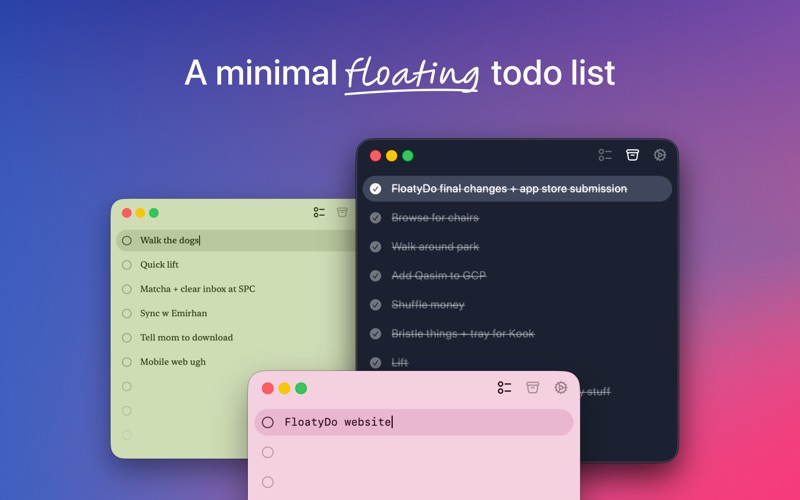
FloatyDo solves a related problem: forgetting what you were meant to be doing because your list is buried behind ten windows. It is a small floating widget that stays visible as you move between apps, with keyboard-first capture, themes, and fonts. Its philosophy is explicit: if a task needs scheduling or detail, it belongs somewhere else.
Version 1.2.0 added timers for each todo with a menu bar countdown on the Mac, plus the option to move todos to later dates, which brings it closer to DeskMinder's task mode. There is also an iPhone app that syncs. It is free with a $4.99 lifetime unlock and needs macOS 15 or later.
FloatyDoA tiny floating todo list for MacVisit WebsiteFloatyDo is a floating todo widget designed for macOS. It allows users to manage tasks while working across different applications, providing quick capture and keyboard controls for easy access to daily priorities. The widget can be customized with various themes and fonts. FloatyDo is available for free on the Mac App Store, with an optional Lifetime unlock, and requires macOS Sequoia 15.
- Floating widget remains visible across applications for easy access to tasks.
- Quick capture feature allows for rapid entry of tasks using keyboard shortcuts.
- Customizable themes and fonts to personalize the user interface.
- Designed for minimal distraction, focusing on daily priorities rather than extensive project management.
- Available for free on the Mac App Store, with an option for a Lifetime unlock.
- Requires macOS Sequoia 15.0 or later for optimal functionality.
FloatyDo is designed for users who need a simple and accessible way to manage tasks without disrupting their workflow. Its floating interface allows for easy visibility across applications, making it suitable for those who prefer quick task entry and minimal distractions. The customization options enhance user experience, while its compatibility with macOS Sequoia 15.Visit Website
Blitzit: a to-do list with a timer attached
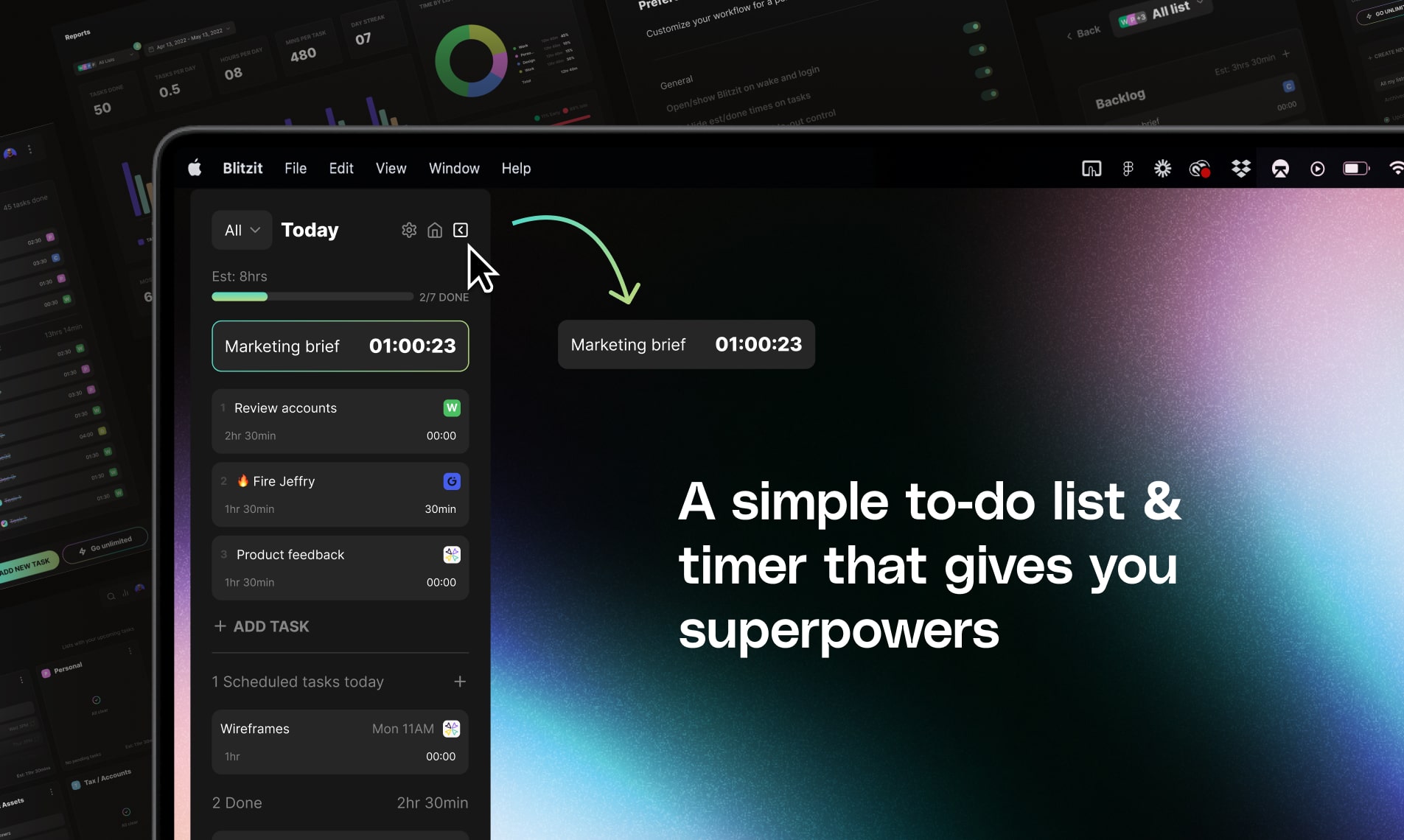
Blitzit is for people who want more structure than DeskMinder offers. You plan your Today list, estimate how long each task will take, then hit "Blitzit now." The top task starts a live timer, and you can shrink the view into a floating timer that stays on top of other apps with your current task and countdown visible.
It also covers scheduling and recurring tasks with alerts, notes, Pomodoros, and reports on how accurate your estimates were. That is a lot more than DeskMinder, and it is priced as a subscription: a 7-day free trial, then $6.99 a month, with a cheaper annual plan. It runs on Mac and Windows.
BlitzitBoost Your Productivity with BlitzitVisit WebsiteBlitzit is a productivity app designed to help you manage your tasks effectively while keeping you focused.
- With its intuitive interface, you can estimate and track task times, create satisfying checklists, and easily switch to focus mode.
- The app combines elements of time management with a checklist format, allowing you to attach notes and reminders to tasks.
- You can also schedule one-time or recurring tasks and receive instant alerts for upcoming deadlines.
- In addition, Blitzit offers a unique pomodoro timer feature, providing a structured approach to working in focused intervals.
- For individuals seeking to enhance their productivity, Blitzit serves as an essential tool that assists in prioritizing and organizing daily tasks efficiently.
- Whether used for professional or personal purposes, users have found Blitzit instrumental in maintaining productivity.
- The app integrates well with Google Calendar, allowing you to sync your tasks effectively, making it a versatile choice for anyone
Blitzit is a productivity app that combines task management with time tracking features. It allows users to create checklists, schedule tasks, and utilize a pomodoro timer for focused work sessions.Visit Website
Balance: focus sessions with built-in breaks
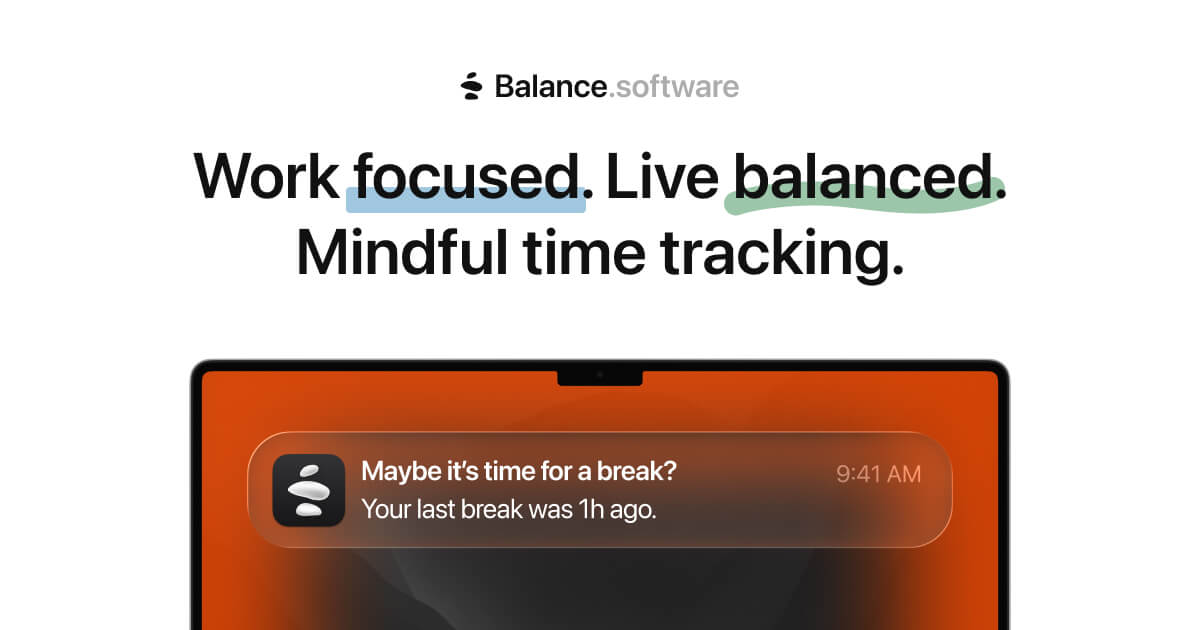
Balance approaches focus from the other direction. Instead of reminding you of a task, it asks you to clock in deliberately, then reminds you when a break is due with a screen glow and a notification. Lock or close your Mac and it logs the break. You can switch between regular tracking and Pomodoro-style focus sessions at any time.
It suits freelancers and students who want to see where their hours go and avoid overworking, with weekly goals, workspaces, billable time, and Focus filter support. Balance is free on the Mac App Store, with Pro plans from $4.99 a month or $49.99 a year, and requires macOS 14 or later.
BalanceTime tracking and Pomodoro, beautifully simpleVisit WebsiteBalance is a Mac time tracking and Pomodoro app designed to enhance focus and promote work-life balance. It allows users to log work sessions intentionally, receive reminders for breaks, and maintain session records. This tool is suitable for freelancers, students, and professionals. Balance is available for free on the Mac App Store, with optional in-app purchases, and requires macOS 14 or later.
- Tracks time using the Pomodoro technique to enhance focus and productivity.
- Provides customizable break reminders to prevent work fatigue.
- Maintains detailed session logs for tracking work patterns and productivity.
- Offers a user-friendly interface suitable for freelancers, students, and professionals.
- Available for free on the Mac App Store with optional in-app purchases.
- Requires macOS 14 or later for optimal performance.
Balance is designed for users seeking to enhance their productivity through structured time management. Its features cater to freelancers, students, and professionals who benefit from focused work sessions and regular breaks. By maintaining session logs, users can track their progress and optimize their workflow.Visit Website
LookAway: reminders for your body, not your to-do list
If the reminders you actually need are "look away from the screen" and "sit up straight," LookAway is the better fit. It schedules screen breaks, blink reminders, and posture nudges, gives a heads-up before a break starts, and pauses automatically during meetings, calls, screen recording, video playback, and fullscreen gaming.
Breaks can sync to your iPhone or iPad, and you can run Shortcuts or AppleScripts when a break starts or ends. LookAway's pricing starts at $19 for a one-Mac license with a year of updates, or $29 for two Macs. It is also included in Setapp. It pairs well with DeskMinder rather than replacing it.
LookAwaySmart screen break, blink, and posture remindersVisit WebsiteLookAway is a macOS application designed to promote healthier screen habits by providing reminders for screen breaks, blinking, and posture.
- It adapts to your workflow, offering non-intrusive notifications that encourage users to take regular breaks, which can help reduce eye strain and improve overall well-being.
- The app is suitable for anyone who spends extended periods in front of a computer, including professionals, students, and remote workers.
- LookAway integrates seamlessly with your Mac, allowing for customizable settings to fit individual preferences while ensuring that breaks do not disrupt productivity.
LookAway is a macOS application that provides reminders for screen breaks, blinking, and posture to help users maintain healthier screen habits. It offers customizable notifications that integrate with your workflow, making it suitable for anyone who spends long hours in front of a computer.Visit Website
FAQ
Is DeskMinder free?
DeskMinder is free to download from the Mac App Store, and the paid unlock is a one-time DeskMinder PRO (Lifetime) in-app purchase listed at $5.99 in the US store. The developer's FAQ notes there is no trial on the App Store and suggests Setapp if you want to try it free first. It is also offered through Softorino's Universal License.
Does DeskMinder work on iPhone?
There is no iPhone version listed; the App Store listing says "Only for Mac." With Apple Reminders sync enabled, your DeskMinder reminders appear in Apple Reminders and can notify you on iPhone, iPad, and Apple Watch.
Is DeskMinder good for ADHD?
It is designed with ADHD in mind, and many reviewers with ADHD say the full-screen notifications are what finally works for them. It is not a medical tool, but if banner notifications are easy for you to ignore, it is one of the most direct fixes on the Mac.
Can DeskMinder schedule reminders for later or repeat them?
Partly. You can type a specific time, which the app converts into a countdown. Recurring reminders are not mentioned in the App Store listing or FAQ, and the developer positions it for short-term reminders only. For anything on a schedule, use Apple Reminders, your calendar, or Blitzit.
Is DeskMinder on Setapp?
Yes. DeskMinder² is included with a Setapp membership, which offers a 7-day free trial.
What macOS version does DeskMinder need?
macOS 14 or later. It also supports the new Liquid Glass and Frozen Blur widget styles on macOS 26.
Does DeskMinder collect data?
According to its App Store privacy label, the developer does not collect any data from the app.
Verdict
DeskMinder is a small app with a clear point of view: reminders should be instant to set and impossible to ignore. It nails that, the developer ships updates regularly, and the one-time price is low. Its limits, no scheduling, no editing, Mac only, are mostly deliberate choices that keep it fast.
Pick DeskMinder if you keep missing short reminders. Pick Gestimer if you want the same speed with quieter alerts, FloatyDo if you need your list in view, Blitzit if you want to plan and time your whole day, Balance if you want structured focus and breaks, and LookAway if your eyes and posture are the real problem. For more focus and productivity tools, browse Mac software on Macfolio.
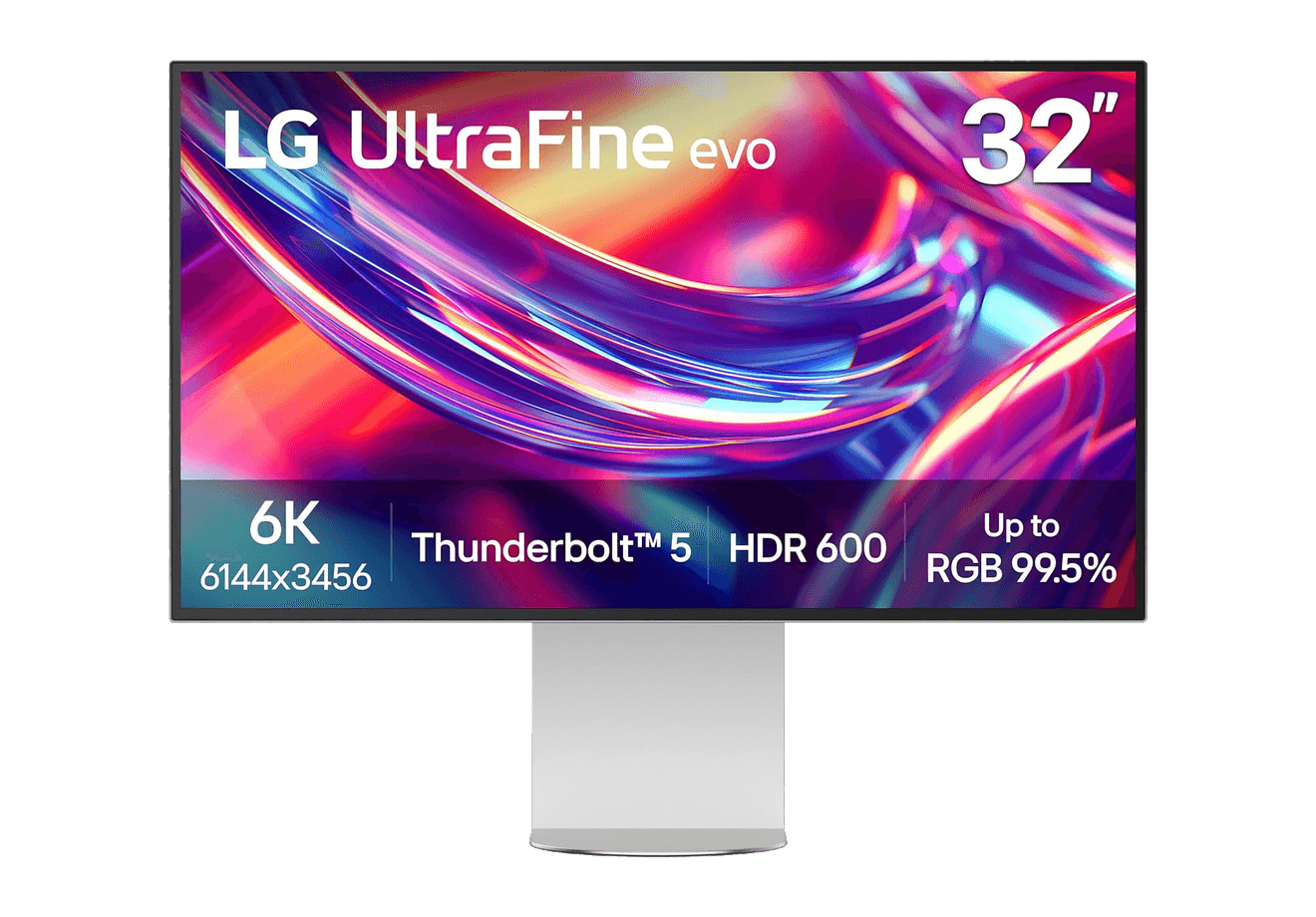
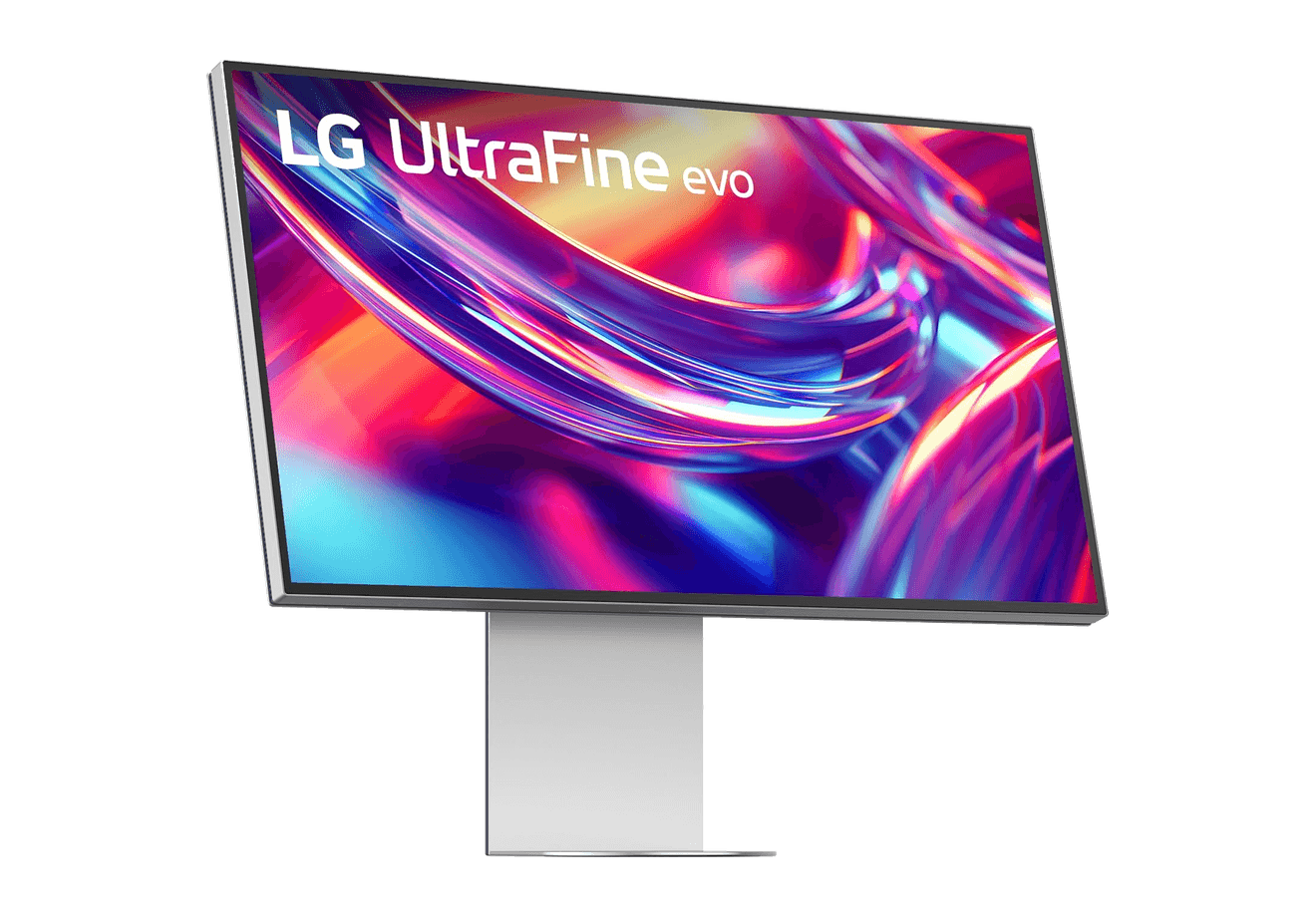
A 32-inch 6K Thunderbolt 5 display built for Mac creators.
WorkspaceDisplays
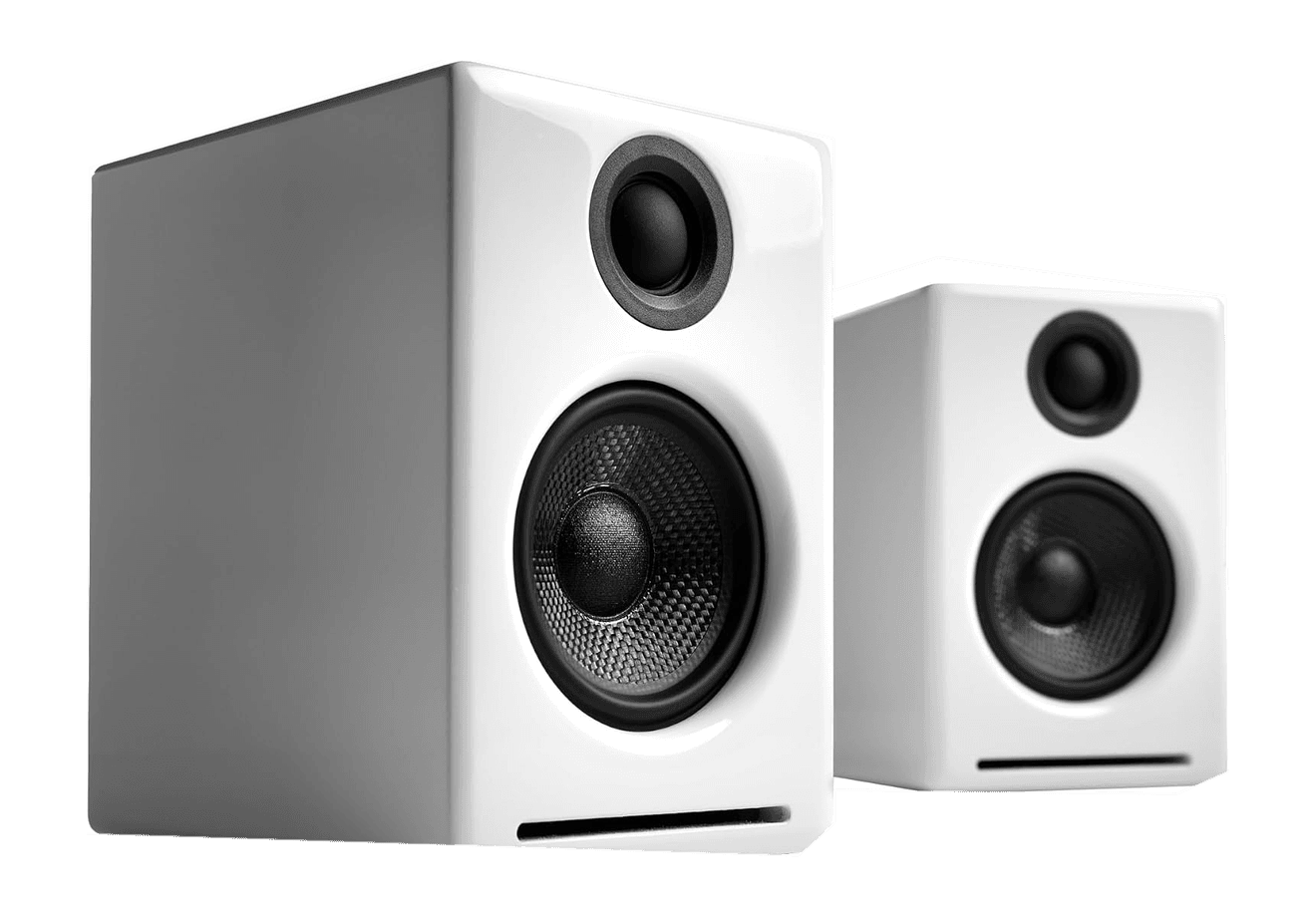
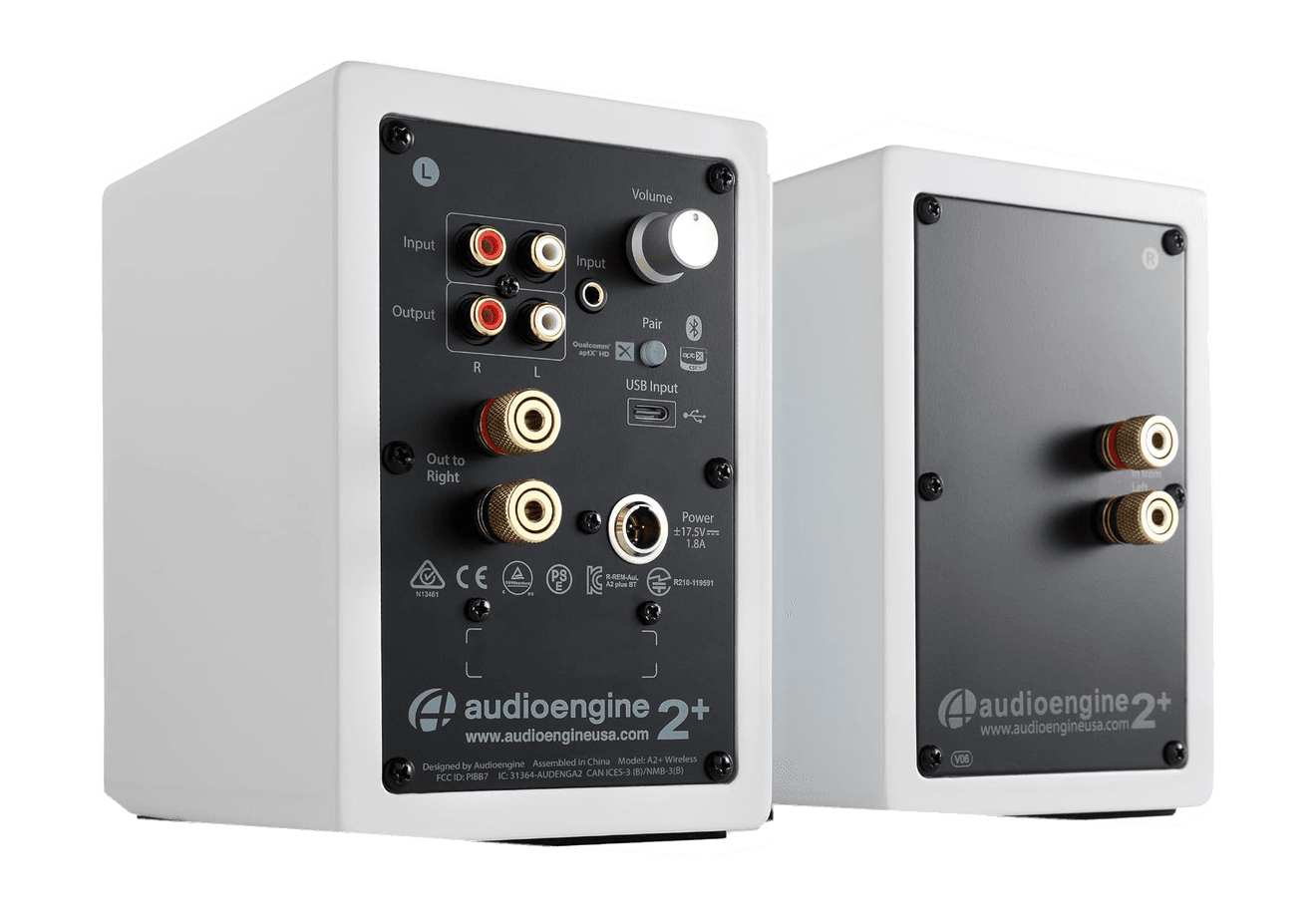
A2+ Wireless Speakers
Compact wireless desktop speakers with 24-bit audio for Mac.
HardwareAudioiOS & macOS
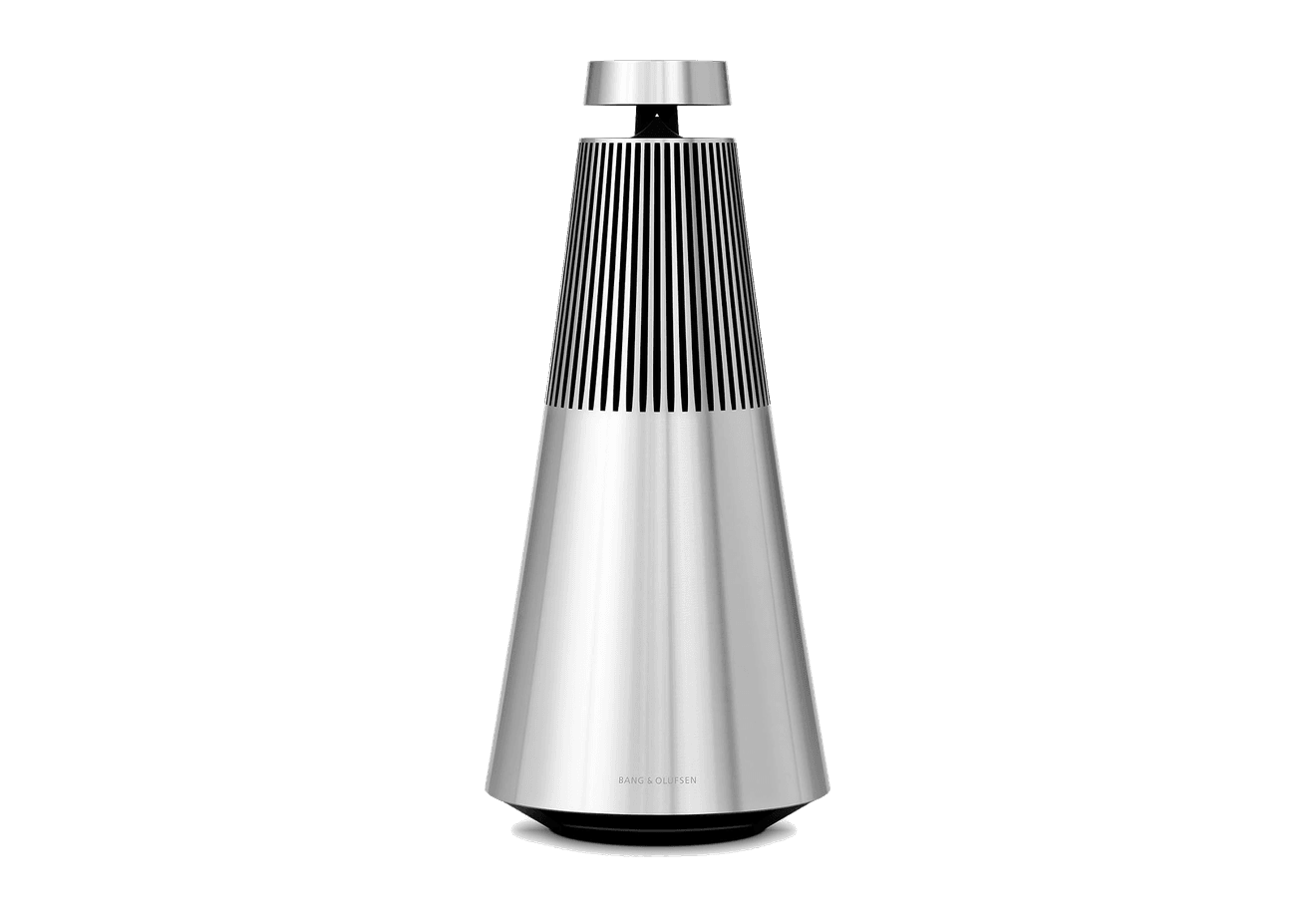
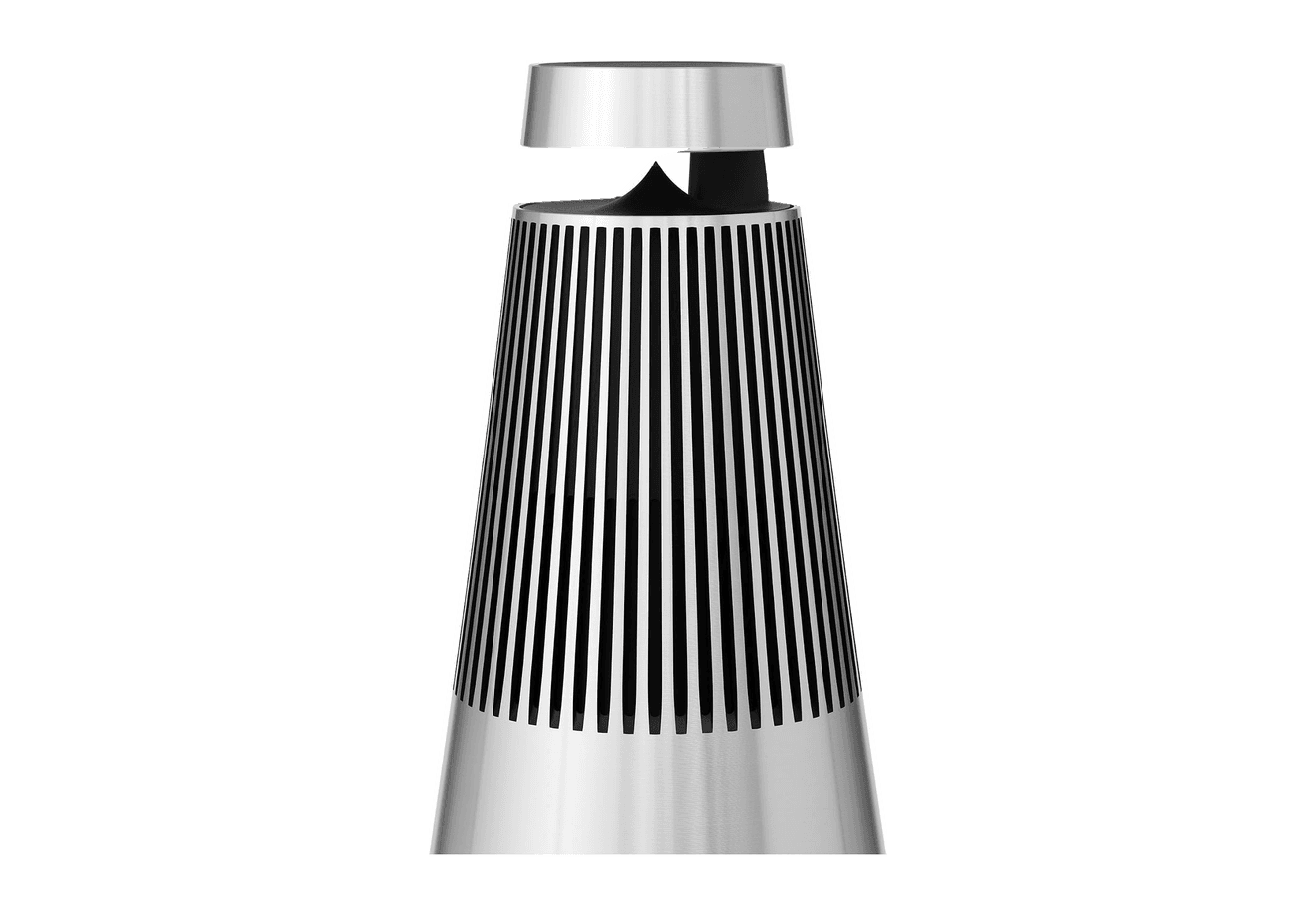
Beosound 2
A sculptural 360-degree wireless speaker with AirPlay 2.
HardwareAudioiOS & macOS
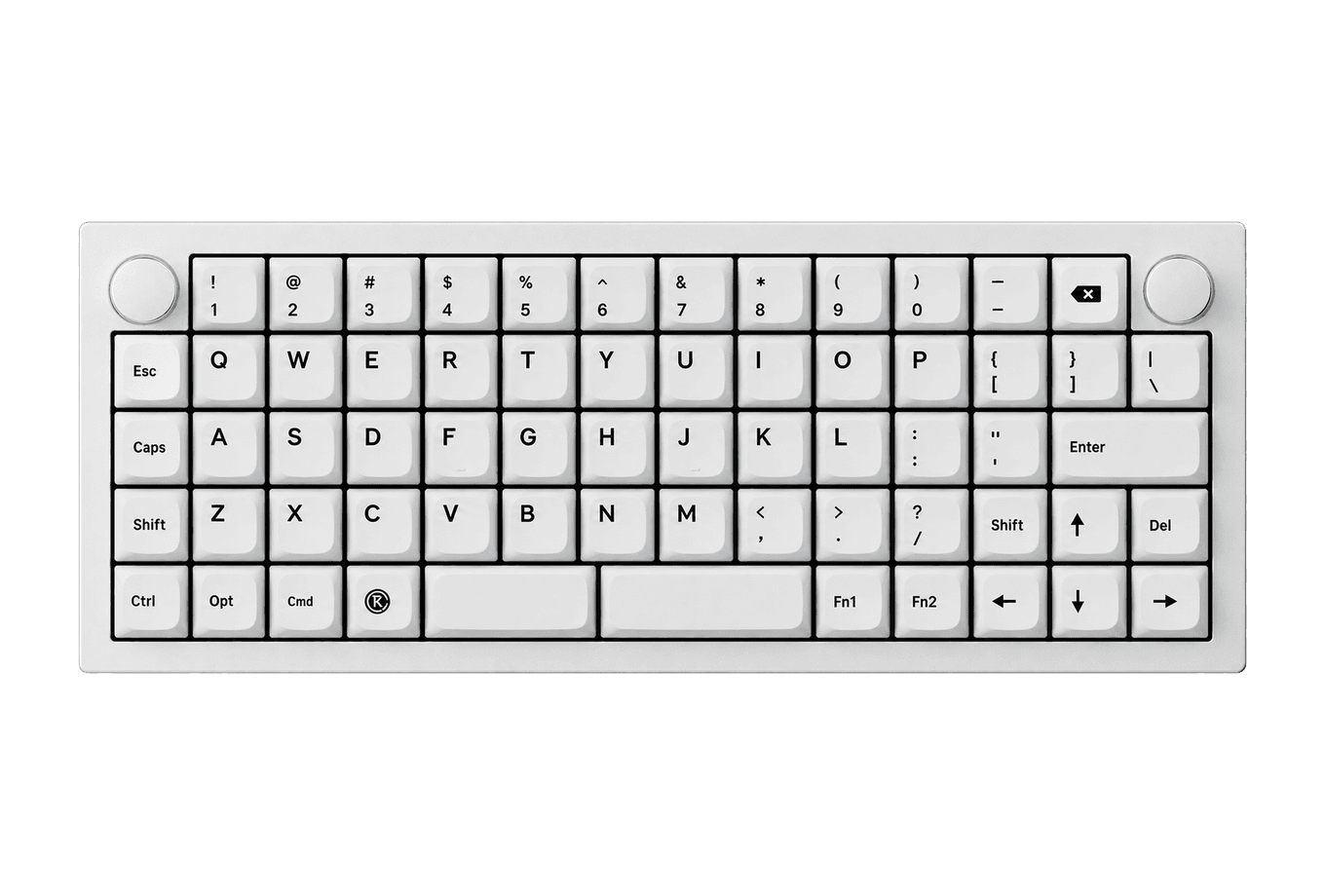
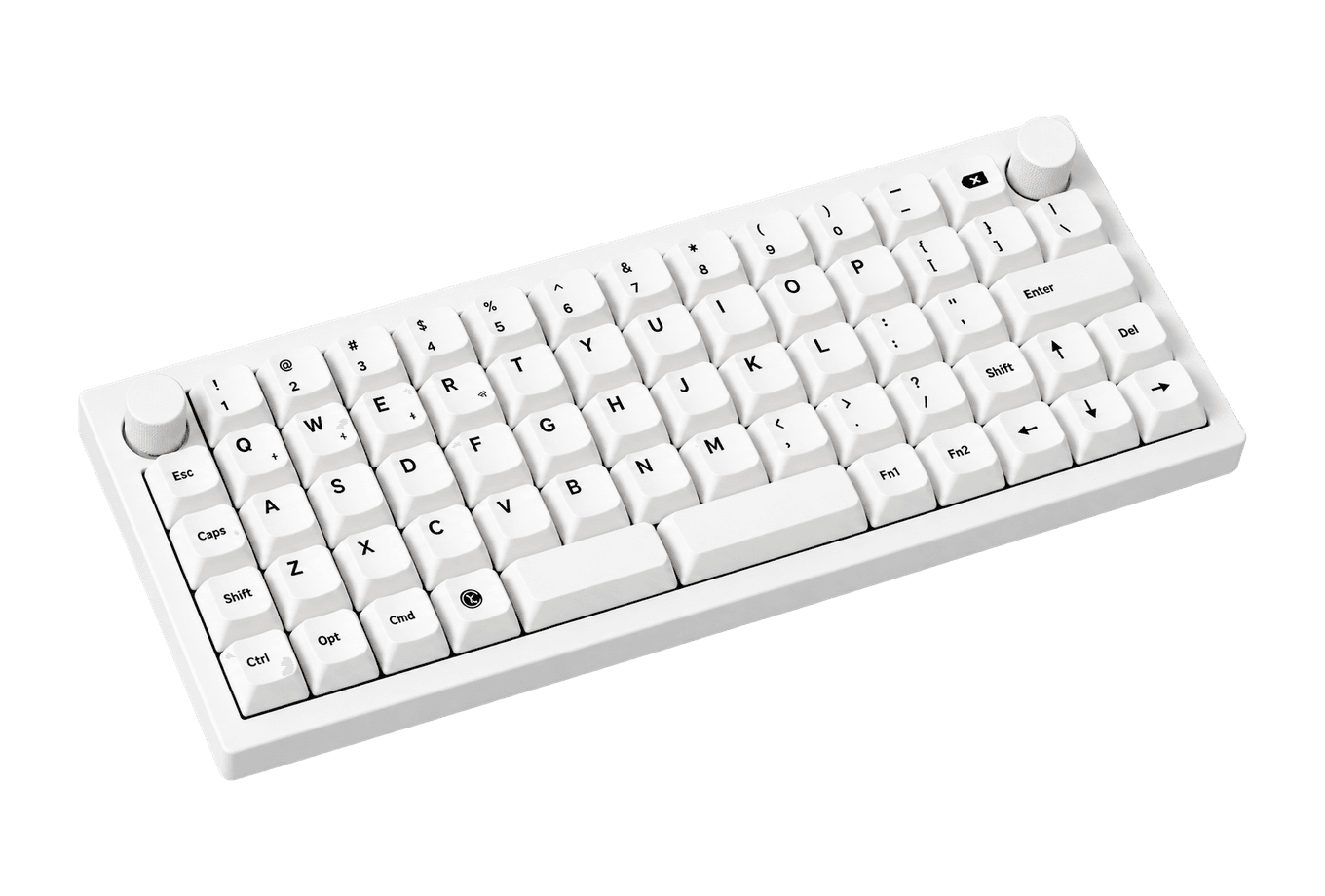
Flow 2
A CNC aluminum low-profile keyboard with cloud-soft switches and VIA.
HardwareKeyboards & MiceiOS & macOS
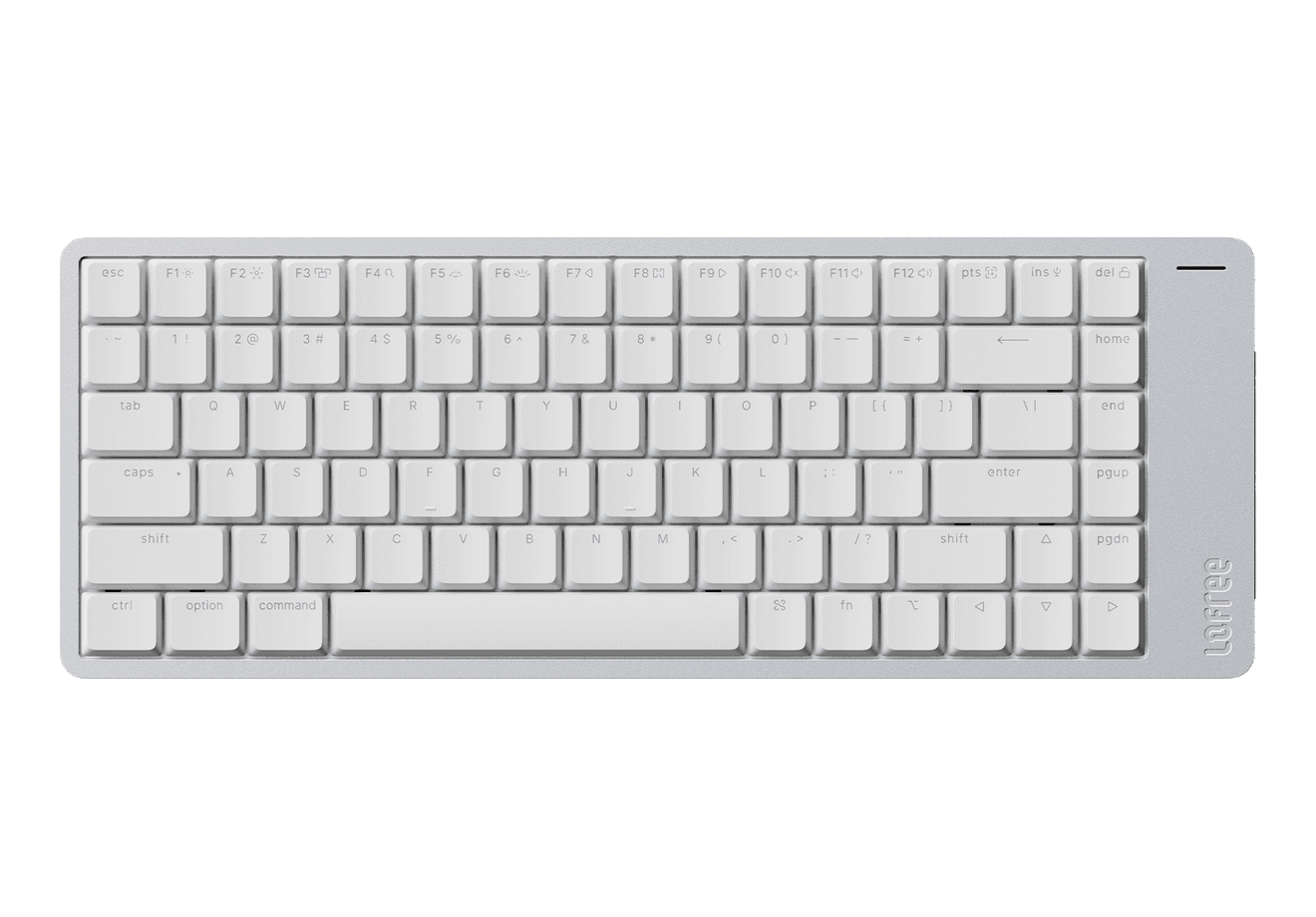
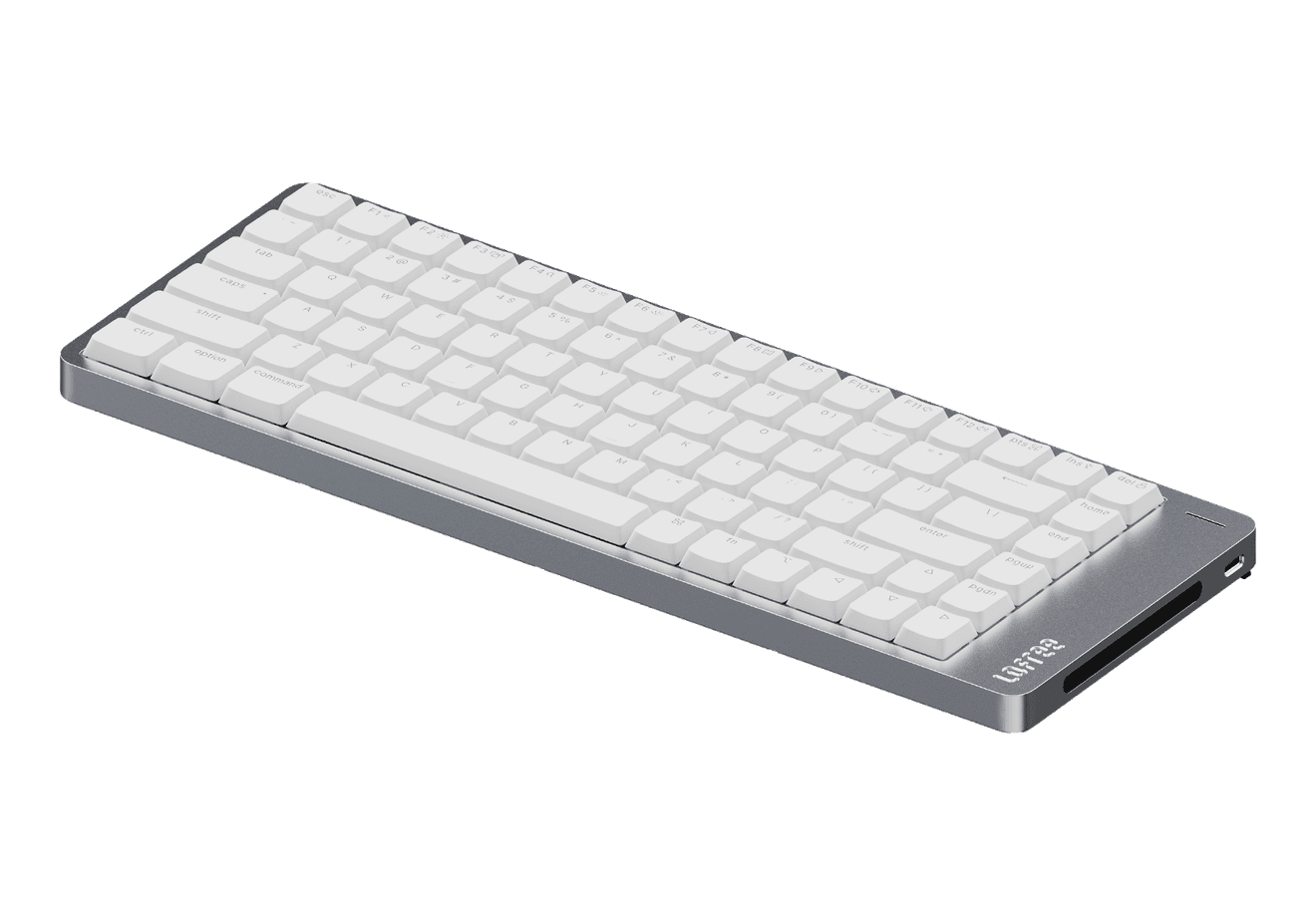
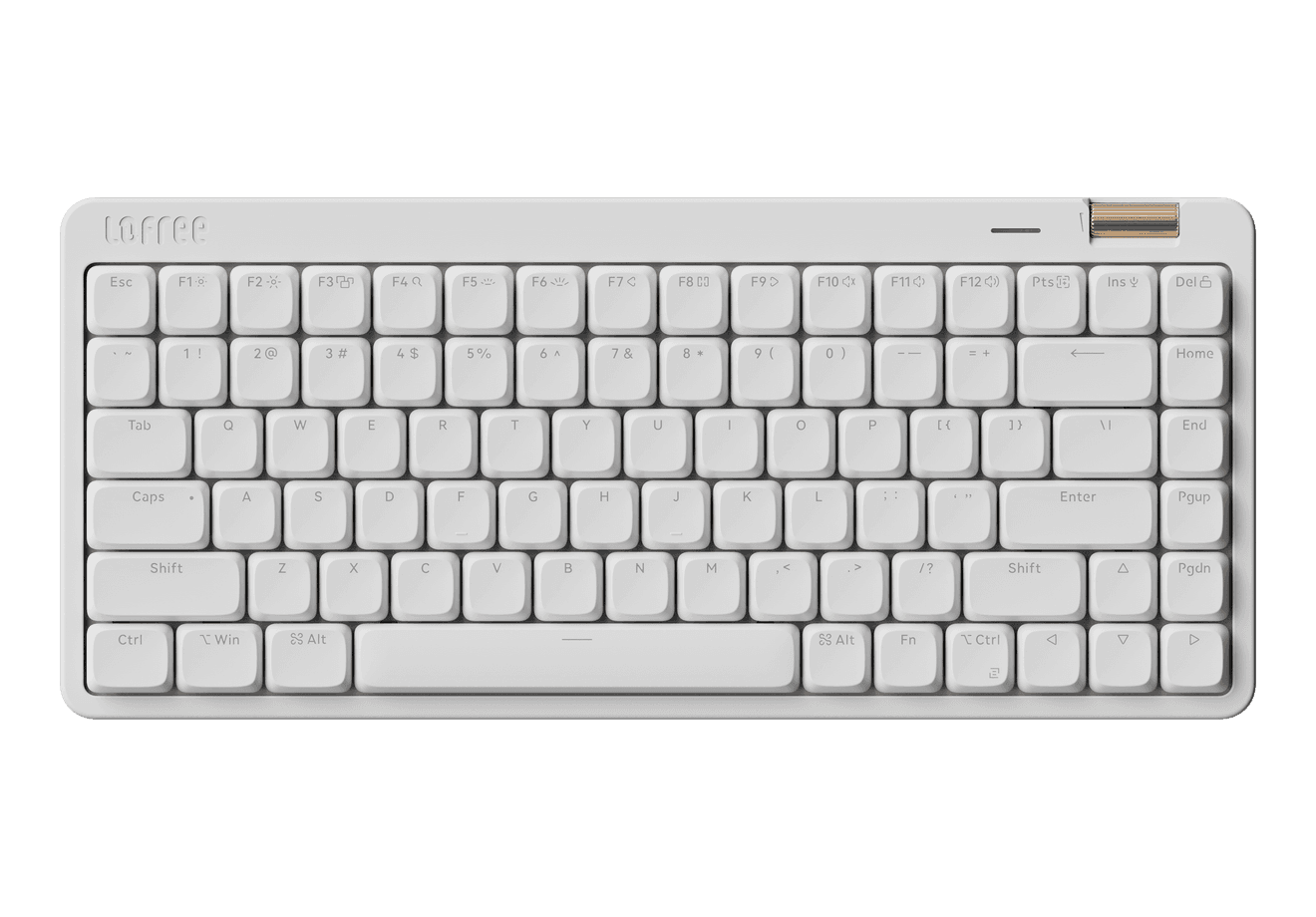
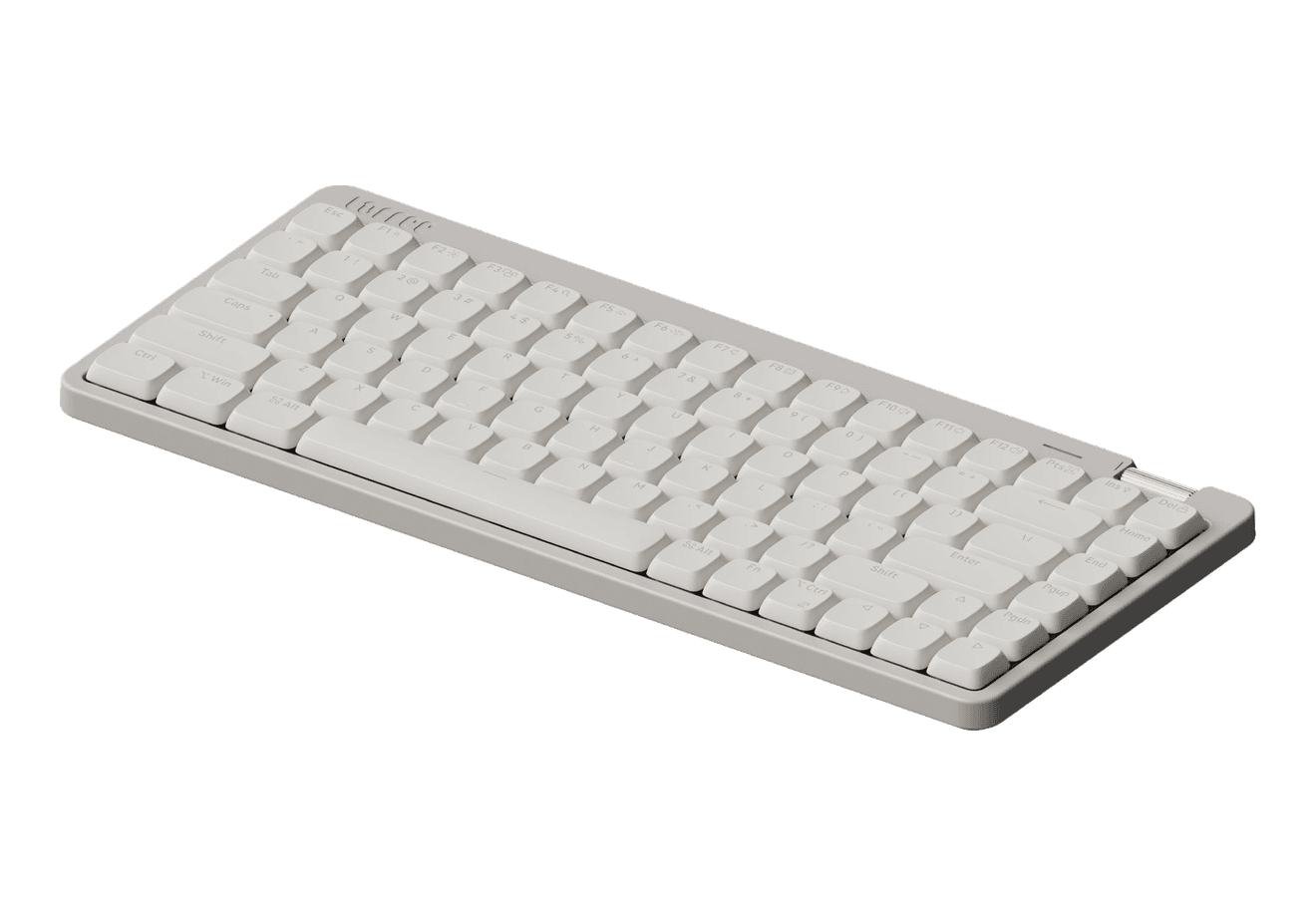
Flow Lite84
A slim tri-mode mechanical keyboard built for comfortable Mac typing.
HardwareKeyboards & MiceiOS & macOS
Agent Caffeine
Keep your Mac awake for agents
One-time
Agent Caffeine is a Mac menu bar utility that prevents sleep while AI coding agents are working, then allows the Mac to sleep when work stops.
- Track activity from agents including Claude Code, Codex, and Cursor.
- Keep the Mac awake with the lid closed during active work.
- Allow a configurable grace period when an agent waits for input.
- Send notifications when agents need attention or finish.
- Pause sleep prevention or stay reachable for a set duration.
Closed-lid operation on battery requires an approved helper. Battery and temperature safeguards can release sleep prevention. Includes a seven-day trial, followed by a one-time purchase with lifetime updates.
SoftwareUtilitiesmacOS
Q15 Max
A premium wireless ortholinear keyboard for Mac.
HardwareKeyboards & MicemacOS
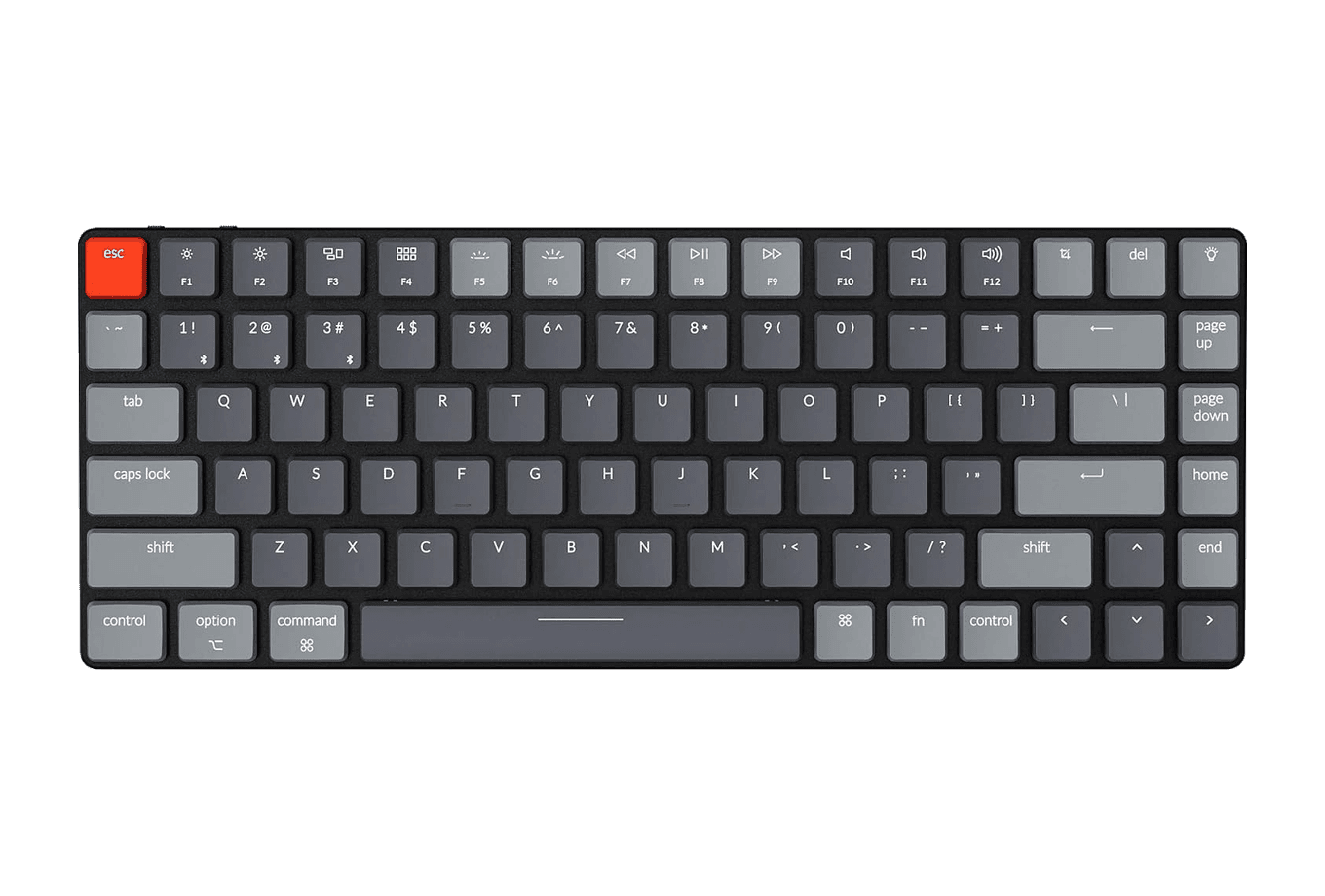
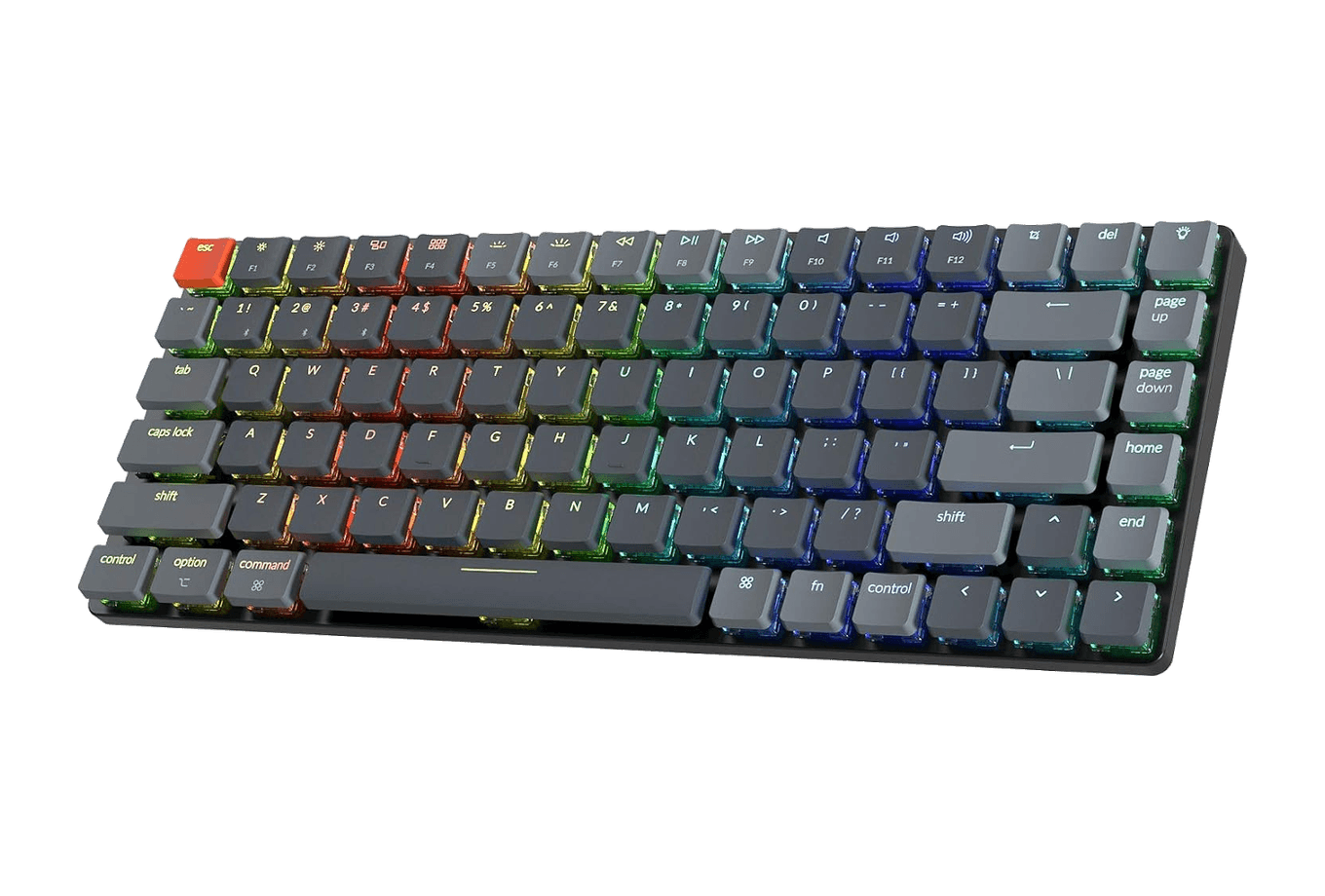
K3 Ultra-slim
An ultra-slim 75% mechanical keyboard built for Mac.
HardwareKeyboards & MiceiOS & macOS
M2.1 Monitor Arm
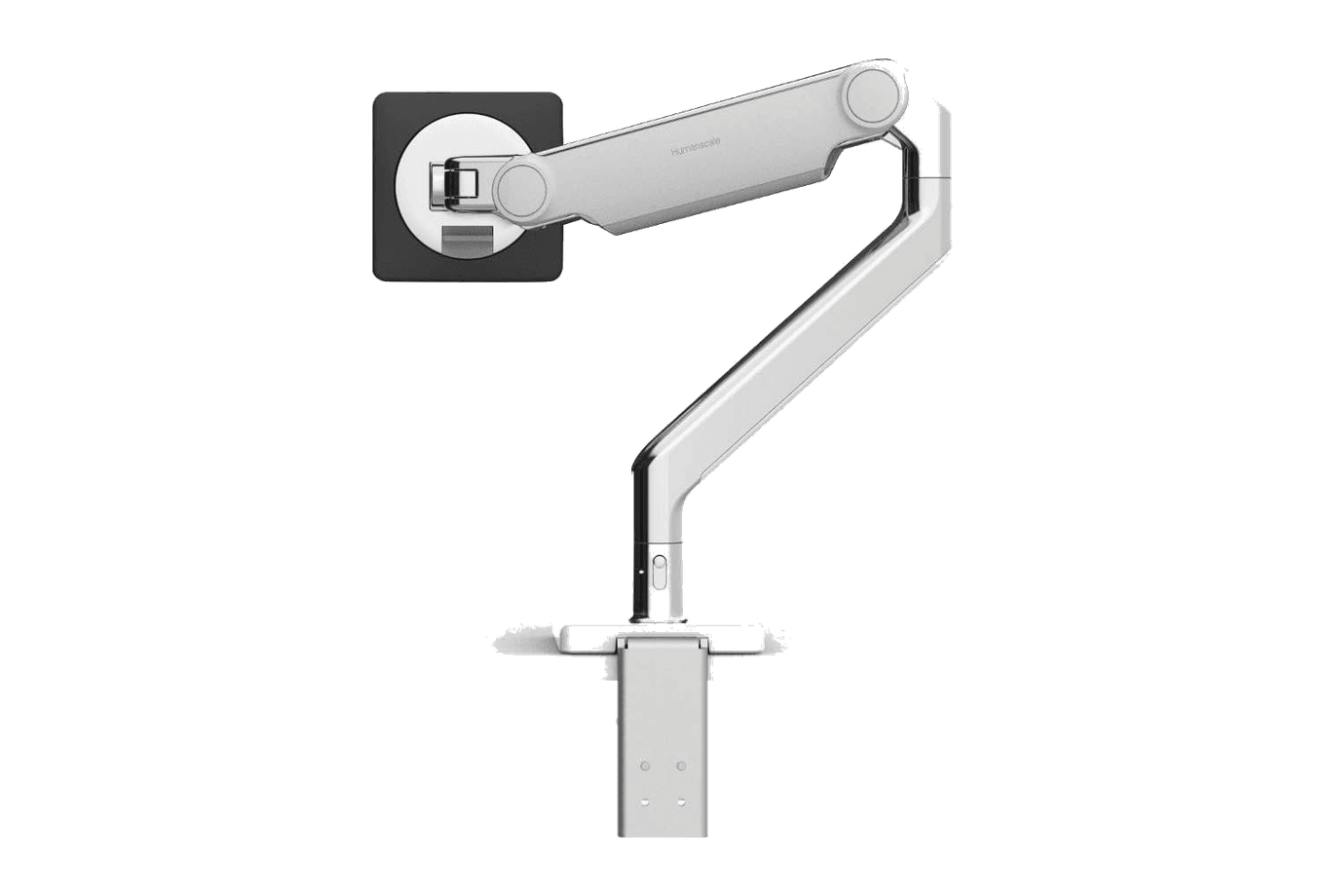
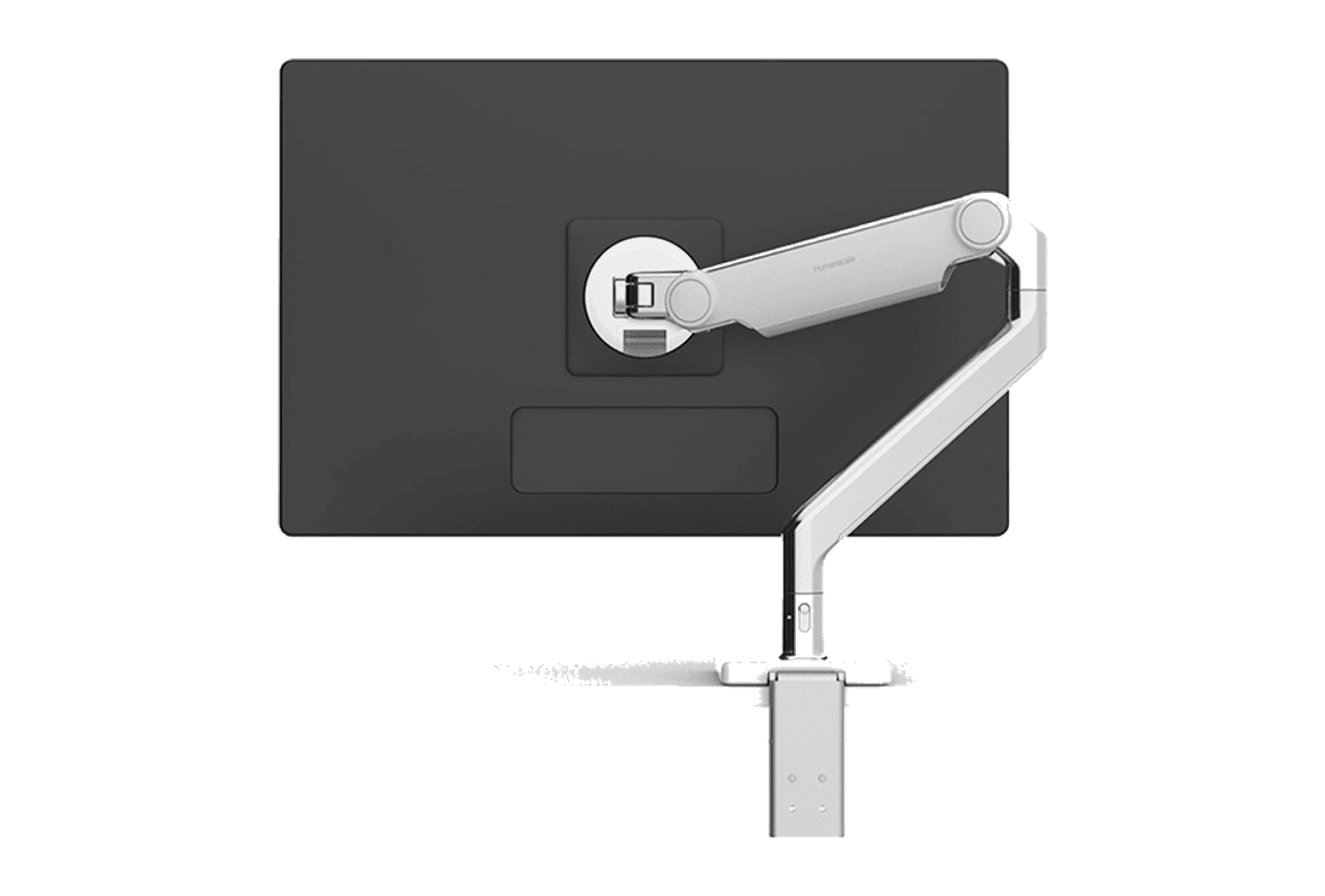
A slim, adjustable monitor arm for a cleaner ergonomic desk.
 Dudu
Dudu