Created September 29, 2026Updated September 29, 2026
A charging stand gives your iPhone a place to land when you sit down to work or turn in for the night. The useful differences are often less about the charging headline and more about the setup: whether your earbuds can charge alongside your phone, whether there is a spot for your Watch, and whether the whole thing folds into your bag.
These six stands joined Macfolio in September. They cover three straightforward needs: a dedicated iPhone stand, a shared spot for your phone and earbuds, or one station for three Apple devices. This is a guide to their features and tradeoffs, based on product documentation.
For a dedicated spot on your desk
MagGo Wireless Charger (Stand)
MagGo Wireless Charger (Stand) is a useful starting point if your iPhone is the only device that needs a permanent charging spot. It offers up to 15W charging and an adjustable viewing angle. Its single charging surface can also charge compatible earbuds when positioned horizontally, but it cannot charge the phone and earbuds together. That distinction matters if you are trying to replace two chargers. .
Choose this format when you want your phone within view beside your Mac and already have charging sorted for everything else.
MagGo Wireless Charger (Stand)15W magnetic charging with a rotating, adjustable stand.Visit WebsiteKeep your iPhone charged and in view with the Anker MagGo Wireless Charger (Stand). This black A25X1 model combines Qi2-certified wireless charging with an adjustable magnetic mount for your desk or bedside table.
- Delivers up to 15W wireless charging to compatible iPhones.
- Rotates 360 degrees to switch between portrait and landscape.
- Offers an adjustable tilt for a comfortable viewing angle.
- Includes ActiveShield 2.0 temperature monitoring and MultiProtect safeguards.
A USB-C power adapter is required and is not included with this version. The iPhone shown in the hover image is for illustration and is not included.Visit Website
Rise Magnetic Wireless Charger
Rise Magnetic Wireless Charger takes the single-device idea in a more portable direction. It folds flat, opens into an adjustable stand, and offers up to 15W Qi2 charging. A two-metre USB-C cable is included; a wall adapter is not. It can charge compatible Qi devices when flat, so it can take turns charging a phone and earbuds, rather than doing both at once. Native Union specifications.
It is worth considering if you want the same charger to sit on your desk during the week and travel with you at the weekend.
Rise Magnetic Wireless ChargerA foldable Qi2 charger that turns your iPhone into a StandBy display.Visit WebsiteNative Union's Rise Magnetic Wireless Charger combines a compact folding design with fast magnetic charging for a clean desk or travel setup. This Sandstone version adjusts between a flat charging pad and a viewing stand.
- Delivers up to 15W Qi2 wireless charging to compatible iPhones.
- Holds an iPhone in portrait or landscape for calls, video, and StandBy.
- Folds flat for easier packing and for charging other Qi-compatible devices.
- Includes a 6.5 ft (2 m) braided USB-C cable.
A USB-C wall adapter is not included. The iPhone shown in the images is for illustration and is not included.Visit Website
For an iPhone and wireless earbuds
MagGo Wireless Charger (2-in-1 Stand)
MagGo Wireless Charger (2-in-1 Stand) adds a separate charging surface for earbuds beneath the phone mount. Anker specifies up to 15W for the phone and 5W for earbuds. That makes it a more useful desk station if both devices tend to run low together. It has no dedicated Apple Watch charger. Anker product documentation.
Check the power-adapter requirement for the package you buy. Anker's current adapter guide lists a USB-C adapter rated at least 40W for this model, so do not assume a spare low-power plug will suit it. Anker adapter guide.
MagGo Wireless Charger (2-in-1 Stand)Charge your iPhone and earbuds together with a 15W Qi2 stand.Visit WebsiteCharge your iPhone and wireless earbuds together with the Anker MagGo Wireless Charger (2-in-1 Stand). This black A2544 model combines a Qi2-certified magnetic phone mount with a wireless charging pad for compatible earbuds.
- Delivers up to 15W wireless charging to compatible iPhones.
- Charges your phone and compatible wireless earbuds simultaneously.
- Adjusts through 45 degrees vertically and rotates 360 degrees horizontally.
- Dual LED indicators show charging status.
- Includes a 5 ft (1.5 m) USB-C to USB-C cable.
This version does not include a power adapter; Anker recommends a 30W or higher adapter for optimal charging. It does not charge an Apple Watch. Phones and earbuds shown in the images are not included.Visit Website
BoostCharge 2-in-1 Magnetic Foldable Wireless Charger with Qi2
BoostCharge 2-in-1 Magnetic Foldable Wireless Charger with Qi2 combines a Qi2 phone mount with an additional charging surface for compatible earbuds in a folding design. The phone charger is rated up to 15W. Its appeal is the combination: two charging spots when you are settled in, with a stand that folds down when you leave. Belkin product details.
This is the pairing to consider if you carry an iPhone and wireless earbuds, but do not need an Apple Watch charging puck built into the station.
BoostCharge 2-in-1 Magnetic Foldable Wireless Charger with Qi2A foldable Qi2 stand that charges iPhone and AirPods together.Visit WebsiteBelkin's BoostCharge 2-in-1 Magnetic Foldable Wireless Charger gives an iPhone an adjustable Qi2 stand while charging AirPods or another Qi-compatible accessory on the base. The Black WIZ028 folds down for travel or opens for hands-free viewing.
- Delivers up to 15W Qi2 magnetic charging to a compatible iPhone.
- Adds a second 5W charging surface for AirPods or wireless earbuds.
- Supports portrait, landscape, and iPhone StandBy viewing.
- Includes a USB-C power supply and a 1.5 m USB-C cable.
Devices shown in the images are for illustration and are not included.Visit Website
For an iPhone, Apple Watch, and AirPods
MagGo Wireless Charging Station (Foldable 3-in-1)
MagGo Wireless Charging Station (Foldable 3-in-1) brings all three charging spots into a folding station, with up to 15W phone charging. It suits a bedside setup that also needs to pack away for trips: your phone, Watch, and compatible AirPods case can each have a charging position. Anker product details.
Choose the three-device format because you will use all three spots. If you only need to charge your phone, the simpler stands above may fit your routine better.
MagGo Wireless Charging Station (Foldable 3-in-1)A travel-size Qi2 station for iPhone, Apple Watch, and AirPods.Visit WebsiteThe Anker MagGo Wireless Charging Station folds three Apple-device chargers into a compact travel-ready base. This Aurora White A2557 package includes the charging station, a 40W USB-C power adapter, and a 1.5 m USB-C cable.
- Delivers up to 15W Qi2 magnetic charging to a compatible iPhone.
- Charges an iPhone, Apple Watch, and AirPods at the same time.
- Supports fast Apple Watch charging and iPhone StandBy in landscape.
- Folds to roughly the size of a baseball for packing.
This model is a powered charging station, not a battery pack. Devices shown in the images are for illustration and are not included.Visit Website
Rise 3-in-1 Magnetic Wireless Charger
Rise 3-in-1 Magnetic Wireless Charger combines an adjustable phone stand, an AirPods charging area, and a built-in Apple Watch charger. It folds flat and offers up to 15W Qi2 phone charging. Native Union lists both a standard package and an adapter-inclusive version, so check the selected bundle before ordering. Native Union specifications.
It is another option for keeping three devices together on a nightstand, particularly if you like the Rise design but need more than the single-device model provides.
Rise 3-in-1 Magnetic Wireless ChargerA foldable Qi2 stand for iPhone, AirPods, and Apple Watch.Visit WebsiteCharge your everyday Apple devices from one compact stand with the Native Union Rise 3-in-1 Magnetic Wireless Charger. This Sandstone model folds flat and opens into an adjustable stand for your iPhone, AirPods, and Apple Watch.
- Delivers up to 15W Qi2 magnetic charging to compatible iPhones.
- Charges an iPhone, AirPods or another Qi-compatible device, and Apple Watch together.
- Uses an official fast-charging Apple Watch puck.
- Adjusts for portrait, landscape, and StandBy viewing.
- Includes a 6.5 ft (2 m) braided USB-C to USB-C cable.
This selected 3-in-1 version does not include the separate wall-adapter bundle. The iPhone, AirPods, and Apple Watch shown in the images are for illustration and are not included.Visit Website
Choose around the devices you actually charge
Start with the number of devices that need power at the same time. A single stand is enough for an iPhone. A separate earbuds surface makes a 2-in-1 useful. An Apple Watch is the reason to move to one of these 3-in-1 stations.
For bedside use, think about the screen as well. Apple's StandBy works with the iPhone charging, on its side, and stationary. A stand that holds it comfortably in landscape can make that setup easier. Apple's StandBy guide.
Before buying, check your exact iPhone and case compatibility, whether your earbuds case supports wireless charging, and the power adapter supplied or required. Those small checks determine whether the stand fits your setup from the first evening you use it.
Petal is a Mac app that tracks remaining AI allowances and reset times across your accounts. Check usage without leaving your work.
- Monitor Codex and Claude Pro or Max accounts together.
- View limits in the menu bar, a movable notch, or desktop widgets.
- Browse usage history for individual accounts.
- Keep work and personal accounts in one view.
- Store account settings and usage history locally on your Mac.
Requires macOS 14 or later on Apple silicon or Intel. A one-time purchase includes lifetime updates; AI subscriptions are separate. Additional provider connections are available in beta.
SoftwareAImacOS
Capy
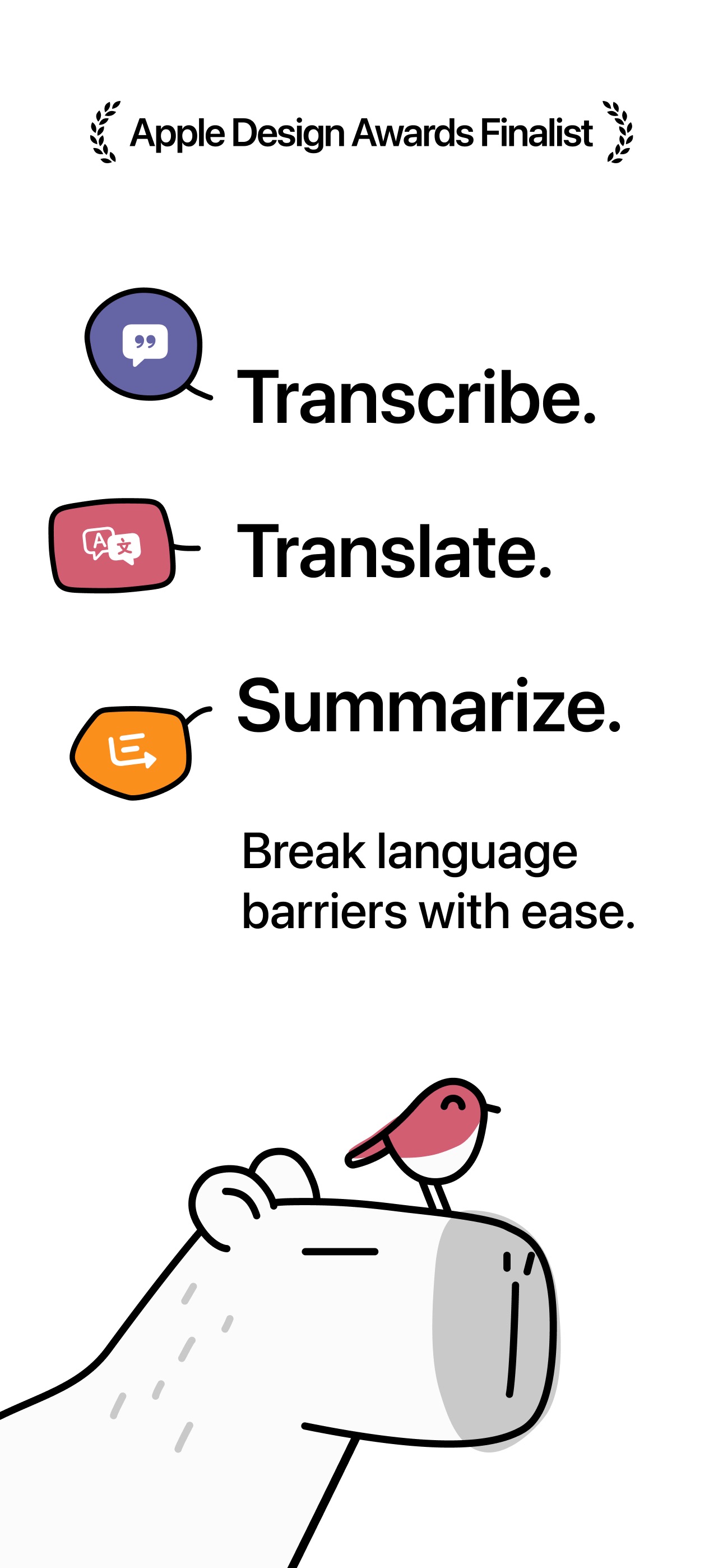
Transcribe translate and summarize meetings
Paid
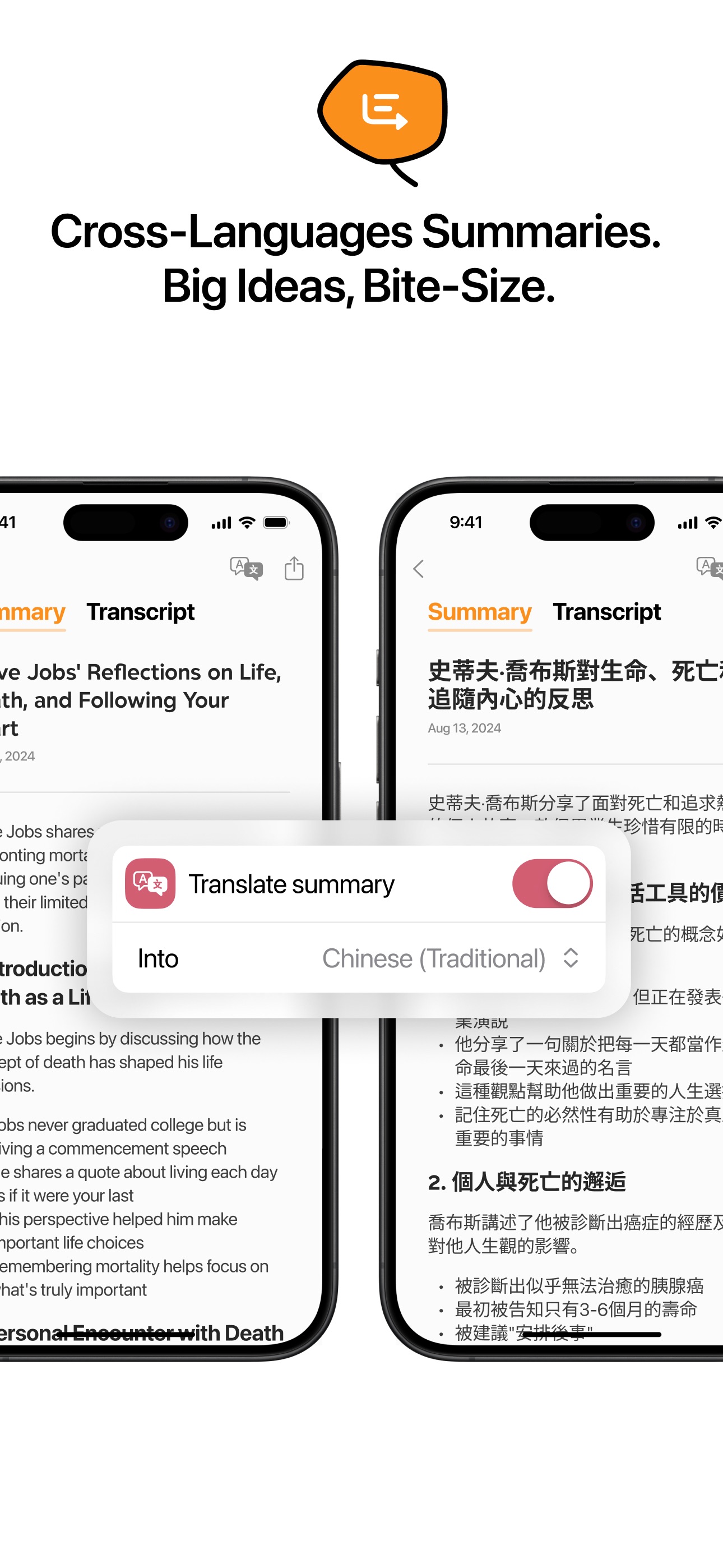
Capy is an AI transcription and translation app for meetings, lectures, and voice notes. It turns speech into searchable notes with summaries for later review.
- Capture live speech with timestamps.
- Read translations alongside the original transcript.
- Generate summaries organized by topic.
- Search notes using natural-language queries.
- Share transcripts and summaries.
Free to download with a three-day trial; continued full access requires an auto-renewing subscription.
SoftwareAIiOS & macOS
Deepstash
Learn through bite-sized book insights
Freemium
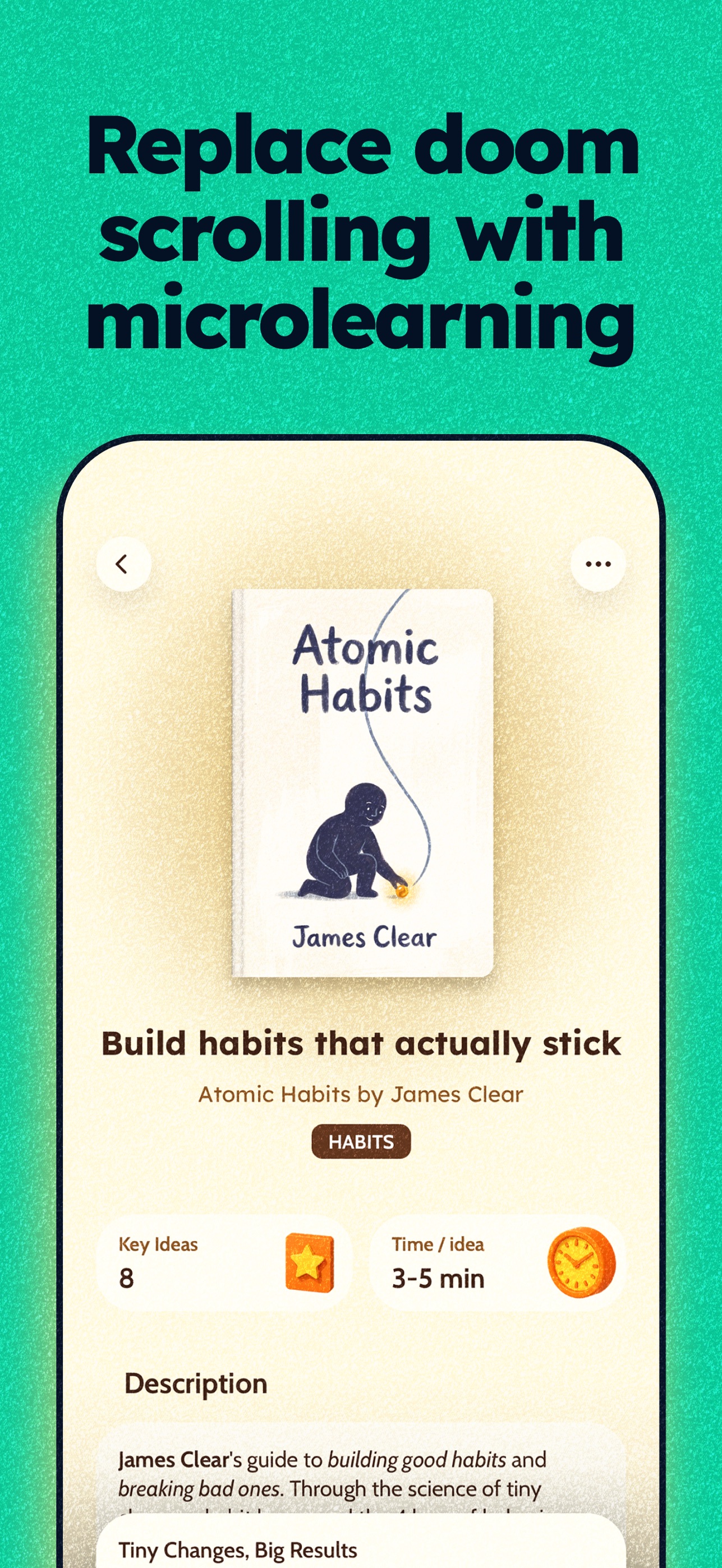
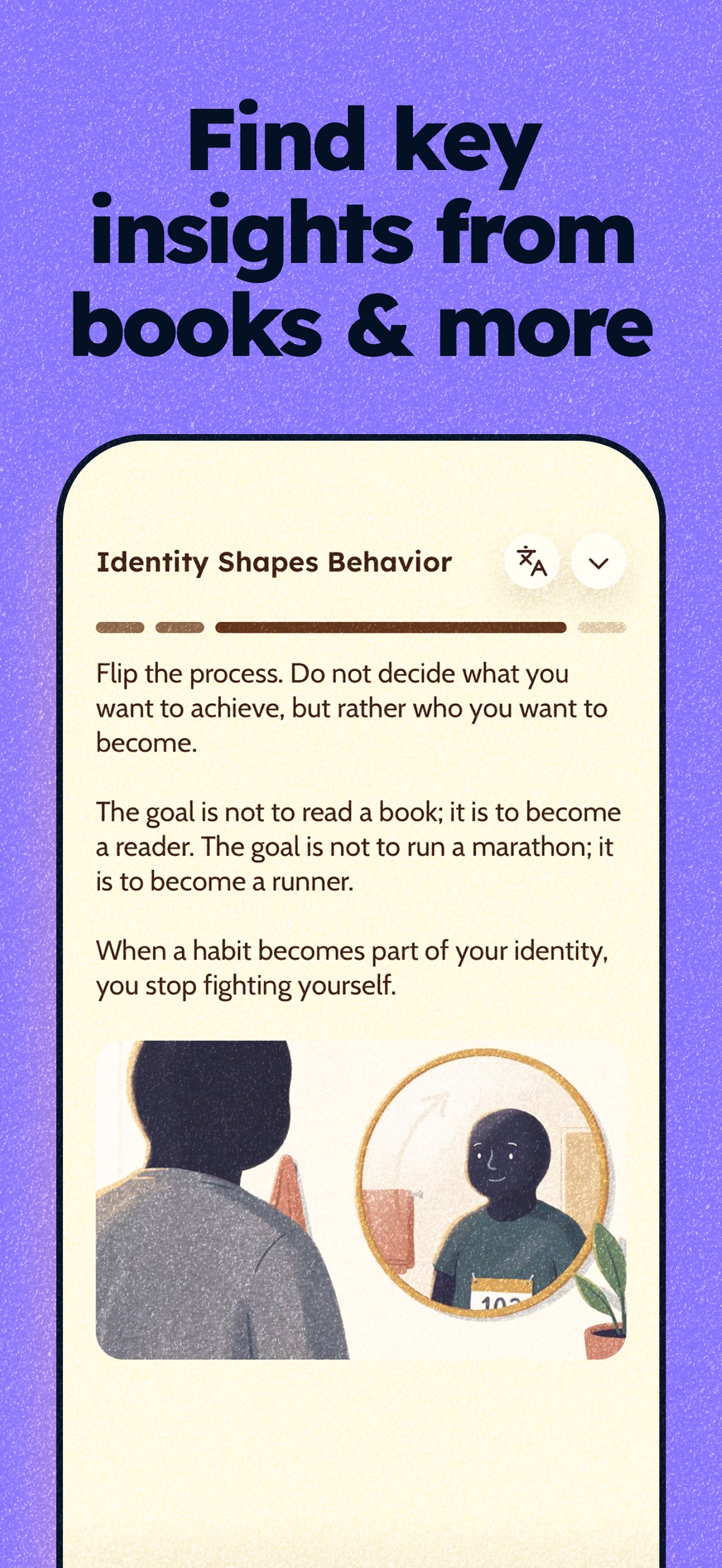
Deepstash is a learning app that presents ideas from books and other sources as short visual cards. It helps readers build a daily learning habit and a personal knowledge library.
- Explore ideas across productivity, psychology, leadership, and more.
- Receive recommendations based on your interests.
- Save insights into searchable collections.
- Create and share your own ideas.
- Use Pro for audio playback, offline access, and reading history.
A free tier is available, with additional features through Deepstash Pro.
SoftwareEducationiOS
Savee
Collect visual inspiration into moodboards
Freemium
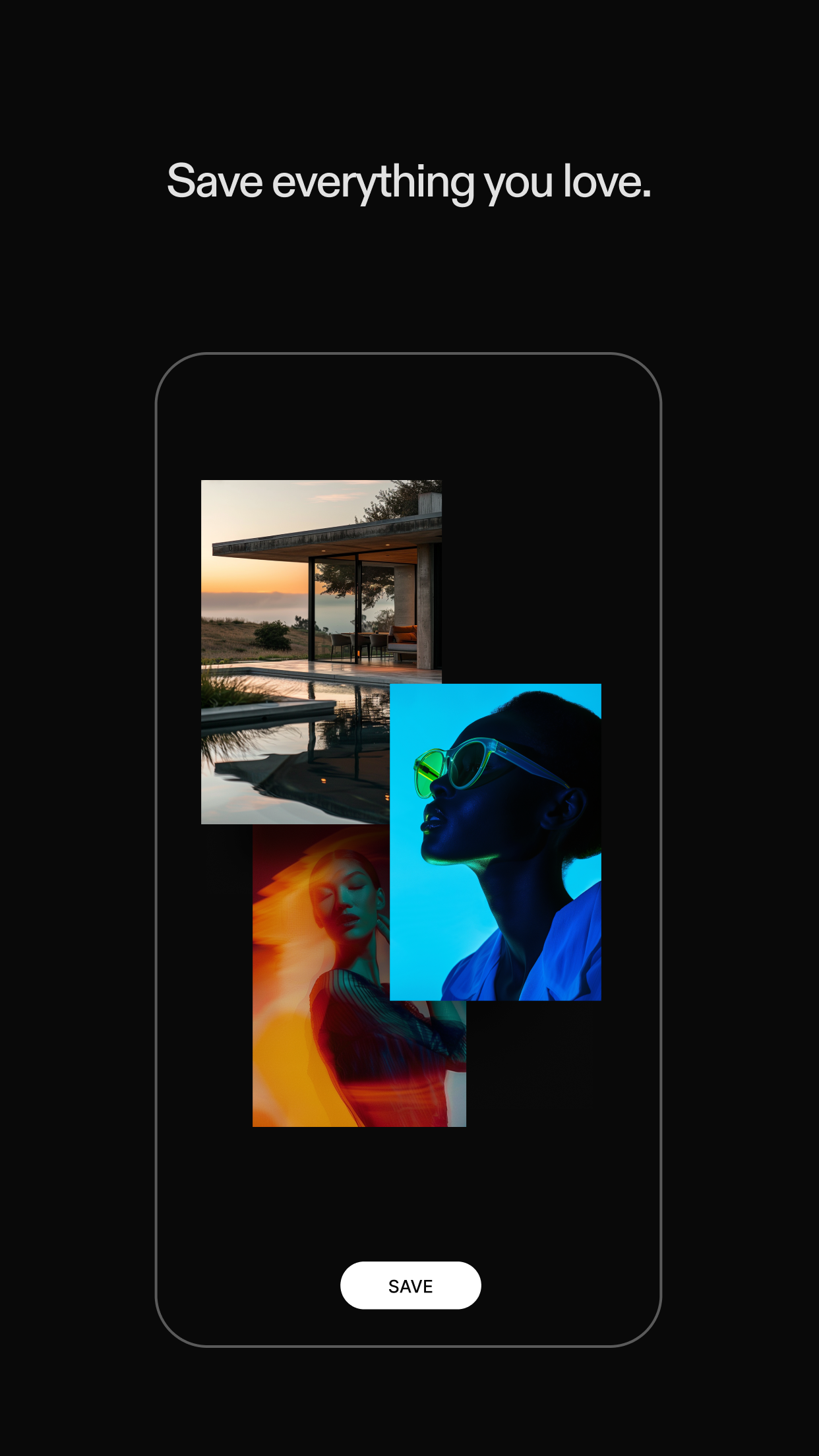
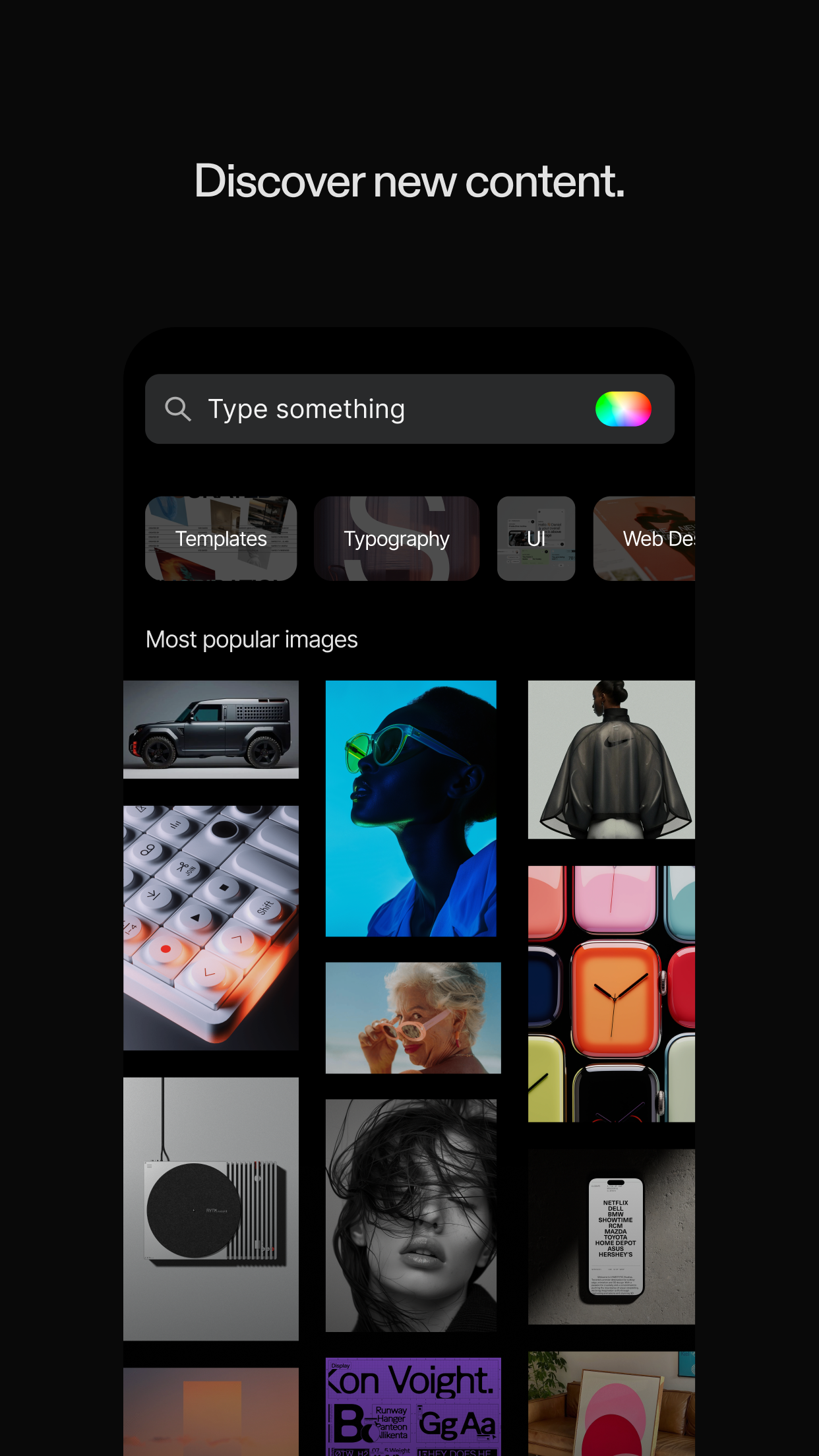
Savee is a visual inspiration app for designers and creative teams. Discover references and organize images and videos into boards for future projects.
- Browse curated design, photography, and motion references.
- Save inspiration from Instagram, your browser, and the web.
- Build moodboards around projects and ideas.
- Share boards and collaborate with your team.
Free to download, with paid plans for expanded features.
SoftwareDesigniOS
Locket Widget
Friends' photos on your home screen
Freemium
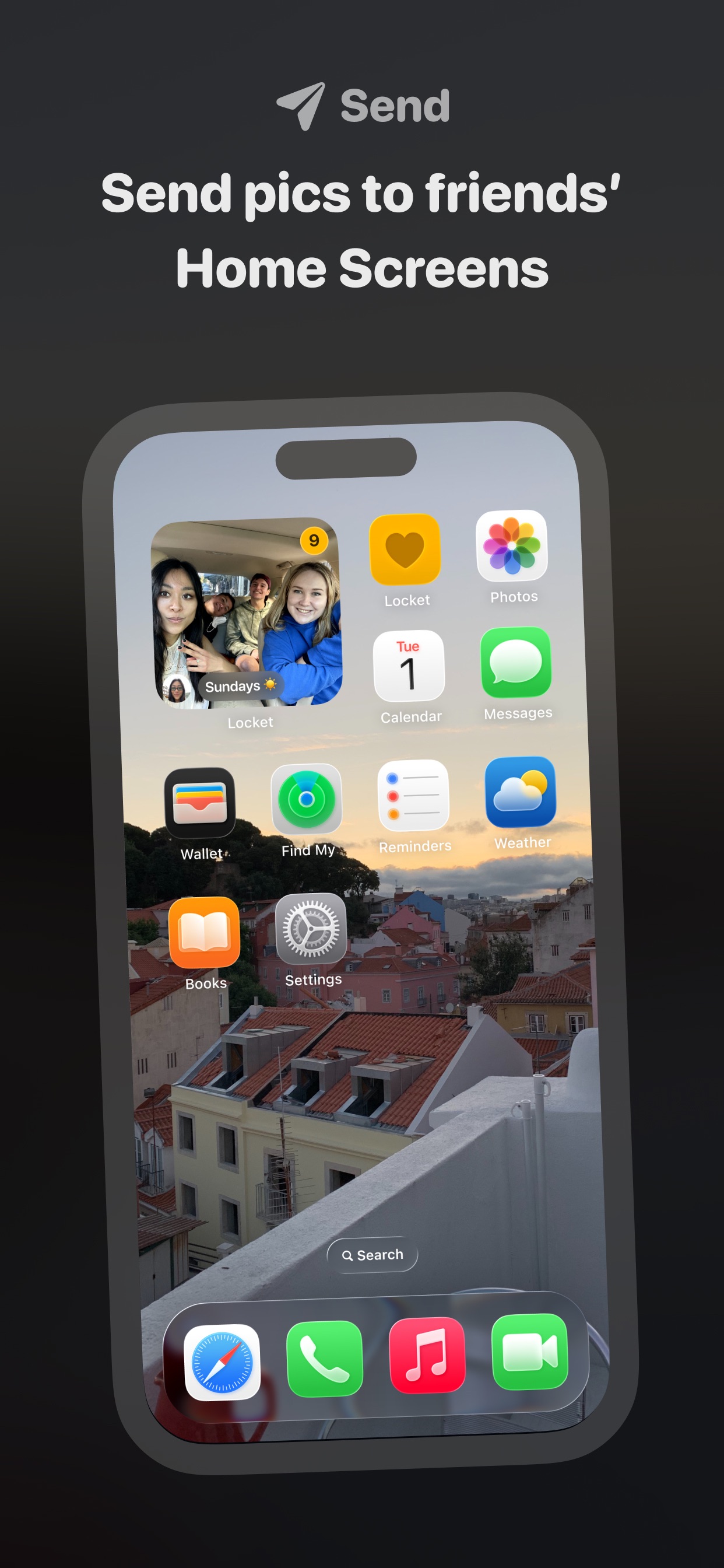
Locket Widget is a photo-sharing app that puts pictures from close friends on your iPhone Home Screen. Send quick snapshots and see updates through a widget.
- Take a photo and send it to friends' widgets.
- React to pictures with emoji.
- Browse a history of shared photos.
- Turn shared memories into video recaps.
- Create widgets dedicated to individual friends.
Free to download with optional in-app purchases.
SoftwareUtilitiesiOS
StockX
Buy and sell sneakers and apparel
Free
StockX is a marketplace app for sneakers, apparel, and collectibles. Buyers can browse listings and market prices, while sellers manage inventory and orders.
- Buy immediately or place bids on products.
- Browse new and used items from other sellers.
- Follow releases and receive product and delivery alerts.
- Track listings, sales, and selling activity.
- Join live shopping events with hosts and collectors.
The app is free to download; purchases and marketplace fees are separate.
SoftwareUtilitiesiOS
Bump
Live location sharing with friends
Free
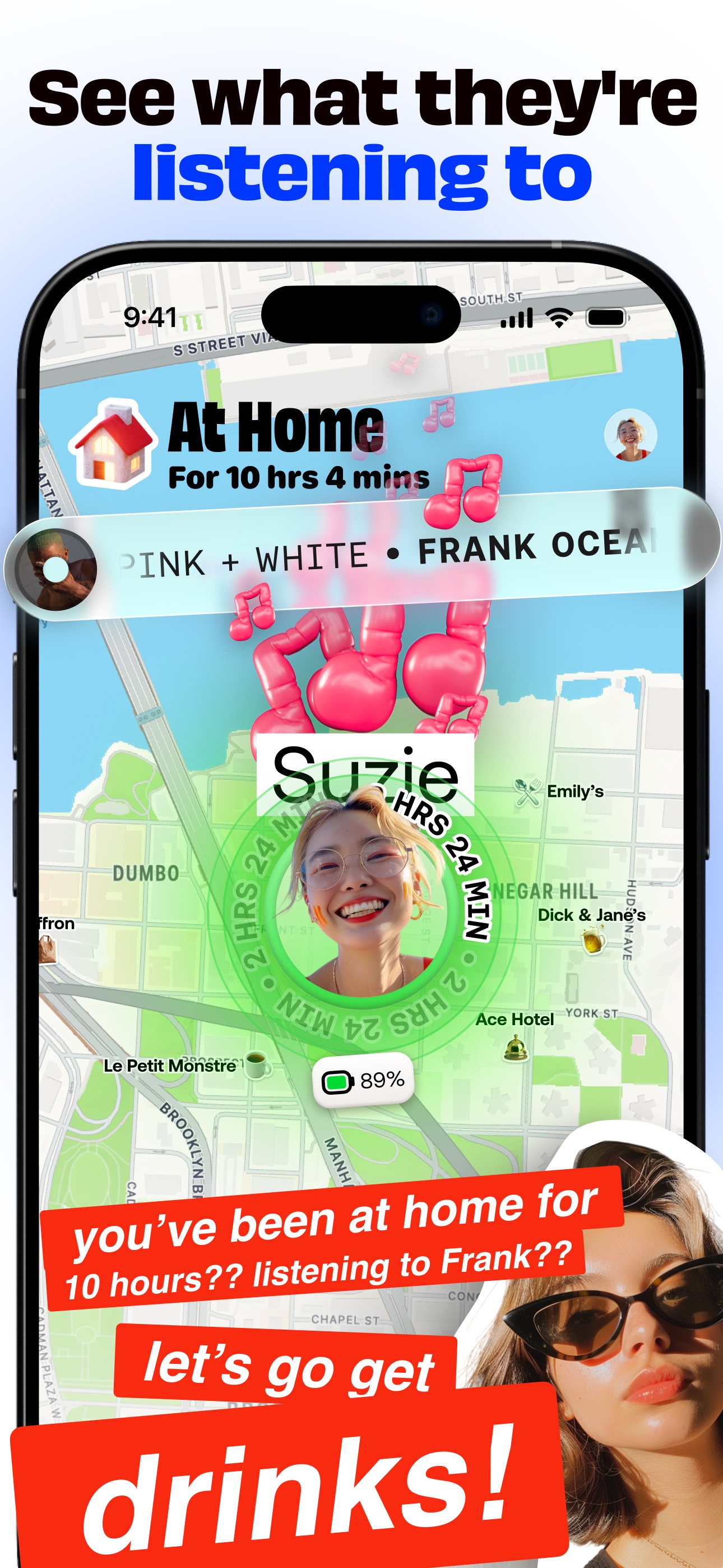
Bump is a location-sharing app from the team behind Zenly. It brings friends, places, and conversations together on a personal map.
- See friends' locations, battery levels, and current music.
- Start individual or group chats directly from the map.
- Save places and build a scratch map of where you have been.
- Get directions and share your live arrival time.
- Use ghost mode to take a break from location sharing.
Free to use on iPhone.
SoftwareUtilitiesiOS
Aesty
AI outfit styling and wardrobe planning
Freemium
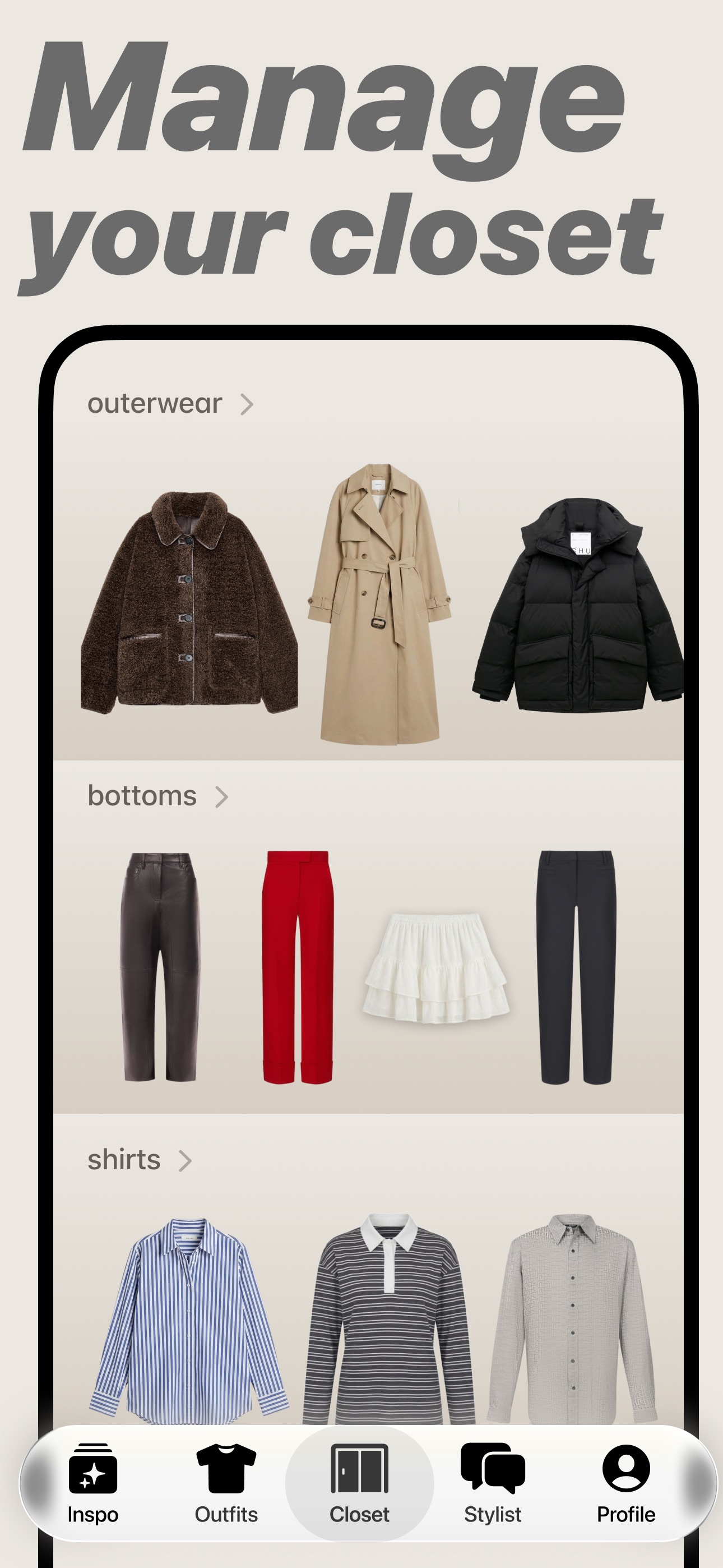
Aesty is an AI styling app that helps you organize your wardrobe, try on outfit ideas, and plan what to wear. Build looks from clothes you own or use a photo as inspiration.
- Add clothing photos to a digital closet with automatic categorization and background removal.
- Try outfits on a personalized avatar and mix them with your own wardrobe.
- Generate outfit suggestions for different occasions and your style preferences.
- Plan looks on a weekly calendar and assemble visual moodboards.
- Identify garments in outfit photos and find shopping links for missing pieces.
Free to download with paid in-app purchases and subscriptions. Designed for iPhone with iOS 18 or later. Apple lists compatibility with macOS 15 or later on M1-or-newer Macs, but the app is not verified for macOS.
SoftwareAIiOS & macOS
SupaSidebar
One sidebar for all browsers
Freemium
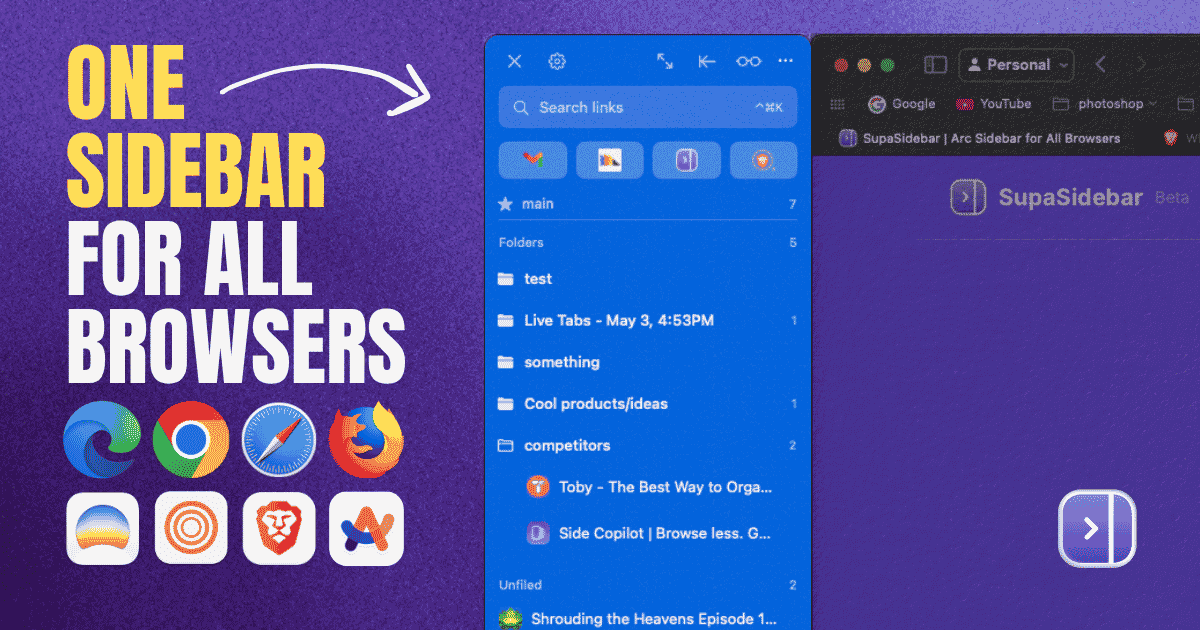
SupaSidebar is a macOS application that consolidates and organizes tabs, bookmarks, and applications across multiple web browsers, including Safari, Chrome, and Brave. It provides a unified sidebar interface for managing open tabs and bookmarks, allowing users to streamline their browsing experience and enhance productivity.
- Displays all open tabs from multiple browsers in a single vertical sidebar for streamlined navigation.
- Offers fuzzy search functionality to quickly access tabs, bookmarks, and browsing history.
- Allows users to create and manage spaces and folders for organizing online activities.
- Integrates with Finder to access files and folders directly from the sidebar.
- Supports iCloud synchronization for consistent access across devices.
SupaSidebar provides a unified sidebar interface for managing tabs, bookmarks, and files across multiple browsers on macOS. It supports popular browsers such as Safari, Chrome, and Brave, allowing users to organize their online resources efficiently.
 Dudu
Dudu