Your desk has a fixed surface area. Every object on it is in a small competition with every other object that wanted to be there instead. The four pieces of hardware below win that competition. The rest of the catalog is invited to apply again next year.
The stack:
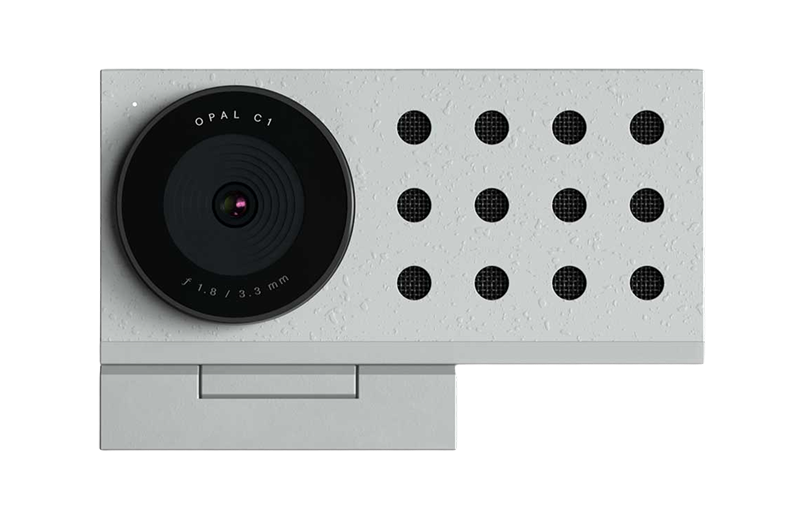
Opal C1 · the only thing that actually fixes how you look on video calls
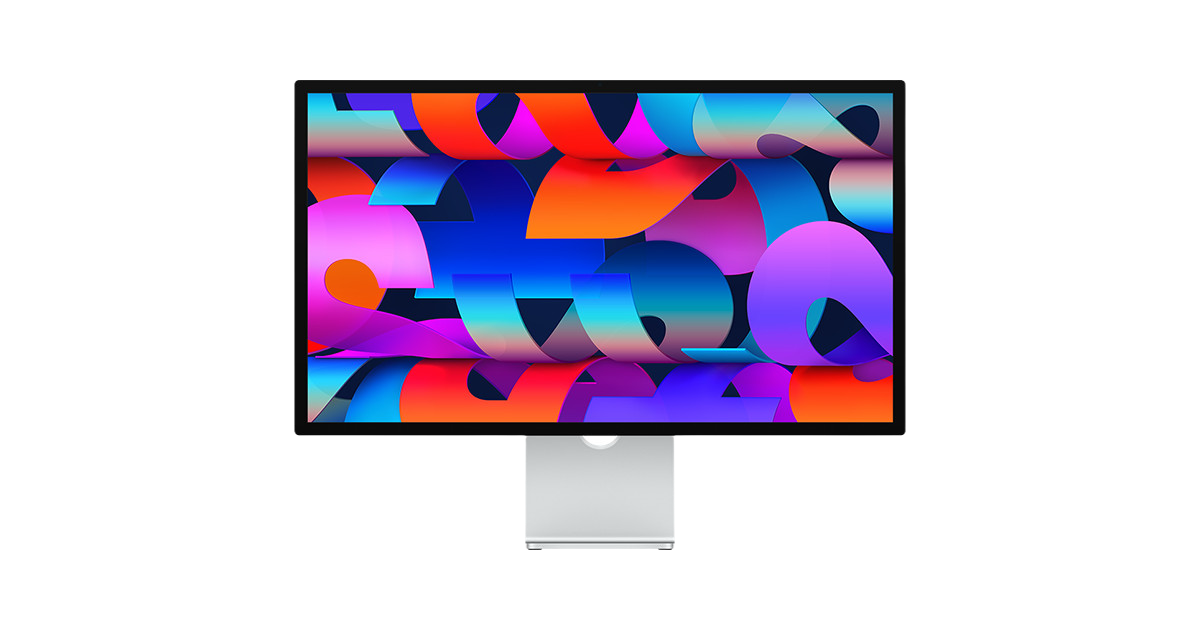
Apple Studio Display · the screen that ends the upgrade cycle
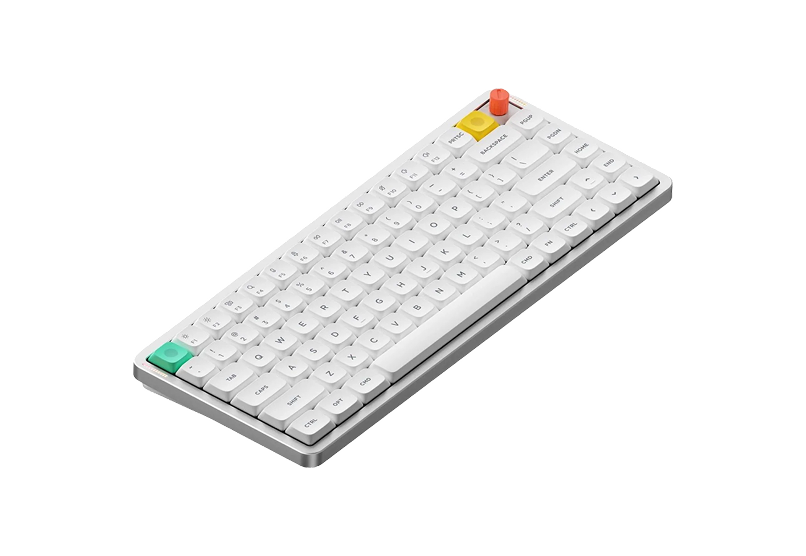
Air75 V3 · the keyboard you stop noticing within a week
HiRise 3 Deluxe · the charger your iPhone, watch, and AirPods all fight over
1. The Camera That Replaces Your Webcam
The MacBook camera is not a camera. It is a lens with no opinion about light. Opal C1 Camera is what changes that. It is a small, deliberate webcam that handles colour, light, and focus the way a real camera does, sat on top of your monitor. It solves the specific problem of looking half-present on calls even when the work is serious, which makes it useful for founders, remote teammates, consultants, and anyone who lives in video meetings.
The result is that you stop apologising for how you look on video and start being annoyed when other people have not done the same.
Opal C1 CameraDSLR quality on a webcam for theVisit WebsiteThe Opal C1 is a revolutionary webcam that brings DSLR-quality video with innovative features like MicMesh™ technology for superior audio. It’s crafted from high-quality materials, ensuring durability while providing an aesthetically pleasing design with less than 2% plastic. Equipped with a powerful 4K Sony sensor and an ƒ1.8 glass lens, it captures stunning video even in low light. The adjustable mount fits both thin and thick displays perfectly. For enhanced video quality, link it with the Opal Composer app, where users can customize every aspect of their broadcast. With the Opal C1, you're not just getting a camera; you’re getting a full experience designed to elevate your presentation skills, whether for gaming, streaming, or professional use.Visit Website
2. The Screen That Ends the Upgrade Cycle
A 5K display sounds like a specification until you sit in front of one and realise it is the entire reason your laptop screen always looked slightly off. Apple Studio Display is the most boring upgrade on this list. It is also the one that lasts the longest. It is for people whose MacBook has become a desktop and who need one clean, sharp place for writing, design, code, calls, and reference windows.
You buy it once. The desk gets quieter. The MacBook becomes a CPU under the table. The eye strain that you blamed on age was actually pixel density.
Apple Studio DisplayStunning 5K visuals in a sleek design.Visit WebsiteThe Apple Studio Display offers an unparalleled viewing experience with a stunning 27-inch 5K Retina display, delivering a resolution of 5120-by-2880 pixels at 218 pixels per inch. This monitor shines with 600 nits of brightness and supports one billion colors, making it perfect for graphic designers, video producers, and photographers. Coupled with a 12MP Ultra Wide camera featuring Center Stage for engaging video calls, a high-fidelity six-speaker sound system, and a crystal-clear studio-quality mic array, this product is designed for discerning users. With multiple connection options including one Thunderbolt 3 port and three USB-C ports, it fits seamlessly into any workspace. The adjustable stand, allowing both tilt and height adjustments, adds to its ergonomics and functionality. Whether you're working on creative projects or video conferencing, the Apple Studio Display enhances productivity and creativity in every environment.Visit Website
3. The Keyboard You Stop Noticing
A keyboard you notice is a keyboard that is wrong. Air75 V3 is low profile, wireless, and quiet enough for a meeting room without being so quiet that typing feels like a chore. It solves the boring daily problem of wanting a better typing feel without turning the desk into a mechanical-keyboard hobby project.
It also pairs with a Mac without ten settings. That should not be a feature, and yet here we are.
Air75 V3Wireless Mechanical Keyboard Made for Visit WebsiteThe NuPhy Air75 V3 is a slim, wireless mechanical keyboard designed for both Mac and Windows users. Featuring a sleek aesthetic, it combines the functionality of mechanical switches with low-profile design, ensuring a comfortable typing experience. The keyboard is equipped with customizable RGB backlighting and offers multiple connectivity options including Bluetooth 5.0 and USB-C. With a battery life of up to 1200 hours, it's perfect for on-the-go users. The keyboard's adjustable kickstand guarantees an ergonomic typing angle, making it suitable for various work environments. Ideal for creative professionals or casual use, the Air75 V3 is the perfect blend of style and substance.Visit Website
4. The Charger That Replaces Three
The Apple ecosystem requires three cables and the Apple ecosystem ships zero of them in the box. HiRise 3 Deluxe replaces all three with one stand. iPhone on top, Apple Watch on the side, AirPods at the front.
The benefit is not the cable count. The benefit is that you stop searching for which device is dead at the start of every day.
HiRise 3 DeluxeWireless Charging Stand for Apple DevicesVisit WebsiteThe Twelve South HiRise 3 Deluxe is the ultimate solution for charging your Apple devices. This elegant, compact charging station allows you to simultaneously charge your iPhone, Apple Watch, and AirPods, helping you eliminate clutter on your desk or nightstand. The 15W MagSafe Charger features an adjustable angle for optimal viewing and is designed with vegan leather for a sophisticated touch. Along with fast charging for your Apple Watch, it also offers versatility with a third charging spot. With international plug adapters included, the HiRise 3 Deluxe is travel-ready, making it perfect for use anywhere in the world. Its space-saving design fits well in any small area, creating an organized and stylish charging solution for all your Apple devices.Visit Website
Four pieces of hardware, no padding, no cable boxes. Everything else can stay in the cart.
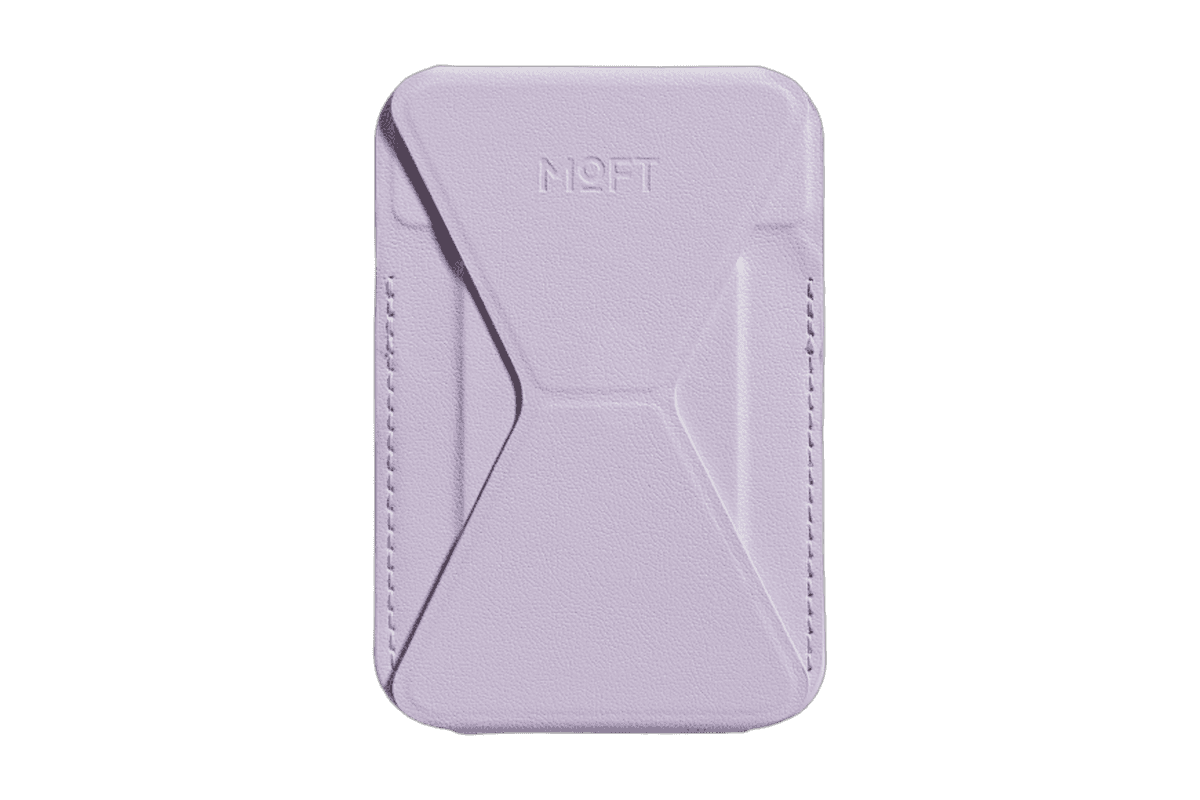
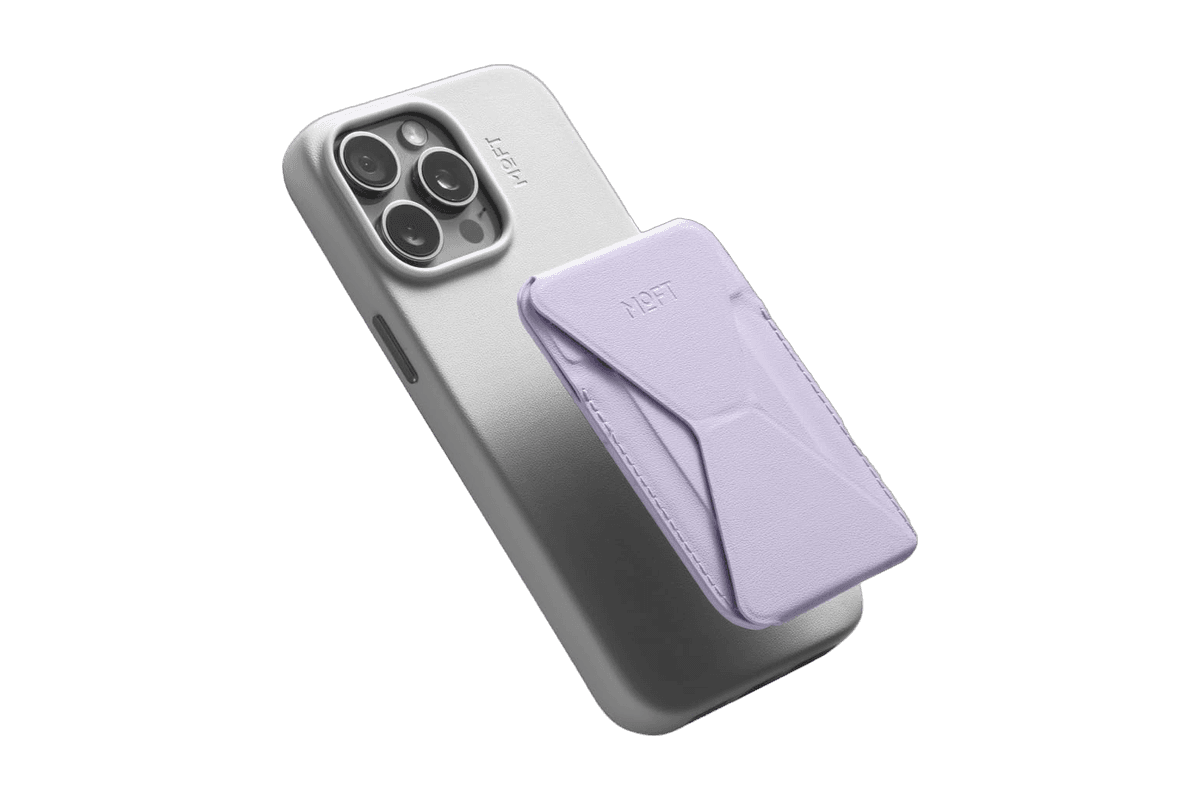
A slim MagSafe wallet that folds into a stand and grip.
HardwareAccessoriesiOS
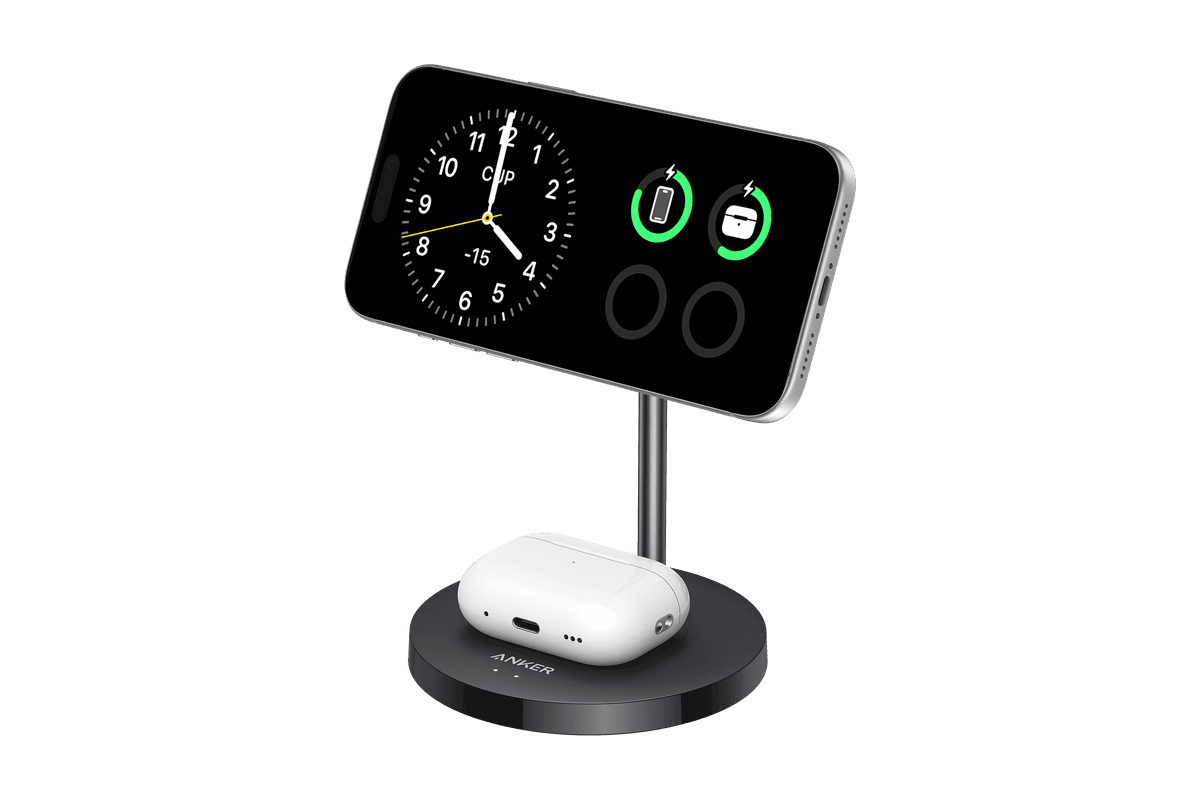
Anker MagGo Wireless Charger (2-in-1 Stand)
Charge your iPhone and earbuds together with a 15W Qi2 stand.
HardwarePoweriOS
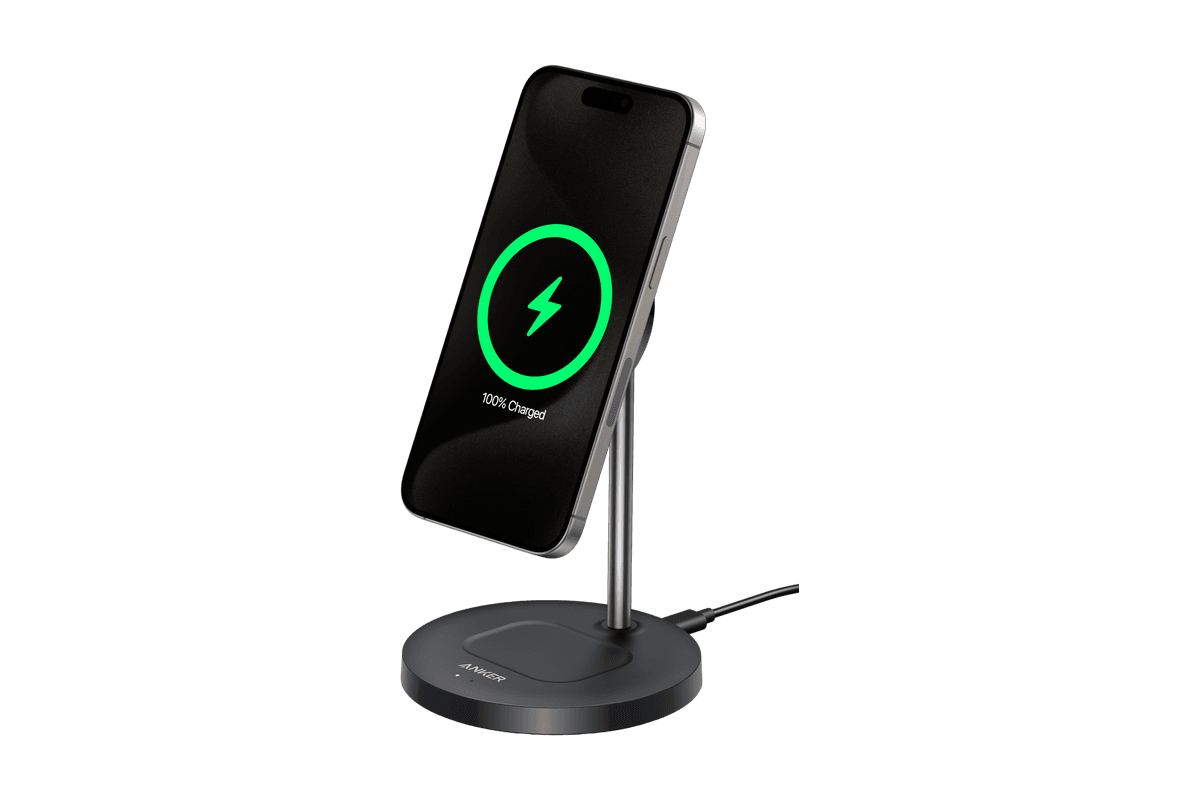
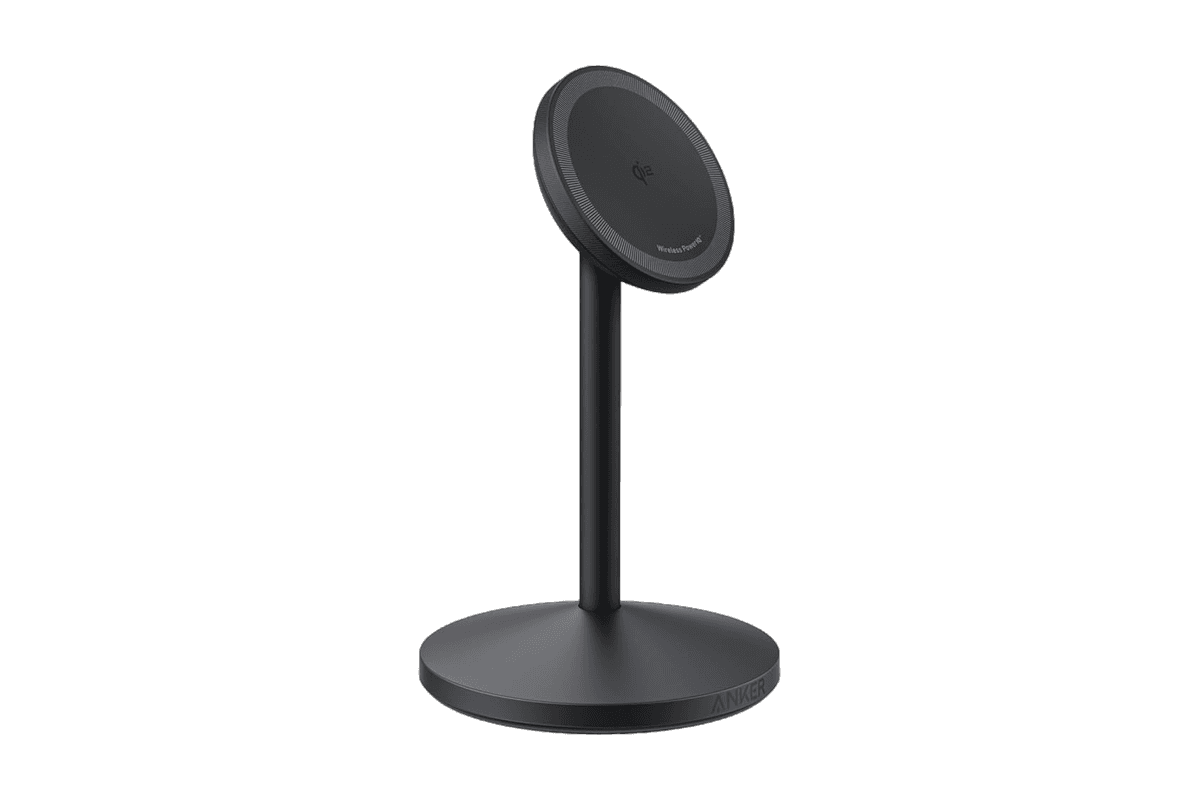
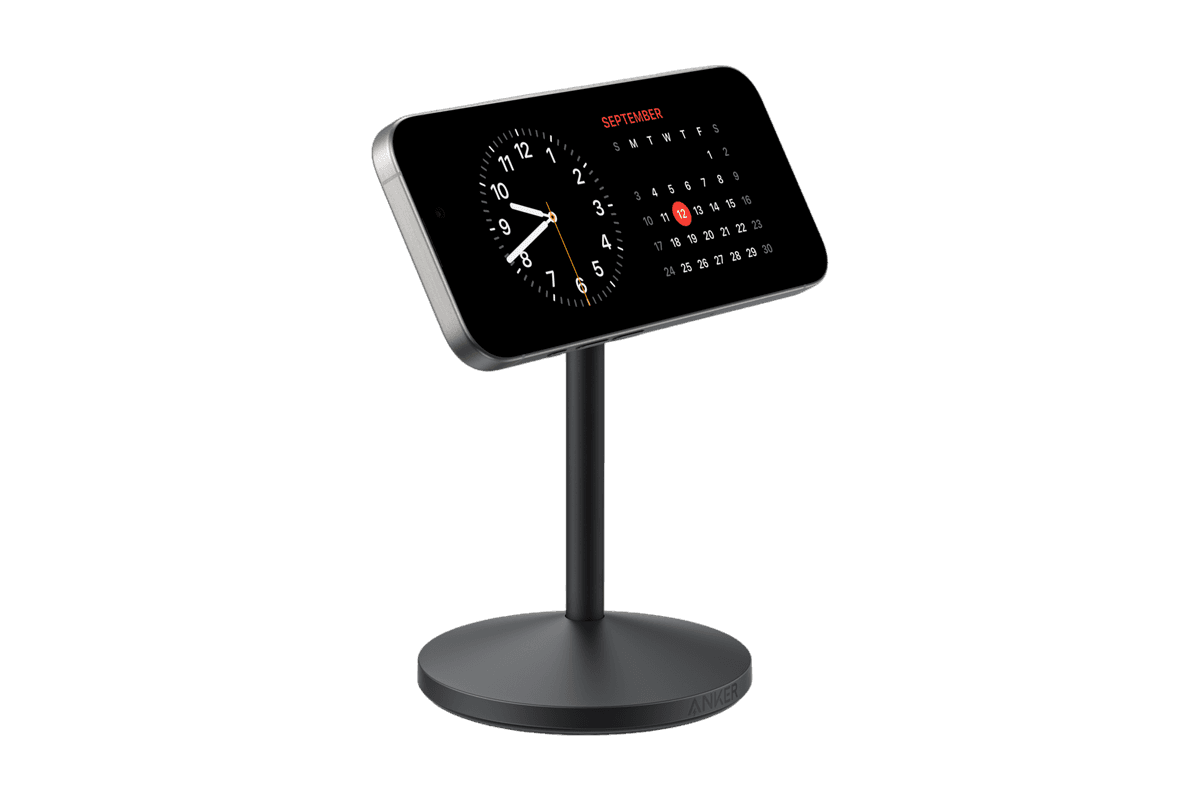
Anker MagGo Wireless Charger (Stand)
15W magnetic charging with a rotating, adjustable stand.
HardwarePoweriOS
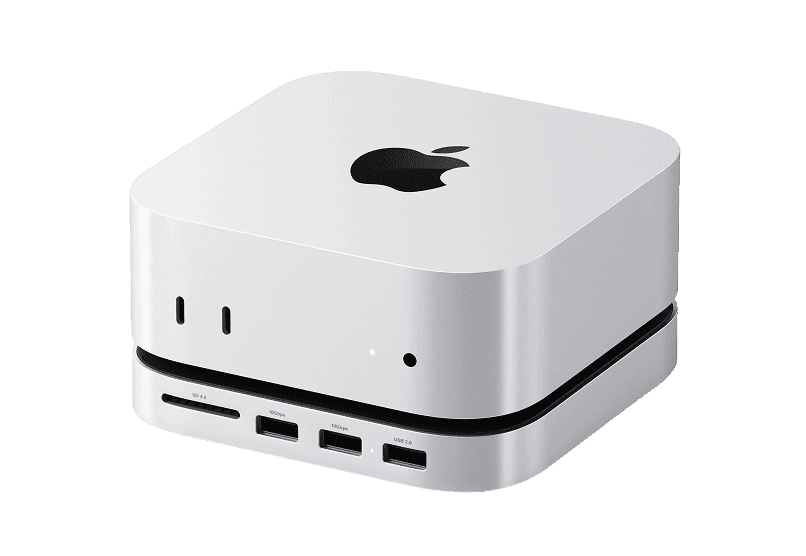
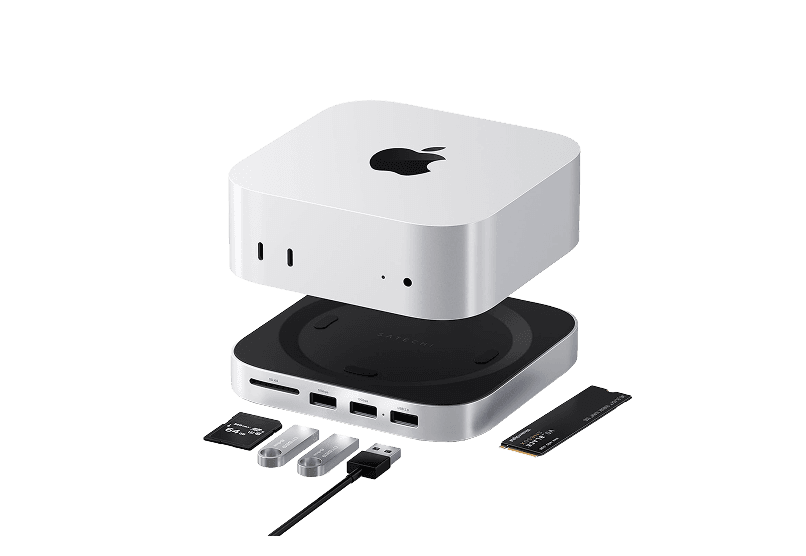
Mac mini M4 Hub
Expand your Mac Mini capabilities with enhanced
HardwareConnectivitymacOS
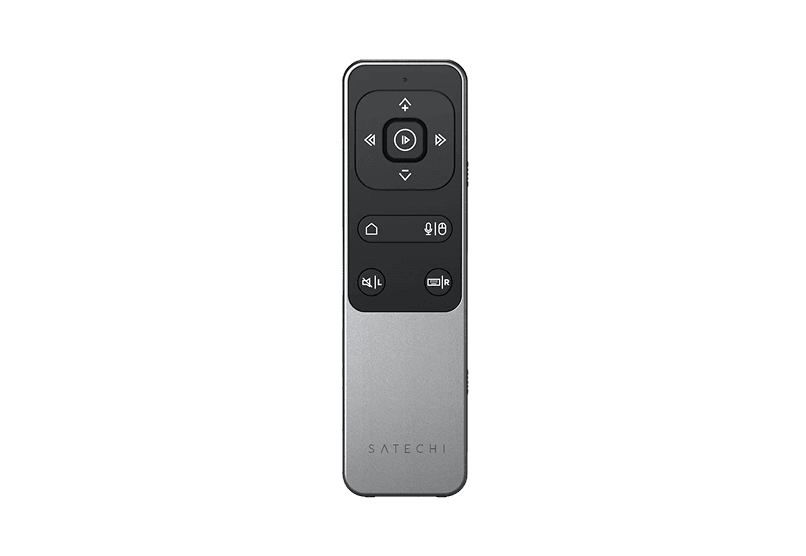
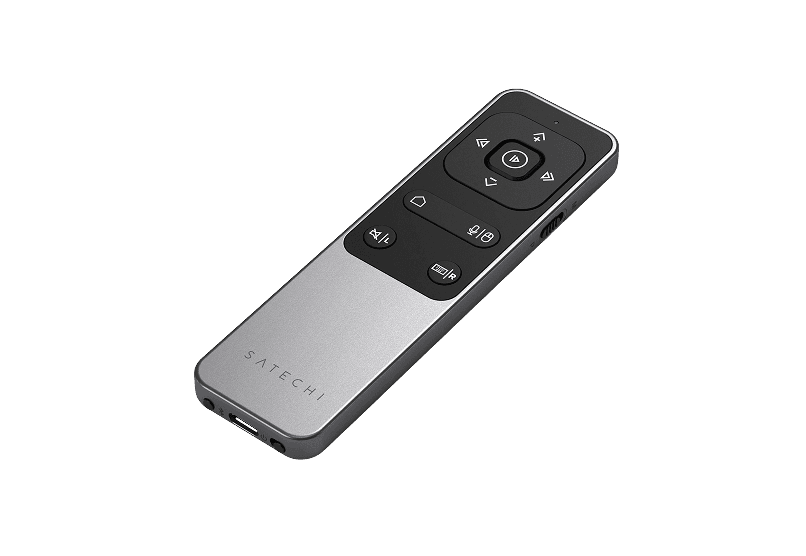
Bluetooth Remote Control
Seamless Control for Presentations
HardwareAccessoriesiOS & macOS
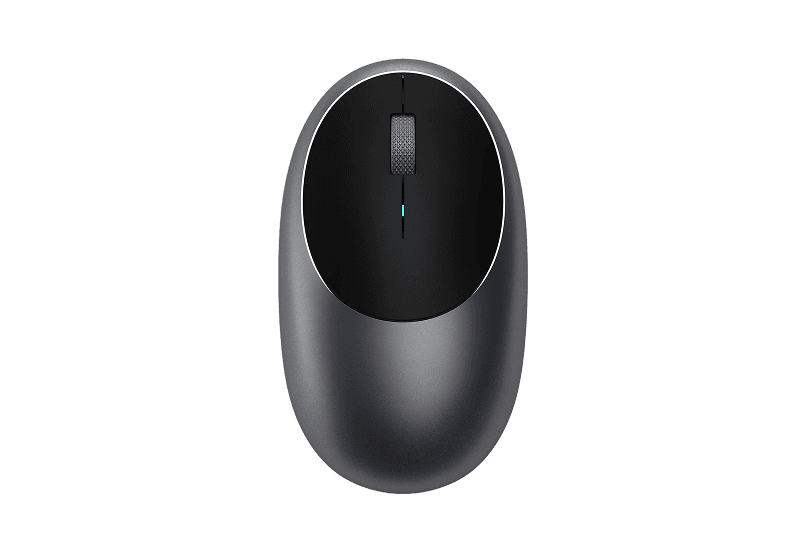
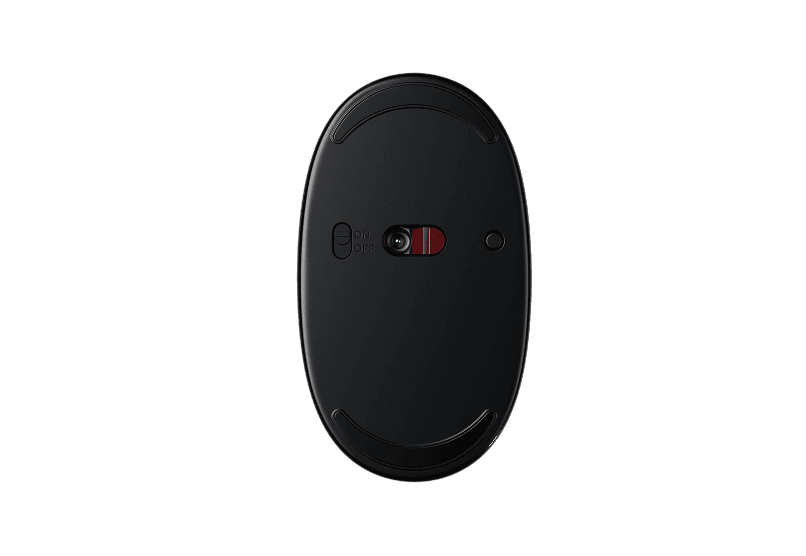
Wireless Bluetooth Mouse
Compact & Portable, USB-C Rechargeable
HardwareKeyboards & MiceiOS & macOS
Satechi 3-in-1 Qi2 Wireless Charging Station
25W Fast Magnetic Charger for iPhone, Apple
HardwarePoweriOS & macOS
2-in-1 Headphone Stand with Wireless Charger
Effortlessly organize and charge your devices with
HardwarePoweriOS & macOS
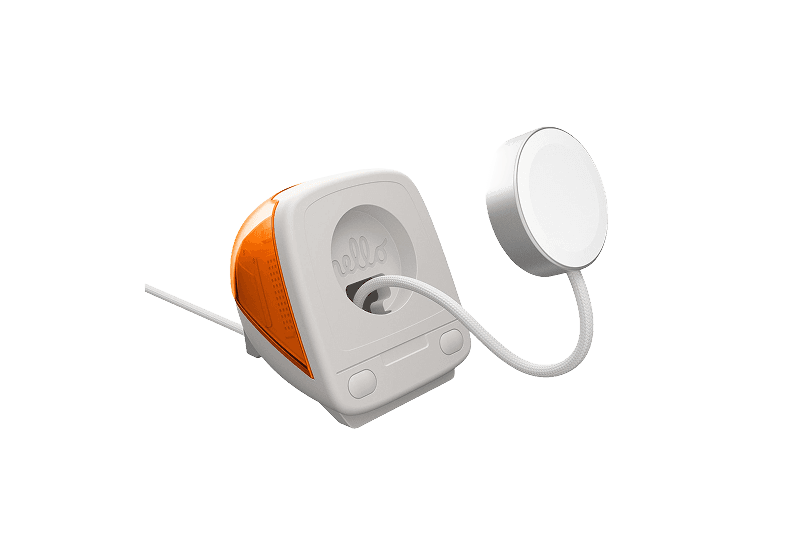
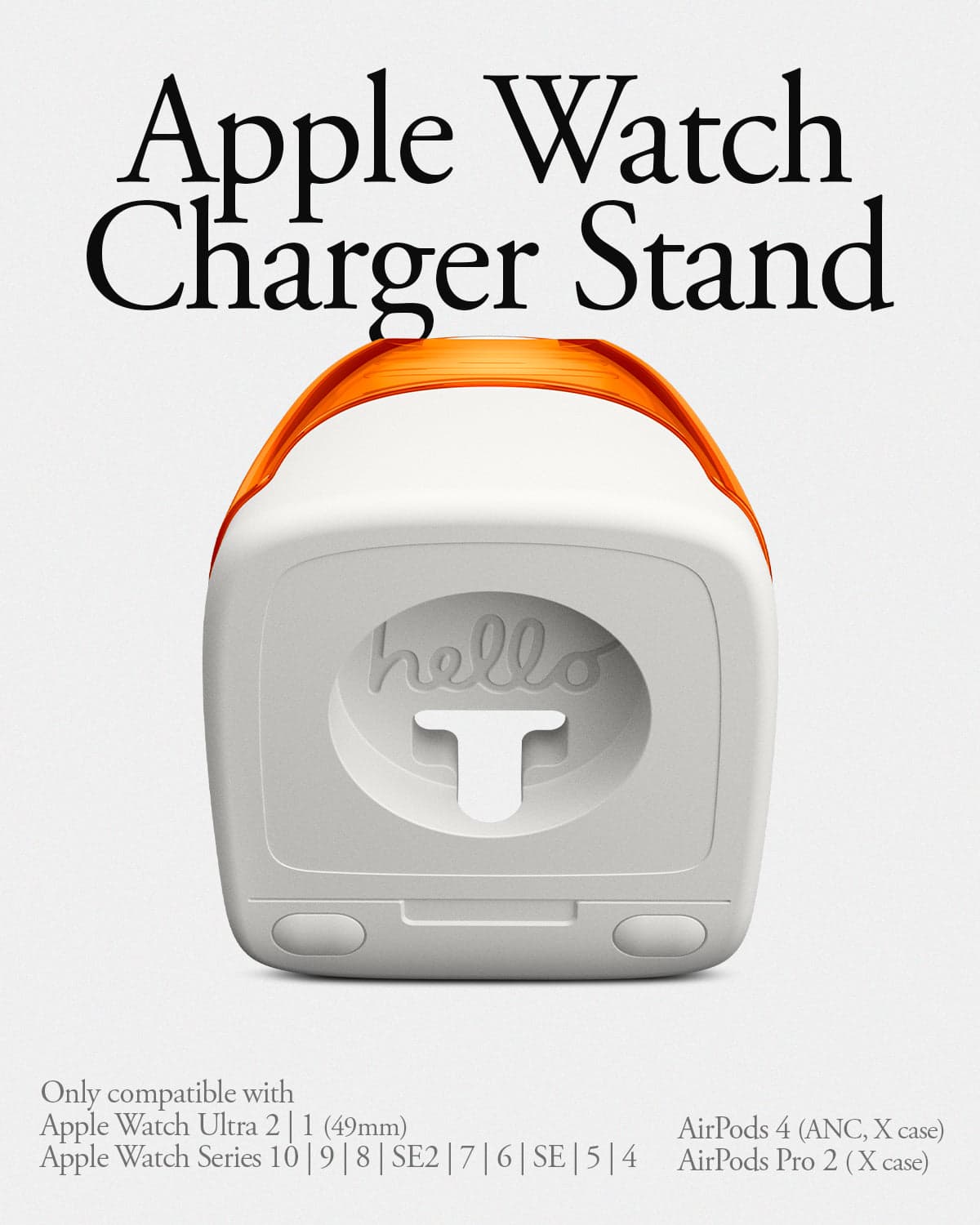
iMac G3 Apple Watch Stand & Charger
A retro-inspired charger stand for your Apple
HardwarePoweriOS
New additions
Aesty
AI outfit styling and wardrobe planning
Freemium
Aesty is an AI styling app that helps you organize your wardrobe, try on outfit ideas, and plan what to wear. Build looks from clothes you own or use a photo as inspiration.
- Add clothing photos to a digital closet with automatic categorization and background removal.
- Try outfits on a personalized avatar and mix them with your own wardrobe.
- Generate outfit suggestions for different occasions and your style preferences.
- Plan looks on a weekly calendar and assemble visual moodboards.
- Identify garments in outfit photos and find shopping links for missing pieces.
Free to download with paid in-app purchases and subscriptions. Designed for iPhone with iOS 18 or later. Apple lists compatibility with macOS 15 or later on M1-or-newer Macs, but the app is not verified for macOS.
SoftwareAIiOS & macOS
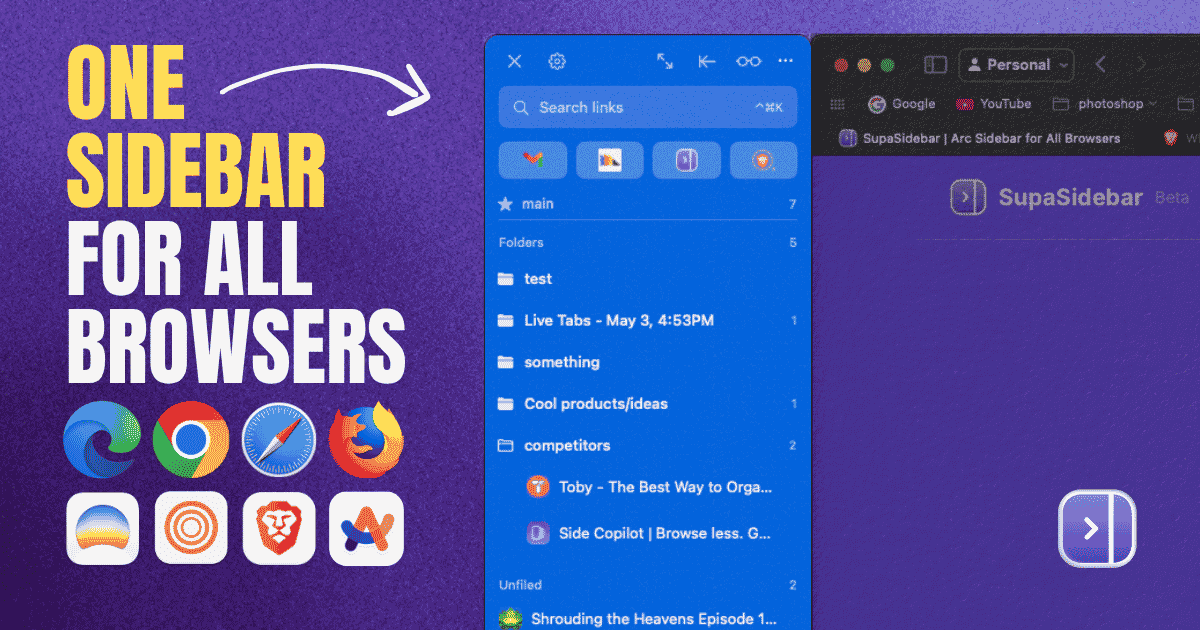
SupaSidebar
One sidebar for all browsers
Freemium
SupaSidebar is a macOS application that consolidates and organizes tabs, bookmarks, and applications across multiple web browsers, including Safari, Chrome, and Brave. It provides a unified sidebar interface for managing open tabs and bookmarks, allowing users to streamline their browsing experience and enhance productivity.
- Displays all open tabs from multiple browsers in a single vertical sidebar for streamlined navigation.
- Offers fuzzy search functionality to quickly access tabs, bookmarks, and browsing history.
- Allows users to create and manage spaces and folders for organizing online activities.
- Integrates with Finder to access files and folders directly from the sidebar.
- Supports iCloud synchronization for consistent access across devices.
SupaSidebar provides a unified sidebar interface for managing tabs, bookmarks, and files across multiple browsers on macOS. It supports popular browsers such as Safari, Chrome, and Brave, allowing users to organize their online resources efficiently.
SoftwareProductivitymacOS
Anker MagGo Wireless Charger (2-in-1 Stand)
Charge your iPhone and earbuds together with a 15W Qi2 stand.
HardwarePoweriOS
Anker MagGo Wireless Charger (Stand)
15W magnetic charging with a rotating, adjustable stand.
HardwarePoweriOS
Snap-on Phone Stand & Wallet
A slim MagSafe wallet that folds into a stand and grip.
HardwareAccessoriesiOS
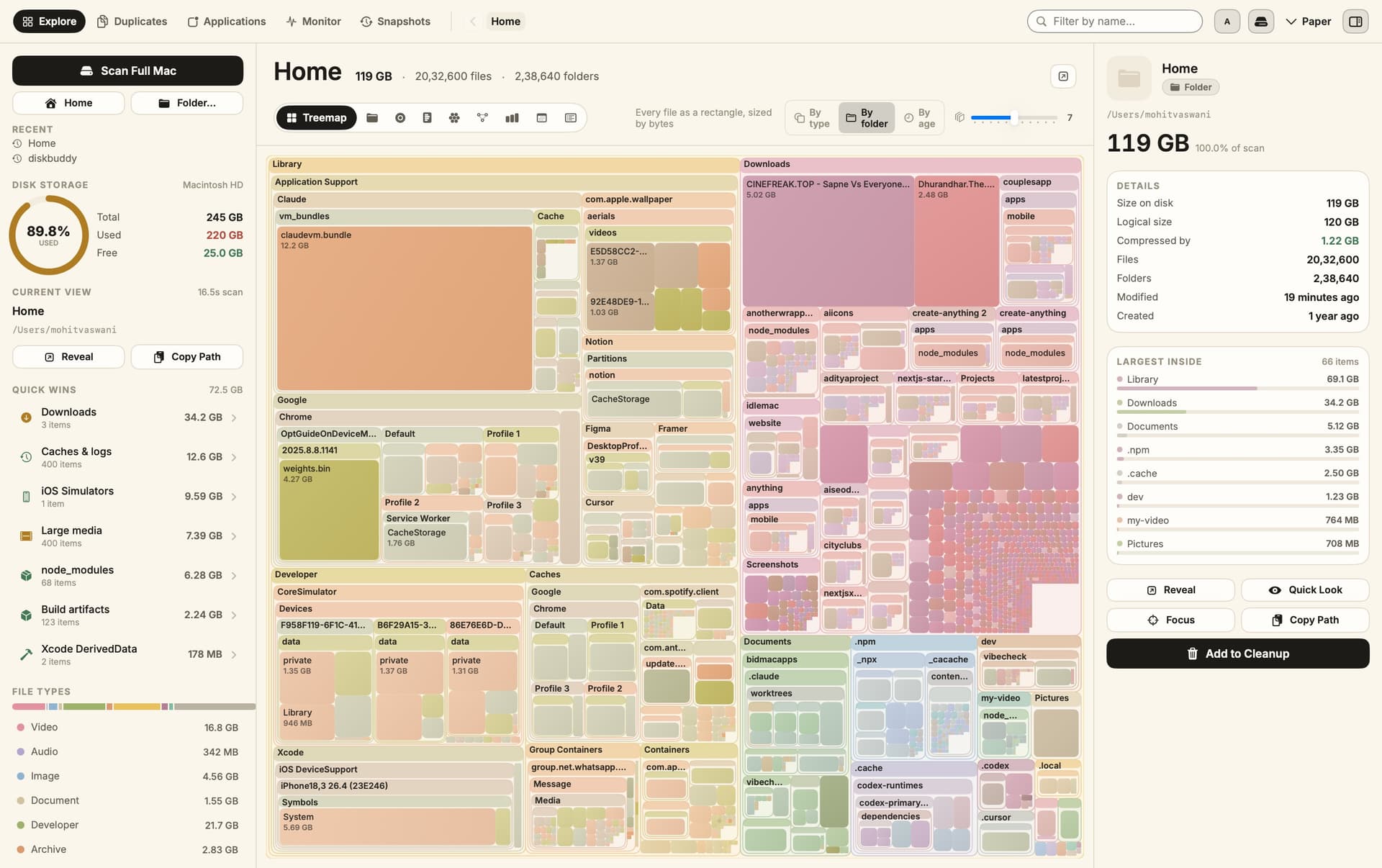
DiskBuddy
Visualize disk space and clean up files
One-time
DiskBuddy helps you find what is taking up space on your Mac, then review files before removing them. Scan a folder or drive and explore the results through eight visualizations.
- Browse storage with folder grids, treemaps, sunburst charts, and other views.
- Find duplicate files by content and identify large, old files.
- See app footprints including associated caches, preferences, and logs.
- Compare scan snapshots to see which folders have grown.
- Stage cleanup candidates in a review queue before deleting anything.
Supports macOS 14 or later on Apple silicon and Intel, with external and network drives supported. A one-time license includes all 1.x updates and works on one Mac or Windows machine at a time. File analysis happens locally; activation and periodic license checks require an internet connection.
SoftwareUtilitiesmacOS
Grok Bot
AI teammates that work across your apps
Paid
Grok Bot provides AI teammates that work inside apps and websites using a shared cloud computer. Give bots tasks from desktop or iOS, and follow their progress as they complete work.
- Delegate research, reporting, operations, and other multi-step tasks.
- Run multiple bots in parallel and let them coordinate in shared conversations.
- Teach a workflow by demonstrating it, then reuse it as a routine.
- Keep context across conversations and continue work while your laptop is closed.
- Connect bots to the tools you use, with approval requested when needed.
Available in beta on desktop, including macOS, and iOS through eligible paid Cursor, SuperGrok, and Teams plans. Usage allowances depend on the plan.
SoftwareAIiOS & macOS
DynamicLake
Dynamic Island controls and activities for Mac
One-time
DynamicLake adds a Dynamic Island interface to your Mac for music, system controls, notifications, and file actions.
- Adjust volume, brightness, and keyboard backlighting from an integrated panel.
- Control music and keep calendar events and weather within view.
- Drag and drop files to preview, compress, share, AirDrop, or convert them.
- See supported messaging notifications, calls, Bluetooth events, and live activities.
- Customize the notch appearance or choose a compact miniLake layout.
Supports macOS 14 or later on Intel and Apple silicon, including Macs with and without a notch. A one-time license covers up to three devices and includes lifetime updates.
SoftwareUtilitiesmacOS
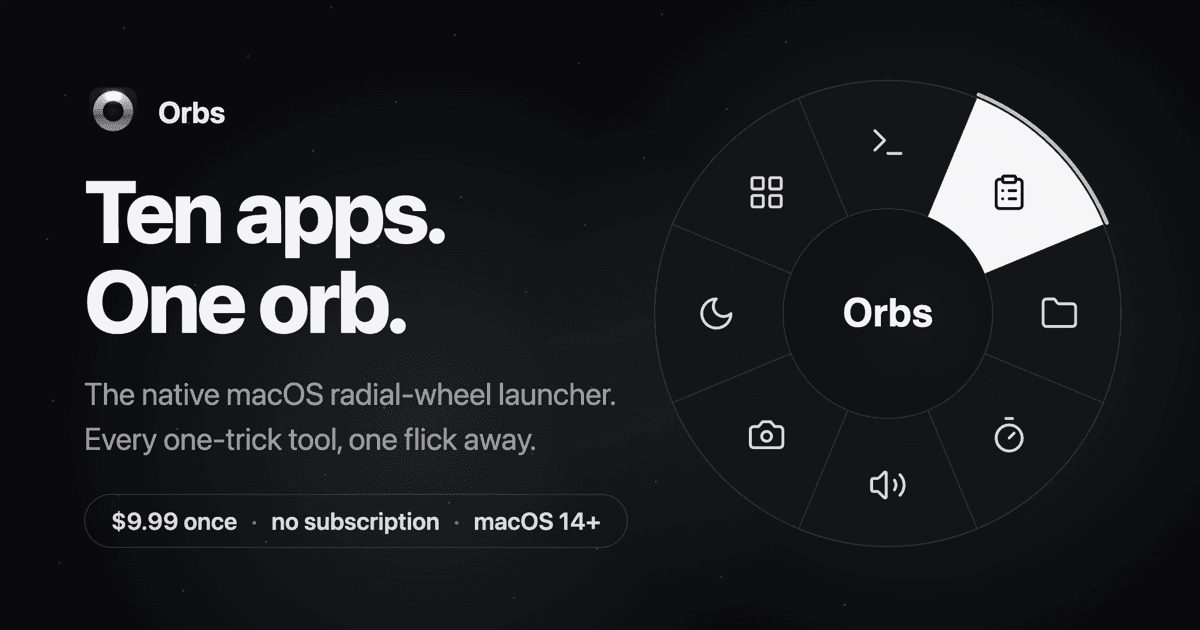
Orbs
A radial launcher for apps and tools
One-time
Orbs is a native Mac launcher that puts apps, shortcuts, and small utilities on a radial wheel beneath your cursor. Hold a key, move to an action, and release to run it.
- Launch apps, run shell commands and macOS Shortcuts, or insert text snippets.
- Build nested menus and separate profiles for different workflows.
- Switch profiles automatically based on the frontmost app.
- Use built-in tools including a timer, calculator, clipboard, color picker, and camera mirror.
- Pin tool popovers above other windows when you need them to stay visible.
Requires macOS 14 or later on Apple silicon or Intel. Its one-time lifetime license includes future updates, with local-only operation and no account required.
 Dudu
Dudu