You don't want a YouTube desk. You want a calm one. Here's the smallest possible upgrade kit that makes a Mac desk feel finished without becoming a hobby.
You opened YouTube and a man with very good lighting started shouting about productivity. You closed the tab. You still want a nicer desk. Just less of one.
The list below is the smallest set of upgrades that will make a Mac desk feel finished and stop you from ever opening that video again.
The stack:
BookArc Flex · vertical stand that gets the laptop out of the middle
HiRise 3 Deluxe · one home for the iPhone, watch, and AirPods
WHOOSH! · the screen cleaner you stop being embarrassed by
Klack · the one keyboard upgrade you will actually feel
Norma · the small object that quiets the room
1. Get the Laptop Out of the Middle
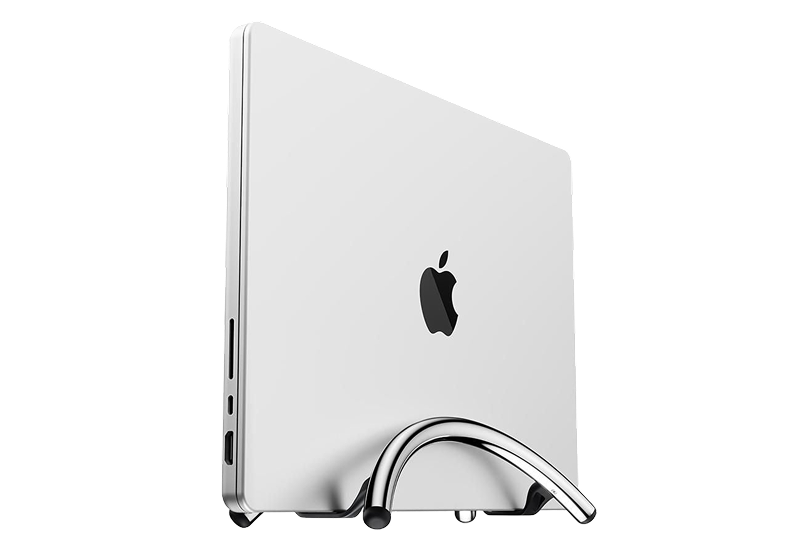
Your MacBook is doing the work of a desktop, badly. It is also using up the most valuable surface area you own. BookArc Flex stands it on its side and reminds you that it is a computer, not furniture.
The desk gets back the space it should never have lost. The laptop stops being the center of attention. You stop hunching over it without noticing. It is a small fix for people who use an external display but still let the MacBook occupy the best part of the desk.
BookArc FlexVertical stand for laptops, optimizing desk space.Visit WebsiteThe Twelve South BookArc Flex Chrome is a sleek, low-profile stand that keeps your MacBook or laptop secure in a vertical position, optimizing desk space while improving heat dissipation. Its modern aluminum design seamlessly blends into any décor, making it perfect for home offices or casual workspaces. The stand doesn't require inserts or complicated adjustments; gravity holds your laptop in place. It's compatible with laptops up to 16 inches and features non-slip silicone pads to prevent slipping and scratches. Enjoy easy access to external monitors and peripherals with a clamshell mode setup, transforming your laptop into a desktop powerhouse.Visit Website
2. Give the Charging Pile One Address
Every device you own has a cable. Every cable is shorter than the one before it. Eventually the desk turns into a cable graveyard. HiRise 3 Deluxe replaces three cables with one object.
The layout is:
iPhone on top
Apple Watch on the side
AirPods in the front
The reason this matters is not aesthetic. It is that you stop searching for the dead device in the morning. If you move between calls, commutes, and short work sessions, one reliable charging home removes a surprising amount of daily friction.
HiRise 3 DeluxeWireless Charging Stand for Apple DevicesVisit WebsiteThe Twelve South HiRise 3 Deluxe is the ultimate solution for charging your Apple devices. This elegant, compact charging station allows you to simultaneously charge your iPhone, Apple Watch, and AirPods, helping you eliminate clutter on your desk or nightstand. The 15W MagSafe Charger features an adjustable angle for optimal viewing and is designed with vegan leather for a sophisticated touch. Along with fast charging for your Apple Watch, it also offers versatility with a third charging spot. With international plug adapters included, the HiRise 3 Deluxe is travel-ready, making it perfect for use anywhere in the world. Its space-saving design fits well in any small area, creating an organized and stylish charging solution for all your Apple devices.Visit Website
3. Clean the Screen You Stare at All Day
Your monitor is the most expensive object you look at for eight hours. It is also covered in fingerprints, dust, and one mysterious smudge from a sneeze in February. WHOOSH! is the answer everyone keeps deferring because cleaning sprays do not feel like a real upgrade.
It is a real upgrade. A clean screen makes the whole desk feel cared for in about thirty seconds, and you will become a person who cleans the screen on Sundays.
WHOOSH!Powerful Screen Cleaner Spray for MonitorsVisit WebsiteThe WHOOSH! Screen Shine Duo is a cleaning kit designed for electronic devices, including iPads, monitors, laptops, and MacBooks. It features a non-toxic, streak-free cleaning solution that effectively removes dirt, fingerprints, and smudges from both glossy and anti-glare surfaces. The kit includes a 3.4 oz bottle for home or office use, a 0.3 oz travel-sized bottle, and two microfiber cloths, ma
- Includes a 3.4 oz bottle for home or office and a 0.3 oz travel-sized bottle for on-the-go cleaning.
- Comes with two microfiber cloths that effectively remove dust and smudges without scratching surfaces.
- Non-toxic, alcohol-free, and ammonia-free formula safe for all screen types.
- Quick-drying solution that leaves screens streak-free.
- Suitable for a variety of electronic devices, including iPads, monitors, laptops, and MacBooks.
The WHOOSH! Screen Shine Duo offers a practical solution for cleaning various electronic devices. Its non-toxic formula effectively removes dirt, fingerprints, and smudges, ensuring screens remain clear and visually appealing.Visit Website
4. Make One Thing Feel Better Every Time You Touch It
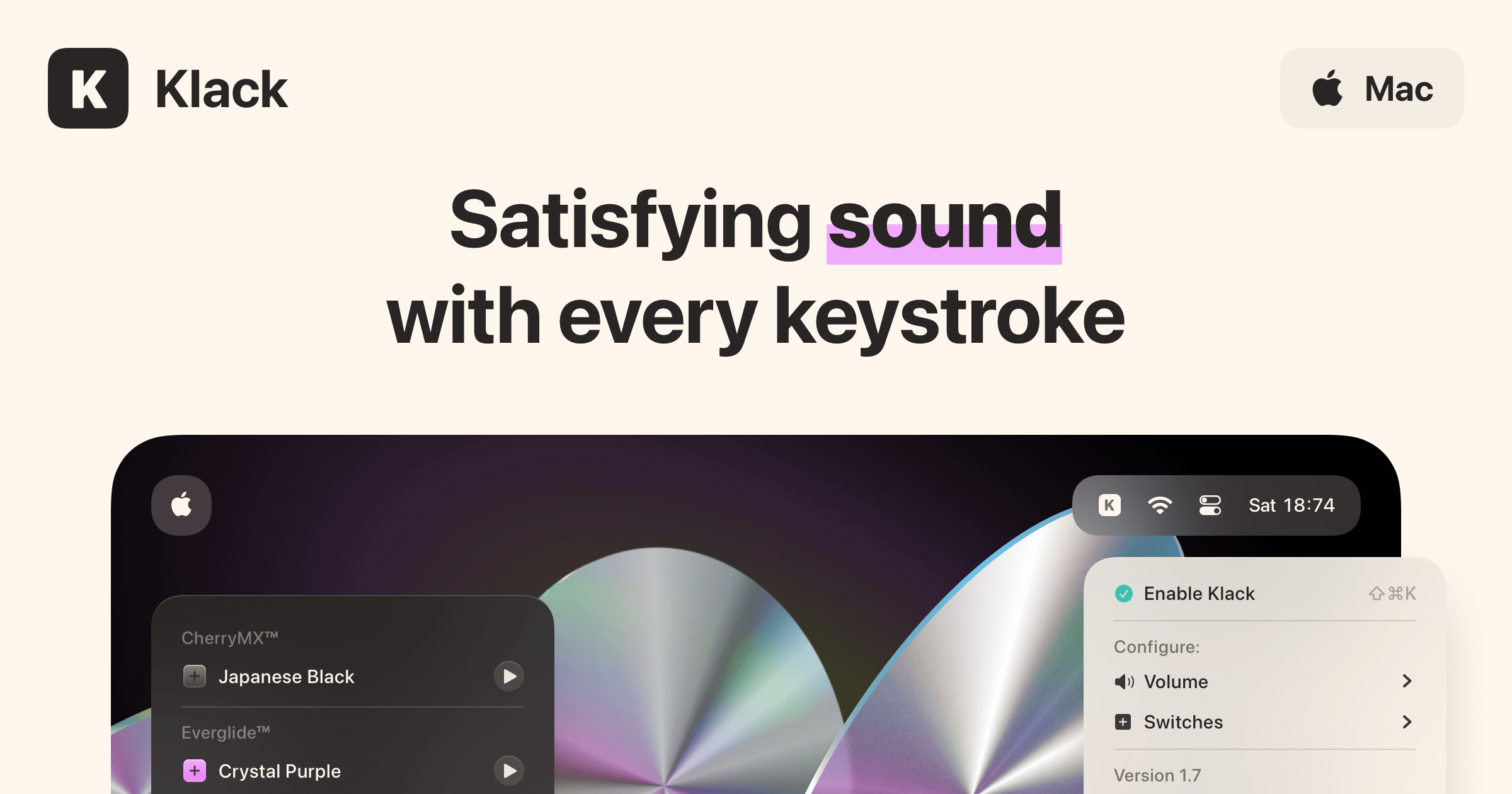
The Apple Magic Keyboard is fine. It is also dead silent in a way that feels like the keyboard is hiding from you. Klack adds typing sound back to your existing keyboard. No new hardware. Just sound.
This is the kind of upgrade you do not need until you try it for an afternoon and refuse to give it back. It is also the cheapest piece of joy on this list. It is for people who already like their keyboard but want the work to feel a little more physical, less glassy, and less silent.
KlackSatisfying sound with every keystrokeVisit WebsiteKlack is a macOS application designed to enhance the typing experience through high-fidelity sound for each keystroke. It provides features such as immersive spatial audio, instant feedback, and customizable sound options, making it suitable for writers, developers, and anyone who values an engaging typing environment. The app is easily accessible from the menubar and offers extensive configuratio
- Provides immersive spatial audio for enhanced typing feedback.
- Allows customization of keystroke sounds, pitch variations, and volume settings.
- Features a menubar interface for quick access to configuration options.
- Supports instant feedback with each keystroke for a more engaging experience.
- Designed for writers and developers seeking auditory feedback while typing.
Klack enhances the typing experience on Mac by providing high-fidelity sound for each keystroke.Visit Website
5. Add the One Object That Asks for Nothing
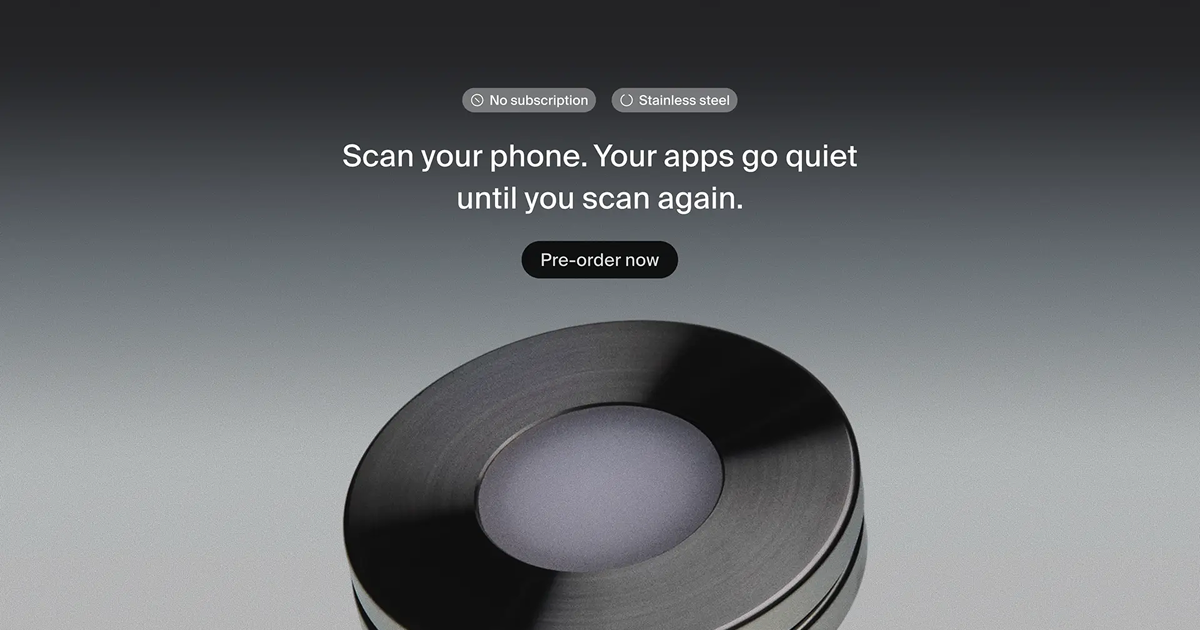
A desk full of devices is a desk full of small noises. Fans, pings, AirPods sliding out of the case, the click of an external drive. Norma is the only piece of the setup that does not light up, beep, or ask for your attention.
That is what makes it the most important object on the desk. Every other thing on this list earns its place by doing something. Norma earns its place by not.
NormaMeet the object that restores silence.Visit WebsiteNorma is an innovative device designed to help users regain focus by silencing distracting notifications and blocking selected apps. With a simple tap of your iPhone on the Unit Disc, you can pause the apps of your choice, making them temporarily inaccessible to eliminate distractions. Using NFC technology, this device offers a seamless user experience without requiring subscriptions or hidden fees. Weighing just 270g and made from high-quality stainless steel, Norma is both functional and stylish. With the added benefit of free worldwide shipping on orders of two or more units, it encourages a focused and peaceful environment. Therefore, whether you’re working, studying, or simply need a break from constant phone interactions, Norma enhances your ability to concentrate and reduces unnecessary interruptions.Visit Website
Five small purchases, finished desk, no rabbit hole. The video stays closed.
Die-cut holographic stickers for Apple Silicon chips.
WorkspaceArt & Decor
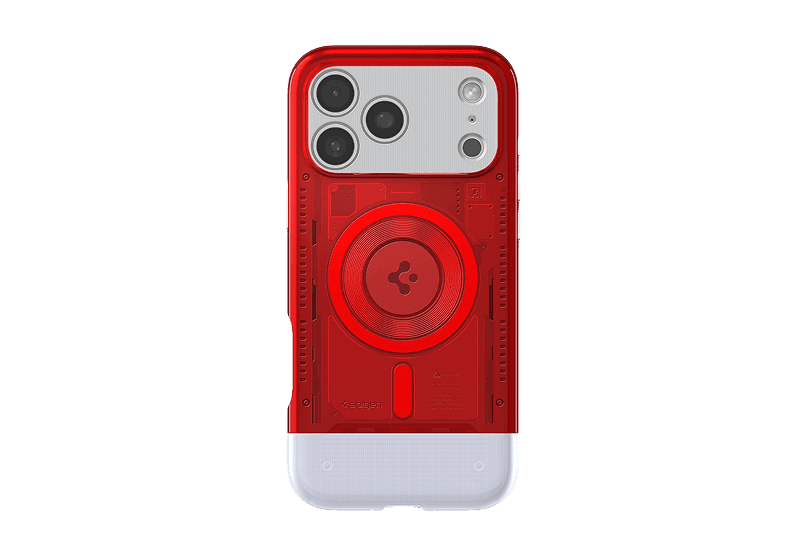
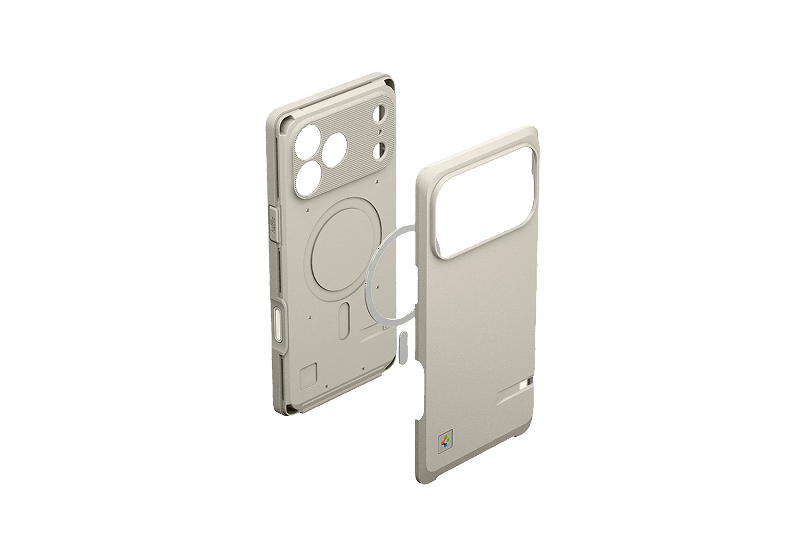
Macintosh 128K inspired Iphone case
Retro style meets modern protection.
WorkspaceAccessories
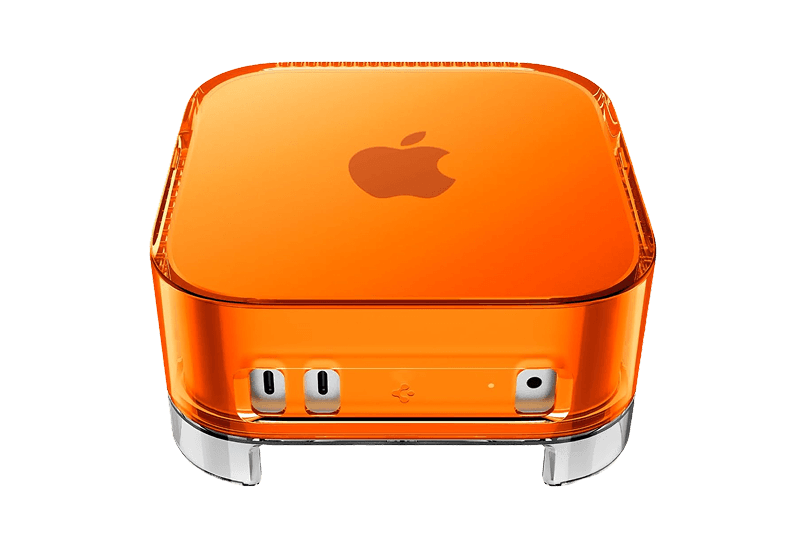
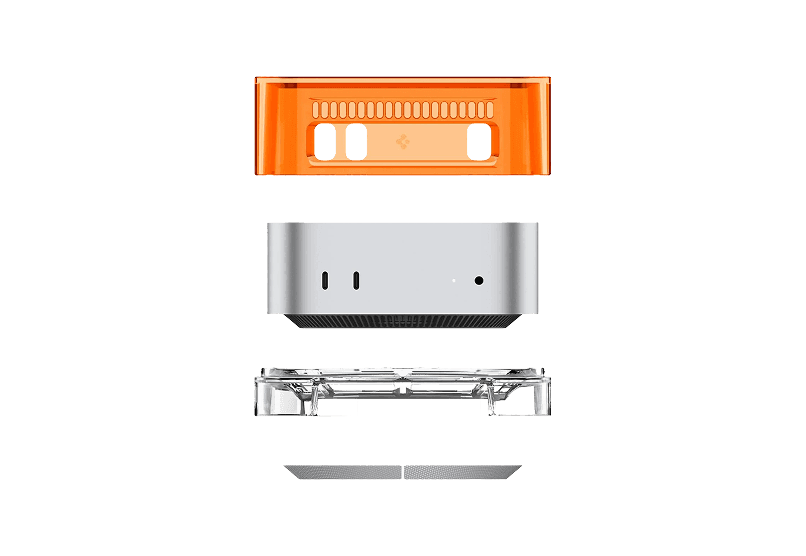
Mac mini Transparent Case
Transparent case with dust-filtering design
WorkspaceAccessories
Orbit Deskmat
A perfect blend of design and function
WorkspaceDesk Setup
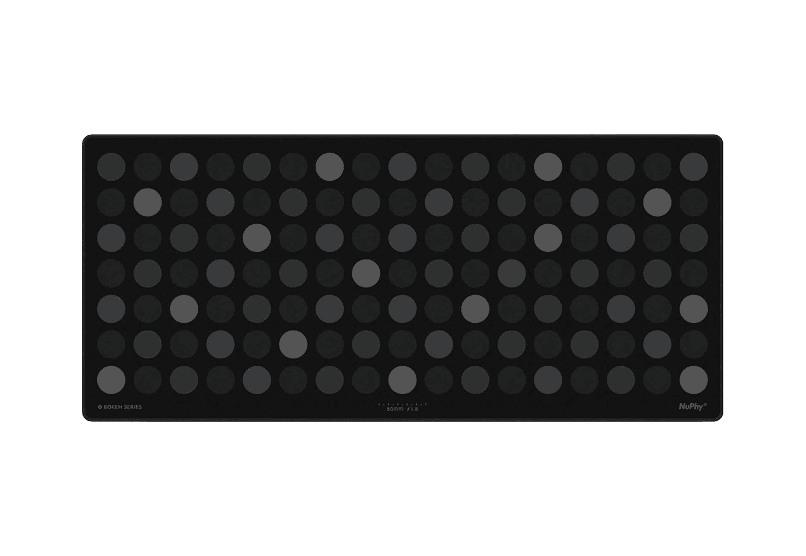
Bokeh Deskmat
Elevate your workspace with the NuPhy Bokeh
WorkspaceDesk Setup
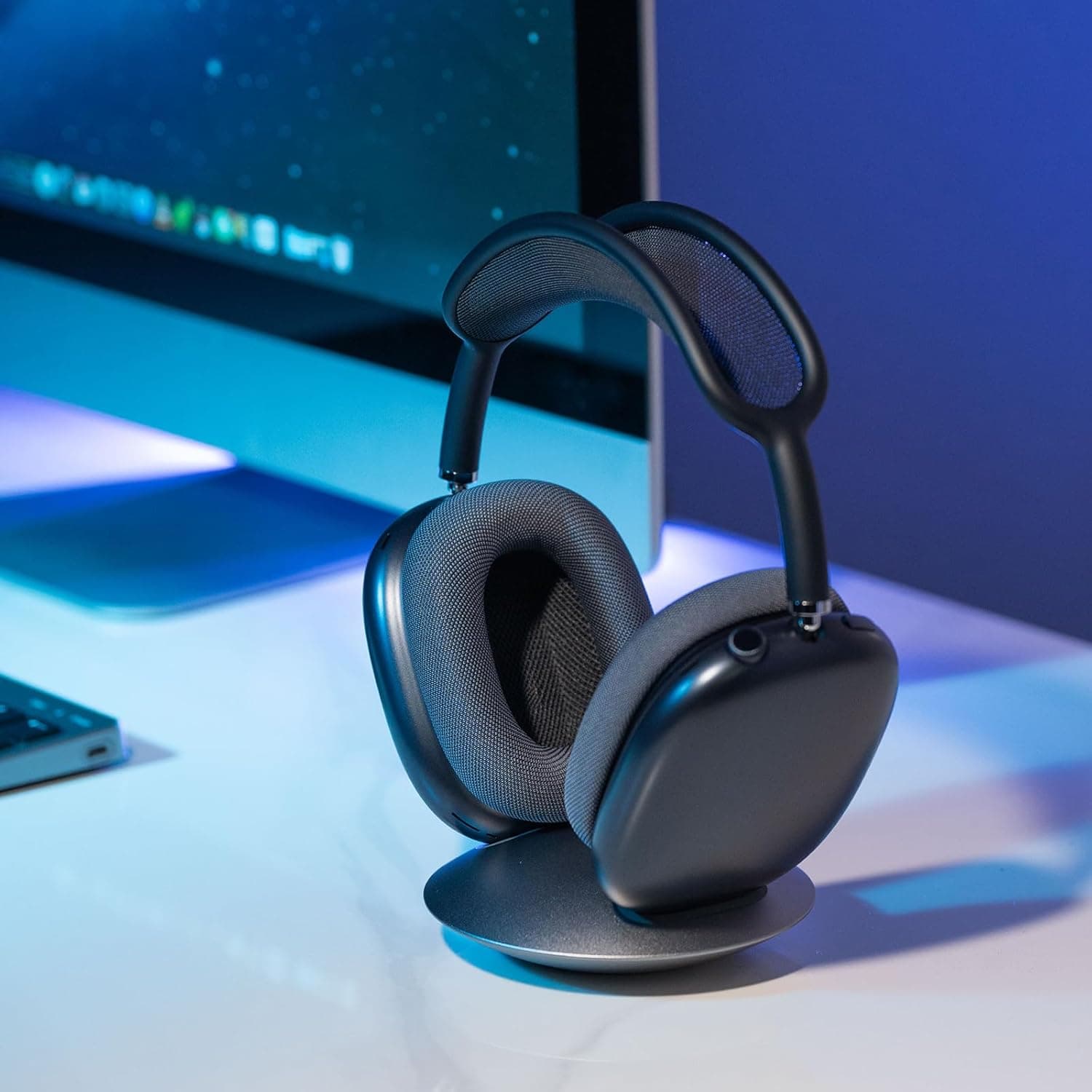
AirPods max Stand
Stylish and functional headphone stand designed for
WorkspaceDesk Setup
All-Aluminum Headphone Stand
Stylish and sturdy headphone stand for your
WorkspaceDesk Setup
New additions
Aesty
AI outfit styling and wardrobe planning
Freemium
Aesty is an AI styling app that helps you organize your wardrobe, try on outfit ideas, and plan what to wear. Build looks from clothes you own or use a photo as inspiration.
- Add clothing photos to a digital closet with automatic categorization and background removal.
- Try outfits on a personalized avatar and mix them with your own wardrobe.
- Generate outfit suggestions for different occasions and your style preferences.
- Plan looks on a weekly calendar and assemble visual moodboards.
- Identify garments in outfit photos and find shopping links for missing pieces.
Free to download with paid in-app purchases and subscriptions. Designed for iPhone with iOS 18 or later. Apple lists compatibility with macOS 15 or later on M1-or-newer Macs, but the app is not verified for macOS.
SoftwareAIiOS & macOS
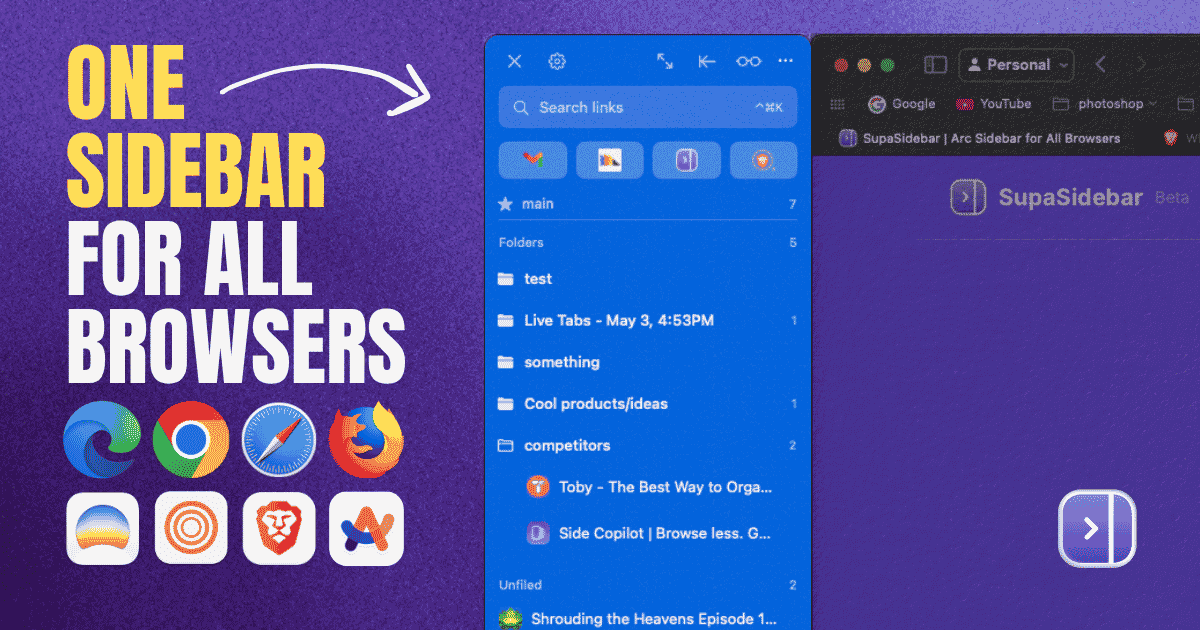
SupaSidebar
One sidebar for all browsers
Freemium
SupaSidebar is a macOS application that consolidates and organizes tabs, bookmarks, and applications across multiple web browsers, including Safari, Chrome, and Brave. It provides a unified sidebar interface for managing open tabs and bookmarks, allowing users to streamline their browsing experience and enhance productivity.
- Displays all open tabs from multiple browsers in a single vertical sidebar for streamlined navigation.
- Offers fuzzy search functionality to quickly access tabs, bookmarks, and browsing history.
- Allows users to create and manage spaces and folders for organizing online activities.
- Integrates with Finder to access files and folders directly from the sidebar.
- Supports iCloud synchronization for consistent access across devices.
SupaSidebar provides a unified sidebar interface for managing tabs, bookmarks, and files across multiple browsers on macOS. It supports popular browsers such as Safari, Chrome, and Brave, allowing users to organize their online resources efficiently.
SoftwareProductivitymacOS
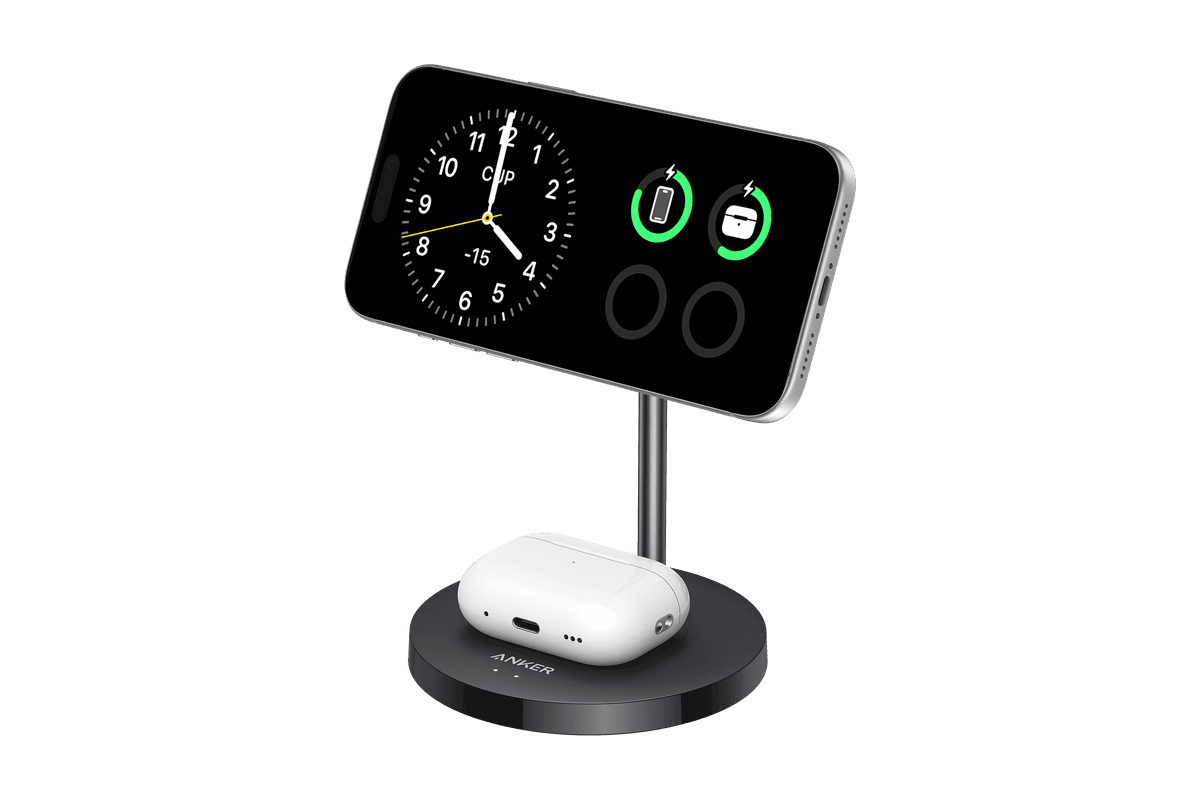
Anker MagGo Wireless Charger (2-in-1 Stand)
Charge your iPhone and earbuds together with a 15W Qi2 stand.
HardwarePoweriOS
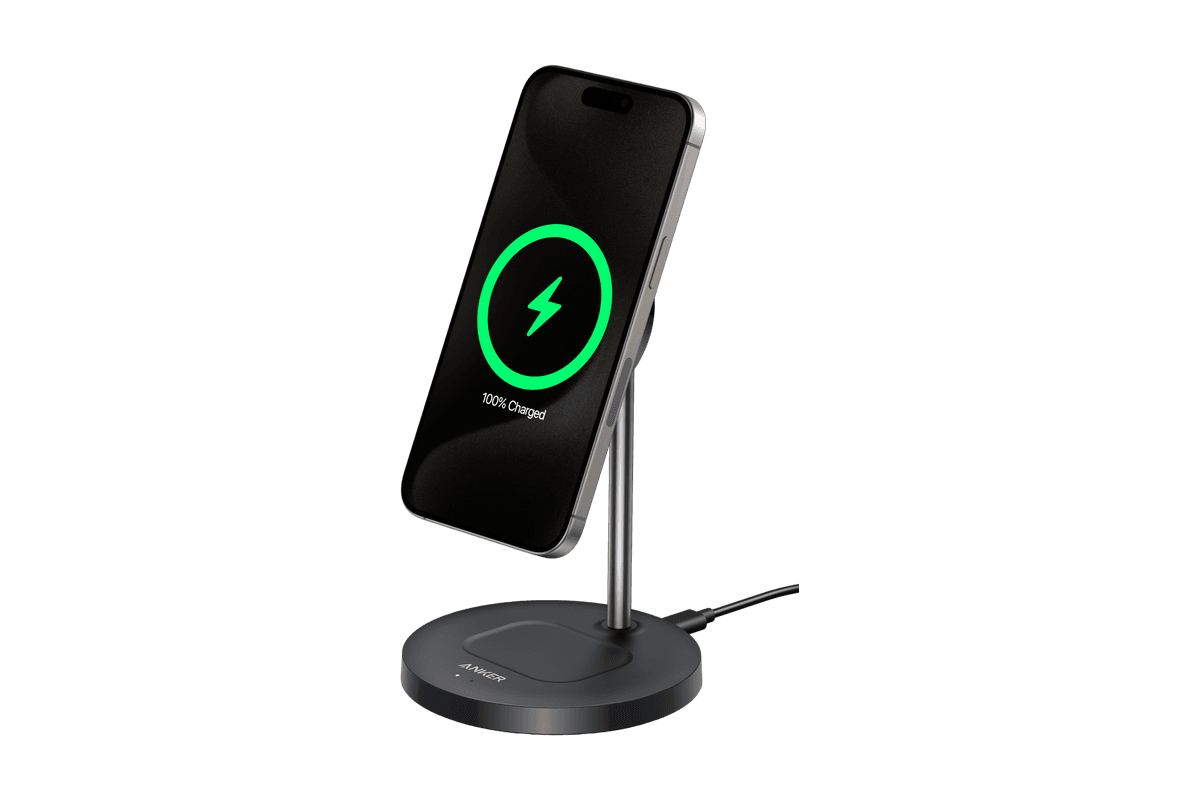
Anker MagGo Wireless Charger (Stand)
15W magnetic charging with a rotating, adjustable stand.
HardwarePoweriOS
Snap-on Phone Stand & Wallet
A slim MagSafe wallet that folds into a stand and grip.
HardwareAccessoriesiOS
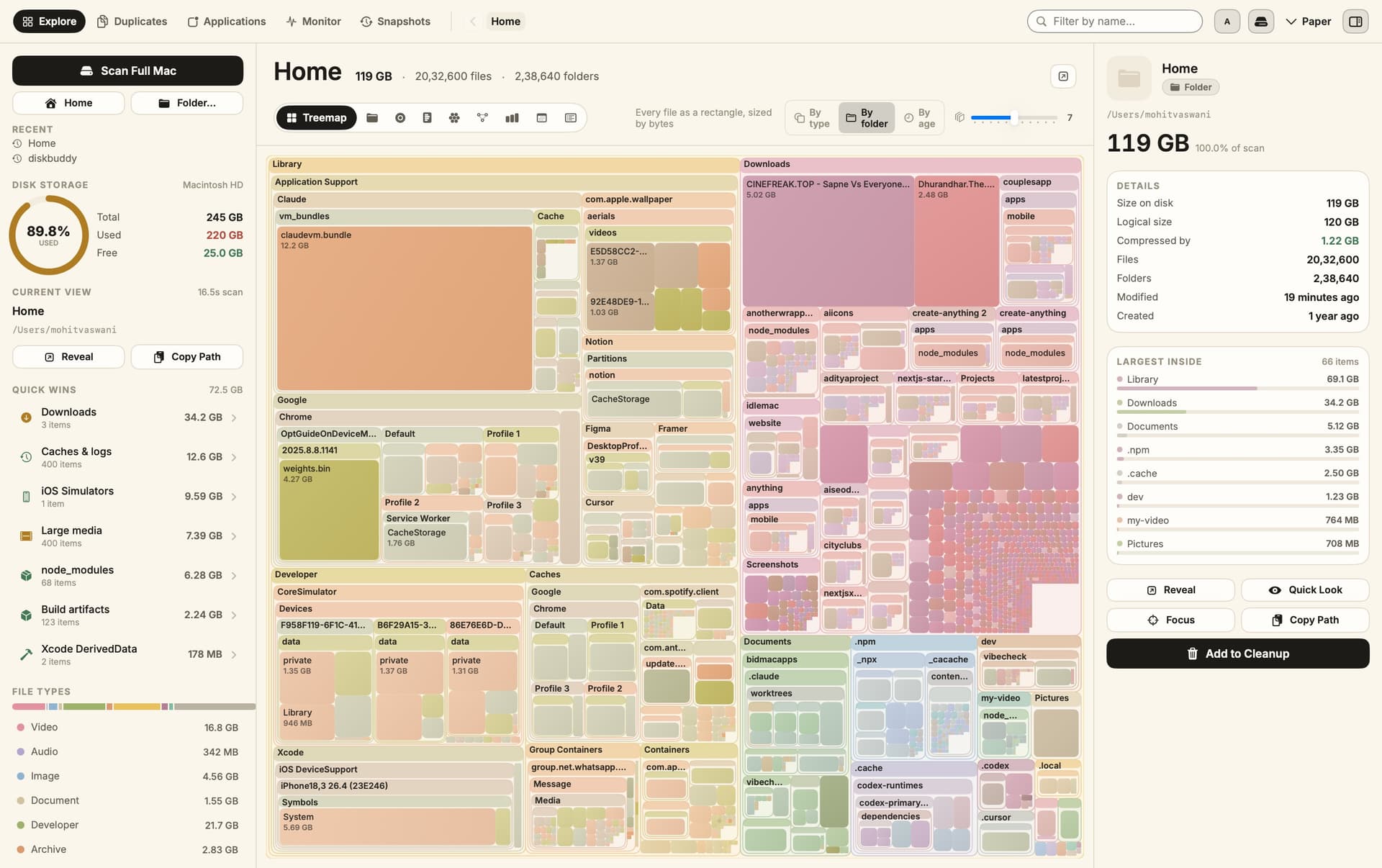
DiskBuddy
Visualize disk space and clean up files
One-time
DiskBuddy helps you find what is taking up space on your Mac, then review files before removing them. Scan a folder or drive and explore the results through eight visualizations.
- Browse storage with folder grids, treemaps, sunburst charts, and other views.
- Find duplicate files by content and identify large, old files.
- See app footprints including associated caches, preferences, and logs.
- Compare scan snapshots to see which folders have grown.
- Stage cleanup candidates in a review queue before deleting anything.
Supports macOS 14 or later on Apple silicon and Intel, with external and network drives supported. A one-time license includes all 1.x updates and works on one Mac or Windows machine at a time. File analysis happens locally; activation and periodic license checks require an internet connection.
SoftwareUtilitiesmacOS
Grok Bot
AI teammates that work across your apps
Paid
Grok Bot provides AI teammates that work inside apps and websites using a shared cloud computer. Give bots tasks from desktop or iOS, and follow their progress as they complete work.
- Delegate research, reporting, operations, and other multi-step tasks.
- Run multiple bots in parallel and let them coordinate in shared conversations.
- Teach a workflow by demonstrating it, then reuse it as a routine.
- Keep context across conversations and continue work while your laptop is closed.
- Connect bots to the tools you use, with approval requested when needed.
Available in beta on desktop, including macOS, and iOS through eligible paid Cursor, SuperGrok, and Teams plans. Usage allowances depend on the plan.
SoftwareAIiOS & macOS
DynamicLake
Dynamic Island controls and activities for Mac
One-time
DynamicLake adds a Dynamic Island interface to your Mac for music, system controls, notifications, and file actions.
- Adjust volume, brightness, and keyboard backlighting from an integrated panel.
- Control music and keep calendar events and weather within view.
- Drag and drop files to preview, compress, share, AirDrop, or convert them.
- See supported messaging notifications, calls, Bluetooth events, and live activities.
- Customize the notch appearance or choose a compact miniLake layout.
Supports macOS 14 or later on Intel and Apple silicon, including Macs with and without a notch. A one-time license covers up to three devices and includes lifetime updates.
SoftwareUtilitiesmacOS
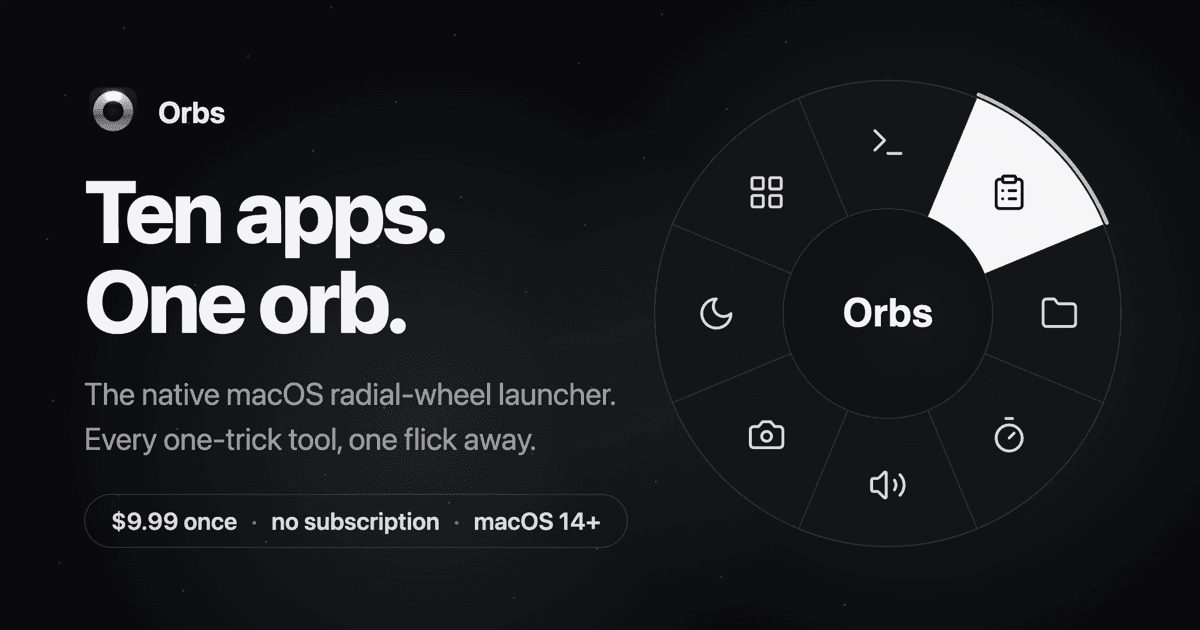
Orbs
A radial launcher for apps and tools
One-time
Orbs is a native Mac launcher that puts apps, shortcuts, and small utilities on a radial wheel beneath your cursor. Hold a key, move to an action, and release to run it.
- Launch apps, run shell commands and macOS Shortcuts, or insert text snippets.
- Build nested menus and separate profiles for different workflows.
- Switch profiles automatically based on the frontmost app.
- Use built-in tools including a timer, calculator, clipboard, color picker, and camera mirror.
- Pin tool popovers above other windows when you need them to stay visible.
Requires macOS 14 or later on Apple silicon or Intel. Its one-time lifetime license includes future updates, with local-only operation and no account required.
 Dudu
Dudu