MacBook Clamshell Mode: Vertical Stand Setup | Macfolio
MacBook Clamshell Mode With a Vertical Stand: How to Set It Up (and Is It Safe?)
Apple's actual requirements for closed-display mode, a step-by-step setup with a vertical stand, and straight answers on heat, battery wear, and fixes.
Clamshell mode is the simplest way to turn a MacBook into a desktop: close the lid, run everything on a bigger display, and type on a proper keyboard. Add a vertical stand and the laptop stops eating a third of your desk. The questions people search for are always the same, though. What does Apple actually require? Will it overheat standing on its edge? Is leaving it plugged in all day bad for the battery? And why does the screen go black the moment the lid closes?
This guide answers all of them, using Apple's own support documents where Apple has an answer, and our opinion where it does not. It is built around the BookArc Flex, the vertical stand we already like for small desks.
A slim MagSafe wallet that folds into a stand and grip.
HardwareAccessoriesiOS
Opal C1 Camera
DSLR quality on a webcam for the
HardwareCamerasmacOS
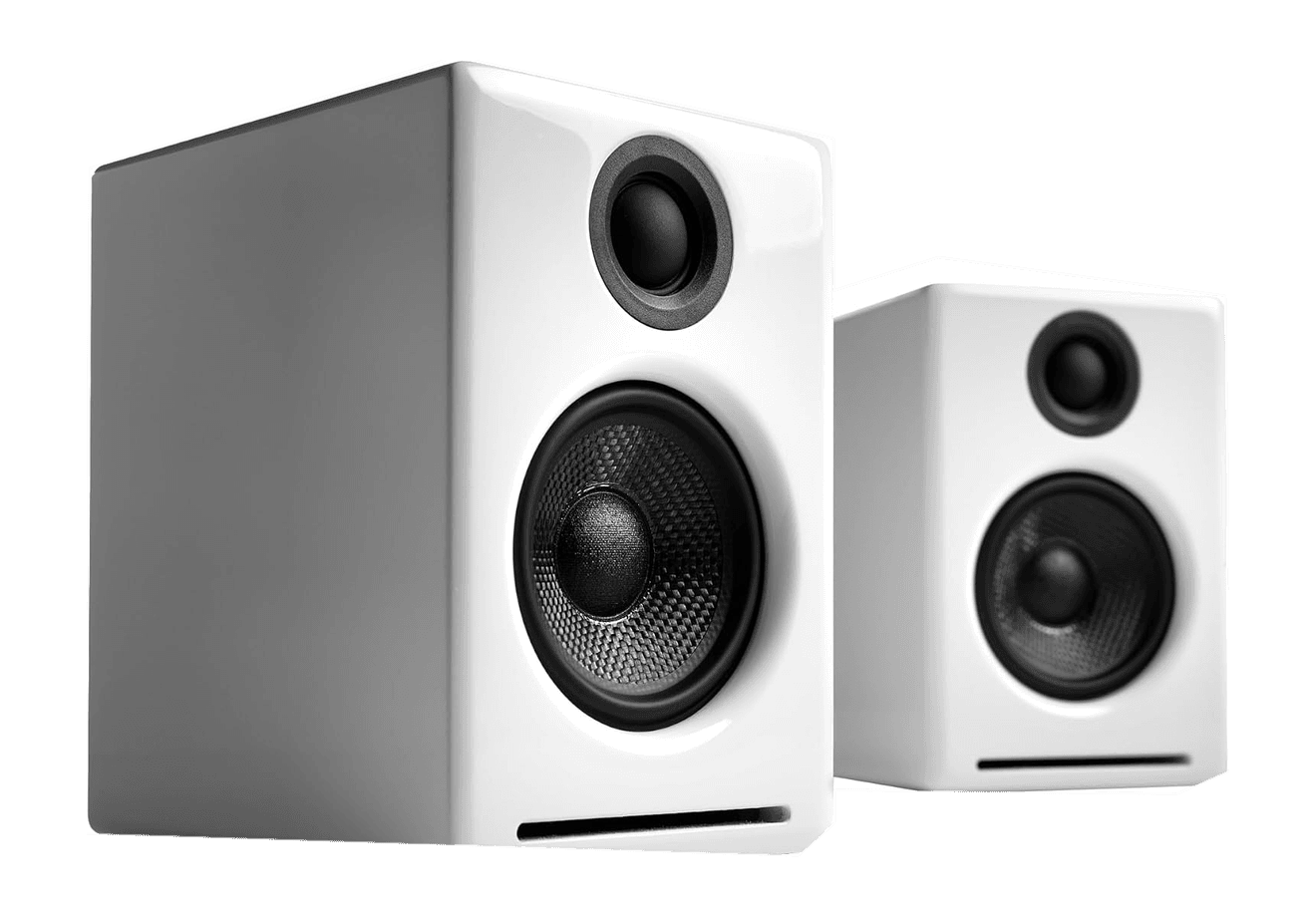
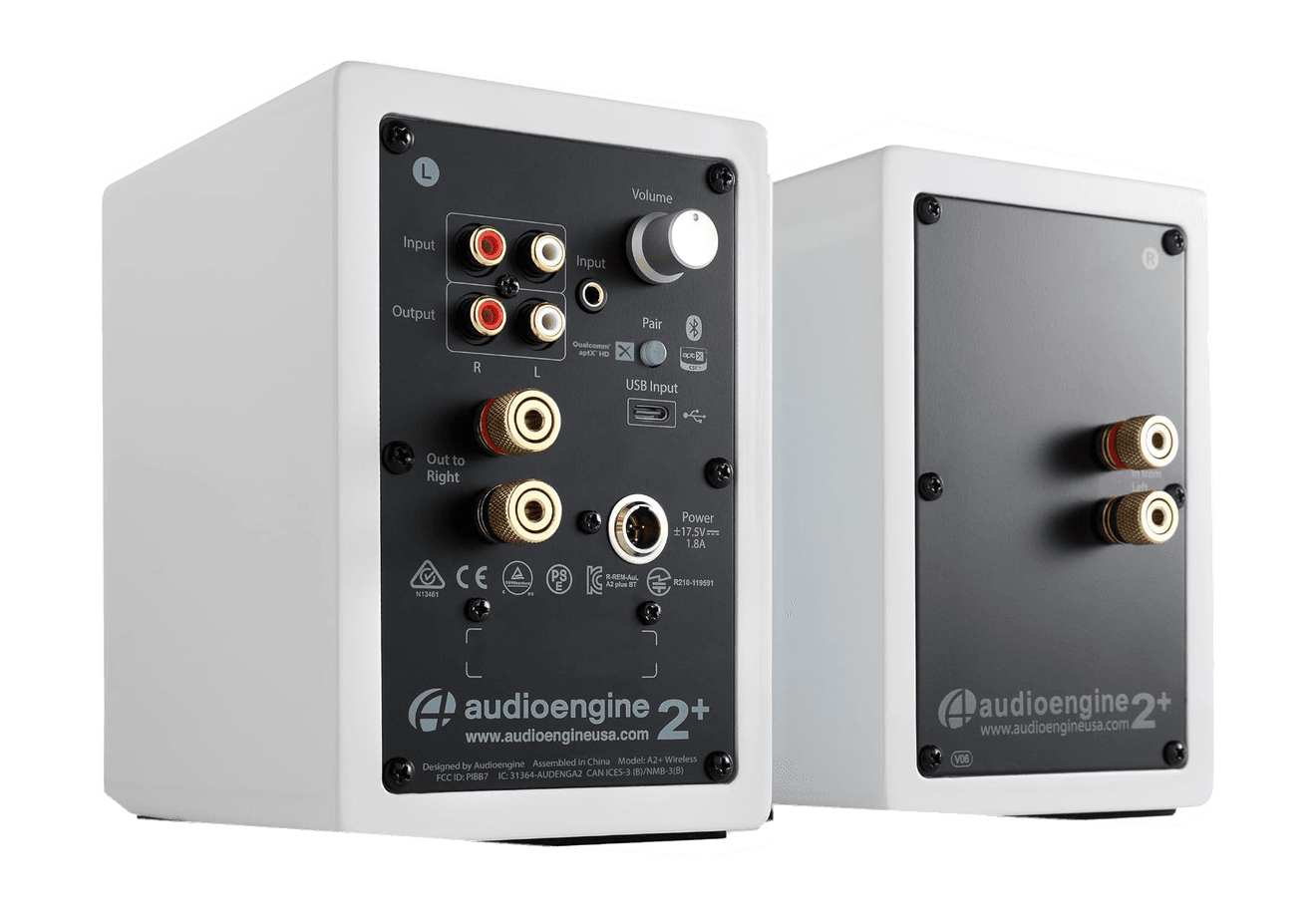
A2+ Wireless Speakers
Compact wireless desktop speakers with 24-bit audio for Mac.
HardwareAudioiOS & macOS
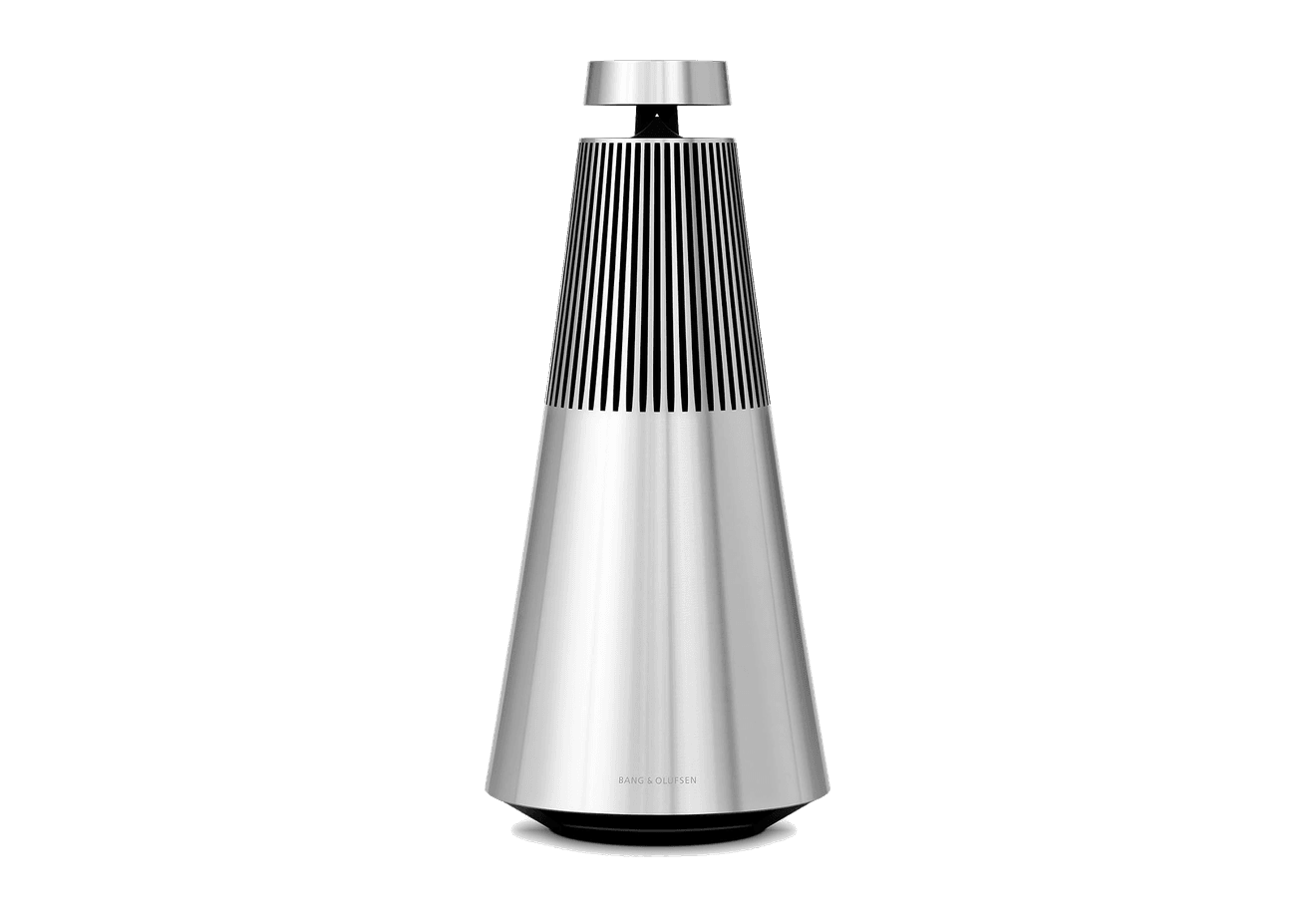
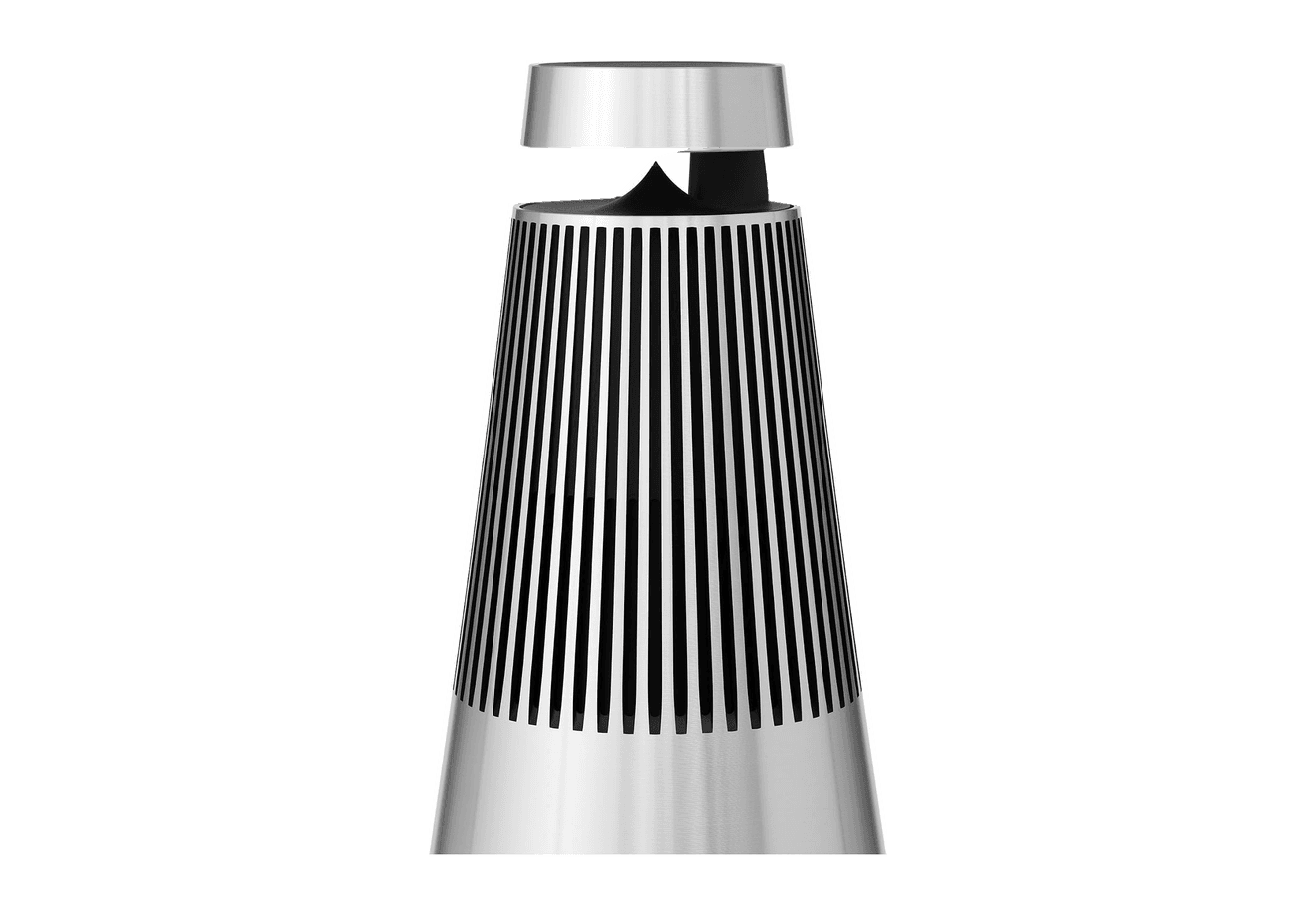
Beosound 2
A sculptural 360-degree wireless speaker with AirPlay 2.
HardwareAudioiOS & macOS
Flow 2
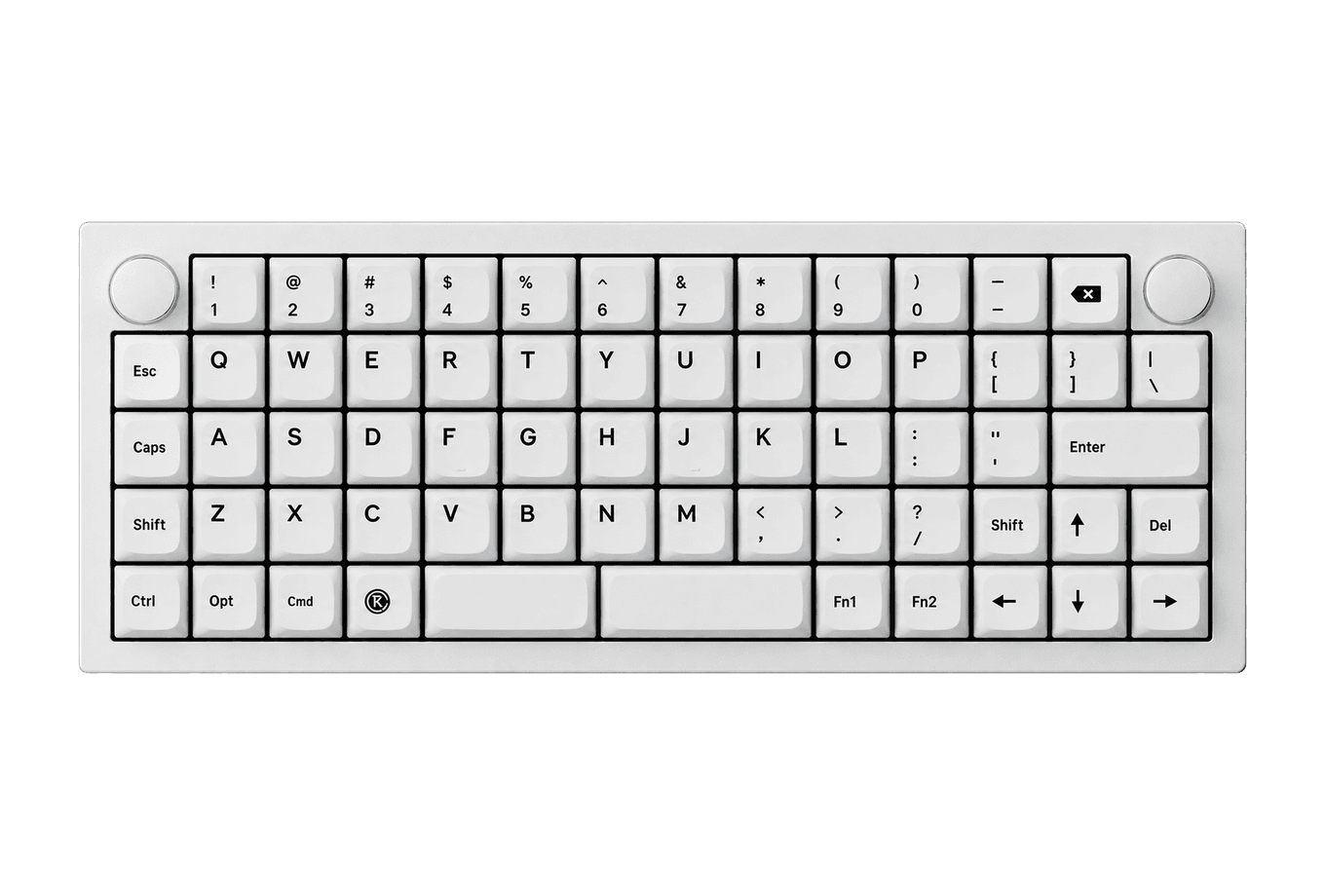
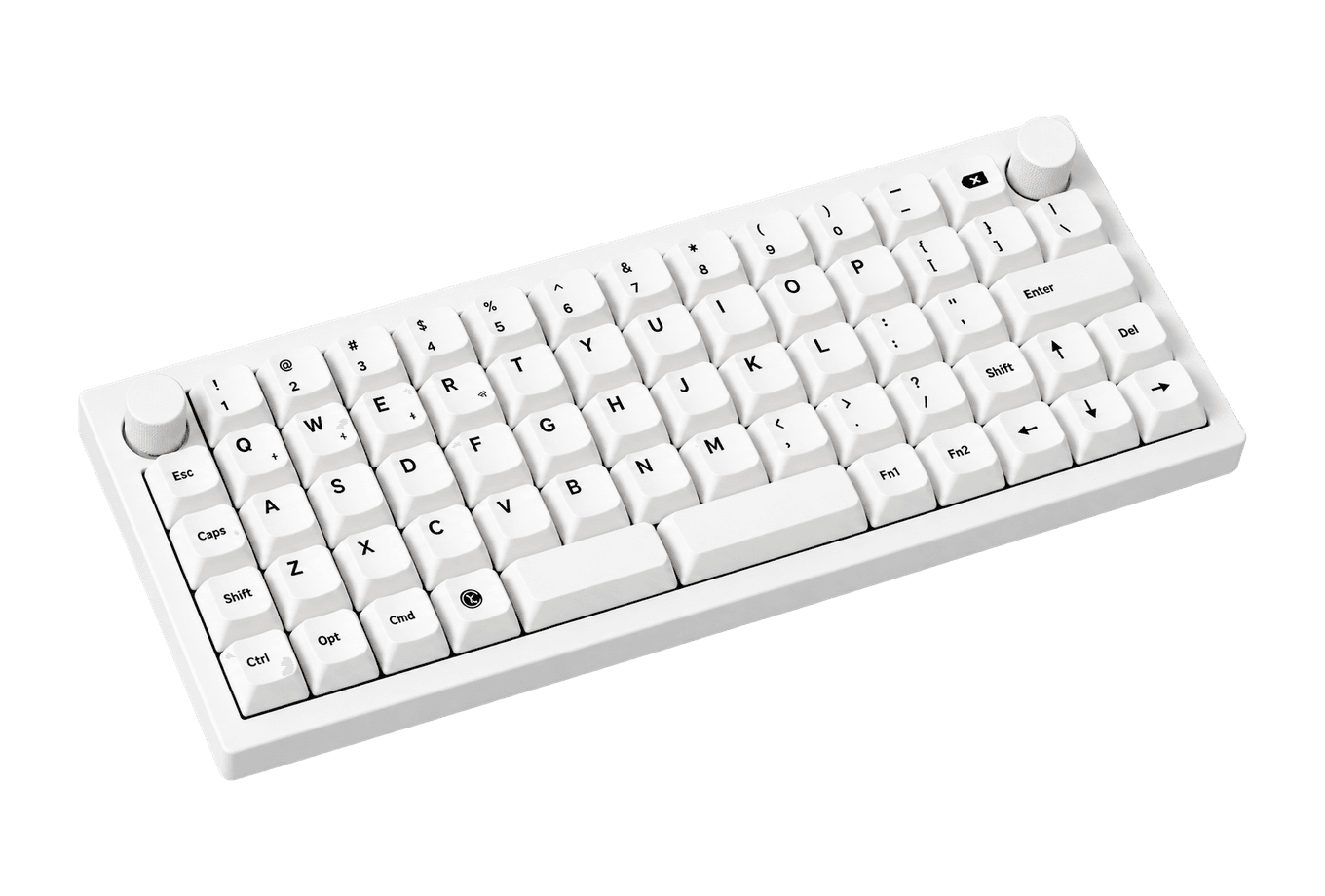
A CNC aluminum low-profile keyboard with cloud-soft switches and VIA.
HardwareKeyboards & MiceiOS & macOS
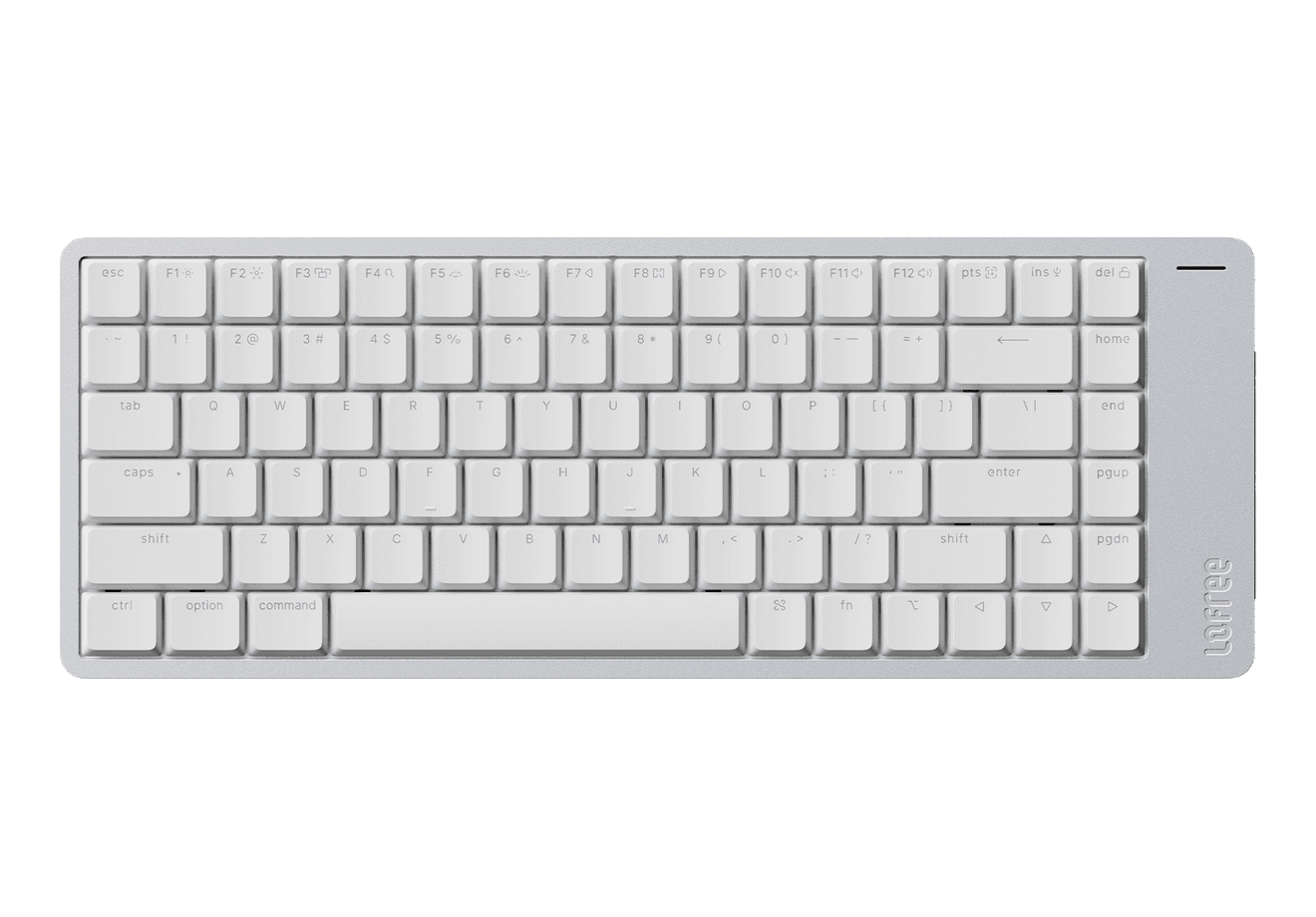
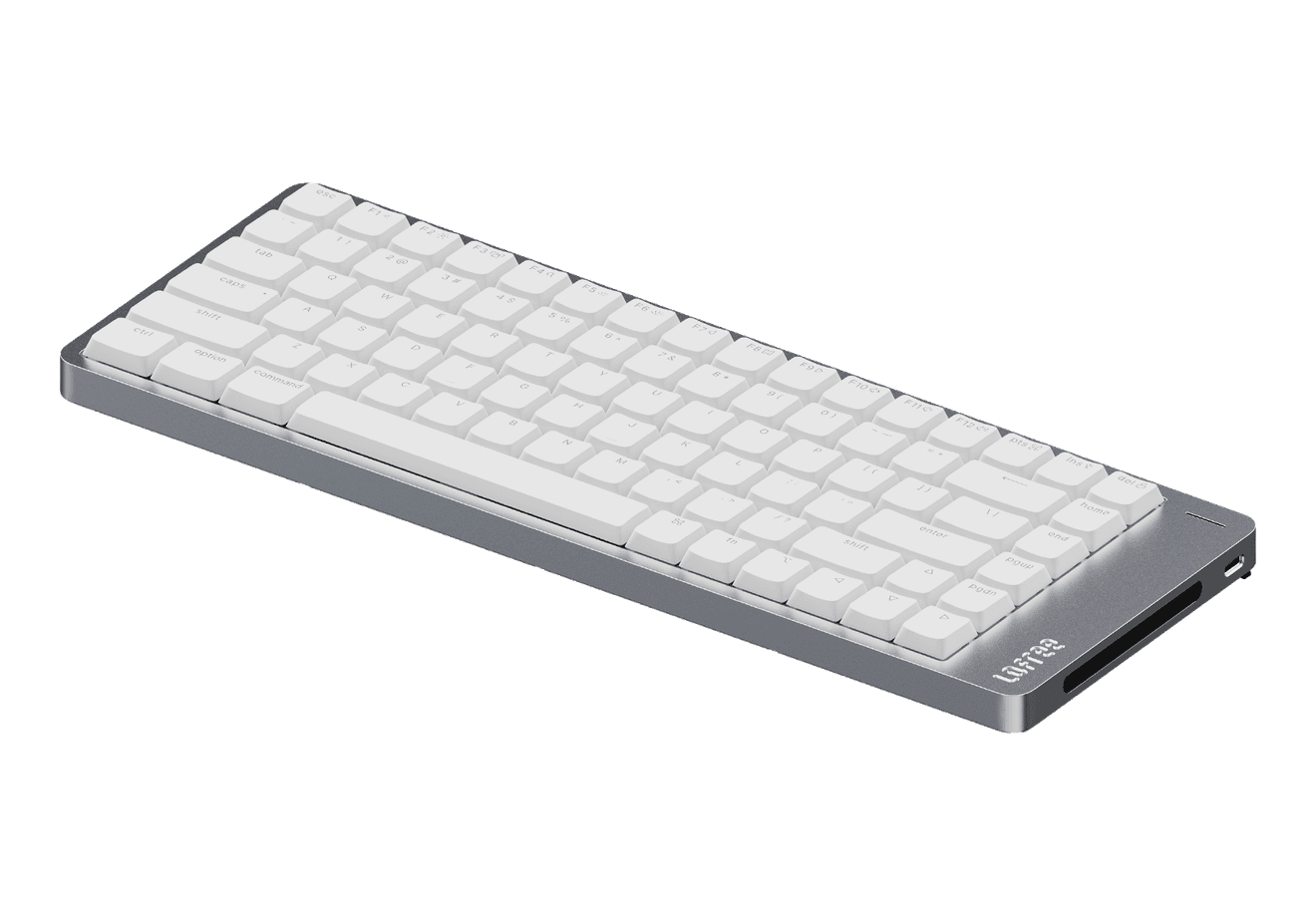
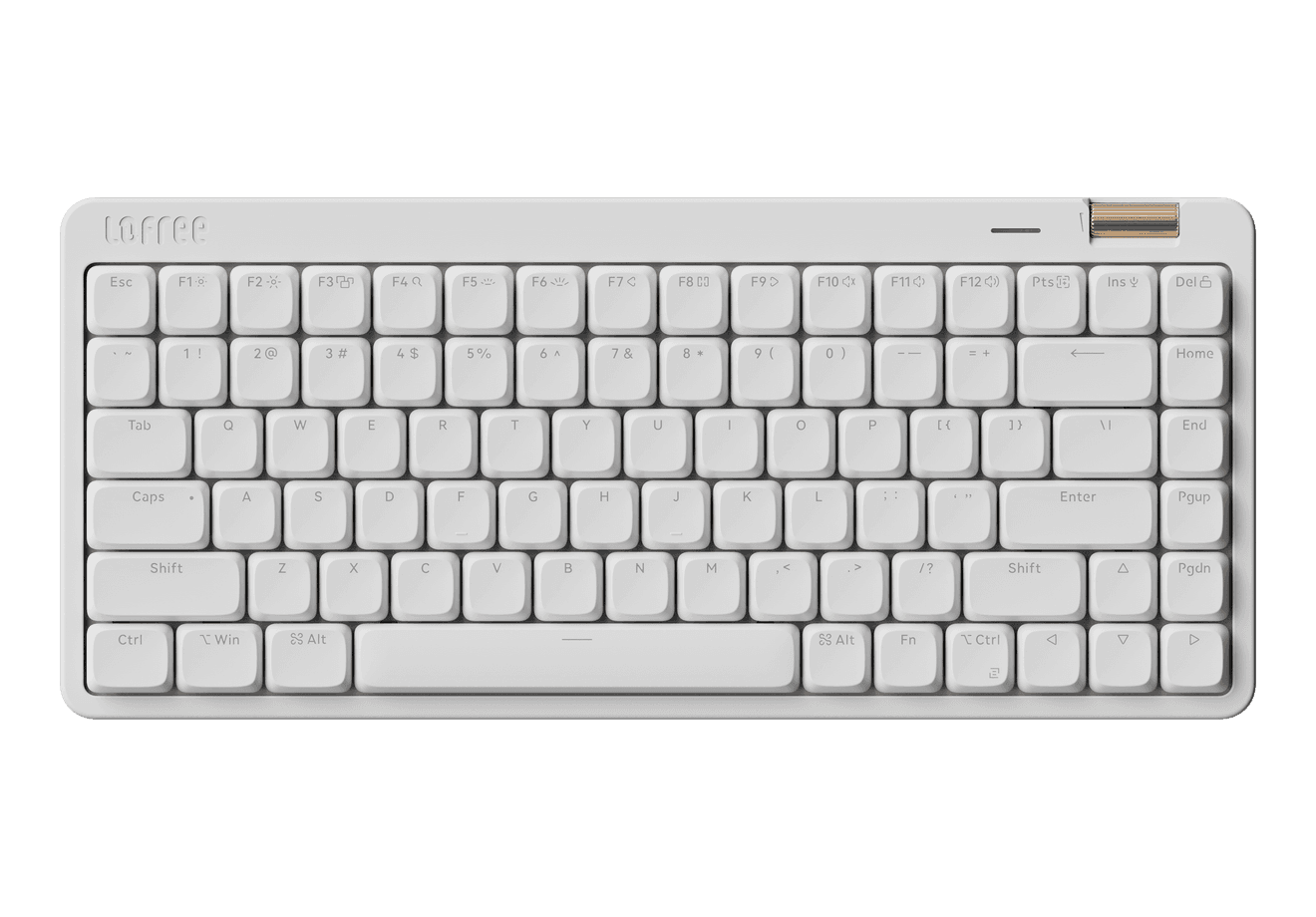
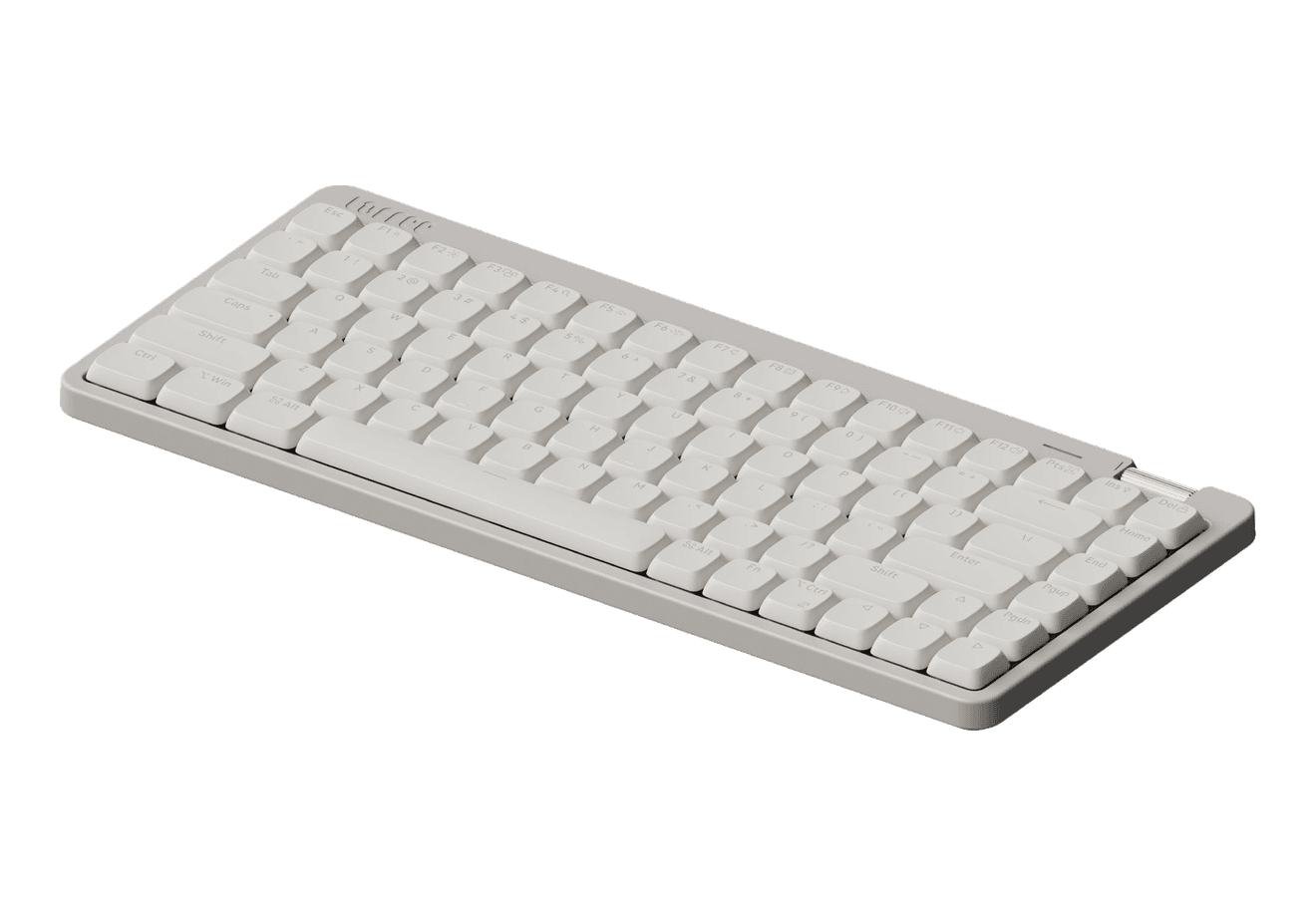
Flow Lite84
A slim tri-mode mechanical keyboard built for comfortable Mac typing.
HardwareKeyboards & MiceiOS & macOS
Q15 Max
A premium wireless ortholinear keyboard for Mac.
HardwareKeyboards & MicemacOS
K3 Ultra-slim
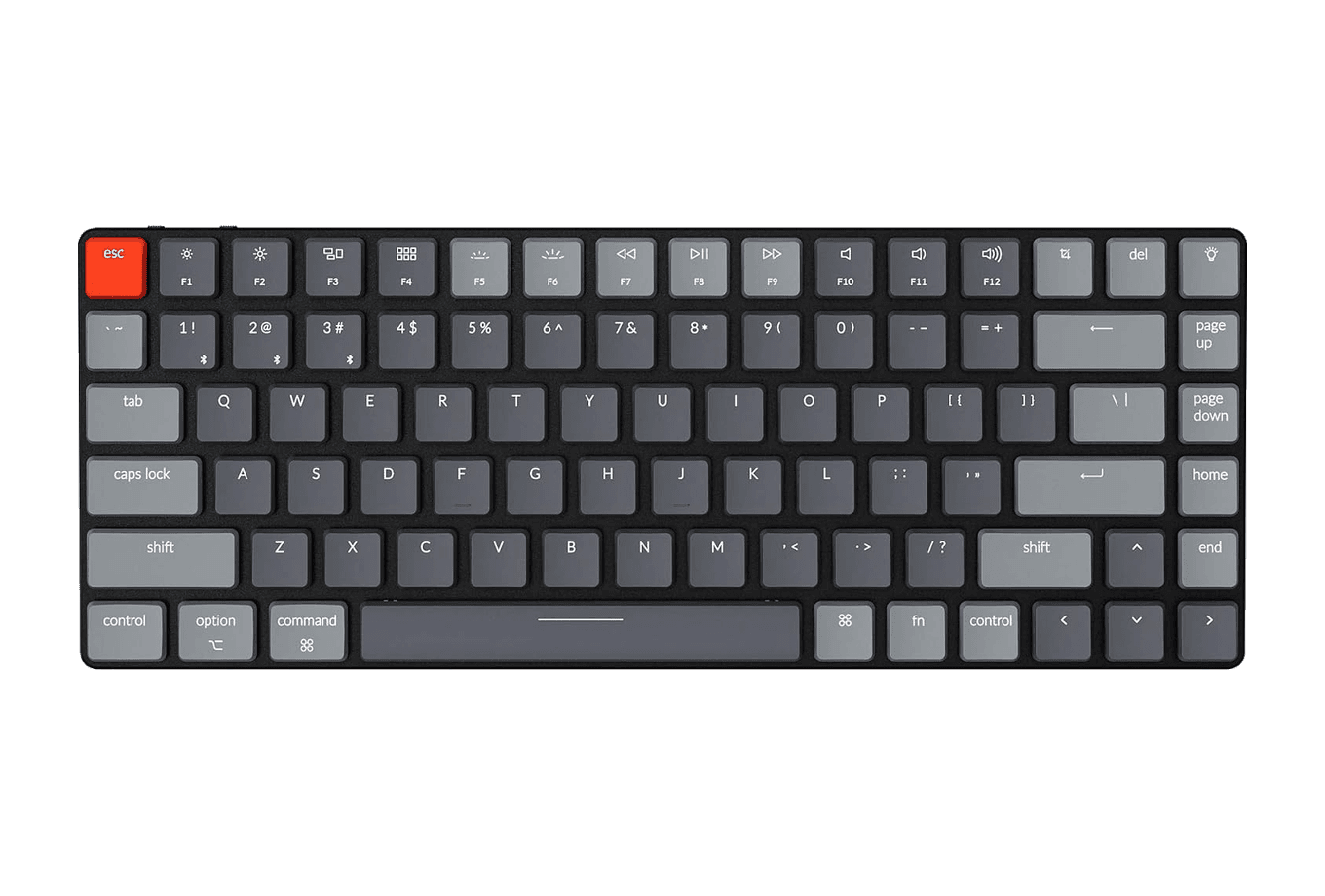
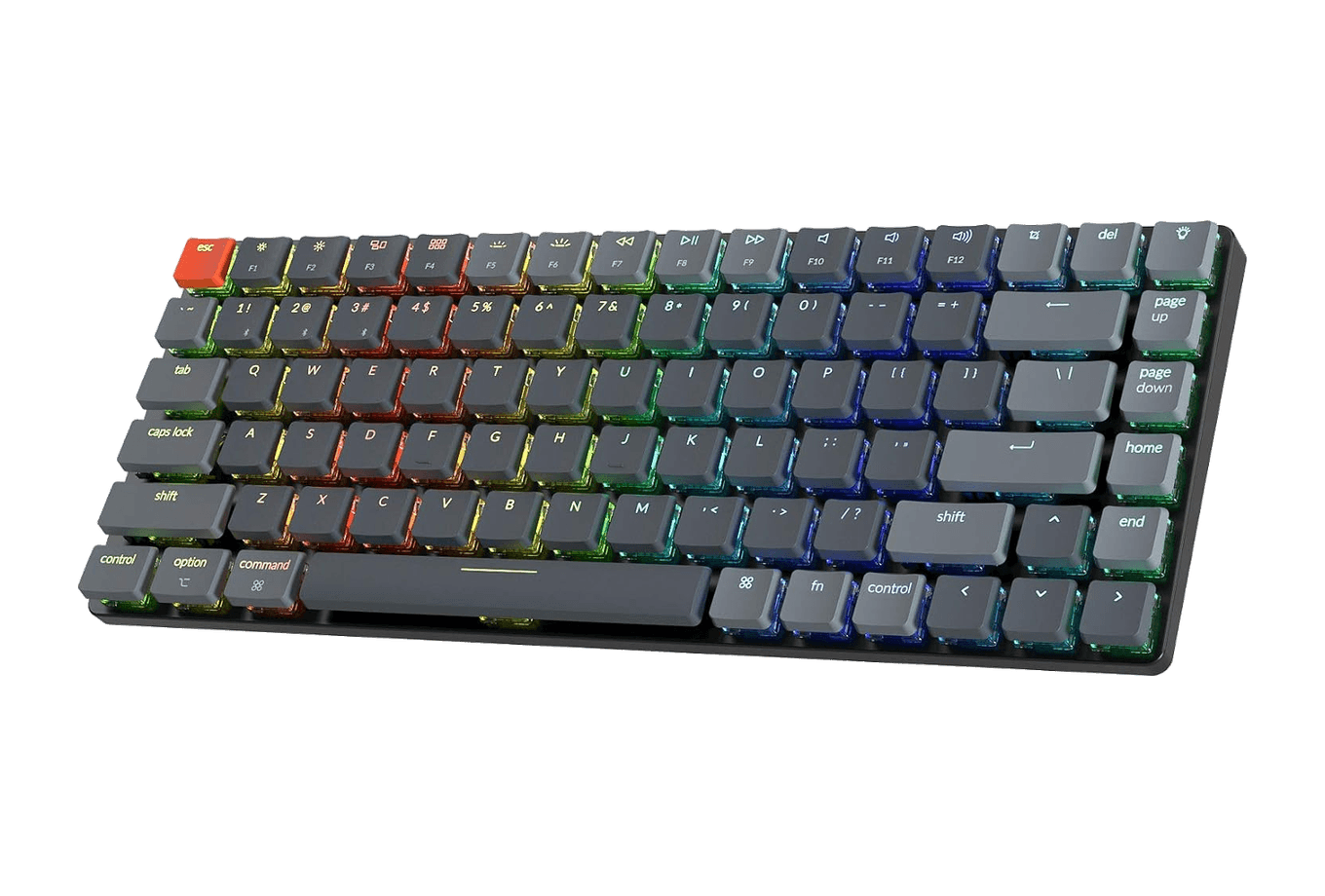
An ultra-slim 75% mechanical keyboard built for Mac.
HardwareKeyboards & MiceiOS & macOS
3-in-1 Cube with Qi2
A foldable Qi2 charger for iPhone, Apple Watch, and AirPods.
HardwarePoweriOS
TL;DR
Apple's requirements: an external display, an external keyboard and mouse or trackpad, and power, either from your MacBook's adapter or from a display that charges it.
Setup: pair your keyboard and mouse, plug in power, connect the display, wait for the desktop to appear on it, then close the lid and stand the MacBook up.
Heat: Apple's guidance is about ambient temperature and ventilation, not lid position. A vertical stand on a hard desk with clear airflow fits that guidance well.
Battery: leaving a modern MacBook plugged in is what Optimized Battery Charging is for. On Apple silicon with macOS Tahoe 26.4 or later, you can also set a Charge Limit between 80% and 100%.
Our pick: the BookArc Flex for most MacBooks, paired with a display that charges your Mac over one cable.
What you need for MacBook clamshell mode
Apple's troubleshooting guide for dark external displays spells out the conditions for a closed lid: if the display is connected to a Mac laptop with a closed lid, make sure the Mac is connected to power and using an external keyboard and mouse. Apple's MacBook Air and MacBook Pro user guides add that once an external display is connected, you can close the lid and keep using the Mac with the connected accessories.
So the checklist is short:
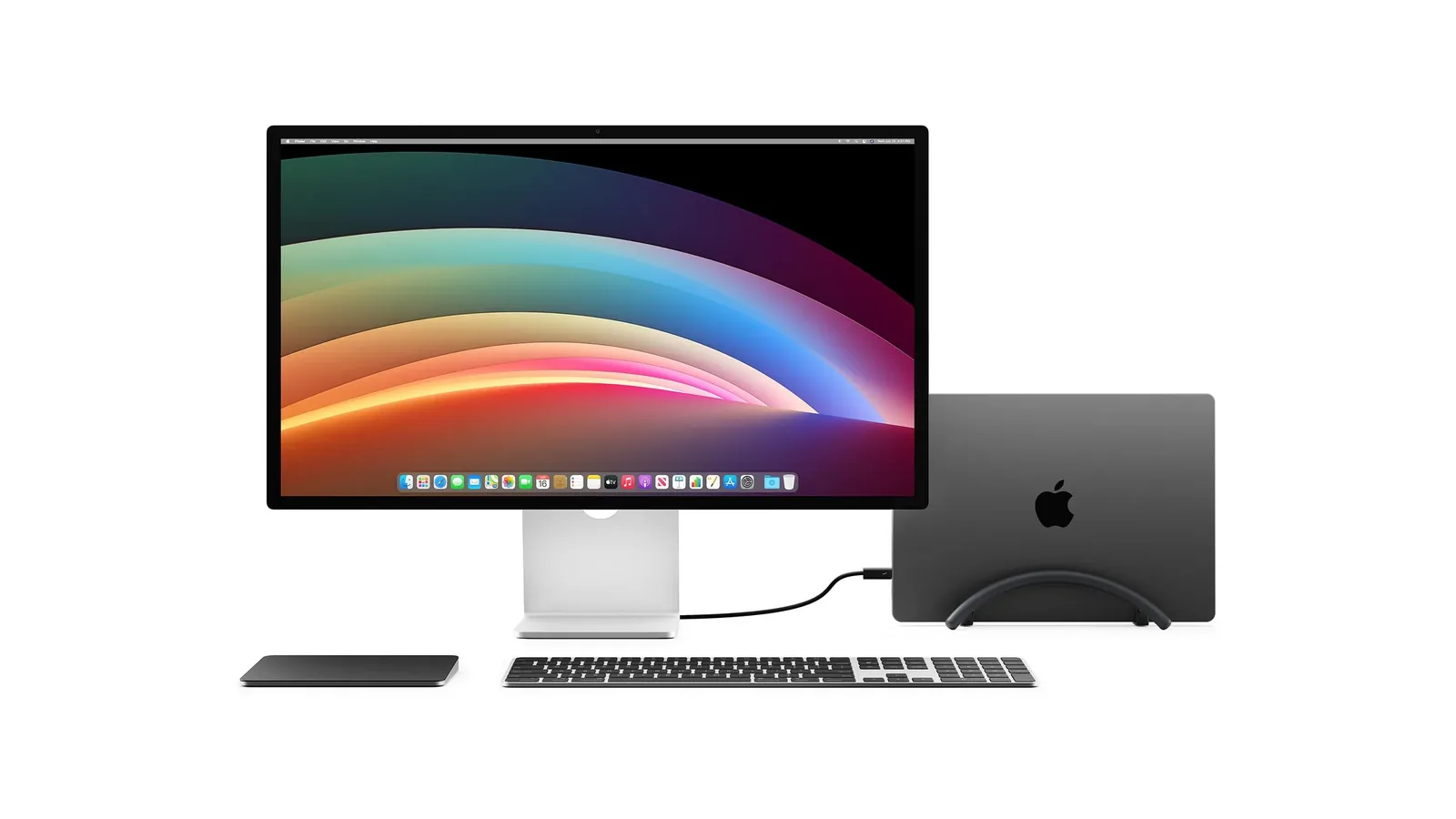
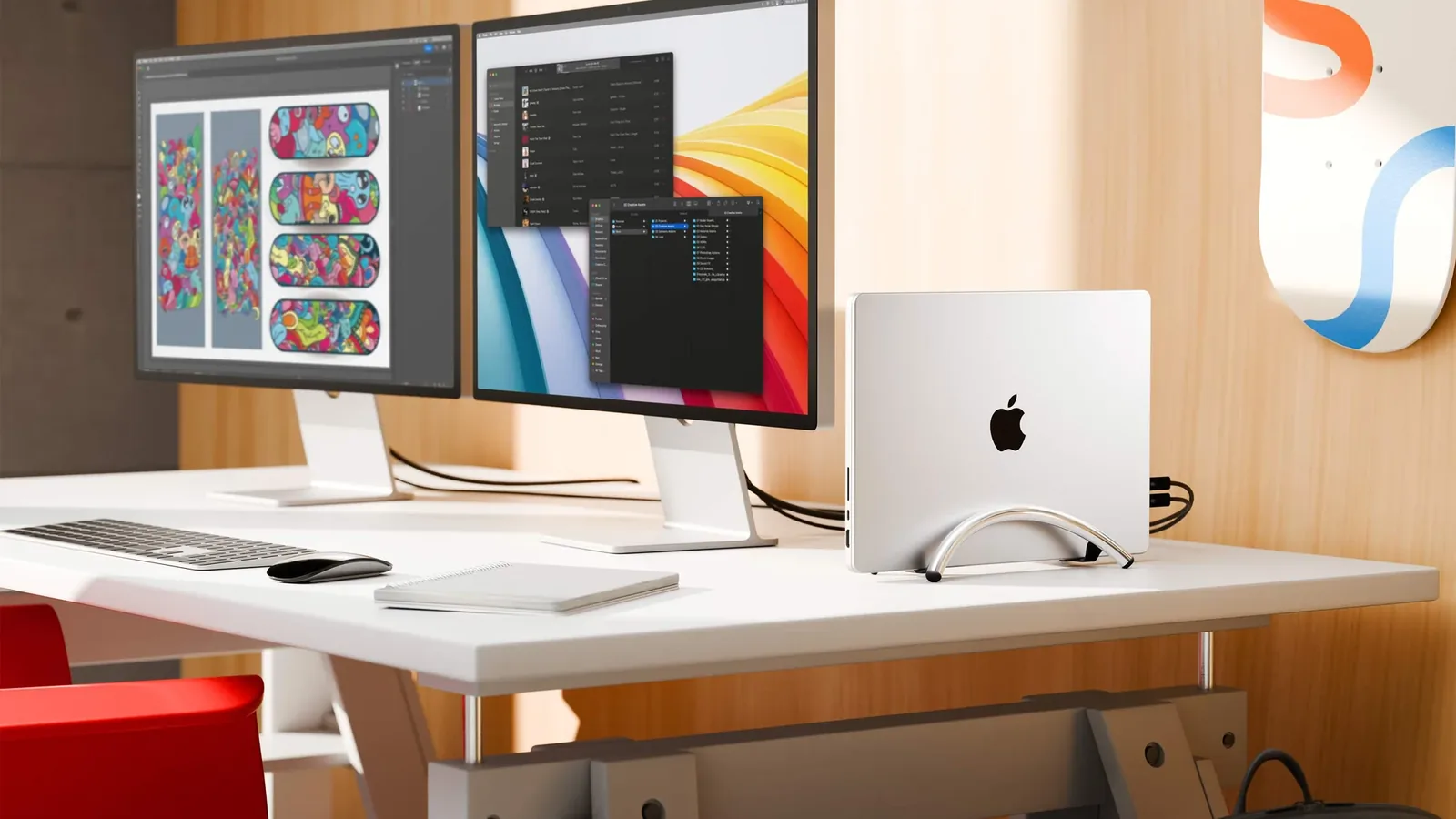
1. An external display. Check how many displays your model supports in its tech specs before you buy a second monitor. 2. An external keyboard and a mouse or trackpad. Bluetooth or USB both work. 3. Power. Your MacBook's power adapter, or a display that provides power over USB-C or Thunderbolt. 4. Somewhere to put the closed MacBook. That is where a vertical stand comes in.
Everything clamshell mode needs: an external display, a keyboard and pointing device, power, and a place for the closed MacBook. Image: Twelve South
The gear: a stand, a display, and something to type on
A vertical stand: BookArc Flex
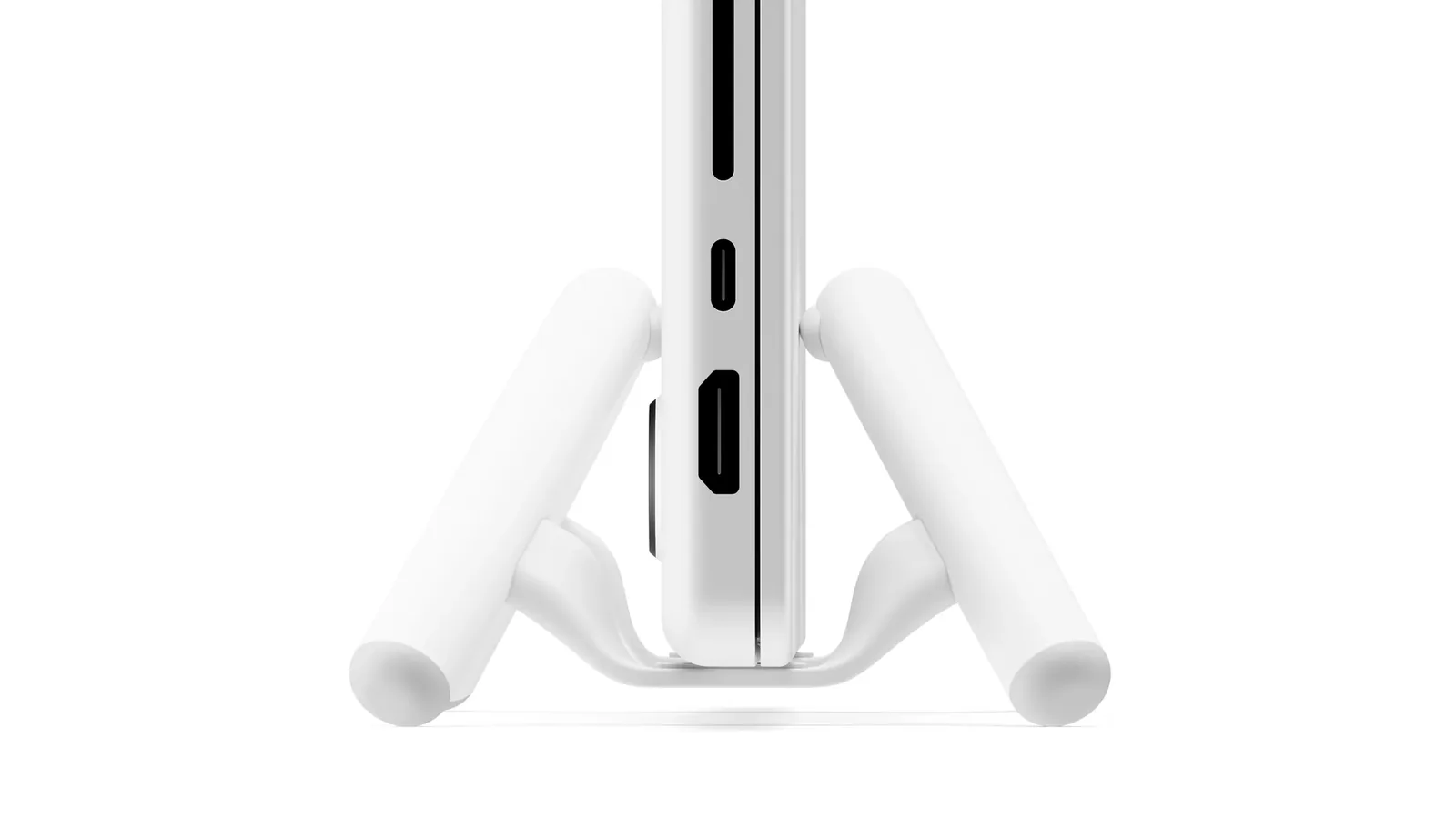
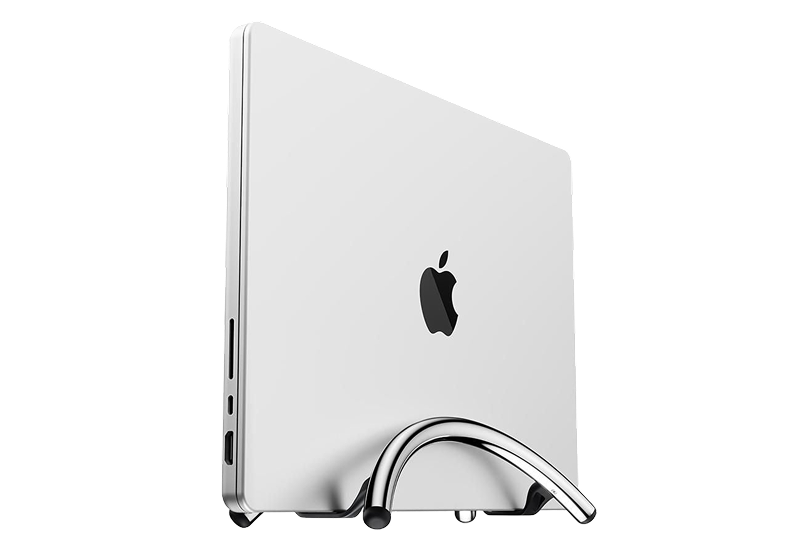
BookArc Flex is a small aluminum arc that holds a closed laptop upright. There are no inserts to swap: Twelve South says the weight of the laptop presses the arcs against it, so it fits different thicknesses without adjustment. Twelve South lists compatibility with MacBook Air, MacBook Pro, and MacBook Neo, plus most laptops up to 16 inches and 1 inch thick. In its own FAQ, it describes the stand as "perfectly sturdy" with laptops up to a 14-inch screen and under 1 inch thick.
The laptop's weight presses the arcs against it, so the BookArc Flex fits different thicknesses without inserts. Image: Twelve South
That nuance matters if you have a 16-inch MacBook Pro. It fits, but a heavier laptop on a narrow base is more sensitive to bumps. Twelve South is refreshingly honest about this: if your desk gets knocked around, or you have cats that like to push things over, it suggests a different style of stand instead.
BookArc FlexVertical stand for laptops, optimizing desk space.Visit WebsiteThe Twelve South BookArc Flex Chrome is a sleek, low-profile stand that keeps your MacBook or laptop secure in a vertical position, optimizing desk space while improving heat dissipation. Its modern aluminum design seamlessly blends into any décor, making it perfect for home offices or casual workspaces. The stand doesn't require inserts or complicated adjustments; gravity holds your laptop in place. It's compatible with laptops up to 16 inches and features non-slip silicone pads to prevent slipping and scratches. Enjoy easy access to external monitors and peripherals with a clamshell mode setup, transforming your laptop into a desktop powerhouse.Visit Website
A display that charges your Mac
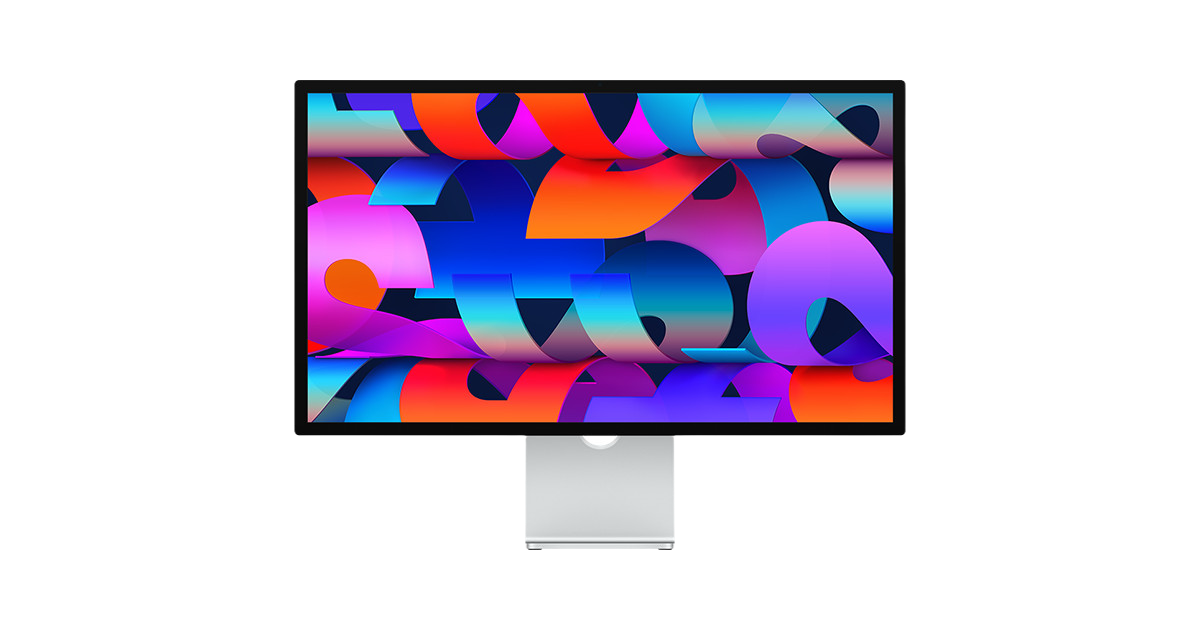
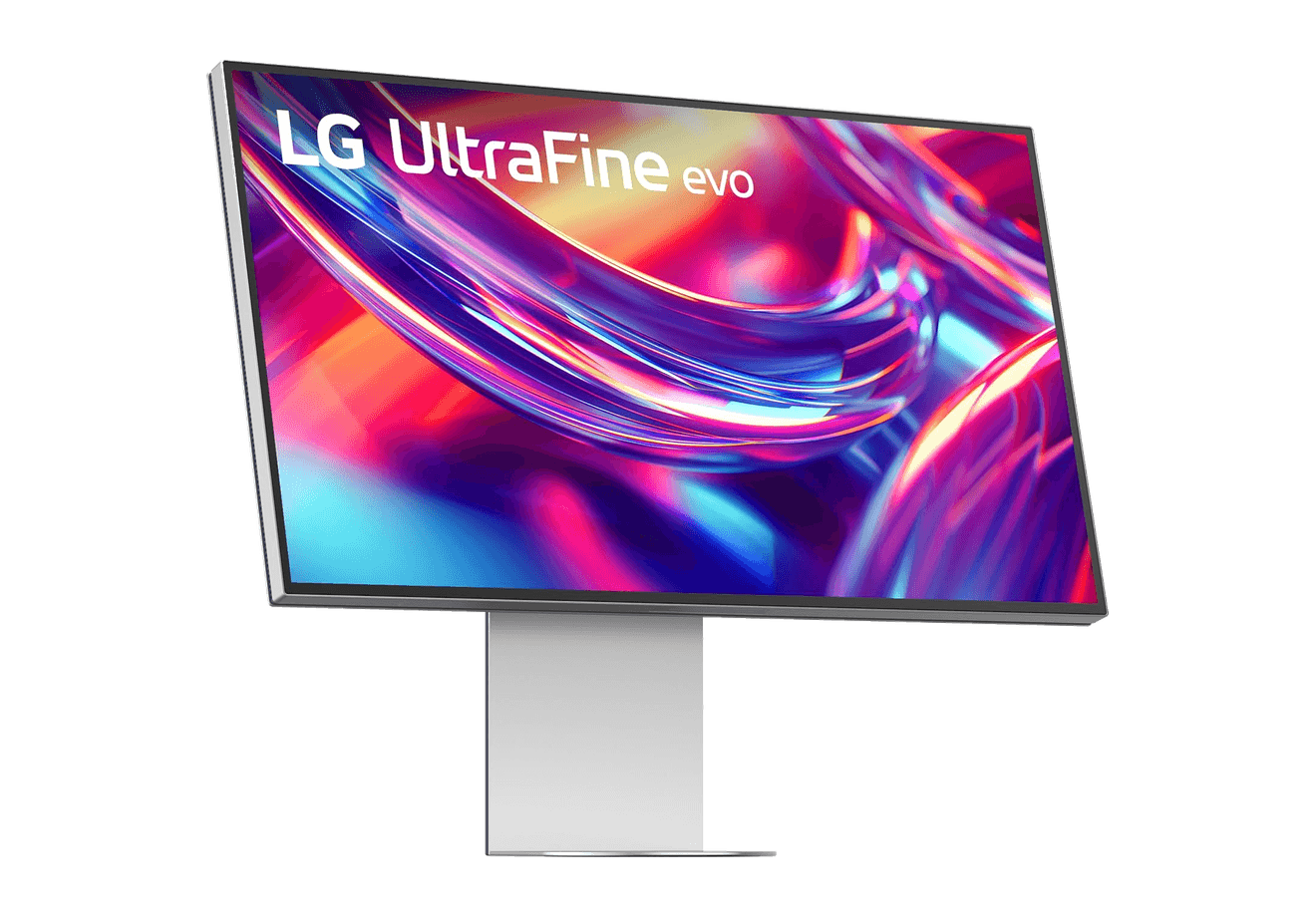
The cleanest clamshell setup uses one cable from the display to the MacBook for video, accessories, and power. Apple Studio Display does exactly that. Apple's specs list 96W of host charging over the upstream port on both the original Studio Display and the current model. Before you rely on any display for power, compare its charging wattage with your MacBook's own adapter. If the display supplies less, keep your Apple adapter plugged in as well.
Apple Studio DisplayStunning 5K visuals in a sleek design.Visit WebsiteThe Apple Studio Display offers an unparalleled viewing experience with a stunning 27-inch 5K Retina display, delivering a resolution of 5120-by-2880 pixels at 218 pixels per inch. This monitor shines with 600 nits of brightness and supports one billion colors, making it perfect for graphic designers, video producers, and photographers. Coupled with a 12MP Ultra Wide camera featuring Center Stage for engaging video calls, a high-fidelity six-speaker sound system, and a crystal-clear studio-quality mic array, this product is designed for discerning users. With multiple connection options including one Thunderbolt 3 port and three USB-C ports, it fits seamlessly into any workspace. The adjustable stand, allowing both tilt and height adjustments, adds to its ergonomics and functionality. Whether you're working on creative projects or video conferencing, the Apple Studio Display enhances productivity and creativity in every environment.Visit Website
A keyboard and mouse that live on the desk
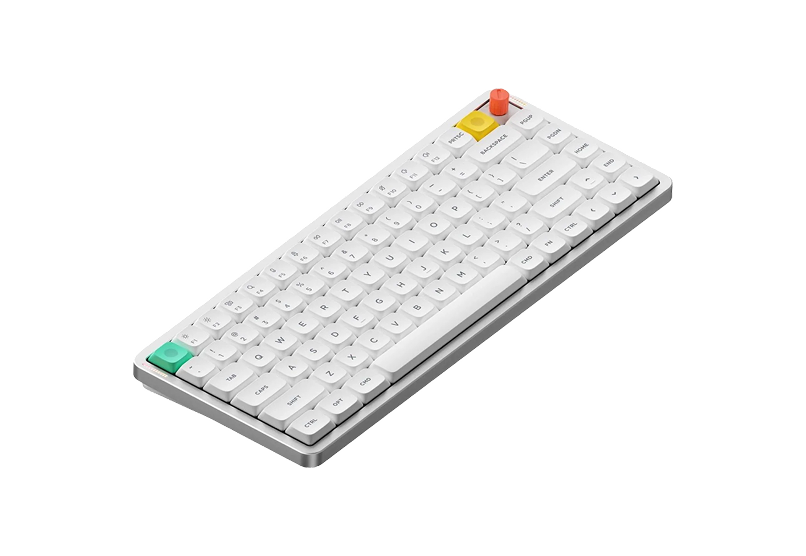
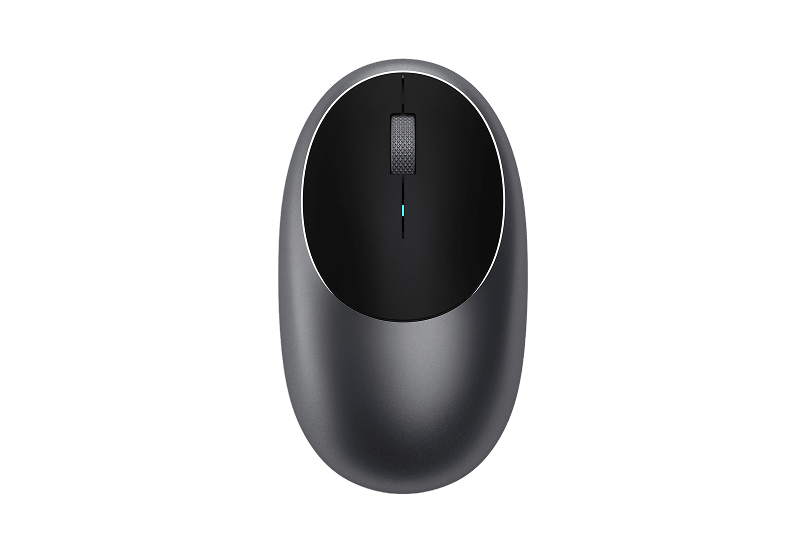
With the lid closed, the built-in keyboard and trackpad are gone, so the external ones carry the whole setup. Air75 V3 is our favorite low-profile option for a Mac: a 75% layout with Bluetooth, a 2.4GHz receiver, and wired USB-C, and macOS support from NuPhy. If you would rather have a number pad, Flow Lite 100 Keys Keyboard is the full-size alternative. For pointing, Wireless Bluetooth Mouse from Satechi is a simple aluminum Bluetooth mouse that recharges over USB-C.
A large deskmat such as Orbit Deskmat finishes it off by giving the keyboard and mouse one clear zone, which suits a desk where the laptop has disappeared to the side.
Air75 V3Wireless Mechanical Keyboard Made for Visit WebsiteThe NuPhy Air75 V3 is a slim, wireless mechanical keyboard designed for both Mac and Windows users. Featuring a sleek aesthetic, it combines the functionality of mechanical switches with low-profile design, ensuring a comfortable typing experience. The keyboard is equipped with customizable RGB backlighting and offers multiple connectivity options including Bluetooth 5.0 and USB-C. With a battery life of up to 1200 hours, it's perfect for on-the-go users. The keyboard's adjustable kickstand guarantees an ergonomic typing angle, making it suitable for various work environments. Ideal for creative professionals or casual use, the Air75 V3 is the perfect blend of style and substance.Visit Website
Wireless Bluetooth MouseCompact & Portable, USB-C RechargeableVisit WebsiteThe Satechi M1 Wireless Bluetooth Mouse combines sleek design with functionality, offering a seamless connection to any Bluetooth-enabled device. With Bluetooth 4.2 technology, it provides a reliable and stable connection within a 32-foot range. The mouse is equipped with high-precision optical sensors, ensuring accurate tracking and swift scrolling at a resolution of 1200 DPI. Its rechargeable lithium-ion battery eliminates the need for disposables, and it comes with a USB-C charging cable for quick recharging. The ergonomic aluminum finish adds to its appeal, making it ideal for both right and left-handed users. This modern and stylish device is not just a tool, but a statement piece for your workspace.Visit Website
How to set up clamshell mode on a MacBook, step by step
1. Pair your keyboard and mouse first, with the lid open. Go to System Settings > Bluetooth and connect them, or plug in USB ones. Doing this before you close the lid saves you from a closed Mac with no way to type. 2. Connect power. Plug in your MacBook's adapter, or use a display that charges it. 3. Connect the display. On a Mac laptop with Apple silicon, macOS may ask you to allow the accessory to connect. Apple notes that if you do not allow it, the display stays dark, so click Allow. 4. Wait for the desktop to appear on the external display. Then close the lid. If the display does not wake straight away, press a key or click the mouse. 5. Stand the MacBook in the BookArc Flex. Twelve South recommends setting it in as straight as possible, at 90 degrees to the desk, because the stand will not correct a laptop placed at an angle. 6. Tidy the settings. In System Settings > Displays, set the resolution and arrangement. If you want the Mac to keep working with the monitor off, for example during a long download, turn on "Prevent automatic sleeping on power adapter when the display is off" in Battery settings.
Using two external displays with the lid closed
Some models only support a second display when the lid is closed. For MacBook Air and MacBook Pro with M3, Apple's instructions are: connect a keyboard and mouse, connect power, connect the first display, close the lid, then connect the second display. Apple says that if you open the lid with both connected, the second display goes dark or disconnects. Other models have different limits; Apple's guide for MacBook Air with M5, for example, lists up to two external displays. Check your model's tech specs.
A closed MacBook driving two external displays. Check how many your model supports before you buy. Image: Twelve South
Is clamshell mode safe for a MacBook?
Yes, when the basics are right. Apple's own guidance on laptop temperatures does not mention lid position at all. It focuses on things that apply in clamshell mode just as much as on a lap:
Use the Mac where the ambient temperature is between 10° and 35° C (50° and 95° F).
Use it on a stable work surface that allows good ventilation, not on a bed, a pillow, or under bedding.
Do not put anything into ventilation openings, and use only Apple-authorized power adapters.
Mac laptops have temperature sensors, and models with fans turn them on automatically to cool critical components.
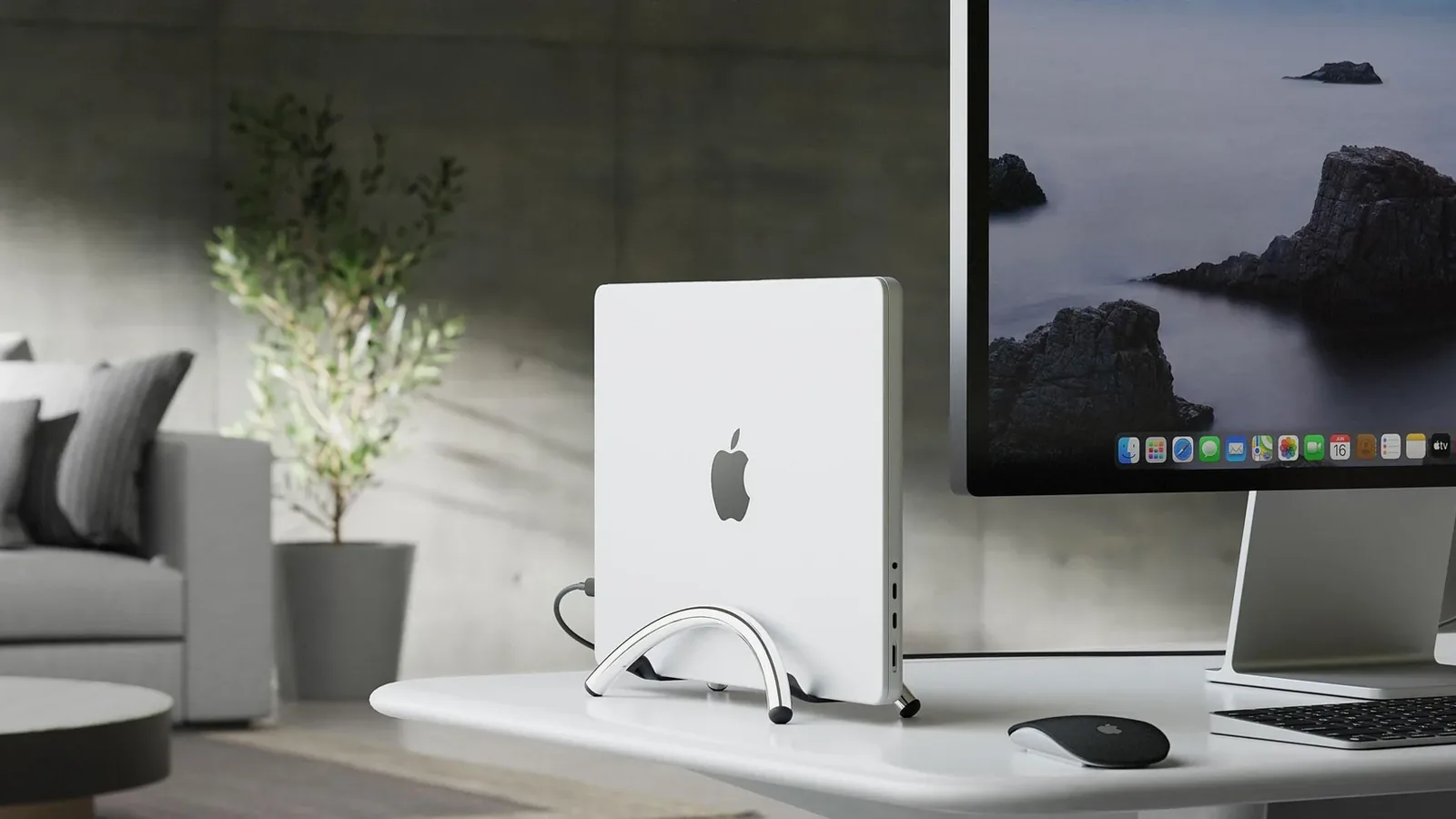
A vertical stand on a desk fits that guidance well. The MacBook sits on a stable base with air around both large surfaces, rather than lying flat under a monitor stand, buried in papers, or stacked on another device. If your fans run more than you expect, Apple's advice is to check Activity Monitor for a process putting a heavy load on the CPU before blaming the setup.
Standing upright on a hard desk, the closed MacBook has clear air around both large surfaces. Image: Twelve South
Hinge up or hinge down?
Apple does not say, and Twelve South's guidance is only to keep the laptop straight. Our take: pick the orientation that keeps your cables from bending hard against the desk and leaves any vents on your model clear of the stand. On most desks that is hinge down with the ports at the bottom, cables running straight back. If the cables pull the laptop off vertical, flip it.
Is it OK to keep a MacBook vertical all day?
Nothing in Apple's handling or temperature guidance tells you to avoid using a closed MacBook on its edge. The things Apple does ask for are a stable surface and good ventilation, so the real risk with a vertical stand is the laptop getting knocked over. That is why a heavy base, a straight placement, and a desk without wandering pets matter more than which stand you buy.
Does clamshell mode hurt the battery?
The worry is that a MacBook plugged in all day, every day, will wear out its battery. Apple's answer is built into macOS. Apple says a battery's chemical age comes from a combination of factors, including temperature history and charging pattern. To reduce wear, Optimized Battery Charging learns your routine and can delay charging past 80% when it predicts the Mac will stay connected to power for a long time. You will see "Charging On Hold" in the battery menu when it is doing this.
On a Mac with Apple silicon running macOS Tahoe 26.4 or later, you can go further with Charge Limit. Set it anywhere between 80% and 100% in System Settings > Battery, by clicking the info button next to Charging. Apple notes that with either feature, your Mac will occasionally charge to 100% to keep its battery estimates accurate.
For a MacBook that spends most of its life on a stand, we would set a Charge Limit of 80% and choose "Charge to Full Now" the night before a trip.
Clamshell mode not working? Check these first
The external display goes black when you close the lid. Apple's first check: the Mac must be connected to power and using an external keyboard and mouse. Also check that your keyboard and mouse are actually connected and charged.
The display is not detected at all. Apple suggests reconnecting the display and its power, putting the Mac to sleep and waking it (on a laptop, close the lid for a few seconds and open it again), or holding Option in Displays settings to show the Detect Displays button.
It works direct but not through your hub. Apple recommends connecting the display to a port directly on your Mac when troubleshooting.
You never saw the "allow accessory" prompt. On Apple silicon laptops, an accessory that is not allowed to connect leaves the display dark. Open the lid, reconnect, and approve it.
Clamshell mode without power. Apple's documentation lists power as a requirement, so plan your desk around a charger or a display that charges.
FAQ
What is clamshell mode on a MacBook?
It is using a MacBook with its lid closed while it drives an external display, with an external keyboard and mouse or trackpad. Apple has also called it closed-display mode.
Do I need the charger plugged in for clamshell mode?
Apple's guidance says the Mac should be connected to power. That can be the MacBook's own adapter or a display that charges the Mac over USB-C or Thunderbolt, like the Studio Display.
Does clamshell mode work on MacBook Air?
Yes. Apple's MacBook Air user guide says that after you connect an external display, you can close the lid and continue to use it with connected accessories.
Is a vertical laptop stand bad for a MacBook?
Not by Apple's guidance, which asks for a stable surface and good ventilation. A vertical stand on a desk provides both. The main risk is physical: a stand that tips easily, or a laptop placed at an angle.
Will my MacBook overheat in clamshell mode?
Apple's temperature advice is about where you use the Mac: an ambient temperature between 10° and 35° C, a stable surface, and clear ventilation. Follow that, and let the Mac's own sensors and fans do their job.
Does BookArc Flex fit a 16-inch MacBook Pro or a MacBook Neo?
Twelve South lists compatibility with MacBook Air, MacBook Pro, and MacBook Neo, plus most laptops up to 16 inches and 1 inch thick. Its FAQ calls the stand perfectly sturdy with laptops up to a 14-inch screen, so a 16-inch model fits but deserves a stable, quiet desk.
Should I leave my MacBook plugged in all the time?
That is what Optimized Battery Charging is designed for. On Apple silicon Macs with macOS Tahoe 26.4 or later, you can also set a Charge Limit between 80% and 100%.
Verdict
Clamshell mode is safe, supported, and easy to set up, as long as you follow Apple's three rules: external display, external keyboard and mouse, and power. A vertical stand is the piece that makes it feel like a real desktop, because the laptop stops taking up desk space and gets clean airflow on a stable base.
The BookArc Flex is our pick for most MacBooks. It is small, needs no inserts, and works with future laptops as long as they stay within Twelve South's size limits. Pair it with a display that charges your Mac over one cable, a keyboard you actually enjoy, and an 80% Charge Limit, and the MacBook becomes the quietest computer on your desk. For more stands, mats, and desk gear, browse Workspace on Macfolio and Mac hardware on Macfolio.
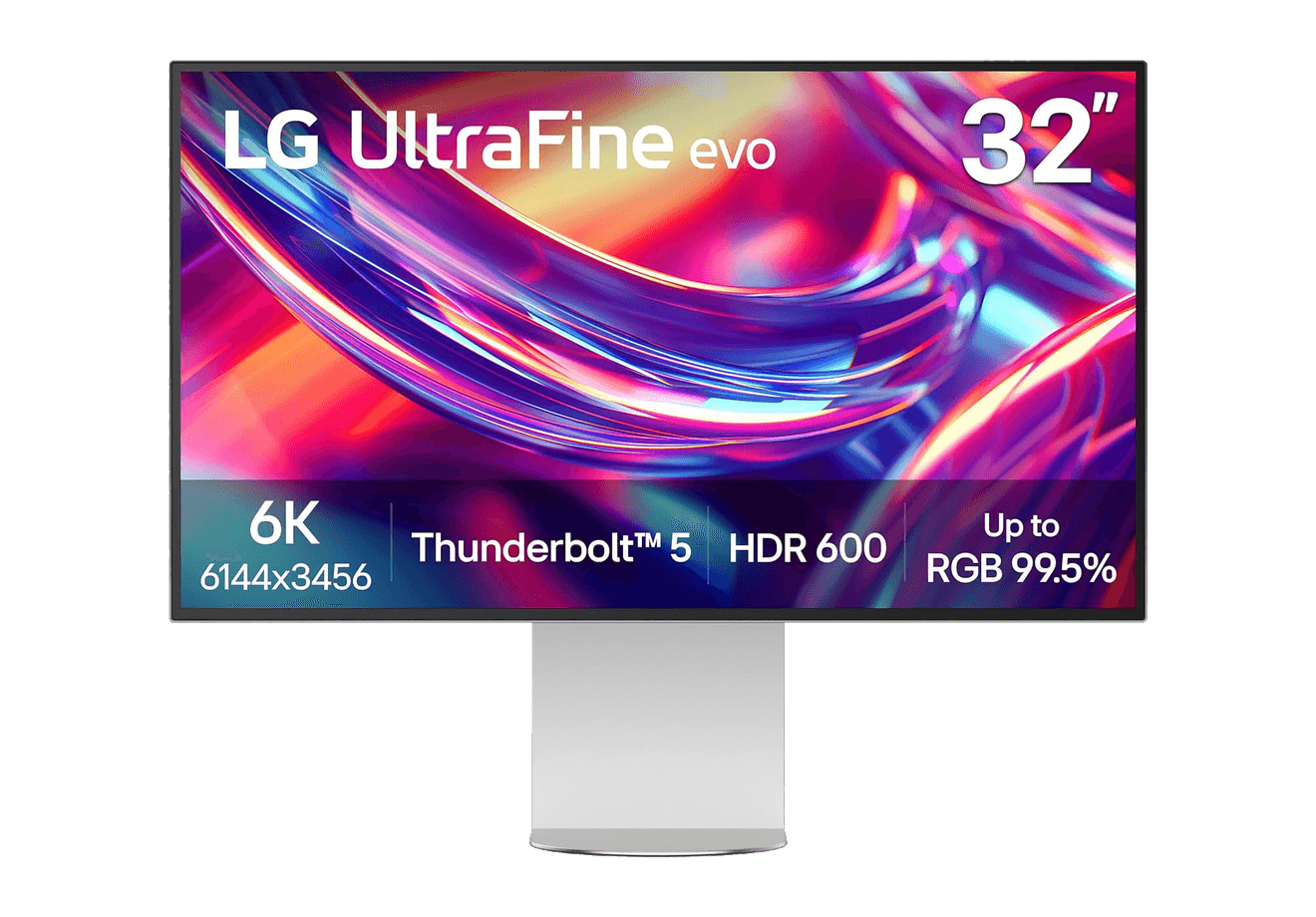
A 32-inch 6K Thunderbolt 5 display built for Mac creators.
WorkspaceDisplays
A2+ Wireless Speakers
Compact wireless desktop speakers with 24-bit audio for Mac.
HardwareAudioiOS & macOS
Beosound 2
A sculptural 360-degree wireless speaker with AirPlay 2.
HardwareAudioiOS & macOS
Flow 2
A CNC aluminum low-profile keyboard with cloud-soft switches and VIA.
HardwareKeyboards & MiceiOS & macOS
Flow Lite84
A slim tri-mode mechanical keyboard built for comfortable Mac typing.
HardwareKeyboards & MiceiOS & macOS
Agent Caffeine
Keep your Mac awake for agents
One-time
Agent Caffeine is a Mac menu bar utility that prevents sleep while AI coding agents are working, then allows the Mac to sleep when work stops.
- Track activity from agents including Claude Code, Codex, and Cursor.
- Keep the Mac awake with the lid closed during active work.
- Allow a configurable grace period when an agent waits for input.
- Send notifications when agents need attention or finish.
- Pause sleep prevention or stay reachable for a set duration.
Closed-lid operation on battery requires an approved helper. Battery and temperature safeguards can release sleep prevention. Includes a seven-day trial, followed by a one-time purchase with lifetime updates.
SoftwareUtilitiesmacOS
Q15 Max
A premium wireless ortholinear keyboard for Mac.
HardwareKeyboards & MicemacOS
K3 Ultra-slim
An ultra-slim 75% mechanical keyboard built for Mac.
HardwareKeyboards & MiceiOS & macOS
M2.1 Monitor Arm
A slim, adjustable monitor arm for a cleaner ergonomic desk.
 Dudu
Dudu