Created November 16, 2026Updated November 23, 2026
Bartender is the best-known app for hiding and organizing menu bar icons on a Mac. Bartender 7 costs $25 once, and it is built for macOS 27 Golden Gate. If you would rather not pay, the best free Bartender alternatives are Thaw and Hidden Bar, and both have builds that work on macOS 27.
macOS 27 changed how the menu bar works, and some menu bar hiders stopped working. Below is each app's macOS 27 status, price, and what it does, checked on November 16, 2026.
Quick picks:
Best free Bartender alternative:Thaw, free and open source, with Thaw 3 for macOS 27.
Simplest free option:Hidden Bar, free and open source, with macOS 27 fixes.
Best cheap Mac App Store option:Barbee, free with a $12.99 lifetime upgrade.
Best one-click hider:Vanilla, free, or $10 for Pro.
Shotbase is a comprehensive tool designed to capture and manage all your screen-based content effortlessly. With features like stunning screenshot capabilities, recording options that include cinematic effects, and an intuitive organizational structure powered by local AI, you can easily keep your multimedia assets organized and accessible. Shotbase not only allows you to capture specific areas, windows, or full screens on your Mac but also enables you to edit and enhance your captures with backgrounds, frames, and annotations. The integrated AI ensures your captures are automatically named and tagged for easy searching, making it an excellent choice for anyone looking to enhance their productivity and creativity in one seamless workspace.
SoftwareCreativemacOS
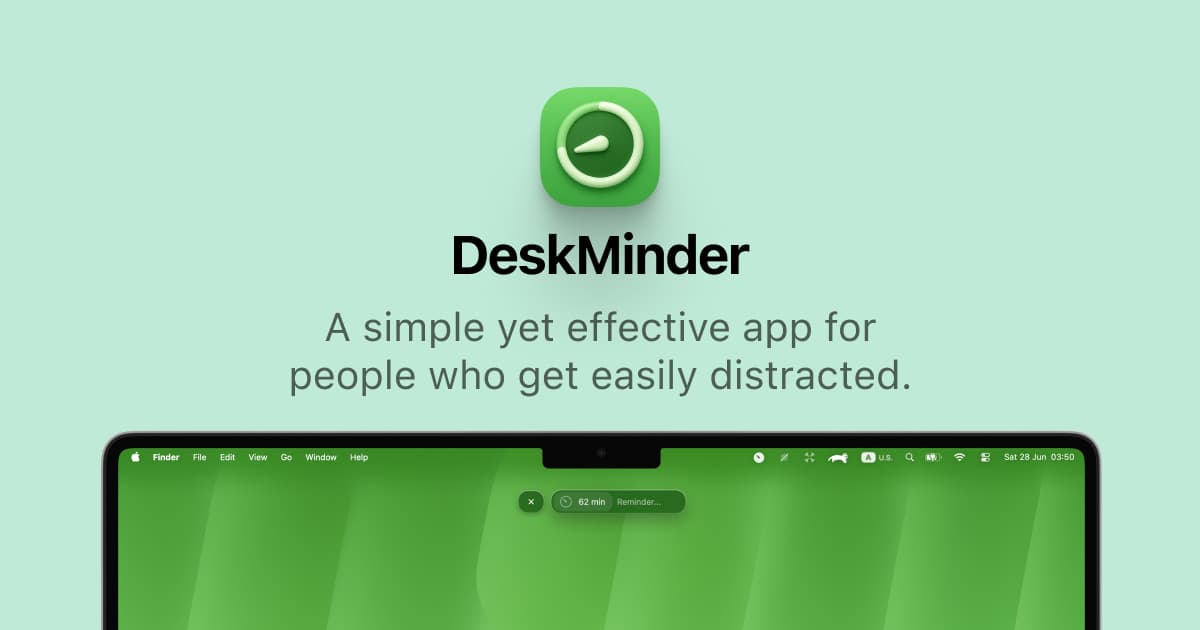
DeskMinder
For Easily Distracted Minds
Freemium
DeskMinder is a productivity software application designed for Mac users who struggle with distractions. It provides a straightforward interface for creating desktop pop-up reminders and tasks, helping users manage urgent to-dos, short breaks, and fleeting ideas. With features like full-screen notifications and Apple Reminders integration, DeskMinder aims to enhance focus and time management for i
- With features like easy-to-create desktop pop-ups for reminders and tasks, it simplifies the process of staying on top of urgent to-dos, short breaks, or fleeting ideas.
- Users can benefit from full-screen notifications, Apple Reminders integration, and flexible widget placement, making it ideal for anyone requiring a little extra help to maintain focus.
- The app includes additional shortcuts for quick reminder setups and customizable widget options, along with a history tracking feature to monitor daily progress.
Designed specifically for Mac users, DeskMinder aims to facilitate better time management and productivity for those with attention challenges, providing a seamless user experience without unnecessary complexity.
SoftwareProductivitymacOS
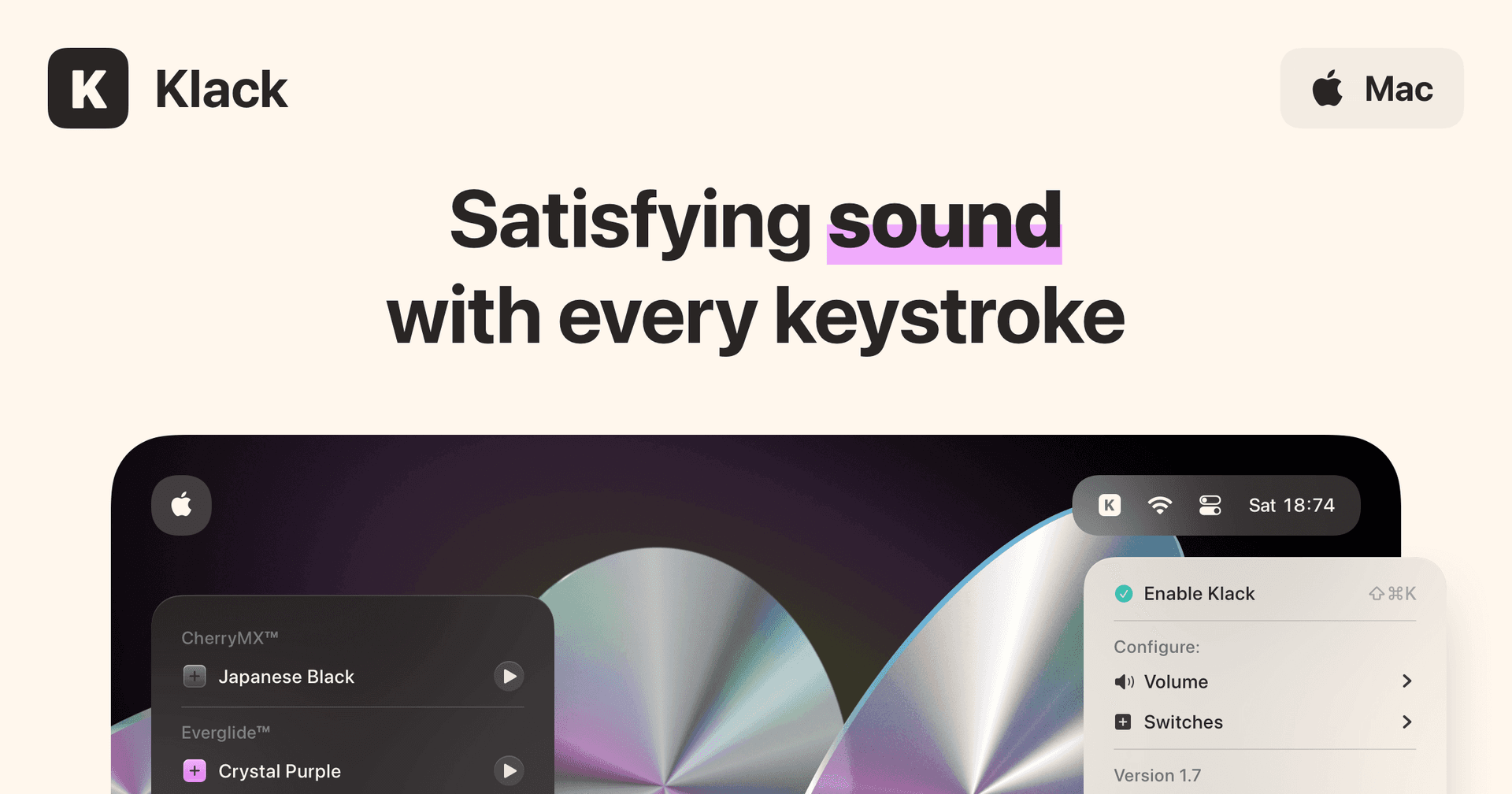
Klack
Satisfying sound with every keystroke
Paid
Klack is a macOS application designed to enhance the typing experience through high-fidelity sound for each keystroke. It provides features such as immersive spatial audio, instant feedback, and customizable sound options, making it suitable for writers, developers, and anyone who values an engaging typing environment. The app is easily accessible from the menubar and offers extensive configuratio
- Provides immersive spatial audio for enhanced typing feedback.
- Allows customization of keystroke sounds, pitch variations, and volume settings.
- Features a menubar interface for quick access to configuration options.
- Supports instant feedback with each keystroke for a more engaging experience.
- Designed for writers and developers seeking auditory feedback while typing.
Klack enhances the typing experience on Mac by providing high-fidelity sound for each keystroke.
SoftwaremacOS
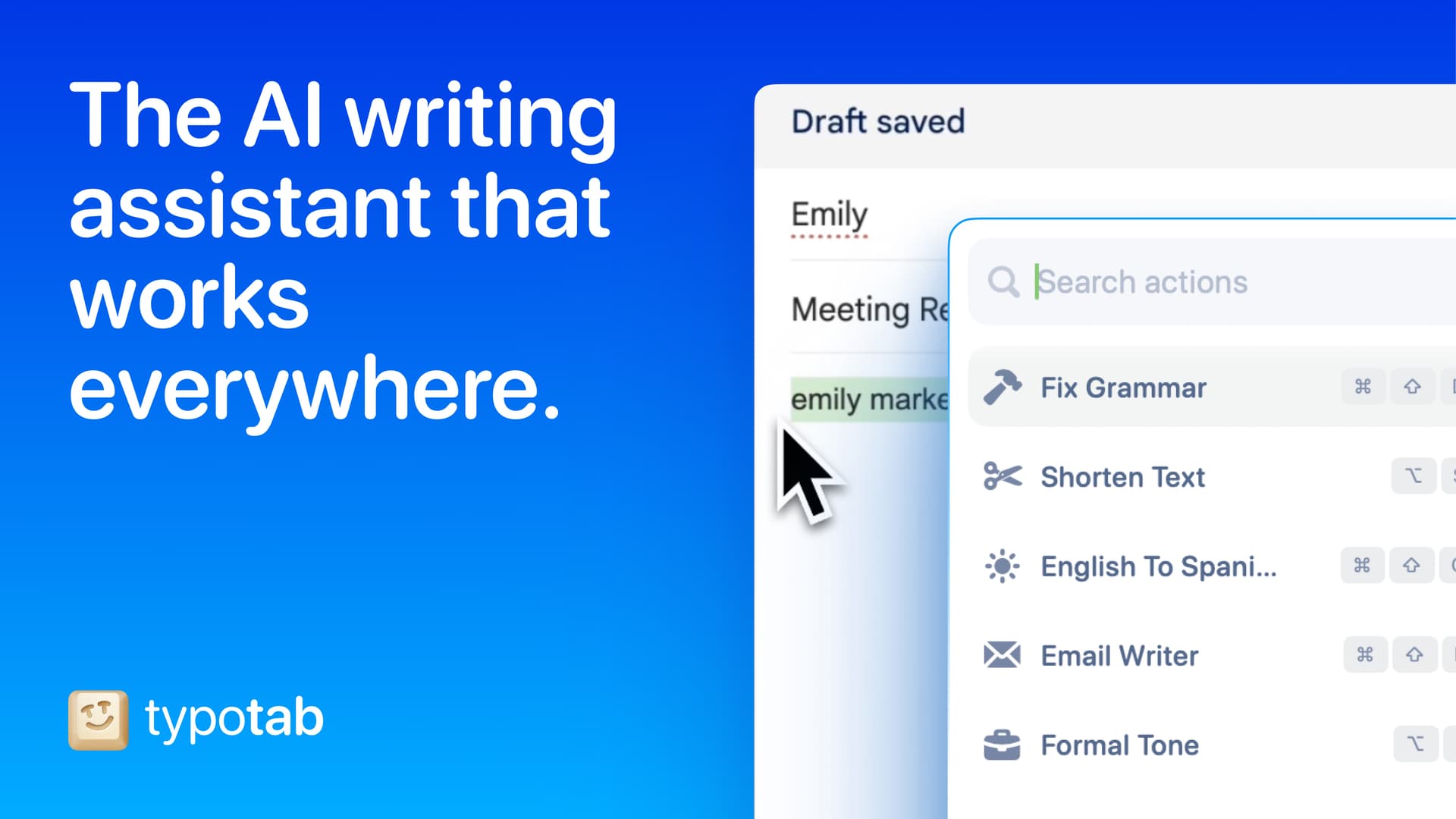
TypoTab
TypoTab, the ultimate AI writing assistant for
Paid
TypoTab is a macOS application that functions as an AI-driven writing assistant. It enhances writing efficiency by providing tools for grammar correction, text rephrasing, and content generation, all accessible from the menu bar without needing to switch applications. This tool is designed for writers, students, and professionals looking to streamline their writing process and improve productivity
- Provides grammar correction and text rephrasing directly from the menu bar.
- Allows text refinement in any application without switching contexts.
- Offers customizable actions to meet individual writing needs.
- Streamlines repetitive writing tasks for improved efficiency.
- Supports a wide range of applications, enhancing workflow across platforms.
TypoTab is a macOS application that enhances writing efficiency by providing grammar correction, text rephrasing, and content generation directly from the menu bar. It allows users to refine text in any application without switching contexts, offering customizable actions to suit individual writing needs.
SoftwareProductivitymacOS
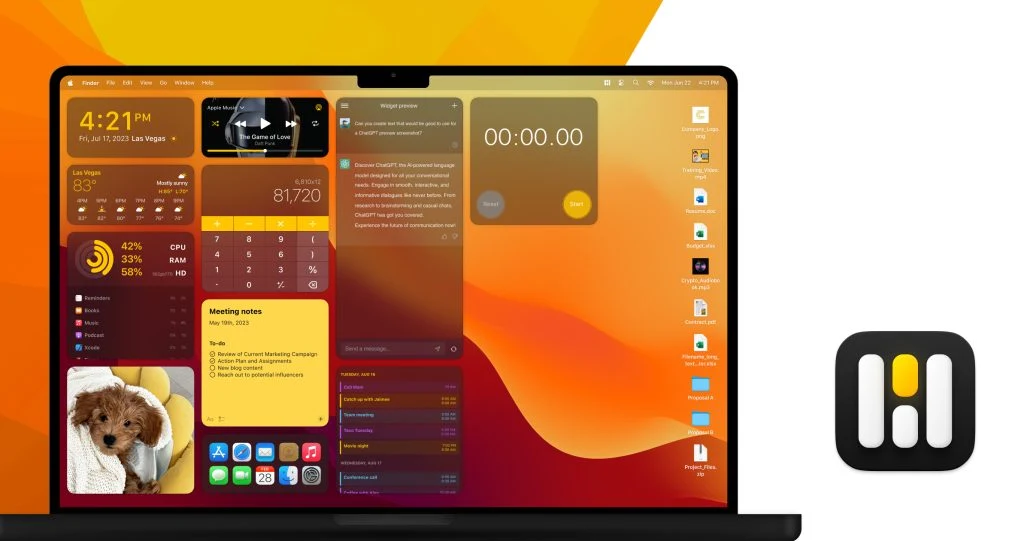
WidgetWall
Desktop widgets for Mac, from clocks and calendars to photos, music and a Pomodoro timer.
Freemium
WidgetWall puts customizable widgets on your Mac desktop, behind your windows.
- Free widgets plus premium widgets such as a MacBook battery widget, browser, photo and video widgets.
- Liquid Glass material, widget corners and shadow options.
- Full support for macOS 27, per its App Store release notes.
- Available on the Mac App Store and Setapp.
WidgetWall is free with in-app purchases: $1.99 a month, $19.99 a year, or a lifetime unlock listed at $39.99 to $49.99.
SoftwareUtilitiesmacOS
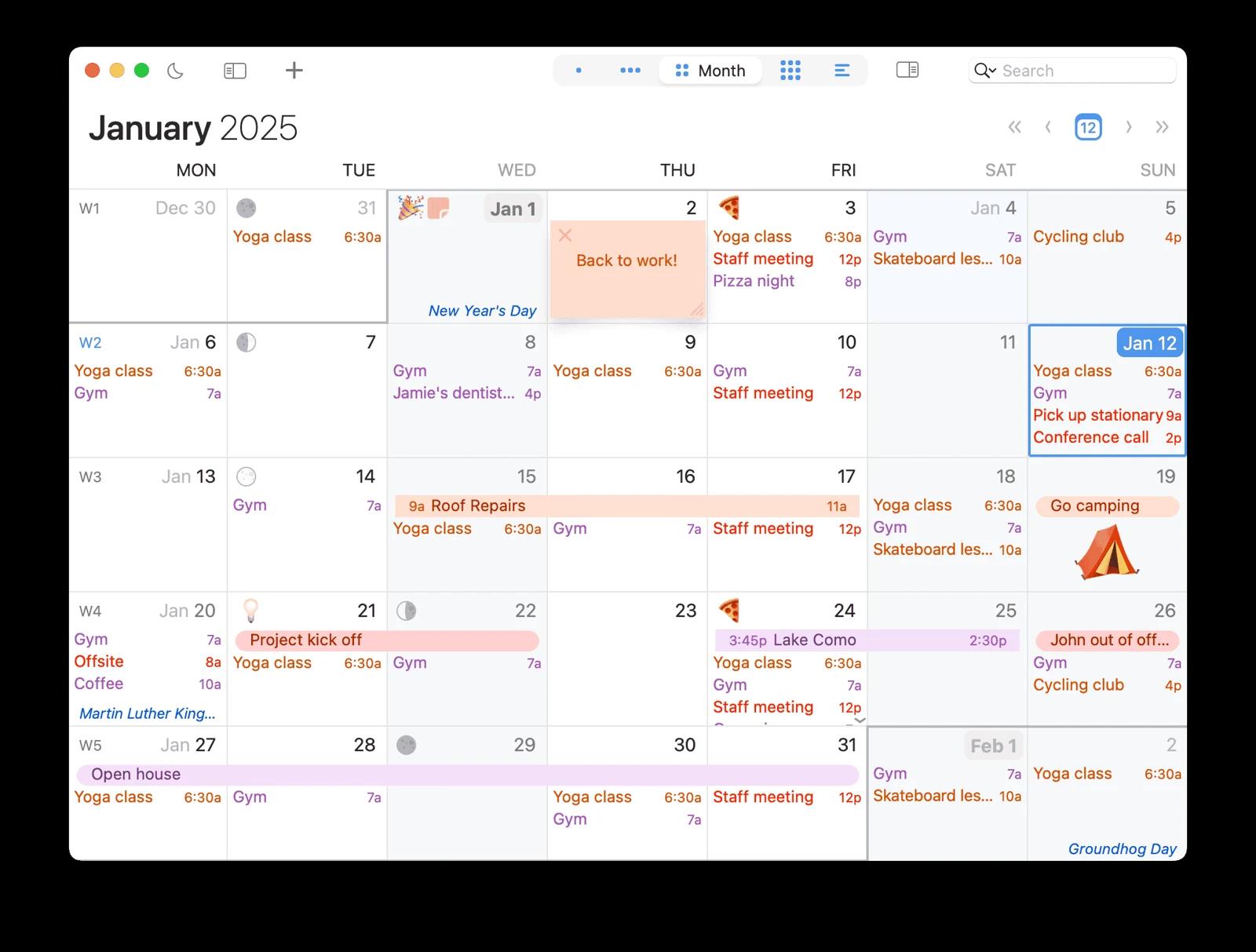
BusyCal
A powerful Mac calendar with tasks, a year planner, sticky notes and booking pages.
Paid
BusyCal is a calendar app for Mac and iPhone by BusyMac.
- Day, Week, Month, Year Planner and List views, with adjustable fonts, colors and density.
- Tasks, sticky notes and a menu bar mini calendar.
- Booking pages for meetings, and smart suggestions from past events.
- Works with iCloud, Google, Exchange and CalDAV calendars.
- Available on Setapp.
BusyCal is $49.99, with a 14-day free trial.
SoftwareProductivityiOS & macOS
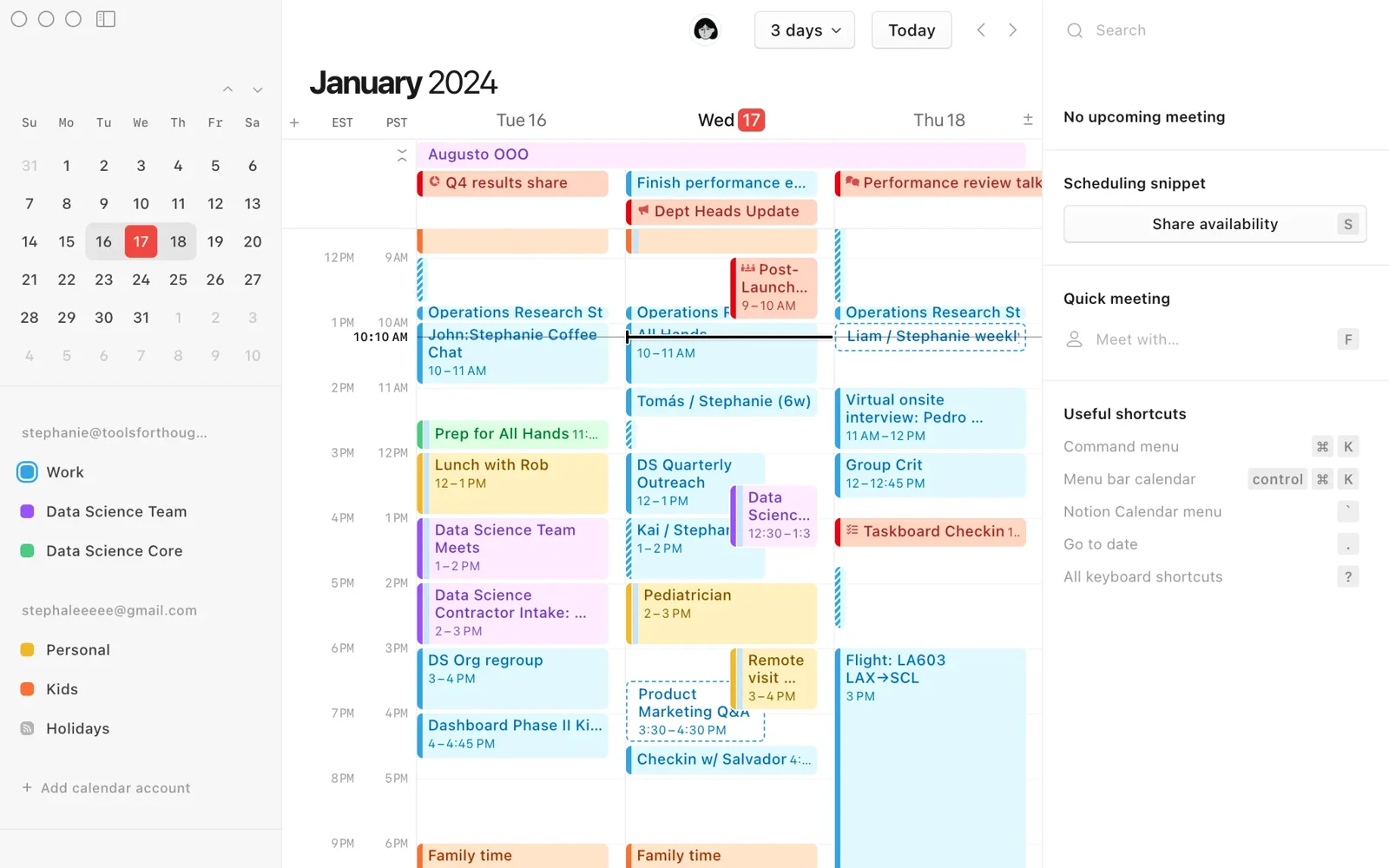
Notion Calendar
A free calendar for Mac that connects Google Calendar to your Notion workspace.
Free
Notion Calendar (formerly Cron) is a free calendar app for Mac, Windows, iPhone and Android.
- Works with Google Calendar accounts, with Notion databases and docs linked to events.
- A command menu, keyboard shortcuts and a menu bar view of upcoming meetings.
- Time zones, scheduling links and availability sharing.
- One-click join for video calls.
Notion Calendar is free.
SoftwareProductivityiOS & macOS
Amie
A calendar, to-do and meeting notes app that records meetings without a bot.
Paid
Amie combines a calendar, to-dos and AI meeting notes in one app for Mac and iPhone.
- Calendar and tasks in one view.
- Bot-free meeting recordings with AI notes.
- Works with Google Calendar.
- A 7-day free trial.
Amie's paid plans were listed at $20 and $40 per user a month in November 2026, with 20% off yearly billing.
SoftwareProductivityiOS & macOS
Grammarly
The best-known grammar checker and AI writing assistant, with a Mac app that works across apps.
Freemium
Grammarly checks spelling, grammar, tone and clarity as you write, in a desktop app for Mac, a browser extension and apps for iPhone and iPad.
- Free plan with spelling and grammar fixes, tone detection and 100 AI prompts a month.
- Pro adds full-sentence rewrites, tone adjustments, plagiarism and AI text detection, and 2,000 AI prompts a month.
- Works in most Mac apps through the Grammarly desktop app.
- Writing is processed in Grammarly's cloud, so it needs an internet connection.
Grammarly Pro is listed at $12 a month billed yearly ($144 a year). Grammarly is part of Superhuman.
SoftwareProductivitymacOS & iOS & iPadOS
What is Bartender and how much does it cost?
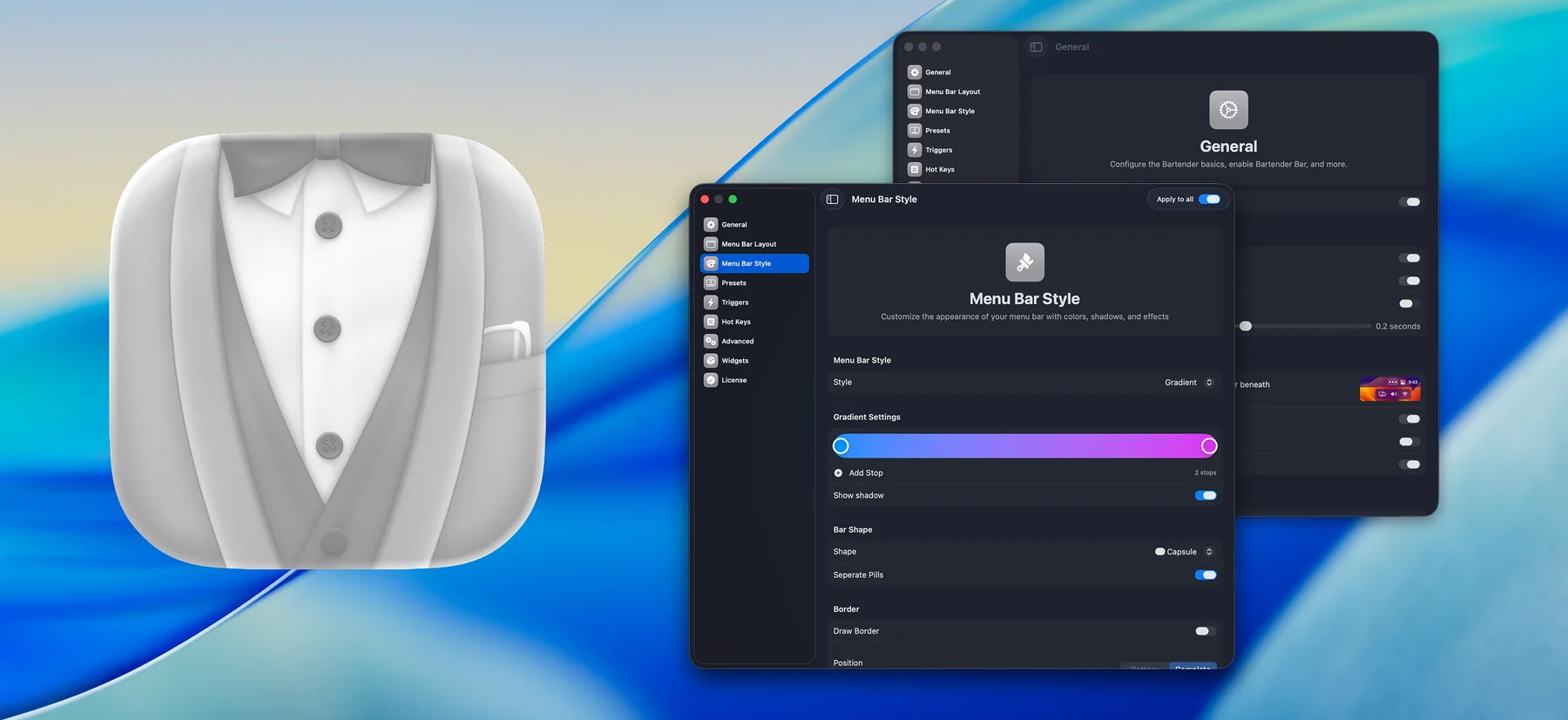
Bartender hides, rearranges, and searches your menu bar items. Image: Bartender
Bartender is a menu bar manager by Applause Group. It hides menu bar icons you do not need, shows them on demand in a Bartender Bar, and can show or hide items automatically with triggers.
Price (checked November 16, 2026):
Bartender 7: $25 once, with all Bartender 7 updates. It includes Bartender 6 for macOS 26 Tahoe.
Bartender Pro: $20 a year, with a 14-day free trial. It adds Top Shelf and future major upgrades.
Mega Supporter: $80 once, for lifetime access to every version.
The home page offers a 4-week trial.
macOS 27 status: Bartender says Bartender 7 is built for macOS 27. On macOS 26, you use Bartender 6, and the same license key works.
Key features:
A Command Bar to search and click any menu bar item.
Triggers that show items when something changes, like battery or Wi-Fi.
A new Bartender Bar for hidden items.
Tools to "beat the notch" on MacBooks.
No Screen Recording permission required.
BartenderThe long-running Mac menu bar manager, now Bartender 7 for macOS 27.Visit WebsiteBartender organizes, hides and shows the icons in your Mac menu bar. Bartender 7 is built for macOS 27, and the license also covers Bartender 6 for macOS 26 Tahoe.
- Show, hide and quick-reveal menu bar items, with spacing and reordering.
- The Bartender Bar, a separate bar for hidden items.
- Triggers, widgets, hotkeys, profiles and menu bar search.
- Bartender 7 says it needs no Screen Recording permission.
- Bartender 7 is $25 one time. Bartender Pro is $20 a year and adds Top Shelf and future Pro tools. Mega Supporter is $80 for lifetime access.
Made by Applause Group, Inc.Visit Website
Thaw: best free Bartender alternative for macOS 27
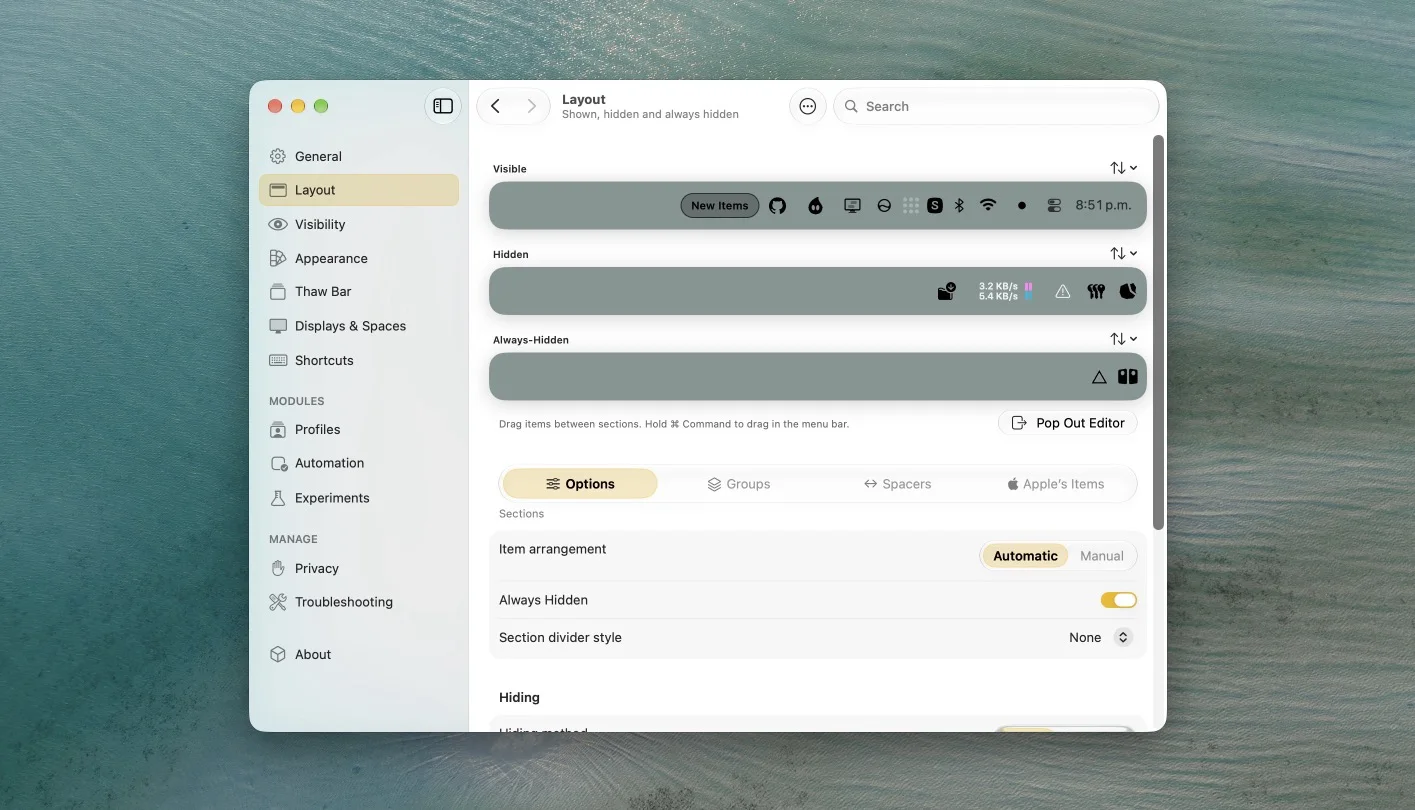
Thaw groups menu bar items and finds any of them in a keystroke. Image: Thaw
Price: free. There is no subscription and no account. Thaw is open source under GPL-3.0.
Thaw hides the menu bar items you do not need, brings them back on demand, and finds any of them with a keystroke. It is the closest free match to Bartender's feature list.
macOS 27 status: Thaw 2 supports macOS 15 to 26. Thaw 3 is for macOS 27, and its install command (brew install thaw@beta) marks it as a beta.
Key features:
Groups and profiles for your menu bar layout.
A Zen Mode that keeps distractions away.
Every action is a thaw:// link, so Raycast, Shortcuts, or a shell script can drive it.
Better or worse than Bartender? Better on price, and it is open source. Worse if you want triggers and a polished, supported app with a company behind it. The macOS 27 version is still a beta.
ThawA free, open source menu bar manager for Mac, forked from Ice.Visit WebsiteThaw is a free, open source (GPL-3.0) menu bar manager that hides the menu bar items you do not need and brings them back on demand.
- Hide items, organize them into groups and switch between profiles.
- Find any menu bar item with a keystroke.
- Zen Mode to keep distractions away.
- Every action is also a thaw:// link, so Raycast, Shortcuts or a shell script can drive it.
- Thaw 2 supports macOS 15 to 26, and Thaw 3 is for macOS 27.
- No subscription, no account and no tracking.
Made by Toni Förster.Visit Website
Hidden Bar: simplest free Bartender alternative
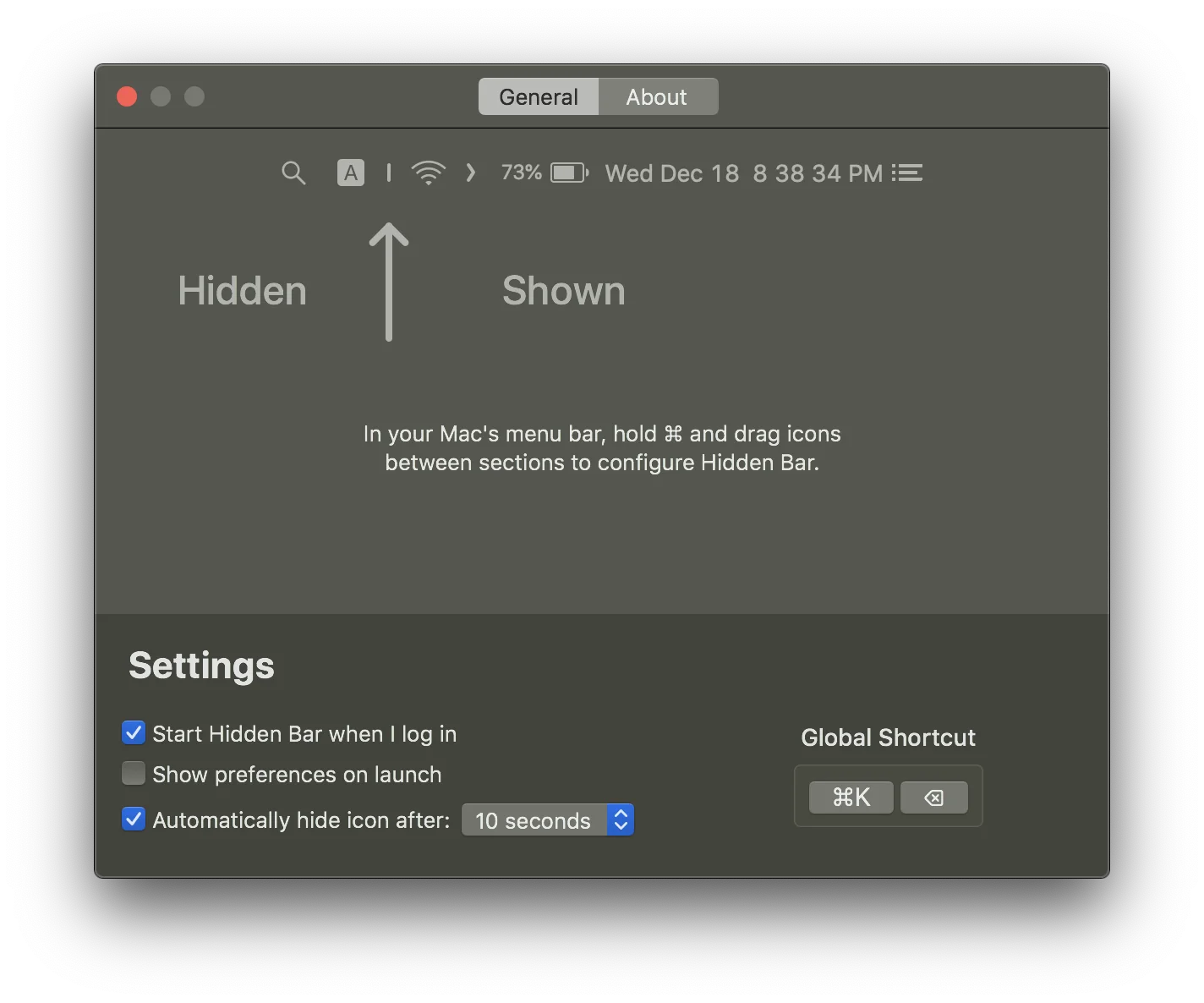
Hidden Bar collapses icons behind an arrow in the menu bar. Image: Dwarves Foundation
Price: free and open source under the MIT license. It needs macOS 13 Ventura or later.
Hidden Bar is a tiny app by Dwarves Foundation. Click its arrow to collapse the icons you do not need, and click again to bring them back.
macOS 27 status: a GitHub issue titled "Hidden Bar is broken on macOS 27" was marked fixed in v1.11.1. The latest release, v1.13.0, lists more macOS 27 fixes, such as restoring clock clicks while collapsed.
Better or worse than Bartender? Better if you only want to hide icons for free. Worse for everything else: there is no search, no triggers, and no layout profiles.
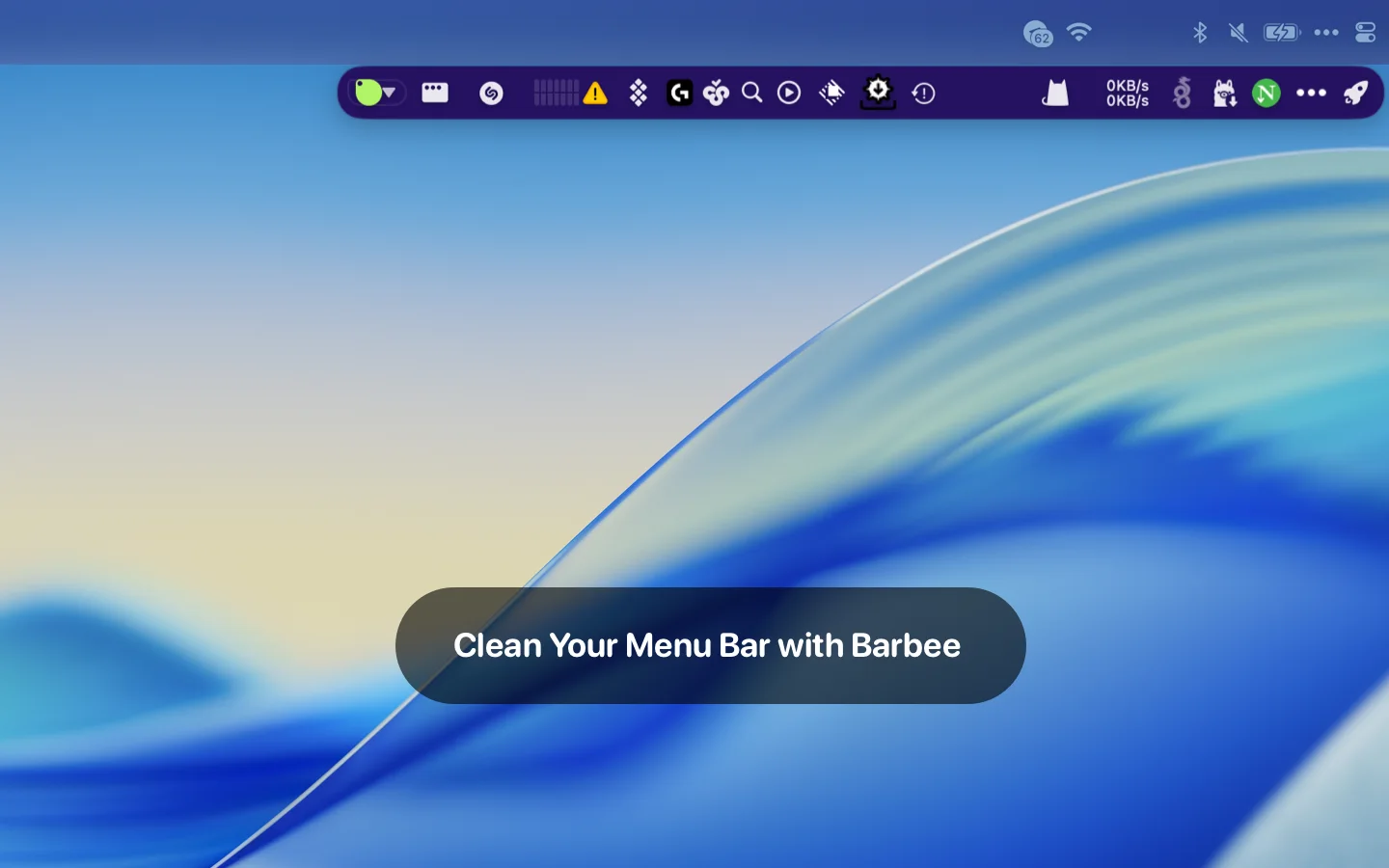
Barbee: best cheap Bartender alternative on the Mac App Store
Barbee hides menu bar items from a simple settings window. Image: Barbee
Price: free on the Mac App Store, with in-app purchases. Lifetime is $12.99, and a yearly VIP is $4.99. It needs macOS 11 or later.
Barbee hides menu bar items and is sold through the Mac App Store, so updates and refunds go through Apple.
macOS 27 status: the version history says Barbee is compatible with macOS 26. The App Store page does not mention macOS 27 yet.
Better or worse than Bartender? About half of Bartender's one-time price. Worse if you are already on macOS 27, since support is not stated.
BarbeeA Mac App Store menu bar hider with auto-hide and notch support.Visit WebsiteBarbee hides and shows Mac menu bar items, and can customize the menu bar with emoji, SF Symbols, text or images.
- One-click hide and show, plus auto-hide and auto-show.
- Custom shortcuts and reduced icon spacing.
- Notch compatible, and can hide app menus.
- Needs macOS 11.0 or later. Version history lists macOS 26 compatibility.
Barbee is free on the Mac App Store, with in-app purchases including a $12.99 lifetime option.Visit Website
Vanilla: best one-click menu bar hider
Vanilla hides menu bar icons with one click. Image: Matthew Palmer
Price: free. Vanilla Pro is $10 once, with a 30-day money-back guarantee. It needs macOS Catalina or later.
Vanilla by Matthew Palmer does one thing: it hides your menu bar icons. Pro adds keyboard shortcuts, a "Completely Removed" section, auto-hide after five seconds, and start at log in.
macOS 27 status: the site does not state macOS 26 or macOS 27 support.
Better or worse than Bartender? Much simpler and cheaper. It has no search, no triggers, and no groups.
VanillaA simple free app that hides Mac menu bar icons, with a $10 Pro upgrade.Visit WebsiteVanilla by Matthew Palmer hides menu bar icons on your Mac with one click.
- The free version hides menu bar icons.
- Vanilla Pro adds keyboard shortcuts, a completely removed icons section, auto-hide after five seconds and start at log in.
- Pro is a one-time $10 with a 30-day money-back guarantee.
- Needs macOS Catalina or later.Visit Website
Which Bartender alternative should you use?
If you are on macOS 27 and want the full feature set, Bartender 7 is the safe pick at $25. If you want a free app, try Thaw first, then Hidden Bar if you only need to hide icons.
Yes. Thaw and Hidden Bar are both free and open source. Thaw is the closer match to Bartender, with groups, profiles, and search.
Does Bartender work on macOS 27?
Yes. Bartender says Bartender 7 is built for macOS 27 Golden Gate. On macOS 26 Tahoe, use Bartender 6 with the same license.
Does Ice work on macOS 27?
Ice is a free, open-source menu bar manager, but its latest release on GitHub is a beta for macOS 26 Tahoe from September 16, 2025. There is no Ice release for macOS 27 yet, so use Thaw or Hidden Bar instead.
Is Bartender a one-time purchase?
Bartender 7 is $25 once. Bartender Pro is $20 a year, and Mega Supporter is $80 once for lifetime upgrades.
How do I hide menu bar icons on Mac without an app?
You can hold Command and drag some system icons out of the menu bar. Some apps also have a setting to hide their menu bar icon. To hide and reveal many icons, you need an app like Bartender or Thaw.
#### Sources
Prices and macOS support were checked on November 16, 2026.
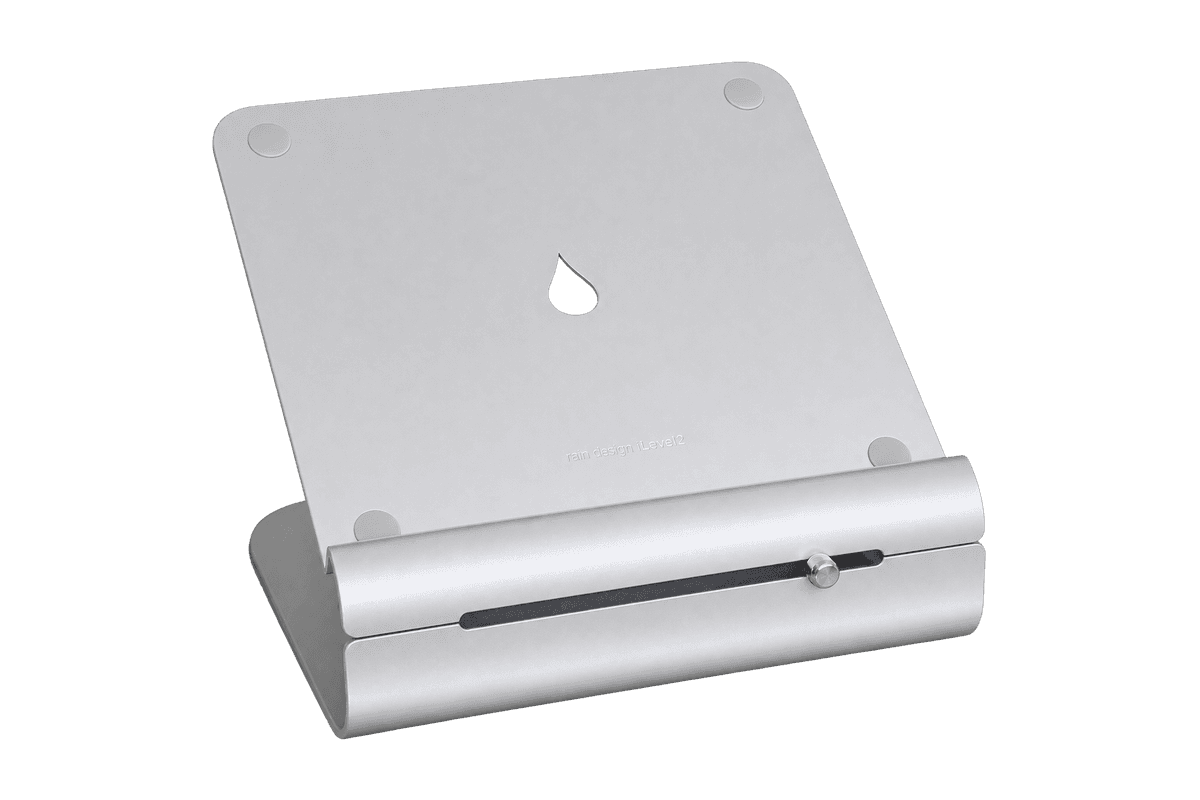
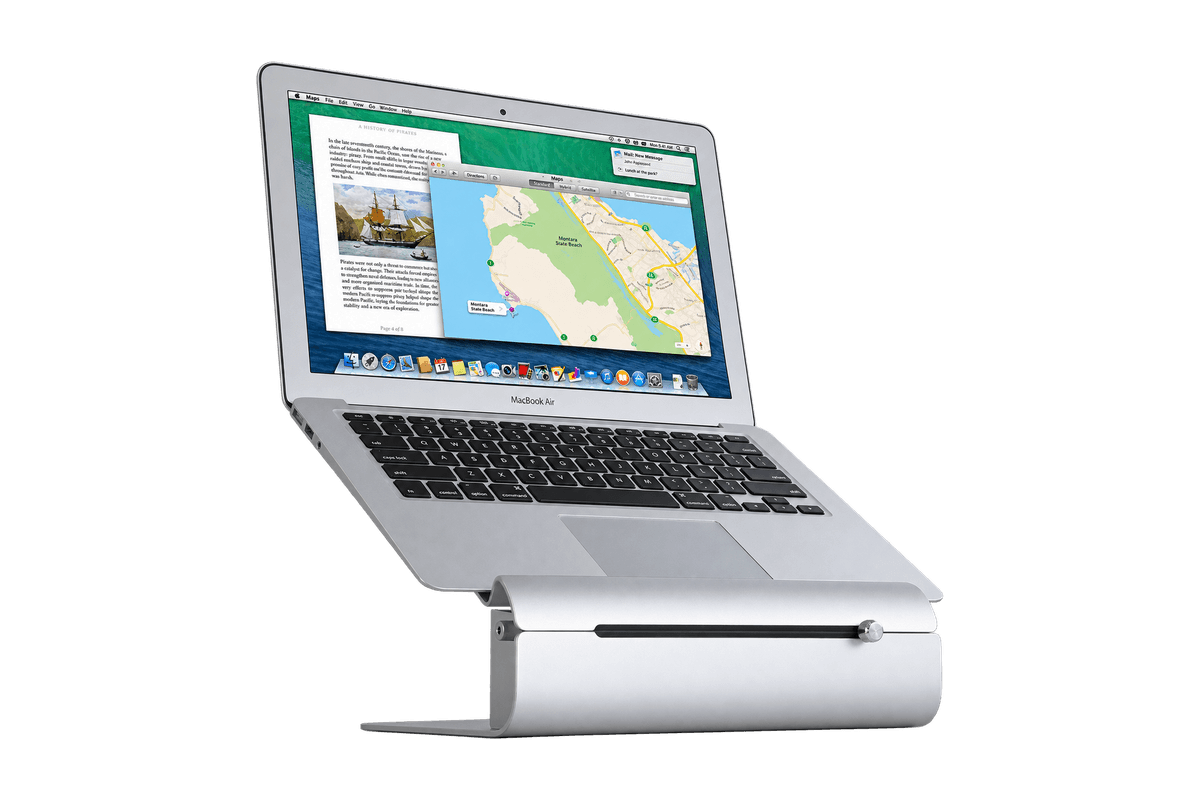
A silver aluminum MacBook stand with a front slider for adjusting screen height.
WorkspaceDesk Setup
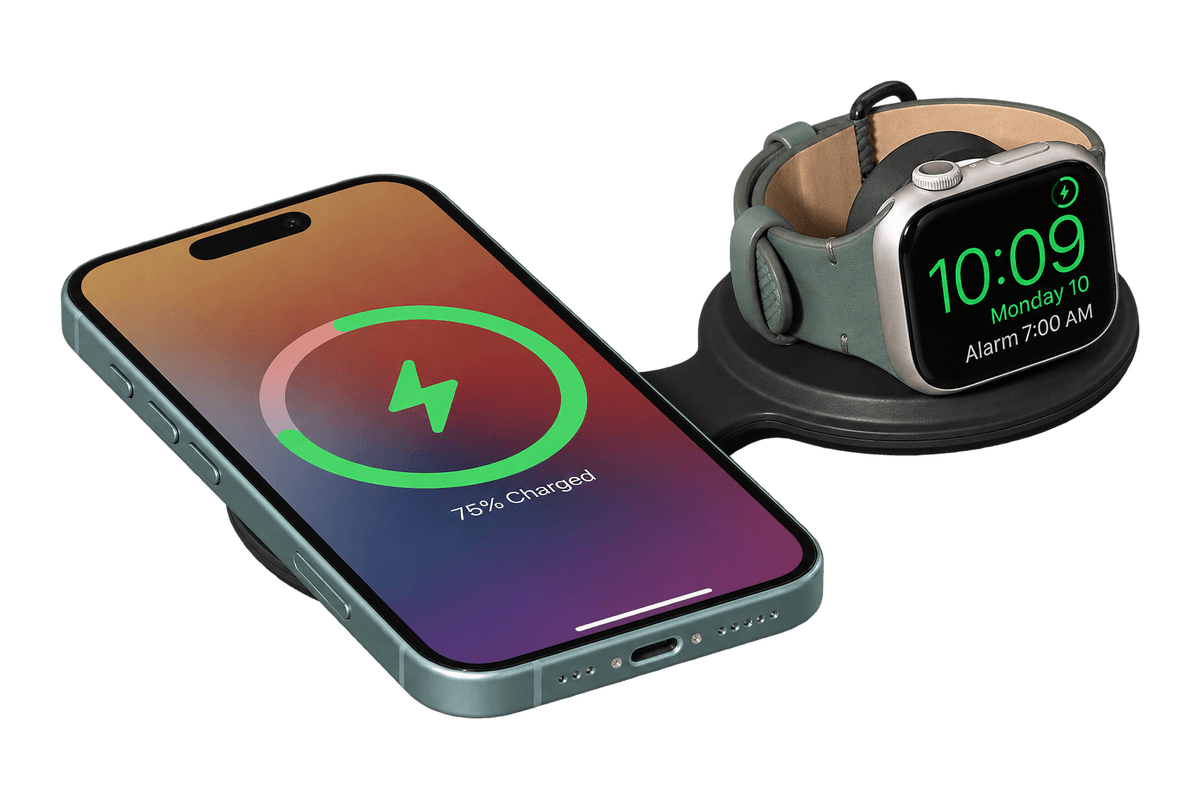
Voyage 2-in-1 Magnetic Wireless Charger
A folding Qi2 travel charger for an iPhone and Apple Watch, with a pocket-sized closed form.
HardwarePoweriOS
WidgetWall
Desktop widgets for Mac, from clocks and calendars to photos, music and a Pomodoro timer.
Freemium
WidgetWall puts customizable widgets on your Mac desktop, behind your windows.
- Free widgets plus premium widgets such as a MacBook battery widget, browser, photo and video widgets.
- Liquid Glass material, widget corners and shadow options.
- Full support for macOS 27, per its App Store release notes.
- Available on the Mac App Store and Setapp.
WidgetWall is free with in-app purchases: $1.99 a month, $19.99 a year, or a lifetime unlock listed at $39.99 to $49.99.
SoftwareUtilitiesmacOS
BusyCal
A powerful Mac calendar with tasks, a year planner, sticky notes and booking pages.
Paid
BusyCal is a calendar app for Mac and iPhone by BusyMac.
- Day, Week, Month, Year Planner and List views, with adjustable fonts, colors and density.
- Tasks, sticky notes and a menu bar mini calendar.
- Booking pages for meetings, and smart suggestions from past events.
- Works with iCloud, Google, Exchange and CalDAV calendars.
- Available on Setapp.
BusyCal is $49.99, with a 14-day free trial.
SoftwareProductivityiOS & macOS
Notion Calendar
A free calendar for Mac that connects Google Calendar to your Notion workspace.
Free
Notion Calendar (formerly Cron) is a free calendar app for Mac, Windows, iPhone and Android.
- Works with Google Calendar accounts, with Notion databases and docs linked to events.
- A command menu, keyboard shortcuts and a menu bar view of upcoming meetings.
- Time zones, scheduling links and availability sharing.
- One-click join for video calls.
Notion Calendar is free.
SoftwareProductivityiOS & macOS
Amie
A calendar, to-do and meeting notes app that records meetings without a bot.
Paid
Amie combines a calendar, to-dos and AI meeting notes in one app for Mac and iPhone.
- Calendar and tasks in one view.
- Bot-free meeting recordings with AI notes.
- Works with Google Calendar.
- A 7-day free trial.
Amie's paid plans were listed at $20 and $40 per user a month in November 2026, with 20% off yearly billing.
SoftwareProductivityiOS & macOS
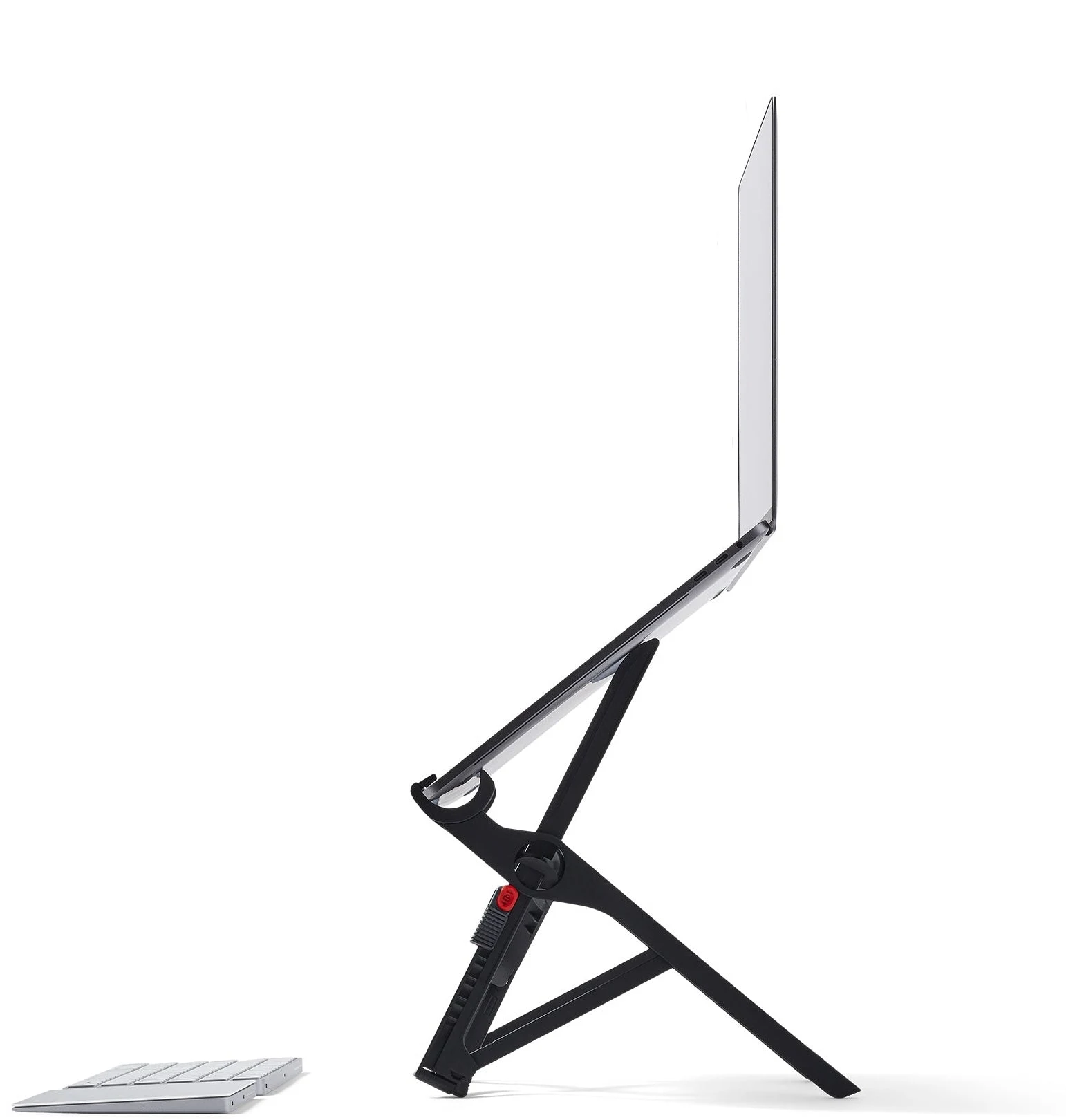
Roost V3 Laptop Stand
A 6 oz folding laptop stand that raises a MacBook to eye level anywhere.
WorkspaceDesk Setup
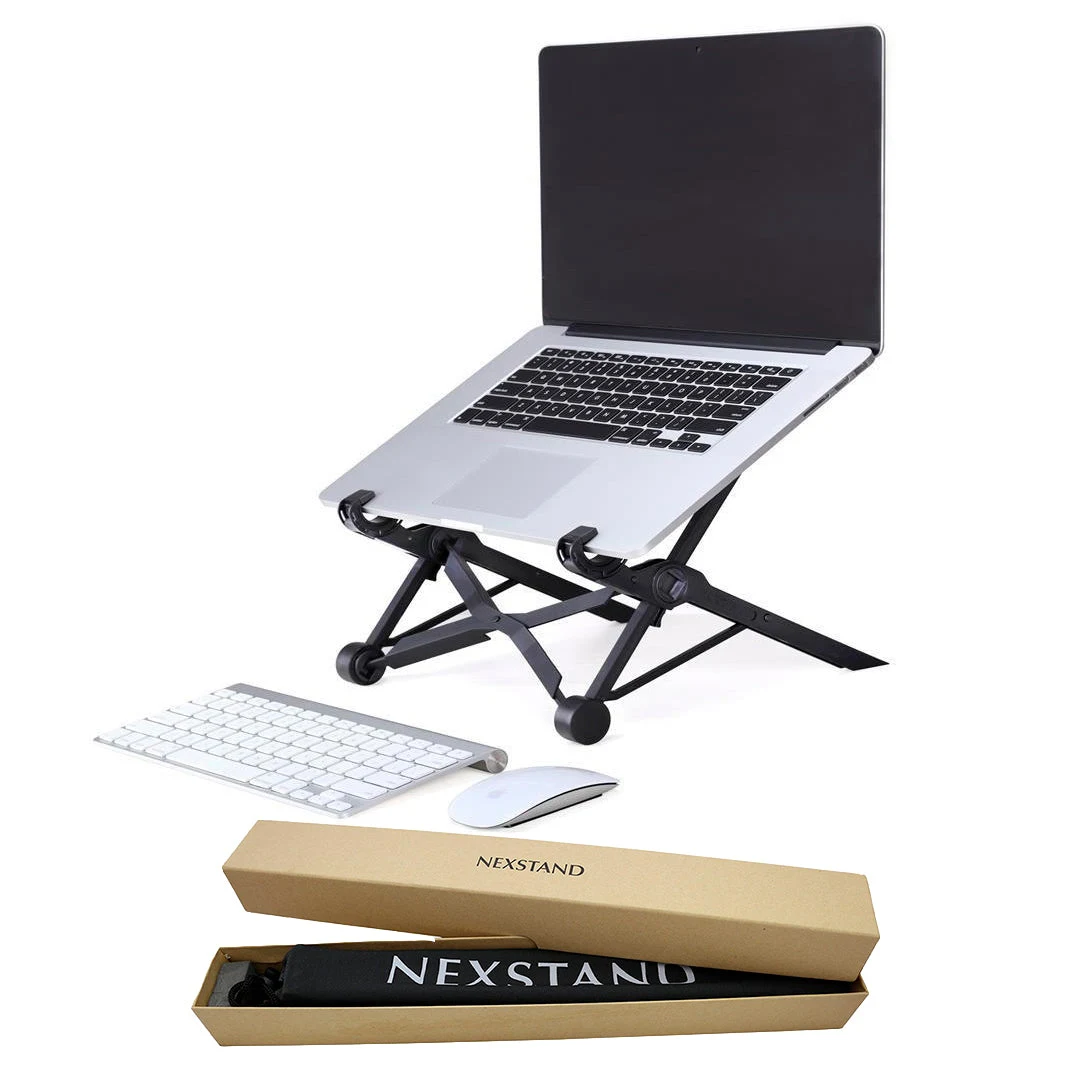
Nexstand K2 Laptop Stand
A cheap, folding laptop stand with 8 heights for 10 to 17 inch laptops.
WorkspaceDesk Setup
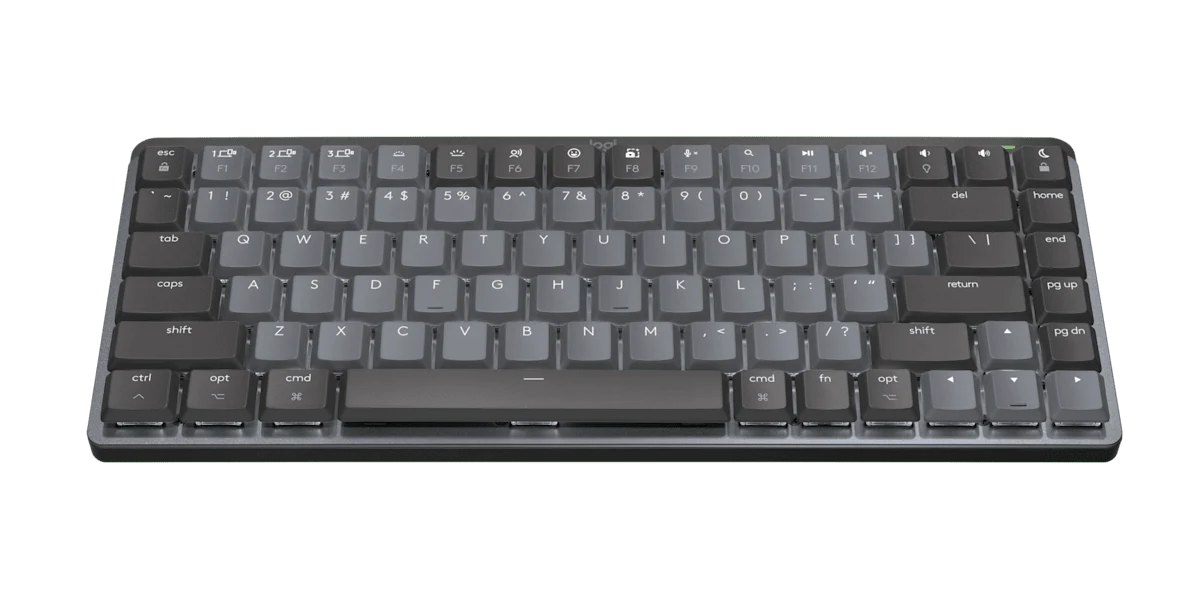
MX Mechanical Mini for Mac
A compact low-profile mechanical keyboard with a Mac layout and Tactile Quiet switches.