Five Small Ways to Make Your Mac Look Less Like Everyone Else's
Your Mac is the same beautiful aluminum slab as the next 200. Here are five small upgrades that give the machine a personality without turning the desk into a Pinterest board.
You spent four thousand dollars on a computer that looks like the one in twelve other meeting rooms. The machine is gorgeous. The desk around it is a void. There is a small, slightly nerdy fix for this.
The list below is five small upgrades that give a Mac a personality without turning the desk into a Pinterest board. Each one is something on the Mac itself, not the room around it.
The stack:
Mac mini Transparent Case · let the chip do the talking
Silicon Inside Stickers · the small mark of the era you are in
Backdrop · the screen itself
Liqoria · a widget that gives the desktop a corner of personality
Pieoneer · an app launcher that does not look like everyone else's
1. Let the Mac Be Itself
The default Mac mini is a small black box that looks identical to every other small black box. Mac mini Transparent Case replaces the lid with one you can see through. The chip becomes part of the room.
This is the easiest single object on this list. It changes nothing about the machine. It changes everything about how the desk feels around it. It is for Mac mini owners who want the computer to feel less anonymous without changing the setup, adding lights, or pretending the desk is a studio.
Mac mini Transparent CaseTransparent case with dust-filtering designVisit WebsiteProtect your Mac Mini M4/M4 Pro with the Spigen Transparent Filter Case Stand. Designed specifically for the 2024 model, this case features a unique air-filter technology that prevents dust accumulation, ensuring optimal performance of your device. The durable PMMA and PVC materials not only provide stability but also enhance cleaning convenience, as the filter can be easily washed. With its retro-inspired design reminiscent of classic Apple aesthetics, the stand fits snugly under your display, elevating your Mac Mini to improve airflow and maintain a clean workspace. Ideal for those who prioritize both form and function, the design complements your setup while offering robust protection.Visit Website
2. Wear the Era on the Lid
Silicon Inside Stickers are the small, die-cut, slightly holographic stickers that mark the chip era you are in. M2, M3, M4, take your pick.
It is a tiny gesture and it is also the kind of thing that quietly says you care about the computer. People who care about the computer notice the sticker. People who do not, do not. Both reactions are correct. The value is not utility; it is a small signal for people who enjoy the history and identity of the machine they use every day.
Silicon Inside StickersDie-cut holographic stickers for Apple Silicon chips.Visit WebsiteAvailable for the M1 to the M5 Max (and everything in between), these beautiful holographic vinyl stickers are a gorgeous add-on to any Mac or silicon-powered device. Each design faithfully represents the unique chip architecture of every Silicon chip released to date, and future chips will be added as the chips continue to advance. Printed on premium holographic vinyl, these stickers shift and shimmer with light, showing off a spectrum of color. A durable, weather-resistant laminate keeps them safe from fading, scratching, tearing, or water. Each sticker measures 1.01″ wide by 1.29″ tall, designed with attention to detail to last and shine.Visit Website
3. Move the Screen Itself
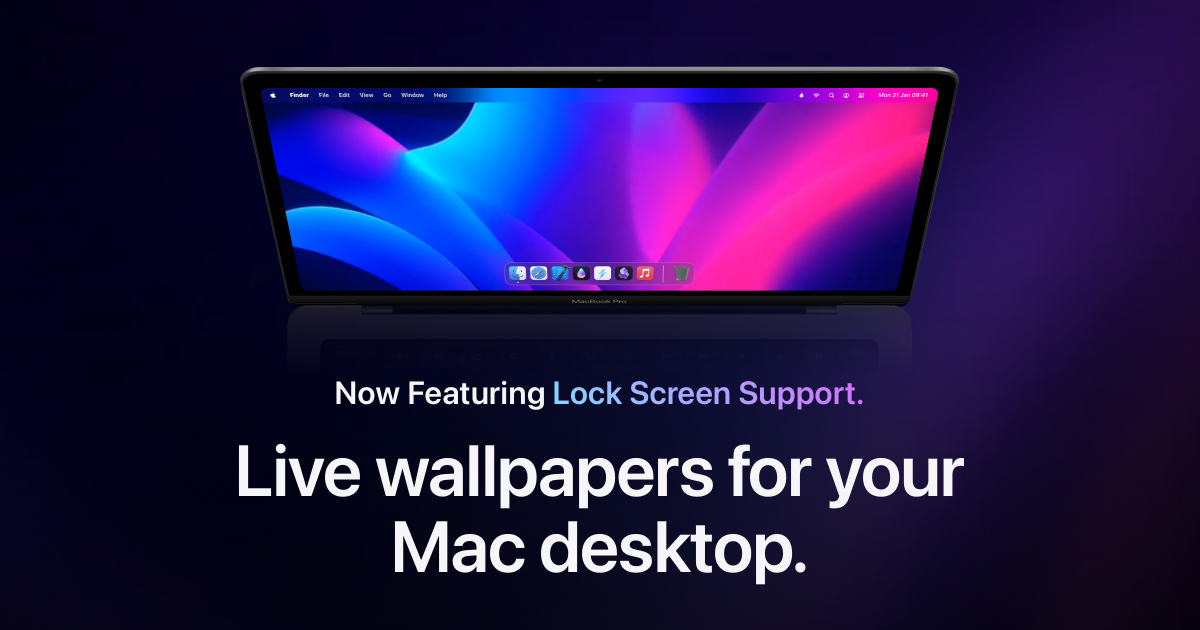
The biggest piece of decor on the Mac is the screen, and most people leave it on the default wallpaper. Backdrop replaces it with a small library of live, slow-moving wallpapers that are easier on the eyes than any photograph.
The desktop becomes a thing you actually want to look at when you minimise everything. That is a low bar that almost no Mac clears. Backdrop is useful for people who spend all day on the same screen and want personality that feels calm instead of distracting.
BackdropLive wallpapers for your Mac desktopVisit WebsiteBackdrop is a macOS application designed to enhance desktop and Lock Screen aesthetics with animated live wallpapers. It allows users to select from thousands of community-created 4K video backdrops, offering a range of calming nature scenes and dynamic animations. The app supports multi-display setups and includes features for creating custom playlists and personalizing visuals, making it suitabl
- Provides a library of thousands of 4K video backdrops for desktop customization.
- Supports smooth playback across multiple displays with low CPU usage.
- Allows users to curate playlists of wallpapers and create custom videos.
- Includes Lock Screen support for dynamic backgrounds.
- Features community-created wallpapers for diverse visual options.
Backdrop offers a range of customizable live wallpapers for macOS, enhancing desktop aesthetics with high-quality video and animated scenes. Users can select from thousands of community-created options or upload personal videos, making it a versatile tool for personalizing workspace visuals.Visit Website
4. Add a Widget the Default Mac Will Never Show You
The macOS widget gallery is functional and slightly drab. Liqoria replaces it with a small media player that lives on the desktop, plays from Apple Music, Spotify, or YouTube, and does it in a way that looks like someone designed it on purpose.
It is a tiny piece of software that is also a tiny piece of personality. The desktop stops being empty space and starts being yours. It solves the problem of the Mac desktop feeling purely utilitarian, especially for people who keep music or video running while they work.
LiqoriaWidget player for Apple Music, Spotify, YouTube and moreVisit WebsiteLiqoria is a music player application designed for macOS. It consolidates various music services, including Apple Music, Spotify, and YouTube, into a single interface. This application is aimed at users who want a seamless listening experience without the need to switch between different apps. With features like real-time waveforms, customizable player styles, and a music widget, Liqoria enhances
- Supports multiple music platforms including Apple Music, Spotify, and YouTube.
- Offers various player options: dock player, floating menu bar player, and lock screen player.
- Provides real-time waveforms for visualizing music playback.
- Includes a customizable music widget for quick access on macOS.
- Features search functionality across supported music apps.
- Allows for animated artwork display during playback.
Liqoria offers a free trial period of up to 72 hours, allowing users to assess its features and compatibility with various music services before making a purchase decision. This trial facilitates an informed choice regarding the app's suitability for individual music listening needs.Visit Website
5. Replace the App Launcher With Something That Has a Mood
The Mac dock has not changed in fifteen years. Pieoneer is the small, slightly indulgent alternative. Apps fan out around your cursor in a pie. It is not faster than the dock. It is just more interesting to look at.
Software that does not need to exist is the kind of software that says you care about the computer. Pieoneer says exactly that. It is for users who know the dock is fine but still want one everyday interaction to feel more playful.
PieoneerLet your apps fly—in a pieVisit WebsitePieoneer is a productivity software for macOS that features a pie menu interface designed to streamline application management and shortcut access. It allows users to quickly launch apps, switch between running applications, and trigger shortcuts, enhancing multitasking efficiency. Ideal for individuals who frequently juggle multiple tasks, Pieoneer also supports music control through a dedicated
- Quickly switch between running applications using a customizable pie menu.
- Launch favorite apps, folders, and documents instantly from the menu.
- Trigger actions in other applications via customizable keyboard shortcuts.
- Control music playback in Apple Music, Spotify, and Doppler with a dedicated Music Remote feature.
- Fully compatible with macOS accessibility features for enhanced navigation.
Feedback regarding accessibility enhancements is welcomed to ensure the app meets diverse user needs. Users are encouraged to share their experiences and suggestions for improvements, which can help enhance the overall usability and inclusivity of Pieoneer.Visit Website
Five small upgrades and the Mac stops looking like everyone else's. The aluminum stays the same, but everything on top of it does not.
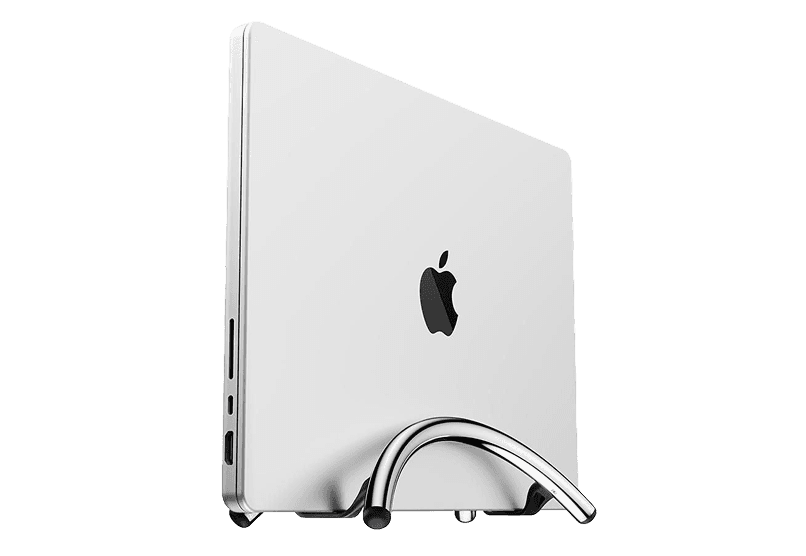
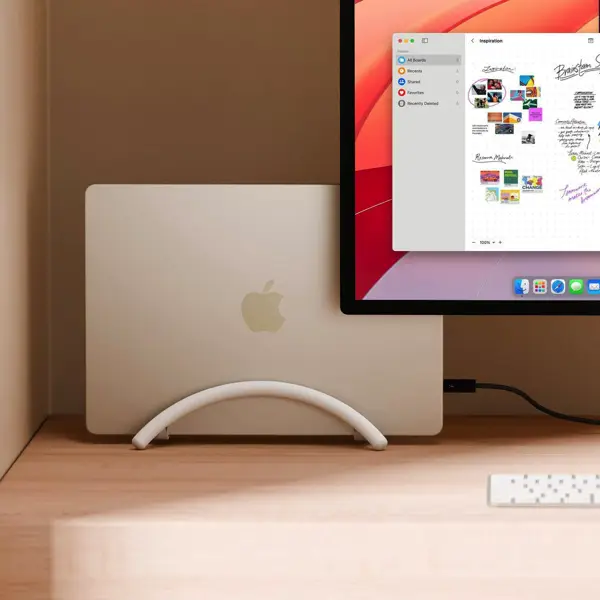
Vertical stand for laptops, optimizing desk space.
WorkspaceDesk Setup
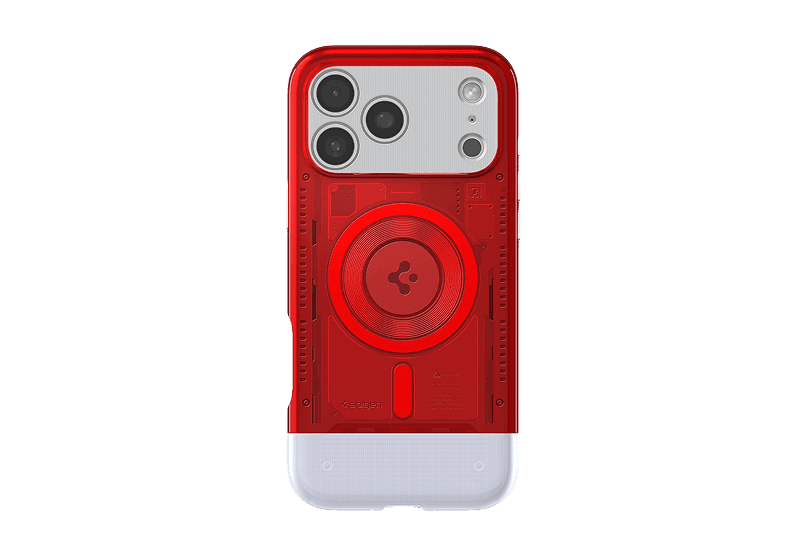
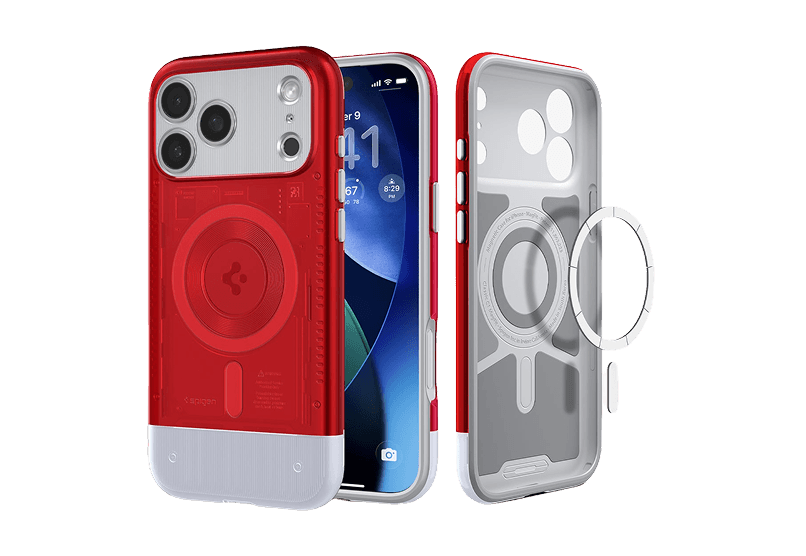
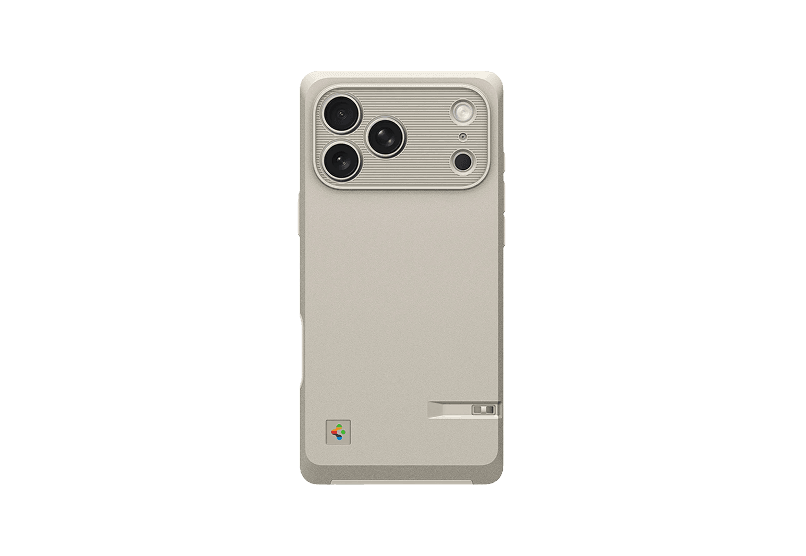
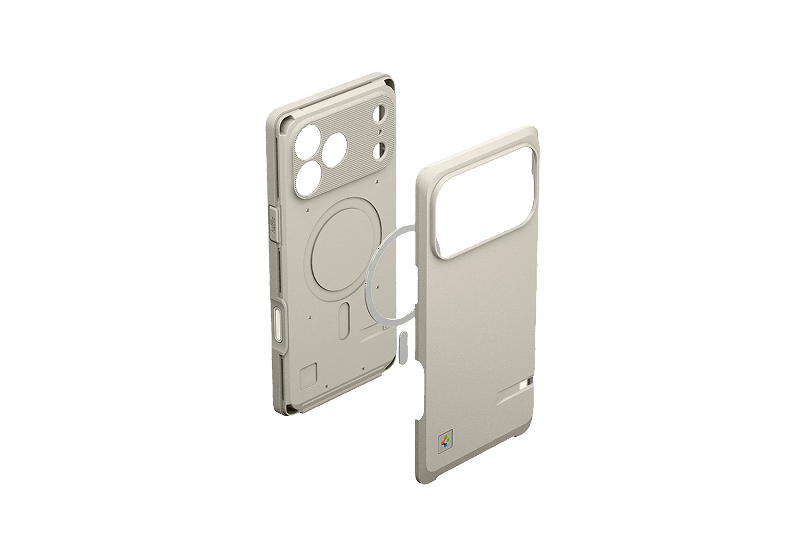
Macintosh 128K inspired Iphone case
Retro style meets modern protection.
WorkspaceAccessories
Orbit Deskmat
A perfect blend of design and function
WorkspaceDesk Setup
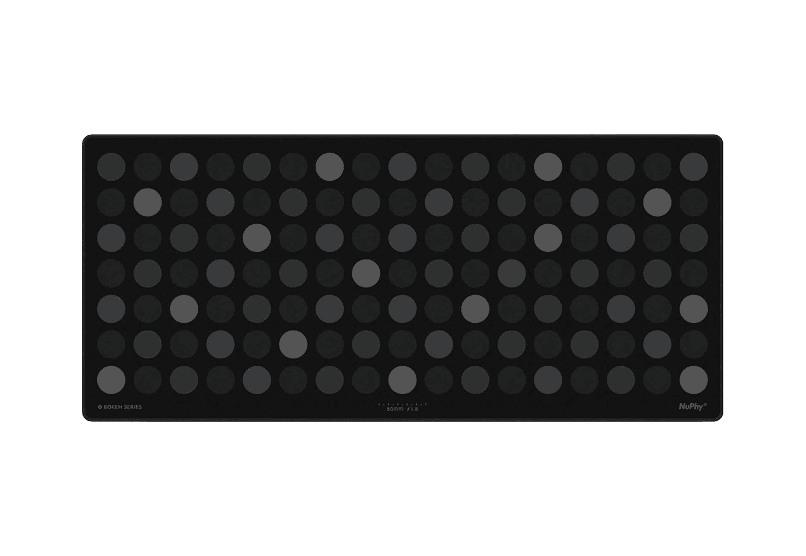
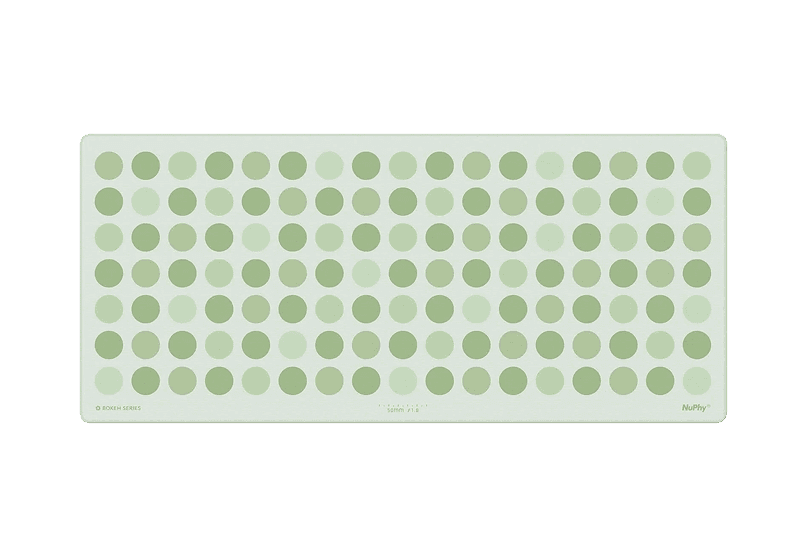
Bokeh Deskmat
Elevate your workspace with the NuPhy Bokeh
WorkspaceDesk Setup
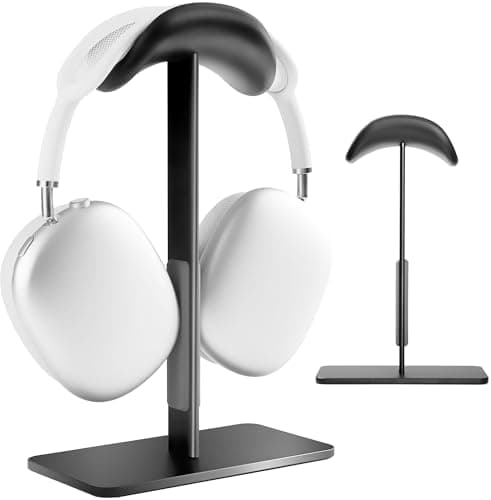
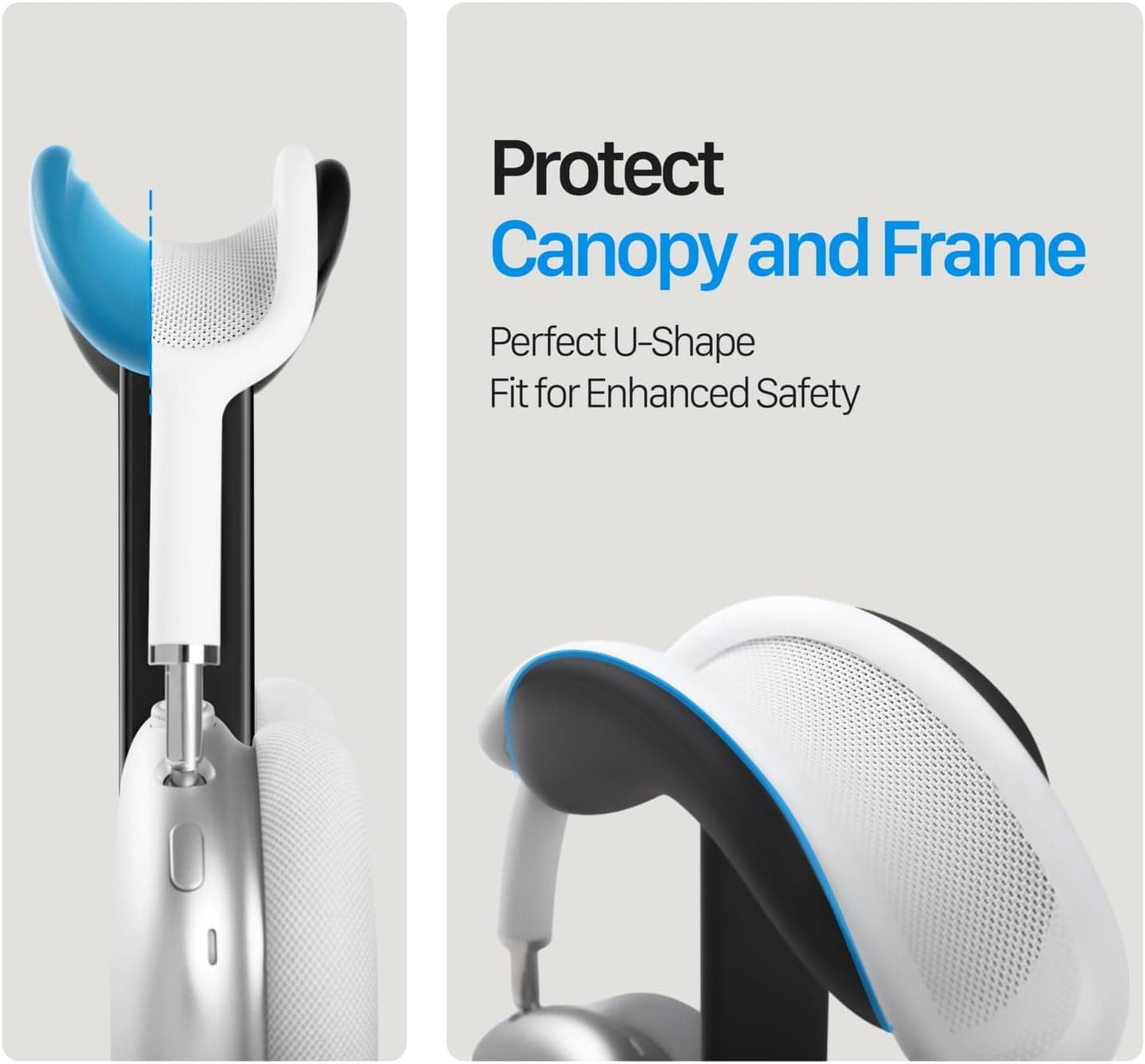
AirPods max Stand
Stylish and functional headphone stand designed for
WorkspaceDesk Setup
New additions
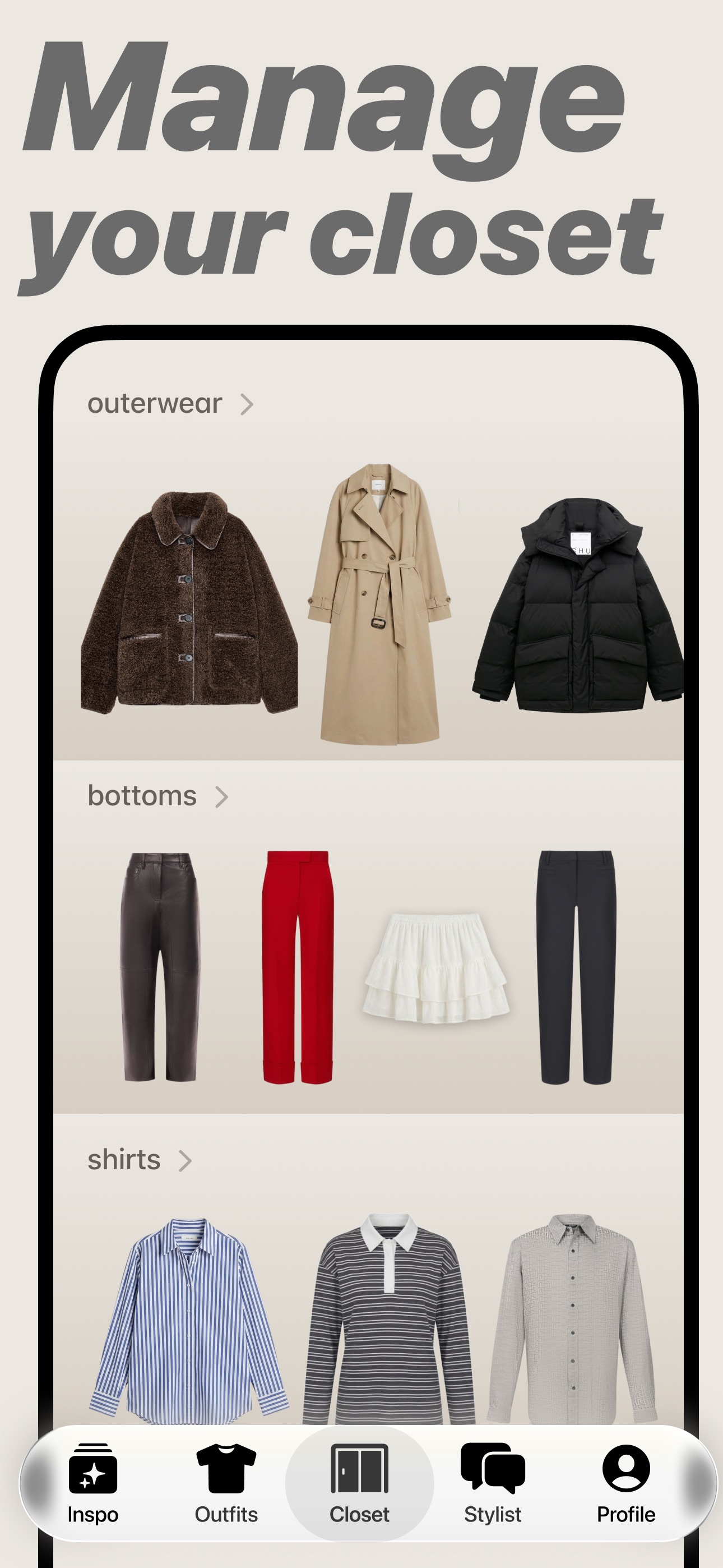
Aesty
AI outfit styling and wardrobe planning
Freemium
Aesty is an AI styling app that helps you organize your wardrobe, try on outfit ideas, and plan what to wear. Build looks from clothes you own or use a photo as inspiration.
- Add clothing photos to a digital closet with automatic categorization and background removal.
- Try outfits on a personalized avatar and mix them with your own wardrobe.
- Generate outfit suggestions for different occasions and your style preferences.
- Plan looks on a weekly calendar and assemble visual moodboards.
- Identify garments in outfit photos and find shopping links for missing pieces.
Free to download with paid in-app purchases and subscriptions. Designed for iPhone with iOS 18 or later. Apple lists compatibility with macOS 15 or later on M1-or-newer Macs, but the app is not verified for macOS.
SoftwareAIiOS & macOS
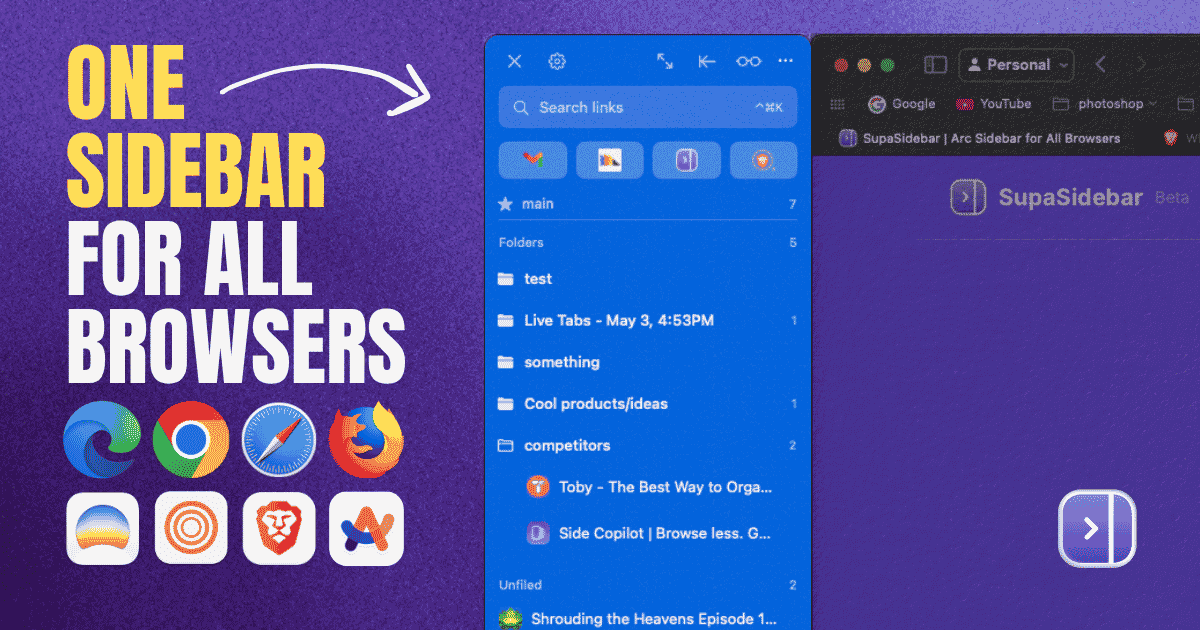
SupaSidebar
One sidebar for all browsers
Freemium
SupaSidebar is a macOS application that consolidates and organizes tabs, bookmarks, and applications across multiple web browsers, including Safari, Chrome, and Brave. It provides a unified sidebar interface for managing open tabs and bookmarks, allowing users to streamline their browsing experience and enhance productivity.
- Displays all open tabs from multiple browsers in a single vertical sidebar for streamlined navigation.
- Offers fuzzy search functionality to quickly access tabs, bookmarks, and browsing history.
- Allows users to create and manage spaces and folders for organizing online activities.
- Integrates with Finder to access files and folders directly from the sidebar.
- Supports iCloud synchronization for consistent access across devices.
SupaSidebar provides a unified sidebar interface for managing tabs, bookmarks, and files across multiple browsers on macOS. It supports popular browsers such as Safari, Chrome, and Brave, allowing users to organize their online resources efficiently.
SoftwareProductivitymacOS
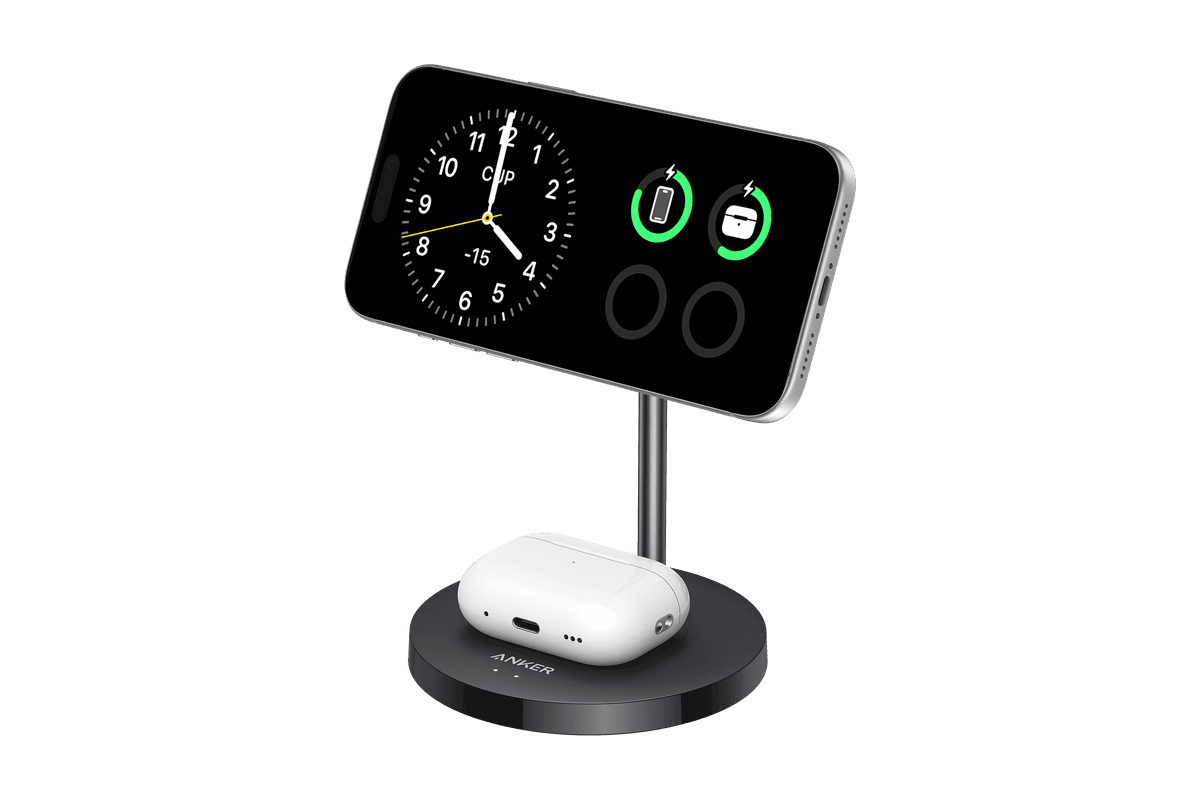
Anker MagGo Wireless Charger (2-in-1 Stand)
Charge your iPhone and earbuds together with a 15W Qi2 stand.
HardwarePoweriOS
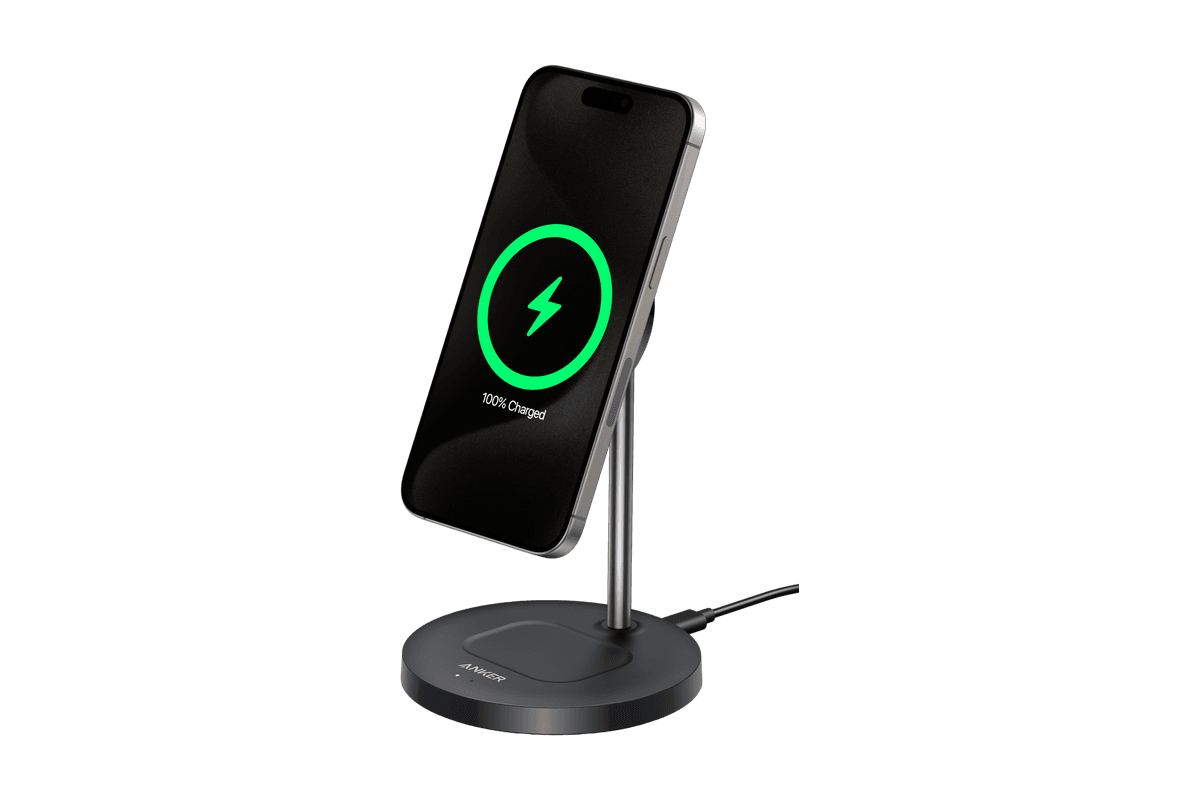
Anker MagGo Wireless Charger (Stand)
15W magnetic charging with a rotating, adjustable stand.
HardwarePoweriOS
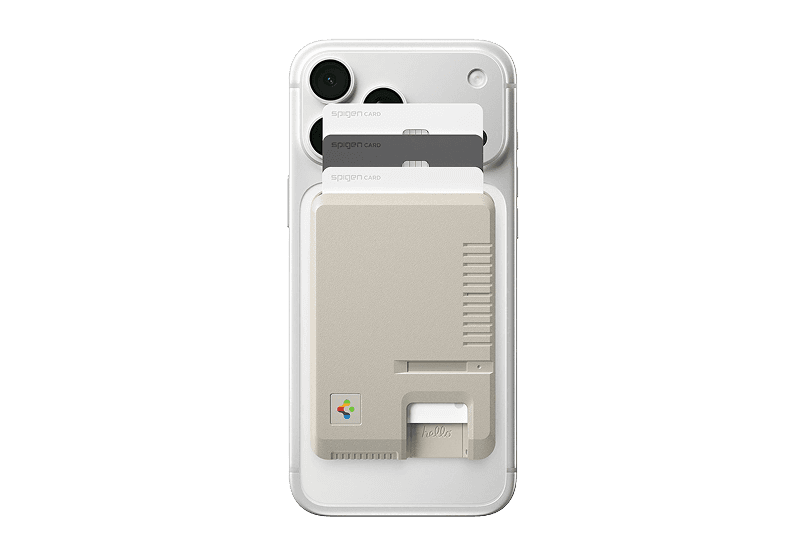
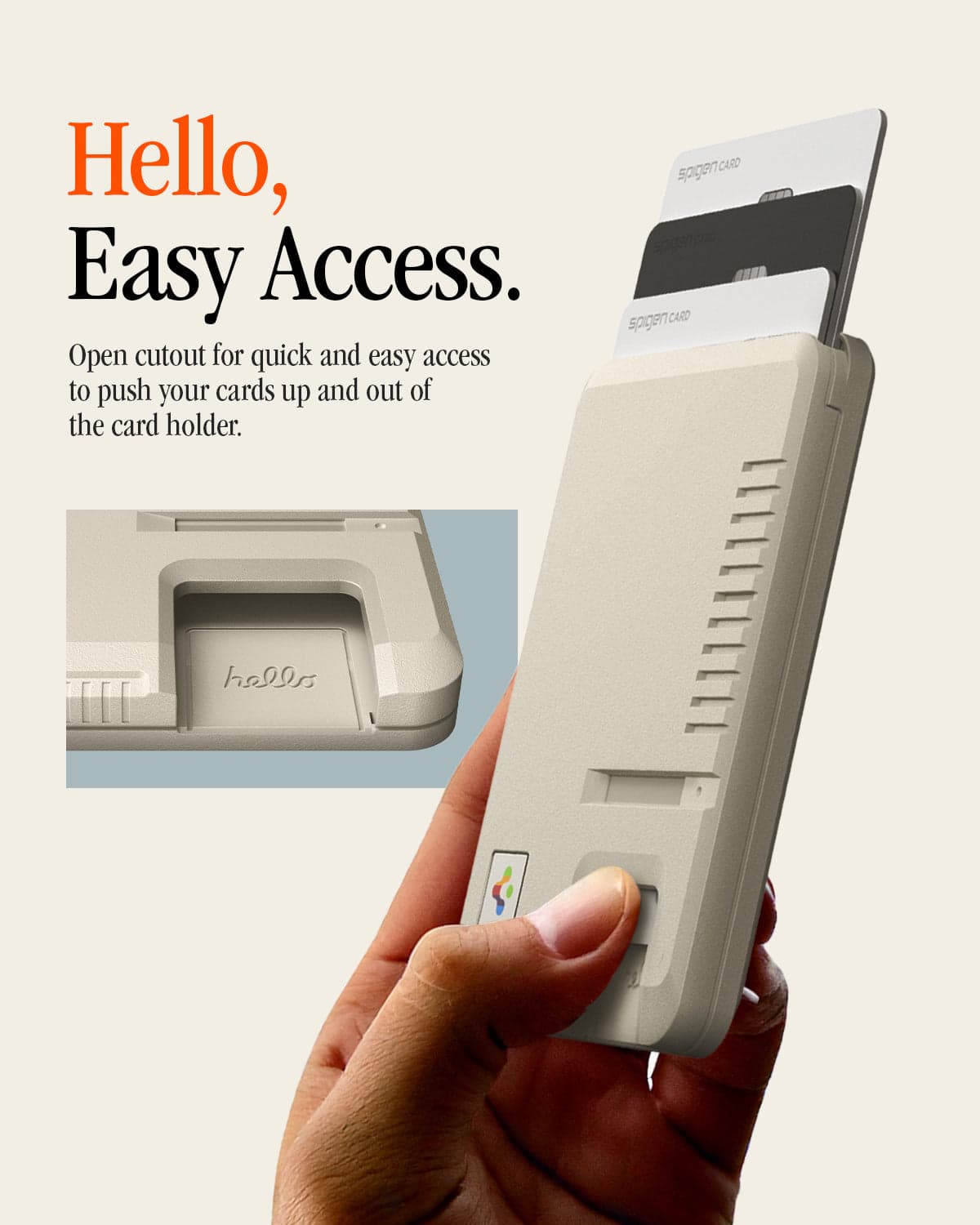
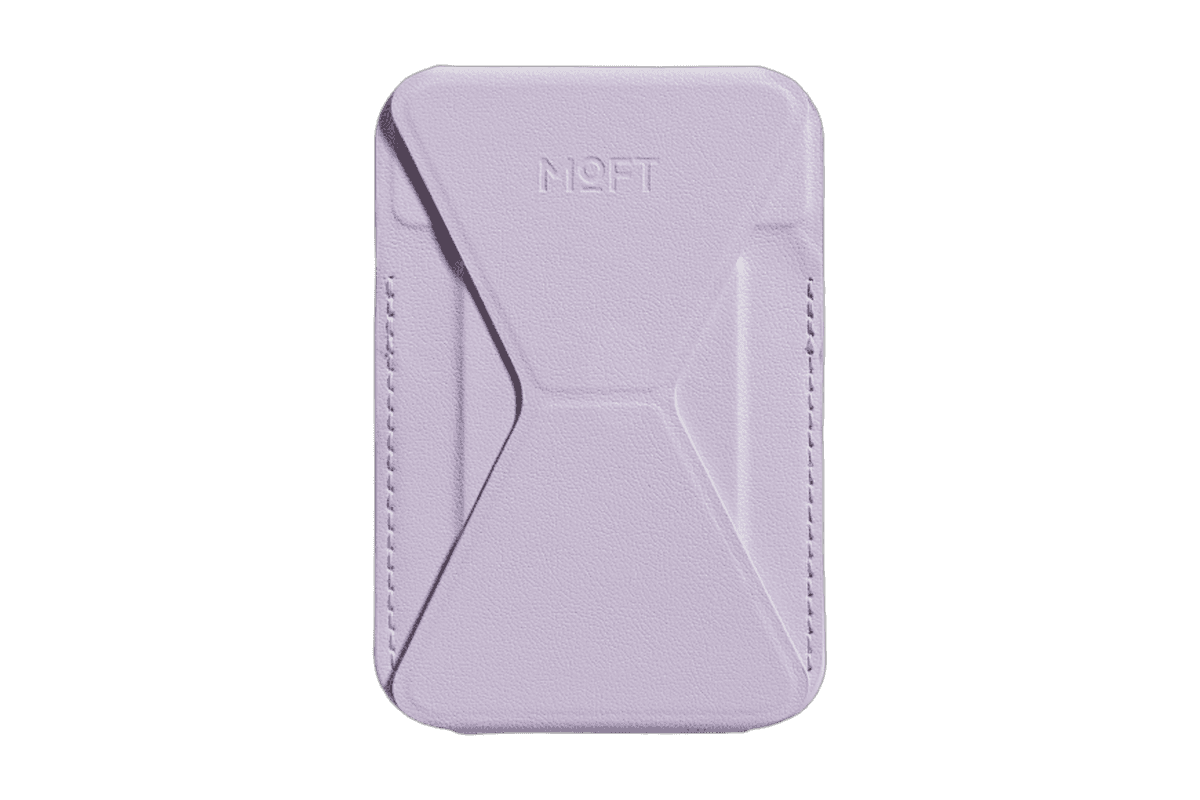
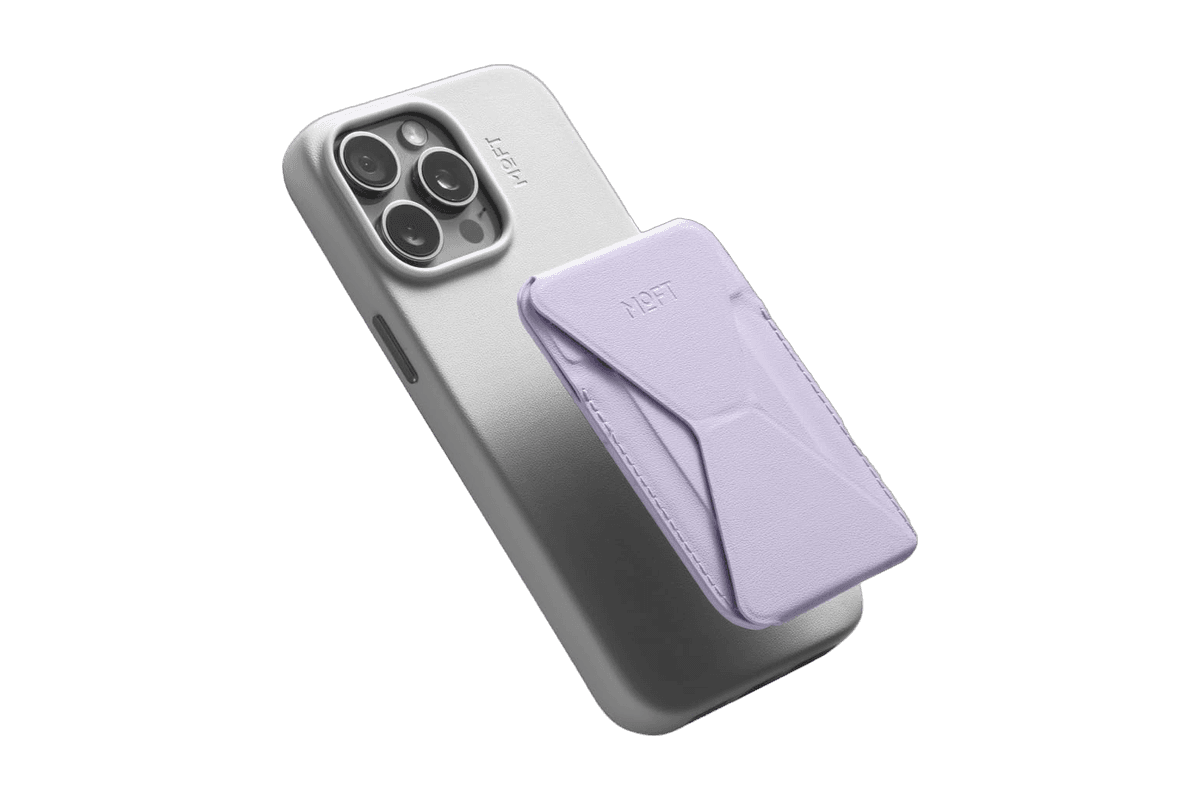
Snap-on Phone Stand & Wallet
A slim MagSafe wallet that folds into a stand and grip.
HardwareAccessoriesiOS
DiskBuddy
Visualize disk space and clean up files
One-time
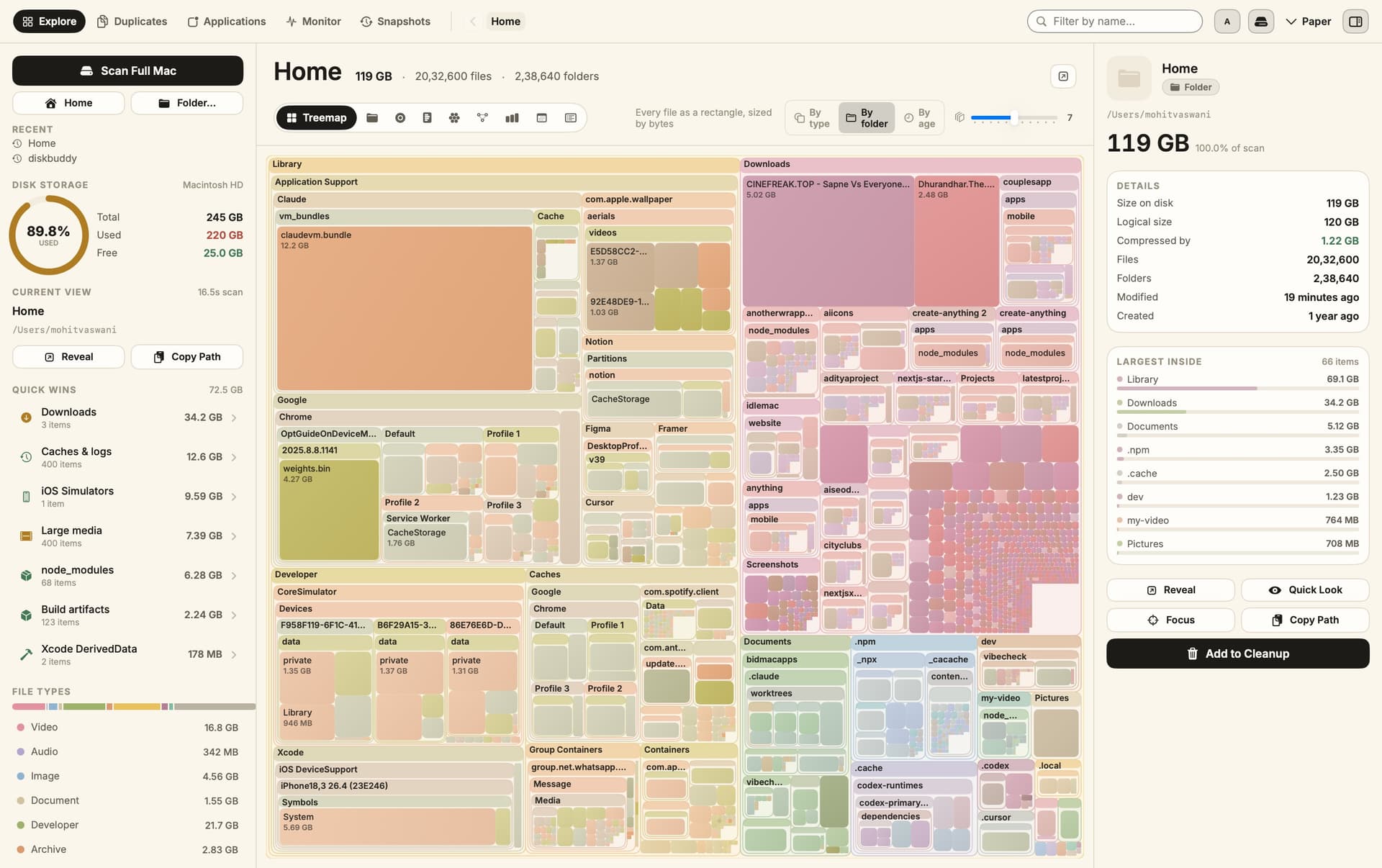
DiskBuddy helps you find what is taking up space on your Mac, then review files before removing them. Scan a folder or drive and explore the results through eight visualizations.
- Browse storage with folder grids, treemaps, sunburst charts, and other views.
- Find duplicate files by content and identify large, old files.
- See app footprints including associated caches, preferences, and logs.
- Compare scan snapshots to see which folders have grown.
- Stage cleanup candidates in a review queue before deleting anything.
Supports macOS 14 or later on Apple silicon and Intel, with external and network drives supported. A one-time license includes all 1.x updates and works on one Mac or Windows machine at a time. File analysis happens locally; activation and periodic license checks require an internet connection.
SoftwareUtilitiesmacOS
Grok Bot
AI teammates that work across your apps
Paid
Grok Bot provides AI teammates that work inside apps and websites using a shared cloud computer. Give bots tasks from desktop or iOS, and follow their progress as they complete work.
- Delegate research, reporting, operations, and other multi-step tasks.
- Run multiple bots in parallel and let them coordinate in shared conversations.
- Teach a workflow by demonstrating it, then reuse it as a routine.
- Keep context across conversations and continue work while your laptop is closed.
- Connect bots to the tools you use, with approval requested when needed.
Available in beta on desktop, including macOS, and iOS through eligible paid Cursor, SuperGrok, and Teams plans. Usage allowances depend on the plan.
SoftwareAIiOS & macOS
DynamicLake
Dynamic Island controls and activities for Mac
One-time
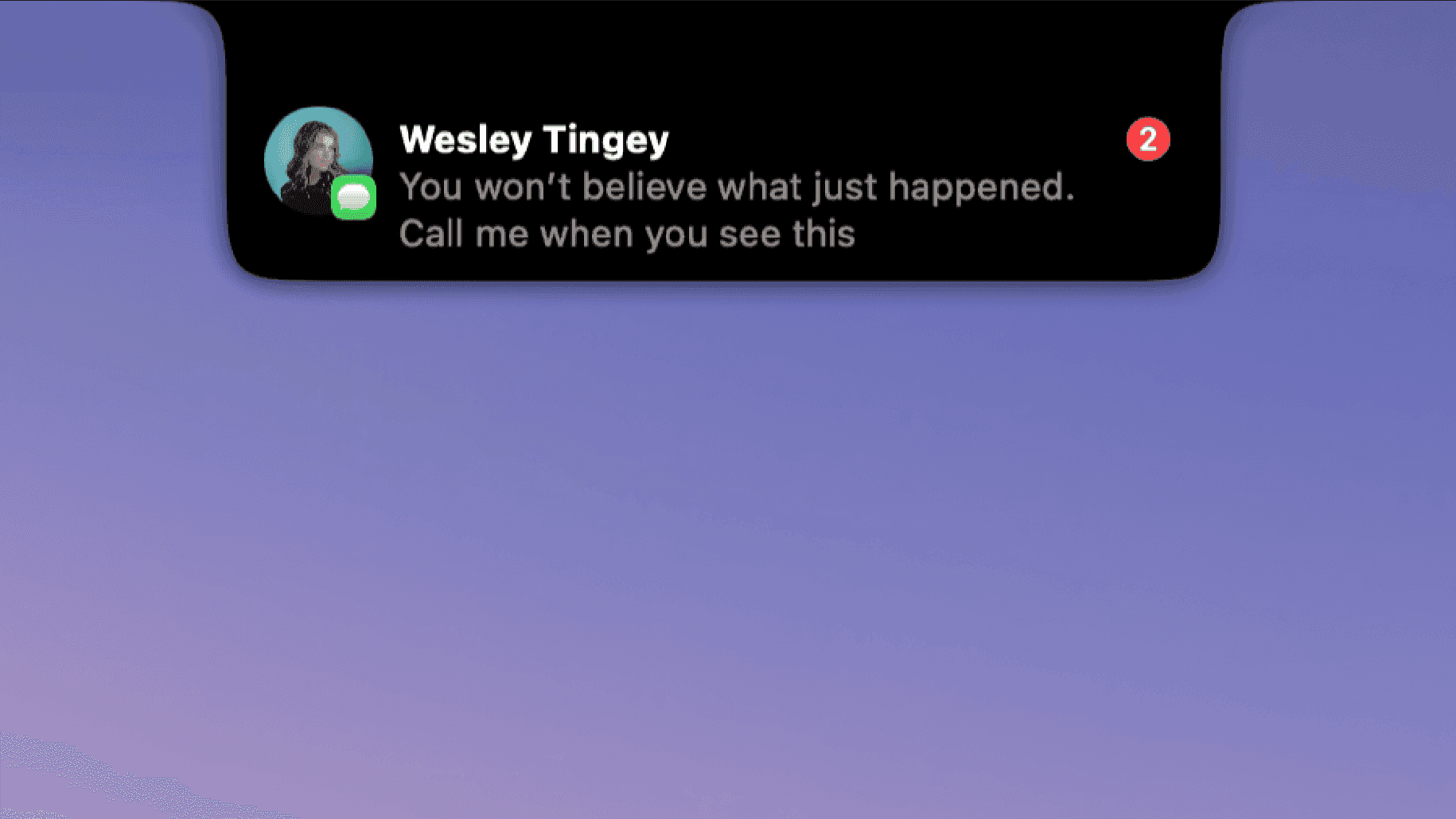
DynamicLake adds a Dynamic Island interface to your Mac for music, system controls, notifications, and file actions.
- Adjust volume, brightness, and keyboard backlighting from an integrated panel.
- Control music and keep calendar events and weather within view.
- Drag and drop files to preview, compress, share, AirDrop, or convert them.
- See supported messaging notifications, calls, Bluetooth events, and live activities.
- Customize the notch appearance or choose a compact miniLake layout.
Supports macOS 14 or later on Intel and Apple silicon, including Macs with and without a notch. A one-time license covers up to three devices and includes lifetime updates.
SoftwareUtilitiesmacOS
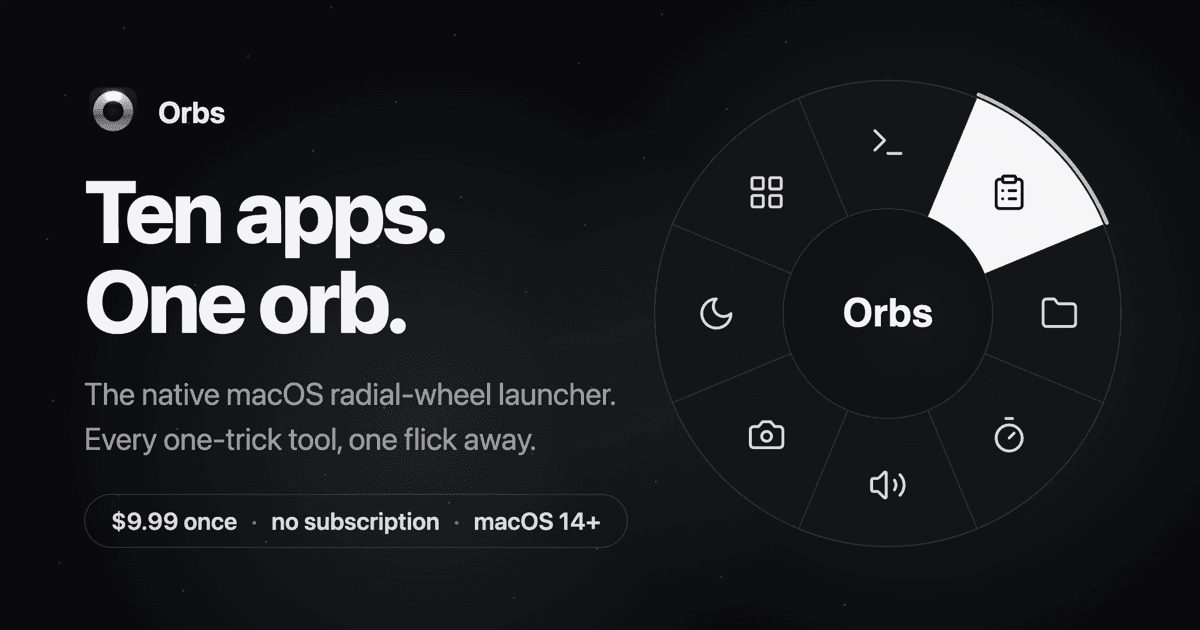
Orbs
A radial launcher for apps and tools
One-time
Orbs is a native Mac launcher that puts apps, shortcuts, and small utilities on a radial wheel beneath your cursor. Hold a key, move to an action, and release to run it.
- Launch apps, run shell commands and macOS Shortcuts, or insert text snippets.
- Build nested menus and separate profiles for different workflows.
- Switch profiles automatically based on the frontmost app.
- Use built-in tools including a timer, calculator, clipboard, color picker, and camera mirror.
- Pin tool popovers above other windows when you need them to stay visible.
Requires macOS 14 or later on Apple silicon or Intel. Its one-time lifetime license includes future updates, with local-only operation and no account required.
 Dudu
Dudu