Three Keyboards for People Who Type Too Much

The mechanical keyboard market is enormous, opinions are strongly held, and the best choice depends on what you are optimising for. These three cover the main answers.

Written byDudu avatarDudu

2 min read
Created July 8, 2026Updated July 8, 2026

At some point you stop using the keyboard that came in the box. The next step is figuring out which of the several hundred available keyboards is the one you actually wanted. This post is three options that cover different answers to that question.

The stack:

  • k•no•b•1 · compact, low-profile, minimal footprint
  • Kick75 · 75% layout, premium build, desk-first aesthetic
  • Flow Lite 100 Keys · full-size, smooth, the sensible starting point

1. The Minimal One

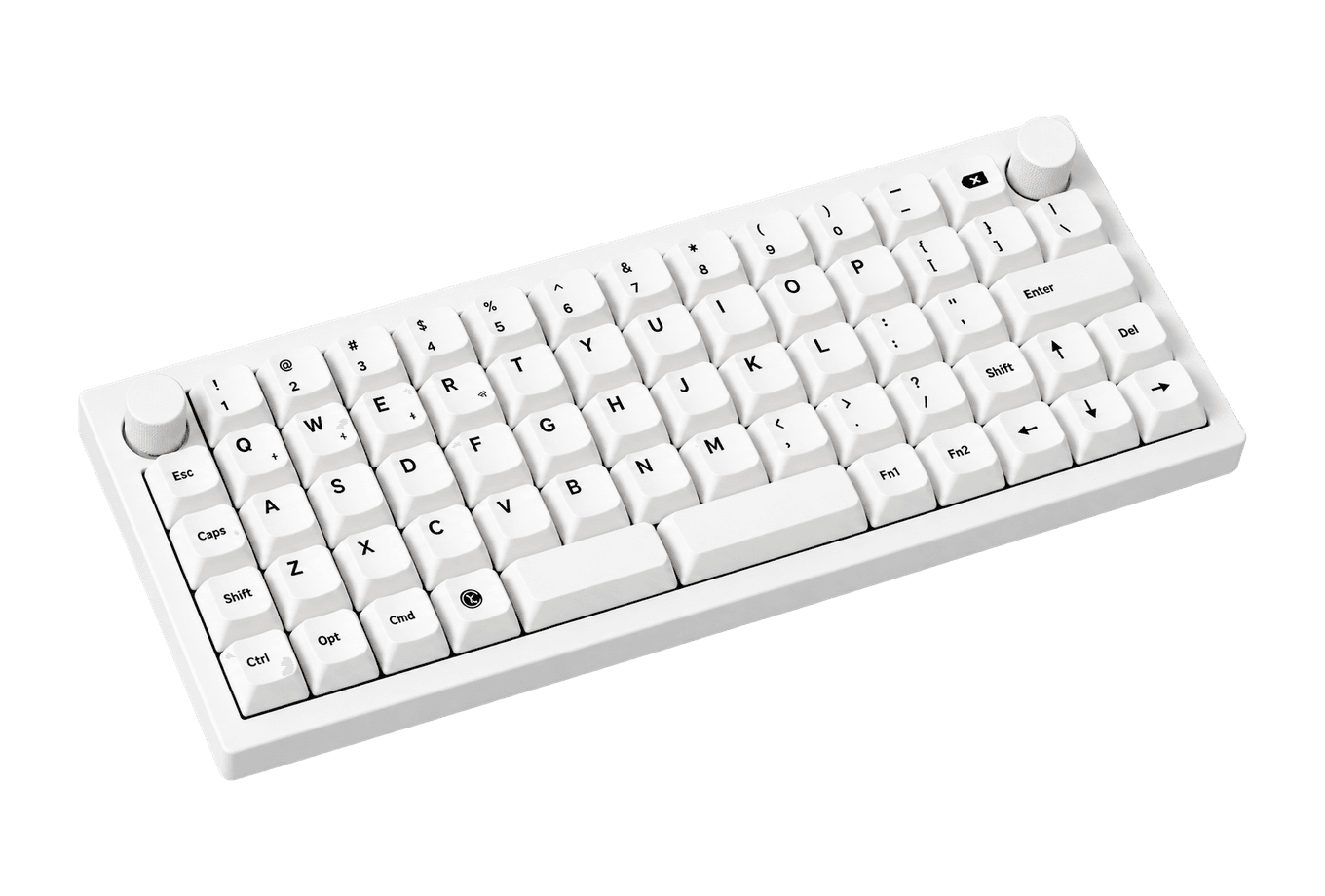
The compact keyboard has a reputation for being the enthusiast's choice. k•no•b•1 earns it a different way: low-profile switches, a footprint smaller than most notebooks, and quiet enough for a shared space. It is the mechanical keyboard for people who found full-size boards too much and compact boards too small.


If you have been on the Magic Keyboard and want mechanical without the size commitment, this is the logical first move.

k•no•b•1Low profile, high productivity keyboardThe k•no•b•1 is a low-profile mechanical keyboard designed by Ben Fryc, a talented 3D Artist and Motion Designer, and developed by Work Louder. It combines classic and contemporary aesthetics, making it a visually appealing yet functional addition to your daily workflow. With a 100x310px color screen that offers customizable features such as timers and wallpapers, the keyboard prioritizes both style and utility. Built with a durable aluminum shell, it features uniquely designed keycaps and custom-tuned hotswap switches. The connectivity options include Type-C and Bluetooth, making it versatile for Mac, PC, Linux, and iOS devices. The keyboard is fully customizable, allowing users to intuitively map shortcuts to any key or dial, enhancing productivity. Whether for work or gaming, the k•no•b•1 is not just a keyboard; it's an upgrade to your input experience.Visit Website

2. The Chic One

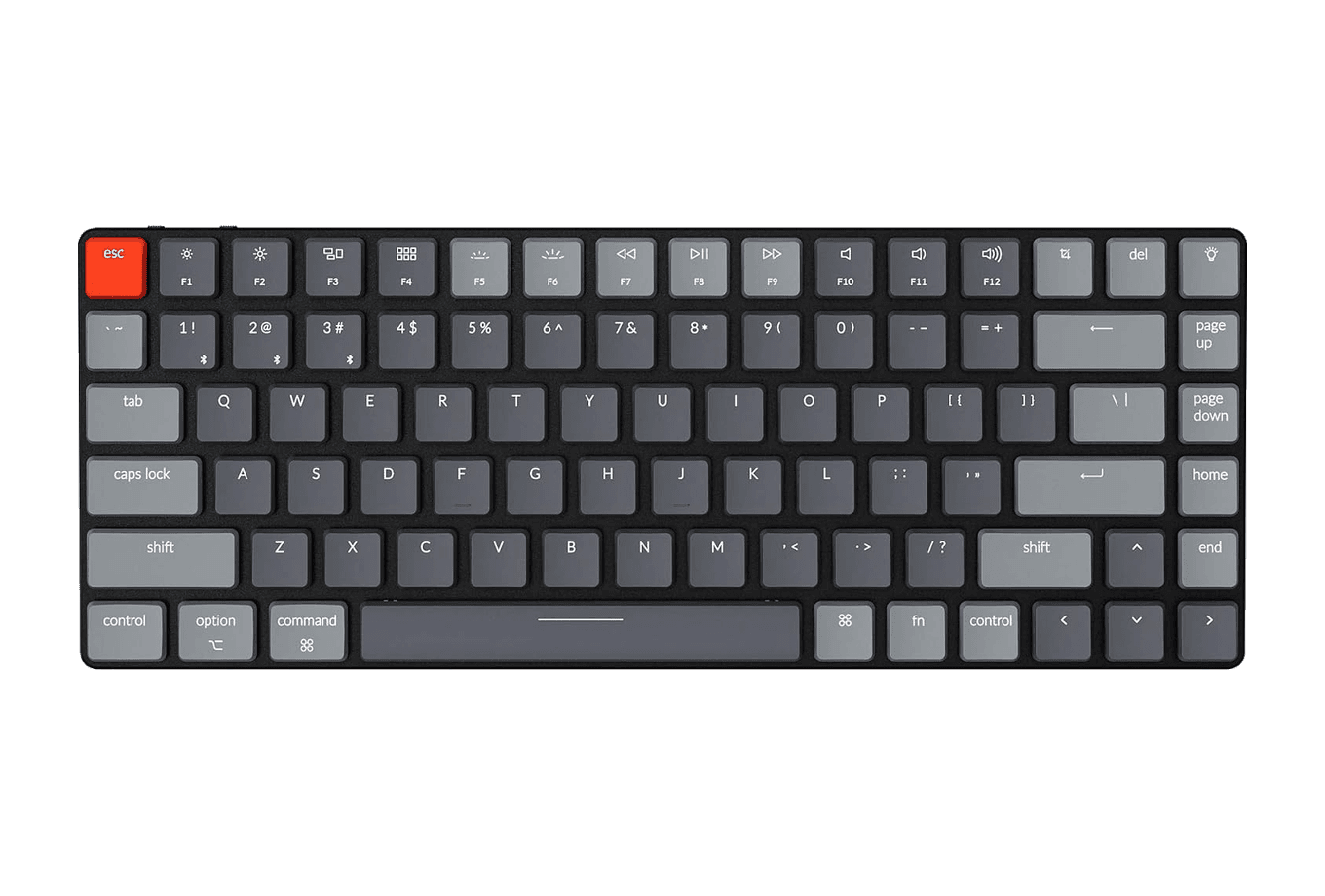
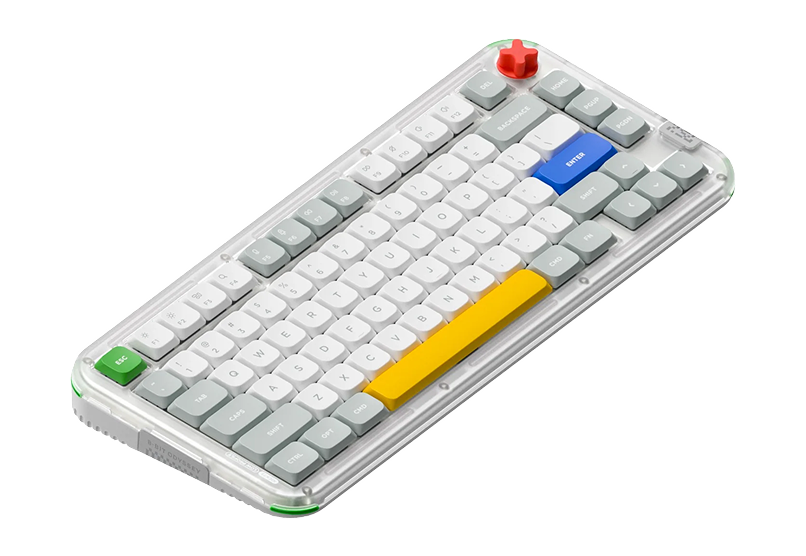
The 75% layout removes nothing you use daily and adds nothing you do not need. Kick75 fits into that format with a build and aesthetic that reads as intentional. Lightweight, wireless, the kind of keyboard that looks considered next to a Studio Display.

This one is for people who care what the keyboard looks like as much as what it feels like. Both are reasonable things to care about.

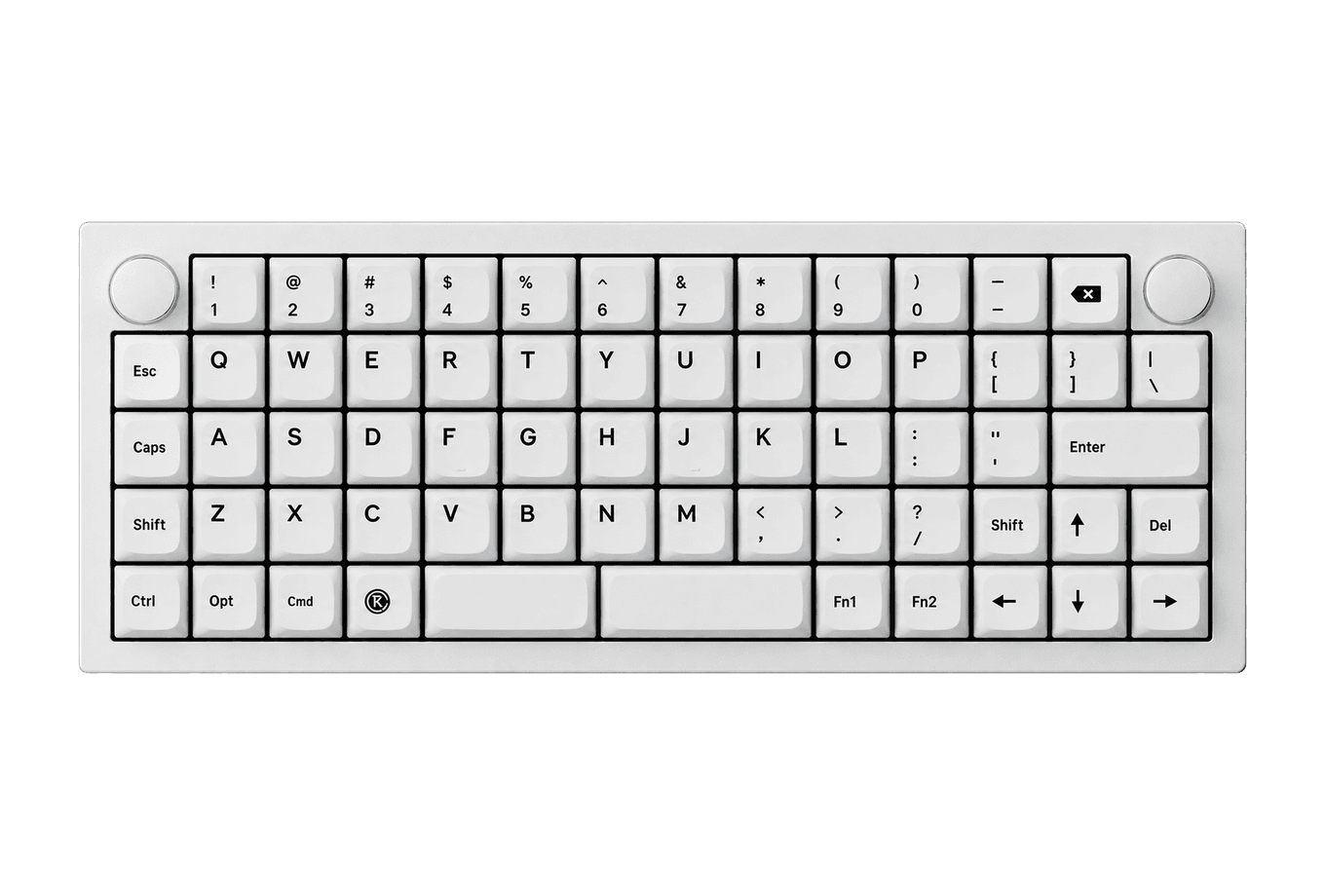
Kick75Ultimate Typing Experience: Sleek, Lightweight, and Chic.The NuPhy Kick75 is a hybrid-profile mechanical keyboard designed for both functionality and style. Its low-profile design and lightweight build make it ideal for users seeking a chic typing experience without sacrificing performance. Equipped with Cherry MX switches, tri-mode connectivity, and a high-capacity battery, it caters to gamers, programmers, and everyday typists alike, enhancing product - Unique 8-bit art design for a retro aesthetic - High-capacity battery for up to 360 hours of use - Supports tri-mode connectivity: Bluetooth, 2.4G, and USB-C - 1000Hz polling rate for ultra-fast response - Compatible with Windows, macOS, and Linux - Hot-swappable switches for customizable typing experience The NuPhy Kick75 is the perfect blend of style and functionality, featuring a low-profile design, customizable switches, and tri-mode connectivity. With its impressive battery life and 1000Hz polling rate, it caters to both gamers and professionals alike. Elevate your typing experience today with this chic mechanical keyboard.Visit Website

3. The Sensible One

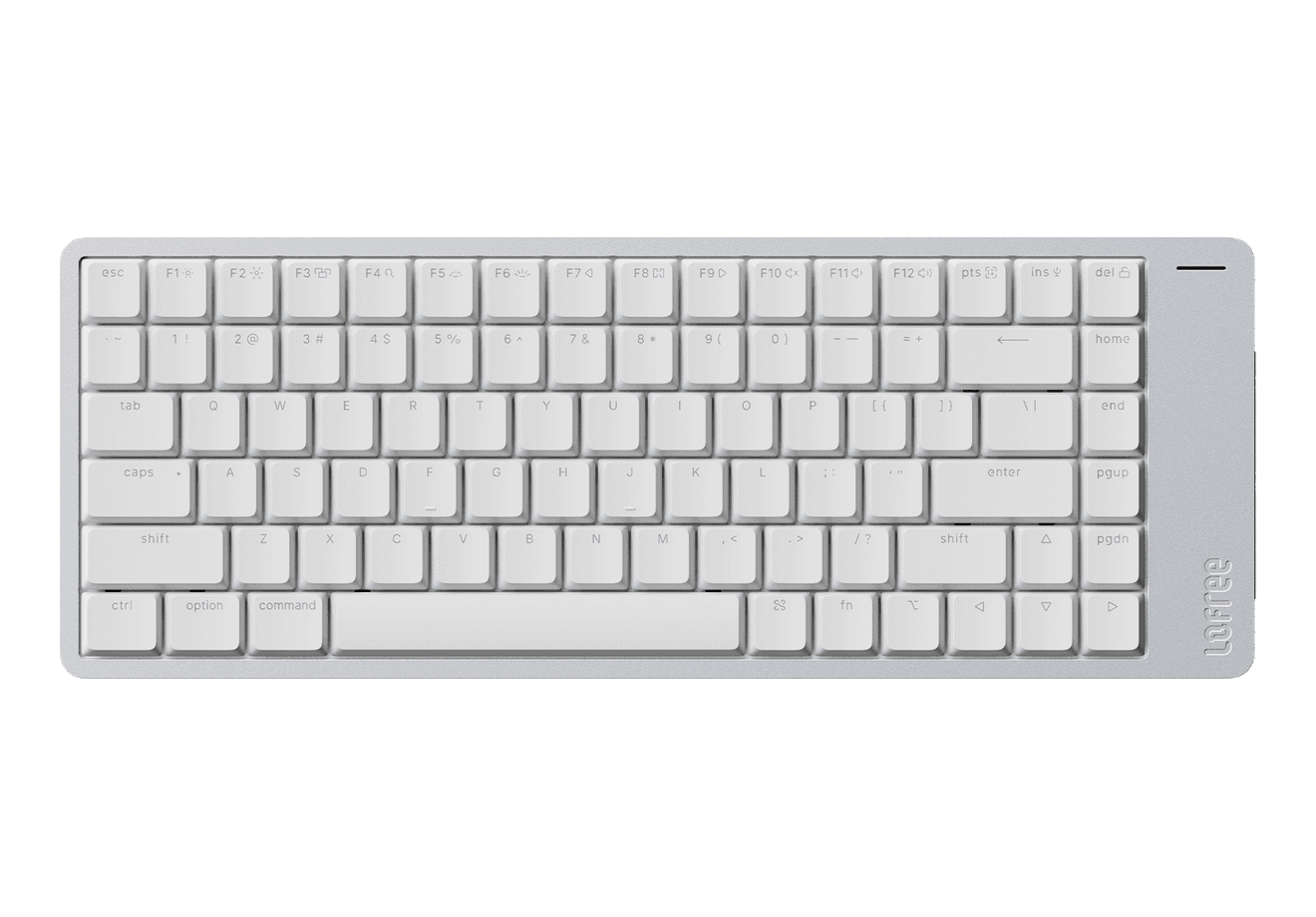
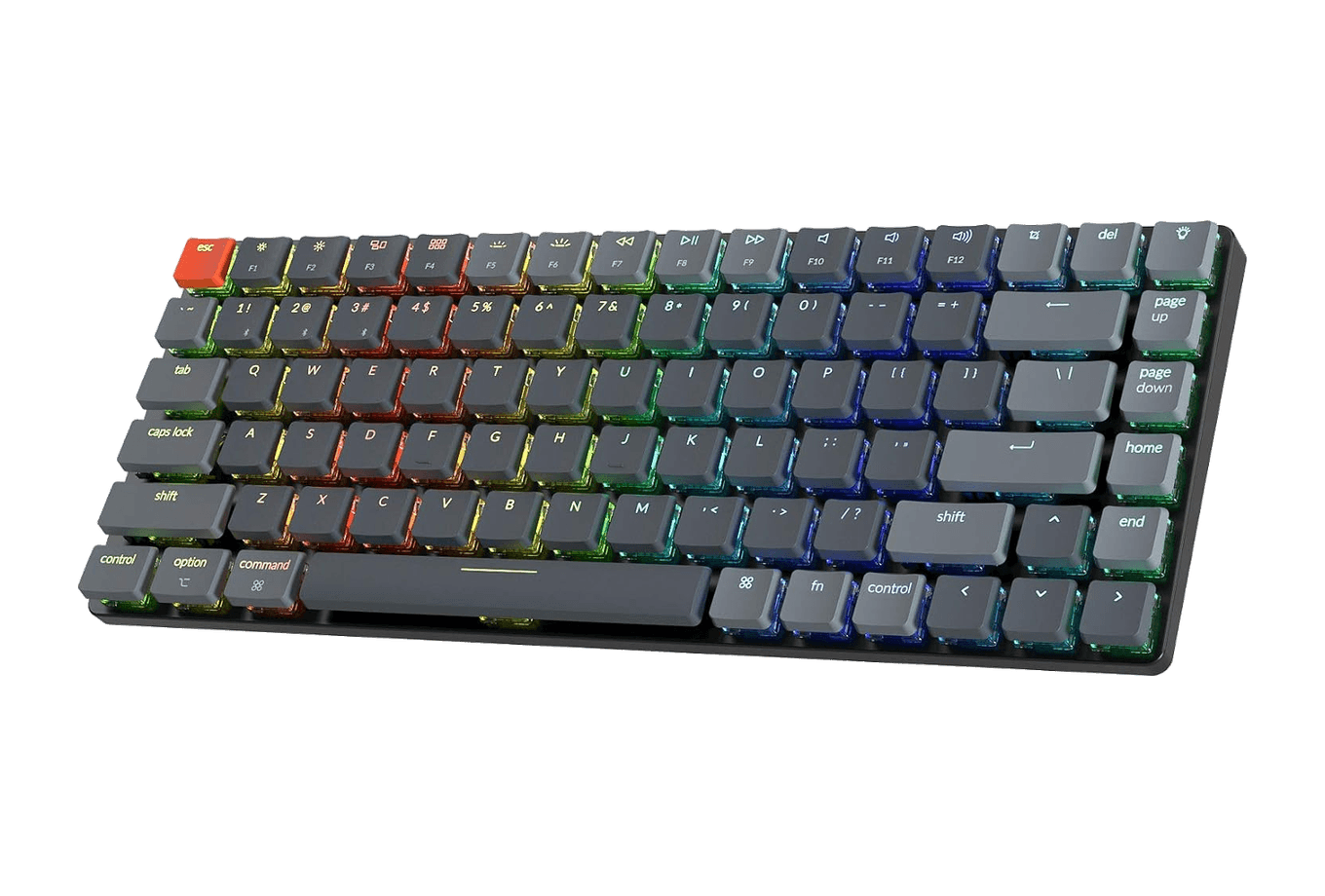
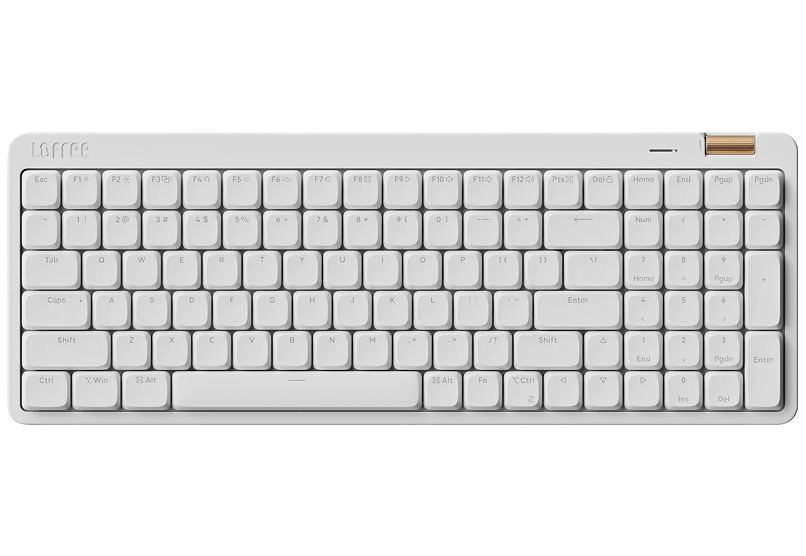
Not everyone wants to give up the number pad and function row to save a few centimetres. Flow Lite 100 Keys Keyboard is the full-size mechanical option that does not punish you for being practical. Smooth switches, full layout, priced for a first mechanical keyboard rather than a tenth.

If you do not yet know what you prefer in a keyboard, this is the right place to find out.

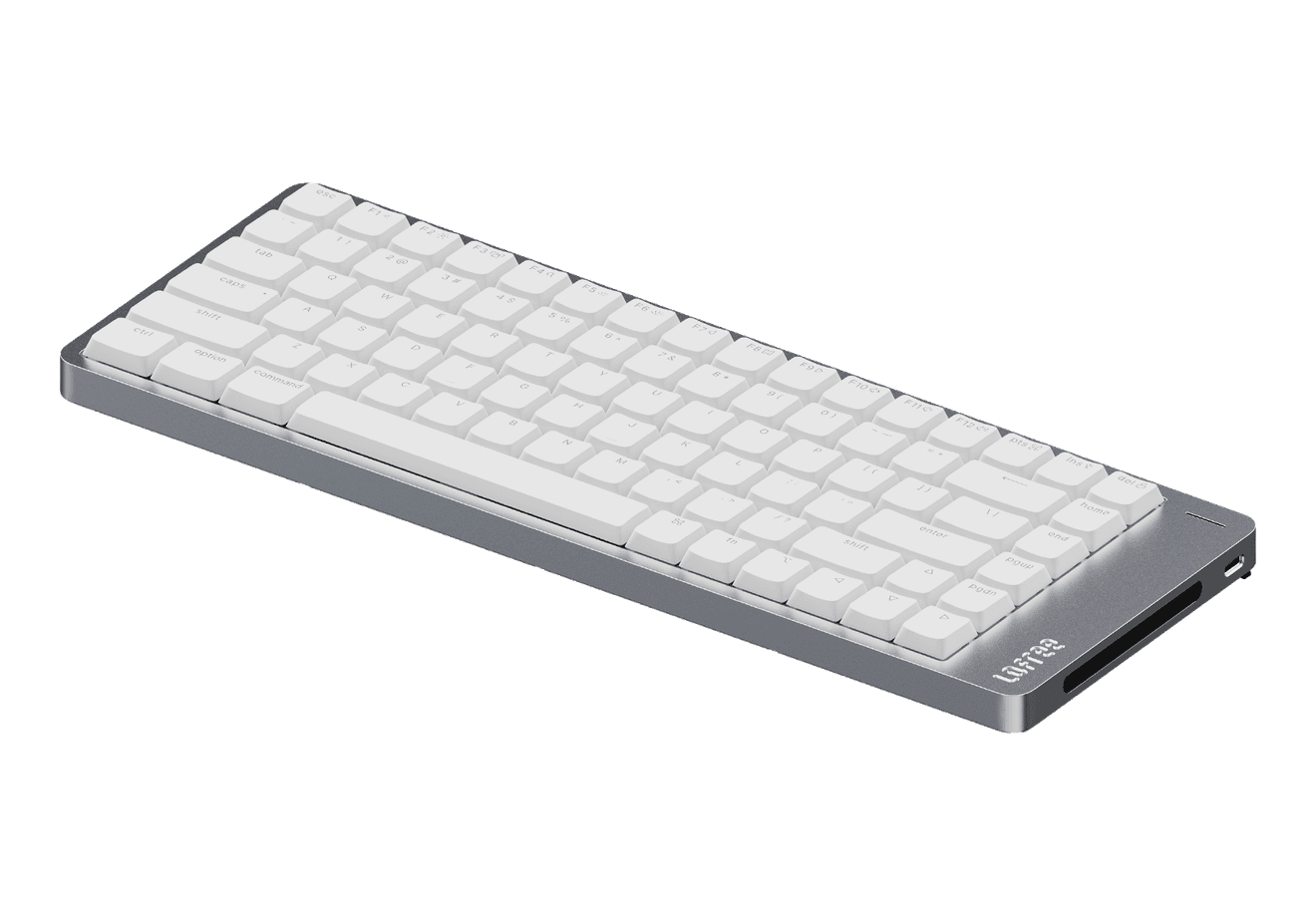
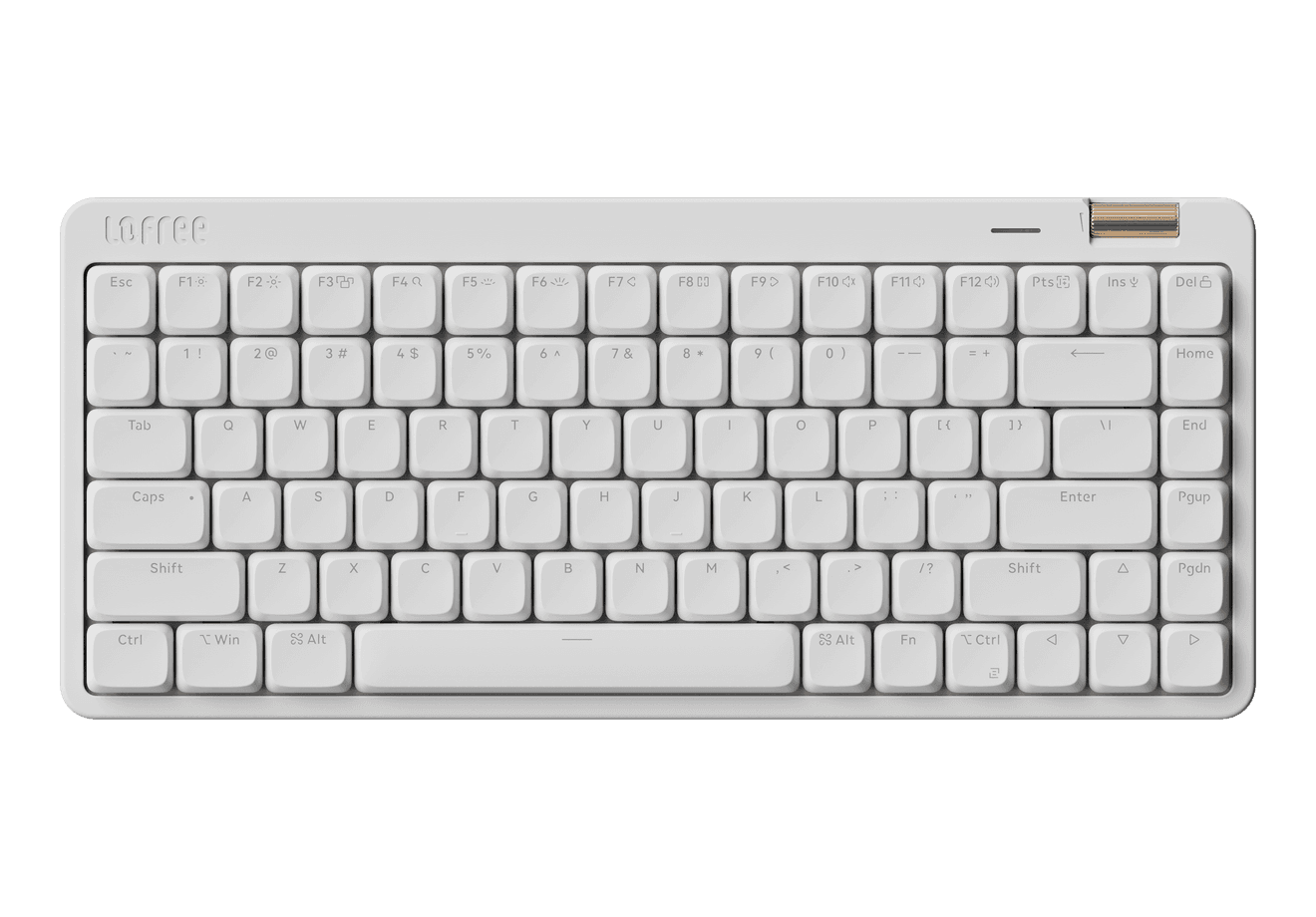
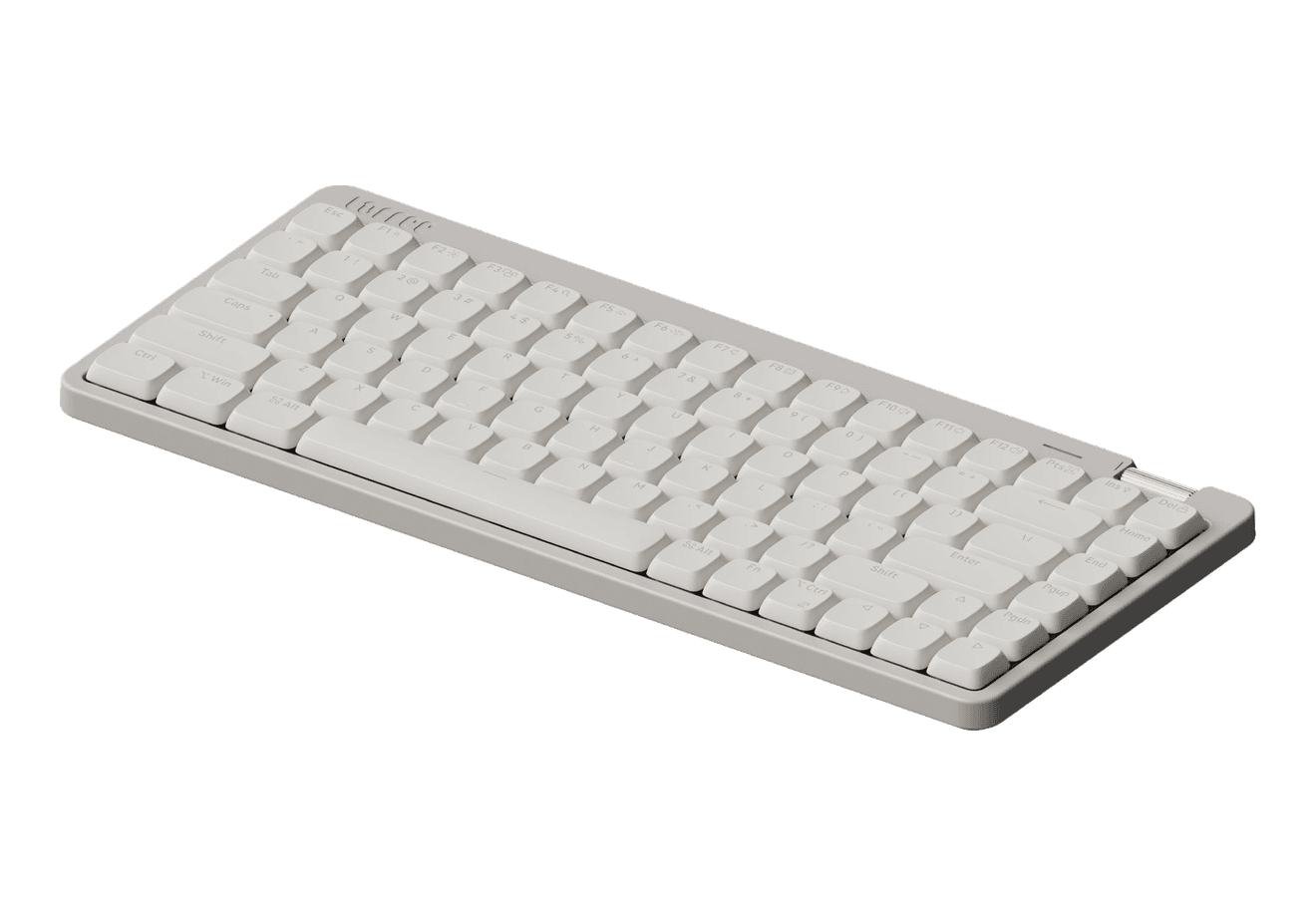
Flow Lite 100 Keys KeyboardThe smoothest, affordable-for-all mechanical keyboard.The LOFREE Flow Lite is a chic, low-profile mechanical keyboard designed for comfort and style. With its pastel colors and seamless device switching via Bluetooth and USB-C, it enhances your typing experience. Built with durable PBT keycaps and a unique gasket design, it offers a tactile feel while minimizing wrist str - Stylish pastel color design enhances any workspace. - Seamless device switching with Bluetooth and USB-C connectivity. - Durable PBT double-shot keycaps for longevity and quality. - Unique gasket design improves sound and feel during typing. - Impressive battery life of up to 100 hours with lights off. - Customizable key mapping for a personalized typing experience. Enhance your typing experience with the LOFREE Flow Lite 100 Keys Keyboard. Its stylish design, versatile connectivity, and long-lasting battery make it an ideal choice for both work and play. Enjoy a comfortable, chic workspace that combines functionality with aesthetic appeal, perfect for any typing enthusiast.Visit Website

Three keyboards, three different answers to the same question. The right one depends on whether you are optimising for space, aesthetics, or the simplest possible upgrade from where you are now.

You might also like

Opal C1 Camera icon

Opal C1 Camera

DSLR quality on a webcam for the

Opal C1 Camera product image
Opal C1 Camera hover image
HardwareUtilitiesmacOS
Mac mini M4 Hub icon

Mac mini M4 Hub

Expand your Mac Mini capabilities with enhanced

Mac mini M4 Hub product image
Mac mini M4 Hub hover image
HardwareUtilitiesmacOS
Bluetooth Remote Control icon

Bluetooth Remote Control

Seamless Control for Presentations

Bluetooth Remote Control product image
Bluetooth Remote Control hover image
HardwareUtilitiesiOS & macOS
Wireless Bluetooth Mouse icon

Wireless Bluetooth Mouse

Compact & Portable, USB-C Rechargeable

Wireless Bluetooth Mouse product image
Wireless Bluetooth Mouse hover image
HardwareiOS & macOS
Satechi 3-in-1 Qi2 Wireless Charging Station icon

Satechi 3-in-1 Qi2 Wireless Charging Station

25W Fast Magnetic Charger for iPhone, Apple

Satechi 3-in-1 Qi2 Wireless Charging Station product image
Satechi 3-in-1 Qi2 Wireless Charging Station hover image
HardwareUtilitiesiOS & macOS
2-in-1 Headphone Stand with Wireless Charger icon

2-in-1 Headphone Stand with Wireless Charger

Effortlessly organize and charge your devices with

2-in-1 Headphone Stand with Wireless Charger product image
2-in-1 Headphone Stand with Wireless Charger hover image
HardwareUtilitiesiOS & macOS
iMac G3 Apple Watch Stand & Charger icon

iMac G3 Apple Watch Stand & Charger

A retro-inspired charger stand for your Apple

iMac G3 Apple Watch Stand & Charger product image
iMac G3 Apple Watch Stand & Charger hover image
HardwareiOS
Spigen for MagSafe Wallet icon

Spigen for MagSafe Wallet

Holds 3 Cards, Compatible with iPhone 17/16/15/14/13/12,

Spigen for MagSafe Wallet product image
Spigen for MagSafe Wallet hover image
HardwareDesigniOS
HiRise 3 Deluxe icon

HiRise 3 Deluxe

Wireless Charging Stand for Apple Devices

HiRise 3 Deluxe product image
HiRise 3 Deluxe hover image
HardwareiOS

New additions

Finbar icon

Finbar

Powerful menu bar search for Mac

Finbar screenshot
Freemium

Finbar is a Mac application designed for power users seeking enhanced functionality from the menu bar search. It provides features such as fuzzy search, recent items tracking, custom scripts, and hierarchical browsing, which improve the efficiency of accessing files, applications, and workflows compared to the standard macOS launcher. - Fuzzy search capabilities for improved query matching. - Recents tracking to quickly access frequently used files and applications. - Custom script integration for personalized workflows. - Hierarchical browsing for organized navigation through files and apps. - Enhanced speed for launching files, applications, and workflows directly from the menu bar. Finbar is suitable for Mac power users who require advanced search capabilities and streamlined access to their files and applications. Its features, including fuzzy search and custom script integration, facilitate personalized workflows and efficient navigation.

SoftwareUtilitiesmacOS
CleanMyMac icon

CleanMyMac

Mac cleaner and maintenance utility

CleanMyMac screenshot
Freemium

CleanMyMac is a software application designed for Mac maintenance. It helps users clean system junk, manage storage, and uninstall applications completely. The app scans for caches, logs, and large files, while also providing Smart Care workflows, malware monitoring, and privacy tools to enhance overall system performance and efficiency. - Cleans system junk by scanning for caches, logs, and large files. - Manages storage by identifying and removing unnecessary files. - Uninstalls applications completely, including associated files. - Optimizes system performance through automated maintenance tasks. - Provides malware monitoring to detect and remove threats. - Includes privacy tools to manage sensitive data and online tracking. CleanMyMac offers practical solutions for maintaining Mac systems by effectively removing unnecessary files, managing storage, and ensuring optimal performance. Its features cater to users seeking to enhance their device's efficiency while safeguarding against malware and managing privacy concerns.

SoftwareUtilitiesmacOS
Cooldock icon

Cooldock

A useful Dock for live widgets.

Cooldock screenshot
Freemium

Cooldock brings music, todos, events, weather, search, stats, quick actions, and more useful widgets into one beautiful live dock beside your original Mac Dock. - Integrates live widgets for music, weather, todos, and events into a customizable second Dock. - Provides quick access to favorite apps, folders, and system stats from a compact interface. - Supports reminders and calendar events for efficient task management. - Allows for real-time monitoring of system performance, including CPU and RAM usage. - Features quick actions for toggling settings like Wi-Fi and Bluetooth directly from the Dock. Add live widgets, quick actions, apps, folders, search, stats, weather, calendars, reminders, and more into a beautiful second Dock beside your original Mac Dock. This app provides a seamless way to enhance your productivity and streamline everyday tasks with easily accessible widgets.

SoftwaremacOS
Hold My Lid icon

Hold My Lid

Close your MacBook. Your agents keep running.

Hold My Lid screenshot
Paid

Hold My Lid is a macOS application designed to keep your Mac awake while coding agents like Claude Code and OpenAI Codex are active, even with the lid closed. This tool helps developers manage their workflow by allowing their laptops to remain operational while stored in a bag, ensuring that tasks are completed without interruption. - Keeps your Mac awake while coding agents are active, even with the lid closed. - Utilizes lifecycle hooks to accurately monitor agent activity and manage wake states. - Configurable settings allow users to set battery thresholds and power modes. - Provides notifications and sound alerts when agents complete tasks or battery limits are reached. - Offers a menu-bar dropdown for quick access to status, agent sessions, and control options. - Supports global shortcuts for toggling the app on or off from any application. Hold My Lid is a macOS application designed to keep your Mac awake while coding agents operate, even with the lid closed. It offers a one-time purchase model, allowing use on up to three Macs without the need for subscriptions.

SoftwaremacOS
Type icon

Type

Take notes without interrupting your flow

Type screenshot
Freemium

Type is a macOS application designed for quick note-taking. Ideal for individuals who need to jot down ideas without disrupting their workflow, Type offers features such as hotkey access, customizable date formats, and Markdown support. - It is designed for people who want to jot down ideas and thoughts without losing their flow. - The app is simple yet powerful, enabling fast entry of notes that are stored locally on your device, ensuring offline access. - With features like hotkey access, customizable date formats, and Markdown support, Type makes it easy to integrate quick note-taking into your daily workflow. Perfect for users of Obsidian and others who want a lightweight, distraction-free environment for capturing notes, Type continuously evolves with user feedback and planned features for enhanced functionality.

SoftwaremacOS
Bitrig icon

Bitrig

The best way to build native Swift

Bitrig screenshot
Free

Bitrig allows you to describe what you want to build, and it transforms your ideas into real Swift code that you can ship to the App Store. The platform generates actual Swift and SwiftUI code, providing an integrated simulator that runs alongside your code, enabling you to see exactly what your users will experience. Using natural language, you can instruct Bitrig to make changes, updating the code on the spot. It's the perfect tool for anyone who has an app idea but lacks coding skills, making the development process accessible and efficient.

SoftwaremacOS
Supaste icon

Supaste

Your clipboard, wherever you need it.

Supaste screenshot
One-time

Supaste saves your clipboard and screenshots in a beautiful visual history, automatically grouped by type, app, and custom categories, so you can search, find, and paste anything back in seconds. This comprehensive tool allows you to use the notch shelf, quick search, inline paste, drag and drop, and the full Library view to efficiently manage and organize everything you copied. Whether you're a designer, developer, content creator, or just someone who needs a personal clipboard organizer, Supaste provides a clean visual timeline for easy access to your data. With features like sensitive content detection, custom categories, and the ability to filter your history by app or type, Supaste helps keep your clipboard tidy and accessible. Best of all, it's a one-time purchase with lifetime access, ensuring you have everything you need for your clipboard management without ongoing fees.

SoftwaremacOS
Milestones icon

Milestones

Native, Private Project Management App

Milestones screenshot
Freemium

Milestones is a project planning software designed to help users manage tasks across multiple projects. It organizes projects into a three-tier hierarchy of Projects, Milestones, and Tasks, allowing users to break down larger goals into manageable phases. - Organizes projects into a three-tier hierarchy: Projects, Milestones, and Tasks. - Allows users to visually track progress with live progress bars for each milestone. - Enables marking one milestone as Active to prioritize current tasks while keeping others visible. - Supports task statuses including To Do, In Progress, and Done for clear organization. - Provides tagging options for tasks to facilitate better grouping and management. - Syncs seamlessly across iPhone, iPad, and macOS using iCloud. Milestones is a project management application that allows users to organize their work into a structured hierarchy of Projects, Milestones, and Tasks. It features visual progress tracking, customizable project icons, and seamless syncing across iPhone, iPad, and macOS.

SoftwareProductivityiOS & macOS
Folders icon

Folders

A file manager for Windows switchers

Folders screenshot
Freemium

Folders is a file manager application for macOS that provides a folder tree layout, catering specifically to users transitioning from Windows. It offers a range of features including easy navigation, comprehensive file operations, and integration with cloud storage services. Designed for both new and experienced users, Folders aims to enhance file management efficiency on Mac systems. - Provides a folder tree layout for intuitive navigation, similar to Windows Explorer. - Supports batch renaming and file conflict resolution for efficient file management. - Integrates with iCloud Drive and other cloud storage services for centralized access. - Offers multiple viewing options: Table, List, Icons, and Gallery. - Includes a powerful search function with Spotlight integration and saved searches. - Allows customization of themes and folder icons for personalized organization. Folders is a file manager for macOS that emulates the folder tree structure familiar to Windows users. It offers a range of features including comprehensive file operations, customizable themes, and powerful search capabilities. Users can manage files across various cloud services and utilize batch renaming and conflict resolution tools.

SoftwareUtilitiesmacOS