Glaze Mac App by Raycast: What It Does and Pricing | Macfolio
Glaze by Raycast: The Glaze Mac App Explained (Features and Pricing)
Glaze is Raycast's Mac app that builds real desktop apps from a chat prompt. Free to start, Pro is $10/mo. Features, pricing, and how it compares to Codex.
Glaze is a Mac app from Raycast that turns a plain-English description into a real desktop app you can use and share. It is free to start, Pro costs $10 a month, and it currently needs macOS Tahoe on Apple Silicon.
Have you ever wished your Mac could do one small thing differently, like tracking a habit, simplifying a daily task, or giving your team a cleaner way to share updates, but nothing in the App Store quite fits? Most of us are not looking to become developers. We just want a simple app that works the way we need it to.
That is what Glaze is for. Glaze is a new Mac app from the team behind , the popular Mac launcher used by hundreds of thousands of people every day. You describe what you want in plain English, chat back and forth to refine it, and Glaze builds a real app you can use yourself or share with your team. No coding experience required. No complicated setup. Just something that opens on your Mac, looks polished, and does the job.
Shotbase is a comprehensive tool designed to capture and manage all your screen-based content effortlessly. With features like stunning screenshot capabilities, recording options that include cinematic effects, and an intuitive organizational structure powered by local AI, you can easily keep your multimedia assets organized and accessible. Shotbase not only allows you to capture specific areas, windows, or full screens on your Mac but also enables you to edit and enhance your captures with backgrounds, frames, and annotations. The integrated AI ensures your captures are automatically named and tagged for easy searching, making it an excellent choice for anyone looking to enhance their productivity and creativity in one seamless workspace.
SoftwareCreativemacOS
DeskMinder
For Easily Distracted Minds
Freemium
DeskMinder is a productivity software application designed for Mac users who struggle with distractions. It provides a straightforward interface for creating desktop pop-up reminders and tasks, helping users manage urgent to-dos, short breaks, and fleeting ideas. With features like full-screen notifications and Apple Reminders integration, DeskMinder aims to enhance focus and time management for i
- With features like easy-to-create desktop pop-ups for reminders and tasks, it simplifies the process of staying on top of urgent to-dos, short breaks, or fleeting ideas.
- Users can benefit from full-screen notifications, Apple Reminders integration, and flexible widget placement, making it ideal for anyone requiring a little extra help to maintain focus.
- The app includes additional shortcuts for quick reminder setups and customizable widget options, along with a history tracking feature to monitor daily progress.
Designed specifically for Mac users, DeskMinder aims to facilitate better time management and productivity for those with attention challenges, providing a seamless user experience without unnecessary complexity.
SoftwareProductivitymacOS
Klack
Satisfying sound with every keystroke
Paid
Klack is a macOS application designed to enhance the typing experience through high-fidelity sound for each keystroke. It provides features such as immersive spatial audio, instant feedback, and customizable sound options, making it suitable for writers, developers, and anyone who values an engaging typing environment. The app is easily accessible from the menubar and offers extensive configuratio
- Provides immersive spatial audio for enhanced typing feedback.
- Allows customization of keystroke sounds, pitch variations, and volume settings.
- Features a menubar interface for quick access to configuration options.
- Supports instant feedback with each keystroke for a more engaging experience.
- Designed for writers and developers seeking auditory feedback while typing.
Klack enhances the typing experience on Mac by providing high-fidelity sound for each keystroke.
SoftwaremacOS
TypoTab
TypoTab, the ultimate AI writing assistant for
Paid
TypoTab is a macOS application that functions as an AI-driven writing assistant. It enhances writing efficiency by providing tools for grammar correction, text rephrasing, and content generation, all accessible from the menu bar without needing to switch applications. This tool is designed for writers, students, and professionals looking to streamline their writing process and improve productivity
- Provides grammar correction and text rephrasing directly from the menu bar.
- Allows text refinement in any application without switching contexts.
- Offers customizable actions to meet individual writing needs.
- Streamlines repetitive writing tasks for improved efficiency.
- Supports a wide range of applications, enhancing workflow across platforms.
TypoTab is a macOS application that enhances writing efficiency by providing grammar correction, text rephrasing, and content generation directly from the menu bar. It allows users to refine text in any application without switching contexts, offering customizable actions to suit individual writing needs.
SoftwareProductivitymacOS
Ardia
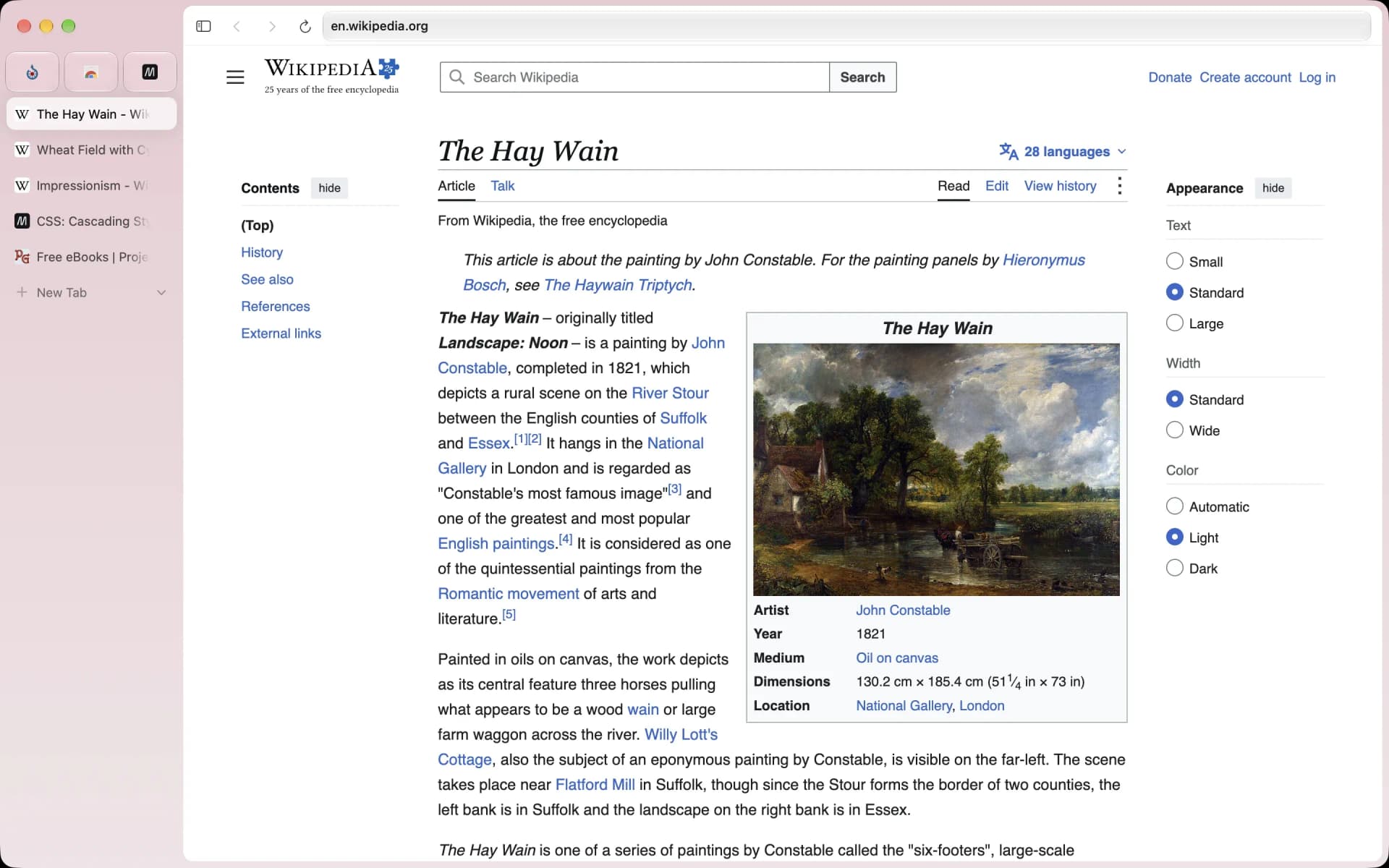
Arc-style sidebar browser on real Chromium
Free
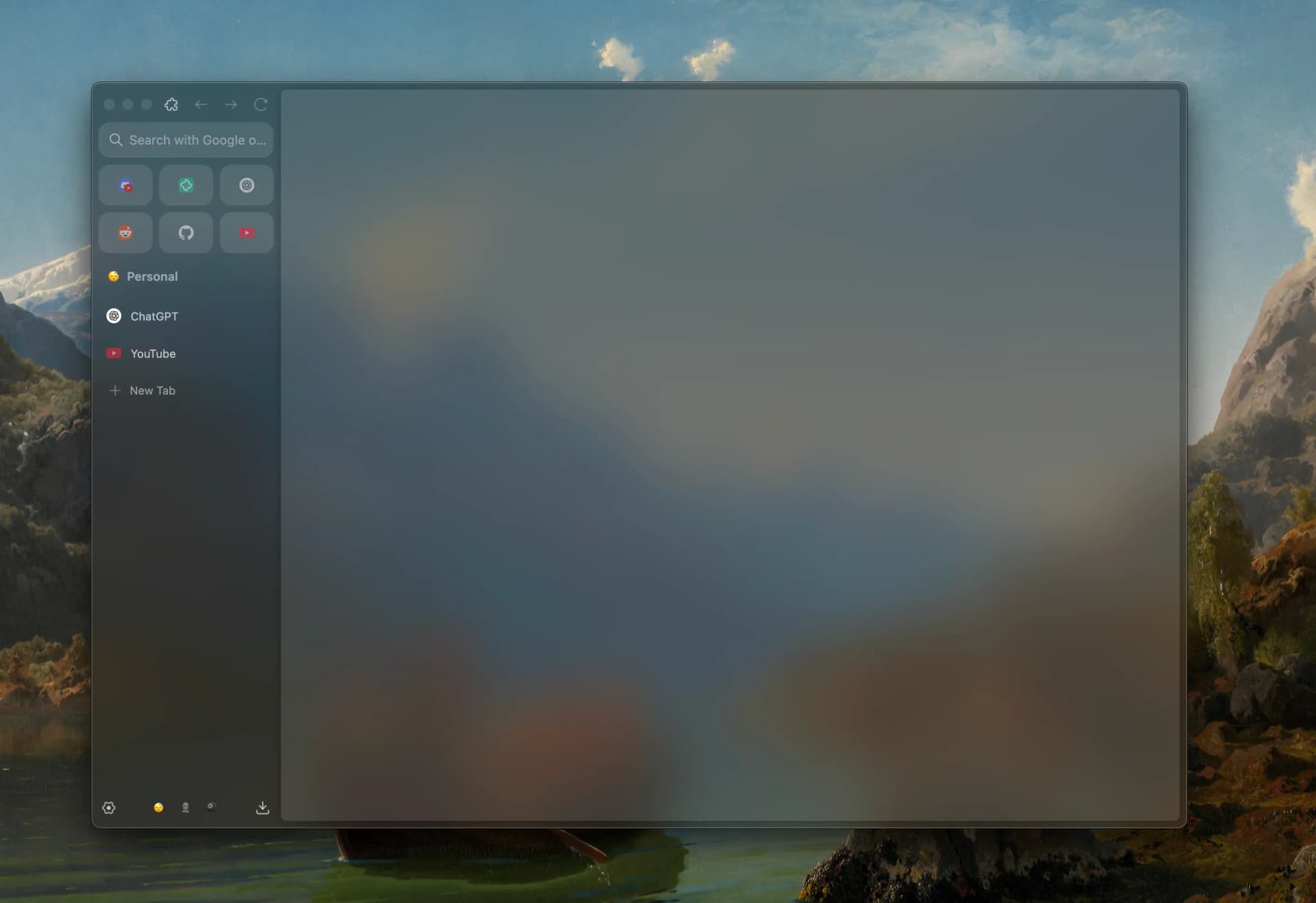
Ardia is a free, open-source Mac browser that recreates Arc's sidebar on current Chromium. It imports Arc spaces, pinned tabs, and themes, and builds in the full uBlock Origin.
- Vertical sidebar with pinned tabs, folders, and swipeable profiles.
- One-click import from Arc, Dia, Chrome, Safari, Firefox, and more.
- Split view with up to three panes.
- Little Ardia quick window and picture-in-picture video.
- Full uBlock Origin built in, with iCloud-based encrypted sync.
Ardia suits Arc users who want the same layout without AI, on an actively updated browser.
SoftwareProductivitymacOS
Zen Browser
Calm, open-source browser with vertical tabs
Free
Zen is a free, open-source browser based on Firefox, built around a vertical tab sidebar, workspaces, and split view. It is the closest open-source match to Arc's layout.
- Vertical tabs with pinned Essentials and Workspaces.
- Split view for up to four tabs side by side.
- Compact mode hides the toolbar for a clean window.
- Glance opens links in a quick preview.
- Supports Firefox add-ons and Mozilla privacy features.
Zen suits people who loved Arc's sidebar and want an open-source, community-built browser.
SoftwareProductivitymacOS
Orion Browser
Fast WebKit browser with zero telemetry
Freemium
Orion is a free Mac browser from Kagi built on WebKit, the engine behind Safari. It blocks ads and trackers, collects no telemetry, and can run many Chrome and Firefox extensions.
- Native WebKit speed and battery life.
- Built-in ad and tracker blocking with zero telemetry.
- Supports many Chrome and Firefox extensions.
- Vertical tabs, profiles, and deep customization.
- Optional Orion+ supporter plan for early builds.
Orion suits Mac users who want Safari-level efficiency with more control.
SoftwareProductivitymacOS
Vivaldi
Highly customizable browser with built-in tools
Free
Vivaldi is a free Chromium-based browser focused on customization. It includes tab stacks, vertical tabs, tab tiling, workspaces, and built-in mail, calendar, and notes.
- Vertical tabs, tab stacks, and workspaces.
- Tab tiling to view several pages at once.
- Built-in ad and tracker blocker.
- Mail, calendar, feed reader, and notes included.
- Works with Chrome Web Store extensions.
Vivaldi suits power users who want to tune every part of their browser.
SoftwareProductivitymacOS
Brave
Private Chromium browser that blocks ads by default
Freemium
Brave is a free, open-source Chromium-based browser that blocks ads and trackers out of the box. It supports Chrome extensions and includes Leo, a private AI assistant.
- Brave Shields block ads, trackers, and fingerprinting.
- Vertical tabs and tab groups.
- Chrome Web Store extension support.
- Leo AI assistant, free with an optional Premium plan.
- Sync across Mac, Windows, Linux, iOS, and Android.
Brave suits people who want Chrome compatibility with stronger privacy defaults.
This guide walks through what Glaze can make, who it is best for, and how it compares to other AI tools you may have heard about.
Updated October 2026: Glaze has changed a lot since launch. You can now build with your own Claude subscription, projects live in a regular folder that other coding agents can edit, apps can be remixed, and Pro dropped to $10 a month. We have added a section on what is new and updated the pricing below.
1. What Glaze Actually Builds
Most AI builders still target the browser. Glaze targets the desktop on purpose. Apps run locally on your Mac, work offline, and can access the file system, keyboard shortcuts, menu bar placement, background processes, and the other things that make Mac software feel like Mac software.
Raycast's own examples range from internal support tools connected to GitHub to personal utilities like spending trackers, meeting recorders, dashboards, and workflow helpers. Glaze also ships with a public store and private team stores, so you can start from an existing app, install it, and reshape it instead of prompting from a blank canvas every time.
The product pitch on glaze.app is blunt: create any app in minutes by chatting with AI, beautiful by default, and personal when you want it to be.
2. Why Raycast Matters Here
This is not a random AI wrapper from a team learning desktop software for the first time. Glaze comes from the company behind Raycast, the Mac launcher used daily by hundreds of thousands of professionals and extended by thousands of developers through Raycast extensions.
Raycast spent six years obsessing over what a great Mac app feels like: fast launch, keyboard-first workflows, polished defaults, and software that adapts to how people actually work. Glaze bakes that pedigree into the creation layer. Icons, packaging, permissions, design defaults, and OS integration are handled as product assumptions rather than homework you discover after the prompt finishes.
Glaze is its own app, not a Raycast feature, but the integration is intentional. Built Glaze apps can surface through Raycast as bundled extensions, which makes a personal utility or team tool easier to find and launch from the workflow Mac power users already live in.
3. Who Glaze Is For
Glaze is strongest for people who want software shaped around a specific job, not a general-purpose coding environment.
That includes operators and founders who need internal tools tied to their stack, support teams running review workflows, designers and creators who want a menu bar utility without hiring a developer, and individuals with a recurring Mac annoyance that no App Store app solves cleanly. If your ideal outcome is "my team can install this tomorrow," Glaze is aimed at you.
It is a weaker fit if your goal is to own every architectural decision in a large codebase. For that, coding agents like Codex or Cursor remain the better starting point. Glaze assumes you want the app, not the project.
Today Glaze requires macOS Tahoe and Apple Silicon. Windows and Linux are on the roadmap, but the current story is Mac-first desktop software for people who already do serious work on a Mac.
4. Why Glaze When Claude Code and Codex Exist
This is the question Raycast keeps hearing, and the answer is less about model quality than about output shape.
Claude Code, Codex, and tools like them are powerful coding agents. They can build almost anything, including a desktop app, if you want full control over frameworks, architecture, packaging, and long-term maintenance. You are still running a software project. You make the technical calls, manage the code, shape the interface, and figure out how anyone else installs it.
Glaze is opinionated about one job: turning an idea into a desktop app people can actually use. The unit of output is not a repository. It is an app.
That distinction sounds small until you have tried to hand a repo to a non-developer. Glaze handles the parts that usually stall personal software after the fun prompt phase: the interface should feel right without art-directing every control, the app needs an icon and packaging, permissions have to make sense, and your friend or teammate should be able to install it without cloning anything or fighting Xcode.
Raycast's team frames the bet this way: when software becomes cheap to create, creation stops being the bottleneck. Distribution becomes the hard part. Glaze tries to collapse that second gap with one-button publishing to its store, publicly or privately for your team, plus a feedback loop where anyone can suggest a change and a prompt later can fold it into the app without a roadmap ticket.
If you want to build and manage a project, use a coding agent. If you just want an app, Glaze is the clearer tool.
5. Create, Publish, and Improve in One Loop
The workflow Glaze is selling has three layers that most AI coding tools leave disconnected.
First, creation through conversation. You describe the app, answer a few clarifying questions, and get a finished first version rather than a scaffold you still need to deploy.
Second, distribution without certificate drama. Apps can be shared privately, published unlisted on paid plans, or released to the public Glaze Store where others can discover and install them. Recipients need Glaze installed, but they do not need to be paid subscribers to run an app shared with them.
Third, iteration without a formal product process. Raycast built its own culture around users telling the team what was missing and seeing it show up quickly. Glaze tries to embed that loop inside each app: someone sends an idea, you prompt the change, and the distance between "I wish it did this" and "it does this now" shrinks dramatically.
That is why The Verge described Glaze as an all-in-one vibe coding app platform rather than a single builder window. The store, team publishing, and discoverability are part of the product, not an afterthought.
6. What Is New in Glaze Since Launch
Raycast ships Glaze updates roughly every week or two. The biggest changes since summer, from the official changelog:
Glaze AI and the Glaze Awards (version 0.11, July): apps you build can now use AI features, and Raycast launched the Glaze Awards, a competition with prizes of up to $10,000 for apps published to the public store.
App Remixing and native Swift (0.13, August): remix an app from the store to get your own editable copy, with the original credited on both sides, or start from the curated Made to Remix collection. The agent can now build native Swift apps, and even apps that react to motion from supported AirPods and other headphones.
Bring Your Own Agent (0.14, August): connect your Claude subscription to build with Opus, Sonnet, and Fable. It uses your Claude subscription instead of Glaze credits and is unlimited during the beta, though your normal Claude usage limits still apply.
Glaze can now build with your own Claude subscription. Image: Glaze
Projects in a normal folder (0.14): projects now live at `~/Glaze/` on your Mac, so you can open the same app in Codex, Cursor, or Claude Code and keep working on it there.
Duplicate App (0.14.3, September): make a local copy of an app and experiment without touching the original.
Glaze projects are regular folders you can open in other tools. Image: Glaze
That folder change softens one of the trade-offs in section 4. You can start an app in Glaze and still hand it to a coding agent later, so choosing Glaze no longer means giving up the code.
7. Pricing, Ownership, and the Honest Limits
You own the apps you build, including their code and content. Glaze apps can connect to APIs, local files, and external services, which makes them useful as internal glue rather than isolated toys.
Pricing is simpler than it was at launch. As of October 2026, the official pricing page lists three plans:
Plan
Price
What you get
Free
$0
Use your Claude subscription (unlimited during beta), Glaze Fast models, a 50-credit welcome pack, credit top-ups, public store publishing
Pro
$10/month
Everything in Free, plus Glaze Smart models, 100 monthly credits, top-ups without the platform fee, Creator Hub, unlisted apps, and control over remixing
Team
Free during beta
A private team store, teammate invites, and distribution within your team, for Free and Pro users
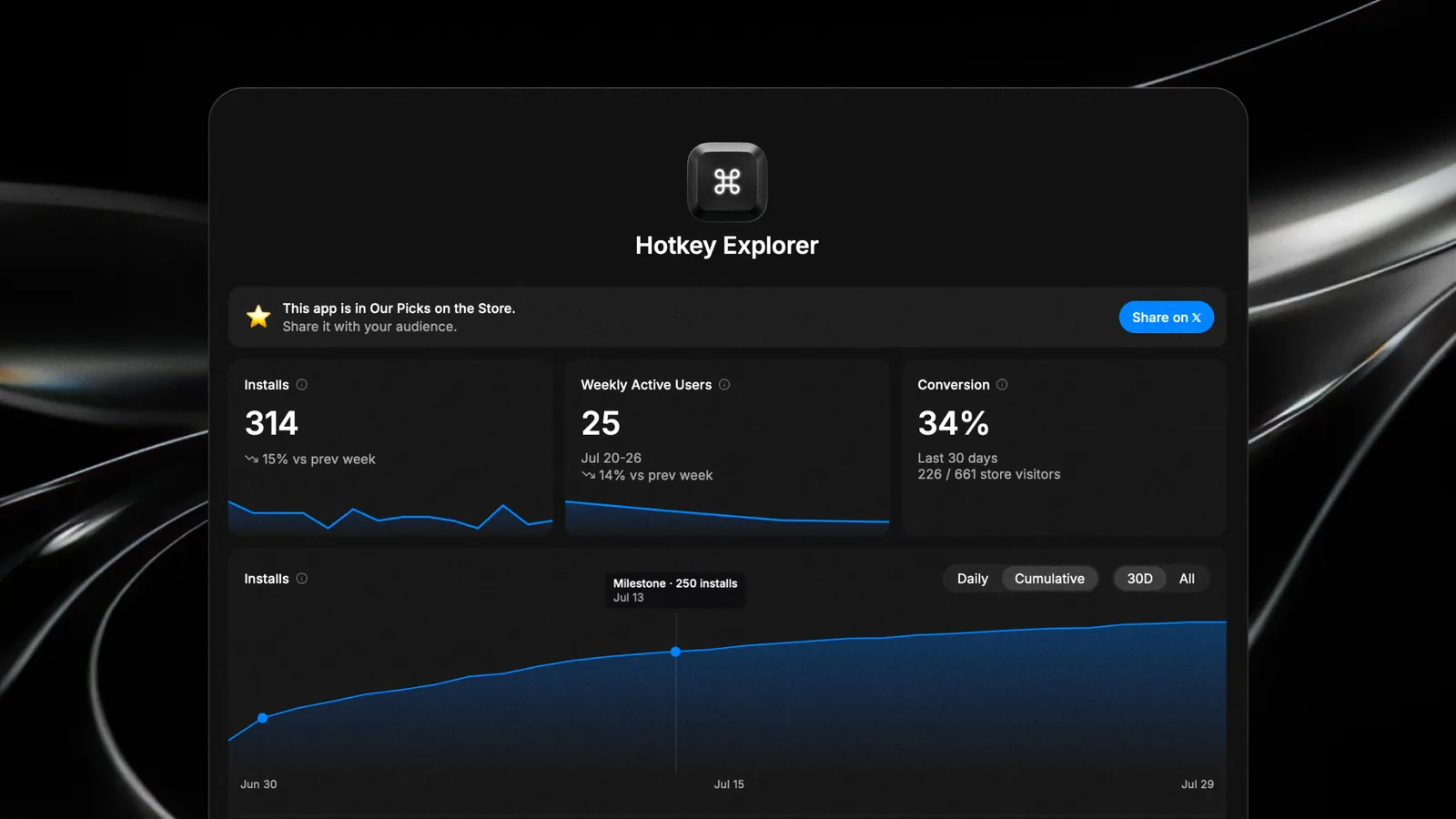
Credits pay for Glaze's own models. Top-ups are one-off packs priced at what the tokens cost Glaze plus a small platform fee, which Pro waives. Creator Hub, included with Pro, shows how your published apps are doing.
Creator Hub is included with Glaze Pro. Image: Glaze
The limits are real too. Glaze is not trying to become the home of the next giant social network or enterprise suite. It is optimized for personal utilities, team tools, menu bar apps, and workflow automations that make an existing Mac setup work better. If you need deep backend infrastructure, complex multi-user state, or app-store-scale consumer products, you will outgrow the premise quickly.
For Mac users who already trust Raycast and want personal software that behaves like software, Glaze is one of the most coherent answers in the current AI wave: not better code generation for its own sake, but faster paths from idea to installed app.
GlazeBuild personal Mac apps with AIVisit WebsiteGlaze is a software tool that enables users to create personal Mac applications through AI interaction. It allows apps to run locally on the user's machine, integrating with files and system tools. These applications can be shared with teams or made publicly available, catering to individuals looking to develop customized software that aligns with their specific workflows.
- Create custom Mac applications through an AI chat interface.
- Run applications locally on your Mac without requiring an internet connection.
- Integrate seamlessly with local files and system tools for enhanced functionality.
- Share applications with team members or publish them for public use.
- Tailor software to fit specific workflows and preferences.
Glaze provides a practical solution for users seeking to develop personalized Mac applications tailored to their unique needs. By leveraging AI, it simplifies the app creation process while ensuring that applications can operate offline and integrate with existing system tools.Visit Website
Ardia is a free, open-source Mac browser that recreates Arc's sidebar on current Chromium. It imports Arc spaces, pinned tabs, and themes, and builds in the full uBlock Origin.
- Vertical sidebar with pinned tabs, folders, and swipeable profiles.
- One-click import from Arc, Dia, Chrome, Safari, Firefox, and more.
- Split view with up to three panes.
- Little Ardia quick window and picture-in-picture video.
- Full uBlock Origin built in, with iCloud-based encrypted sync.
Ardia suits Arc users who want the same layout without AI, on an actively updated browser.
SoftwareProductivitymacOS
Zen Browser
Calm, open-source browser with vertical tabs
Free
Zen is a free, open-source browser based on Firefox, built around a vertical tab sidebar, workspaces, and split view. It is the closest open-source match to Arc's layout.
- Vertical tabs with pinned Essentials and Workspaces.
- Split view for up to four tabs side by side.
- Compact mode hides the toolbar for a clean window.
- Glance opens links in a quick preview.
- Supports Firefox add-ons and Mozilla privacy features.
Zen suits people who loved Arc's sidebar and want an open-source, community-built browser.
SoftwareProductivitymacOS
Orion Browser
Fast WebKit browser with zero telemetry
Freemium
Orion is a free Mac browser from Kagi built on WebKit, the engine behind Safari. It blocks ads and trackers, collects no telemetry, and can run many Chrome and Firefox extensions.
- Native WebKit speed and battery life.
- Built-in ad and tracker blocking with zero telemetry.
- Supports many Chrome and Firefox extensions.
- Vertical tabs, profiles, and deep customization.
- Optional Orion+ supporter plan for early builds.
Orion suits Mac users who want Safari-level efficiency with more control.
SoftwareProductivitymacOS
Vivaldi
Highly customizable browser with built-in tools
Free
Vivaldi is a free Chromium-based browser focused on customization. It includes tab stacks, vertical tabs, tab tiling, workspaces, and built-in mail, calendar, and notes.
- Vertical tabs, tab stacks, and workspaces.
- Tab tiling to view several pages at once.
- Built-in ad and tracker blocker.
- Mail, calendar, feed reader, and notes included.
- Works with Chrome Web Store extensions.
Vivaldi suits power users who want to tune every part of their browser.
SoftwareProductivitymacOS
Brave
Private Chromium browser that blocks ads by default
Freemium
Brave is a free, open-source Chromium-based browser that blocks ads and trackers out of the box. It supports Chrome extensions and includes Leo, a private AI assistant.
- Brave Shields block ads, trackers, and fingerprinting.
- Vertical tabs and tab groups.
- Chrome Web Store extension support.
- Leo AI assistant, free with an optional Premium plan.
- Sync across Mac, Windows, Linux, iOS, and Android.
Brave suits people who want Chrome compatibility with stronger privacy defaults.
SoftwareProductivitymacOS
Walyro
Bring personal videos to your desktop
Freemium
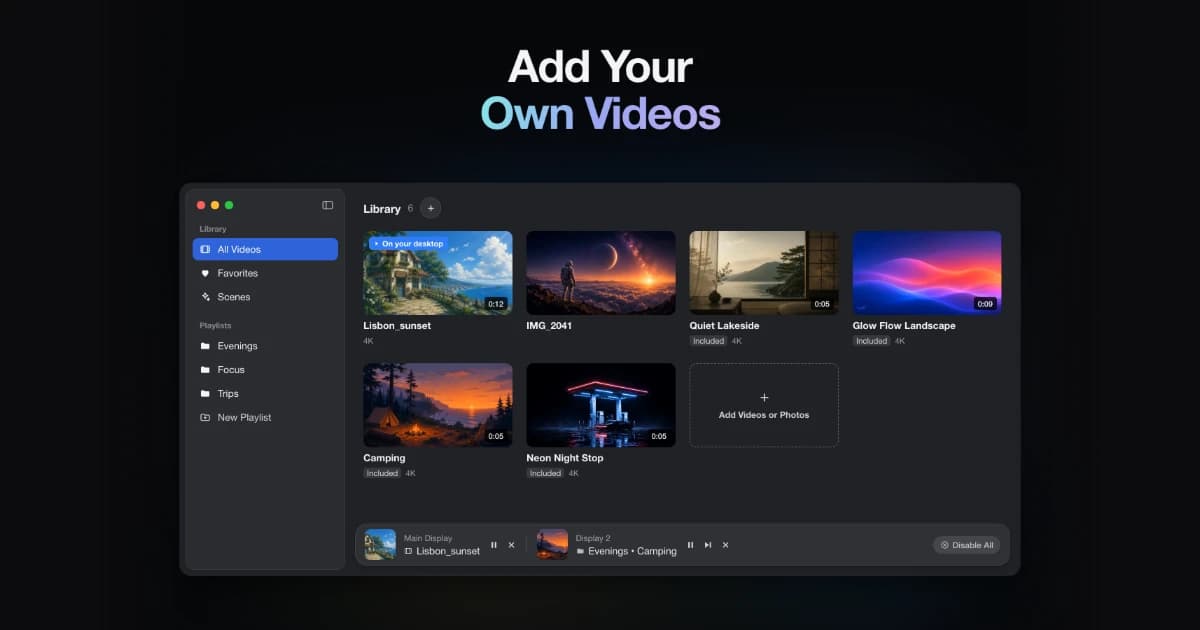
A live wallpaper app for macOS 14 and later, using built-in scenes or your own videos.
- Use MP4, MOV, and M4V clips
- Apply wallpapers to selected displays
- Keep a local library that works offline
SoftwareUtilitiesmacOS
Vinyl for Mac
Put a turntable on your desktop
One-time
A desktop turntable visualization that connects to Spotify and Apple Music. Requires macOS Sonoma or later.
- Show current album artwork and track information
- Choose display sizes and backgrounds
- Keep controls available in the menu bar
SoftwareCreativemacOS
Redact Guard
Hide sensitive details before sharing screenshots
One-time
A Mac utility that detects and obscures sensitive information in screenshots and copied images, processing them on device.
- Redact passwords, API keys, and personal details
- Process screenshots and copied images
- Keep image processing on your Mac
SoftwareUtilitiesmacOS
Polarsteps
Plan trips and capture your journey
Freemium
A travel companion combining itinerary planning, route tracking, and a visual trip journal.
- Plan destinations and transport
- Record routes and share travel updates
- Turn trip memories into a printed photo book