HeyClicky Review: Mac AI Assistant Pricing and Setup | Macfolio
HeyClicky Review: Features, Pricing, and How It Works
HeyClicky is a screen-aware Mac AI assistant backed by Y Combinator. Here is who it is for, how it works, and why founders and creators are paying attention.
You are halfway through a tutorial in DaVinci Resolve, the playhead is in the wrong place, and the YouTube tab with the answer is three windows away. Most Mac AI tools still ask you to leave the app, paste a screenshot, and translate a wall of text back into clicks. HeyClicky was built for the moment when the help should appear exactly where you are stuck.
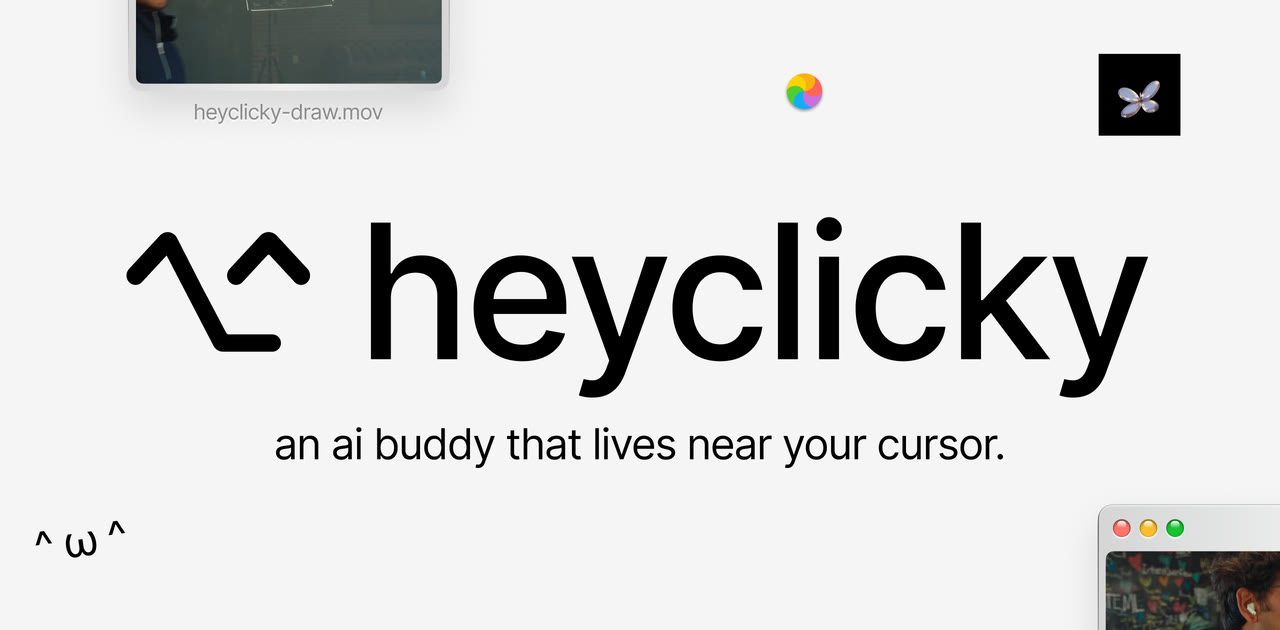
HeyClicky is a native macOS AI assistant that sits next to your cursor, reads your screen when you ask it to, answers out loud, draws on screen to point at controls, and can spawn background agents for research or tasks. It is free to start, backed by Y Combinator's Spring 2026 batch, and aimed at people who want AI that feels present on the Mac rather than trapped in another chat window.
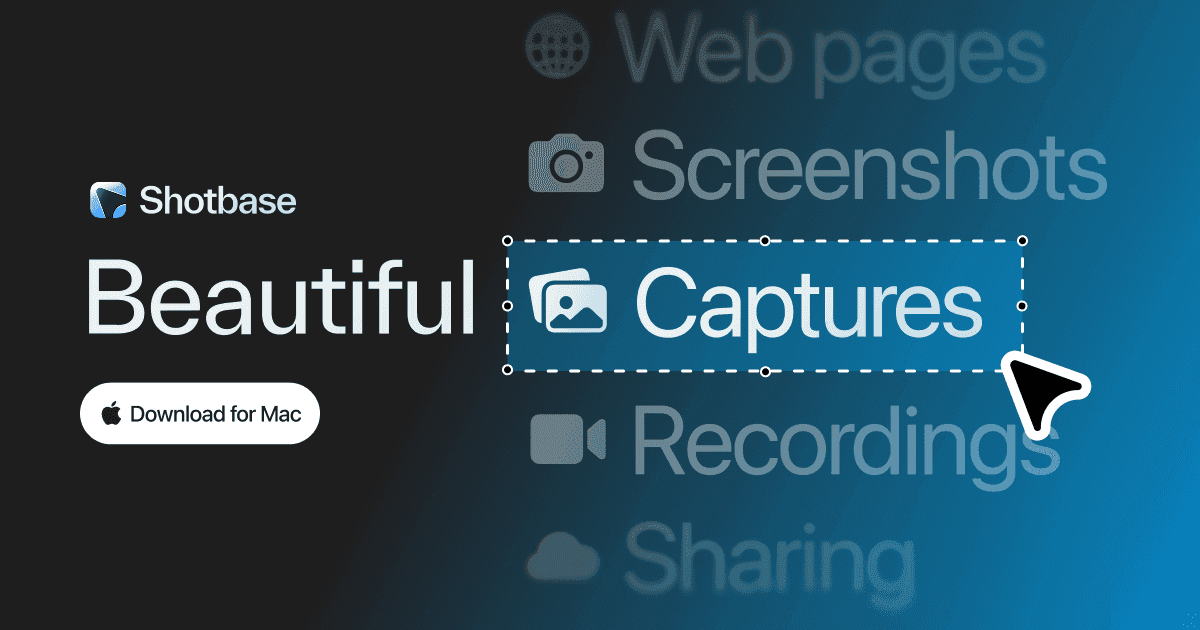
Shotbase is a comprehensive tool designed to capture and manage all your screen-based content effortlessly. With features like stunning screenshot capabilities, recording options that include cinematic effects, and an intuitive organizational structure powered by local AI, you can easily keep your multimedia assets organized and accessible. Shotbase not only allows you to capture specific areas, windows, or full screens on your Mac but also enables you to edit and enhance your captures with backgrounds, frames, and annotations. The integrated AI ensures your captures are automatically named and tagged for easy searching, making it an excellent choice for anyone looking to enhance their productivity and creativity in one seamless workspace.
SoftwareCreativemacOS
DeskMinder
For Easily Distracted Minds
Freemium
DeskMinder is a productivity software application designed for Mac users who struggle with distractions. It provides a straightforward interface for creating desktop pop-up reminders and tasks, helping users manage urgent to-dos, short breaks, and fleeting ideas. With features like full-screen notifications and Apple Reminders integration, DeskMinder aims to enhance focus and time management for i
- With features like easy-to-create desktop pop-ups for reminders and tasks, it simplifies the process of staying on top of urgent to-dos, short breaks, or fleeting ideas.
- Users can benefit from full-screen notifications, Apple Reminders integration, and flexible widget placement, making it ideal for anyone requiring a little extra help to maintain focus.
- The app includes additional shortcuts for quick reminder setups and customizable widget options, along with a history tracking feature to monitor daily progress.
Designed specifically for Mac users, DeskMinder aims to facilitate better time management and productivity for those with attention challenges, providing a seamless user experience without unnecessary complexity.
SoftwareProductivitymacOS
Klack
Satisfying sound with every keystroke
Paid
Klack is a macOS application designed to enhance the typing experience through high-fidelity sound for each keystroke. It provides features such as immersive spatial audio, instant feedback, and customizable sound options, making it suitable for writers, developers, and anyone who values an engaging typing environment. The app is easily accessible from the menubar and offers extensive configuratio
- Provides immersive spatial audio for enhanced typing feedback.
- Allows customization of keystroke sounds, pitch variations, and volume settings.
- Features a menubar interface for quick access to configuration options.
- Supports instant feedback with each keystroke for a more engaging experience.
- Designed for writers and developers seeking auditory feedback while typing.
Klack enhances the typing experience on Mac by providing high-fidelity sound for each keystroke.
SoftwaremacOS
TypoTab
TypoTab, the ultimate AI writing assistant for
Paid
TypoTab is a macOS application that functions as an AI-driven writing assistant. It enhances writing efficiency by providing tools for grammar correction, text rephrasing, and content generation, all accessible from the menu bar without needing to switch applications. This tool is designed for writers, students, and professionals looking to streamline their writing process and improve productivity
- Provides grammar correction and text rephrasing directly from the menu bar.
- Allows text refinement in any application without switching contexts.
- Offers customizable actions to meet individual writing needs.
- Streamlines repetitive writing tasks for improved efficiency.
- Supports a wide range of applications, enhancing workflow across platforms.
TypoTab is a macOS application that enhances writing efficiency by providing grammar correction, text rephrasing, and content generation directly from the menu bar. It allows users to refine text in any application without switching contexts, offering customizable actions to suit individual writing needs.
SoftwareProductivitymacOS
Ardia
Arc-style sidebar browser on real Chromium
Free
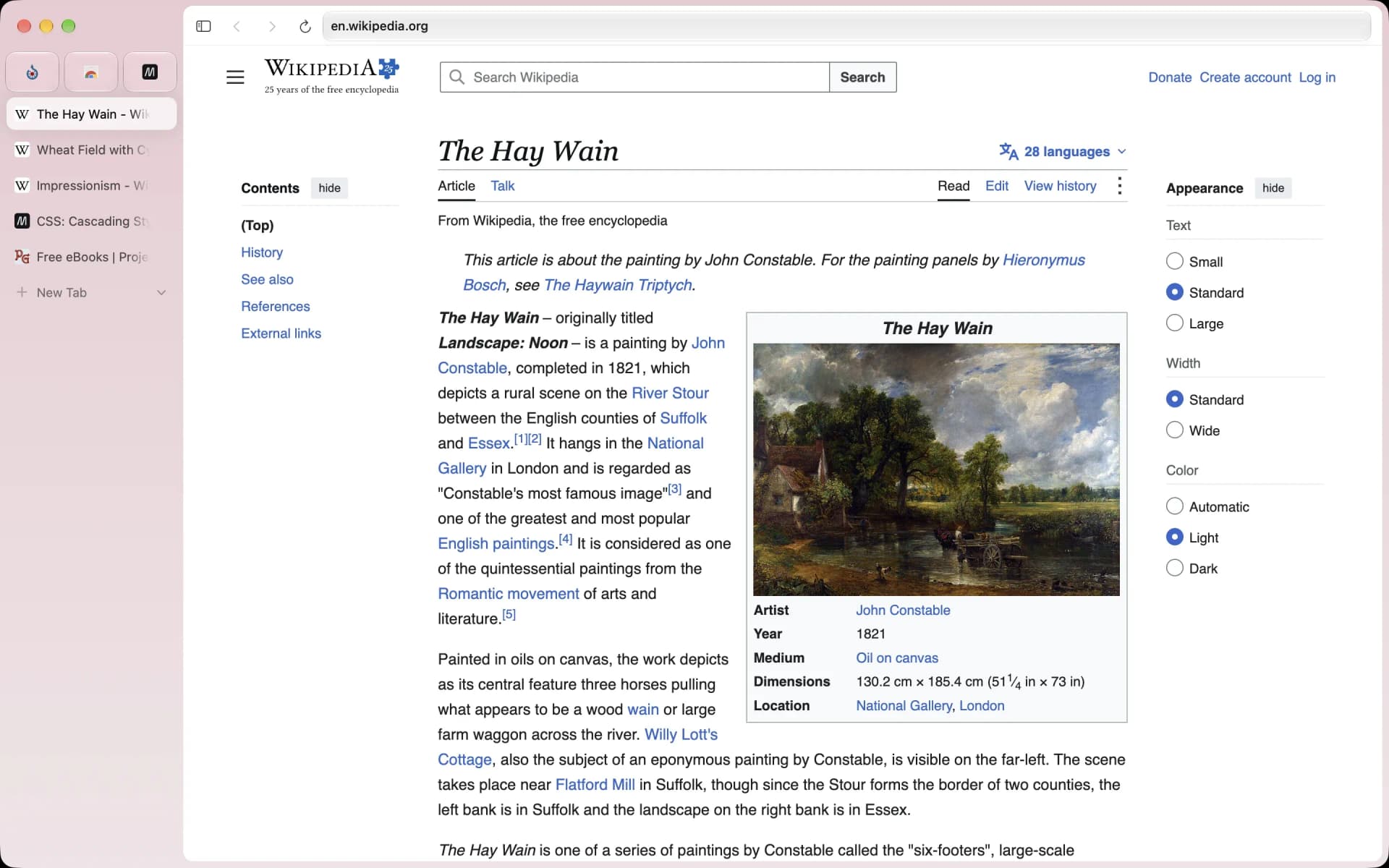
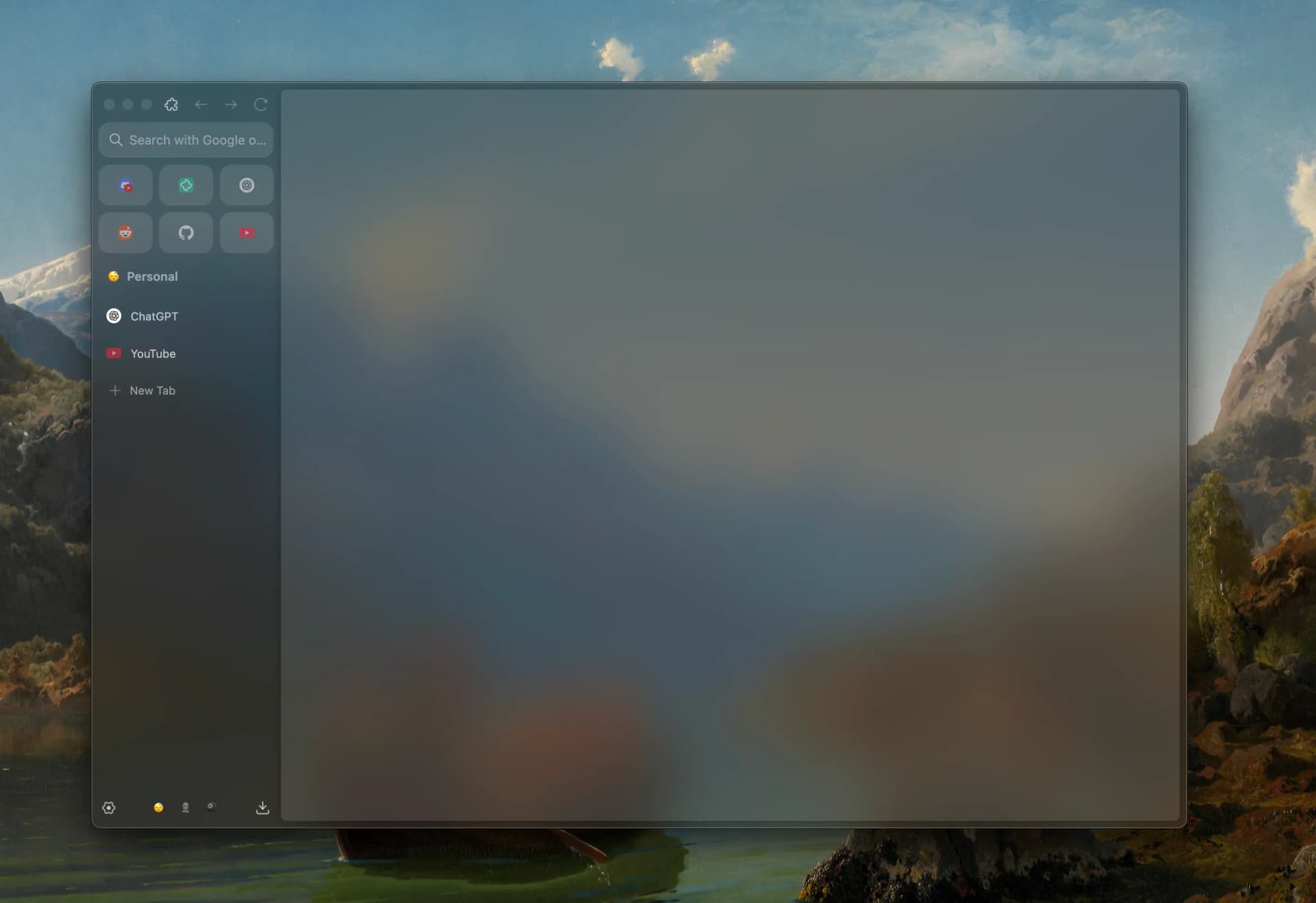
Ardia is a free, open-source Mac browser that recreates Arc's sidebar on current Chromium. It imports Arc spaces, pinned tabs, and themes, and builds in the full uBlock Origin.
- Vertical sidebar with pinned tabs, folders, and swipeable profiles.
- One-click import from Arc, Dia, Chrome, Safari, Firefox, and more.
- Split view with up to three panes.
- Little Ardia quick window and picture-in-picture video.
- Full uBlock Origin built in, with iCloud-based encrypted sync.
Ardia suits Arc users who want the same layout without AI, on an actively updated browser.
SoftwareProductivitymacOS
Zen Browser
Calm, open-source browser with vertical tabs
Free
Zen is a free, open-source browser based on Firefox, built around a vertical tab sidebar, workspaces, and split view. It is the closest open-source match to Arc's layout.
- Vertical tabs with pinned Essentials and Workspaces.
- Split view for up to four tabs side by side.
- Compact mode hides the toolbar for a clean window.
- Glance opens links in a quick preview.
- Supports Firefox add-ons and Mozilla privacy features.
Zen suits people who loved Arc's sidebar and want an open-source, community-built browser.
SoftwareProductivitymacOS
Orion Browser
Fast WebKit browser with zero telemetry
Freemium
Orion is a free Mac browser from Kagi built on WebKit, the engine behind Safari. It blocks ads and trackers, collects no telemetry, and can run many Chrome and Firefox extensions.
- Native WebKit speed and battery life.
- Built-in ad and tracker blocking with zero telemetry.
- Supports many Chrome and Firefox extensions.
- Vertical tabs, profiles, and deep customization.
- Optional Orion+ supporter plan for early builds.
Orion suits Mac users who want Safari-level efficiency with more control.
SoftwareProductivitymacOS
Vivaldi
Highly customizable browser with built-in tools
Free
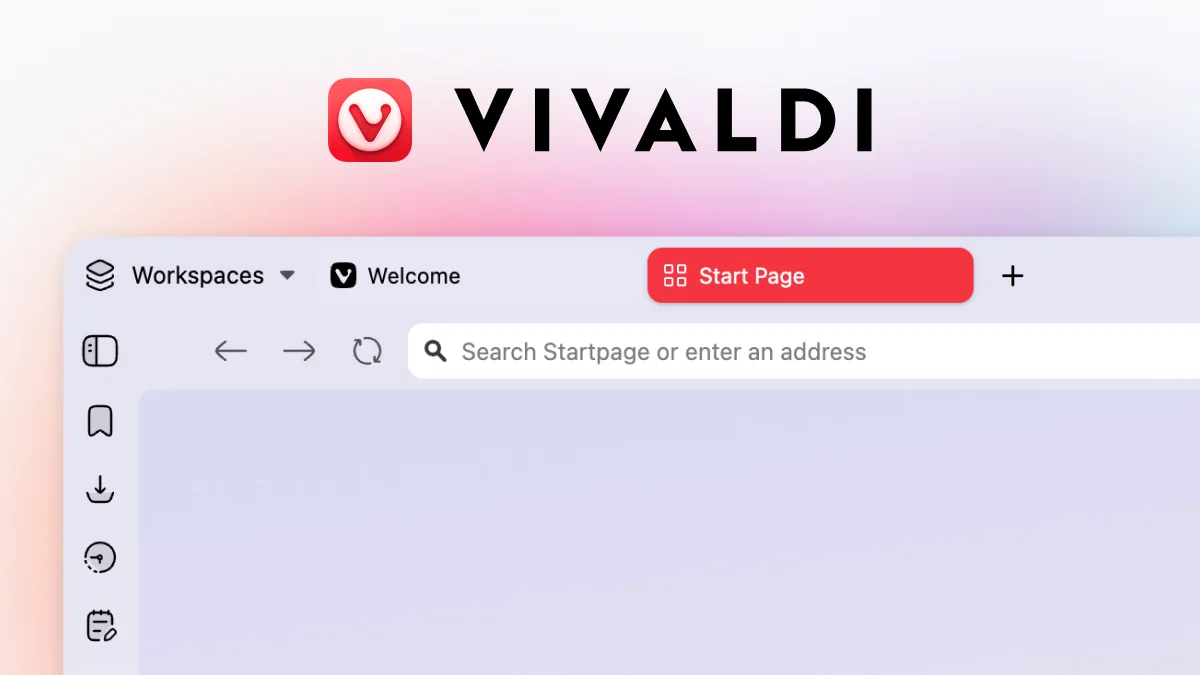
Vivaldi is a free Chromium-based browser focused on customization. It includes tab stacks, vertical tabs, tab tiling, workspaces, and built-in mail, calendar, and notes.
- Vertical tabs, tab stacks, and workspaces.
- Tab tiling to view several pages at once.
- Built-in ad and tracker blocker.
- Mail, calendar, feed reader, and notes included.
- Works with Chrome Web Store extensions.
Vivaldi suits power users who want to tune every part of their browser.
SoftwareProductivitymacOS
Brave
Private Chromium browser that blocks ads by default
Freemium
Brave is a free, open-source Chromium-based browser that blocks ads and trackers out of the box. It supports Chrome extensions and includes Leo, a private AI assistant.
- Brave Shields block ads, trackers, and fingerprinting.
- Vertical tabs and tab groups.
- Chrome Web Store extension support.
- Leo AI assistant, free with an optional Premium plan.
- Sync across Mac, Windows, Linux, iOS, and Android.
Brave suits people who want Chrome compatibility with stronger privacy defaults.
SoftwareProductivitymacOS
1. What HeyClicky Actually Is
Most AI software on the Mac still looks like a chat box, a terminal, or a workflow builder. HeyClicky takes a different shape: a small on-screen buddy that uses push-to-talk voice, screen context, and animated guidance inside the app you already have open.
Press the hotkey, ask a question about what is on screen, and it responds in voice while pointing at the relevant button or menu. Say the agent phrase and it can spin up background work such as researching creators, organizing notes, or building a small Mac app locally. The product pitch is simple: the same frontier models everyone else uses, with an interface built for normal Mac users instead of developers living in terminals.
2. Who HeyClicky Is For
HeyClicky is Mac-only today and requires macOS Sonoma 14.2 or later, which makes the audience clear: people who live on a Mac and want help without changing how they work.
It is especially relevant if you learn software by doing rather than reading manuals. Creators editing in After Effects, DaVinci Resolve, FL Studio, or similar tools get step-by-step guidance on the actual interface in front of them. Founders can use it for quick research, competitor scans, or outreach prep without opening five tabs. Students, doctors, and knowledge workers who juggle Gmail, Notion, Calendar, and spreadsheets can connect those services and ask for help in plain language.
If you already live in Cursor or a coding agent all day, HeyClicky is not trying to replace that stack. It is closer to a consumer copilot for the rest of the Mac, the apps where screenshots and chat paste still feel clumsy.
3. Why the Interface Matters
The product thesis behind HeyClicky is that access to strong models is no longer the bottleneck. The bottleneck is the interface. Chat windows make you explain context that is already visible. Terminal agents assume comfort with commands, repos, and setup.
HeyClicky instead bets on three mechanics that are easy to understand on day one:
Screen context on demand, so the assistant sees what you see only when you invoke it
Voice-first interaction, so you can ask questions while your hands stay on the keyboard or mouse
On-screen drawing, so guidance happens as arrows and highlights rather than abstract instructions
That combination is why the demos travel well on social video. The value is visible in five seconds: someone stuck in an app gets shown the next click, not a paragraph to interpret.
4. Backed by Y Combinator, Built by Farza Majeed
HeyClicky is part of Y Combinator's Spring 2026 batch. On its YC company page, the team describes the product as the simplest AI interface in the world for consumers to spawn agents, with the assistant sitting next to the cursor and seeing what you see when you ask.
The founder is Farza Majeed, previously known for Buildspace, the builder community that reached more than 100,000 participants before winding down in 2024. That history matters for distribution: HeyClicky did not launch into a vacuum. Farza's audience already watches Mac and AI demos closely, which helped the product spread quickly from a side project into a funded company.
YC partner Aaron Epstein publicly shared one of the early demos, and the company's launch post on Y Combinator frames HeyClicky as built for consumers with zero technical setup. For Mac users evaluating new AI tools, YC backing is not a quality guarantee by itself, but it is a useful signal that the team, privacy posture, and roadmap are being pressure-tested early.
5. What People Are Saying About It
HeyClicky's site and launch cycle surfaced unusually strong reactions from builders and operators who are normally skeptical of AI demos.
Lenny Rachitsky called the onboarding one of his new favorites, describing it as unique and engaging. William Wang said he already screenshots problems into Claude, and HeyClicky feels like the ten-times version of that workflow. Josh Pigford posted the kind of compliment only a crowded category produces: hoping the product stays hidden from people who would copy it badly. OpenAI co-founder Greg Brockman reacted to a related realtime demo with a short note about real magic, and several early users described the on-screen tutor effect as the first Mac AI tool that felt immediately useful rather than impressive in a keynote.
Those reactions share a pattern. People are not praising a benchmark score. They are praising placement: help that shows up beside the cursor, in the app, at the moment of friction.
6. Pricing, Privacy, and the Honest Tradeoffs
HeyClicky is freemium. The free plan includes a limited number of talk and agent messages each month, enough to understand the product before paying. Pro is $20 per month for unlimited talk and dictation with a higher agent allowance. Max is $100 per month for users who want the largest agent quota.
On privacy, HeyClicky says it only captures the screen when you press the hotkey, does not store screenshots, and keeps basic text summaries for context that you can delete by removing your account. That is an important distinction for a screen-aware tool, and it is worth reading the current policy on the product site before trusting it with sensitive workflows.
The tradeoff is platform risk. Apple continues to expand on-screen intelligence through Apple Intelligence and system-level Siri actions. HeyClicky's edge, for now, is personality, speed, and a product opinion that feels more like a tutor than an operating system feature. Whether that remains enough is the open question.
If you want a Mac AI assistant that meets you inside the app you are already using, rather than asking you to become a prompt engineer, HeyClicky is one of the most concrete answers available today.
HeyClickyAI buddy that lives on your MacVisit WebsiteHeyClicky is a software application designed for macOS that functions as an AI assistant. It allows users to interact with their screen content by answering questions audibly, providing on-screen guidance, and executing voice-activated tasks across various applications. It integrates with services like Gmail and Notion, offering support for creative tools, code editors, and spreadsheets.
- Provides voice responses based on on-screen content when activated by a hotkey.
- Offers on-screen drawing tools to visually guide users through tasks.
- Integrates with Gmail and Notion for streamlined task management.
- Allows users to create and run voice-triggered agents without using a terminal.
- Delivers step-by-step assistance across various applications, including creative tools and code editors.
- Available in a free tier, with additional features in Pro and Max plans.
HeyClicky enhances productivity by providing real-time assistance tailored to your workflow. Its integration with applications like Gmail and Notion allows for seamless task management, while voice-triggered agents simplify interactions across various software. With a free tier and options for advanced features, it caters to users seeking efficient support in creative and technical environments.Visit Website
New additions
Ardia
Arc-style sidebar browser on real Chromium
Free
Ardia is a free, open-source Mac browser that recreates Arc's sidebar on current Chromium. It imports Arc spaces, pinned tabs, and themes, and builds in the full uBlock Origin.
- Vertical sidebar with pinned tabs, folders, and swipeable profiles.
- One-click import from Arc, Dia, Chrome, Safari, Firefox, and more.
- Split view with up to three panes.
- Little Ardia quick window and picture-in-picture video.
- Full uBlock Origin built in, with iCloud-based encrypted sync.
Ardia suits Arc users who want the same layout without AI, on an actively updated browser.
SoftwareProductivitymacOS
Zen Browser
Calm, open-source browser with vertical tabs
Free
Zen is a free, open-source browser based on Firefox, built around a vertical tab sidebar, workspaces, and split view. It is the closest open-source match to Arc's layout.
- Vertical tabs with pinned Essentials and Workspaces.
- Split view for up to four tabs side by side.
- Compact mode hides the toolbar for a clean window.
- Glance opens links in a quick preview.
- Supports Firefox add-ons and Mozilla privacy features.
Zen suits people who loved Arc's sidebar and want an open-source, community-built browser.
SoftwareProductivitymacOS
Orion Browser
Fast WebKit browser with zero telemetry
Freemium
Orion is a free Mac browser from Kagi built on WebKit, the engine behind Safari. It blocks ads and trackers, collects no telemetry, and can run many Chrome and Firefox extensions.
- Native WebKit speed and battery life.
- Built-in ad and tracker blocking with zero telemetry.
- Supports many Chrome and Firefox extensions.
- Vertical tabs, profiles, and deep customization.
- Optional Orion+ supporter plan for early builds.
Orion suits Mac users who want Safari-level efficiency with more control.
SoftwareProductivitymacOS
Vivaldi
Highly customizable browser with built-in tools
Free
Vivaldi is a free Chromium-based browser focused on customization. It includes tab stacks, vertical tabs, tab tiling, workspaces, and built-in mail, calendar, and notes.
- Vertical tabs, tab stacks, and workspaces.
- Tab tiling to view several pages at once.
- Built-in ad and tracker blocker.
- Mail, calendar, feed reader, and notes included.
- Works with Chrome Web Store extensions.
Vivaldi suits power users who want to tune every part of their browser.
SoftwareProductivitymacOS
Brave
Private Chromium browser that blocks ads by default
Freemium
Brave is a free, open-source Chromium-based browser that blocks ads and trackers out of the box. It supports Chrome extensions and includes Leo, a private AI assistant.
- Brave Shields block ads, trackers, and fingerprinting.
- Vertical tabs and tab groups.
- Chrome Web Store extension support.
- Leo AI assistant, free with an optional Premium plan.
- Sync across Mac, Windows, Linux, iOS, and Android.
Brave suits people who want Chrome compatibility with stronger privacy defaults.
SoftwareProductivitymacOS
Walyro
Bring personal videos to your desktop
Freemium
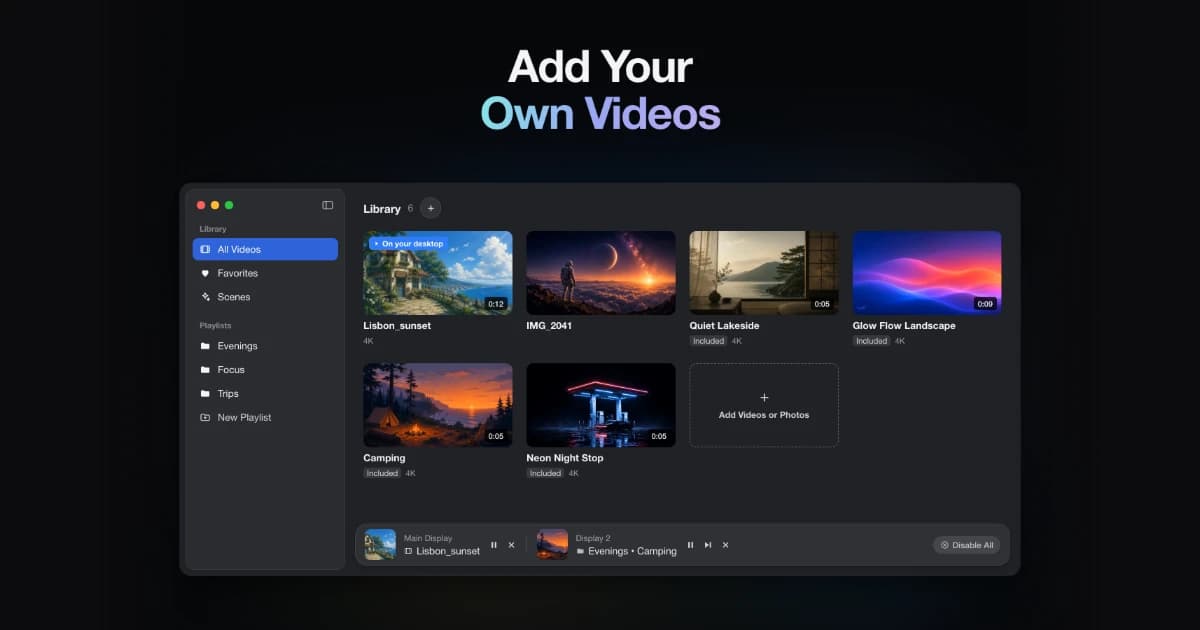
A live wallpaper app for macOS 14 and later, using built-in scenes or your own videos.
- Use MP4, MOV, and M4V clips
- Apply wallpapers to selected displays
- Keep a local library that works offline
SoftwareUtilitiesmacOS
Vinyl for Mac
Put a turntable on your desktop
One-time
A desktop turntable visualization that connects to Spotify and Apple Music. Requires macOS Sonoma or later.
- Show current album artwork and track information
- Choose display sizes and backgrounds
- Keep controls available in the menu bar
SoftwareCreativemacOS
Redact Guard
Hide sensitive details before sharing screenshots
One-time
A Mac utility that detects and obscures sensitive information in screenshots and copied images, processing them on device.
- Redact passwords, API keys, and personal details
- Process screenshots and copied images
- Keep image processing on your Mac
SoftwareUtilitiesmacOS
Polarsteps
Plan trips and capture your journey
Freemium
A travel companion combining itinerary planning, route tracking, and a visual trip journal.
- Plan destinations and transport
- Record routes and share travel updates
- Turn trip memories into a printed photo book