A good presentation setup should help before, during, and after you present. You need to make the visuals, record or stream the screen, stay visible when needed, and find old material again later.
Shotbase comes first because it handles both screenshots and screen recordings. It also gives you an organised library where you can store, search, and quickly find earlier captures. FaceScreen adds your camera to the screen, supports recording and live streaming, and lets you control slides from across the room.
A slim MagSafe wallet that folds into a stand and grip.
HardwareAccessoriesiOS
DeskMinder
For Easily Distracted Minds
Freemium
DeskMinder is a productivity software application designed for Mac users who struggle with distractions. It provides a straightforward interface for creating desktop pop-up reminders and tasks, helping users manage urgent to-dos, short breaks, and fleeting ideas. With features like full-screen notifications and Apple Reminders integration, DeskMinder aims to enhance focus and time management for i
- With features like easy-to-create desktop pop-ups for reminders and tasks, it simplifies the process of staying on top of urgent to-dos, short breaks, or fleeting ideas.
- Users can benefit from full-screen notifications, Apple Reminders integration, and flexible widget placement, making it ideal for anyone requiring a little extra help to maintain focus.
- The app includes additional shortcuts for quick reminder setups and customizable widget options, along with a history tracking feature to monitor daily progress.
Designed specifically for Mac users, DeskMinder aims to facilitate better time management and productivity for those with attention challenges, providing a seamless user experience without unnecessary complexity.
SoftwareProductivitymacOS
Klack
Satisfying sound with every keystroke
Paid
Klack is a macOS application designed to enhance the typing experience through high-fidelity sound for each keystroke. It provides features such as immersive spatial audio, instant feedback, and customizable sound options, making it suitable for writers, developers, and anyone who values an engaging typing environment. The app is easily accessible from the menubar and offers extensive configuratio
- Provides immersive spatial audio for enhanced typing feedback.
- Allows customization of keystroke sounds, pitch variations, and volume settings.
- Features a menubar interface for quick access to configuration options.
- Supports instant feedback with each keystroke for a more engaging experience.
- Designed for writers and developers seeking auditory feedback while typing.
Klack enhances the typing experience on Mac by providing high-fidelity sound for each keystroke.
SoftwaremacOS
TypoTab
TypoTab, the ultimate AI writing assistant for
Paid
TypoTab is a macOS application that functions as an AI-driven writing assistant. It enhances writing efficiency by providing tools for grammar correction, text rephrasing, and content generation, all accessible from the menu bar without needing to switch applications. This tool is designed for writers, students, and professionals looking to streamline their writing process and improve productivity
- Provides grammar correction and text rephrasing directly from the menu bar.
- Allows text refinement in any application without switching contexts.
- Offers customizable actions to meet individual writing needs.
- Streamlines repetitive writing tasks for improved efficiency.
- Supports a wide range of applications, enhancing workflow across platforms.
TypoTab is a macOS application that enhances writing efficiency by providing grammar correction, text rephrasing, and content generation directly from the menu bar. It allows users to refine text in any application without switching contexts, offering customizable actions to suit individual writing needs.
SoftwareProductivitymacOS
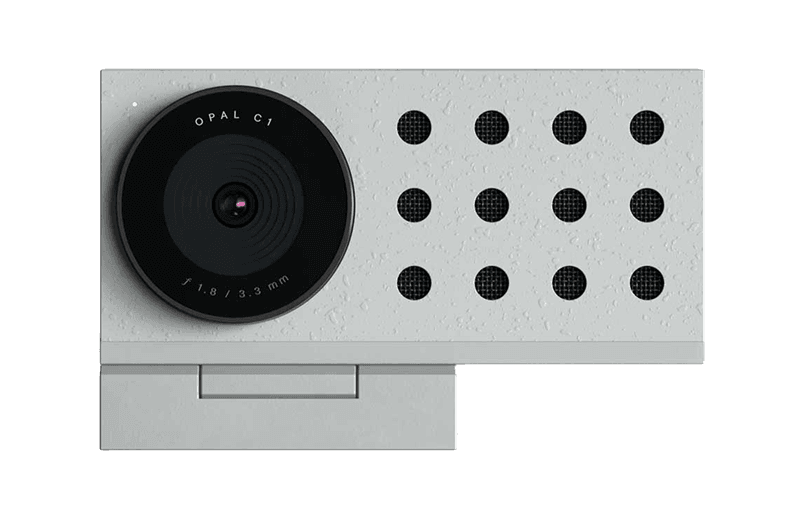
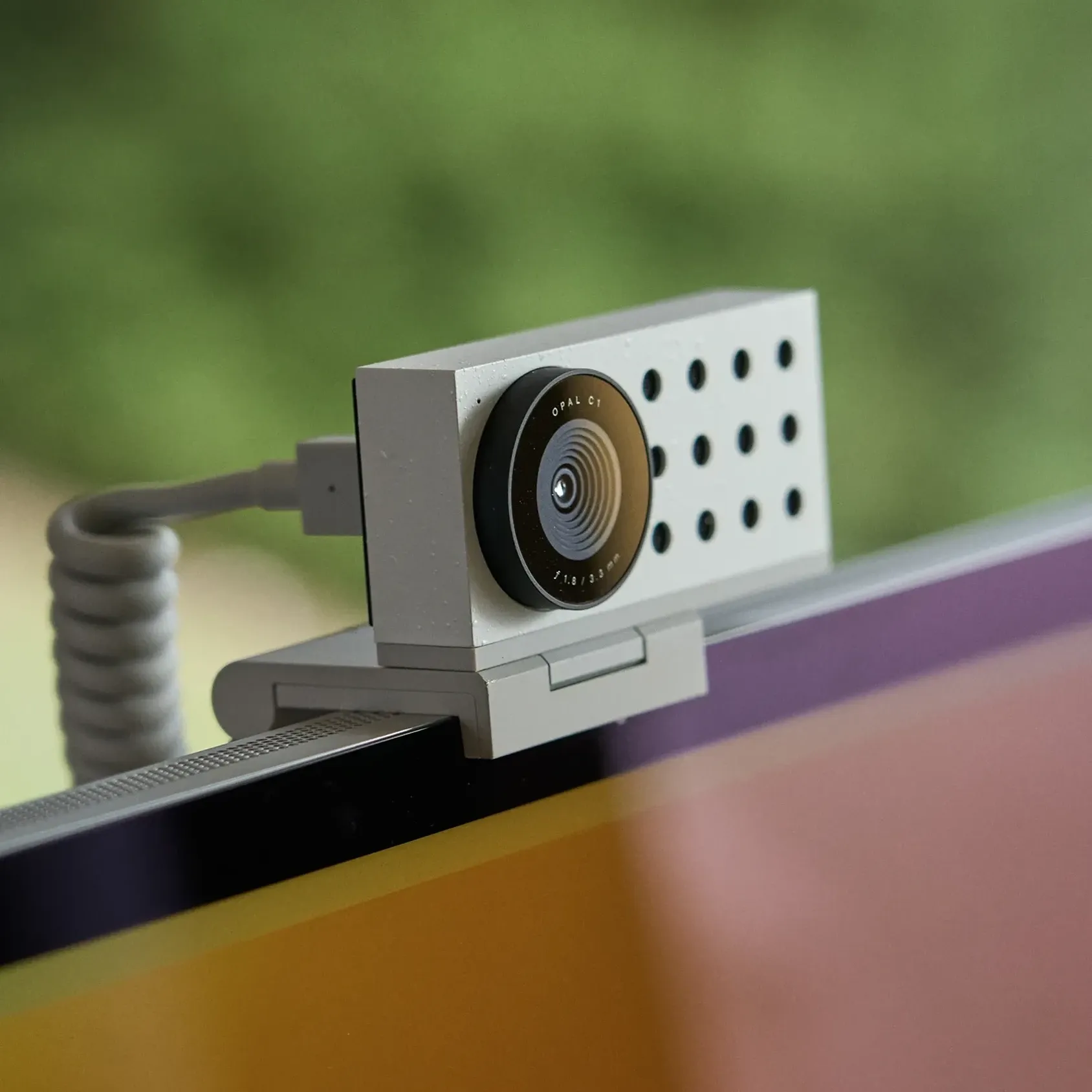
Opal C1 Camera
DSLR quality on a webcam for the
HardwareCamerasmacOS
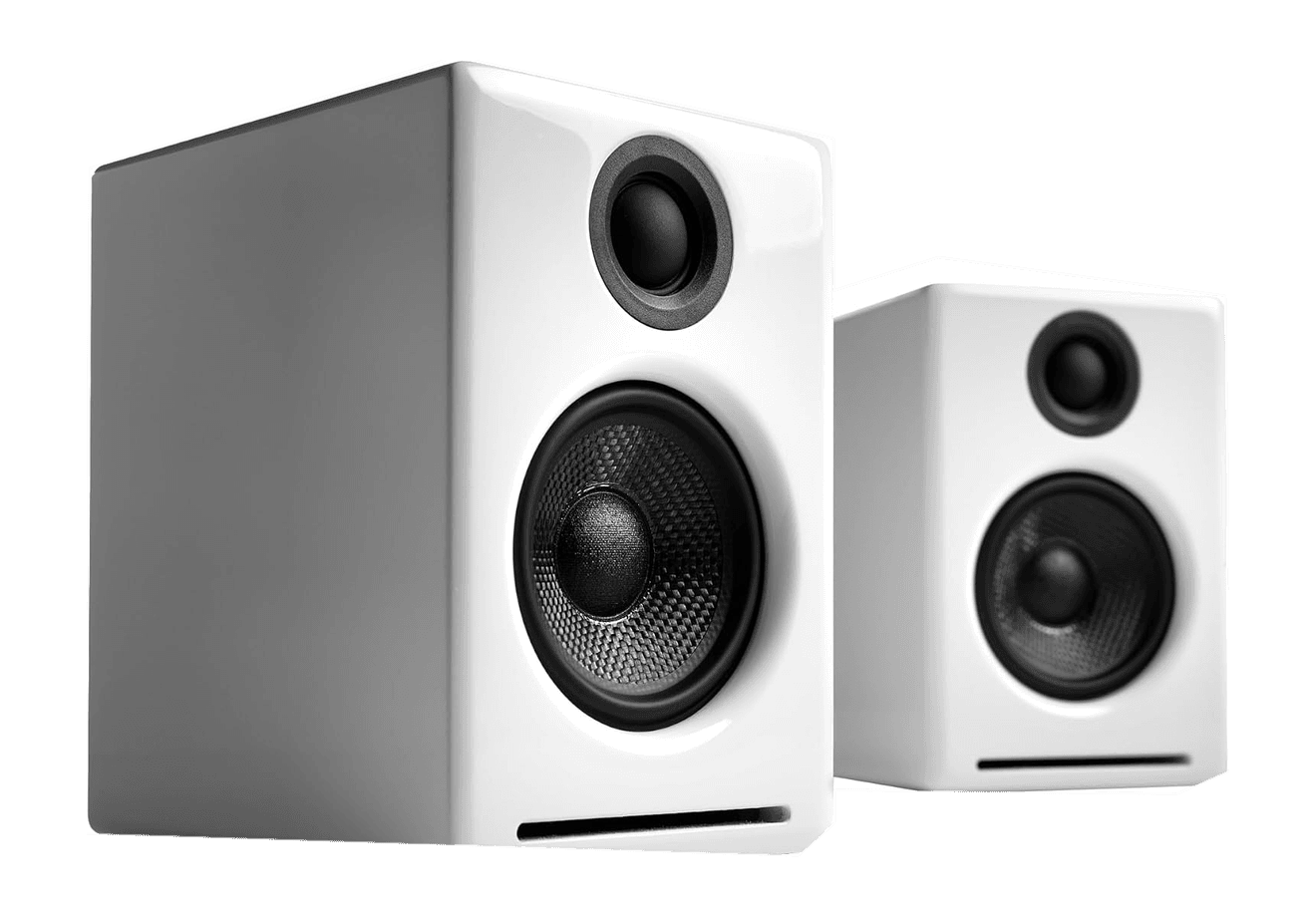
A2+ Wireless Speakers
Compact wireless desktop speakers with 24-bit audio for Mac.
HardwareAudioiOS & macOS
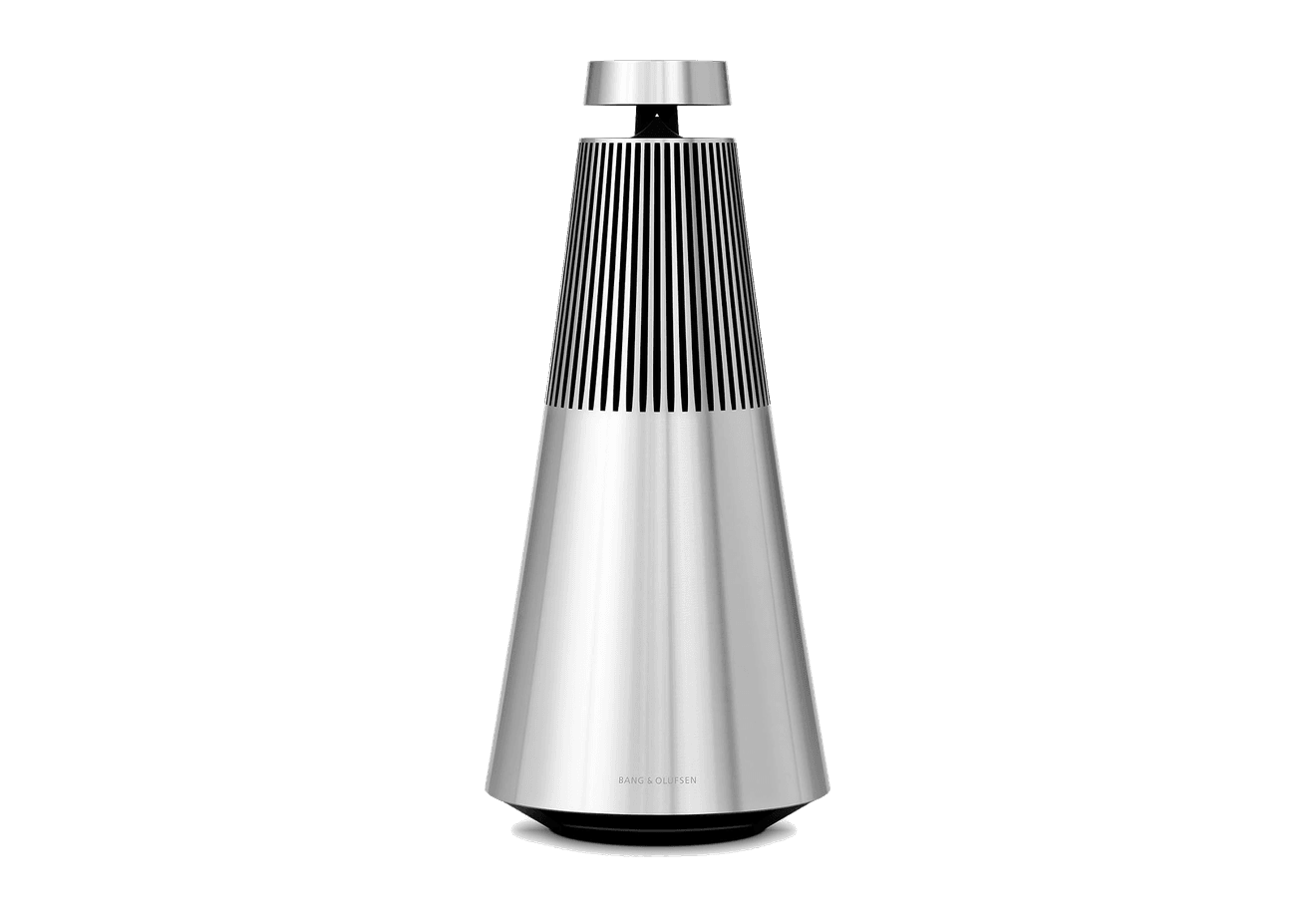
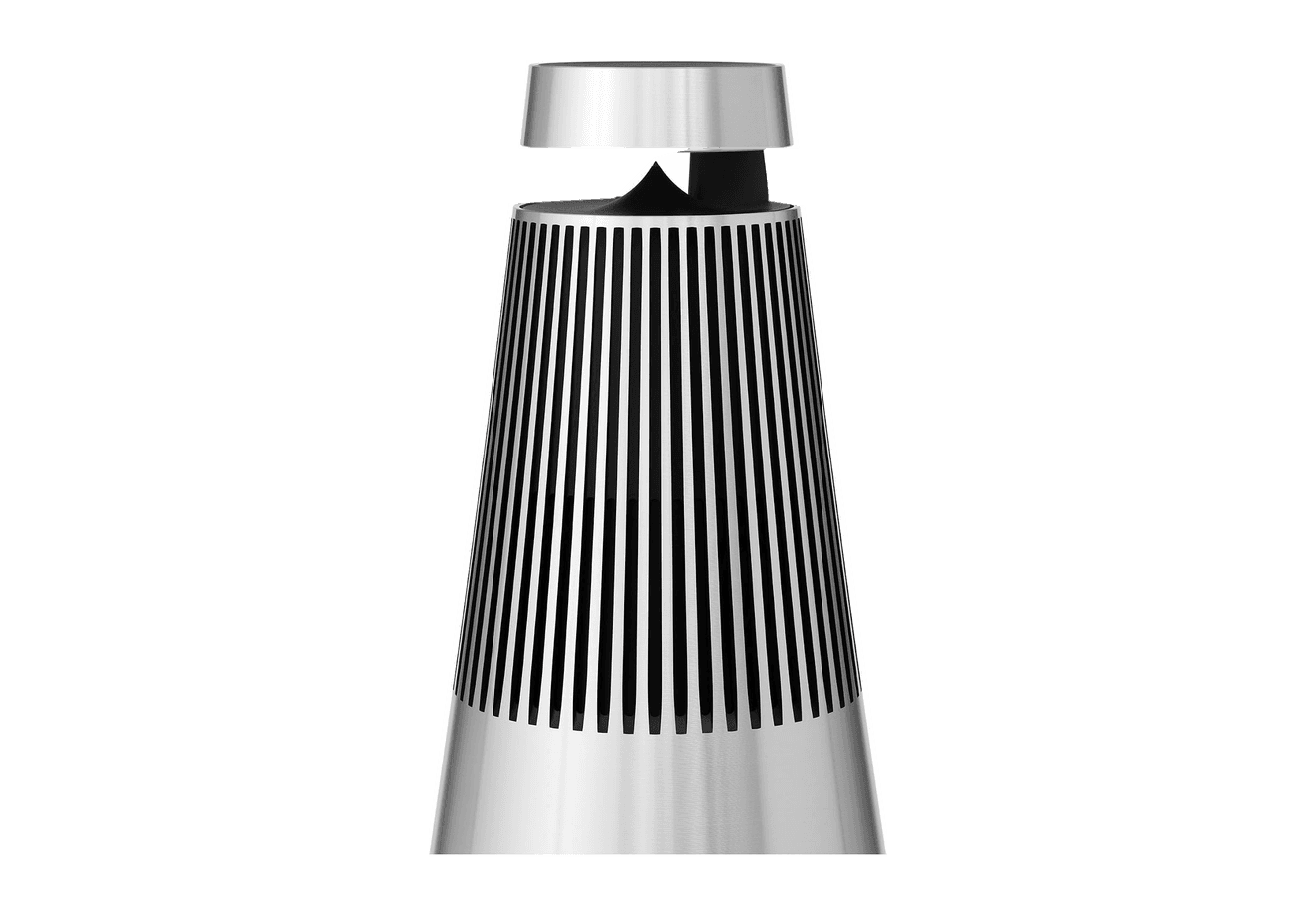
Beosound 2
A sculptural 360-degree wireless speaker with AirPlay 2.
HardwareAudioiOS & macOS
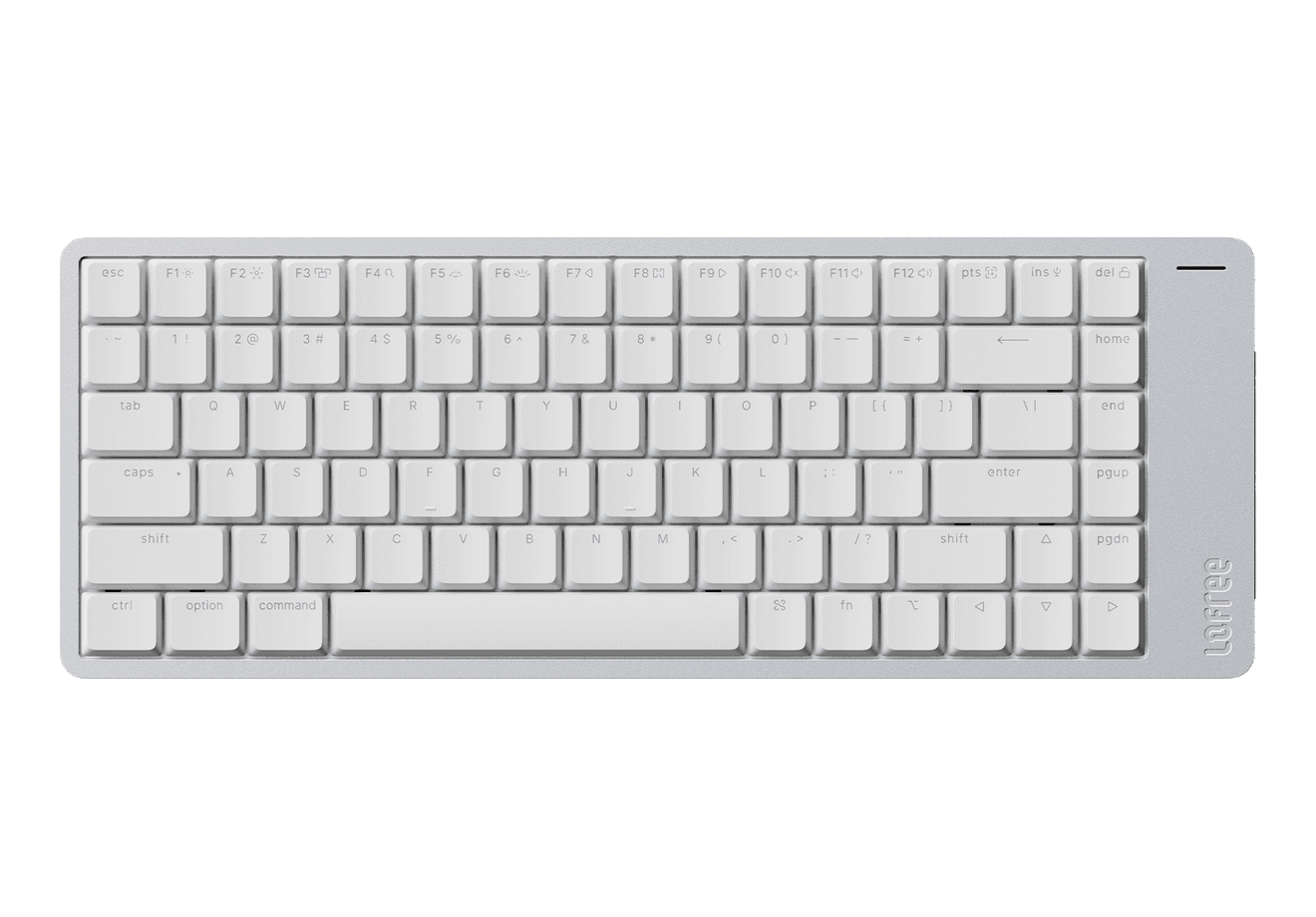
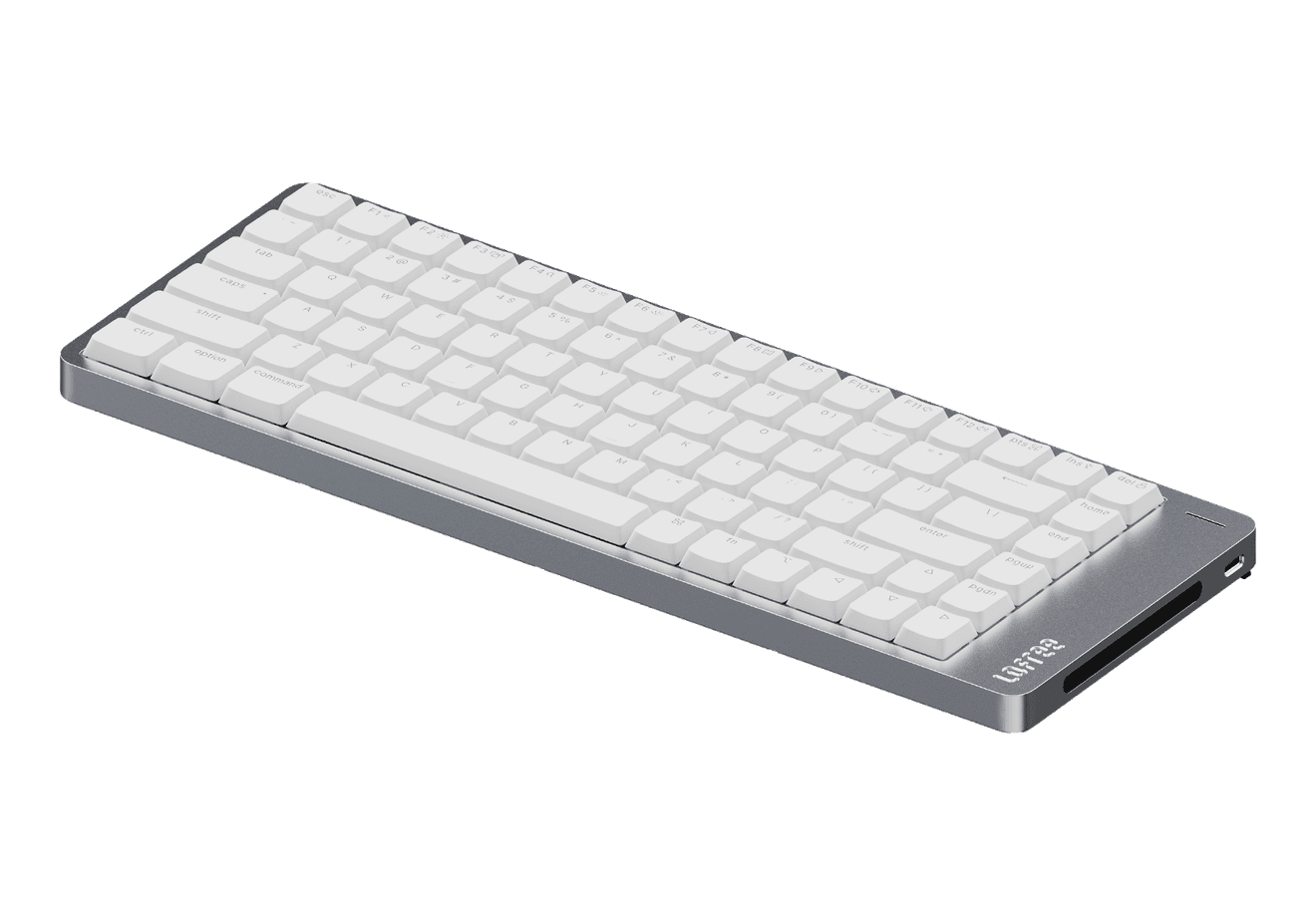
Flow 2
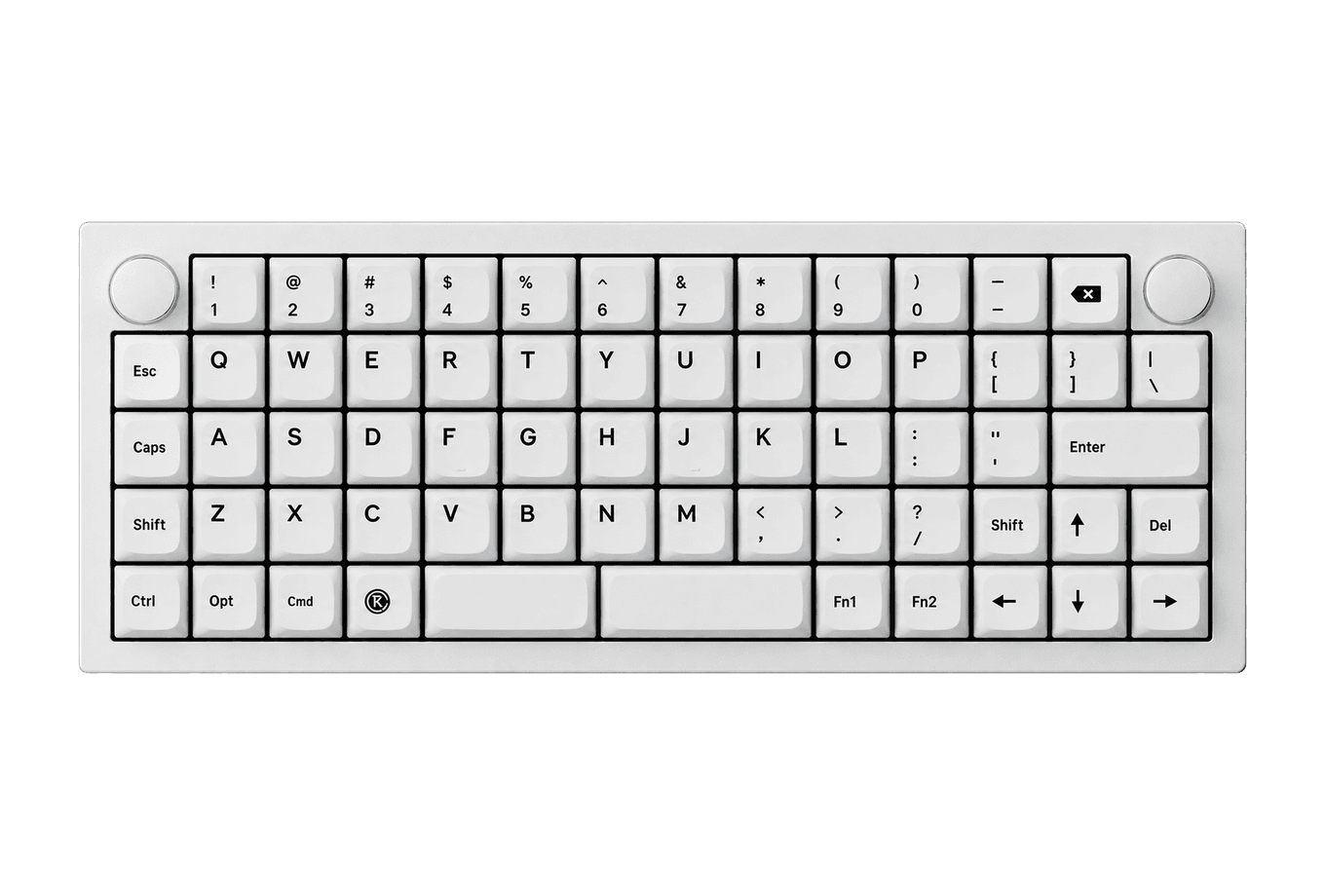
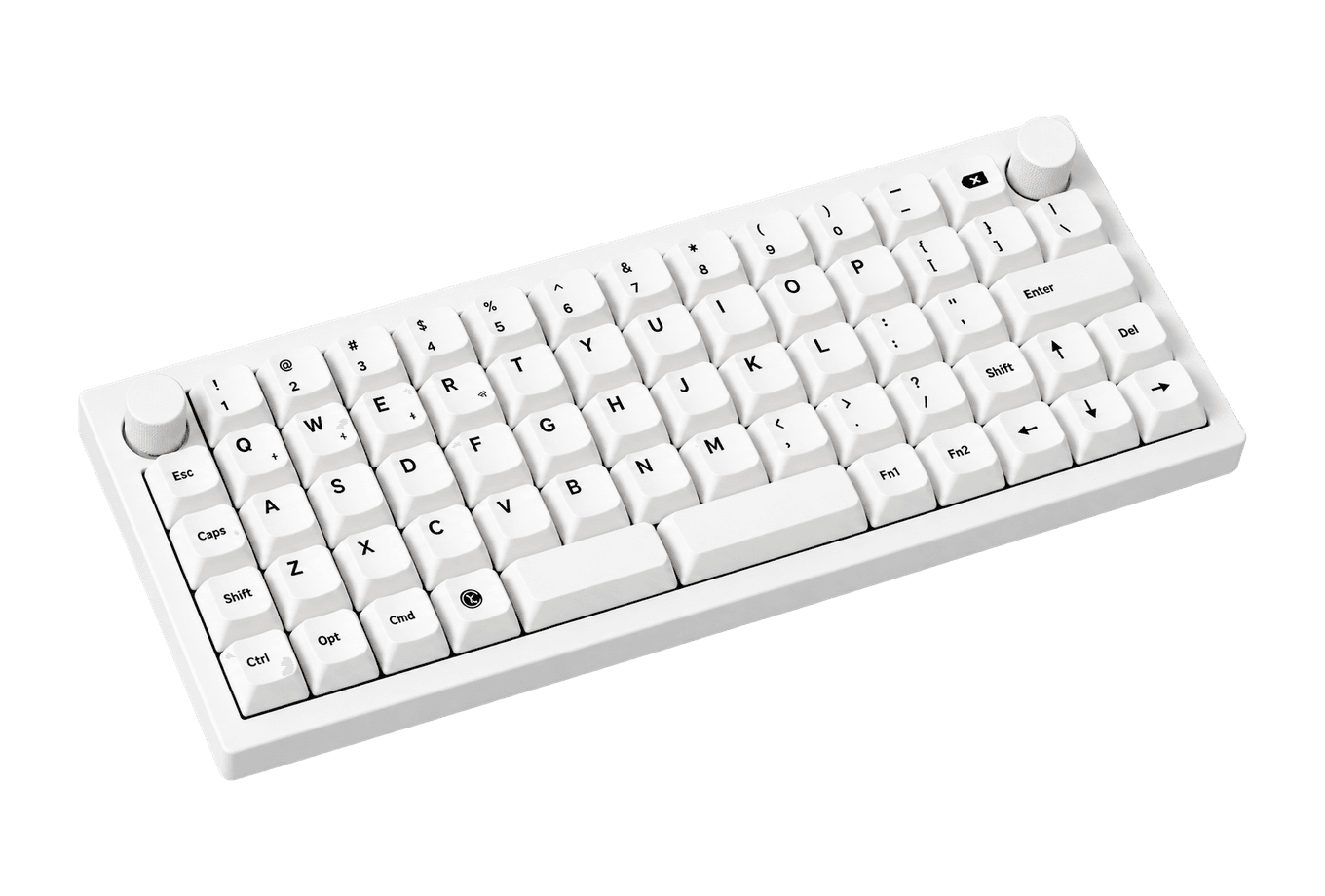
A CNC aluminum low-profile keyboard with cloud-soft switches and VIA.
HardwareKeyboards & MiceiOS & macOS
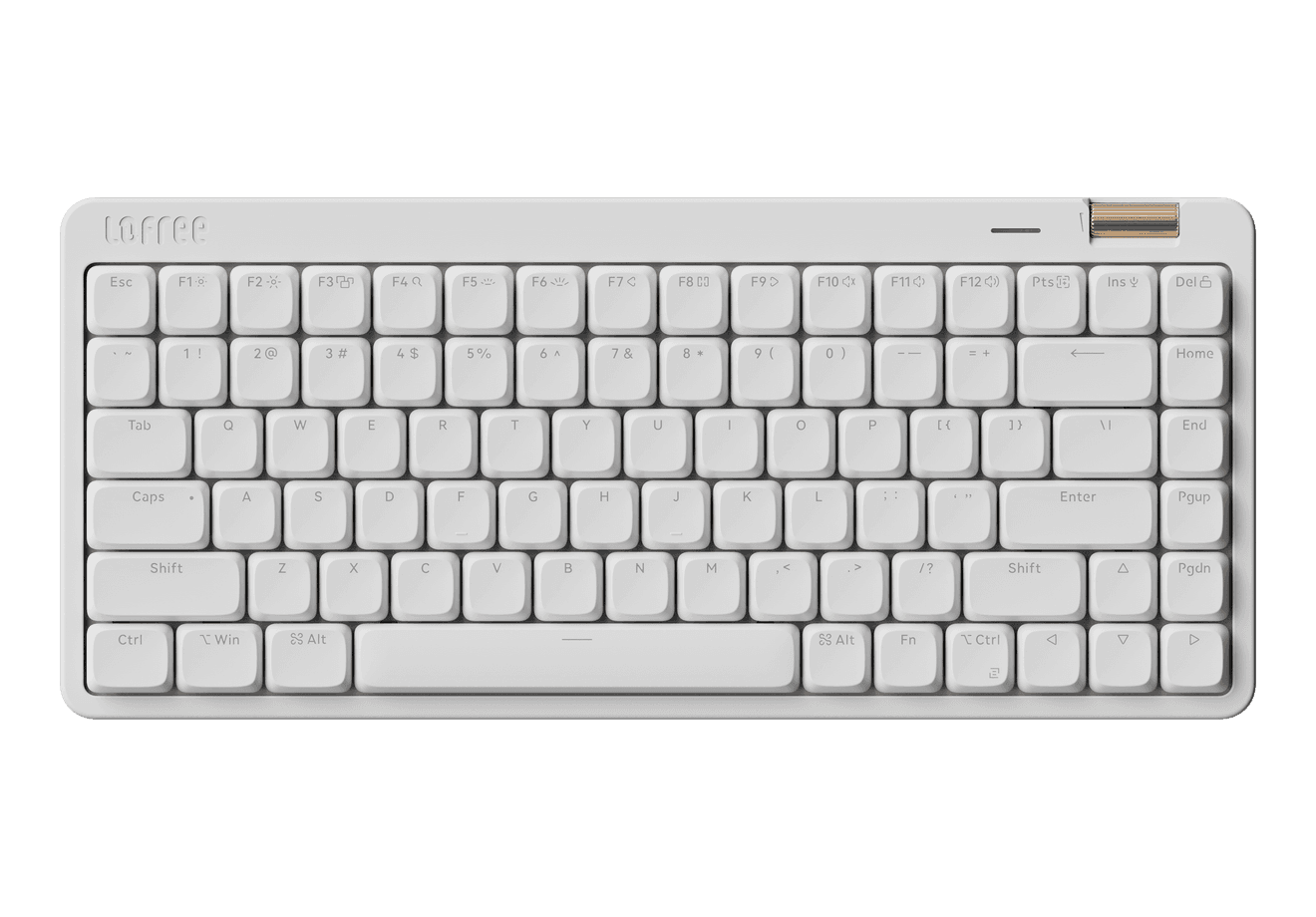
Flow Lite84
A slim tri-mode mechanical keyboard built for comfortable Mac typing.
Shotbase can take screenshots and record the screen. You can capture an area, a window, the full screen, a long scrolling page, or a webpage at different screen sizes.
Its editor can add backgrounds, frames, shadows, borders, arrows, text, and callouts. Screen recordings can use automatic zooms to guide the viewer toward the important part.
The built-in Base library is what makes it useful after the recording is finished. It keeps screenshots, videos, and webpage captures together in an organised app. Search helps you find an older image or recording instead of searching through folders. On Apple silicon Macs, local AI can also create names, tags, and summaries. Local AI means this work happens on your Mac.
For many product updates and tutorials, this one app may cover the full job.
Keep yourself visible on screen
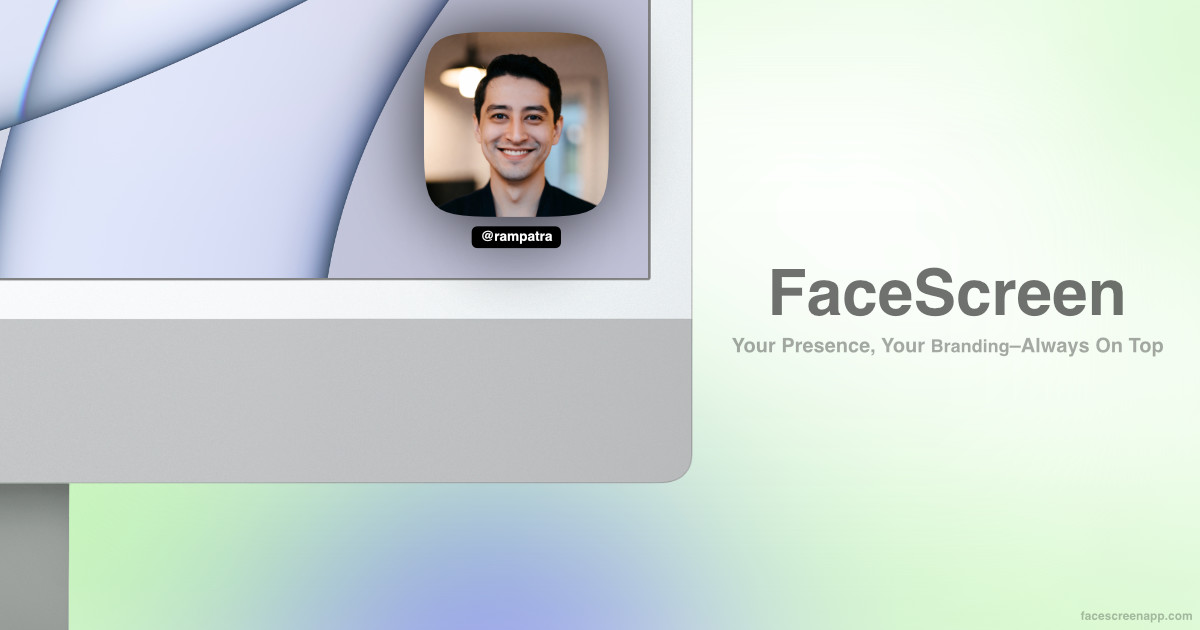
FaceScreen places a small camera view above other apps. You can change its shape and size, apply a filter, and add your name, website, or social handle.
This is useful when viewers need to see you while you explain a slide, website, or app. It can work during calls, recordings, or an in-person presentation shown on a larger screen.
The Mac version requires macOS 15 or newer.
Record a full scene or stream it live
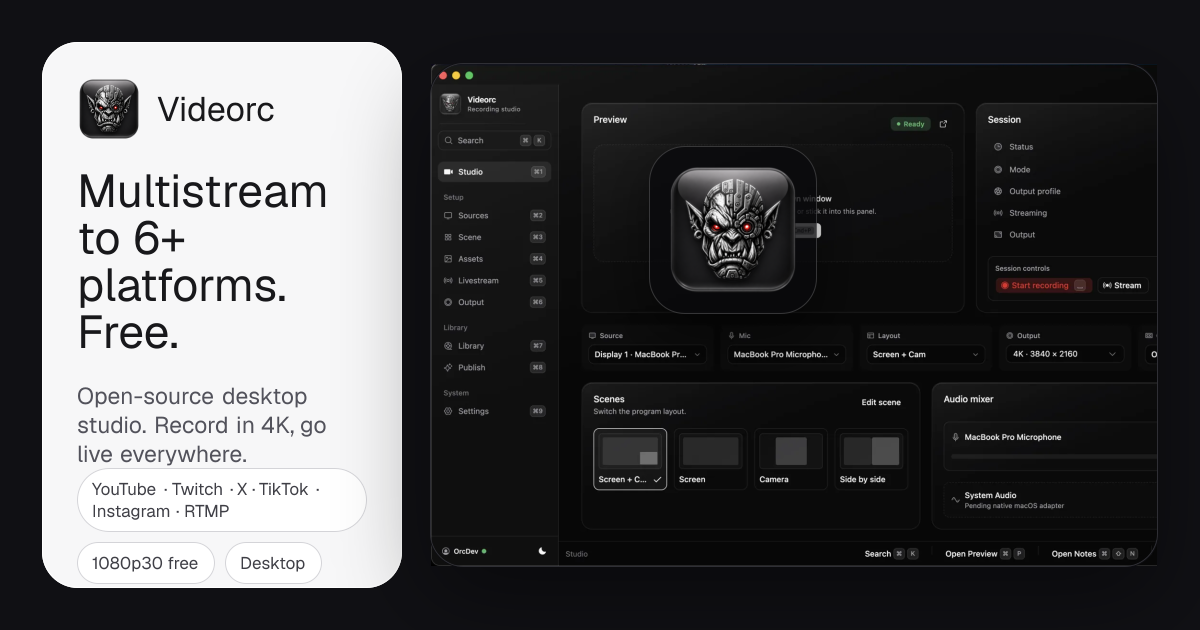
Videorc combines your screen, camera, and microphone in one layout. You can record the result on your Mac or send it to a live-streaming service.
Choose it when you need several video sources in one scene or when the presentation must go live. Some features, including live captions and its Orcle assistant, are still early, so test the current Mac version before an important event.
Control the slides from across the room
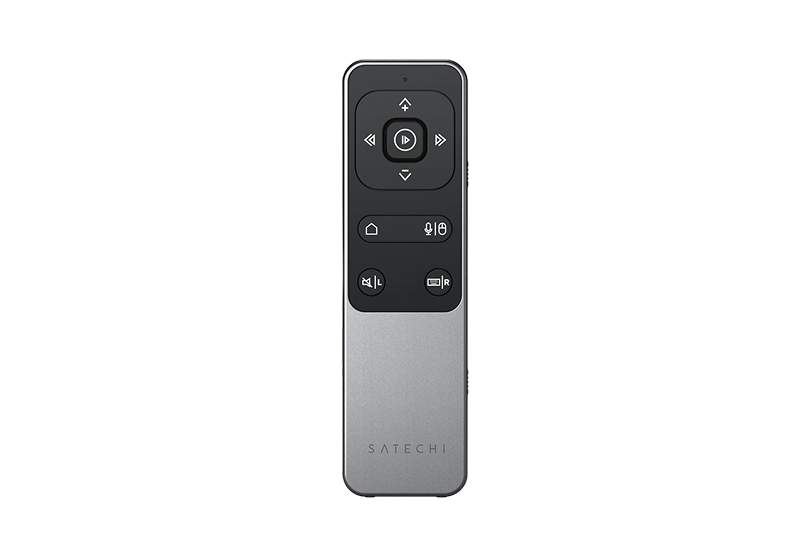
Bluetooth Remote Control connects through Bluetooth and lets you move through slides without standing beside the keyboard. It also has media controls for playback and volume.
The listed wireless range is up to 32 feet, and the remote charges through USB-C. Check that it works with your presentation app before buying it.
Build only what you need
Start with Shotbase for screenshots, screen recordings, editing, organisation, and search. Add FaceScreen when showing your face improves the explanation. Add Videorc for live streaming or more complex scenes. Add Bluetooth Remote Control when you need to step away from the Mac.
ShotbaseCapture, edit, organize, and share in oneVisit WebsiteShotbase is a comprehensive tool designed to capture and manage all your screen-based content effortlessly. With features like stunning screenshot capabilities, recording options that include cinematic effects, and an intuitive organizational structure powered by local AI, you can easily keep your multimedia assets organized and accessible. Shotbase not only allows you to capture specific areas, windows, or full screens on your Mac but also enables you to edit and enhance your captures with backgrounds, frames, and annotations. The integrated AI ensures your captures are automatically named and tagged for easy searching, making it an excellent choice for anyone looking to enhance their productivity and creativity in one seamless workspace.Visit Website
FaceScreenAdd camera and text screen overlaysVisit WebsiteFaceScreen adds a floating camera view and text overlays to your screen for presentations, recordings, and calls.
- Show your face above other windows.
- Add your name, website, or social handle.
- Customize camera shape, size, filters, and overlay styling.
- Control the Mac app with keyboard shortcuts.
- Use the Mac ring light or mobile Picture in Picture camera.
One-time purchase with lifetime updates. Requires macOS 15 or later, or iOS and iPadOS 26 or later.Visit Website
VideorcRecord screens and stream across platformsVisit WebsiteVideorc is an open-source desktop studio for screen, camera, and microphone recording and live streaming. The Mac version is currently in beta.
- Record locally at up to 4K on supported Mac builds.
- Arrange capture sources and preview your broadcast.
- Stream to multiple destinations at 1080p30 on the free plan.
- Keep recordings in a local library.
- Upgrade for higher-quality single-destination streaming and AI publishing tools.
Free studio with a paid Premium subscription. Live captions and the Orcle chat assistant are early-stage features; support varies by build and platform.Visit Website
Bluetooth Remote ControlSeamless Control for PresentationsVisit WebsiteThe Satechi Bluetooth Remote Control, R2, is the perfect companion for users who want effortless control over their media and presentations. With its sleek aluminum design, this remote offers both versatility and ease of use, featuring two distinct operating modes: Multimedia and Presentation. In Multimedia mode, users can navigate audio and video content seamlessly, controlling playback, volume, and Siri activation with simple button presses. Presentation mode allows for intuitive slide navigation with four directional arrows plus a mouse function, making it ideal for PowerPoint and Keynote users. With Bluetooth 5.0 connectivity, the remote provides reliable control from distances up to 32 feet, while its rechargeable USB-C battery ensures prolonged use with minimal downtime. The remote is compatible with various Apple devices from 2012 and newer, though it does not work with Windows 10/11. Whether you're giving a presentation or controlling your media, the Satechi R2 Remote Control eVisit Website
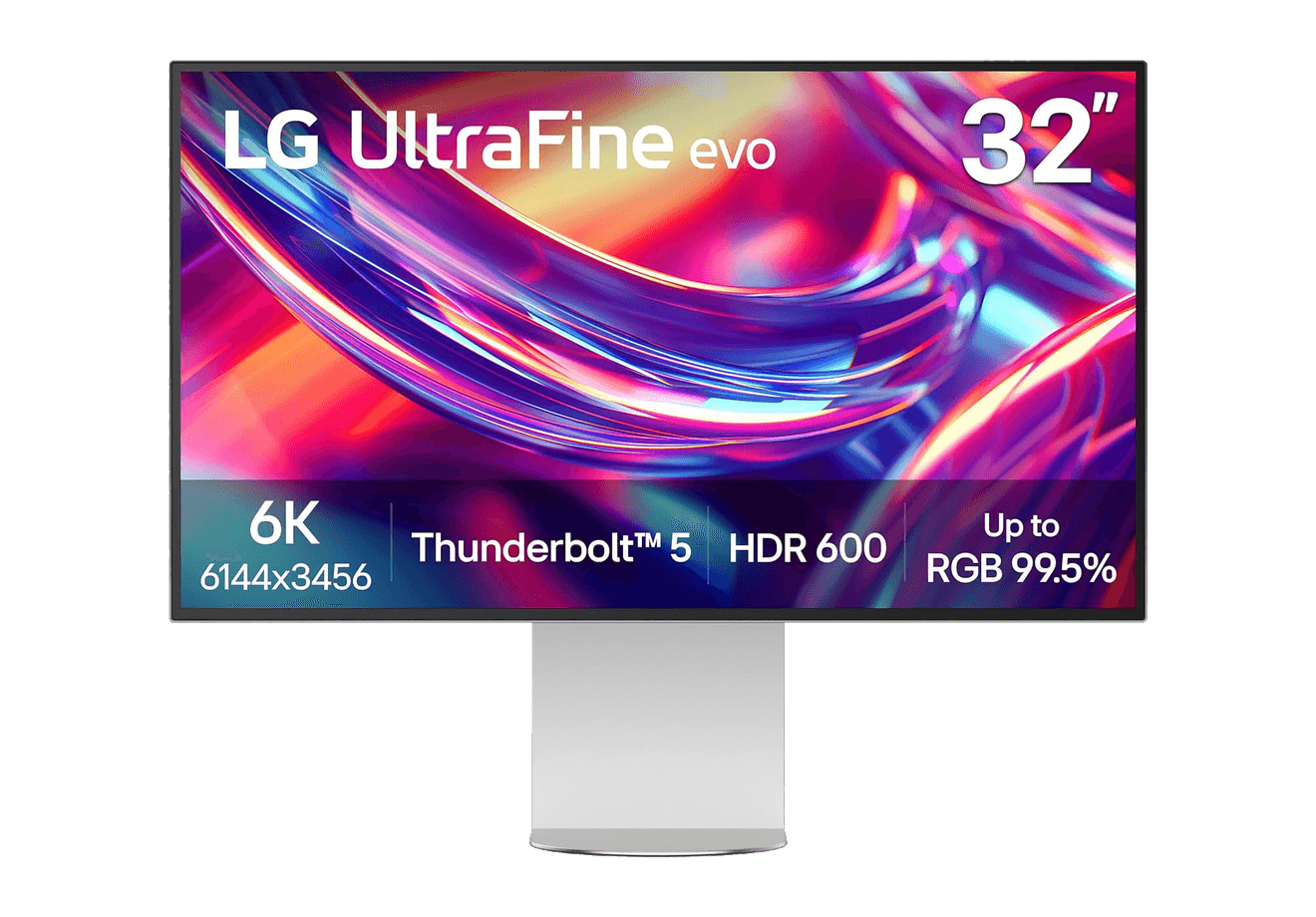
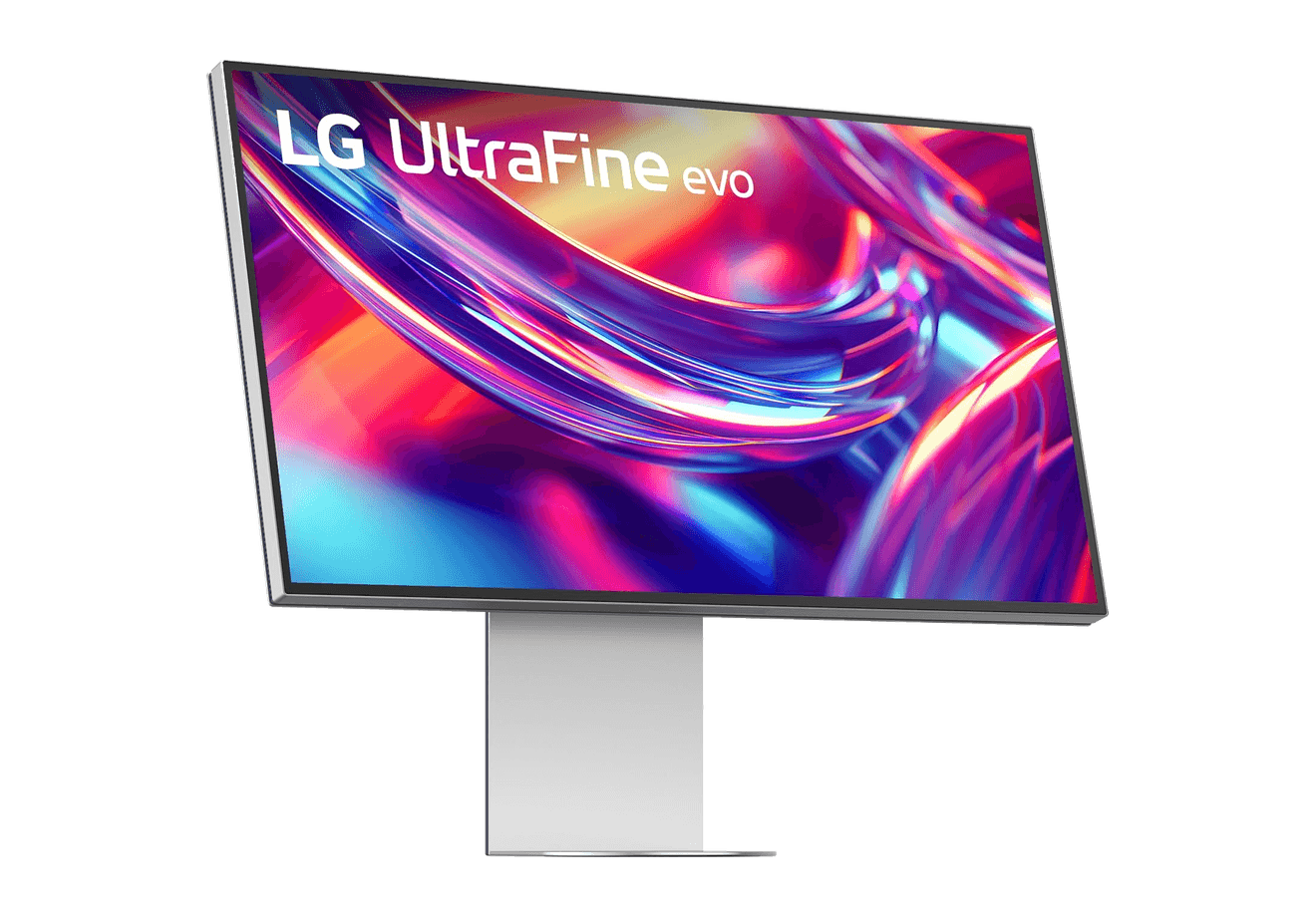
A 32-inch 6K Thunderbolt 5 display built for Mac creators.
WorkspaceDisplays
A2+ Wireless Speakers
Compact wireless desktop speakers with 24-bit audio for Mac.
HardwareAudioiOS & macOS
Beosound 2
A sculptural 360-degree wireless speaker with AirPlay 2.
HardwareAudioiOS & macOS
Flow 2
A CNC aluminum low-profile keyboard with cloud-soft switches and VIA.
HardwareKeyboards & MiceiOS & macOS
Flow Lite84
A slim tri-mode mechanical keyboard built for comfortable Mac typing.
HardwareKeyboards & MiceiOS & macOS
Agent Caffeine
Keep your Mac awake for agents
One-time
Agent Caffeine is a Mac menu bar utility that prevents sleep while AI coding agents are working, then allows the Mac to sleep when work stops.
- Track activity from agents including Claude Code, Codex, and Cursor.
- Keep the Mac awake with the lid closed during active work.
- Allow a configurable grace period when an agent waits for input.
- Send notifications when agents need attention or finish.
- Pause sleep prevention or stay reachable for a set duration.
Closed-lid operation on battery requires an approved helper. Battery and temperature safeguards can release sleep prevention. Includes a seven-day trial, followed by a one-time purchase with lifetime updates.
SoftwareUtilitiesmacOS
Q15 Max
A premium wireless ortholinear keyboard for Mac.
HardwareKeyboards & MicemacOS
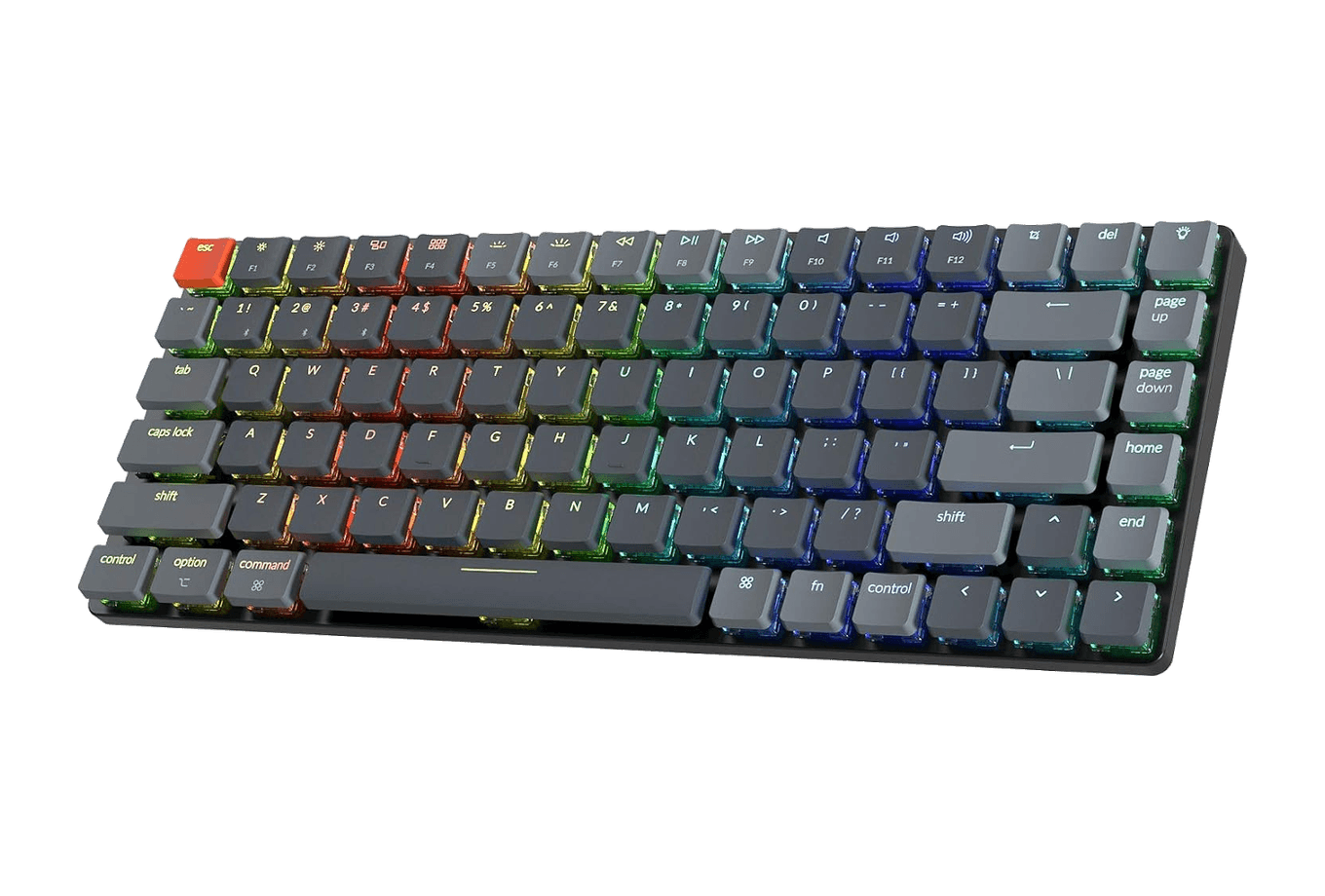
K3 Ultra-slim
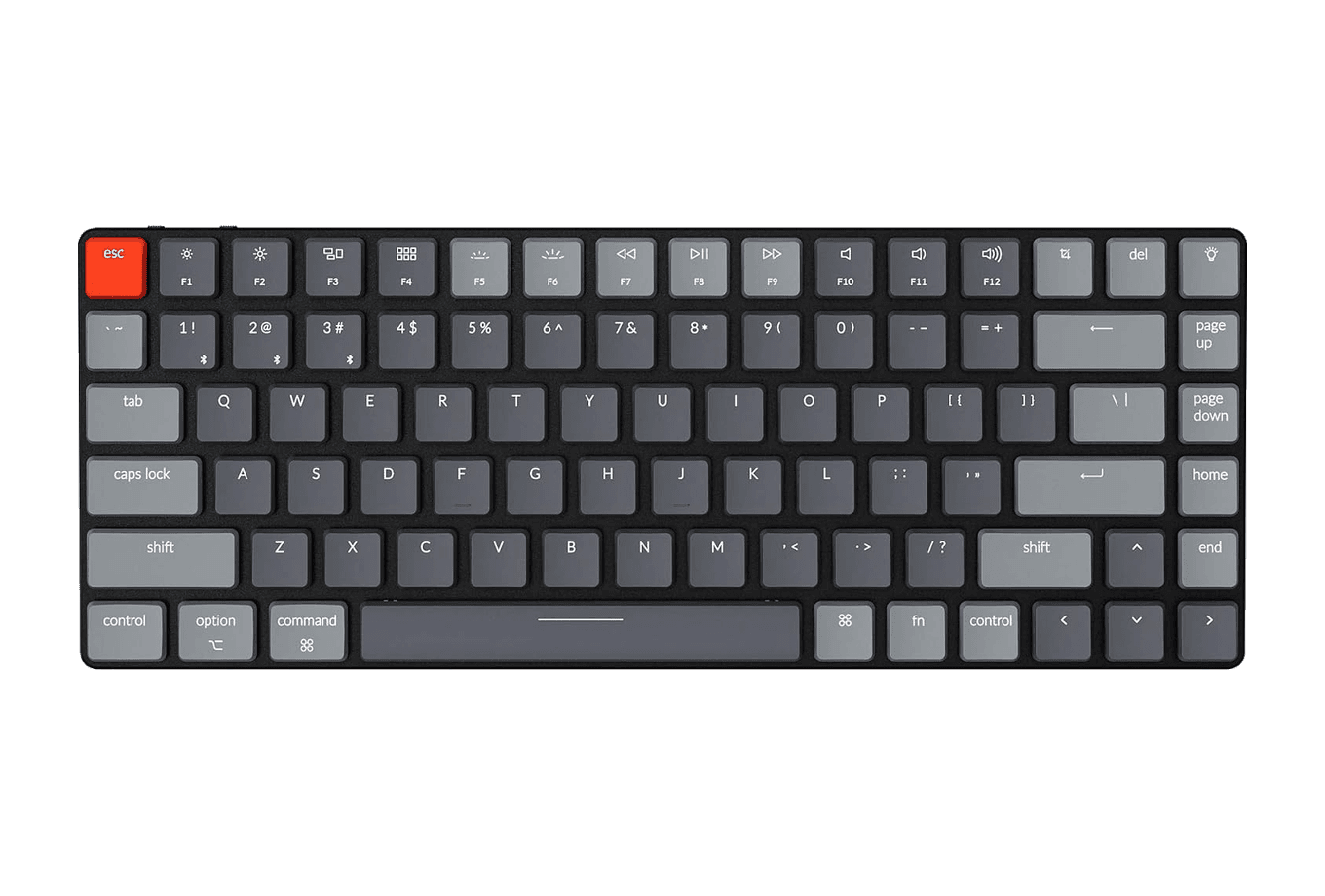
An ultra-slim 75% mechanical keyboard built for Mac.
HardwareKeyboards & MiceiOS & macOS
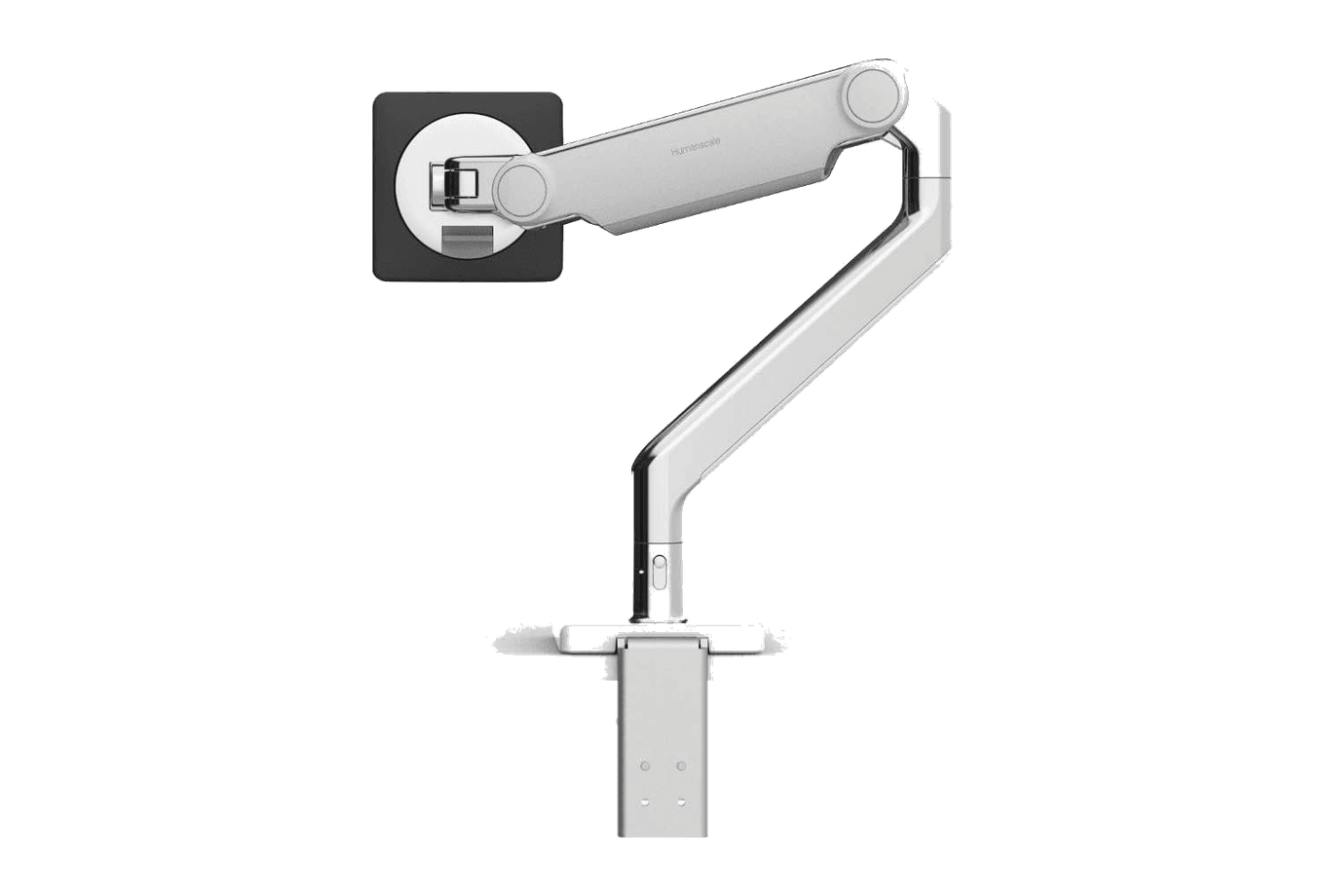
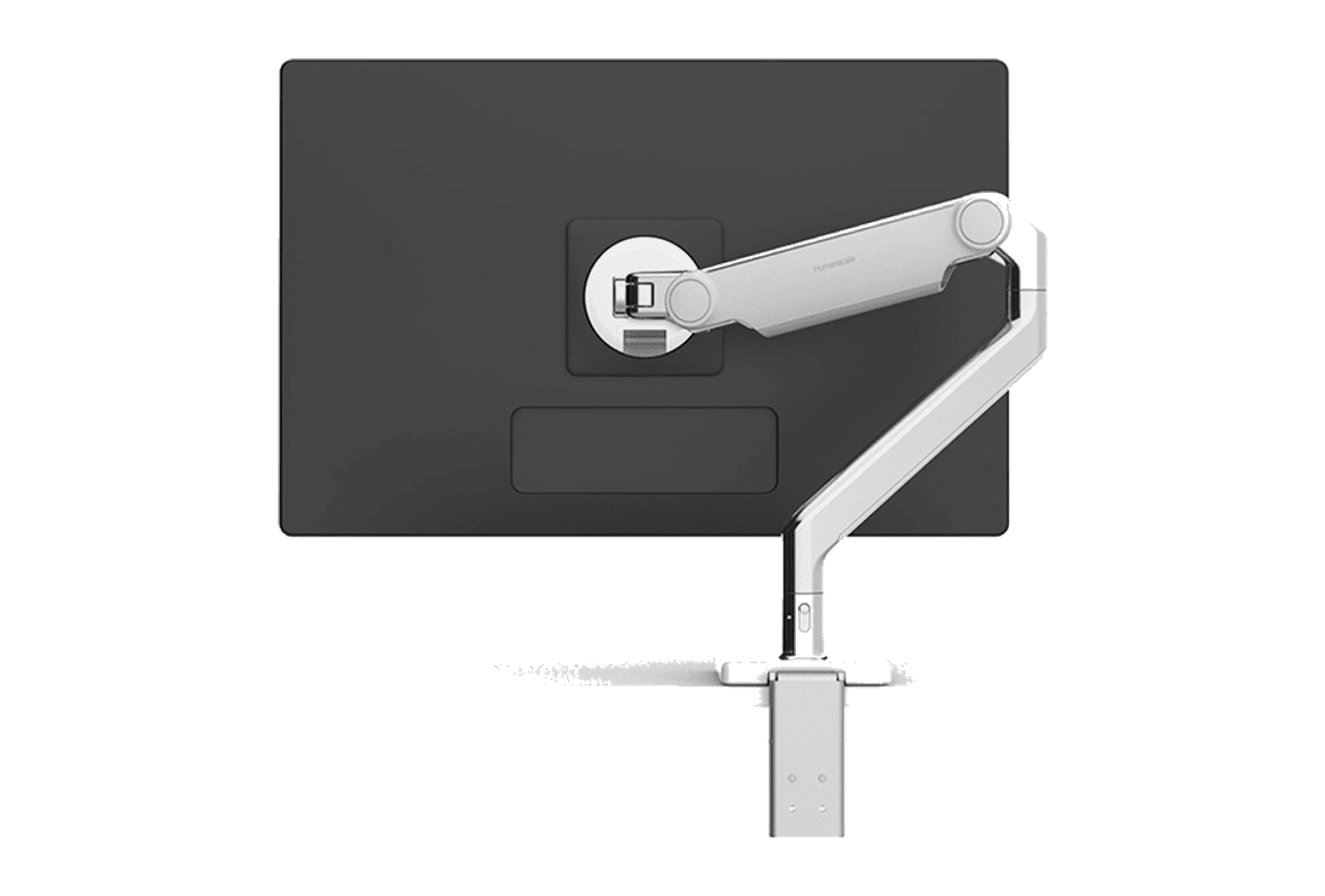
M2.1 Monitor Arm
A slim, adjustable monitor arm for a cleaner ergonomic desk.
 Dudu
Dudu