How to Write 1,000 Words Without Touching the Keyboard
Most of your good ideas don't happen at the keyboard. This is the Mac stack for catching them out loud and turning them into clean text without a meeting.
You are walking. You have a thought. By the time you sit down it will be three notes and a vibe. The keyboard cannot save what the keyboard cannot reach in time.
The stack below is the small set of Mac apps that turns an idea you had on the way back into a finished thousand-word draft, without the keyboard ever taking the lead.
The stack:
Wispr Flow · the default voice-to-text you reach for first
Superwhisper · the alternative for when defaults are not enough
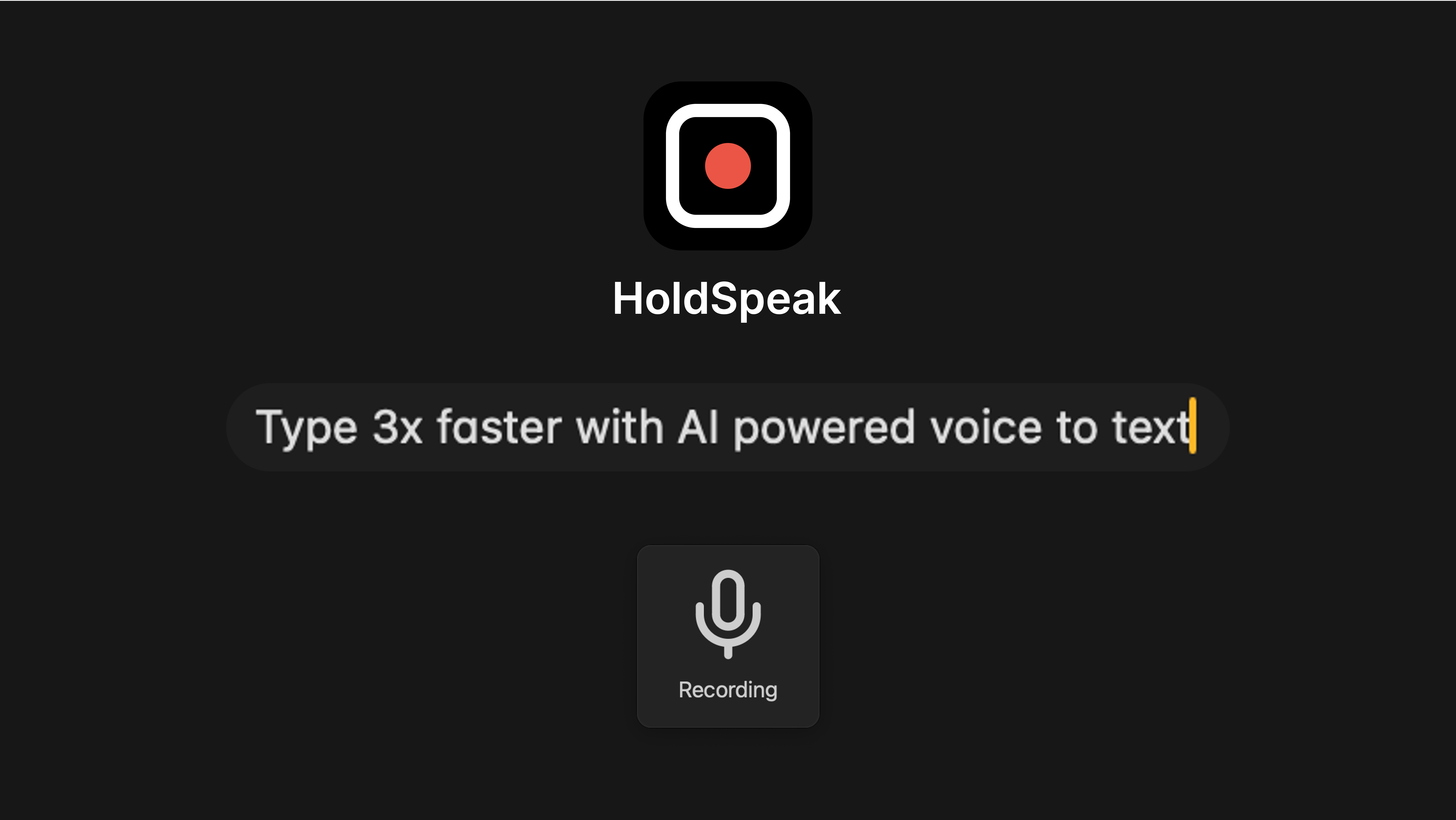
HoldSpeak · offline dictation for the work that cannot leave the machine
Slashit · push-button text cleanups from the menu bar
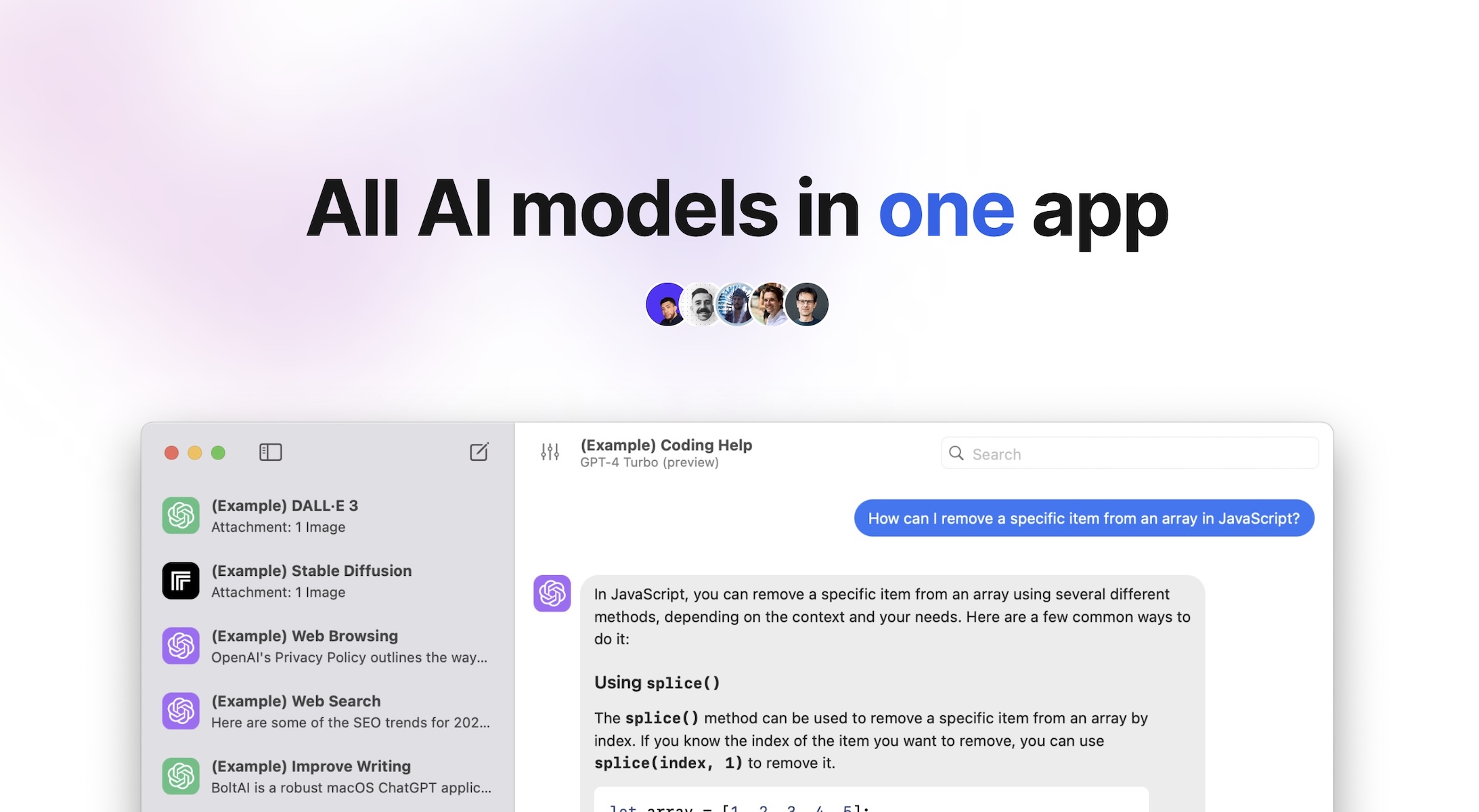
BoltAI · the heavier rewrite when one paragraph needs to be five
TypoTab · the final tightening pass at the end
1. Capture the Thought Out Loud
The first move is dictation that does not feel like dictation. Wispr Flow listens, transcribes, and silently fixes punctuation, casing, and the small mistakes that make raw transcripts unreadable.
What this does to your workflow is small but real. The keyboard stops being the entry point for ideas. The microphone is. Wispr Flow is best for people whose thoughts arrive while walking, cooking, commuting, or pacing around the room instead of sitting obediently at a desk.
Wispr FlowEffortless voice-to-text for faster writing.Visit WebsiteWispr Flow is the voice-to-text AI that transforms your speech into clear, polished writing across all your apps. It allows you to dictate notes, emails, and text instantly, streamlining your communication process. With features like AI auto-edits and personalized dictionaries, Wispr adapts to your unique voice and style, ensuring that your thoughts are captured accurately and efficiently. Proven to be used by professionals in various fields, Wispr enhances productivity, enabling users to focus on their ideas rather than typing them out. Available on Mac, Windows, iPhone, and Android, it seamlessly integrates into your workflow, making it the ultimate tool for anyone looking to enhance their efficiency in both personal and professional settings.Visit Website
2. Use the Power Option When You Need More Control
Some captures are longer, more technical, or need a custom vocabulary. Superwhisper is the answer when the default tool runs out of room. It supports multiple models, custom prompts, and a level of polish that you would expect from a more expensive piece of software.
It is not the daily driver. It is the one you turn to when the dictation has to stand up to a closer read. Superwhisper solves the control problem for writers, engineers, and operators who need custom vocabulary or more deliberate formatting than casual dictation gives them.
SuperwhisperTurn your voice into polished text.Visit WebsiteSuperwhisper is a versatile voice-to-text application designed to enhance communication across various platforms like Slack and Gmail. It simplifies the process of transcribing your thoughts into professional writing, making it ideal for startups and industry leaders alike. With seamless integration into your favorite apps, Superwhisper works offline, remembers your unique vocabulary, and supports over 100 languages. It features predefined modes to optimize tone and structure, ensuring your messages are always clear and appropriate. Additionally, the app offers powerful meeting assistance by recording and automatically summarizing discussions, making it a must-have for anyone looking to improve their efficiency in both personal and professional communication.Visit Website
3. Keep the Sensitive Stuff on the Machine
Not everything can be sent to a server. Notes about a client, a contract, an unreleased product, or a doctor's appointment do not belong in a cloud transcription pipeline. HoldSpeak runs entirely on the Mac.
The trade-off is honest. Slightly less polish, and the work stays in the building. For the right kind of writing, that is the entire trade you wanted.
HoldSpeakDictate with precision on your Mac, offline.Visit WebsiteHoldSpeak is an AI-driven dictation software for Mac that functions entirely offline. It allows users to convert speech to text with high accuracy, supporting over 100 languages. Designed for both casual users and professionals, HoldSpeak enhances productivity by enabling seamless dictation across various applications without compromising user privacy or requiring an internet connection.
- Supports over 100 languages with automatic language detection.
- Achieves a transcription accuracy rate of 99% on-device.
- Allows seamless dictation in any application where text input is possible.
- Features customizable hotkeys for quick access and integration into workflows.
- Offers multiple on-device models tailored for different transcription needs.
- Ensures privacy by keeping all audio and transcriptions on the device without internet dependency.
HoldSpeak offers an offline dictation solution for Mac users, enabling voice-to-text functionality with high accuracy across 100+ languages. Its features include customizable hotkeys and seamless integration with any application, ensuring privacy and reliability by processing all data locally.Visit Website
4. Clean the Transcript With One Shortcut
Raw transcripts are full of "um" and the wrong "their". Slashit sits in the menu bar and rewrites a selection on a keyboard shortcut. Clean it, shorten it, change the tone, fix the grammar, all without leaving the document.
This is the stage where the voice draft starts looking like text someone wrote on purpose. Slashit is for anyone who writes in the same apps all day and wants cleanup to happen in place instead of bouncing text through another window.
SlashitAI Text Expansion and Rewriting ToolVisit WebsiteSlashit App is designed to empower freelancers, agency founders, managers, and salespeople, enabling them to save time on repetitive typing. With features like customizable templates, dynamic placeholders, and instant shortcuts, users can streamline their workflow significantly. Instead of rewriting the same messages repeatedly, professionals can save their best replies as smart templates and personalize them quickly. The app is tailored to adapt to the user's style, automating tasks like tone adjustments and text personalization with just a hotkey. Whether for managing client communications or creating documents, Slashit transforms how you work by enabling faster, smarter writing, allowing you to focus on what matters most.Visit Website
5. Reach for the Bigger Rewrite
Sometimes one paragraph needs to become five, or three pages need to become one. BoltAI is the heavier tool for that work. It is a native Mac AI client that talks to almost every model, with a chat interface that does not pretend to be anything else.
The reason it is on this list is range. The voice draft becomes a brief, an outline, a script, or a full article without leaving the same window.
BoltAIAI Client for Mac with 300+ ModelsVisit WebsiteBoltAI is a native macOS application that provides users with the ability to switch seamlessly between over 300 AI models within a single workspace. It is designed for professionals and power users who require efficient management of AI tasks, enabling them to analyze documents, automate workflows, and maintain privacy with local chat storage. The app integrates with major AI providers, streamlini
- Switch seamlessly between over 300 AI models from providers like OpenAI, Anthropic, and Google within a single interface.
- Analyze documents, manage projects, and automate tasks without needing to switch applications.
- Store chats locally and encrypt API keys to ensure user privacy and data security.
- Customize AI interactions with fine-tuned controls for response generation, including temperature and token limits.
- Utilize multimodal capabilities to analyze PDFs, screenshots, and other documents for structured insights.
BoltAI is compatible with Intel and Apple Silicon Macs, requiring macOS 13 or later. This ensures a broad range of users can access its features, which include seamless integration with over 300 AI models and a focus on performance and privacy.Visit Website
6. Tighten the Final Draft
Once the writing is roughly right, the last pass is shape. TypoTab is the small menu bar tool for the final cuts. Trim a sentence, sharpen the intro, fix the rhythm of a closing line.
This is the step where the voice draft stops sounding spoken and starts sounding written. TypoTab is useful at the end because it solves a different problem than capture: not getting words down, but making them sound like they belong to you.
TypoTabTypoTab, the ultimate AI writing assistant forVisit WebsiteTypoTab is a macOS application that functions as an AI-driven writing assistant. It enhances writing efficiency by providing tools for grammar correction, text rephrasing, and content generation, all accessible from the menu bar without needing to switch applications. This tool is designed for writers, students, and professionals looking to streamline their writing process and improve productivity
- Provides grammar correction and text rephrasing directly from the menu bar.
- Allows text refinement in any application without switching contexts.
- Offers customizable actions to meet individual writing needs.
- Streamlines repetitive writing tasks for improved efficiency.
- Supports a wide range of applications, enhancing workflow across platforms.
TypoTab is a macOS application that enhances writing efficiency by providing grammar correction, text rephrasing, and content generation directly from the menu bar. It allows users to refine text in any application without switching contexts, offering customizable actions to suit individual writing needs.Visit Website
A six-step loop with one constant: the keyboard never starts the work. By the time you sit down, the draft is already a draft.
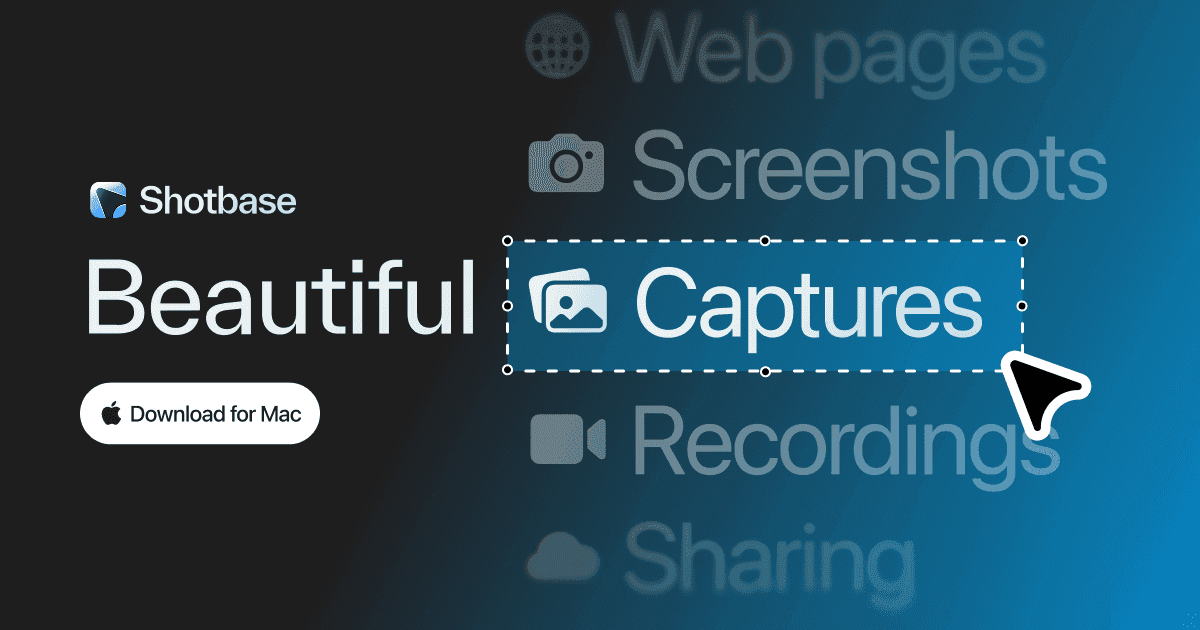
Shotbase is a comprehensive tool designed to capture and manage all your screen-based content effortlessly. With features like stunning screenshot capabilities, recording options that include cinematic effects, and an intuitive organizational structure powered by local AI, you can easily keep your multimedia assets organized and accessible. Shotbase not only allows you to capture specific areas, windows, or full screens on your Mac but also enables you to edit and enhance your captures with backgrounds, frames, and annotations. The integrated AI ensures your captures are automatically named and tagged for easy searching, making it an excellent choice for anyone looking to enhance their productivity and creativity in one seamless workspace.
SoftwareCreativemacOS
DeskMinder
For Easily Distracted Minds
Freemium
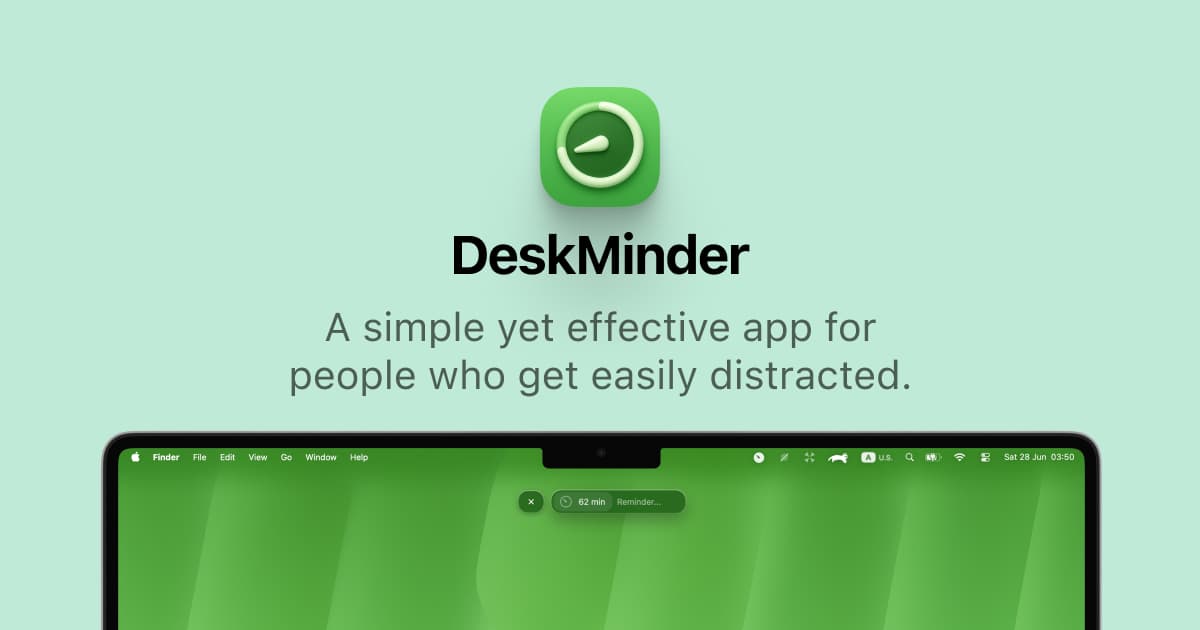
DeskMinder is a productivity software application designed for Mac users who struggle with distractions. It provides a straightforward interface for creating desktop pop-up reminders and tasks, helping users manage urgent to-dos, short breaks, and fleeting ideas. With features like full-screen notifications and Apple Reminders integration, DeskMinder aims to enhance focus and time management for i
- With features like easy-to-create desktop pop-ups for reminders and tasks, it simplifies the process of staying on top of urgent to-dos, short breaks, or fleeting ideas.
- Users can benefit from full-screen notifications, Apple Reminders integration, and flexible widget placement, making it ideal for anyone requiring a little extra help to maintain focus.
- The app includes additional shortcuts for quick reminder setups and customizable widget options, along with a history tracking feature to monitor daily progress.
Designed specifically for Mac users, DeskMinder aims to facilitate better time management and productivity for those with attention challenges, providing a seamless user experience without unnecessary complexity.
SoftwareProductivitymacOS
Klack
Satisfying sound with every keystroke
Paid
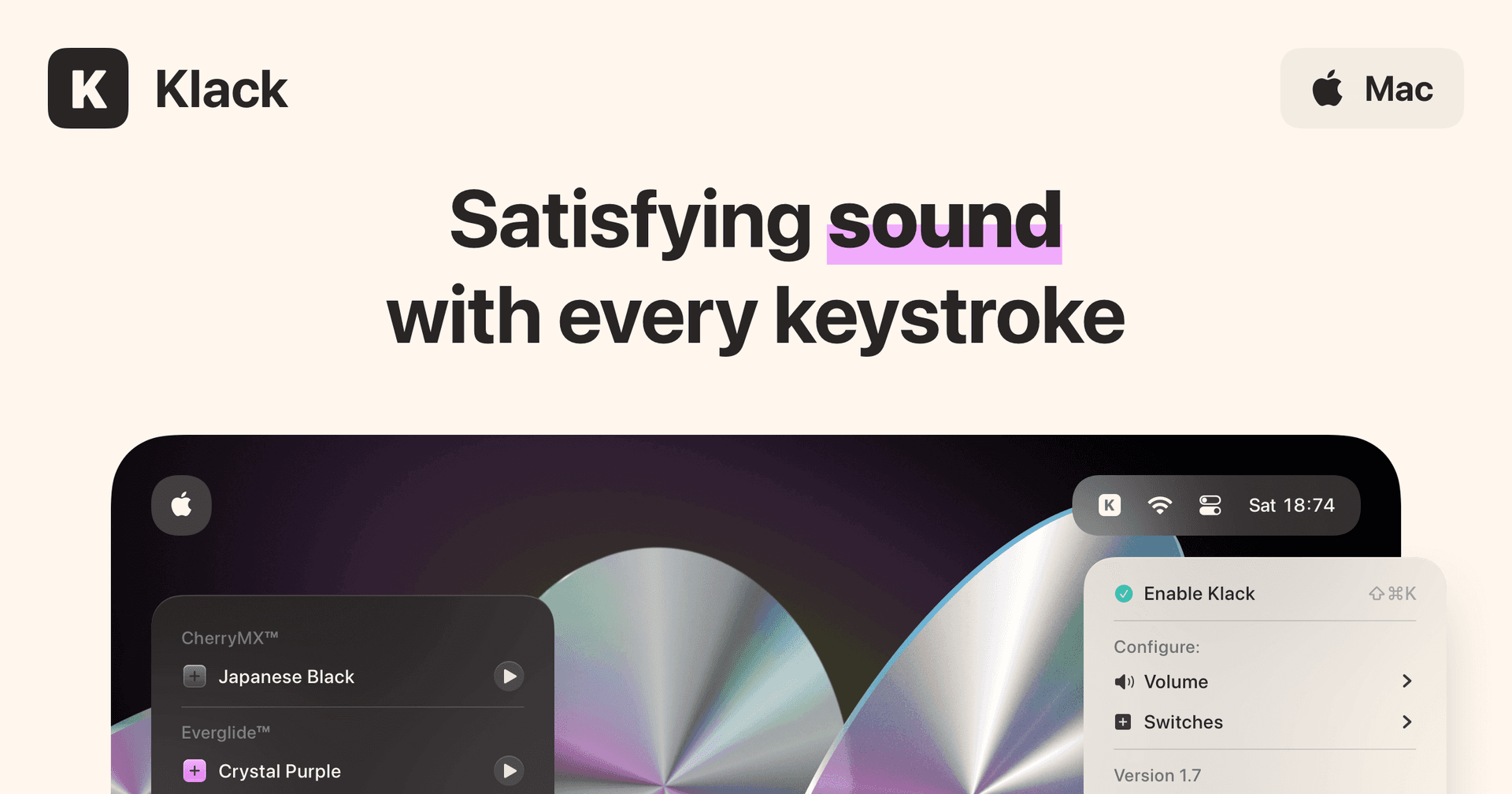
Klack is a macOS application designed to enhance the typing experience through high-fidelity sound for each keystroke. It provides features such as immersive spatial audio, instant feedback, and customizable sound options, making it suitable for writers, developers, and anyone who values an engaging typing environment. The app is easily accessible from the menubar and offers extensive configuratio
- Provides immersive spatial audio for enhanced typing feedback.
- Allows customization of keystroke sounds, pitch variations, and volume settings.
- Features a menubar interface for quick access to configuration options.
- Supports instant feedback with each keystroke for a more engaging experience.
- Designed for writers and developers seeking auditory feedback while typing.
Klack enhances the typing experience on Mac by providing high-fidelity sound for each keystroke.
SoftwaremacOS
Aesty
AI outfit styling and wardrobe planning
Freemium
Aesty is an AI styling app that helps you organize your wardrobe, try on outfit ideas, and plan what to wear. Build looks from clothes you own or use a photo as inspiration.
- Add clothing photos to a digital closet with automatic categorization and background removal.
- Try outfits on a personalized avatar and mix them with your own wardrobe.
- Generate outfit suggestions for different occasions and your style preferences.
- Plan looks on a weekly calendar and assemble visual moodboards.
- Identify garments in outfit photos and find shopping links for missing pieces.
Free to download with paid in-app purchases and subscriptions. Designed for iPhone with iOS 18 or later. Apple lists compatibility with macOS 15 or later on M1-or-newer Macs, but the app is not verified for macOS.
SoftwareAIiOS & macOS
SupaSidebar
One sidebar for all browsers
Freemium
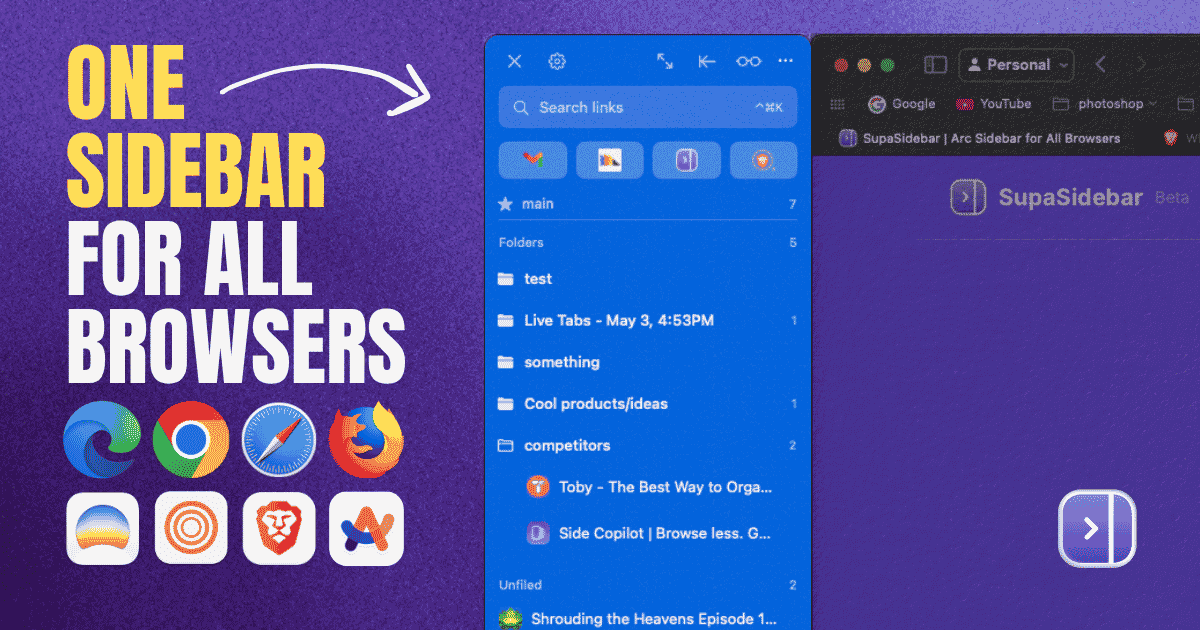
SupaSidebar is a macOS application that consolidates and organizes tabs, bookmarks, and applications across multiple web browsers, including Safari, Chrome, and Brave. It provides a unified sidebar interface for managing open tabs and bookmarks, allowing users to streamline their browsing experience and enhance productivity.
- Displays all open tabs from multiple browsers in a single vertical sidebar for streamlined navigation.
- Offers fuzzy search functionality to quickly access tabs, bookmarks, and browsing history.
- Allows users to create and manage spaces and folders for organizing online activities.
- Integrates with Finder to access files and folders directly from the sidebar.
- Supports iCloud synchronization for consistent access across devices.
SupaSidebar provides a unified sidebar interface for managing tabs, bookmarks, and files across multiple browsers on macOS. It supports popular browsers such as Safari, Chrome, and Brave, allowing users to organize their online resources efficiently.
SoftwareProductivitymacOS
DiskBuddy
Visualize disk space and clean up files
One-time
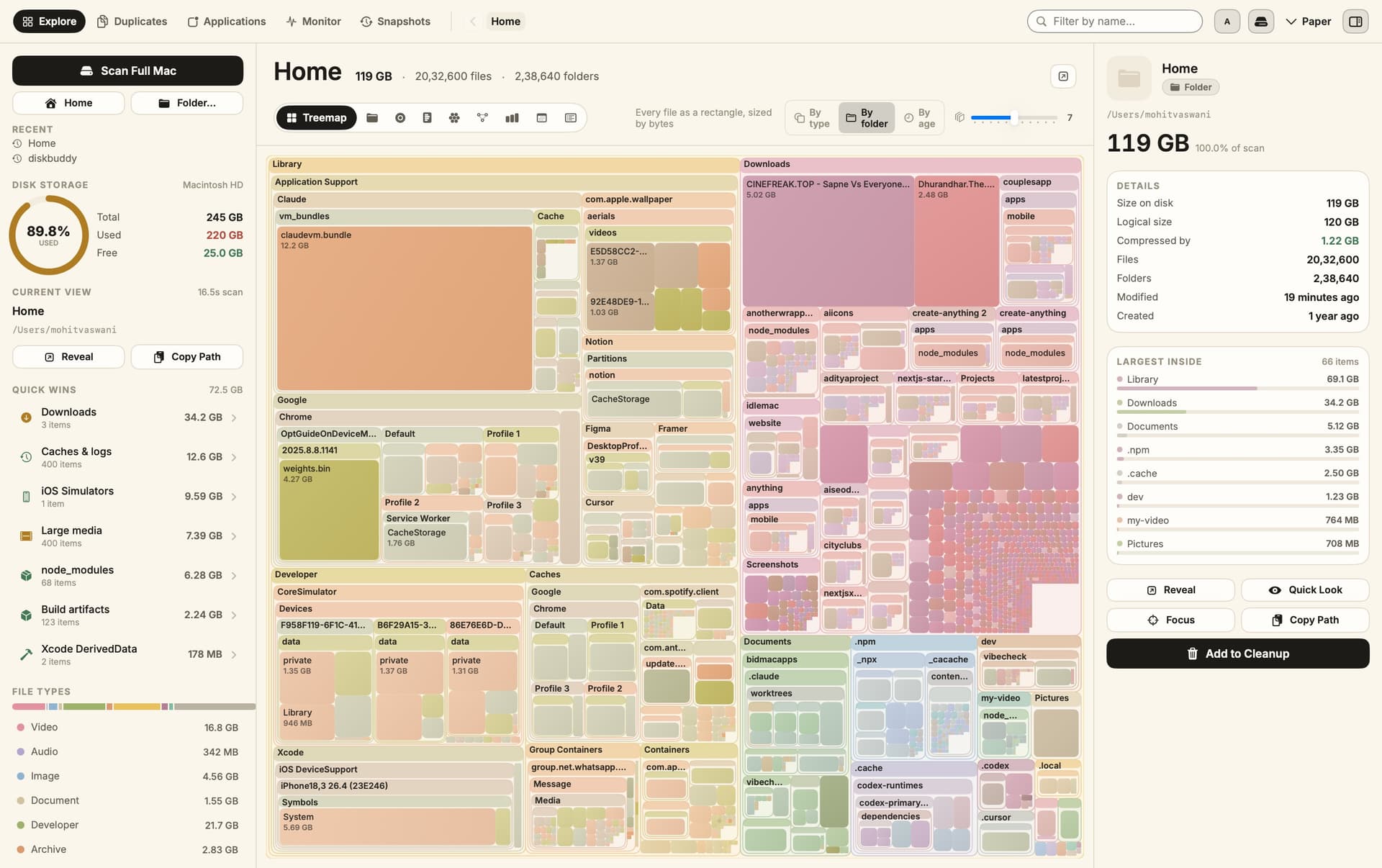
DiskBuddy helps you find what is taking up space on your Mac, then review files before removing them. Scan a folder or drive and explore the results through eight visualizations.
- Browse storage with folder grids, treemaps, sunburst charts, and other views.
- Find duplicate files by content and identify large, old files.
- See app footprints including associated caches, preferences, and logs.
- Compare scan snapshots to see which folders have grown.
- Stage cleanup candidates in a review queue before deleting anything.
Supports macOS 14 or later on Apple silicon and Intel, with external and network drives supported. A one-time license includes all 1.x updates and works on one Mac or Windows machine at a time. File analysis happens locally; activation and periodic license checks require an internet connection.
SoftwareUtilitiesmacOS
Grok Bot
AI teammates that work across your apps
Paid
Grok Bot provides AI teammates that work inside apps and websites using a shared cloud computer. Give bots tasks from desktop or iOS, and follow their progress as they complete work.
- Delegate research, reporting, operations, and other multi-step tasks.
- Run multiple bots in parallel and let them coordinate in shared conversations.
- Teach a workflow by demonstrating it, then reuse it as a routine.
- Keep context across conversations and continue work while your laptop is closed.
- Connect bots to the tools you use, with approval requested when needed.
Available in beta on desktop, including macOS, and iOS through eligible paid Cursor, SuperGrok, and Teams plans. Usage allowances depend on the plan.
SoftwareAIiOS & macOS
DynamicLake
Dynamic Island controls and activities for Mac
One-time
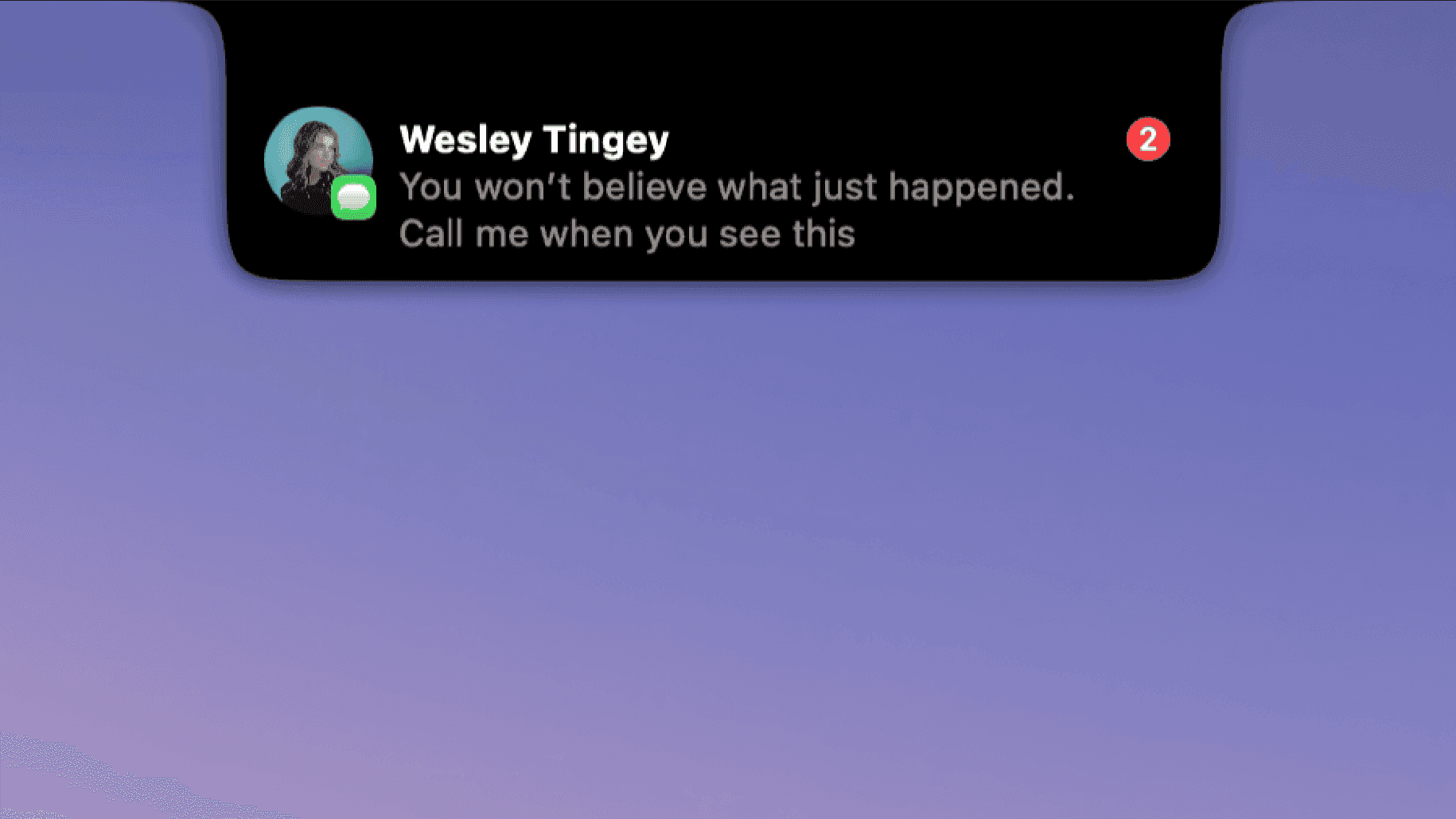
DynamicLake adds a Dynamic Island interface to your Mac for music, system controls, notifications, and file actions.
- Adjust volume, brightness, and keyboard backlighting from an integrated panel.
- Control music and keep calendar events and weather within view.
- Drag and drop files to preview, compress, share, AirDrop, or convert them.
- See supported messaging notifications, calls, Bluetooth events, and live activities.
- Customize the notch appearance or choose a compact miniLake layout.
Supports macOS 14 or later on Intel and Apple silicon, including Macs with and without a notch. A one-time license covers up to three devices and includes lifetime updates.
SoftwareUtilitiesmacOS
Orbs
A radial launcher for apps and tools
One-time
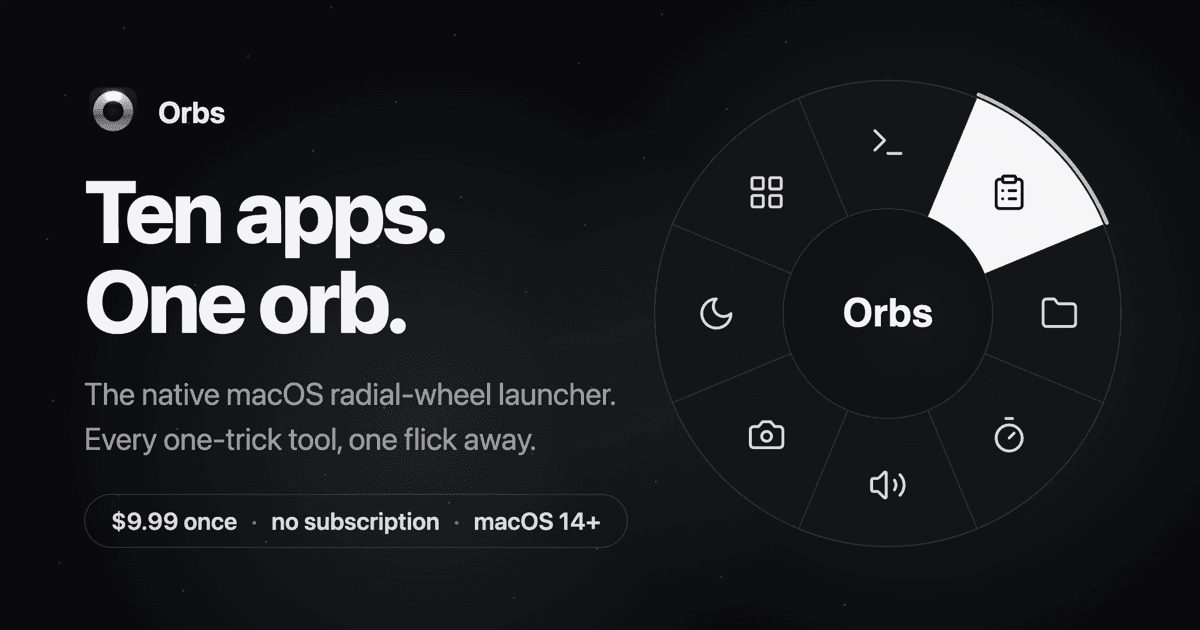
Orbs is a native Mac launcher that puts apps, shortcuts, and small utilities on a radial wheel beneath your cursor. Hold a key, move to an action, and release to run it.
- Launch apps, run shell commands and macOS Shortcuts, or insert text snippets.
- Build nested menus and separate profiles for different workflows.
- Switch profiles automatically based on the frontmost app.
- Use built-in tools including a timer, calculator, clipboard, color picker, and camera mirror.
- Pin tool popovers above other windows when you need them to stay visible.
Requires macOS 14 or later on Apple silicon or Intel. Its one-time lifetime license includes future updates, with local-only operation and no account required.
SoftwareProductivitymacOS
New additions
Aesty
AI outfit styling and wardrobe planning
Freemium
Aesty is an AI styling app that helps you organize your wardrobe, try on outfit ideas, and plan what to wear. Build looks from clothes you own or use a photo as inspiration.
- Add clothing photos to a digital closet with automatic categorization and background removal.
- Try outfits on a personalized avatar and mix them with your own wardrobe.
- Generate outfit suggestions for different occasions and your style preferences.
- Plan looks on a weekly calendar and assemble visual moodboards.
- Identify garments in outfit photos and find shopping links for missing pieces.
Free to download with paid in-app purchases and subscriptions. Designed for iPhone with iOS 18 or later. Apple lists compatibility with macOS 15 or later on M1-or-newer Macs, but the app is not verified for macOS.
SoftwareAIiOS & macOS
SupaSidebar
One sidebar for all browsers
Freemium
SupaSidebar is a macOS application that consolidates and organizes tabs, bookmarks, and applications across multiple web browsers, including Safari, Chrome, and Brave. It provides a unified sidebar interface for managing open tabs and bookmarks, allowing users to streamline their browsing experience and enhance productivity.
- Displays all open tabs from multiple browsers in a single vertical sidebar for streamlined navigation.
- Offers fuzzy search functionality to quickly access tabs, bookmarks, and browsing history.
- Allows users to create and manage spaces and folders for organizing online activities.
- Integrates with Finder to access files and folders directly from the sidebar.
- Supports iCloud synchronization for consistent access across devices.
SupaSidebar provides a unified sidebar interface for managing tabs, bookmarks, and files across multiple browsers on macOS. It supports popular browsers such as Safari, Chrome, and Brave, allowing users to organize their online resources efficiently.
SoftwareProductivitymacOS
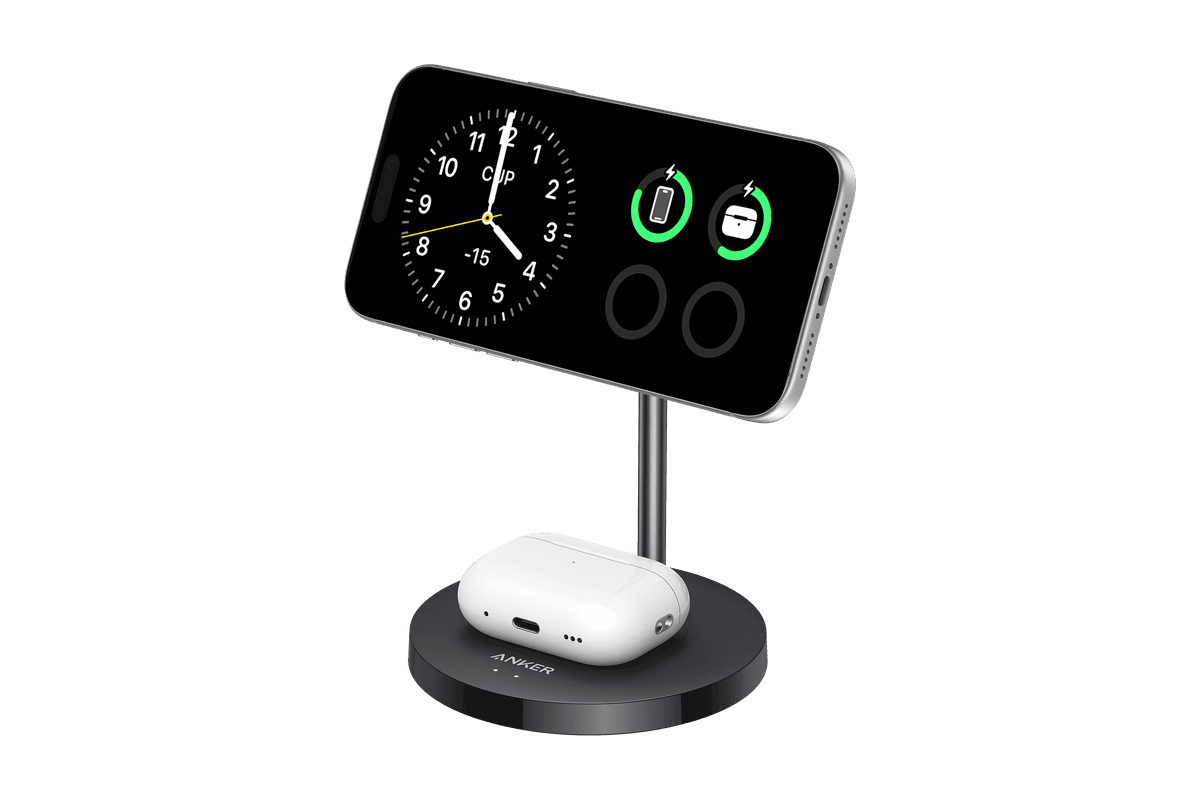
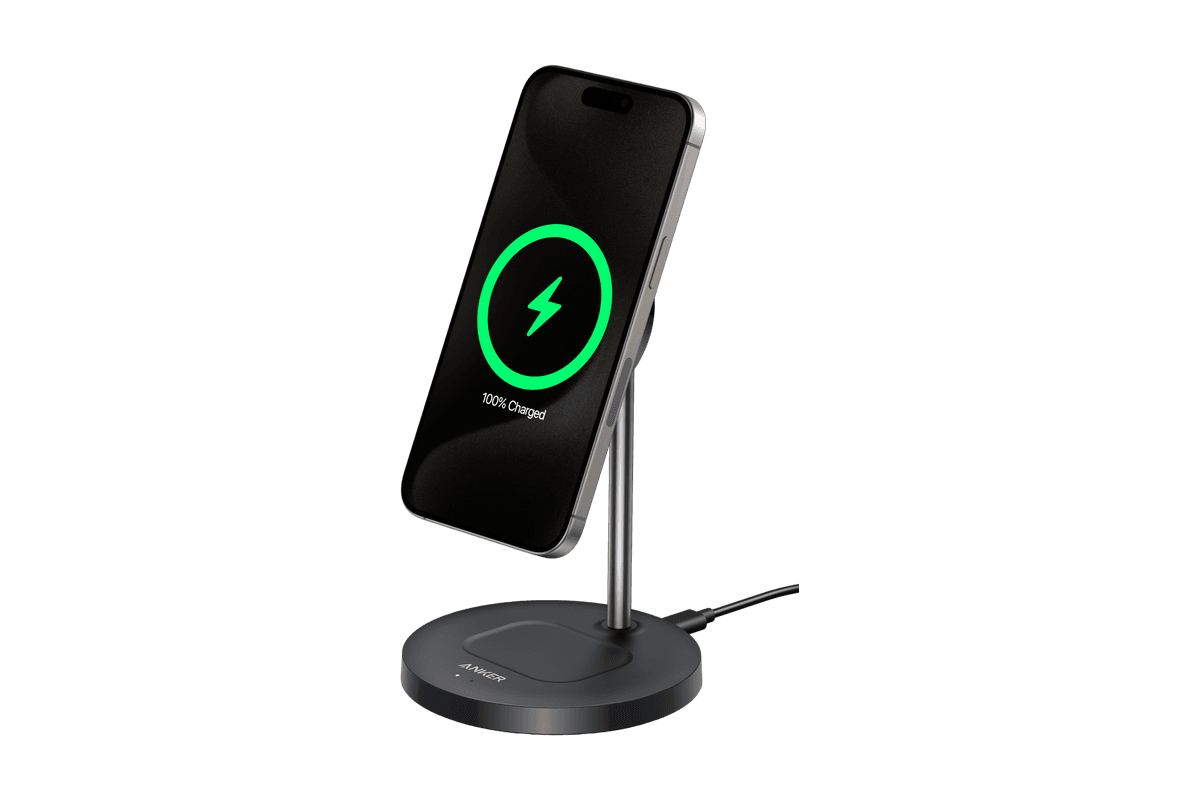
Anker MagGo Wireless Charger (2-in-1 Stand)
Charge your iPhone and earbuds together with a 15W Qi2 stand.
HardwarePoweriOS
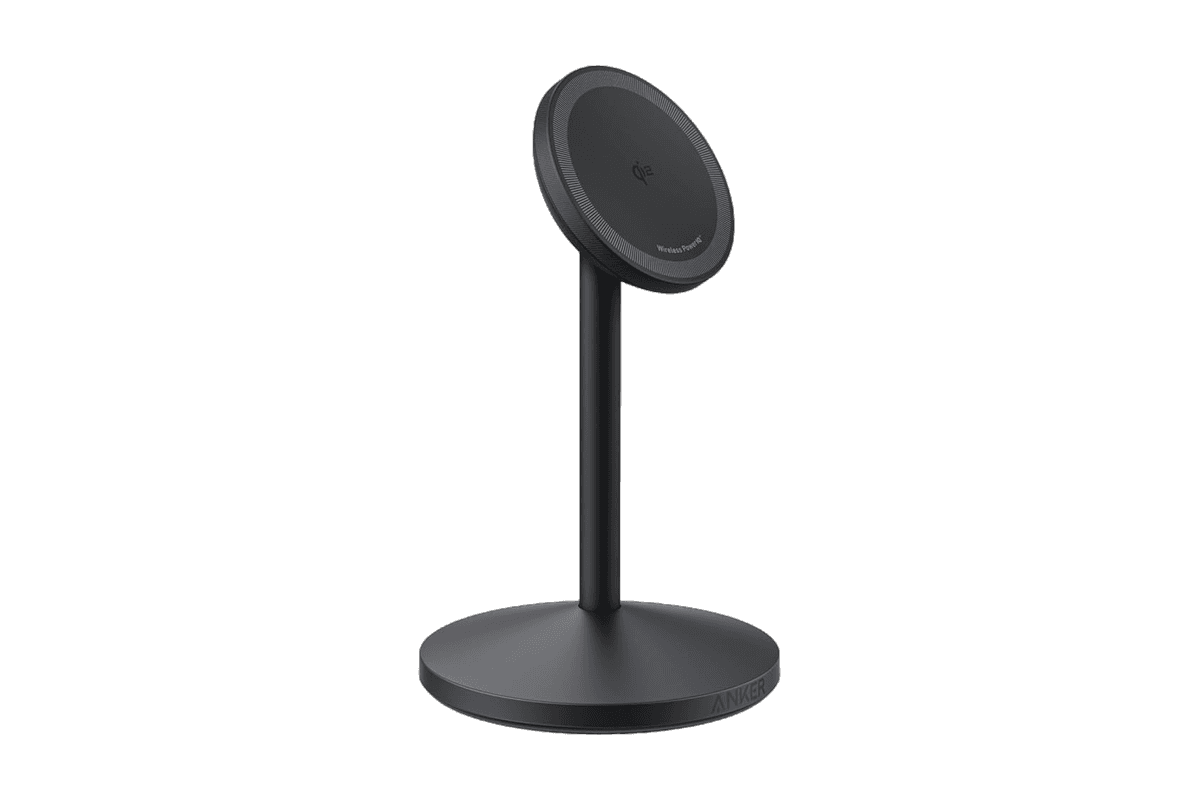
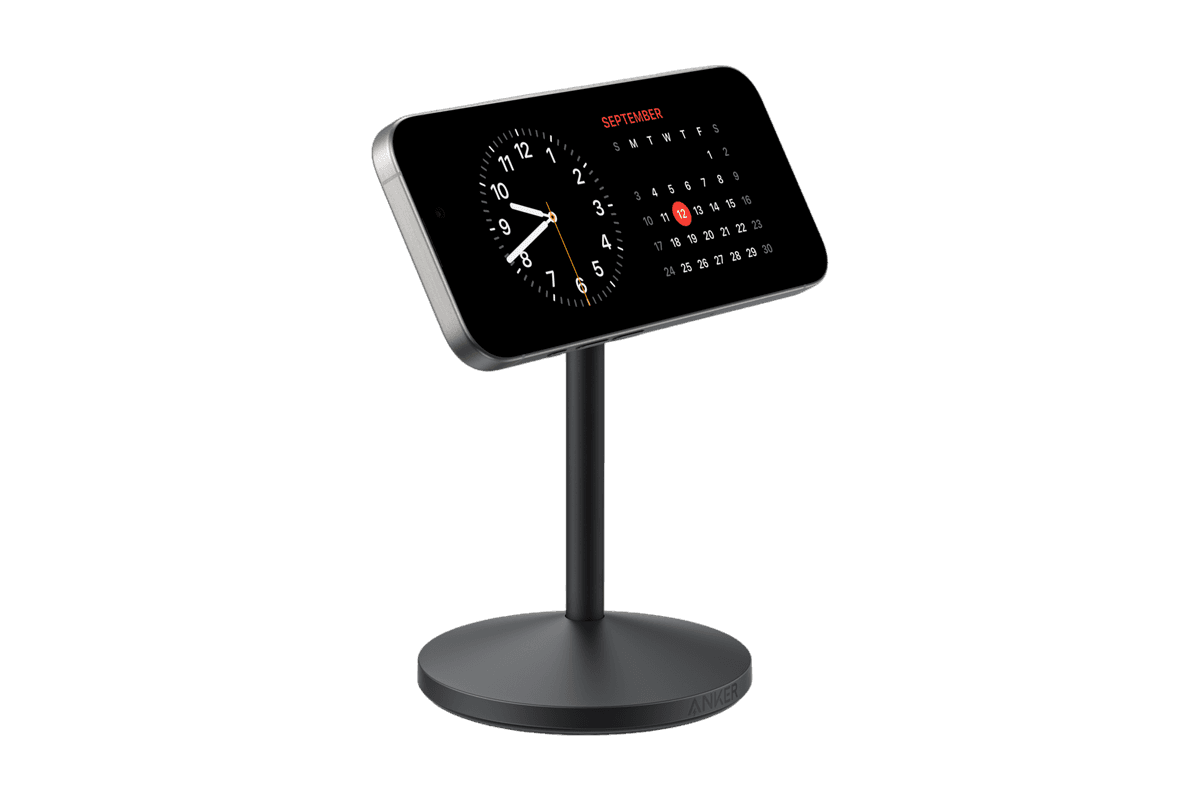
Anker MagGo Wireless Charger (Stand)
15W magnetic charging with a rotating, adjustable stand.
HardwarePoweriOS
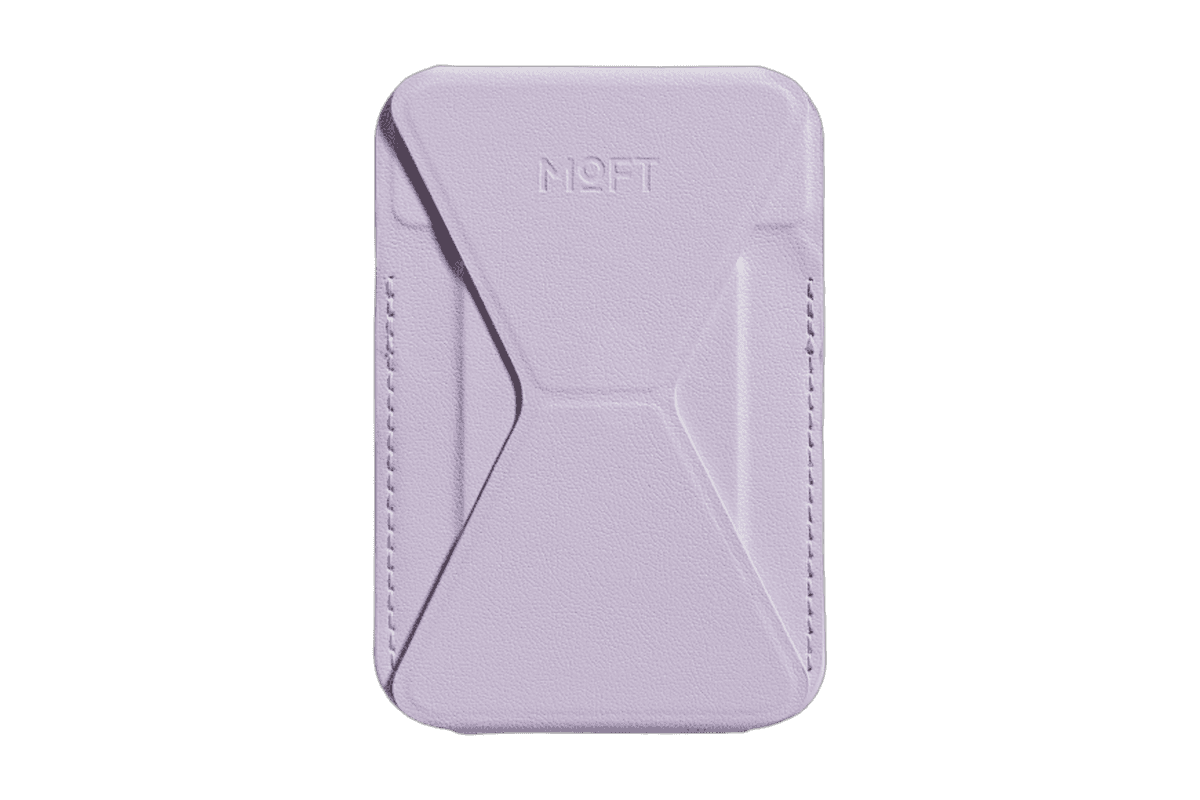
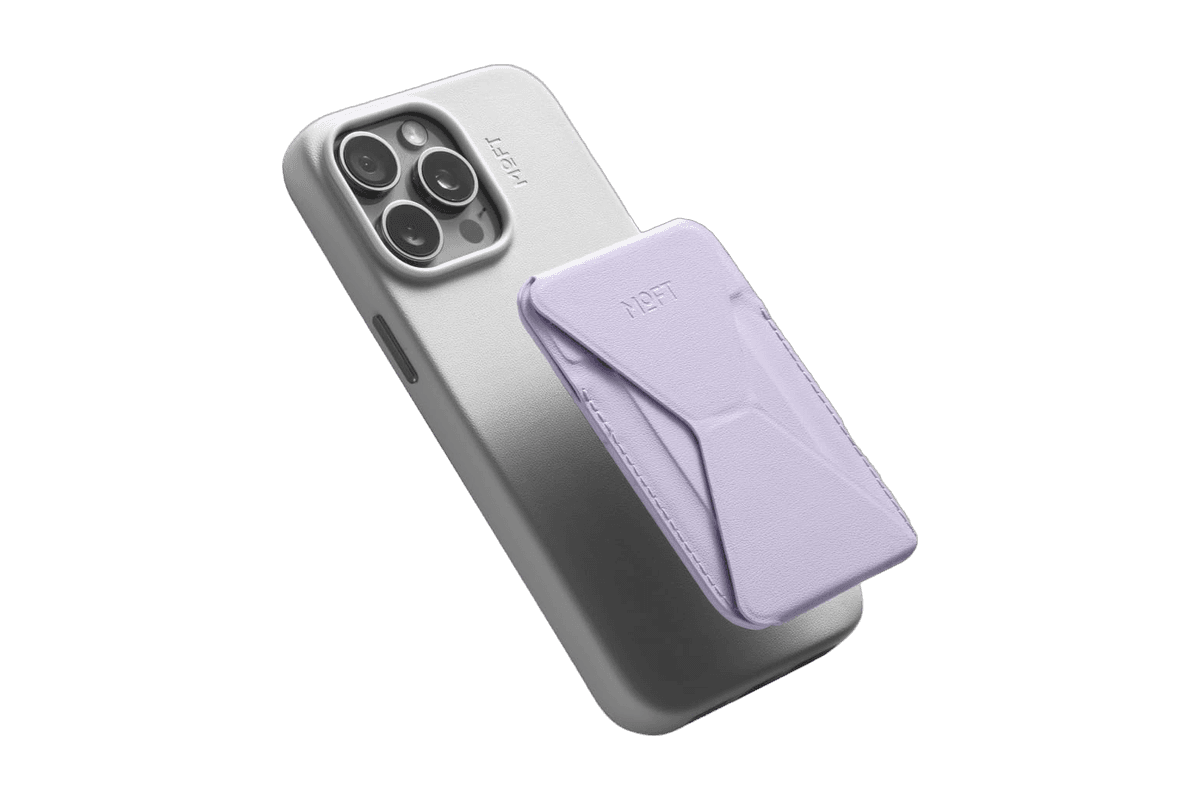
Snap-on Phone Stand & Wallet
A slim MagSafe wallet that folds into a stand and grip.
HardwareAccessoriesiOS
DiskBuddy
Visualize disk space and clean up files
One-time
DiskBuddy helps you find what is taking up space on your Mac, then review files before removing them. Scan a folder or drive and explore the results through eight visualizations.
- Browse storage with folder grids, treemaps, sunburst charts, and other views.
- Find duplicate files by content and identify large, old files.
- See app footprints including associated caches, preferences, and logs.
- Compare scan snapshots to see which folders have grown.
- Stage cleanup candidates in a review queue before deleting anything.
Supports macOS 14 or later on Apple silicon and Intel, with external and network drives supported. A one-time license includes all 1.x updates and works on one Mac or Windows machine at a time. File analysis happens locally; activation and periodic license checks require an internet connection.
SoftwareUtilitiesmacOS
Grok Bot
AI teammates that work across your apps
Paid
Grok Bot provides AI teammates that work inside apps and websites using a shared cloud computer. Give bots tasks from desktop or iOS, and follow their progress as they complete work.
- Delegate research, reporting, operations, and other multi-step tasks.
- Run multiple bots in parallel and let them coordinate in shared conversations.
- Teach a workflow by demonstrating it, then reuse it as a routine.
- Keep context across conversations and continue work while your laptop is closed.
- Connect bots to the tools you use, with approval requested when needed.
Available in beta on desktop, including macOS, and iOS through eligible paid Cursor, SuperGrok, and Teams plans. Usage allowances depend on the plan.
SoftwareAIiOS & macOS
DynamicLake
Dynamic Island controls and activities for Mac
One-time
DynamicLake adds a Dynamic Island interface to your Mac for music, system controls, notifications, and file actions.
- Adjust volume, brightness, and keyboard backlighting from an integrated panel.
- Control music and keep calendar events and weather within view.
- Drag and drop files to preview, compress, share, AirDrop, or convert them.
- See supported messaging notifications, calls, Bluetooth events, and live activities.
- Customize the notch appearance or choose a compact miniLake layout.
Supports macOS 14 or later on Intel and Apple silicon, including Macs with and without a notch. A one-time license covers up to three devices and includes lifetime updates.
SoftwareUtilitiesmacOS
Orbs
A radial launcher for apps and tools
One-time
Orbs is a native Mac launcher that puts apps, shortcuts, and small utilities on a radial wheel beneath your cursor. Hold a key, move to an action, and release to run it.
- Launch apps, run shell commands and macOS Shortcuts, or insert text snippets.
- Build nested menus and separate profiles for different workflows.
- Switch profiles automatically based on the frontmost app.
- Use built-in tools including a timer, calculator, clipboard, color picker, and camera mirror.
- Pin tool popovers above other windows when you need them to stay visible.
Requires macOS 14 or later on Apple silicon or Intel. Its one-time lifetime license includes future updates, with local-only operation and no account required.
 Dudu
Dudu