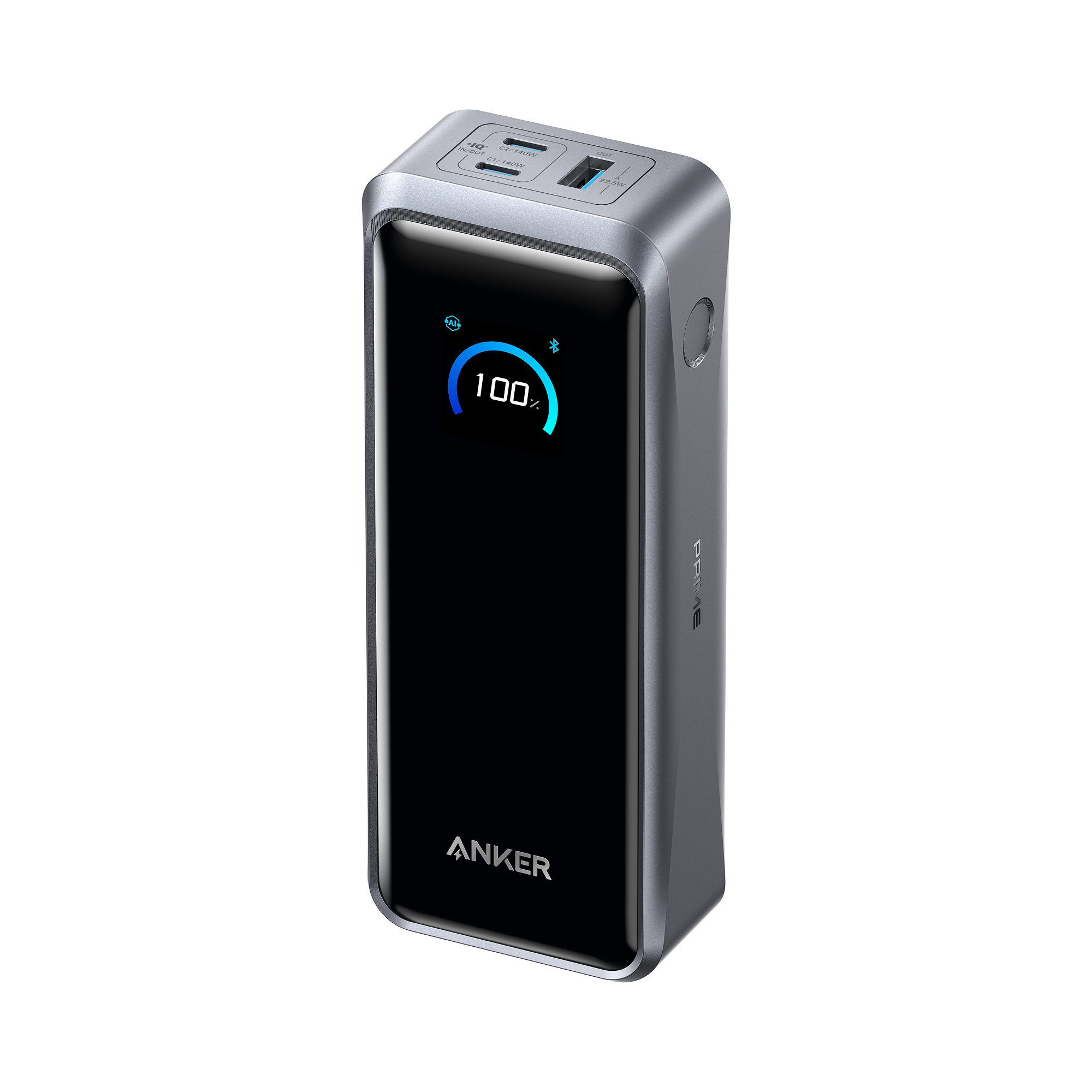
Anker sells two Prime power banks that can charge a MacBook at 140W: the 27,650mAh 250W model (A1340) and the newer 26,250mAh 300W model (A110A). They hold almost the same energy, so the choice comes down to recharge speed, size, ports, and price.
In this guide you'll learn how the Anker Prime Power Bank 250W and 300W compare on MacBook charging, recharge time, weight, and flight rules, and which one fits your bag.
TL;DR
Same MacBook speed: both deliver up to 140W from a single USB-C port, the most a MacBook Pro accepts over USB-C.
Pick the 300W (A110A) if you recharge in a hurry or charge two laptops at once. It refills to 50% in 13 minutes with two USB-C chargers and is 65g lighter.
Pick the 250W (A1340) if you find it discounted, or need a stronger USB-A port. Its USB-A delivers up to 65W, versus 22.5W on the 300W.
Both fly: at 99.54Wh and 99.75Wh, each sits just under the 100Wh carry-on limit.
Neither is a full MacBook Pro refill: expect roughly one MacBook Air charge, or most of a 14-inch MacBook Pro.
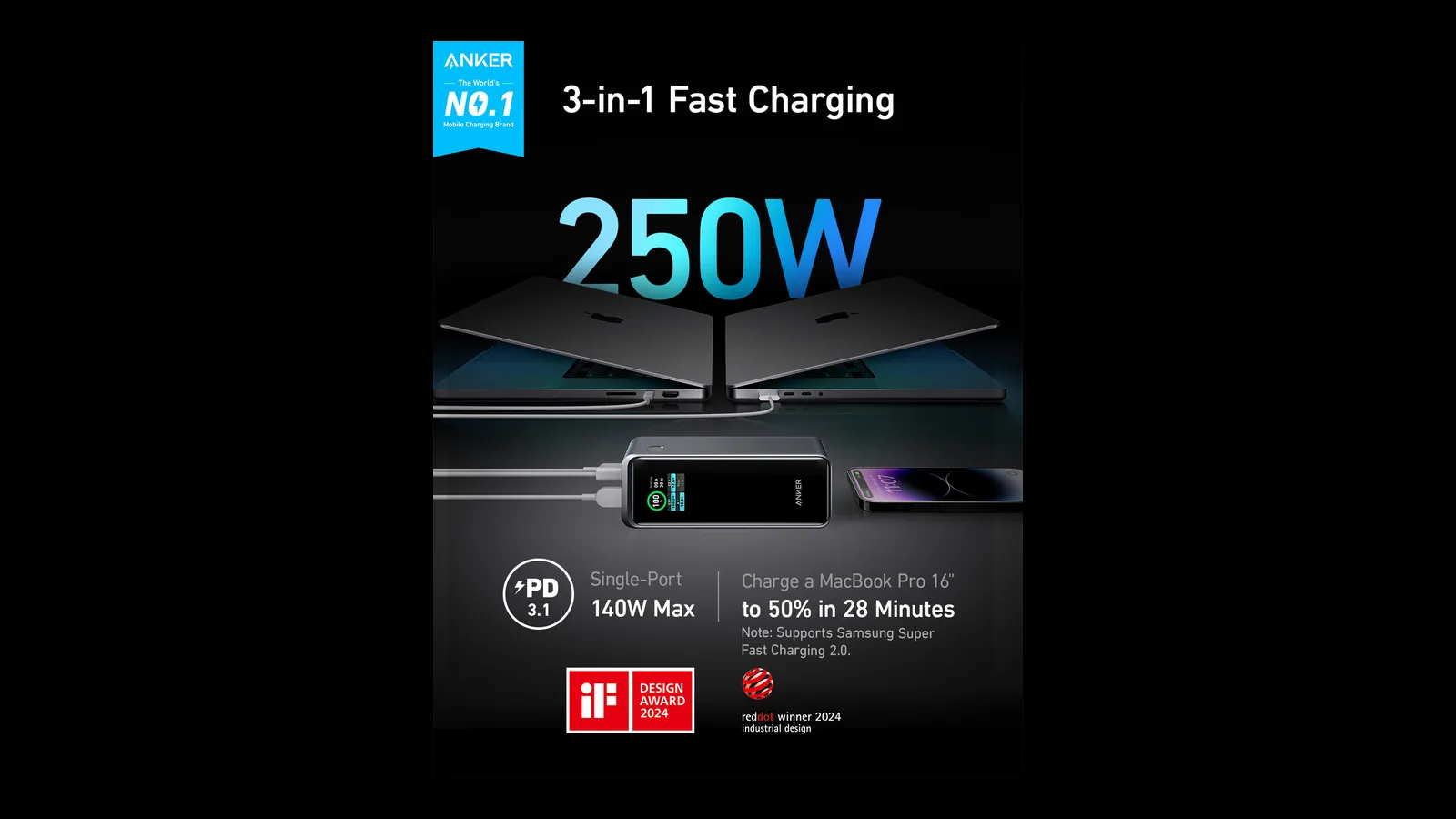
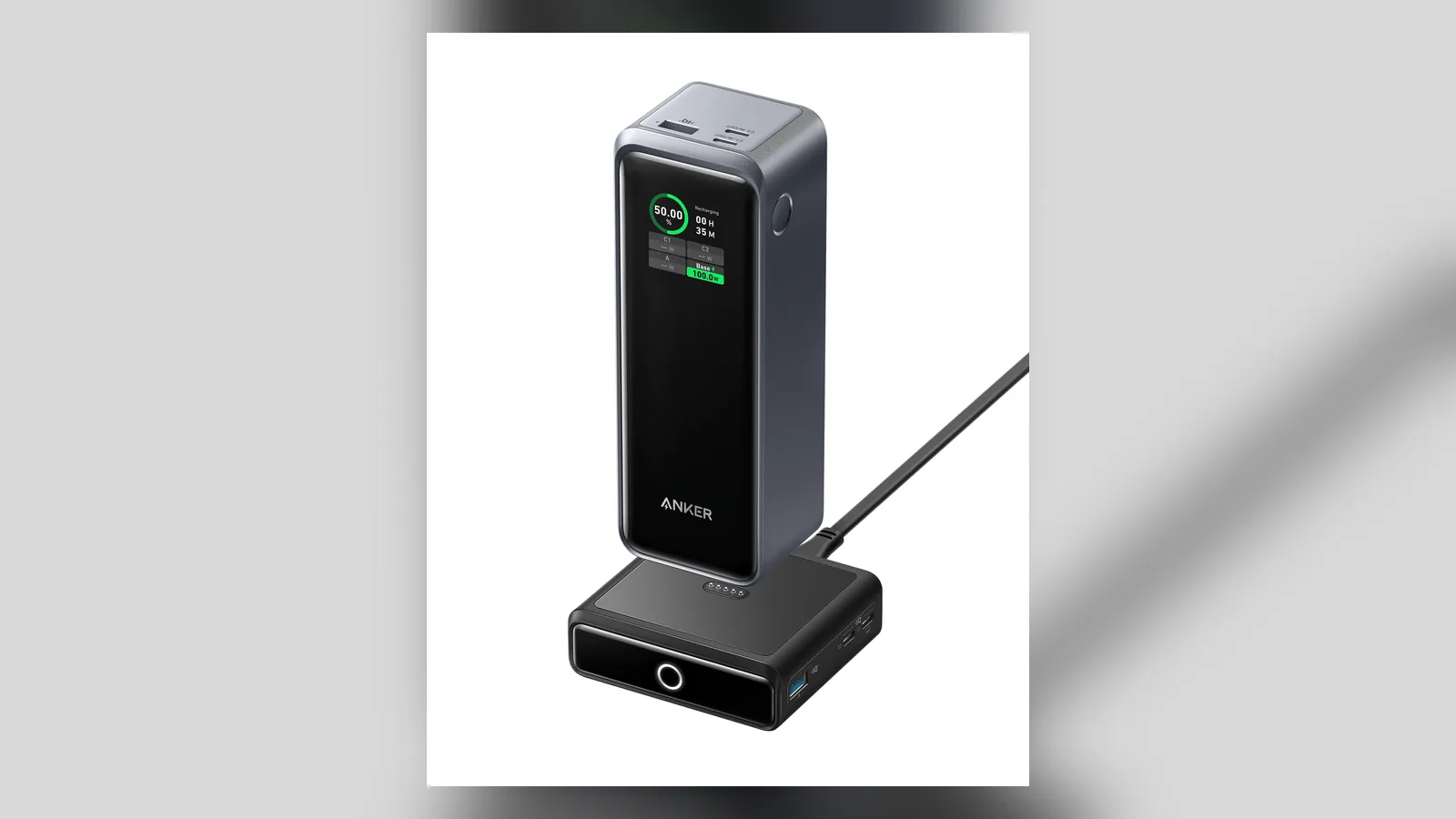
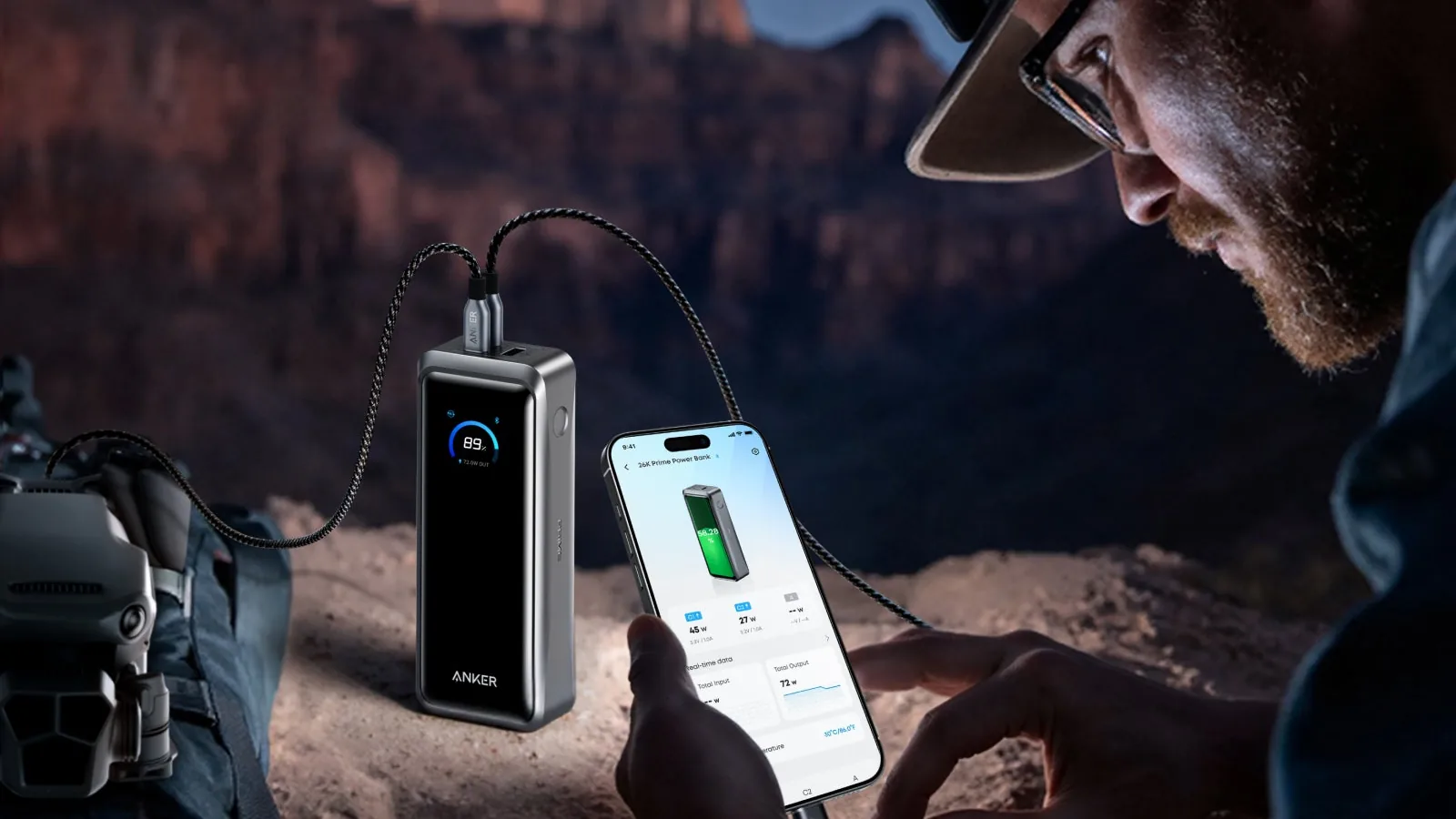
The Anker Prime 250W shares its output across three devices. Image: Anker
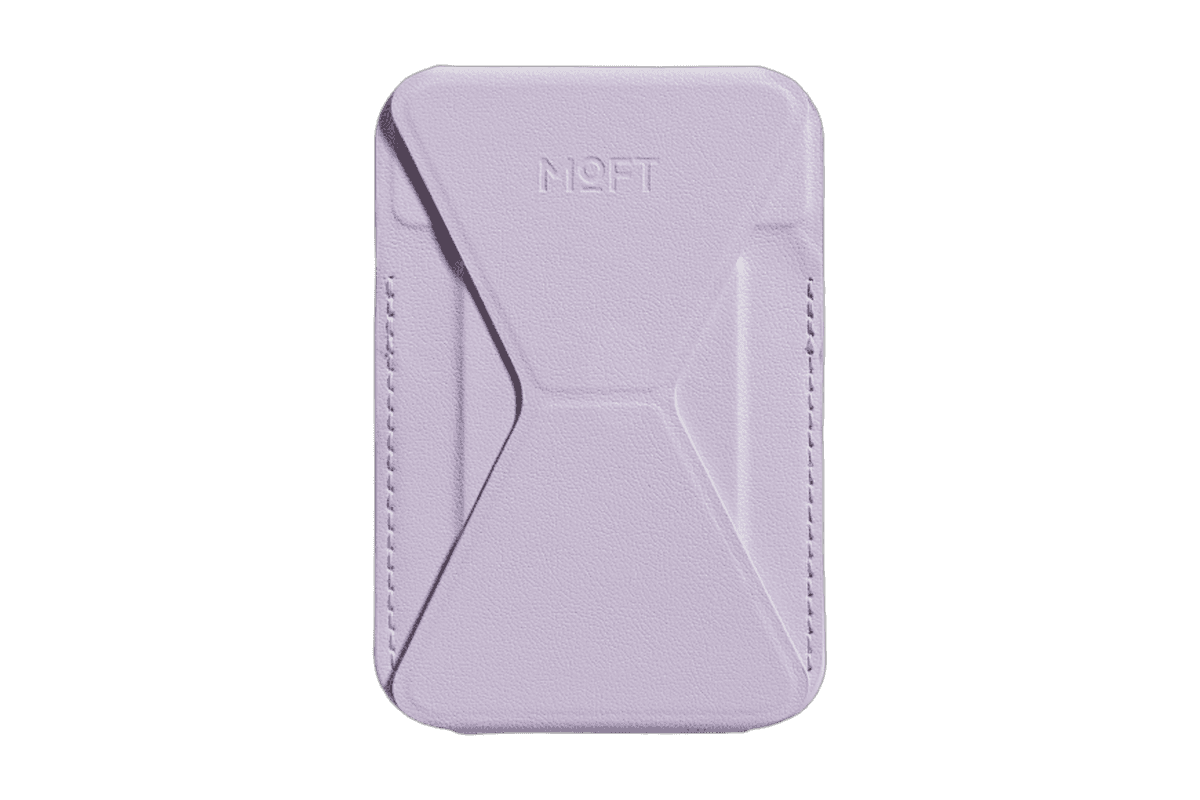
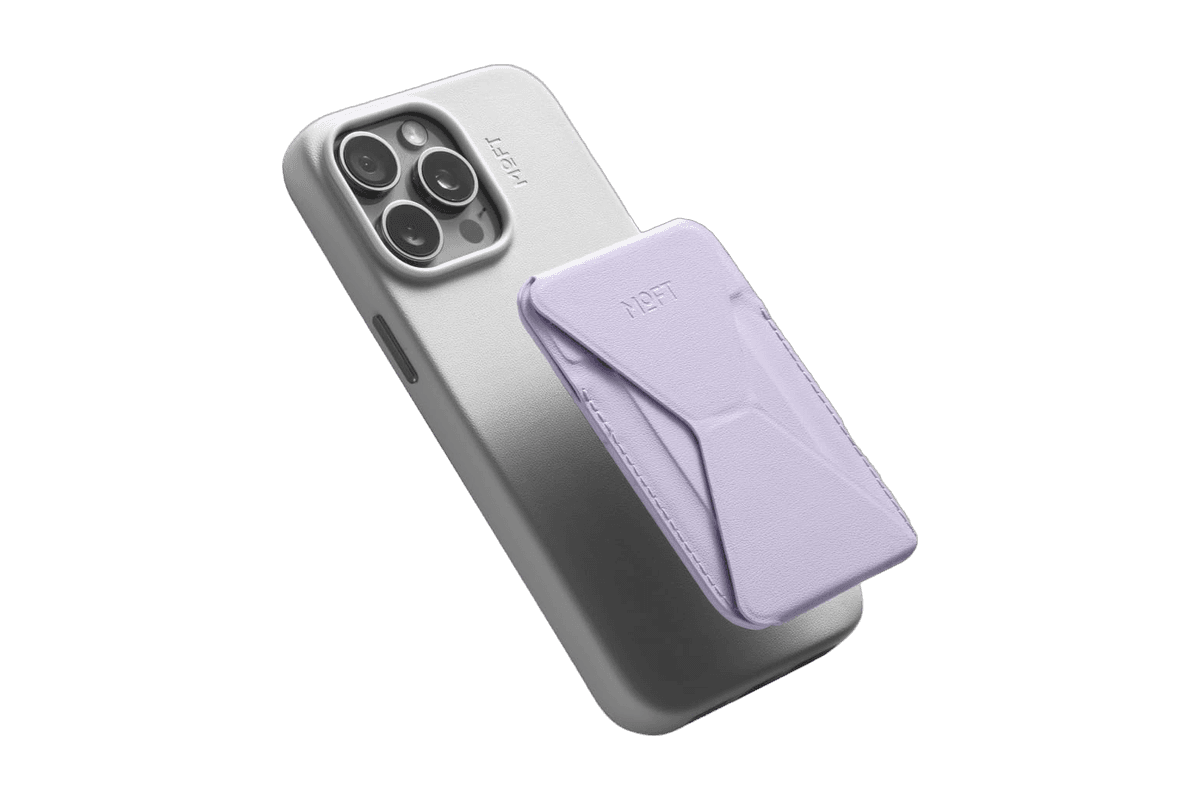
A slim MagSafe wallet that folds into a stand and grip.
HardwareAccessoriesiOS
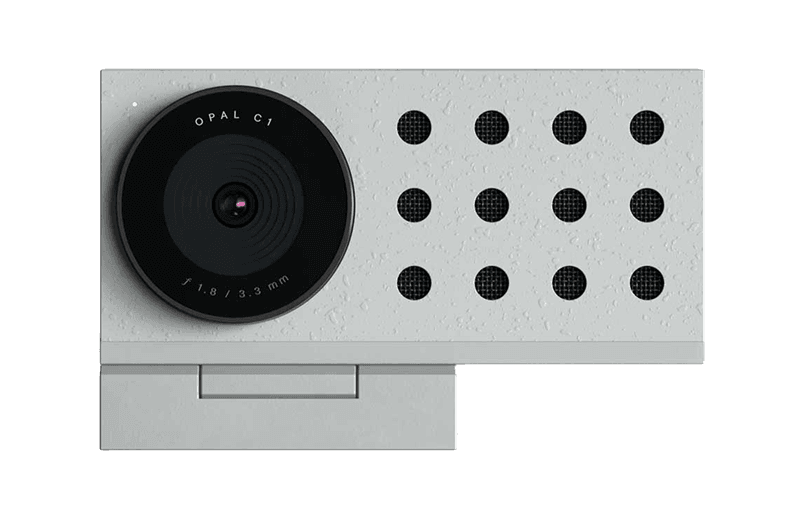
Opal C1 Camera
DSLR quality on a webcam for the
HardwareCamerasmacOS
Magic Trackpad (USB-C)
A rechargeable glass trackpad with Multi-Touch gestures and Force Touch.
HardwareKeyboards & MicemacOS & iPadOS
AirFly Pro 2
Use AirPods with airplane screens and other headphone jacks.
HardwareAudioiOS
Era 300 Stereo Pair
A pair of spatial-audio speakers with AirPlay 2 and Bluetooth.
HardwareAudioiOS & macOS
ArcDock 6-in-1 Hub Laptop Stand
An adjustable MacBook stand with a six-port USB-C hub.
HardwareConnectivitymacOS
Snap Phone Tripod Stand
A pocketable magnetic tripod for iPhone filming and calls.
HardwareAccessoriesiOS
Touch PBT Wireless Mouse
A tactile mouse with replaceable buttons and an OLED display.
HardwareKeyboards & MicemacOS
Beosound A1 (3rd Gen)
Portable Bluetooth audio in a compact aluminum speaker.
HardwareAudioiOS & macOS
Anker Prime Power Bank 250W vs 300W: Specs compared
Prime 250W (A1340)
Prime 300W (A110A)
Capacity
27,650mAh, 99.54Wh
26,250mAh, 99.75Wh
Total output
250W
300W
Max from one USB-C port
140W
140W
Ports
2 USB-C, 1 USB-A
2 USB-C, 1 USB-A
USB-A output
Up to 65W
Up to 22.5W
Fastest recharge
170W with two USB-C chargers
250W with two USB-C chargers
Charging base
Pogo pins, 100W
Prime Charging Base, 150W
Size
161.7 x 57 x 49.7 mm
159.9 x 38 x 62.7 mm
Weight
665g (1.47 lb)
600g (1.32 lb)
Display and app
Yes
Yes
Price (Anker US)
$179.99, sold out at the time of writing
$229.99, often $199.99 with a code
Which Anker Prime power bank charges a MacBook faster?
Neither. A MacBook Pro takes at most 140W over USB-C, and both banks provide exactly that from a single port.
Prime Power Bank (27,650mAh, 250W) charges a 16-inch MacBook Pro (M2 Pro) to 50% in about 28 minutes, according to Anker. Anker quotes 50% in about 27 minutes for an M4 Pro MacBook Pro on the 300W model, so the real-world speed is the same.
Prime Power Bank (27,650mAh, 250W)Portable USB-C power for your MacBook, iPad, and iPhone.Visit WebsitePrime Power Bank pairs a 27,650mAh battery with enough output for a compatible MacBook and smaller devices. The black A1340 model combines two USB-C ports, a USB-A port, and a charging display for keeping a laptop, iPhone, and accessories powered away from a wall socket.
- Up to 250W combined output shares power across its two USB-C ports and one USB-A port.
- A single USB-C port supplies up to 140W to a device that supports that charging rate.
- The built-in display reports battery status and charging information at a glance.
- Anker app monitoring adds charging information; dual USB-C input supports up to 170W recharging.
- A 2-foot USB-C cable and travel pouch are included; the charging base is sold separately.
It is a practical option for carrying one battery for a MacBook and phone on a long day out. Maximum output and recharge speeds require compatible devices, cables, and power sources; the quoted 250W is shared output rather than power available from every port.Visit Website
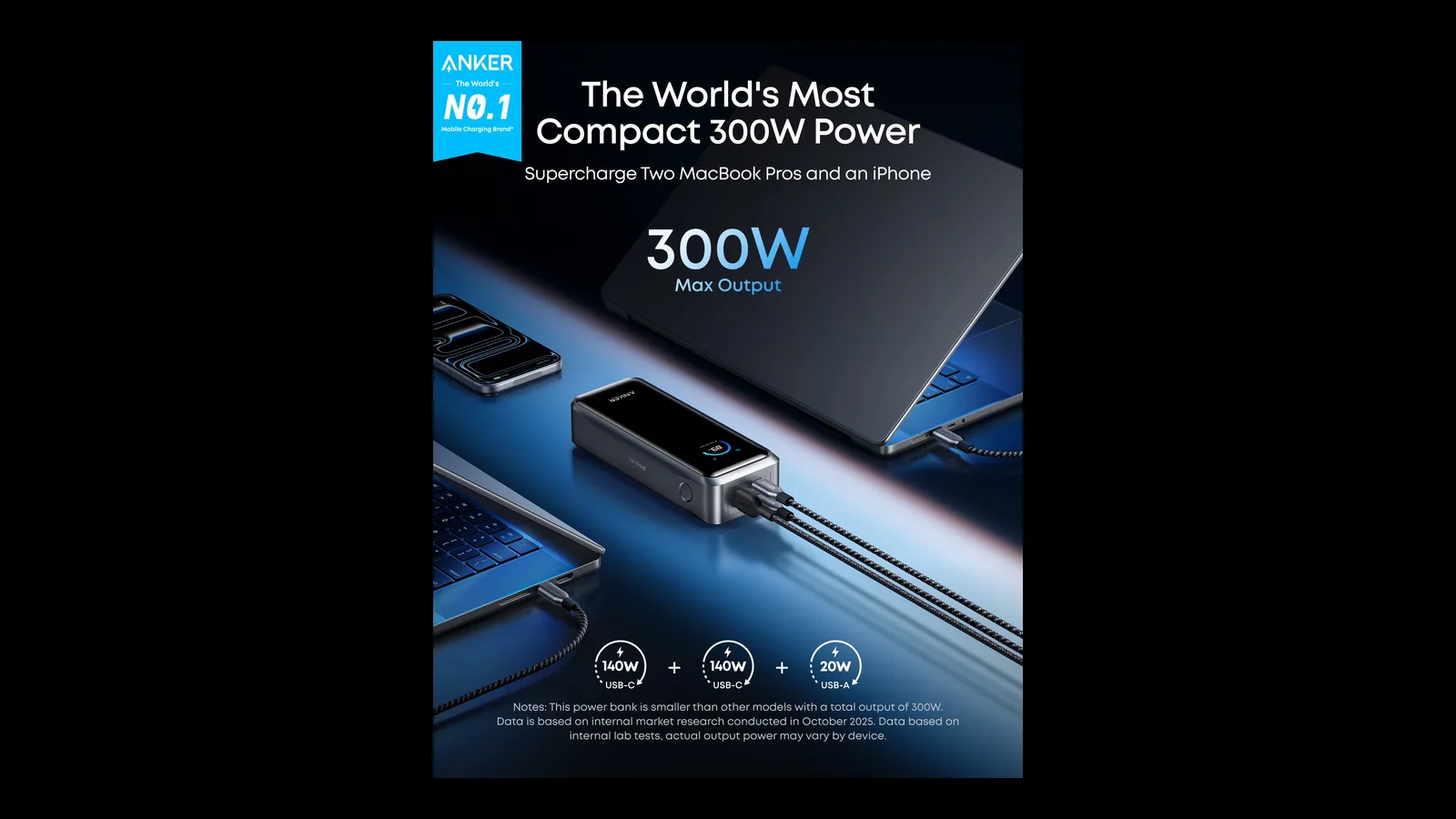
The difference shows up with two laptops. The 300W model can run both USB-C ports at 140W together, while the 250W model splits its 250W total once a second laptop and a phone join in.
The 250W model docks on a 100W pogo pin base, sold separately. Image: Anker
How many times can each power bank charge a MacBook?
Some energy is lost in conversion. Anker says a full 26,250mAh bank delivers about 15,200mAh to devices, and the 27,650mAh model lands slightly higher.
In practice, that is about one full charge for a 13-inch MacBook Air and roughly 80% of a 14-inch MacBook Pro. Treat either one as a way to get through a long flight or afternoon, not a second battery for a week.
Anker Prime power bank for MacBook Air vs MacBook Pro
A MacBook Air charges at up to 70W, so either bank runs it at full speed with power left for a phone and earbuds. Here the cheaper or discounted model is the sensible buy.
A 14-inch or 16-inch MacBook Pro can use the full 140W. That speed only matters when the battery is low and you need it back quickly, such as during a layover.
If you carry two laptops, or a laptop plus an iPad Pro, the 300W model keeps both ports at full speed. The 250W model slows the second device to fit its total.
What you need to get 140W from either power bank
Step 1: Use a 5A USB-C to USB-C cable rated for at least 140W. The 250W model ships with a 60cm 140W cable, and a cheap 60W cable will cap the speed.
Step 2: Plug the MacBook into a USB-C port, not the USB-A port.
Step 3: Unplug other devices if the display shows less than 140W going to the laptop.
Step 4: On a MacBook Pro, check the wattage in the Anker app or on the bank's display.
Recharge speed: 170W vs 250W input
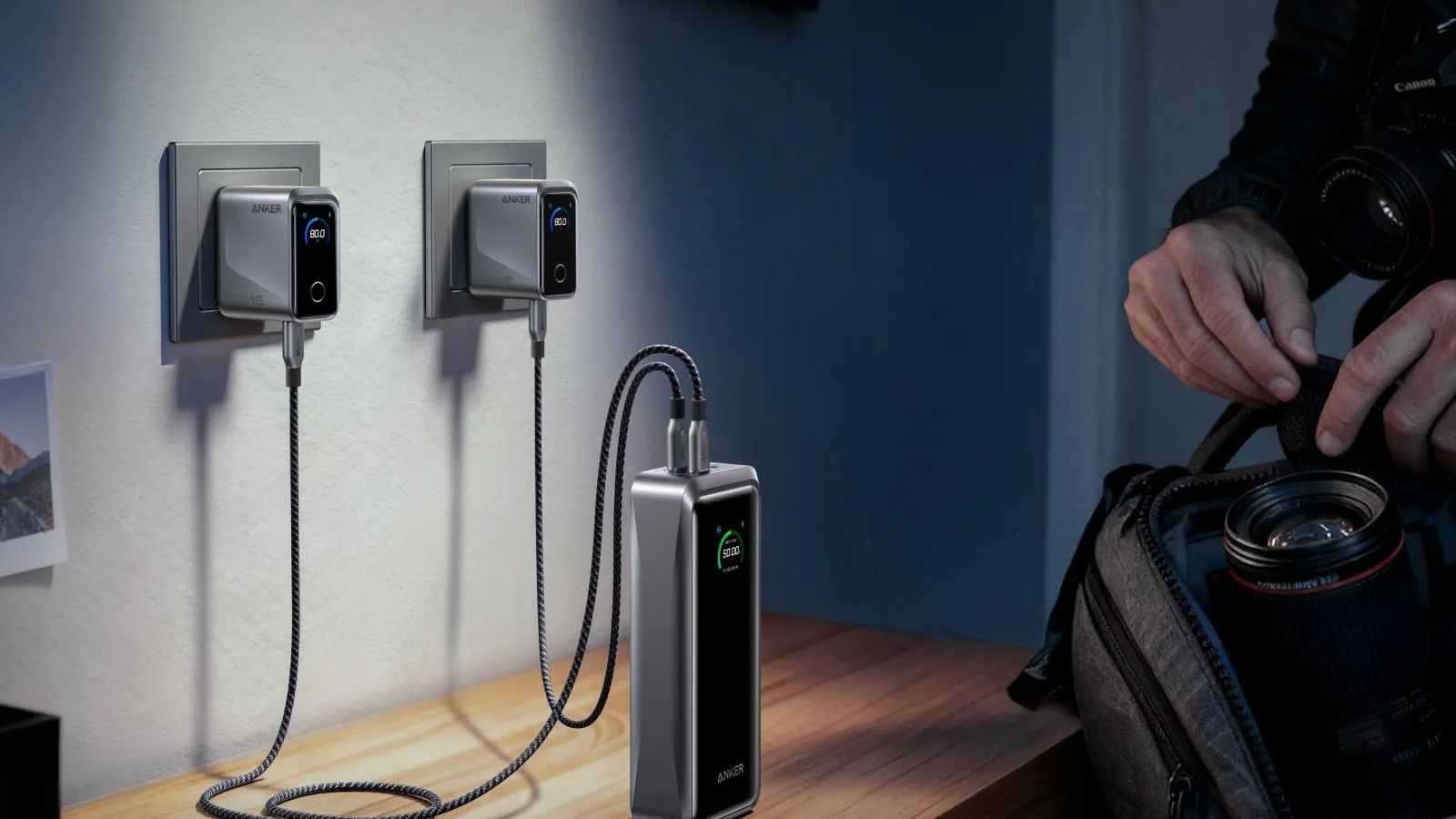
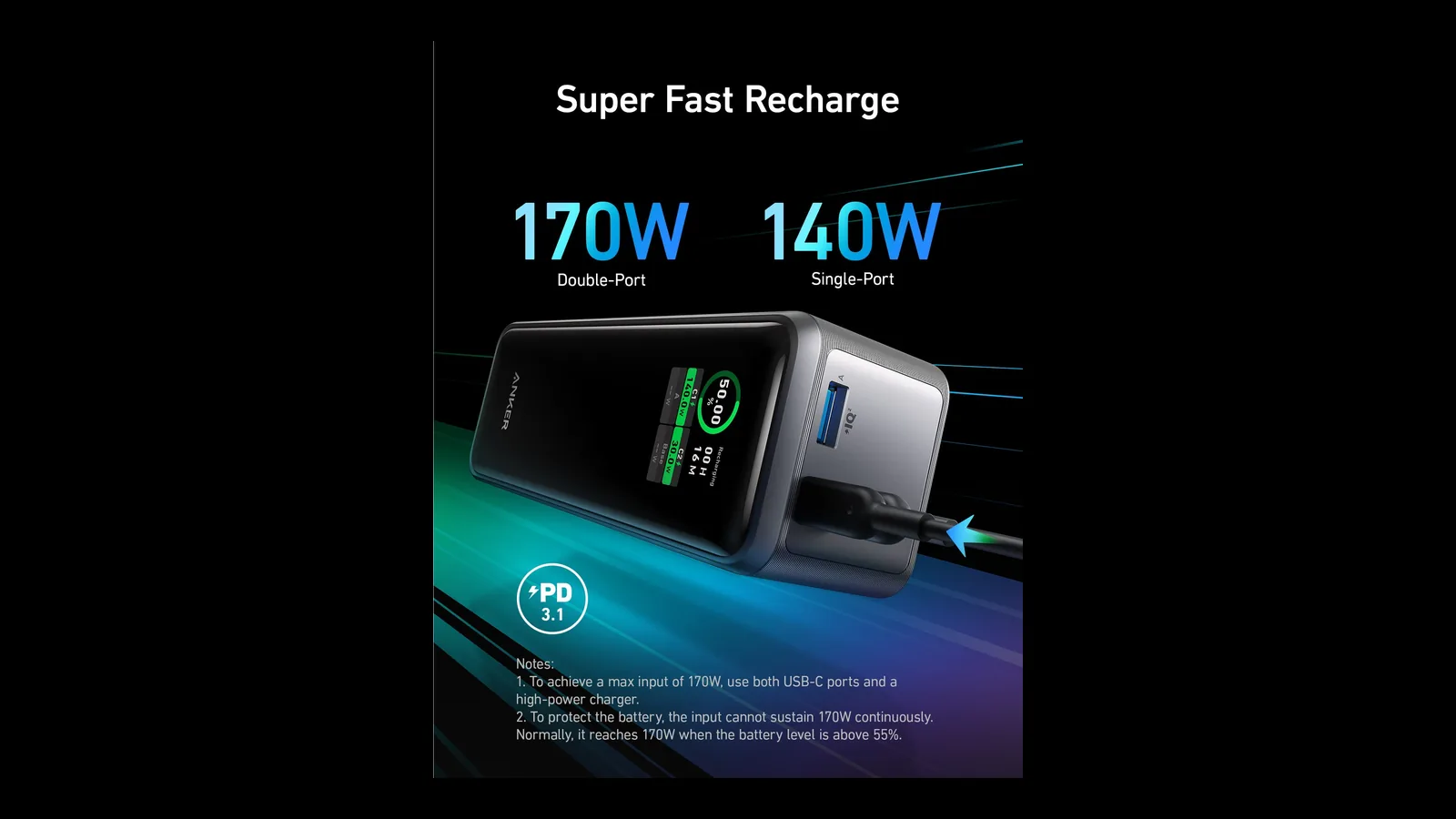
This is the 300W model's biggest upgrade. With two 140W chargers and 5A USB-C cables plugged into both ports, it accepts up to 250W and reaches 50% in 13 minutes and 80% in 40 minutes.
Dual-port input lets the 300W model refill to 50% in about 13 minutes. Image: Anker
The 250W model accepts up to 170W across both USB-C ports, which is still fast. On a single 140W charger, the two are much closer.
The 250W model recharges at up to 170W. Image: Anker
How to recharge an Anker Prime power bank at full speed
Step 1: Use two USB-C chargers that each deliver 140W, or one Anker charger with two high-power ports.
Step 2: Use 5A USB-C cables rated for 140W or more. A 60W cable caps the speed.
Step 3: Plug a cable into each USB-C port on the power bank.
Step 4: Check the display or the Anker app to confirm the input wattage.
Size and weight: which is easier to carry?
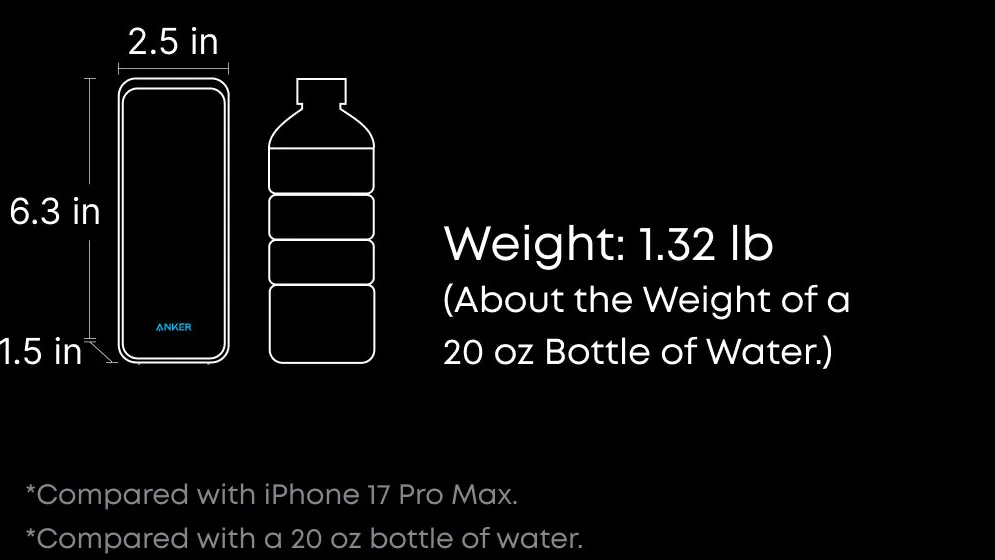
The 300W model is 65g lighter and thinner at 38mm, though a little wider. It slides into a laptop sleeve pocket more easily than the chunkier 250W block.
The 300W model weighs 1.32 lb, about the same as a 20 oz bottle of water. Image: Anker
The Prime 300W is Anker's most compact 300W power bank. Image: Anker
Can you take the Anker Prime 250W or 300W on a plane?
Yes. Both are under 100Wh, so in the US you can carry either in your cabin bag without airline approval. Power banks must stay out of checked luggage.
Some airlines now limit using or charging power banks during the flight, so check your carrier's rules before you plug in at your seat. Flying with AirPods too? Our guide on how to use AirPods on a plane covers adapters and seatback Bluetooth.
Both Prime power banks sit just under the 100Wh carry-on limit. Image: Anker
Ports, display, and app
Both have two USB-C ports, one USB-A port, a smart display, and Anker app control for output and battery status. The 300W app also lets you adjust power distribution and customize the screensaver.
The 250W model's USB-A port is unusually strong at up to 65W. On the 300W model it tops out at 22.5W, fine for a phone or earbuds but not for a second laptop.
Its 150W input from the Prime Charging Base also makes it the better desk companion if you dock it every night.
Prime Power Bank (26K, 300W)300W portable power for two MacBooks, with fast 250W recharging.Visit WebsiteAnker's Prime Power Bank (26K, 300W) packs a 26,250mAh, 99.75Wh battery into a 600g body that stays under the 100Wh carry-on limit. It charges a MacBook at up to 140W and can run both USB-C ports at full speed together.
- Up to 300W combined output across two USB-C ports and one USB-A port.
- Each USB-C port delivers up to 140W; the USB-A port supplies up to 22.5W.
- Dual-port USB-C input of up to 250W recharges to 50% in about 13 minutes.
- Reaches 150W input on the Anker Prime Charging Base, sold separately.
- A smart display and the Anker app show battery level and port output.
It suits travellers who carry a MacBook plus an iPhone or iPad and want the fastest recharge between flights. Maximum speeds need compatible chargers and 5A cables.Visit Website
FAQ
Is the Anker Prime 300W worth it over the 250W?
Yes, if you recharge between flights or charge two laptops. If you only top up one MacBook, the 250W does the same job for less.
Can the Anker Prime power bank charge a MacBook Pro at full speed?
Yes. Both deliver 140W from one USB-C port, the maximum a MacBook Pro accepts over USB-C. Use a 5A cable rated for 140W or more to get it.
Is the Anker Prime 250W discontinued?
It shows as sold out on Anker US at the time of writing, while the 300W is in stock. Retailers may still have stock.
Do I need the charging base?
No. Both recharge over USB-C. The base adds a tidy desk dock and higher input on the 300W model.
Will either power bank charge an iPhone and MacBook at the same time?
Yes. Use one USB-C port for the MacBook and the other for the iPhone. Both models have enough total output for that.
Verdict
For most MacBook owners buying today, the Anker Prime 300W is the better pick. It is lighter, recharges much faster, and can power two laptops at 140W each.
Prime Power Bank (27,650mAh, 250W) is still a strong choice when it is back in stock or discounted, especially if you rely on a powerful USB-A port. Both give you the same 140W for a single MacBook.
A Mac utility that detects and obscures sensitive information in screenshots and copied images, processing them on device.
- Redact passwords, API keys, and personal details
- Process screenshots and copied images
- Keep image processing on your Mac
SoftwareUtilitiesmacOS
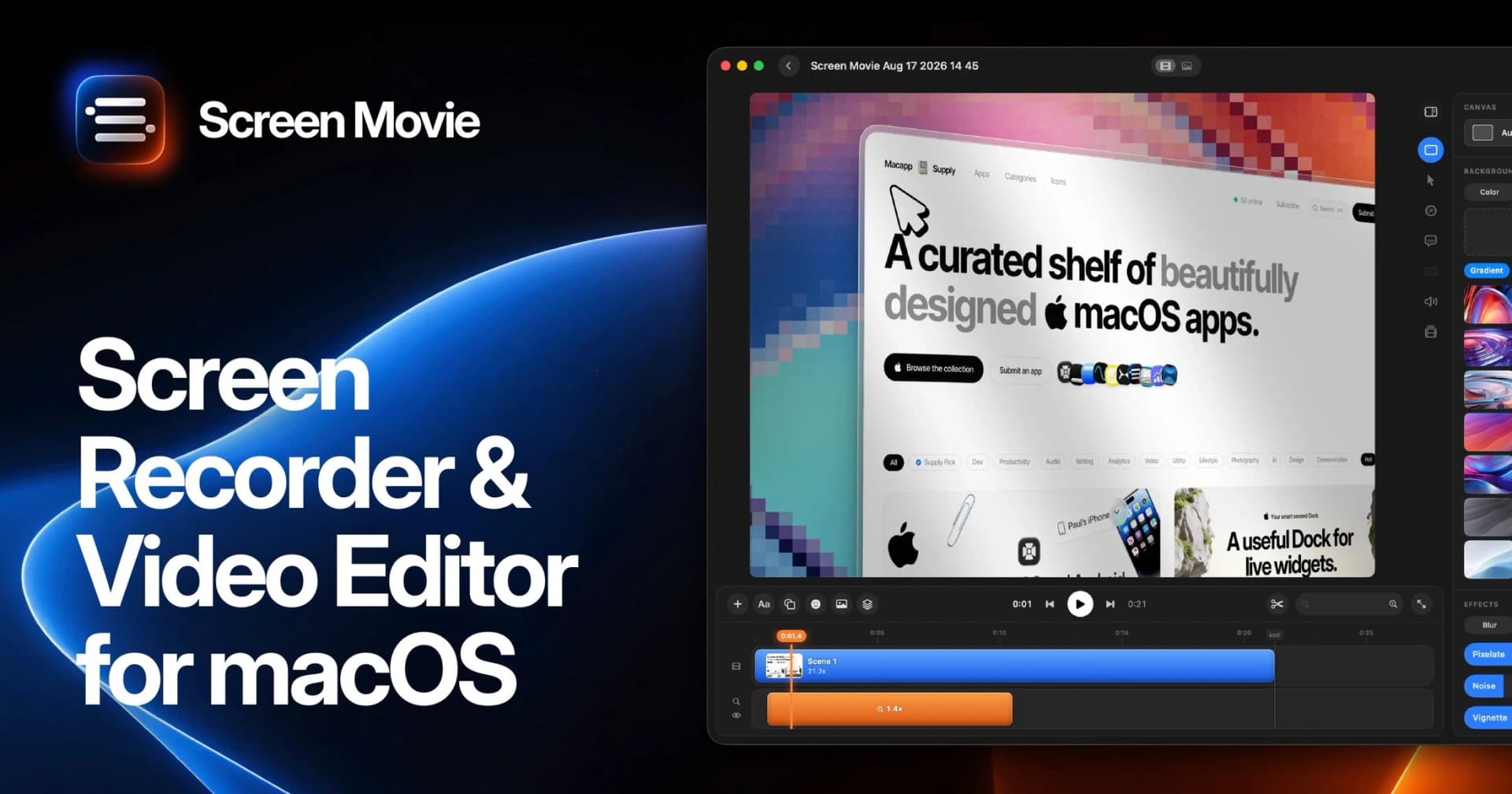
Screen Movie
Record screens and edit polished videos
One-time
A screen recorder and motion editor for creating videos on macOS.
- Record screen activity and capture screenshots
- Edit multiple scenes
- Animate text, images, and captions
SoftwareCreativemacOS
Polarsteps
Plan trips and capture your journey
Freemium
A travel companion combining itinerary planning, route tracking, and a visual trip journal.
- Plan destinations and transport
- Record routes and share travel updates
- Turn trip memories into a printed photo book
SoftwareUtilitiesiOS & iPadOS
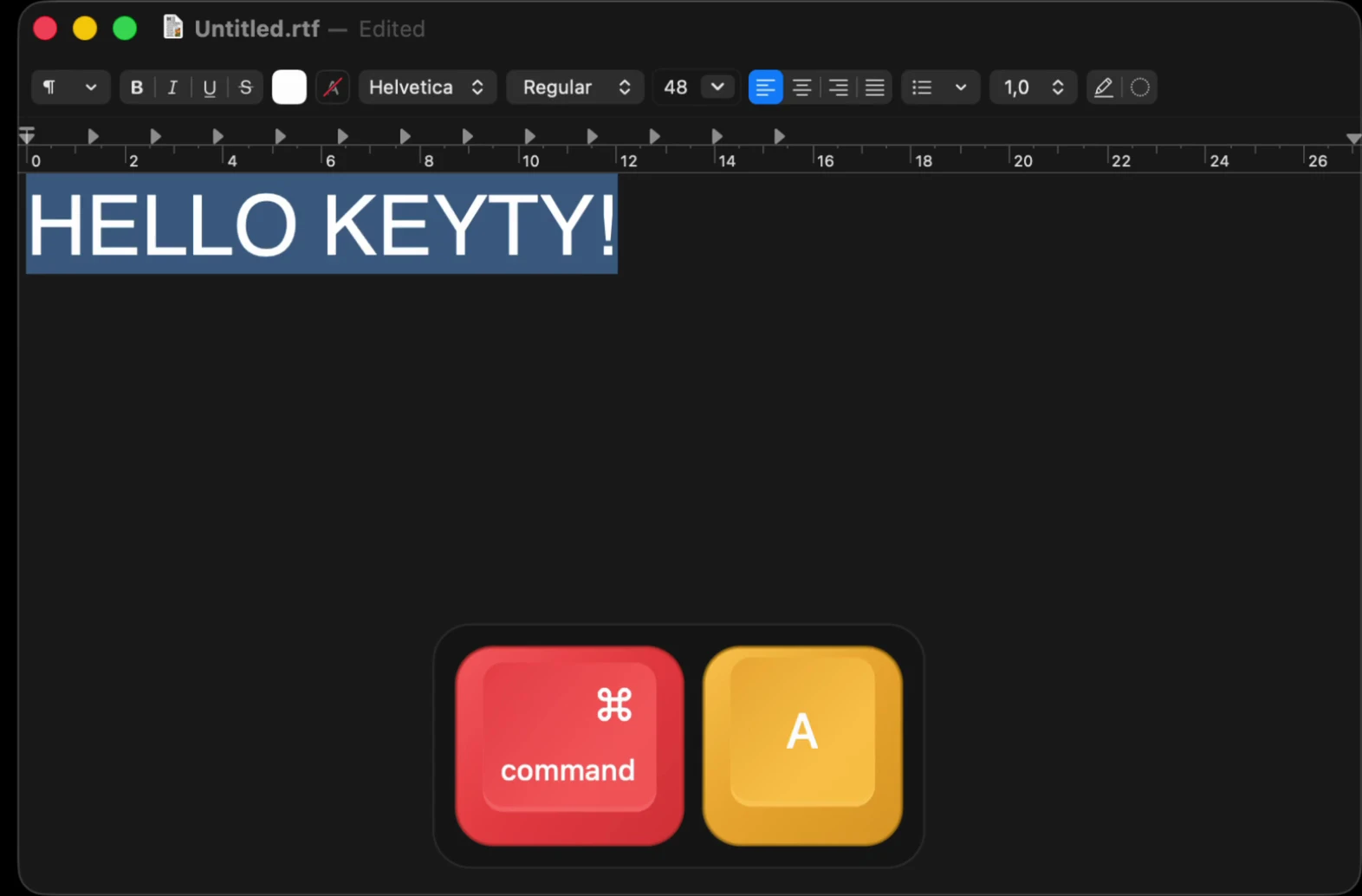
Keyty
Show keystrokes and clicks during demos
Free
A free, open-source keyboard and mouse visualizer for recordings, presentations, and livestreams.
- Display shortcuts and typed input
- Highlight mouse clicks
- Customize overlay styles, colors, and placement
SoftwareUtilitiesmacOS
Widgetsmith
Personalize your Home Screen with custom widgets
Freemium
A widget customization app for arranging meaningful photos, information, and actions on Apple devices.
- Create photo, countdown, and information widgets
- Customize colors, fonts, and borders
- Launch apps and shortcuts through widget actions
SoftwareUtilitiesiOS & iPadOS
Minimal Paste
Search clipboard history and paste faster
One-time
Minimal Paste is a local clipboard manager for Mac. Search copied text, images, links, files, and colors from a shelf, then paste them back into the app you were using.
- Open the shelf with Shift-Command-V and navigate using the keyboard.
- Pin frequently used clips so retention does not remove them.
- Organize related clips into named, colored groups.
- Add folders and subfolders for quick access to their files.
- Select and paste several clips together.
- Position the shelf along a screen edge or in a separate window.
Clipboard history stays on your Mac, and password managers are ignored. Requires macOS 14 or later. A $9.99 one-time license covers three Macs and includes free updates, with a seven-day trial available.
SoftwareProductivitymacOS
Magic Trackpad (USB-C)
A rechargeable glass trackpad with Multi-Touch gestures and Force Touch.
HardwareKeyboards & MicemacOS & iPadOS
Rushilo
Edit videos with your own AI
Freemium
Rushilo is a desktop video editor for Mac and Windows that connects to your own AI tools. Describe changes to Claude Code, Codex, or another MCP client, then review the edits on a visible timeline.
- Trim and split clips, add captions, and undo an entire agent turn.
- Generate captions locally with Whisper and edit transcripts to remove filler words or pauses.
- Organize clips, notes, and agent conversations on a planning board.
- Record your Mac screen with camera, microphone, system audio, and automatic zoom.
- Reframe videos for different aspect ratios and export to disk or YouTube.
One-time licenses start at $19, with options for one, three, or five computers. AI subscriptions and API usage are paid separately. Projects and media are stored locally; connected AI providers receive the inputs needed for your requests.
SoftwareAImacOS
Tangerine
Convert and edit files while dragging
One-time
Tangerine is a local file converter and editing utility for Mac. Drag files to open a menu of conversion formats and tools, then save the results beside the originals.
- Convert images, video, audio, documents, spreadsheets, subtitles, and archives.
- Compress files, crop and annotate images, and remove metadata.
- Trim, split, and join video or audio.
- Merge and split PDFs, or create PDFs and collages from images.
- Process multiple compatible files together.
- Access file actions such as AirDrop, Copy Path, and a floating file shelf.
Requires macOS 13 or later on Apple silicon. Files are processed on your Mac without uploads. The first 20 files are free; a one-time purchase unlocks unlimited use without a subscription.
 Dudu
Dudu