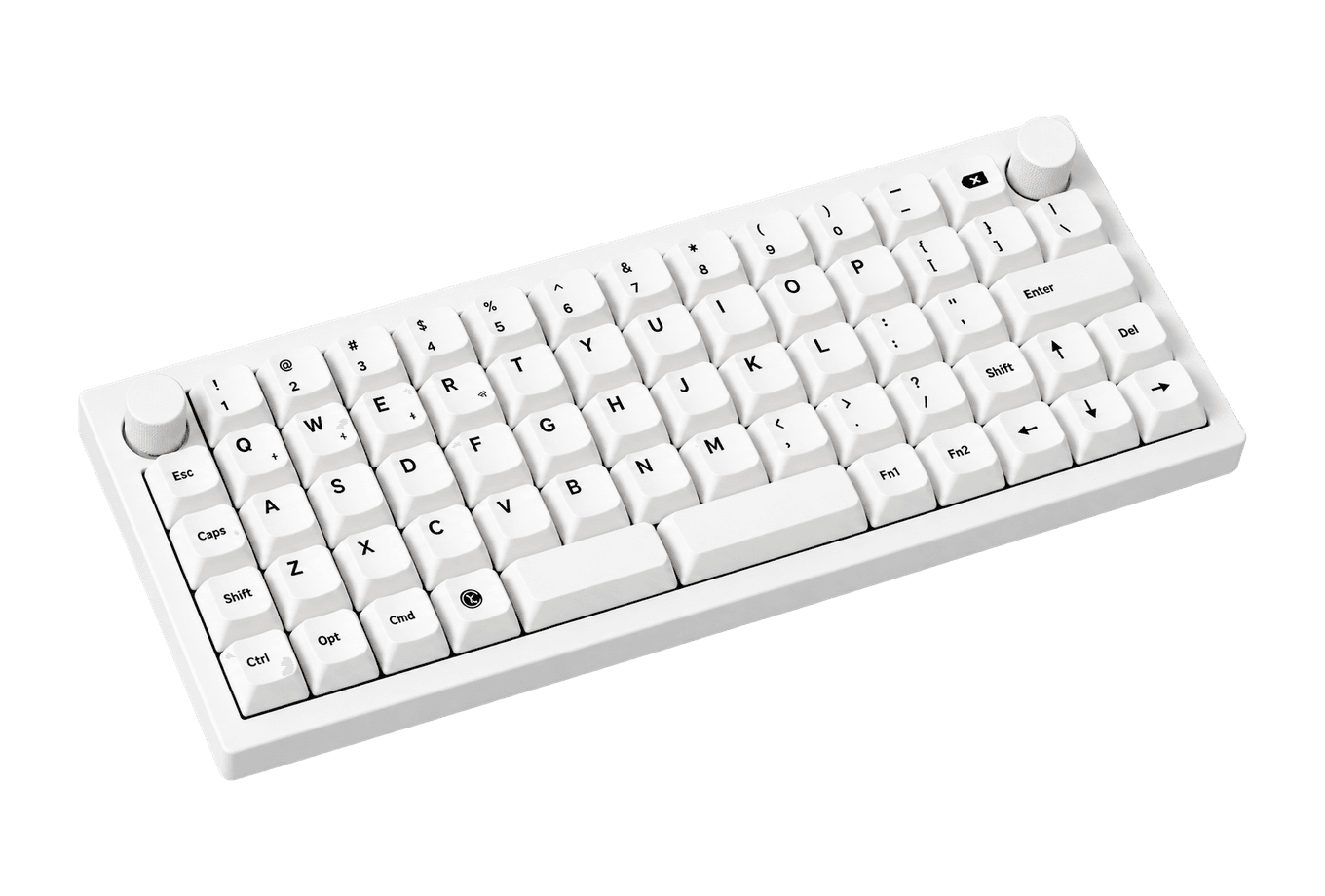
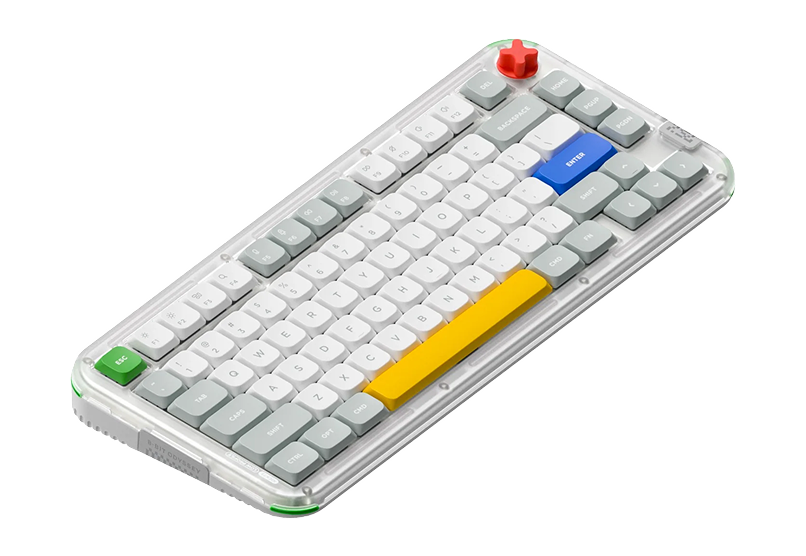
If you want a mechanical keyboard that sits as low as a Magic Keyboard and speaks macOS out of the box, the shortlist is short. Two boards come up again and again: the Flow 2, Lofree's all-aluminum follow-up to the original Flow, and the Air75 V3, the third generation of the keyboard that made low-profile mechanicals popular on Mac desks.
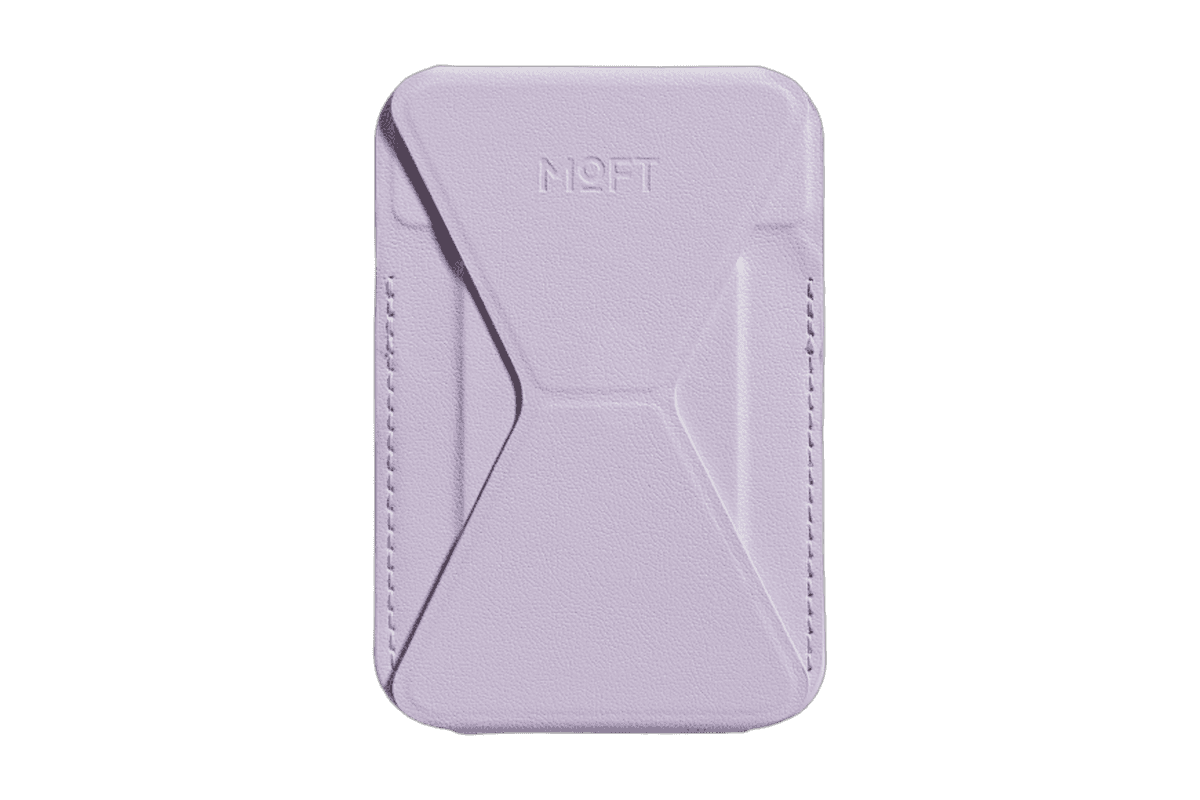
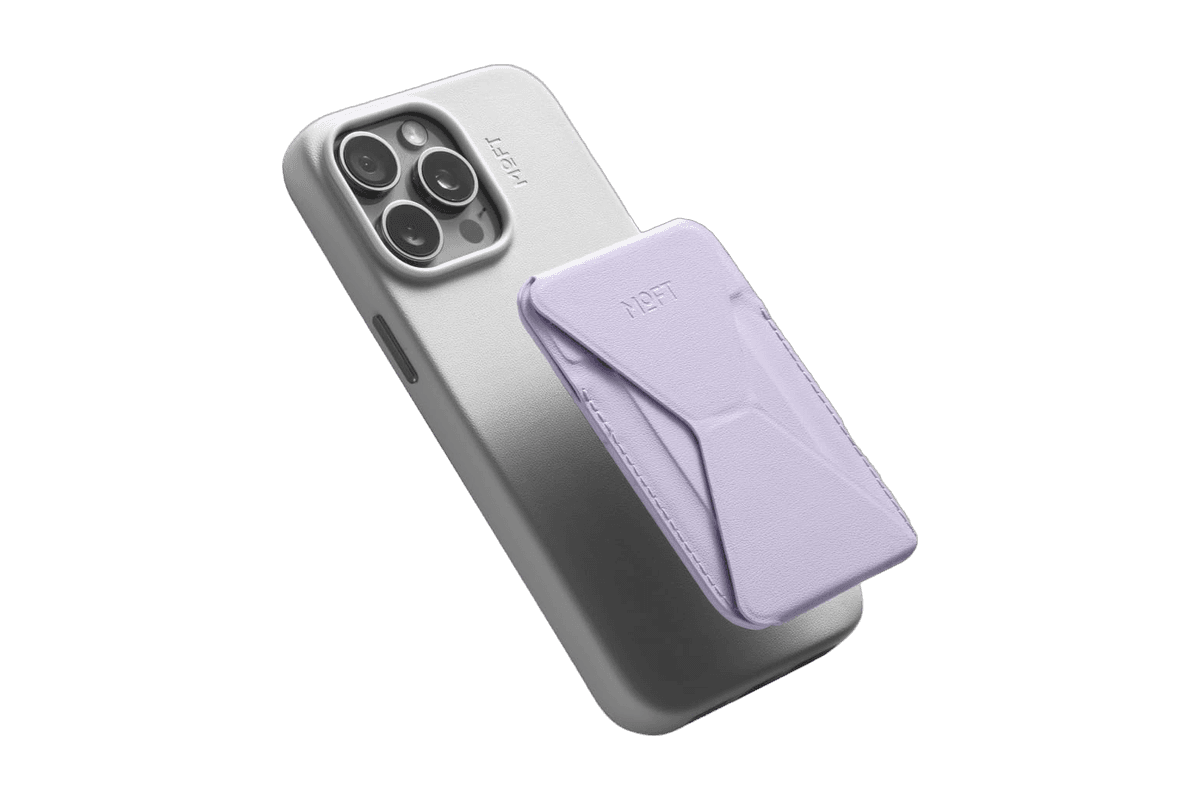
A slim MagSafe wallet that folds into a stand and grip.
HardwareAccessoriesiOS
Opal C1 Camera
DSLR quality on a webcam for the
HardwareCamerasmacOS
A2+ Wireless Speakers
Compact wireless desktop speakers with 24-bit audio for Mac.
HardwareAudioiOS & macOS
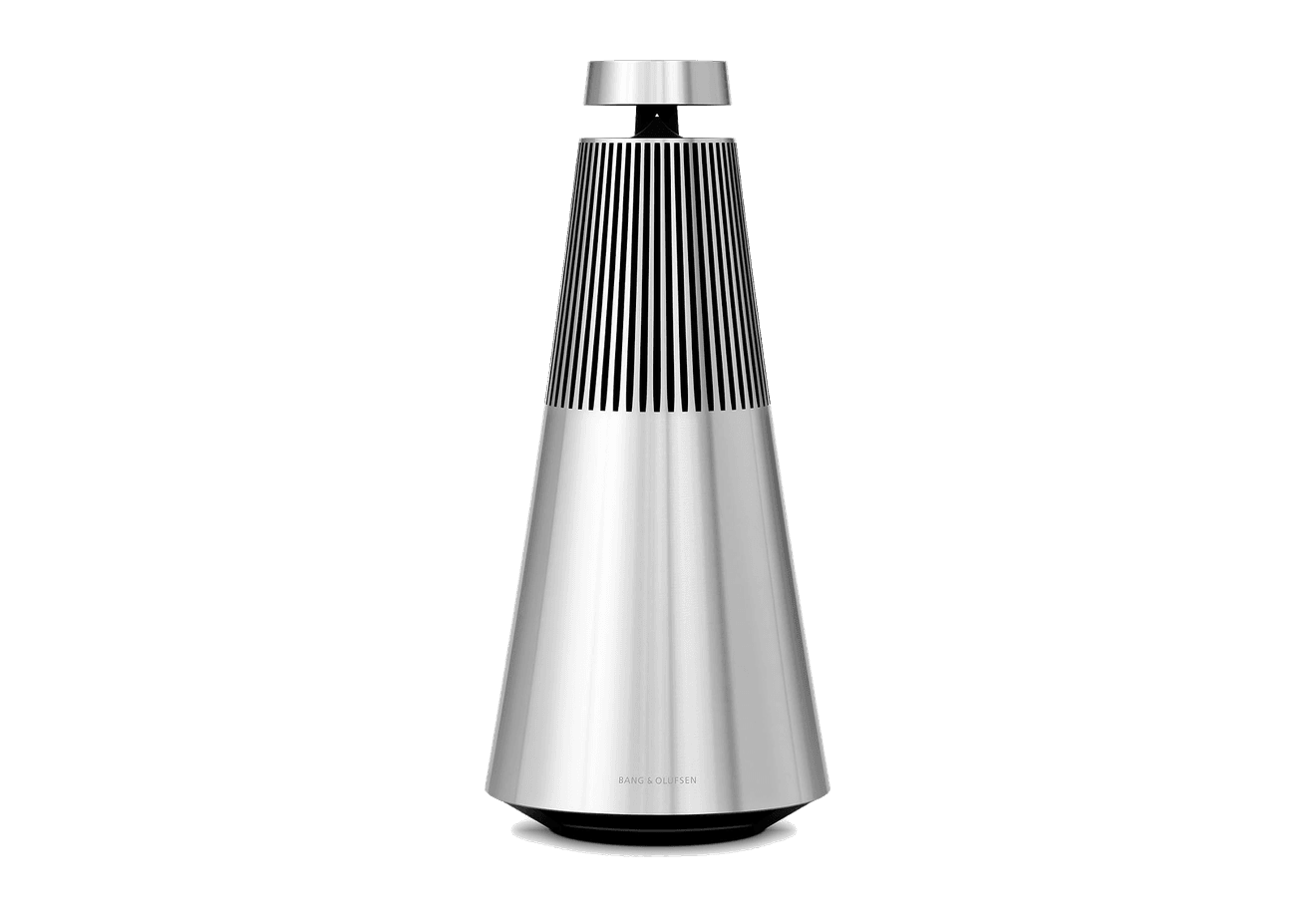
Beosound 2
A sculptural 360-degree wireless speaker with AirPlay 2.
HardwareAudioiOS & macOS
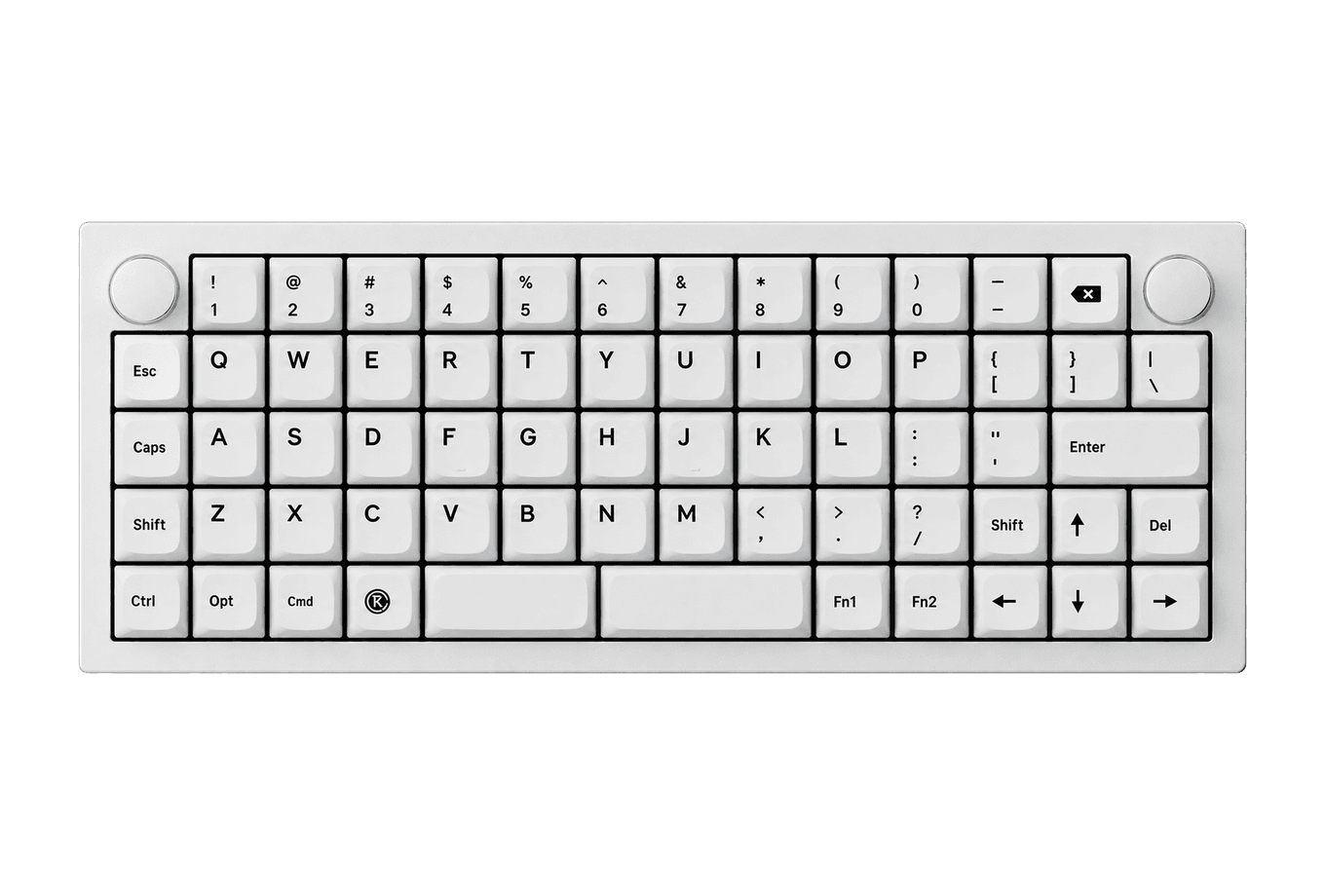
Q15 Max
A premium wireless ortholinear keyboard for Mac.
HardwareKeyboards & MicemacOS
3-in-1 Cube with Qi2
A foldable Qi2 charger for iPhone, Apple Watch, and AirPods.
HardwarePoweriOS
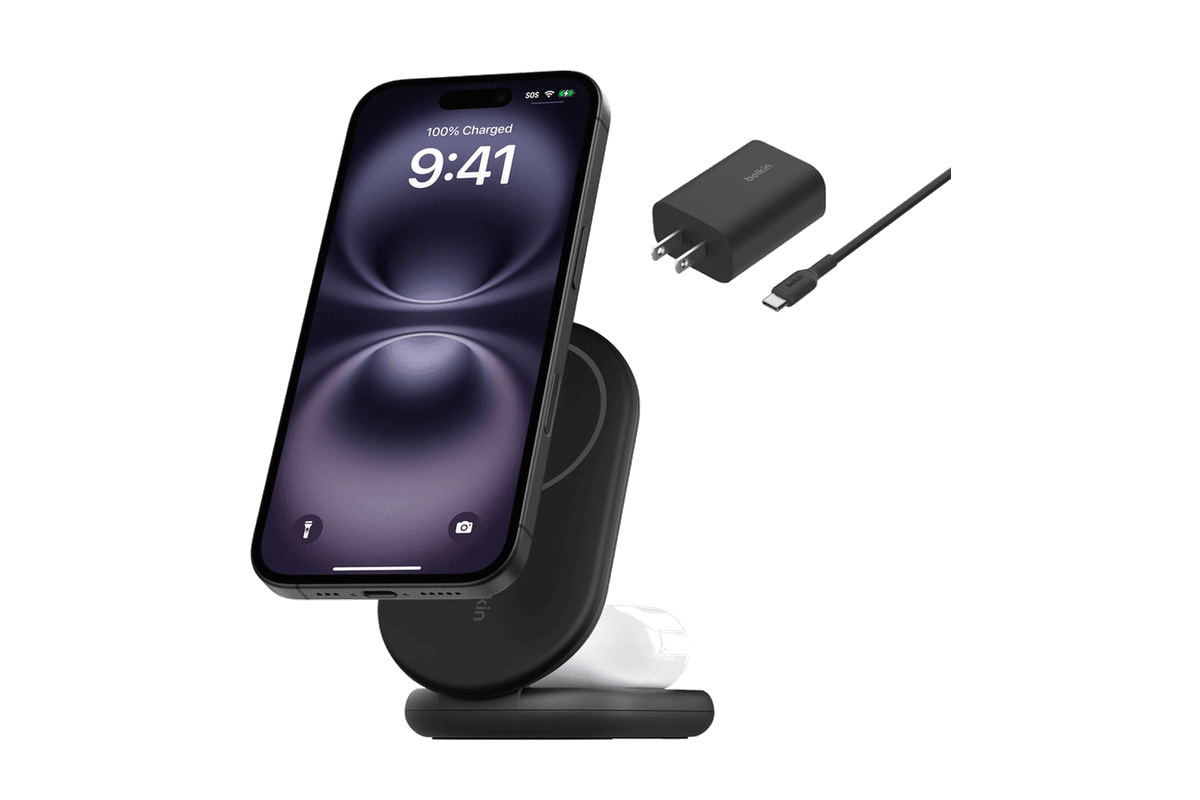
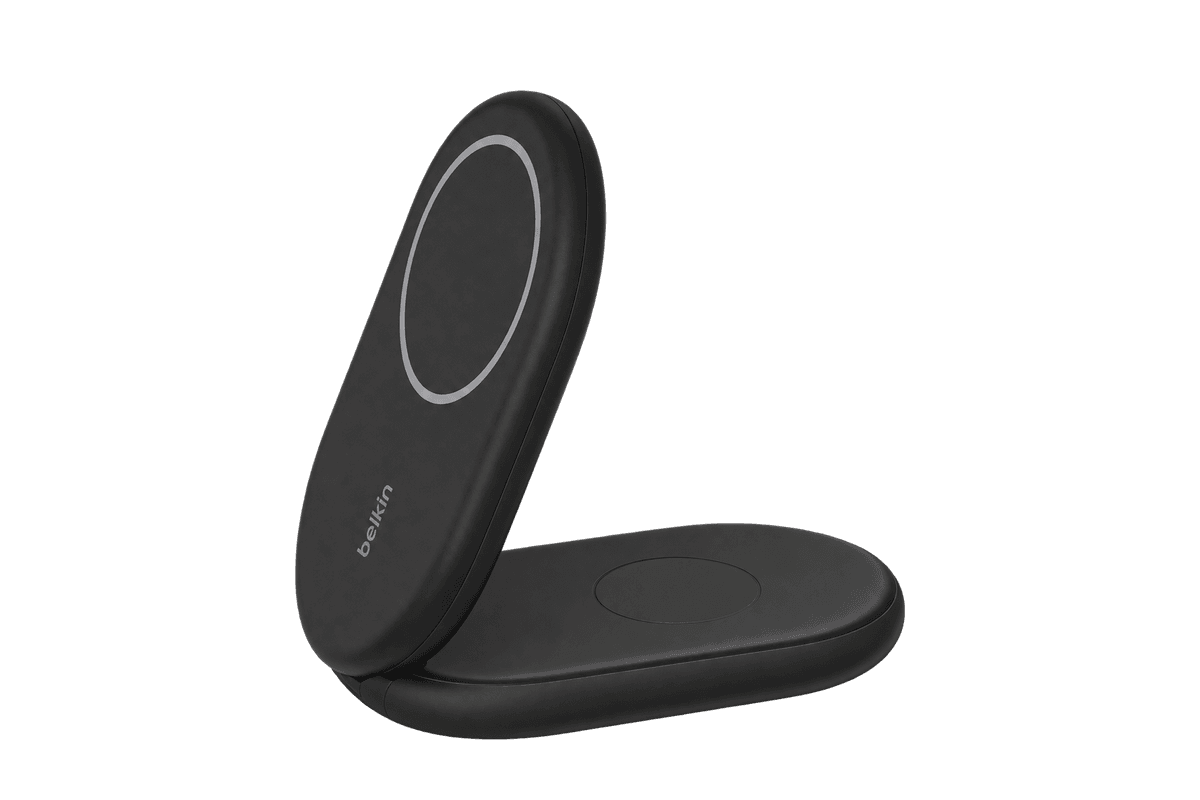
BoostCharge 2-in-1 Magnetic Foldable Wireless Charger with Qi2
A foldable Qi2 stand that charges iPhone and AirPods together.
HardwareiOS
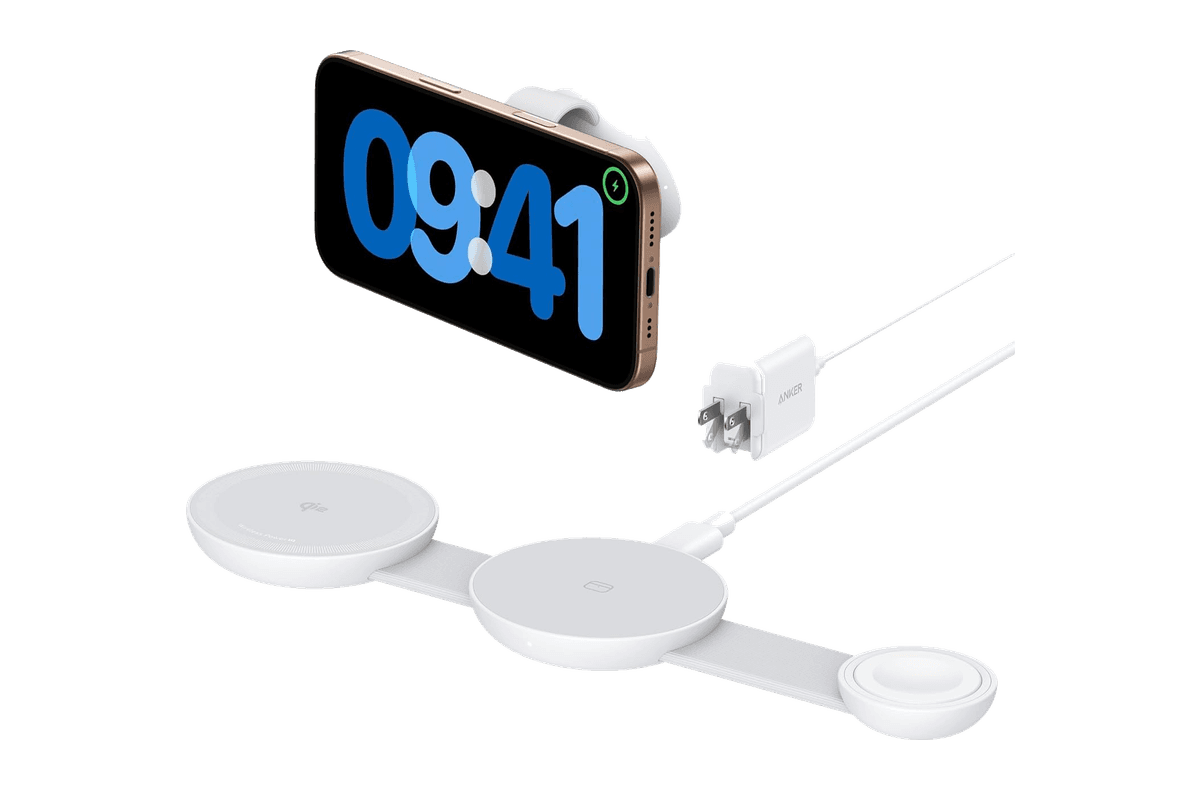
MagGo Wireless Charging Station (Foldable 3-in-1)
A travel-size Qi2 station for iPhone, Apple Watch, and AirPods.
HardwareiOS
Rise Magnetic Wireless Charger
A foldable Qi2 charger that turns your iPhone into a StandBy display.
HardwareiOS
Both are 75% layouts with 84 keys. Both connect over Bluetooth, a 2.4GHz receiver, or USB-C. Both cost under $160. They still feel very different under your fingers, and the right pick depends on whether you value a heavy, smooth, premium slab or a thinner board you can throw in a bag. This comparison uses Lofree's and NuPhy's own spec sheets, then adds three alternatives from the Macfolio directory: the Flow Lite84, the K3 Ultra-slim, and the Kick75.
TL;DR
Buy the Lofree Flow 2 if you want the smoothest, most premium typing feel and a true Mac layout. It has a one-piece aluminum body, gasket mount, Kailh Cloud Surfer linear switches, and a touch bar for volume and brightness. The 84-key Mac version is $159.
Buy the NuPhy Air75 V3 if thinness, battery life, and portability matter more. It is 13.2mm thick, has a 4,000mAh battery rated for up to 1,200 hours with the lights off, hot-swappable switches, and a programmable knob. It is $139.95.
On a budget: the Flow Lite84 brings the Flow feel to an ABS case for $99 on sale, and the Keychron K3 is the slimmest of the lot at 483g.
Want to experiment? The NuPhy Kick75 runs low-profile or full-height switches in the same board.
Our pick for most Mac desks: the Flow 2. Choose the Air75 V3 if the keyboard travels with you.
Lofree Flow 2 vs NuPhy Air75 V3 at a glance
Prices are US list prices from the official stores at the time of writing. Dimensions and weights are for the 84-key versions.
Lofree Flow 2 (84 for Mac)
NuPhy Air75 V3
Price
$159
$139.95
Layout
75%, 84 keys, native Mac layout
75%, 84 keys, Mac multimedia layout
Case
Aluminum body
Aluminum top case, ABS bottom
Mount
Gasket
Gasket
Stock switches
Kailh Cloud Surfer (linear)
Gateron Low-profile 3.0
Hot-swappable
Cloud series switches
Yes
Extra controls
Touch bar for volume and brightness
Knob, swappable high and low modules
Connections
2.4GHz, Bluetooth 5.3, USB-C
2.4GHz, Bluetooth 5.0, USB-C
Polling rate
1,000Hz wired and 2.4GHz
1,000Hz wired and 2.4GHz, 125Hz Bluetooth
Battery
3,000mAh
4,000mAh, up to 1,200 hours lights off
Size
341.2 x 107 x 21.5mm
318.9 x 128.9 x 13.2mm
Weight
745g
724g
Customization
VIA
NuPhyIO
Design and build: a solid slab vs a thin traveler
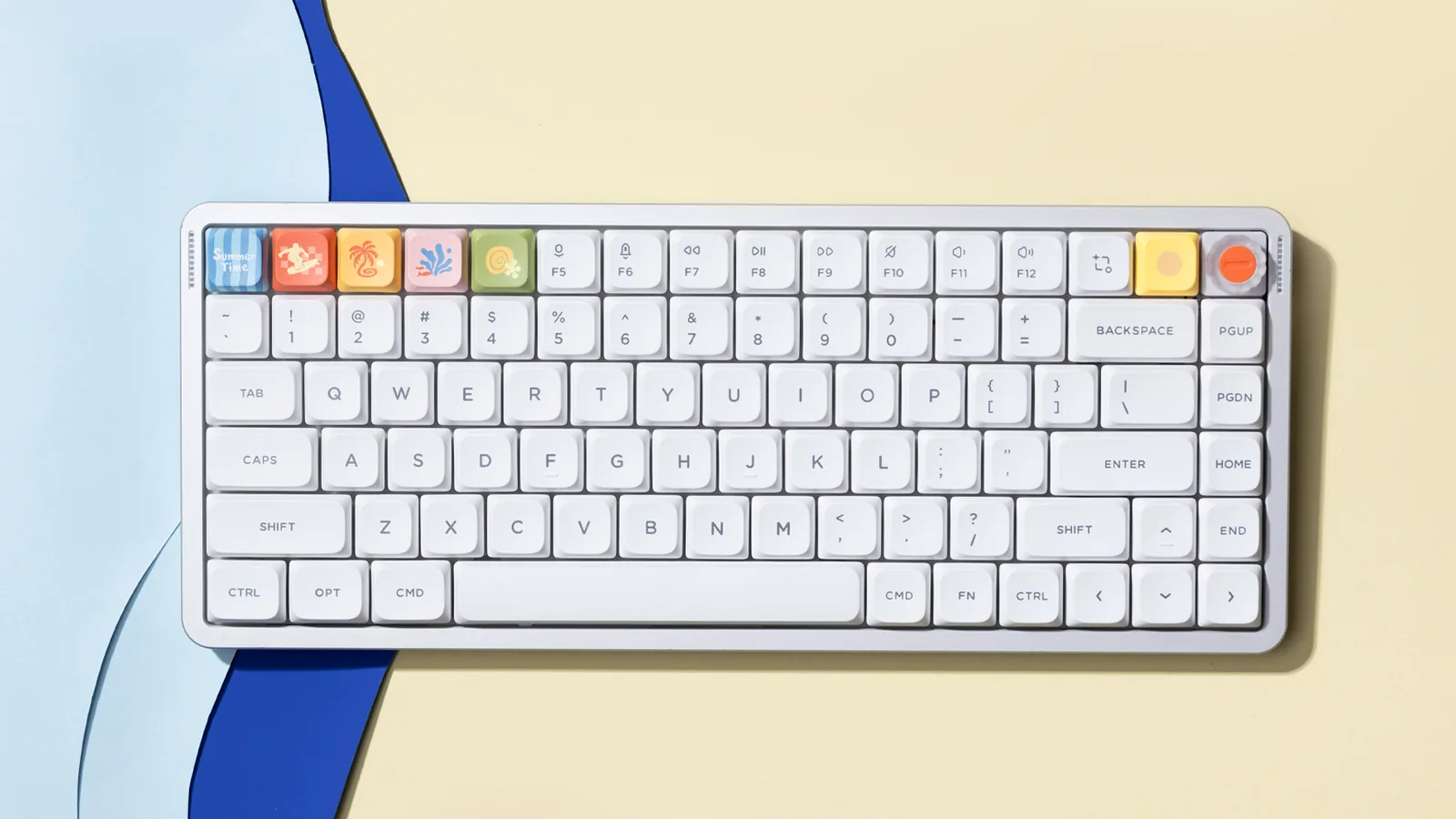
The Flow 2 is the heavier-feeling keyboard in the hand even though the two weigh about the same on paper. Lofree machines the body from aluminum, finishes it in four anodized colors for the Mac edition, and uses PBT and PC double-shot keycaps with shine-through legends. A built-in flip-out kickstand adds tilt. At 21.5mm tall it is not the thinnest board here, but it is narrow front to back at 107mm, which leaves more room for a trackpad.
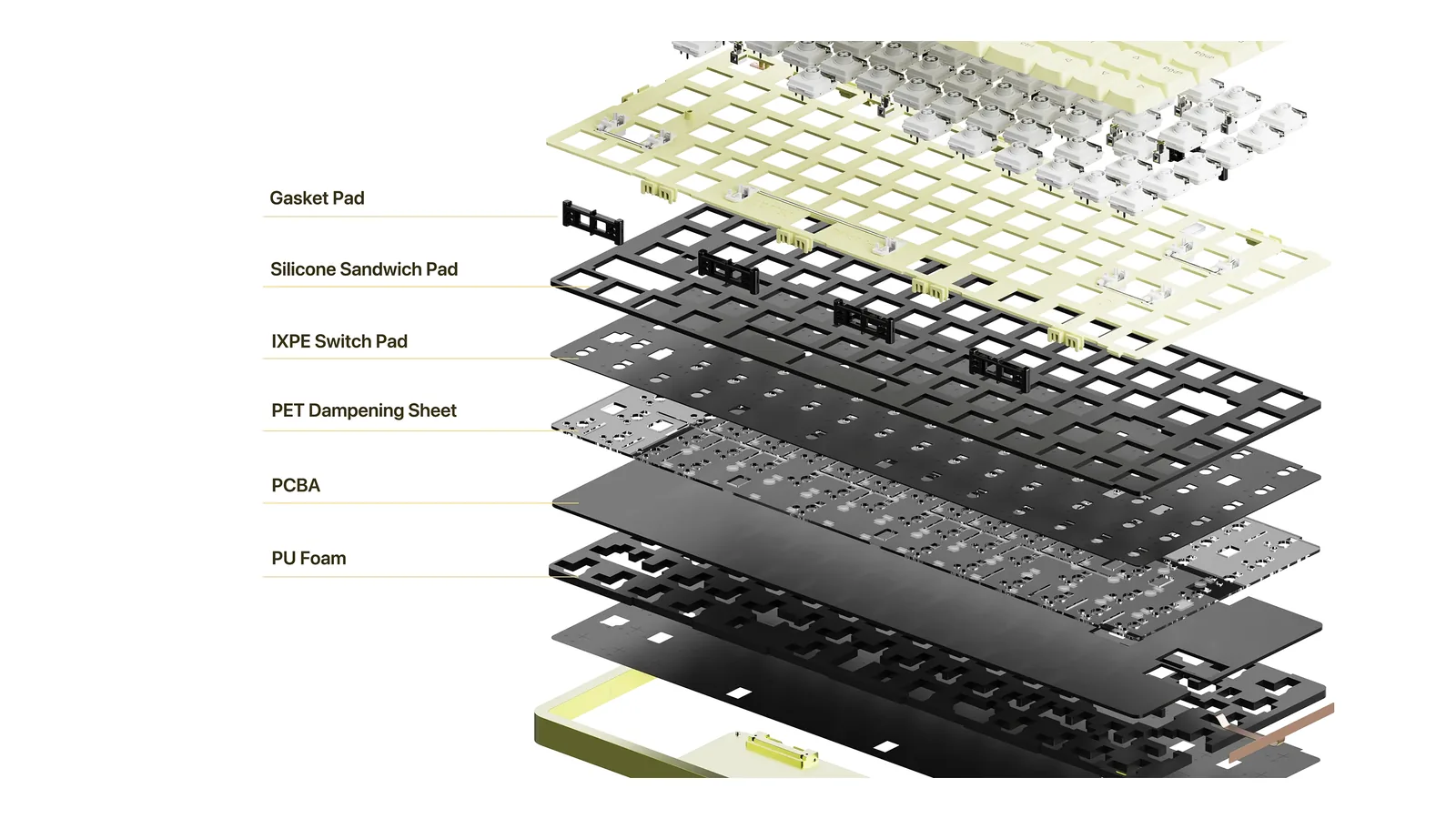
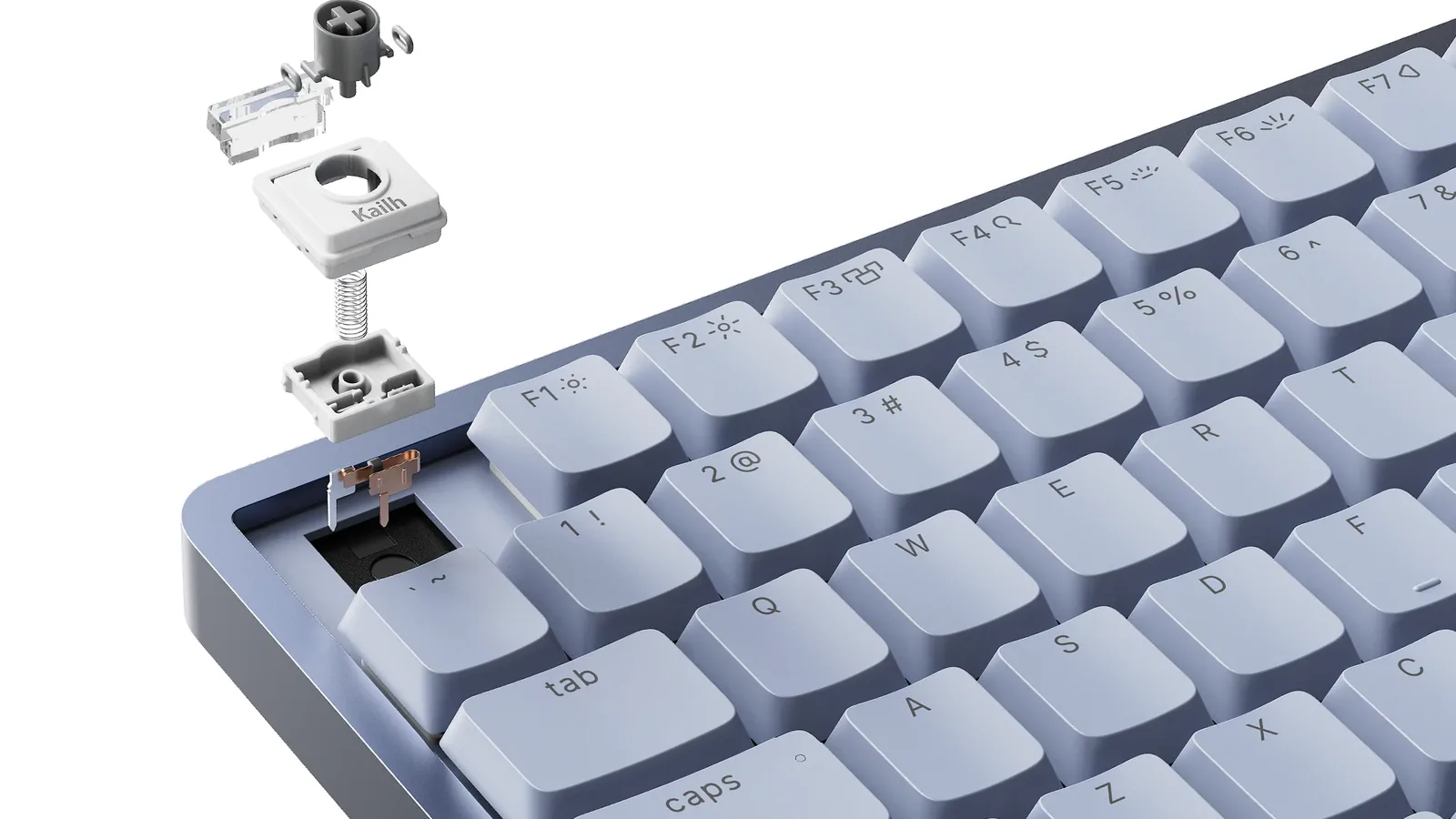
The Flow 2 stacks gasket, foam, and plate layers inside a machined aluminum case. Image: Lofree
The Air75 V3 goes the other way. NuPhy shaved it down to 13.2mm, gave it a three-stage kickstand (4, 8, or 10 degrees), and kept the AirFeet design that lets the board sit over the built-in keyboard of most MacBooks. The top case is aluminum and the bottom is ABS. It is the board you can slide into a sleeve and use at a cafe table without a wrist rest.
Typing feel and switches
This is where the Flow 2 earns its reputation. Lofree pre-installs its Cloud Surfer switches, a full-POM linear switch made with Kailh that Lofree says gets smoother over time. You can swap to two other Cloud series switches sold separately: Void, a silent linear, and Pulse, a tactile. Combined with the gasket mount, the result is a soft, cushioned, very quiet linear typing experience.
Cloud Surfer is a full-POM linear switch, with silent Void and tactile Pulse options sold separately. Image: Lofree
The Air75 V3 uses Gateron's Low-profile 3.0 switches in a gasket-mounted, hot-swappable board, so you can change the feel without soldering. NuPhy sells several low-profile switch types, so you can choose linear, tactile, or lighter options when you order. The typing is a touch crisper and louder than the Flow 2, and the shorter stack makes it feel closer to a laptop keyboard.
If you want to hear the Flow 2 before you buy, Lofree's own sound test runs all three Cloud switches back to back:
Both keyboards are designed with macOS in mind, but they add different extras.
The Flow 2 for Mac has a native Mac layout with Command and Option where you expect them, so there is nothing to remap. A touch-sensitive bar on the right edge adjusts volume and screen brightness with a swipe. Full VIA support lets you rebind keys and record macros in the browser without installing anything.
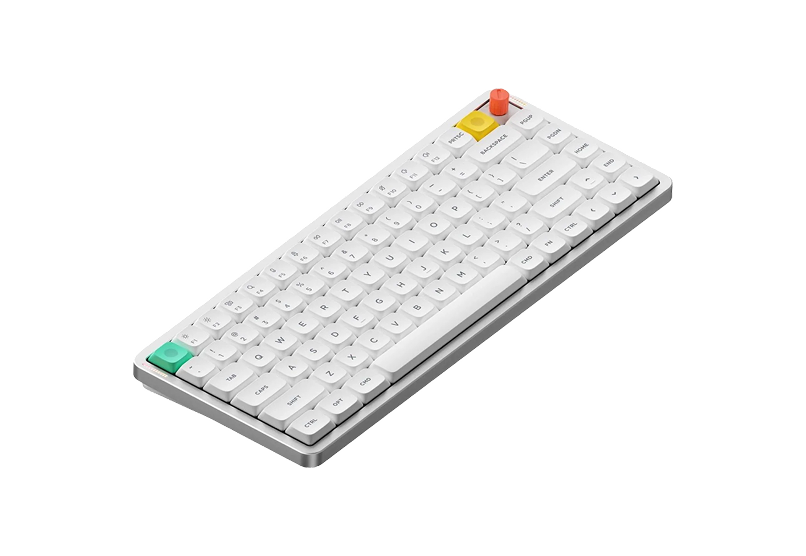
The Air75 V3 ships with a Mac multimedia layer including shortcuts for Mission Control, Focus, dictation, and screenshots. Its knob can control volume or other functions, and NuPhy includes a low-profile knob module for travel alongside the taller one. Configuration runs through NuPhyIO, NuPhy's web configurator.
The Air75 V3 keeps the 75% layout but adds a knob and slims the case to 13.2mm. Image: NuPhy
Connectivity and battery life
Both boards offer the same three ways to connect: a 2.4GHz receiver, Bluetooth, and USB-C. Both run at 1,000Hz in wired and 2.4GHz modes, which matters more for gaming than for typing in Pages. The Flow 2 uses Bluetooth 5.3; the Air75 V3 uses Bluetooth 5.0 at 125Hz.
Battery life is the clearest win for NuPhy. The Air75 V3 has a 4,000mAh battery that NuPhy rates at up to 1,200 hours with the lights off and 60 to 100 hours with them on. The Flow 2 has a 3,000mAh battery, which is plenty for weeks of normal use, but it will not match NuPhy's numbers if you leave the backlight on.
Air75 V3Wireless Mechanical Keyboard Made for Visit WebsiteThe NuPhy Air75 V3 is a slim, wireless mechanical keyboard designed for both Mac and Windows users. Featuring a sleek aesthetic, it combines the functionality of mechanical switches with low-profile design, ensuring a comfortable typing experience. The keyboard is equipped with customizable RGB backlighting and offers multiple connectivity options including Bluetooth 5.0 and USB-C. With a battery life of up to 1200 hours, it's perfect for on-the-go users. The keyboard's adjustable kickstand guarantees an ergonomic typing angle, making it suitable for various work environments. Ideal for creative professionals or casual use, the Air75 V3 is the perfect blend of style and substance.Visit Website
Price and value
The Flow 2 for Mac is $159 in the 84-key size and $169 in the 100-key size. Lofree also sells a 68-key Flow 2 from $139. The Air75 V3 is $139.95, and NuPhy sells Air65 V3 and Air100 V3 versions if you want a smaller or larger board.
For $20 more, the Flow 2 gives you an aluminum body and the smoother stock switches. The Air75 V3 gives you hot-swap freedom, a knob, and a thinner, longer-lasting travel board. Neither is a bad deal.
Three alternatives worth considering
Lofree Flow Lite84: the Flow feel for less
Flow Lite84 is the budget route into Lofree's design. It uses an ABS case instead of aluminum, Lofree x Kailh POM linear switches, and a white backlight. It connects over 2.4GHz, Bluetooth 5.4, or USB-C, supports up to three devices, and runs at 1,000Hz. The 2,000mAh battery lasts up to 80 hours with the lights off. Lofree lists it at $99 on sale (regular price $129), and it weighs 550g. Lofree is also taking reservations for a Flow Lite 2, so check the store before you buy.
K3 Ultra-slim is the oldest design here and still the most compact. It measures 306 x 116mm, stands 17mm at the front and 22mm at the back, and weighs about 483g. You can choose low-profile Gateron mechanical switches or hot-swappable Keychron optical switches, and Keychron includes keycaps for both macOS and Windows. The trade-offs: Bluetooth 5.1 for up to three devices and USB-C only (no 2.4GHz receiver), 90Hz Bluetooth polling, ABS keycaps, and a 1,550mAh battery rated for up to 34 hours with the backlight on its lowest setting. Keychron's US list price is $99.99.
K3 Ultra-slimAn ultra-slim 75% mechanical keyboard built for Mac.Visit WebsiteThe Keychron K3 Version 2 packs an 84-key 75% layout into an ultra-slim wireless mechanical keyboard designed for Mac and Windows. This Amazon configuration uses RGB backlighting and hot-swappable low-profile Keychron optical red switches.
- Connects through Bluetooth 5.1 or a USB-C cable.
- Pairs with up to three Bluetooth devices.
- Includes Mac media keys plus Windows keycaps.
- Hot-swappable optical sockets let you change compatible low-profile Keychron optical switches without soldering.
- Adjustable feet provide two typing angles.
This is the K3 Version 2 optical-red configuration, not the K3 Pro or K3 Max.Visit Website
NuPhy Kick75: low profile or high profile, your choice
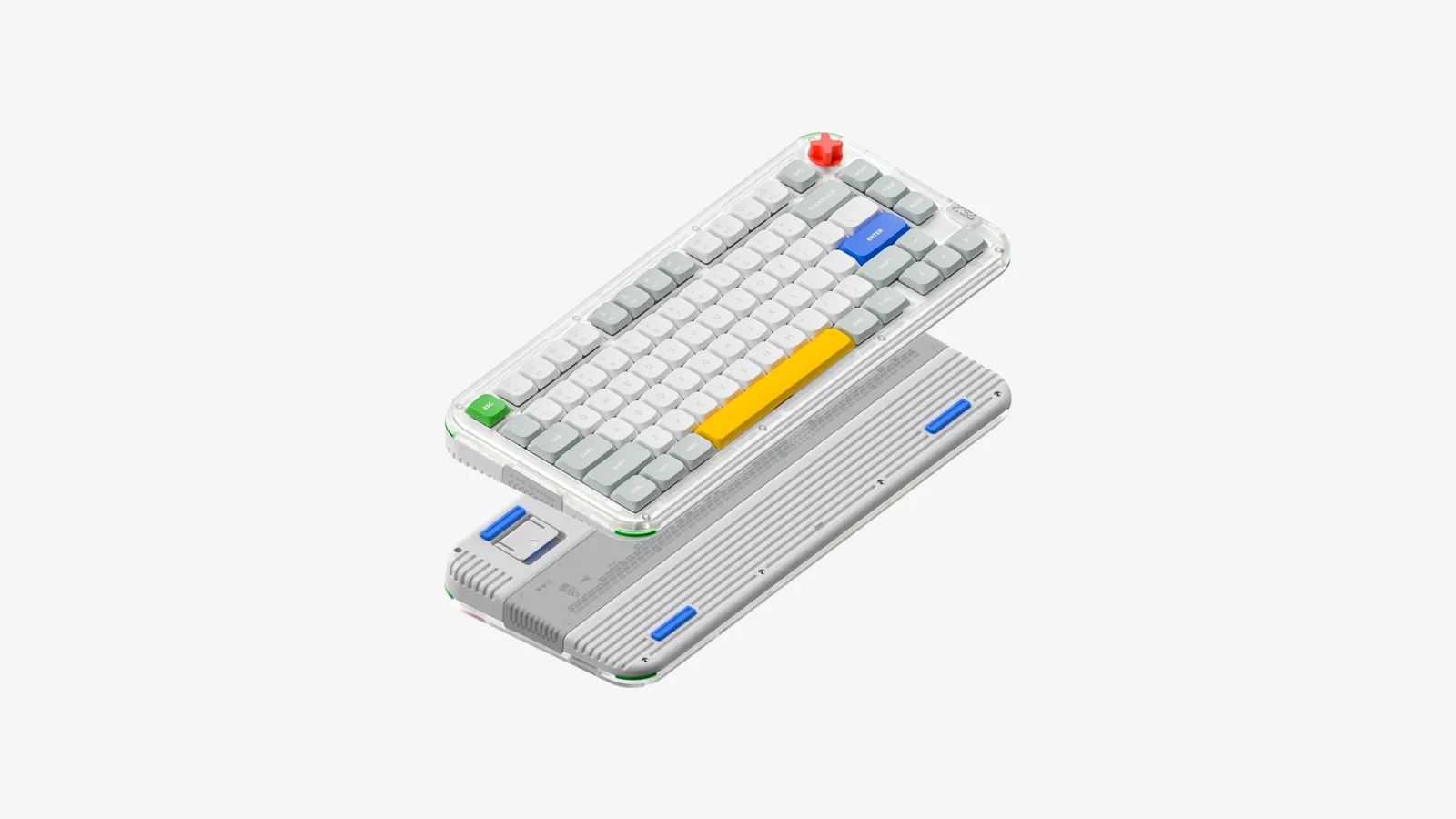
Kick75 is NuPhy's hybrid-profile board. NuPhy calls it the first keyboard that takes both low-profile and full-height switches, so you can start low and change your mind later. It has a PCB gasket mount, QMK and VIA firmware, tri-mode connections with 1,000Hz polling on 2.4GHz, pairing for up to four devices, a 2,500mAh battery, and an OS switch for Mac function keys. NuPhy also publishes 3D-print files for the case. It is $119.99 on NuPhy's store. It is thicker than the Air75 V3, so think of it as a desk keyboard.
The Kick75 takes low-profile or full-height switches in the same board. Image: NuPhy
Kick75Ultimate Typing Experience: Sleek, Lightweight, and Chic.Visit WebsiteThe NuPhy Kick75 is a hybrid-profile mechanical keyboard designed for both functionality and style. Its low-profile design and lightweight build make it ideal for users seeking a chic typing experience without sacrificing performance. Equipped with Cherry MX switches, tri-mode connectivity, and a high-capacity battery, it caters to gamers, programmers, and everyday typists alike, enhancing product
- Unique 8-bit art design for a retro aesthetic
- High-capacity battery for up to 360 hours of use
- Supports tri-mode connectivity: Bluetooth, 2.4G, and USB-C
- 1000Hz polling rate for ultra-fast response
- Compatible with Windows, macOS, and Linux
- Hot-swappable switches for customizable typing experience
The NuPhy Kick75 is the perfect blend of style and functionality, featuring a low-profile design, customizable switches, and tri-mode connectivity. With its impressive battery life and 1000Hz polling rate, it caters to both gamers and professionals alike. Elevate your typing experience today with this chic mechanical keyboard.Visit Website
Which low-profile keyboard should you buy?
For a permanent Mac desk: Lofree Flow 2. The aluminum body, gasket mount, and Cloud Surfer switches make it the nicer keyboard to type on all day, and the native Mac layout means zero setup.
For a MacBook that travels: NuPhy Air75 V3. It is thinner, sits over a laptop keyboard, and the battery lasts far longer.
For the lowest price: Flow Lite84 if you want the Flow feel, Keychron K3 if you want the smallest board.
For tinkerers: NuPhy Kick75, because you can switch between low-profile and full-height switches.
Is the Lofree Flow 2 better than the NuPhy Air75 V3?
For typing feel, most people will prefer the Flow 2 because of its aluminum body, gasket mount, and smooth Cloud Surfer linear switches. The Air75 V3 is better if you want a thinner keyboard, hot-swappable switches, a knob, and longer battery life.
Do both keyboards work with macOS?
Yes. The Flow 2 for Mac has a native Mac layout, and Lofree lists macOS, iPadOS, iOS, Windows, and Android support. NuPhy lists macOS, Windows, Android, and iOS support for the Air75 V3 and includes a Mac multimedia layout.
Which is thinner, the Flow 2 or the Air75 V3?
The Air75 V3 at 13.2mm. The Flow 2 is 21.5mm tall but narrower front to back, at 107mm vs 128.9mm.
Can I change the switches?
On the Air75 V3, yes: it is hot-swappable with low-profile switches. Lofree describes the Flow 2 as compatible with its Cloud series switches, including Surfer, Void, and Pulse, which are sold separately.
Which has better battery life?
The Air75 V3. NuPhy rates its 4,000mAh battery at up to 1,200 hours with the backlight off. The Flow 2 has a 3,000mAh battery.
Can I use either keyboard with an iPad?
Yes. Both connect over Bluetooth and list iOS support, and the Flow 2 for Mac also lists iPadOS.
Verdict
The Lofree Flow 2 is the better keyboard to type on and the better fit for a Mac that never leaves the desk. It feels expensive, it is quiet, and the Mac layout and touch bar make it feel built for macOS. The NuPhy Air75 V3 is the better tool: thinner, more flexible, and with battery life that makes charging an afterthought. If you only have one keyboard and it lives on your desk, buy the Flow 2. If it goes in your bag, buy the Air75 V3.
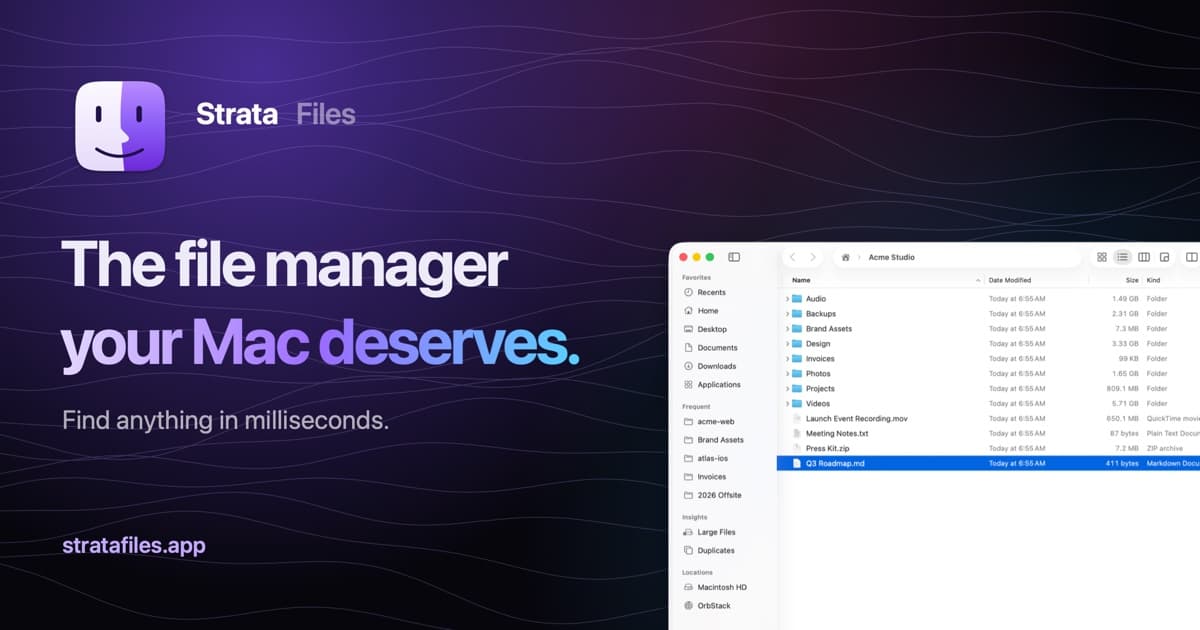
Strata Files is a free, open-source file manager for macOS. It combines indexed file search, live folder sizes, and keyboard navigation with tools for organizing files and inspecting projects.
- Search files as you type or use plain-English queries.
- Browse in dual panes and save tabs as workspaces.
- Inspect disk usage, Git status, code, and document previews.
- Pause and resume copies, review conflicts, and undo file operations after restarting.
- Batch rename files with a live preview and browse archives as folders.
- Generate document summaries and plan bulk changes locally.
Requires macOS 26 Tahoe on Apple silicon. Apple Intelligence is optional, with built-in fallbacks for summaries and bulk-change requests. Strata is MIT licensed, and its search index and history stay encrypted on your Mac.
SoftwareUtilitiesmacOS
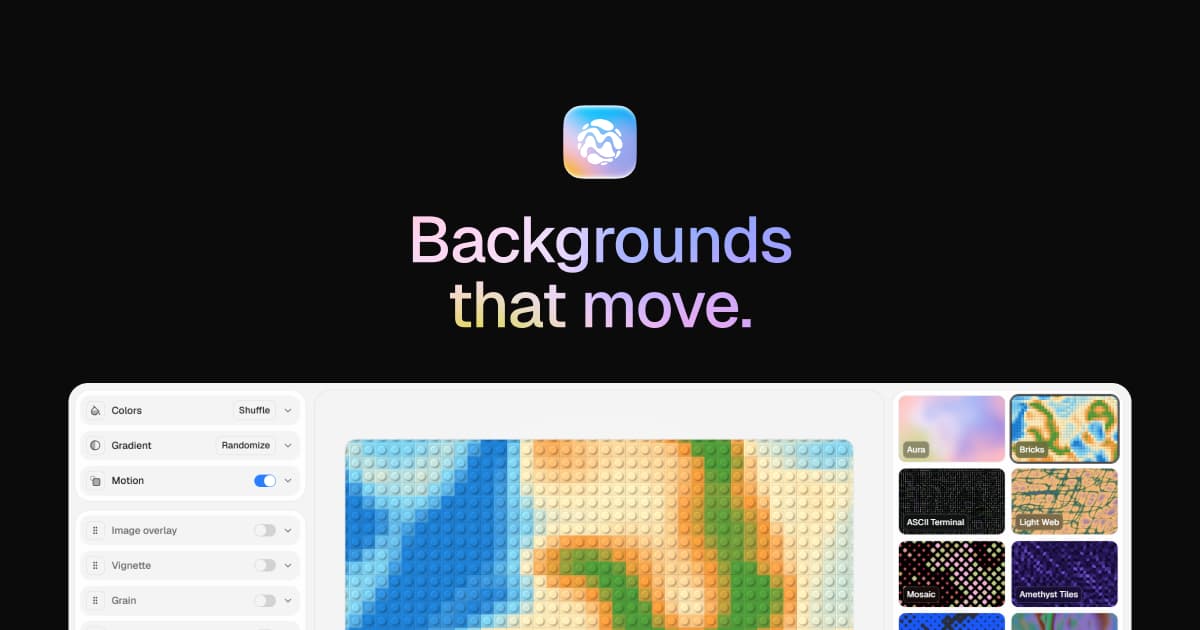
MeltKit
Create animated gradients and seamless loops
One-time
MeltKit is a desktop studio for creating animated gradient backgrounds on Mac and Windows. Choose a look, customize its colors, and export it for websites, presentations, or videos.
- Explore flow, marble, mesh, aura, ribbons, rings, and other shapes.
- Generate six variations in a click.
- Layer effects such as grain, glass, and halftone.
- Export seamless loops as MP4 or WebM up to 4K.
- Save PNG stills up to 8K, JPEG images, self-contained HTML, or React components.
A one-time license covers up to three computers and includes version 1 updates. Internet is needed for activation; the app then works offline. Exports can be used commercially.
SoftwareDesignmacOS
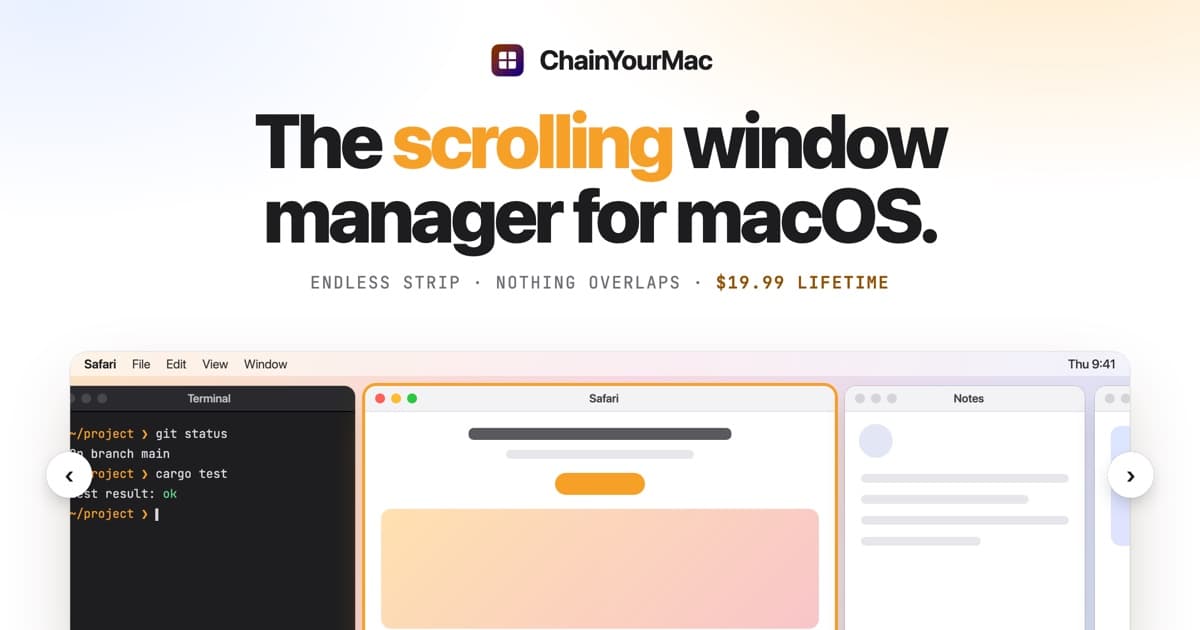
ChainYourMac
Arrange windows on a scrolling strip
One-time
ChainYourMac arranges windows on a horizontal strip that scrolls beyond the edges of your display, keeping each window at its chosen width.
- Navigate with keyboard shortcuts or three- and four-finger trackpad swipes.
- Group windows into stacks or tabbed columns.
- Set preset widths, gaps, and per-app floating rules.
- Keep separate layouts for each display and Space.
- Restore window order and stacks after restarting.
Requires macOS 13 Ventura or later on Apple silicon. A lifetime license for one Mac costs $19.99 and includes future updates; multi-Mac licenses are available.
SoftwareUtilitiesmacOS
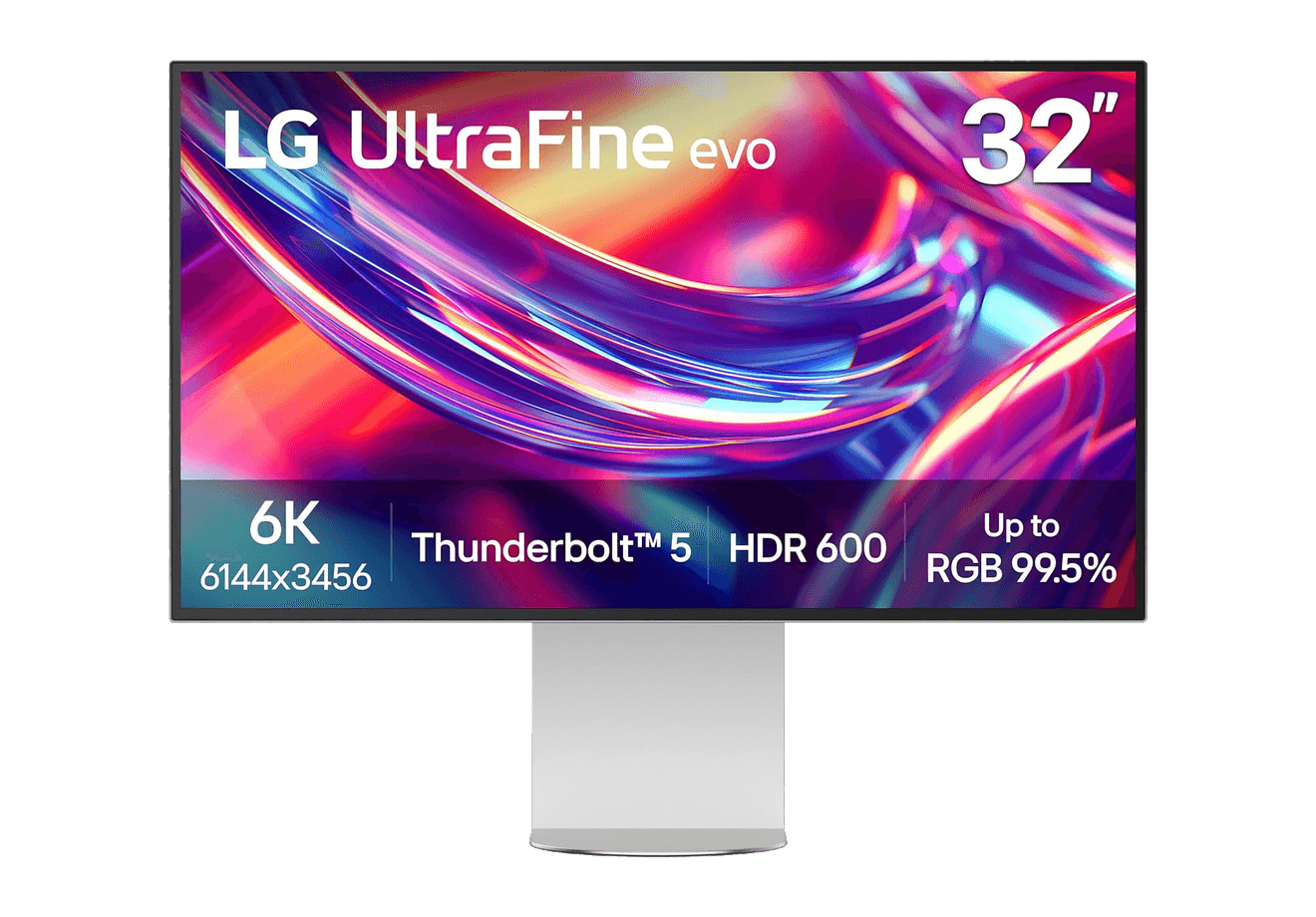
LG UltraFine evo 6K
A 32-inch 6K Thunderbolt 5 display built for Mac creators.
WorkspaceDisplays
A2+ Wireless Speakers
Compact wireless desktop speakers with 24-bit audio for Mac.
HardwareAudioiOS & macOS
Beosound 2
A sculptural 360-degree wireless speaker with AirPlay 2.
HardwareAudioiOS & macOS
Agent Caffeine
Keep your Mac awake for agents
One-time
Agent Caffeine is a Mac menu bar utility that prevents sleep while AI coding agents are working, then allows the Mac to sleep when work stops.
- Track activity from agents including Claude Code, Codex, and Cursor.
- Keep the Mac awake with the lid closed during active work.
- Allow a configurable grace period when an agent waits for input.
- Send notifications when agents need attention or finish.
- Pause sleep prevention or stay reachable for a set duration.
Closed-lid operation on battery requires an approved helper. Battery and temperature safeguards can release sleep prevention. Includes a seven-day trial, followed by a one-time purchase with lifetime updates.
SoftwareUtilitiesmacOS
Q15 Max
A premium wireless ortholinear keyboard for Mac.
HardwareKeyboards & MicemacOS
M2.1 Monitor Arm
A slim, adjustable monitor arm for a cleaner ergonomic desk.
 Dudu
Dudu