You start a long Claude Code task, walk away to make coffee, and come back to a Mac that went to sleep ten minutes ago with the agent stuck halfway through. Or you close the lid to take your MacBook to a meeting and the run dies on the way. Coding agents break the assumption macOS sleep is built on: that if nobody is typing, nothing important is happening.
There are two fixes. The built-in one is free and lives in Terminal: `caffeinate` and `pmset`. The easier one is a small menu bar app that knows when your agents are actually working and lets the Mac sleep the moment they stop. This guide covers both, compares the three agent-aware apps in the Macfolio directory (Agent Caffeine, , and ), and explains what changes when the lid is closed.
Shotbase is a comprehensive tool designed to capture and manage all your screen-based content effortlessly. With features like stunning screenshot capabilities, recording options that include cinematic effects, and an intuitive organizational structure powered by local AI, you can easily keep your multimedia assets organized and accessible. Shotbase not only allows you to capture specific areas, windows, or full screens on your Mac but also enables you to edit and enhance your captures with backgrounds, frames, and annotations. The integrated AI ensures your captures are automatically named and tagged for easy searching, making it an excellent choice for anyone looking to enhance their productivity and creativity in one seamless workspace.
SoftwareCreativemacOS
DeskMinder
For Easily Distracted Minds
Freemium
DeskMinder is a productivity software application designed for Mac users who struggle with distractions. It provides a straightforward interface for creating desktop pop-up reminders and tasks, helping users manage urgent to-dos, short breaks, and fleeting ideas. With features like full-screen notifications and Apple Reminders integration, DeskMinder aims to enhance focus and time management for i
- With features like easy-to-create desktop pop-ups for reminders and tasks, it simplifies the process of staying on top of urgent to-dos, short breaks, or fleeting ideas.
- Users can benefit from full-screen notifications, Apple Reminders integration, and flexible widget placement, making it ideal for anyone requiring a little extra help to maintain focus.
- The app includes additional shortcuts for quick reminder setups and customizable widget options, along with a history tracking feature to monitor daily progress.
Designed specifically for Mac users, DeskMinder aims to facilitate better time management and productivity for those with attention challenges, providing a seamless user experience without unnecessary complexity.
SoftwareProductivitymacOS
Klack
Satisfying sound with every keystroke
Paid
Klack is a macOS application designed to enhance the typing experience through high-fidelity sound for each keystroke. It provides features such as immersive spatial audio, instant feedback, and customizable sound options, making it suitable for writers, developers, and anyone who values an engaging typing environment. The app is easily accessible from the menubar and offers extensive configuratio
- Provides immersive spatial audio for enhanced typing feedback.
- Allows customization of keystroke sounds, pitch variations, and volume settings.
- Features a menubar interface for quick access to configuration options.
- Supports instant feedback with each keystroke for a more engaging experience.
- Designed for writers and developers seeking auditory feedback while typing.
Klack enhances the typing experience on Mac by providing high-fidelity sound for each keystroke.
SoftwaremacOS
TypoTab
TypoTab, the ultimate AI writing assistant for
Paid
TypoTab is a macOS application that functions as an AI-driven writing assistant. It enhances writing efficiency by providing tools for grammar correction, text rephrasing, and content generation, all accessible from the menu bar without needing to switch applications. This tool is designed for writers, students, and professionals looking to streamline their writing process and improve productivity
- Provides grammar correction and text rephrasing directly from the menu bar.
- Allows text refinement in any application without switching contexts.
- Offers customizable actions to meet individual writing needs.
- Streamlines repetitive writing tasks for improved efficiency.
- Supports a wide range of applications, enhancing workflow across platforms.
TypoTab is a macOS application that enhances writing efficiency by providing grammar correction, text rephrasing, and content generation directly from the menu bar. It allows users to refine text in any application without switching contexts, offering customizable actions to suit individual writing needs.
SoftwareProductivitymacOS
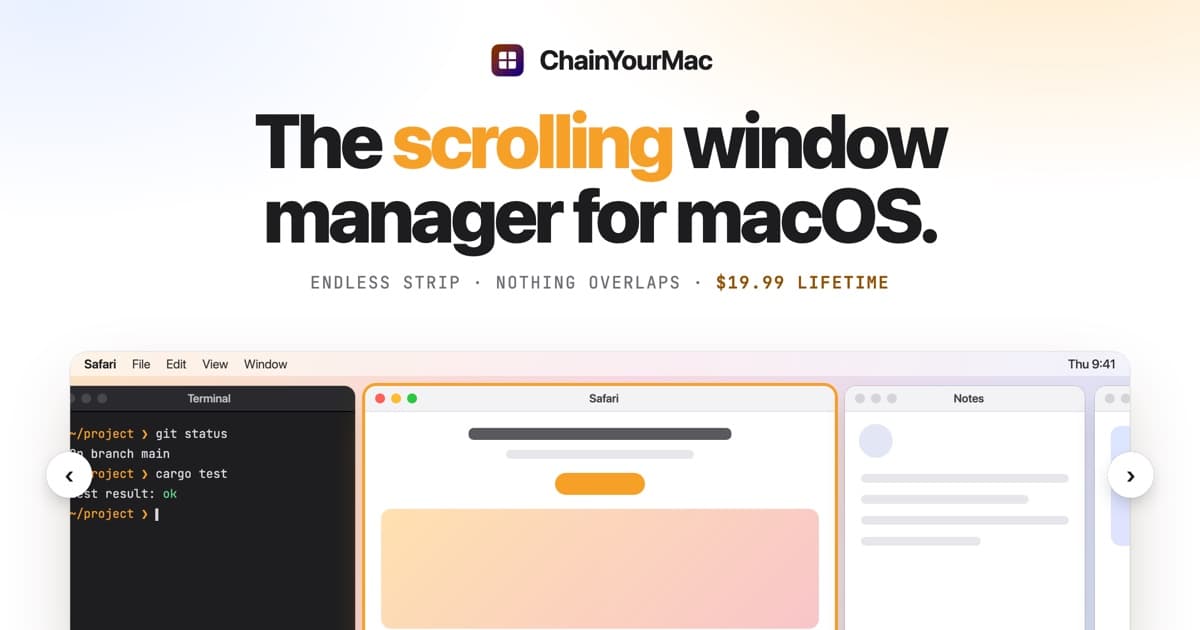
ChainYourMac
Arrange windows on a scrolling strip
One-time
ChainYourMac arranges windows on a horizontal strip that scrolls beyond the edges of your display, keeping each window at its chosen width.
- Navigate with keyboard shortcuts or three- and four-finger trackpad swipes.
- Group windows into stacks or tabbed columns.
- Set preset widths, gaps, and per-app floating rules.
- Keep separate layouts for each display and Space.
- Restore window order and stacks after restarting.
Requires macOS 13 Ventura or later on Apple silicon. A lifetime license for one Mac costs $19.99 and includes future updates; multi-Mac licenses are available.
SoftwareUtilitiesmacOS
VMPal
Run virtual machines on Apple silicon
One-time
VMPal is a virtual machine manager for Apple silicon Macs. Run macOS, Windows 11, and Linux environments alongside your Mac apps, with tools for development and AI agent workflows.
- Download and install supported operating systems.
- Share folders, clipboard contents, and files with guests.
- Save snapshots and restore earlier machine states.
- Forward ports for guest web servers and SSH.
- Connect AI agents through built-in MCP controls.
- Import virtual machines from Parallels.
Requires an Apple silicon Mac running macOS 26 or later. Perpetual licenses include one year of updates and support; renewal is optional for further updates. A trial is available.
SoftwareDevelopmentmacOS
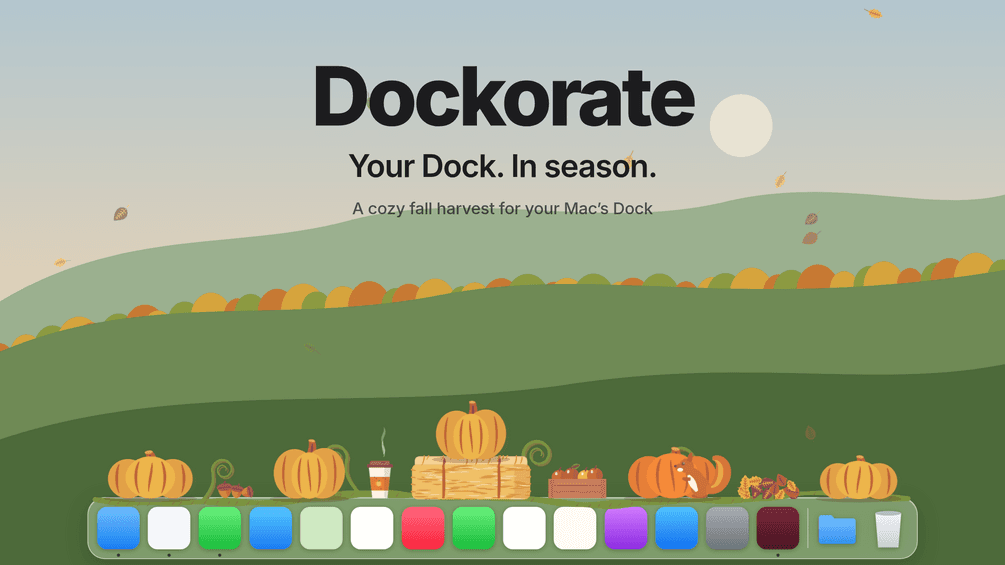
Dockorate
Decorate your Dock with seasonal scenes
One-time
Dockorate is a Mac menu bar app that adds interactive decorations along the top of your Dock. Its first edition features a fall harvest with pumpkins, leaves, and small animated details.
- Click pumpkins to smash them and watch them regrow.
- Choose decoration density and toggle individual extras.
- Follow Dock magnification, resizing, and auto-hide.
- Match light or dark appearance and respect Reduce Motion.
- Pause decorations for presentations and screen sharing.
Requires macOS 13 or later and a Dock positioned at the bottom of the screen. Optional Accessibility access improves the fit. One-time purchase with version 1 updates.
SoftwareUtilitiesmacOS
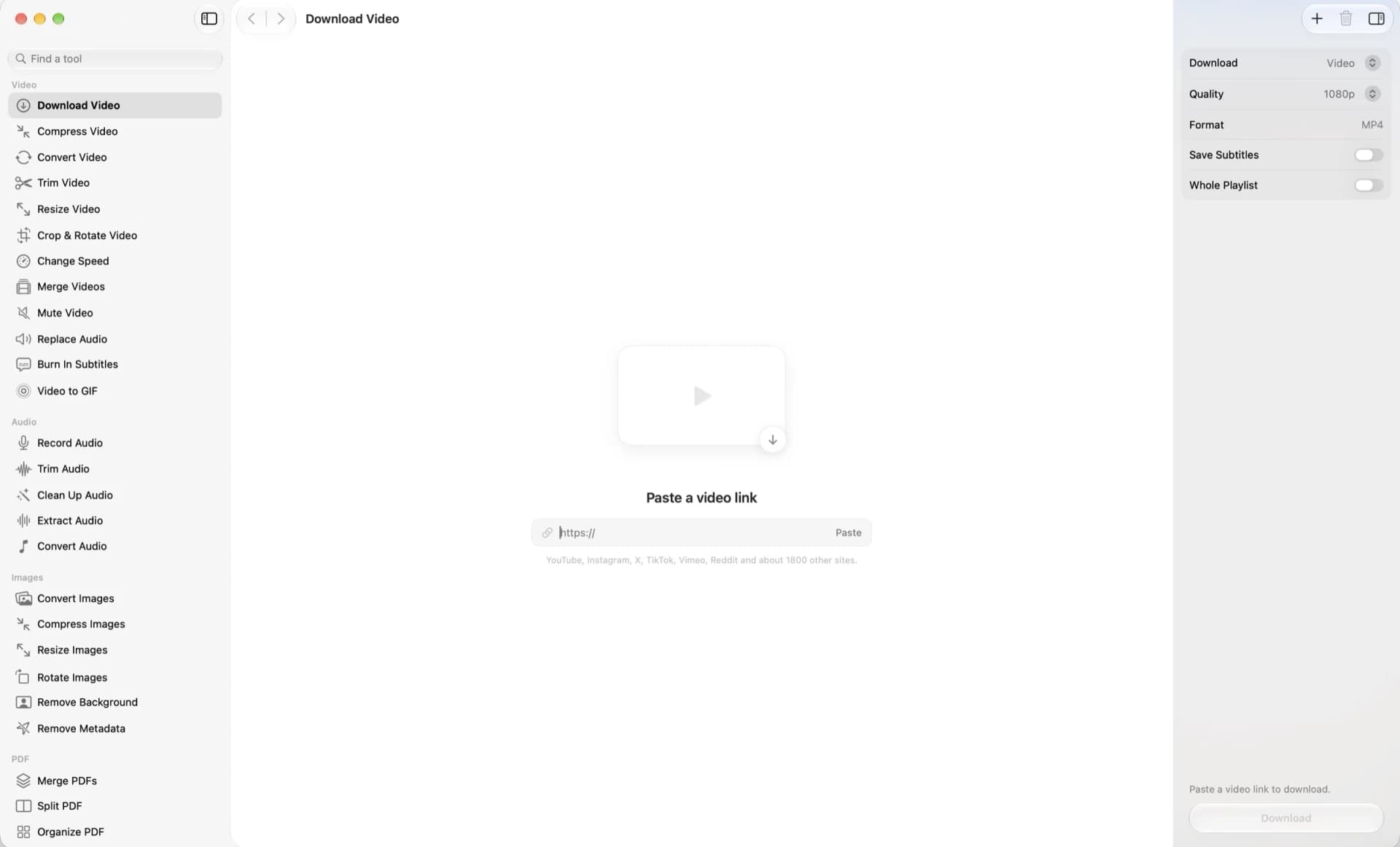
OneMacApp
Video audio image and PDF tools
One-time
OneMacApp is a native Mac utility suite for working with video, audio, images, PDFs, and text in one interface. File processing runs locally on your Mac.
- Convert, compress, trim, and merge videos.
- Record, clean up, extract, and convert audio.
- Resize images, remove backgrounds, and strip metadata.
- Merge, split, sign, and protect PDFs.
- Transcribe, extract text, summarize, and translate with on-device Apple frameworks.
- Rename files in batches with a live preview.
A one-time purchase for macOS 26 or later. Video and audio tools require a separate FFmpeg installation; the app offers Homebrew setup. AI features depend on the required Apple models being available.
SoftwareUtilitiesmacOS
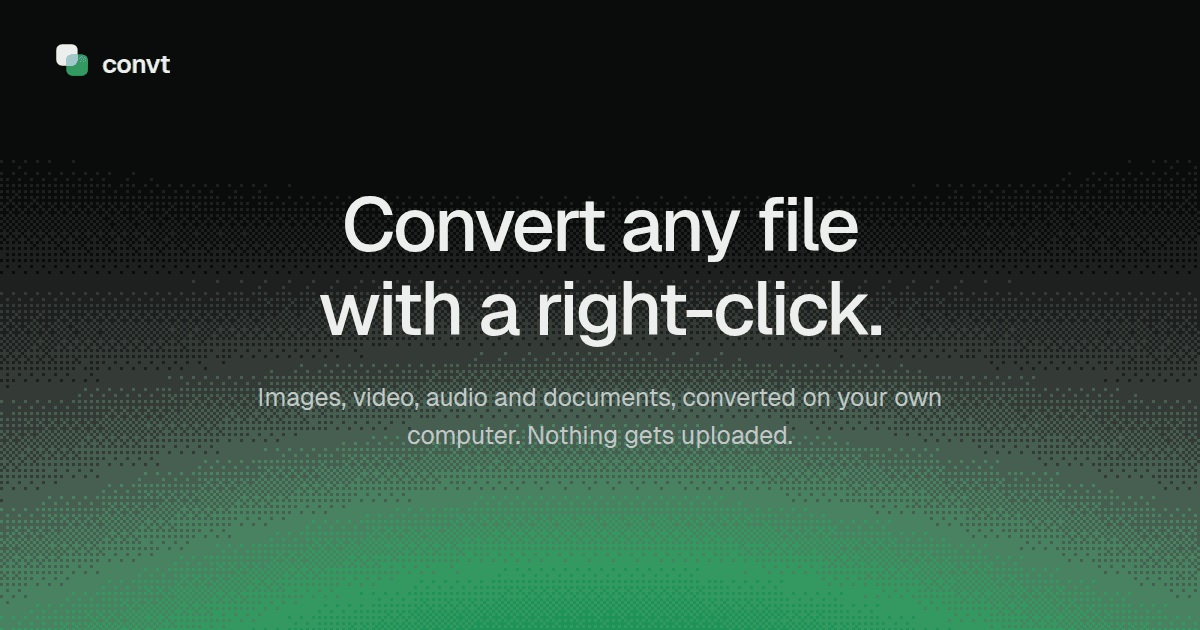
Convt
Convert files with a right-click
One-time
Convt is a desktop file converter for images, video, audio, and documents. Convert files on your computer through a right-click menu without uploading them.
- Convert common image formats, including HEIC, WebP, PNG, and JPEG.
- Change video and audio formats using FFmpeg.
- Convert office documents to PDF with LibreOffice.
- Export PDF pages as PNG or JPEG images.
- Process folders in batches and reuse conversion presets.
Available for macOS, Windows, and Linux with a seven-day trial. The one-time Desktop license includes 12 months of updates and continued use of that version. Pro adds optional cloud conversions and ongoing updates through a subscription.
Free and built in: run your agent through `caffeinate -i`, for example `caffeinate -i claude`. The Mac stays awake for exactly as long as the agent process runs. It does not stop lid-close sleep on a MacBook.
Best overall app: Agent Caffeine ($19 once). Knows more than 40 agents, keeps the Mac awake while one is working or waiting for your answer, and handles the lid closed on battery with a one-time helper.
Cheapest: Hold My Lid ($9.99 early-bird, normally $14.99). Uses Claude Code, Codex, and OpenCode lifecycle hooks, with battery guardrails and up to three Macs per license.
Most flexible: Ajar ($10 for three Macs). Agent hooks plus rules for apps, processes, Wi-Fi, disks, power, and lid angle, and it syncs brightness to the hinge.
Lid closed on a desk? With an external display, keyboard, and power, clamshell mode keeps the Mac running anyway. See our MacBook clamshell mode guide.
Why your Mac sleeps in the middle of an agent run
macOS decides when to sleep by watching for user activity: keystrokes, mouse movement, and apps that explicitly ask the system to stay awake. A coding agent in Terminal thinks, calls tools, writes files, and waits for API responses. None of that counts as you using the Mac, so the idle timer keeps counting. When it runs out, the Mac sleeps and the agent's network connections drop.
Closing the lid on a MacBook is a separate trigger. Unless the Mac is in clamshell mode (connected to power, an external display, and an external keyboard and mouse), closing the lid puts it to sleep regardless of the idle timer.
The free way: caffeinate and pmset
caffeinate: wrap the agent
`caffeinate` ships with macOS. Its manual page describes it as a tool that creates assertions to alter system sleep behavior. The most useful options for agent work:
Command
What it does
`caffeinate -i claude`
Prevents idle sleep for as long as the `claude` process runs, then releases it
`caffeinate -i -w 12345`
Prevents idle sleep until the process with PID 12345 exits
`caffeinate -s`
Prevents system sleep, but only while the Mac is on AC power
`caffeinate -d`
Keeps the display awake as well
`caffeinate -i -t 7200`
Prevents idle sleep for 7,200 seconds (two hours)
`pmset -g assertions`
Shows which apps and processes are currently keeping the Mac awake
Wrapping the agent is the cleanest approach because the assertion ends when the agent exits. If you already have a session running, find its PID with `pgrep -f claude` and use `-w`.
The limitation: `caffeinate` only knows whether a process exists, not whether the agent inside it is working. A Claude Code session that finished an hour ago and is sitting at a prompt still keeps your Mac awake. And it is not designed to override lid-close sleep on a MacBook.
pmset: change the sleep timers
`pmset` changes power settings system-wide and must be run with `sudo`. For a desktop Mac or a MacBook that lives on its charger, you can turn off the system sleep timer when connected to power:
pmset -g custom sudo pmset -c sleep 0
The first command prints your current settings so you can put them back later. The second sets the system sleep timer to never while on charger (`-c`). The equivalent setting in System Settings is under Battery or Energy, where Mac laptops also offer "Prevent automatic sleeping on power adapter when the display is off."
This works, but it is all or nothing: your Mac stays awake whether an agent is running or not. That is why the apps below exist.
Agent Caffeine vs Hold My Lid vs Ajar
Agent Caffeine
Hold My Lid
Ajar
Price
$19 once for 1 Mac, $29 for 3
$9.99 early-bird, normally $14.99, up to 3 Macs
$10 for 3 Macs, plus $3 per extra Mac
Trial
7 days free
Free trial
Download available
How it detects agents
Knows 40+ agents and their sessions
Lifecycle hooks for Claude Code, Codex, OpenCode; process detection for others
Lifecycle hooks for Claude Code, Codex, OpenCode, Gemini CLI
Lid closed on battery
Yes, after a one-time helper approval
Yes
Built-in rule at 60 degrees or less
Battery safety
Sleeps at 20% and when too hot
Configurable cut-off, plugged-in only mode, Low Power Mode
Power rule (awake only while plugged in)
Waiting for your answer
Stays awake 5 minutes, adjustable
Releases when agents go idle
Quiet period, 30 seconds by default
Extras
Stay reachable from phone, notifications, pause, shortcuts
Display off on lid close, chimes, shortcut
Lid Angle Sync for brightness, keyboard, volume
macOS
Not listed on site
macOS 14 or later, Apple silicon and Intel
macOS 15 or later, Apple silicon
Agent Caffeine: the most complete agent-aware option
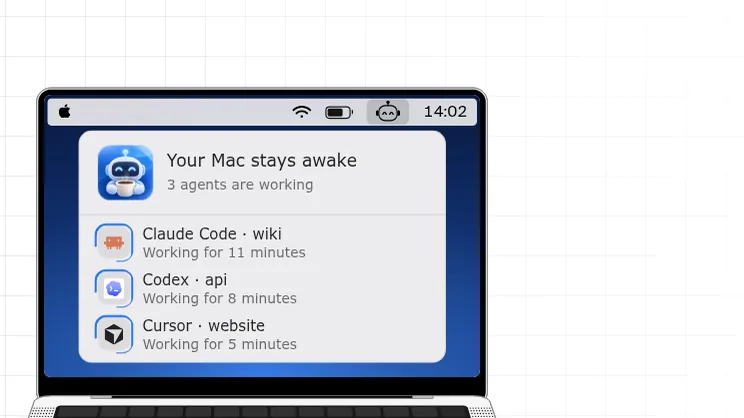
Agent Caffeine is built around one promise: keep the Mac awake while your agents work, then let it sleep. It recognizes more than 40 coding agents, including Claude Code, Codex, opencode, Cursor, Antigravity, Gemini CLI, Amp, Goose, Cline, Windsurf, and GitHub Copilot, and you can add your own. It tracks sessions individually, so ten open chats with one working keeps the Mac awake for that one only.
Agent Caffeine lists each working session and how long it has been running. Image: Agent Caffeine
The details are thoughtful. When an agent asks you a question, Agent Caffeine keeps the Mac awake for five minutes so you can answer (you can change the time), then lets it sleep. With the lid closed on battery, macOS asks you once to allow a small helper, and the app lets the Mac sleep at 20% battery or when it gets too hot. The display dims from 45 degrees as you close the lid and turns off when it is shut. A "stay reachable" mode keeps the Mac awake for one, two, or four hours so a message from your phone can reach your agent. You also get notifications when an agent waits or finishes, pause options, and global keyboard shortcuts.
It is free for 7 days, then $19 once for one Mac or $29 for three, with lifetime updates. There is no account, and the developer says the app has no telemetry or analytics.
Agent CaffeineKeep your Mac awake for agentsVisit WebsiteAgent Caffeine is a Mac menu bar utility that prevents sleep while AI coding agents are working, then allows the Mac to sleep when work stops.
- Track activity from agents including Claude Code, Codex, and Cursor.
- Keep the Mac awake with the lid closed during active work.
- Allow a configurable grace period when an agent waits for input.
- Send notifications when agents need attention or finish.
- Pause sleep prevention or stay reachable for a set duration.
Closed-lid operation on battery requires an approved helper. Battery and temperature safeguards can release sleep prevention. Includes a seven-day trial, followed by a one-time purchase with lifetime updates.Visit Website
Hold My Lid: hooks, guardrails, and a low price
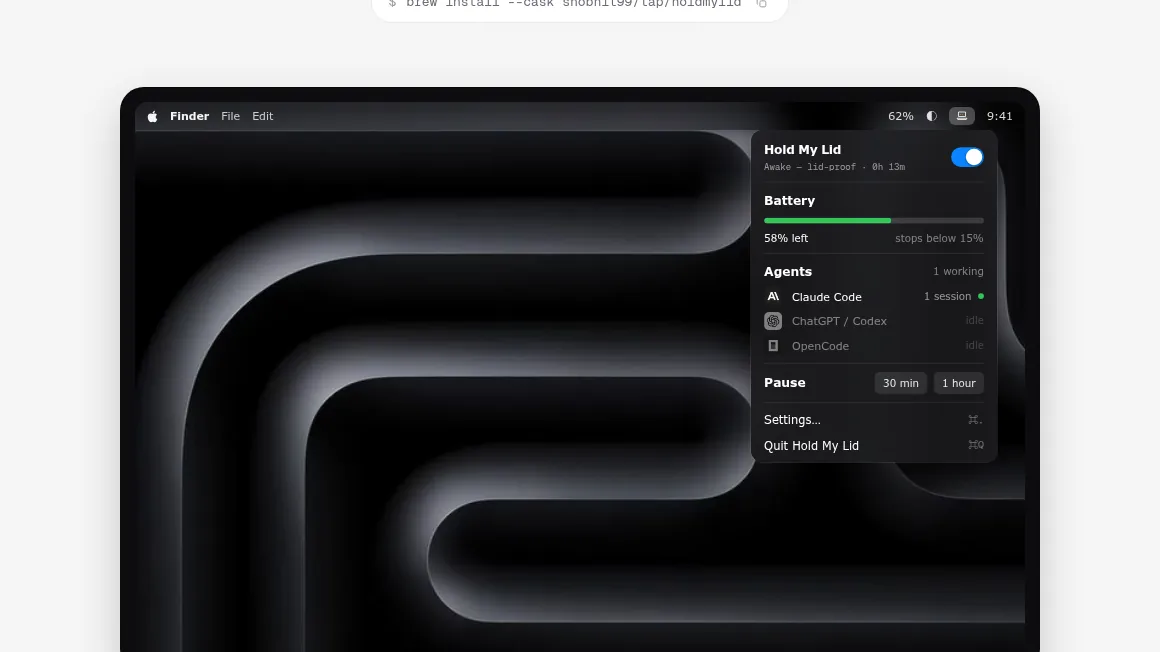
Hold My Lid takes a similar approach with a focus on knowing the real state of an agent. For Claude Code, Codex, and OpenCode, it reads lifecycle hooks that report Working or Idle per session. For Cursor, Gemini CLI, Aider, Windsurf, Copilot CLI, Cline, and others, it falls back to process detection, which keeps the Mac awake while the process is alive.
The Hold My Lid menu shows battery, the battery cut-off, and which agents are working. Image: Hold My Lid
Battery guardrails include a configurable cut-off, an "only when plugged in" mode, and respect for Low Power Mode. You can turn the display off when the lid closes, while agents run, or a set number of seconds after they finish, and choose from ten notification sounds. A global shortcut (Option, Command, L) toggles it. The developer says Hold My Lid never reads your code, prompts, or terminal output.
It runs on macOS 14 or later on Apple silicon and Intel Macs, and you can install it with Homebrew (`brew install --cask shobhit99/tap/holdmylid`). The early-bird price is $9.99 (normally $14.99), one-time, for up to three Macs, with a free trial.
Hold My LidClose your MacBook. Your agents keep running.Visit WebsiteHold My Lid is a macOS application designed to keep your Mac awake while coding agents like Claude Code and OpenAI Codex are active, even with the lid closed. This tool helps developers manage their workflow by allowing their laptops to remain operational while stored in a bag, ensuring that tasks are completed without interruption.
- Keeps your Mac awake while coding agents are active, even with the lid closed.
- Utilizes lifecycle hooks to accurately monitor agent activity and manage wake states.
- Configurable settings allow users to set battery thresholds and power modes.
- Provides notifications and sound alerts when agents complete tasks or battery limits are reached.
- Offers a menu-bar dropdown for quick access to status, agent sessions, and control options.
- Supports global shortcuts for toggling the app on or off from any application.
Hold My Lid is a macOS application designed to keep your Mac awake while coding agents operate, even with the lid closed. It offers a one-time purchase model, allowing use on up to three Macs without the need for subscriptions.Visit Website
Ajar: rules for everything, not just agents
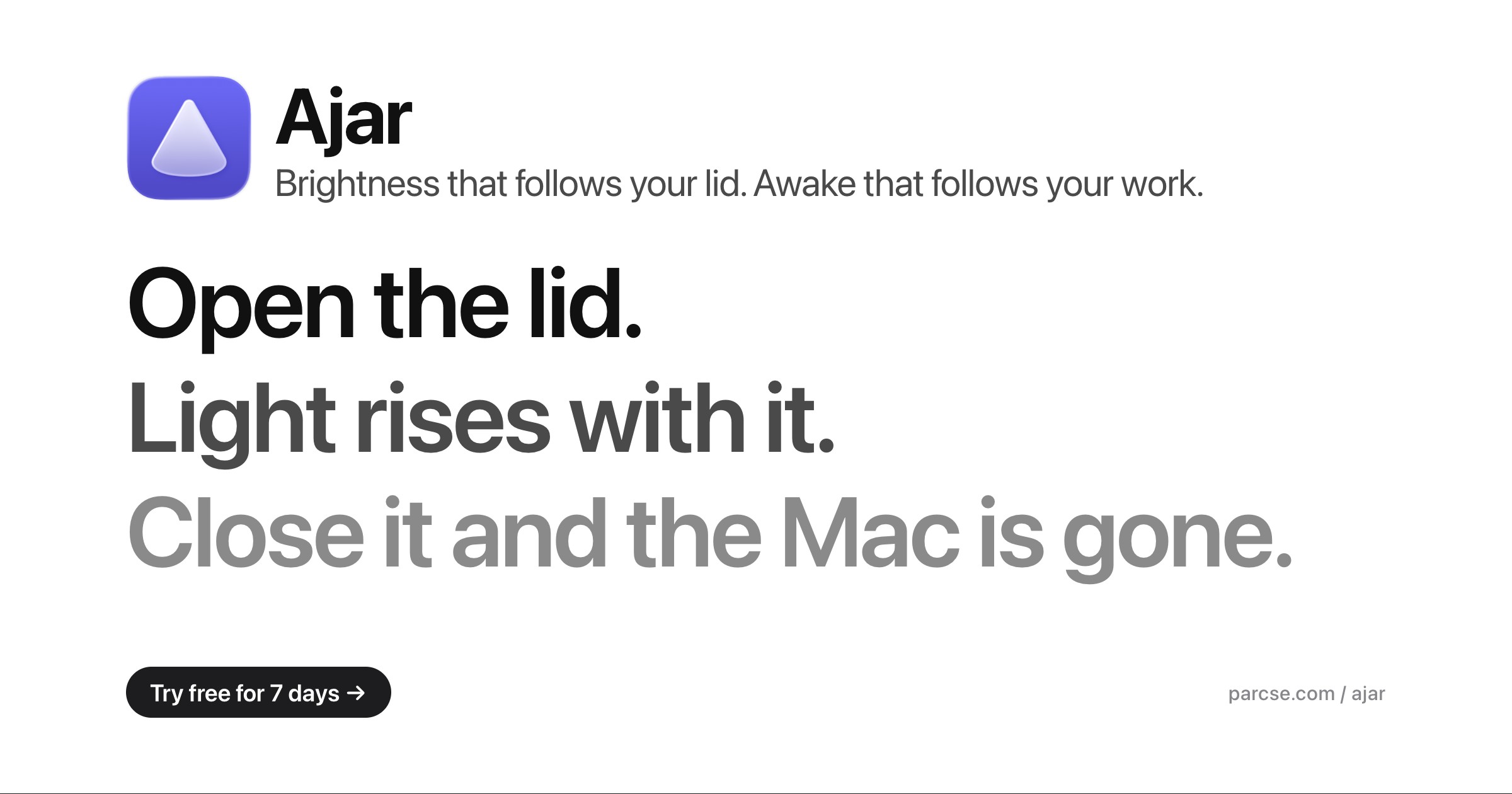
Ajar from Parcse does two jobs. Its Awake feature installs a small lifecycle hook in Claude Code, Codex, OpenCode, and Gemini CLI so it sees each turn begin and end, and keeps the Mac awake for the turn. It also watches the agents' session files and holds on until they have been quiet for 30 seconds by default (adjustable to 10, 60, 120, or 300).
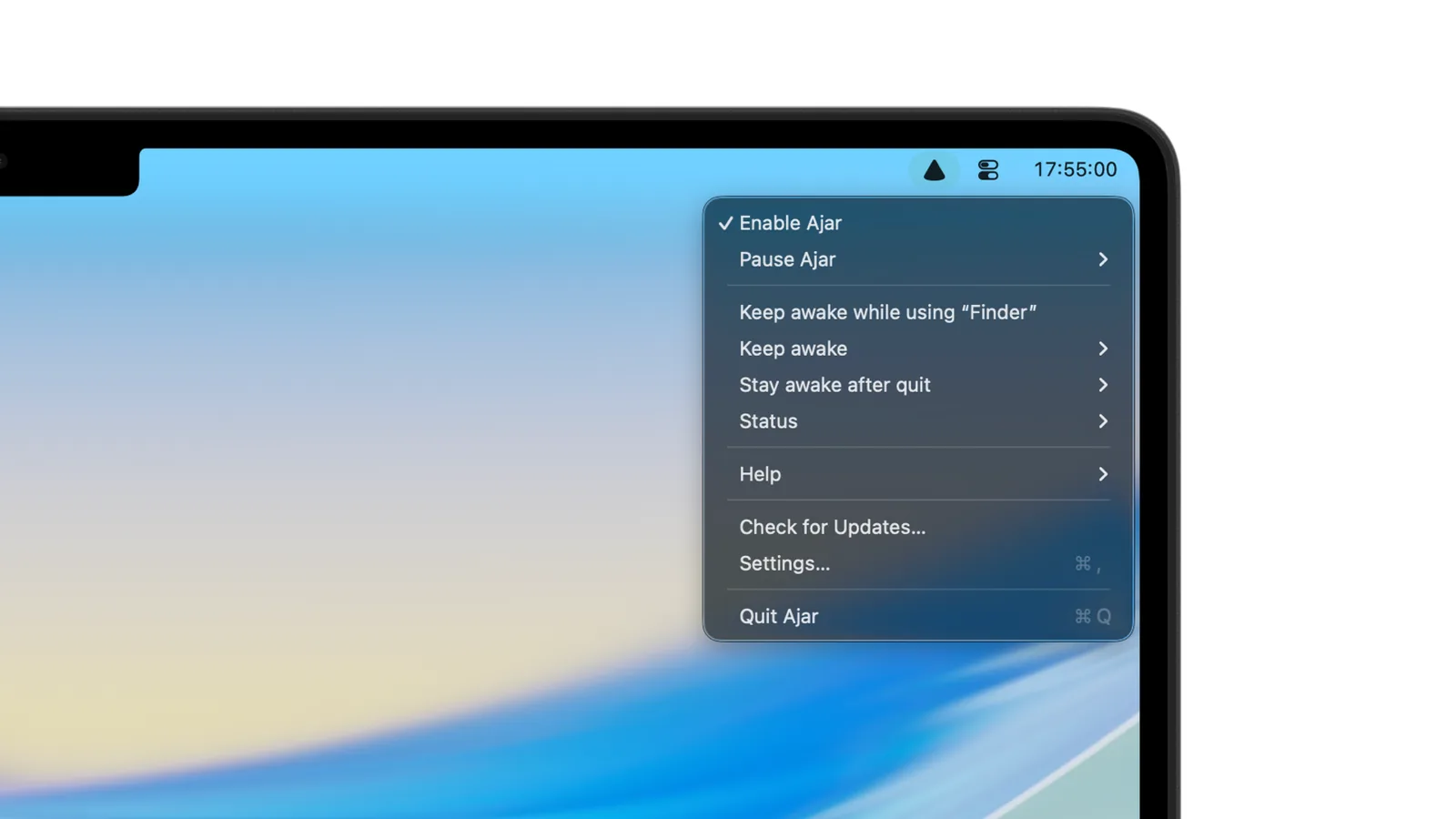
From the Ajar menu you can pause the app or keep the Mac awake for a set time. Image: Parcse
Beyond agents, you can build rules from six conditions: lid angle, app, process, Wi-Fi network, mounted disk, and power. The built-in lid rule fires at 60 degrees or less, so closing the lid on an agent mid-turn keeps the work going. A process rule covers `ffmpeg`, `rsync`, or Xcode builds, and a power rule keeps the Mac awake only on the charger. From the menu bar you can also keep it awake for 30 minutes, one hour, two hours, or indefinitely.
The other half of Ajar is Lid Angle Sync: it reads the MacBook hinge sensor and maps the lid angle to display brightness, keyboard backlight, and volume, including supported external displays.
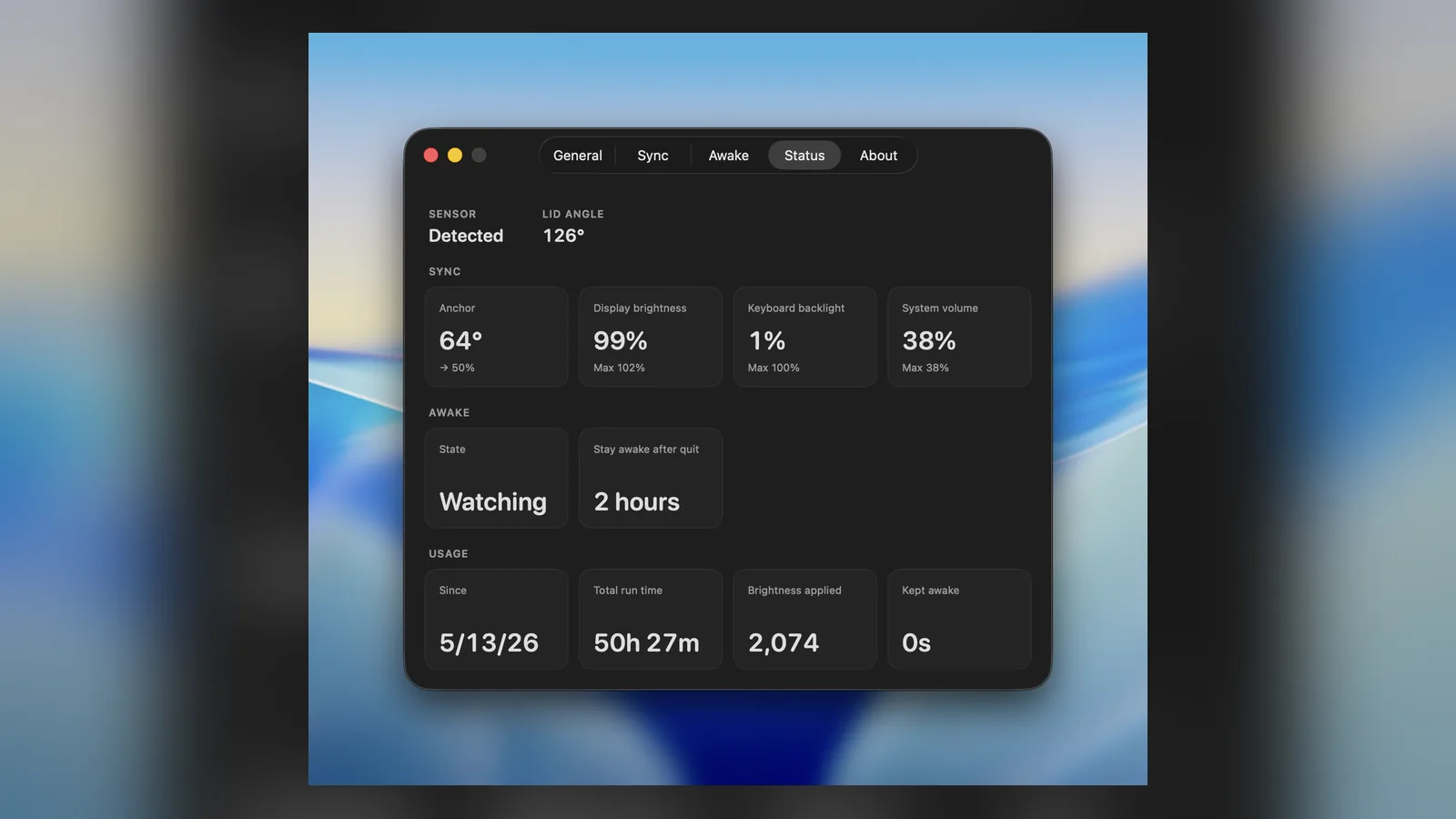
Ajar's status screen shows the lid sensor, synced outputs, and how long it has kept the Mac awake. Image: Parcse
Ajar requires an Apple silicon Mac running macOS 15 Sequoia or later. It costs $10 for three Macs, plus $3 for each extra Mac, as a one-time purchase.
AjarLid angle sync and keep-awake rulesVisit WebsiteAjar is a macOS utility designed to enhance user interaction with Mac devices. It features Lid Angle Sync, which automatically adjusts screen brightness, keyboard backlight, and volume based on the MacBook lid's position, accommodating external monitors with individual settings.
- Adjusts screen brightness, keyboard backlight, and volume based on MacBook lid angle.
- Supports per-display offsets for external monitors during lid adjustments.
- Prevents Mac from sleeping during active work with customizable rules.
- Built-in rules for specific applications like Claude Code, Codex, and Gemini CLI.
- Allows user-defined conditions based on apps, networks, external drives, and power sources.
Ajar provides practical solutions for users seeking to optimize their Mac experience. By automating adjustments based on the MacBook lid's position and allowing for customizable settings, it enhances productivity and user comfort.Visit Website
What about Amphetamine?
Amphetamine is the long-standing free option on the Mac App Store, with no in-app purchases. It can keep a Mac awake indefinitely, for a set time, or while an app runs, and its Triggers start sessions automatically based on things like a connected external display, the power adapter, a Wi-Fi network, CPU load, or a running app. It can also keep a MacBook awake with the lid closed.
What it does not do is understand agents. App, CPU, and power Triggers can approximate agent work, but none of them can tell a working agent from one sitting idle at a prompt. If you only run agents occasionally and do not mind a little extra awake time, Amphetamine is a great free choice. If you run them all day, an agent-aware app saves battery and heat.
Running agents with the lid closed: what to watch
Keeping a closed MacBook running is easy. Keeping it safe takes a little thought.
Heat. Apple's guidance is to use Mac laptops on a stable surface with good ventilation. A closed MacBook in a backpack has neither. Agent Caffeine sleeps when the Mac gets too hot, and the other apps let you limit lid-closed running to the charger.
Battery. Set a cut-off. Agent Caffeine stops at 20%, and Hold My Lid's threshold is configurable.
Networking. If an agent needs the network, make sure Wi-Fi stays connected while closed. Test once at your desk before trusting it on the move.
On a desk, use clamshell mode. With power, an external display, and a keyboard and mouse connected, macOS keeps a closed MacBook awake without any app. Our clamshell mode guide covers the setup and the vertical stand we use.
FAQ
How do I keep my Mac awake while Claude Code runs?
The quickest free method is to start it with `caffeinate -i claude`, which prevents idle sleep until the process exits. For a smarter setup, Agent Caffeine, Hold My Lid, or Ajar keep the Mac awake only while the agent is working.
Does caffeinate keep a MacBook awake with the lid closed?
It is not designed for that. `caffeinate` prevents idle sleep, and its `-s` option prevents system sleep only on AC power. Closing the lid without clamshell mode is a separate sleep trigger, which is why the apps here add lid-closed support.
Is it safe to close my MacBook while an agent runs?
On a desk with airflow, yes. In a bag, heat is the risk. Use an app that stops at a battery threshold or on high temperature, and avoid long runs in an enclosed space.
Which is better, Agent Caffeine or Hold My Lid?
Agent Caffeine supports more agents and has more polish, including a wait-for-answer timer, heat protection, and a stay-reachable mode. Hold My Lid is cheaper, covers up to three Macs, and uses lifecycle hooks for the agents most people run.
Do these apps work with Codex and Cursor?
Yes. All three support Codex. Agent Caffeine and Hold My Lid also list Cursor, and Ajar's process rule can cover any command-line tool.
Will these apps drain my battery?
Not when nothing is running. Each lets the Mac sleep when agents go idle, and each has battery or power-source controls.
Verdict
If you run coding agents every day, buy an agent-aware app. Agent Caffeine is the most complete: it knows the most agents, handles questions waiting for your reply, and protects the battery and the Mac's temperature. Hold My Lid is the best value and a great choice if you mostly use Claude Code, Codex, or OpenCode. Ajar is the pick if you also want rules for renders, downloads, or Wi-Fi networks, and you like the idea of brightness that follows the lid. For occasional runs, `caffeinate -i` and the free Amphetamine are all you need.
ChainYourMac arranges windows on a horizontal strip that scrolls beyond the edges of your display, keeping each window at its chosen width.
- Navigate with keyboard shortcuts or three- and four-finger trackpad swipes.
- Group windows into stacks or tabbed columns.
- Set preset widths, gaps, and per-app floating rules.
- Keep separate layouts for each display and Space.
- Restore window order and stacks after restarting.
Requires macOS 13 Ventura or later on Apple silicon. A lifetime license for one Mac costs $19.99 and includes future updates; multi-Mac licenses are available.
SoftwareUtilitiesmacOS
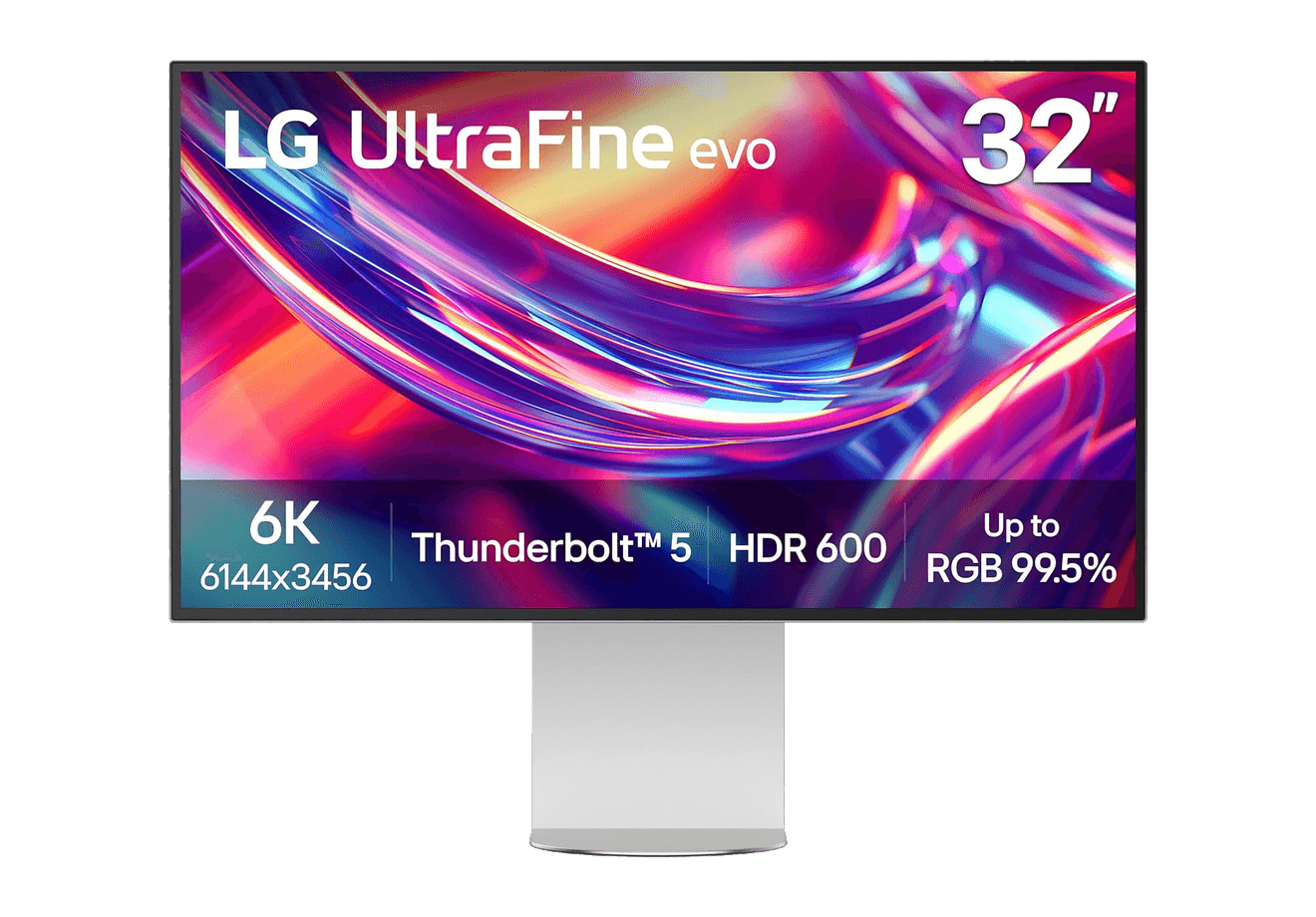
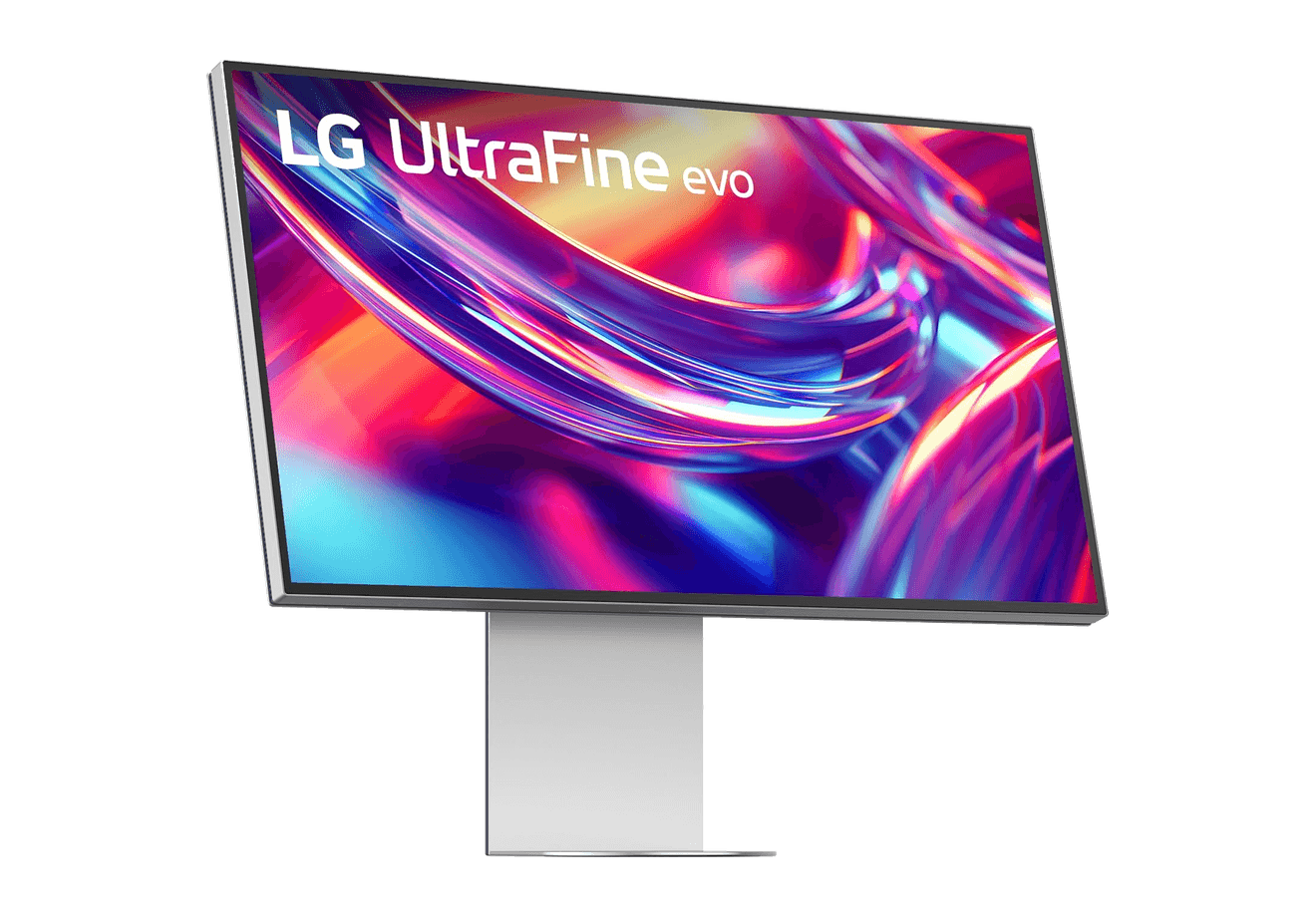
LG UltraFine evo 6K
A 32-inch 6K Thunderbolt 5 display built for Mac creators.
WorkspaceDisplays
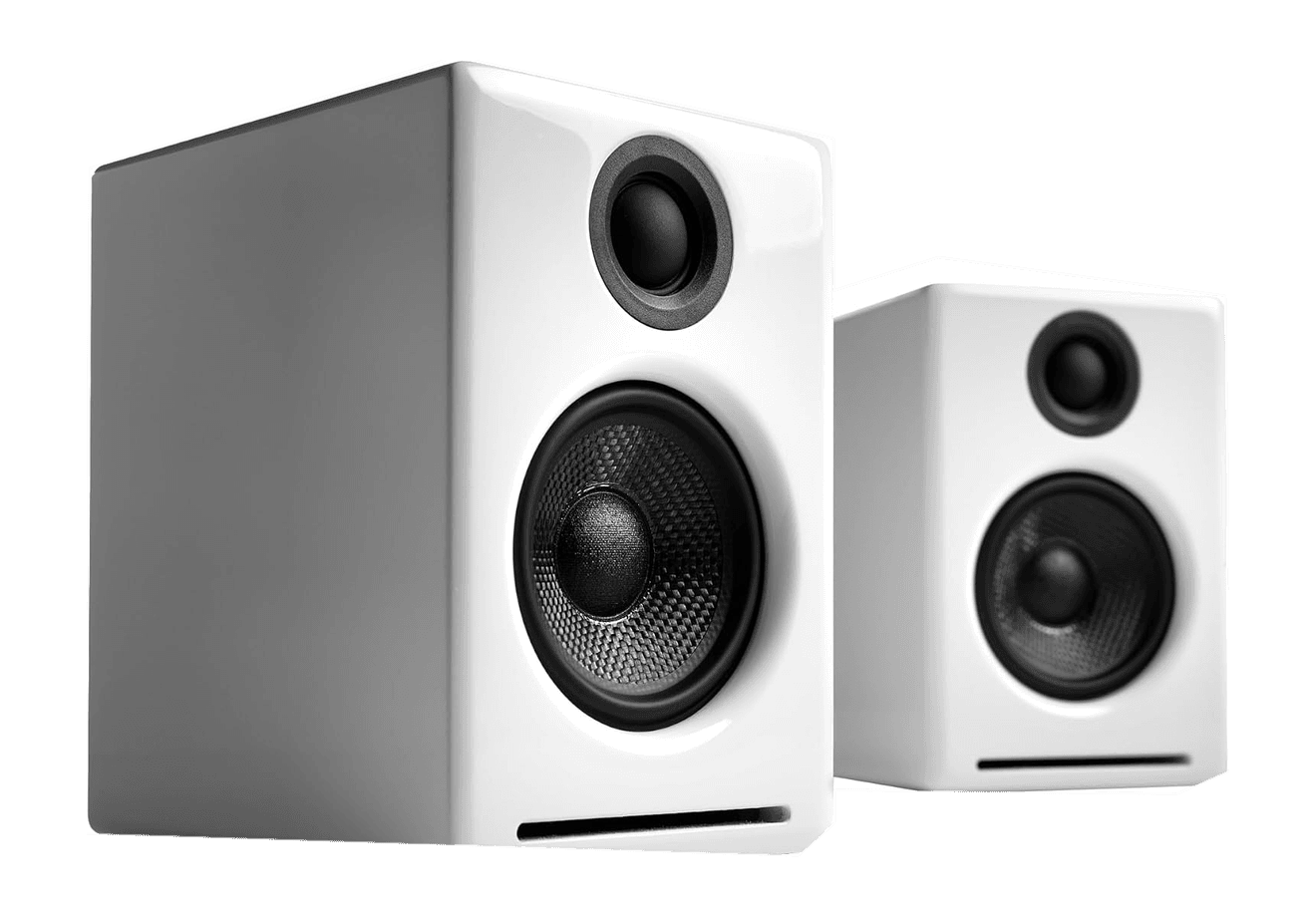
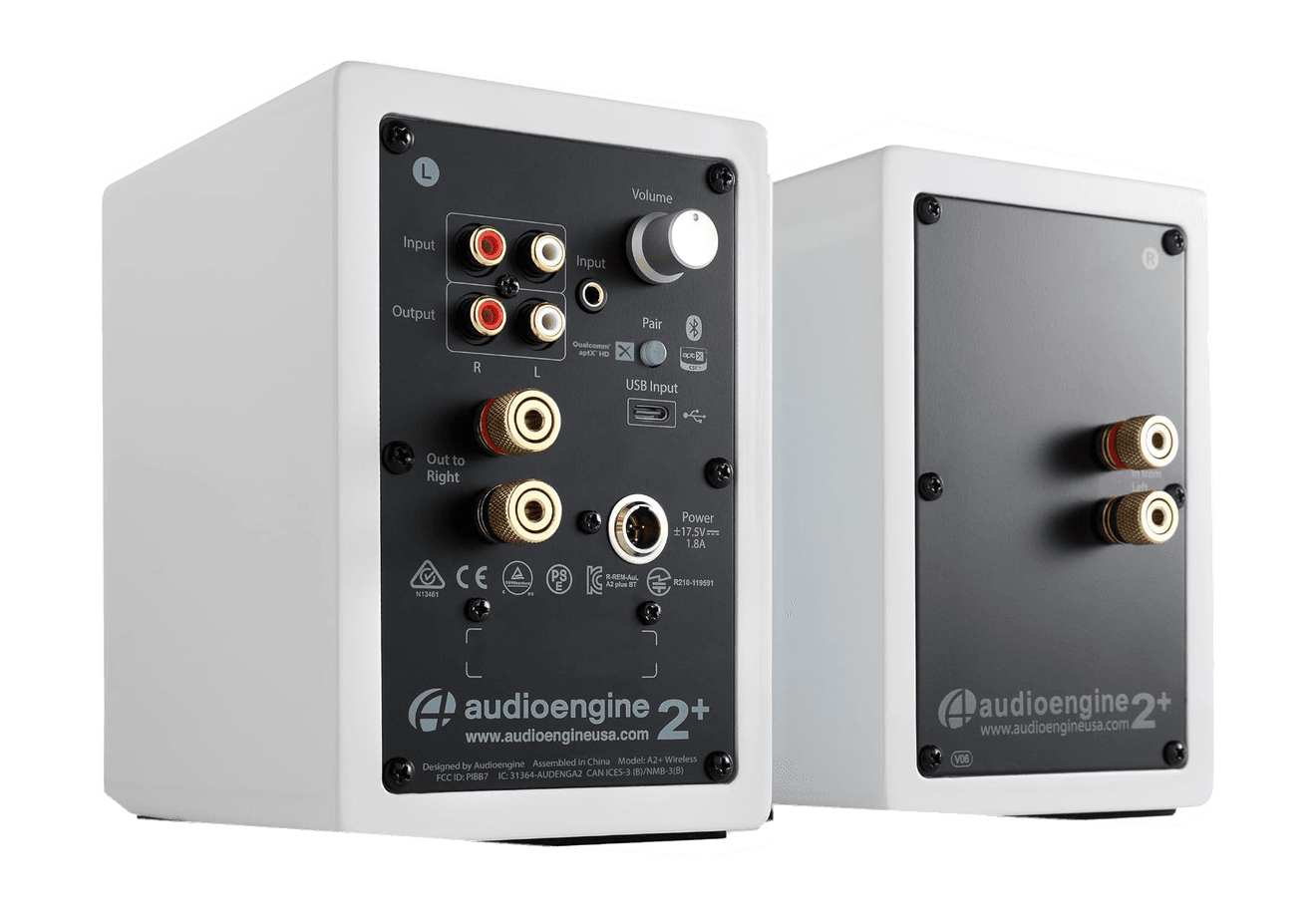
A2+ Wireless Speakers
Compact wireless desktop speakers with 24-bit audio for Mac.
HardwareAudioiOS & macOS
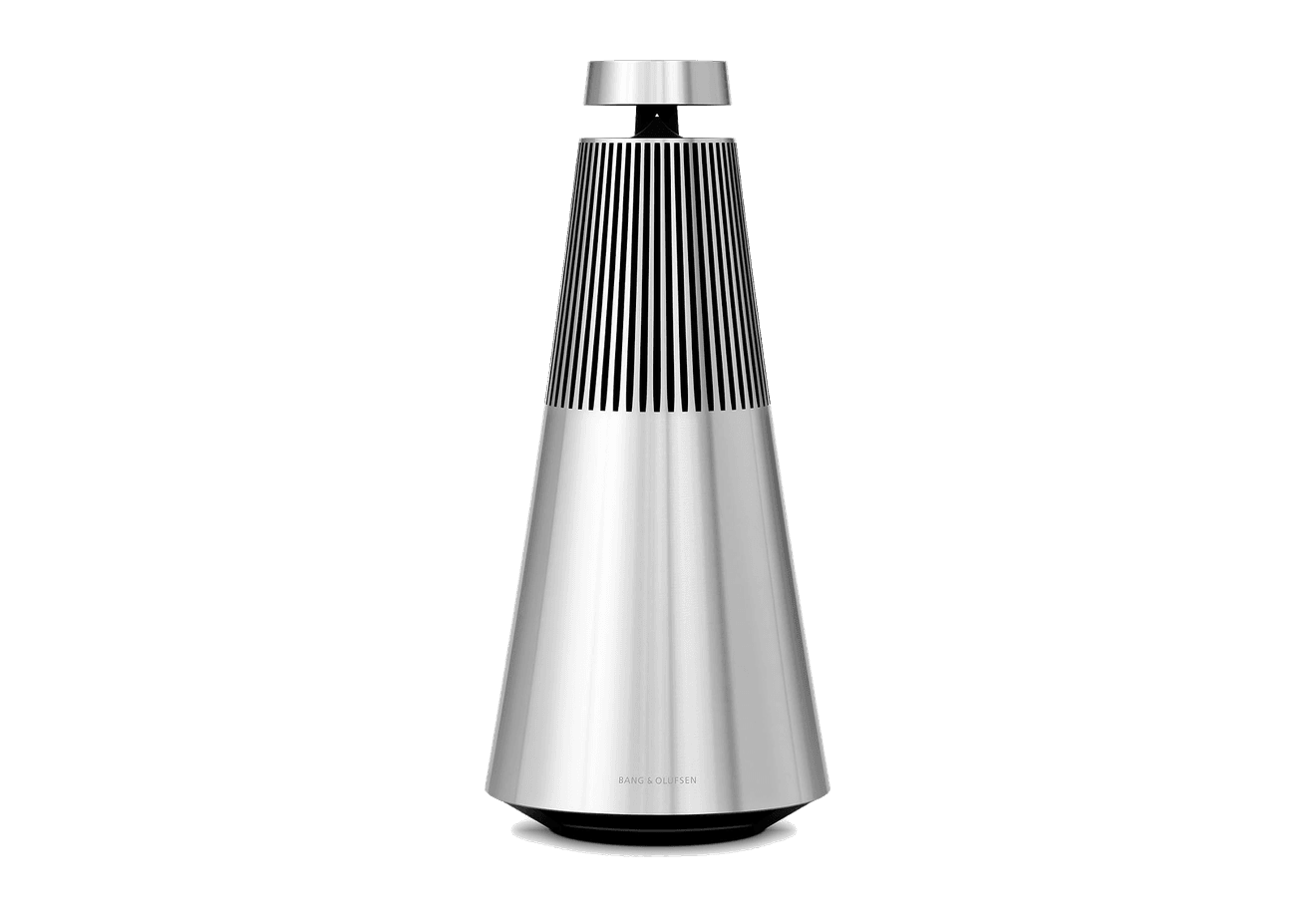
Beosound 2
A sculptural 360-degree wireless speaker with AirPlay 2.
HardwareAudioiOS & macOS
Flow 2
A CNC aluminum low-profile keyboard with cloud-soft switches and VIA.
HardwareKeyboards & MiceiOS & macOS
Flow Lite84
A slim tri-mode mechanical keyboard built for comfortable Mac typing.
HardwareKeyboards & MiceiOS & macOS
Q15 Max
A premium wireless ortholinear keyboard for Mac.
HardwareKeyboards & MicemacOS
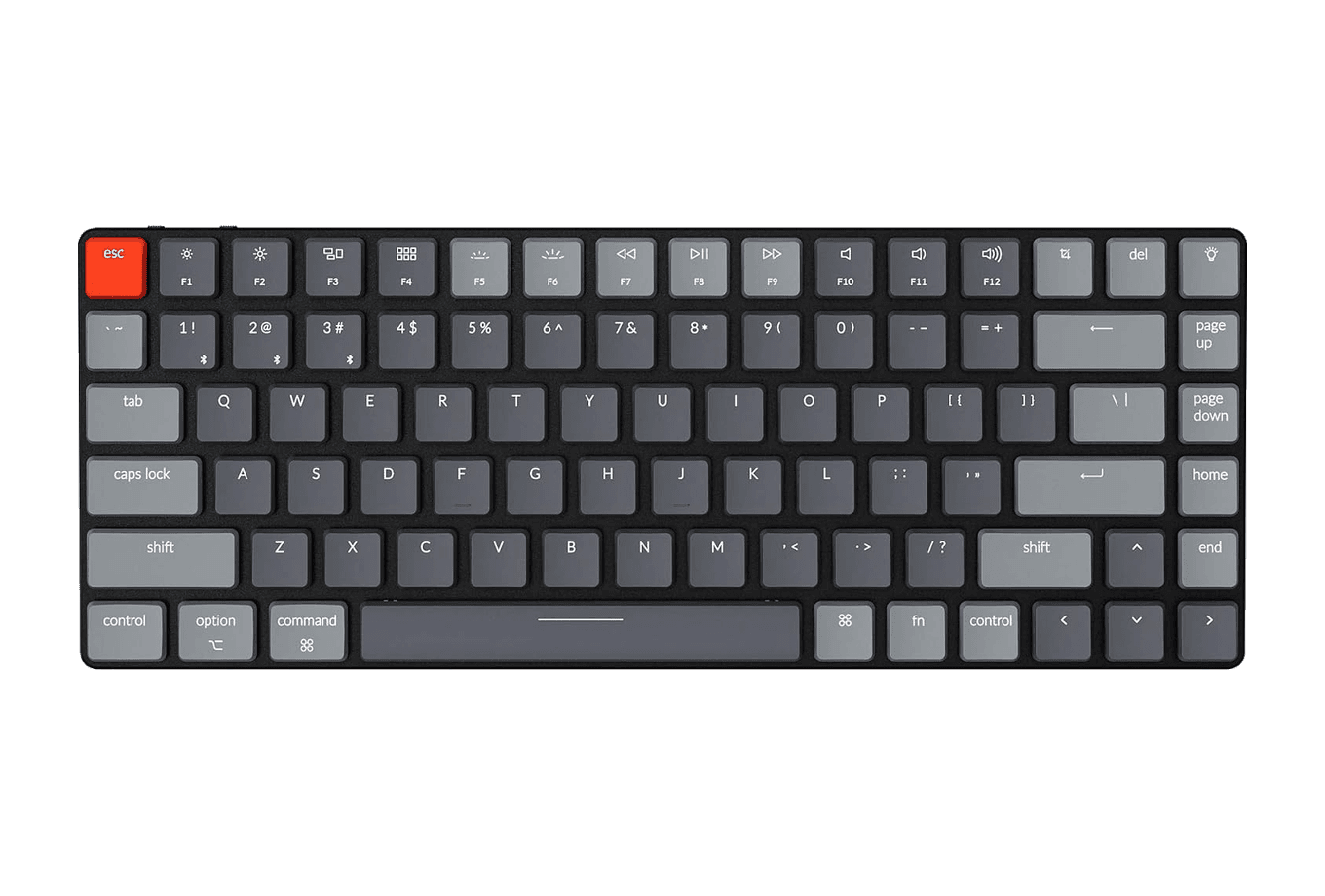
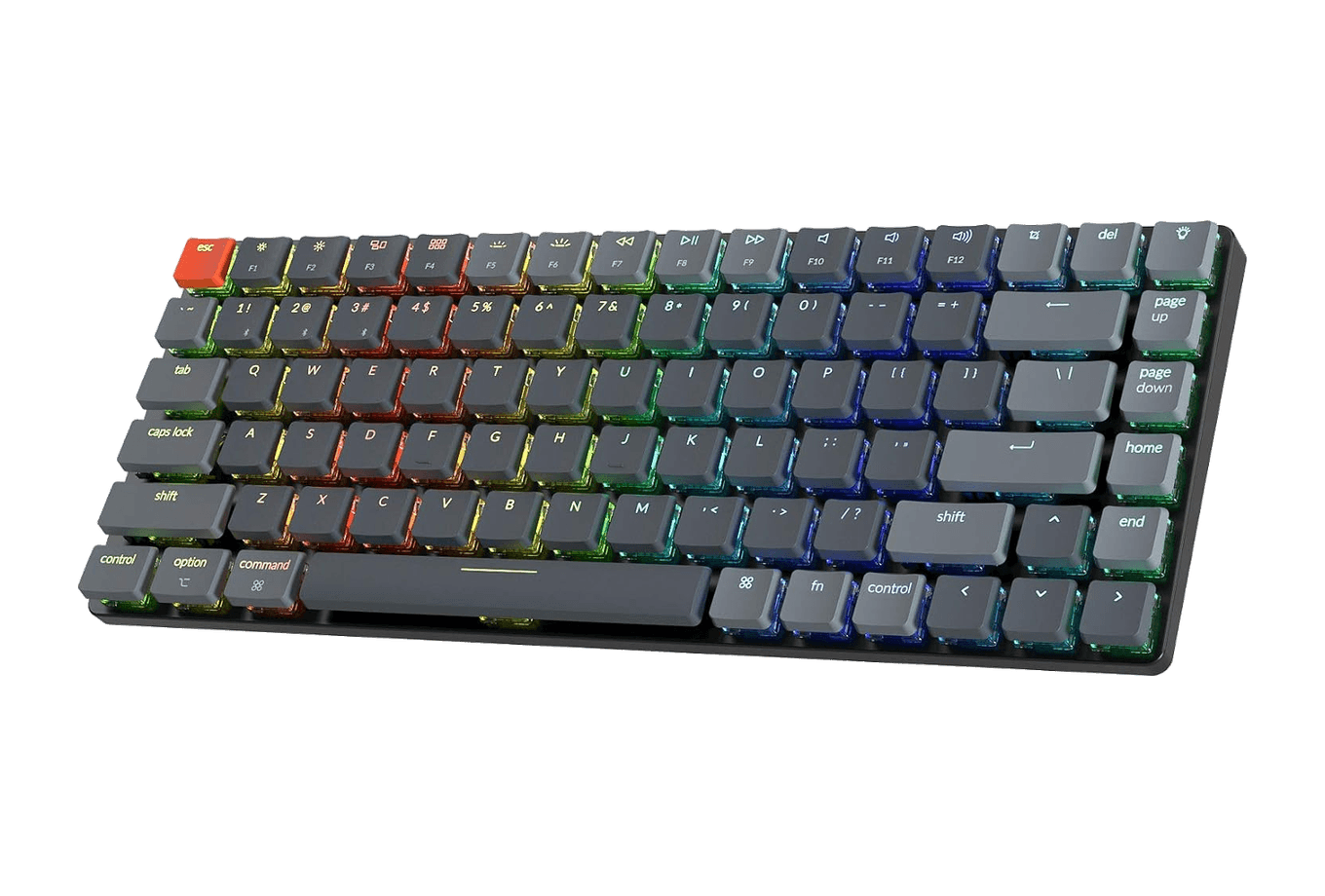
K3 Ultra-slim
An ultra-slim 75% mechanical keyboard built for Mac.
HardwareKeyboards & MiceiOS & macOS
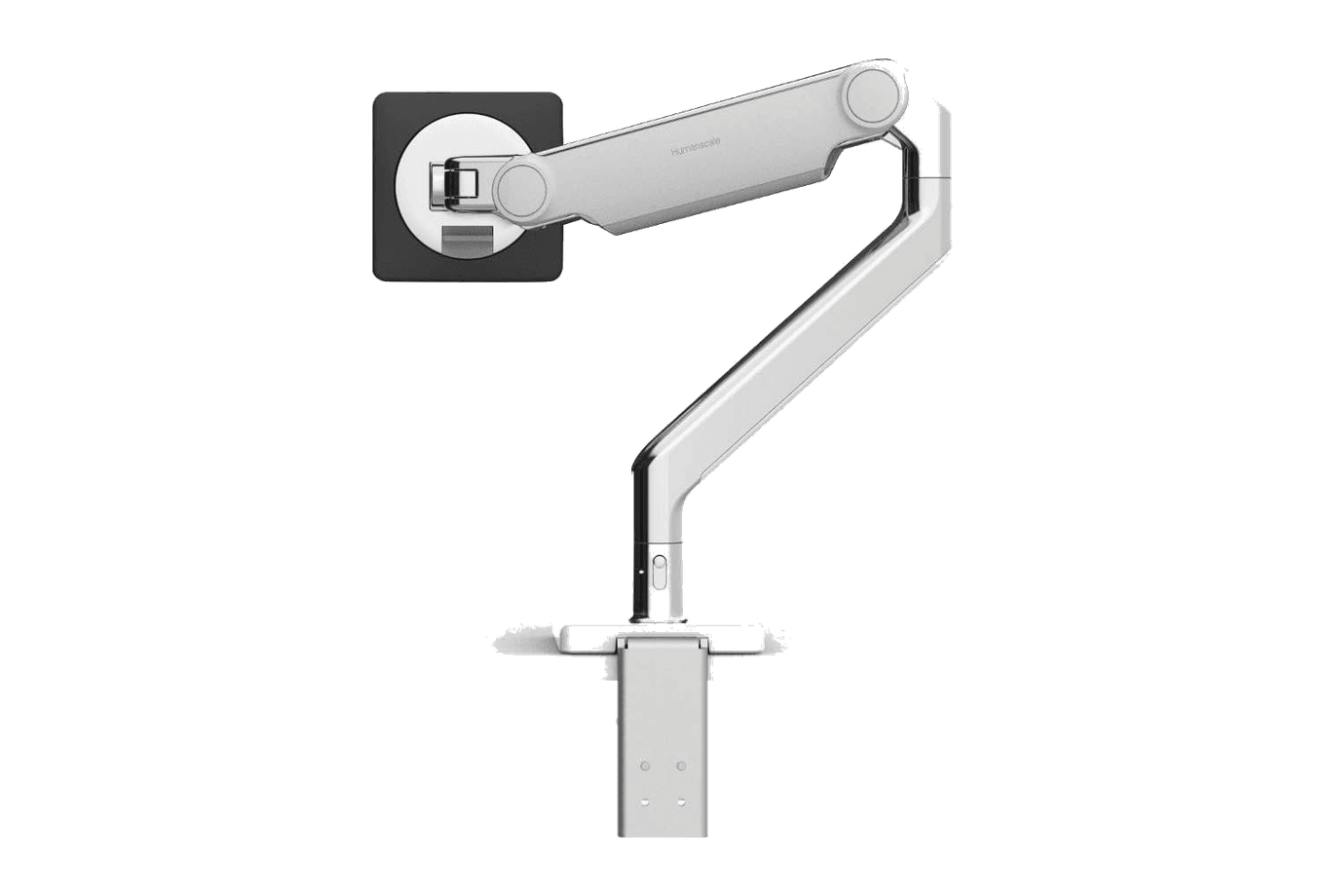
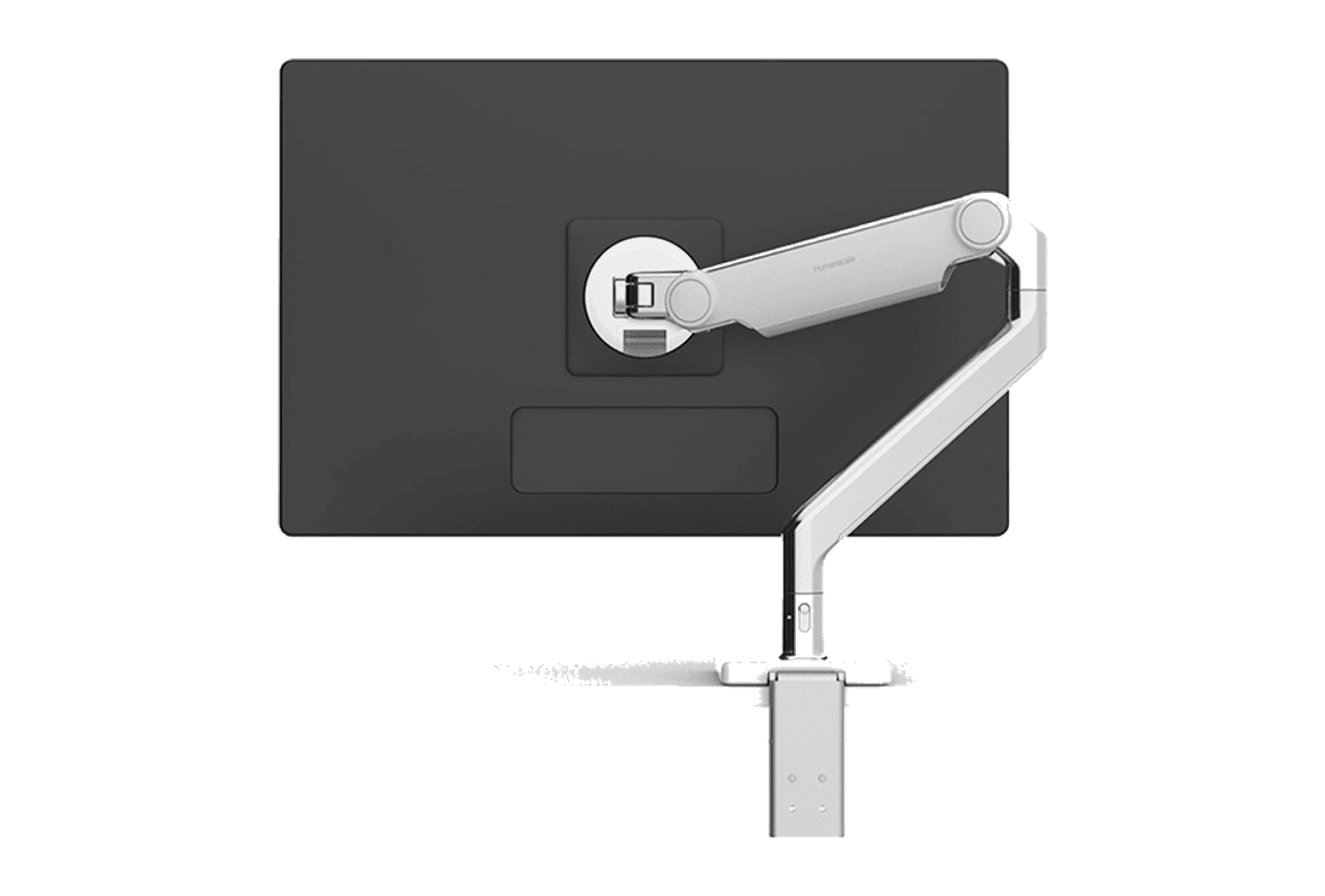
M2.1 Monitor Arm
A slim, adjustable monitor arm for a cleaner ergonomic desk.
 Dudu
Dudu