Best Mac Dock Replacements: Cooldock, Dockset, TinyFolder | Macfolio
Best Mac Dock Replacements: Cooldock vs Dockset vs TinyFolder
Cooldock, Dockset, and TinyFolder all promise a better Mac Dock, but each takes a different approach. Here is how they compare on widgets, layouts, and price.
The macOS Dock has barely changed in years. It holds your apps, shows what is running, and that is about it. If you have ever wished it could show your next meeting, control your music, or swap its icons when you switch from work to side projects, you are the audience for a new wave of Mac Dock apps.
Three of them keep coming up in Macfolio searches: Cooldock, Dockset, and . They are often described as Dock replacements, but each one takes a different approach, and only one of them can actually stand in for Apple's Dock most of the day. Here is how they compare, what they cost, and which one fits the way you work.
Shotbase is a comprehensive tool designed to capture and manage all your screen-based content effortlessly. With features like stunning screenshot capabilities, recording options that include cinematic effects, and an intuitive organizational structure powered by local AI, you can easily keep your multimedia assets organized and accessible. Shotbase not only allows you to capture specific areas, windows, or full screens on your Mac but also enables you to edit and enhance your captures with backgrounds, frames, and annotations. The integrated AI ensures your captures are automatically named and tagged for easy searching, making it an excellent choice for anyone looking to enhance their productivity and creativity in one seamless workspace.
SoftwareCreativemacOS
DeskMinder
For Easily Distracted Minds
Freemium
DeskMinder is a productivity software application designed for Mac users who struggle with distractions. It provides a straightforward interface for creating desktop pop-up reminders and tasks, helping users manage urgent to-dos, short breaks, and fleeting ideas. With features like full-screen notifications and Apple Reminders integration, DeskMinder aims to enhance focus and time management for i
- With features like easy-to-create desktop pop-ups for reminders and tasks, it simplifies the process of staying on top of urgent to-dos, short breaks, or fleeting ideas.
- Users can benefit from full-screen notifications, Apple Reminders integration, and flexible widget placement, making it ideal for anyone requiring a little extra help to maintain focus.
- The app includes additional shortcuts for quick reminder setups and customizable widget options, along with a history tracking feature to monitor daily progress.
Designed specifically for Mac users, DeskMinder aims to facilitate better time management and productivity for those with attention challenges, providing a seamless user experience without unnecessary complexity.
SoftwareProductivitymacOS
Klack
Satisfying sound with every keystroke
Paid
Klack is a macOS application designed to enhance the typing experience through high-fidelity sound for each keystroke. It provides features such as immersive spatial audio, instant feedback, and customizable sound options, making it suitable for writers, developers, and anyone who values an engaging typing environment. The app is easily accessible from the menubar and offers extensive configuratio
- Provides immersive spatial audio for enhanced typing feedback.
- Allows customization of keystroke sounds, pitch variations, and volume settings.
- Features a menubar interface for quick access to configuration options.
- Supports instant feedback with each keystroke for a more engaging experience.
- Designed for writers and developers seeking auditory feedback while typing.
Klack enhances the typing experience on Mac by providing high-fidelity sound for each keystroke.
SoftwaremacOS
TypoTab
TypoTab, the ultimate AI writing assistant for
Paid
TypoTab is a macOS application that functions as an AI-driven writing assistant. It enhances writing efficiency by providing tools for grammar correction, text rephrasing, and content generation, all accessible from the menu bar without needing to switch applications. This tool is designed for writers, students, and professionals looking to streamline their writing process and improve productivity
- Provides grammar correction and text rephrasing directly from the menu bar.
- Allows text refinement in any application without switching contexts.
- Offers customizable actions to meet individual writing needs.
- Streamlines repetitive writing tasks for improved efficiency.
- Supports a wide range of applications, enhancing workflow across platforms.
TypoTab is a macOS application that enhances writing efficiency by providing grammar correction, text rephrasing, and content generation directly from the menu bar. It allows users to refine text in any application without switching contexts, offering customizable actions to suit individual writing needs.
SoftwareProductivitymacOS
Agent Caffeine
Keep your Mac awake for agents
One-time
Agent Caffeine is a Mac menu bar utility that prevents sleep while AI coding agents are working, then allows the Mac to sleep when work stops.
- Track activity from agents including Claude Code, Codex, and Cursor.
- Keep the Mac awake with the lid closed during active work.
- Allow a configurable grace period when an agent waits for input.
- Send notifications when agents need attention or finish.
- Pause sleep prevention or stay reachable for a set duration.
Closed-lid operation on battery requires an approved helper. Battery and temperature safeguards can release sleep prevention. Includes a seven-day trial, followed by a one-time purchase with lifetime updates.
SoftwareUtilitiesmacOS
VMPal
Run virtual machines on Apple silicon
One-time
VMPal is a virtual machine manager for Apple silicon Macs. Run macOS, Windows 11, and Linux environments alongside your Mac apps, with tools for development and AI agent workflows.
- Download and install supported operating systems.
- Share folders, clipboard contents, and files with guests.
- Save snapshots and restore earlier machine states.
- Forward ports for guest web servers and SSH.
- Connect AI agents through built-in MCP controls.
- Import virtual machines from Parallels.
Requires an Apple silicon Mac running macOS 26 or later. Perpetual licenses include one year of updates and support; renewal is optional for further updates. A trial is available.
SoftwareDevelopmentmacOS
Dockorate
Decorate your Dock with seasonal scenes
One-time
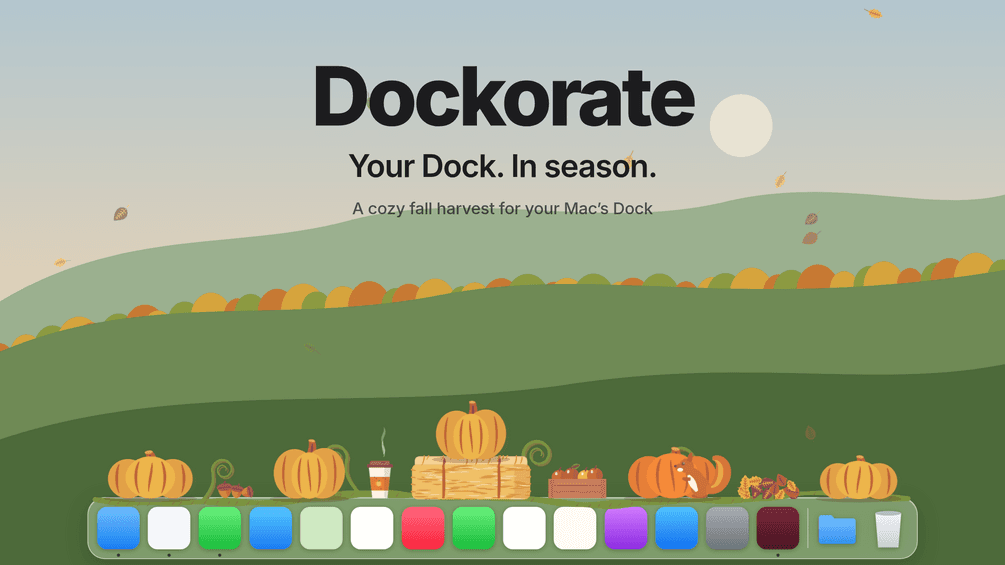
Dockorate is a Mac menu bar app that adds interactive decorations along the top of your Dock. Its first edition features a fall harvest with pumpkins, leaves, and small animated details.
- Click pumpkins to smash them and watch them regrow.
- Choose decoration density and toggle individual extras.
- Follow Dock magnification, resizing, and auto-hide.
- Match light or dark appearance and respect Reduce Motion.
- Pause decorations for presentations and screen sharing.
Requires macOS 13 or later and a Dock positioned at the bottom of the screen. Optional Accessibility access improves the fit. One-time purchase with version 1 updates.
SoftwareUtilitiesmacOS
OneMacApp
Video audio image and PDF tools
One-time
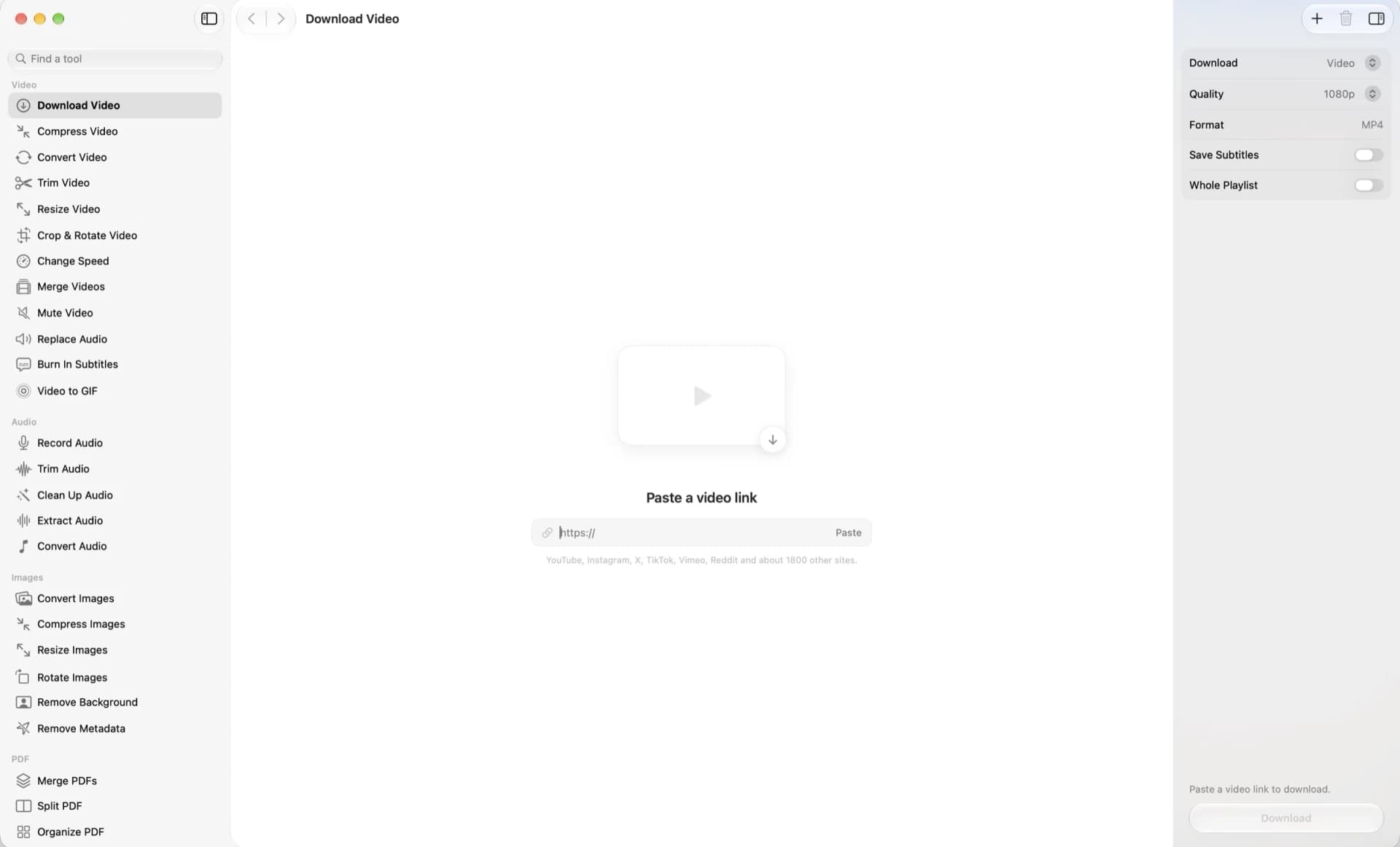
OneMacApp is a native Mac utility suite for working with video, audio, images, PDFs, and text in one interface. File processing runs locally on your Mac.
- Convert, compress, trim, and merge videos.
- Record, clean up, extract, and convert audio.
- Resize images, remove backgrounds, and strip metadata.
- Merge, split, sign, and protect PDFs.
- Transcribe, extract text, summarize, and translate with on-device Apple frameworks.
- Rename files in batches with a live preview.
A one-time purchase for macOS 26 or later. Video and audio tools require a separate FFmpeg installation; the app offers Homebrew setup. AI features depend on the required Apple models being available.
SoftwareUtilitiesmacOS
Convt
Convert files with a right-click
One-time
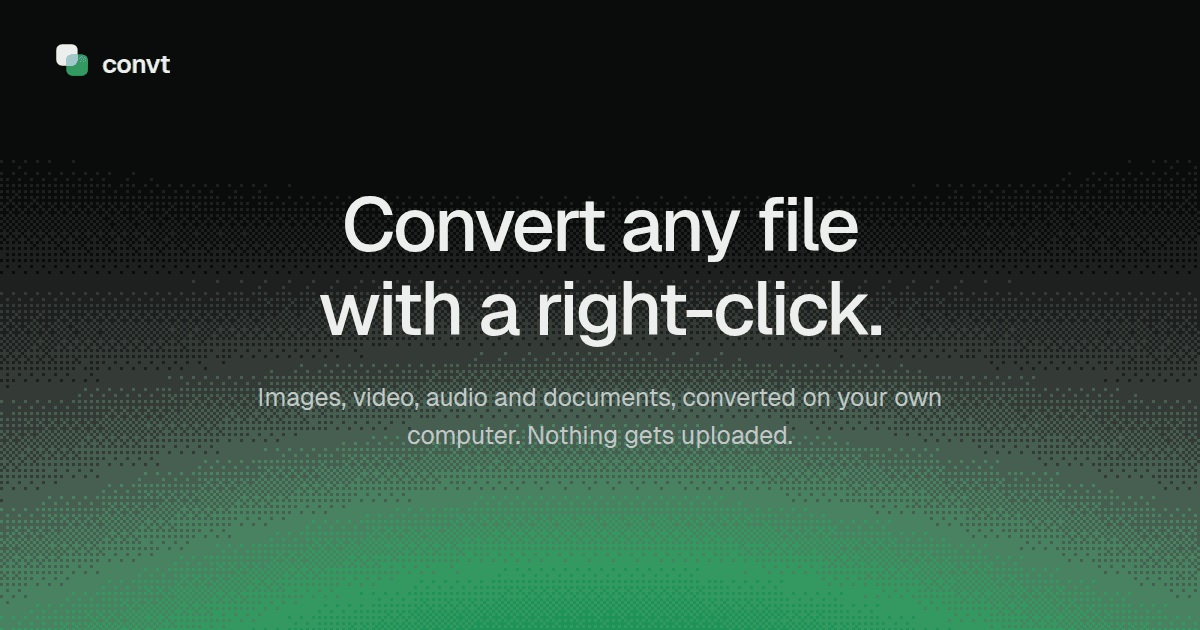
Convt is a desktop file converter for images, video, audio, and documents. Convert files on your computer through a right-click menu without uploading them.
- Convert common image formats, including HEIC, WebP, PNG, and JPEG.
- Change video and audio formats using FFmpeg.
- Convert office documents to PDF with LibreOffice.
- Export PDF pages as PNG or JPEG images.
- Process folders in batches and reuse conversion presets.
Available for macOS, Windows, and Linux with a seven-day trial. The one-time Desktop license includes 12 months of updates and continued use of that version. Pro adds optional cloud conversions and ongoing updates through a subscription.
Cooldock adds a second, widget-packed Dock beside Apple's. Pick it if you want the most widgets, including founder and developer dashboards. One-time pricing starts at $14.99 for a one-year license.
Dockset does two jobs: it saves and switches layouts of your real macOS Dock, and it can add a separate Custom Dock with widgets. Pick it if your Mac use changes through the day. Early bird pricing starts at $14.99 for one device.
TinyFolder does not replace anything. It puts beautiful, launcher-style app folders inside your existing Dock. Pick it if your only problem is too many icons. It is free to start, with a Lifetime Pro license for two Macs.
Our take: Dockset is the most flexible all-rounder, Cooldock is the richest widget Dock, and TinyFolder is the lightest fix. Many people will be happiest pairing TinyFolder with one of the other two.
Do you actually need a Dock replacement?
Before you install anything, it is worth knowing what Apple already gives you. In System Settings, Desktop & Dock lets you change the Dock's size, turn on magnification, move it to the left, bottom, or right edge, hide it automatically, and stop suggested and recent apps from appearing (Apple Support). You can also drag a folder into the Dock to keep files a click away.
What macOS cannot do is show live information in the Dock, keep different sets of apps for different contexts, or give you app folders that look and behave like a launcher. That is the gap these three apps fill. One important limit applies to all of them: running apps always appear in Apple's Dock, and no third-party app can switch that off. TinyFolder says so plainly in its FAQ.
Cooldock vs Dockset vs TinyFolder at a glance
Prices are US list prices from each developer's site at the time of writing and may change.
Cooldock
Dockset
TinyFolder
What it is
A second Dock with live widgets
Saved macOS Dock layouts plus an optional Custom Dock
App folders that live in your Dock
Replaces Apple's Dock?
No, it sits beside it (you can auto-hide Apple's)
Optional: Custom Dock with macOS Dock auto-hide
No, it works inside it
Widgets
Yes, the largest set of the three
Yes, about two dozen built in, in Custom Docks only
No
Profiles or layouts
Multiple Dock profiles
Profiles you switch by shortcut, menu bar, swipe, or Focus
Multiple folders (direct version)
Price
$14.99 one year, Lifetime from $34.99, Forever Edition $115.99
Early bird from $14.99 (1 device), one year of updates
Free Starter, Lifetime Pro for 2 Macs
Refund window
14 days
14 days
7 days
Requires
macOS 14 Sonoma or later
macOS 13 Ventura or later
macOS 13 or later (direct), 13.1 or later (App Store)
Best for
Widget lovers, founders, developers
People whose work changes through the day
Anyone with too many Dock icons
Cooldock: the widget Dock
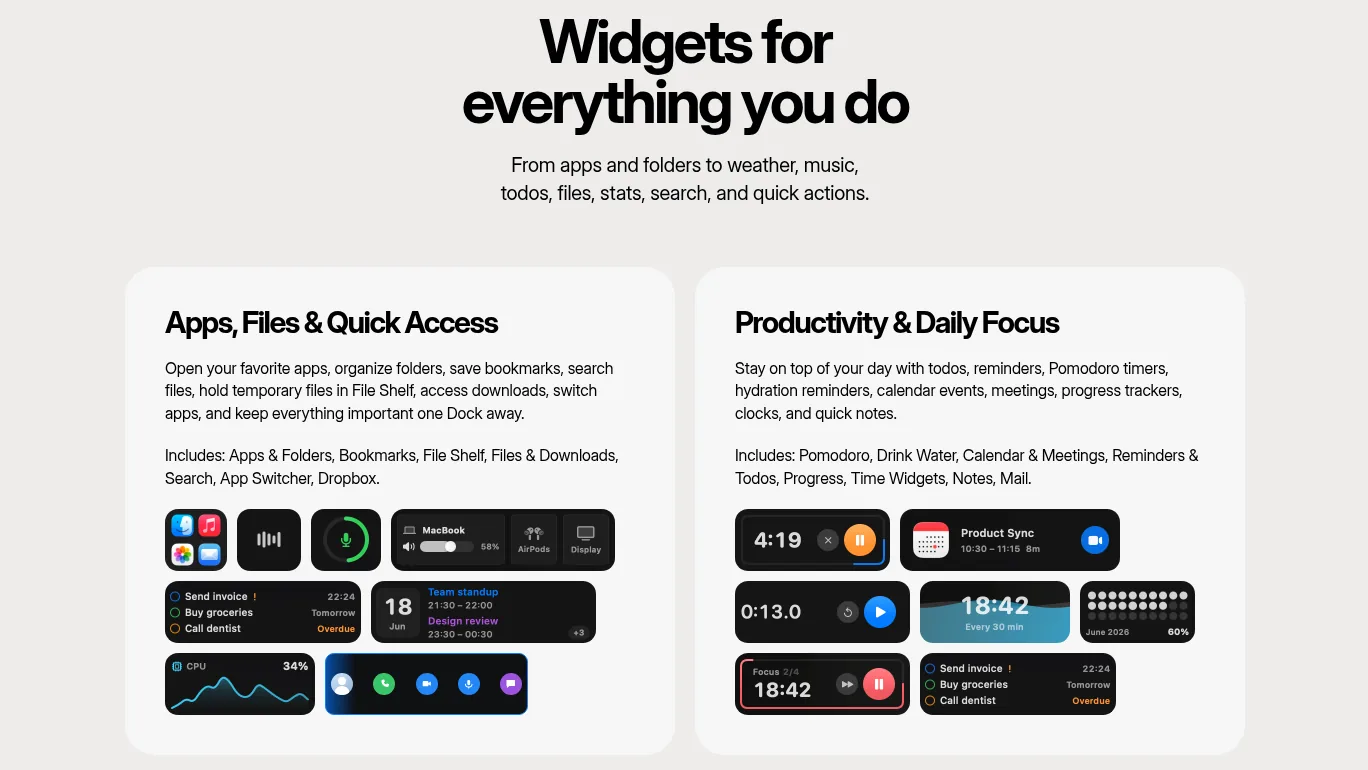
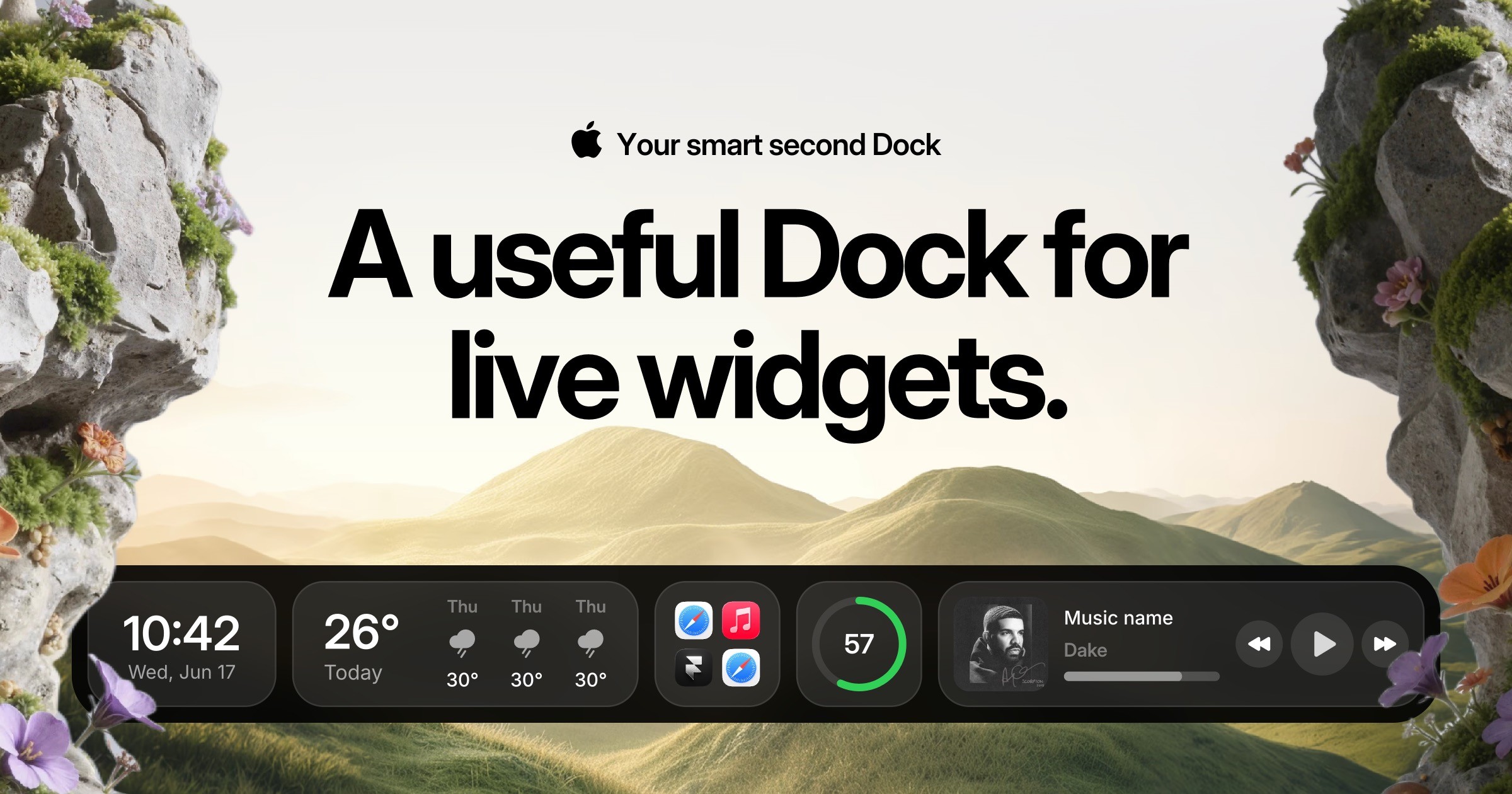
Cooldock (styled CoolDock by its developer, Appit Studio) is a second Dock that sits beside the one you already have. Instead of only app icons, it holds live widgets: music, weather, calendar events and meetings, reminders and todos, Pomodoro timers, notes, system stats, quick toggles, clipboard, screenshots, voice memos, and a file shelf for temporary files. You can still pin apps, group them into folders, and add favorite folders.
The widget list goes much further than you would expect. There are founder widgets for revenue, social followers, website analytics, Shopify, Dub, Plausible, Polar, and Dodo Payments, and developer widgets for GitHub, Linear, and Supabase. If you check the same dashboards a dozen times a day, having them one glance away at the bottom of the screen is the strongest argument for Cooldock.
Cooldock groups its widgets into categories, from app and file shortcuts to timers, reminders, and calendar events. Image: Cooldock
It is not a true replacement, and the developer is clear about that: Cooldock works beside the original Dock, so you can leave Apple's exactly as it is or combine Cooldock with macOS Dock auto-hide for a cleaner look. It supports multiple Dock profiles, floating layouts, wallpapers from Backgrounds.Supply, and external displays. Some widgets ask for permissions such as Calendar, Reminders, Photos, Microphone, or Accessibility, but only when you add a feature that needs them. Local widgets run on your Mac.
Pricing is all one-time, with no subscription, but read the tiers carefully. The $14.99 One Year License stops working after 12 months. Lifetime Access starts at $34.99 for one Mac and keeps working forever, with one year of updates. The $115.99 Forever Edition covers up to five Macs with all future updates. Each license counts per macOS user account, and every tier has a 14-day money-back guarantee. Cooldock needs macOS Sonoma 14.0 or later.
Choose Cooldock if you want the most capable widget Dock and you like the idea of a dashboard strip rather than a reinvented Dock.
CooldockA useful Dock for live widgets.Visit WebsiteCooldock brings music, todos, events, weather, search, stats, quick actions, and more useful widgets into one beautiful live dock beside your original Mac Dock.
- Integrates live widgets for music, weather, todos, and events into a customizable second Dock.
- Provides quick access to favorite apps, folders, and system stats from a compact interface.
- Supports reminders and calendar events for efficient task management.
- Allows for real-time monitoring of system performance, including CPU and RAM usage.
- Features quick actions for toggling settings like Wi-Fi and Bluetooth directly from the Dock.
Add live widgets, quick actions, apps, folders, search, stats, weather, calendars, reminders, and more into a beautiful second Dock beside your original Mac Dock. This app provides a seamless way to enhance your productivity and streamline everyday tasks with easily accessible widgets.Visit Website
Dockset: different Docks for different parts of your day
Dockset, made by Vznaries AS, is the most flexible of the three because you can use it in two ways.
The first way does not add anything new on screen. Dockset can save layouts of your real macOS Dock, including pinned apps and spacers, and switch between them. You could have a work Dock with Slack and Xcode, a personal Dock with Music and Photos, and a writing Dock with almost nothing in it. Switching profiles does not open or close apps or move windows. If you like Apple's Dock and simply want it to change with your context, this mode alone may be enough.
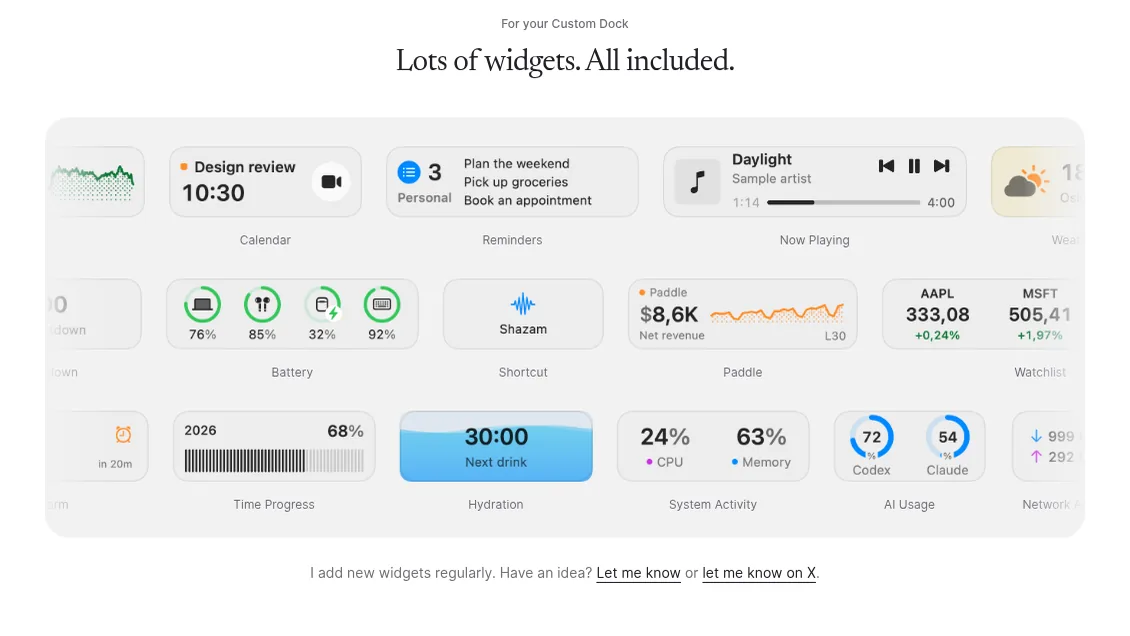
The second way is a separate Custom Dock that can hold apps, files, folders, links, macOS Shortcuts, an AirDrop drop target, and widgets. The built-in widget library includes Calendar, Reminders, Now Playing, Weather, Focus Timer, Sticky Note, Battery, clocks and timers, Hydration, System Activity, Network Activity, AI Usage, Stock and Watchlist, plus Stripe, Paddle, and Shopify widgets for people who sell online. Widgets only work in Custom Docks, and Dockset uses its own widgets rather than Apple's desktop widgets.
Dockset's built-in widgets live in its Custom Dock, including calendar, battery, system activity, and AI usage. Image: Dockset
To get the closest thing to a real Dock replacement, Dockset's setup options include "Custom Dock + auto-hide macOS Dock." Apple's Dock stays available when you reach the screen edge, and an option called "Hide when macOS Dock appears" moves Dockset out of the way.
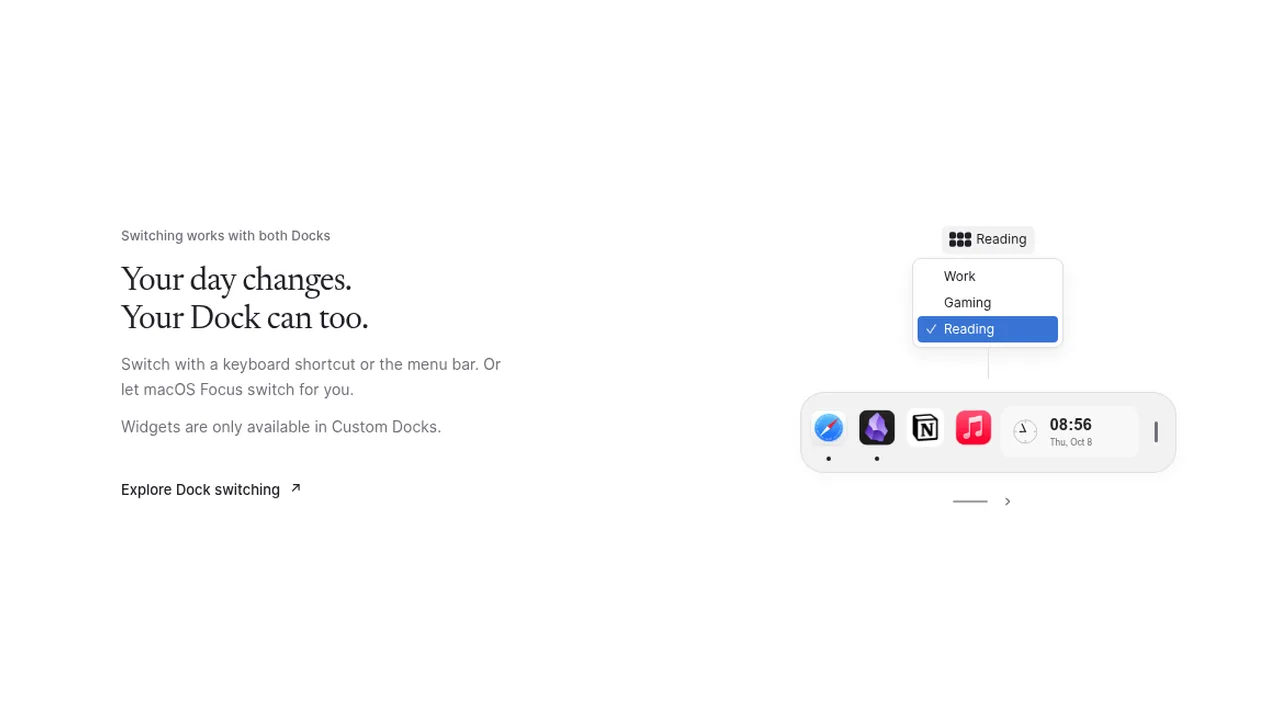
The switching options are where Dockset feels most thought through. You can change setups with a keyboard shortcut, the menu bar, a two-finger swipe, or Command and scroll, or let macOS Focus switch for you automatically. Setups can be exported and imported, there is no Dockset account, and your layouts stay on your Mac. On macOS 26 you can pick a Liquid Glass material.
Switch Dock setups such as Work, Gaming, or Reading from the menu bar, a shortcut, or a Focus mode. Image: Dockset
Dockset requires macOS 13 Ventura or later. Early bird pricing is $14.99 for one device, $19.99 for two, and $24.99 for three, all one-time purchases with one year of updates and a 14-day money-back guarantee. After the first year you keep using your version forever.
Choose Dockset if you want your Dock to change with your day, or you want widgets and the option to keep Apple's Dock.
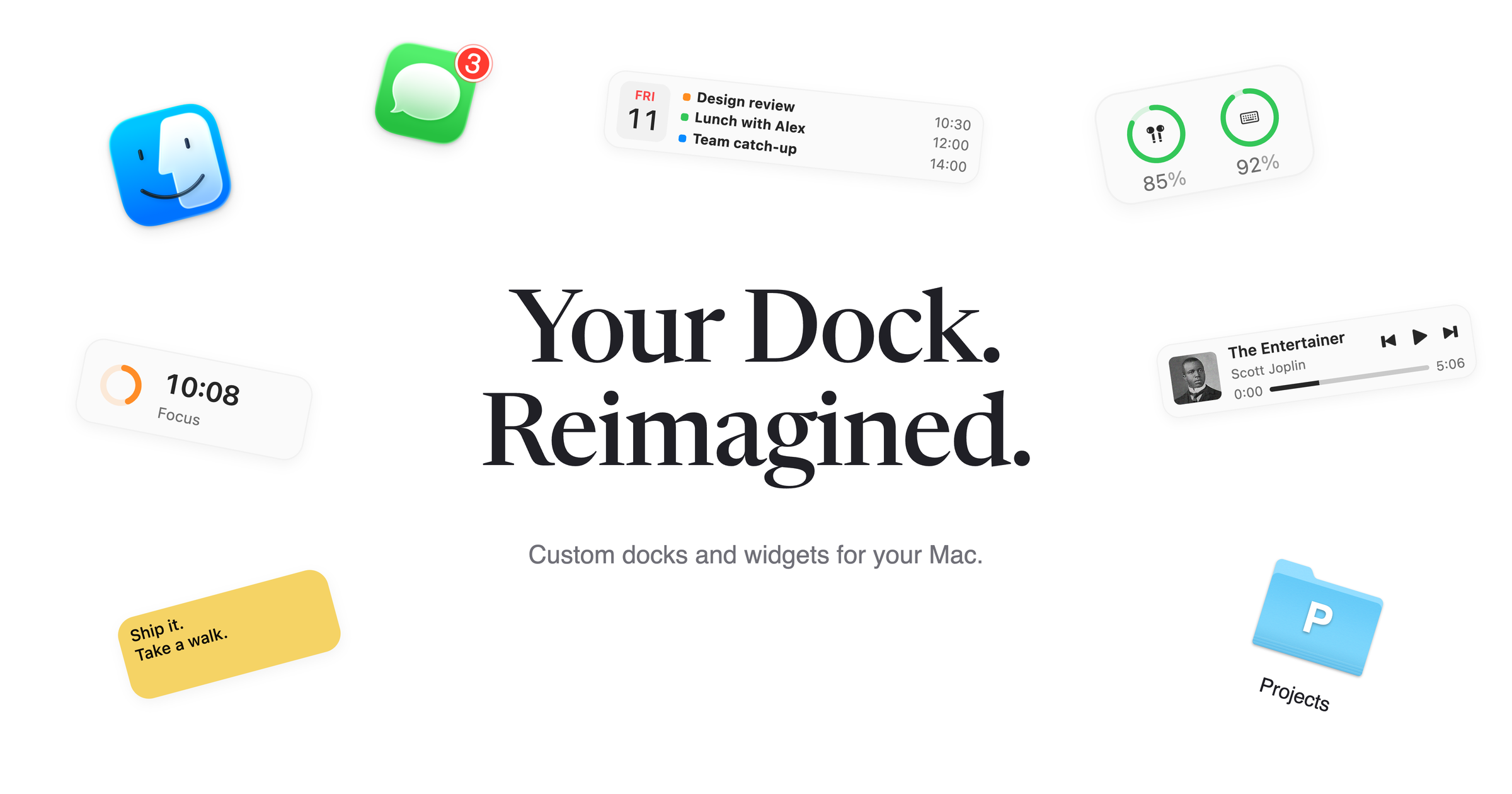
DocksetCustom docks and widgets for MacVisit WebsiteDockset lets you build custom docks for your Mac and save different layouts for work, personal projects, or everyday use. Add apps and widgets to a custom dock, or save and switch the pinned apps in your existing macOS Dock.
- Switch setups with keyboard shortcuts, the menu bar, two-finger swipes, or automatically through macOS Focus.
- Add 20 built-in widgets, including music controls, calendars, reminders, focus timers, weather, and system activity.
- Keep folders, files, links, macOS Shortcuts, and AirDrop within reach.
- Track Stripe and Paddle revenue from dedicated widgets.
- Adjust dock placement, appearance, and auto-hide behavior, and export or import your setups.
Dockset requires macOS 13 Ventura or later and costs from $14.99 as a one-time purchase, with a 14-day money-back guarantee. Your layouts stay on your Mac, and no Dockset account is required.Visit Website
TinyFolder: fewer icons, same Dock
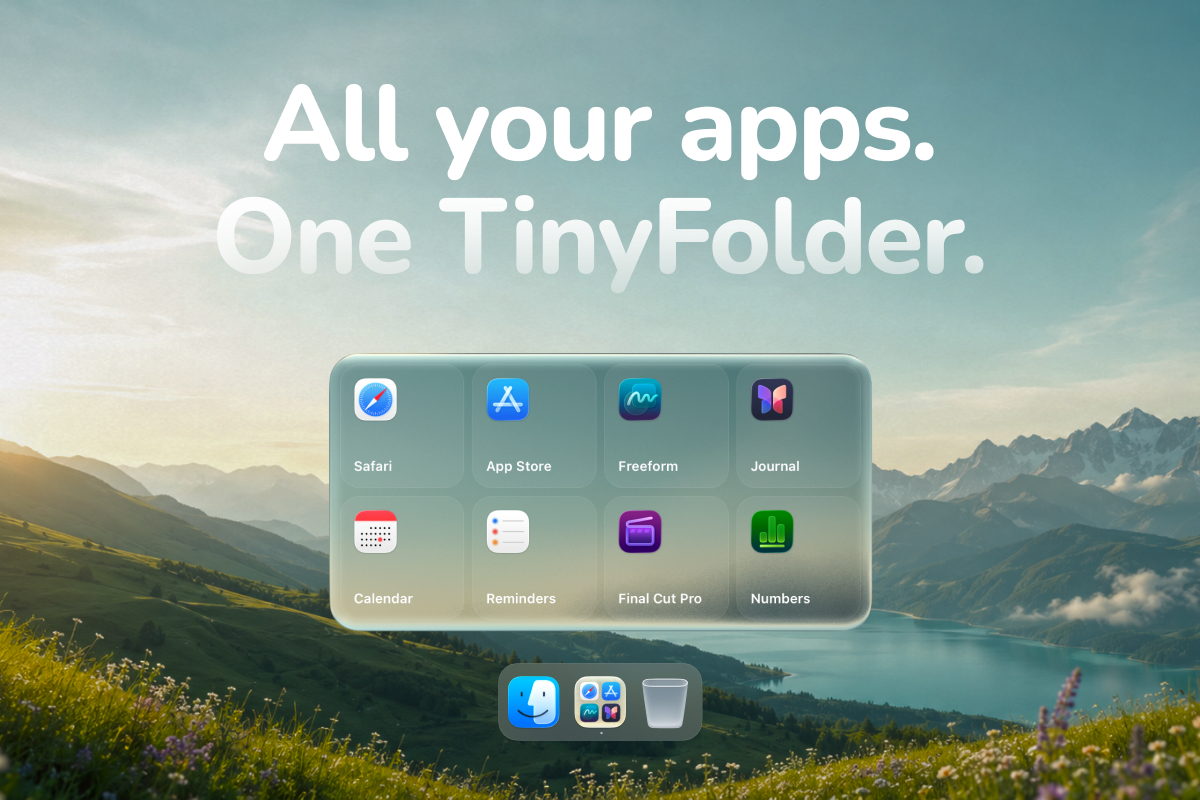
TinyFolder is the odd one out, and that is its strength. It does not add a second Dock. It lets you group the apps you use together into a custom folder that lives in your existing Dock. Click it, and a launcher-style popup opens right where you expect it.
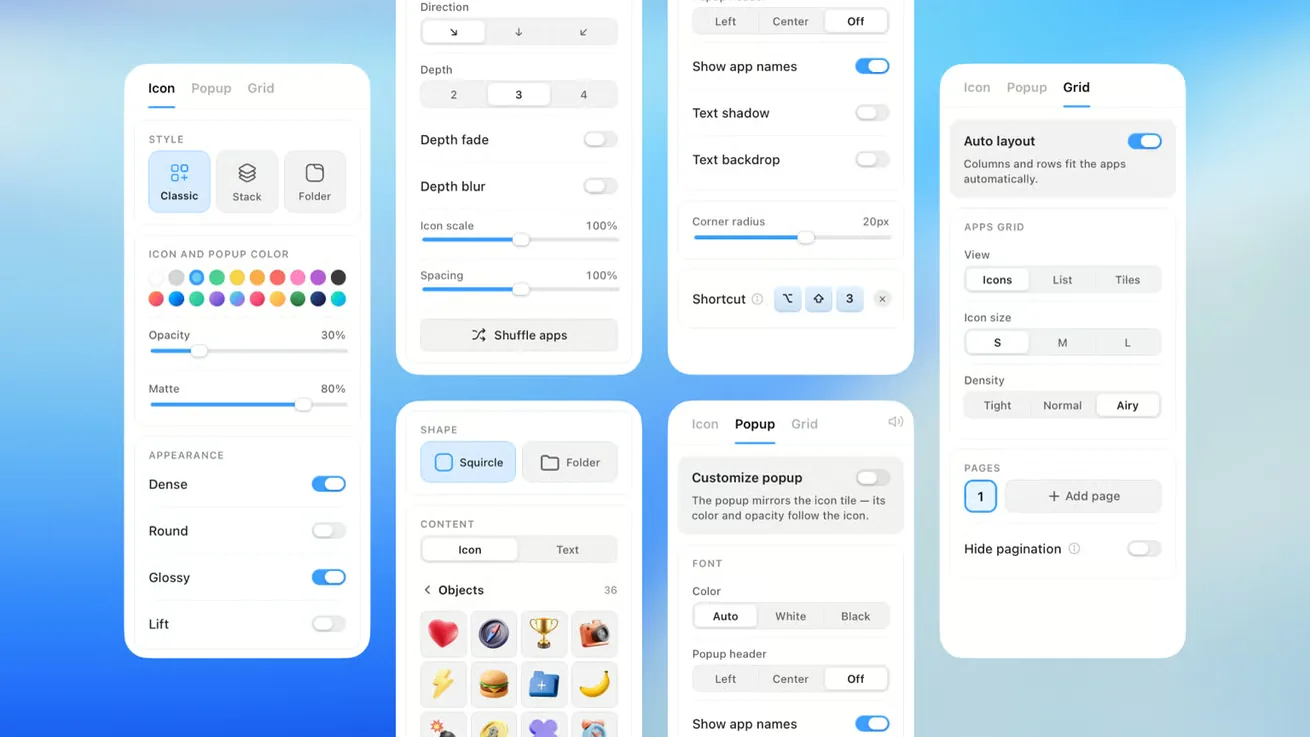
That sounds like a regular macOS Dock folder, but TinyFolder is built for launching apps rather than browsing files. Folders can show icons, a list, or big tiles, with control over columns and pages. You can style each one with glass, color, textures, custom backgrounds, and curated presets in a live editor, rename apps, hide titles, and give any folder a global keyboard shortcut so you can open it from anywhere. The developer says folders open in under half a second.
TinyFolder's Design Studio lets you style each folder's icon, popup, and grid layout. Image: TinyFolder
Be aware of what it does not do. TinyFolder launches apps but does not open documents, so you cannot drop a file onto an app inside it. Running apps still show in the Dock, because macOS puts every running app there. What TinyFolder reclaims is the space taken by apps you are not running.
There are two versions. The Mac App Store version is limited to one folder in the Dock, which the developer says is an App Store rule, and needs macOS 13.1 or later on Apple silicon. The direct download allows any number of folders and runs on macOS 13 or later on Apple silicon and Intel. Starter is free. Lifetime Pro covers two Macs and was listed at a $21 launch price (down from $32) when we checked, with a 7-day money-back guarantee. TinyFolder works offline, needs no account, and is notarized by Apple.
Choose TinyFolder if you like Apple's Dock but it is overflowing, or you want something light to pair with Cooldock or Dockset.
TinyFolderA native app launcher for your DockVisit WebsiteTinyFolder is a macOS application designed for organizing frequently used applications by creating custom folders in the Dock. This software simplifies access to apps, allowing users to group them for quicker launching. It is particularly useful for individuals looking to reduce clutter and enhance productivity by keeping their most-used applications easily accessible.
- Groups frequently used applications into customizable folders for easy access from the Dock.
- Offers various layout options, including icons, lists, and tiles, to suit user preferences.
- Supports global keyboard shortcuts for quick launching of applications.
- Allows for extensive customization of folder appearance, including backgrounds and effects.
- Available as a one-time purchase with a 7-day money-back guarantee.
TinyFolder is a native app launcher designed for macOS 13 and later, compatible with both Apple Silicon and Intel Macs. It allows users to create custom folders in the Dock for frequently used applications, enhancing organization and accessibility. The application is code-signed and notarized by Apple, ensuring a secure installation.Visit Website
Other ways to rethink the Dock
If none of the three fits, two other Macfolio picks attack the same problem from a different angle.
Orbs: skip the Dock entirely
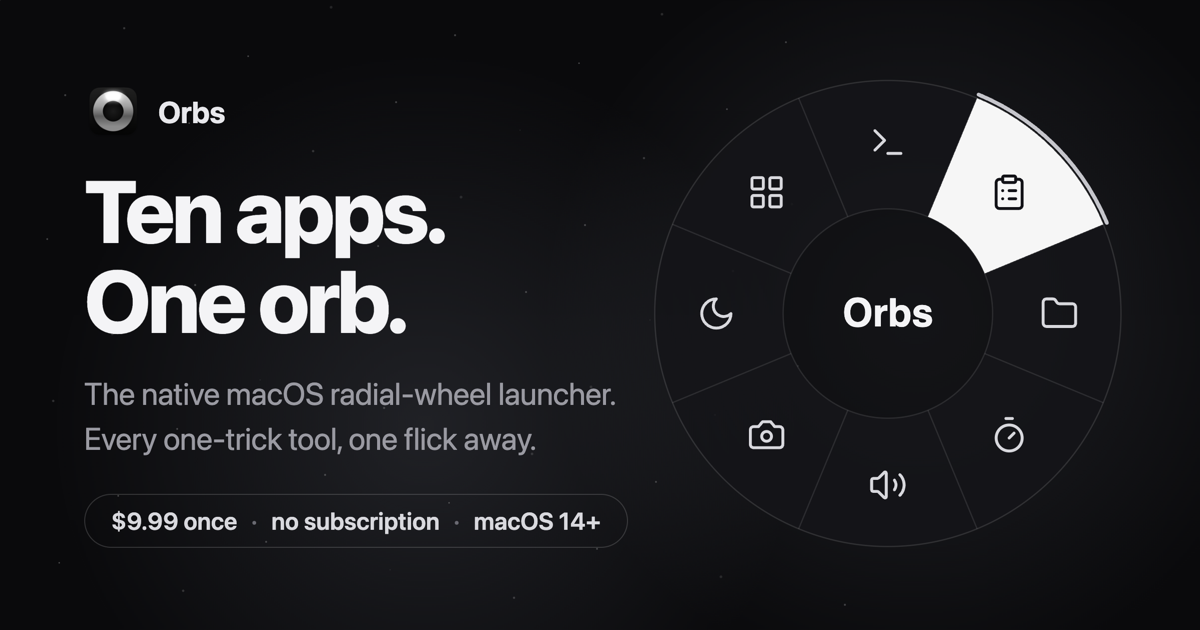
Orbs puts apps, shortcuts, and small tools on a radial wheel under your cursor. Hold a key, flick toward an action, release. Profiles give each context its own wheel, and Orbs can switch profiles automatically when a specific app comes to the front. It also includes 14 built-in tools such as a timer, calculator, clipboard, color picker, and camera mirror. It is a $9.99 lifetime license and needs macOS 14 or later. If you hide the Dock and launch everything by keyboard, Orbs (or a keyboard launcher such as Raycast) may suit you better than any Dock app.
OrbsA radial launcher for apps and toolsVisit WebsiteOrbs is a native Mac launcher that puts apps, shortcuts, and small utilities on a radial wheel beneath your cursor. Hold a key, move to an action, and release to run it.
- Launch apps, run shell commands and macOS Shortcuts, or insert text snippets.
- Build nested menus and separate profiles for different workflows.
- Switch profiles automatically based on the frontmost app.
- Use built-in tools including a timer, calculator, clipboard, color picker, and camera mirror.
- Pin tool popovers above other windows when you need them to stay visible.
Requires macOS 14 or later on Apple silicon or Intel. Its one-time lifetime license includes future updates, with local-only operation and no account required.Visit Website
DynamicLake: widgets in the notch instead
If what you really want is music controls, calendar events, and weather in view, DynamicLake puts them in a Dynamic Island style panel at the top of the screen. It is not a Dock replacement, but it takes some of the jobs people buy widget Docks for, and its compact miniLake layout keeps it out of the way.
DynamicLakeDynamic Island controls and activities for MacVisit WebsiteDynamicLake adds a Dynamic Island interface to your Mac for music, system controls, notifications, and file actions.
- Adjust volume, brightness, and keyboard backlighting from an integrated panel.
- Control music and keep calendar events and weather within view.
- Drag and drop files to preview, compress, share, AirDrop, or convert them.
- See supported messaging notifications, calls, Bluetooth events, and live activities.
- Customize the notch appearance or choose a compact miniLake layout.
Supports macOS 14 or later on Intel and Apple silicon, including Macs with and without a notch. A one-time license covers up to three devices and includes lifetime updates.Visit Website
FAQ
Can I completely replace the Mac Dock?
Not entirely. Apple's Dock always exists, and running apps always appear in it. The closest you can get is to auto-hide the macOS Dock and use a Custom Dock in Dockset, or Cooldock beside an auto-hidden Dock. The Apple Dock still appears if you move the pointer to its screen edge.
Is Cooldock or Dockset better?
Cooldock has the bigger widget library, especially for business and developer dashboards. Dockset is more flexible, because it can also manage your real macOS Dock layouts and switch them automatically with Focus. If widgets are the point, pick Cooldock. If switching contexts is the point, pick Dockset.
Is Cooldock free?
No free plan is listed on the official site. Every Cooldock plan is a one-time payment, starting at $14.99 for a license that lasts one year, with a 14-day money-back guarantee.
Does Dockset work with the regular macOS Dock?
Yes. You can use Dockset only to save and switch your macOS Dock layouts, without enabling its Custom Dock. Widgets need the Custom Dock, and Apple's own widgets cannot be added.
What is the difference between TinyFolder and a normal Dock folder?
A normal Dock folder is a file browser. TinyFolder is designed for launching apps, with adaptive layouts, custom styles, and global keyboard shortcuts. The tradeoff is that TinyFolder does not open files, so a plain macOS folder is still better for documents.
Why can I only add one TinyFolder folder?
The Mac App Store version is limited to one folder in the Dock. The version you download directly from the TinyFolder site supports any number of folders.
Do these apps slow down my Mac?
None of the developers publish performance figures beyond TinyFolder's under-half-a-second open time, so we cannot give you numbers. All three are native Mac apps that keep your setup on your Mac. If you notice a problem, each offers a money-back window.
Verdict
There is no single best Mac Dock replacement, because these apps solve different problems. Dockset is our pick for most people: it improves Apple's Dock without forcing you to abandon it, and its Focus-based switching is genuinely useful. Cooldock is the one to buy if you want a living dashboard at the bottom of your screen, and its founder and developer widgets have no real equal here. TinyFolder is the easiest win of all if your Dock is just too crowded, and it pairs nicely with either.
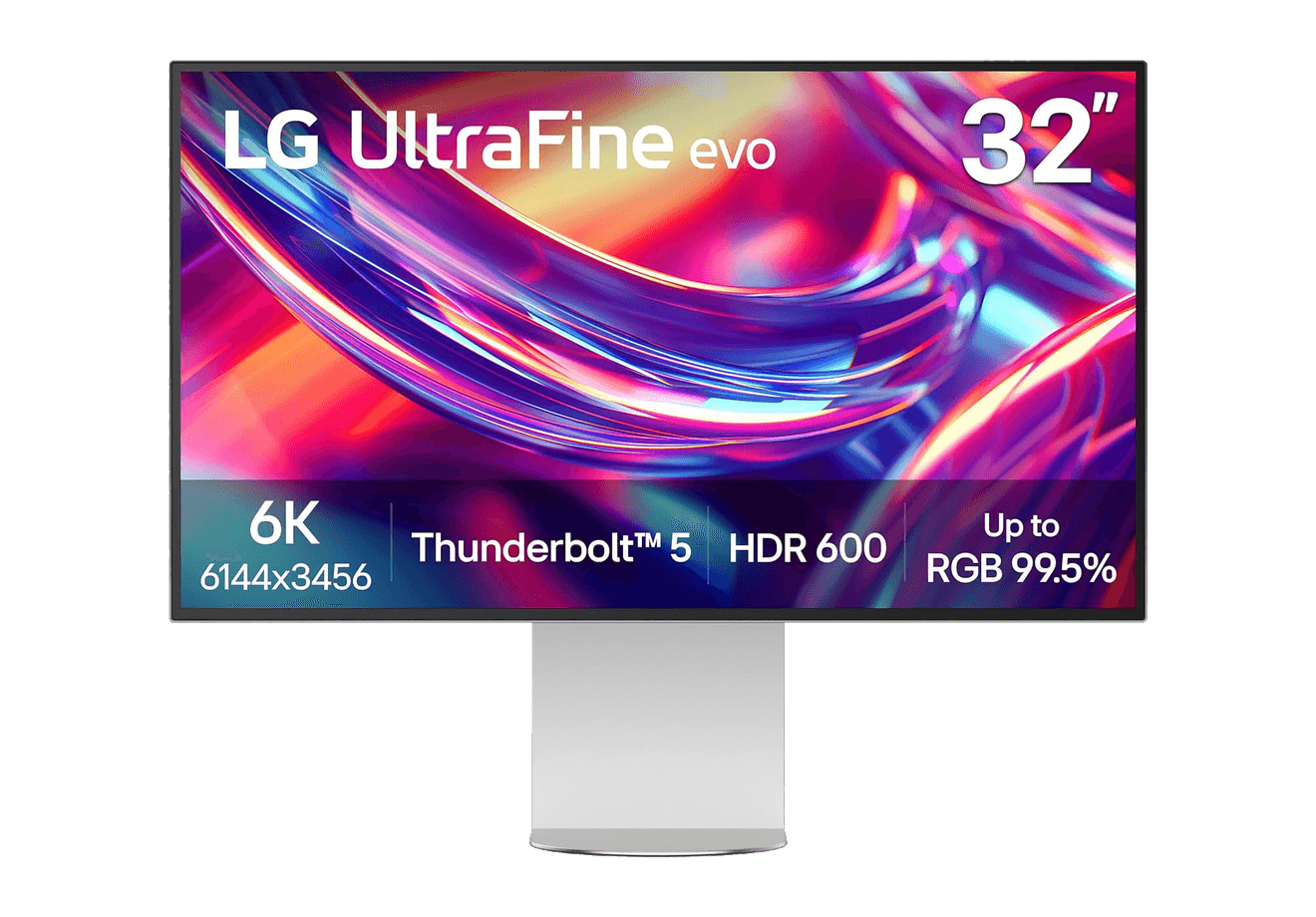
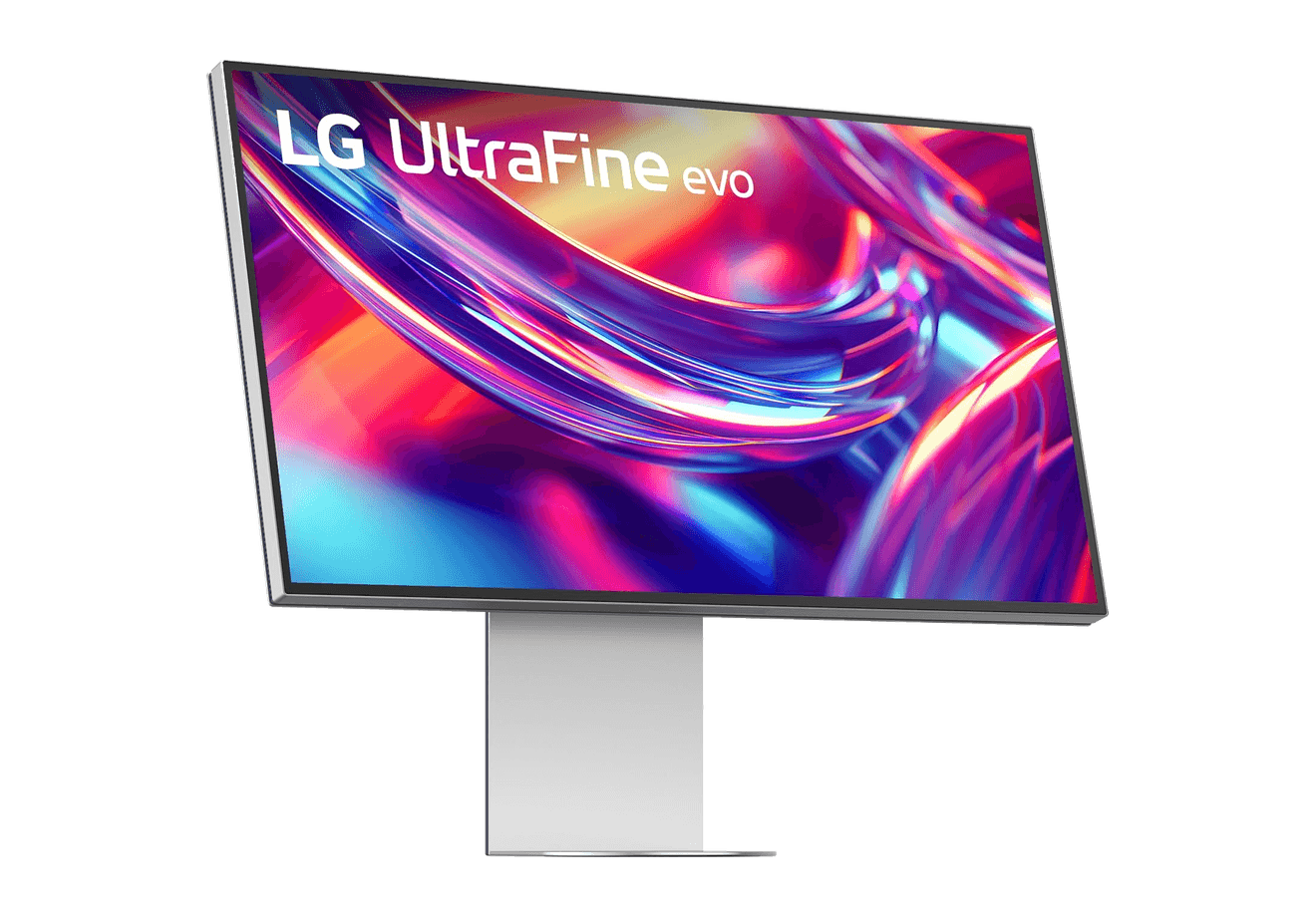
A 32-inch 6K Thunderbolt 5 display built for Mac creators.
WorkspaceDisplays
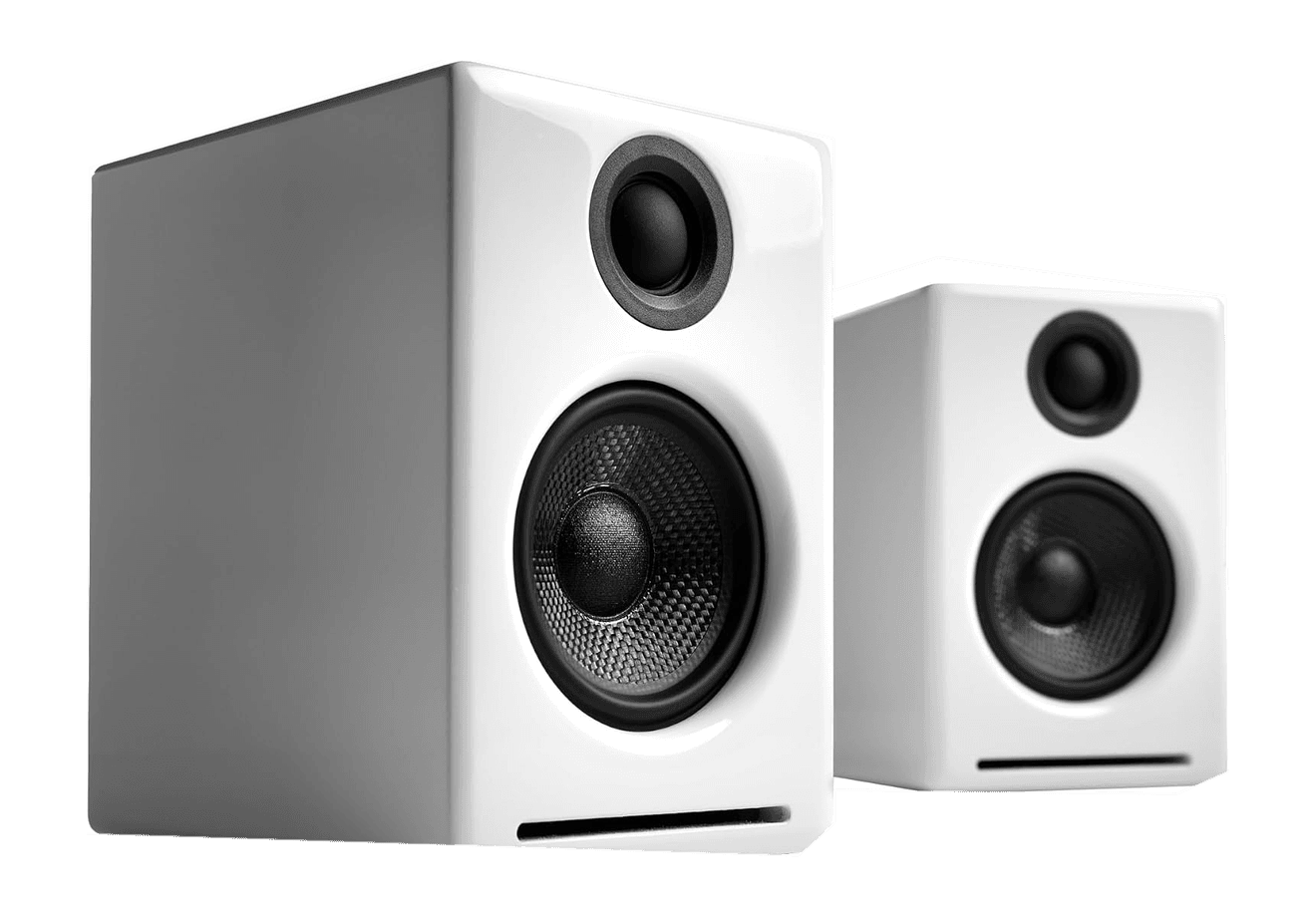
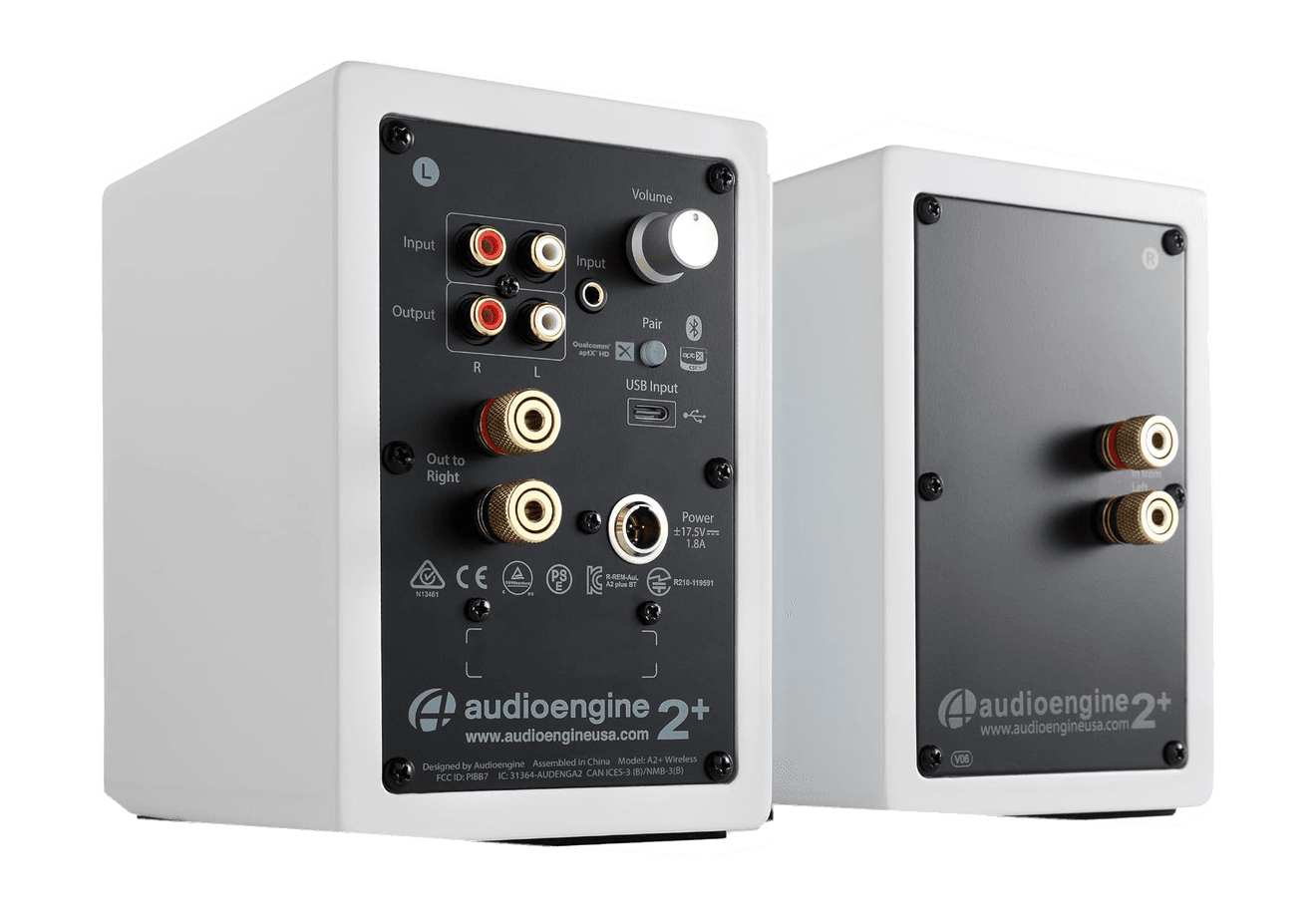
A2+ Wireless Speakers
Compact wireless desktop speakers with 24-bit audio for Mac.
HardwareAudioiOS & macOS
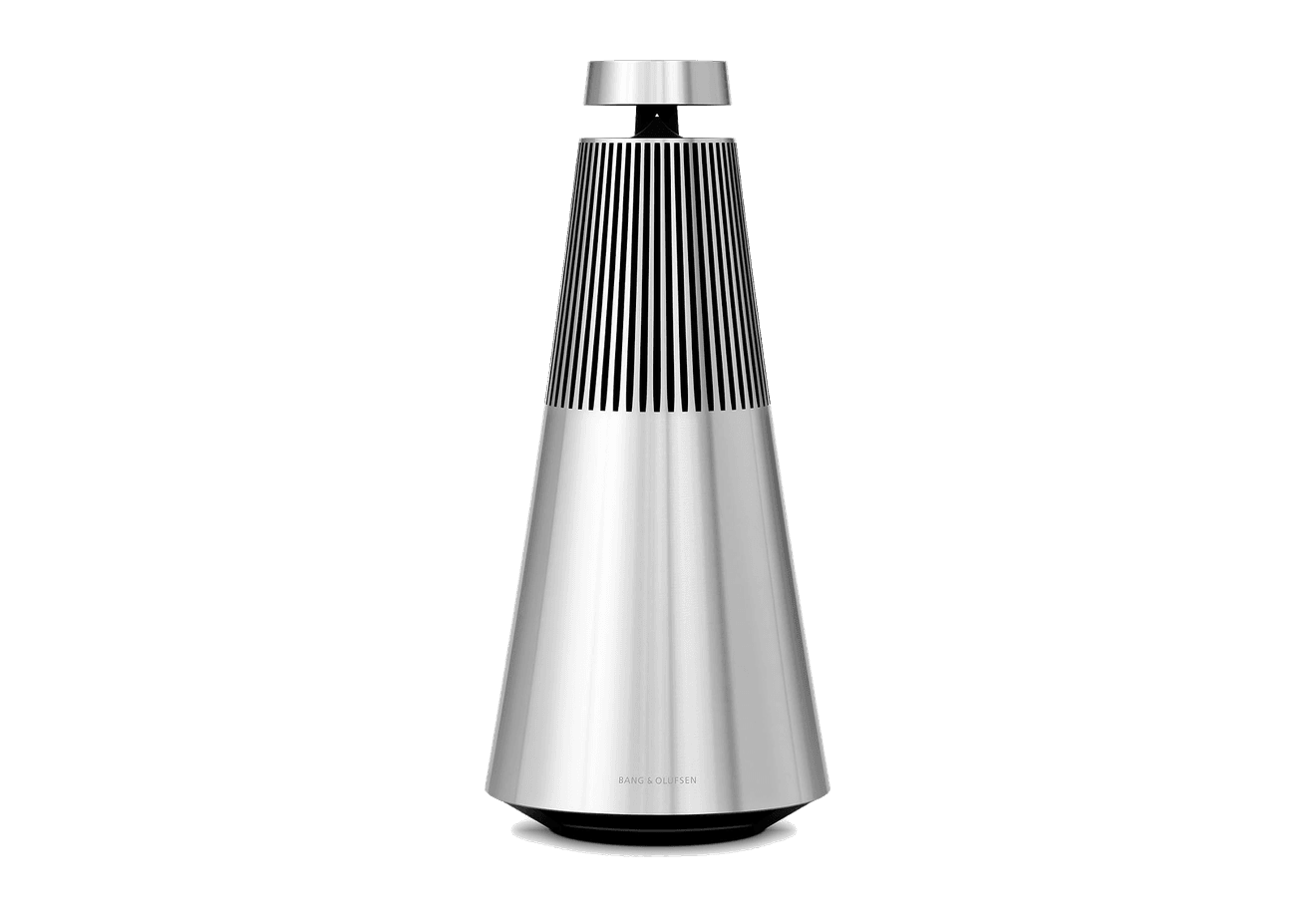
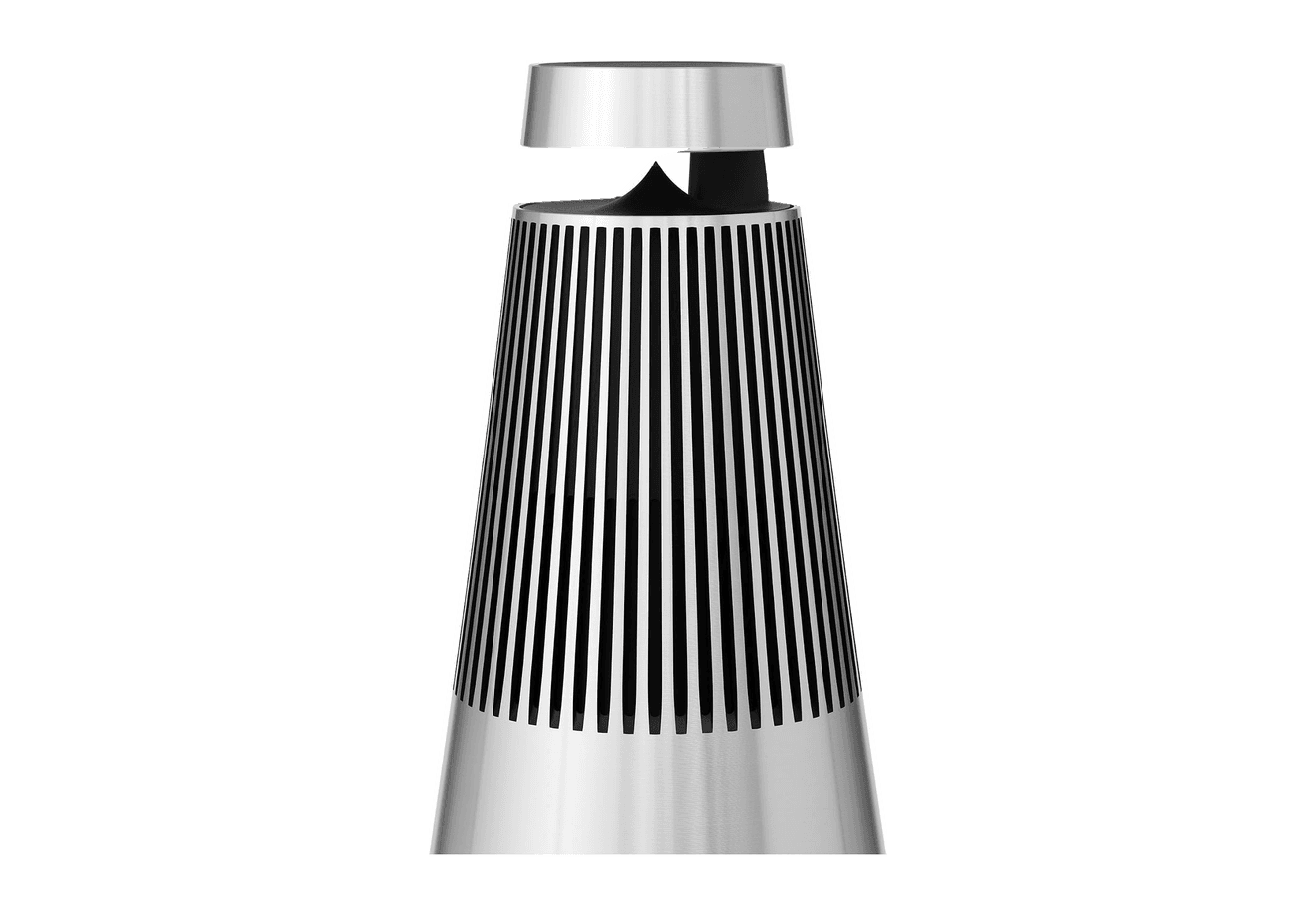
Beosound 2
A sculptural 360-degree wireless speaker with AirPlay 2.
HardwareAudioiOS & macOS
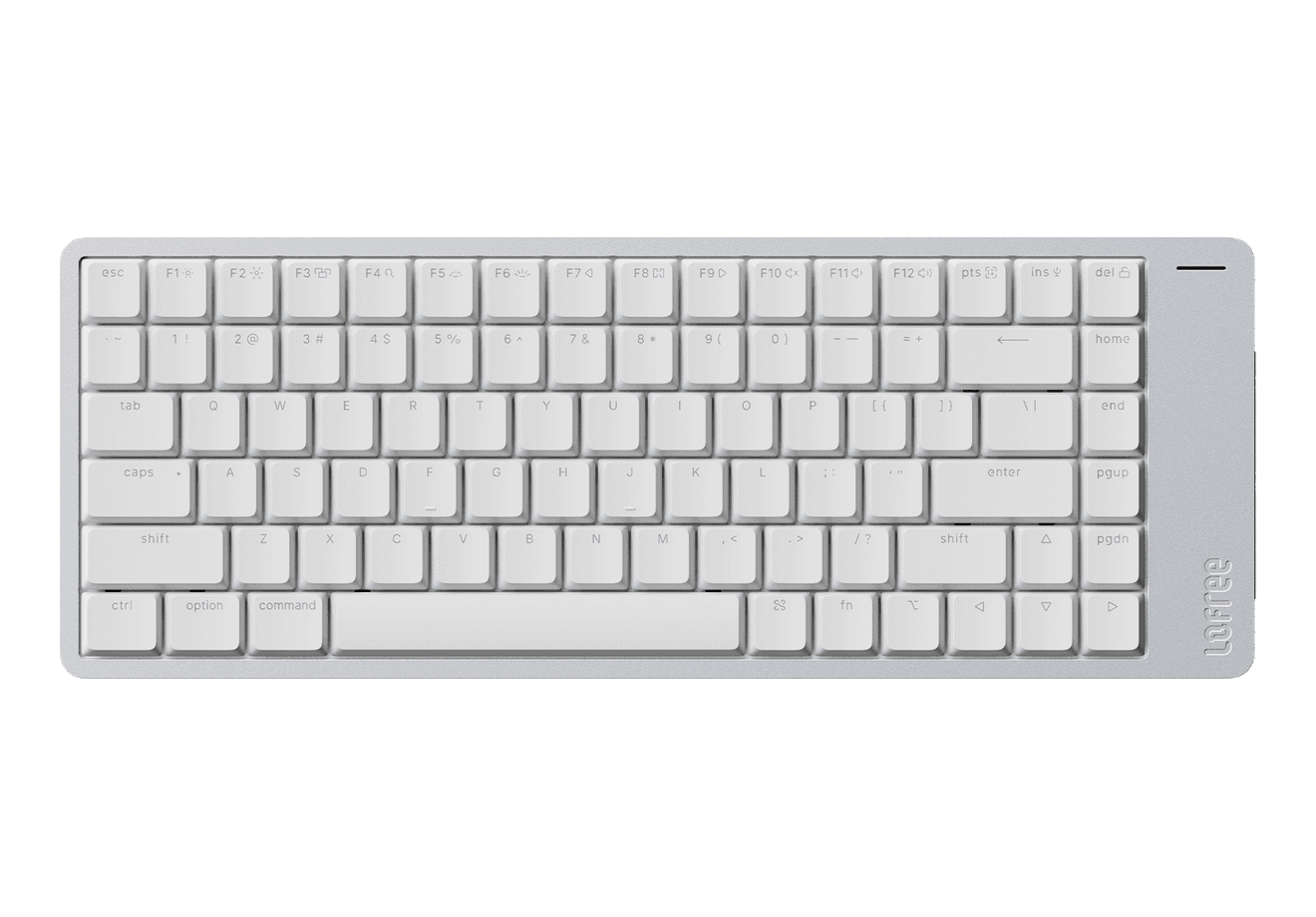
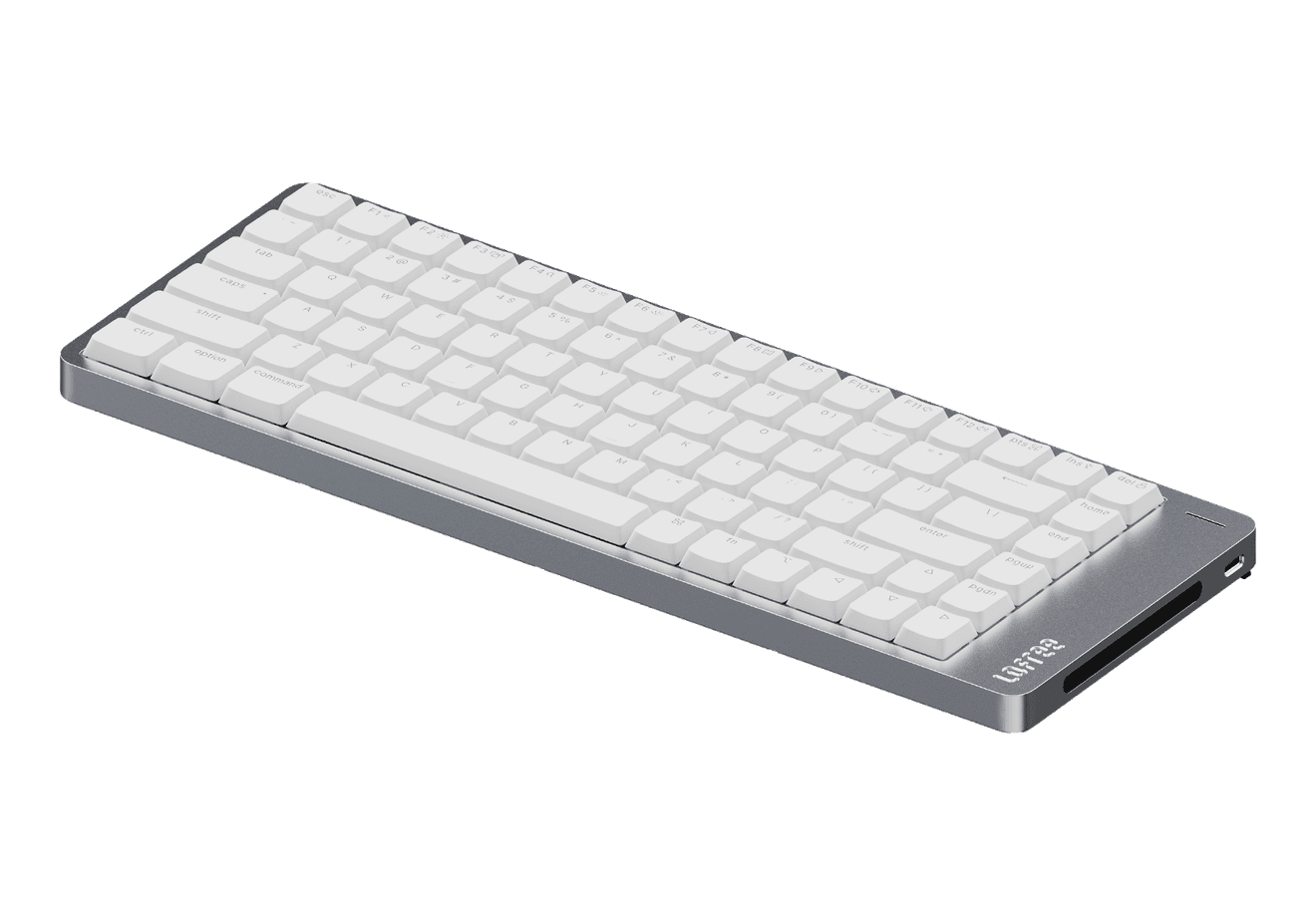
Flow 2
A CNC aluminum low-profile keyboard with cloud-soft switches and VIA.
HardwareKeyboards & MiceiOS & macOS
Flow Lite84
A slim tri-mode mechanical keyboard built for comfortable Mac typing.
HardwareKeyboards & MiceiOS & macOS
Agent Caffeine
Keep your Mac awake for agents
One-time
Agent Caffeine is a Mac menu bar utility that prevents sleep while AI coding agents are working, then allows the Mac to sleep when work stops.
- Track activity from agents including Claude Code, Codex, and Cursor.
- Keep the Mac awake with the lid closed during active work.
- Allow a configurable grace period when an agent waits for input.
- Send notifications when agents need attention or finish.
- Pause sleep prevention or stay reachable for a set duration.
Closed-lid operation on battery requires an approved helper. Battery and temperature safeguards can release sleep prevention. Includes a seven-day trial, followed by a one-time purchase with lifetime updates.
SoftwareUtilitiesmacOS
Q15 Max
A premium wireless ortholinear keyboard for Mac.
HardwareKeyboards & MicemacOS
K3 Ultra-slim
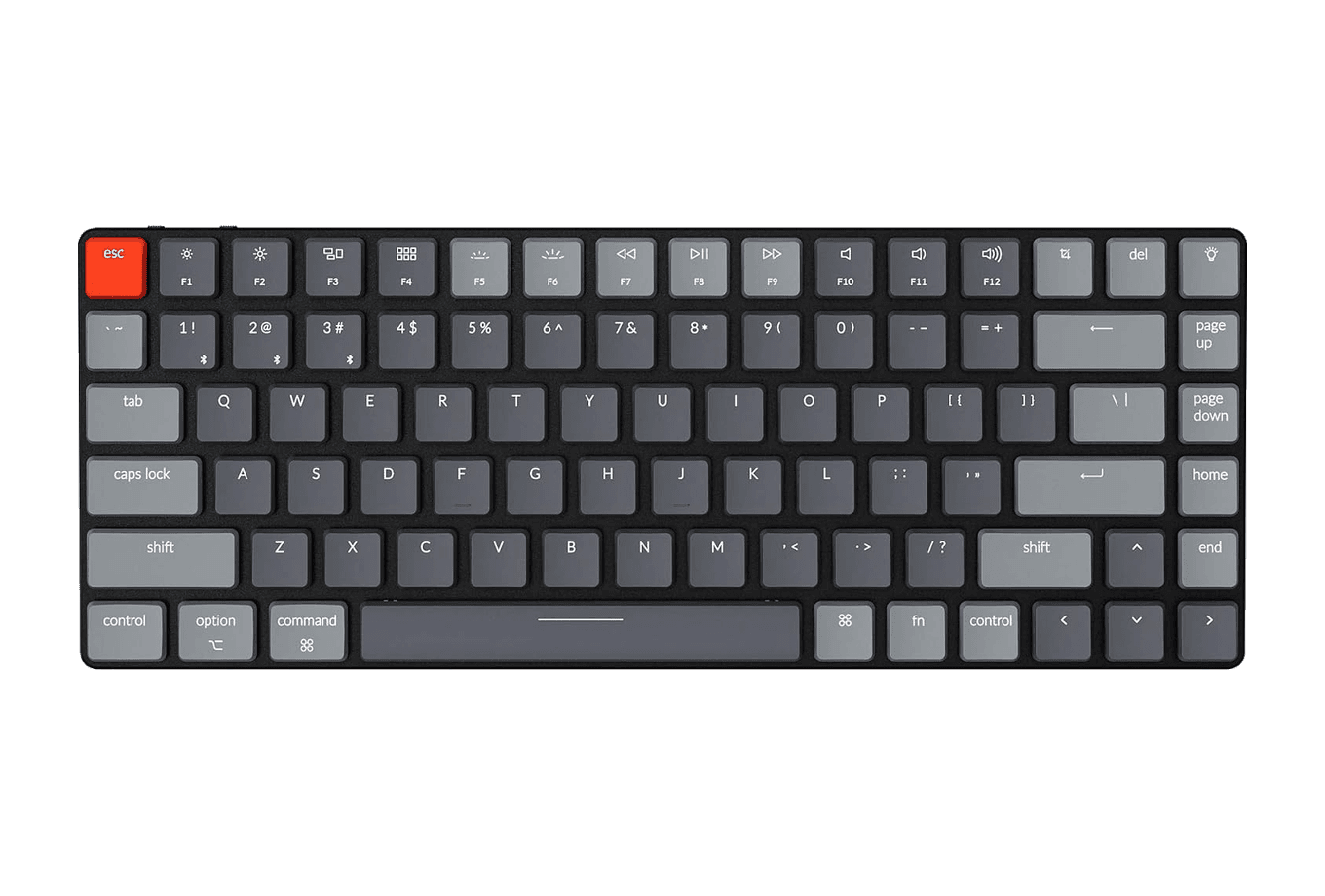
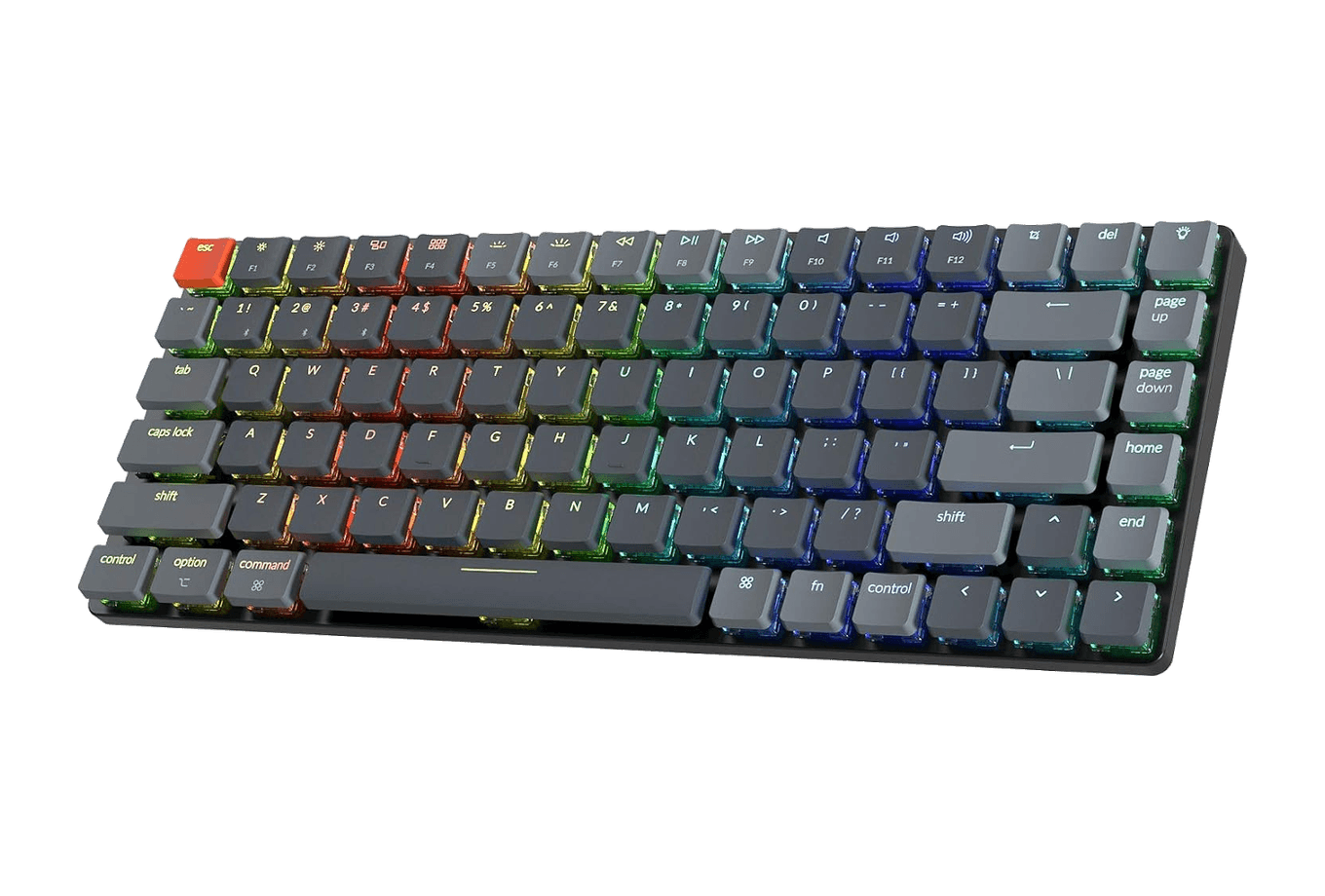
An ultra-slim 75% mechanical keyboard built for Mac.
HardwareKeyboards & MiceiOS & macOS
M2.1 Monitor Arm
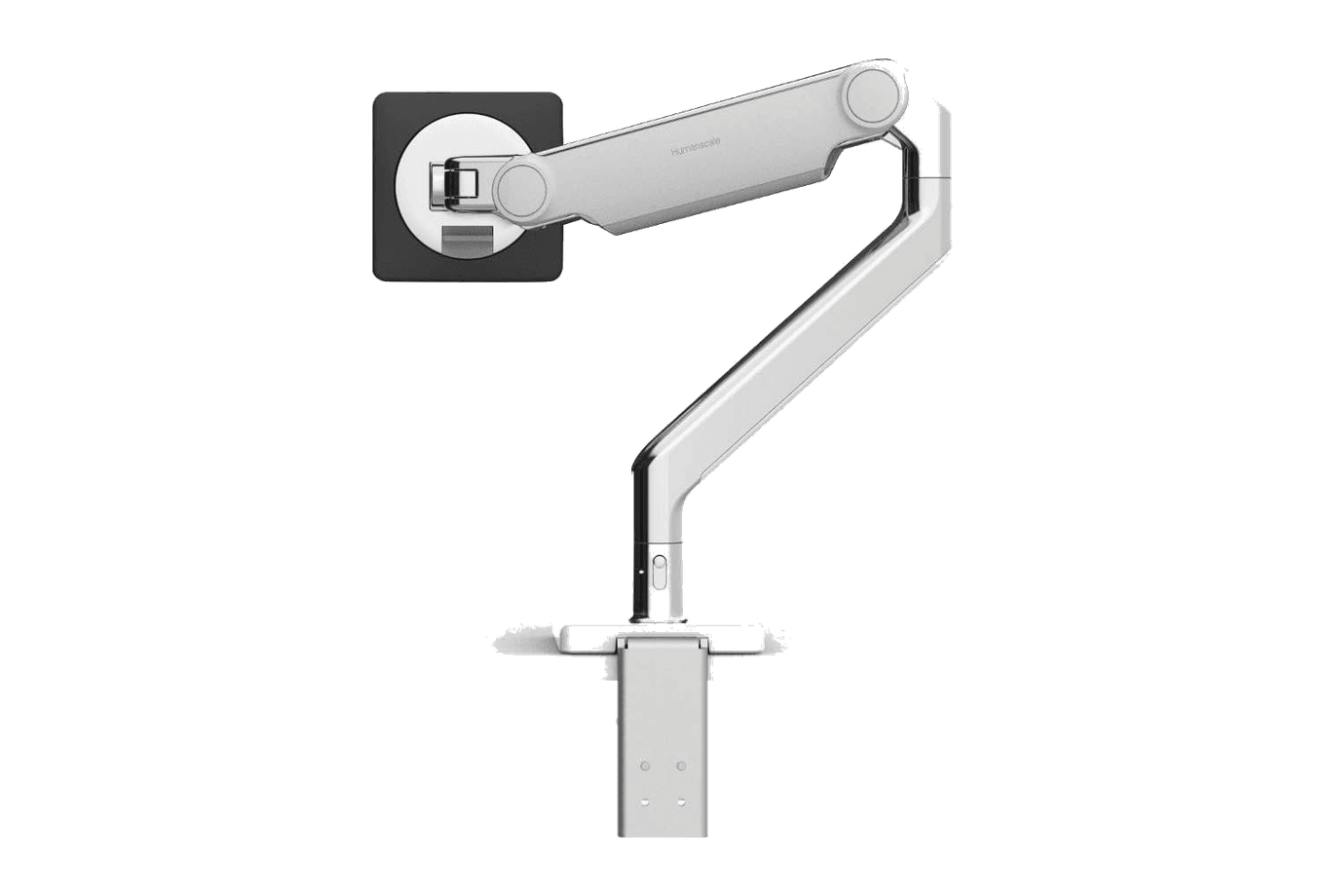
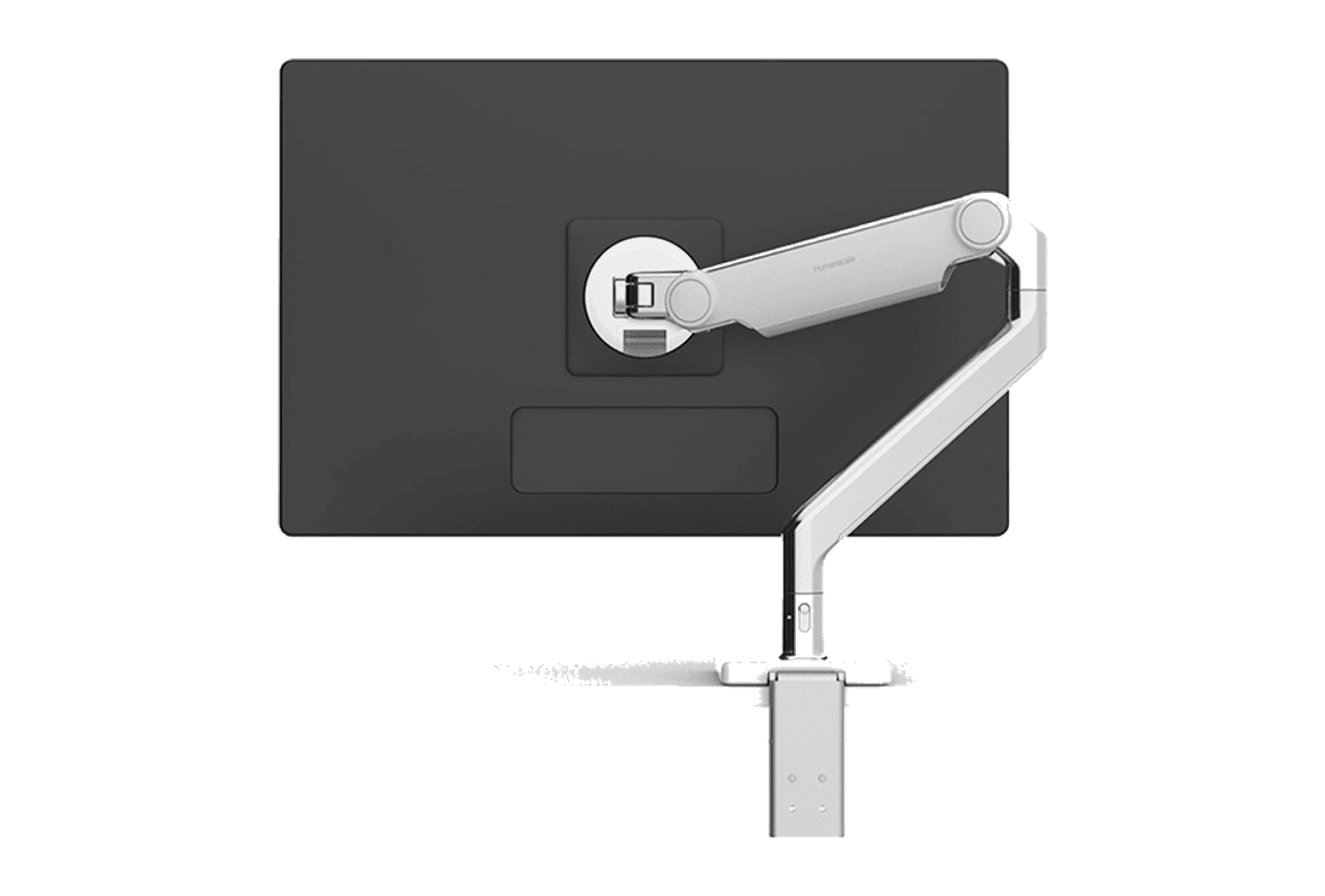
A slim, adjustable monitor arm for a cleaner ergonomic desk.
 Dudu
Dudu