Your MacBook's built-in camera is fine for a quick call, but a better webcam makes a visible difference in dim rooms and on bigger screens. This guide compares the best webcams for a Mac: the Opal Tadpole and Opal C1 head to head, your own iPhone used as a webcam, and two Logitech options at a lower and higher price. You will learn which one fits your desk, what each costs, how to set up Continuity Camera, and whether the Opal cameras are still worth hunting for.
What is the best webcam for a Mac?
It depends on what you already own. If you have an iPhone, start there: Apple's Continuity Camera is free and needs only a mount. If you want a dedicated camera, the Opal Tadpole is the compact laptop pick and the Logitech MX Brio is the sharper desktop pick.
Best free option: your iPhone with Continuity Camera, plus a $29.99 Belkin MagSafe mount for MacBooks.
Best compact webcam for a laptop: Opal Tadpole.
Best Opal for a monitor and sharper video: Opal C1, if you can still find one.
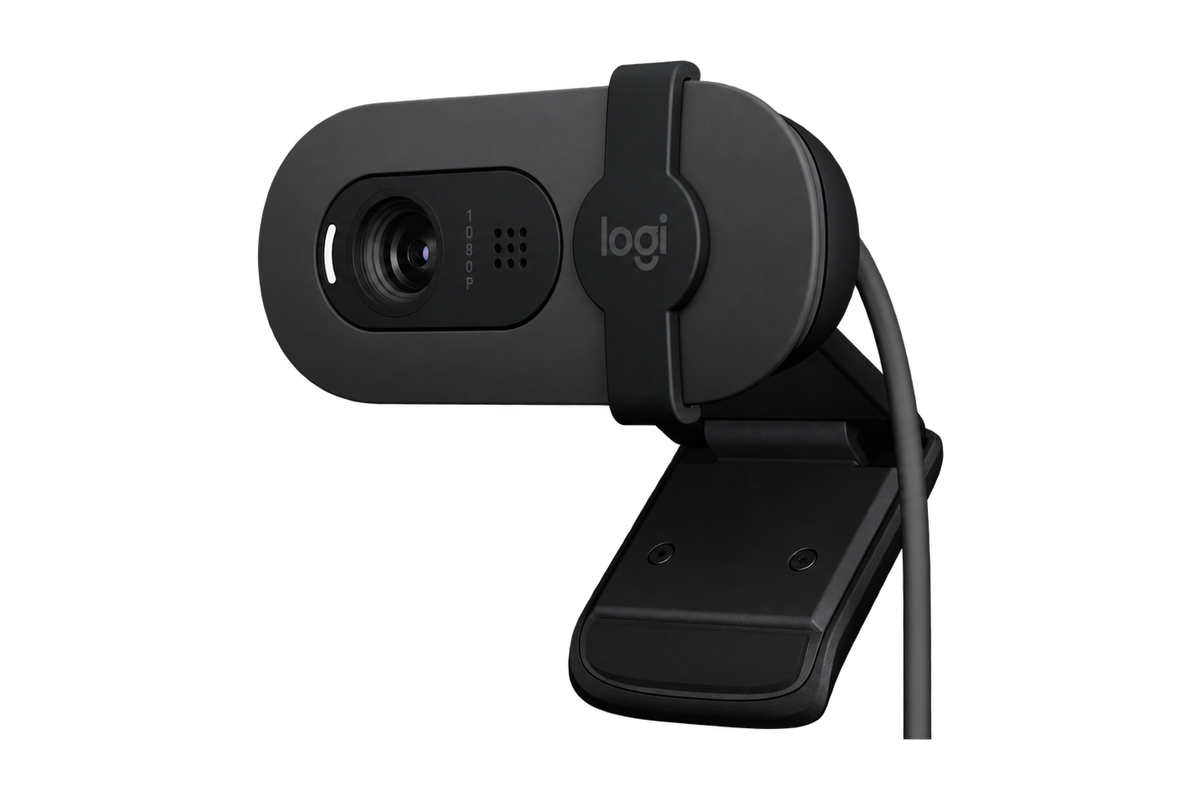
Best budget webcam: Logitech Brio 100, $39.99.
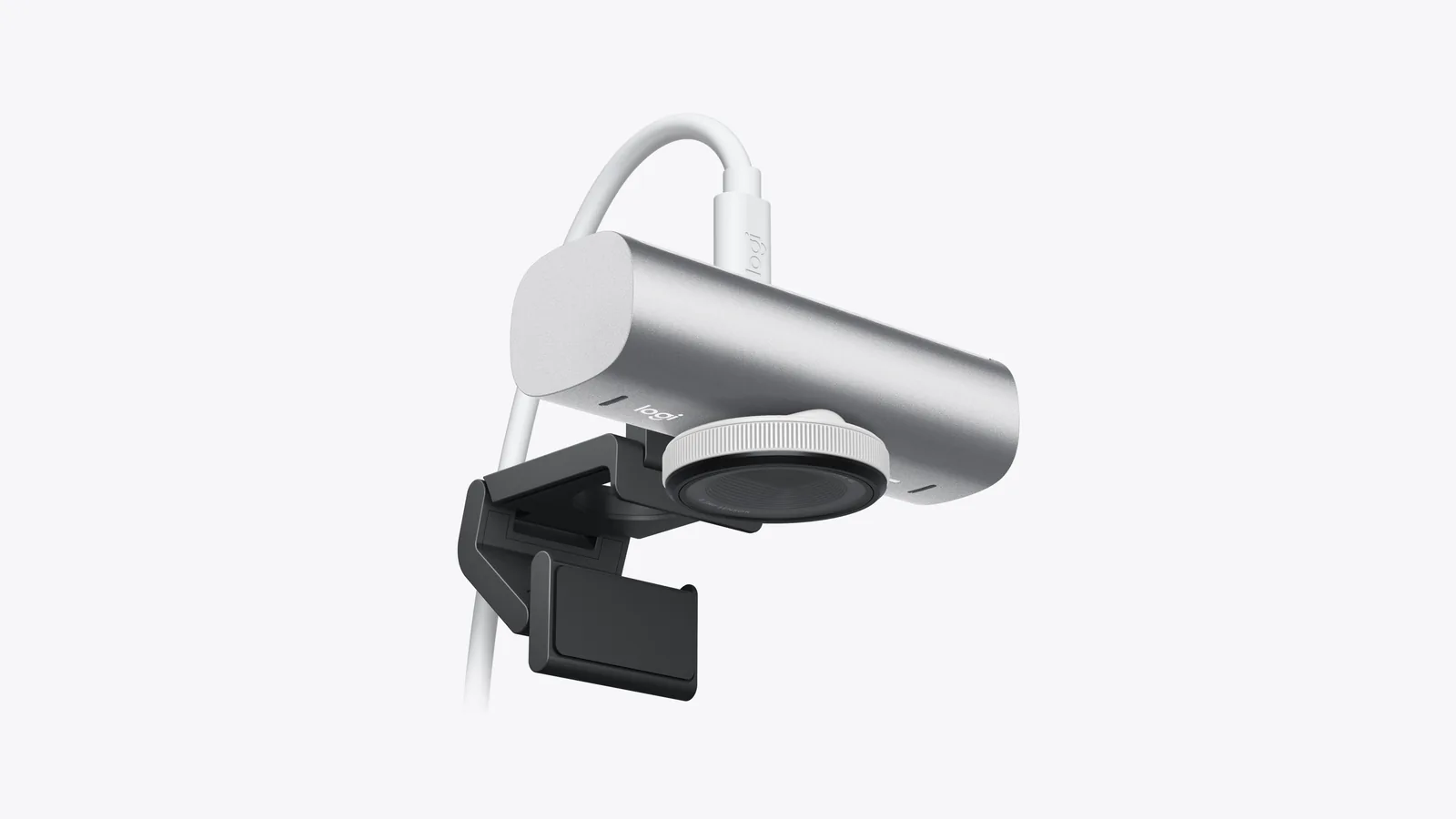
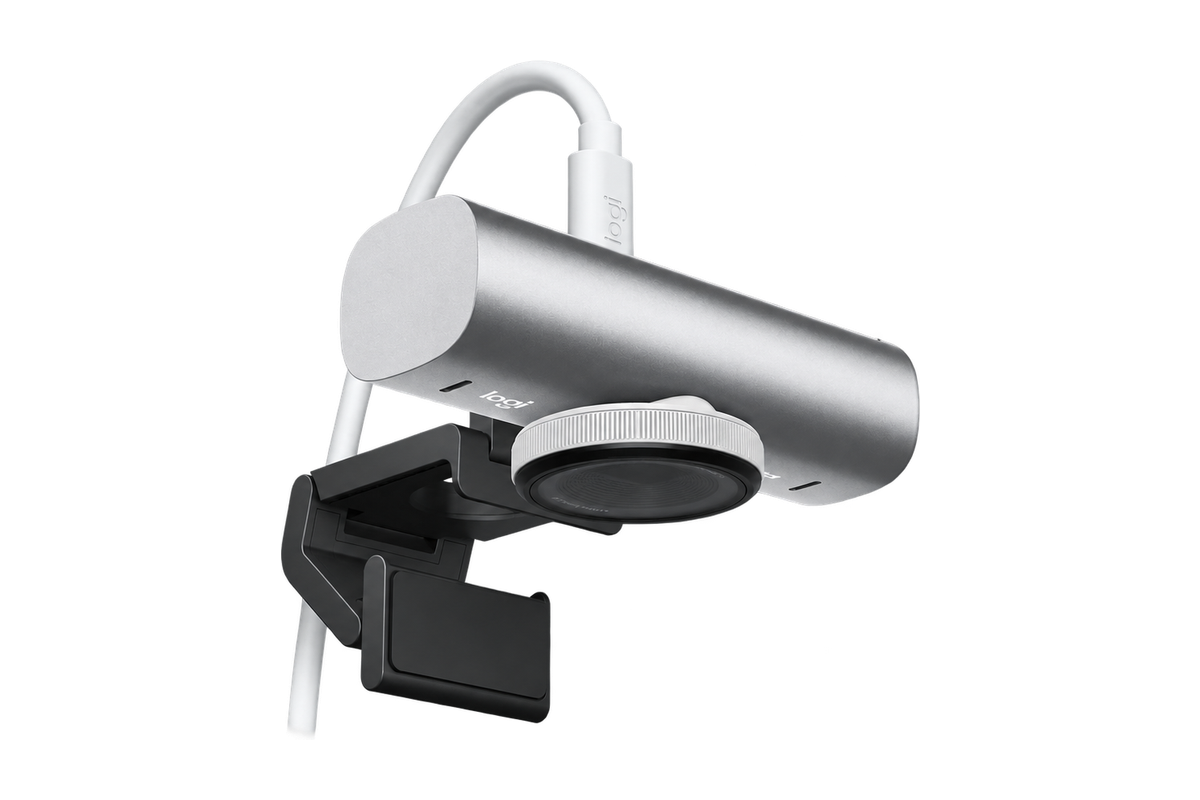
Best premium webcam: Logitech MX Brio 4K, $199.99.
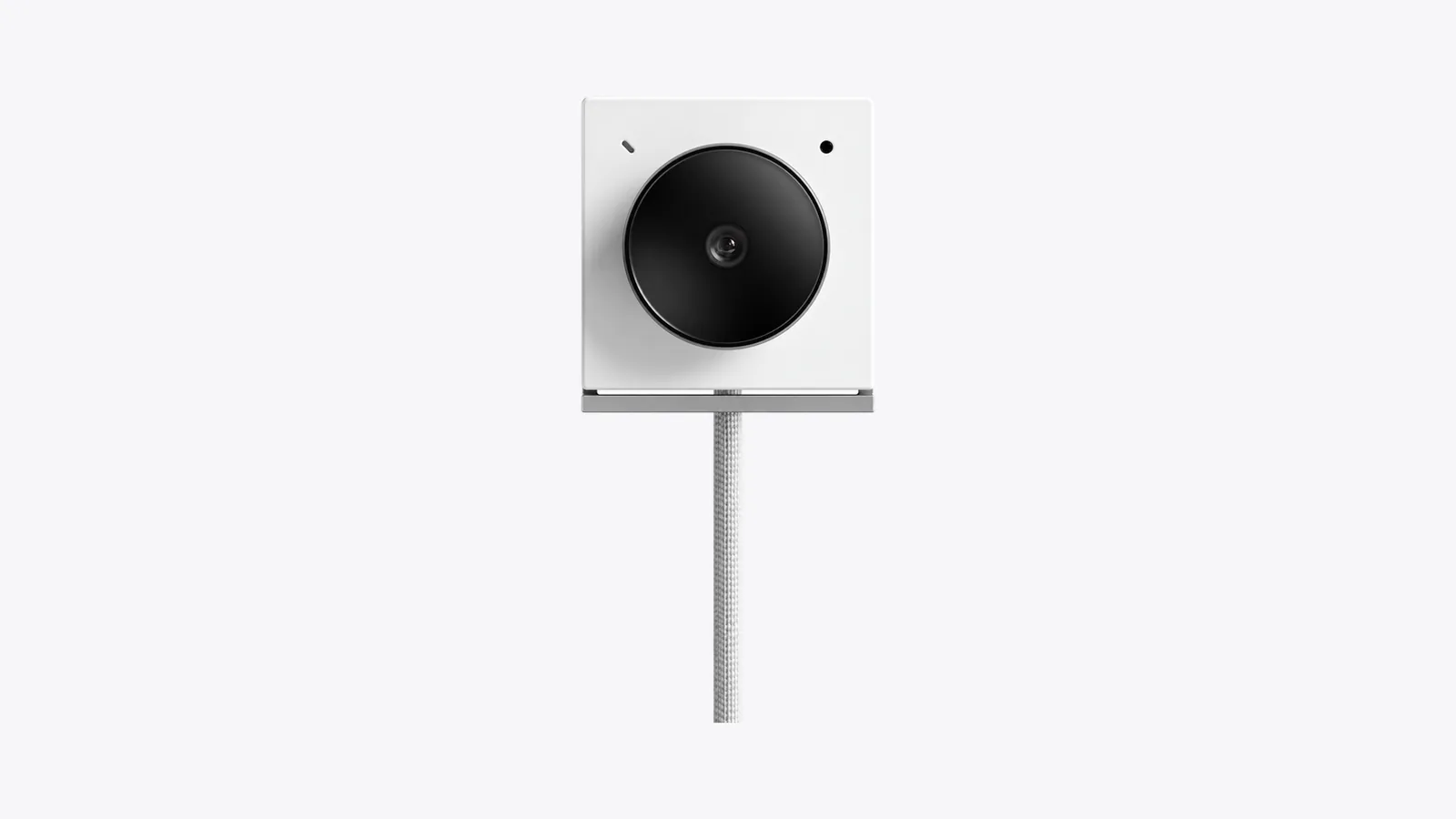
The Opal Tadpole is a tiny clip-on camera with a short attached cable. Image: Opal
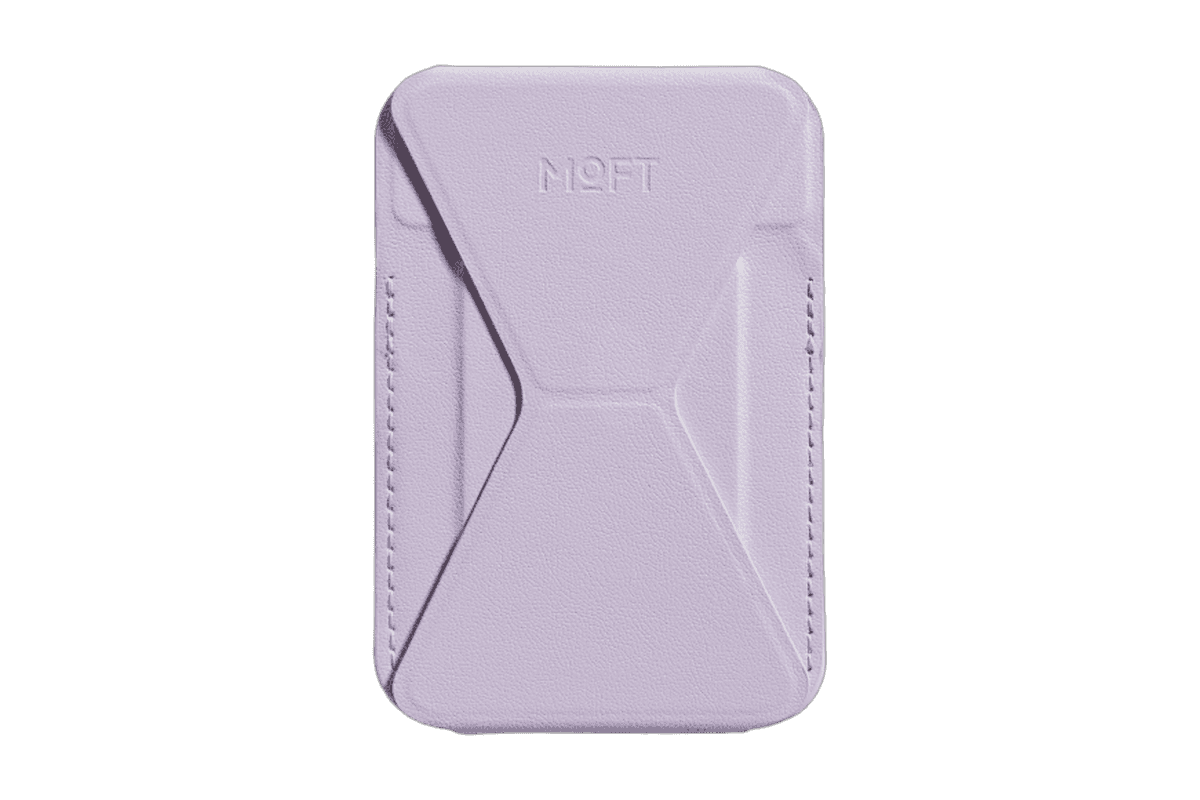
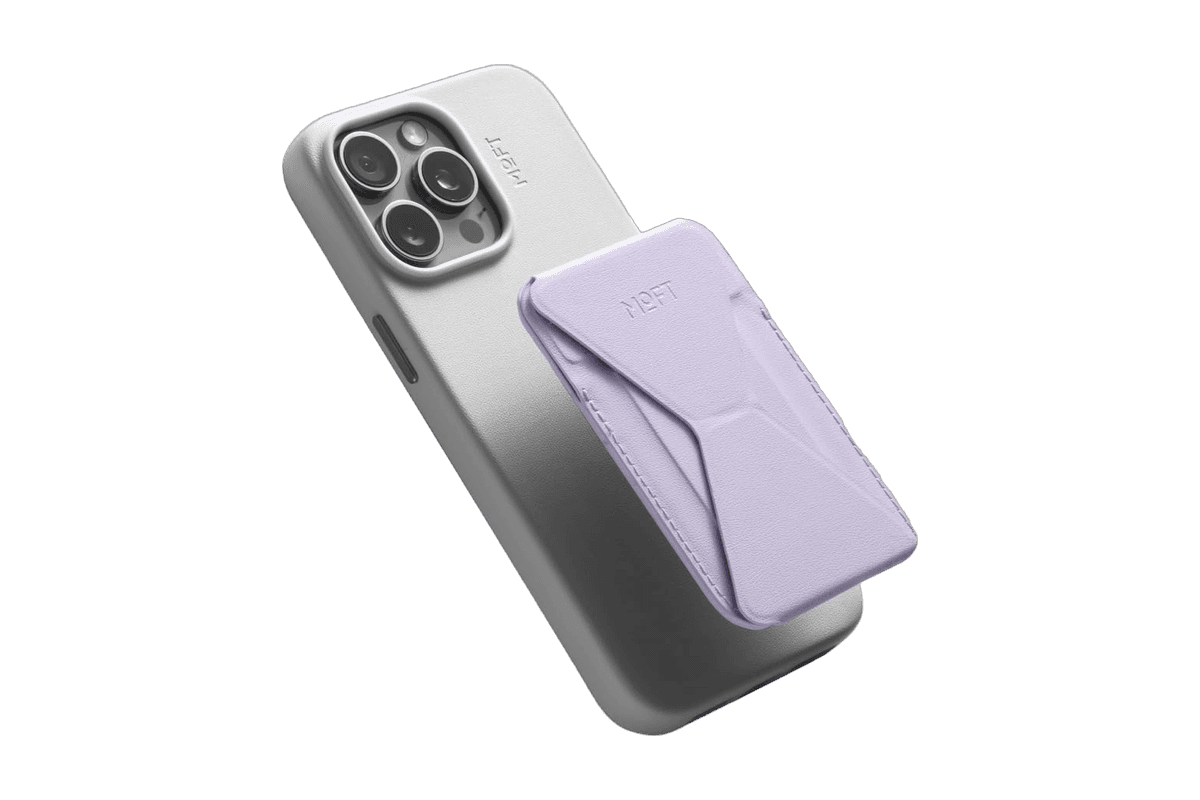
A slim MagSafe wallet that folds into a stand and grip.
HardwareAccessoriesiOS
Max Stand
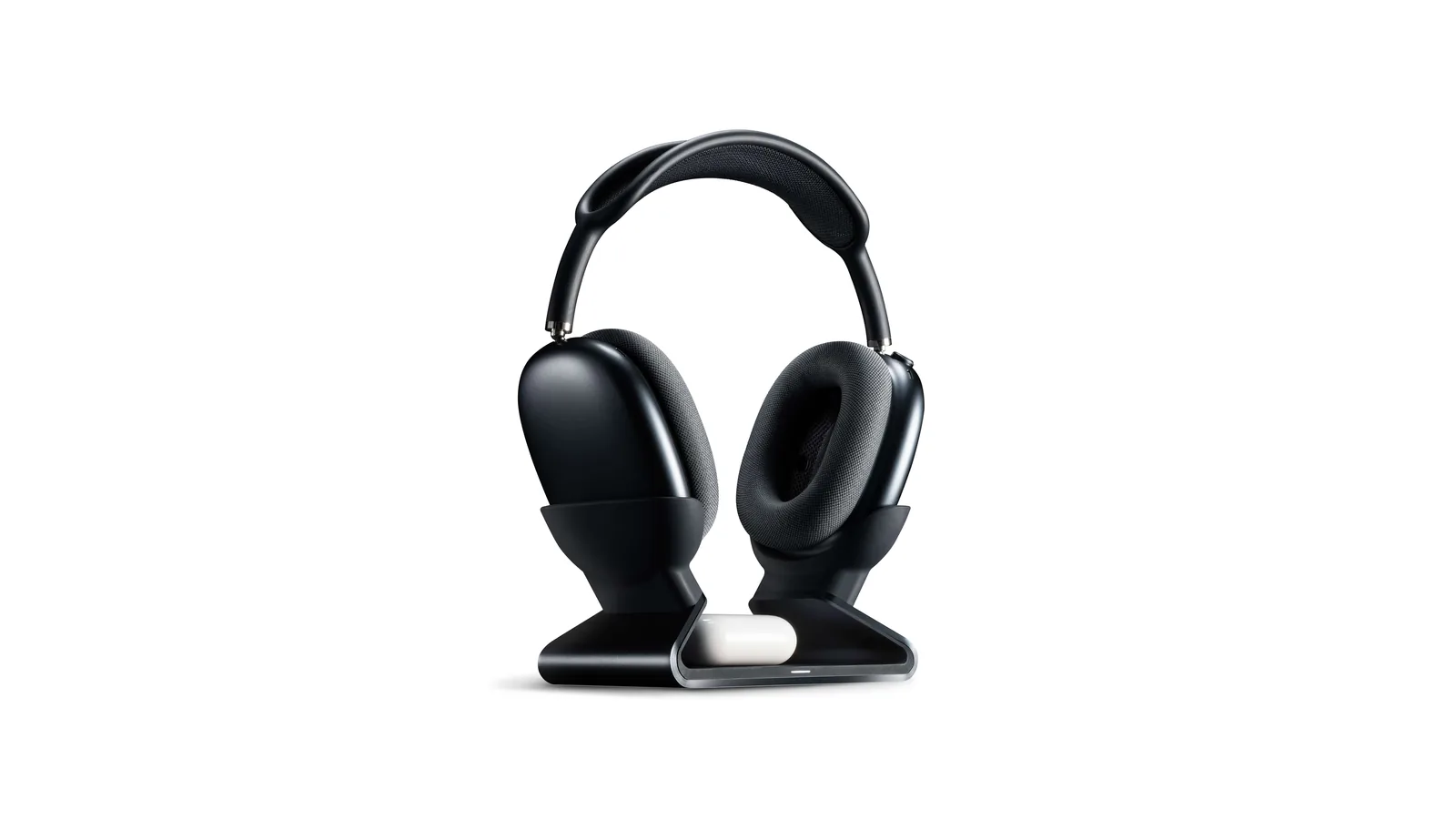
A floating AirPods Max stand that charges through a magnetic port connector.
HardwareDesk SetupmacOS
Max Charging Stand
An AirPods Max charging stand with sleep mode and a Qi pad for earbuds.
HardwareDesk SetupmacOS
Nanotac AirPods Max Stand (MagFit)
An aluminum AirPods Max stand with a MagSafe charger slot for an iPhone.
HardwareDesk SetupmacOS
MX Keys S
A full-size wireless keyboard with smart backlighting and three-device switching.
HardwareKeyboards & MicemacOS
Mac mini 11-in-1 Docking Station
A Mac mini M4 dock with an 8TB-capable NVMe slot and card readers.
HardwareConnectivitymacOS
Slim X1 Bluetooth Backlit Keyboard
A compact Mac-layout keyboard with backlit keys and three-device Bluetooth pairing.
HardwareKeyboards & MicemacOS & iOS & iPadOS
Air96 V2
A low-profile wireless mechanical keyboard with a compact numeric keypad.
HardwareKeyboards & MicemacOS
Air60 V2
A compact 64-key low-profile mechanical keyboard with three connection modes.
HardwareKeyboards & MicemacOS
This is the first thing to check before you shop. Opal's website now redirects its product pages to op.al, and a notice there dated June 1, 2026 says: "Our cameras are old and will soon leave the shelf." The company adds that it will service and support them for many years.
In practice, that means the Tadpole and C1 may be hard to buy or may sell out. We could not confirm current stock or prices on an official Opal page. The prices below are launch or review prices, with the source and date, so check a live listing before you plan around them.
Opal Tadpole vs Opal C1: which is better?
The two cameras are built for different desks. The Tadpole is the small one that clips onto a laptop lid and plugs in with a short attached cable. The C1 is larger, has a sturdier mount that can hang on a monitor or a MacBook lid, and has a tripod thread.
Opal Tadpole
Opal C1
Price in reviews
$129 (TechRadar, May 1, 2024); Laptop Mag lists $175 retail, usually about $130
$299.99 at launch (The Verge, Dec 14, 2021)
Sensor
48MP Sony IMX582
Sony IMX378, up to 4K at 30fps
Video
1080p at 30fps per TechRadar and Serious Insights (some reviews say 4K)
1080p by default, up to 4K at 30fps (Opal says 4K can crash some conferencing apps)
Lens
f/1.8, 70 degree diagonal field of view, phase-detection autofocus
f/1.8
Microphone
Single directional MEMS mic
Stereo mics plus a rear noise-canceling mic
Mount
Narrow silicone clip made for laptop screens
Sturdy clip for a monitor or MacBook, plus tripod mount
Cable
Built-in 55cm woven USB-C cable
USB-C port on the back
Software
Opal Composer, macOS only (works as a plain USB camera on Windows)
Opal app for macOS, with Face Lock
The short version: the C1 has the bigger sensor, better microphones and a more flexible mount, and it costs more than twice as much. The Tadpole is smaller, cheaper and easier to travel with, but its short cable and laptop-only clip make it a poor fit for a thick monitor.
One thing to clear up: reviews disagree on the Tadpole's resolution. Laptop Mag and Tom's Guide call it a 4K webcam, but TechRadar's spec table lists 1080p as the supported resolution, and Serious Insights lists the 48MP sensor as binned to 1080p at 30fps. GamesRadar says the 4K marketing is confusing. We could not confirm the resolution on an official Opal page, so treat it as a 1080p webcam and check the listing before you buy.
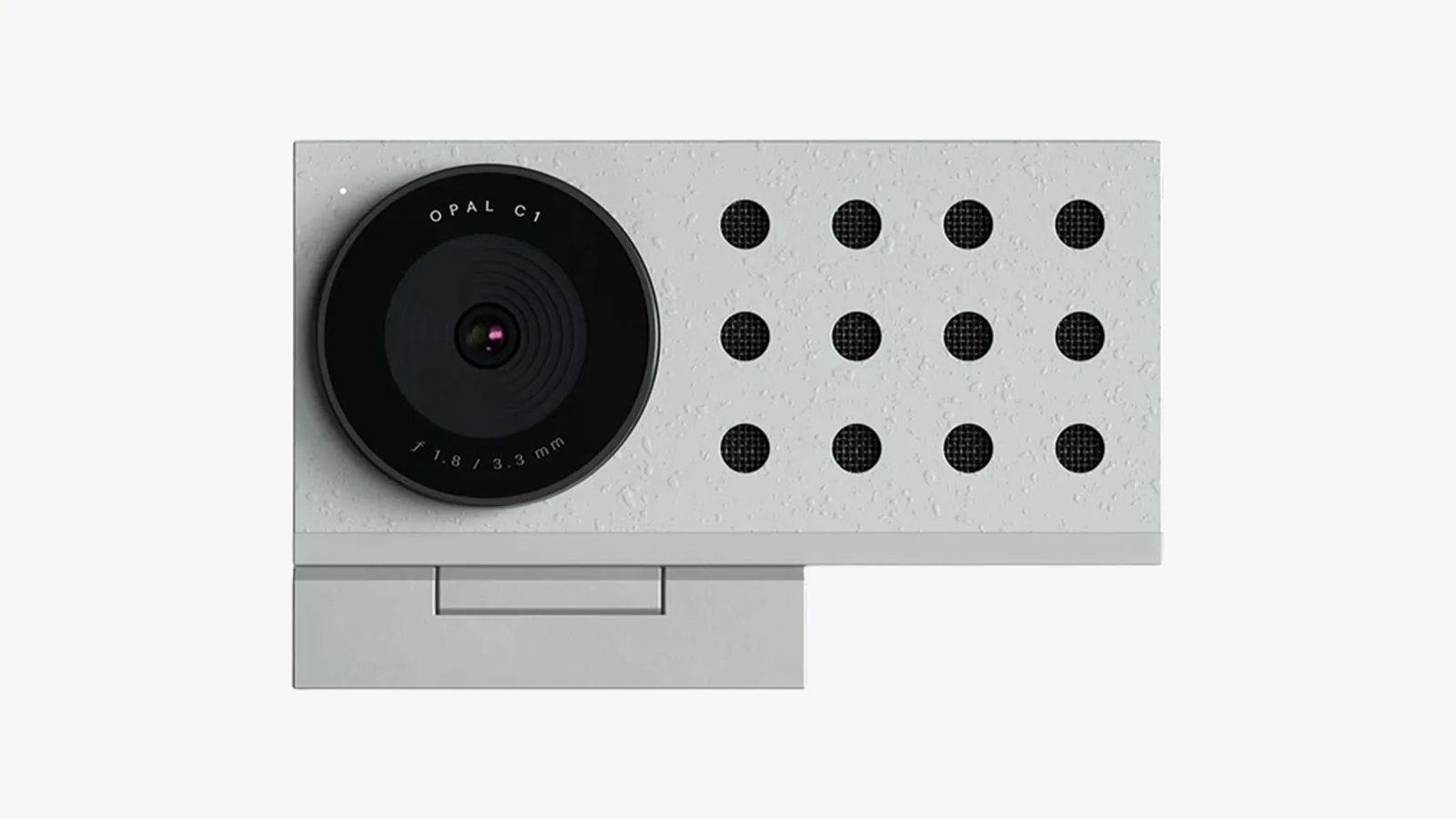
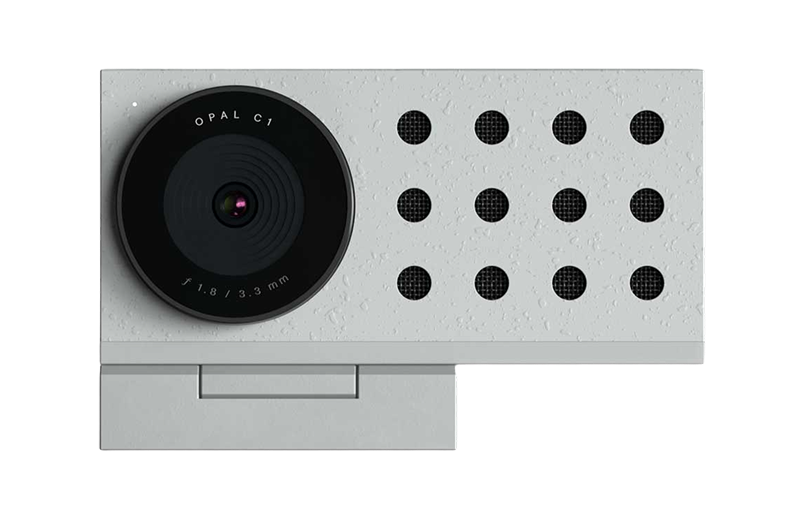
The Opal C1 is a larger camera with a microphone grille beside the lens. Image: Opal
How do the best webcams for Mac compare?
Webcam
Price (source, date)
Resolution
Mic
Best for
Opal Tadpole
$129 (TechRadar, May 1, 2024)
1080p at 30fps per TechRadar and Serious Insights
Directional MEMS
Laptops, travel
Opal C1
$299.99 (The Verge, Dec 14, 2021)
Up to 4K at 30fps, 1080p default
Stereo plus noise-canceling
Monitors, sharper video
iPhone + Continuity Camera
Free, mount $29.99 (belkin.com, Oct 26, 2026)
Depends on your iPhone
iPhone mic or Mac mic
iPhone owners
Logitech Brio 100
$39.99 (logitech.com, Oct 26, 2026)
1080p
Built in
Budget, simple setups
Logitech MX Brio
$199.99 (logitech.com, Oct 26, 2026)
4K at 30fps or 1080p at 60fps
Dual beamforming
Desktop, streaming
Opal Tadpole: best compact webcam for a MacBook
The Tadpole is a clip-on camera, about 35 by 45 by 20mm and 35g without the cable. Reviewers like the sharp image for its size, the directional microphone, the tap-to-mute touch control on the USB-C connector, and the app controls on macOS. Serious Insights lists a 70 degree field of view, an f/1.8 lens and phase-detection autofocus.
The compromises are the short 55cm cable, the clip that is built for laptops, and the video that tops out at 1080p. If you mostly work on a MacBook and want something small that disappears into a bag, it fits. The Opal Composer app is macOS only, though the camera works over USB on Windows without it.
TadpoleA compact USB-C webcam with an adjustable laptop clip and directional audio.Visit WebsiteTadpole is a small external webcam designed to clip onto a laptop rather than occupy a permanent monitor mount. This white version pairs a compact camera body with a built-in USB-C cable and directional microphone, giving a MacBook an alternative camera for calls away from a fixed desk.
- The adjustable clip attaches the camera to a compatible laptop screen for portable use.
- A 4K sensor provides the camera’s image source; actual call resolution depends on the app.
- The VisiMic directional microphone focuses its pickup toward the area in front of the camera.
- An integrated USB-C cable connects the camera without a separate detachable camera lead.
- Tap-to-mute functionality on the cable connector offers a quick microphone control.
It suits a USB-C laptop setup where a small camera and simple clip matter more than a large desktop mount. Confirm clip fit and app support for your device before buying. Amazon.com currently shows this white variant without an available offer or a USD price estimate.Visit Website
Opal C1: best Opal for a monitor
The Opal C1 Camera is the more serious camera. The Verge's review describes a Sony IMX378 sensor that can record up to 4K at 30fps behind an f/1.8 lens, an Intel Myriad X chip that powers software features, stereo microphones in the grille and a rear noise-canceling mic. The Opal app on macOS adds Face Lock, which follows your face like Apple's Center Stage, and simulated background blur.
The C1 defaults to 1080p at 30fps, because Opal said 4K could crash conferencing apps. The Verge reviewer also noted the price was the main obstacle at $299.99. That review is from December 2021, so the app features may have changed since. The Opal support site lists the lens cover, USB-C cable, a camera mount and screw, and an assembly key in the box.
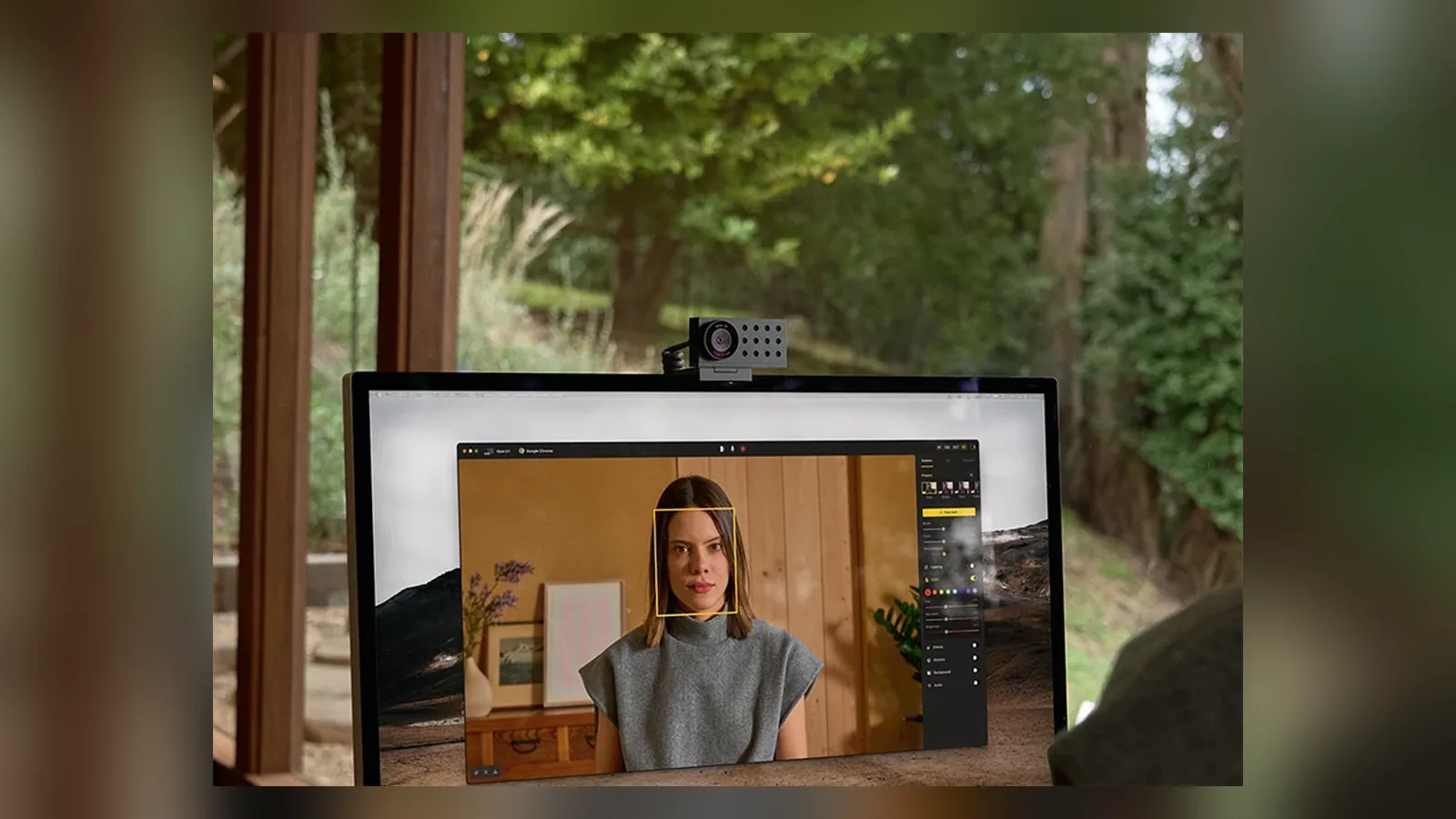
The C1 is designed to sit on top of a monitor, and it also takes a standard tripod mount. Image: Opal
Opal C1 CameraDSLR quality on a webcam for theVisit WebsiteThe Opal C1 is a revolutionary webcam that brings DSLR-quality video with innovative features like MicMesh™ technology for superior audio. It’s crafted from high-quality materials, ensuring durability while providing an aesthetically pleasing design with less than 2% plastic. Equipped with a powerful 4K Sony sensor and an ƒ1.8 glass lens, it captures stunning video even in low light. The adjustable mount fits both thin and thick displays perfectly. For enhanced video quality, link it with the Opal Composer app, where users can customize every aspect of their broadcast. With the Opal C1, you're not just getting a camera; you’re getting a full experience designed to elevate your presentation skills, whether for gaming, streaming, or professional use.Visit Website
iPhone as a webcam: Continuity Camera with a MagSafe mount
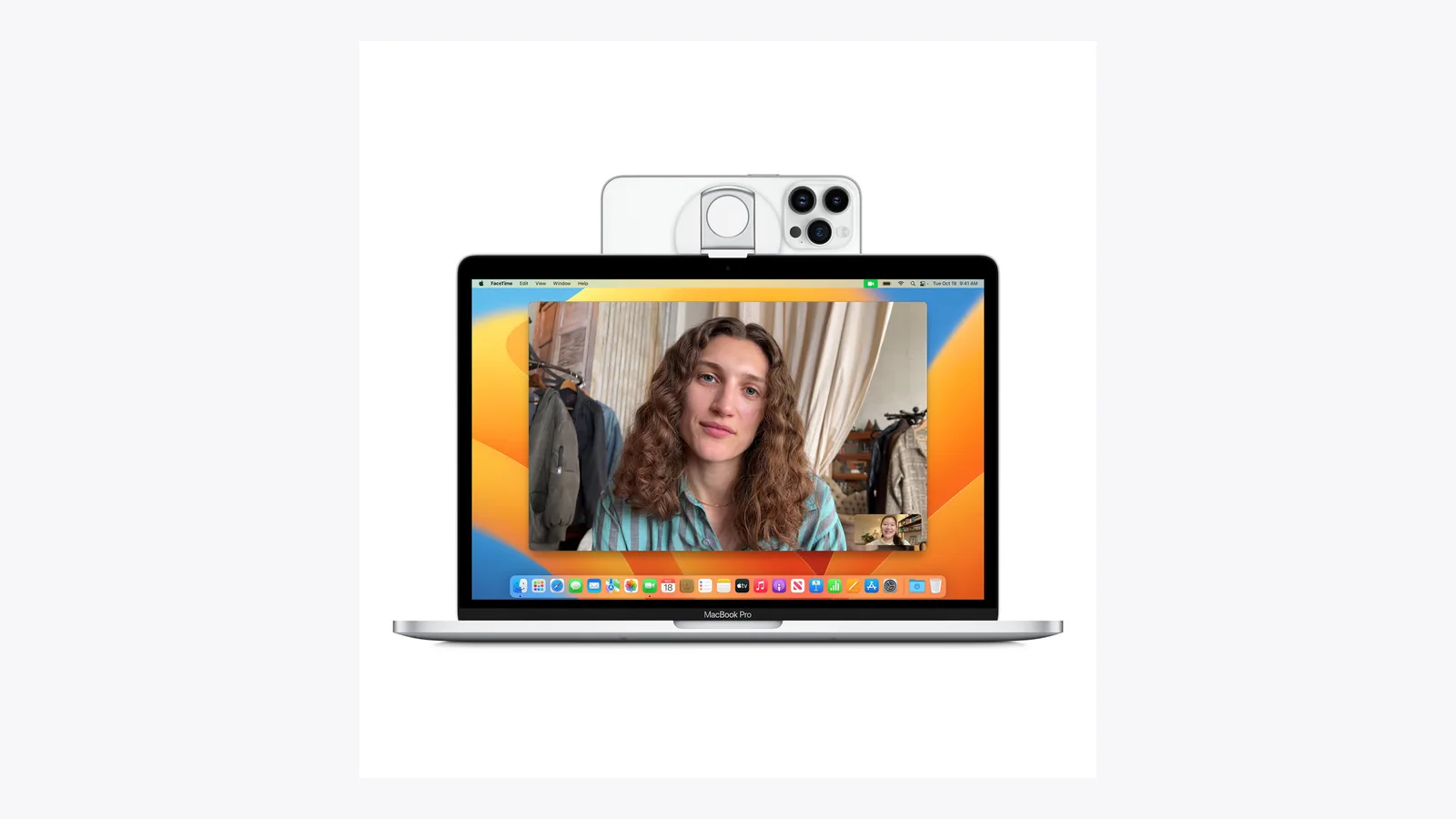
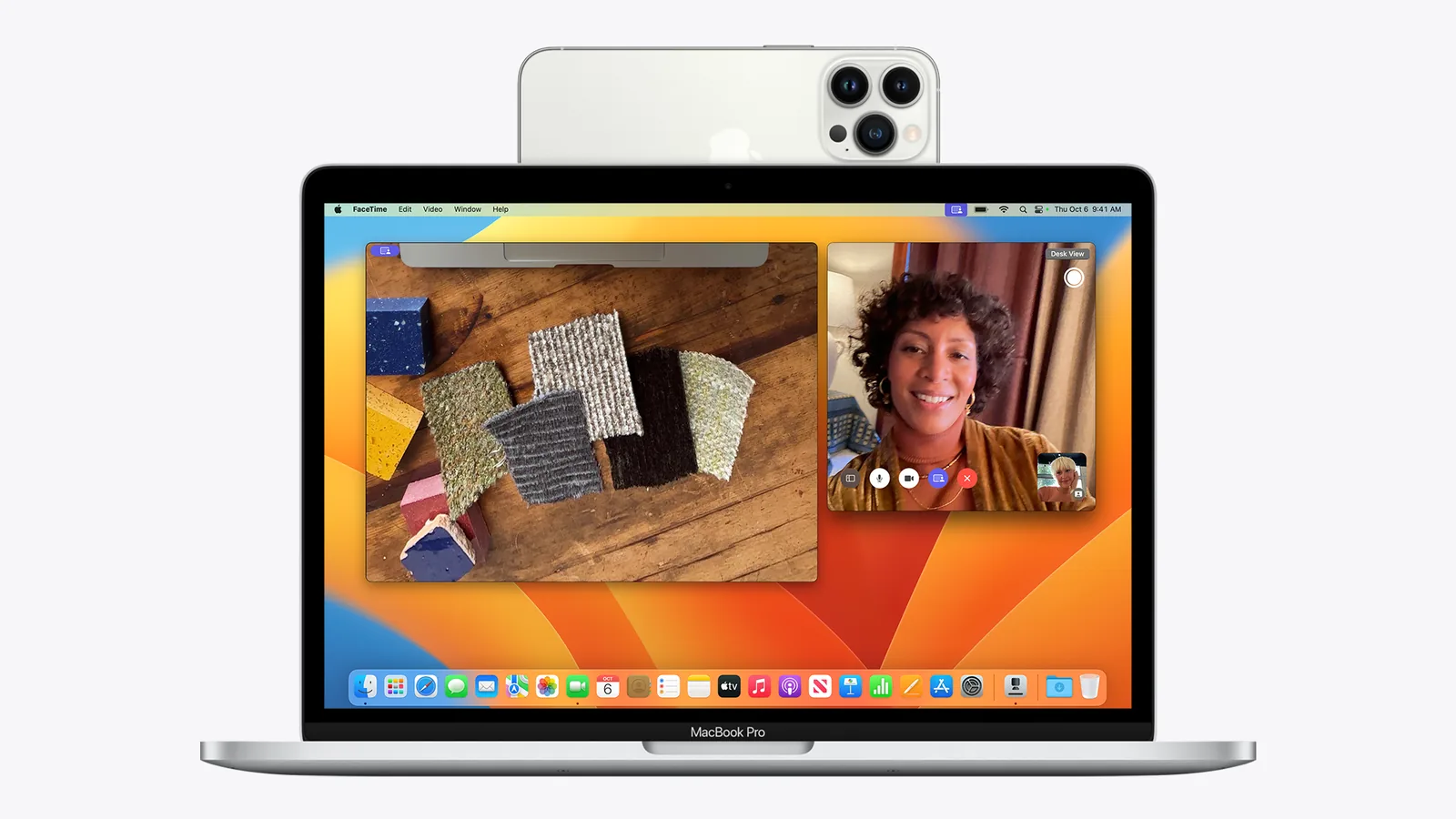
If you own an iPhone, you may not need a webcam at all. Continuity Camera lets your Mac use the iPhone's rear camera and mic, with effects such as Center Stage, Portrait mode, Studio Light and Desk View, according to Apple. It works wired or wirelessly.
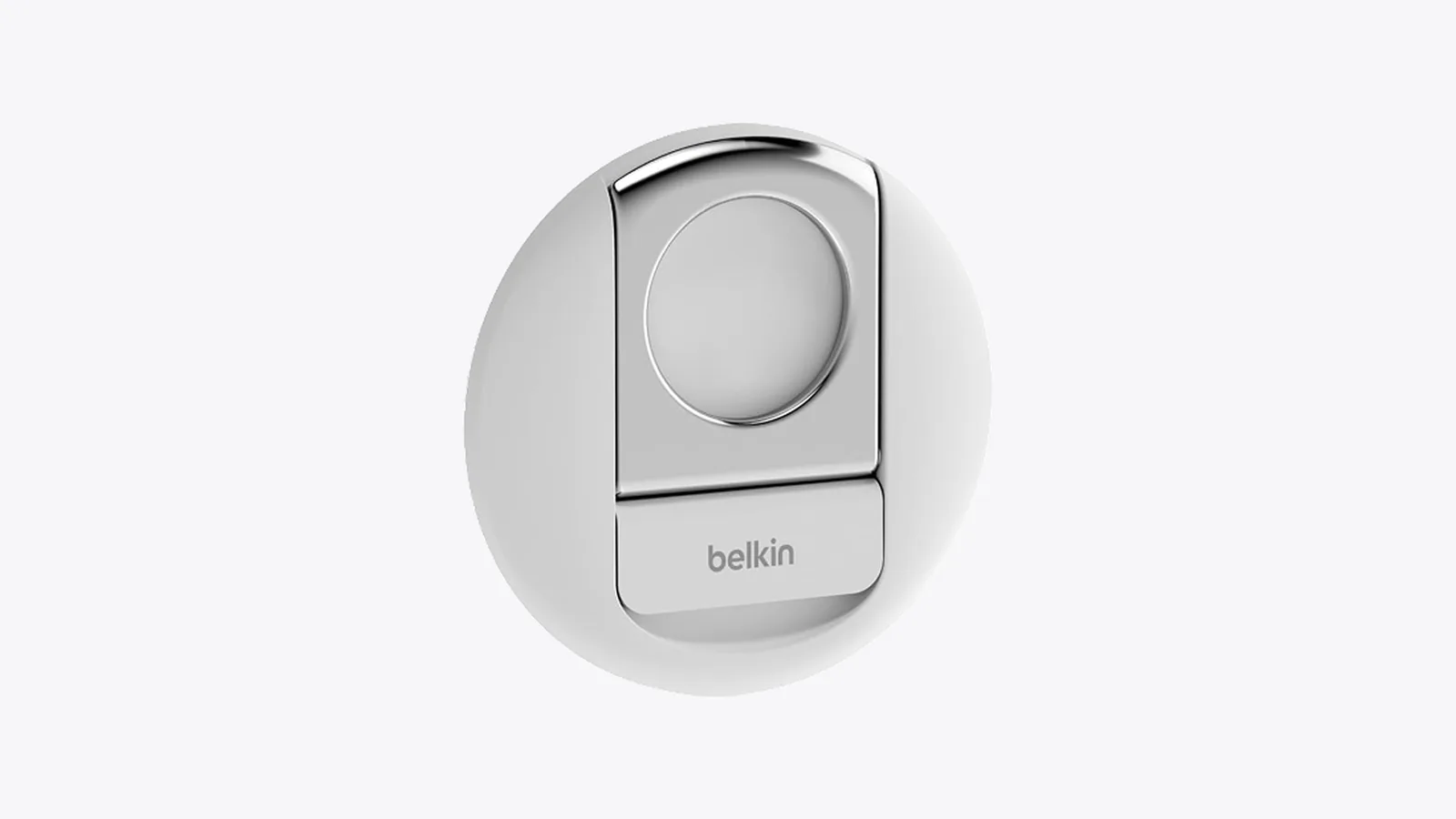
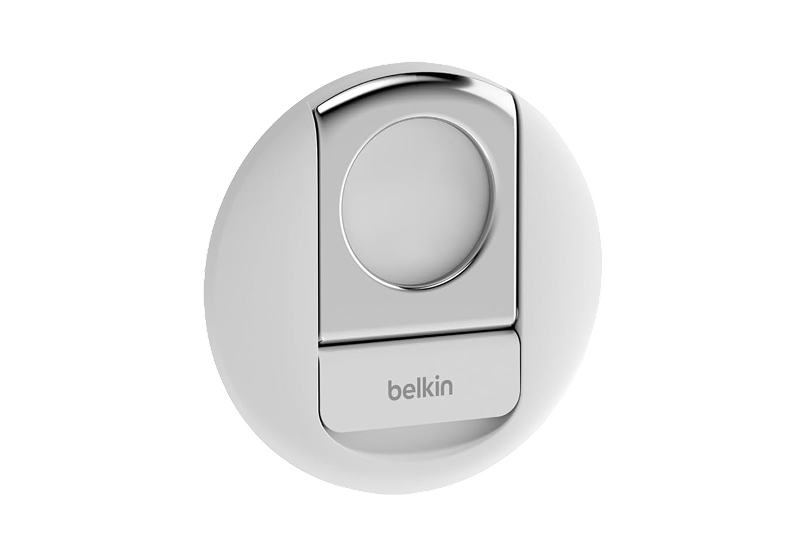
You need a mount that holds the iPhone steady with its rear cameras facing you. The iPhone MagSafe Camera Mount is Belkin's iPhone Mount with MagSafe for Mac Notebooks (MMA006). Belkin lists it at $29.99 and says it fits MagSafe-compatible iPhone 12 and later. It is a notebook mount, so it suits MacBooks rather than a desktop display, and we did not verify a desktop version.
An iPhone held by MagSafe above the MacBook screen. Image: Belkin
The mount is a small MagSafe disc that sits on top of a MacBook display. Image: Belkin
iPhone MagSafe Camera MountTransform your iPhone into a high-quality webcam.Visit WebsiteThe Belkin iPhone MagSafe Camera Mount is a hardware accessory that attaches an iPhone to a MacBook. This mount allows users to leverage the iPhone's rear camera for high-quality video calls and content creation. It is designed for individuals who frequently engage in virtual meetings or content production, providing a stable and hands-free solution that enhances the overall video experience.
- Compatible with multiple iPhone models and MacBook devices for seamless integration.
- Provides a hands-free setup for video calls and virtual meetings.
- Functions as a phone grip or kickstand for added versatility.
- Designed to enhance video quality by utilizing the iPhone's rear camera.
- Easily attaches to MacBook for quick setup and removal.
The Belkin iPhone MagSafe Camera Mount is designed for seamless integration with MacBook devices, allowing users to utilize their iPhone as a high-quality webcam. Its versatile design supports various functions, including video calls and content creation, enhancing the overall user experience.Visit Website
Logitech Brio 100: best cheap webcam for Mac
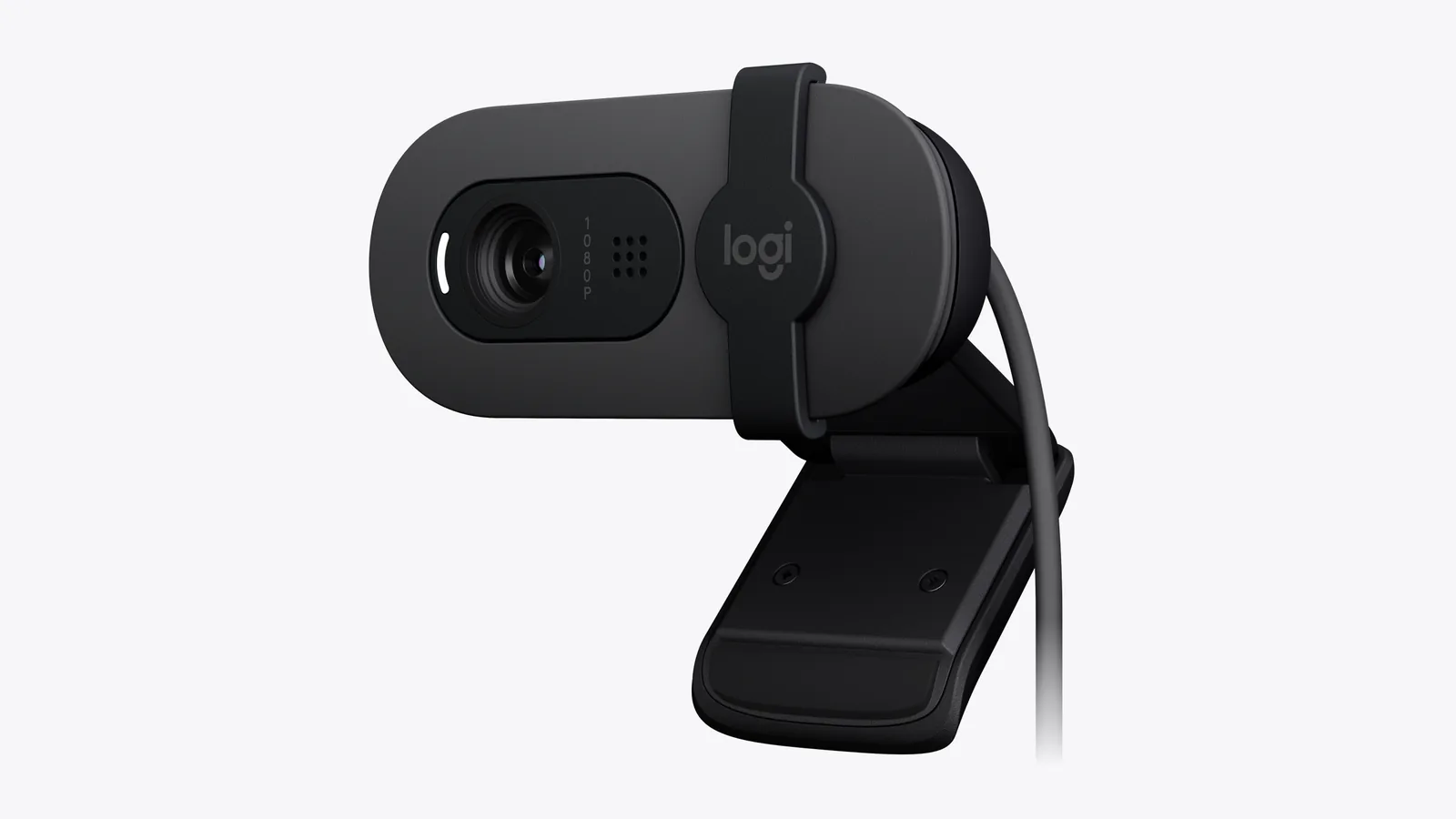
The Brio 100 Full HD Webcam is the simple choice. Logitech lists Full HD 1080p video, a built-in microphone, a slide-over privacy shutter, and compatibility with macOS, Windows and ChromeOS. Its RightLight feature is Logitech's auto-light balance, and Logitech claims it boosts brightness by up to 50 percent compared with its older C270, based on its own testing.
It costs $39.99 on logitech.com as of Oct 26, 2026. It will not match the Opal or Logitech's 4K model for detail, but it is a clear step up from many built-in cameras and works with Zoom, Teams and Google Meet.
The Brio 100 is a compact 1080p webcam with a built-in privacy shutter. Image: Logitech
Brio 100 Full HD WebcamA budget 1080p webcam with a privacy shutter and built-in mic.Visit WebsiteBrio 100 is Logitech's entry-level Full HD webcam for video calls, with auto-light balance and a built-in microphone. It works with macOS, Windows, and ChromeOS, and with calling apps such as Zoom, Google Meet, and Microsoft Teams.
- Full HD 1080p video.
- RightLight auto-light balance brightens the picture in dim rooms.
- An integrated privacy shutter slides over the lens.
- A built-in microphone is included.
It suits anyone who wants a clearer picture than a built-in camera on a Mac mini or an external display without spending much.Visit Website
Logitech MX Brio: best premium webcam for Mac
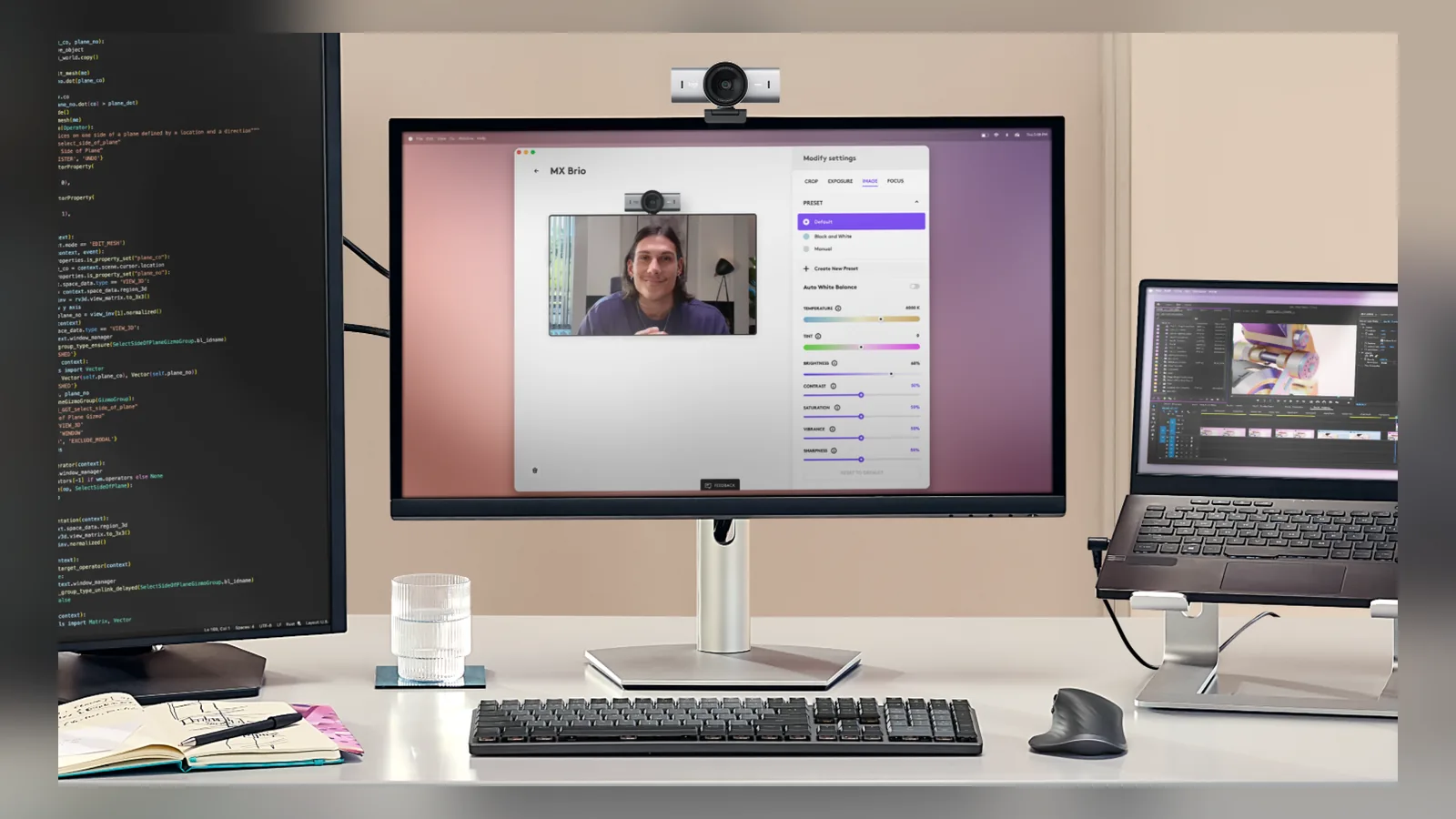
The MX Brio 4K Webcam is the pick for people who spend all day on camera. Logitech lists 4K video at 30fps or 1080p at 60fps, dual beamforming noise-reducing microphones, a built-in privacy shutter, and Show Mode, which lets you tilt the camera down to share notes on your desk. You can adjust video in Logi Options+. Logitech says its sensor has 70 percent larger pixels than the Brio 4K, which is a company claim.
It costs $199.99 on logitech.com as of Oct 26, 2026. It is a larger webcam made for monitors, so a thin laptop lid is not its natural home.
The MX Brio is a larger desktop webcam with a rotating privacy shutter. Image: Logitech
The MX Brio is built to sit on top of a desktop monitor. Image: Logitech
MX Brio 4K WebcamA 4K/30 or 1080p/60 webcam with dual mics and Show Mode.Visit WebsiteMX Brio is Logitech's premium 4K webcam for meetings and streaming. It records 4K at 30fps or 1080p at 60fps and uses AI face-based image enhancement for difficult lighting.
- 4K at 30fps or 1080p at 60fps.
- Integrated dual beamforming noise-reducing microphones.
- Show Mode tilts the camera down to share notes and sketches from your desk.
- A rotating built-in privacy shutter blocks the lens.
- Fine controls for lighting, white balance, ISO, and more in Logi Options+.
It suits people who want a high-end non-Apple webcam for a Mac desk setup.Visit Website
Who should pick what
You have a recent iPhone and a MacBook: use Continuity Camera with the Belkin mount, which is the cheapest route to a big upgrade.
You want a tiny webcam for a MacBook and travel: Opal Tadpole, if you can find one at a fair price.
You want the best Opal image on a monitor: Opal C1, with the caveat that availability is unclear.
You want the cheapest decent webcam: Logitech Brio 100.
You want 4K and good mics for a desktop setup: Logitech MX Brio.
You work from a Mac mini or Mac Studio: a desktop webcam such as the MX Brio, or an iPhone on a stand, since the MacBook-lid mounts do not apply.
How do you set up Continuity Camera on a Mac?
Apple's support page covers the steps. It was published May 6, 2026.
1. Check the requirements. You need an iPhone XR or later with iOS 16 or later, and a Mac that runs macOS Ventura 13 or later. 2. Sign in to the same Apple Account. Both devices need the same Apple Account with two-factor authentication. 3. Turn on the connections. Keep Bluetooth and Wi-Fi on, and keep the iPhone near the Mac. Continuity Camera is on by default, and you can check it under Settings, General, AirPlay & Continuity. 4. Mount the iPhone. It should be near the Mac, locked, stable, with its rear cameras facing you and unobstructed. Use landscape orientation so apps can choose it automatically. 5. Pick the camera. Open FaceTime or another app. If it does not pick the iPhone automatically, choose it in the app's video or camera menu. 6. Keep it charged. Plug the iPhone into your Mac or a USB charger.
For wireless use, your Mac must not be using AirPlay or Sidecar, and the iPhone must not be sharing its cellular connection. To use it over USB, set the iPhone to trust your Mac. To turn the feature off, go to Settings, General, AirPlay & Continuity on the iPhone.
Continuity Camera on a MacBook with an iPhone as the webcam. Image: Apple
FAQ
What is the best webcam for a Mac?
For most people with an iPhone, it is Continuity Camera with a mount. For a dedicated camera, the Logitech MX Brio is the premium option and the Brio 100 is the budget one. The Opal Tadpole is the most compact choice if you can find one.
Is the Opal C1 better than the Opal Tadpole?
On paper, yes. The C1 has a bigger sensor that can record up to 4K at 30fps, better microphones and a more flexible mount, but it cost $299.99 at launch against $129 to $175 for the Tadpole. The Tadpole is smaller and better suited to laptops.
Is the Opal Tadpole 4K?
Reviews disagree. TechRadar and Serious Insights list it as 1080p at 30fps (a 48MP sensor binned down), while Laptop Mag and Tom's Guide call it 4K. We could not confirm the resolution on an official Opal page, so assume 1080p.
Are Opal webcams being discontinued?
Opal said on June 1, 2026 that its cameras "will soon leave the shelf" and that it will service and support them for many years. That points to limited stock, so check a live listing.
Do I need an iPhone mount for Continuity Camera?
Apple says the iPhone should be stable, locked, near the Mac and positioned with the rear cameras facing you. A mount such as Belkin's MagSafe mount does that on a MacBook. A stand also works.
Does Logitech's Brio 100 work with a Mac?
Yes. Logitech lists compatibility with macOS, Windows and ChromeOS, and with Zoom, Teams and Google Meet.
Verdict
If you have an iPhone, try Continuity Camera first. Buy the Brio 100 if you want a cheap webcam and the MX Brio if you want the best video on a desktop. The Opal cameras are interesting, but with Opal winding down its line, treat them as a bonus find, not a safe plan.
A floating AirPods Max stand that charges through a magnetic port connector.
HardwareDesk SetupmacOS
Max Charging Stand
An AirPods Max charging stand with sleep mode and a Qi pad for earbuds.
HardwareDesk SetupmacOS
Nanotac AirPods Max Stand (MagFit)
An aluminum AirPods Max stand with a MagSafe charger slot for an iPhone.
HardwareDesk SetupmacOS
MX Keys S
A full-size wireless keyboard with smart backlighting and three-device switching.
HardwareKeyboards & MicemacOS
Double Shot
Free open-source Mac app that keeps your Mac awake for AI agents
Free
Double Shot is a free, open-source macOS menu bar app that keeps your Mac awake, with the lid closed too, and for as long as your AI coding agents are working.
- Detects when Claude Code, Codex, Gemini CLI, Cursor Agent, Copilot CLI, OpenCode, Amp or Aider are actually working, not just open.
- Lid closed mode uses pmset disablesleep, with a one-time password prompt that adds a sudoers rule.
- Stops at the first warm level, turns the dark display off, switches on Low Power Mode on battery, and lets go when the battery gets low.
- Quick picks from 15 minutes to 5 hours, or until you turn it off.
- MIT licensed. Install with Homebrew or download from GitHub. Not notarized by Apple yet, and it needs macOS 14 or later.
Double Shot suits anyone who starts a long agent run, closes the lid and expects the work to carry on.
SoftwareUtilitiesmacOS
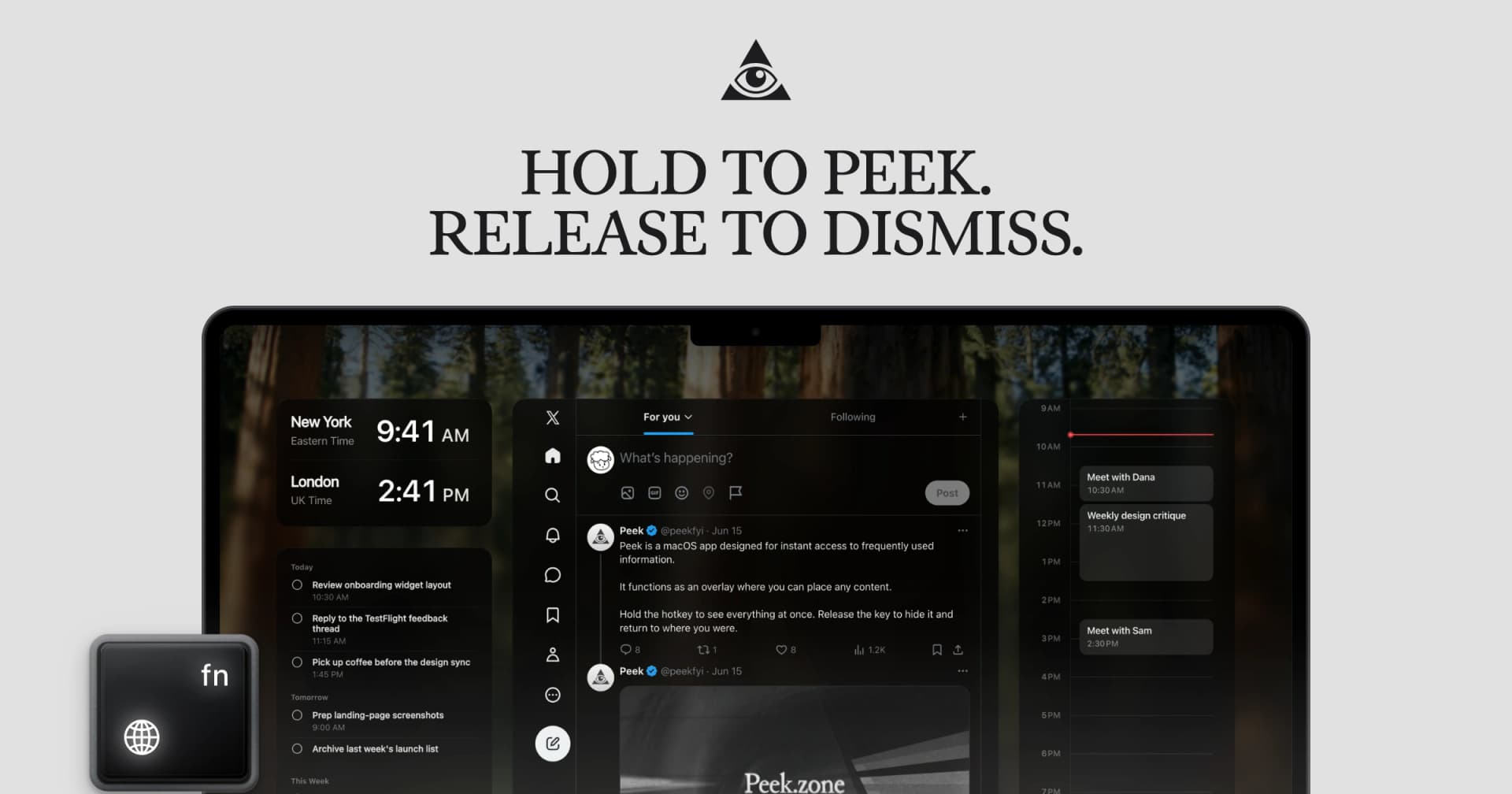
Peek
Glance at websites and widgets with a shortcut
Free
Peek is a native Mac app that brings frequently checked information into a personal overlay. Hold a shortcut to glance at it, release to return to your work, or tap the shortcut to keep it open and interact.
Combine websites, local PDFs, and widgets such as Calendar, Reminders, and time zones in one space. Arrange and resize content freely, or use Flow mode to organize your layout. Hide unwanted page elements and block ads, trackers, and cookie banners.
Set custom keyboard shortcuts, including separate left and right modifier keys. Peek works across multiple monitors and full-screen spaces, with per-display layouts or synced widgets. Optional auto-refresh keeps pages current, and you can open content in its default app when you want to continue outside the overlay. The site also lists passkey support and experimental web extensions.
Use it to check analytics beside your calendar, review GitHub pull requests and Linear issues while coding, or gather visual references from websites without switching away from your current app.
Available free on the Mac App Store. Requires macOS 14.2 or later.
SoftwareProductivitymacOS
Mac mini 11-in-1 Docking Station
A Mac mini M4 dock with an 8TB-capable NVMe slot and card readers.
HardwareConnectivitymacOS
Cap
The open source screen recorder
Freemium
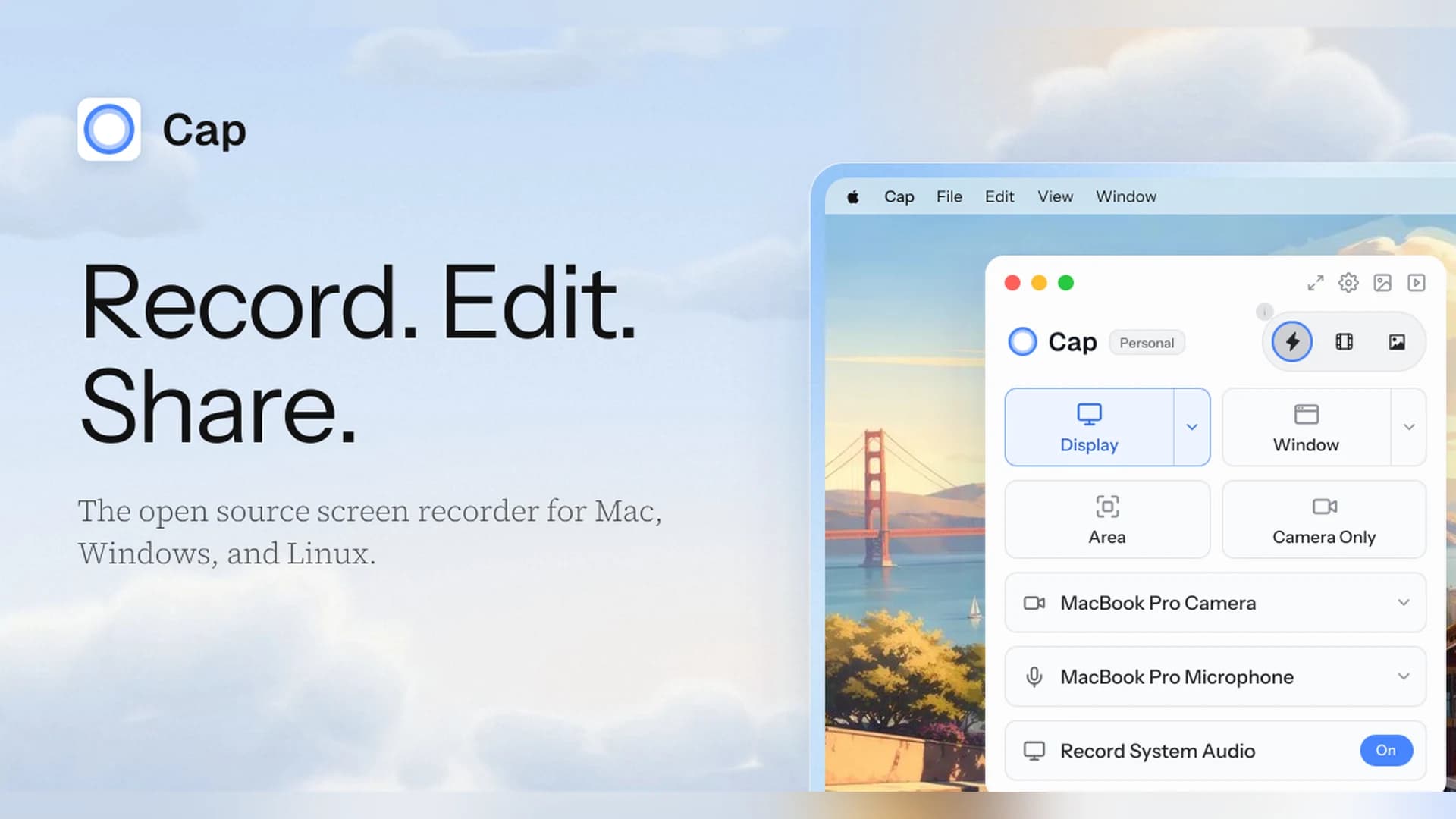
Cap is an open-source screen recorder for Mac, Windows, and Linux that works as a Loom alternative, with instant share links and a local Studio Mode.
- Instant Mode records and uploads at once so you get a shareable link as you stop.
- Studio Mode records locally with a full editor and exports up to 4K at 60 fps.
- Free for personal use. A Desktop License ($29 a year, or $58 once) adds commercial rights, and Cap Pro ($12 per user a month) adds unlimited cloud sharing.
- Open source, with a self-hosting option.
Cap suits people who want a Loom-style workflow without being locked into one vendor.
SoftwareCreativemacOS
Zight
Share screen recordings and screenshots instantly
Freemium
Zight (formerly CloudApp) captures screenshots, GIFs, and screen recordings and turns each one into a shareable link.
- Records the screen and webcam, and shares a link as soon as you stop.
- The free plan covers recordings up to 5 minutes at up to 720p, with 1 GB of storage.
- Paid plans add unlimited recording time, 4K, and AI summaries, chapters, and smart actions.
- Includes video requests, so teammates can send you a recording.
Zight suits teams that send quick videos and screenshots instead of long messages.