macOS only remembers the last thing you copied. A clipboard manager keeps a searchable clipboard history on your Mac, so you can paste something you copied an hour ago, pin text you use every day, and stop retyping.
This guide compares seven clipboard managers for Mac, with prices checked on each official page on October 26, 2026. It covers history length, search, iCloud sync, and which ones are open source. The short answer: Maccy is the best free clipboard manager, Minimal Paste is the pick for a private, Win+V style shelf, Paste is the best if you want sync with iPhone and iPad, and ClipBook or PastePal are the best one-time purchases.
Shotbase is a comprehensive tool designed to capture and manage all your screen-based content effortlessly. With features like stunning screenshot capabilities, recording options that include cinematic effects, and an intuitive organizational structure powered by local AI, you can easily keep your multimedia assets organized and accessible. Shotbase not only allows you to capture specific areas, windows, or full screens on your Mac but also enables you to edit and enhance your captures with backgrounds, frames, and annotations. The integrated AI ensures your captures are automatically named and tagged for easy searching, making it an excellent choice for anyone looking to enhance their productivity and creativity in one seamless workspace.
SoftwareCreativemacOS
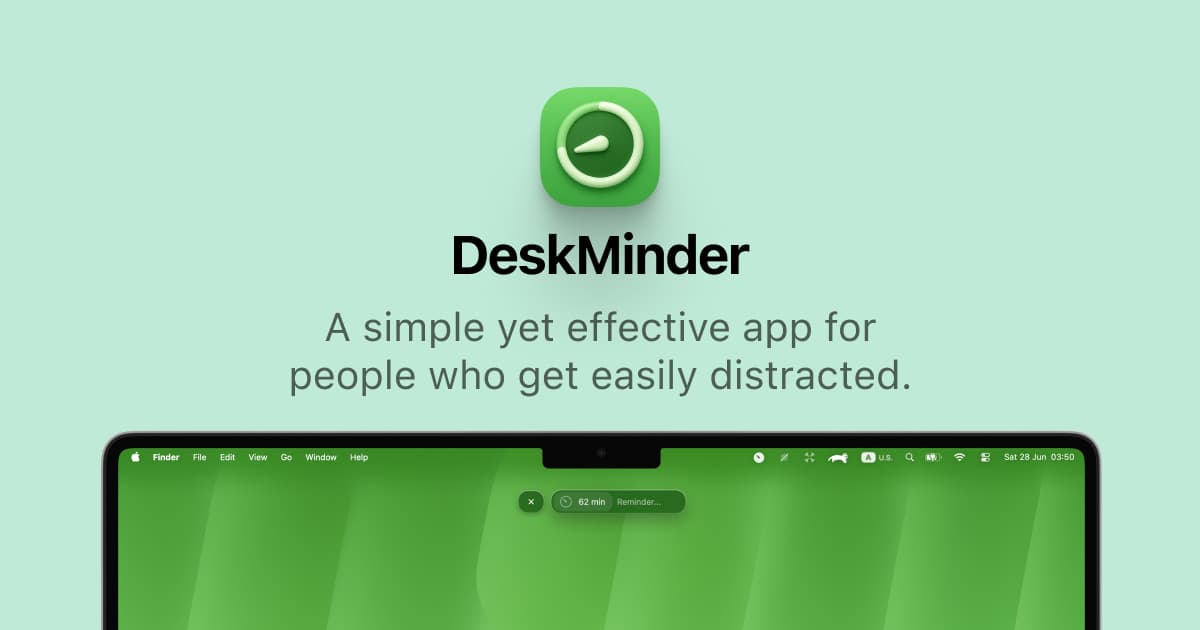
DeskMinder
For Easily Distracted Minds
Freemium
DeskMinder is a productivity software application designed for Mac users who struggle with distractions. It provides a straightforward interface for creating desktop pop-up reminders and tasks, helping users manage urgent to-dos, short breaks, and fleeting ideas. With features like full-screen notifications and Apple Reminders integration, DeskMinder aims to enhance focus and time management for i
- With features like easy-to-create desktop pop-ups for reminders and tasks, it simplifies the process of staying on top of urgent to-dos, short breaks, or fleeting ideas.
- Users can benefit from full-screen notifications, Apple Reminders integration, and flexible widget placement, making it ideal for anyone requiring a little extra help to maintain focus.
- The app includes additional shortcuts for quick reminder setups and customizable widget options, along with a history tracking feature to monitor daily progress.
Designed specifically for Mac users, DeskMinder aims to facilitate better time management and productivity for those with attention challenges, providing a seamless user experience without unnecessary complexity.
SoftwareProductivitymacOS
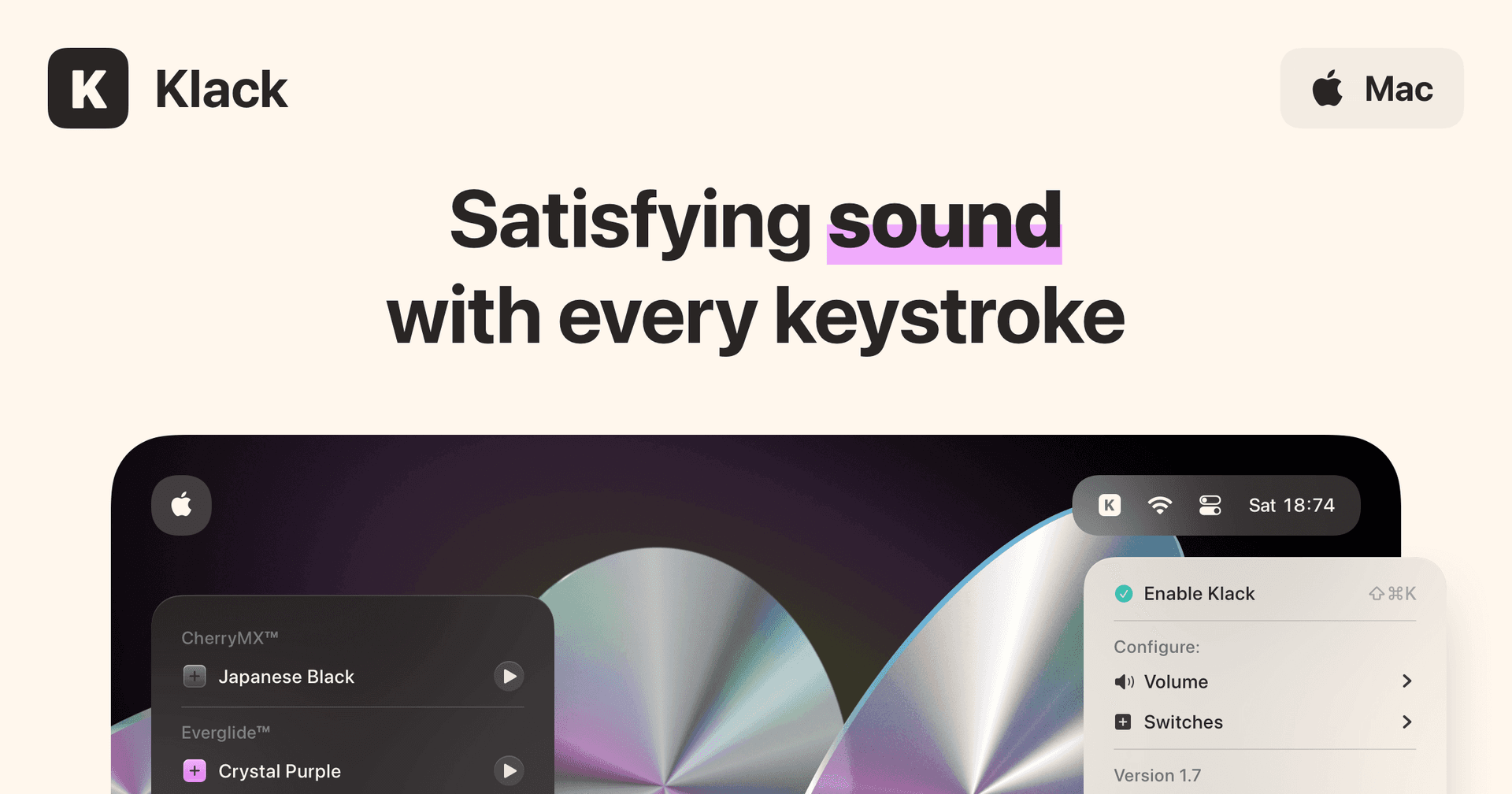
Klack
Satisfying sound with every keystroke
Paid
Klack is a macOS application designed to enhance the typing experience through high-fidelity sound for each keystroke. It provides features such as immersive spatial audio, instant feedback, and customizable sound options, making it suitable for writers, developers, and anyone who values an engaging typing environment. The app is easily accessible from the menubar and offers extensive configuratio
- Provides immersive spatial audio for enhanced typing feedback.
- Allows customization of keystroke sounds, pitch variations, and volume settings.
- Features a menubar interface for quick access to configuration options.
- Supports instant feedback with each keystroke for a more engaging experience.
- Designed for writers and developers seeking auditory feedback while typing.
Klack enhances the typing experience on Mac by providing high-fidelity sound for each keystroke.
SoftwaremacOS
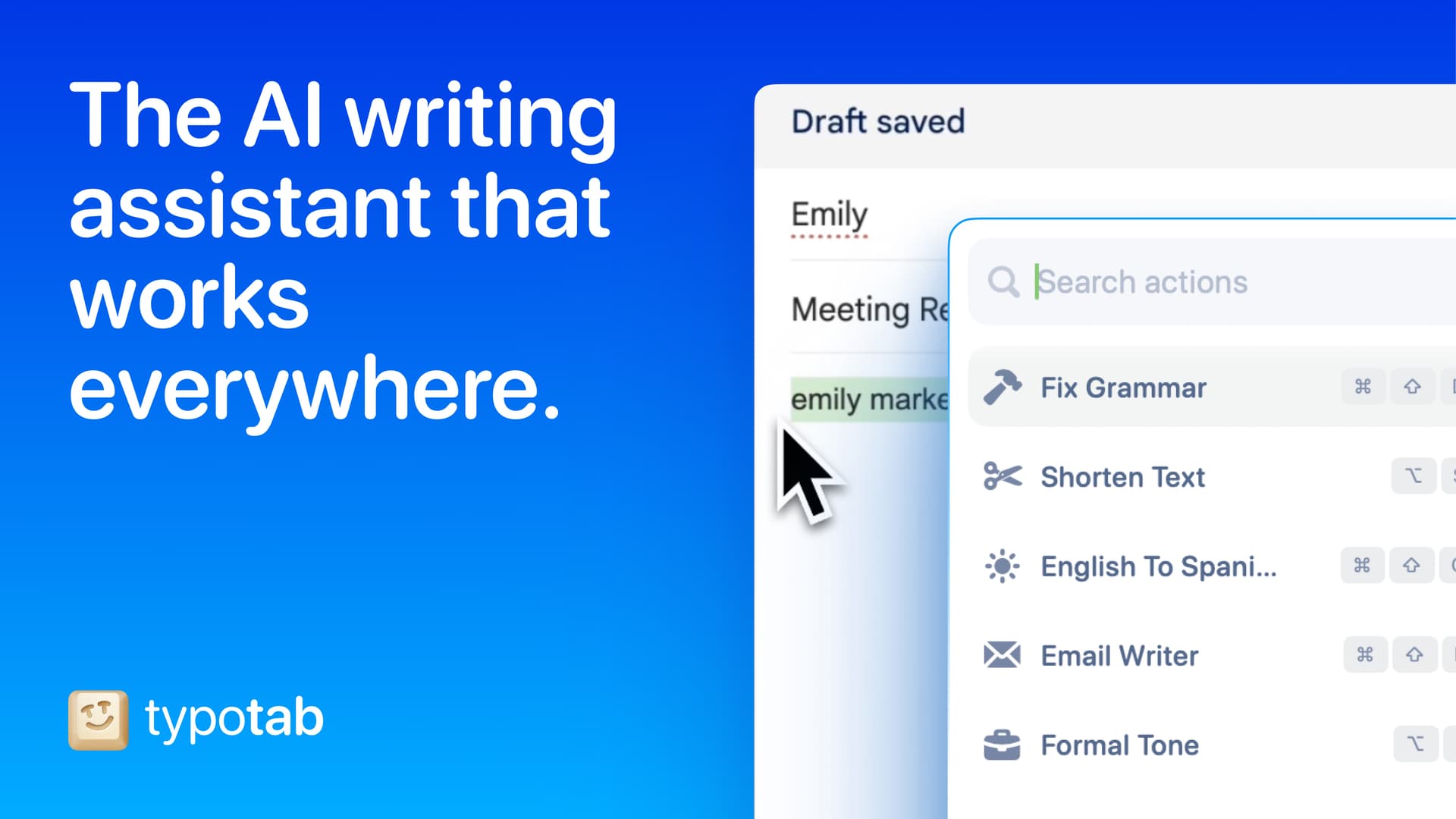
TypoTab
TypoTab, the ultimate AI writing assistant for
Paid
TypoTab is a macOS application that functions as an AI-driven writing assistant. It enhances writing efficiency by providing tools for grammar correction, text rephrasing, and content generation, all accessible from the menu bar without needing to switch applications. This tool is designed for writers, students, and professionals looking to streamline their writing process and improve productivity
- Provides grammar correction and text rephrasing directly from the menu bar.
- Allows text refinement in any application without switching contexts.
- Offers customizable actions to meet individual writing needs.
- Streamlines repetitive writing tasks for improved efficiency.
- Supports a wide range of applications, enhancing workflow across platforms.
TypoTab is a macOS application that enhances writing efficiency by providing grammar correction, text rephrasing, and content generation directly from the menu bar. It allows users to refine text in any application without switching contexts, offering customizable actions to suit individual writing needs.
SoftwareProductivitymacOS
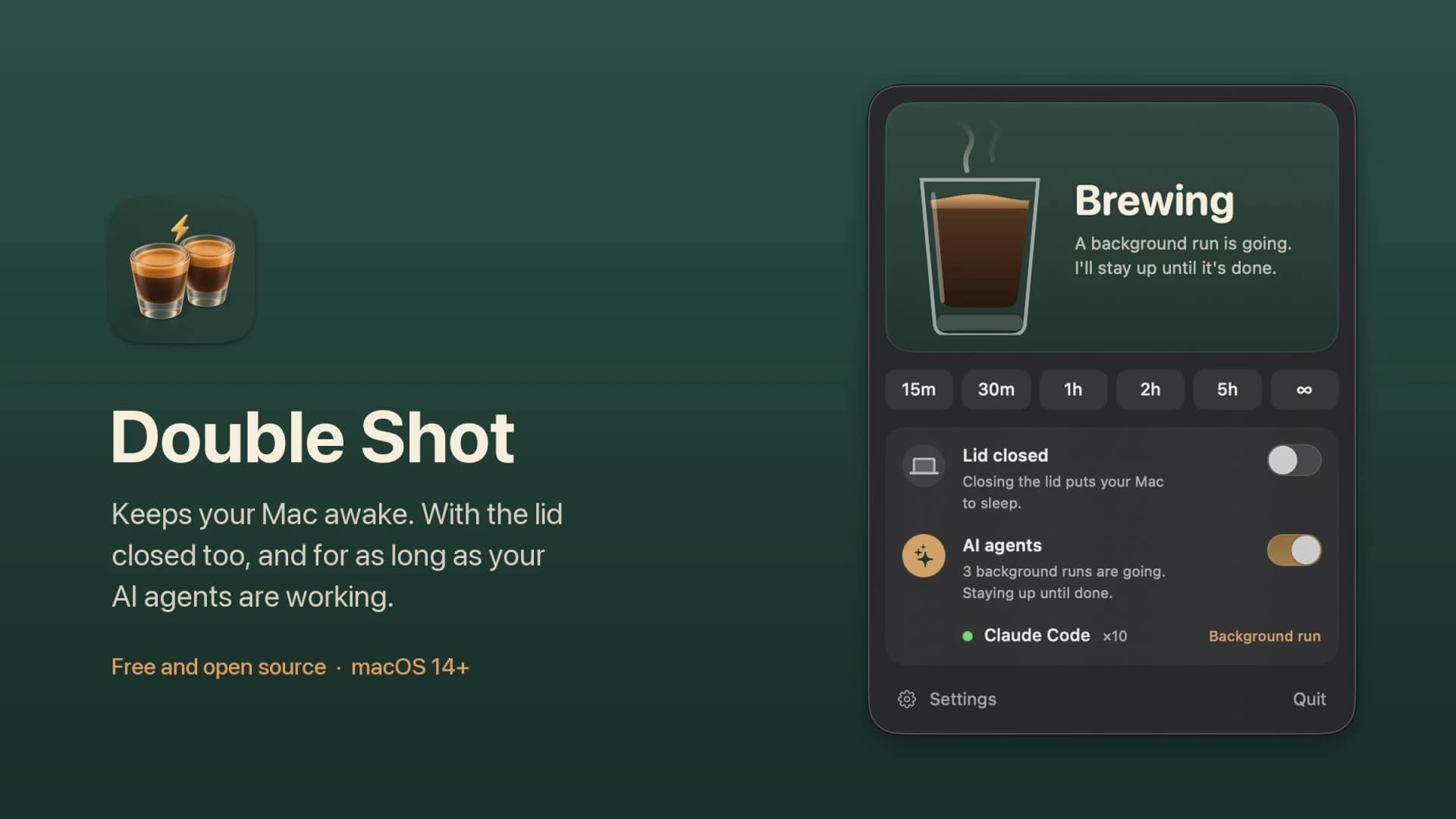
Double Shot
Free open-source Mac app that keeps your Mac awake for AI agents
Free
Double Shot is a free, open-source macOS menu bar app that keeps your Mac awake, with the lid closed too, and for as long as your AI coding agents are working.
- Detects when Claude Code, Codex, Gemini CLI, Cursor Agent, Copilot CLI, OpenCode, Amp or Aider are actually working, not just open.
- Lid closed mode uses pmset disablesleep, with a one-time password prompt that adds a sudoers rule.
- Stops at the first warm level, turns the dark display off, switches on Low Power Mode on battery, and lets go when the battery gets low.
- Quick picks from 15 minutes to 5 hours, or until you turn it off.
- MIT licensed. Install with Homebrew or download from GitHub. Not notarized by Apple yet, and it needs macOS 14 or later.
Double Shot suits anyone who starts a long agent run, closes the lid and expects the work to carry on.
SoftwareUtilitiesmacOS
Peek
Glance at websites and widgets with a shortcut
Free
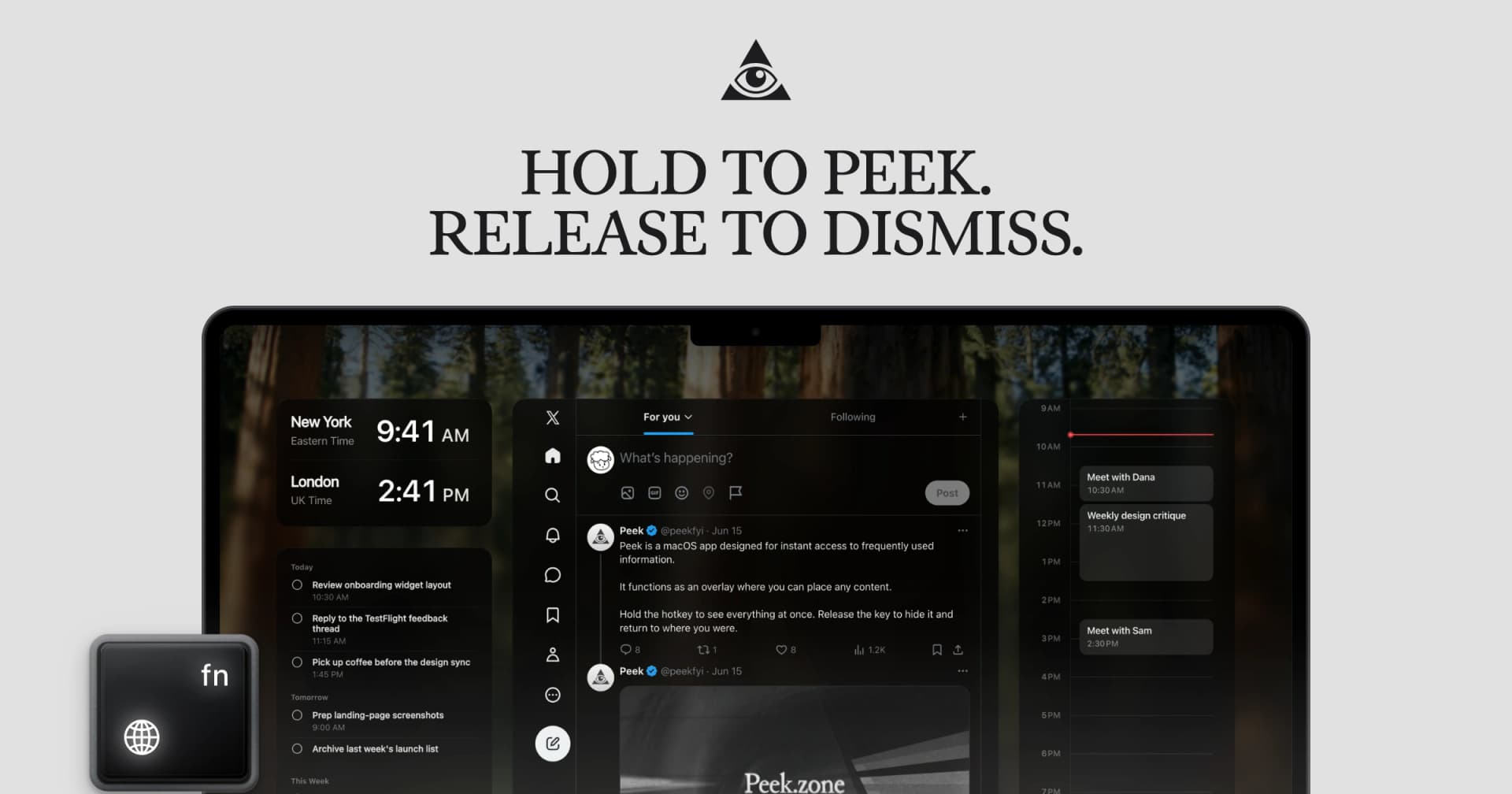
Peek is a native Mac app that brings frequently checked information into a personal overlay. Hold a shortcut to glance at it, release to return to your work, or tap the shortcut to keep it open and interact.
Combine websites, local PDFs, and widgets such as Calendar, Reminders, and time zones in one space. Arrange and resize content freely, or use Flow mode to organize your layout. Hide unwanted page elements and block ads, trackers, and cookie banners.
Set custom keyboard shortcuts, including separate left and right modifier keys. Peek works across multiple monitors and full-screen spaces, with per-display layouts or synced widgets. Optional auto-refresh keeps pages current, and you can open content in its default app when you want to continue outside the overlay. The site also lists passkey support and experimental web extensions.
Use it to check analytics beside your calendar, review GitHub pull requests and Linear issues while coding, or gather visual references from websites without switching away from your current app.
Available free on the Mac App Store. Requires macOS 14.2 or later.
SoftwareProductivitymacOS
Cap
The open source screen recorder
Freemium
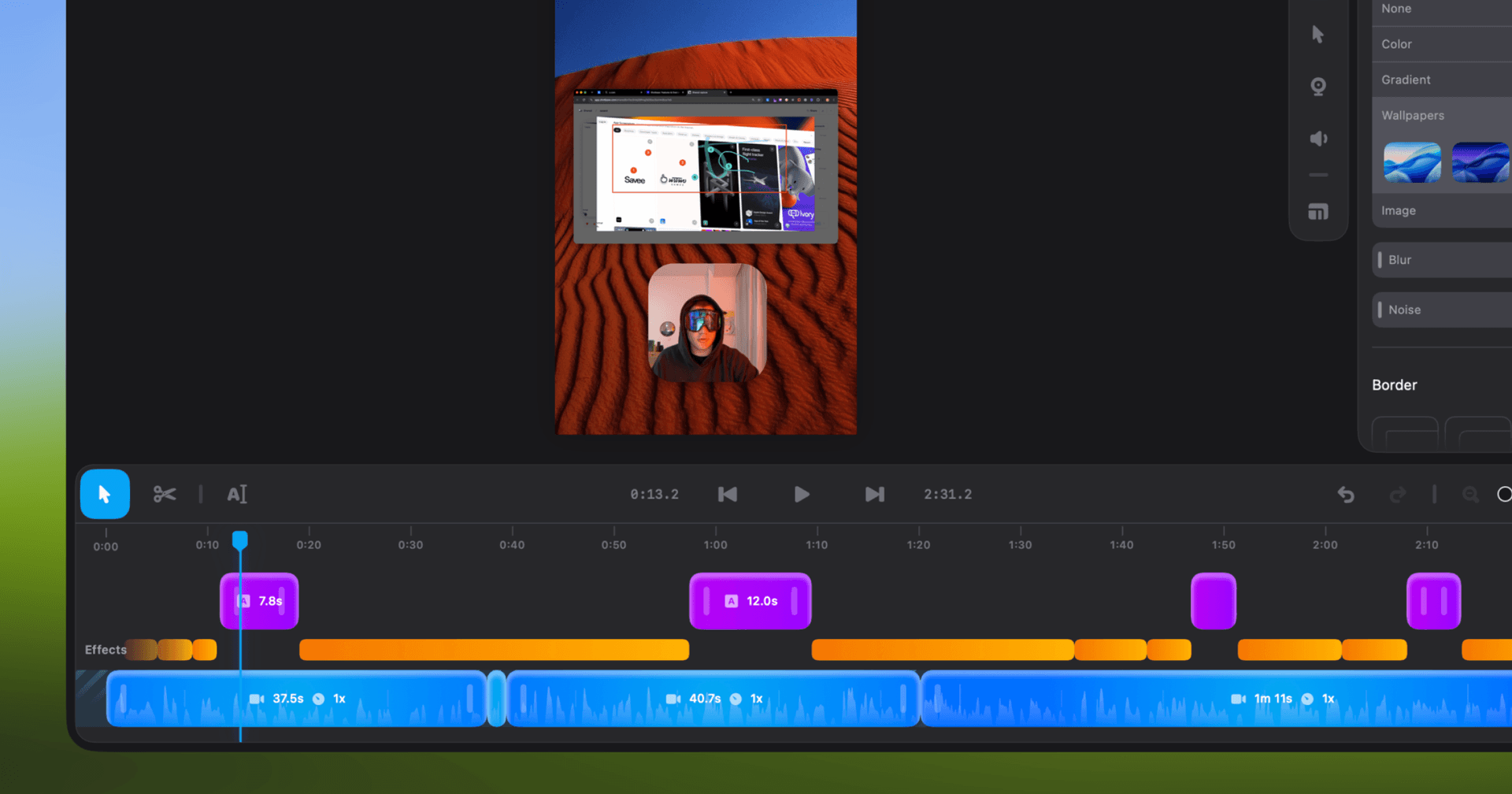
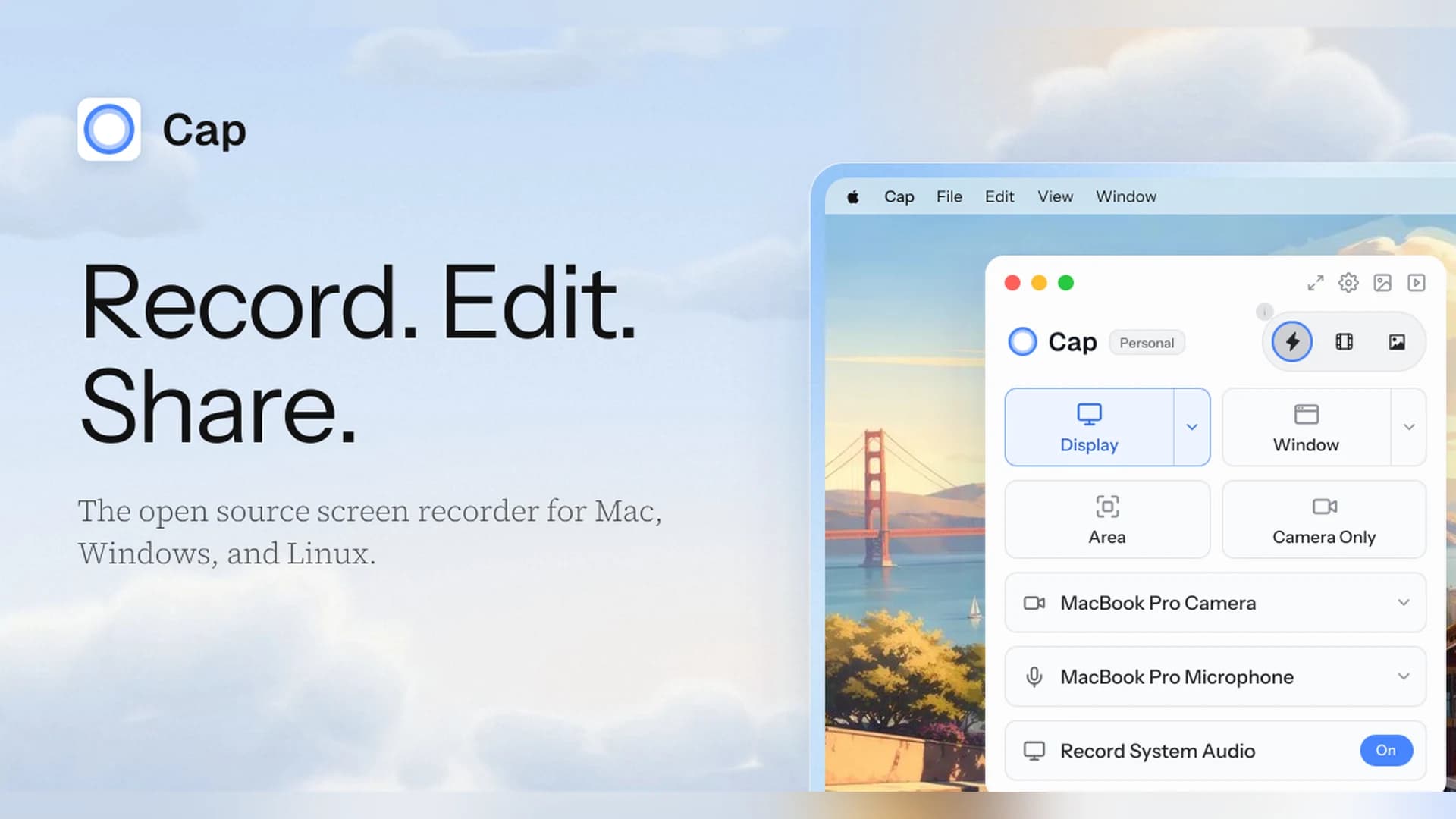
Cap is an open-source screen recorder for Mac, Windows, and Linux that works as a Loom alternative, with instant share links and a local Studio Mode.
- Instant Mode records and uploads at once so you get a shareable link as you stop.
- Studio Mode records locally with a full editor and exports up to 4K at 60 fps.
- Free for personal use. A Desktop License ($29 a year, or $58 once) adds commercial rights, and Cap Pro ($12 per user a month) adds unlimited cloud sharing.
- Open source, with a self-hosting option.
Cap suits people who want a Loom-style workflow without being locked into one vendor.
SoftwareCreativemacOS
Zight
Share screen recordings and screenshots instantly
Freemium
Zight (formerly CloudApp) captures screenshots, GIFs, and screen recordings and turns each one into a shareable link.
- Records the screen and webcam, and shares a link as soon as you stop.
- The free plan covers recordings up to 5 minutes at up to 720p, with 1 GB of storage.
- Paid plans add unlimited recording time, 4K, and AI summaries, chapters, and smart actions.
- Includes video requests, so teammates can send you a recording.
Zight suits teams that send quick videos and screenshots instead of long messages.
SoftwareCreativemacOS
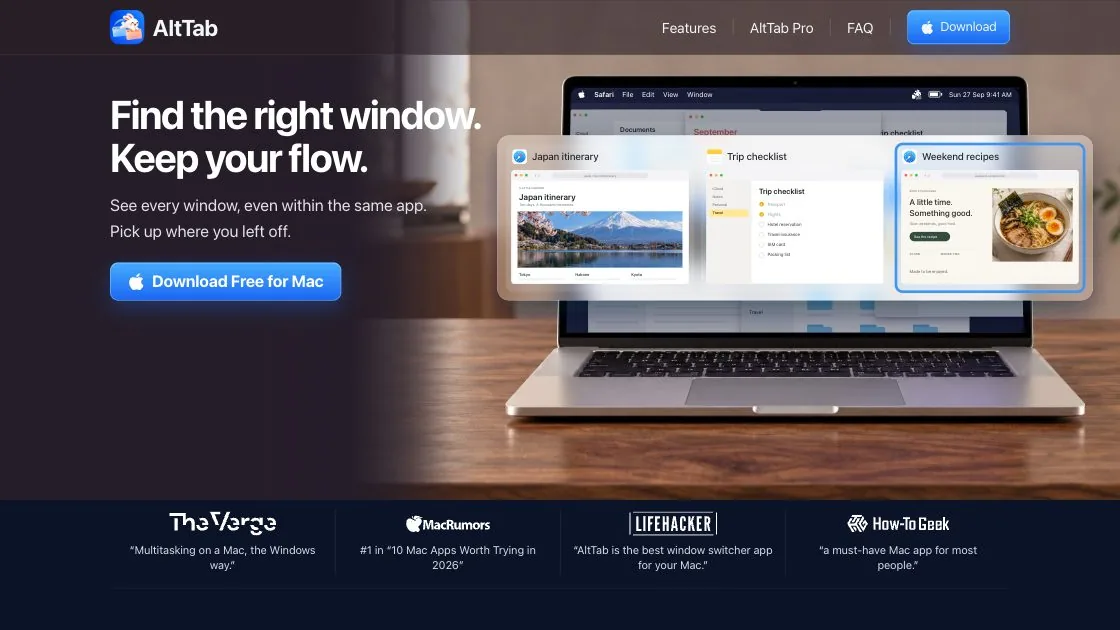
AltTab
Windows-style Alt-Tab with window previews
Freemium
AltTab brings a Windows-style window switcher to the Mac, with a live preview of every open window instead of one icon per app.
- Switches between individual windows, including several windows of the same app.
- Shows live thumbnails across Spaces and screens, plus minimized and hidden windows.
- Close, minimize, hide, or quit a window right from the switcher.
- Free and open source. Pro adds search, extra styles, and more shortcuts as a one-time purchase.
AltTab suits anyone who misses Alt-Tab after moving from Windows.
SoftwareUtilitiesmacOS
Paste
$29.99/year ($2.49/month), 7-day trial
Unlimited
Yes
iCloud (Mac, iPhone, iPad)
No
Raycast
Free (3 months of history), Pro $8/month for unlimited
3 months free, unlimited on Pro
Yes
No
No
Alfred
Powerpack from £34
24 hours to 3 months
Yes
Not listed
No
ClipBook
$9.99 one time, 5-day trial
Unlimited
Yes, including text inside images
No, local only
Yes
PastePal
$14.99 one time
Unlimited
Yes, with OCR
iCloud (App Store version)
No
Maccy: the best free clipboard manager for Mac
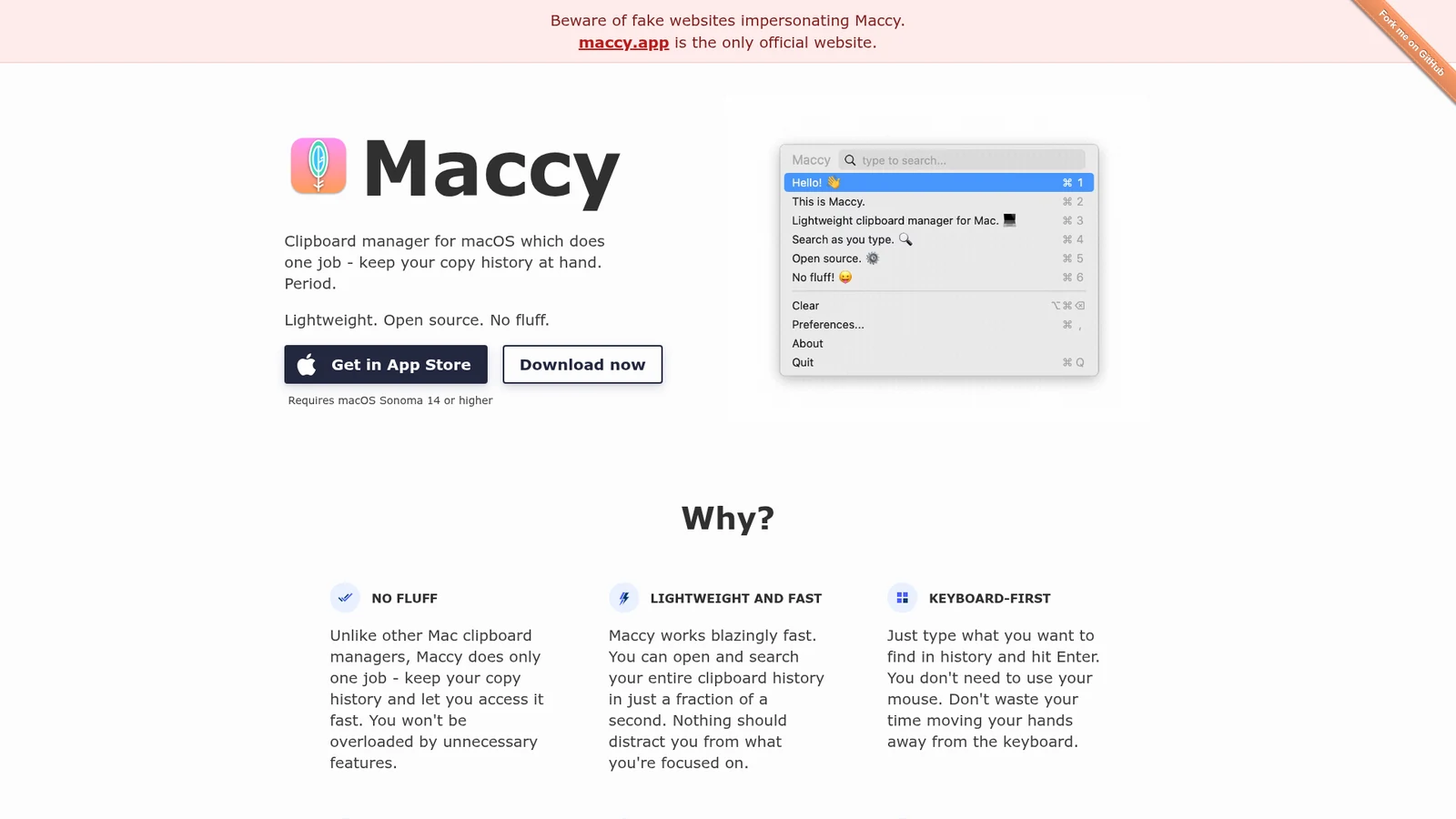
Maccy does one job: it keeps your copy history within reach. Open it, type what you remember, and press Enter. It is free, open source under the MIT license, and the source is on GitHub.
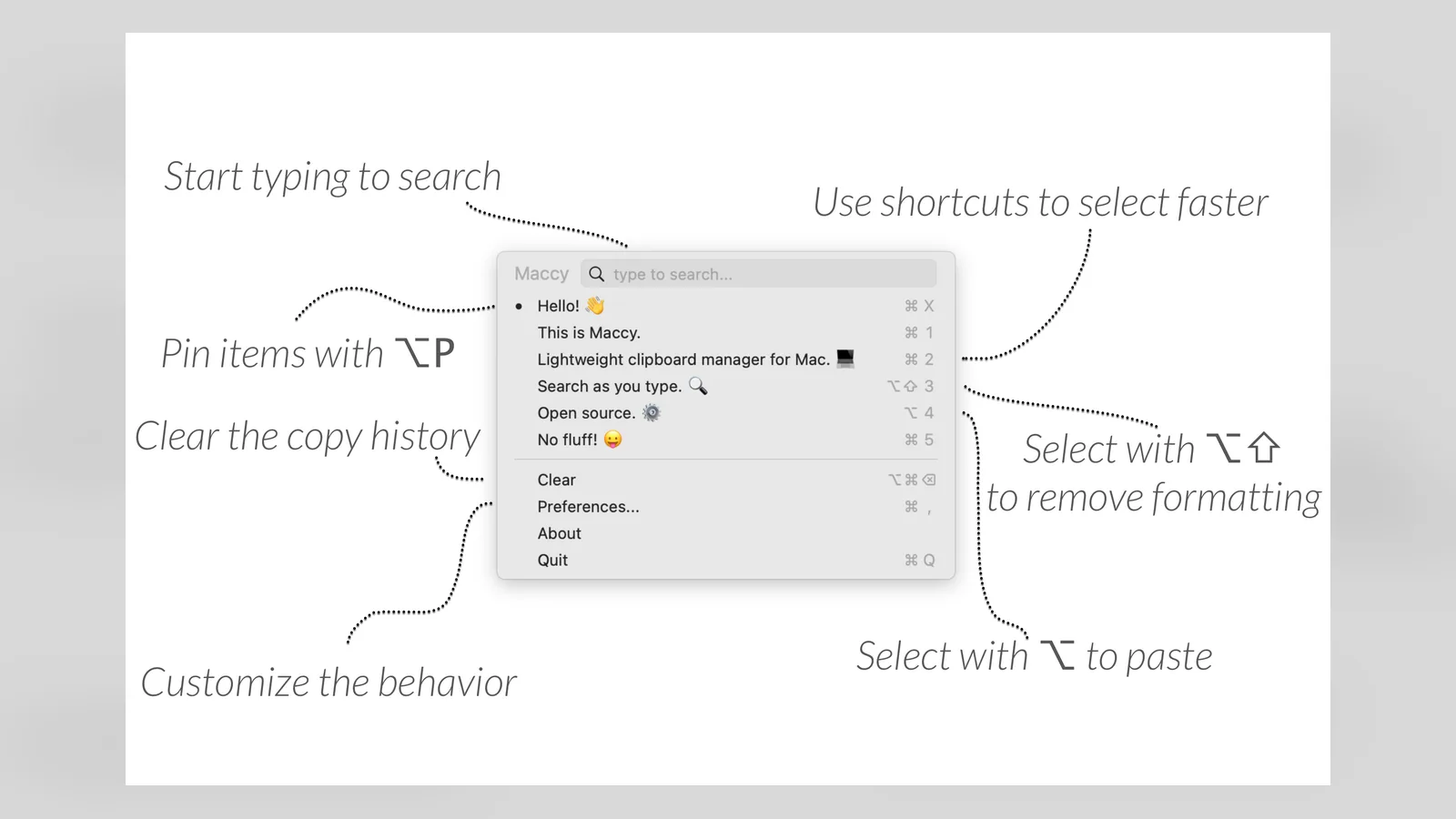
Maccy is a lightweight, open-source clipboard manager. Image: Maccy
Maccy is keyboard first and native to macOS. If your password manager removes a copied password from the clipboard, Maccy removes it too, and everything is stored on your Mac. It needs macOS Sonoma 14 or higher.
Pricing: free from maccy.app. The Mac App Store version costs $9.99. There is no sync, so history stays on one Mac.
Best for: people who want a fast, free clipboard history and nothing else.
MaccyLightweight open-source clipboard managerVisit WebsiteMaccy is a free, open-source clipboard manager that keeps your copy history one shortcut away, like Win+V on Windows.
- Search and paste anything you copied earlier.
- Native, minimal macOS interface with a small footprint.
- Pin items you paste often and ignore apps you choose.
- MIT licensed and free, also available on the Mac App Store.
Maccy suits people who want clipboard history without extra features.Visit Website
Minimal Paste: clipboard history plus a folders shelf
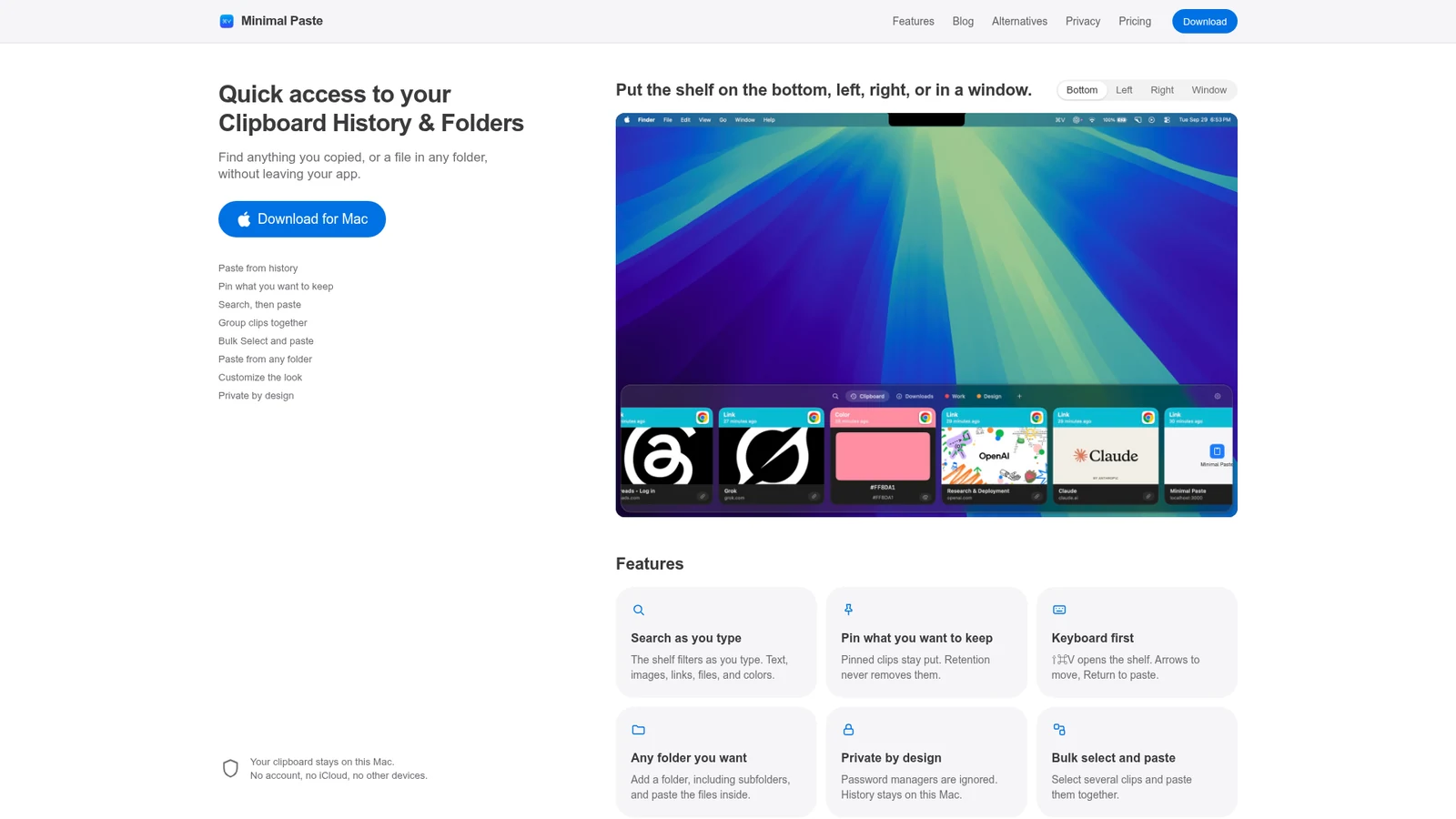
Minimal Paste pairs clipboard history with a shelf of folders you can paste files from. The shelf can sit at the bottom, left, right, or in a window.
Minimal Paste shows clipboard history and folders on one shelf. Image: Minimal Paste
Search filters as you type across text, images, links, files, and colors. Pins are never removed, and password managers are ignored. Everything stays on your Mac, with no account and no iCloud. Press Shift-Command-V to open it. It needs macOS 14 or later and is not on the Mac App Store.
Pricing: $9.99 once, with a 7-day trial.
Best for: people who want a private, minimal Win+V style shelf that also holds folders.
Minimal PasteSearch clipboard history and paste fasterVisit WebsiteMinimal Paste is a local clipboard manager for Mac. Search copied text, images, links, files, and colors from a shelf, then paste them back into the app you were using.
- Open the shelf with Shift-Command-V and navigate using the keyboard.
- Pin frequently used clips so retention does not remove them.
- Organize related clips into named, colored groups.
- Add folders and subfolders for quick access to their files.
- Select and paste several clips together.
- Position the shelf along a screen edge or in a separate window.
Clipboard history stays on your Mac, and password managers are ignored. Requires macOS 14 or later. A $9.99 one-time license covers three Macs and includes free updates, with a seven-day trial available.Visit Website
Paste: the best clipboard manager with iCloud sync
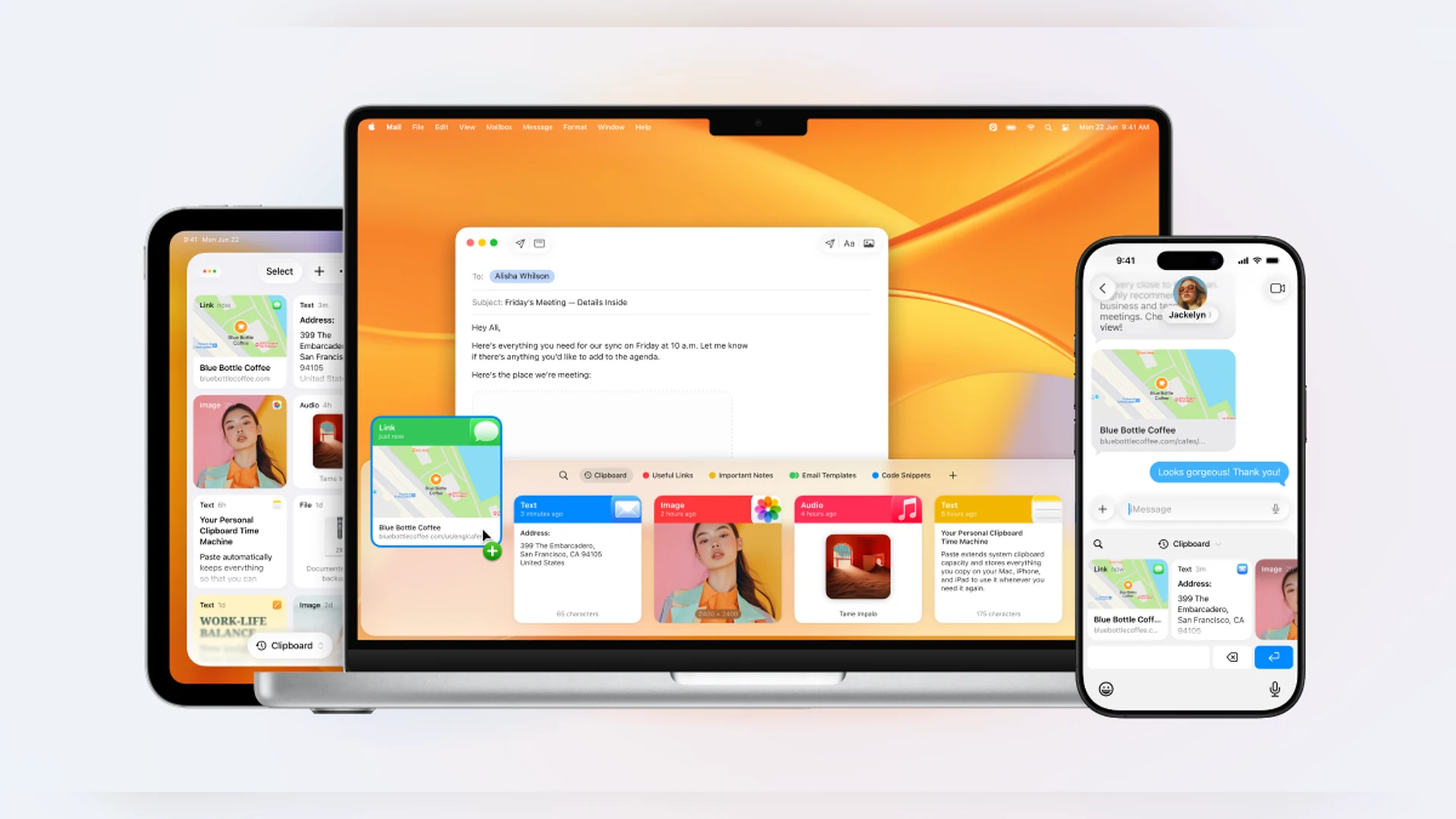
Paste is the polished, subscription-based option. It keeps unlimited history, organizes clips into pinboards, and syncs across Mac, iPhone, and iPad through iCloud.
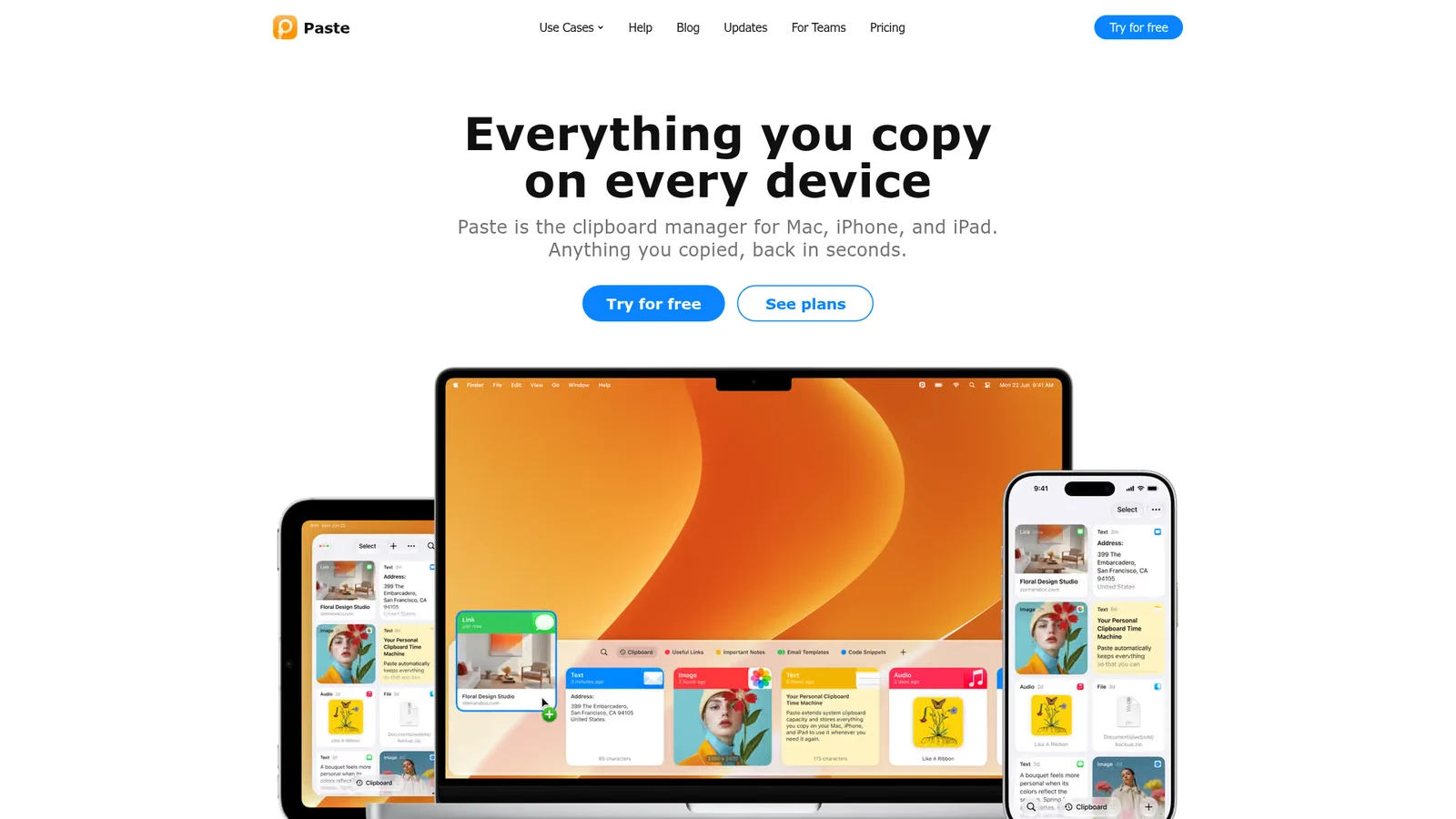
Paste syncs your clipboard history across Mac, iPhone, and iPad. Image: Paste
Pricing: $2.49 per month billed as $29.99 annually, with a 7-day free trial. A Lifetime plan is also offered, and a family plan is available on the App Store. Paste is also included in Setapp. It is not open source.
Best for: people who copy on an iPhone and paste on a Mac, or want pinboards.
PasteClipboard manager for Mac, iPhone, and iPadVisit WebsitePaste is a clipboard manager that keeps a searchable history of what you copy and syncs it across your Mac, iPhone, and iPad.
- Unlimited clipboard history with search and filters by type.
- Pinboards for snippets, signatures, and links you reuse.
- Keeps images, files, and rich text, and syncs through your private iCloud.
- 7-day free trial, then a subscription ($29.99 a year, or $2.49 a month billed annually) or a Lifetime plan.
Paste suits people who want a polished clipboard history on every Apple device.Visit Website
Raycast: clipboard history inside a launcher
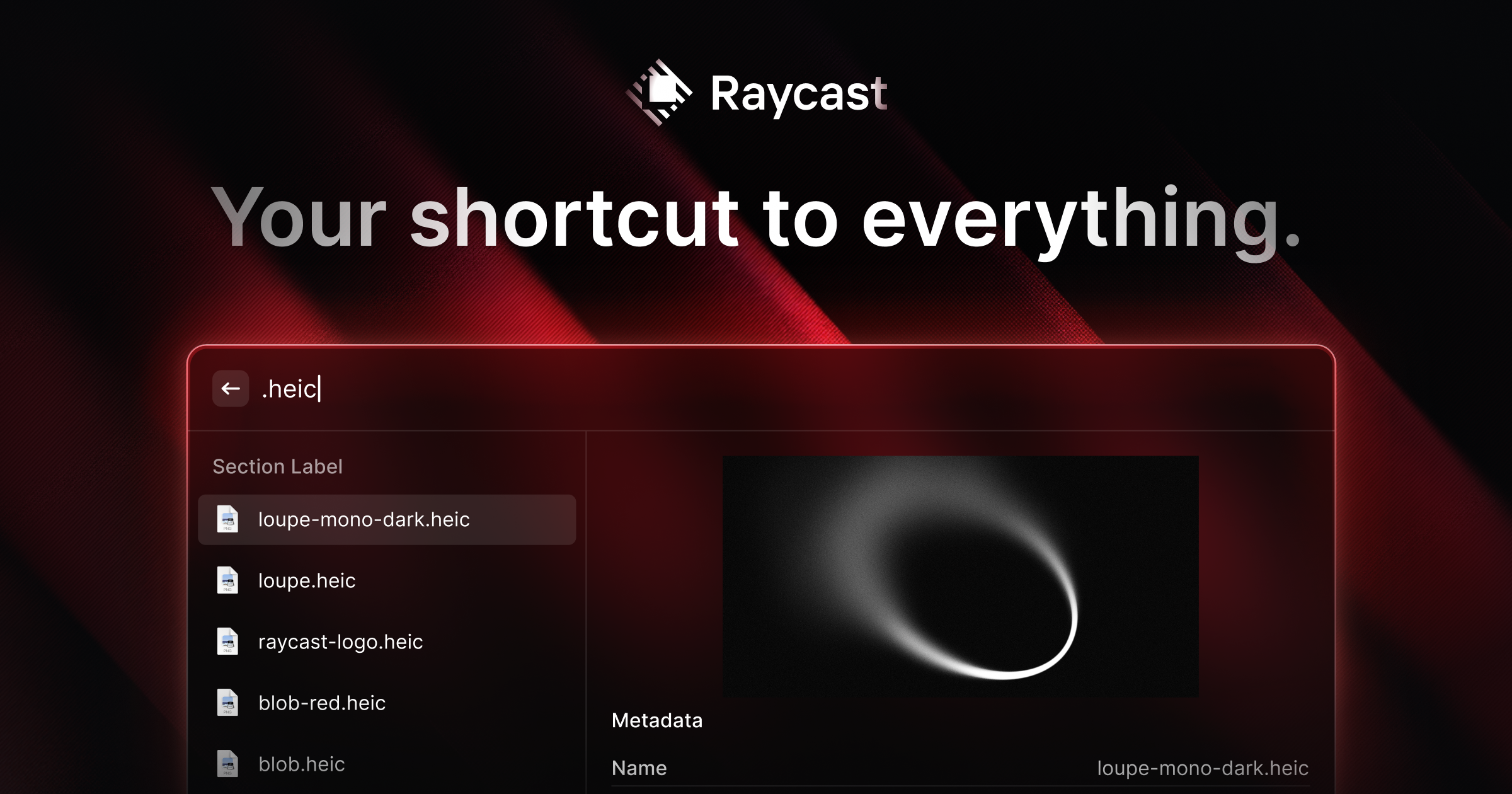
Raycast is a launcher with a built-in Clipboard History command. It supports text, images, links, and colors, and you can pin entries so they are never removed.
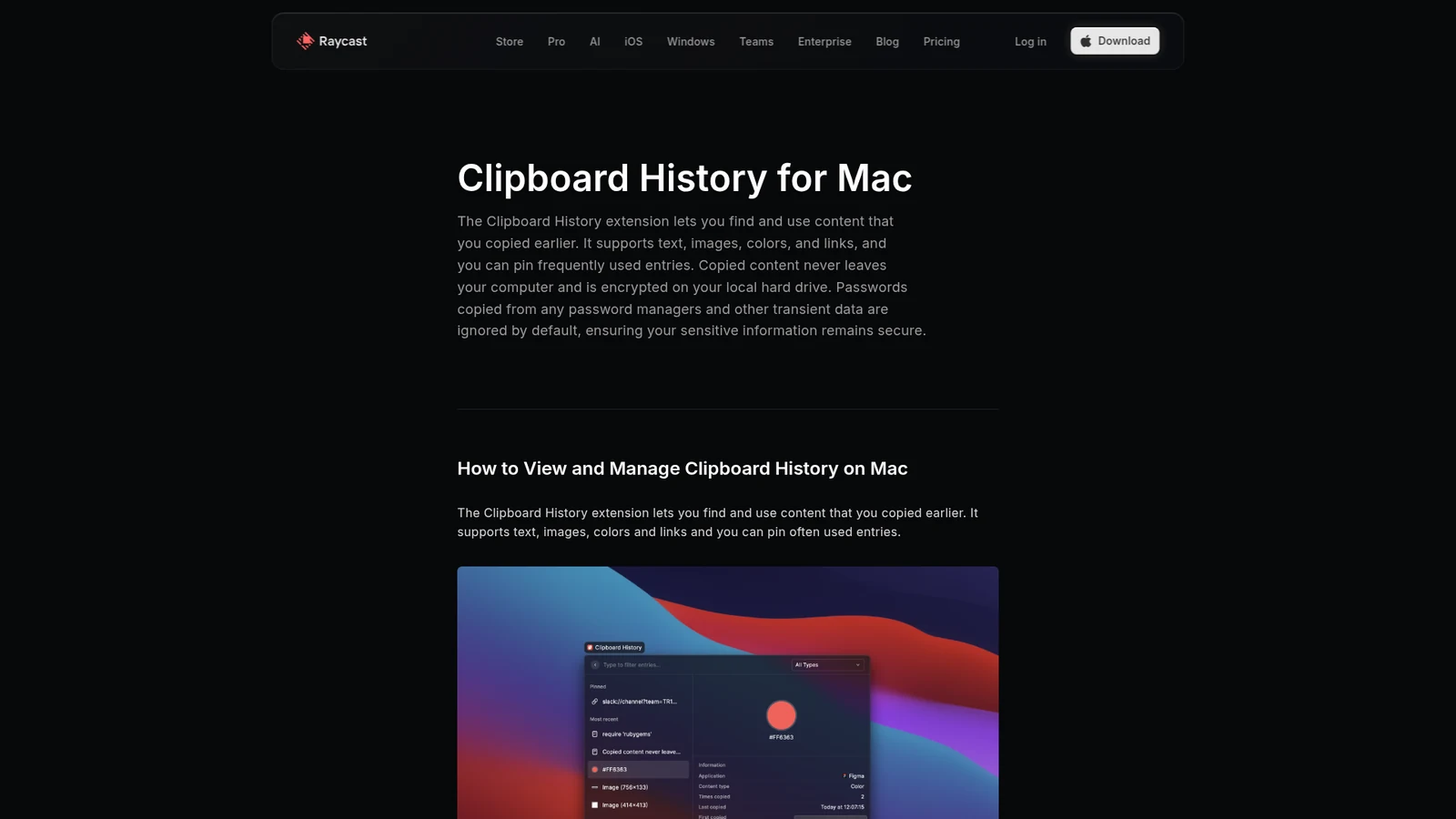
Raycast's Clipboard History is encrypted and stored locally. Image: Raycast
Copied content is encrypted on your hard drive, and password managers are respected. Clipboard history is not synced between devices.
Pricing: the free plan includes Clipboard History kept for up to 3 months. Pro is $8 per month ($96 per year) and keeps unlimited history, and it adds cloud sync for snippets, notes, and chats. AI is included in Pro.
Best for: people who already use Raycast and want clipboard history without another app.
RaycastProductivity tool for quick app accessVisit WebsiteRaycast is a productivity software for macOS designed to streamline access to applications, commands, and tools through an extendable launcher. It enables users to quickly find and execute tasks, enhancing workflow efficiency. Ideal for professionals, Raycast helps automate repetitive actions and manage various tasks, reducing the time spent navigating through menus and improving overall productiv
- Automates repetitive tasks to enhance workflow efficiency.
- Provides quick access to applications and commands through a single launcher.
- Supports integrations with popular tools like Slack, Zoom, and Notion for seamless task management.
- Allows users to manage clipboard history for easy retrieval of copied items.
- Offers customizable extensions to tailor the tool to specific professional needs.
Raycast is a productivity tool designed for macOS that streamlines access to applications, commands, and essential tools. Its extendable launcher enhances workflow efficiency, enabling users to automate tasks and manage their activities effectively. Ideal for professionals seeking to optimize their time management.Visit Website
Alfred: clipboard history with snippets and workflows
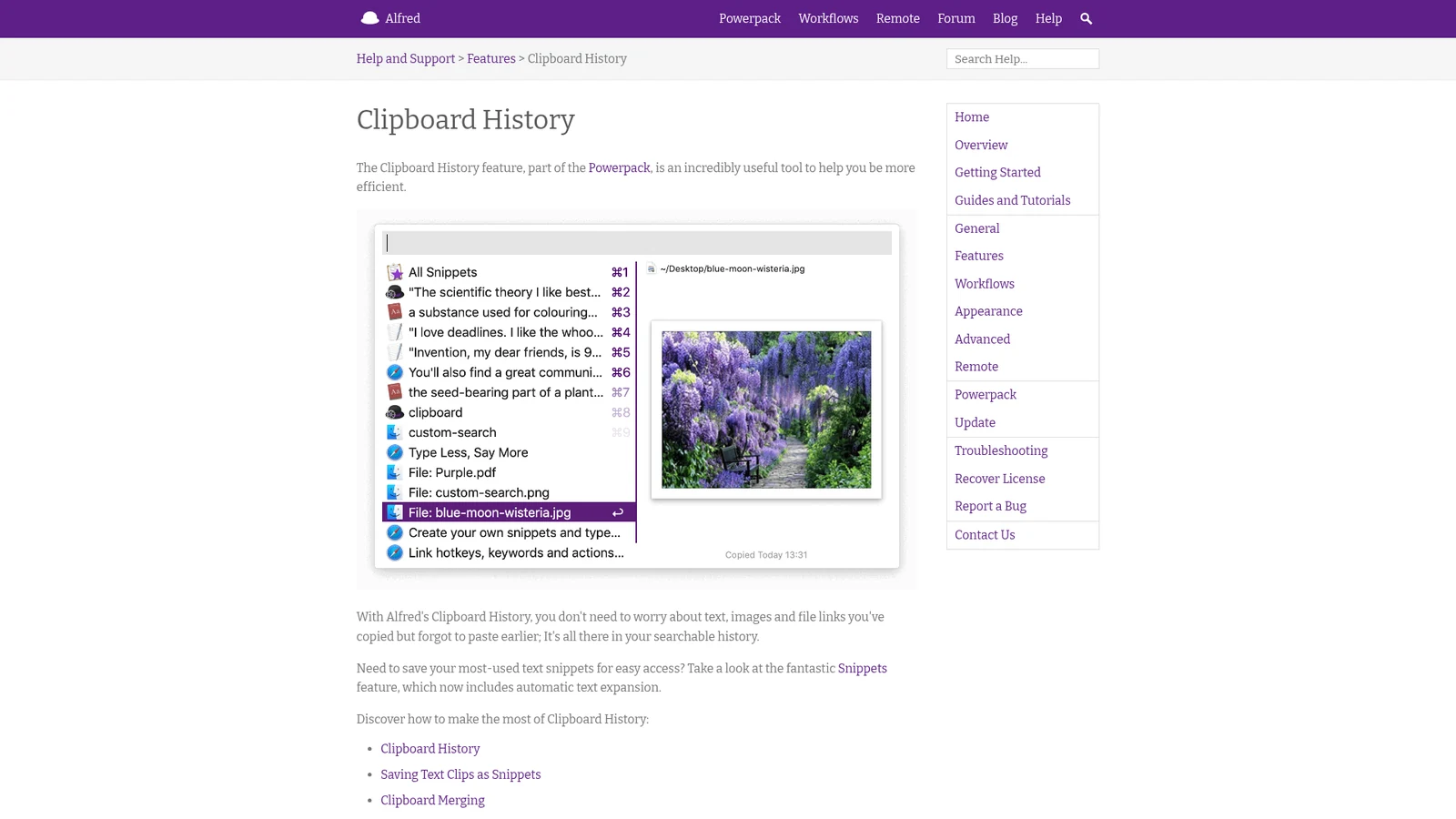
Alfred includes Clipboard History as a Powerpack feature. It is off by default for privacy, so you turn it on in Preferences and give it Accessibility permission.
Alfred's Clipboard History keeps text, images, and file paths. Image: Alfred
You choose how long Alfred remembers clips: 24 hours, 7 days, 1 month, or 3 months. It saves text, images, and file paths. You can save a text clip as a snippet, merge clips by pressing Command and double-tapping C, and Alfred ignores password apps by default.
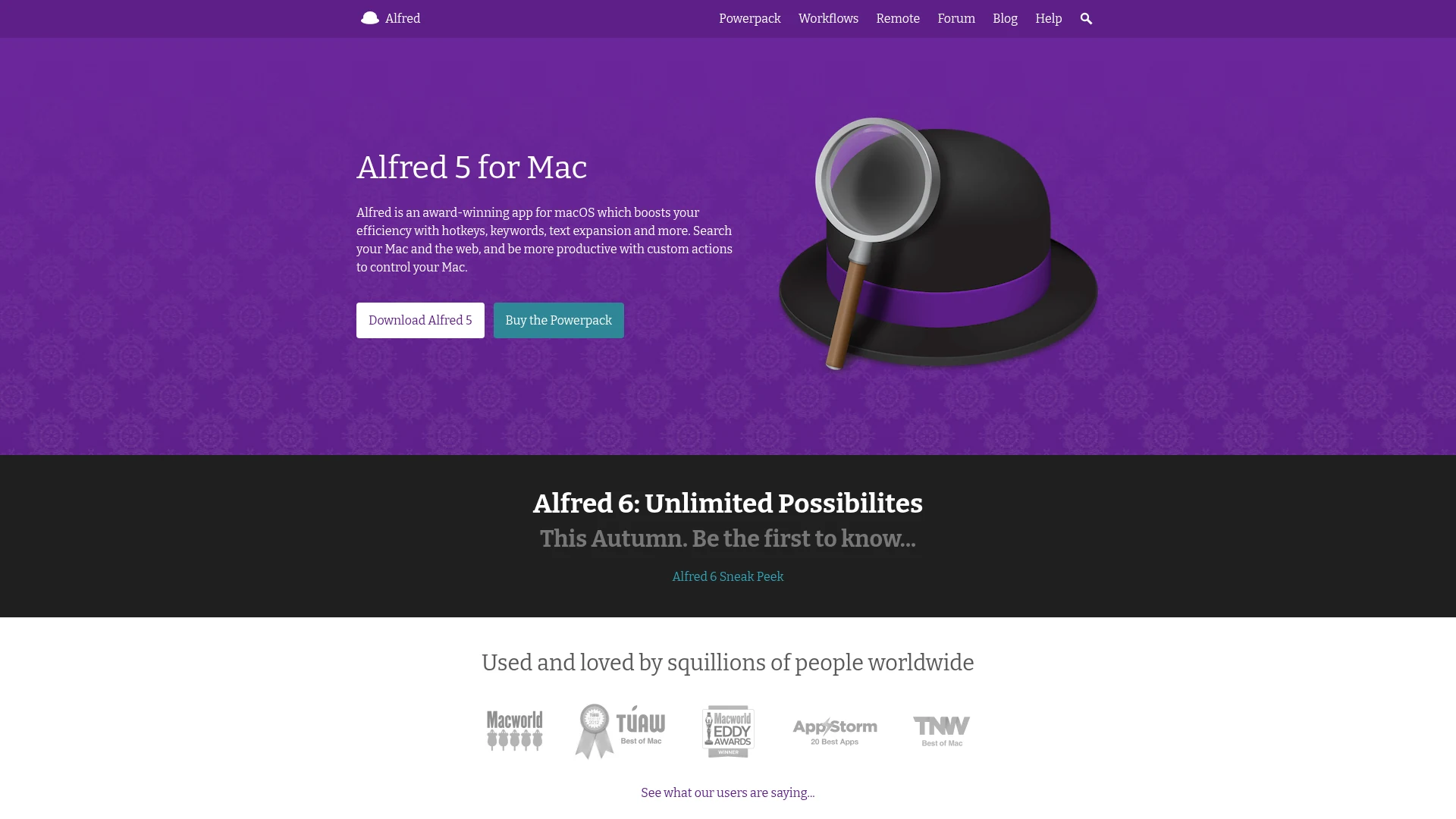
Pricing: the Powerpack is £34 for a single license, or £59 for the Mega Supporter license with lifetime upgrades. Buy Alfred 5 now and the upgrade to Alfred 6 is free.
Best for: people who want clipboard history plus snippets and automation.
AlfredMac launcher with clipboard history and workflowsVisit WebsiteAlfred is a Mac launcher that searches apps and files, runs workflows, and adds a clipboard history with the Powerpack.
- Clipboard History saves text, images, and file paths, and you choose to keep clips for 24 hours, 7 days, 1 month, or 3 months.
- Search your history, merge clips, and save a clip as a snippet.
- Ignores password managers such as 1Password and Keychain Access by default.
- The core launcher is free. The Powerpack (from £34, or £59 with lifetime upgrades) unlocks clipboard history, snippets, and workflows.
Alfred suits people who want a launcher, snippets, and clipboard history in one tool.Visit Website
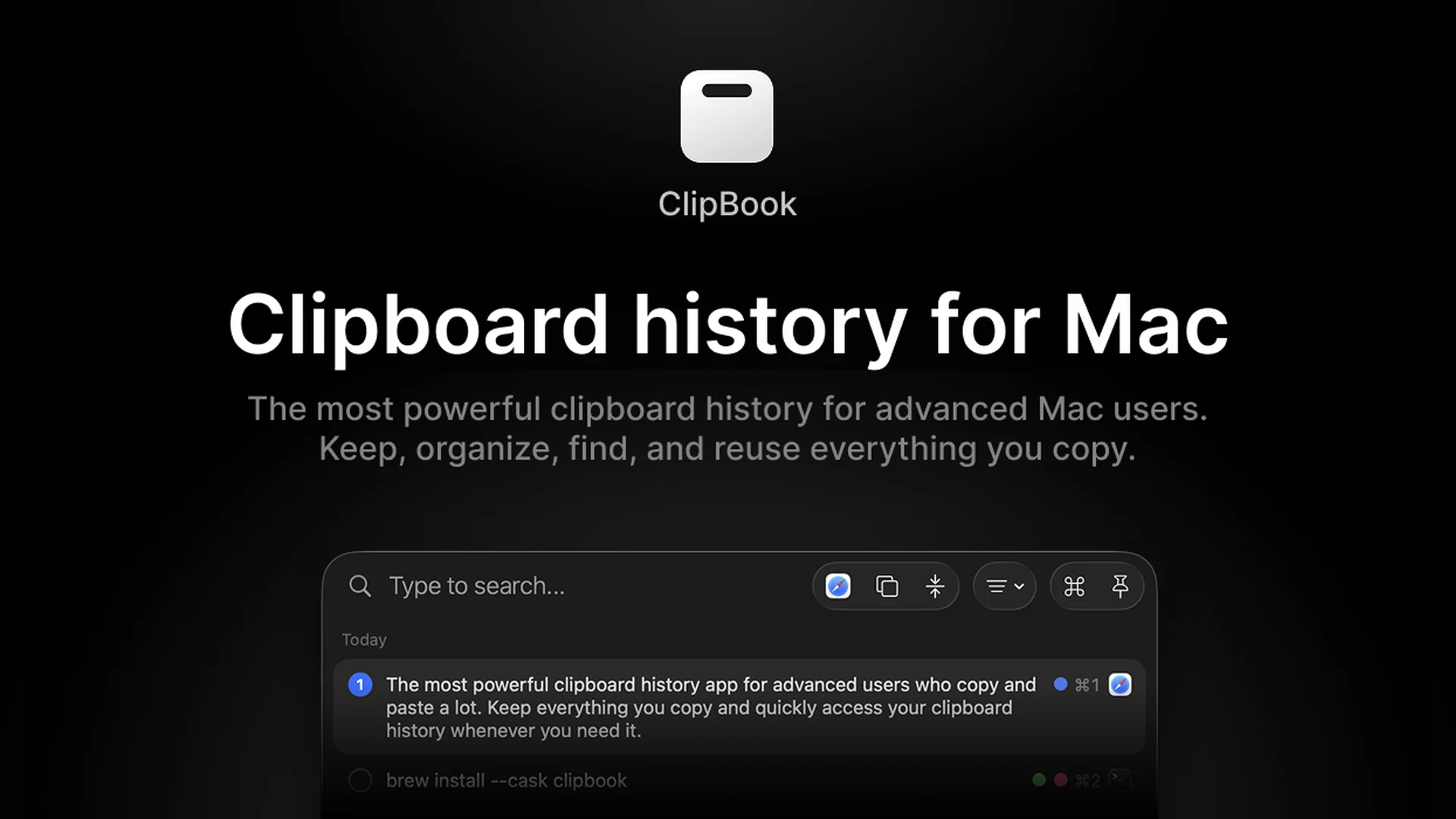
ClipBook: the best open-source clipboard manager with search
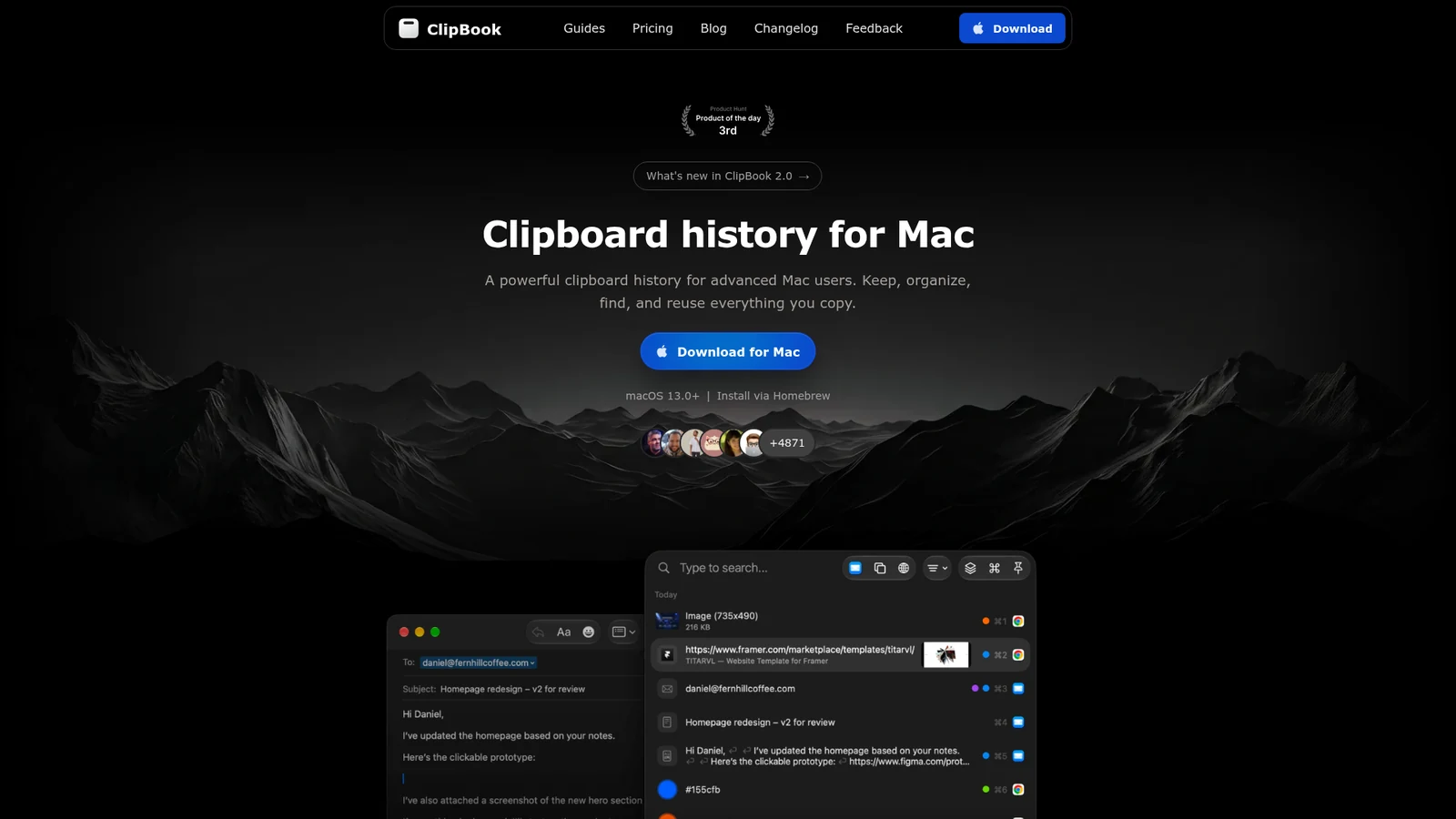
ClipBook is a newer clipboard manager that is open source on GitHub and sold as a one-time purchase.
It keeps unlimited history and can search text inside images. You can add tags, favorite clips, merge clips, and paste several at once. History is local only, with no cloud sync. It needs macOS 13 or later.
Pricing: $9.99 once, with a 5-day trial.
Best for: people who want a one-time price, unlimited history, and open source code.
ClipBookOpen-source clipboard history for MacVisit WebsiteClipBook is a clipboard history app for Mac with unlimited history, search, and a one-time price.
- Finds text inside copied images, and searches links by URL and page title.
- Favorites, tags, custom names, and multi-item paste with a separator.
- Stores history locally with no cloud sync and no account. Source code is open on GitHub.
- $9.99 once with free updates, after a 5-day trial.
ClipBook suits people who want a private, one-time-purchase clipboard manager.Visit Website
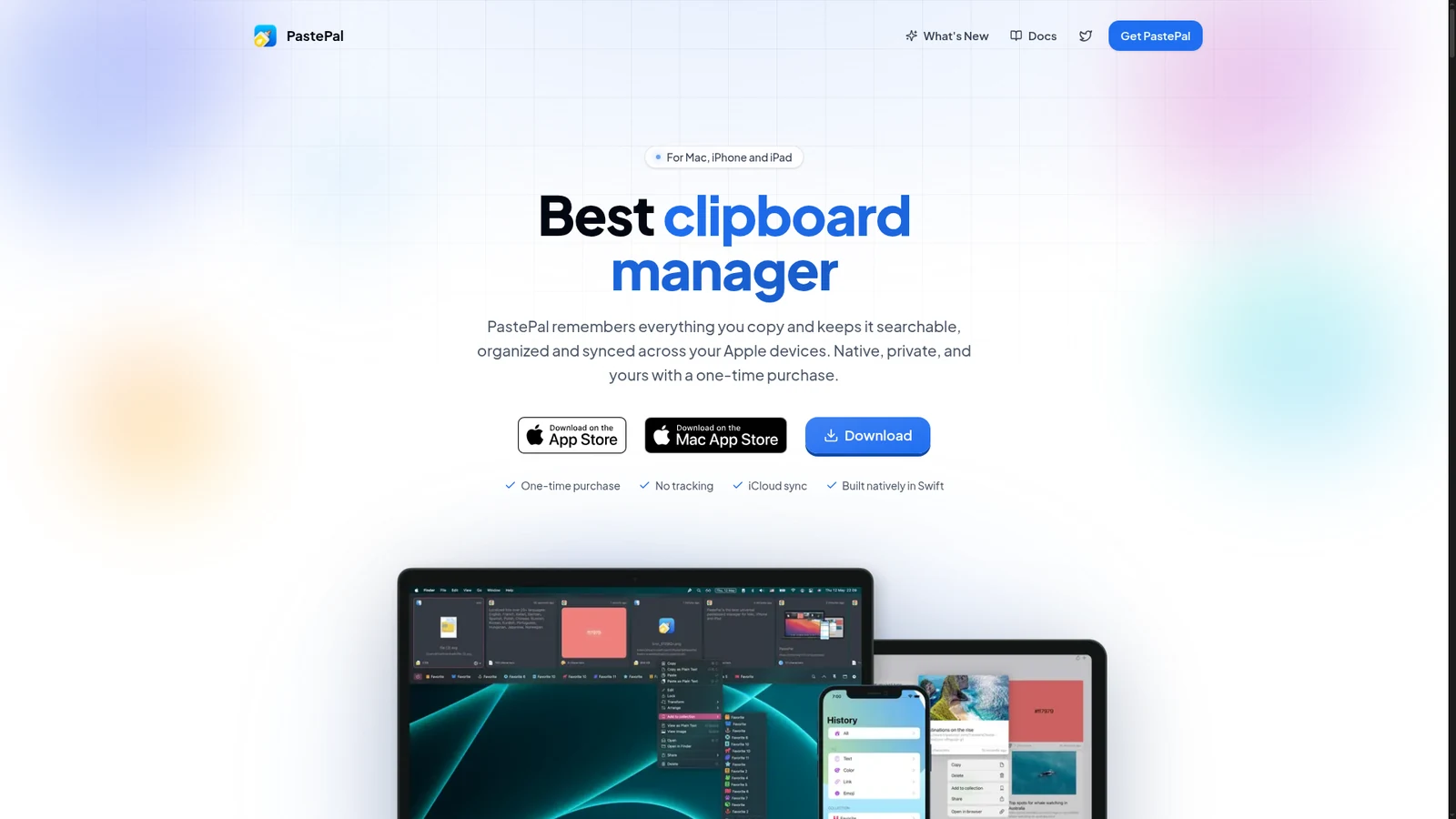
PastePal: the best one-time purchase with iCloud sync
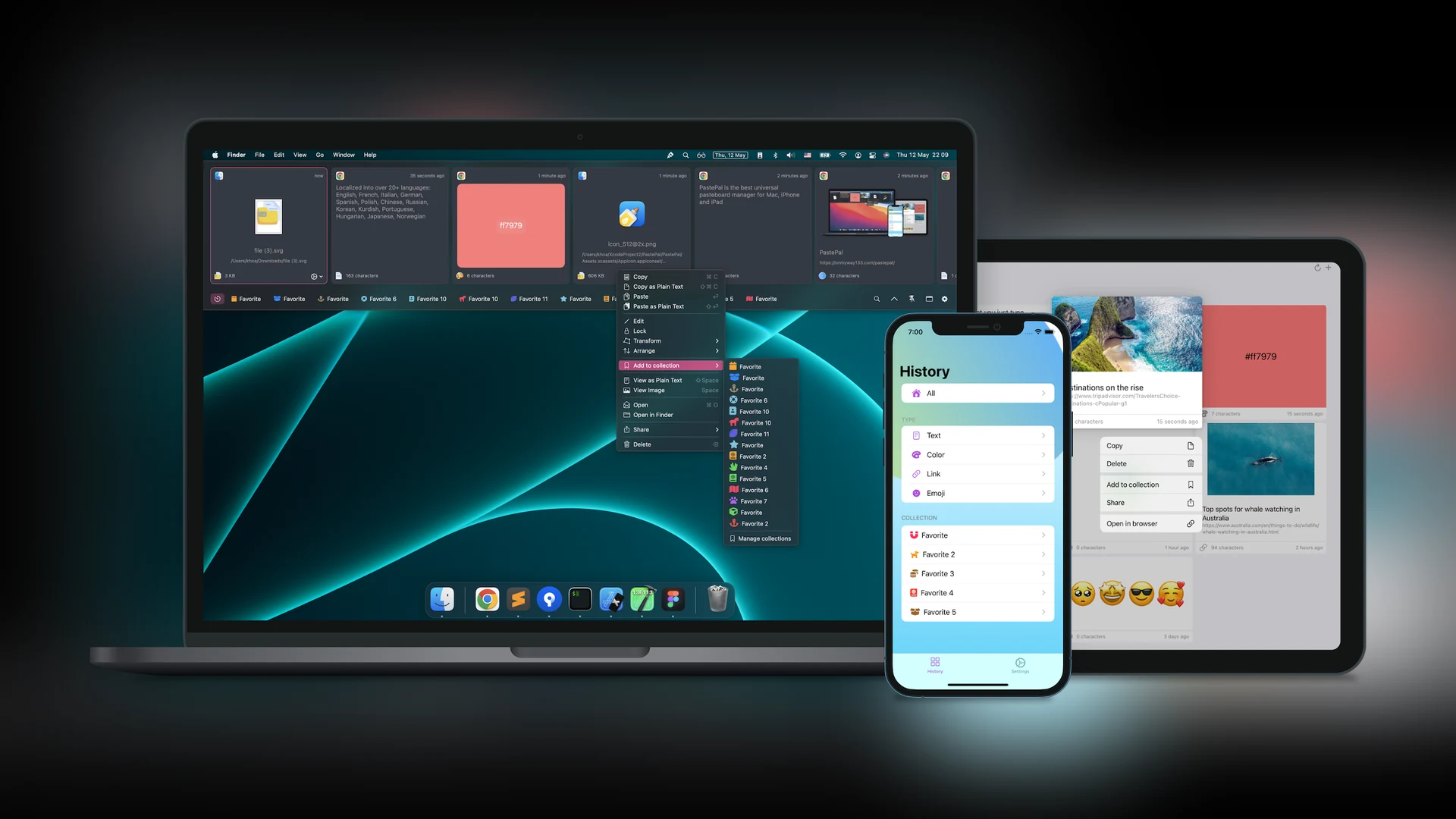
PastePal gives you what Paste does without a subscription. One purchase covers Mac, iPhone, and iPad, and iCloud keeps clips in sync.
PastePal covers Mac, iPhone, and iPad with one purchase. Image: PastePal
It keeps unlimited history with OCR search, collections, a paste queue, and a keyboard extension on iOS. The developers say there is no tracking. The App Store version needs macOS 14 or later, and the standalone Mac version needs macOS 12 or later.
Pricing: $14.99 once. It is not open source.
Best for: people who want iPhone and iPad sync without a subscription.
PastePalClipboard manager for Mac, iPhone, and iPadVisit WebsitePastePal is a clipboard manager for Mac, iPhone, and iPad that keeps your history searchable and synced through iCloud.
- Unlimited history with collections, pinned clips, and a paste queue for several clips in a row.
- Recognizes text in images and saves it like any other clip.
- iPhone and iPad apps include a keyboard extension.
- $14.99 once, with free updates. The App Store version covers all Apple devices, and a Mac-only version is sold separately.
PastePal suits people who want iCloud sync without a subscription.Visit Website
Does macOS have clipboard history built in?
On recent macOS versions, yes, in a basic form. In macOS Tahoe, press Command-Space to open Spotlight, then press Command-4 to see your clipboard history. macOS asks whether to allow search results from the Clipboard the first time you use it. Retention options are 30 minutes, 8 hours, or 7 days, according to MacRumors.
The built-in version has no pinboards and no sync, so a dedicated app is still better if you copy a lot.
How to choose a clipboard manager for Mac
Want it free: pick Maccy. Raycast also includes 3 months of history on its free plan.
Want sync with iPhone and iPad: pick Paste if you are fine with a subscription, or PastePal if you want to pay once.
Want to pay once: pick Minimal Paste ($9.99), ClipBook ($9.99), or PastePal ($14.99).
Want open source: pick Maccy or ClipBook.
Want snippets and automation: pick Alfred or Raycast.
Coming from Windows? If you miss Win+V, Maccy and Minimal Paste both give you a similar pop-up history. See the full list of Mac apps for Windows switchers.
FAQ
How do I see my clipboard history on a Mac?
In macOS Tahoe, press Command-Space, then Command-4, to open clipboard history in Spotlight. On older versions of macOS, you need a clipboard manager such as Maccy or Paste.
What is the best free clipboard manager for Mac?
Maccy is the best free clipboard manager. It is open source, keeps a searchable history, and stays local to your Mac. Raycast's free plan also includes clipboard history for 3 months.
Which clipboard manager syncs across Mac, iPhone, and iPad?
Paste and PastePal both sync through iCloud. Paste is a subscription at $29.99 per year, and PastePal is a one-time $14.99.
Is there a one-time purchase clipboard manager for Mac?
Yes. Minimal Paste and ClipBook cost $9.99 once, and PastePal costs $14.99 once. Alfred's Powerpack is also a one-time license, from £34.
Are clipboard managers safe for passwords?
Maccy, Raycast, Alfred, and Minimal Paste say they ignore copies from password managers. Alfred ignores apps such as Keychain Access and 1Password by default, and you can add more.
Does Raycast have clipboard history?
Yes. Raycast's Clipboard History supports text, images, links, and colors, and you can pin entries. The free plan keeps history for up to 3 months, and Pro keeps it unlimited.
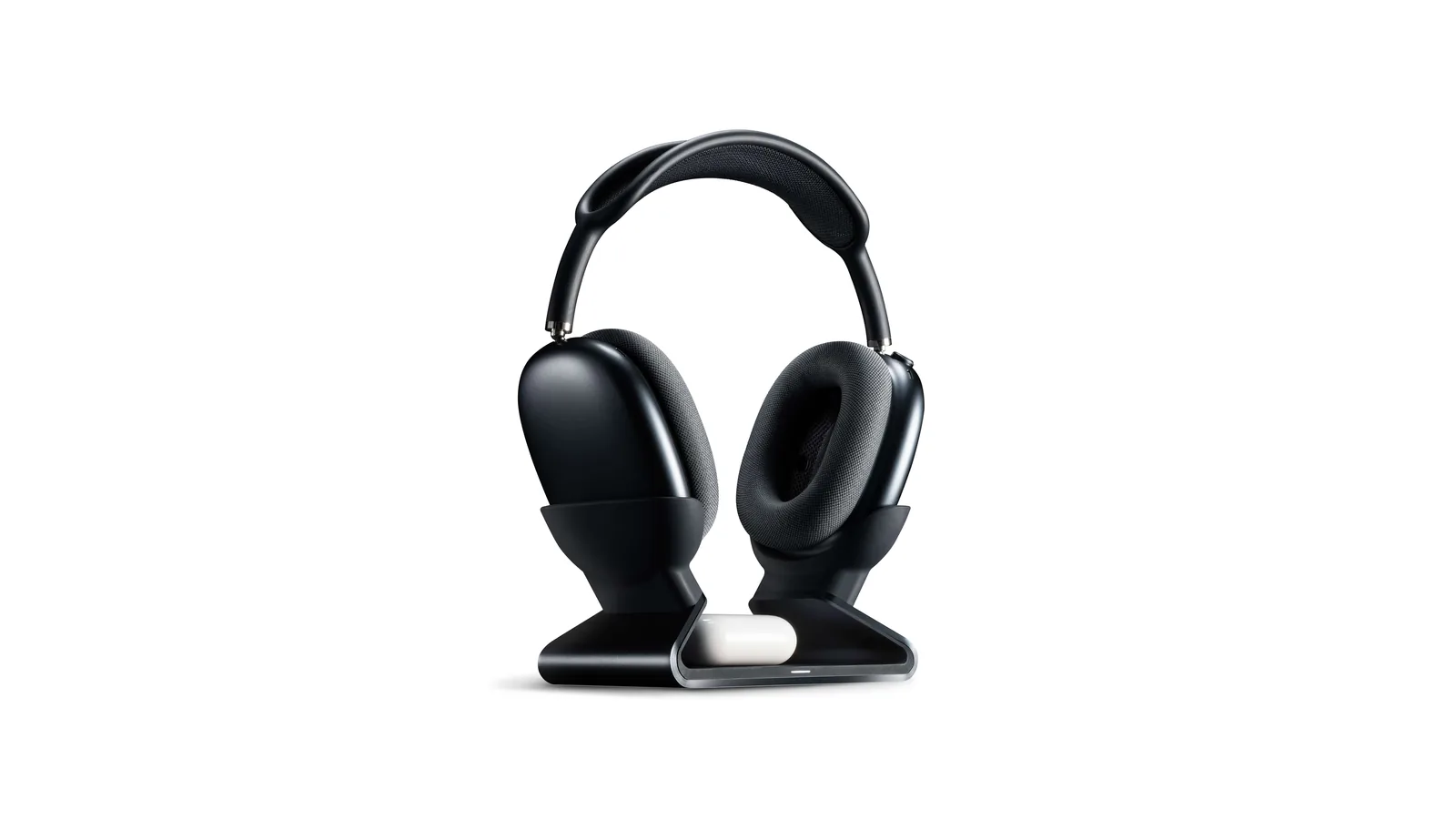
A floating AirPods Max stand that charges through a magnetic port connector.
HardwareDesk SetupmacOS
Max Charging Stand
An AirPods Max charging stand with sleep mode and a Qi pad for earbuds.
HardwareDesk SetupmacOS
Nanotac AirPods Max Stand (MagFit)
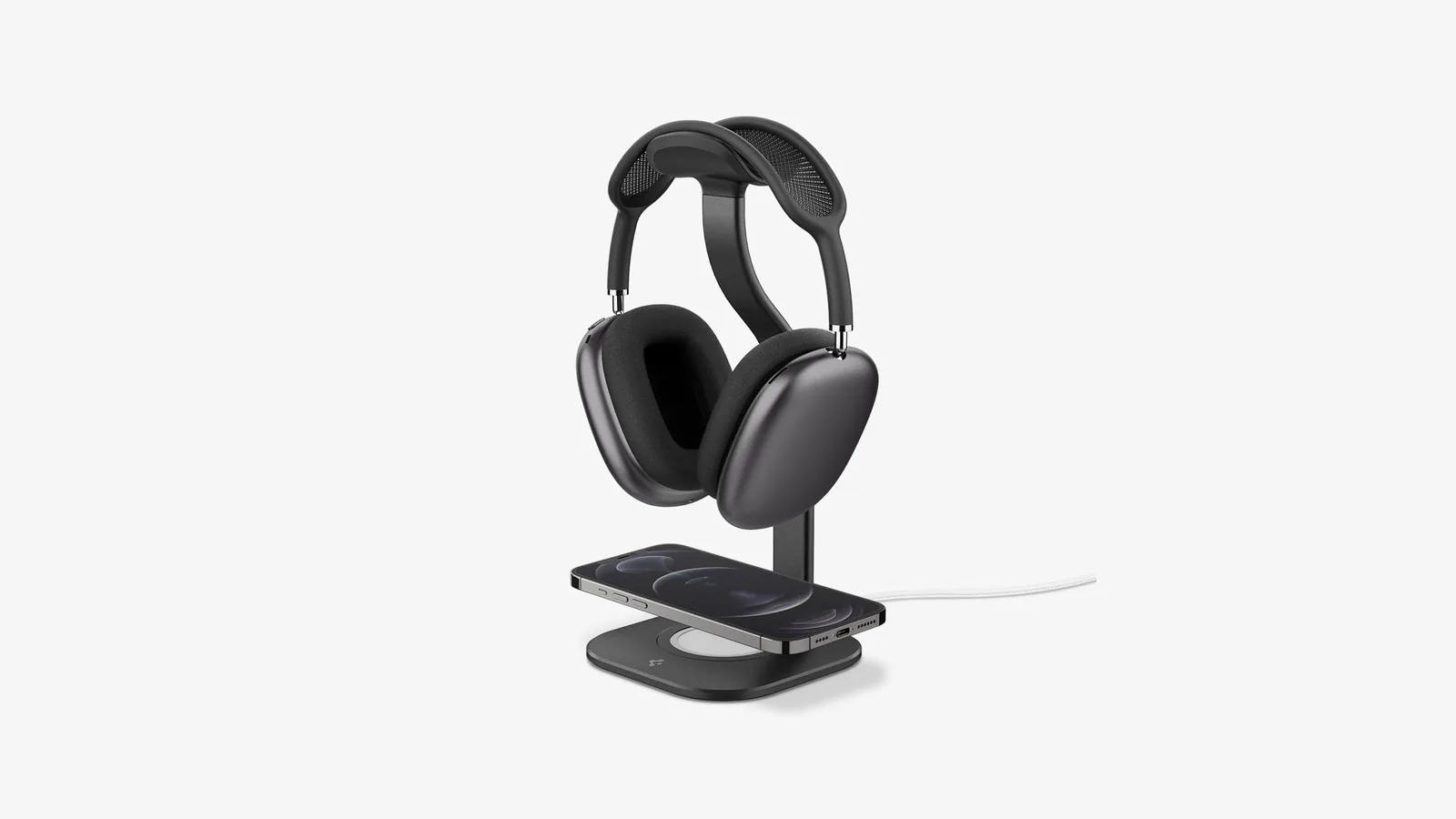
An aluminum AirPods Max stand with a MagSafe charger slot for an iPhone.
HardwareDesk SetupmacOS
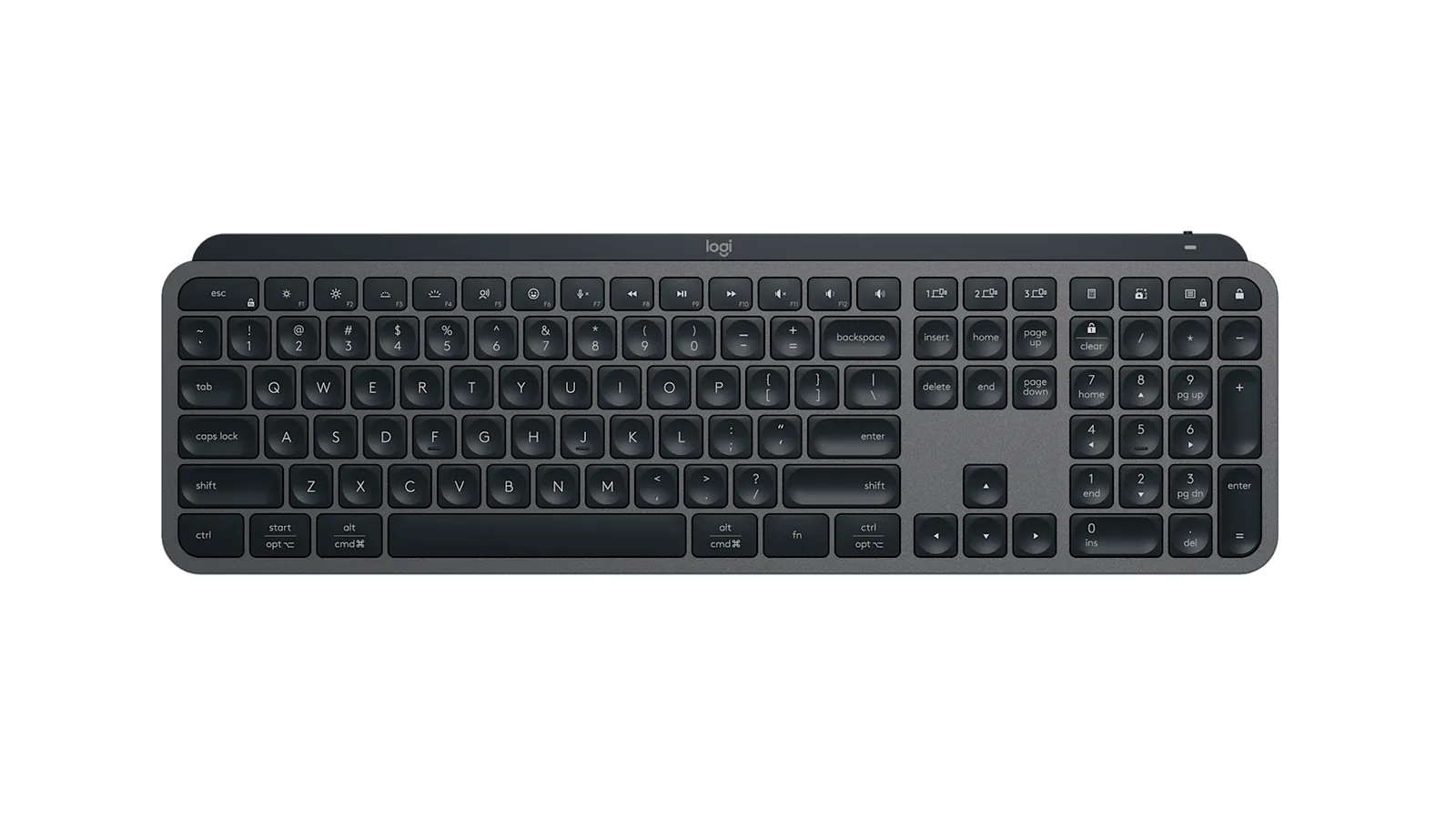
MX Keys S
A full-size wireless keyboard with smart backlighting and three-device switching.
HardwareKeyboards & MicemacOS
Double Shot
Free open-source Mac app that keeps your Mac awake for AI agents
Free
Double Shot is a free, open-source macOS menu bar app that keeps your Mac awake, with the lid closed too, and for as long as your AI coding agents are working.
- Detects when Claude Code, Codex, Gemini CLI, Cursor Agent, Copilot CLI, OpenCode, Amp or Aider are actually working, not just open.
- Lid closed mode uses pmset disablesleep, with a one-time password prompt that adds a sudoers rule.
- Stops at the first warm level, turns the dark display off, switches on Low Power Mode on battery, and lets go when the battery gets low.
- Quick picks from 15 minutes to 5 hours, or until you turn it off.
- MIT licensed. Install with Homebrew or download from GitHub. Not notarized by Apple yet, and it needs macOS 14 or later.
Double Shot suits anyone who starts a long agent run, closes the lid and expects the work to carry on.
SoftwareUtilitiesmacOS
Peek
Glance at websites and widgets with a shortcut
Free
Peek is a native Mac app that brings frequently checked information into a personal overlay. Hold a shortcut to glance at it, release to return to your work, or tap the shortcut to keep it open and interact.
Combine websites, local PDFs, and widgets such as Calendar, Reminders, and time zones in one space. Arrange and resize content freely, or use Flow mode to organize your layout. Hide unwanted page elements and block ads, trackers, and cookie banners.
Set custom keyboard shortcuts, including separate left and right modifier keys. Peek works across multiple monitors and full-screen spaces, with per-display layouts or synced widgets. Optional auto-refresh keeps pages current, and you can open content in its default app when you want to continue outside the overlay. The site also lists passkey support and experimental web extensions.
Use it to check analytics beside your calendar, review GitHub pull requests and Linear issues while coding, or gather visual references from websites without switching away from your current app.
Available free on the Mac App Store. Requires macOS 14.2 or later.
SoftwareProductivitymacOS
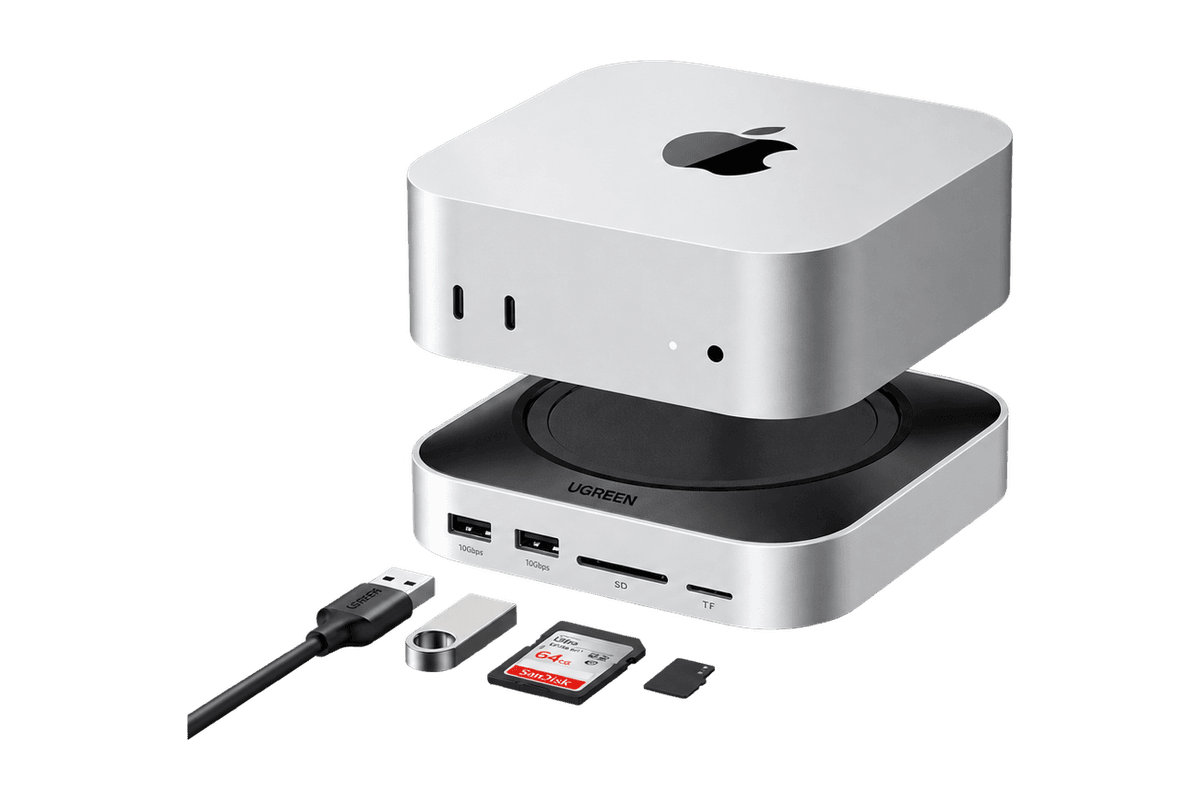
Mac mini 11-in-1 Docking Station
A Mac mini M4 dock with an 8TB-capable NVMe slot and card readers.
HardwareConnectivitymacOS
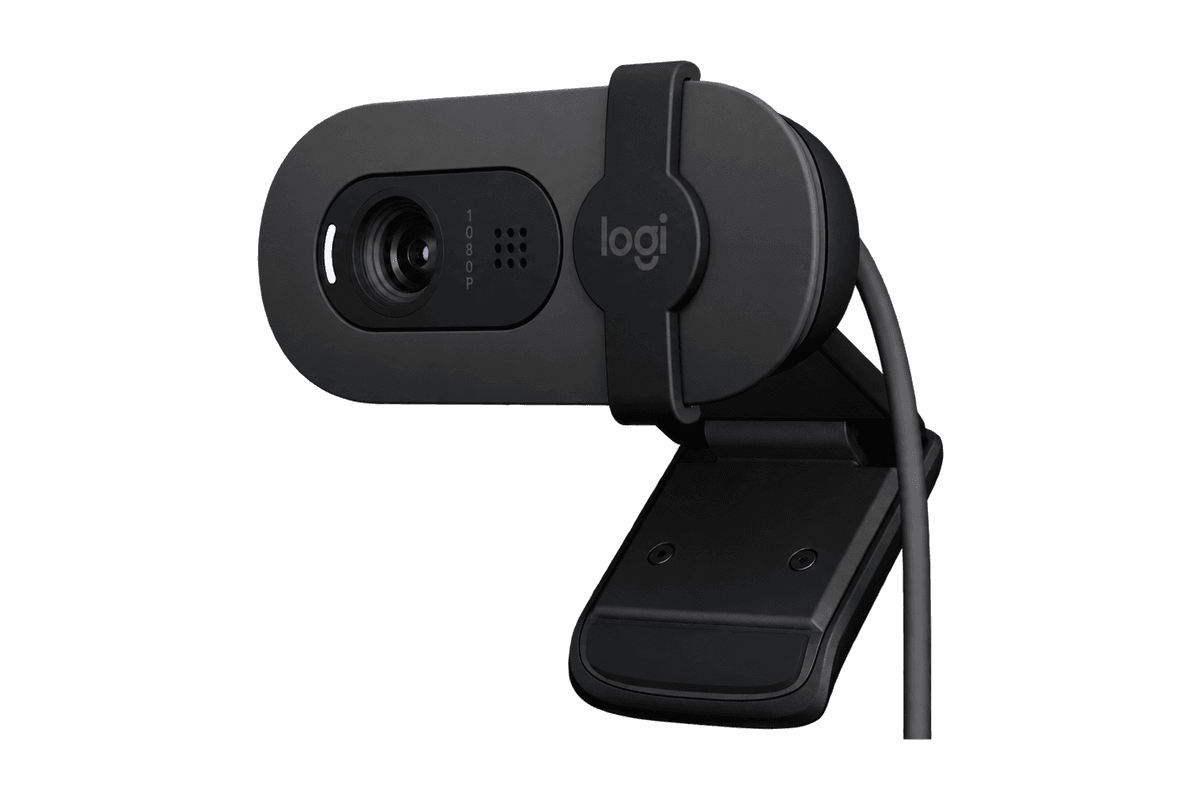
Brio 100 Full HD Webcam
A budget 1080p webcam with a privacy shutter and built-in mic.
HardwareCamerasmacOS
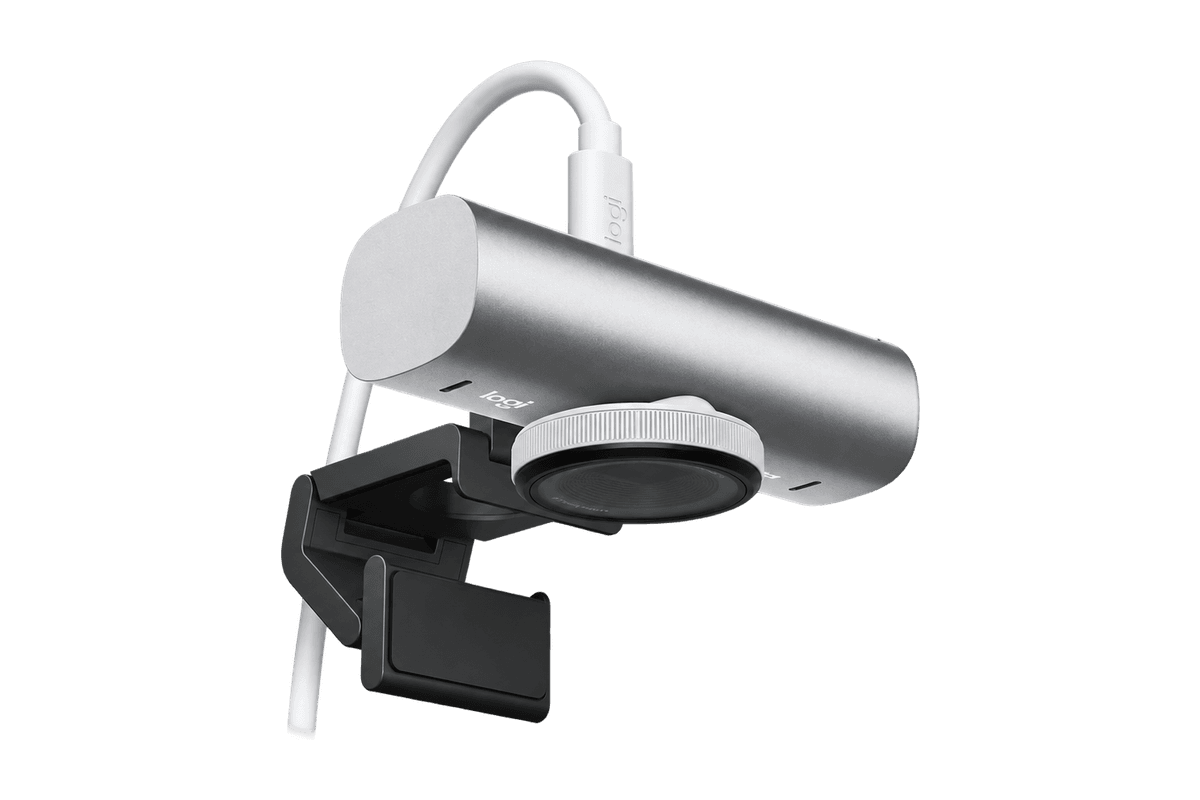
MX Brio 4K Webcam
A 4K/30 or 1080p/60 webcam with dual mics and Show Mode.