The best AI apps for Mac are the ones that work inside the apps you already use, so you stop copying text into a chat window and back. They fall into four groups: AI writing tools, AI chat apps, voice dictation, and small utilities that track your AI usage.
Our picks: AtAt and TypoTab for AI writing in any app, BoltAI for chatting with hundreds of models, LocalBolo and Superwhisper for dictation, and Petal to keep an eye on your AI limits. Prices were checked in November 2026.
Quick picks:
Best AI writing assistant in any app:AtAt, $59 a year or $119 once.
Shotbase is a comprehensive tool designed to capture and manage all your screen-based content effortlessly. With features like stunning screenshot capabilities, recording options that include cinematic effects, and an intuitive organizational structure powered by local AI, you can easily keep your multimedia assets organized and accessible. Shotbase not only allows you to capture specific areas, windows, or full screens on your Mac but also enables you to edit and enhance your captures with backgrounds, frames, and annotations. The integrated AI ensures your captures are automatically named and tagged for easy searching, making it an excellent choice for anyone looking to enhance their productivity and creativity in one seamless workspace.
SoftwareCreativemacOS
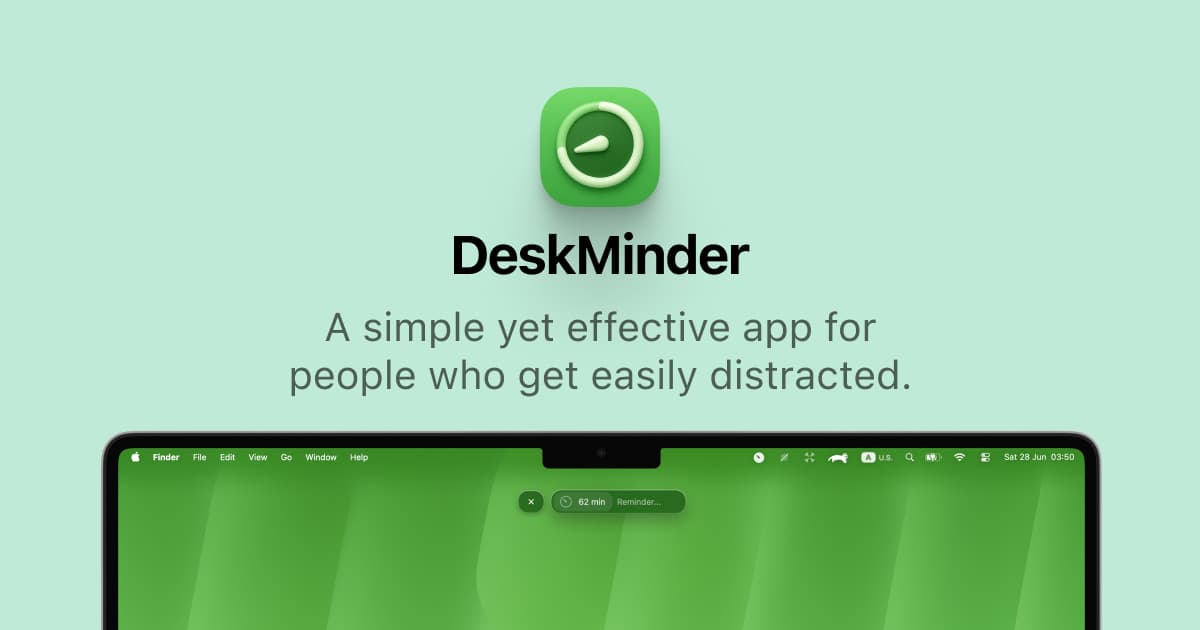
DeskMinder
For Easily Distracted Minds
Freemium
DeskMinder is a productivity software application designed for Mac users who struggle with distractions. It provides a straightforward interface for creating desktop pop-up reminders and tasks, helping users manage urgent to-dos, short breaks, and fleeting ideas. With features like full-screen notifications and Apple Reminders integration, DeskMinder aims to enhance focus and time management for i
- With features like easy-to-create desktop pop-ups for reminders and tasks, it simplifies the process of staying on top of urgent to-dos, short breaks, or fleeting ideas.
- Users can benefit from full-screen notifications, Apple Reminders integration, and flexible widget placement, making it ideal for anyone requiring a little extra help to maintain focus.
- The app includes additional shortcuts for quick reminder setups and customizable widget options, along with a history tracking feature to monitor daily progress.
Designed specifically for Mac users, DeskMinder aims to facilitate better time management and productivity for those with attention challenges, providing a seamless user experience without unnecessary complexity.
SoftwareProductivitymacOS
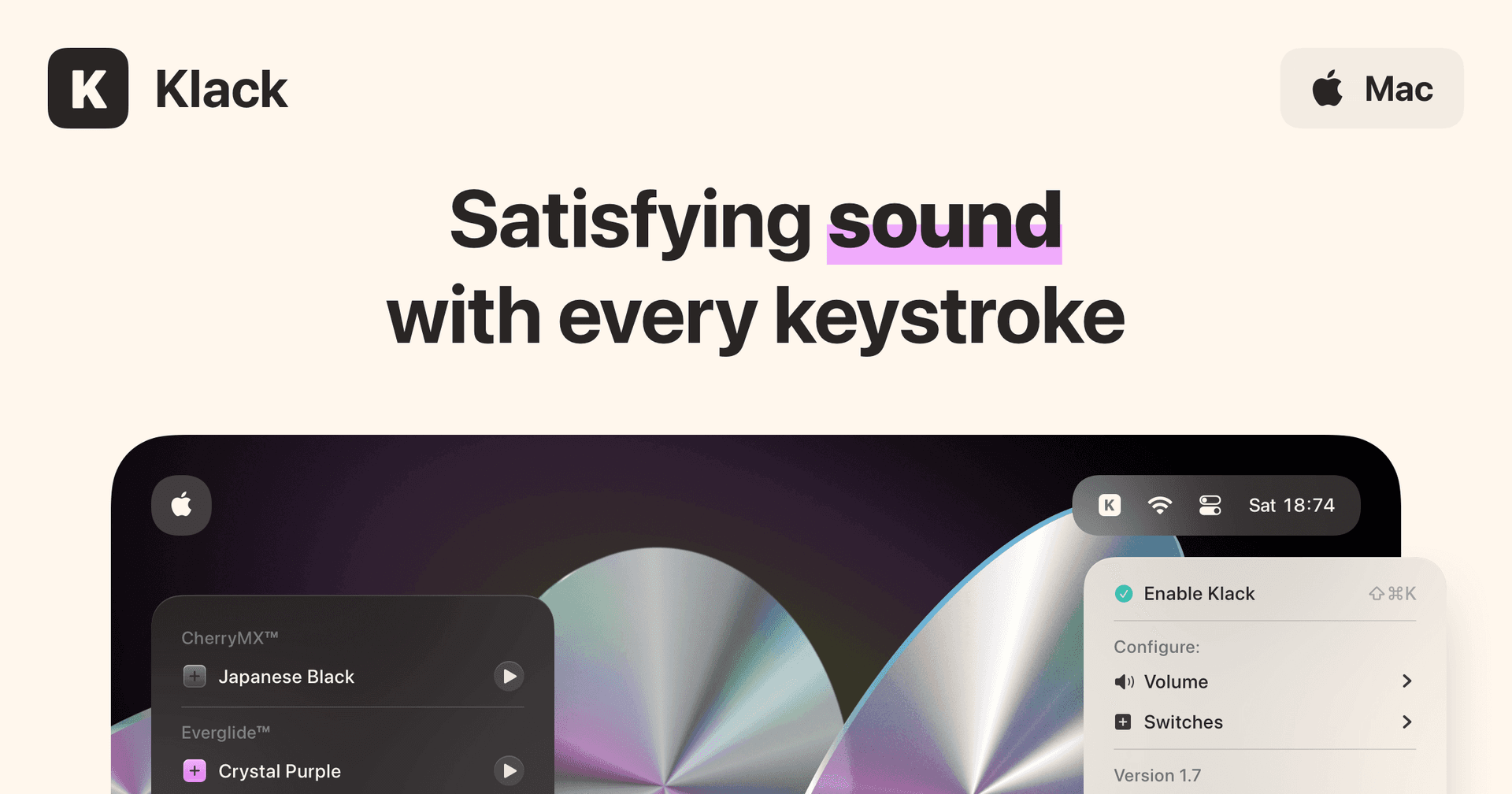
Klack
Satisfying sound with every keystroke
Paid
Klack is a macOS application designed to enhance the typing experience through high-fidelity sound for each keystroke. It provides features such as immersive spatial audio, instant feedback, and customizable sound options, making it suitable for writers, developers, and anyone who values an engaging typing environment. The app is easily accessible from the menubar and offers extensive configuratio
- Provides immersive spatial audio for enhanced typing feedback.
- Allows customization of keystroke sounds, pitch variations, and volume settings.
- Features a menubar interface for quick access to configuration options.
- Supports instant feedback with each keystroke for a more engaging experience.
- Designed for writers and developers seeking auditory feedback while typing.
Klack enhances the typing experience on Mac by providing high-fidelity sound for each keystroke.
SoftwaremacOS
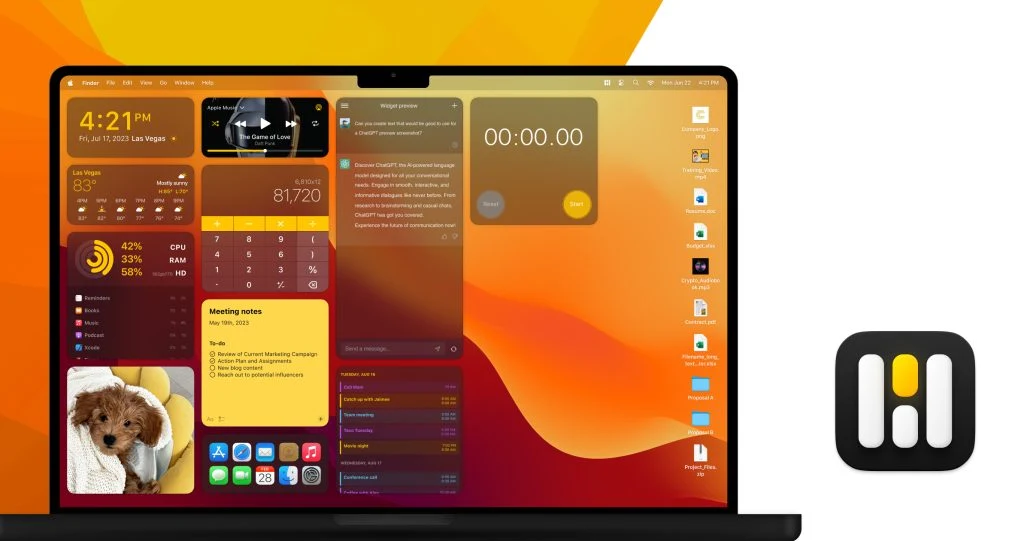
WidgetWall
Desktop widgets for Mac, from clocks and calendars to photos, music and a Pomodoro timer.
Freemium
WidgetWall puts customizable widgets on your Mac desktop, behind your windows.
- Free widgets plus premium widgets such as a MacBook battery widget, browser, photo and video widgets.
- Liquid Glass material, widget corners and shadow options.
- Full support for macOS 27, per its App Store release notes.
- Available on the Mac App Store and Setapp.
WidgetWall is free with in-app purchases: $1.99 a month, $19.99 a year, or a lifetime unlock listed at $39.99 to $49.99.
SoftwareUtilitiesmacOS
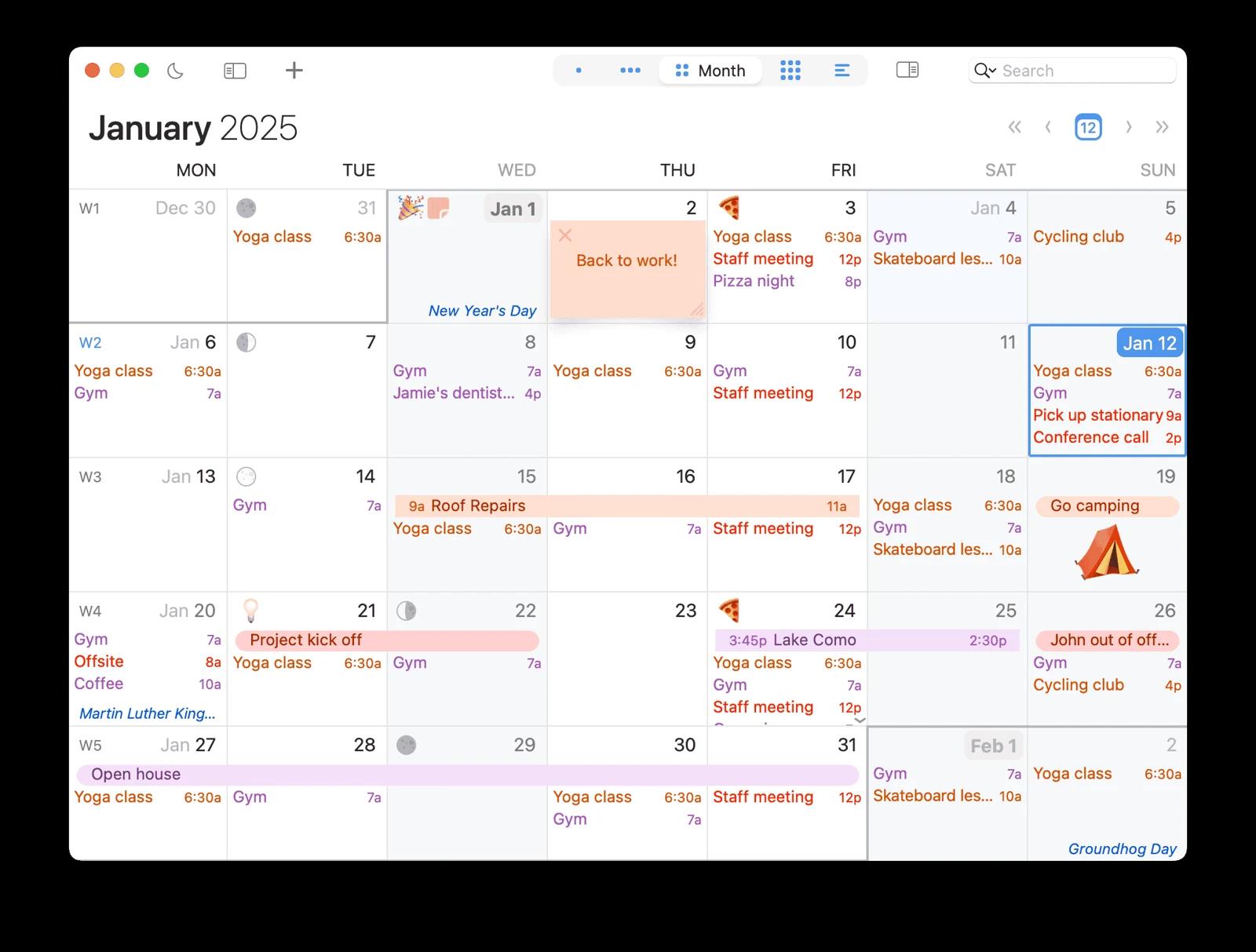
BusyCal
A powerful Mac calendar with tasks, a year planner, sticky notes and booking pages.
Paid
BusyCal is a calendar app for Mac and iPhone by BusyMac.
- Day, Week, Month, Year Planner and List views, with adjustable fonts, colors and density.
- Tasks, sticky notes and a menu bar mini calendar.
- Booking pages for meetings, and smart suggestions from past events.
- Works with iCloud, Google, Exchange and CalDAV calendars.
- Available on Setapp.
BusyCal is $49.99, with a 14-day free trial.
SoftwareProductivityiOS & macOS
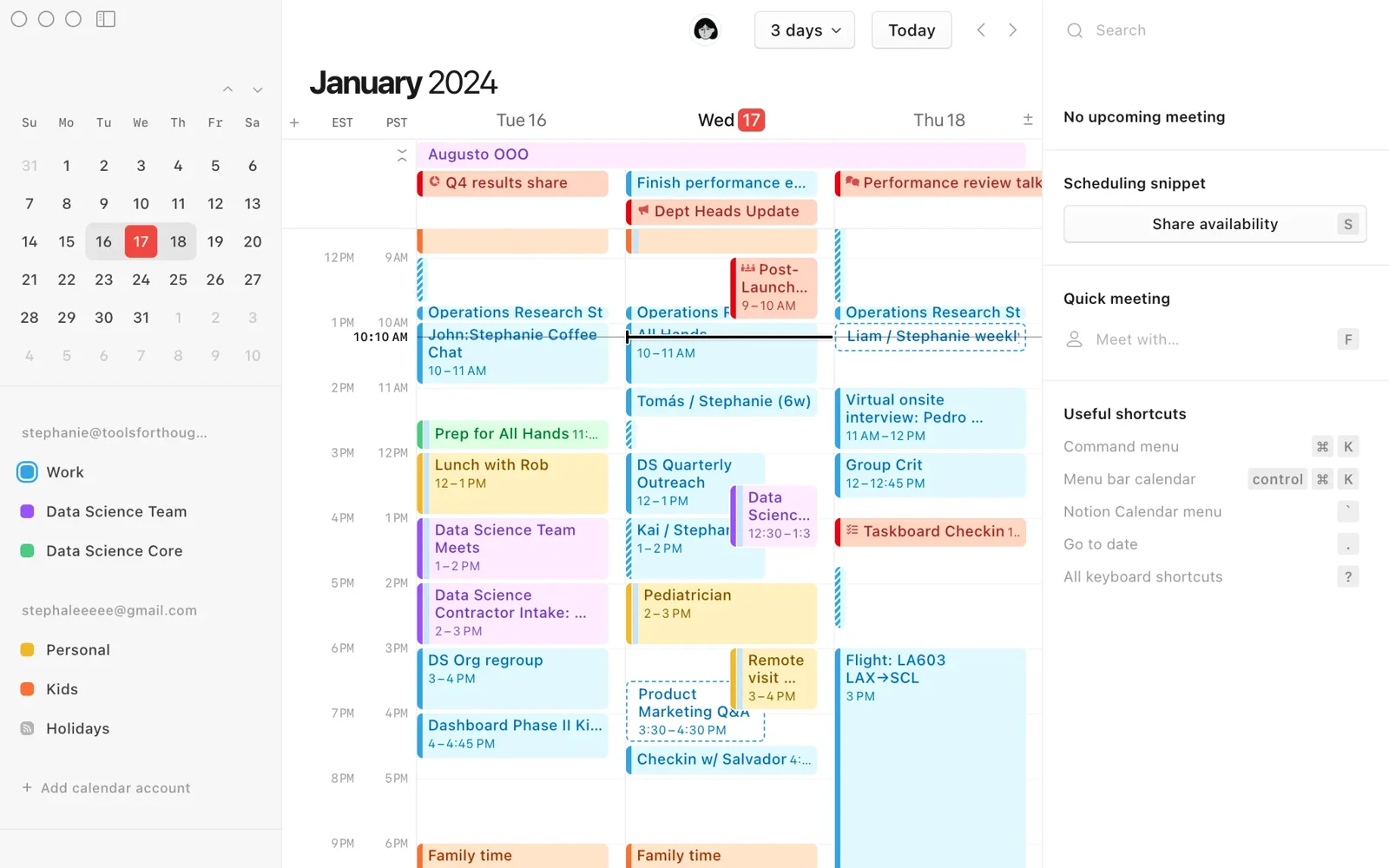
Notion Calendar
A free calendar for Mac that connects Google Calendar to your Notion workspace.
Free
Notion Calendar (formerly Cron) is a free calendar app for Mac, Windows, iPhone and Android.
- Works with Google Calendar accounts, with Notion databases and docs linked to events.
- A command menu, keyboard shortcuts and a menu bar view of upcoming meetings.
- Time zones, scheduling links and availability sharing.
- One-click join for video calls.
Notion Calendar is free.
SoftwareProductivityiOS & macOS
Amie
A calendar, to-do and meeting notes app that records meetings without a bot.
Paid
Amie combines a calendar, to-dos and AI meeting notes in one app for Mac and iPhone.
- Calendar and tasks in one view.
- Bot-free meeting recordings with AI notes.
- Works with Google Calendar.
- A 7-day free trial.
Amie's paid plans were listed at $20 and $40 per user a month in November 2026, with 20% off yearly billing.
SoftwareProductivityiOS & macOS
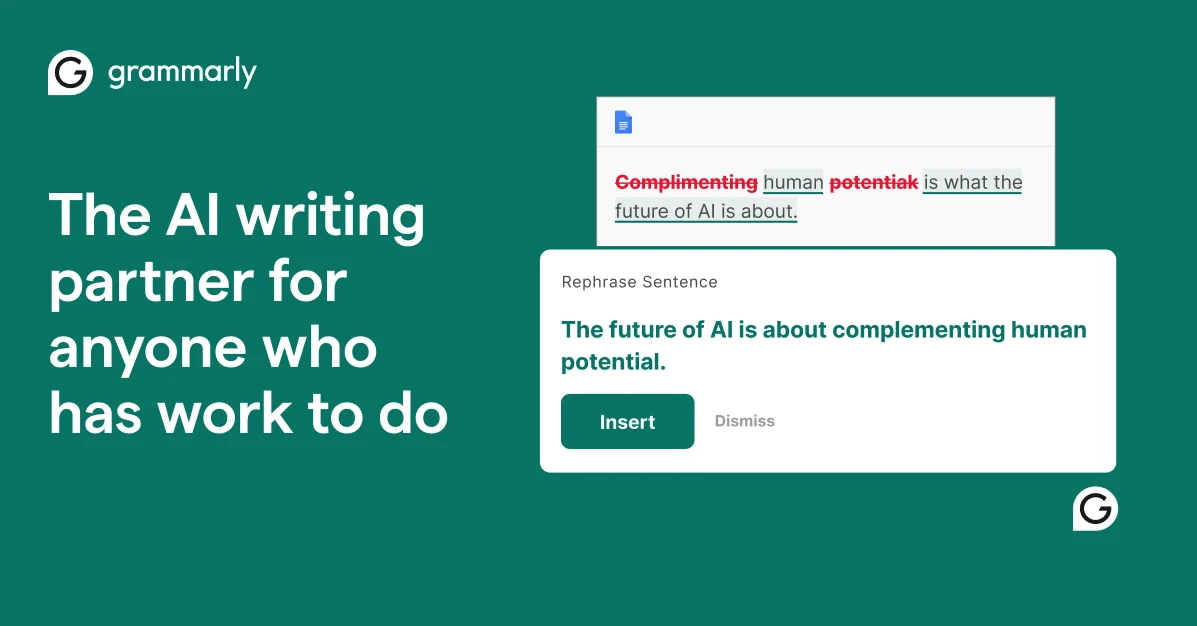
Grammarly
The best-known grammar checker and AI writing assistant, with a Mac app that works across apps.
Freemium
Grammarly checks spelling, grammar, tone and clarity as you write, in a desktop app for Mac, a browser extension and apps for iPhone and iPad.
- Free plan with spelling and grammar fixes, tone detection and 100 AI prompts a month.
- Pro adds full-sentence rewrites, tone adjustments, plagiarism and AI text detection, and 2,000 AI prompts a month.
- Works in most Mac apps through the Grammarly desktop app.
- Writing is processed in Grammarly's cloud, so it needs an internet connection.
Grammarly Pro is listed at $12 a month billed yearly ($144 a year). Grammarly is part of Superhuman.
SoftwareProductivitymacOS & iOS & iPadOS
LanguageTool
A multilingual grammar and style checker with a free tier and a native Mac app.
Freemium
LanguageTool is a grammar, spelling and style checker that supports more than 30 languages, including English, German, French, Spanish and Dutch.
- Native Mac app, browser extensions, and add-ins for Word and Google Docs.
- Free plan for basic spelling and grammar checks.
- Premium adds style and tone suggestions, sentence rephrasing and longer texts.
- The core engine is open source, and it can be self-hosted.
LanguageTool Premium for individuals was listed at $69.90 a year on the annual plan in November 2026.
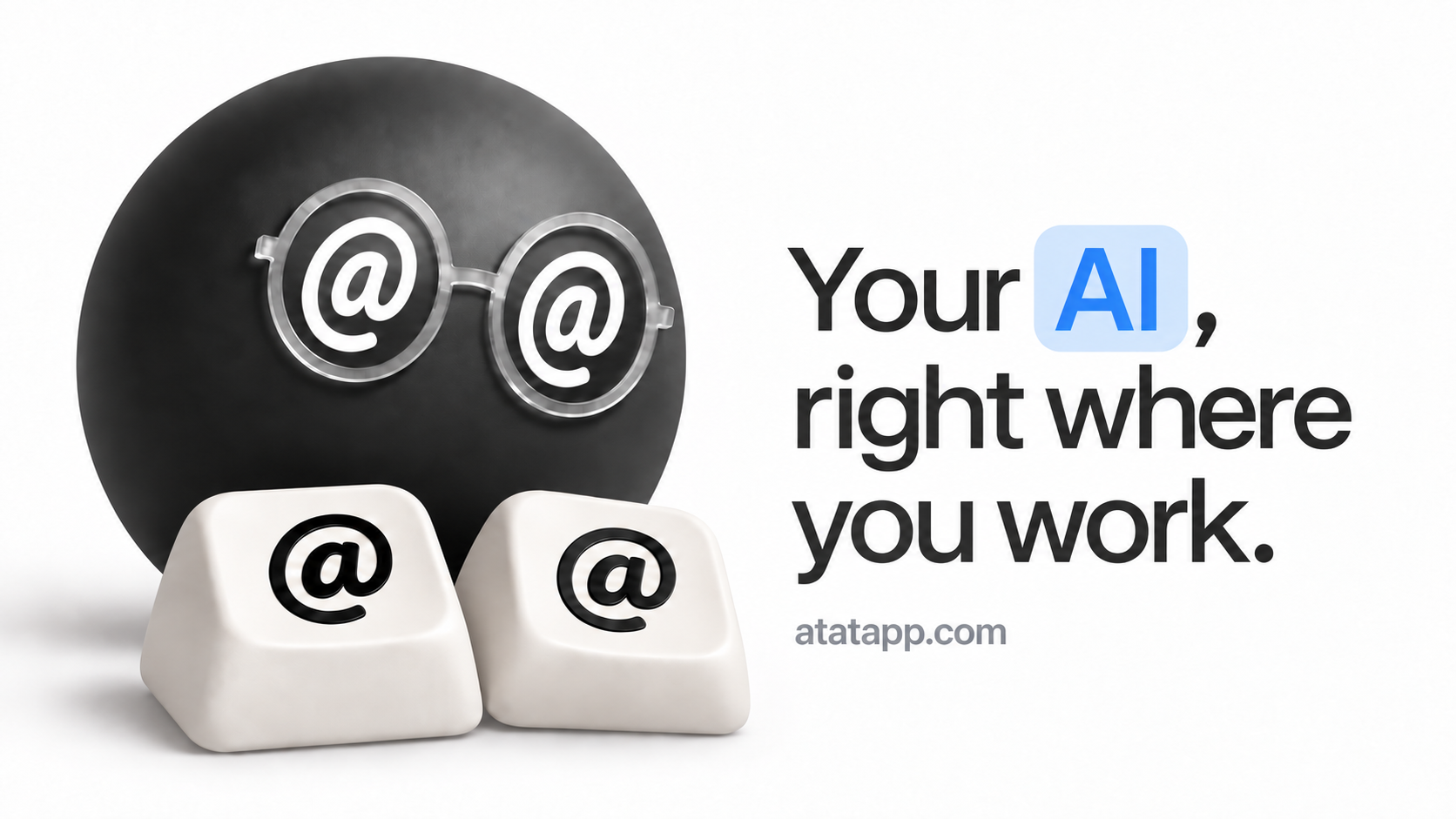
Type @@ in any text field to ask your AI and insert the answer. Image: AtAt
Price: free for 14 days, then $59 a year or $119 once (an early-bird price that rises to $169). Also on Setapp.
With AtAt, you type two at signs in any text box to ask an AI for help, and the answer appears where you are writing. It can rewrite selected text, explain something on screen, finish sentences with TabTab, and search your clipboard history.
It connects to Claude Code, Codex, Ollama, API keys or local models. Those services may need their own accounts or plans. It requires an Apple silicon Mac and macOS 15 or newer.
AtAtUse AI agents in any appVisit WebsiteAtAt is a native Mac assistant that brings your chosen AI agent into editable text fields. Type @@ to request help and insert the response at your cursor.
- Connect supported CLI agents, API providers, or local models.
- Rewrite and explain selected text.
- Use TabTab to complete text across apps.
- Search clipboard history and capture screenshots or recordings.
- Keep history locally, with optional iCloud sync.
Requires Apple silicon and macOS 15 or later. Includes a seven-day trial, followed by subscription or lifetime purchase options. Agent services have their own requirements and costs.Visit Website
TypoTab: best AI rewriting from the menu bar
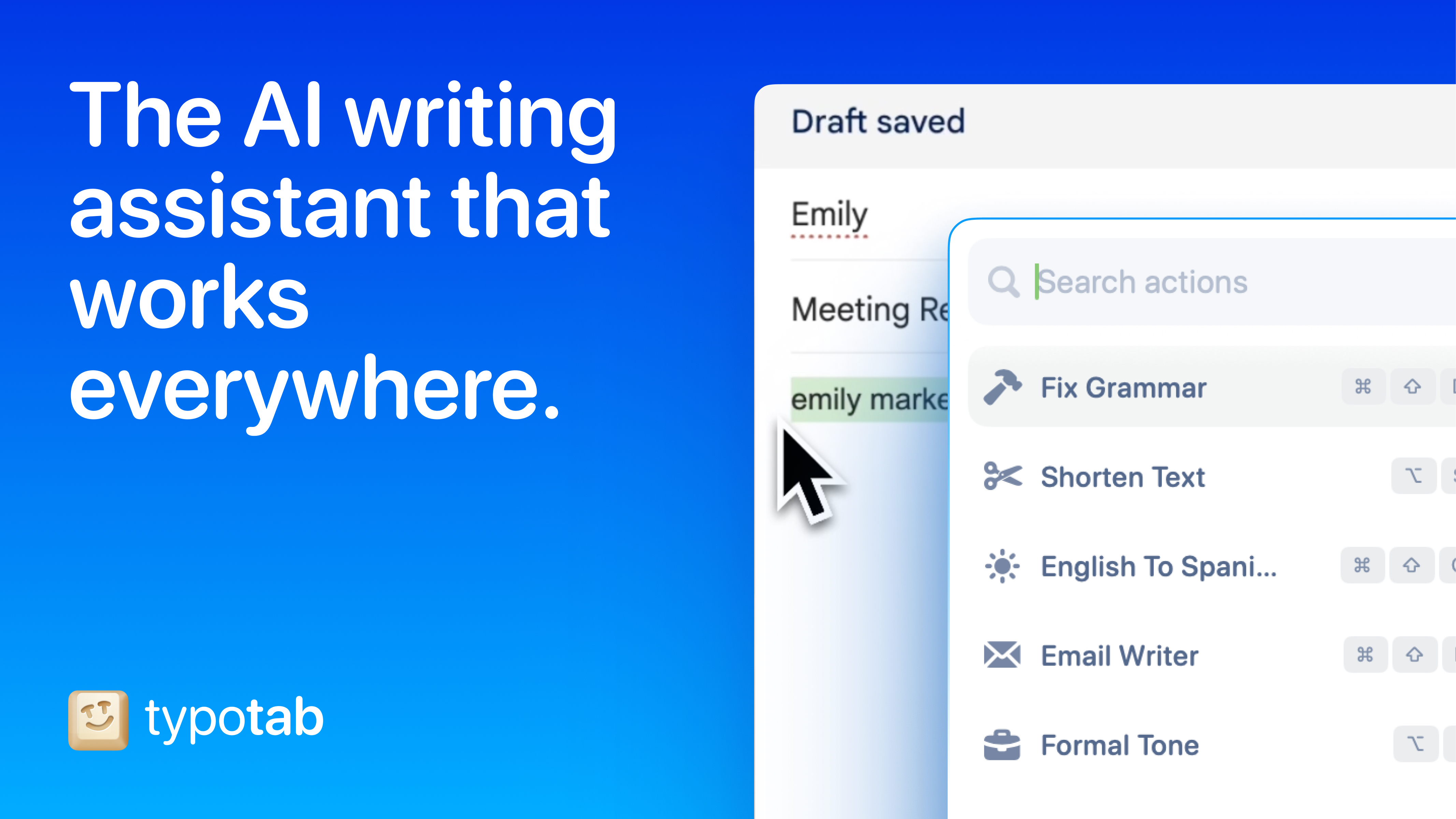
TypoTab fixes and rewrites text from the menu bar. Image: TypoTab
TypoTab corrects grammar, rephrases text and drafts content in any Mac app, with custom actions for the rewrites you do most.
TypoTabTypoTab, the ultimate AI writing assistant forVisit WebsiteTypoTab is a macOS application that functions as an AI-driven writing assistant. It enhances writing efficiency by providing tools for grammar correction, text rephrasing, and content generation, all accessible from the menu bar without needing to switch applications. This tool is designed for writers, students, and professionals looking to streamline their writing process and improve productivity
- Provides grammar correction and text rephrasing directly from the menu bar.
- Allows text refinement in any application without switching contexts.
- Offers customizable actions to meet individual writing needs.
- Streamlines repetitive writing tasks for improved efficiency.
- Supports a wide range of applications, enhancing workflow across platforms.
TypoTab is a macOS application that enhances writing efficiency by providing grammar correction, text rephrasing, and content generation directly from the menu bar. It allows users to refine text in any application without switching contexts, offering customizable actions to suit individual writing needs.Visit Website
Slashit: best for templates with AI rewrites
Slashit saves your best replies as smart templates and rewrites text with a hotkey. The free plan includes 50 AI credits a month, and paid is $5 a month or $54 a year.
SlashitAI Text Expansion and Rewriting ToolVisit WebsiteSlashit App is designed to empower freelancers, agency founders, managers, and salespeople, enabling them to save time on repetitive typing. With features like customizable templates, dynamic placeholders, and instant shortcuts, users can streamline their workflow significantly. Instead of rewriting the same messages repeatedly, professionals can save their best replies as smart templates and personalize them quickly. The app is tailored to adapt to the user's style, automating tasks like tone adjustments and text personalization with just a hotkey. Whether for managing client communications or creating documents, Slashit transforms how you work by enabling faster, smarter writing, allowing you to focus on what matters most.Visit Website
Quill: best AI writing app for Mac
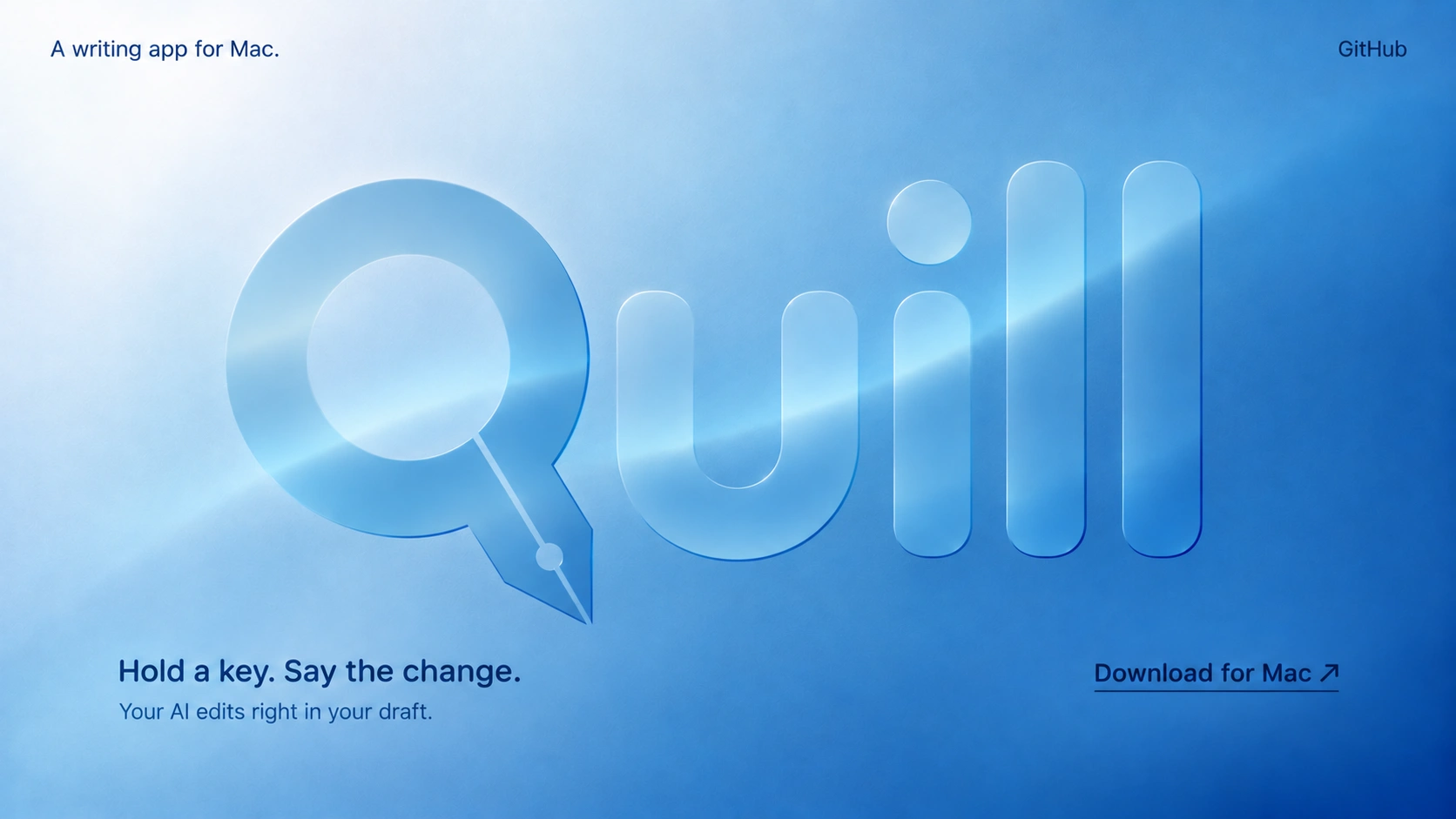
Quill edits your drafts in place with AI co-writers. Image: Quill
Quill is a free, open source Markdown editor for macOS 26 or later. AI co-writers like Claude Code or Codex edit your draft in place, by voice or text, and follow style rules you write in a Voice.md file. Notes are plain .md files that work with Obsidian.
QuillMac Markdown editor with AI co-writersVisit WebsiteQuill is a free and open-source writing application for macOS 26 or later, combining a Markdown editor with built-in AI editing from multiple model co-writers. It lets users edit drafts by voice or text, with revisions made directly in place.
- Edits drafts in place using selected AI co-writers, such as Claude Code or Codex
- Supports voice or typed editing requests using keyboard shortcuts
- Offers multi-model editing by stacking responses from multiple AI agents for comparison
- Stores notes as plain .md files compatible with Obsidian
- Reads and applies user style rules from a Voice.md file before every edit
- Connect supported agent sign-ins or your own compatible API endpoint; provider charges and subscriptions are separate
Quill is available at no cost, distributed under the Apache 2.0 license, and requires macOS 26 or later. Users must have or set up supported AI agent accounts to enable co-writer editing capabilities.Visit Website
Apple Writing Tools
On a Mac with Apple Intelligence, select text, Control-click and choose Writing Tools to proofread, rewrite or summarize it. It is free and built in.
Looking for a grammar checker instead? See our guide to the best Grammarly alternatives for Mac.
Best AI chat apps for Mac
BoltAI: best AI chat app for Mac
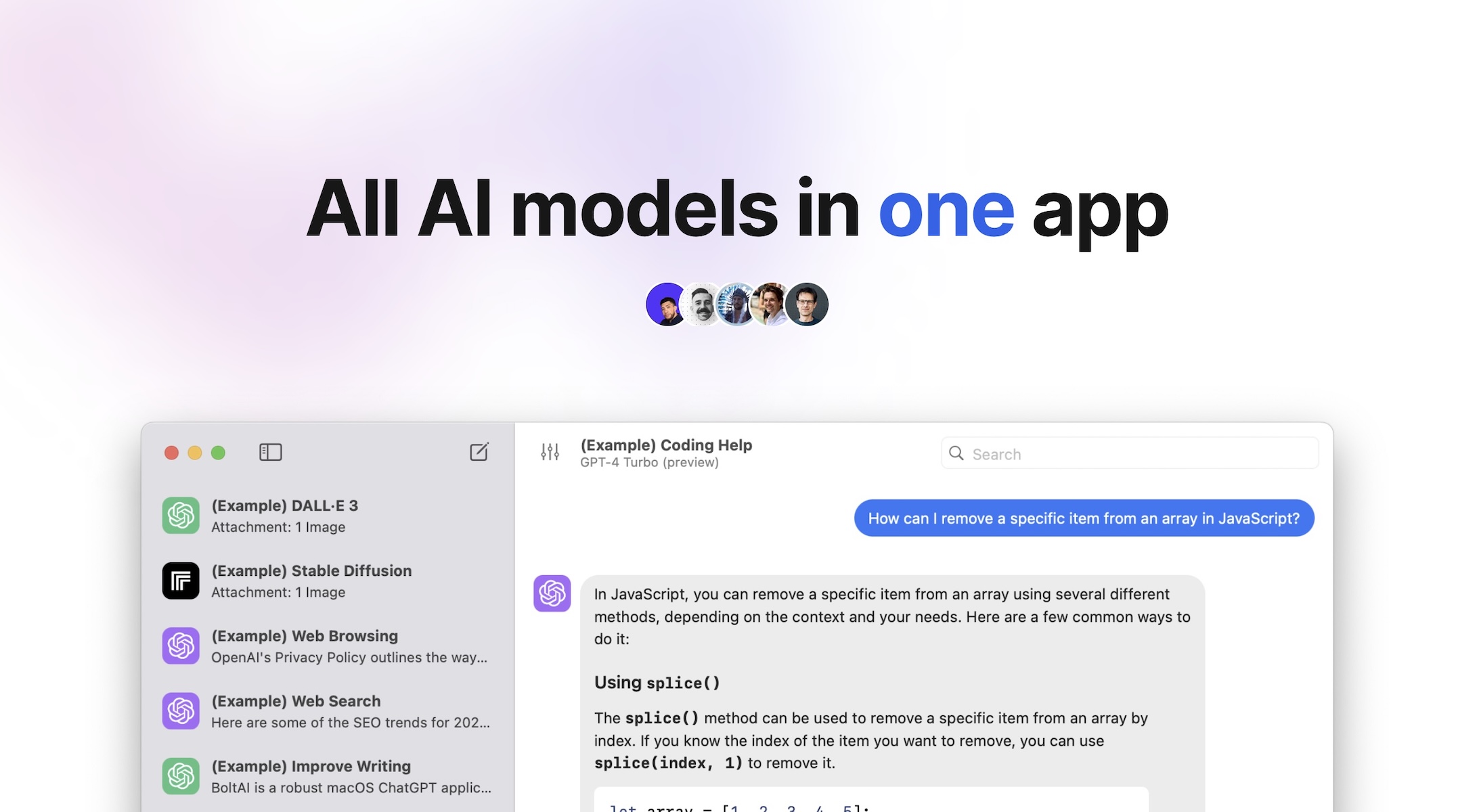
BoltAI switches between 300+ AI models in one Mac app. Image: BoltAI
Price: listed at $79 to $199.
BoltAI is a native Mac app for chatting with more than 300 models from OpenAI, Anthropic, Google and others, using your own API keys. It analyzes documents, keeps chats on your Mac and encrypts your keys.
BoltAIAI Client for Mac with 300+ ModelsVisit WebsiteBoltAI is a native macOS application that provides users with the ability to switch seamlessly between over 300 AI models within a single workspace. It is designed for professionals and power users who require efficient management of AI tasks, enabling them to analyze documents, automate workflows, and maintain privacy with local chat storage. The app integrates with major AI providers, streamlini
- Switch seamlessly between over 300 AI models from providers like OpenAI, Anthropic, and Google within a single interface.
- Analyze documents, manage projects, and automate tasks without needing to switch applications.
- Store chats locally and encrypt API keys to ensure user privacy and data security.
- Customize AI interactions with fine-tuned controls for response generation, including temperature and token limits.
- Utilize multimodal capabilities to analyze PDFs, screenshots, and other documents for structured insights.
BoltAI is compatible with Intel and Apple Silicon Macs, requiring macOS 13 or later. This ensures a broad range of users can access its features, which include seamless integration with over 300 AI models and a focus on performance and privacy.Visit Website
Vinaa: simple AI chats in one Mac app
Vinaa keeps cloud and local AI chats in one native app. Image: Vinaa
Price: listed at $20.
Vinaa lets you bring your own API keys, organize chats into projects and folders, switch models mid-conversation, and import your ChatGPT and Claude history. Chats stay on your Mac.
VinaaAll your AI chats. One Mac app.Visit WebsiteVinaa is a native Mac app for chatting with cloud and local AI models.
- Native Mac app for seamless interaction with both cloud and local AI models.
- Supports integration with OpenAI, Anthropic, and Google using user-provided API keys.
- Organizes chats into projects and folders for efficient workflow management.
- Allows switching between AI models mid-conversation without losing context.
- Stores conversations locally, ensuring privacy and control over data.
Bring your own API keys, organize conversations into projects and folders, switch models without starting over, import ChatGPT and Claude history, and keep every chat stored locally on your Mac.Visit Website
Best AI assistant that sees your screen
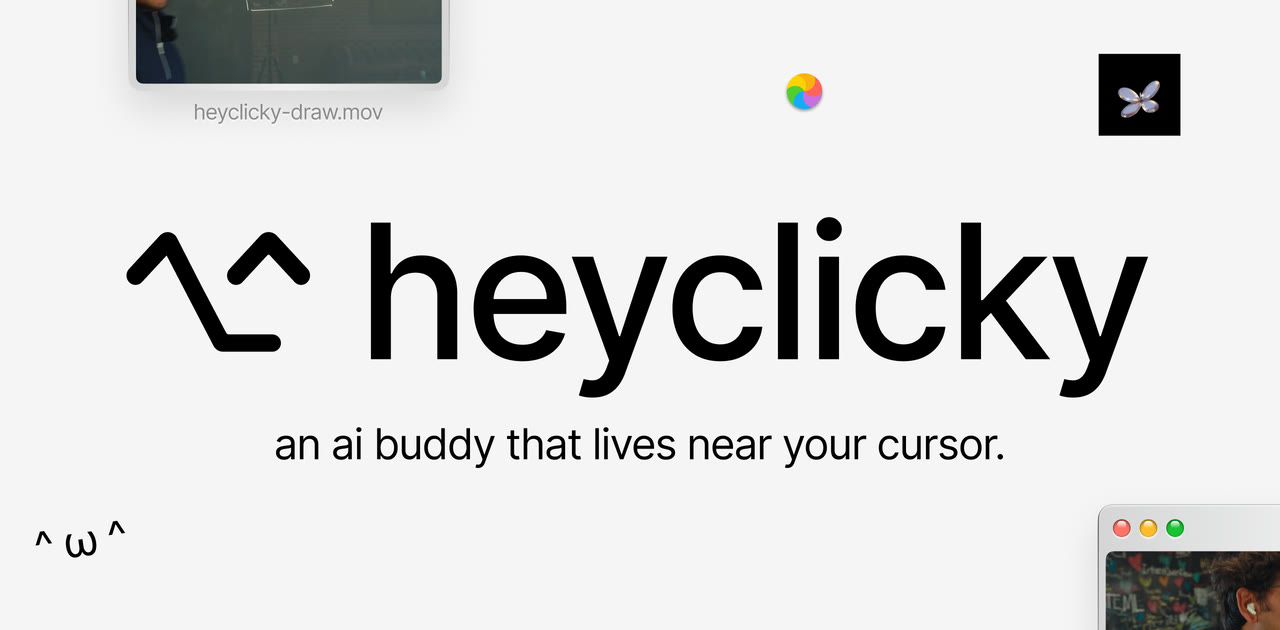
HeyClicky answers questions about what is on your screen. Image: HeyClicky
HeyClicky is an AI assistant that answers out loud about what is on your screen when you press a hotkey. It can draw on screen to show you where to click, run voice-triggered agents, and connect to Gmail and Notion.
HeyClickyAI buddy that lives on your MacVisit WebsiteHeyClicky is a software application designed for macOS that functions as an AI assistant. It allows users to interact with their screen content by answering questions audibly, providing on-screen guidance, and executing voice-activated tasks across various applications. It integrates with services like Gmail and Notion, offering support for creative tools, code editors, and spreadsheets.
- Provides voice responses based on on-screen content when activated by a hotkey.
- Offers on-screen drawing tools to visually guide users through tasks.
- Integrates with Gmail and Notion for streamlined task management.
- Allows users to create and run voice-triggered agents without using a terminal.
- Delivers step-by-step assistance across various applications, including creative tools and code editors.
- Available in a free tier, with additional features in Pro and Max plans.
HeyClicky enhances productivity by providing real-time assistance tailored to your workflow. Its integration with applications like Gmail and Notion allows for seamless task management, while voice-triggered agents simplify interactions across various software. With a free tier and options for advanced features, it caters to users seeking efficient support in creative and technical environments.Visit Website
Hold Fn, speak, and LocalBolo types at your cursor. Image: LocalBolo
Price: $49 for a single license, $99 for Duo. It needs Apple silicon and macOS 15.
LocalBolo turns speech into text on your Mac. Hold the Fn key, speak, and release it, and your words appear at the cursor. You can pick Parakeet or Whisper models, remove filler words and apply spoken corrections. After setup it works offline, though activation and occasional license checks need the internet.
LocalBoloPrivate on-device dictation across Mac appsVisit WebsiteLocalBolo is a Mac dictation app that transcribes English speech using models running on your device. Hold fn to speak and release it to insert text at the cursor.
- Dictate into text fields across Mac apps.
- Choose Parakeet or Whisper speech models.
- Optionally remove filler words and apply spoken corrections locally.
- Restore clipboard contents after inserting a transcript.
- Process recordings in memory without retaining them.
One-time purchase for Apple silicon Macs running macOS 15 or later. Dictation works offline after setup, but activation, model downloads, and periodic license checks require internet access.Visit Website
Superwhisper: best AI dictation overall
Superwhisper turns your voice into polished text in any app. Image: Superwhisper
Price: free with unlimited local Whisper models. Pro is $8.49 a month, $84.99 a year, or $249.99 lifetime.
Superwhisper works offline, remembers your vocabulary, supports 100+ languages, and has modes that rewrite your speech for emails, messages or notes.
SuperwhisperTurn your voice into polished text.Visit WebsiteSuperwhisper is a versatile voice-to-text application designed to enhance communication across various platforms like Slack and Gmail. It simplifies the process of transcribing your thoughts into professional writing, making it ideal for startups and industry leaders alike. With seamless integration into your favorite apps, Superwhisper works offline, remembers your unique vocabulary, and supports over 100 languages. It features predefined modes to optimize tone and structure, ensuring your messages are always clear and appropriate. Additionally, the app offers powerful meeting assistance by recording and automatically summarizing discussions, making it a must-have for anyone looking to improve their efficiency in both personal and professional communication.Visit Website
Wispr Flow
Wispr Flow cleans up your speech into polished writing on Mac, Windows, iPhone and Android. Pro is $12 a month billed yearly. For more options, read our best Wispr Flow alternatives for Mac.
Wispr FlowEffortless voice-to-text for faster writing.Visit WebsiteWispr Flow is the voice-to-text AI that transforms your speech into clear, polished writing across all your apps. It allows you to dictate notes, emails, and text instantly, streamlining your communication process. With features like AI auto-edits and personalized dictionaries, Wispr adapts to your unique voice and style, ensuring that your thoughts are captured accurately and efficiently. Proven to be used by professionals in various fields, Wispr enhances productivity, enabling users to focus on their ideas rather than typing them out. Available on Mac, Windows, iPhone, and Android, it seamlessly integrates into your workflow, making it the ultimate tool for anyone looking to enhance their efficiency in both personal and professional settings.Visit Website
Best apps to track AI usage on Mac
Petal: check your AI limits at a glance
Petal shows remaining AI usage in the menu bar, notch or a widget. Image: Petal
Petal shows remaining usage and reset times for Codex and Claude Pro or Max accounts in the menu bar, near the MacBook notch, or in a desktop widget. Settings and history stay on your Mac. It is a one-time purchase for macOS 14 or newer, on Apple silicon or Intel.
PetalTrack AI usage from your MacVisit WebsitePetal is a Mac app that tracks remaining AI allowances and reset times across your accounts. Check usage without leaving your work.
- Monitor Codex and Claude Pro or Max accounts together.
- View limits in the menu bar, a movable notch, or desktop widgets.
- Browse usage history for individual accounts.
- Keep work and personal accounts in one view.
- Store account settings and usage history locally on your Mac.
Requires macOS 14 or later on Apple silicon or Intel. A one-time purchase includes lifetime updates; AI subscriptions are separate. Additional provider connections are available in beta.Visit Website
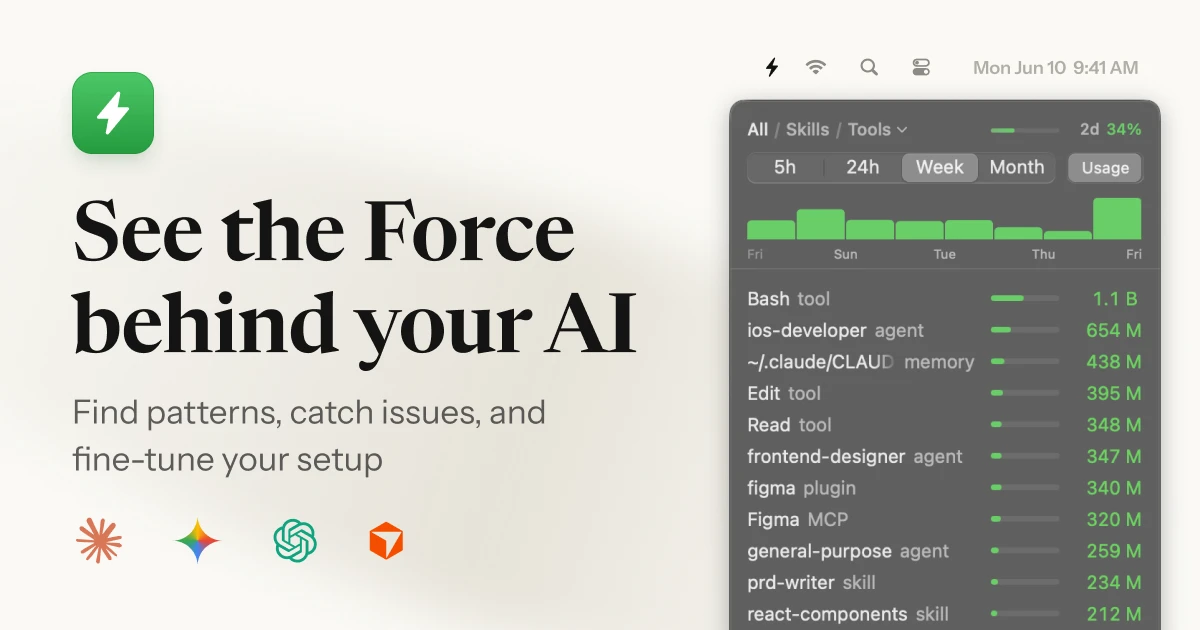
SkillKeeper: see what your AI coding tools cost
SkillKeeper is a menu bar app that shows which AI coding skills, agents and tools ran, how many tokens they used, and how close you are to your limits.
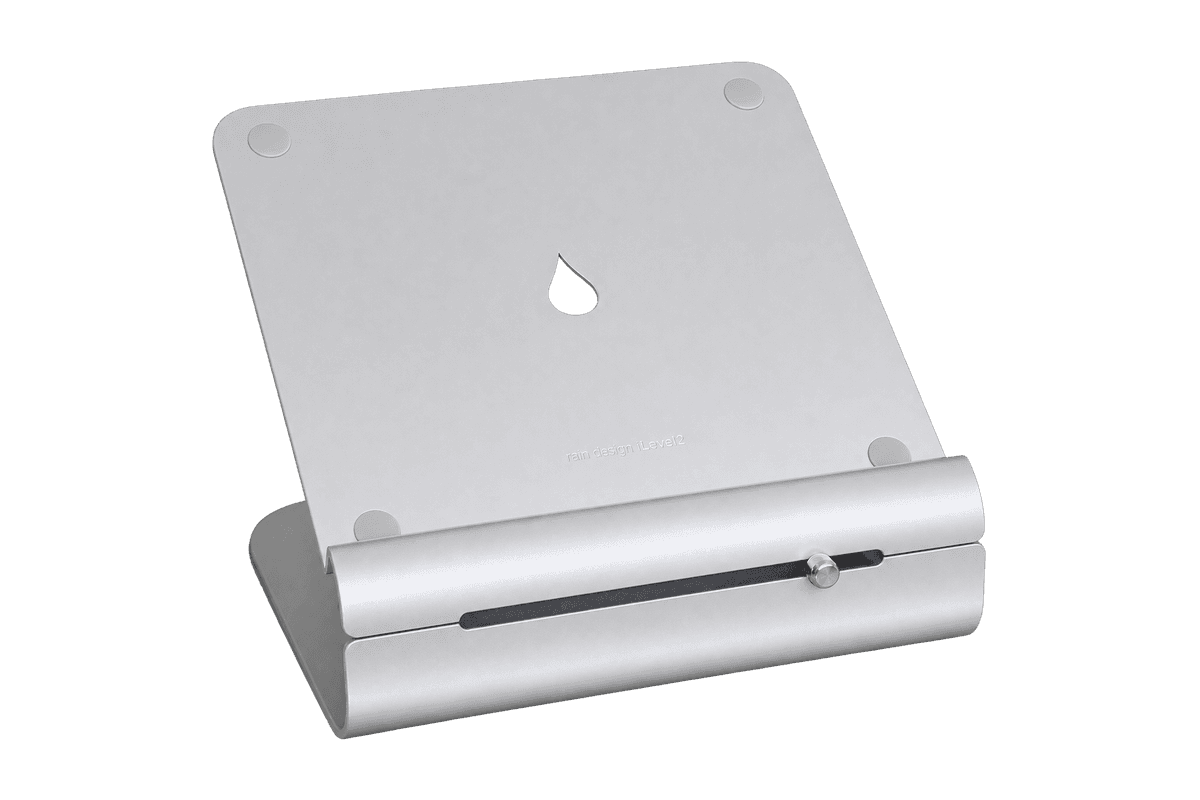
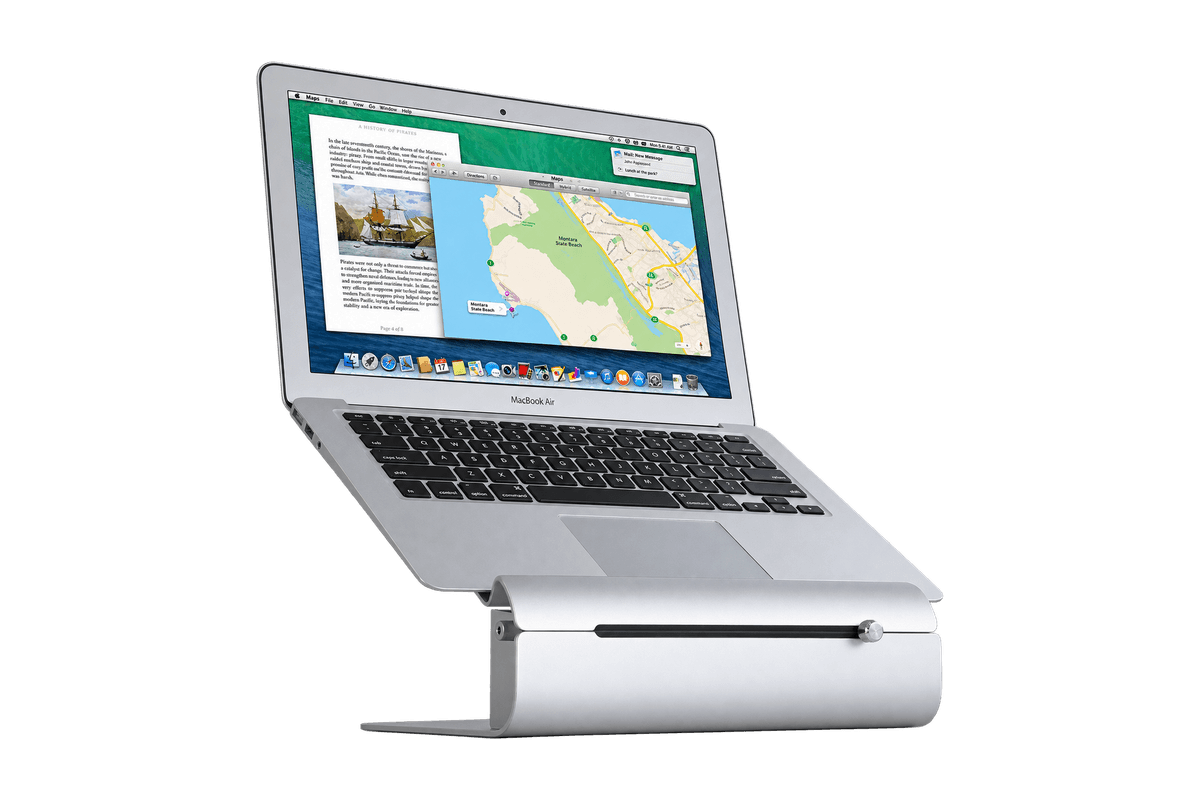
A silver aluminum MacBook stand with a front slider for adjusting screen height.
WorkspaceDesk Setup
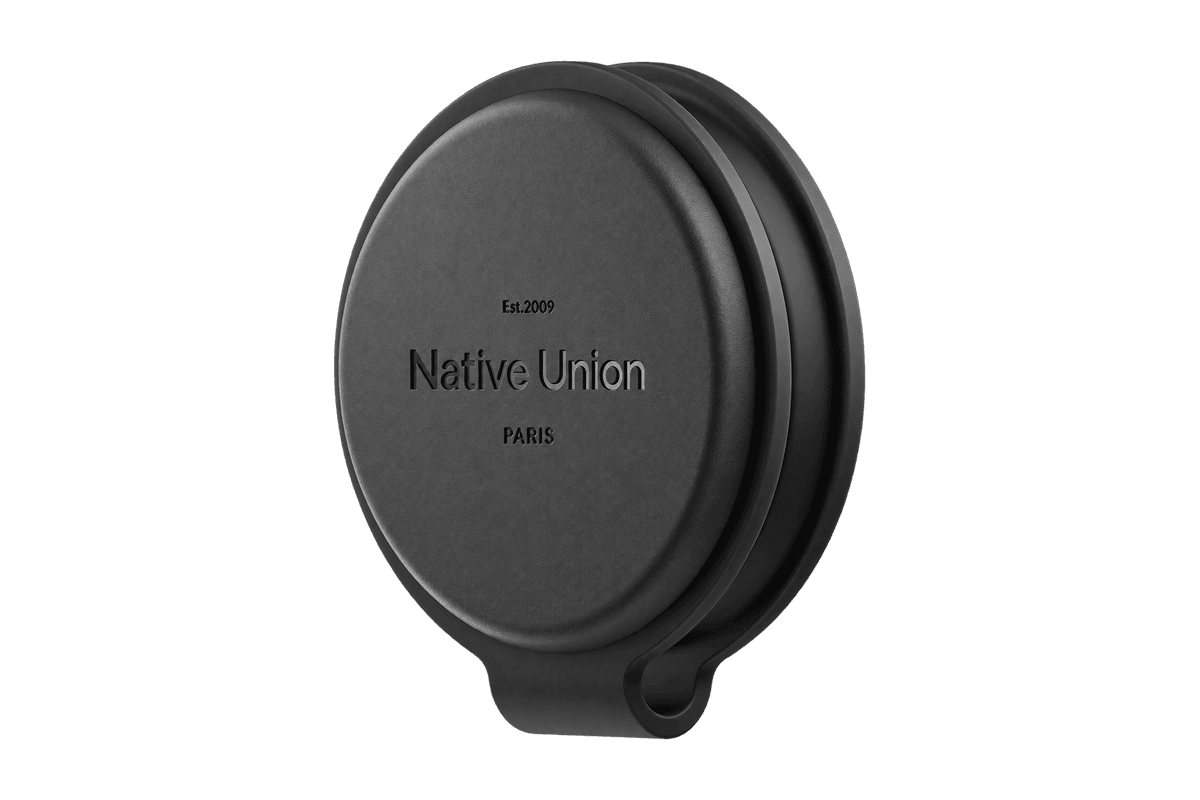
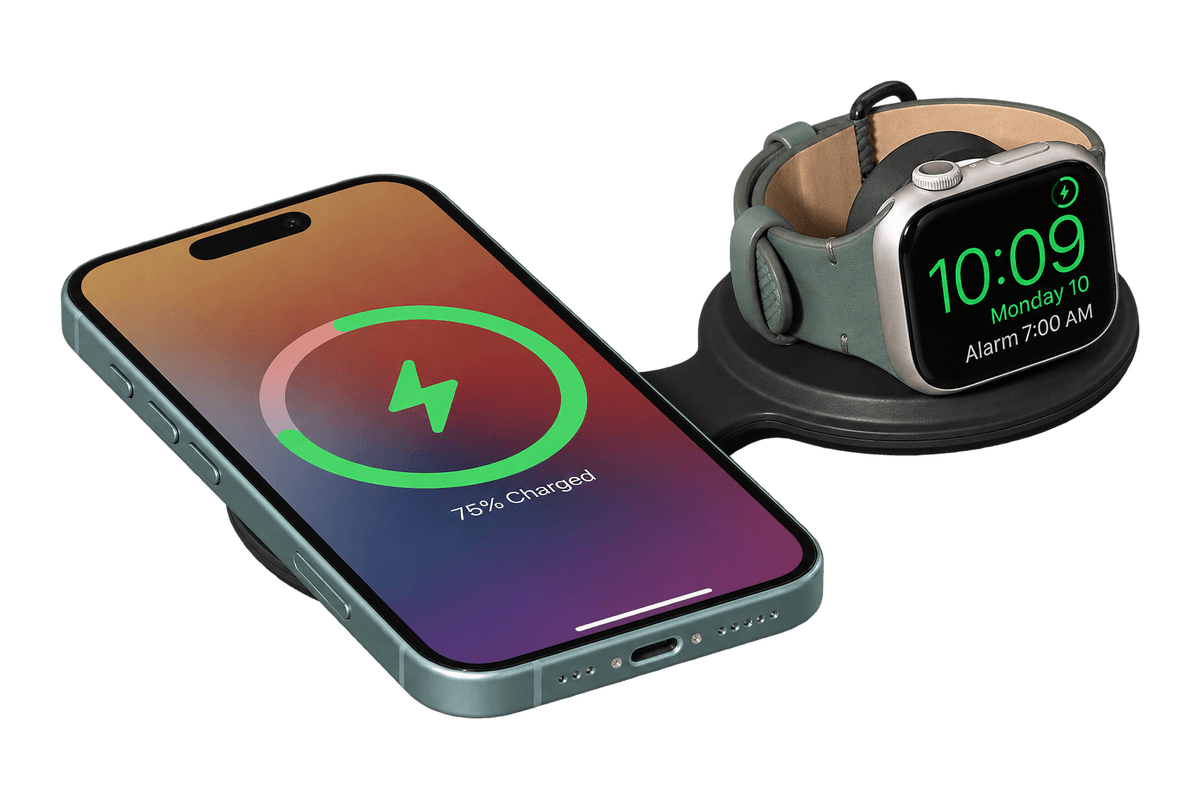
Voyage 2-in-1 Magnetic Wireless Charger
A folding Qi2 travel charger for an iPhone and Apple Watch, with a pocket-sized closed form.
HardwarePoweriOS
WidgetWall
Desktop widgets for Mac, from clocks and calendars to photos, music and a Pomodoro timer.
Freemium
WidgetWall puts customizable widgets on your Mac desktop, behind your windows.
- Free widgets plus premium widgets such as a MacBook battery widget, browser, photo and video widgets.
- Liquid Glass material, widget corners and shadow options.
- Full support for macOS 27, per its App Store release notes.
- Available on the Mac App Store and Setapp.
WidgetWall is free with in-app purchases: $1.99 a month, $19.99 a year, or a lifetime unlock listed at $39.99 to $49.99.
SoftwareUtilitiesmacOS
BusyCal
A powerful Mac calendar with tasks, a year planner, sticky notes and booking pages.
Paid
BusyCal is a calendar app for Mac and iPhone by BusyMac.
- Day, Week, Month, Year Planner and List views, with adjustable fonts, colors and density.
- Tasks, sticky notes and a menu bar mini calendar.
- Booking pages for meetings, and smart suggestions from past events.
- Works with iCloud, Google, Exchange and CalDAV calendars.
- Available on Setapp.
BusyCal is $49.99, with a 14-day free trial.
SoftwareProductivityiOS & macOS
Notion Calendar
A free calendar for Mac that connects Google Calendar to your Notion workspace.
Free
Notion Calendar (formerly Cron) is a free calendar app for Mac, Windows, iPhone and Android.
- Works with Google Calendar accounts, with Notion databases and docs linked to events.
- A command menu, keyboard shortcuts and a menu bar view of upcoming meetings.
- Time zones, scheduling links and availability sharing.
- One-click join for video calls.
Notion Calendar is free.
SoftwareProductivityiOS & macOS
Amie
A calendar, to-do and meeting notes app that records meetings without a bot.
Paid
Amie combines a calendar, to-dos and AI meeting notes in one app for Mac and iPhone.
- Calendar and tasks in one view.
- Bot-free meeting recordings with AI notes.
- Works with Google Calendar.
- A 7-day free trial.
Amie's paid plans were listed at $20 and $40 per user a month in November 2026, with 20% off yearly billing.
SoftwareProductivityiOS & macOS
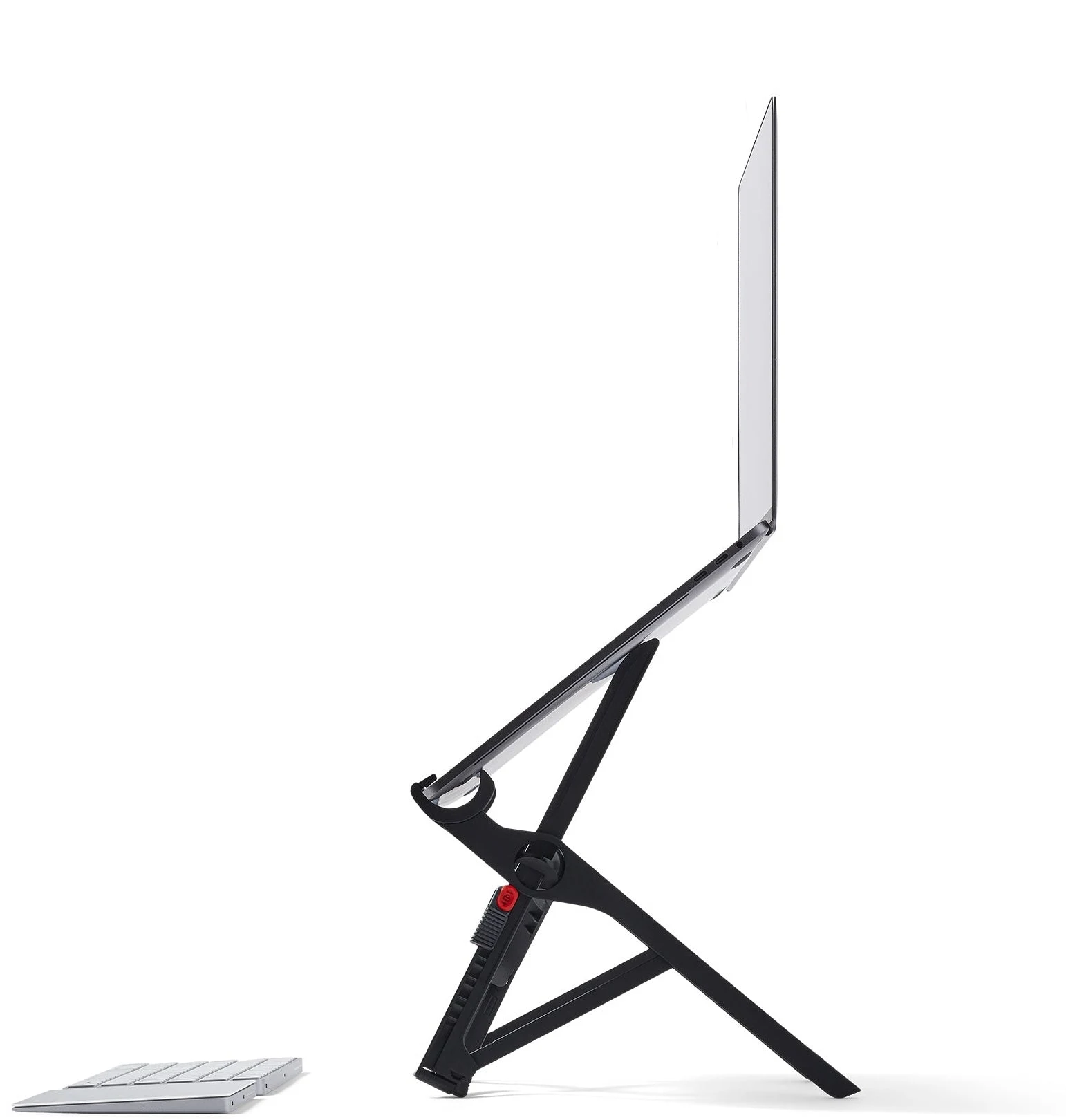
Roost V3 Laptop Stand
A 6 oz folding laptop stand that raises a MacBook to eye level anywhere.
WorkspaceDesk Setup
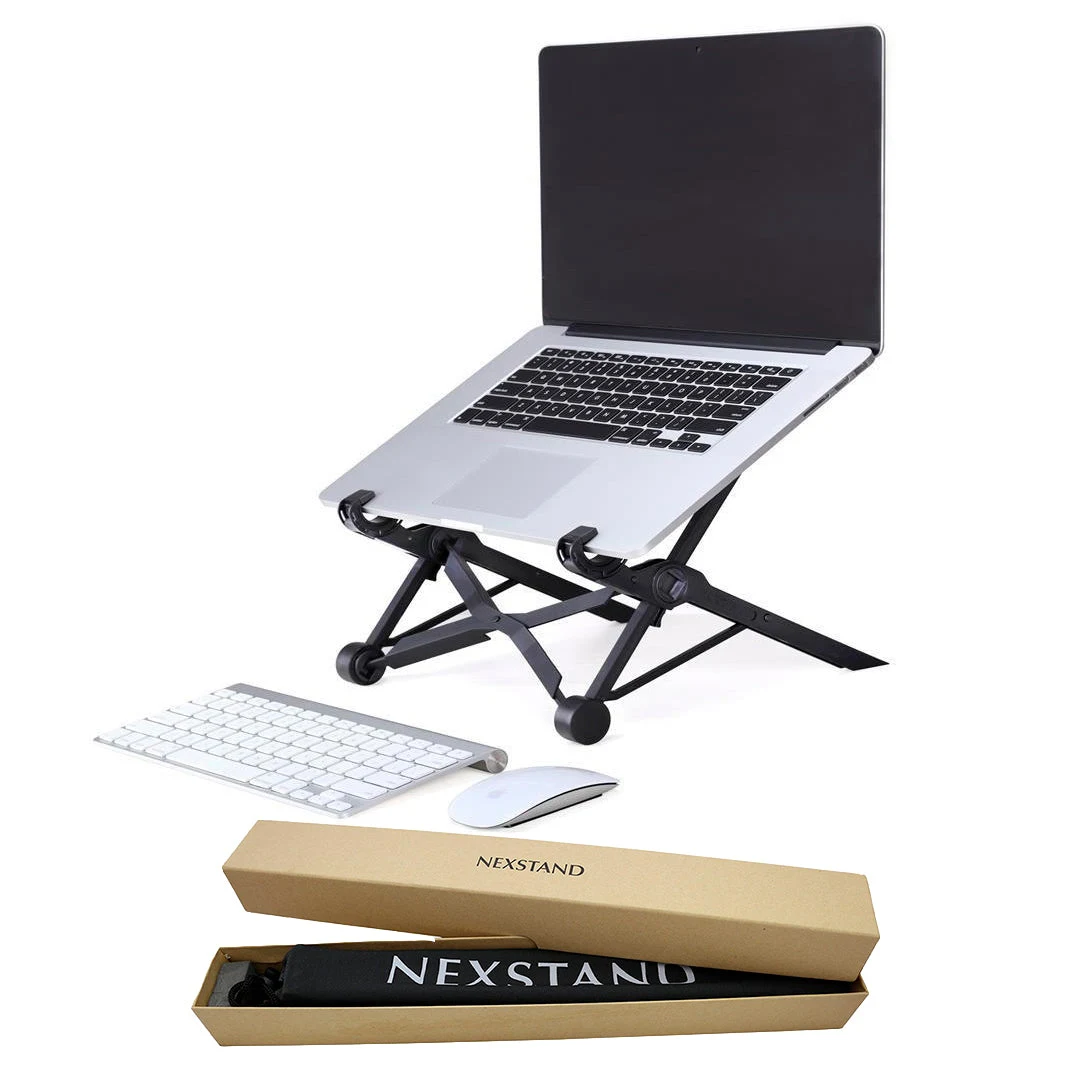
Nexstand K2 Laptop Stand
A cheap, folding laptop stand with 8 heights for 10 to 17 inch laptops.
WorkspaceDesk Setup
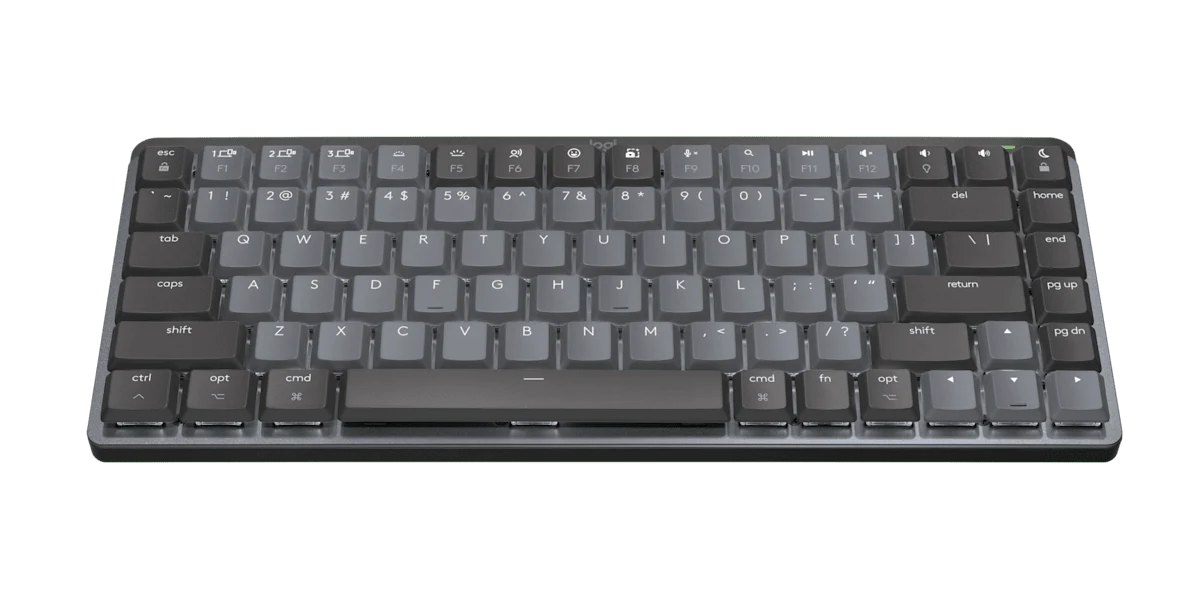
MX Mechanical Mini for Mac
A compact low-profile mechanical keyboard with a Mac layout and Tactile Quiet switches.