Three Mac Apps for People Who Live in Browser Tabs
You have 47 tabs open. You won't close them and you can't read them all. Here are three Mac apps that take the pressure off the tab bar without making you feel guilty.
You have a tab open from a Tuesday in March. You have not opened it since. You also can't close it. Somewhere in there is the link you actually need right now.
The browser is not the problem. The browser is just the only place you have been putting things. Here are three apps that take that job back.
The stack:
Resurf · the catch-all bucket for the things you keep saving
mymind · the visual archive for the things you save because they look good
Reference Board · the working wall for the things that need to be seen together
1. Pick a Bucket That Is Not Your Browser
The first move is admitting that the tab bar is a memory system. It is just a bad one. Resurf gives the browser somewhere else to put its overflow.
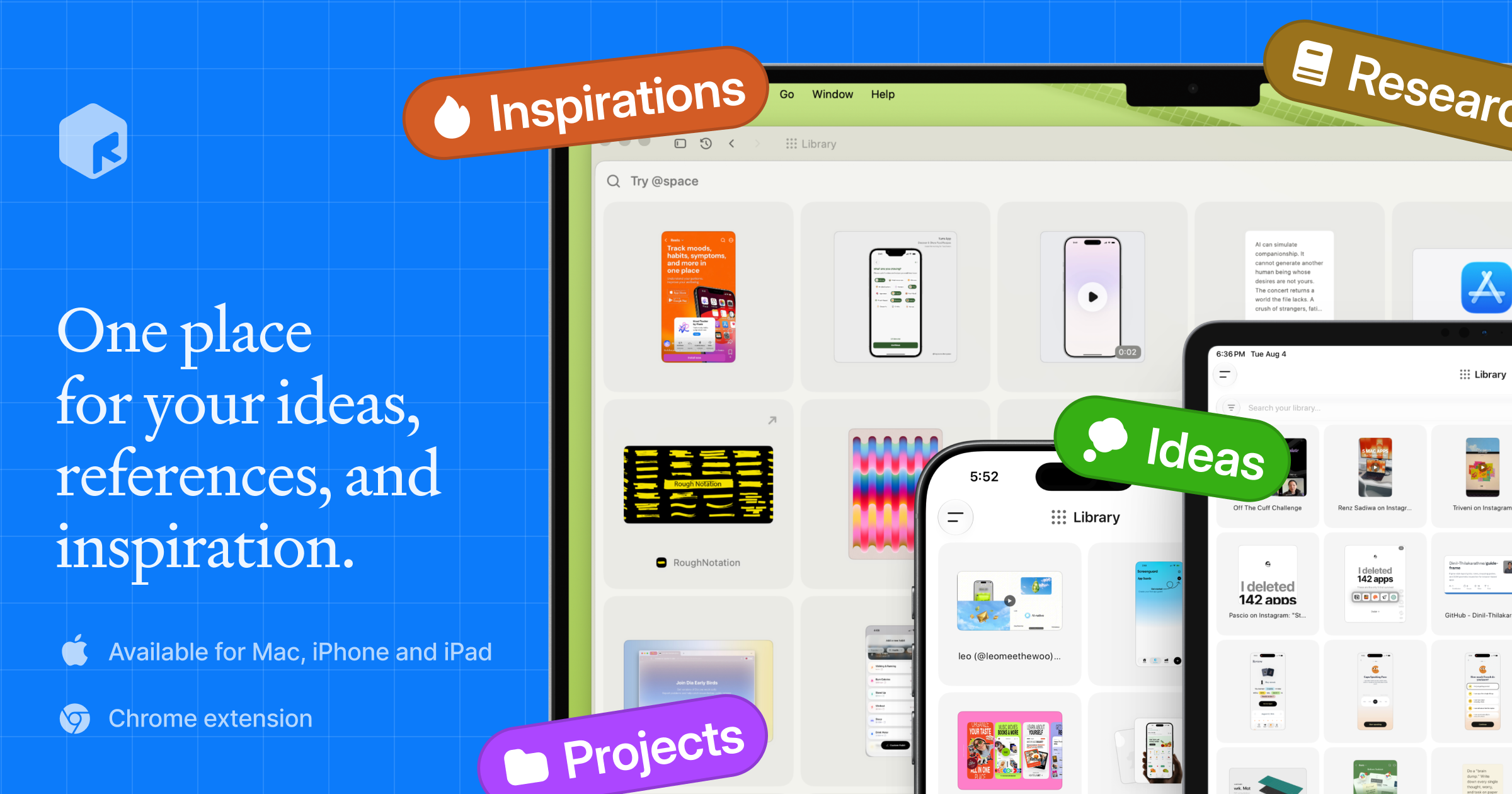
It takes links, notes, screenshots, PDFs, voice memos, and rough thoughts. The trick is that you stop trying to remember which tab held the article and start trusting that you saved it on purpose. It is especially useful for researchers, writers, founders, and product people who collect more context than a bookmark bar can honestly hold.
ResurfA personal library and quick capture toolVisit WebsiteResurf is a local-first macOS application designed for capturing and organizing diverse content types, including thoughts, ideas, links, PDFs, images, and audio. It prioritizes user privacy and offline functionality, allowing individuals such as students and researchers to efficiently manage their information in one unified library.
- Capture content from Mac, Chrome, and iPhone into a single library for streamlined organization.
- Utilize instant search to quickly locate notes, links, PDFs, and images.
- Record voice memos to capture thoughts on-the-go without typing.
- Highlight and annotate directly on saved content for better context retention.
- Generate AI summaries for faster review of articles and documents.
- Keep all data local on your Mac, ensuring privacy and offline access without account requirements.
Resurf is a local-first macOS application that enables users to capture and organize various types of information efficiently. With a focus on privacy, it stores data on the device and functions offline, eliminating the need for accounts. This makes it suitable for anyone looking to manage their thoughts and resources.Visit Website
2. Save the Things You Liked Without Knowing Why
Some saves are not research. They are mood. A typeface, a poster, a half-finished thought, a screenshot of a website at 2am. mymind is built for that softer kind of saving.
It is private, visual, and quiet. The app sorts itself in the background, which means the saving stays a one-second action and the organising is not your job. It solves the "I liked this but do not know where it belongs yet" problem, which makes it good for designers, moodboard people, and anyone building taste over time.
mymindA creatives best kept secret.Visit Websitemymind is YOUR PRIVATE place to keep everything you want to remember. Think of it as your digital garden, a peaceful place away from the noise to cultivate your inspiration, research and ideas. We’re a small & independent team that originally built mymind for ourselves. We were tired of feeling constantly distracted and overwhelmed with overly complicated tools that promised to help us stay organized. We just wanted something simple: one place to put everything, and one place to find it. We didn’t want to curate anything, manage folders or learn yet another system we would ultimately abandon. Which is why mymind asks nothing from you: NO social features NO vanity metrics NO algorithms NO social pressure NO collaboration NO manual organization NO noise
- Save anything with a single click: a bookmark, note, image, screenshot, website, article, video, highlight, quote, meme, product, song. Before, these little pieces of inspiration were forgotten or buried somewhere in your bookmarks or desktop or some complex platform. Now they're all in one place, where they may eventually connect and become useful later.
- All your inspiration and ideas are organized for you. Folders are dead. We believe manual organization is another distraction, a decoy for productivity that pulls you from what you want to do. You may not even know why you're saving something in the moment, meaning it could fit in many folders or no folder at all. Your mind understands this, revealing meaning and allowing you to make connections between what you've saved. You don't have to stop to analyze or organize anything you save. Your new mind magically categorizes, analyzes, summarizes and tags it for you, so you can just search whatever you remember to find it later. No going back to clear a queue or manage your folders. You're constantly moving forward.
- Most importantly, your mind is 100% private. No one can see what you've saved. There's no social feed or collaboration features to distract you. No ads interrupting your focus. When you have an audience watching, you operate differently. You restrain yourself in an attempt to curate a vibe, stay on trend or be accepted. Who are you when no one's watching? When can you save anything or explore any idea without fear of how it's being perceived?
- It’s your secret creative repertoire and private garden of inspiration. Every great mind has one, a central place to collect all the little things that make you stop and think or feel something. Think of it like a garden: You're enriching the soil, planting and watering seeds you trust will bloom into something bigger later. Your mind is meant to grow through all your interests and creative phases. It continues to evolve with you.
- We believe beauty is a function. We do everything we can to make your mind as beautiful and distraction-free as possible, stripping out the clunky features and filters you find in typical organization tools. If it works well, you don't think about it. It's a tool in the true sense of the word: there when you need it, and out of the way when you don't. We call it personal software.- Save everything that matters to you effortlessly.
For too long, we've been serving algorithms and tools, passively scrolling and reacting and engaging and performing and curating and brain rotting. Unlike most of the internet, mymind gives back to you rather than draining you. It's an external way to feed the beauty and depth and meaning we need internally. Your mental bank of inspiration to feed your real mind.Visit Website
3. Put the Visual Stuff on a Wall
The third shape of saving is the wall. When you are choosing a brand direction, planning a slide, or pulling a vibe together, you need to see all of it at once. Reference Board is for that.
A moodboard is not a list. Scrolling kills the comparison. The wall is the whole point. Reference Board is for visual decisions where proximity matters: brand directions, interface references, slide ideas, workspace inspiration, or any project where ten things need to be judged together.
Reference BoardLet your inspiration ripple.Visit WebsiteReference Board is a moodboard application available for iPhone, iPad, and Mac. It allows users to collect, organize, and sync visual inspiration across their devices. With features like automatic organization, powerful search capabilities, and support for various media types, Reference Board helps creatives streamline their workflow and maintain a cohesive collection of ideas.
- Create multiple moodboards on an infinite canvas, allowing for unrestricted creativity and exploration.
- Utilize powerful search capabilities, including color, style, scene, and text, with optical character recognition (OCR) for text within images.
- Automatically generate tags and descriptions for saved references, ensuring organized and structured libraries.
- Support various media types, including images, videos, quotes, and sticky notes, to consolidate all forms of inspiration in one space.
- Sync moodboards seamlessly across iPhone, iPad, and Mac using iCloud for a cohesive experience.
Reference syncs user data across Apple devices via iCloud, ensuring privacy by not tracking user activity or selling data. This approach allows for a seamless and secure experience while managing and organizing creative inspirations across iPhone, iPad, and Mac.Visit Website
Three apps cover the three shapes of keeping things: the bucket, the archive, and the wall. Pick the one that matches where you keep losing things.
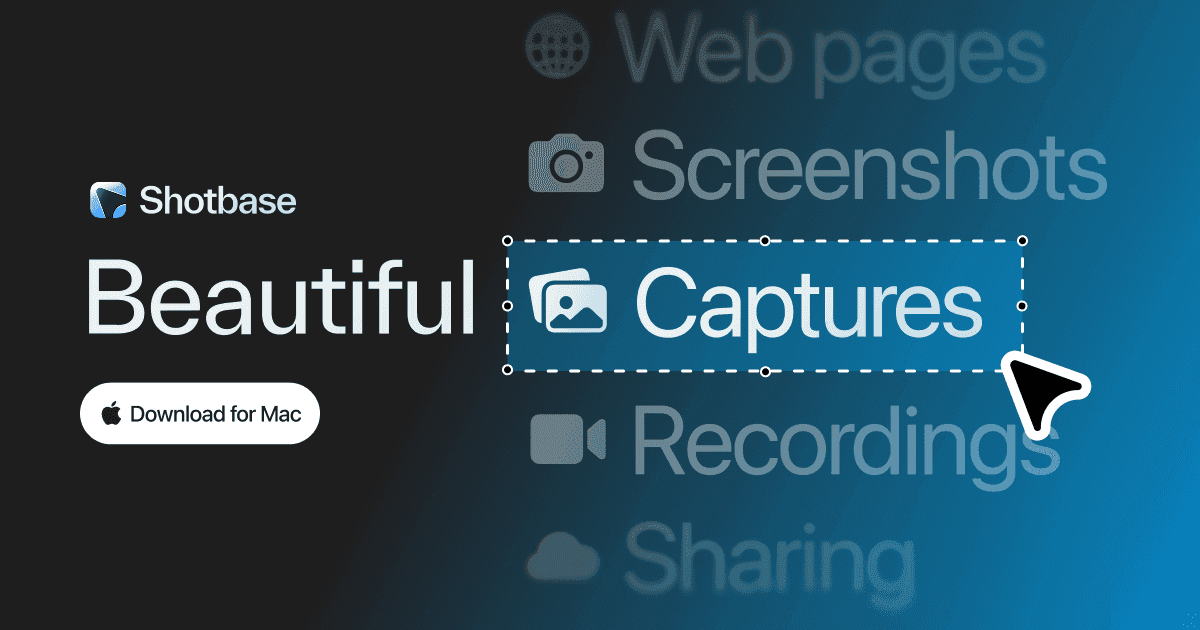
Shotbase is a comprehensive tool designed to capture and manage all your screen-based content effortlessly. With features like stunning screenshot capabilities, recording options that include cinematic effects, and an intuitive organizational structure powered by local AI, you can easily keep your multimedia assets organized and accessible. Shotbase not only allows you to capture specific areas, windows, or full screens on your Mac but also enables you to edit and enhance your captures with backgrounds, frames, and annotations. The integrated AI ensures your captures are automatically named and tagged for easy searching, making it an excellent choice for anyone looking to enhance their productivity and creativity in one seamless workspace.
SoftwareCreativemacOS
DeskMinder
For Easily Distracted Minds
Freemium
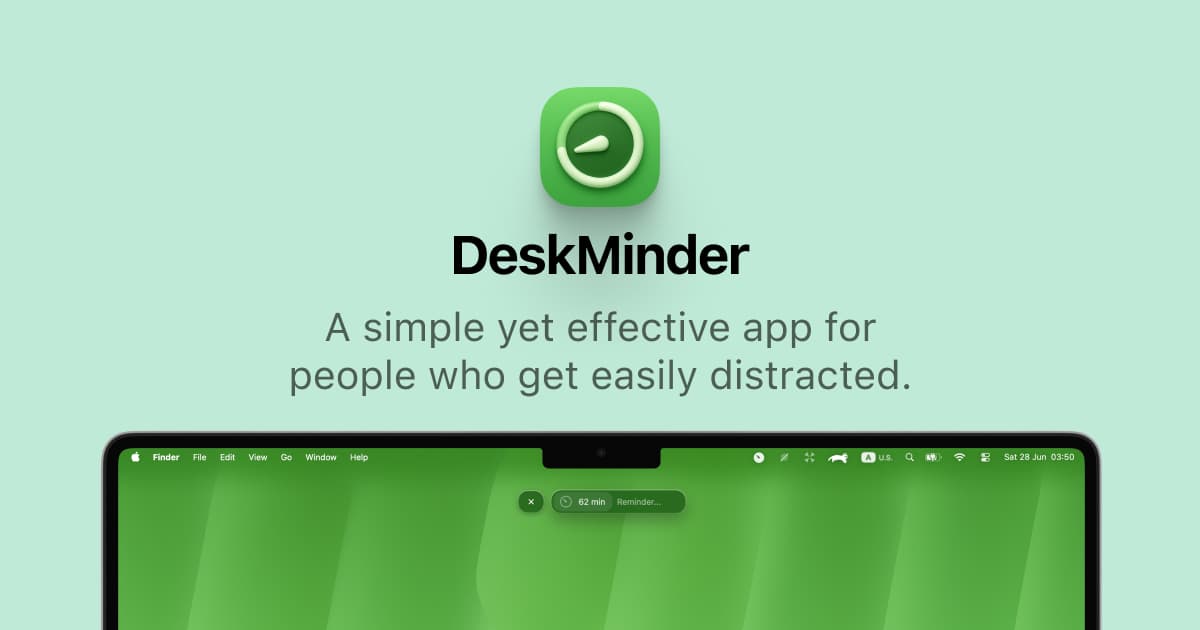
DeskMinder is a productivity software application designed for Mac users who struggle with distractions. It provides a straightforward interface for creating desktop pop-up reminders and tasks, helping users manage urgent to-dos, short breaks, and fleeting ideas. With features like full-screen notifications and Apple Reminders integration, DeskMinder aims to enhance focus and time management for i
- With features like easy-to-create desktop pop-ups for reminders and tasks, it simplifies the process of staying on top of urgent to-dos, short breaks, or fleeting ideas.
- Users can benefit from full-screen notifications, Apple Reminders integration, and flexible widget placement, making it ideal for anyone requiring a little extra help to maintain focus.
- The app includes additional shortcuts for quick reminder setups and customizable widget options, along with a history tracking feature to monitor daily progress.
Designed specifically for Mac users, DeskMinder aims to facilitate better time management and productivity for those with attention challenges, providing a seamless user experience without unnecessary complexity.
SoftwareProductivitymacOS
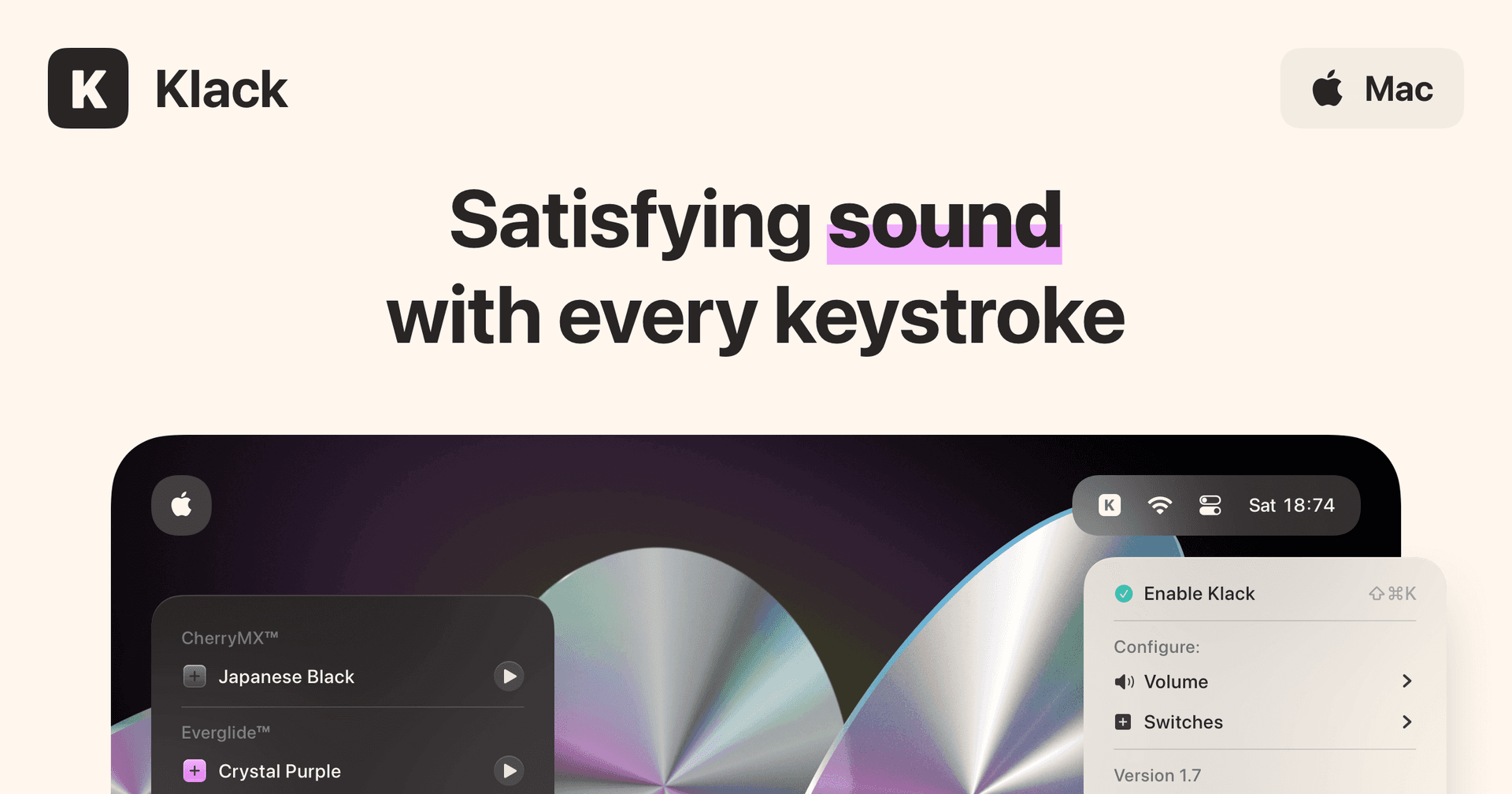
Klack
Satisfying sound with every keystroke
Paid
Klack is a macOS application designed to enhance the typing experience through high-fidelity sound for each keystroke. It provides features such as immersive spatial audio, instant feedback, and customizable sound options, making it suitable for writers, developers, and anyone who values an engaging typing environment. The app is easily accessible from the menubar and offers extensive configuratio
- Provides immersive spatial audio for enhanced typing feedback.
- Allows customization of keystroke sounds, pitch variations, and volume settings.
- Features a menubar interface for quick access to configuration options.
- Supports instant feedback with each keystroke for a more engaging experience.
- Designed for writers and developers seeking auditory feedback while typing.
Klack enhances the typing experience on Mac by providing high-fidelity sound for each keystroke.
SoftwaremacOS
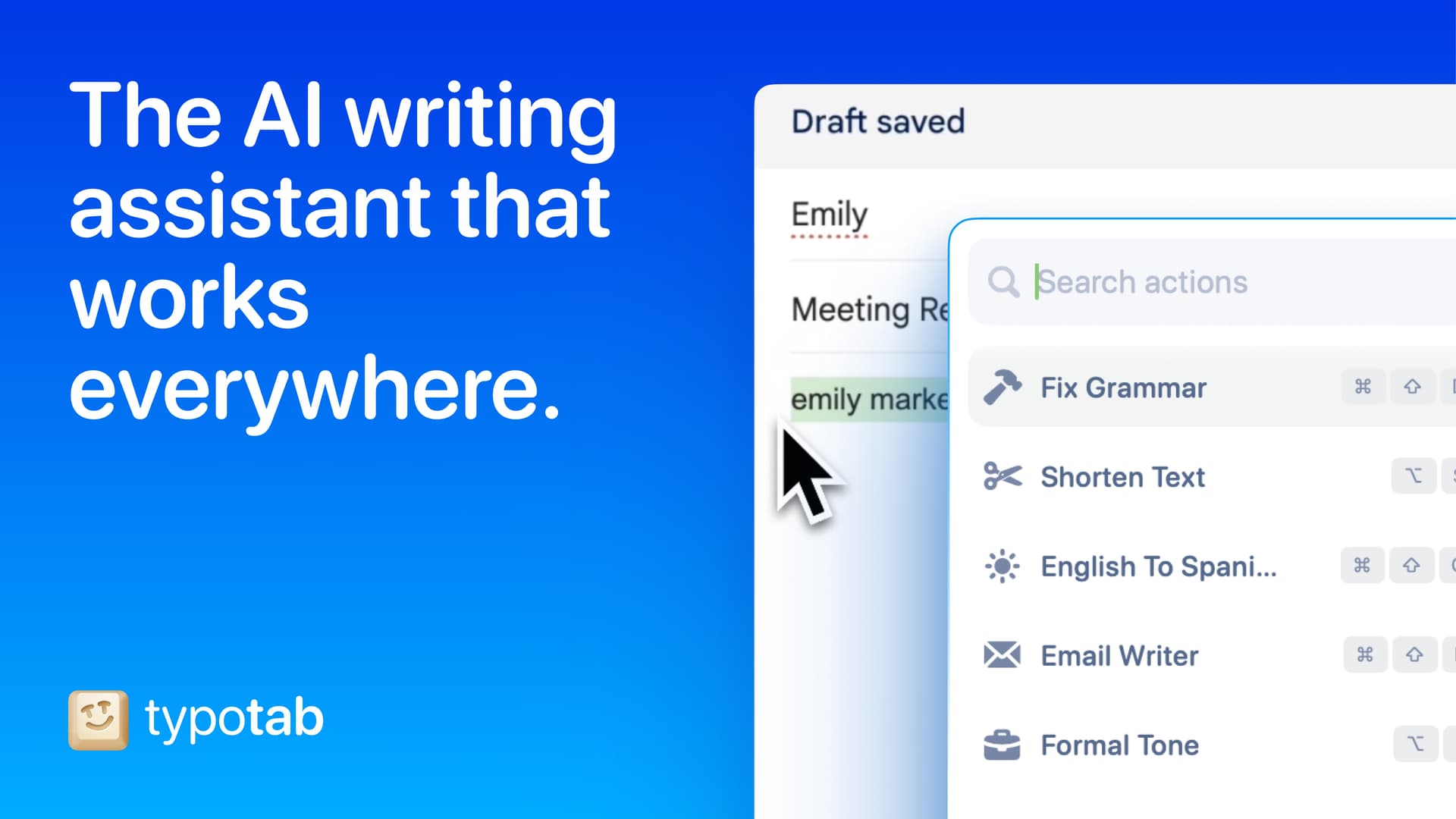
TypoTab
TypoTab, the ultimate AI writing assistant for
Paid
TypoTab is a macOS application that functions as an AI-driven writing assistant. It enhances writing efficiency by providing tools for grammar correction, text rephrasing, and content generation, all accessible from the menu bar without needing to switch applications. This tool is designed for writers, students, and professionals looking to streamline their writing process and improve productivity
- Provides grammar correction and text rephrasing directly from the menu bar.
- Allows text refinement in any application without switching contexts.
- Offers customizable actions to meet individual writing needs.
- Streamlines repetitive writing tasks for improved efficiency.
- Supports a wide range of applications, enhancing workflow across platforms.
TypoTab is a macOS application that enhances writing efficiency by providing grammar correction, text rephrasing, and content generation directly from the menu bar. It allows users to refine text in any application without switching contexts, offering customizable actions to suit individual writing needs.
SoftwareProductivitymacOS
Aesty
AI outfit styling and wardrobe planning
Freemium
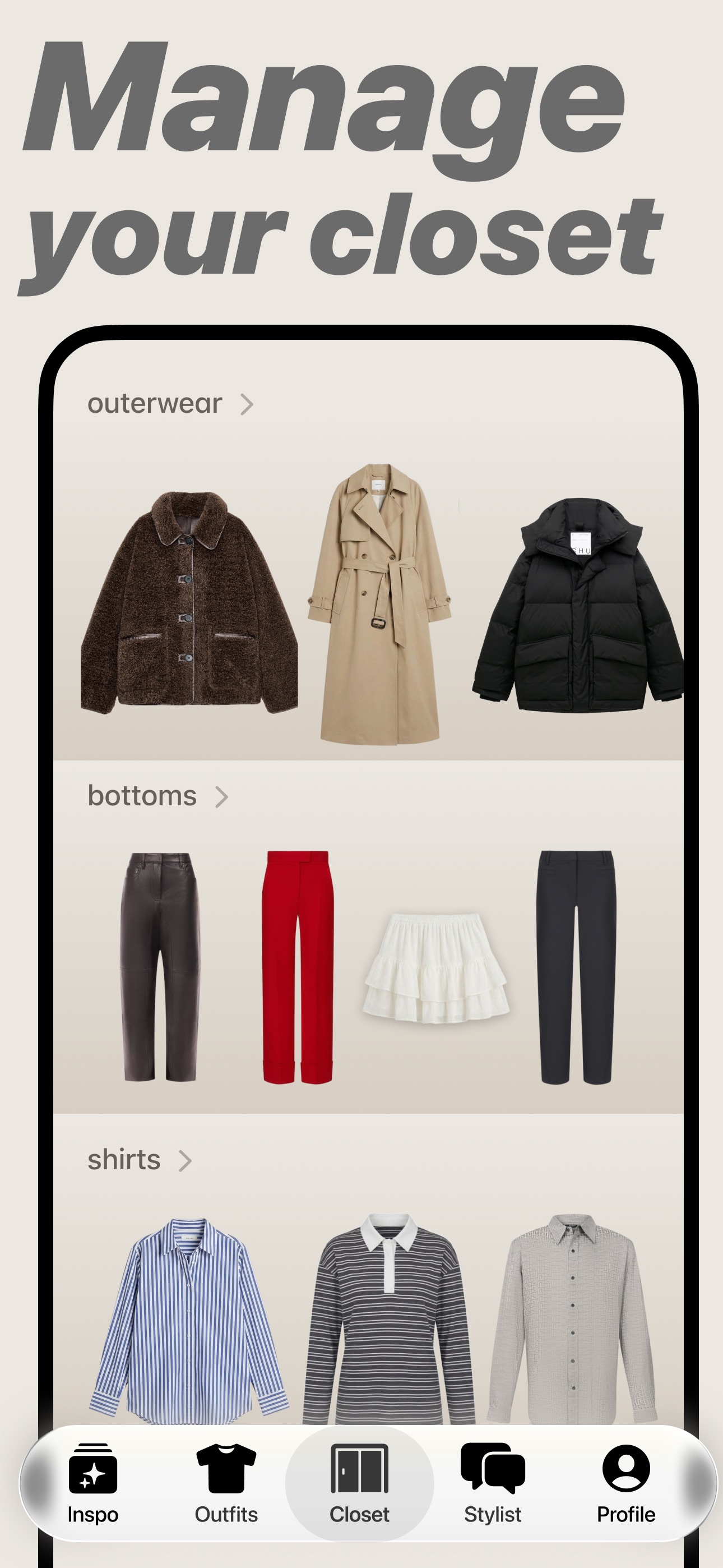
Aesty is an AI styling app that helps you organize your wardrobe, try on outfit ideas, and plan what to wear. Build looks from clothes you own or use a photo as inspiration.
- Add clothing photos to a digital closet with automatic categorization and background removal.
- Try outfits on a personalized avatar and mix them with your own wardrobe.
- Generate outfit suggestions for different occasions and your style preferences.
- Plan looks on a weekly calendar and assemble visual moodboards.
- Identify garments in outfit photos and find shopping links for missing pieces.
Free to download with paid in-app purchases and subscriptions. Designed for iPhone with iOS 18 or later. Apple lists compatibility with macOS 15 or later on M1-or-newer Macs, but the app is not verified for macOS.
SoftwareAIiOS & macOS
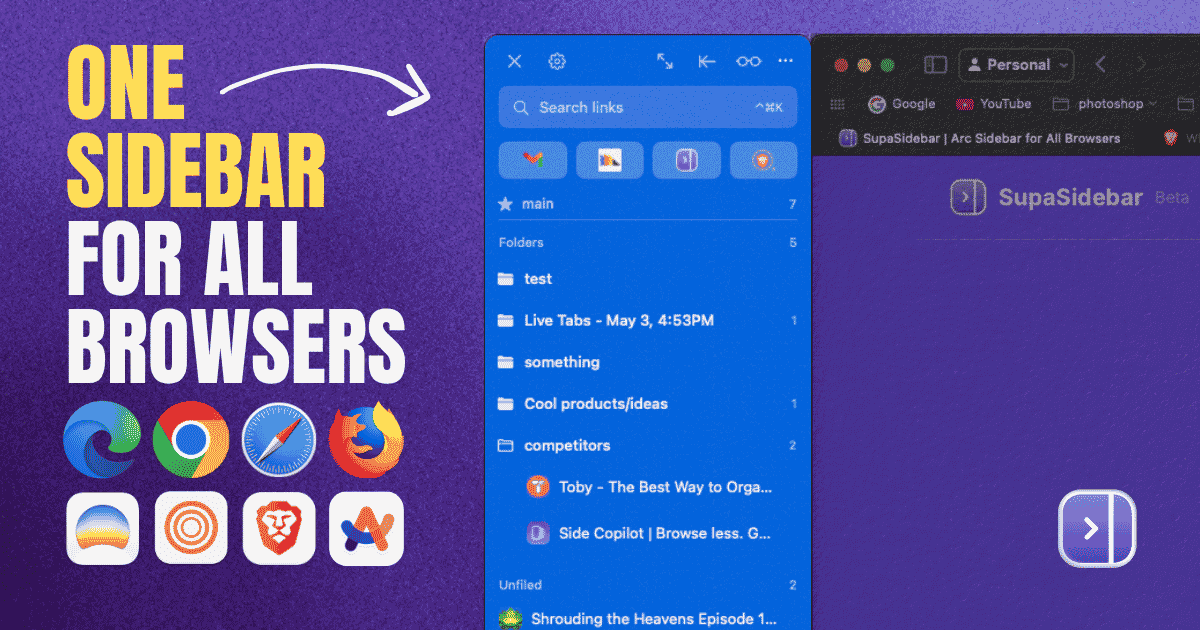
SupaSidebar
One sidebar for all browsers
Freemium
SupaSidebar is a macOS application that consolidates and organizes tabs, bookmarks, and applications across multiple web browsers, including Safari, Chrome, and Brave. It provides a unified sidebar interface for managing open tabs and bookmarks, allowing users to streamline their browsing experience and enhance productivity.
- Displays all open tabs from multiple browsers in a single vertical sidebar for streamlined navigation.
- Offers fuzzy search functionality to quickly access tabs, bookmarks, and browsing history.
- Allows users to create and manage spaces and folders for organizing online activities.
- Integrates with Finder to access files and folders directly from the sidebar.
- Supports iCloud synchronization for consistent access across devices.
SupaSidebar provides a unified sidebar interface for managing tabs, bookmarks, and files across multiple browsers on macOS. It supports popular browsers such as Safari, Chrome, and Brave, allowing users to organize their online resources efficiently.
SoftwareProductivitymacOS
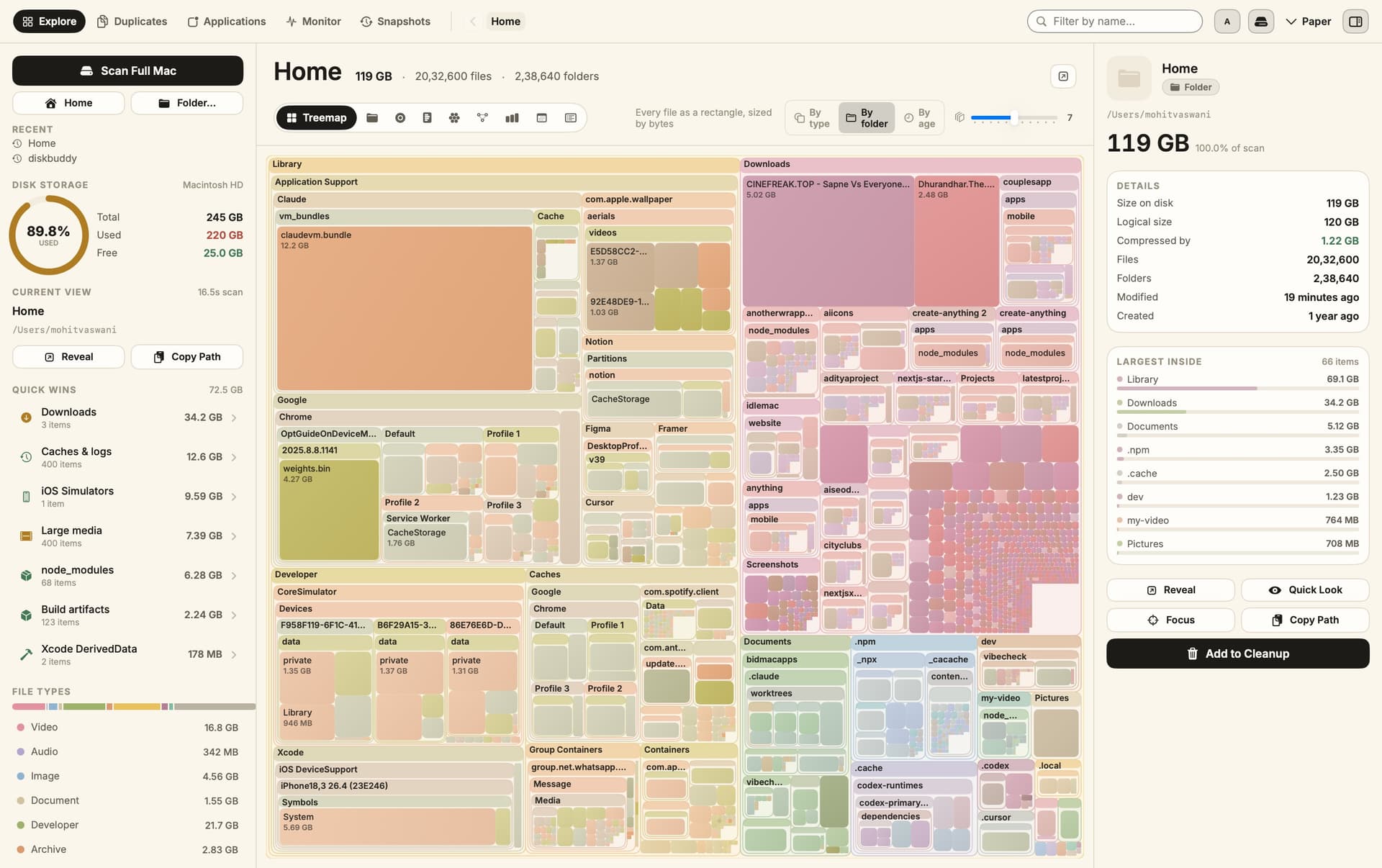
DiskBuddy
Visualize disk space and clean up files
One-time
DiskBuddy helps you find what is taking up space on your Mac, then review files before removing them. Scan a folder or drive and explore the results through eight visualizations.
- Browse storage with folder grids, treemaps, sunburst charts, and other views.
- Find duplicate files by content and identify large, old files.
- See app footprints including associated caches, preferences, and logs.
- Compare scan snapshots to see which folders have grown.
- Stage cleanup candidates in a review queue before deleting anything.
Supports macOS 14 or later on Apple silicon and Intel, with external and network drives supported. A one-time license includes all 1.x updates and works on one Mac or Windows machine at a time. File analysis happens locally; activation and periodic license checks require an internet connection.
SoftwareUtilitiesmacOS
Grok Bot
AI teammates that work across your apps
Paid
Grok Bot provides AI teammates that work inside apps and websites using a shared cloud computer. Give bots tasks from desktop or iOS, and follow their progress as they complete work.
- Delegate research, reporting, operations, and other multi-step tasks.
- Run multiple bots in parallel and let them coordinate in shared conversations.
- Teach a workflow by demonstrating it, then reuse it as a routine.
- Keep context across conversations and continue work while your laptop is closed.
- Connect bots to the tools you use, with approval requested when needed.
Available in beta on desktop, including macOS, and iOS through eligible paid Cursor, SuperGrok, and Teams plans. Usage allowances depend on the plan.
SoftwareAIiOS & macOS
DynamicLake
Dynamic Island controls and activities for Mac
One-time
DynamicLake adds a Dynamic Island interface to your Mac for music, system controls, notifications, and file actions.
- Adjust volume, brightness, and keyboard backlighting from an integrated panel.
- Control music and keep calendar events and weather within view.
- Drag and drop files to preview, compress, share, AirDrop, or convert them.
- See supported messaging notifications, calls, Bluetooth events, and live activities.
- Customize the notch appearance or choose a compact miniLake layout.
Supports macOS 14 or later on Intel and Apple silicon, including Macs with and without a notch. A one-time license covers up to three devices and includes lifetime updates.
SoftwareUtilitiesmacOS
New additions
Aesty
AI outfit styling and wardrobe planning
Freemium
Aesty is an AI styling app that helps you organize your wardrobe, try on outfit ideas, and plan what to wear. Build looks from clothes you own or use a photo as inspiration.
- Add clothing photos to a digital closet with automatic categorization and background removal.
- Try outfits on a personalized avatar and mix them with your own wardrobe.
- Generate outfit suggestions for different occasions and your style preferences.
- Plan looks on a weekly calendar and assemble visual moodboards.
- Identify garments in outfit photos and find shopping links for missing pieces.
Free to download with paid in-app purchases and subscriptions. Designed for iPhone with iOS 18 or later. Apple lists compatibility with macOS 15 or later on M1-or-newer Macs, but the app is not verified for macOS.
SoftwareAIiOS & macOS
SupaSidebar
One sidebar for all browsers
Freemium
SupaSidebar is a macOS application that consolidates and organizes tabs, bookmarks, and applications across multiple web browsers, including Safari, Chrome, and Brave. It provides a unified sidebar interface for managing open tabs and bookmarks, allowing users to streamline their browsing experience and enhance productivity.
- Displays all open tabs from multiple browsers in a single vertical sidebar for streamlined navigation.
- Offers fuzzy search functionality to quickly access tabs, bookmarks, and browsing history.
- Allows users to create and manage spaces and folders for organizing online activities.
- Integrates with Finder to access files and folders directly from the sidebar.
- Supports iCloud synchronization for consistent access across devices.
SupaSidebar provides a unified sidebar interface for managing tabs, bookmarks, and files across multiple browsers on macOS. It supports popular browsers such as Safari, Chrome, and Brave, allowing users to organize their online resources efficiently.
SoftwareProductivitymacOS
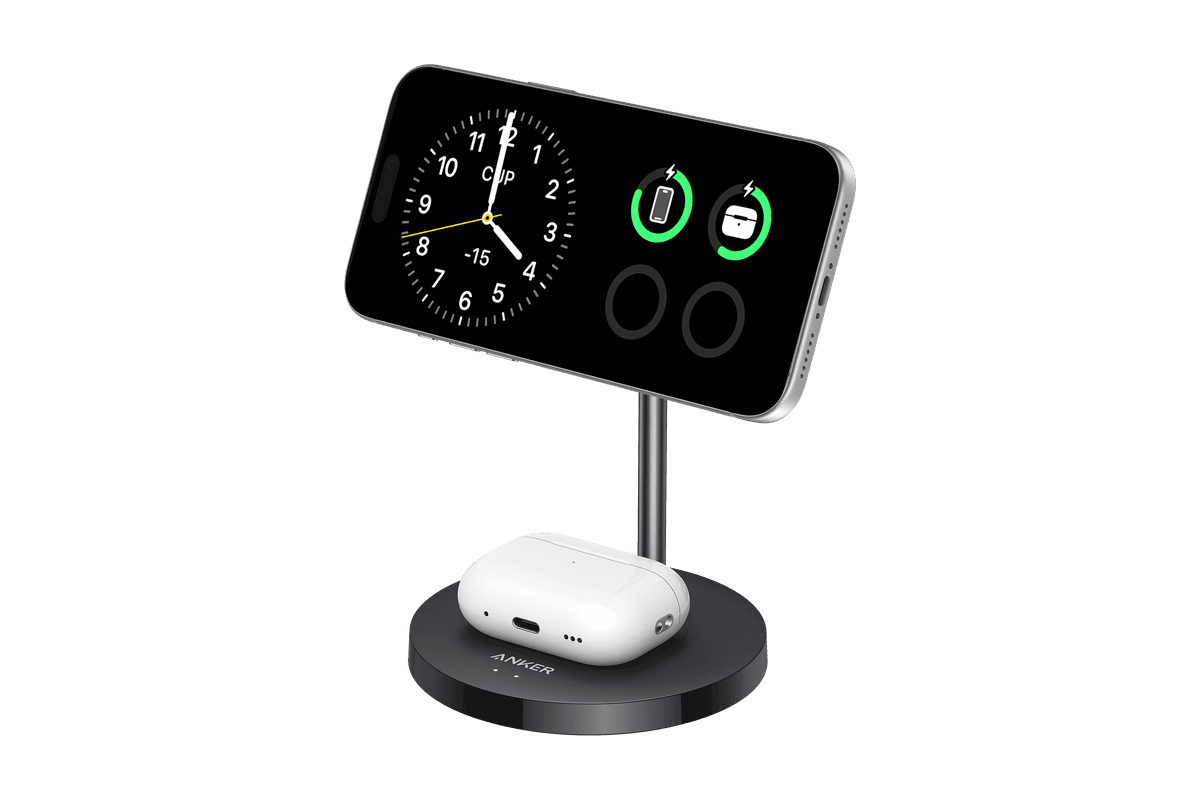
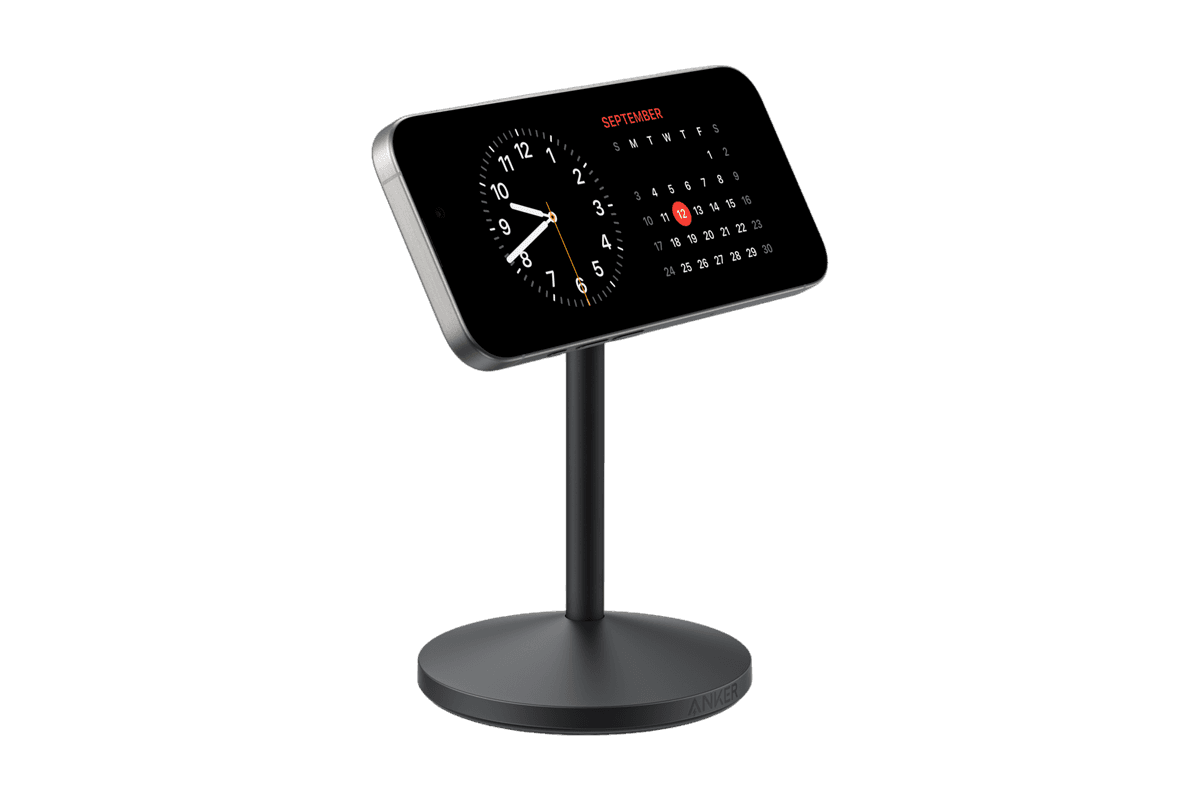
Anker MagGo Wireless Charger (2-in-1 Stand)
Charge your iPhone and earbuds together with a 15W Qi2 stand.
HardwarePoweriOS
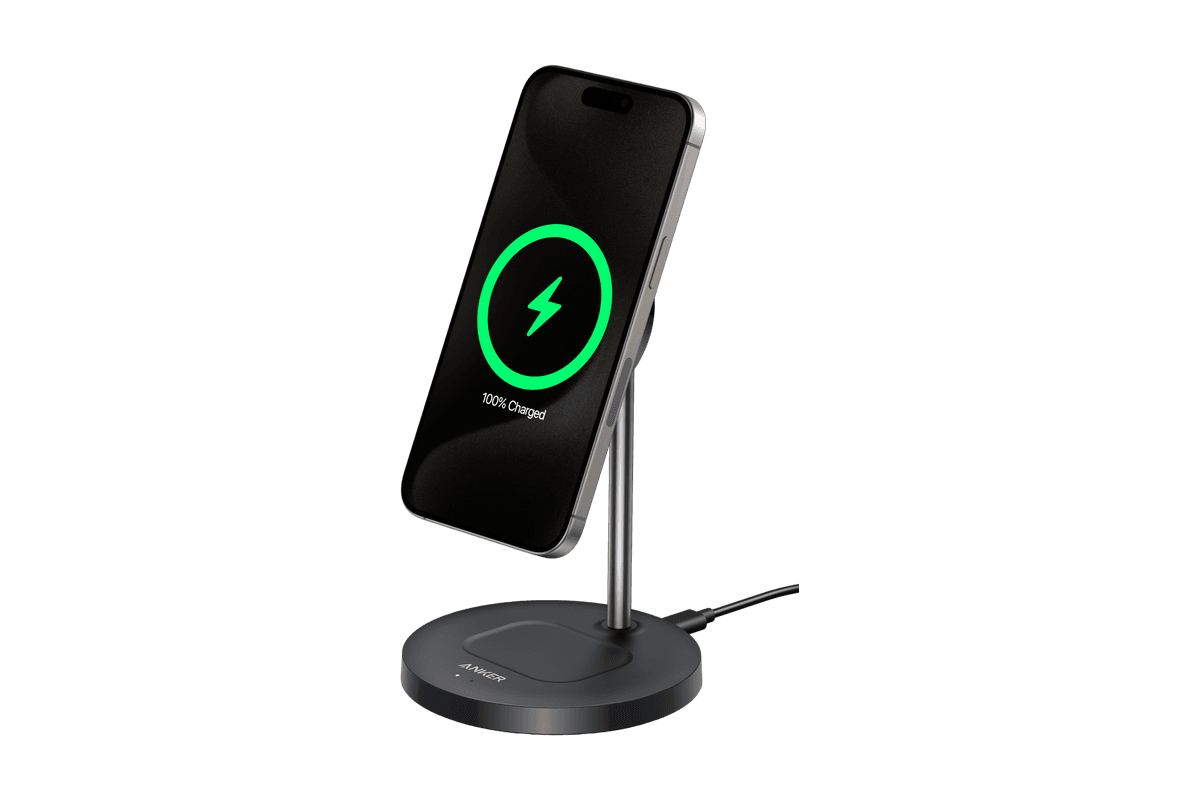
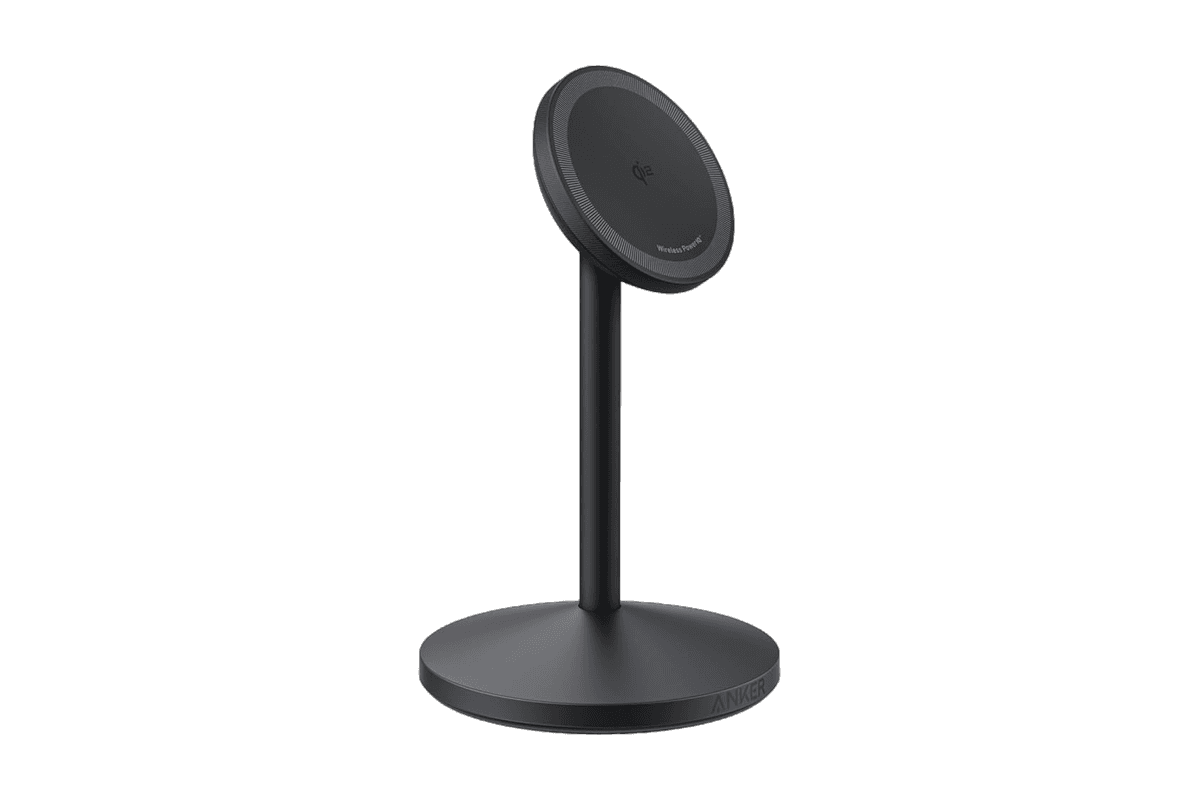
Anker MagGo Wireless Charger (Stand)
15W magnetic charging with a rotating, adjustable stand.
HardwarePoweriOS
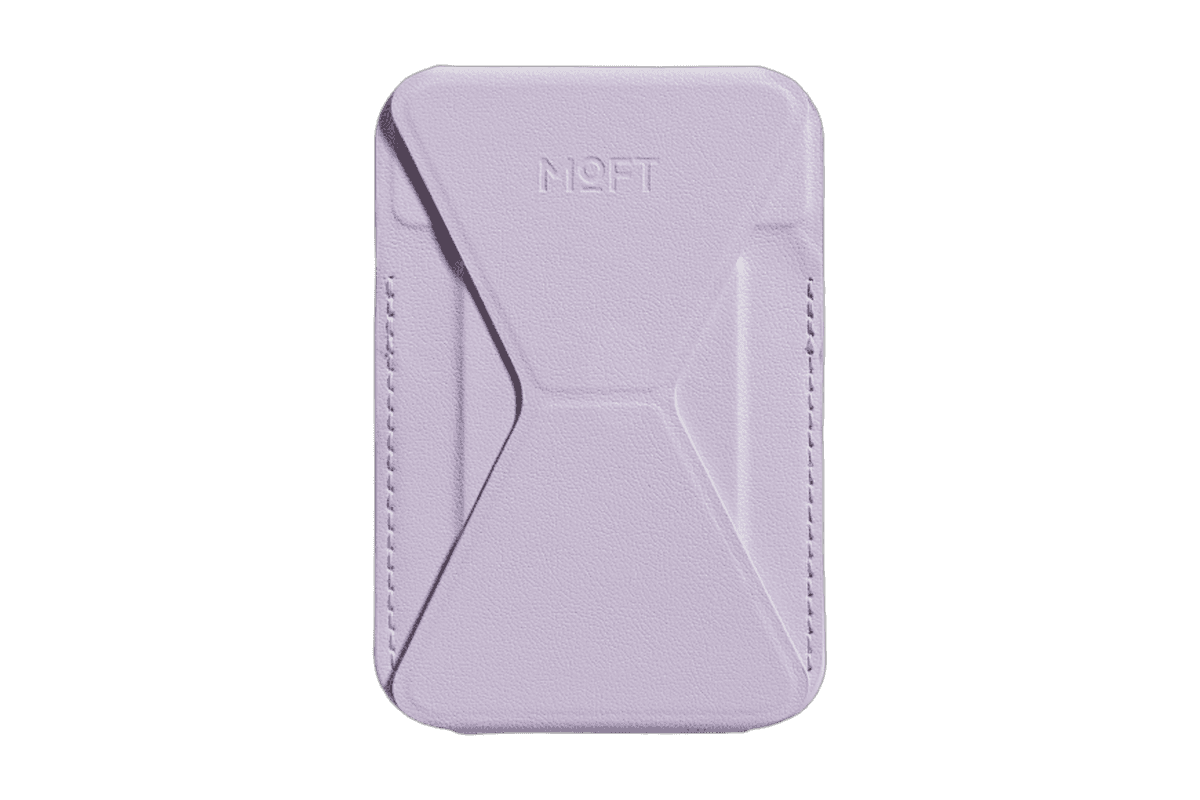
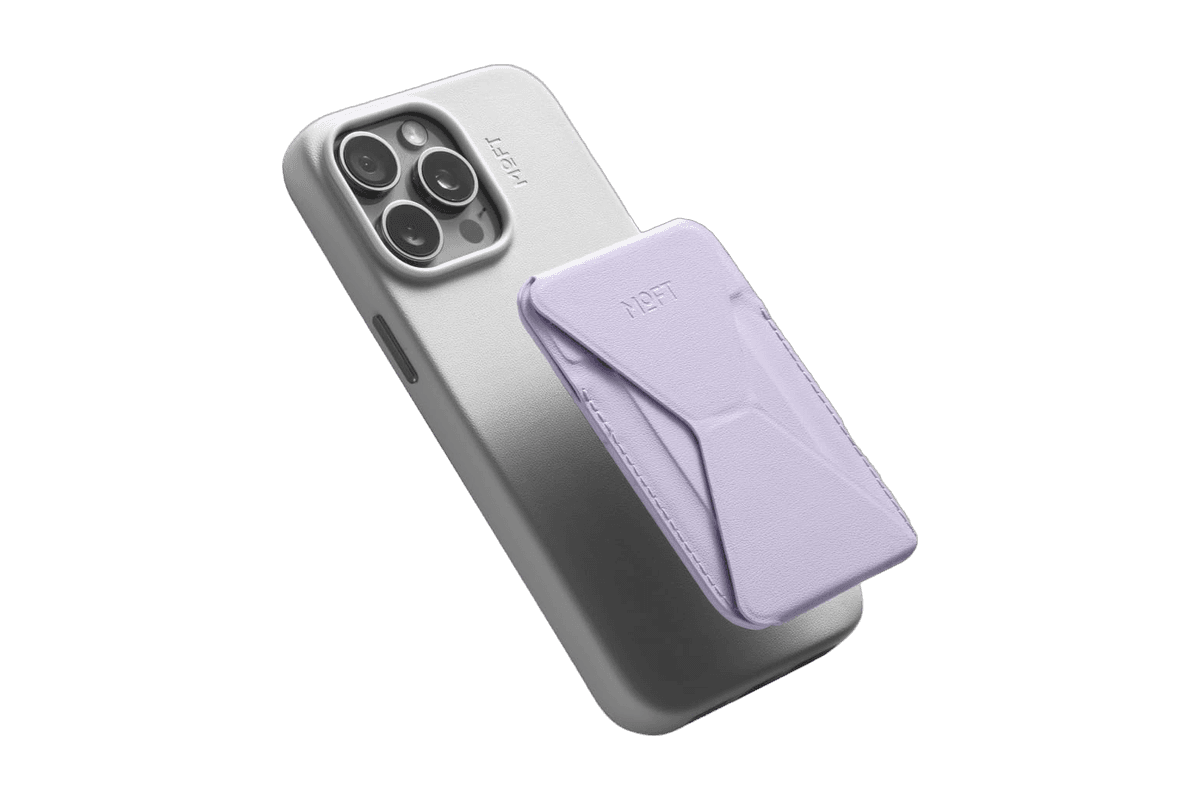
Snap-on Phone Stand & Wallet
A slim MagSafe wallet that folds into a stand and grip.
HardwareAccessoriesiOS
DiskBuddy
Visualize disk space and clean up files
One-time
DiskBuddy helps you find what is taking up space on your Mac, then review files before removing them. Scan a folder or drive and explore the results through eight visualizations.
- Browse storage with folder grids, treemaps, sunburst charts, and other views.
- Find duplicate files by content and identify large, old files.
- See app footprints including associated caches, preferences, and logs.
- Compare scan snapshots to see which folders have grown.
- Stage cleanup candidates in a review queue before deleting anything.
Supports macOS 14 or later on Apple silicon and Intel, with external and network drives supported. A one-time license includes all 1.x updates and works on one Mac or Windows machine at a time. File analysis happens locally; activation and periodic license checks require an internet connection.
SoftwareUtilitiesmacOS
Grok Bot
AI teammates that work across your apps
Paid
Grok Bot provides AI teammates that work inside apps and websites using a shared cloud computer. Give bots tasks from desktop or iOS, and follow their progress as they complete work.
- Delegate research, reporting, operations, and other multi-step tasks.
- Run multiple bots in parallel and let them coordinate in shared conversations.
- Teach a workflow by demonstrating it, then reuse it as a routine.
- Keep context across conversations and continue work while your laptop is closed.
- Connect bots to the tools you use, with approval requested when needed.
Available in beta on desktop, including macOS, and iOS through eligible paid Cursor, SuperGrok, and Teams plans. Usage allowances depend on the plan.
SoftwareAIiOS & macOS
DynamicLake
Dynamic Island controls and activities for Mac
One-time
DynamicLake adds a Dynamic Island interface to your Mac for music, system controls, notifications, and file actions.
- Adjust volume, brightness, and keyboard backlighting from an integrated panel.
- Control music and keep calendar events and weather within view.
- Drag and drop files to preview, compress, share, AirDrop, or convert them.
- See supported messaging notifications, calls, Bluetooth events, and live activities.
- Customize the notch appearance or choose a compact miniLake layout.
Supports macOS 14 or later on Intel and Apple silicon, including Macs with and without a notch. A one-time license covers up to three devices and includes lifetime updates.
SoftwareUtilitiesmacOS
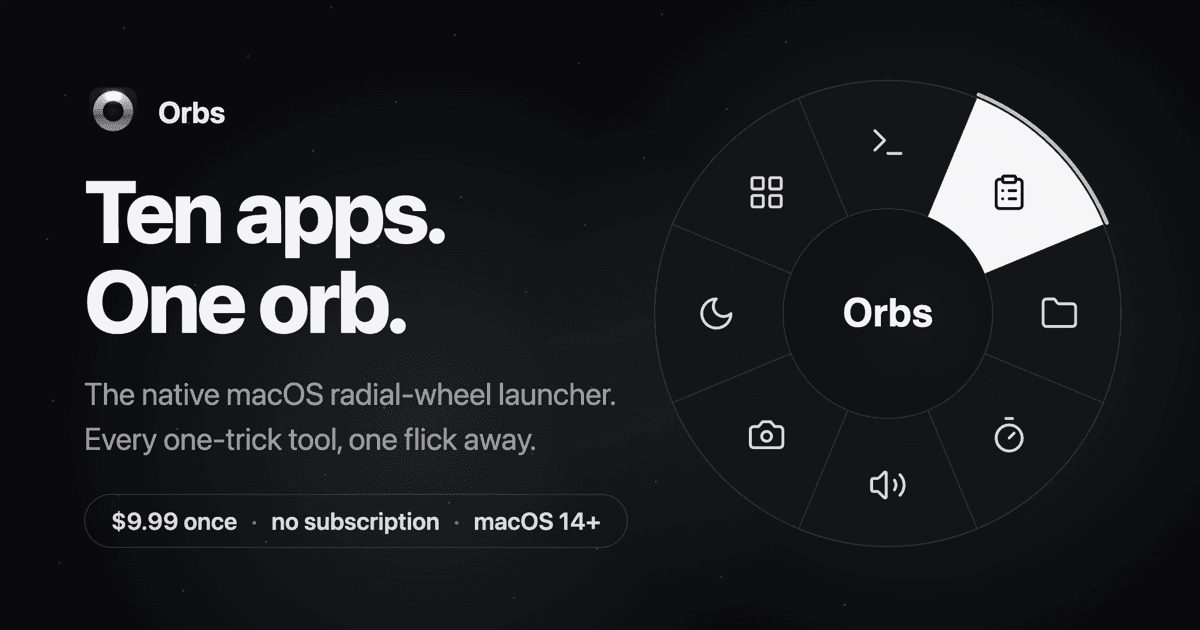
Orbs
A radial launcher for apps and tools
One-time
Orbs is a native Mac launcher that puts apps, shortcuts, and small utilities on a radial wheel beneath your cursor. Hold a key, move to an action, and release to run it.
- Launch apps, run shell commands and macOS Shortcuts, or insert text snippets.
- Build nested menus and separate profiles for different workflows.
- Switch profiles automatically based on the frontmost app.
- Use built-in tools including a timer, calculator, clipboard, color picker, and camera mirror.
- Pin tool popovers above other windows when you need them to stay visible.
Requires macOS 14 or later on Apple silicon or Intel. Its one-time lifetime license includes future updates, with local-only operation and no account required.
 Dudu
Dudu