mymind icon

mymind

A creatives best kept secret.
mymind media 1
mymind media 2
mymind media 3
mymind media 4
SoftwareCreative

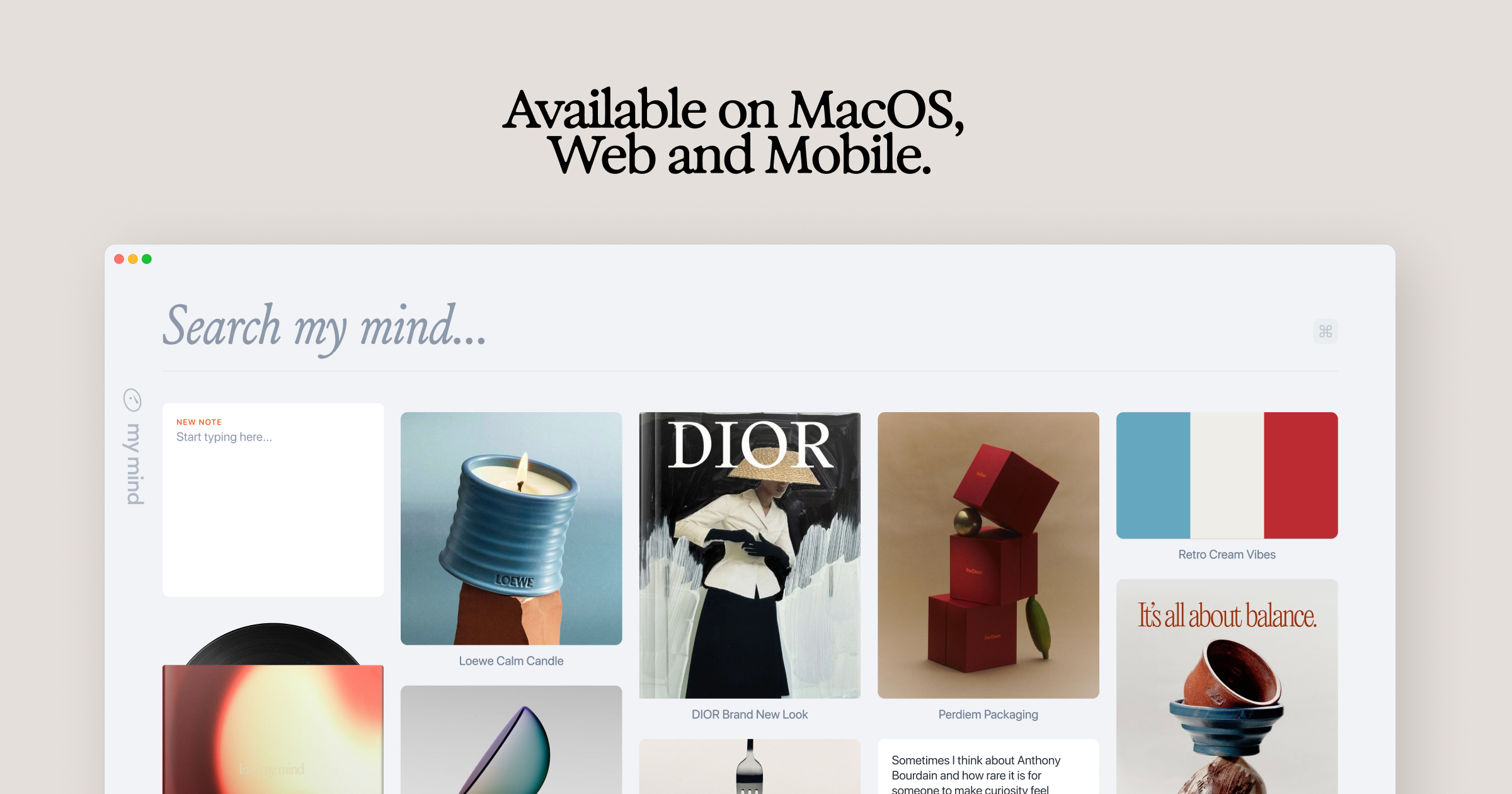
mymind is YOUR PRIVATE place to keep everything you want to remember. Think of it as your digital garden, a peaceful place away from the noise to cultivate your inspiration, research and ideas. We’re a small & independent team that originally built mymind for ourselves. We were tired of feeling constantly distracted and overwhelmed with overly complicated tools that promised to help us stay organized. We just wanted something simple: one place to put everything, and one place to find it. We didn’t want to curate anything, manage folders or learn yet another system we would ultimately abandon. Which is why mymind asks nothing from you: NO social features NO vanity metrics NO algorithms NO social pressure NO collaboration NO manual organization NO noise

Key Features:

  • Save anything with a single click: a bookmark, note, image, screenshot, website, article, video, highlight, quote, meme, product, song. Before, these little pieces of inspiration were forgotten or buried somewhere in your bookmarks or desktop or some complex platform. Now they're all in one place, where they may eventually connect and become useful later.
  • All your inspiration and ideas are organized for you. Folders are dead. We believe manual organization is another distraction, a decoy for productivity that pulls you from what you want to do. You may not even know why you're saving something in the moment, meaning it could fit in many folders or no folder at all. Your mind understands this, revealing meaning and allowing you to make connections between what you've saved. You don't have to stop to analyze or organize anything you save. Your new mind magically categorizes, analyzes, summarizes and tags it for you, so you can just search whatever you remember to find it later. No going back to clear a queue or manage your folders. You're constantly moving forward.
  • Most importantly, your mind is 100% private. No one can see what you've saved. There's no social feed or collaboration features to distract you. No ads interrupting your focus. When you have an audience watching, you operate differently. You restrain yourself in an attempt to curate a vibe, stay on trend or be accepted. Who are you when no one's watching? When can you save anything or explore any idea without fear of how it's being perceived?
  • It’s your secret creative repertoire and private garden of inspiration. Every great mind has one, a central place to collect all the little things that make you stop and think or feel something. Think of it like a garden: You're enriching the soil, planting and watering seeds you trust will bloom into something bigger later. Your mind is meant to grow through all your interests and creative phases. It continues to evolve with you.
  • We believe beauty is a function. We do everything we can to make your mind as beautiful and distraction-free as possible, stripping out the clunky features and filters you find in typical organization tools. If it works well, you don't think about it. It's a tool in the true sense of the word: there when you need it, and out of the way when you don't. We call it personal software.- Save everything that matters to you effortlessly.

For too long, we've been serving algorithms and tools, passively scrolling and reacting and engaging and performing and curating and brain rotting. Unlike most of the internet, mymind gives back to you rather than draining you. It's an external way to feed the beauty and depth and meaning we need internally. Your mental bank of inspiration to feed your real mind.

Featured projects:

mymind iconSupaste iconTypoTab icon

More like this

Hold My Lid icon

Hold My Lid

Close your MacBook. Your agents keep running.

Hold My Lid screenshot
Paid

Hold My Lid is a macOS application designed to keep your Mac awake while coding agents like Claude Code and OpenAI Codex are active, even with the lid closed. This tool helps developers manage their workflow by allowing their laptops to remain operational while stored in a bag, ensuring that tasks are completed without interruption. - Keeps your Mac awake while coding agents are active, even with the lid closed. - Utilizes lifecycle hooks to accurately monitor agent activity and manage wake states. - Configurable settings allow users to set battery thresholds and power modes. - Provides notifications and sound alerts when agents complete tasks or battery limits are reached. - Offers a menu-bar dropdown for quick access to status, agent sessions, and control options. - Supports global shortcuts for toggling the app on or off from any application. Hold My Lid is a macOS application designed to keep your Mac awake while coding agents operate, even with the lid closed. It offers a one-time purchase model, allowing use on up to three Macs without the need for subscriptions.

SoftwaremacOS
Type icon

Type

Take notes without interrupting your flow

Type screenshot
Freemium

Type is a macOS application designed for quick note-taking. Ideal for individuals who need to jot down ideas without disrupting their workflow, Type offers features such as hotkey access, customizable date formats, and Markdown support. - It is designed for people who want to jot down ideas and thoughts without losing their flow. - The app is simple yet powerful, enabling fast entry of notes that are stored locally on your device, ensuring offline access. - With features like hotkey access, customizable date formats, and Markdown support, Type makes it easy to integrate quick note-taking into your daily workflow. Perfect for users of Obsidian and others who want a lightweight, distraction-free environment for capturing notes, Type continuously evolves with user feedback and planned features for enhanced functionality.

SoftwaremacOS
Bitrig icon

Bitrig

The best way to build native Swift

Bitrig screenshot
Free

Bitrig allows you to describe what you want to build, and it transforms your ideas into real Swift code that you can ship to the App Store. The platform generates actual Swift and SwiftUI code, providing an integrated simulator that runs alongside your code, enabling you to see exactly what your users will experience. Using natural language, you can instruct Bitrig to make changes, updating the code on the spot. It's the perfect tool for anyone who has an app idea but lacks coding skills, making the development process accessible and efficient.

SoftwaremacOS
Supaste icon

Supaste

Your clipboard, wherever you need it.

Supaste screenshot
One-time

Supaste saves your clipboard and screenshots in a beautiful visual history, automatically grouped by type, app, and custom categories, so you can search, find, and paste anything back in seconds. This comprehensive tool allows you to use the notch shelf, quick search, inline paste, drag and drop, and the full Library view to efficiently manage and organize everything you copied. Whether you're a designer, developer, content creator, or just someone who needs a personal clipboard organizer, Supaste provides a clean visual timeline for easy access to your data. With features like sensitive content detection, custom categories, and the ability to filter your history by app or type, Supaste helps keep your clipboard tidy and accessible. Best of all, it's a one-time purchase with lifetime access, ensuring you have everything you need for your clipboard management without ongoing fees.

SoftwaremacOS

Top picks

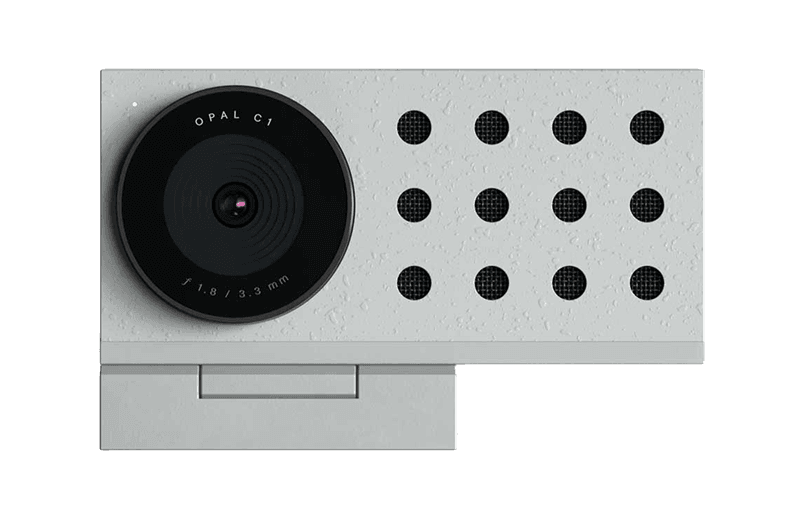
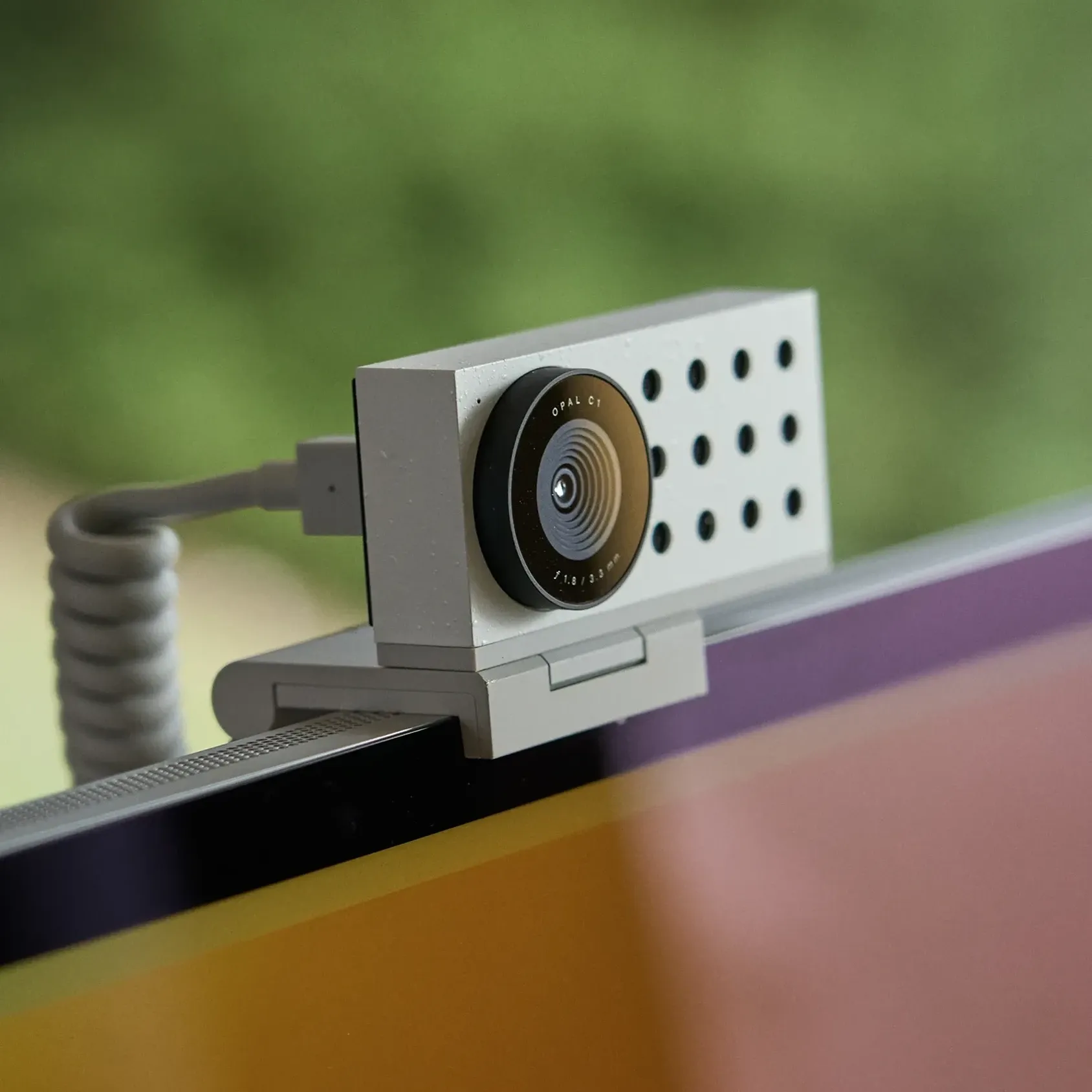
Opal C1 Camera icon

Opal C1 Camera

DSLR quality on a webcam for the

Opal C1 Camera product image
Opal C1 Camera hover image
HardwareUtilitiesmacOS
Norma icon

Norma

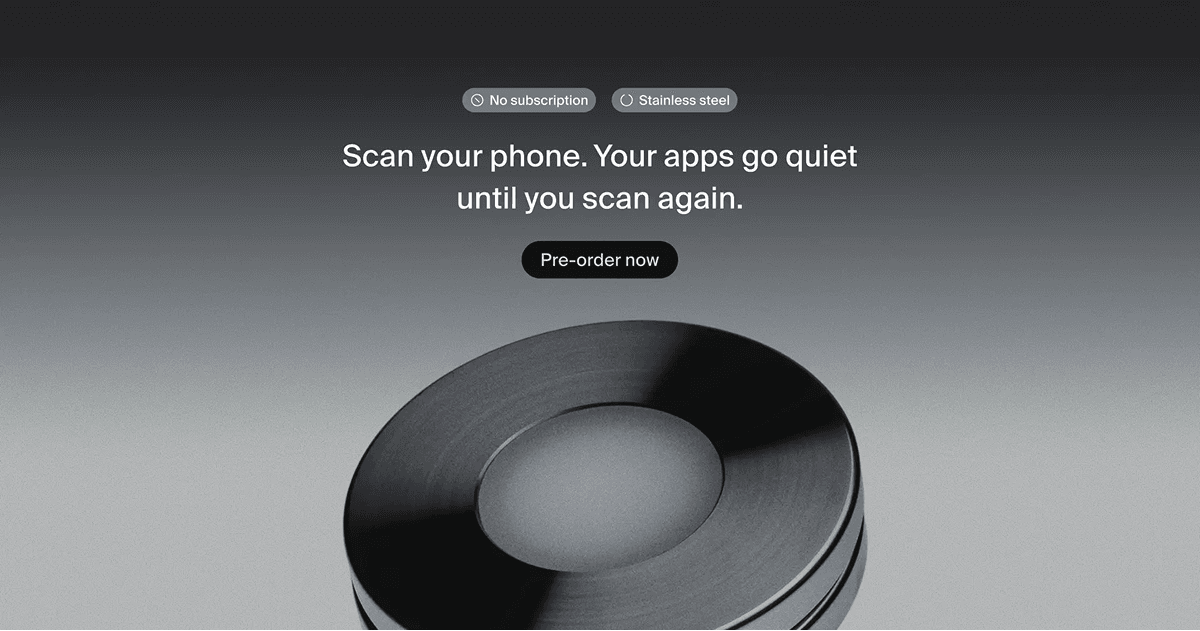
Meet the object that restores silence.

Norma product image
Norma hover image
WorkspaceHealth
DeskMinder icon

DeskMinder

For Easily Distracted Minds

DeskMinder screenshot
Freemium

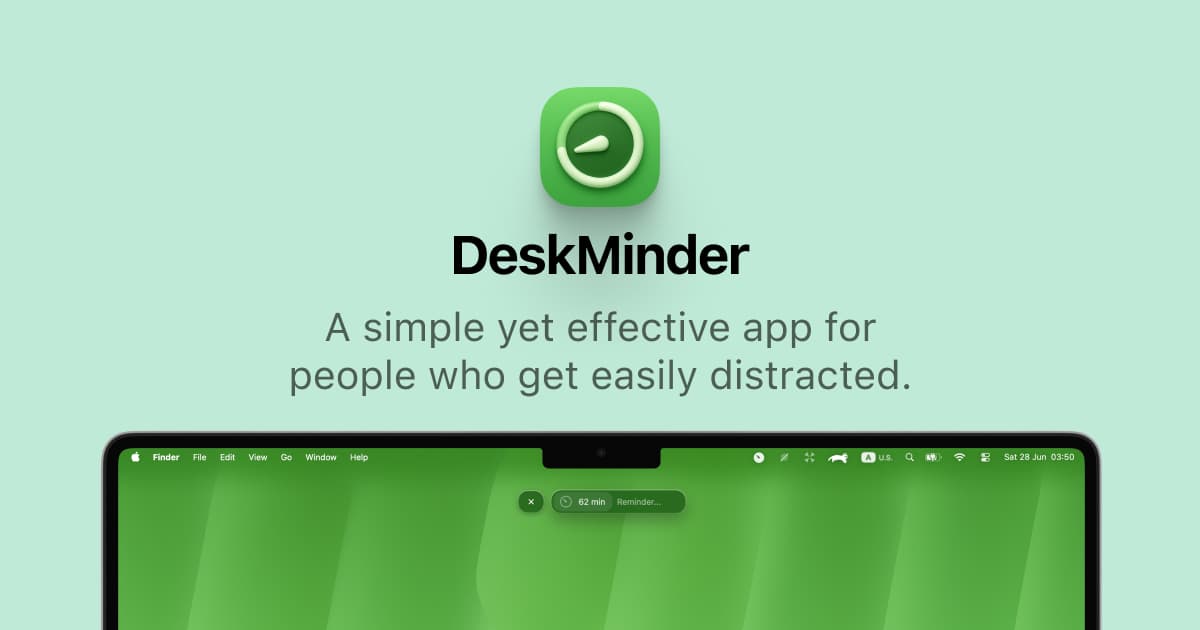
DeskMinder is a productivity software application designed for Mac users who struggle with distractions. It provides a straightforward interface for creating desktop pop-up reminders and tasks, helping users manage urgent to-dos, short breaks, and fleeting ideas. With features like full-screen notifications and Apple Reminders integration, DeskMinder aims to enhance focus and time management for i - With features like easy-to-create desktop pop-ups for reminders and tasks, it simplifies the process of staying on top of urgent to-dos, short breaks, or fleeting ideas. - Users can benefit from full-screen notifications, Apple Reminders integration, and flexible widget placement, making it ideal for anyone requiring a little extra help to maintain focus. - The app includes additional shortcuts for quick reminder setups and customizable widget options, along with a history tracking feature to monitor daily progress. Designed specifically for Mac users, DeskMinder aims to facilitate better time management and productivity for those with attention challenges, providing a seamless user experience without unnecessary complexity.

SoftwareProductivitymacOS
Klack icon

Klack

Satisfying sound with every keystroke

Klack screenshot
Paid

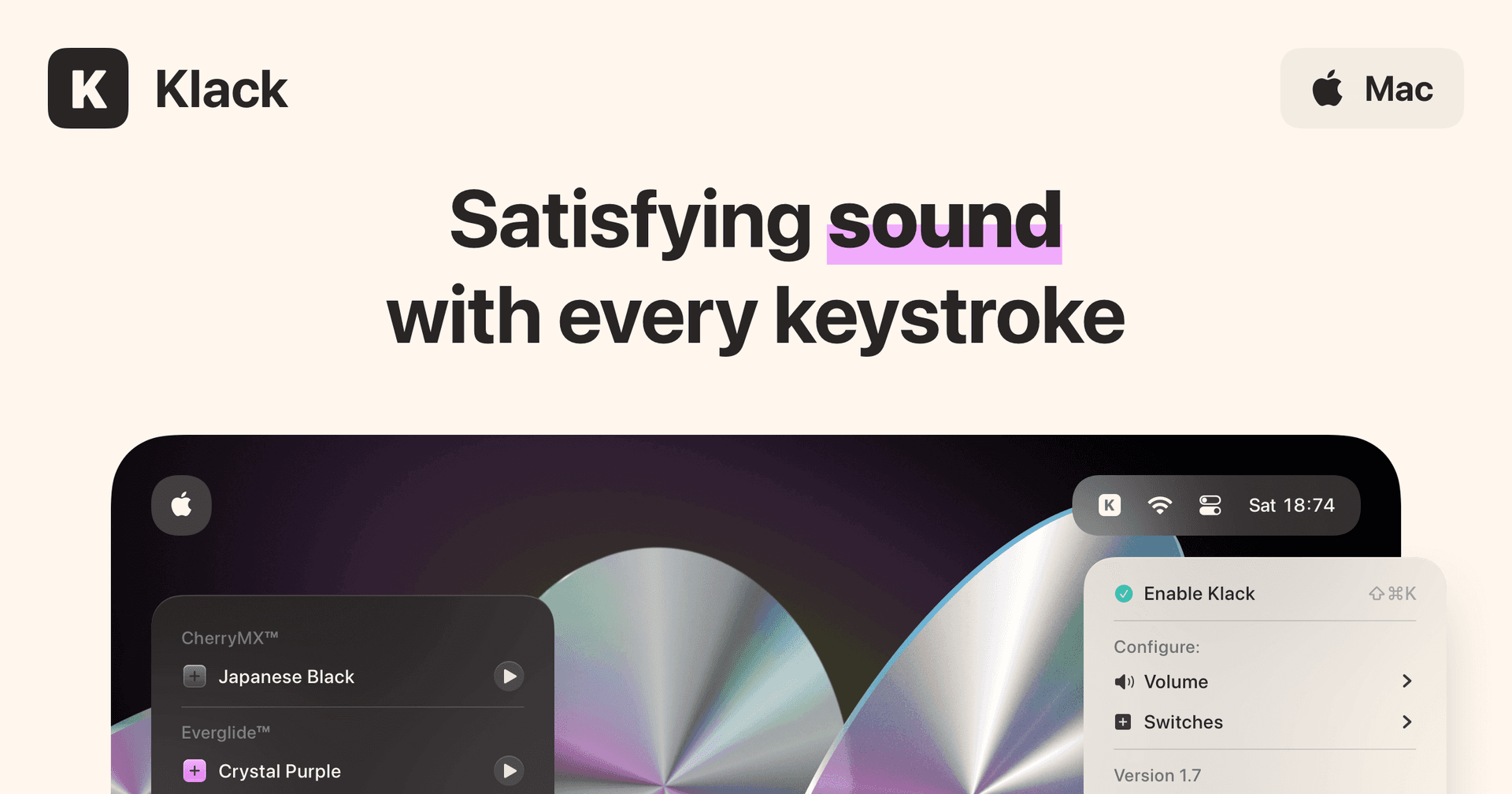
Klack is a macOS application designed to enhance the typing experience through high-fidelity sound for each keystroke. It provides features such as immersive spatial audio, instant feedback, and customizable sound options, making it suitable for writers, developers, and anyone who values an engaging typing environment. The app is easily accessible from the menubar and offers extensive configuratio - Provides immersive spatial audio for enhanced typing feedback. - Allows customization of keystroke sounds, pitch variations, and volume settings. - Features a menubar interface for quick access to configuration options. - Supports instant feedback with each keystroke for a more engaging experience. - Designed for writers and developers seeking auditory feedback while typing. Klack enhances the typing experience on Mac by providing high-fidelity sound for each keystroke.

SoftwaremacOS
TypoTab icon

TypoTab

TypoTab, the ultimate AI writing assistant for

TypoTab screenshot
Paid

TypoTab is a macOS application that functions as an AI-driven writing assistant. It enhances writing efficiency by providing tools for grammar correction, text rephrasing, and content generation, all accessible from the menu bar without needing to switch applications. This tool is designed for writers, students, and professionals looking to streamline their writing process and improve productivity - Provides grammar correction and text rephrasing directly from the menu bar. - Allows text refinement in any application without switching contexts. - Offers customizable actions to meet individual writing needs. - Streamlines repetitive writing tasks for improved efficiency. - Supports a wide range of applications, enhancing workflow across platforms. TypoTab is a macOS application that enhances writing efficiency by providing grammar correction, text rephrasing, and content generation directly from the menu bar. It allows users to refine text in any application without switching contexts, offering customizable actions to suit individual writing needs.

SoftwareWritingmacOS

Creative Selection

An insider's account of Apple's creative process

Creative Selection cover
BooksCreative

Blogs