You settle into your seat, open the case, and the seatback screen wants a wired headphone plug. AirPods have no cable, and most in-flight systems still send audio only through a 3.5mm jack.
There are three ways around it: a Bluetooth adapter, the seatback screen's own Bluetooth, or the airline app on your iPhone. AirPods Max add a fourth option, a cable.
In this guide you'll learn how to use AirPods on a plane with or without an adapter, how to connect them to the plane's entertainment screen, how to fly with AirPods Max, and whether the AirFly Pro 2 or AirFly SE is the better adapter.
TL;DR
Easiest fix: plug a Bluetooth transmitter like AirFly Pro 2 ($59.99) into the seatback jack and pair your AirPods to it.
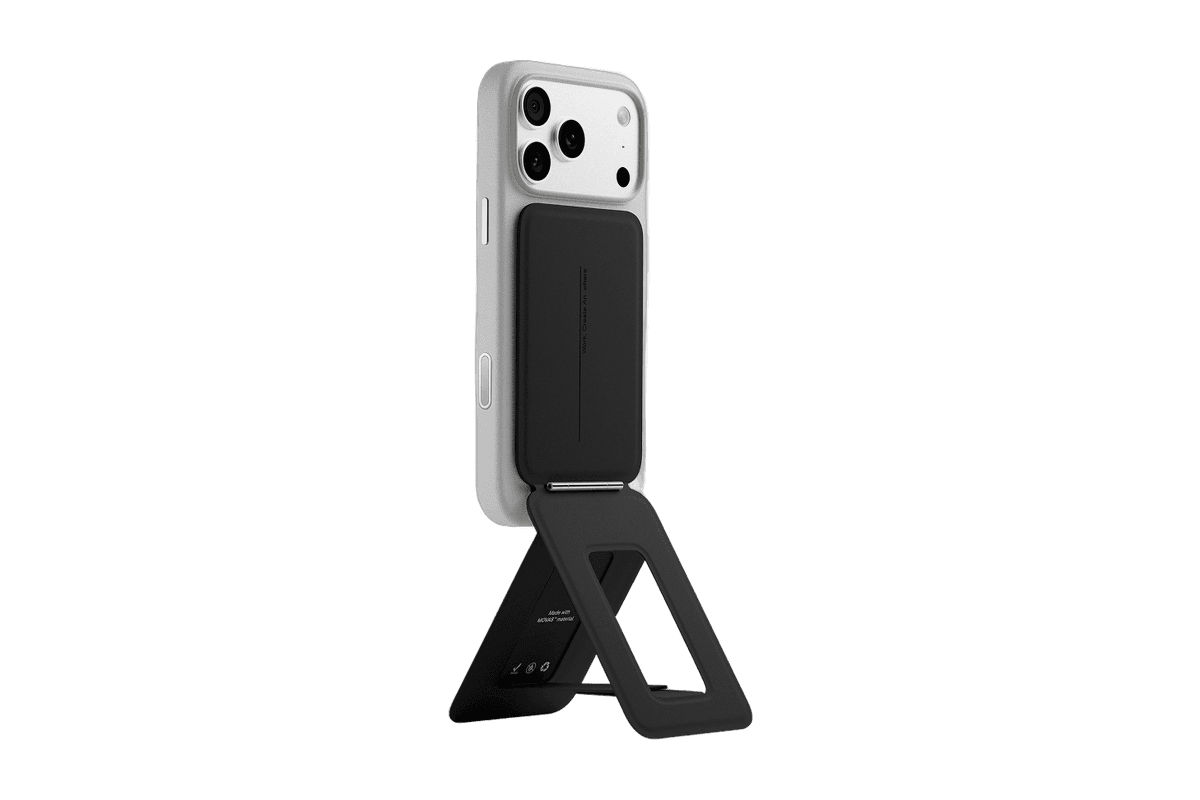
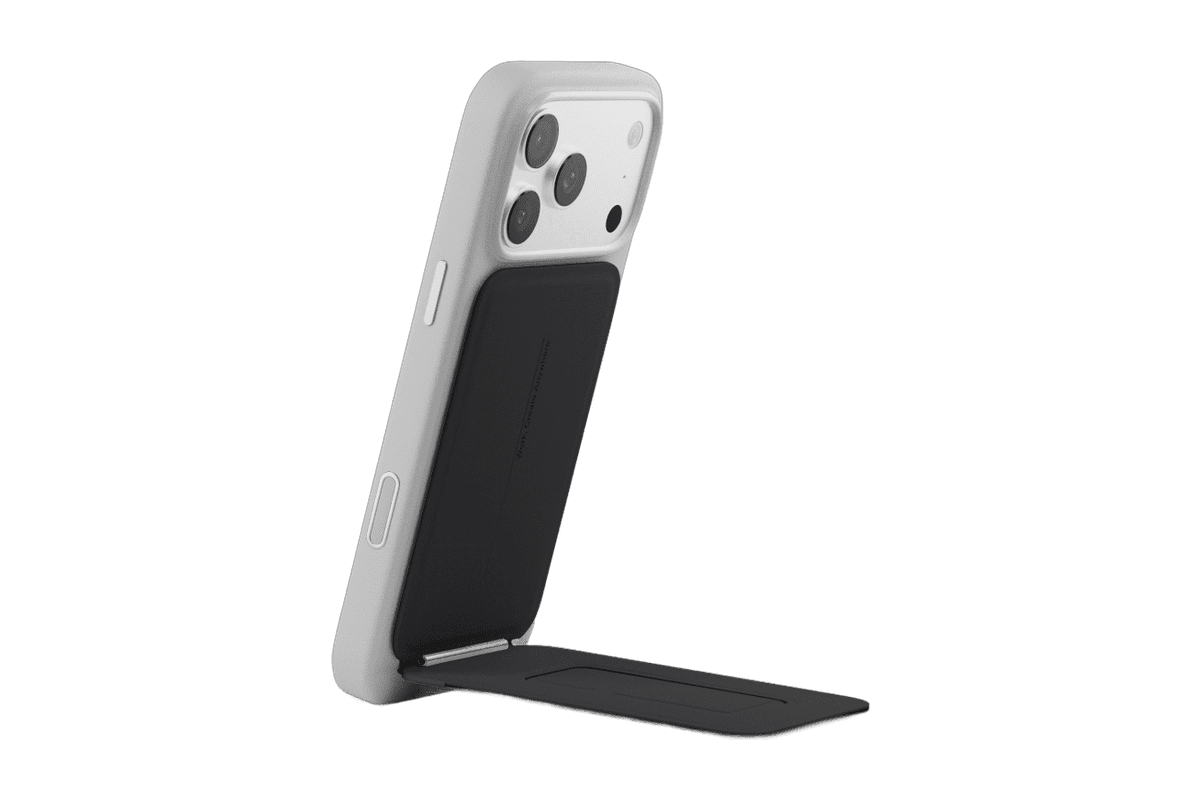
A slim MagSafe wallet that folds into a stand and grip.
HardwareAccessoriesiOS
Opal C1 Camera
DSLR quality on a webcam for the
HardwareCamerasmacOS
Era 300 Stereo Pair
A pair of spatial-audio speakers with AirPlay 2 and Bluetooth.
HardwareAudioiOS & macOS
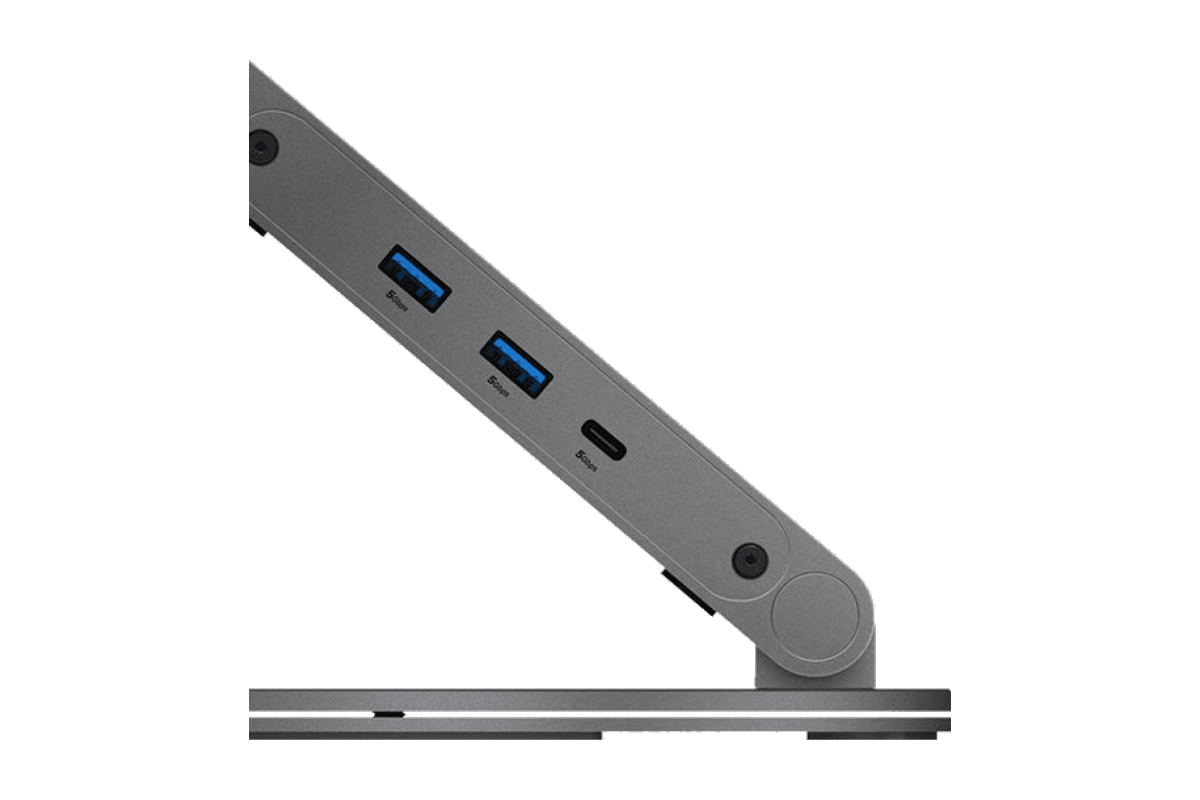
ArcDock 6-in-1 Hub Laptop Stand
An adjustable MacBook stand with a six-port USB-C hub.
HardwareConnectivitymacOS
Snap Phone Tripod Stand
A pocketable magnetic tripod for iPhone filming and calls.
HardwareAccessoriesiOS
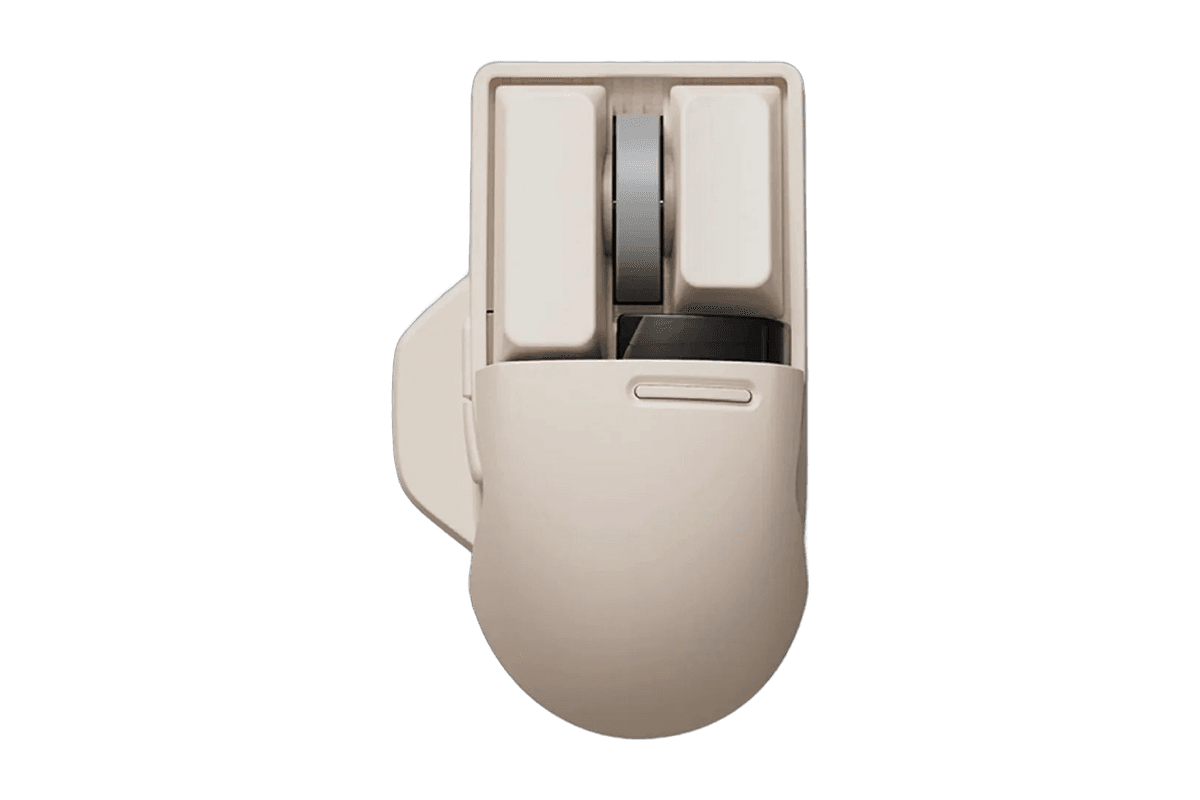
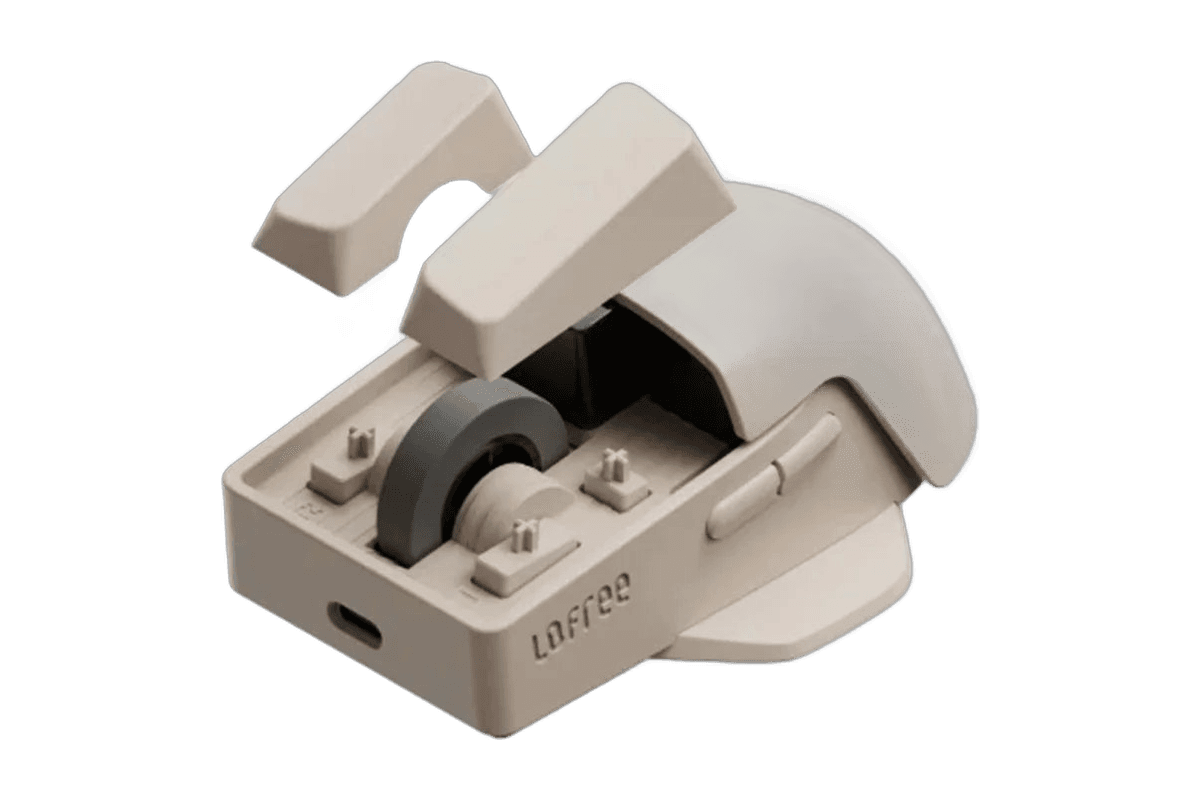
Touch PBT Wireless Mouse
A tactile mouse with replaceable buttons and an OLED display.
HardwareKeyboards & MicemacOS
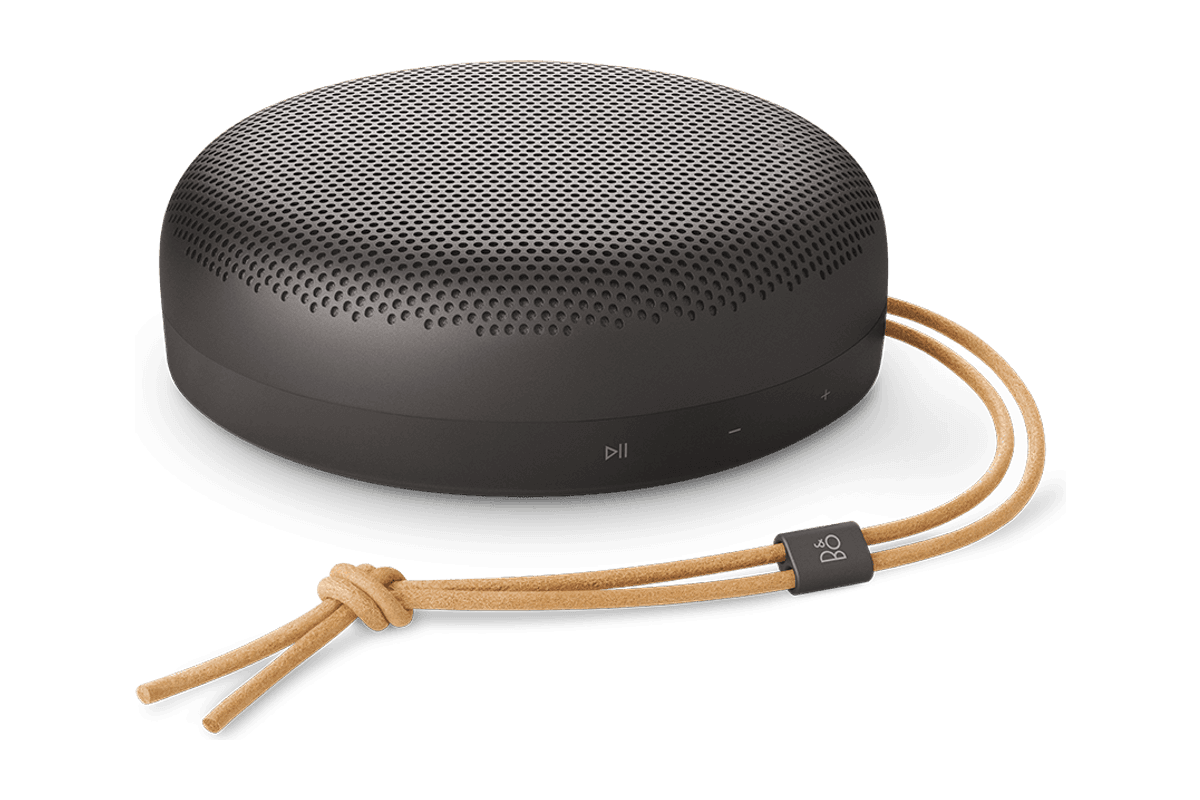
Beosound A1 (3rd Gen)
Portable Bluetooth audio in a compact aluminum speaker.
HardwareAudioiOS & macOS
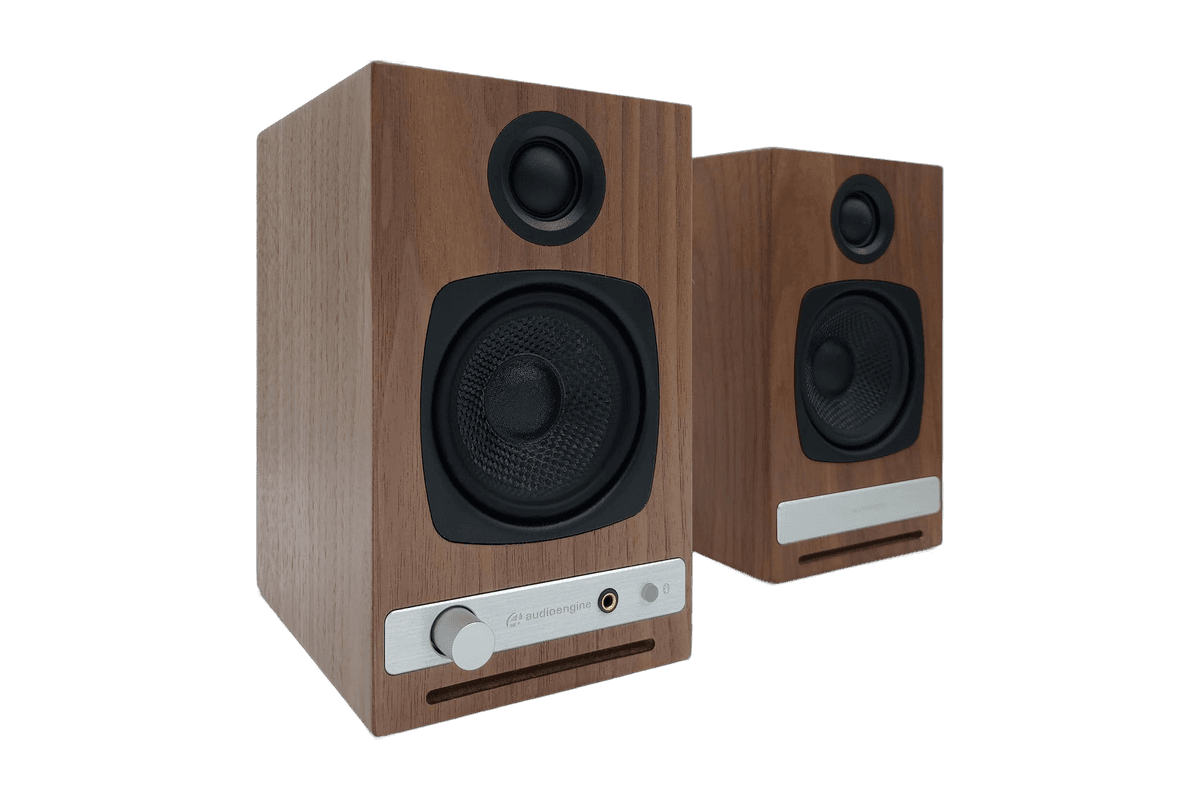
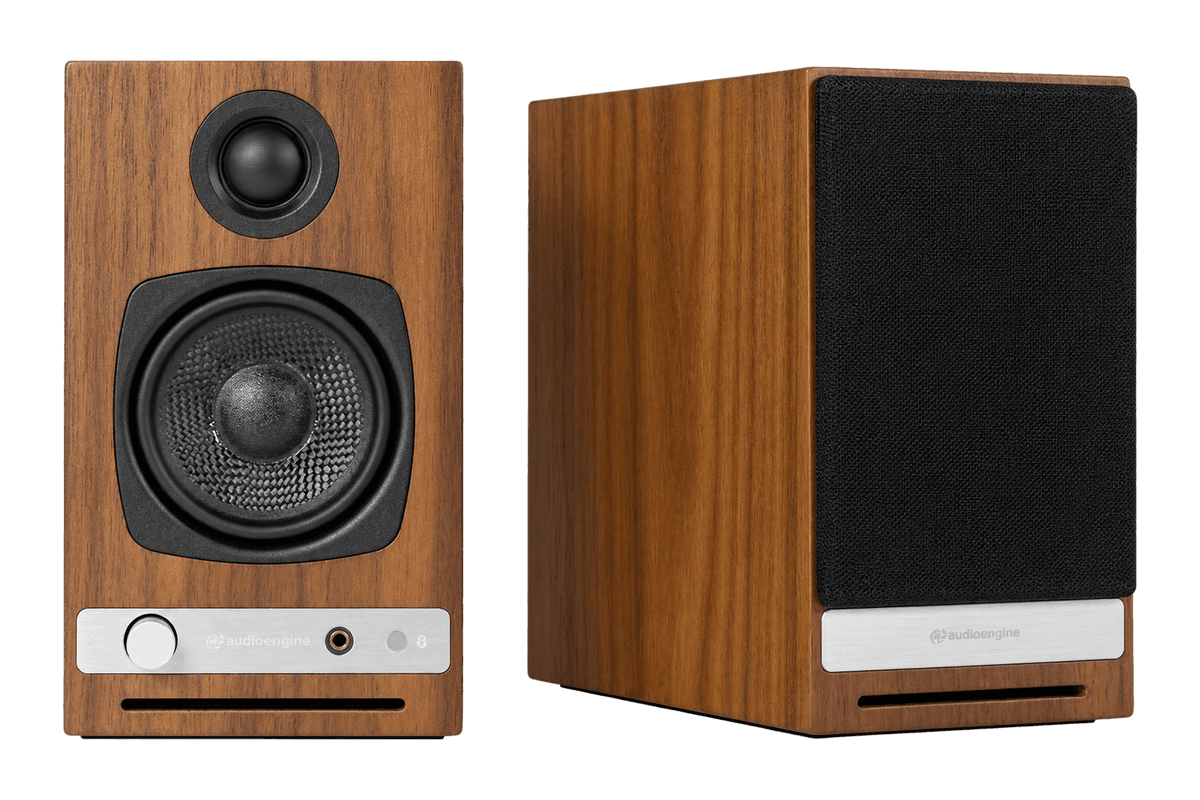
HD3 (A2 HD) Wireless Speakers
Wooden desktop speakers with USB audio and a headphone amp.
HardwareAudioiOS & macOS
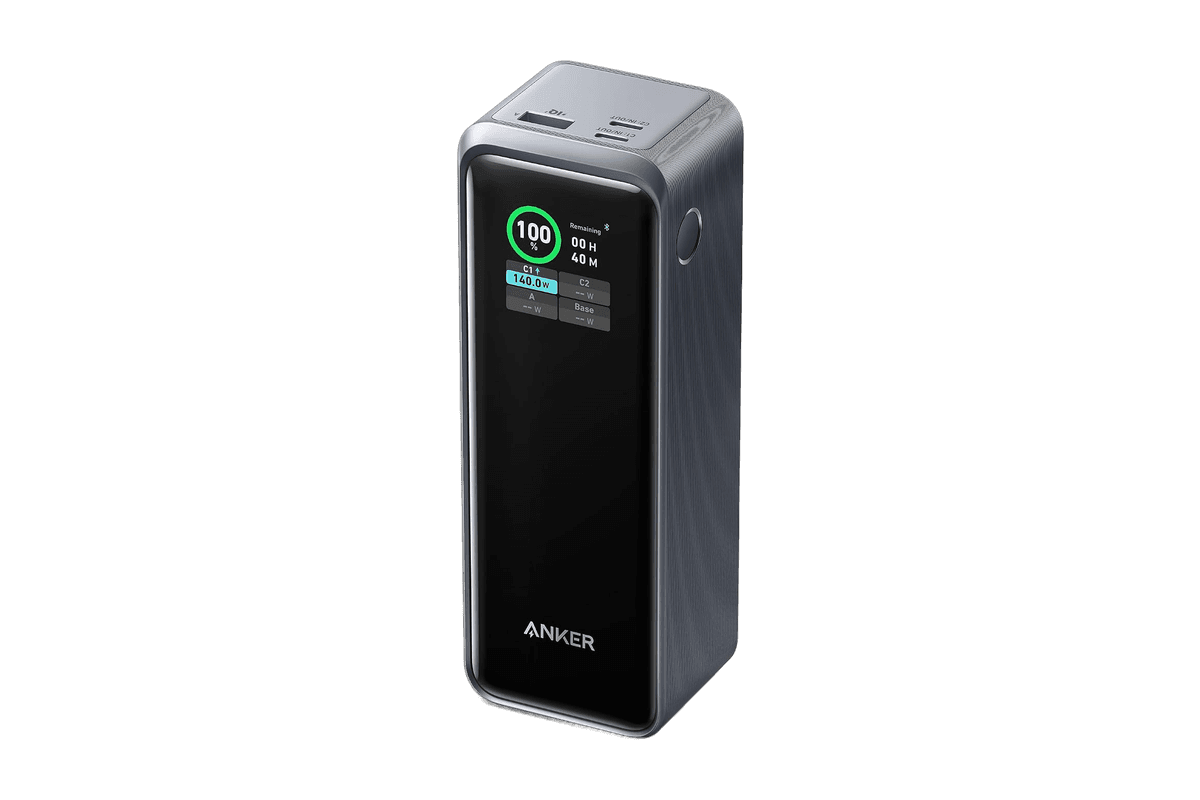
Prime Power Bank (27,650mAh, 250W)
Portable USB-C power for your MacBook, iPad, and iPhone.
HardwarePoweriOS & macOS
Without an adapter: look for a Bluetooth icon on the seatback screen. United and some Delta and Emirates aircraft let you pair AirPods directly.
No screen Bluetooth: stream the airline's movies to your iPhone over in-flight Wi-Fi and use AirPods as usual.
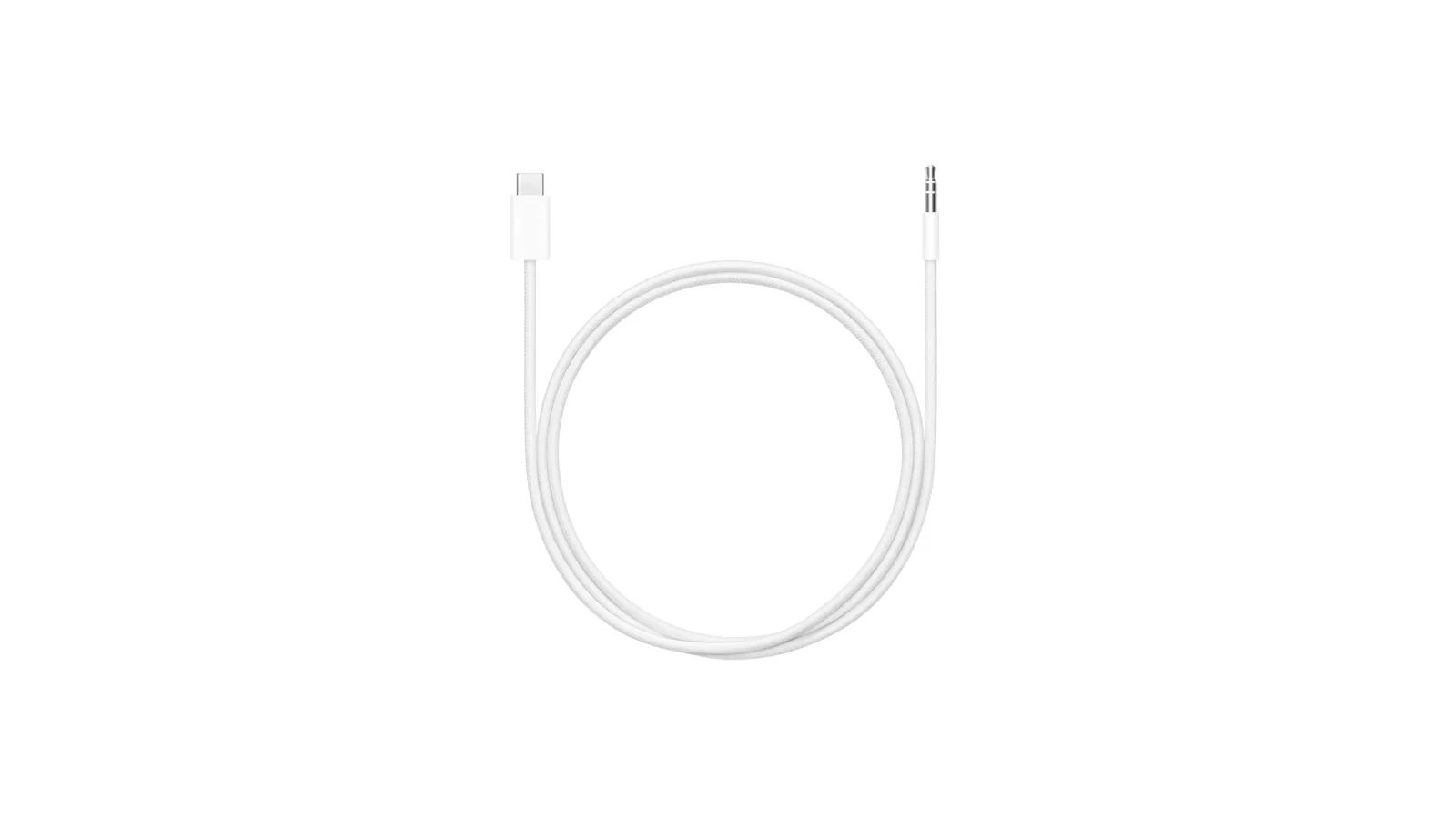
AirPods Max: use Apple's USB-C to 3.5mm cable (or Lightning to 3.5mm on the Lightning model) for wired audio.
Airplane mode: turn Bluetooth back on in Control Center. Your iPhone remembers that next time.
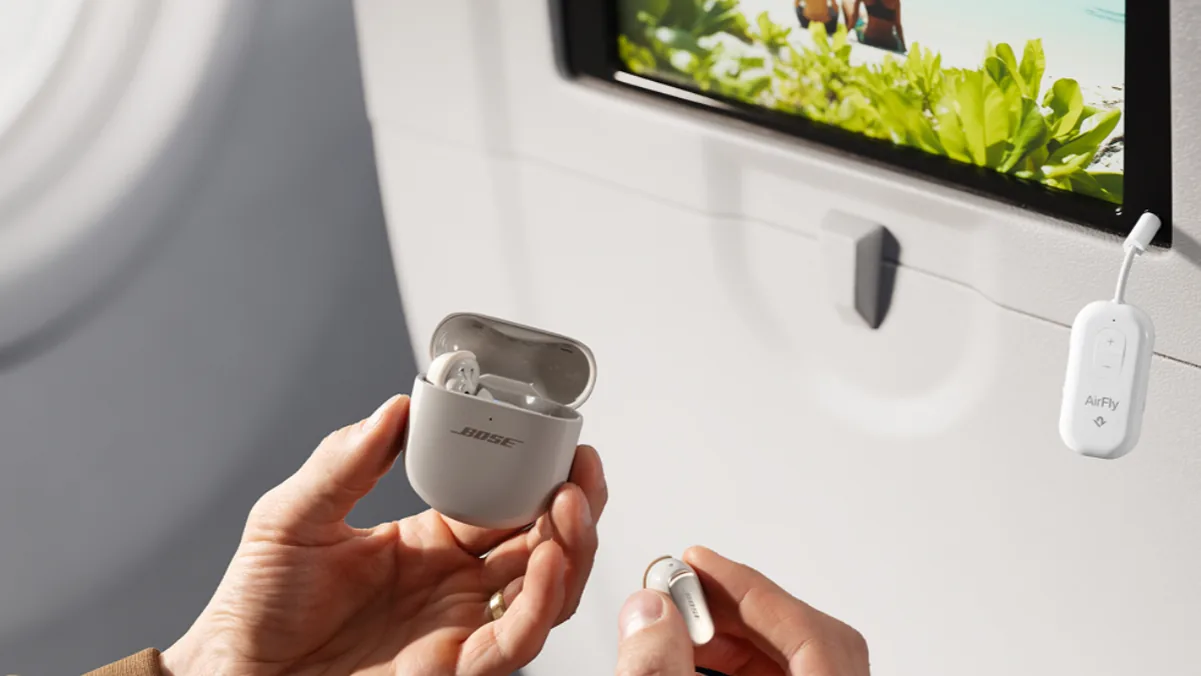
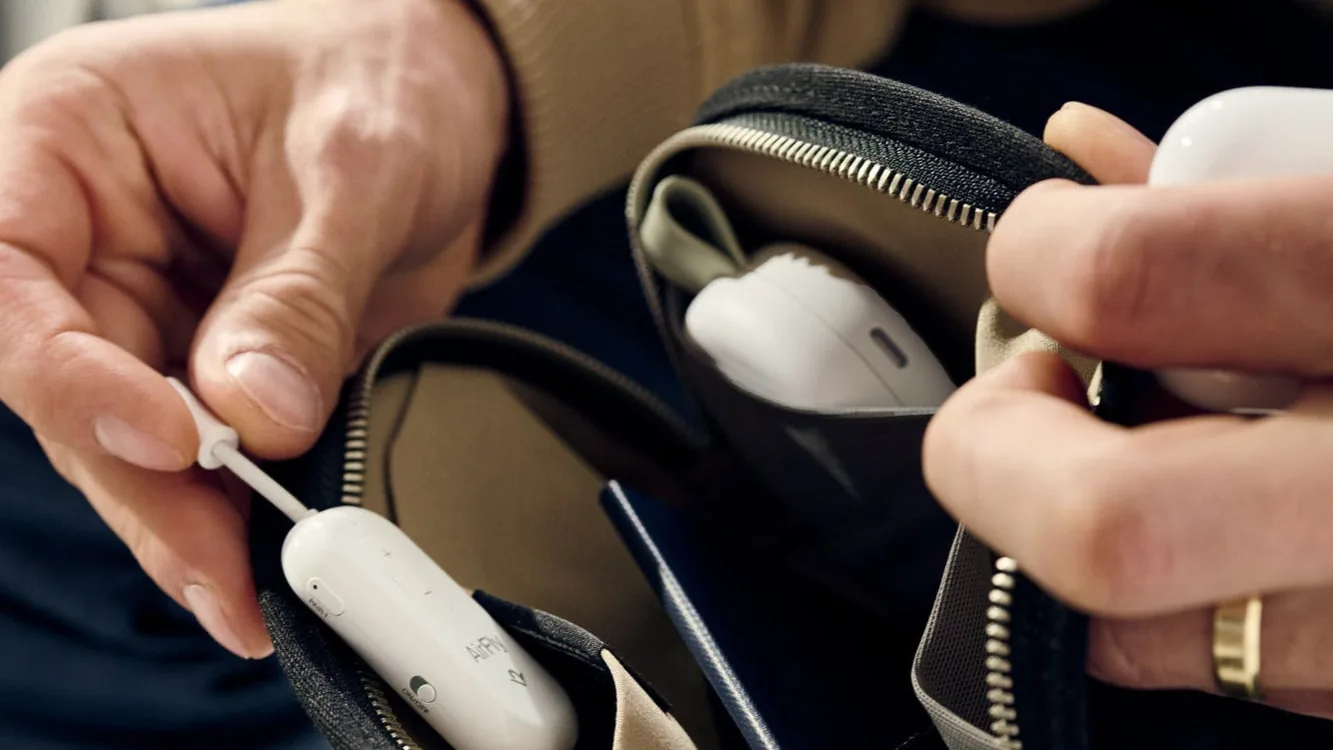
AirFly Pro 2 in a seatback headphone jack. Image: Twelve South
Can you use AirPods on a plane?
Yes. Airlines allow Bluetooth headphones once the cabin crew permits electronic devices, and airplane mode on an iPhone leaves Bluetooth available.
The problem is the entertainment system. Most seatback screens only output audio through a wired 3.5mm jack (sometimes a two-prong jack), and AirPods cannot plug into either.
Method 1: Use AirPods on a plane with a Bluetooth adapter (AirFly Pro 2)
A Bluetooth transmitter plugs into the headphone jack and sends the audio to your AirPods. AirFly Pro 2 is the best-known option, with up to 25 hours of battery and room for two pairs of headphones.
AirFly Pro 2Use AirPods with airplane screens and other headphone jacks.Visit WebsiteAirFly Pro 2 bridges a 3.5mm audio connection and Bluetooth, letting AirPods work with sources that lack wireless headphone support. The white adapter also operates as a receiver, so an iPhone can send audio to a suitable wired stereo or another AUX-equipped system.
- Transmitter mode sends audio from a headphone jack to Bluetooth headphones such as AirPods.
- Connect two headphone pairs for shared listening from a single audio source.
- Dedicated pairing buttons, volume controls, and mute make common adjustments accessible.
- Receiver mode brings Bluetooth audio to a compatible speaker or stereo with an AUX input.
- More than 25 hours of rated battery life and USB-C charging support longer travel sessions.
It is useful for flights, gym screens, and older audio equipment where your usual headphones or phone cannot connect directly. Check that the source has a suitable audio jack; codec features such as aptX Adaptive require compatible headphones and do not apply to AirPods.Visit Website
How to connect AirPods to AirFly Pro 2
Step 1: Charge AirFly Pro 2 before the flight. A full charge over USB-C takes up to two hours.
Step 2: Make sure the side switch is set to TX (transmit) mode.
Step 3: Turn it on. On first use it starts in pairing mode. Otherwise, hold PAIR 1 for 4 seconds until the light blinks amber and white.
Step 4: Put both AirPods in the case and open the lid. Press and hold the setup button on the back of the case until the status light flashes white. On AirPods 4, double-tap the front of the case instead.
Step 5: Wait for the PAIR 1 light to stay on for 10 seconds, then plug AirFly into the seatback jack.
AirFly Pro 2 is small enough to keep in a pocket between flights. Image: Twelve South
Turn the volume down on the seatback screen first, then raise it slowly. Double-click the minus button to mute, and AirFly reconnects to the last two headphones automatically on your next flight.
How to share audio with two pairs of AirPods
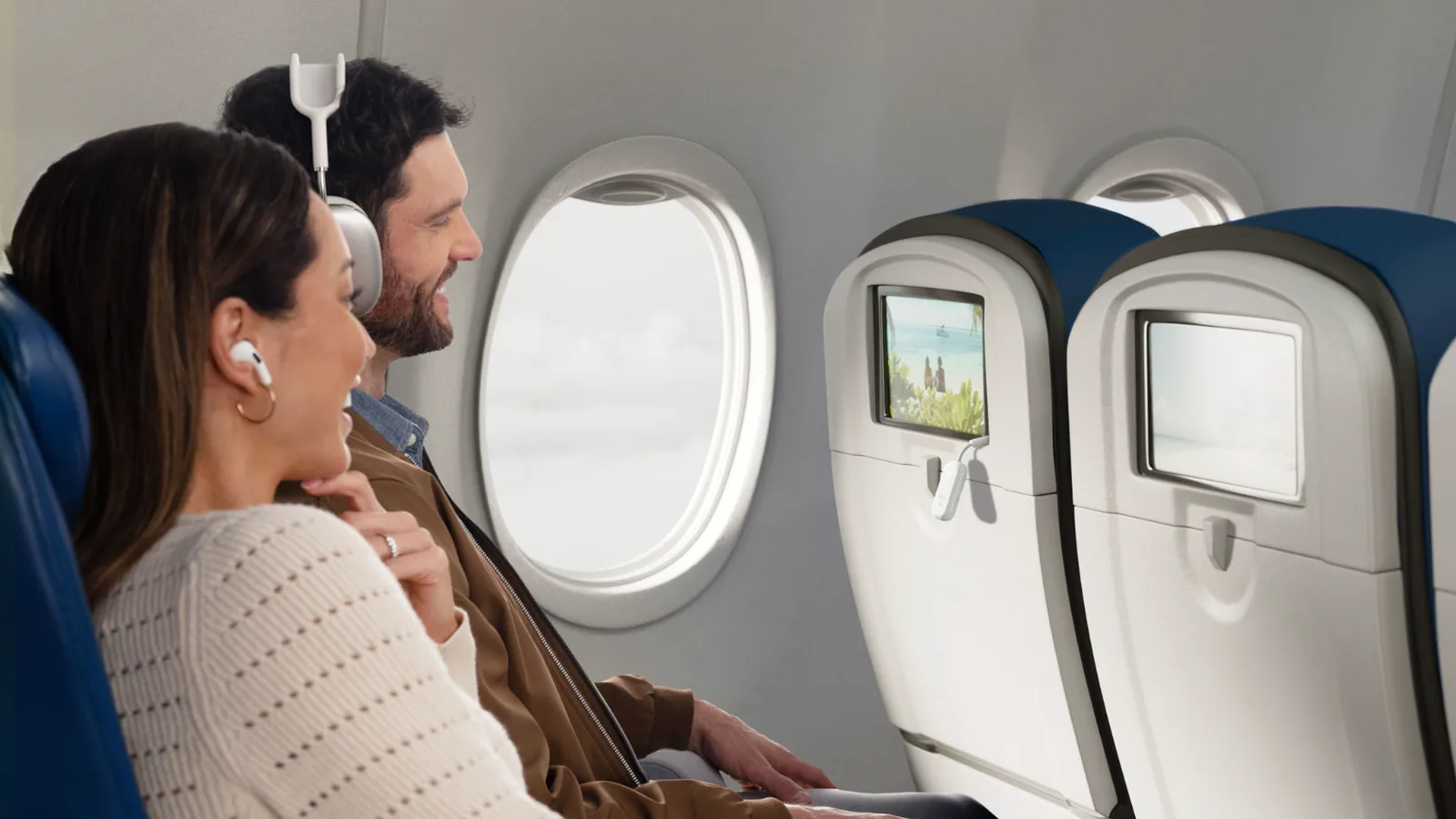
Hold PAIR 2 for 4 seconds with the second set in pairing mode. Both of you then hear the same movie from one screen.
Dual pairing lets two people share one seatback screen. Image: Twelve South
Do you need the two-prong airline adapter?
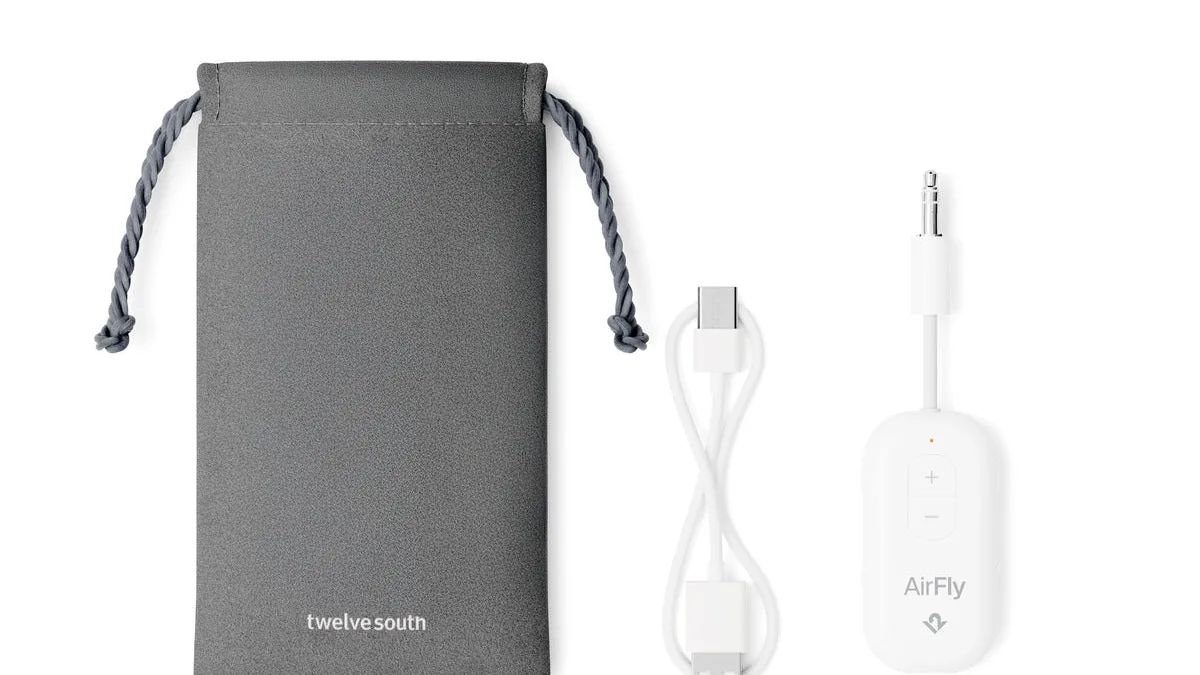
Some older aircraft, mostly on international routes, use a two-prong jack. The AirFly Pro 2 Deluxe adds the International Airline Adapter and a travel bag for those seats.
AirFly Pro 2 with its travel bag and charging cable. Image: Twelve South
Method 2: How to use AirPods on a plane without an adapter (seatback Bluetooth)
Newer seatback screens can pair Bluetooth headphones directly. United offers it on select flights, Delta has it in first class on some A321neo aircraft with more planned for 2026, and Emirates supports it on newer aircraft.
How to connect AirPods to plane entertainment (United example)
Step 1: Disconnect your AirPods from your iPhone in Settings > Bluetooth, or they will reconnect to your phone instead of the screen.
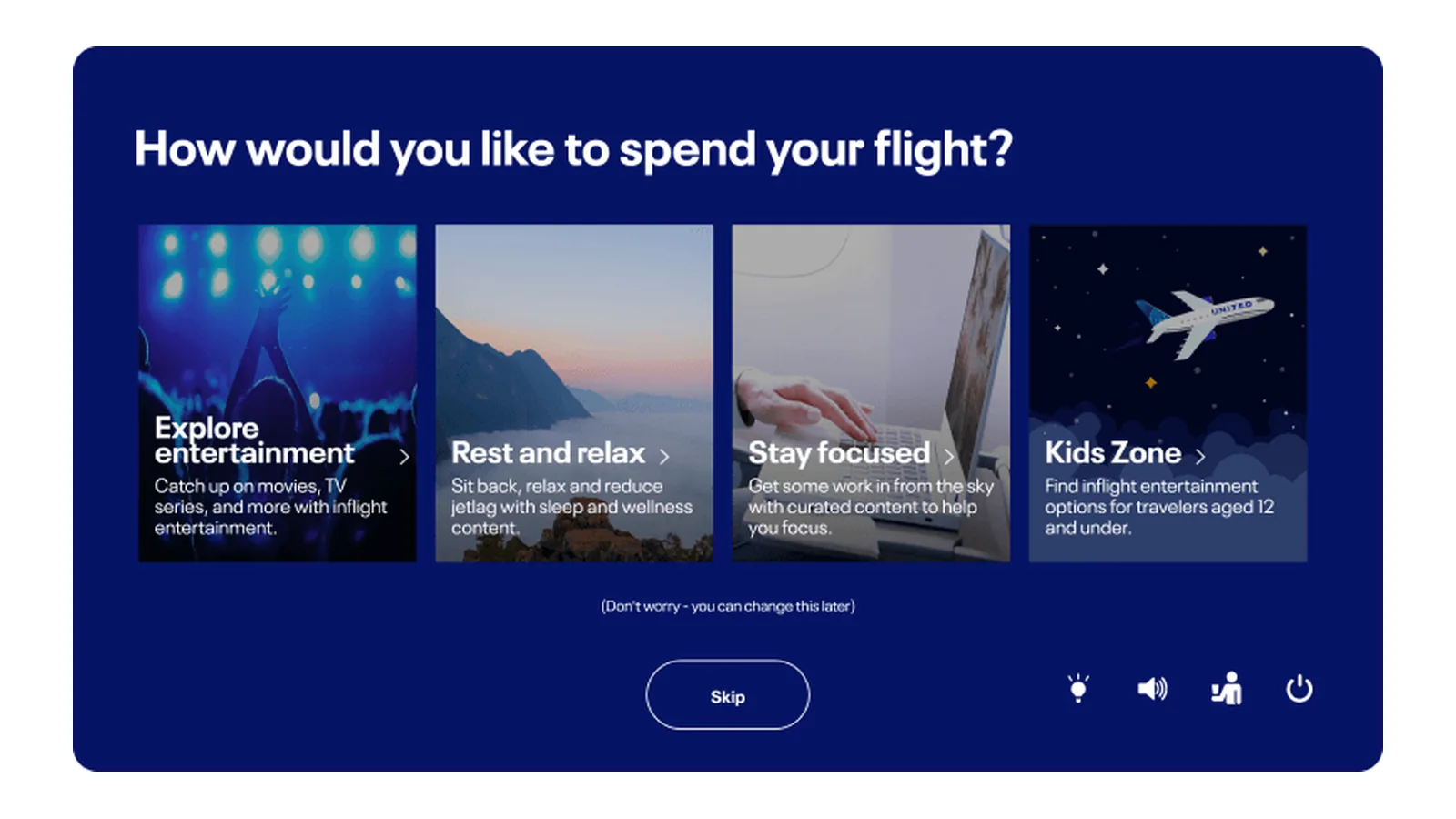
Step 2: Tap the Bluetooth icon at the bottom right of the seatback toolbar and turn on Bluetooth audio.
Step 3: Put your AirPods in pairing mode, as in Step 4 above.
Step 4: Select your AirPods when they appear. If they do not show up after 10 seconds, tap Refresh list, or turn Bluetooth audio off and on again.
United seatback screens with Bluetooth audio connect one headset per seat. Image: United
Only one audio device can connect to each screen, and the headphones unpair automatically when the flight ends. If your seat has no Bluetooth icon, use Method 1 or Method 3.
Method 3: Watch in-flight entertainment on your iPhone with AirPods
Many airlines stream their movie library to your own device over in-flight Wi-Fi, usually through the airline's app or a captive portal page. Download the app before you board.
Your AirPods stay connected to your iPhone as normal. Shows you download from your own streaming apps before the flight work the same way, with no seatback system involved.
How to use AirPods Max on a plane
AirPods Max work wirelessly with the methods above, but they can also go wired. That suits long flights because a wired connection skips Bluetooth pairing entirely.
AirPods Max 1 (Lightning): use Apple's Lightning to 3.5mm Audio Cable.
AirPods Max 1 (USB-C) and AirPods Max 2: use Apple's USB-C to 3.5mm Audio Cable ($39).
Apple's USB-C to 3.5mm cable turns AirPods Max into wired headphones. Image: Apple
Lossless and ultra-low latency audio on the USB-C models only work over a USB-C connection to an iPhone, iPad, or Mac, not through the 3.5mm cable.
AirFly Pro 2 vs AirFly SE: Which adapter should you buy?
AirFly Pro 2
AirFly SE
Price
$59.99
$34.99
Battery
Up to 25 hours
Up to 20 hours
Headphones at once
Two
One
Receiver mode (car AUX)
Yes, TX/RX switch
No
Charging
USB-C, usable while charging
USB-C, usable while charging
Two-prong airline adapter
Deluxe version
Sold separately
Pick AirFly SE if you fly alone and want the cheapest fix. Pick AirFly Pro 2 if you travel with someone, want longer battery, or also want to stream your phone to a car stereo.
How to keep AirPods connected in airplane mode
Airplane mode turns off Bluetooth by default. Open Control Center and tap Bluetooth to turn it back on, and your iPhone keeps it on the next time you use airplane mode.
FAQ
Can you use AirPods on a plane without an adapter?
Yes, if the seatback screen has a Bluetooth icon, or if you watch the airline's entertainment on your iPhone. Otherwise you need a Bluetooth transmitter.
Why won't my AirPods show up on the plane screen?
They are usually still connected to your phone. Disconnect them in Settings > Bluetooth, put them in pairing mode, and tap Refresh list.
Can you use AirPods Max on a plane?
Yes. Use Bluetooth like other AirPods, or plug in Apple's 3.5mm audio cable for wired mode.
Is AirFly Pro 2 worth it over AirFly SE?
If you fly with a partner or want 25 hours of battery, yes. For solo travel, AirFly SE covers the basics for less.
Does AirFly work with AirPods Pro noise cancellation?
Yes. Noise cancellation runs on the AirPods themselves, so it works with any audio source, including AirFly.
Verdict
For most flyers, a Bluetooth transmitter is the reliable answer, because most seats still only have a headphone jack. AirFly Pro 2 is the one to get if you share a screen or fly often.
If your airline has seatback Bluetooth, you can skip the adapter. For AirPods Max, the $39 cable is the simplest option of all.
Rushilo is a desktop video editor for Mac and Windows that connects to your own AI tools. Describe changes to Claude Code, Codex, or another MCP client, then review the edits on a visible timeline.
- Trim and split clips, add captions, and undo an entire agent turn.
- Generate captions locally with Whisper and edit transcripts to remove filler words or pauses.
- Organize clips, notes, and agent conversations on a planning board.
- Record your Mac screen with camera, microphone, system audio, and automatic zoom.
- Reframe videos for different aspect ratios and export to disk or YouTube.
One-time licenses start at $19, with options for one, three, or five computers. AI subscriptions and API usage are paid separately. Projects and media are stored locally; connected AI providers receive the inputs needed for your requests.
SoftwareAImacOS
Tangerine
Convert and edit files while dragging
One-time
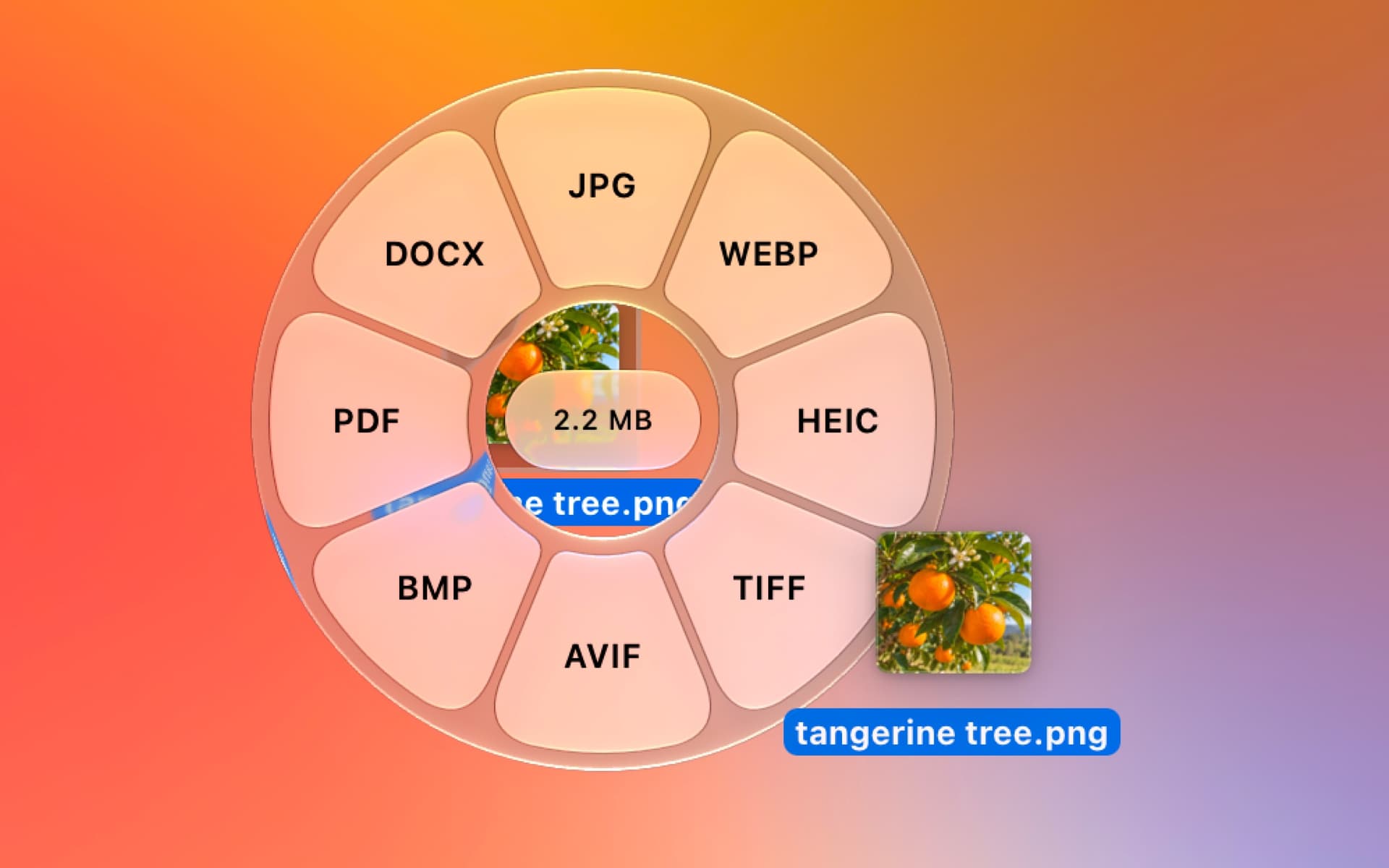
Tangerine is a local file converter and editing utility for Mac. Drag files to open a menu of conversion formats and tools, then save the results beside the originals.
- Convert images, video, audio, documents, spreadsheets, subtitles, and archives.
- Compress files, crop and annotate images, and remove metadata.
- Trim, split, and join video or audio.
- Merge and split PDFs, or create PDFs and collages from images.
- Process multiple compatible files together.
- Access file actions such as AirDrop, Copy Path, and a floating file shelf.
Requires macOS 13 or later on Apple silicon. Files are processed on your Mac without uploads. The first 20 files are free; a one-time purchase unlocks unlimited use without a subscription.
SoftwareUtilitiesmacOS
Reception
Add native support chat to apps
Paid
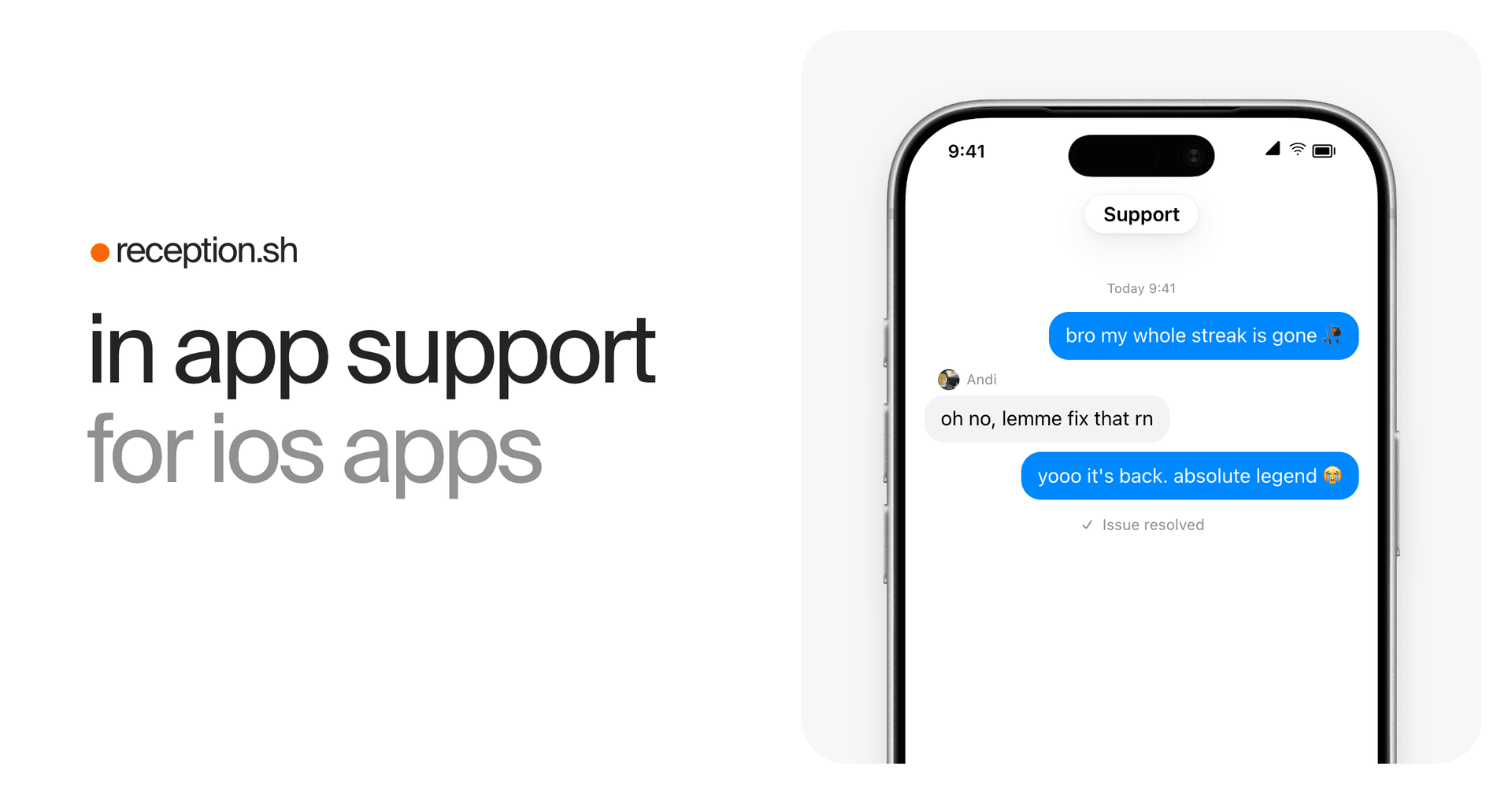
Reception is an in-app support platform for iOS developers. Add native chat to your app and manage customer conversations from a shared web inbox or Telegram.
- Integrate with Swift, React Native, or Expo development builds.
- Let users send messages and photos without a separate support account.
- Send review requests, in-app offers, and plan upgrade prompts in chat.
- Attach user details and subscription metadata, including RevenueCat, Superwall, and Adapty data.
- Customize chat colors, fonts, and welcome text.
- Manage conversations across multiple apps and team members.
The SDK requires iOS 17 or later. Its chat interface supports 48 languages; messages are not automatically translated. Reception is a paid subscription, currently advertised at an introductory $25 per month, with $50 per month listed as the next price.
SoftwareDevelopmentWeb
Homy
Find files visually and clear clutter
One-time
Homy is a native file browser for Mac that works alongside Finder. Browse files as visual thumbnails, search in plain English, and review clutter without uploading your files.
- Search by file type, date, size, source, and text inside screenshots.
- Open Quick Search from any app and access recent downloads from the menu bar.
- Browse downloads grouped by their original website or app.
- Find identical files and similar photos, then move unwanted copies to the Trash.
- Save searches and optionally automate cleanup of installers and screenshots.
- Use Quick Look, Shortcuts actions, and Playful or Minimal themes.
Requires macOS 14 Sonoma or later on Apple silicon or Intel. A one-time license includes all features and free updates, with options for one, three, or five Macs. File processing runs locally; license and update checks use the network.
SoftwareUtilitiesmacOS
Curve Flex
A folding MacBook stand with adjustable height and angle.
WorkspaceDesk Setup
Era 300 Stereo Pair
A pair of spatial-audio speakers with AirPlay 2 and Bluetooth.
HardwareAudioiOS & macOS
ArcDock 6-in-1 Hub Laptop Stand
An adjustable MacBook stand with a six-port USB-C hub.
HardwareConnectivitymacOS
Snap Phone Tripod Stand
A pocketable magnetic tripod for iPhone filming and calls.
HardwareAccessoriesiOS
Touch PBT Wireless Mouse
A tactile mouse with replaceable buttons and an OLED display.
 Dudu
Dudu