Switching From Windows to Mac: Best Apps (2026) | Macfolio
Switching From Windows to Mac: Best Apps to Install First
Switching from Windows to Mac? Install AltTab first for Alt-Tab with previews, then fix window snapping, clipboard history, file management, uninstalling, and mouse scrolling.
Install AltTab first. It fixes the one Windows habit macOS cannot do on its own: pressing Alt-Tab and seeing a preview of every open window. Command-Tab only shows one icon per app, so the first week on a Mac feels like losing your place all day. AltTab is free and open source, and it takes two minutes to set up.
This guide answers the questions Windows switchers ask most, in the order they usually hit them: how to snap windows, how to get Win+V clipboard history, what replaces PowerToys Run and File Explorer, how to uninstall apps, how to fix mouse scrolling, and what to use instead of the Snipping Tool. Each section starts with what macOS already does, then names the app worth adding.
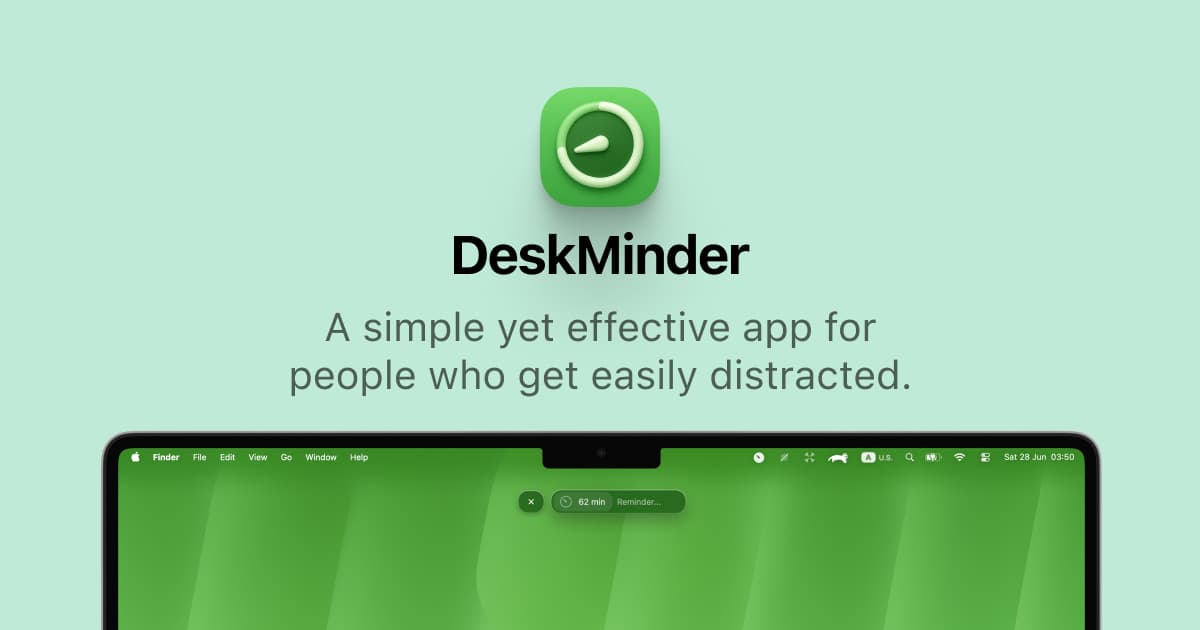
DeskMinder is a productivity software application designed for Mac users who struggle with distractions. It provides a straightforward interface for creating desktop pop-up reminders and tasks, helping users manage urgent to-dos, short breaks, and fleeting ideas. With features like full-screen notifications and Apple Reminders integration, DeskMinder aims to enhance focus and time management for i
- With features like easy-to-create desktop pop-ups for reminders and tasks, it simplifies the process of staying on top of urgent to-dos, short breaks, or fleeting ideas.
- Users can benefit from full-screen notifications, Apple Reminders integration, and flexible widget placement, making it ideal for anyone requiring a little extra help to maintain focus.
- The app includes additional shortcuts for quick reminder setups and customizable widget options, along with a history tracking feature to monitor daily progress.
Designed specifically for Mac users, DeskMinder aims to facilitate better time management and productivity for those with attention challenges, providing a seamless user experience without unnecessary complexity.
SoftwareProductivitymacOS
Klack
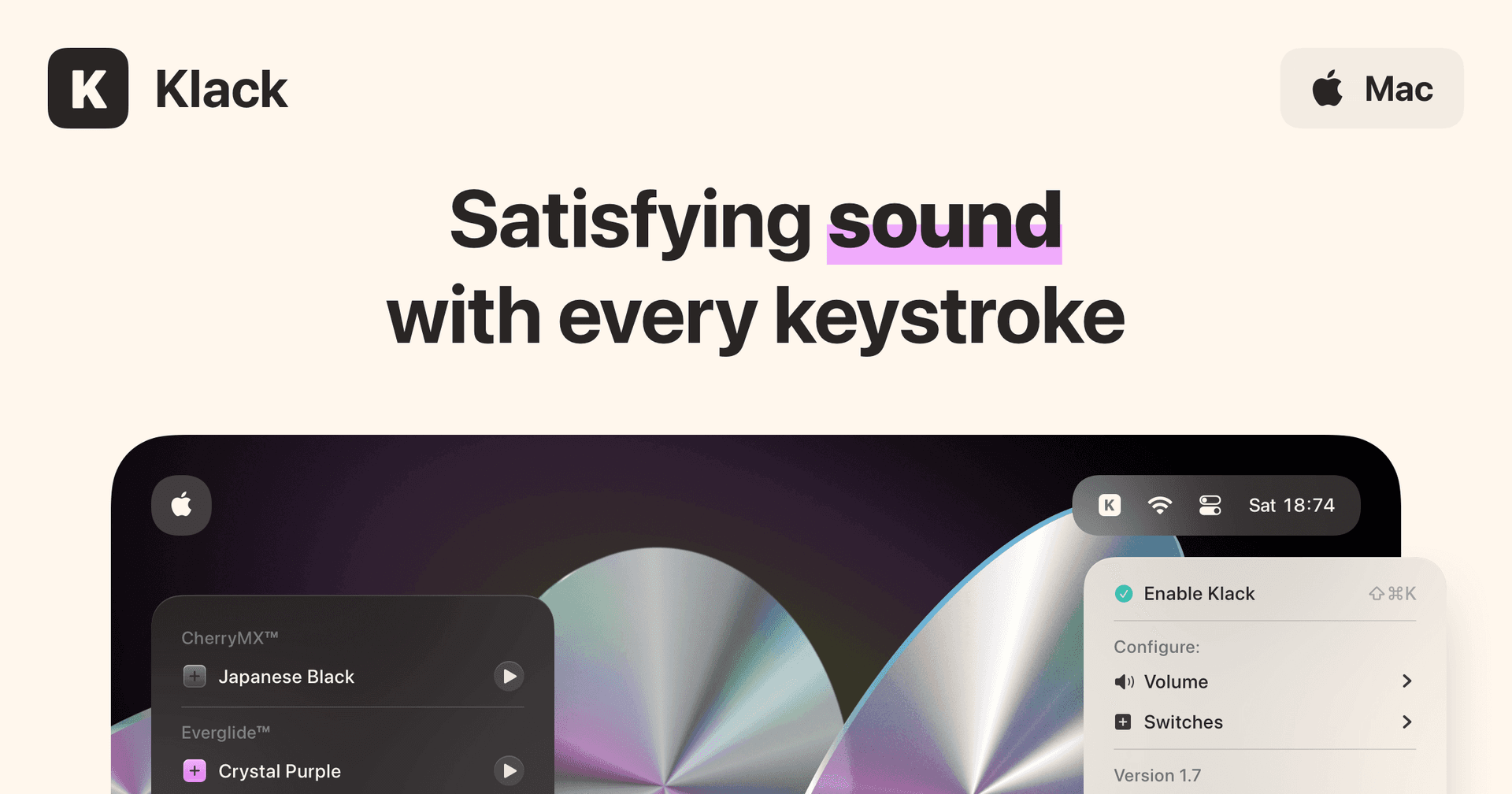
Satisfying sound with every keystroke
Paid
Klack is a macOS application designed to enhance the typing experience through high-fidelity sound for each keystroke. It provides features such as immersive spatial audio, instant feedback, and customizable sound options, making it suitable for writers, developers, and anyone who values an engaging typing environment. The app is easily accessible from the menubar and offers extensive configuratio
- Provides immersive spatial audio for enhanced typing feedback.
- Allows customization of keystroke sounds, pitch variations, and volume settings.
- Features a menubar interface for quick access to configuration options.
- Supports instant feedback with each keystroke for a more engaging experience.
- Designed for writers and developers seeking auditory feedback while typing.
Klack enhances the typing experience on Mac by providing high-fidelity sound for each keystroke.
SoftwaremacOS
TypoTab
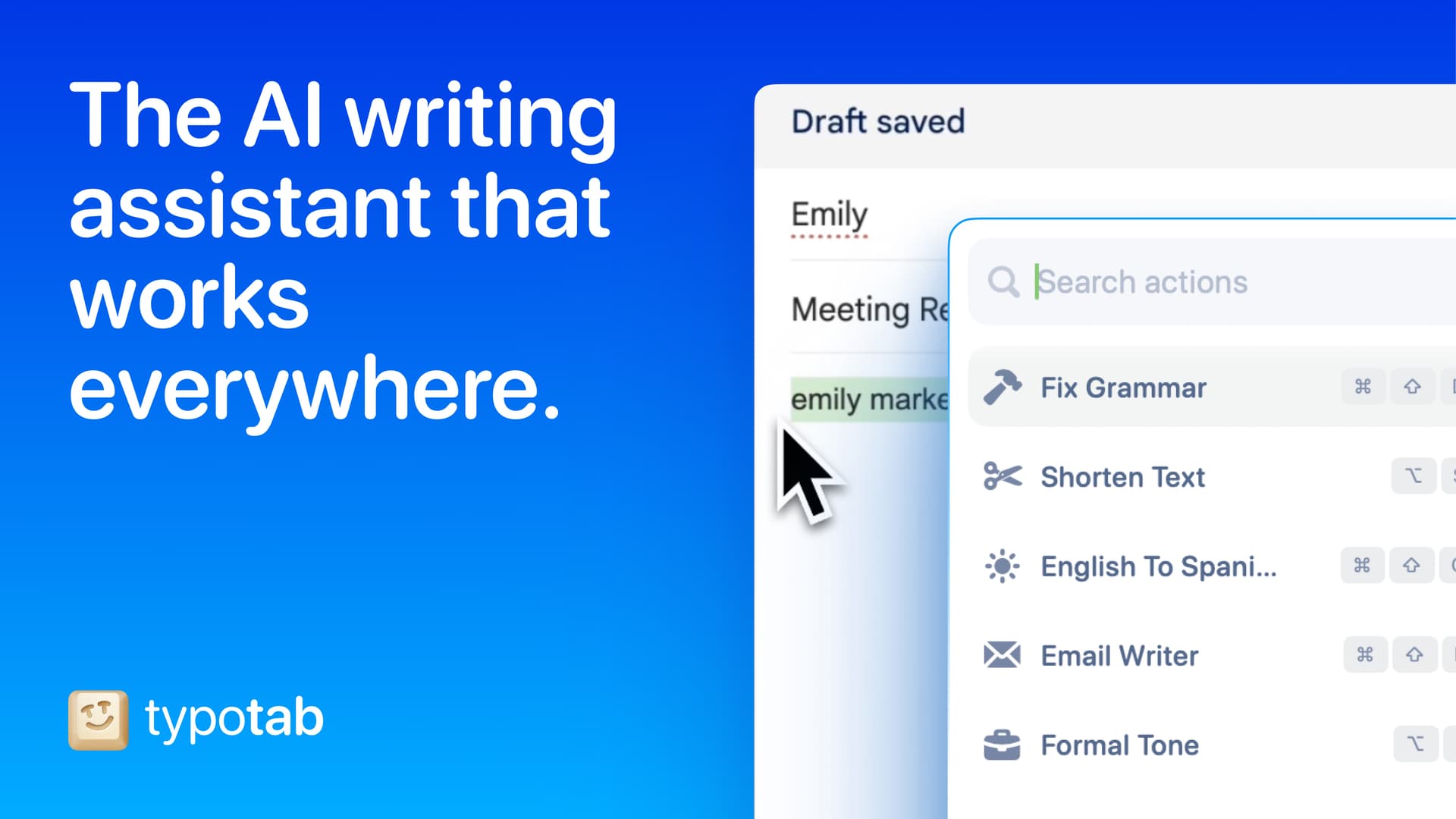
TypoTab, the ultimate AI writing assistant for
Paid
TypoTab is a macOS application that functions as an AI-driven writing assistant. It enhances writing efficiency by providing tools for grammar correction, text rephrasing, and content generation, all accessible from the menu bar without needing to switch applications. This tool is designed for writers, students, and professionals looking to streamline their writing process and improve productivity
- Provides grammar correction and text rephrasing directly from the menu bar.
- Allows text refinement in any application without switching contexts.
- Offers customizable actions to meet individual writing needs.
- Streamlines repetitive writing tasks for improved efficiency.
- Supports a wide range of applications, enhancing workflow across platforms.
TypoTab is a macOS application that enhances writing efficiency by providing grammar correction, text rephrasing, and content generation directly from the menu bar. It allows users to refine text in any application without switching contexts, offering customizable actions to suit individual writing needs.
SoftwareProductivitymacOS
Double Shot
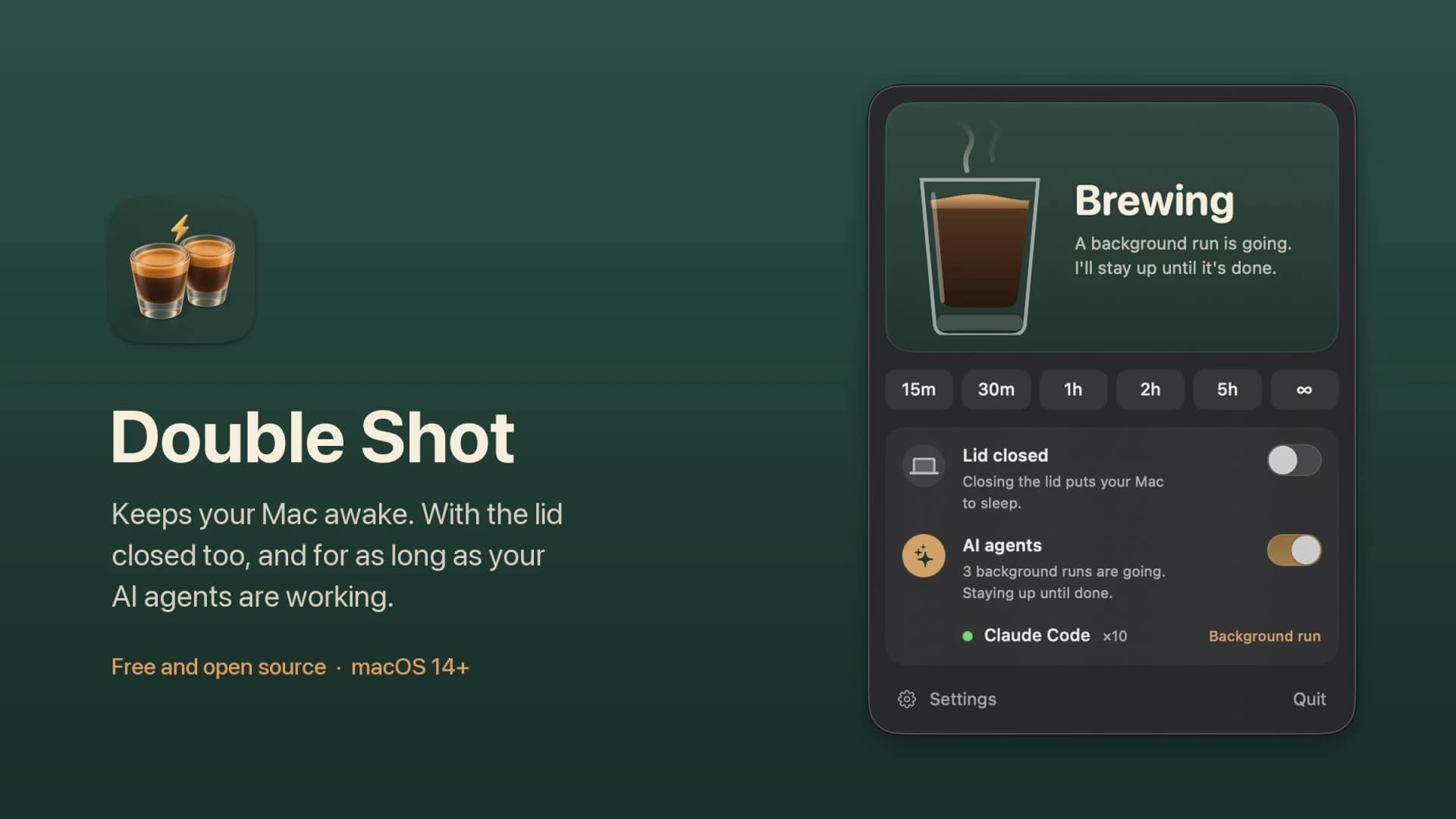
Free open-source Mac app that keeps your Mac awake for AI agents
Free
Double Shot is a free, open-source macOS menu bar app that keeps your Mac awake, with the lid closed too, and for as long as your AI coding agents are working.
- Detects when Claude Code, Codex, Gemini CLI, Cursor Agent, Copilot CLI, OpenCode, Amp or Aider are actually working, not just open.
- Lid closed mode uses pmset disablesleep, with a one-time password prompt that adds a sudoers rule.
- Stops at the first warm level, turns the dark display off, switches on Low Power Mode on battery, and lets go when the battery gets low.
- Quick picks from 15 minutes to 5 hours, or until you turn it off.
- MIT licensed. Install with Homebrew or download from GitHub. Not notarized by Apple yet, and it needs macOS 14 or later.
Double Shot suits anyone who starts a long agent run, closes the lid and expects the work to carry on.
SoftwareUtilitiesmacOS
Peek
Glance at websites and widgets with a shortcut
Free
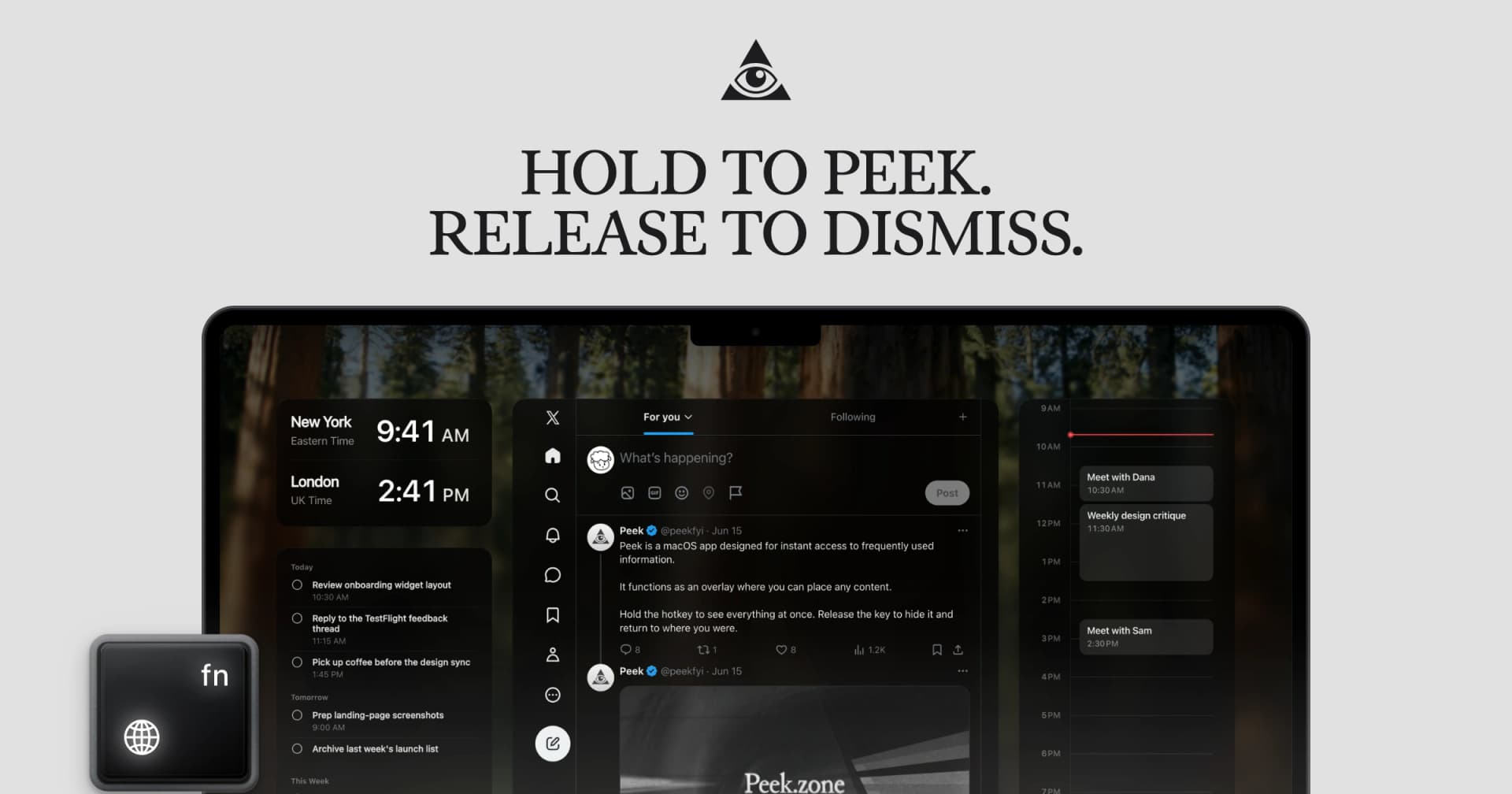
Peek is a native Mac app that brings frequently checked information into a personal overlay. Hold a shortcut to glance at it, release to return to your work, or tap the shortcut to keep it open and interact.
Combine websites, local PDFs, and widgets such as Calendar, Reminders, and time zones in one space. Arrange and resize content freely, or use Flow mode to organize your layout. Hide unwanted page elements and block ads, trackers, and cookie banners.
Set custom keyboard shortcuts, including separate left and right modifier keys. Peek works across multiple monitors and full-screen spaces, with per-display layouts or synced widgets. Optional auto-refresh keeps pages current, and you can open content in its default app when you want to continue outside the overlay. The site also lists passkey support and experimental web extensions.
Use it to check analytics beside your calendar, review GitHub pull requests and Linear issues while coding, or gather visual references from websites without switching away from your current app.
Available free on the Mac App Store. Requires macOS 14.2 or later.
SoftwareProductivitymacOS
Cap
The open source screen recorder
Freemium
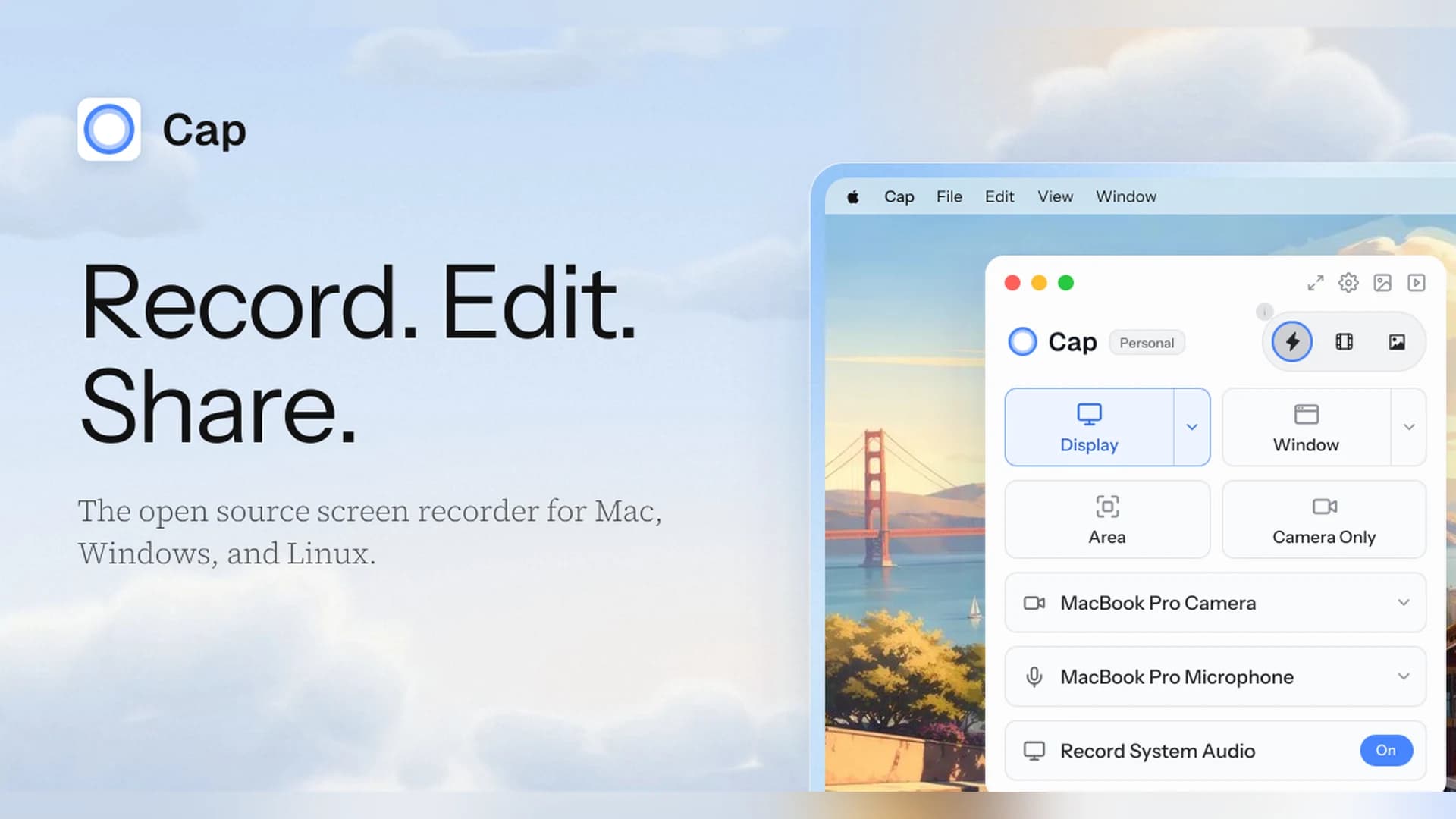
Cap is an open-source screen recorder for Mac, Windows, and Linux that works as a Loom alternative, with instant share links and a local Studio Mode.
- Instant Mode records and uploads at once so you get a shareable link as you stop.
- Studio Mode records locally with a full editor and exports up to 4K at 60 fps.
- Free for personal use. A Desktop License ($29 a year, or $58 once) adds commercial rights, and Cap Pro ($12 per user a month) adds unlimited cloud sharing.
- Open source, with a self-hosting option.
Cap suits people who want a Loom-style workflow without being locked into one vendor.
SoftwareCreativemacOS
Zight
Share screen recordings and screenshots instantly
Freemium
Zight (formerly CloudApp) captures screenshots, GIFs, and screen recordings and turns each one into a shareable link.
- Records the screen and webcam, and shares a link as soon as you stop.
- The free plan covers recordings up to 5 minutes at up to 720p, with 1 GB of storage.
- Paid plans add unlimited recording time, 4K, and AI summaries, chapters, and smart actions.
- Includes video requests, so teammates can send you a recording.
Zight suits teams that send quick videos and screenshots instead of long messages.
SoftwareCreativemacOS
Paste
Clipboard manager for Mac, iPhone, and iPad
Paid
Paste is a clipboard manager that keeps a searchable history of what you copy and syncs it across your Mac, iPhone, and iPad.
- Unlimited clipboard history with search and filters by type.
- Pinboards for snippets, signatures, and links you reuse.
- Keeps images, files, and rich text, and syncs through your private iCloud.
- 7-day free trial, then a subscription ($29.99 a year, or $2.49 a month billed annually) or a Lifetime plan.
Paste suits people who want a polished clipboard history on every Apple device.
SoftwareProductivitymacOS
Alfred
Mac launcher with clipboard history and workflows
Freemium
Alfred is a Mac launcher that searches apps and files, runs workflows, and adds a clipboard history with the Powerpack.
- Clipboard History saves text, images, and file paths, and you choose to keep clips for 24 hours, 7 days, 1 month, or 3 months.
- Search your history, merge clips, and save a clip as a snippet.
- Ignores password managers such as 1Password and Keychain Access by default.
- The core launcher is free. The Powerpack (from £34, or £59 with lifetime upgrades) unlocks clipboard history, snippets, and workflows.
Alfred suits people who want a launcher, snippets, and clipboard history in one tool.
SoftwareProductivitymacOS
Windows habit
Mac app
Price
Alt-Tab with previews
AltTab
Free, Pro $9.99 one time
Windows Snap
Rectangle
Free, Pro $9.99
Win+V clipboard history
Maccy
Free
Win+V with search and pinning
Minimal Paste
$9.99 one time
PowerToys Run
Raycast
Free, Pro $8 a month
File Explorer
Folders
$14.99 one time, 14-day trial
Uninstaller
AppCleaner
Free
Keyboard Manager
Karabiner-Elements
Free
Mouse settings
LinearMouse
Free
Snipping Tool
Built-in Cmd-Shift-5, or Shotbase
Free, Shotbase has a 7-day trial
How do I Alt-Tab between windows on a Mac?
On a Mac, Command-Tab switches between apps, not windows. If you have three Chrome windows open, you get one Chrome icon. Command-` cycles through windows of the app you are in, but it shows no previews and only works inside that app.
AltTab fills the gap. Press Option-Tab (the Alt key on a Windows keyboard) and it shows a thumbnail of every open window, including several windows of the same app. Hold the key and tap F to full-screen a window, M to minimize it, W to close it, or Q to quit the app. How-To Geek calls it "a must-have Mac app for most people" who just switched.
AltTab shows a live preview of each window, not just an app icon. Image: AltTab
Pricing: the core switcher is free. AltTab Pro adds window search, extra styles, and more shortcuts for $9.99 one time, or $24.99 for Pro Lifetime. It needs macOS 12 or later, and it asks for Accessibility and Screen Recording permission so it can draw previews.
AltTabWindows-style Alt-Tab with window previewsVisit WebsiteAltTab brings a Windows-style window switcher to the Mac, with a live preview of every open window instead of one icon per app.
- Switches between individual windows, including several windows of the same app.
- Shows live thumbnails across Spaces and screens, plus minimized and hidden windows.
- Close, minimize, hide, or quit a window right from the switcher.
- Free and open source. Pro adds search, extra styles, and more shortcuts as a one-time purchase.
AltTab suits anyone who misses Alt-Tab after moving from Windows.Visit Website
How do I snap windows on a Mac like in Windows?
macOS 15 Sequoia and later can tile natively. Drag a window to the left or right edge for halves, or to a corner for quarters, and a preview appears before you let go. Keyboard shortcuts exist too, such as Fn-Control-Left. If your Mac runs an older macOS, or you want more layouts, add an app.
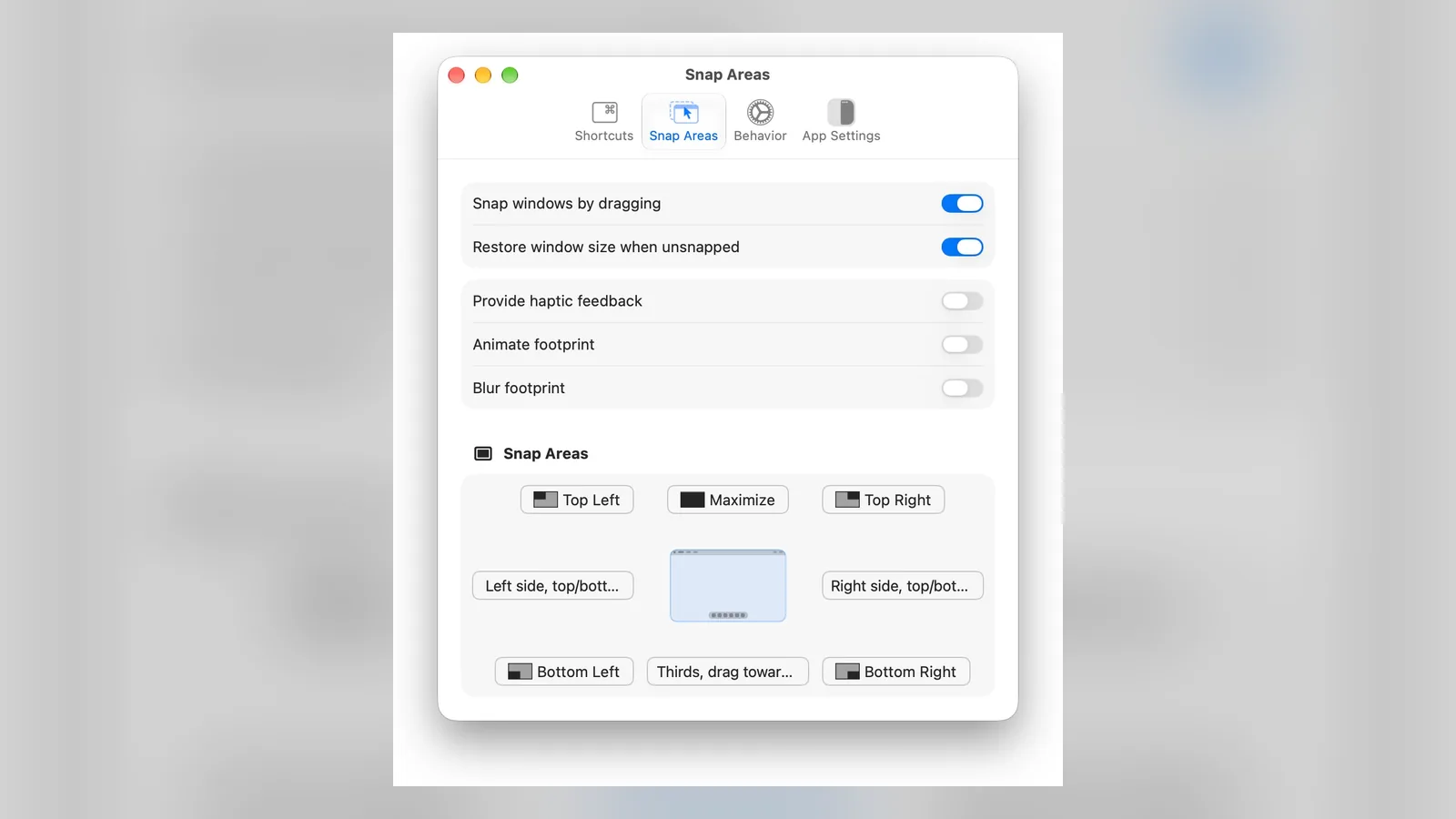
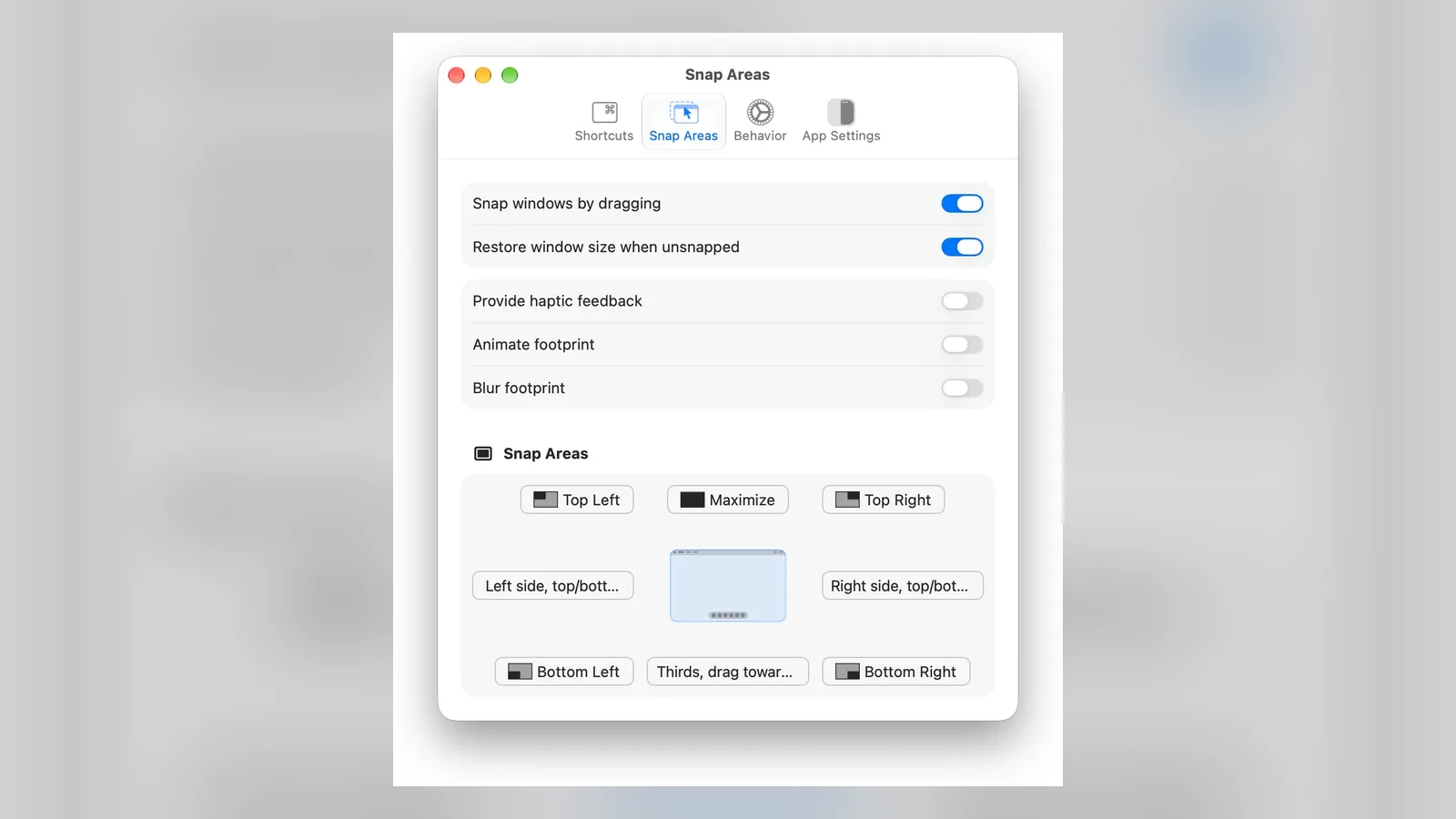
Rectangle is the most common pick. It adds snap areas on the screen edges plus keyboard shortcuts for halves, thirds, quarters, maximize, and moving a window to another display. Loop is a free alternative with a radial menu, and Raycast (below) also moves windows. For tiling that scrolls like a strip, see our guide to the best scrolling window manager for Mac.
Rectangle's snap areas sit on the screen edges and corners. Image: Rectangle
Pricing: free and open source, for macOS 14 or later. Rectangle Pro is $9.99 for people who want extra features.
RectangleMove and snap windows with shortcuts or dragVisit WebsiteRectangle is a free, open-source window manager that adds Windows-style snapping to macOS, using keyboard shortcuts or screen-edge snap areas.
- Snap windows to halves, thirds, quarters, or full screen.
- Drag a window to an edge or corner to snap it, like Windows Snap.
- Move windows between displays with a shortcut.
- Free. Rectangle Pro is a one-time upgrade with more features.
Rectangle suits people who want fast window layouts without the setup of a tiling manager.Visit Website
How do I get clipboard history (Win+V) on a Mac?
macOS 26 Tahoe finally has one built in. Open Spotlight with Command-Space, then press Command-4 to search what you copied. Apple's guide says you choose how long items are kept in System Settings. On older versions, or if you want a shortcut that pastes straight in, use a small app.
Maccy, the free pick
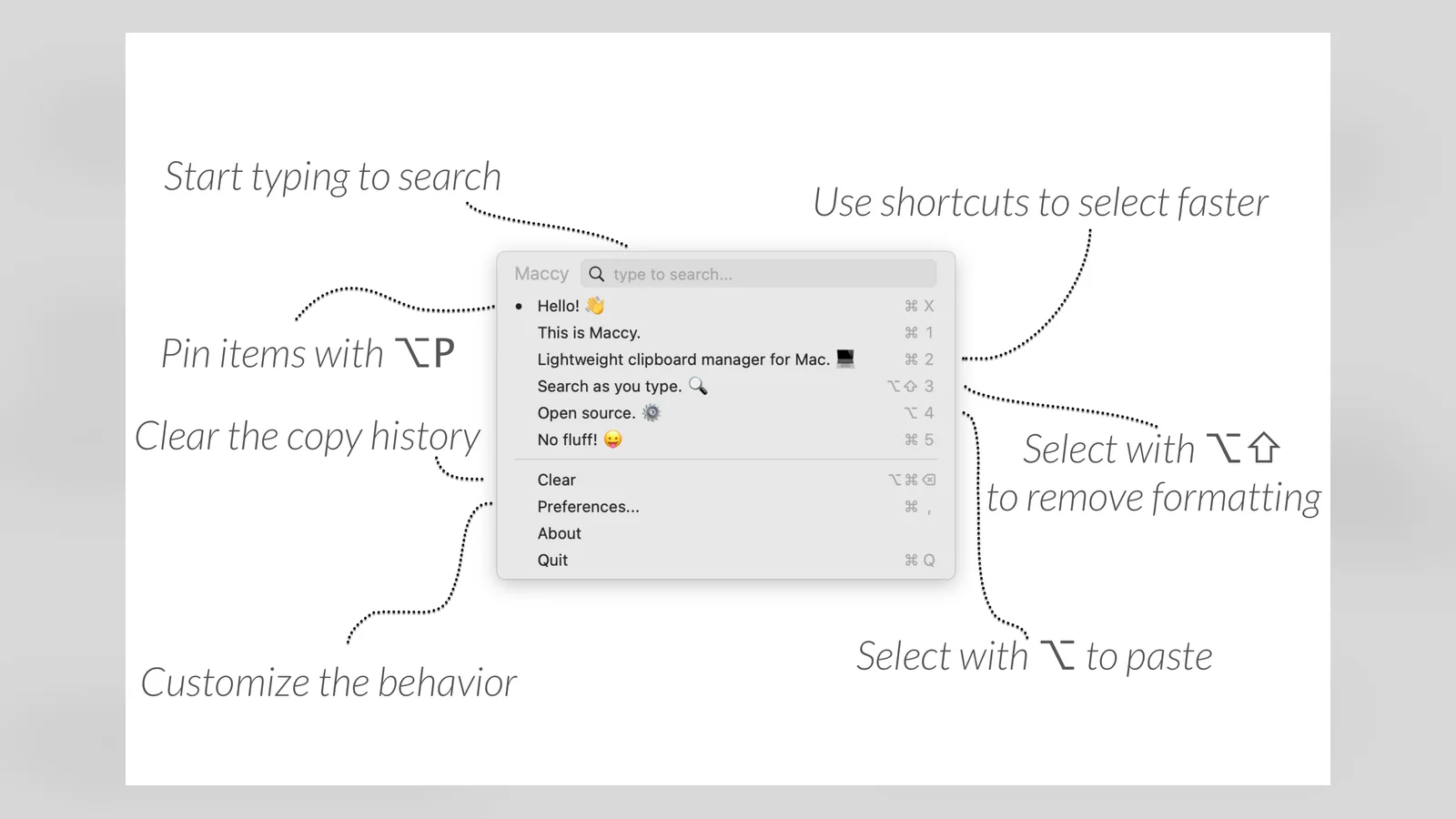
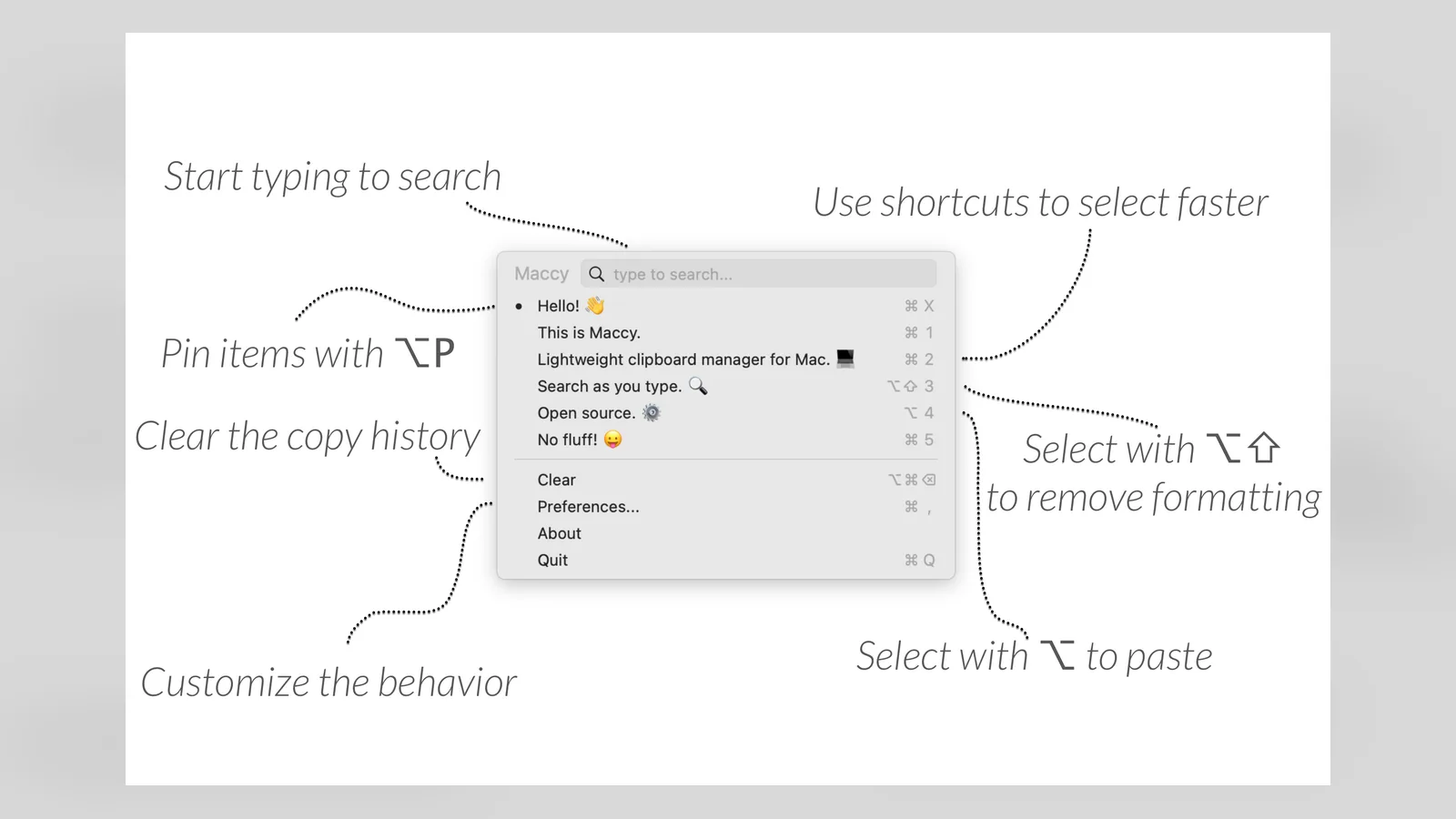
Maccy is a free, open-source clipboard manager that does one job. Press a shortcut, search or arrow to an older copy, and paste. It is also on the Mac App Store, and it needs macOS 14 or later.
Maccy keeps a searchable list of recent copies. Image: Maccy
MaccyLightweight open-source clipboard managerVisit WebsiteMaccy is a free, open-source clipboard manager that keeps your copy history one shortcut away, like Win+V on Windows.
- Search and paste anything you copied earlier.
- Native, minimal macOS interface with a small footprint.
- Pin items you paste often and ignore apps you choose.
- MIT licensed and free, also available on the Mac App Store.
Maccy suits people who want clipboard history without extra features.Visit Website
Minimal Paste, for a paid and polished version
Minimal Paste costs $9.99 one time, after a 7-day trial, and requires macOS 14 or later. It suits you if you want a more polished shelf.
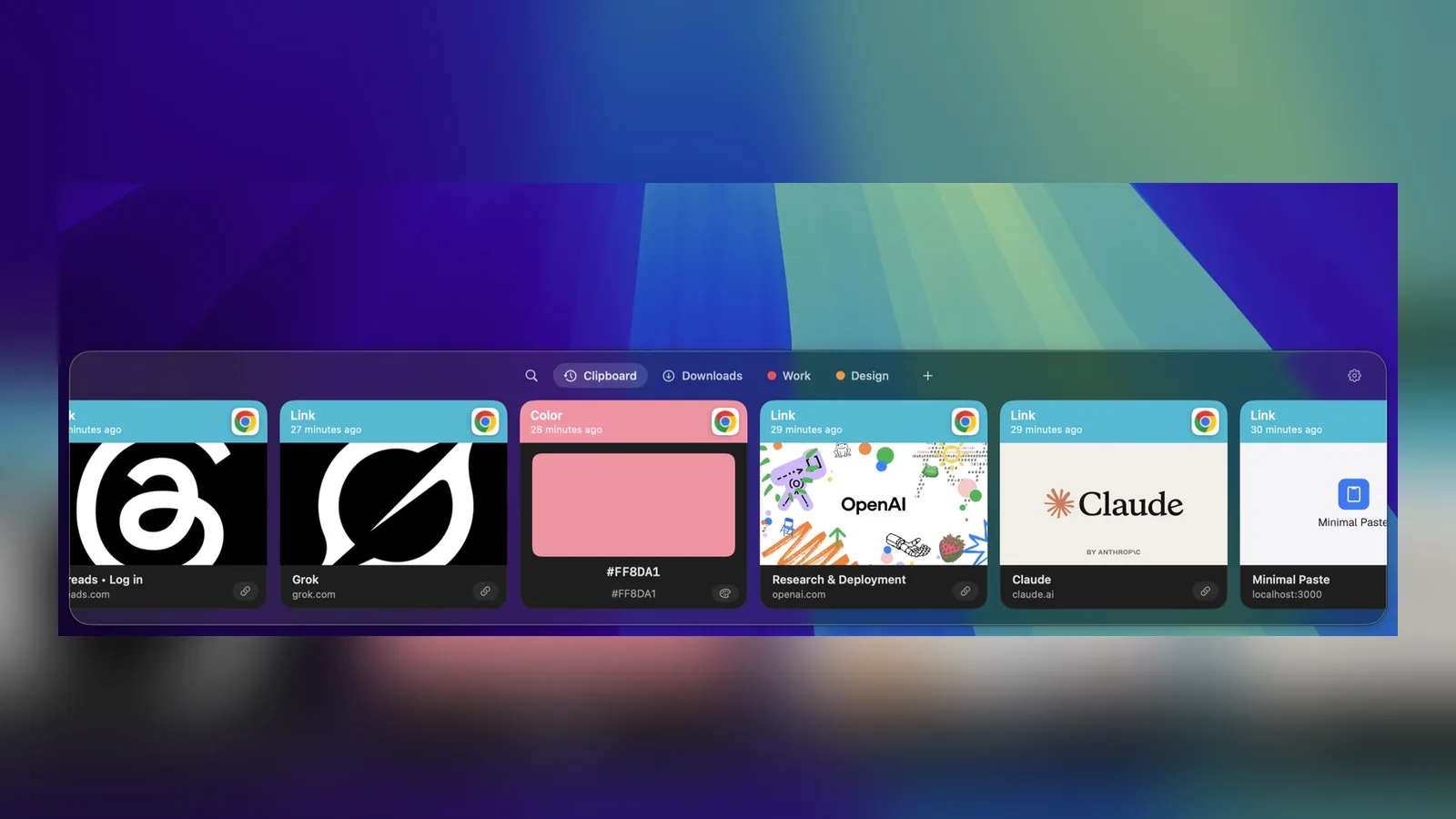
Minimal Paste shows copied items in a shelf at the bottom of the screen. Image: Minimal Paste
Minimal PasteSearch clipboard history and paste fasterVisit WebsiteMinimal Paste is a local clipboard manager for Mac. Search copied text, images, links, files, and colors from a shelf, then paste them back into the app you were using.
- Open the shelf with Shift-Command-V and navigate using the keyboard.
- Pin frequently used clips so retention does not remove them.
- Organize related clips into named, colored groups.
- Add folders and subfolders for quick access to their files.
- Select and paste several clips together.
- Position the shelf along a screen edge or in a separate window.
Clipboard history stays on your Mac, and password managers are ignored. Requires macOS 14 or later. A $9.99 one-time license covers three Macs and includes free updates, with a seven-day trial available.Visit Website
What is the Mac version of PowerToys Run and File Explorer?
There is no single PowerToys on Mac. The pieces come from different apps, and two of them matter most to switchers.
PowerToys Run: Spotlight and Raycast
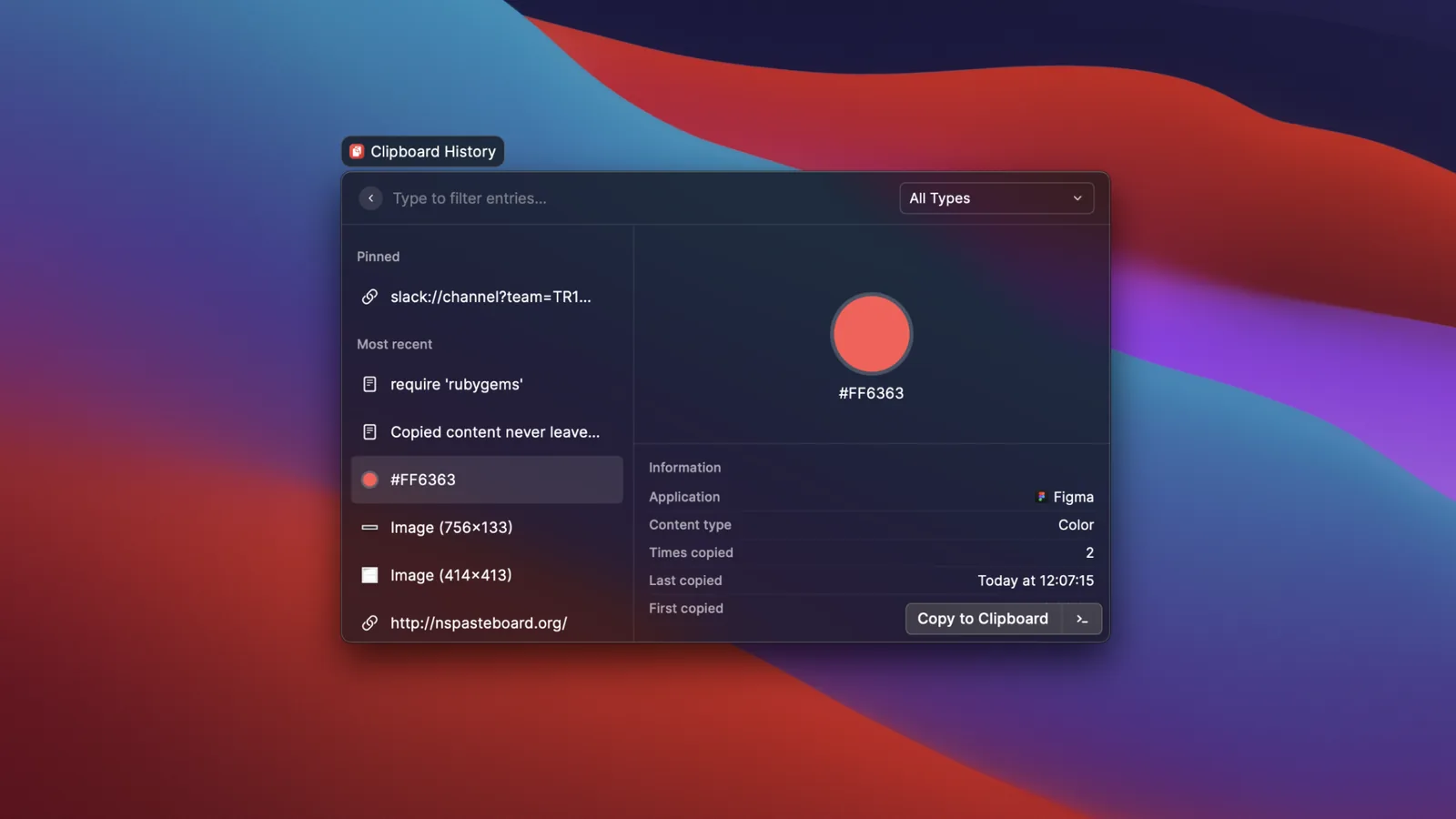
Press Command-Space for Spotlight to open apps, find files, and do quick math. For more, Raycast adds extensions, snippets, window management, and a clipboard history that handles text, images, colors, and links, with pinning. There is a free plan without AI, and Pro is $8 a month, or $96 billed annually.
Raycast's clipboard history is one of its built-in extensions. Image: Raycast
RaycastProductivity tool for quick app accessVisit WebsiteRaycast is a productivity software for macOS designed to streamline access to applications, commands, and tools through an extendable launcher. It enables users to quickly find and execute tasks, enhancing workflow efficiency. Ideal for professionals, Raycast helps automate repetitive actions and manage various tasks, reducing the time spent navigating through menus and improving overall productiv
- Automates repetitive tasks to enhance workflow efficiency.
- Provides quick access to applications and commands through a single launcher.
- Supports integrations with popular tools like Slack, Zoom, and Notion for seamless task management.
- Allows users to manage clipboard history for easy retrieval of copied items.
- Offers customizable extensions to tailor the tool to specific professional needs.
Raycast is a productivity tool designed for macOS that streamlines access to applications, commands, and essential tools. Its extendable launcher enhances workflow efficiency, enabling users to automate tasks and manage their activities effectively. Ideal for professionals seeking to optimize their time management.Visit Website
File Explorer: Finder or Folders
Finder is fine once you learn it, but it has no Cut command. Copy with Command-C, then press Option-Command-V at the destination to move files. Folders is built for Windows switchers: a persistent folder tree, tabs, an editable path bar, Command-X to cut, and multi-step undo. Folders Pro is $14.99 one time with a 14-day free trial, and there is also an App Store edition.
Folders adds a Windows-style folder tree and tabs to the Mac. Image: Folders
FoldersA file manager for Windows switchersVisit WebsiteFolders is a file manager application for macOS that provides a folder tree layout, catering specifically to users transitioning from Windows. It offers a range of features including easy navigation, comprehensive file operations, and integration with cloud storage services. Designed for both new and experienced users, Folders aims to enhance file management efficiency on Mac systems.
- Provides a folder tree layout for intuitive navigation, similar to Windows Explorer.
- Supports batch renaming and file conflict resolution for efficient file management.
- Integrates with iCloud Drive and other cloud storage services for centralized access.
- Offers multiple viewing options: Table, List, Icons, and Gallery.
- Includes a powerful search function with Spotlight integration and saved searches.
- Allows customization of themes and folder icons for personalized organization.
Folders is a file manager for macOS that emulates the folder tree structure familiar to Windows users. It offers a range of features including comprehensive file operations, customizable themes, and powerful search capabilities. Users can manage files across various cloud services and utilize batch renaming and conflict resolution tools.Visit Website
Drag the app from Applications to the Trash and macOS removes the app itself. It does not always remove preferences and caches. Windows users used to a proper uninstaller often want something cleaner.
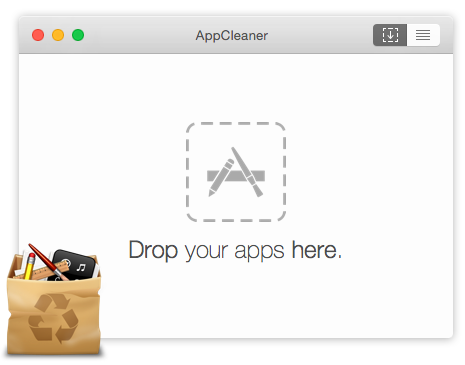
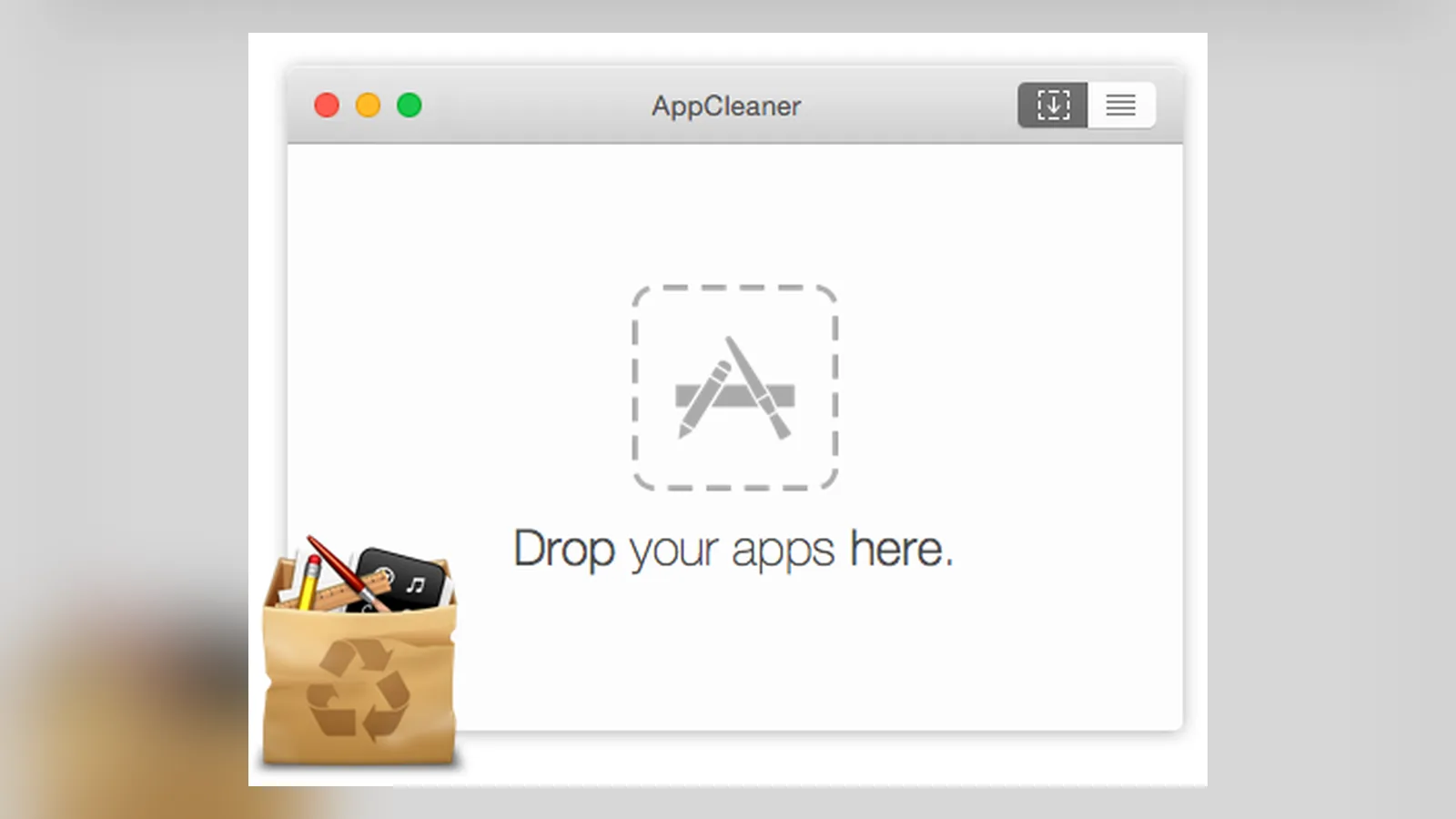
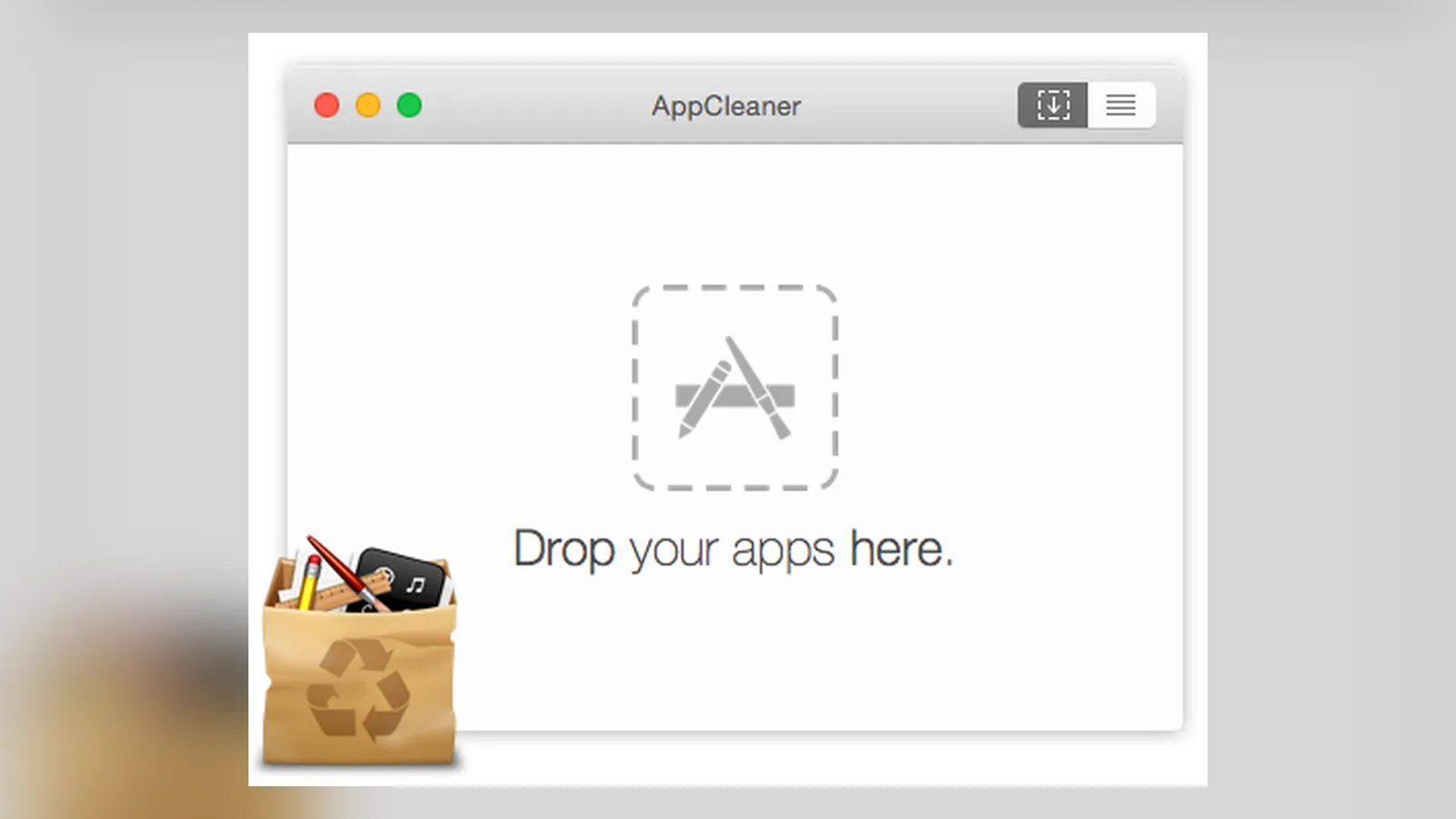
AppCleaner is a small free utility from FreeMacSoft. Drop an app onto its window, review the related files it finds, and delete them. The current version needs macOS 15 or later, and older versions are on the same page. For free system cleaners beyond uninstalling, read free CleanMyMac alternatives for Mac.
AppCleaner lists an app's leftover files before you delete them. Image: FreeMacSoft
AppCleanerFree app uninstaller that removes leftover filesVisit WebsiteAppCleaner is a small free utility that uninstalls Mac apps together with the support files they leave behind.
- Drag an app onto the window to list its related files.
- Removes preferences, caches, and support files in one step.
- Gives you a Windows-like uninstall flow on macOS.
- Free to download from the developer's site.
AppCleaner suits anyone used to a Windows uninstaller who wants a clean removal.Visit Website
How do I make a Mac keyboard and mouse work like Windows?
Windows-like shortcuts and remapping keys
On a Mac, Command does most of what Ctrl does on Windows. Apple's keyboard guide says that on a Windows keyboard, Alt acts as Option and the Windows key acts as Command. You can learn the new layout, or remap it.
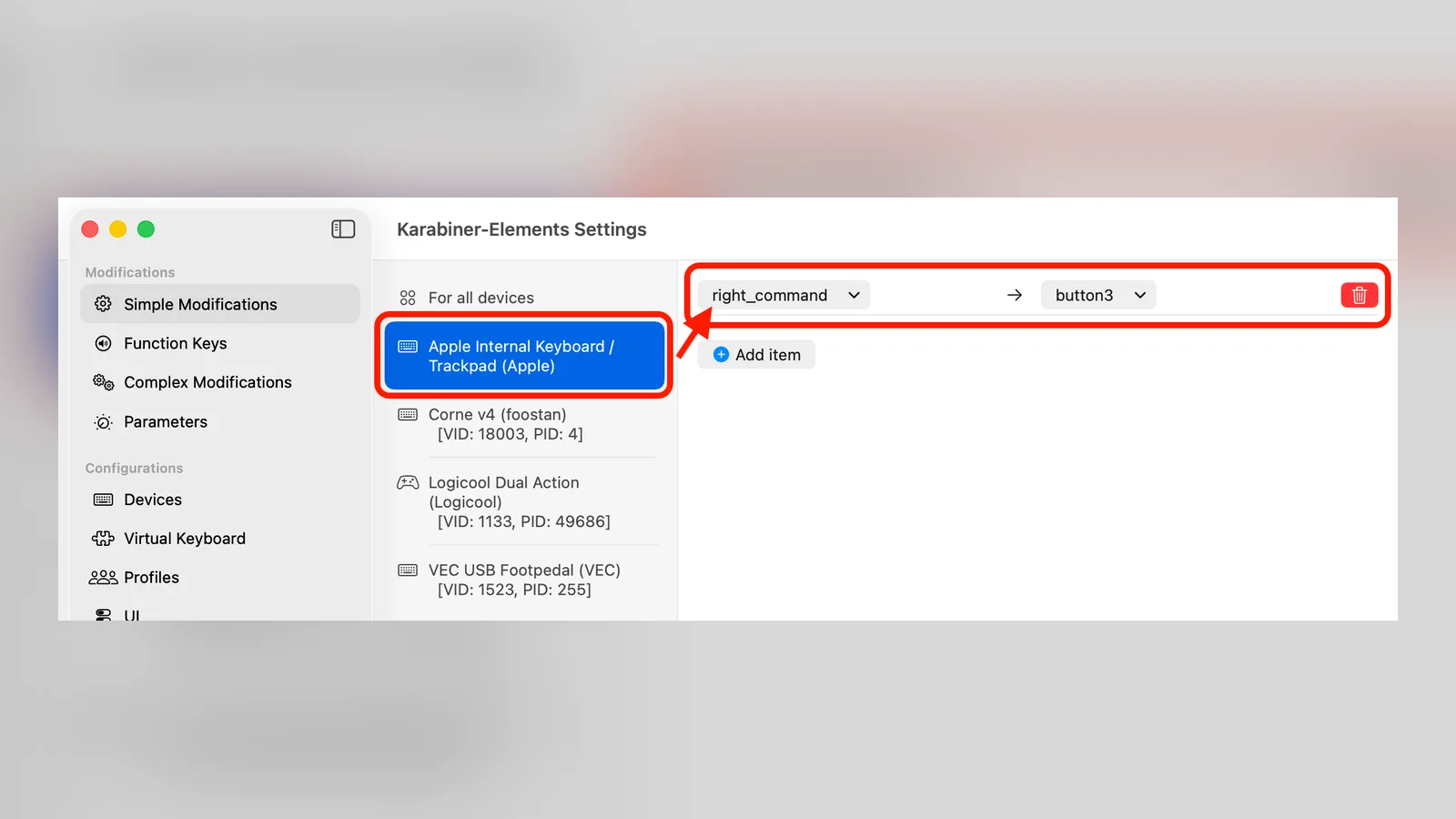
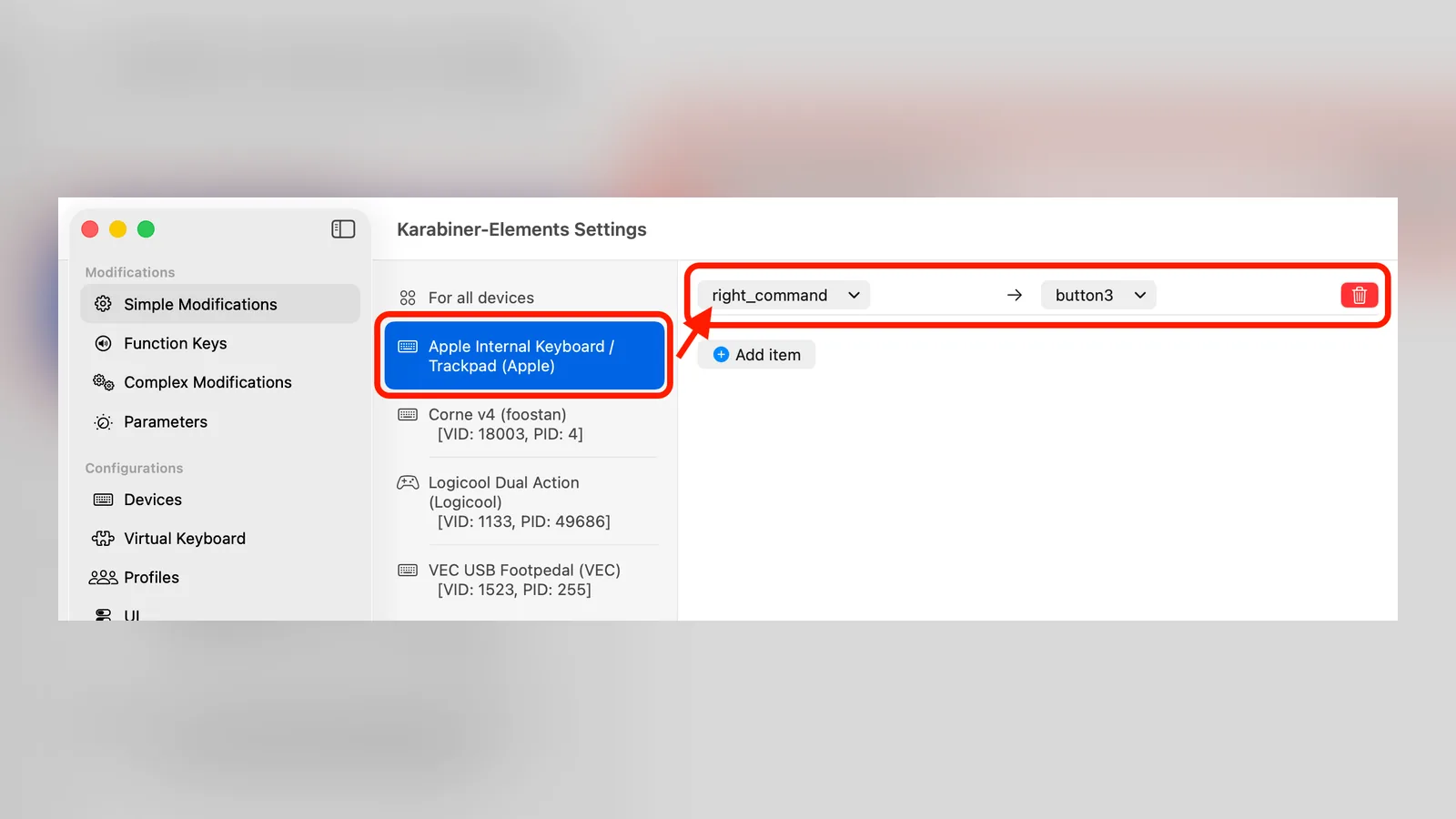
Karabiner-Elements is a free keyboard customizer. Its Simple Modifications tab swaps keys, such as Command and Option, and its rules can apply to one keyboard or one app. It is the closest thing to PowerToys Keyboard Manager.
Karabiner-Elements remaps single keys in its Simple Modifications tab. Image: Karabiner-Elements
Karabiner-ElementsPowerful, free keyboard customizer for macOSVisit WebsiteKarabiner-Elements is a free keyboard customizer for macOS that remaps keys and builds complex modifications.
- Swap Command, Option, and Control to match Windows muscle memory.
- Remap single keys or create rules that apply per app or per keyboard.
- Import community rule sets from its Complex Modifications library.
- Free and open source, with releases for recent and older macOS versions.
Karabiner-Elements suits people who type on a Windows keyboard or want Windows-style shortcuts.Visit Website
Mouse scrolling, speed, and buttons
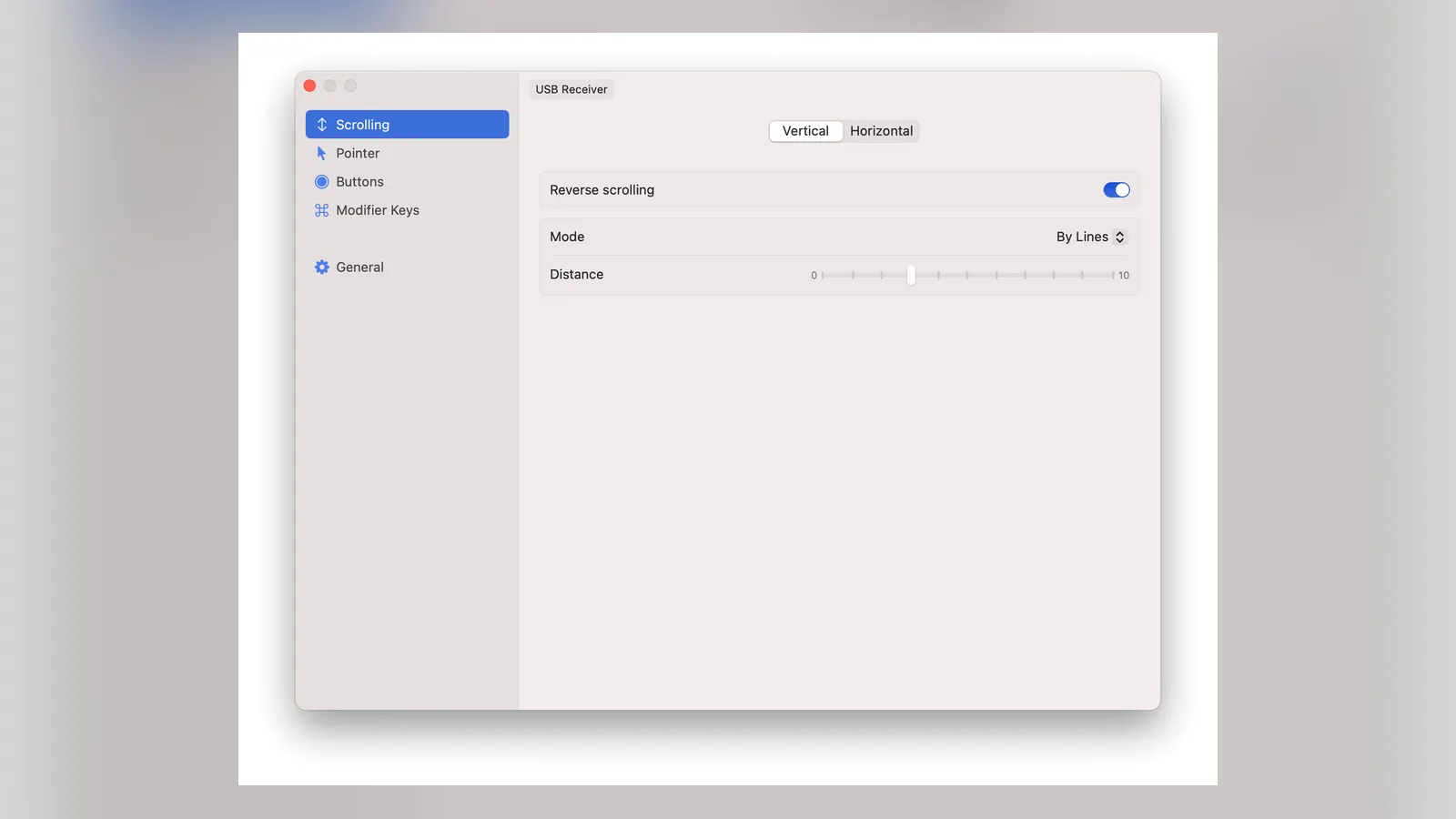
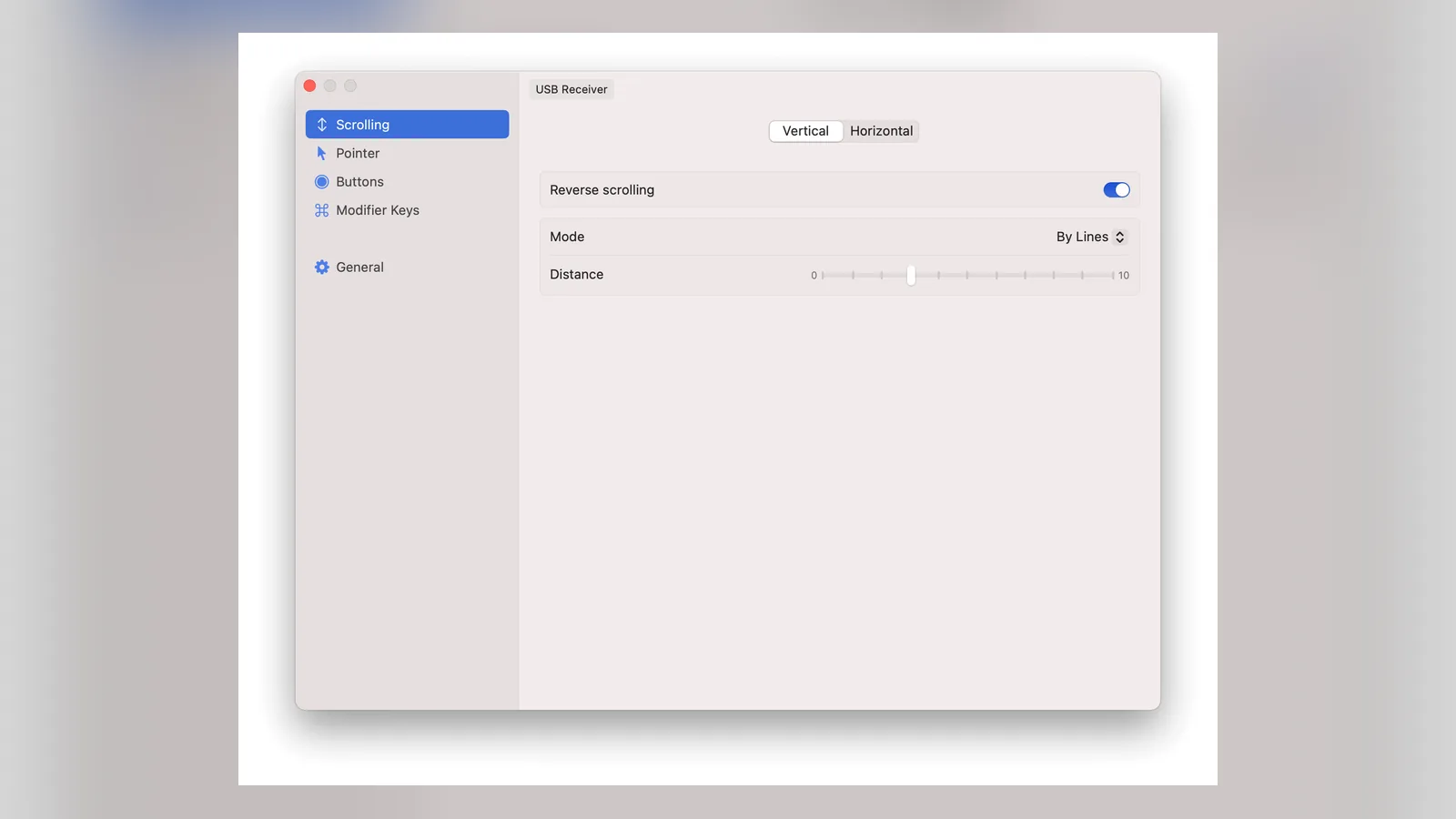
An external mouse feels off on a Mac for two reasons: scrolling direction and pointer acceleration. In System Settings you can turn off Natural Scrolling for a mouse, but that flips your trackpad too. LinearMouse sets direction and speed per device, turns acceleration off, and remaps buttons.
One Reddit user wrote that they "just set it to 'linear' and halfway speed and now scrolling feels as smooth as in Windows." On X, a developer urged people "not to install Logitech Options+ and to use LinearMouse."
LinearMouse keeps natural scrolling on the trackpad and reverses it on the mouse. Image: LinearMouse
Pricing: free and open source.
LinearMouseCustomize mouse and trackpad behavior on MacVisit WebsiteLinearMouse is a free, open-source utility that gives external mice and trackpads separate, Windows-like behavior on macOS.
- Set scroll direction and speed per device, so a mouse can differ from the trackpad.
- Turn off pointer acceleration for a linear, predictable cursor.
- Remap mouse buttons and modifier-key scrolling.
- Free and MIT licensed.
LinearMouse suits anyone whose mouse feels wrong on a Mac after moving from Windows.Visit Website
What is the Mac equivalent of the Snipping Tool?
It is built in. Press Command-Shift-4 to select an area, Command-Shift-4 then Space to capture one window, and Command-Shift-5 for the screenshot and screen recording toolbar. For quick markup, the thumbnail that appears in the corner opens an editor.
If you capture often, Shotbase adds annotation and a library for your captures. It has a 7-day free trial, and Pro is listed at $13 a month billed yearly. For recording options, see best screen recorders for Mac.
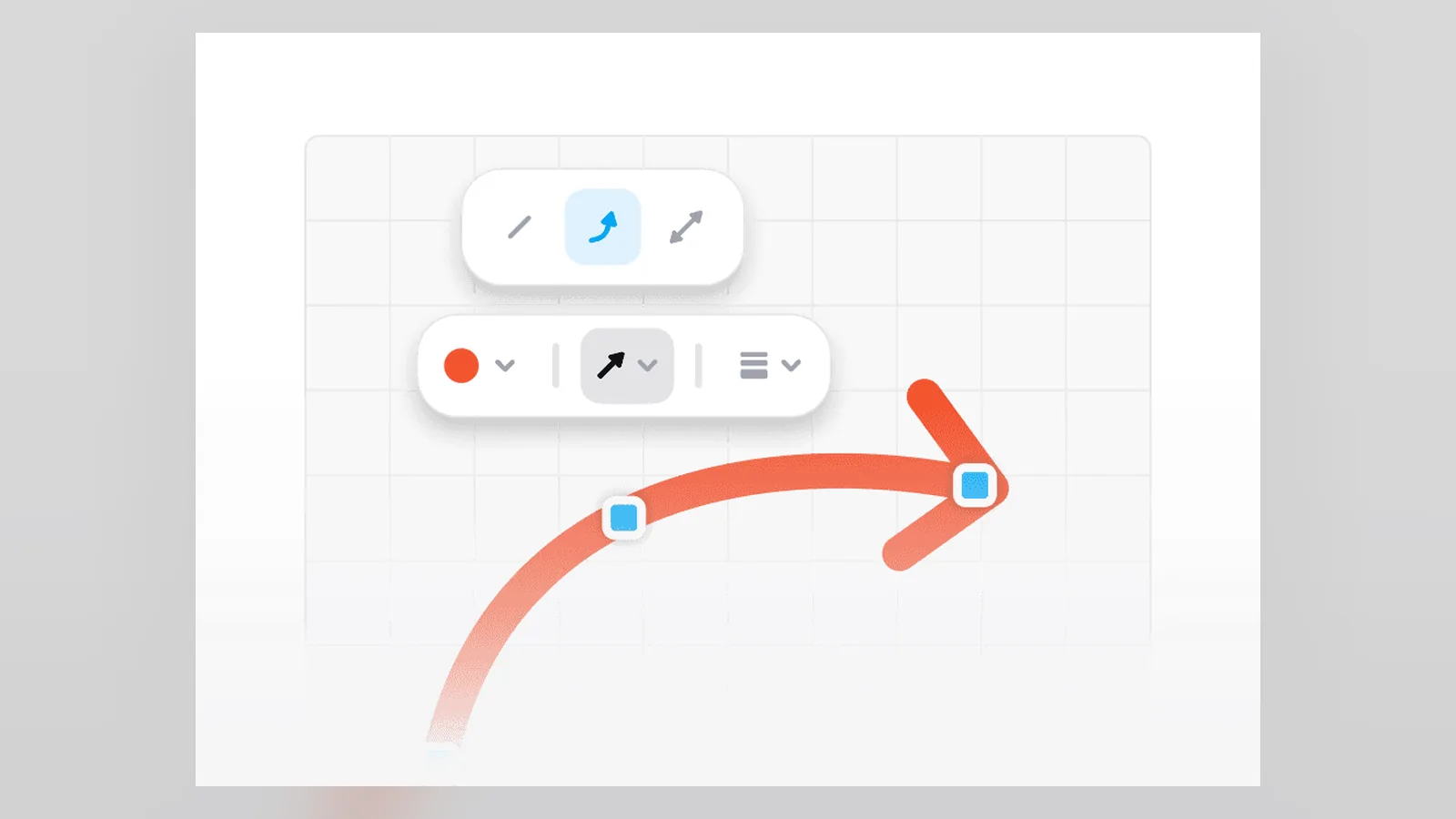
Shotbase's editor lets you annotate a capture before sharing. Image: Shotbase
ShotbaseCapture, edit, organize, and share in oneVisit WebsiteShotbase is a comprehensive tool designed to capture and manage all your screen-based content effortlessly. With features like stunning screenshot capabilities, recording options that include cinematic effects, and an intuitive organizational structure powered by local AI, you can easily keep your multimedia assets organized and accessible. Shotbase not only allows you to capture specific areas, windows, or full screens on your Mac but also enables you to edit and enhance your captures with backgrounds, frames, and annotations. The integrated AI ensures your captures are automatically named and tagged for easy searching, making it an excellent choice for anyone looking to enhance their productivity and creativity in one seamless workspace.Visit Website
Will my Office files and Windows drives work on a Mac?
Microsoft Office has Mac versions, so Word, Excel, and PowerPoint files open as expected. Pages, Numbers, and Keynote open and export them too, but formatting can shift in complex documents. Keep Office if you share files with a business.
Windows drives are the bigger surprise. macOS reads NTFS drives but cannot write to them, according to Paragon, which sells a paid driver for write access. If you only need to move files between machines, format the drive as exFAT, which both systems read and write.
FAQ
What is the first app I should install on a new Mac coming from Windows?
AltTab. It gives you a Windows-style Alt-Tab with window previews, which macOS lacks. Rectangle for window snapping is a close second.
How do I switch between windows of the same app on a Mac?
Press Command-` to cycle through windows of the front app. For previews and every app at once, use AltTab with a second shortcut set to show the active app only.
Do I need antivirus on a Mac?
Usually no. One Reddit commenter said "XProtect is more than enough," referring to the protection built into macOS. Avoid paying for a third-party scanner on a new Mac.
Can a Mac read NTFS drives?
Yes, it can read them, but it cannot write to them without a driver such as Paragon's. Reformatting to exFAT works for shared drives.
Is there a free Windows-style clipboard history for Mac?
Yes. Maccy is free and open source, and macOS 26 includes clipboard history in Spotlight with Command-4.
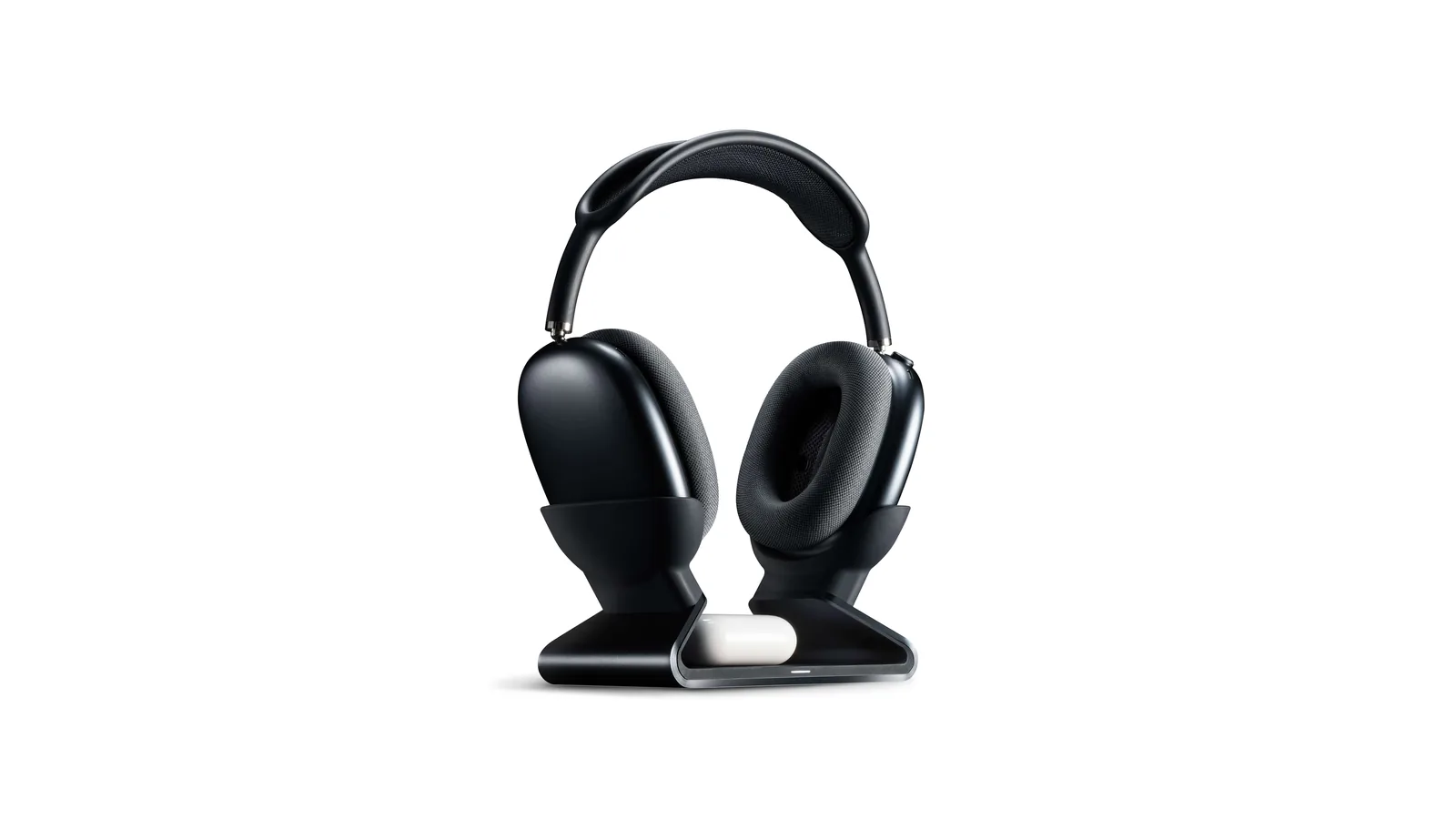
A floating AirPods Max stand that charges through a magnetic port connector.
HardwareDesk SetupmacOS
Max Charging Stand
An AirPods Max charging stand with sleep mode and a Qi pad for earbuds.
HardwareDesk SetupmacOS
Nanotac AirPods Max Stand (MagFit)
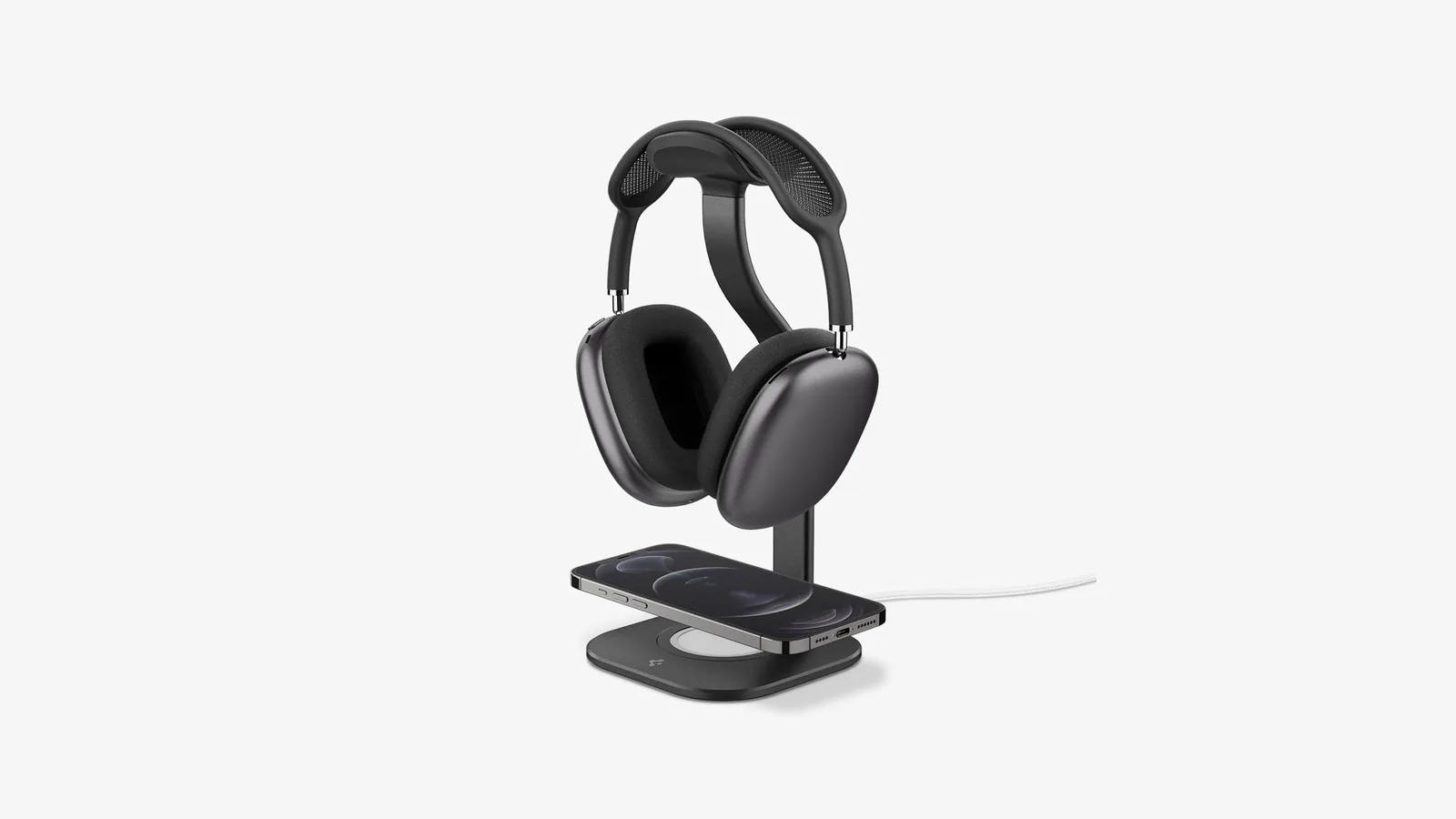
An aluminum AirPods Max stand with a MagSafe charger slot for an iPhone.
HardwareDesk SetupmacOS
MX Keys S
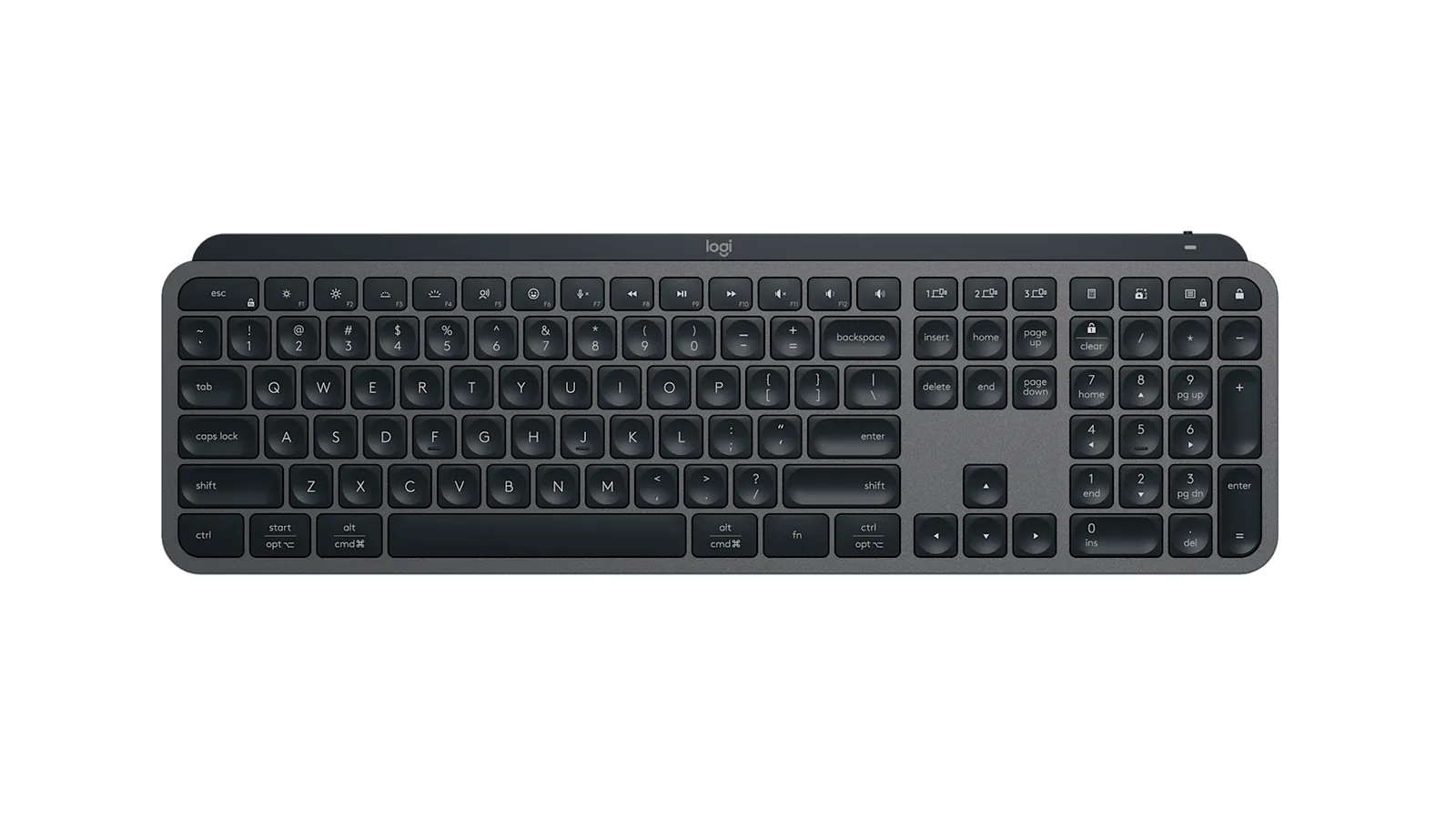
A full-size wireless keyboard with smart backlighting and three-device switching.
HardwareKeyboards & MicemacOS
Double Shot
Free open-source Mac app that keeps your Mac awake for AI agents
Free
Double Shot is a free, open-source macOS menu bar app that keeps your Mac awake, with the lid closed too, and for as long as your AI coding agents are working.
- Detects when Claude Code, Codex, Gemini CLI, Cursor Agent, Copilot CLI, OpenCode, Amp or Aider are actually working, not just open.
- Lid closed mode uses pmset disablesleep, with a one-time password prompt that adds a sudoers rule.
- Stops at the first warm level, turns the dark display off, switches on Low Power Mode on battery, and lets go when the battery gets low.
- Quick picks from 15 minutes to 5 hours, or until you turn it off.
- MIT licensed. Install with Homebrew or download from GitHub. Not notarized by Apple yet, and it needs macOS 14 or later.
Double Shot suits anyone who starts a long agent run, closes the lid and expects the work to carry on.
SoftwareUtilitiesmacOS
Peek
Glance at websites and widgets with a shortcut
Free
Peek is a native Mac app that brings frequently checked information into a personal overlay. Hold a shortcut to glance at it, release to return to your work, or tap the shortcut to keep it open and interact.
Combine websites, local PDFs, and widgets such as Calendar, Reminders, and time zones in one space. Arrange and resize content freely, or use Flow mode to organize your layout. Hide unwanted page elements and block ads, trackers, and cookie banners.
Set custom keyboard shortcuts, including separate left and right modifier keys. Peek works across multiple monitors and full-screen spaces, with per-display layouts or synced widgets. Optional auto-refresh keeps pages current, and you can open content in its default app when you want to continue outside the overlay. The site also lists passkey support and experimental web extensions.
Use it to check analytics beside your calendar, review GitHub pull requests and Linear issues while coding, or gather visual references from websites without switching away from your current app.
Available free on the Mac App Store. Requires macOS 14.2 or later.
SoftwareProductivitymacOS
Mac mini 11-in-1 Docking Station
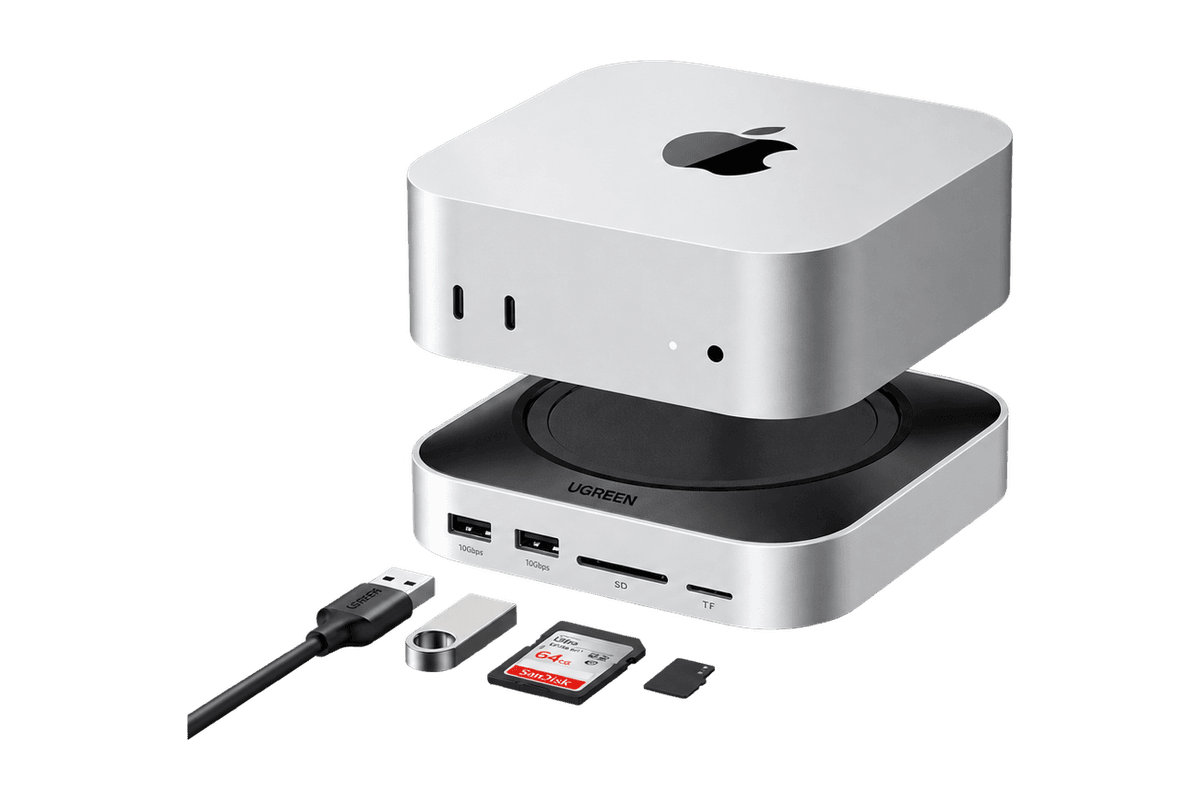
A Mac mini M4 dock with an 8TB-capable NVMe slot and card readers.
HardwareConnectivitymacOS
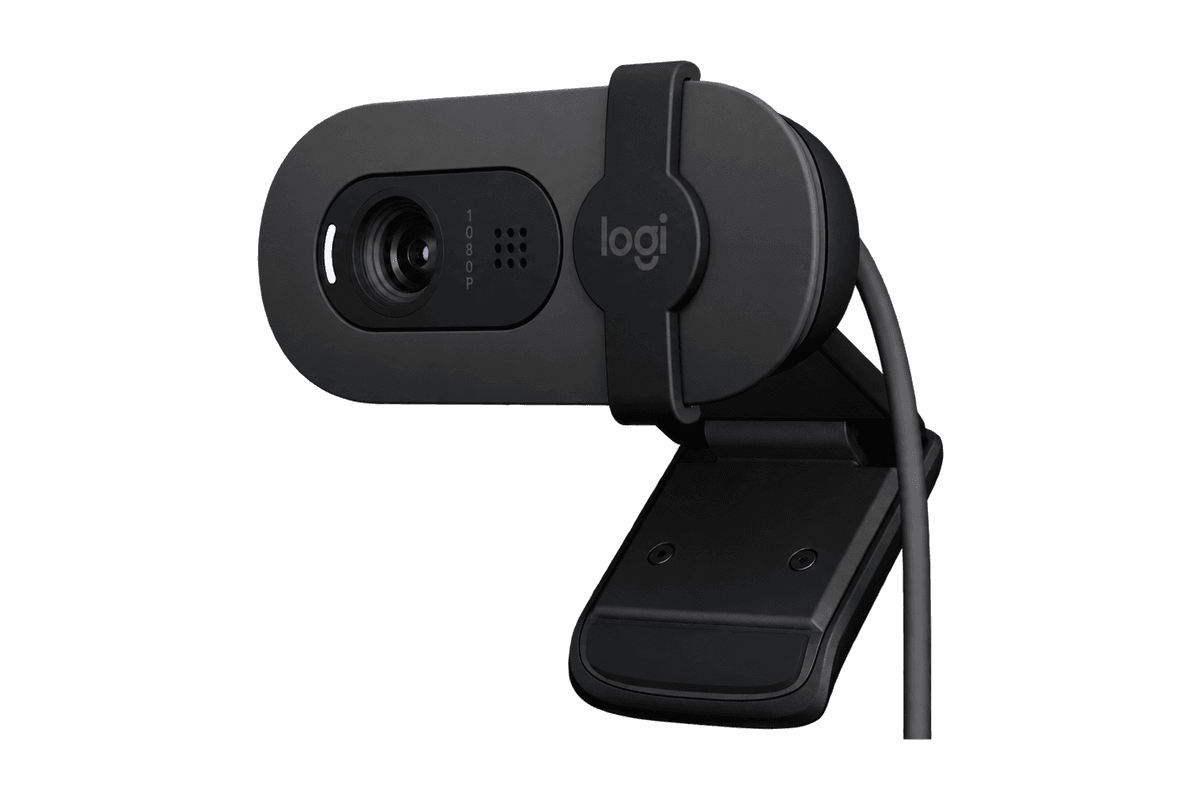
Brio 100 Full HD Webcam
A budget 1080p webcam with a privacy shutter and built-in mic.
HardwareCamerasmacOS
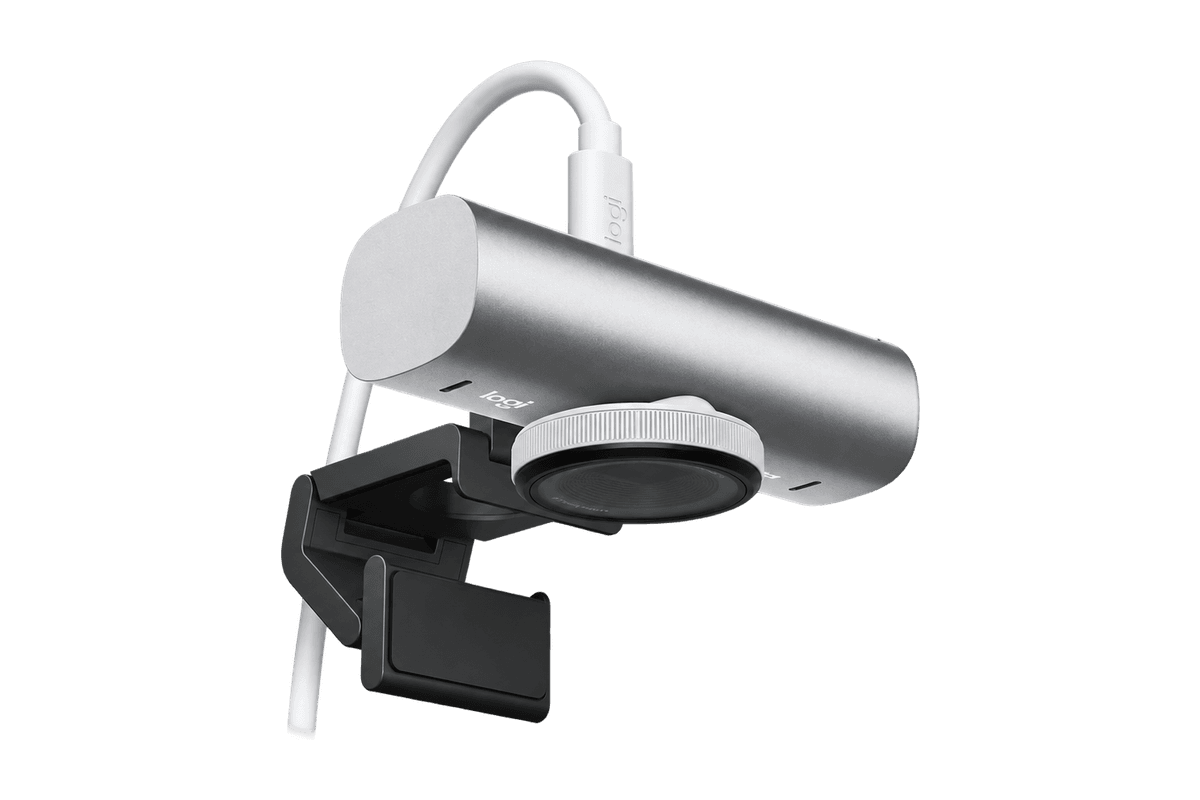
MX Brio 4K Webcam
A 4K/30 or 1080p/60 webcam with dual mics and Show Mode.