Created November 16, 2026Updated November 23, 2026
The best MacBook Neo case depends on how you carry it. A sleeve protects it in a bag, and a hard-shell case stays on all the time. Our top picks are the tomtoc Defender-A13 sleeve for $32.99 and the UAG Plyo hard shell for $64.95.
The MacBook Neo is Apple's 13-inch laptop with the A18 Pro chip. It measures 11.71 x 8.12 x 0.50 inches and weighs 2.7 pounds, so cases made for a 13-inch MacBook Air do not always fit. Every pick below is listed for the MacBook Neo by its maker. Prices were checked on November 16, 2026.
Should you get a MacBook Neo sleeve or a hard-shell case?
Get a sleeve if you carry the Neo in a backpack or tote and want padding against drops. It comes off at your desk, so the laptop stays slim.
Get a hard-shell case if you want scratch and bump protection all day, including on a desk or in a cafe. It adds a little bulk and stays on when you open the lid.
Many people use both: a thin shell for daily scuffs and a sleeve for the bag.
tomtoc Defender-A13: best MacBook Neo sleeve
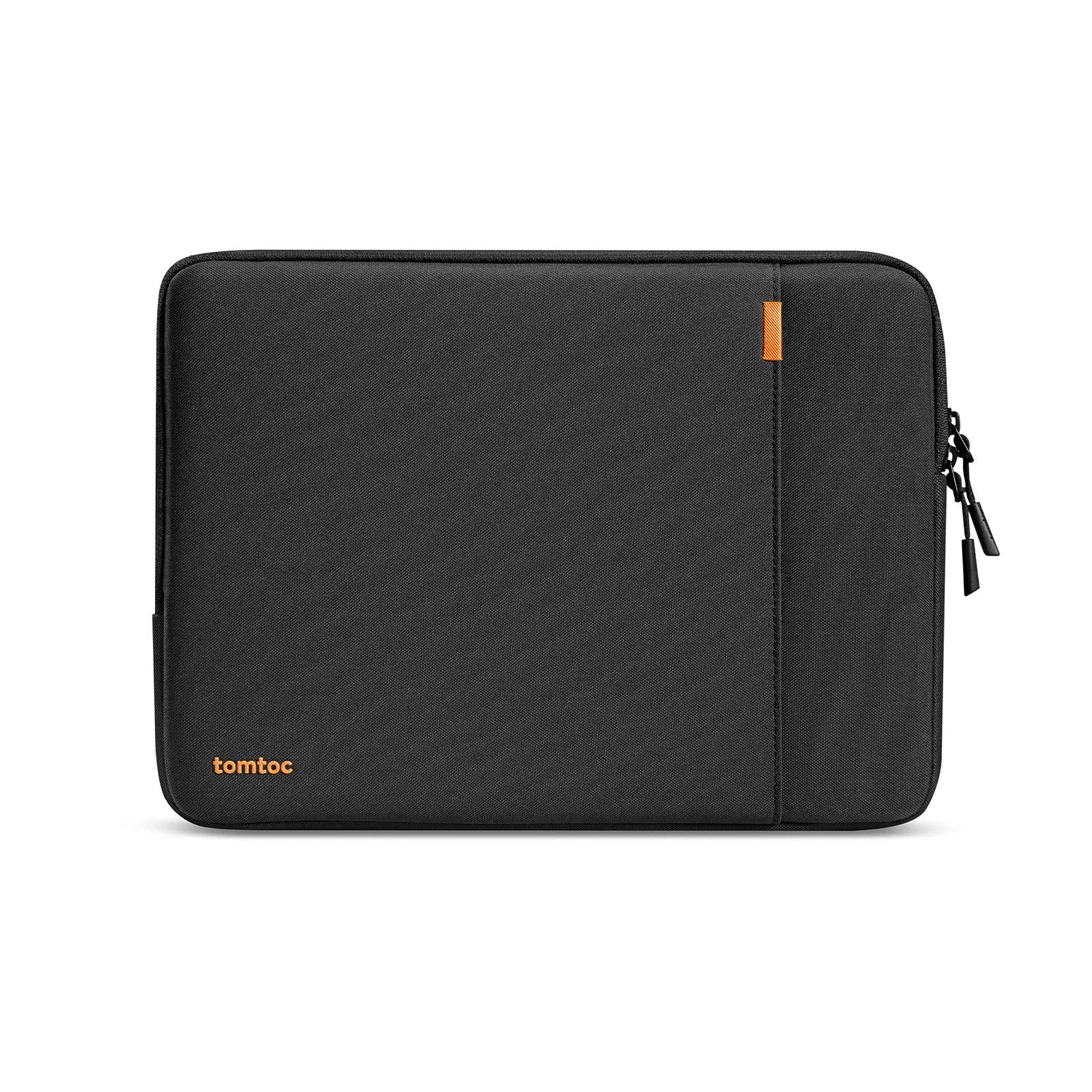
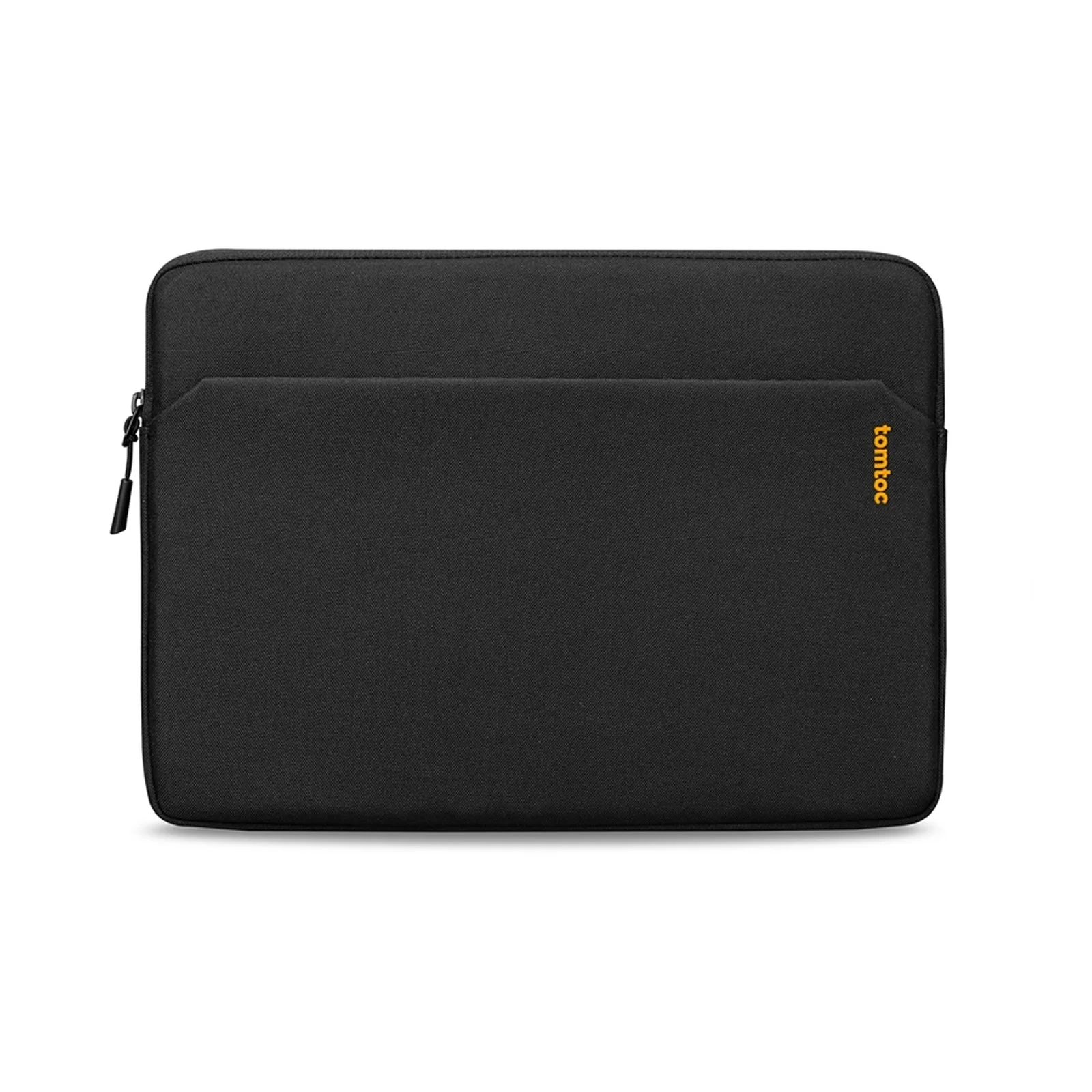
The Defender-A13 has padded CornerArmor corners. Image: tomtoc
tomtoc Defender-A13 Sleeve for MacBook Neo is a padded sleeve sized for the MacBook Neo (A3404, 2026). Its internal size is 11.71 x 8.12 x 0.5 inches, which matches the Neo's footprint.
Key features:
360-degree padding with CornerArmor corners, drop-tested to a military standard.
Spill-resistant recycled fabric with a PFAS-free treatment.
A front pocket for a charger, plus an AirTag or key strap and YKK zippers.
Better or worse than the others? The most protective sleeve here. It is a bit thicker than the Light-A18.
tomtoc Defender-A13 Sleeve for MacBook NeoA padded 13-inch MacBook Neo sleeve with CornerArmor drop protection.Visit WebsiteThe tomtoc Defender-A13 is a laptop sleeve sized for the 13-inch MacBook Neo (A3404, 2026).
- 360 degree padding with CornerArmor corners, drop-tested to a military standard.
- Spill-resistant recycled fabric with a PFAS-free treatment.
- A front pocket for a charger, an AirTag or key strap, and YKK zippers.
- Internal size 11.71 x 8.12 x 0.5 inches, which matches the MacBook Neo's footprint.
tomtoc lists it at $32.99.Visit Website
tomtoc Light-A18: best slim MacBook Neo sleeve
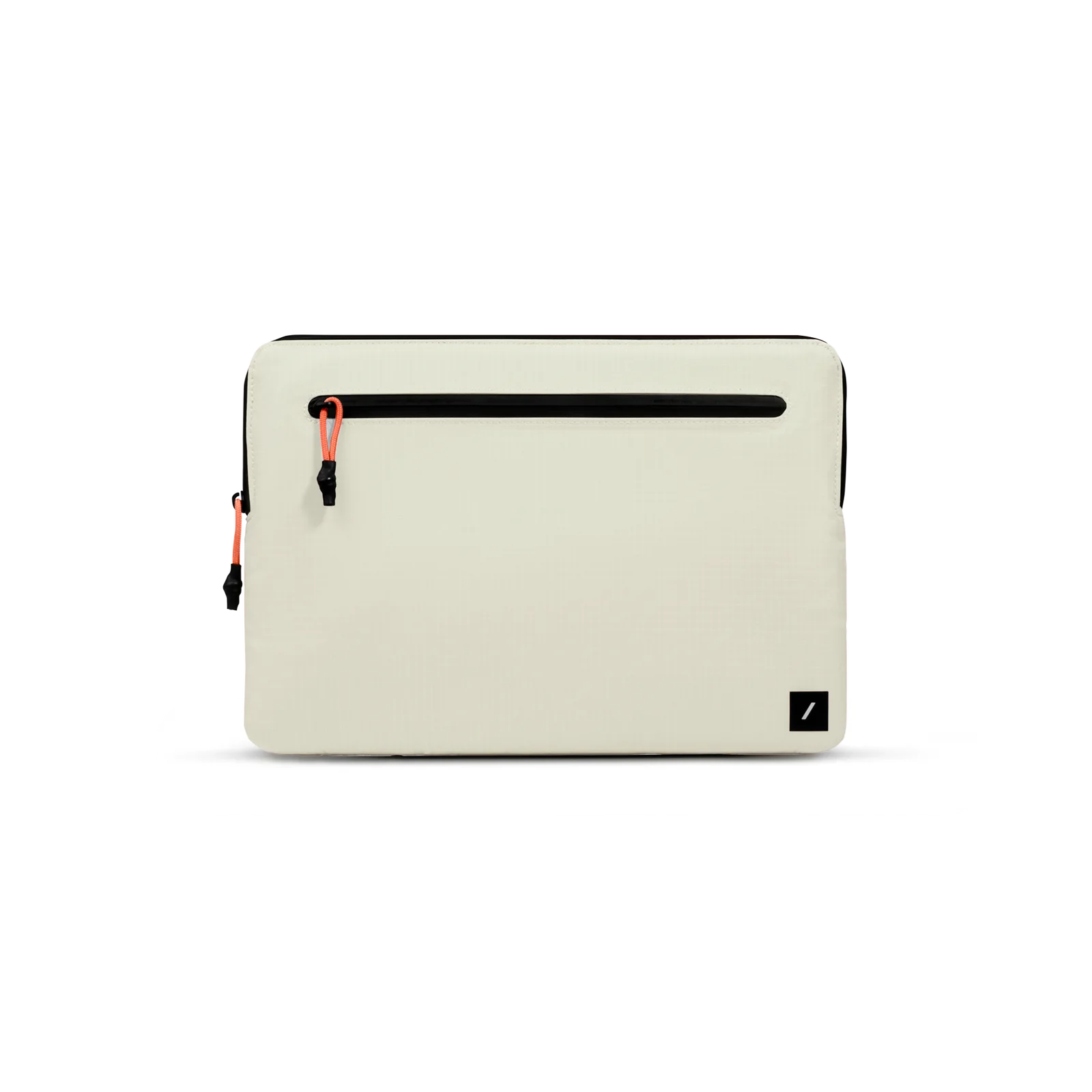
The Light-A18 is a slim, water-resistant sleeve. Image: tomtoc
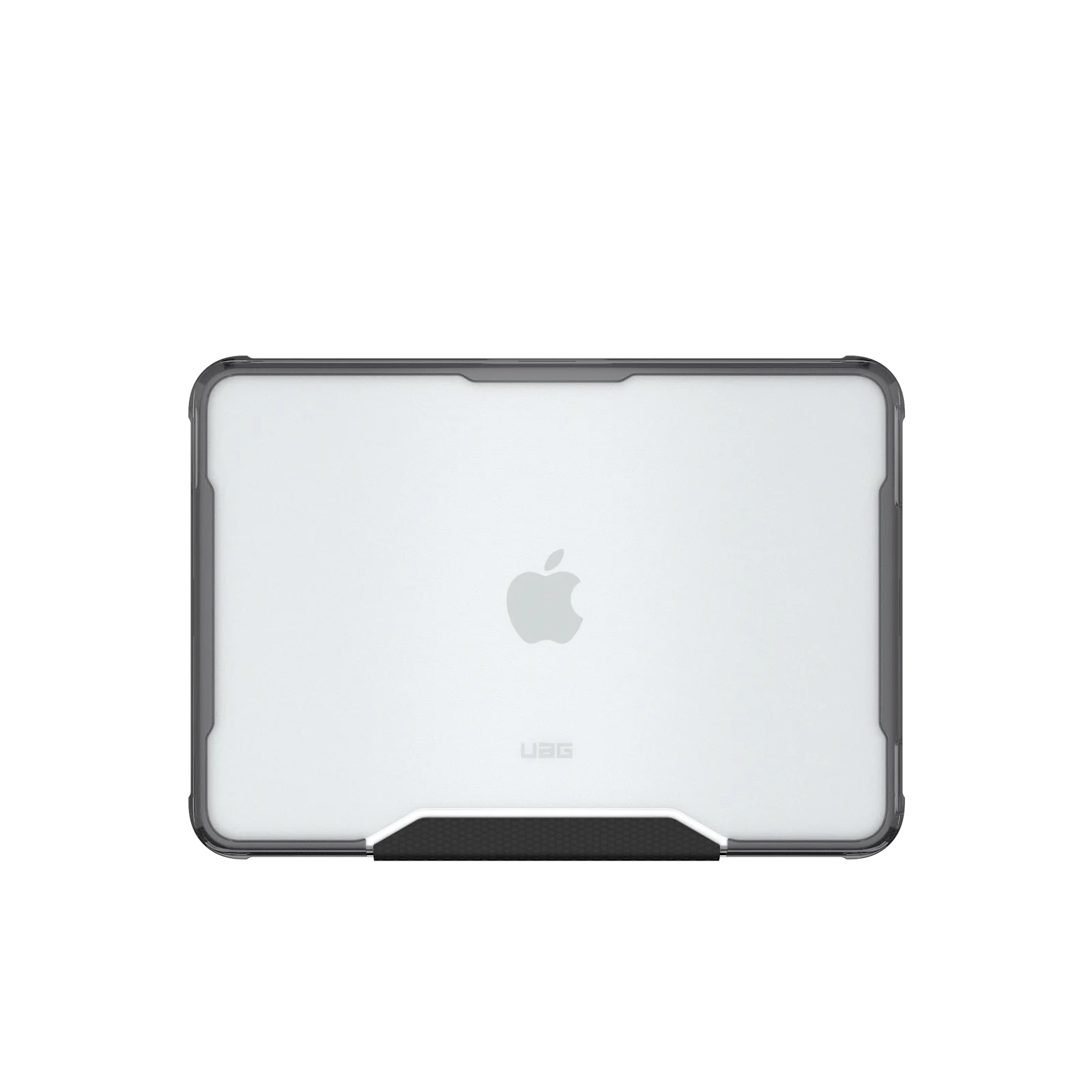
UAG Plyo Case for MacBook Neo is a clip-on hard shell for the MacBook Neo 13-inch (2026). It is the clear-style option here, so the Neo's color still shows through.
Key features:
Translucent co-molded polycarbonate and TPU.
Meets MIL STD 810G 516.6, with reinforced corners.
A non-slip hinge grip, rubber feet, and full port access.
UAG also sells a Scout case for the MacBook Neo at $44.95 if you want a cheaper shell.
Better or worse than a sleeve? Better for all-day protection. It does not protect the screen when the laptop is in a bag, so pair it with a sleeve if you travel.
The MacBook Neo has one USB 3 USB-C port that supports one external display up to 4K at 60Hz, and one USB 2 USB-C port. A small stand and a good desk setup help too.
Buy the tomtoc Defender-A13 if you carry your Neo in a bag. Buy the UAG Plyo if you want it protected all day. Buy the tomtoc Light-A18 if you want the cheapest good sleeve.
FAQ
Do MacBook Air 13-inch cases fit the MacBook Neo?
Not always. The MacBook Neo measures 11.71 x 8.12 x 0.50 inches, so hard shells must be made for the Neo. Some sleeves, like Native Union's Ultralight and W.F.A, list both.
What size sleeve does the MacBook Neo need?
A 13-inch sleeve made for the Neo. The tomtoc Defender-A13 has an internal size of 11.71 x 8.12 x 0.5 inches, which matches the Neo.
Is there a clear MacBook Neo case?
The UAG Plyo is translucent, so the color of your MacBook Neo shows through.
Do you need a case for a MacBook Neo?
Not if it stays on a desk. A sleeve is worth it if you carry it in a bag, and a hard shell helps if you want to avoid scratches.
#### Sources
Prices and specs were checked on November 16, 2026.
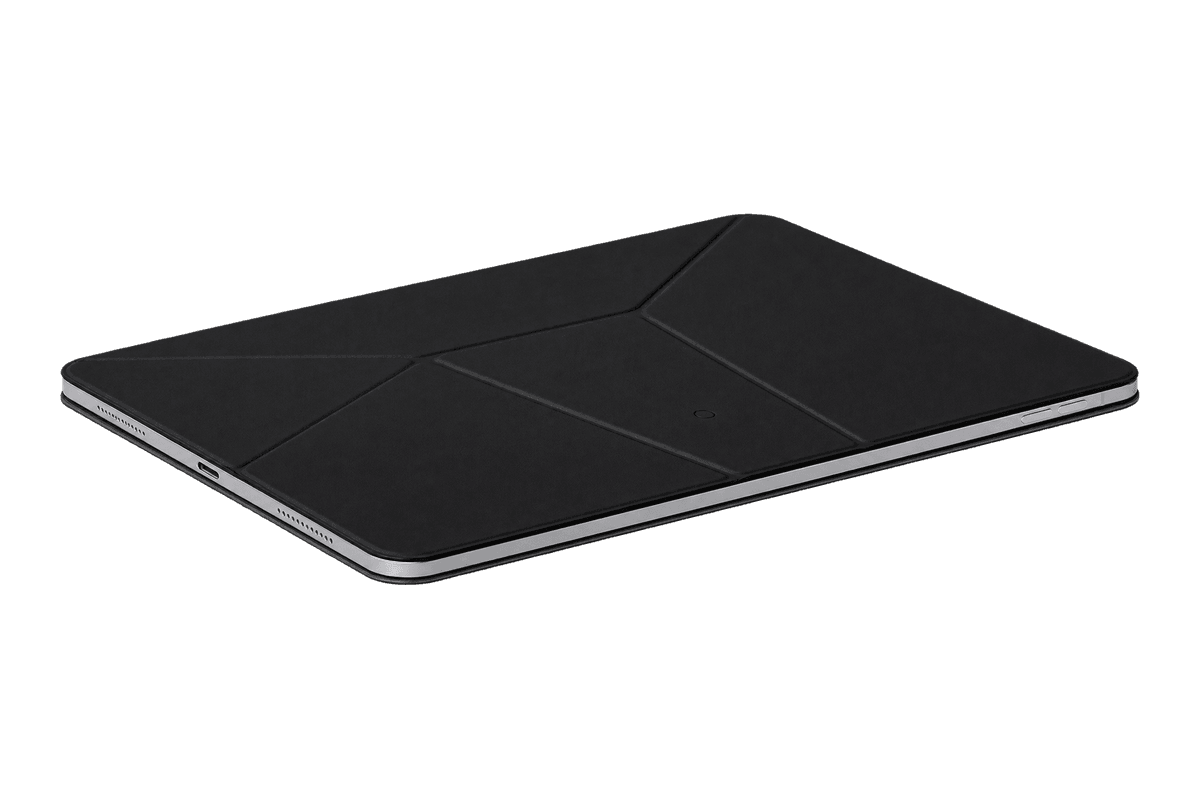
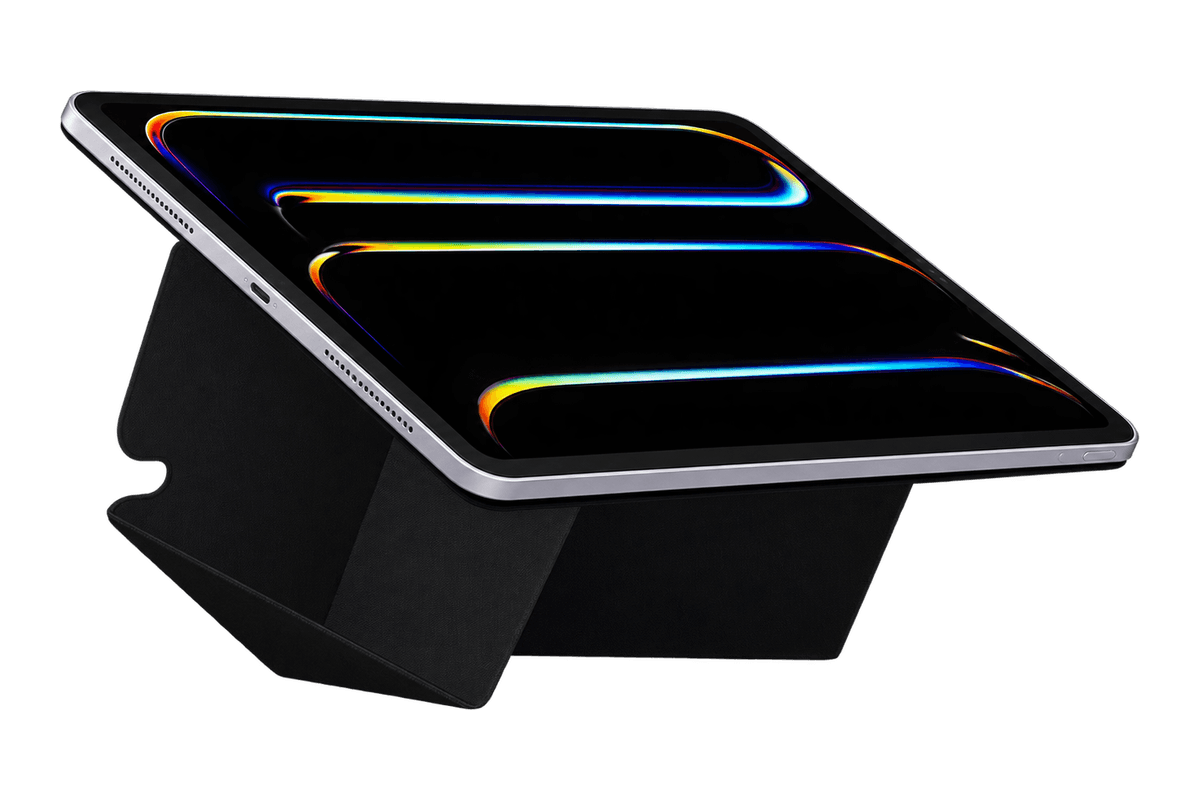
A folding magnetic folio with viewing and drawing positions for the 11-inch iPad Pro M4/M5.
HardwareAccessoriesiPadOS
Art of Fauna
Puzzle game with historic wildlife art
Freemium
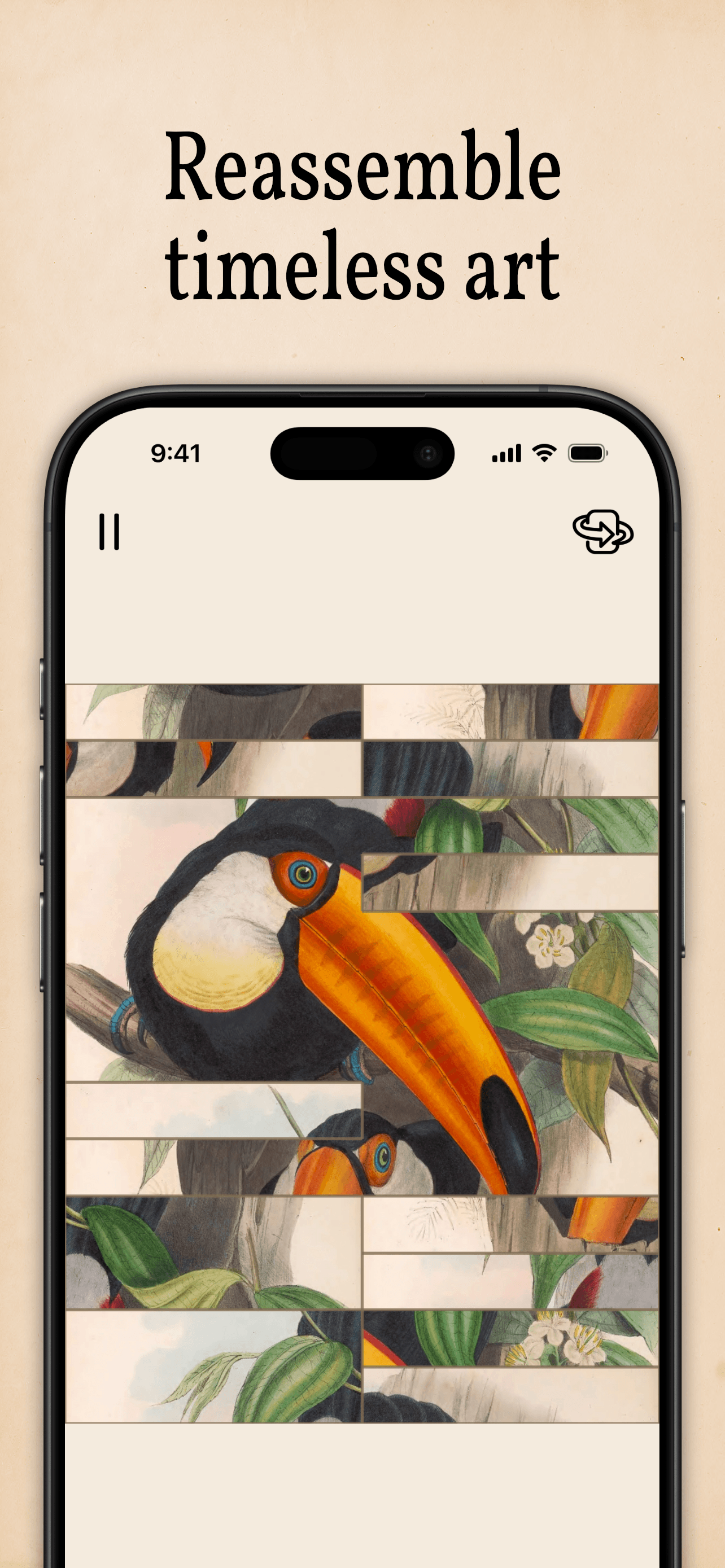
Art of Fauna is a puzzle game featuring natural history illustrations from the 18th and 19th centuries, each paired with a description of the depicted animal.
- Includes artworks by artists such as Joseph Wolf and Elizabeth Gould
- Contains two volumes with 110 puzzles each from five different regions
- First 10 puzzles in each volume are free; additional puzzles available via in-app purchase
- Features picture and text-based puzzle modes
- Accessibility options: simplified texts, dyslexia-friendly fonts, customizable color schemes, content filters, VoiceOver, VoiceControl, and Switch Control support
- Portion of each purchase supports wildlife conservation organizations
Art of Fauna is free to download with optional in-app purchases to unlock additional puzzles. Requires iOS 16.0 or later.
SoftwareCreativeiOS & iPadOS
Ascope
Daily App Store Keyword Ranking Tool
Paid
Ascope is a Mac application for tracking daily keyword rankings for iPhone and Mac apps in the App Store across 50+ countries.
- Tracks daily keyword rankings for any iPhone or Mac App Store app
- Displays Apple’s keyword popularity scores and estimated difficulty
- Compares keyword performance across multiple countries
- Stores all app, keyword, and ranking history locally on your Mac
- Supports tracking of competitor apps identified by Apple
- Includes a local MCP server for integration with Cursor, Claude, Codex, or Gemini
Ascope requires macOS 14 Sonoma or later and supports Apple silicon and Intel Macs. It is paid only, with pricing at $7.50/month (billed annually) or $9.99/month, and includes a 14-day money-back guarantee.
SoftwareDevelopmentmacOS
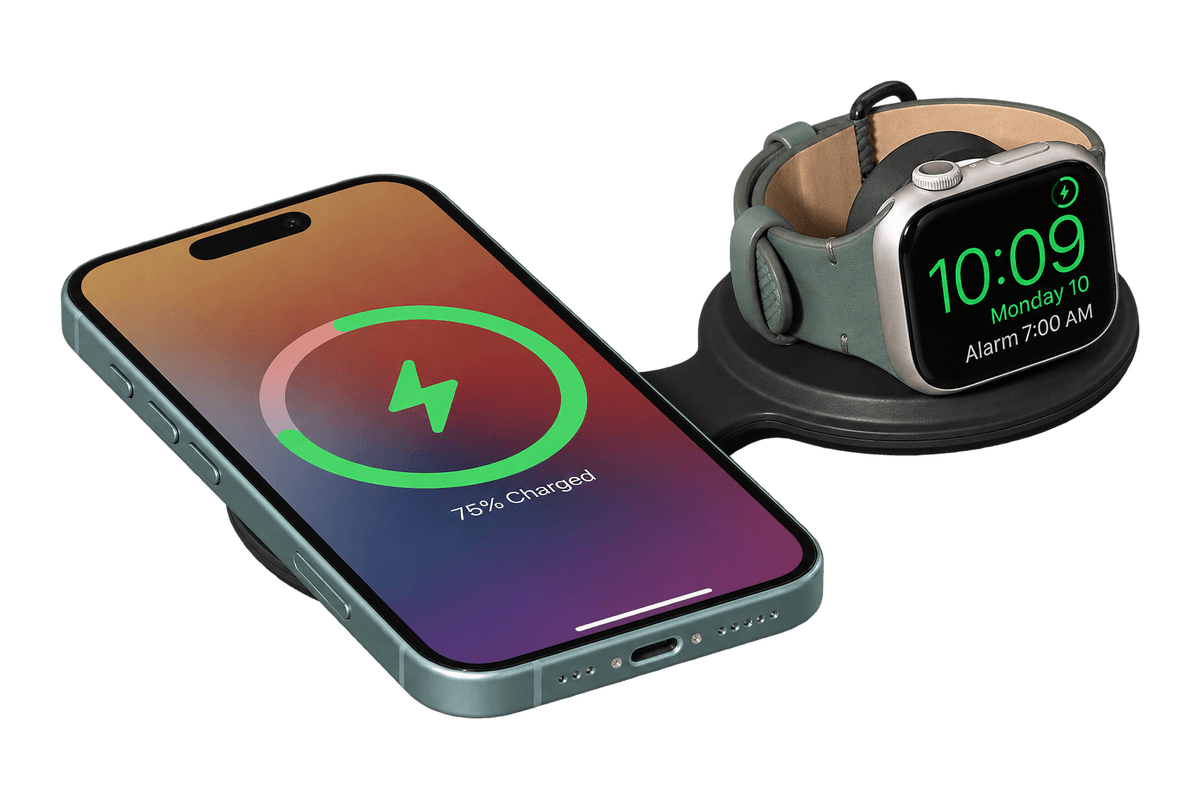
Nest V2
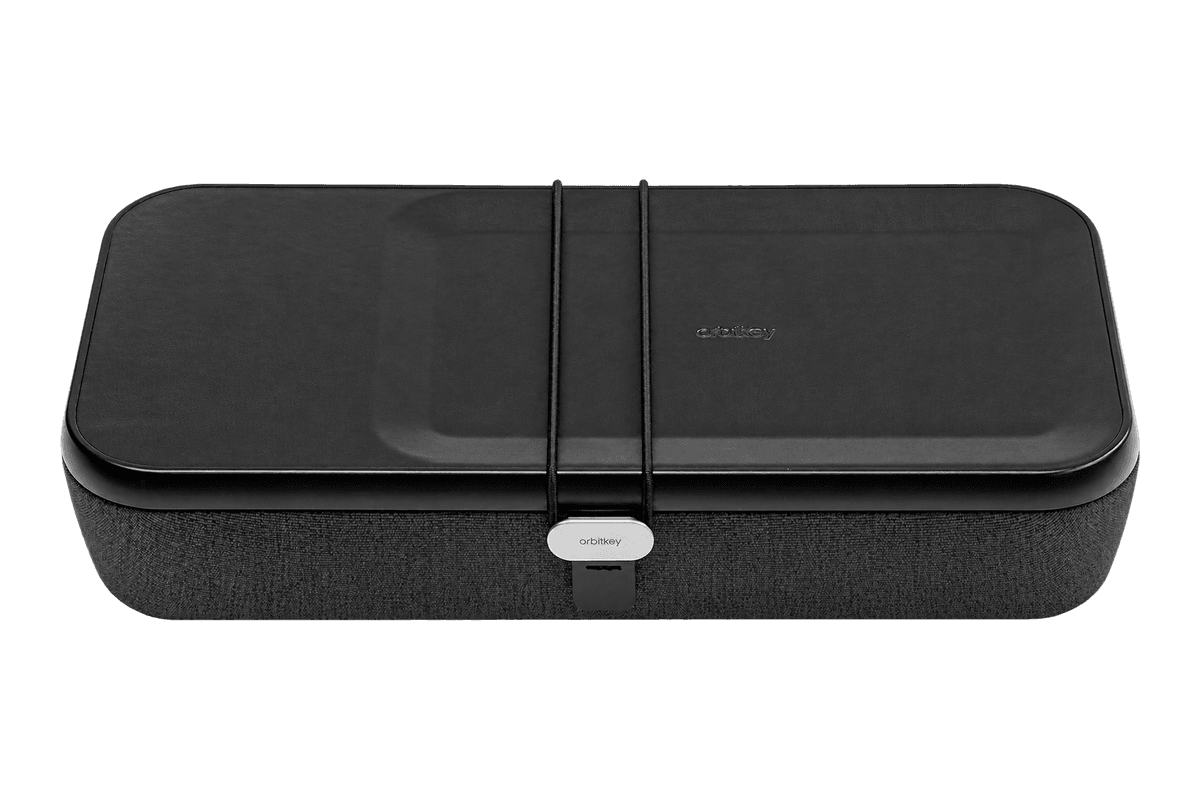
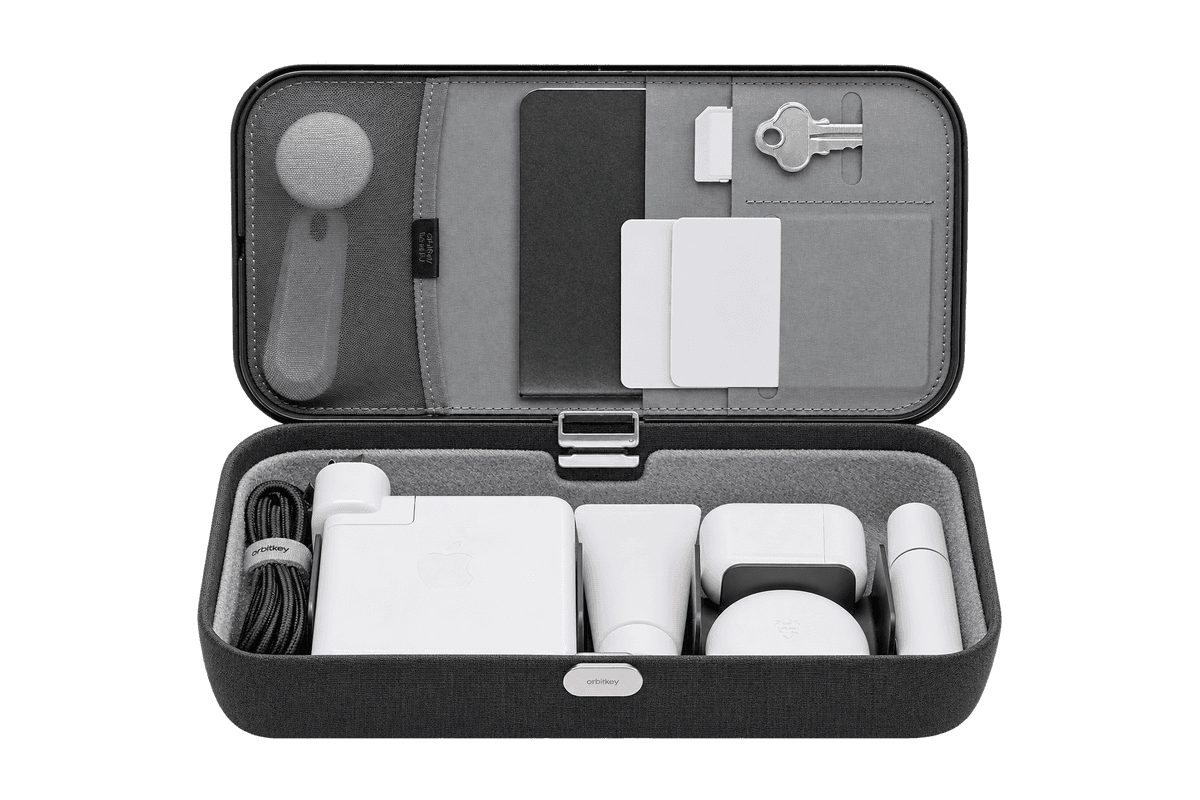
A portable organizer for desk essentials with a wireless charging pad in the lid.
WorkspaceOrganization
Joi
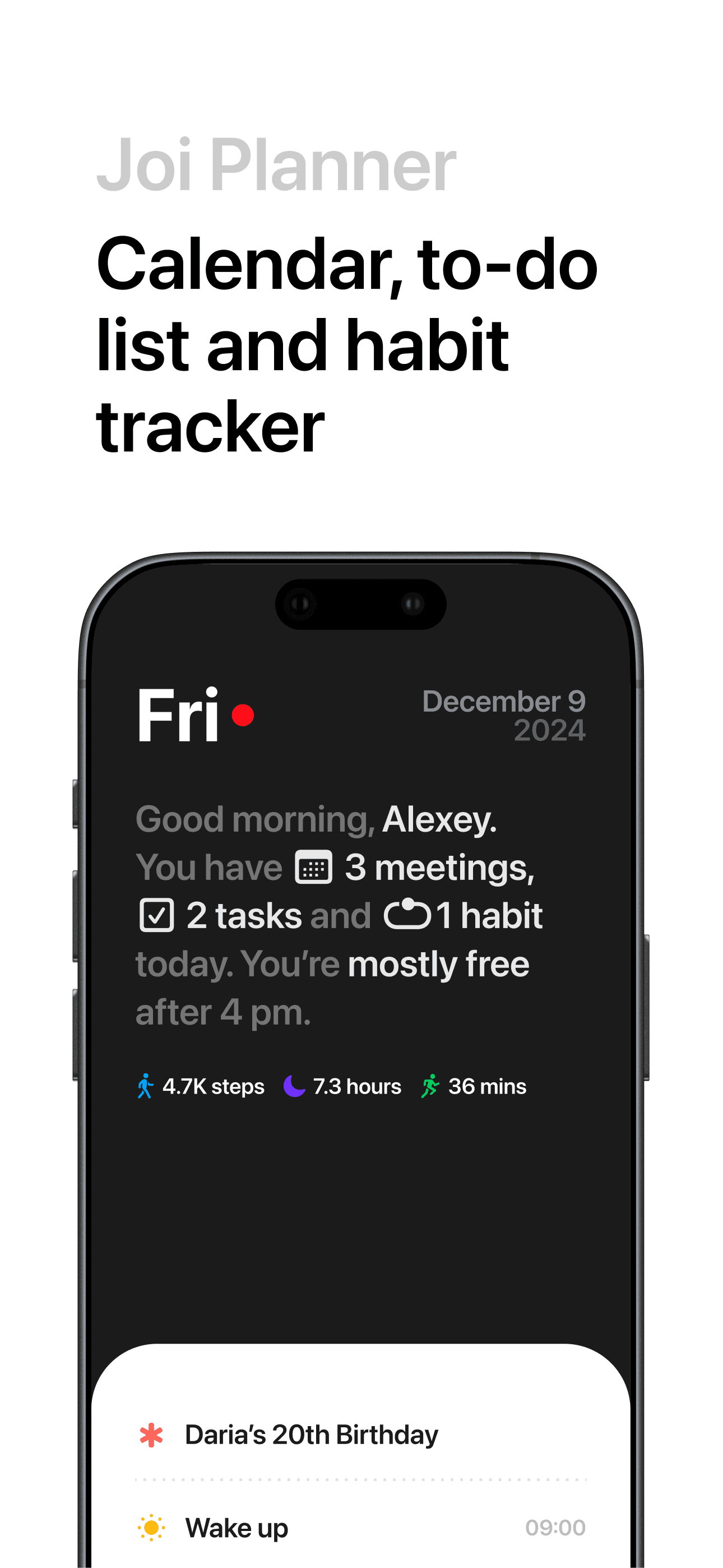
Calendar, task, and habit management app
Freemium
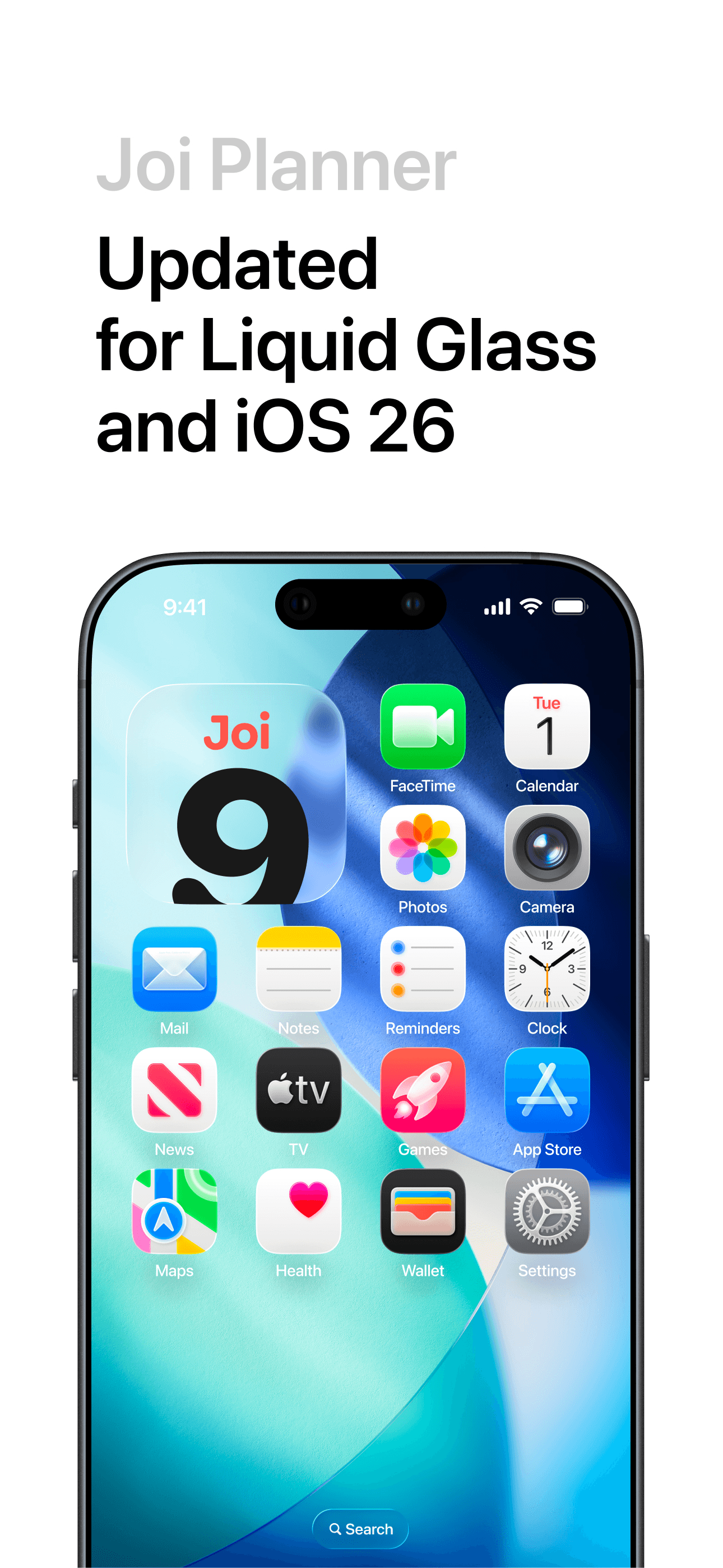
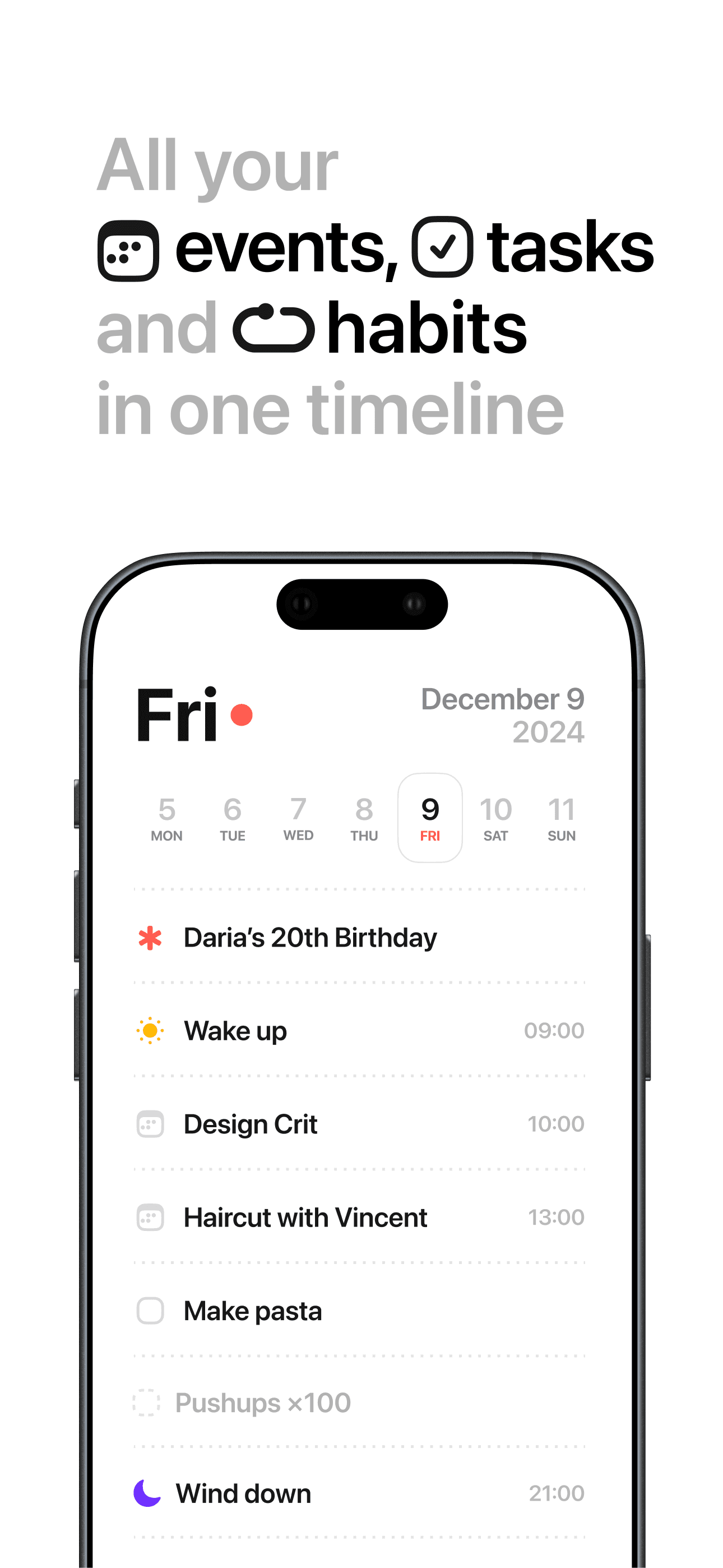
Joi is an app that combines a calendar, task manager, and habit tracker into a single timeline, aimed at helping users manage routines and activities efficiently.
- Create and adjust tasks and events quickly.
- Track daily or weekly habits in one place.
- View tasks, habits, and events on a single visual calendar.
- Synchronize with calendar and reminders for task transfer.
- Access and manage tasks and habits from any device.
- Receive notifications for important scheduled tasks.
Joi is free to download with in-app purchases available. The app requires iOS 17.6 or later for use on compatible devices.
SoftwareProductivityiOS & iPadOS
Winq
Gaze-based screen and window focus for Mac
One-time
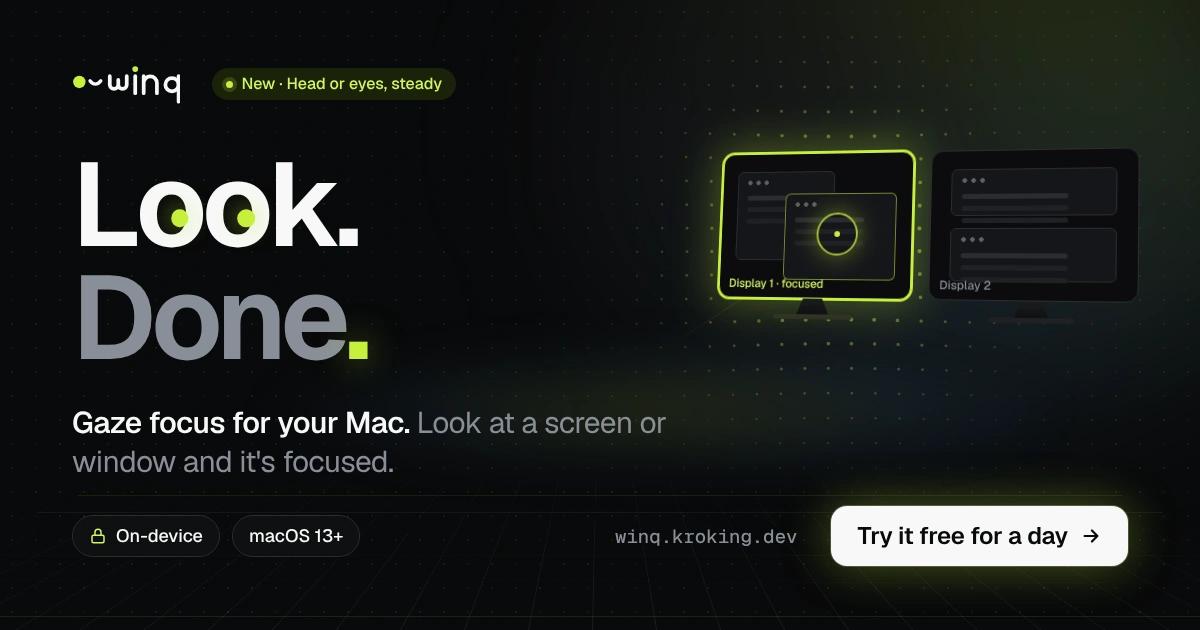
Winq is a macOS application that lets users switch focus between screens and windows using head and eye movements captured by your Mac's camera.
- Allows you to select and focus windows or screens just by looking at them
- Supports multiple monitors and overlapping windows; visible portions are counted and top windows take precedence
- Learns from your gaze patterns and interactions to improve accuracy over time
- Never switches focus while you type or use the mouse and can be paused any time
- Calibration takes about 20 seconds per screen and can be re-centred in two seconds as sitting position changes
- Processes camera data locally with Apple's Vision framework; no images or video are stored or sent anywhere
Winq offers a free trial for one day with full feature access. Continued use requires a one-time purchase per Mac, and all future updates are included. Requires macOS 13 or later and works on Apple Silicon and Intel Macs.
SoftwareProductivitymacOS
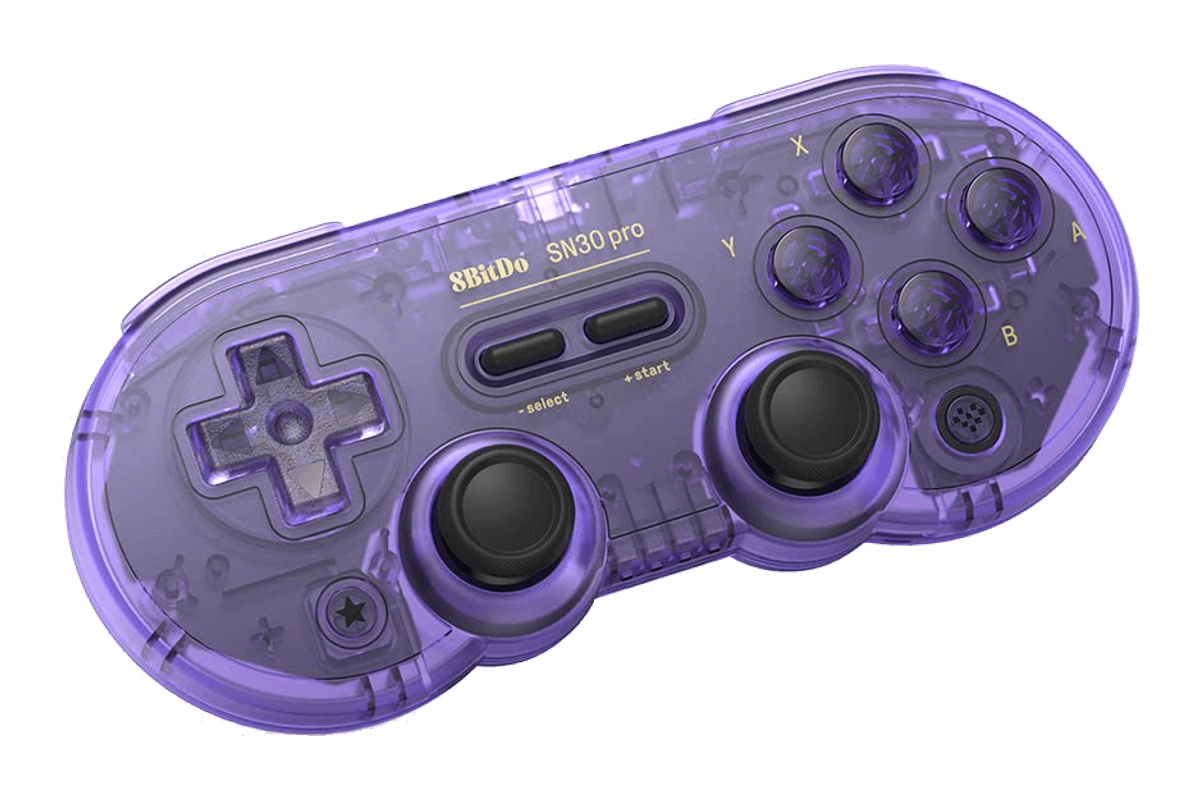
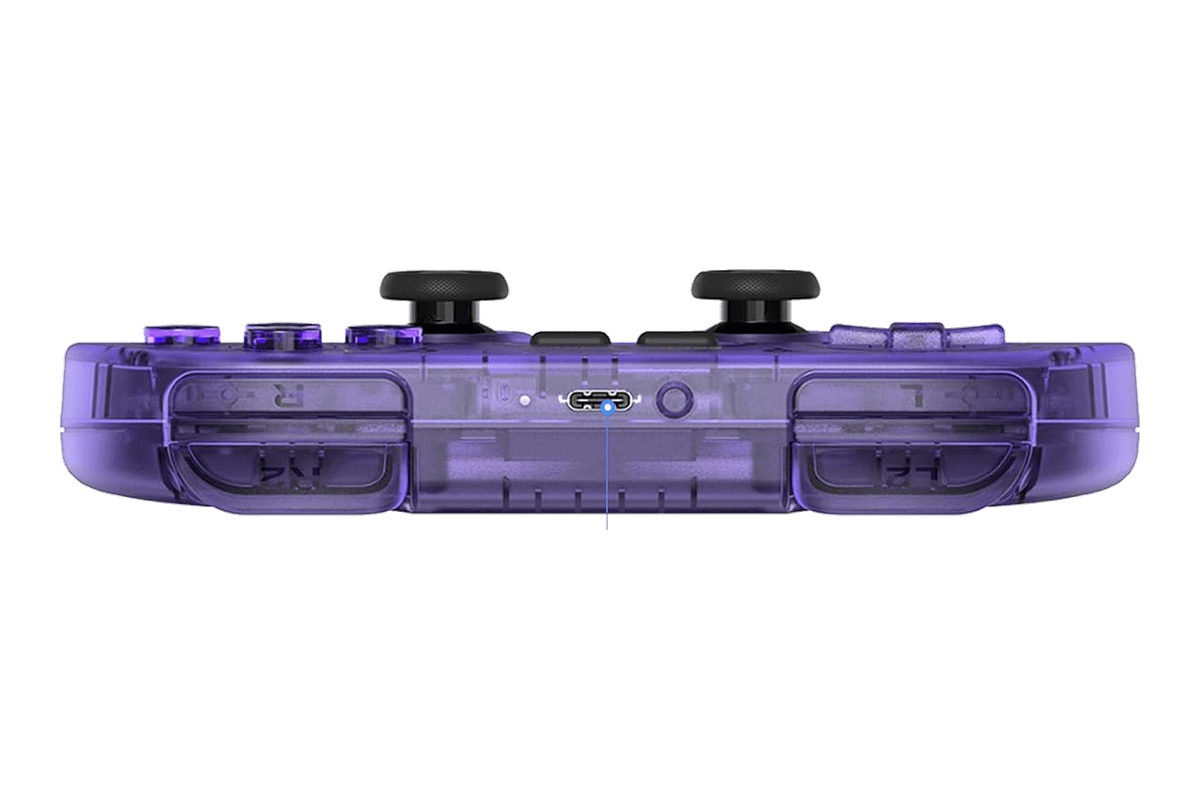
SN30 Pro (Crystal Purple)
A compact Bluetooth controller with Hall-effect sticks for supported Mac, iPhone, and iPad games.
HardwareAccessoriesmacOS & iOS & iPadOS
Abejas
Professional network organizer for Apple devices
One-time
Abejas is a universal app for Mac and iPhone that helps you manage, organize, and remember your professional network. It focuses on grouping contacts, private notes, and reminders linked to the people you already know.
- One-click import of contacts from a major professional network on Mac
- Group, tag, favorite, and automatically group contacts on Mac using on-device AI
- Take and keep private notes for each contact and interaction
- Set follow-up reminders with optional notifications on Mac and iPhone
- Sync all contacts, notes, and reminders securely via your private iCloud account
- Supports features like Spotlight search, widgets, Shortcuts, VoiceOver, dynamic text, and offline access
Abejas is available as a one-time purchase for $49.99. The universal license includes both Mac (Apple silicon, macOS 27+) and iPhone (iOS 27+) apps. Requires iCloud for syncing; no subscription or upsells are involved.
SoftwareProductivitymacOS
CapWords
Capture vocabulary from real life photos
Freemium
CapWords is an iOS app that lets users capture words from any real-life text by taking a photo, using AI to recognize text and provide contextual definitions. Each captured word is added to a personal vocabulary library and connected to its image.
- Recognizes and extracts words from photos using AI
- Provides contextual definitions, example sentences, and usage notes
- Links new vocabulary to images for visual memory support
- Employs spaced repetition to remind users to review words
- Supports multiple languages and offers offline word bank
- Allows vocabulary export to other apps
CapWords is free to download on iOS devices running iOS 17.0 or later, with in-app purchases available. No mention of a full-featured free tier; additional features may require payment.