Created November 16, 2026Updated November 23, 2026
The best monitor for a MacBook Pro is one that matches its sharp screen and charges it over one cable. Our top pick is the BenQ MA270S, a 27-inch 5K display made for Macs at a $999 MSRP. The Apple Studio Display is the best Apple option from $1,599, and the ASUS ProArt 5K is the best value 5K monitor at $699.
All of these also work with a MacBook Air. Prices were checked on official pages on November 16, 2026.
Quick picks:
Best monitor for MacBook Pro:BenQ MA270S, $999 MSRP.
How many monitors can a MacBook Pro or MacBook Air use?
It depends on the chip. From Apple's tech specs:
MacBook Pro with M5 Max: up to four external displays, over three Thunderbolt 5 ports and HDMI.
MacBook Pro with M5 Pro: up to three external displays.
MacBook Pro with M6: up to two external displays, over Thunderbolt 4.
MacBook Air with M5: up to two external displays up to 6K at 60Hz, or one display up to 8K at 60Hz or 5K at 120Hz.
A 5K monitor at 27 inches gives the same sharp, Retina-like text as a MacBook screen. A 4K monitor at 27 inches looks a little softer but costs less and can run at higher refresh rates.
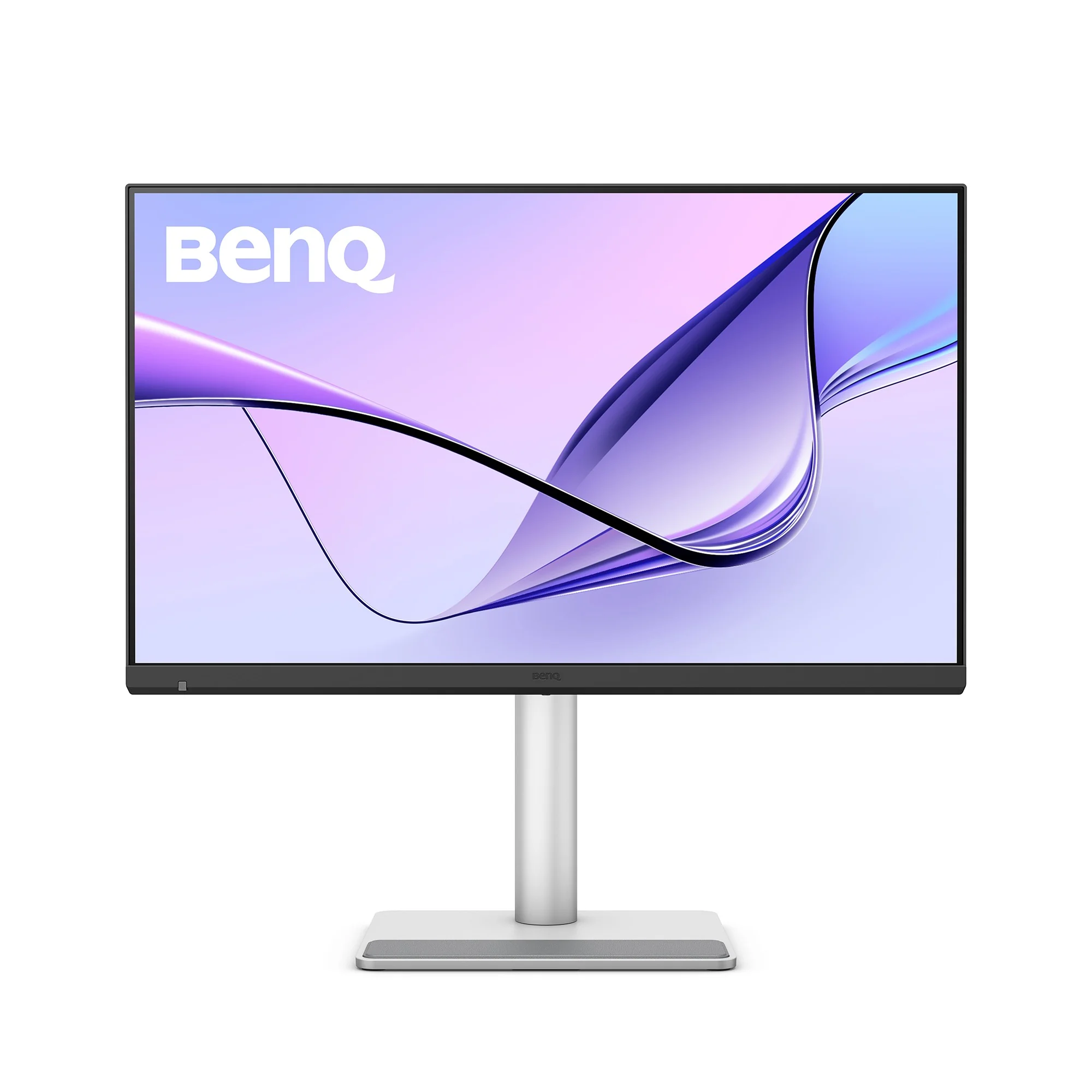
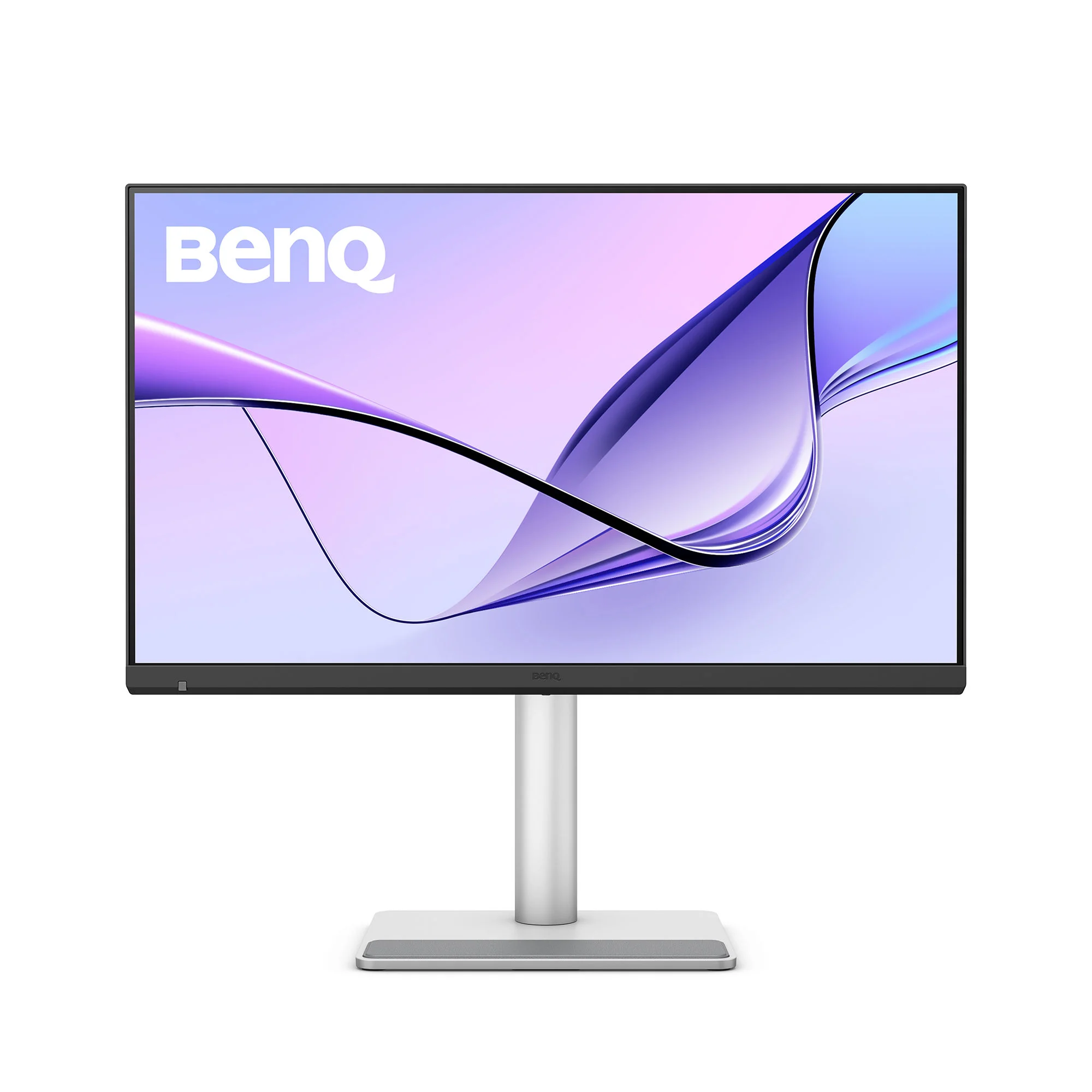
BenQ MA270S: best monitor for MacBook Pro
The BenQ MA270S is a 5K Nano Gloss monitor made for Macs. Image: BenQ
BenQ MA270S is a 27-inch 5K (5120x2880) monitor at 218 PPI, the same pixel density as the Studio Display, for less money.
Key features:
A Nano Gloss panel with 99% P3 and Mac color modes.
Thunderbolt 4 with 96W charging, plus Thunderbolt 4 out for daisy-chaining.
Mac keyboard brightness and volume control, and a KVM.
A height-adjustable stand with pivot.
Better or worse than the Studio Display? $600 cheaper with the same sharpness. It has no camera, mics, or six-speaker sound.
BenQ MA270SA 27-inch 5K Nano Gloss monitor with Thunderbolt 4, built for Mac.Visit WebsiteThe BenQ MA270S is a 27-inch 5K (5120x2880) IPS monitor made for Macs. It uses a Nano Gloss panel at 218 PPI, with Mac color matching and a single Thunderbolt 4 cable for video, data, and up to 96W of laptop charging.
- 27-inch 5K (5120x2880) IPS panel with Nano Gloss coating and 218 PPI.
- 450 nits typical brightness, VESA DisplayHDR 400, HDR10, and a 2000:1 contrast ratio.
- 99% P3 and 99% sRGB color, with Display P3, sRGB, HDR, and M-book modes.
- Thunderbolt 4 input with 96W power delivery, Thunderbolt 4 output for daisy-chaining, USB-C with 35W charging, and two HDMI 2.1 ports.
- iKeyboard Control and Display Pilot 2 for Mac-like brightness and volume keys, plus Smart KVM and picture-by-picture.
- Height-adjustable stand (150 mm) with tilt, swivel, and 90-degree pivot, plus 100x100 mm VESA mounting.
- Built-in 3W x 2 speakers and a headphone jack. A Thunderbolt 4 cable and a USB-C cable are in the box.
BenQ announced the MA270S at a $999 MSRP. It suits a Mac mini, Mac Studio, or MacBook desk where you want 5K sharpness without buying a Studio Display.Visit Website
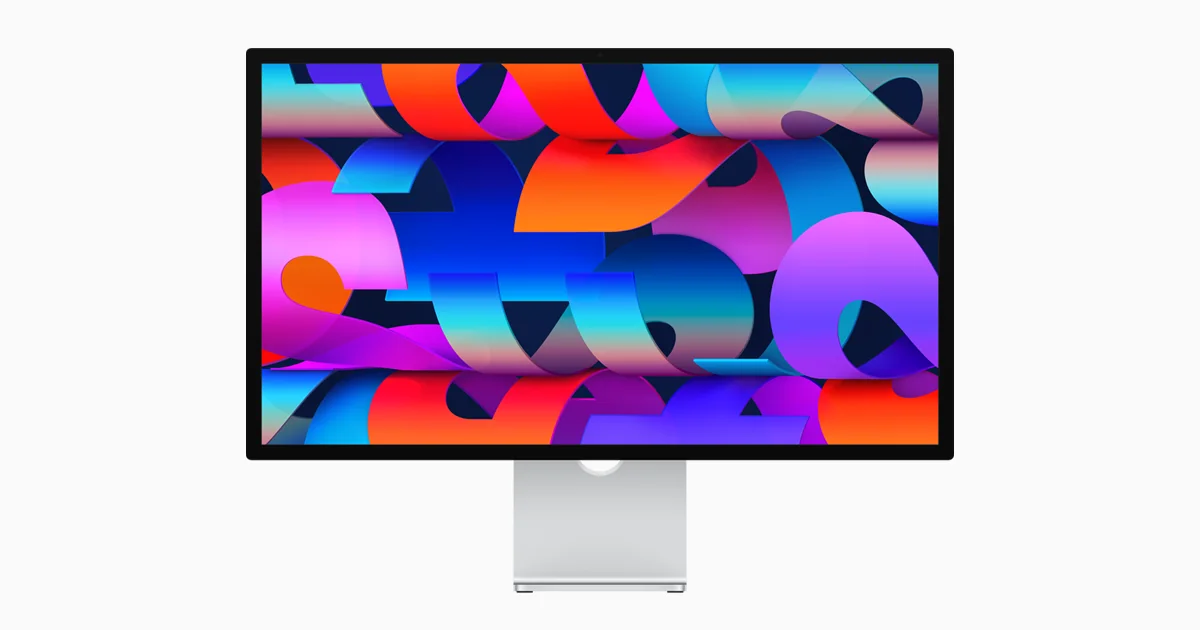
Apple Studio Display: best Apple monitor for MacBook Pro
The Studio Display has a 12MP Center Stage camera with Desk View. Image: Apple
Price: from $1,599 on apple.com with standard glass and the tilt-adjustable stand. The tilt- and height-adjustable stand is $1,999, and nano-texture glass starts at $1,899.
Apple Studio Display is a 27-inch 5K display at 218 PPI and 600 nits. It connects with Thunderbolt 5.
Key features:
A 12MP Center Stage camera with Desk View.
One upstream Thunderbolt 5 port with 96W charging, one downstream Thunderbolt 5 port, and two 10Gb/s USB-C ports.
Works with Apple silicon Macs on macOS Tahoe 26.3.1 or later.
Better or worse than the BenQ? Better as an all-in-one with a camera and speakers, and it pairs perfectly with a MacBook. It costs a lot more, especially with the height-adjustable stand.
Apple Studio DisplayStunning 5K visuals in a sleek design.Visit WebsiteThe Apple Studio Display offers an unparalleled viewing experience with a stunning 27-inch 5K Retina display, delivering a resolution of 5120-by-2880 pixels at 218 pixels per inch. This monitor shines with 600 nits of brightness and supports one billion colors, making it perfect for graphic designers, video producers, and photographers. Coupled with a 12MP Ultra Wide camera featuring Center Stage for engaging video calls, a high-fidelity six-speaker sound system, and a crystal-clear studio-quality mic array, this product is designed for discerning users. With multiple connection options including one Thunderbolt 3 port and three USB-C ports, it fits seamlessly into any workspace. The adjustable stand, allowing both tilt and height adjustments, adds to its ergonomics and functionality. Whether you're working on creative projects or video conferencing, the Apple Studio Display enhances productivity and creativity in every environment.Visit Website
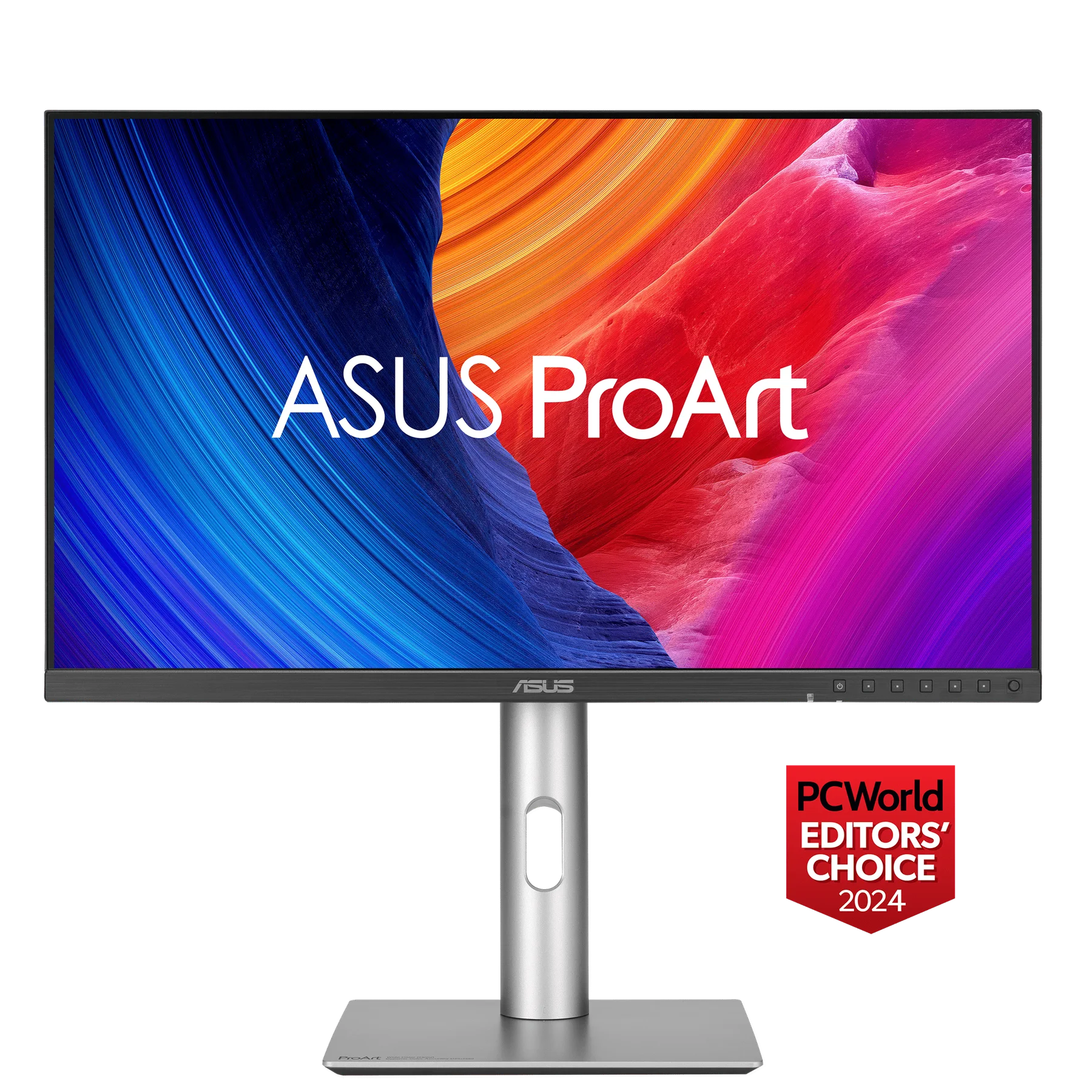
ASUS ProArt Display 5K PA27JCV: best value 5K monitor
The ProArt PA27JCV brings 5K to a lower price. Image: ASUS
99% DCI-P3, Delta E under 2, and Calman Verified color.
VESA DisplayHDR 500 and an anti-glare coating.
USB-C with 96W charging, HDMI 2.1, and DisplayPort 1.4.
MacBook controls, an M Model P3 color setting, and Auto KVM.
Better or worse than the BenQ MA270S? $300 cheaper. It uses USB-C instead of Thunderbolt, so there is no Thunderbolt daisy-chaining.
ASUS ProArt Display 5K PA27JCVA 27-inch 5K monitor with 96W USB-C and Mac color settings.Visit WebsiteThe ASUS ProArt Display 5K PA27JCV is a 27-inch 5K (5120 x 2880) IPS monitor aimed at creators and Mac users.
- 99% DCI-P3, 100% sRGB and 95% Adobe RGB, with Delta E under 2 and Calman Verified color.
- VESA DisplayHDR 500 and a LuxPixel anti-glare low-reflection coating.
- USB-C with 96W power delivery, HDMI 2.1, DisplayPort 1.4 and a USB hub.
- MacBook controls and an M Model P3 color setting, plus Auto KVM.
- Ergonomic stand and ambient light sensor.
ASUS lists it at $699.Visit Website
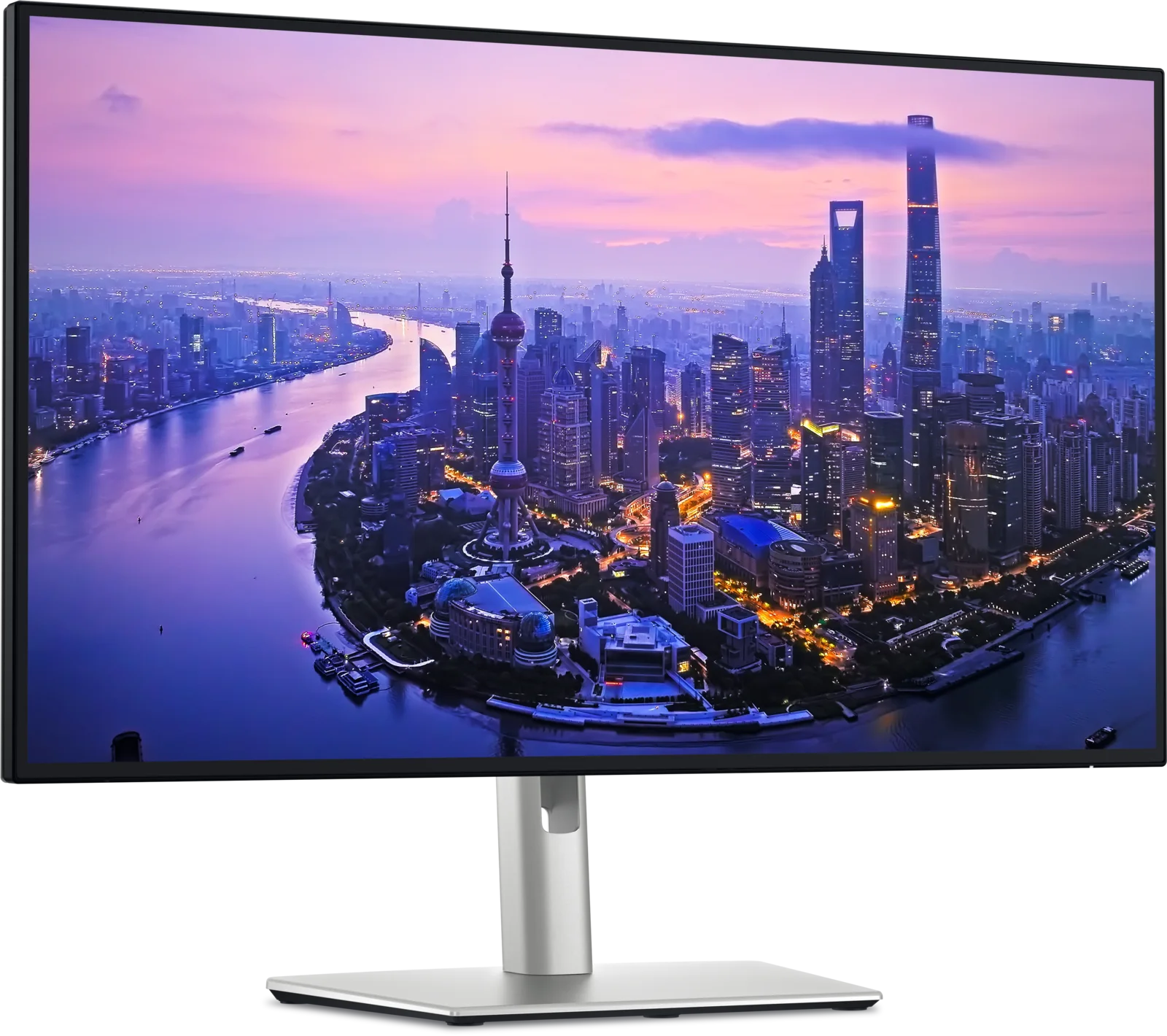
Dell UltraSharp 27 4K Thunderbolt Hub Monitor: best monitor that doubles as a dock
The U2725QE has a built-in Thunderbolt 4 hub and Ethernet. Image: Dell
Price: $799.99 at Dell, with an estimated value of $849.99.
Thunderbolt 4 with up to 140W charging, plus Thunderbolt 4 out.
2.5GbE Ethernet, USB-C and USB-A ports, HDMI, DisplayPort, and a KVM.
Better or worse than a 5K monitor? 140W is enough for a 16-inch MacBook Pro, and 120Hz feels smoother. Text is less sharp than on 5K.
Dell UltraSharp 27 4K Thunderbolt Hub Monitor (U2725QE)A 27-inch 4K 120Hz IPS Black monitor with a Thunderbolt 4 hub and 140W charging.Visit WebsiteThe Dell UltraSharp 27 4K Thunderbolt Hub Monitor (U2725QE) is a 27-inch 4K IPS Black monitor with a built-in Thunderbolt 4 hub.
- 120Hz refresh rate, 3000:1 contrast and VESA DisplayHDR 600.
- Thunderbolt 4 upstream with up to 140W of laptop charging, plus Thunderbolt 4 downstream for daisy-chaining.
- 2.5GbE Ethernet, USB-C and USB-A 10Gbps ports, HDMI and DisplayPort, and a KVM switch.
- Ambient light sensor and ComfortView Plus.
- Dell lists Mac and macOS support.
Dell lists it at $799.99 (estimated value $849.99).Visit Website
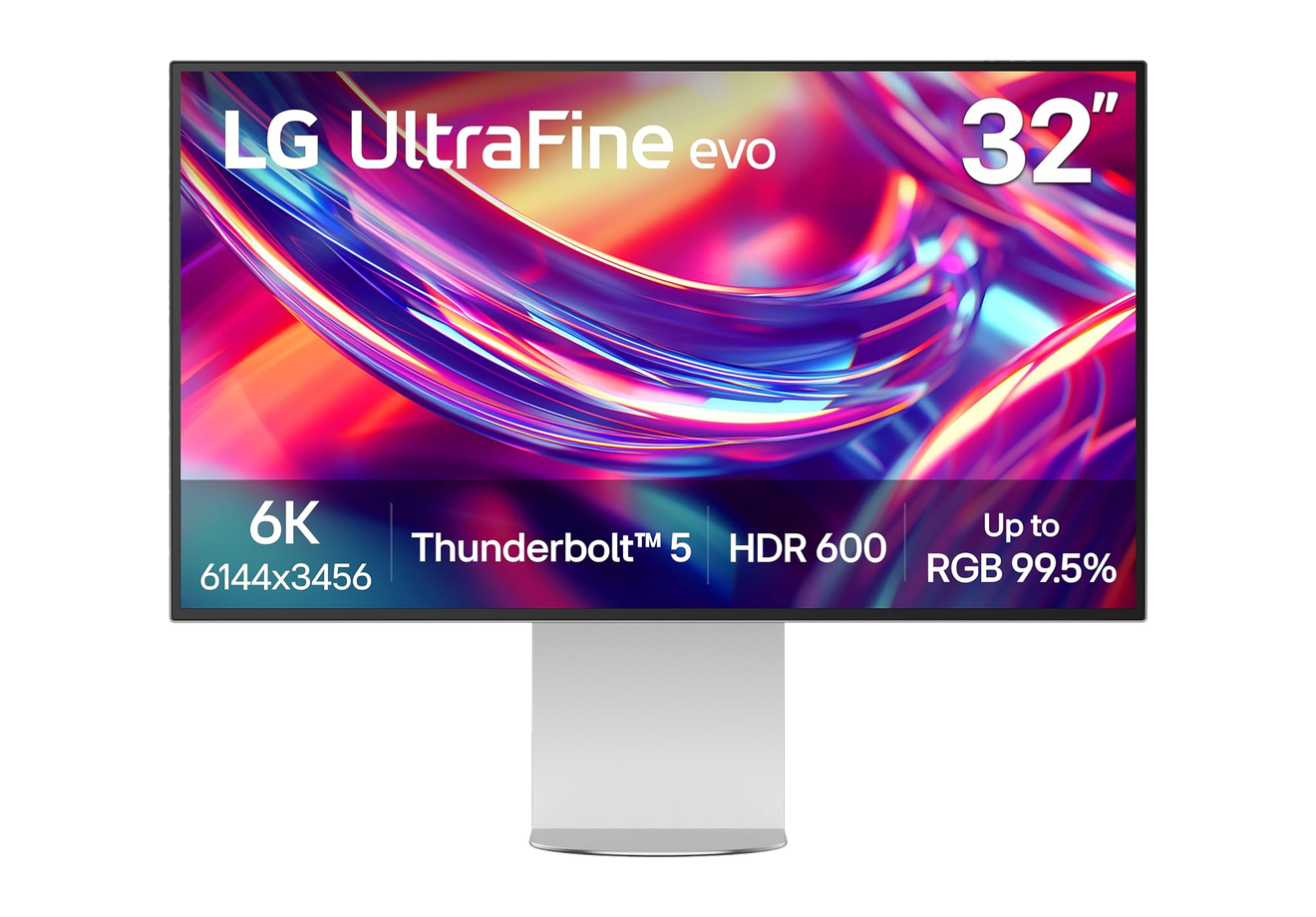
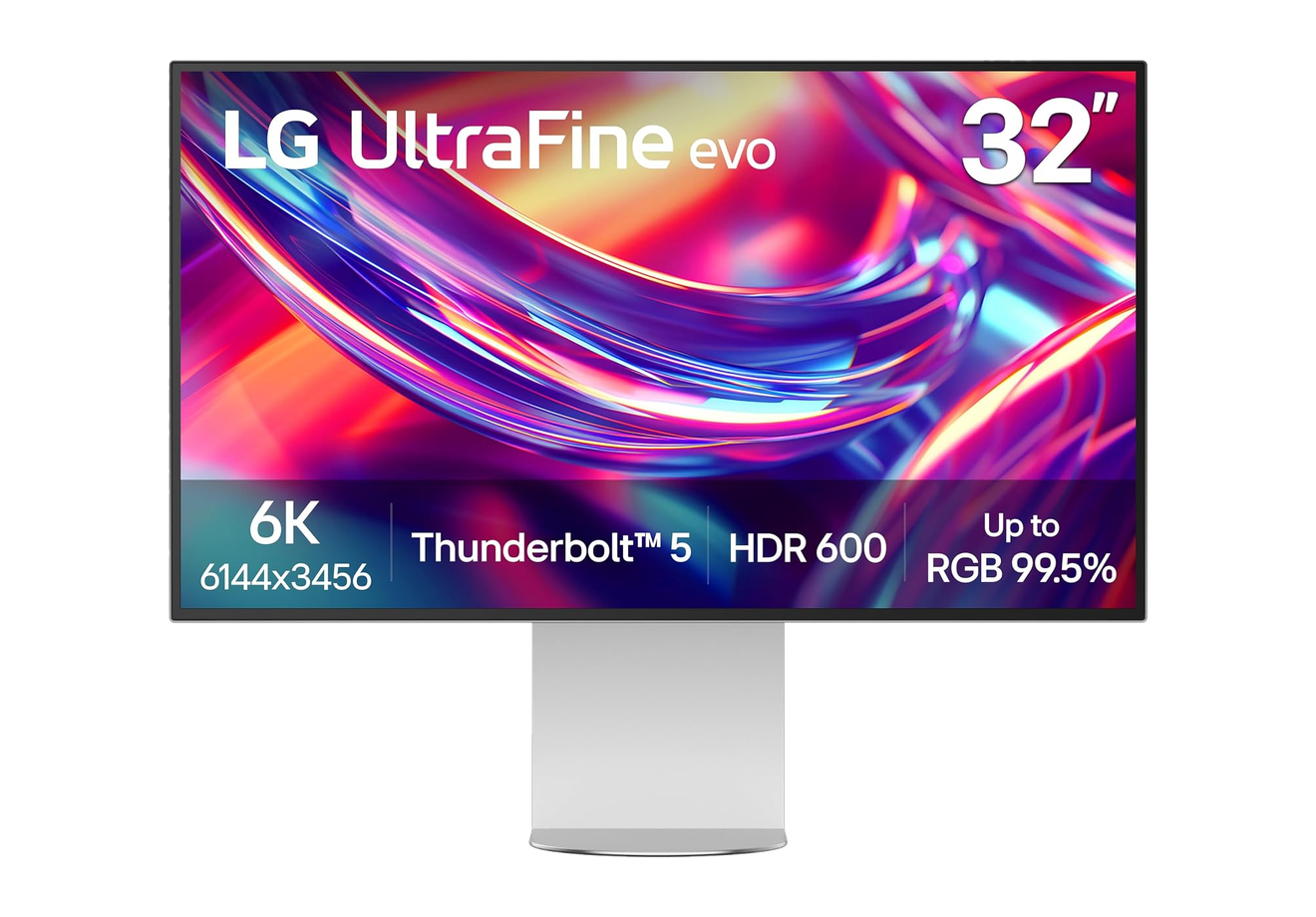
LG UltraFine evo 6K: best 6K monitor for MacBook Pro
The LG UltraFine evo 6K is a 32-inch Thunderbolt 5 monitor. Image: LG
LG UltraFine evo 6K puts 6K at 224 PPI into a 32-inch Nano IPS Black panel, with Thunderbolt 5, 96W charging, and daisy chaining.
Better or worse than the Studio Display? More screen space and 6K detail for a similar price to a height-adjustable Studio Display. It has no built-in camera like Apple's.
Every monitor above works with a MacBook Air. The M5 MacBook Air supports two external displays, so two 5K monitors work. On a budget, the ASUS ProArt 5K at $699 is the best match. The 96W charging on the BenQ, ASUS, and Studio Display is more than enough for a MacBook Air.
Do you need a monitor arm?
A monitor arm frees up desk space and lets you line up the screen with your eyes. M2.1 Monitor Arm supports monitors up to 15 lb with a VESA mount.
M2.1 Monitor ArmA slim, adjustable monitor arm for a cleaner ergonomic desk.Visit WebsiteHumanscale’s M2.1 Monitor Arm lifts a lightweight display off the desk with a slim polished-aluminum arm that adjusts smoothly for sitting or standing. This Amazon listing is the M21CMWBTB configuration with a two-piece clamp mount and polished aluminum finish.
- Supports monitors up to 15 lb.
- Weight-compensating spring enables smooth height adjustment.
- Smart Stop limits rotation to protect nearby walls and equipment.
- Quick Release joints simplify installation and reconfiguration.
- Integrated cable management keeps the desktop tidy.
A compatible VESA monitor is not included.Visit Website
Which monitor should you buy for your MacBook Pro?
Buy the BenQ MA270S for sharp 5K text at a fair price. Buy the Studio Display if you want a camera and speakers built in. Buy the Dell U2725QE if you want the monitor to be your dock too.
The BenQ MA270S is our top pick, with a 27-inch 5K panel and 96W charging. M5 Pro MacBook Pros support up to three external displays, and M5 Max models up to four.
Is a 4K or 5K monitor better for a MacBook Pro?
5K at 27 inches is sharper and matches macOS scaling better. 4K costs less and often has a higher refresh rate, like the Dell U2725QE at 120Hz.
Can I charge my MacBook Pro through a monitor?
Yes, with a USB-C or Thunderbolt monitor. The BenQ, ASUS, and Studio Display give 96W, and the Dell gives up to 140W.
What is the best monitor for MacBook Air?
The ASUS ProArt 5K at $699 is the best value. The BenQ MA270S is a step up with Thunderbolt.
Is the Apple Studio Display worth it?
It is worth it if you want a camera, mics, and speakers built into a 5K screen. If you only need the screen, the BenQ MA270S is $600 cheaper.
#### Sources
Prices and specs were checked on November 16, 2026.
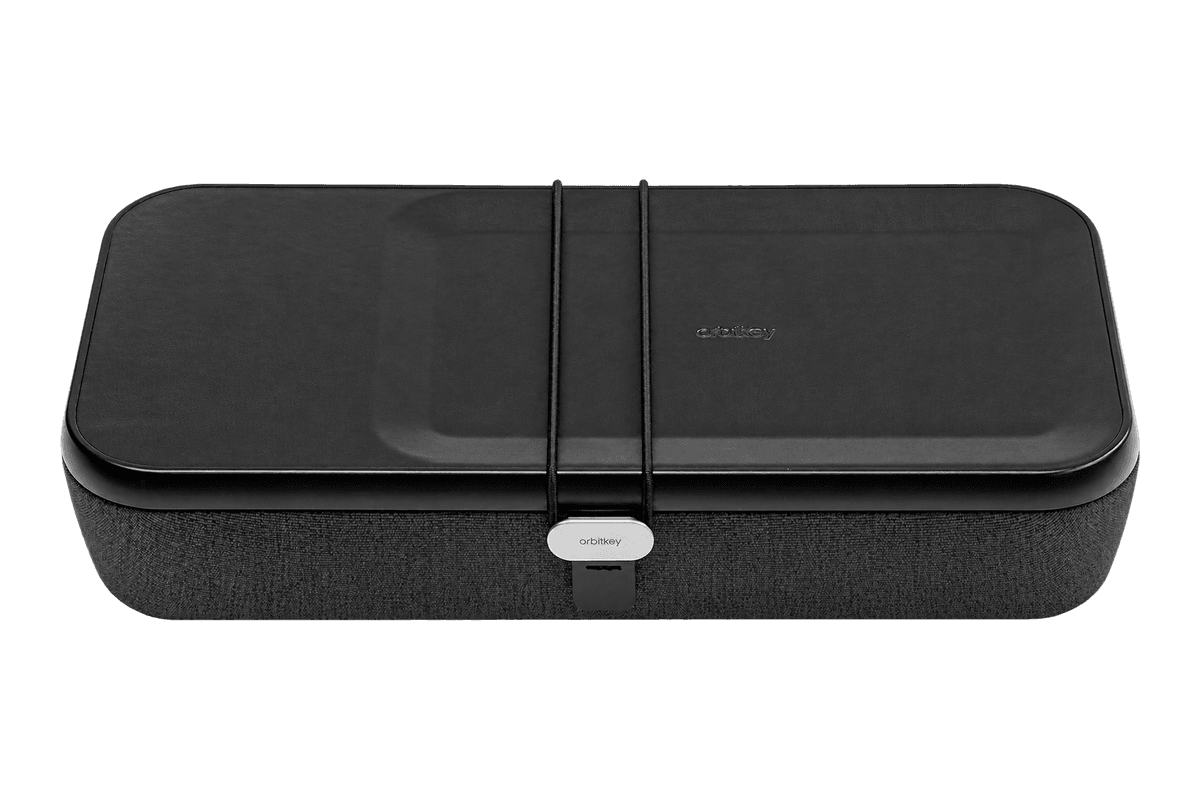
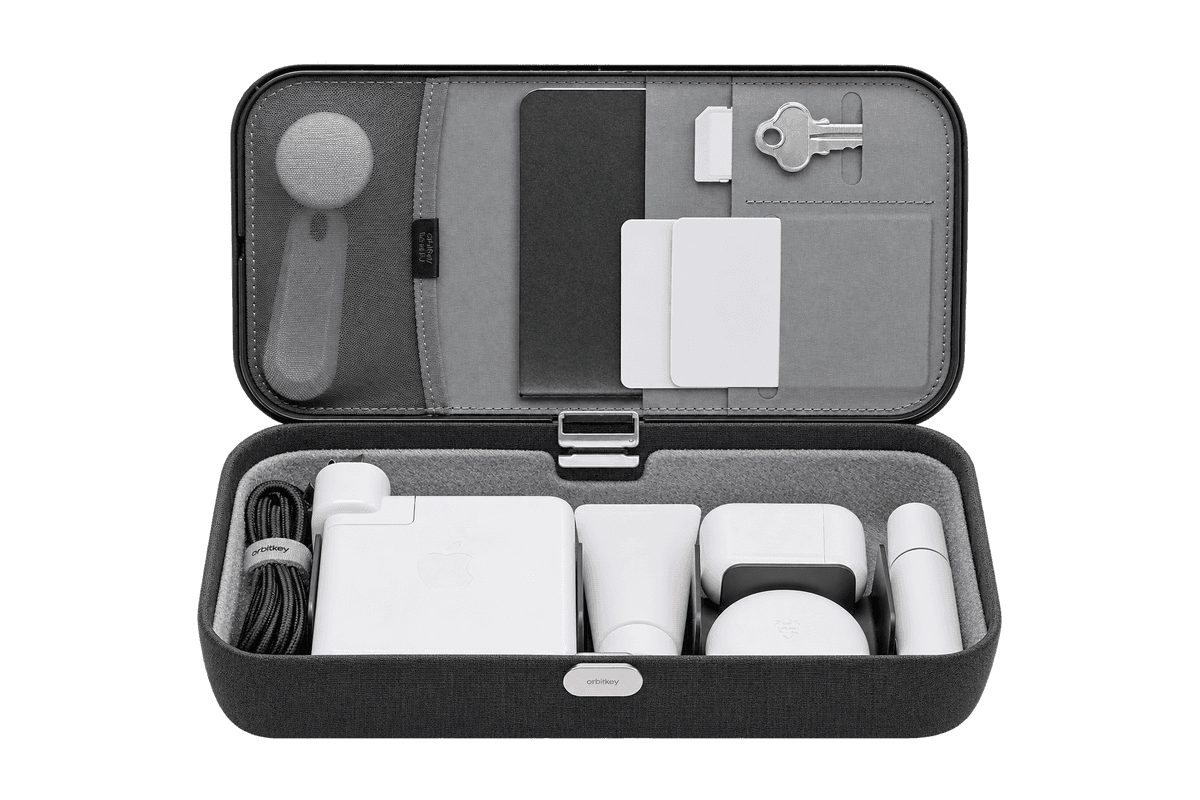
A portable organizer for desk essentials with a wireless charging pad in the lid.
WorkspaceOrganization
Joi
Calendar, task, and habit management app
Freemium
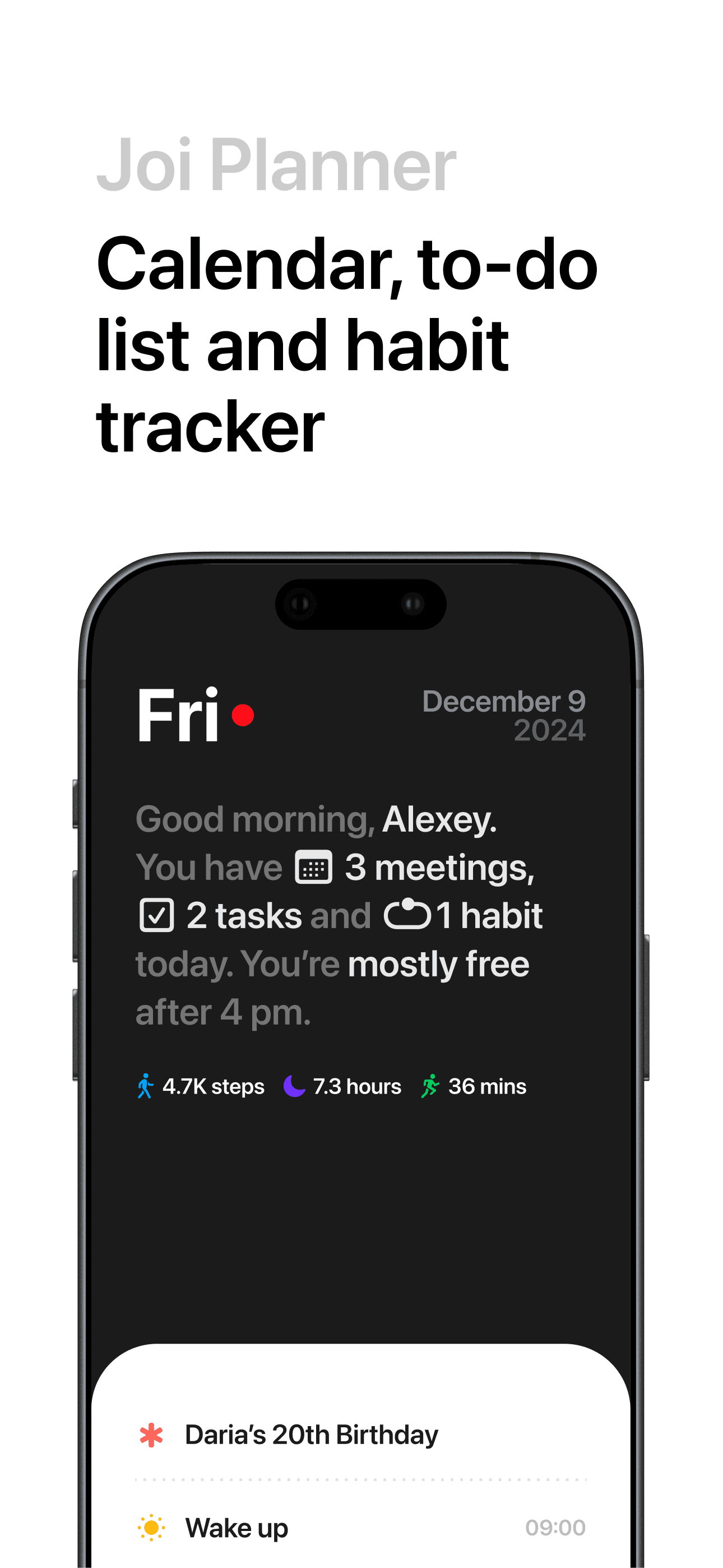
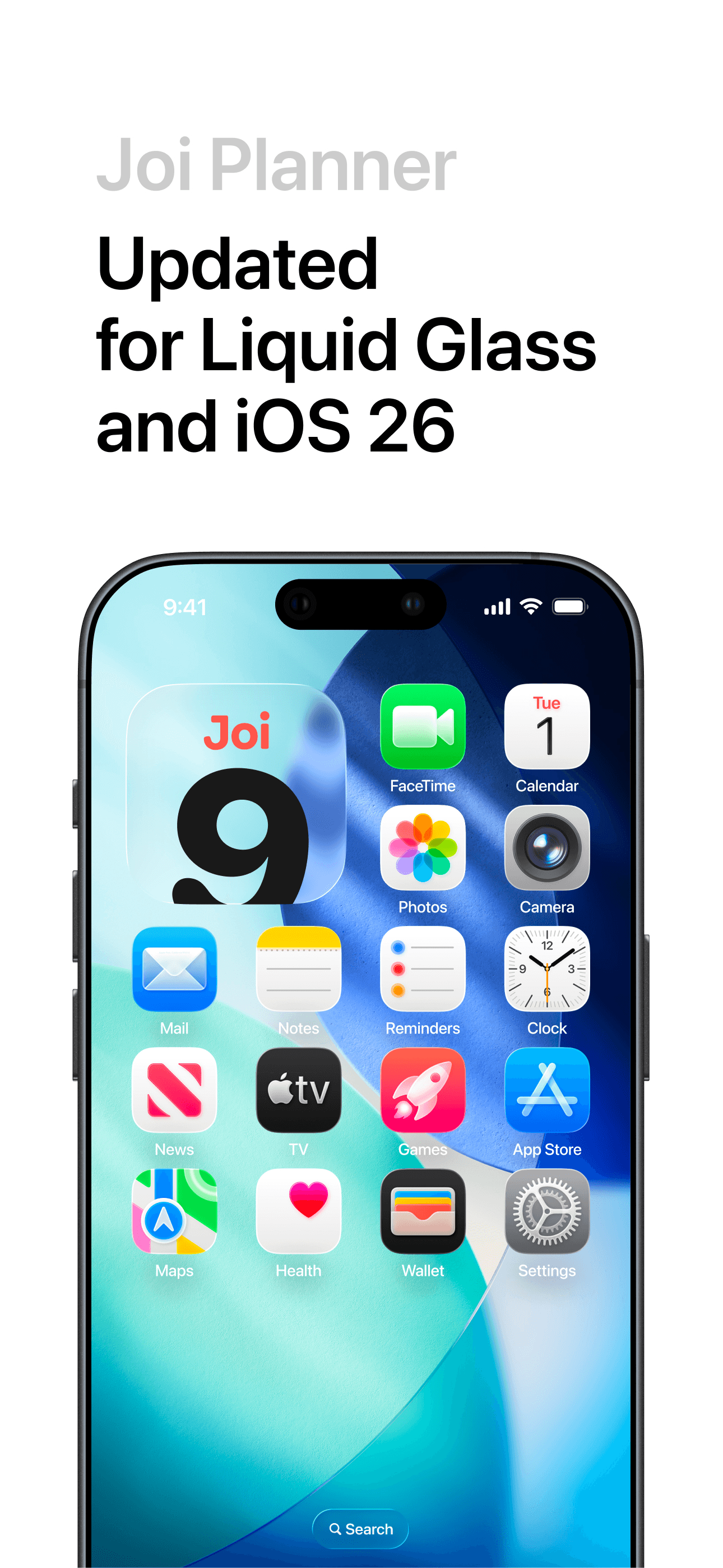
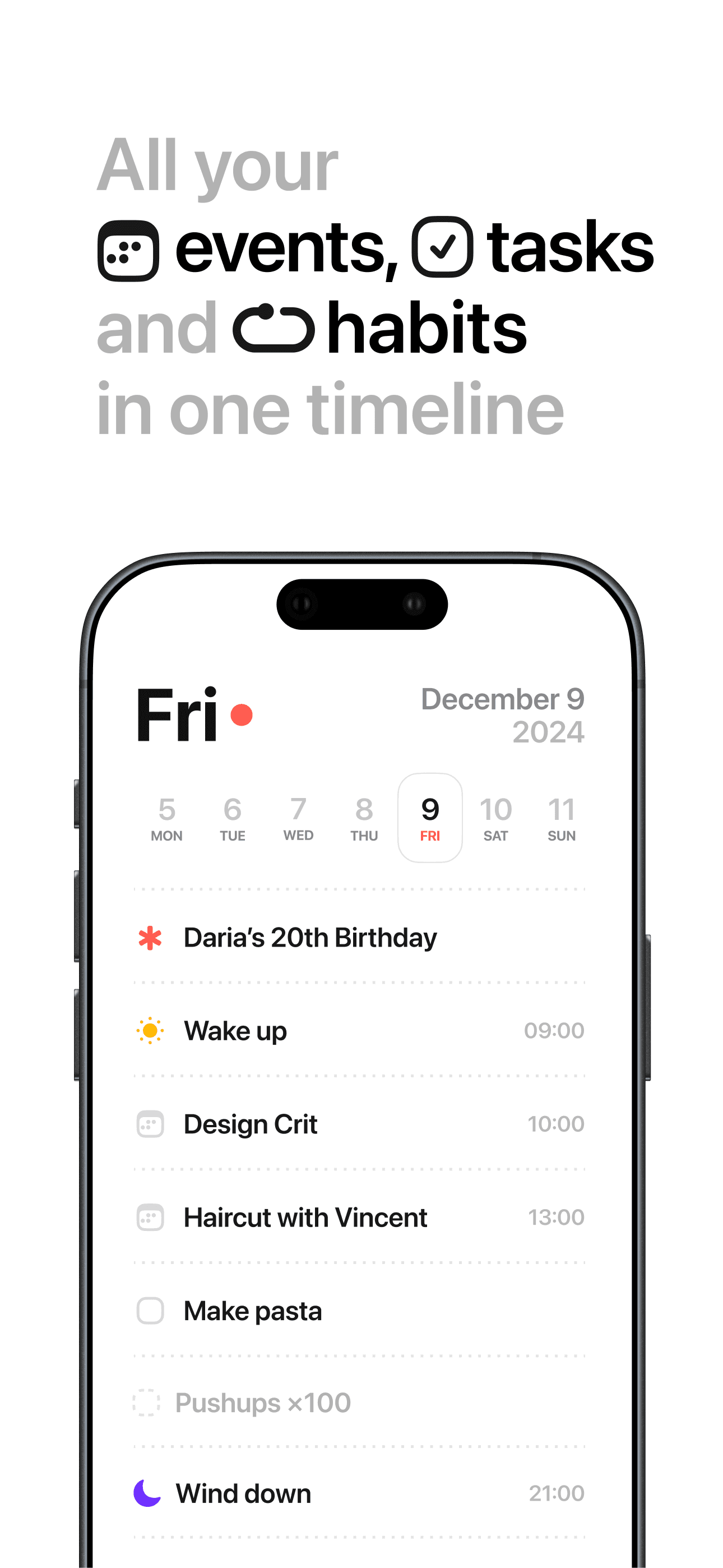
Joi is an app that combines a calendar, task manager, and habit tracker into a single timeline, aimed at helping users manage routines and activities efficiently.
- Create and adjust tasks and events quickly.
- Track daily or weekly habits in one place.
- View tasks, habits, and events on a single visual calendar.
- Synchronize with calendar and reminders for task transfer.
- Access and manage tasks and habits from any device.
- Receive notifications for important scheduled tasks.
Joi is free to download with in-app purchases available. The app requires iOS 17.6 or later for use on compatible devices.
SoftwareProductivityiOS & iPadOS
Winq
Gaze-based screen and window focus for Mac
One-time
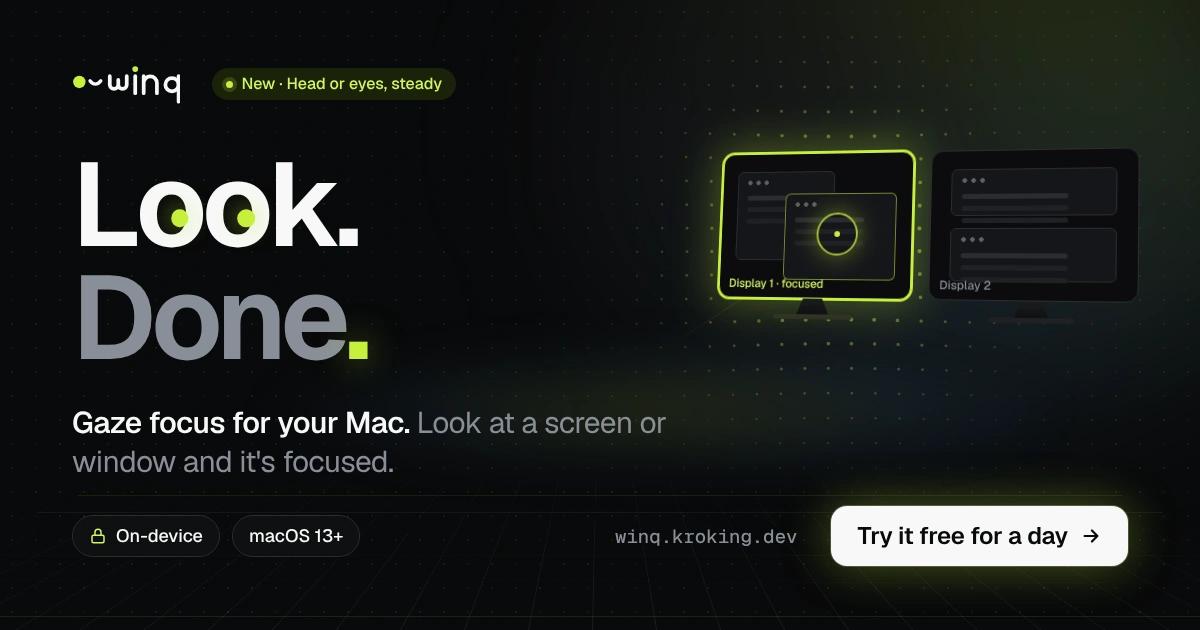
Winq is a macOS application that lets users switch focus between screens and windows using head and eye movements captured by your Mac's camera.
- Allows you to select and focus windows or screens just by looking at them
- Supports multiple monitors and overlapping windows; visible portions are counted and top windows take precedence
- Learns from your gaze patterns and interactions to improve accuracy over time
- Never switches focus while you type or use the mouse and can be paused any time
- Calibration takes about 20 seconds per screen and can be re-centred in two seconds as sitting position changes
- Processes camera data locally with Apple's Vision framework; no images or video are stored or sent anywhere
Winq offers a free trial for one day with full feature access. Continued use requires a one-time purchase per Mac, and all future updates are included. Requires macOS 13 or later and works on Apple Silicon and Intel Macs.
SoftwareProductivitymacOS
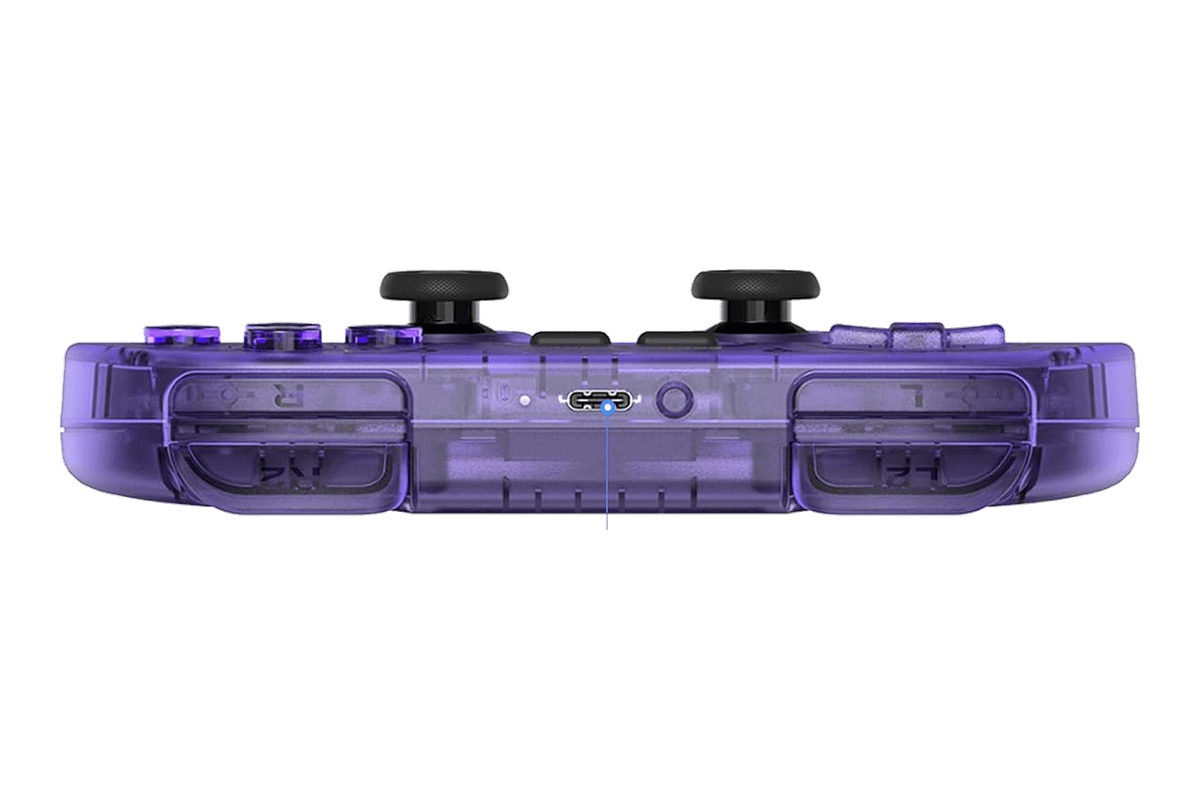
SN30 Pro (Crystal Purple)
A compact Bluetooth controller with Hall-effect sticks for supported Mac, iPhone, and iPad games.
HardwareAccessoriesmacOS & iOS & iPadOS
Abejas
Professional network organizer for Apple devices
One-time
Abejas is a universal app for Mac and iPhone that helps you manage, organize, and remember your professional network. It focuses on grouping contacts, private notes, and reminders linked to the people you already know.
- One-click import of contacts from a major professional network on Mac
- Group, tag, favorite, and automatically group contacts on Mac using on-device AI
- Take and keep private notes for each contact and interaction
- Set follow-up reminders with optional notifications on Mac and iPhone
- Sync all contacts, notes, and reminders securely via your private iCloud account
- Supports features like Spotlight search, widgets, Shortcuts, VoiceOver, dynamic text, and offline access
Abejas is available as a one-time purchase for $49.99. The universal license includes both Mac (Apple silicon, macOS 27+) and iPhone (iOS 27+) apps. Requires iCloud for syncing; no subscription or upsells are involved.
SoftwareProductivitymacOS
CapWords
Capture vocabulary from real life photos
Freemium
CapWords is an iOS app that lets users capture words from any real-life text by taking a photo, using AI to recognize text and provide contextual definitions. Each captured word is added to a personal vocabulary library and connected to its image.
- Recognizes and extracts words from photos using AI
- Provides contextual definitions, example sentences, and usage notes
- Links new vocabulary to images for visual memory support
- Employs spaced repetition to remind users to review words
- Supports multiple languages and offers offline word bank
- Allows vocabulary export to other apps
CapWords is free to download on iOS devices running iOS 17.0 or later, with in-app purchases available. No mention of a full-featured free tier; additional features may require payment.
SoftwareEducationiOS & iPadOS
Sonder
Native, open-source markdown editor for Mac
Free
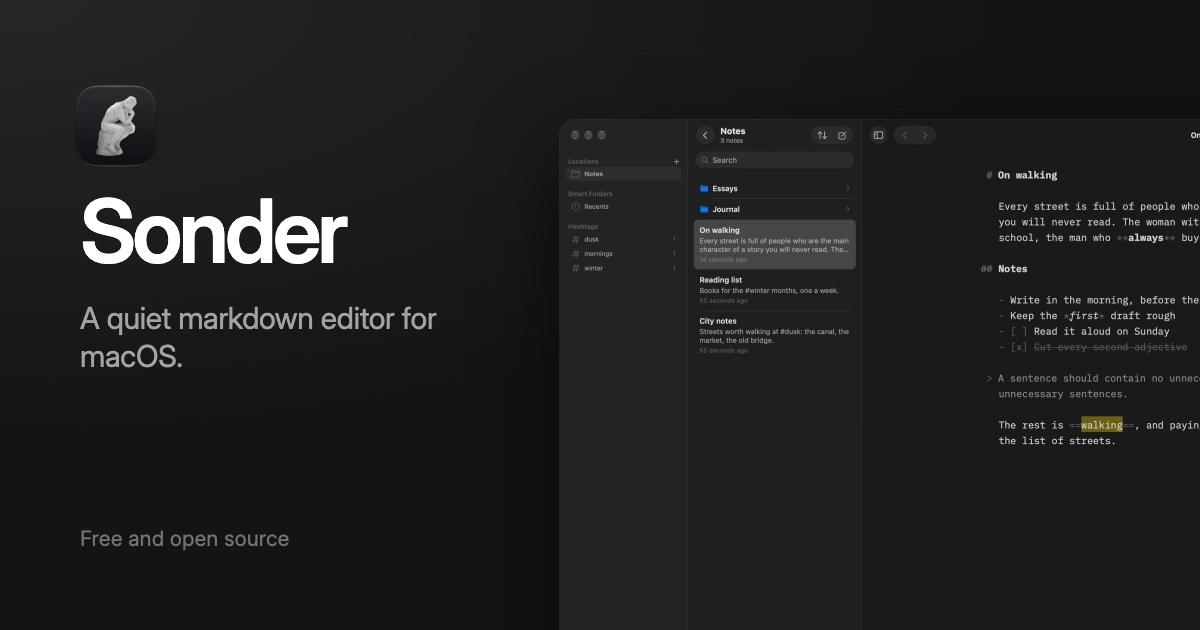
Sonder is a free, open-source markdown editor for macOS 14 or later. It works directly with your own folder of .md files without importing or renaming them.
- Focus Mode dims everything except the current sentence for distraction-free writing.
- Browse and manage notes by folder, hashtag, favorite or saved search.
- Renders markdown with support for tables, footnotes, task lists, and math.
- Export files to PDF, HTML, or Word formats.
- Integrates with third-party AI tools of your choice for editing and suggestions.
- Supports Apple silicon and Intel Macs, built with SwiftUI and TextKit.
Sonder is available at no cost, open-sourced under the MIT license, and requires macOS 14 or newer. No accounts, subscriptions, or in-app purchases are needed.
SoftwareWritingmacOS
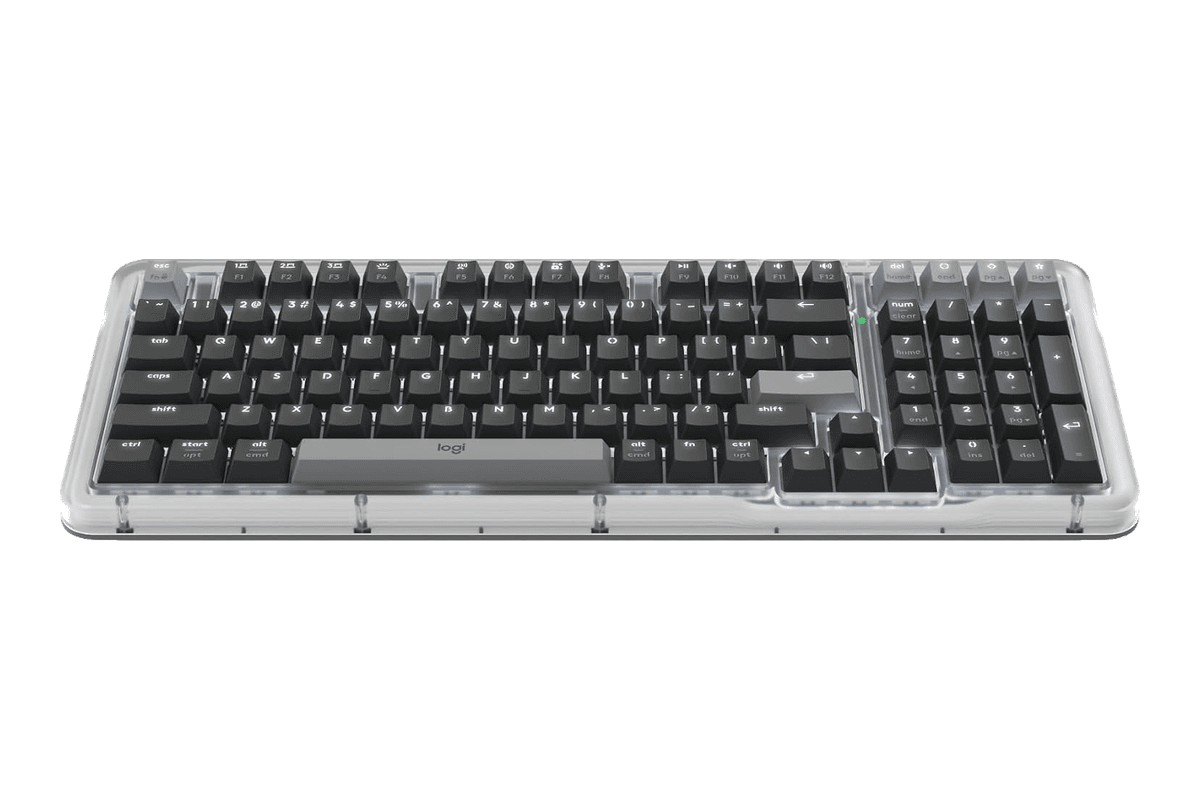
Alto Keys K98M
A compact mechanical keyboard with a number pad, white backlighting, and Mac support.
HardwareKeyboards & MicemacOS
Kinnu
Microlearning app for diverse knowledge topics
Freemium
Kinnu is a microlearning app that uses cognitive science principles to help users build and retain knowledge across a wide range of domains, including psychology, science, history, technology, and literature.
- Offers expert-edited, bite-sized content spanning multiple subjects
- Provides Memory Shield technology for reinforcing learning retention
- Features gamified, interactive learning sessions with adaptive questions
- Supports audio versions of all content for learning on the go
- Includes progress tracking with a Knowledge Bank feature
- Lets users influence app development through community voting
Kinnu is available as a free download with optional in-app subscription purchases. It requires iOS 17.0 or later and is compatible with a wide range of iPhone and iPad devices.