Created November 12, 2026Updated November 12, 2026
The Mac mini is a tiny computer with no screen, so the monitor you pick matters as much as the chip inside. The current Mac mini starts at $899 for the M6 model, and it can drive up to three external displays.
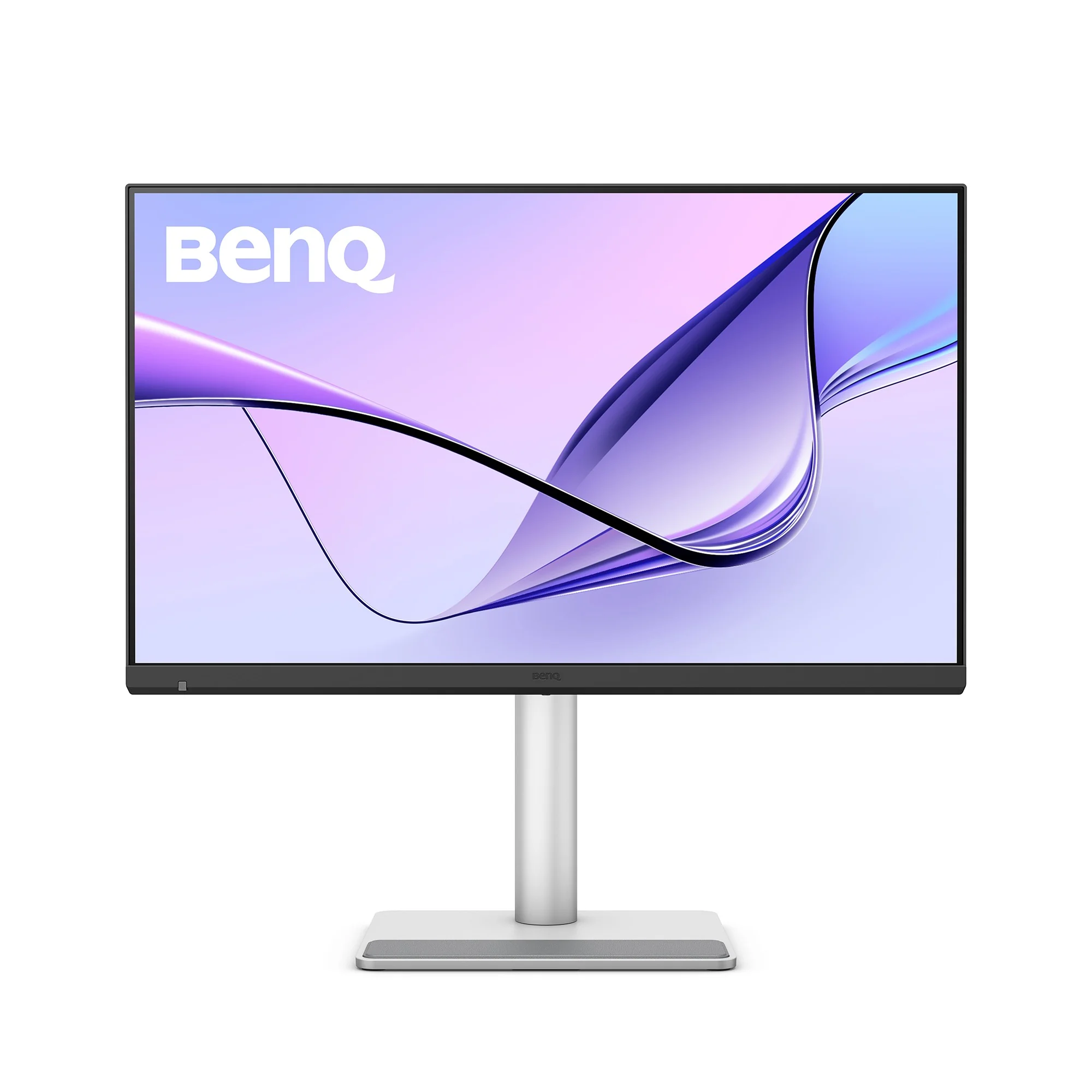
The best monitor for most Mac mini desks in 2026 is the BenQ MA270S, a 27-inch 5K display made for Macs, at a $999 MSRP. If you want Apple's camera, mics, and speakers in the display, get the Apple Studio Display. If you want a larger 6K canvas, get the LG UltraFine evo 6K.
What is the best monitor for a Mac mini?
Prices below were checked on November 12, 2026, on official pages.
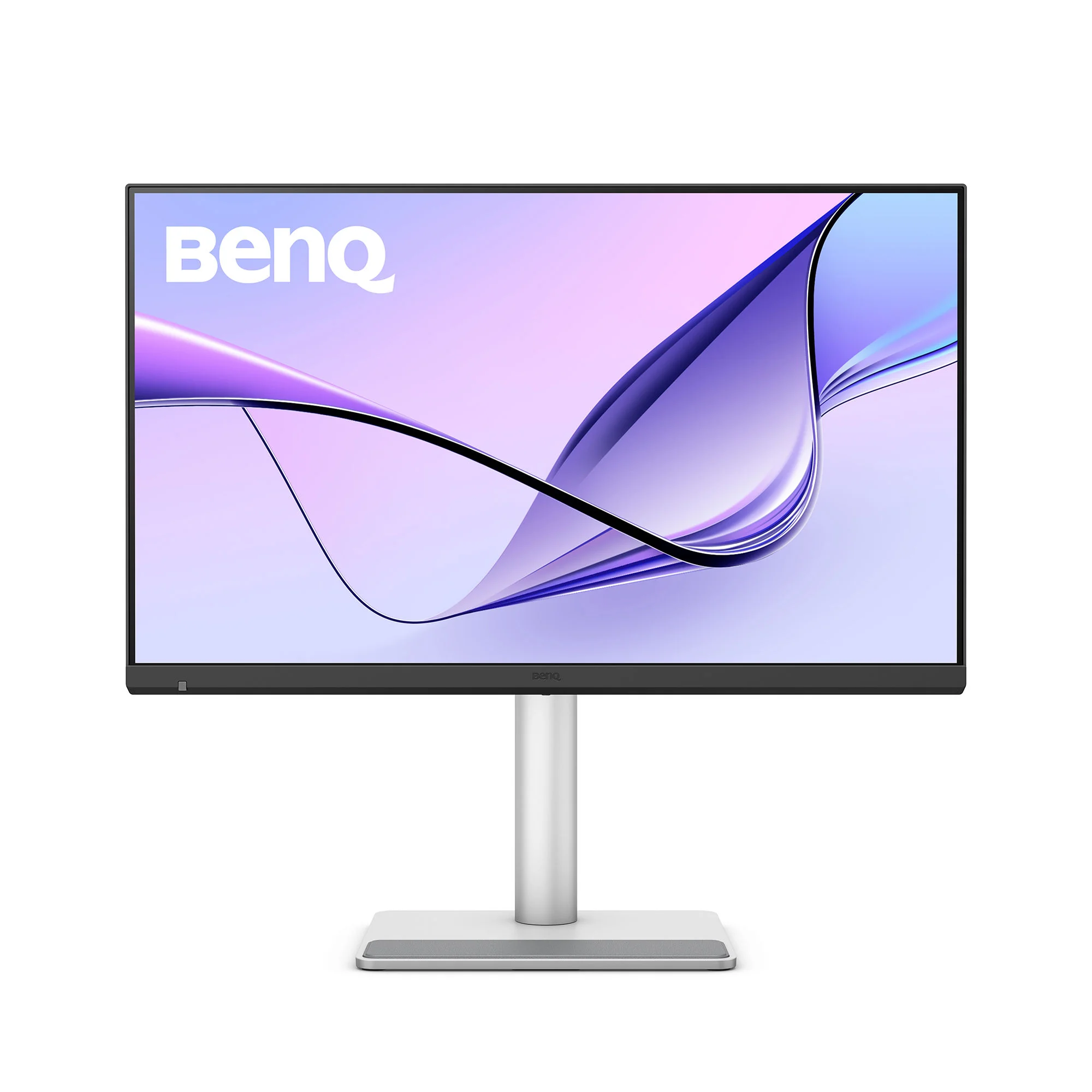
Best monitor for Mac mini overall:BenQ MA270S, $999 MSRP. A 27-inch 5K Nano Gloss panel with Thunderbolt 4, Mac color matching, and a 96W USB-C power port.
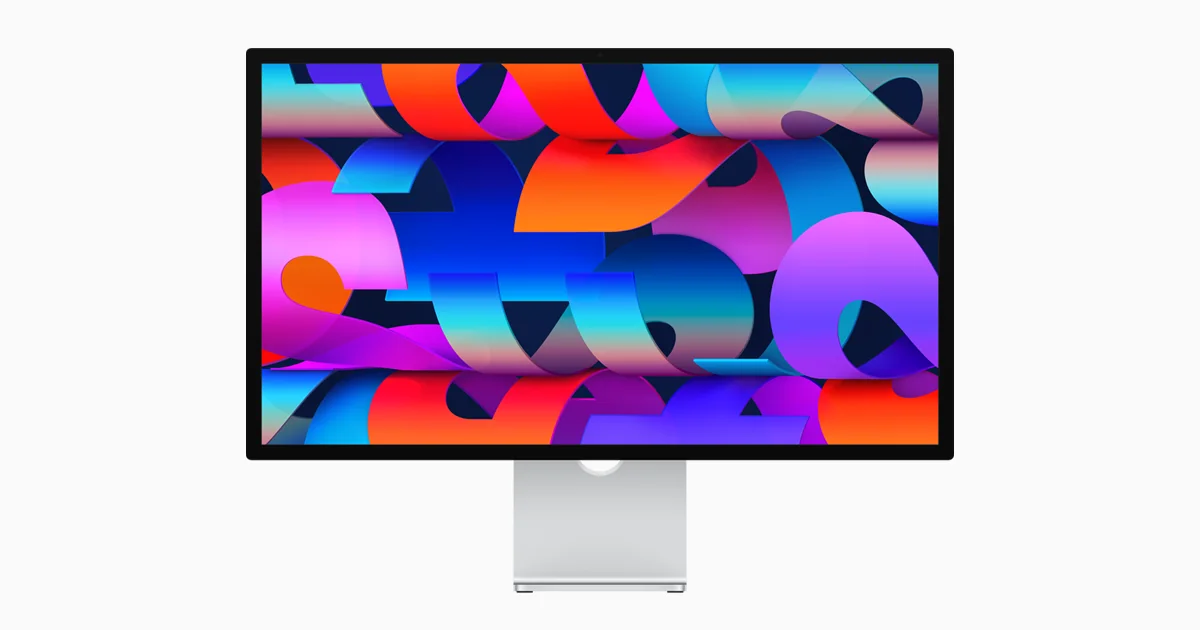
Best Apple monitor for Mac mini: , from $1,599. A 27-inch 5K Retina display with a 12MP Center Stage camera, studio-quality mics, and six speakers.
Nano IPS Black, DisplayHDR 600, 98% DCI-P3, Studio Mode for Mac
More space and 6K detail
Can a Mac mini connect to these monitors?
Yes. Apple's official Mac mini tech specs (M6 and M5 Pro, current as of November 12, 2026) list:
An HDMI port on the back of every model.
Three Thunderbolt 4 (USB-C) ports on the M6 Mac mini, or three Thunderbolt 5 (USB-C) ports on the M5 Pro model.
Support for up to three external displays over those Thunderbolt and HDMI ports.
The BenQ MA270S uses Thunderbolt 4, which works with the Thunderbolt 4 ports on an M6 Mac mini and with the Thunderbolt 5 ports on an M5 Pro Mac mini. The Studio Display and the LG UltraFine evo 6K use Thunderbolt 5. You can also use the Mac mini's HDMI port if you only need a simple video connection, without the extra USB hub ports.
A Mac mini does not need the 96W laptop charging that the BenQ and many USB-C monitors offer, but that port is useful if you also dock a MacBook to the same screen. The BenQ's built-in KVM is made for that setup.
The BenQ MA270S is a 27-inch 5K (5120x2880) IPS monitor with a Nano Gloss coating and 218 PPI, which is in the same sharpness range as Apple's 27-inch 5K display. BenQ's US spec sheet lists 450 nits typical brightness, VESA DisplayHDR 400, HDR10, a 2000:1 contrast ratio, 99% P3 and 99% sRGB, and a 70Hz refresh rate.
Key features:
Thunderbolt 4 input with 96W power delivery, a Thunderbolt 4 output for daisy-chaining, a USB-C port with 35W charging, and two HDMI 2.1 ports.
Mac color tuning, M-book color mode, and iKeyboard Control, so brightness and volume keys on a Mac keyboard can adjust the monitor.
Display Pilot 2 software, Smart KVM (which needs Display Pilot 2 on both computers), and picture-by-picture.
A stand with 150 mm of height adjustment, tilt, swivel, and 90-degree pivot, plus 100x100 mm VESA mounting.
Built-in 3W x 2 speakers and a headphone jack.
A Thunderbolt 4 cable and a USB-C cable in the box.
Who should buy it? Anyone who wants a sharp 5K Mac mini display without paying Studio Display money. It is the best monitor for a Mac mini if you care about text clarity and Mac-matched color, and you do not need Apple's built-in camera and speaker system.
BenQ MA270SA 27-inch 5K Nano Gloss monitor with Thunderbolt 4, built for Mac.Visit WebsiteThe BenQ MA270S is a 27-inch 5K (5120x2880) IPS monitor made for Macs. It uses a Nano Gloss panel at 218 PPI, with Mac color matching and a single Thunderbolt 4 cable for video, data, and up to 96W of laptop charging.
- 27-inch 5K (5120x2880) IPS panel with Nano Gloss coating and 218 PPI.
- 450 nits typical brightness, VESA DisplayHDR 400, HDR10, and a 2000:1 contrast ratio.
- 99% P3 and 99% sRGB color, with Display P3, sRGB, HDR, and M-book modes.
- Thunderbolt 4 input with 96W power delivery, Thunderbolt 4 output for daisy-chaining, USB-C with 35W charging, and two HDMI 2.1 ports.
- iKeyboard Control and Display Pilot 2 for Mac-like brightness and volume keys, plus Smart KVM and picture-by-picture.
- Height-adjustable stand (150 mm) with tilt, swivel, and 90-degree pivot, plus 100x100 mm VESA mounting.
- Built-in 3W x 2 speakers and a headphone jack. A Thunderbolt 4 cable and a USB-C cable are in the box.
BenQ announced the MA270S at a $999 MSRP. It suits a Mac mini, Mac Studio, or MacBook desk where you want 5K sharpness without buying a Studio Display.Visit Website
Apple Studio Display: best Apple monitor for Mac mini
The Studio Display adds a Center Stage camera, studio mics, and six speakers to a 27-inch 5K panel. Image: Apple
Price: from $1,599 on apple.com, checked November 12, 2026, for the standard glass model with the tilt-adjustable stand. Nano-texture glass and the height-adjustable stand cost more.
The Apple Studio Display is Apple's 27-inch 5K Retina display, with 14.7 million pixels, 600 nits of brightness, P3 wide color, and 1 billion colors.
Key features:
12MP Center Stage camera with Desk View and Edge Light, plus a three-mic array.
Six speakers with Spatial Audio, including four force-cancelling woofers.
Two Thunderbolt 5 ports and two USB-C ports. One Thunderbolt port connects and can charge a Mac laptop. The second can daisy-chain another display or power high-speed accessories.
True Tone, an anti-reflective coating, and an optional nano-texture glass.
A tilt-adjustable stand, a tilt and height-adjustable stand (105 mm of height), or a 100x100 mm VESA mount adapter.
Who should buy it? Mac mini users who want the display to be the camera, mic, and speaker system as well. It is the cleanest all-in-one accessory for an Apple desk, and it is the one to buy if those built-in features matter more than saving $600.
Apple Studio DisplayStunning 5K visuals in a sleek design.Visit WebsiteThe Apple Studio Display offers an unparalleled viewing experience with a stunning 27-inch 5K Retina display, delivering a resolution of 5120-by-2880 pixels at 218 pixels per inch. This monitor shines with 600 nits of brightness and supports one billion colors, making it perfect for graphic designers, video producers, and photographers. Coupled with a 12MP Ultra Wide camera featuring Center Stage for engaging video calls, a high-fidelity six-speaker sound system, and a crystal-clear studio-quality mic array, this product is designed for discerning users. With multiple connection options including one Thunderbolt 3 port and three USB-C ports, it fits seamlessly into any workspace. The adjustable stand, allowing both tilt and height adjustments, adds to its ergonomics and functionality. Whether you're working on creative projects or video conferencing, the Apple Studio Display enhances productivity and creativity in every environment.Visit Website
LG UltraFine evo 6K: best 6K monitor for Mac mini
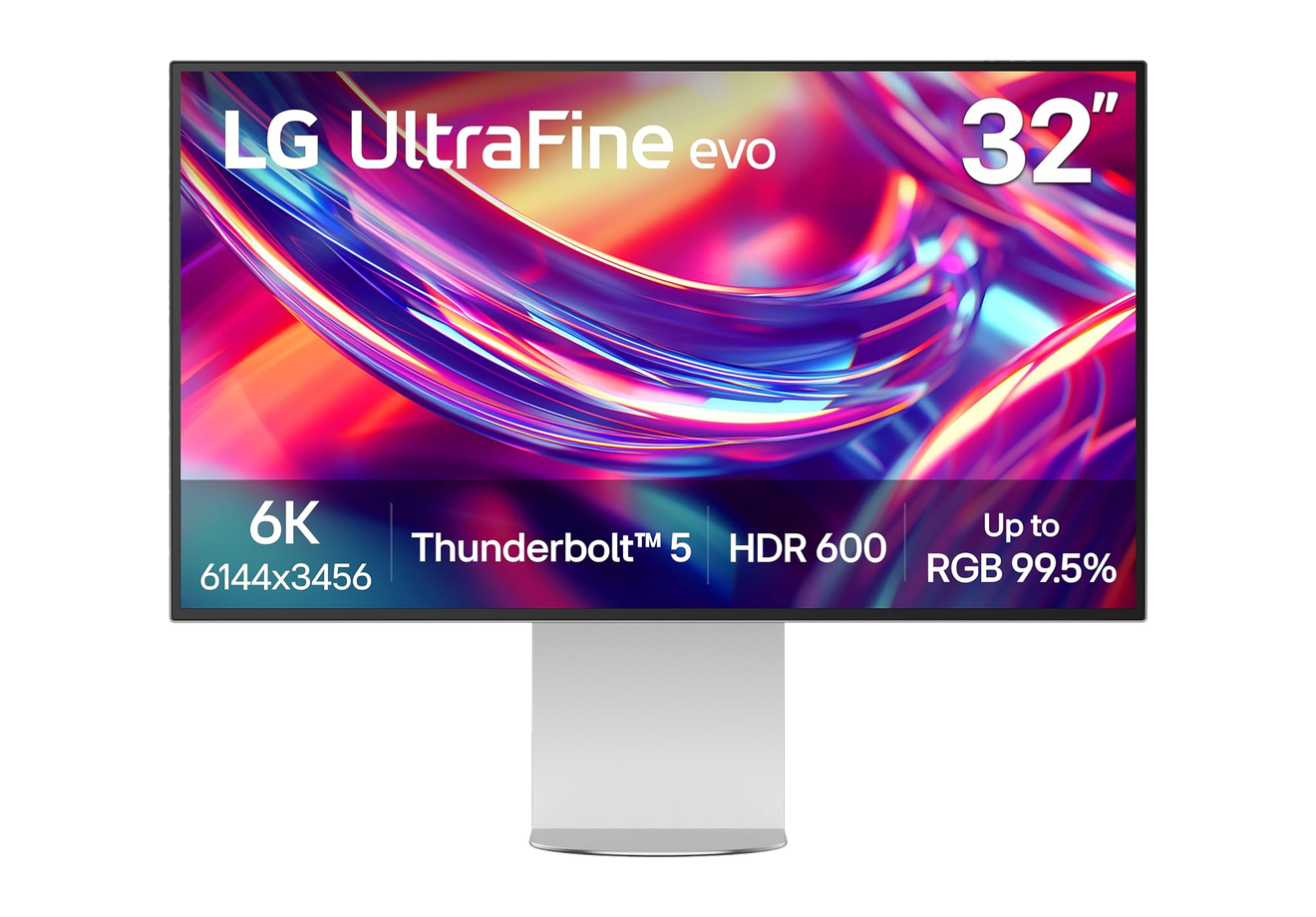
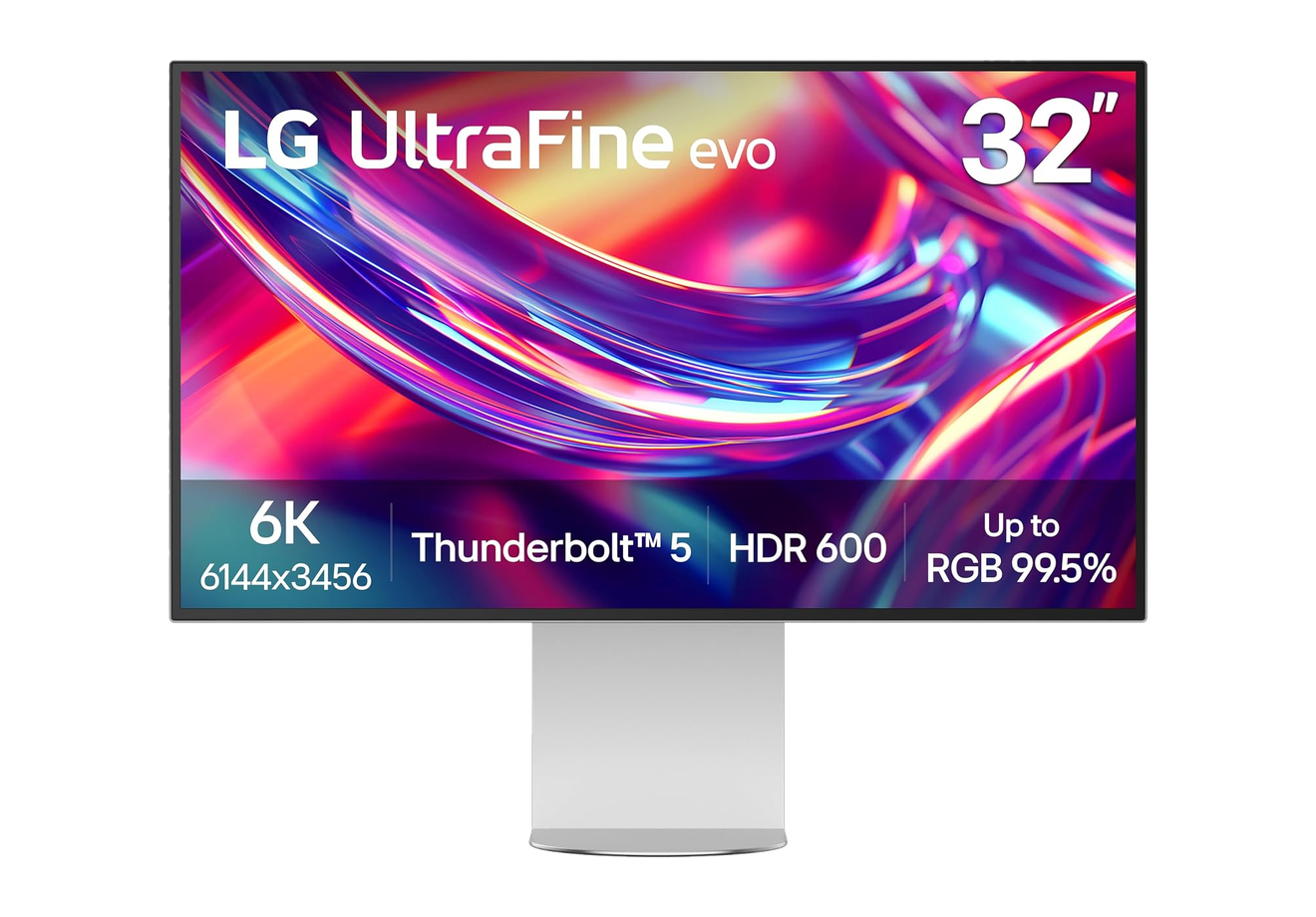
The 32-inch UltraFine evo 6K gives a Mac mini a much larger canvas than a 27-inch 5K display. Image: LG
Price: $1,999.99 official MSRP, from LG Electronics USA's announcement that the monitor retails for $1,999.99 at LG.com. We could not confirm a different current checkout price on LG's US product page on November 12, 2026.
The LG UltraFine evo 6K is a 32-inch 6K Nano IPS Black monitor with 224 PPI, a 2000:1 contrast ratio, VESA DisplayHDR 600, up to 98% DCI-P3, and up to 99.5% Adobe RGB.
Key features:
Thunderbolt 5, DisplayPort 2.1, HDMI, and USB-C connectivity, plus daisy-chaining for a second display.
Studio Mode presets and Mac keyboard control, through LG Switch and a firmware update, as described on LG's US product page.
Tilt, pivot, rotate, and height adjustment, with a four-side virtually borderless design.
KVM switching for a Mac and a second computer.
Who should buy it? Anyone who wants more room than 27 inches, or who edits photo and video and wants 6K plus Thunderbolt 5. An M5 Pro Mac mini is the better match if you plan to run more than one high-resolution display at once, because that model has Thunderbolt 5 ports. An M6 Mac mini can still use this monitor from a single Thunderbolt or USB-C connection.
How do you control an external monitor from a Mac mini?
Once the display is connected, macOS handles resolution and arrangement in System Settings. If you want brightness, input, and volume controls from the Mac, BenQ includes Display Pilot 2, LG includes LG Switch, and Apple's Studio Display follows the Mac's keyboard and Control Center.
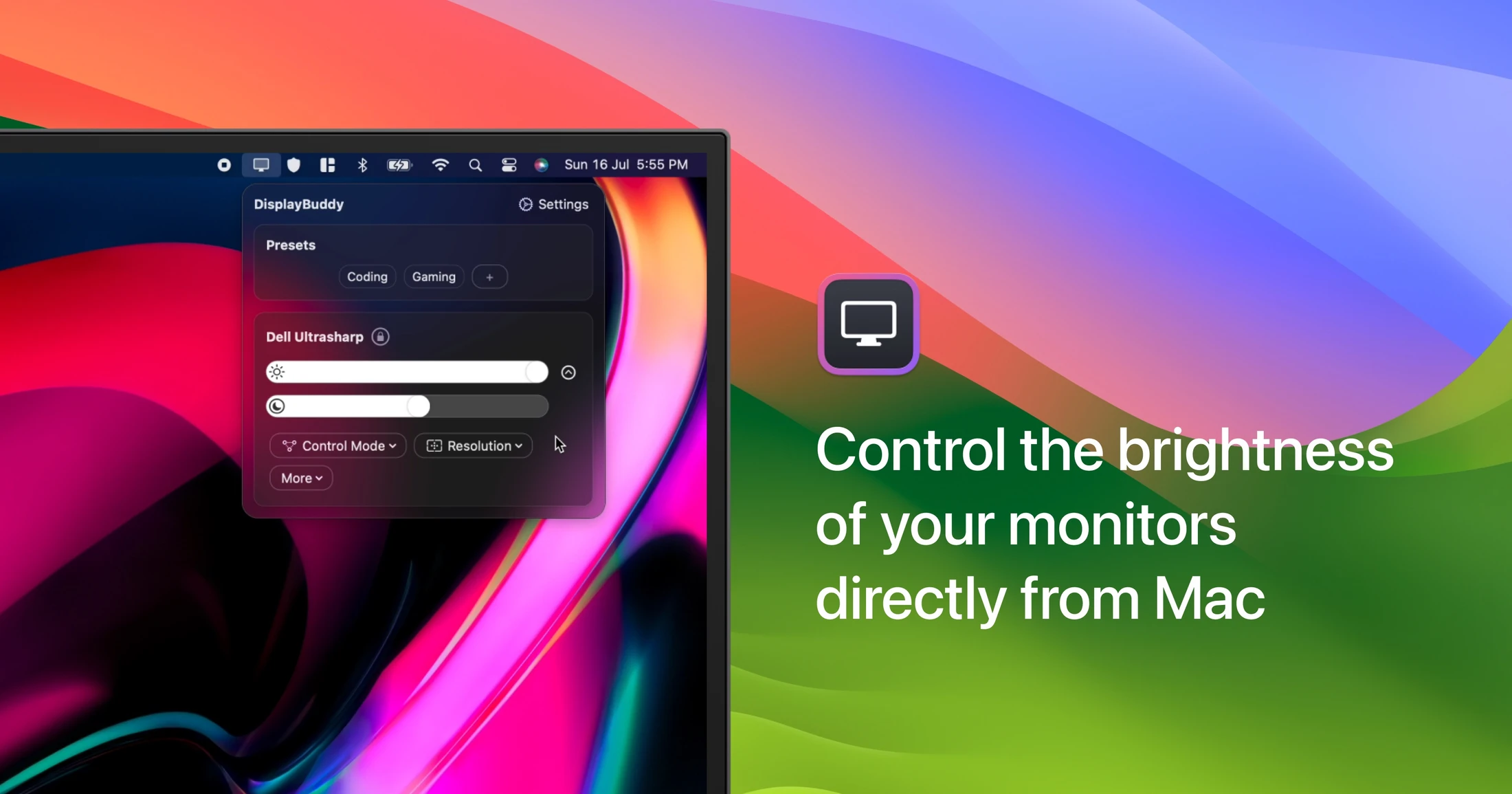
A dedicated app can help if you use a non-Apple display. DisplayBuddy is a Mac app for controlling many external monitors from the keyboard and menu bar.
Buy the BenQ MA270S if you want a sharp 27-inch 5K screen for a Mac mini without paying Apple display prices. Buy the Studio Display if you want the camera, mics, and speakers built in. Buy the LG UltraFine evo 6K if you want a 32-inch 6K canvas.
What resolution monitor is best for a Mac mini?
A 27-inch 5K display is the sweet spot for most Mac mini desks. It matches the sharpness people expect from a Retina screen. A 32-inch 6K display is better if you want more room for timelines, code, or reference images.
Does the Mac mini support 5K and 6K monitors?
Yes. Apple's official specs say an M6 Mac mini can drive two displays up to 6K at 60Hz, plus a third display up to 5K at 60Hz over Thunderbolt, among other layouts. An M5 Pro Mac mini can drive three displays up to 6K at 60Hz.
Can I use HDMI instead of Thunderbolt?
Yes. Every current Mac mini has an HDMI port. HDMI is fine for a single display if you do not need the monitor's USB hub, daisy-chaining, or laptop charging. Thunderbolt is the better single-cable option for the BenQ, Studio Display, and LG models above.
Does the BenQ MA270S work with a Mac mini, or only with a MacBook?
It works with a Mac mini. BenQ's product page lists Mac mini and Mac Studio among supported Macs, and Thunderbolt 4 is compatible with the ports on current Mac mini models.
Do I need a dock if I buy one of these monitors?
Maybe not. The BenQ, Studio Display, and LG models all act as hubs, with extra USB or Thunderbolt ports on the display. You may still want a Mac mini dock with an SSD slot if you need more storage or ports than the monitor provides.
#### Sources
Specs and prices were checked on November 12, 2026.
Tapestry unifies your favorite blogs, social media, and other feeds into a single, chronological timeline. It supports posting and interactions on Bluesky and Mastodon directly from the app.
- Combines Bluesky, Mastodon, Tumblr, RSS feeds, podcasts, YouTube channels, and more into one timeline
- Displays all content in chronological order with no algorithmic curation
- Compose, reply, and read discussions on Bluesky and Mastodon within the app
- Supports custom timelines, rules to mute or muffle content, and advanced search across all feeds
- Syncs reading position across iOS, iPadOS, and macOS using iCloud
- Features accessibility support, customizable app layout, icons, and reading modes
Tapestry is free to download, with paid upgrades for features such as ad removal and custom timelines. It requires iOS 17.4 or later.
SoftwareNewsiOS & iPadOS
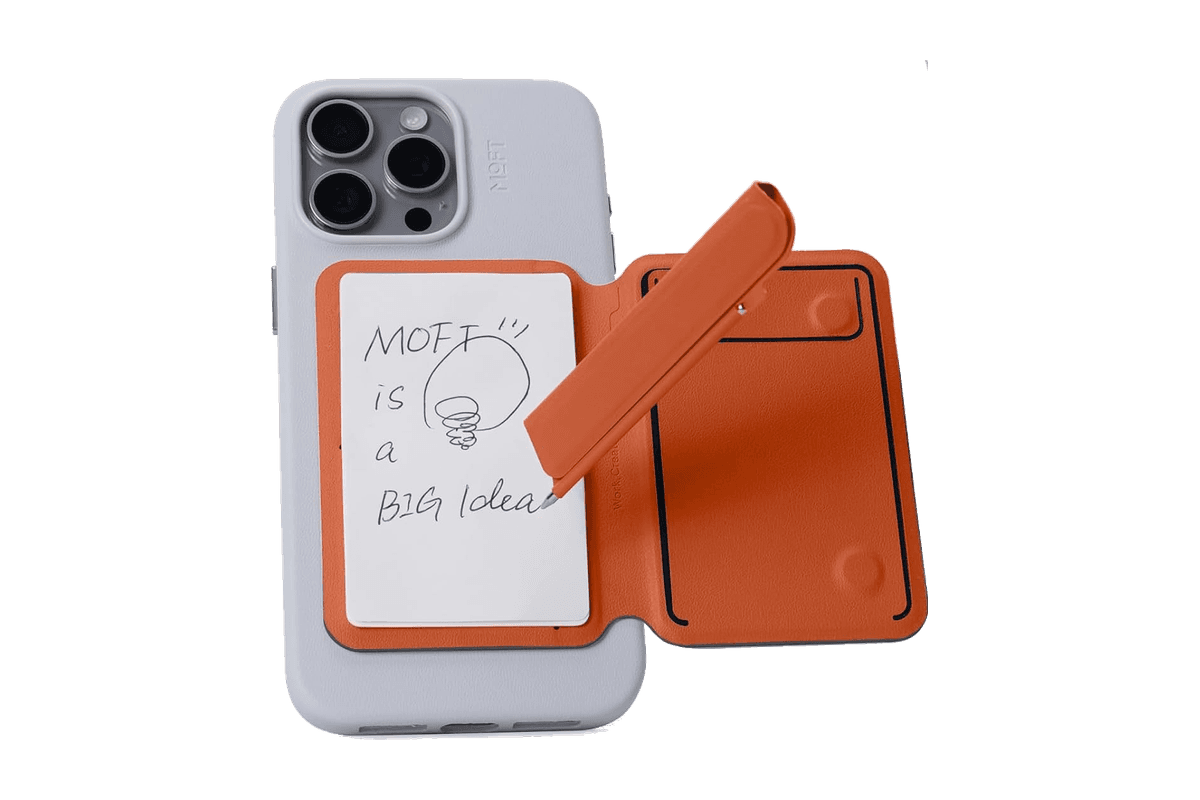
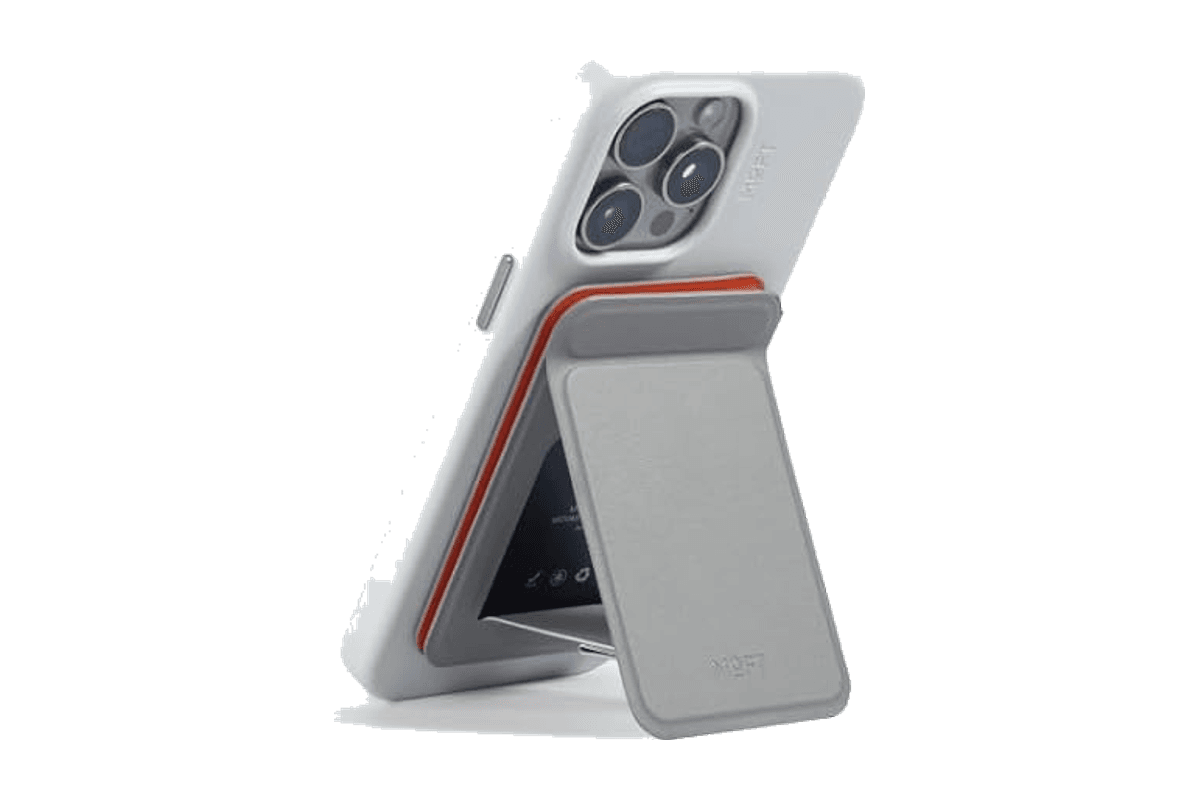
Snap Flow Phone Notepad Stand
A magnetic iPhone stand with a paper notepad and a folding pen.
HardwareAccessoriesiOS
AVE
Local-first AI video editing for Mac
Freemium
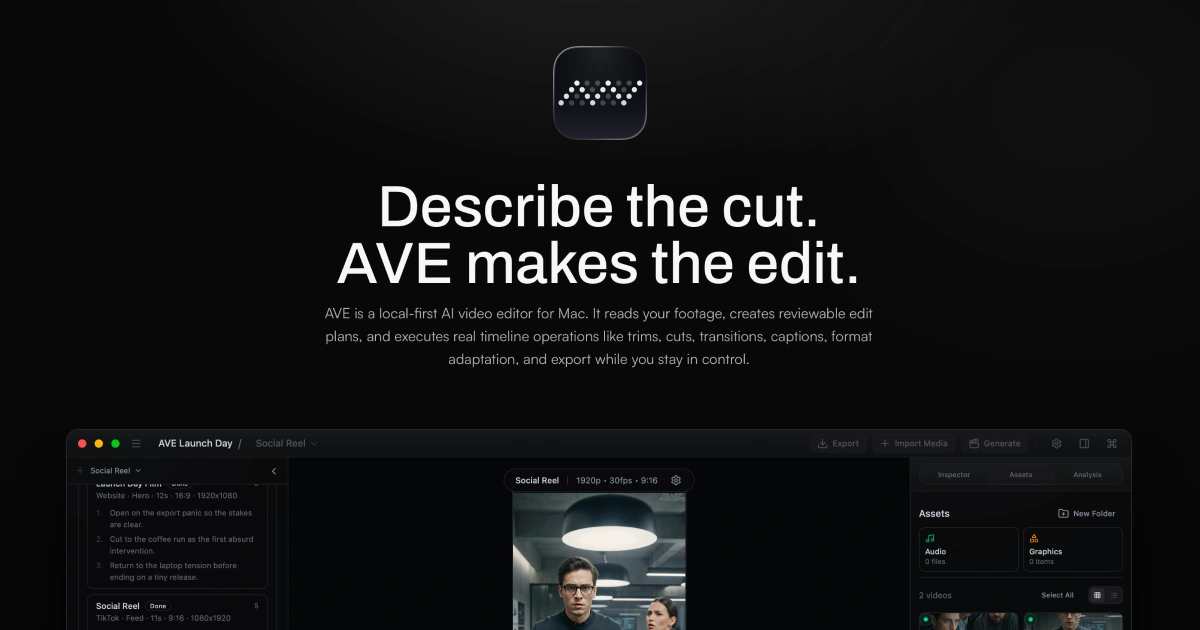
AVE is a local-first agentic video editor for Apple Silicon Macs, integrating AI-assisted editing, screen recording, and motion graphic creation within a non-linear timeline.
- Records screen, window, or area with camera and audio (macOS 15+ required for recording)
- AI-assisted editing with Ask and Plan modes, including transcript and visual clip search
- Custom motion graphics with on-device rendering or external AI provider integration
- Multi-track timeline with real edits—trim, retime, transitions, captions, graphics, color, audio automation
- Exports up to 4K UHD in multiple aspect ratios and file formats (MP4, MOV, WebM, SRT, WebVTT, FCPXML)
- Local-first project storage and analysis; external AI connections are optional
AVE requires an Apple silicon Mac with macOS 14 or later; screen recording needs macOS 15. Manual editing and export remain free after the seven-day Pro trial. Pro adds transcript and AI tools, with subscription or lifetime payment options.
SoftwareCreativemacOS
SkyBreak
Break reminder and focus timer for Mac
Freemium
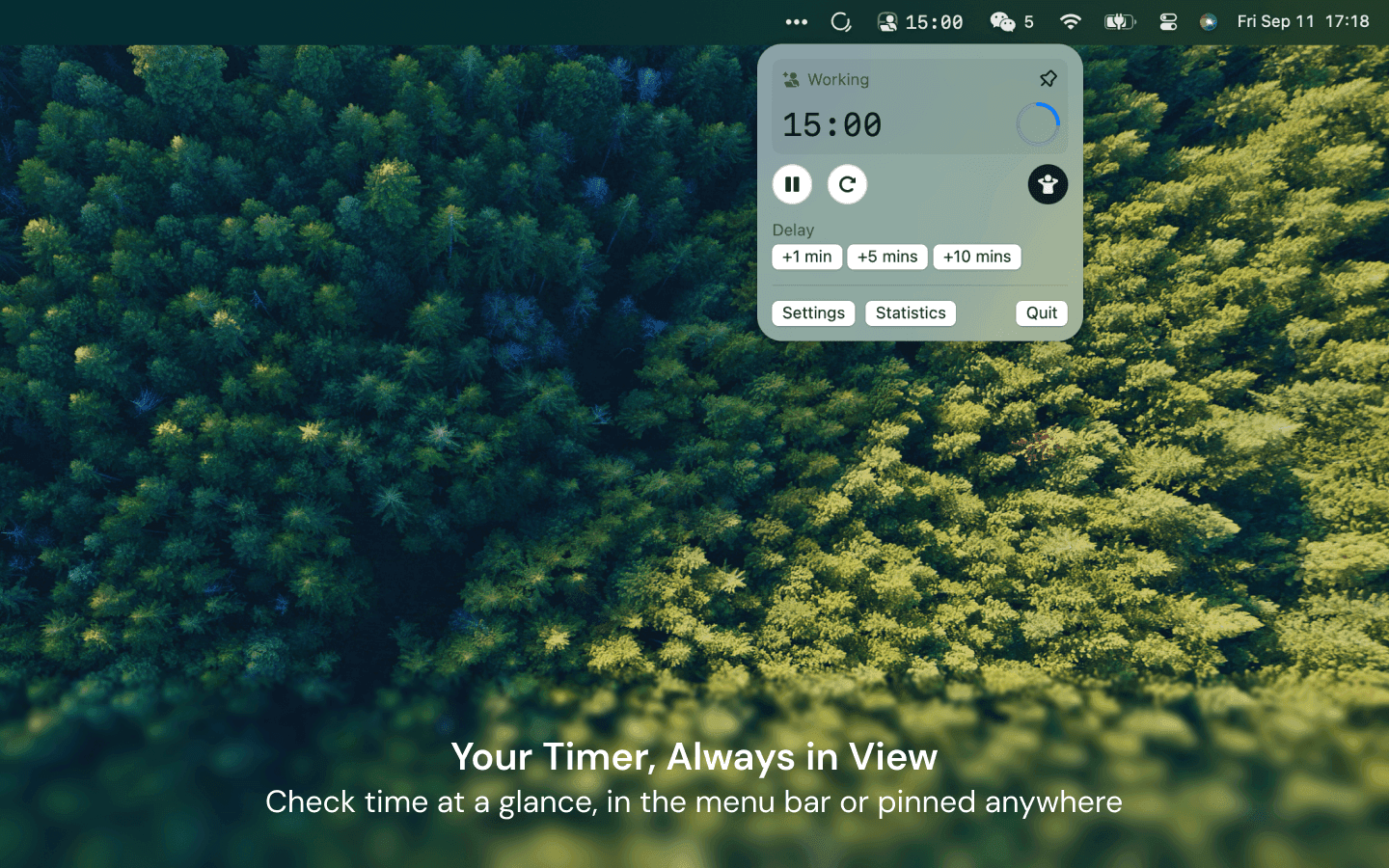
SkyBreak is a Mac app for users who spend significant time at a screen. It provides a break reminder and focus timer to help establish a sustainable work rhythm with scheduled breaks and focus sessions.
- Menu bar timer that can be detached and pinned anywhere
- Preset durations for focus, short breaks, and long breaks
- Preset number of focus sessions required before a long break
- Gentle prompts before each break with the option to extend the current session
- Support for custom scenery folders to display user photos during breaks
- Daily focus and break statistics visualized with charts
SkyBreak is free on Mac with optional in-app purchases for Pro features, such as custom durations and enhanced automation. It requires macOS 14.0 or later to install and use.
SoftwareHealthmacOS
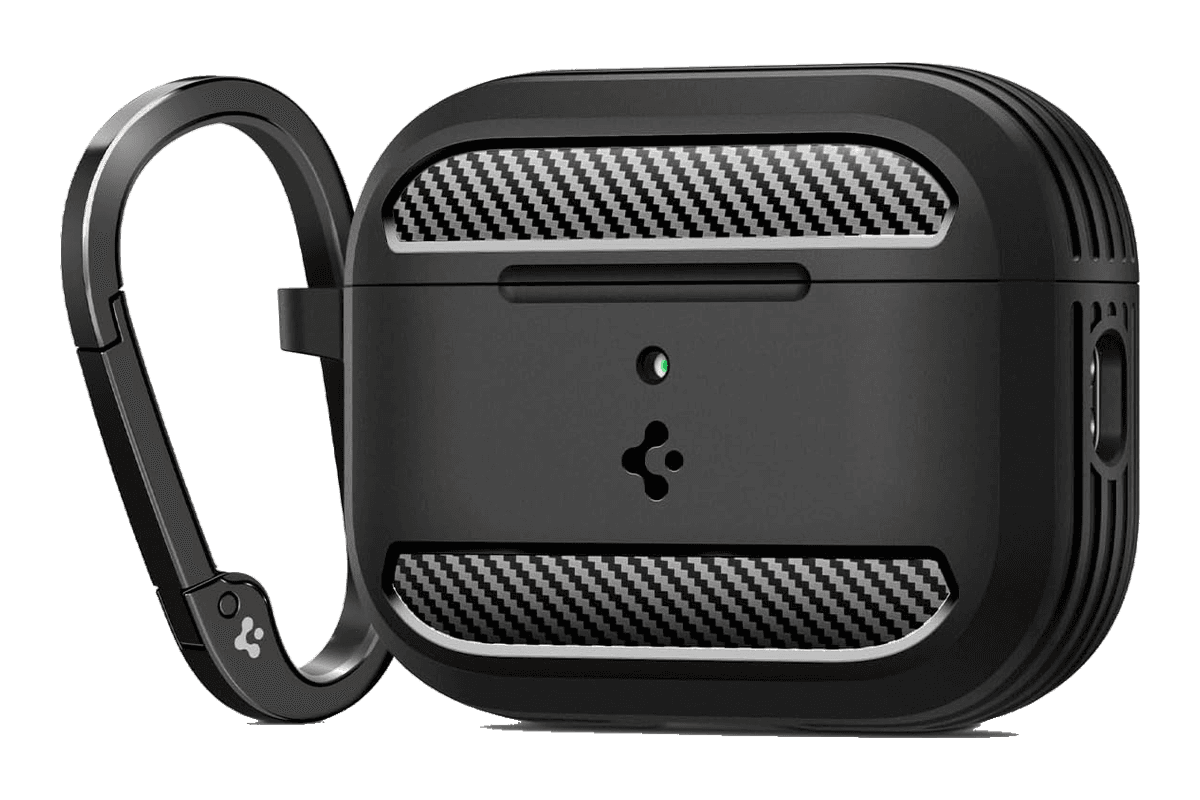
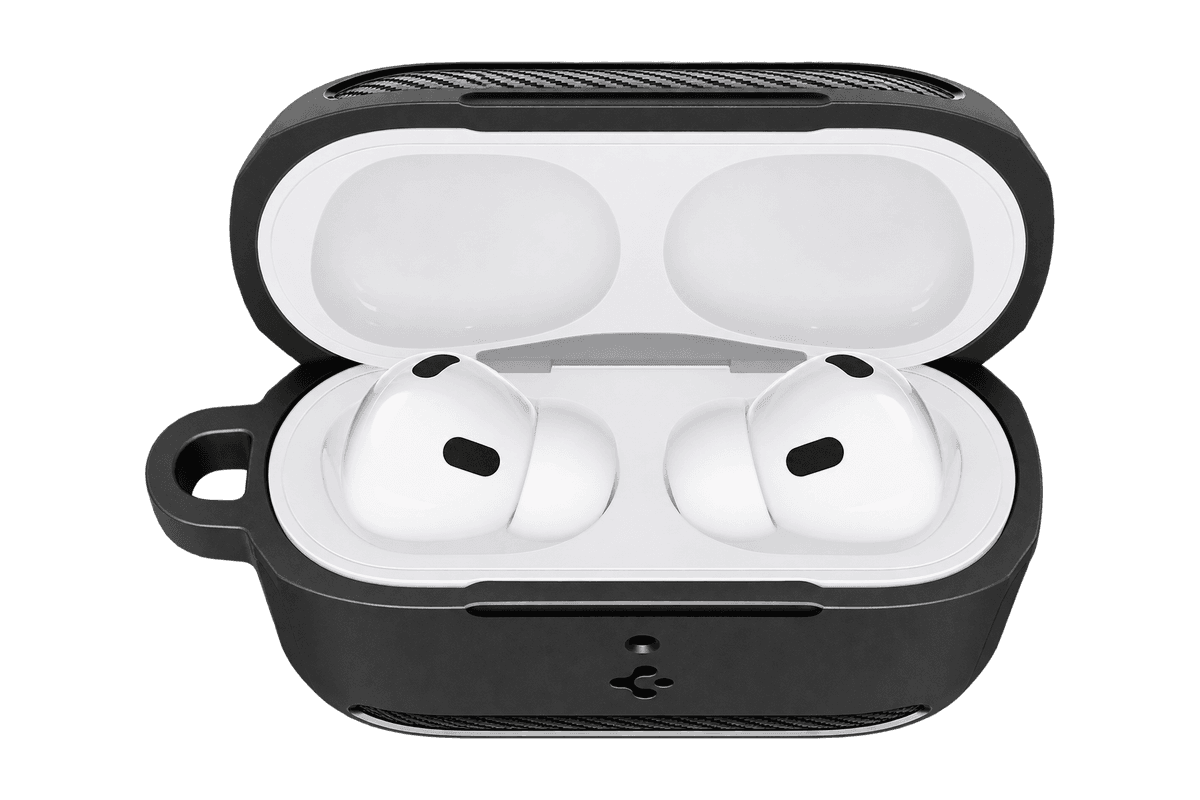
Rugged Armor for AirPods Pro 3
A matte black protective shell with a clip for the AirPods Pro 3 charging case.
HardwareAccessoriesiOS
Monument Valley 2
A story of beauty and illusion
One-time
Monument Valley 2 is a sequel to the original game, guiding a mother and her child through magical architecture filled with illusionary pathways and puzzles. It features a new standalone story and intricately designed levels for iPhone and iPad.
- Features a completely new story set in the Monument Valley universe
- Contains individually crafted, meditative puzzles with new interactions
- Showcases visuals inspired by diverse architectural and artistic influences
- Offers interactive, melodic audio soundscapes tailored to the journey
Monument Valley 2 is a paid app priced at $3.99 with no free tier available. Compatible with devices running iOS 15.0 or later; purchase is required to access the full experience.
SoftwareCreativeiOS & iPadOS
WeMotion
AI-powered Mac app for motion graphics
Free
WeMotion is a Mac app that uses AI to help users create motion graphics, including films, product videos, social clips, and title sequences. The software builds films from user descriptions, allowing both automatic and manual control.
- Generates films from plain language descriptions
- Live playback with pause and instant edits on any film element
- Supports AI-directed and full manual Pro modes for advanced users
- Includes built-in and customizable motion effects
- Supports up to 4K at 60 fps with local hardware encoding
- Stores project files locally; users retain all ownership rights
WeMotion is free to download for Macs with Apple silicon running macOS 13 or later. Requires a free WeMotion account and a paid Anthropic Claude Pro, Max, or API key (no usable free Claude plan).
SoftwareCreativemacOS
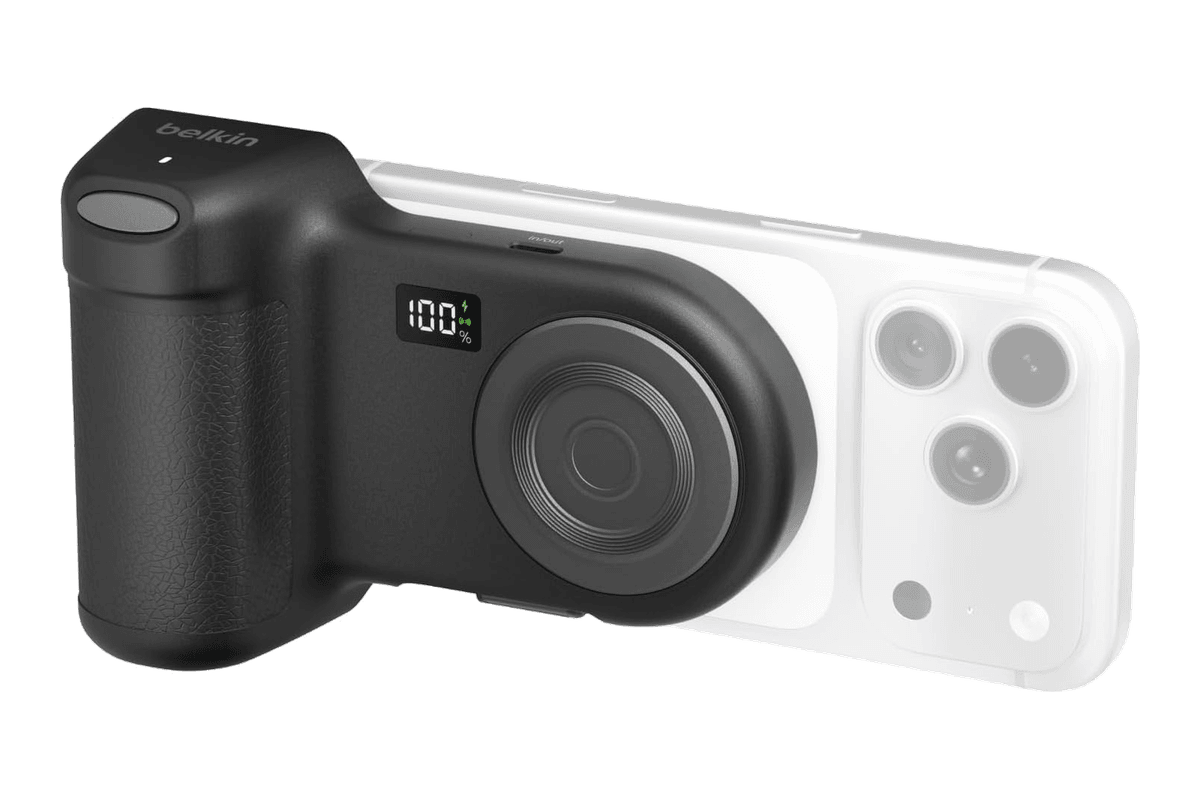
Stage PowerGrip
A magnetic iPhone camera grip with a Bluetooth shutter and a 9,300 mAh power bank.
HardwarePoweriOS
Afterlight
Camera, film presets, and advanced photo editing
Freemium
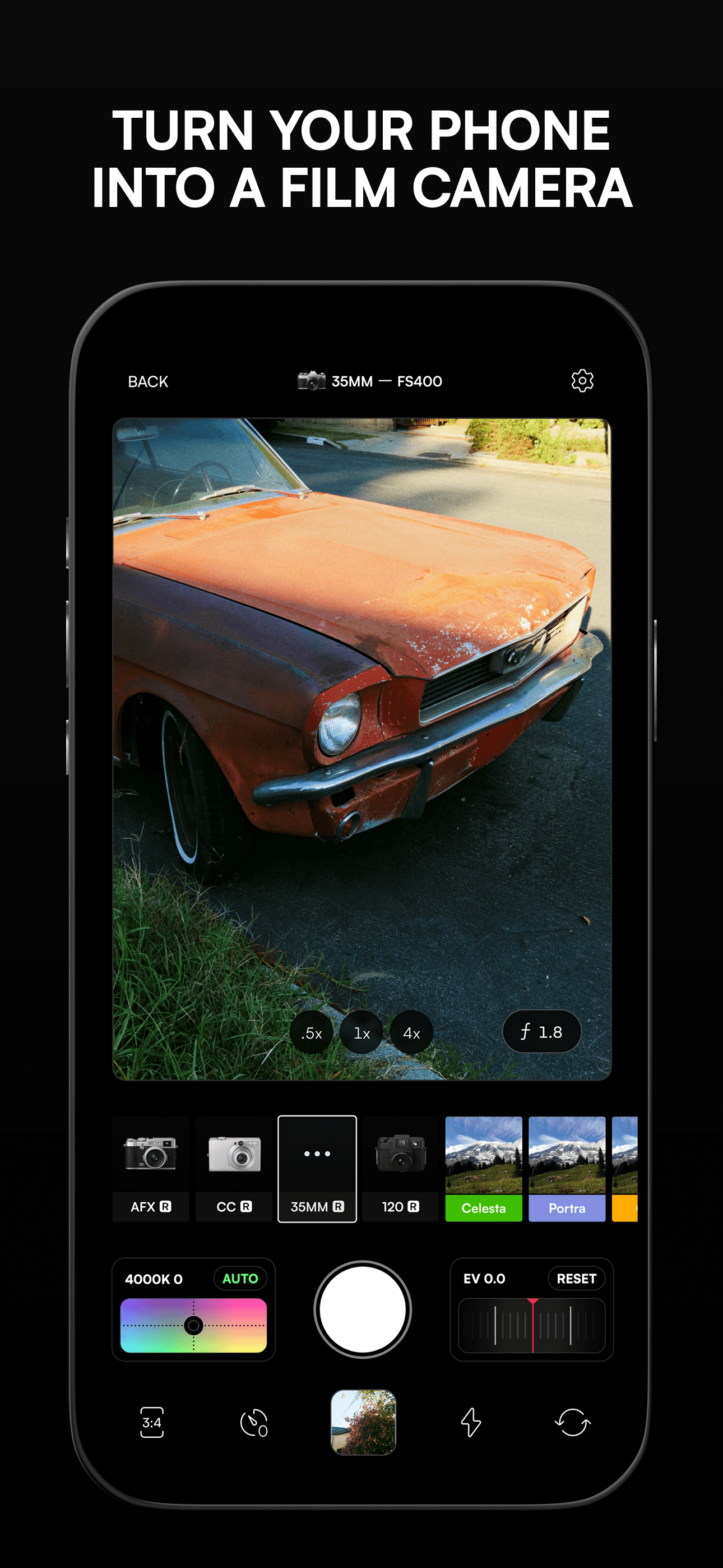
Afterlight is a photo and video editing app for iPhone and iPad that features a camera mode with live filters, 300+ film-inspired presets, real overlays, and a suite of advanced editing tools. Its design is tailored by creatives for photographers seeking film emulation and manual adjustment.
- Camera mode with live filters and seamless editing transition
- Offers more than 300 film photography-inspired presets
- Enables custom film emulation effects including double exposure and halation
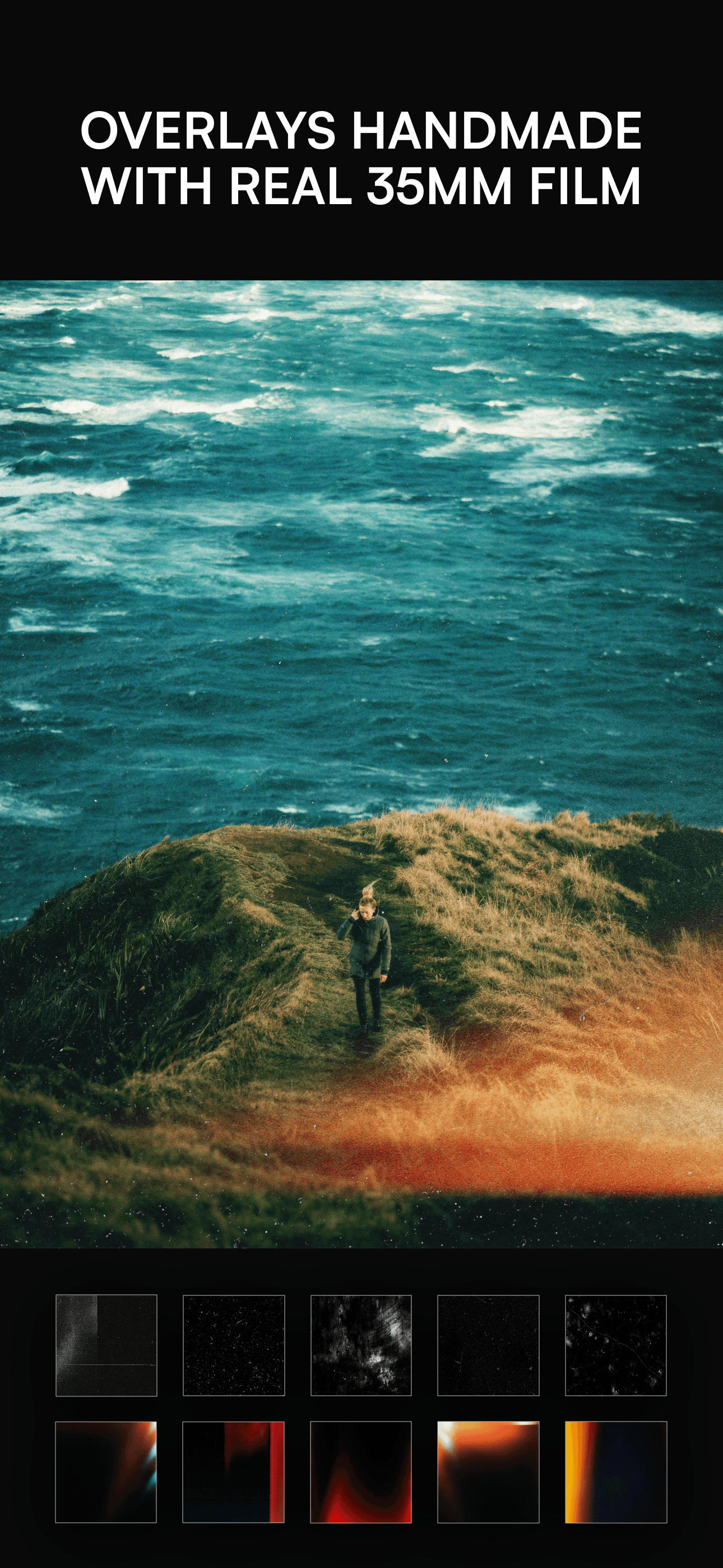
- Provides over 100 real overlay textures such as dust, light leaks, and VHS effects
- Includes 30+ advanced tools for adjusting brightness, curves, vibrance, sharpening, and more
- Option to add frames, borders, or instant film frames before exporting images
Afterlight is free to download for iPhone and iPad (requires iOS 16.6 or later), with in-app purchases available for additional features and content. No user account or external data storage is required.