Best Mouse for Mac in 2026: MacBook, MacBook Pro and Mac Mini
The MX Master 4 for Mac is the best mouse for most Mac users. Here are the best picks for MacBook, MacBook Pro and Mac mini, plus the free app that fixes scrolling.
The best mouse for Mac is not always Apple's. The Magic Mouse looks perfect next to a MacBook, but plenty of Mac owners want a real scroll wheel, side buttons, or a shape that fits their hand for eight hours a day.
This guide covers the best mouse for Mac in 2026, plus the best picks for a MacBook, a MacBook Pro, and a Mac mini. It also covers when a trackpad is the better choice, and the free app that fixes how third-party mice feel on macOS.
What is the best mouse for Mac?
Prices below were checked on Nov 9, 2026, on each maker's own store.
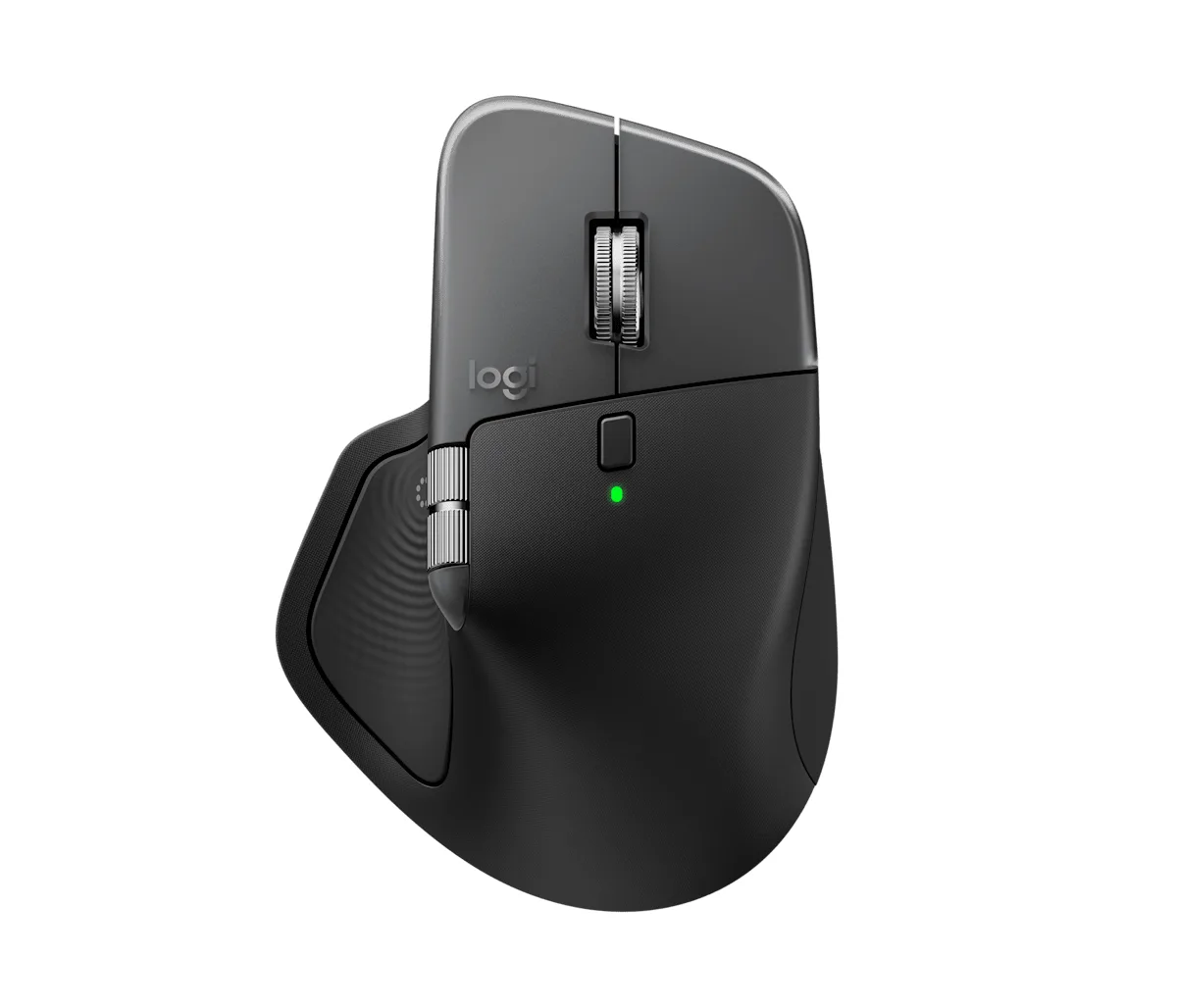
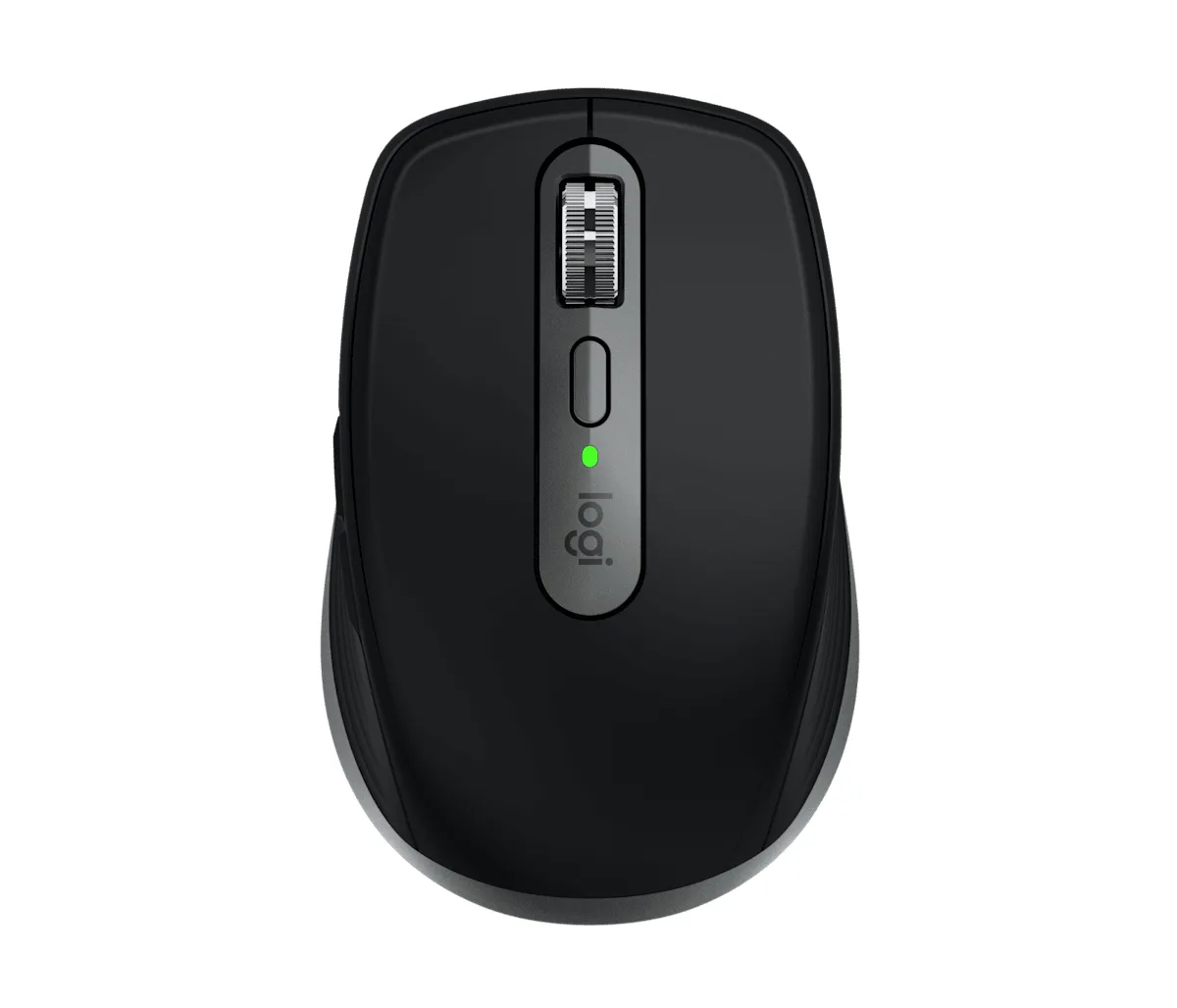
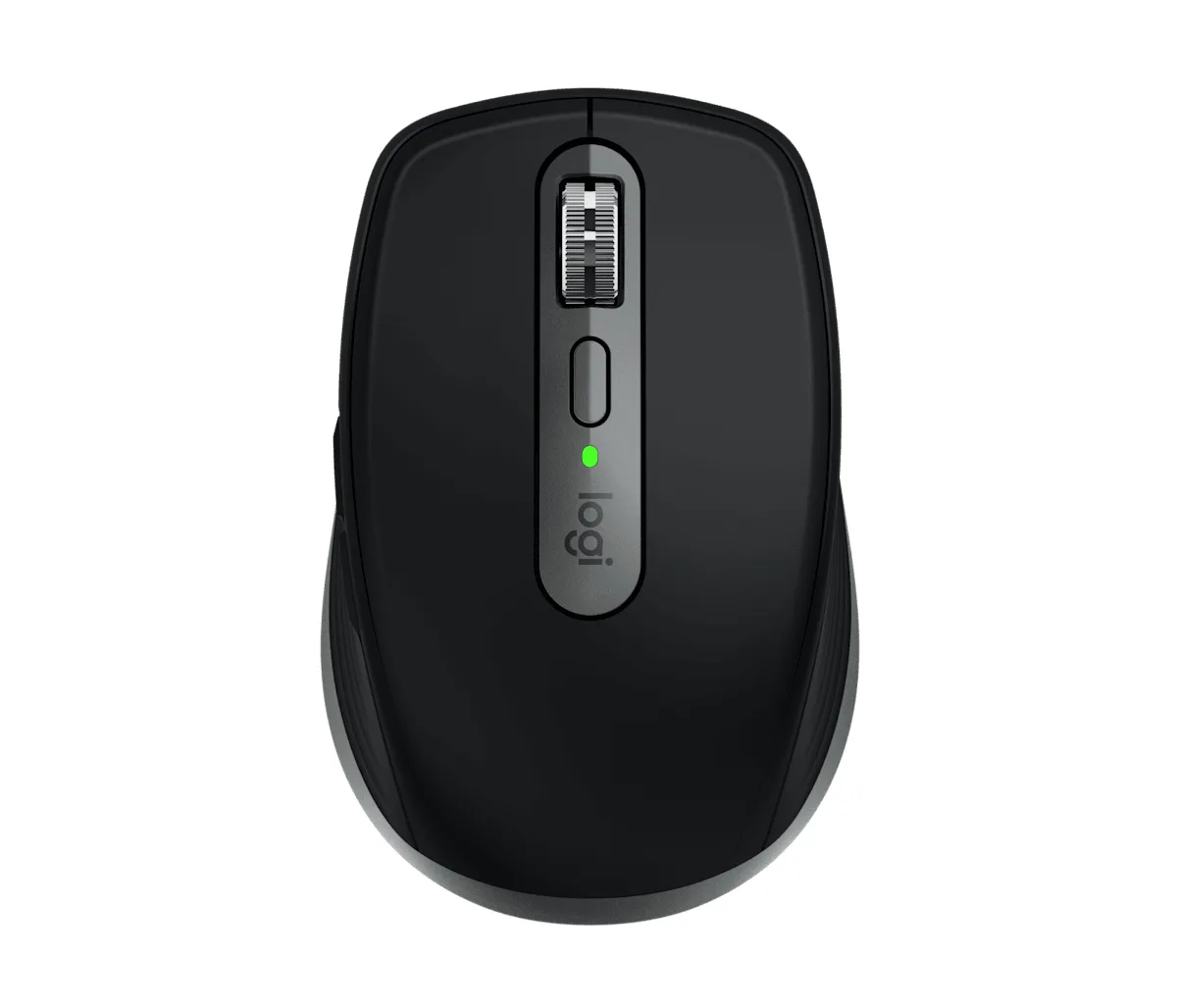
The MX Master 4 for Mac is the mouse most Mac power users end up with. Image: Logitech
How do the best mice for Mac compare?
Mouse
Price (checked Nov 9, 2026)
Connection
Battery
Weight
Best for
Logitech MX Master 4 for Mac
$119.99
Bluetooth LE, up to 3 devices
Up to 70 days
150 g
All-day work
Apple Magic Mouse (USB-C)
$79
Bluetooth, USB-C pairing
About a month
99 g
Apple gestures
Apple Magic Trackpad (USB-C)
$129
Bluetooth, USB-C pairing
About a month
230 g
Gestures on a desk Mac
Logitech MX Anywhere 3S for Mac
$89.99
Bluetooth LE, up to 3 devices
Up to 70 days
99 g
Travel
Keychron M6
$49.99
2.4 GHz, Bluetooth, wired
Up to 180 hours
78 to 86 g
Quiet clicks and gaming
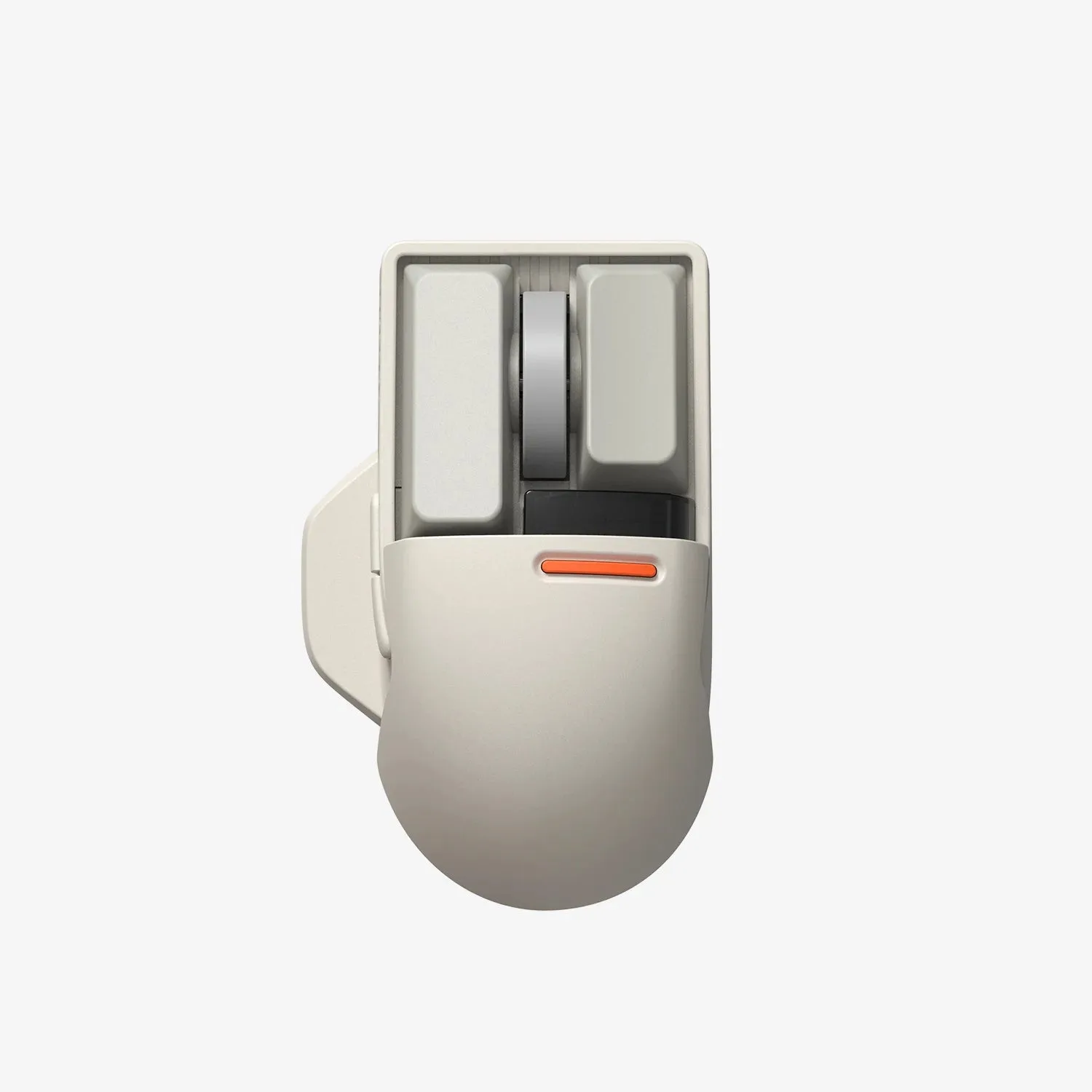
Lofree Touch PBT
$69.99
2.4 GHz, Bluetooth, wired
Up to 4 weeks
Not listed
Design
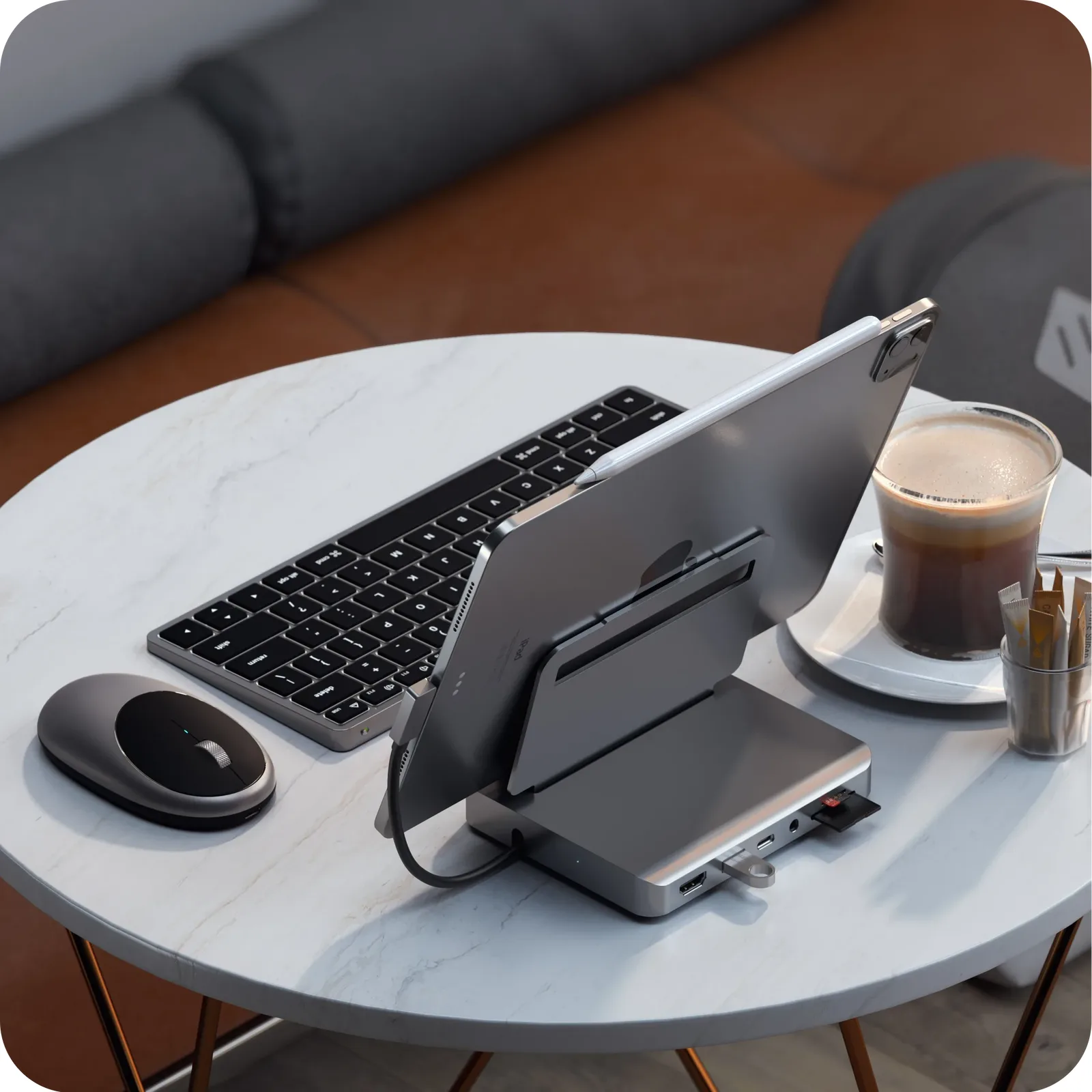
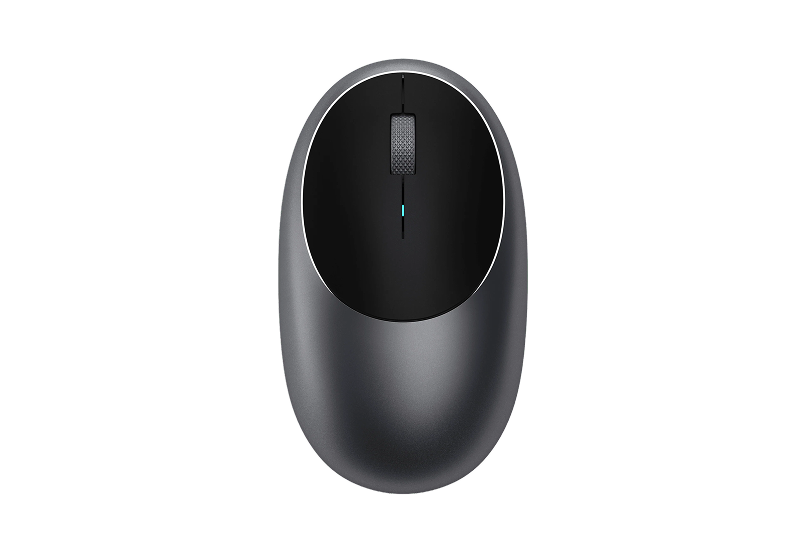
Satechi M1
$29.99
Bluetooth
Rechargeable, USB-C
Not listed
Budget
What is the best mouse for a MacBook?
If you carry your MacBook, pick a small mouse that pairs over Bluetooth, so you do not lose a USB receiver or use up a port. The MX Anywhere 3S for Mac is the one we would pack. It weighs 99 g, tracks on glass, and switches between three devices.
At a desk, a MacBook used with a monitor deserves a full-size mouse. That is where the MX Master 4 for Mac earns its price.
What is the best mouse for a MacBook Pro?
MacBook Pro owners tend to edit video, photos, code, or spreadsheets, so extra controls matter. The MX Master 4 for Mac adds a thumb wheel for horizontal scrolling through timelines, a haptic thumb panel, and the Actions Ring for app shortcuts. It is the best mouse for MacBook Pro work.
What is the best mouse for a Mac mini?
The Mac mini ships with no mouse or keyboard. If you want the Apple experience, the Magic Mouse or Magic Trackpad pair the moment you plug them in with the included USB-C cable.
If you want comfort and buttons, the MX Master 4 for Mac pairs with a Mac mini over Bluetooth. A budget Mac mini setup can start with the Satechi M1 at $29.99. For the keyboard side of the desk, see our guide to the best keyboard for Mac.
Logitech MX Master 4 for Mac: best mouse for Mac overall
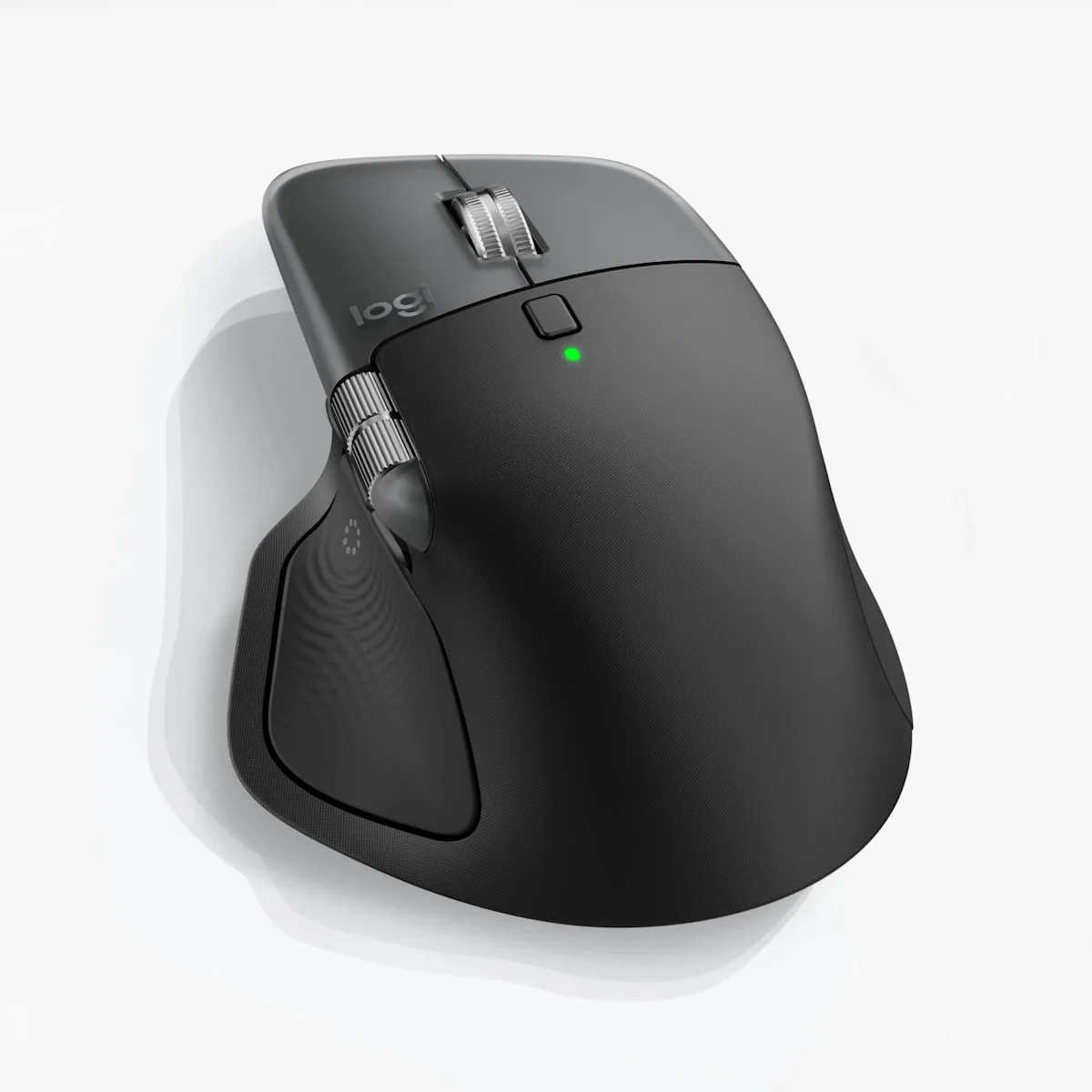
The thumb rest hides a haptic panel that taps back when you trigger shortcuts. Image: Logitech
Price: $119.99 on logitech.com.
The MX Master 4 for Mac is the mouse to buy if you spend all day at a Mac. It is sculpted for a right hand and full of controls that you can change per app in Logi Options+.
Key features:
Haptic Sense Panel and the Actions Ring for app shortcuts at your cursor.
MagSpeed wheel with ratchet and hyper-fast modes, plus a thumb wheel.
8,000 DPI Darkfield sensor that tracks on glass.
Bluetooth Low Energy with Easy-Switch for up to three devices.
650 mAh battery rated at up to 70 days, with USB-C charging.
The Mac version does not include a Logi Bolt receiver, and it is heavy at 150 g. It is also right-handed only.
MX Master 4 for MacA wireless Mac mouse with haptic shortcuts, two scroll wheels, and USB-C charging.Visit WebsiteMX Master 4 for Mac is a right-handed wireless mouse for Mac users who spend long stretches moving between apps, documents, and timelines. This Space Black version combines a sculpted grip with a haptic thumb panel and controls that can change with the app you are using.
- The Haptic Sense Panel gives tactile feedback for supported shortcuts and actions.
- Actions Ring places customizable app shortcuts near the pointer through Logi Options+ on macOS.
- The MagSpeed wheel handles long vertical scrolls, while a separate thumb wheel is useful for wide timelines and spreadsheets.
- Bluetooth and Easy-Switch let you move between up to three paired devices.
- USB-C charging works while you use the mouse. A charging cable and Logi Bolt receiver are sold separately for this version.
Choose it for a Mac desk where you want shortcuts and horizontal scrolling under your thumb. Basic pointer use also works on iPadOS, while Logi Options+ customization and app-specific controls are intended for macOS.Visit Website
Who it is for: creators, developers, and anyone who works long hours on a desk Mac or a MacBook Pro.
Apple Magic Mouse: best Apple mouse for Mac
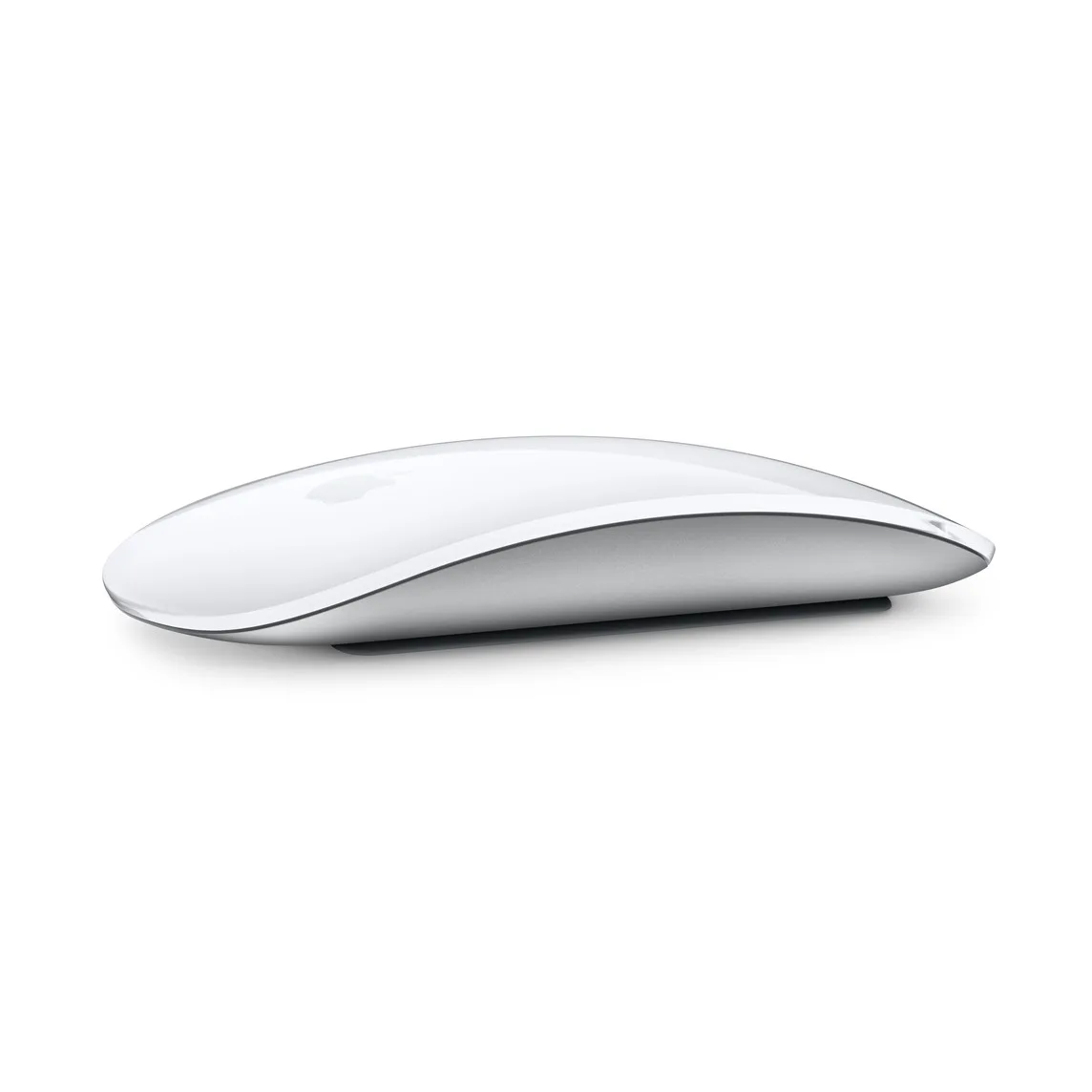
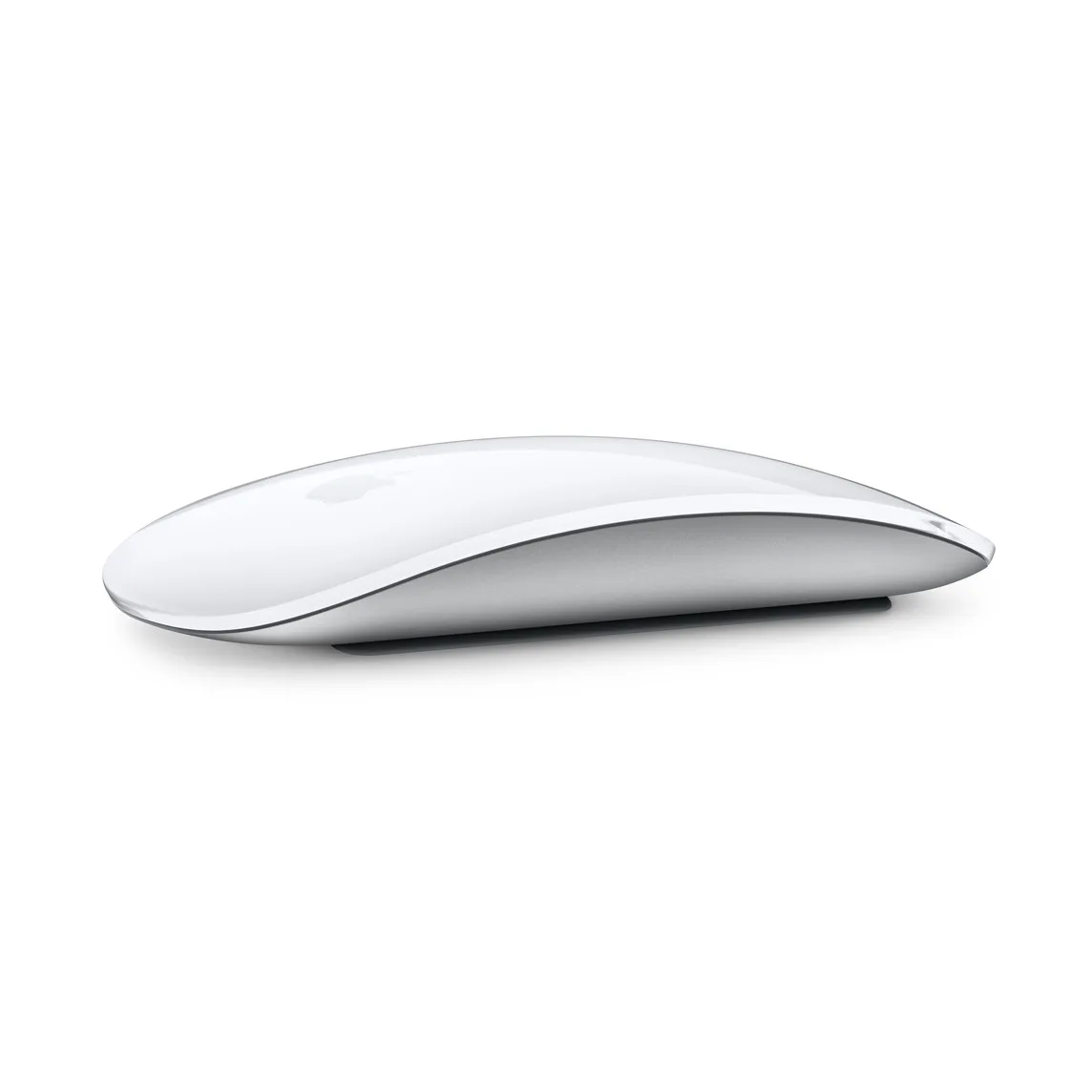
The Magic Mouse has no scroll wheel. The whole top surface is touch sensitive. Image: Apple
Price: $79 from Apple.
The Magic Mouse (USB-C) is the thinnest and quietest option here. Its Multi-Touch top surface handles scrolling and swipes between pages and apps, the same way macOS expects.
Key features:
Multi-Touch surface for scrolling and gestures.
Pairs automatically with your Mac.
USB-C port and a woven USB-C cable in the box.
About a month or more per charge, by Apple's figure.
99 g. Needs macOS 15.1 or later.
The charging port is on the bottom, so you cannot use it while it charges. The low, flat shape is also uncomfortable for some hands over long sessions.
Magic Mouse (USB-C)Apple's wireless Multi-Touch mouse with USB-C charging.Visit WebsiteMagic Mouse is Apple's own wireless mouse, with a smooth Multi-Touch top surface that handles scrolling and swipe gestures in macOS instead of a scroll wheel. This white USB-C version pairs automatically with a Mac and charges from the included woven cable.
- Multi-Touch surface for scrolling, swiping between pages, and gestures.
- Bluetooth connection that pairs automatically with your Mac.
- Rechargeable battery that Apple says lasts about a month or more per charge.
- USB-C port and a woven USB-C Charge Cable in the box.
- Weighs 99 g and needs macOS 15.1 or later.
It suits a Mac desk where you want Apple's gestures in a slim, quiet mouse. The charging port sits on the bottom, so you cannot use it while it charges.Visit Website
Who it is for: people who want Apple's gestures and a clean desk, and who do not need extra buttons.
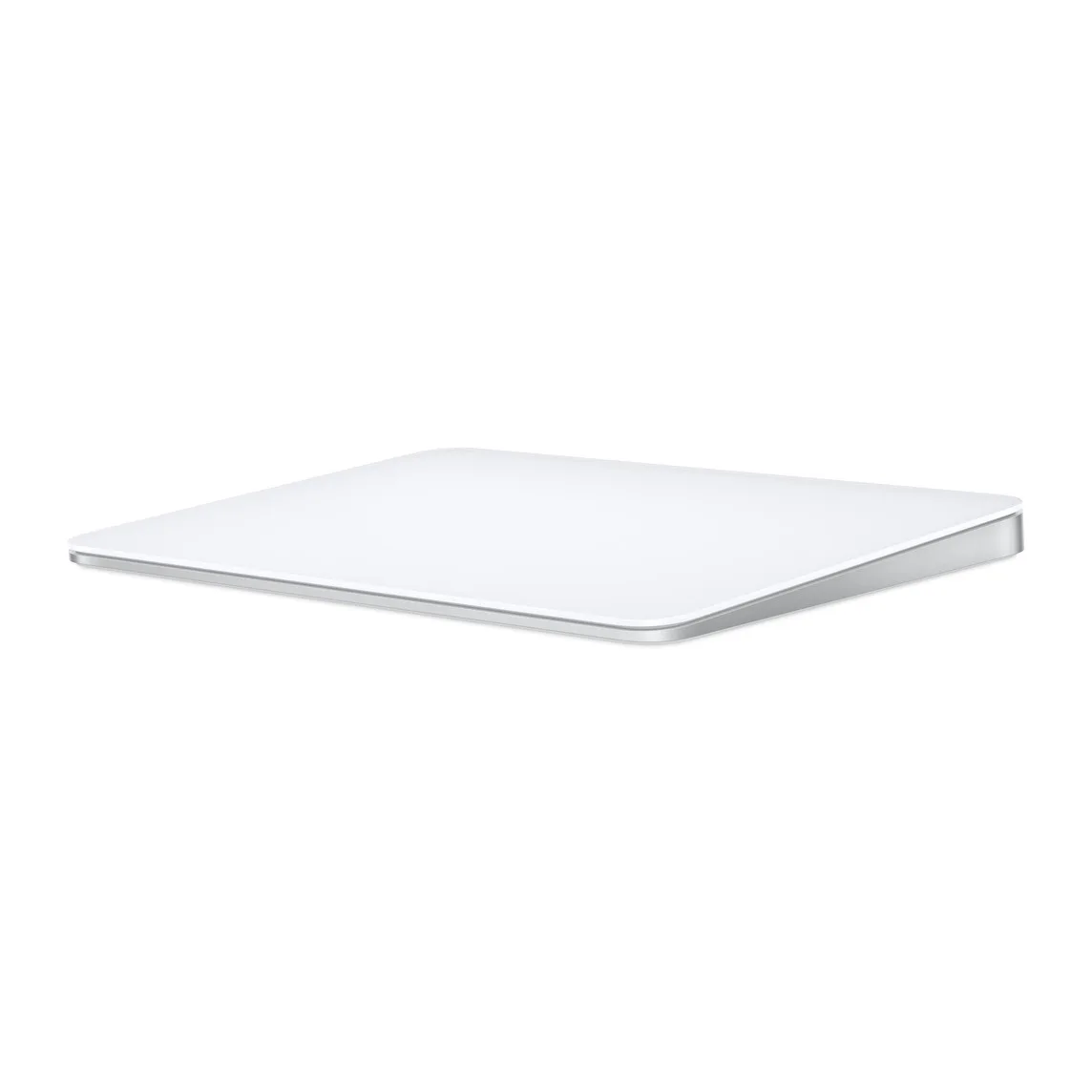
Apple Magic Trackpad: best alternative to a mouse for Mac
A big glass surface for every macOS gesture. Image: Apple
Price: $129 from Apple for the white USB-C model.
The Magic Trackpad (USB-C) brings the MacBook trackpad to a desk Mac. Many Mac users find it better than any mouse for navigating macOS, because Mission Control, Spaces, and page swipes all live on gestures.
Key features:
Edge-to-edge glass with Force Touch.
Bluetooth, with pairing and charging over USB-C.
About a month or more per charge.
Magic Trackpad (USB-C)A rechargeable glass trackpad with Multi-Touch gestures and Force Touch.Visit WebsiteMagic Trackpad brings Apple’s gesture controls to a desktop Mac or a MacBook used with an external display. This white USB-C version combines a large glass surface with wireless operation, giving you space for scrolling, swiping between apps, and navigating without a conventional mouse.
- The edge-to-edge glass surface provides room for Multi-Touch gestures across macOS.
- Force Touch senses differences in pressure to support additional clicks and controls.
- Bluetooth connectivity keeps the trackpad usable without a cable across your desk.
- A rechargeable battery reduces reliance on disposable batteries during everyday use.
- USB-C charging and the included woven cable connect it to a compatible Mac for pairing.
It suits a Mac desk where gestures are central to your workflow, particularly beside an external keyboard. This is the USB-C model rather than the Lightning version. Check Apple’s system requirements for your Mac or iPad; gesture support varies by platform.Visit Website
Who it is for: Mac mini and iMac owners who love the MacBook trackpad. Some people use it next to a mouse, one for gestures and one for precision.
Logitech MX Anywhere 3S for Mac: best travel mouse for MacBook
The MX Anywhere 3S keeps the MagSpeed wheel in a pocketable body. Image: Logitech
Price: $89.99 on logitech.com.
The MX Anywhere 3S for Mac is the small sibling of the MX Master. It is the best mouse for a MacBook you carry around.
Key features:
8,000 DPI sensor that tracks on glass.
Quiet clicks for shared spaces.
MagSpeed wheel that switches to free-spinning.
Easy-Switch between three devices over Bluetooth Low Energy.
USB-C charging and up to 70 days per charge.
It has no thumb wheel and fewer buttons than the MX Master 4.
MX Anywhere 3S for MacA compact Mac mouse with quiet clicks, 8K DPI tracking, and a MagSpeed wheel.Visit WebsiteMX Anywhere 3S for Mac is Logitech's compact wireless mouse for MacBook owners who work in different places. It keeps the MagSpeed scroll wheel of the larger MX mice in a 99 g body that fits in a laptop bag.
- 8,000 DPI Darkfield sensor that tracks on almost any surface, including glass.
- Quiet clicks for shared offices and cafes.
- MagSpeed wheel that switches between line-by-line and free-spinning scrolling.
- Pairs with up to three devices over Bluetooth Low Energy, with Easy-Switch.
- USB-C charging, with up to 70 days per full charge by Logitech's figure.
It suits MacBook users who want a small travel mouse with Mac-specific settings in Logi Options+. A Logi Bolt receiver is supported but not included.Visit Website
Who it is for: MacBook Air and MacBook Pro owners who work from cafes, trains, and hotel desks.
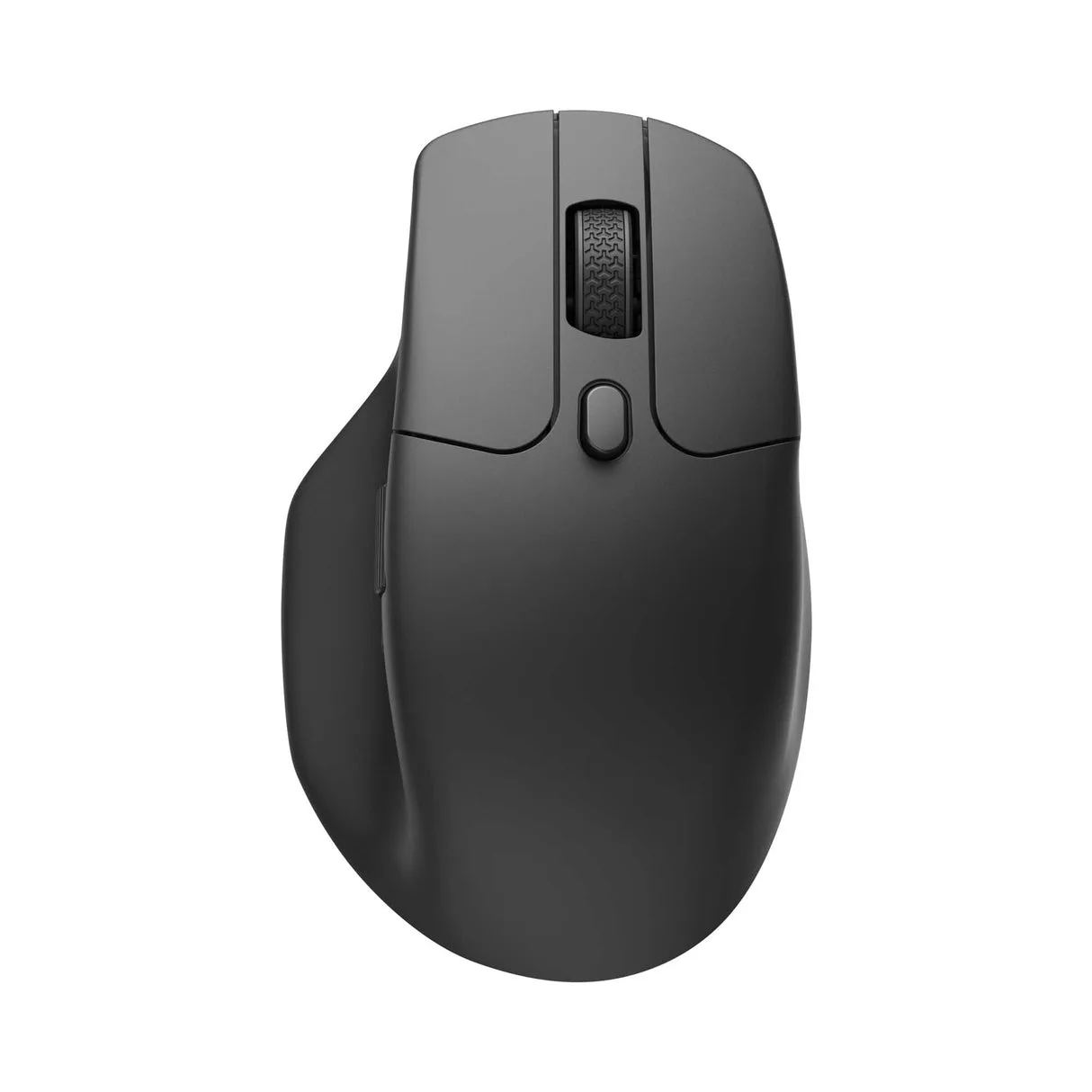
Keychron M6: best quiet mouse for Mac with a wired option
The M6 is an ergonomic mouse with silent switch options. Image: Keychron
Price: $49.99 on keychron.com.
The M6 Silent is an ergonomic mouse with an unusual mix: silent micro switches, a 2.4 GHz receiver, Bluetooth, and a wired mode.
Key features:
Sensor options including the PixArt 3395, with up to 30,000 DPI on the top sensor option.
Up to 8,000 Hz polling on the 8K version, or 1,000 Hz on the version we list.
78 to 86 g, depending on the version.
Up to 180 hours of battery.
Keychron Launcher web app for buttons and macros, which works on macOS.
Logitech's Options+ app is more polished for Mac-specific shortcuts.
M6 SilentA quiet wireless mouse with a metal scroll wheel and customizable Mac controls.Visit WebsiteM6 Silent is a right-handed mouse for a Mac desk where quieter clicks and flexible scrolling matter. This black 1,000 Hz version uses the PixArt 3395 sensor and weighs approximately 86 grams, putting it between a lightweight travel mouse and a larger desktop model.
- Quiet switches reduce click noise in shared workspaces.
- Switch the metal scroll wheel between ratcheted and free-spinning modes.
- Connect over Bluetooth 5.3, the 2.4 GHz receiver, or a wired connection.
- The 26,000 DPI sensor lets you tune pointer sensitivity for your display and work.
- Customize shortcuts and keep settings in onboard memory when switching computers.
This version is a good fit for a Mac user who alternates between focused work and occasional gaming. Use the 2.4 GHz receiver for the advertised 1,000 Hz polling rate.Visit Website
Who it is for: Mac users who want quiet clicks for work and low latency for the occasional game.
Lofree Touch PBT: best looking mouse for Mac
Lofree's mouse matches its Flow keyboards. Image: Lofree
Price: $69.99 on lofree.co.
The Touch PBT Wireless Mouse has textured PBT surfaces, replaceable buttons, and a small status screen for connection, battery, and DPI.
Key features:
2.4 GHz, Bluetooth, and wired USB-C modes.
DPI from 200 to 4,000, set without software.
650 mAh battery for up to 4 weeks, by Lofree's figure.
Lofree notes that macOS does not support the back and forward buttons in Bluetooth mode, so use the receiver if you rely on them.
Touch PBT Wireless MouseA tactile mouse with replaceable buttons and an OLED display.Visit WebsiteTouch PBT Wireless Mouse adds textured PBT surfaces and an onboard status screen to a Mac desk. The Tofu OE909 model offers Bluetooth, a 2.4GHz receiver, and USB-C wired operation, giving you several ways to connect at home or when moving between workspaces.
- PBT button surfaces provide a textured feel, with replaceable buttons and a removable back cover.
- An OLED screen shows connection mode, battery information, and the current DPI setting.
- Bluetooth 5, 2.4GHz wireless, and USB-C wired modes support different desk arrangements.
- Sensitivity adjusts in 200-DPI steps up to 4,000 DPI for tuning pointer movement.
- The sensor supports tracking on glass, adding flexibility when choosing a desk surface.
This mouse is a distinctive alternative for Mac users who value tactile materials and visible device status. Check the controls you rely on: Lofree notes that the forward and back buttons are not supported on macOS when connected over Bluetooth.Visit Website
Who it is for: people building a matching desk with a Lofree Flow 2 keyboard.
Satechi M1: best budget mouse for Mac
The aluminum M1 comes in Mac-matching colors. Image: Satechi
Price: $29.99 on satechi.com.
The Wireless Bluetooth Mouse is a simple, symmetrical aluminum mouse with Bluetooth and a USB-C rechargeable battery. It works in either hand.
It has none of the extras above, but it looks right next to a Mac and costs less than half the Magic Mouse.
Wireless Bluetooth MouseCompact & Portable, USB-C RechargeableVisit WebsiteThe Satechi M1 Wireless Bluetooth Mouse combines sleek design with functionality, offering a seamless connection to any Bluetooth-enabled device. With Bluetooth 4.2 technology, it provides a reliable and stable connection within a 32-foot range. The mouse is equipped with high-precision optical sensors, ensuring accurate tracking and swift scrolling at a resolution of 1200 DPI. Its rechargeable lithium-ion battery eliminates the need for disposables, and it comes with a USB-C charging cable for quick recharging. The ergonomic aluminum finish adds to its appeal, making it ideal for both right and left-handed users. This modern and stylish device is not just a tool, but a statement piece for your workspace.Visit Website
Who it is for: a budget Mac mini setup or a spare mouse for the bag.
How do you make a mouse feel right on Mac?
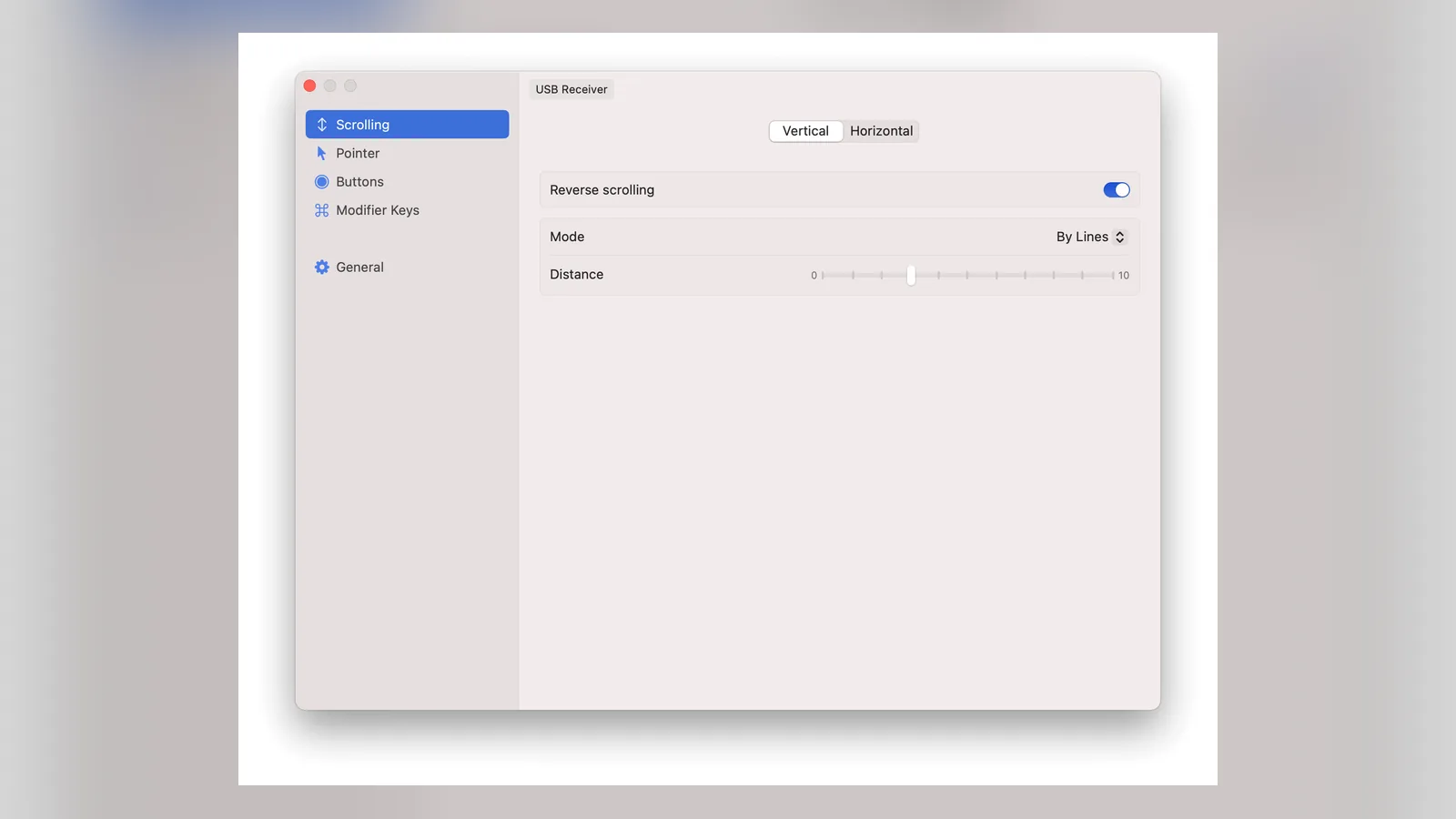
Third-party mice often feel wrong on macOS. Scrolling goes the "natural" way like a trackpad, and pointer acceleration makes small movements feel inconsistent.
The free, open-source LinearMouse fixes that. It sets scroll direction and speed per device, so your mouse and trackpad can behave differently. It can also turn off pointer acceleration and remap buttons.
LinearMouseCustomize mouse and trackpad behavior on MacVisit WebsiteLinearMouse is a free, open-source utility that gives external mice and trackpads separate, Windows-like behavior on macOS.
- Set scroll direction and speed per device, so a mouse can differ from the trackpad.
- Turn off pointer acceleration for a linear, predictable cursor.
- Remap mouse buttons and modifier-key scrolling.
- Free and MIT licensed.
LinearMouse suits anyone whose mouse feels wrong on a Mac after moving from Windows.Visit Website
You can install it with Homebrew using `brew install --cask linearmouse`. Windows switchers will find more fixes in our best Mac apps for Windows switchers guide.
How to choose a mouse for Mac
Want shortcuts and comfort? MX Master 4 for Mac.
Want gestures? Magic Mouse, or the Magic Trackpad for a desk.
Travel a lot? MX Anywhere 3S for Mac.
Use a Mac and a PC? Pick a mouse with multi-device pairing, like the MX mice.
Left-handed? The Magic Mouse and Satechi M1 are symmetrical. The MX Master 4 and Keychron M6 are right-handed.
Need back and forward buttons? Avoid the Magic Mouse.
FAQ
What mouse works best with a Mac?
The Logitech MX Master 4 for Mac for most people. It has Mac-specific settings in Logi Options+ and pairs with up to three devices.
Is the Magic Mouse worth it?
If you want Apple's gestures and a slim mouse, yes. If you want a scroll wheel, side buttons, or a comfortable grip for long days, a Logitech MX mouse is better.
Can you use the Magic Mouse while charging?
No. The USB-C port is on the bottom, so the mouse has to lie flat to charge.
Do Logitech mice work with Mac?
Yes. The MX Master 4 for Mac and MX Anywhere 3S for Mac are made for macOS and iPadOS, and Logi Options+ runs on macOS.
What is the difference between the MX Master 4 and the MX Master 4 for Mac?
The mouse is the same, but the Mac version comes in Mac colors and does not include a Logi Bolt receiver. It connects over Bluetooth.
Is a trackpad better than a mouse for Mac?
For gestures and navigating macOS, often yes. For precise work like photo editing, a mouse is usually easier. Many people use both.
Verdict
Buy the MX Master 4 for Mac if you work long hours on a Mac. Choose the Magic Mouse or Magic Trackpad if you want Apple's gestures, and the MX Anywhere 3S for Mac if your MacBook travels. Whatever you pick, install LinearMouse if scrolling feels off.
Apple's over-ear headphones with the H2 chip, USB-C, and up to 20 hours of listening.
HardwareAudiomacOS & iOS & iPadOS
DaisyDisk
A visual disk space analyzer for Mac, with a lifetime license.
One-time
DaisyDisk is a Mac disk space analyzer that shows your drive as an interactive sunburst map, so you can find the largest files and folders and drag them to the Trash.
- Scans the startup disk in seconds and works with internal, external, and network volumes, plus cloud folders in the full version.
- An interactive map with Quick Look for file previews, and in-app deletion.
- Detects hidden and purgeable space. The stand-alone edition can reveal that space, purge it, and scan as an administrator.
- A one-time lifetime license for up to 5 personal Macs, with minor updates included and a 30-day money-back guarantee.
- A free trial can scan and browse the map. Deleting files, admin scans, and cloud scans need a license.
DaisyDisk is sold on daisydiskapp.com for $9.99, and also on the Mac App Store. The stand-alone edition has a few features the App Store edition cannot include.
SoftwareUtilitiesmacOS
Sol
A free, open source Mac launcher focused on speed and simple tools.
Free
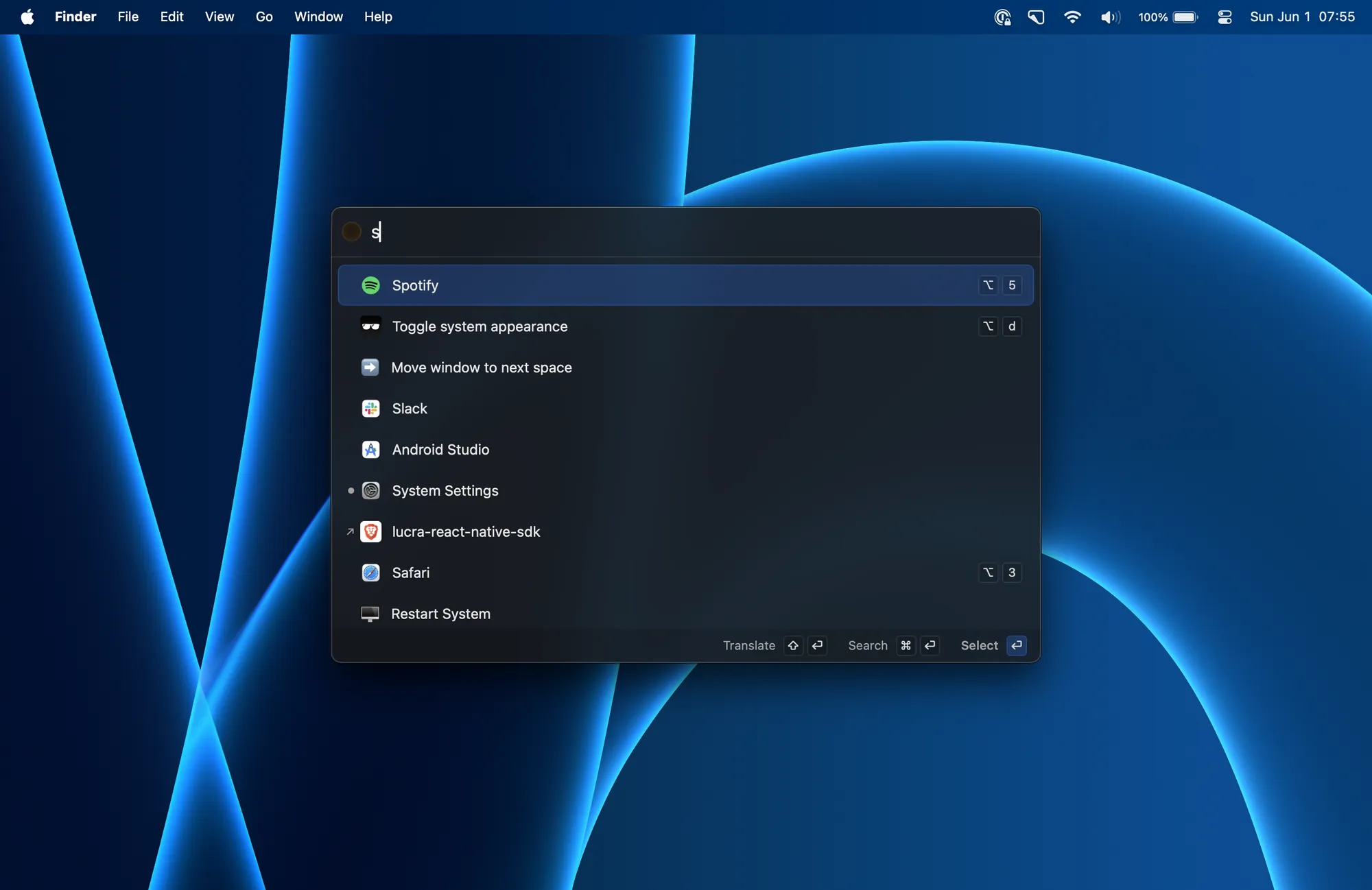
Sol is a free, open source app launcher for macOS. It is made for speed, with little setup, and it is released under the MIT License.
- Launch apps, run calculations, pick emoji, and bind global shortcuts from one palette.
- A clipboard manager, a keyboard-driven window manager, calendar integration, and quick notes.
- Translation, a process manager, media key forwarding, a MacBook notch hider, and developer commands such as cleaning derived data.
- Install with Homebrew using brew install --cask sol, or download a release from the official site.
Sol has no paid plan or subscription. It is a good fit if you want a Raycast-style launcher without paying for a Powerpack or a Pro plan.
SoftwareProductivitymacOS
LaunchBar
A keyboard launcher for Mac that finds apps, files, and actions from short abbreviations.
Freemium
LaunchBar 6 is a long-running Mac launcher from Objective Development. You press a shortcut, type an abbreviation, and use it to open apps, browse files, run actions, and more, without taking your hands off the keyboard.
- Abbreviation search for applications, documents, bookmarks, contacts, and system items.
- Clipboard history, snippets, a calculator, a file manager, web search with live suggestions, and script-based actions.
- Built-in indexing rules for Finder tags, emoji, Shortcuts, Reminders, Safari lists, and more.
- A 30-day trial. After that, LaunchBar can still be used for free, with occasional short breaks that invite you to buy a license.
- A Single License is $35 or €35, depending on the store region. A Family License is €59 and covers up to 5 computers in one household, for personal use.
LaunchBar suits people who already like typing short abbreviations, and anyone who wants a one-time license instead of a subscription.
SoftwareProductivitymacOS
NotchNook
Turn the MacBook notch into a hub for music, files, calendar, and live activities.
Paid
NotchNook turns the MacBook notch into a panel (the Nook) for music, calendar, files, widgets, and live activities. On Macs without a notch, a slim handle at the top of the screen opens the same Nook.
- NotchNook Pro is the rebuilt edition, with a Liquid Glass or classic black notch, lyrics, a file converter, clipboard and Pocket, a teleprompter, a terminal, and approvals for AI agents such as Claude Code and Codex.
- NotchNook Classic is the original app: media controls, calendar, Nook widgets, and a file Tray, and it still runs on Intel Macs.
- Both editions have a 48-hour free trial (no card), cover up to 2 Macs, and include updates while the license is active.
- Pro is $19 for a lifetime license or $3 a month. Classic is $15 for a lifetime license or $2 a month.
- Pro needs Apple silicon and macOS 14.6 or later. Classic also runs on Intel Macs with macOS 14.6 or later.
NotchNook is a good fit if you want the notch to hold everyday controls, not just music, in one paid app.
SoftwareUtilitiesmacOS
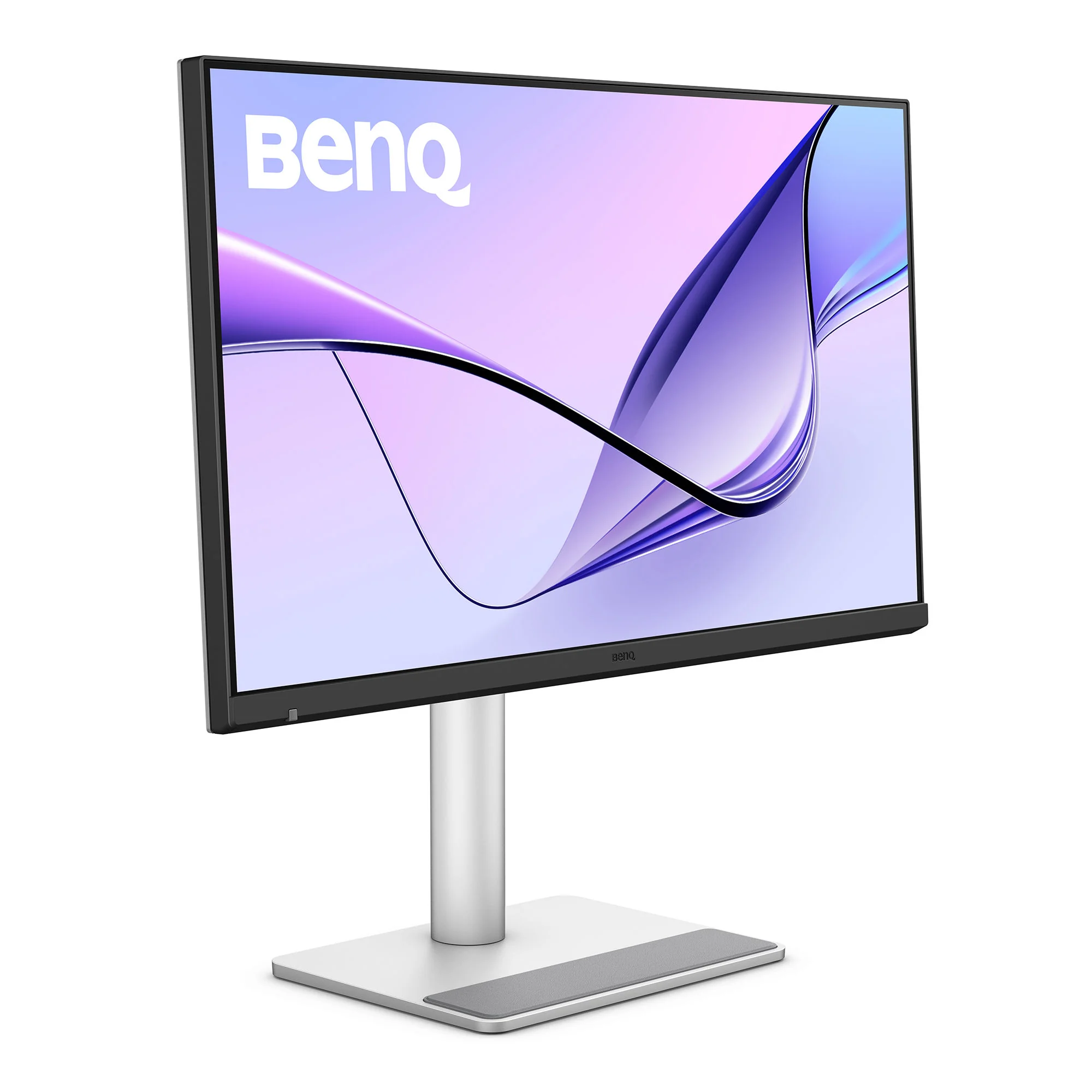
BenQ MA270S
A 27-inch 5K Nano Gloss monitor with Thunderbolt 4, built for Mac.
HardwareDisplaysmacOS
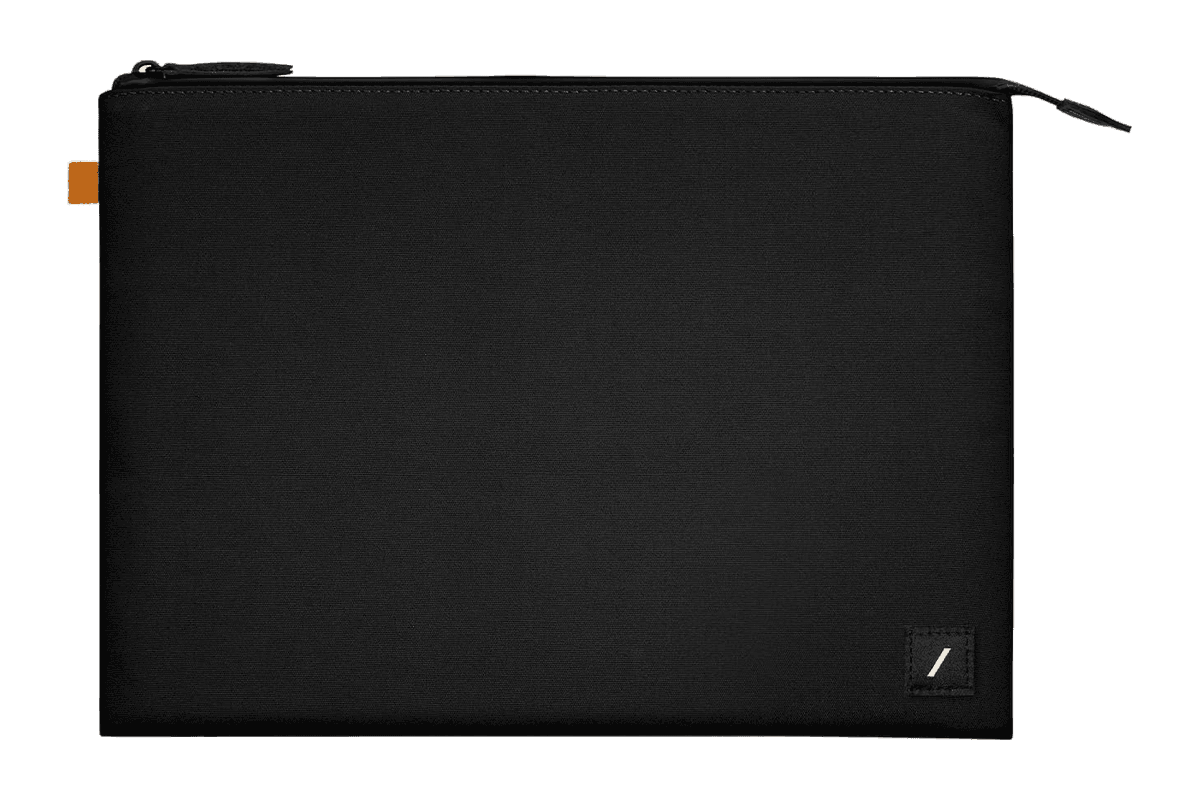
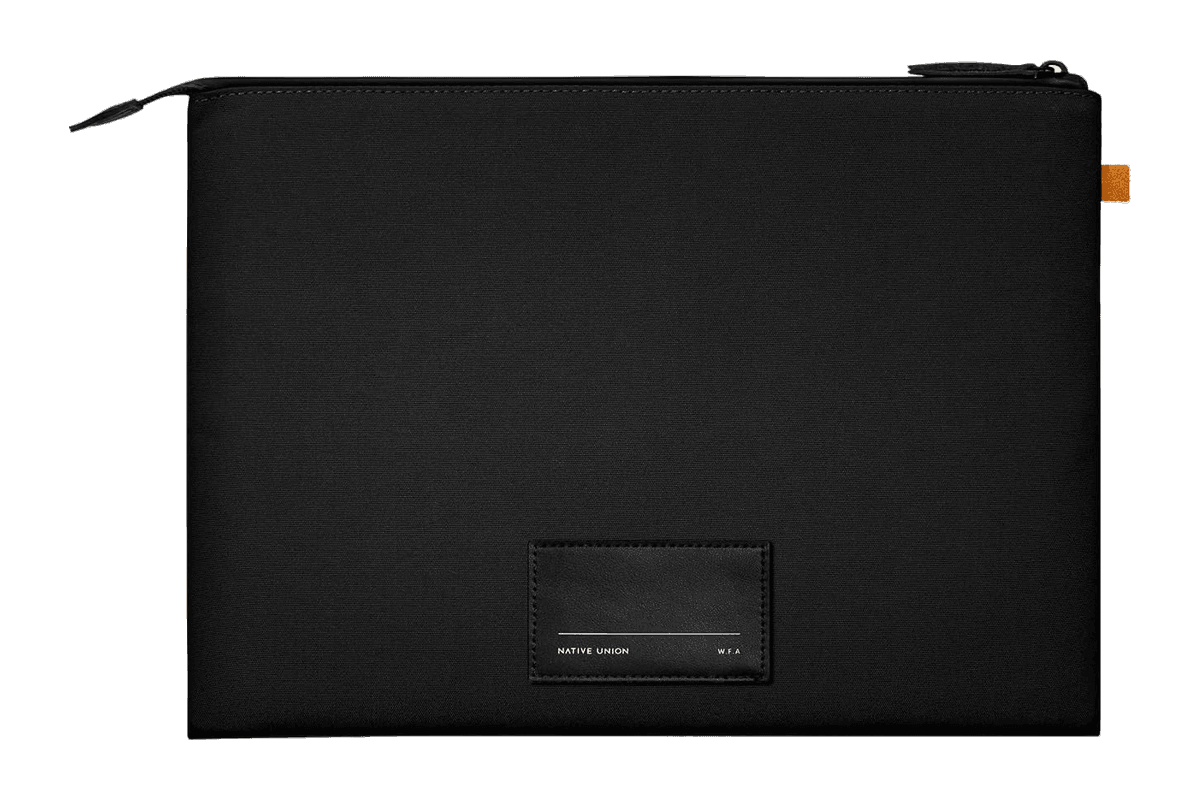
W.F.A Sleeve for MacBook (14″)
A slim black sleeve with a padded lining for the 14-inch MacBook Pro.
HardwareAccessoriesmacOS
Monument Valley
Surreal puzzle adventure with optical illusions
One-time
Monument Valley is a puzzle game where players manipulate fantastical architecture to guide the silent princess Ida through mysterious monuments.
- Hand-crafted worlds inspired by minimalist 3D design and optical illusions
- Reshape environments by twisting and dragging to uncover hidden paths
- Audio adapts to in-game actions to create a surreal soundscape
- iCloud support allows gameplay synchronization across devices
- Animated iMessage sticker pack included for iOS 10 and above
- Optional separate purchase of eight additional chapters in Forgotten Shores
Monument Valley requires iOS 15.0 or later and is priced at $3.99 with optional in-app purchases for extra chapters. A compatible iOS device is required.
SoftwareCreativeiOS & iPadOS
Discrity
Monitor and control camera and mic access
One-time
Discrity is a menu bar app for Mac that detects and reports which applications are using your camera and microphone. It provides instant alerts and allows you to stop access in one click.
- Displays which app is using the camera/microphone, and lets you stop it immediately
- Notifies you within two seconds when camera or microphone access is activated
- Keeps a local, filterable history of all camera and microphone usage by app, time, and duration
- Monitors and reports activity during lock screen, including keyboard and trackpad input and device changes
- Speaker guard automatically mutes speakers when headphones disconnect
- No account required; history and data stay on your Mac
Discrity is available as a direct download with a 7-day free trial. Continued use requires a one-time purchase of €7.99 per Mac. Requires macOS 14 or later.