Created November 16, 2026Updated November 23, 2026
Brick and Bloom are small physical devices that lock distracting apps on your phone until you tap the device again. Brick costs $59 and is the stricter of the two. Bloom starts at $39 for a wallet card and is more flexible, with breaks, schedules, a child mode, and an extra emergency exit every month.
We compared their prices, strictness, breaks, emergency unlocks, and Mac support using each company's official site and FAQ on November 16, 2026. We also cover Norma, a stainless steel alternative.
Quick answer:
Pick [Brick](https://macfolio.com/item/brick-phone-blocker) if you want the strictest blocker and only five emergency unlocks, ever.
Pick [Bloom](https://macfolio.com/item/bloom-phone-blocker) if you want a cheaper card you can carry, scheduled blocks, breaks, or a child mode.
Look at [Norma](https://macfolio.com/item/norma-meet-the-object-that-restores-silence) if you want a heavier object that sits on a desk.
A slim MagSafe wallet that folds into a stand and grip.
HardwareAccessoriesiOS
Opal C1 Camera
DSLR quality on a webcam for the
HardwareCamerasmacOS
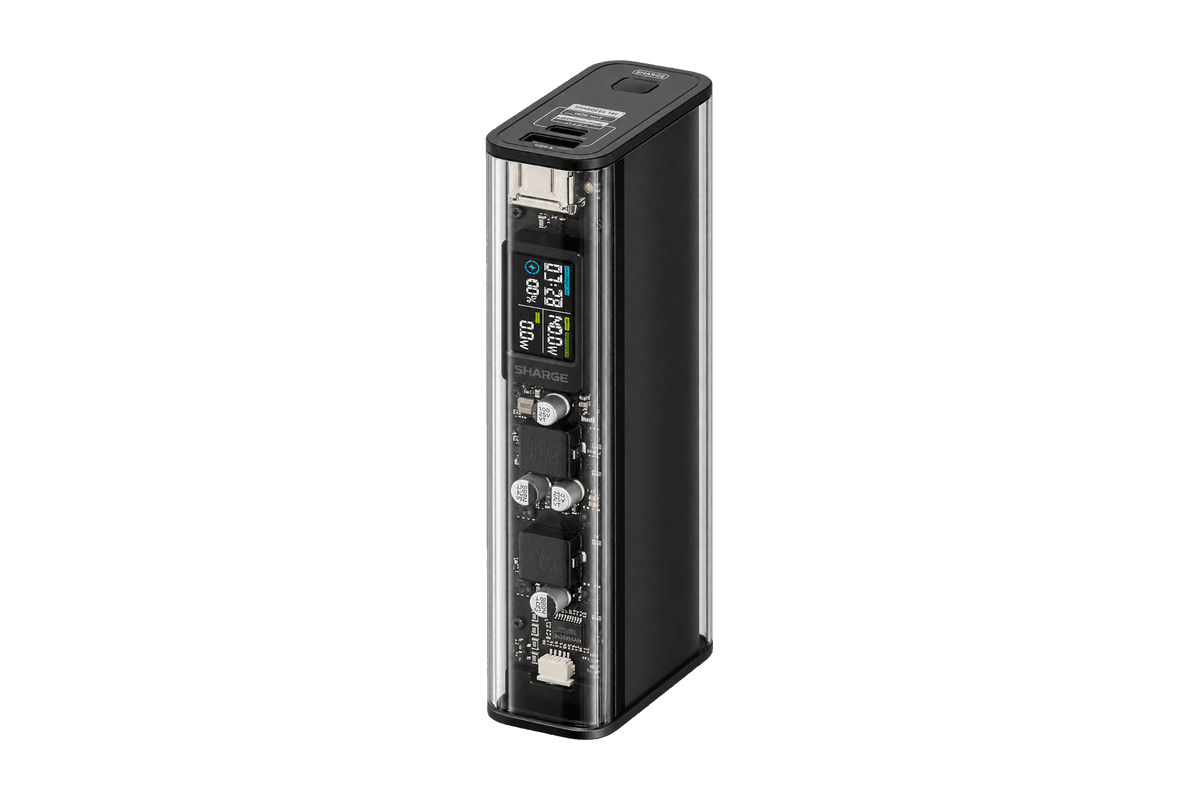
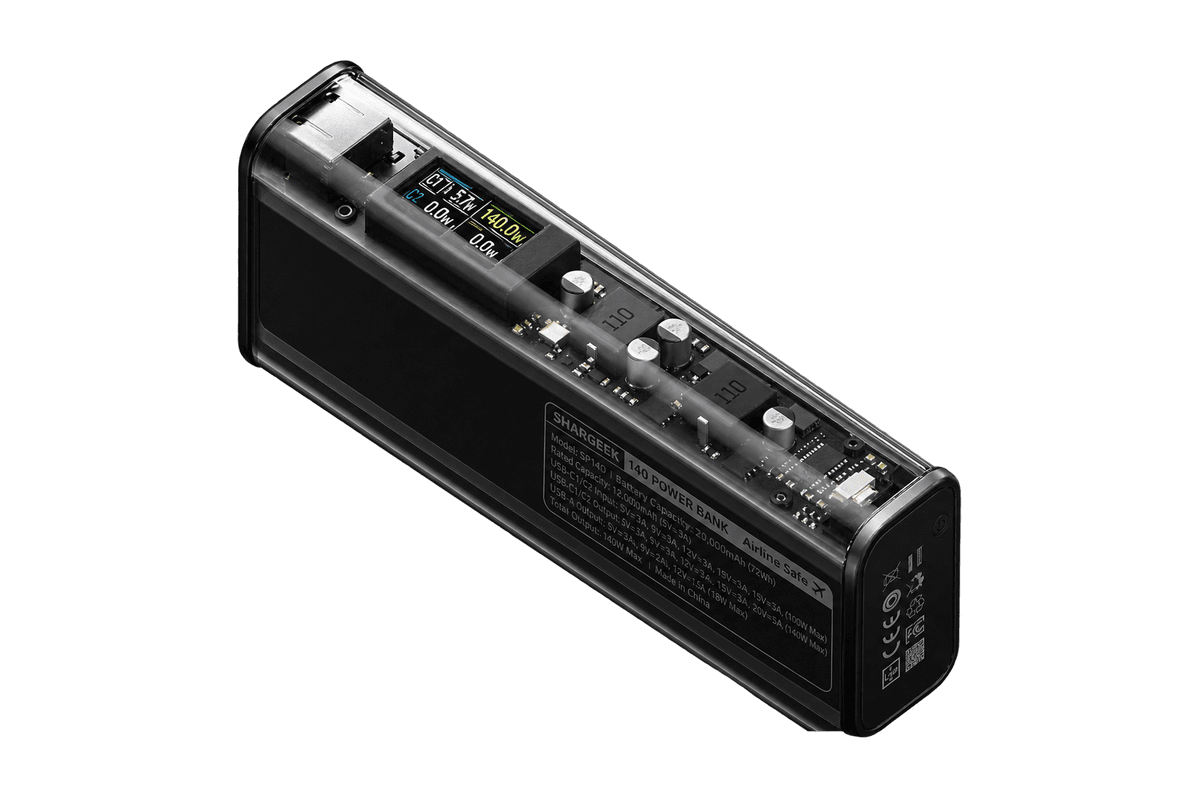
Shargeek 140
A transparent 20,000 mAh power bank with a status display and up to 100W USB-C output.
HardwarePowermacOS & iOS & iPadOS
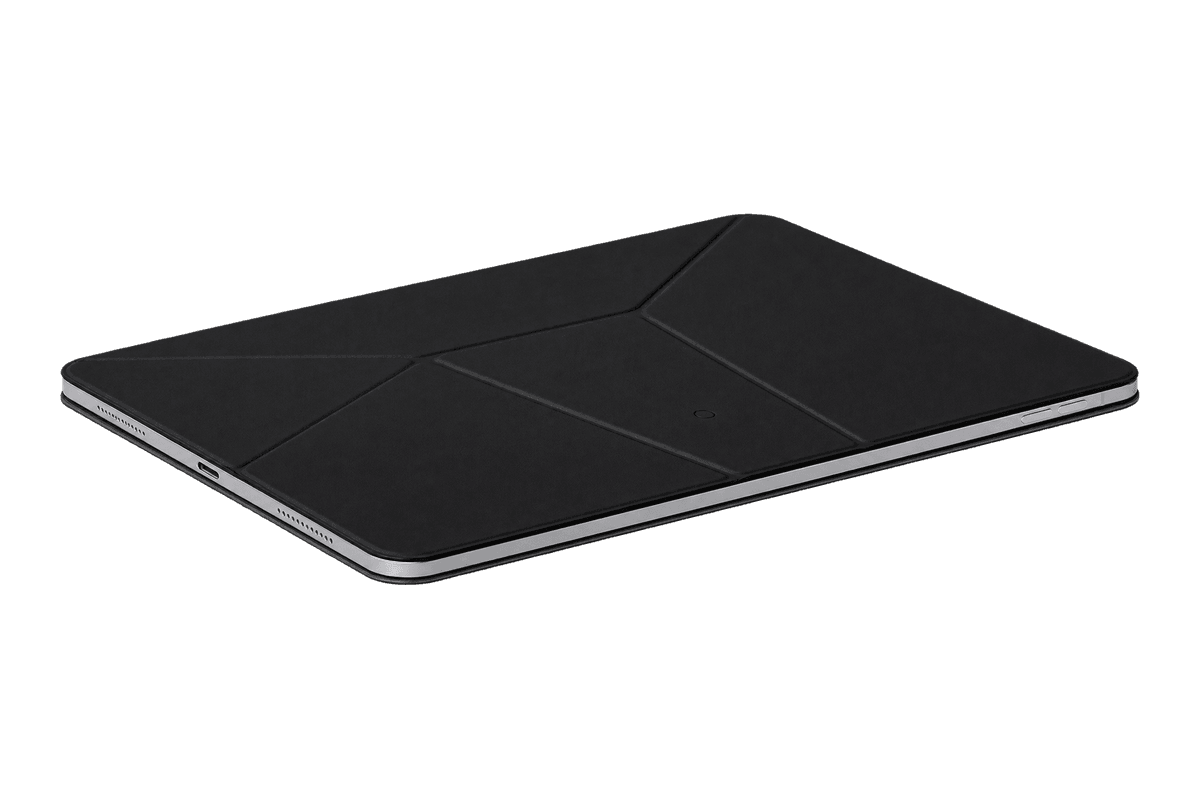
Dynamic Folio for iPad Pro 11″
A folding magnetic folio with viewing and drawing positions for the 11-inch iPad Pro M4/M5.
HardwareAccessoriesiPadOS
SN30 Pro (Crystal Purple)
A compact Bluetooth controller with Hall-effect sticks for supported Mac, iPhone, and iPad games.
HardwareAccessoriesmacOS & iOS & iPadOS
Alto Keys K98M
A compact mechanical keyboard with a number pad, white backlighting, and Mac support.
HardwareKeyboards & MicemacOS
Voyage 2-in-1 Magnetic Wireless Charger
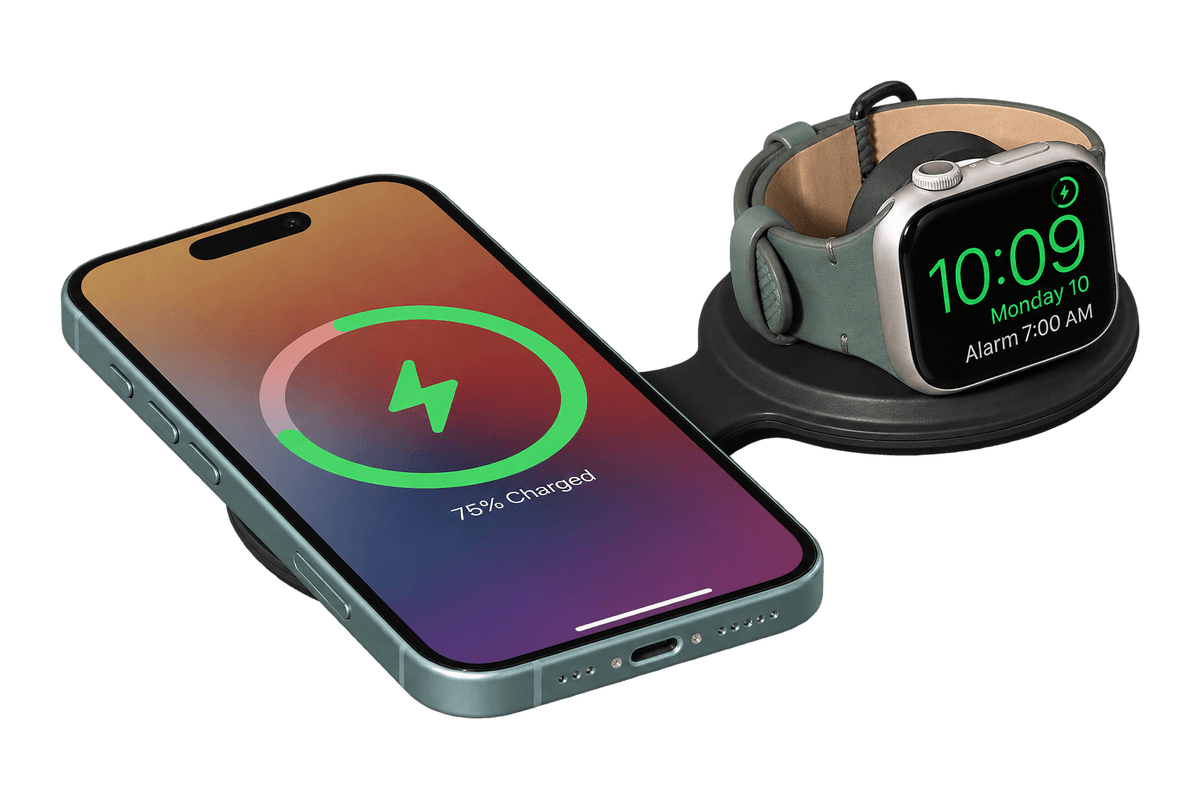
A folding Qi2 travel charger for an iPhone and Apple Watch, with a pocket-sized closed form.
HardwarePoweriOS
MX Mechanical Mini for Mac
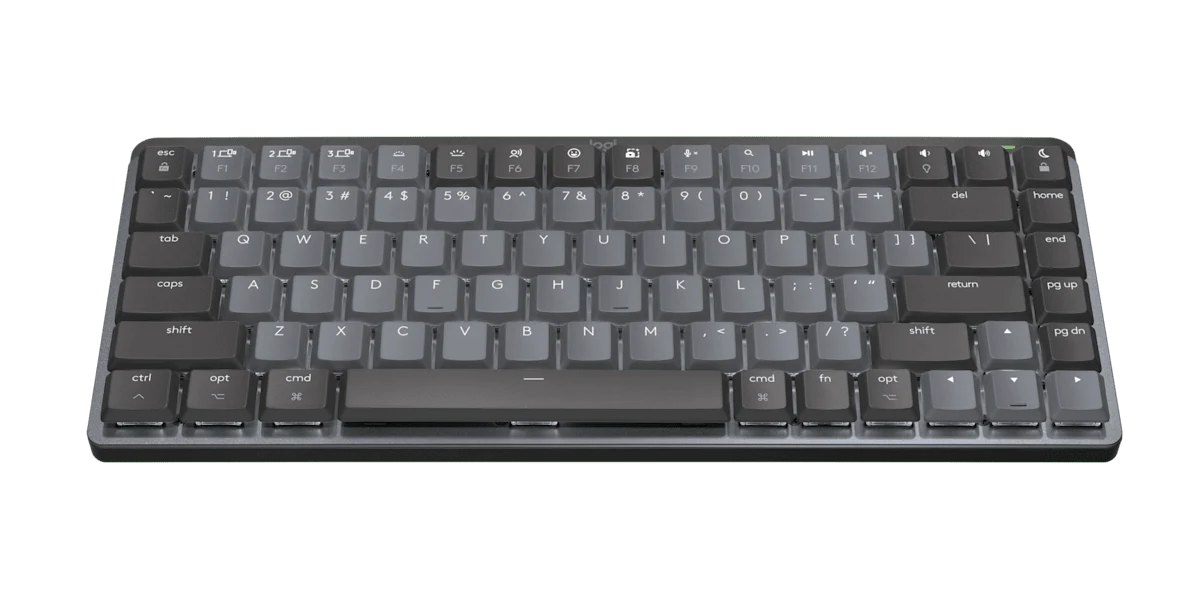
A compact low-profile mechanical keyboard with a Mac layout and Tactile Quiet switches.
HardwareKeyboards & MicemacOS
AirPods Pro 3
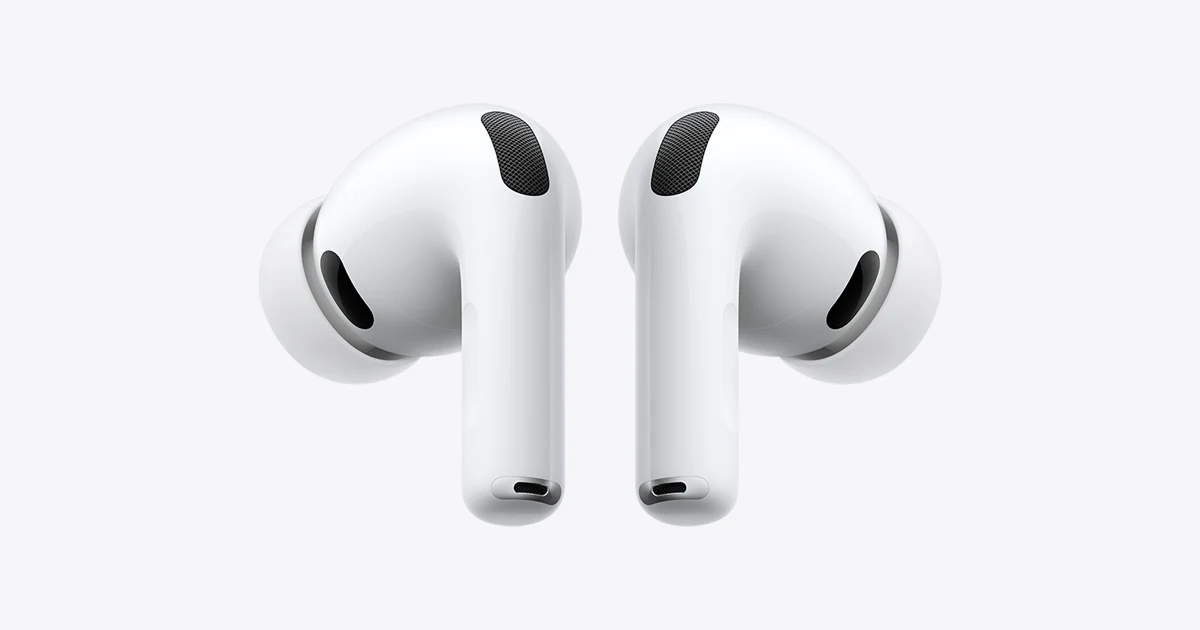
Apple's in-ear AirPods with 2x the noise cancellation of AirPods Pro 2, heart rate sensing and IP57.
HardwareAudiomacOS & iOS & iPadOS
Price
$59
Card $39, Pod $59, Set $69
Subscription
No recurring fees
No, the app is free
Phones
iPhone (iOS 18+) and Android 12+
iPhone and Android
Emergency unlocks
5 Emergency Unbricks in total
3 emergency exits, plus 1 more every month
Strict mode
Yes, blocks deleting the app or changing settings
Yes
Breaks and schedules
Custom modes
Breaks and schedules
Website blocking
Apps and sites
Yes
Child mode
Not listed
Yes
Battery
No charging needed
No battery
Mac support
Not listed
Mac and iPad versions in development
What is Brick and how much does it cost?
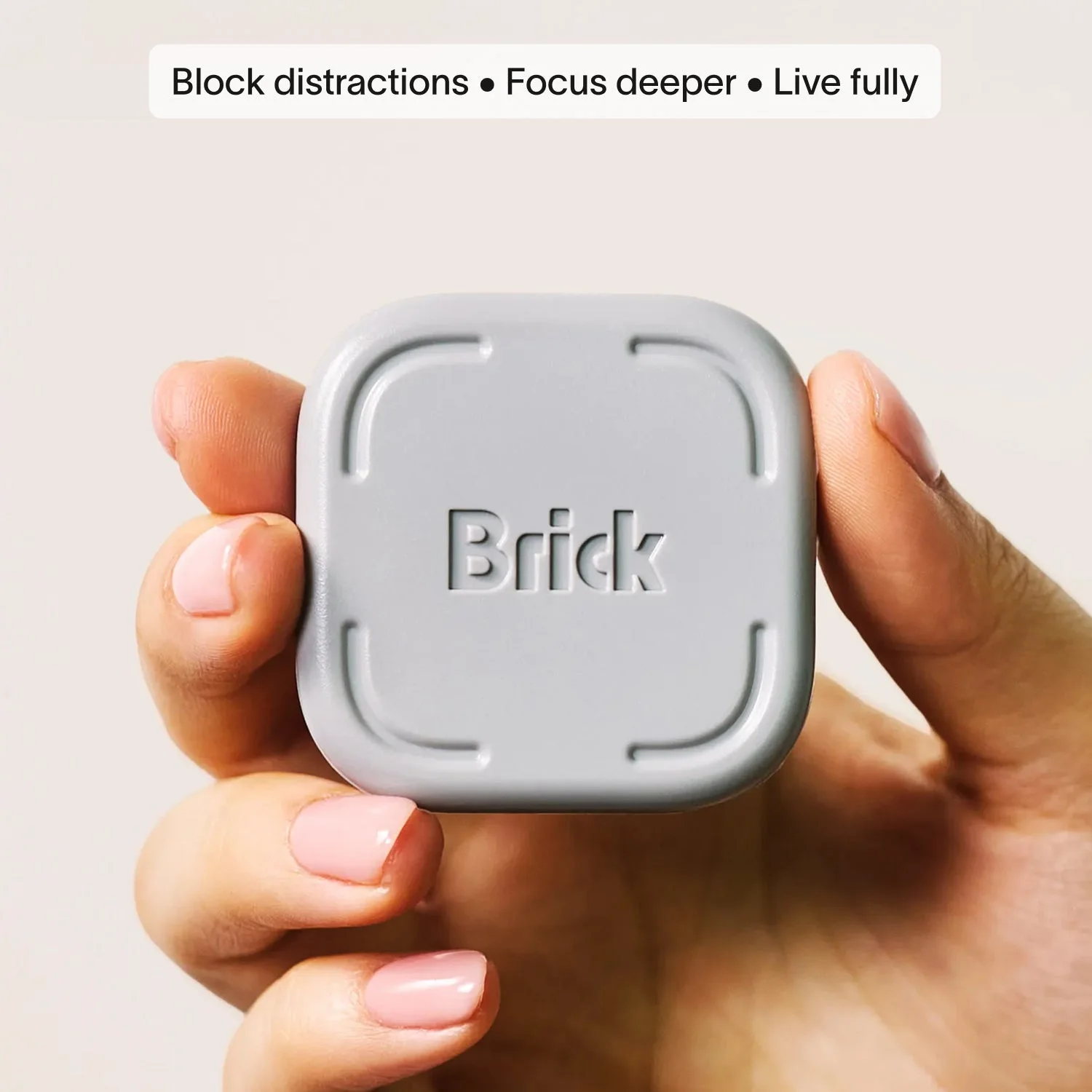
Brick is a small magnetic block. Tap your phone to lock and unlock apps. Image: Brick
Price: $59 once, with lifetime app access and no recurring fees. Brick also sells Brick Night for $129, and bundles.
Brick blocks the apps you choose until you tap your phone on the Brick again. Brick says this "creates physical separation, requiring a rescan to exit."
Key features:
Custom modes for the apps and sites you want blocked.
Strict Mode, which closes loopholes like deleting the app or changing settings to unbrick.
5 Emergency Unbricks in the app, which unblock all apps if you really need your phone.
A magnet and an anti-slip silicone base, so it can live on a fridge or desk. No charging needed.
Works with iPhones on iOS 18 or later and Android 12 or later, per Brick's FAQ.
BrickA magnetic block you tap to lock distracting apps on your phone.Visit WebsiteBrick is a small physical device that blocks the apps you pick until you tap your phone on it again.
- Custom modes for the apps and sites you want blocked.
- Strict Mode, plus 5 Emergency Unbricks if you really need your phone.
- Analytics and tracking, and it works across devices.
- A magnet and an anti-slip silicone base, so it can sit on a fridge or desk. No charging needed.
- Works with iPhone (iOS 18 or later, per Brick's FAQ) and Android 12 or later.
Brick costs $59 once, with lifetime app access and no recurring fees.Visit Website
What is Bloom and how much does it cost?
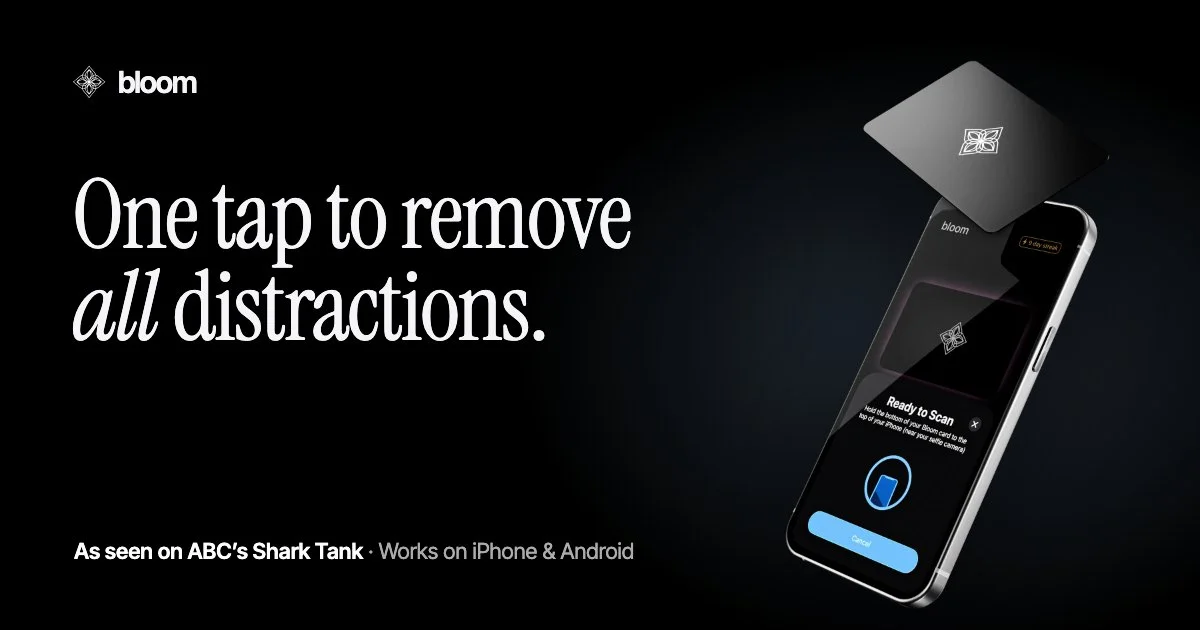
Bloom comes as a wallet card, a magnetic pod, or both. Image: Bloom
Price: the Bloom Card is $39, the Pod is $59, and the Set with one of each is $69. Bloom's FAQ says the app is free, with "no hidden fees or subscriptions."
Bloom works the same way: tap the card or pod to lock your distracting apps, and tap again to unlock them. The Card is slim enough for a wallet. The Pod is a magnetic base for one spot, like a fridge or nightstand, so unlocking means getting up and walking to it.
Key features:
Emergency exits: three to start, plus one more every month.
Breaks and schedules.
Website blocking and a strict mode.
Child Mode: a parent's card controls the settings, and it blocks app deletion and emergency exits.
No battery and no charging.
BloomA tap-to-block card or pod that removes distracting apps, with breaks and schedules.Visit WebsiteBloom is a tap-to-block device that locks distracting apps until you tap it again. It comes as a wallet-sized stainless steel card, a magnetic pod, or both.
- Emergency exits, breaks and schedules.
- Website blocking, Strict mode and a child mode.
- No battery and no charging.
- A free app with no subscription, on iOS and Android.
Bloom lists the Card at $39, the Pod at $59 and the Set at $69.Visit Website
Is Brick or Bloom stricter?
Brick is stricter. You get five Emergency Unbricks in total, and Strict Mode stops you from deleting the app or changing settings to get out.
Bloom gives you more room. You start with three emergency exits and get one more every month, and you can take breaks or set schedules. If you break your own rules often, Brick's limit is harder to wriggle out of.
Is Bloom cheaper than Brick?
Yes, if you only need one device. The Bloom Card is $39, against $59 for Brick. The Bloom Pod is the same $59 as Brick, and the Bloom Set is $69. Neither needs a subscription.
Do Brick or Bloom work on a Mac?
Not yet. Both block apps on your phone. Brick's FAQ lists iPhone and Android. Bloom's FAQ says it is "developing MacBook and iPad versions that will connect directly to your account."
Norma: a Brick alternative made of stainless steel
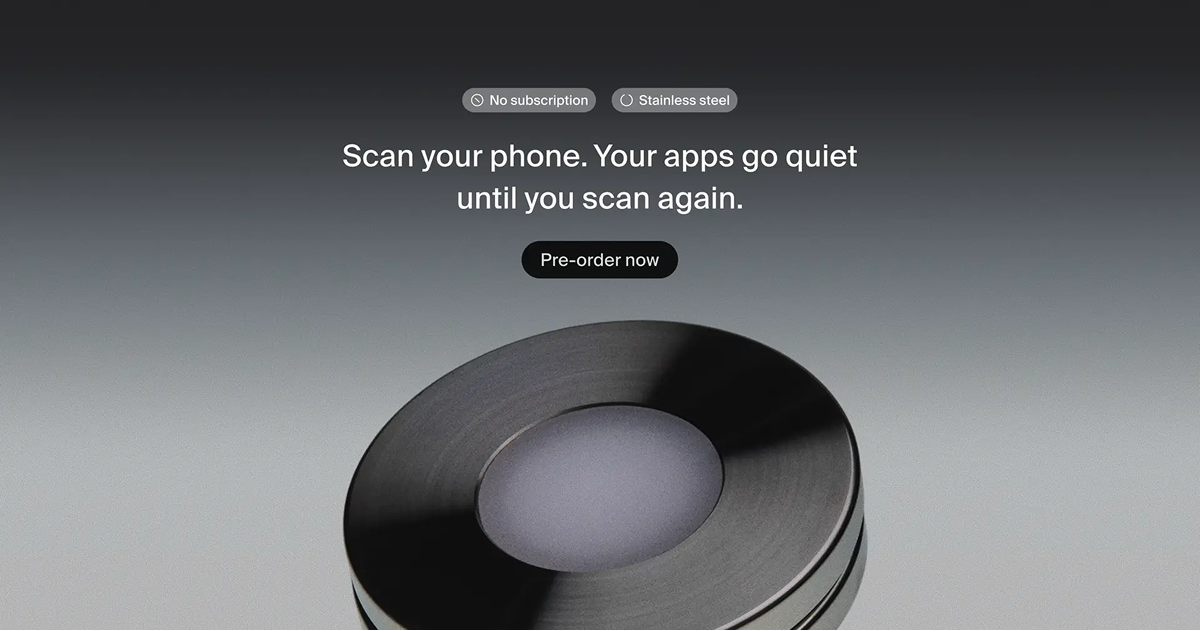
Norma is a stainless steel disc you tap with your iPhone. Image: Norma
Norma is a tap-to-block object for the iPhone. You tap your iPhone on the disc to pause the apps you pick. It uses NFC, weighs 270 g, and is made from stainless steel, with no subscription.
Our listing shows it at $70. We could not load Norma's official site to confirm the current price, so check before you buy.
Better or worse than Brick? A heavier, desk-friendly object at a higher price. Brick and Bloom list Android support, and Bloom has a child mode.
NormaMeet the object that restores silence.Visit WebsiteNorma is an innovative device designed to help users regain focus by silencing distracting notifications and blocking selected apps. With a simple tap of your iPhone on the Unit Disc, you can pause the apps of your choice, making them temporarily inaccessible to eliminate distractions. Using NFC technology, this device offers a seamless user experience without requiring subscriptions or hidden fees. Weighing just 270g and made from high-quality stainless steel, Norma is both functional and stylish. With the added benefit of free worldwide shipping on orders of two or more units, it encourages a focused and peaceful environment. Therefore, whether you’re working, studying, or simply need a break from constant phone interactions, Norma enhances your ability to concentrate and reduces unnecessary interruptions.Visit Website
Brick vs Bloom: which should you buy?
Buy Brick if you want strict rules with very few ways out. Buy the Bloom Card if you want the cheapest option, breaks, schedules, or a child mode for a kid's phone. Buy the Bloom Pod or Set if you want the unlock to live in one room, like a nightstand.
FAQ
What is the difference between Brick and Bloom?
Both lock apps until you tap a physical device. Brick is $59 with five Emergency Unbricks in total. Bloom starts at $39, gives you three emergency exits plus one a month, and adds breaks, schedules, and a child mode.
Does Brick need a subscription?
No. Brick says the $59 price includes lifetime app access with no recurring fees.
Does Bloom need a subscription?
No. Bloom's FAQ says the app is free, with no hidden fees or subscriptions.
What happens if I lose my Brick?
Brick offers five Emergency Unbricks in the app, which unblock all your apps.
What are the best Brick alternatives?
Bloom is the closest alternative, with a card, a pod, or both. Norma is a stainless steel option for the iPhone.
A transparent 20,000 mAh power bank with a status display and up to 100W USB-C output.
HardwarePowermacOS & iOS & iPadOS
Teebots
Local AI assistant with multiple bots
Free
Teebots is a desktop AI assistant for managing a group of bots with different roles and model providers. It stores conversations, files, and bot memory on your computer while sending model requests directly to your chosen provider.
- Create groups of bots, each assigned to tasks and models
- Compatible with Claude, OpenAI, DeepSeek, Kimi, or any OpenAI-compatible endpoint
- Runs the assistant workspace on your computer without a separate orchestration server
- Bots use your own API keys and make direct requests to providers
- Each bot has private memory and its own file and browser capabilities
- Bots can run commands, manage files, and perform scheduled jobs from the menu bar
Teebots is free to download and use. AI model usage requires users to supply their own API keys and pay for any model provider charges.
SoftwareAImacOS
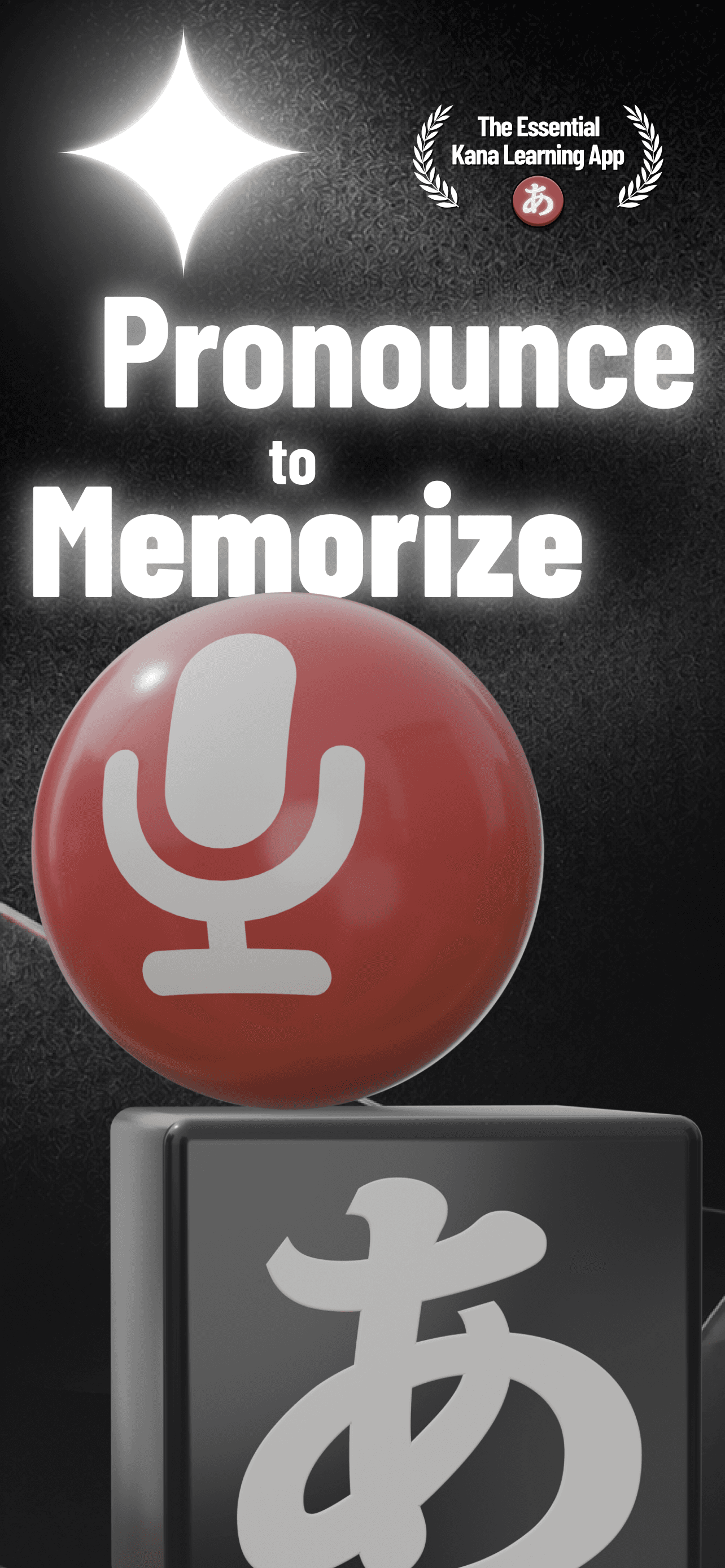
Kana Speaker
Real-time Japanese kana pronunciation feedback
Freemium
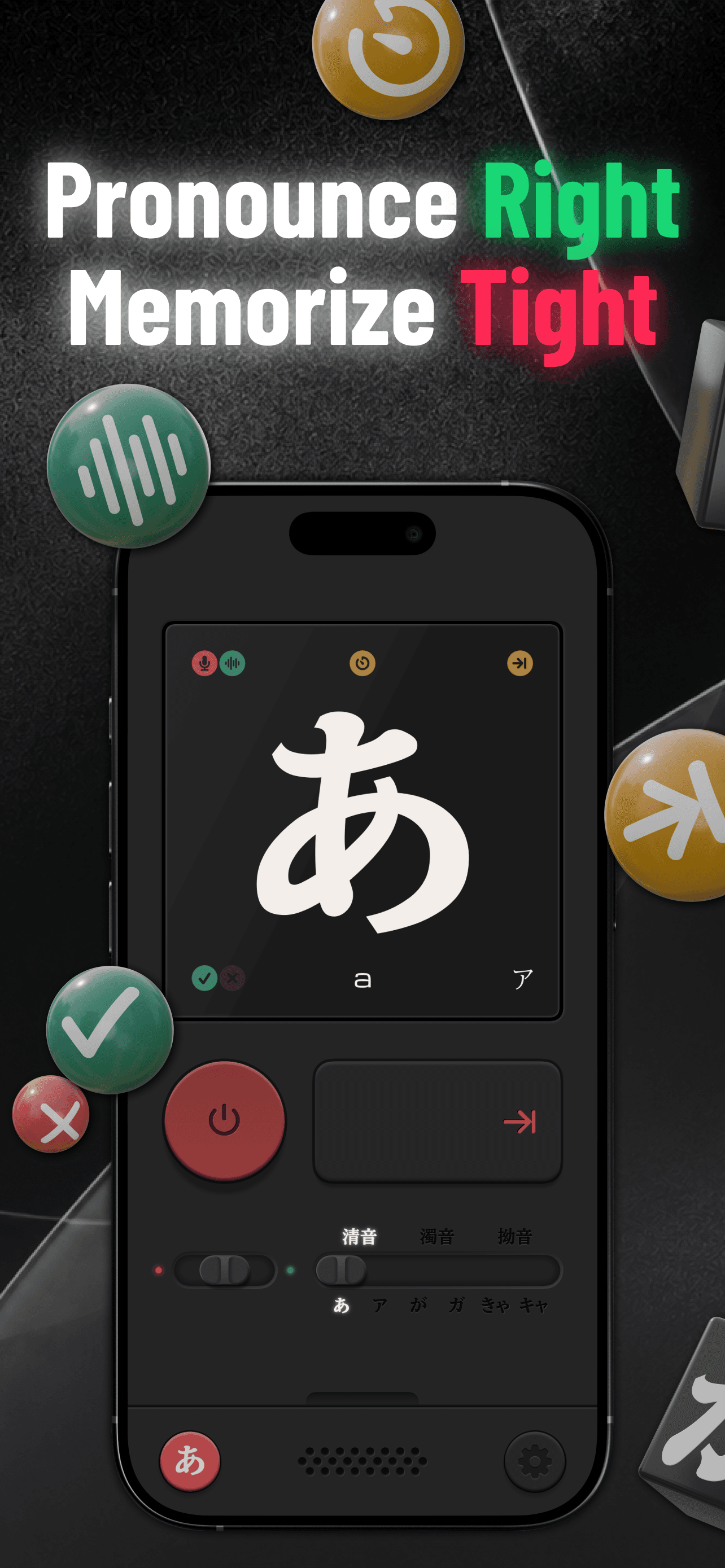
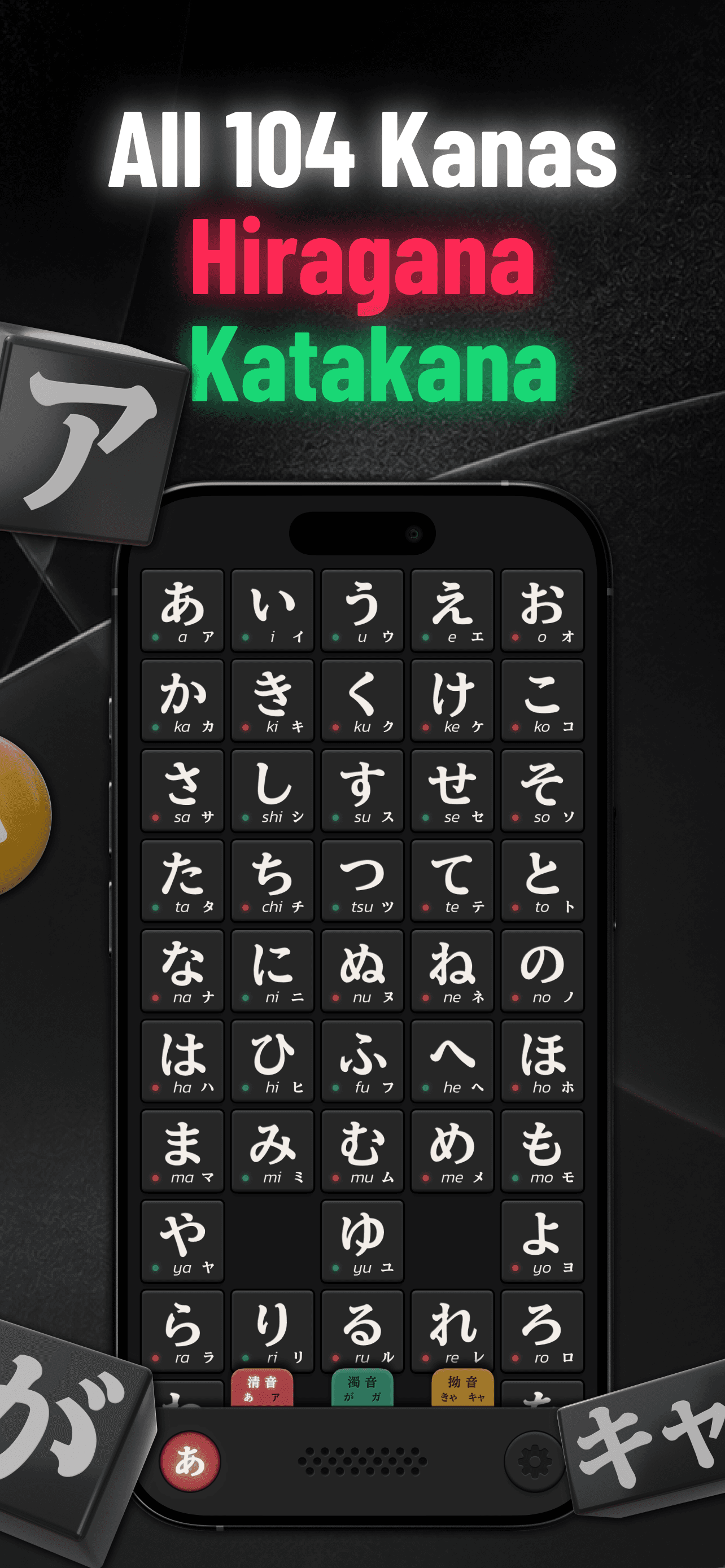
Kana Speaker is an iOS education app that uses real-time speech recognition to help users practice Japanese kana pronunciation, turning speaking practice into muscle memory.
- Provides real-time pronunciation test and instant feedback
- Includes all 104 kana: Hiragana and Katakana (Seion, Dakuon, Yoon)
- Tracks user performance with on-key indicator lights
- Features a 3D retro handheld device-inspired interface
Kana Speaker requires iOS 17.0 or later and uses speech recognition for pronunciation practice. It is free to download, with additional in-app purchases.
SoftwareEducationiOS & iPadOS
Dynamic Folio for iPad Pro 11″
A folding magnetic folio with viewing and drawing positions for the 11-inch iPad Pro M4/M5.
HardwareAccessoriesiPadOS
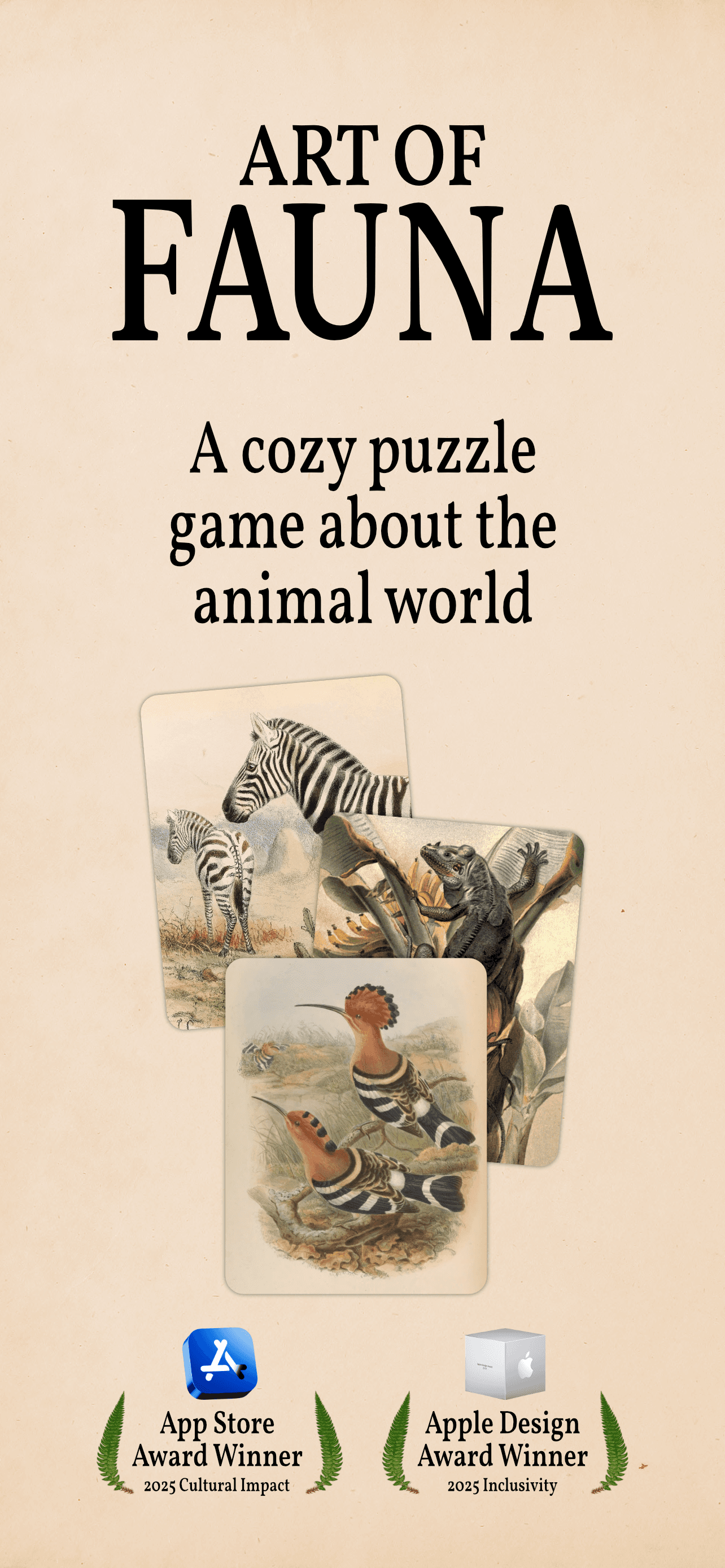
Art of Fauna
Puzzle game with historic wildlife art
Freemium
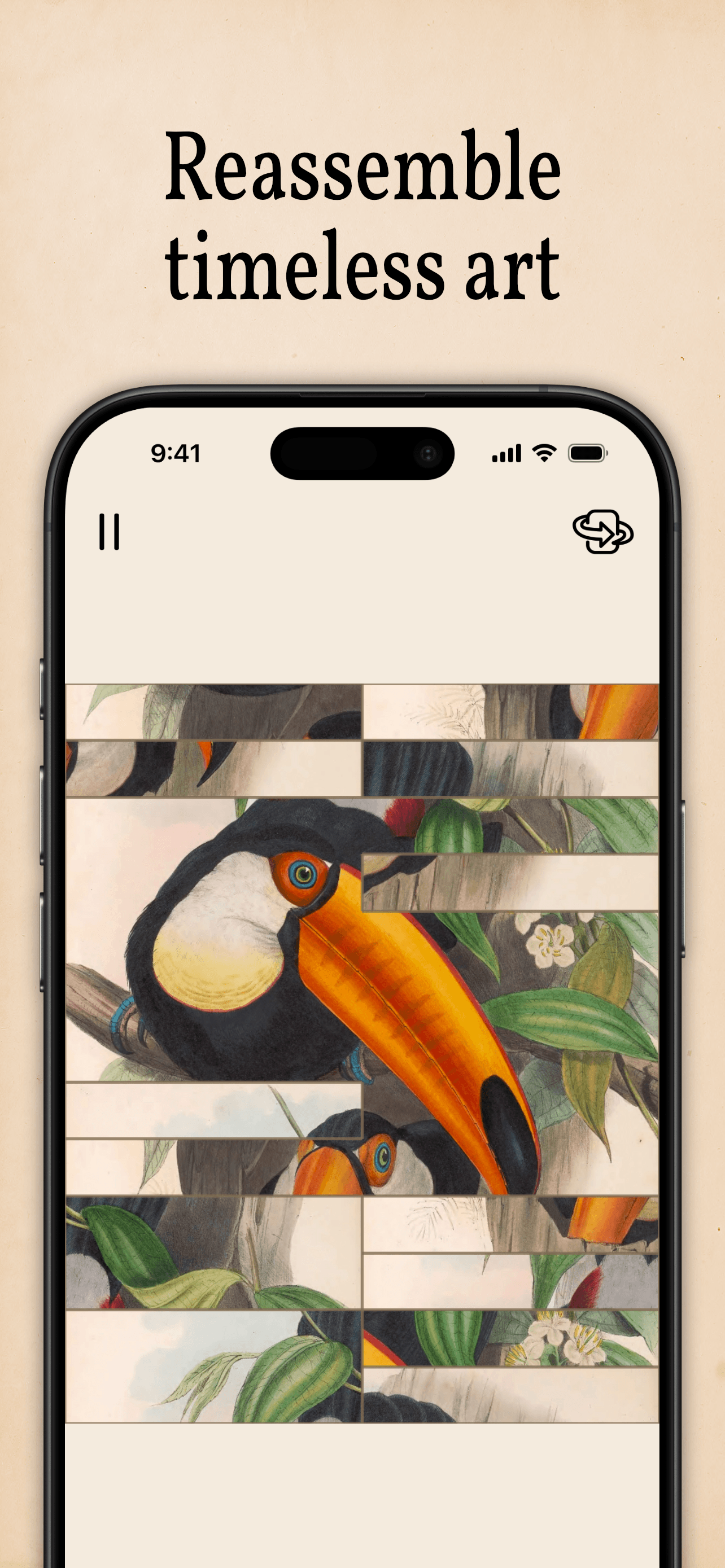
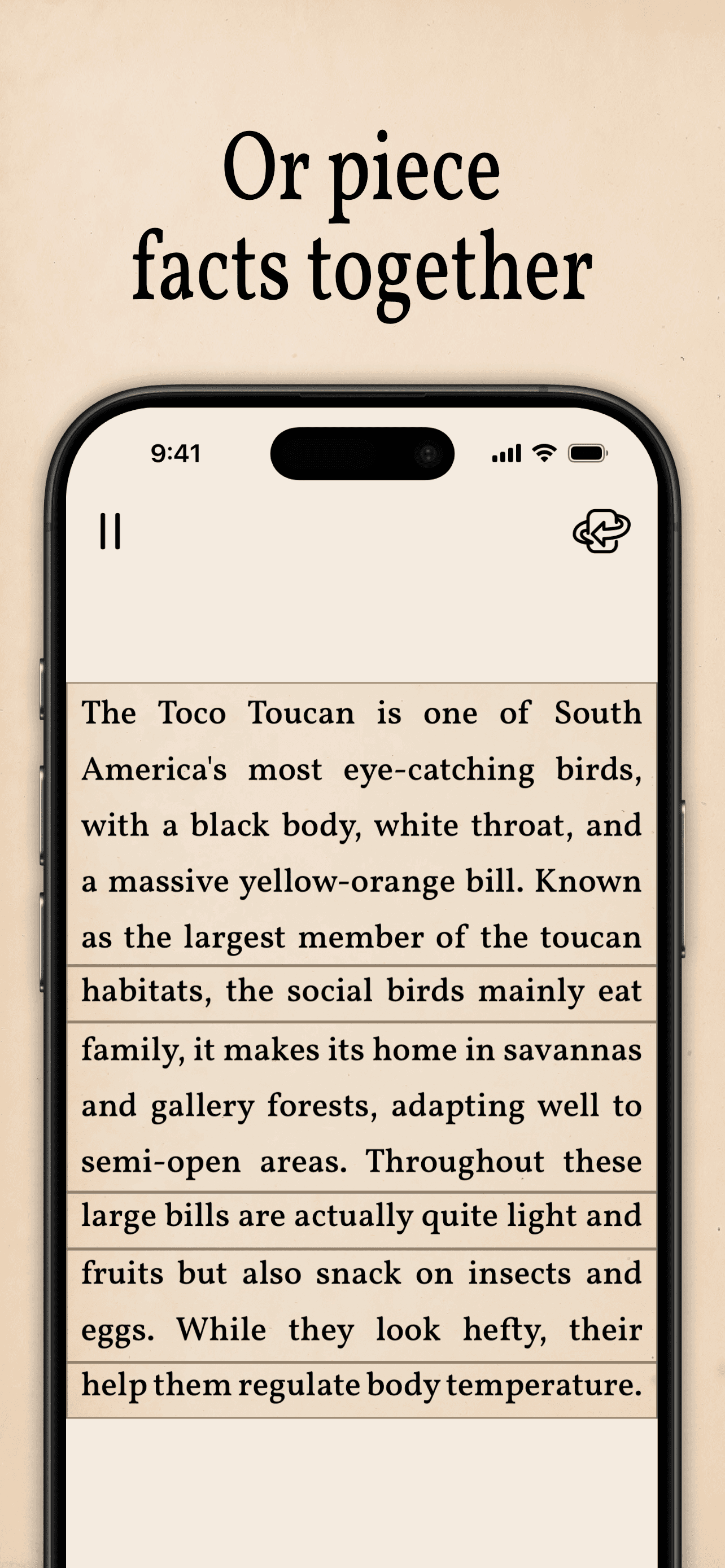
Art of Fauna is a puzzle game featuring natural history illustrations from the 18th and 19th centuries, each paired with a description of the depicted animal.
- Includes artworks by artists such as Joseph Wolf and Elizabeth Gould
- Contains two volumes with 110 puzzles each from five different regions
- First 10 puzzles in each volume are free; additional puzzles available via in-app purchase
- Features picture and text-based puzzle modes
- Accessibility options: simplified texts, dyslexia-friendly fonts, customizable color schemes, content filters, VoiceOver, VoiceControl, and Switch Control support
- Portion of each purchase supports wildlife conservation organizations
Art of Fauna is free to download with optional in-app purchases to unlock additional puzzles. Requires iOS 16.0 or later.
SoftwareCreativeiOS & iPadOS
Ascope
Daily App Store Keyword Ranking Tool
Paid
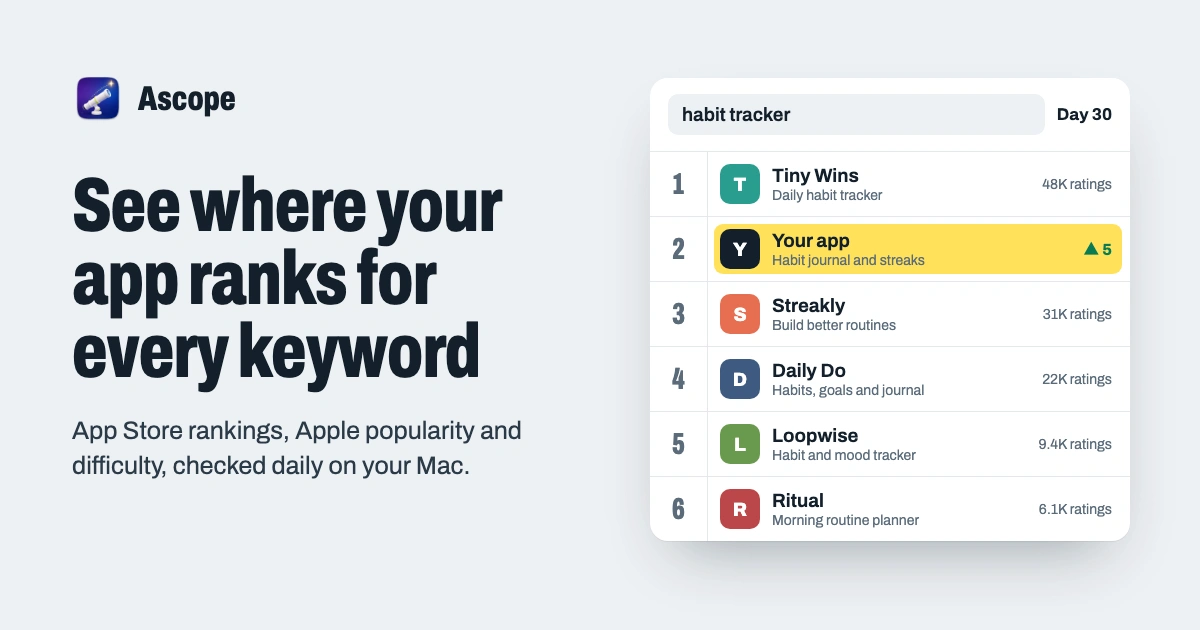
Ascope is a Mac application for tracking daily keyword rankings for iPhone and Mac apps in the App Store across 50+ countries.
- Tracks daily keyword rankings for any iPhone or Mac App Store app
- Displays Apple’s keyword popularity scores and estimated difficulty
- Compares keyword performance across multiple countries
- Stores all app, keyword, and ranking history locally on your Mac
- Supports tracking of competitor apps identified by Apple
- Includes a local MCP server for integration with Cursor, Claude, Codex, or Gemini
Ascope requires macOS 14 Sonoma or later and supports Apple silicon and Intel Macs. It is paid only, with pricing at $7.50/month (billed annually) or $9.99/month, and includes a 14-day money-back guarantee.
SoftwareDevelopmentmacOS
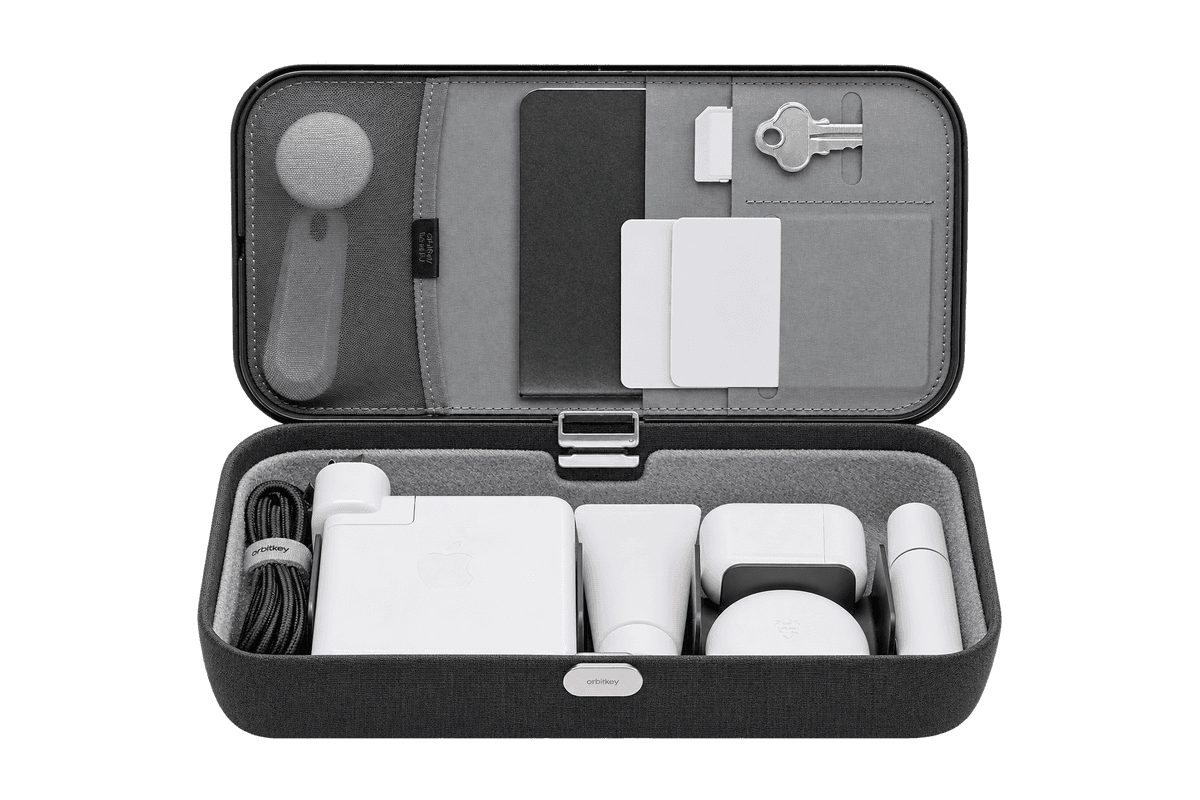
Nest V2
A portable organizer for desk essentials with a wireless charging pad in the lid.
WorkspaceOrganization
Joi
Calendar, task, and habit management app
Freemium
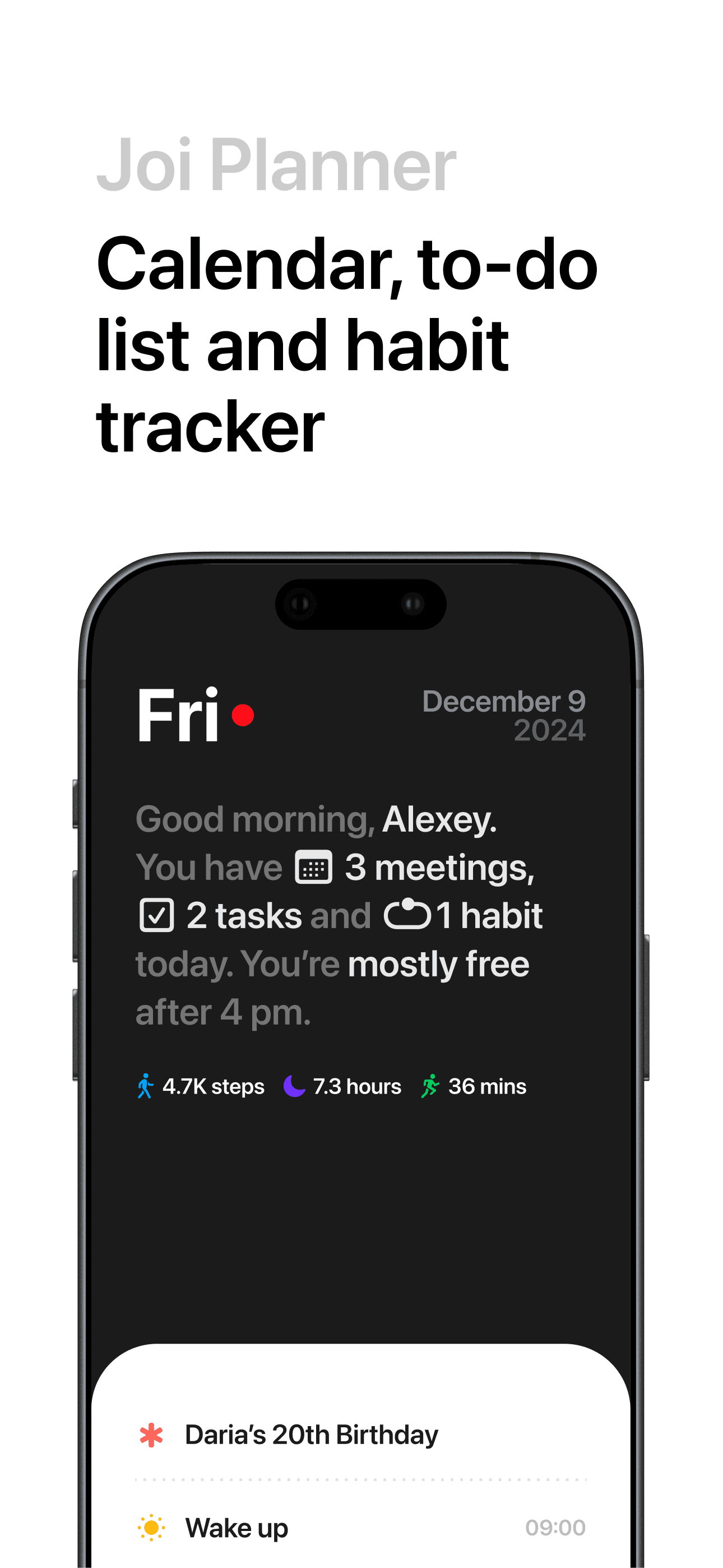
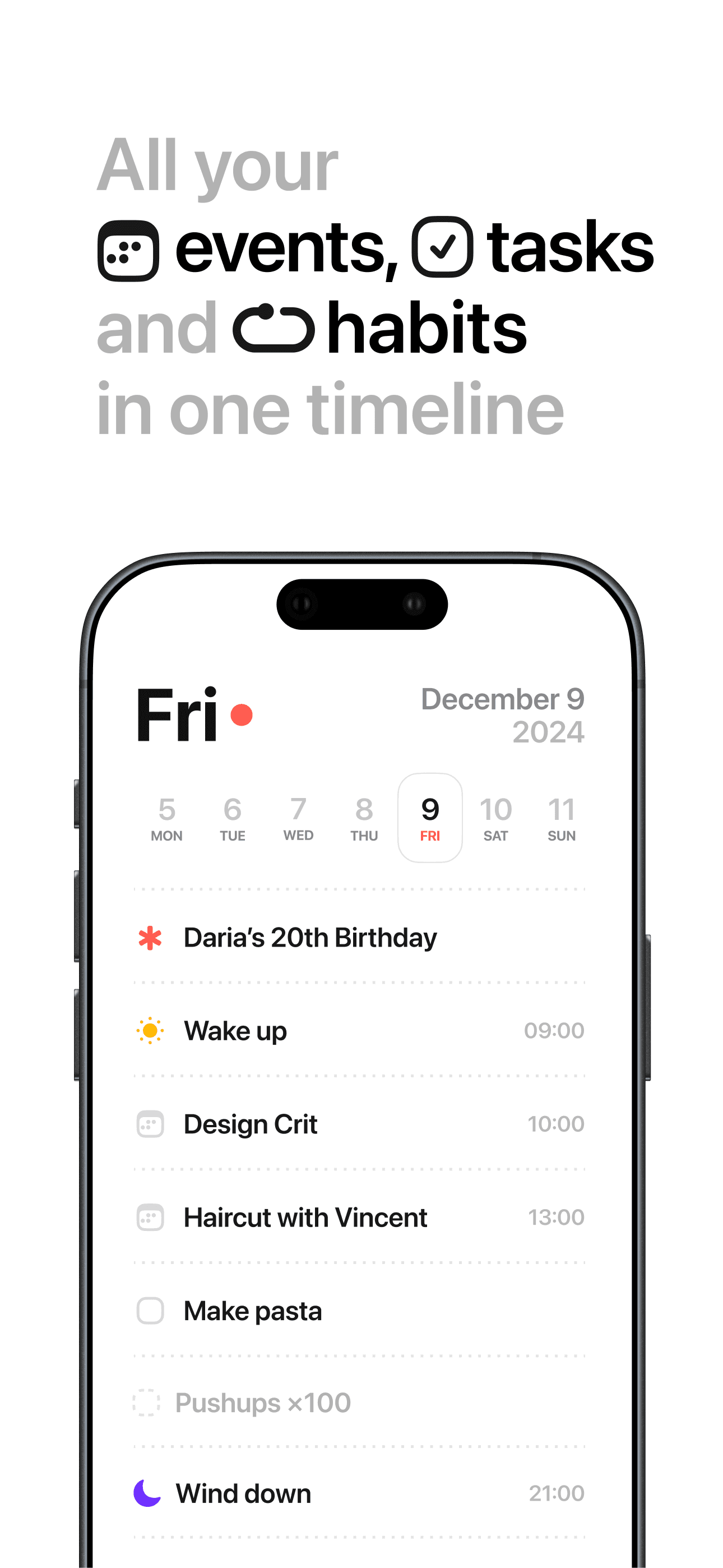
Joi is an app that combines a calendar, task manager, and habit tracker into a single timeline, aimed at helping users manage routines and activities efficiently.
- Create and adjust tasks and events quickly.
- Track daily or weekly habits in one place.
- View tasks, habits, and events on a single visual calendar.
- Synchronize with calendar and reminders for task transfer.
- Access and manage tasks and habits from any device.
- Receive notifications for important scheduled tasks.
Joi is free to download with in-app purchases available. The app requires iOS 17.6 or later for use on compatible devices.
SoftwareProductivityiOS & iPadOS
Winq
Gaze-based screen and window focus for Mac
One-time
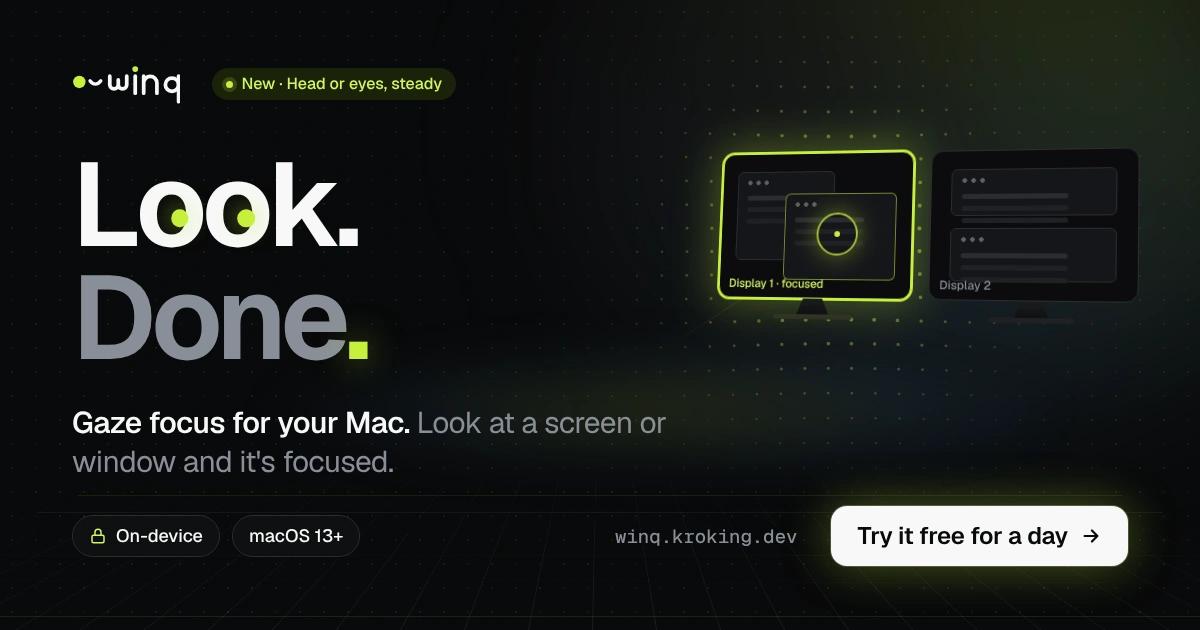
Winq is a macOS application that lets users switch focus between screens and windows using head and eye movements captured by your Mac's camera.
- Allows you to select and focus windows or screens just by looking at them
- Supports multiple monitors and overlapping windows; visible portions are counted and top windows take precedence
- Learns from your gaze patterns and interactions to improve accuracy over time
- Never switches focus while you type or use the mouse and can be paused any time
- Calibration takes about 20 seconds per screen and can be re-centred in two seconds as sitting position changes
- Processes camera data locally with Apple's Vision framework; no images or video are stored or sent anywhere
Winq offers a free trial for one day with full feature access. Continued use requires a one-time purchase per Mac, and all future updates are included. Requires macOS 13 or later and works on Apple Silicon and Intel Macs.