The iPhone Versions of My Mac Stack That Actually Earn Their Spot

The iPhone versions of these five Mac tools don't apologise for themselves. They make the Mac bigger by being good on their own.

Written byDudu avatarDudu
3 min read
Created May 18, 2026Updated May 18, 2026

You're on a walk and the idea arrives. You reach for your phone. The right tool turns the next twenty seconds into something your Mac inherits the moment you sit down.

The list below is five tools where the iPhone version actually carries weight. Most companion apps are quiet downgrades you put up with. These are not.

The stack:

  • iPhone MagSafe Camera Mount · the iPhone becomes the Mac's better camera
  • mymind · the visual idea that travels home from your pocket
  • Reference Board · the moodboard that's already waiting when you sit down
  • Craft · the note that exists on whichever device you happen to be holding
  • HiRise 3 Deluxe · where the iPhone actually lives when you're at your Mac

1. Turn the iPhone Into the Mac's Better Camera

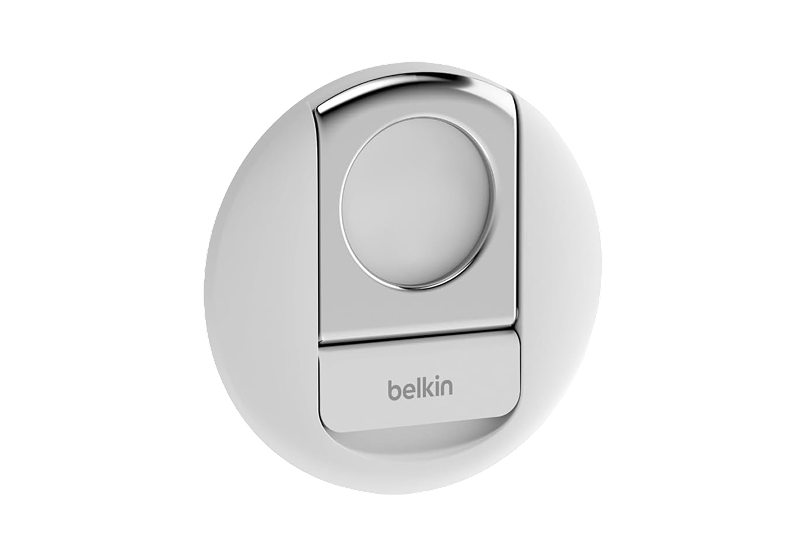
The webcam built into your Mac does its job. The one in your pocket does it noticeably better. iPhone MagSafe Camera Mount clips the iPhone above your screen, Continuity Camera switches it on, and your video calls get real lens quality, real autofocus, and real low-light handling without any new software or new gear beyond the mount itself.

It is the kind of upgrade that costs almost nothing and changes how you show up. Worth it on the first call of the morning.
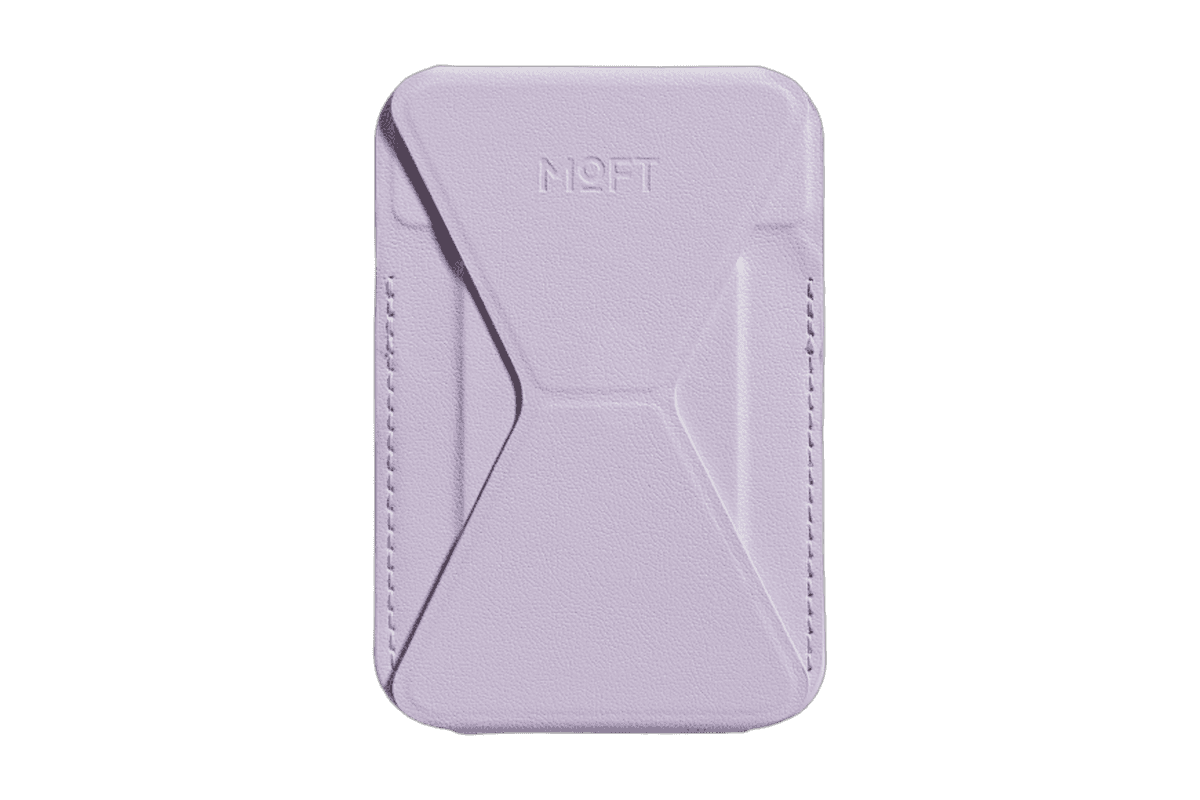
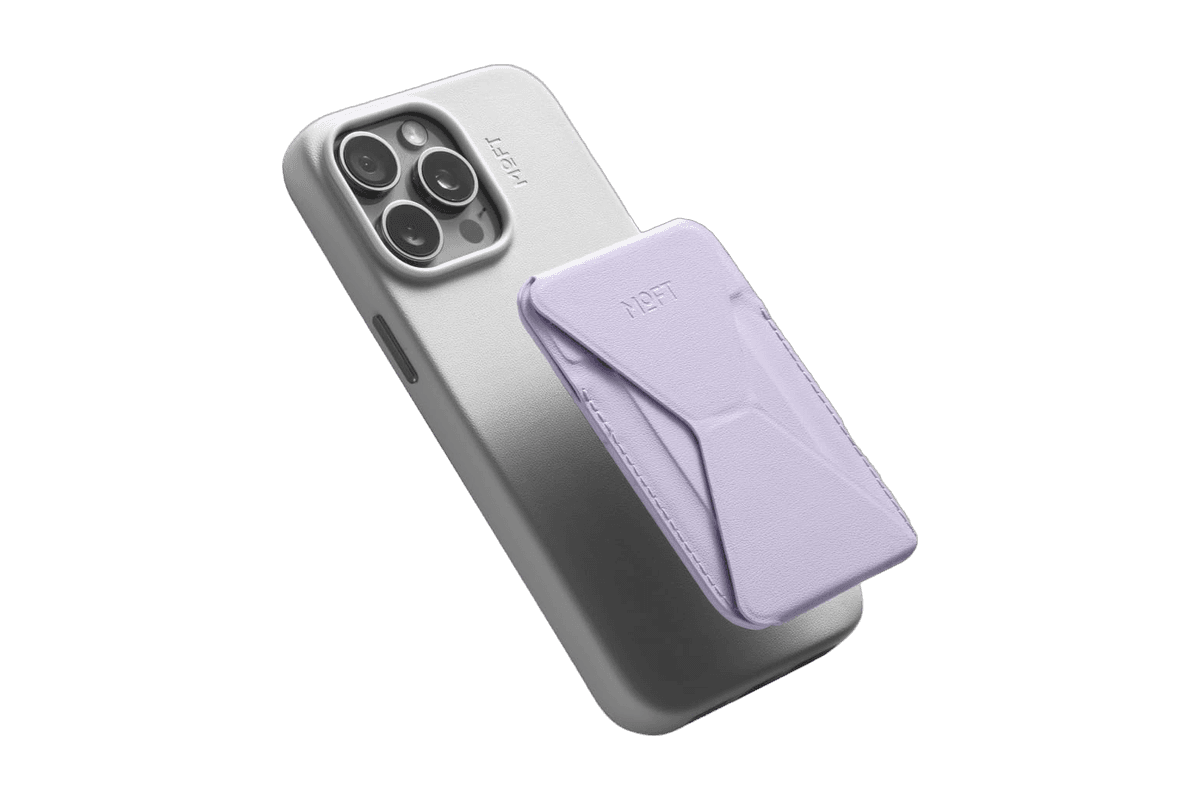
iPhone MagSafe Camera MountTransform your iPhone into a high-quality webcam.The Belkin iPhone MagSafe Camera Mount is a hardware accessory that attaches an iPhone to a MacBook. This mount allows users to leverage the iPhone's rear camera for high-quality video calls and content creation. It is designed for individuals who frequently engage in virtual meetings or content production, providing a stable and hands-free solution that enhances the overall video experience. - Compatible with multiple iPhone models and MacBook devices for seamless integration. - Provides a hands-free setup for video calls and virtual meetings. - Functions as a phone grip or kickstand for added versatility. - Designed to enhance video quality by utilizing the iPhone's rear camera. - Easily attaches to MacBook for quick setup and removal. The Belkin iPhone MagSafe Camera Mount is designed for seamless integration with MacBook devices, allowing users to utilize their iPhone as a high-quality webcam. Its versatile design supports various functions, including video calls and content creation, enhancing the overall user experience.Visit Website

2. Capture On the Phone, Browse On the Mac

mymind is one of the few apps where the iPhone version is the front door and the Mac version is the living room. Snap a photo, save a tweet, copy a link, and it all lands in the same private place. By the time you sit down at your desk, the things you noticed on the train are already organised into the kind of mood you did not know you were building.

This is what an iPhone capture tool is meant to feel like. Two devices, one memory.

mymindA creatives best kept secret.mymind is YOUR PRIVATE place to keep everything you want to remember. Think of it as your digital garden, a peaceful place away from the noise to cultivate your inspiration, research and ideas. We’re a small & independent team that originally built mymind for ourselves. We were tired of feeling constantly distracted and overwhelmed with overly complicated tools that promised to help us stay organized. We just wanted something simple: one place to put everything, and one place to find it. We didn’t want to curate anything, manage folders or learn yet another system we would ultimately abandon. Which is why mymind asks nothing from you: NO social features NO vanity metrics NO algorithms NO social pressure NO collaboration NO manual organization NO noise - Save anything with a single click: a bookmark, note, image, screenshot, website, article, video, highlight, quote, meme, product, song. Before, these little pieces of inspiration were forgotten or buried somewhere in your bookmarks or desktop or some complex platform. Now they're all in one place, where they may eventually connect and become useful later. - All your inspiration and ideas are organized for you. Folders are dead. We believe manual organization is another distraction, a decoy for productivity that pulls you from what you want to do. You may not even know why you're saving something in the moment, meaning it could fit in many folders or no folder at all. Your mind understands this, revealing meaning and allowing you to make connections between what you've saved. You don't have to stop to analyze or organize anything you save. Your new mind magically categorizes, analyzes, summarizes and tags it for you, so you can just search whatever you remember to find it later. No going back to clear a queue or manage your folders. You're constantly moving forward. - Most importantly, your mind is 100% private. No one can see what you've saved. There's no social feed or collaboration features to distract you. No ads interrupting your focus. When you have an audience watching, you operate differently. You restrain yourself in an attempt to curate a vibe, stay on trend or be accepted. Who are you when no one's watching? When can you save anything or explore any idea without fear of how it's being perceived? - It’s your secret creative repertoire and private garden of inspiration. Every great mind has one, a central place to collect all the little things that make you stop and think or feel something. Think of it like a garden: You're enriching the soil, planting and watering seeds you trust will bloom into something bigger later. Your mind is meant to grow through all your interests and creative phases. It continues to evolve with you. - We believe beauty is a function. We do everything we can to make your mind as beautiful and distraction-free as possible, stripping out the clunky features and filters you find in typical organization tools. If it works well, you don't think about it. It's a tool in the true sense of the word: there when you need it, and out of the way when you don't. We call it personal software.- Save everything that matters to you effortlessly. For too long, we've been serving algorithms and tools, passively scrolling and reacting and engaging and performing and curating and brain rotting. Unlike most of the internet, mymind gives back to you rather than draining you. It's an external way to feed the beauty and depth and meaning we need internally. Your mental bank of inspiration to feed your real mind.Visit Website

3. Photograph Inspiration, Arrange It On the Desktop

Reference scattered across photo rolls and screenshot folders is reference you have lost. Reference Board lets you shoot inspiration with your phone, drop it into a board, and watch it appear on your Mac in the layout you want it. The iPhone is the camera. The Mac is the canvas.

For anyone who works visually, this is the cleanest version of the photo-to-pinboard loop you can run. Inspiration captured on Tuesday is already a mood by Friday.

Reference BoardLet your inspiration ripple.Reference Board is a moodboard application available for iPhone, iPad, and Mac. It allows users to collect, organize, and sync visual inspiration across their devices. With features like automatic organization, powerful search capabilities, and support for various media types, Reference Board helps creatives streamline their workflow and maintain a cohesive collection of ideas. - Create multiple moodboards on an infinite canvas, allowing for unrestricted creativity and exploration. - Utilize powerful search capabilities, including color, style, scene, and text, with optical character recognition (OCR) for text within images. - Automatically generate tags and descriptions for saved references, ensuring organized and structured libraries. - Support various media types, including images, videos, quotes, and sticky notes, to consolidate all forms of inspiration in one space. - Sync moodboards seamlessly across iPhone, iPad, and Mac using iCloud for a cohesive experience. Reference syncs user data across Apple devices via iCloud, ensuring privacy by not tracking user activity or selling data. This approach allows for a seamless and secure experience while managing and organizing creative inspirations across iPhone, iPad, and Mac.Visit Website

4. The Note That Exists Wherever You Happen to Be

Most cross-device note apps make you pick a side: phone-shaped or computer-shaped. Craft refuses the choice. The same document opens with the right tools for the device in your hand, fingers on the iPhone, keyboard and pointer on the Mac, and nothing gets lost in the round trip.

Use it for the morning note, the meeting note, the page you swore you would come back to. Both versions are good. Both being good is what makes the daily loop fast.

CraftYour space for notes, tasks, and big ideasCraft is a software platform designed for organizing notes, tasks, and documents. It enables users to capture and connect their ideas seamlessly across devices, transforming quick notes into well-structured documents. With features like templates, writing tools, and API integrations, Craft supports a variety of users, including creators, educators, and professionals, enhancing their productivity a - Whether it's documents, tasks, calendars, or daily notes, Craft allows you to organize and enhance your work with the power of interconnected spaces. - Capture ideas instantly across all your devices and transform quick notes into beautifully crafted documents. - With a variety of templates, writing tools, and API integrations, Craft adapts to how you think and work, making it an ideal tool for creators, educators, and professionals alike. Craft provides a versatile platform for organizing notes, tasks, and documents across devices. With features like templates, writing tools, and API integrations, it supports various workflows for creators, educators, and professionals. Its interconnected spaces enhance productivity and idea management.Visit Website

5. Give the iPhone a Place to Live on the Mac Desk

The iPhone is going to be on your desk regardless. HiRise 3 Deluxe gives it a proper place to live: upright, charging, glanceable, close enough to the Mac that Continuity feels like one machine instead of two.

Without a stand, the phone migrates around the desk and ends up in the wrong pocket. With one, it stays exactly where you would put it if you cared about the setup. Quietly, you start caring.

HiRise 3 DeluxeWireless Charging Stand for Apple DevicesThe Twelve South HiRise 3 Deluxe is the ultimate solution for charging your Apple devices. This elegant, compact charging station allows you to simultaneously charge your iPhone, Apple Watch, and AirPods, helping you eliminate clutter on your desk or nightstand. The 15W MagSafe Charger features an adjustable angle for optimal viewing and is designed with vegan leather for a sophisticated touch. Along with fast charging for your Apple Watch, it also offers versatility with a third charging spot. With international plug adapters included, the HiRise 3 Deluxe is travel-ready, making it perfect for use anywhere in the world. Its space-saving design fits well in any small area, creating an organized and stylish charging solution for all your Apple devices.Visit Website

The iPhone has always been a second screen. These five make that deal explicit, and the Mac feels twice as big once they do.

You might also like

DeskMinder icon

DeskMinder

For Easily Distracted Minds

DeskMinder screenshot
Freemium

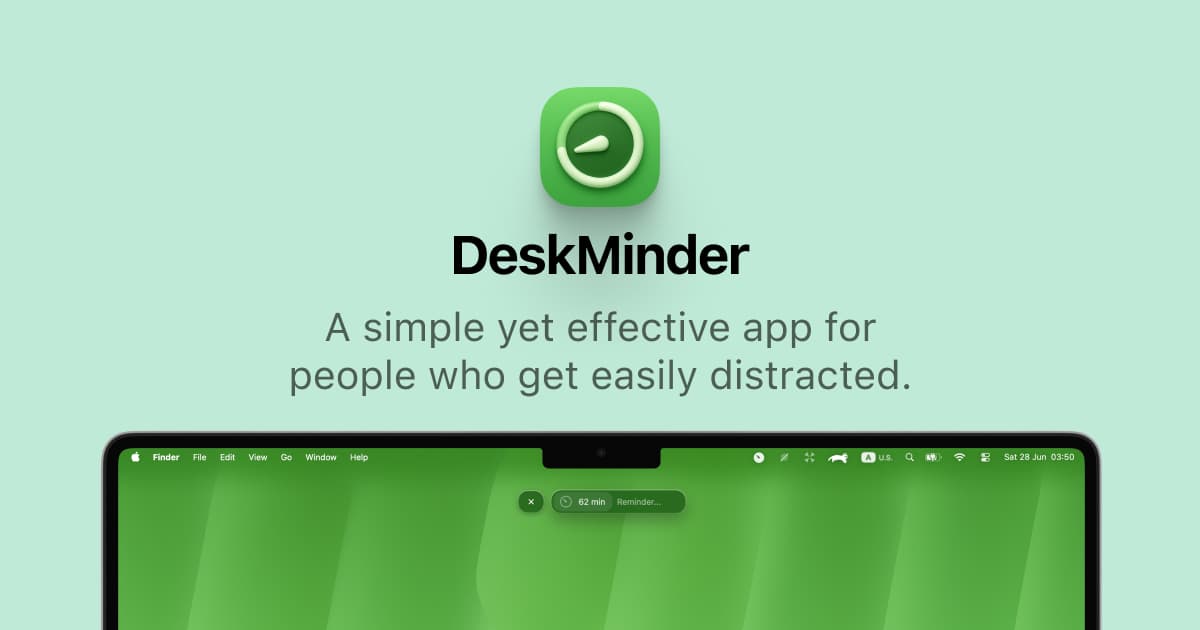
DeskMinder is a productivity software application designed for Mac users who struggle with distractions. It provides a straightforward interface for creating desktop pop-up reminders and tasks, helping users manage urgent to-dos, short breaks, and fleeting ideas. With features like full-screen notifications and Apple Reminders integration, DeskMinder aims to enhance focus and time management for i - With features like easy-to-create desktop pop-ups for reminders and tasks, it simplifies the process of staying on top of urgent to-dos, short breaks, or fleeting ideas. - Users can benefit from full-screen notifications, Apple Reminders integration, and flexible widget placement, making it ideal for anyone requiring a little extra help to maintain focus. - The app includes additional shortcuts for quick reminder setups and customizable widget options, along with a history tracking feature to monitor daily progress. Designed specifically for Mac users, DeskMinder aims to facilitate better time management and productivity for those with attention challenges, providing a seamless user experience without unnecessary complexity.

SoftwareProductivitymacOS
Klack icon

Klack

Satisfying sound with every keystroke

Klack screenshot
Paid

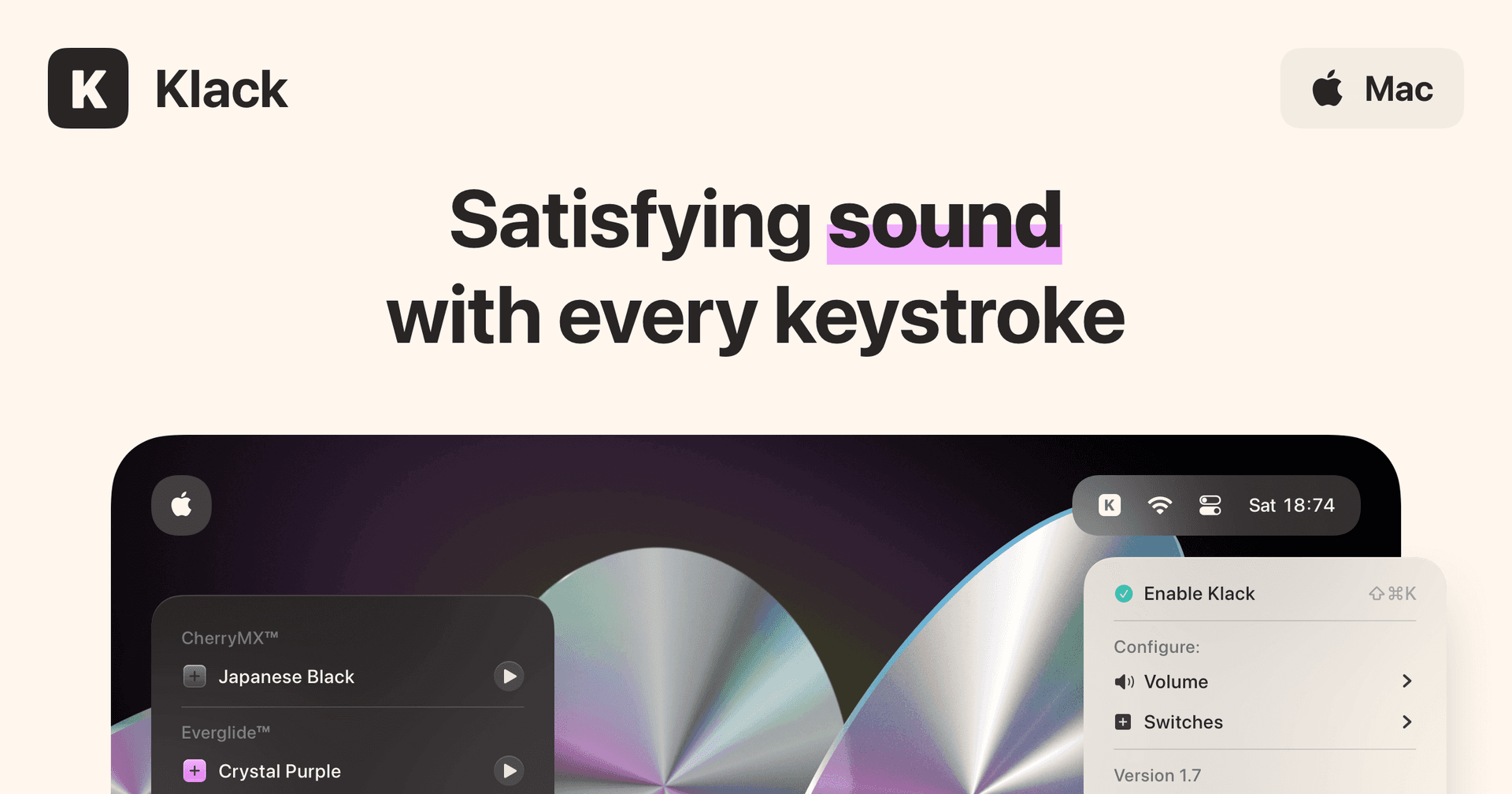
Klack is a macOS application designed to enhance the typing experience through high-fidelity sound for each keystroke. It provides features such as immersive spatial audio, instant feedback, and customizable sound options, making it suitable for writers, developers, and anyone who values an engaging typing environment. The app is easily accessible from the menubar and offers extensive configuratio - Provides immersive spatial audio for enhanced typing feedback. - Allows customization of keystroke sounds, pitch variations, and volume settings. - Features a menubar interface for quick access to configuration options. - Supports instant feedback with each keystroke for a more engaging experience. - Designed for writers and developers seeking auditory feedback while typing. Klack enhances the typing experience on Mac by providing high-fidelity sound for each keystroke.

SoftwaremacOS
TypoTab icon

TypoTab

TypoTab, the ultimate AI writing assistant for

TypoTab screenshot
Paid

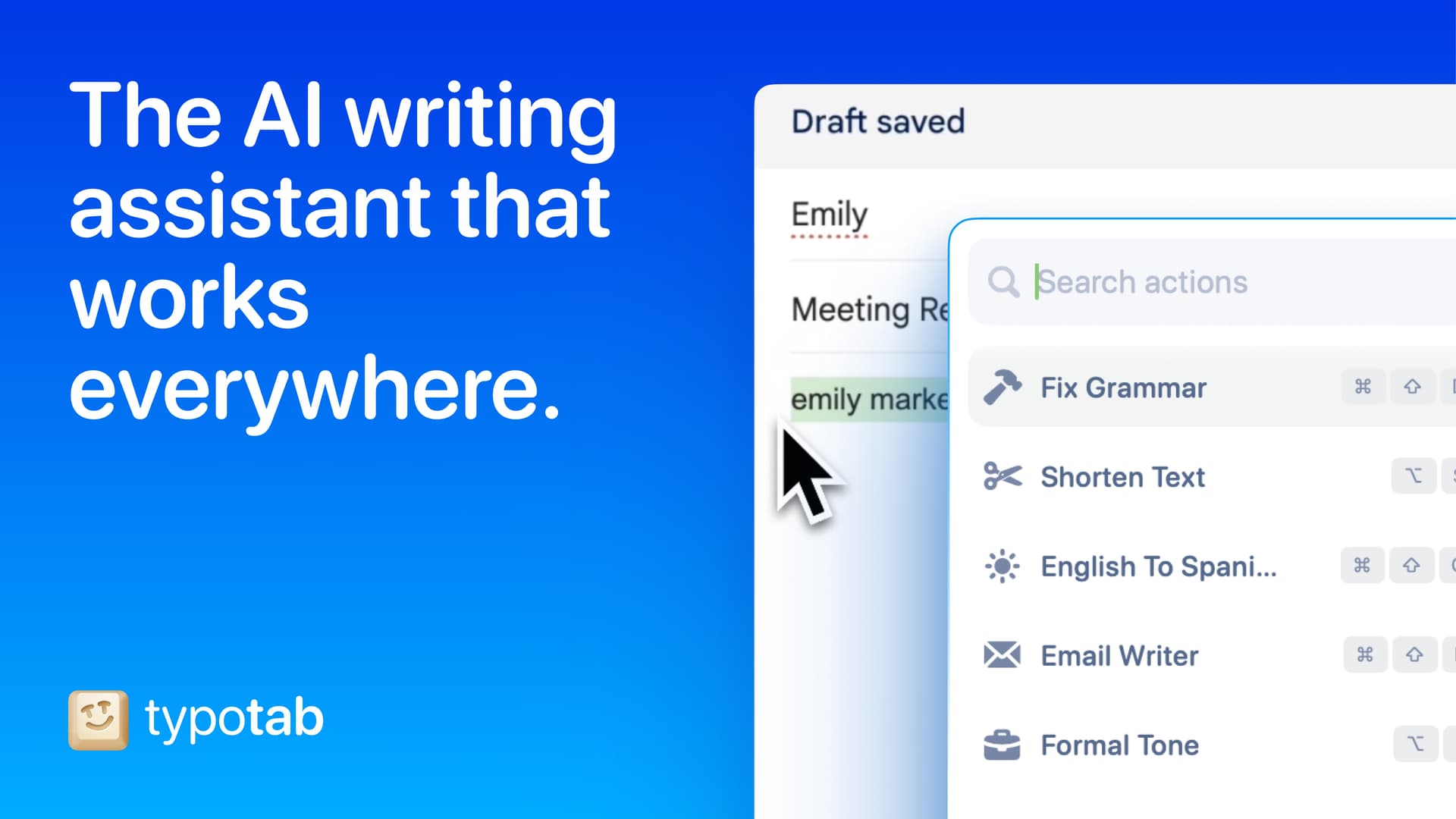
TypoTab is a macOS application that functions as an AI-driven writing assistant. It enhances writing efficiency by providing tools for grammar correction, text rephrasing, and content generation, all accessible from the menu bar without needing to switch applications. This tool is designed for writers, students, and professionals looking to streamline their writing process and improve productivity - Provides grammar correction and text rephrasing directly from the menu bar. - Allows text refinement in any application without switching contexts. - Offers customizable actions to meet individual writing needs. - Streamlines repetitive writing tasks for improved efficiency. - Supports a wide range of applications, enhancing workflow across platforms. TypoTab is a macOS application that enhances writing efficiency by providing grammar correction, text rephrasing, and content generation directly from the menu bar. It allows users to refine text in any application without switching contexts, offering customizable actions to suit individual writing needs.

SoftwareWritingmacOS
Opal C1 Camera icon

Opal C1 Camera

DSLR quality on a webcam for the

Opal C1 Camera product image
Opal C1 Camera hover image
HardwareUtilitiesmacOS
Milestones icon

Milestones

Native, Private Project Management App

Milestones screenshot
Freemium

Milestones is a project planning software designed to help users manage tasks across multiple projects. It organizes projects into a three-tier hierarchy of Projects, Milestones, and Tasks, allowing users to break down larger goals into manageable phases. - Organizes projects into a three-tier hierarchy: Projects, Milestones, and Tasks. - Allows users to visually track progress with live progress bars for each milestone. - Enables marking one milestone as Active to prioritize current tasks while keeping others visible. - Supports task statuses including To Do, In Progress, and Done for clear organization. - Provides tagging options for tasks to facilitate better grouping and management. - Syncs seamlessly across iPhone, iPad, and macOS using iCloud. Milestones is a project management application that allows users to organize their work into a structured hierarchy of Projects, Milestones, and Tasks. It features visual progress tracking, customizable project icons, and seamless syncing across iPhone, iPad, and macOS.

SoftwareProductivityiOS & macOS
Folders icon

Folders

A file manager for Windows switchers

Folders screenshot
Freemium

Folders is a file manager application for macOS that provides a folder tree layout, catering specifically to users transitioning from Windows. It offers a range of features including easy navigation, comprehensive file operations, and integration with cloud storage services. Designed for both new and experienced users, Folders aims to enhance file management efficiency on Mac systems. - Provides a folder tree layout for intuitive navigation, similar to Windows Explorer. - Supports batch renaming and file conflict resolution for efficient file management. - Integrates with iCloud Drive and other cloud storage services for centralized access. - Offers multiple viewing options: Table, List, Icons, and Gallery. - Includes a powerful search function with Spotlight integration and saved searches. - Allows customization of themes and folder icons for personalized organization. Folders is a file manager for macOS that emulates the folder tree structure familiar to Windows users. It offers a range of features including comprehensive file operations, customizable themes, and powerful search capabilities. Users can manage files across various cloud services and utilize batch renaming and conflict resolution tools.

SoftwareUtilitiesmacOS
Whisper icon

Whisper

Talk to your computer like a human

Whisper screenshot
One-time

Whisper is an offline speech-to-text software compatible with macOS (Apple Silicon), Windows 10/11, and Linux (Ubuntu 22.04+). It enables users to transcribe spoken words into text quickly and securely, processing all data locally on the device without relying on cloud services. - Transcribes speech to text entirely offline, ensuring data privacy and security. - Supports over 99 languages, allowing seamless switching between languages mid-sentence. - Automatically removes filler words and repetitions for cleaner, more professional text output. - Provides instant transcription with GPU acceleration, displaying words as they are spoken. - Integrates with any application where text input is possible, enhancing workflow flexibility. Whisper is a voice-to-text application designed for offline use, ensuring that your data remains private and secure. It transcribes speech into text quickly and accurately, supporting over 99 languages. The application is suitable for various tasks, including writing, coding, and communication, and operates seamlessly without the need for internet connectivity.

SoftwareUtilitiesiOS & macOS
Mac mini M4 Hub icon

Mac mini M4 Hub

Expand your Mac Mini capabilities with enhanced

Mac mini M4 Hub product image
Mac mini M4 Hub hover image
HardwareUtilitiesmacOS
Bluetooth Remote Control icon

Bluetooth Remote Control

Seamless Control for Presentations

Bluetooth Remote Control product image
Bluetooth Remote Control hover image
HardwareUtilitiesiOS & macOS

New additions

Milestones icon

Milestones

Native, Private Project Management App

Milestones screenshot
Freemium

Milestones is a project planning software designed to help users manage tasks across multiple projects. It organizes projects into a three-tier hierarchy of Projects, Milestones, and Tasks, allowing users to break down larger goals into manageable phases. - Organizes projects into a three-tier hierarchy: Projects, Milestones, and Tasks. - Allows users to visually track progress with live progress bars for each milestone. - Enables marking one milestone as Active to prioritize current tasks while keeping others visible. - Supports task statuses including To Do, In Progress, and Done for clear organization. - Provides tagging options for tasks to facilitate better grouping and management. - Syncs seamlessly across iPhone, iPad, and macOS using iCloud. Milestones is a project management application that allows users to organize their work into a structured hierarchy of Projects, Milestones, and Tasks. It features visual progress tracking, customizable project icons, and seamless syncing across iPhone, iPad, and macOS.

SoftwareProductivityiOS & macOS
Folders icon

Folders

A file manager for Windows switchers

Folders screenshot
Freemium

Folders is a file manager application for macOS that provides a folder tree layout, catering specifically to users transitioning from Windows. It offers a range of features including easy navigation, comprehensive file operations, and integration with cloud storage services. Designed for both new and experienced users, Folders aims to enhance file management efficiency on Mac systems. - Provides a folder tree layout for intuitive navigation, similar to Windows Explorer. - Supports batch renaming and file conflict resolution for efficient file management. - Integrates with iCloud Drive and other cloud storage services for centralized access. - Offers multiple viewing options: Table, List, Icons, and Gallery. - Includes a powerful search function with Spotlight integration and saved searches. - Allows customization of themes and folder icons for personalized organization. Folders is a file manager for macOS that emulates the folder tree structure familiar to Windows users. It offers a range of features including comprehensive file operations, customizable themes, and powerful search capabilities. Users can manage files across various cloud services and utilize batch renaming and conflict resolution tools.

SoftwareUtilitiesmacOS
Whisper icon

Whisper

Talk to your computer like a human

Whisper screenshot
One-time

Whisper is an offline speech-to-text software compatible with macOS (Apple Silicon), Windows 10/11, and Linux (Ubuntu 22.04+). It enables users to transcribe spoken words into text quickly and securely, processing all data locally on the device without relying on cloud services. - Transcribes speech to text entirely offline, ensuring data privacy and security. - Supports over 99 languages, allowing seamless switching between languages mid-sentence. - Automatically removes filler words and repetitions for cleaner, more professional text output. - Provides instant transcription with GPU acceleration, displaying words as they are spoken. - Integrates with any application where text input is possible, enhancing workflow flexibility. Whisper is a voice-to-text application designed for offline use, ensuring that your data remains private and secure. It transcribes speech into text quickly and accurately, supporting over 99 languages. The application is suitable for various tasks, including writing, coding, and communication, and operates seamlessly without the need for internet connectivity.

SoftwareUtilitiesiOS & macOS
Mac mini M4 Hub icon

Mac mini M4 Hub

Expand your Mac Mini capabilities with enhanced

Mac mini M4 Hub product image
Mac mini M4 Hub hover image
HardwareUtilitiesmacOS
Bluetooth Remote Control icon

Bluetooth Remote Control

Seamless Control for Presentations

Bluetooth Remote Control product image
Bluetooth Remote Control hover image
HardwareUtilitiesiOS & macOS
Wireless Bluetooth Mouse icon

Wireless Bluetooth Mouse

Compact & Portable, USB-C Rechargeable

Wireless Bluetooth Mouse product image
Wireless Bluetooth Mouse hover image
HardwareiOS & macOS
Satechi 3-in-1 Qi2 Wireless Charging Station icon

Satechi 3-in-1 Qi2 Wireless Charging Station

25W Fast Magnetic Charger for iPhone, Apple

Satechi 3-in-1 Qi2 Wireless Charging Station product image
Satechi 3-in-1 Qi2 Wireless Charging Station hover image
HardwareUtilitiesiOS & macOS
2-in-1 Headphone Stand with Wireless Charger icon

2-in-1 Headphone Stand with Wireless Charger

Effortlessly organize and charge your devices with

2-in-1 Headphone Stand with Wireless Charger product image
2-in-1 Headphone Stand with Wireless Charger hover image
HardwareUtilitiesiOS & macOS
Bauhaus Clock icon

Bauhaus Clock

Turn waiting into watching.

Bauhaus Clock screenshot
One-time

The Bauhaus Clock is an elegant screensaver designed for Mac that transforms idle screens into captivating visuals. With meticulous attention to detail, this screensaver combines precision engineering with stunning design, featuring customizable clock dials and multiple movement types. Users can enjoy features like day/night themes, and intelligent algorithms that prevent burn-in. Designed to complement any room, it’s more than just a screensaver—it’s a piece of art that brings joy every time it appears on your screen.

SoftwareDesigniOS & macOS