Explore
Thoughtful finds for your Mac and beyond.


Thoughtful finds for your Mac and beyond.

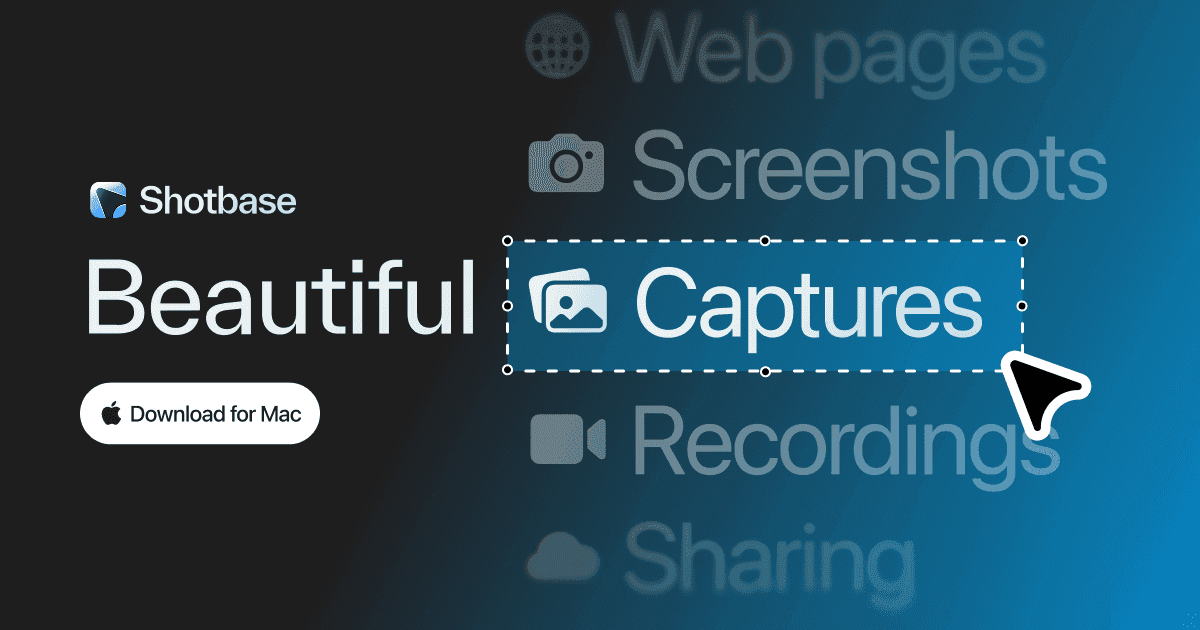
Capture, edit, organize, and share in one
Shotbase is a comprehensive tool designed to capture and manage all your screen-based content effortlessly. With features like stunning screenshot capabilities, recording options that include cinematic effects, and an intuitive organizational structure powered by local AI, you can easily keep your multimedia assets organized and accessible. Shotbase not only allows you to capture specific areas, windows, or full screens on your Mac but also enables you to edit and enhance your captures with backgrounds, frames, and annotations. The integrated AI ensures your captures are automatically named and tagged for easy searching, making it an excellent choice for anyone looking to enhance their productivity and creativity in one seamless workspace.

A creatives best kept secret.
mymind is YOUR PRIVATE place to keep everything you want to remember. Think of it as your digital garden, a peaceful place away from the noise to cultivate your inspiration, research and ideas. We’re a small & independent team that originally built mymind for ourselves. We were tired of feeling constantly distracted and overwhelmed with overly complicated tools that promised to help us stay organized. We just wanted something simple: one place to put everything, and one place to find it. We didn’t want to curate anything, manage folders or learn yet another system we would ultimately abandon. Which is why mymind asks nothing from you: NO social features NO vanity metrics NO algorithms NO social pressure NO collaboration NO manual organization NO noise - Save anything with a single click: a bookmark, note, image, screenshot, website, article, video, highlight, quote, meme, product, song. Before, these little pieces of inspiration were forgotten or buried somewhere in your bookmarks or desktop or some complex platform. Now they're all in one place, where they may eventually connect and become useful later. - All your inspiration and ideas are organized for you. Folders are dead. We believe manual organization is another distraction, a decoy for productivity that pulls you from what you want to do. You may not even know why you're saving something in the moment, meaning it could fit in many folders or no folder at all. Your mind understands this, revealing meaning and allowing you to make connections between what you've saved. You don't have to stop to analyze or organize anything you save. Your new mind magically categorizes, analyzes, summarizes and tags it for you, so you can just search whatever you remember to find it later. No going back to clear a queue or manage your folders. You're constantly moving forward. - Most importantly, your mind is 100% private. No one can see what you've saved. There's no social feed or collaboration features to distract you. No ads interrupting your focus. When you have an audience watching, you operate differently. You restrain yourself in an attempt to curate a vibe, stay on trend or be accepted. Who are you when no one's watching? When can you save anything or explore any idea without fear of how it's being perceived? - It’s your secret creative repertoire and private garden of inspiration. Every great mind has one, a central place to collect all the little things that make you stop and think or feel something. Think of it like a garden: You're enriching the soil, planting and watering seeds you trust will bloom into something bigger later. Your mind is meant to grow through all your interests and creative phases. It continues to evolve with you. - We believe beauty is a function. We do everything we can to make your mind as beautiful and distraction-free as possible, stripping out the clunky features and filters you find in typical organization tools. If it works well, you don't think about it. It's a tool in the true sense of the word: there when you need it, and out of the way when you don't. We call it personal software.- Save everything that matters to you effortlessly. For too long, we've been serving algorithms and tools, passively scrolling and reacting and engaging and performing and curating and brain rotting. Unlike most of the internet, mymind gives back to you rather than draining you. It's an external way to feed the beauty and depth and meaning we need internally. Your mental bank of inspiration to feed your real mind.

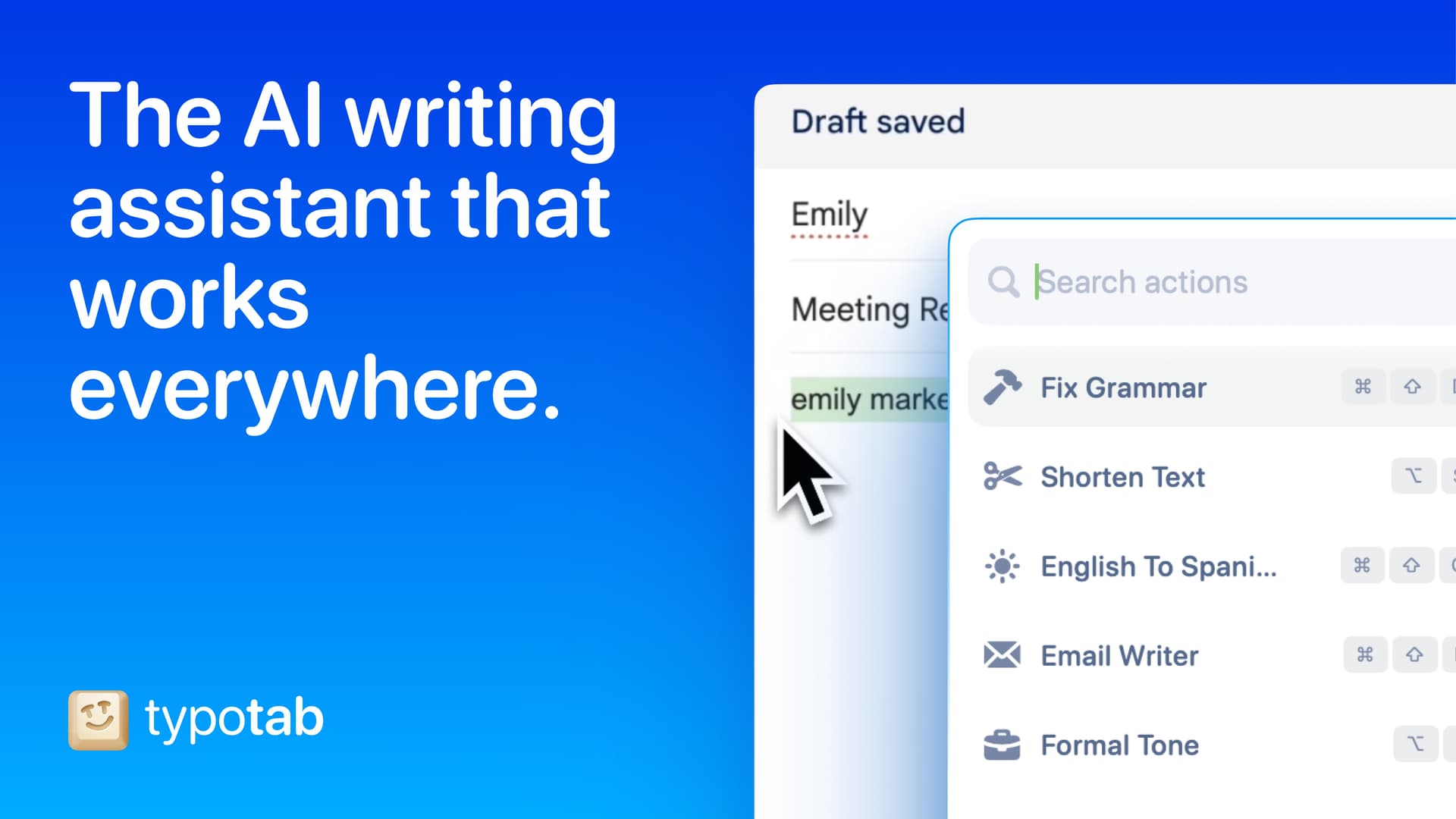
TypoTab, the ultimate AI writing assistant for
TypoTab is a macOS application that functions as an AI-driven writing assistant. It enhances writing efficiency by providing tools for grammar correction, text rephrasing, and content generation, all accessible from the menu bar without needing to switch applications. This tool is designed for writers, students, and professionals looking to streamline their writing process and improve productivity - Provides grammar correction and text rephrasing directly from the menu bar. - Allows text refinement in any application without switching contexts. - Offers customizable actions to meet individual writing needs. - Streamlines repetitive writing tasks for improved efficiency. - Supports a wide range of applications, enhancing workflow across platforms. TypoTab is a macOS application that enhances writing efficiency by providing grammar correction, text rephrasing, and content generation directly from the menu bar. It allows users to refine text in any application without switching contexts, offering customizable actions to suit individual writing needs.



 MacBook Clamshell Mode With a Vertical Stand: How to Set It Up (and Is It Safe?)October 10, 2026


 Best Screen Recorders for Mac: CleanShot X vs Screen Studio and 7 MoreOctober 9, 2026
 Anker MagGo Foldable 3-in-1 vs Anker 3-in-1 Cube: Which Should You Buy?October 8, 2026

 Best Mac Dock Replacements: Cooldock vs Dockset vs TinyFolderOctober 7, 2026



 DeskMinder Review: Full-Screen Mac Reminders, Plus 5 AlternativesOctober 6, 2026
 The Retro Apple Desk SetupOctober 5, 2026
Keep your Mac awake for agents
Agent Caffeine is a Mac menu bar utility that prevents sleep while AI coding agents are working, then allows the Mac to sleep when work stops. - Track activity from agents including Claude Code, Codex, and Cursor. - Keep the Mac awake with the lid closed during active work. - Allow a configurable grace period when an agent waits for input. - Send notifications when agents need attention or finish. - Pause sleep prevention or stay reachable for a set duration. Closed-lid operation on battery requires an approved helper. Battery and temperature safeguards can release sleep prevention. Includes a seven-day trial, followed by a one-time purchase with lifetime updates.

Run virtual machines on Apple silicon
VMPal is a virtual machine manager for Apple silicon Macs. Run macOS, Windows 11, and Linux environments alongside your Mac apps, with tools for development and AI agent workflows. - Download and install supported operating systems. - Share folders, clipboard contents, and files with guests. - Save snapshots and restore earlier machine states. - Forward ports for guest web servers and SSH. - Connect AI agents through built-in MCP controls. - Import virtual machines from Parallels. Requires an Apple silicon Mac running macOS 26 or later. Perpetual licenses include one year of updates and support; renewal is optional for further updates. A trial is available.

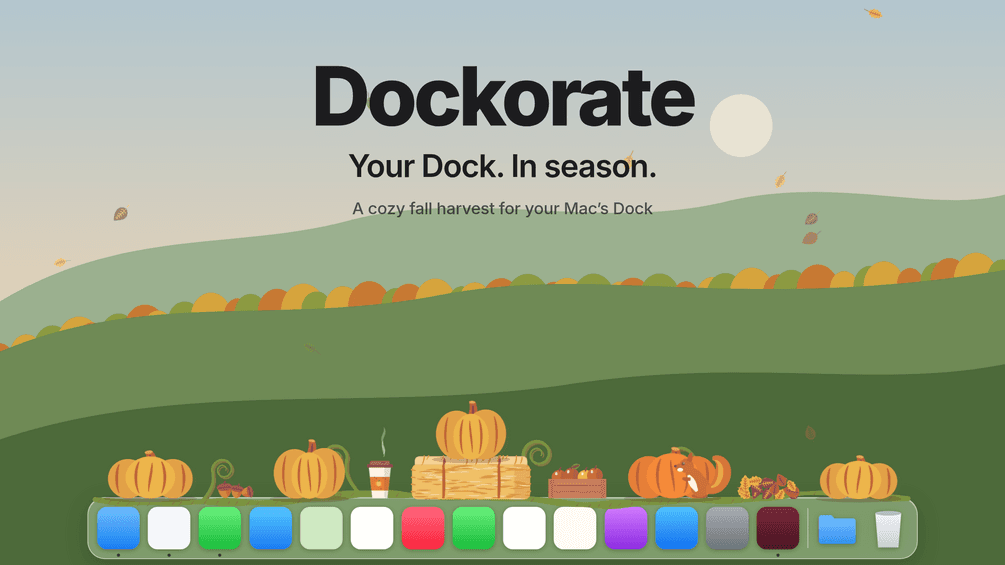
Decorate your Dock with seasonal scenes
Dockorate is a Mac menu bar app that adds interactive decorations along the top of your Dock. Its first edition features a fall harvest with pumpkins, leaves, and small animated details. - Click pumpkins to smash them and watch them regrow. - Choose decoration density and toggle individual extras. - Follow Dock magnification, resizing, and auto-hide. - Match light or dark appearance and respect Reduce Motion. - Pause decorations for presentations and screen sharing. Requires macOS 13 or later and a Dock positioned at the bottom of the screen. Optional Accessibility access improves the fit. One-time purchase with version 1 updates.

Video audio image and PDF tools
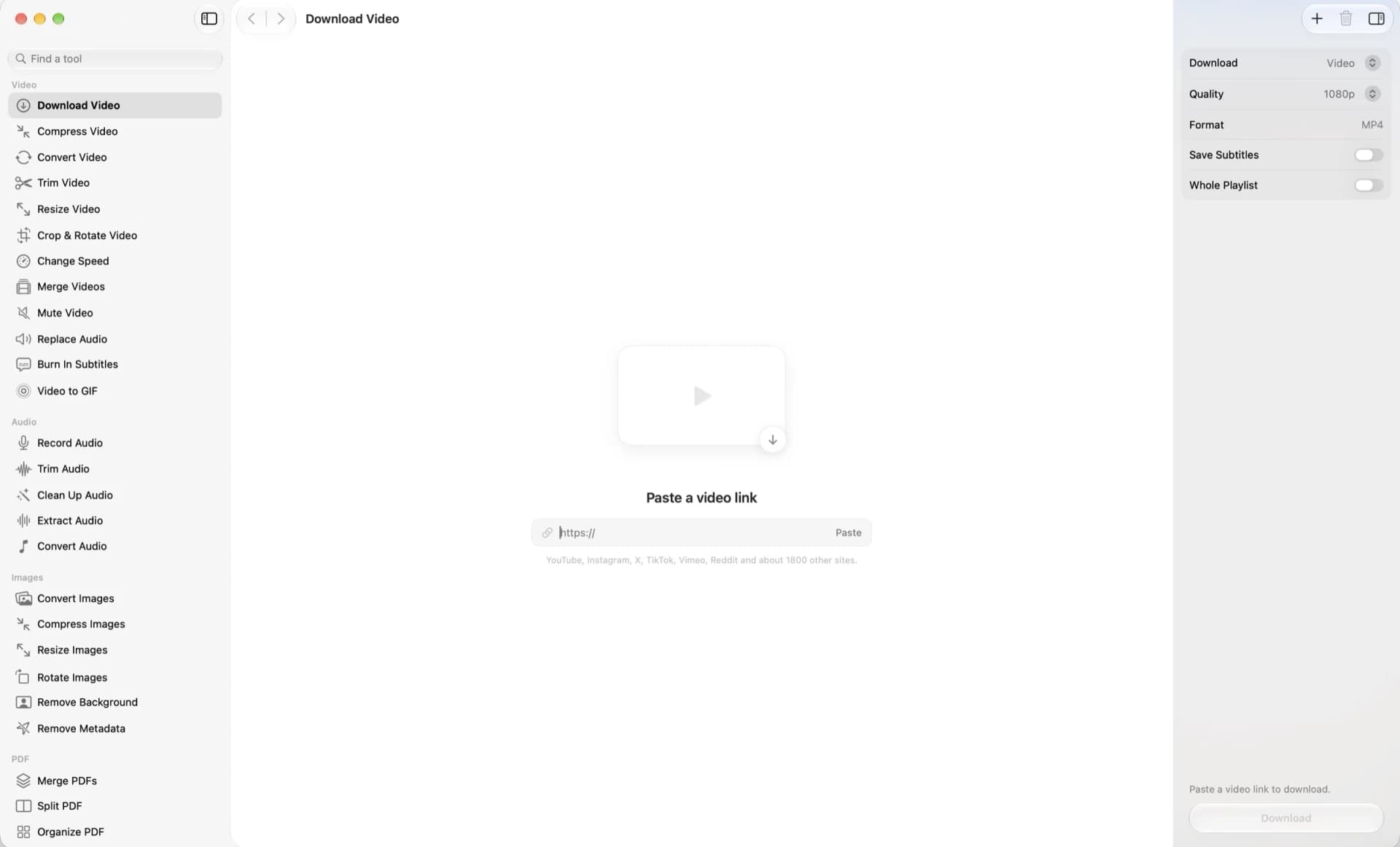
OneMacApp is a native Mac utility suite for working with video, audio, images, PDFs, and text in one interface. File processing runs locally on your Mac. - Convert, compress, trim, and merge videos. - Record, clean up, extract, and convert audio. - Resize images, remove backgrounds, and strip metadata. - Merge, split, sign, and protect PDFs. - Transcribe, extract text, summarize, and translate with on-device Apple frameworks. - Rename files in batches with a live preview. A one-time purchase for macOS 26 or later. Video and audio tools require a separate FFmpeg installation; the app offers Homebrew setup. AI features depend on the required Apple models being available.

Convert files with a right-click
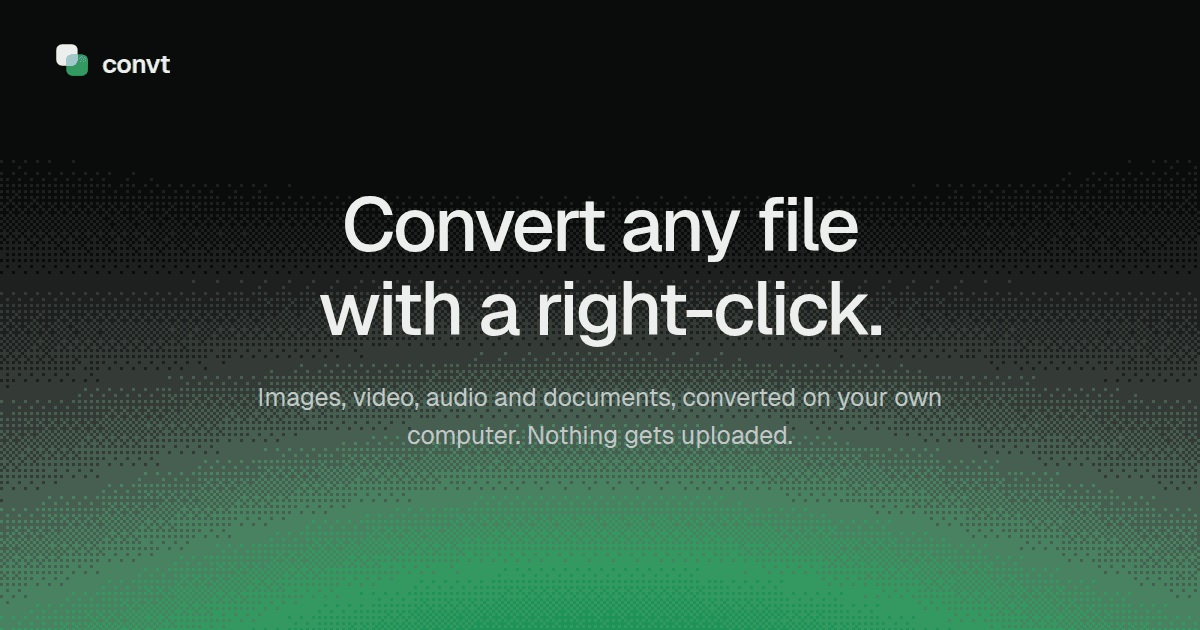
Convt is a desktop file converter for images, video, audio, and documents. Convert files on your computer through a right-click menu without uploading them. - Convert common image formats, including HEIC, WebP, PNG, and JPEG. - Change video and audio formats using FFmpeg. - Convert office documents to PDF with LibreOffice. - Export PDF pages as PNG or JPEG images. - Process folders in batches and reuse conversion presets. Available for macOS, Windows, and Linux with a seven-day trial. The one-time Desktop license includes 12 months of updates and continued use of that version. Pro adds optional cloud conversions and ongoing updates through a subscription.

Notes for Mac, always within reach
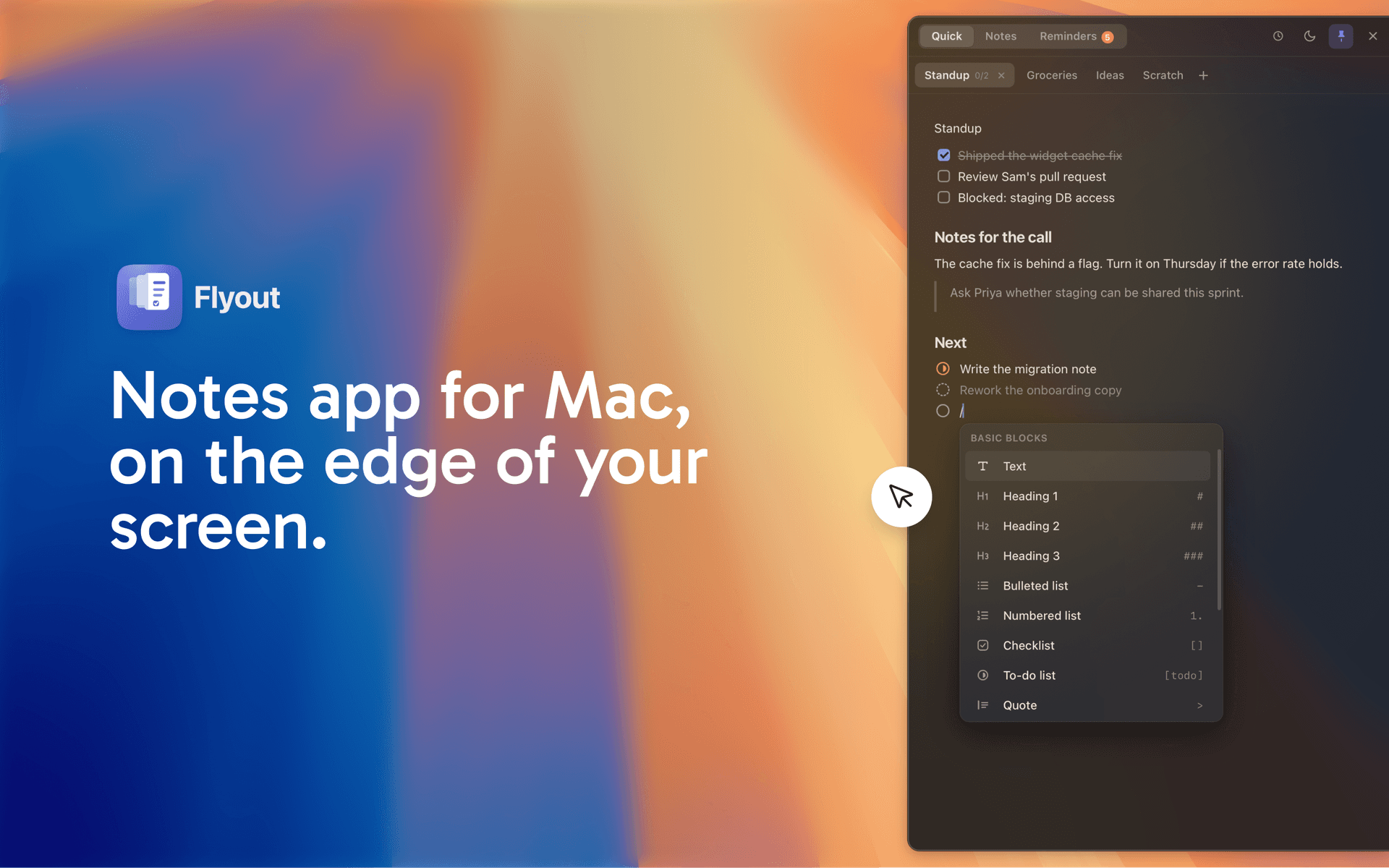
Flyout is a notes application for macOS designed to help users capture thoughts, tasks, and reminders efficiently. It allows notes to slide in from the edge of the screen, enabling quick access without interrupting the user's workflow. This tool is suitable for individuals looking to organize their ideas and tasks seamlessly while working on other applications. - Notes slide in from the edge of the screen for quick access without disrupting your workflow. - Supports Markdown formatting, allowing for structured notes with task lists, reminders, and code blocks. - iCloud synchronization enables access to notes across Mac, iPhone, and iPad, with offline writing capabilities. - Notes can be locked with a password for added security, encrypting their content. - One-time purchase model with no subscription required, covering all devices. Compatible with macOS 14 Sonoma and later, Flyout offers a streamlined note-taking experience directly from the edge of your screen. It allows users to capture thoughts, tasks, and reminders without disrupting their workflow. The app supports iCloud sync across devices, ensuring notes are accessible on both Mac and iPhone.

Set timers and reminders with a single drag
Gestimer 2 is a Mac menu bar app for setting timers and reminders with a single drag. Drag down from its menu bar icon, and the further you drag, the longer the duration or the later the reminder. - Add a title to a timer or reminder before you let go. - See the time remaining as a countdown in the menu bar. - Keep multiple timers and reminders running at once. - Sync with Apple Reminders to take them to your other devices. - Write multi-line titles, with optional haptic feedback when creating timers. One-time purchase on the Mac App Store, with a free trial from the developer's website and an upgrade path for Gestimer 1 owners. Requires macOS 14 or later.

Private on-device dictation across Mac apps
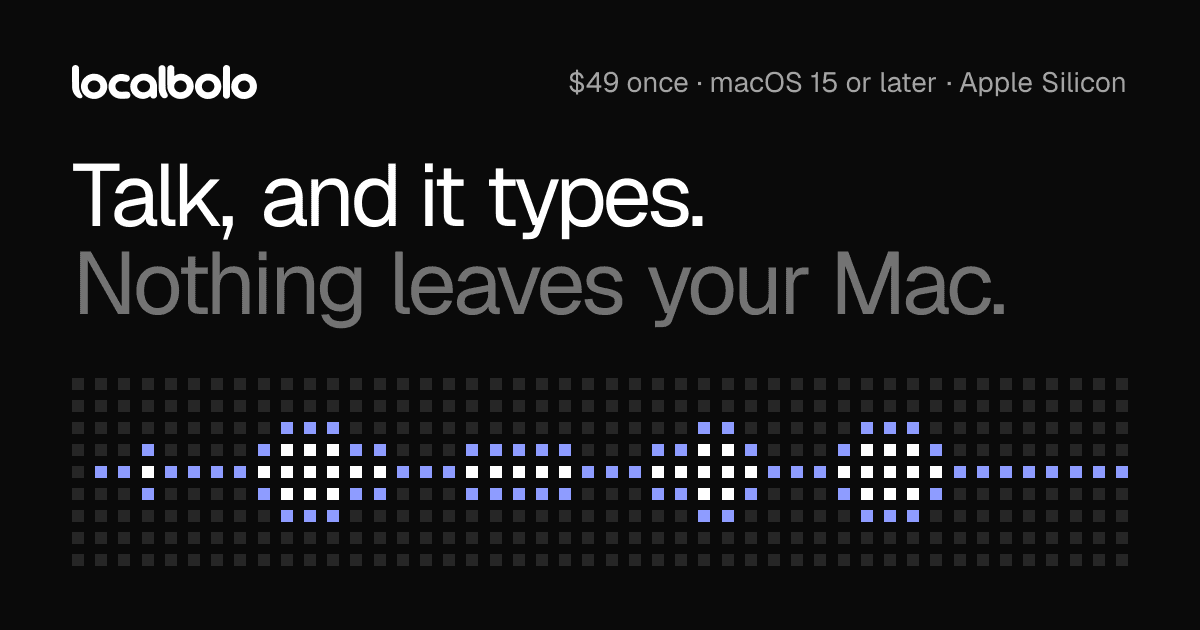
LocalBolo is a Mac dictation app that transcribes English speech using models running on your device. Hold fn to speak and release it to insert text at the cursor. - Dictate into text fields across Mac apps. - Choose Parakeet or Whisper speech models. - Optionally remove filler words and apply spoken corrections locally. - Restore clipboard contents after inserting a transcript. - Process recordings in memory without retaining them. One-time purchase for Apple silicon Macs running macOS 15 or later. Dictation works offline after setup, but activation, model downloads, and periodic license checks require internet access.

Speed up Spaces and window transitions
Maccelerate is a native Mac utility for faster transitions between Spaces and supported system views. It changes navigation timing rather than computing performance. - Choose Fast, Faster, or Instant speed presets. - Switch Spaces with configurable shortcuts. - Optionally accelerate supported Cmd-Tab transitions and trackpad swipes. - Trigger Mission Control and App Exposé through configured actions. - Keep settings locally with System Integrity Protection enabled. The free release is MIT licensed and targets macOS 13 or later on Apple silicon and Intel. Compatibility varies by macOS release; Mission Control detection is experimental. Pro features are planned, not yet available.

Use AI agents in any app
AtAt is a native Mac assistant that brings your chosen AI agent into editable text fields. Type @@ to request help and insert the response at your cursor. - Connect supported CLI agents, API providers, or local models. - Rewrite and explain selected text. - Use TabTab to complete text across apps. - Search clipboard history and capture screenshots or recordings. - Keep history locally, with optional iCloud sync. Requires Apple silicon and macOS 15 or later. Includes a seven-day trial, followed by subscription or lifetime purchase options. Agent services have their own requirements and costs.

Reactive sounds and MacBook motion effects
SlapMac is a MacBook menu bar app that reacts to motion with sound effects and other sensor-driven features. - Play sounds with volume linked to detected impact strength. - Adjust sensitivity and cooldown timing. - Trigger sound effects when USB devices connect or disconnect. - Animate the desktop as the lid closes. - Use a motion-triggered alarm with optional camera capture. A paid purchase for supported MacBooks running macOS 14.6 or later. The developer specifies an M1 Pro or newer supported MacBook; Intel Macs are not supported.

Record screens and stream across platforms
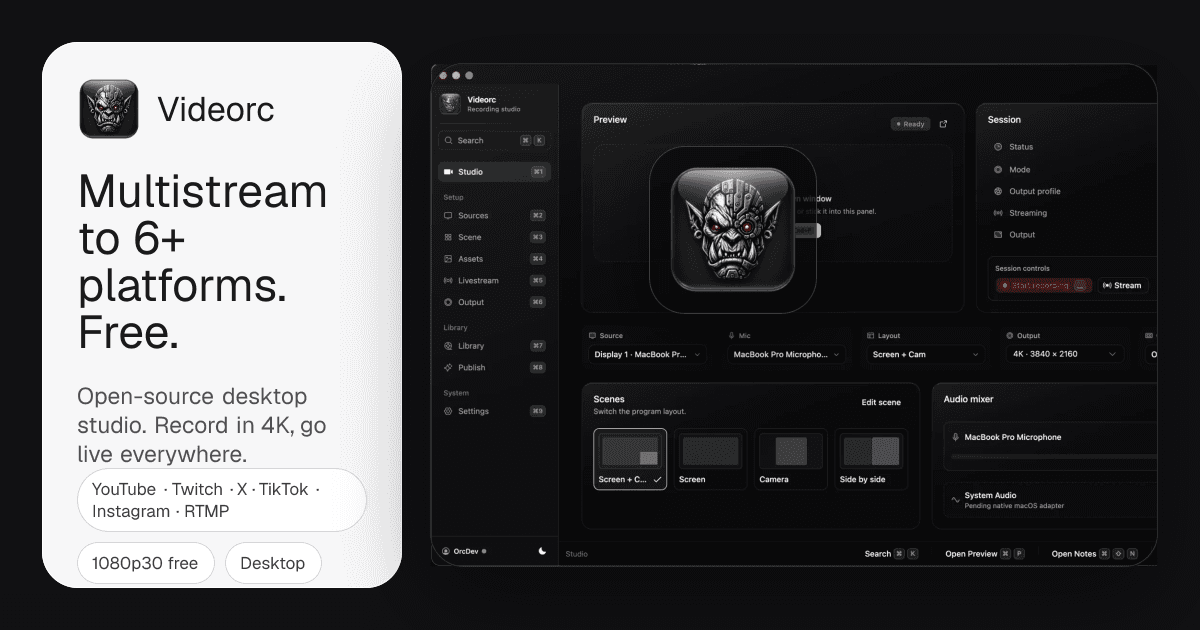
Videorc is an open-source desktop studio for screen, camera, and microphone recording and live streaming. The Mac version is currently in beta. - Record locally at up to 4K on supported Mac builds. - Arrange capture sources and preview your broadcast. - Stream to multiple destinations at 1080p30 on the free plan. - Keep recordings in a local library. - Upgrade for higher-quality single-destination streaming and AI publishing tools. Free studio with a paid Premium subscription. Live captions and the Orcle chat assistant are early-stage features; support varies by build and platform.

Add camera and text screen overlays
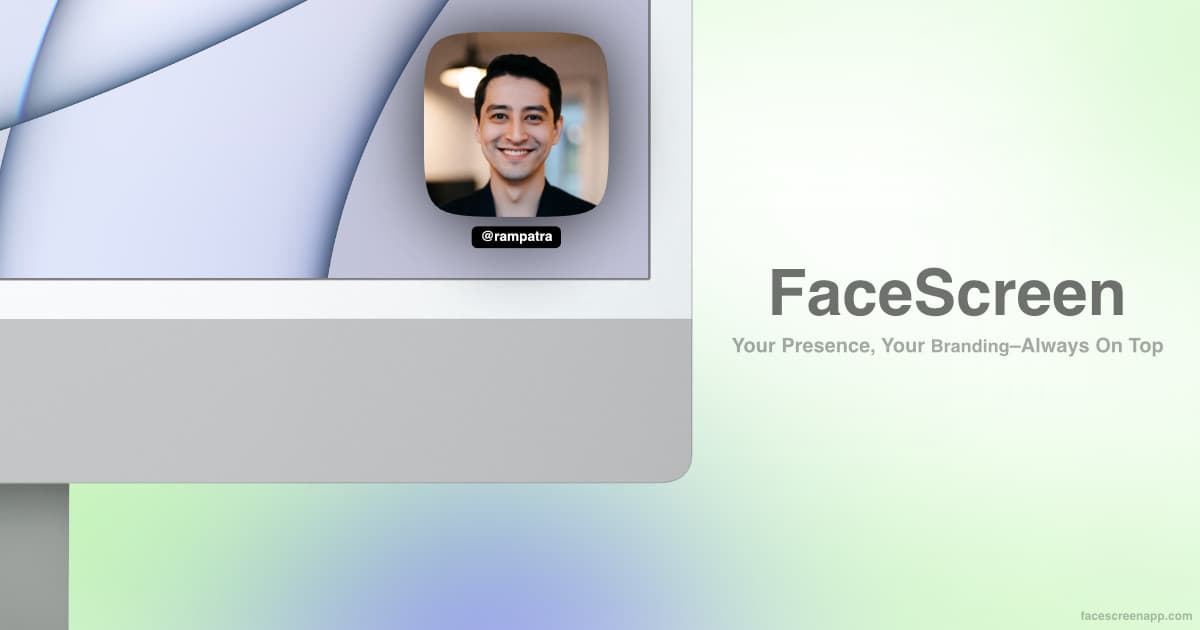
FaceScreen adds a floating camera view and text overlays to your screen for presentations, recordings, and calls. - Show your face above other windows. - Add your name, website, or social handle. - Customize camera shape, size, filters, and overlay styling. - Control the Mac app with keyboard shortcuts. - Use the Mac ring light or mobile Picture in Picture camera. One-time purchase with lifetime updates. Requires macOS 15 or later, or iOS and iPadOS 26 or later.

Plan creative projects on AI canvas
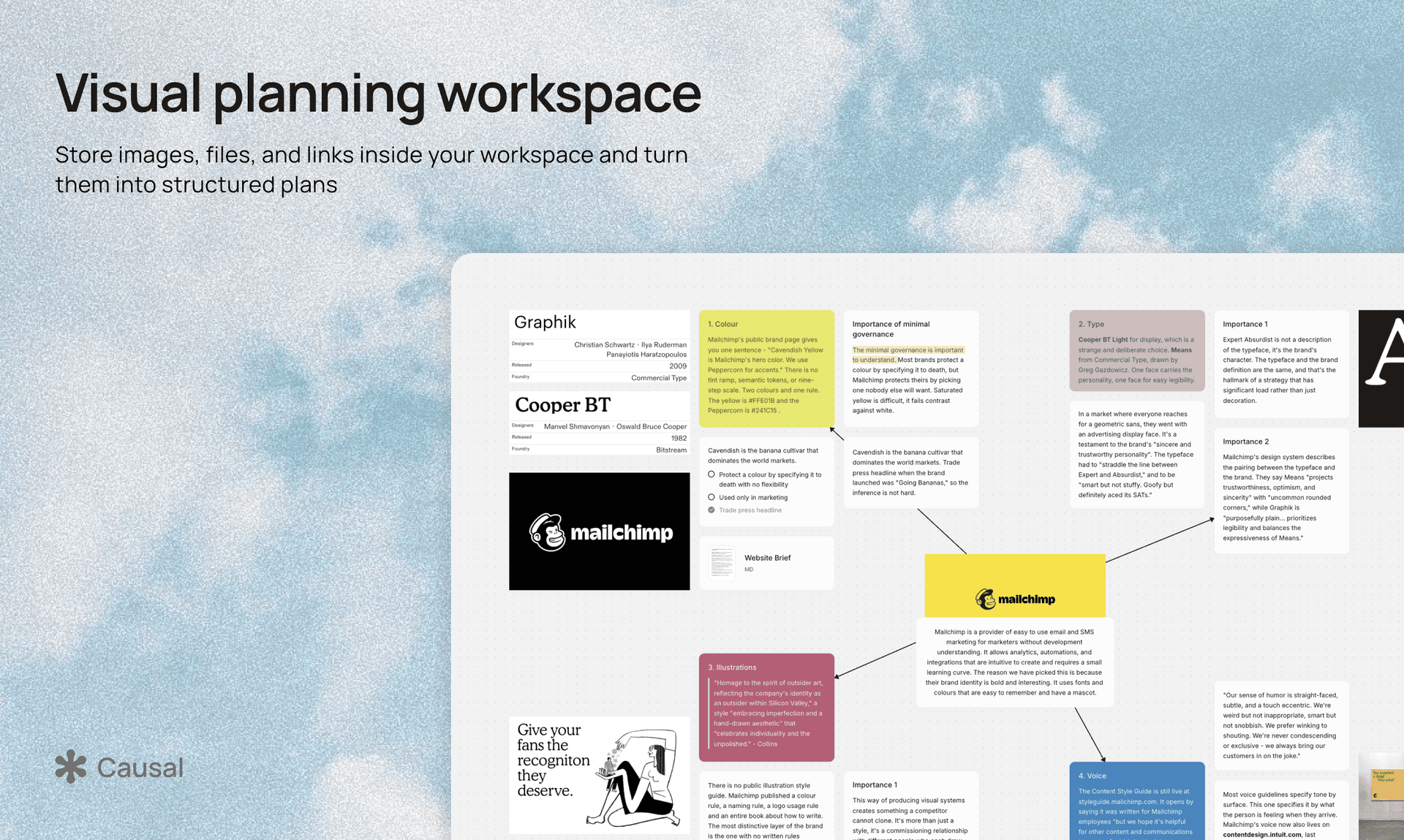
Causal is an AI canvas workspace for planning creative projects. Arrange notes, images, files, and references spatially, with an assistant that uses the board as context. - Collect rich-text notes, media, documents, and links on an infinite canvas. - Ask AI to create and organize content directly on the board. - Organize projects with collections, nested canvases, and an unsorted tray. - Start from templates for research, branding, websites, and storyboards. - Share read-only canvases or connect an external agent through MCP. Available on the web and as a Mac desktop app. A permanent free plan includes limited content and AI usage; Pro increases those limits.

Control Spotify and Apple Music anywhere
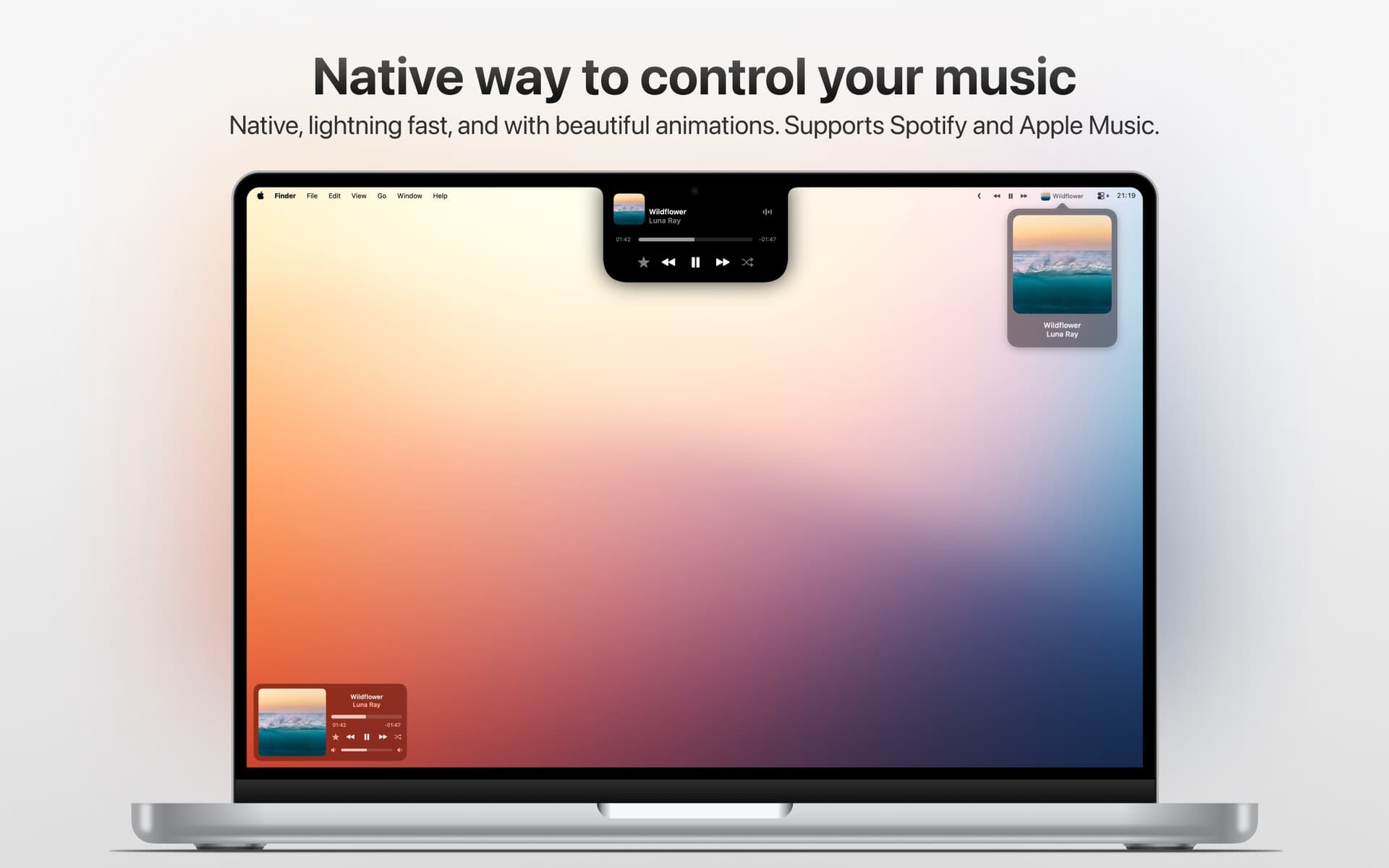
Tuneful is a native Mac app for controlling Spotify and Apple Music without switching to their main windows. Choose a notch player, menu bar popover, or compact mini player. - Play, pause, skip tracks, and adjust volume. - Choose an audio output device from the menu bar. - Save favorite songs from the player. - Customize controls, keyboard shortcuts, and mini player styles. - Use trackpad gestures and sync settings through iCloud. The current App Store version requires macOS 15 or later and is sold as a one-time purchase. Spotify favorites require an additional setup.

Organize notes and tasks on canvas
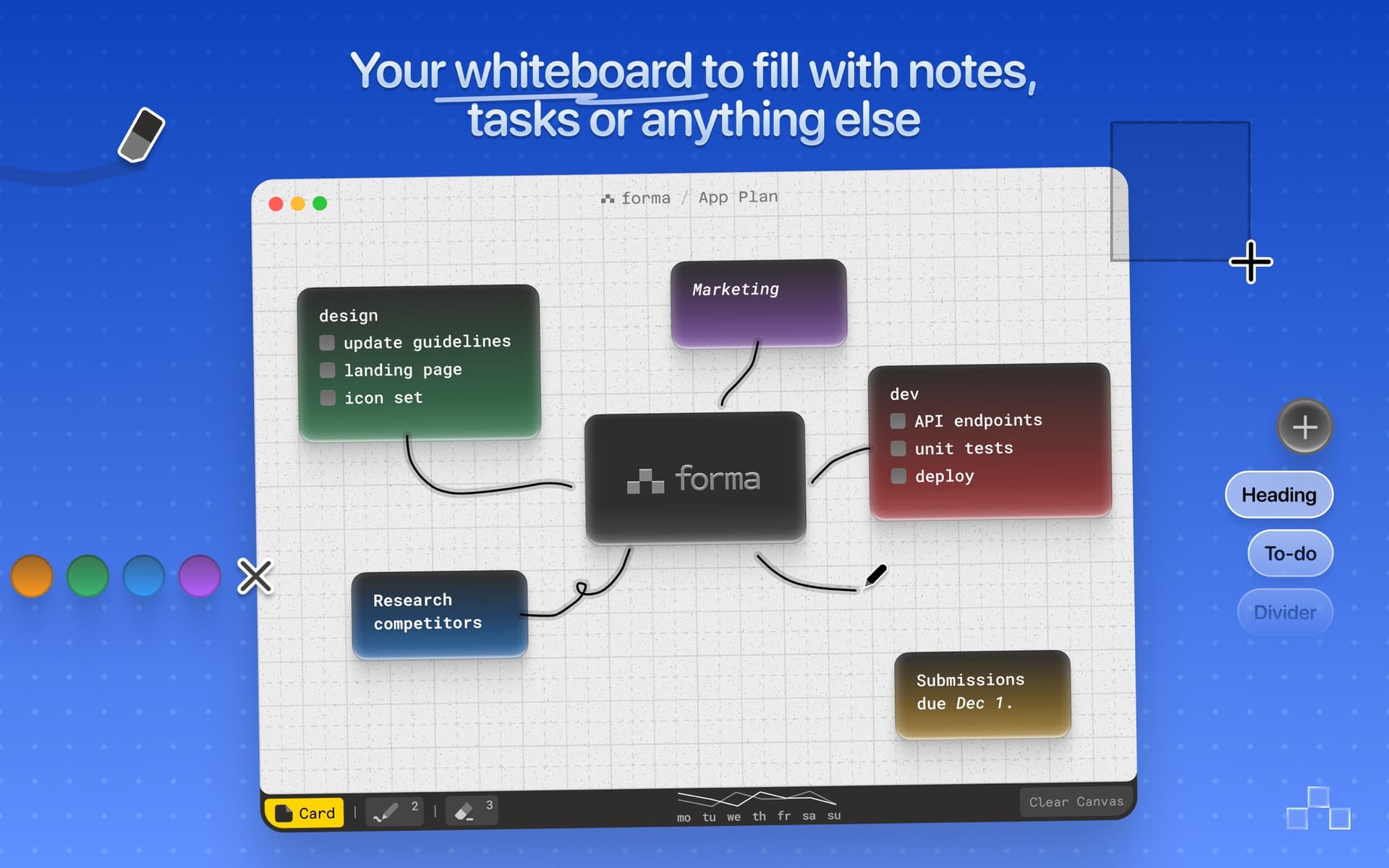
Forma is a native Mac app for arranging notes, tasks, and drawings on a spatial canvas. Build project boards and organize ideas visually. - Create cards with Markdown, checklists, and nested lists. - Draw and annotate directly alongside your notes. - Color-code cards and align them to a grid. - Track activity with a productivity chart. - Work offline and sync boards across Macs through optional iCloud sync. Requires macOS 14 or later. Available as a one-time purchase without a subscription.

Track AI usage from your Mac
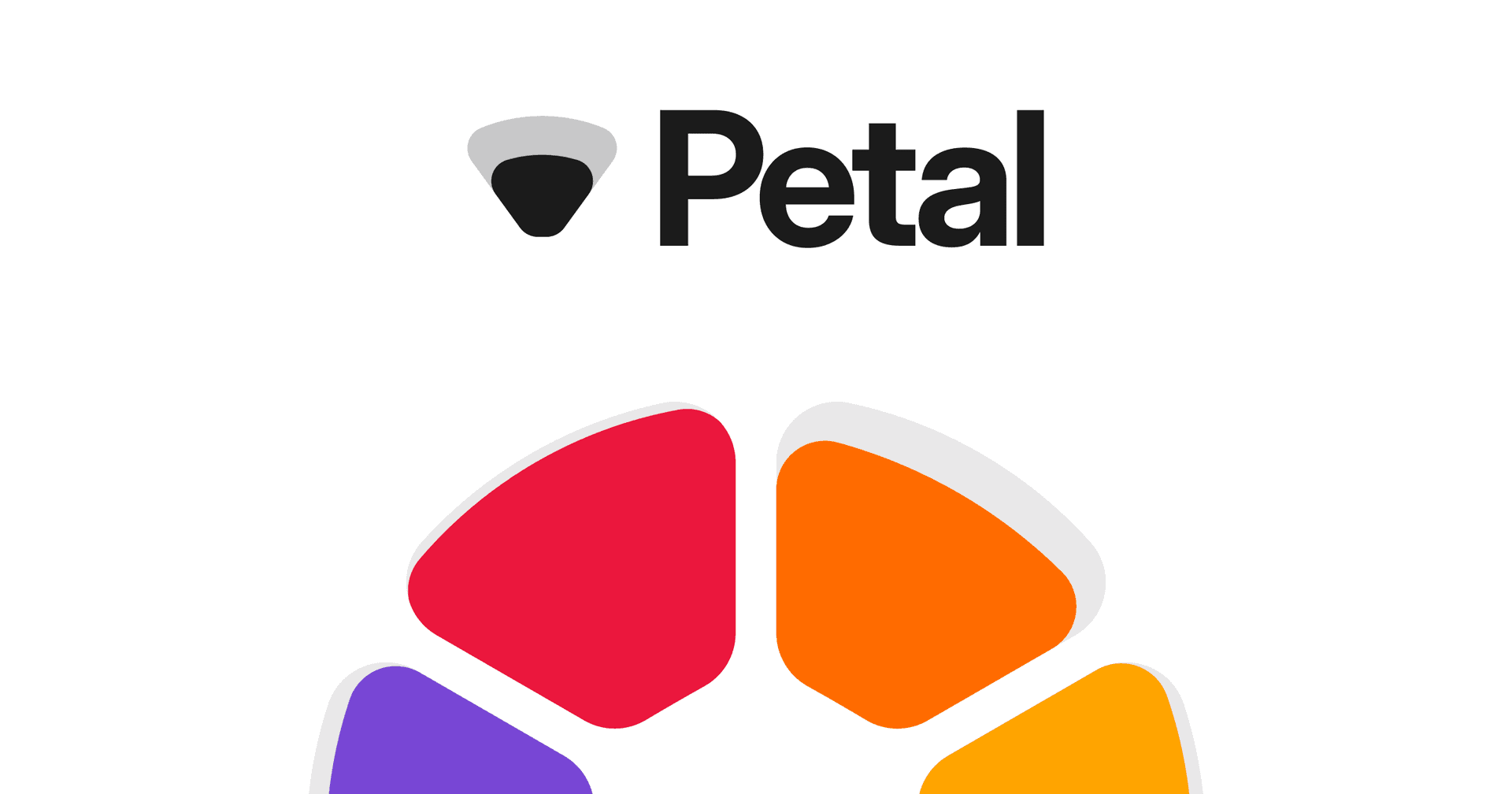
Petal is a Mac app that tracks remaining AI allowances and reset times across your accounts. Check usage without leaving your work. - Monitor Codex and Claude Pro or Max accounts together. - View limits in the menu bar, a movable notch, or desktop widgets. - Browse usage history for individual accounts. - Keep work and personal accounts in one view. - Store account settings and usage history locally on your Mac. Requires macOS 14 or later on Apple silicon or Intel. A one-time purchase includes lifetime updates; AI subscriptions are separate. Additional provider connections are available in beta.

Transcribe translate and summarize meetings
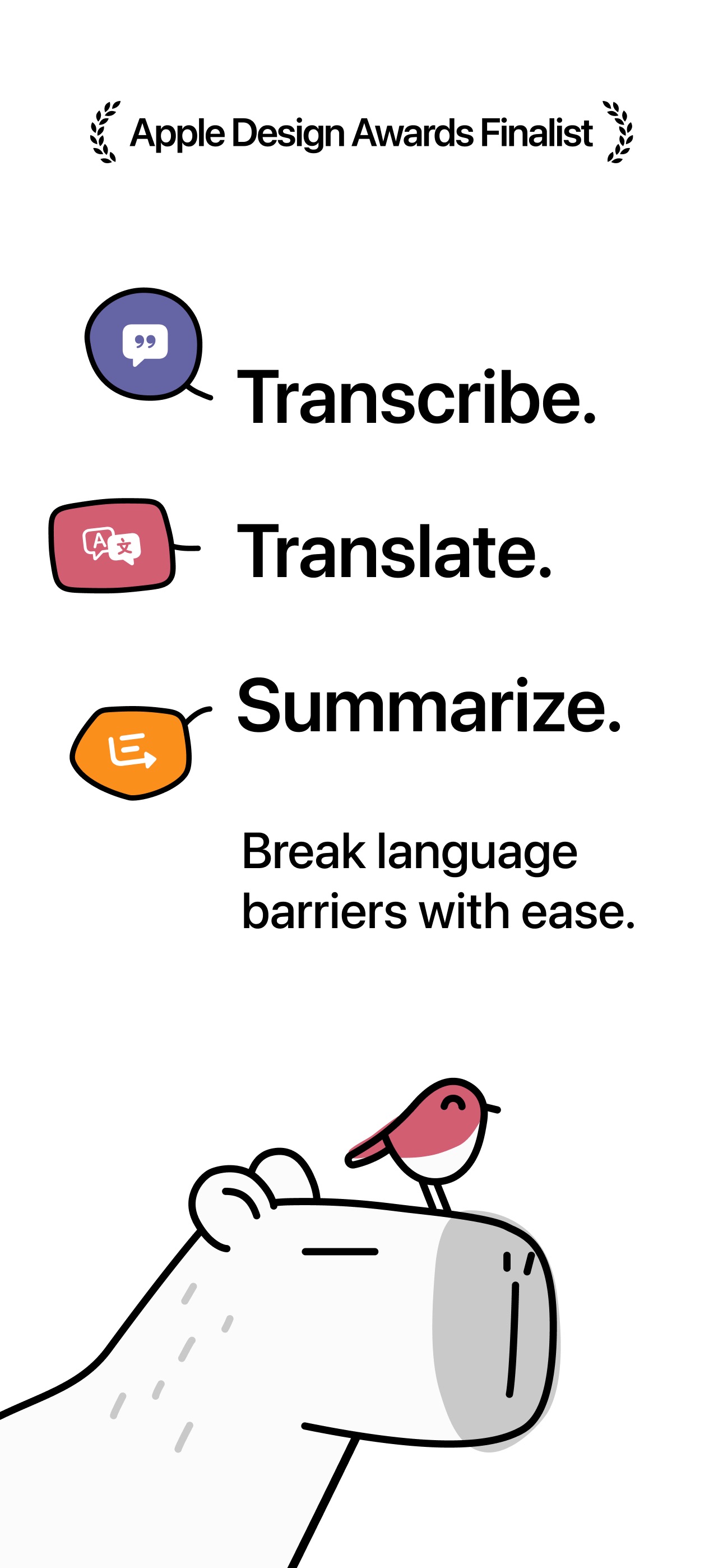

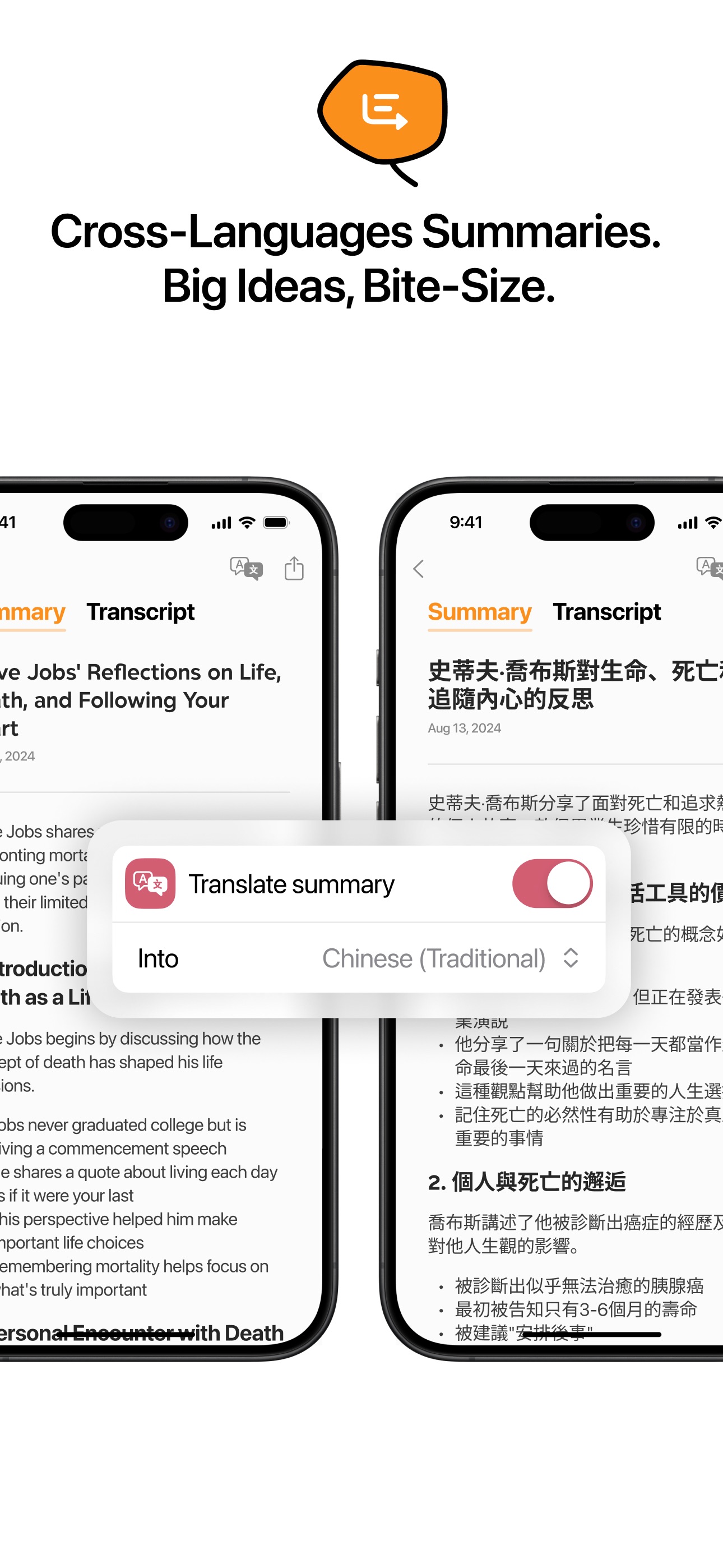
Capy is an AI transcription and translation app for meetings, lectures, and voice notes. It turns speech into searchable notes with summaries for later review. - Capture live speech with timestamps. - Read translations alongside the original transcript. - Generate summaries organized by topic. - Search notes using natural-language queries. - Share transcripts and summaries. Free to download with a three-day trial; continued full access requires an auto-renewing subscription.

Learn through bite-sized book insights
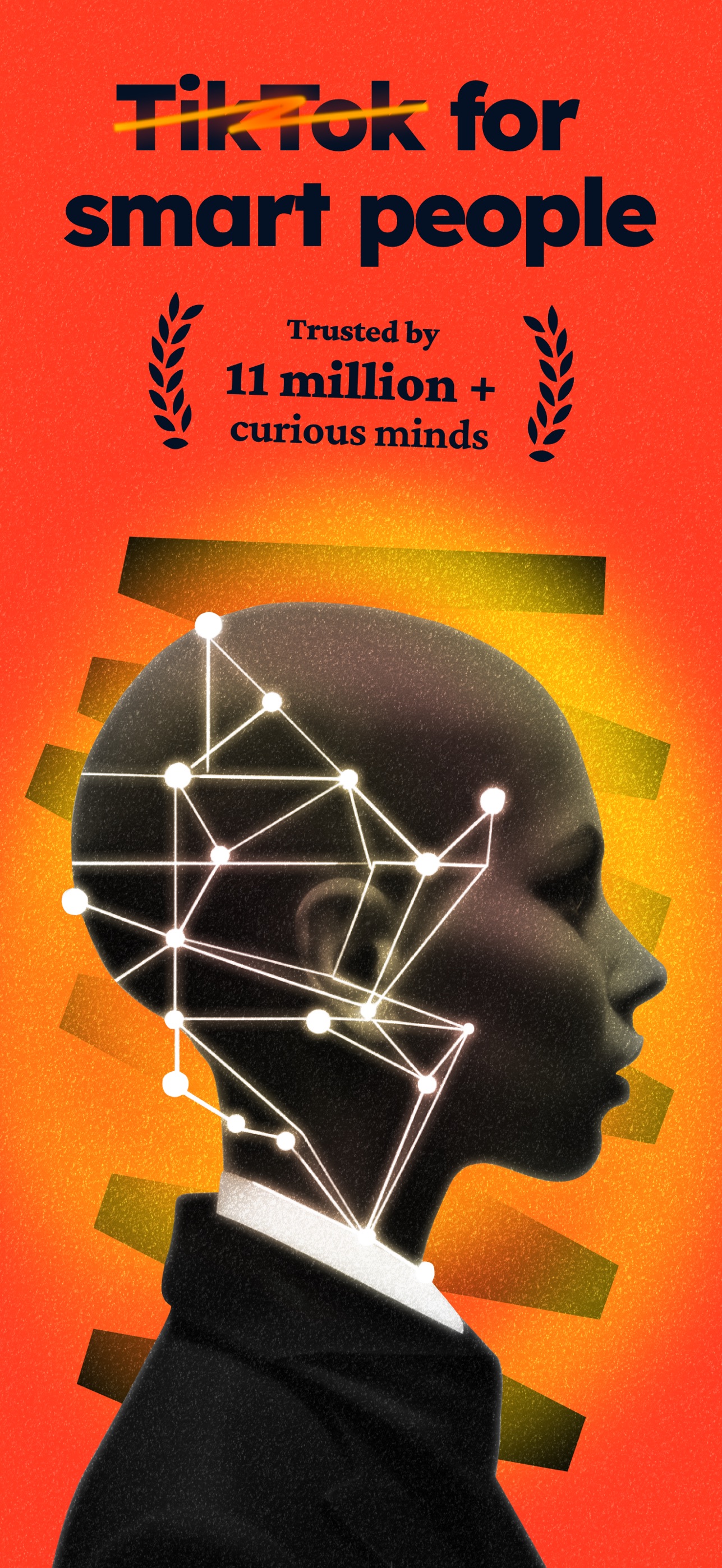
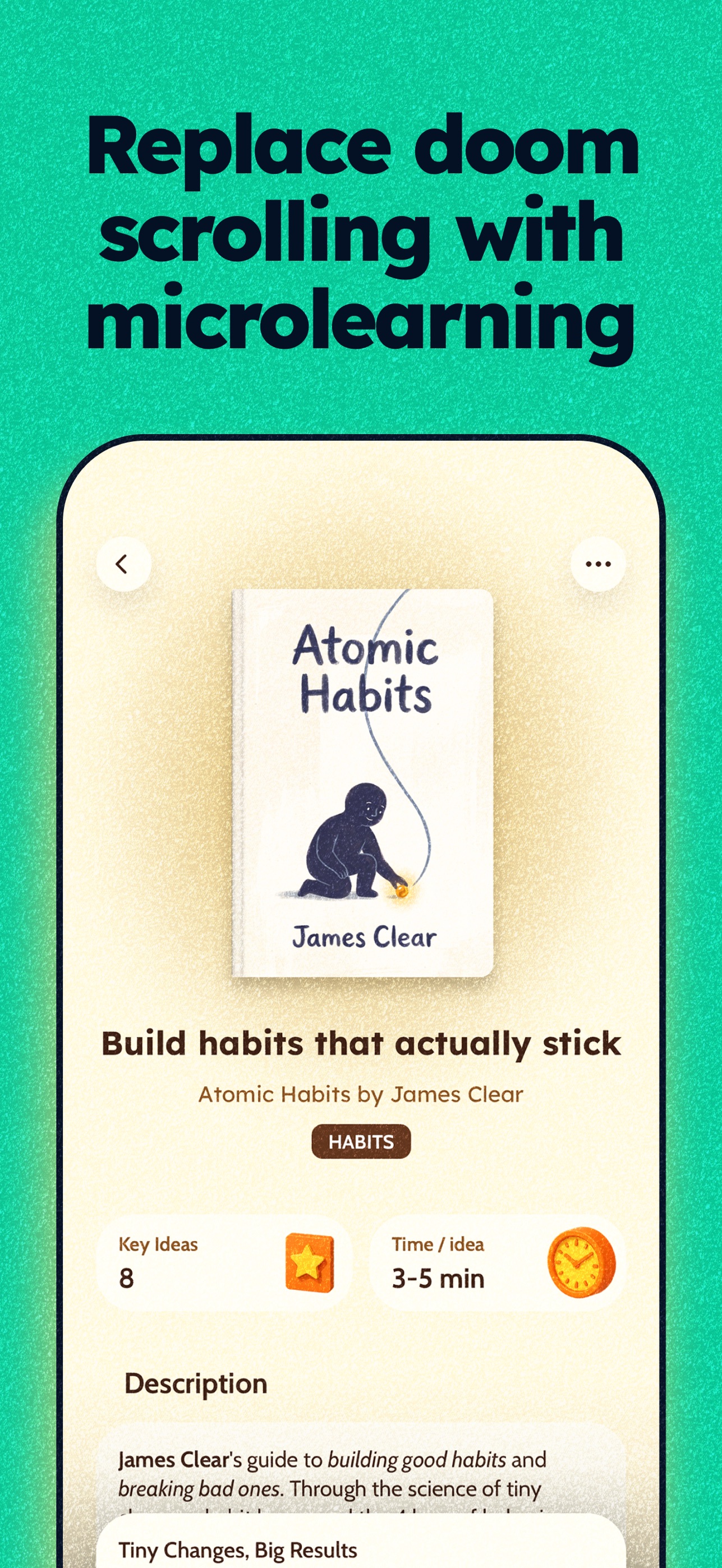
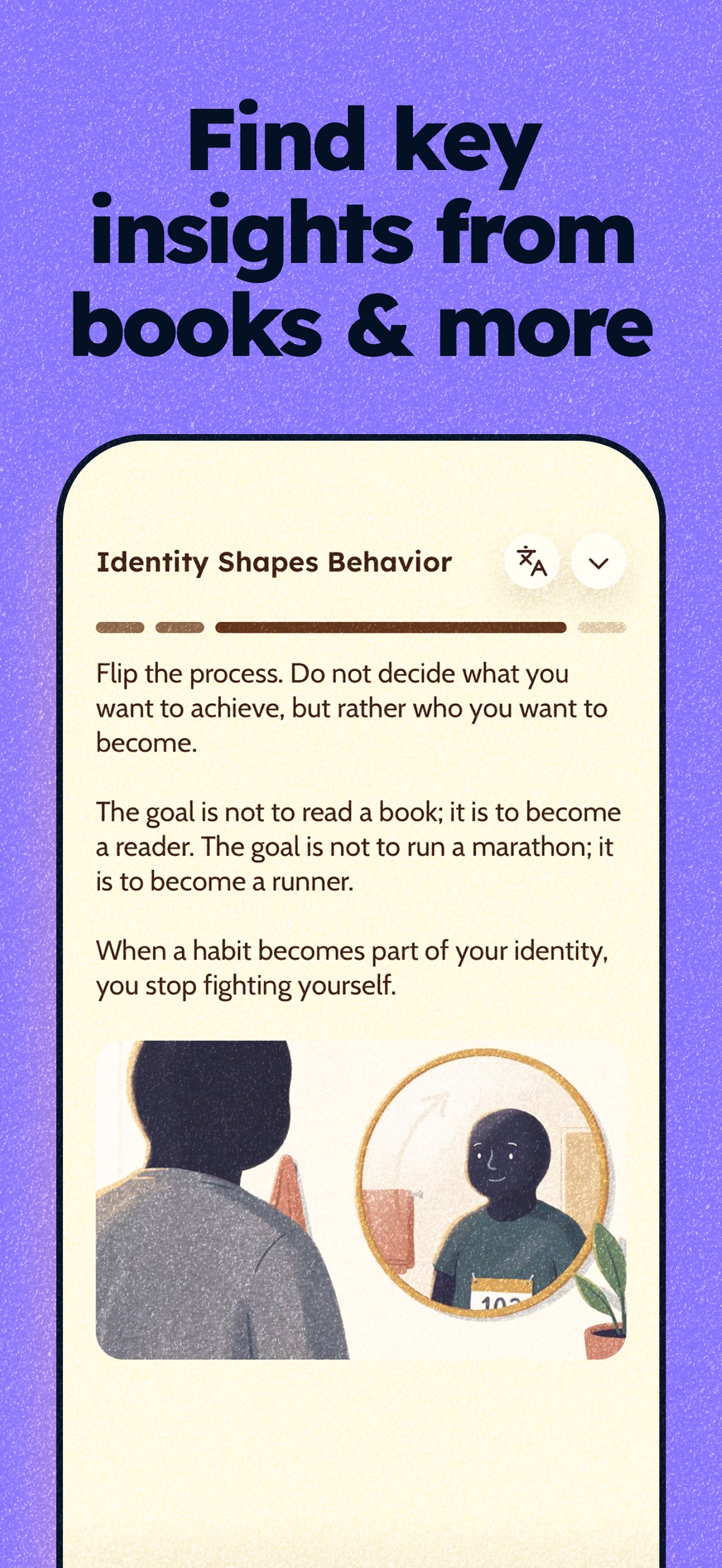
Deepstash is a learning app that presents ideas from books and other sources as short visual cards. It helps readers build a daily learning habit and a personal knowledge library. - Explore ideas across productivity, psychology, leadership, and more. - Receive recommendations based on your interests. - Save insights into searchable collections. - Create and share your own ideas. - Use Pro for audio playback, offline access, and reading history. A free tier is available, with additional features through Deepstash Pro.

Collect visual inspiration into moodboards
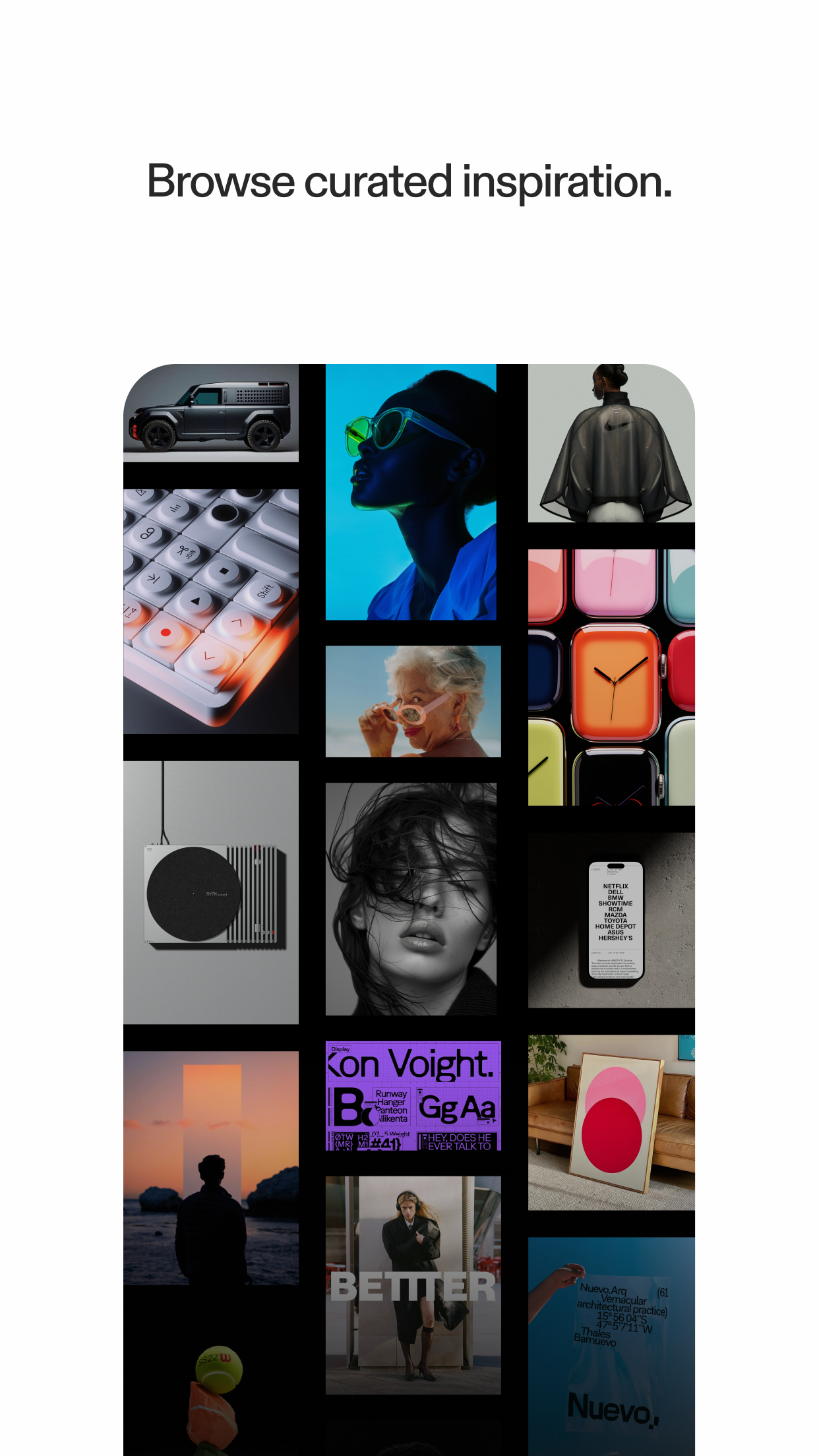
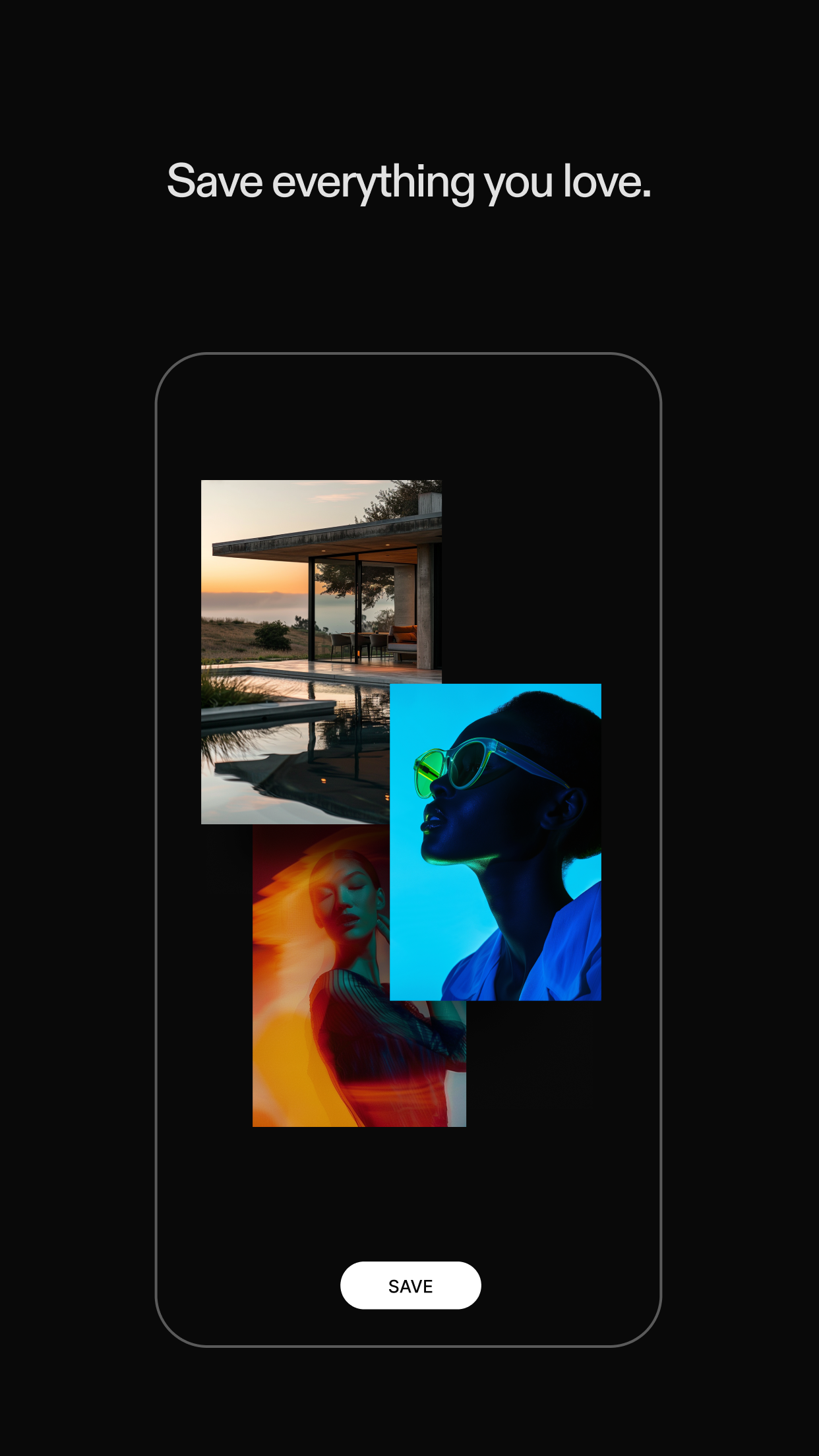
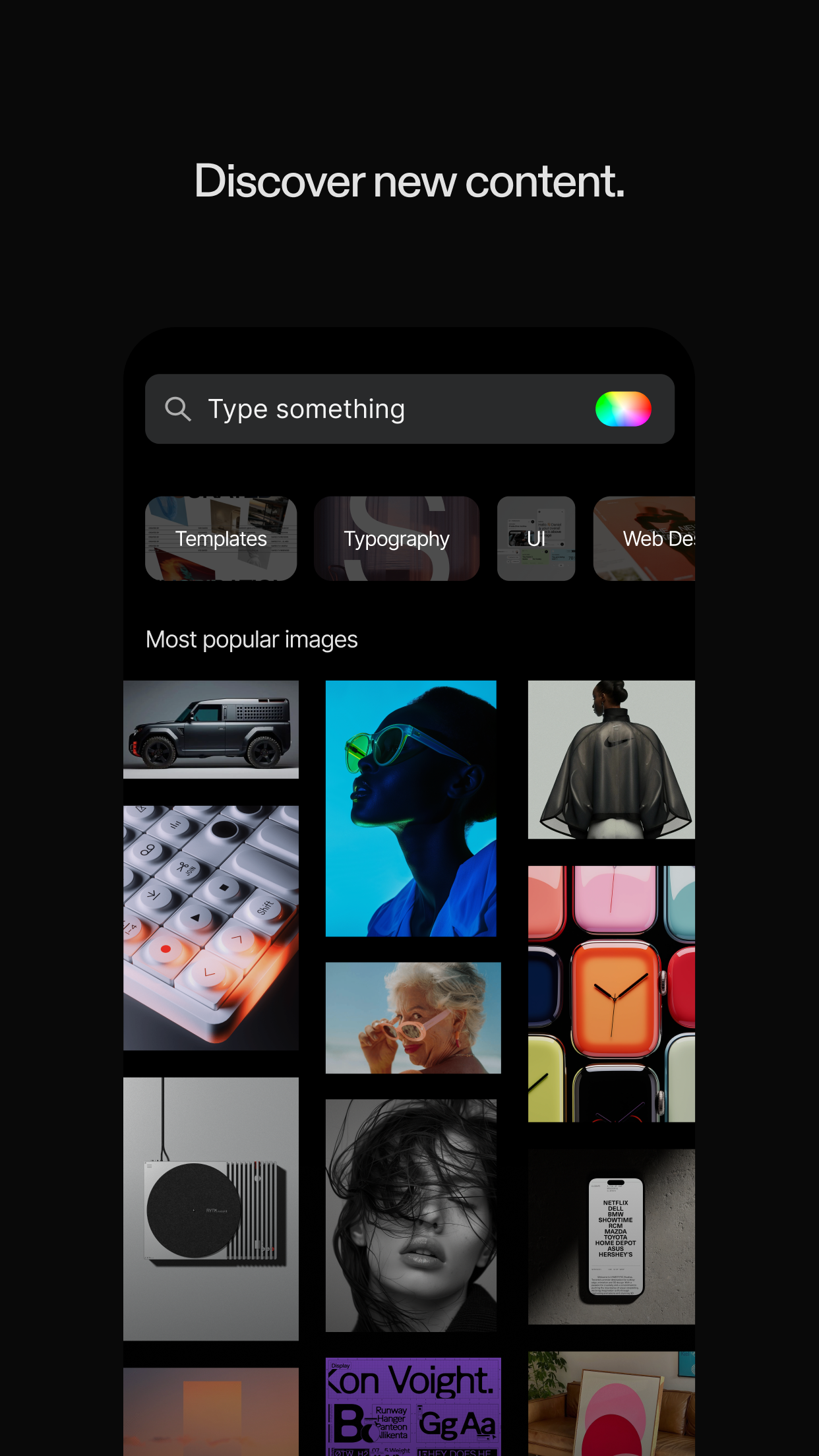
Savee is a visual inspiration app for designers and creative teams. Discover references and organize images and videos into boards for future projects. - Browse curated design, photography, and motion references. - Save inspiration from Instagram, your browser, and the web. - Build moodboards around projects and ideas. - Share boards and collaborate with your team. Free to download, with paid plans for expanded features.

Friends' photos on your home screen

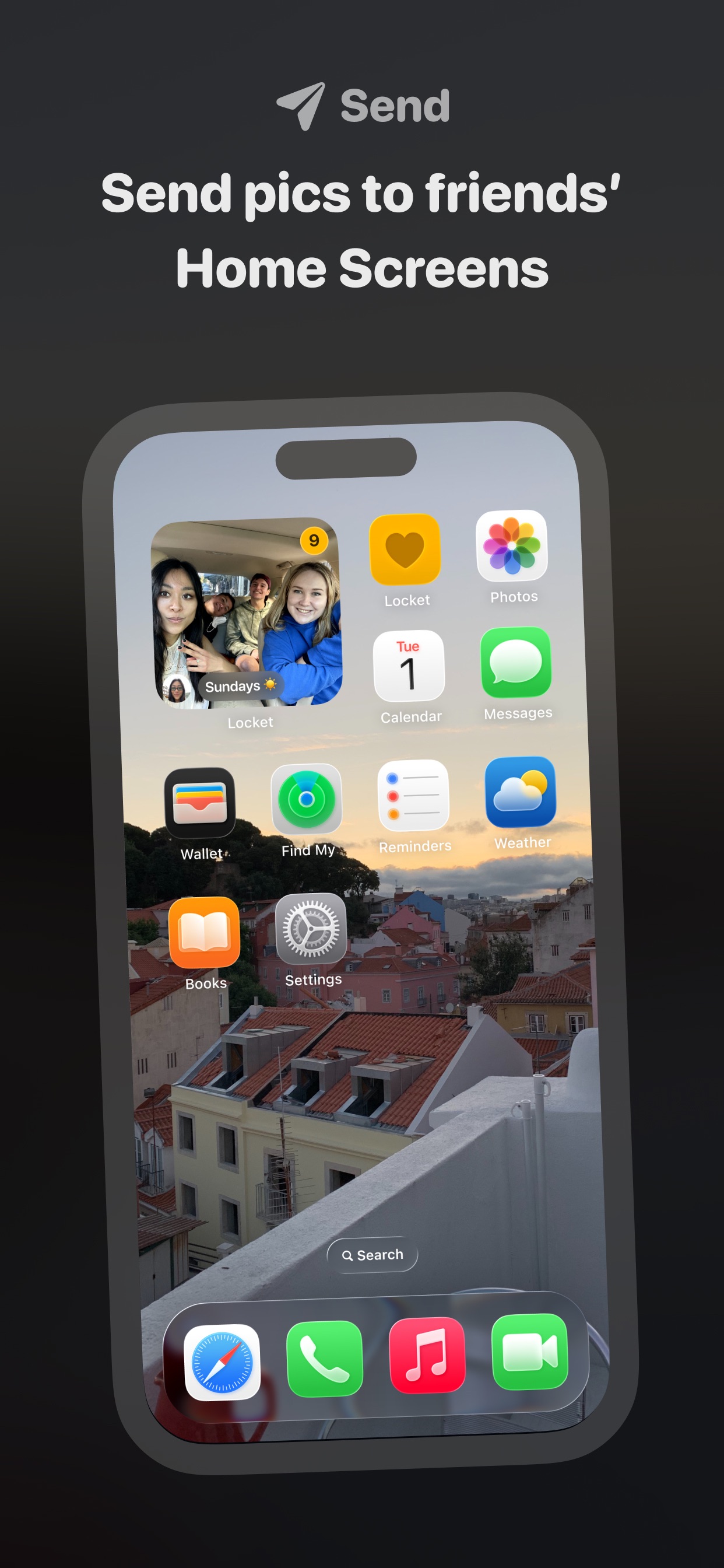

Locket Widget is a photo-sharing app that puts pictures from close friends on your iPhone Home Screen. Send quick snapshots and see updates through a widget. - Take a photo and send it to friends' widgets. - React to pictures with emoji. - Browse a history of shared photos. - Turn shared memories into video recaps. - Create widgets dedicated to individual friends. Free to download with optional in-app purchases.